Monthly Archives: June 2023

HTC One X

No, not the Xbox One X
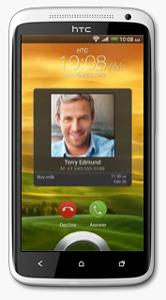
The HTC One X was released in 2012 and was a flagship smartphone from HTC at that time. With its sleek and stylish design, with a polycarbonate unibody and a 4.7-inch Super LCD2 display, The phone is light and easy to hold, and the display is large and clear even in outdoor environments.
The HTC One X is powered by a quad-core NVIDIA Tegra 3 processor and 1GB of RAM. It runs Android 4.0 Ice Cream Sandwich, which is upgradable to Android 4.2.2 Jelly Bean. The phone offers smooth and snappy performance for its time, with fast app loading times and seamless multitasking. The phone was powered by a quad-core NVIDIA Tegra 3 processor clocked at 1.5 GHz, which was a high-end processor at the time of its release as most smartphones only featured dual-core processors. It also had 1GB of RAM to help with multitasking, a respectable amount for the time. The Tegra 3 processor featured a fifth battery-saver core that kicked in when the phone was idle or performing low-intensity tasks to save power. When more processing power was needed, the other four cores would activate to provide smooth performance without any intervention from the user.
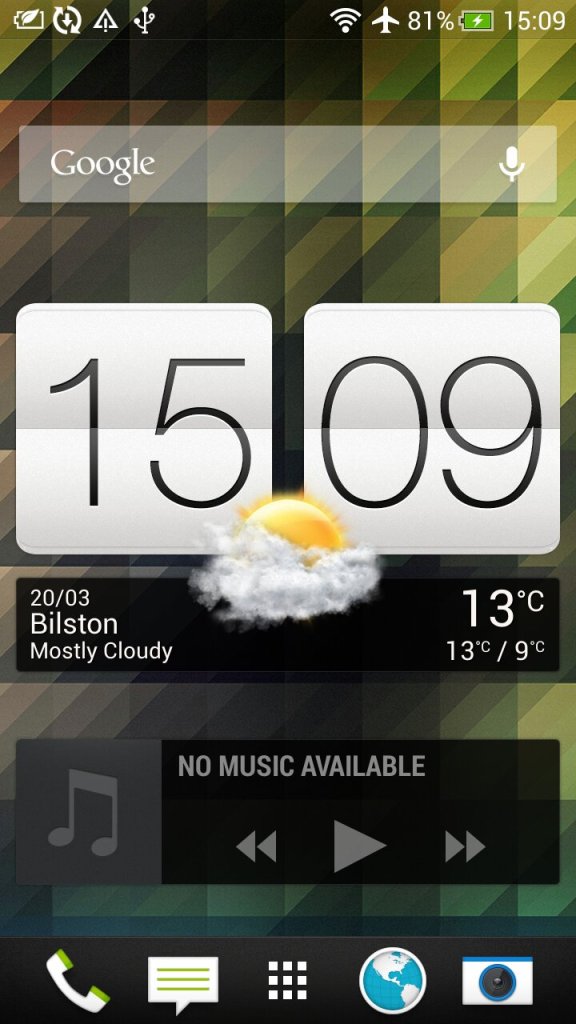
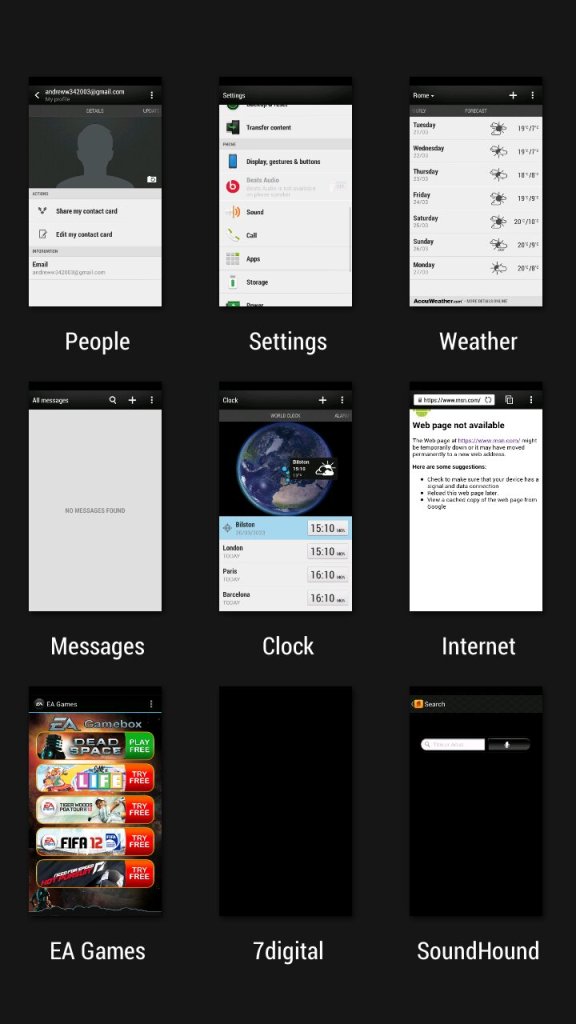
The second page of the home screen, along with the task switcher that shows recently opened apps, and lets you quickly switch between apps.

HTC Sense

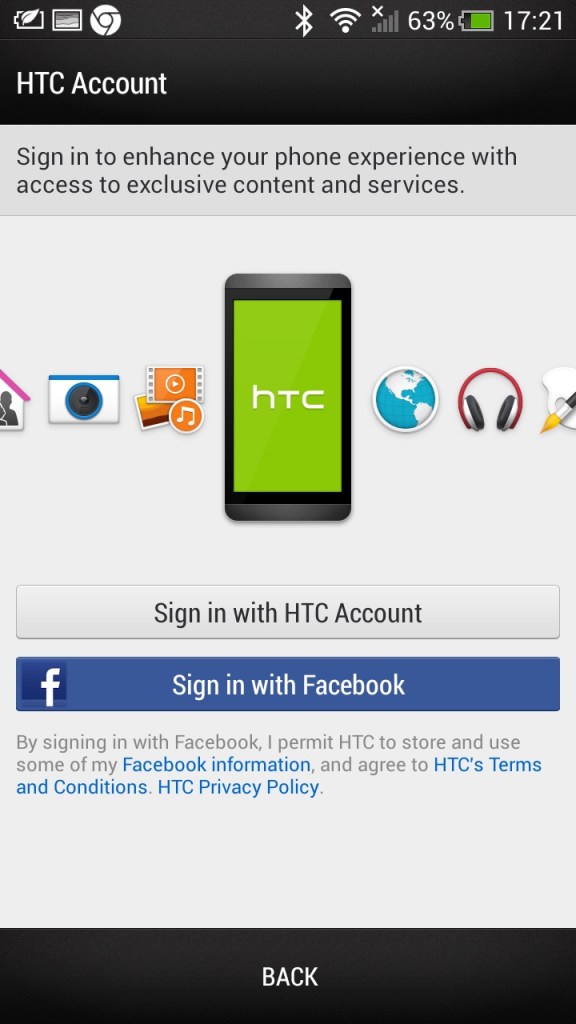
The HTC Sense UI (User Interface) is a custom skin or overlay that HTC uses on top of the Android operating system on its smartphones. It is designed to provide a unique and personalized user experience for HTC users, and it includes features and enhancements that are not available on stock Android.
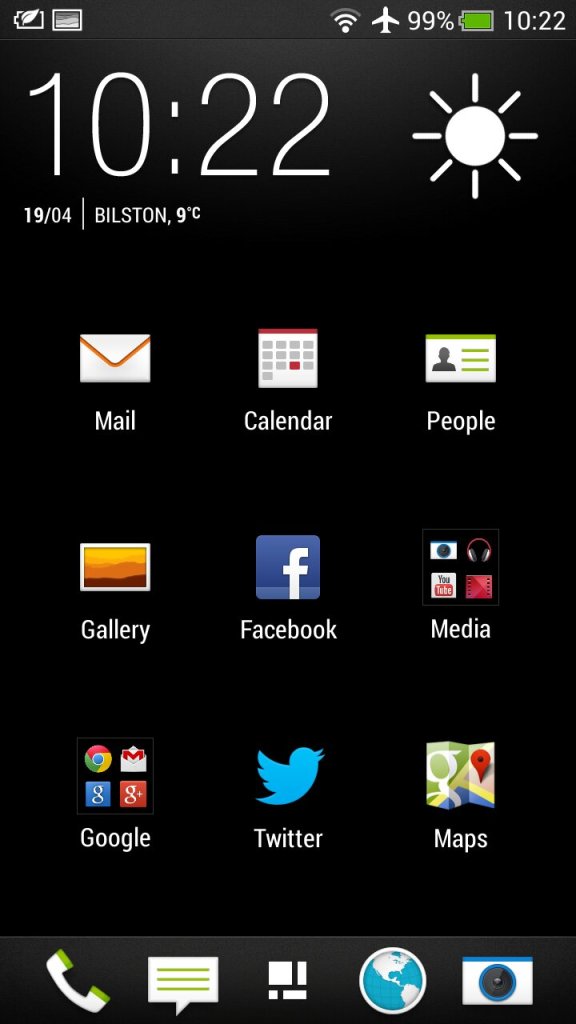
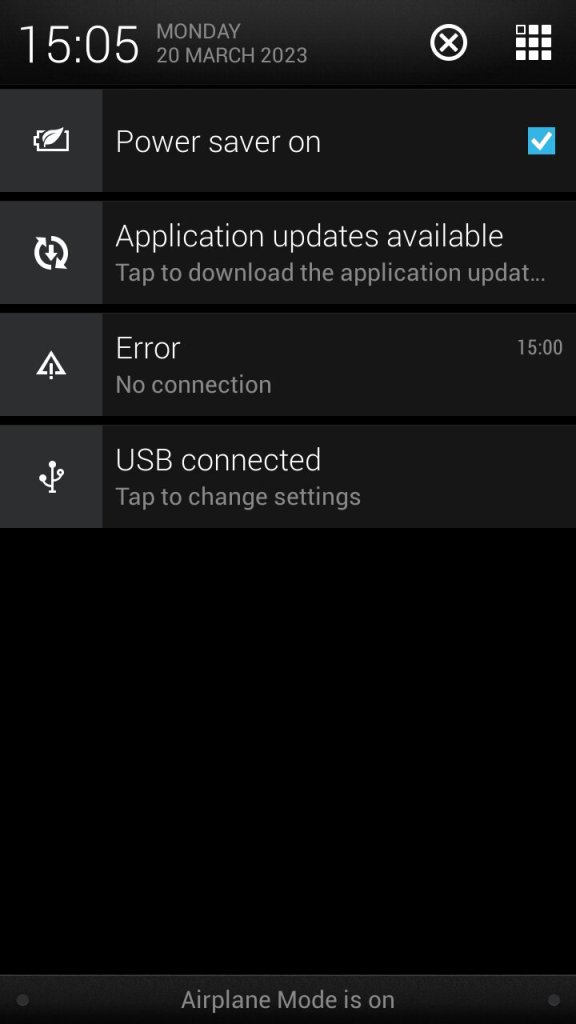
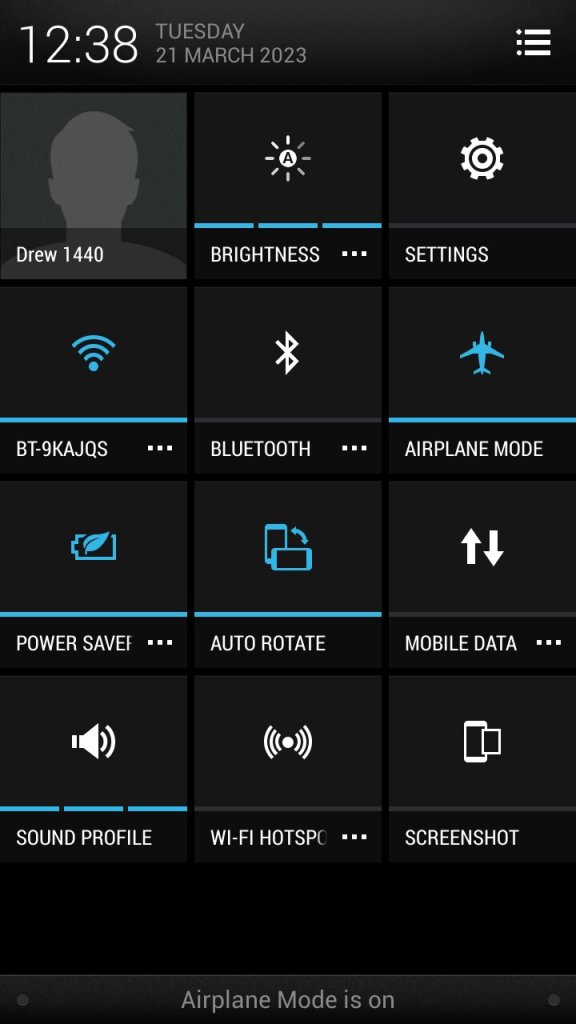
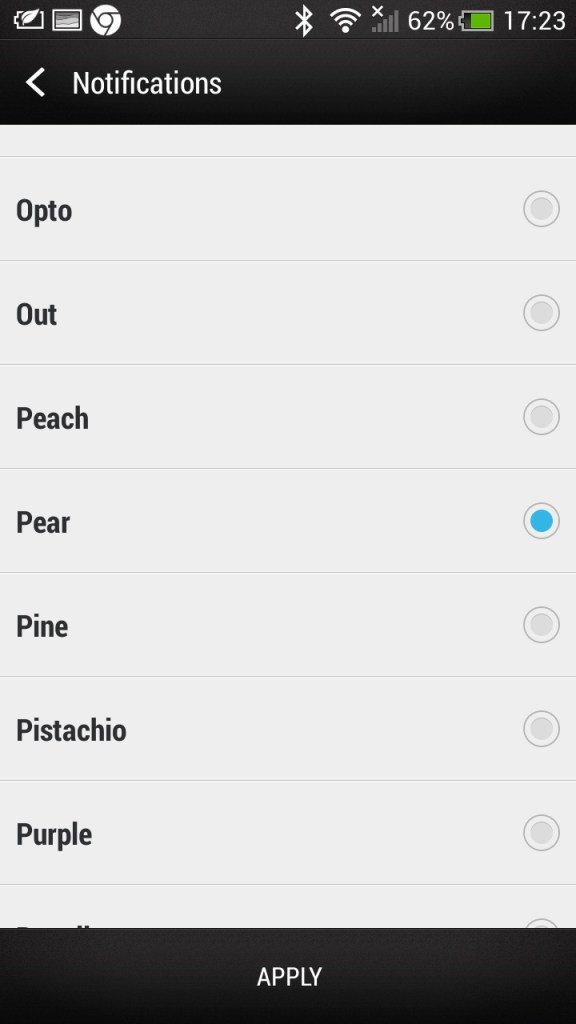
The app menu will show all installed apps on the phone, this can be customized to show apps that have been recently opened, in alphabetical order or in a custom order. The grid size can also be customized. Also the notification section, tapping on the grid button on the top right will switch to the quick access section where common features can be toggled on or off like the WiFi or Bluetooth, and the phones ringtone profile.
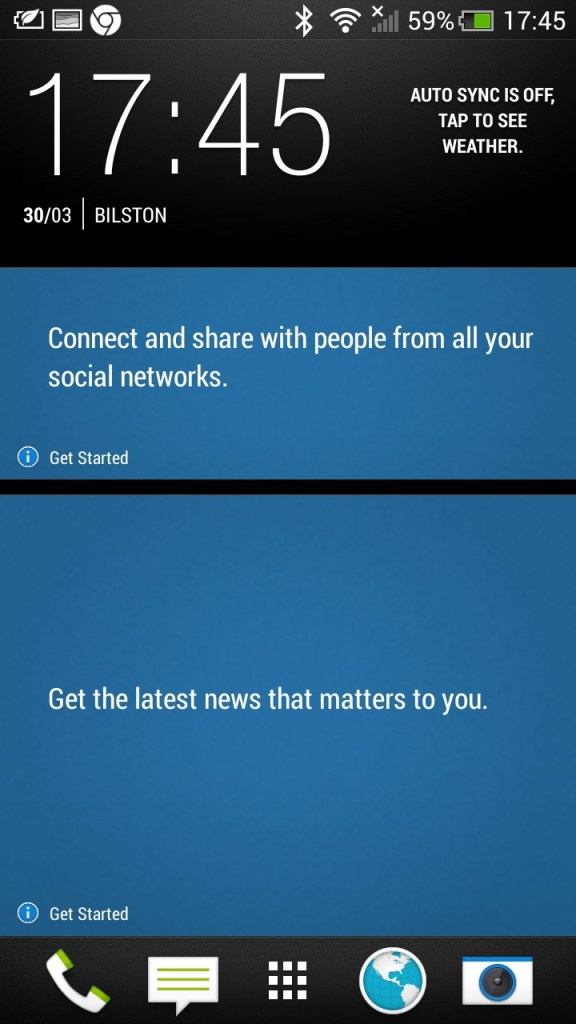
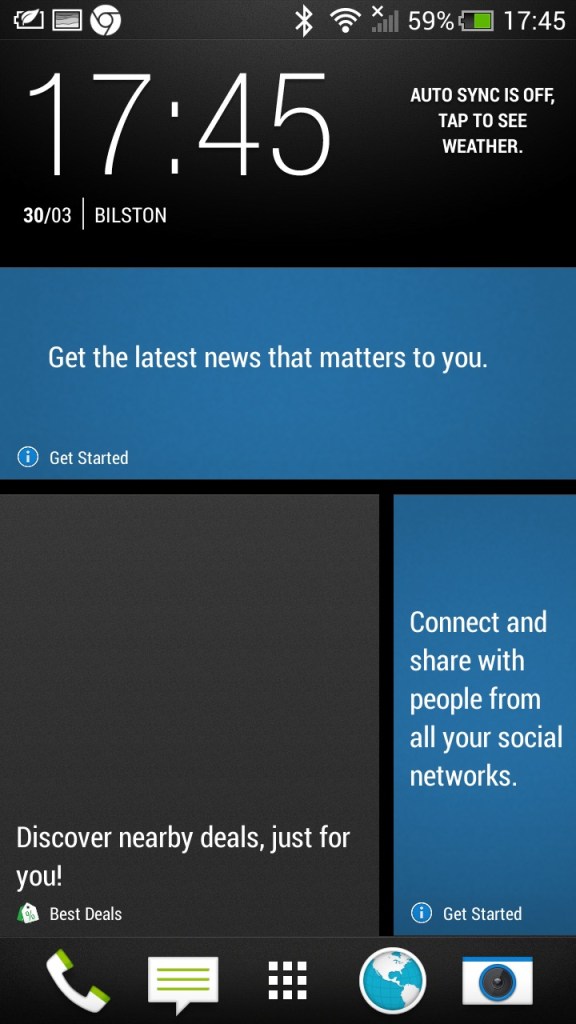
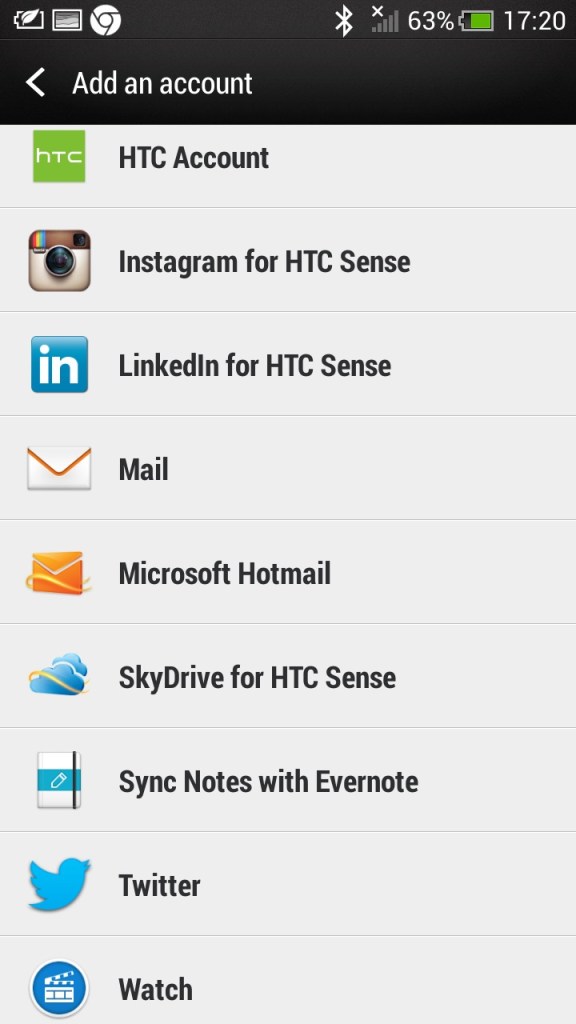
There is also Blinkfeed which collates updates from supported social media apps used on your phone (Twitter, Facebook, Instagram) and news updated from your preferred networks. I can’t help but feel its design was inspired by the Windows Phone design language.
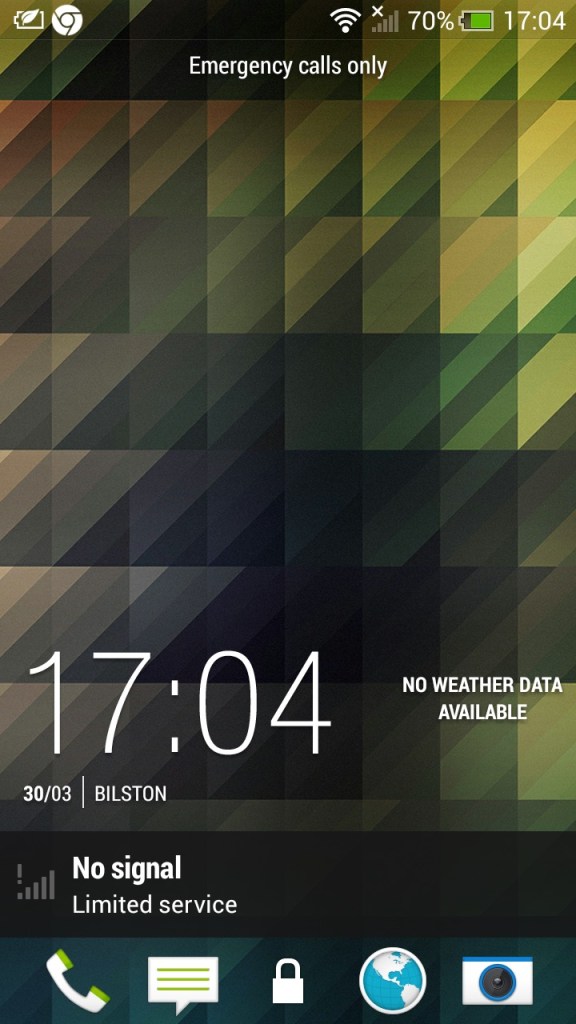
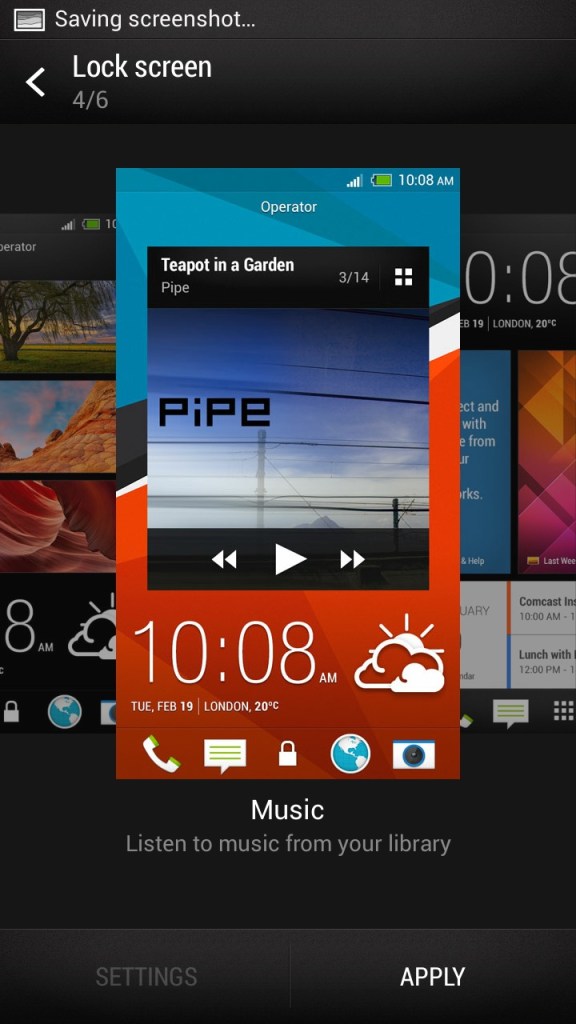
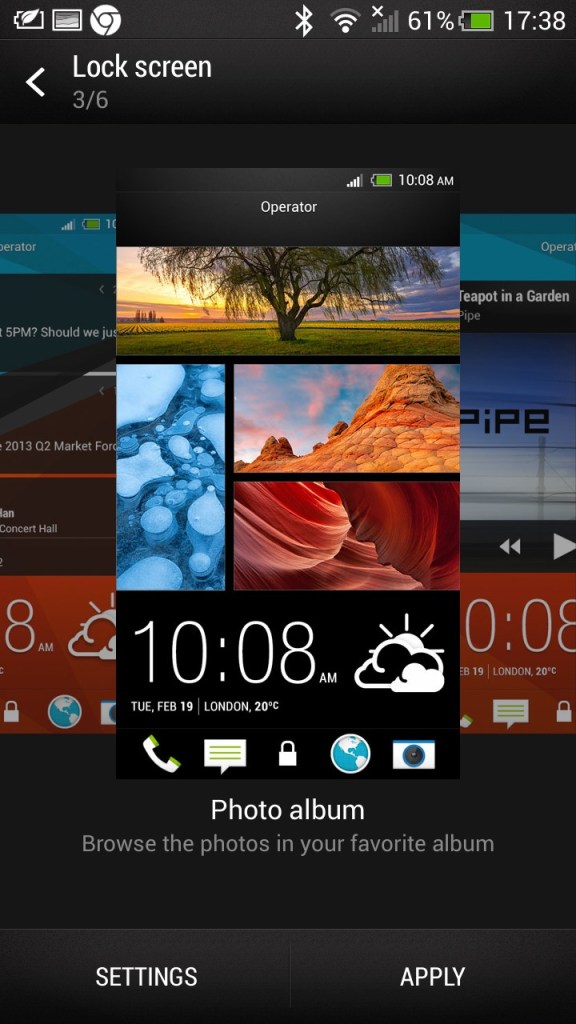
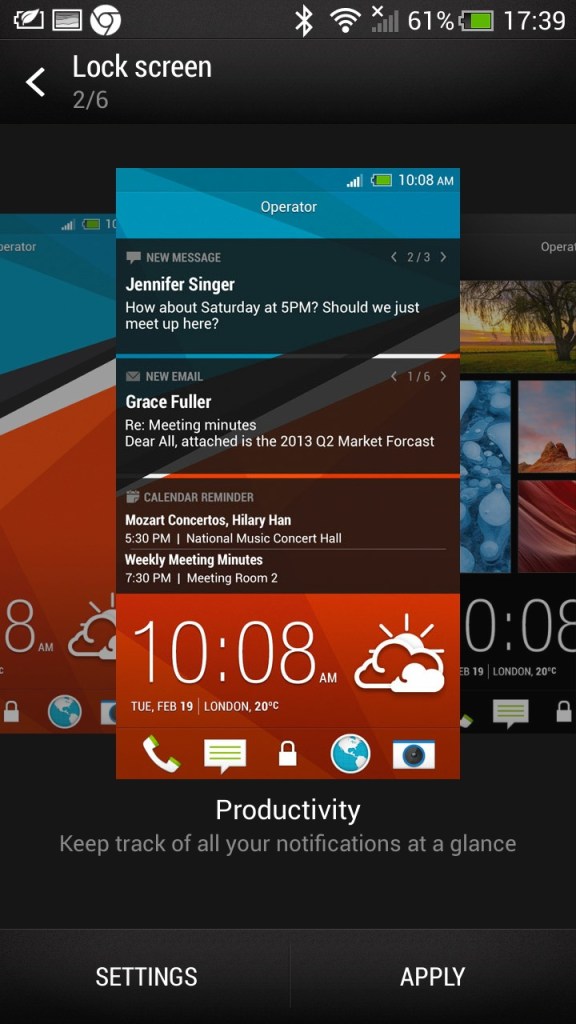
The lockscreen which is unlocked by sliding upwards, doing so raises the clock upwards which is very similar to the Windows Phone lock-screen behavior. Different lockscreens can also be set according to your preference,

  • Productivity – Shows information from email and calendar apps
  • Photo Album – Shows images in your photo albums
  • Music – Shows and lets you play music in your library directly from the lock screen
  • Or it can be configured to display a specific widget, like the weather
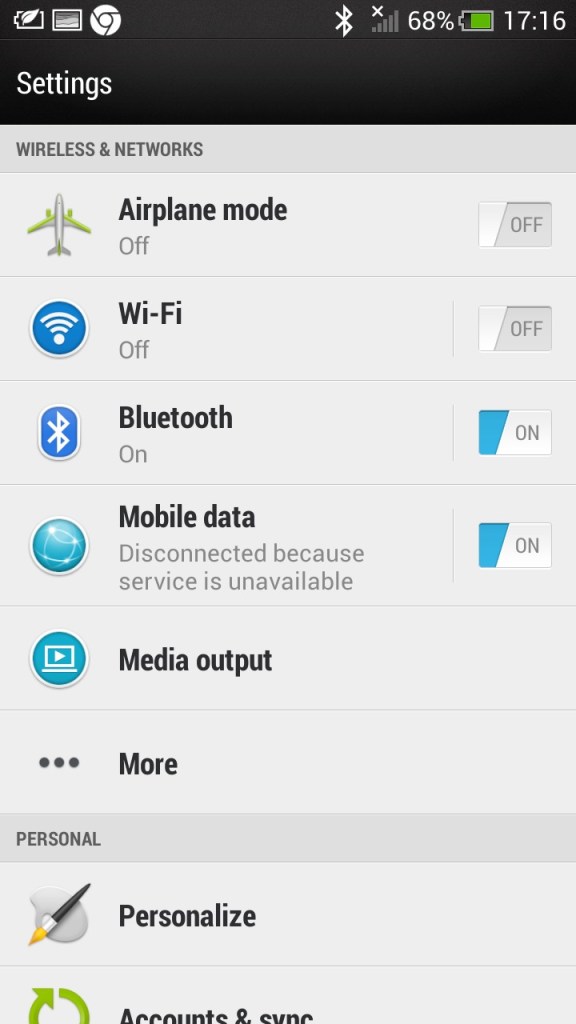
The main settings screen which divides into different sections (Wireless & Networks), Personal, Phone)
Beats audio, which was a selling feature of the phone, This was before Beats was acquired by Apple. It’s supposed to be an audio equalizer that has a specific preset, though I can’t say it makes much of a difference.
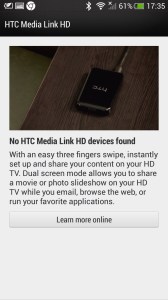
Media Link: The Media Link setting, that acts as a screensharing utility that requires the Media Link device which plugs into your TV’s HDMI input. I guess this was a predecessor to Miracast that is featured on all modern phones. The bundled tutorial showcases the ability to play movies and videos from the phone, ideal for displaying videos recorded from the camera, but I can’t imagine using it to cast Netflix (Some people actually do this, just get a streaming stick/box for fucks sake) Also remember most, if not all TV’s from this period were not ‘smart’ in that they could receive video over a network.

Multitasking is possible where the media will play on the big screen whilst you open another app, at least until the handset overheats. Still, it shows this was a very versatile smartphone.
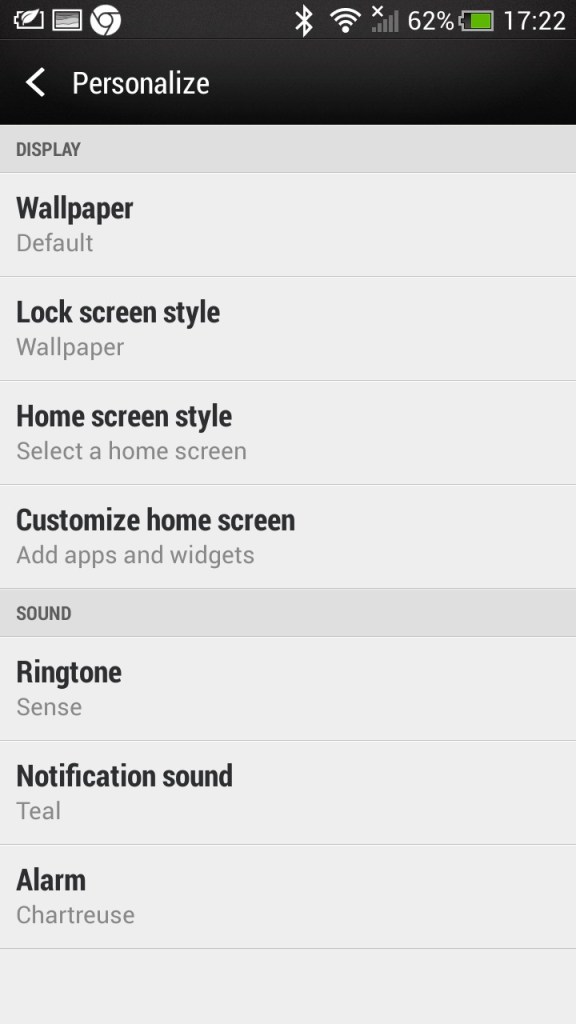
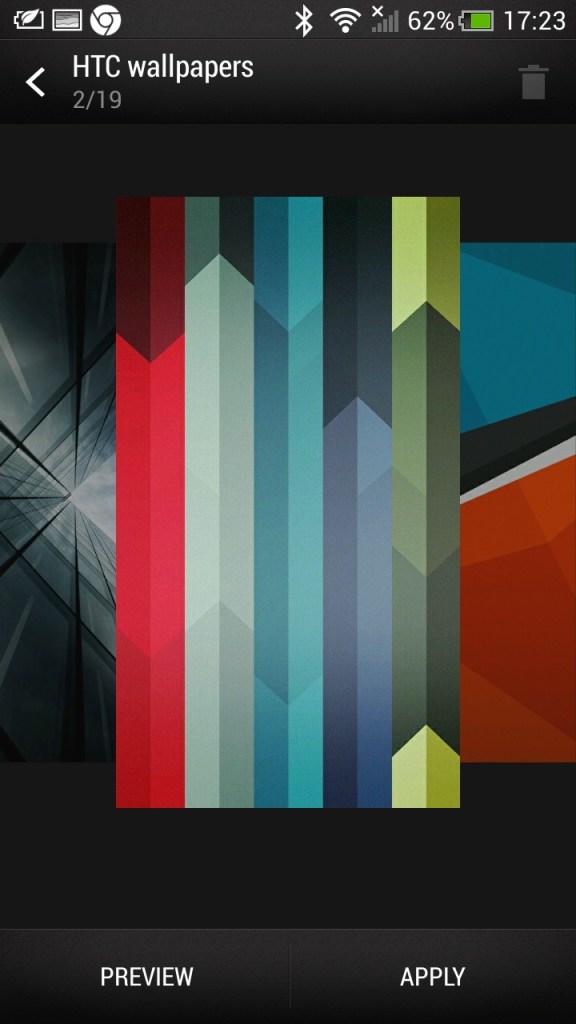
Some additional screens, including the default wallpapers HTC shipped with the phone

HTC Applications

As part of the HTC sense user interface, HTC also provided their own apps for common functions of the phone. These all conform to the same design language, achieving a consistent design across the pre-installed apps.
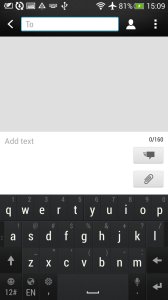
Messages: Your standard SMS app which can also handle MMS messages, both being presented in a threaded view.
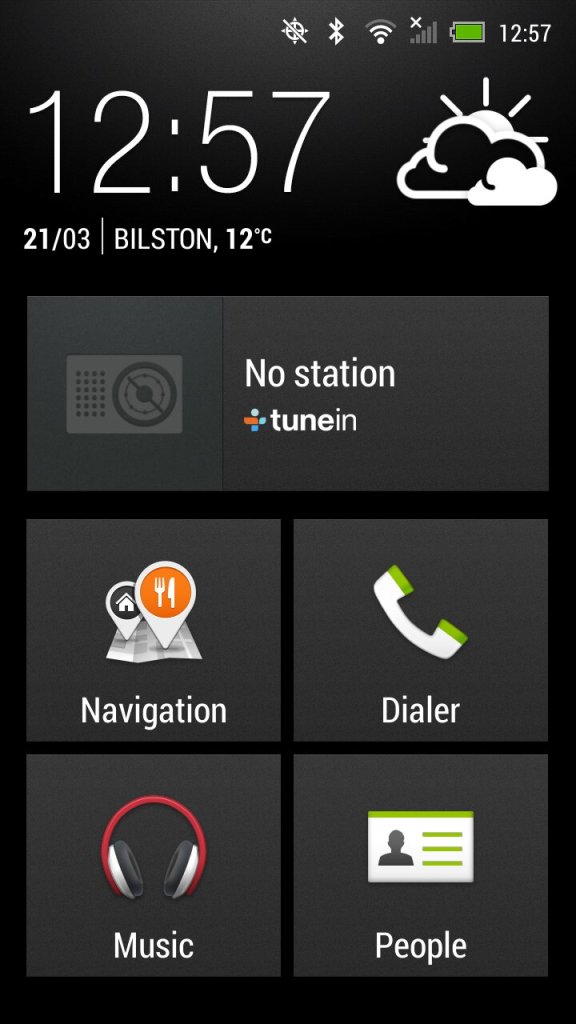
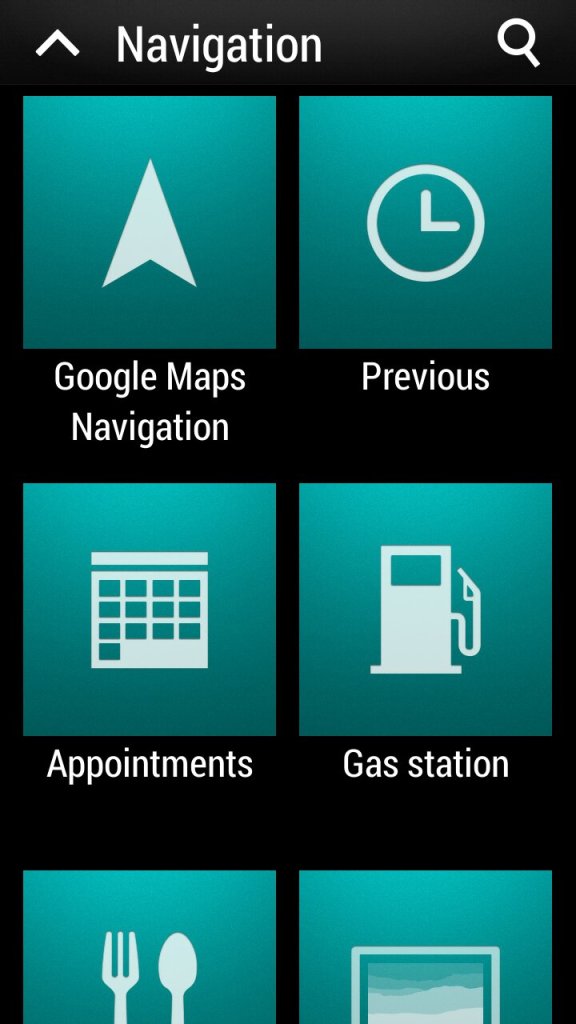
Car: for use when driving, present an easily accessible interface for using the GPS navigation and music/radio apps which are powered by Tunein. The BBC podcasts appear to work but are a few months out of date, the others no longer function. The menu can be customized to add apps that are not there by default.
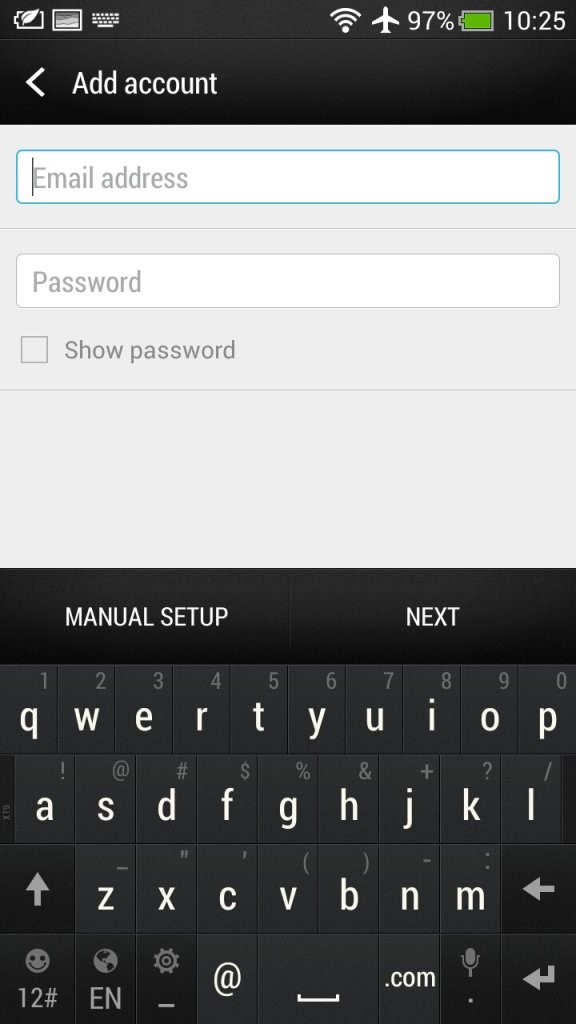
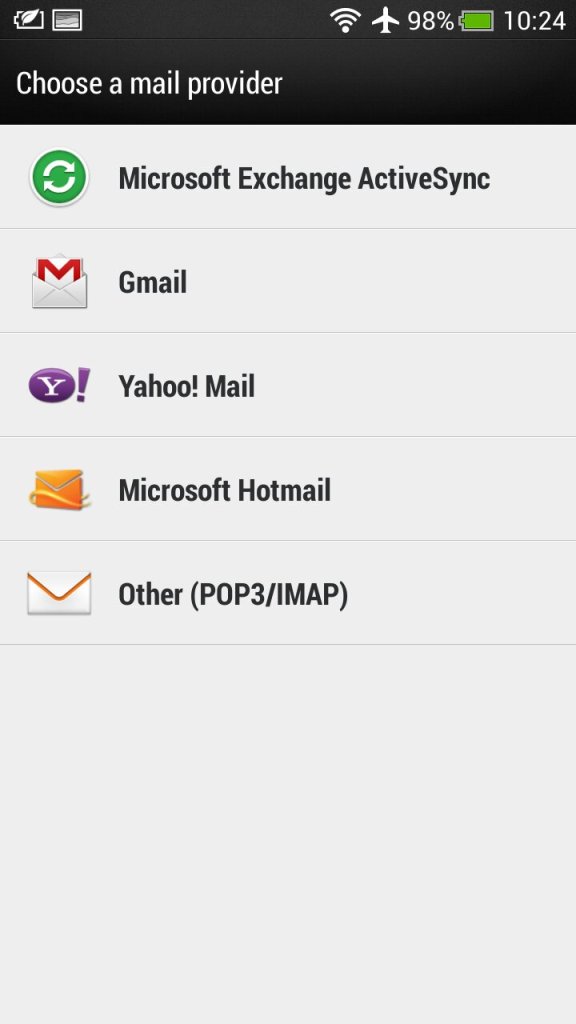
Mail: HTC’s own email client that had support for Gmail, Yahoo! Mail and Hotmail (Outlook). Other email providers can be used by setting the correct POP3/IMAP configuration. Microsoft Exchange can also be used.
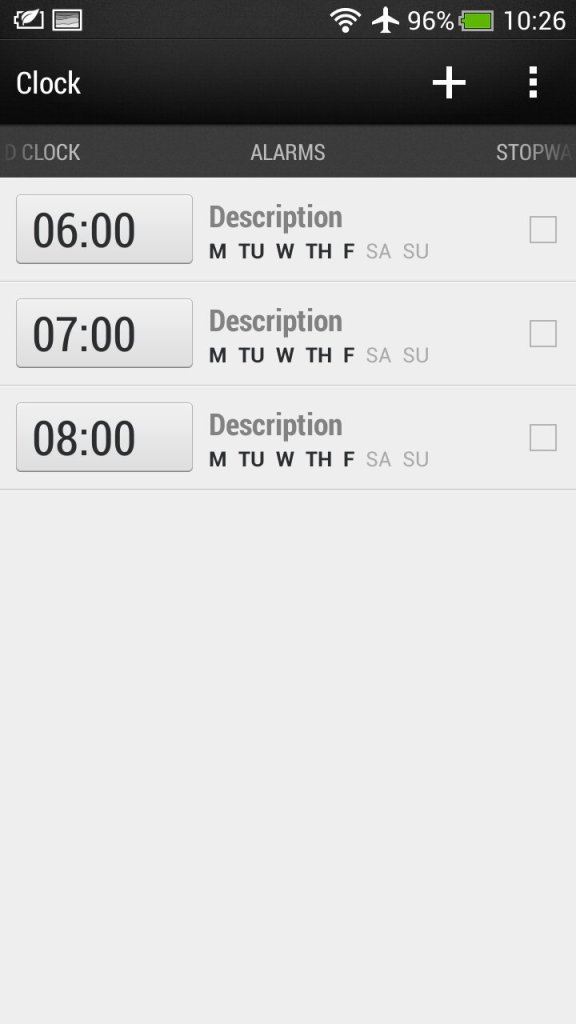
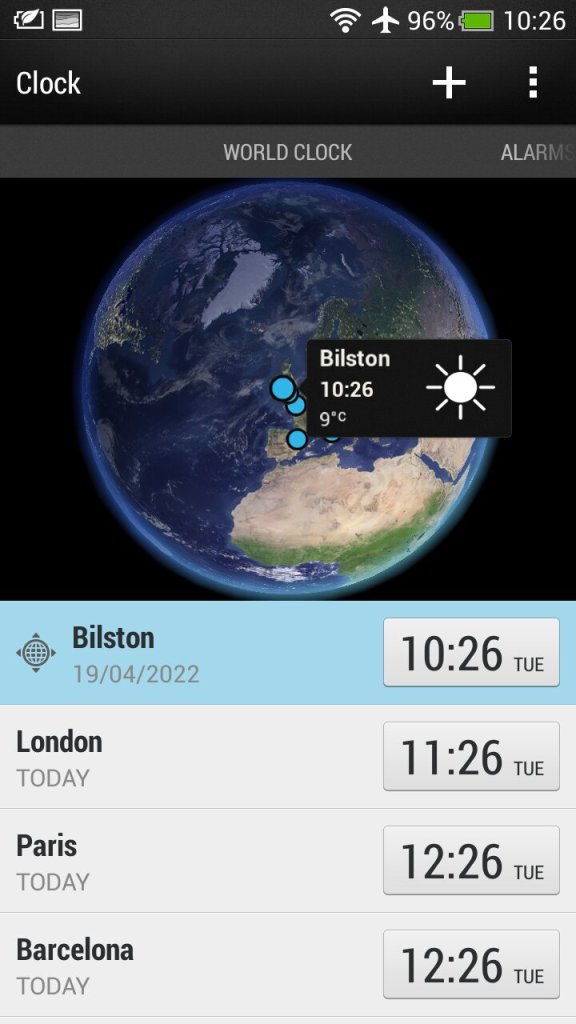
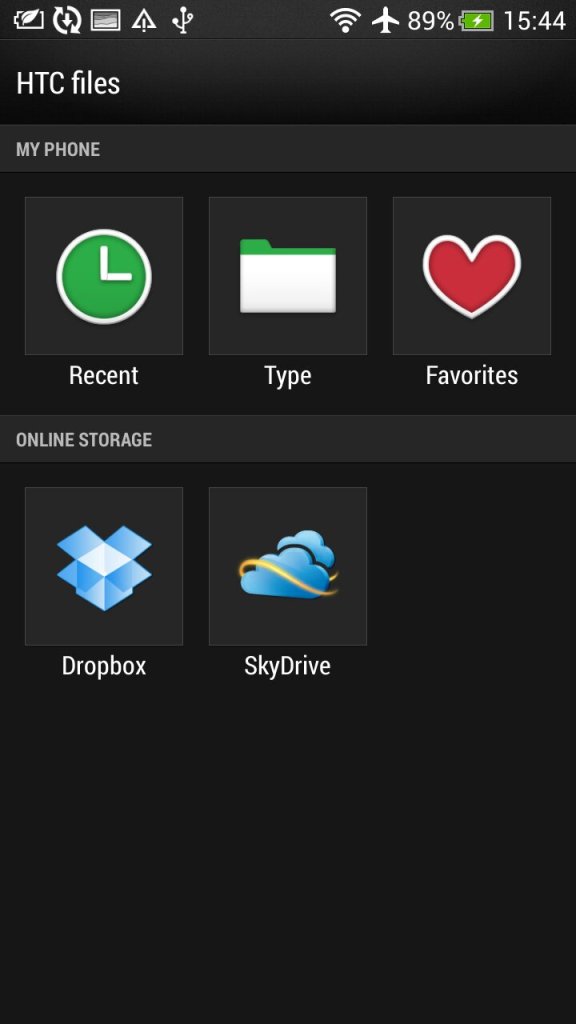
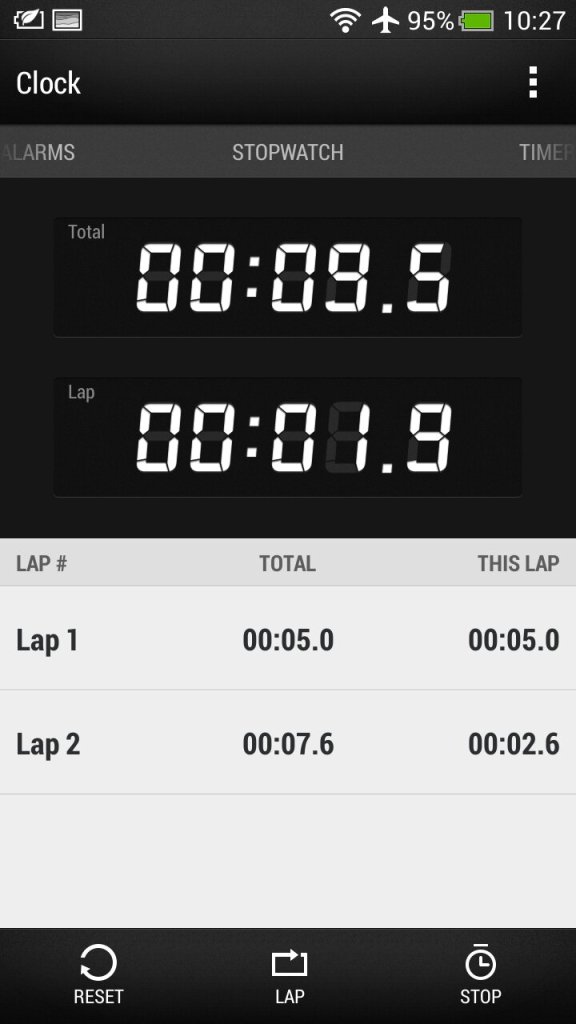
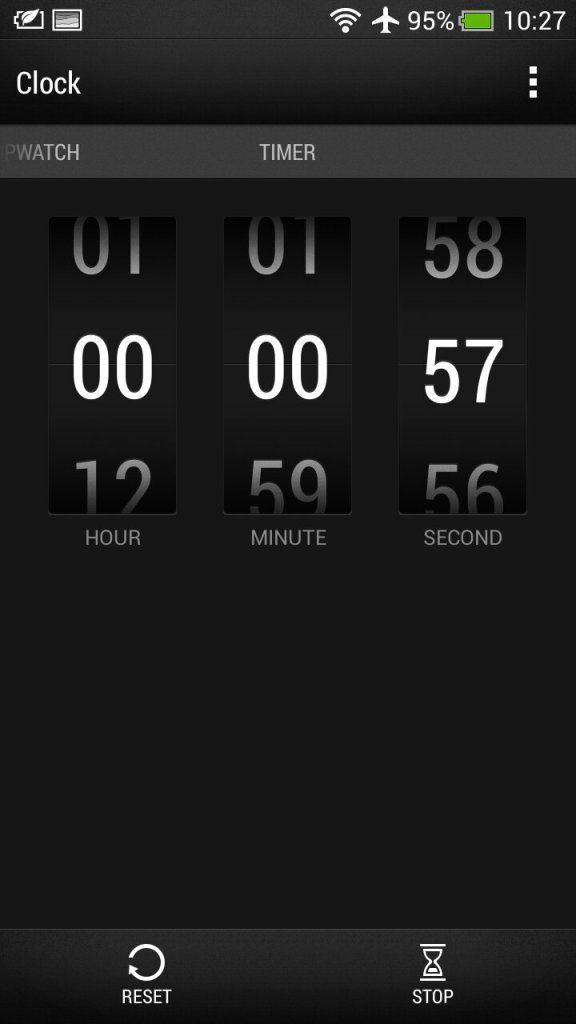
Clock: For setting the time or different timezones, of which HTC has configured a few for you. Here you can also set multiple alarms that can be a standalone or recurring. A stopwatch and a timer are also provided which mimics an old alarm clock.

Stocks: Check your stocks of which the information is delivered from Yahoo Finance.
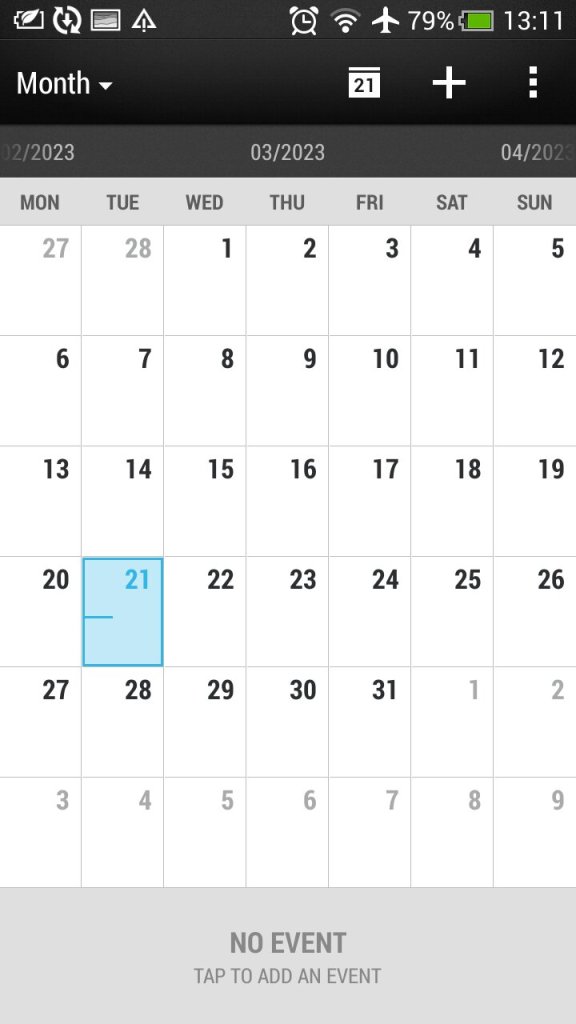
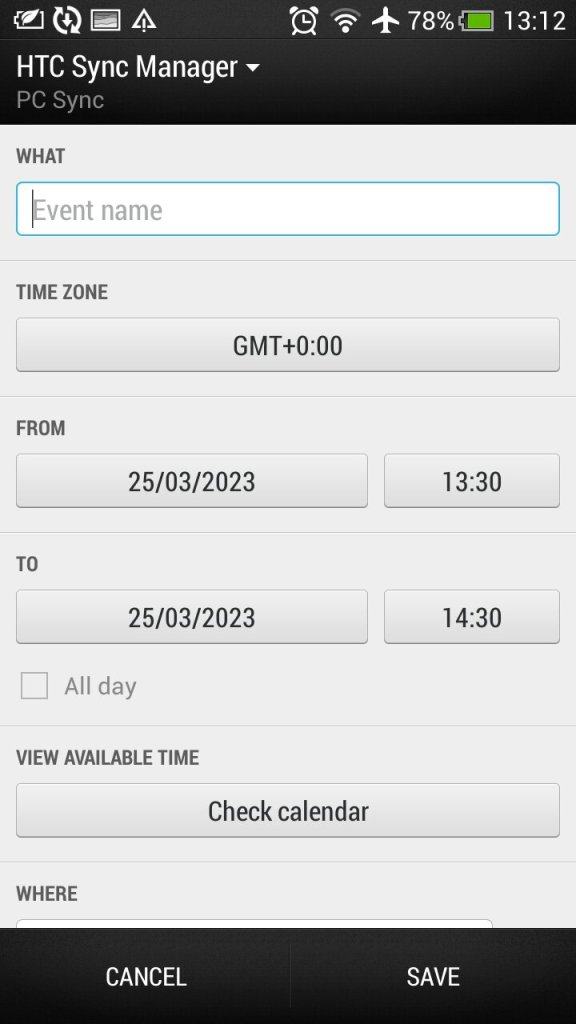
Calendar: Typical calendar app to set reminders and events. This will sync with the calender of your email provided if one is supported, otherwise this can be set to sync with HTC Sync manager, an application for your desktop PC.. Default view can be either Day, Week or Month.

Camera: The handset features an 8-megapixel camera with autofocus and LED flash. The camera is capable of capturing high-quality images and 1080p video, with good colour accuracy and sharpness. It also has a front-facing camera for video calls and selfies.
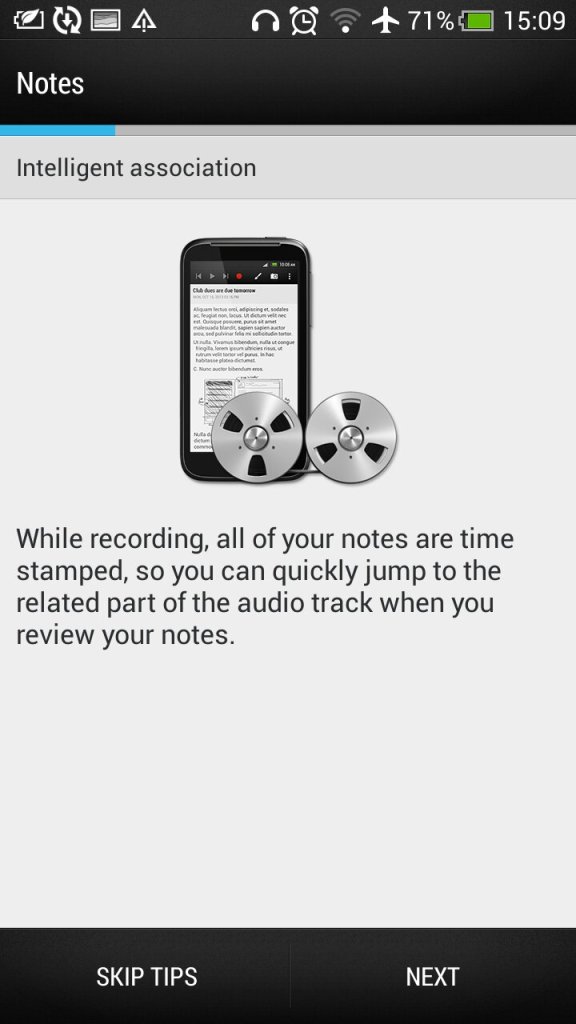
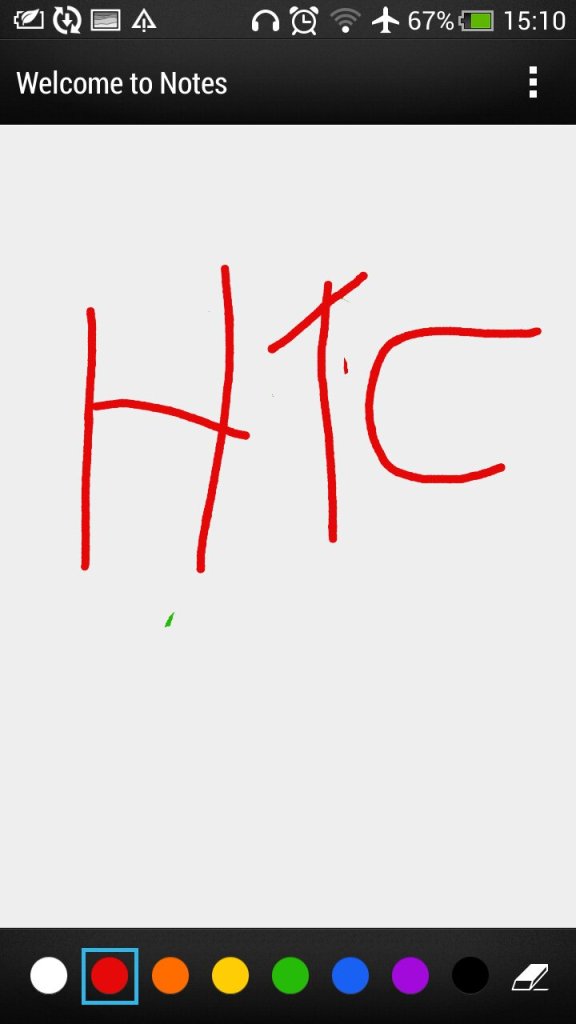
Notes: Supports both text notes and handwriting/freehand notes. Also gives access to the voice recorder feature.
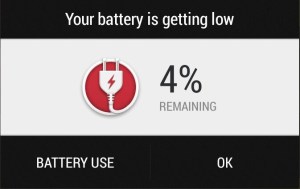
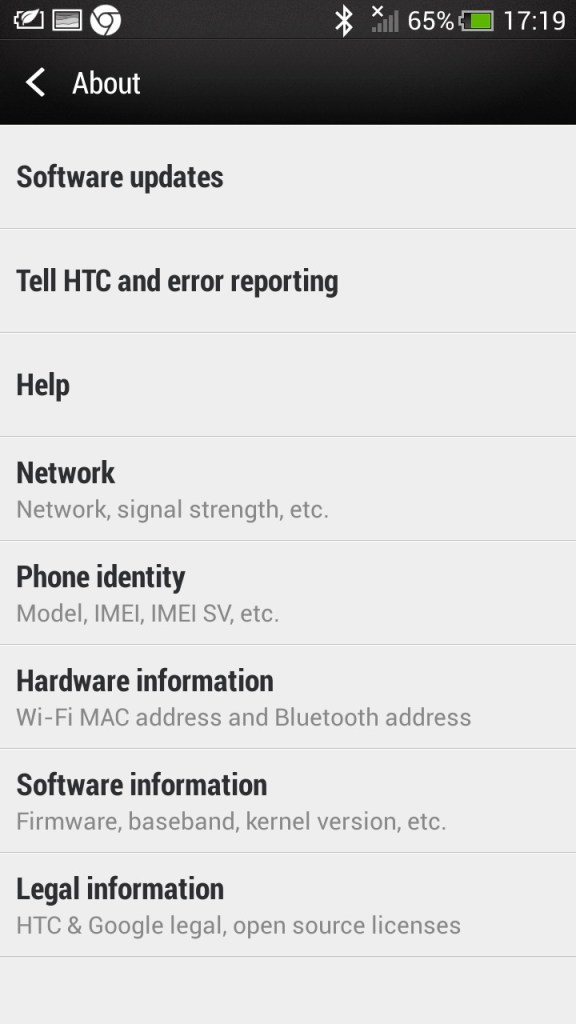
Low battery notification, which gives you a shortcut to the battery-use application that shows apps that have consumed the most power

Preinstalled Apps
EA Gamebox: Gives us links to EA’s mobile games that you could download to your device including Dead Space, The Game of Life, Tiger Wilds, FIFA12 and Need for Speed Hot Pursuit.
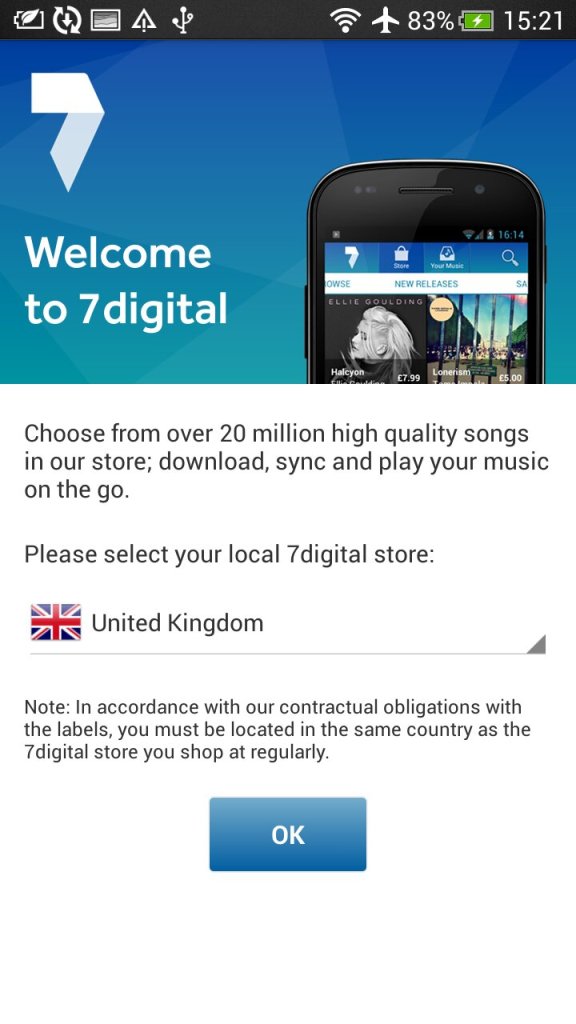
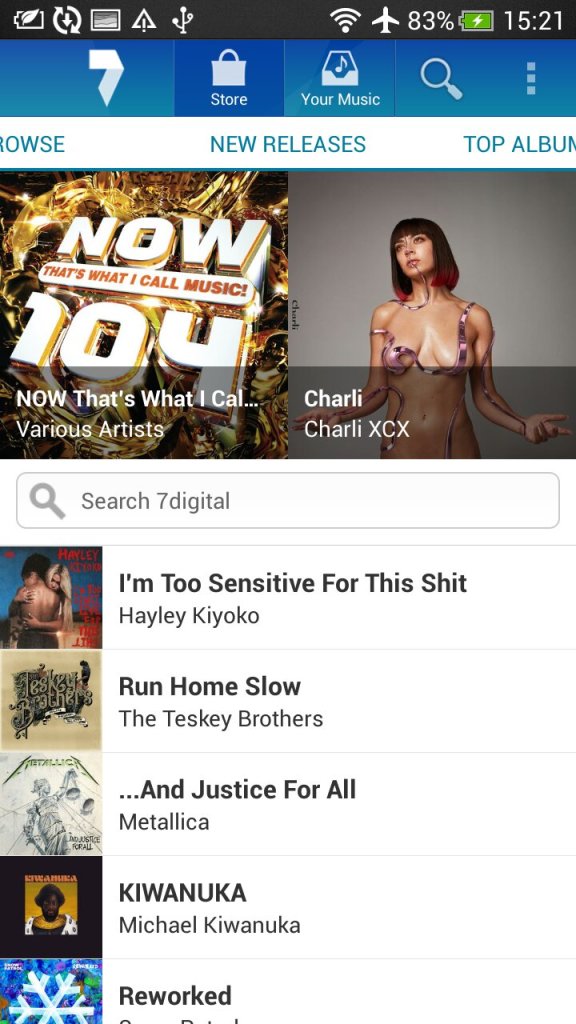
7digital: Popular music store, an alternative to the iTunes or AmazonMP3 for purchasing music. This also serves as a music player as I can play both download music off the store and any local files you transfer from a PC.
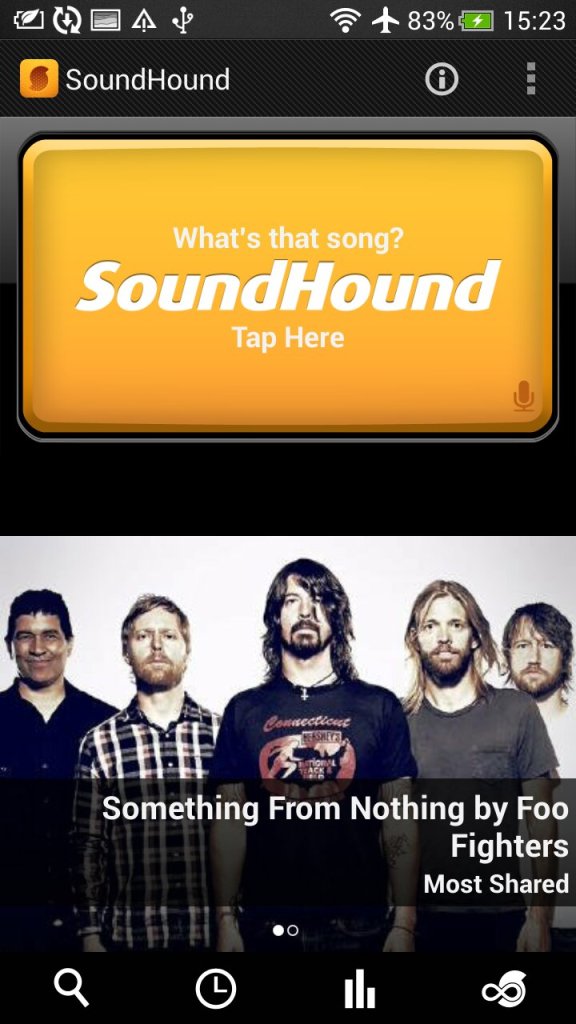
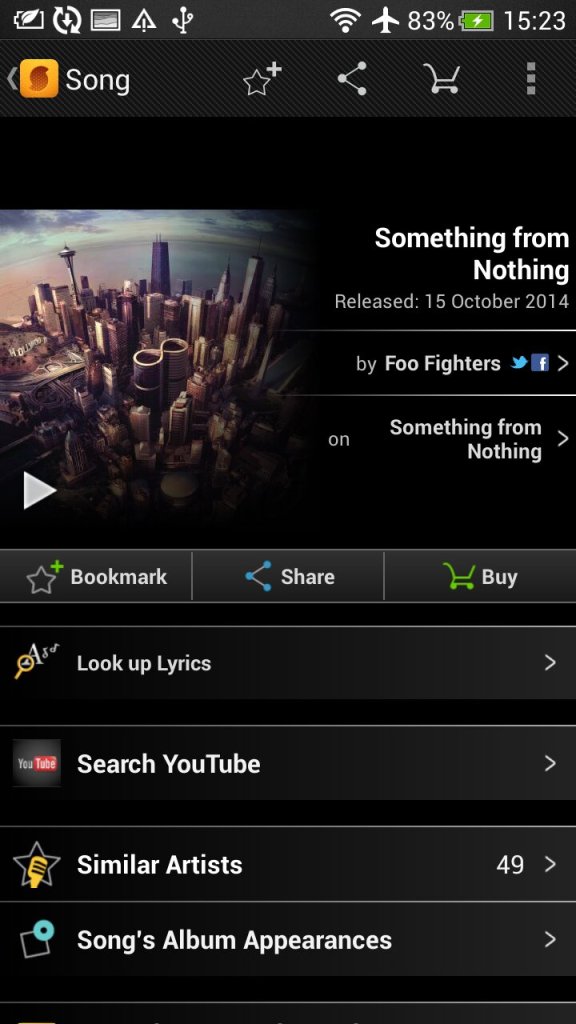
SoundHound: Music discovery tool that can detect and identify music playing my listing and sending a sample. Useful to identify a track that is unknown.
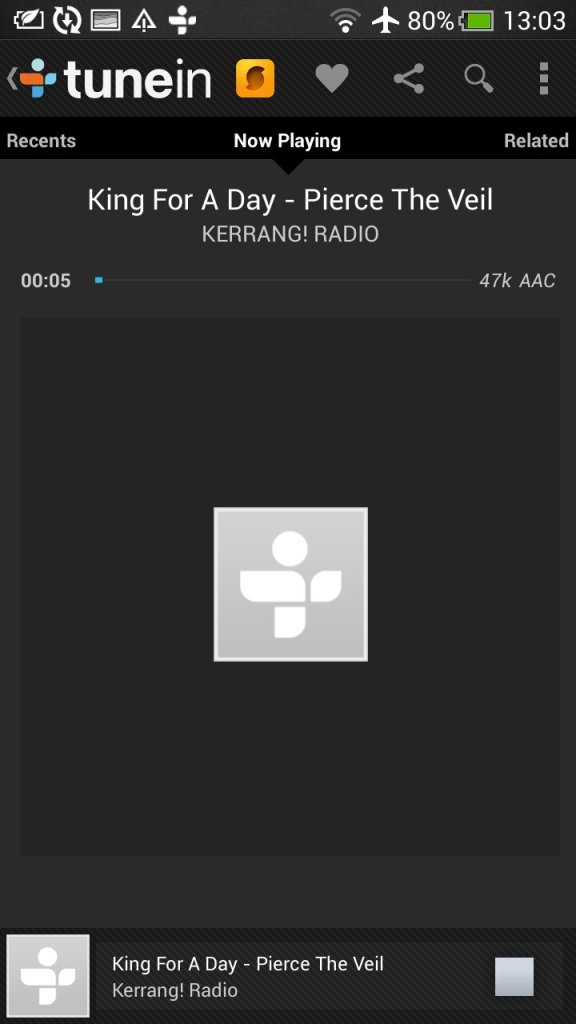
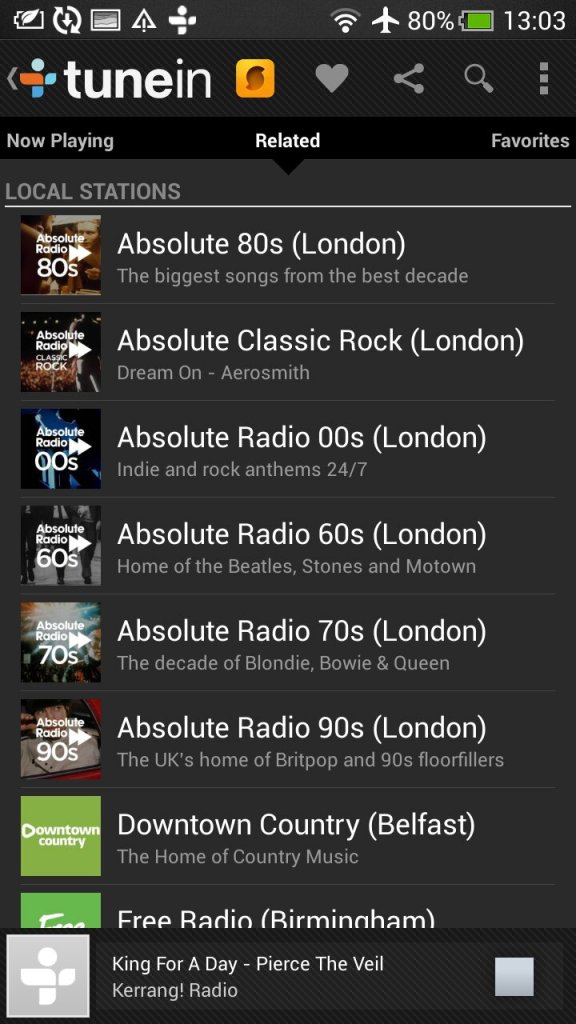
Tunein Radio: Radio player directory, used to discover and listen to internet radio stations

Dropbox: Cloud file storage app that can sync with multiple devices.

Polaris Office: Mobile office productivity suite to open documents, this can auto integrate with both Dropbox and SkyDrive (Now Onedrive) or open files off USB storage.

Standard social media apps are also included like Twitter and Facebook

Widgets
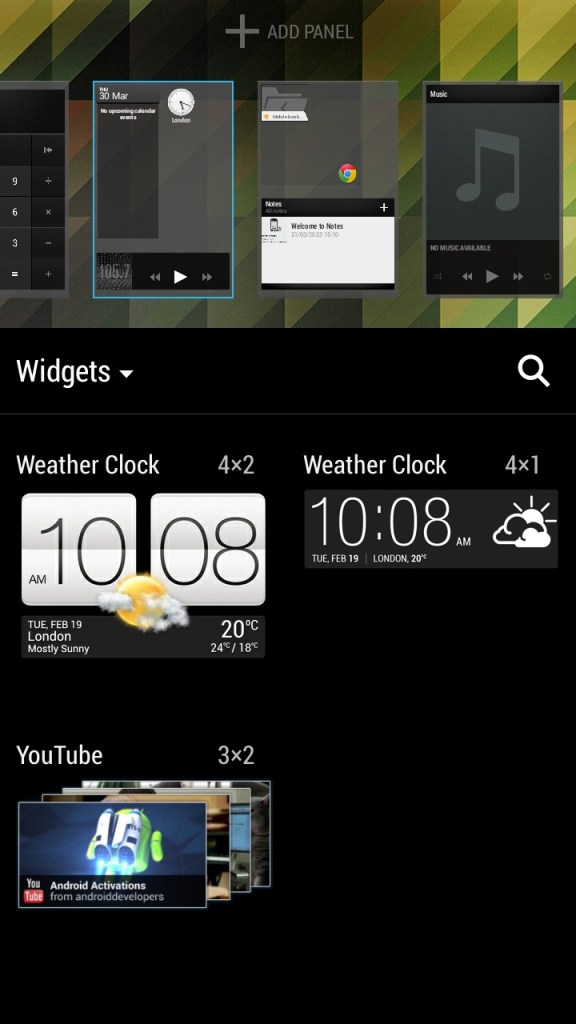
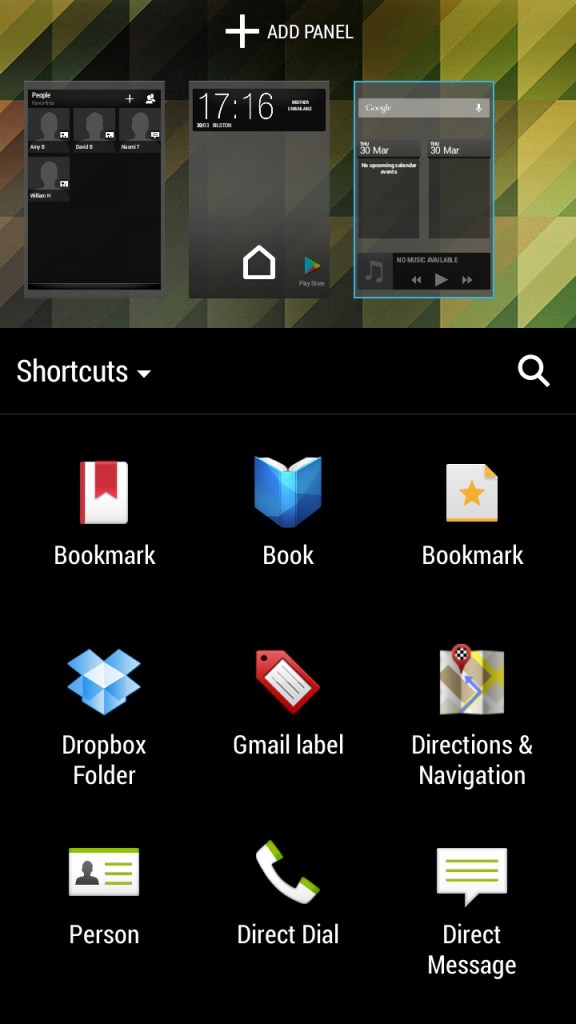
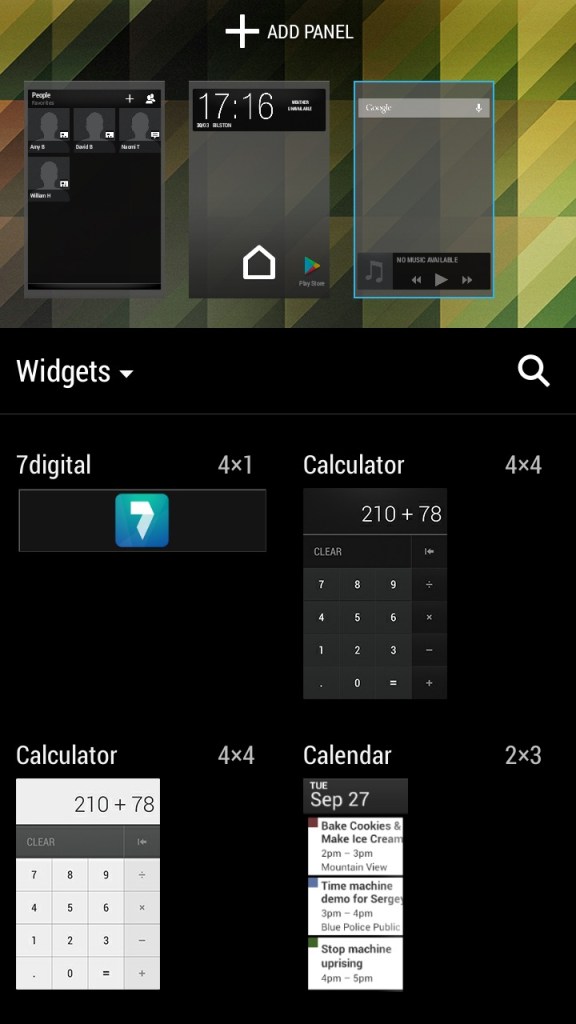
Like other Android handsets, HTC have included a few default widgets that can be placed on the Sense UI, most of these will link to existing apps on the phone and incorporate some of their functionality. You can have up to 8 different panels containing widgets or app icon shortcuts fro easy access. Switching between panels is as easy as swiping left or right.
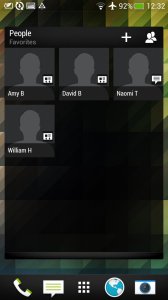
The contacts widget lets you place your top 9 contacts, of which can be pinned for quick access. Kind of like a speed dial of sorts but you can customize what to do when you select them, either open the contact card or directly call or message the contact instead.
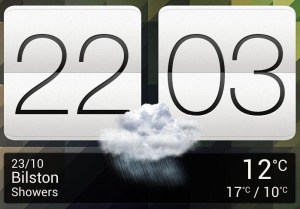
The weather and clock widget which will show the weather according to your phone’s location, when pressed will just take you to the clock app.
The music widget lets you quickly play the last played track and also lets you pause and skip tracks directly. Pressing on it will open the HTC music app.

Conclusion

Overall, the HTC One X was a great smartphone for its time, offering excellent performance, a good camera, and solid battery life. However, it is now outdated and may not be suitable for users who require the latest features and technology. Trying to use it as a daily driver 10 years later will be a challenge, whilst you can still connect and sync a Google account, the amount of Play store apps that can be installed is very low, with Twitter, Facebook and even Google’s own Youtube apps no longer being supported. Oddly Youtube Music and Kids can still be installed.

The browser side isn’t much better, the latest Google Chrome dates from 2015, whilst Dolphin Browser 12.2.9 is the latest supported. You have to remember a lot of modern Android apps are not ARM64, and his handset is only 32bit.

Toshiba Satellite 300

A notebook computer released in 1998 and running the first edition of Windows 98. Toshiba are well known for its notebook systems and was remarkably popular with business users who valued portability and continue to manufacture notebooks under the Dynabook brand. The Satellite series are mid-range systems orientated for small businesses or home office users.

For 86box we used the Toshiba Equibim 5200 which is also a Pentium-based system from the same era but is a desktop system.

Recovery Install Process

Looks like it’s using the eMachines recovery utility to allow installation on a generic machine.

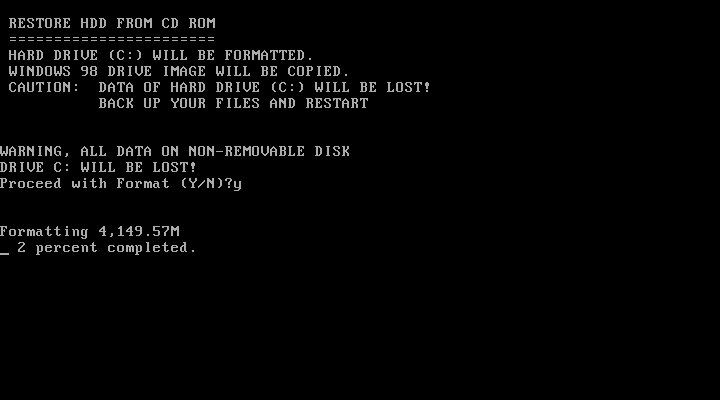
We do need to ensure the hard disk is initialized and the partition’s ready for installation. You are given the option to format the hard disk or leave the volume intact providing its FAT32 (FAT16 might work but is untested) Once formatted the restore begins.

First Boot

The customized active desktop wallpaper is based on the Windows 98 default active desktop wallpaper but with custom links to Toshiba websites.

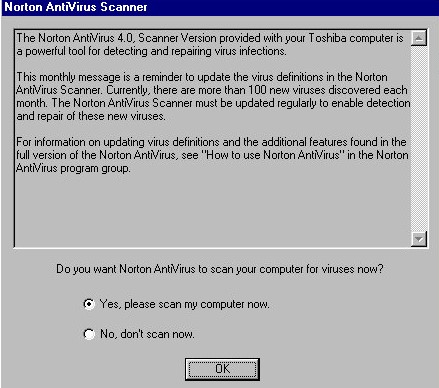
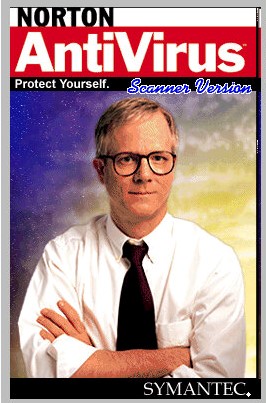
We are welcomed with a reminder about our antivirus software, of which Norton comes installed by default.

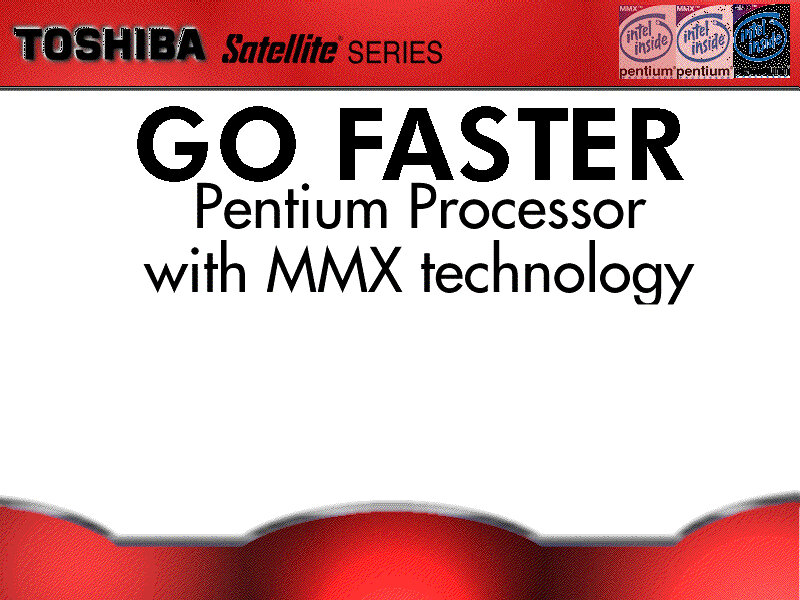
OEM information, ‘In Touch with Tomorrow’ was Toshiba’s slogan for their laptops.

Toshiba have customized some of the screensavers including the 3D text.

Another screensaver

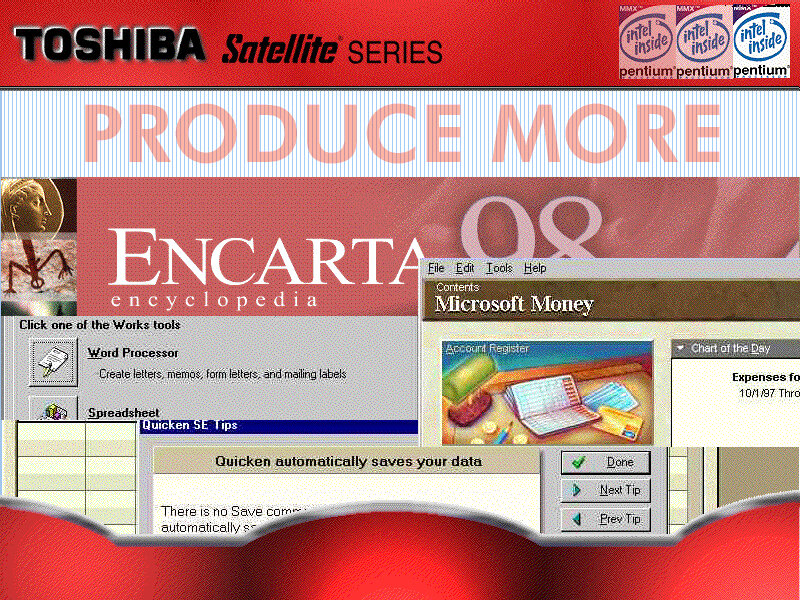
Included software

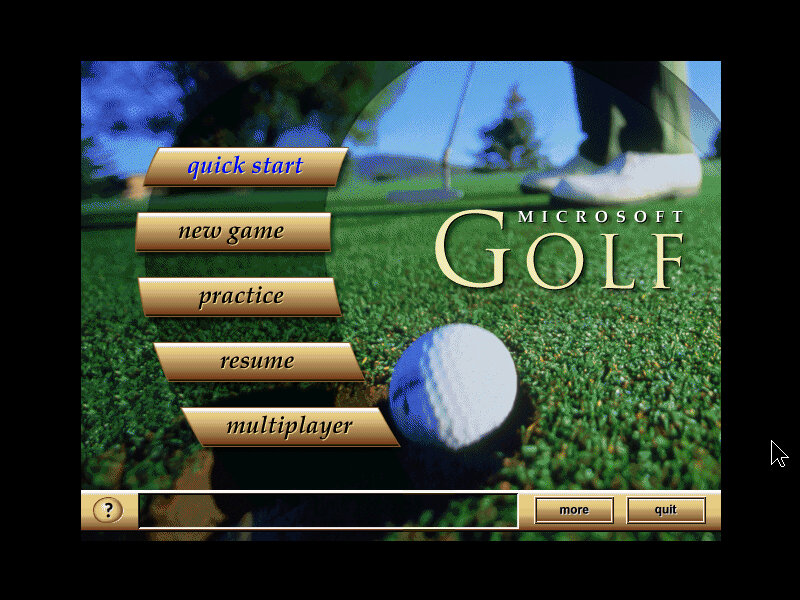
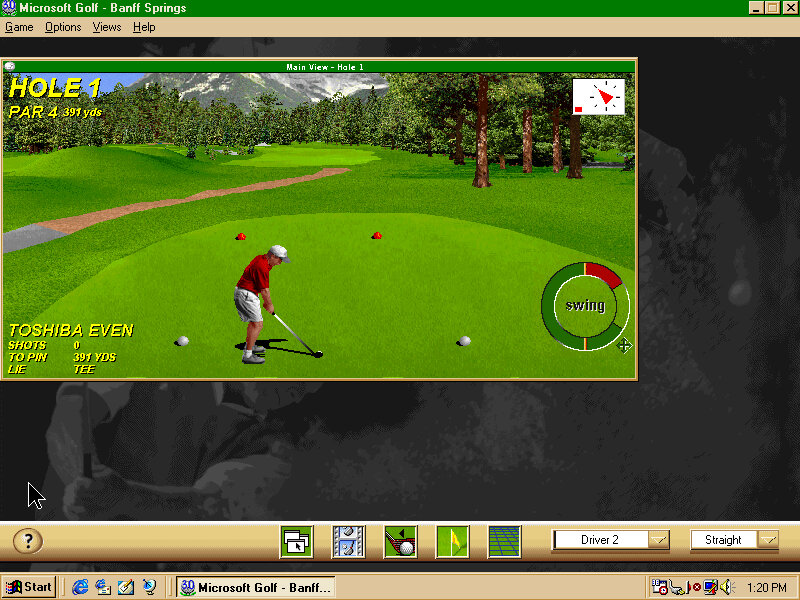
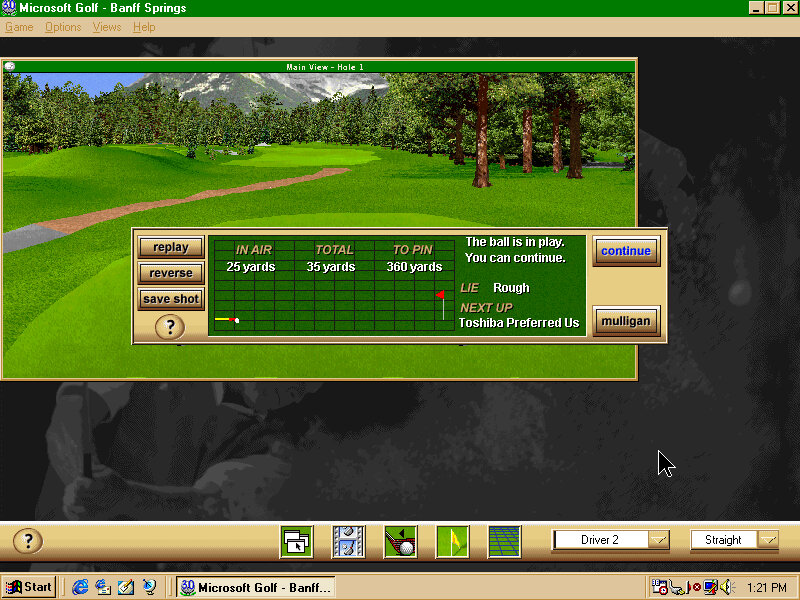
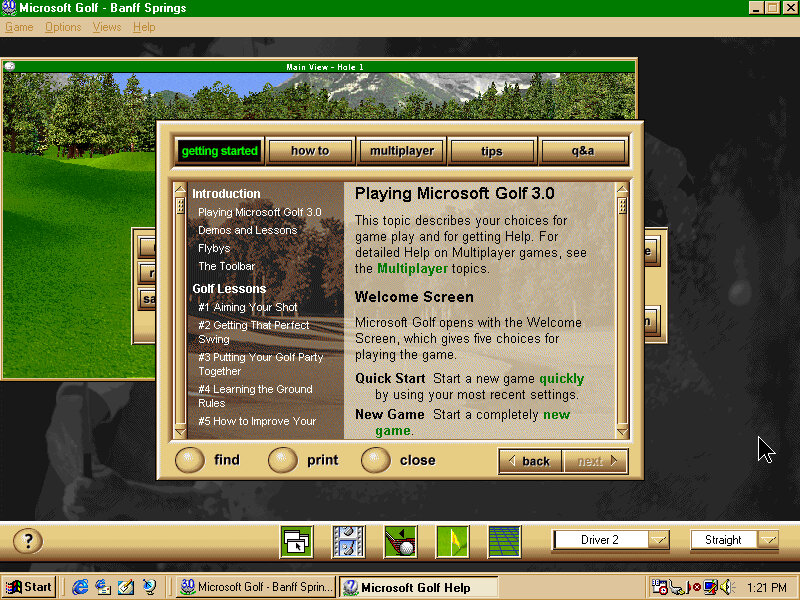
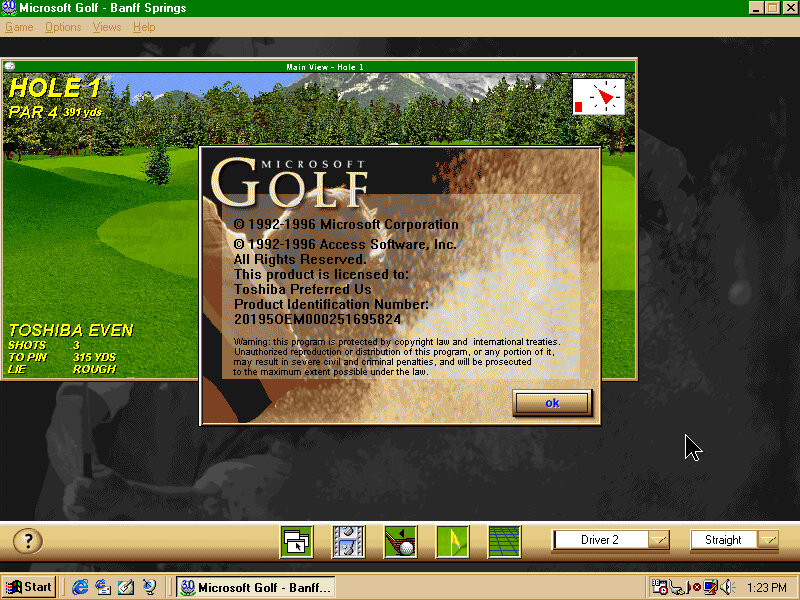
Microsoft Golf: A golf simulation game, the 1998 edition is bundled here though it’s not a complete install with the CD-ROM being required for some parts. This is a budget counterpart to Microsoft Links which was a proper golf simulator.

Microsoft Office Outlook 98: An updated version of Outlook that was featured in Office 97, Outlook 98 featured a number of key improvements over its predecessor, including a redesigned interface with better integration between email, calendar, and contact features.

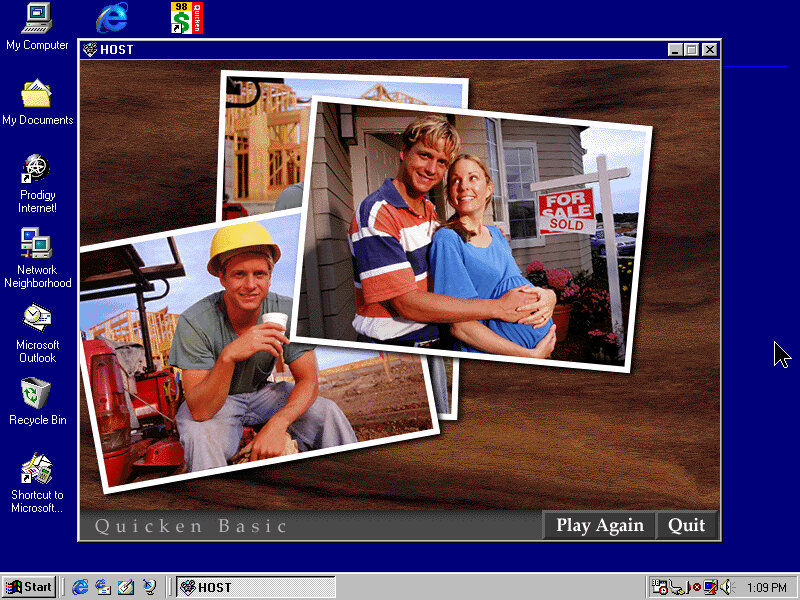
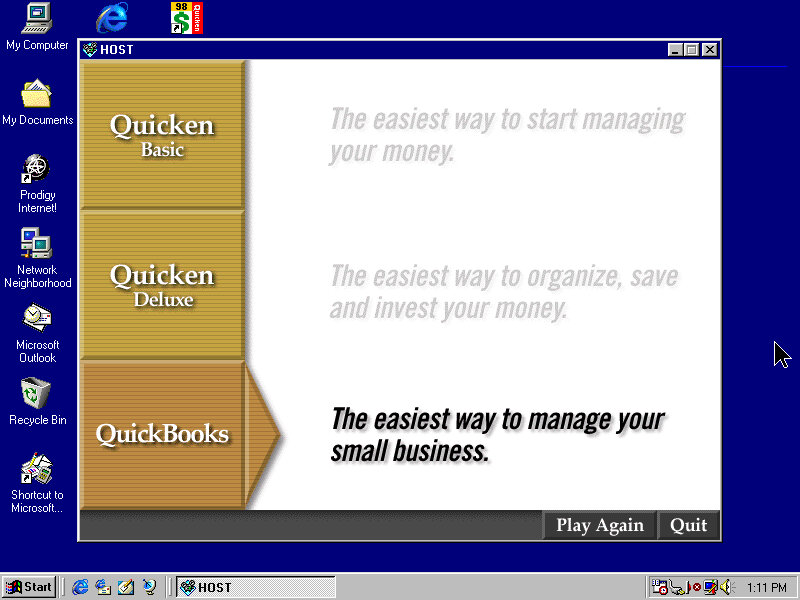
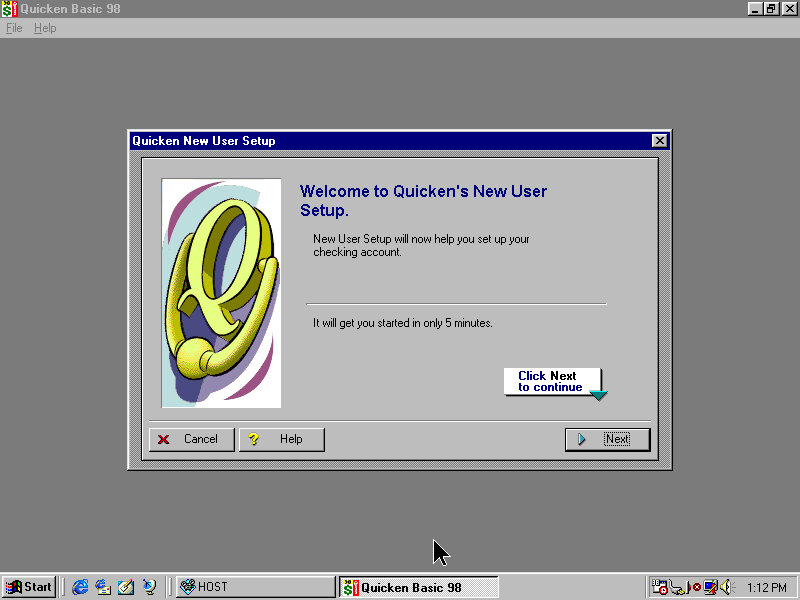
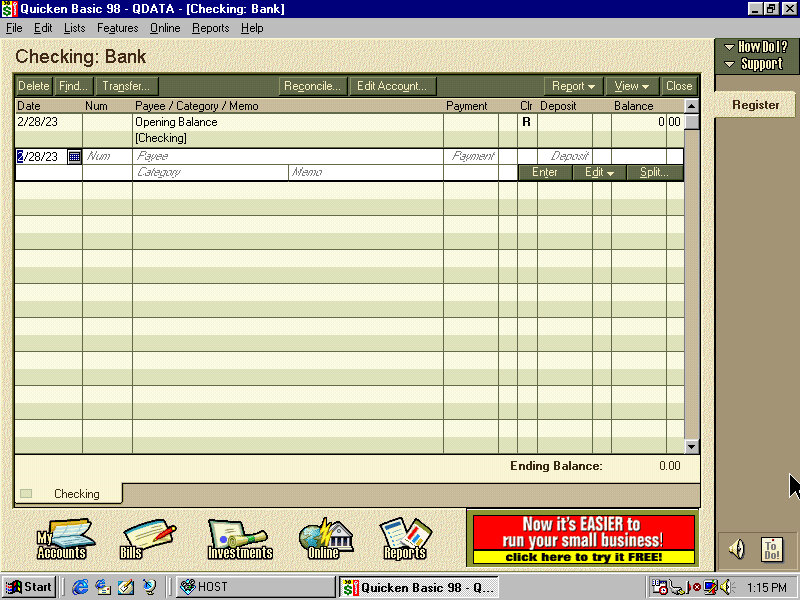
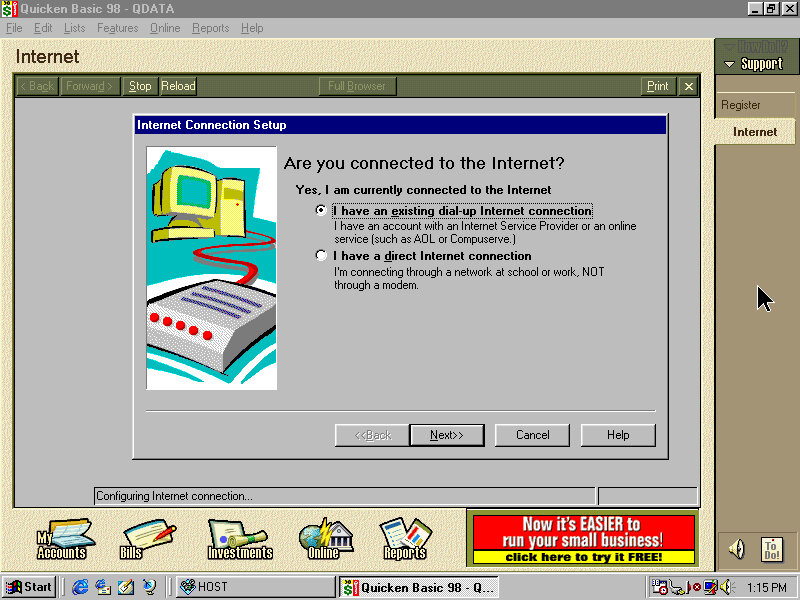
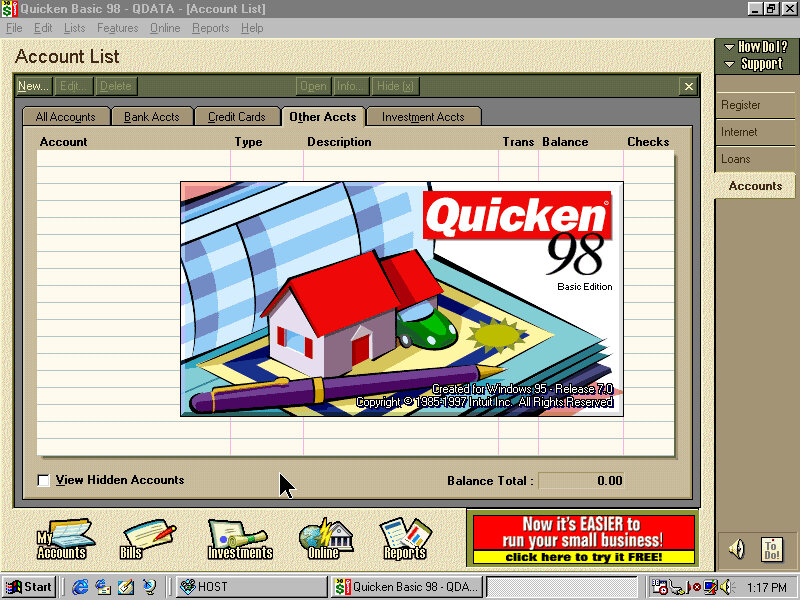
Quicken Basic 98: A personal finance management software program, that enables users to schedule and pay bills directly from the software. The software also included tools to help users prepare their tax returns.

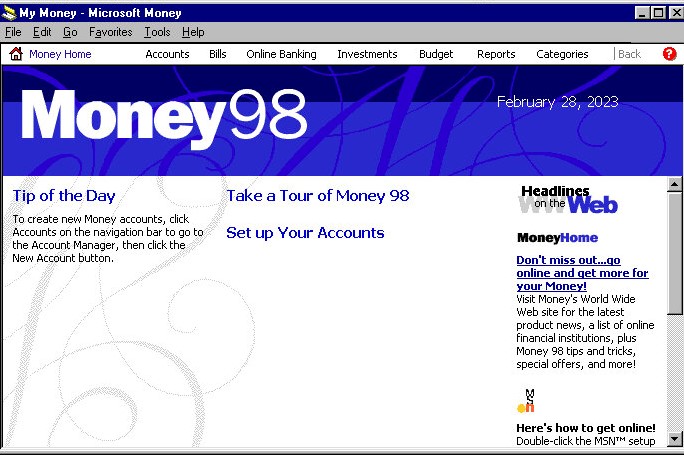
Microsoft Money 98: Microsoft Money 98 allowed users to track their income and expenses, create and manage budgets, monitor their investments, and pay bills online. It also included a tax planner, which could help users estimate their tax

Microsoft Works 4.5: Includes four main applications: a word processor, a spreadsheet, a database, and a calendar. It also included a dictionary and thesaurus, as well as a variety of templates for creating documents such as letters, resumes, and newsletters.

Microsoft Encarta Encyclopaedia: A digital multimedia encyclopaedia that was first released in 1993 by Microsoft Corporation. It was designed to provide users with a comprehensive reference tool that includes articles, images, videos, and other interactive content. The software included a range of features including a dictionary, thesaurus, atlas, timelines, and other educational tools.

Norton AntiVirus: Standard preinstalled antivirus software.

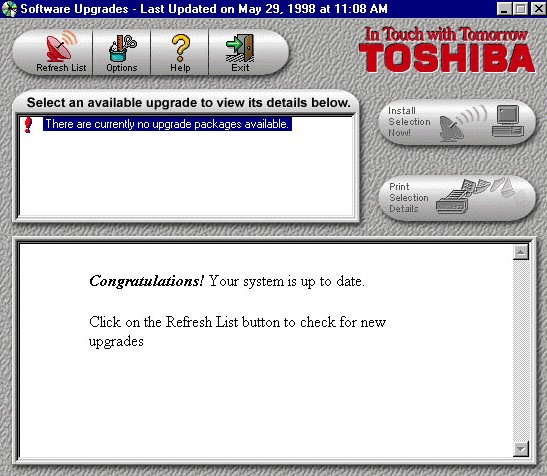
Toshiba Update: A utility that would have downloaded updates to the bundled applications and possibly drivers. Note the last update date of May 1998 which predates the release of Windows 98, I’m sure this was originally a Windows 95 install that was upgraded to 98.

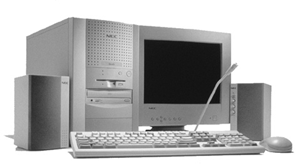
NEC Ready 9748

NEC is no stranger to x86 computers having a respected line of computers in Japan under the PC98 branding. The PC98 is a family of personal computers that was popular in Japan in the 1990s. NEC was one of the major manufacturers of PC98 computers, which were known for their compatibility with Japanese software and games. The PC98 ran on a proprietary operating system called PC-98, which was developed by NEC and other Japanese companies.
Outside of Japan NEC had a minor presence with the Powermate line for the business and enterprise market, and the Ready line for home and small office market.

This is one of their many models that NEC had around the time which were being sold as complete home PC’s that featured bundled software and internet compatibility (being sold with an internet browser package, or ISP software)

Getting to boot the recovery image was a bit of a complicated dance. The CD itself does not seem to be bootable, despite there being files on there that suggest so. Plop bootloader did not appear to be able to boot the disk either.

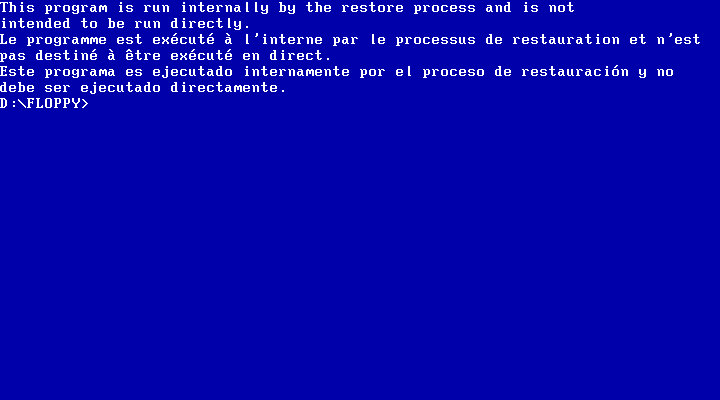
First thing I tried was to use a Windows 95 boot floppy to cd into the floppy directory and run the bat file which I assumed would begin the recovery process.

Instead it gave me the finger and the recovery must be started indirecrtly

What I had to do is open the iso and extract the floppy directory to a folder, and then use WinImage to create a bootable floppy disk using those files that were extracted from that folder. Now this could be forgiven as NEC were possibly using a BIOS that did not support CD-ROM booting, or the hardware was using non standard CD-ROM drive like a SCSI drive (Unlikely but possible, since the Ready series were their budget line of PCs)

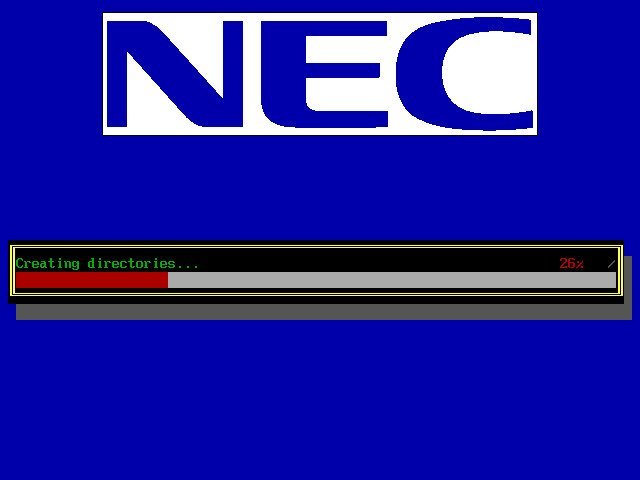
Once we booted the floppy, it picked up the CD and began the recovery process. It appears to transfer a few files to the hard drive.

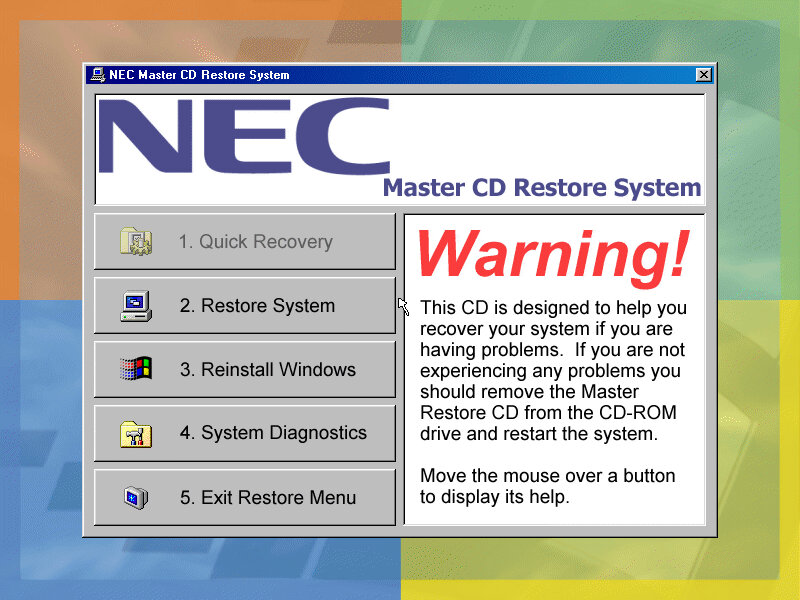
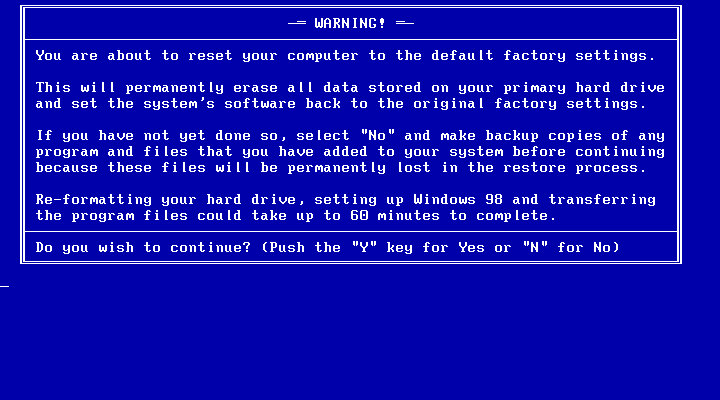
Another recovery process begins, but this time we are givern a few options on how we want to proeed with the recovery. I chose the second option which began to format the hard drive (so what was the point in copying those files in the first place?

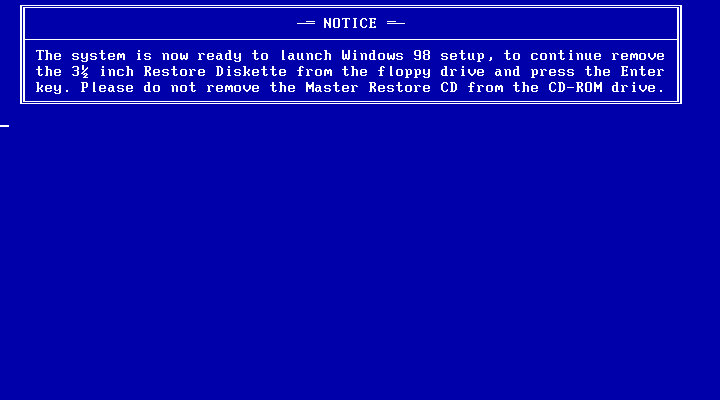
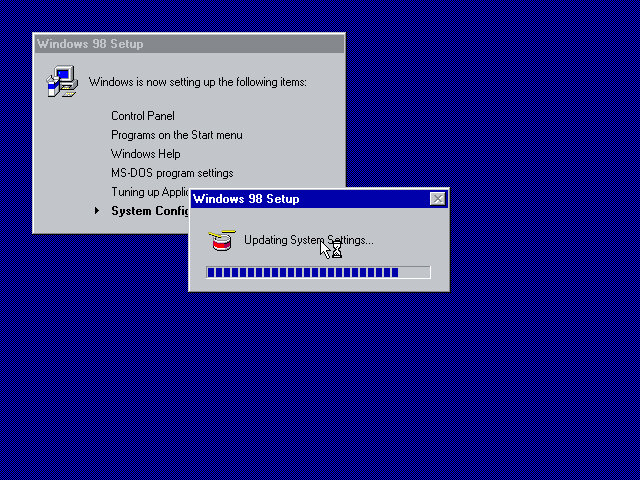
After the copying is complete we are invited to reboot into Windows setup, where the install will continue. This is where the drivers are initialized and detected.
Strangely we are not prompted to enter a product key or any owner or regional information, odd but not a complaint as this makes the install more streamlined.

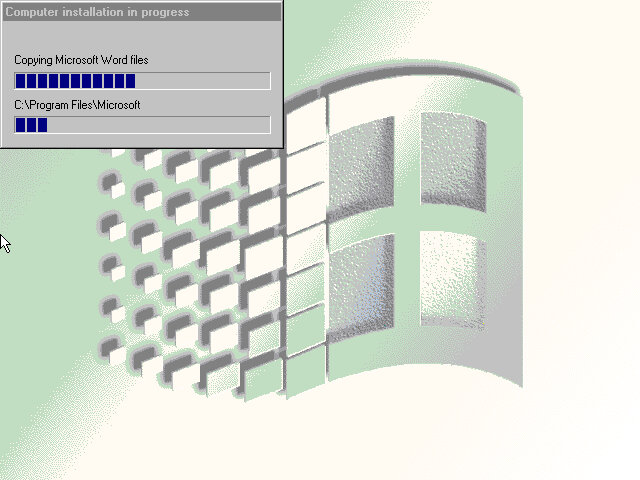
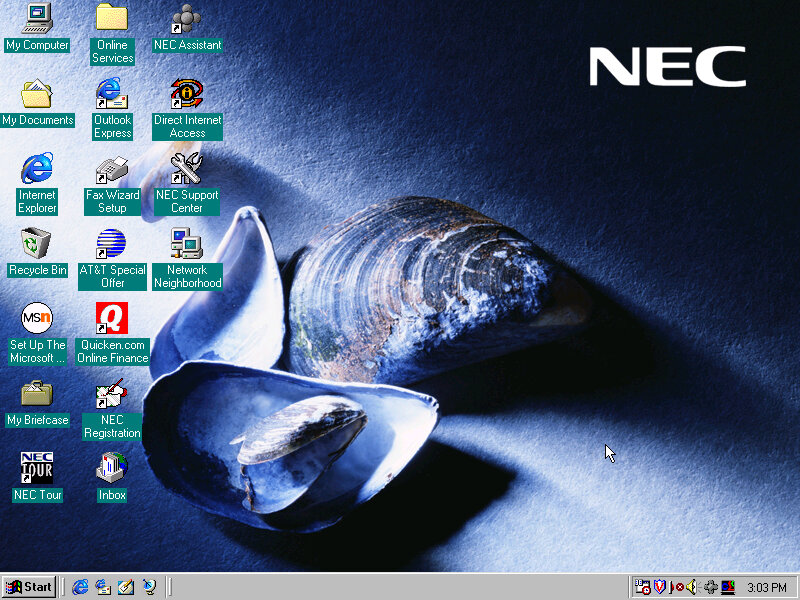
After this has completed we are rewarded with our new windows desktop, though we are not finished with the recovery just yet as we have another install utility to go through.

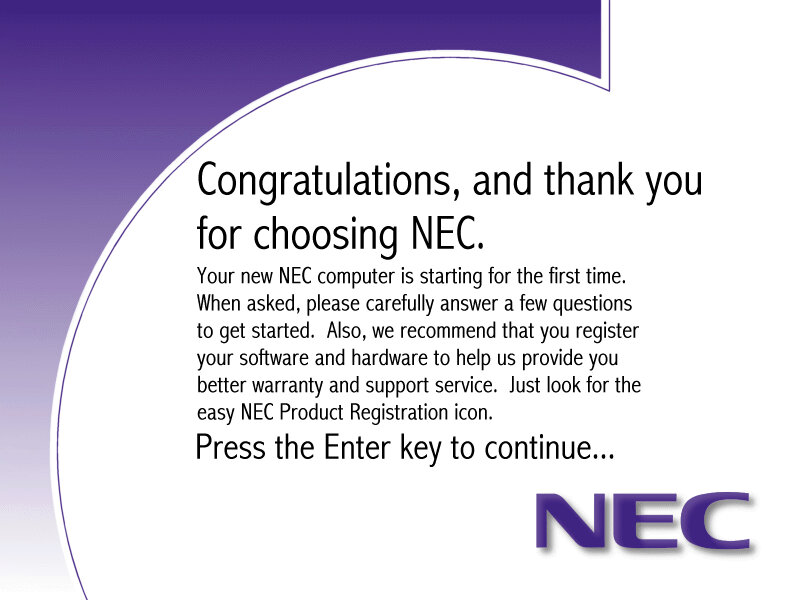
A nice thank you from NEC, followed by another reboot

The NEC Welcome program that invites us to reegister our system

Software

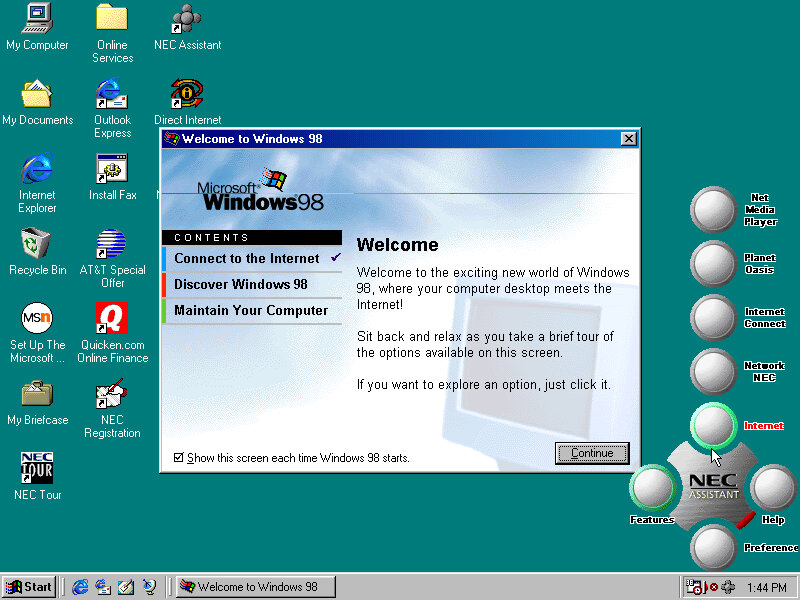
Welcome to Windows, this appears to only have three options, also a sneak look at the NEC assistant

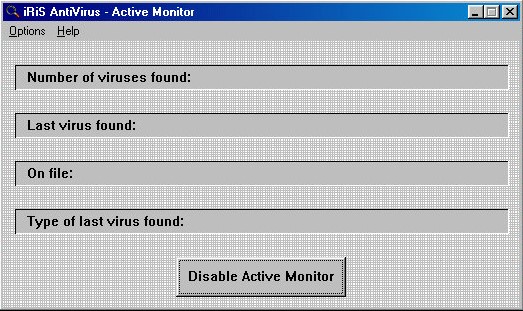
iRiS AntiVirus: A relatively unknown series of antivirus software, seems rather basic even for its time.

Microsoft Entertainment Pack: A suite of games such as Chip’s Challange, Tetis, SkiFree and Tut’s Tomb

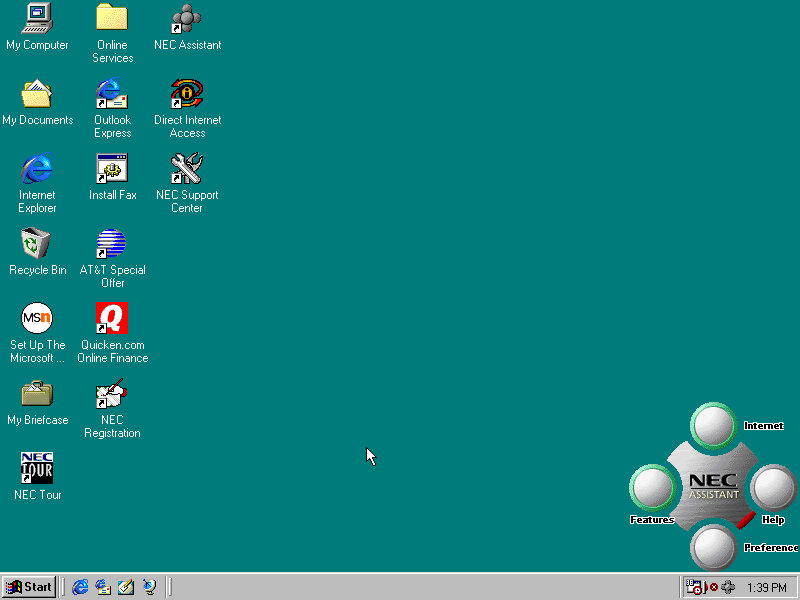
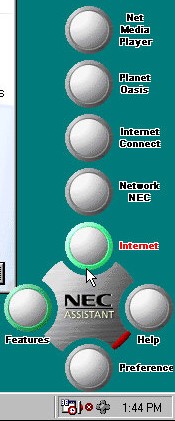
NEC Merlin Assistant

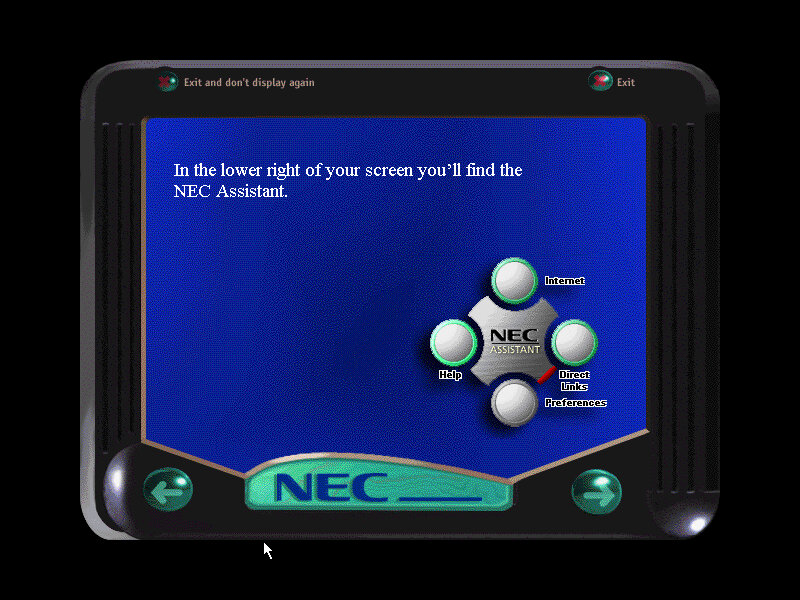
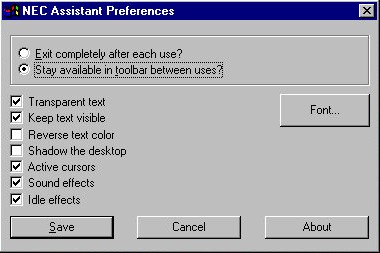
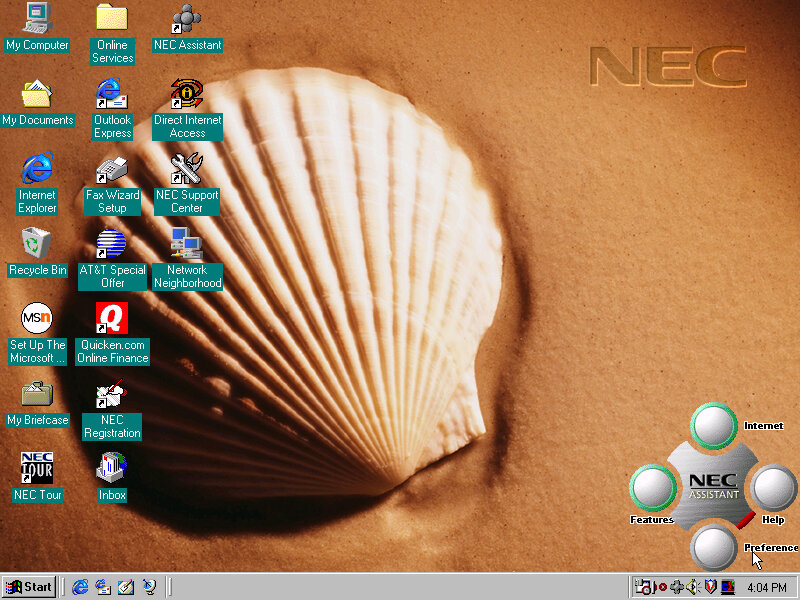
This is situated on the bottom right of the screen and also appears in the system tray. Mousing over it will bring it up. The main buttons are the Features and Internet buttons, which will bring up links to the Net Media player, Planet Oasis, and Network NEC. These require you to sign up with an internet provided using the NEC provided wizard.

This can also be used to set a custom wallpaper to a NEC branded one, these do not appear in the desktop wallpaper section of the display properties. Instead you have to click their button to cycle through them.

Sample backgrounds:

Other Software

These have been seen so many times in OEM installs

Microsoft Works 4.5: Basic productivity software

Microsoft Word 97: Popular word processing software, only Microsoft World is included here, not Excel, PowerPoint or Outlook.

MGI PhotoSuite 8.05: photo editing software developed by MGI Software Corporation. It was originally released in 1997 and was one of the most popular photo editing software of its time. It is designed to provide users with an easy and intuitive way to edit, enhance and manipulate digital images. The software includes a wide range of features such as image editing tools, special effects, filters, borders, frames, and more. It also has a user-friendly interface and provides step-by-step tutorials and wizards to guide users through the editing process

Quicken Basic 98: Quicken Basic 98 was a popular personal finance management software at the time of its release, and was designed to help users manage their personal finances and budget effectively. It helped to establish Intuit as a leader in the financial software market.

Sony VAIO PCV-L630

Featured on Tech Tangents (Akubuku) Youtube channel, this is a slim form factor PC released in 1999 and was positions as Sony’s premium line of PC’s.

Recovery

This one was pretty simple since the hard disk contents was extracted and put u for download. To transfer it back to a bootable 86box image required me to created the VHD and initialize it using FAT32 (via the Windows 95 OSR2 boot disk), then to mount the VHD using disk manager on the host system. Lastly the files could be copied back to the drive.

For 86Box, the Tyan Tsunami ATX motherboard was used as it uses the same chipset (Intel i440BX) as the PCV-L630. For the graphics an ATI Mach64 can be substituted for the 3D RAGE somewhat, but you will be missing 3D acceleration (No bundled applications use this currently).

First Boot

Since we are using a different configuration that the OS does not expect, we have to go through the New Hardware messages and prompts. However I did encounter a weird System File Error message that related to a DDEML.dll file that was complaining that was replaced with an older version. Akubuku did mention some files were corrupted, likely due to failing sectors on the hard drive but this turned out to be CAB files that were replaced with one from a Windows 98SE CD.
I wasn’t sure how to fix this or what caused it. It could be when I extracted the file out of the archive. Booting into Safe Mode didn’t do much, since the OS was complaining about the file being in use I figured Safe Mode would be an environment where it could be fixed.
I decided to use the System File Checker, just to make sure everything was intact but its hard to know if these file changes are the result of Windows update

OEM Customization

Four background wallpapers come included which are part of an Active Desktop script that changes the background depending on the time of day. Very similar to how the XMB background on the PlayStation 3 and PSP worked. Different resolutions and colour depth can be selected.


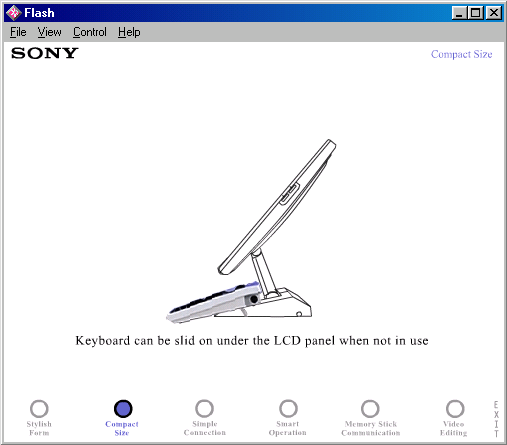
A screen saver (VAIO Tour) is included which appears to show off the different features of the system, built on Macromedia Flash. This can also be opened from the desktop and features as a demonstration/advert of the computers features. It seems more suited to use in a retail environment.

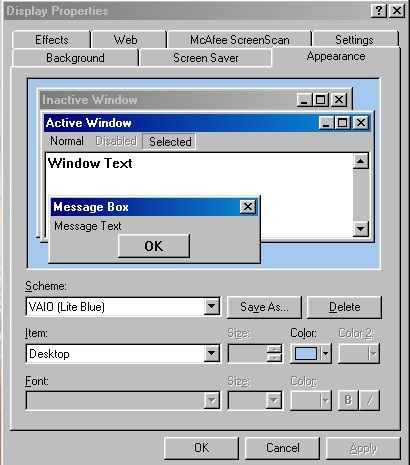
A VAIO Light Blue colour scheme also comes included and selected by default. This comes in a similar colour to the actual desktop unit.
Included Bundled Software

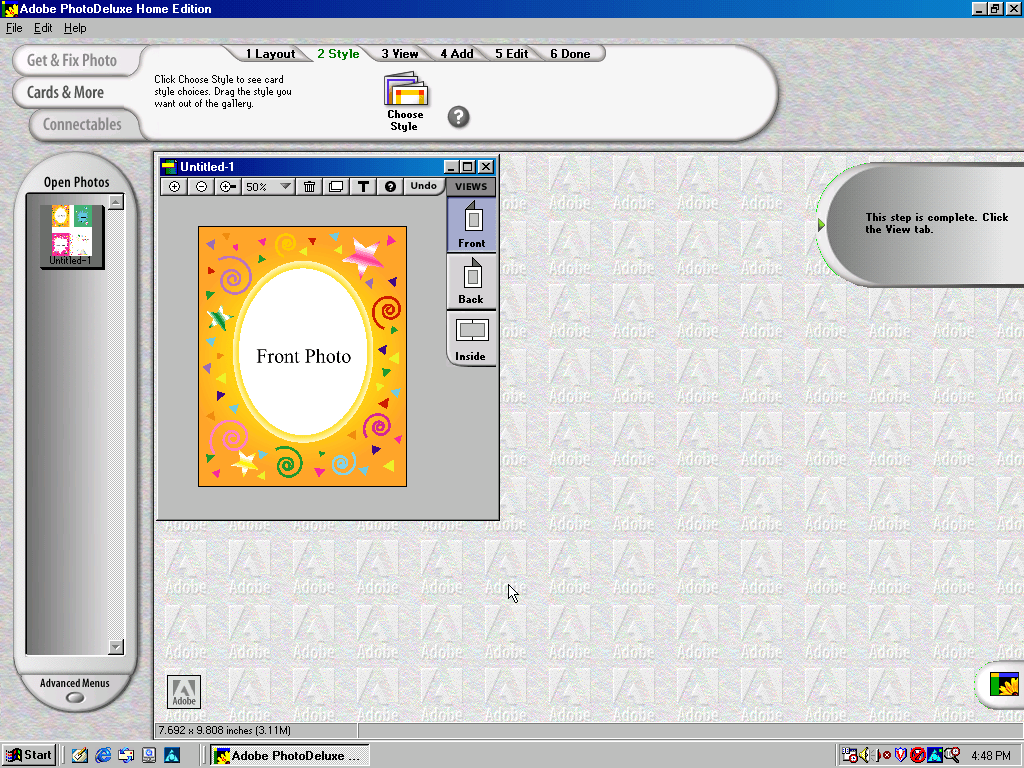
Adobe PhotoDeluxe Home Edition

Adobe PhotoDeluxe was a consumer-oriented image editing software program that was first introduced by Adobe Systems in 1996. It was designed to be an easy-to-use photo editing tool for home users, and it offered a range of basic image editing features, such as cropping, resizing, color correction, and special effects.

PhotoDeluxe was popular in the late 1990s and early 2000s as it was one of the few image editing programs that was accessible and easy to use for non-professional users. However, as more powerful and comprehensive image editing software became available, Adobe discontinued PhotoDeluxe in 2002 and instead focused on its other photo editing programs, such as Adobe Photoshop Elements.

Adobe Premiere 5.1

Adobe Premiere 5.1 is a video editing software program that was released by Adobe Systems in 1998. It was an upgraded version of Adobe Premiere 5.0, which was the first version of the software to offer support for Windows 98. It included several new features and improvements over its predecessor, including enhanced support for real-time video editing, improved performance, and expanded compatibility with a wider range of video and audio file formats.
As this computer shipped with a iLink (Firewire 1394 connector), video capture from a DV camera.

DVGate

A plugin for Adobe Premiere, The primary function of Sony DVgate was to allow users to capture digital video footage from their Sony cameras and camcorders and then edit that footage on their computer. The software supported a range of video formats, including DV, MPEG-1, and MPEG

Media Bar

A suite of applications for media playback, this included a visualizer, minidisc player, and a DVD player. None of these work on a non-Sony system.

MouseWare

Software by Logitech to take advantage of the mouse that shipped with the PC. This includes a set of custom mouse cursors.

Picturegear

Can only run on Sony hardware, PictureGear is a software program developed by Sony that was pre-installed on some VAIO computers in the late 1990s and early 2000s. The software was primarily designed to help users manage and edit digital photos, including importing, organizing, and enhancing images.

Smart Utilities

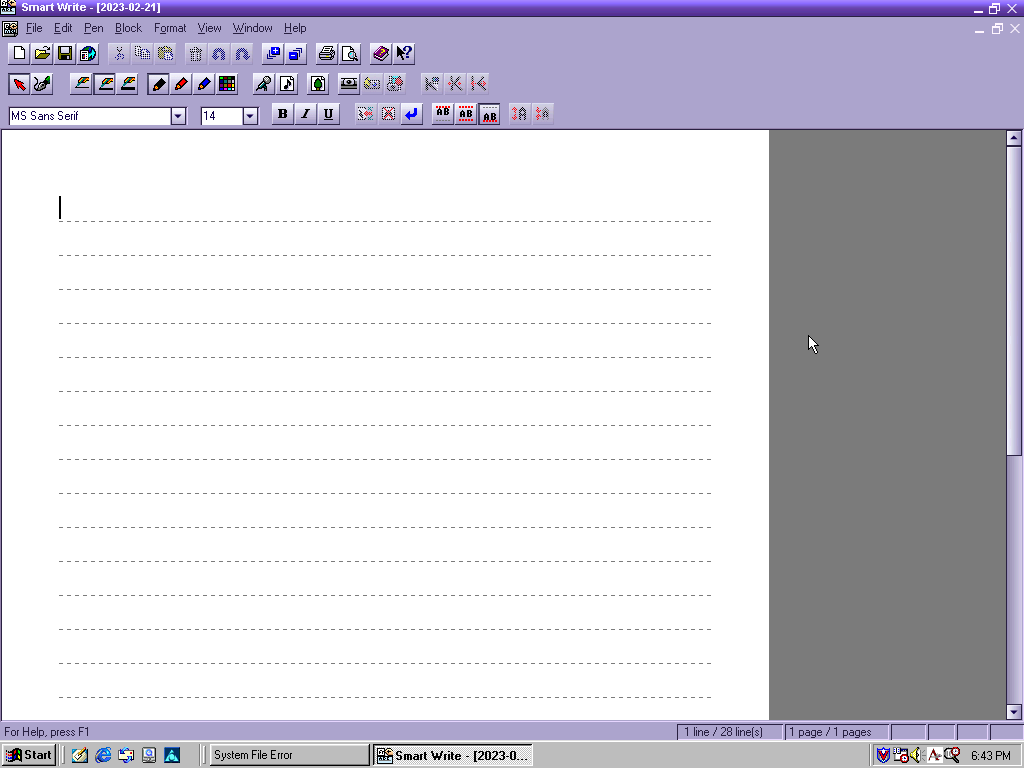
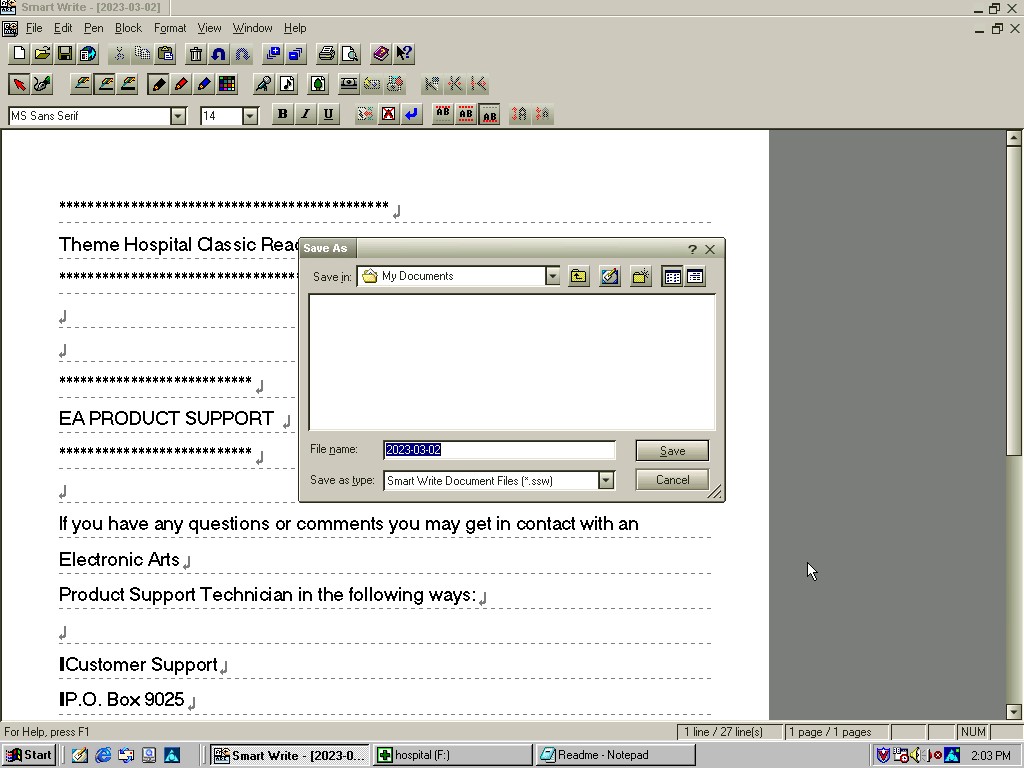
This appears to be an office productivity suite developed by Sony, at least licensed by them. It appears to use the VAIO colour scheme if one is set. Programs here include Smart Write (Word Processor), Smart Label (Lets you create birthday labels) and Smart Publisher which let’s you upload files to an FTP server, possibly HTML files for web use.
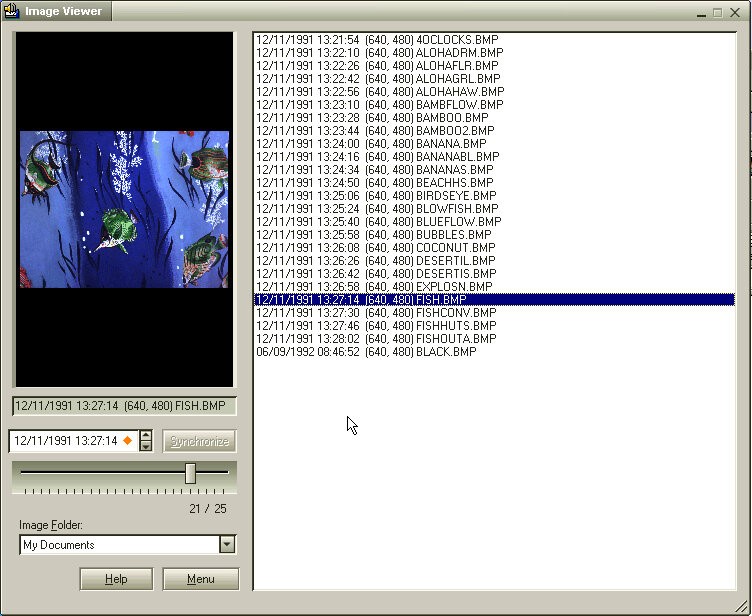
There is also an image viewer which can be used to create labels that appear on the desktop.

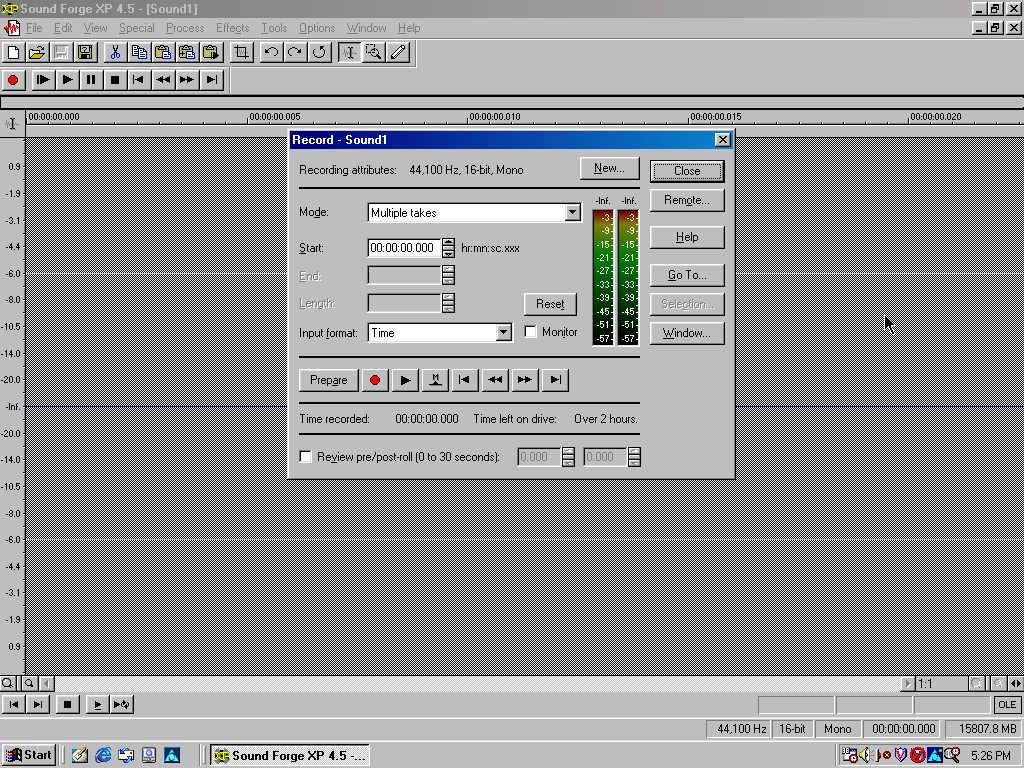
Sonic Foundary Sound Forge XP

Sonic Foundry Sound Forge XP is a digital audio editing software that was developed by Sonic Foundry and released in the early 2000s. The software was designed to provide professional-grade audio editing and processing capabilities to users, with a focus on music and audio production.

Sound Forge XP offered a wide range of features for audio editing and mastering, including tools for editing, processing, and analyzing audio files. Users could use the software to perform tasks like trimming, splitting, and merging audio files, as well as applying various effects, such as reverb, echo, and distortion.

Other Software

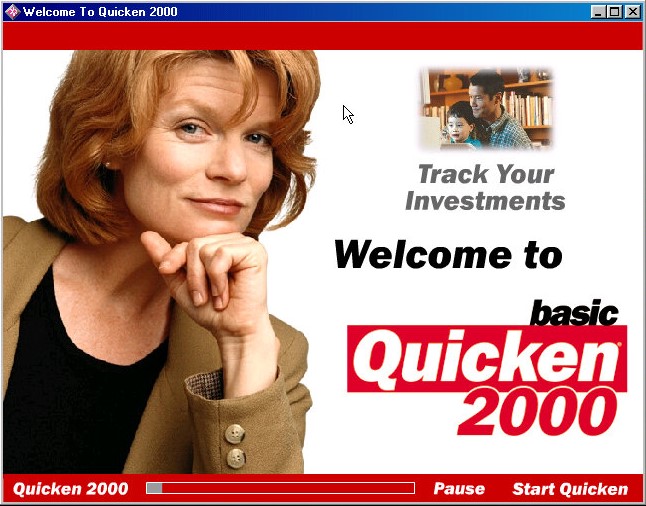
Quicken Basic 2000: Quicken Basic 2000 was one of the earlier versions of Quicken and was designed to run on Windows operating systems. It offered basic features and functionality, such as the ability to track income and expenses, create a budget, manage bank accounts and credit cards, and generate basic reports.

Netscape Communicator 4.5: Popular alternative web browser that integrates an email client, Some of the key features of Netscape Communicator 4.5 included the ability to display websites with advanced HTML features, support for JavaScript and CSS, and integration with various internet services like AOL Instant Messenger, Netscape Netcenter, and RealPlayer.

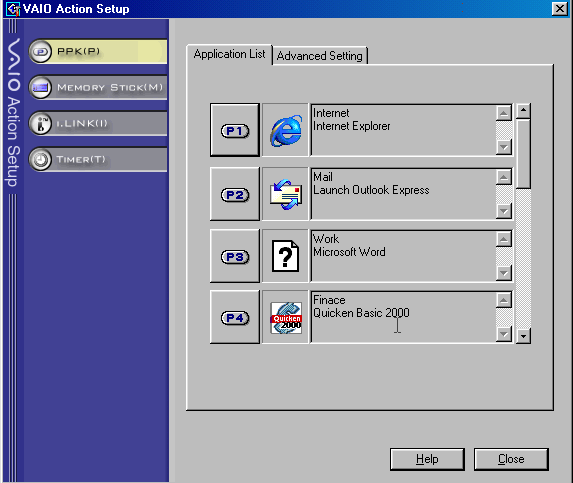
VAIO Action: Appears to be a utility to control the soft keys on the included keyboard and the applications associated with them.

Control Panel

There is a VAIO power scheme which by fault disables the monitor and hard disk standby.

There is an applet for the Aurreal Vortex sound card that was built into the systems motherboard which lets you adjust the sound capabilities of the system. Non functional as 86Box does not emulate this sound card.

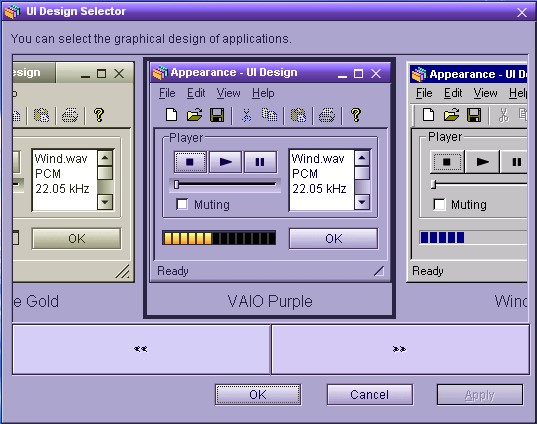
UI Design Selector: Lets you change the user interface for many of the VAIO applications, These do not use the standard Windows UI elements with Sony opting to use their own. Included schemes are VAIO Purple, Vintage Gold, Black and Silver and Windows.

Links

Archive.org Image

OEM Customization files – Includes the wallpapers, OEM Information text, colour scheme registry key and screensavers