No, not the Xbox One X
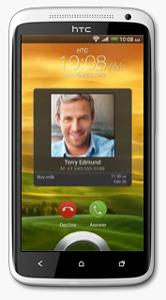
The HTC One X was released in 2012 and was a flagship smartphone from HTC at that time. With its sleek and stylish design, with a polycarbonate unibody and a 4.7-inch Super LCD2 display, The phone is light and easy to hold, and the display is large and clear even in outdoor environments.
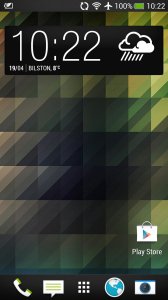
The HTC One X is powered by a quad-core NVIDIA Tegra 3 processor and 1GB of RAM. It runs Android 4.0 Ice Cream Sandwich, which is upgradable to Android 4.2.2 Jelly Bean. The phone offers smooth and snappy performance for its time, with fast app loading times and seamless multitasking. The phone was powered by a quad-core NVIDIA Tegra 3 processor clocked at 1.5 GHz, which was a high-end processor at the time of its release as most smartphones only featured dual-core processors. It also had 1GB of RAM to help with multitasking, a respectable amount for the time. The Tegra 3 processor featured a fifth battery-saver core that kicked in when the phone was idle or performing low-intensity tasks to save power. When more processing power was needed, the other four cores would activate to provide smooth performance without any intervention from the user.
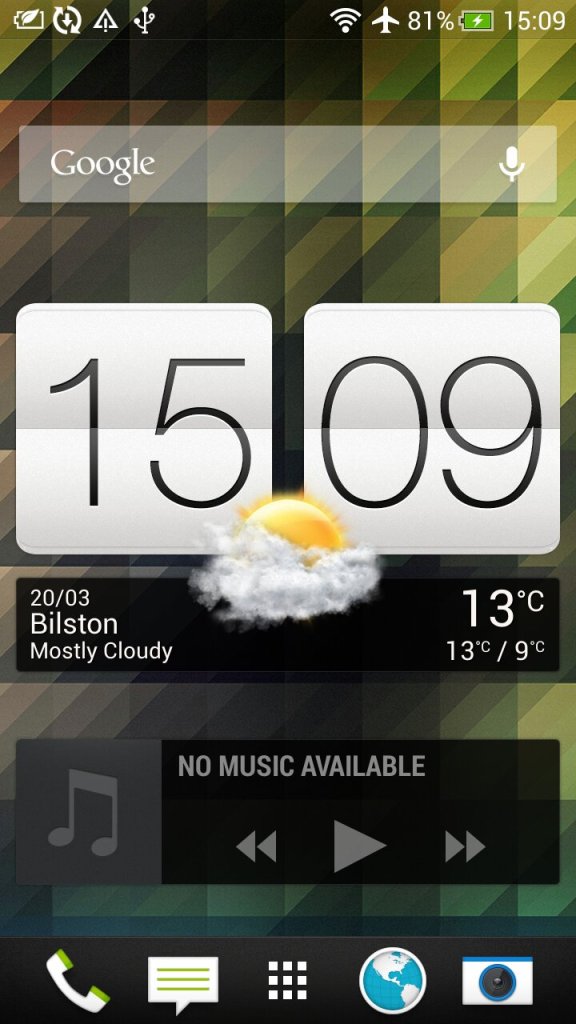
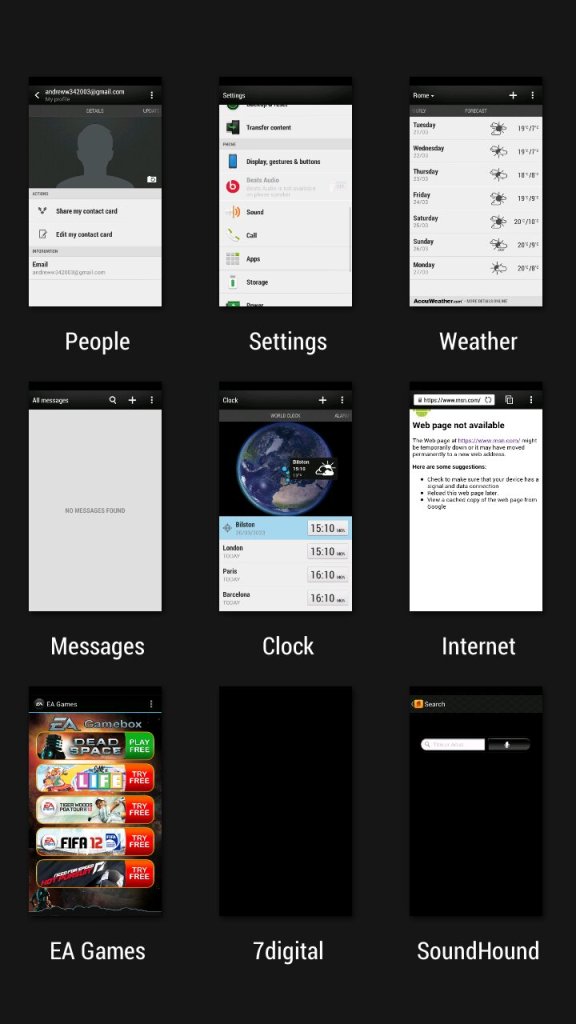
The second page of the home screen, along with the task switcher that shows recently opened apps, and lets you quickly switch between apps.
HTC Sense
The HTC Sense UI (User Interface) is a custom skin or overlay that HTC uses on top of the Android operating system on its smartphones. It is designed to provide a unique and personalized user experience for HTC users, and it includes features and enhancements that are not available on stock Android.
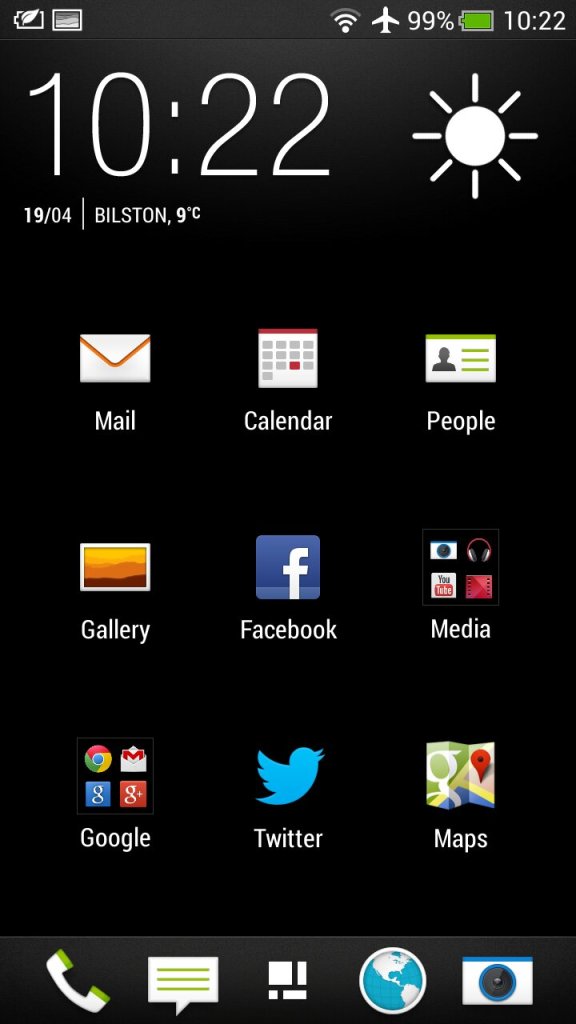
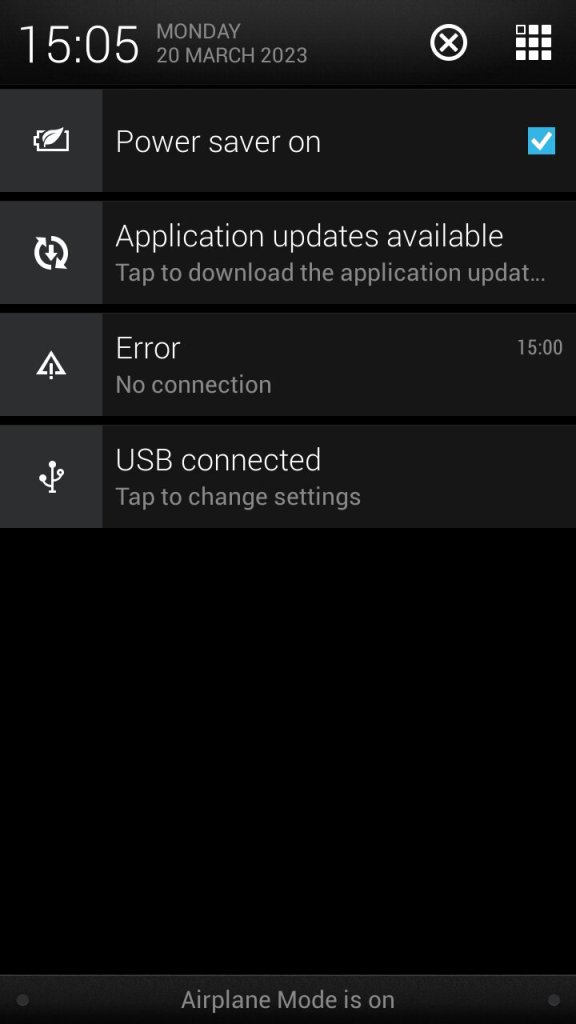
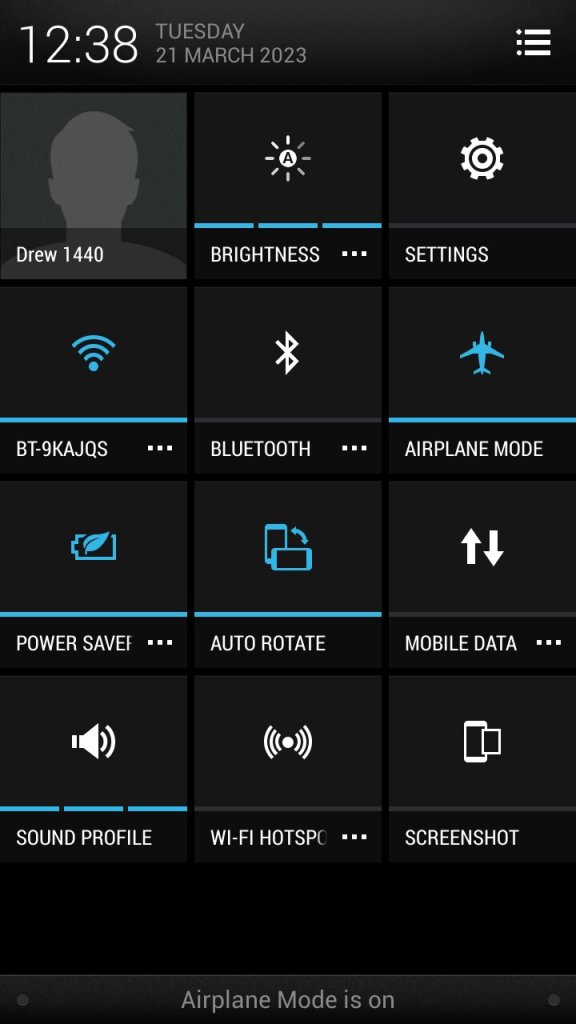
The app menu will show all installed apps on the phone, this can be customized to show apps that have been recently opened, in alphabetical order or in a custom order. The grid size can also be customized. Also the notification section, tapping on the grid button on the top right will switch to the quick access section where common features can be toggled on or off like the WiFi or Bluetooth, and the phones ringtone profile.
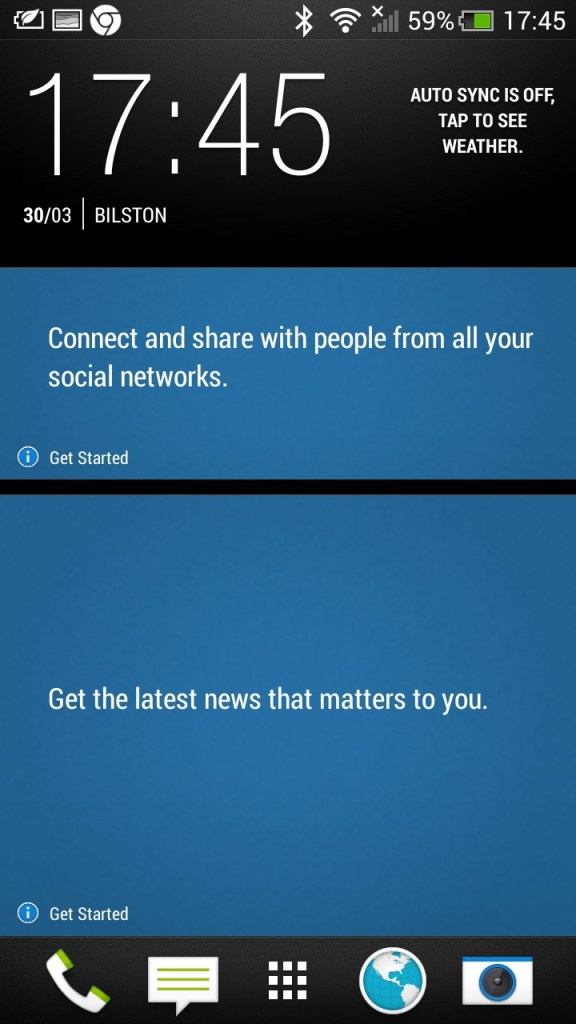
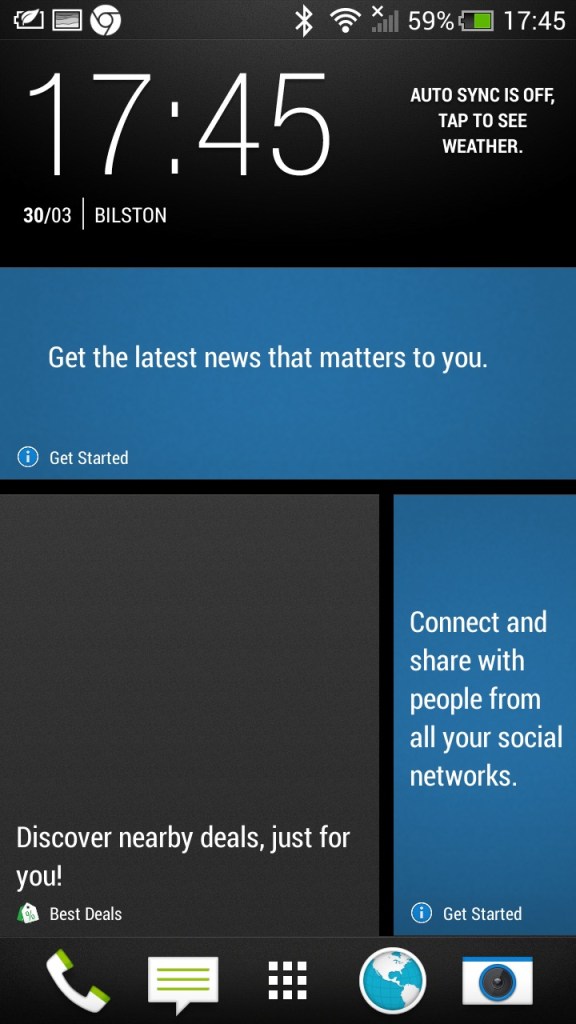
There is also Blinkfeed which collates updates from supported social media apps used on your phone (Twitter, Facebook, Instagram) and news updated from your preferred networks. I can’t help but feel its design was inspired by the Windows Phone design language.
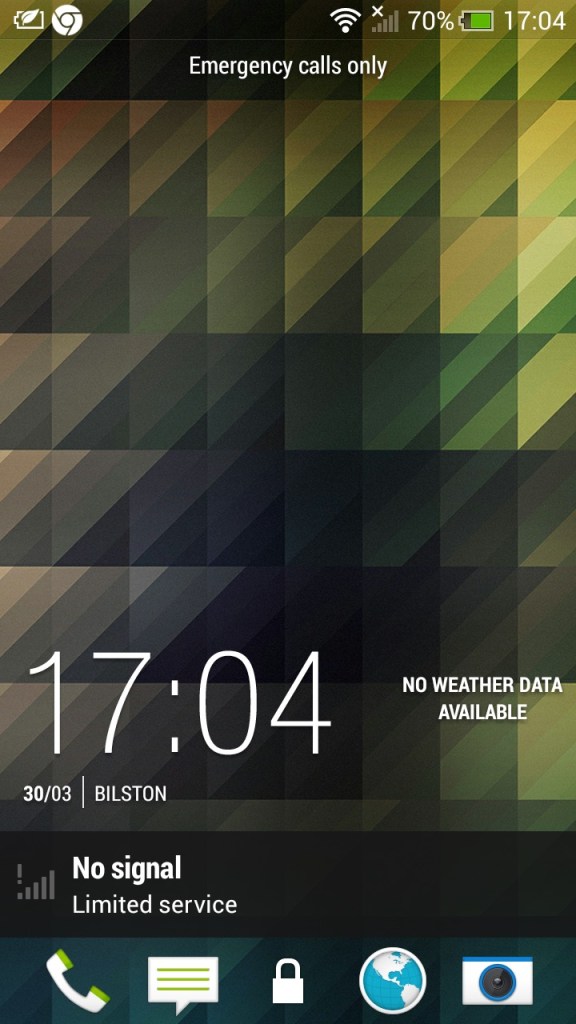
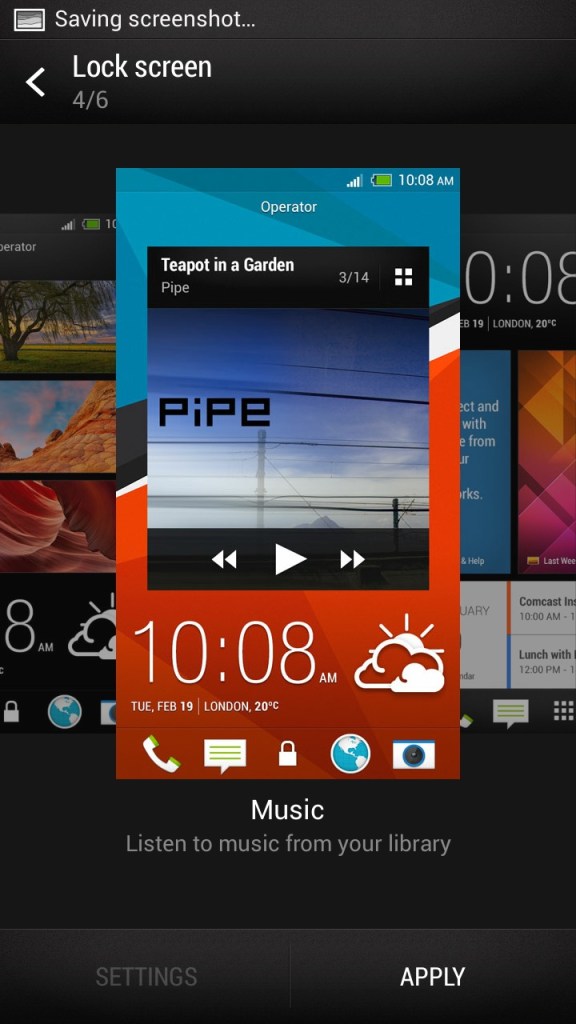
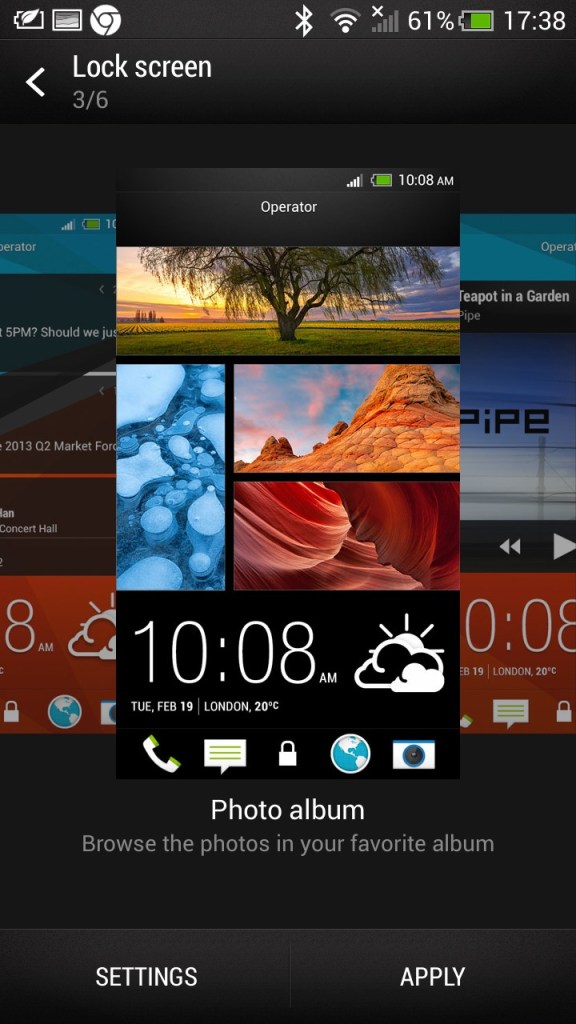
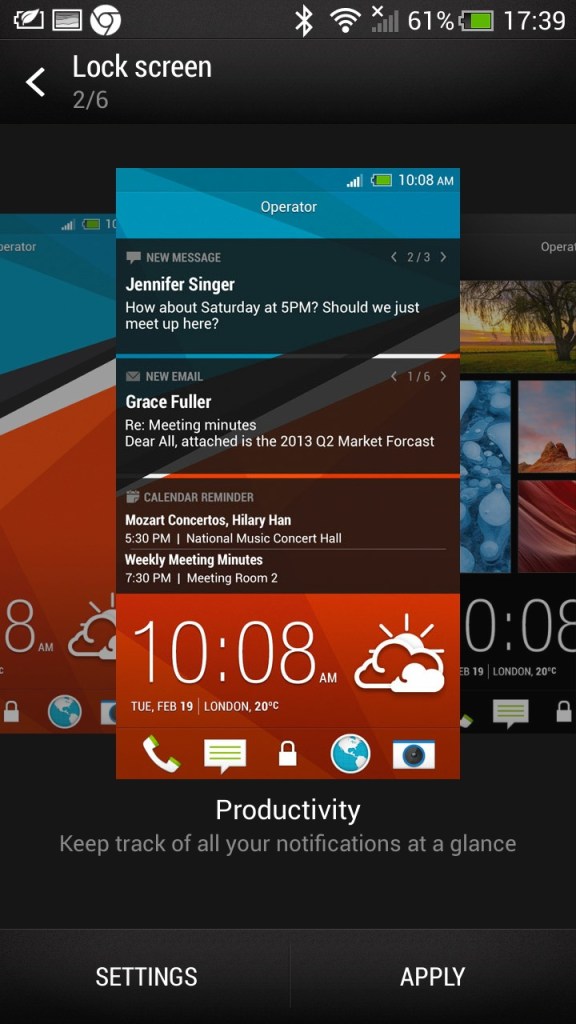
The lockscreen which is unlocked by sliding upwards, doing so raises the clock upwards which is very similar to the Windows Phone lock-screen behavior. Different lockscreens can also be set according to your preference,
- Productivity – Shows information from email and calendar apps
- Photo Album – Shows images in your photo albums
- Music – Shows and lets you play music in your library directly from the lock screen
- Or it can be configured to display a specific widget, like the weather
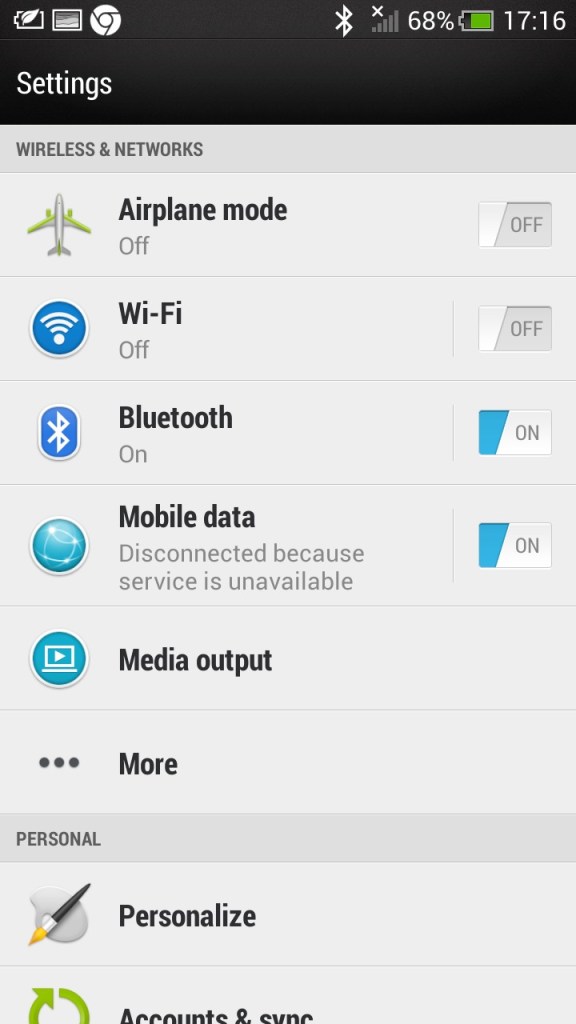
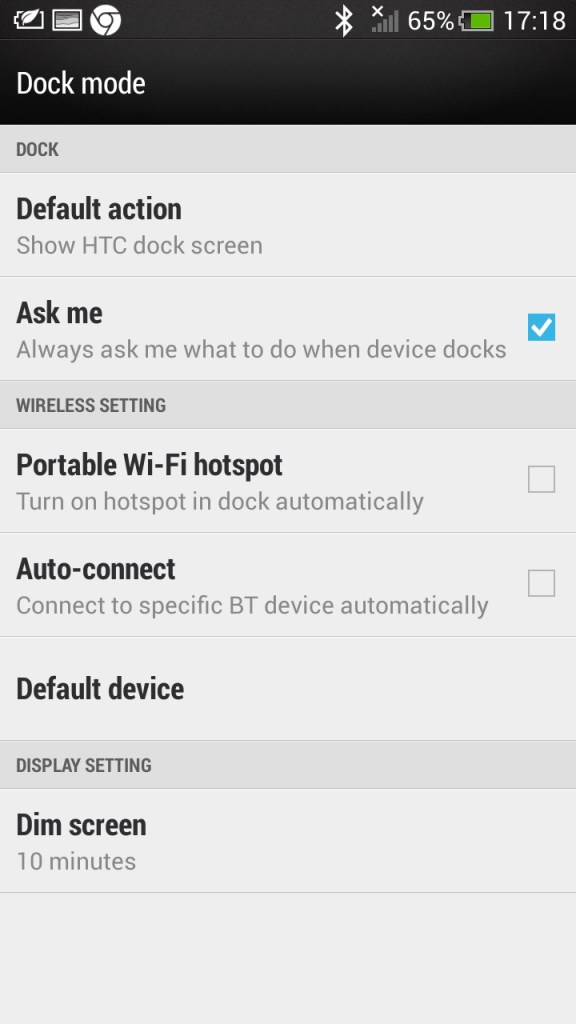
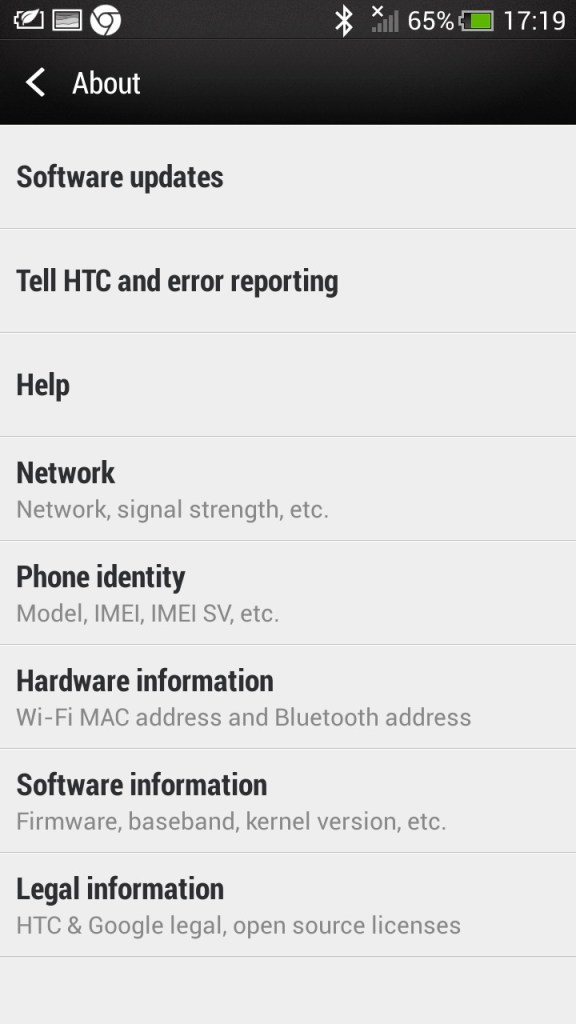
The main settings screen which divides into different sections (Wireless & Networks), Personal, Phone)
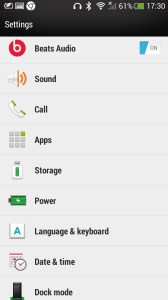
Beats audio, which was a selling feature of the phone, This was before Beats was acquired by Apple. It’s supposed to be an audio equalizer that has a specific preset, though I can’t say it makes much of a difference.
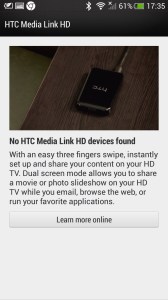
Media Link: The Media Link setting, that acts as a screensharing utility that requires the Media Link device which plugs into your TV’s HDMI input. I guess this was a predecessor to Miracast that is featured on all modern phones. The bundled tutorial showcases the ability to play movies and videos from the phone, ideal for displaying videos recorded from the camera, but I can’t imagine using it to cast Netflix (Some people actually do this, just get a streaming stick/box for fucks sake) Also remember most, if not all TV’s from this period were not ‘smart’ in that they could receive video over a network.
Multitasking is possible where the media will play on the big screen whilst you open another app, at least until the handset overheats. Still, it shows this was a very versatile smartphone.
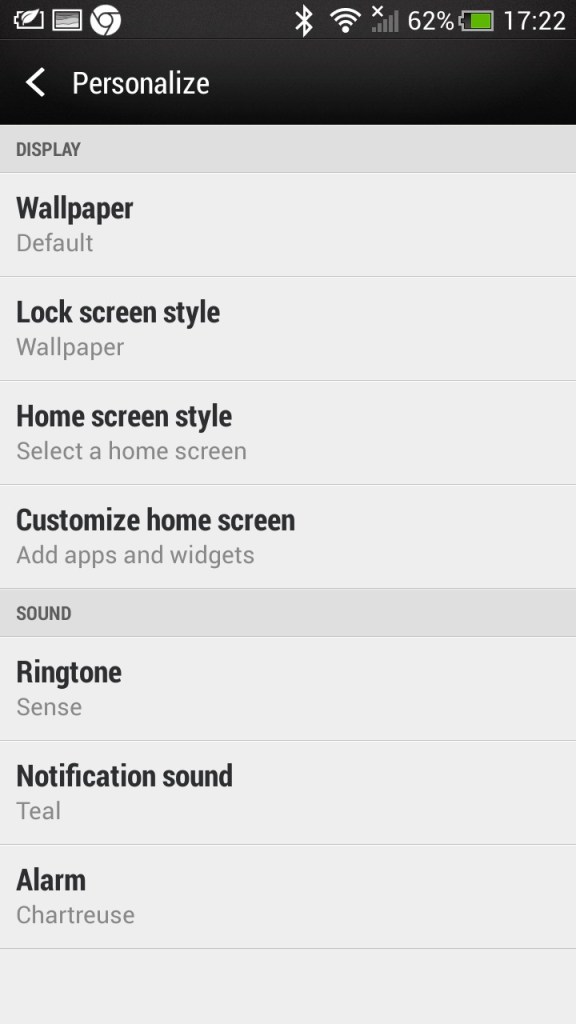
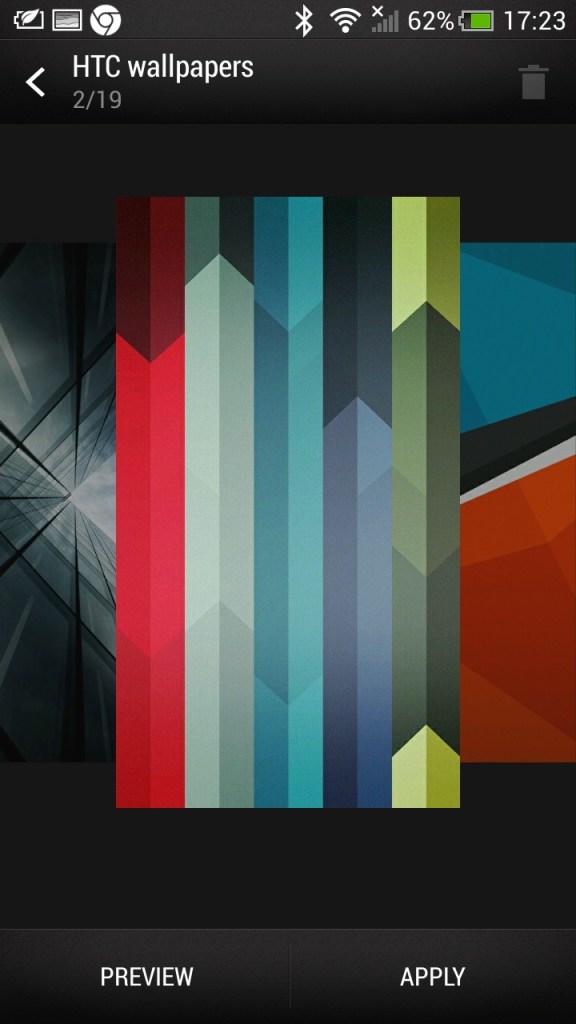
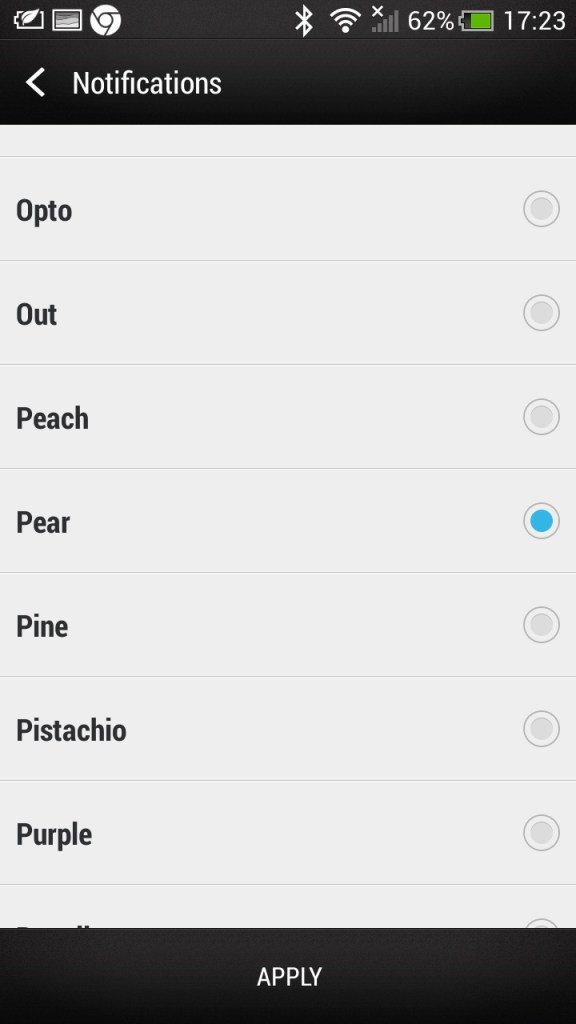
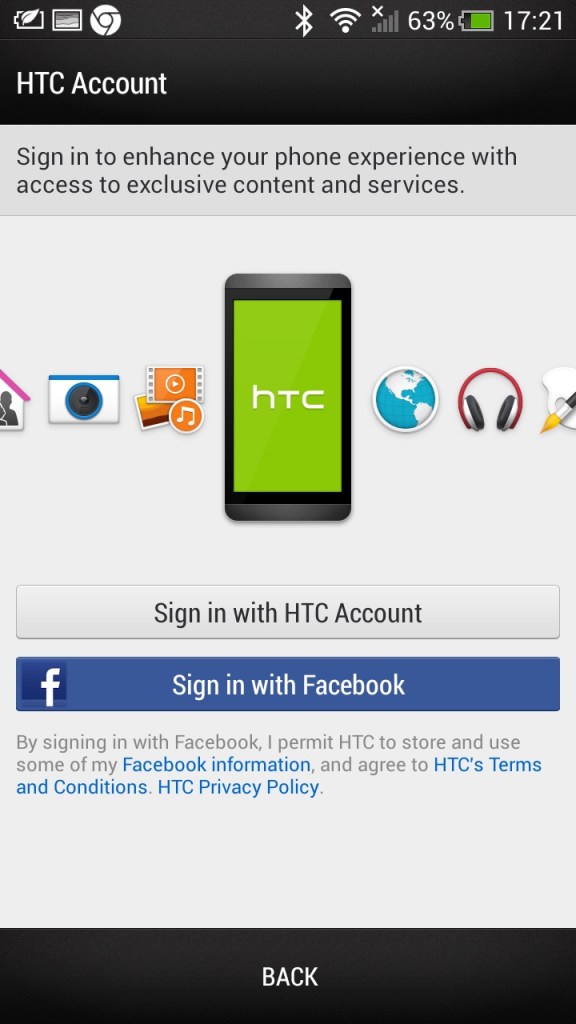
Some additional screens, including the default wallpapers HTC shipped with the phone
HTC Applications
As part of the HTC sense user interface, HTC also provided their own apps for common functions of the phone. These all conform to the same design language, achieving a consistent design across the pre-installed apps.
Messages: Your standard SMS app which can also handle MMS messages, both being presented in a threaded view.
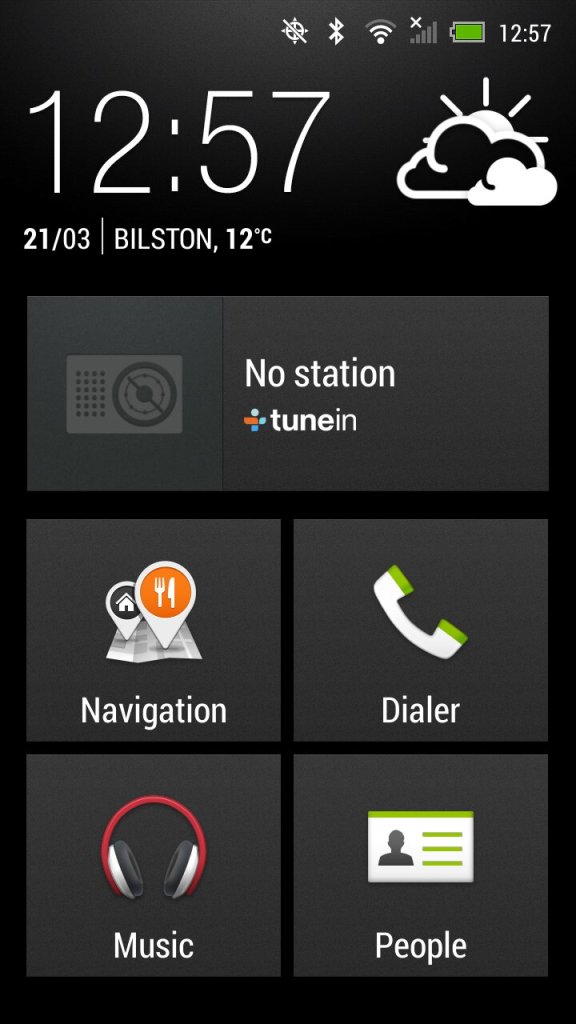
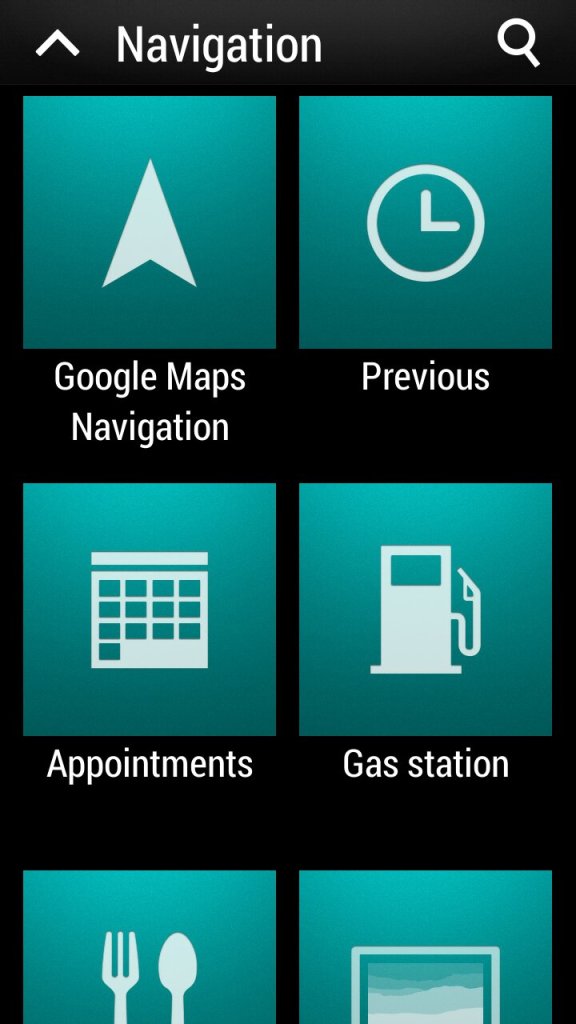
Car: for use when driving, present an easily accessible interface for using the GPS navigation and music/radio apps which are powered by Tunein. The BBC podcasts appear to work but are a few months out of date, the others no longer function. The menu can be customized to add apps that are not there by default.
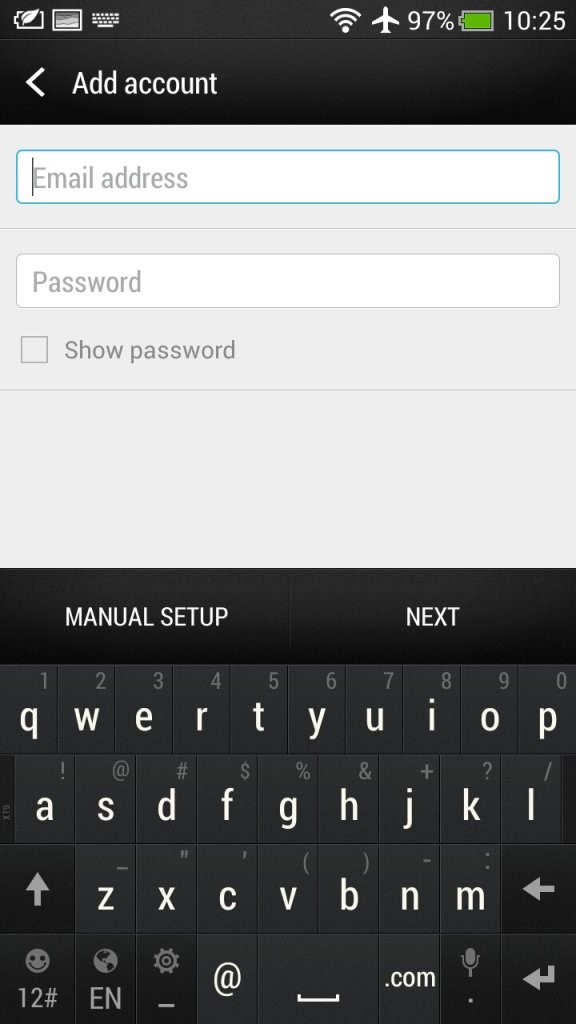
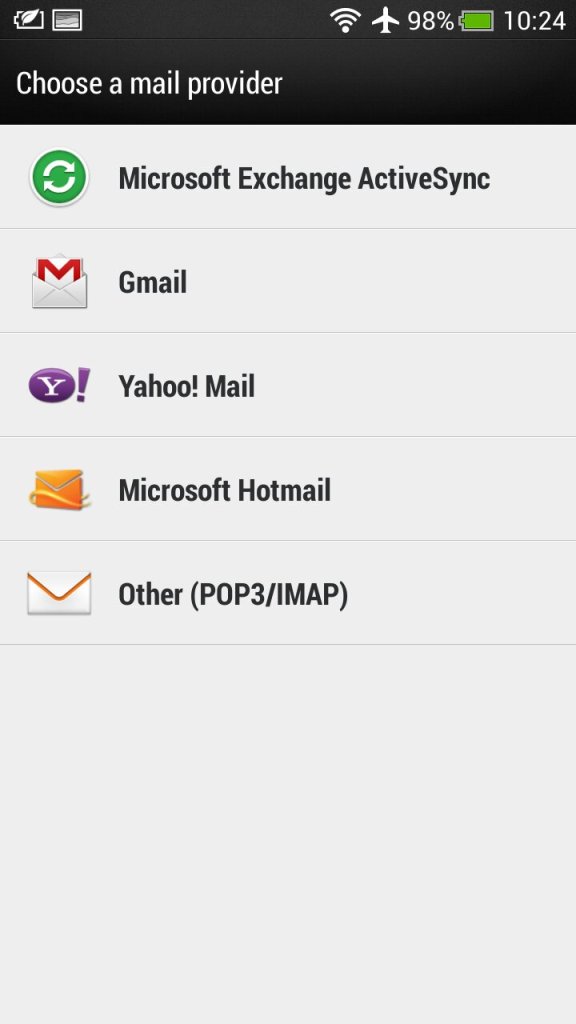
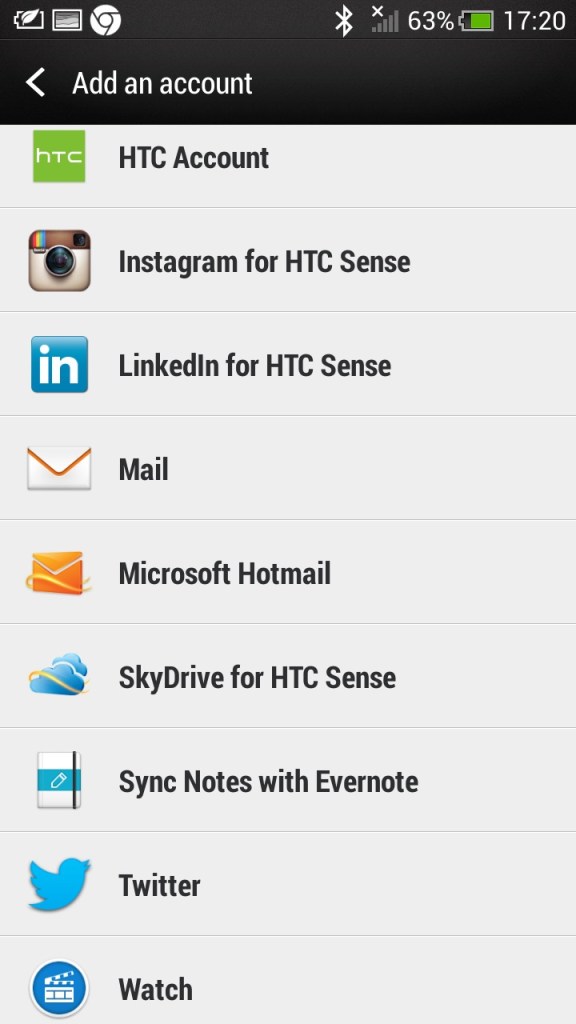
Mail: HTC’s own email client that had support for Gmail, Yahoo! Mail and Hotmail (Outlook). Other email providers can be used by setting the correct POP3/IMAP configuration. Microsoft Exchange can also be used.
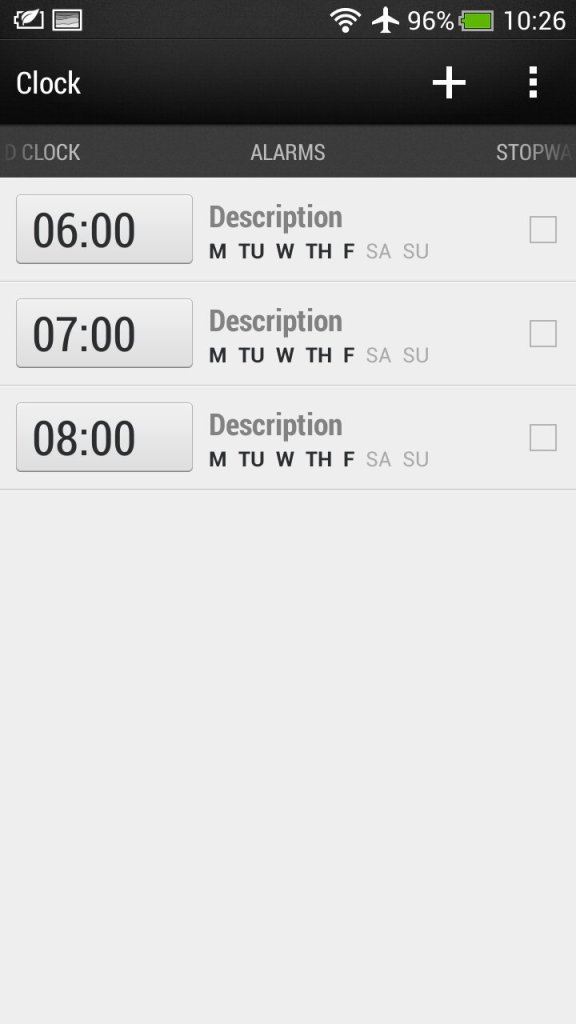
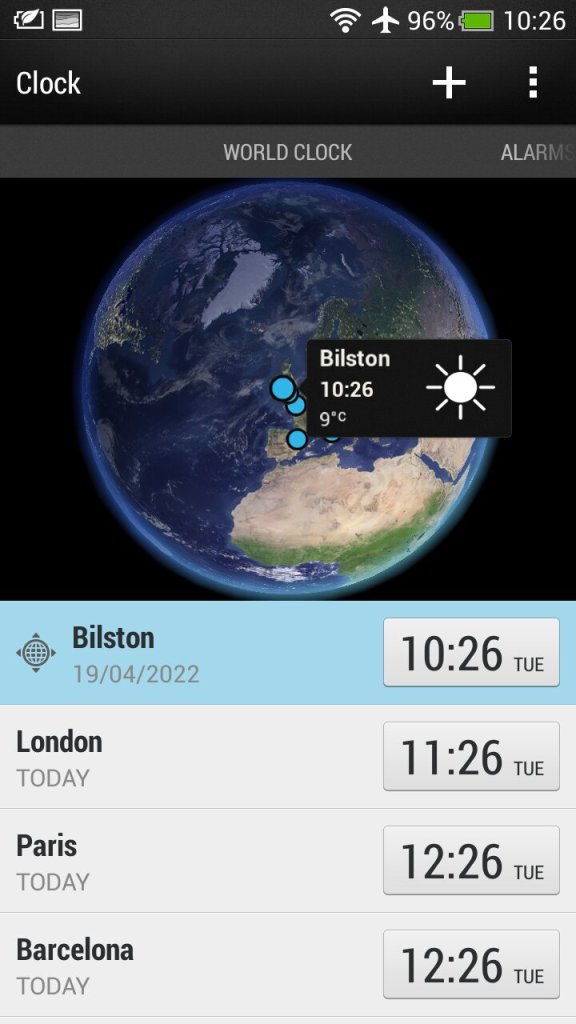
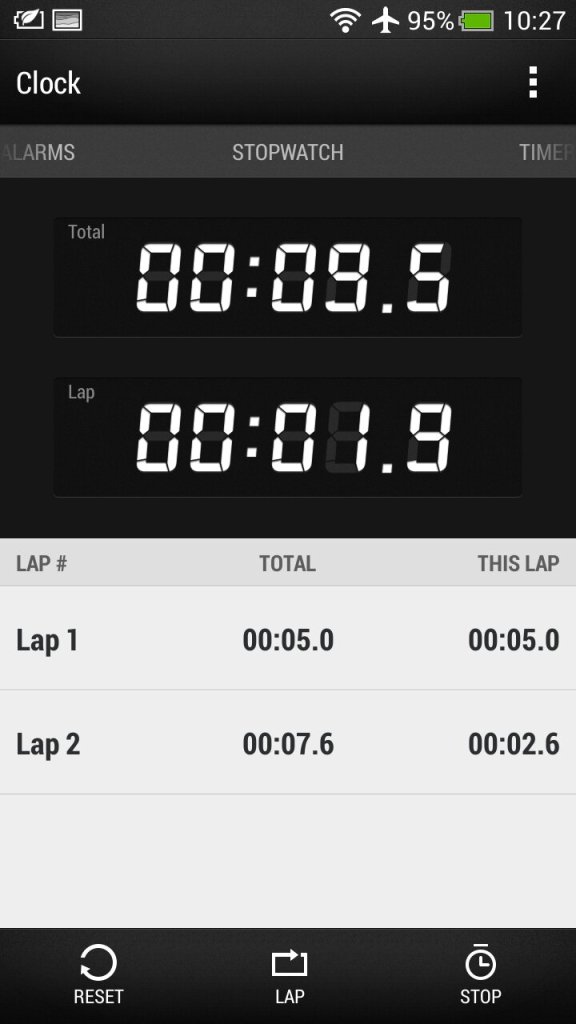
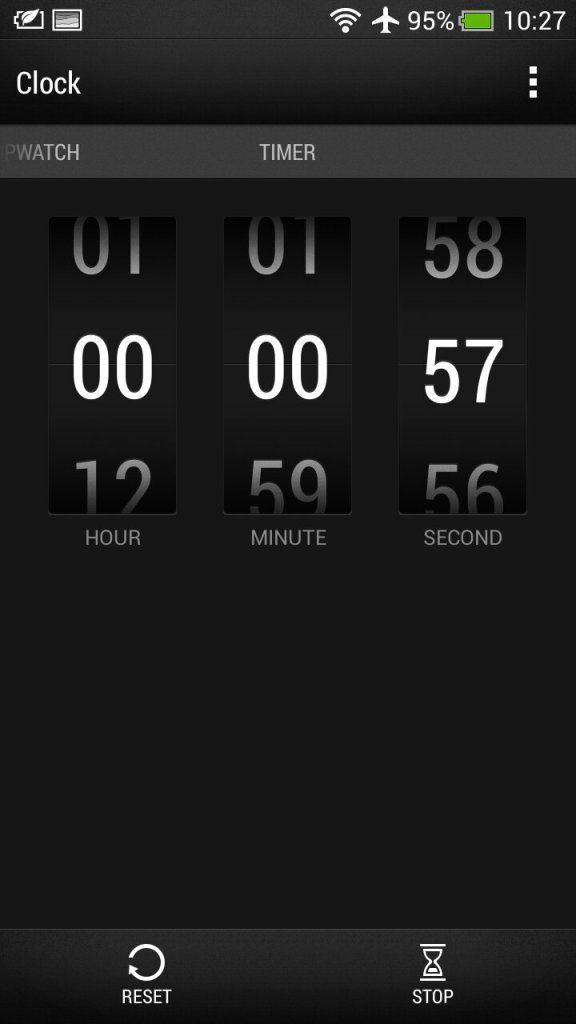
Clock: For setting the time or different timezones, of which HTC has configured a few for you. Here you can also set multiple alarms that can be a standalone or recurring. A stopwatch and a timer are also provided which mimics an old alarm clock.
Stocks: Check your stocks of which the information is delivered from Yahoo Finance.
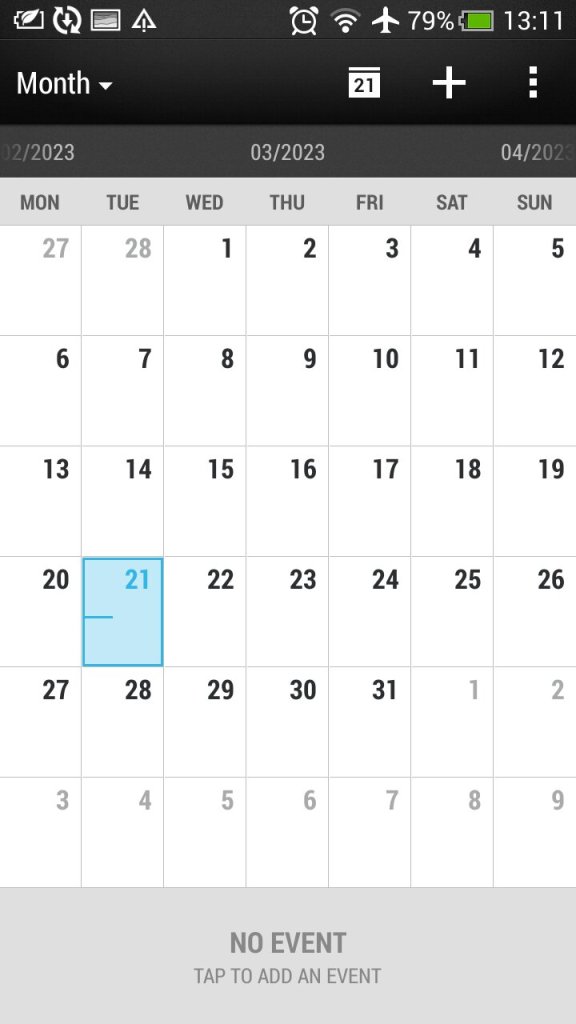
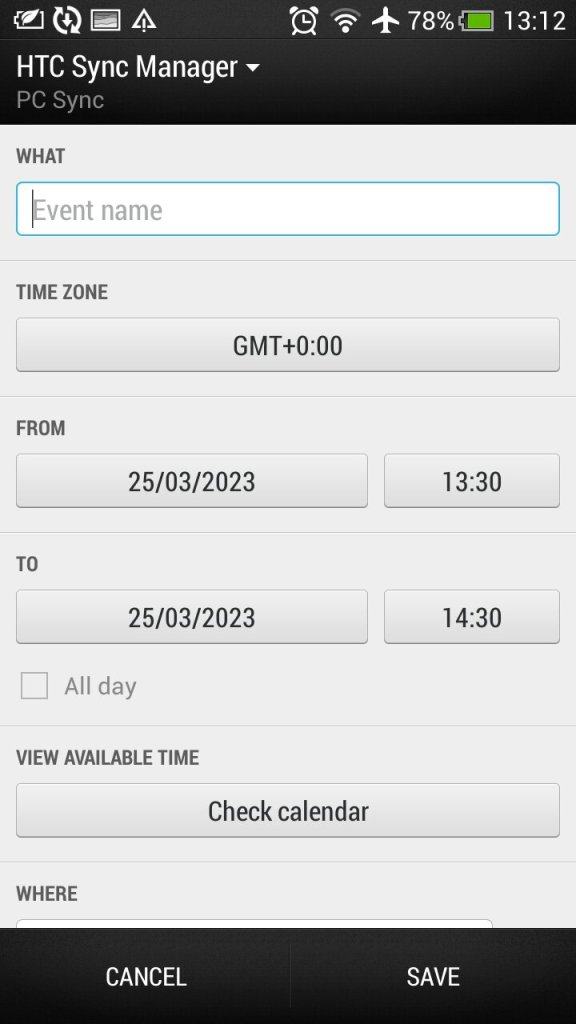
Calendar: Typical calendar app to set reminders and events. This will sync with the calender of your email provided if one is supported, otherwise this can be set to sync with HTC Sync manager, an application for your desktop PC.. Default view can be either Day, Week or Month.
Camera: The handset features an 8-megapixel camera with autofocus and LED flash. The camera is capable of capturing high-quality images and 1080p video, with good colour accuracy and sharpness. It also has a front-facing camera for video calls and selfies.
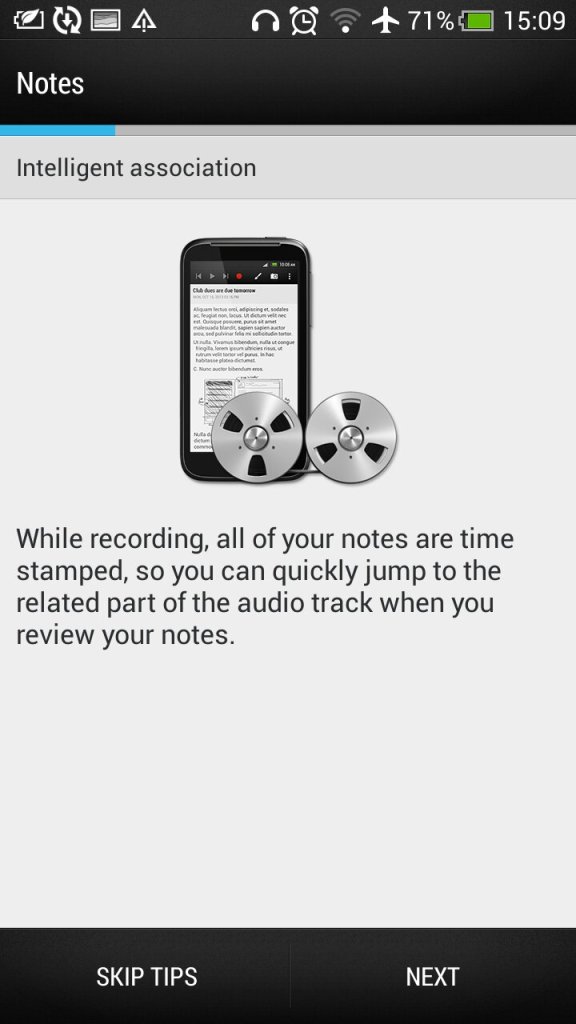
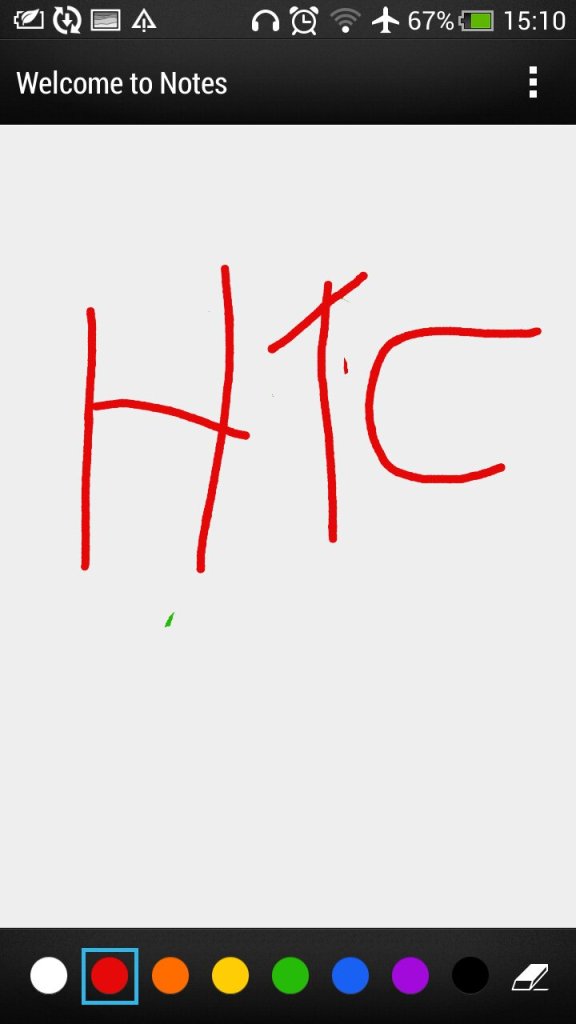
Notes: Supports both text notes and handwriting/freehand notes. Also gives access to the voice recorder feature.
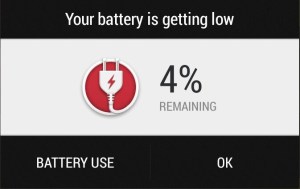
Low battery notification, which gives you a shortcut to the battery-use application that shows apps that have consumed the most power
Preinstalled Apps
EA Gamebox: Gives us links to EA’s mobile games that you could download to your device including Dead Space, The Game of Life, Tiger Wilds, FIFA12 and Need for Speed Hot Pursuit.
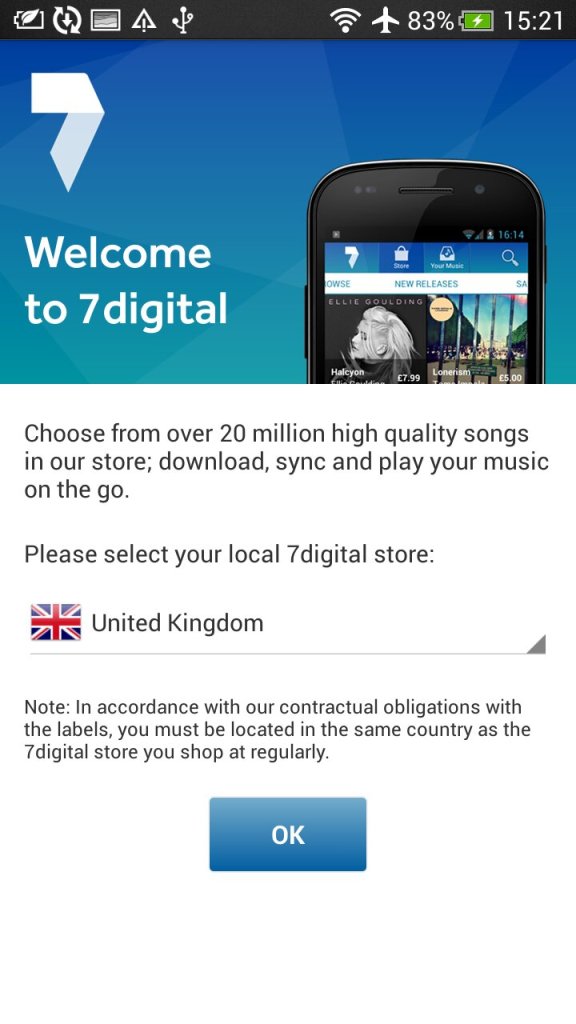
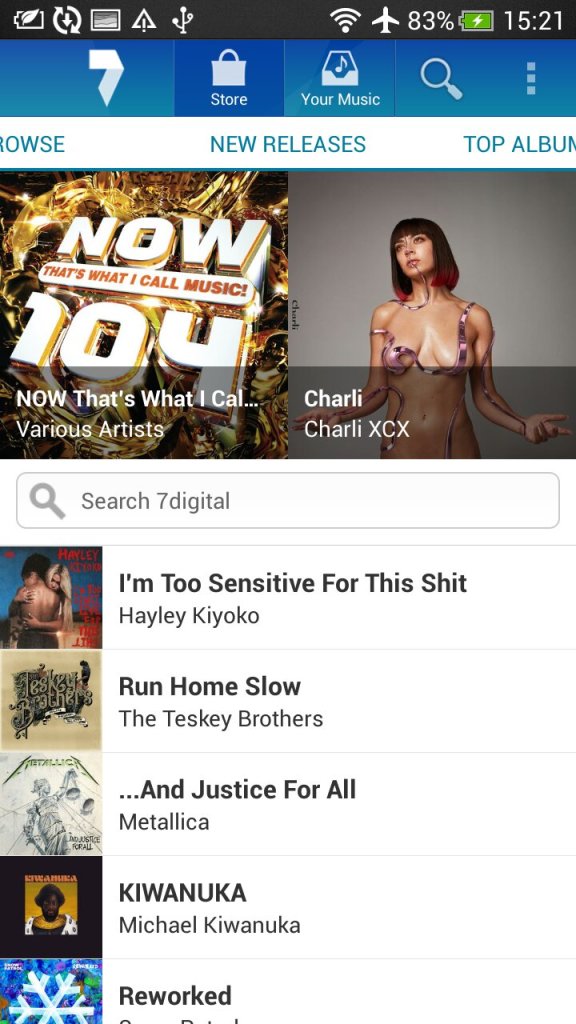
7digital: Popular music store, an alternative to the iTunes or AmazonMP3 for purchasing music. This also serves as a music player as I can play both download music off the store and any local files you transfer from a PC.
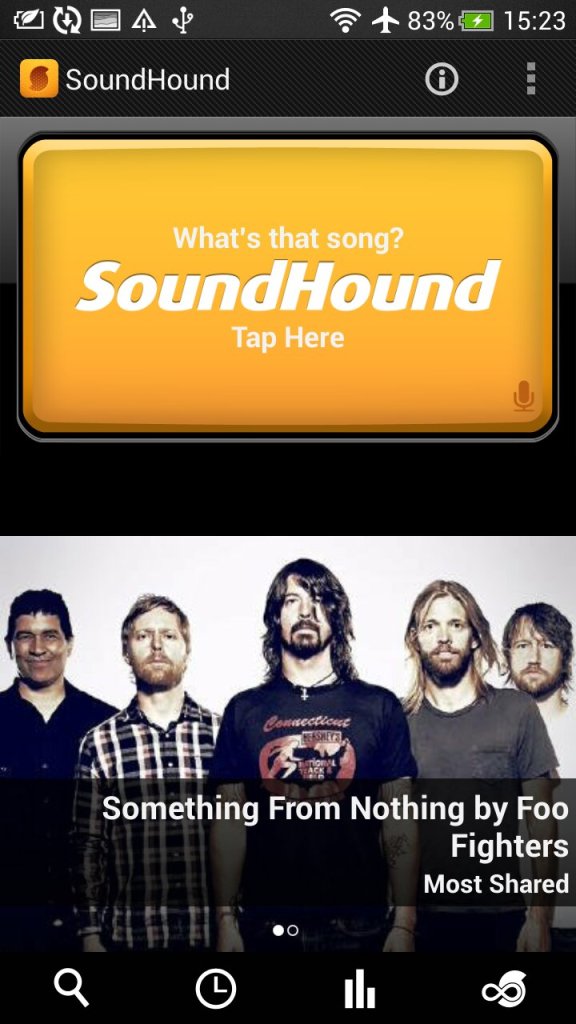
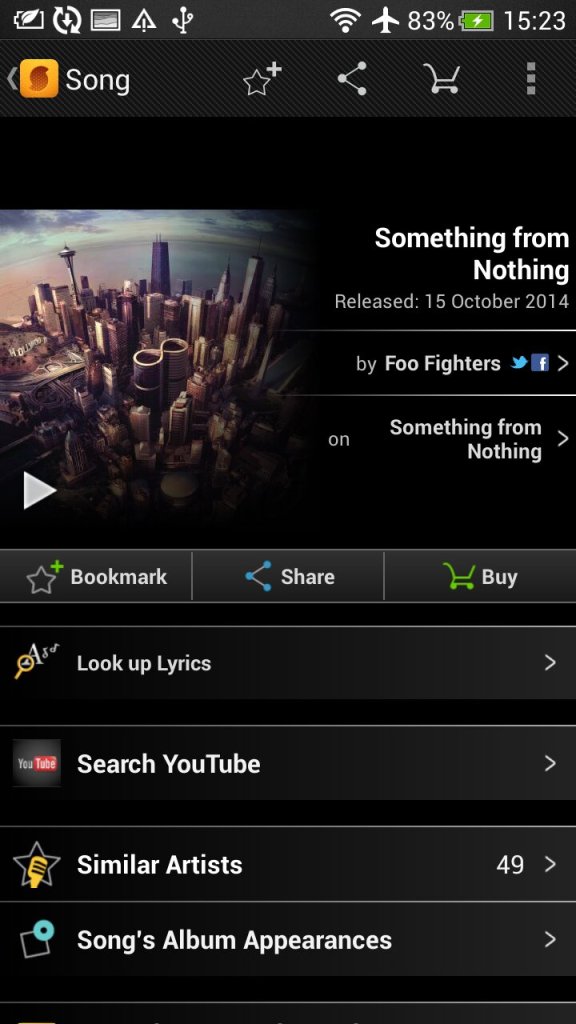
SoundHound: Music discovery tool that can detect and identify music playing my listing and sending a sample. Useful to identify a track that is unknown.
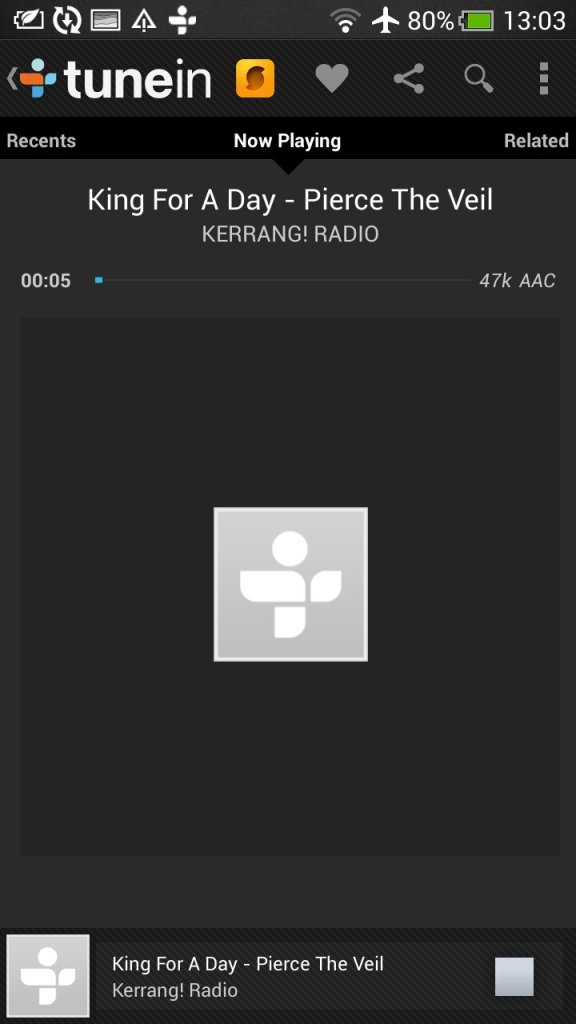
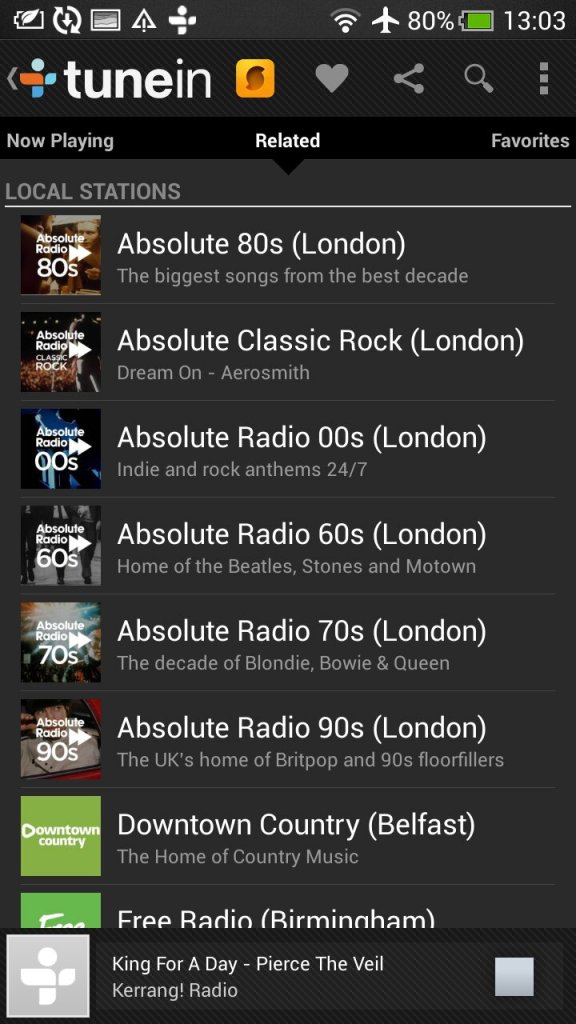
Tunein Radio: Radio player directory, used to discover and listen to internet radio stations
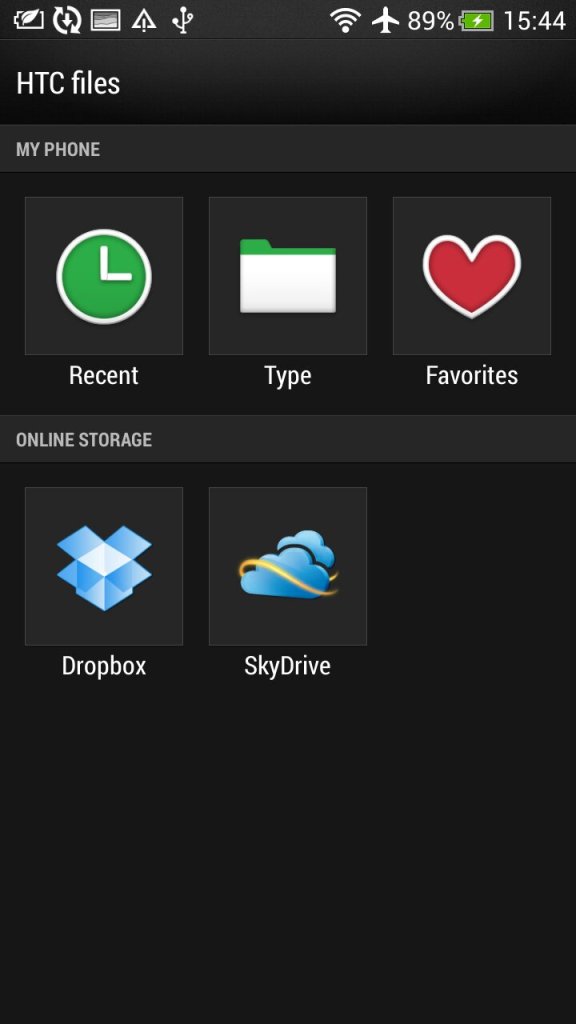
Dropbox: Cloud file storage app that can sync with multiple devices.
Polaris Office: Mobile office productivity suite to open documents, this can auto integrate with both Dropbox and SkyDrive (Now Onedrive) or open files off USB storage.
Standard social media apps are also included like Twitter and Facebook
Widgets
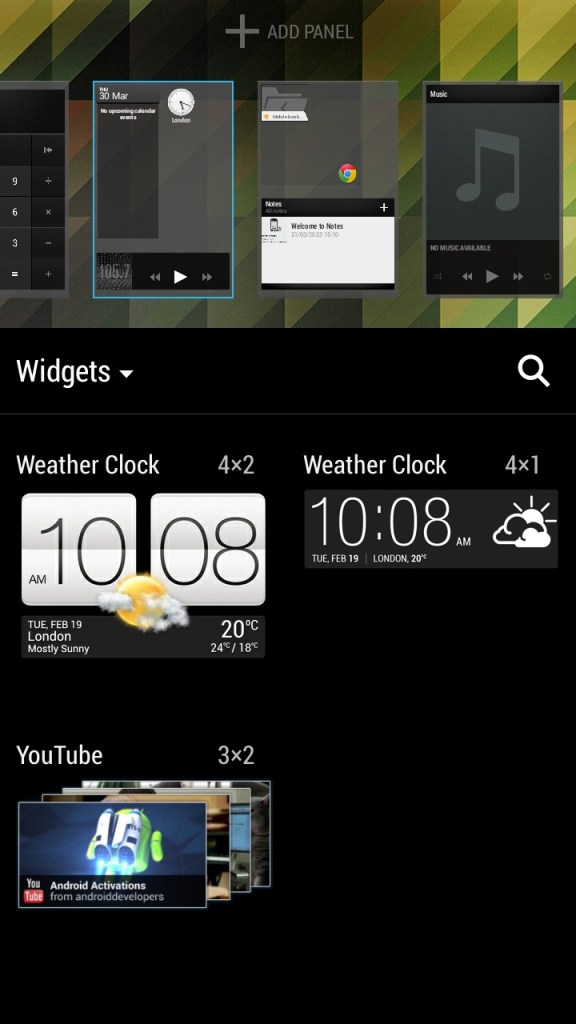
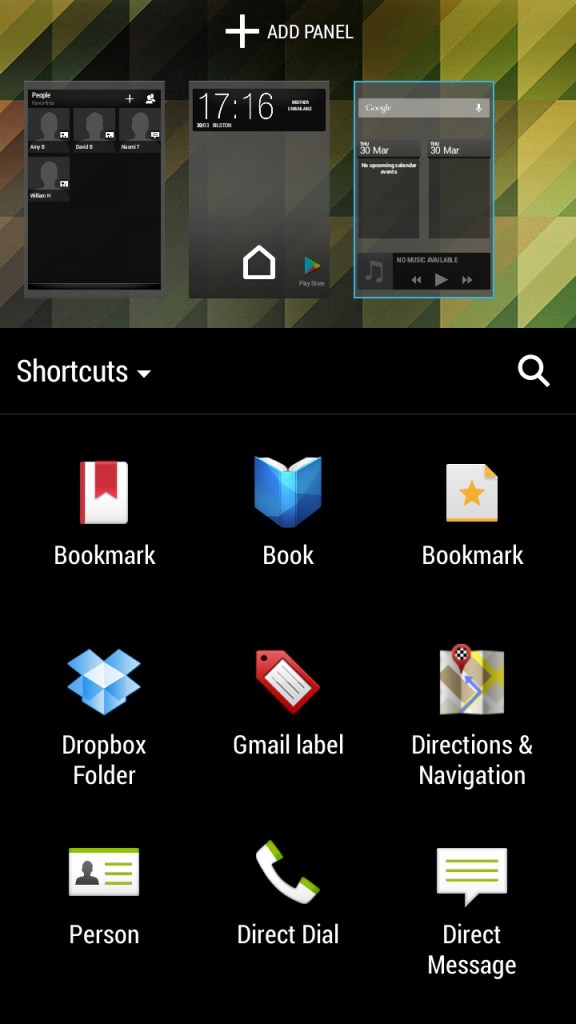
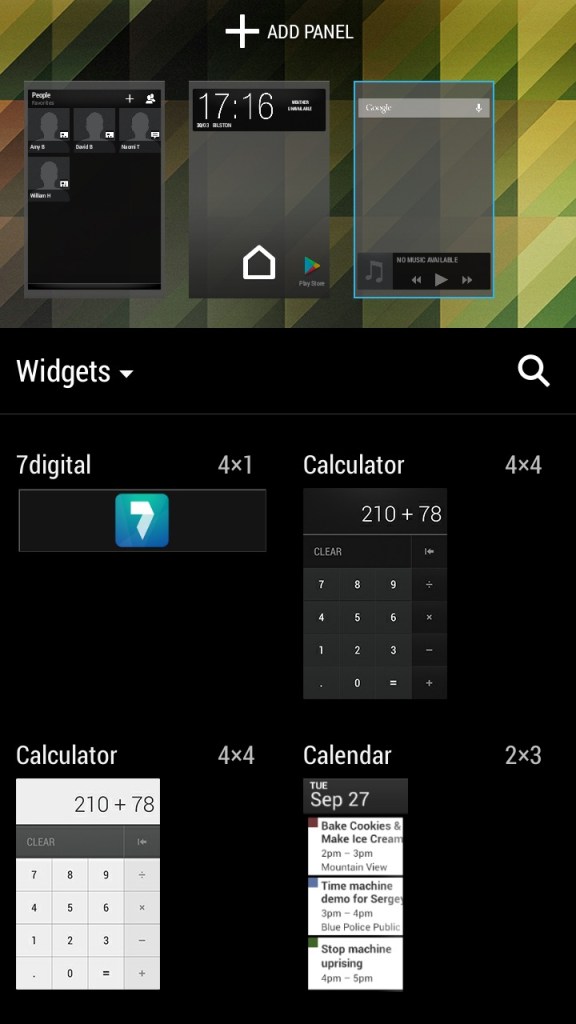
Like other Android handsets, HTC have included a few default widgets that can be placed on the Sense UI, most of these will link to existing apps on the phone and incorporate some of their functionality. You can have up to 8 different panels containing widgets or app icon shortcuts fro easy access. Switching between panels is as easy as swiping left or right.
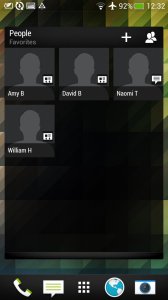
The contacts widget lets you place your top 9 contacts, of which can be pinned for quick access. Kind of like a speed dial of sorts but you can customize what to do when you select them, either open the contact card or directly call or message the contact instead.
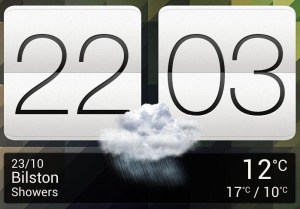
The weather and clock widget which will show the weather according to your phone’s location, when pressed will just take you to the clock app.
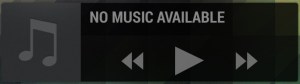
The music widget lets you quickly play the last played track and also lets you pause and skip tracks directly. Pressing on it will open the HTC music app.
Conclusion
Overall, the HTC One X was a great smartphone for its time, offering excellent performance, a good camera, and solid battery life. However, it is now outdated and may not be suitable for users who require the latest features and technology. Trying to use it as a daily driver 10 years later will be a challenge, whilst you can still connect and sync a Google account, the amount of Play store apps that can be installed is very low, with Twitter, Facebook and even Google’s own Youtube apps no longer being supported. Oddly Youtube Music and Kids can still be installed.
The browser side isn’t much better, the latest Google Chrome dates from 2015, whilst Dolphin Browser 12.2.9 is the latest supported. You have to remember a lot of modern Android apps are not ARM64, and his handset is only 32bit.
 Drew1440: Blog