Monthly Archives: January 2024

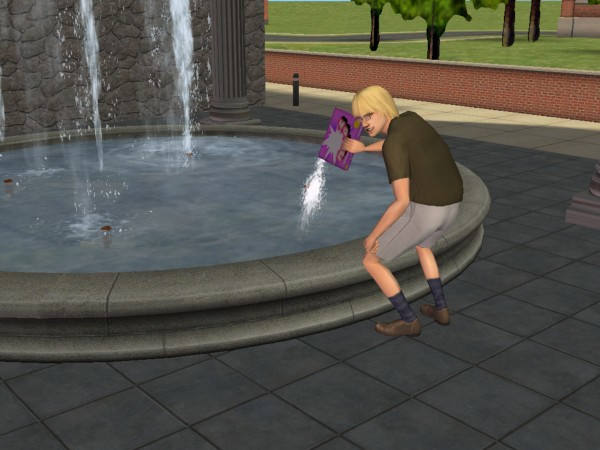
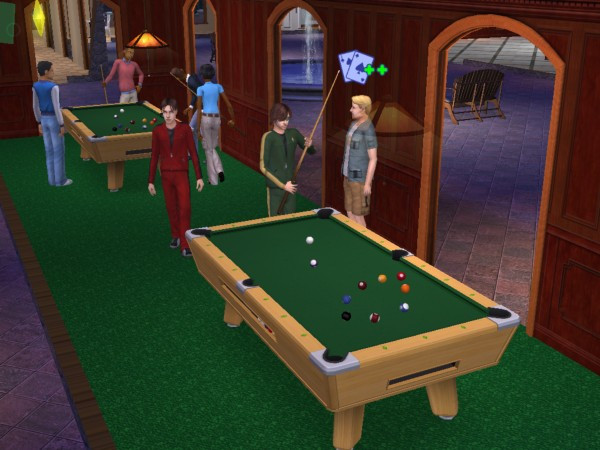
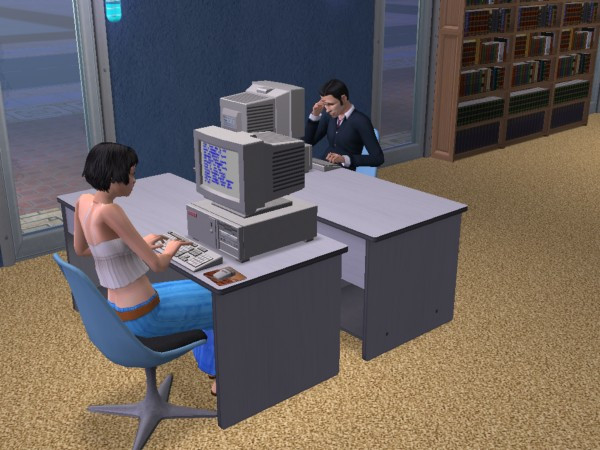
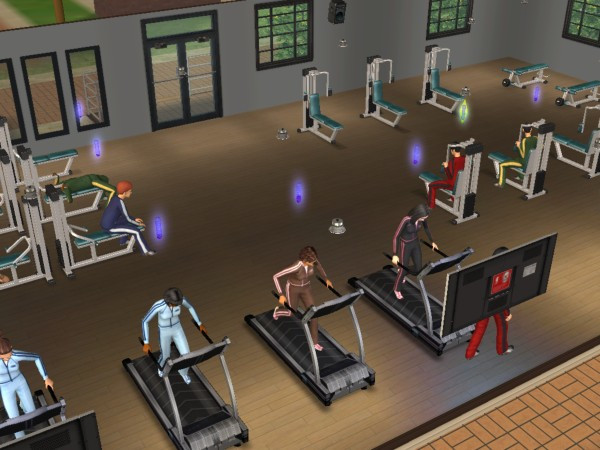
The Sims 2 – University Life Collection

A compilation of an expansion pack and two stuff packs.

University

One of the first expansion packs released for The Sims 2, Here sims can move up in the world by entering into the world of higher education. They can move into a dorm, enroll in a class and graduate (or flunk). Sims who have graduated have access to additional careers when they return to their home hood.

It’s worth mentioning the game tries to portray American college life, which will differ if you are not from the US. If your familiar with college-era TV shows like Undergradz, Blue Mountain State, etc, then you should be aware with what the expansion pack is trying to portray.

A new life stage is introduced, Young Adult. This is only available to sims that have enrolled in University, normal sims aging from teens to age to an adult if they choose not to go to university.
Dorms are shared housing that sims can live on. These are cheaper to live in as they do not require rent (though bills must be paid). Each dorm can have a caterer who will serve food in the canteen area. When moving in, sims will need to allocate a dorm room which is where they will sleep in. Other sims will move into any of the vacant form bedrooms.

Regular houses can also be bought, though this is harder since sims are only given 500 to start with for university. This can be increased by applying to scholarships whilst they are a teenager, which depends on the levels of skills, school grade and circumstances (like having a dead parent or an alien sim)
NPC teenagers can be aged to a young adult and made playable in University, the ‘Send sims to Uni’ button in the neighborhood screen can be used for sending sims in bulk.

Sims’ academic performance is tracked through a GPA (Grade Point Average) system. Attending classes, completing assignments, and studying all contribute to a Sim’s academic success. Not having a good enough grade can cause the sim to enter academic prohibition where they will have to repeat the semester.
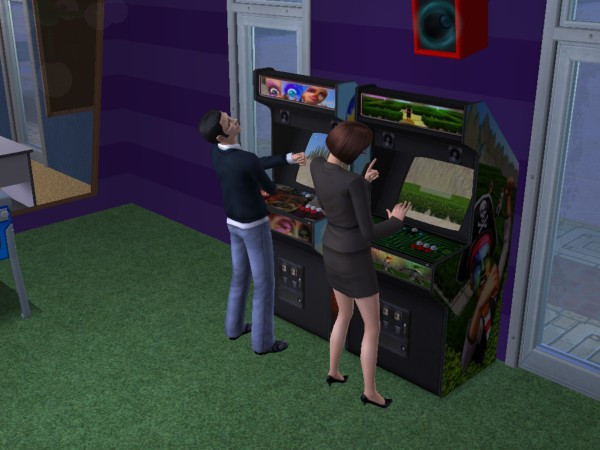
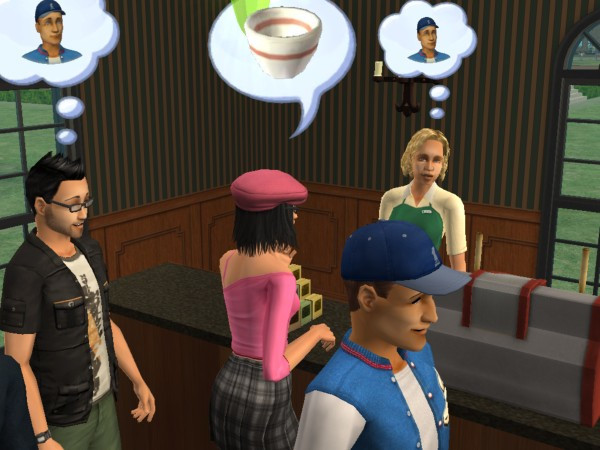
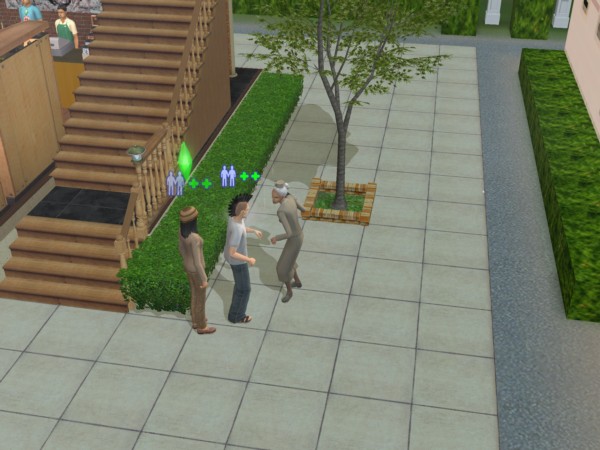
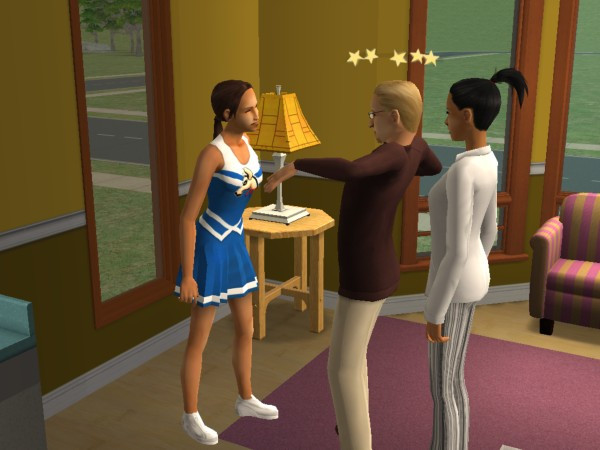
University comes with its own NPCs. There are a lot of professors who serve as lecturers, which the game allocates two to each subject. Sims will automatically meet these when they attend class, and will sometimes come over to visit as a regular NPC. They can be interacted with and romances, which can be used to get a higher grade. Be careful with the drama professors, they are very romantic and are sure to cause trouble.

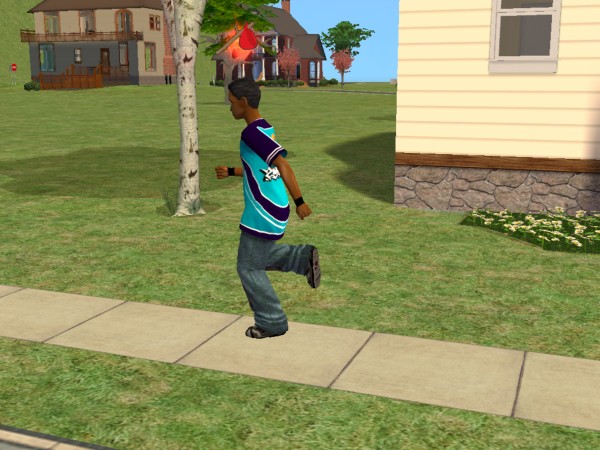
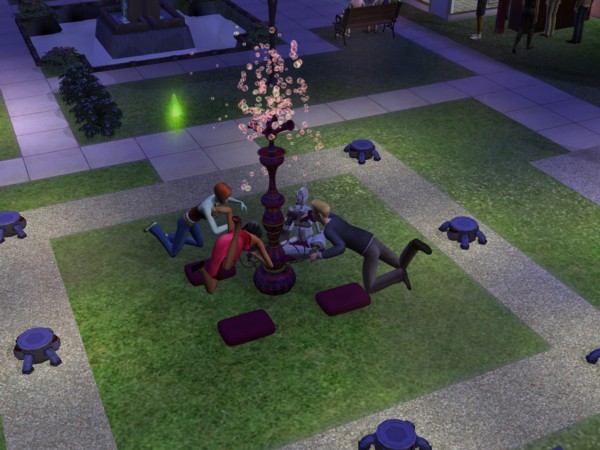
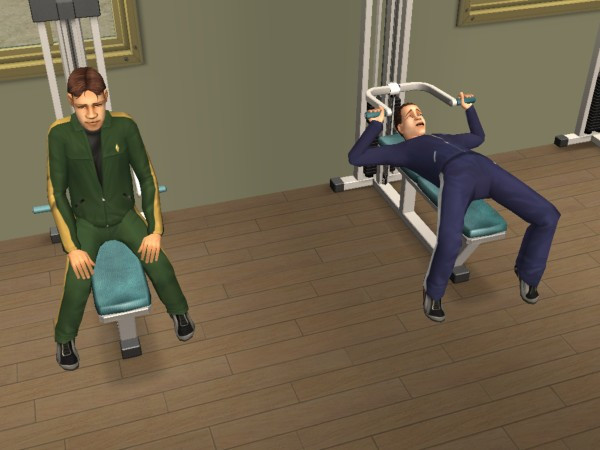
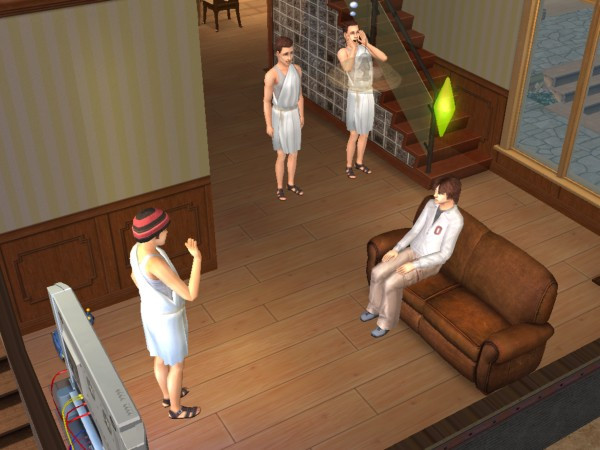
Other NPCs include school mascots which will visit the lot and will constantly perform the school dance. Gym teachers who will instruct sims to work out, and Streakers who are students who run around in the buff.

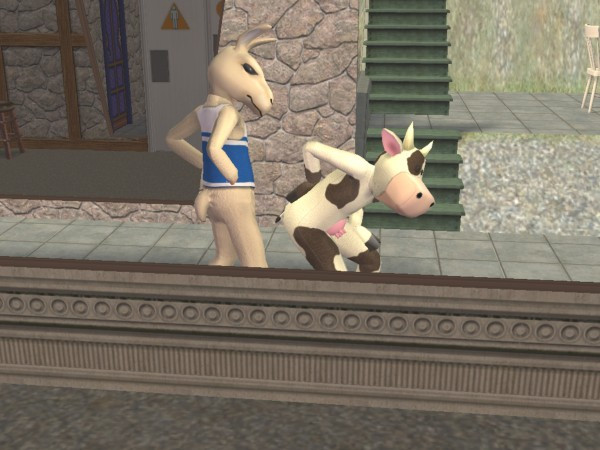
Lastly there is also a Cow mascot which will appear to wreak havoc with other sims, since it’s implied to be from a rival school. I’m guessing campus security isn’t that great.
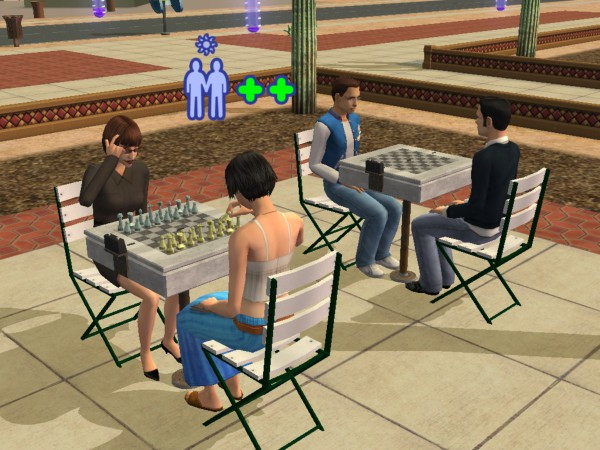
The Universities

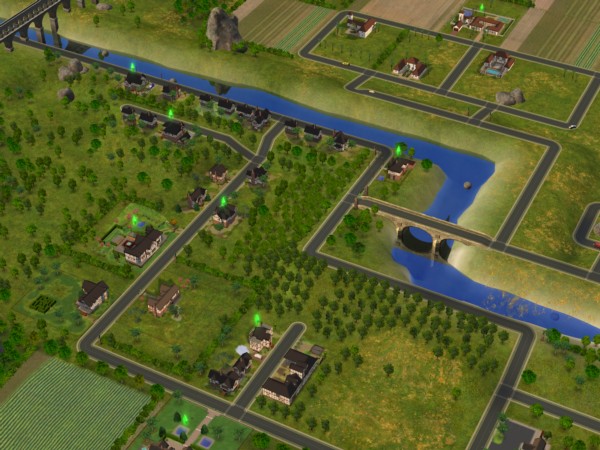
There are three pre-made university sub-hoods, any of which can be attached to each neighbourhood, They are not shared across the different hoods, so each one will have their own copy of lots, dorms and sims.

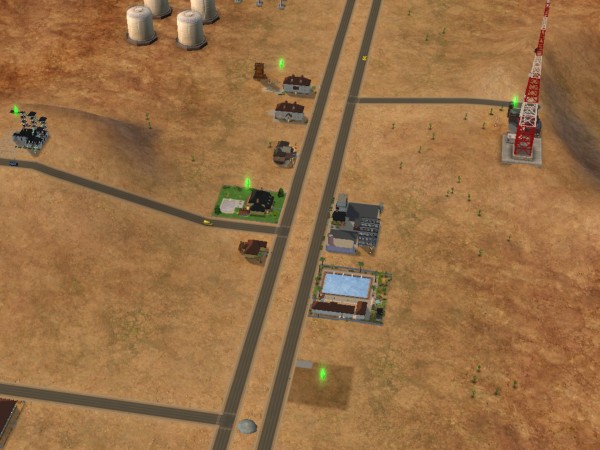
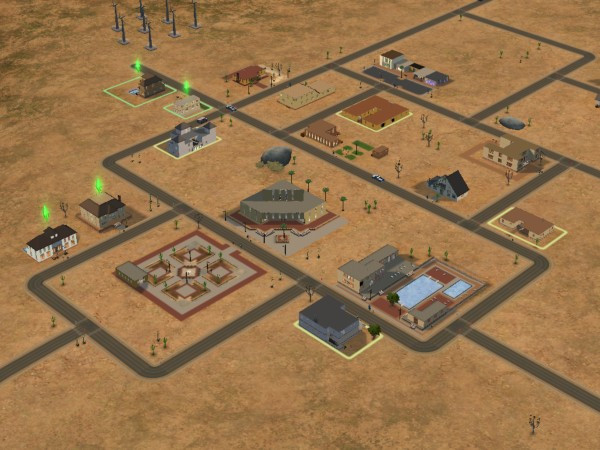
La Fiesta Tech – Set on a desert, similar to Strangetown. IDK why they named it after the Ford Fiesta car?

  • Fraternity: Guy, Mickey and Matthew live in a household named after a Skyrim spell
  • Sorority: DJ, Monica, Sarah and Jessie are one of the geek house lots
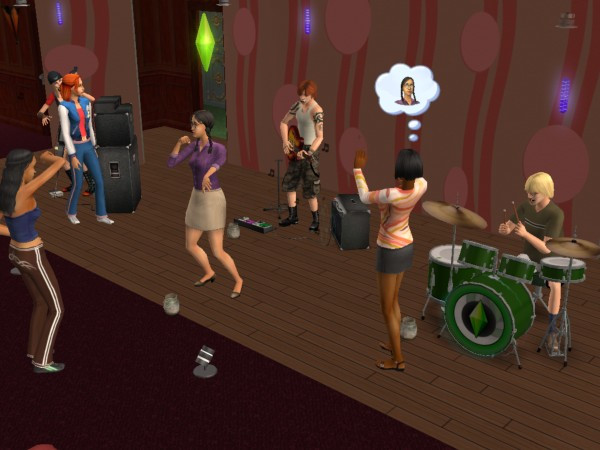
  • Shifting Paradymes – Gunnar, Jasmine and Zoe live in a house and are supposed to be part of a band, hence the household name. They can perm on community lots that have music instruments on them (drum kit, guitar and bass)
  • Worthington: Francis lives here on his own
  • Davis – Aldric and Almeric are twin brothers who live on the same lot
  • Student Housing – William, Blossom and Klara are vacant students who can be moved into any lot or dorm
  • Terrano – Stella is the lone sim here, and the only alien sim students

Academe le Tour – Supposed to be a typical European university, hence no greek houses are included by default.

  • O’Feefe – Delilah live on her own here, and has an obsession with the colour yellow
  • Friends – Mitch and Max live here in very tiny houses. Appears there are two different house on the lot, predating the apartment concept
  • Sharpe: Roxie and Jonah live here, along with Roxie’s brother Edwin. Jonah looks like Carrot Top
  • Biggs – Marla also lives on her own here
  • First Year – Phineaus, Ellen and Chaz all live here in their own household and appear to be a diverse group of different personalities
  • Students – Emily and Tom live here and are ready to be moved into any dorm.

Sim State University

  • Bright: Three outcast students. Martin, Jane and Allegra, who remind me of Janice of Mean Girls
  • Frat Brothers: Your typical college fraternity, with Ashley (who reminds me of Dennis from Always Sunny), Castor, Joshua (the jock) and Kevin (the stoner/slacker)
  • Tri-Var Sorority: Tiffany, Brittany and Heather
  • Freshman: Similar to the first-year students from Academe Le Tour, Sam, Jared and Ty are all new to campus
  • Phoenix: Jimmy is implied to be a foreign exchange student, or an immigrant looking for better opportunities
  • Swain: Erik is on his own and is also a freshman
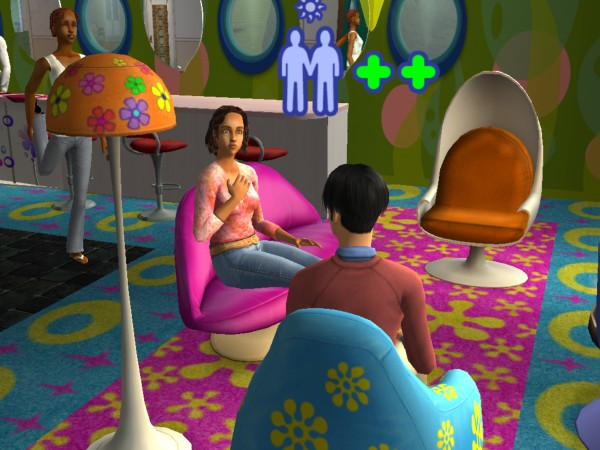
Students will return to the main hood once they graduate, and can be moved into any lot or move into an existing household.

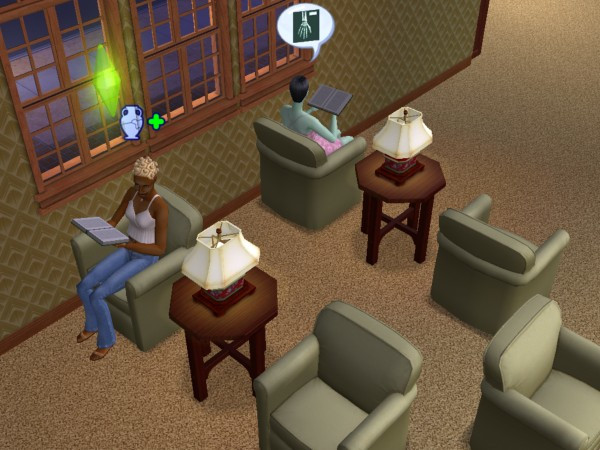
Each hood has its own set of community lots, like a library where sims can upskill. Student unions where sims can interact with other sims and dedicated shops.

Greek houses are lots that have sims who are part of the fraternity. They have access to additional interactions, more of which are unlocked when you level up the house, This can be done by making more friends on campus. To become part of a Greek house, your sim will need to befriend 3-5 sims who are part of the Greek house (done by pledging through the phone.
IKEA Home Stuff

Included a bunch of furniture from IKEA. Typically included chairs, tables, beds and decorative objects. The furniture added here is quite cheap making it ideal for low-income or starter families, and for students who have just moved into college. This is also a good addition if you have the Apartment Life expansion pack.

Teen Style Stuff

Adds a lot of clothes and hairstyles for teenage sims. Mainly consists of bedroom sets like the ones seen in Family Fun stuff. these include beds, wardrobes, wallpaper, carpet and end tables that conform to a specific style. These are used to give some style of a teenage bedroom, but can also be used for regular adult sims.
The Sims 2

The sequel to one of the best-selling games of all time.

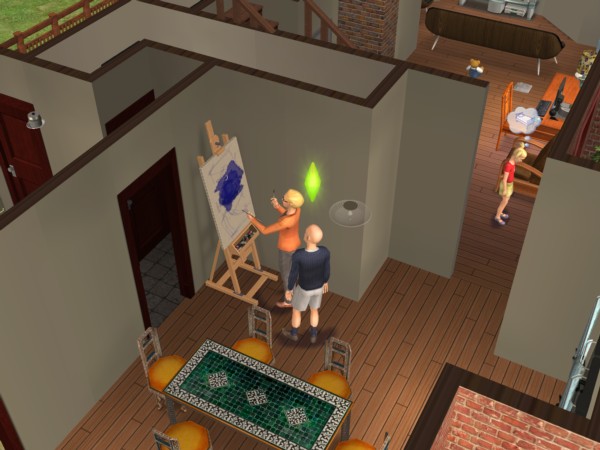
Sims themselves were a lot more complex compared to the previous installment, with sims now being rendered entirely in 3D graphics. In the original game only the head and body could be customized with only three body types and skin colour. Sims 2 made this more diverse with four skin colours being introduced, face sliders to customize the sims appearance and more customizable cloths, (Although you couldn’t change the colour of them, which was something the console versions could do).

Body sizes remained the same with the normal, thin and fat body types, which wasn’t very diverse since the fat sims only look slightly chubby, they are nowhere near the My-600lbs-life level. Then again Maxis would have had clipping issues when the sims had close contact with another sim or object, and would have had to have various different animations for the body types.
The concept of genetics was also introduced where sims can pass on their appearance and personality through their offspring, unlike the later game this got pretty complicated with the concept of recessive and dominant genes, later games just kept it simple and combined elements of both sims.

Memories and aspirations are new concepts introduced into the game, with memories serving as achievements that are saved. Aspirations serve as an indicator to a sims mental health, by achieveing ‘Wants’ their aspiraion bar will begin to fill. Fulfilling ‘Fears’ will cause this to go down and when it enters a failure state, sims will break down and will get a visit from a therapist. Points earned from Wants are used to redeem aspiration rewards, which can be used to make skilling or social itneractions easier or to increase the sims lifespan. These cannot be bought for case, only for points.

The concept of genetics and family trees are introduced in this game, where sims can pass on their personality and appearance onto their offspring. The comcept of family relations is also present here, which special socialinteractions being made avaliable to family members.

The Hoods

The original sims game only supported one hood, with multiple hoods being a feature of several of the expansion packs, however these hoods are all set in the same location with very little diversity in the environment. Sims 2 expands on the neighborhoods by allowing the ability to have custom hoods from the base game, and even come with three neighborhoods.

  • Pleasentview: This is supposed to be the original neighborhood from the first Sims game, but set 25 years later with the Sims themselves having aged older. There are many familiar families like the Goths, Burb and Pleasent. Non of the original lots return, will all the houses being remodeled to take advantage of the new building tools.
  • Strangetown – One of my favorite hoods because of how eccentric some of the characters are, set in a remote desert.
  • Veronaville – Inspired by various Shakespeare plays including Romeo and Juliet and The Midsummer Knights Dream. There are three main families who have a very rich backstory. The lots follow either a tudor or an Italian design.

Hoods are based on Simcity 4 small citys, and you can even see the .sc4 file extension allowing for custom hoods to be created using Simcity 4, and then exported to The Sims 2. The terrain level and type could also be customised, although once set you cannot change this within the game. This differs from the original game which was fixedin the neighbourhood type and layout,a dn yiou were limited by the amount of lots (10 int he stock game, 48 in Unleashed) WithSims 2, you are givern the choice of quanitity or size, with larger lots occupying more space.

Pre-made sims

A lot of the premade sims have a storyline allocated to them, although this isn’t part of the gameplay itself, storytelling is a focused component of the game with the ability to take screenshots and capture video through the game. Of which can be collected into a family photo album. Some sims have premade scrips that function when you play them for the first time, some of which will introduce some of the games mechanics and features. The Calientes for example with have a scripted burglar appear on the lot at the first night

Pleasentview

  • Goth: Mortimer and Cassandra return 25 years older, complete in a new crib with the trademark gothic architecture and a gravestone. Alexander is the son of Mortimer and Bella, who is mysteriously missing (but can be added back into the game with either SimPE or the Sim Manipulator object) .
  • Pleasant: Daniel has grown up and has a wife Mary-Sue and kids of his own, twins Angels and Lilith. Daniel appears to be having an affair with the maid, whilst the twins have the worst sibling rivalry ever seen
  • Broke: Brandi with her son Dustin and Beau, live in what appears to be a trailer
  • Dreamer: Widow Darren and his son Dirk, who are struggeling to pay the bills
  • Oldie: An elderly couple with no kids, Coral and Herb. I normally have these adopt a kid just to keep their legacy alive, if you prefer to keep their generics there is also a mod that lets you create a baby from the crib directly.
  • Burb: Daniel Pleasant’s sister – Jennifer who married John Burb, who was also from the original sims game. They have a daughter. No sign of Johnny’s pet dog Tucker
  • Caliente – Nina and Dina – two sisters who have recently moved in and have already wrecked havoc in the neighborhood. Dina has already had an affair with Mortimer Goth, had previously married Michael Bachelor (Bella’s brother and a sim who was also in the original game). Interestingly their family tree shows they have alien ancestry
  • Lothario – Don who is the male counterpart to the Caliente sisters, this one also has an affair with both of them, and is engaged to be married with Cassandra Goth
  • There are also a few NPC’s that are well known, Kaylin Langerak (Who appears in The Sims 3), Gordon King and Goopy Gliscarbo – the NPC with the best fashion sense.

StrangeTown

  • Grunt: A military-esque family with General Buzz with his three sons Tank, Ripp and Buck Grunt. Tank seems to be the type of sim who is desperate for his fathers attention and tries to emulate him, Ripp seems like a slacker/stoner type who is struggling to find his feet, while Buck is the youngest. Their mother, Lydia divorced before passing away, and her grave can be found in Olive Specters garden, speaking off…
  • Specter: Olive Specter, one of my favourite premade sims since there is such as mystery around her, why does she have so many gravestones in her yard of different sims, why does she have positive memories of the Grim Reaper, why has she been married multiple times and why did she lose her only child to social services? Living with Olive is her niece, Ophelia who has a punk-rock style, like a black Avril Lavigne during her ‘Let Go’ era or Fefe Dobson.
  • Smith: The first alien hybrid family consists of Pollination technician 9, his human wife Jenny and their kids Johhny and Jill who live in a house that looks like something off Wisteria Lane (Desperate Housewives)
  • Singles: Four roommates with Erin (Who is related to Loki Beaker below), Kirsten and sisters Lola and Chloe.
  • Beaker: Loka and his wife Circe, along with their adopted slave Nervous Subject
  • Curious: Three brothers who live on some sort of observatory, with one of them being up the duff from an alien.
  • Loner: Just Ajay on his own, ready to move into a vacant lot. I typically pair him upo with a random townie
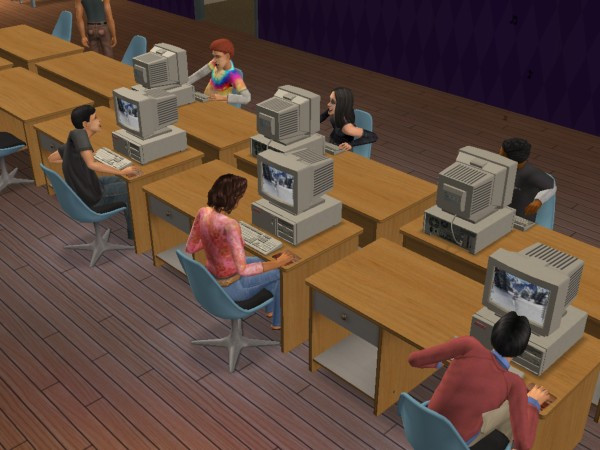
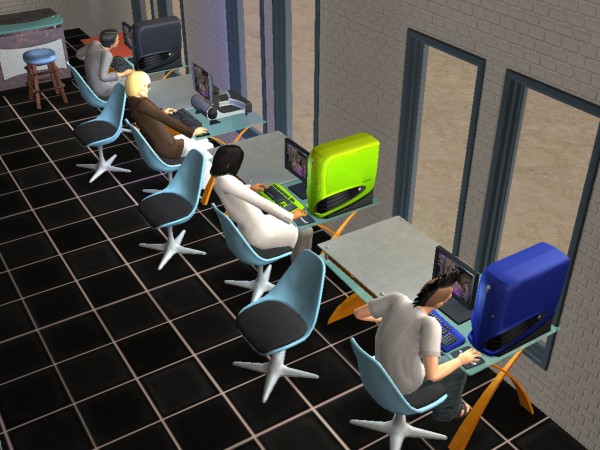
LAN Party, 2004 style

Veronaville

  • Capp – Consort is the oldest surviving member, with Kent and daughter’s Regan, Goneril and Cordelia, who is deceased. Goneril is married to Albany, who is ready to move into a vacant lot. Cordelia issurvived by Juliet, Hermia and Tybalt who live with Consort.
  • Monty – Based on the Montague family from Romeo & Juliet, Isabella is the matriach of the family, with Antonio and Biana present in the family bin, ready to move into an empty lot.
  • Summerdream – Oberon and Titania, and their kids Puck and Bottom.

Theres a shocking lack of Macbeth here, maybe that was too spicy for the game?

The new NPC’s

Most of the existing NPC’s serve a similar purpose to the previous game, but you can now interact them by talking or tipping them. If your sim builds up a relationship with them they can also move in with them.

Typical nanny experiance
Your typical nanny experiance

Nanny: These will take care of your child and toddler sims and can be set to track your sims work schedule so they will arrive before your sims are due for work. Unfortunately the Nanny’s are either incompetent or senile as they will often neglect the children and will go off and do something else whilst the babies are crying. Also the default-generated nanny’s seen to have very low nice personality points and will constantly fight with your sim. And they will constantly cook meals when there is no need to, and will also keep fetching baby bottles from the fridge despite there being plenty avaliable. Still, they are useful for keeping the social worker at bay.
Bartender: Useful for parties, they will tend the bur and will refill and serve drinks.
Exterminator: Will remove roaches, but not flies from the lot. You still need to clean up after them but they are useful against large swarms of them.

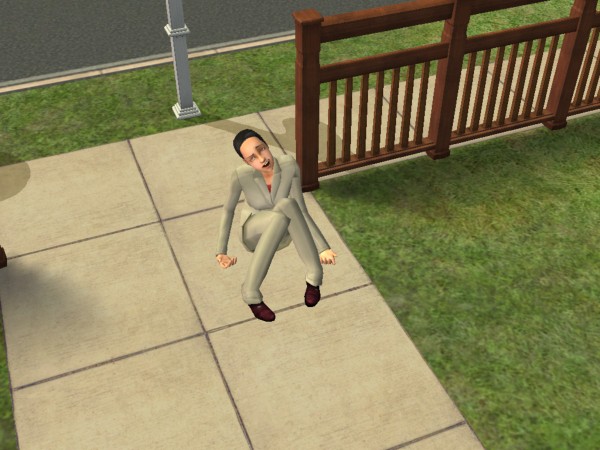
Dina left the front door unlocked again…

The Maid, Repairman, and Gardener continue to appear and can be contacted through the phone.

Deluxe Edition

This edition comes with the base game and the Nightlife expansion, another edition exists that adds the items from the Celebration expansion.

The Sims Nightlife

Developed similar to the Hot Date expansion pack for the original Sims, Nightlife was intended to bring added depth and variety to the social and nighttime activities of Sims in the game. The expansion aimed to provide players with more opportunities for their Sims to engage in exciting nightlife experiences and explore new aspects of their virtual lives. Here are some of the key intentions behind the expansion:

Downtown is where a lot of these new lots are located, and it can be added to any neighborhood in the game. Once added, Sims can call a taxi or drive to Downtown. Sims can also live in downtown lots, as there are residential lots available.
For shops, books, magazines and video games can be purchased from downtown stores, so sims are no longer stuck with SSX3. Video games that can be brought are references to other Sims games like SimCity 4 and The Sims Bustin Out

Like the regular neighborhood lots, Downtown is entirely customizable and new lots can be added and edited as normal lots.

A few new objects have been added, with mobile phones being featured for the first time that enable sims to make phone calls on the go which does not require a landline (no text messaging though). A handheld gaming console can also be purchased along with an MP3 player which plays the same music as the radio stations.

Dates are also a new concept to the game, where sims can ask others on a downtown date. Although this was in the first game, a new scoring meter which determines how well the date has gone based on social interactions and the amount of wants fulfilled during the date. You will be able to see the other sims wants to help fulfill them. Sims are rewarded for getting a high score, they may receive a gift or a card in the mail.

Cars are a welcome addition to the game where sims can drive to different community lots (but not residential lots) This was a similar concept to Bustin out. Sims must purchase and make room for a driveway on the lot, which a lot of the default Maxis lots had little to no support for and require adjustment. Adults can use their car to drive to work, replacing the carpool. They can also drive to work if they miss the carpool, though they are warned if they repeatedly come to work late. Teenagers can also drive which is useful if they miss the school bus.

No premande sims are included unless you count the mysterious Tricou family. There are exclusive Downtown NPCs that will only appear on Downtown lots and are generally intended for dating.

DLC

Shortly after release, EA offered official downloads for the game, which could be downloaded under the ‘Get Cool Stuff’ section of the website. One of which was a Running With Scissor’s, where your sim will pick up and run around with a pair of scissors. Some sort of PSA from Maxis on why you shoudn’t run around with sicssors. There is also an Alienware PC which gives a lot of Fun, but was never upgraded for alter expansions which means it cannot take advantage of features introduced in University (Like completing assignments or scholraships) but modded versions are available which support these features.

The Nightlife expansion also featured exclusive DLC in the from of downloadable Ford cars.

GTA Liberty City Stories

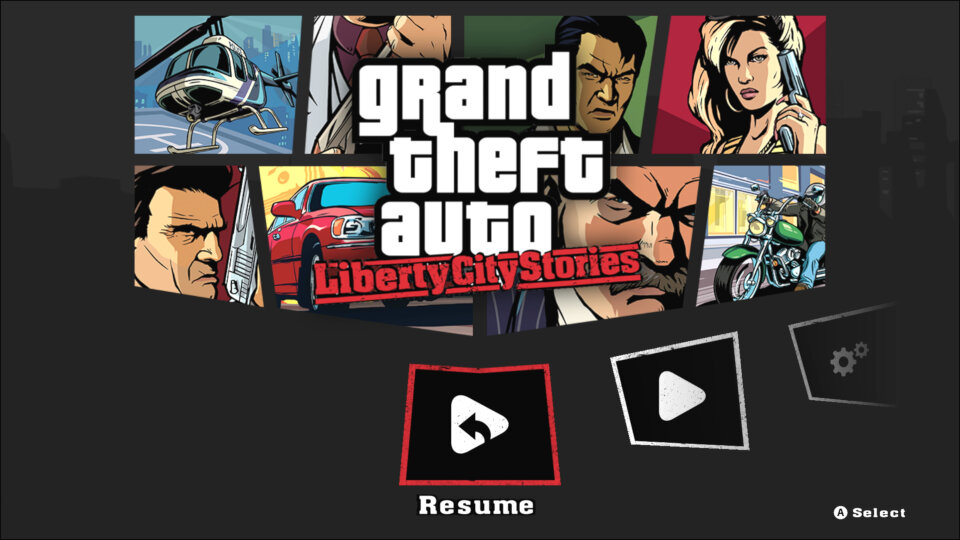
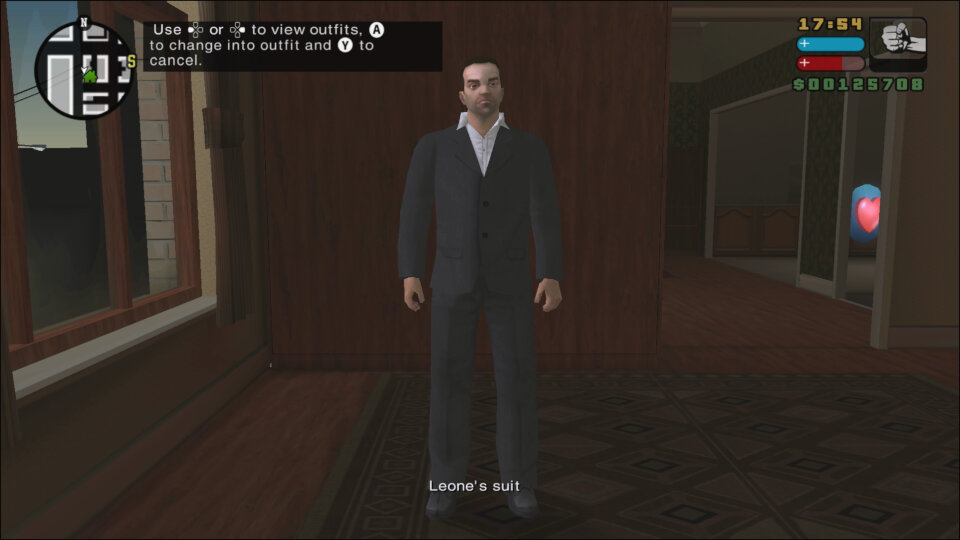
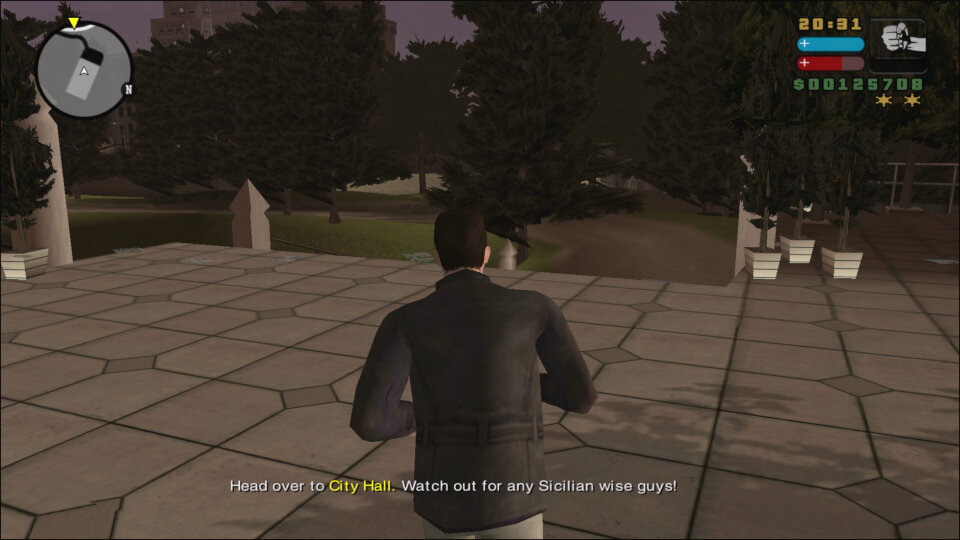
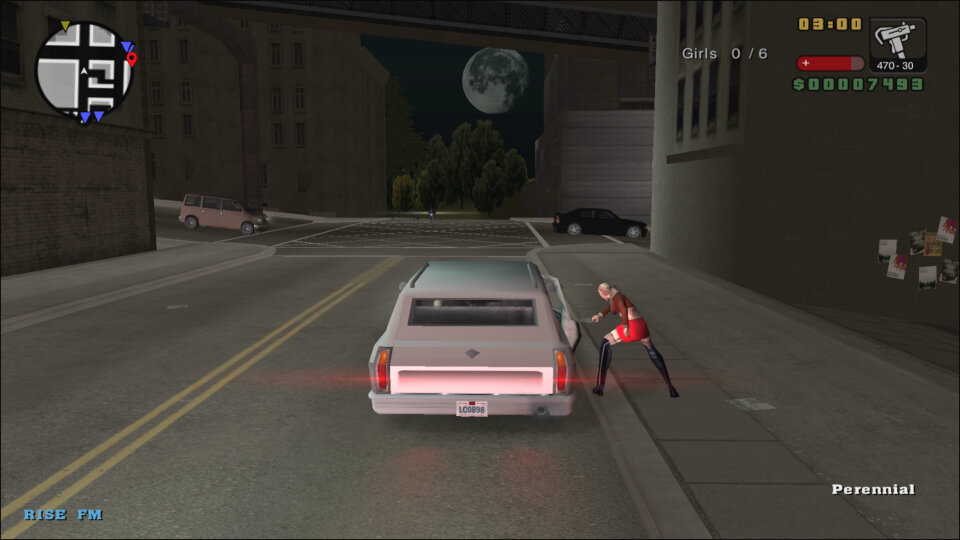
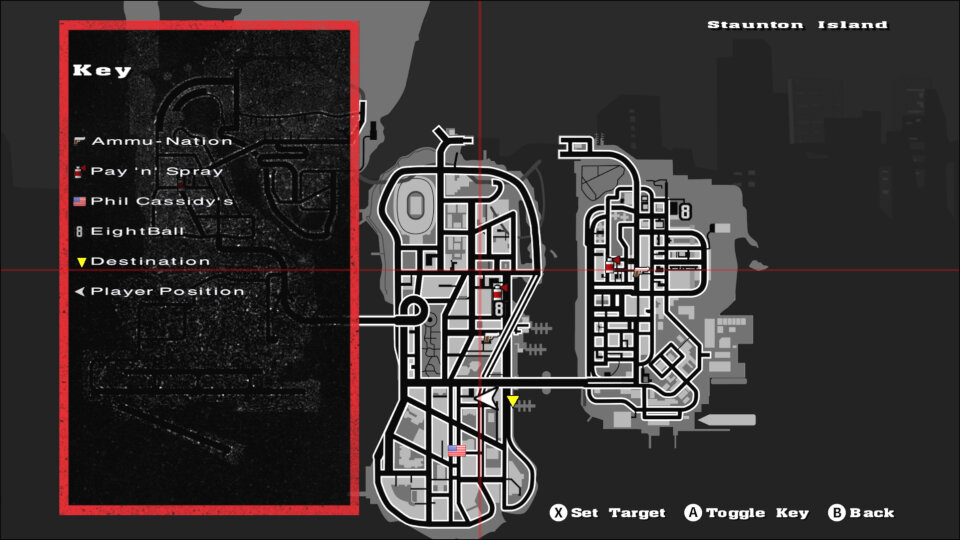
GTA Liberty City Stories is an action-adventure video game developed by Rockstar Leeds and published by Rockstar Games in 2005. It was originally released for the PlayStation Portable (PSP) and later ported to PlayStation 2, iOS, and Android. The game is a prequel to Grand Theft Auto III, set three years prior to the events of the game, and follows the story of Toni Cipriani, a former member of the Leone crime family who returns to Liberty City after being forced into hiding.

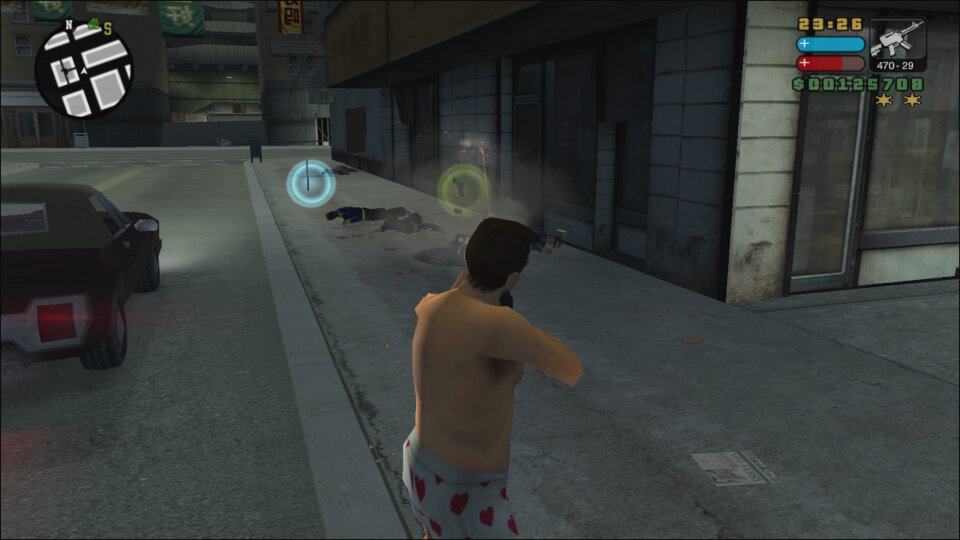
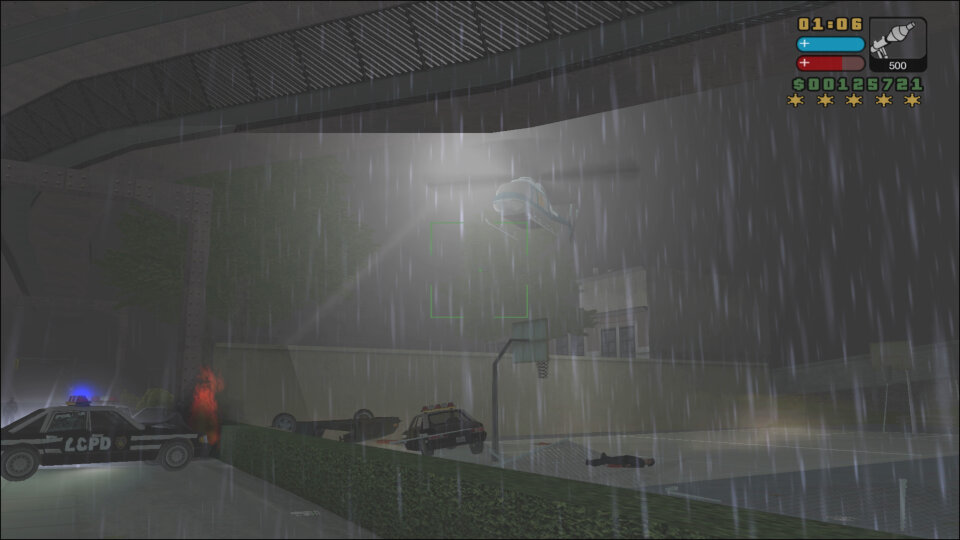
GTA Liberty City Stories follows the same open-world gameplay formula as the other games in the GTA series. Players control Toni Cipriani, a Mafia enforcer who completes various missions to advance the game’s plot. The game features a large, open-world environment that players can explore freely, either on foot or by using various vehicles. The game also features a range of side missions and activities, such as taxi driving, vigilante missions, and ambulance missions, which provide players with additional ways to earn money and gain experience points.

The game’s combat system is similar to that of other GTA games, with players able to use a range of weapons to take on enemies, including guns, grenades, and melee weapons. The game also features a targeting system that makes it easier to aim and shoot at enemies.

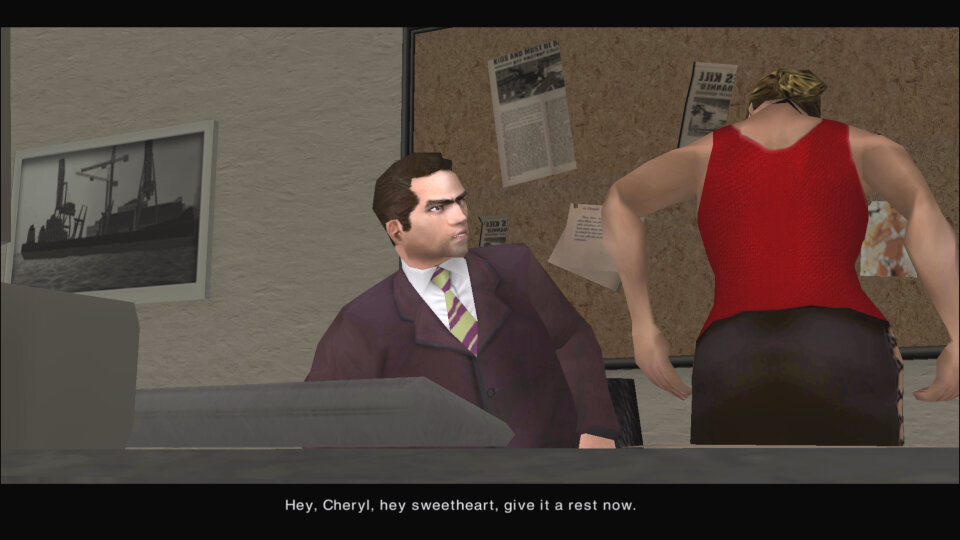
GTA Liberty City Stories follows the story of Toni Cipriani, a Mafia enforcer who returns to Liberty City after being forced into hiding for several years. The game is set in 1998, three years prior to the events of Grand Theft Auto III, and explores the events that led up to the game’s story. As with other GTA games story is engaging and well-written, featuring a range of interesting characters and plot twists. The game’s voice acting and cutscenes are also well done, further adding to the game’s story.

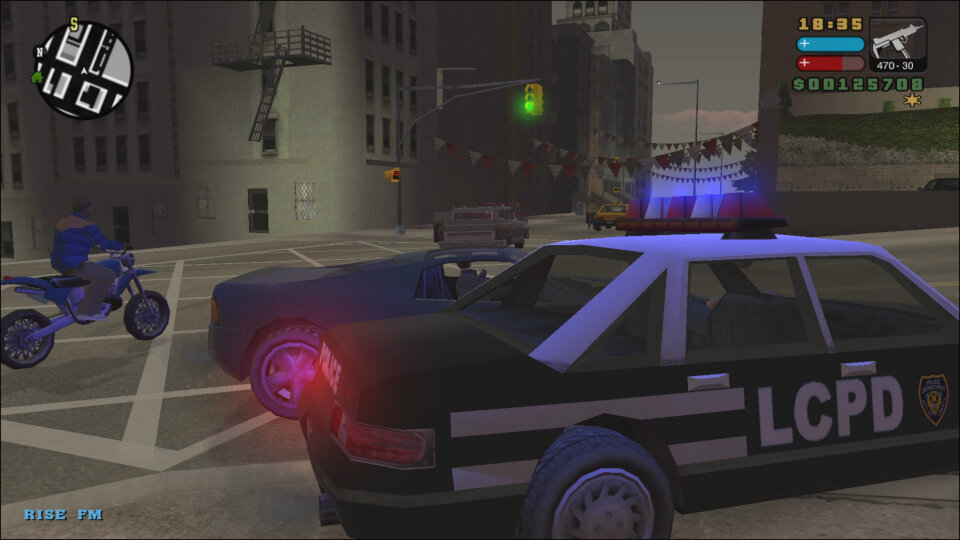
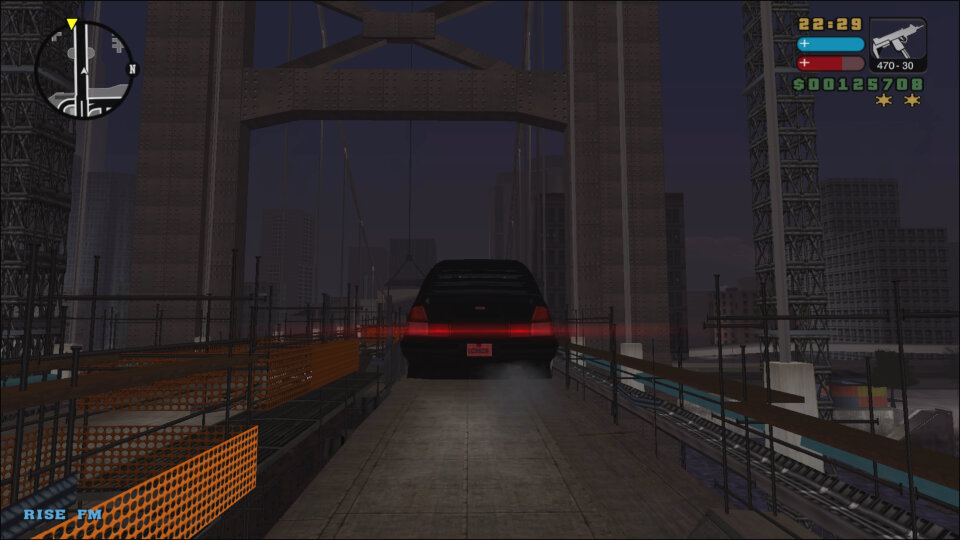
The game perfectly captures what New York was in the late 90s, right down to the music played on the in-game radio stations which feature a diverse mix. RISE FM for example will feature house and dance music that was popular of the era.

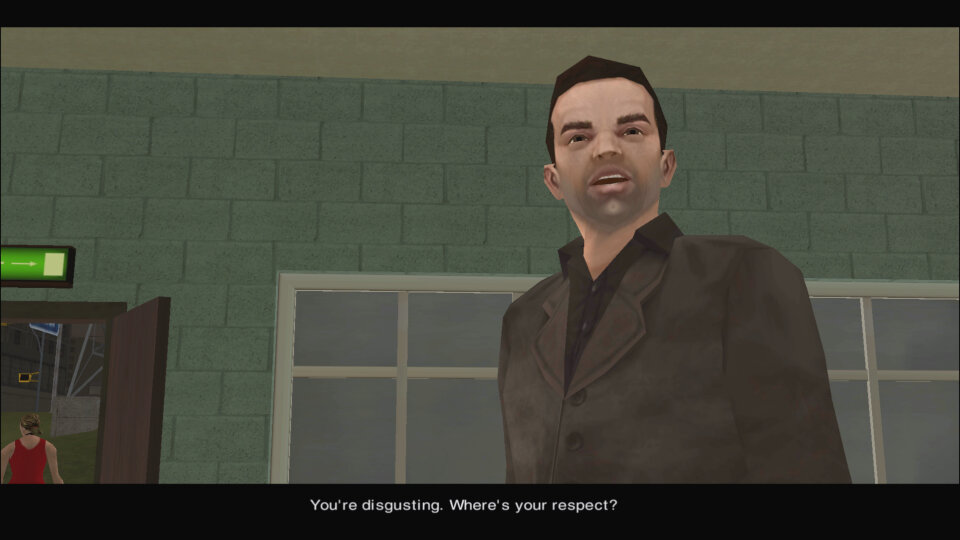
The main character of GTA Liberty City Stories is Toni Cipriani, a former member of the Leone crime family who returns to Liberty City after being forced into hiding. Throughout the game, Toni takes on various missions for a range of characters, including Salvatore Leone, The boss of the Leone crime family and Toni’s former boss. Salvatore is a major figure in the game’s story and features prominently in many of the game’s missions.

JD O’Toole is a small-time criminal and owner of the Paulie’s Revue Bar strip club. JD becomes a key ally of Toni’s throughout the game. Mickey Hamfists is a member of the Leone crime family and one of Toni’s closest allies. Mickey helps Toni throughout the game and is often involved in the game’s more violent missions.

Versions

PSP

The game was initially released on the Sony PSP which featured wireless LAN play. This was the first 3D GTA title to be released on a portable console, following the success of GTA Advance.

PlayStation 2

It was later ported for the PlayStation 2 which saw a higher resolution and smoother framerate, though some would believe it was a step back from the graphics we had seen in GTA San Andreas. Still this wasn’t intended to be a mainline GTA title, more like an experimental spinoff.

This version of the game would be released on the PlayStation Network for the PS3 and whilst it uses its PS2 emulator, the build is modified with some of the soundtracks being cut. Most notable is RISE FM with Sneaker Pimps Spin Spin Suger being cut completely. This isn’t the only GTA game to have its soundtrack cut with Vice City and San Andreas also having some of their soundtracks cut.

Mobile / Android

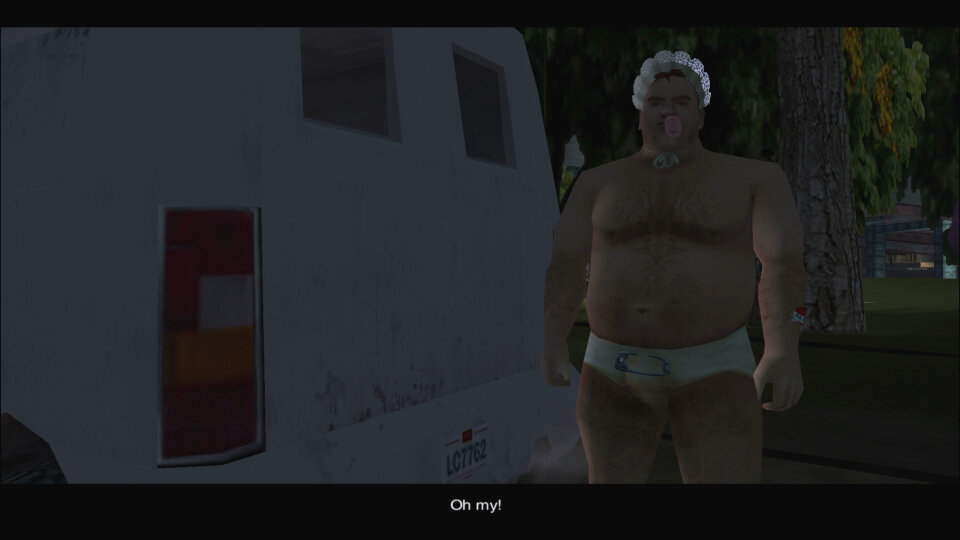
Later Rockstar would port the game onto mobile through the Android and iOS platforms. These serve as a remake of sorts as they feature altered mechanics to make use of the touch screens. The Android version can be controlled via a controller and is fully compatible with Android TV devices like the Nvidia Shield (This is what the screenshots are based on)

Some missions have been altered to make the game easier, likely due to the difficult nature of the touch-based control which these ports were designed for.

Later Android versions would break the game (Android 10 onwards). Patched APK’s exist which make the game playable again. Such versions even include trainer compatibility.

Overall, GTA Liberty City Stories is an excellent addition to the GTA series, providing players with a well-written story, engaging gameplay, and solid graphics and sound design. While it may not be as polished as more recent GTA games, it is still a great game in its own right and is well worth playing for fans of the series or action-adventure games in general.

HTC One M9

HTC’s 2015 flagship which continues on the HTC One M8 design, featuring a premium unibody metal design, giving off a stylish look.

Most notable for the appearance is the Front-facing stereo speakers which was a standout feature of the phone. Offering clear audio from the phone, It was like a little concert in your pocket. That was an awesome design choice and HTC have managed to blend the speaker design into the phone.
Powering the phone is the Snapdragon 810 processor with 3GB of RAM, originally running Android 5, later updates introduced Android 7. 32Gb of storage is included, and it can be expanded using a microSD card.

The M9 had some issues with getting hot under the collar. That shiny, beautiful metal body had a downside: it sometimes turned into a portable oven. Now, don’t get me wrong, a bit of warmth is okay, but overheating can be a deal-breaker, especially if the phone heats up when you’re not doing anything too taxing. I hate to think how hot this phone gets when under full use with a plastic case attached.

Launcher + Notifications

HTC Sense is the default user interface for the handset, You’ve got this neat home screen with customizable widgets and themes. The themes can give your phone a whole new look and feel, and if you’re into making your phone truly yours, this is a big win.
HTC Sense Home is supposed to be smart and intuitive, changing your apps based on your location and habits. It’s like your phone’s playing mind reader. It’s a cool concept, but it doesn’t always nail it. Sometimes, you just want your apps right where you put ’em, right? And having to search for them kind of defeats the purpose of it.

The lock screen with a row of shortcut icons at the bottom. YOu can swipe up from these icons to go directly to them when the phone is unlocked, allowing for easy access to the app. You can also customize the layout and which app icons appear on this screen.

Blinkfeed also makes an appearance, but I have mixed feelings about it. It’s a news aggregation feature right on your home screen. It’s nice to have all that info at your fingertips, but sometimes, I just want a clean slate when I unlock my phone. Maybe it’s my inner control freak, but I want to decide when and where I consume my news. But hey, it’s there for those who want to stay on top of things and it can be disabled.

The notification drop down, which also provided access to phone functions

List of apps that are installed on the handset.

Shows any recently open apps that you can quickly switch back to, or apps that are currently running in the background. You can choose from a card or a grid view layout as seen below. Screen pinning can also be enabled from here.

Lastly some shots of the initial setup application

Oh look, a system update for Android 7. I guess this handset hasn’t been used for a few years.

Applications

HTC had created their own set of applications for common phone functions and preinstalled a few third-party apps.

Music: A fully featured music player is included which can playback your standard music formats. There is also an option to playback from a DLNA server, provided you are connected to a Wi-Fi network. This had no problems playing back from a WDMycloud NAS, but album art was missing and it would play the same track again, there was no sequential playback unless you manually skipped to the next track.
There is also a trippy visualizer, but this only works for locally stored music files, DLNA tracks have no visualizer.
Still, HTC went to a lot of effort for their music player, though you can’t change the pitch like in the LG G4’s music player.

Kid Mode: HTC’s answer to Windows Phones’s Kid’s corner. Here you can pin specific apps to restrict access to the phone.

News Republic: A news aggregation app that used to come pre-installed on some Android devices, including some HTC smartphones. It was developed by a company called News Republic, which aimed to provide users with a comprehensive and personalized news reading experience.

HTC Print Studio: HTC Print Studio was to enable users to create physical prints of photos and images directly from their HTC device, kinda like Snapfish. In addition to standard photo prints, HTC Print Studio sometimes offered the option to order various print products, such as photo books, greeting cards, calendars, and posters.

HTC Help: This app provides troubleshooting and hardware testing to see if there are any faults with the device. You can also view the power usage of individual apps. There are also How-to guides on how to use various features of the phone.

HTC Dot View: This is a special case that’s attached to the phone that adds a protective front cover with a bunch of holes. By using the dot view app, you can customize the standby screen and patterns, which would show the current time and if there are any notifications.

Peel Smart Remote: The M9 has a built-in IR transmitter that allows the phone to control a TV or Set-top Box, similar to what the LG G4 had featured.

Photo Editor: basic editing tools such as cropping, rotating, and straightening images to adjust their composition, plus a variety of filters and effects. You can also change the brightness and colour balance.

Polaris Office 5: View and open documents and spreadsheets on the phone itself. This also has compatibility with Microsoft Office formats.

Zoe Video Editor: Zoe is a video editor and social media app created by HTC, the smartphone manufacturer. It’s designed to allow users to easily create and share short video clips with various visual effects and music. Zoe was initially introduced as a feature on some HTC smartphones and later became a standalone app available for download on various Android devices.
You can edit and enhance video clips with a range of editing tools. Users can trim, splice, and arrange clips to create a cohesive video. The app offers various visual effects and filters that can be applied to video clips. These effects can change the look and mood of the video, adding creative and artistic touches.

Voice Recorder: Simple voice recorder app that supports recording in a variety of audio formats from AMR to ACC. Most phones should support both of these formats.

HTC Power To Give: Some sort of distributed computing app that downloads small workloads to process. Very similar to Folding@Home for the PS3 and PC.

Scribble: A scrapbook-like app that allows for drawing and freehand text. You can drag with your finger, or a stylus (Which isn’t included with the phone) for more accuracy. Samsung and LG have included similar apps in their Android handsets for sharing created images.

Emergency Alerts: Displays any emergency alerts, not much to say since we hardly get any natural emergencies over here. I would imagine this would notify of any disasters or riots of peace nearby.

FM Radio: Simple FM radio that supports auto-tuning and RDS. Radio stations can be saved by tapping on the heart button for easy access.

Gallery: Where photos and videos captured by the camera reside, here you can easily edit or share, or organize into an album.

Flashlight: Turns on the LED flashlight, with a nice skeuomorphic torch on screen,

Clock: View different timezones, set an alarm or 5, and access the stopwatch or a lap/countdown timer.

Car: Enabled Car mode which allows earlier access to phone functions when you are driving

File Manager: Browse and access files on both the internal memory or the SD card.

Weather: Shots of the weather app, which uses the Accuweather API

Widgets

A few custom widgets come with the phone, many are linked to the bundled apps.

  • The music widget will either show the currently playing track, or any recently played tracks.
  • The Peel app can also be set as a widget, allowing for quick control without having to open the app.
  • People widgets let you set quick access contacts to easily call or send a message, similar to how contacts could be pinned to the Windows Phone home screen.
  • The Sense widgets will show you frequently or recently used apps that the phone will learn over time
  • A weather clock widget that come with a variety of clock faces, tapping on it will open the app to access the stopwatch or set an alarm. A variant of the widget will display multiple clocks for different time zones.
  • Data dashboard lets you quickly enable and disable certain phone features like the wifi, this is redundant since the notification bar can be used for this

Settings

A view of the main settings screen

HTC Connect lets you share content via DLNA or screen mirroring. A variety of protocols are supported including Apple’s Airplay, Chromecast, Miracast and Blackfire.

HTC Mini+ was a compact device that linked to the phone for easier access, kind of like a smartwatch. It’s marketed as an easy way to get access to the core features of the phone without having to use the actual handset, like if you wish to make a quick phone call or send a text message.

The personalize section lets you change the appearance of the phone and the notifications that it sounds. Themes can be downloaded and applied to the phone which changes the sound, wallpaper and menu fonts. Like the LG G4, the bottom navigation bar can be customized with additional icons being added in addition to the Home, Back and Tasks buttons.

The phone comes with a variety of gestures, in response to the Galaxy S4. You can enable and disable specific gestures that can be used to trigger phone functions. Glove mode increases the sensitivity of the screen to allow it to pick up input from users wearing gloves.

Lastly a look of the themes and wallpapers that shipped with the phone.

This can happen if you charge the phone whilst connected to a USB 2.0 port. The device needs more than 500mA for optimized charging.

Conclusion

Overall, the HTC One M9 was a looker, no doubt about it. It had that premium feel, it oozed style, and it was like holding a piece of art in your hand. But it did have some quirks, like the heat issue and the button placement. Nevertheless, it was a solid design for its time. HTC knew how to make a phone that was both functional and easy on the eyes.

Shutting down the One M9, done by holding the power/lock button.

Flock (Web Browser)

The OG social web browser

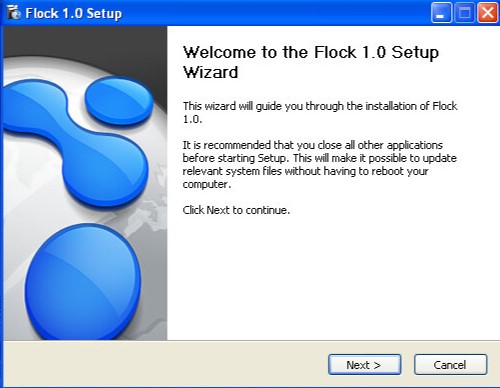
Flock was a web browser that was designed to integrate social media platforms and tools into its interface, allowing users to easily access and interact with their social networks while browsing the web. It was first released in 2005 and was based on the same codebase as Mozilla Firefox and mostly retained the same interface layout and was even compatible with its extensions.

Some other features of Flock included native sharing of content, the ability to preview online videos, a built-in RSS reader, a built-in blog editor and reader, and synchronization with web-based email1. The browser was popular because it had social media integration. With this, you could easily keep track of social networks or your webmail at any time. Another standout feature was the ability to post directly to own blog or social media page directly from the webpage, years before Facebook/X had the ability to do this.

Flock integrated with social media networks by allowing users to log into their social media accounts through the browser. Once logged in, Flock could track updates from friends on sites such as MySpace, Facebook, YouTube, Twitter, Flickr, Blogger, Gmail, Yahoo! Mail, etc. This allowed users to easily keep track of their social networks and webmail at any time.

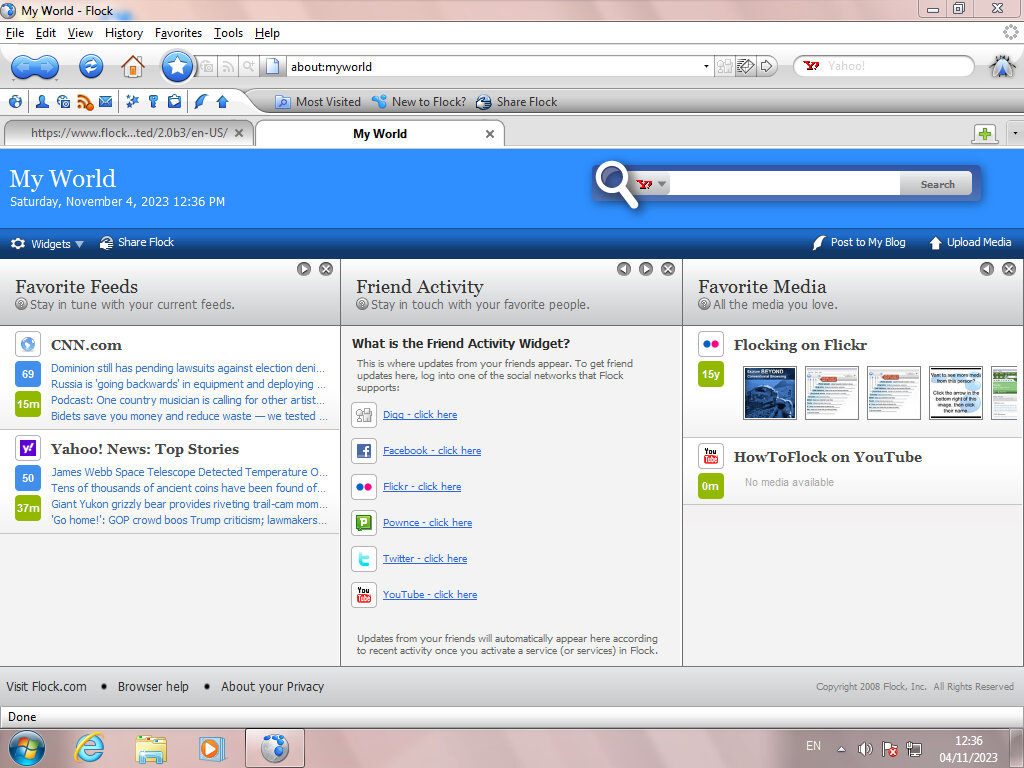
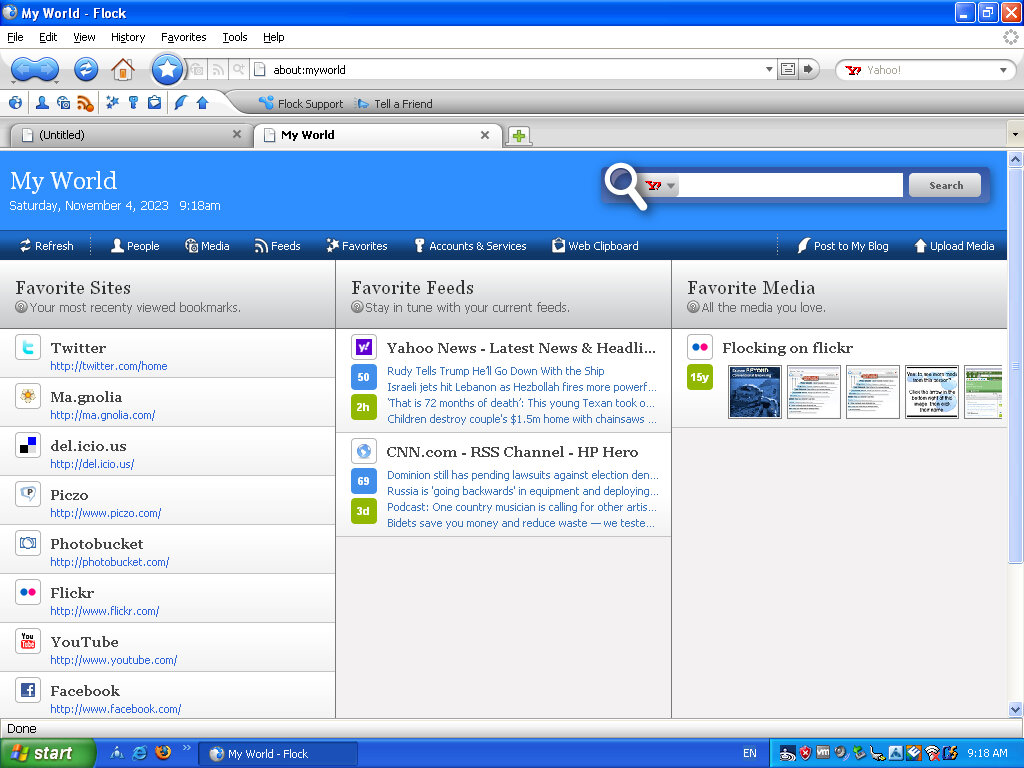
The MyWorld page is where most of the magic happens, giving shortcuts to popular social media and web 2.0 sites. RSS feeds are also displayed here which can be customized.

The user interface is a departure from Firefox, with a glossy blue and white interface. Different themes can be installed, with many from Firefox being compatibility, though the Flock content and customization will standout.

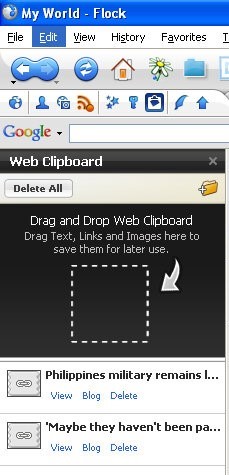
Web Clipboard, sort of like a scrapbook that you cn save pages to for blogging later. You can simply drag the page tab to the sidebar and it will save it for you. Pages can also be sorted into folders for better organisation. Modern browsers also have this functionality, at least in Vivaldi.

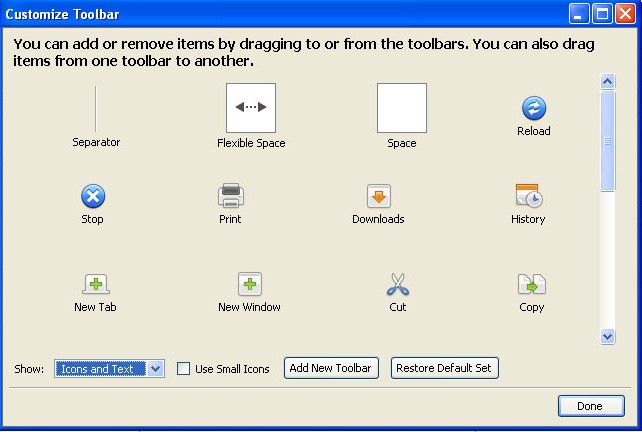
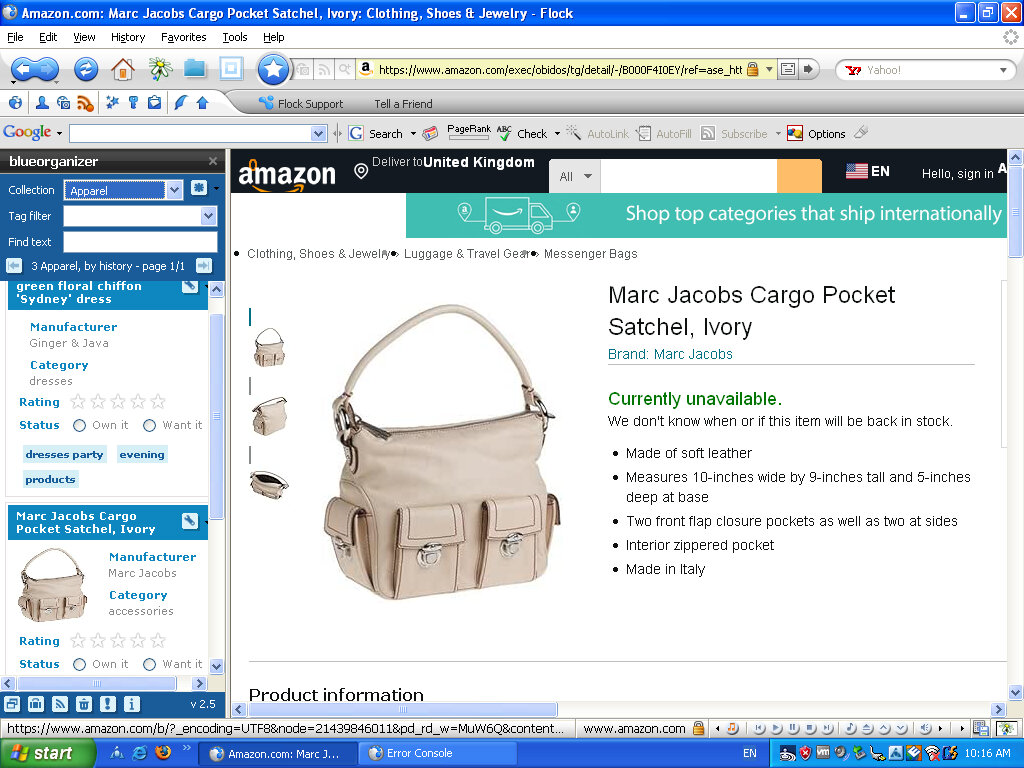
Like Firefox, you can add or remove buttons from the toolbar, and even create your own toolbar. Most icons have been rebranded to Flock’s visual style.

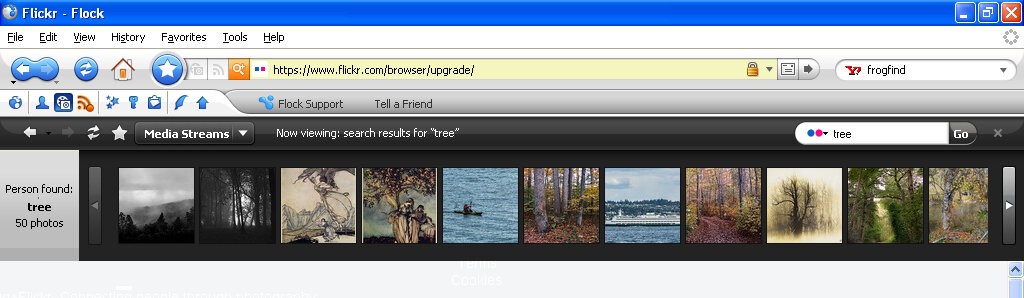
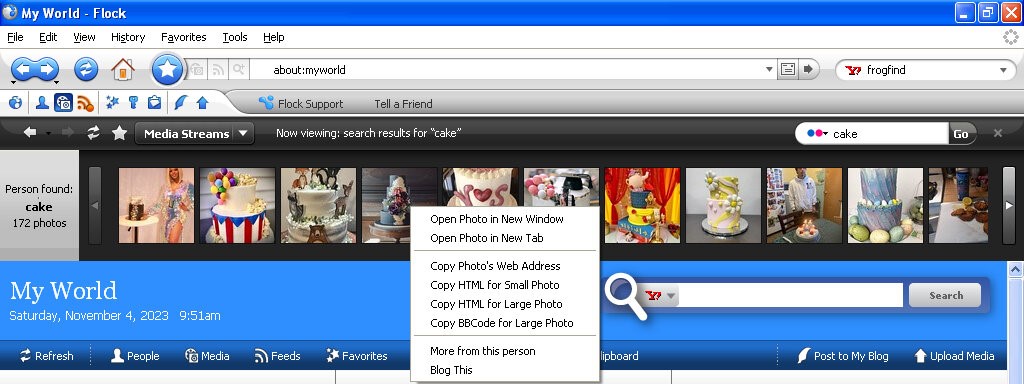
Lets you view content within website that specializes in photo content like Flickr, Photobucket, YouTube and Truveo. These appear within the browser, allowing you to continue on the current website you are on, and can be hidden or closed at anytime.

Flickr appears to work, as I can search for a term that comes back with the relevant results. Clicking on an image takes you to that page. Right clicking on an image lets you copy a link to the picture, for when you want to embed it into a comment or a blog post.

The other services no longer work, I guess Flickr has kept their API unchanged or well maintained.

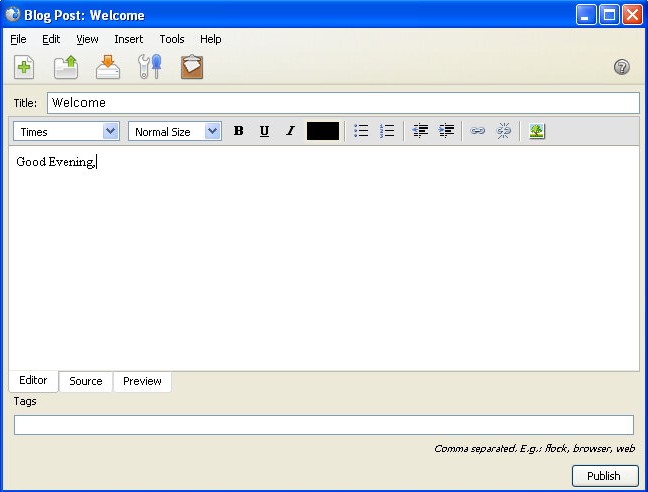
The blog interface, here you can directly write and publish to a supported platform. Protocols such as Atom, MetaWeblog and MovableType.

A lot of social media websites are resistive to social media integration when it comes to displaying content on a third party platform. Many would prefer for you to stay within their platform and app, rather than a third party platform. Windows Phone kinda had the same philosophy with multiple social media networks being present within the phones user interface, removing the need to access the apps individually. A lot of social media comes from engagement and algorithms. Which cannot be done as easily through a browser like Flock. Again they would much rather you access their platform directly and stay there. As such modern replacements are difficult to do, preventing another Flock like browser. Reddit recently implemented some changed to their third party access API’s which make it difficult and uneconomical for third party apps.

The Flock browser had a strong relationship with the concept and practices associated with Web 2.0. Web 2.0 refers to a shift in the way the internet was utilized and experienced, characterized by user-generated content, social media, and interactive web applications. Flock was specifically designed to embrace and cater to the Web 2.0 environment by integrating social media and user interaction into the browsing experience. basically the end user has a way to contribute to the website, in the form of comments or uploading their own content.
Flock was one of the first browsers to deeply integrate social media directly into the browsing experience. It allowed users to access, manage, and interact with multiple social networks from within the browser, aligning with the Web 2.0 trend of social interaction and user-generated content. Web 2.0 emphasized collaboration and user interaction. Flock incorporated tools and features that enabled users to share, comment on, and interact with content and friends’ updates across various social media platforms without leaving the browser.
Flock encouraged active participation and engagement with online content. Its features facilitated easy sharing, bookmarking, and interactions with social media, aligning with the Web 2.0 trend of active user participation and content sharing.

Version 2 added support for additional social networks and services and updated the Gecko rendering engine. This is based off Firefox version 3.

Old Versions for download