Monthly Archives: March 2024

Sony VAIO PCV-70 – Part 2

What happens when we try to upgrade Windows?

Original Install

The PCV-70 originally shipped with Windows 95, but can be upgraded possibly to Windows XP. Along the way you will have to upgrade the processor and the amount of memory to run modern versions of Windows, which is easier to do in 86Box (4.0.1)

For this I’m more concerned with how far the OEM install can take us whilst maintaining the existing install. And what applications that Sony shipped with the PC still remain functional.

Windows 98

Great, something called HWINFO has crashed. That’s always a good sign

Install appears to continue though
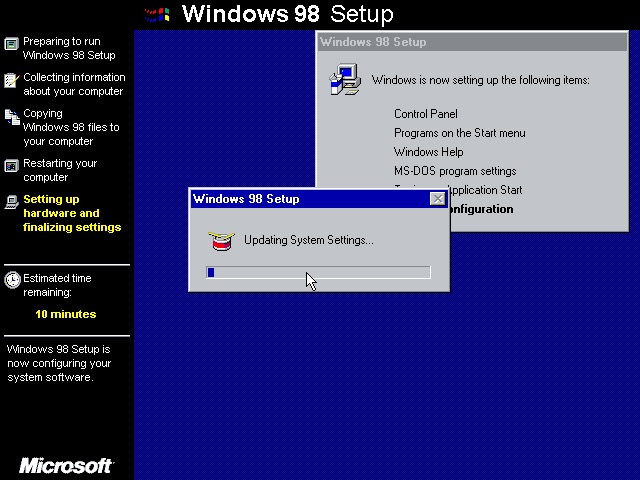
A couple of reboots and Windows 98 starts to initialize its driver database

Not this shit again, thankfully the installation continues
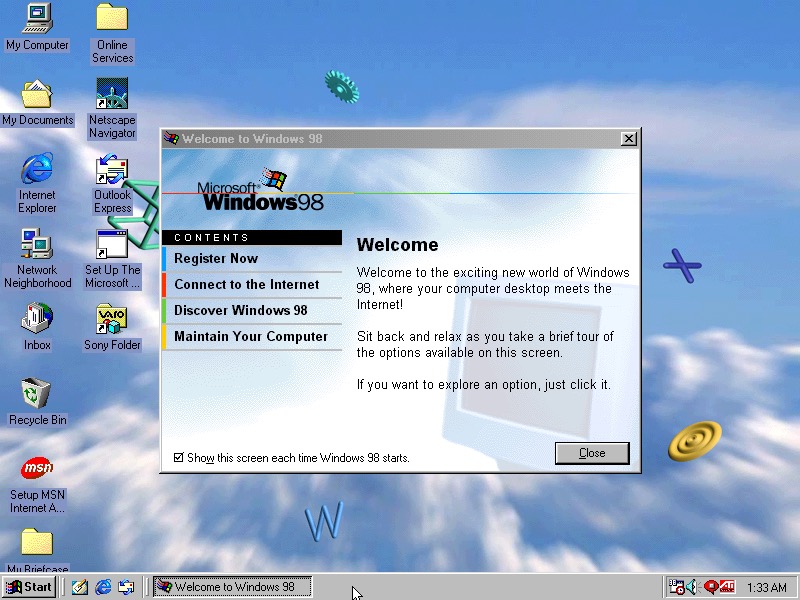
Install was successful with the welcome to Windows dialog appearing
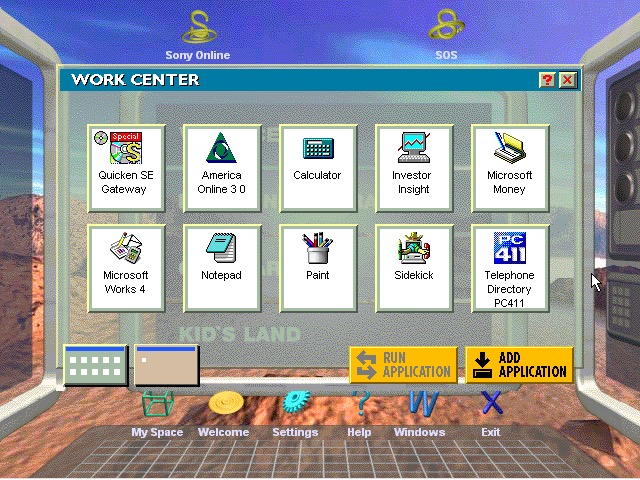
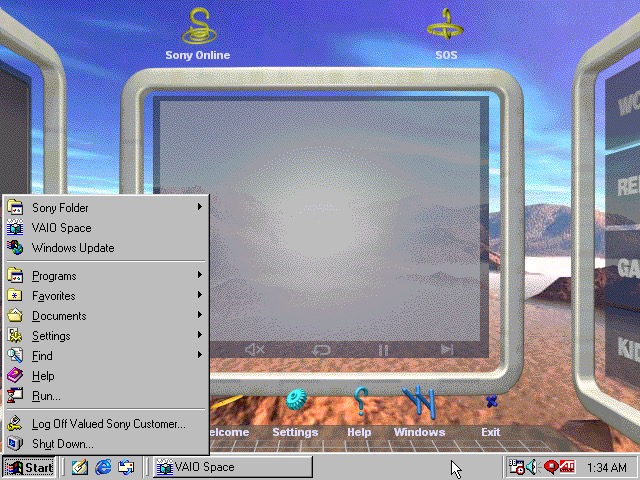
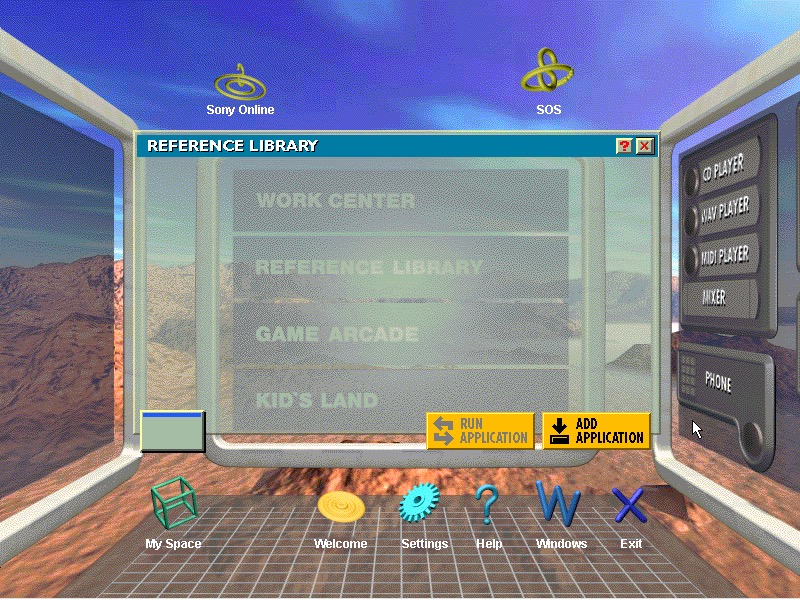
The VAIO Space appears to work OK
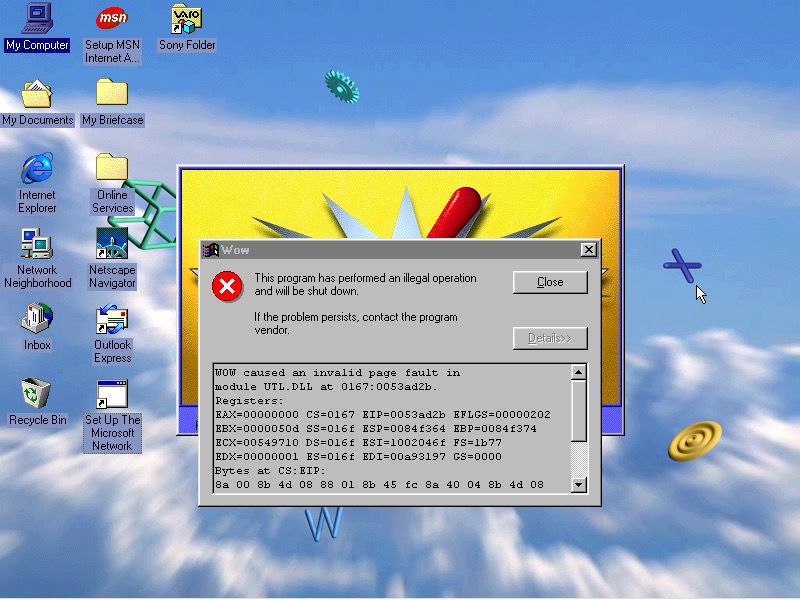
Another casualty is the WOW application. Wipeout also no longer launches, I won’t count this since we are not using a RAGE 3D accelerator (No 86Box support for that yet)

VAIO themes, wallpapers and colour schemes have been preserved

Windows ME

Looks like I need to bump up the CPU speed, so ME allows us to install. Enter the Pentium running at 166MHz
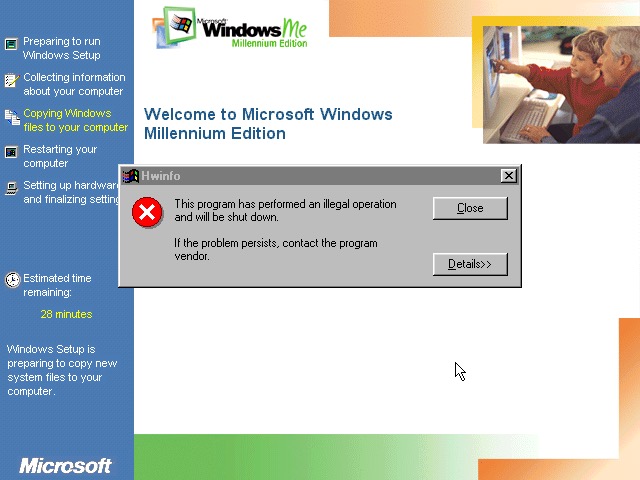
Again, Seriously? What is this and why does it keep crashing through an upgrade?
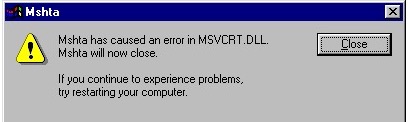
Something else went wrong

Windows Media Player seems to have taken a hit during the install
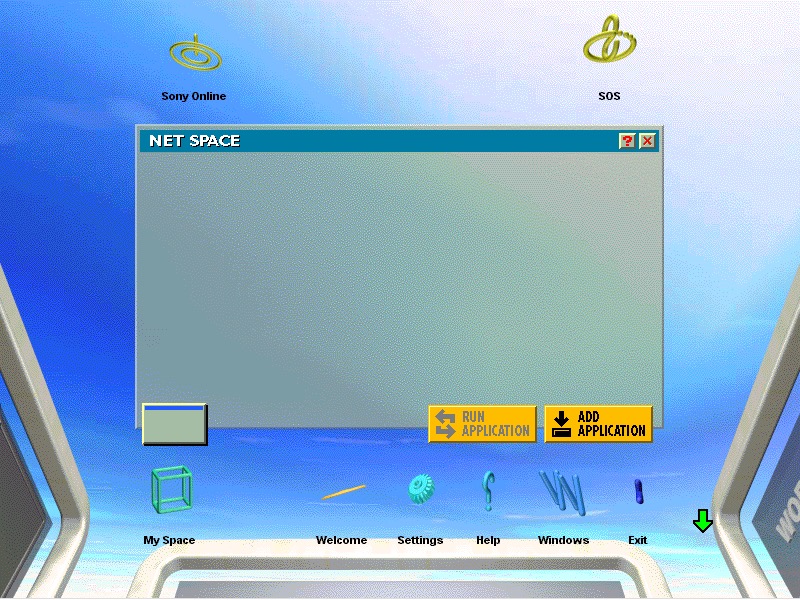
VAIO space is up and running, but some of the program links are missing. Also we are unable to launch the CD player or any of the multimedia applications
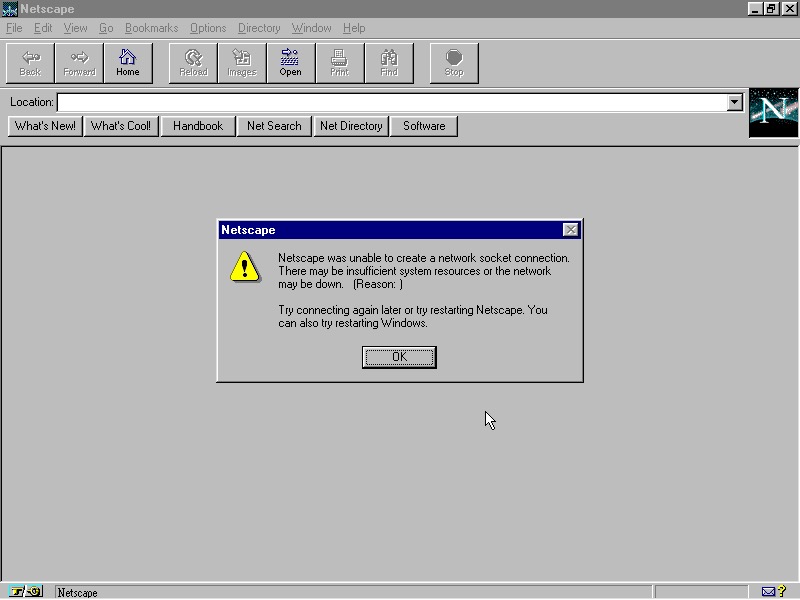
Netscape Navigator also has issues, but this is a very old version (2.0)

And Windows Media Player now works, not sure how?

No major issues were found with other applications, though losing functionality from VAIO space takes away one of the unique features of the PC.

Windows XP

Sadly we hit a roadblock here, as we do not have enough disk space to complete the upgrade (We have a 2GB hard disk with 652MB free, but Windows XP demands at least 800MB)

Perhaps I can expand the VHD. It’s worth noting the original system only came with a 2.1GB hard drive.

Even if we got XP installed, it’s a struggle running it on a 200MHz Pentium through 86Box, any faster and the emulator starts to throttle the speed. Might be worth revisiting in the future but for now ME is the best we can get. 

IBM ThinkPad A20M

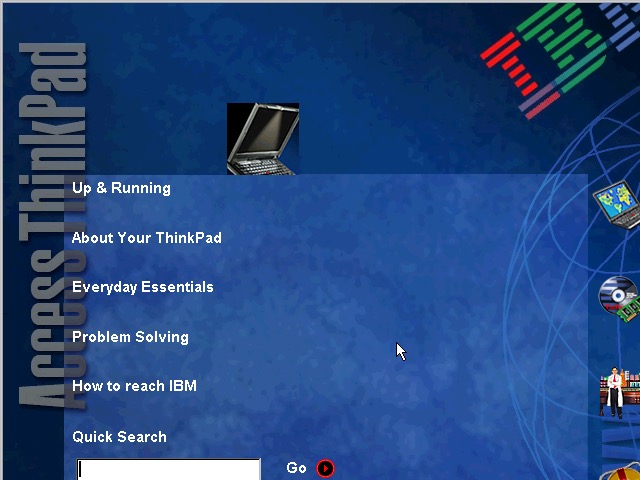
A similar laptop to the ThinkPad T20, but this appears to be a customized image for a specific University. Lets take a look…

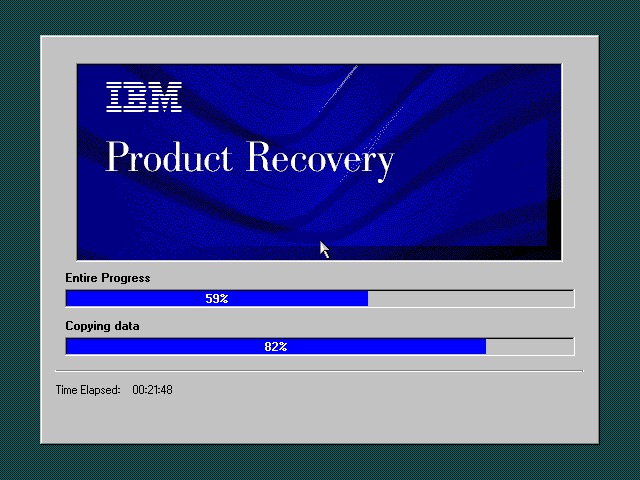
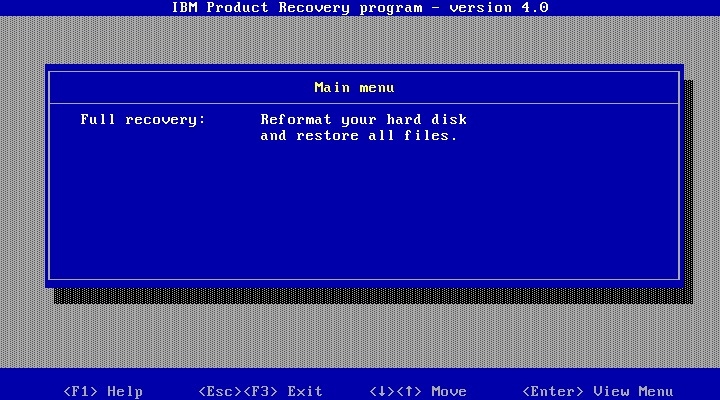
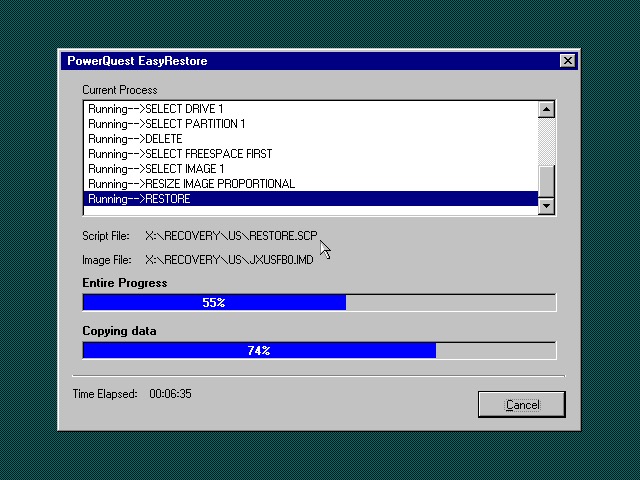
The recovery utility is very similar to what we have seen previously. This will restore the operating system installed to the hard drive, and will initialize it if the drive is blank. Once completed the system will restart.

Currently using 86Box (4.0.1) with the Gigabyte GA-686BX motherboard, which has a similar chipset to the actual notebook itself, Intel 440BX chipset.
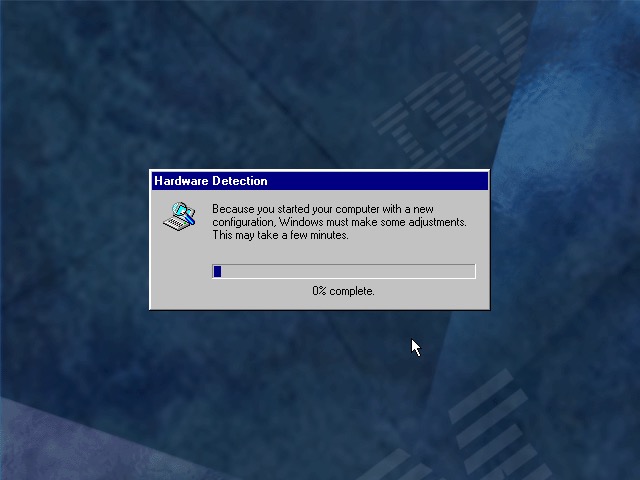
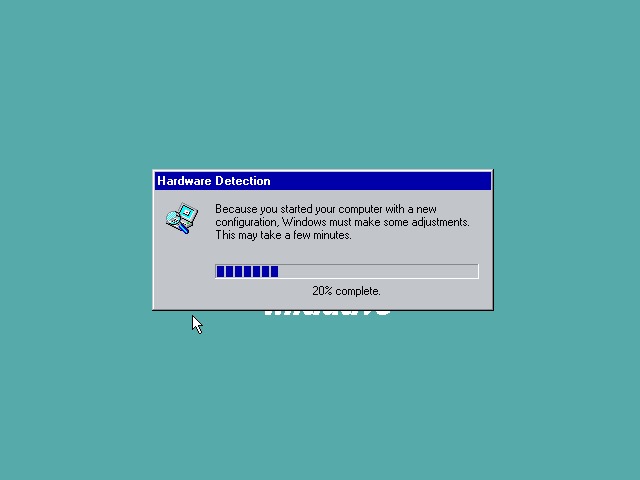
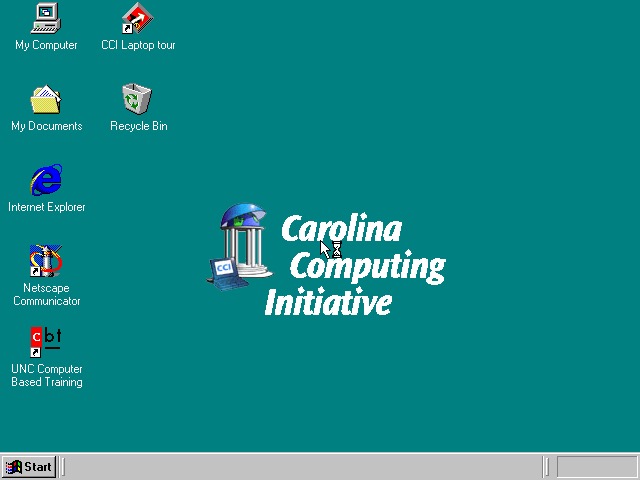
After a few New Hardware Dialog boxes, we arrive at the desktop. Here we have Windows 98, compared to Windows 95 that the T20 we look at came with.

Very similar to the T20 we have the IBM custom wallpapers, sound schemes and colour schemes that can be selected. There is also a custom wallpaper from the Carolina Computing Initiative which is the default wallpaper and it appears this is a disto that’s intended to be imaged on ThinkPad laptops for a North Carolina University.

I guess IBM had a facility where institutions could create their own recovery images, complete with their own branding and any additional utilities to allow these images to be distributed to all notebooks that are used within that institution.

IBM ThinkPad A20

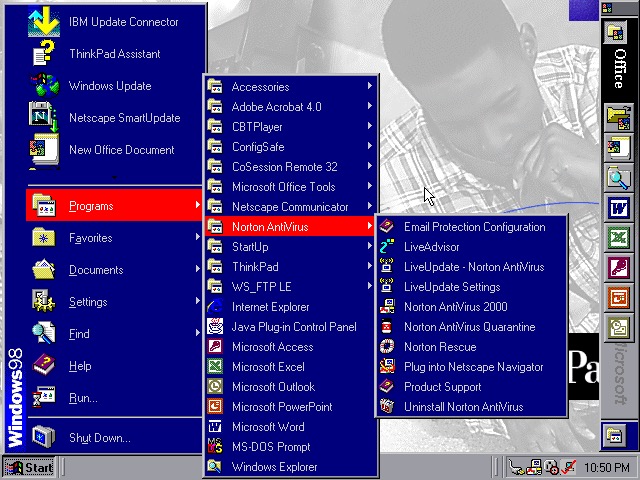
Office 2000 looks to be preinstalled for us, this includes Word, Excel, PowerPoint, Outlook and Access, along with a sidebar to quickly launch Office. Not the best idea for a laptop with a small resolution screen (640×480) since it takes up valuable screen estate. Thankfully you can disable this.

The Start menu showing preinstalled applications, and one of the custom IBM colour schemes

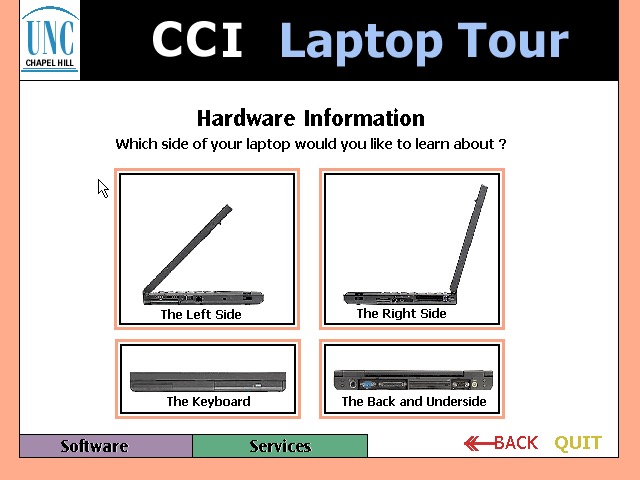
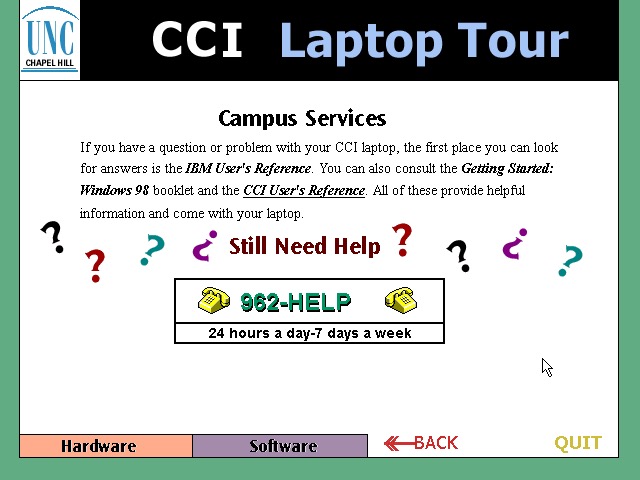
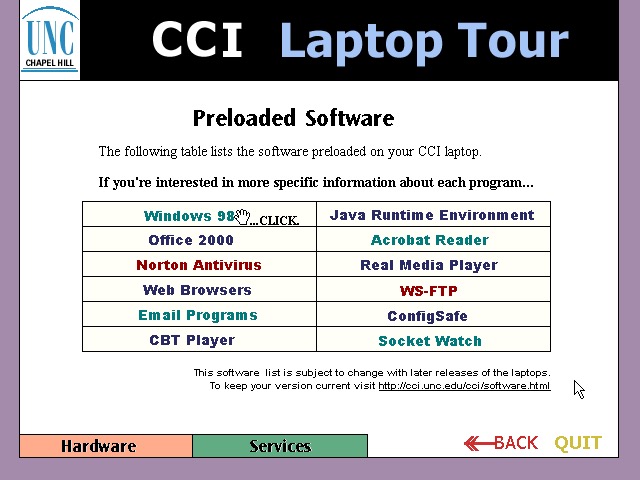
CCl Laptop Tour: A tutorial application that is built using Macromedia Flash (Now Adobe, now dead). This provides information regarding the laptop itself, and is to help get students accustomed to using their new notebook. Information on installed software is also included. One thing to note is this program is very noisy, with swoosh sound effects for every animated text on the screen. It reminds be of creating PowerPoint presentations using PowerPoint 2003 and littering the slideshow with different animations and sound effects to make it more cool. 

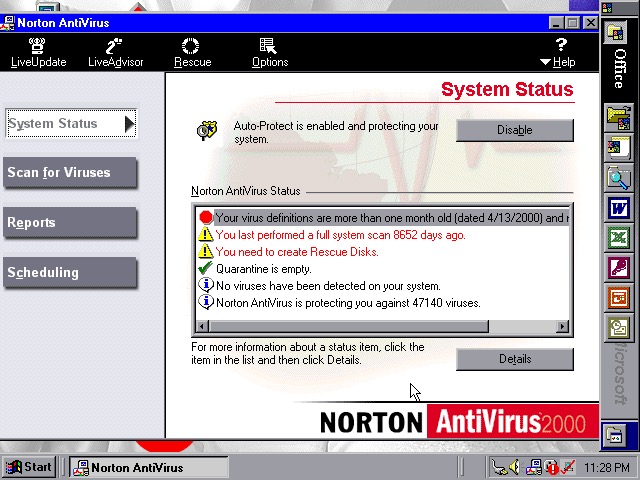
  • Norton AntiVirus 2000
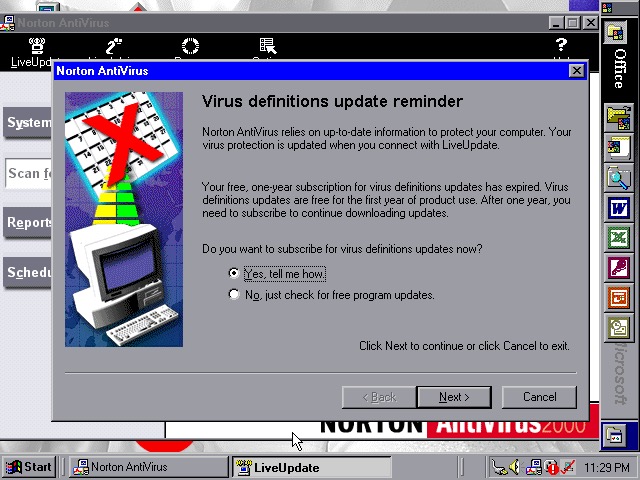
  • Norton AntiVirus 2000
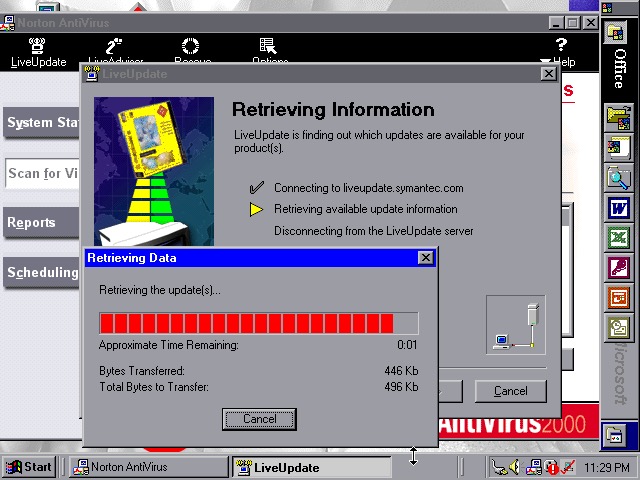
  • Norton AntiVirus 2000

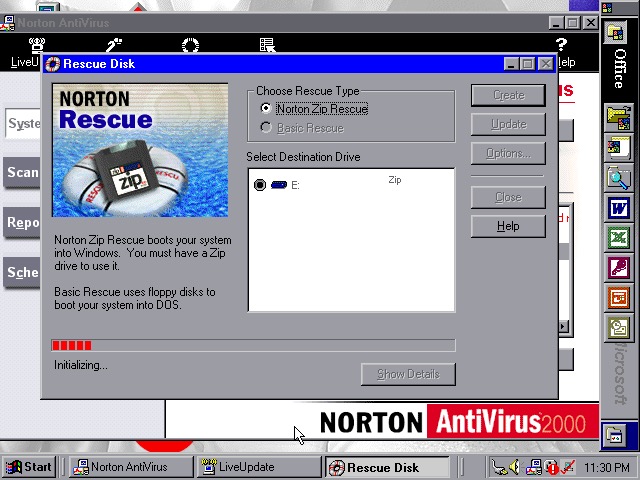
Norton AntiVirus 2000 comes with the install, here you can run virus scans (or set a reoccurring schedule), and make system backups to floppy or Zip disk drives if you have one plugged in. Like other Thinkpad’s of the era, this model supports the SmartBay that lets the user swap and install drives whilst the system is active, and Zip drives are supported using this bay.

Norton also included a Liveupdate feature for both program and virus definition updates, but this just crashed the program, and the entire system

ConfigSafeEZ makes a copy of critical system files, kind redundant when you have Norton Rescue installed

  • IBM ThinkPad A20
  • IBM ThinkPad A20

A couple of ThinkPad utilities come included:

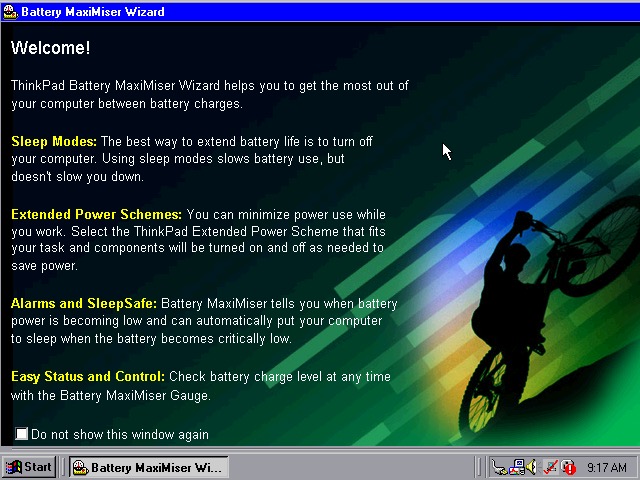
Battery MaxiMiser – a simple program that informs the user on how to get the most from their battery. The Presentation Director Wizard shows you details on how to connect and enable an external LCD projector or display. You can change the external resolution which will scale the internal display (since it only supports 640×480)

Netscape 4.7

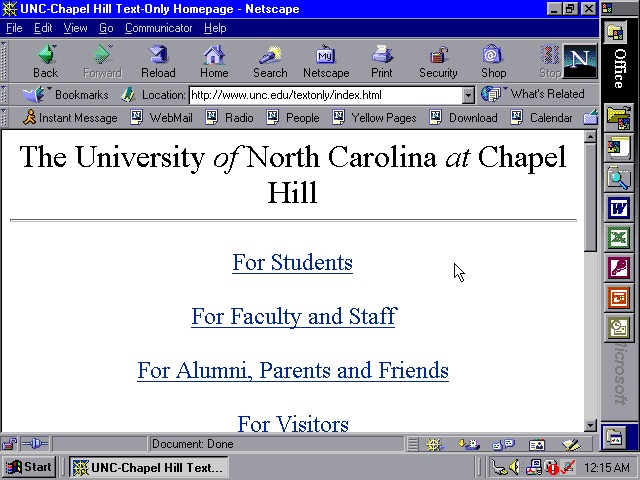
We also have Netscape Navigator 4.7 preinstalled as an alternative to Internet Explorer, showing the default homepage of the era using theoldnet as a proxy server.

  • WS_FTP
  • WS_FTP
  • WS_FTP

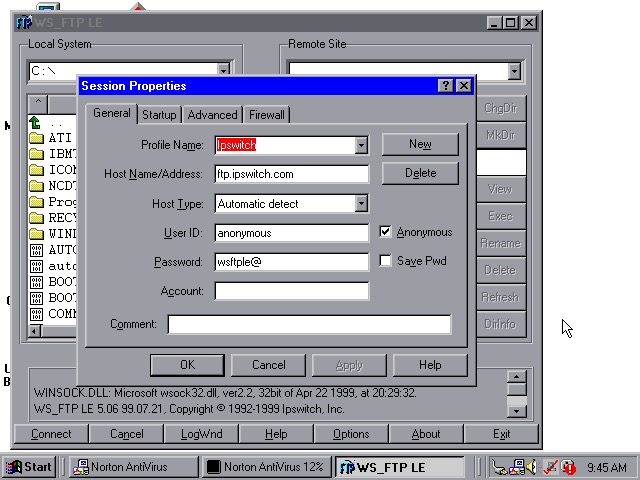
WS_FTP appears to be an FTP (File Transfer protocol) program to connect to remote FTP servers, This has already been configured to connect to an Ipswich server, though there are plenty of other servers included by default.

Tried connecting to a few servers (Microsoft, NASA) but no luck

winamp 2.5

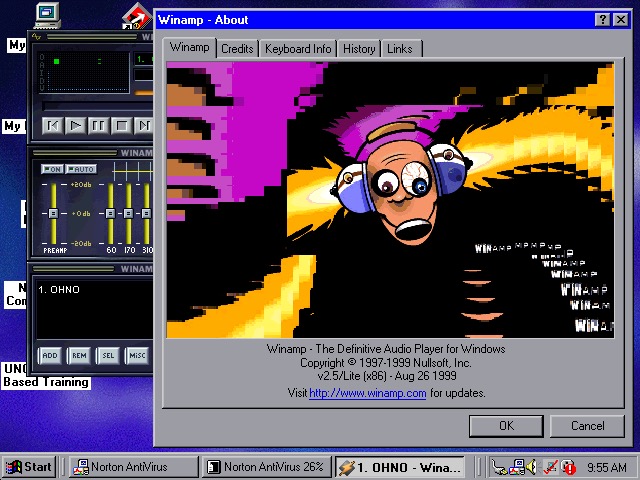
WinAmp 2.5 is also preinstalled to playback MP3’s from Napster

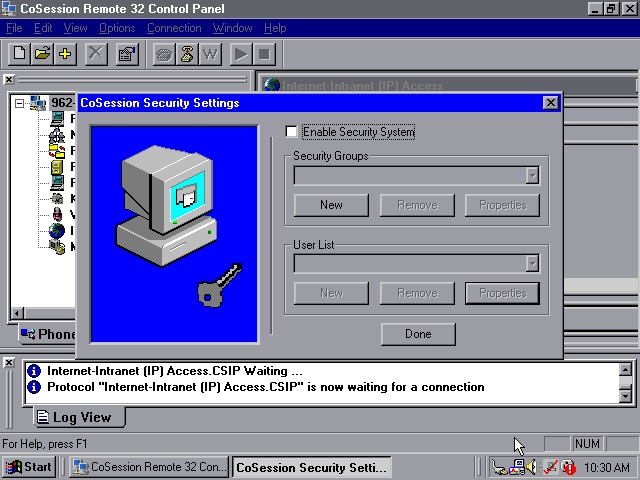
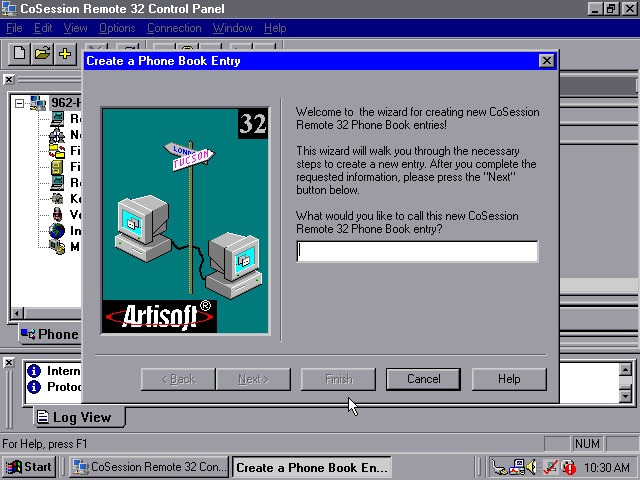
CoSession Remote 32 (v8.1) –  A remote control program that lets you control a desktop computer (That also has the supporting software installed) over a network, similar to Remote Desktop or VNC. It will also function over the internet and can be used to transfer files.

Main use for the program would be for Helpdesk support purposes, or if new software needs to be installed remotely. I’ll have to look at this in more detail when I find another copy.

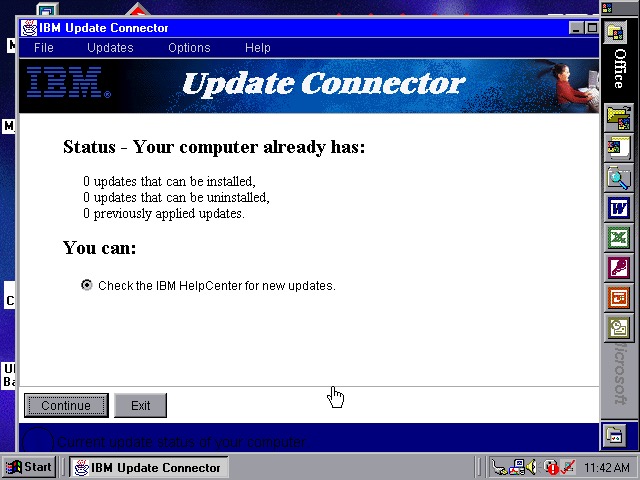
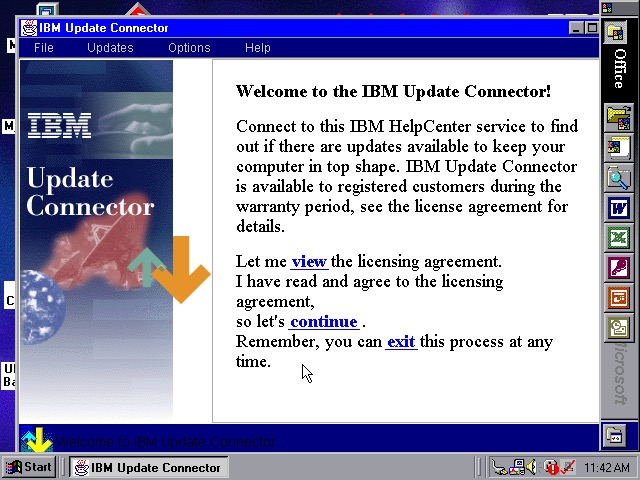
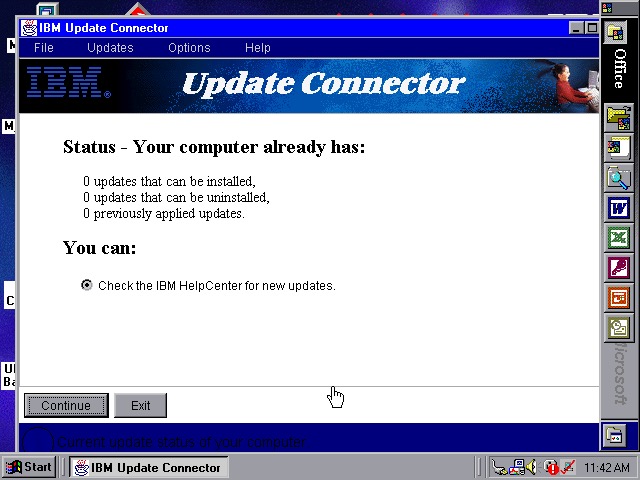
Lastly a look at the IBM Update utility

Links

Product Information

Unlocked Recovery Image

IBM Thinkpad T20 Install

A low-end laptop released in 2000, let’s take a look at the recovery media and what a typical IBM Thinkpad install would look like.

First attempt was using the MSI MS-5119, whilst the recovery environment would start, it would get stuck at the actual recovery stage and would just freeze. Changing to the Intel motherboard fixed this and allowed a full recovery, though this BIOS takes a while to boot.

Other motherboards might work better, I mainly picked these two since they contained very similar chipsets to the actual IBM system.

Once the HDD is prepared, the recovery program begins the restore

I’m a little confused as to why this is running Windows 95? From researching online the Thinkpad T20 came out in late 1999, when Windows 98SE and NT 4 were the main operating systems and were in the mature stages of their life cycle.

Once recovery has been completed we can reboot into our new install

Going through the New Hardware Wizards

Something went wrong when installing the Crystal sound drivers. Ended up Swapping the Crystal for a SoundBlaster 16 PnP, which worked much better.

The main desktop with the default IBM wallpaper, I’ll always like IBM’s design of the era with its business-oriented blue. Some wallpapers also make an appearance from the Thinkpad 390E

Two screensavers come included, Think 1 and Think 2. None of them have any settings to configure and really serve as advertisements.

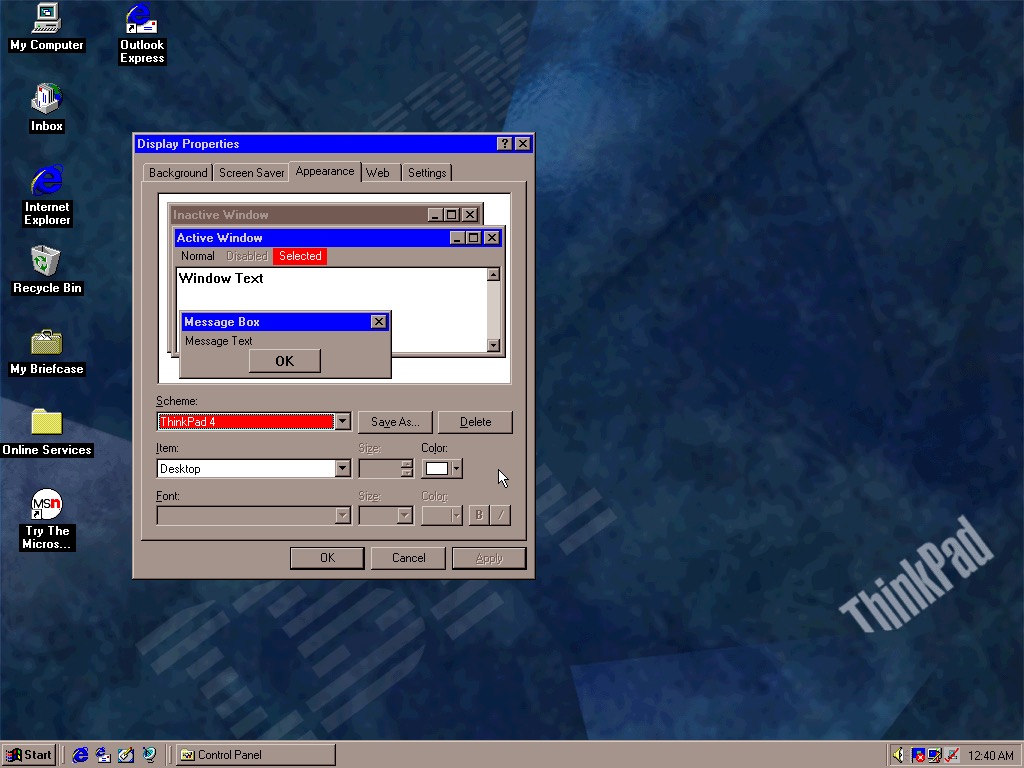
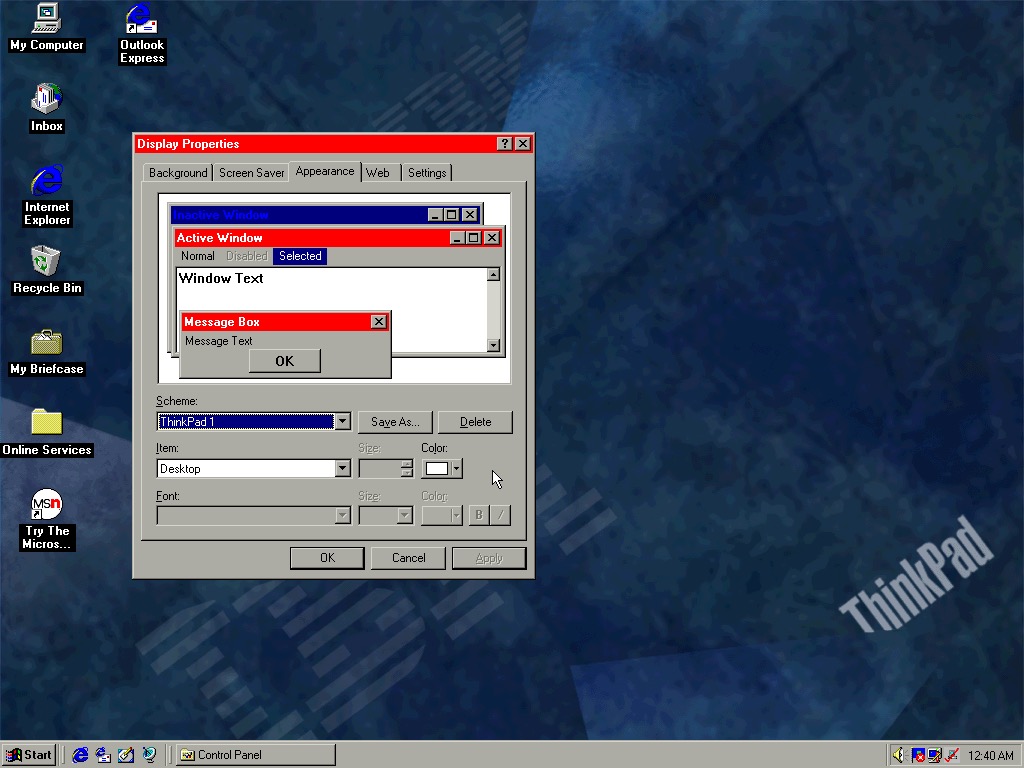
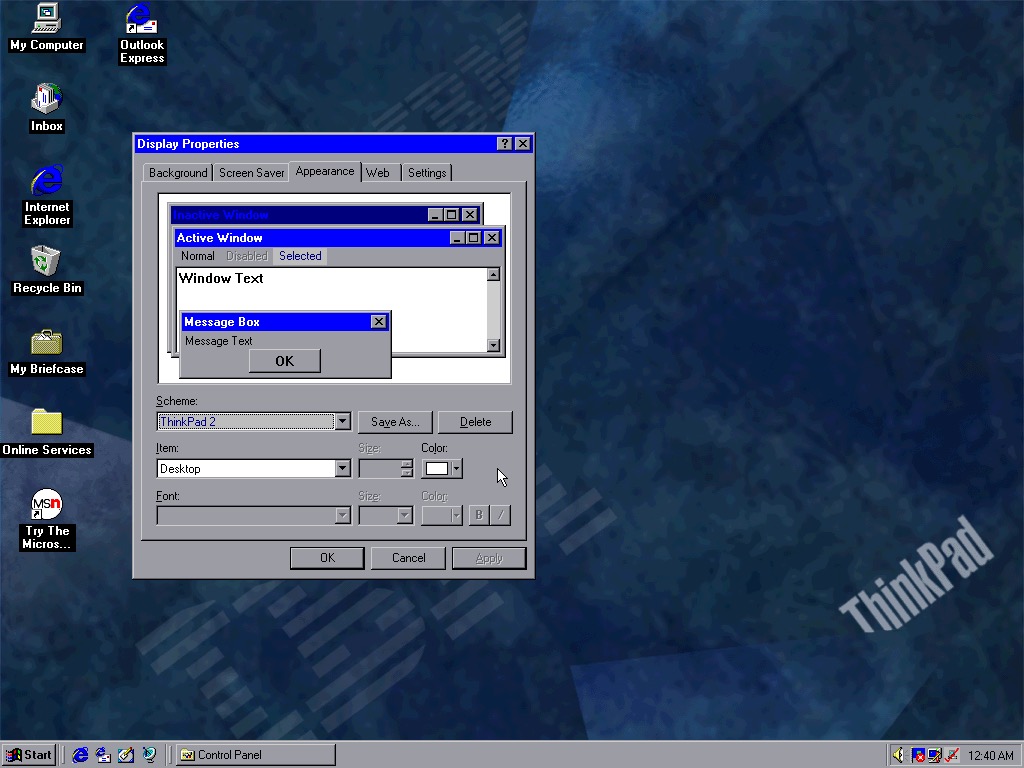
Four colour schemes come included, though they are not set as the default. These give either red or blue highlights and give a bit of Thinkpad style to the Windows desktop.

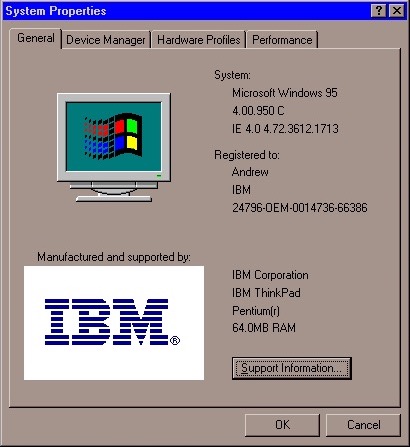
System properties showing the OEM logo and support information.

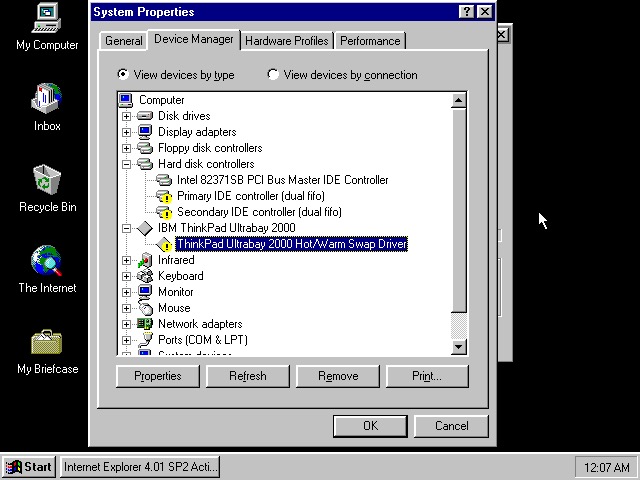
Device manager showing the UltraBay dock adaptor. The was a custom dock that allowed the user to quickly connect a monitor, desktop and keyboard by placing the laptop in the dock. Nowadays you can just use USB 3 dock, or Thunderbolt if your computer supports it.

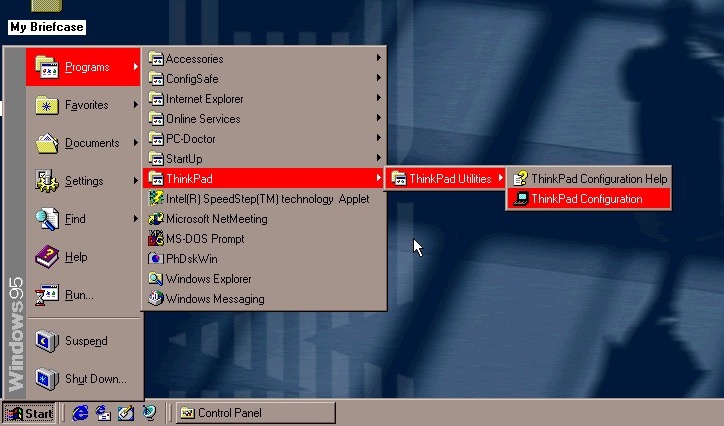
The Start menu, with the suspend feature enabled.

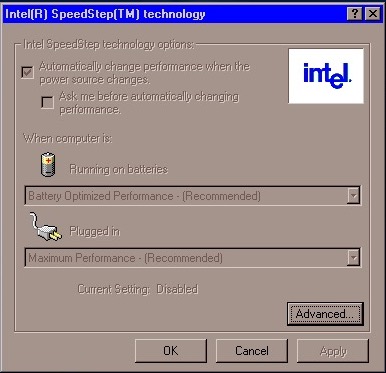
Intel Speedstep Windows 95

A look at Intel SpeedStep, which I’m surprised existed this far back. I always assumed that came out with the first-generation i7/i5 chips. Here it functions the same where it will slow the processor down to conserve battery power, a desirable feature for ultra-portable notebooks.

PhDiskWin

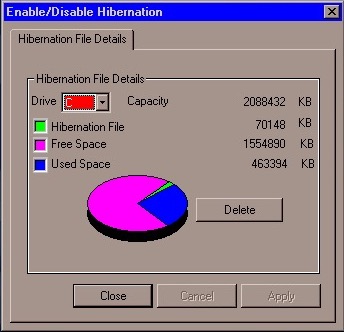
PhDiskWin, looks to be a liberation file monitor. You can delete the file to free up disk space, which Windows will recreate when you next enter hibernation.

PC-Doctor, runs through a few tests to check for any issues or faults with your system

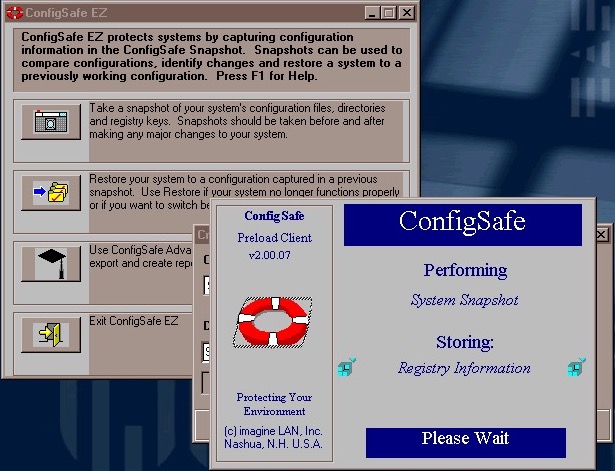
ConfigSafe Ez – sort of like a predecessor to System restore introduced in Windows ME, though commonly known from Windows XP. This takes a snapshot of critical files that can be restored should there be any issues.

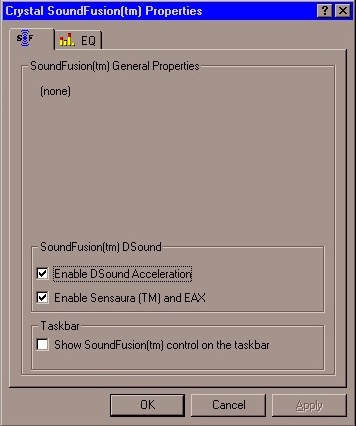
SoundFusion control panel applet which would have configured the onboard sound card. This looks to be produced from Crystal, which could be why the earlier sound card failed to install. I doubt 86Box can emulate the exact model that this notebook had shipped with.

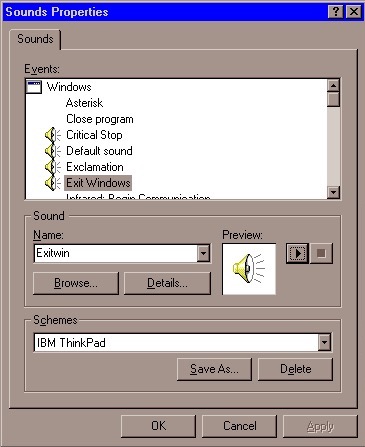
A custom sound scheme also comes included which changed the Windows Start and Exit sounds to IBM’s own, which are very Rock/Aerosmith.

Links

Archive.org – Modified archive copy, this should allow it to install on any PC or VM

Dell Latitude LT – Windows NT 4

The Latitude line was Dell’s professional series of laptops intended for business use. They typically come with features such as docking station support, enhanced security or encryption options. They also typically came with support for Windows NT operating system, however, some models could also come with a Windows 9x operating system if this is preferred.

Trying to install using a VM for 86Box, was a bit of a mess. There were a few virtual machines we could use, but many would result in a non-functional system. In most cases the keyboard was unresponsive which prevented us from being able to login.

Instead lets use VMWare

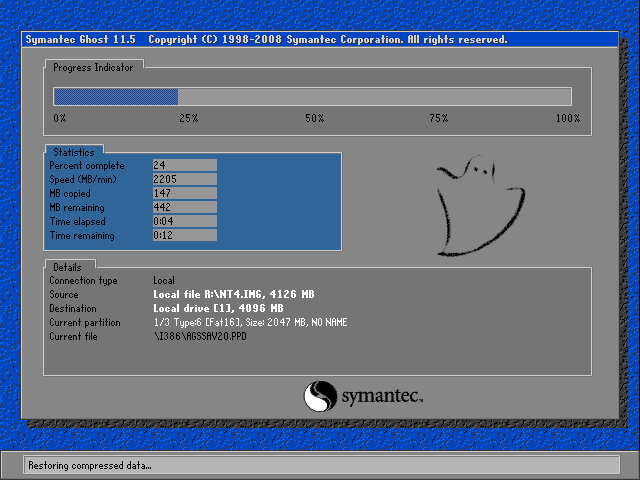
The recovery tool uses Symantec Ghost to restore the image. The software is capable of initializing a blank hard drive and will reboot the system when done.

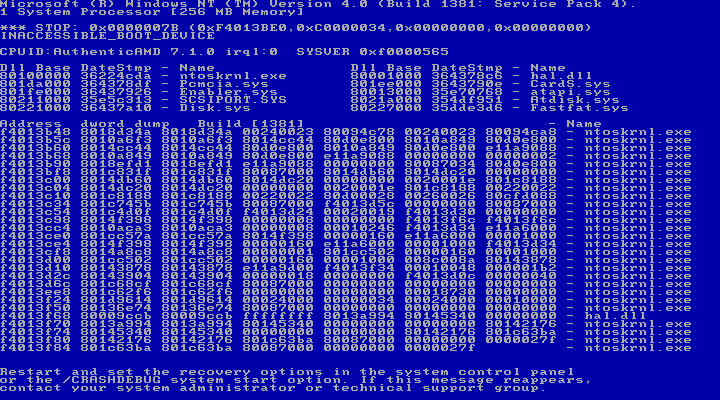
After booting up we get an instant BSOD with an Inaccessible Boot device error (0x0000007B). Turns out it was because VMWare allocate hard drives under a SCSI controller, instead of an IDE controller which NT 4 prefers. Changing the hard disk to IDE fixes the issue.

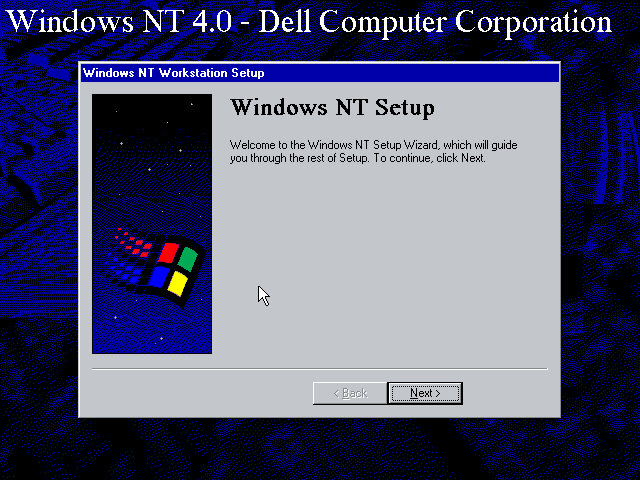
After we fixed that, the setup utility starts where you enter details of the user and computer name, and the serial number is entered here.

A Y2K utility appears to load and then crash soon after we log in. I guess this checks the BIOS version to prevent any issues with Y2k compliance, which was a much-talked-about issue when this laptop would have been released.

NT will not pick up the soundcard upon bootup, but we can install a compatible Creative Driver. Once installed and rebooted, we get sound.

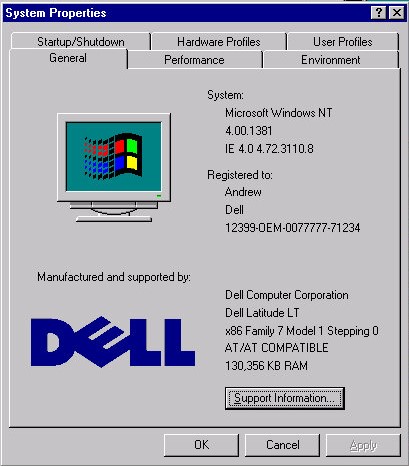
System properties that shows the OEM customization.

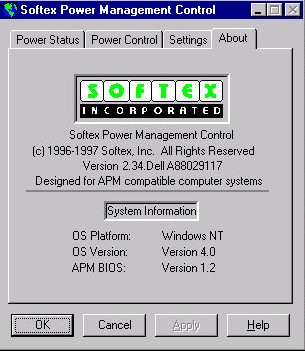
A look at the battery utility which controls the power management settings. It appears to be developed by Softex Incorporated and would have provided ACPI support that was desirable for laptops, but was not yet fully supported in the Windows NT line, not until Windows 2000.

Dell have included a couple of utilities, the first one will convert the hard disk to NTFS (its FAT32 by default) and the second will create a recovery disk using a blank floppy disk.

And that’s it. There isn’t much software included and it’s likely Dell supplied any bundled software separately, and they would have kept the base install as minimal for businesses to customize.

Like other NT 4 installs, this does not power off the computer, rather it will just restart the VM even if you select the shutdown option. On the actual machine itself, I’d image Dell would have implemented ACPI support allowing for auto shutdown.