The Latitude line was Dell’s professional series of laptops intended for business use. They typically come with features such as docking station support, enhanced security or encryption options. They also typically came with support for Windows NT operating system, however, some models could also come with a Windows 9x operating system if this is preferred.
Trying to install using a VM for 86Box, was a bit of a mess. There were a few virtual machines we could use, but many would result in a non-functional system. In most cases the keyboard was unresponsive which prevented us from being able to login.
Instead lets use VMWare
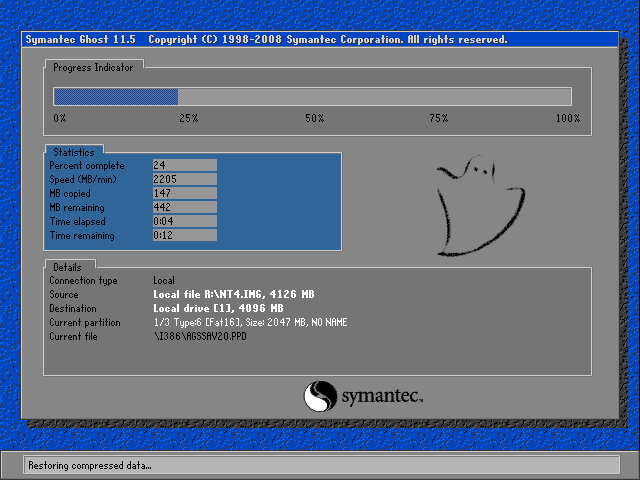
The recovery tool uses Symantec Ghost to restore the image. The software is capable of initializing a blank hard drive and will reboot the system when done.
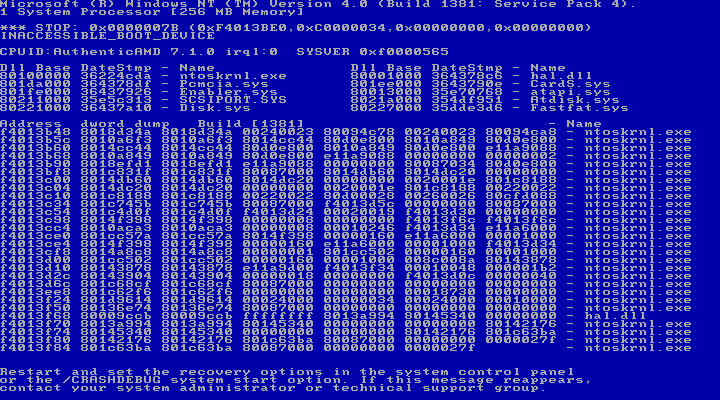
After booting up we get an instant BSOD with an Inaccessible Boot device error (0x0000007B). Turns out it was because VMWare allocate hard drives under a SCSI controller, instead of an IDE controller which NT 4 prefers. Changing the hard disk to IDE fixes the issue.
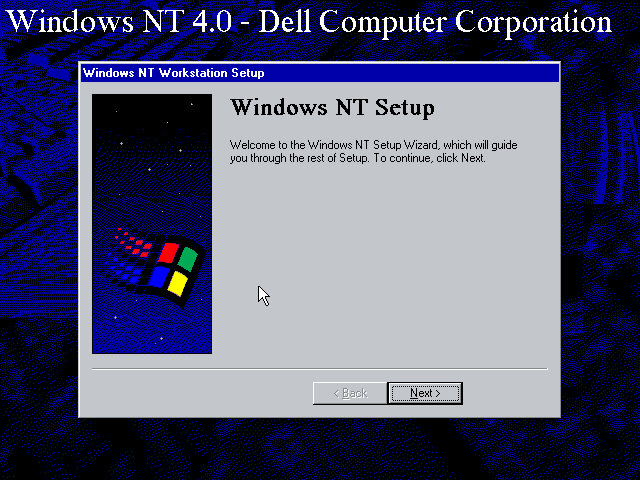
After we fixed that, the setup utility starts where you enter details of the user and computer name, and the serial number is entered here.

A Y2K utility appears to load and then crash soon after we log in. I guess this checks the BIOS version to prevent any issues with Y2k compliance, which was a much-talked-about issue when this laptop would have been released.
NT will not pick up the soundcard upon bootup, but we can install a compatible Creative Driver. Once installed and rebooted, we get sound.
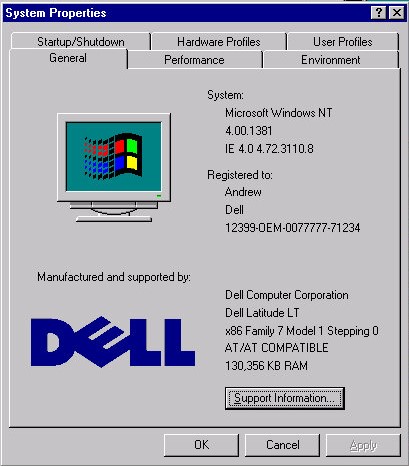
System properties that shows the OEM customization.
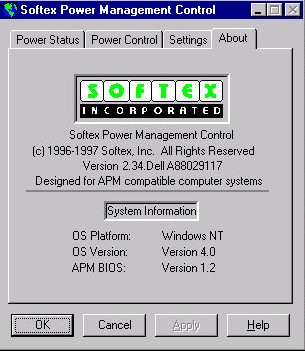
A look at the battery utility which controls the power management settings. It appears to be developed by Softex Incorporated and would have provided ACPI support that was desirable for laptops, but was not yet fully supported in the Windows NT line, not until Windows 2000.

Dell have included a couple of utilities, the first one will convert the hard disk to NTFS (its FAT32 by default) and the second will create a recovery disk using a blank floppy disk.
And that’s it. There isn’t much software included and it’s likely Dell supplied any bundled software separately, and they would have kept the base install as minimal for businesses to customize.
Like other NT 4 installs, this does not power off the computer, rather it will just restart the VM even if you select the shutdown option. On the actual machine itself, I’d image Dell would have implemented ACPI support allowing for auto shutdown.
 Drew1440: Blog