Monthly Archives: April 2024

HP Pavilion 6835

The OOBE can be tricky to navigate without the proper graphics drivers, but if you use the Tab keys to navigate, and then press c to accept (It’s underlined) the terms and conditions, it should let you progress through. The main issue here is the lack of graphics drivers, and the HP OOBE assumes you are running at 800×600.

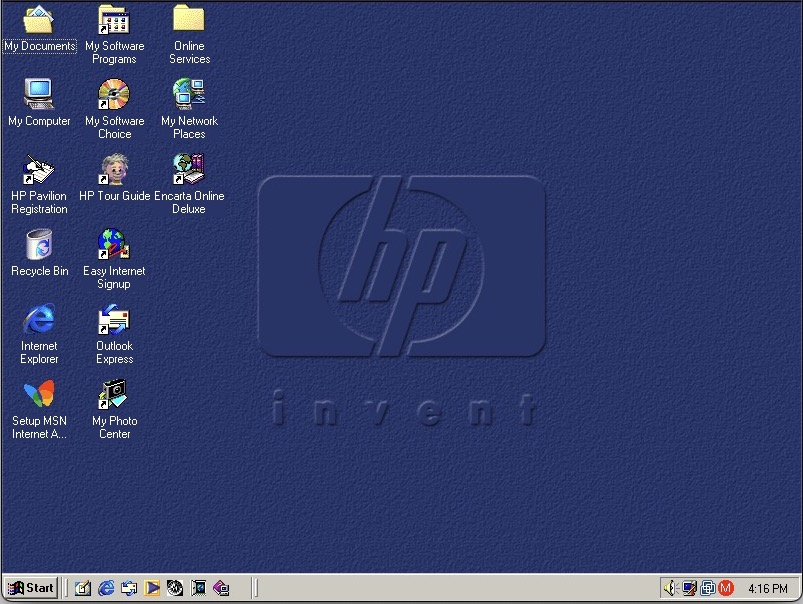
Can this wait until I’ve installed the graphics drivers? The dude at the bottom left is HP’s tour guide and assistant that has a habbit of popping up whilst you’re trying to install stuff.
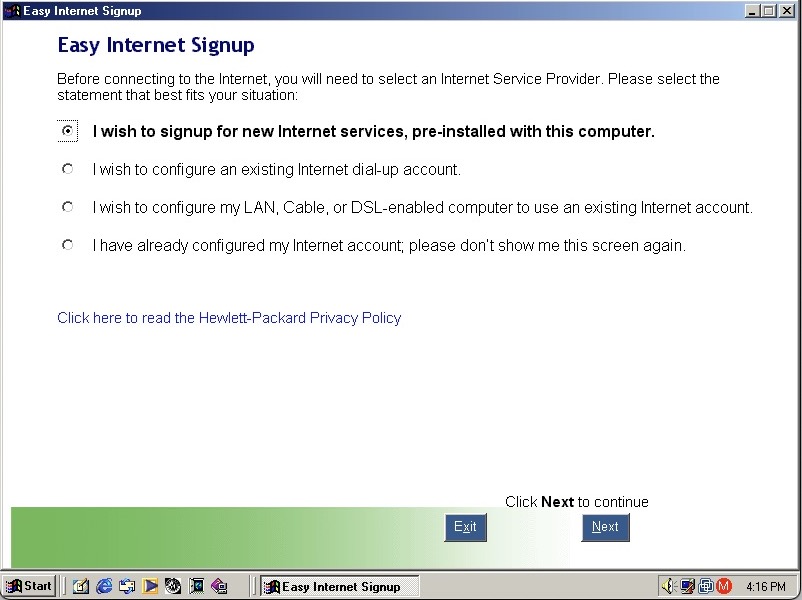
HP Internet setup utility that helps you connect to the internet, which would most likely be a dial up connection unless you were lucky enough to have a ADSL or Cable DOCSIS connection.

HP’s own assistant. Its like they saw Clippit and went ‘Hold my beer’

As you can imagine it’s designed focusers who are new to computing and need assistance in navigating Windows. He sort of acts as a tutorial guide and clicking him can be used to ask about either the desktop, software or internet applications. Unlike the Microsoft Assistant, these questions are fixed, you cannot type in a question.
MusicMatch Hp

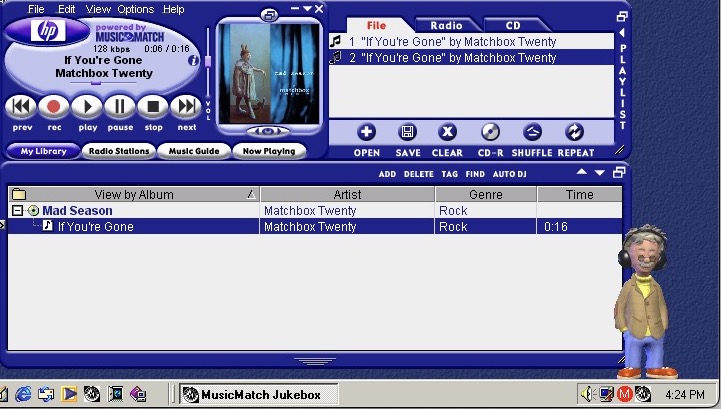
MusicMatch Jukebox with custom HP branding, MusicMatch was an MP3 and WAV music player that also supported internet radio streams. Main alternatives were RealPlayer with RealAudio Jukebox, iTunes/Quicktime and of course Windows Media Player which is still included.
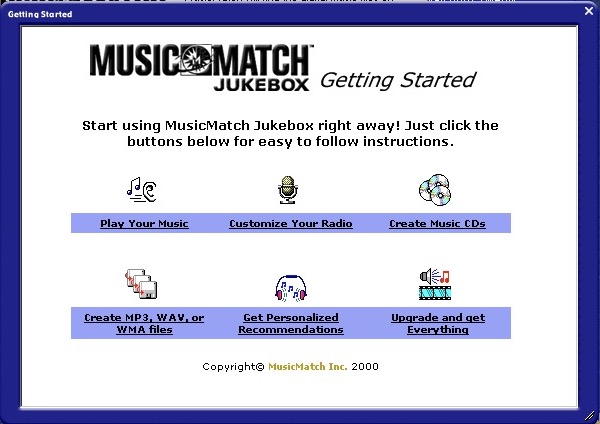
MusicMatch 2000
MusicMatch start screen

A song comes included, If’ You’re Gone by Mad Season, its only a short 16 second clip compared to the Beck Sample that Windows Media Player provided. A nice touch is the HP assistant will put on his headphones whilst the music plays.

The Radio guide is long obsolete, I wonder what streaming format was supported?
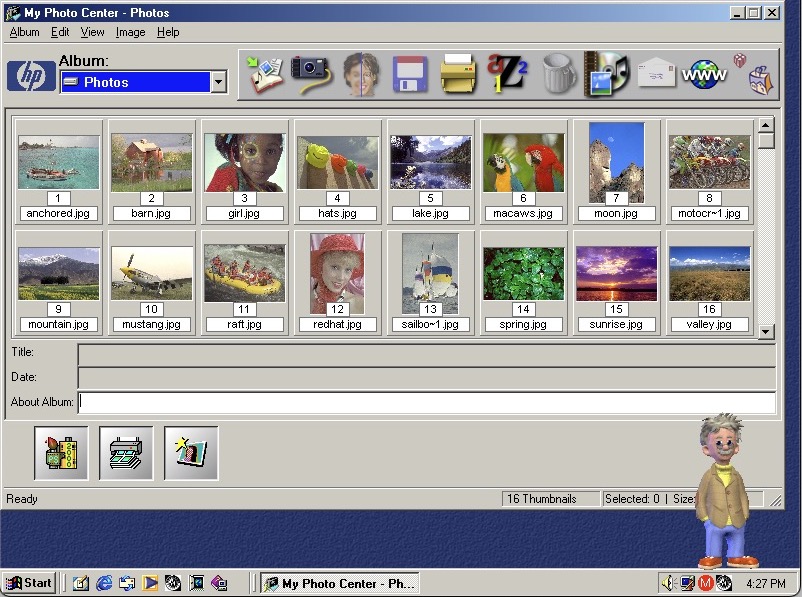
Hp Photo Center

HP PhotoBase – A photo editing application. Here you can import photos off a supported digital camera, which were becoming popular at the time. You can edit photos (like removing red eye), and print them to a photo printer or email them as an attachment.

ArcSoft PhotoStudio 2000 – This is the default image editing applications and opens when you try to edit a photo in PhotoBase.
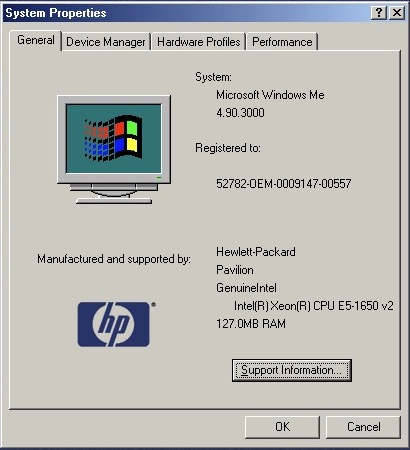
System properties with the OEM logo

Start Menu showing the included programs
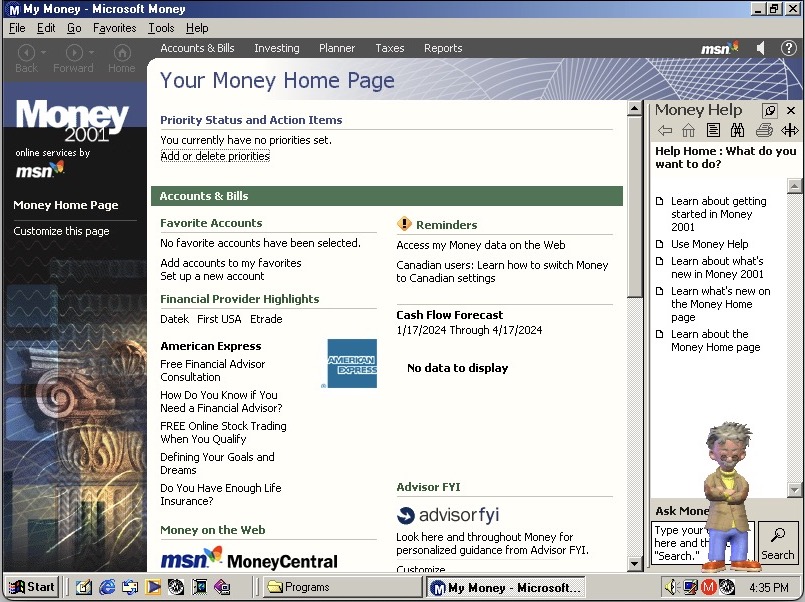
Microsoft Money 99

Microsoft Money, a standard on budget home PC’s of the era
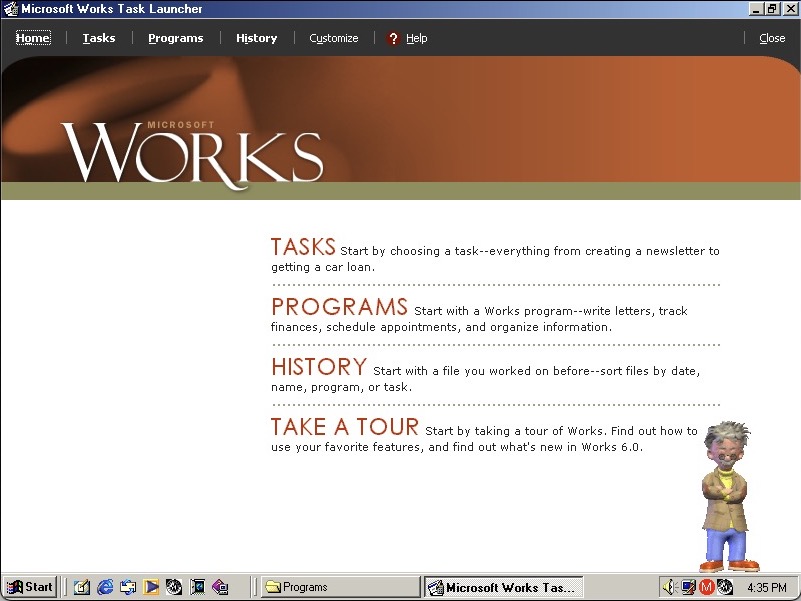
Microsoft Works also comes bundled as a basic productivity suite, version 6

HP Help & Support Center that shows information of the system. Sadly it crashed when tying to access the other tabs
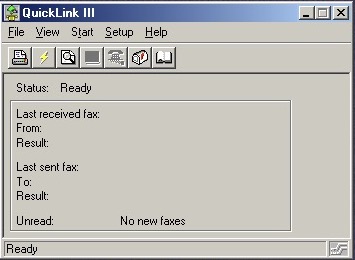
QuickLink III looks like modem software, we don’t have one so there’s limited use. This would have been used to send and receive fax’s. This was a common method of sending documents over the telephone line, before email attachments became more common.
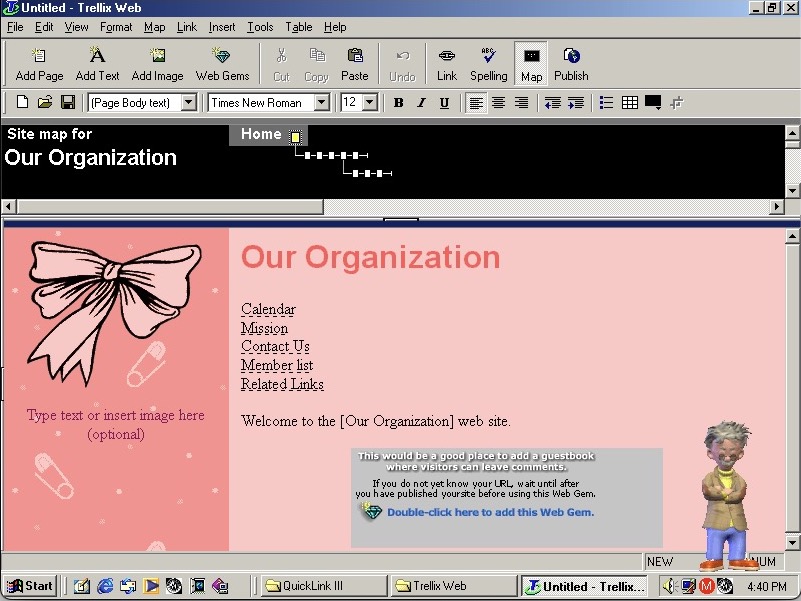
Trellix Web

Trellix Web is software to create your own websites, the same as included on a few eMachines installs
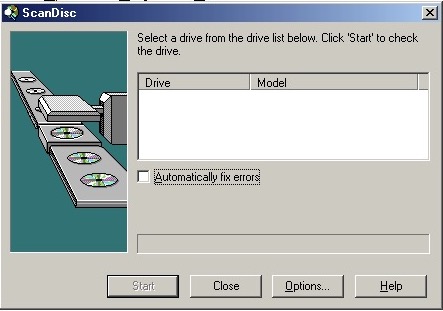
Adaptec Scandisc

Adaptec DirectCD is included, I guess this system would have come with a CD recorder so you can burn the songs acquired from Napster. Nothing shows up when using the VMWare drives. I connected a Usb external DVD drive writer and passed it through VmWare but this wasn’t detected. Turns out we have an issue with the USB PCI device. Calling it ScanDisc is going to cause confusion with the disk checking utility on Windows, not sure why they named it that.
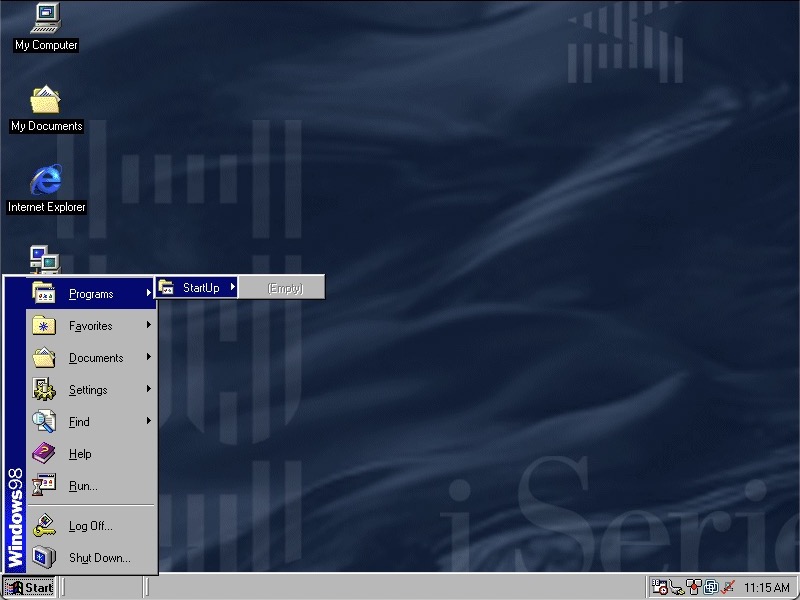
IBM ThinkPad i1400

A compact netbook laptop released around 2000. Lets look at a recovery image for that laptop.

Something’s gone wrong, where are the start menu items?

The Program Files folder does not look good…

Well for some reason the install script that ran after you reboot wasn’t converting the directories back to the respective lengths, so they were stuck at 8 characters. I believe this is called 32-bit file access?

The only way to fix it was to reformat the hard drive as FAT16 and then retry the restore process again. Eventually this worked but we are limited to 2GB, though we could later convert to FAT32 and expand the partition back to 8GB. I can’t image they would have used FAT16 on the actual laptop since it came with a 4.3GB hard drive, according to a few archived product information pages. Might be a quirk with the recovery utility.

Also for your own sake, If you’re using VMWare make sure you are using hardware version 6, as using later versions means you are stuck having to install a bunch of PCI to PCI bridges. I swear there are 30 of these to go through and Windows 9X always wants to search for a driver for it. The later hardware versions offer no advantage for operating systems this old.

Post Install

After a few driver issues, the sound drivers were not installed automatically but a separate driver install is available here for VMWare guests – https://archive.org/details/win95-98-driver

There’s an OOBE registration process where you can fill in your personal details to personalize your install. This is only available in VGA since this runs before we can install the VMWare SVGA drivers.

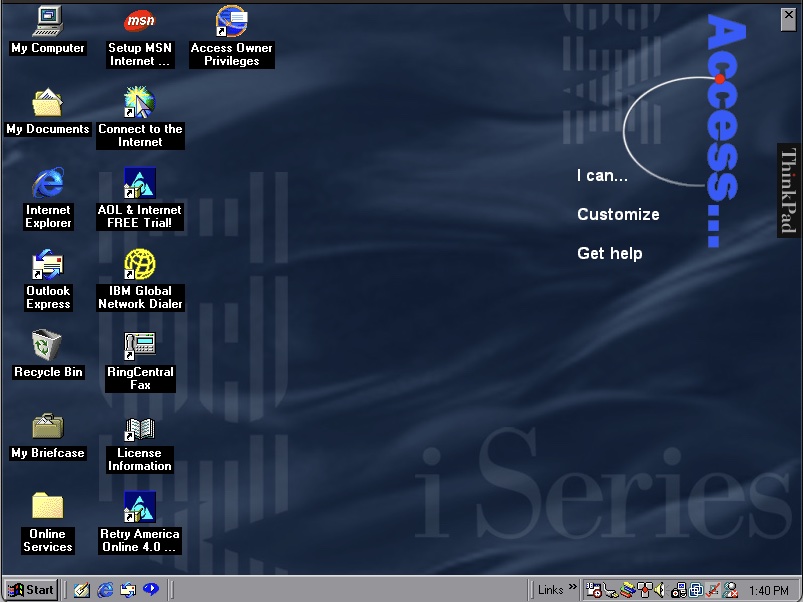
Once we are at the desktop you can see the Access Thinkpad which resides on the desktop and gives access to common programs and functions depending on what you want to do. Clicking on I Can will show you different tasks like Writing a Letter or Send e-mail which will open Outlook. This makes the system easier to use as a newbie might not be aware of Outlook but might want to send an email that they have heard of. Power users might also find this useful as a shortcut to quickly send an email. Some links will open help dialog boxes that provide further information.

If this is annoying or you prefer a traditional desktop you can close this via the X in the right corner

Also regarding the wallpaper, it’s a very corporate blue style background that would expect to find in your typical office. 

As with other IBM installs, you also have custom colour schemes, wallpapers and sound schemes.

For security we have Norton Anti-Virus 5.0, which the virus definitions are dated March 1999. I wonder how this fares against the common malware/worms of the era. Like other Anti-Virus programs it will run in the background and scan files automatically that could be suspicious. There is also a LiveUpdate utility to download new virus definitions.

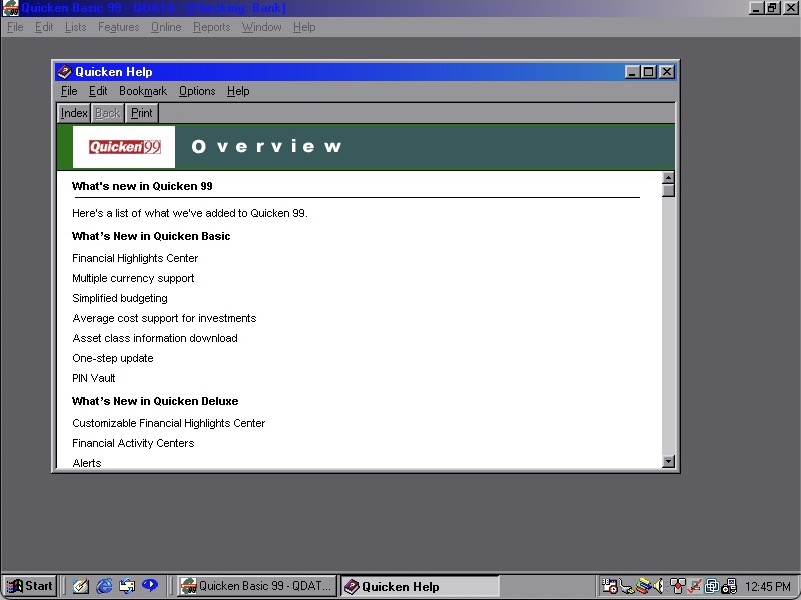
Quicken 99 also comes included for our financial needs

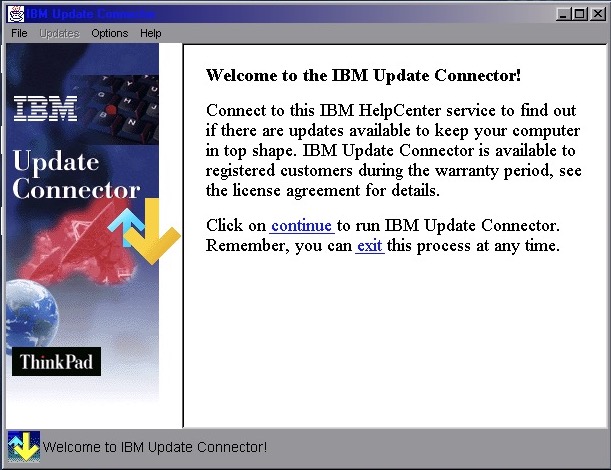
IBM Update Connector makes another appearance, this would check for driver and software updates for the included IBM software. Not sure if it supports Windows updates since you could use Windows Update for that.

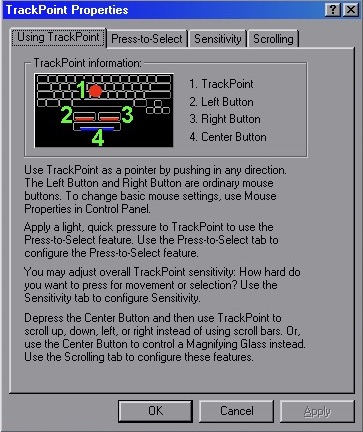
TrackPoint properties lets you view and adjust the features of the Trackball which was commonly unique to IBM’s ThinkPad as an alternative to the trackpad. Here you can adjust the sensitivity, enable the press-to-select feature and adjust the scrolling method.

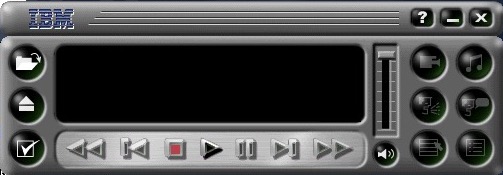
Mediamatics DVDExpress , enabled you to play back DVD’s which would have been a very high-end feature for 1999. This would have required some sort of MPEG2 decoder or accelerator since processors of the time couldn’t decode this software, so it wouldn’t work within VMWare.  It looks to be a custom branded version with IBM logo’s added on.

Features of the software include parental control that works off the age rating of the disc, and the ability to change the region of the DVD drive. There is also a 256 colour mode, cant imagine what that would look like.

IBM Global Network Dealer lets you set and configure different phone numbers or internet providers to dial out to, back when dial up was the main method of using the internet.

One observation I found is the Windows Explorer windows are designed to be as minimal as possible since this laptop had an 800×600 screen.
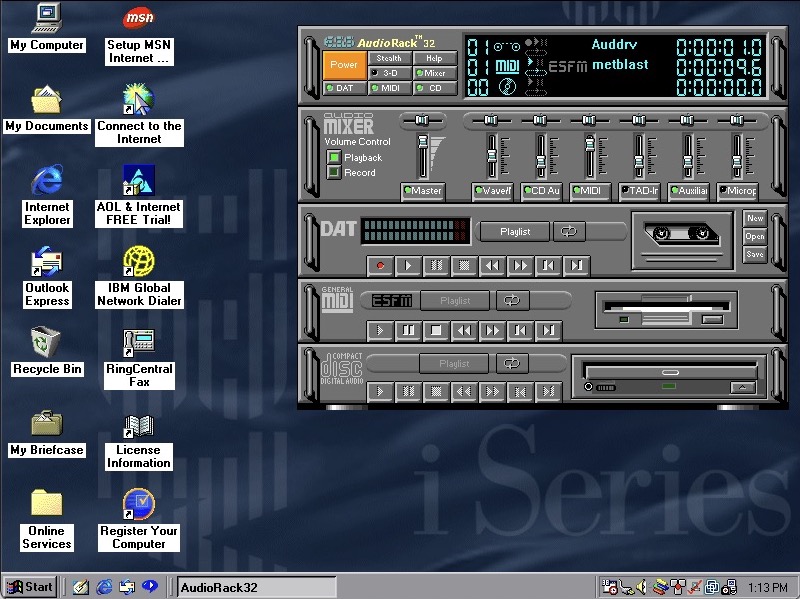
ESS AudioRack 32 – lets you play MIDI, CD music and DAT tapes? Clicking on open brings up an open dialog box for wav files. Despite using the VMWare SoundBlaster, this appears to work well for playing MIDI and WAV music files.

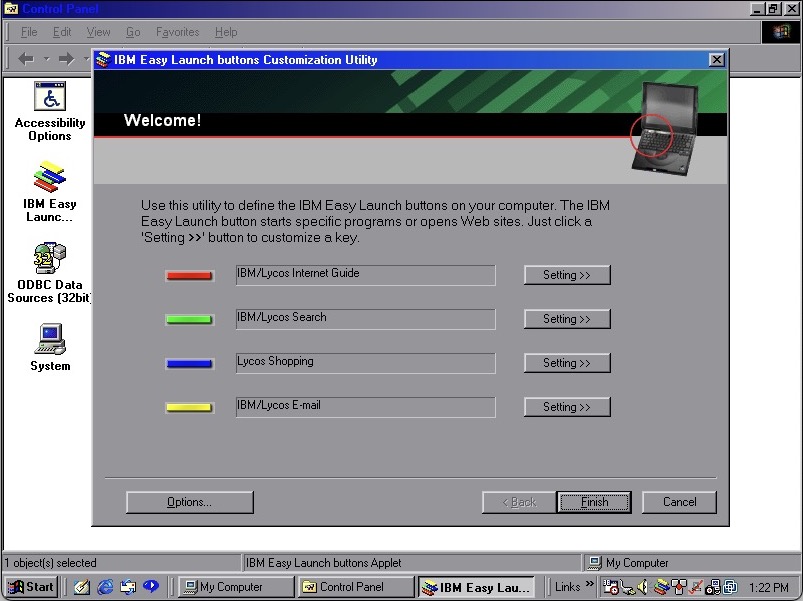
IBM Easy Launch Buttons, these act as shortcuts to open preferred programs or links. They use the same colours as Teletext/fastext keys found on televisions in Europe with the red/green/blue/yellow that correspond to a function. When a button is pressed, an onscreen text of the command appears on screen in bright green, simulating the OSD on some older Sony CRT TV’s of the time.

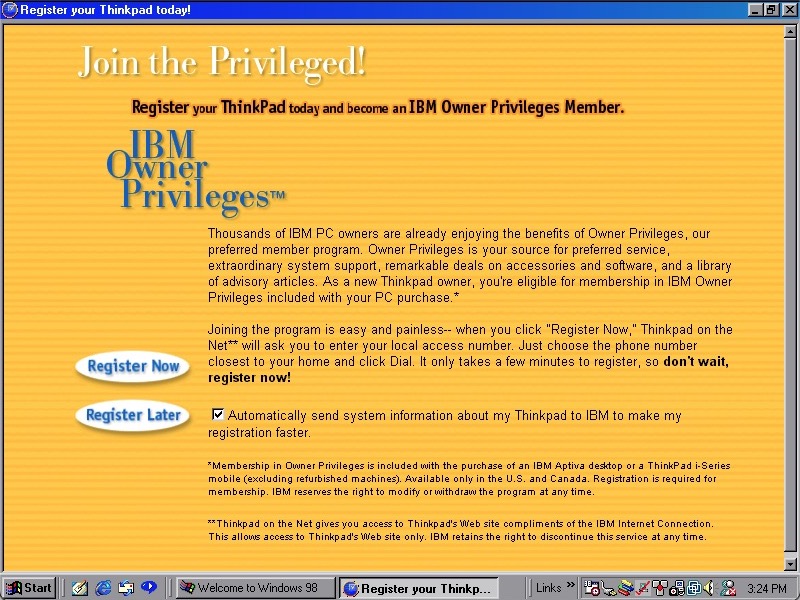
How to register your ThinkPad model, this would have given discounts in purchasing software from IBM, probably Lotus SmartSuite office.

Checking for updates using a restored version of the Microsoft Update, Using windowsupdaterestored.com

Other software included is RealPlayer G2/v6, RingCentral Fax and Config Safe. Many of these have been covered in a similar install.

Sell Also

Recovery Image Download – On Archive.org, unlocked to work on any system

Information on ThinkWiki

eMachines eTower 600

Another budget eMachines system is designed to be an internet machine. This one is running the famous Windows ME(me)

Windows ME

This copy of the recovery program is modified to work on any system or virtual machine, here I have decided to try out Vmware Fusion on macOS since it is one of the few VM’s to support addons/acceleration for Windows ME (Parallels only has graphics support, no sound or mouse acceleration)

Also for some reason VMware Fusion has no screenshot feature? Instead you have to use the macOS Screenshot utility instead.

As with other machine utilities looked at in the past, recovery is pretty straightforward forward where Ghost is used to restore the recovery image. And as with using these images with VMWare there is an awful amount of New Hardware dialog boxes to get through, most of which are for the PCI to PCI Bridge.

Windows ME boot

eMachines branding on the boot screen

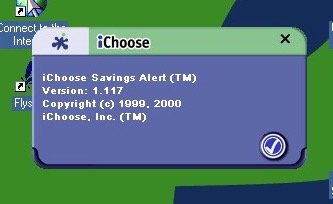
iChoose – Not sure what this is but from the about screen it looks to be a shopping assistant where it notifies you of any savings or if a product is available cheaper elsewhere, whilst datamining you in the background. Cortana on Microsoft Edge did this a few years back, before Microsoft yeeted it due to GDPR

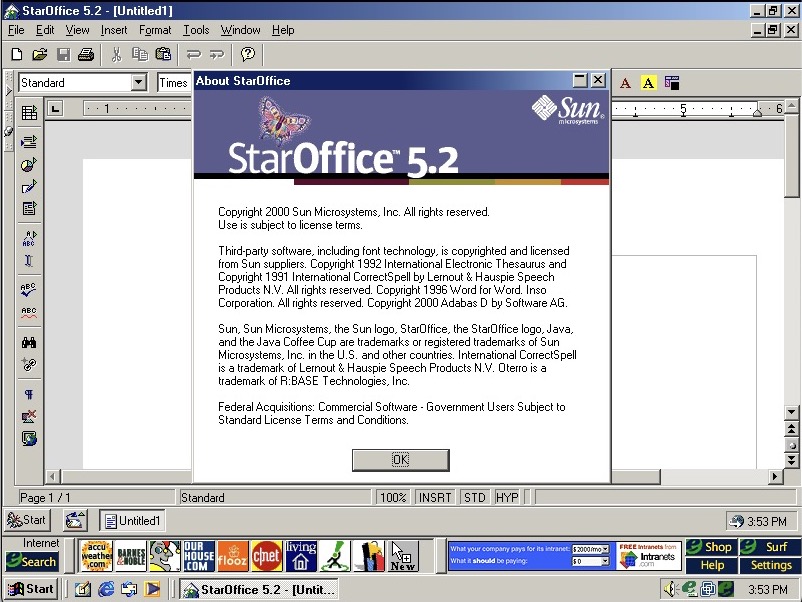
StarOffice 5.2

StarOffice is the Office suite included, featuring a word processor, presentation/PowerPoint and spreadsheet software. This was developed by Sun Microsystems and would eventually become OpenOffice, which would influence to LibreOffice, and then Apache OpenOffice.

It will try to use its own file format (.sdw for Writer), but is capable of opening HTML, Microsoft Word (doc) files and even WordPerfect (W4W) documents

Since there is not much difference here that we’ve not seen in other eMachine installs, lets try and upgrade to Windows XP.

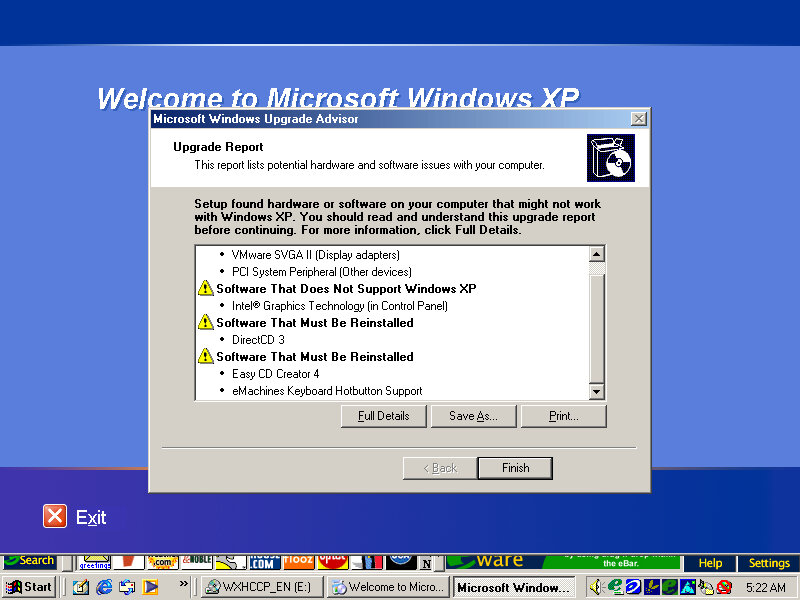
Running the compatibility report advisor, the Keyboard hotkey driver and the iChoose alert applications appear to have issues and will need to be updated.

Starting the upgrade, things went a bit pear-shaped when he VM window appeared to have closed, in reality it resized itself to 1×1 pixels which was odd. I thought the VM had crashed until I heard the ME shutdown sound after about 2 minutes and then it rebooted into setup. 

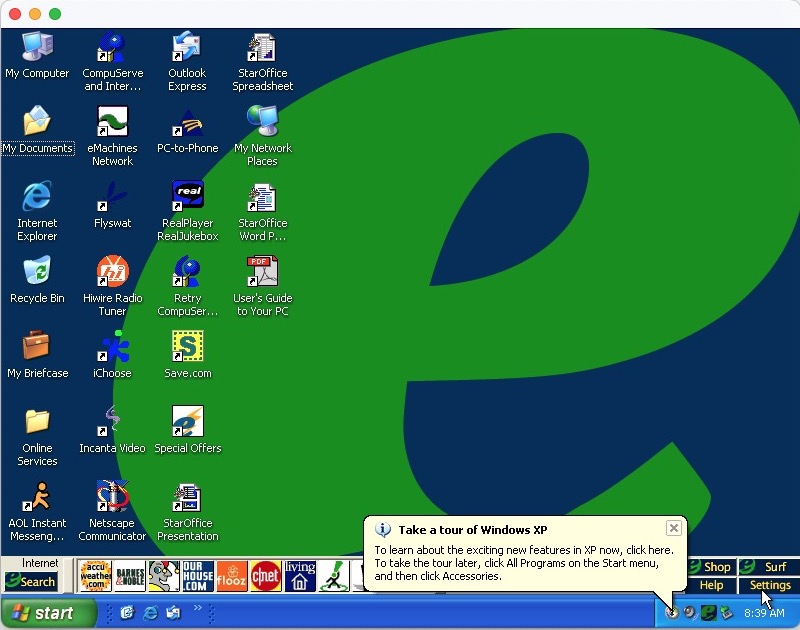
Soon after we are rewarded with the Windows desktop, along with the lovely eWare toolbar.

Save.com

At this point I discovered save.com, which looks to be a voucher/coupon application that requires both a printer and an internet connection. Guess I must have missed this earlier.

Apart from the issues mentioned in the compatibility advisor, no further issues were found.

See Also

Download Link

eMachines eTower (Part 2)

There’s quite a few OEM customizations included here, so I’m curious what gets transferred over and if anything breaks. The original system came with Windows ME which was built on the 9x/Hybrid DOS kernel.

Original Post

Windows XP

Since we are going from a 9x to NT-based install, changes are going to be drastic with new device drivers requiring to be installed. Before installing, Windows does a compatibility check for existing applications and drivers and will alert if any are found to have issues or require updates. This only alerts if Windows finds a known issue with the program based on Microsoft’s testing, some lesser-known applications might not have been tested.

The install appears to have started, but after a few seconds the screen went blank and the VM was unresponsive. Rebooted and was greeted with an option to start Windows or cancel XP Setup.
Booting into Windows ME instead boots directly into the XP Setup, which appears a little darker than usual

Not sure why it’s prompting to create a password, never seen that before

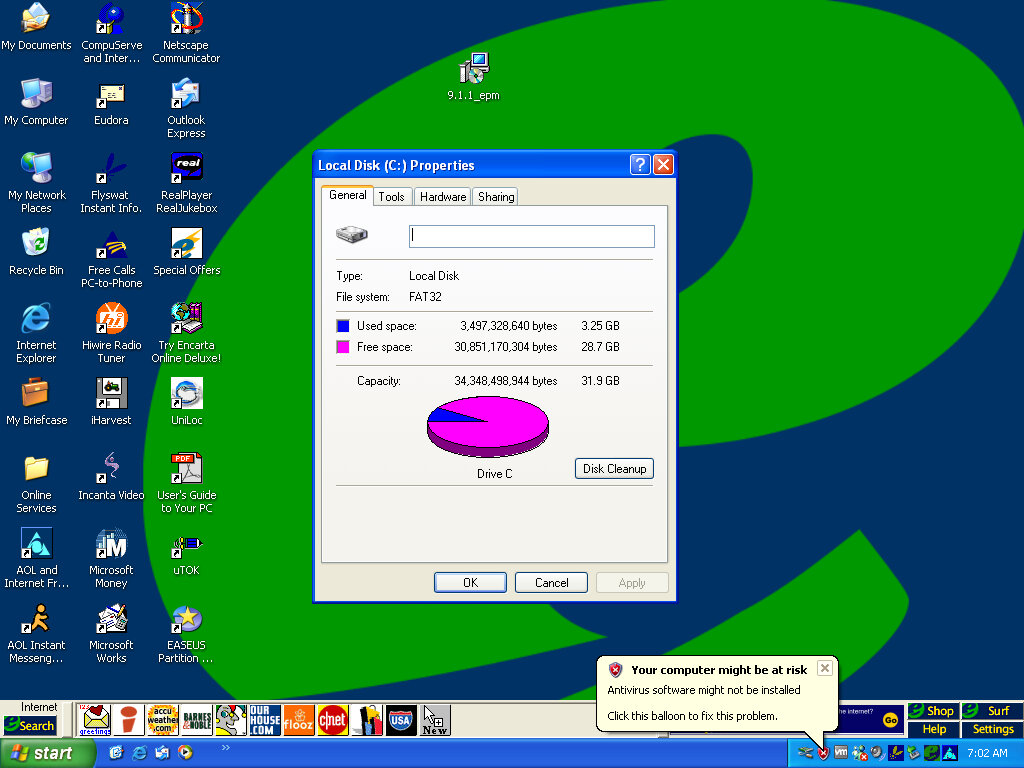
The default desktop post-upgrade, along with the eWare banner above the taskbar

Adaptec CreateCD requires an upgrade before it can function. Interestingly is this is generated by Windows XP. RealJukebox works but failed to load the previous files since the documents directly have changed from Windows ME. What’s strange is the music files have been renamed?

Windows Vista

And we hit the wall, since the drive is formatted as FAT32 from the ME install, we cannot install Vista without reformatting the hard disk. We also have to convert FAT32 to NTFS

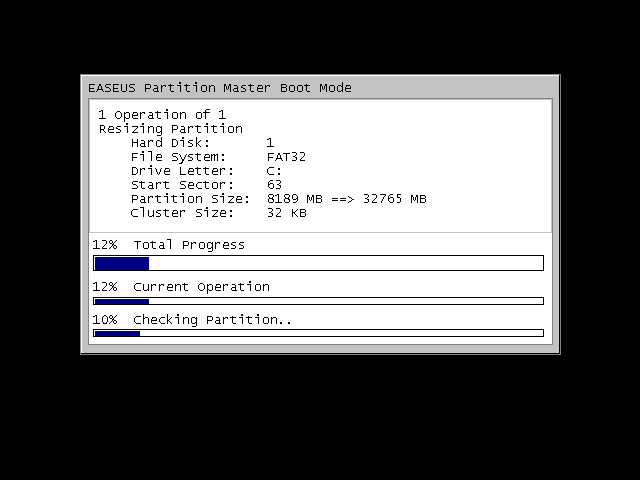
There were a few obstacles, first we had to expand the VMWare disk, as it was set to 8GB by default. Once expanded we had to extend the partition which wasn’t possible in XP’s disk management utility, so I had to use an old version of EASEUS Partition manager to extend the partition.

We can also use EASEUS to convert the disk to NTFS, so we can finally install Vista, and hopefully Windows 7. Before conversion, a quick disk check is done.

Some issues were found but some of these are part of the VM and might not apply to the actual machine, either way it lets us continue

The Flyswat toolbar appears to be broken, and we are missing some buttons on the eWare taskbar

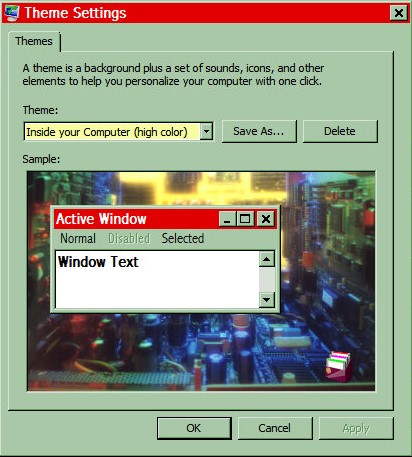
Some of the Windows 98 themes still remain and surprisingly they work. Color schemes, sounds and screensavers.

Adaptec CreateCD has now stopped working completely and will not launch, instead displaying the above dialog box. Later versions of Windows usually keep a database of incompatible programs, including ones that require patches to work.

Windows 7

Install was a lot easier since most of the prep work was done for Vista

Application compatibility is the same as Windows Vista, Meanwhile the icons on the eWare toolbar have started to function gain. It’s rare that you will be able to install this on the actual machines without extensive upgrades, and I’d imagine the eWare links would also long be dead at this point. Also the eWare toolbar sticks out like a sore thumb when combined with the Windows 7 taskbar.

Toshiba A100 (Windows XP)

A typical Toshiba laptop from 2005, let’s take a look at what a factory install looks like.

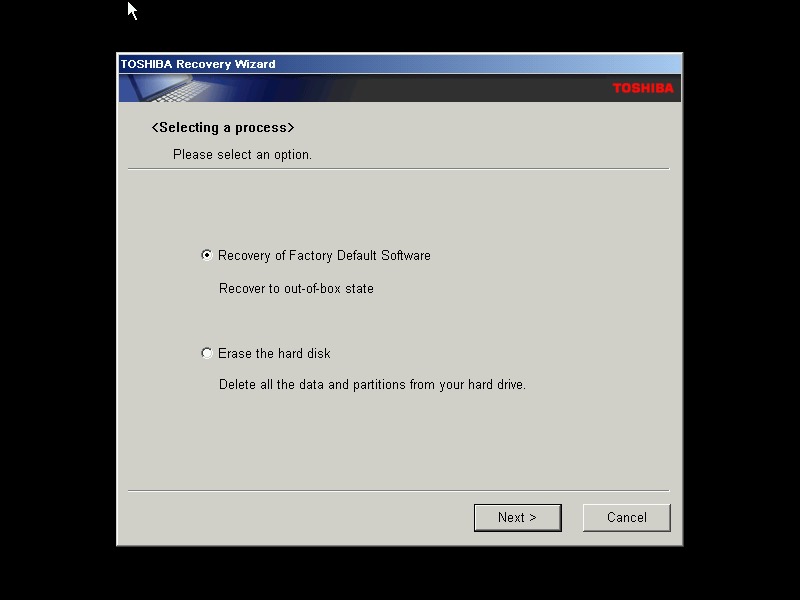
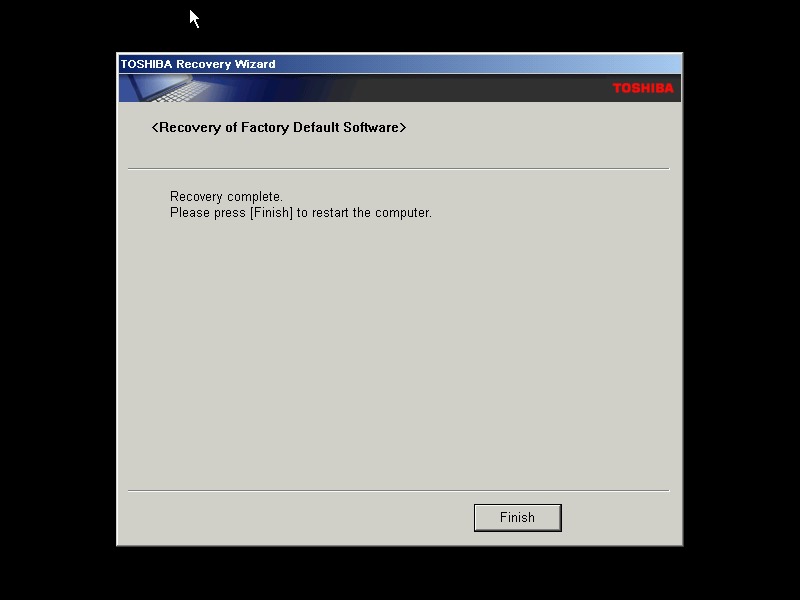
This restore CD is unlocked which allows you to install it onto any PC or virtual machine, Parallels 18 is being used here.

I actually have one of these laptops, though it is a much later revision that shipped with Windows Vista basic, and featured integrated Intel graphics and an Intel Pentium (Core) Dual core processor. Confusingly A100 refers to the chassis design, as there is a wide range of specifications in this series which is confusing. Whilst you can expect differences in memory and hard drive storage, Toshiba even provided different graphics cards and optical drives in this range.

The Out Of Box Experience which features the Toshiba logo, this is mostly the same here you accept the license agreement

Toshiba Satellite A100

Post-install with the default theme and wallpaper, with Windows XP Home Edition being installed with SP2

Appearance

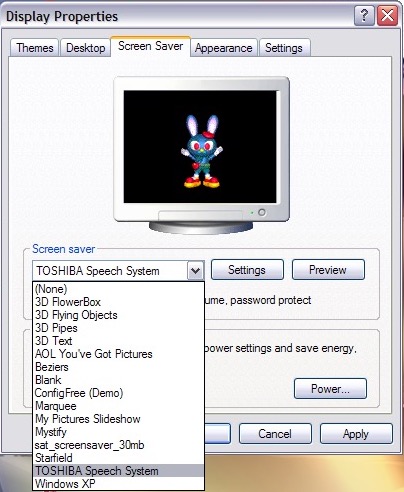
A few screensavers come included, including a speech one that talks to you and will ask you how you are today. The other screensaver is simply an advertising reel that shows the features of the laptop with a compressed guitar playing in the background.

Software

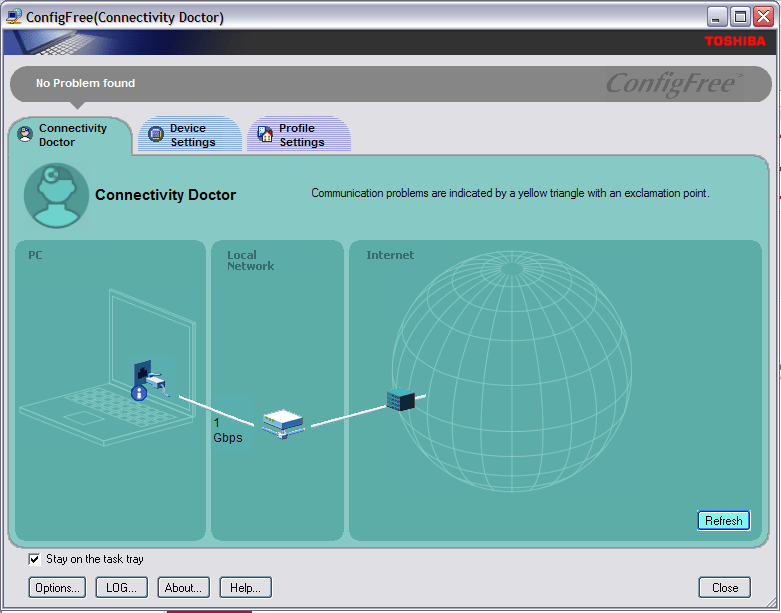
ConfigFree – A network utility that was bundled with various Toshiba laptops of the era, I remember this most from an old Satellite Pro A60 that I had from around 2004ish that functioned very similar to the version here, along with memories of trying to run The Sims 2 on its integrated Radeon 7000 graphics card.

Microsoft Office 2003 Trial

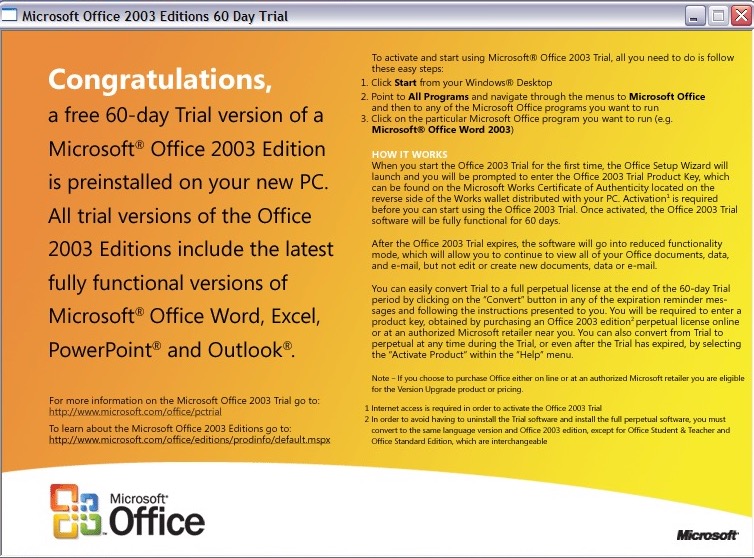
Microsoft Office 2003 – This version makes the debut of OneNote, which has become a staple of Office since, and is even found as a standalone product on modern versions of Windows. It’s a not taking application that can sync across multiple devices.

Your standard Office applications are also included with Work, Excel, PowerPoint and Outlook.

InterVideo WinDVD

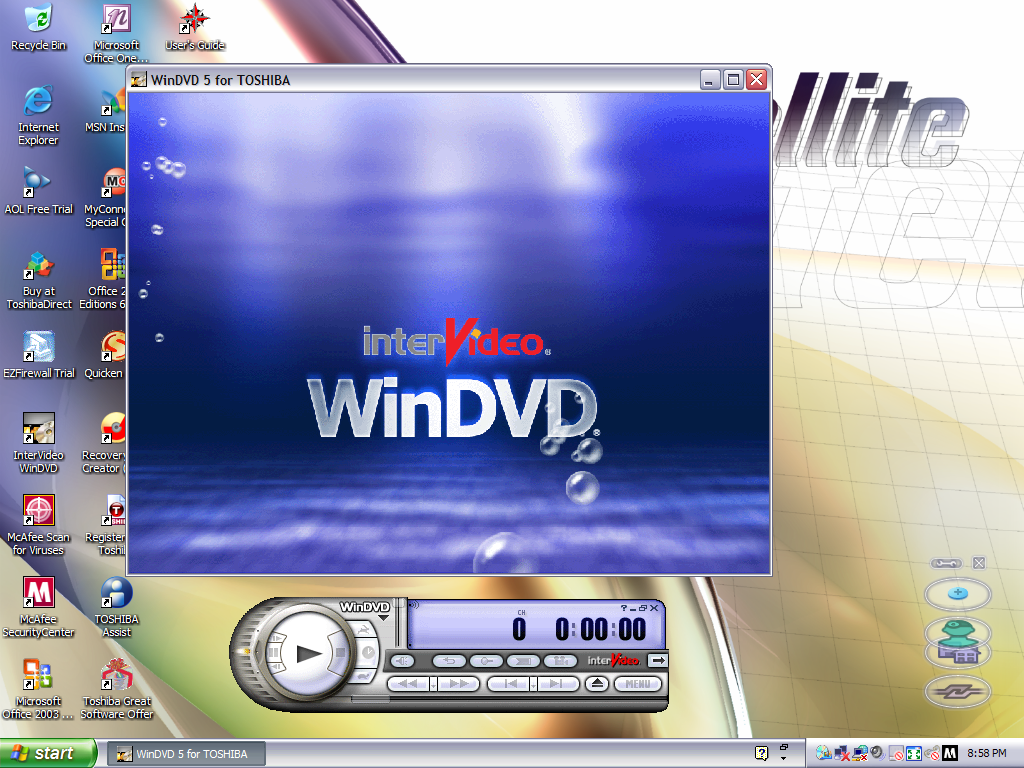
Intervideo WinDVD (V5) – Standard DVD player to play back DVD and VCD movies using the built-in DVD drive. This wasn’t possible not the VM since the graphics drivers do not support MPEG2 deciding which software required

McAfee Security

McAfee Security and AntiVirus – Our favorite AntiVirus suite comes bundled here, this also includes a firewall as part of its Internet Security suite. It’s pretty out of date, and has issues downloading new virus definitions since it’s over 16 years old.

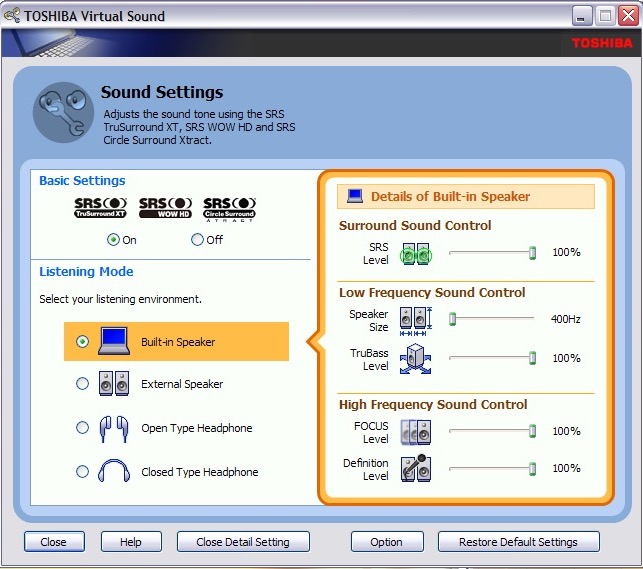
Toshiba Assist – Acts as a launcher for many Toshiba utilities. The Optimie section contains a few interesting ones, with the Toshiba Hardware Settings allowing you to change BIOS-specific settings from within Windows. You can configure the power on password, USB legacy support and the boot priority.

Other settings let you change the hotkey assignments, optical drives acoustic noise. There is also a diagnostic tool that lets you test various components of your laptop.

Microsoft Works – A little redundant since we have full-fat Office installed here. I would assume some restore images don’t include Office so Works was included as a backup option. I should mention that Office by default is not activated and prompts for a product key, so it might be the case that Toshiba offered Microsoft Office as an optional extra. Maybe some SKU’s come with a key.

Quicken 2005 – Finance management program

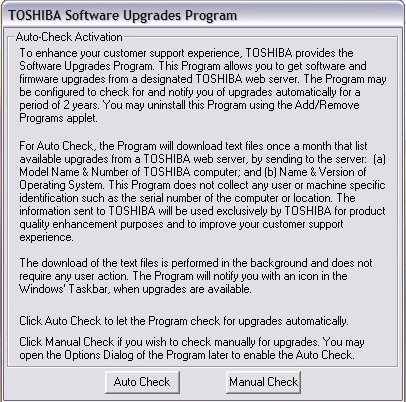
Toshiba Software Upgrade – Checks and installs software updates. The interface hasn’t changed much from the 1998 version

Yahoo Music Player

Yahoo! Music Engine – Music player that can play you legally acquired MP3 files, this also features a music store that Yahoo operates to purchase and download music. There is also Y! Unlimited which I assumed was some sort of music subscription service but I couldn’t find any further information since the help files just point to a dead web address.

I don’t think it’s like Spotify or Deezer, but rather a service you could download say 10 tracks inclusive per month

Sonic RecordNow! – Disc burning application. Typically this can burn audio CDs if Windows Media Player isn’t your thing. This appears to be a basic version as there are a few options that are only available when you upgrade, this includes burning ISO images

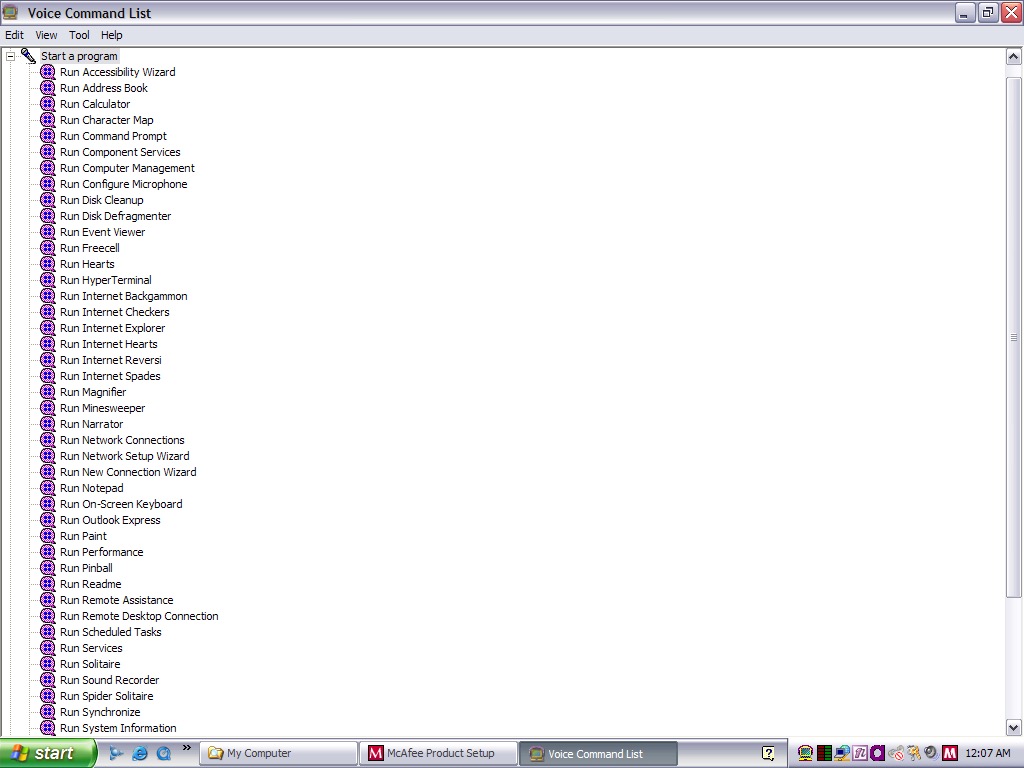
Toshiba Speech System – A voice recognition program that runs in the background and listens to the microphone so you can soak commands into the computer. You can start specific programs by speaking ‘Run Calculator’ 

Despite running in a virtual machine, I was able to pass through the microphone and it was able to pick up my voice. As you can expect this is very finicky with it failing to recognize certain commands or misinterpret noise as commands. It was even though the noise from my mechanical keyboard was the undo command. Probably best to disable this feature to avoid losing any work, since it will also misinterpret commands for deleting or cutting.

You can configure it to listen through a button instead which will cut down the amount of misinterpreted words. For tethering else it’s best to move the microphone away from the keyboard, presumably on the actual laptop this would be somewhere toward the top of the screen.

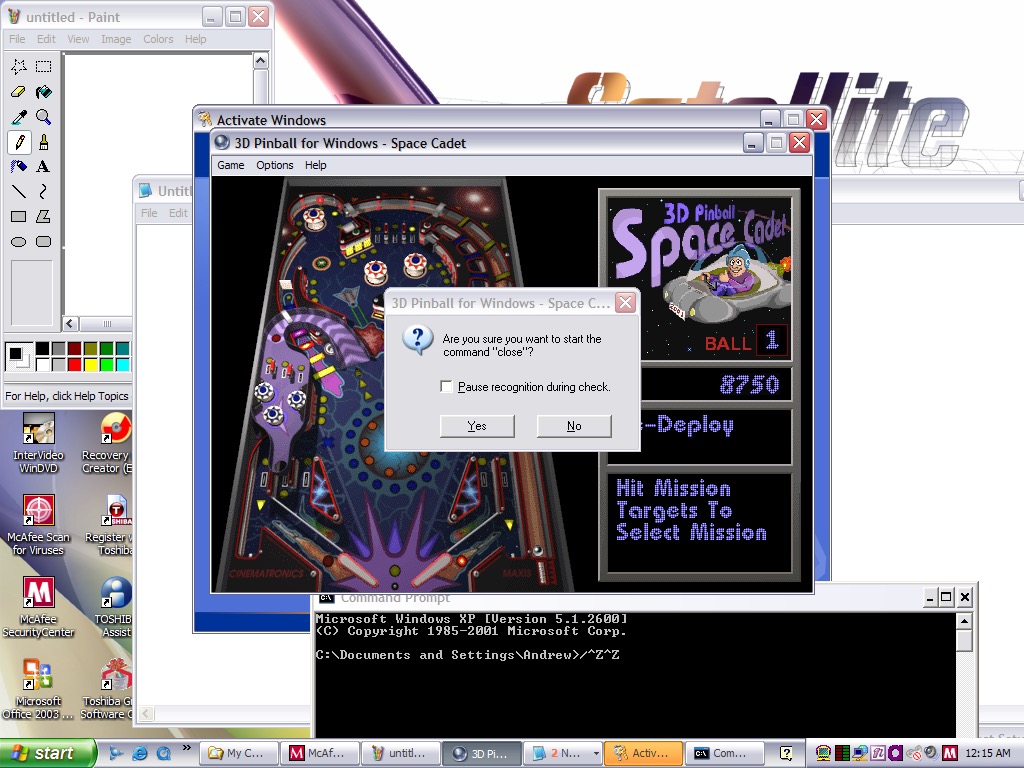
And yes, noise from applications and games can also interfere. Playing 3D Pinball will cause it to launch a command prompt window after you hit a bumper and finishing a game will cause it to run the MSN Backgammon game.

Imagine trying to play a Halo LAN party with this thing enabled.

EZ Firewall

eTrust EZ Firewall – Optional firewall that can be installed, this is a ,limited trial copy. This looks very similar to ZoneAlarm firewall.

Other bundled software included AOL, RealPlayer 8, QuickTime 6, Adobe Reader & Windows Media Player 10

Misc Observations

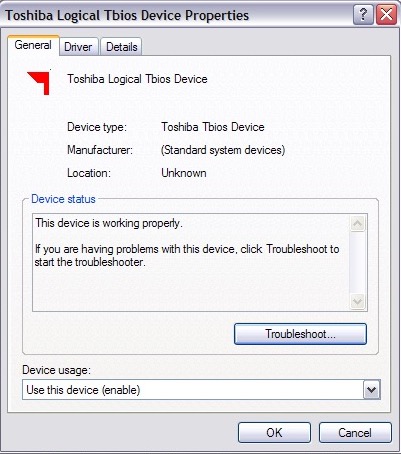
Not sure what a Tbios device but could be used to interact with the BIOS more closely

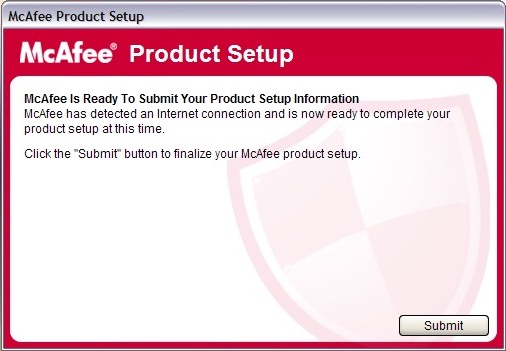
Once again McAfee is nagging us for further information, this happens a lot with McAfee

Adware on a fresh install?

Toshiba Media Player Skin

Custom Windows Media Player skin

Toshiba Help & Support

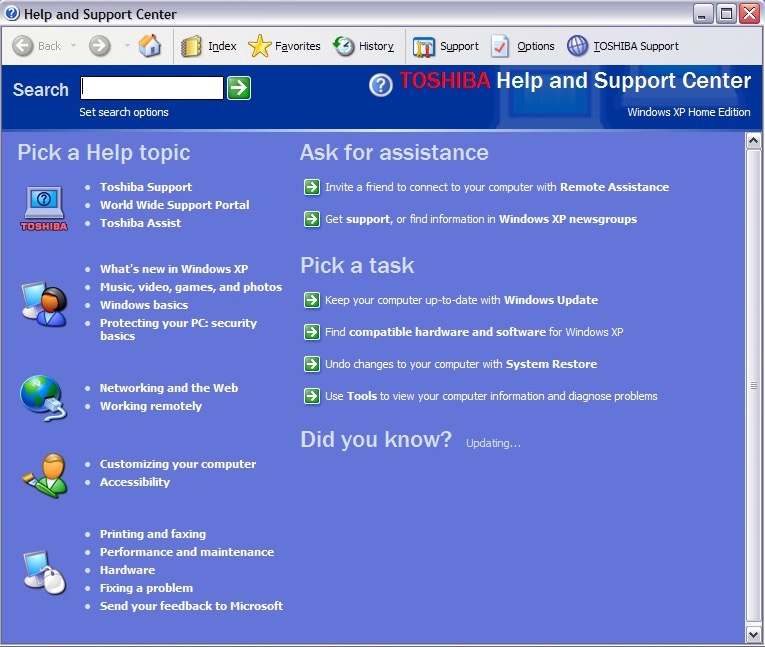
Help and Support with Toshiba branding

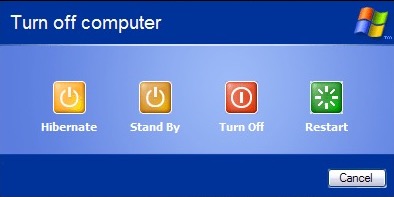
Shutting down the laptop, it has an altered shutdown screen that features four options which I have seen on a few Dell installs of the era