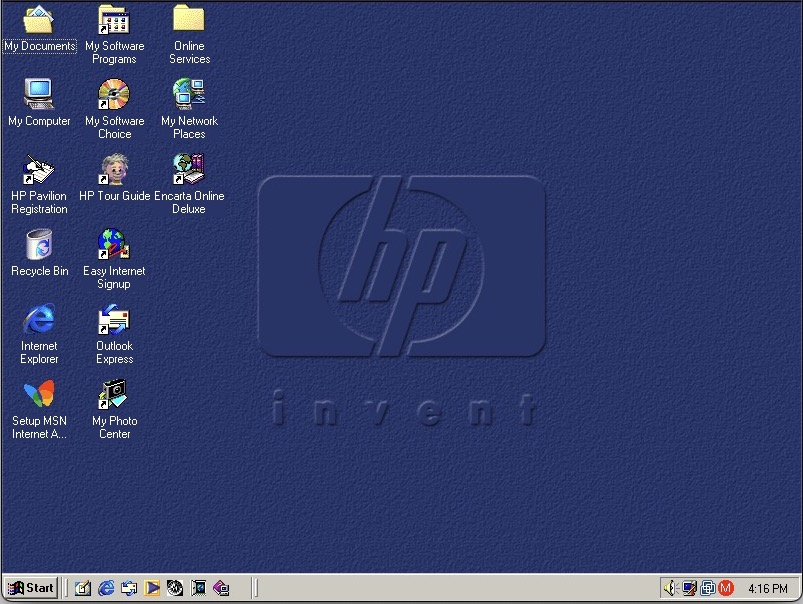
The OOBE can be tricky to navigate without the proper graphics drivers, but if you use the Tab keys to navigate, and then press c to accept (It’s underlined) the terms and conditions, it should let you progress through. The main issue here is the lack of graphics drivers, and the HP OOBE assumes you are running at 800×600.

Can this wait until I’ve installed the graphics drivers? The dude at the bottom left is HP’s tour guide and assistant that has a habbit of popping up whilst you’re trying to install stuff.
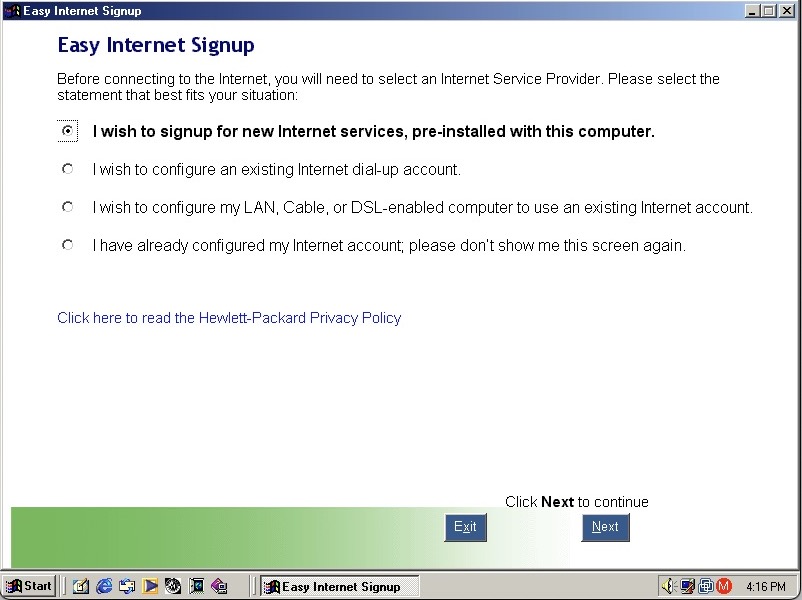
HP Internet setup utility that helps you connect to the internet, which would most likely be a dial up connection unless you were lucky enough to have a ADSL or Cable DOCSIS connection.

HP’s own assistant. Its like they saw Clippit and went ‘Hold my beer’
As you can imagine it’s designed focusers who are new to computing and need assistance in navigating Windows. He sort of acts as a tutorial guide and clicking him can be used to ask about either the desktop, software or internet applications. Unlike the Microsoft Assistant, these questions are fixed, you cannot type in a question.
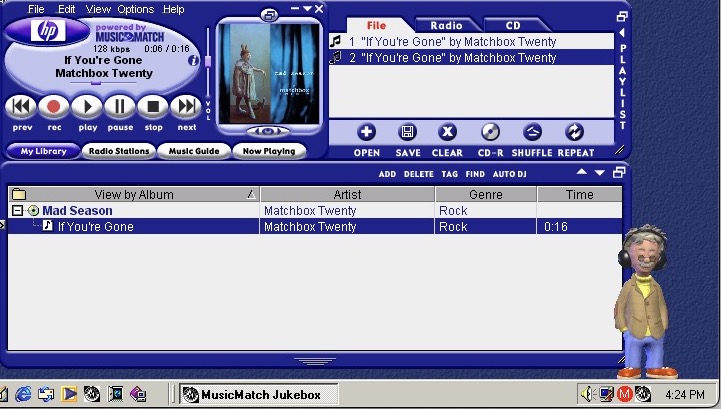
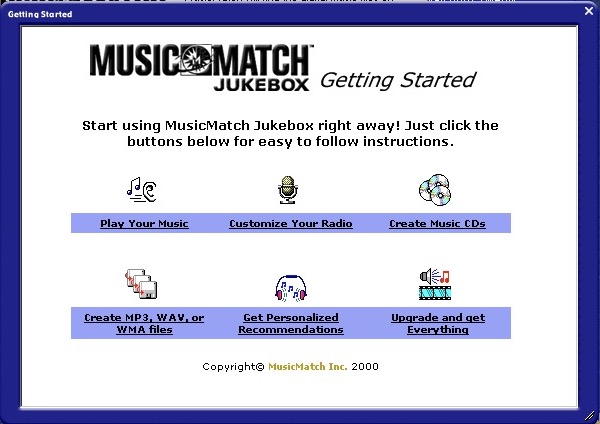
MusicMatch Jukebox with custom HP branding, MusicMatch was an MP3 and WAV music player that also supported internet radio streams. Main alternatives were RealPlayer with RealAudio Jukebox, iTunes/Quicktime and of course Windows Media Player which is still included.
A song comes included, If’ You’re Gone by Mad Season, its only a short 16 second clip compared to the Beck Sample that Windows Media Player provided. A nice touch is the HP assistant will put on his headphones whilst the music plays.
The Radio guide is long obsolete, I wonder what streaming format was supported?
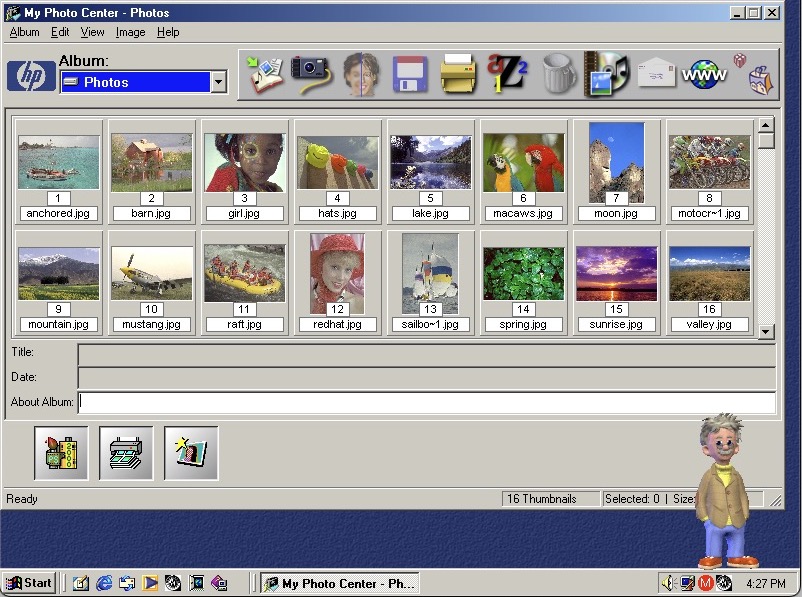
HP PhotoBase – A photo editing application. Here you can import photos off a supported digital camera, which were becoming popular at the time. You can edit photos (like removing red eye), and print them to a photo printer or email them as an attachment.

ArcSoft PhotoStudio 2000 – This is the default image editing applications and opens when you try to edit a photo in PhotoBase.
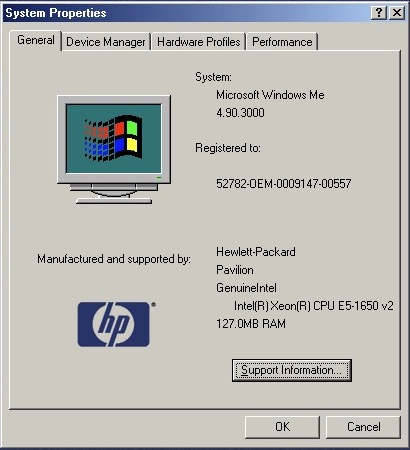
System properties with the OEM logo

Start Menu showing the included programs
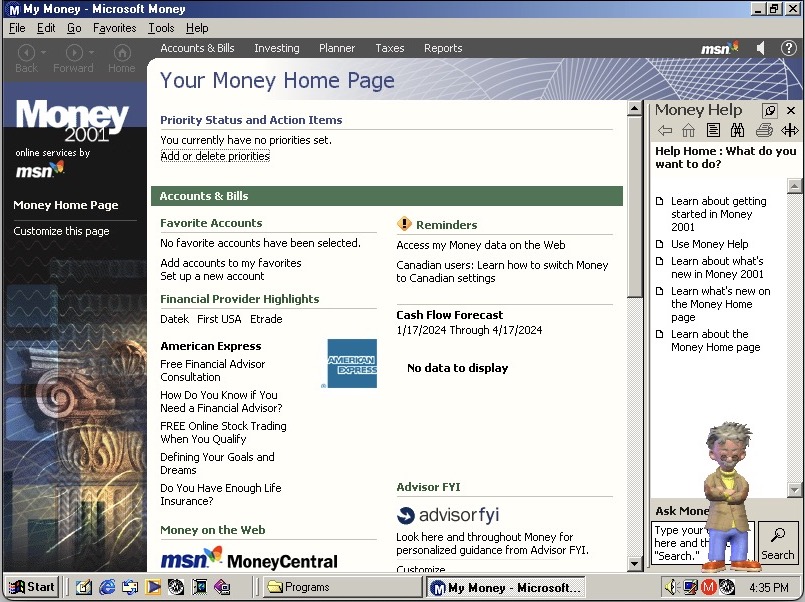
Microsoft Money, a standard on budget home PC’s of the era
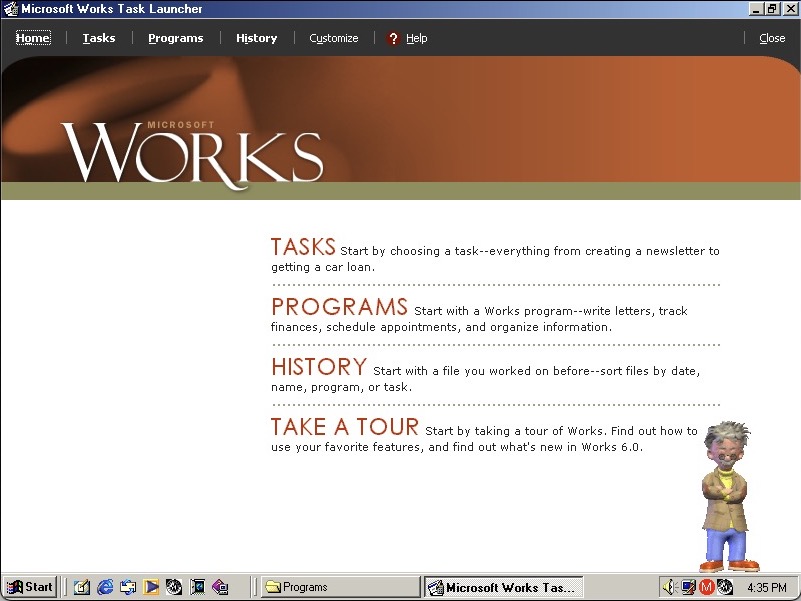
Microsoft Works also comes bundled as a basic productivity suite, version 6

HP Help & Support Center that shows information of the system. Sadly it crashed when tying to access the other tabs
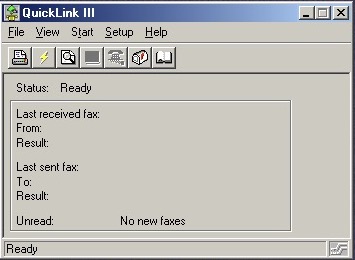
QuickLink III looks like modem software, we don’t have one so there’s limited use. This would have been used to send and receive fax’s. This was a common method of sending documents over the telephone line, before email attachments became more common.
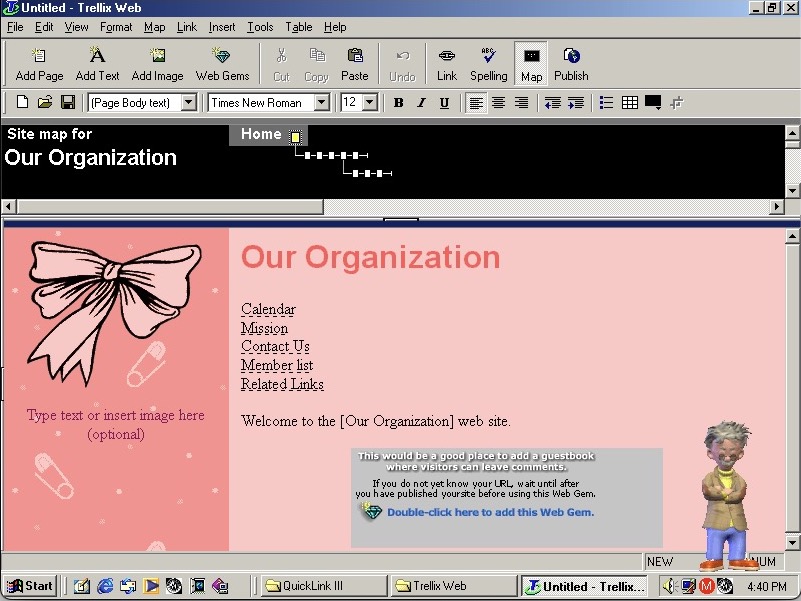
Trellix Web is software to create your own websites, the same as included on a few eMachines installs
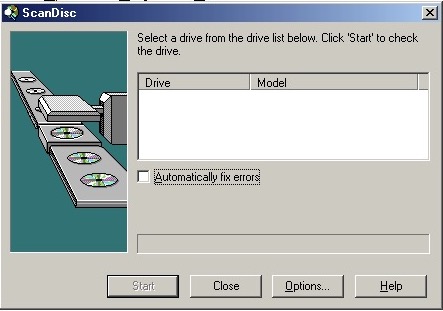
Adaptec DirectCD is included, I guess this system would have come with a CD recorder so you can burn the songs acquired from Napster. Nothing shows up when using the VMWare drives. I connected a Usb external DVD drive writer and passed it through VmWare but this wasn’t detected. Turns out we have an issue with the USB PCI device. Calling it ScanDisc is going to cause confusion with the disk checking utility on Windows, not sure why they named it that.
 Drew1440: Blog