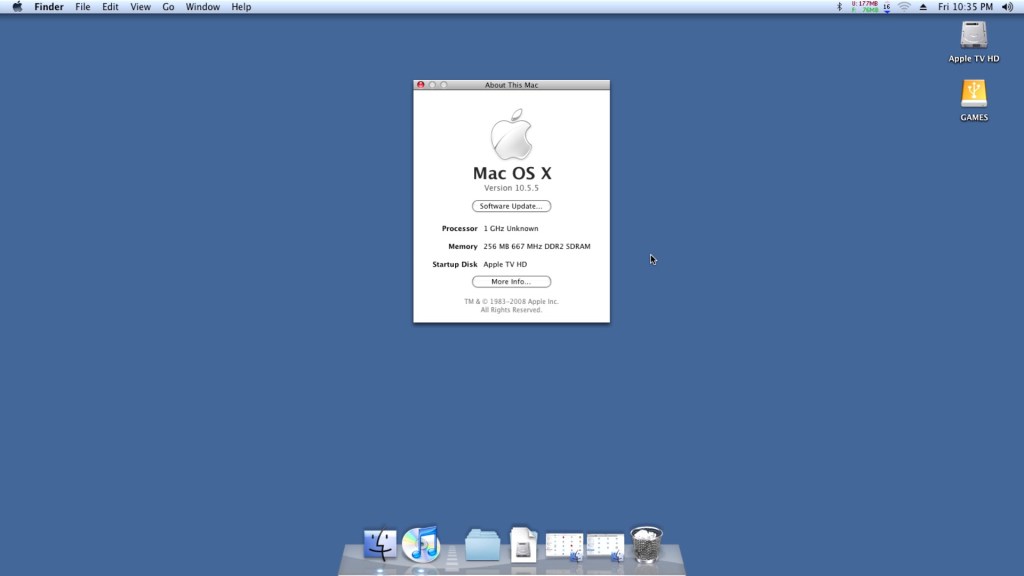
The Apple TV for the most part is pretty much a regular Mac, but cut down and intended for use in streaming content from iTunes. Spec wise it features an Intel Pentium M, and an Nvidia GoForce 7300. In a way it’s kinda similar to the original Xbox with its Pentium P3 based CPU and Nvidia graphics. Whilst it was once the forefront of Apple’s contribution to your living room, nowadays it’s a doorstop with only the iTunes sync counterpart being the only working feature. Thanks to the modding communities it’s possible to run OS X on the unit itself, turning it into a mini Mac mini, or a thin client Mac if you prefer.
Mac OS X can be installed, either Tiger or Leopard onto either the internal hard disk or an external USB drive. To install to a USB drive, you will need to issue some terminal commands as the Apple TV firmware expects a specific partition layout for it to boot from an external drive. Here’s the full tutorial that I used.
OS X Leopard is quite heavy to be running on the 256MB Apple TV, given that Apple required you to have 512 MB of RAM minimum. So running it with 256MB is not going to be a good experience, with a lot of disk swapping going on as OS X tries to find scraps of RAM to use. As the memory is fixed onto the mother LogicBoard, it’s difficult (but not impossible) to upgrade the memory. Tiger would be a much better fit and it is possible to run and install Tiger, After all the Apple TV’s stock firmware was actually based on the Tiger kernel, but all of the tutorial’s found online involve stripping out the Nvidia kexts (device drivers) from the system folder, leaving you with no graphics acceleration and leaving the poor Pentium M having to do all the work and limits the software you can run.
So it’s either choose between an OS that gives you not much memory for multitasking, or an OS without any graphics acceleration.
Install was pretty simple when you follow this guide, Really you just need a lot of patience if you go down the USB flash drive route, since this is very slow to boot and run from. Also given the limited RAM it’s going to be page filing a lot, making it even more slow. Alternatively you can take out the internal hard drive and connect into a more modern Mac, which should allow you to restore directly to the drive by using an IDE adaptor.
Once the restore is completed we can boot into our new operating system,. Here it continues like any other Mac would where the opening welcome movie plays, followed by the registration assistant.
Software
iTunes works OK here, and is a lot more functional compared to the stock software. Here you can store music onto the unit itself, m or use an external USB HDD if you prefer to have your media directly connected. Playback from iTunes servers are also supported, which the stock software didn’t appear to support. Most NAS drives have support for this and allows you to share your music over LAN.
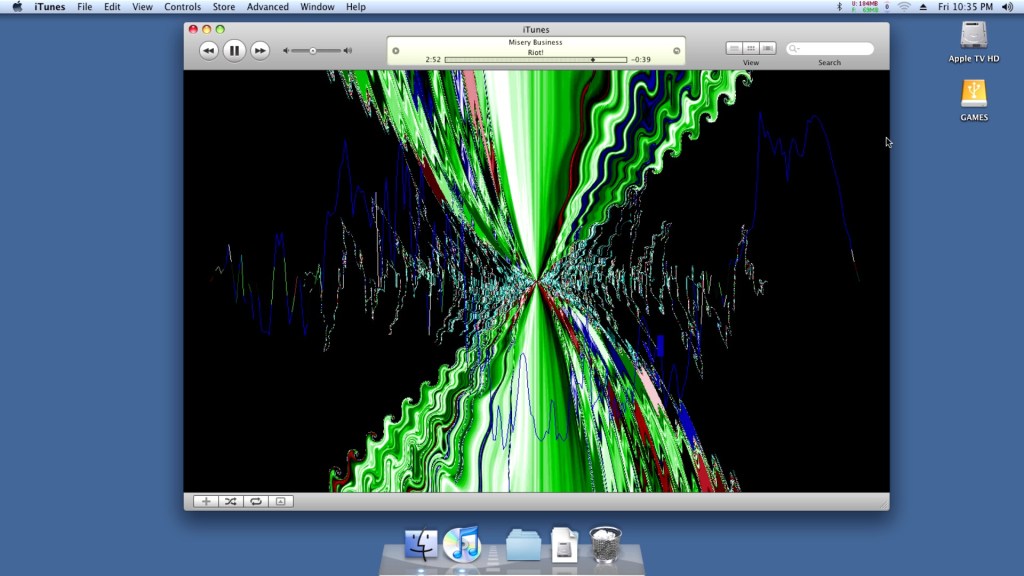
A look at the iTunes visualisations, which run flawlessly.
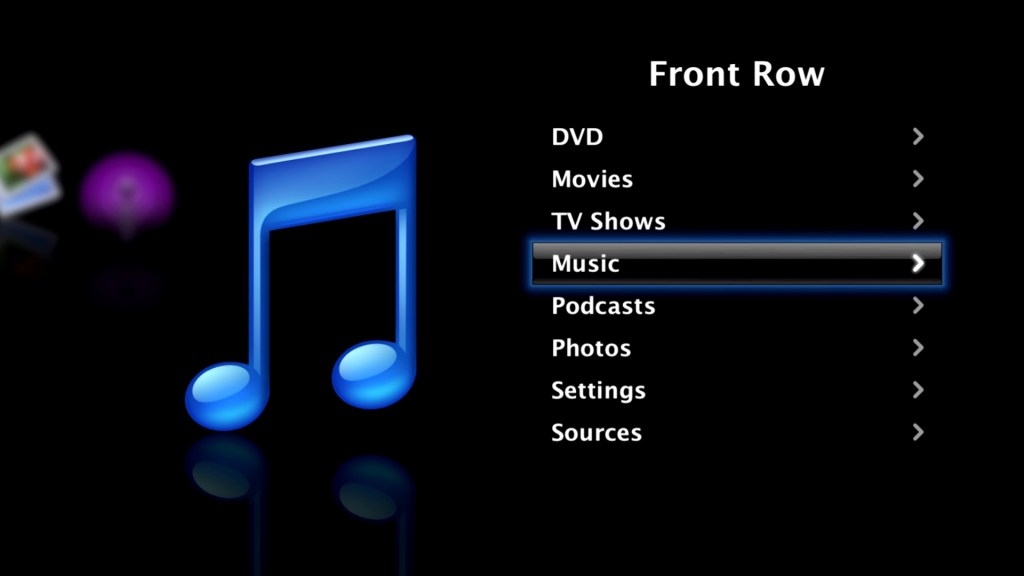
Also the Front Row experience itself, you can continue to use your existing Media Remote to control and navigate the menu’s.

DVD playback did run into some issues. So the stock software for the Apple TV does not support DVD playback since the unit has no optical drive and despite the presence of a USB port, you cannot connect an external DVD drive. Apple fully intended you to purchase and watch your movies though the iTunes Store.
Leopard comes with a DVD player built in, and by connecting an external USB DVD drive we have the ability to play back DVD’s. Although for some reason it failed to detect my Dell external drive, even though it was connected to a powered USB hub port. The LG drive worked perfectly and OS X recognised a DVD movie was in the drive but refused to play it back with there error message below:
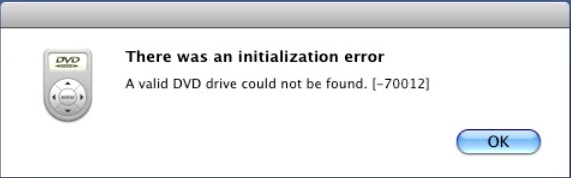
Not sure why this was the case, even Front Row had issues playing back a DVD
Well where OS X lets you down, VLC has your back. Version 1.1.10 appears to be the latest for Leopard, and it works perfect for playing back DVD’s. I’m not sure if this is using the MPEG2 acceleration that the GeForce supports, but the playback appears smooth for a PAL DVD.
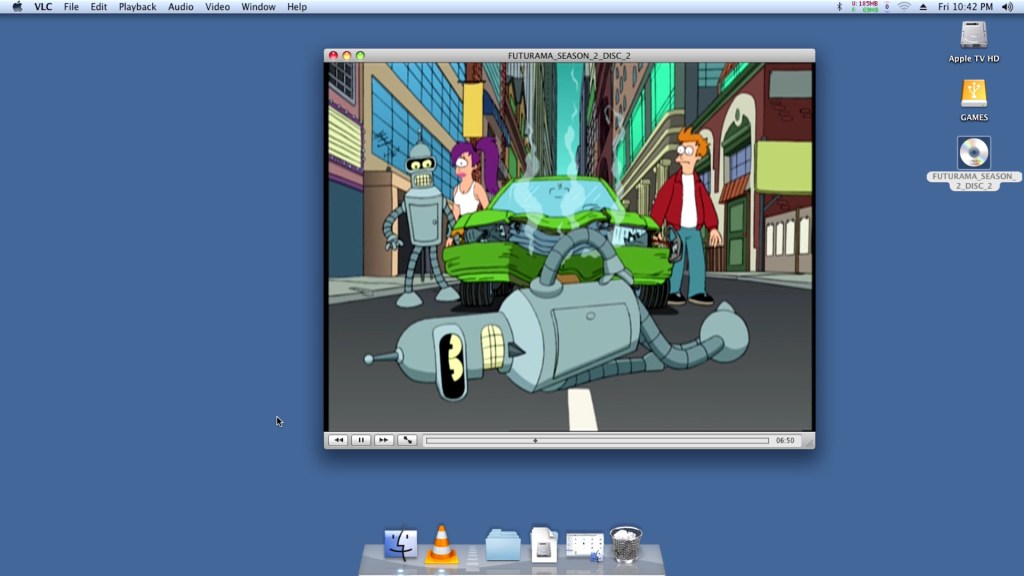
Honestly I don’t get why this wasn’t a standard feature on the stock software, given they would have wanted customers to transition to the iTunes Store for their content, It would make sense to bundle a DVD player for customers who have an existing DVD collection to eventually migrate their purchases to the iTunes Store, especially with the HD era on the horizon.
Rosetta does not appear to run, which locks us out of PowerPC applications. One theory from this post is due to the Pentium M processor not featuring certain instructions that the later Core/Core 2 processor feature, which Rosetta needs in order to translate the PowerPC instructions.
This does give us a problem with installing and running Universal software, since many would have been released in PowerPC format, with their installer also being written in PowerPC also. Once workaround was to install the software in a Leopard/Tiger VM (A Macintosh VM will work just as well), and then transfer it back to the Apple TV where it would run.
Sometimes you can also inspect the package contents and run the PKG installer instead, which should work regardless of CPU.
Games
Well how well does the AppleTV perform with some Mac games, well with only 256MB of RAM were are going to be limited in what titles we can run, and with the Rosetta issues outlined above we are restricted to games that have universal binaries. Still the AppleTV comes with a Nvidia GoForce 7300, which whilst mostly intended for use with decoding MPEG4 video, can also do a decent job rendering 3D graphics. Quartz and CoreImage are also supported for iWork and iLife applications.
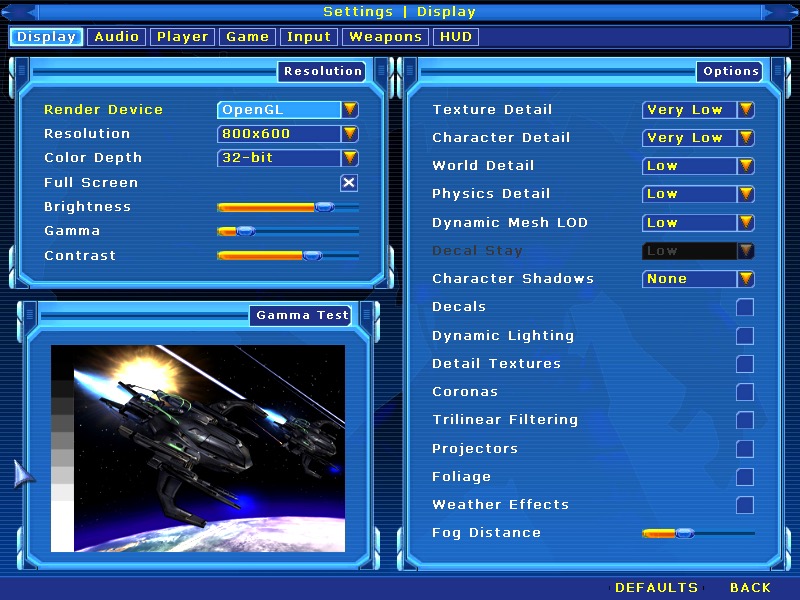
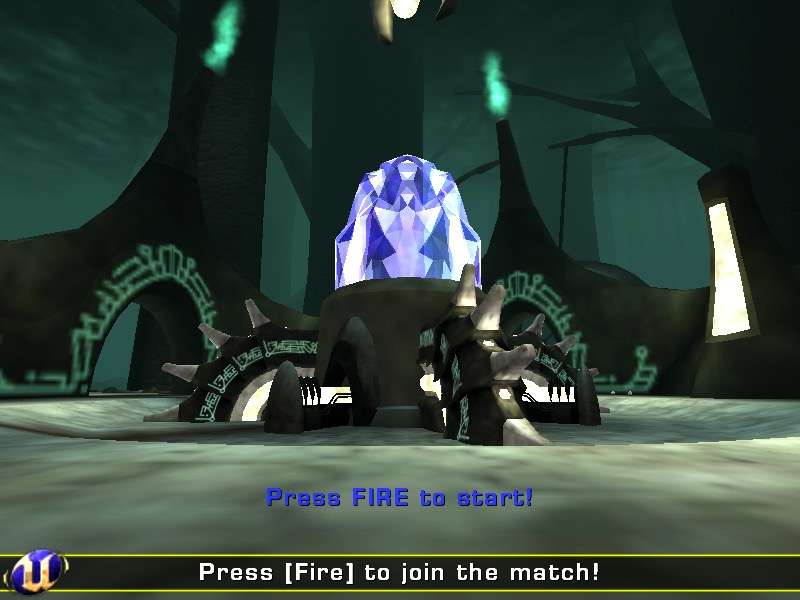
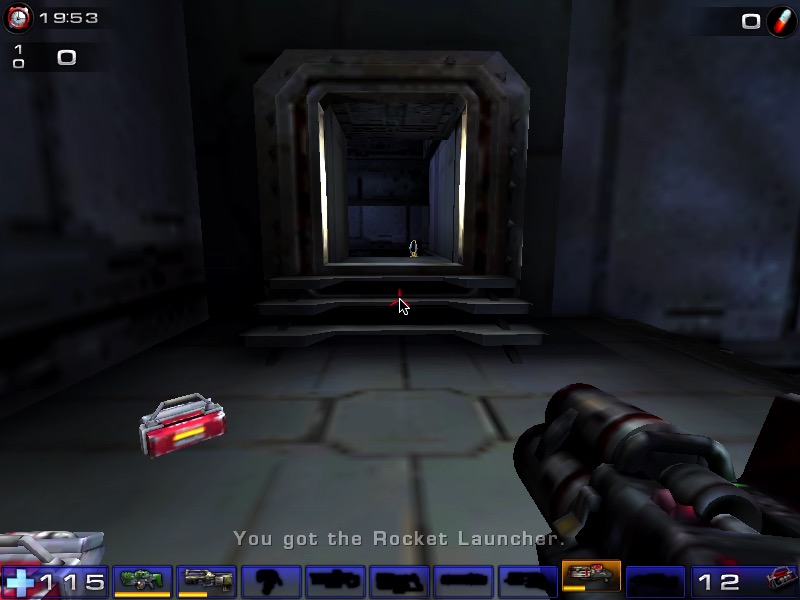
Unreal Tournament 2004 – Works well if you set the graphics settings to their lowest values. At this settings it looks worse than its Xbox counterpart (Unreal Championship) though you do benefit from a higher resolution. Multiplayer also works well, though the master servers were taken down recently. Still LAN multiplayer is possible and given the small footprint of this machines, it would have made for a nice portable LAN party box.
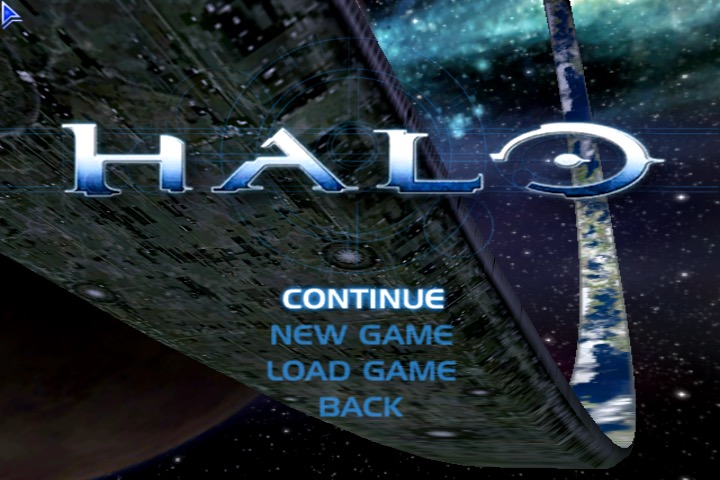
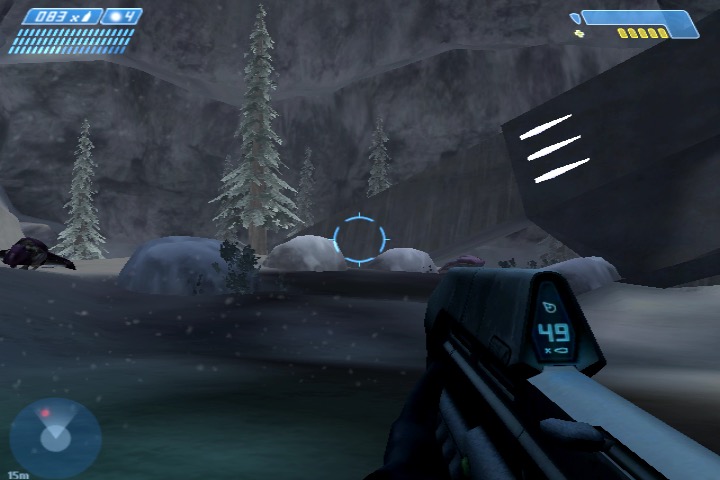
Halo: Combat Evolved – also works well if you run at 800×600 resolution with vertex shaders only. It’s relatively stable if you turn off the AA (Anti-Aliasing) as I managed to play through a couple of hours.
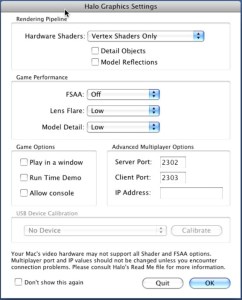
Sample settings for the game
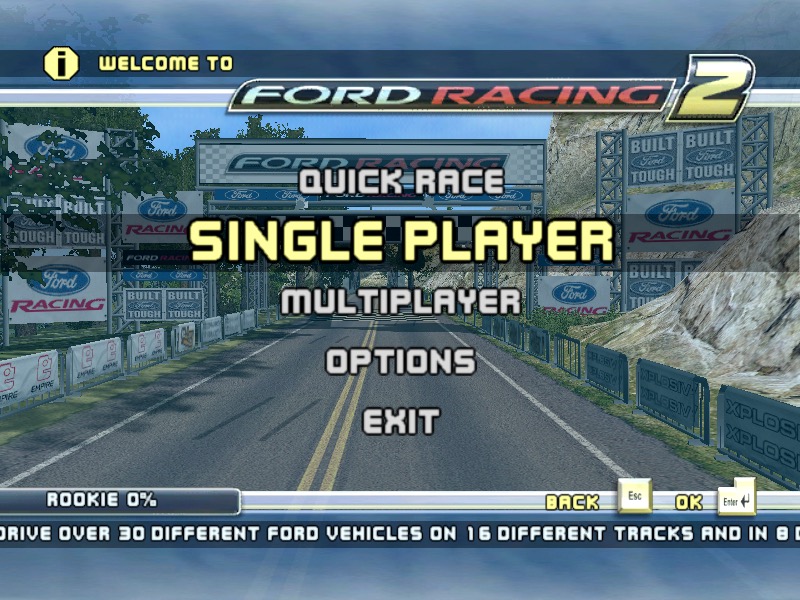
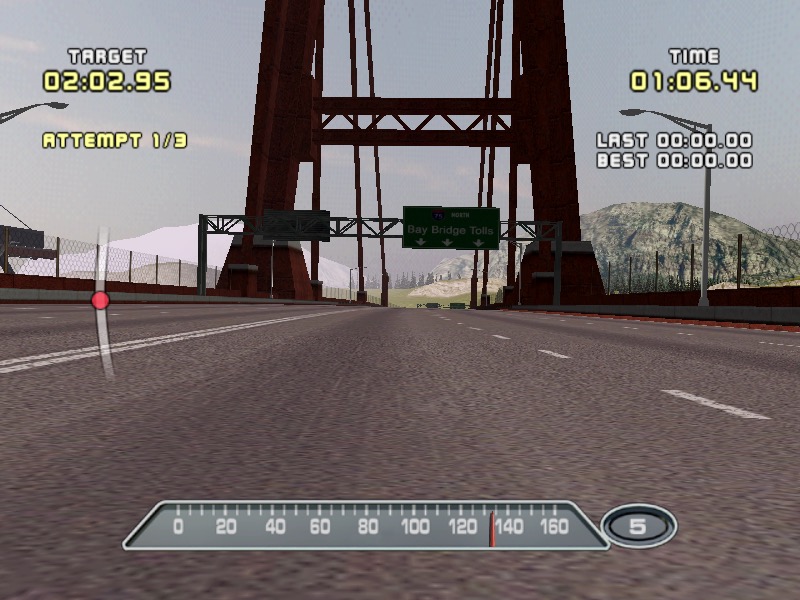
Ford Racing 2 – Works well but after a few minutes some weird graphical glitches appear on screen which remain throughout the game.
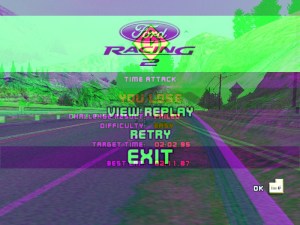
Not sure what causes this as it appears regardless of the graphic settings chosen
Postal 1 – Works well considering this was originally a 1997 game
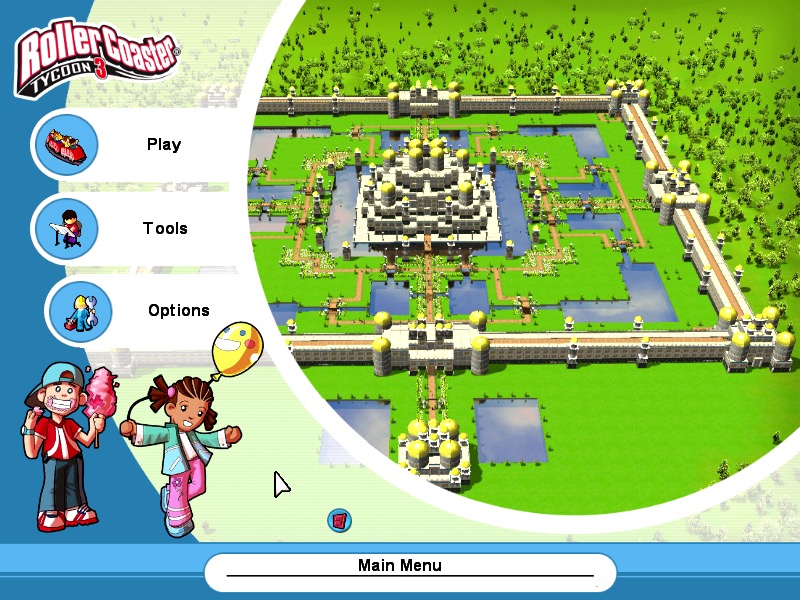
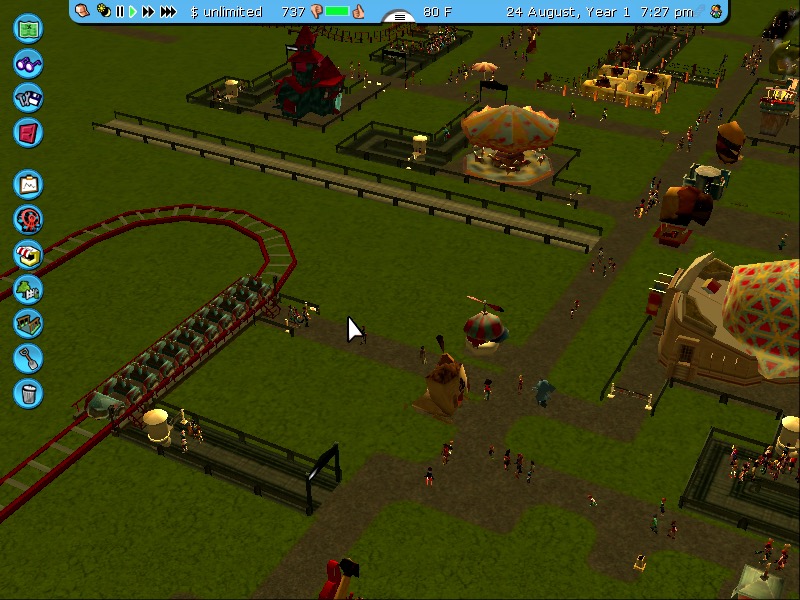
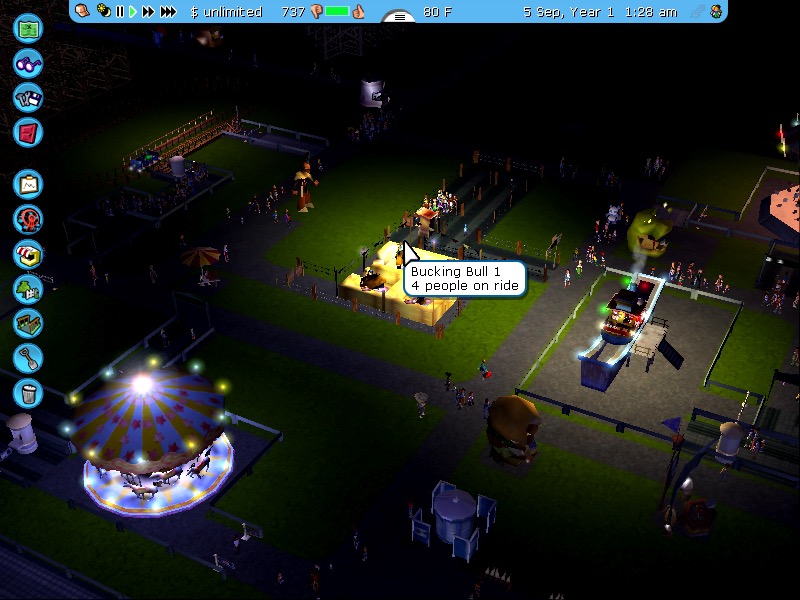
RollerCoaster Tycoon 3 – works well even after playing for a few hours.

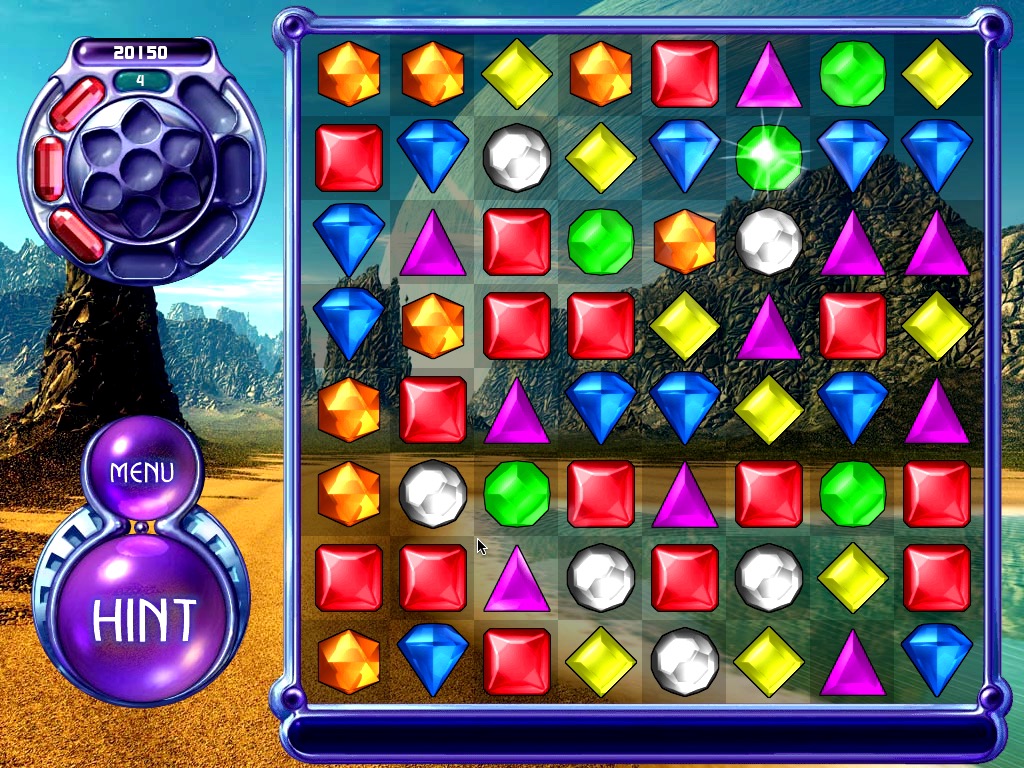
Bejewelled 3 – It’s a pretty simple game, so it runs well on the AppleTV
Shrek 2 – Starts up and runs ok for the most part, but it does jitter when moving about due to the RAM limitations
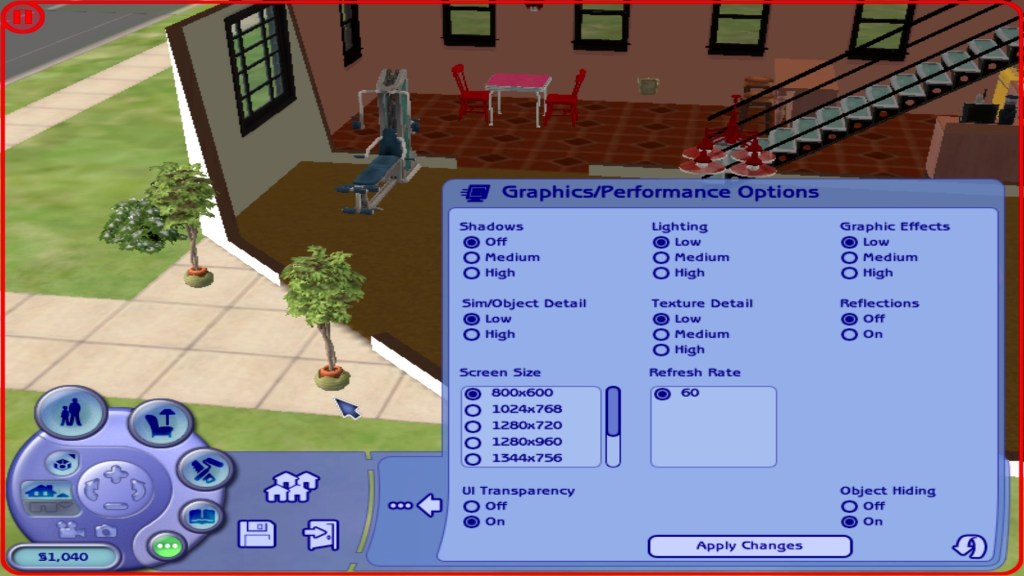
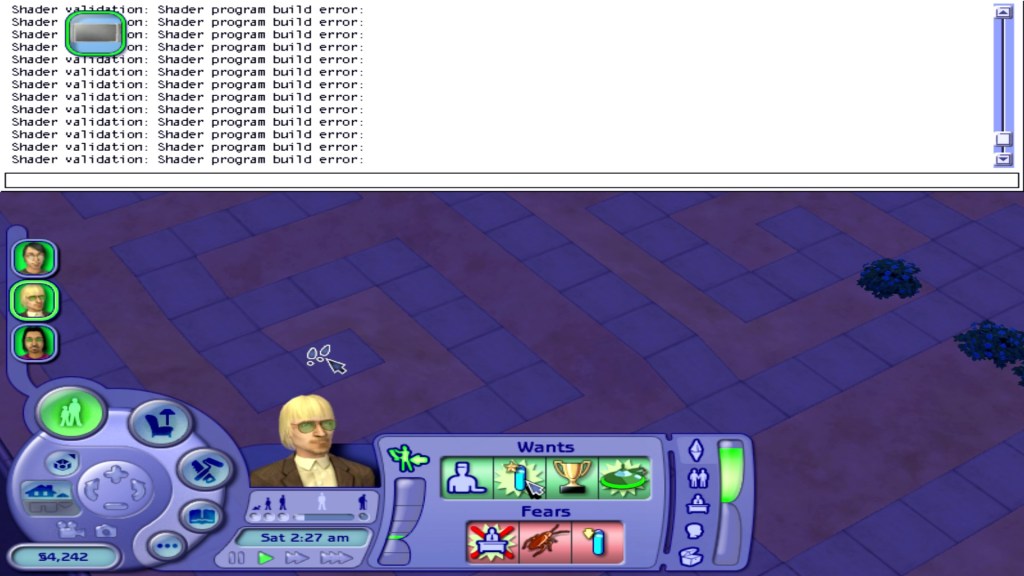
The Sims 2 – Runs Ok on the lowest graphics settings on small lots. Some weird error messages appear in the games cheat console.
So it ain’t exactly a console experience given the mixed results above, but if you don’t mind playing the supported titles on low settings, then it is passable.
Misc Observations
- The unit does not appear to shut down, and selecting the shutdown options appears to spin down the hard drive, and you land on a light blue screen. Here you will have to cut power to the AppleTV since it won’t power off in this state (and there’s no power button either)
- Restarting works fine
- Sleep mode also does not work, it will enter sleep mode but will immediately resume.
- No audio on the HDMI, but you can use the optical audio out to a local sounder. There are around four audio outputs in the system preferences and I suppose you could always use USB speakers or a supported sound card instead.
- It’s really quiet, not sure if the fan speed can be adjusted since I don’t trust Apple with cooling. Problem is many software fan controllers run resident in memory, which is a previous commodity on the Apple TV.
- A lot of games I had installed to an external Hard drive connected via USB, since the internal HDD is typically busy with the VM pageful. USB2 isn’t very fast compared to the internal IDE, but is the fastest external interface we have for the Apple TV.
- Speaking of, the Intel HDD is a Fujitsu 4200RPM IDE (Yes, IDE) drive. Being 4200rpm, the HDD can also become a bottleneck especially with the content swapping. An SDD might bring some improvements and some IDE SSD’s exist but the ones I have found are from unknown Chinese brand’s that have varied reviews. Also many lack DRAM support, though it’s arguable how much benefit this would bring over the IDE inference. Then again it would make a difference for ram access reads. I guess the easiest way is to try one and find out.
- OS X isn’t the only OS the AppleTV could run, since it’s an X86 computer at heart you could run a supported Linux distro. Forget about Windows XP, whilst it would be ideal for this XP cannot boot from EFI which is what the AppleTV likely uses. Maybe this might be possible in the future with a mod, but XP SP3 on 256MB is equally painful.
 Drew1440: Blog