A non-model specific restore/OEM Install, this looks like it was intended to be used across various models of Acer’s Aspire line, as it prompts for a reference number during recovery. Aspire is Acer’s brand for desktop and laptop computers for domestic users, similar to Dell’s Dimension or IBM’s Aptiva line of systems.
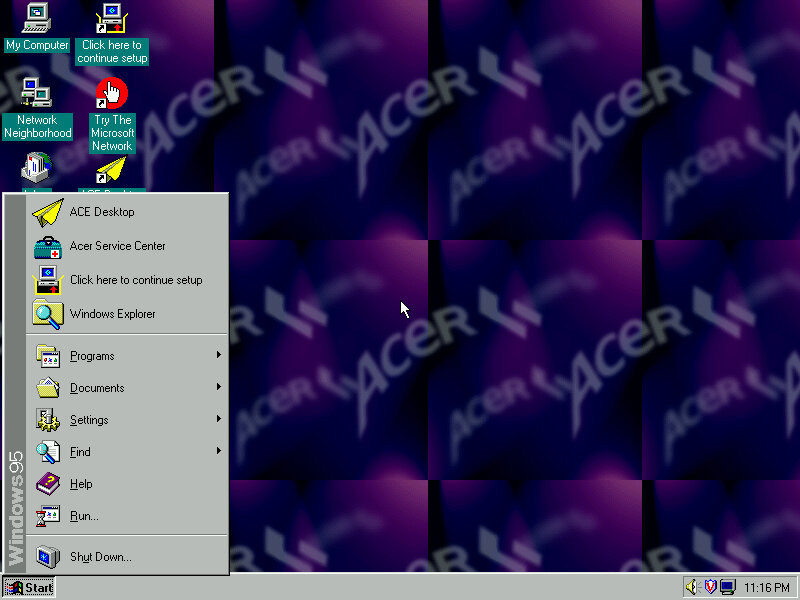
The default desktop, post recovery
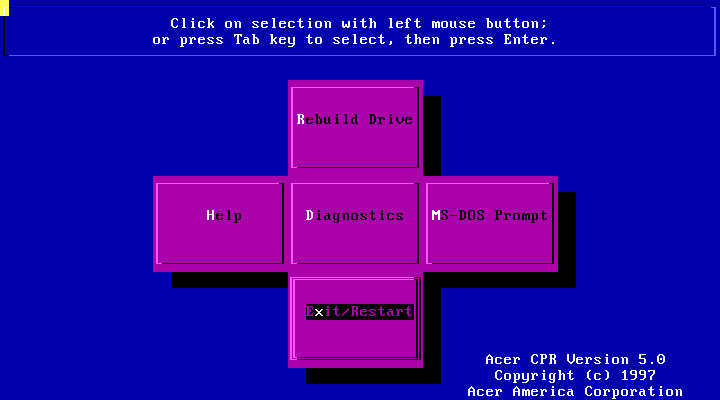
Running the recovery program, interesting menu layout you see here which gives you options to restore the drive, perform a few diagnostics or to go straght to the MS-DOS Prompt.
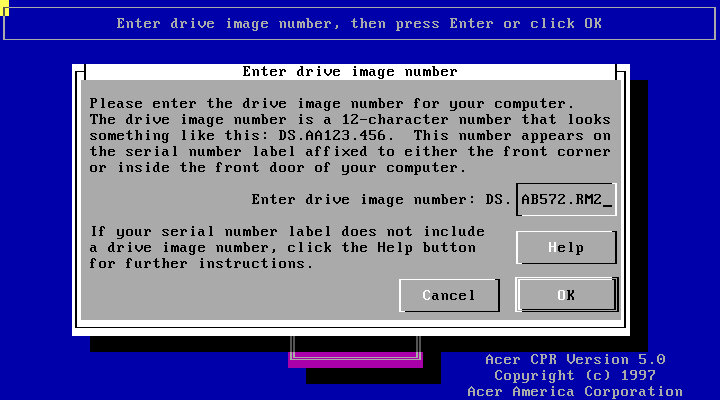
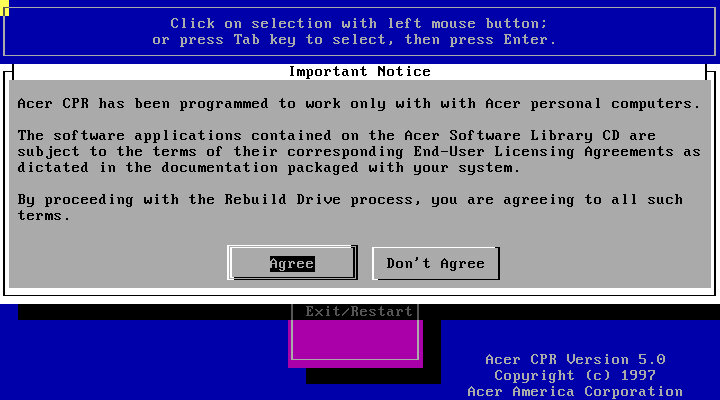
Following through with a full recovery, which will initalise the hard drive
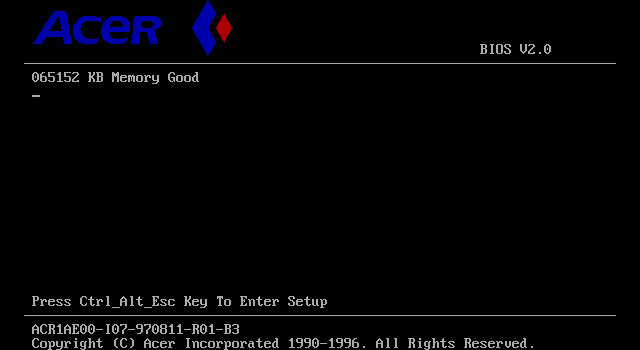
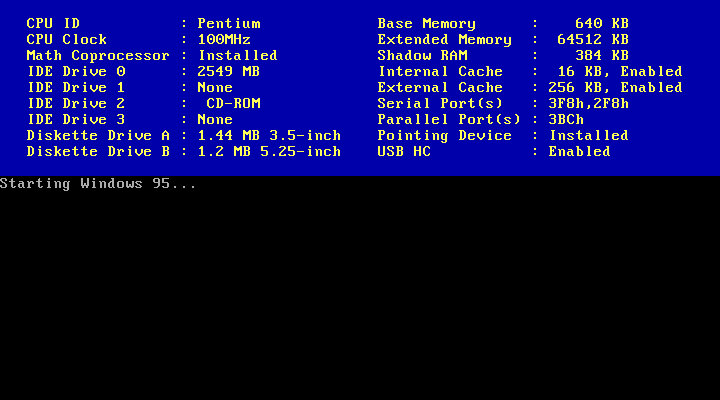
The Acer BIOS, here we are using the V35 motherboard that is emulated in 86Box.
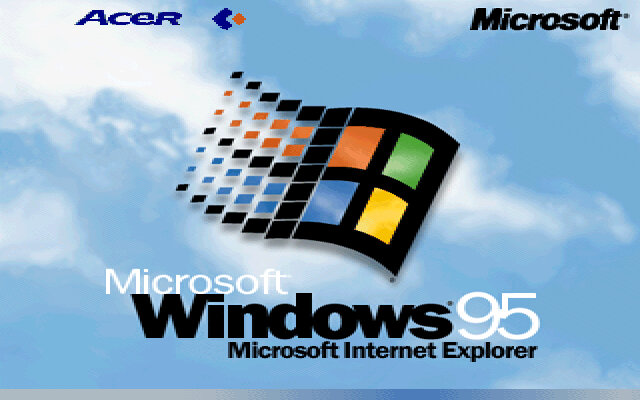
The boot screen, with Acer branding. Here we have Windows 95B, with the USB supplement already installed.
It’s a shame than the bootscreen gets overwritten when installing the 95 Plus! pack. If you wish to preserve it, copy the LOGO.SYS file on the root of your C: drive before installing the Plus! Pack.
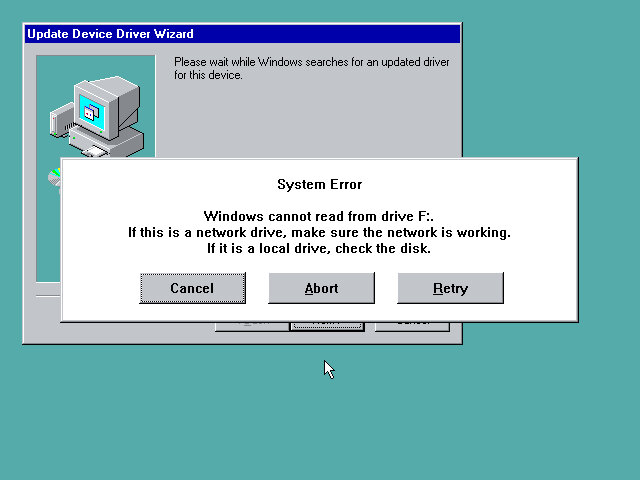
Uh-Oh, not sure what happened here but a quick reboot fixed it. My guess is that setup reinstalled or updated the IDE drivers, and lost access to the CD drive as a result. Acer possibly used various different IDE controllers or chipsets across their motherboard, and this was their way of ensuring the correct drivers were installed for that specific chipset.
Thankfully after a reboot we were able to proceed with the setup and registration wizard
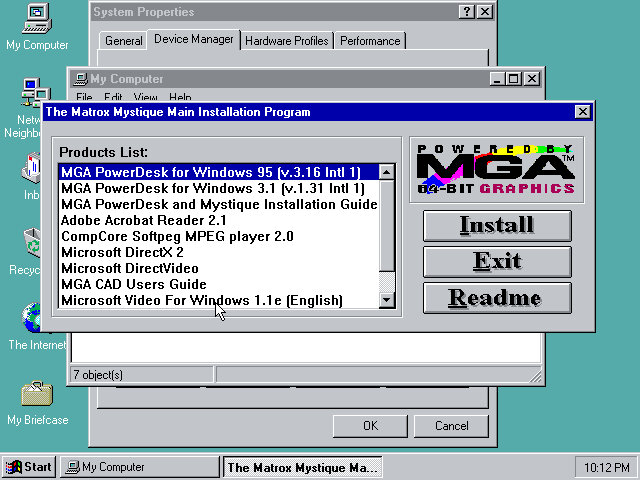
Installing graphics drivers for the Matrox graphics card, which 86Box now supports.
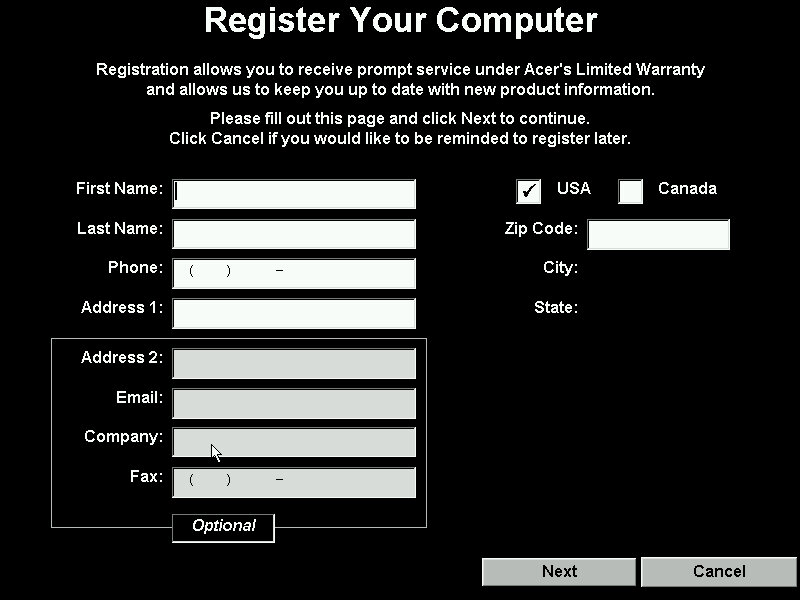
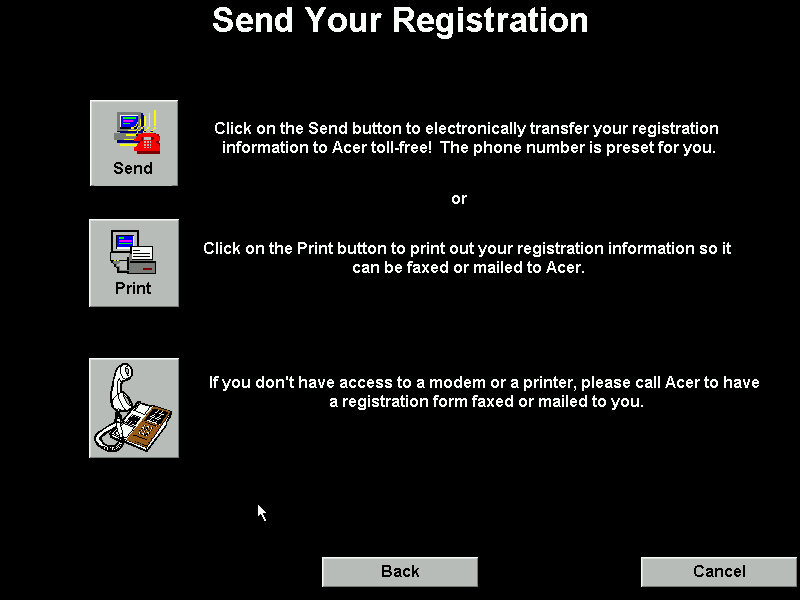
Running the registration utility
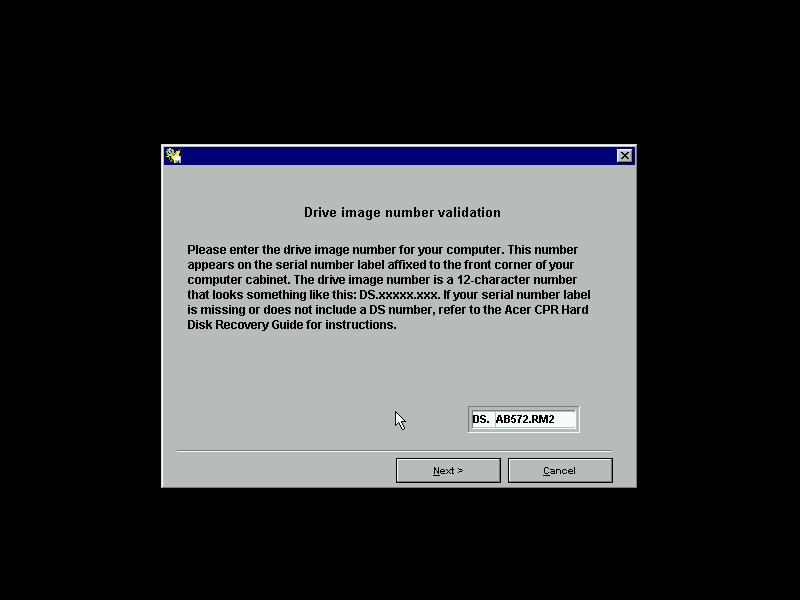
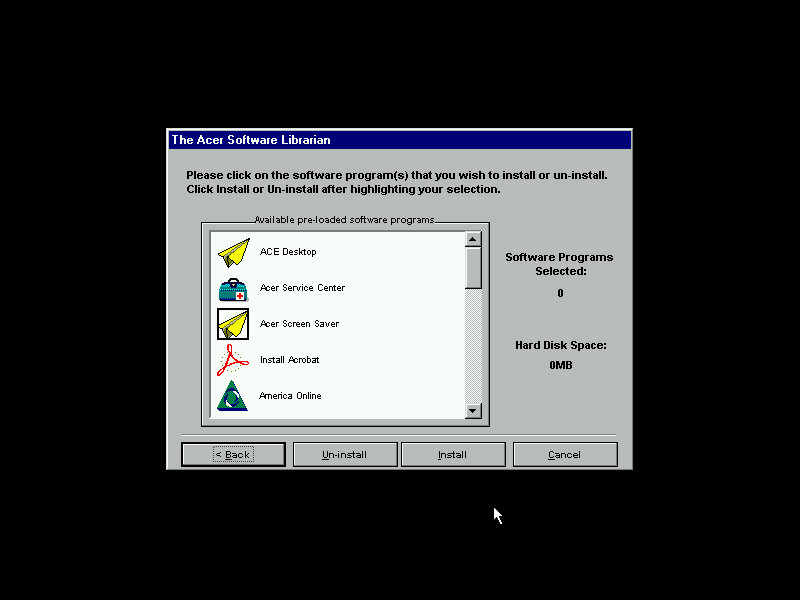
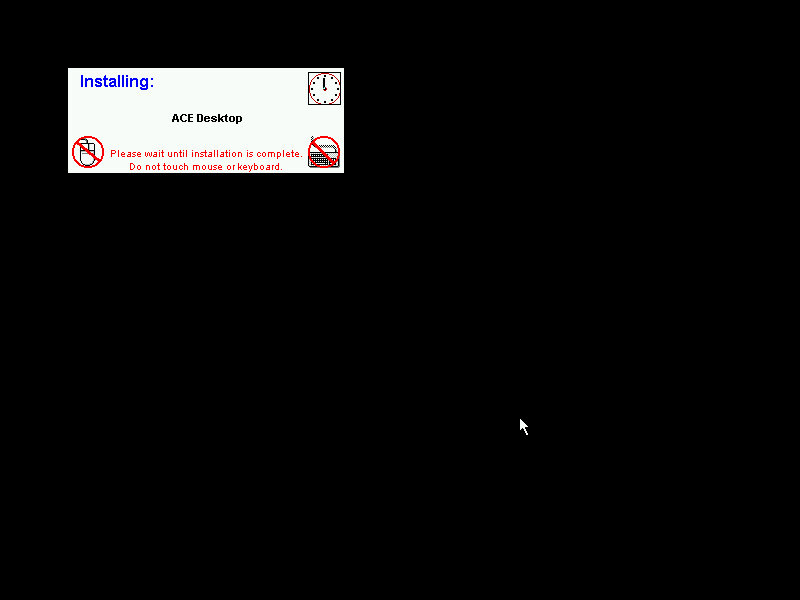
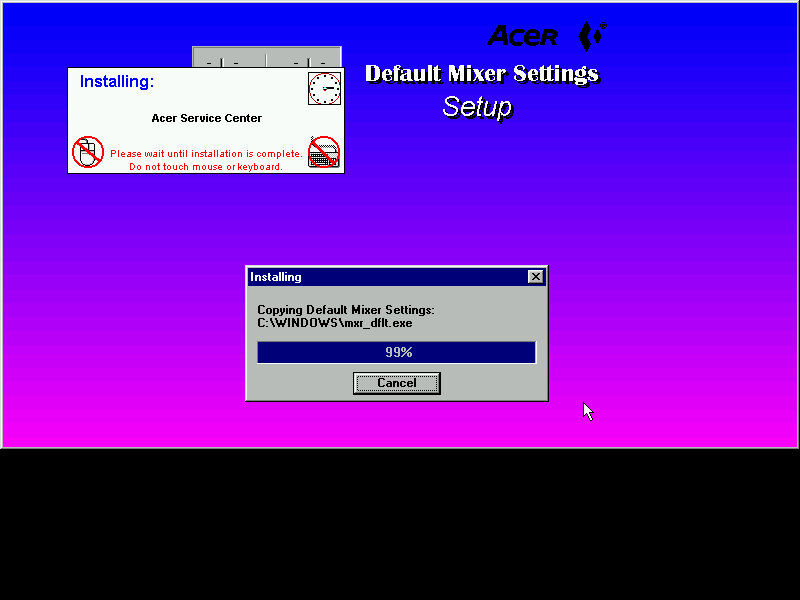
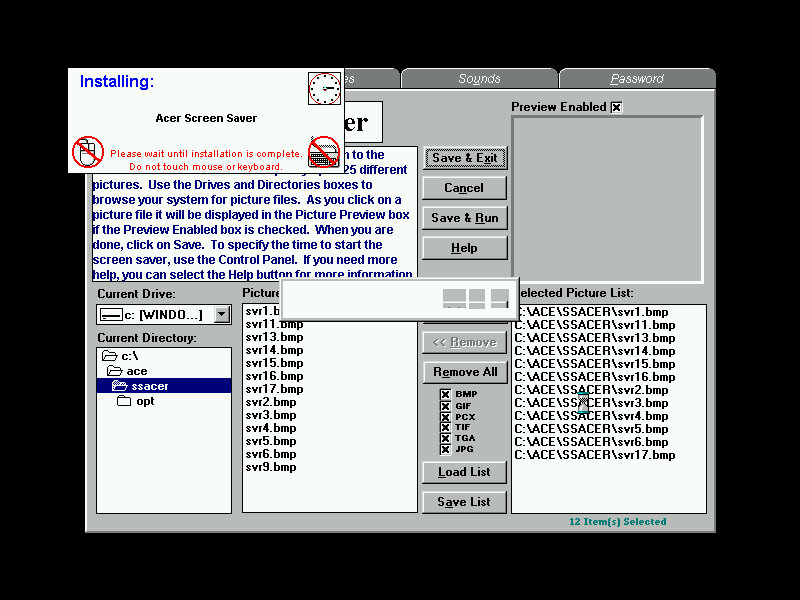
The Acer Software Librarian which is used to install the software that shipped with your machine. You need to enter an identifier provided so the software knows which software and drivers to install for the correct model
Some of the software requires additional CD’s to install from
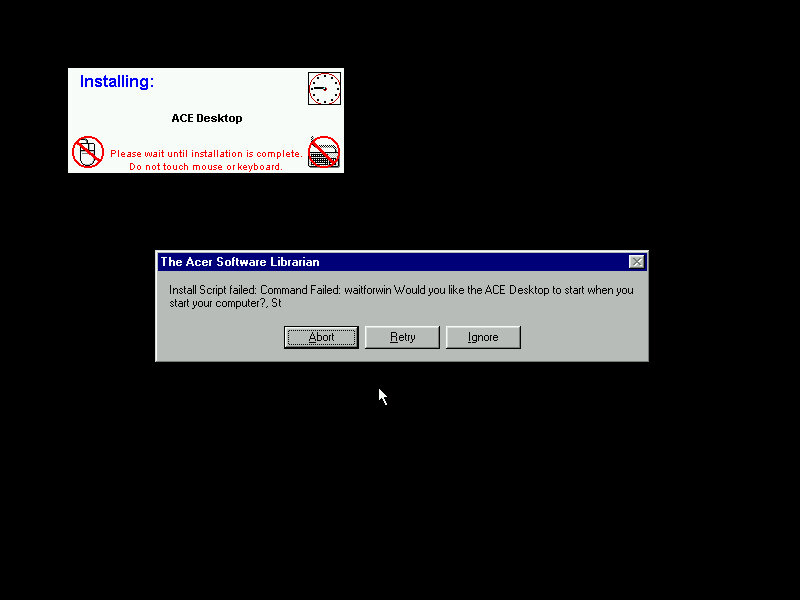
The installers are automated, but can go AWOL if the installer throws up a message that wasn’t expected. This will result in the message informing that the install script failed and will give you the famous Abort, Retry or Fail Ignore. Choosing the retry option to restart the installer. I believe the install script tries to mimic the user’s keypresses, during this it’s best not to touch the keyboard or mouse whilst the script is running.
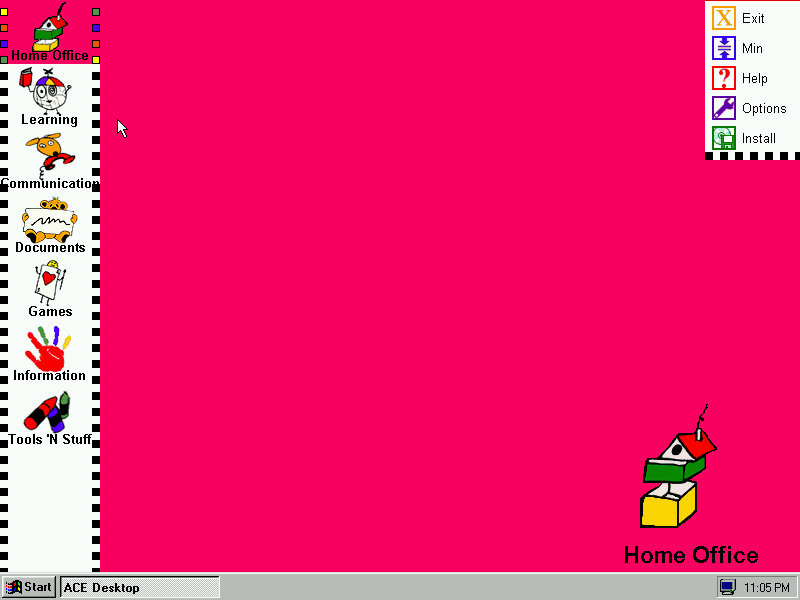
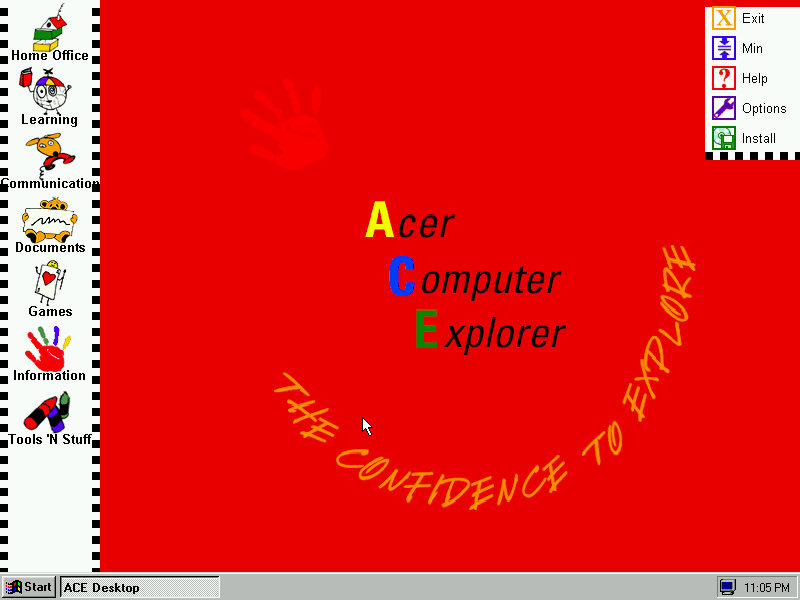
ACE Acer Computer Explorer provide a child friendly interface, like Packard Bell Navigator. There isn’t any software installed that takes advantage of this so we can’t fully demonstrate it.
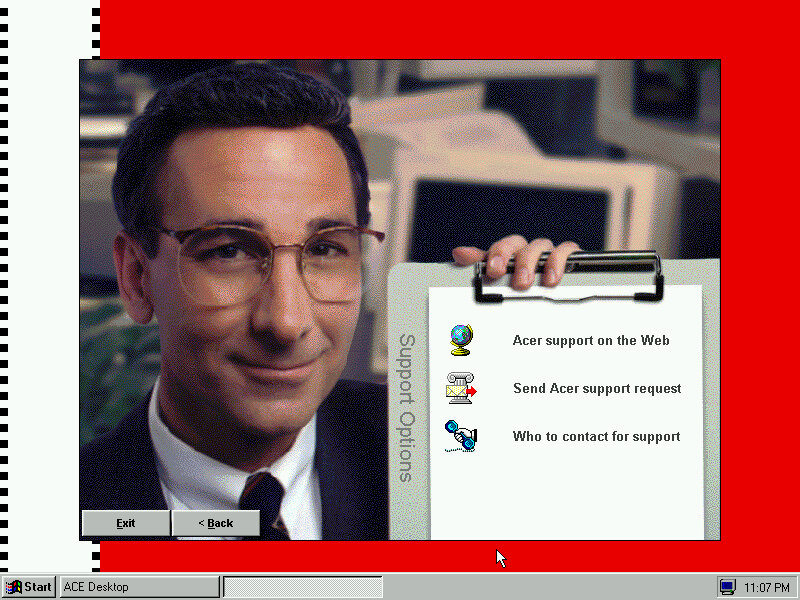
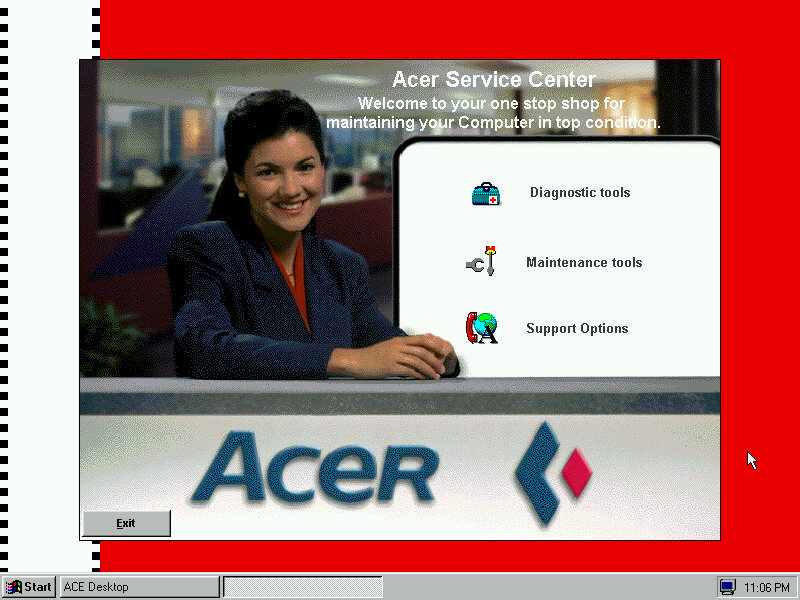
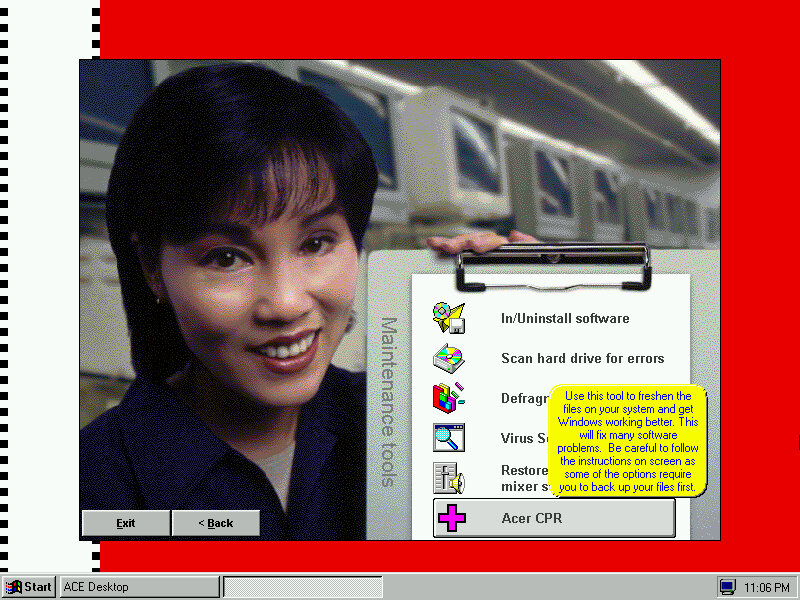
Acer Service Center which providers support information and details about your computer. I kinda dig the aesthetic with the dithered stock photograph of a typical 90s office, almost like an episode of Friends.


The default screensaver which shows a collage of aspiring photographs (Acer Aspire, geddit?)
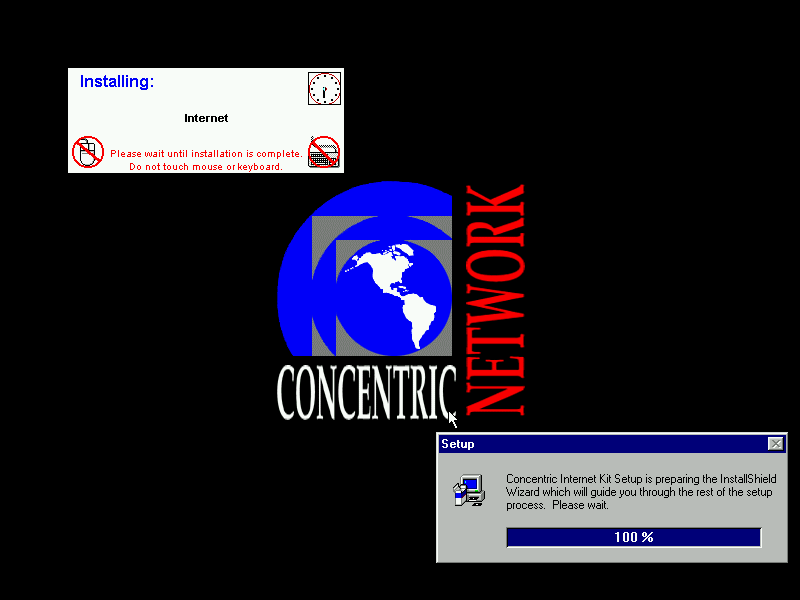
Concentric Network Communications, appears to be an internet provided for SME businesses, it’s since been absorbed into Verizon, according to the XO Communications wiki page.
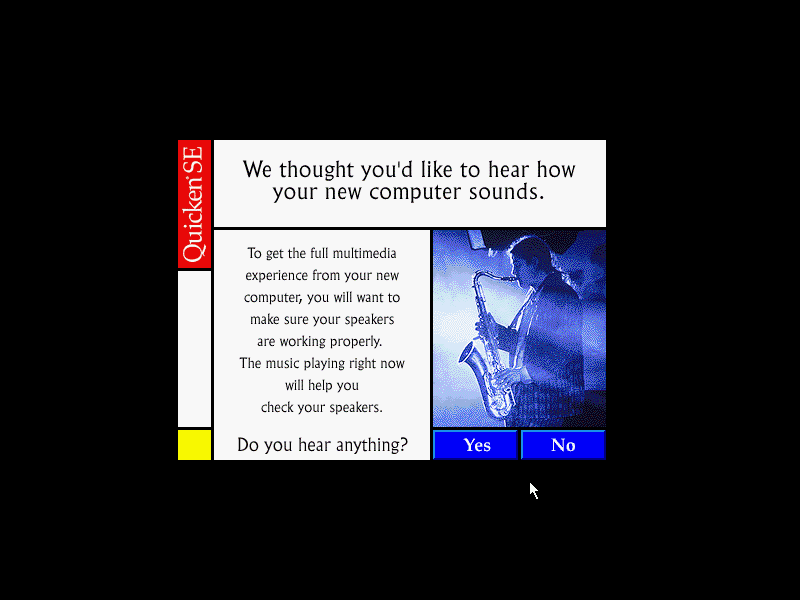
The Quicken, this popped up once I install the sound drivers
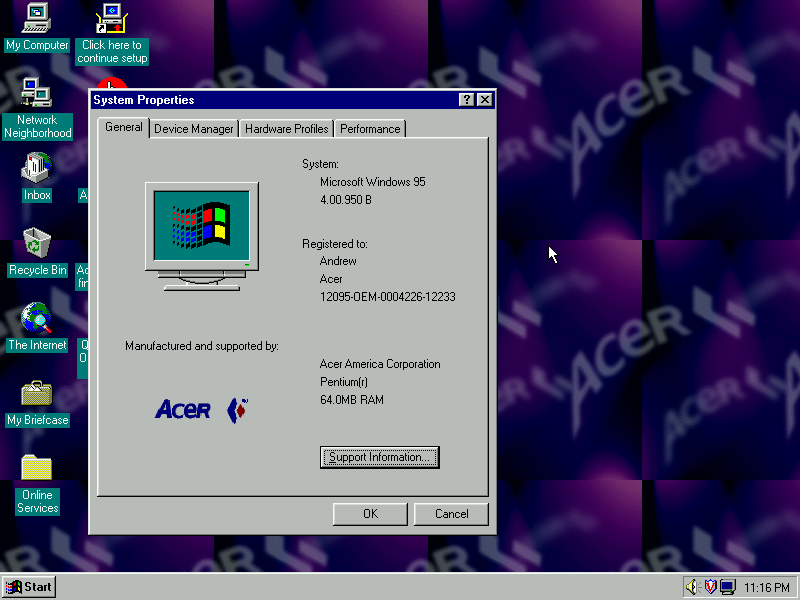
Another look at the desktop with the System Properties

The included wallpapers, which are small Acer logo’s which are intended to be tiled
Download link if you’re interested in trying this yourself. I’ve not tested it on any other motherboard in 86Box apart from the Acer V35, so I’m not sure if it performs a hardware check or if it just relies on the code you enter being correct to perform the restore.
Source – Internet Archive
 Drew1440: Blog