A look at a typical restore CD provided by Gateway systems of the era. Unlike recovery discs provided by other OEM’s, Gateway requires you to have the Windows 98, or 95 install disc. This was also bundled with the system.
The latest release of 86Box (Version 4.1.1) has added a load of Gateway systems for us to look at, here I am using the Lucas motherboard which is a modified MSI MS-5185
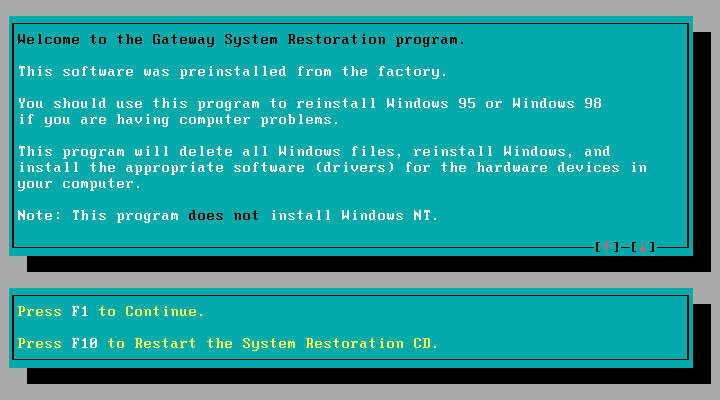
The recovery disc is bootable and can initialize a blank hard drive using the built in FDISK tool. When booted, you are given the option to use either a Windows 98 or 95 install CD. No mention of Windows NT, which might have been out of the scope of Gateway since they commonly shipped PC’s for the home consumer market.
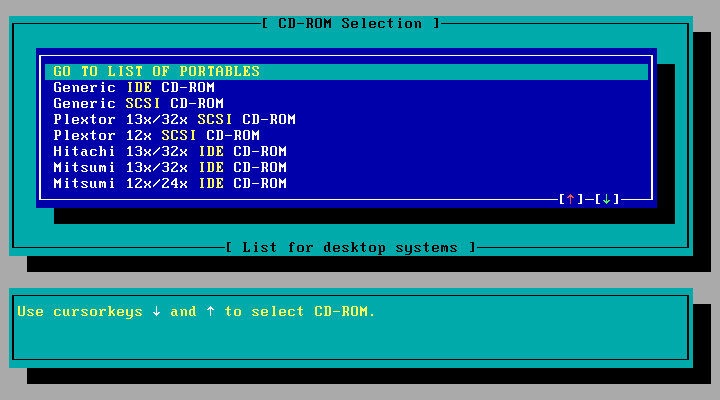
Selecting an CD-ROM driver, you have a list of IDE drives to choose from which would have been the drives that Gateway had actually shipped from the factory, or you can select a generic IDE driver.
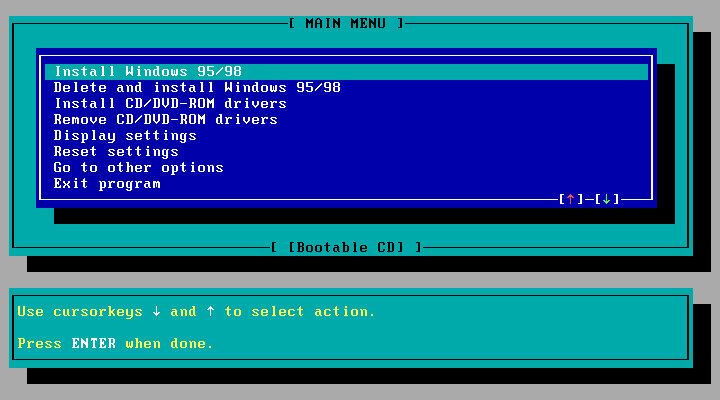
Selecting the install option, which will reboot and will prompt you to reboot your PC and will then prompt you to insert the Windows install disk. This actually boots from the HDD and will go through an automated Windows install. You don’t need to navigate or answer any questions for the installer.
Once completed, the system will reboot and will boot into Windows. Here you will go through the regular OOBE where you will need to provide your name, and the Windows OEM serial key.
Were not done yet, since additional software provided by Gateway will need to be installed. This is done automatically and the Windows will reboot several times here.
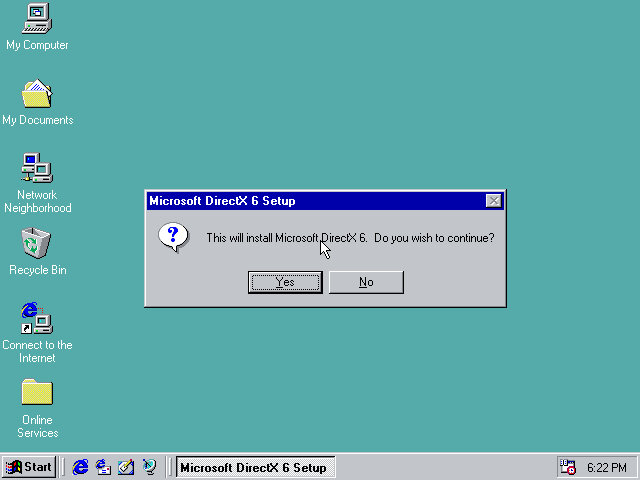
DirectX6 is automatically installed, of which 5.1 came with Windows 98.
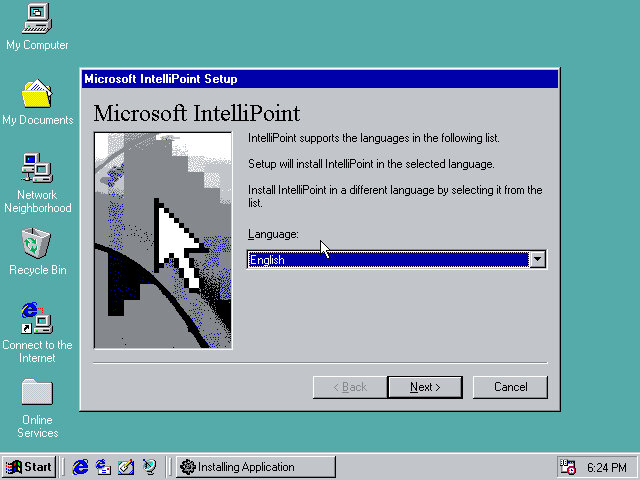
Microsoft IntelliPoint is also installed, as Gateway typically bundled Microsoft Mice with their systems.
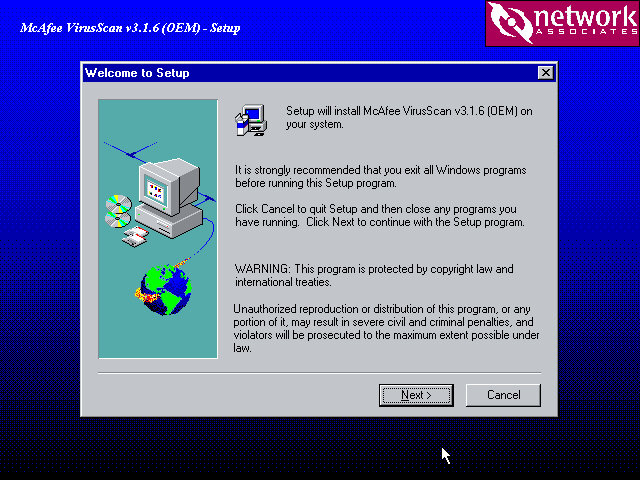
McAffee VirusScan also comes included.
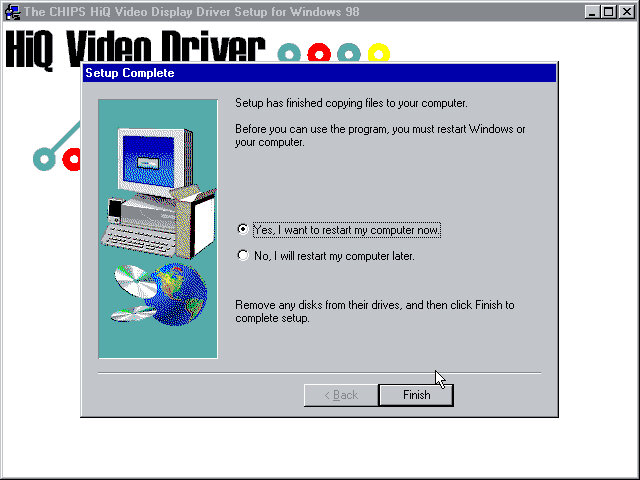
The Chips Technology driver also starts to install here, since I’m using the B69000 video card. This also indicates drivers are also installed if supported hardware can be found.
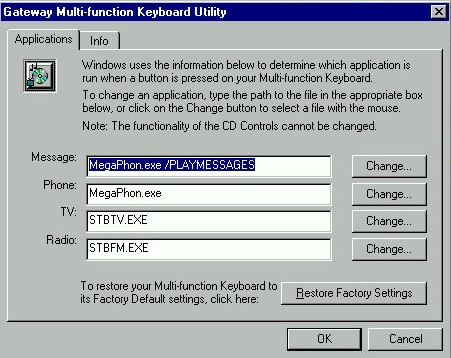
The keyboard utility in the Windows Control Panel
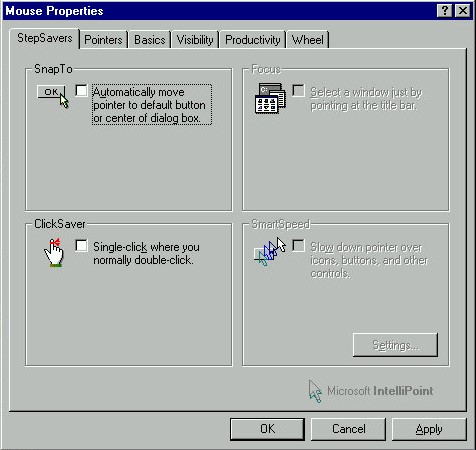
IntelliPoint comes with additional features for the mouse. You don’t actually need as Microsoft Mouse to use most of these features, and some like the scroll wheel will work on all models of mice.
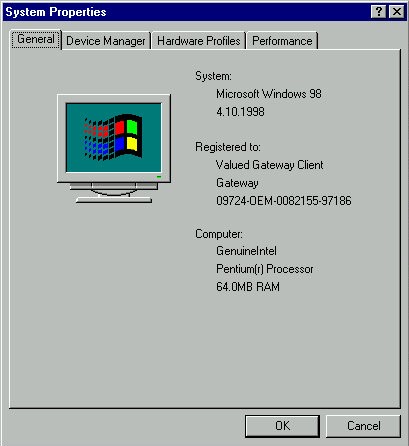
And a look at the system properties, strangely there is no OEM logo or information. Just the Registered To fields are prepopulated.
 Drew1440: Blog