Monthly Archives: August 2024

Samsung Galaxy Alpha

Samsung’s attempt to appeal to the high-end iDevice market.

Samsung’s Android line of handsets have always had their mass appeal style, prioritising form over function which is reflected in their handsets with removable batters, plastic covers that can easily be replaced and are cheap to manufacture and feature upgradable storage. The Galaxy Alpha gives up most of that, and serves to appeal to the market Samsung had struggled to capture.

Lets look at the Android experience Samsung has shipped with the phone.

The home screen with the default wallpaper, which is a departure from the Bliss-like wallpapers on the Galaxy S4. This blends in with the premium design of the Alpha which Samsung had targeted.
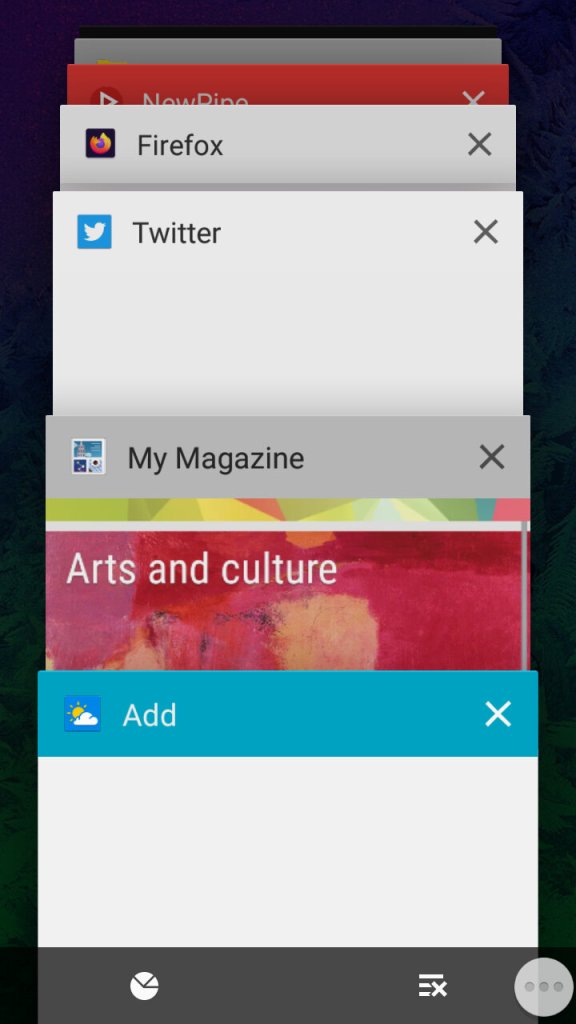
The task switcher that Samsung has added a dedicated button to access this, replacing the menu button on previous handsets. This brings it in line with other Android handsets that follow the stock button scheme, though the back button is still to the right of the home button. Tapping on the icons at the bottom will take you to the  memory status where you can see what apps are consuming memory, and even end them. As Android manages your memory automatically and will liberate apps that aren’t in use, you normally don’t need to do this unless you have a malfunctioning app.

The button to the right will close all inactive windows.
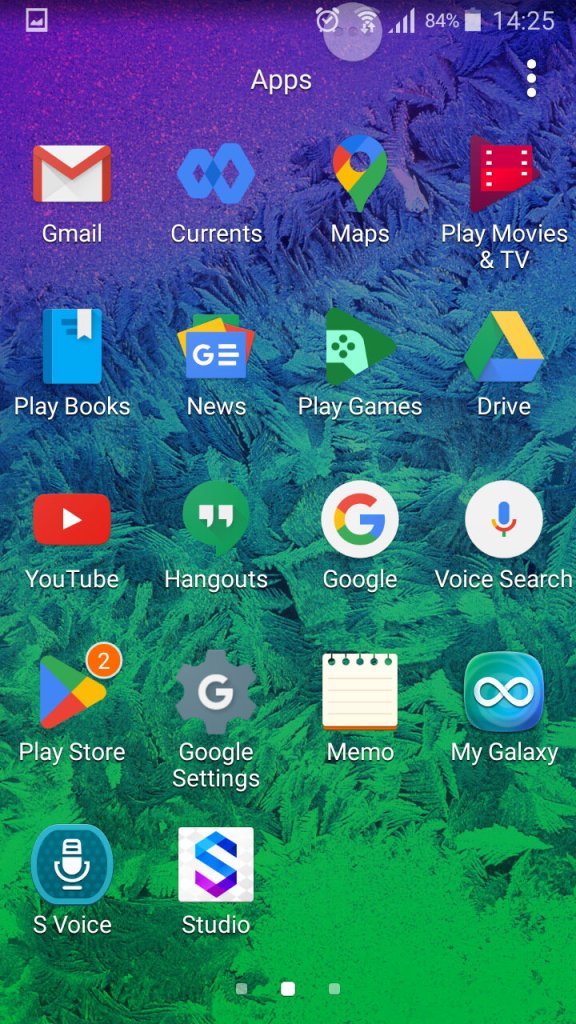
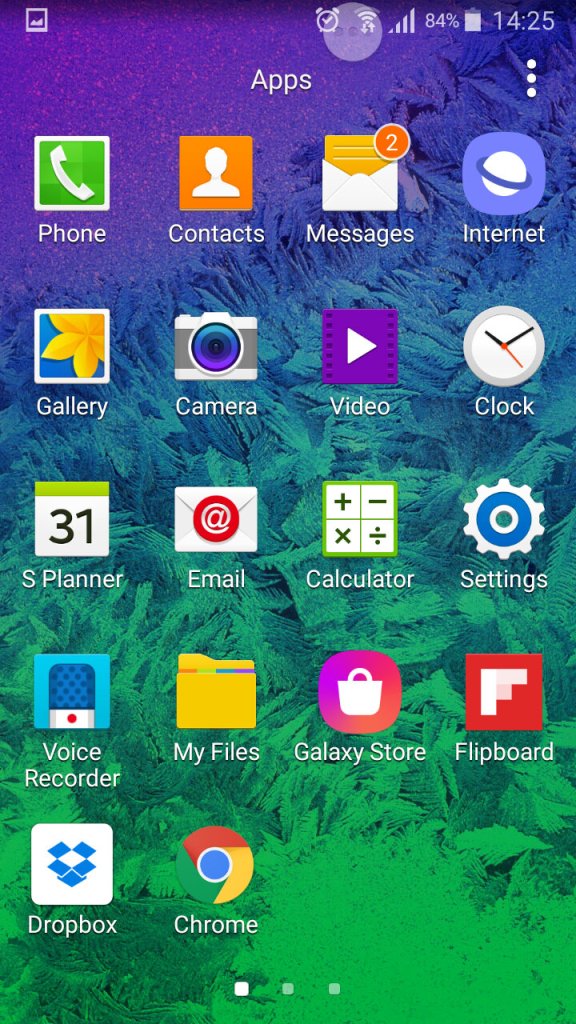
The list of apps, here you can sort apps by alphabetical, or in a custom order.
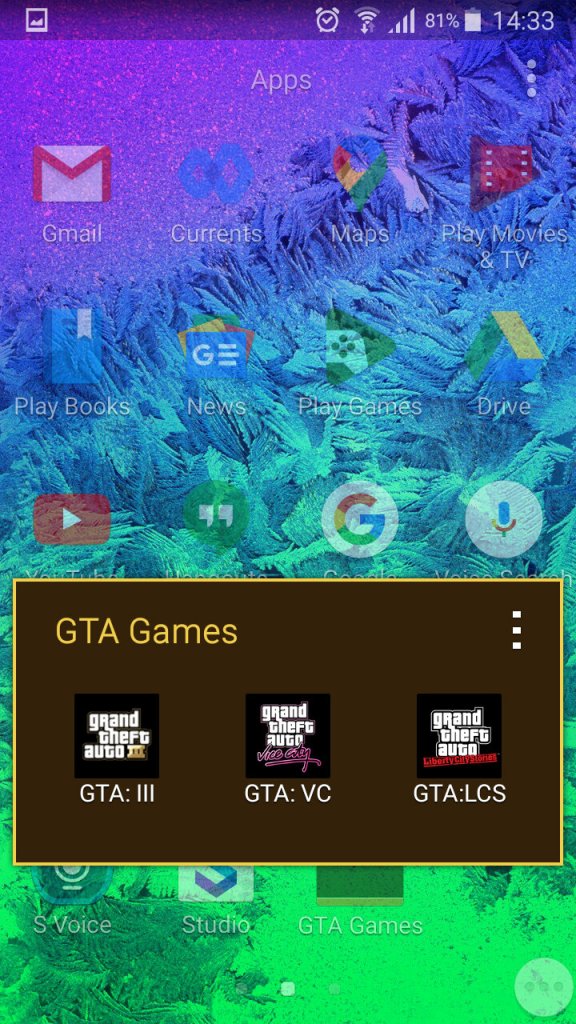
You can also create app folders to keep thing organised by tapping on the tree dots, then select ‘Add’, you cannot just drag an app over the folder icon like you can on the home screen.
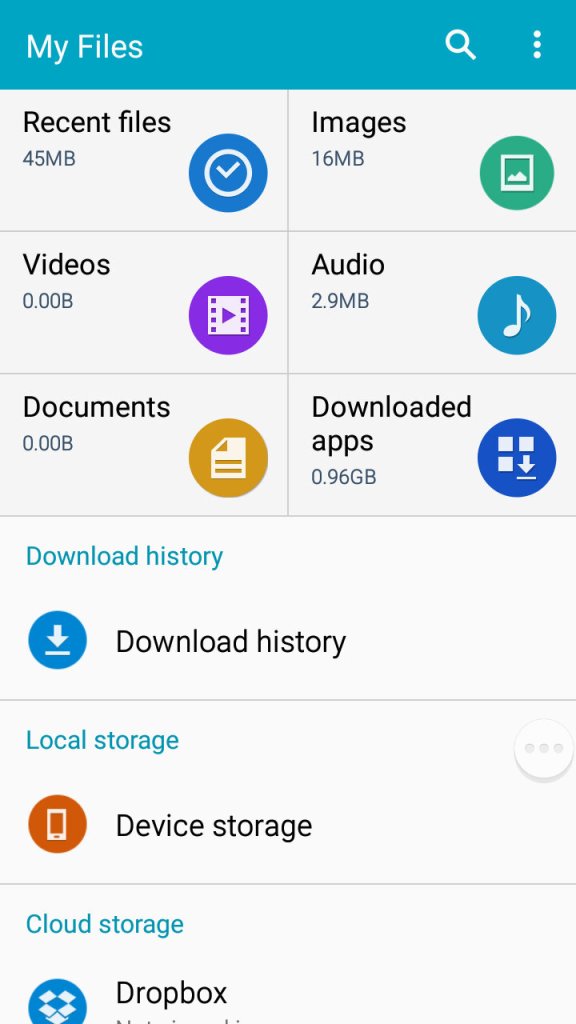
A look at the phones file manager. Unlike other Samsung handsets of the time, the Alpha only comes with 32GB Internal Storage with no option for a microSD card. Samsung would later do this for the Galaxy S6, to a negative reception. 
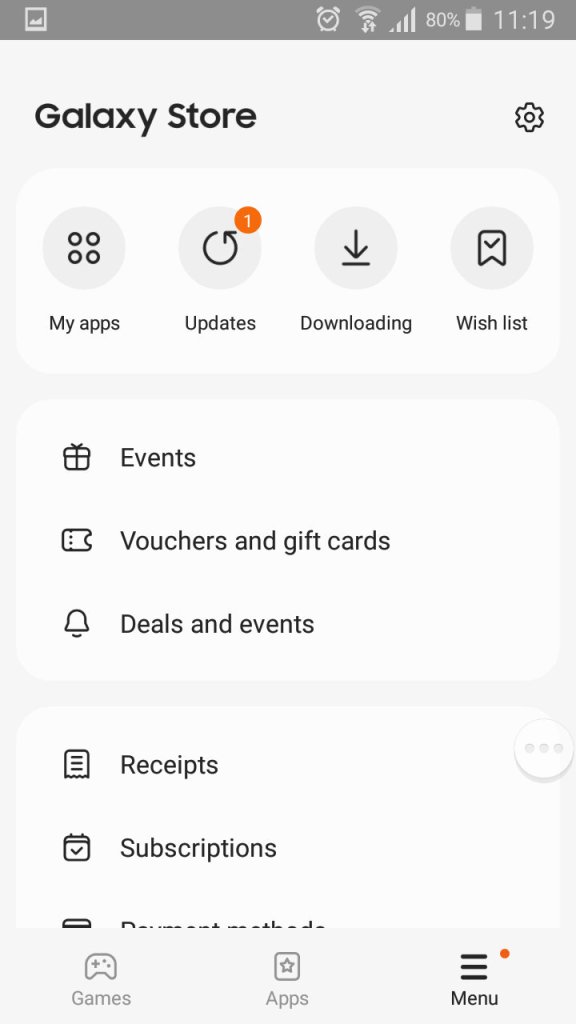
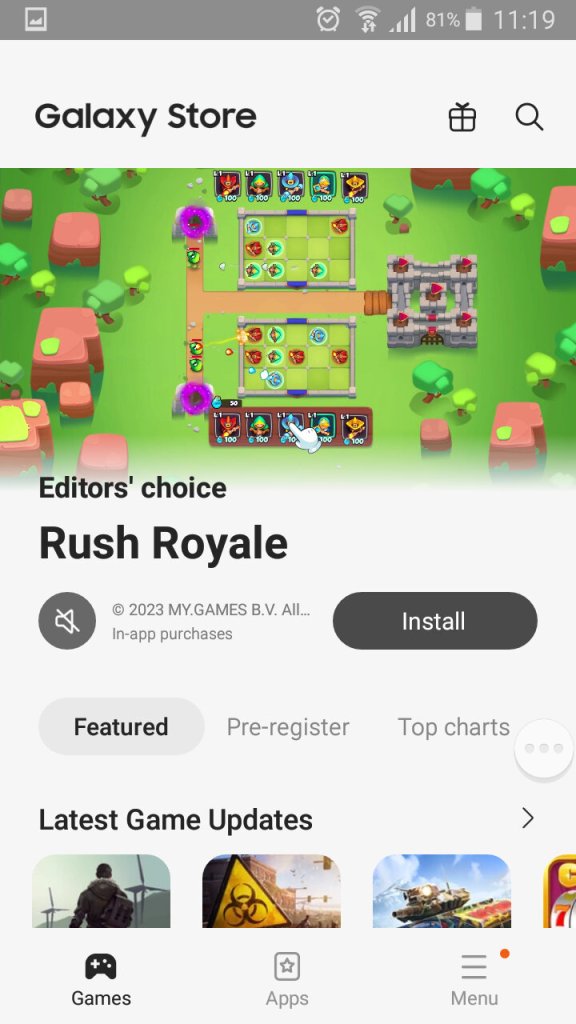
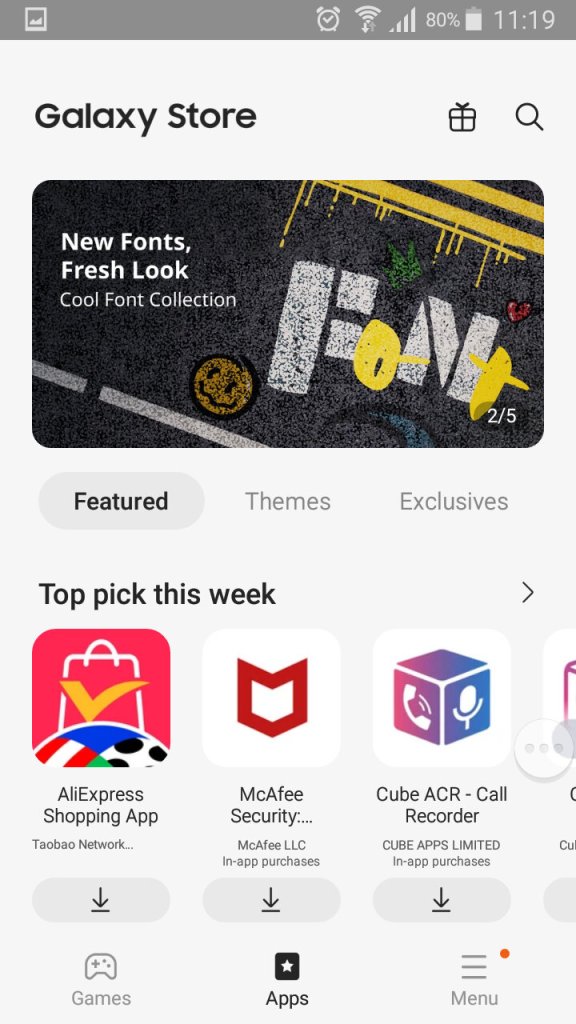
The Galaxy Store, which is Samsung’s own App Store and a alternative to the Google Play Store.
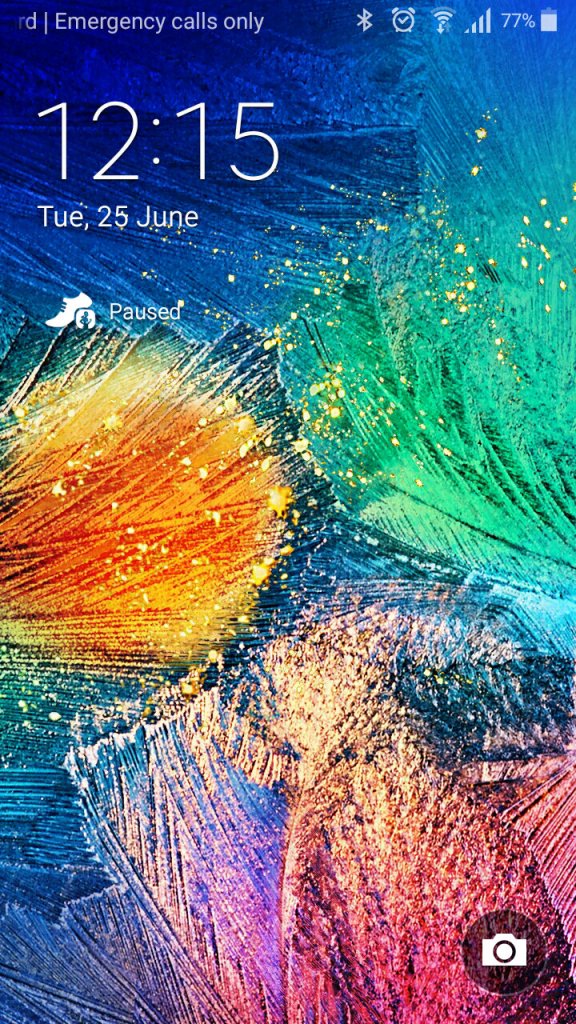
A very colourful lock screen, with Samsung adopting a different wallpaper styles for the Alpha, gone are the fields with blue skies that we say with the Galaxy S4. It’s a welcome change and gives the phone a more edgy appearance.
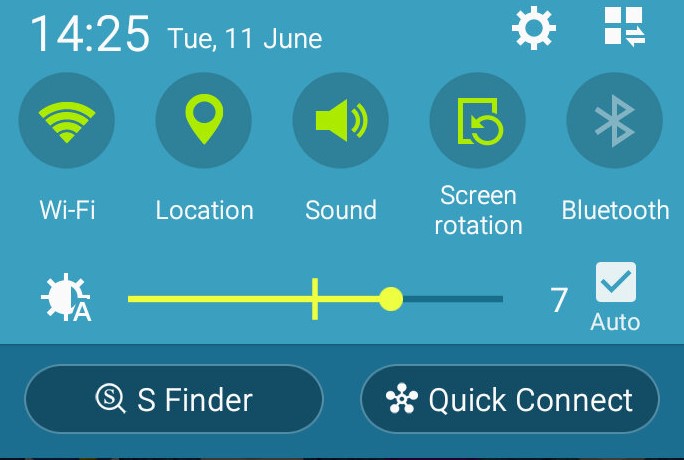
The dropdown still remains the same as the S4, 
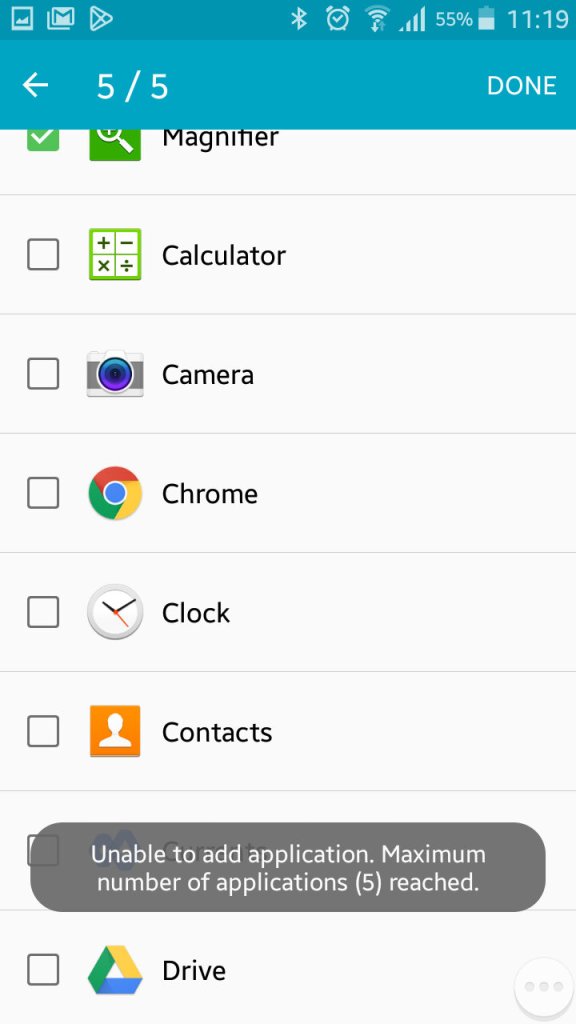
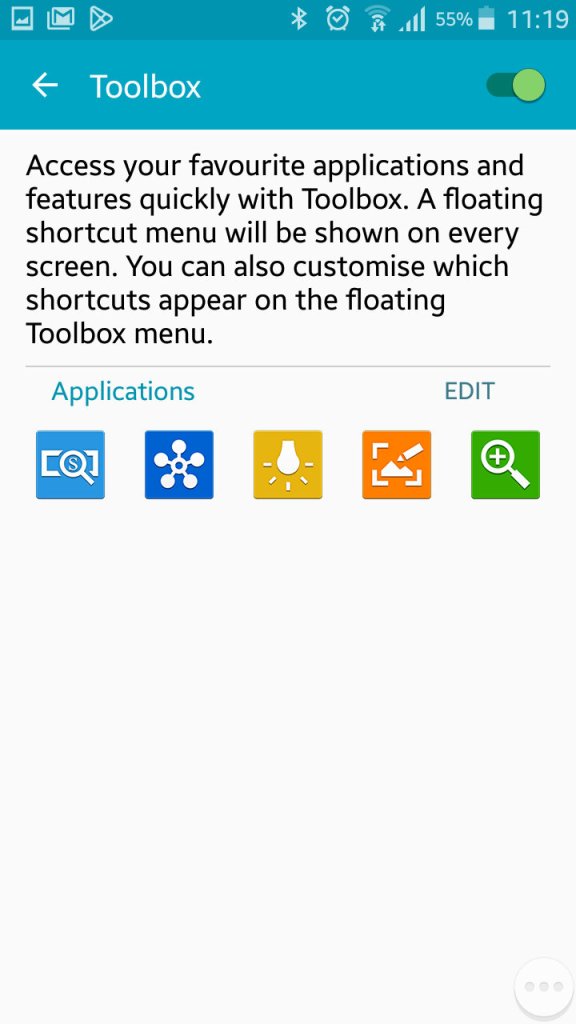
Once thing you might have noticed is a floating three-dot widget that you can press to open shortcuts. This is called the toolbox, you can quickly access the camera, take a screenshot, activate the flashlight and open QuickConnect. This can be turned off if you find this annoying as it does appear over all apps. You can also add additional apps, but you are always limited to 5. 
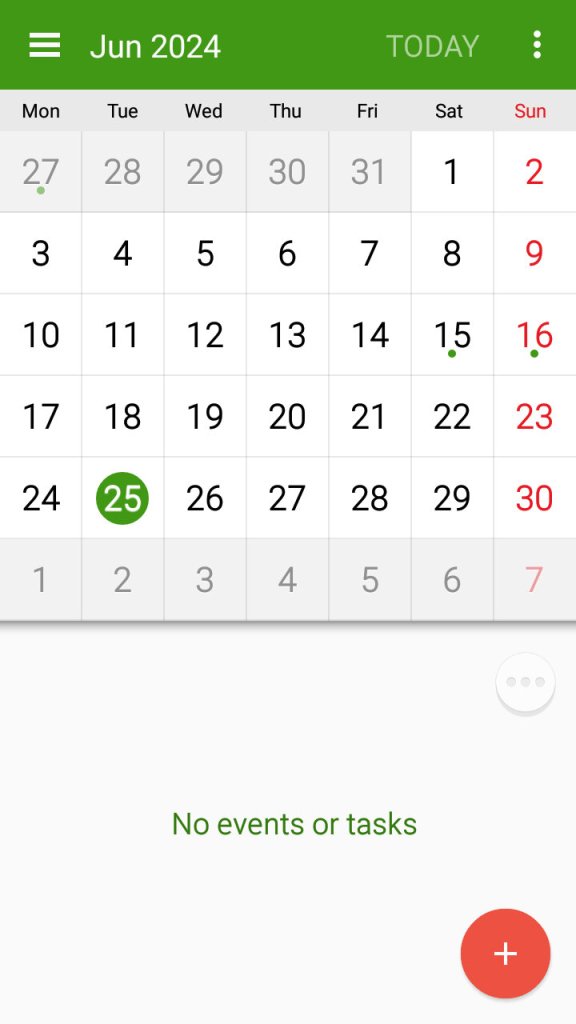
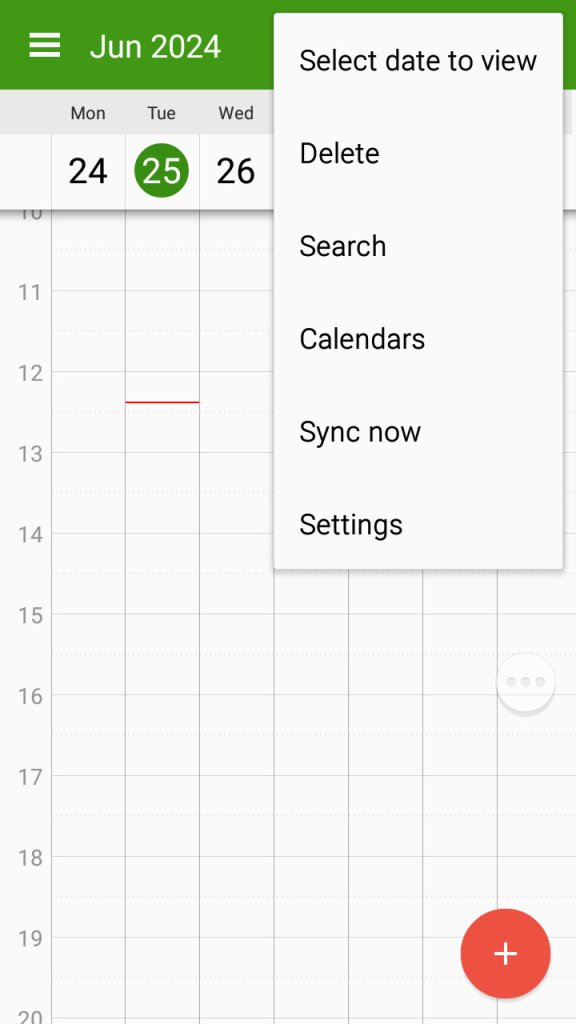
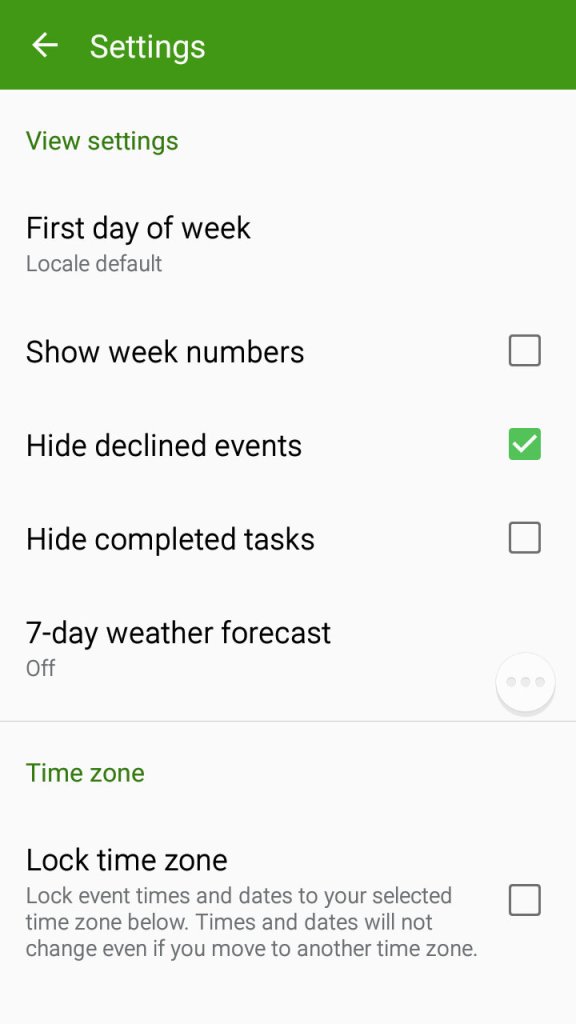
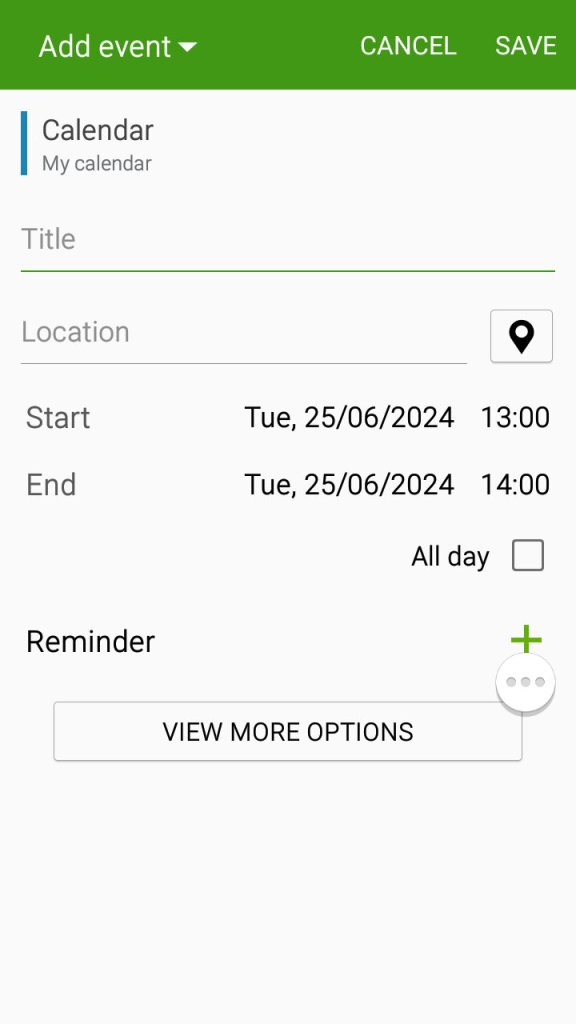
The S planner app which can be used to view the calander, set appointments and reminders and sync with Samsung or Google’s web calendar.

Settings Menu

A look at the setting menu which Samsung has reorganised
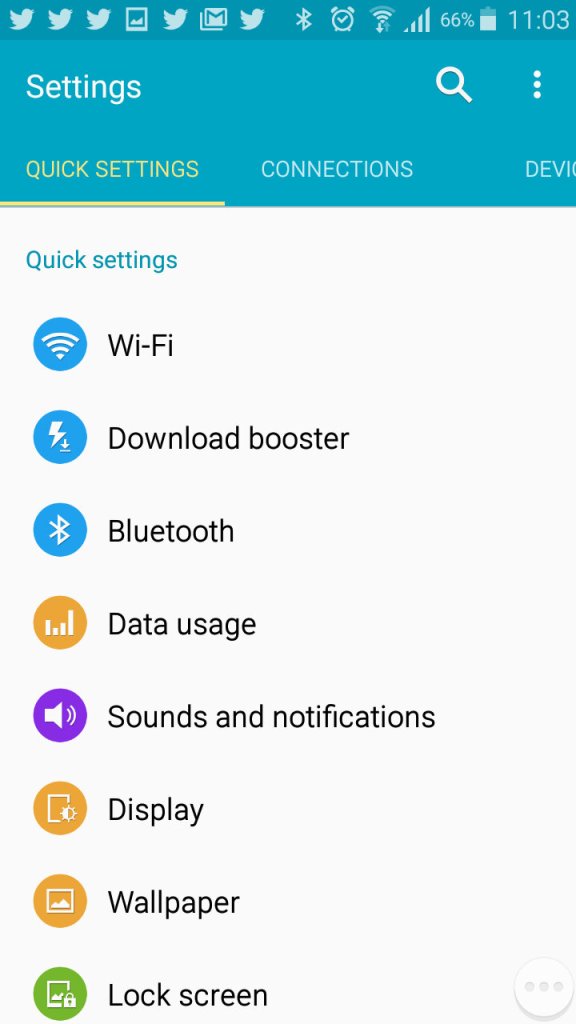
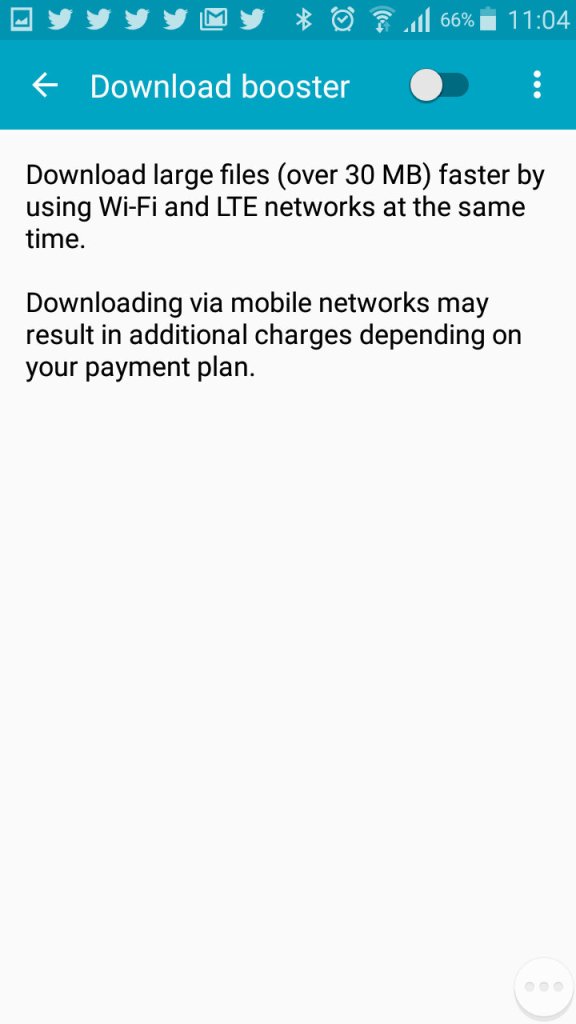
Download booster allows your phone to download using both the mobile network and the WiFi network, subject to the operator supporting this functionality
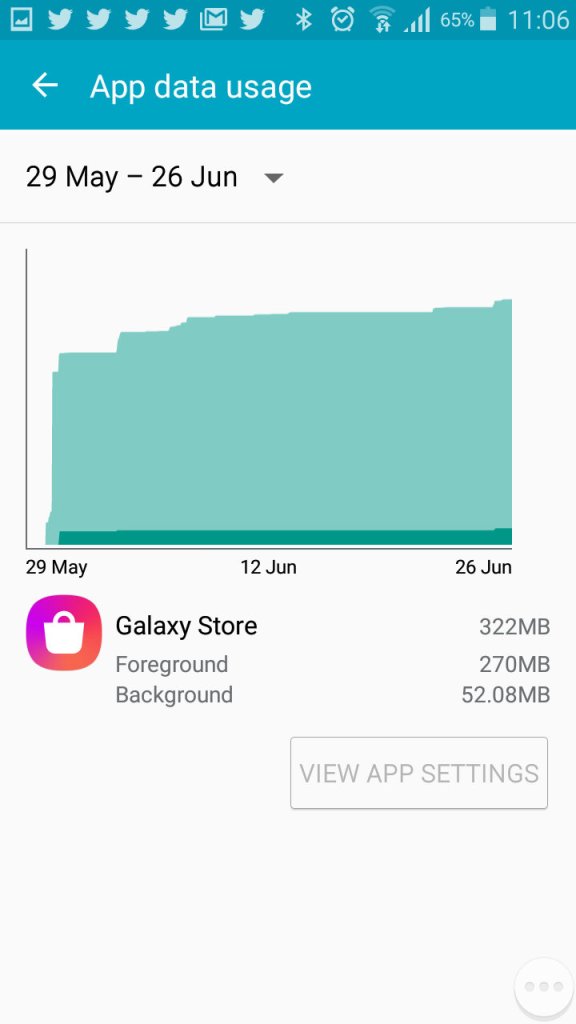
Viewing Android data usage
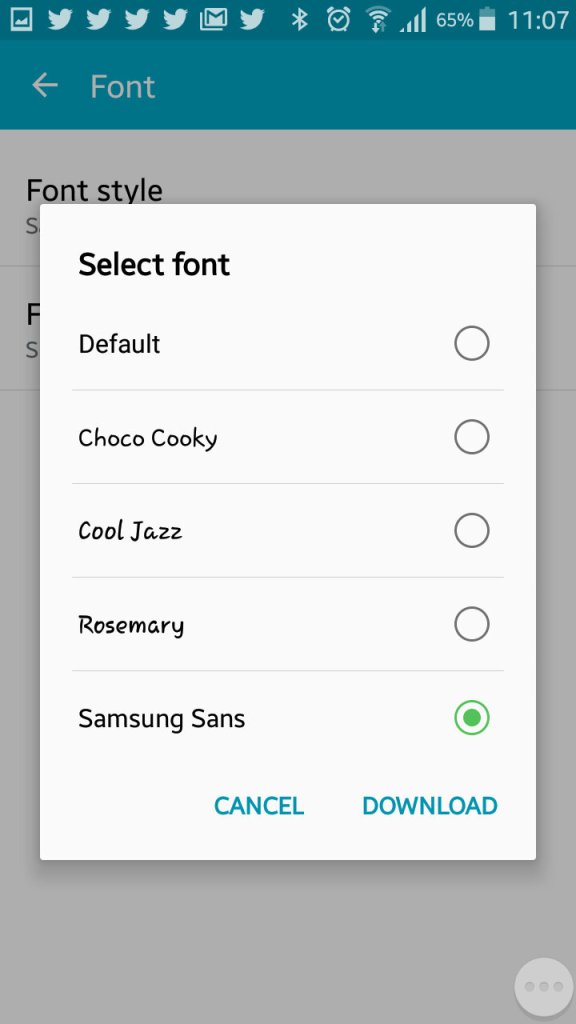
Samsung are one of the few OEM’s that allow you to change the active font of the device. You can also increase the font size to make the text more readable.
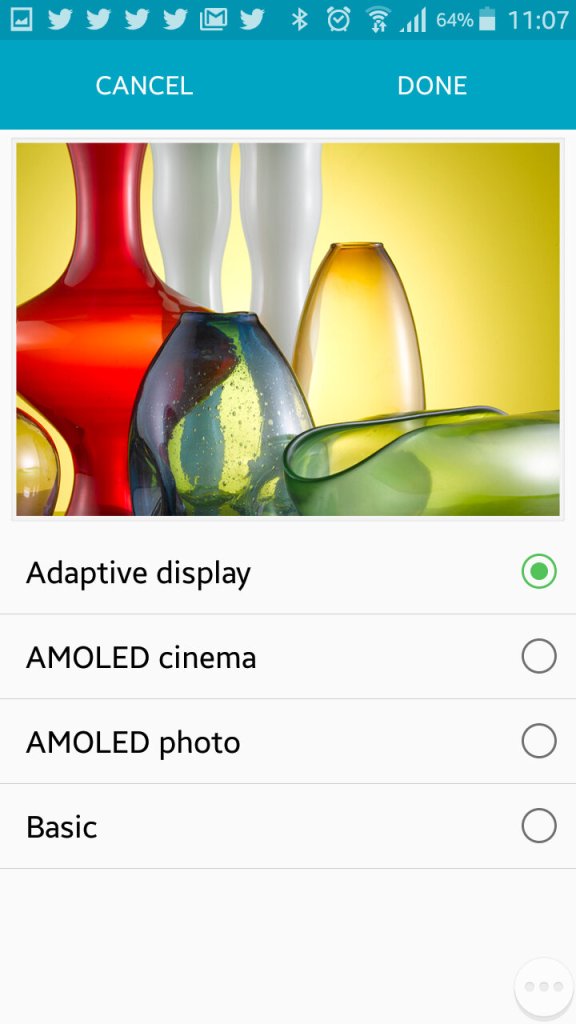
The adaptive display feature which adjusts the displays contract depending on the media or app you are using.
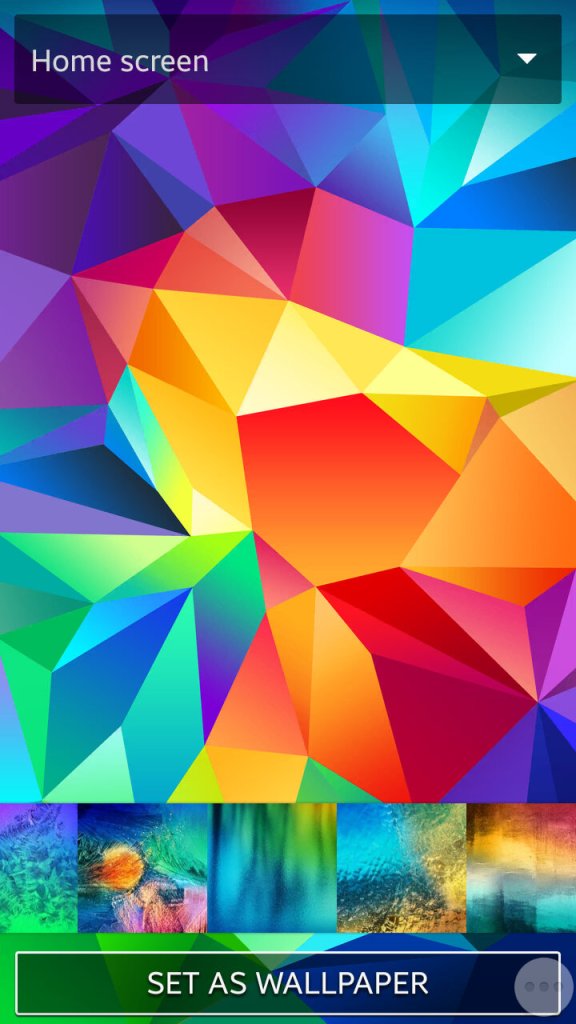
Setting the wallpaper and a look at the default wallpapers that shipped with the phone
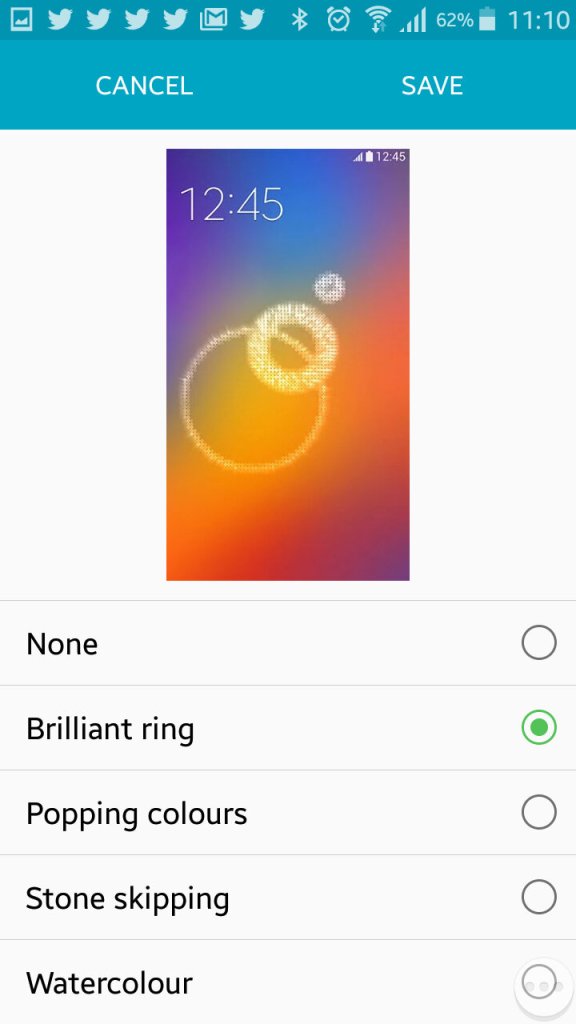
Changing the unlock animation that plays when you swipe your finger on the lock screen.
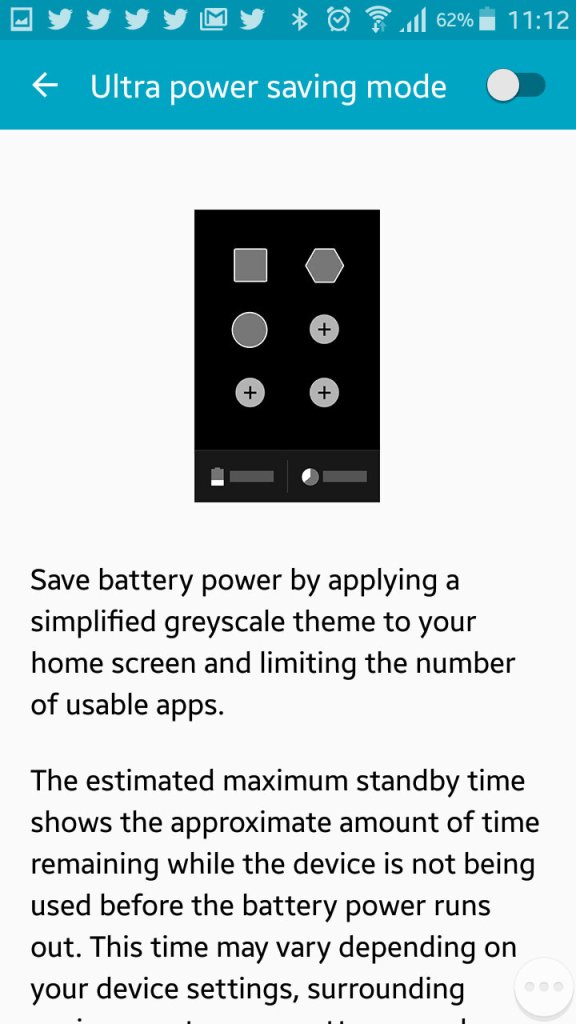
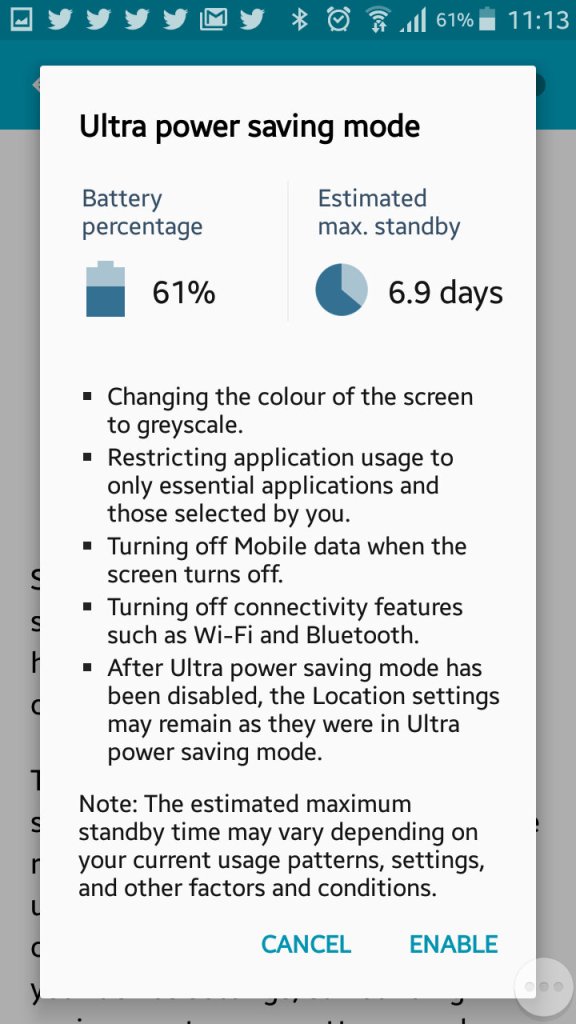
Ultra power saving mode, when enabled will change the display to greyscale mode and will restrict the apps that canoe run on the device. Ideal if you will be away for while and wont have access to a power supply. Apps can still run though you are very limited to the ones that can run, Twitter was the only third party app that could be run in this mode.
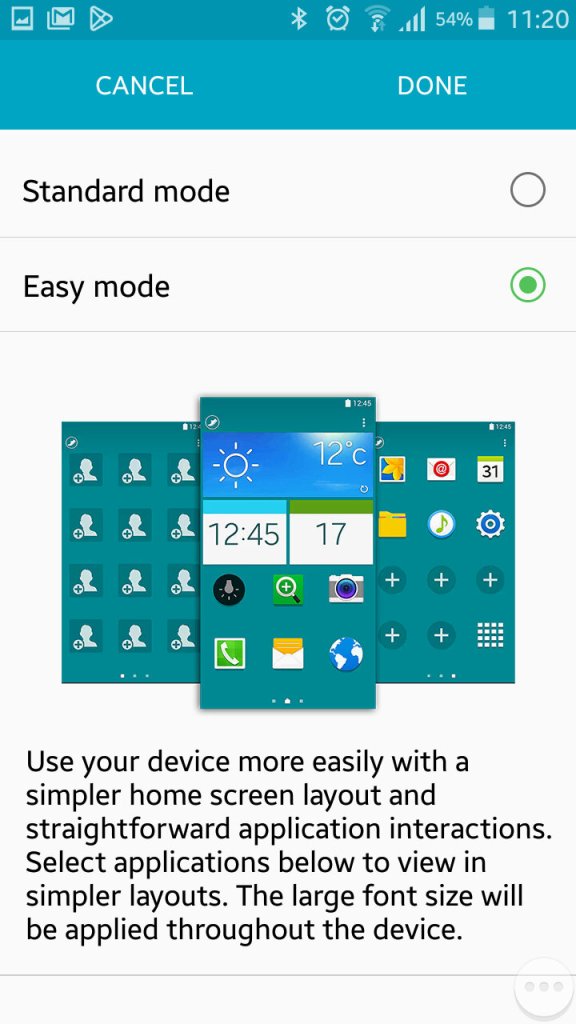
Easy mode makes the phone more simple to use for users who are not experienced with Android handsets
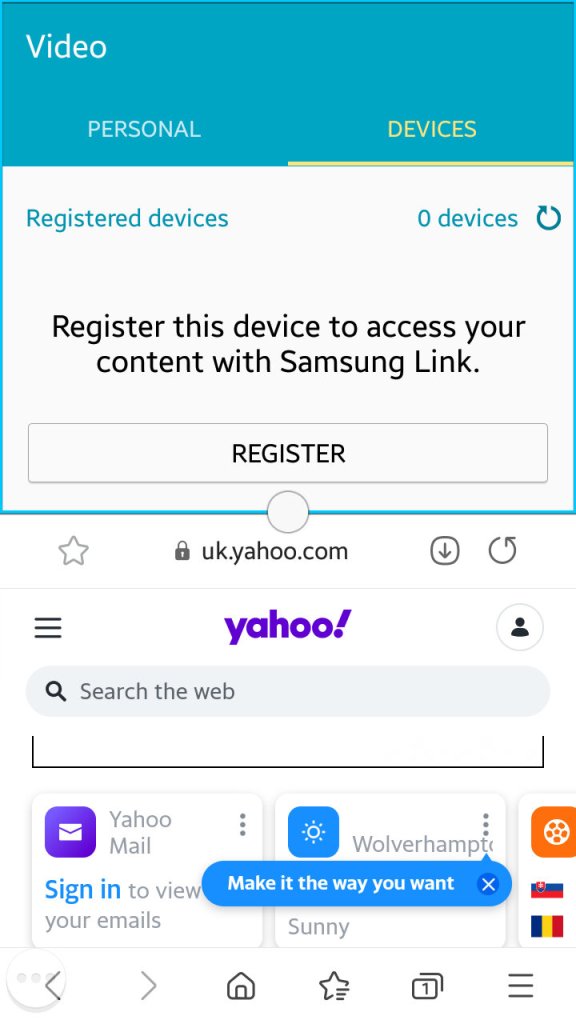
Multiwindow allows you to open multiple apps in a small window to be viewed on the same screen. Here you can split screen apps and have a Youtube video in one part of the screen whilst you browse the internet with another. Whilst handy it’s limited by the 4.7 inch screen, defiantly something that was useful on the Note series of phones.
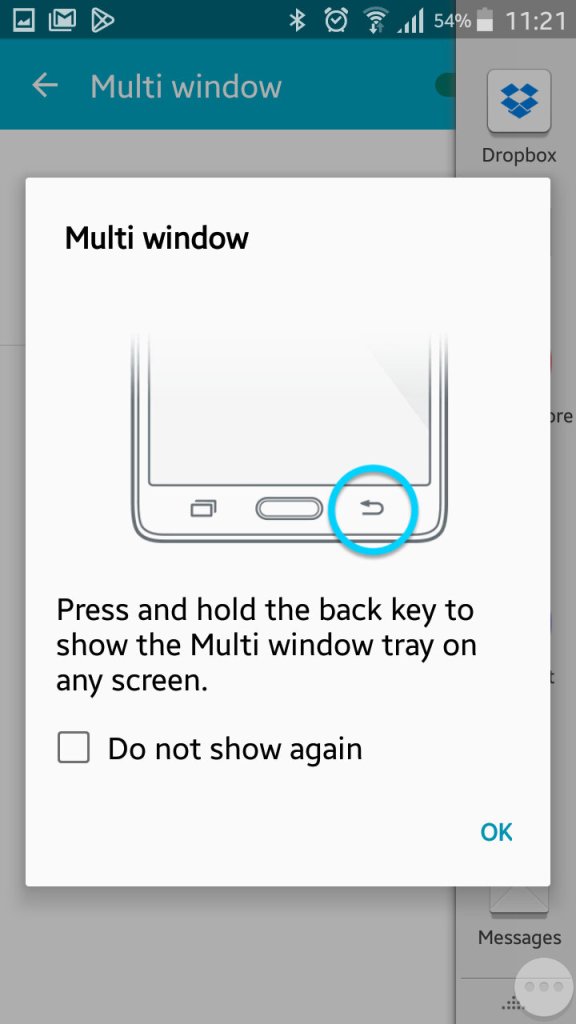
Enabling it can be down by bringing up the list of apps and tapping on the split screen icon, this can only be done with supporting apps.
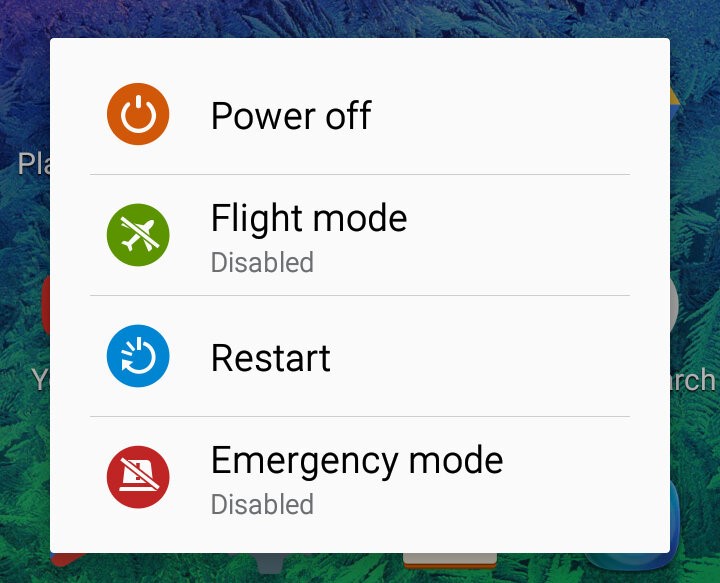
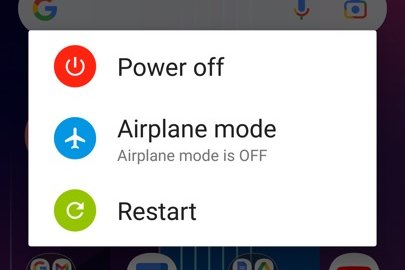
Powering off the phone
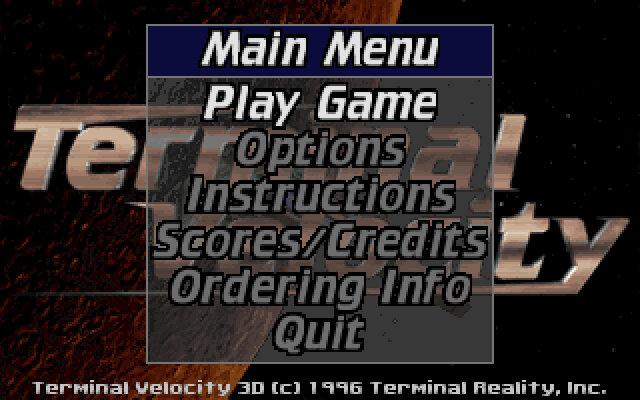
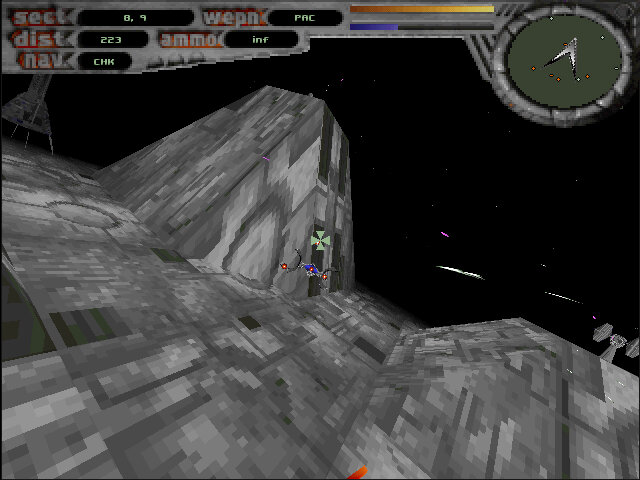
Terminal Velocity

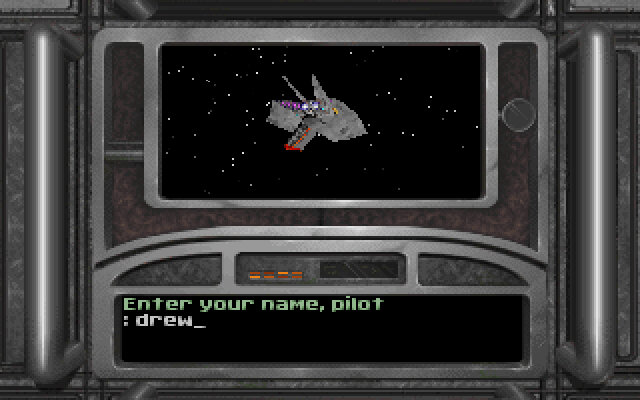
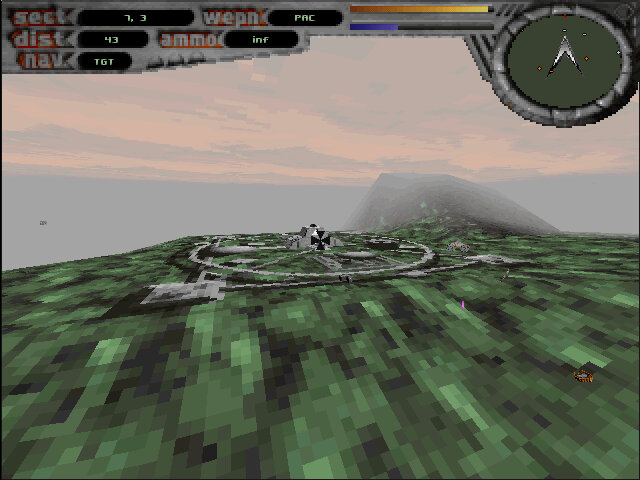
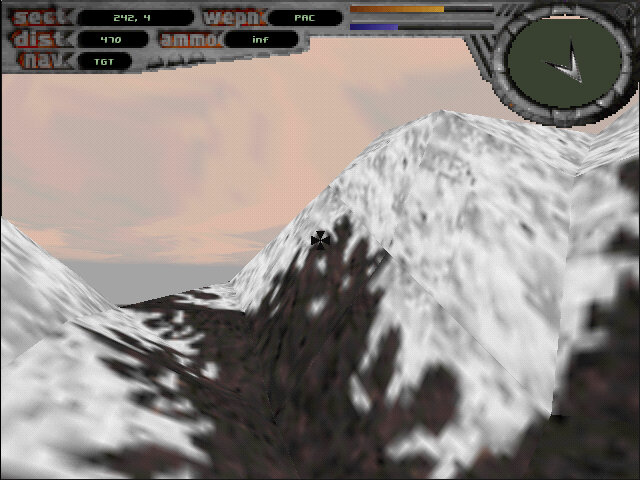
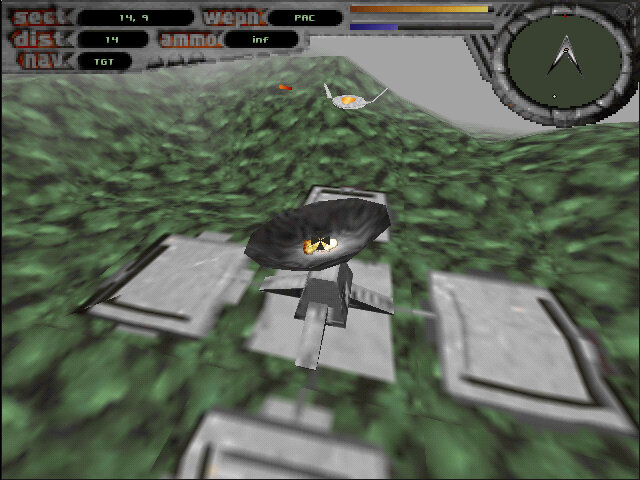
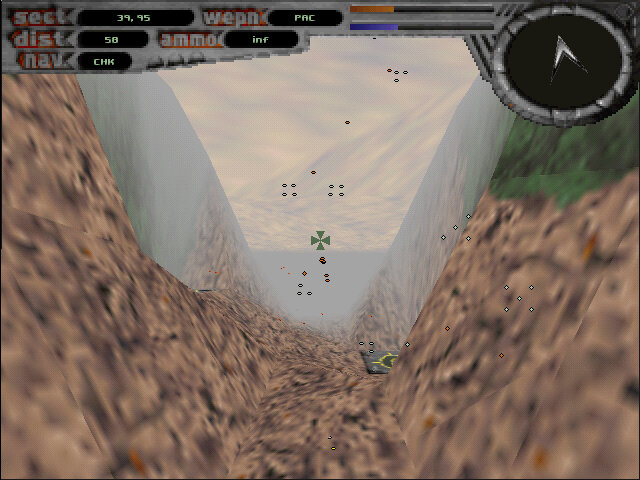
A flight combat game, very similar to Fury3 where you have to fly around and shoot stuff.

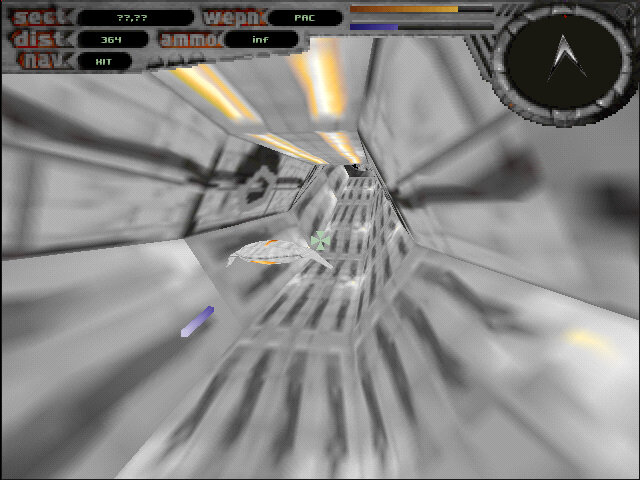
The game comes with various missions with multiple objects that require you to destroy enemy ships and locations in order to progress. Some objectives require you to fly through a deathtrap tunnel where you have to avoid obstacles to prevent damage to your ship.

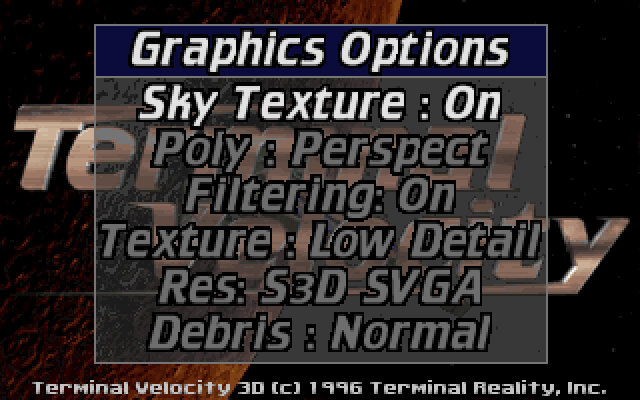
The game was released for MS-DOS, with later 3D patches becoming available for 3D video cards like the S3D S3 ViRGE graphics card. These versions make use of the hardware acceleration features that can improve the features for the graphics of the game including texture filtering. The S3 ViRGE isn’t that much of an accelerator, with a strong Pentium being able to match or provide improved performance on software rendering alone. Still if you are using an AMD or Cyrix 5×86 chip, the S3 provides a good improvement.

The levels themselves are large and vast, allowing you to simply fly around in a sandbox environment. As such it’s a perfect demo to test a brand-new 3D graphics card.

The shareware version is the most common and was bundled with some OEM graphics cards as a showcase for what their video card was capable of. This only includes three levels/missions with more that can be unlocked by purchasing the full version of the game. Sadly the only unlocked version is the non-accelerated DOS version.

There was also a port for MacOS that runs in software mode, unlike other 3D titles this was never ported to a fifth-generation console.

HTC 10

The HTC 10 is a well-rounded flagship smartphone with a focus on build quality, audio performance, and camera capabilities. It’s a solid choice for users who prioritize these aspects and prefer a near-stock Android experience since HTC dialled down their customisations with the launcher. The phone’s design is more similar to what you would see with a typical Samsung or Sony flagship handset.

There’s no doubting that the HTC10 is fast. The Snapdragon 820 processor is quadcore, running at 2.2GHz, and has a massive 4GB of RAM available. It’s a noticeable step-up from the slower 8-core processor of the One M9, but perhaps not quite as powerful as Samsung’s Exynos processor used in the Galaxy S7. The phone is equipped with 32GB of data storage, and can be upgraded with a microSD card.

The OS is Android 6 with the latest pared-down version of HTC Sense with fewer pre-installed apps, and has received upgraded to Android 7 and 8. HTC’s new Freestyle Layout frees up your creativity, allowing you to pin icons and widgets wherever you like. It’s a welcome change from the usual Android grid, but can get a little anarchic at times.

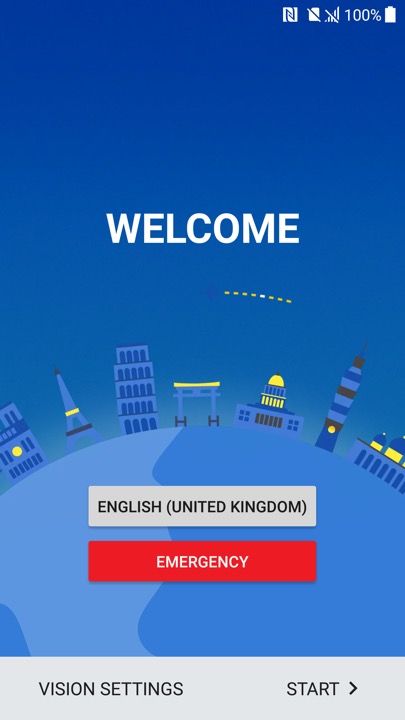
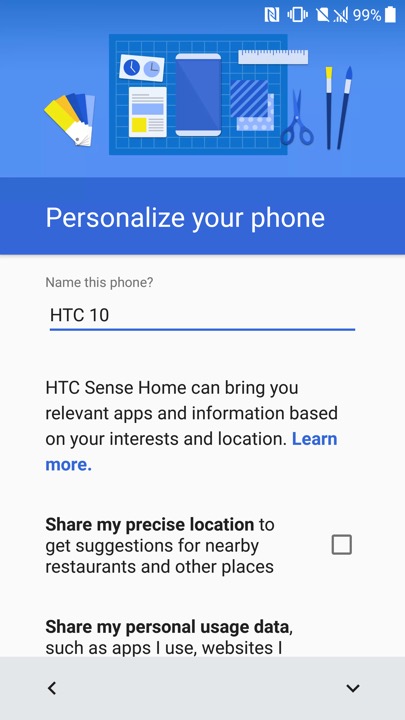
Ther setup wizard that appears when you power on the phone for the first time

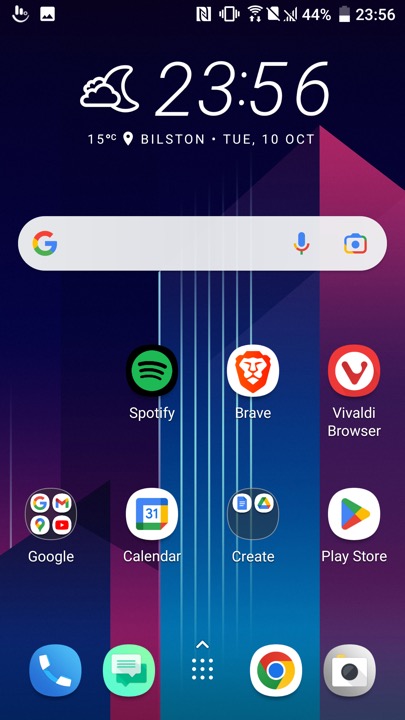
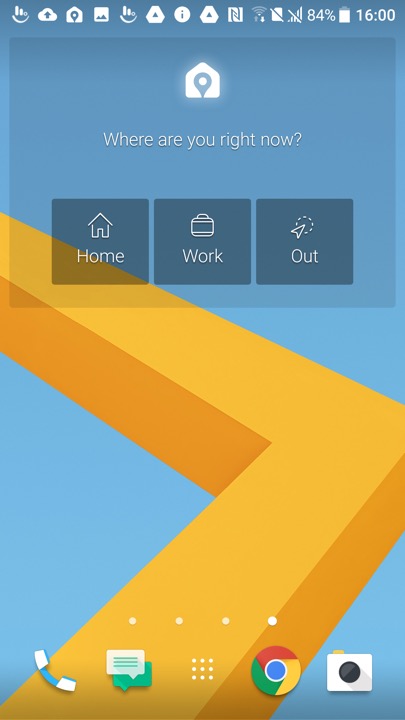
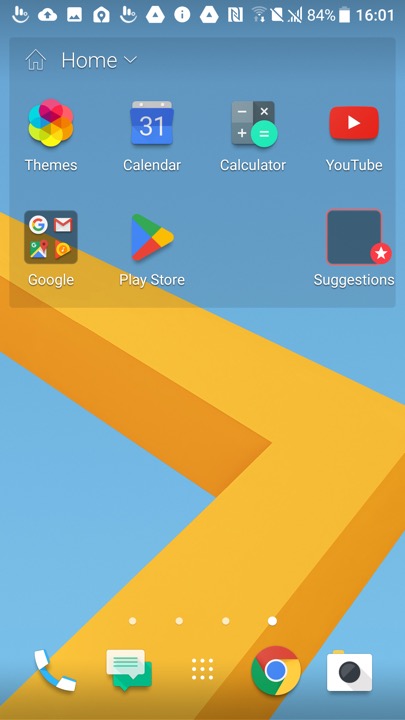
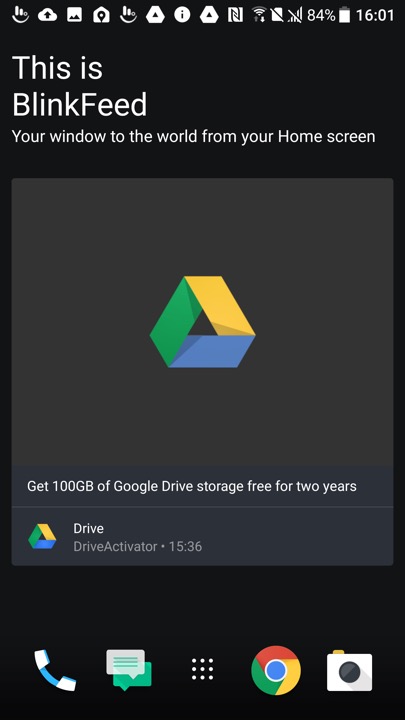
The HTC home screen which used their own custom launcher, swiping to the left will show another screen which will display the time and weather which will be a widget that you can tap on to open the weather app

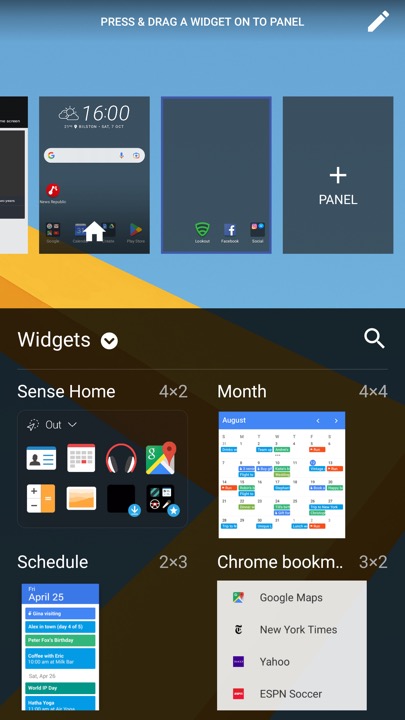
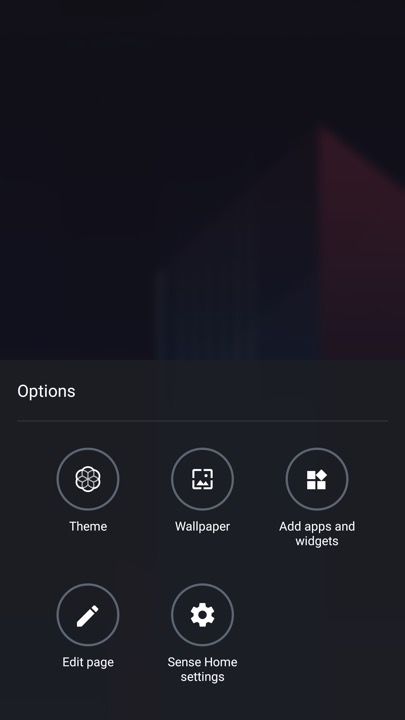
Customising the launcher, here you can select a different theme, change the background wallpaper and add additional widgets or app shortcuts. The edit page button lets you select which screen you want to appear as the home screen, or remove any vacant screens.

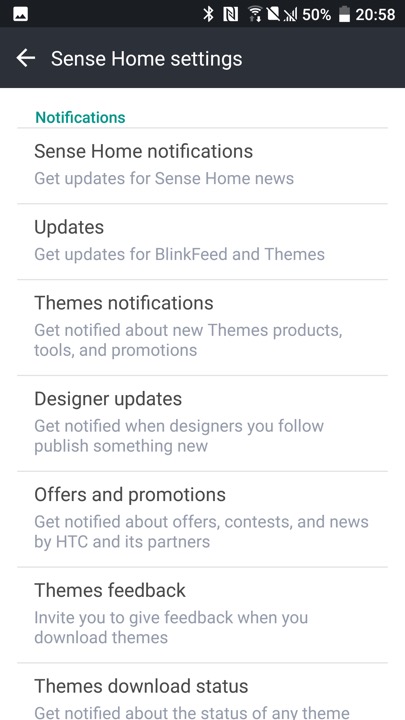
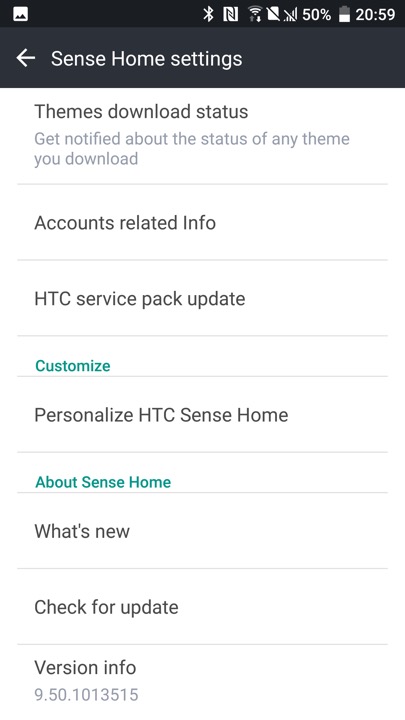
The HTC Sense settings, where you can adjust the notification settings. HTC would have sent notifications regarding new themes that had been released, and any offers and promotions. The settings screen can be triggered by holding your finger on an empty area of the launcher, which will popup the menu on the left.

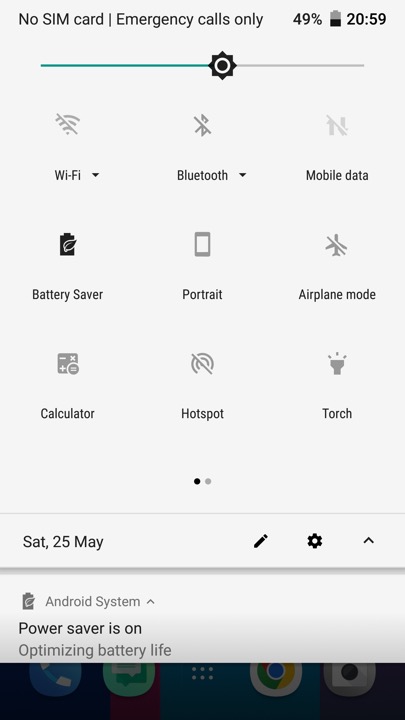
The pull down notification bar which gives quick access to common phone functions.

The messaging app which incorporates Google’s material design. Messages can be backed up  and protected with a password. You can also setup a block list to block specific numbers or spam. There are also message templates to quickly enter a message to send.

The phone app which is used to make calls, and to view saved contacts. Voice dialling is supported where you can speak the name of your contact, though a language pack must be downloaded first.

HTC 10 Camera

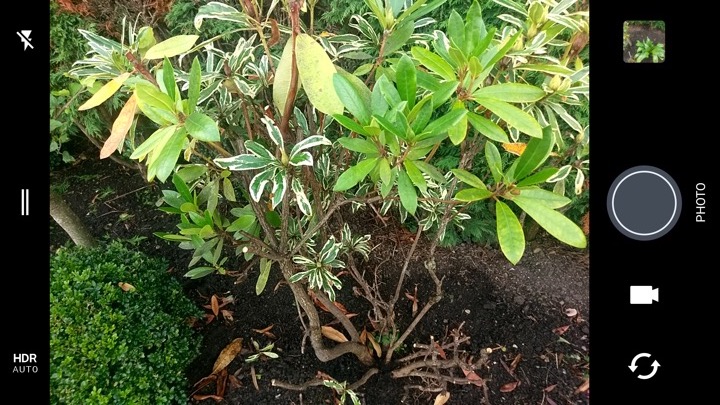
The camera viewfinder, The camera may just have 12 megapixels, but it does everything it can to capture light – using a 1.55μm pixel size, a huge f/1.8 aperture and Optical Image Stabilisation. A two-tone LED flash is also available, to get the very best night-time shots.

Perhaps even better is the front camera, which, although it has just 5 megapixels, is very good at capturing the best shots. It’s an autofocus camera and also features an f/1.8 aperture, auto HDR mode and (uniquely) Optical Image Stabilisation, making it one of the best selfie cameras you’ll find. The rear camera can capture 4K video, while the front camera sticks to 1080p.

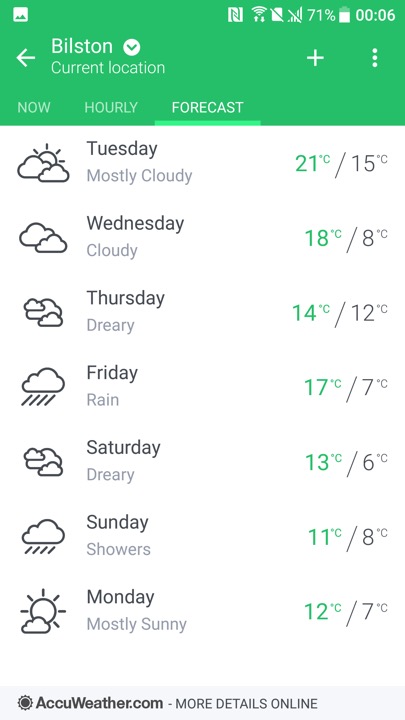
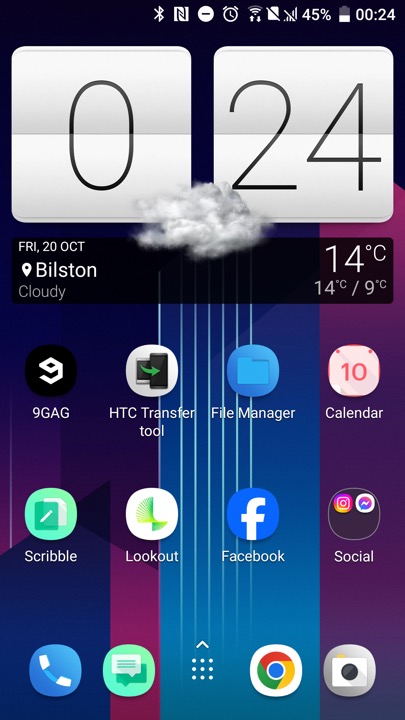
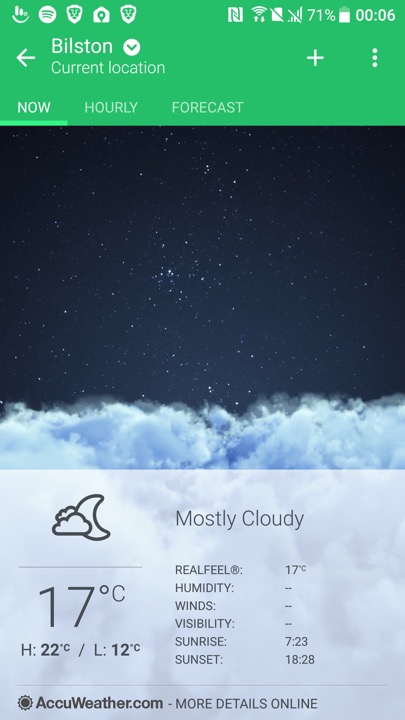
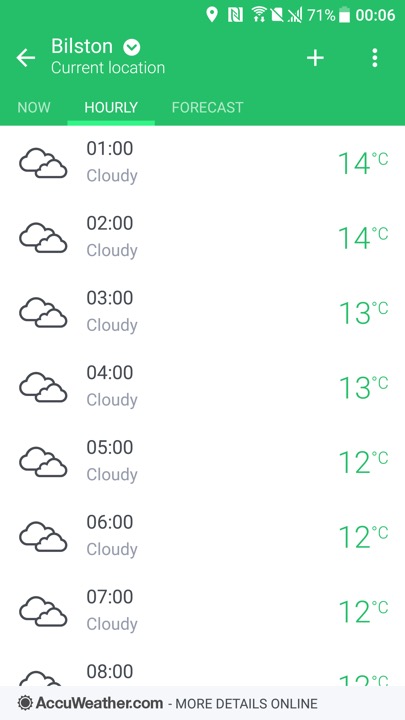
HTC’s weather app which by default shows your local weather based on your location, and will show for the different major cities. Data is obtained from either Google, or Accuweather.

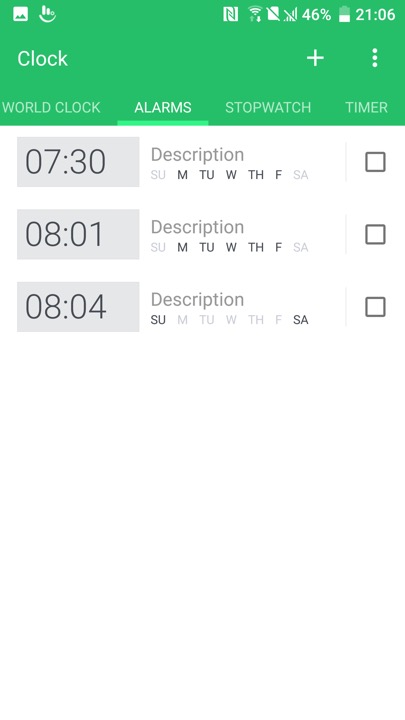
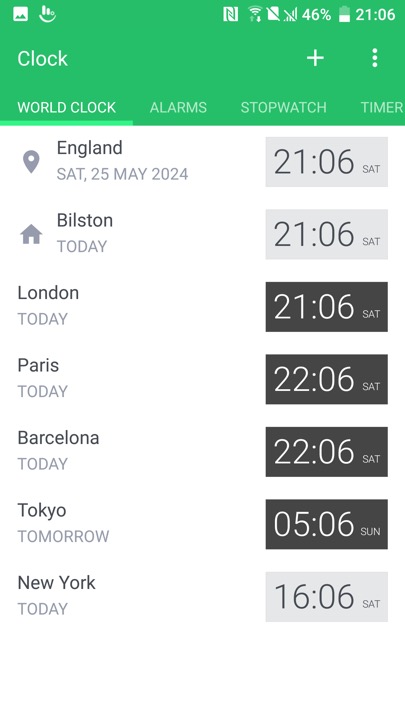
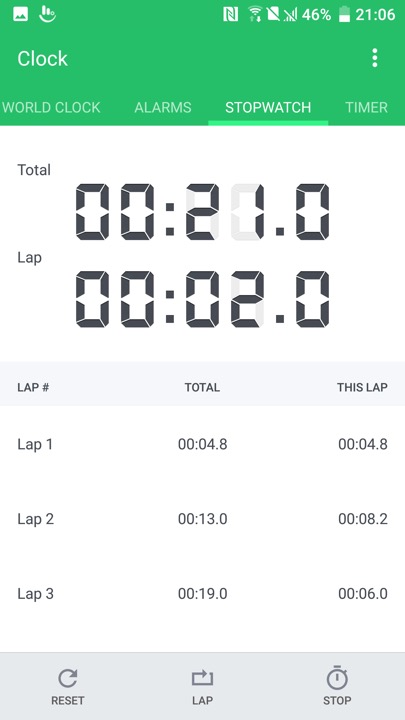
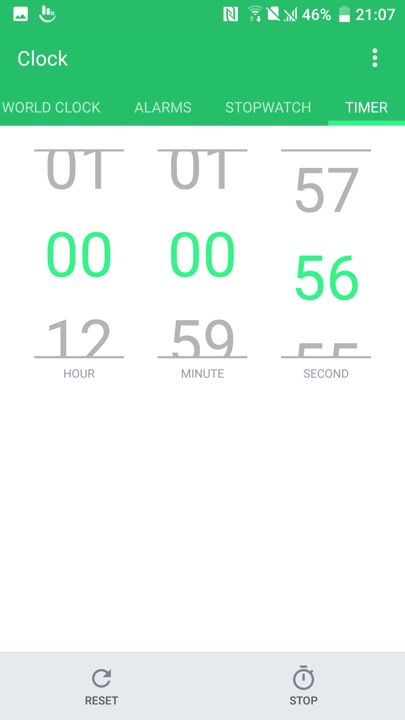
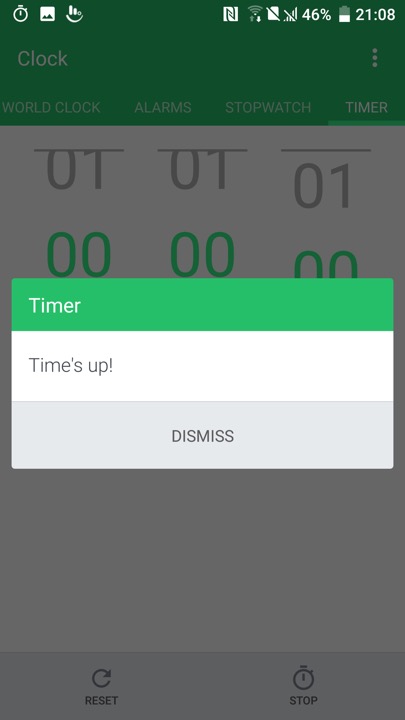
The Clock app, which also functions as a timer and a stopwatch

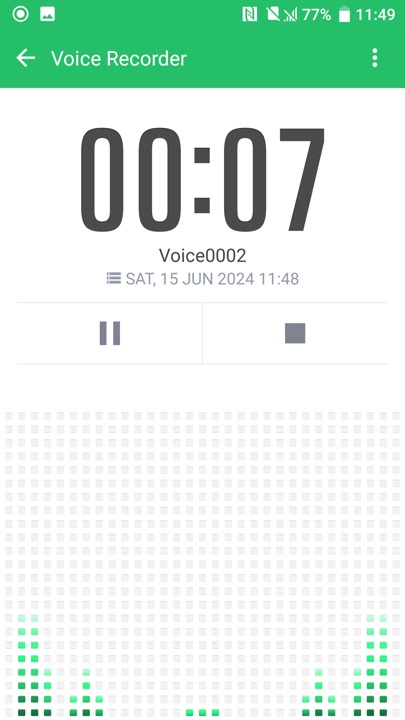
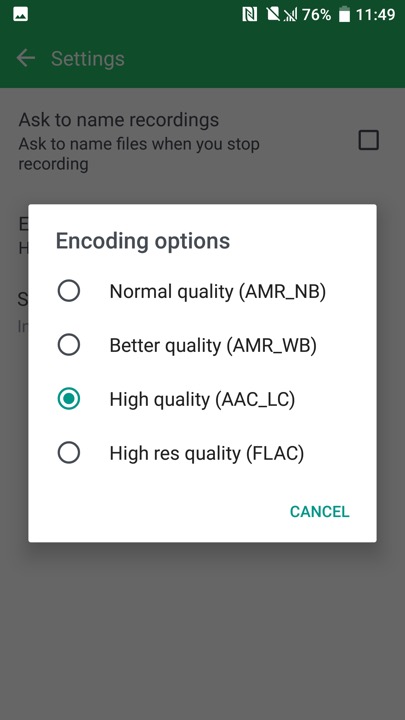
The voice recorder, which supports saving recorded audio in AMR or AAC format, AMR is lower quality but is more supported when sending to older devices

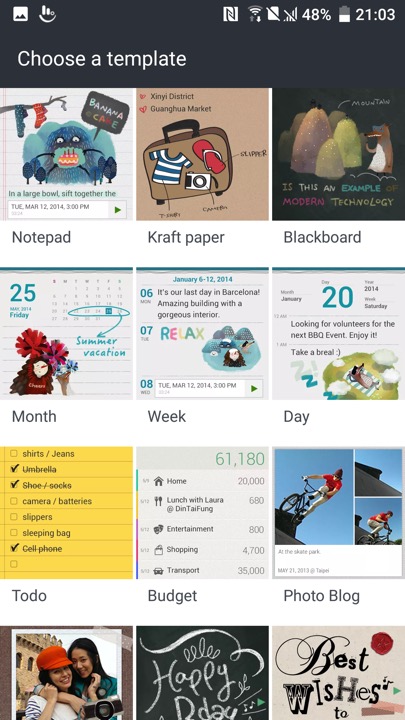
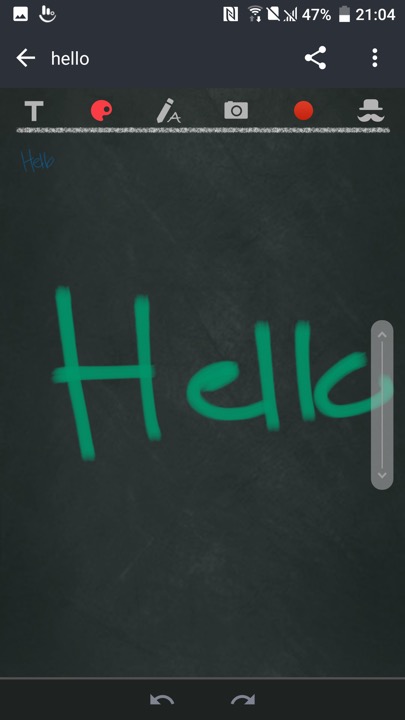
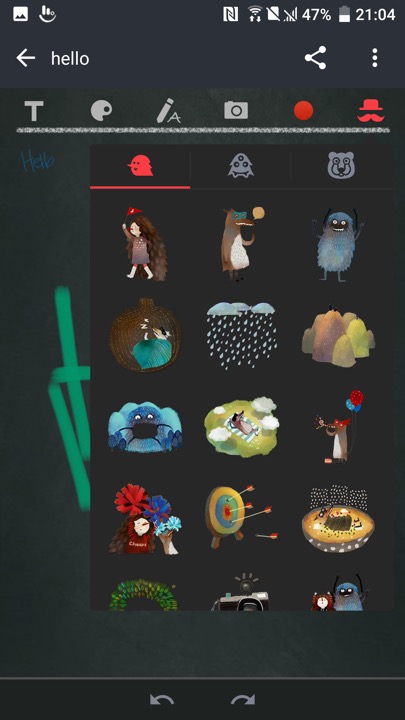
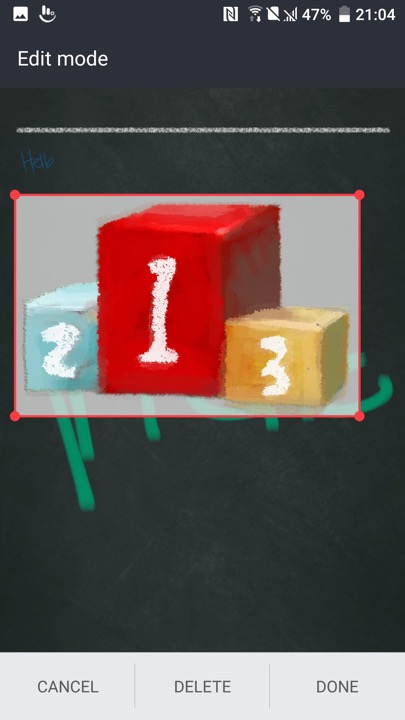
Scribble – A memo drawing app that can be used to create notes. These can contain text, or any drawing created by the touchscreen. Images taken from the camera can also be inserted into the memo, along with stickers.

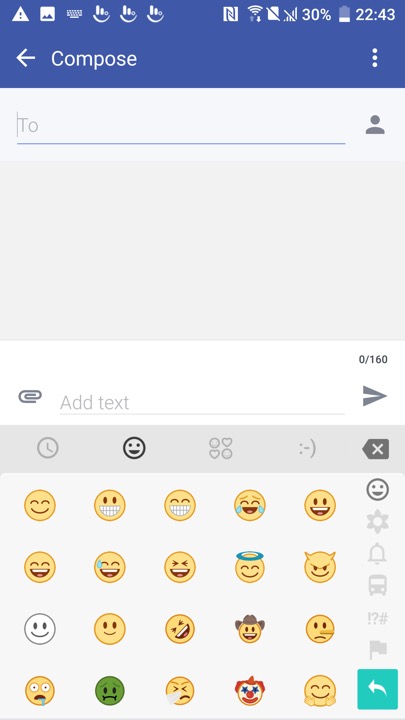
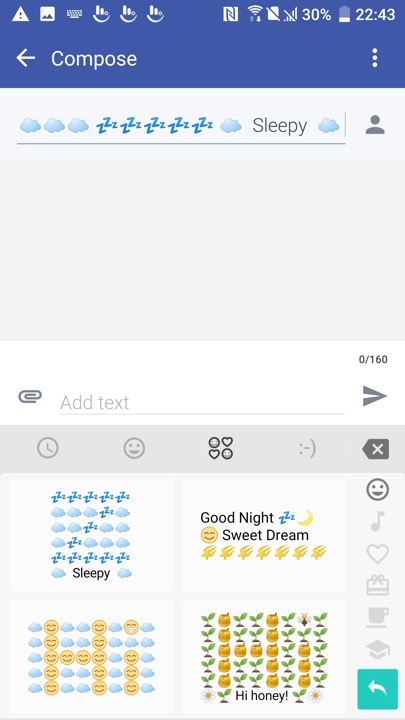
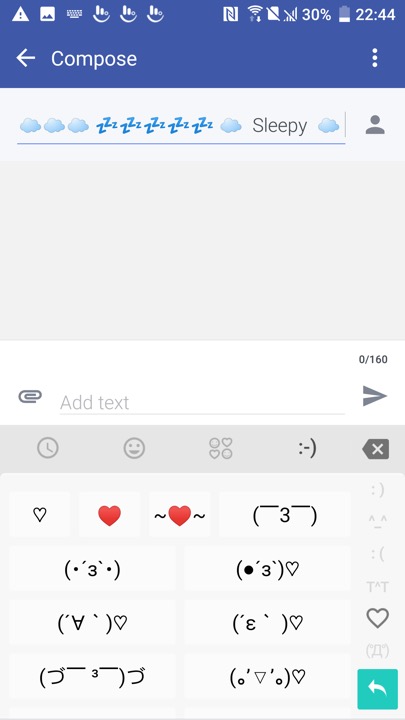
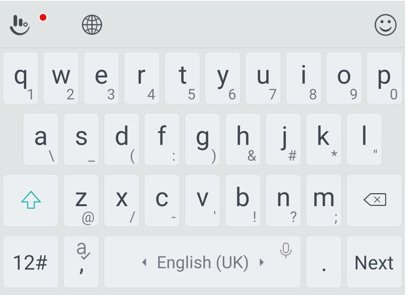
The bundled keyboard which is a customised variant of the Touchpad keyboard. As with other android keyboards you can adjust the size, appearance and features of the keyboard such as emoji or GIF support.

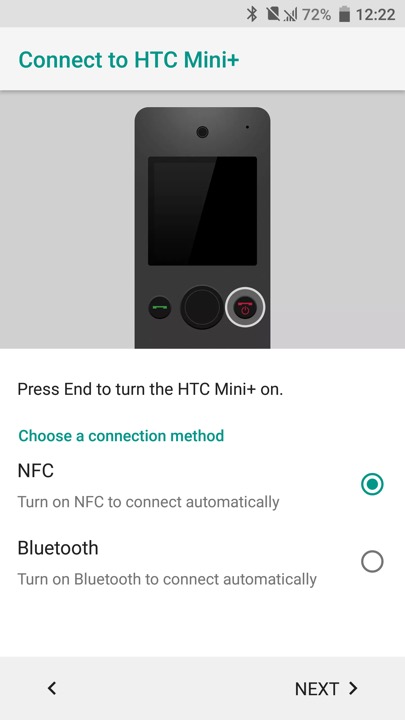
HTC Mini is also supported, which is a compact device that links to your smartphone, kind of like a smartwatch.

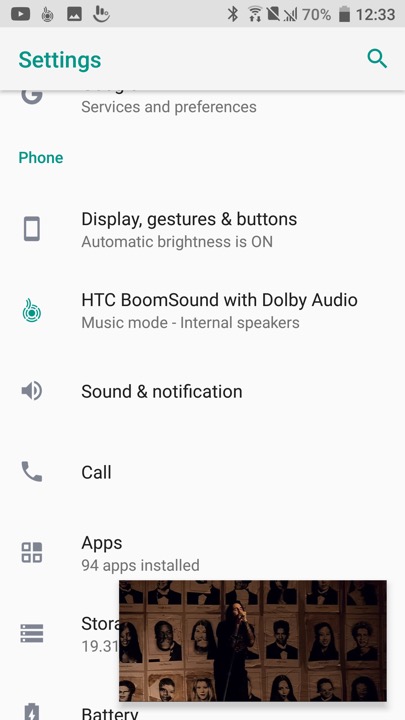
A feature you will see in the settings menu is HTC Boomsound manipulates the phones speak to provide multichannel audio using the phone’s mono speaker. There are two modes, Music and Theater which will relelate to the type to content you are playing. Unlike the preious HTC flagships (M9,M8) the 10 only has a single speaker located at the bottom of the device.

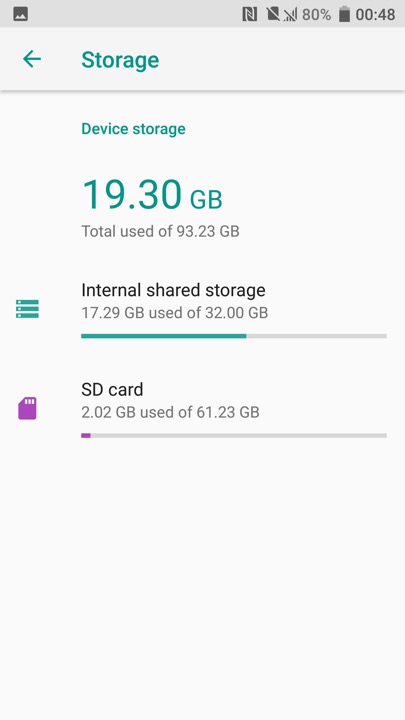
Device storage screen, HTC are one of the few Android OEMs to support adoptable stage where the microSD card is merged with the internal phone storage. This has the benefit that larger apps (Games) can use both types of storage, but means the apps cannot be used should the microSD be removed.

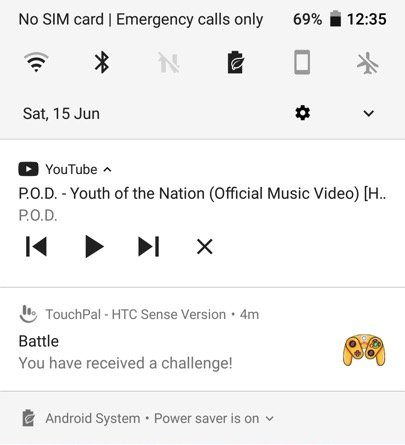
Is that a GameCube controller?

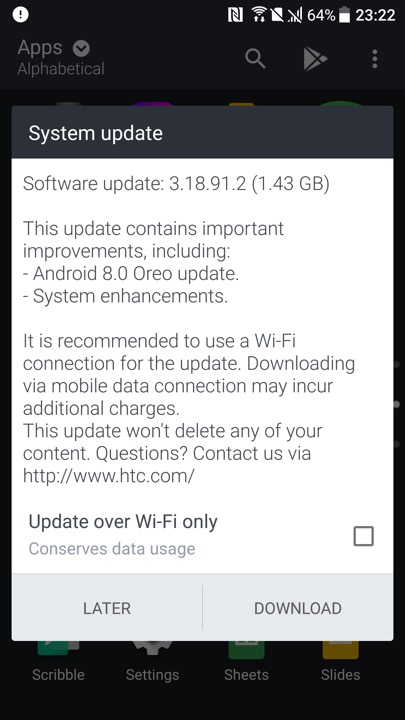
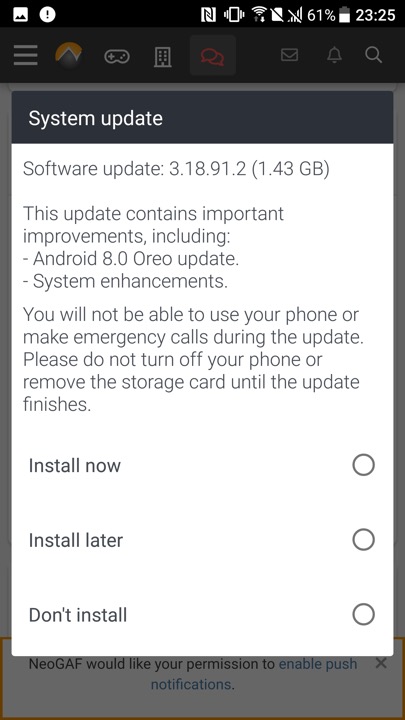
Lastly we have a software update, even though the phone is around 8 years old.

Powering off the phone
LG G3

A high end Android phone released in 2014, and put LG on the map against the Galaxy S5, The Sony Xperia Z2 and the HTC One M7. It’s sucsessor, the G4 is very similar but with the faster Snapdragon 808 processor.

Powered by a quad-core Qualcomm Snapdragon 801 processor and 2GB or 3GB of RAM (depending on the variant), the LG G3 delivered smooth and responsive performance. Apps launched quickly, and multitasking was a breeze. The device handled everyday tasks with ease, including web browsing, gaming, and media consumption, even today with modern apps. With a 5.5 inch screen, it almost competed in the phablet market with the Galaxy Note 4

The phone also came with LG’s flavour of Android, original 4.4, it was updated to Android 6.

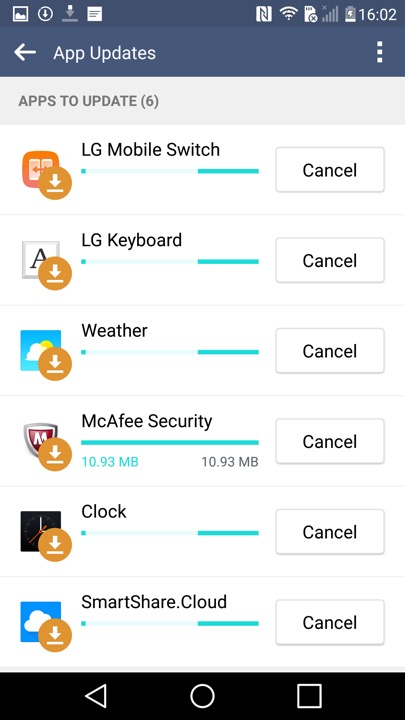
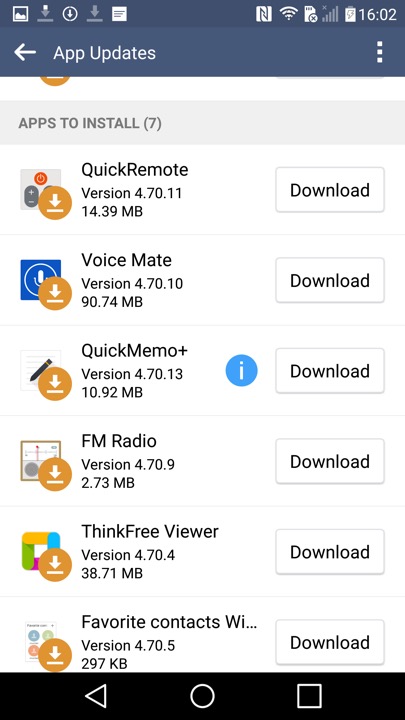
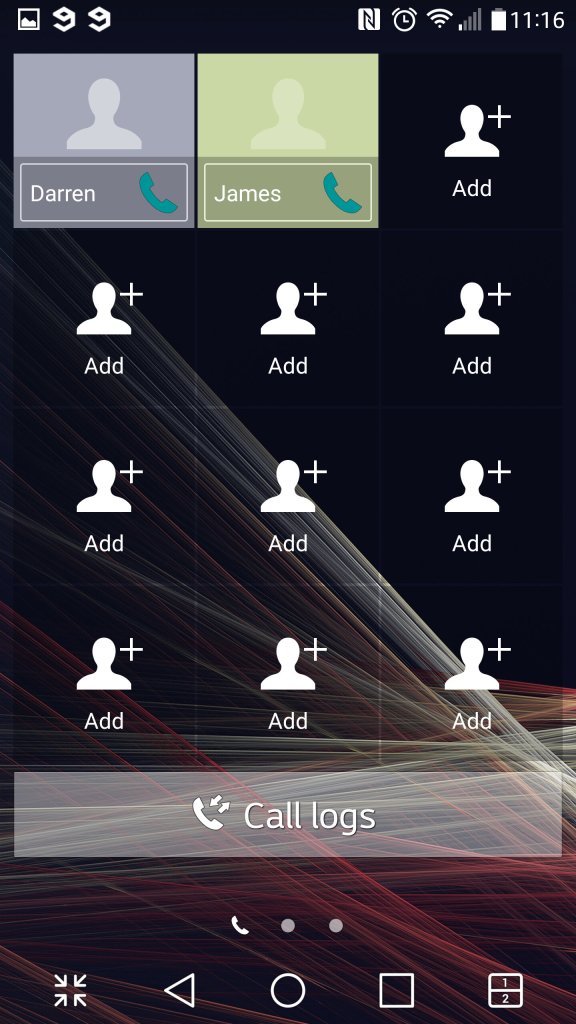
Shortly after the first boot, the phone picks up a few updates

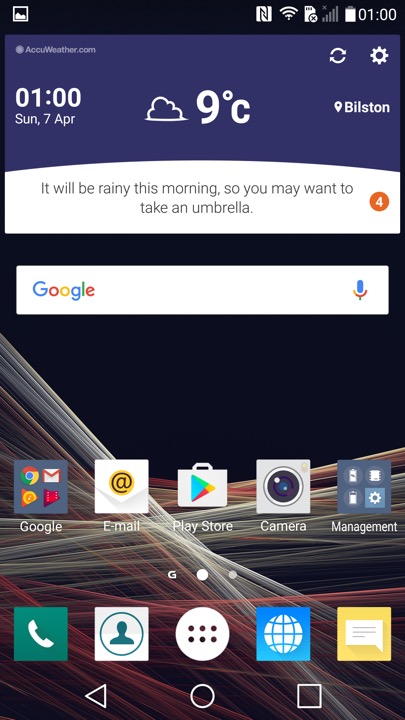
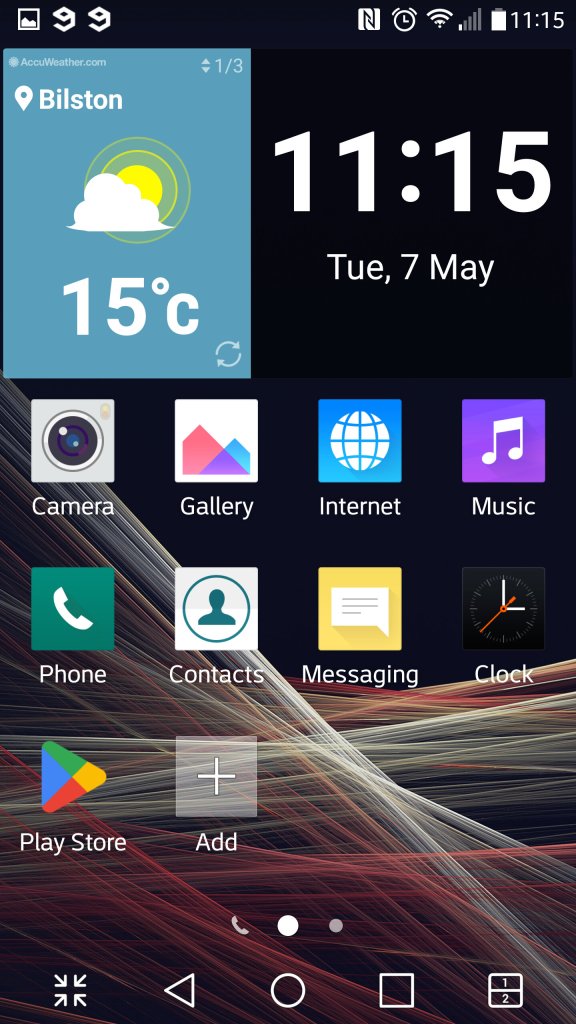
The home screen, showing the LG launcher with the default widget and icon layout.

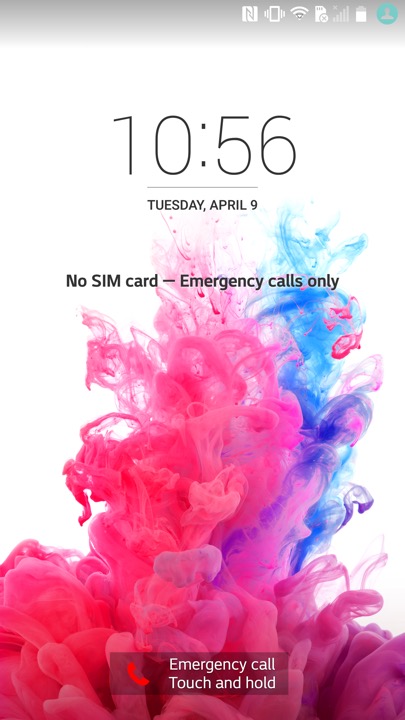
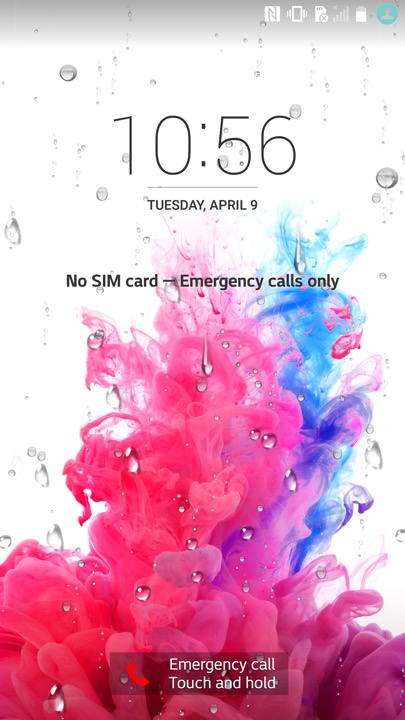
The lock screen, which will display weather affects if you have your location enabled. here you can see raindrops that signify rain. I wonder what effect a hurricane or a blizzard would have?

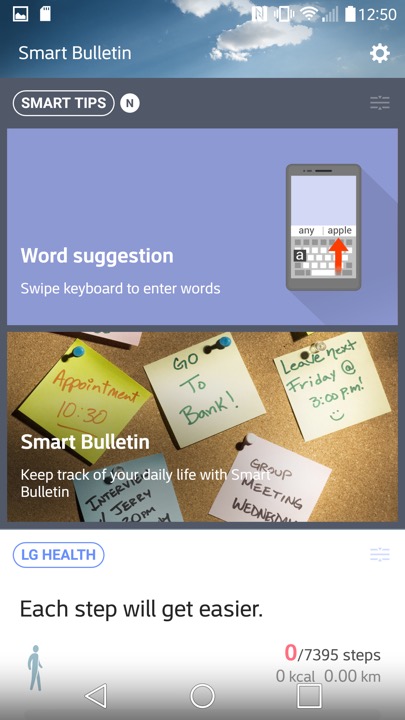
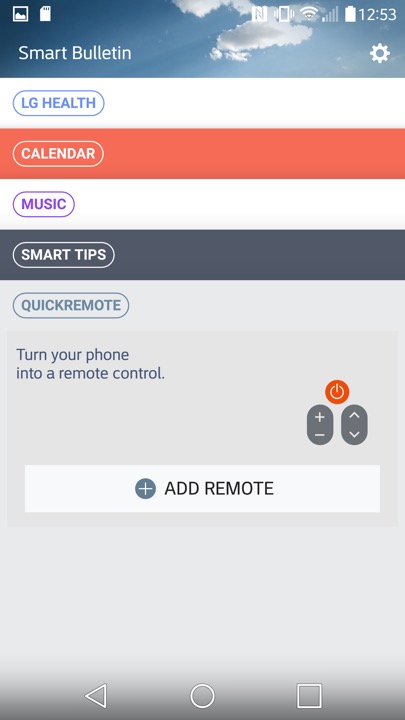
Swiping to the left will reveal the Smart Bulletin section of the launcher.  Smart Bulletin served as a central hub for aggregating and displaying relevant information from different sources and apps on the device. This included things like upcoming calendar events, weather forecasts, recent photos, and LG Health data. You can customize Smart Bulletin by adding or removing different cards based on their preferences and needs.

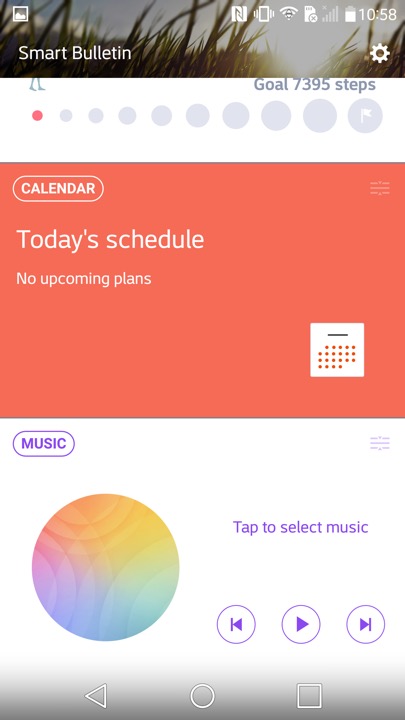
There is integration with the LG Health app, which will show you your current step count and the amount of calories burnt. You can also launches the music player, and control your TV if you have the QuickRemote configured. Ina. Way it’s similar to the live tiles feature on Windows Phone and It think this was what LG was attempting to replicate.

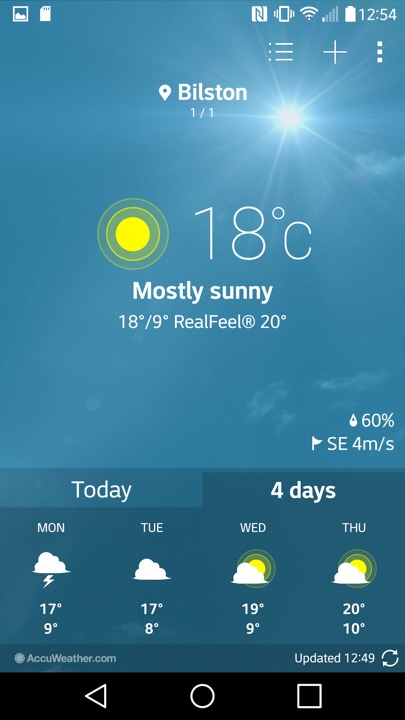
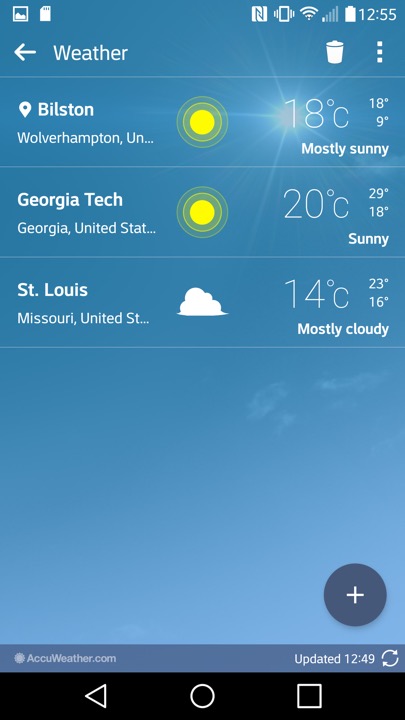
The weather app, which pulls data from Accuweather. You can let it detect your location, or manually add a city.

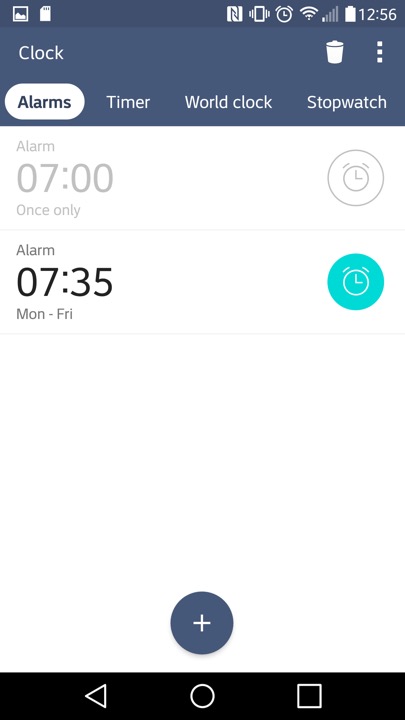
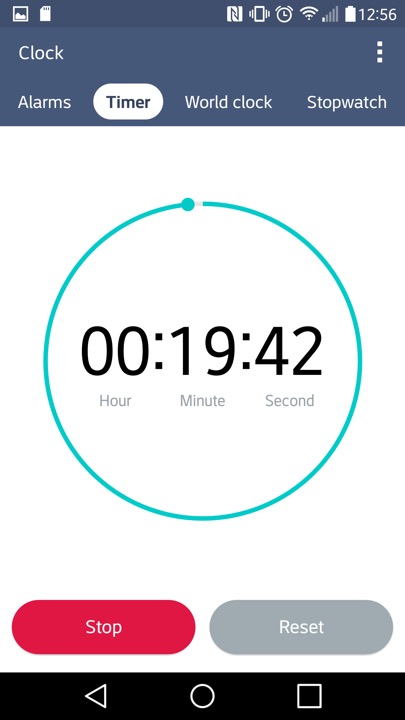
The Clock app, of which you can set alarms and stuff. The navigation bar near the top can be swiped to move to the next item, similar to the Windows Phone interface.

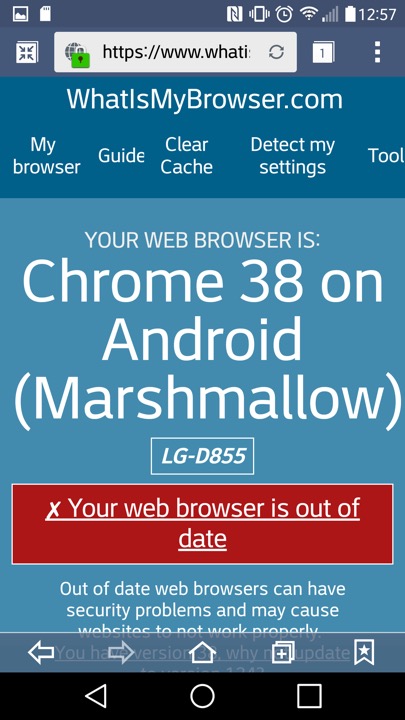
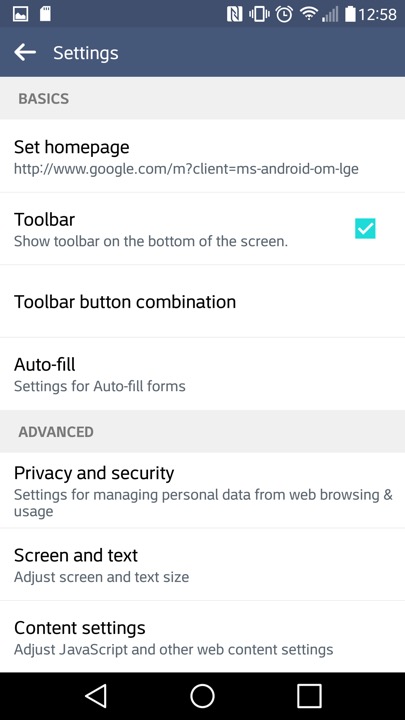
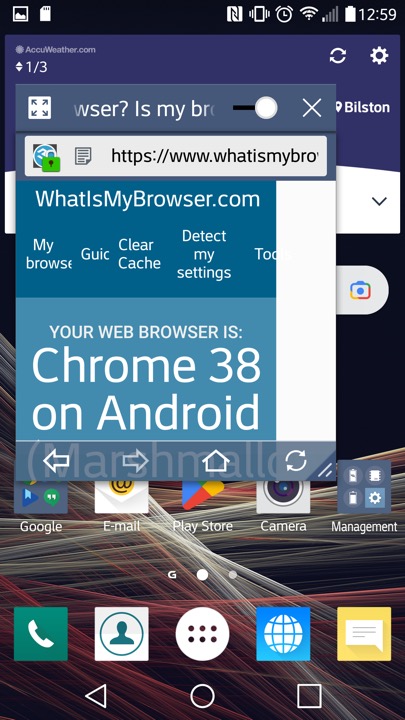
LG’s internet browser which is based on Chrome 38 that was released in 2014. That’s quite out of date and LG papers to have not released further updated that apply to the handset. At least a more modern browser can be installed through the Play Store, like Brave 1.31.90 (Chrome 95) which the latest supported for Android 6.

This might be using the Android embedded browser, which might explain

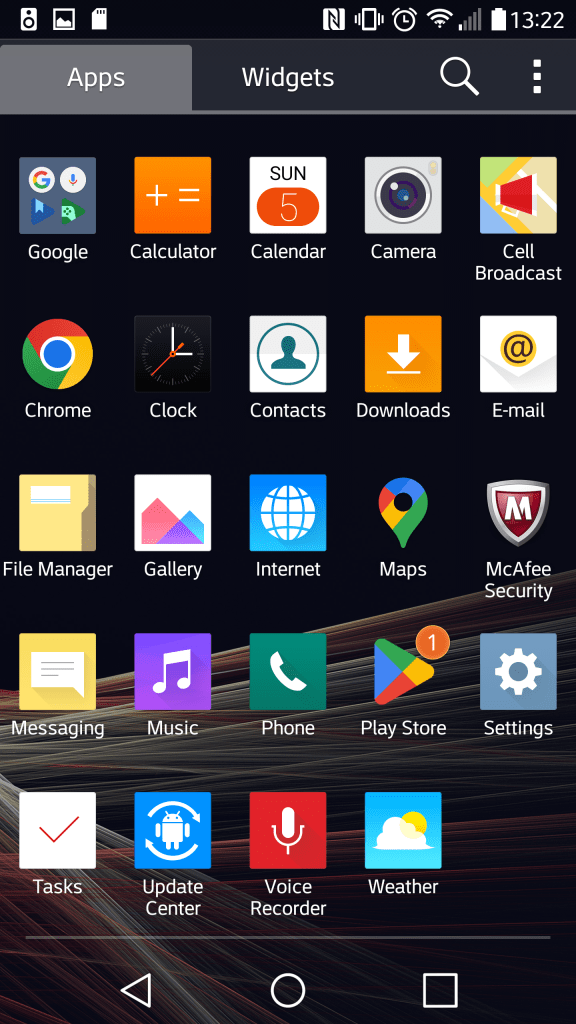
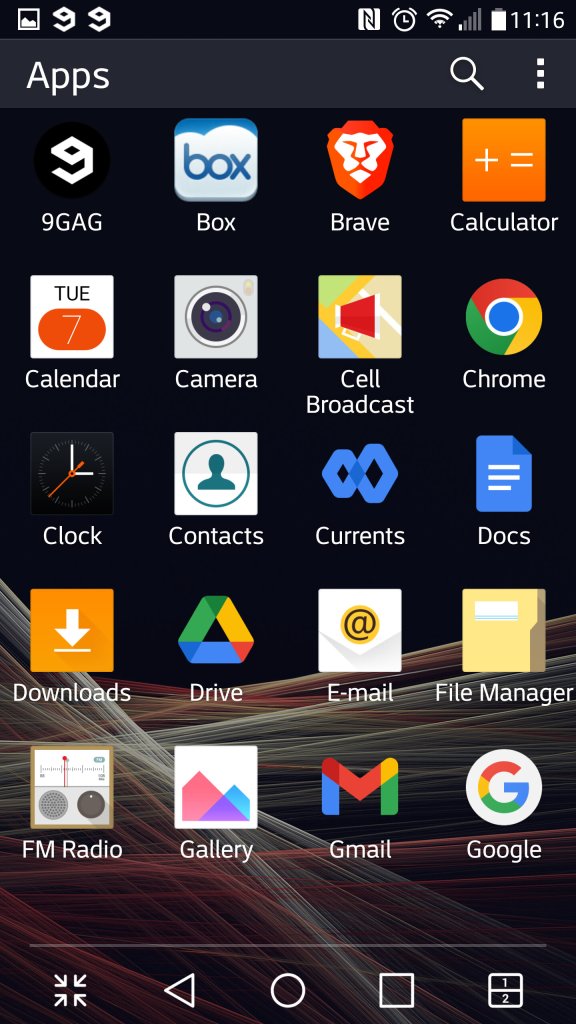
The App drawer which will display App’s and Widgets, along with the Home Screen Settings that lets you change the icon size. You can also organise the apps by name, download date or in a custom order.

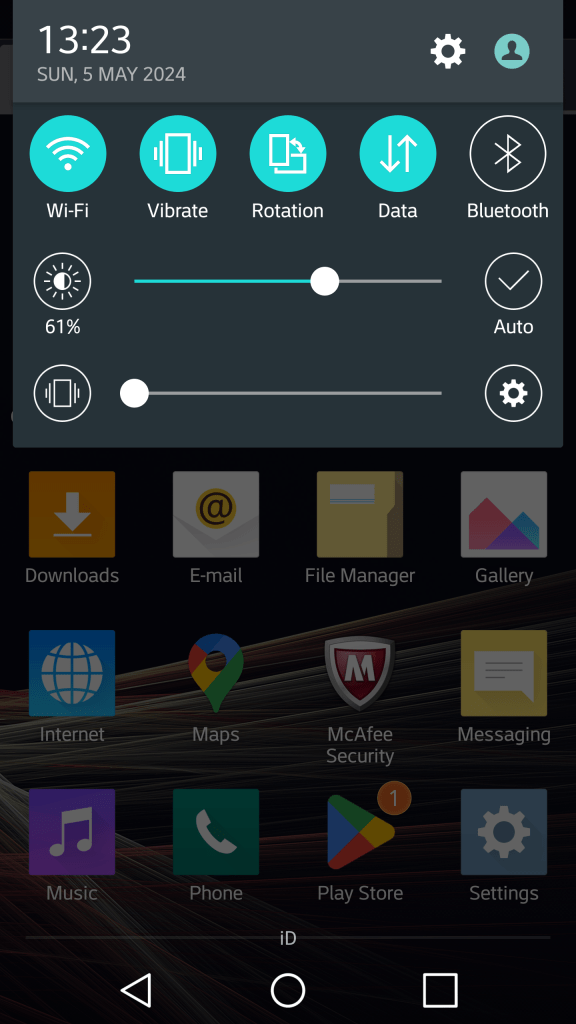
The pull down notification section. You can swipe the icons to reveal more quick settings and add additional icons and reorder the existing set. Some additional options are for the extra features LG have included, but aren’t enabled by default as to not intimidate users.

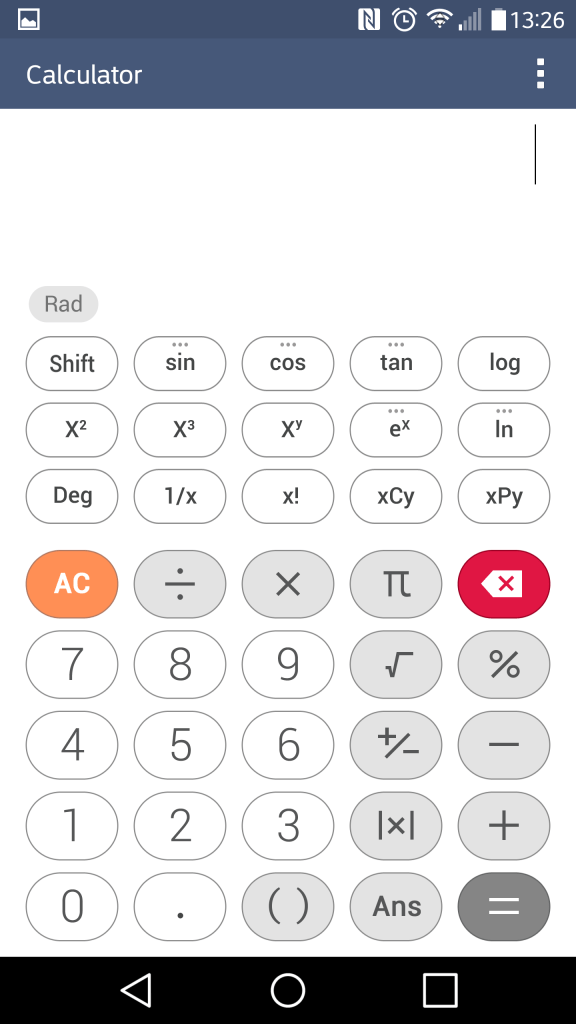
The calculator which can function in a simple or scientific mode.

I should mention the Slide feature that appears on multiple LG apps, this lets you multitask the apps as they appear, mimicking a desktop user interface. You can drag to move the window and a slider lets you make the app transparent. This makes good use of the G3’s Hughe screen and give you a Samsung Note-like experience.

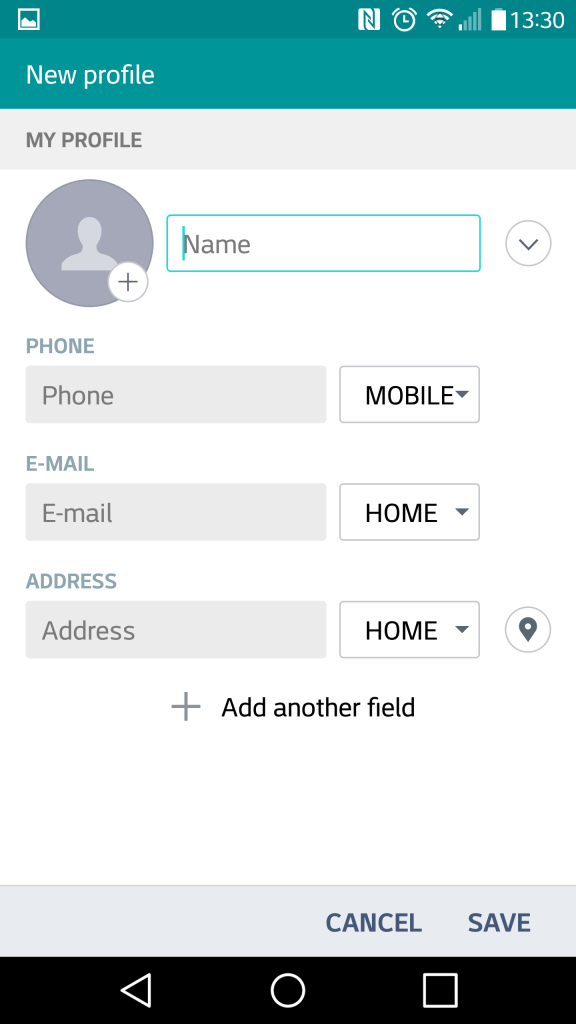
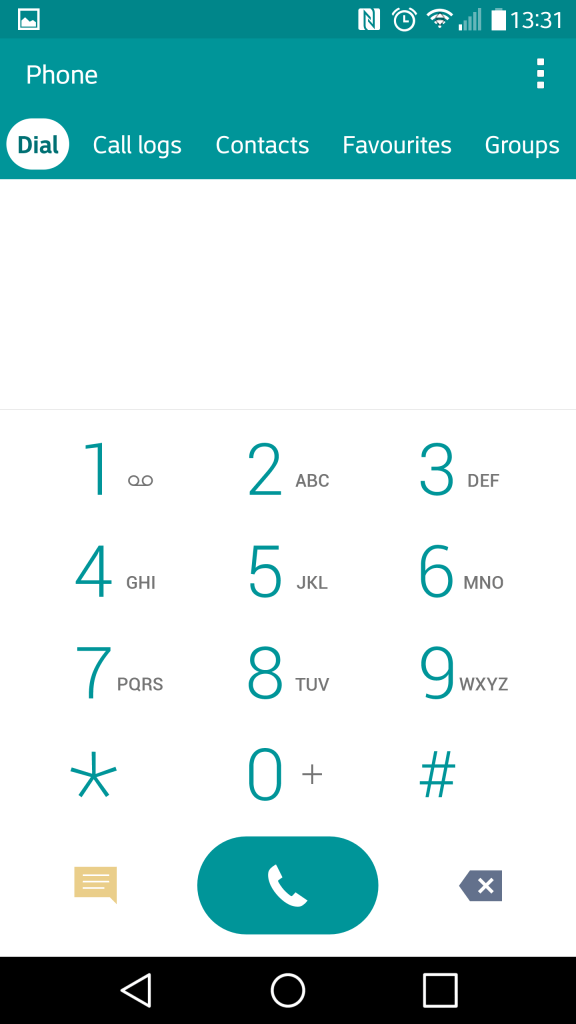
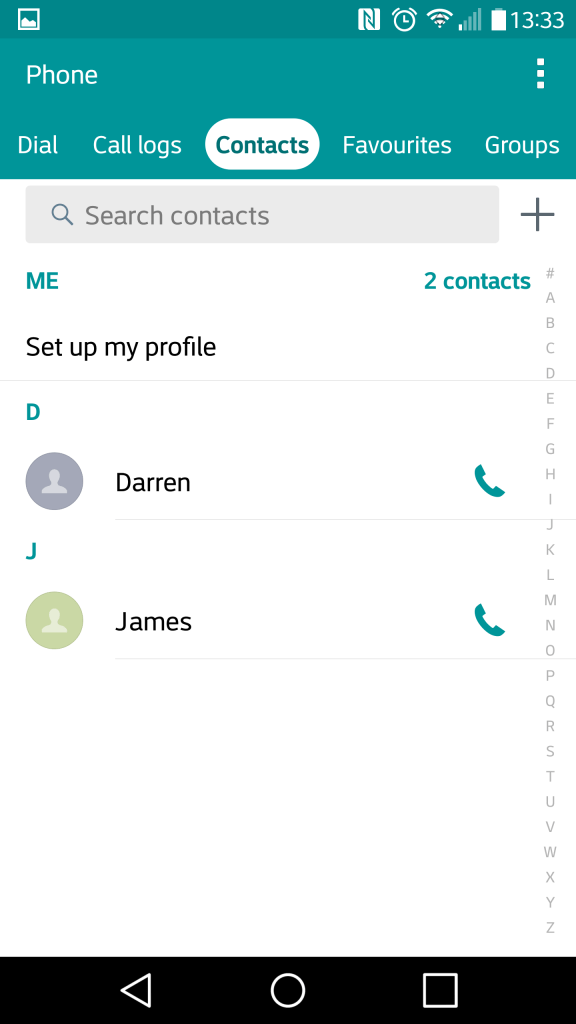
The contacts app which also serves as the phones dialer. Contacts can be pulled from the phones memory, the Sim card or sync’d from your Google account. Each contact can have a custom ringtone, a photo assigned to it and a custom notification colour. Favourite contacts can be set, for frequently used contacts.

The file manager, which is used to display various files that are present on the internal, external SD storage and any supported cloud storage services. Supported services are Google Drive, Box, Dropbox and OneDrive. Of all the services, only Google Drive appears to still be functional as of 2024.

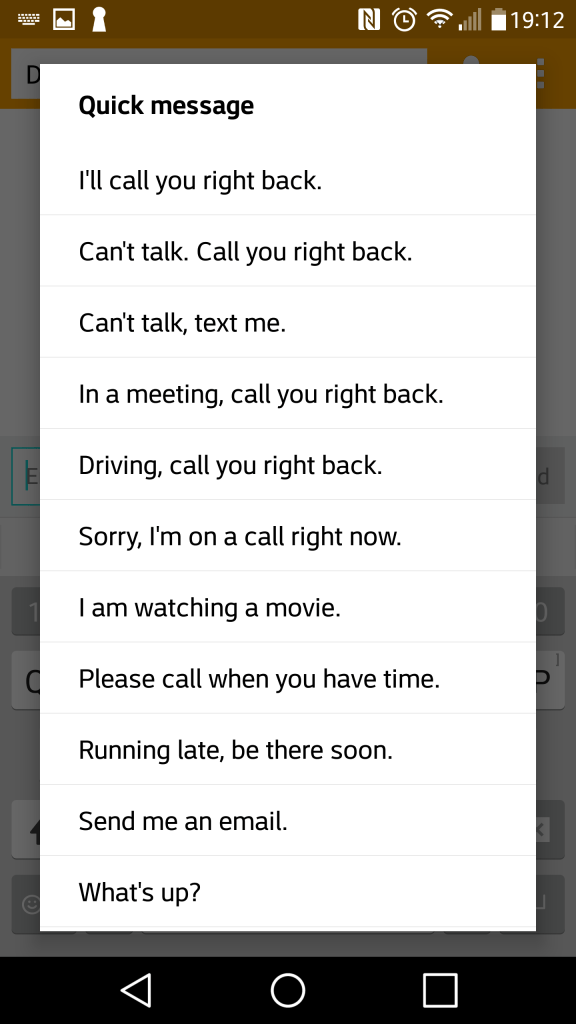
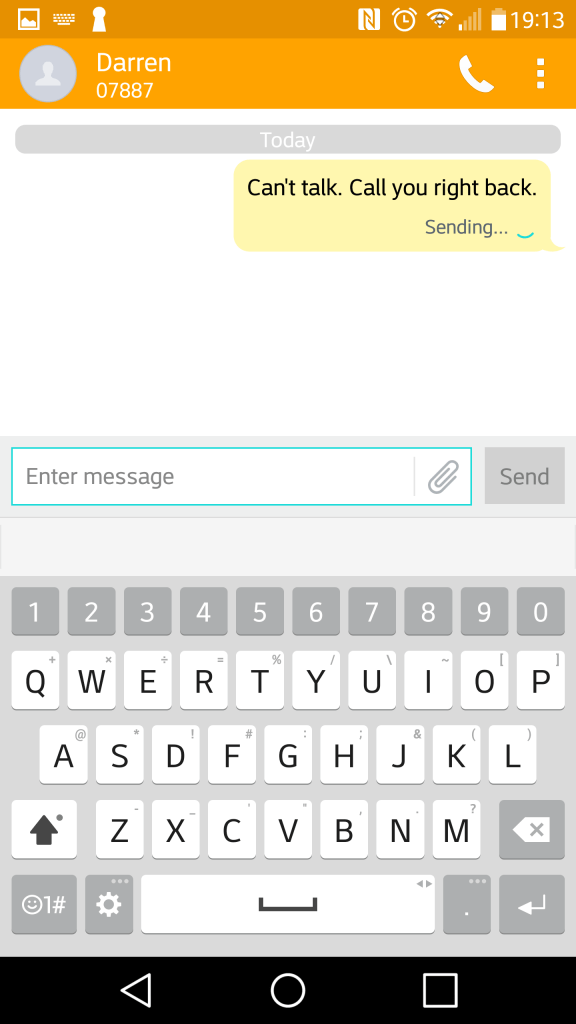
The SMS app, with a spam feature that lets you block SMS messages based on keywords. Flagged messages are immediacy stored in a dedicated spam folder. There are a few template messages that can be selected and sent for quick messaging. The attachment icon lets you add media, which will convert to an MMS message.

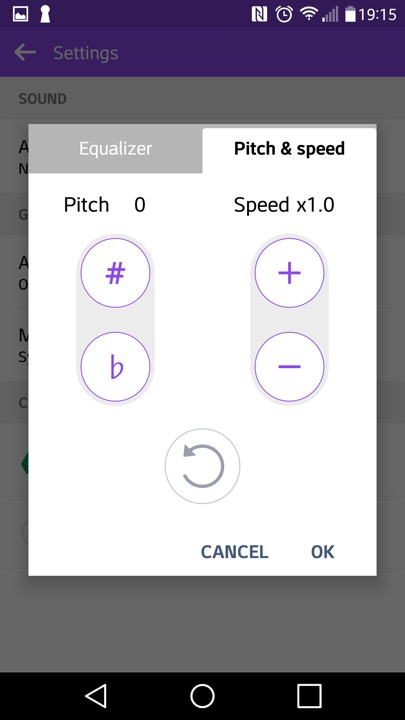
The music player, which can play back files stored locally or from the (Google) cloud. Additional effect’s can be applied such as adjusting the pitch and speed.

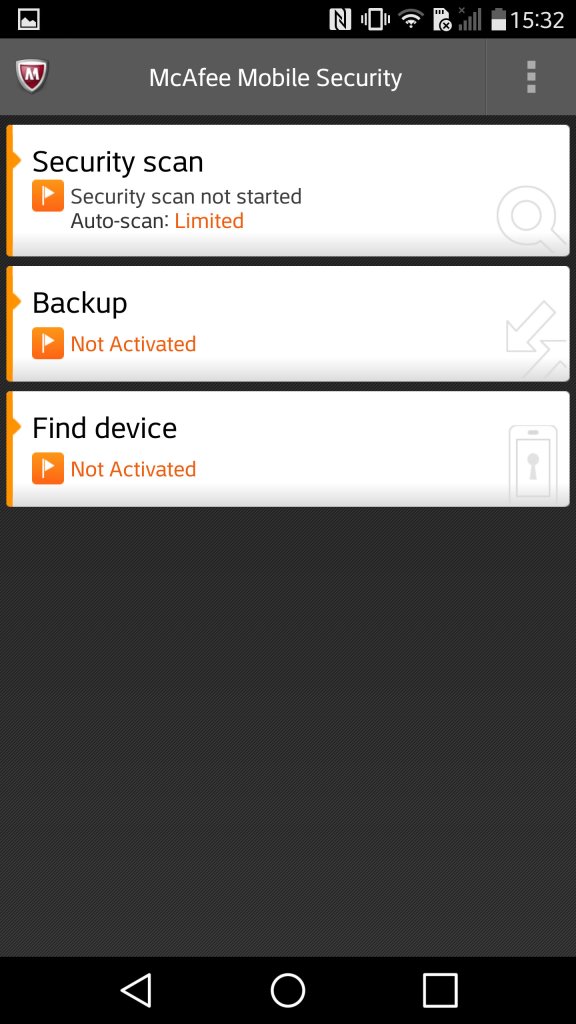
McAfee comes included with adds an anti-virus scanner. It also comes with a backup utility with requires you to subscribe to McAfee;s cloud service

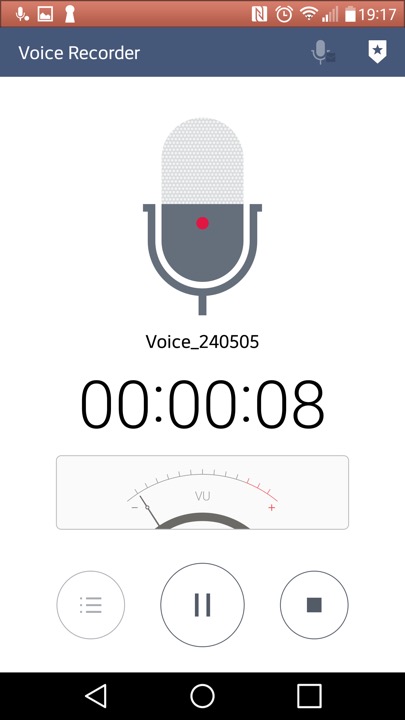
The voice recorder app

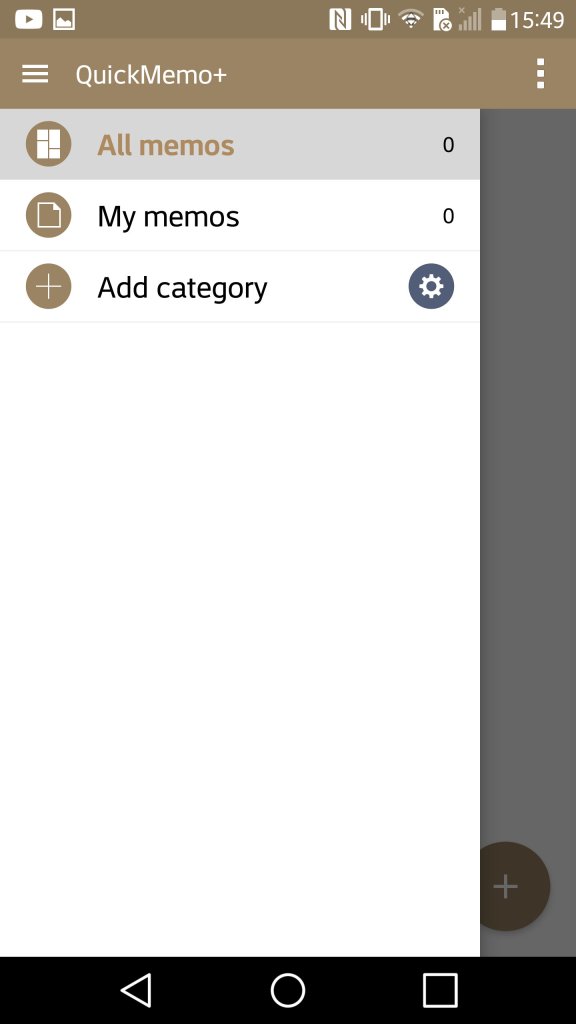
QuickMemo which lets you create a journal consisting of either text, freeform drawing or pictures imported from apps. You can also add supplementary information like the weather and location which can be done by tapping on its respective icon at the bottom. It’s kinda useful if you want to capture and record an outing or event.

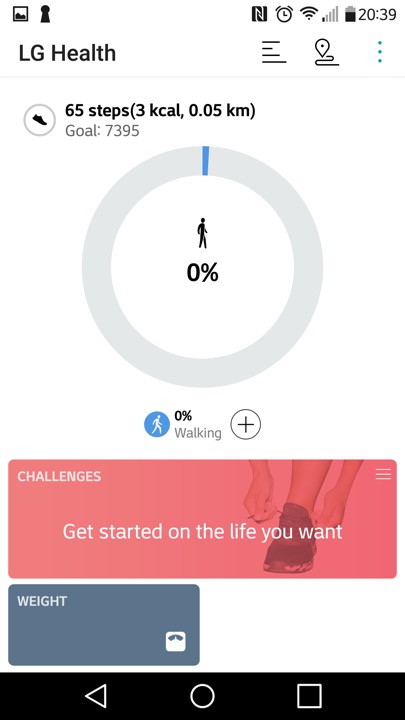
LG Health app lets you monitor the amount of steps walked in a day, along with settings fitness goals and targets.

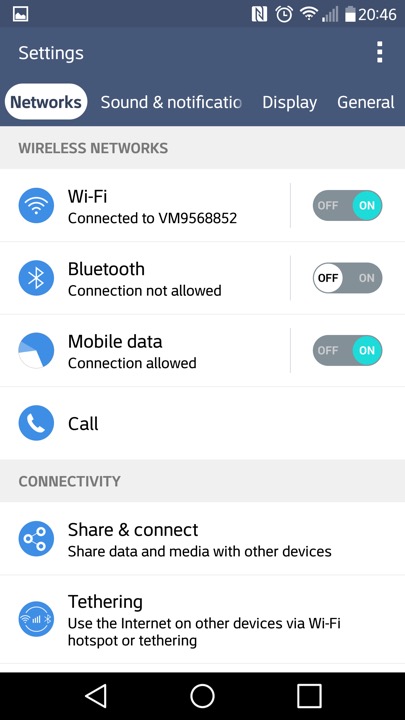
A look at the settings page

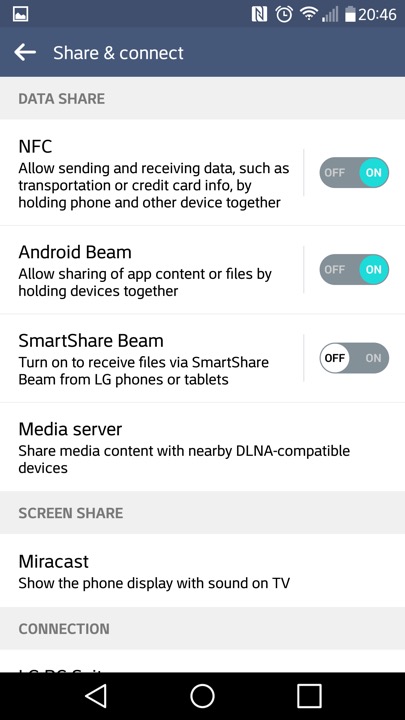
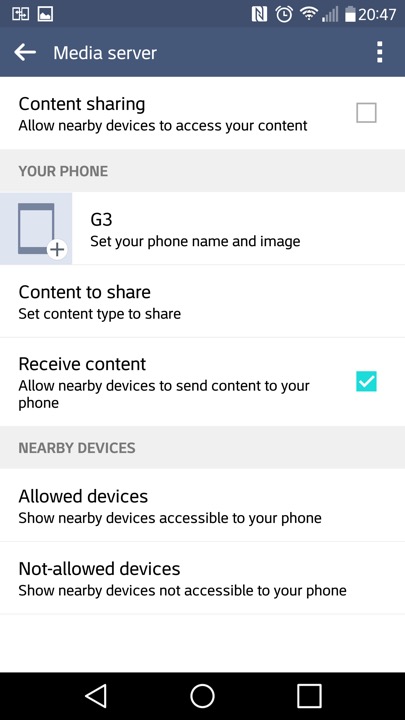
Media sharing is where the phone will act as a DLNA media server, so you can stream content to a supported TV or console.

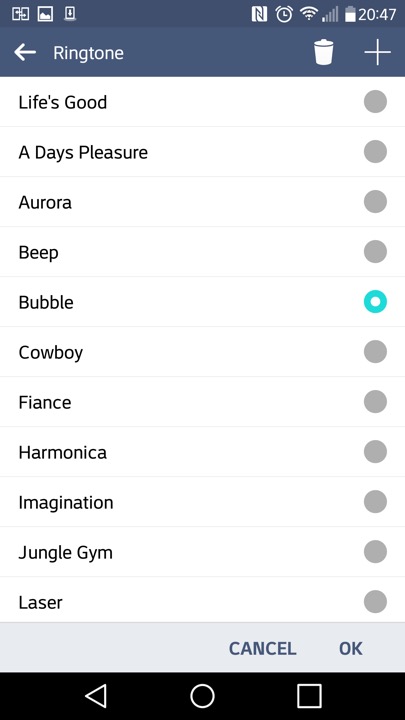
The stock ringtones that come with the phone

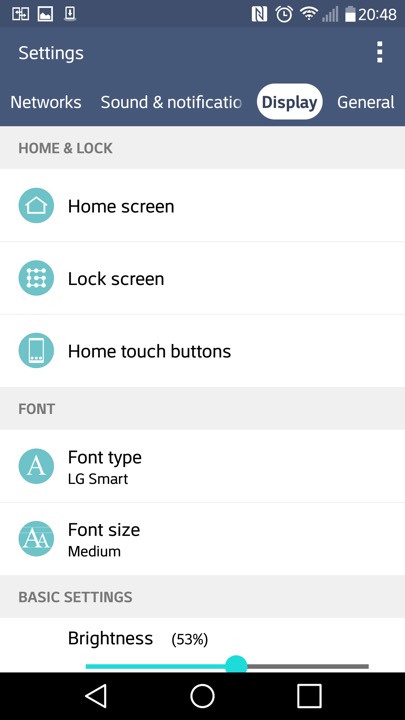
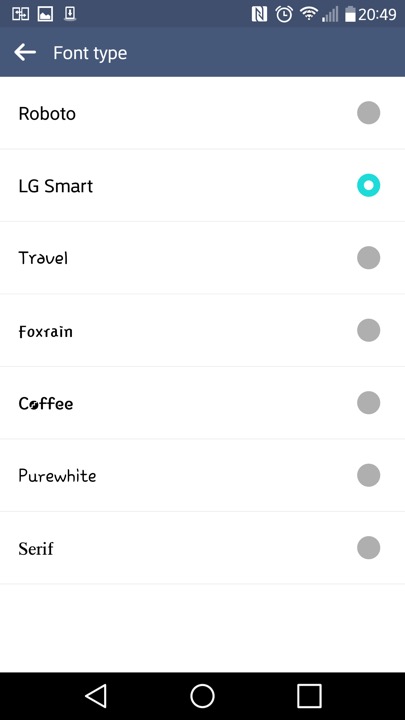
Different fonts can be set also

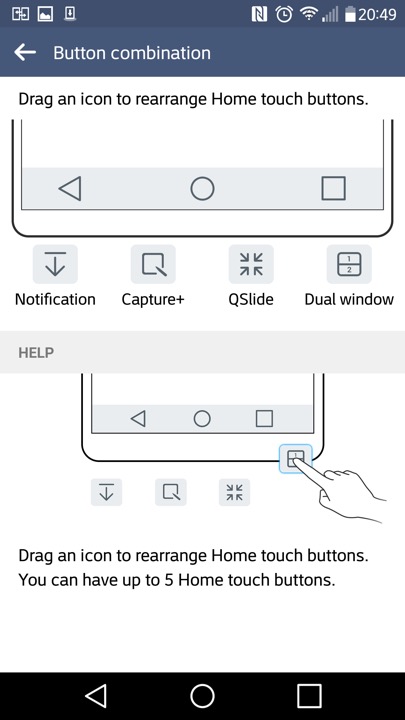
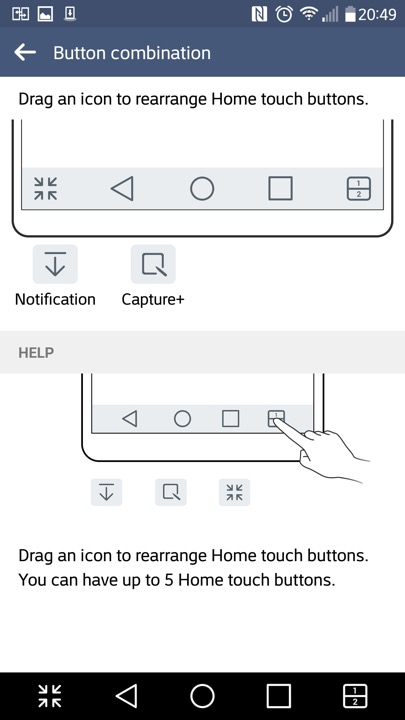
The navigation bar that appears at the bottom of the screen can have additional icons at the bottom,. The Android Back, Home, Task buttons can’t be removed but can be rearranged.

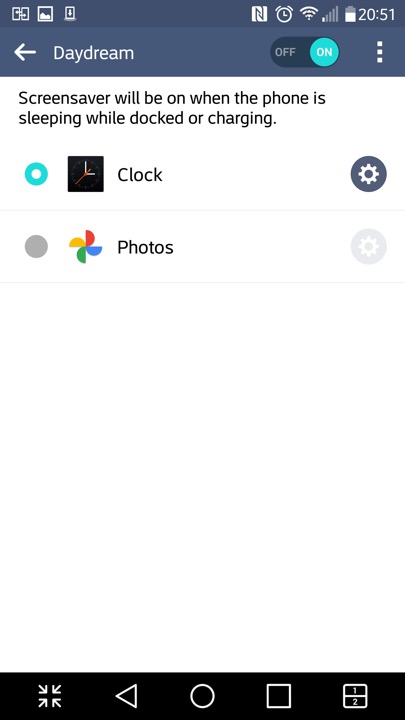
Daydreams are essentially screensavers and will appear if the phone is docked or is charging.
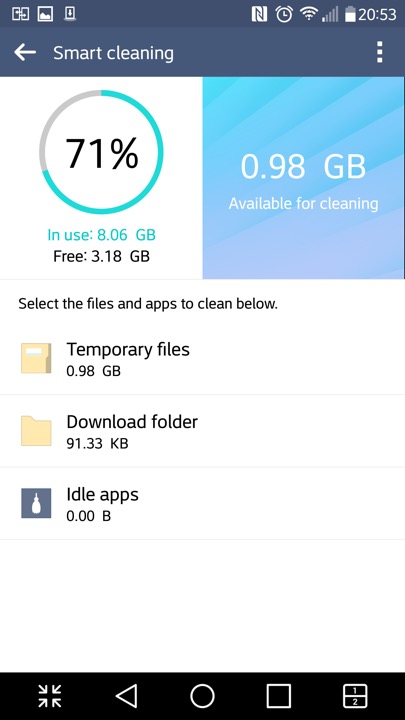
The SmartCleaning app helps to delete files that consume space

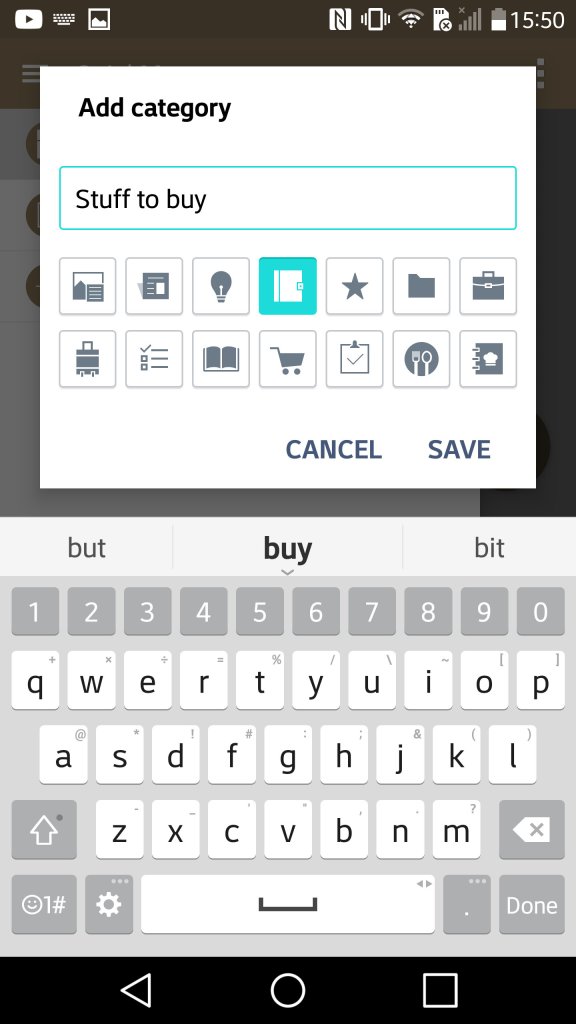
And a look at the stock keyboard, along with LG’s emoji set

LG EasyHome

This was a feature that make the device’s user interface much more simplified, at least for the launcher. This is meant to appeal to basic users, or users that have come from iOS or a feature phone that are new to Android smartphones. .

LG PC Sync

LG’s version of iTunes, that lets you back up the data on your phone, transfeer content to and from your PC in a user friendly manor. You can aos performs oftware updateds and enable SmartShare – where the Suite software acts as a DLNA server for over devices on your network.

Music, photo and Videos can also be transferred, though its a bit limited compared to iTunes or Windows Media Player. For one you cannot sync and convert music to a lwoer bit rate and there’s no support for smart playlist’s.

Still you can use Windows Media Player to transfer music, as long as the phone is conencted in MTP mode.
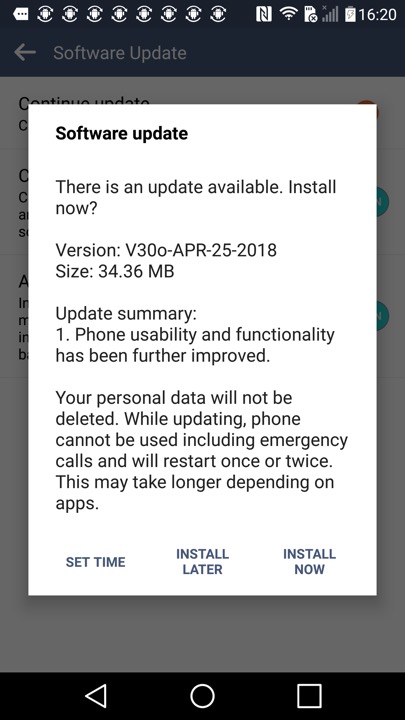
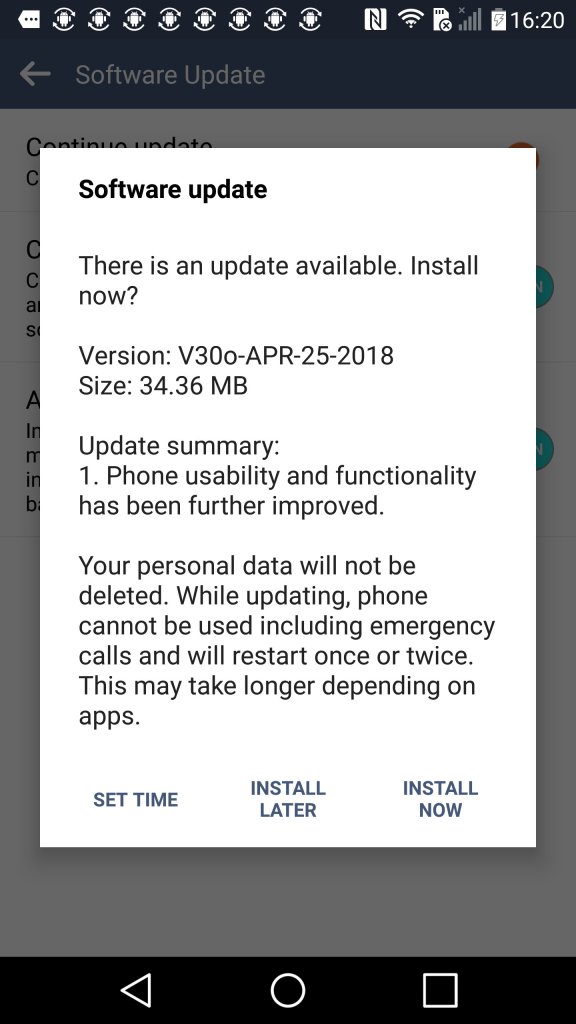
Another software update, looks like LG kepp supporting the handset until 2018.