A high end Android phone released in 2014, and put LG on the map against the Galaxy S5, The Sony Xperia Z2 and the HTC One M7. It’s sucsessor, the G4 is very similar but with the faster Snapdragon 808 processor.
Powered by a quad-core Qualcomm Snapdragon 801 processor and 2GB or 3GB of RAM (depending on the variant), the LG G3 delivered smooth and responsive performance. Apps launched quickly, and multitasking was a breeze. The device handled everyday tasks with ease, including web browsing, gaming, and media consumption, even today with modern apps. With a 5.5 inch screen, it almost competed in the phablet market with the Galaxy Note 4
The phone also came with LG’s flavour of Android, original 4.4, it was updated to Android 6.
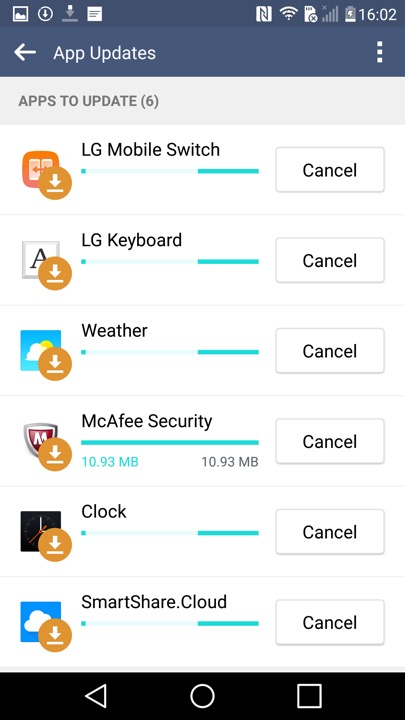
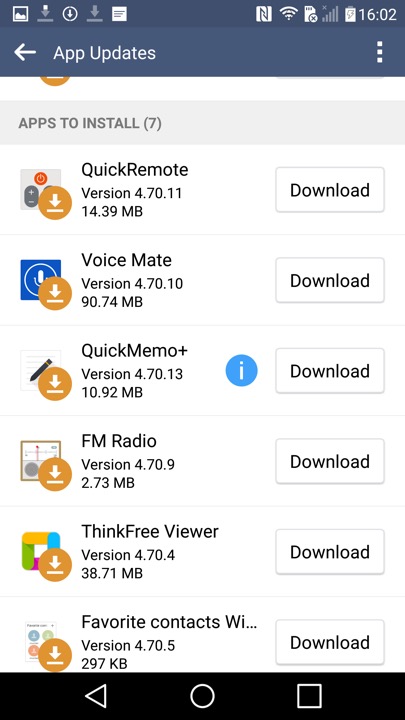
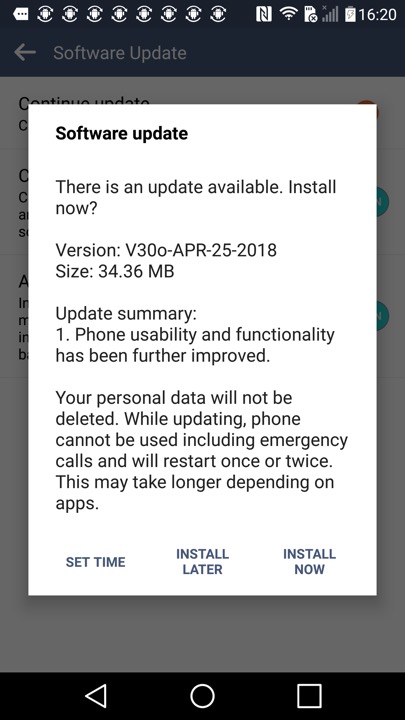
Shortly after the first boot, the phone picks up a few updates
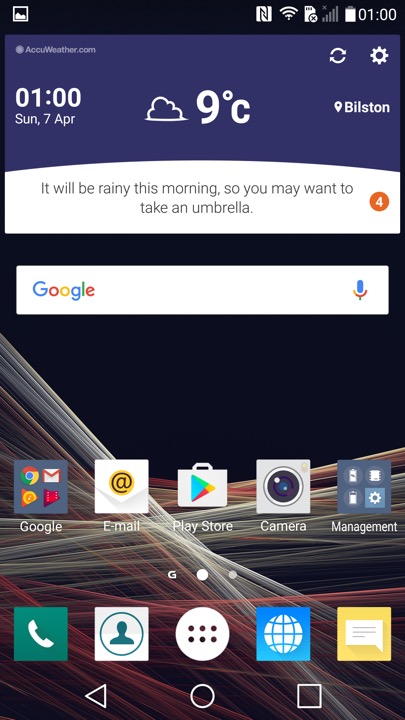
The home screen, showing the LG launcher with the default widget and icon layout.
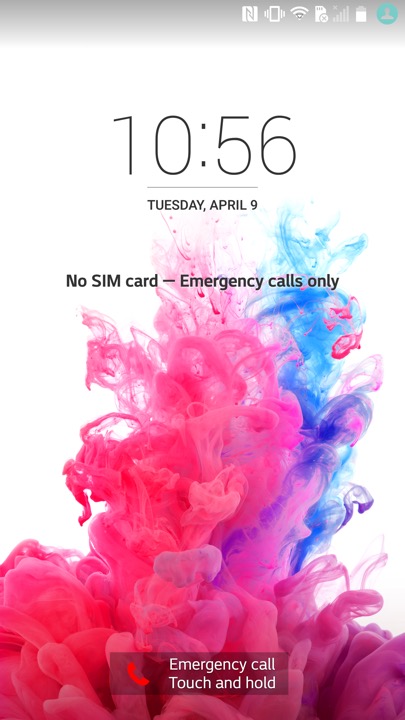
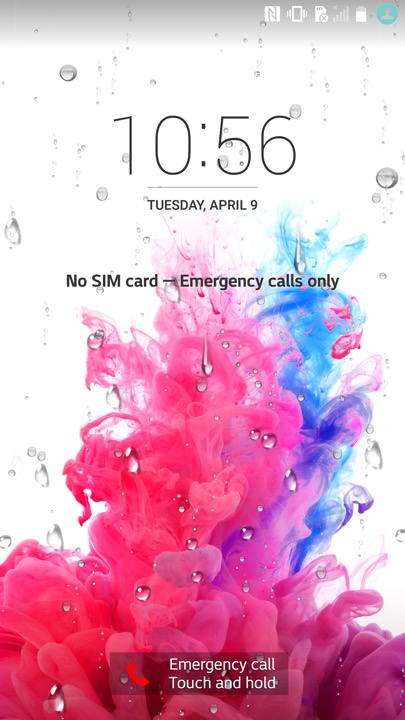
The lock screen, which will display weather affects if you have your location enabled. here you can see raindrops that signify rain. I wonder what effect a hurricane or a blizzard would have?
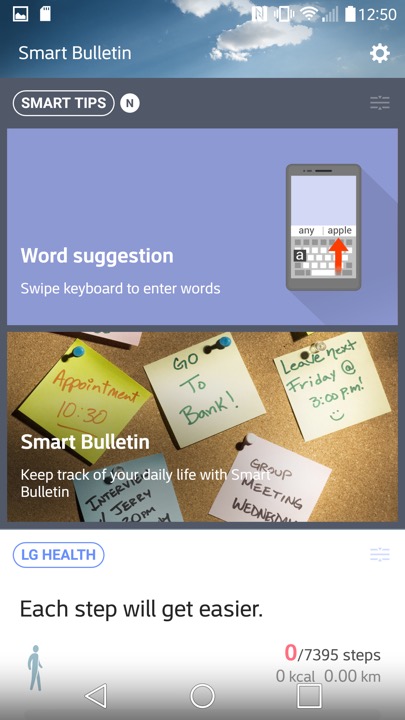
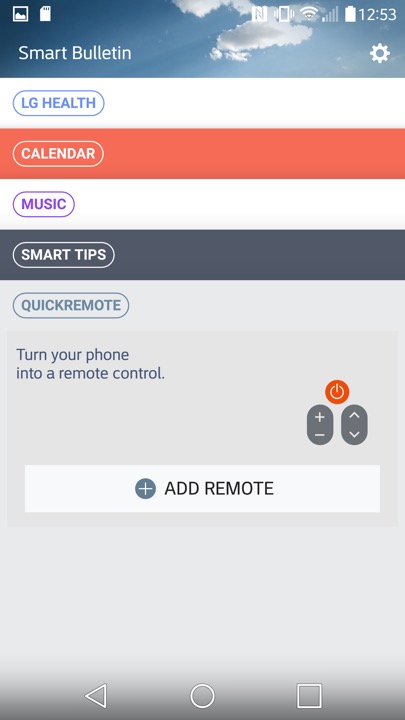
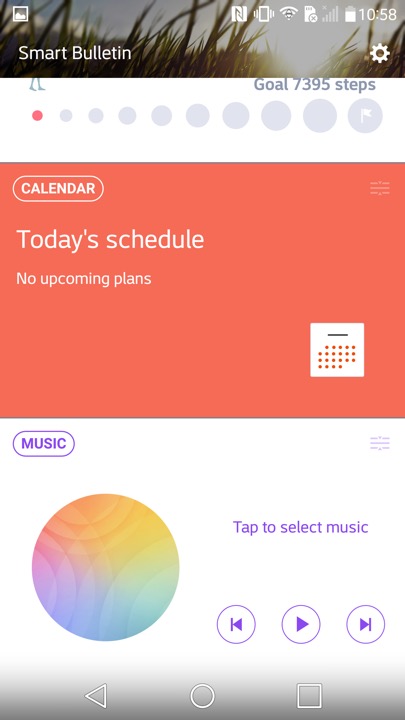
Swiping to the left will reveal the Smart Bulletin section of the launcher. Smart Bulletin served as a central hub for aggregating and displaying relevant information from different sources and apps on the device. This included things like upcoming calendar events, weather forecasts, recent photos, and LG Health data. You can customize Smart Bulletin by adding or removing different cards based on their preferences and needs.
There is integration with the LG Health app, which will show you your current step count and the amount of calories burnt. You can also launches the music player, and control your TV if you have the QuickRemote configured. Ina. Way it’s similar to the live tiles feature on Windows Phone and It think this was what LG was attempting to replicate.
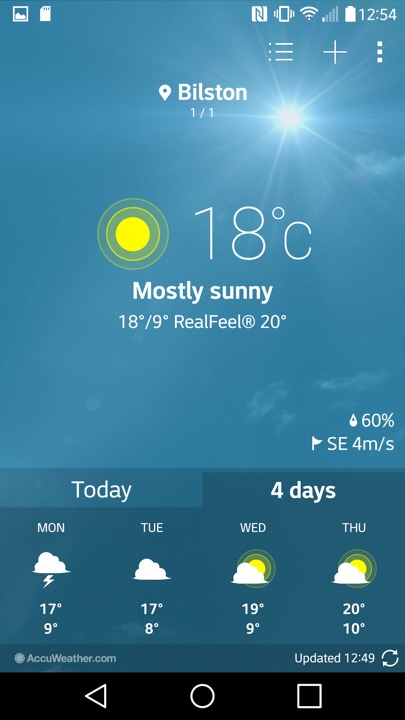
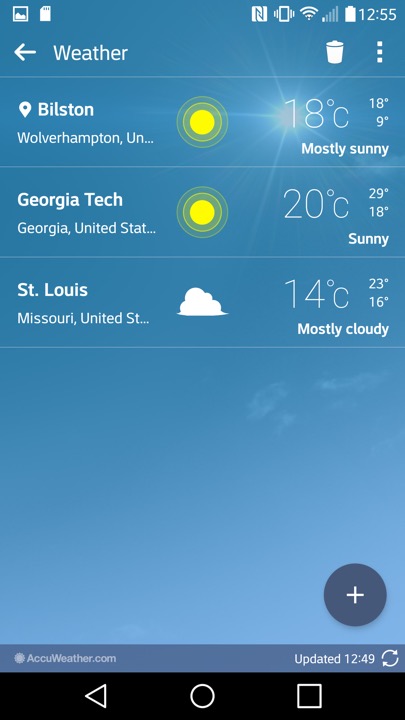
The weather app, which pulls data from Accuweather. You can let it detect your location, or manually add a city.
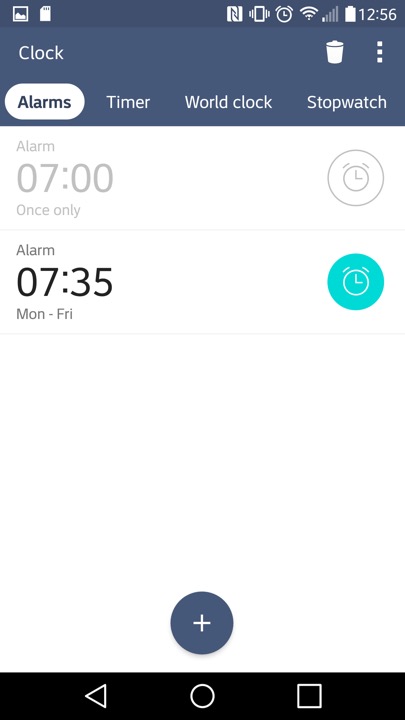
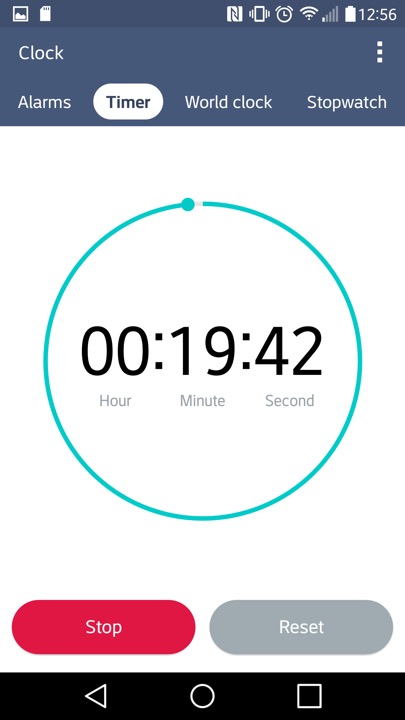
The Clock app, of which you can set alarms and stuff. The navigation bar near the top can be swiped to move to the next item, similar to the Windows Phone interface.
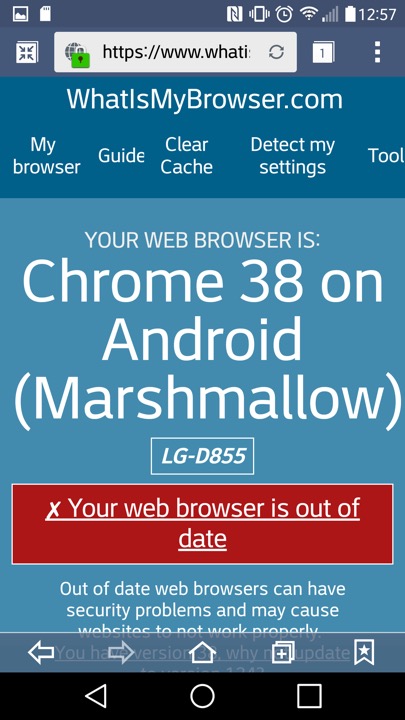
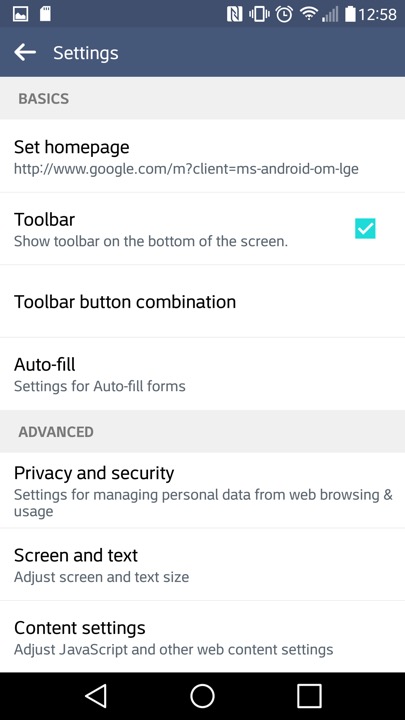
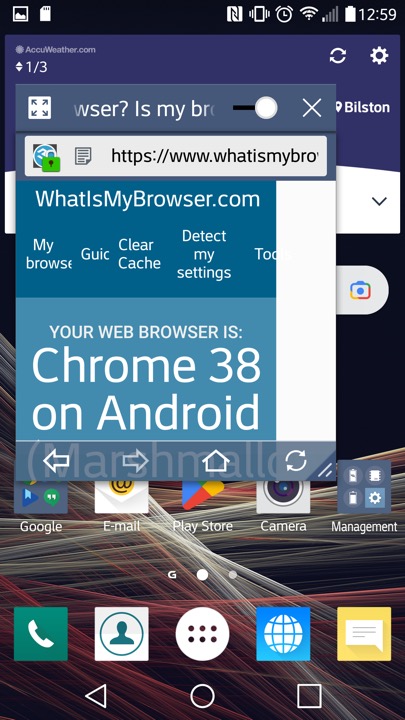
LG’s internet browser which is based on Chrome 38 that was released in 2014. That’s quite out of date and LG papers to have not released further updated that apply to the handset. At least a more modern browser can be installed through the Play Store, like Brave 1.31.90 (Chrome 95) which the latest supported for Android 6.
This might be using the Android embedded browser, which might explain
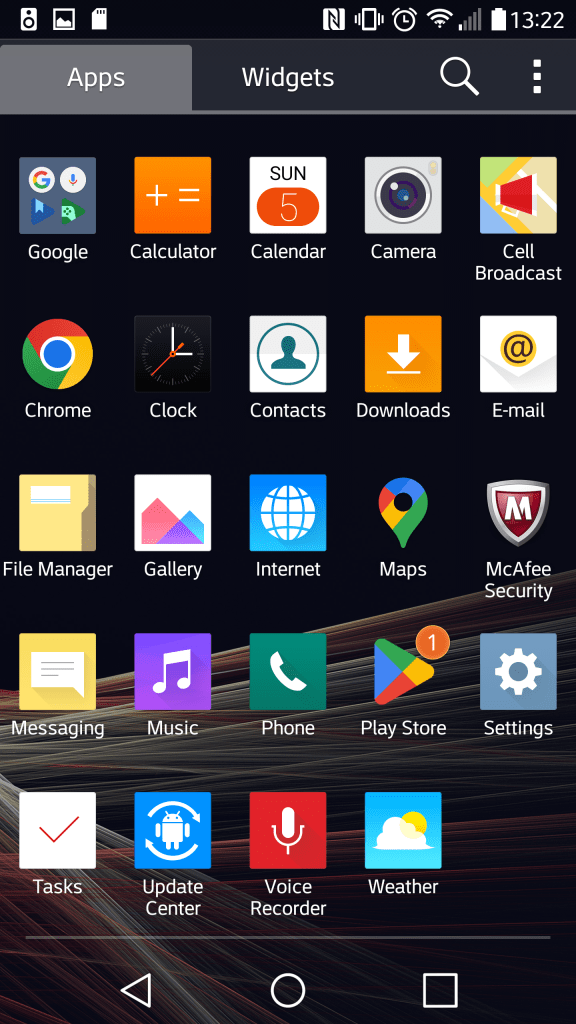
The App drawer which will display App’s and Widgets, along with the Home Screen Settings that lets you change the icon size. You can also organise the apps by name, download date or in a custom order.
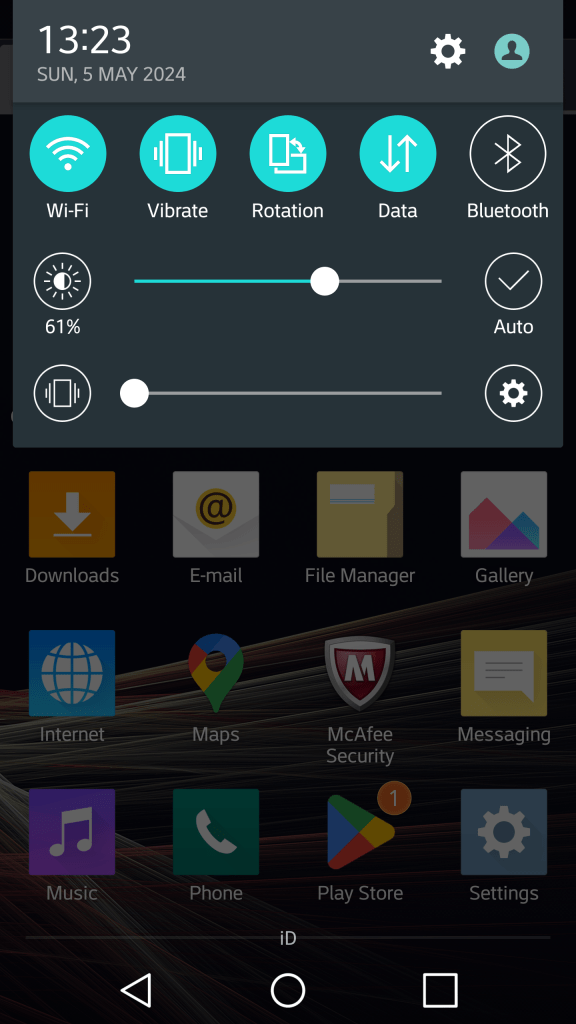
The pull down notification section. You can swipe the icons to reveal more quick settings and add additional icons and reorder the existing set. Some additional options are for the extra features LG have included, but aren’t enabled by default as to not intimidate users.
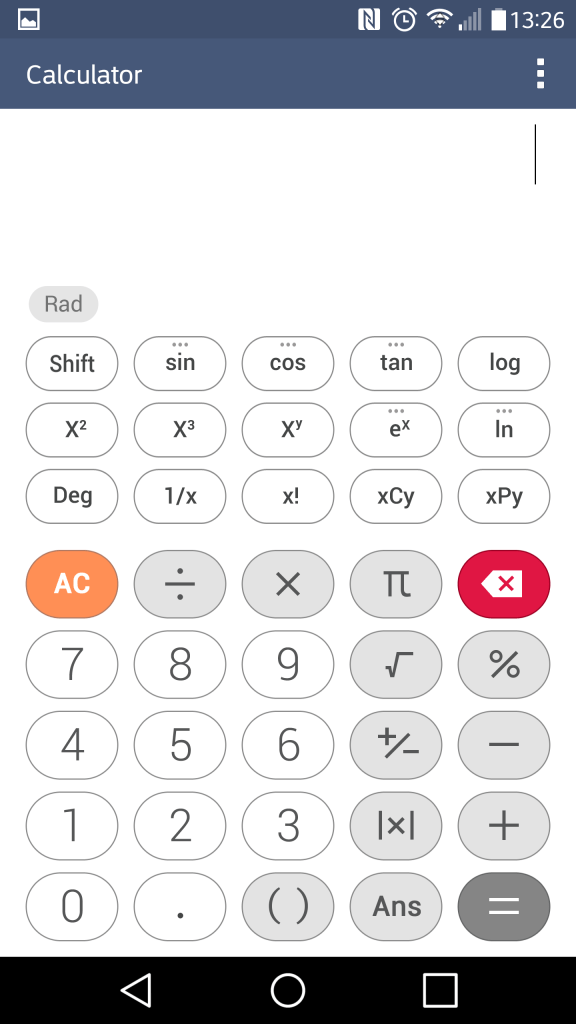
The calculator which can function in a simple or scientific mode.
I should mention the Slide feature that appears on multiple LG apps, this lets you multitask the apps as they appear, mimicking a desktop user interface. You can drag to move the window and a slider lets you make the app transparent. This makes good use of the G3’s Hughe screen and give you a Samsung Note-like experience.
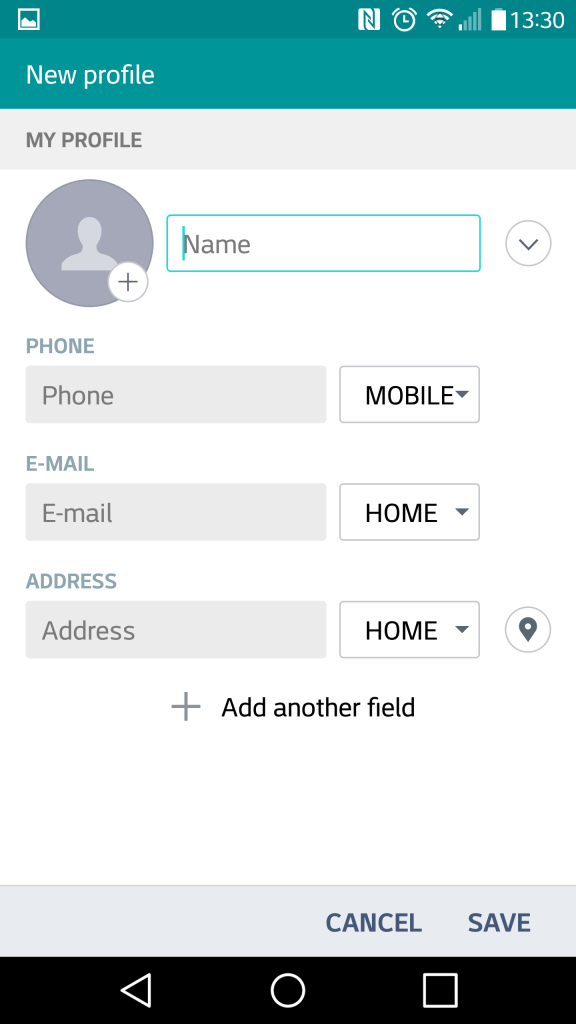
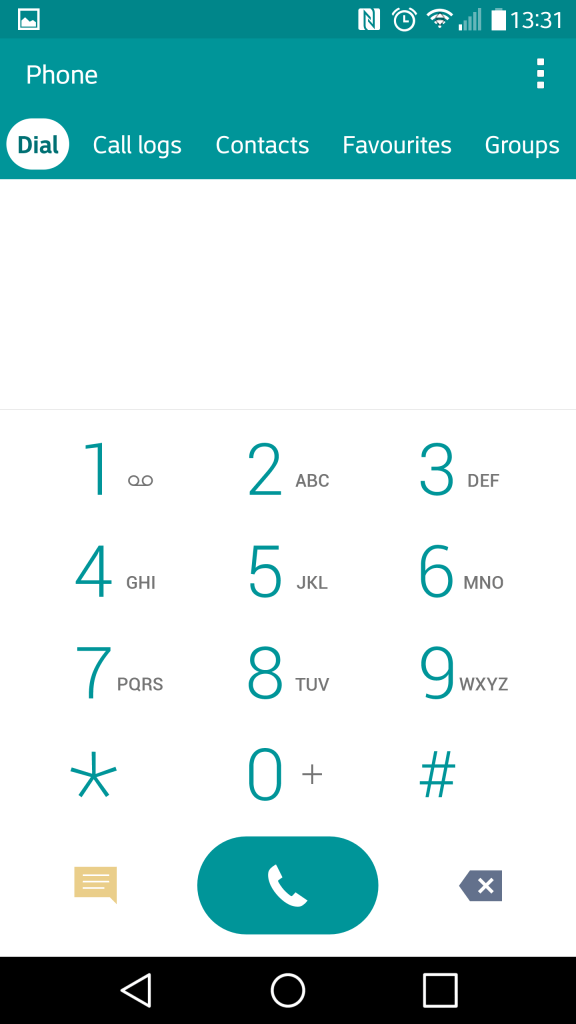
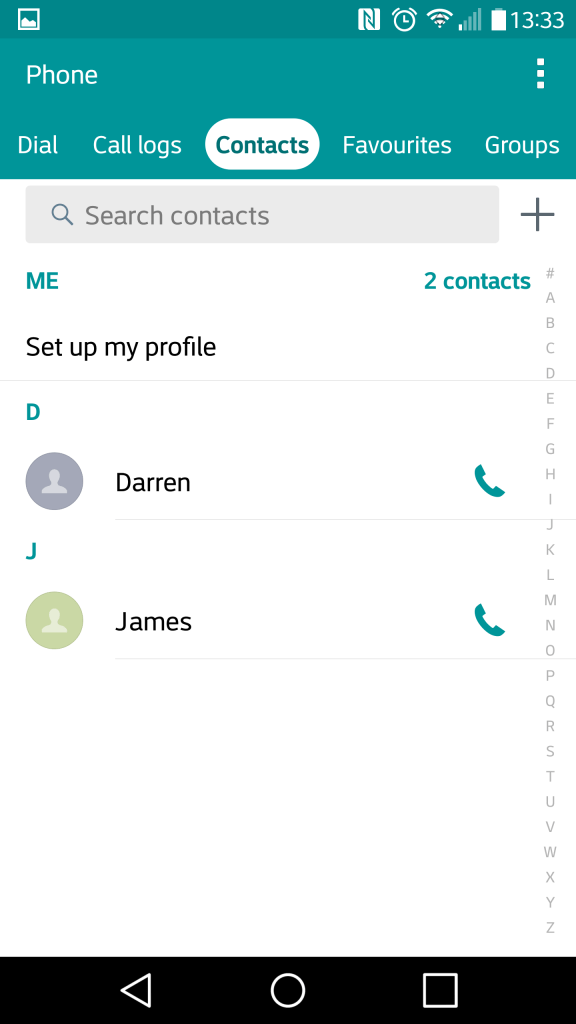
The contacts app which also serves as the phones dialer. Contacts can be pulled from the phones memory, the Sim card or sync’d from your Google account. Each contact can have a custom ringtone, a photo assigned to it and a custom notification colour. Favourite contacts can be set, for frequently used contacts.
The file manager, which is used to display various files that are present on the internal, external SD storage and any supported cloud storage services. Supported services are Google Drive, Box, Dropbox and OneDrive. Of all the services, only Google Drive appears to still be functional as of 2024.
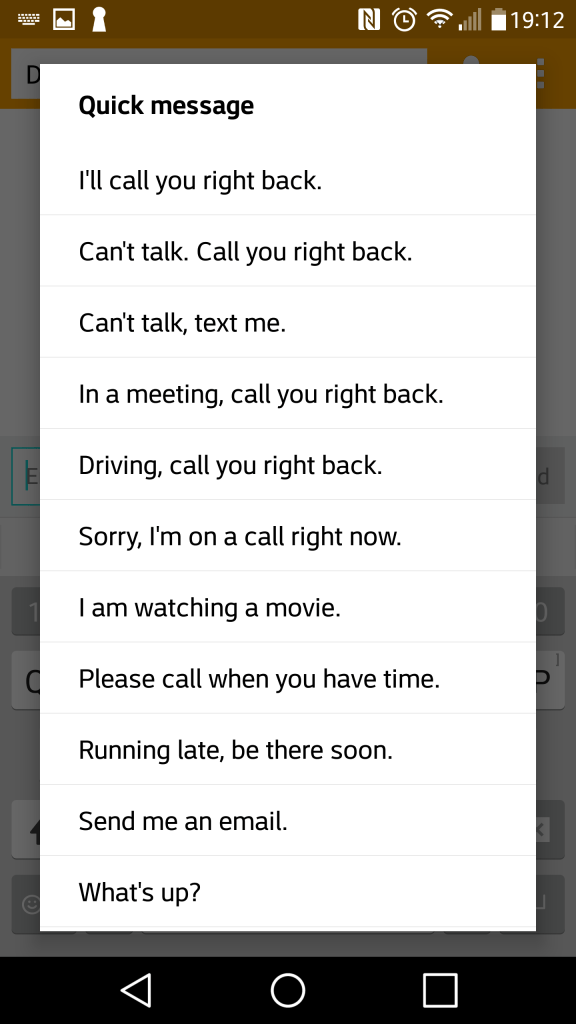
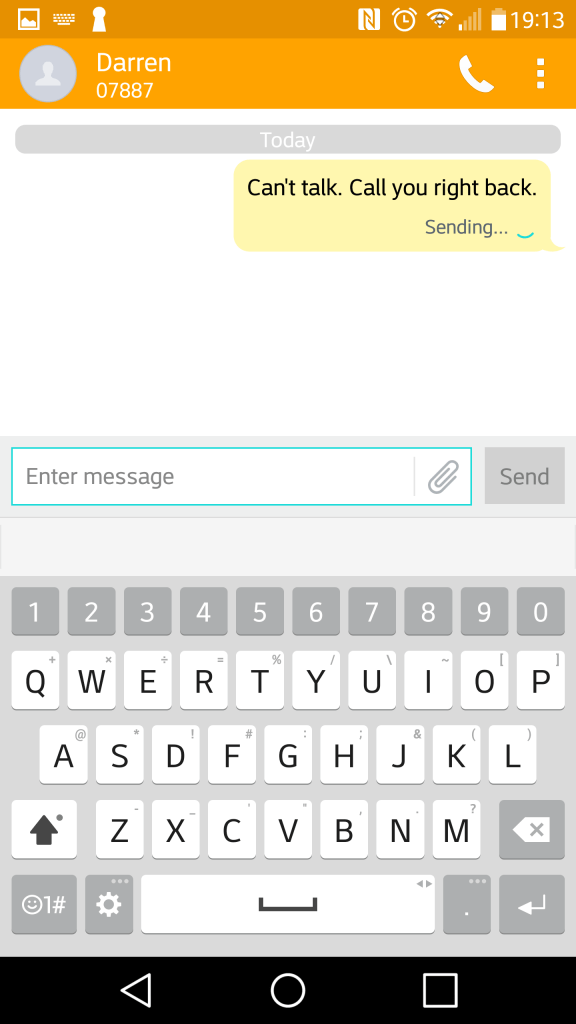
The SMS app, with a spam feature that lets you block SMS messages based on keywords. Flagged messages are immediacy stored in a dedicated spam folder. There are a few template messages that can be selected and sent for quick messaging. The attachment icon lets you add media, which will convert to an MMS message.
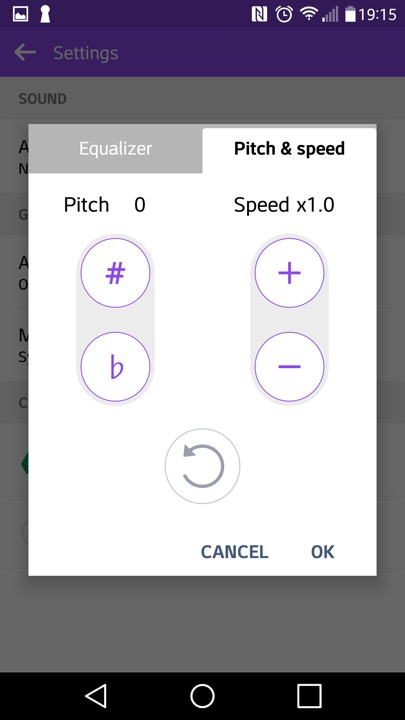
The music player, which can play back files stored locally or from the (Google) cloud. Additional effect’s can be applied such as adjusting the pitch and speed.
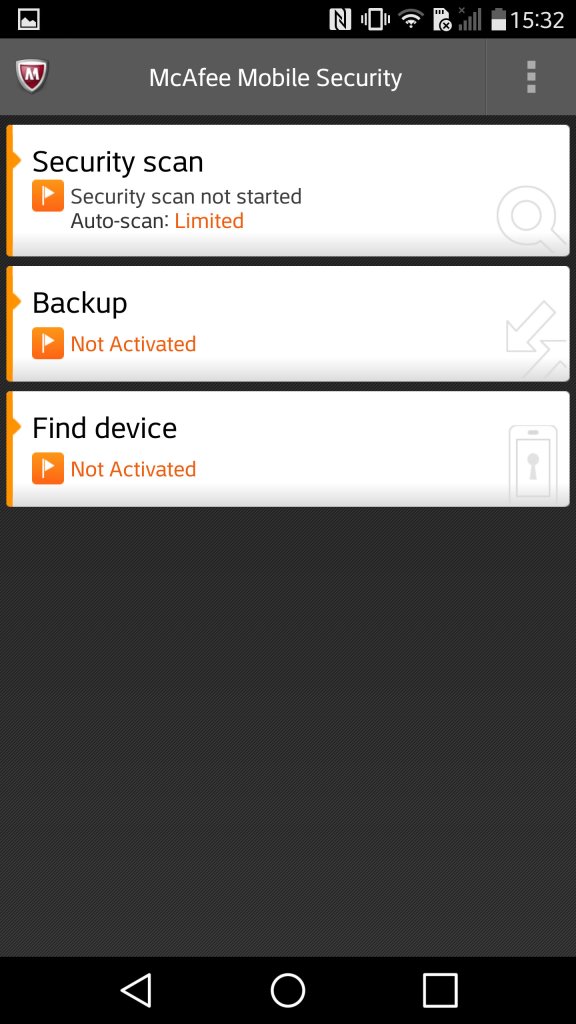
McAfee comes included with adds an anti-virus scanner. It also comes with a backup utility with requires you to subscribe to McAfee;s cloud service
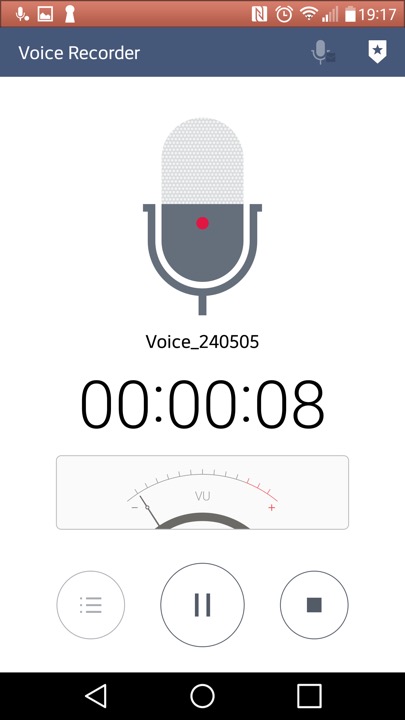
The voice recorder app
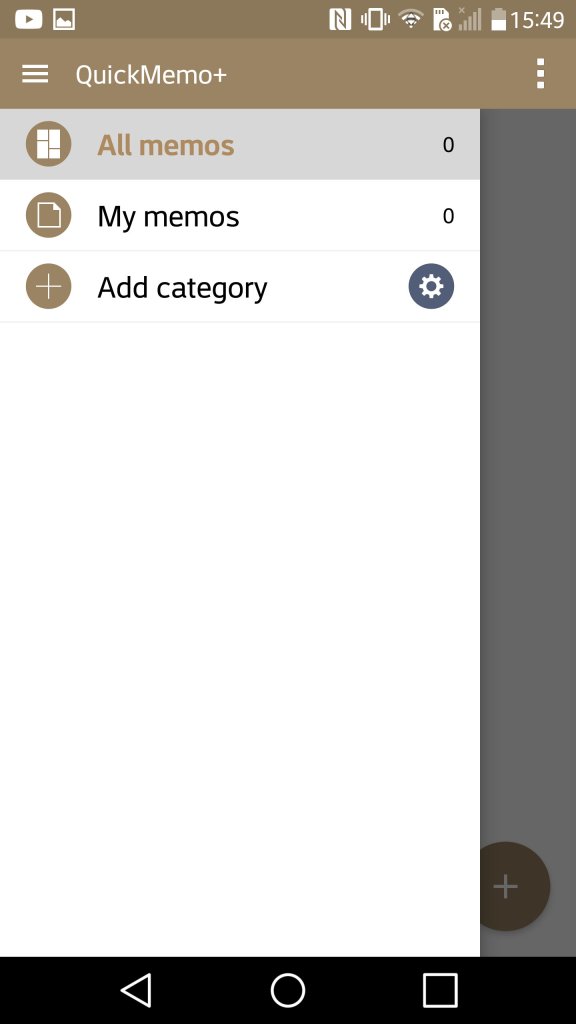
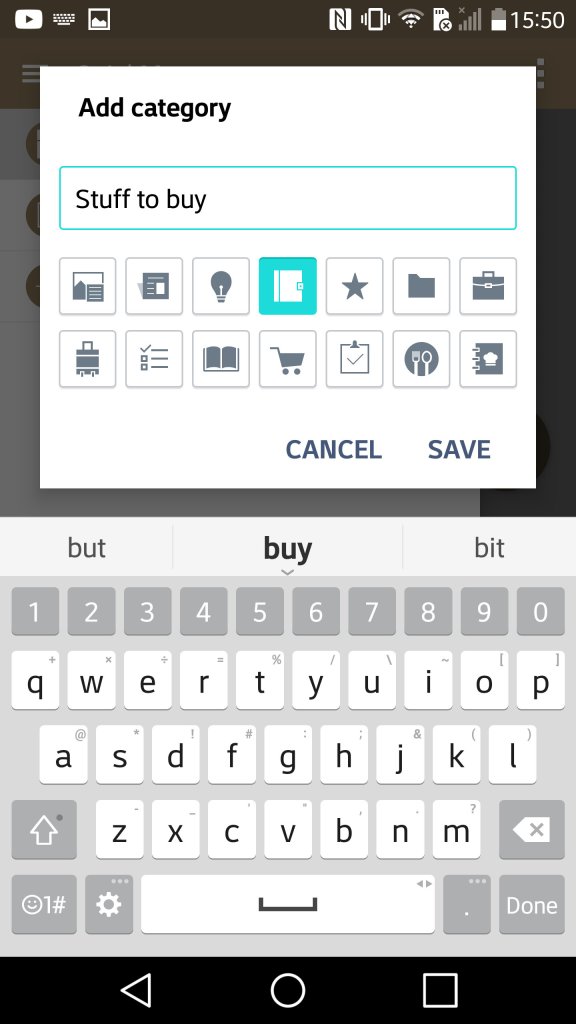
QuickMemo which lets you create a journal consisting of either text, freeform drawing or pictures imported from apps. You can also add supplementary information like the weather and location which can be done by tapping on its respective icon at the bottom. It’s kinda useful if you want to capture and record an outing or event.
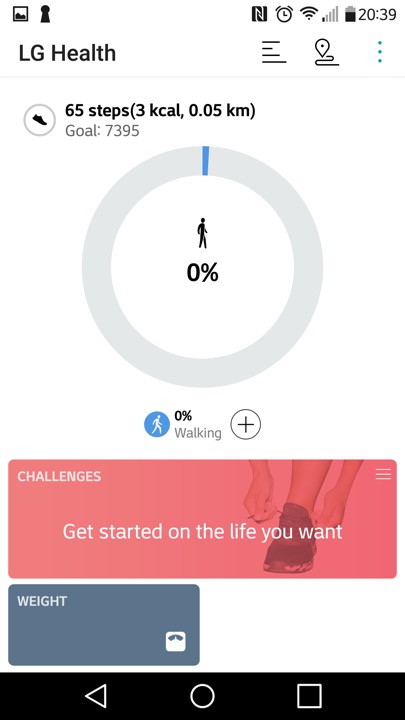
LG Health app lets you monitor the amount of steps walked in a day, along with settings fitness goals and targets.
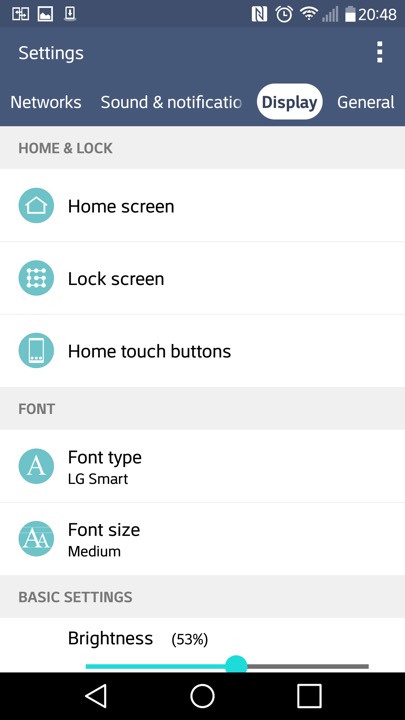
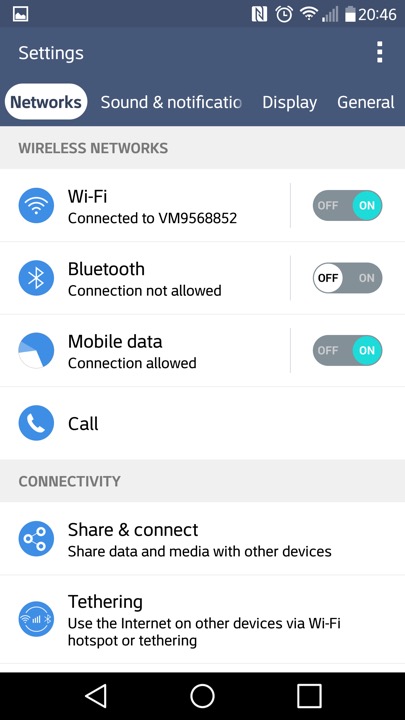
A look at the settings page
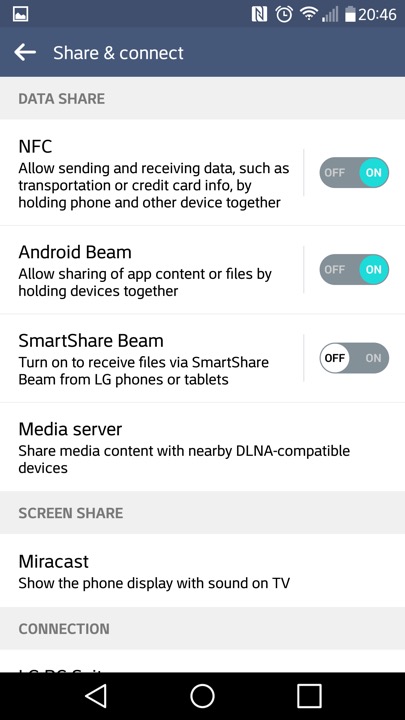
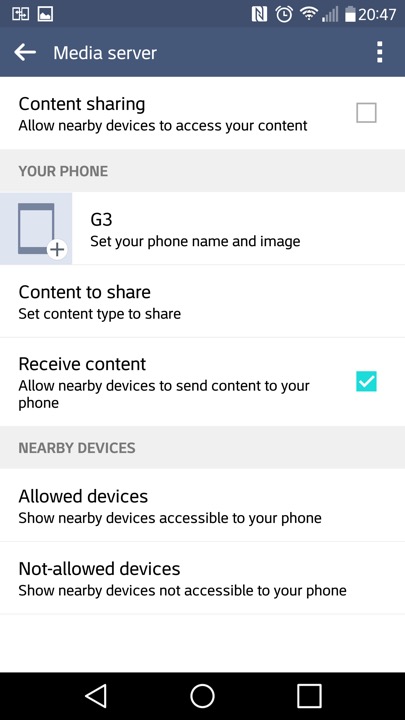
Media sharing is where the phone will act as a DLNA media server, so you can stream content to a supported TV or console.
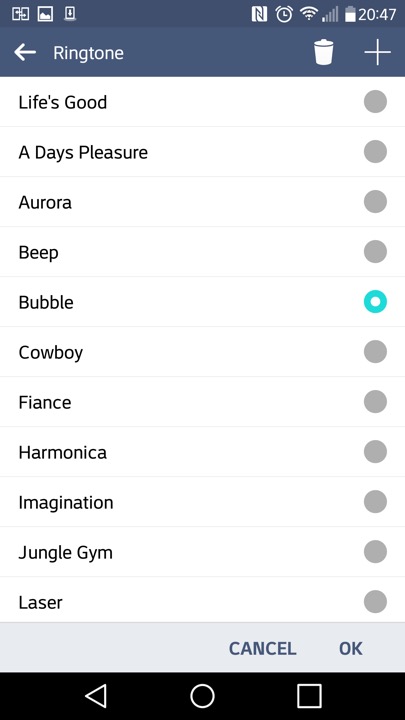
The stock ringtones that come with the phone
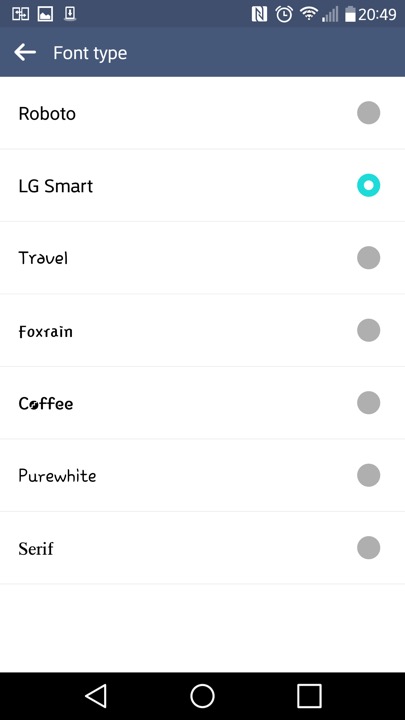
Different fonts can be set also
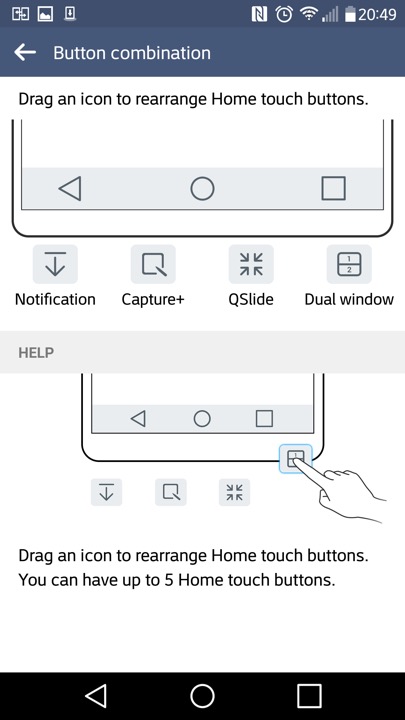
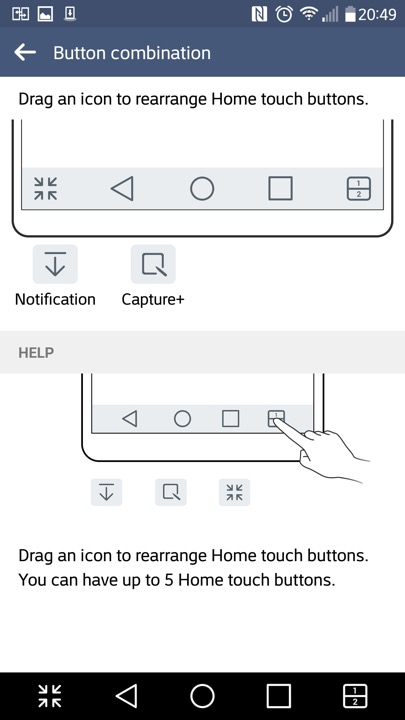
The navigation bar that appears at the bottom of the screen can have additional icons at the bottom,. The Android Back, Home, Task buttons can’t be removed but can be rearranged.
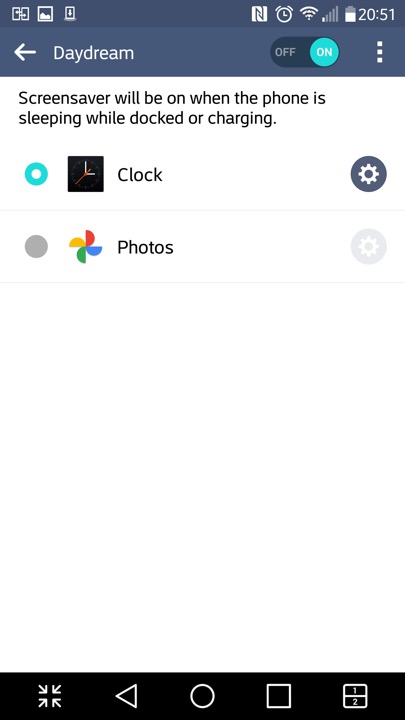
Daydreams are essentially screensavers and will appear if the phone is docked or is charging.
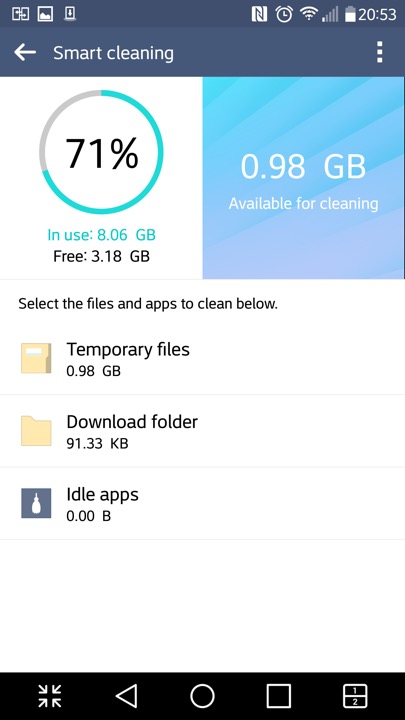
The SmartCleaning app helps to delete files that consume space
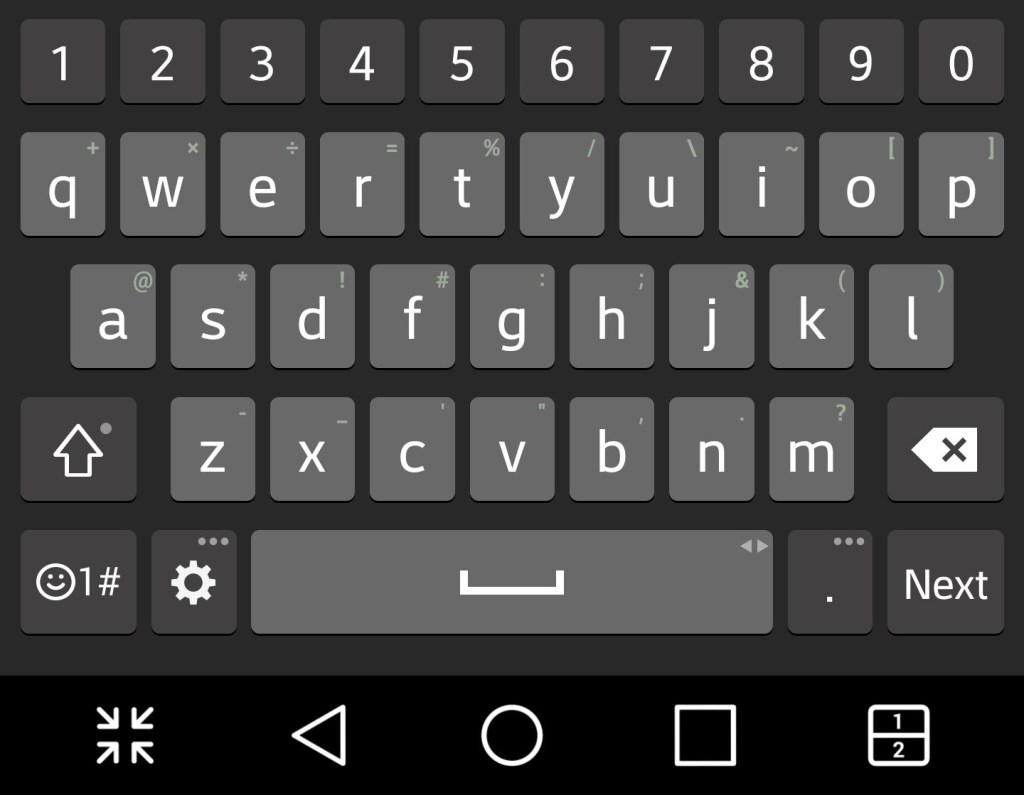
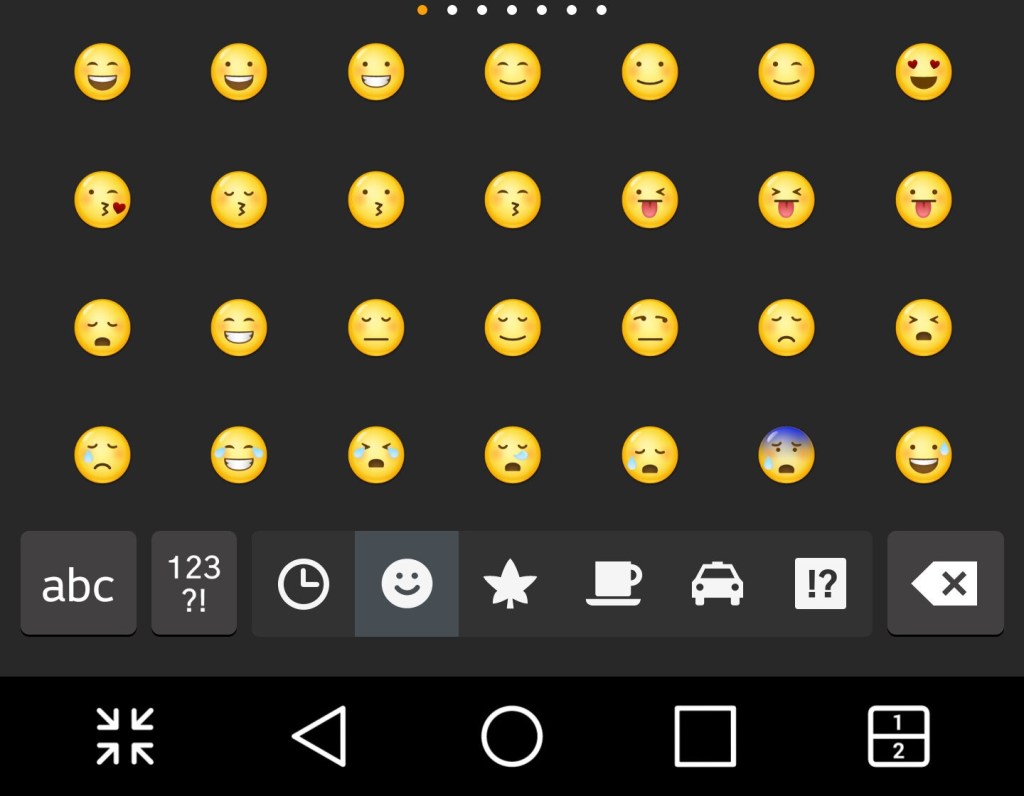
And a look at the stock keyboard, along with LG’s emoji set
LG EasyHome
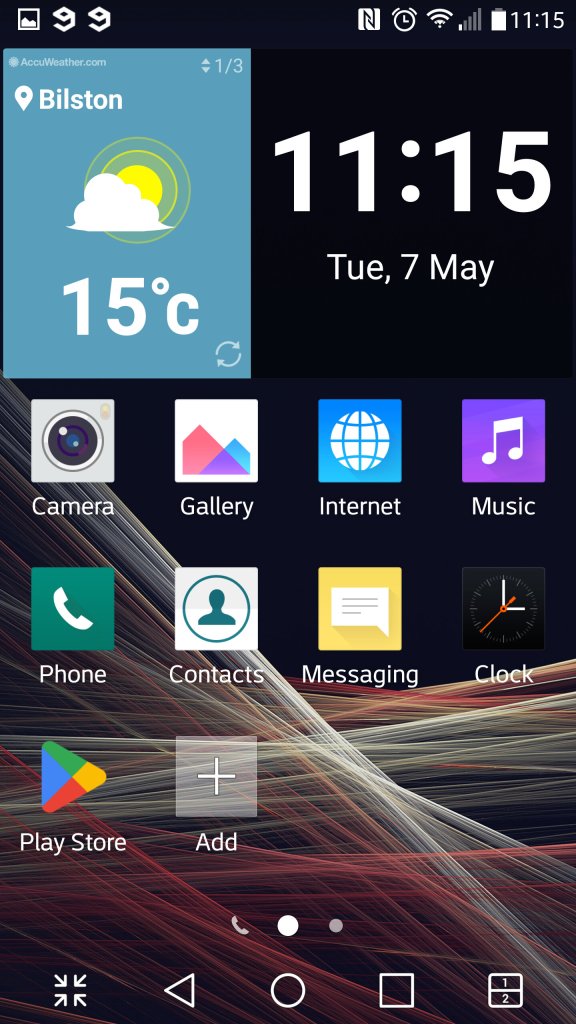
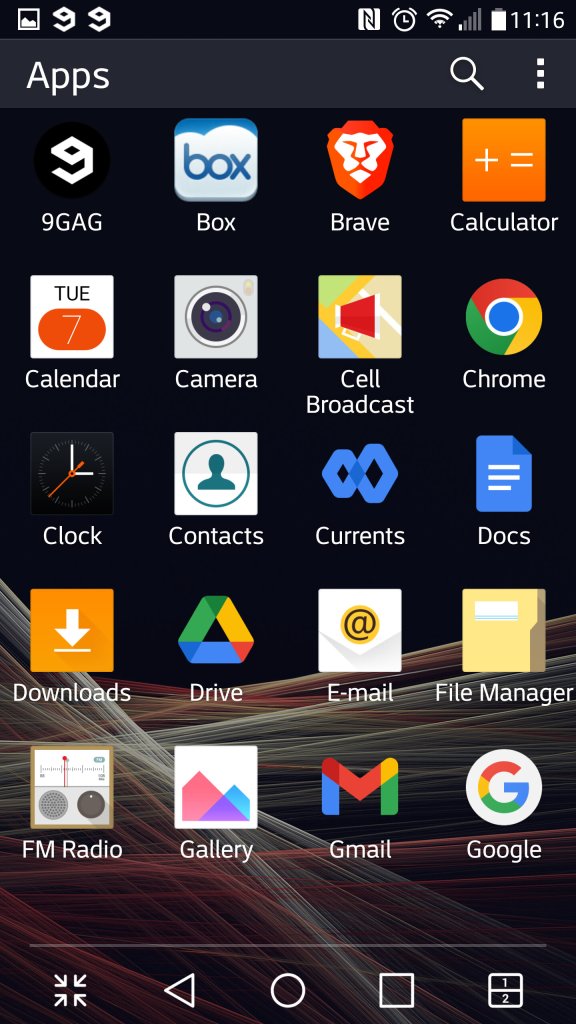
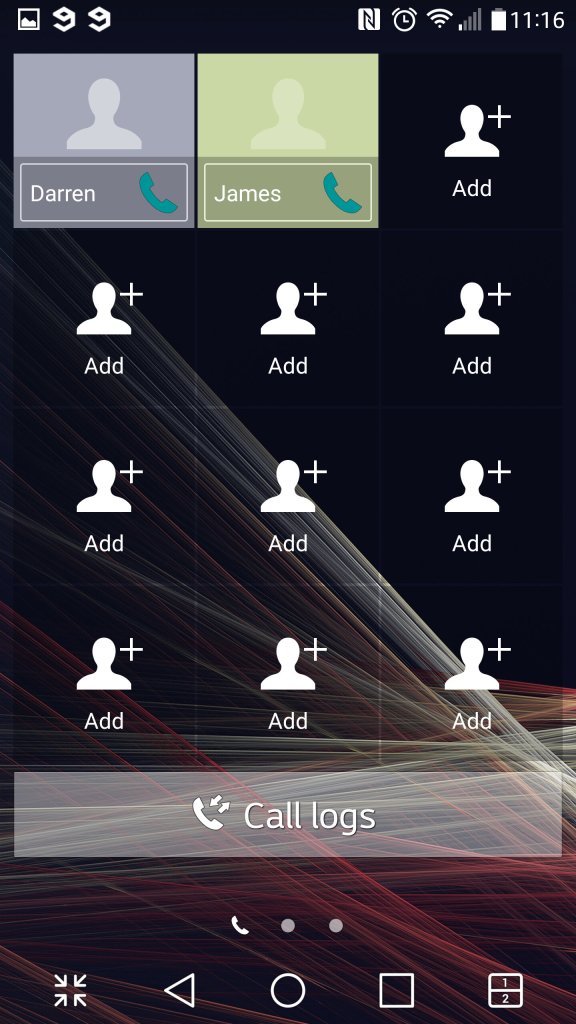
This was a feature that make the device’s user interface much more simplified, at least for the launcher. This is meant to appeal to basic users, or users that have come from iOS or a feature phone that are new to Android smartphones. .
LG PC Sync
LG’s version of iTunes, that lets you back up the data on your phone, transfeer content to and from your PC in a user friendly manor. You can aos performs oftware updateds and enable SmartShare – where the Suite software acts as a DLNA server for over devices on your network.
Music, photo and Videos can also be transferred, though its a bit limited compared to iTunes or Windows Media Player. For one you cannot sync and convert music to a lwoer bit rate and there’s no support for smart playlist’s.
Still you can use Windows Media Player to transfer music, as long as the phone is conencted in MTP mode.
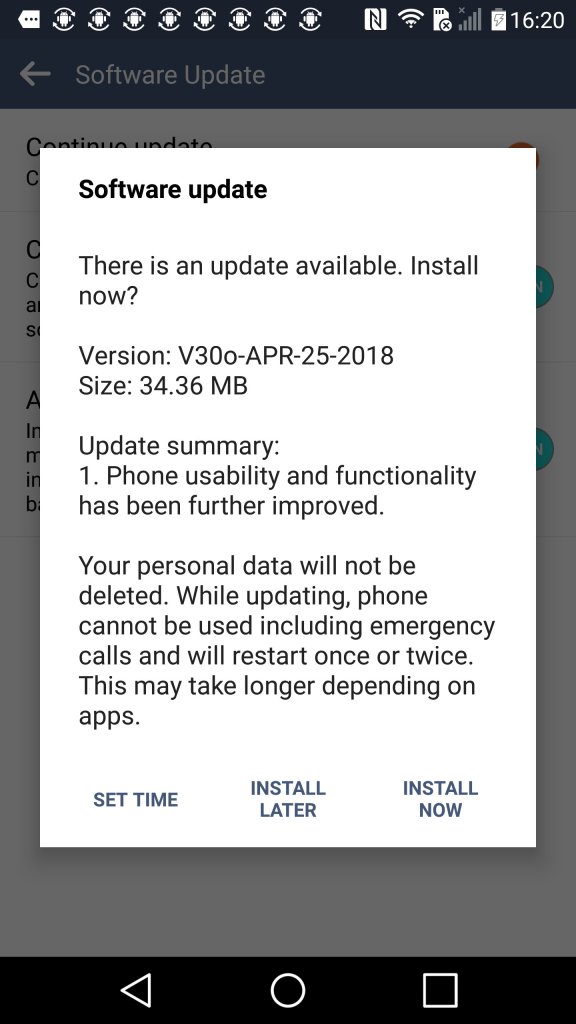
Another software update, looks like LG kepp supporting the handset until 2018.
 Drew1440: Blog