The HTC 10 is a well-rounded flagship smartphone with a focus on build quality, audio performance, and camera capabilities. It’s a solid choice for users who prioritize these aspects and prefer a near-stock Android experience since HTC dialled down their customisations with the launcher. The phone’s design is more similar to what you would see with a typical Samsung or Sony flagship handset.
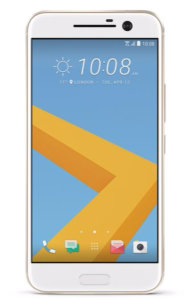
There’s no doubting that the HTC10 is fast. The Snapdragon 820 processor is quadcore, running at 2.2GHz, and has a massive 4GB of RAM available. It’s a noticeable step-up from the slower 8-core processor of the One M9, but perhaps not quite as powerful as Samsung’s Exynos processor used in the Galaxy S7. The phone is equipped with 32GB of data storage, and can be upgraded with a microSD card.
The OS is Android 6 with the latest pared-down version of HTC Sense with fewer pre-installed apps, and has received upgraded to Android 7 and 8. HTC’s new Freestyle Layout frees up your creativity, allowing you to pin icons and widgets wherever you like. It’s a welcome change from the usual Android grid, but can get a little anarchic at times.
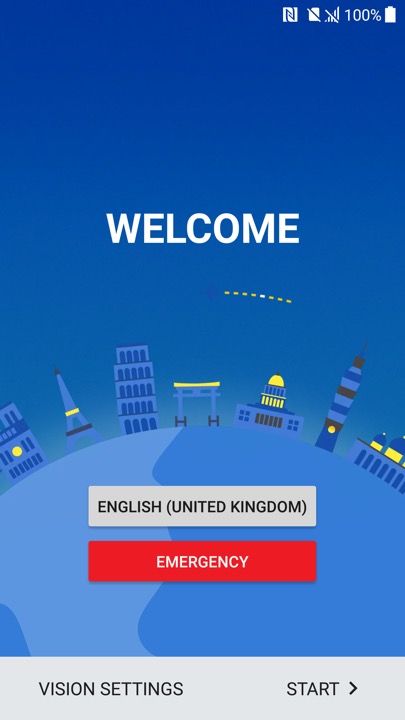
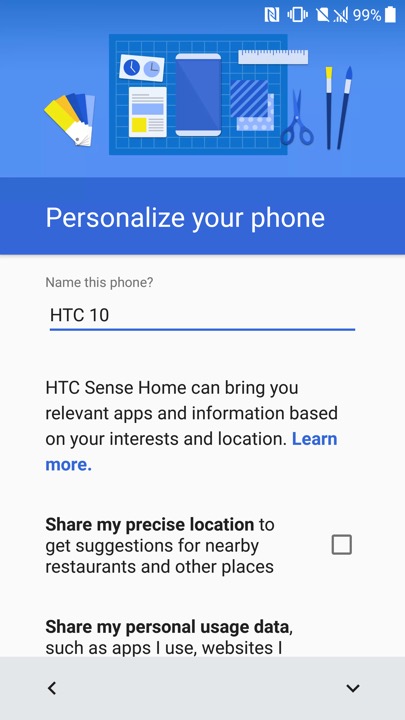
Ther setup wizard that appears when you power on the phone for the first time
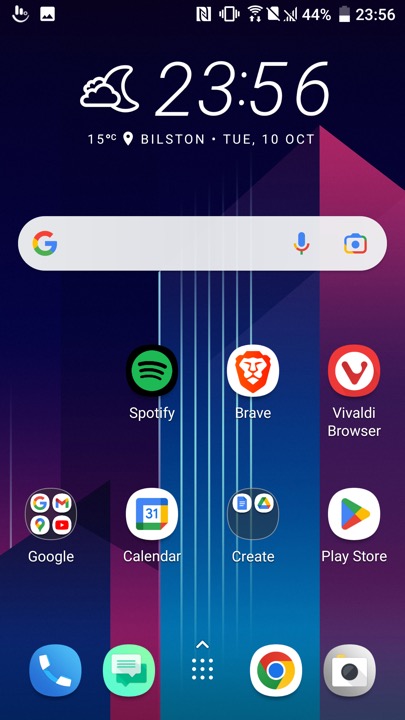
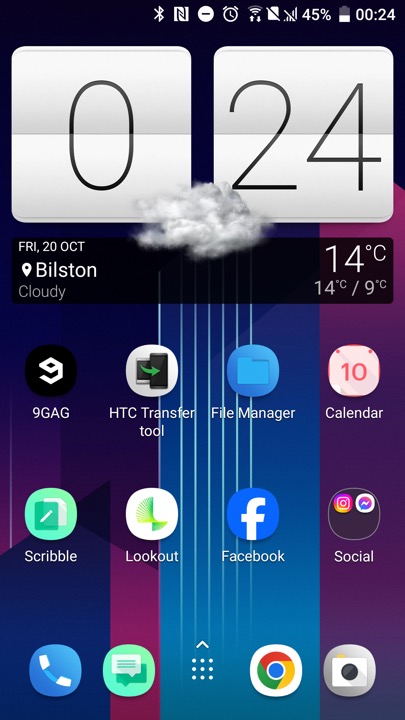
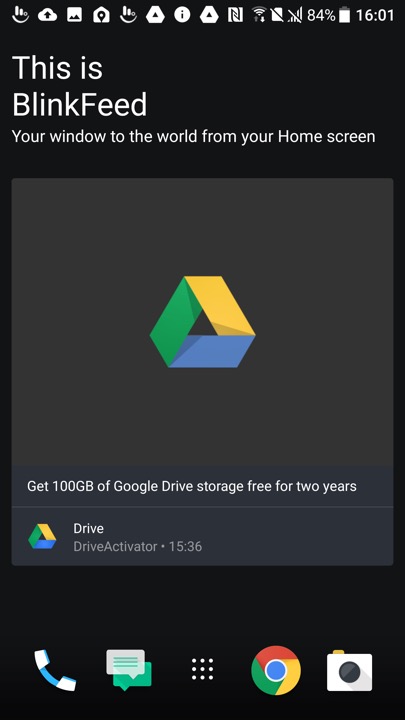
The HTC home screen which used their own custom launcher, swiping to the left will show another screen which will display the time and weather which will be a widget that you can tap on to open the weather app
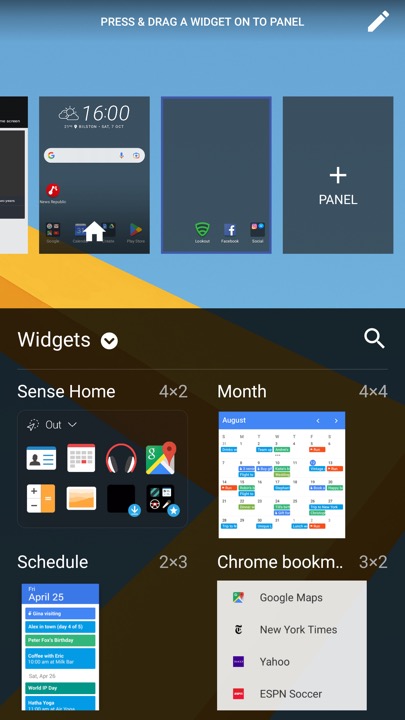
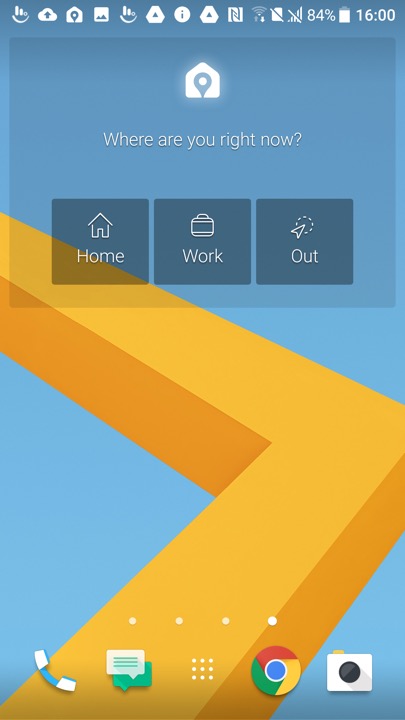
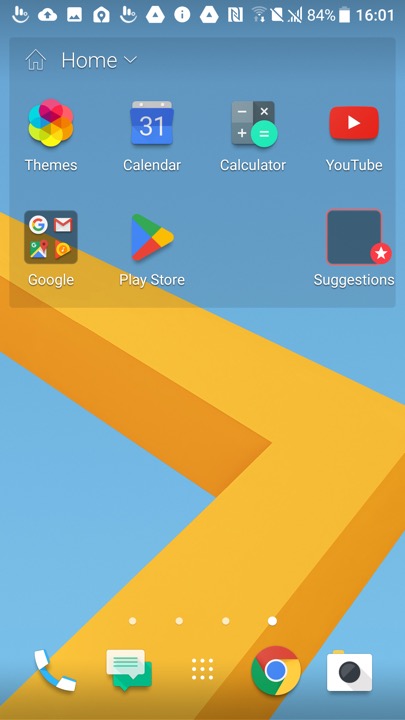
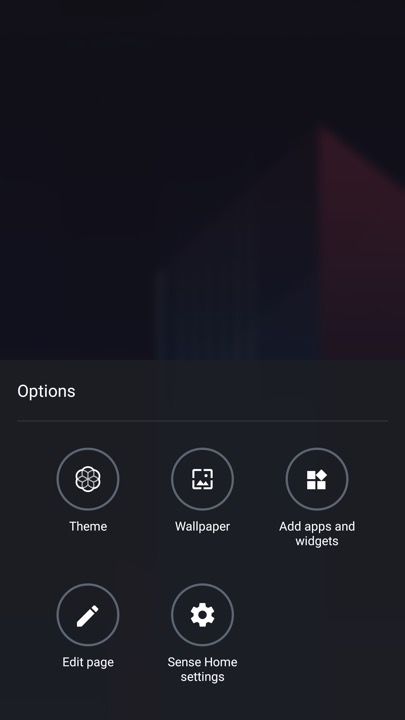
Customising the launcher, here you can select a different theme, change the background wallpaper and add additional widgets or app shortcuts. The edit page button lets you select which screen you want to appear as the home screen, or remove any vacant screens.
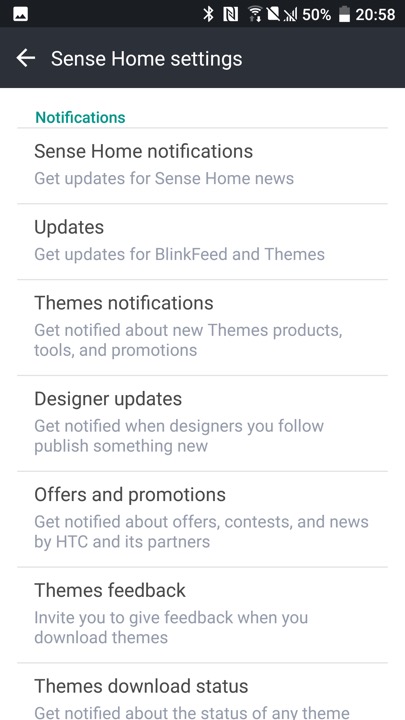
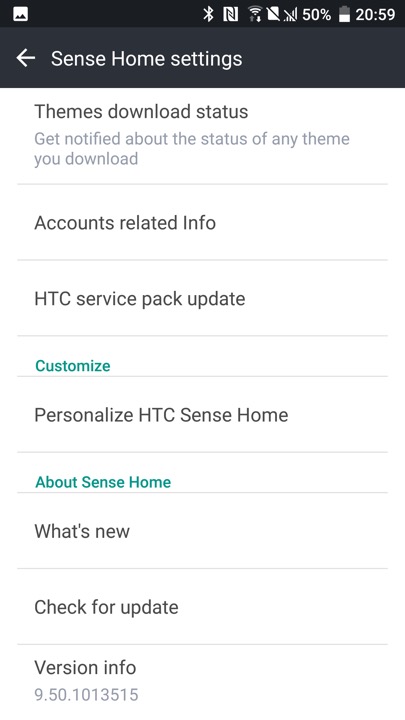
The HTC Sense settings, where you can adjust the notification settings. HTC would have sent notifications regarding new themes that had been released, and any offers and promotions. The settings screen can be triggered by holding your finger on an empty area of the launcher, which will popup the menu on the left.
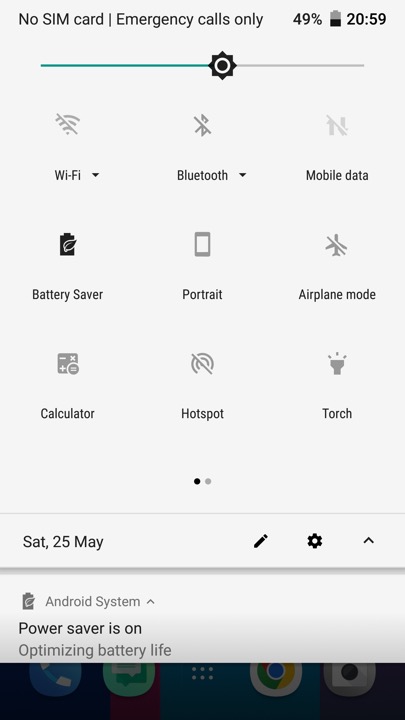
The pull down notification bar which gives quick access to common phone functions.
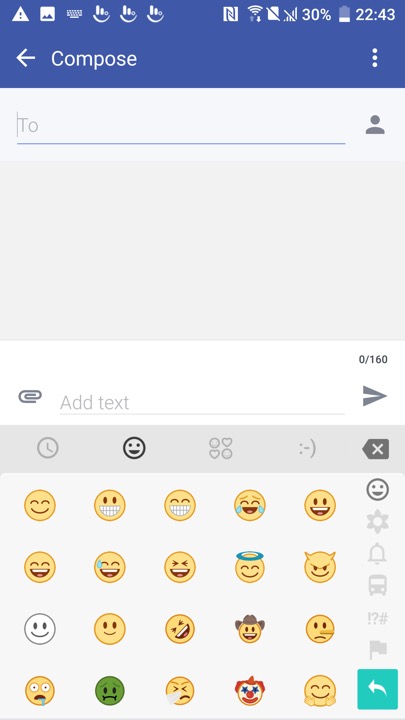
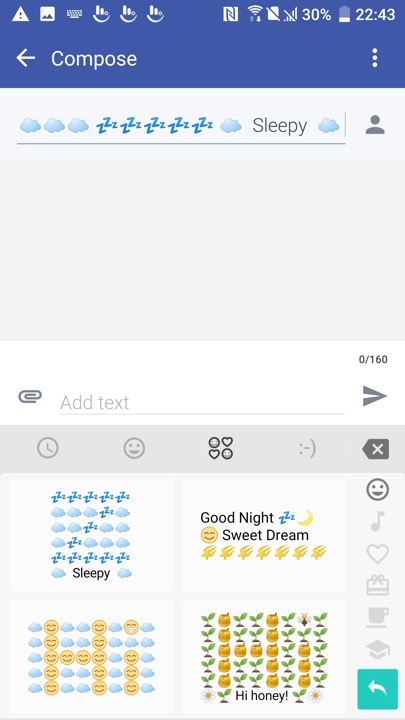
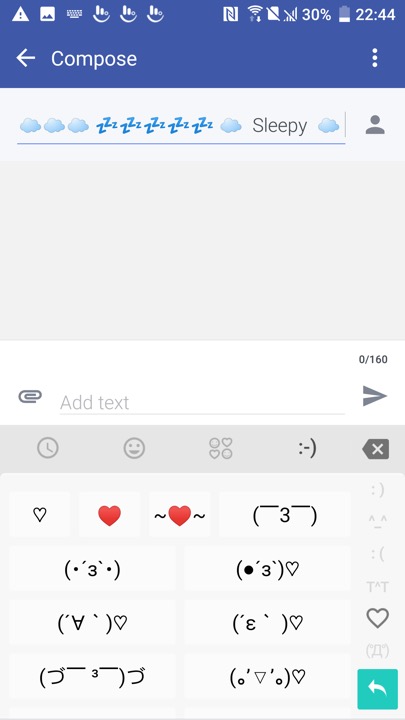
The messaging app which incorporates Google’s material design. Messages can be backed up and protected with a password. You can also setup a block list to block specific numbers or spam. There are also message templates to quickly enter a message to send.
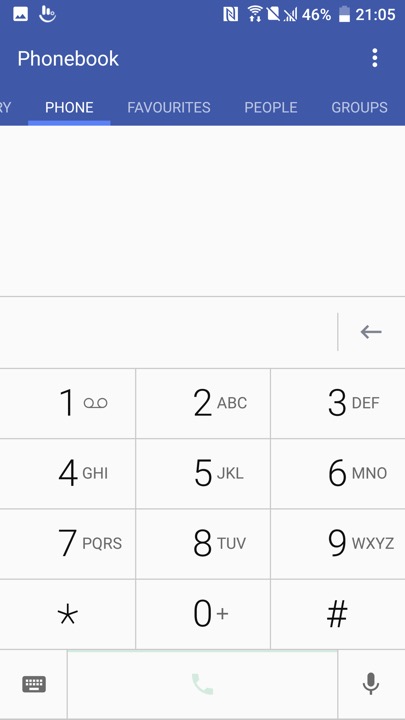
The phone app which is used to make calls, and to view saved contacts. Voice dialling is supported where you can speak the name of your contact, though a language pack must be downloaded first.
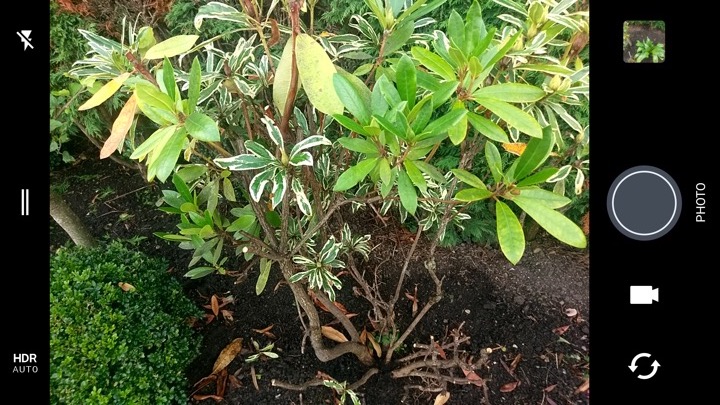
The camera viewfinder, The camera may just have 12 megapixels, but it does everything it can to capture light – using a 1.55μm pixel size, a huge f/1.8 aperture and Optical Image Stabilisation. A two-tone LED flash is also available, to get the very best night-time shots.
Perhaps even better is the front camera, which, although it has just 5 megapixels, is very good at capturing the best shots. It’s an autofocus camera and also features an f/1.8 aperture, auto HDR mode and (uniquely) Optical Image Stabilisation, making it one of the best selfie cameras you’ll find. The rear camera can capture 4K video, while the front camera sticks to 1080p.
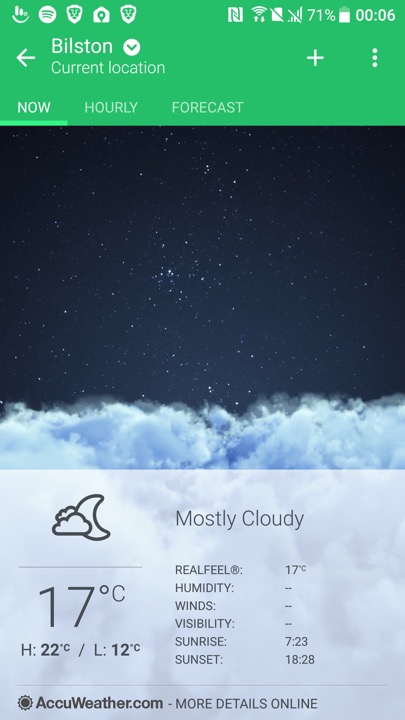
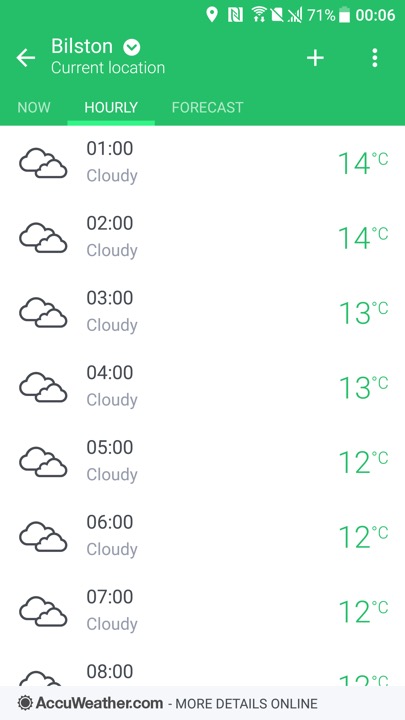
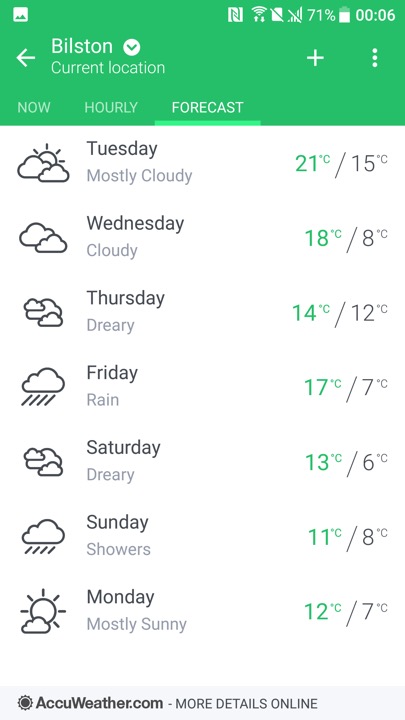
HTC’s weather app which by default shows your local weather based on your location, and will show for the different major cities. Data is obtained from either Google, or Accuweather.
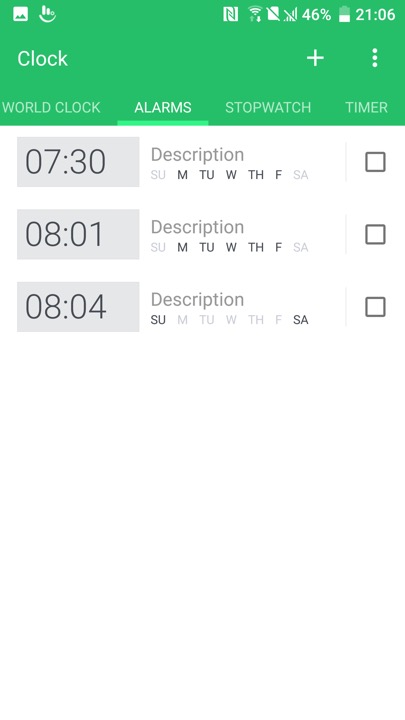
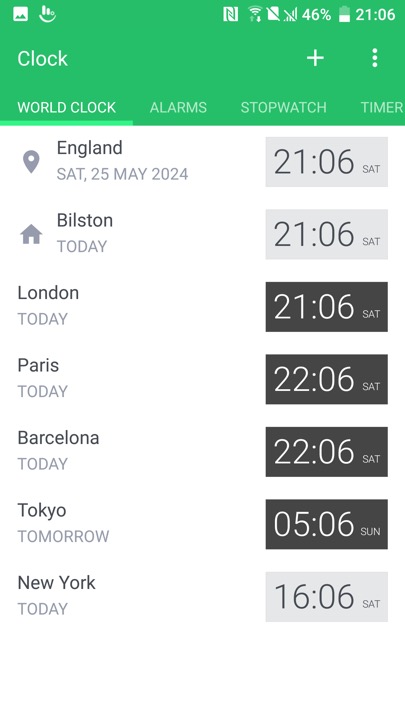
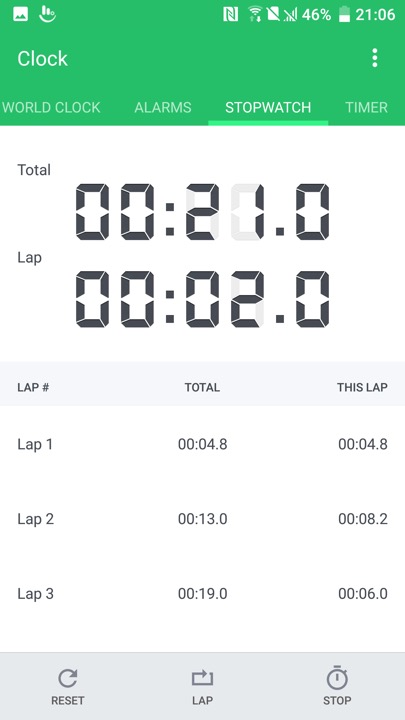
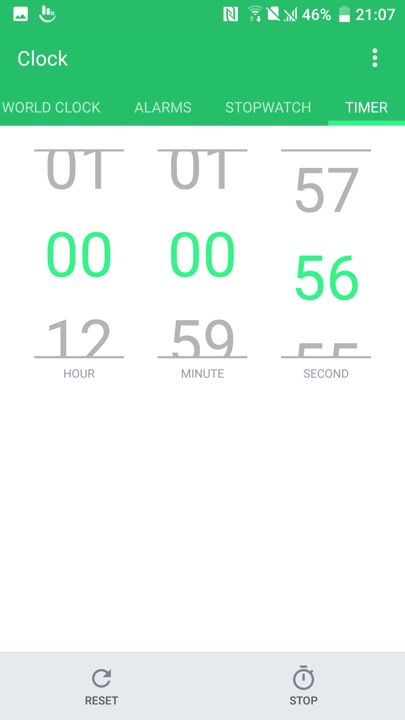
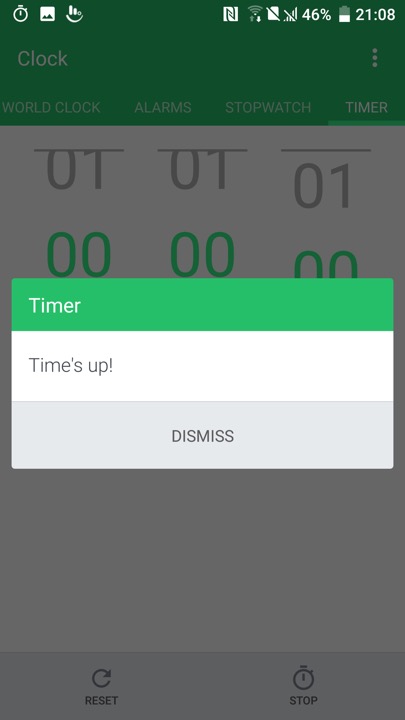
The Clock app, which also functions as a timer and a stopwatch
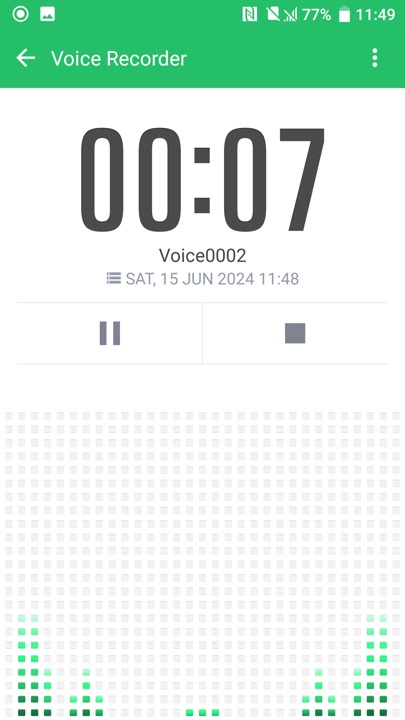
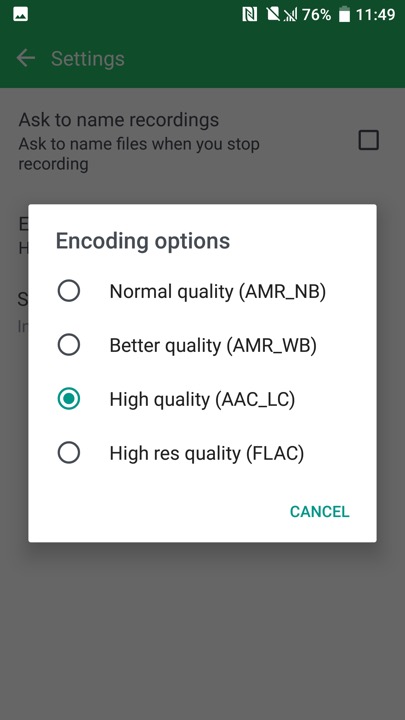
The voice recorder, which supports saving recorded audio in AMR or AAC format, AMR is lower quality but is more supported when sending to older devices
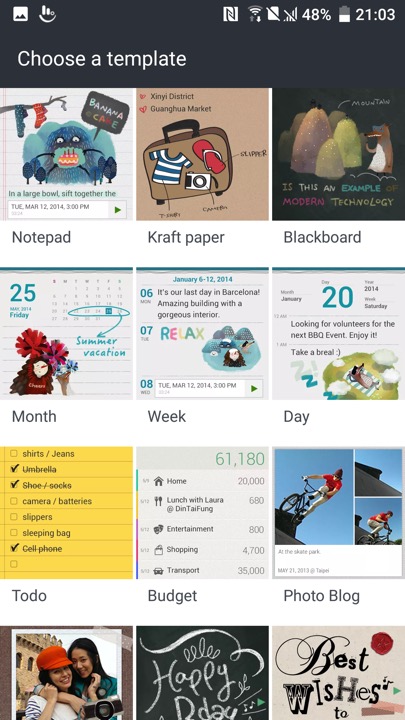
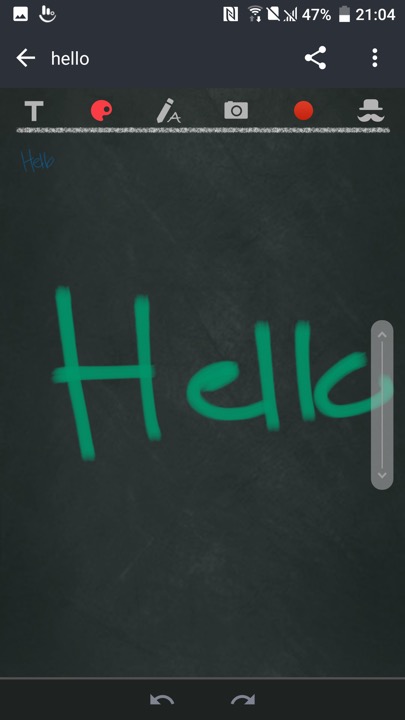
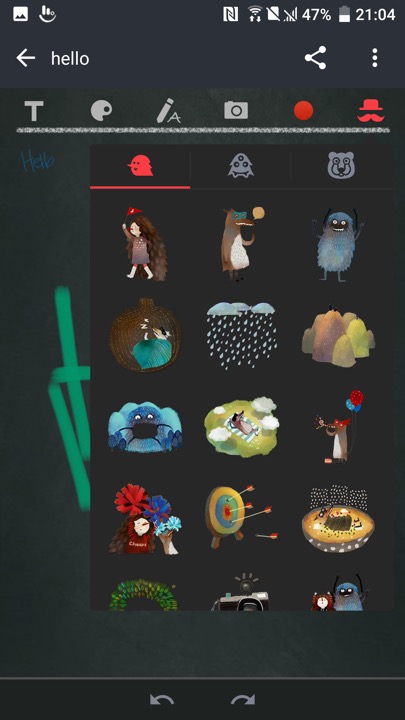
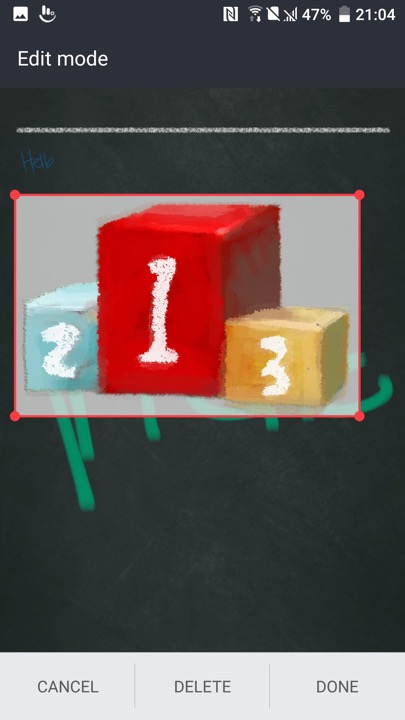
Scribble – A memo drawing app that can be used to create notes. These can contain text, or any drawing created by the touchscreen. Images taken from the camera can also be inserted into the memo, along with stickers.
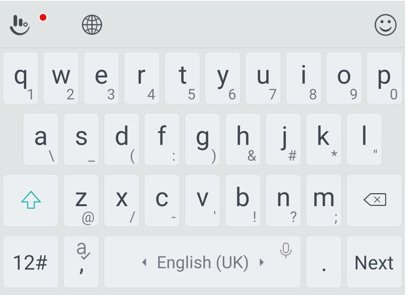
The bundled keyboard which is a customised variant of the Touchpad keyboard. As with other android keyboards you can adjust the size, appearance and features of the keyboard such as emoji or GIF support.
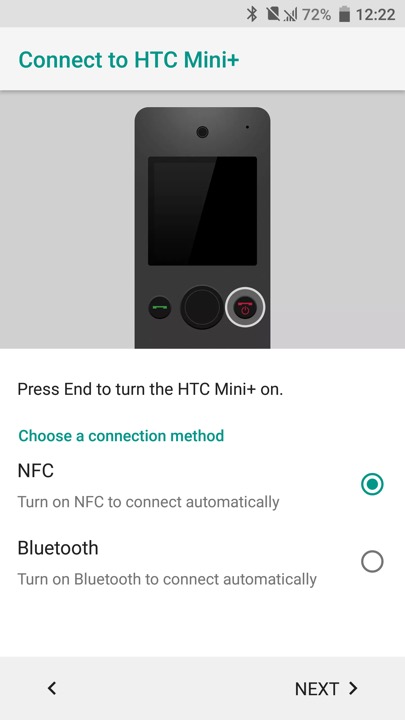
HTC Mini is also supported, which is a compact device that links to your smartphone, kind of like a smartwatch.
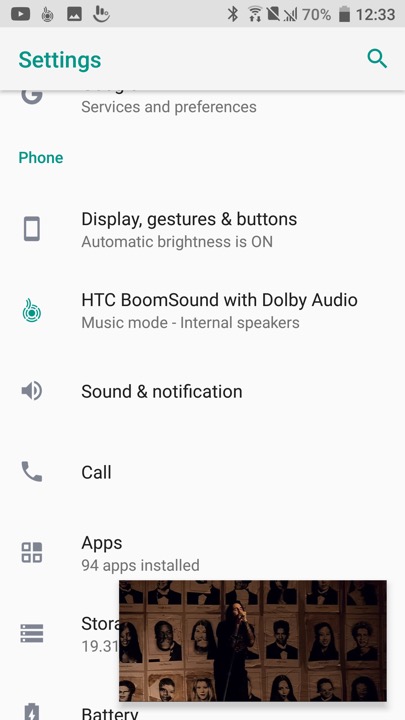
A feature you will see in the settings menu is HTC Boomsound manipulates the phones speak to provide multichannel audio using the phone’s mono speaker. There are two modes, Music and Theater which will relelate to the type to content you are playing. Unlike the preious HTC flagships (M9,M8) the 10 only has a single speaker located at the bottom of the device.
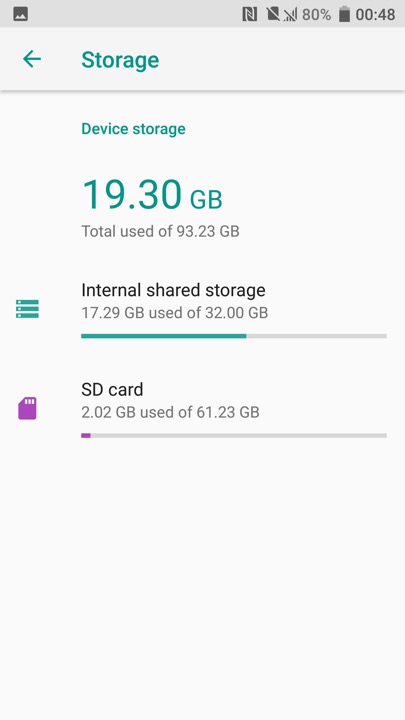
Device storage screen, HTC are one of the few Android OEMs to support adoptable stage where the microSD card is merged with the internal phone storage. This has the benefit that larger apps (Games) can use both types of storage, but means the apps cannot be used should the microSD be removed.
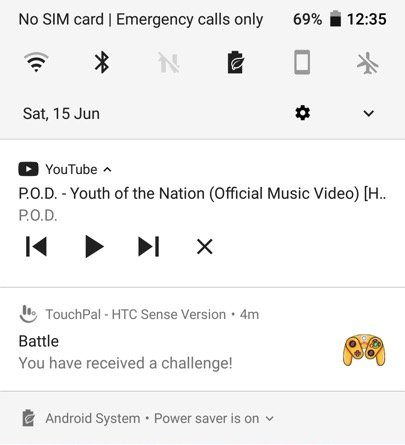
Is that a GameCube controller?
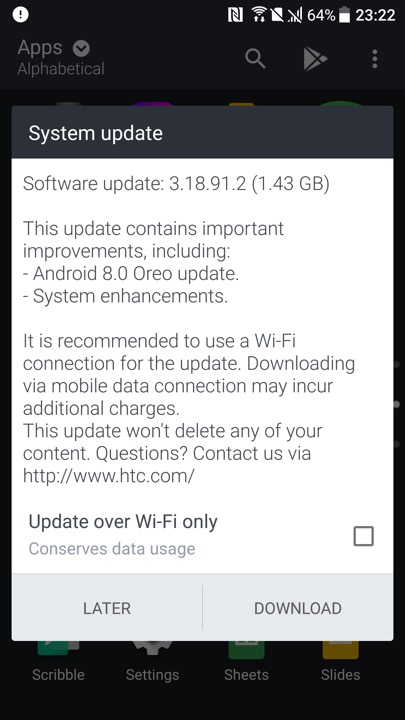
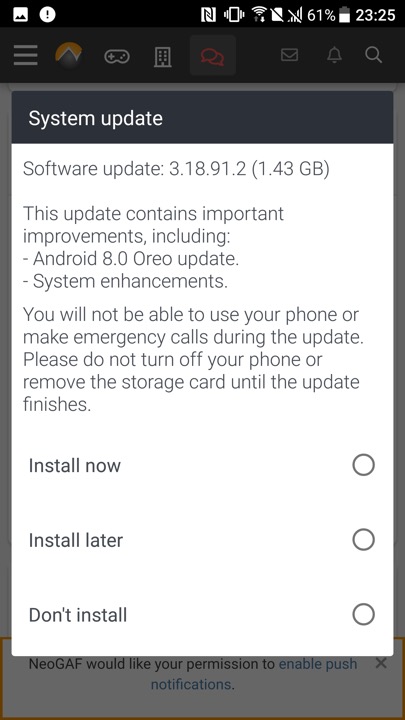
Lastly we have a software update, even though the phone is around 8 years old.
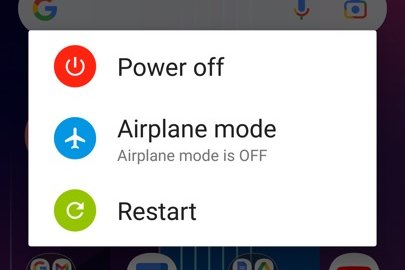
Powering off the phone
 Drew1440: Blog