Monthly Archives: October 2024

Huawei P9 Lite

Lets look at a typical Huawei smartphone from 2016, this would have been their flagship mid range model, with the P9 being the main flagship. The P9 lite is smaller, has less storage and a slightly weaker processor.

Huawei EMUI

EMUI is Huawei’s take on Android design, and is an alternative to the standard Android interface. EMUI is shot for Emotion UI and brings a nice clean interface compared to the Frutiger-Aero like interfaces by Samsung or LG, or the material design that Google was adopting. Whilst it looks minimal from the screenshots, Huawei have been it very customisable, with many advanced features packed away in sub menus for intermediate users.

Originally shipped with Android 6, it was updated to Android 7 in 2017. No further Android updates were released, though many apps are still supported as of 2024.
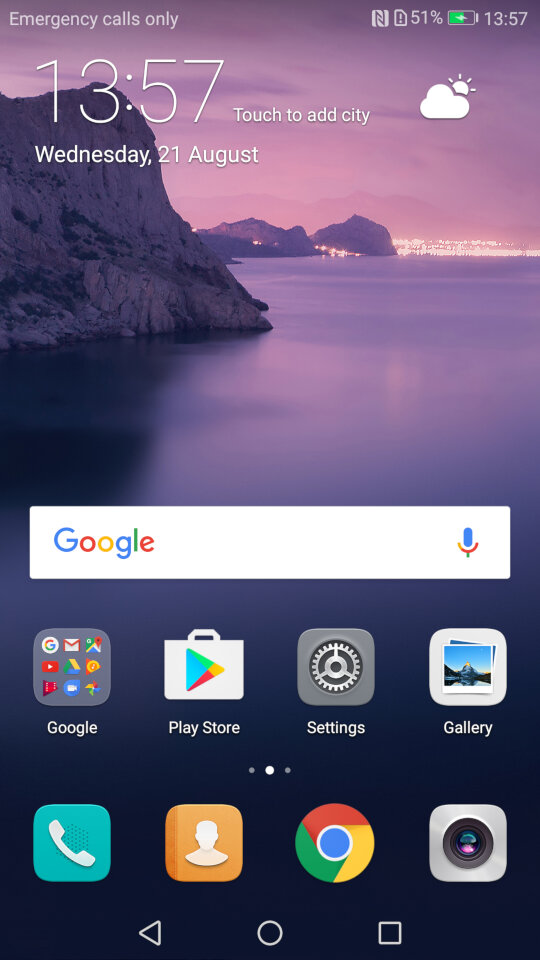
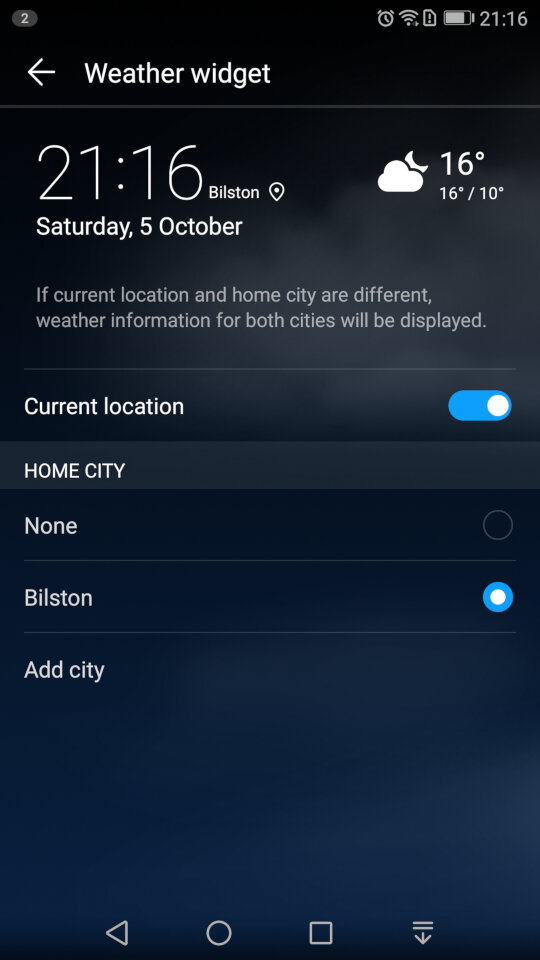
The home menu screen, after running the setup wizard. The default widget shows the time and the weather once you give it permission to access the location.
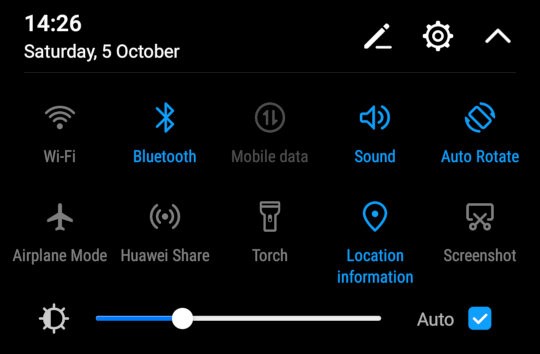
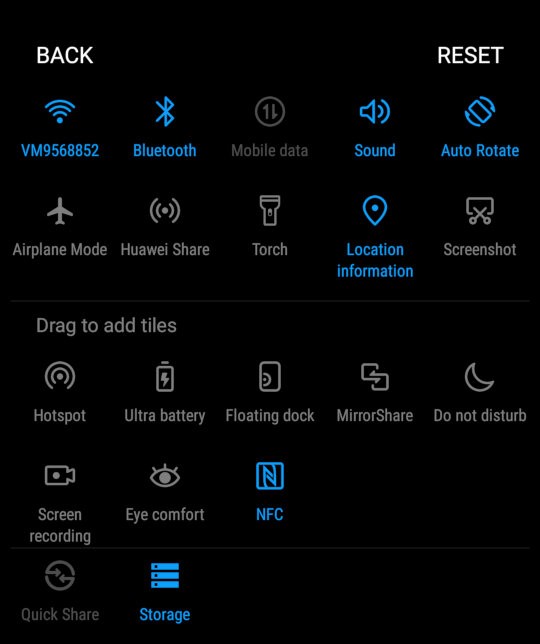
The pull down notification bar where you can quickly activate the Wifi/Bluetooth and the mobile data. This can be expanded to two rows to access more items like the torch, airplane mode and to activate Huawei Share.
You can reorganize and add more icon to this menu by dragging them.
You can also adjust the brightness from here, and a shortcut to the settings menu is also here
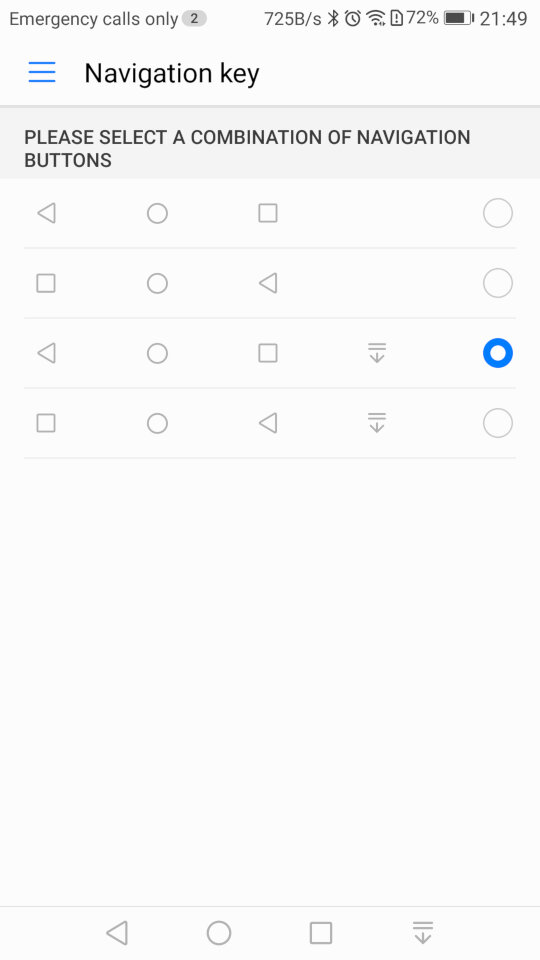
As this device does not contain physical navigation buttons, on-screen ones are used instead. Huawei also allowed you to adjust the order of the buttons, and even add one that quickly pulls down the notification menu which saves having to put your finger at the top of the screen
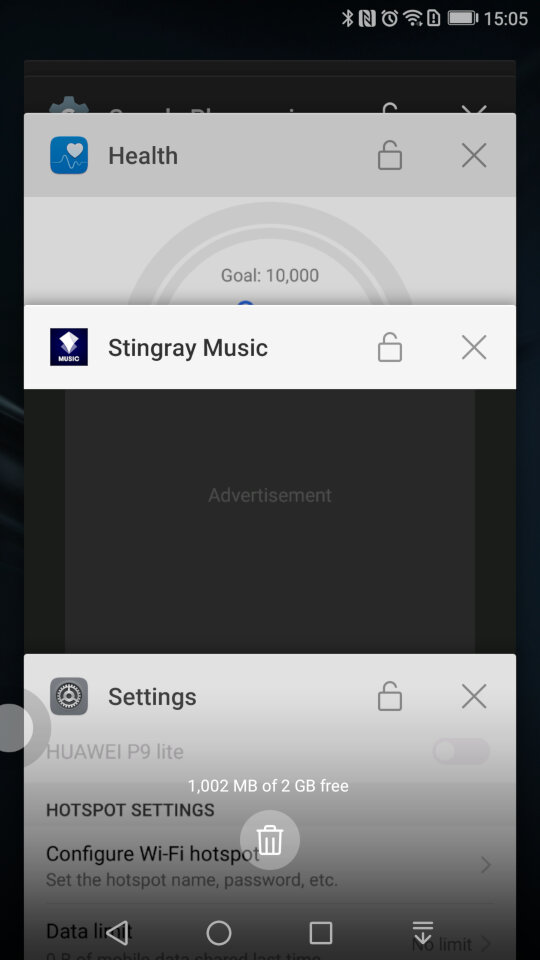
A look at the task switcher, that lets you switch back to previously opened apps. You can quickly close all recent apps by tapping the bin icon, which will also show the currently used memory in MB, sort of like the Windows Task Manager
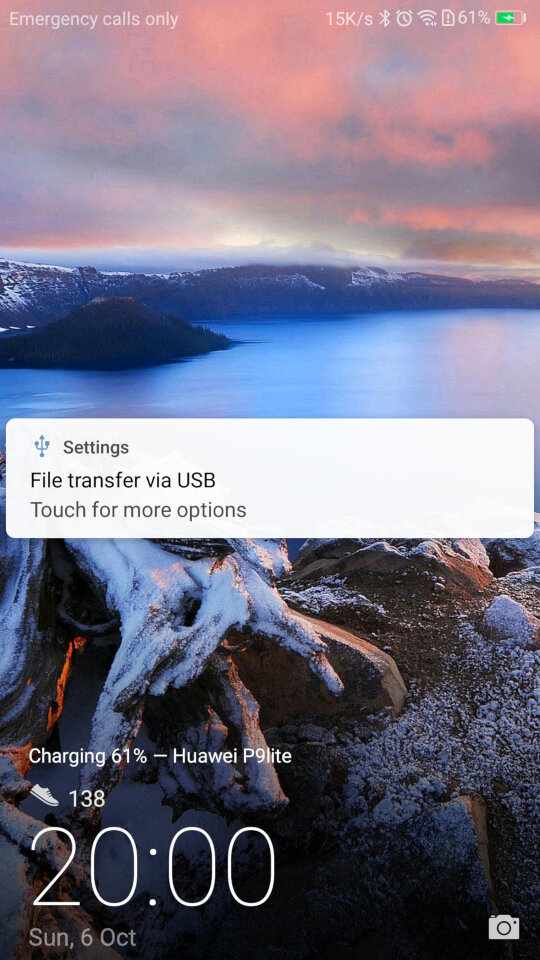
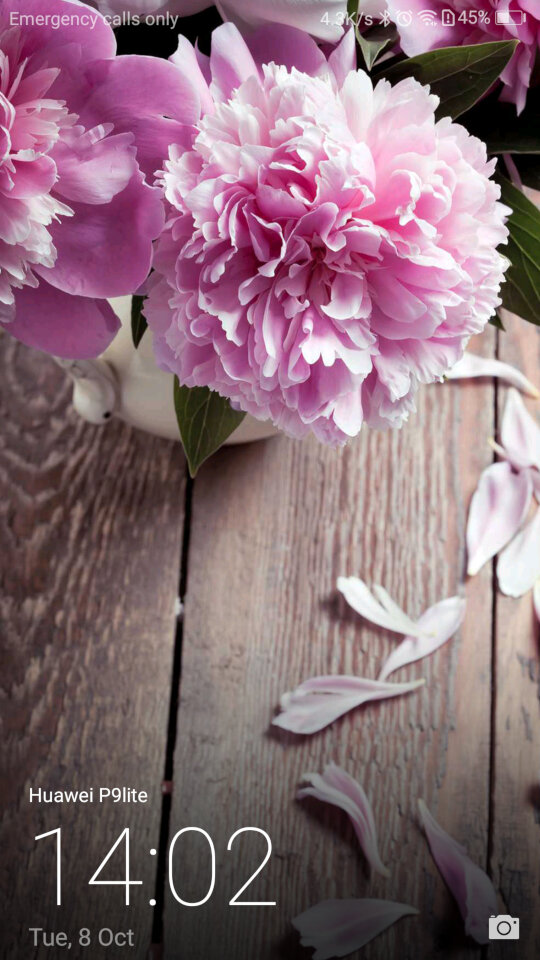
And the lock screen, which will display your step count if this is enabled. It will also display the album art when your are listing using it’s system music app.

There is also a one-handed mode that shifts the screen to one side of the display, to make it easier for use with one hand which can be an issue with screens of a certain size
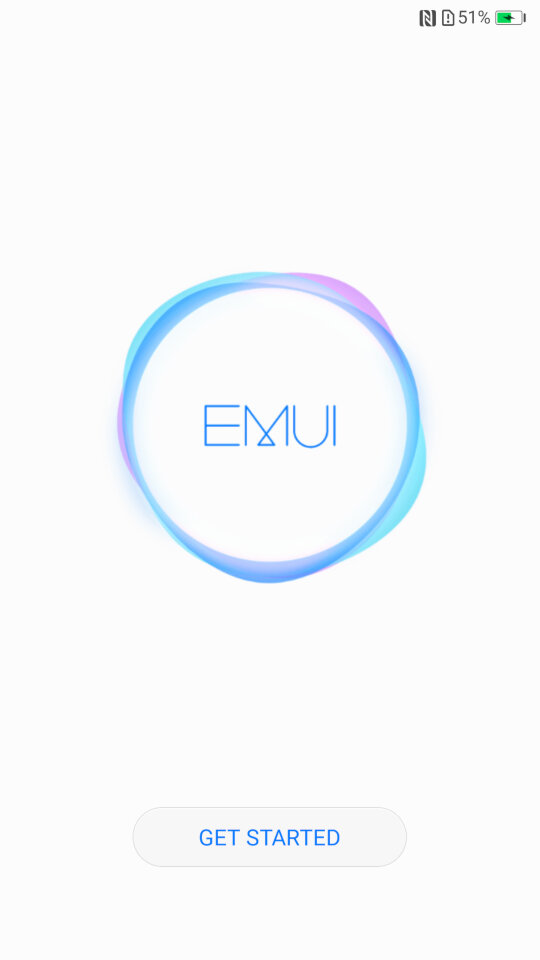
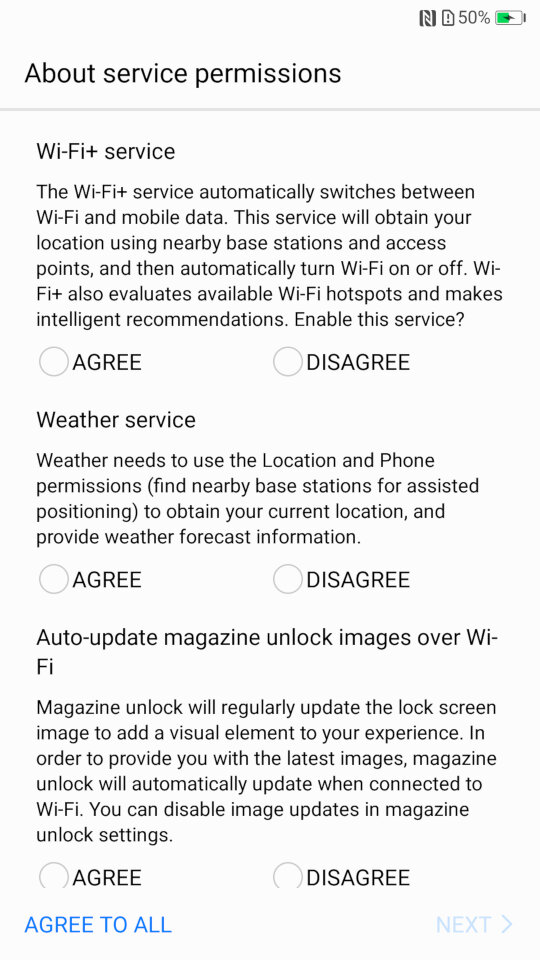
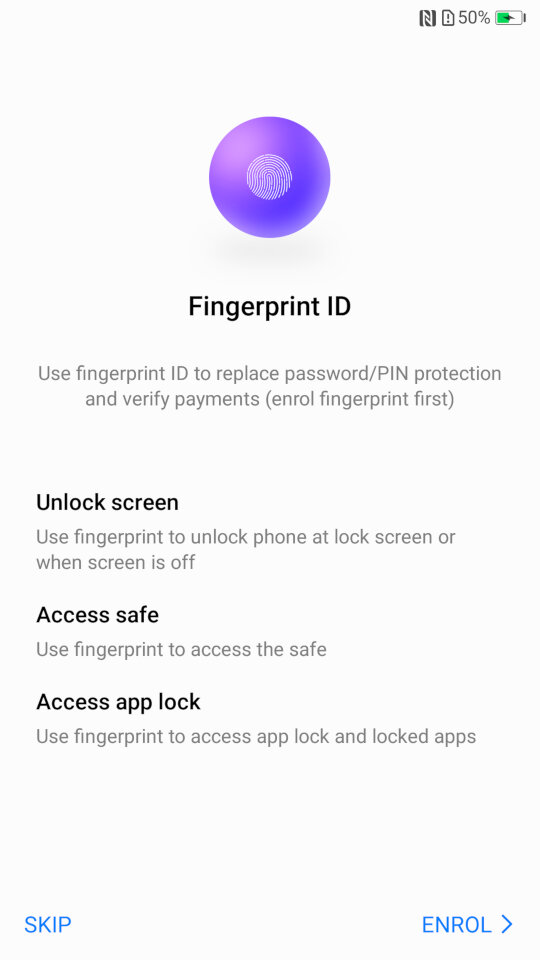
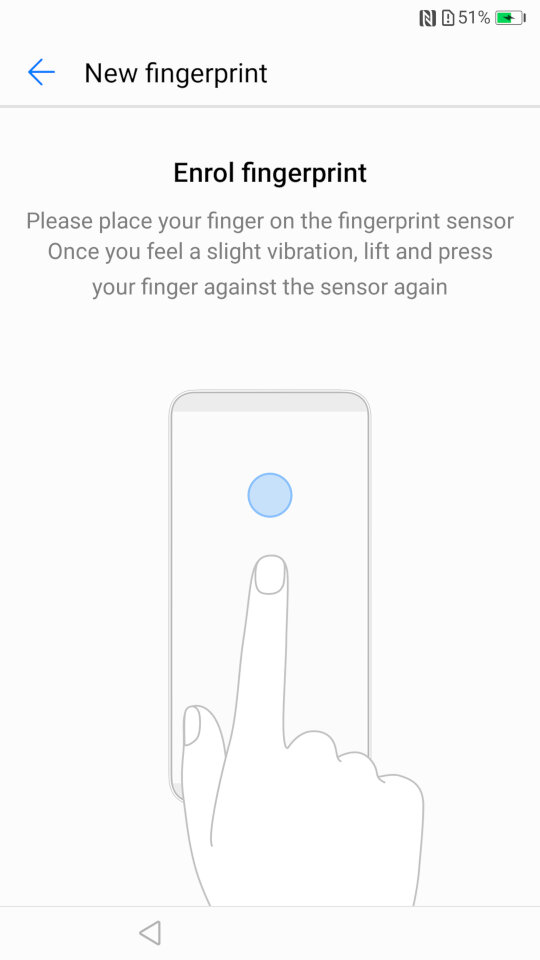
Some images of the setup wizard that runs when you first power on the device, which will guide you through setting up the handset, and to sign into your Google or Huawei account.
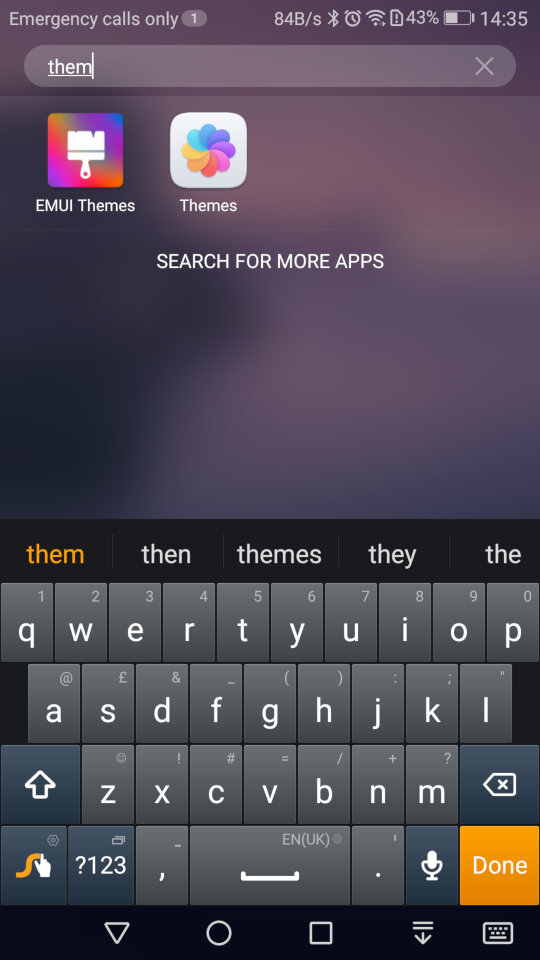
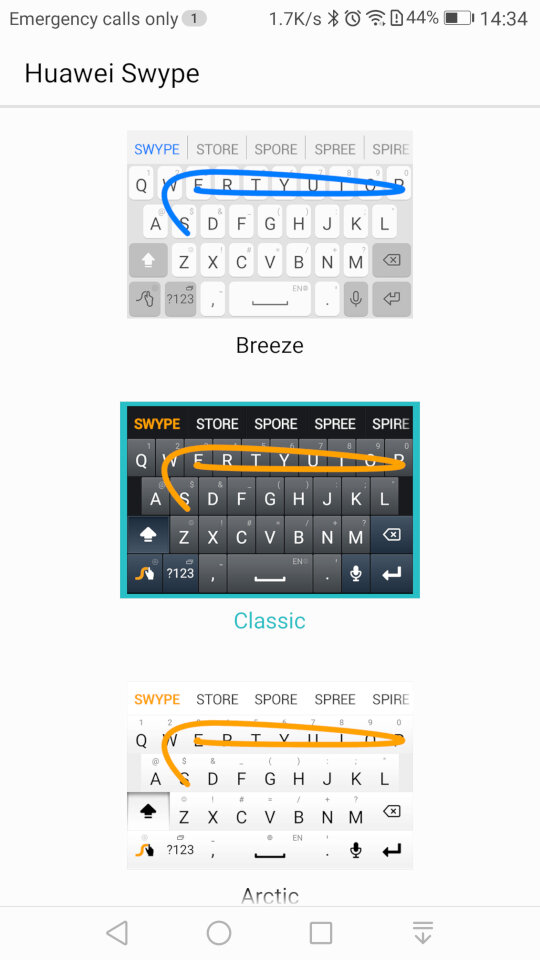
And the stock keyboard that comes with the phone, known as Huawei Swype that makes use of swiping gestures to facilitate keyboard input.

Preinstalled Apps
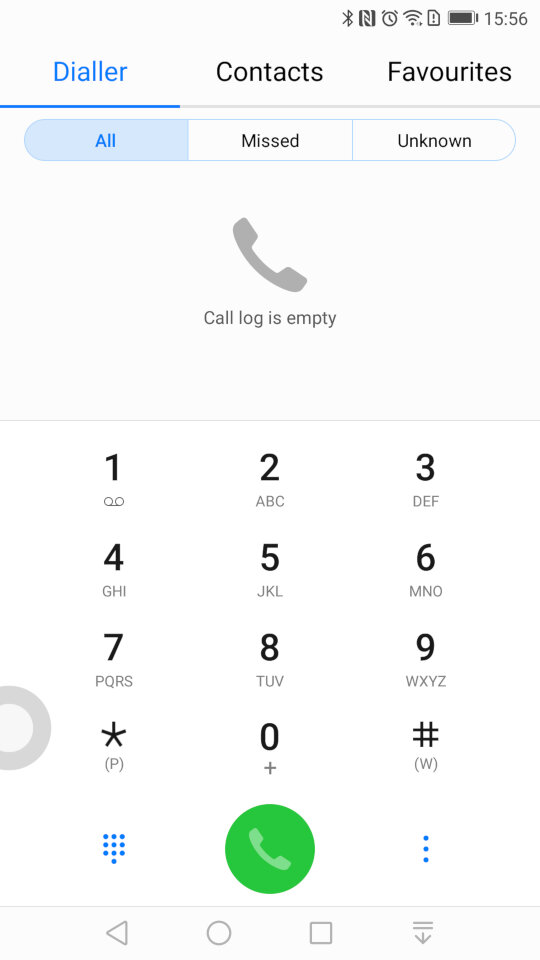
The contacts app, where you can access the phone dialler, and any synchronized contacts . You can also set certain contacts to be favourites if they are frequently used.
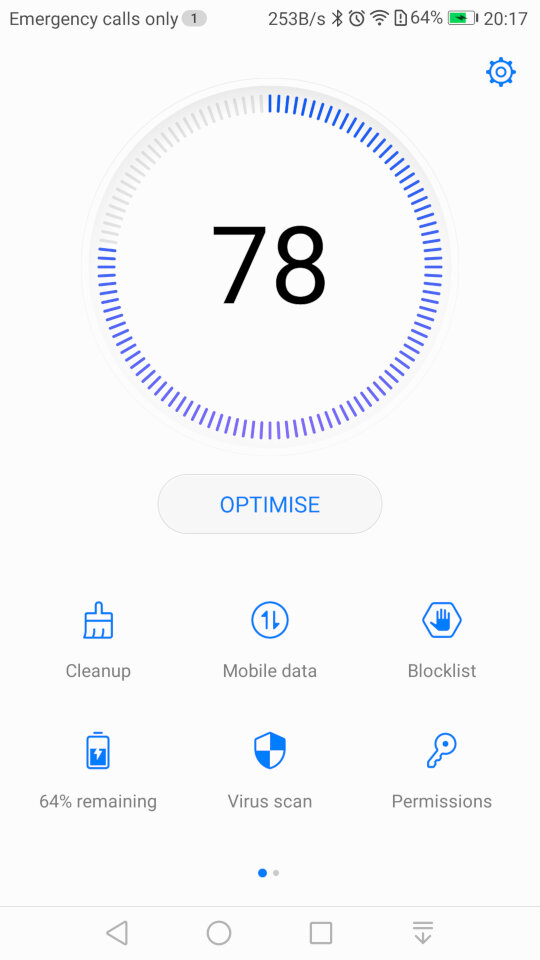
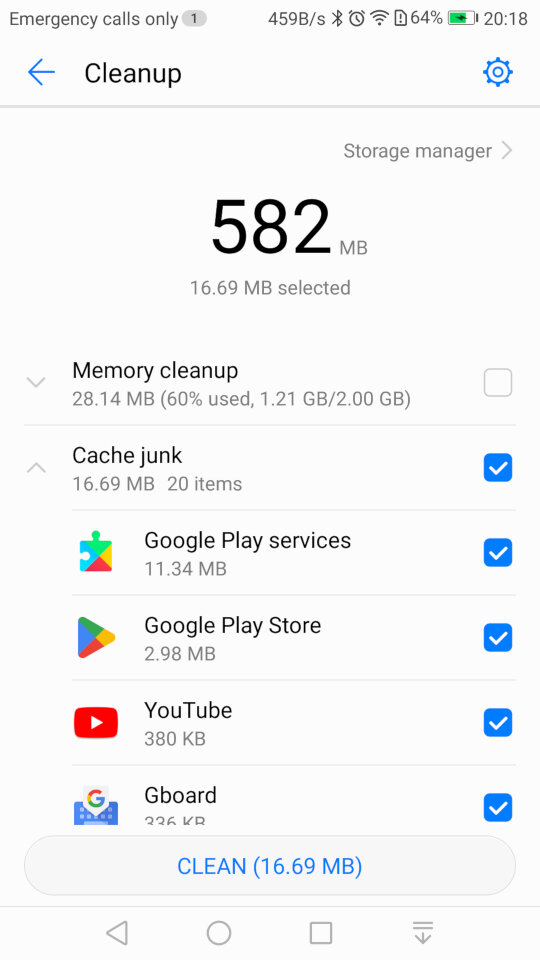
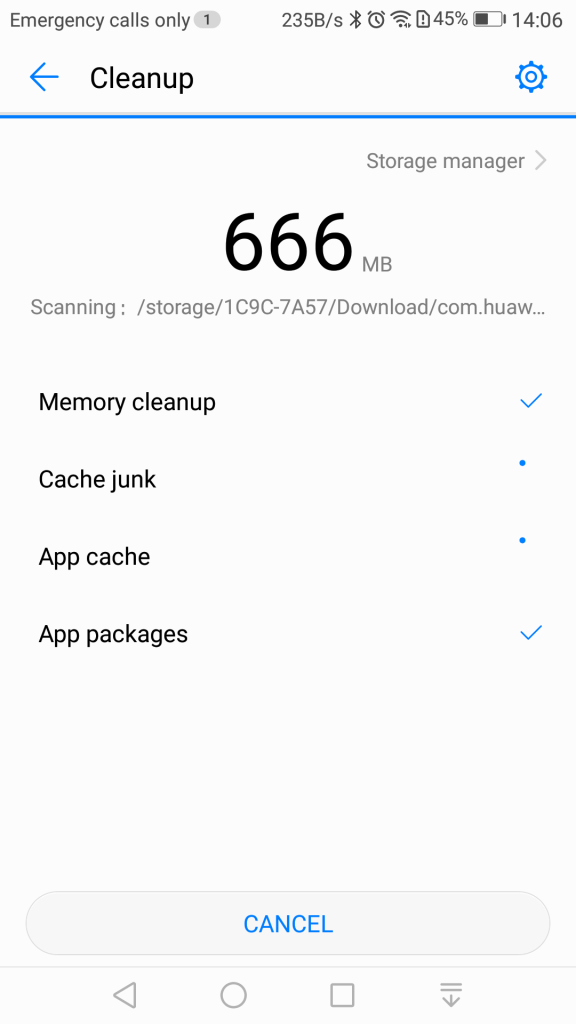
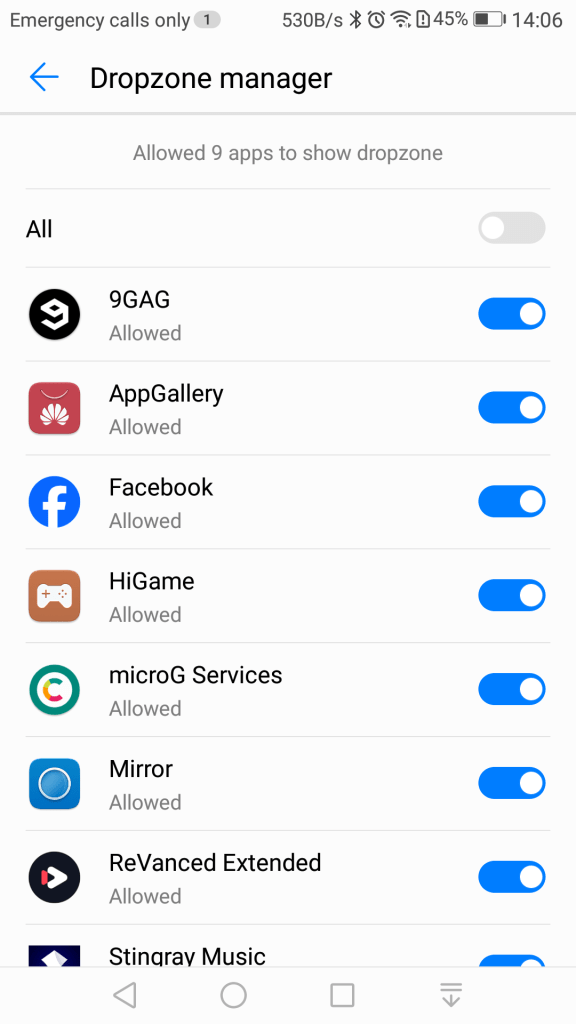
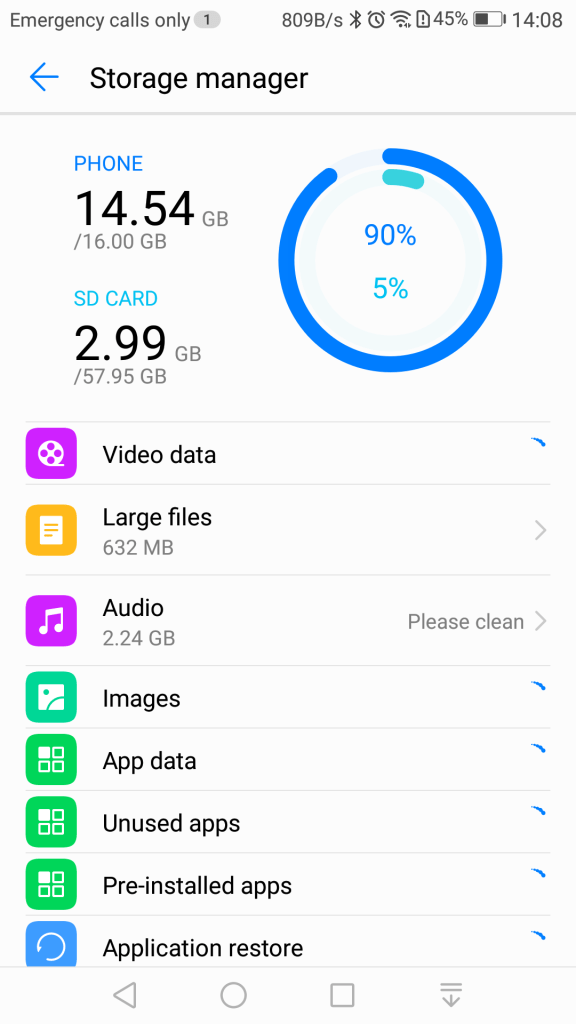
Phone Manager: This serves as a housekeeping tool for the phone and will let you check the device health. The cleanup tool will clean your user storage for both the internal and external SD card locations, and will advise on what you can clear. Given this handset has only 16Gb of storage, it’s a useful utility to delete and remove excess files.

There is also a memory cleanup which will remove aged apps from memory, although the Android kernel should do this automatically. I’m guessing this give the user illusion they are doing something to help with the performance of the phone but also gives it a PC vibe, that you have to routinely perform maintenance which isn’t always the case for smartphones.

You can also clear the cache for installed apps which will free up space but this can also cause a negative impact since the app will have to redownload or generate the data. Normally you should only do this if your experience technical issues with the app itself, doing it too often will negatively impact performance.
A blocklist is also offered that will block certain contacts from contacting you. A little odd place for this feature to be as it would be better suited for the privacy section of the settings menu, but at least the feature is there.
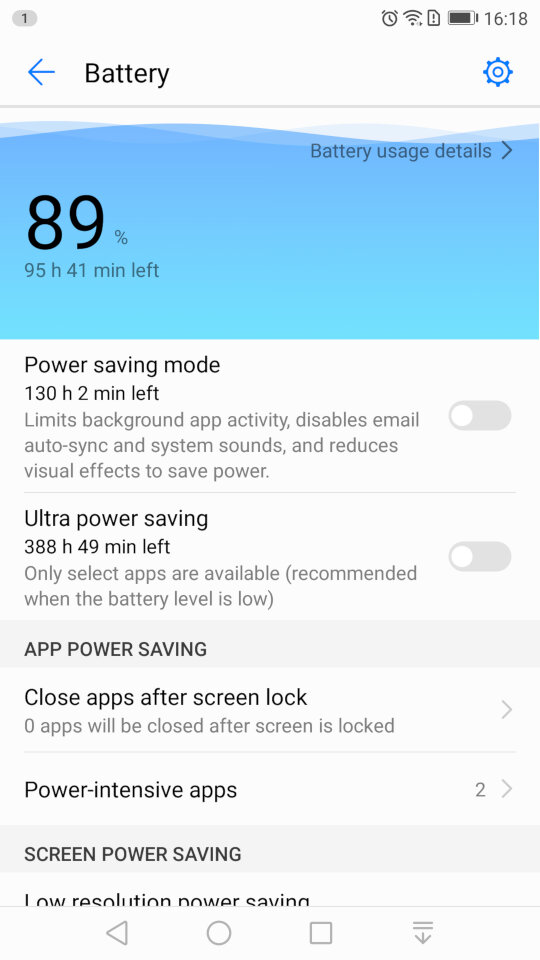
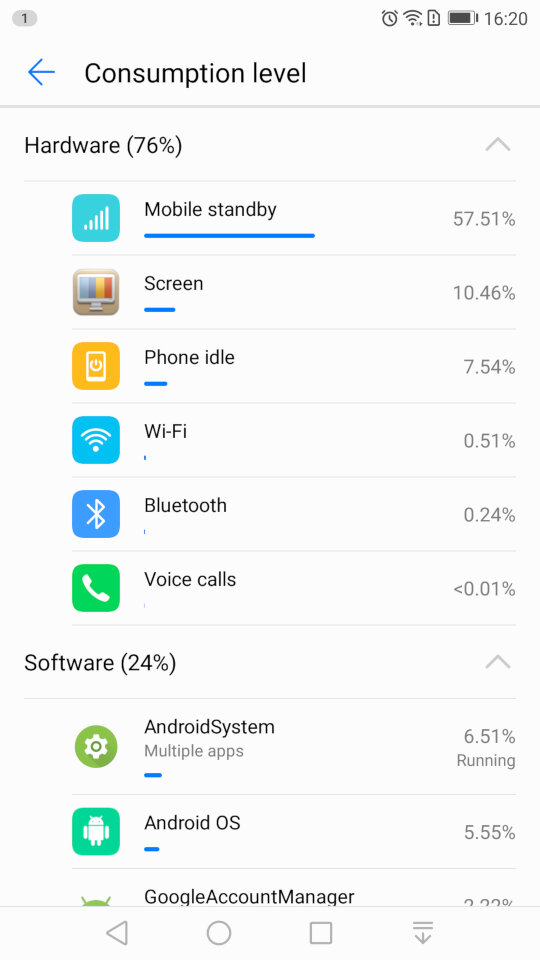
The battery power information which will show the remaining energy, and will let you activate the power saving mod, or ultra saving mode which will shut of moist of the smart function. Ideal if you really need to conserve power.
You can also reduce the resolution of the display to conserve power.

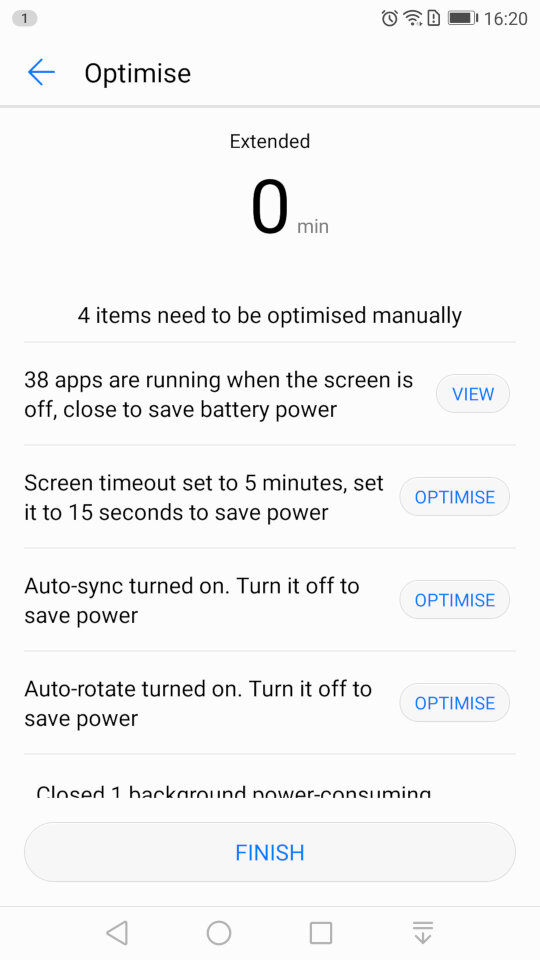
And running the optimize tool which will amend your phones settings, and will advise for settings for other apps to conserve power like disabling automatic sync.
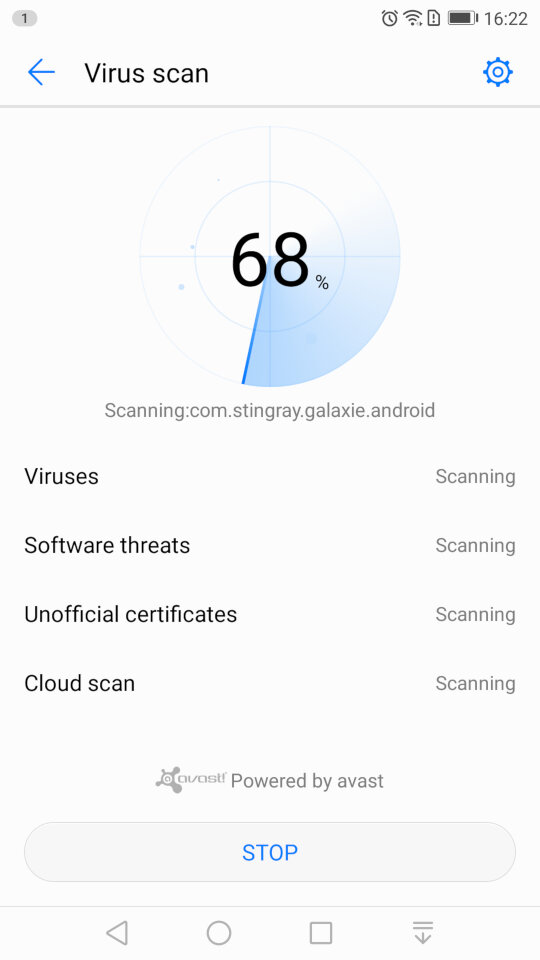
Scanning for viruses, which is supplied by Avast.
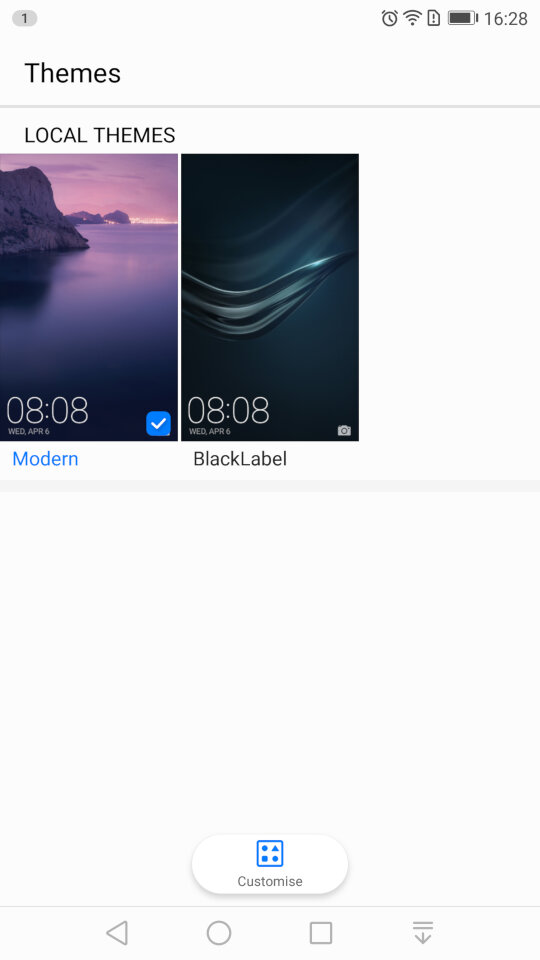
Themes: Two themes come preloaded onto the phone. Modern and BlackLabel. Themes have the ability to change the wallpaper, app icons and the colour scheme.
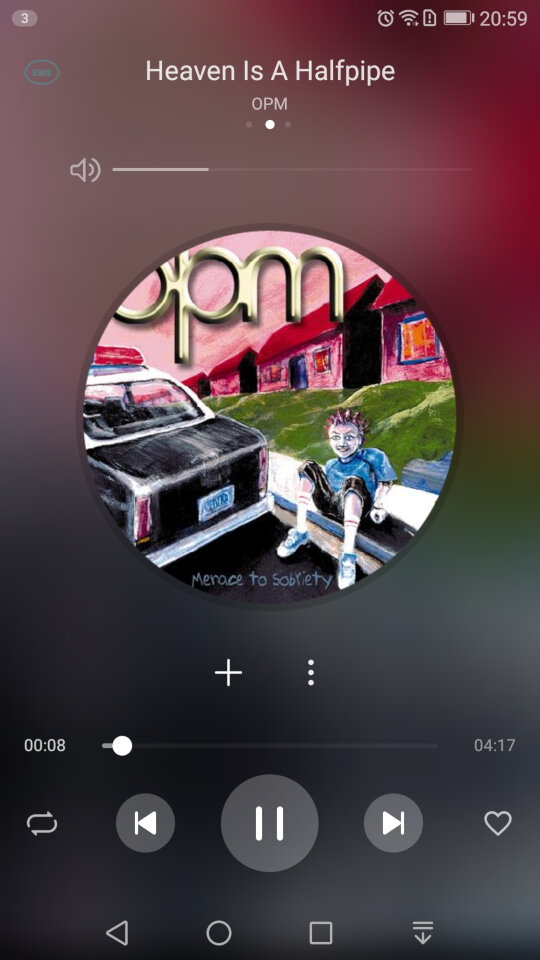
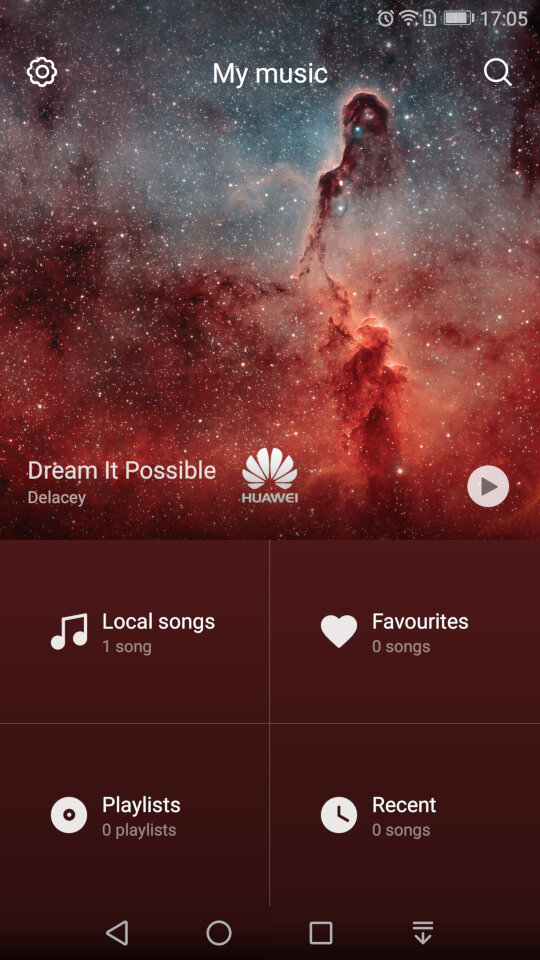
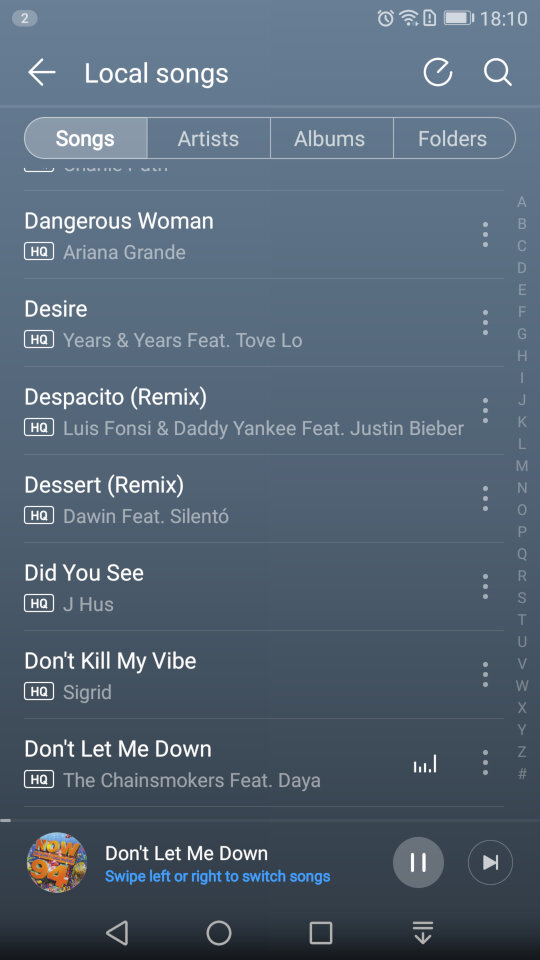
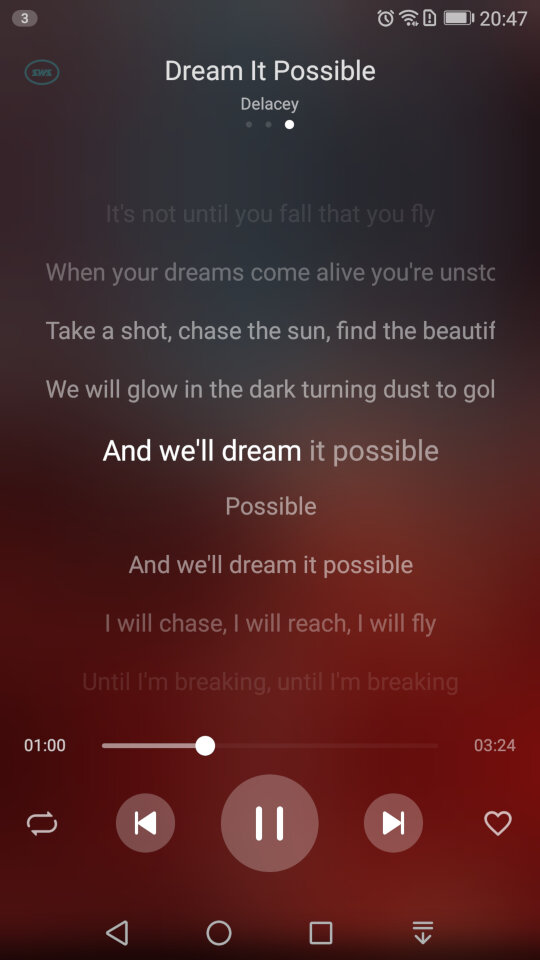
The default player for songs that are stored on your phone. A song is shipped with the phone by default – Dream It possible by Delacey which is supposed to be Huawei’s national anthem, similar to Samsung’s Over The Horizon. The app comes with your standard music playback features like repeat and shuffle, and you can view the lyrics for a song if this has been provided.
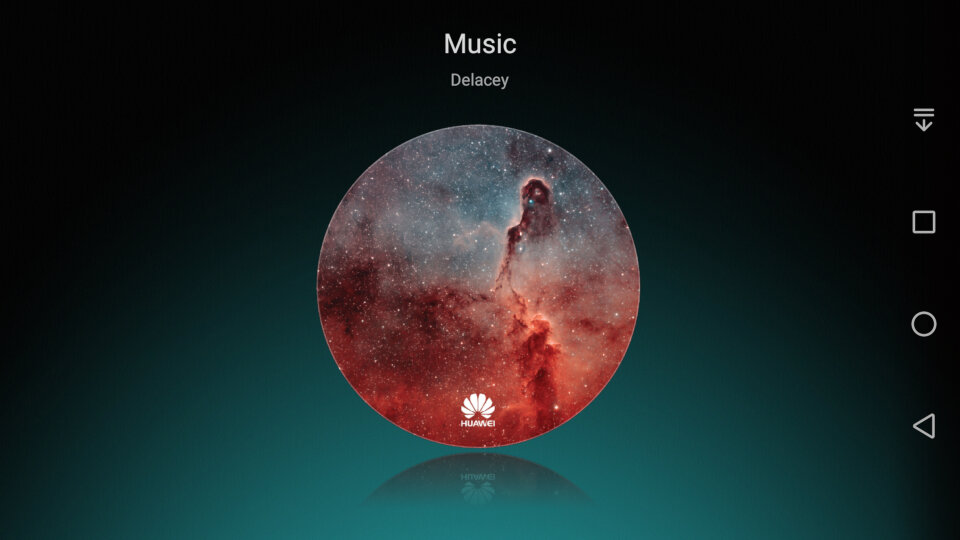
In landscape view
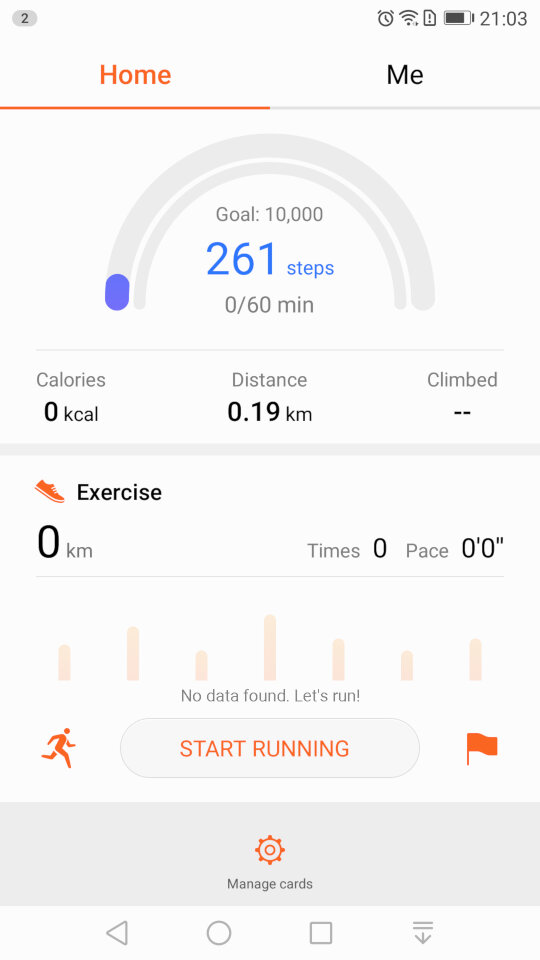
The Health app lets you monitor your steps and log your weekly exercise. If you’re losing weight it can also log your weekly weight and amount of calories burnt, very similar to Sony’s Lifelog and Fitbit apps.
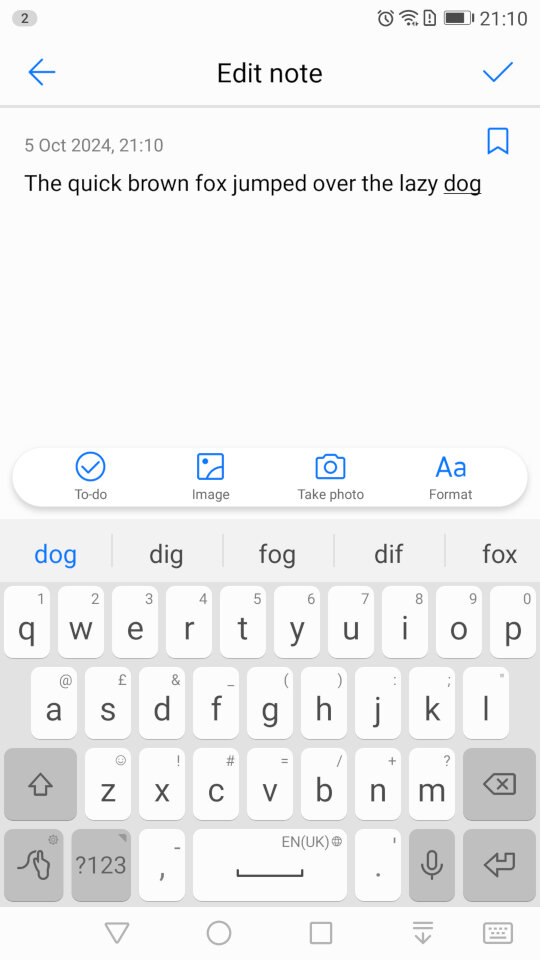
The Notes app lets you create text and multimedia notes, you can embed images within notes and add additional formatting like bullet points for lists. Notes can be tagged as either Personal, Travel, Life or Work for better organisation.
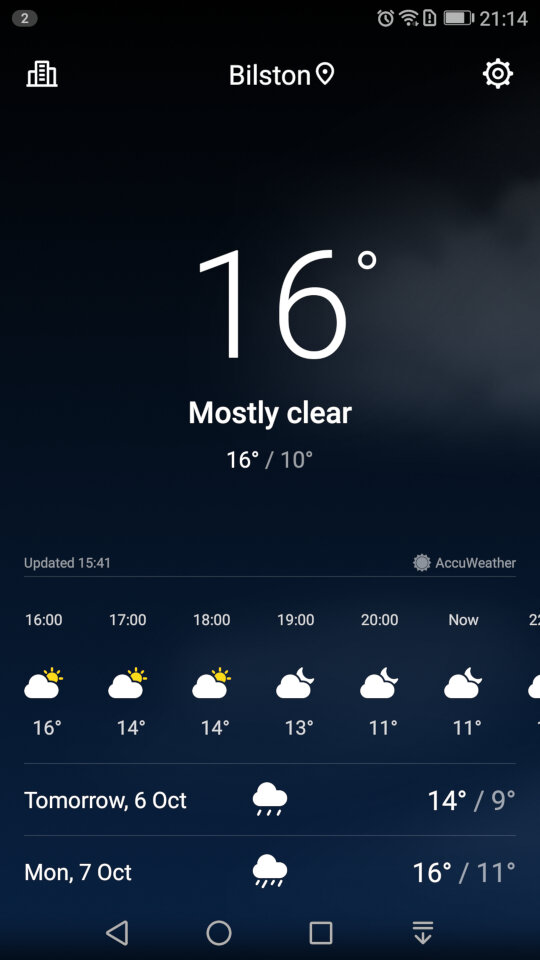
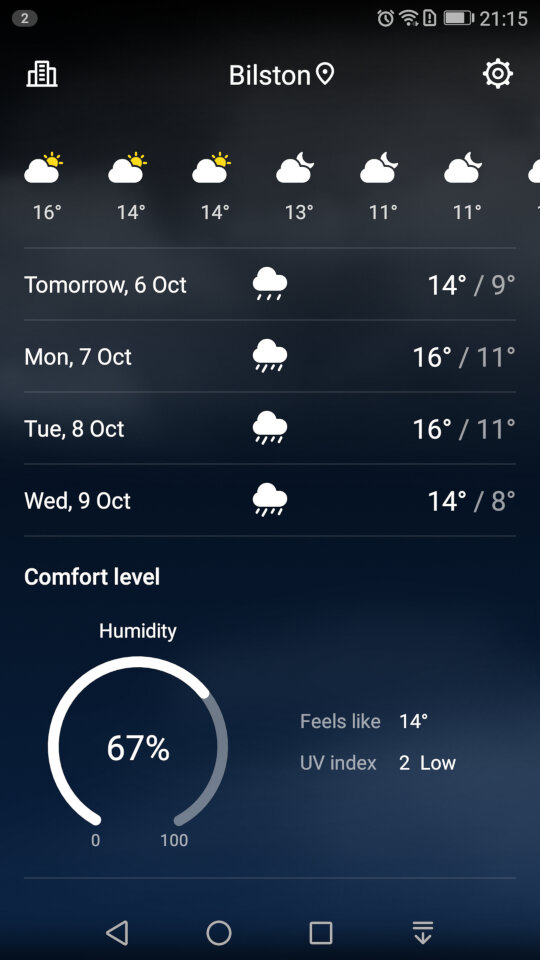
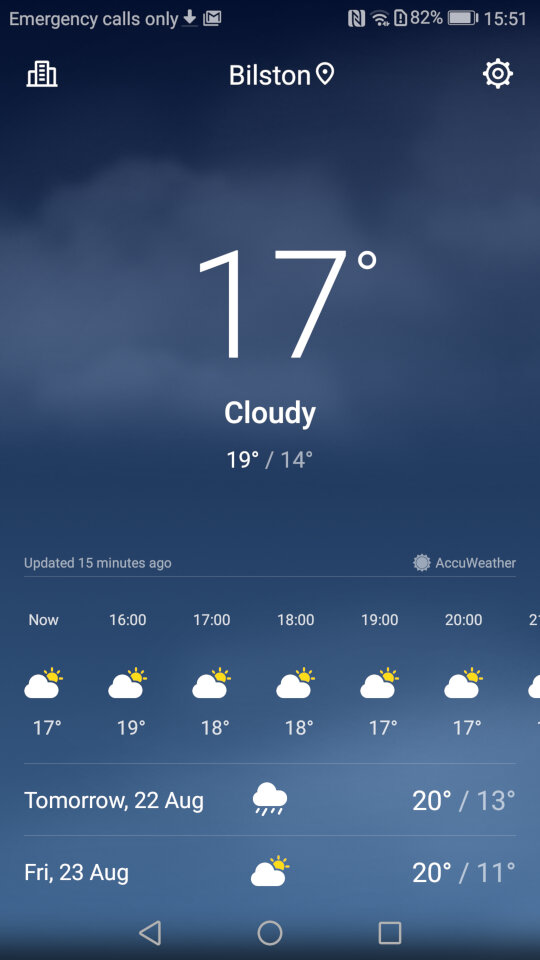
Weather app which will shows the current forecast, scrolling down will revel additional information like the Wind, Humidity and the weekly forecast. You can add additional locations.
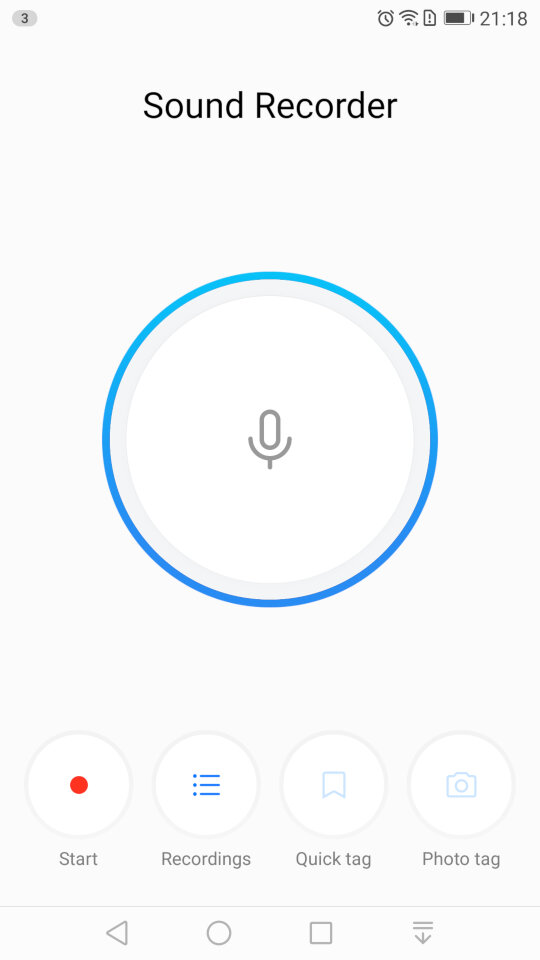
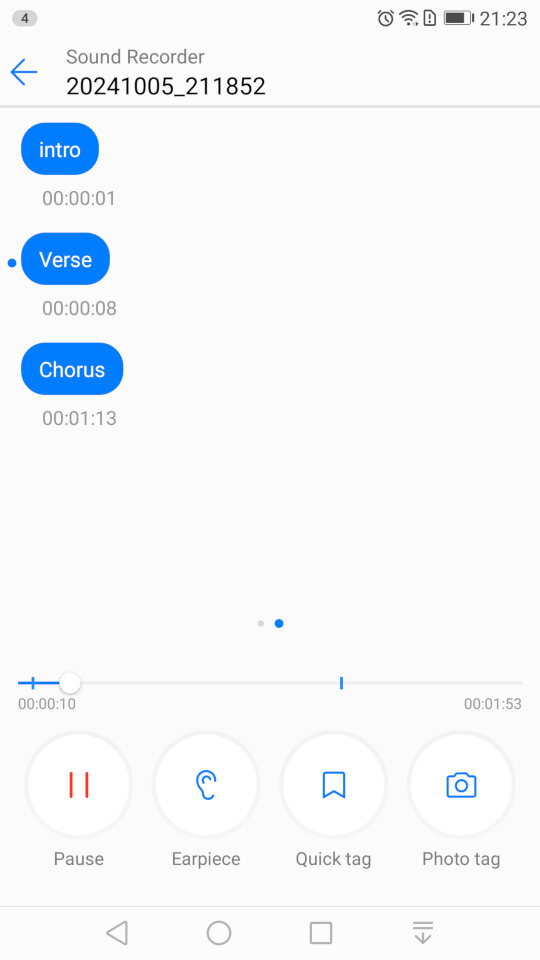
The sound recorder, which lets you add tags that lets you jump to sections of the recording as they are added. This is useful if you have an long recording, and you need to quickly jump to a specific section, like if you were recording a lecture. It’s a nice feature that you don’t normally encounter with smartphone voice recording apps. You can also choose to playback from the loudspeaker or the earpiece instead for better privacy.
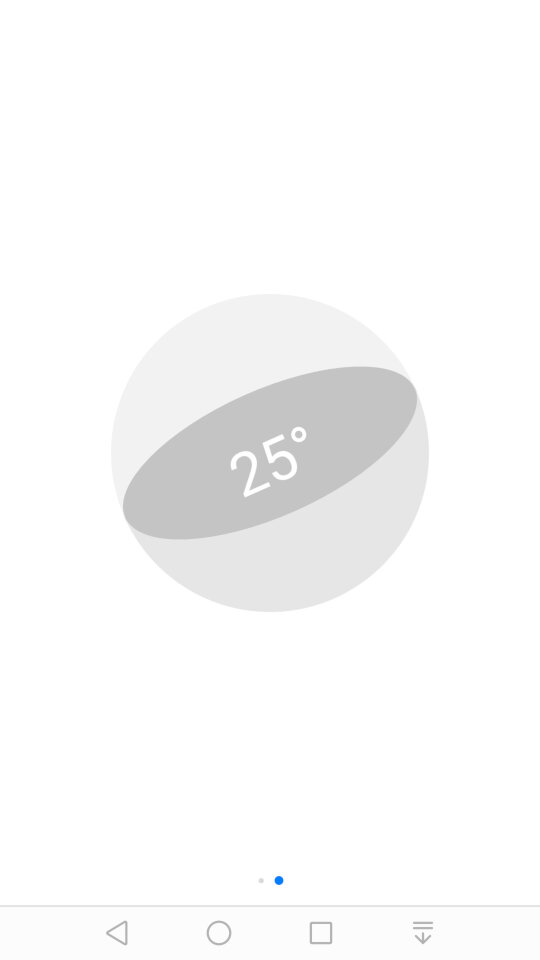
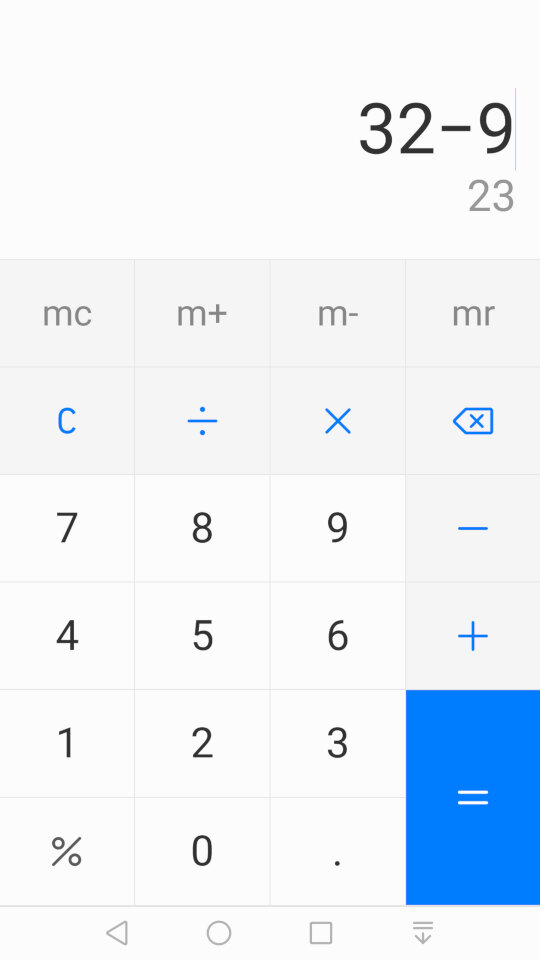
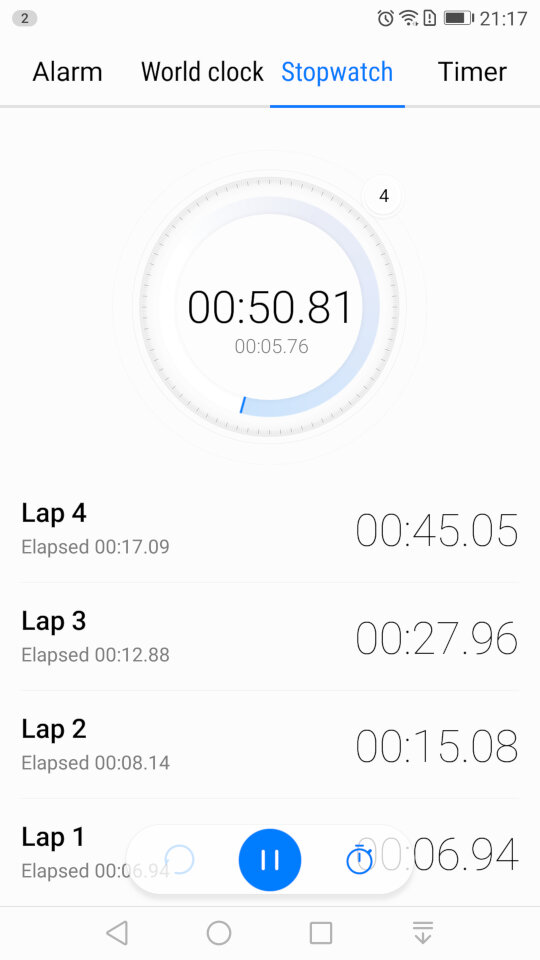
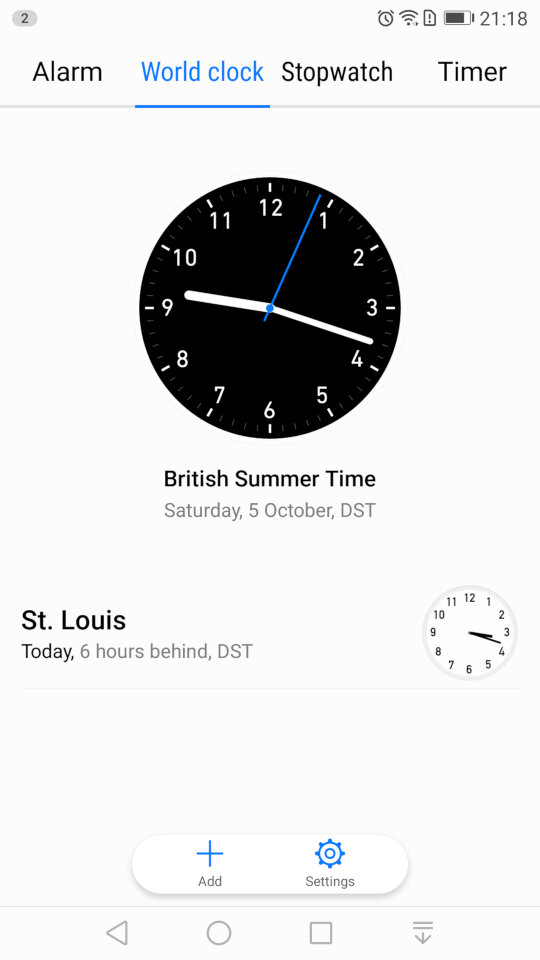
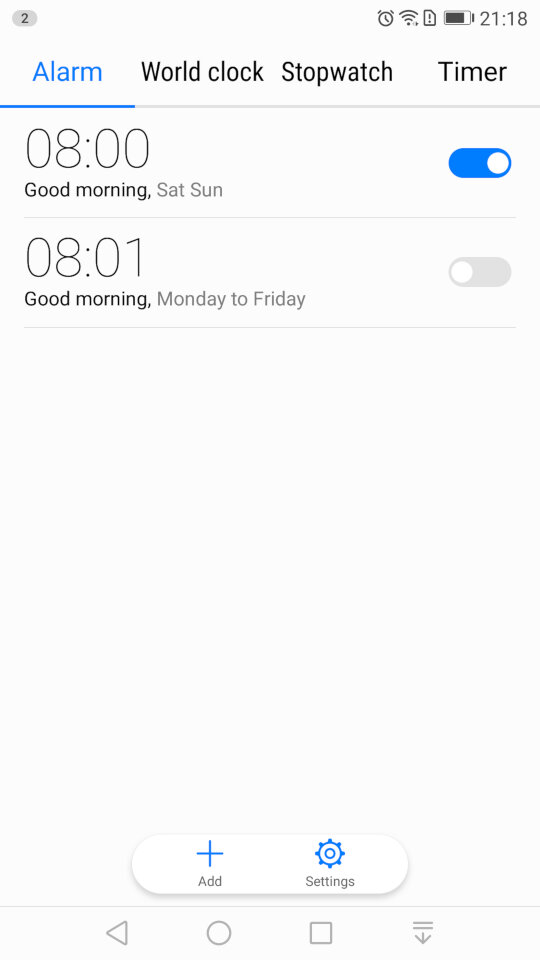
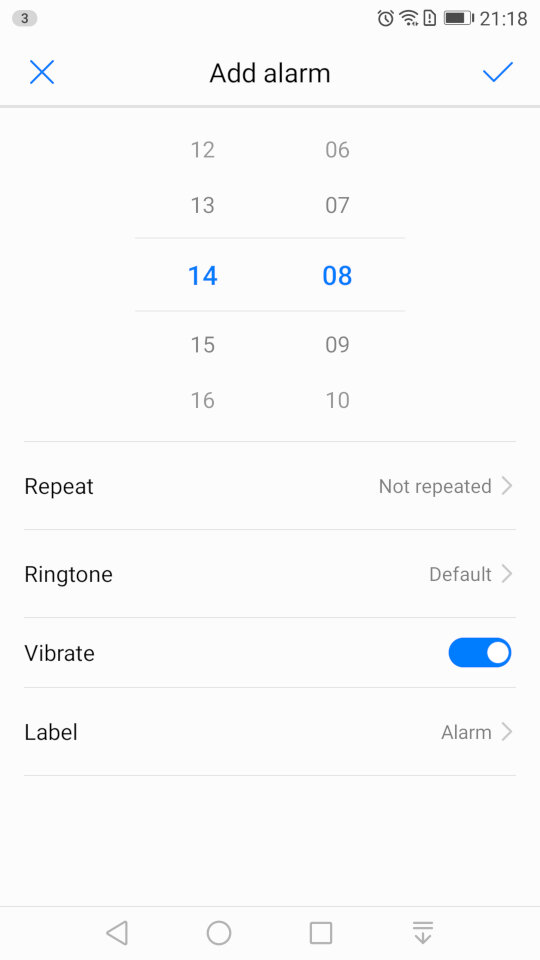
Some screenshots of the other default apps like the calendar, clock/alarm app, etc. These aren’t really noteworthy but still interesting to see the design language and style that Huawei have adopted.
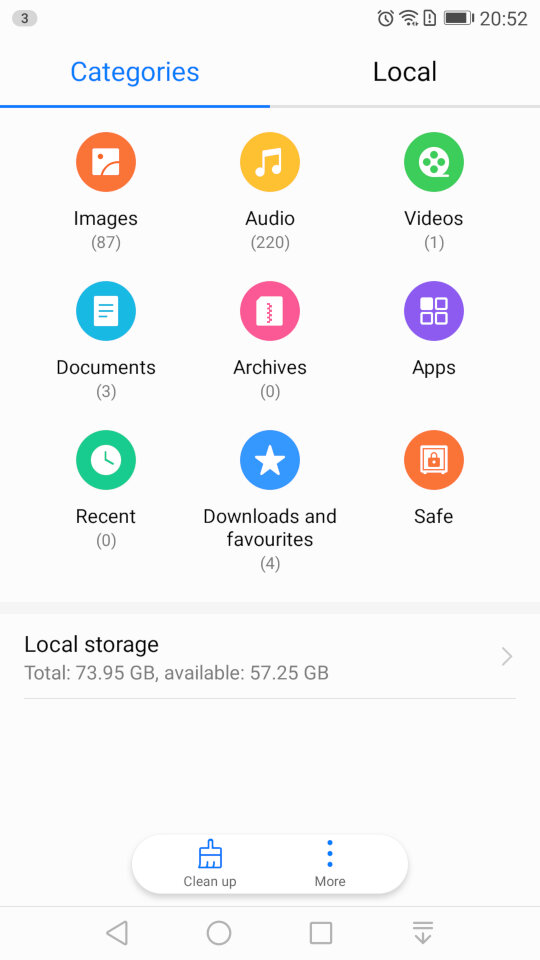
And the file manager, which looks very similar to the one that was in the Samsung Galaxy Alpha

Settings
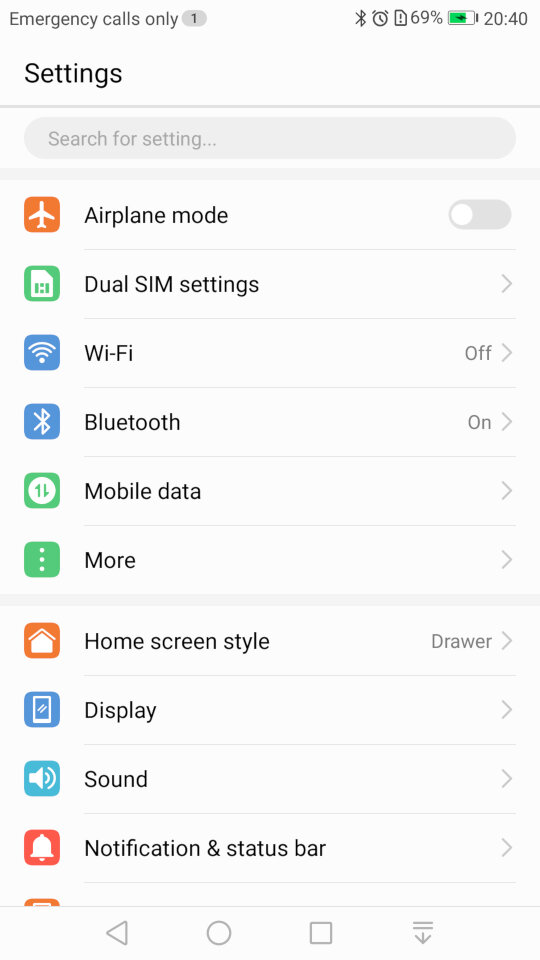
If you’re an iOS user you might be familiar with the layout of the settings screen. Here’s Huawei’s take on the design.
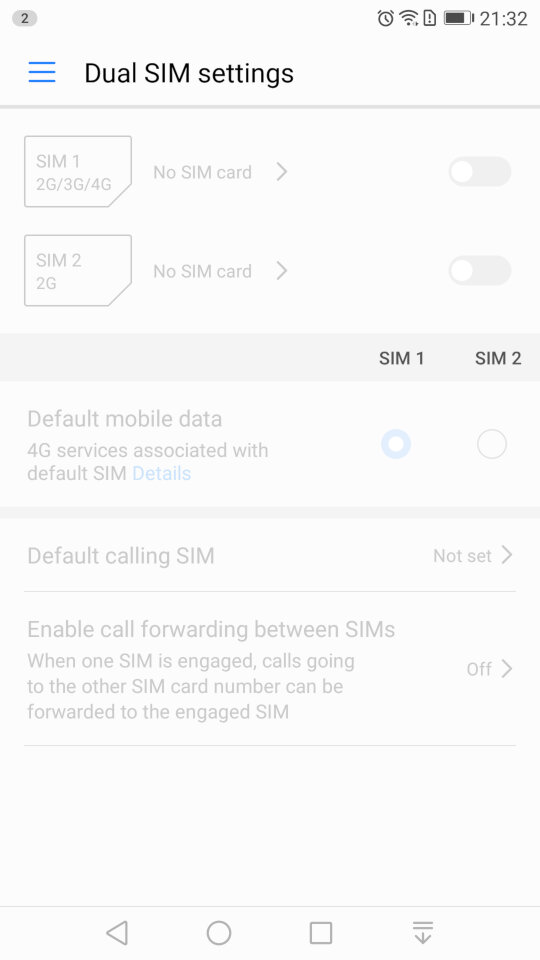
The phone include dual sim card slots to allow the use of dual SIM cards.
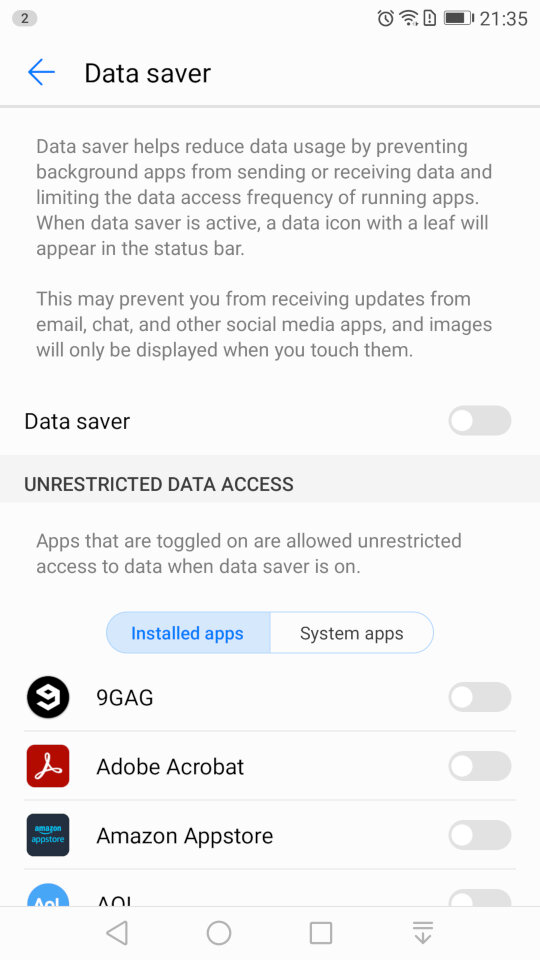
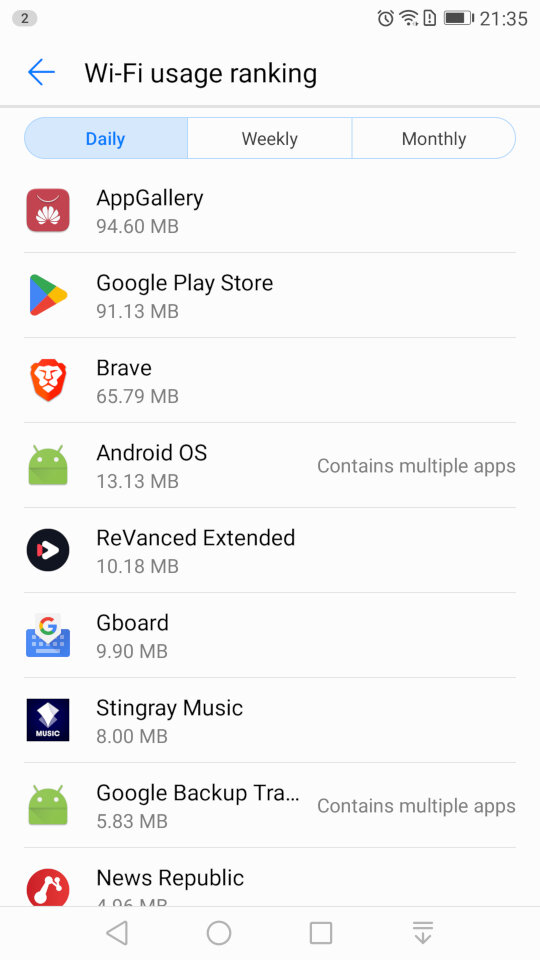
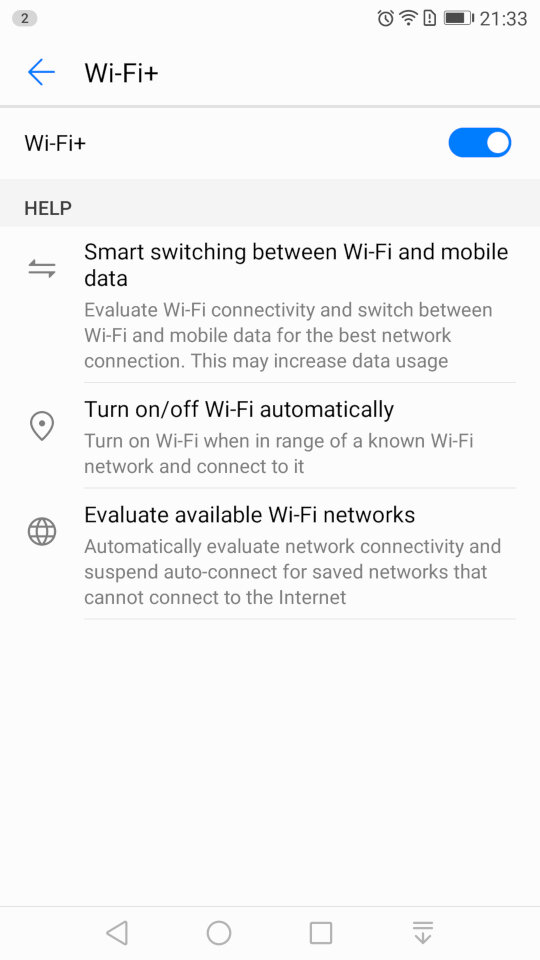
The Wi-Fi settings page, which has an option for Wi-Fi+/ This lets you quickly switch between Wi-Fi and mobile network data, if you are in a weak or fringe Wi-Fi zone. You can also set the Wi-Fi to automatically enable when you are at your home location, rather than leave it turned on all day, similar to Wi-Fi sense on Windows Phone.
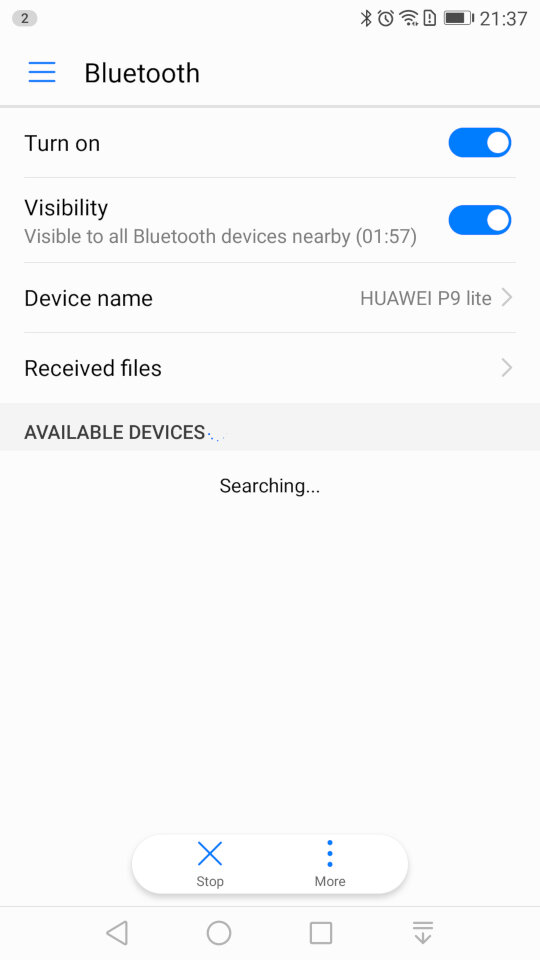
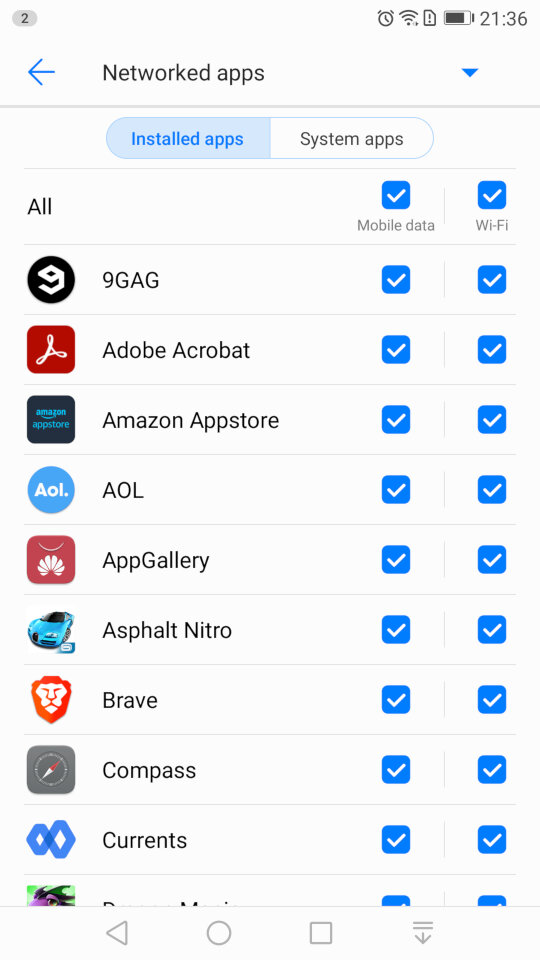
A look at the Bluetooth settings, and the mobile data screen that lets you monitor the amount of data each app has used, and to configure usage limits for when you have a limited data plan. You can also specifically set if you want an app to allow or block data access for Wi-Fi or mobile data individually.
The Bluetooth screen also has a handy shortcut for received files, as many OEM’s will just point you to the phones default file manager, typically in the downloads folder.
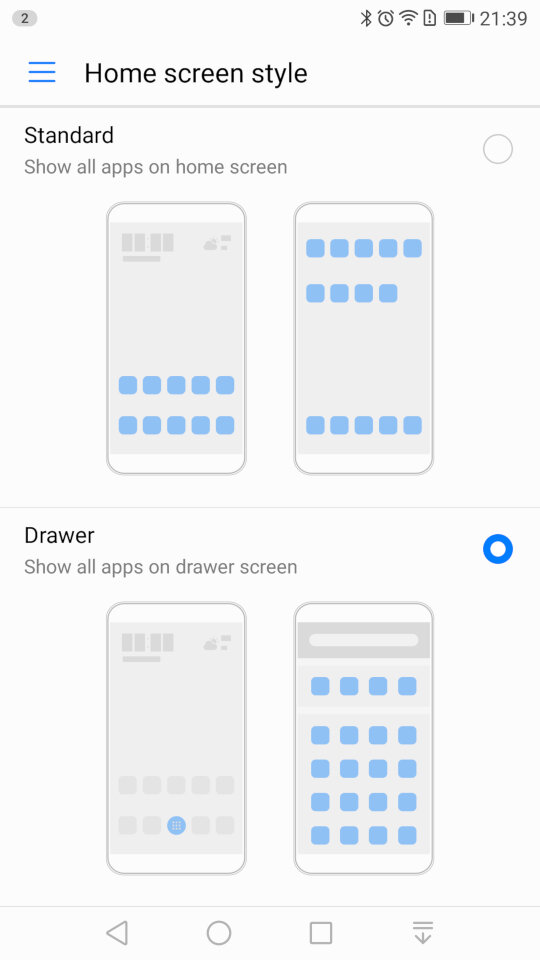
Changing the home screens style, you can choose the standard interface which emulated the iOS setup, where all installed apps are placed on the screen, or the Drawer interface which is closer to the Android style, where apps are placed in a drawer and only pinned apps appear on the home screen.
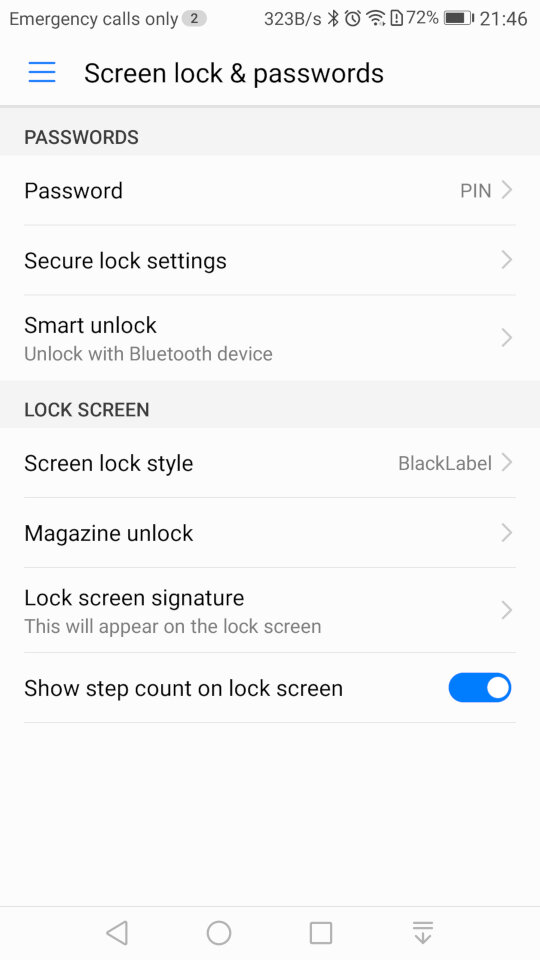
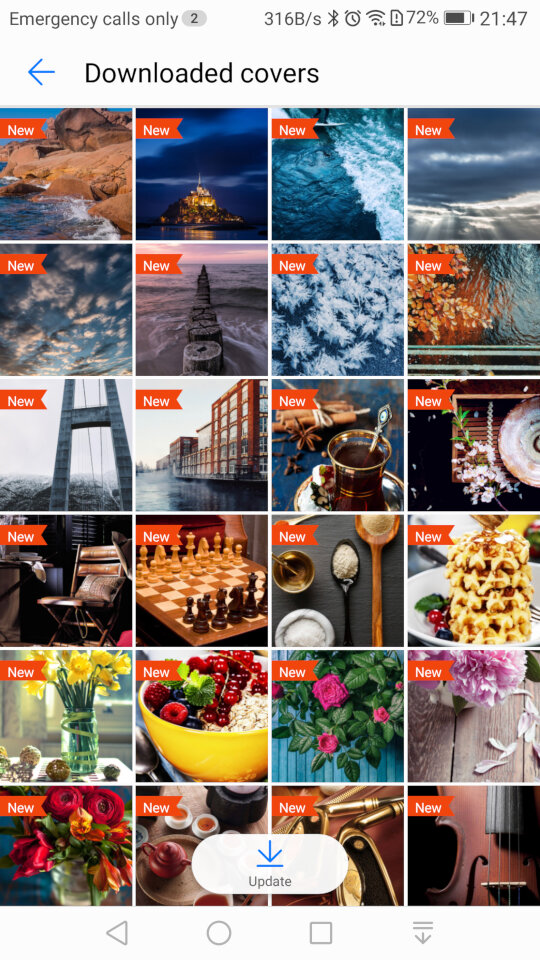
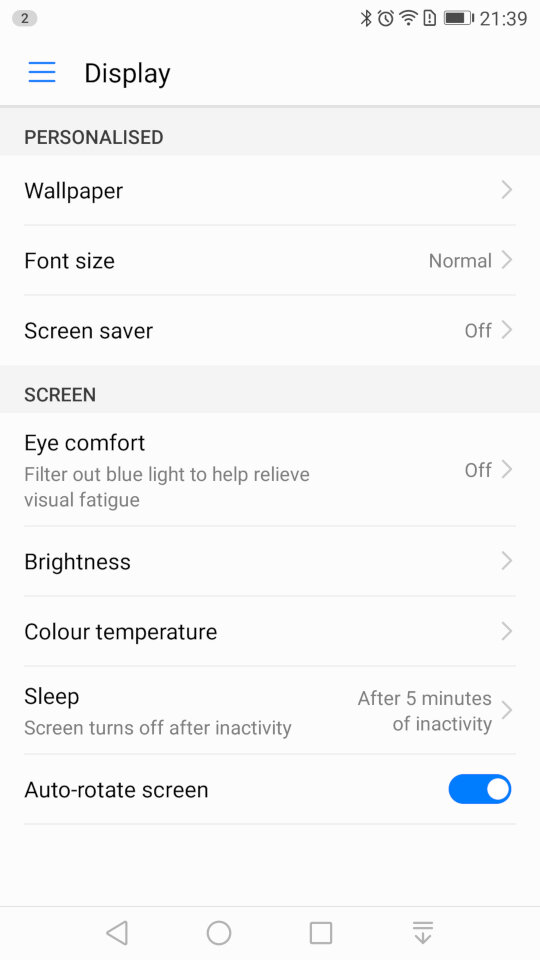
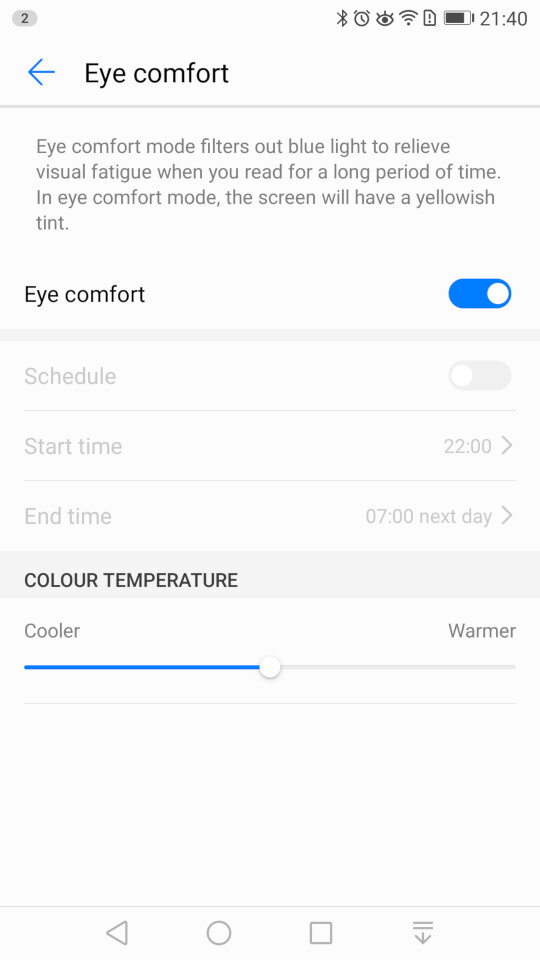
The display settings where you can change the wallpaper, font size and the screensaver for when the phone is charging. The eye comfort feature is similar to the NightShift feature of iOS, or the Flux/Night Light utility for Windows where is filters out the blue light to make it easier for night time use.
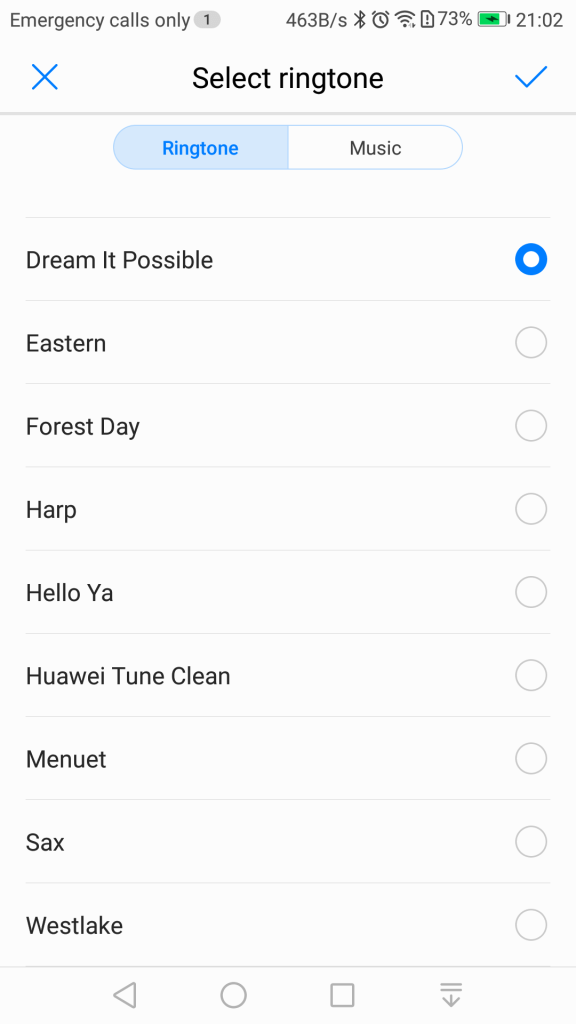
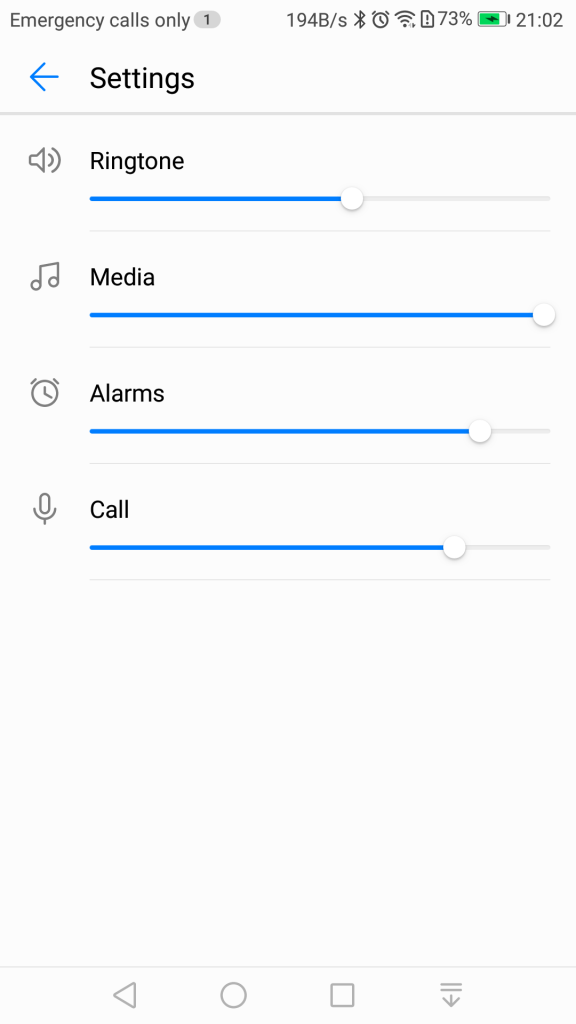
Sound settings for the volume and changing the ringtone, if you have dual sims you can set a ringtone for each SIM card. You can also toggle sounds off or on for individual events. .
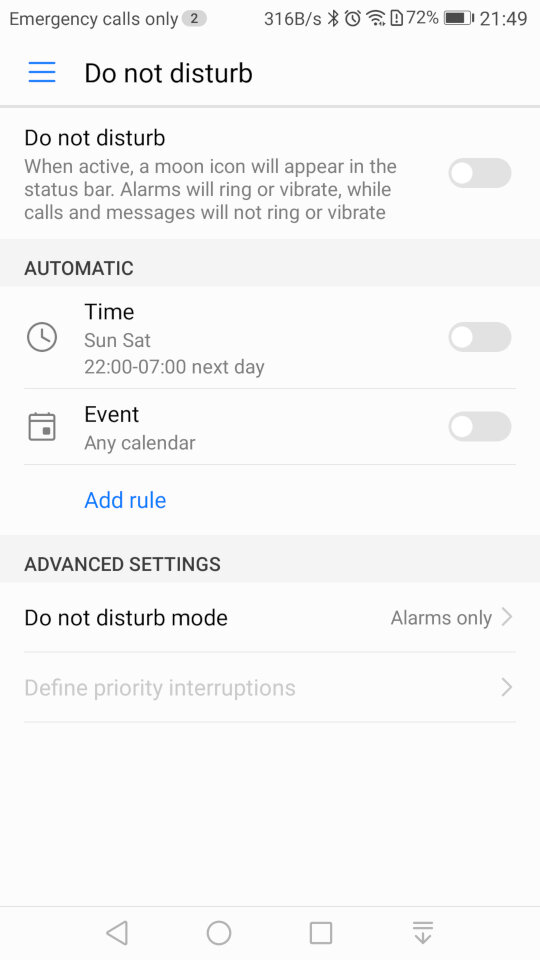
Do Not Disturb will silence the phone notification’s for a specific amount of time, or for a fixed schedule. You can set priority interruptions for specific contacts like family members if they need to ungently contact you.
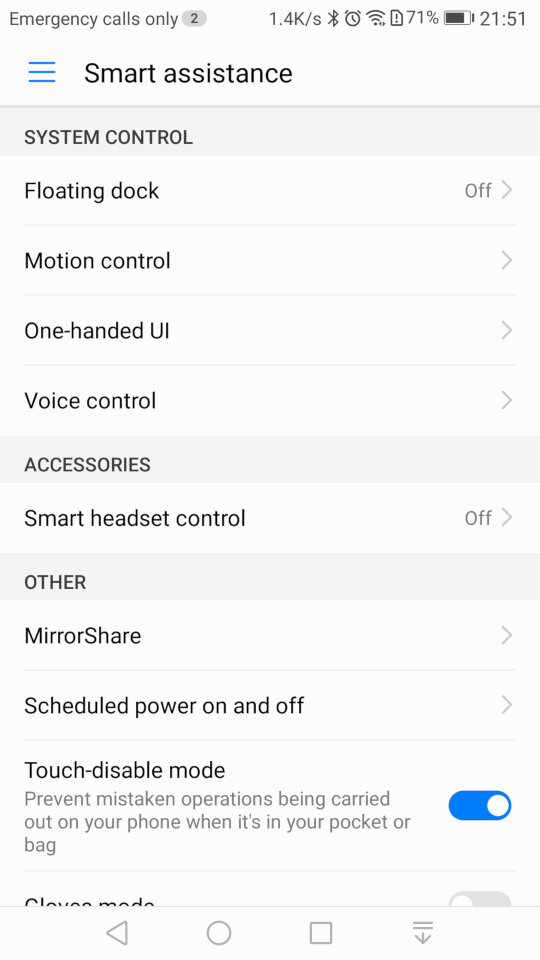
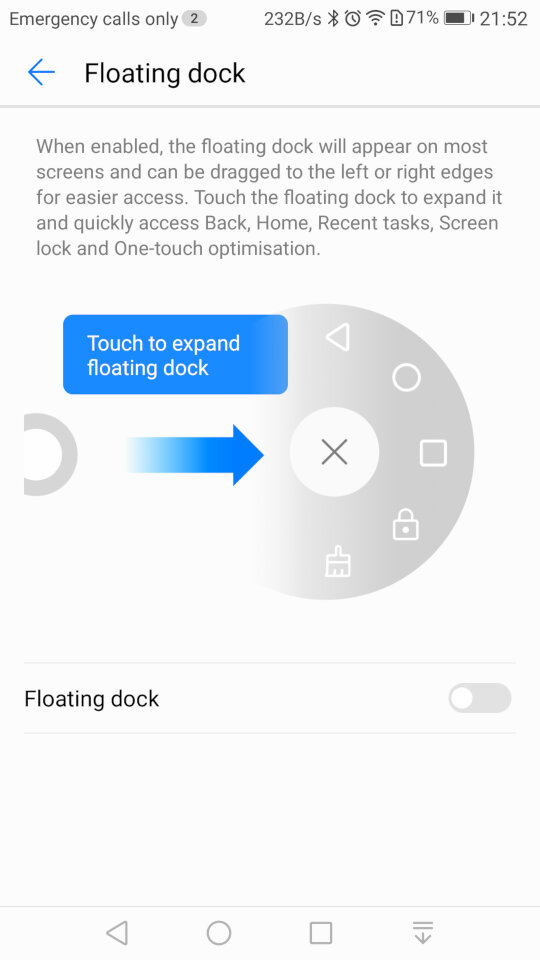
Smart Assistance, where you can enable features like Motion Control that allows you to mute the phone by turning it over when an incoming call is received. The Floating Dock will show the main navigation buttons into a widget that is drawn over other apps and can be freely moved around the screen.
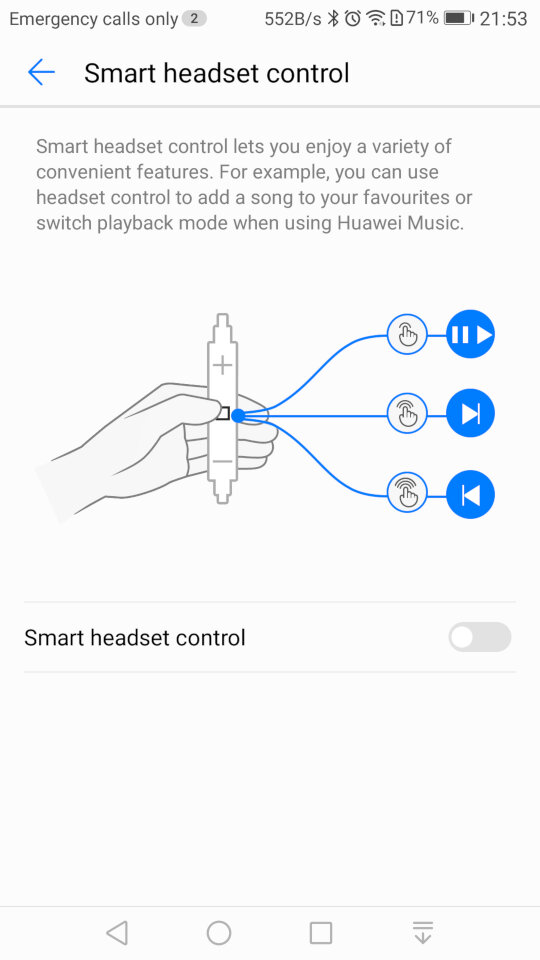
Smart Headset control lets you add additional functions to the volume controls on the headset, you can double press to like song, or to enable shuffle. This only works in the Huawei music app and does not function on apps like Spotify or Deezer.
Lastly Mirror Share is the phones Miracast feature for casting your screen to a TV or supported device.
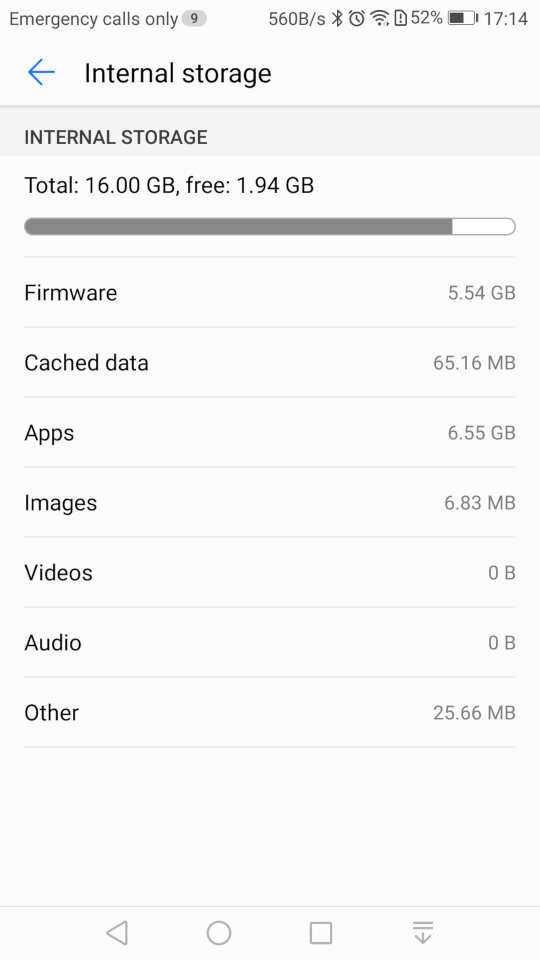
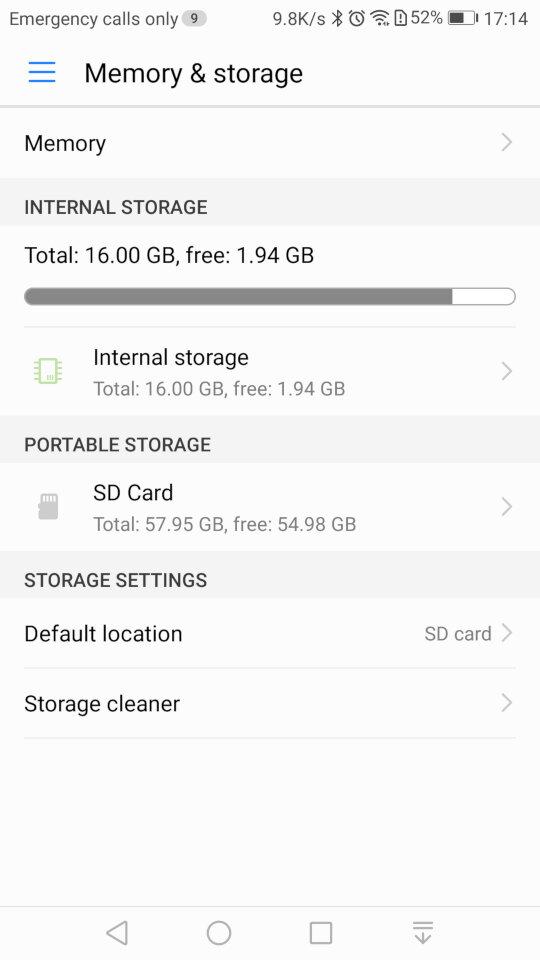
Storage information for both internal and external storage. The SD card can only be used a portable storage, Huawei has disabled the adoptable storage feature of android which limits what apps can be installed to the SD card.
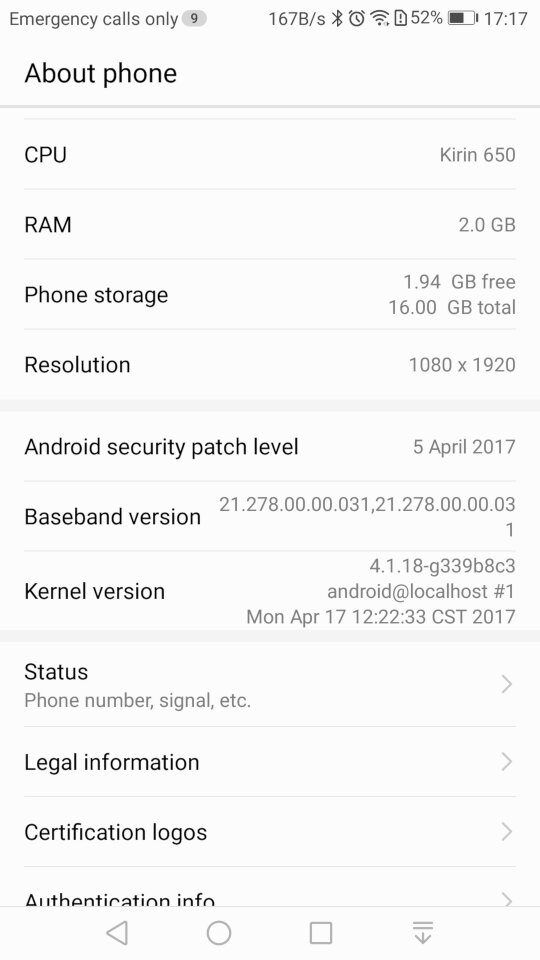
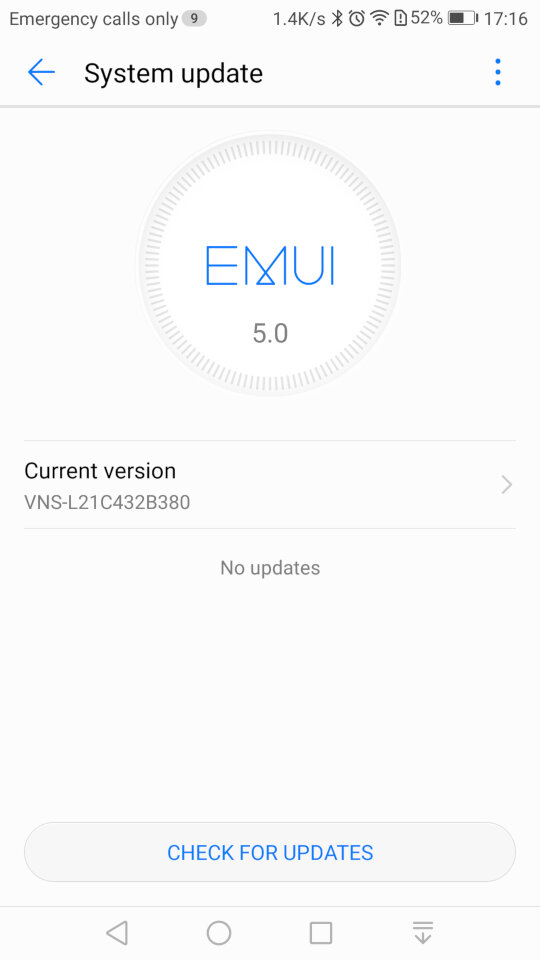
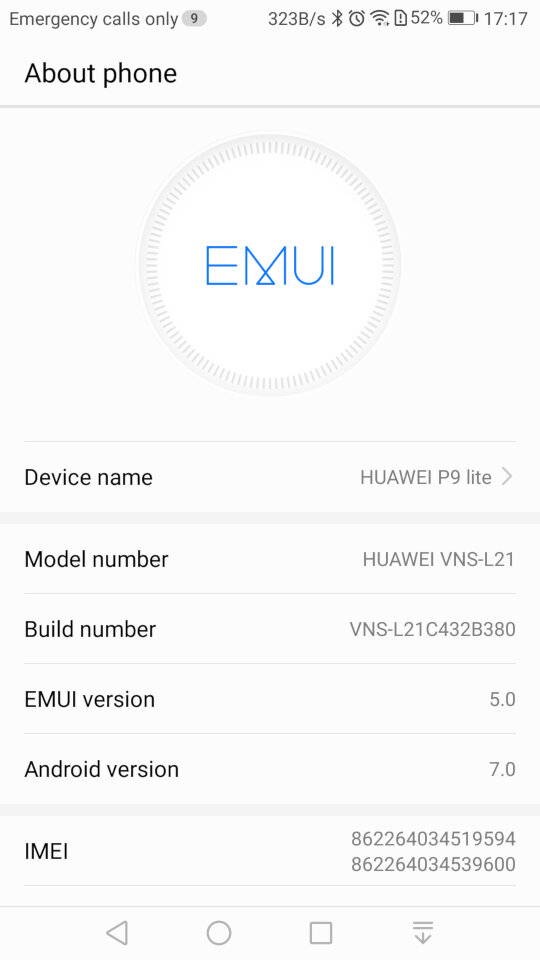
System update settings, here we are running the latest build for this handset, And the system information screen
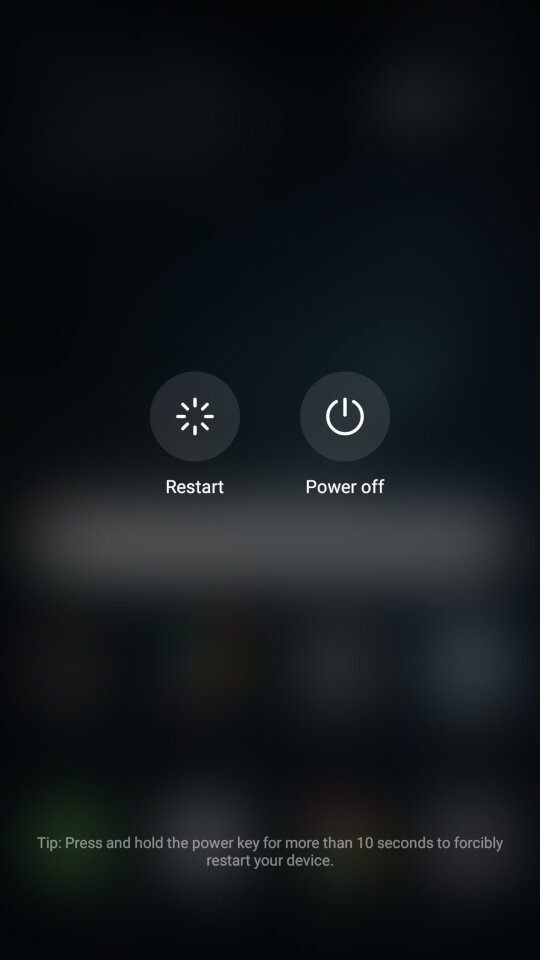
Lastly shutting down the phone
Fracture

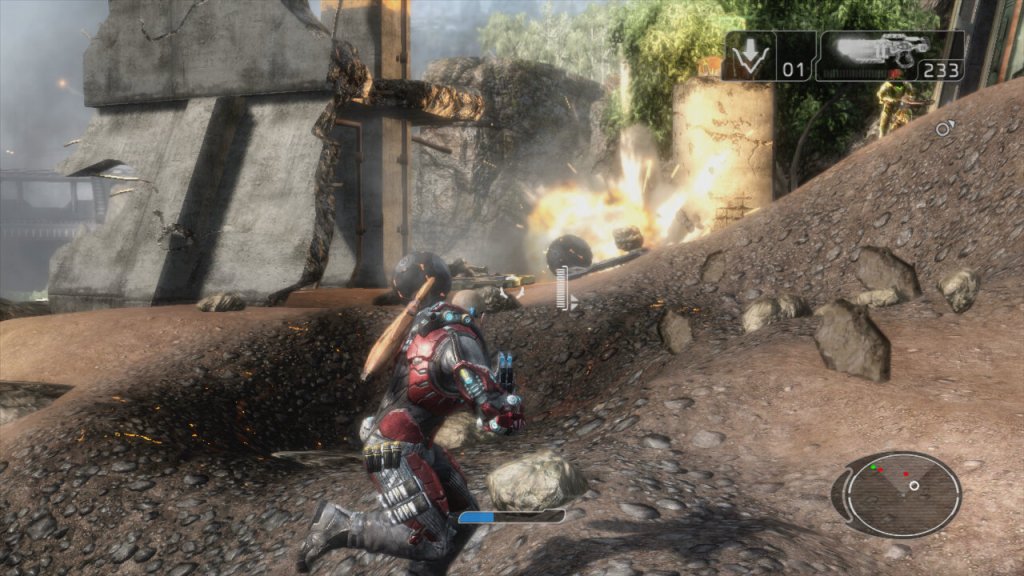
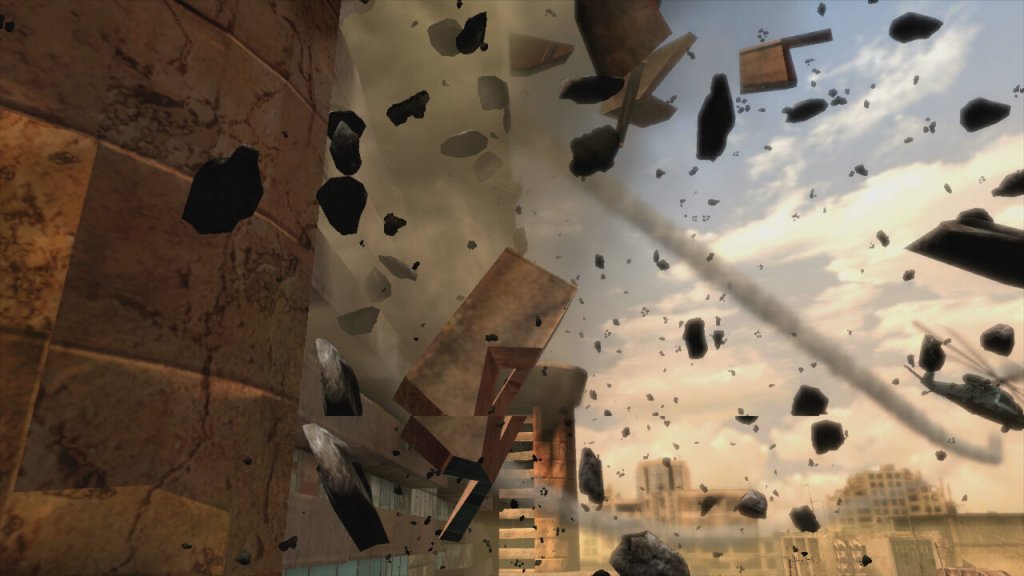
A third person shooter game with some interesting gravity mechanics. Released in 2008 and Published by LucsasArts

Facture Xbox 360

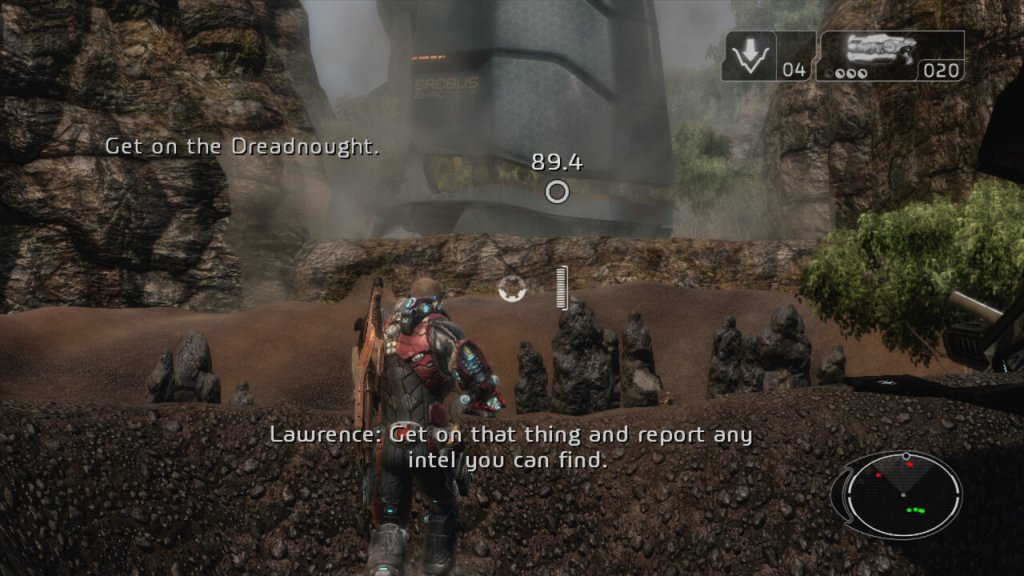
The game is set in the year 2161, where tectonic weapon technology has had an impact on Earth, being a result to climate change and rising sea levels, resulting in the Government investing in terrain morphing research. Basically means you have the ability to raise or lower certain parts of the ground with your weapon and grenades.

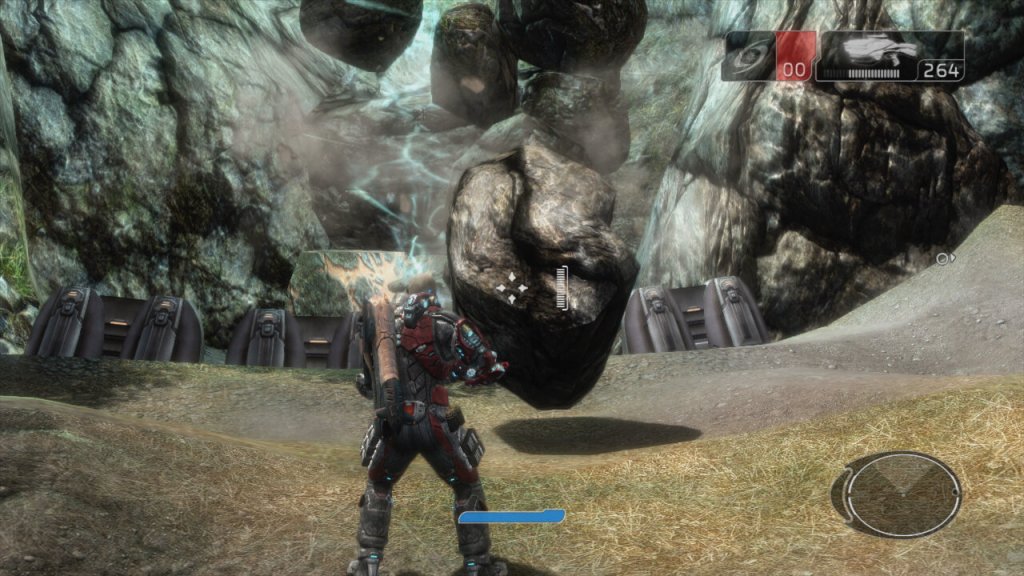
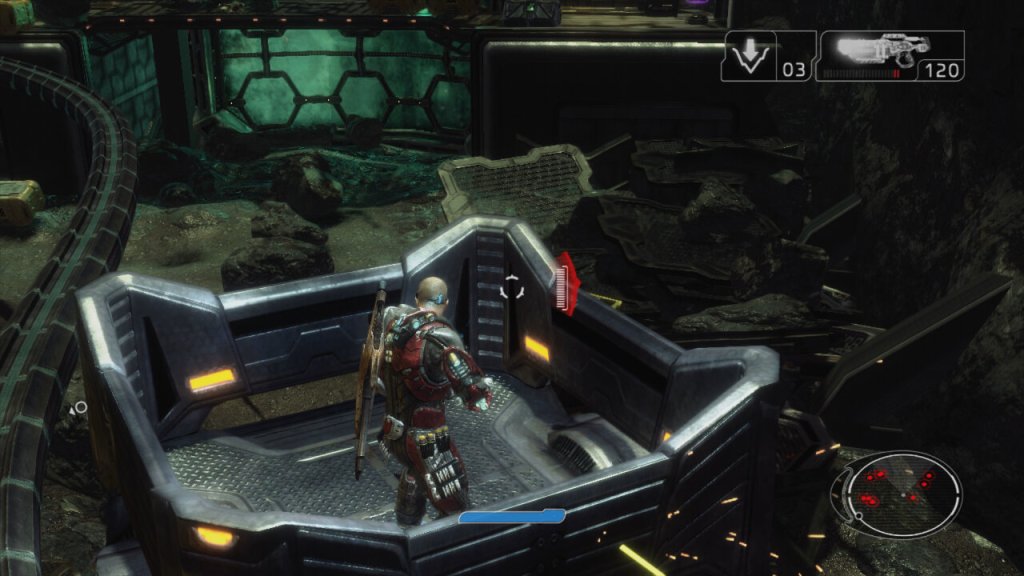
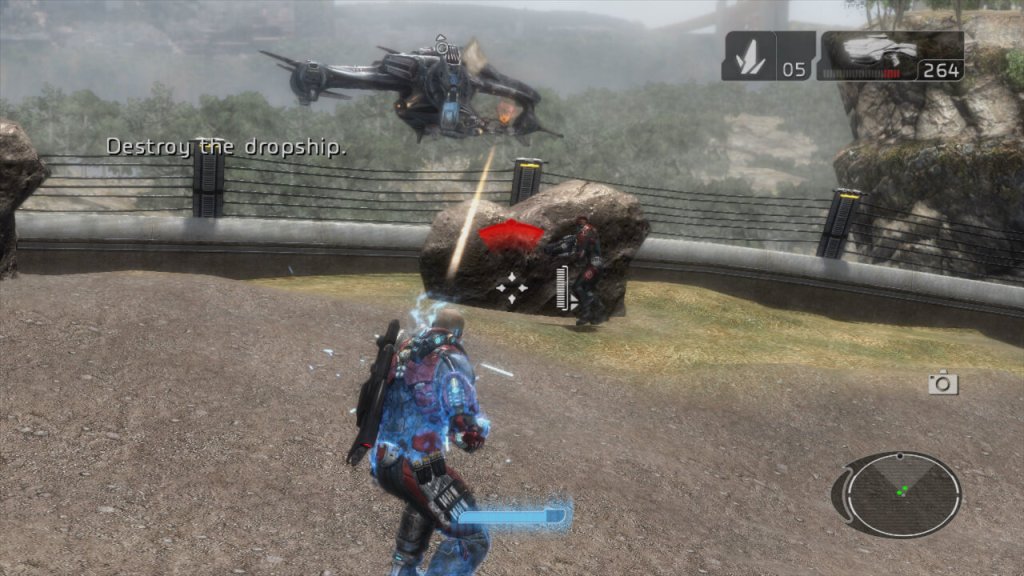
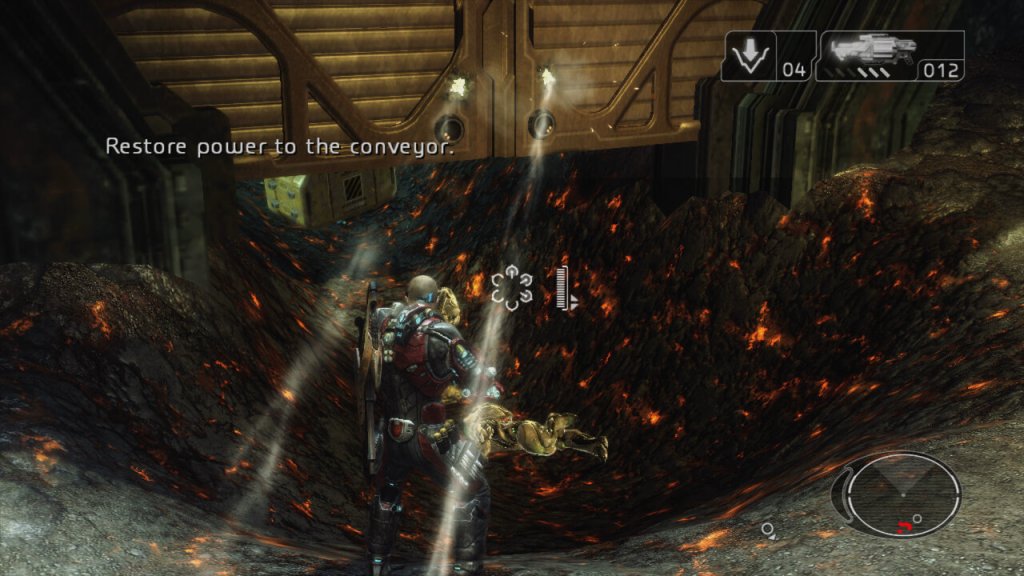
The concept of the game was brilliant with it’s tectonic warfare, being able to manipulate the battlefield like it’s SimCity? You’re not just shooting or hiding; you’re literally playing God with the terrain. Raise the land, drop a rift, crush your enemies like bugs with moving rocks. It’s like someone looked at “Earthquake” and said, “I can make this a weapon.” However the actual implementation was very disappointing and is mostly used for moving objects to progress the story. For combat, it’s easier to take cover behind objects, rather than manipulating the ground to your advantage. Certain points of the mission require you to raise the ground to realign a bridge, or to lower the ground to remove a blockage. Whilst this mostly works, sometimes the ground can clip into the objects, making the game look a lot sloppier in presentation.
Now, gameplay. That terrain manipulation? Fun for about five minutes until you realize it’s the only trick in the game’s bag. Everything else feels like it’s been done before, and done better. The fun part comes with the explosives, as there is a good amount of destructible objects (not environments, you’re limited here) that you can use to take out enemies. Things can get a bit chaotic at times if you set these off in a chain with other explosive objects on the map, especially Hyrdraballs, which are explosive balls which roll about the map that you can manipulate.
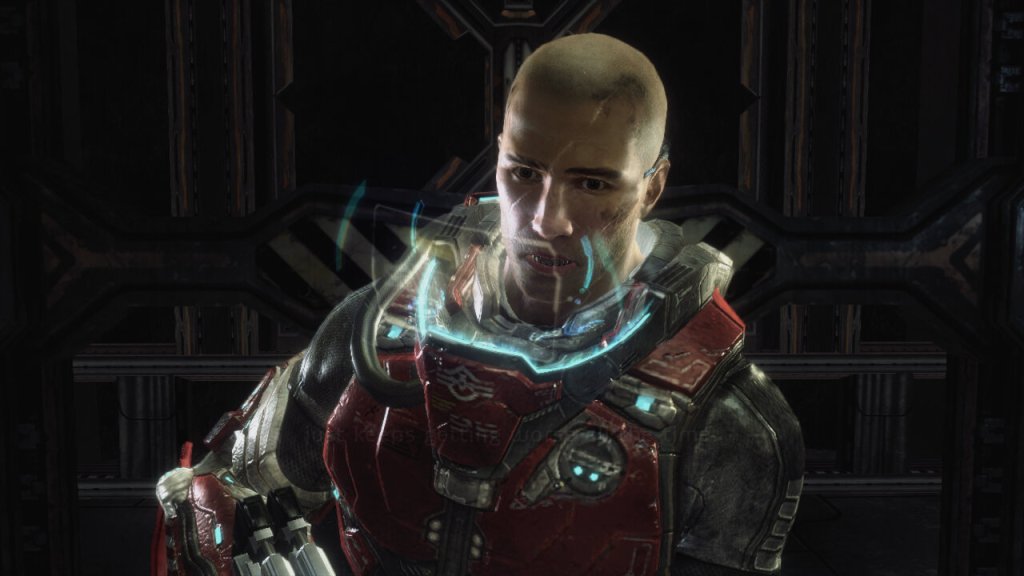
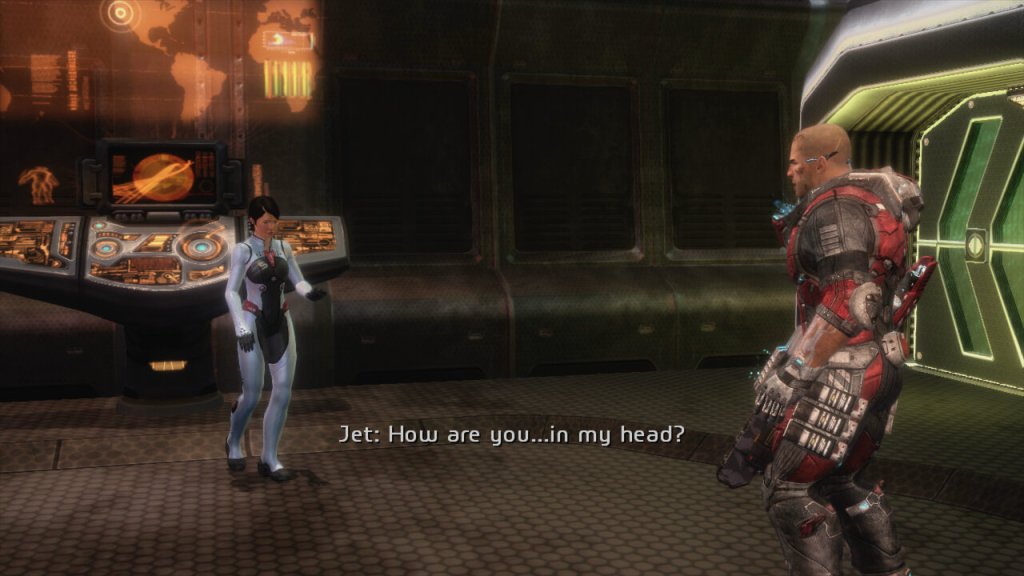
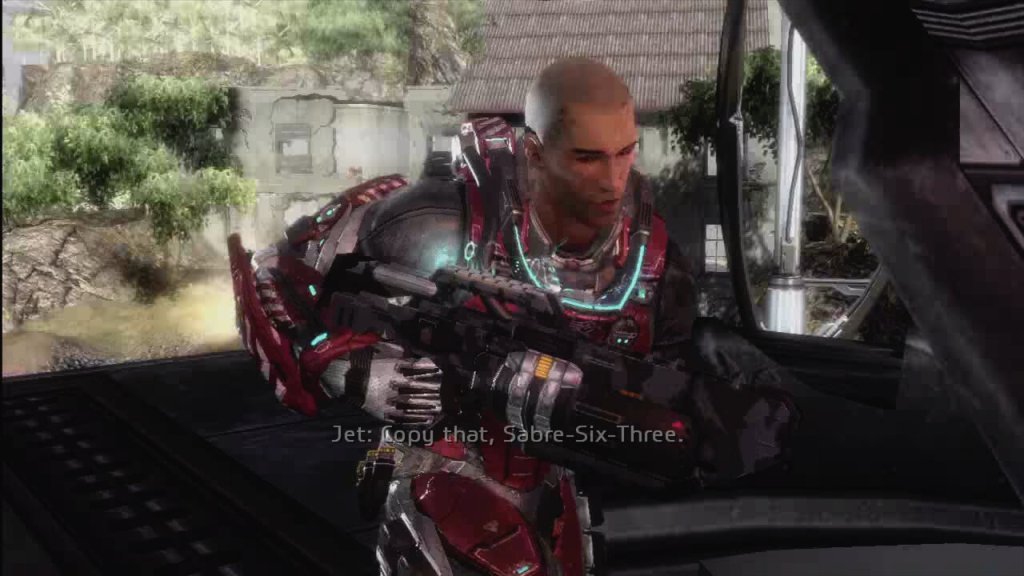
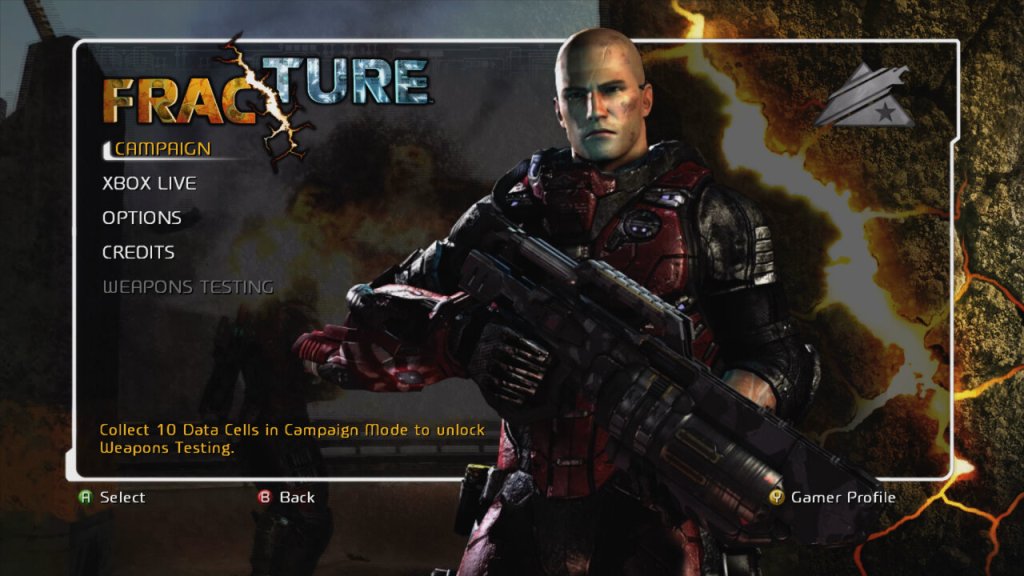
The main character is a very safe design for its time, being your typical bald space marine. I guess when you’re going with a risky gameplay concept, it’s wise to go with a typical protagonist. There’s a few cutscenes that appear as you progress through the game which detail the lot of the campaign, but it’s really nothing to write home about and can be easily forgotten. Essentially you are fighting a rival faction for power and your player character is a soldier that was in the right place at the right time.
The story does explore themes of power, control over nature, the ethics of warfare, and the consequences of advanced technology. It questions the lengths to which nations would go for power and survival, and the impact on humanity when nature itself becomes a weapon.

The game was released for consoles only, for the Xbox 360 and the PlayStation 3. There waw no PC release which was unusually for a third-party game. The Xbox 360 version is considered to be the better port due to running at a higher resolution thanks to the 360 being easier to develop for. Remember this was 2008 where developers were struggling with getting to grips with the Cell Processor of the PS3.

In conclusion, Fracture is like a student project that gets a B for effort but a D for execution. It’s got one fantastic idea but doesn’t know what to do with it beyond the initial “wow” factor. If you’re into trying out games with novel mechanics for their novelty, give it a go. But if you’re looking for a deep, engaging experience? You might want to look elsewhere unless you’re really into watching potential squandered. It’s not the worst game out there, but it’s a reminder that sometimes, a great idea isn’t enough to make a great game.

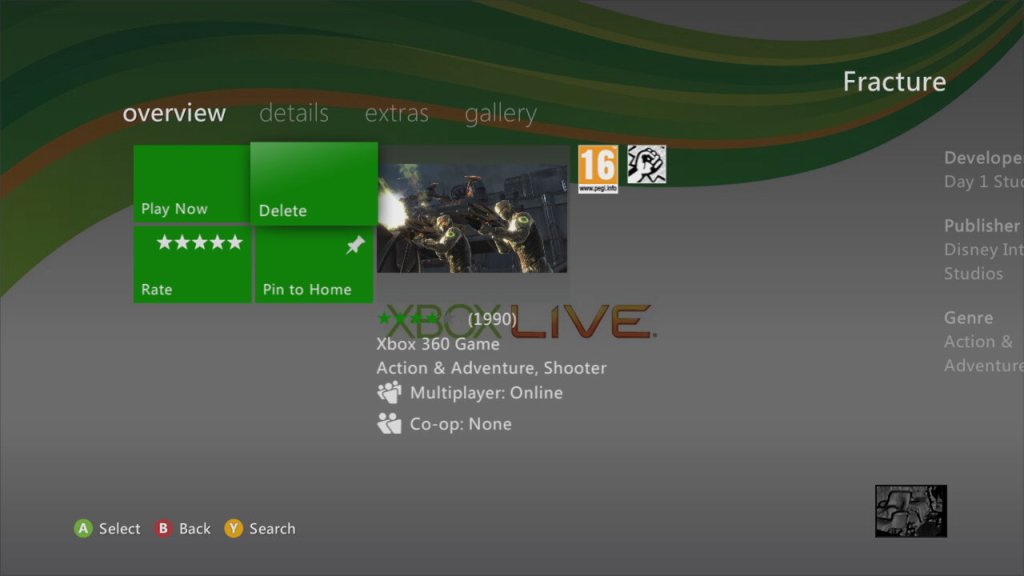
Fracture as it appears on the Xbox dashboard

50 Cent: Blood On The Sand

Fiddy’s HD sequel

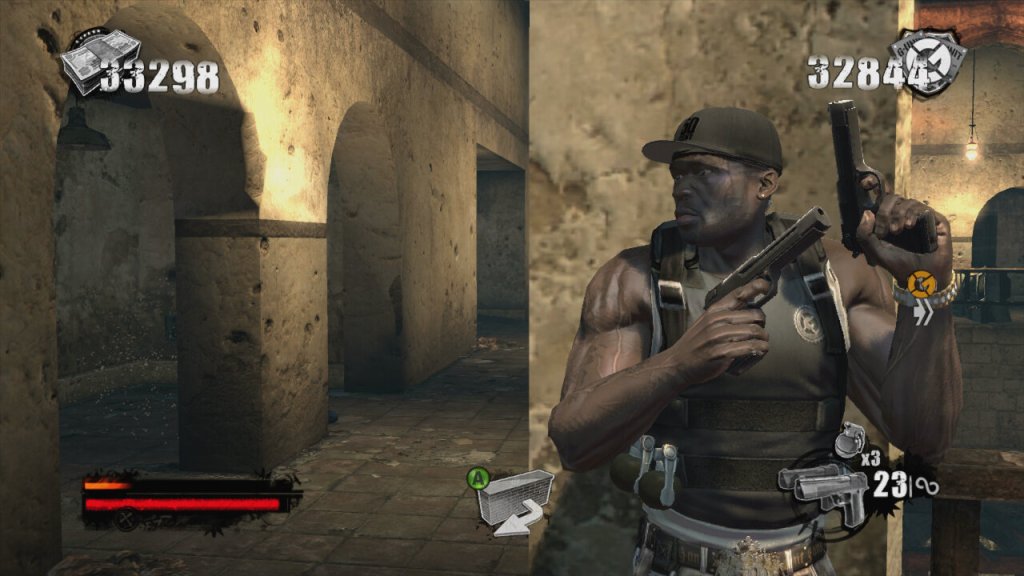
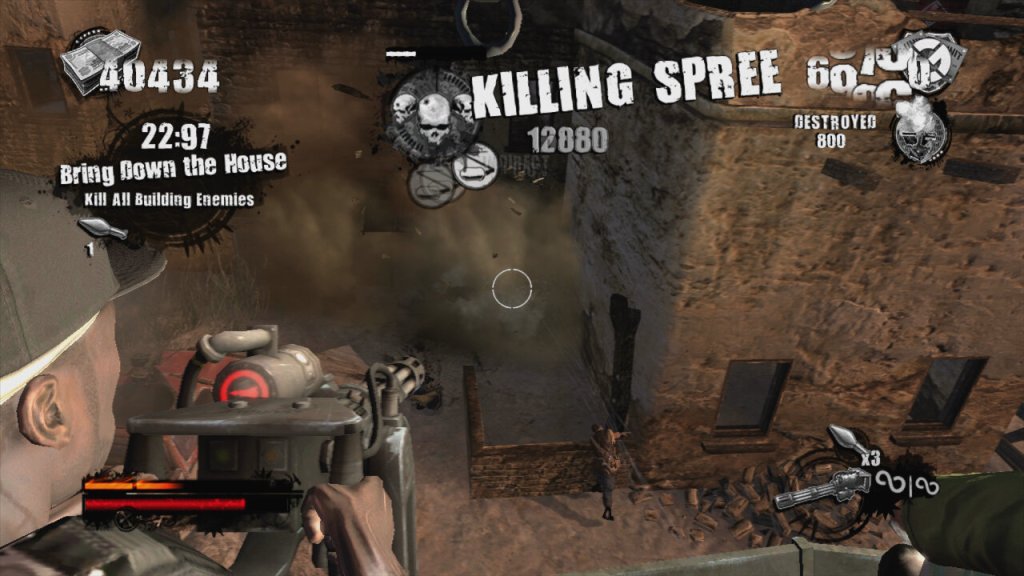
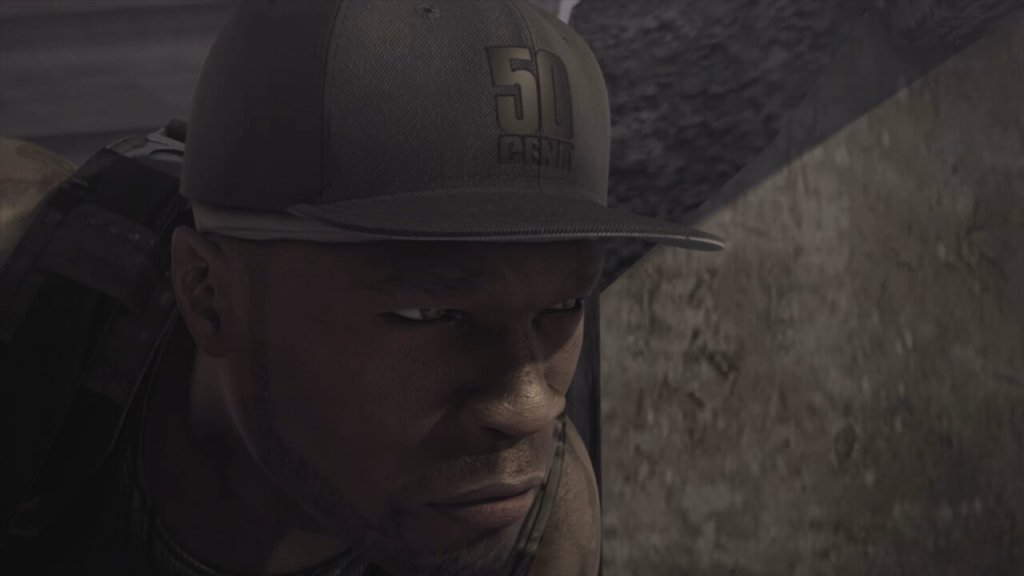
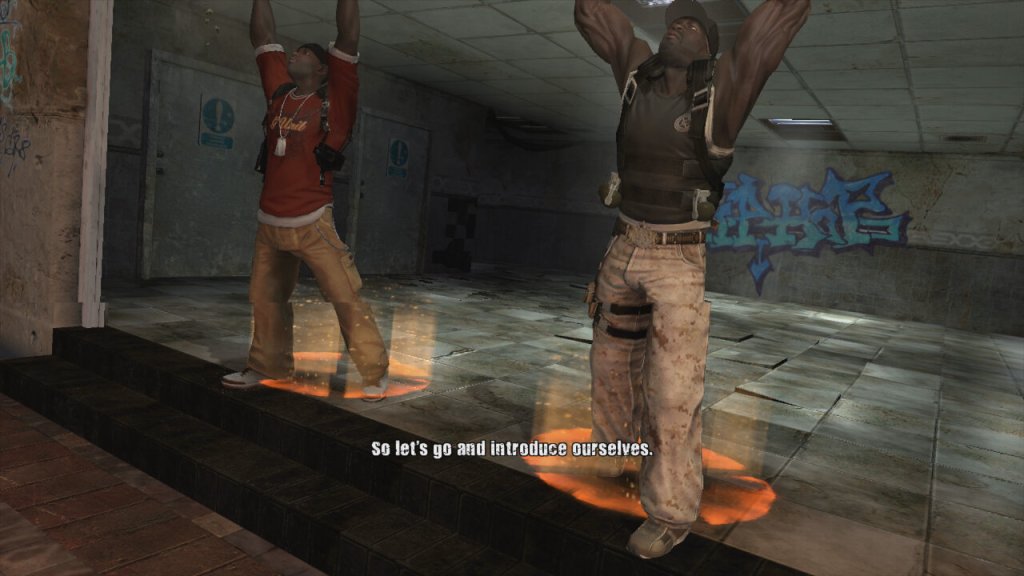
A third person shooter where you lay as 50 Cent, along with one of his bandmates in a single layer campaign. Players control 50 Cent and a sidekick player as they fight through waves of enemies using a variety of weapons. The game features a cover system (Like Gears Of War), dual-wielding weapons, and unique melee attacks where players can execute finishers on enemies to regain health, all whilst 50 Cent’s music is laying in the background.
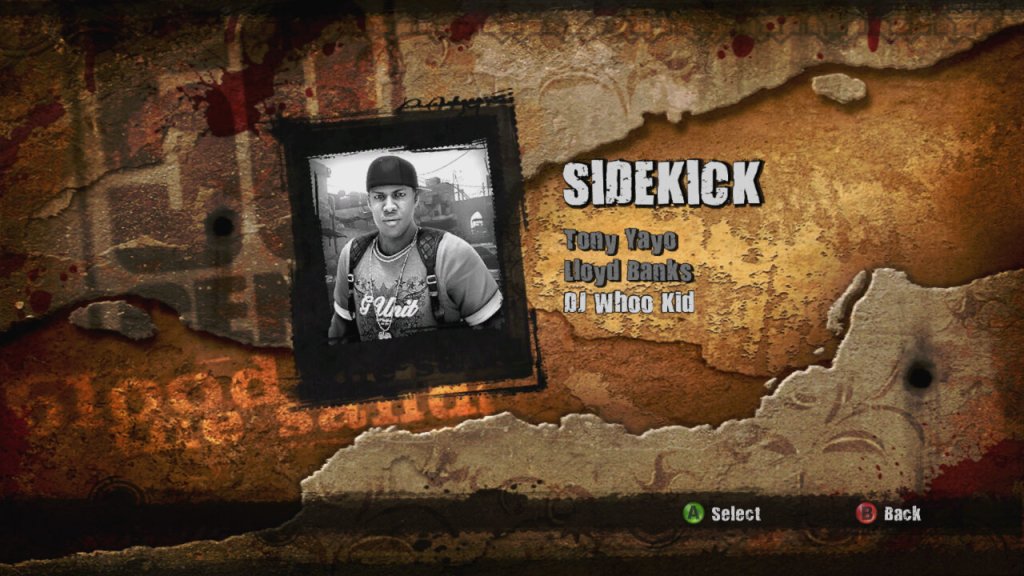
The game supports co-operative play using either split screen or online over Xbox Live. The second player can choose to be either Tony Yayo, Lloyd Banks or DJ Whoo Kid.

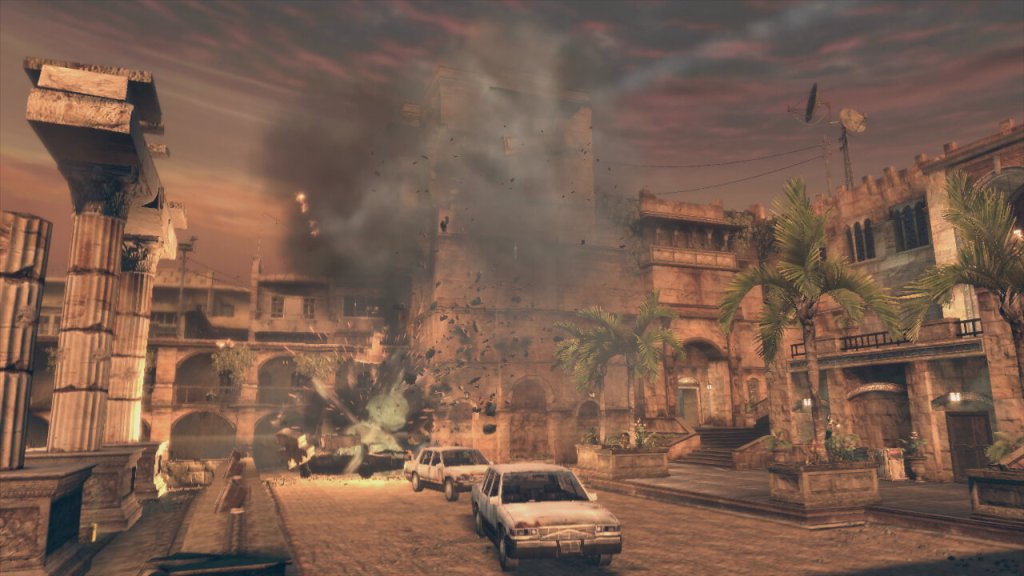
The plot of the game revolves around 50 Cent performing at a concert in a Middle Eastern city. However, their diamond get stolen during a coup. The game follows their quest to retrieve these diamonds from various warlords and factions. It’s not to take seriously and is more fun when played co-operatively with friends.

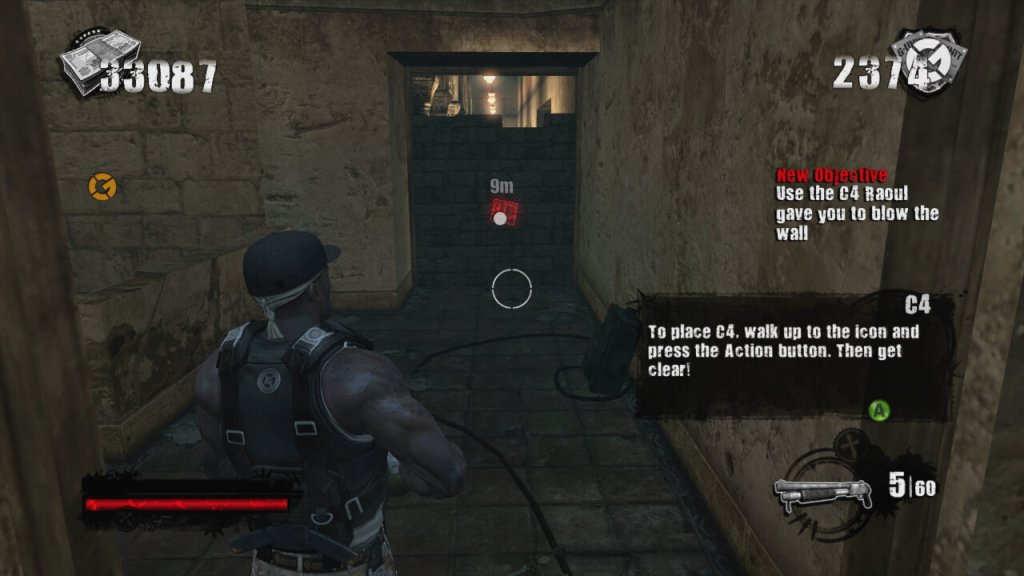
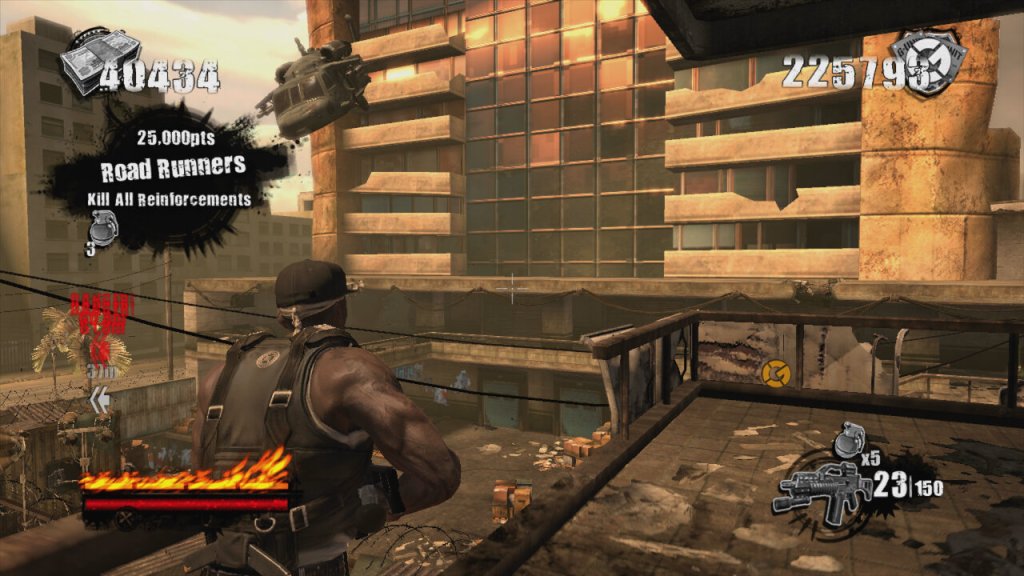
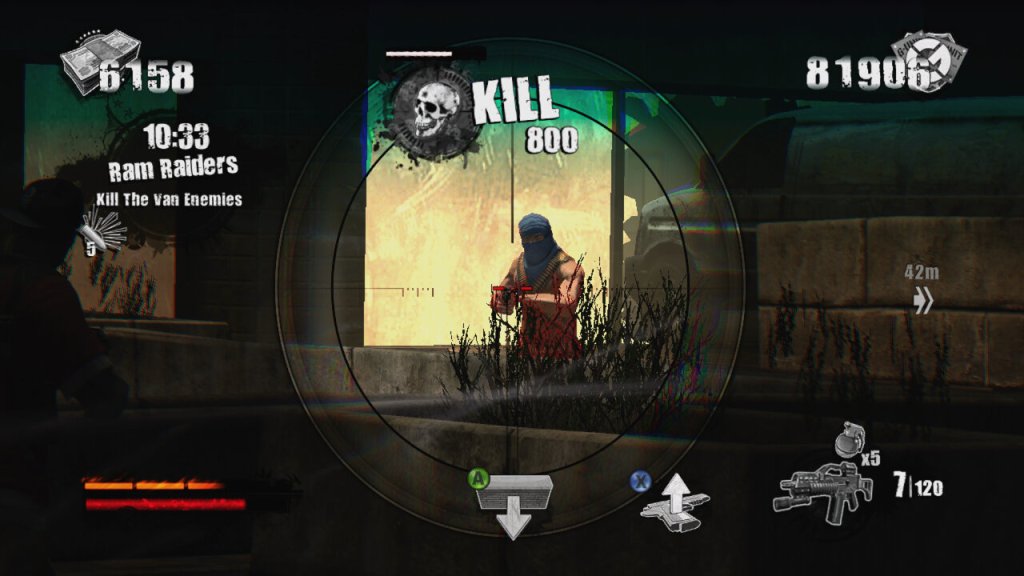
The gameplay itself is very similar to Gears Of War with you controlling 50 Cent in a third person view. The game has an emphasis on high scores, kill combos, and timed challenges set it apart, giving it more of an arcade-style feel compared to other third-person shooters like Army of Two (another console exclusive game to check out) which is used to unlock weapons that can be purchased in later levels of the game via phonebooths. Enemies drop ammo and cash when they are killed and this can also be used to purchase weapons. The game also gives hidden areas that you can loot for more cash, which also contributes to the score at the end of each mission.

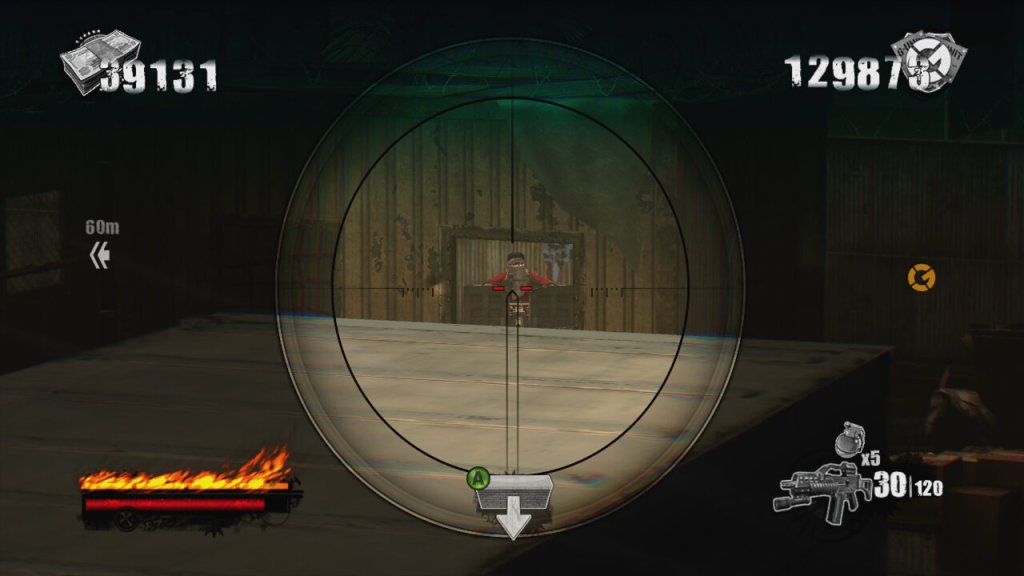
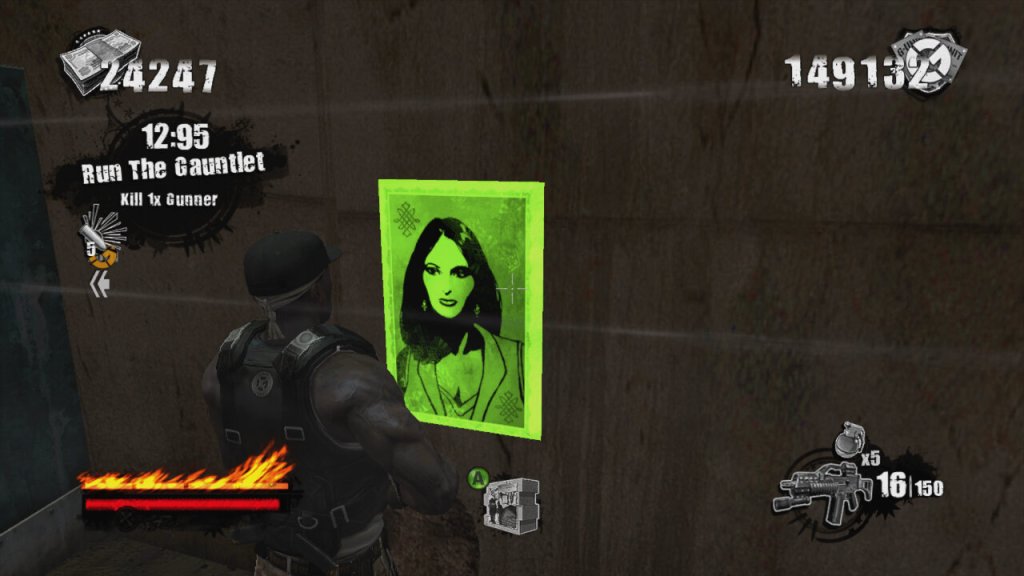
There’s also posters you can take down and targets you can shoot for extra points.

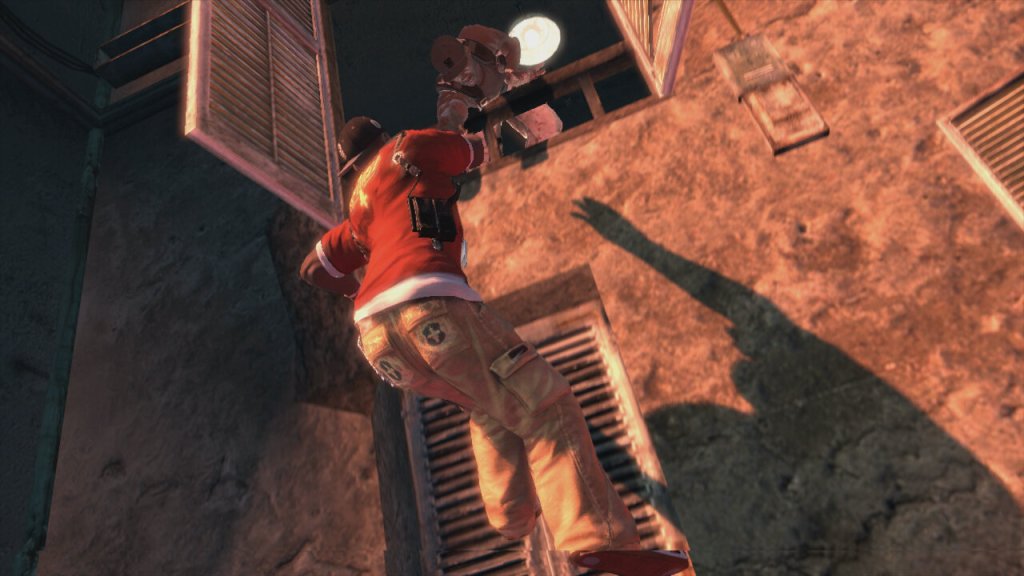
Breaking up the gunplay, you can also engage in hand to hand combat when you are near an enemy. By pressing B or Circle, you can beat the enemy to death when following the button prompts. You can also us the environment to take out groups of enemies.

Blood On The Sand was only released on consoles, the PlayStation 3 and Xbox 360, with the latter being made compatible on the Xbox One. Both versions are very similar in terms of performance and gameplay, the 360 version does keep a more stable framerate.

Blood on the Sand isn’t a game that’s going to win awards for innovation or narrative depth, but it delivers a fun, if not slightly repetitive, shooter experience wrapped in the persona of 50 Cent/G-Unit. It’s not perfect, but it’s a solid entry for anyone looking to mix up their gaming library.

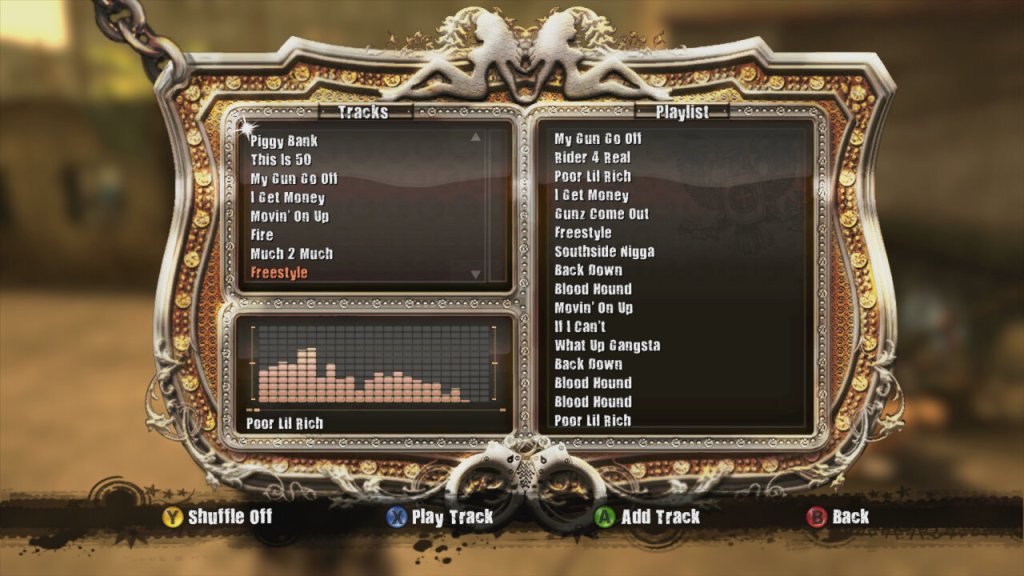
Music featured in the game, If HipHop isn’t your genre of music you can mute the music and use the console to play alternative music.

Call Of Duty 2

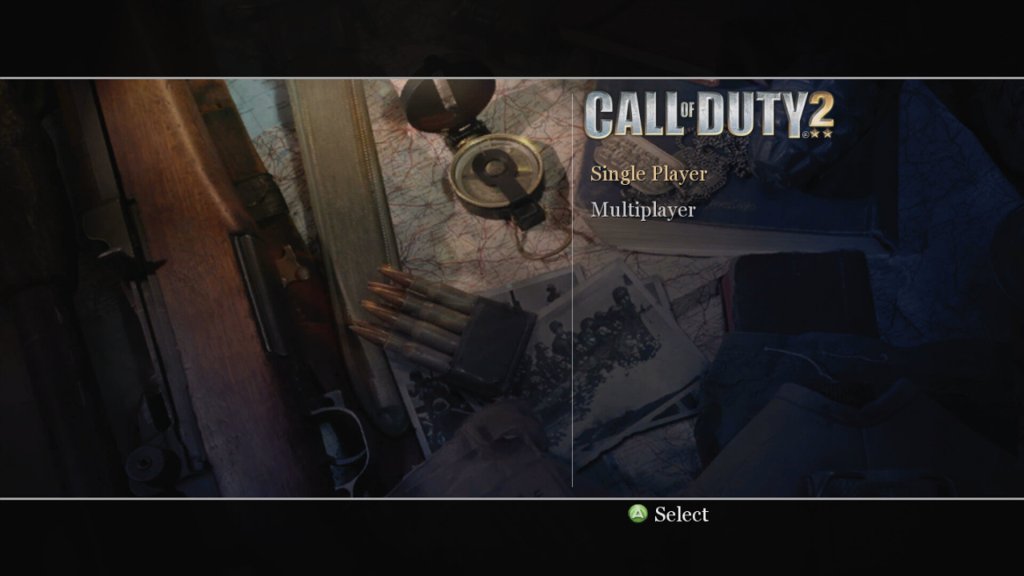
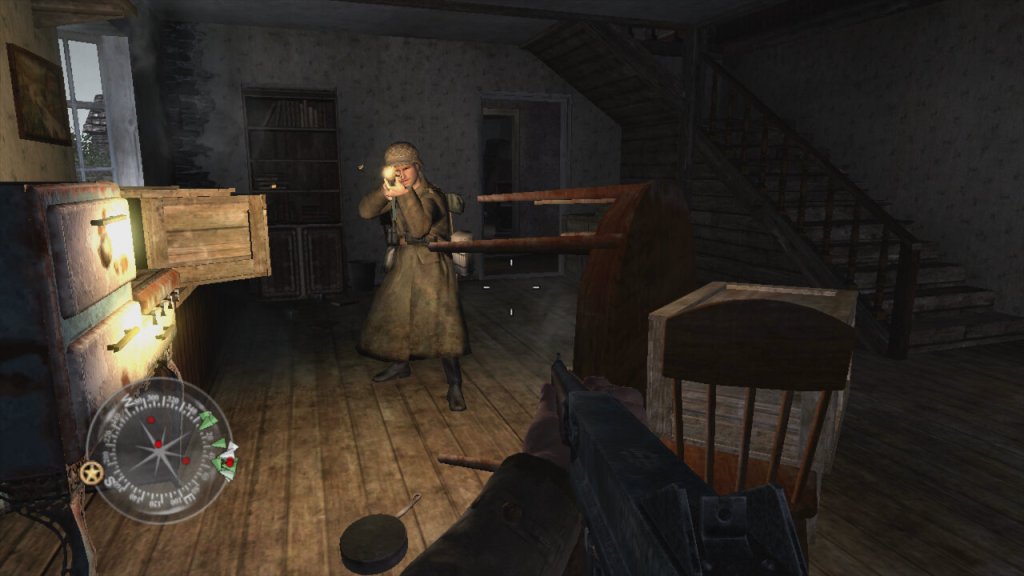
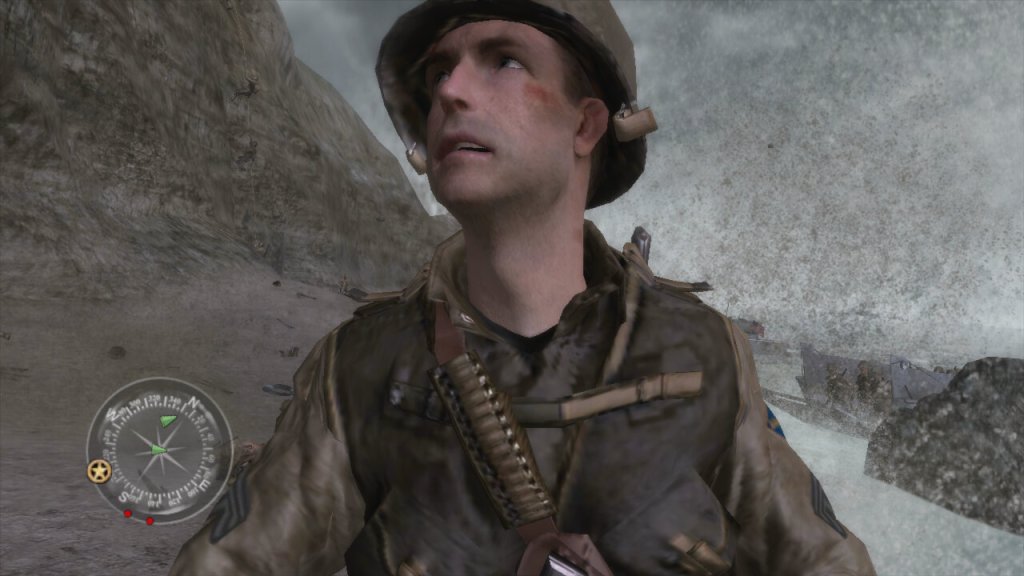
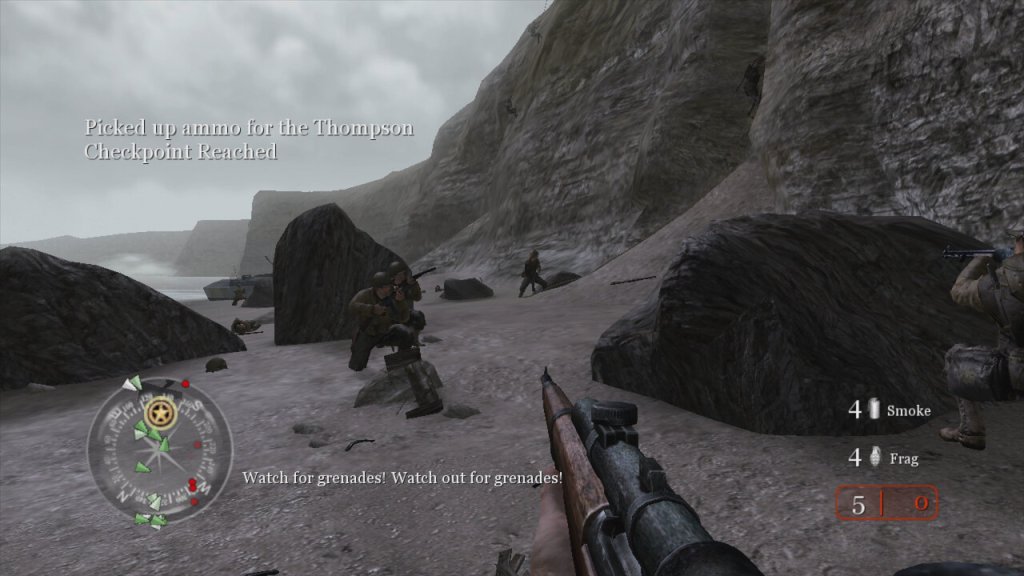
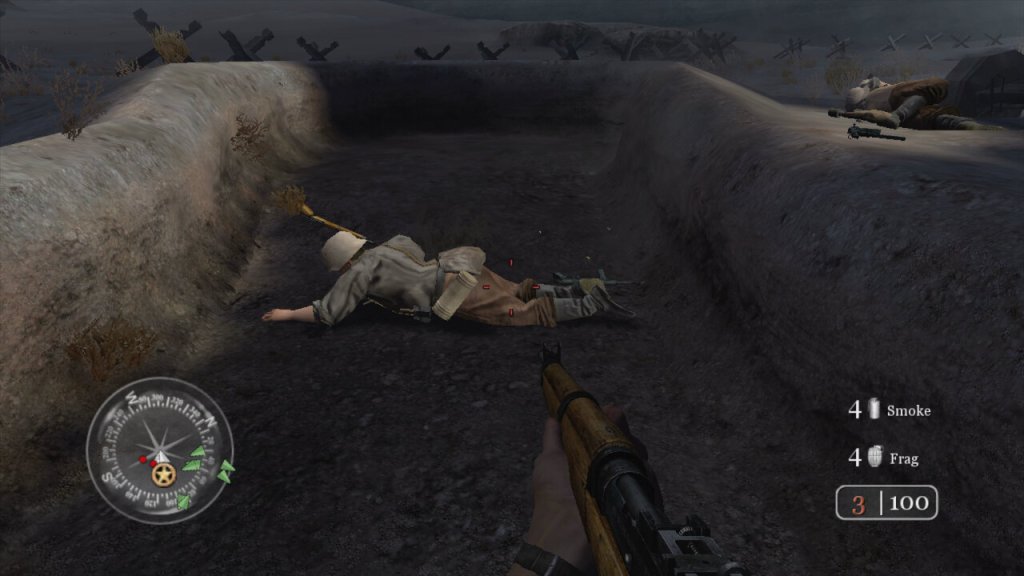
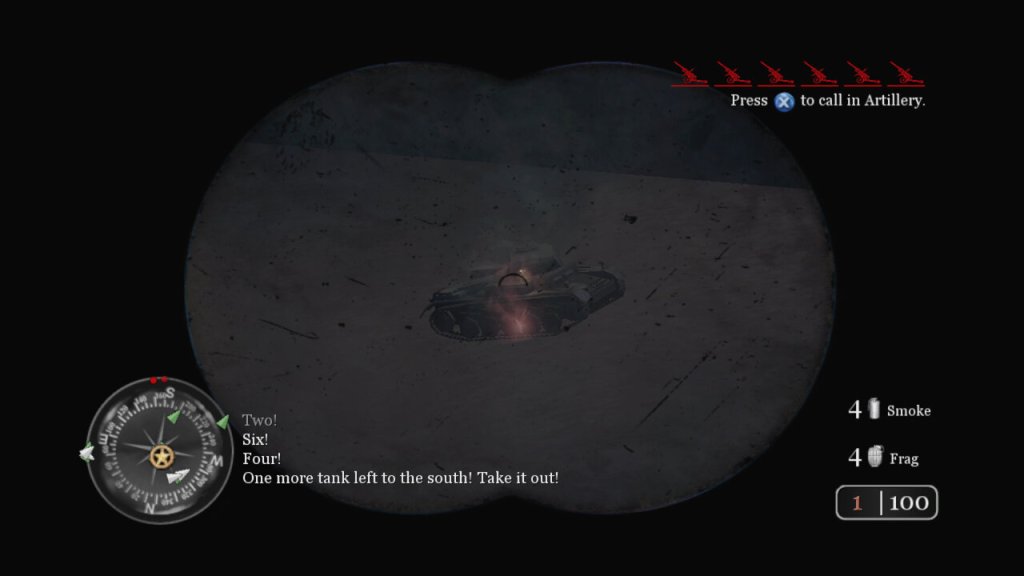
The second major installment, released in 2005 and a launch title for the Xbox 360. The game aims for a realistic portrayal of WWII combat, which includes historical accuracy in soldier uniforms, weapon models, and battle settings. Also not to forget the regenerating health. It’s the sequal to the original Call Of Duty and it’s console spinoffs.

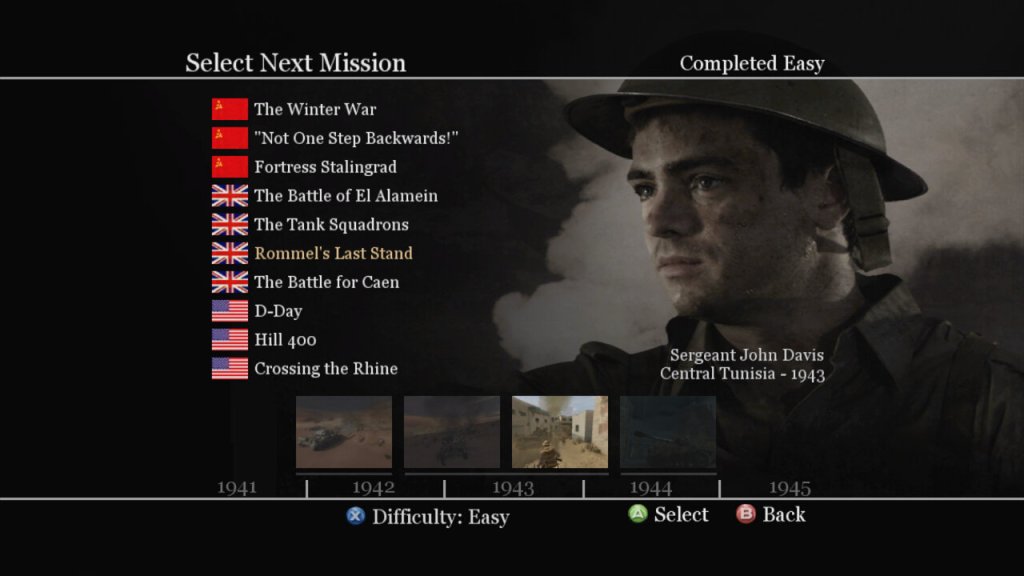
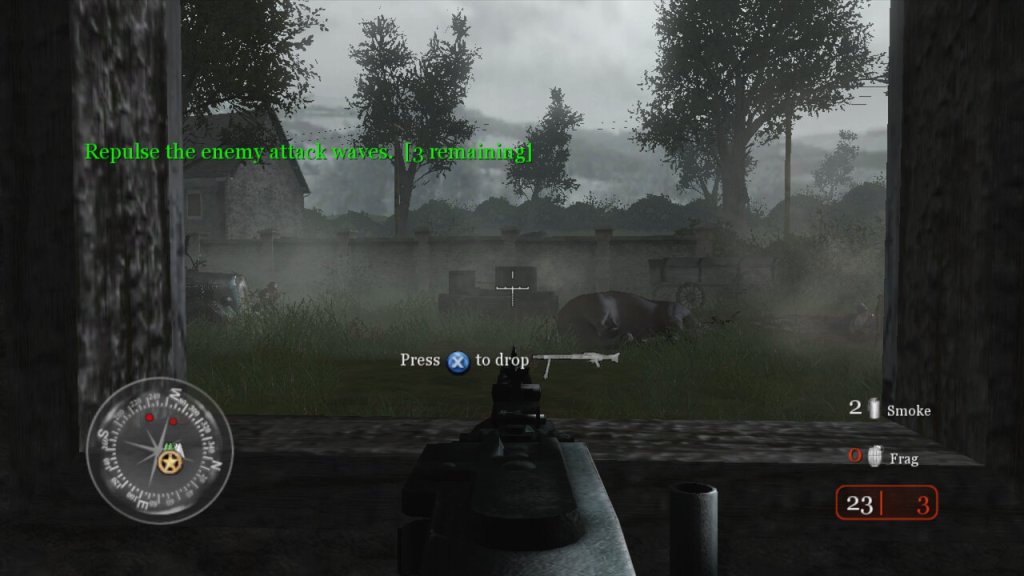
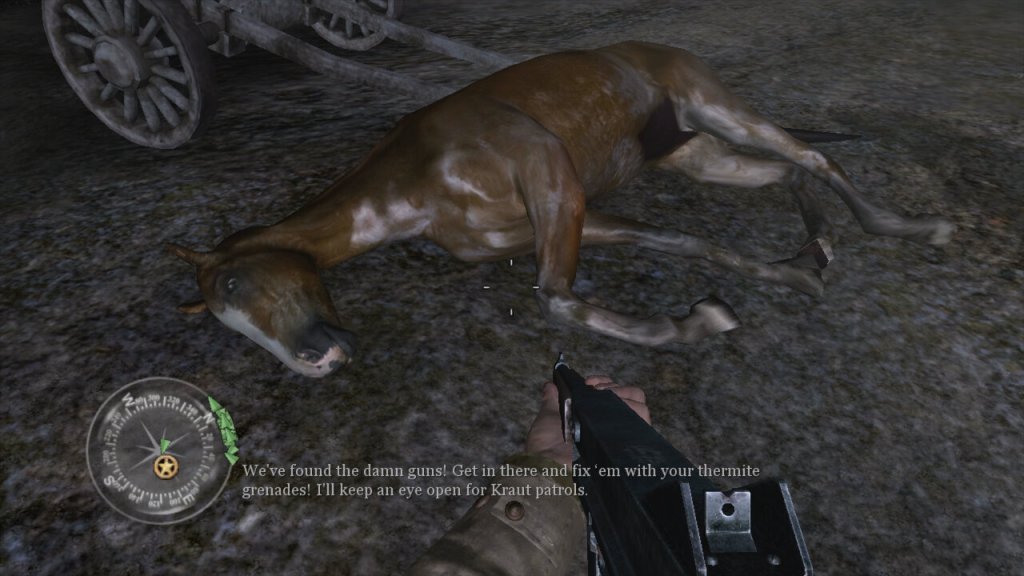
The story campaign is broken into three different arcs, with the narrative is told through the eyes of different soldiers from different nations (US, UK, USSR), giving a broad perspective on the war. Each mission is designed to feel immersive, with detailed environments, weather effects, and dynamic lighting, though the mission scripting can fail from time to time with some of the NPC characters getting stuck, preventing the mission from progressing. The game does autosave frequently to you can easily reload the last save when this occurs.
Missions are also pretty diverse, and sometimes you will be tasked to drive a tank through the fields, or use the mortar or snipers to take out distant enemies. Sometimes you will be tasked to hold out and wait for rescue to arrive. It’s a good way to break up the gameplay and to prevent the game from being monotomus.

Players view the game from the perspective of their character, using a wide array of WWII-era weapons to engage enemies in combat. Each weapon has realistic firing rates, recoil, reload times, and damage models, influencing player strategy and engagement. Instead of health kits, the game features health regeneration where players recover health over time if they avoid taking damage instead of having to collect and use healing items. While not a traditional cover system, environmental interaction is crucial; players can use walls, doorways, and terrain for cover.

As a World War II game, it deals with historical political themes due to its setting, but it also introduces themes that can be interpreted in broader political contexts. The game presents World War II through the perspectives of soldiers from the USSR, USA, and UK, emphasizing the nationalistic pride each soldier might feel for their homeland. This is particularly evident in mission briefings and the portrayal of heroic acts by soldiers, which could be interpreted as promoting patriotic sentiments.


The game’s focus on combat glorifies military engagement to an extent, showcasing the technology, strategy, and heroism in battle. This can be seen as a form of militarism, where military power is celebrated as a means to resolve international conflicts. By depicting the Allied forces working together, Call of Duty 2 subtly touches upon the theme of international alliances, suggesting the necessity of cooperation against a common enemy, which mirrors real-world political alliances formed during WWII.
WWII is often referred to as “the good war” because of the clear moral lines between the Allies and the Axis powers. “Call of Duty 2” reinforces this narrative by rarely questioning the morality of the war itself, which can be interpreted as a political stance on the justification of warfare when facing extreme ideologies.

Activision beating a franchise to death

Platforms

Call OF Duty 2 Achievemetns


Xbox 360 – This was a launch title for the Xbox 360 and was one of the only console ports of the game, not being released for the PS2 or the original Xbox. It’s odd since sequel, Call Of Duty 3, was released for these ageing sixth generation consoles.
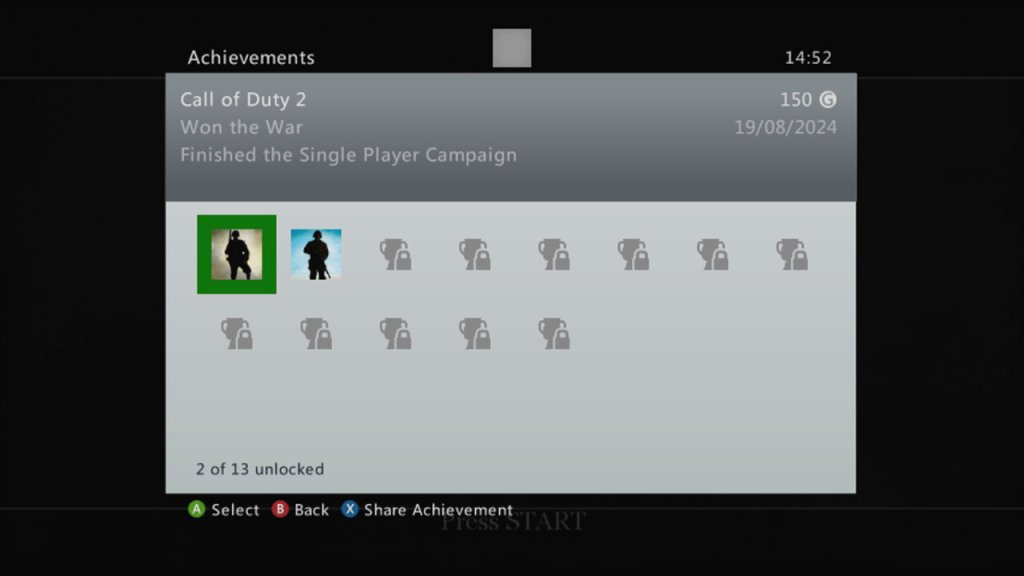
The 360 version is also supported for the Xbox One and Series consoles. Being an early 360 titles, there isnt much achievements, but you get 50G for comleting traning, and 150G for finishing the campaign.

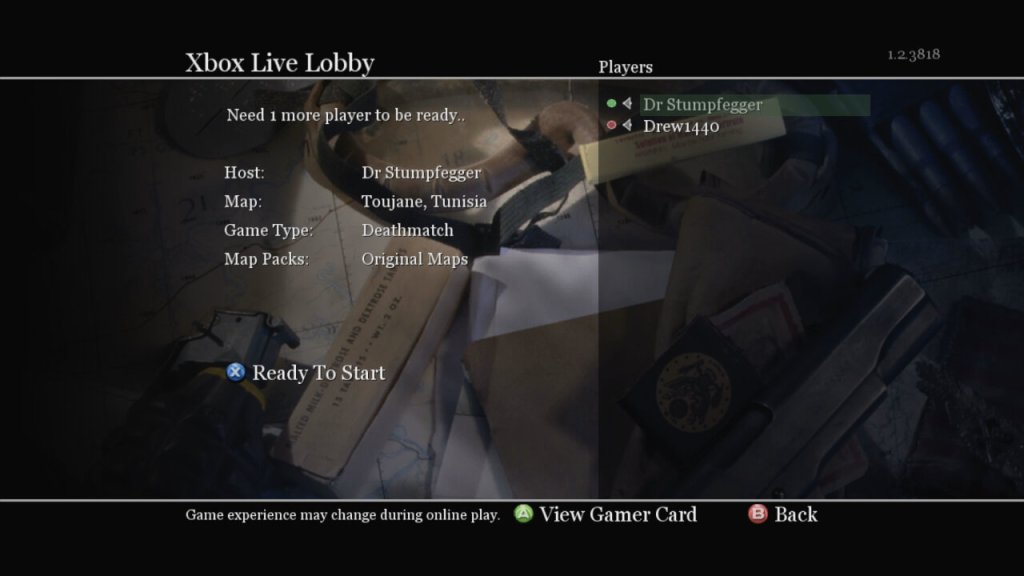
Xbox Live

Microsoft Windows – Released on the PC at the same time as the 360, you can still purchase this on Steam. You can also play this online, though I’m not sure how safe this is due to modern exploits being possible through the game’s engine. The game does come with PunkBuster, but it’s no longer updated.

Mac OS X – the game was ported to Mac’s running both PowerPC and Intel processors, through it needs a beefy G5 processor for it to run correctly. The Mac Mini with it’s G4 and Radeon 9200 will struggle to run this game. This version of the game no longer runs on modern macs since it remins a 32bit applications, thje latest version to run is macOS Mojavie.

Sony VAIO VPCEC2SOE

A high-end multimedia laptop released in 2010, featuring a Core i5 processor, 6-8GB of RAM, a built in Blu-Ray player and a Radeon HD 5450 graphics processor. 

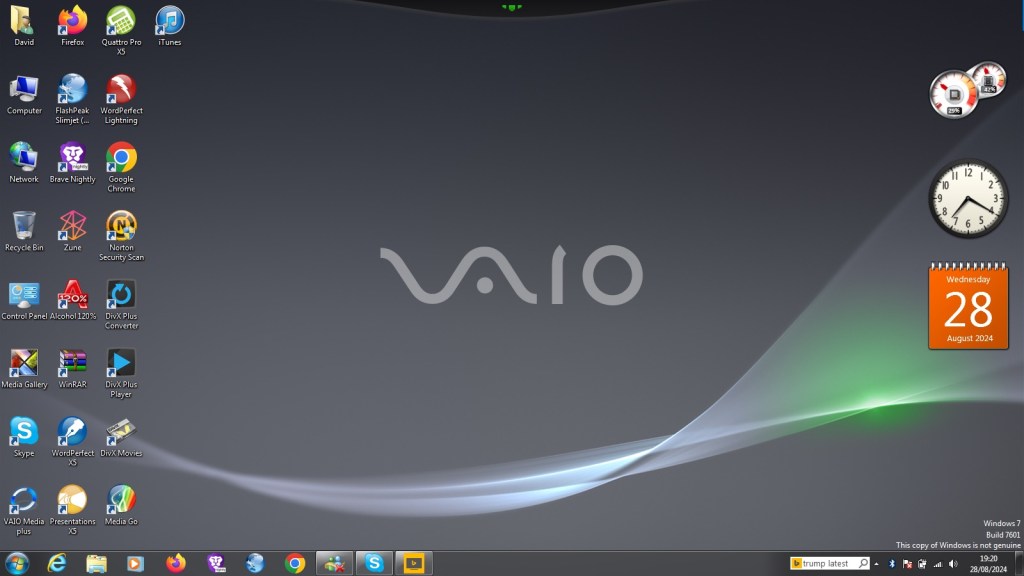
The laptop comes with Windows 7 Home Premium with some Sony software included. When I got the laptop it had a fresh install with Windows 10, but the recovery partition was broken on this model as it could not complete a restore. And even worse the laptop shipped with a 5400rpm hard drive which was slow after using SSD’s for a few years. Recovering the install was another issue, since the only recovery disc I could find online was intended for a similar model, but the recovery utility still would not co-operate due to the model number mismatch, despite the laptops having similar specifications.

A work around was to extract the recovery image and use a utility to extract the files. They are actually Windows Installer files but in a container format (.mod) which is run during the Sony restore utility. By using this method we can install the Sony itilities and drivers, making this close to an actual install. For installing Windows 7, I used a standard OEM Home Premium found online and activated it using the product key found underneath the notebook itself.

Here’s the recovery image I used/extracted

Sony VAIO Recovery Patcher – A bit time consuming to run, I found it easier to extract the mod files and run them as Windows insallers (double click to run). Some of these are redundant since they are designed for specific regions, and some just install registry keys. For more information, see the support page

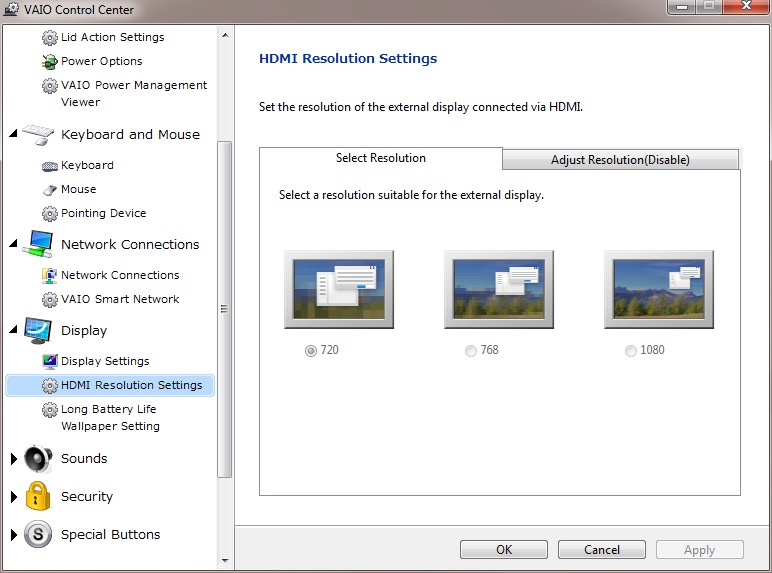
VAIO Control Center

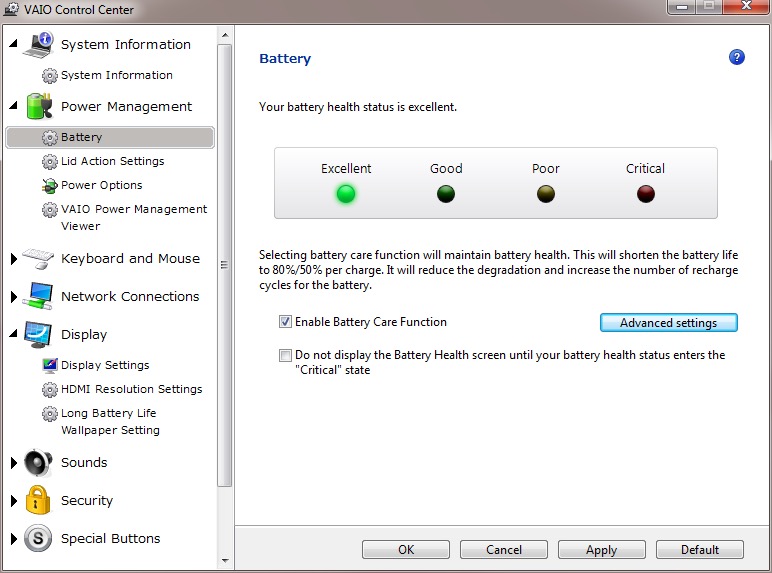
This acts as a control panel that is customised for Sony’s specific functions, here you can change settings relating to power management, Network and display options. It’s a more simplified interface of the Windows control panel.

It will also display the heath of your battery (this one happens to be a GreenCell battery I got off Amazon, which shows as healthy yet struggled to hold a charge when disconnected from the AC adaptor. 

There is also a battery care function that limits the charging to 80%, which is supposed to extend the life of the battery.

VAIO Media plus

Sony’s Media Centre that lets you view photo’s video and music that is stored on your notebook in a full screen view. Possibly intended for use when you connected your VAIO to your HD TV.

There is the SenseME feature which analyses and organises your music into different modes/playlists, depending on how energetic or smoothing the song is.

VAIO Gate

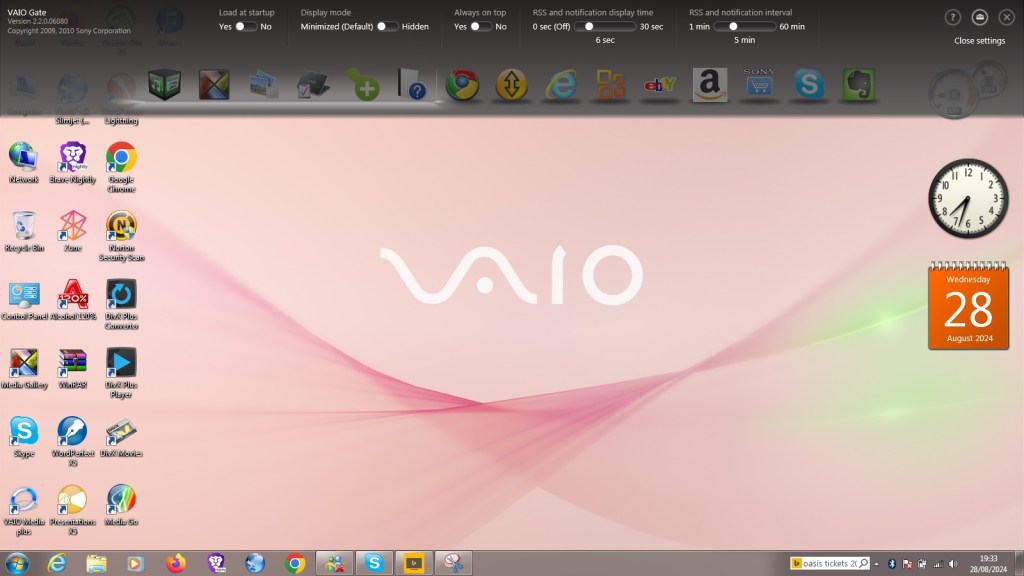
This acts as a shortcut launcher that appears at the top of the screen, and has shortcuts to most preinstalled utilities. You can also pin applications here for pick access, similar to the Mac OS X dock or the Windows Quick Launch that was deprecated in Windows 7.

Whilst intended to be useful, its placement can be annoying, by default if you place your mouse cursor anywhere near the top of the screen it will poppet, making it difficult to use iof you’re using a browser such aa Google Chrome, or any browser that places it’s tab bar at the top of the screen, which is all of them.

At the time this was released, this design was uncommon as Firefox and Internet Explorer placing their tab bars near the bottom of the toolbar. Just above the web page itself with the applications title bear residing at the top.

PlayStation Tools

If you owned a PS3 gaming system at the time of this laptop, Sony bundled two useful utilities to use with your PS Triple.

Remote Play

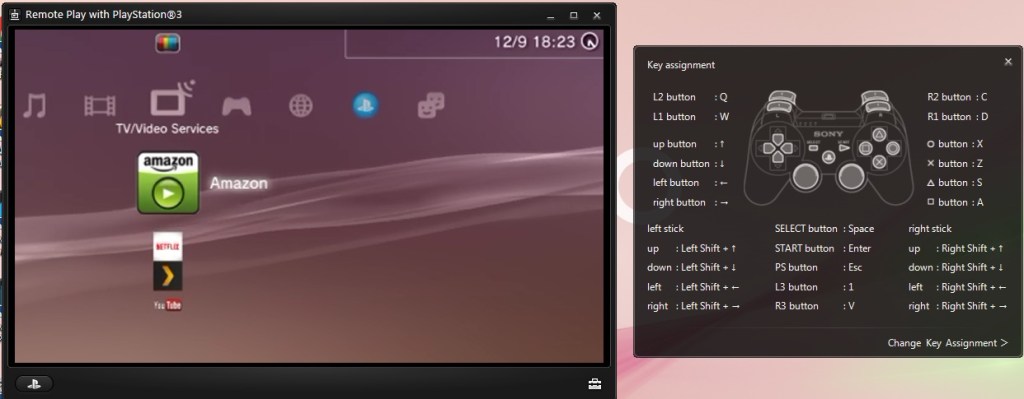
Sony bundled two utilities to allow fours with the PlayStation3, which was their current console when this computer was released. Remote Play will let you control and stream your PS3 console to your laptop.

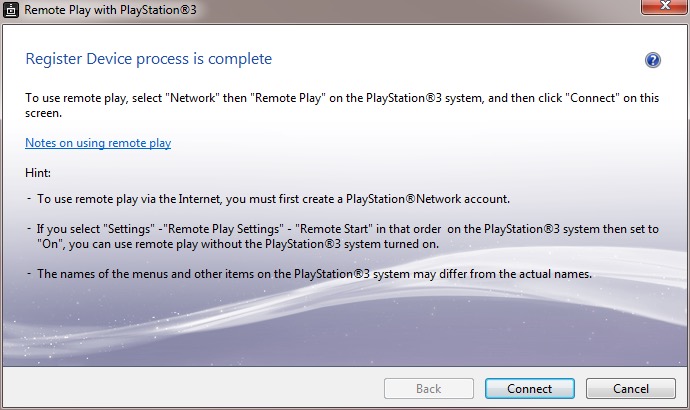
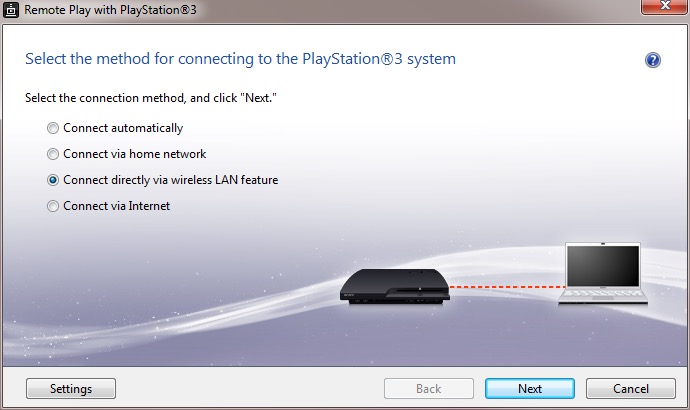
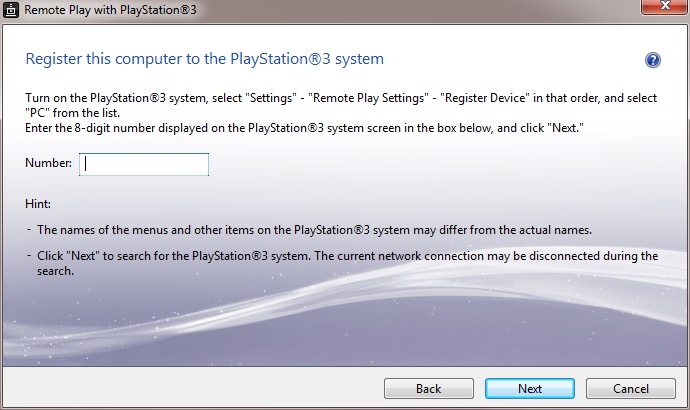
Setting it up requires pairing your PS3 to your computer by entering a code, you can then enabled and allow the PS3 to functional a WiFI hotspot to allow your remote device to turn the PS3 on. This is only for remote play use, you cannot share your internet connection this way.

The performance leaves a lot to be desired, even when both devices are connected via ethernet, the performance is just too poor with the lag reaching to around 3-5 seconds delay to respond to a button press. This gradually gets worse as you use it.

A common occurrence

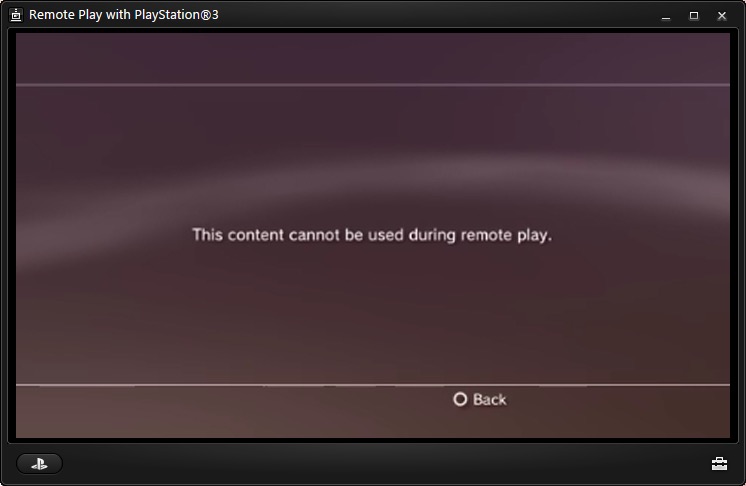
Also to play games, the PS3 game itself must support remote play since it required a certain amount of system RAM to be reserved, along with a spare SPU to encode the video. The amount of titles supported is very small, too much that I don’t have access to a game that is on the list.

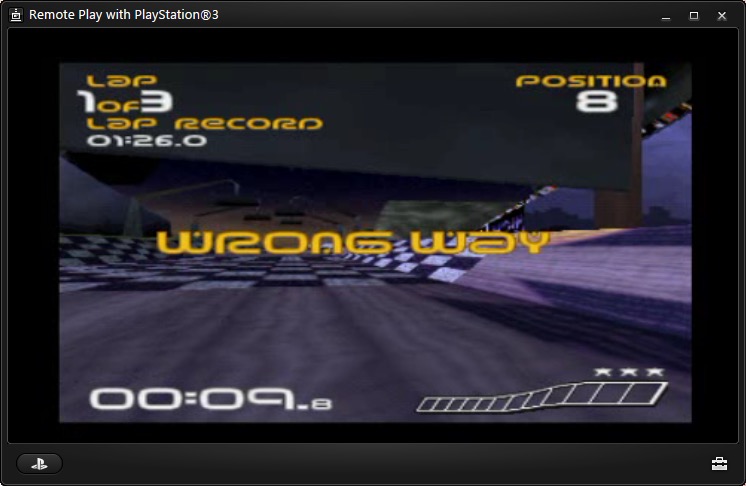
PS1 games are supposed to work and a few of the digital titles do work, but you could just download an PSX emulator and play it that way instead, then you woudnt have to deal with the poor latency.

Overall it’s a waste of effort. I remember this working much better with the PSP instead.

Remote Keyboard

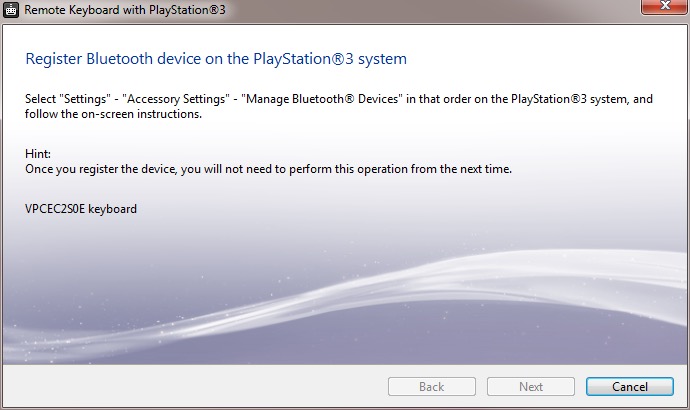
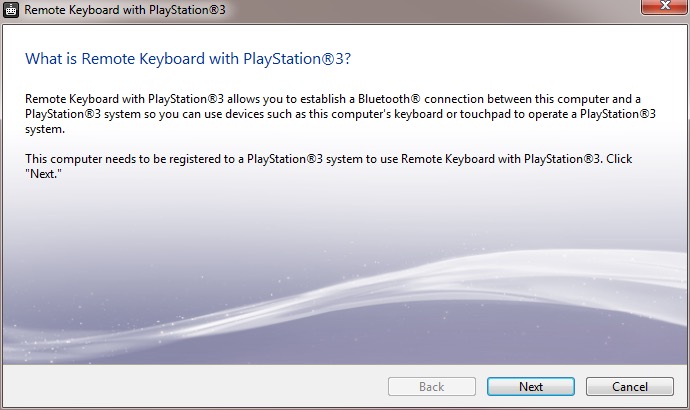
The other utility is the remote keyboard, which lets you pair the PS3 via Bluetooth to allow your VAIO’s keyboard and trackpad to functional it it were connected to the PS3. The setup will guide you on how to pair both devices and once enabled, you can fully control the XMB. This does prevent you from using the laptop whilst connected to the PS3, requiring you to disconnect it from the PS3 XMB, or by pressing Ctrl + Alt+ Backspace on the keyboard.

It useful but niche, how often are you going to be using this in games? Maybe for text entry for games that require it, but many games just don’t need this.

There are a few select titles that did support the keyboard function for gameplay, Unreal Tournament 3 was one such title (the PS2 port of Unreal Tournament also supports this) allowing me to enter a match and play using the PC traditional WASD controls. 

There are issues when sending a keystroke and moving the mouse at the same time, making aiming jerky. You can also send only one keystroke at a time, making dodging or jumping difficult. Really you’re best of getting a cheap Bluetooth keyboard and mouse and just pair it directly top the PS3. Maybe at the time these were much more expensive which made it a nice addition, but I just can’t see this being useful.

The only other use for it would be to browse the PS3’s web browser, which again is pointless since the laptop’s browser will be a much better experience. 

Upgrade Options

This is one of the few laptops that supports upto two internal SATA drives through the use of an aftermarket adapter which allows you to connect two SATA drives which would have been ideal to add an SSD as a extra SATA drive. These are very difficult to find now, so I had to replace the internal HDD with the SSD instead and leave the second bay empty. 

Still the laptop also features an eSATA connector which you can use to attach an external eSATA hard drive or optical drive. eSATA hard drive enclosure’s are difficult to find, but the Dell external optical drives are easily available for eBay.

There is also an ExpressCard connector, which allows for an expansion card to be inserted. A USB 3.0 card can be inserted, or alternatively a Firewire 800 card can be installed instead. The power supply is limited over Expresscard, so for high power devices you will need a power adaptor that supplied an additional 5V or a powered USB 3.0 hub.