Lets look at a typical Huawei smartphone from 2016, this would have been their flagship mid range model, with the P9 being the main flagship. The P9 lite is smaller, has less storage and a slightly weaker processor.
Huawei EMUI
EMUI is Huawei’s take on Android design, and is an alternative to the standard Android interface. EMUI is shot for Emotion UI and brings a nice clean interface compared to the Frutiger-Aero like interfaces by Samsung or LG, or the material design that Google was adopting. Whilst it looks minimal from the screenshots, Huawei have been it very customisable, with many advanced features packed away in sub menus for intermediate users.
Originally shipped with Android 6, it was updated to Android 7 in 2017. No further Android updates were released, though many apps are still supported as of 2024.
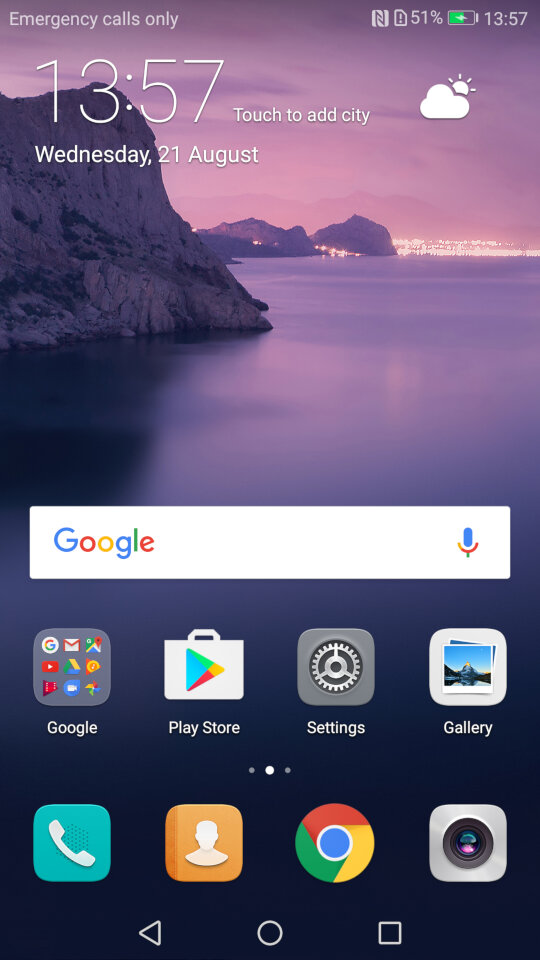
The home menu screen, after running the setup wizard. The default widget shows the time and the weather once you give it permission to access the location.
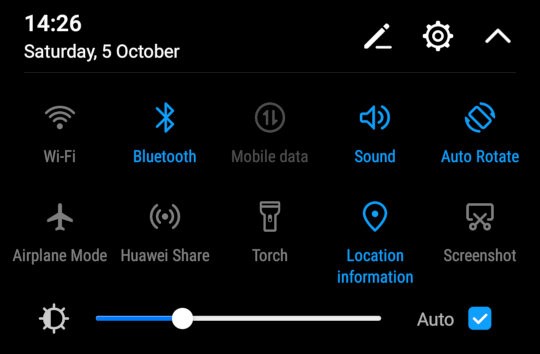
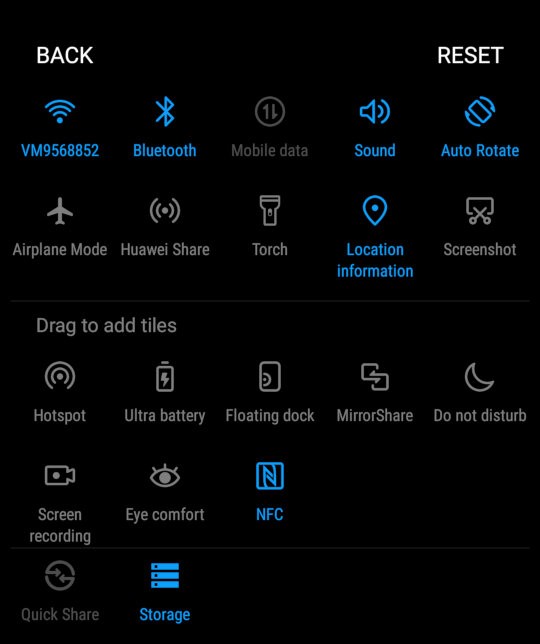
The pull down notification bar where you can quickly activate the Wifi/Bluetooth and the mobile data. This can be expanded to two rows to access more items like the torch, airplane mode and to activate Huawei Share.
You can reorganize and add more icon to this menu by dragging them.
You can also adjust the brightness from here, and a shortcut to the settings menu is also here
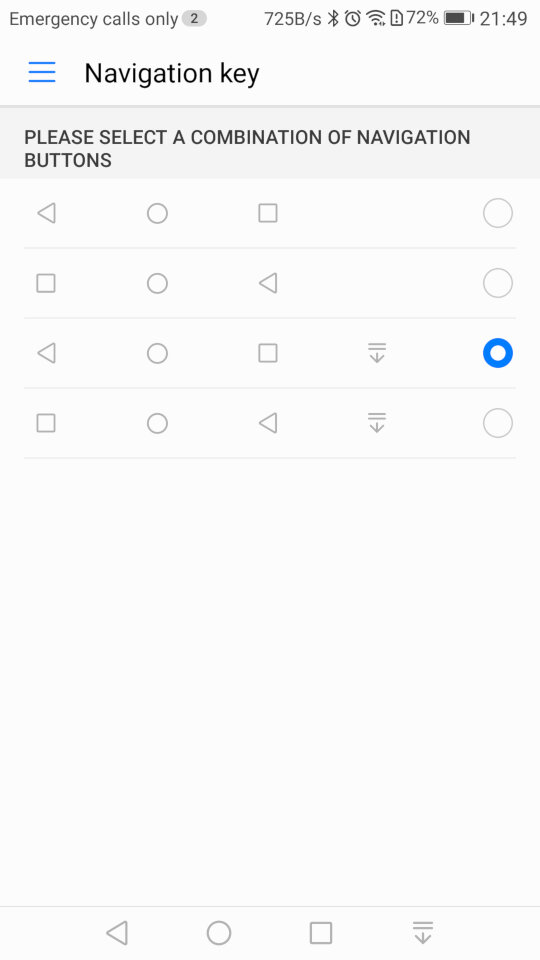
As this device does not contain physical navigation buttons, on-screen ones are used instead. Huawei also allowed you to adjust the order of the buttons, and even add one that quickly pulls down the notification menu which saves having to put your finger at the top of the screen
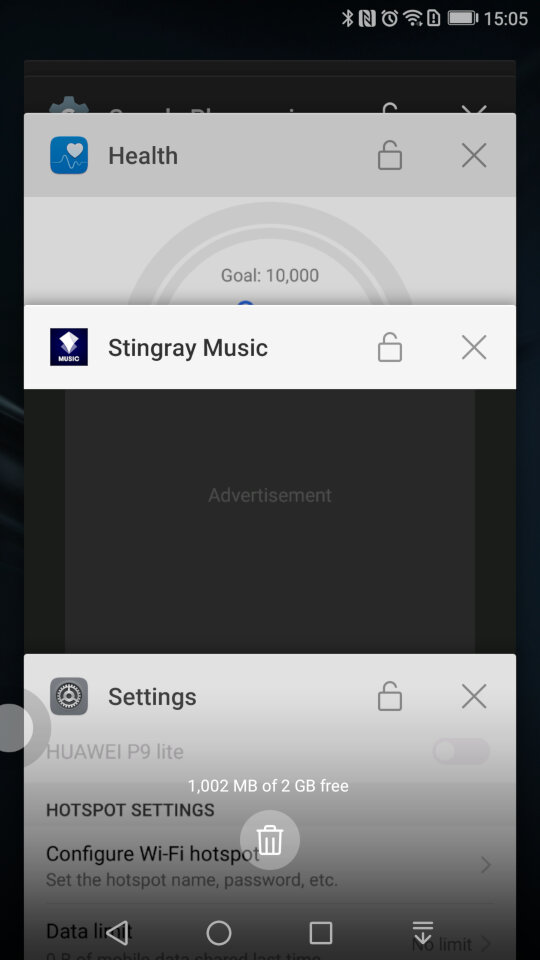
A look at the task switcher, that lets you switch back to previously opened apps. You can quickly close all recent apps by tapping the bin icon, which will also show the currently used memory in MB, sort of like the Windows Task Manager
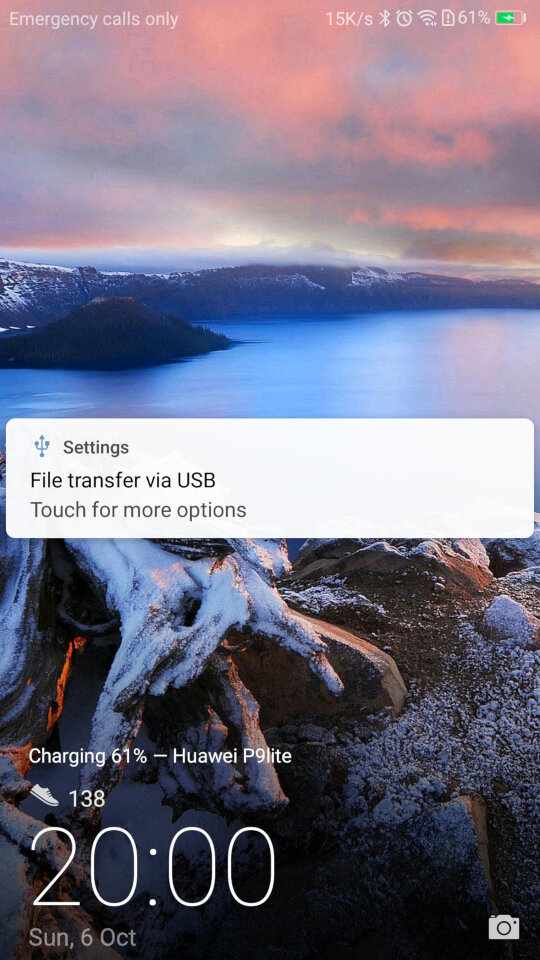
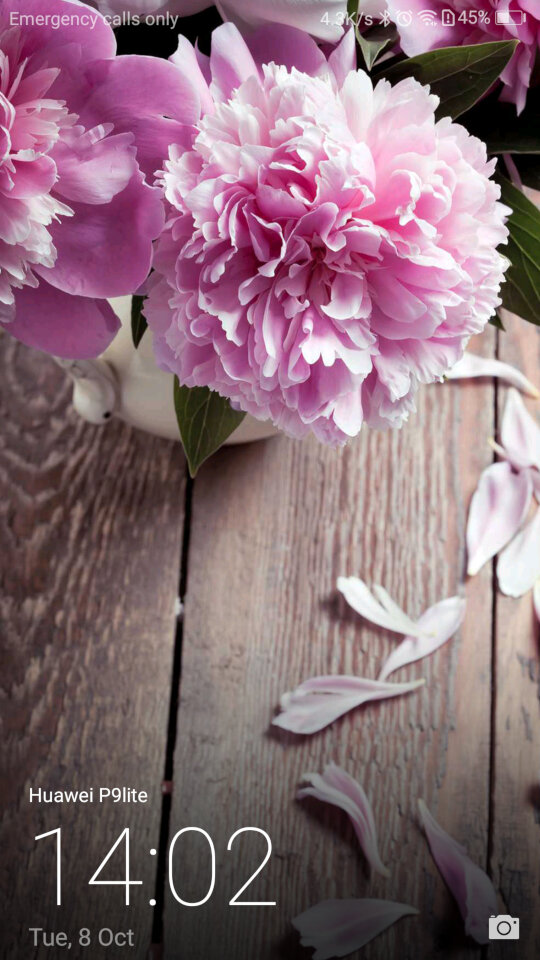
And the lock screen, which will display your step count if this is enabled. It will also display the album art when your are listing using it’s system music app.
There is also a one-handed mode that shifts the screen to one side of the display, to make it easier for use with one hand which can be an issue with screens of a certain size
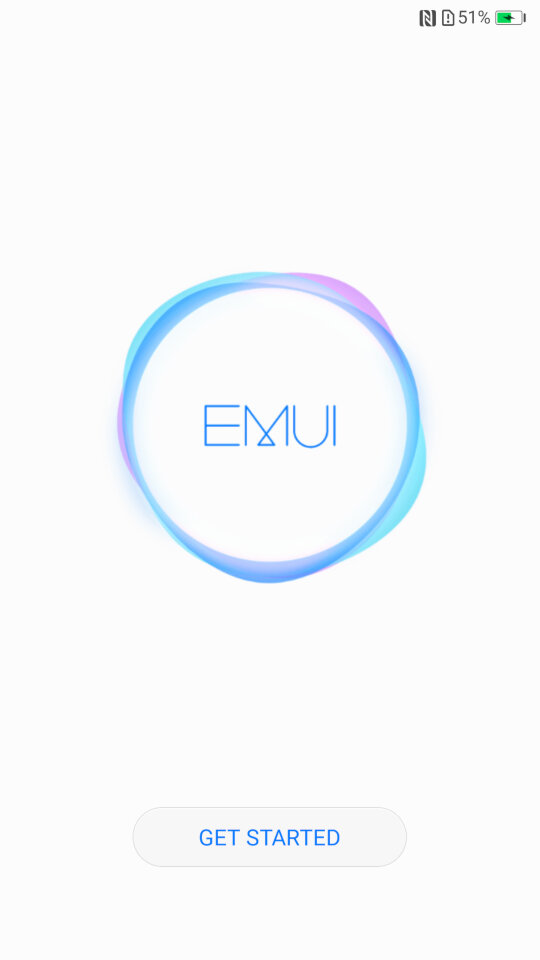
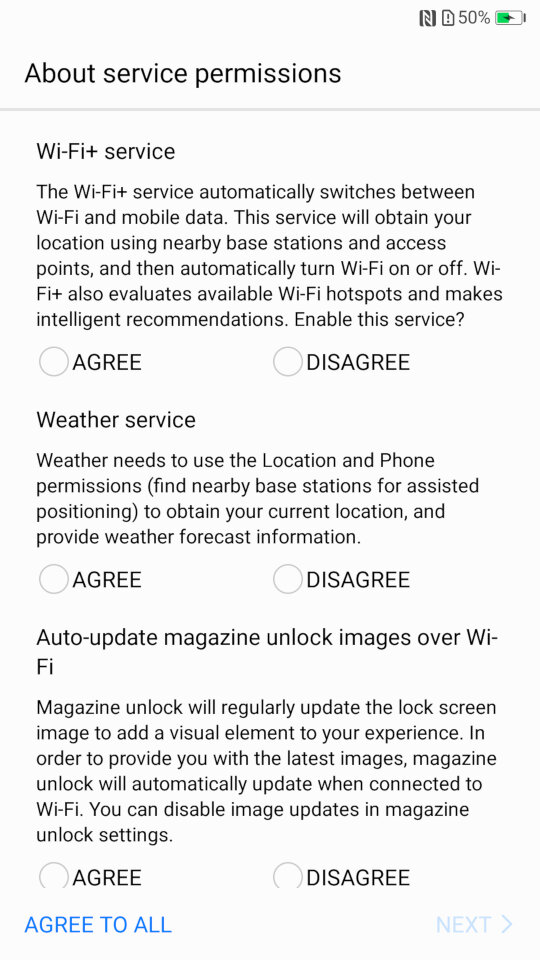
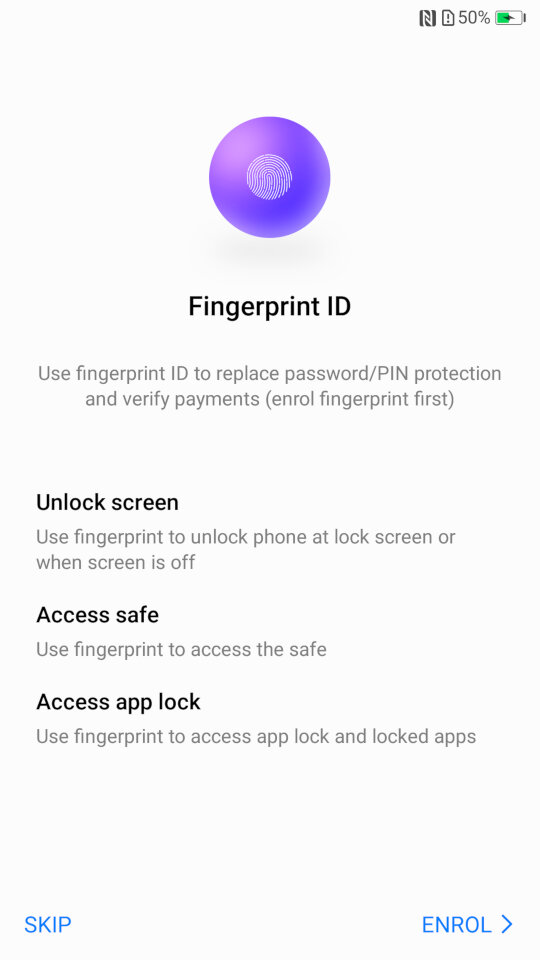
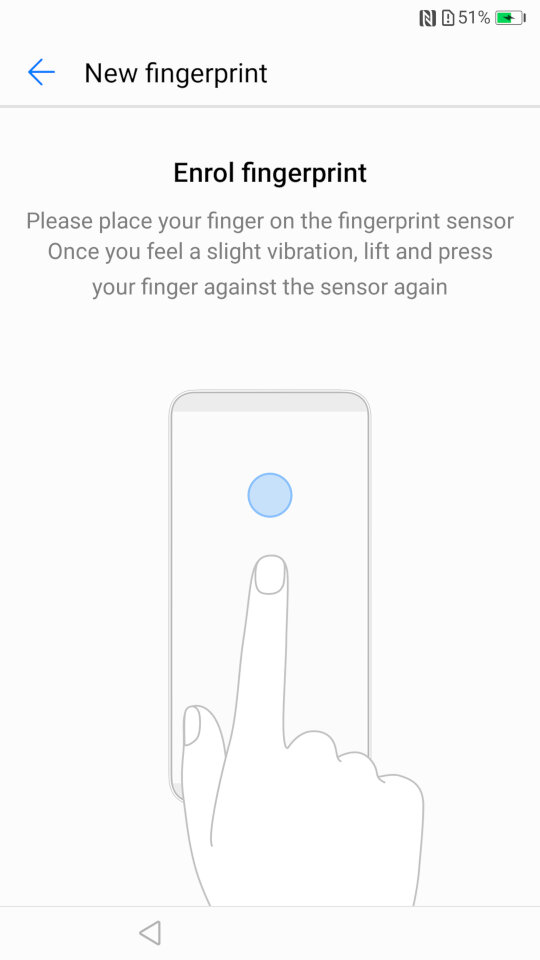
Some images of the setup wizard that runs when you first power on the device, which will guide you through setting up the handset, and to sign into your Google or Huawei account.
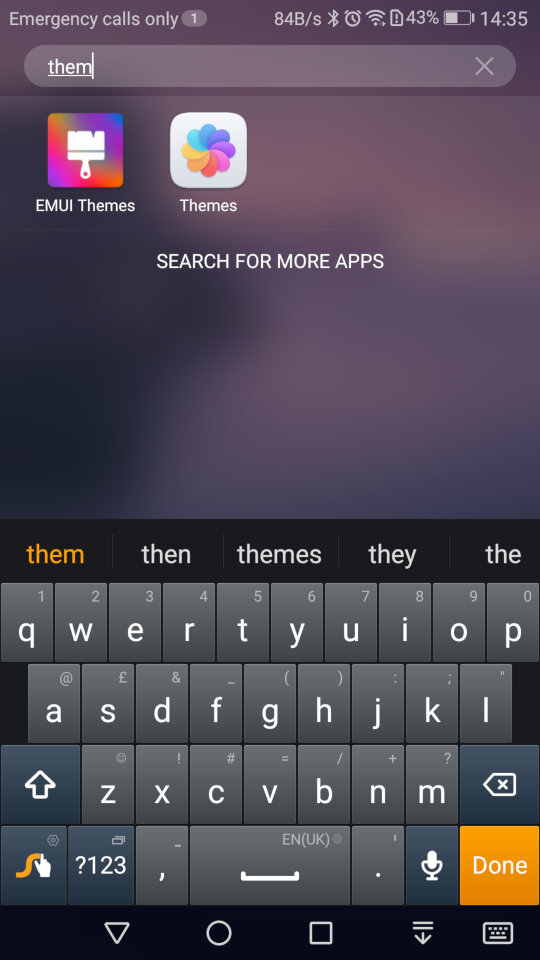
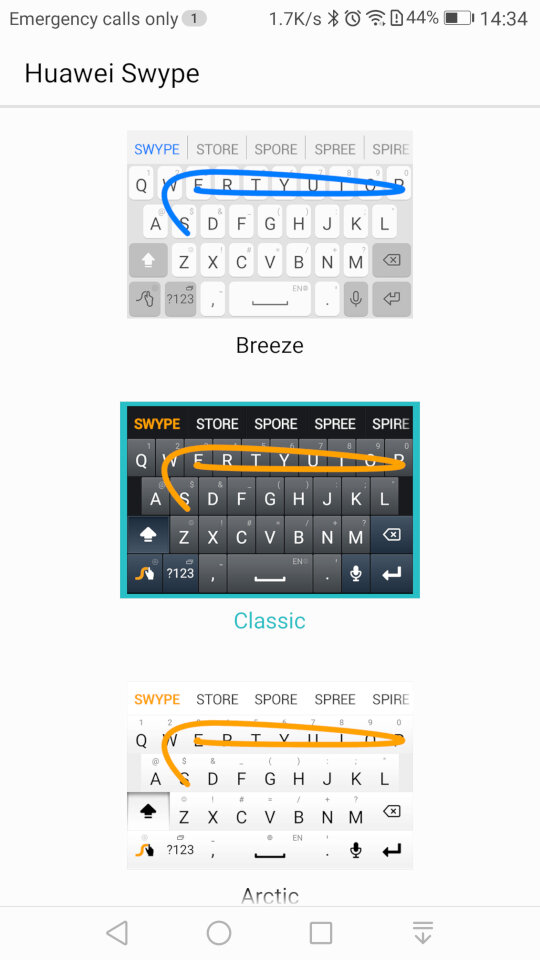
And the stock keyboard that comes with the phone, known as Huawei Swype that makes use of swiping gestures to facilitate keyboard input.
Preinstalled Apps
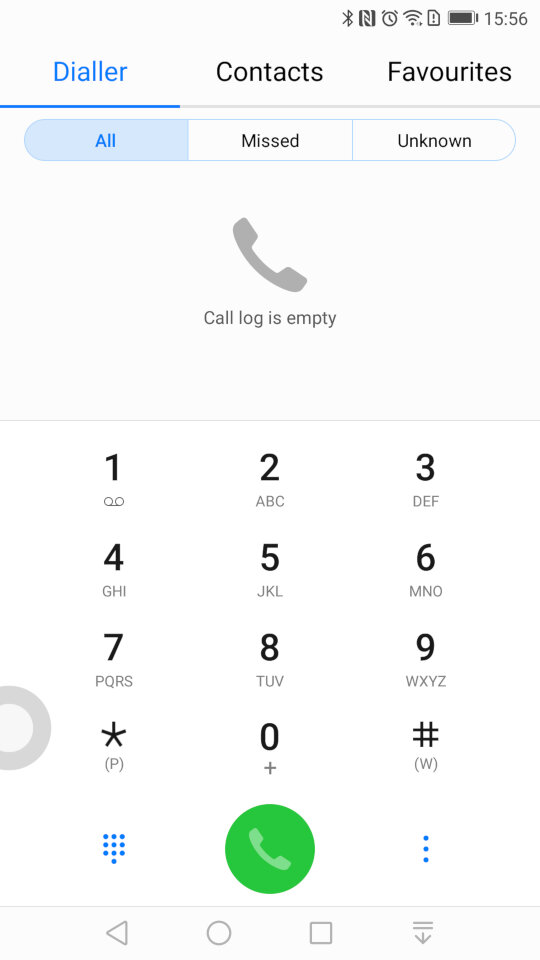
The contacts app, where you can access the phone dialler, and any synchronized contacts . You can also set certain contacts to be favourites if they are frequently used.
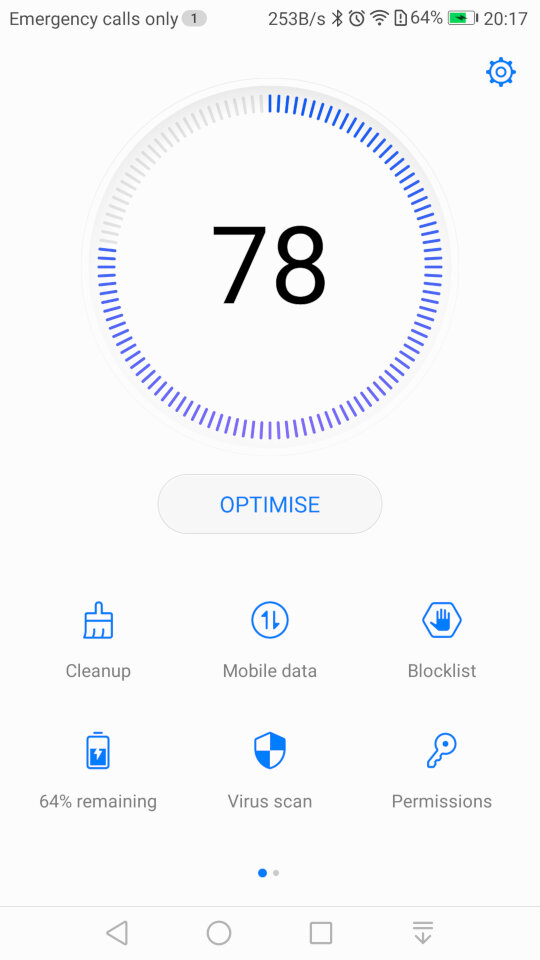
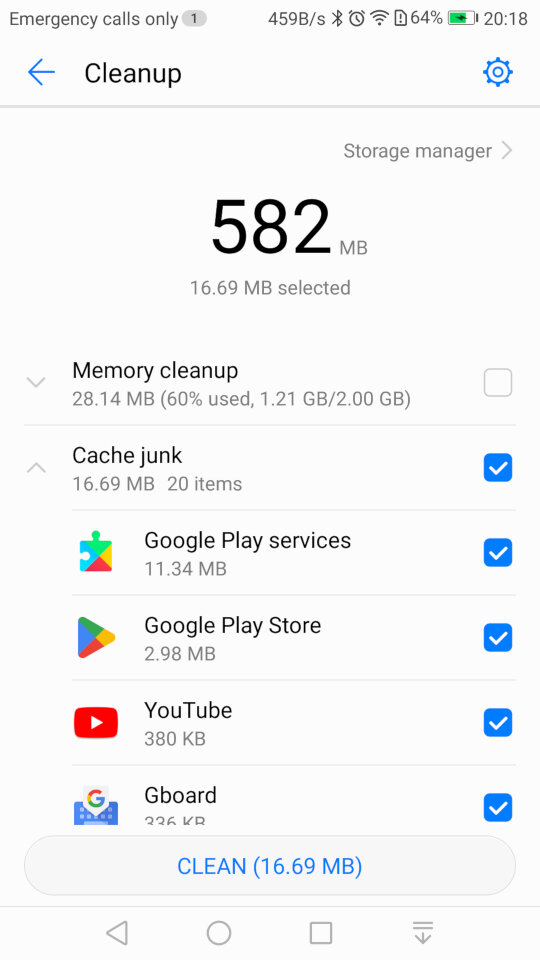
Phone Manager: This serves as a housekeeping tool for the phone and will let you check the device health. The cleanup tool will clean your user storage for both the internal and external SD card locations, and will advise on what you can clear. Given this handset has only 16Gb of storage, it’s a useful utility to delete and remove excess files.
There is also a memory cleanup which will remove aged apps from memory, although the Android kernel should do this automatically. I’m guessing this give the user illusion they are doing something to help with the performance of the phone but also gives it a PC vibe, that you have to routinely perform maintenance which isn’t always the case for smartphones.
You can also clear the cache for installed apps which will free up space but this can also cause a negative impact since the app will have to redownload or generate the data. Normally you should only do this if your experience technical issues with the app itself, doing it too often will negatively impact performance.
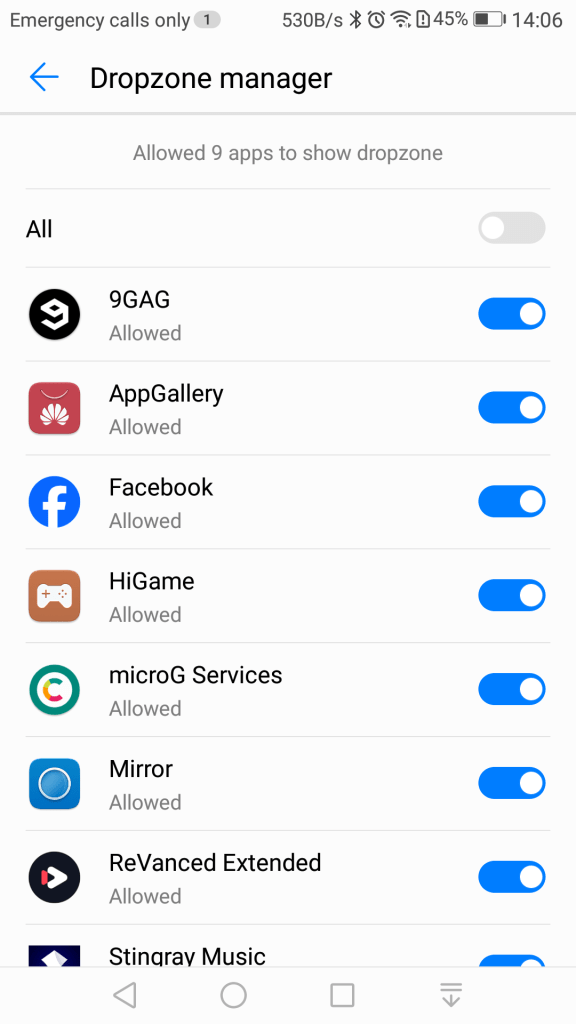
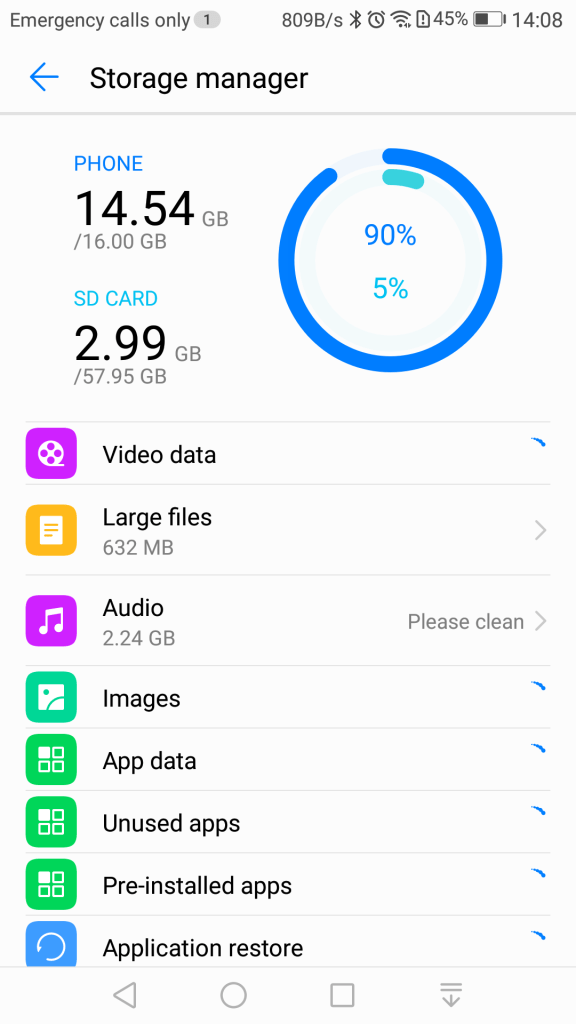
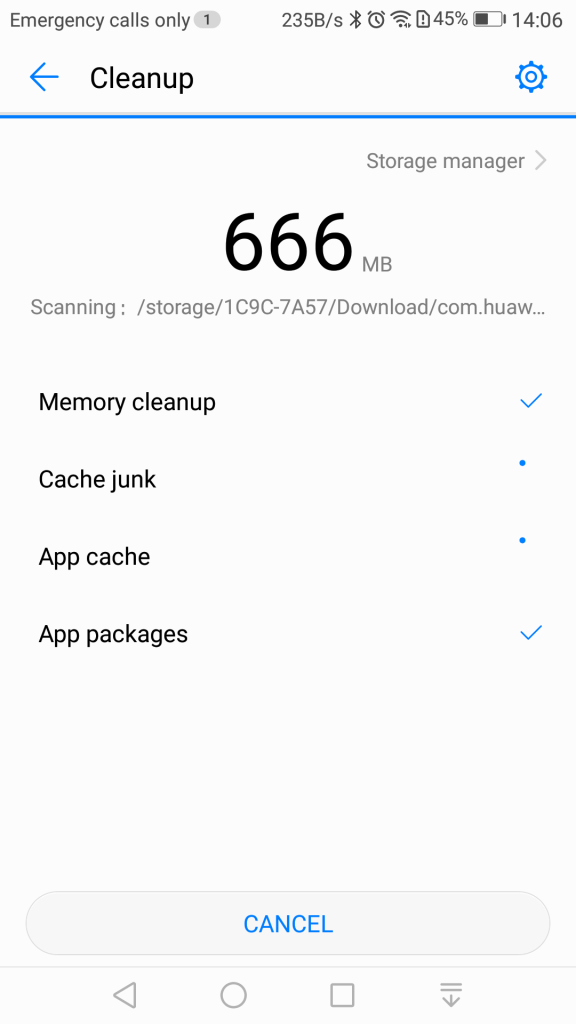
A blocklist is also offered that will block certain contacts from contacting you. A little odd place for this feature to be as it would be better suited for the privacy section of the settings menu, but at least the feature is there.
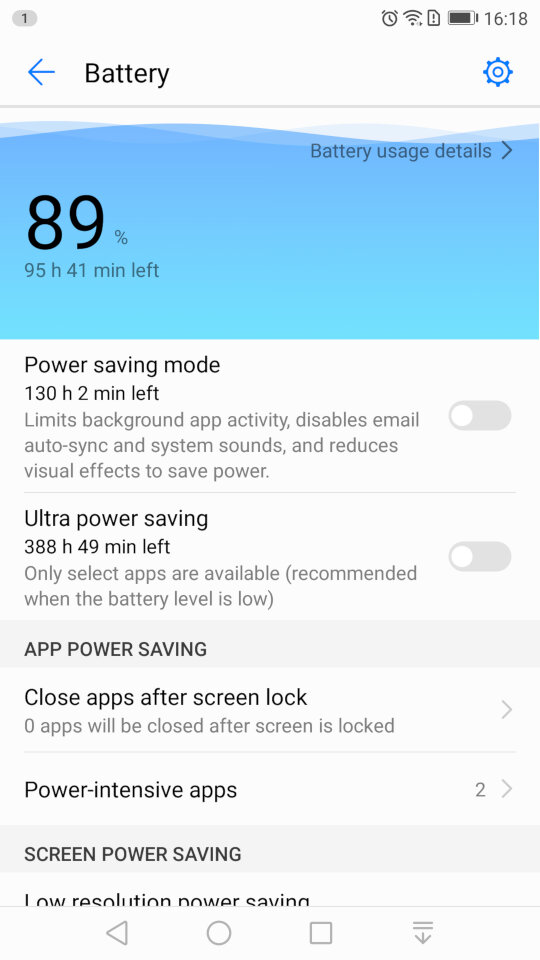
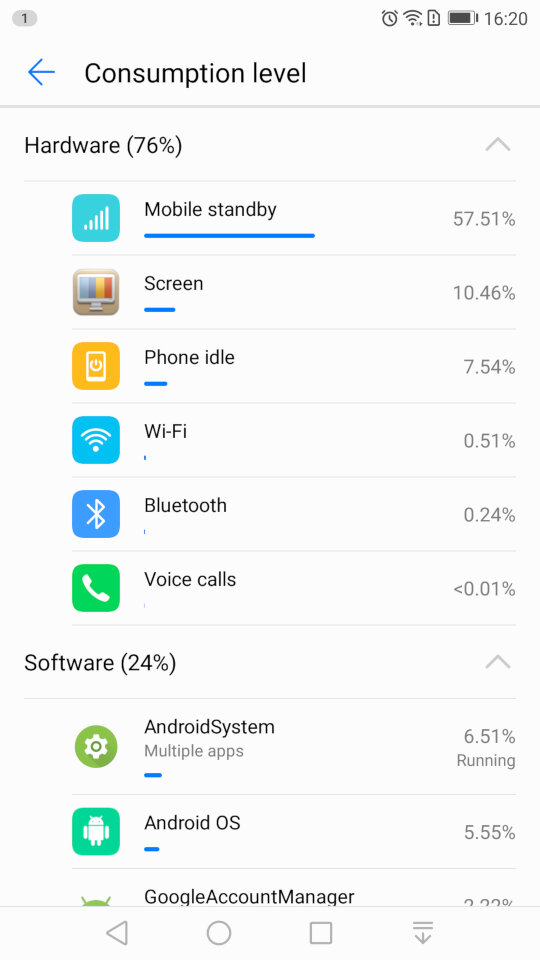
The battery power information which will show the remaining energy, and will let you activate the power saving mod, or ultra saving mode which will shut of moist of the smart function. Ideal if you really need to conserve power.
You can also reduce the resolution of the display to conserve power.
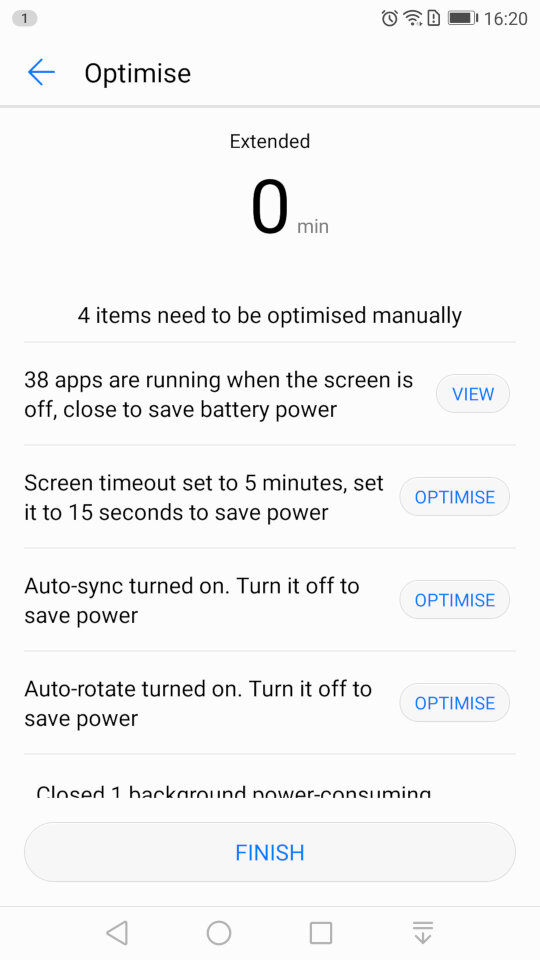
And running the optimize tool which will amend your phones settings, and will advise for settings for other apps to conserve power like disabling automatic sync.
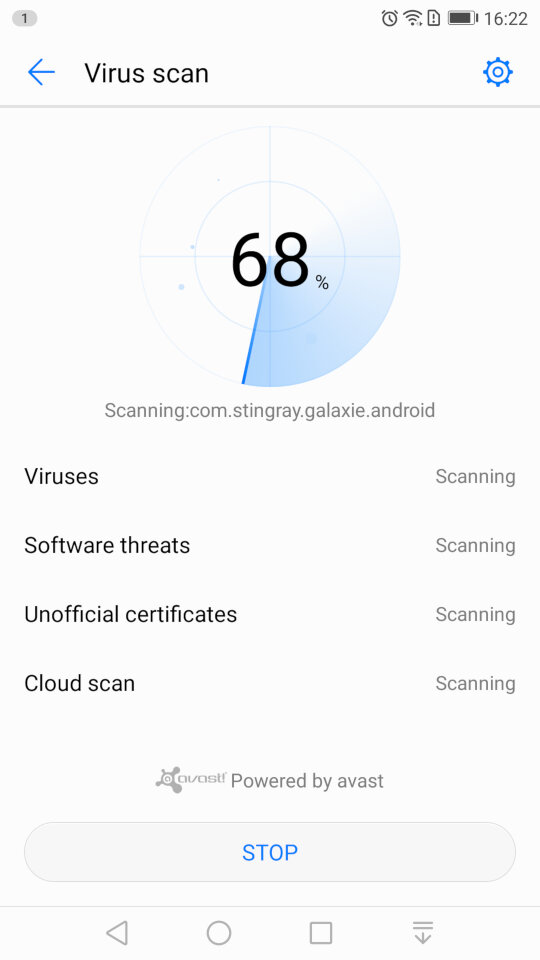
Scanning for viruses, which is supplied by Avast.
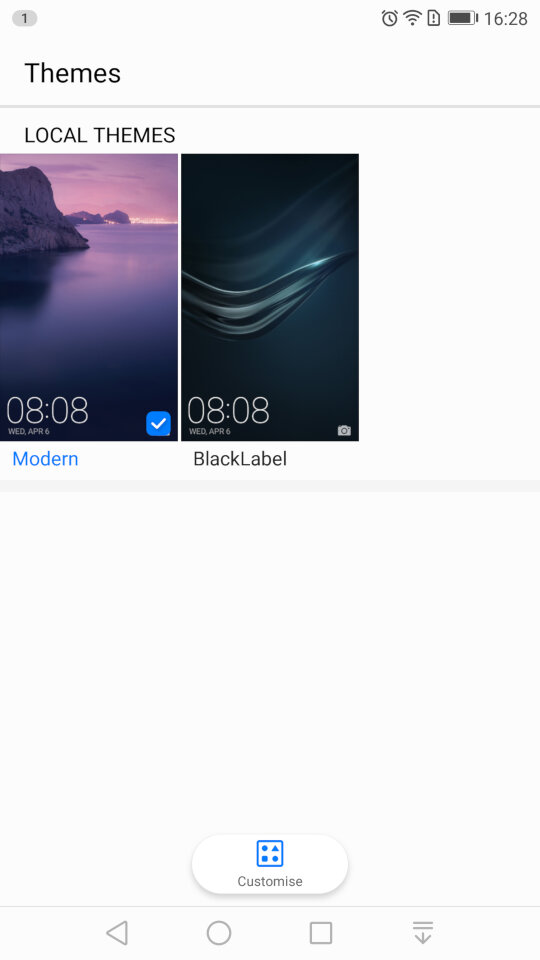
Themes: Two themes come preloaded onto the phone. Modern and BlackLabel. Themes have the ability to change the wallpaper, app icons and the colour scheme.
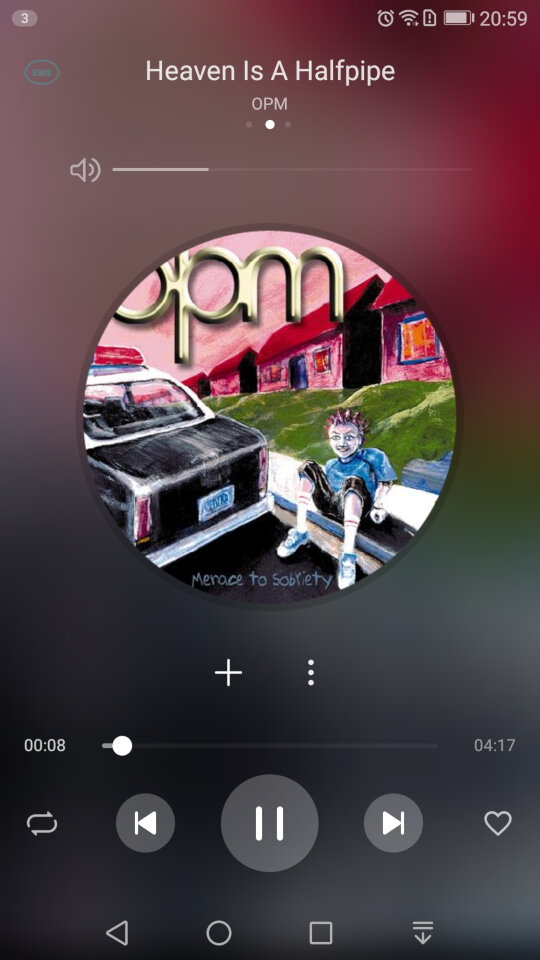
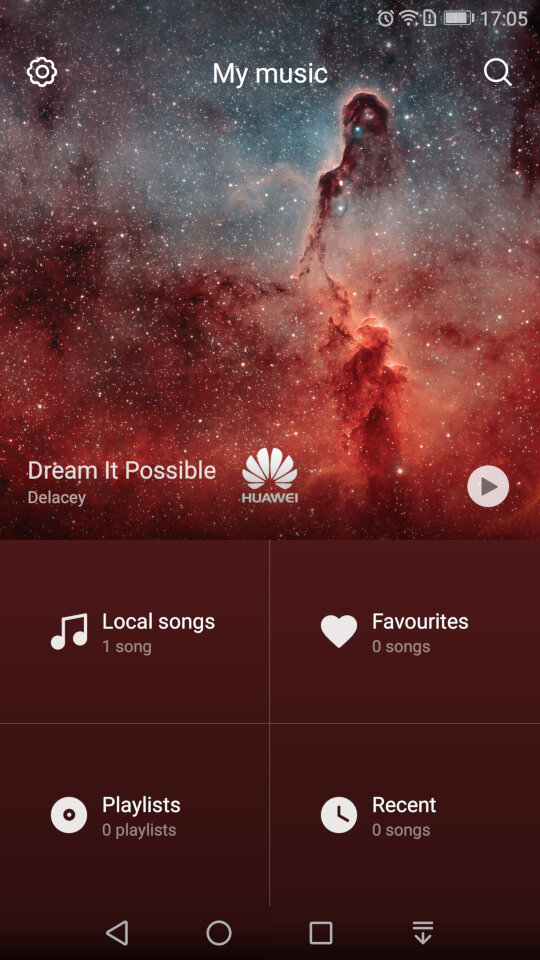
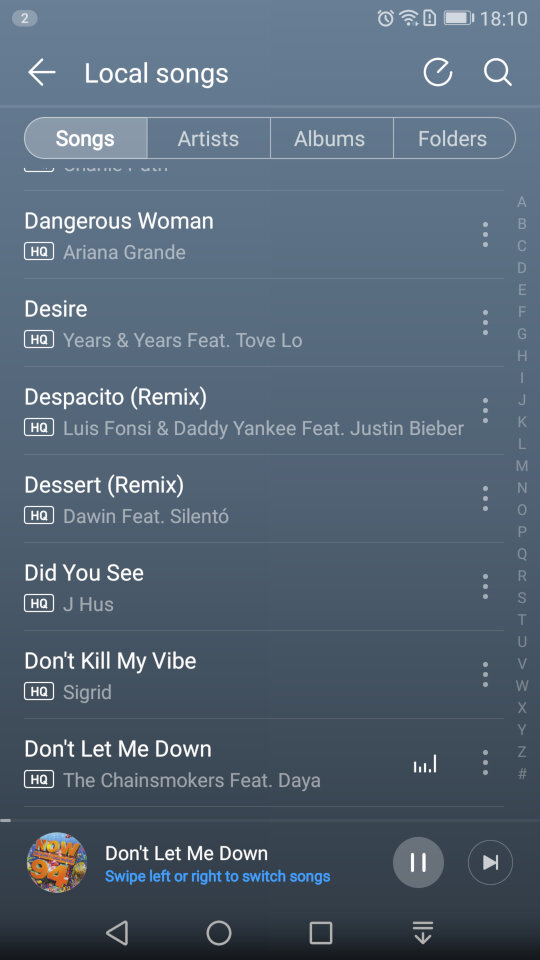
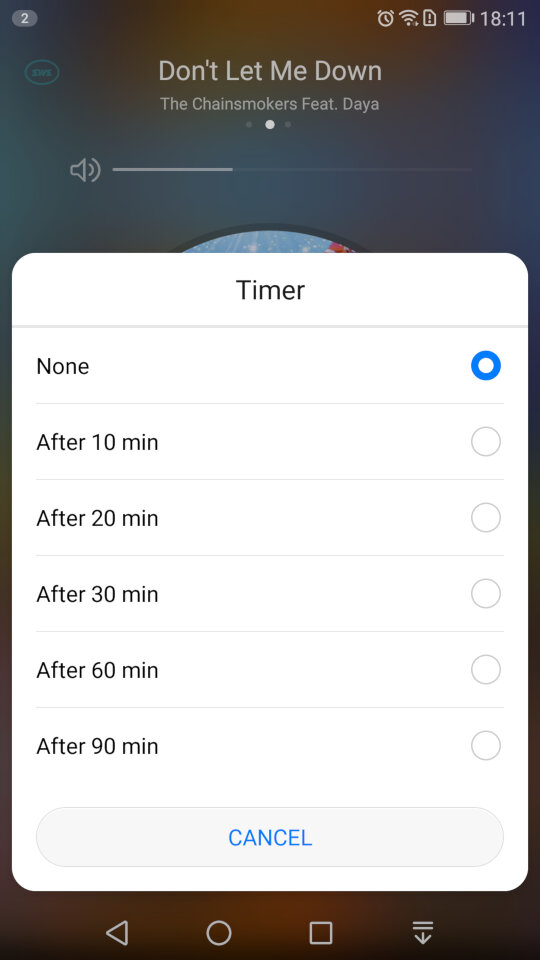
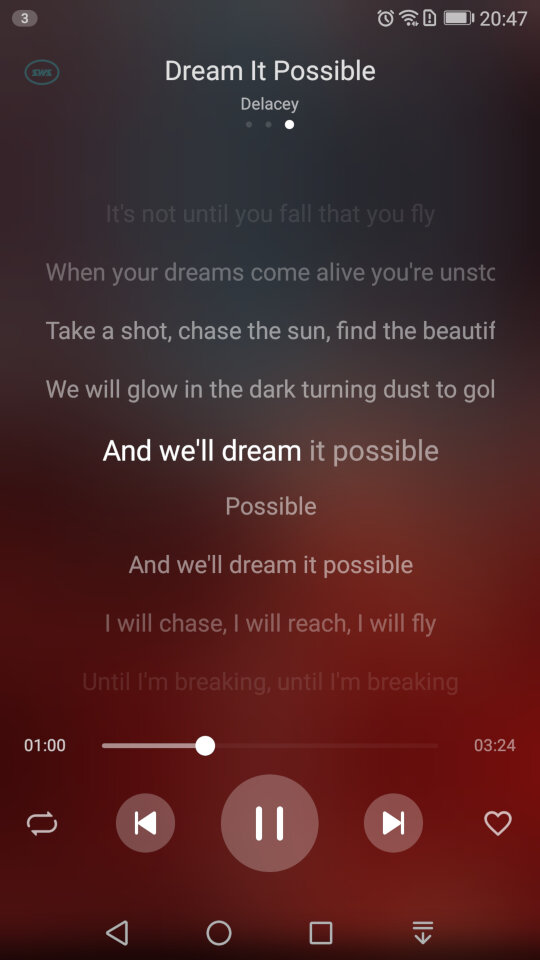
The default player for songs that are stored on your phone. A song is shipped with the phone by default – Dream It possible by Delacey which is supposed to be Huawei’s national anthem, similar to Samsung’s Over The Horizon. The app comes with your standard music playback features like repeat and shuffle, and you can view the lyrics for a song if this has been provided.
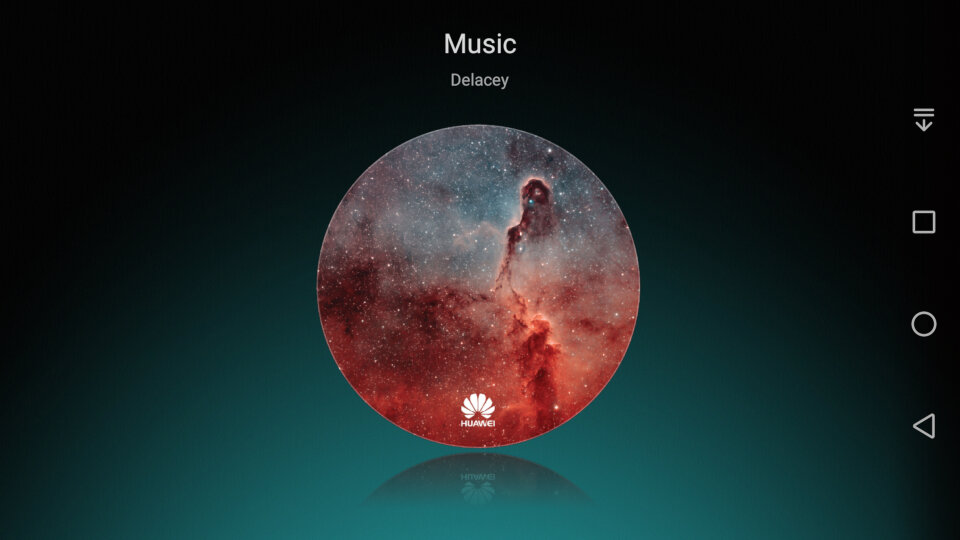
In landscape view
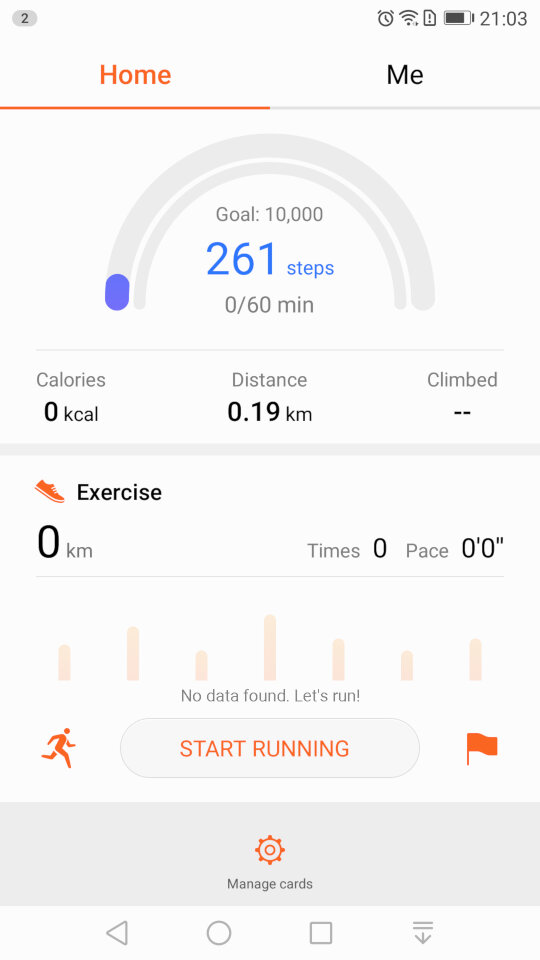
The Health app lets you monitor your steps and log your weekly exercise. If you’re losing weight it can also log your weekly weight and amount of calories burnt, very similar to Sony’s Lifelog and Fitbit apps.
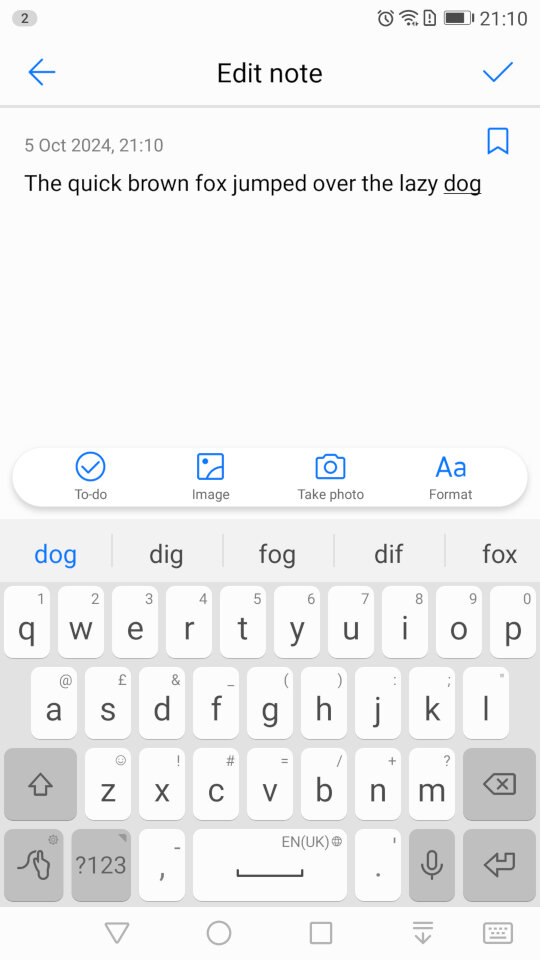
The Notes app lets you create text and multimedia notes, you can embed images within notes and add additional formatting like bullet points for lists. Notes can be tagged as either Personal, Travel, Life or Work for better organisation.
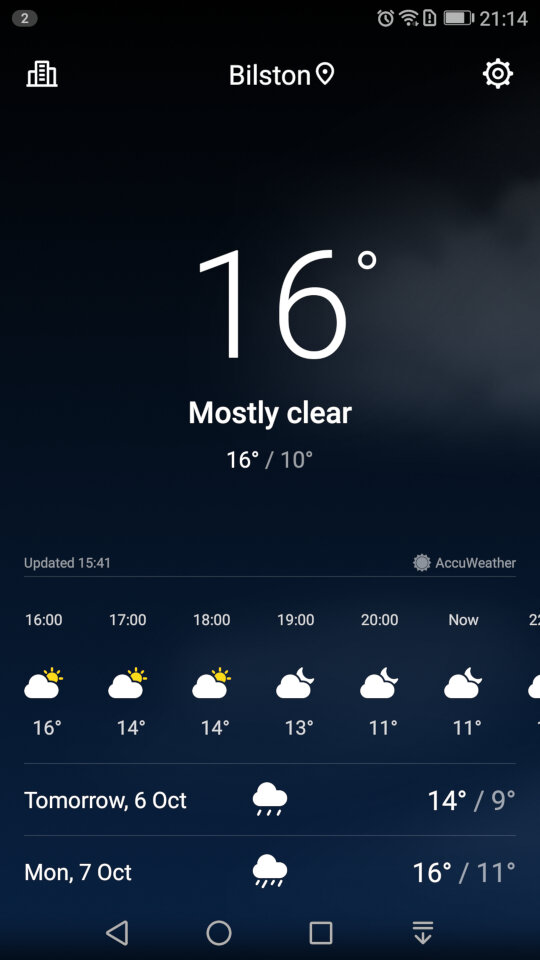
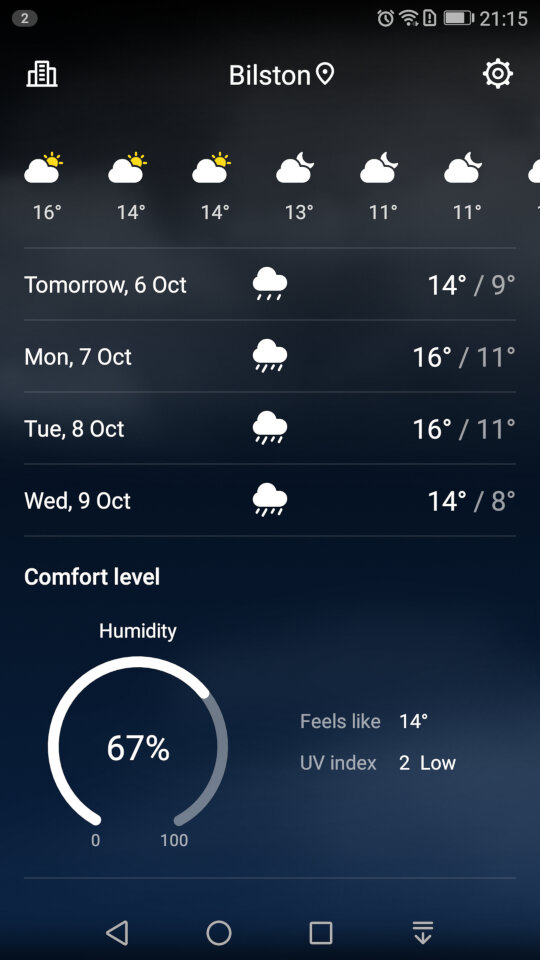
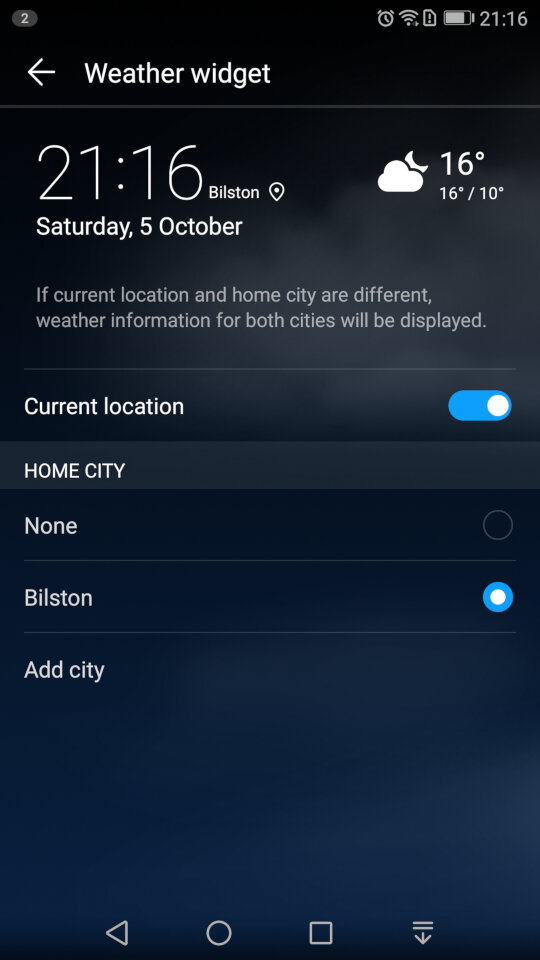
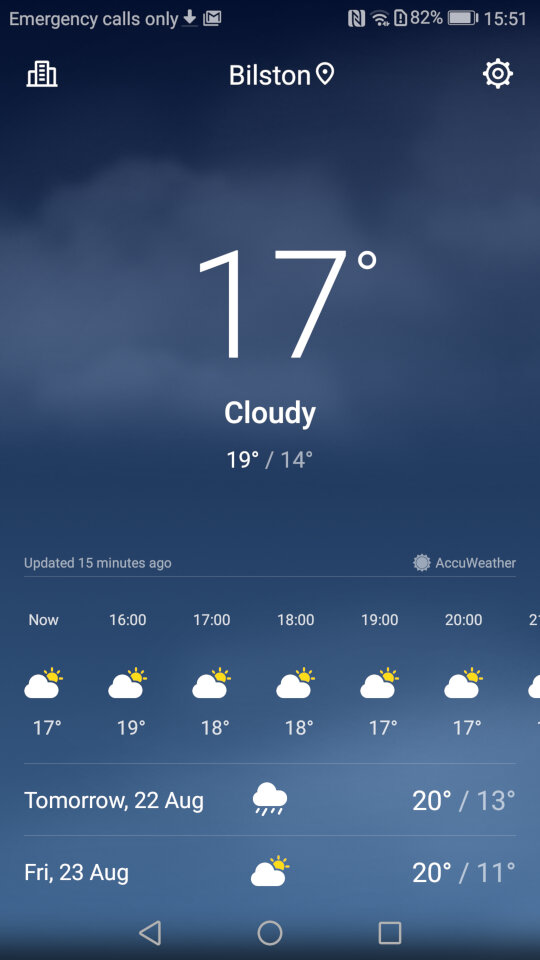
Weather app which will shows the current forecast, scrolling down will revel additional information like the Wind, Humidity and the weekly forecast. You can add additional locations.
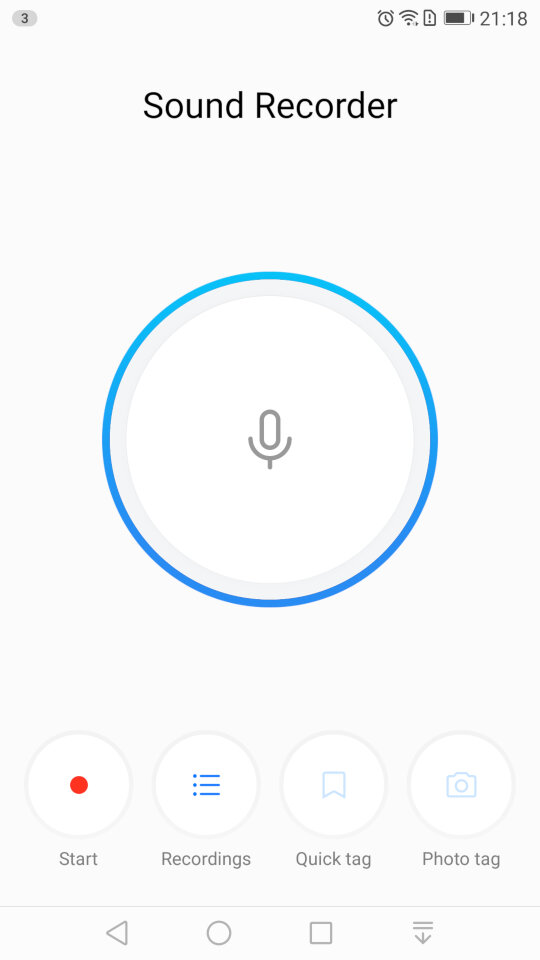
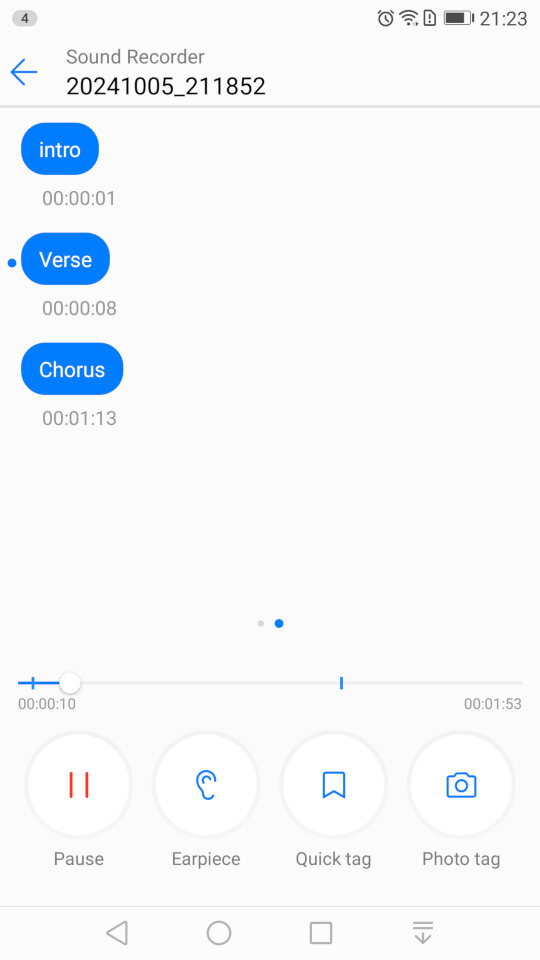
The sound recorder, which lets you add tags that lets you jump to sections of the recording as they are added. This is useful if you have an long recording, and you need to quickly jump to a specific section, like if you were recording a lecture. It’s a nice feature that you don’t normally encounter with smartphone voice recording apps. You can also choose to playback from the loudspeaker or the earpiece instead for better privacy.
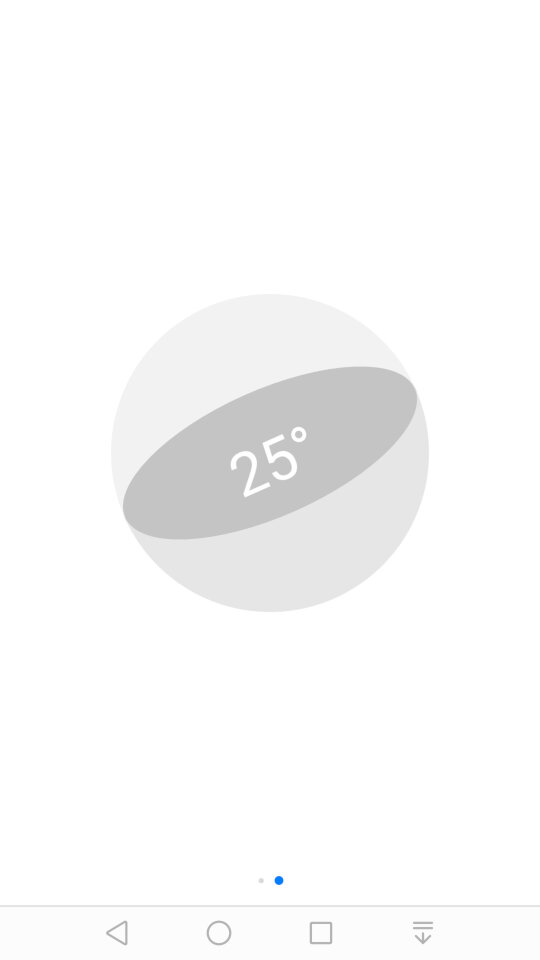
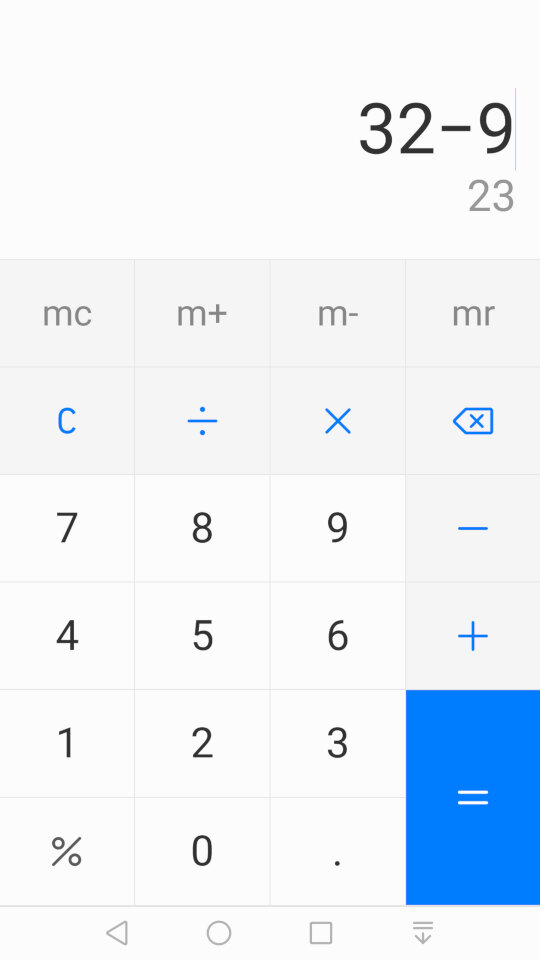
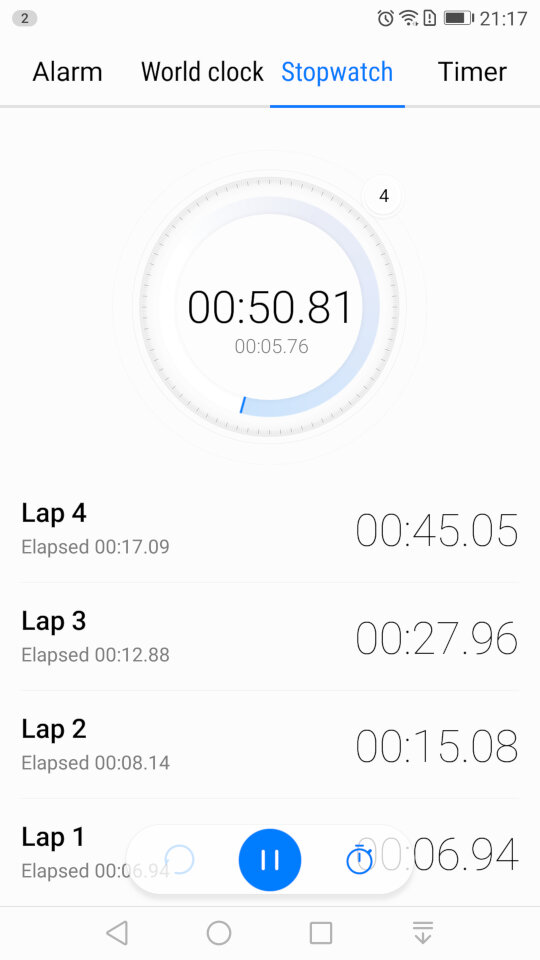
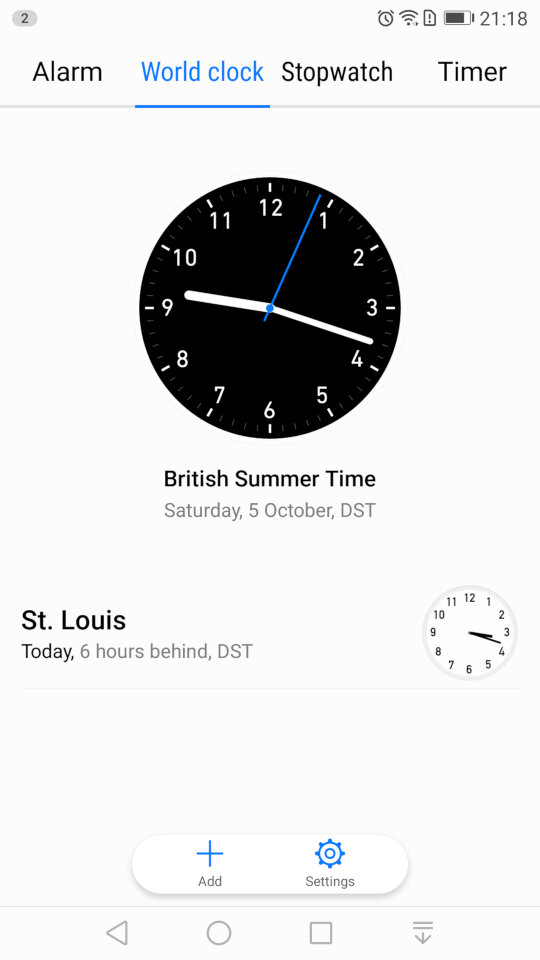
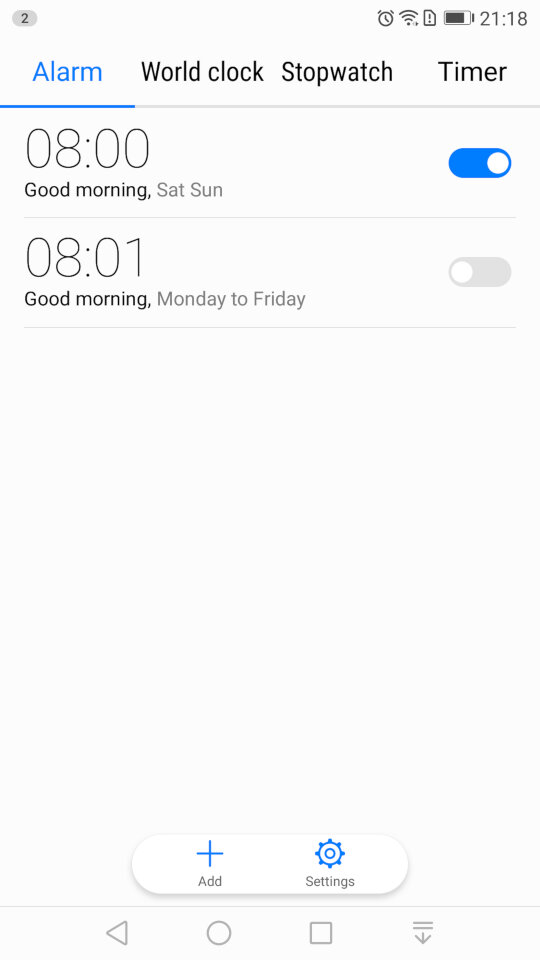
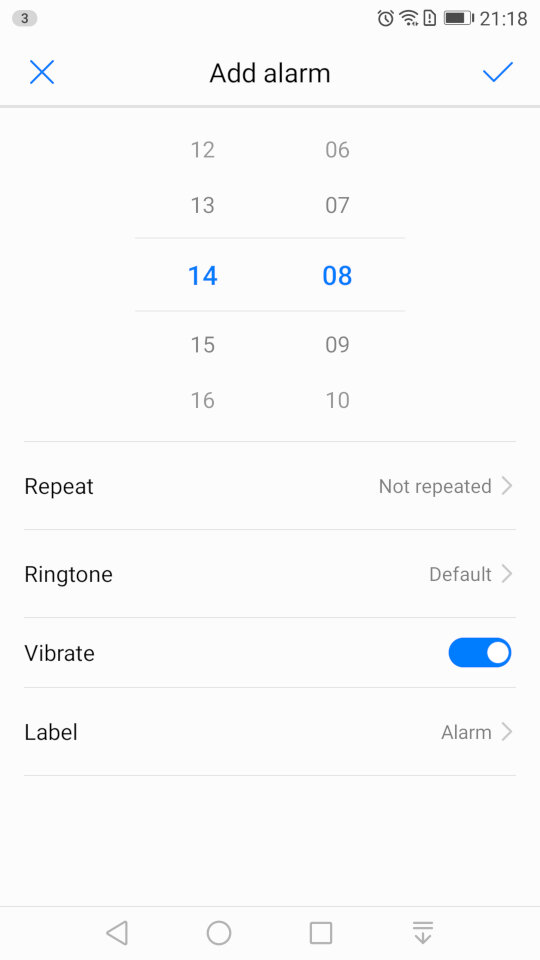
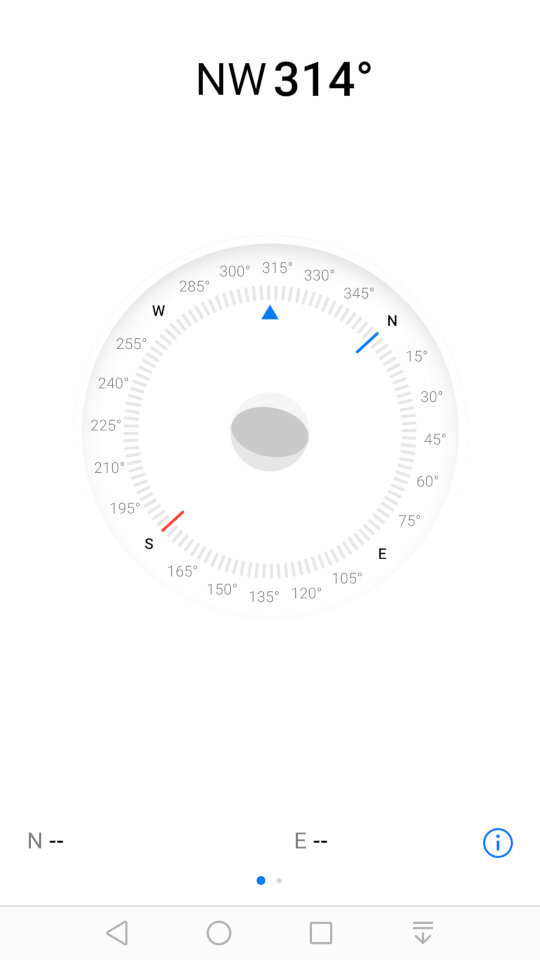
Some screenshots of the other default apps like the calendar, clock/alarm app, etc. These aren’t really noteworthy but still interesting to see the design language and style that Huawei have adopted.
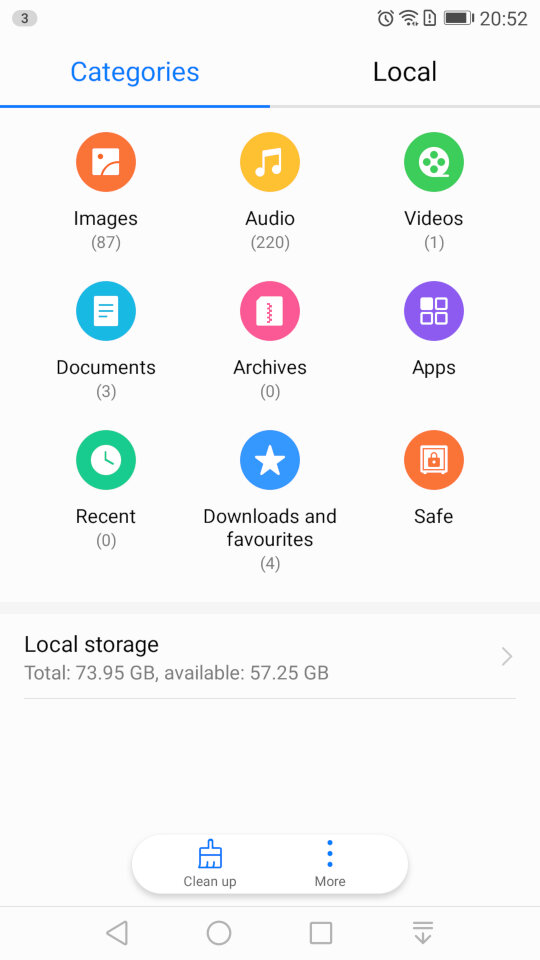
And the file manager, which looks very similar to the one that was in the Samsung Galaxy Alpha
Settings
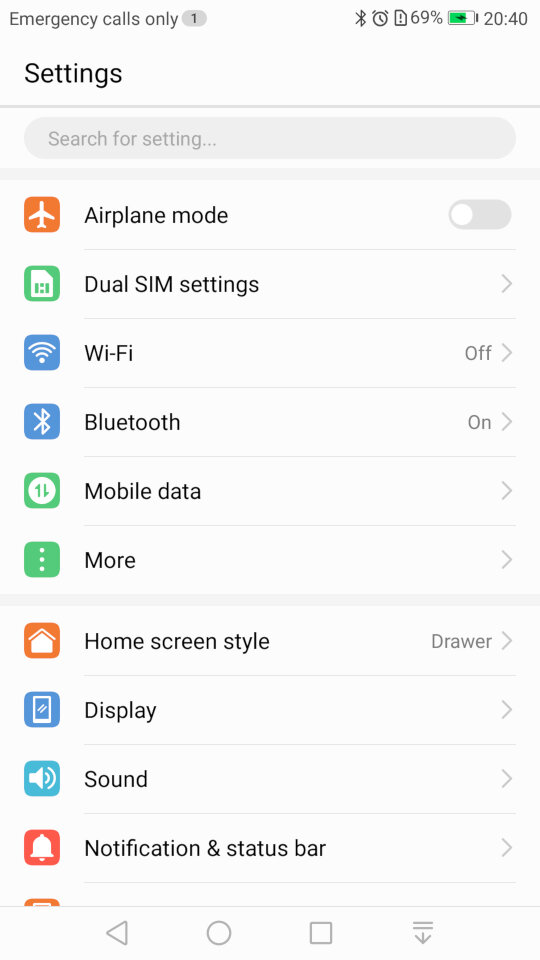
If you’re an iOS user you might be familiar with the layout of the settings screen. Here’s Huawei’s take on the design.
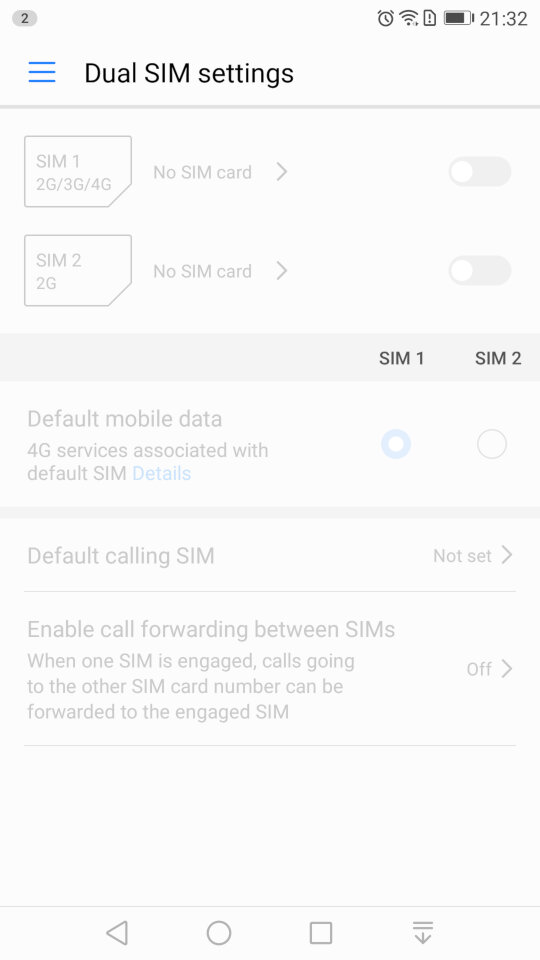
The phone include dual sim card slots to allow the use of dual SIM cards.
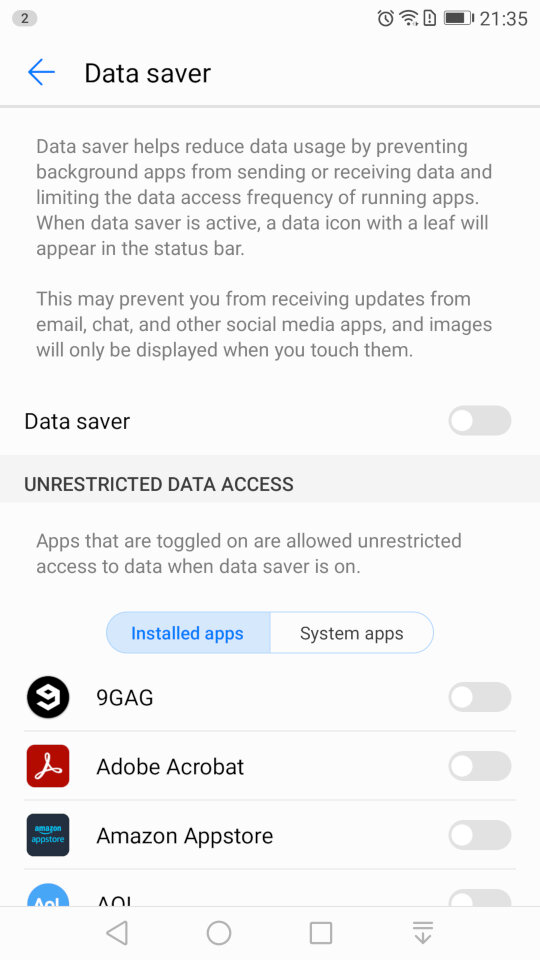
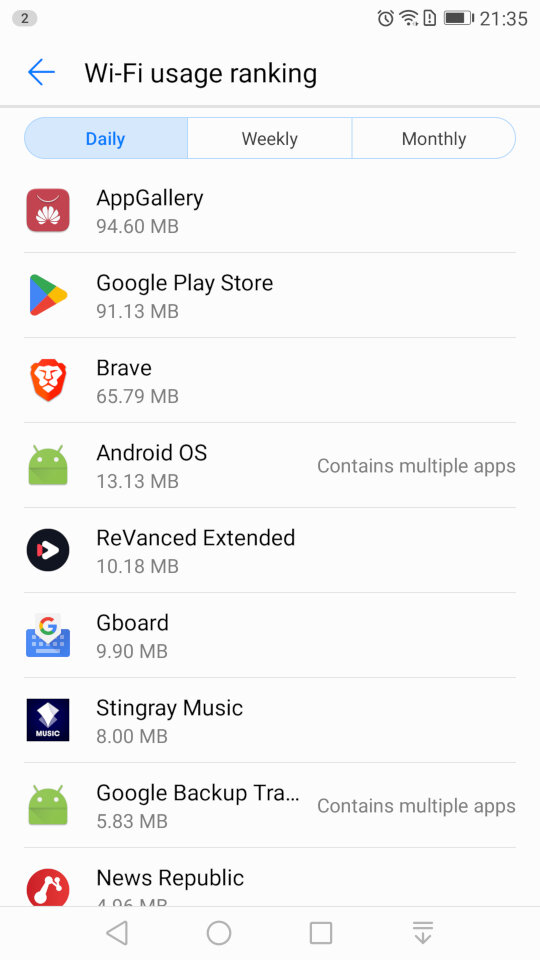
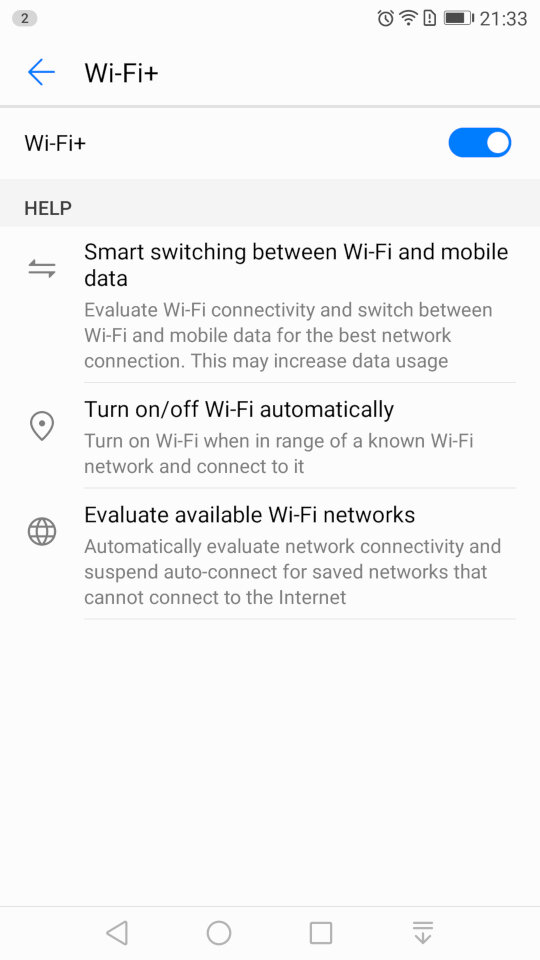
The Wi-Fi settings page, which has an option for Wi-Fi+/ This lets you quickly switch between Wi-Fi and mobile network data, if you are in a weak or fringe Wi-Fi zone. You can also set the Wi-Fi to automatically enable when you are at your home location, rather than leave it turned on all day, similar to Wi-Fi sense on Windows Phone.
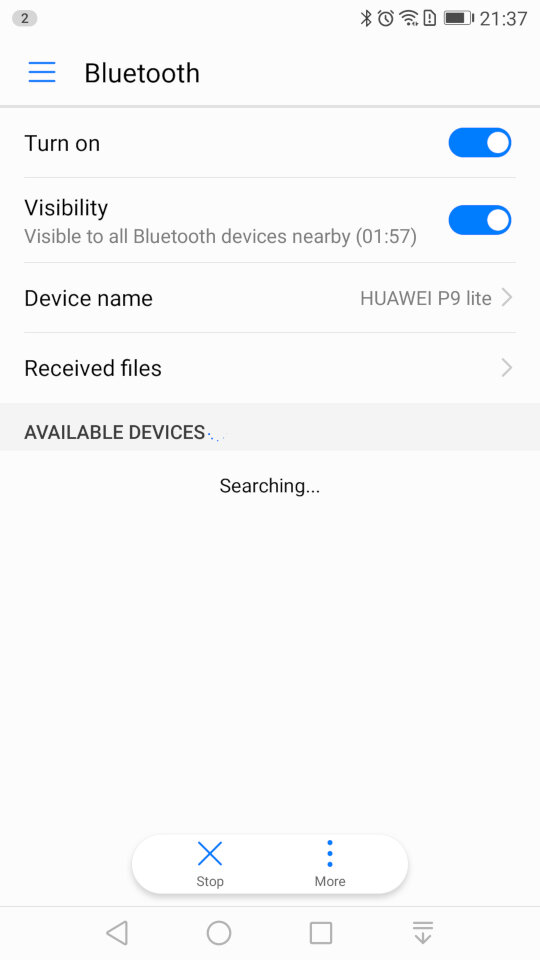
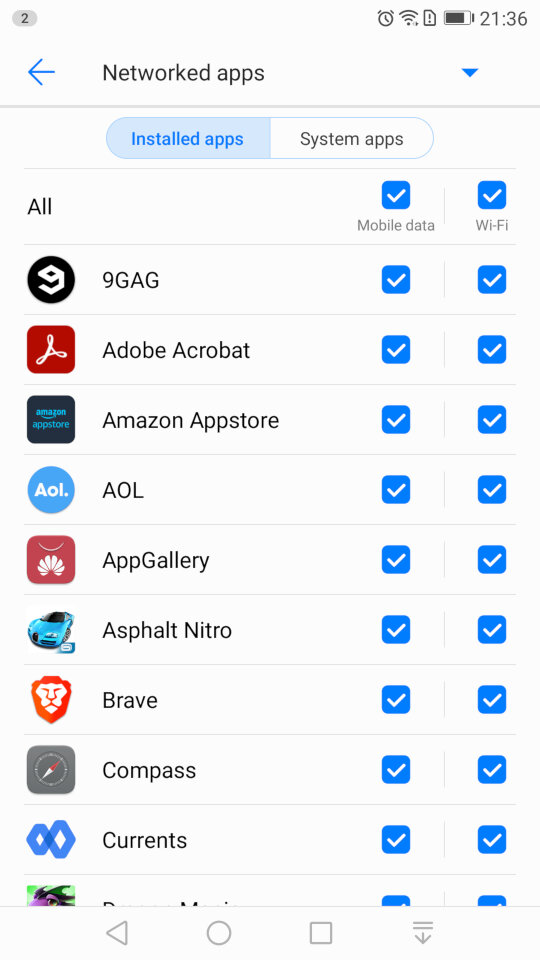
A look at the Bluetooth settings, and the mobile data screen that lets you monitor the amount of data each app has used, and to configure usage limits for when you have a limited data plan. You can also specifically set if you want an app to allow or block data access for Wi-Fi or mobile data individually.
The Bluetooth screen also has a handy shortcut for received files, as many OEM’s will just point you to the phones default file manager, typically in the downloads folder.
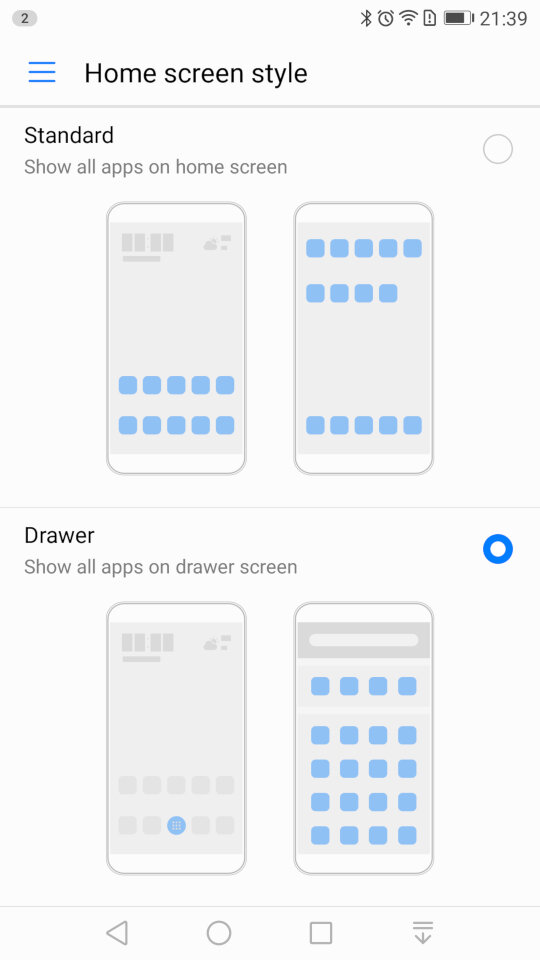
Changing the home screens style, you can choose the standard interface which emulated the iOS setup, where all installed apps are placed on the screen, or the Drawer interface which is closer to the Android style, where apps are placed in a drawer and only pinned apps appear on the home screen.
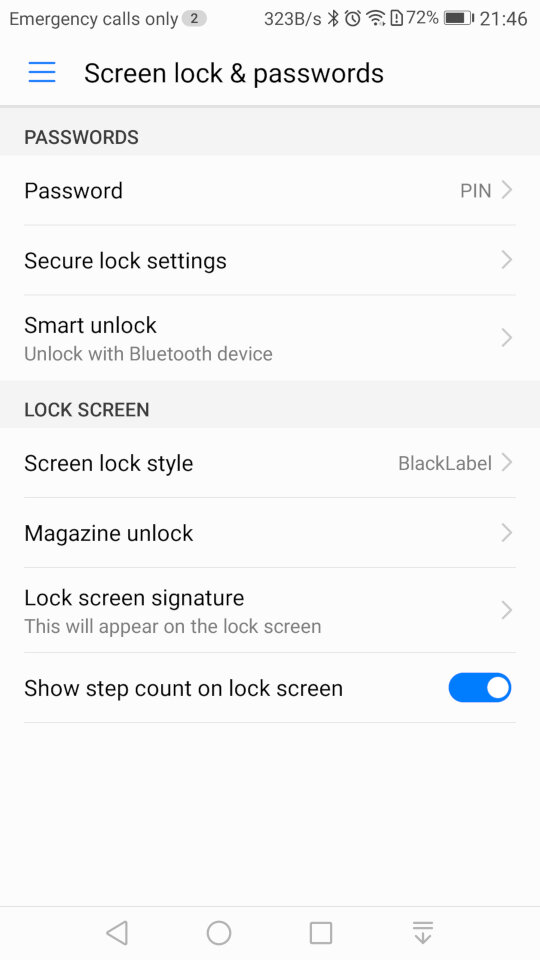
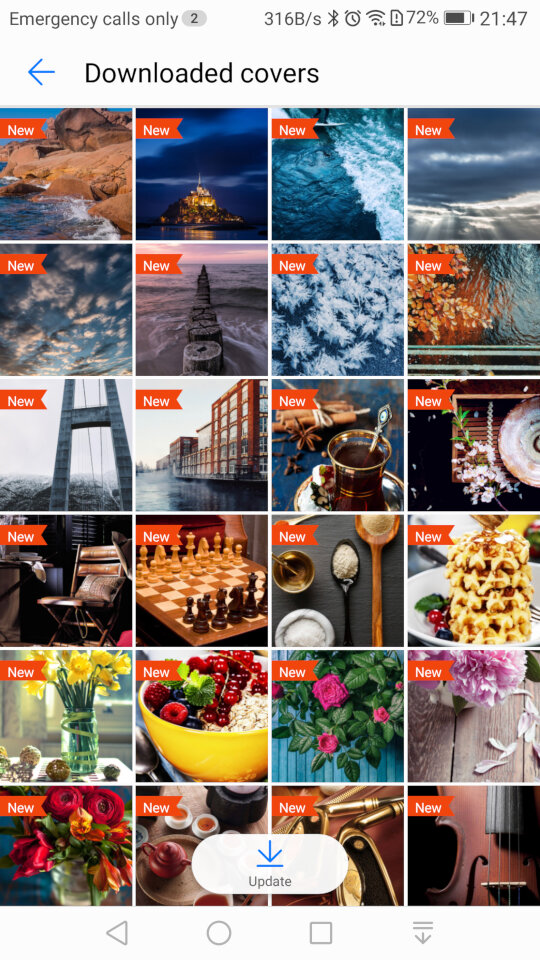
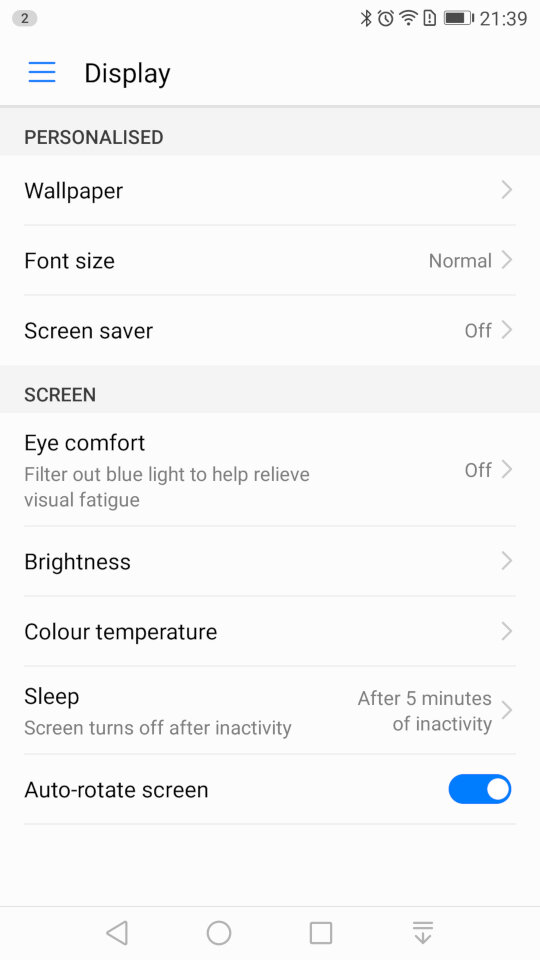
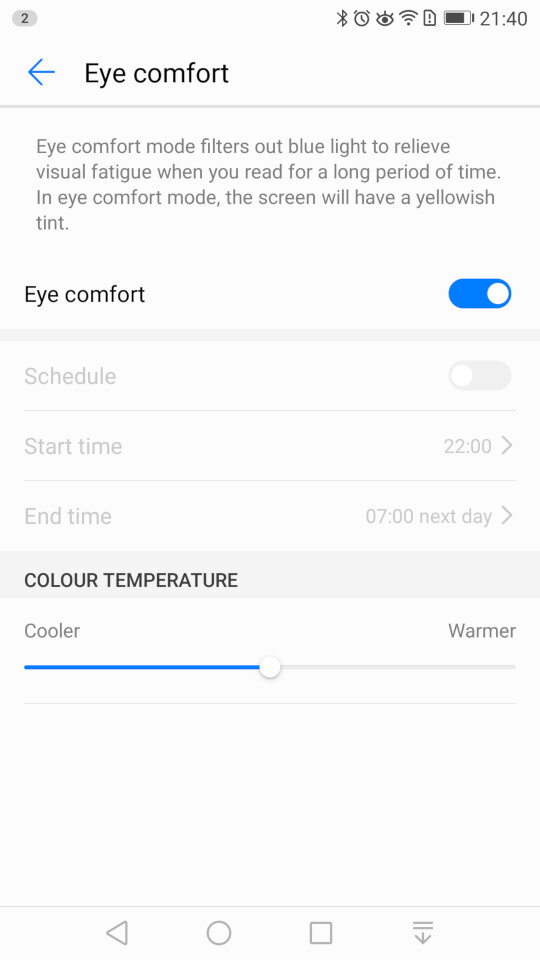
The display settings where you can change the wallpaper, font size and the screensaver for when the phone is charging. The eye comfort feature is similar to the NightShift feature of iOS, or the Flux/Night Light utility for Windows where is filters out the blue light to make it easier for night time use.
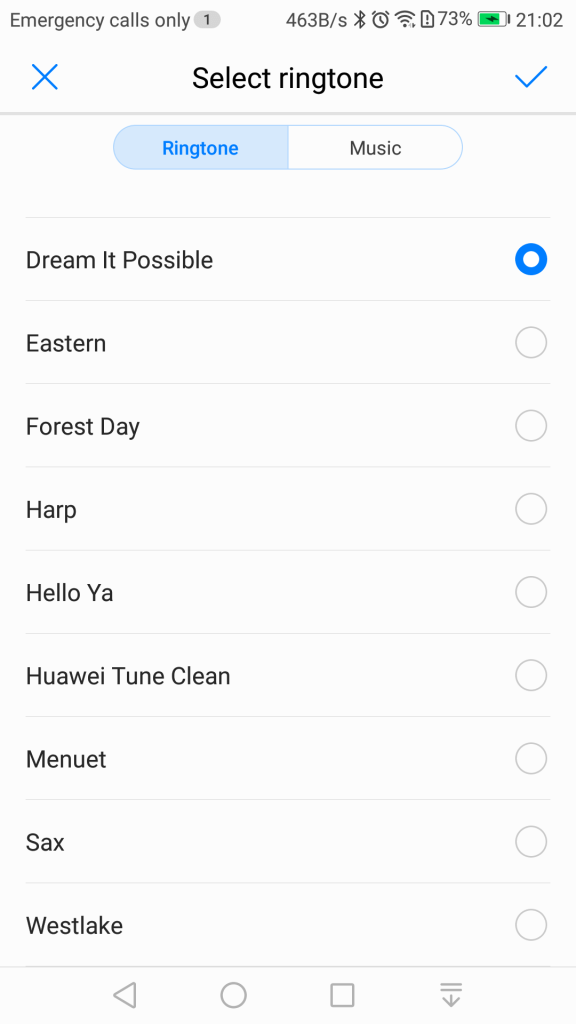
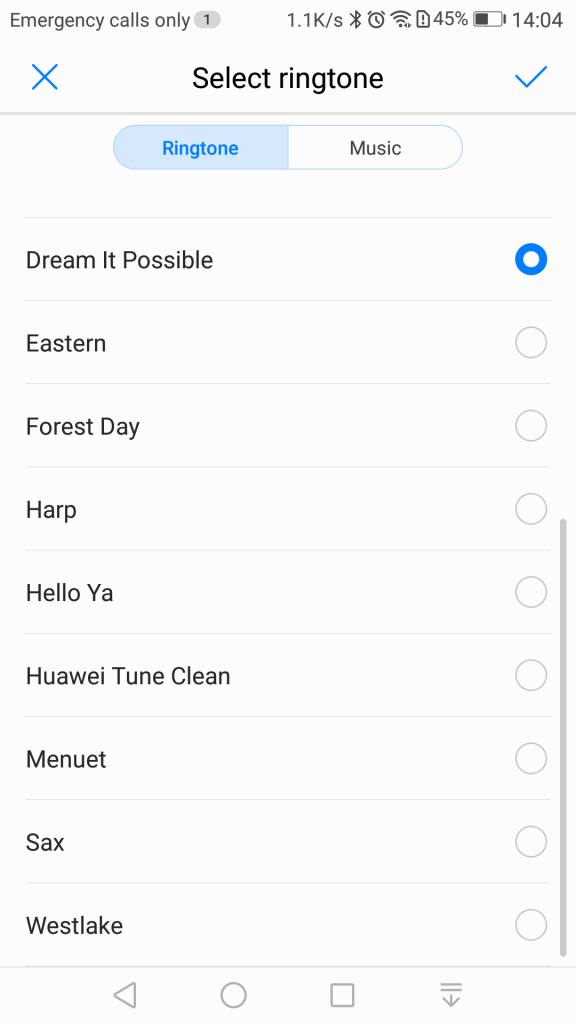
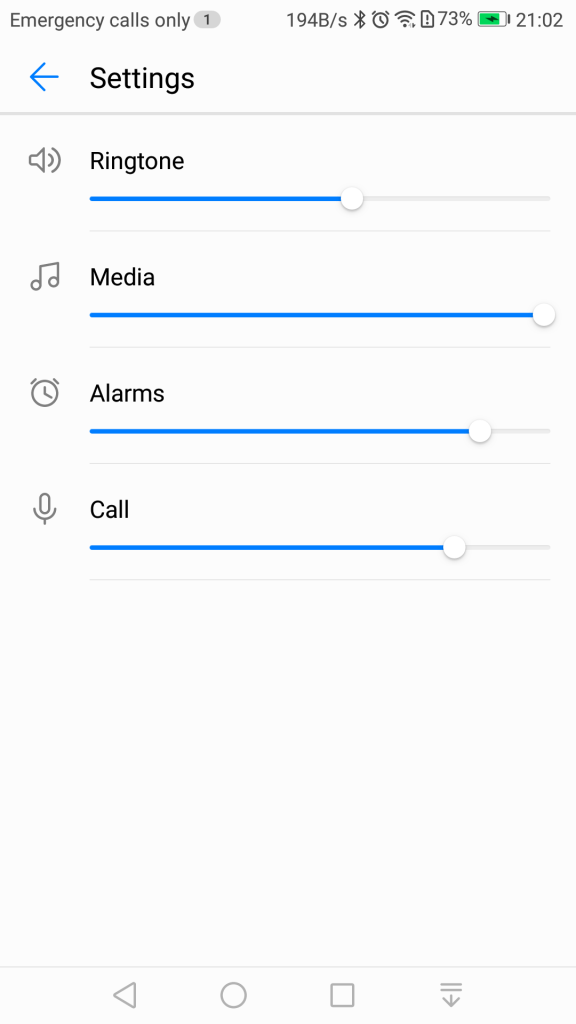
Sound settings for the volume and changing the ringtone, if you have dual sims you can set a ringtone for each SIM card. You can also toggle sounds off or on for individual events. .
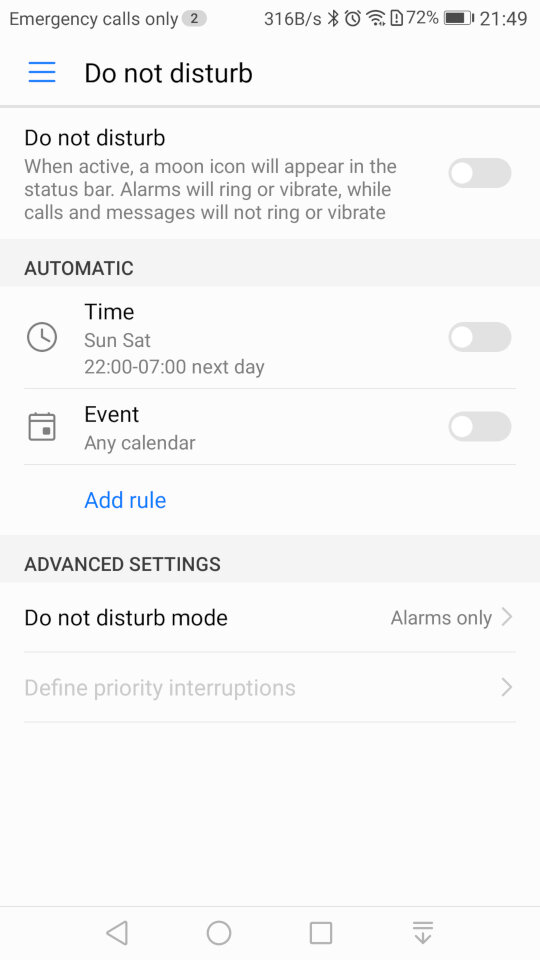
Do Not Disturb will silence the phone notification’s for a specific amount of time, or for a fixed schedule. You can set priority interruptions for specific contacts like family members if they need to ungently contact you.
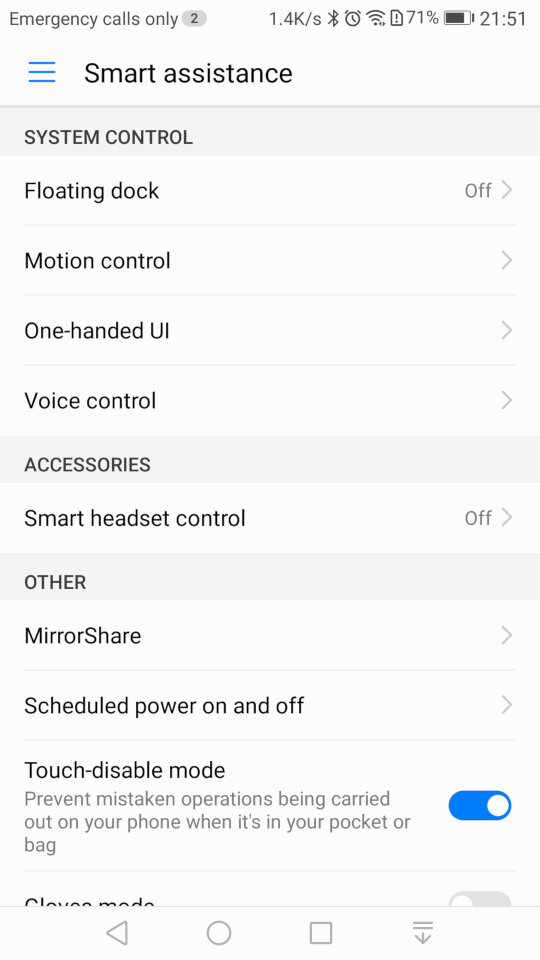
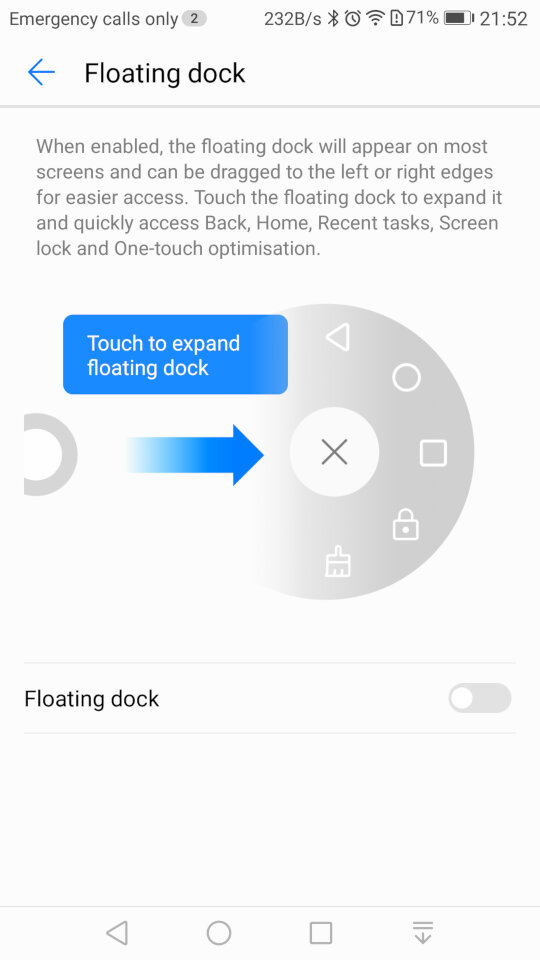
Smart Assistance, where you can enable features like Motion Control that allows you to mute the phone by turning it over when an incoming call is received. The Floating Dock will show the main navigation buttons into a widget that is drawn over other apps and can be freely moved around the screen.
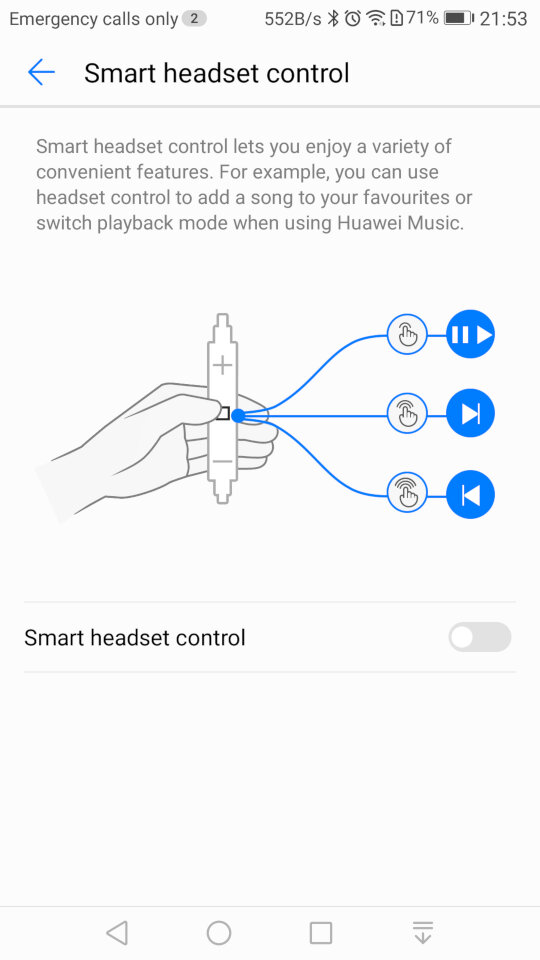
Smart Headset control lets you add additional functions to the volume controls on the headset, you can double press to like song, or to enable shuffle. This only works in the Huawei music app and does not function on apps like Spotify or Deezer.
Lastly Mirror Share is the phones Miracast feature for casting your screen to a TV or supported device.
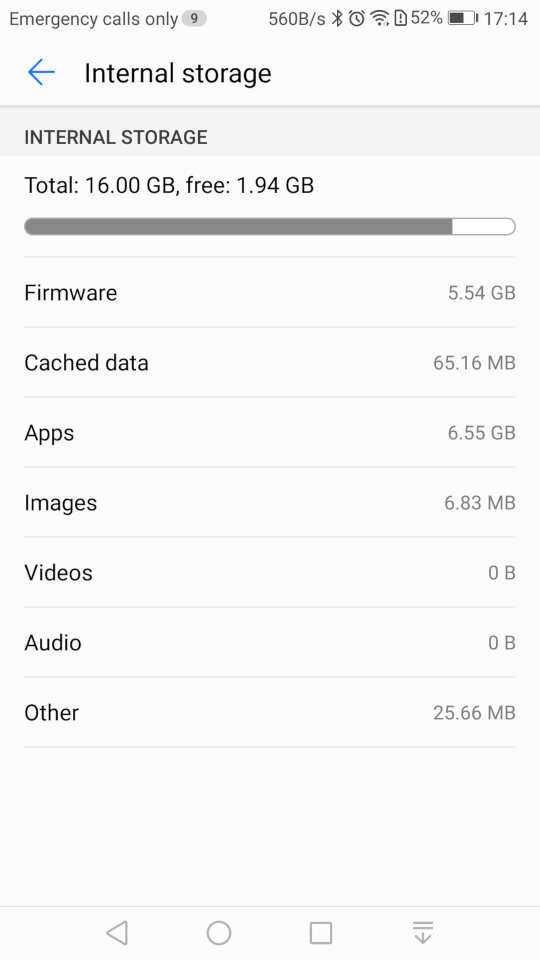
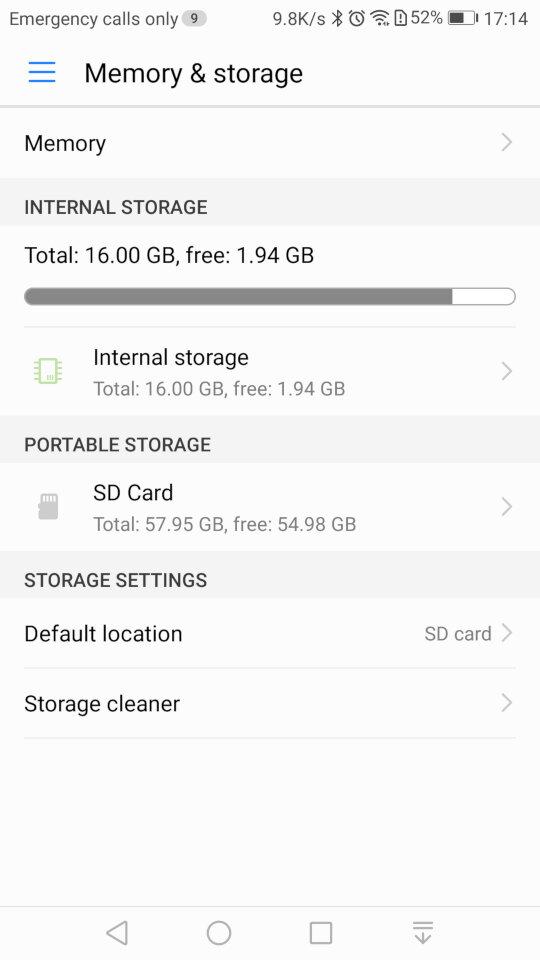
Storage information for both internal and external storage. The SD card can only be used a portable storage, Huawei has disabled the adoptable storage feature of android which limits what apps can be installed to the SD card.
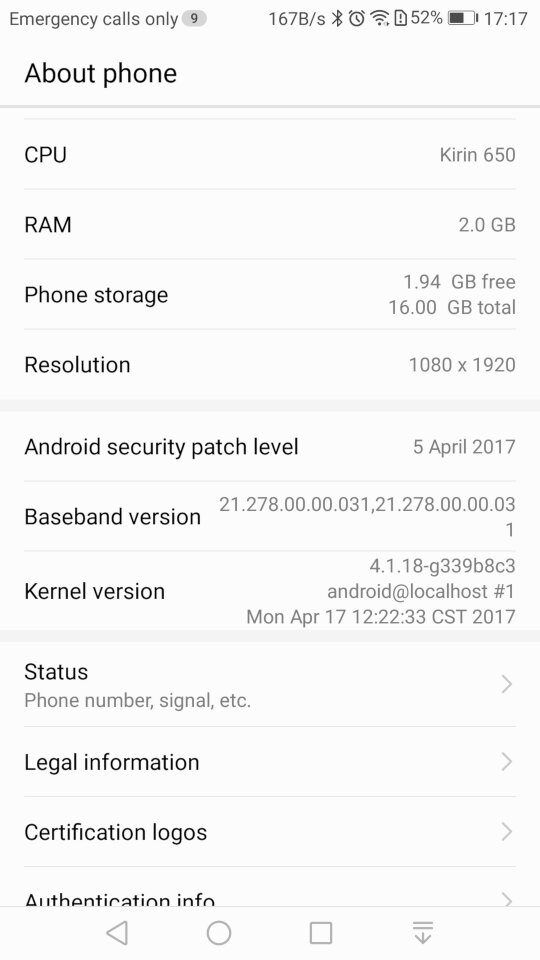
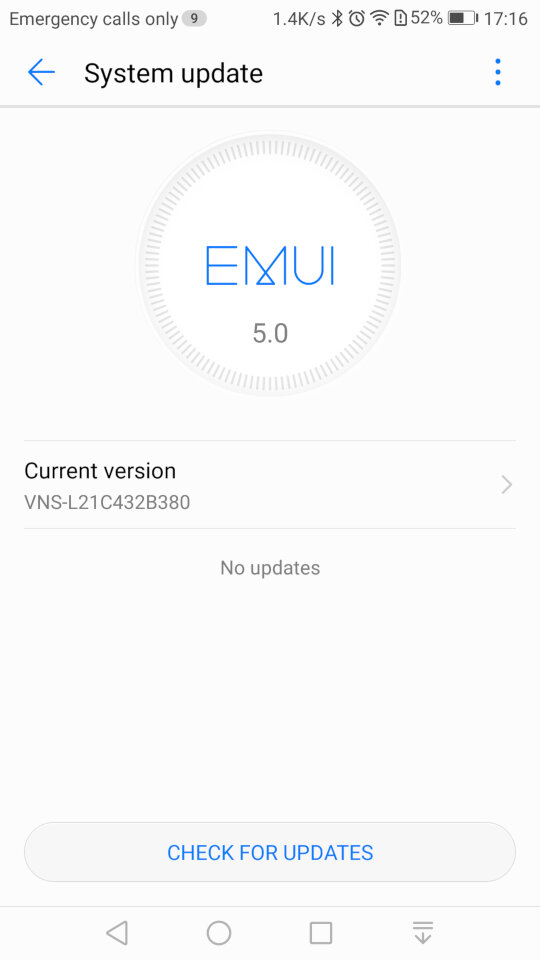
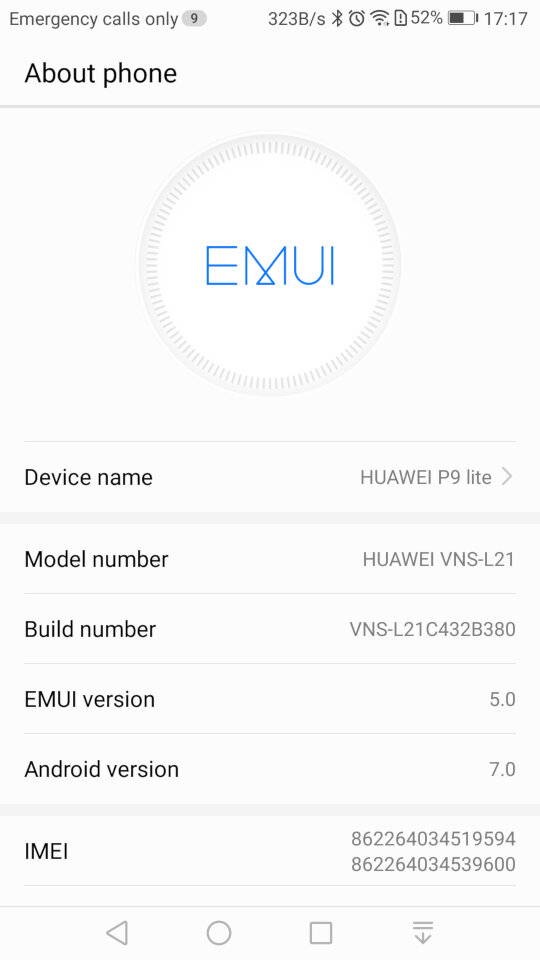
System update settings, here we are running the latest build for this handset, And the system information screen
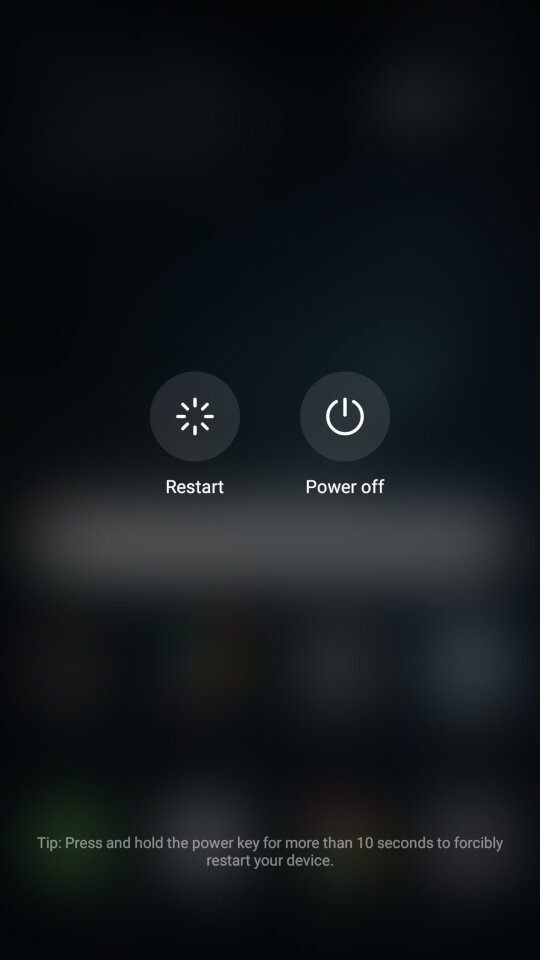
Lastly shutting down the phone
 Drew1440: Blog