SiS are not a huge name in the GPU market, thats largely dominated by Nvidia and AMD. But they were once one of the more popular choices for entry level 3D graphics cards when the 3D accelerator market was in it’s infancy. When I saw one that had been featured in a Dell Thin client PC, I was curious to see its performace. The system itself (A Dell Optiplex 160) isnt intended for high performace computing, it features a first generation Intel Atom processor running at 1.6Ghz. It’s more of a thin client, or a net top PC, a simple PC design for basic tasks with much less power consumption than a typical desktop PC.
From looking at the specifications, its clear this GPU will struggle against its rivals, with the GMA3100 and Radeon HD2000 being the main competition, along with the low end GeForce series (7100 for example). From what I’ve found online, it lacks hardware T&L support which is hard to believe for a GPU released in 2007. Nvidia released their first T&L GPU with the original GeForce in 1999, with AMD (Then ATI) following suit with the Radeon in 2000. Intel would eventually release their own T&L capable card much later.
What is T&L? Well it stands for Transform and Lighting and means the GPU is capable of generating its own geometry such as polygons and is able to apply effect independent of the CPU. When 3D first hit the market back around 1994, many 3D graphics cards were known as 3D accelerators, with their main purpose being able to offload certain rendering tasks off the CPU, freeing the CPU of the burden and leaving more time and cycles to perform other tasks. How much was offloaded depending on the accelerators capabliles, a lot of the first generation only did texture wrapping and shading. Since they were reliant on the CPU to generate the geometry, it meant the CPU could become a bottleneck if it couldn’t render polygons fast enough for the card.
That’s kind of what we are dealing with the Mirage, since its going to be reliant on the Atom CPU to handle some of the geometry rending. It’ is a dual core model’s a single core dual threaded model, though i’m uncertain how well the micro-arictecture is with geometry calculations. Intel Atom’s typically have their own processor design that is independent from the Pentium 4 (Netburst) and Intel’s Core that was used in the Intel Core 2 duo series.
Still, knowing this, we can kind of guess which generation of games will best work with the machine, already we know it on the same feature level as the Nvidia TNT and the Ati Rage series of graphics processers, but does benefit from additional rendering features SiS might have added. We also will struggle to run games from when this machines was first released 2008.
GHG (Greenham Gaming) did a feature on this system, running what appears to be Windows 7 and concluded it was an epic fail when it game to gaming. A few older titles worked, but even then some had rendering issues. I’m not sure how much was apparent to running Windows 7, but I was curious to see what performance would have been like for Windows XP, which tends to be the go to choice for running retro games, at least for its broad compatibility across hardware.
For this, keeping in line with the machines embedded roots, I decided to use Windows Embedded POSReady 2009, which was a more upto date version of Windows XP SP3 designed for embedded use like sales kiosk’s (hence the name POS – Point of Sale, what else did you think it stood for?). However its still mostly a full fledged version for Windows XP, and even features an up to date installer that can detect SATA drives that this machine uses (still needs to be in IDE mode, AHCI is not supported).
Missing ksuser.dll? (Windows POSReady 2009)
Post install, there were a couple of issues. Most of the drivers provided by Dell did install, except for the sound driver. When installing, it would complain about missing ksuser.dll file and the installer couldn’t continue without this file. Searching inline pointed to the issue with DirectX, but POSReady does come with DirectX 9.0c already installed, and installing the updated runtime from Microsoft’s website didn’t work.
What did work was to install Windows Media Player, which wasn’t installed by default. You can easily install this by popping over to the Control Panel, opening Add/Remove programs, then click Add/Remove Windows Components and select Windows Media at the bottom to install it. Version 11 will then be installed. You could also select this option when installing the OS, but I left it at the typical settings, which appear to not install Windows Media Player. Makes sense I guess, since this is intended for checkouts and cashpoints which might not require sound (unless for disability purposes)
S3 Utilities
They’re pretty basic, you can adjust settings for the gamma and screen rotation, but very little can be changed for the 3D. The system does support dual monitors, but will always identify a VGA monitor as a CRT, regardless if it’s a flat panel.
Here we are using driver version 6.14.0010, which is the latest from Dell’s website. By dedefault, 28MB of memory is allocated to the graphics, which can be adjusted in the systems BIOS, upto 256MB to 32MB at the lowest. It seems to pass the Direct3D rending testes, upto version 9
Games
Here I have mostly tested a few Direct3D 6 & 7 class games:
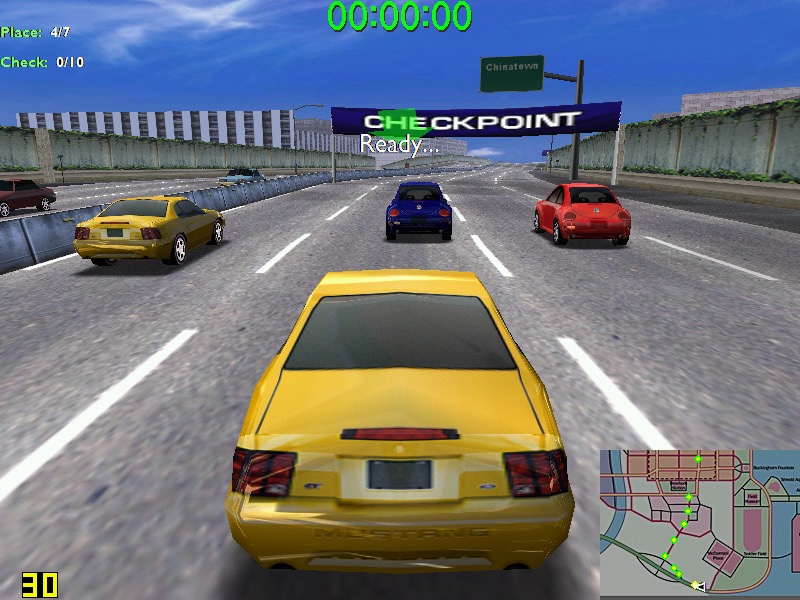
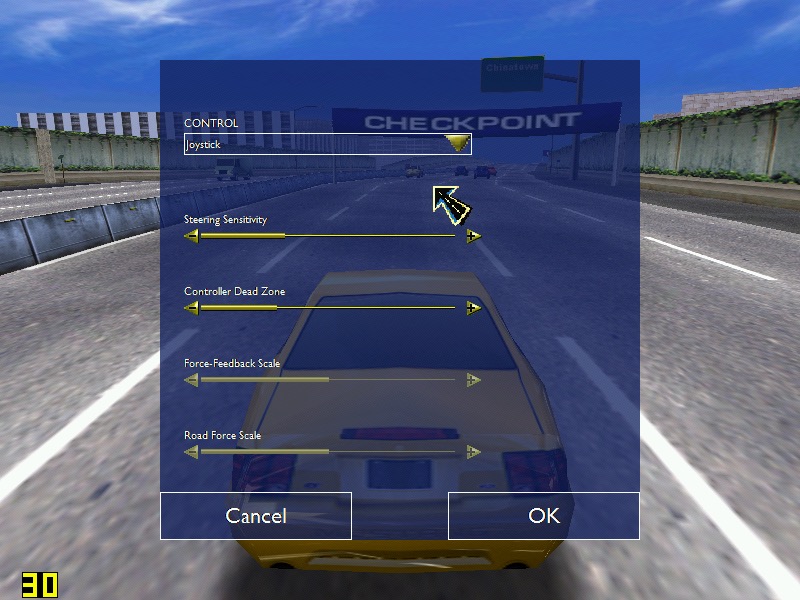
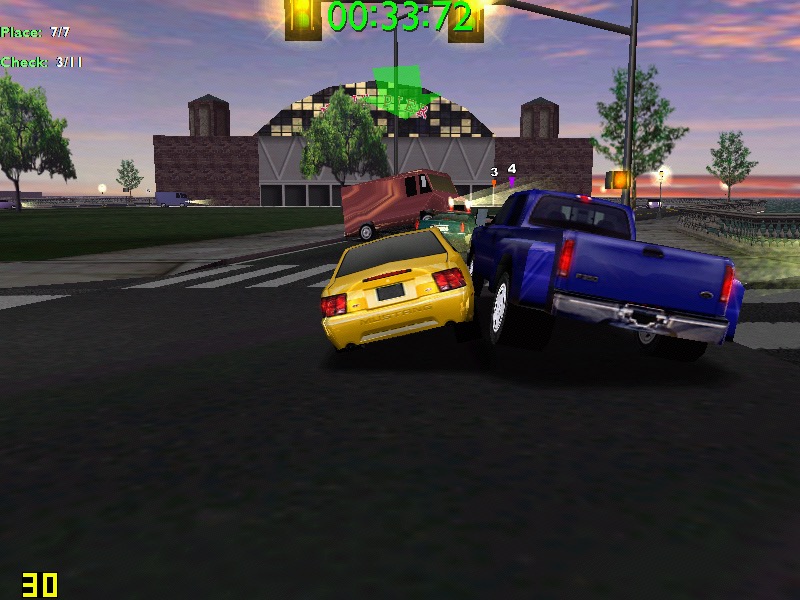
Midtown Madness – Hits 30 fps on high settings – 800×600, but can suffer to 22 when there are a lot of cars on screens. In underground tunnels we can get upto 44fps. No rendering or texture issues from what I can see.
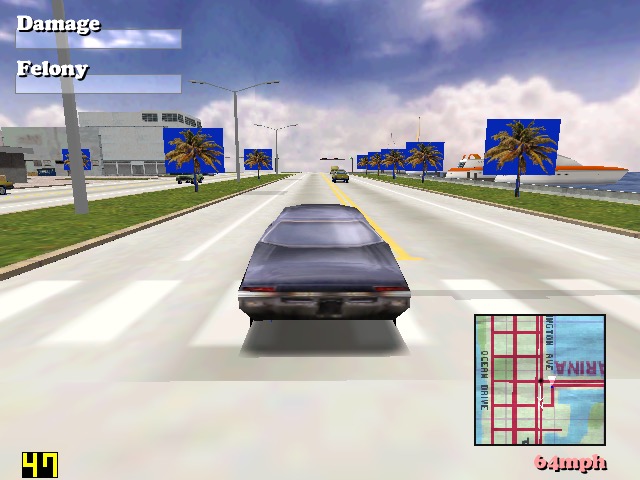
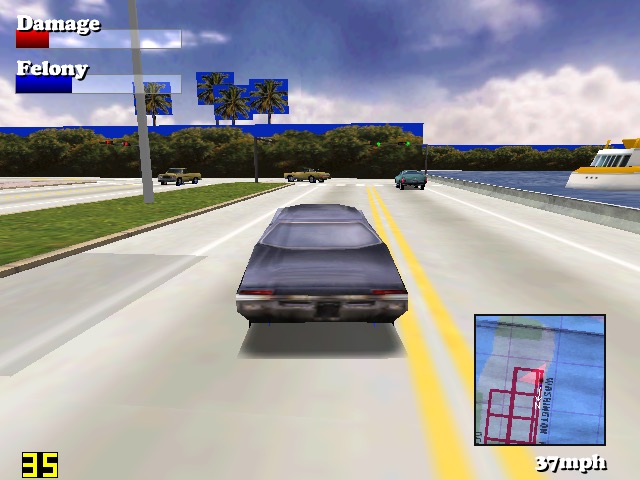
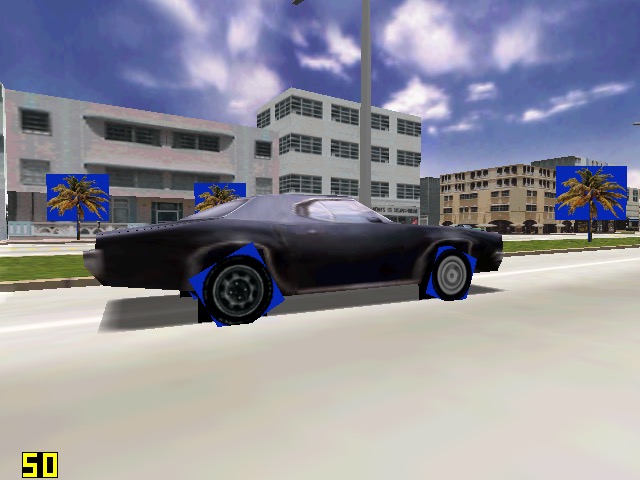
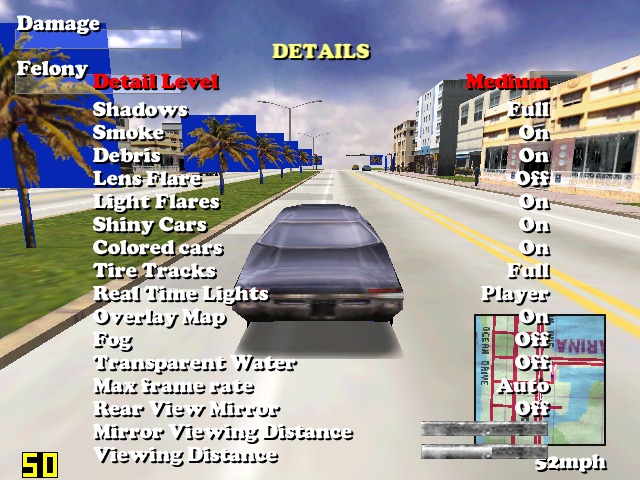
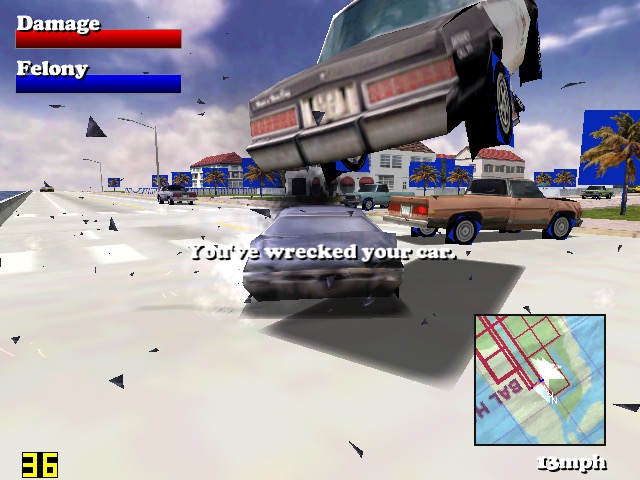
Driver: We started to see struggles in this one. When running at 640×480, we can see blue squares around the trees, and on the edges of the car wheels, suggesting there is an issues with the transparency for certain textures. Playing at 800×600 result in partially missing graphics like the car wheels and some of the building. A shame because we got a semi-decent frame rate on medium settings.
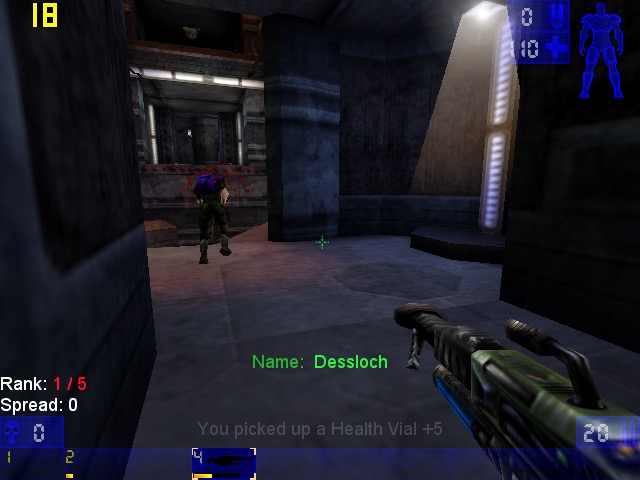
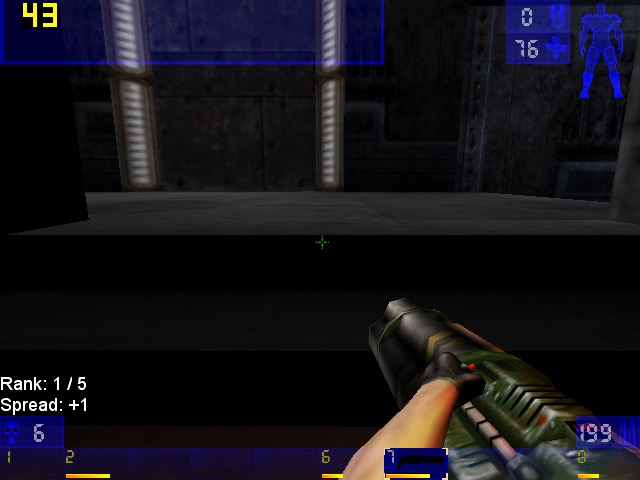
Unreal Tournament: Framerate struggles in some of the more busy areas of the maps, framerate seems to hover round 20-30fps, with 22fps being common in more open areas. The opening sequence did dip to 14FPS during the skyscraper sequence. Using an updated Direct 3D9 render helps out massively, with it nearly reaching 60fps in certain parts of the map. Patches can be found here
Sega Touring Car Championship: Runs very well at 640×480
Monster Truck Madness 2: This crashed the graphics driver when selecting 3D acceleration, by default it opted for software rendering. I had some luck choosing the image quality to ‘normal’. Unfortunately it didn’t play well with Fraps, and would lock the system up when trying to run both, sometimes resulting in a BSOD. On its own however, its mostly stable.
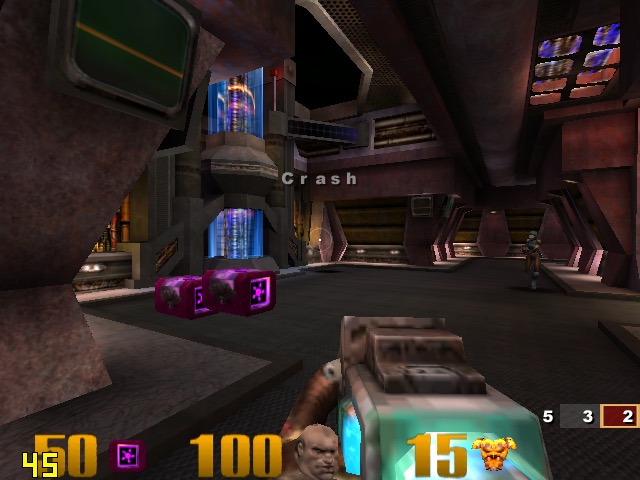
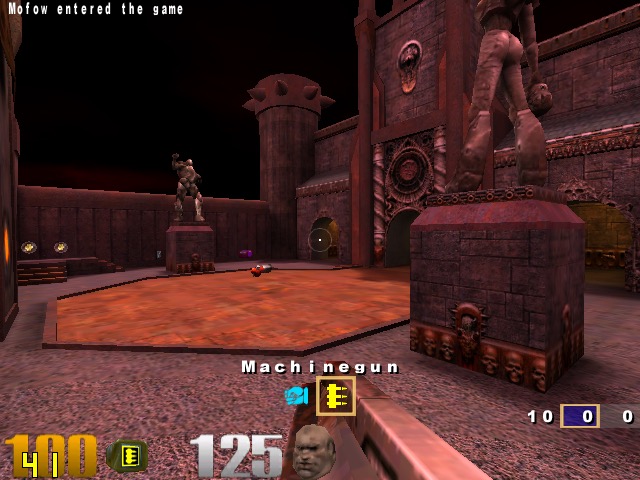
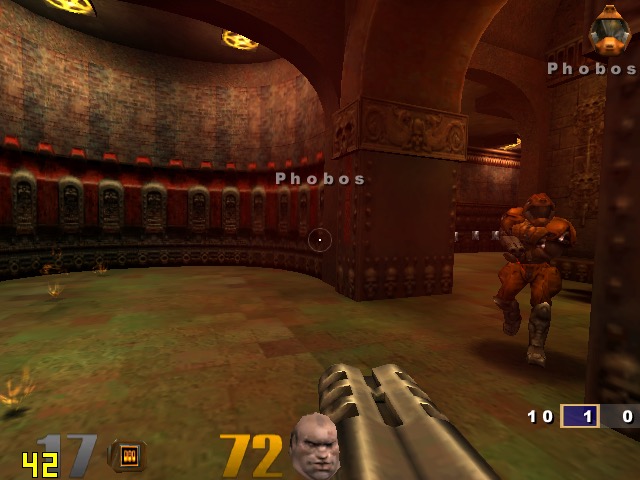
Quake 3: Here we can work off average of 50fps, with the game only slowing down when there is too much action on the screen. One of the few native OpenGL games.
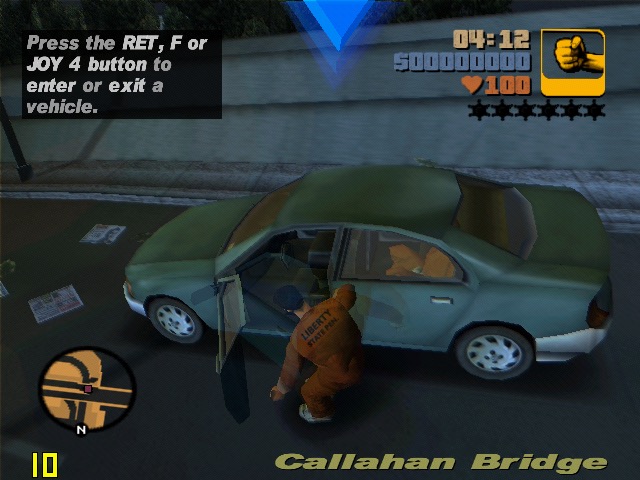
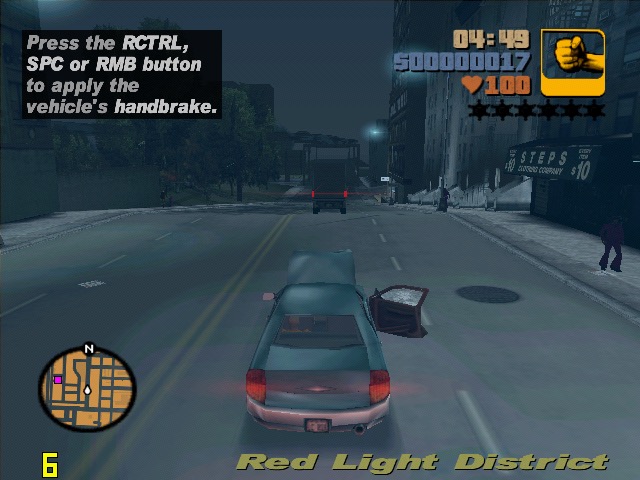
GTA III: On default settings at 640×480 we are treated to a slideshow of 8fps for the opening mission, dropping even lower once we are in control. Turning off the trails and reducing the draw distance did little to help unfortunately. Yup this is unplayable.
The Operative: No One Lives Forever, On standard configuration at 640×480, we have an average framerate of around 12fps during the opening sequence outside, inside the building it does go up to around 25 but we still get a few dips. Once we get into gameplay it’s a different story, only managing 3fps for the training section. Dropping the graphics settings to ‘Best Performance’ only gives up a marginal improvement of 8fps. If you point the camera down to the flow when moving you can get reasonable performance but not what I would regard as playable.
Alcatraz Prison Escape: This was also unplayable, managing only 1fps for the opening sequence. The game only runs at either 800×600 or 1024×768, no option for 480. Another game to avoid
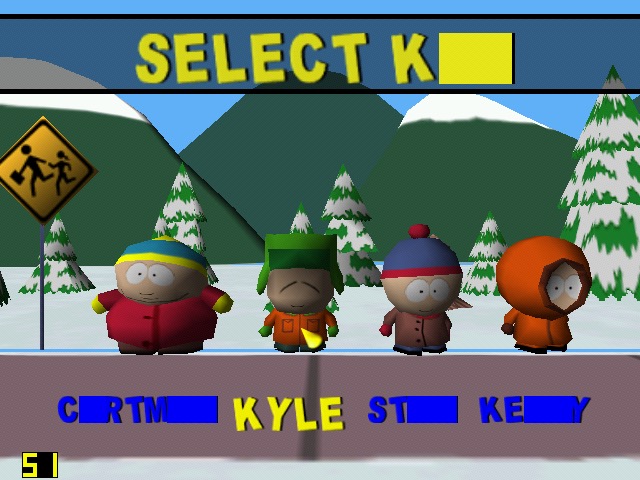
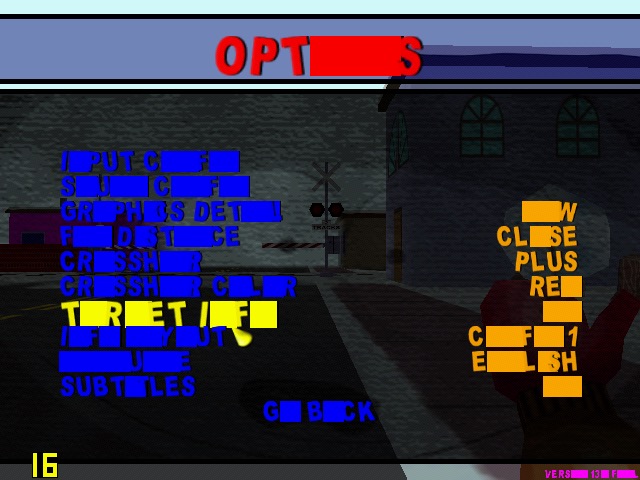
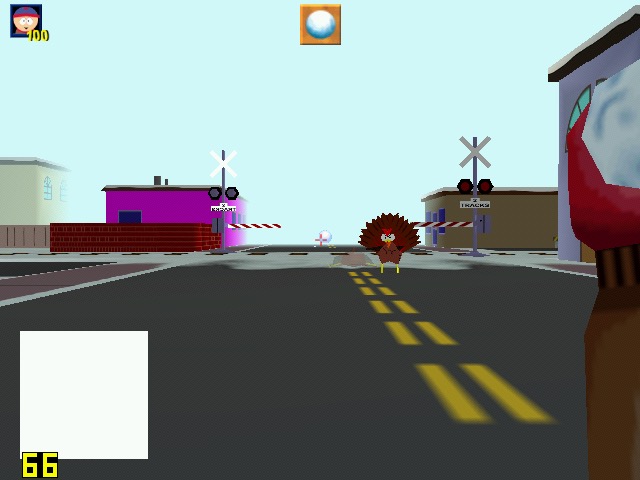
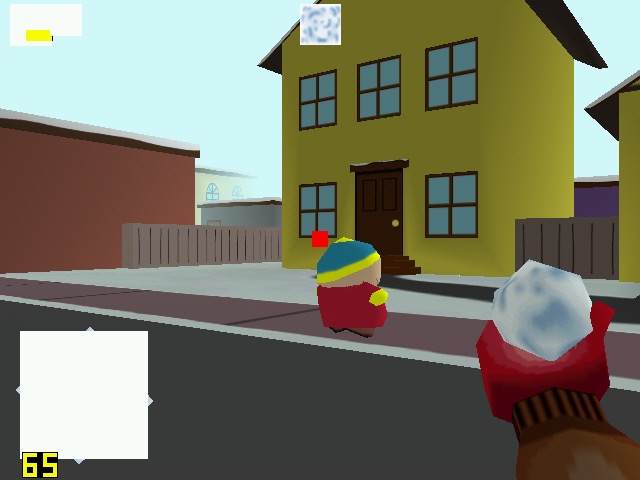
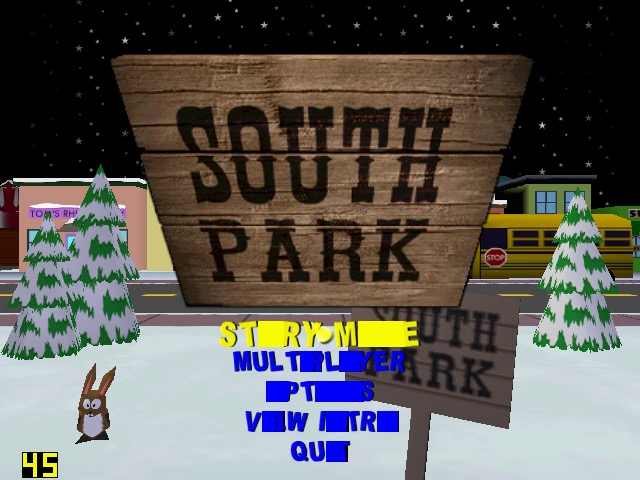
South Park: Had issues getting this to work, I had to install nGlide to get the game to start up. However I was then able to select the correct graphics rendered (it detected the DirectX SiS Mirage renderer) but there are multiple graphics issues when playing the game, with some of the games text not being rendered correctly. The framerate, although it appears to be running at around 25 is very jerky with the game freezing every 2 seconds. Settings the graphics quality to low and long with lowering the draw distances helps out with the framerate, but we still have missing or corrupted textures, especially with the HUD. The freezing I also odd since the game still runs – you can attack enemies and hear them respond but the screen will freeze for a few seconds.
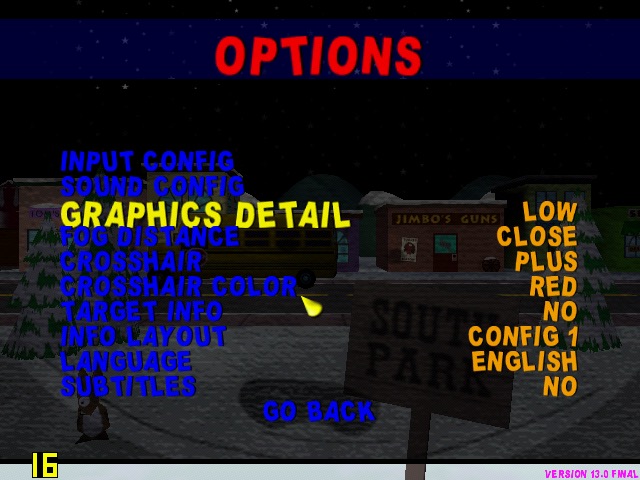
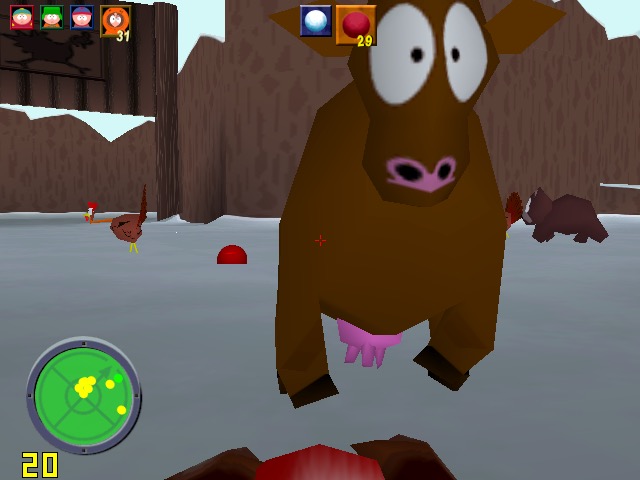
Running the game with the Glide wrapper (nGlide) ended up being a much better experience, since the game was a t a more decent framerate, reaching 26fps and only lowering when there were too much turkey’s onscreen.
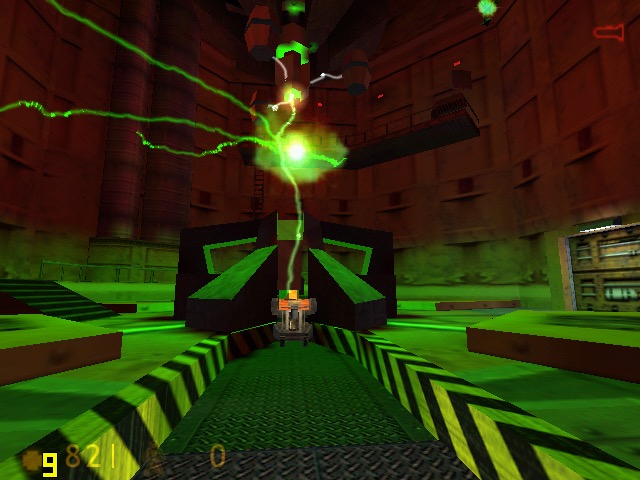
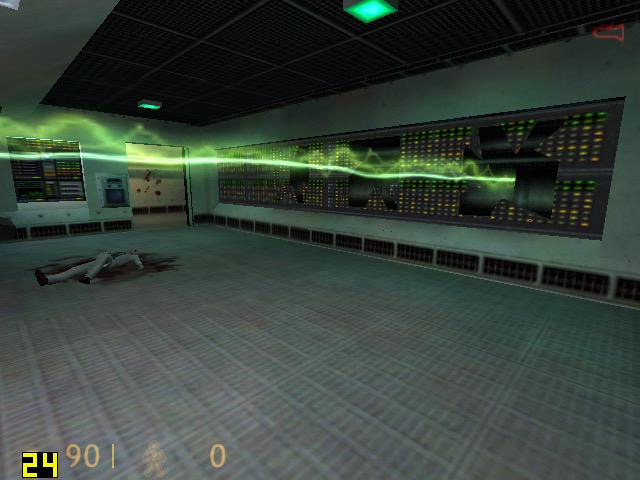
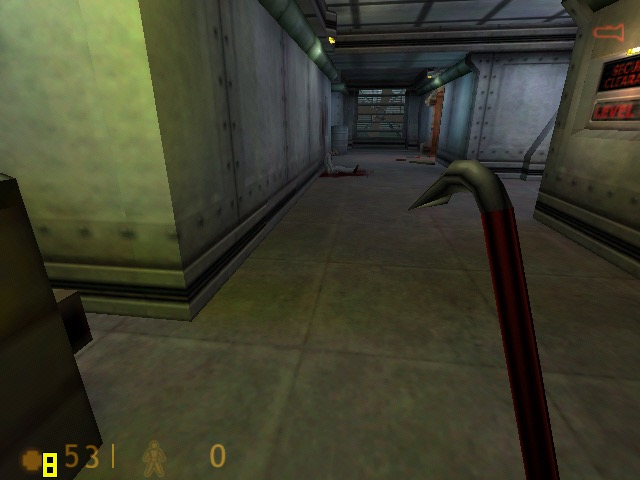
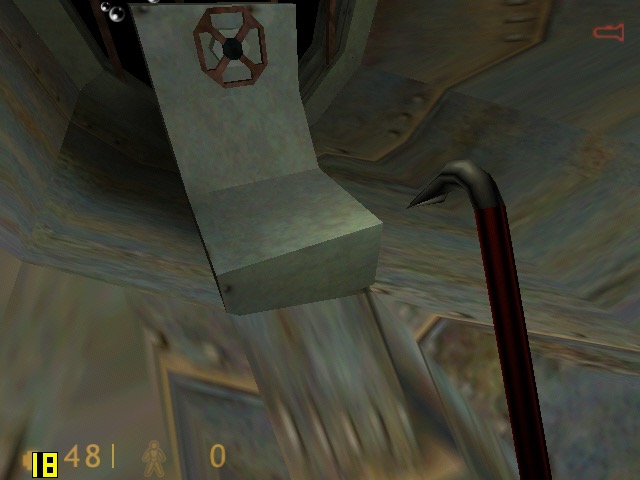
Half life: Here I tested the original release of the game, not the Source based re-release. Running at 640×480, its performance is dismal in the opening cutscene, dropping frames to a low 7fps. Walking through the facility corridors gives us a more fluid framerate. Half Live offers the choice of three renderers, a software based one either Direct3D or OpenGl.
OpenGl did give up better performance but was a lot more unstable, with the game crashing particularly at the moment the Lambada experiment goes awry. Switching to Direct3D allowed me to progress past that part but the performance just wasn’t good enough. We are able to lower the resolution but at that point it start’s to low more like a PS1 game. Oh and the water effect;s are non existant, with the textures warping like a PS1 game during the underwater sections, as seen in the last screenshot.
Conclusion
So performance is pretty dismal across the various different games that were tested. I expected it to handles games that were released within the sixth generation of consoles, but it struggles to run even certain late 90s games at 480p. How much of this is down to the Mirage, or the Atom CPU remains to be seen.
It does appear to be on the level of the Sega Dreamcast in terms of overall performance, and you have to contend that SiS possibly haven’t optimised their driver like Nvidia or ATI (AMD) have previously done. You also have to take into accound that due to the machine being fanless for both the CPU anf GPU, thermal throttling could also be a issue that could explaint the less than ideal performace.
This does appear to the one of the last release of SiS graphics chips, the XGI Volari is closely related but there are difficult to find except for a few Asus server boards.
 Drew1440: Blog