Following on from the previous post, I decided to look at a few more games on the legendary SiS Mirage3 chipset. There were a few older titles that struggled to run, and it became clear that most post2000 games will encounter issues running at full speed due to the limited capabilities of the GPU.
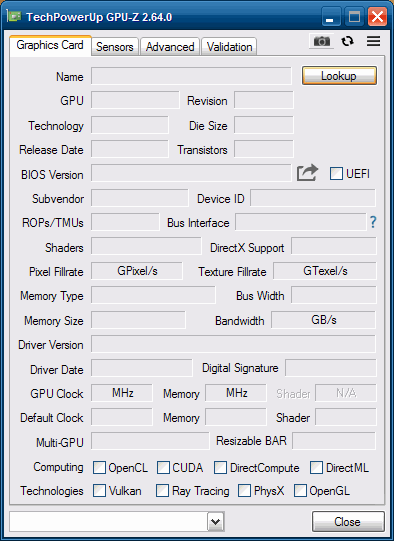
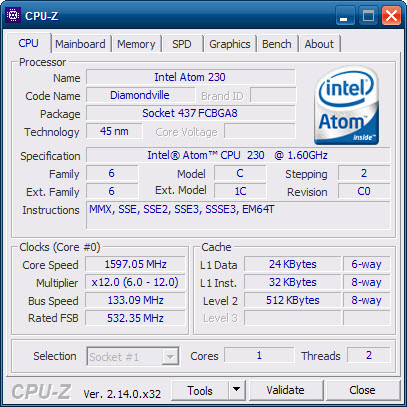
Also a look at the GPU details in GPU-Z, which does not exist. I guess this GPU is relatively obscure enough to not be in their GPU-Z database. For the system itself, it’s the same Dell OptiPlex 160 running Windows POSReady 2009, with an Intel Atom 230 Diamondville processor which is a 1C2T CPU running at 1.6Ghz. Atom’s of this era were In-Order-Execution.
The lack of GPU-Z information means we cannot see what clock speed the Mirage is running at, and given the system is a fanless design, it wouldn’t be a surprise if Dell had underclocked the GPU to keep the system cool.
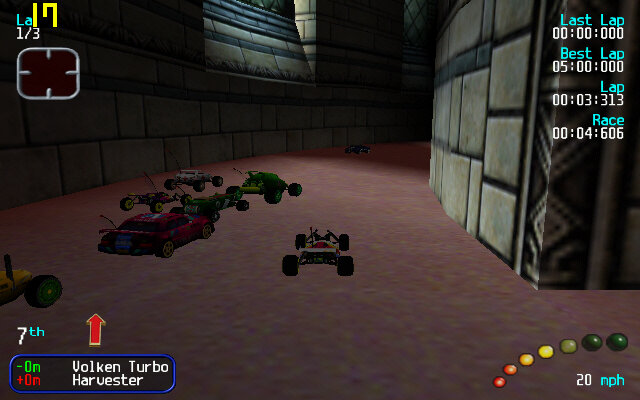
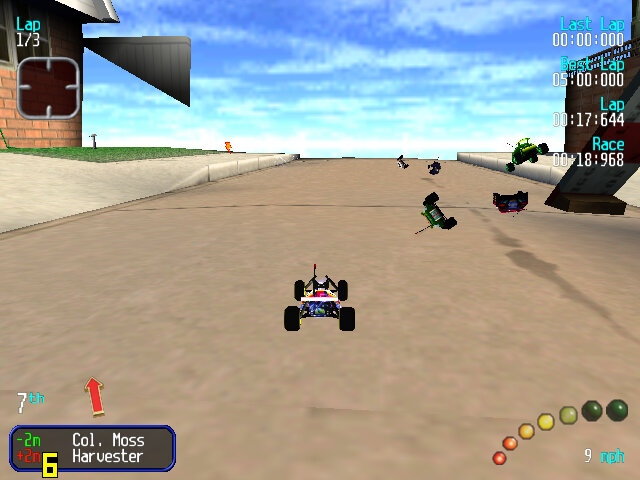
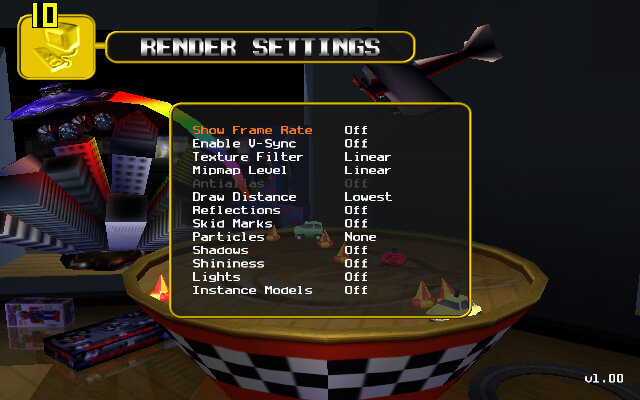
Revolt: A racing game with emote RC cards, along with combat mechanics. Here the only way to get acceptable performance is to runt he game at 640×400, setting the different rendering settings to their lowest values. The main issue when running the game with a low draw distance is it just displays the levels skybox, which is unsuitable for many of the indoor levels since it just shows the blue sky indoors. On these settings we can get around 24fps, going down to 8fps when all the RC cars are on the screen.
Some track models are missing, notably the cars that you can ramp off.
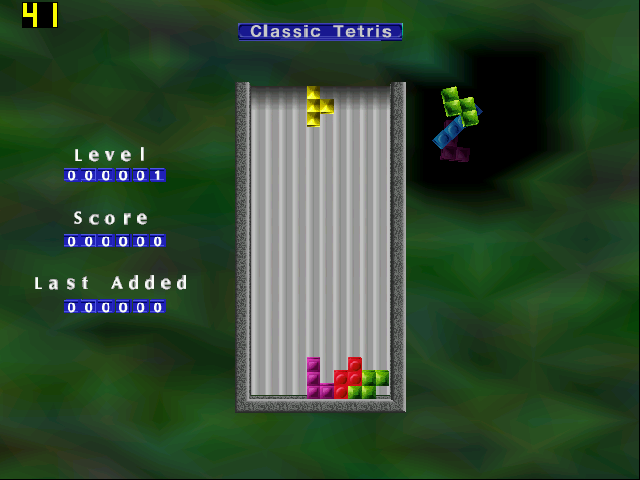
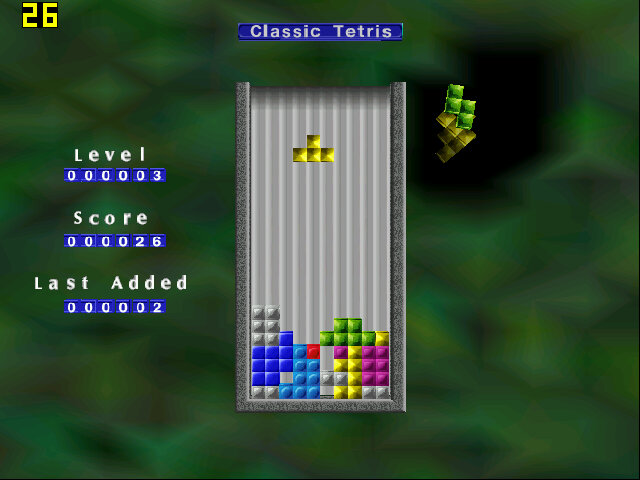
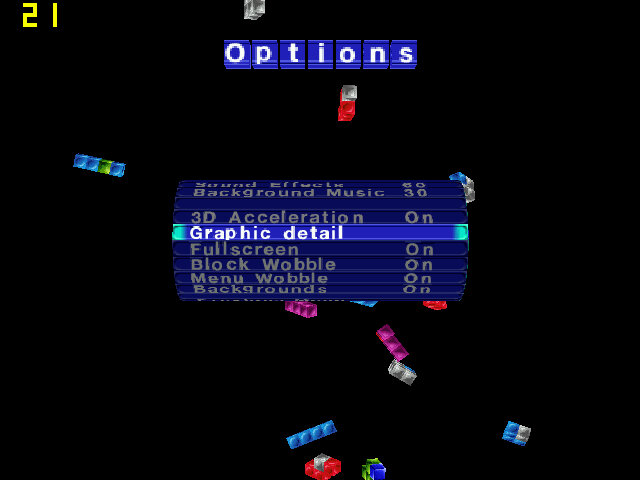
The Next Tetris: A simple 3D game of Tetris and at the start we do get good performance, but this drops the port Tetris pieces there are on screen, lowering down to 11fps at its lowest. Although 3D Acceleration is enabled in the settings, we are unable to change any graphic detail settings in the options menu.
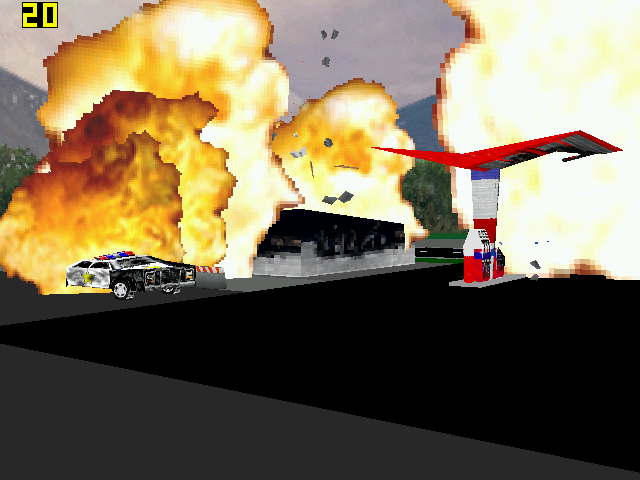
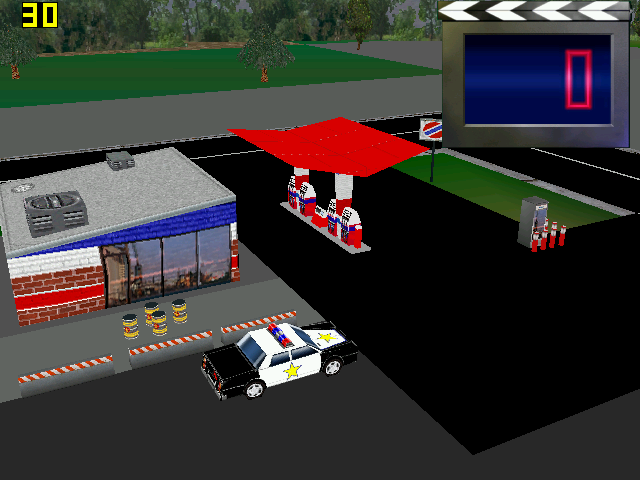
Hot Wheels Crash: Runs quite well, we do get slowdown when explosions and collisions start to occur. This game does not provide any graphics settings for us to change.
The Sims 2: We can just about start the game and can get into the neighborhood screen, but once we enter a lot were in the mid-teens of framerate. Smaller lots will have better performance, but not by much to be considered playable. Still, there are no texture or shadow errors that occur if you try to run the game on modern graphics cards, and the stuttering does give a stop-motion feel to it.
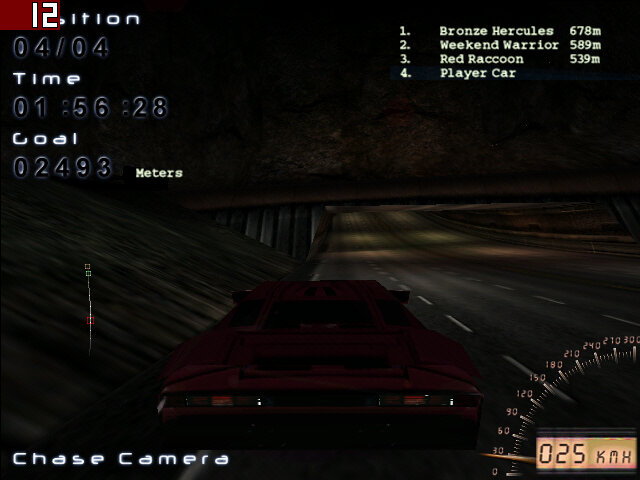
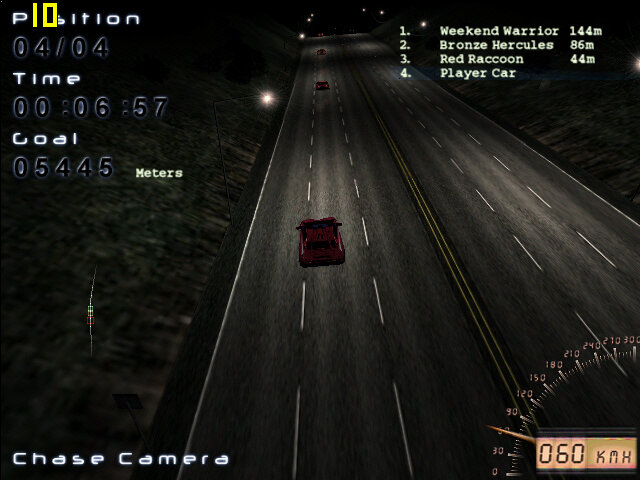
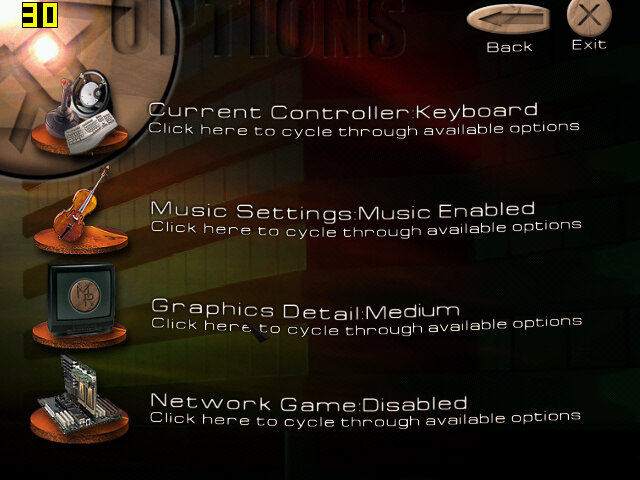
Midnight Racing: On medium settings we get on average 17fps when using the near car view. The discant view lowers it down to 12fps average. Selecting low graphics detail makes a slight improvement, but not enough to be noteworthy.
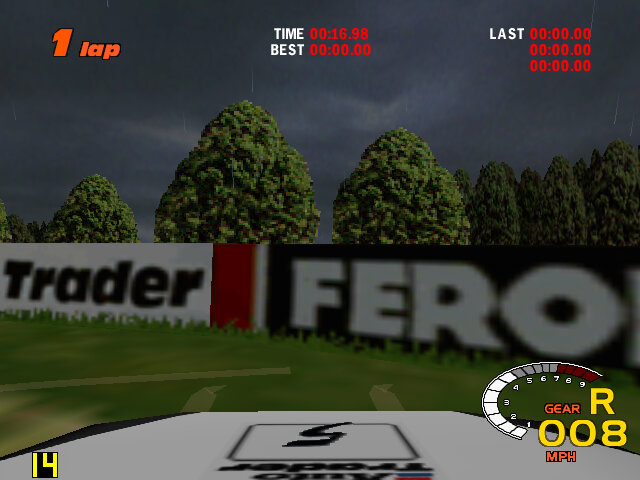
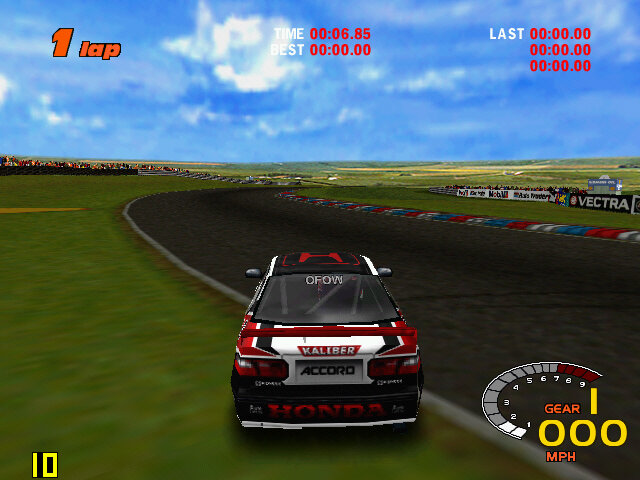
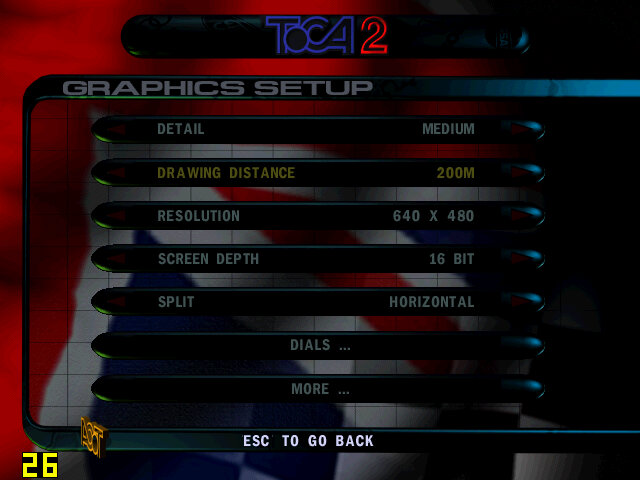
ToCA Championship 2: Setting the graphics settings to low, and the resolution to 640×480 gives us around 14fps on a good track condition when we set the draw desistance to low. The detail setting has little effect.
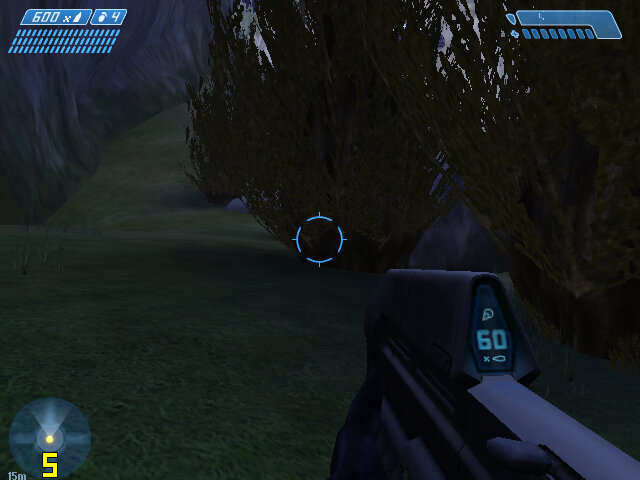
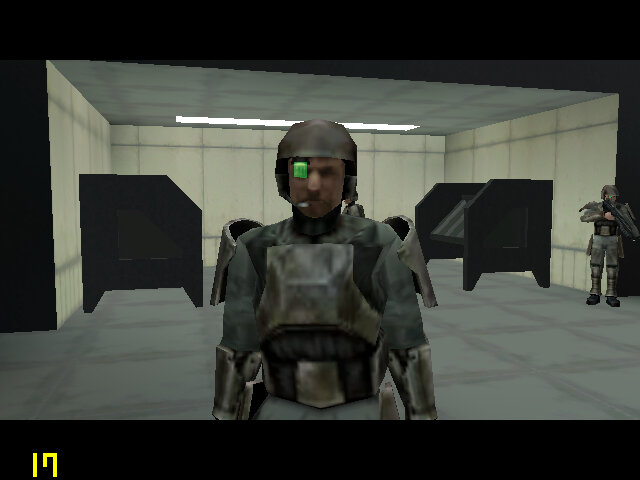
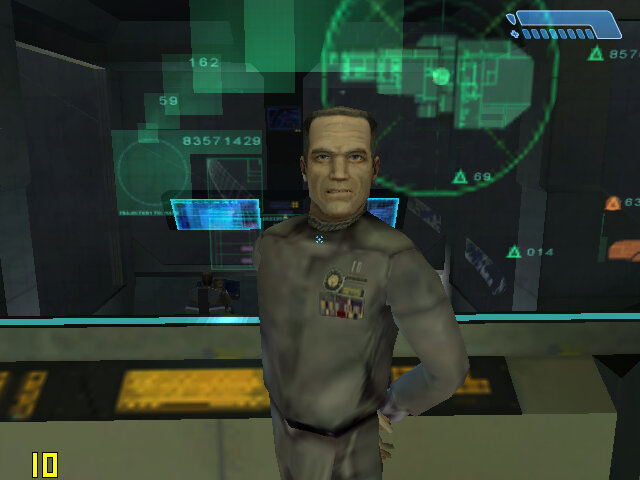
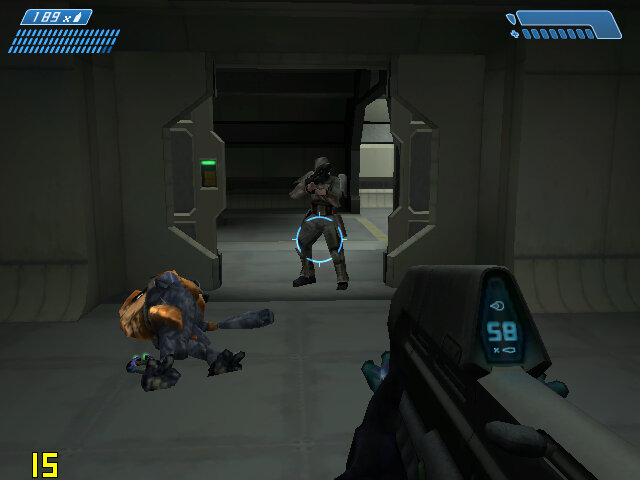
Halo Combat Evolved: It’s a struggle for this to run, it does play but the framerate is so low and the textures look horrible at their lowest detail settings.
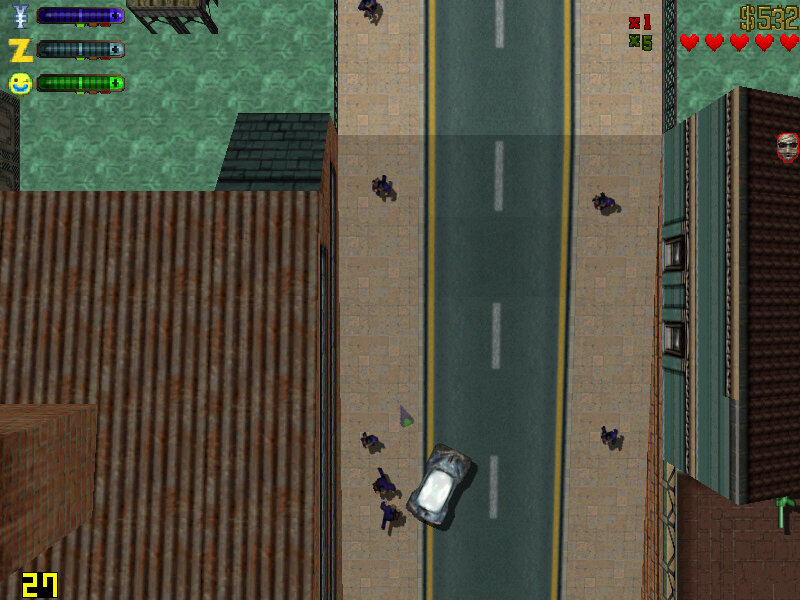
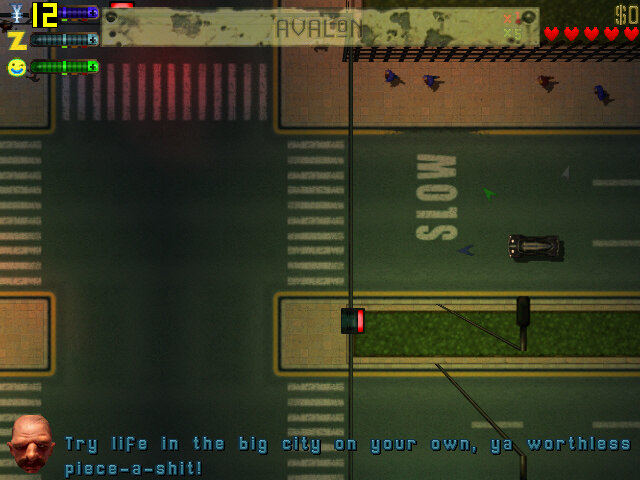
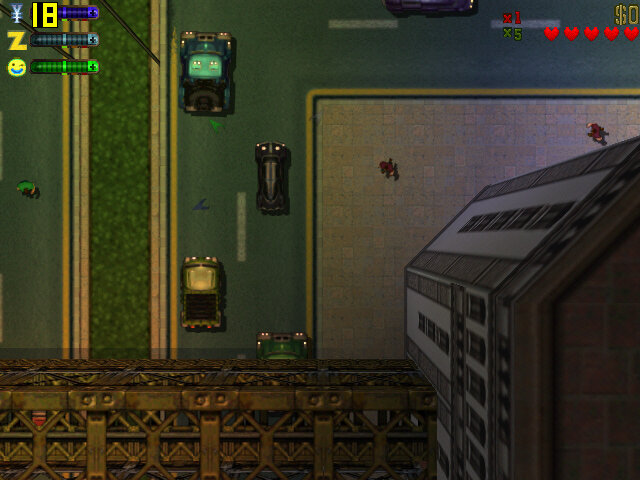
GTA II: Works mostly well, we get some dips when there are a lot of explosions on the screen but otherwise, we get acceptable performance at 800×600. Things slow down when we start driving but settles down once the vehicle is stationery and hovers around 28fps. Switching to 640×480 yields no noticeable difference which makes me think there’s a bottleneck somewhere else.
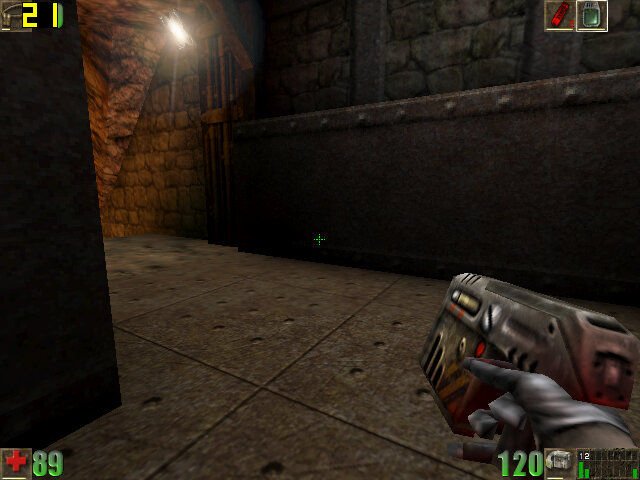
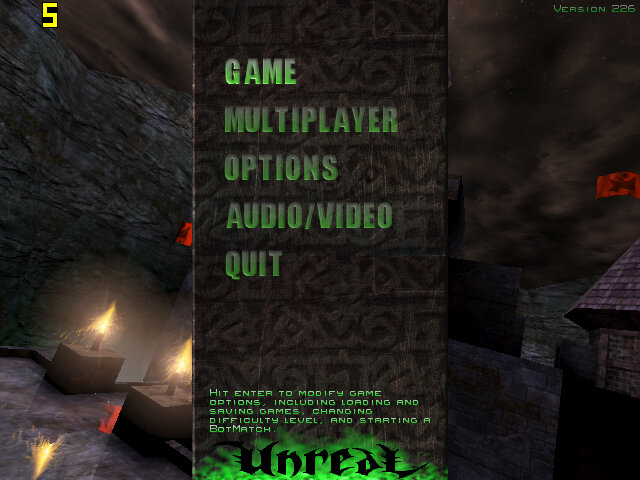
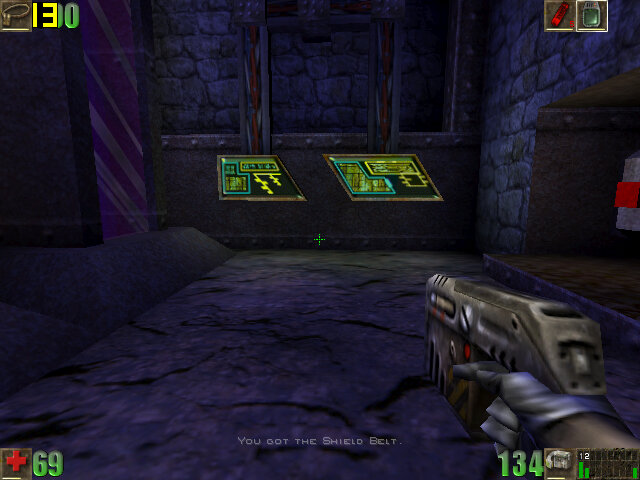
Unreal: We had a playable experience with Unreal Tournament, So I hoped the original Unreal would be similar. Now it plays ok but expect to see framerate drop whenever multiple enemies are on screen. Overall we get around 20fps in the best scenario, dropping to around 5fps in outdoor combat. Running at 640×480 with texture settings set to high.
Boss Rally: Mostly acceptable performance, with the average around 22fps during most of the race, although it will dip to as low as 3fps when there is a lot of scenery on the track. I would avoid some of the heavy weather options like snow or rain if you can, sand stick to clear sunny weather.
 Drew1440: Blog