The Graphics Media Accelerator 950, or GMA950 for short—kinda like the trusty steed for budget PCs and laptops back in the day.
This GMA series is all about keeping it simple. It can handle DirectX 9, Pixel Shader 2.0 and all—but it’s missing hardware Transform and Lighting, so it’s still reliant on partial software rendering. Not much of an issue if you have a decent CPU and are playing games that are geometry heavy. Were not going to be able to run modern games, or even the latest games when this graphics chip was released, but is ideal for older titles—think early 2000s stuff—or just watching DVDs, because it’s got MPEG-2 hardware acceleration to keep the picture smooth.
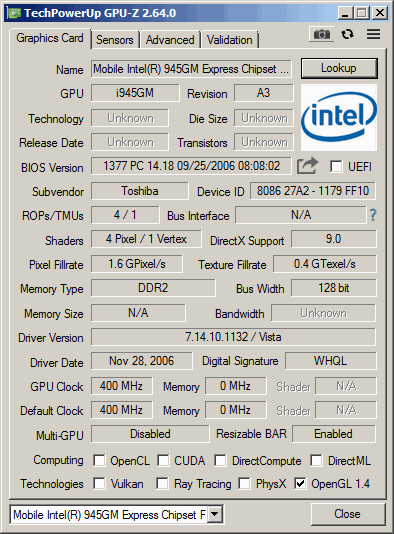
A look at GPU-Z, the clockspped may vary depending on the OEM implementation. Like all onboard graphics, it shares some part of the system memory. The main CPU being used here is the Intel Pentium Dual Core T2300, with the memory being clocked at 666Mhz.
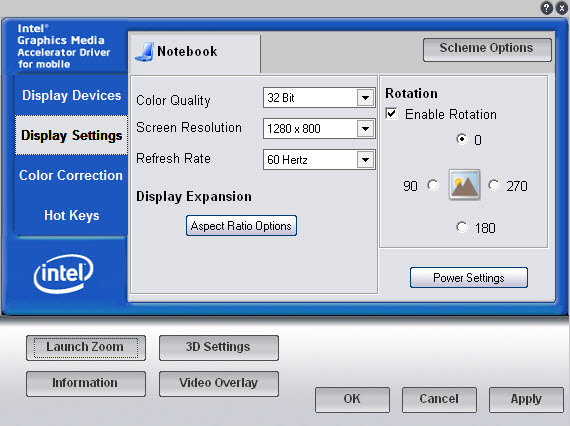
The Intel GMA graphics utilty, which lets you adjust aspect ratio scaling options, useful if you wish to preserve the aspect ratio without stretching the display. You can also adjust the rotation of the screen and change the gamma settings. 3D settings are limited to forcing settings such as VSync, S3TC texture compression, triple buffering and anisotrophic filtering which can be forced in games. Unlike the Nvidia control panel there is no way to specify the settings for each individual game itself, instead you can only enable it globally.
Games
A look at the performance and general experience of a select few games, whilst the GPU would have fared portly with modern game, or even games form when it was released (2005), we can see how well some of the older early 2000 titles would have fared, along with a few retro titles.
We are using Windows Vista Home Basic, 32bit which is what this laptop would have shipped with. Windows XP (and 2000) are alternative versions that could work easily also. There is no support for Windows ME or 98, Intel deprecated driver support for those system in 2004. This does put us in an awkward position for games that have issues running on the NT line of operating systems, but with the correct patches, many will work well.
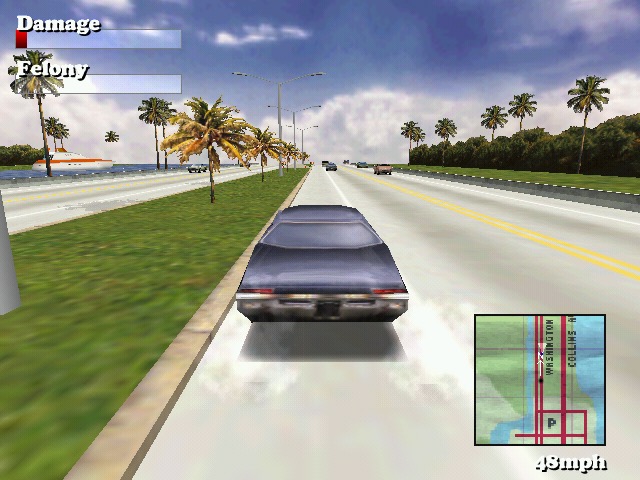
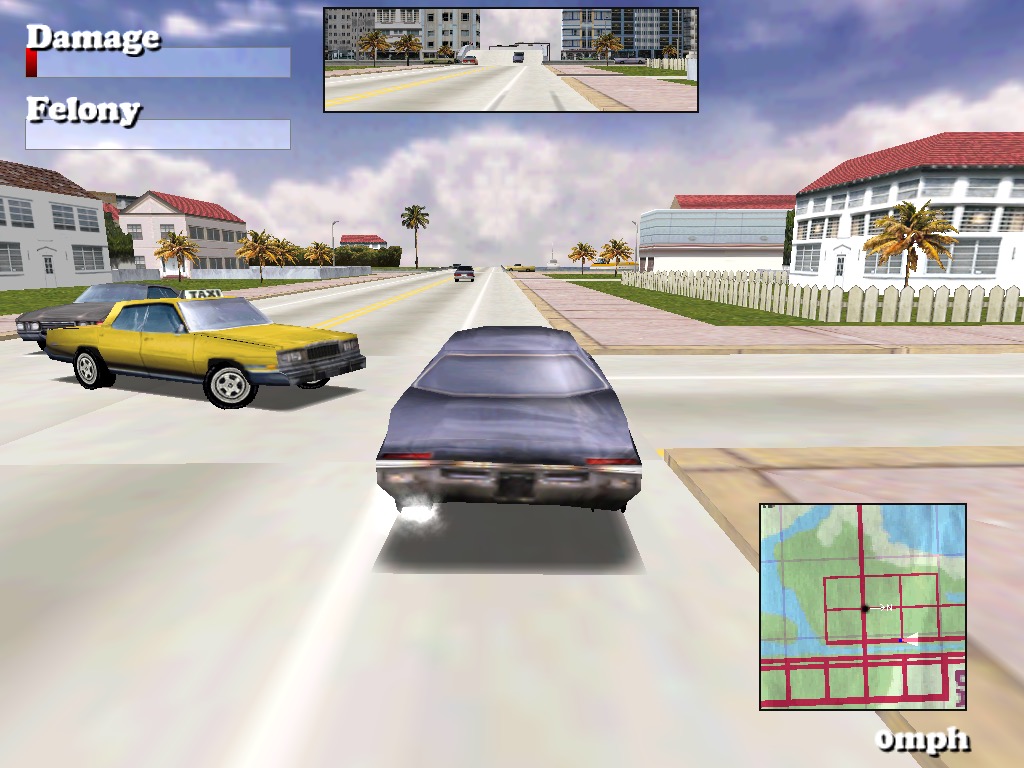
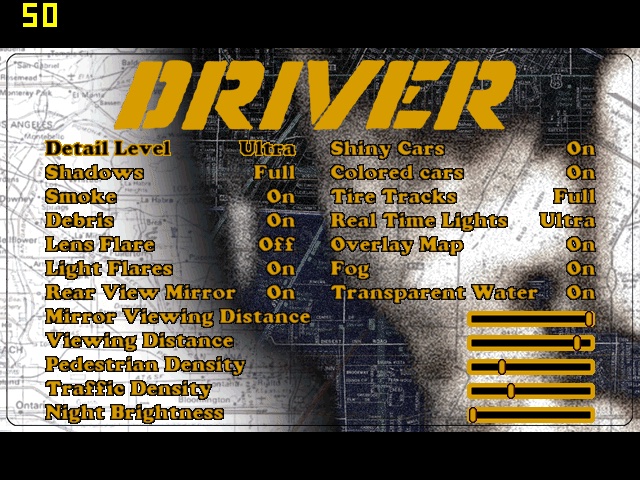
Driver: Works exceptionally well, even with some of the transparent textures that were problematic on the SiS Mirage 3. On the highest graphic setting with 1024×768 resolution, we get a locked 50fps with 32bit colour. You can set a target FPS within the game options, but the highest is always 50.
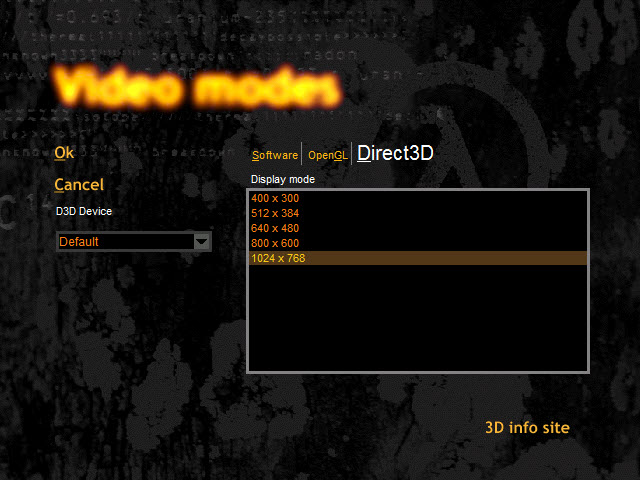
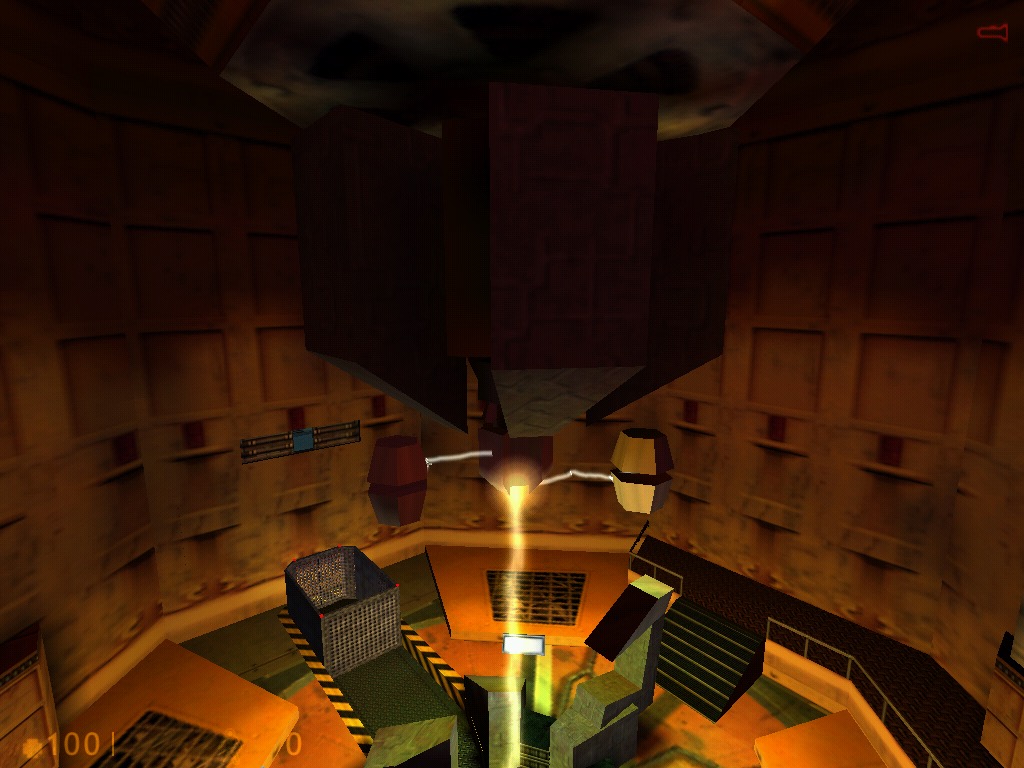
Half Life: The original Half Life relase, Using the DirectX render. Here we are running the game at 1024×768. Thoughtout opening sequence we got a high of 72fps, dipping to around mid 40fps during some of the open sections.
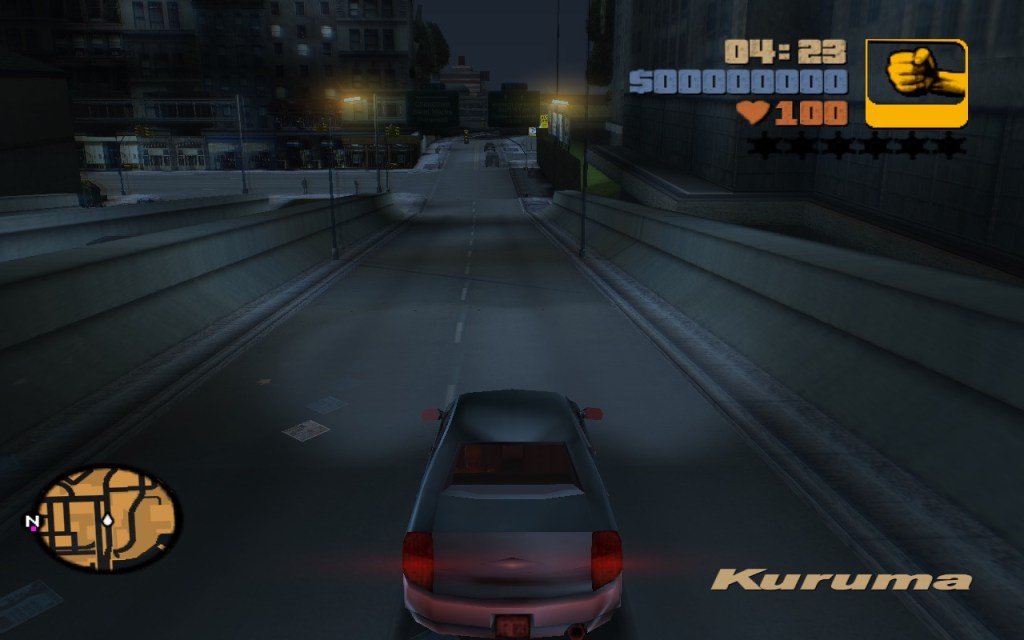
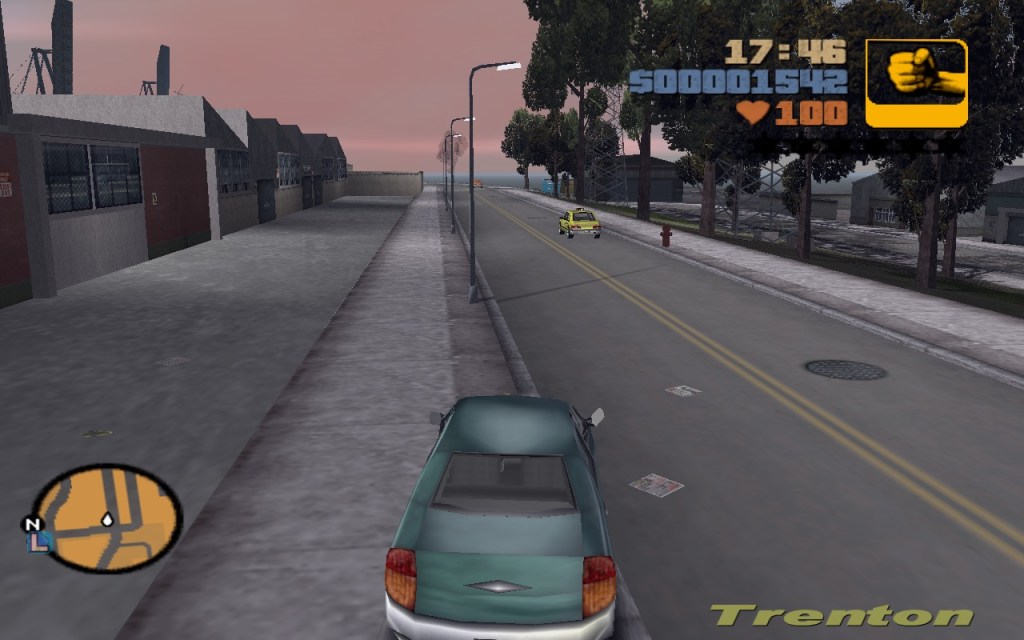
GTA III: Running at 1280×768 (the notebooks default screen resolution) at medium draw distance, we Geta smooth 30fps at the start of the opening sequence, but drops to around 15 during the rain effects onscreen, likely due to the shared memory bandwidth. During gameplay I got a display driver stopped working notification, and the screen would keep going dark/blank for a few seconds before going back to normal. Also parts the desktop keep appearing during gameplay.
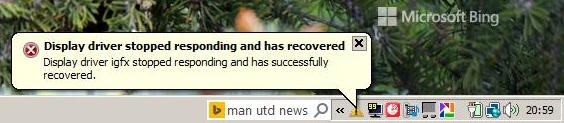
I might try this one agin with an updated driver, unfortunately Intel dropped all of their old drivers on their support page, and this one was the latest I got forms he Toshiba support page.
Update: Installing the latest drivers from Windows Update fixed the freeezing and driver notifications.
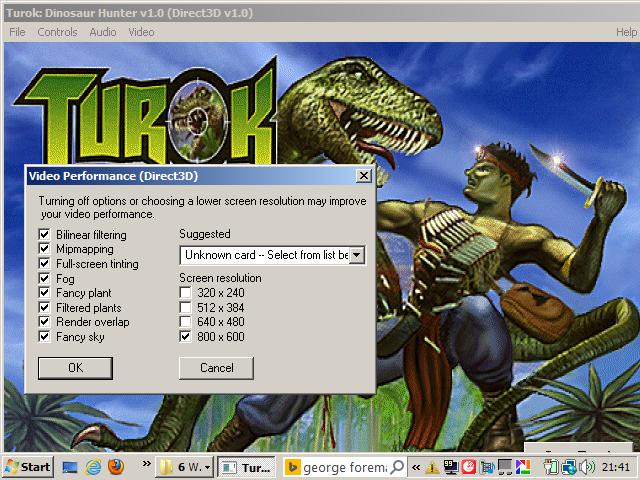
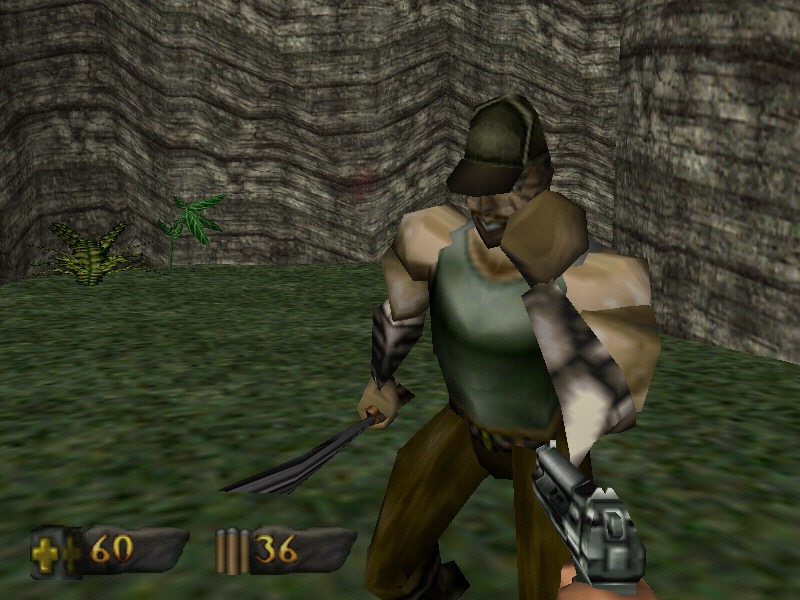
Turok: This initial failed to start, returning an sgl.dll error which is a PowerVR driver. I also received another error “ Driver failed, application terminating “
To get the game to start I had to navigate to its install directory and delete three dll files (glide/PowerVR and 3DRAGE) leaving only the Direct3D dll file. This then allowed the game to start. For whatever reason it assumed my GPU was a PowerVR one…
We are able to run the game at decent average of 37 fps at 800×600 resolution with all of the effects (fog, mipmapping, bilinear filtering) turned on. Compromising to 640×480 does give us a boost to around 38fps average, but not much.
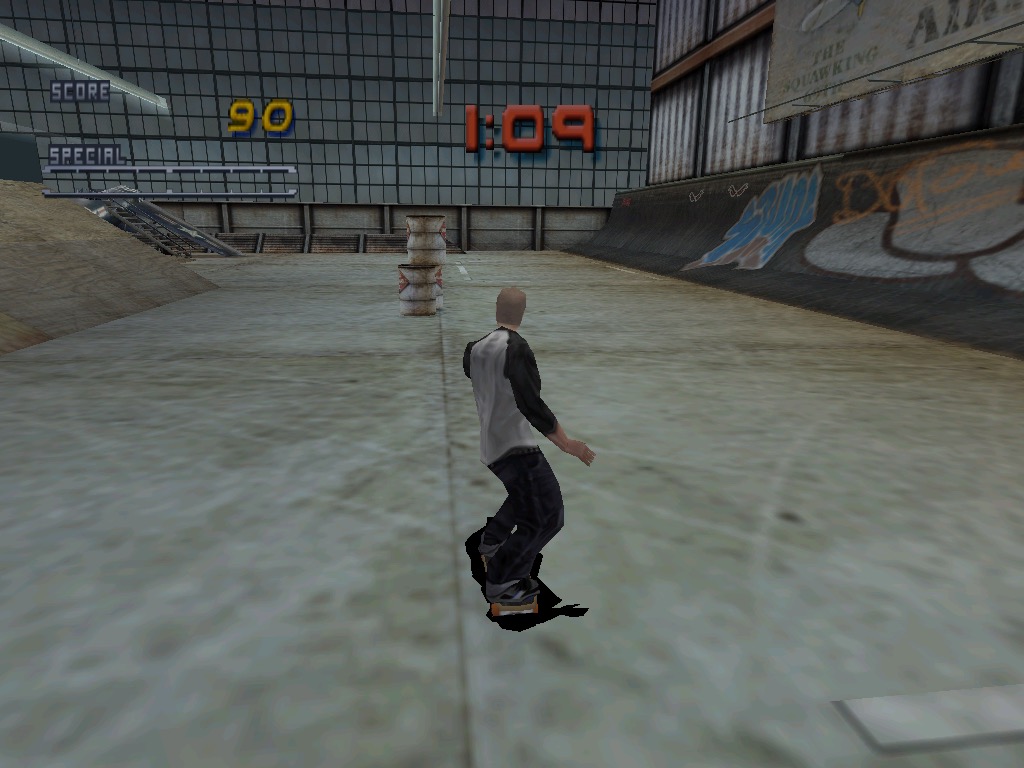
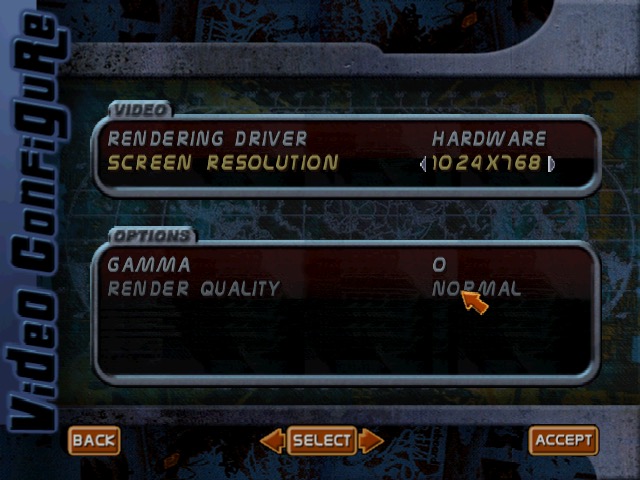
Tony Hawk Pro Skater 2: No major issues with this one, we can crank the resolution upto 1024×768 with ‘Normal’ rendering quality, which we seem to be unable to change. Expect to get a locked 30fps all throughout.
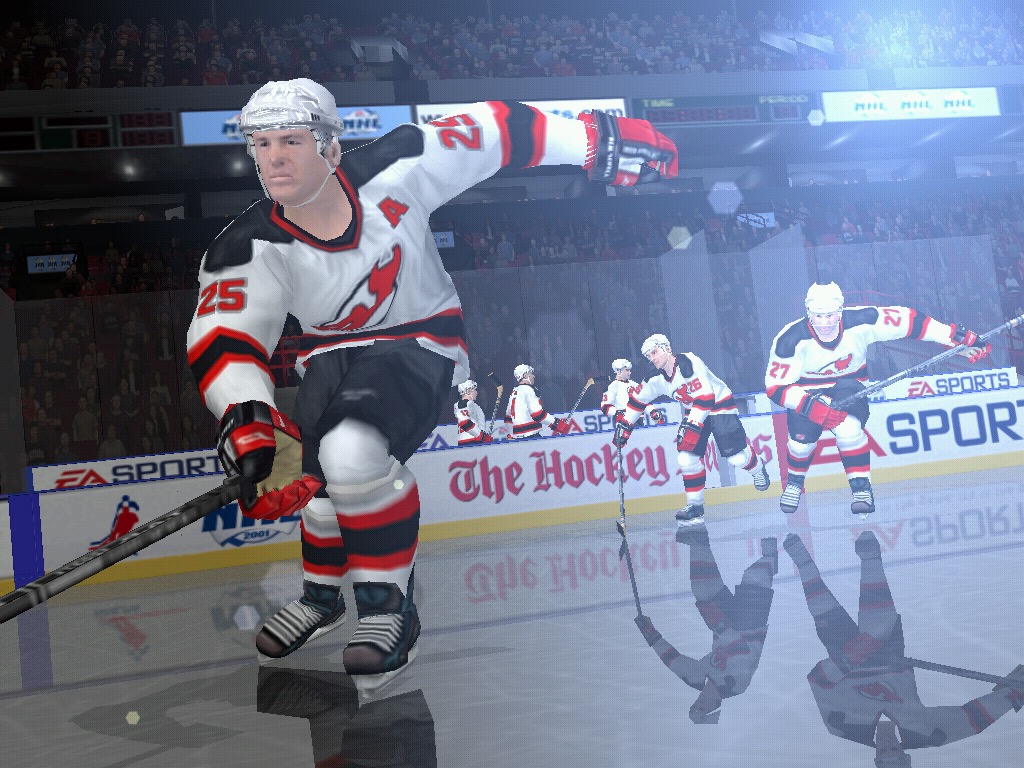
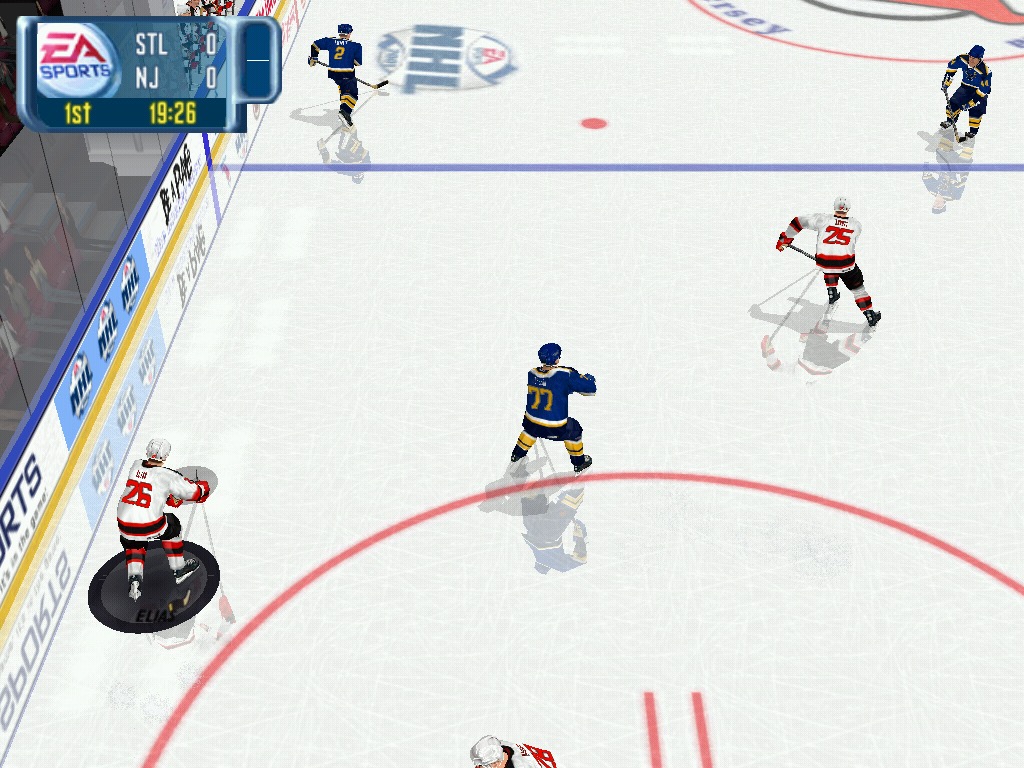
NHL 2001: Runs fine at 1024×768, although we are unable to fine tune the graphics in this game, its more or less equal with the PS2 counterpart.
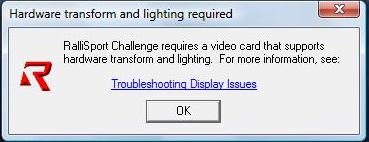
Rallisport Challenge: We get a message informing that we need a video card that supports hardware transform and lighting, and as such we are unable to run this game from 2002. T&l became a mandatory requirement for many AA/AAA games from 2002 onwards, however its disappointing a 2005 graphics chip is unable to run a game from 2002.
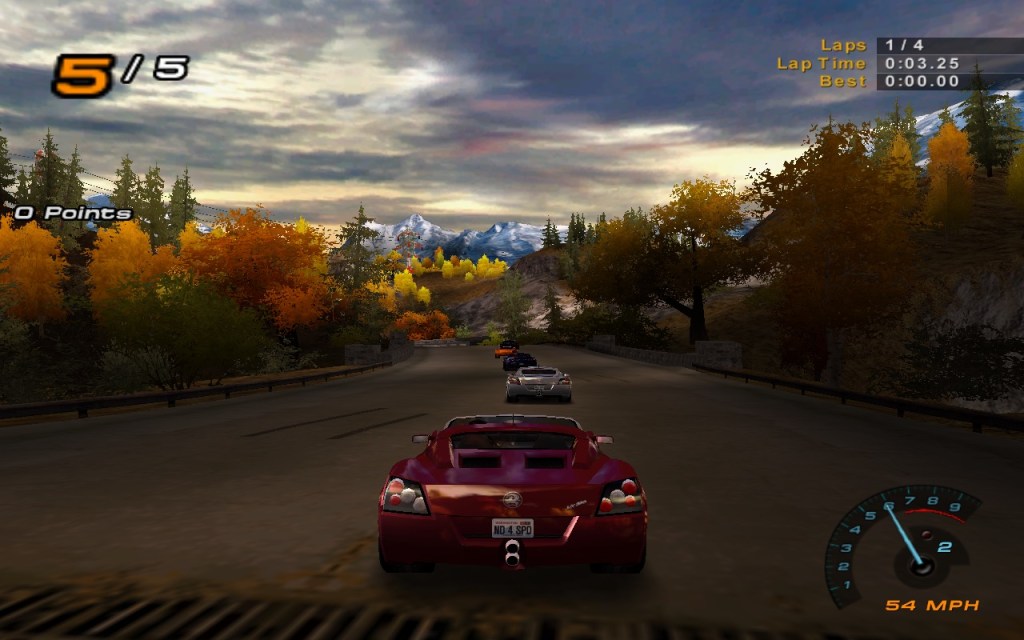
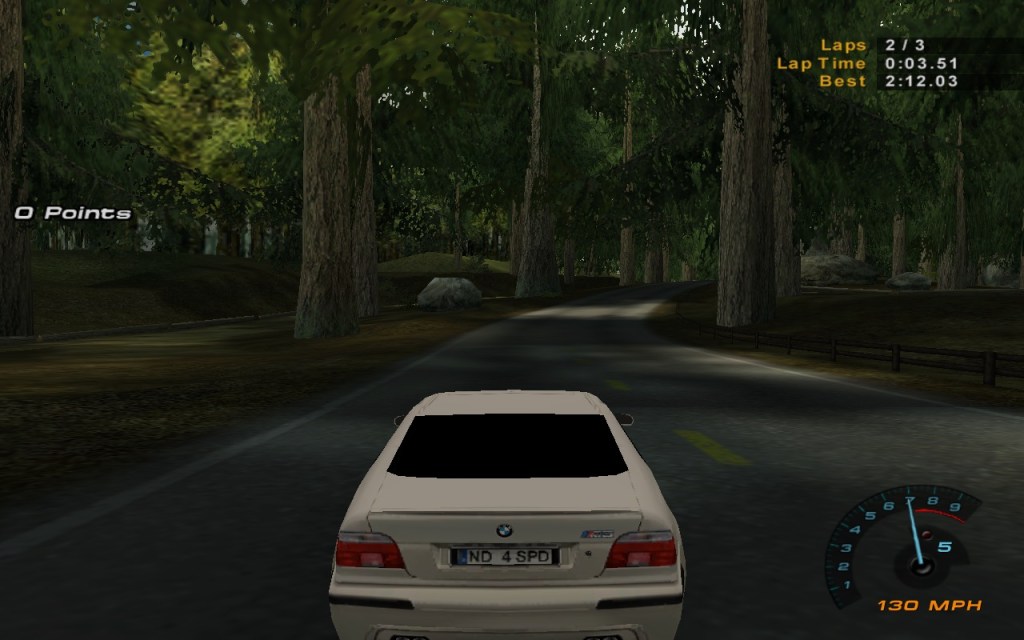
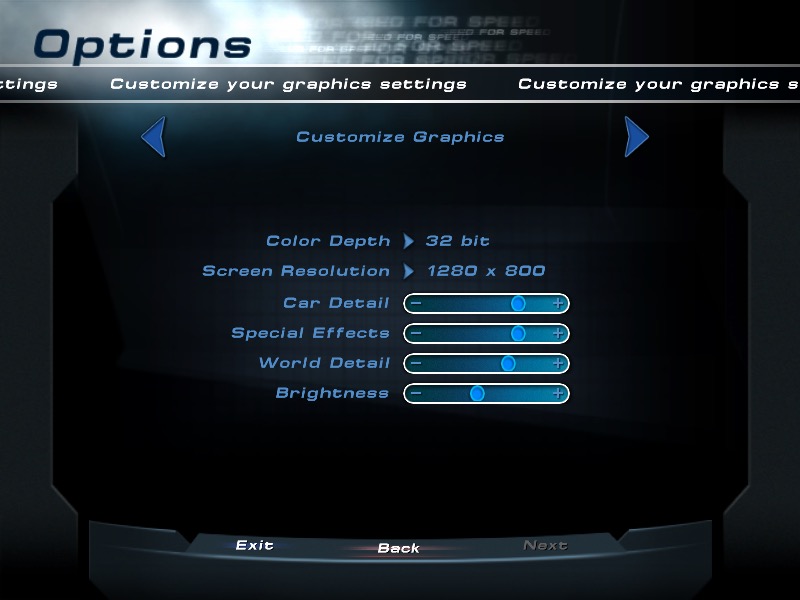
Need For Speed Hot Pursuit 2: A racing game that does work regardless if your graphics card has hardware T&l or not, here we are running at the full resolution of 1280×800 and we get a high of around 44fps. Settings the car, worked details and the special effects settings to the lowest helps get us to around 55fps,
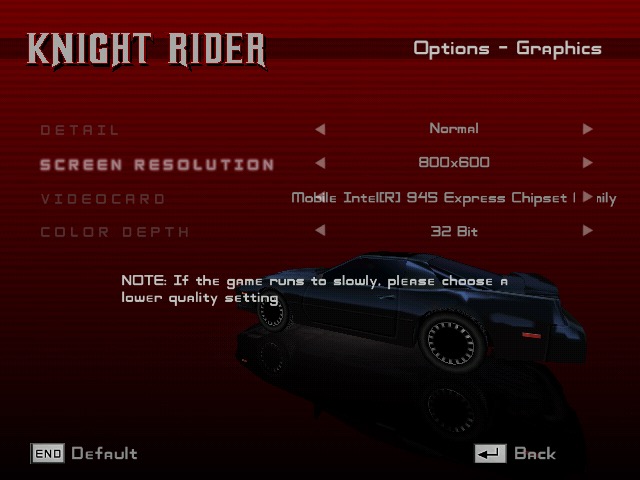
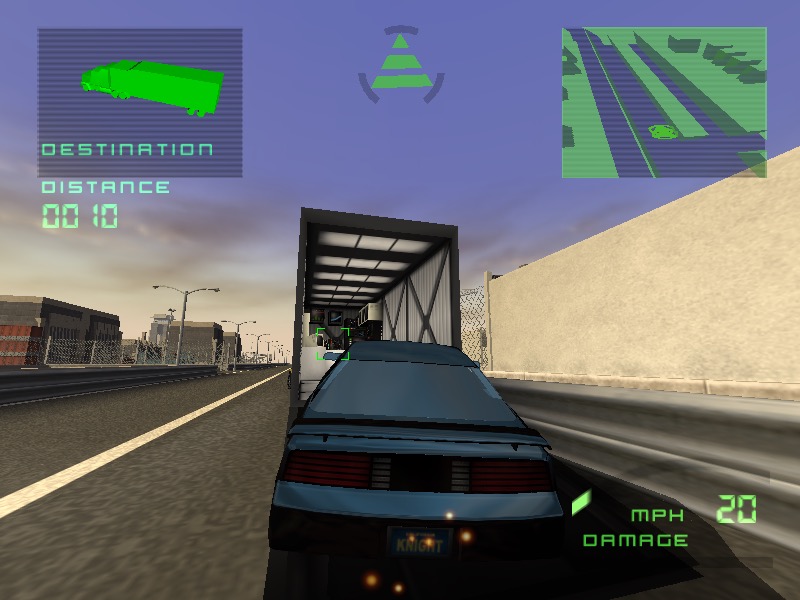
Knight Rider: The Game: Running at either 800×600 or 1024×768 gets us an average of 26fps during the training mission on medium detail. However there is some rendering issues with the textures flickering on certain buildings.
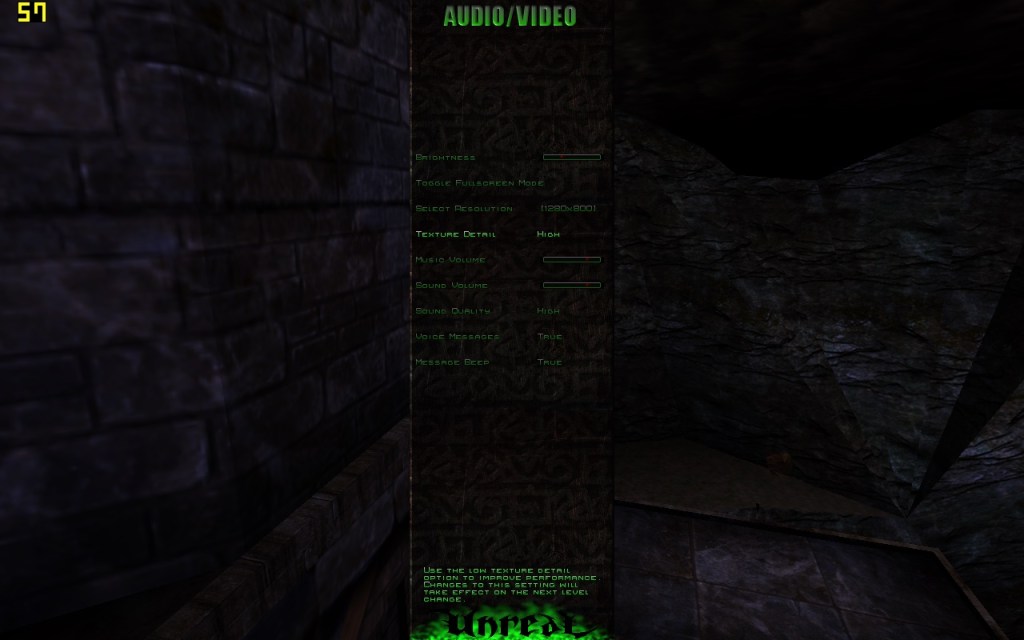
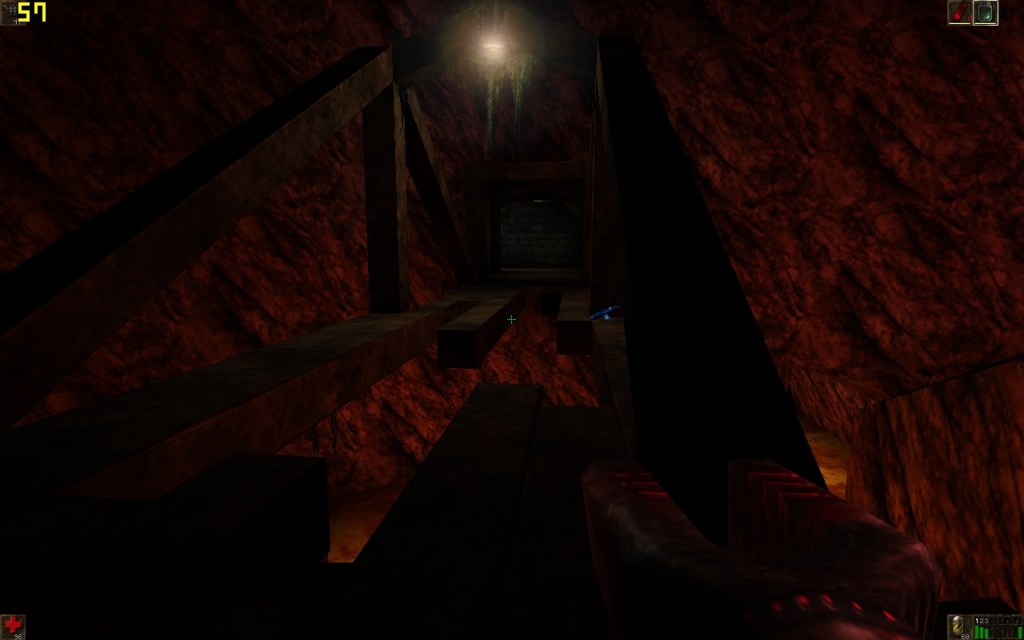
Unreal: Runs mostly smooth, during the opening sequence we can almost hit 60fps, averaging to around 54fps an high details, at 1280×800 resolution.
 Drew1440: Blog