Monthly Archives: May 2025

Midtown Madness 3

The joys of rampaging through city traffic. Midtown Madness hits the Xbox, and the virtual streets of Paris and Washington DC.
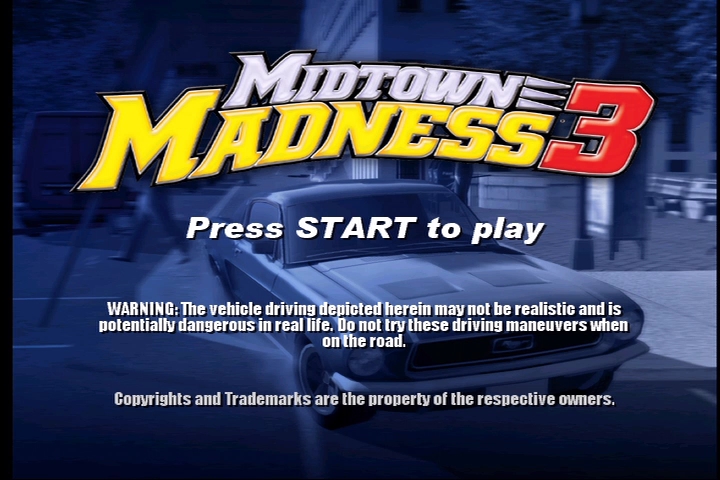
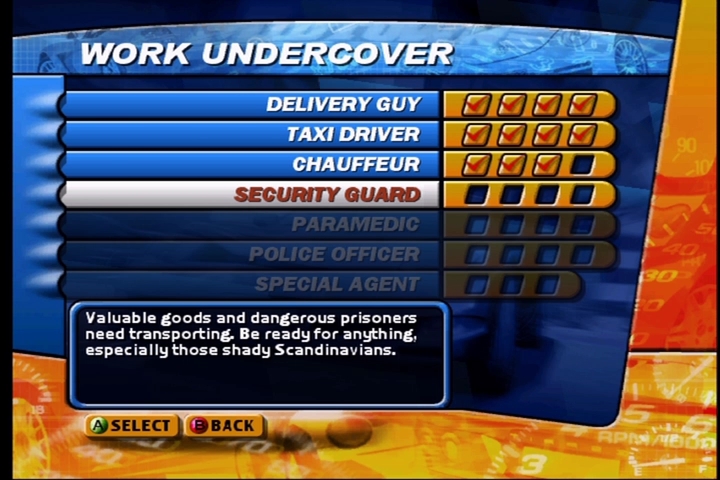
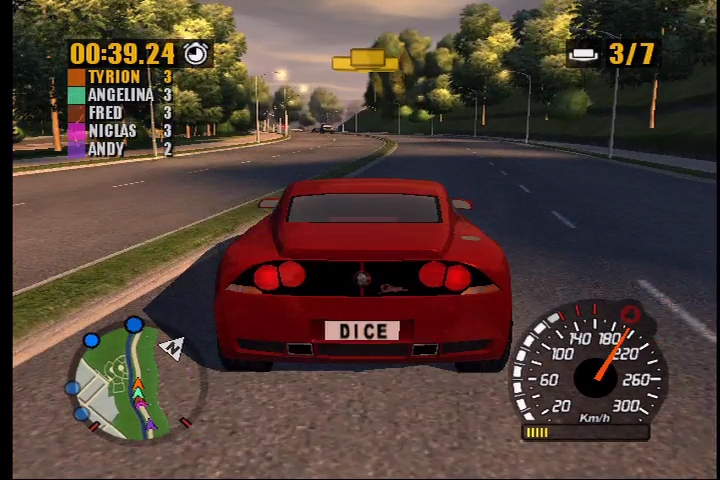
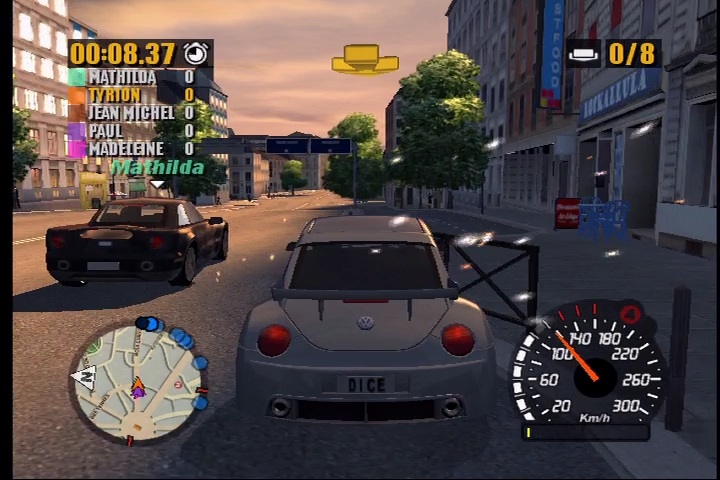
Midtown Madness 3 is a fun street-racing game that mixes objectives from Sega’s Crazy Taxi with standard street racing. The story mode gives some absurd backdrop of being a private investigator who must impersonate various vehicle-based jobs like taxi driver, cars salesman, stunt car driver, policeman, limo driver, paramedic or a pizza delivery guy. It hardly matters though, since the gameplay consists solely of racing through the streets trying to hit checkpoints, usually with a competitor in hot pursuit (similar to TG Daredevil for the PS2)
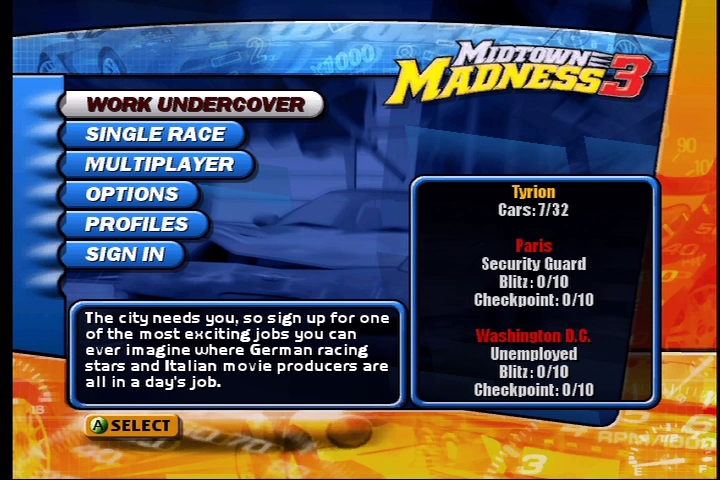
If all you want is a cool driving game without an emphasis on violence, yet still laden with destructive opportunities, Madness delivers. There’s a lot of cars to select, unlock, and drive around at highly unsafe speeds, and all the cars have a noticeably unique feel to them. The arcade handling is responsive and highly entertaining (but don’t expect realism), and there’s a ton of things to run into and destroy including other cars, lampposts, fences, and storefront windows.
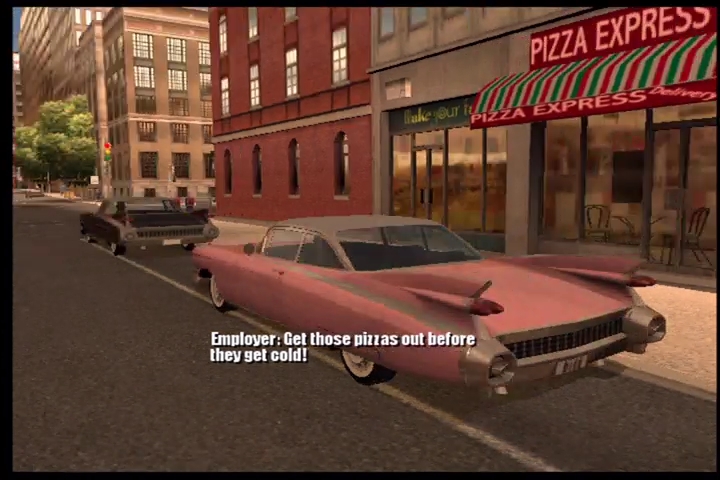
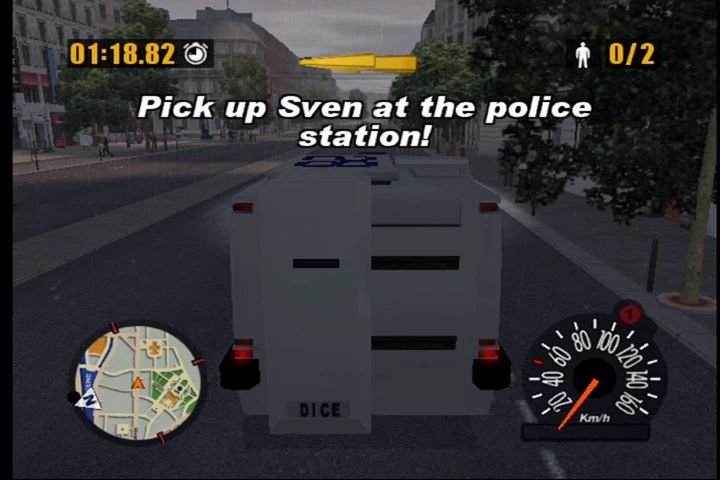
The freedom to just drive around, hit checkpoints, or go undercover and do some crazy missions? That’s the sweet spot and is what Midtown Madness 3 exceeded at. Winning races or completing missions earns you new wheels to cruise with, along with more races and missions. There’s no shortage of sites to see through the game’s two picturesque cities, either. In fact, this overload of missions, races, and game modes is really the high point. Want to just aimlessly cruise through Paris? You can even do it with a friend in the multiplayer mode. Straight racing by yourself or with pals is another option, and the game will even adjust its time limits based on the car you drive since the Mini Cooper can make far better tracks than a truck.
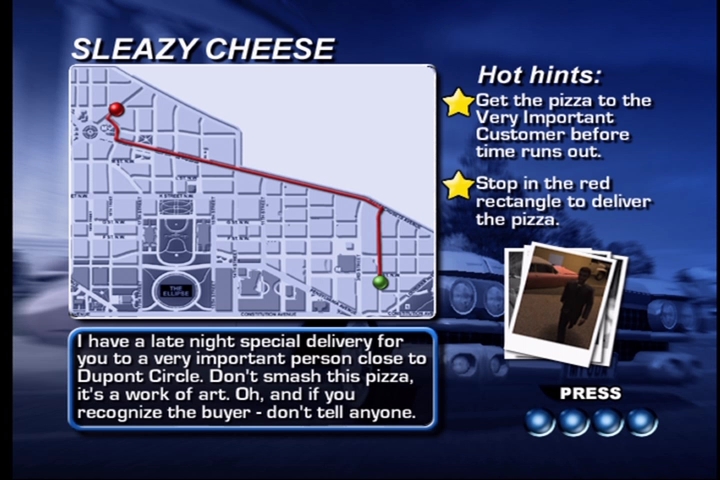
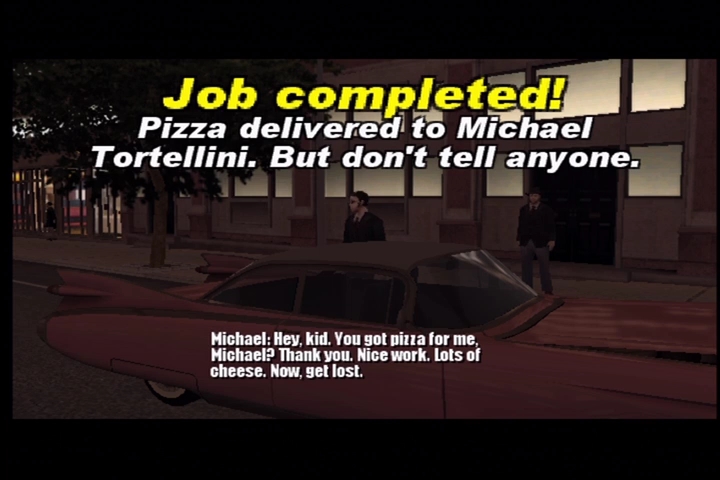
Visually, Midtown Madness is solid. The cars are detailed and shiny, offering impressive textures that the PS2 would cry for. The cities look excellent and the pedestrians look mostly human. The audio is fun, with great engine effects and ambient noises, and a zippy soundtrack. It really does take advantage of the Xbox sound processing capabilities, and has aged well even for today.
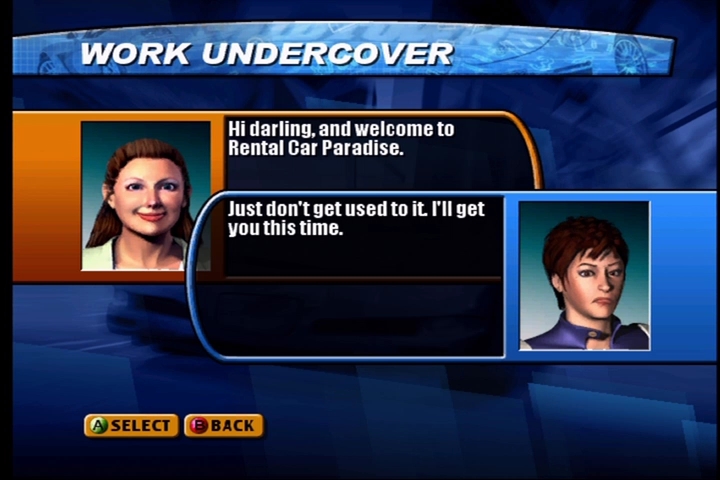
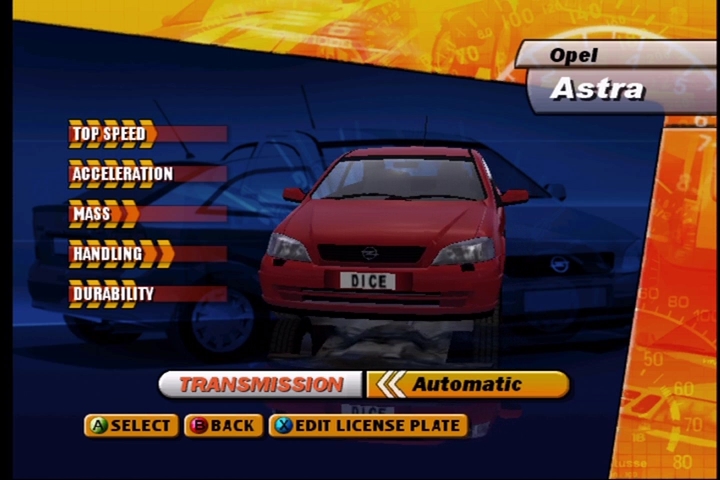
Multiplayer action thankfully includes Xbox Live support, along with system link, and a two-player split screen mode. There is also DLC available, which has long since been discontinued by Microsoft but has been preserved by the community. Online play is possible thanks to the Insignia project, although you will be lucky to find a lobby.
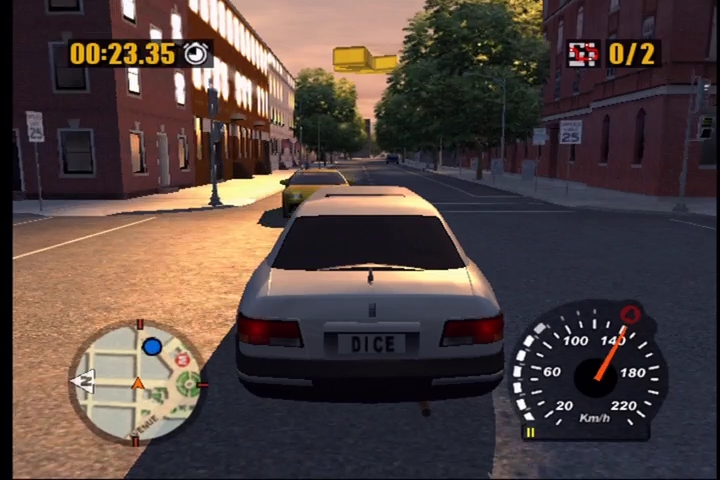
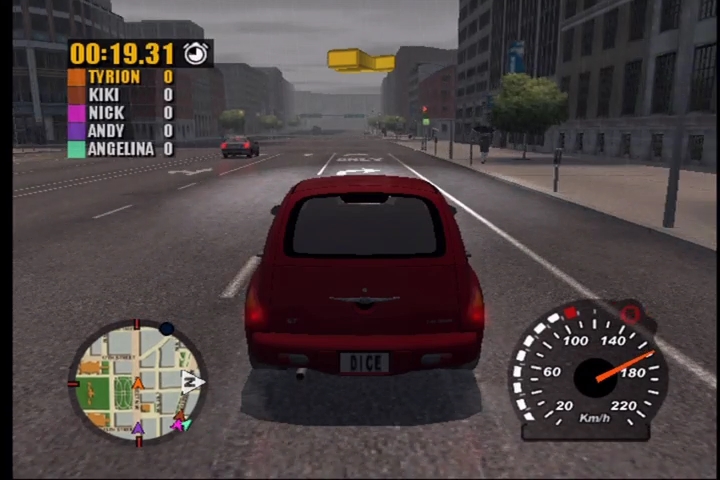
Even if you get bored with the 30-plus cars and a horde of missions and races, finding fun things to run over with friends never gets old. You can’t run over anyone, Pedestrians either leap out of the way or pass right through the car undamaged — including the mimes. The AI can be a bit… let’s say, braindead. Sometimes, it feels like you’re racing against NPCs that just learned what a steering wheel is. And the environments, while cool, get repetitive. After a while, you’ve seen all there is to see in both cities.
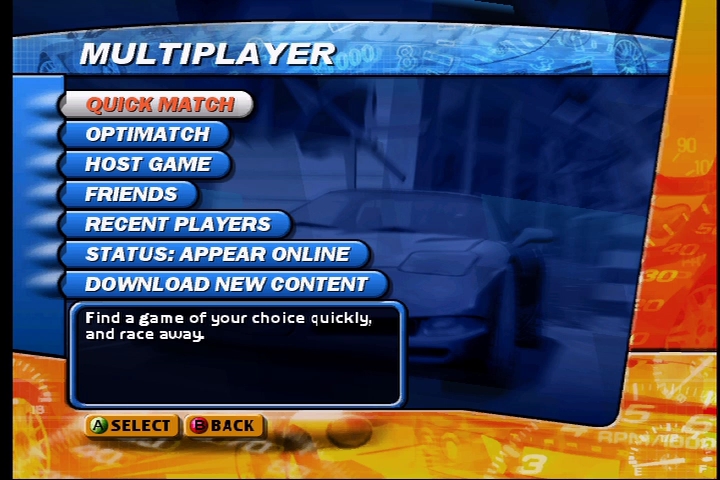
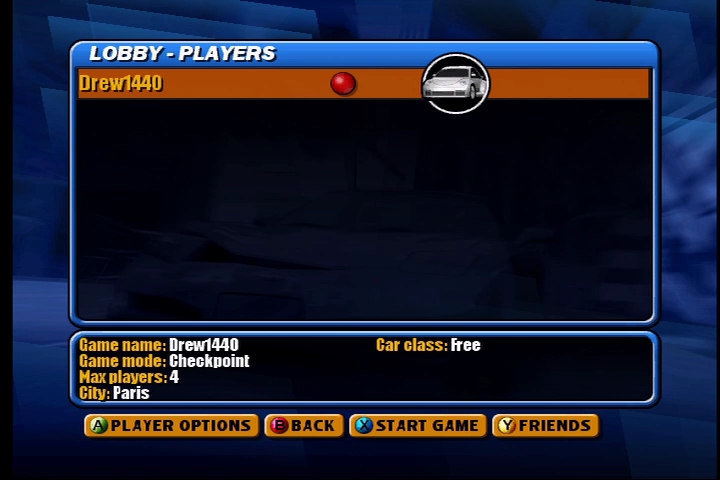
While there are other, more intense and innovative racers out there (Apex/Forza/PGR to name a few), Midtown Madness 3 is a fun and friendlier approach to street racing. You can crash into virtually anything and cause oodles of destruction with no penalty due to the cars being invulnerable. The fast-paced weaving through the streets of two different cities holds a wealth of interesting gameplay, and its fairly accurate to the city the level is based on.

Sadly the game wasn’t made compatible with the Xbox One or Series consoles. The only reason I can think of is due to the vehicle brands which is a shame, this would play and look very well though their emulator. Again this was one of the few titles that was only released for the original Xbox.
Debug Cheats with The Sims Legacy

EA recently found the source code for the original Sims games, and decided to bless us with a modern rerelease of the original Sims game with all of the expansion packs and DLC added on, along with an updated Vulkan renderer to allow for support for higher resolutions without hex editing the games EXE file.

Whilst it’s nice to experience the original Sims games in 1440p, there were a few bugs uncovered shortly after launch which EA has been attempting to fix. Whilst looking online, it appears you can unlock the games executable file to allow you to enter cheats which typically cannot be used under normal gameplay. These cheats were intended for when the game was under development and as such were disabled after the game release.
To enable these cheats, you do need to run a conversion tool that decrypts your sims EXE file, since it uses Steam’s protection. Once this is done, we can patch the exe file directly. Do remember that EA are still actively fixing and updating the game, so this might cause issues in the future should EA release an update. As always, backup your game’s files.

The Cheats

Below is a few useful ones that I’ve commonly used, a full list can be found on the Github

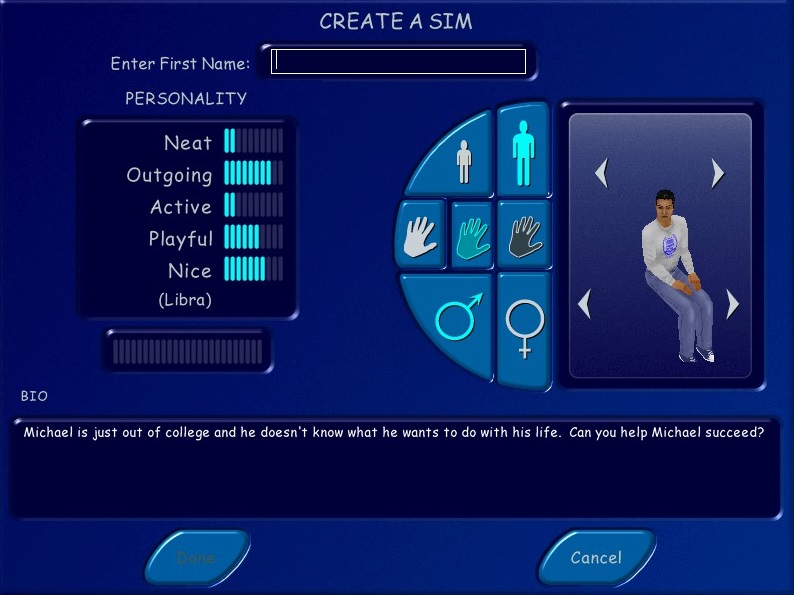
Edit_char: This opens the Create-A-Sim where you can completely edit the selected sim, as if you were creating them for the first time. Useful if you need to change your sims head, body or personality since the game normally prevents you from editing. A funny side effect is if your sim is currently performing an interaction, they will play that animation when you are editing them. This can cause some weird side effects, I recommend having them stand still without any interactions, since the game did lock up after editing.

Move_lots: lets you reposition the lots on the neighborhood screen, useful for cosmetic use but the change isn’t permanent.

Sim_speed: Adjust the speed of the simulation, default is 100

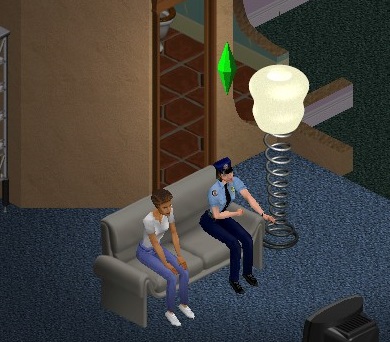
Visitor_control: lets you control visitors by pressing the space bar to select the sim, and then using the mouse to issue commands. Depending on the NPC there are a limited set of commands you can give, visitor sims like neighbors have access to a limited set of interactions like watching TV but they cannot use the phone or take a bath. True NPCs like the Maid, Mime or Police officer are a lot more restricted, you can only use the toilet and watch TV.

Set_hour: Missed the carpool? just set the game to a couple of hours before (set_hour 10 for 10:00AM, or set_hour 15 for 3:00PM)

Lot Swapping

By using the swap_houses cheat, its possible to swap occupied and unoccupied lots around, even with lots that do not appear on the neighborhood selection screen. By using for example, Swap_houses 03 06, lots 03 and 06 will swap their positions on the neighborhood screen, along with their family. Since lots can differ in plot size, its recommended to swap with lots that are of the same size, but there are no negative effects with the exception of the neighborhood screen looking a little odd.

Now I did wonder what would happen if we were to swap lots with houses outside of the game’s normal range, and if the house were to remain playable. The answer is you can, but there are some weird effects.

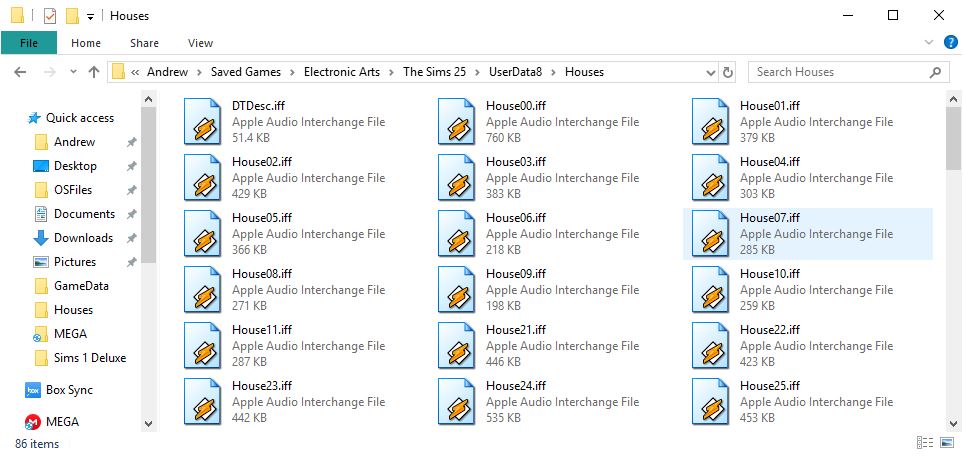
First since we are swapping, we need to actually create the house files for the game to swap with. Originally the game assigned Houses 1-10 for the main neighborhood, House00 being intended for NPC’s and House11 not having any noticeable use. Hot Date used House 20-29 for its downtown lots, along with On Holiday for the 3x range. Now the Unleashed expansion did add a plethora of lots to use with the large neighborhood screen, but oddly did not use the House 11-19 range and to my knowledge, no expansion has ever used this range. I’m unsure if Maxis had any plans for this range or if there was a technical reason why this was never used.

The Sims house directory
Where did House 12-20 go?

To add lots to this range, You can simply navigate to the game save directory, This is located in the Saved Games folder located in your Documents folder. You can them copy an existing Housexx.iff file and rename it to say House12.iff

With the debug cheat, you can force the game to load the lot by typing ‘Lot 12’ or ‘House 12’ into the cheat box (Ctrl+Shift+C). Once the lot loads, this is where the weirdness starts.

If the lot is vacant, as in there is no sim that is moved in, you can edit the lot but you cannot save. You also are unable to purchase or build because of the balance being 0, but by using a money cheat, you can indeed enter build or buy modes but you are still unable to save.

If the lot is occupied, lot will load but the sims will initially be missing. You can restore them by clicking on their portrait panel which will spawn them onto the lot. But they will not move regardless of the free will setting. Many objects like the telephone or refrigerator cannot be used or interacted with and NPC sims will not walk by. No carpool will appear, so sims cannot get to their jobs and earn money. Of the objects that do function, some of the interactions are not available. The bookcase only allows for you to read a book, you cannot study for any skills.

Lack of a functional phone means you cannot call other sims, However they do appear in the phonebook if you have a neighbor sim that wished to contact them.

I should mention this behavior affects lots 12-19, but lot 11 appears to function normally for the most part, suggesting this was originally supposed to be playable from the hood screen. I’m interested as why the game will not process normally when lots are loaded this way, with the exception of lot 11.

Overall, it’s an interesting way to add more families to your neighborhood. Whilst you cannot directly play the lots, you can swap them with the lots on the neighborhood screen, and then just swap them back. They will still appear as walkby’s, on community lots and in the phonebook and if you don’t mind using the swap commend when you wish to play that family, its mostly fine.

I’m actually curious if there is a way to add more lots onto the neighborhood screen, from inspecting the .iff files in each userdata, it’s possible to change the lot names and descriptions, but I cannot see where the game determines 1 Sim Lane as House01.iff

Deathrow

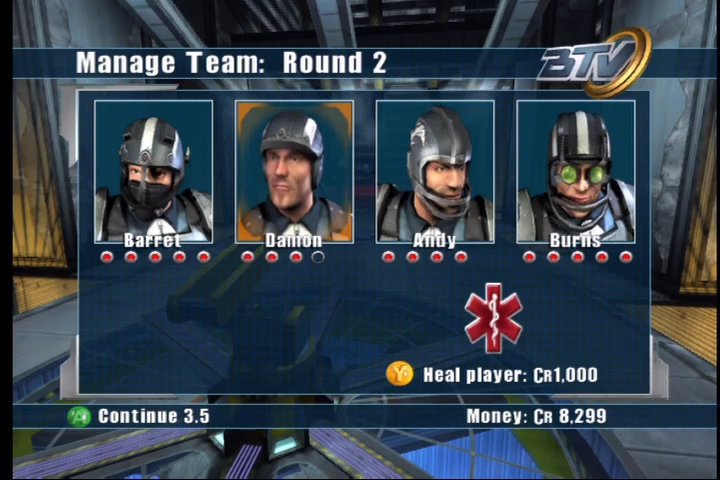
Entering a dark, futuristic world where televised sports are wildly popular and even more wildly violent. And the most popular and violent sport of them all is… ultimate Frisbee, known as Deathrow.

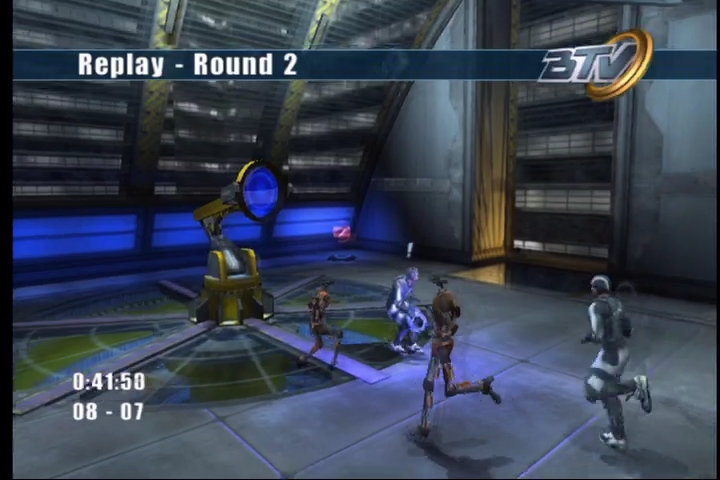
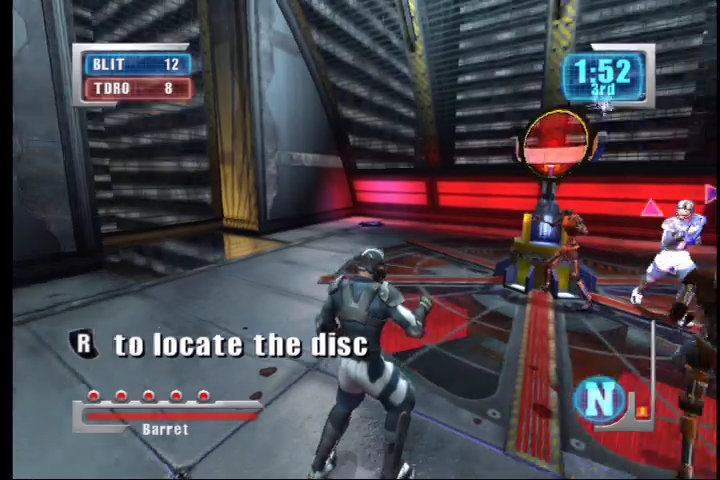
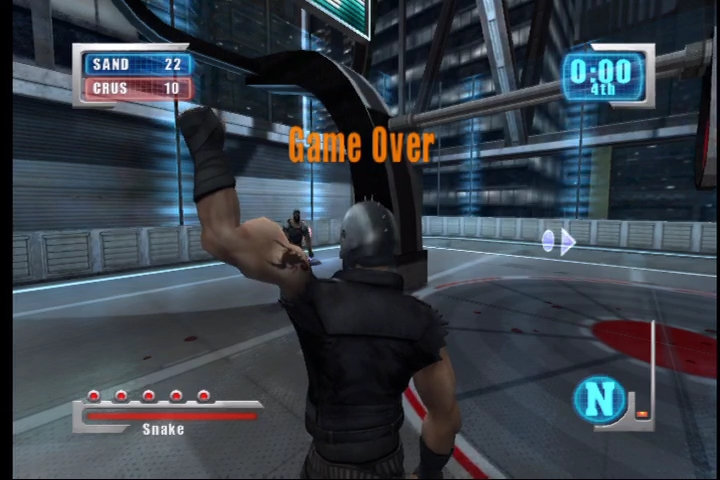
The sport you’re playing in the game is not called Deathrow, it’s called Blitz. Deathrow is just the name of one of the fancy moves you can pull off in the game. Gameplay is fast and furious right from the start, and the controls are a breeze to pick up. When you are in possession of the disk, A passes, B shoots, and Y jumps. To block an attack or roll out of its way, you press X. If you want to taunt another player by calling him naughty names you press the white button. Trust us, you’ll be pressing it a lot. When you don’t have the disk, the X, Y and white button do the same things, but A and B punch and kick, respectively. You’ll be pressing those a lot, too. More complicated maneuvers involve pressing buttons in sequence.

Your passing game is made simple thanks to the passing line and shooting line. A green line connects you to the nearest teammate, while a blue line shows you when you have a shot on goal. Control shifts automatically from the passer to the receiver. None of this is a guarantee of success, though. Interceptions are incredibly common. At times, this makes the automatic control shift a problem. The shift happens when the disk is thrown rather than caught, so you are often left in poor defensive position when your passes are intercepted. You can manually change players, but you don’t always get the player you want on the first (or second) try.

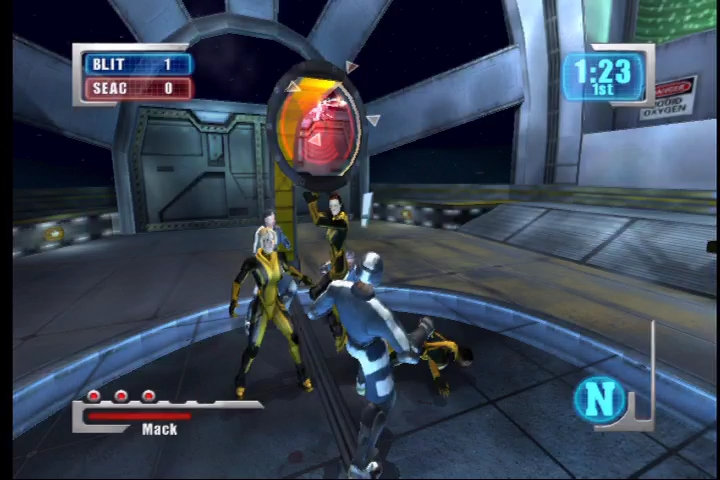
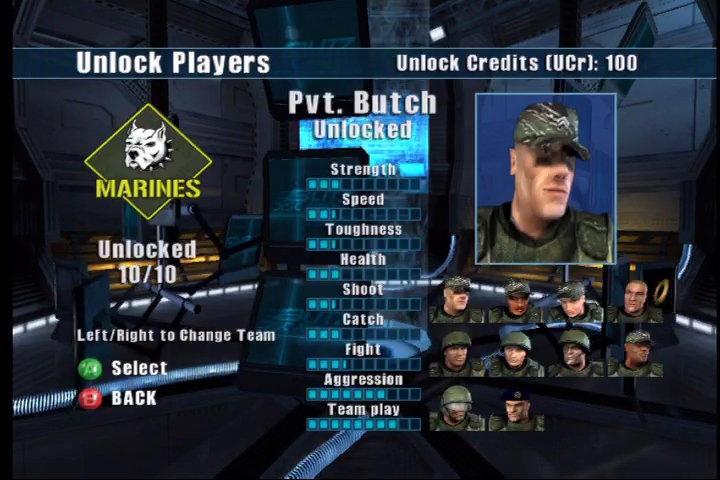
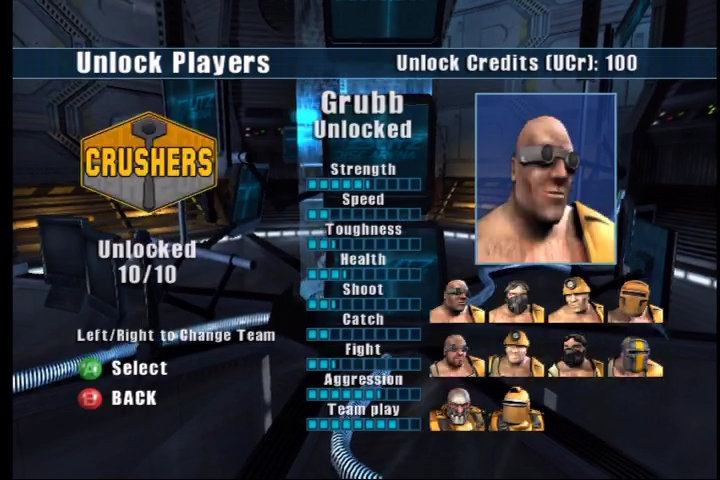
But it’s not all just throwing around the disk. Deathrow more than holds its own for pure fighting enjoyment. Each of the 18 teams has its own signature moves, with hundreds of separate fighting animations available. It’s even possible to win matches without scoring a single point, if you knock out all your opponents. The game shines in the AI department. Each team has its own set of behaviors. Some of the teams, like the Seacats, favor teamwork and precise passing and shooting skills. Others, like the Convicts, are more interested in inflicting as much damage as possible. This way, each new opponent requires that you adopt new tactics to defeat it. For instance, when playing against an overly aggressive team like the Demons, you can often trick their goalie into leaving the goal unguarded by drawing him away with taunts.

Your teammates display a surprising level of autonomy. Certainly, you’re not going to win any matches by letting them do all the work, but if you want to take a short break to inflict some damage on an opponent, they are perfectly capable of picking up the slack and scoring all on their own.

The 32 arenas are varied and often gorgeous. Sure, there are plenty of the traditional dingy metallic sports arenas, but other locales include the Convicts’ prison and the tranquil Japanese dojo of the Black Dragons. One small issue with the level design, though. Most arenas are simple one-floor spaces, and the arenas that do include ledges and other interesting design elements don’t make great use of them. If the disk lands on a ledge, there often isn’t enough time to get to it before it automatically respawns. The character models are smooth and detailed, with upwards of seven thousand polygons and 55 bones each. Character animation during play is very fluid. Attack combos flow from one to another seamlessly.

The one area that fails to get the adrenaline pumping is the game’s soundtrack. Instead of a crunchy metal soundtrack or something similarly dark and pounding, Deathrow sticks to the same uninspiring techno that plays under everything from racing games to space shoot ’em ups. But hey, it’s an Xbox game, so who really cares what the included music sounds like. Rip an old “Ministry” CD onto the hard drive, and you’re good to go.

Another caveat id Deathrow is not a game for the young audiance. The game’s mature rating is richly deserved. The rampant violence is non-stop and leaves nifty little puddles of blood all over the arena. As if that wasn’t enough, some teams seem unable to complete a sentence without at least a few four-letter words. Still, there’s something about a game that has a button devoted just to swearing that makes it incredibly appealing.

What would a violent sports title be without a good multiplayer mode? Deathrow is not slated for the Xbox Live launch, but that doesn’t hold it back much. Up to four players can play splitscreen, and you can network together up to eight consoles. Just go and round up 32 of your closest friends, and you’ve got a massively violent multiplayer.

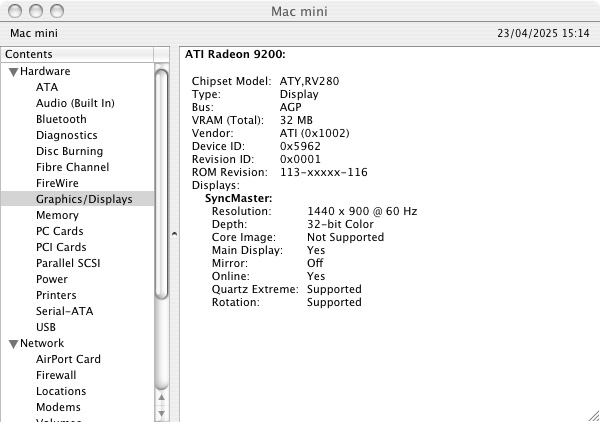
Radeon 9200 (Mac Mini G4)

I’ve been looking to get into the PowerPC world of Macintosh gaming, specifically the early PowerPC oS X and the OS 9/Classic era. Finding the right era can be a challange as there is often limited compatibility for older titles. MacOS itself only supported PowerPC software up until Snow Leopard when the Rosetta support was discontinued. Emulation of PowerPC hardware is almost none existent and whilst QEMU can run the PowerPC versions of Mac OS and OS X, it lacks graphics acceleration supported needed for many of the games.

Apple’s Mac Mini G4 is an interesting system to look at, originally Apple’s way to entice users to the Macintosh platform. It has the Radeon 9200 as its graphic’s processor. Whilst not groundbreaking in comparison to its higher powered PowerMac’s, or even the iMac’s of the era. However the Radeon 9200 was considered a step up from the integrated Intel (Or SiS) graphics chips that were featured in many budget PCs. In way way the Mac Mini was more than capable of taking on for 3D games compared to the integrated graphics on low end PCs. 

However as a Macintosh, it’s underpowered for its time and is best thought as an iBook in desktop form. Whilst it shipped with the built in Radeon 9200, the iMac G5 came with either a GeForce FX5200 or the Radeon 9200 which are much better for games, and these were the target hardware for many of the latest Macintosh games.

Still, lets take a look at some of the games and how well they perform. This model is the 1.25Ghz model with 512MB (originally 256MB) of system memory. We will be looking at both OS 9 games running in the Classic environment, and OS X games that were either native, or had a Carbon patch to allow them to function on OS X.

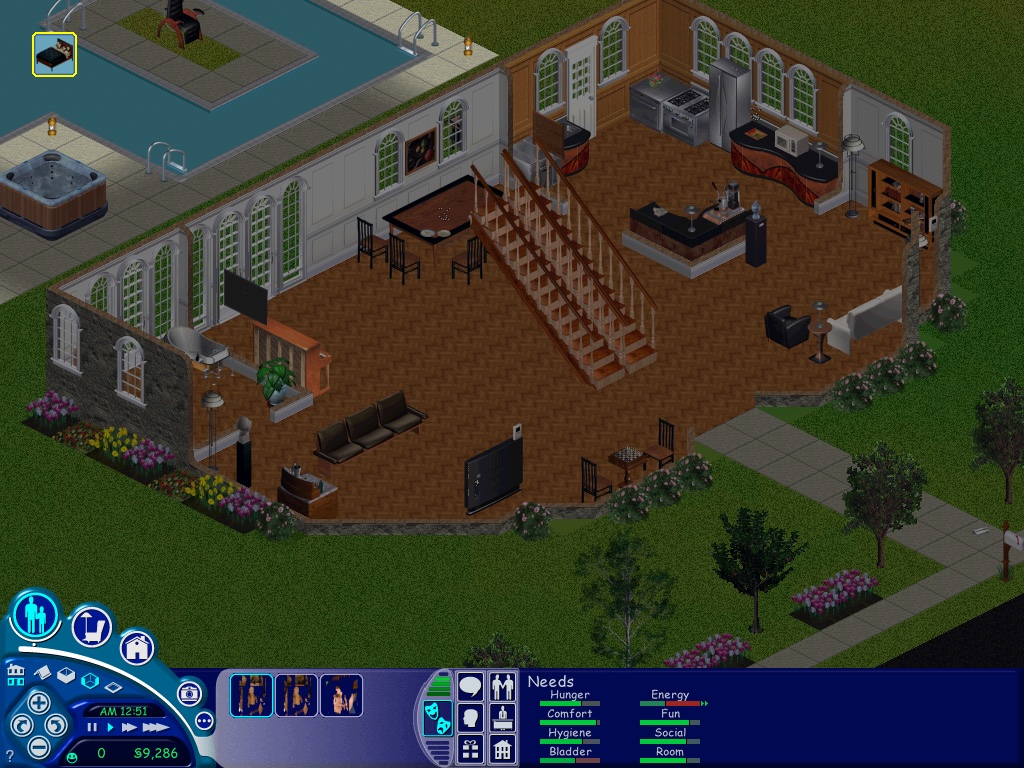
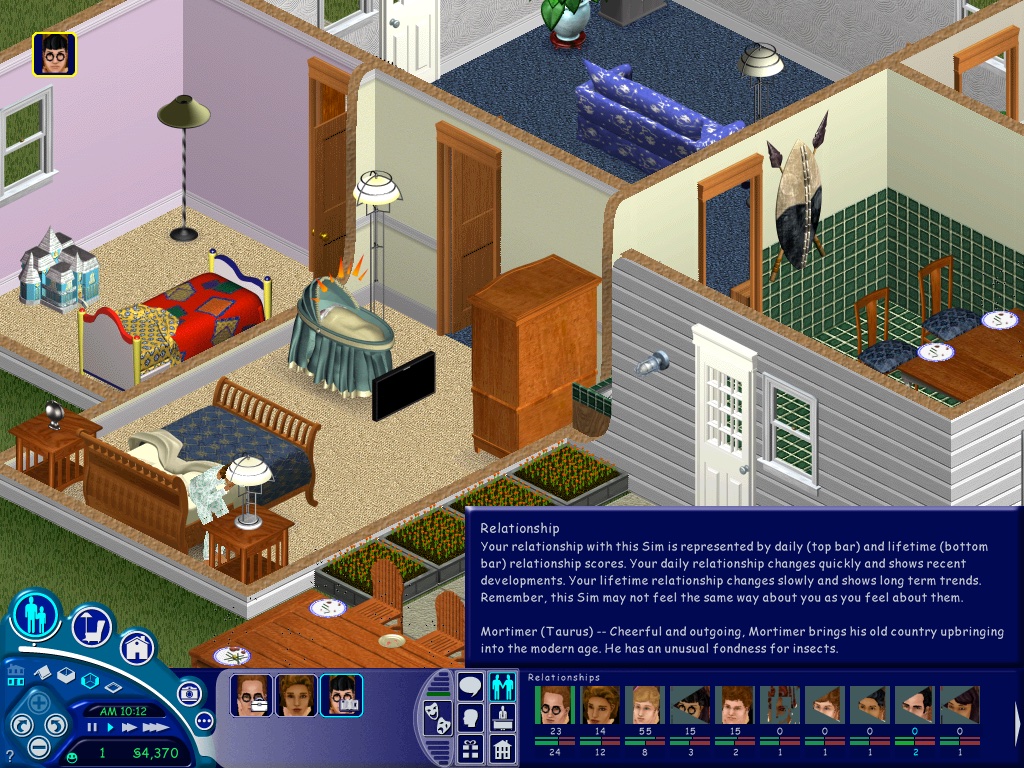
The Sims – Here the Party Pack was tested, this is a Mac/Aspyr exclusive bundle that combined the first three expansions in one compilation. On the Mac mini it runs well performance-wise but the sim thumbnails look corrupted. This also affects the relationship panel. The Sims themselves look fine, just a shame about their icons. Framerate does appear to suffer when we throw a large party with 12+ sims on the screen at 1024×768.

If you prefer to play the original release of the game, you will either need the Classic environment to install the game, and will also need the Carbon patch to enable support under OS X.

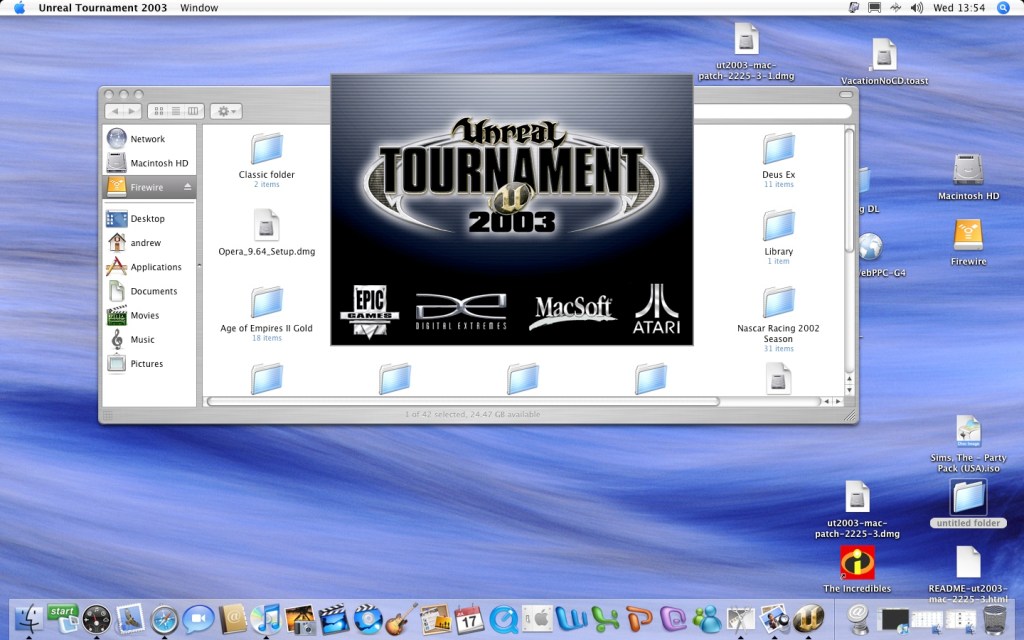
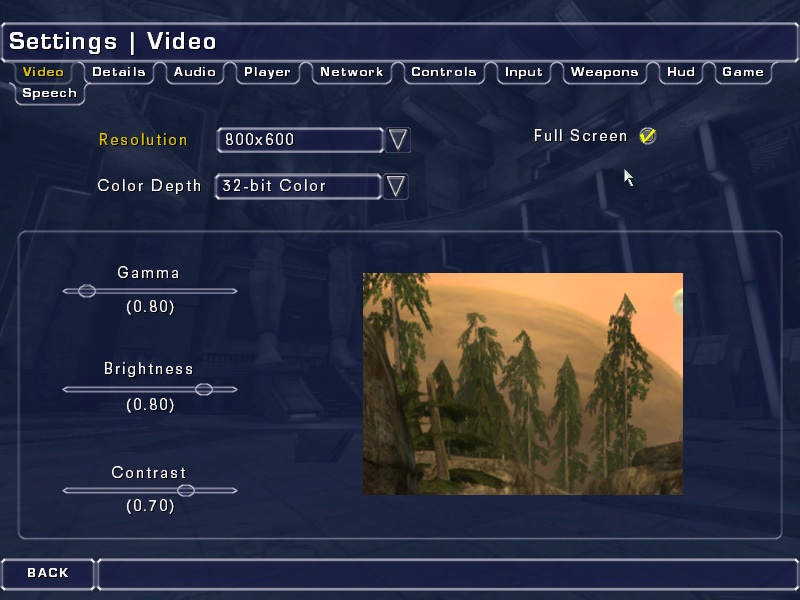
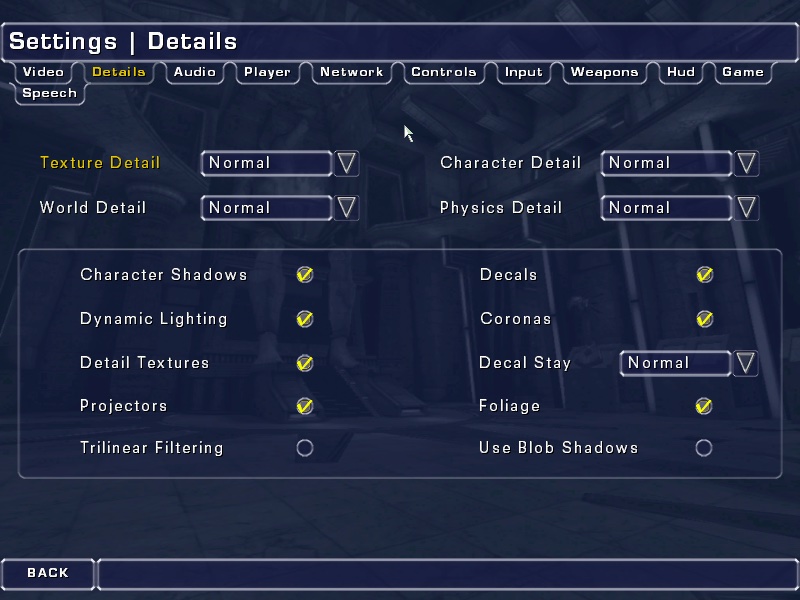
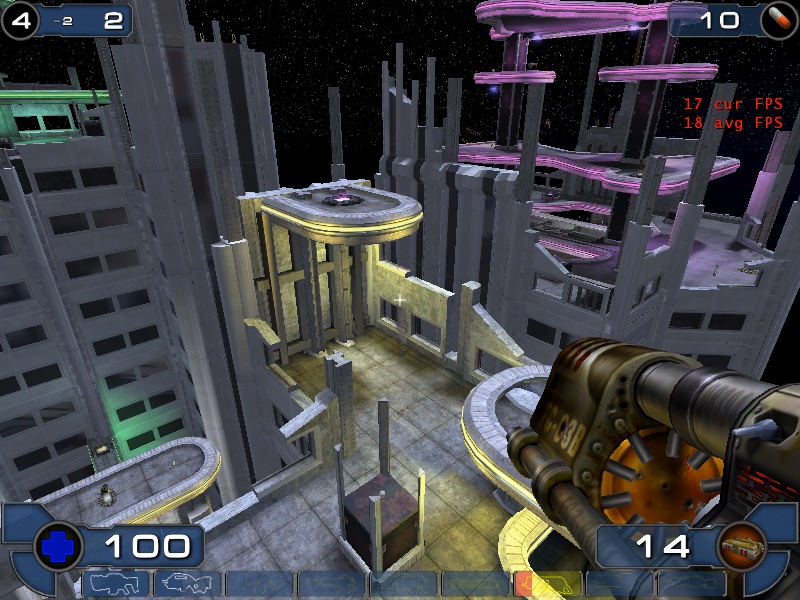
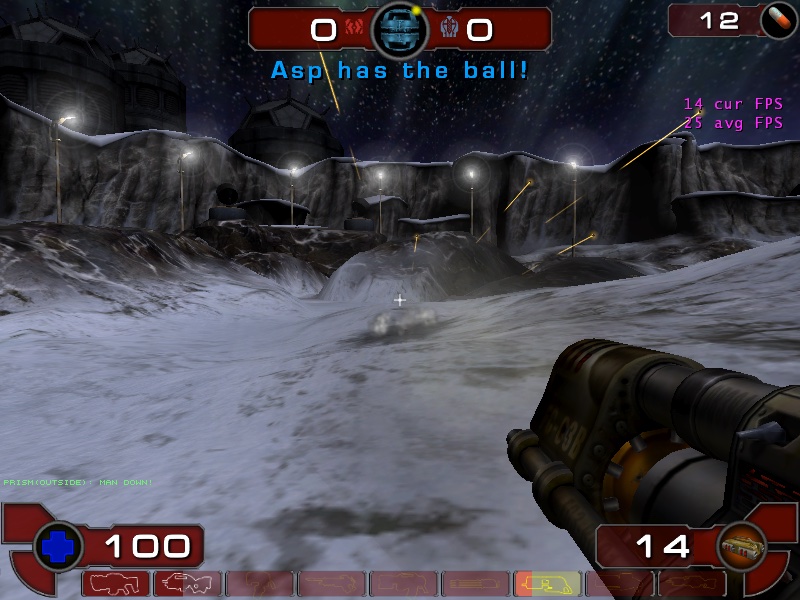
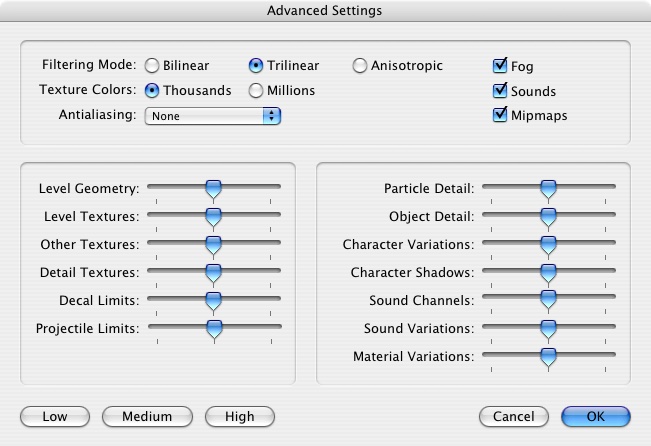
Unreal Tournament 2003 – Running the game at 800×600 with most settings on ‘Normal’, here we get a consistent frame rate of 33fps for most of the maps. If we disable some of the effects (Character Shadows, Dynamic lighting, etc) we can gain some performance. However adjusting the world/texture details has little to no effect from ‘normal’ to ‘low’

One weird feature was the support for Hardware 3D Audio EAX within the sound settings menu, but I can’t remember if OS X ever had support for Creative’s EAX?

We did get a few crashes back to the Finder, this isn’t really a stable port of the game.

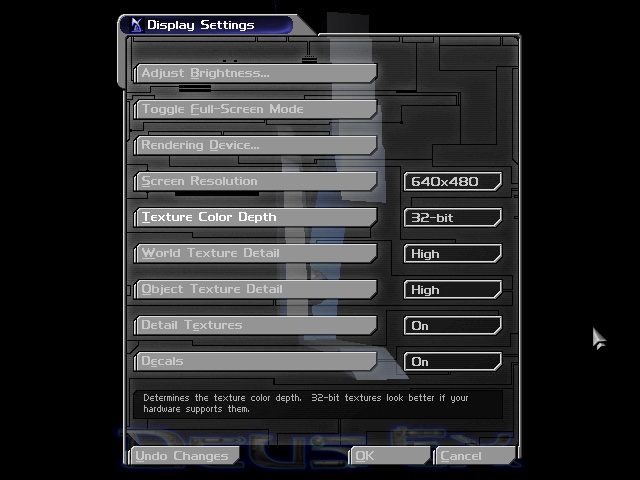
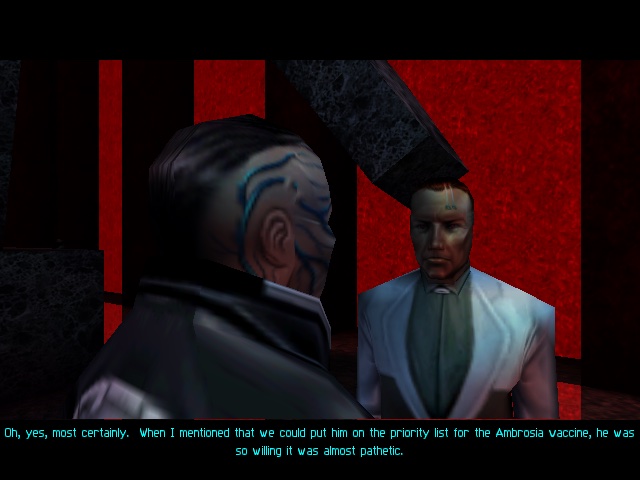
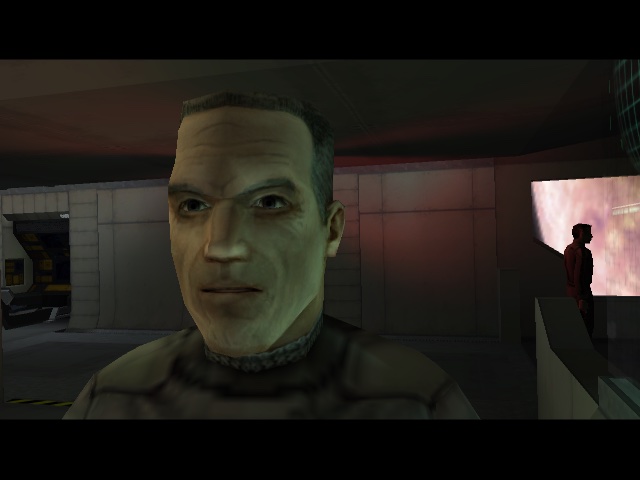
Deus Ex – This game runs through the Classic environment, unfortunately there was no carbon patch release for this game, due to Unreal Engine having issues with the sound for OS X. Despite this, the game runs well in the Classic environment and was able to run off the external Firewire CD drive (since the internal drive on this Mac mini is faulty)

Running at 640×480, the game felt smooth although there is no way to show the fps and I’m not aware of any tools that can run under OS9.

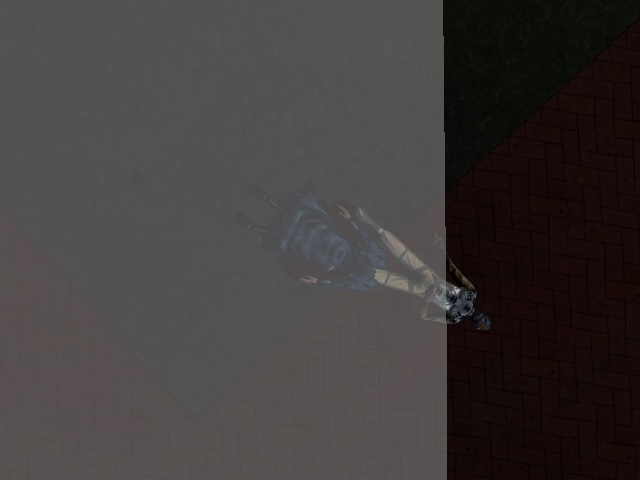
A wierd side effect is the MacOS mouse cursor can appear randomly and will move about onscreen as you are aiming, its not a huge issue but can be distracting. There is also an effect where the overlay does not take up the entire screen, this is noticeable when you are saving the game, have died or are taking damage and parts of the screen flash red.

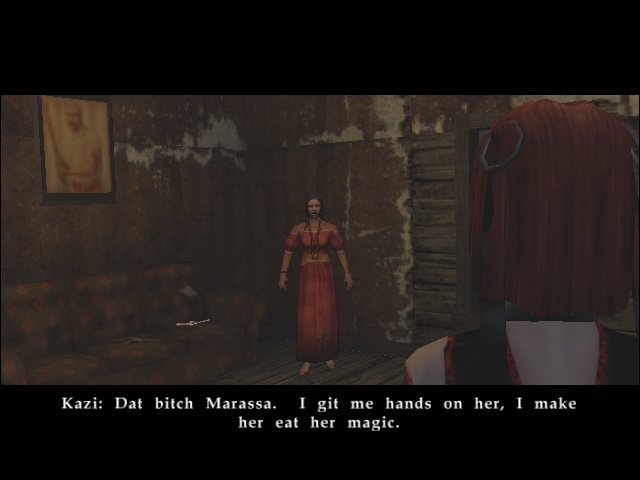
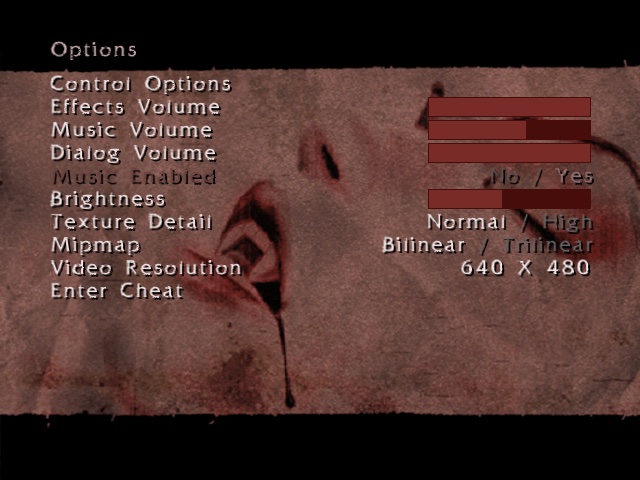
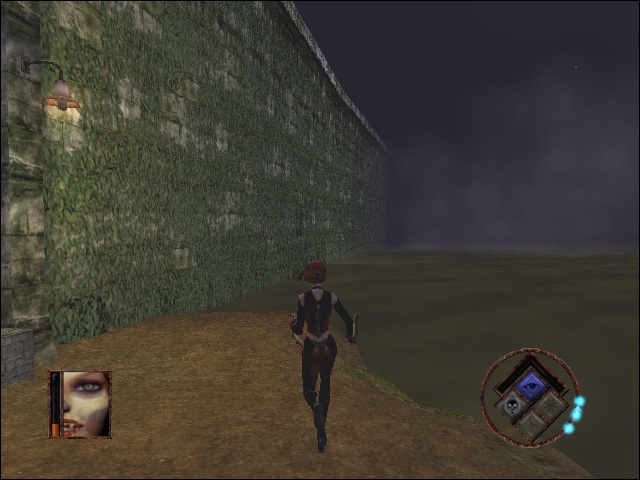
Bloodrayne : The opening FMV paper to be garbled, I’m not sure why unless its incomparable with the version of Quicktime installed. Here we have the resolution set to 640×480, with bilinear filtering enabled and normal texture detail. Performance here appears to be choppy, especially when barrel rolling through the air. On the Ghetto level, transferring through the water reduces the game to a mere slideshow

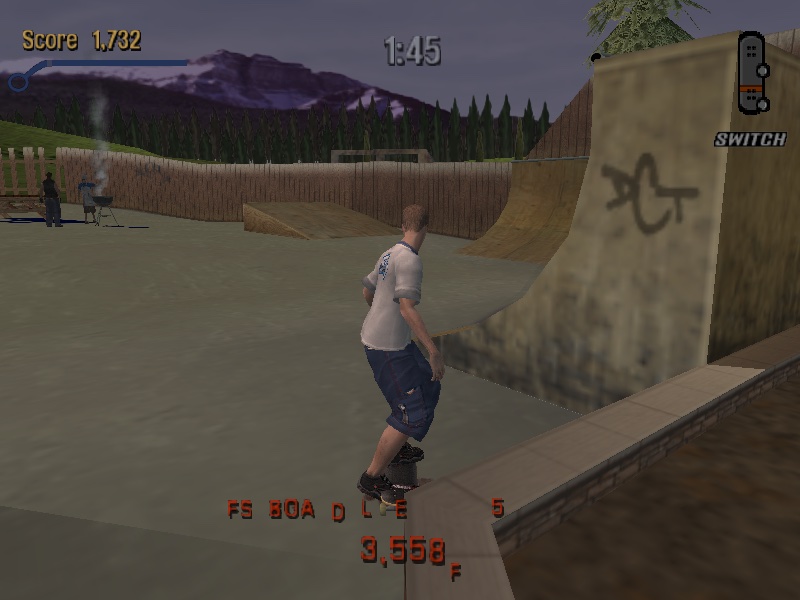
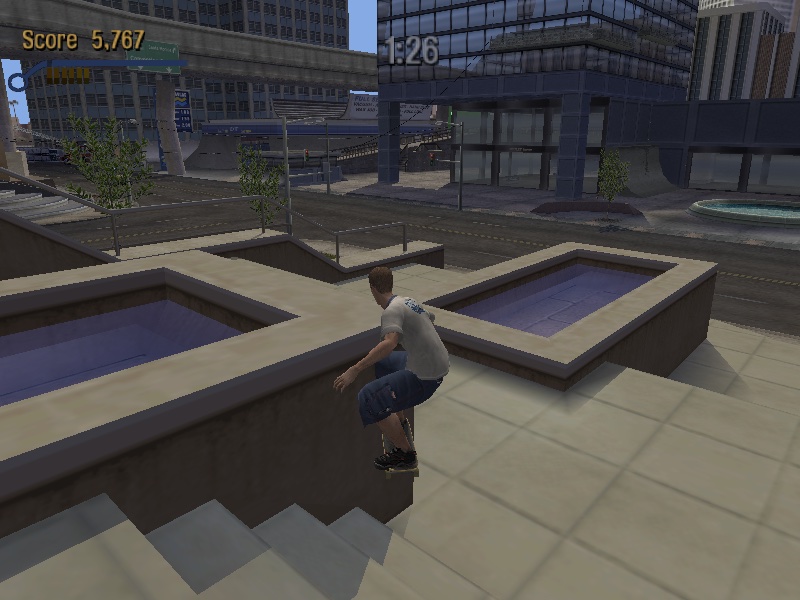
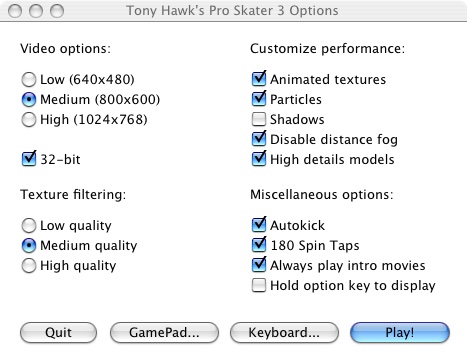
Tony Hawk Pro Skater 3 – Running the game at 800×600 with medium texture filtering with all customer performance settings enabled except for shadows. The game runs pretty smooth although the controls are a bit temperamental.

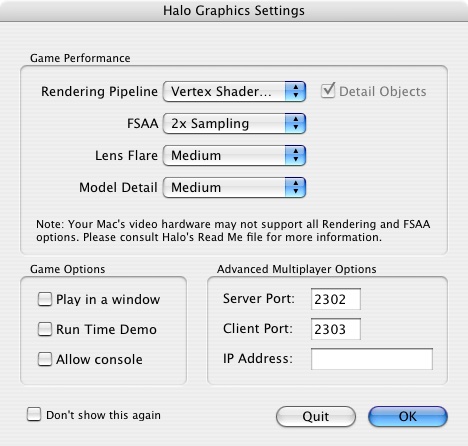
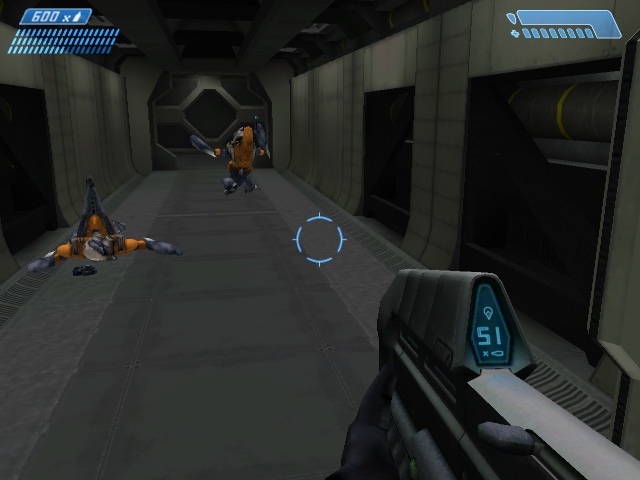
Halo: Combat Evolved – Lets look at how Halo performs. From looking at the graphics settings that appears upon startup, we only have access to vertex shaders only, pixel shaders were not supported on the Radeon 9200. By default the FSAA is set to 2x Sampling, along with medium lens fare and medium model detail. 

Overall experience is acceptable, with some frame drops whenever there are explosions or heave scenery.

There is a time demo option which is supposed to benchmark the game against the system:

Medium Settings

Date / Time: 23/4/25 6:44:58 (0ms)
1200MHz, 512MB
Firewire\Halo\Halo -console Frames=4700
Total Time=207.20s
Average frame rate=22.68fps
Below 5fps= 6% (time) 0% (frames) (13.298s spent in 12 frames)
Below 10fps= 8% (time) 1% (frames)
Below 15fps= 25% (time) 9% (frames)
Below 20fps= 41% (time) 22% (frames)
Below 25fps= 62% (time) 43% (frames)
Below 30fps= 80% (time) 65% (frames)
Below 40fps= 91% (time) 81% (frames)
Below 50fps= 97% (time) 91% (frames)
Below 60fps= 98% (time) 95% (frames)
###Sound Options###
Hardware Acceleration= No
Sound Quality= Low
Environmental Sound= No
Sound Variety= Medium
###Video Options###
Resolution= 640 x 480
Refresh rate= 0 Hz
Framerate throttle= No Vsync
Specular= No
Shadows= No
Decals= No
Particles= Off
Texture Quality= Medium

For further information, please visit the timedemo FAQ at: http://halo.bungie.net/site/halo/features/hpcperformancefaq.html

High Settings

Date / Time: 23/4/25 6:53:10 (0ms)
1200MHz, 512MB
Firewire\Halo\Halo -console Frames=4700
Total Time=346.39s
Average frame rate=13.57fps
Below 5fps= 6% (time) 0% (frames) (21.853s spent in 35 frames)
Below 10fps= 38% (time) 18% (frames)
Below 15fps= 66% (time) 44% (frames)
Below 20fps= 82% (time) 64% (frames)
Below 25fps= 88% (time) 74% (frames)
Below 30fps= 96% (time) 89% (frames)
Below 40fps= 98% (time) 96% (frames)
Below 50fps= 99% (time) 97% (frames)
Below 60fps= 99% (time) 99% (frames)
###Sound Options###
Hardware Acceleration= No
Sound Quality= Low
Environmental Sound= No
Sound Variety= Medium
###Video Options###
Resolution= 640 x 480
Refresh rate= 0 Hz
Framerate throttle= No Vsync
Specular= No
Shadows= No
Decals= No
Particles= Off
Texture Quality= Medium

For further information, please visit the timedemo FAQ at: http://halo.bungie.net/site/halo/features/hpcperformancefaq.html

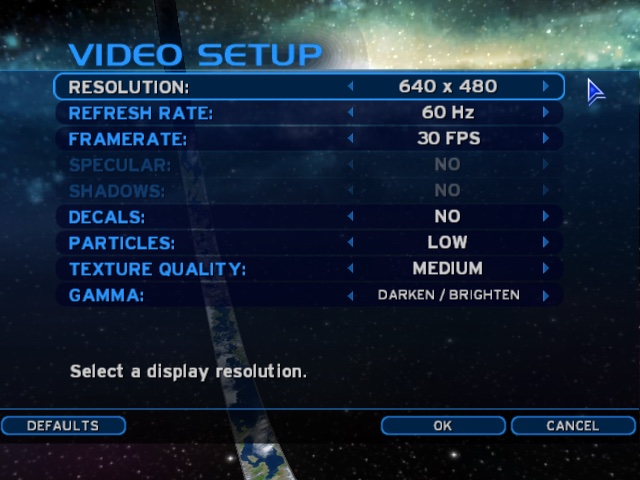
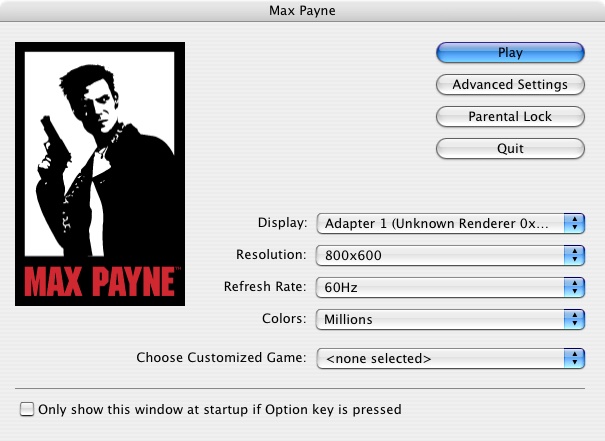
Max Payne: Here we are running the game at 800×600, with the default settings being automatically set to medium. We get a steady 40fps with some slowdown when we navigate to a new area.

Setting the graphics options defaults to high at 800×600 give us an average of 32fps, but with dips to a low 14fps when we are in an intense gunfight. You could sacrifice to 640×480, but it depends if you prefer detail over resolution.

Driver: You are the Wheelman: Unfortunately I was unable tog et this one to run, since it just gives a generic error message that the game isn’t supported under the Classic environment. Even after installing a glide wrapper (MacGlide), the game still refused to run.

Since the game isn’t crashing or showing any signs of running, I assume this is some soft of compatibility backlist that Apple has implemented for problematic software.