I’ve been looking to get into the PowerPC world of Macintosh gaming, specifically the early PowerPC oS X and the OS 9/Classic era. Finding the right era can be a challange as there is often limited compatibility for older titles. MacOS itself only supported PowerPC software up until Snow Leopard when the Rosetta support was discontinued. Emulation of PowerPC hardware is almost none existent and whilst QEMU can run the PowerPC versions of Mac OS and OS X, it lacks graphics acceleration supported needed for many of the games.
Apple’s Mac Mini G4 is an interesting system to look at, originally Apple’s way to entice users to the Macintosh platform. It has the Radeon 9200 as its graphic’s processor. Whilst not groundbreaking in comparison to its higher powered PowerMac’s, or even the iMac’s of the era. However the Radeon 9200 was considered a step up from the integrated Intel (Or SiS) graphics chips that were featured in many budget PCs. In way way the Mac Mini was more than capable of taking on for 3D games compared to the integrated graphics on low end PCs.
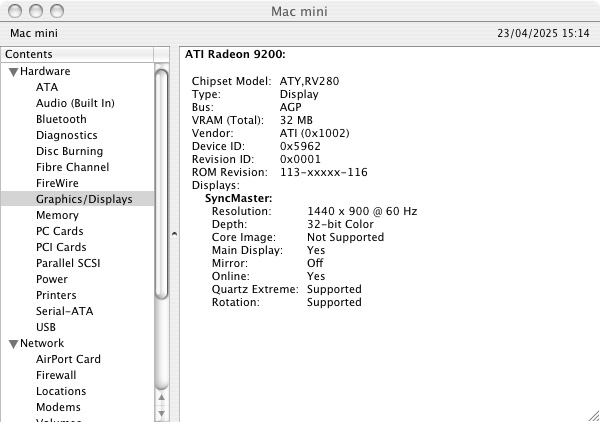
However as a Macintosh, it’s underpowered for its time and is best thought as an iBook in desktop form. Whilst it shipped with the built in Radeon 9200, the iMac G5 came with either a GeForce FX5200 or the Radeon 9200 which are much better for games, and these were the target hardware for many of the latest Macintosh games.
Still, lets take a look at some of the games and how well they perform. This model is the 1.25Ghz model with 512MB (originally 256MB) of system memory. We will be looking at both OS 9 games running in the Classic environment, and OS X games that were either native, or had a Carbon patch to allow them to function on OS X.
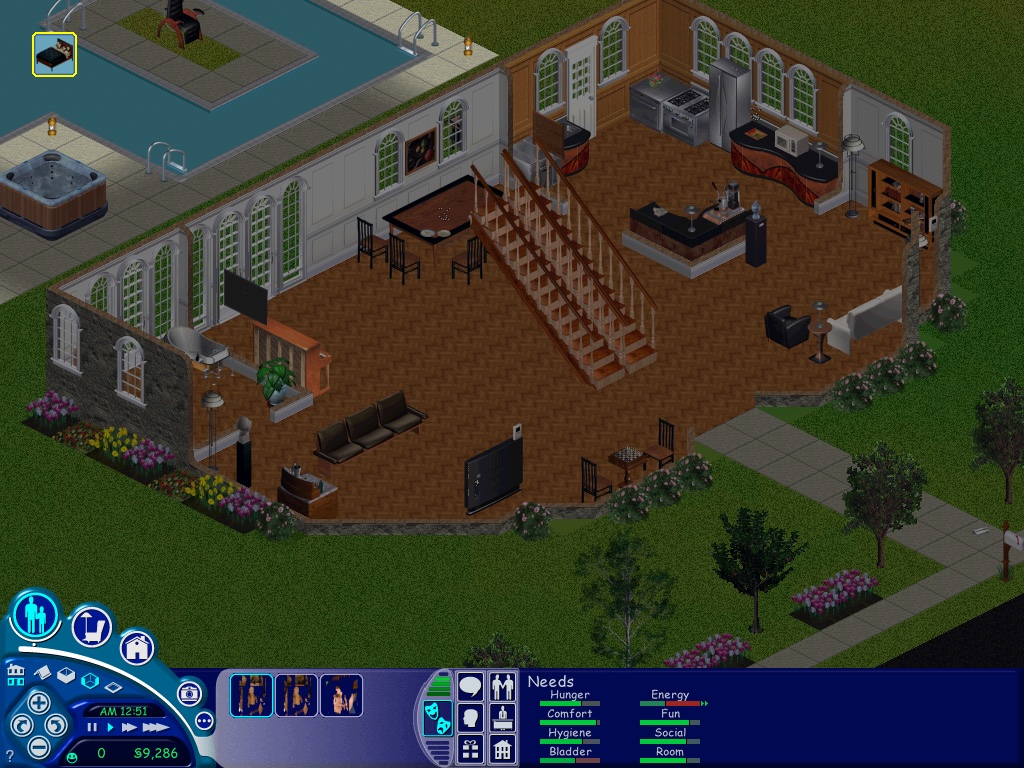
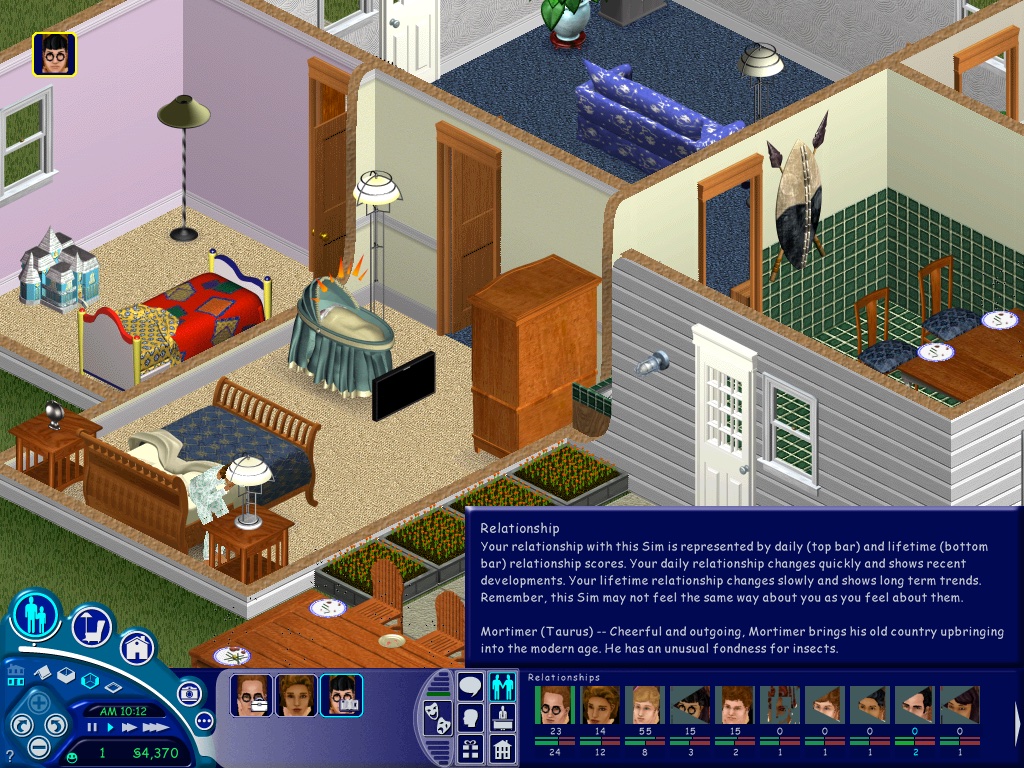
The Sims – Here the Party Pack was tested, this is a Mac/Aspyr exclusive bundle that combined the first three expansions in one compilation. On the Mac mini it runs well performance-wise but the sim thumbnails look corrupted. This also affects the relationship panel. The Sims themselves look fine, just a shame about their icons. Framerate does appear to suffer when we throw a large party with 12+ sims on the screen at 1024×768.
If you prefer to play the original release of the game, you will either need the Classic environment to install the game, and will also need the Carbon patch to enable support under OS X.
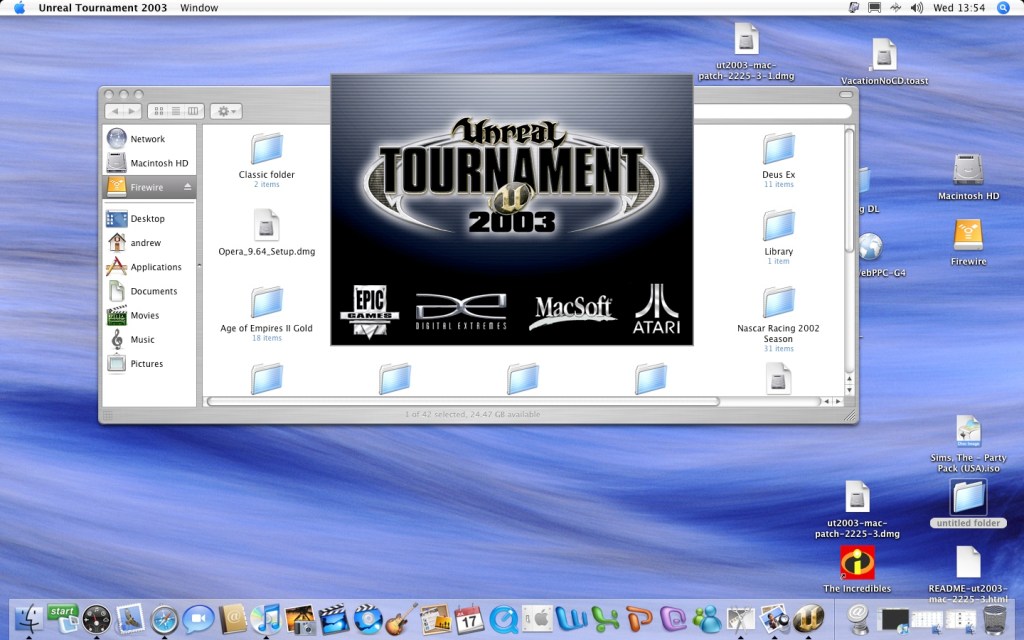
Unreal Tournament 2003 – Running the game at 800×600 with most settings on ‘Normal’, here we get a consistent frame rate of 33fps for most of the maps. If we disable some of the effects (Character Shadows, Dynamic lighting, etc) we can gain some performance. However adjusting the world/texture details has little to no effect from ‘normal’ to ‘low’
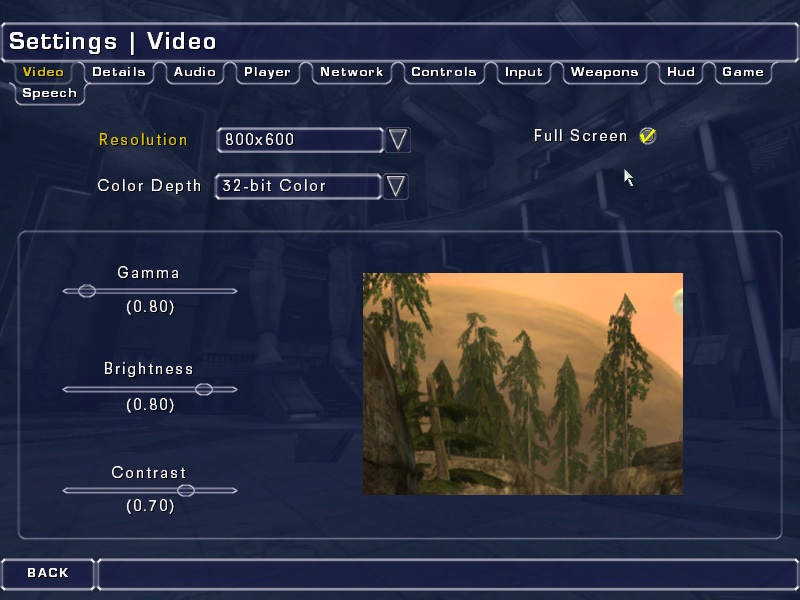
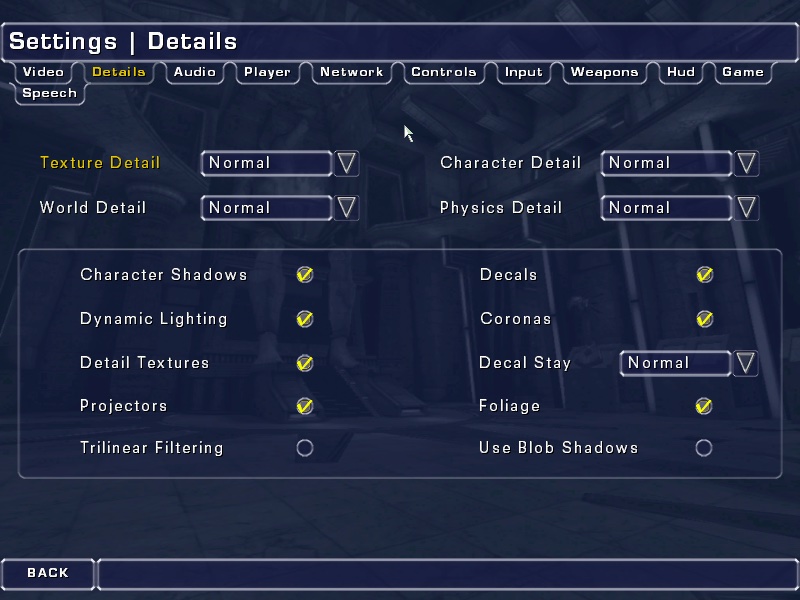
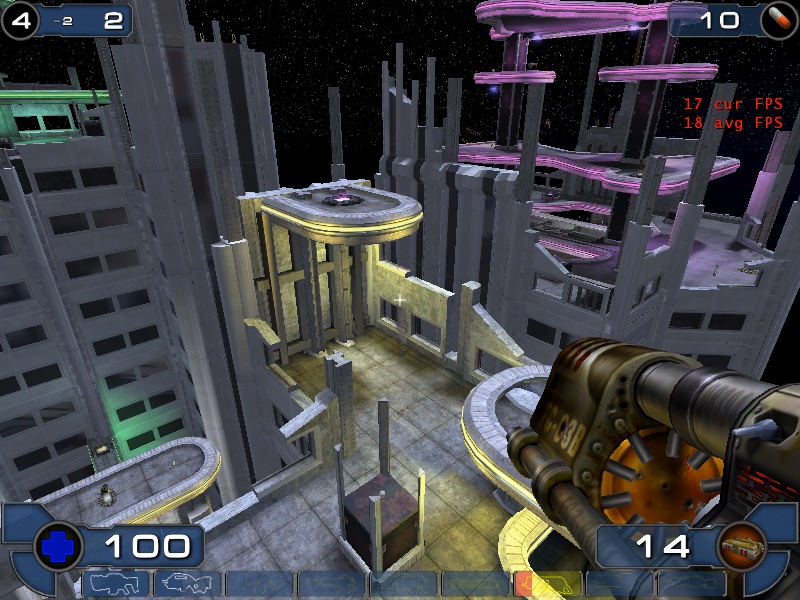
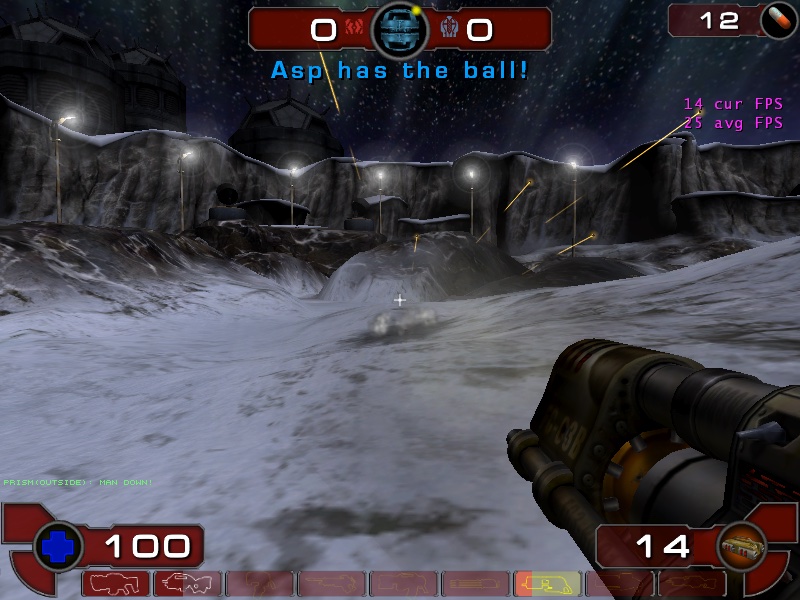
One weird feature was the support for Hardware 3D Audio EAX within the sound settings menu, but I can’t remember if OS X ever had support for Creative’s EAX?
We did get a few crashes back to the Finder, this isn’t really a stable port of the game.
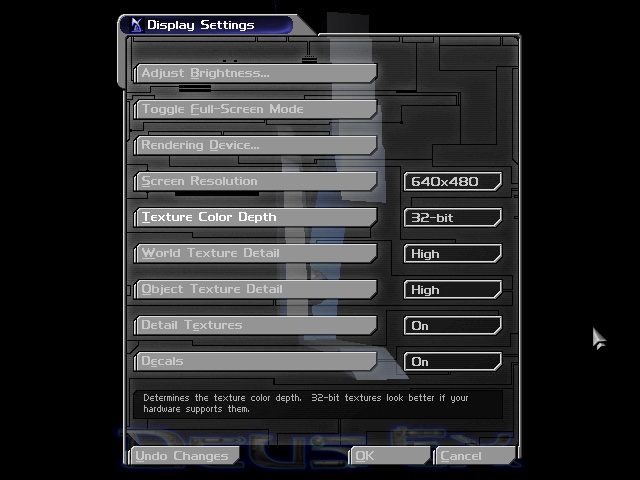
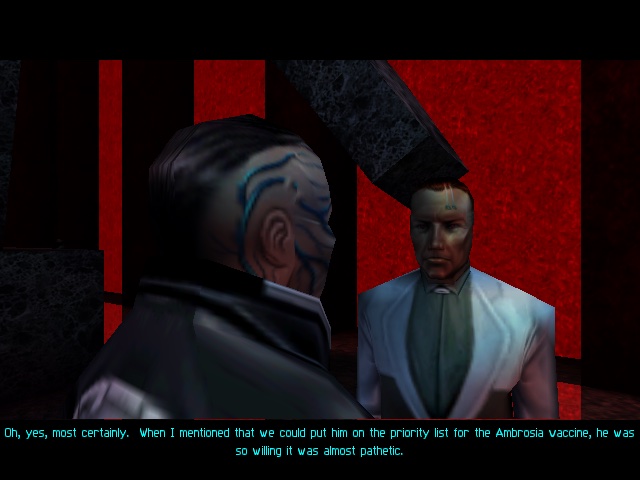
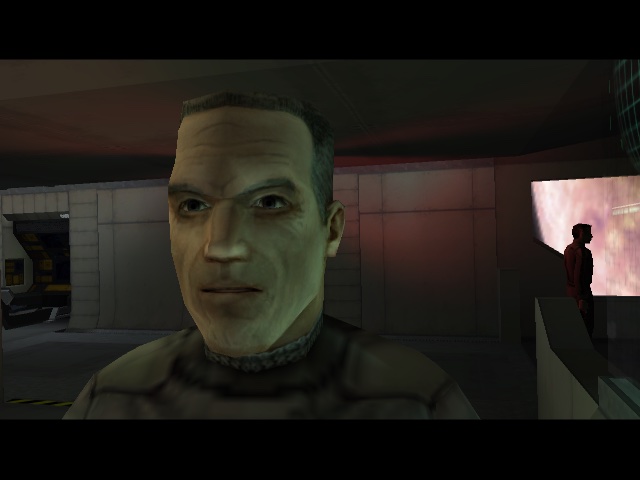
Deus Ex – This game runs through the Classic environment, unfortunately there was no carbon patch release for this game, due to Unreal Engine having issues with the sound for OS X. Despite this, the game runs well in the Classic environment and was able to run off the external Firewire CD drive (since the internal drive on this Mac mini is faulty)
Running at 640×480, the game felt smooth although there is no way to show the fps and I’m not aware of any tools that can run under OS9.
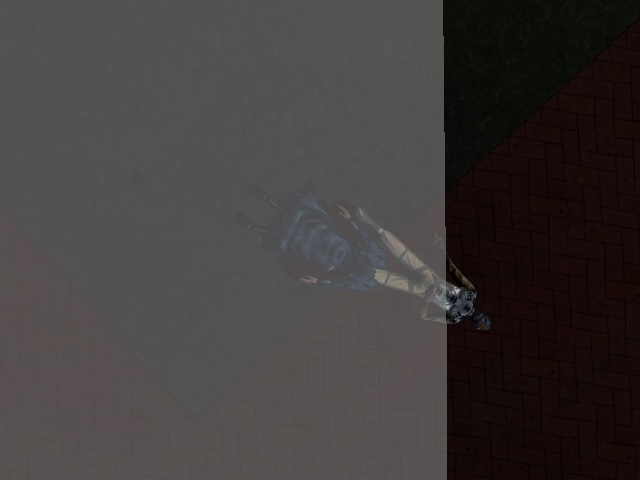
A wierd side effect is the MacOS mouse cursor can appear randomly and will move about onscreen as you are aiming, its not a huge issue but can be distracting. There is also an effect where the overlay does not take up the entire screen, this is noticeable when you are saving the game, have died or are taking damage and parts of the screen flash red.
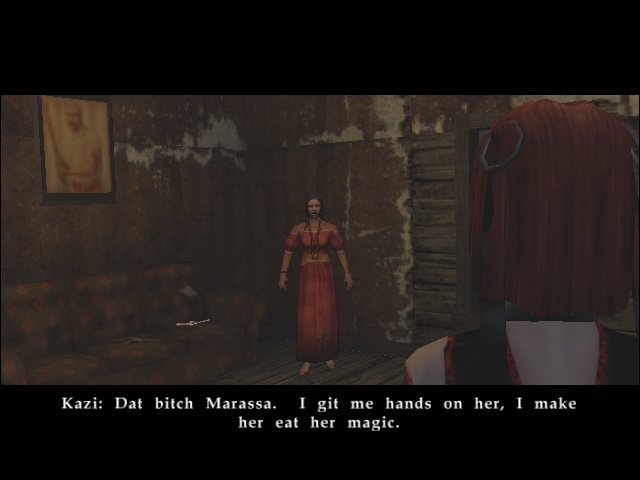
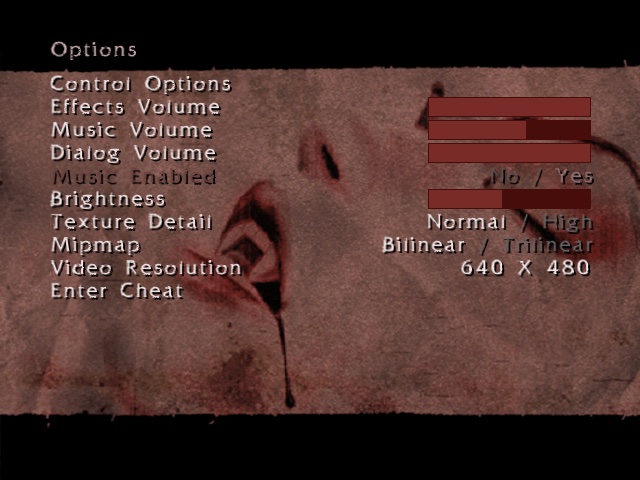
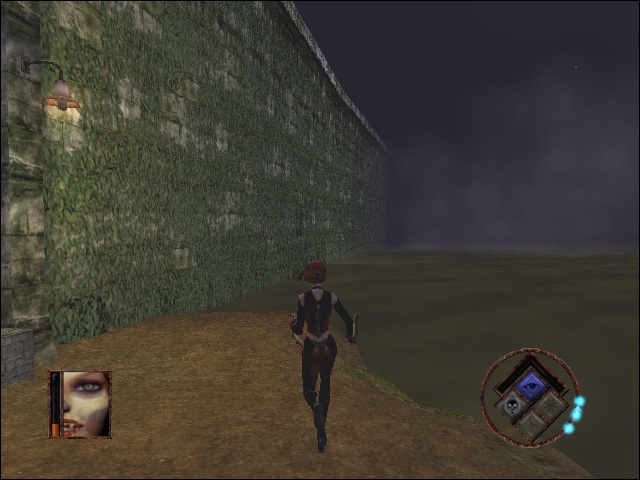
Bloodrayne : The opening FMV paper to be garbled, I’m not sure why unless its incomparable with the version of Quicktime installed. Here we have the resolution set to 640×480, with bilinear filtering enabled and normal texture detail. Performance here appears to be choppy, especially when barrel rolling through the air. On the Ghetto level, transferring through the water reduces the game to a mere slideshow
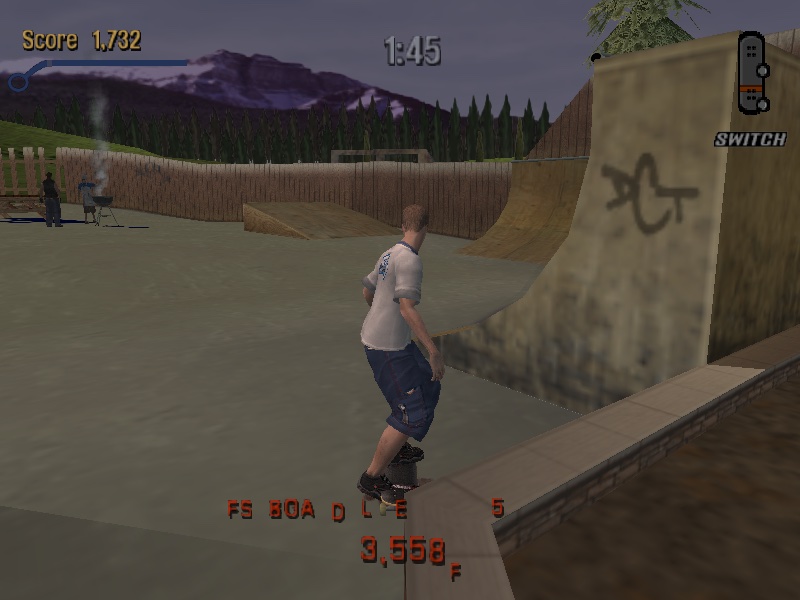
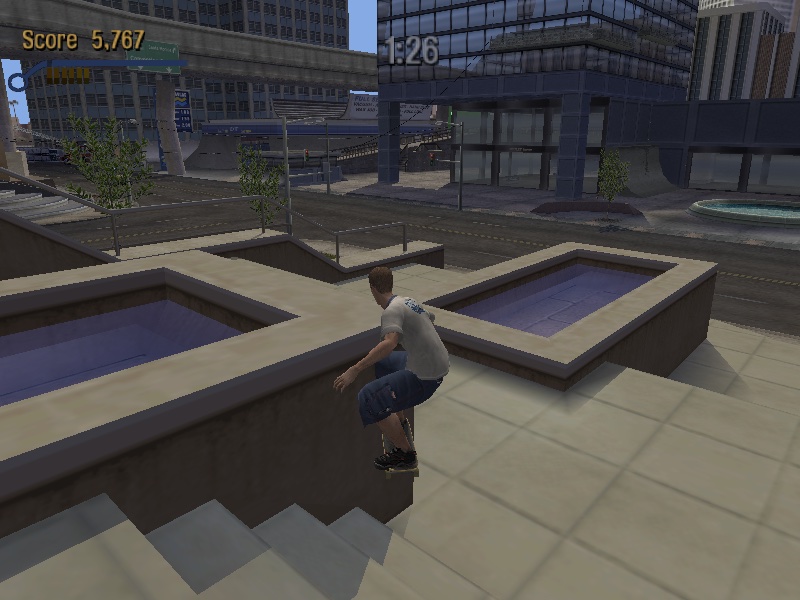
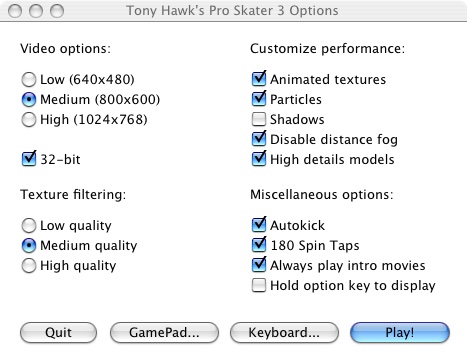
Tony Hawk Pro Skater 3 – Running the game at 800×600 with medium texture filtering with all customer performance settings enabled except for shadows. The game runs pretty smooth although the controls are a bit temperamental.
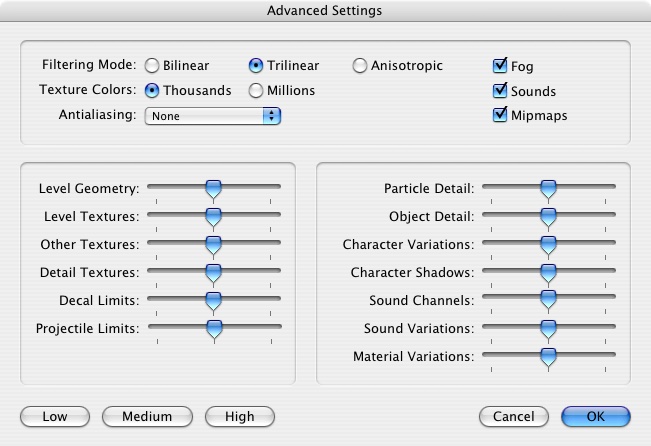
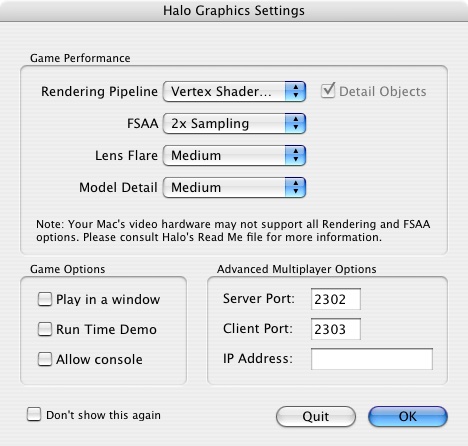
Halo: Combat Evolved – Lets look at how Halo performs. From looking at the graphics settings that appears upon startup, we only have access to vertex shaders only, pixel shaders were not supported on the Radeon 9200. By default the FSAA is set to 2x Sampling, along with medium lens fare and medium model detail.
Overall experience is acceptable, with some frame drops whenever there are explosions or heave scenery.
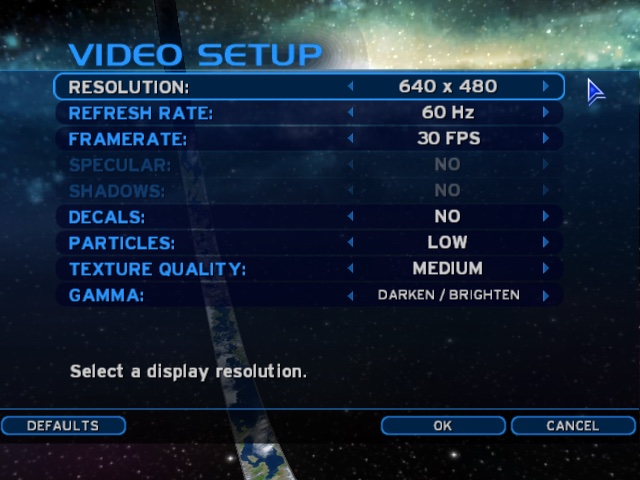
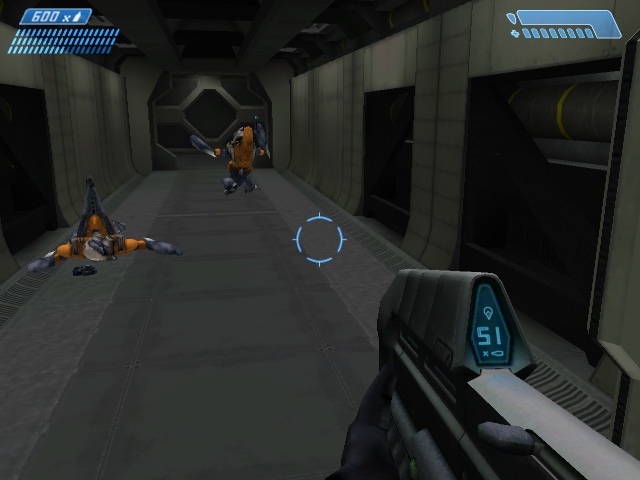
There is a time demo option which is supposed to benchmark the game against the system:
Medium Settings
Date / Time: 23/4/25 6:44:58 (0ms)
1200MHz, 512MB
Firewire\Halo\Halo -console Frames=4700
Total Time=207.20s
Average frame rate=22.68fps
Below 5fps= 6% (time) 0% (frames) (13.298s spent in 12 frames)
Below 10fps= 8% (time) 1% (frames)
Below 15fps= 25% (time) 9% (frames)
Below 20fps= 41% (time) 22% (frames)
Below 25fps= 62% (time) 43% (frames)
Below 30fps= 80% (time) 65% (frames)
Below 40fps= 91% (time) 81% (frames)
Below 50fps= 97% (time) 91% (frames)
Below 60fps= 98% (time) 95% (frames)
###Sound Options###
Hardware Acceleration= No
Sound Quality= Low
Environmental Sound= No
Sound Variety= Medium
###Video Options###
Resolution= 640 x 480
Refresh rate= 0 Hz
Framerate throttle= No Vsync
Specular= No
Shadows= No
Decals= No
Particles= Off
Texture Quality= Medium
For further information, please visit the timedemo FAQ at: http://halo.bungie.net/site/halo/features/hpcperformancefaq.html
High Settings
Date / Time: 23/4/25 6:53:10 (0ms)
1200MHz, 512MB
Firewire\Halo\Halo -console Frames=4700
Total Time=346.39s
Average frame rate=13.57fps
Below 5fps= 6% (time) 0% (frames) (21.853s spent in 35 frames)
Below 10fps= 38% (time) 18% (frames)
Below 15fps= 66% (time) 44% (frames)
Below 20fps= 82% (time) 64% (frames)
Below 25fps= 88% (time) 74% (frames)
Below 30fps= 96% (time) 89% (frames)
Below 40fps= 98% (time) 96% (frames)
Below 50fps= 99% (time) 97% (frames)
Below 60fps= 99% (time) 99% (frames)
###Sound Options###
Hardware Acceleration= No
Sound Quality= Low
Environmental Sound= No
Sound Variety= Medium
###Video Options###
Resolution= 640 x 480
Refresh rate= 0 Hz
Framerate throttle= No Vsync
Specular= No
Shadows= No
Decals= No
Particles= Off
Texture Quality= Medium
For further information, please visit the timedemo FAQ at: http://halo.bungie.net/site/halo/features/hpcperformancefaq.html
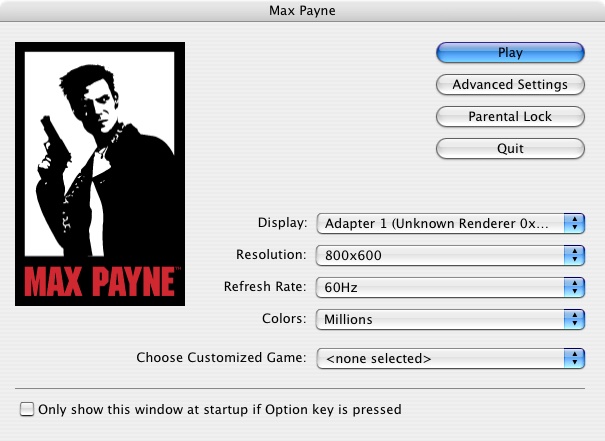
Max Payne: Here we are running the game at 800×600, with the default settings being automatically set to medium. We get a steady 40fps with some slowdown when we navigate to a new area.
Setting the graphics options defaults to high at 800×600 give us an average of 32fps, but with dips to a low 14fps when we are in an intense gunfight. You could sacrifice to 640×480, but it depends if you prefer detail over resolution.
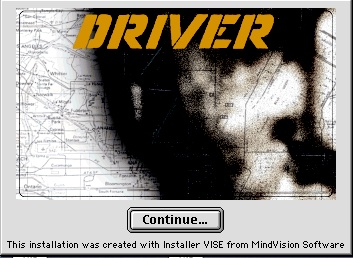
Driver: You are the Wheelman: Unfortunately I was unable tog et this one to run, since it just gives a generic error message that the game isn’t supported under the Classic environment. Even after installing a glide wrapper (MacGlide), the game still refused to run.
Since the game isn’t crashing or showing any signs of running, I assume this is some soft of compatibility backlist that Apple has implemented for problematic software.
 Drew1440: Blog