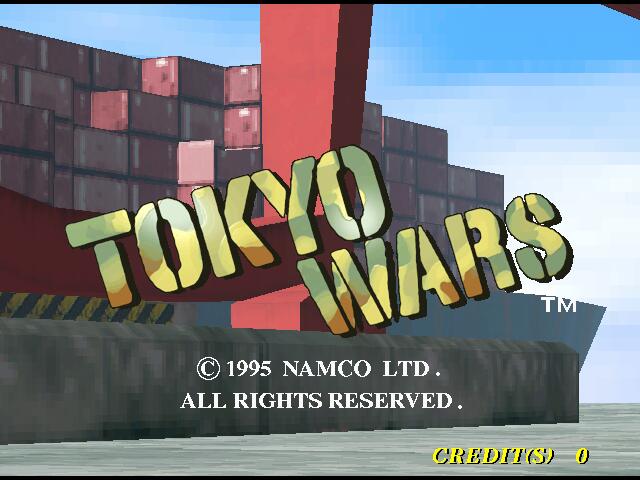
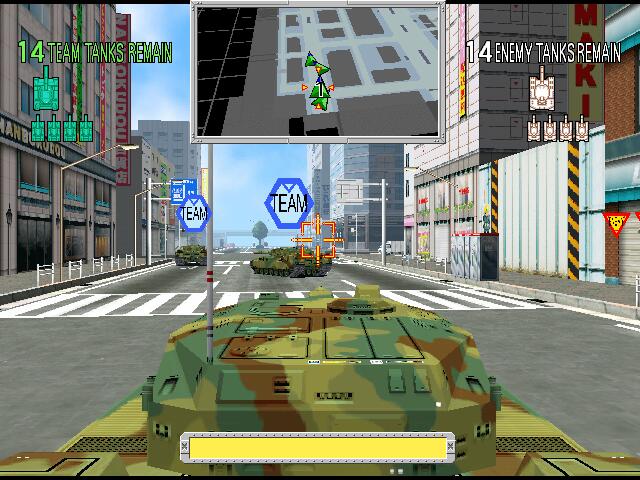
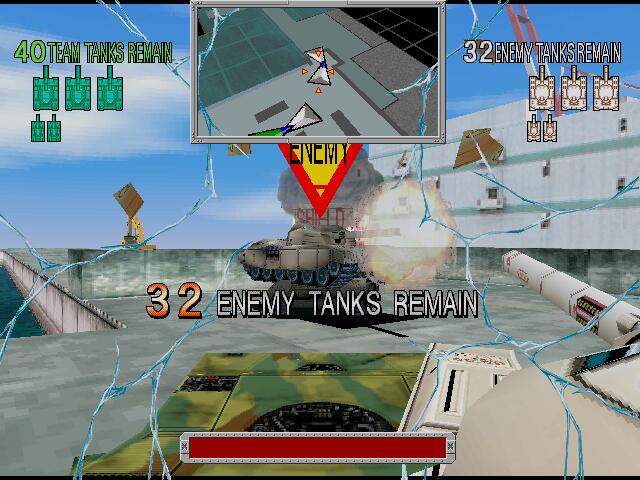
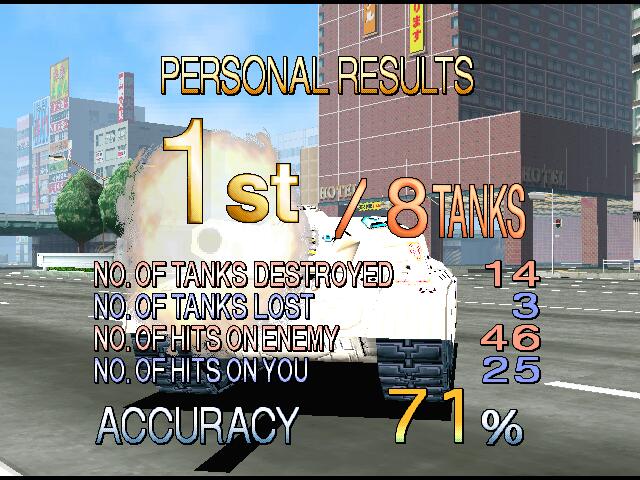
Namco’s first person tank shooter game, here you are split into two teams with the goal being to wipe out your enemy’s tanks. Running in beautiful 60fps in 640×480 resolution tanks to the powerful System 22 hardware, something that PC 3D accelerator software the era had difficulty achieving.
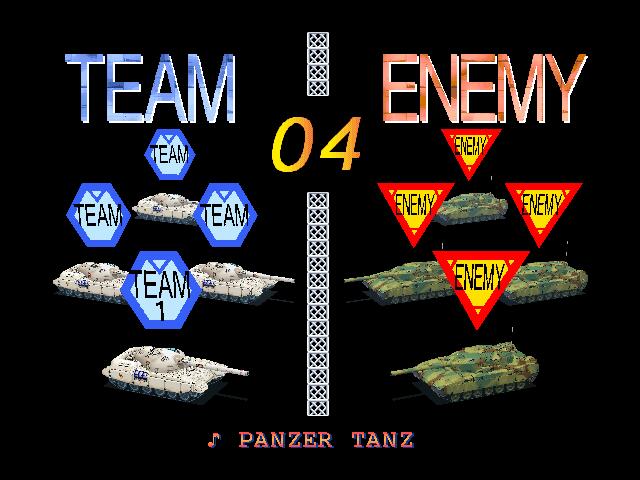
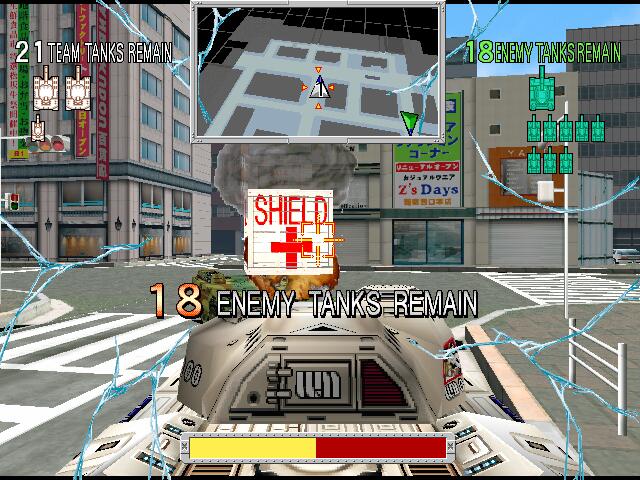
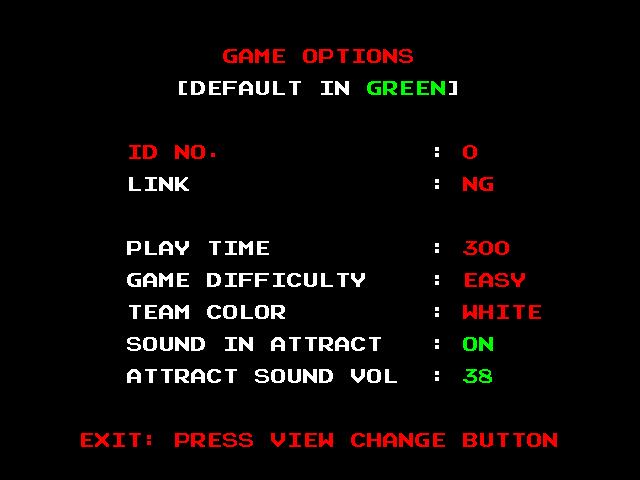
You join either the Green Force or White Force and battle opposing tanks in large 3D arenas. Matches last up to 15 minutes or until one team is wiped out – depending on the arcade operator settings. Destroying enemy tanks will give you a small shield boost that you have to pick up, which gives you more health.
You’re limited to just two stages, the Downtown street level and the docks stage. Certain elements of the level are destructible like cars, rails and even the on-ramps for the parking lot. The Bay Area (Bayside Dock), This is the training ground of the game. It is a massive, relatively flat shipping yard and dockside area. Because there aren’t many places to hide, the enemy teams usually meet in the middle for a massive battle. Despite the amount of tanks on screen, the frame rate never seems to dip.
The Downtown Tokyo, This is the more famous of the two levels and is significantly more complex. It represents a dense city center filled with narrow streets and intersections. A maze-like grid of streets that provide a quick hiding place from other tanks. It features elevated expressways (overpasses) that you can drive under or around, and tight alleys that allow for flanking maneuvers. There is no overall story or plot to the game, just seems like Tokyo crashed out and decided to have a tank battle.
Tokyo Wars comes close to a 3D arena shooter for the arcades in concept, but the tank controls limits your movement somewhat compared to the nimble movement that Unreal and Quake offer. The decision to use tanks as players was possibly done to avoid any controversy with the game. Arcades in the mid-90s were often in malls and family venues, so avoiding realistic human blood/gore (like in Mortal Kombat or Doom) was smart business in general. The game is still very much a high-octane, competitive war game but avoids having any serviced violence like gore or blood being sprayed around. Still the game provided an impressive amount of detail for an 90s arcade game thanks to the capabilities of Namco’s System 22 hardware, offering detailed buildings and animated billboards, many of which feature references to Namco’s other games of the era, especially when you compare it to other games that feature an urban city setting like the original Driver.
Now it’s easier to play Tokyo Wars, you can emulate it on MAME on a reasonable capable hardware. And as of 2026 it has been released as part of the Arcade Archive series that I recommend and is available to the PS5, Xbox Series X/S and Switch 2. These versions are accurate to the arcade original.
Microsoft Encarta 2006 was a version of Microsoft’s popular multimedia encyclopaedia software, released around mid-2005. Encarta started in 1993 as one of the first major CD-ROM encyclopaedias and evolved into a major educational product through the 1990s and early 2000s, featuring thousands of articles, photos, videos, interactive maps, and more, all from your CD-ROM drive (or DVD in this case)
Over time Encarta split into different editions, with the Premium edition adding further content, dictionary tools and translation features. A more basic version known as ‘Standard’ was integrated with Microsoft Works that was typically bundled with Home PC’s of the era.
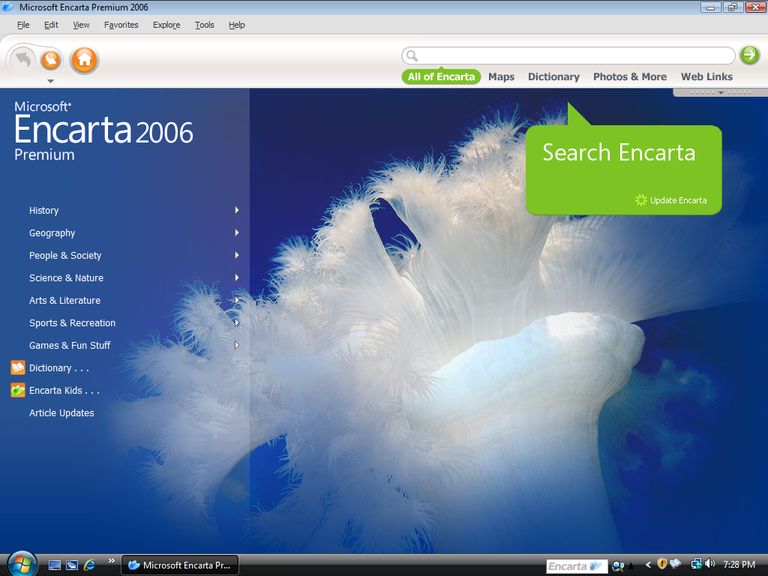
The Encarta interface, which looks like child-friendly browser with its navigation buttons. Clicking Home will take you to the Encarta start page, where you can choose the topic you wish to browse like History, Geography, Science, etc. Whilst intended to be used on Windows XP, it works quite well on modern versions of Windows. It’s just the information contained in it might be out of date.
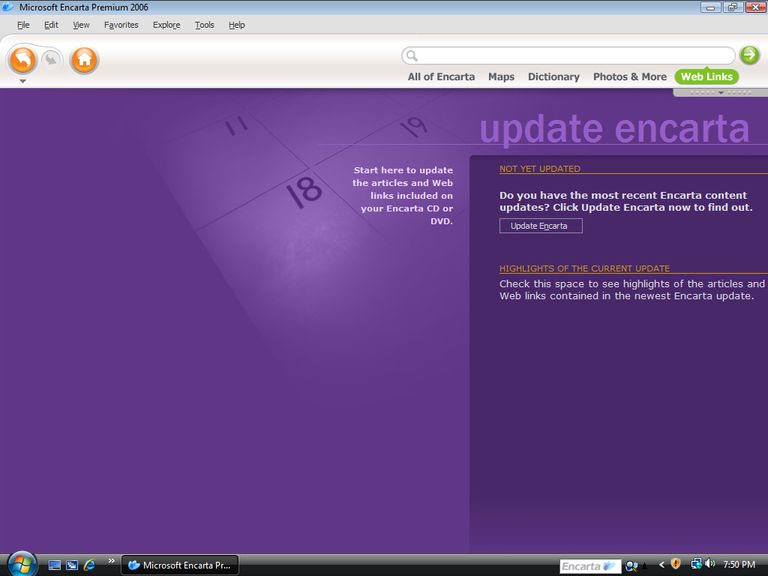
Article updates were a thing and you could download new or amended articles from Microsoft. This have long since been discontinued, though I wonder if its possible to reverse engineer Wikipedia articles into Encarta.
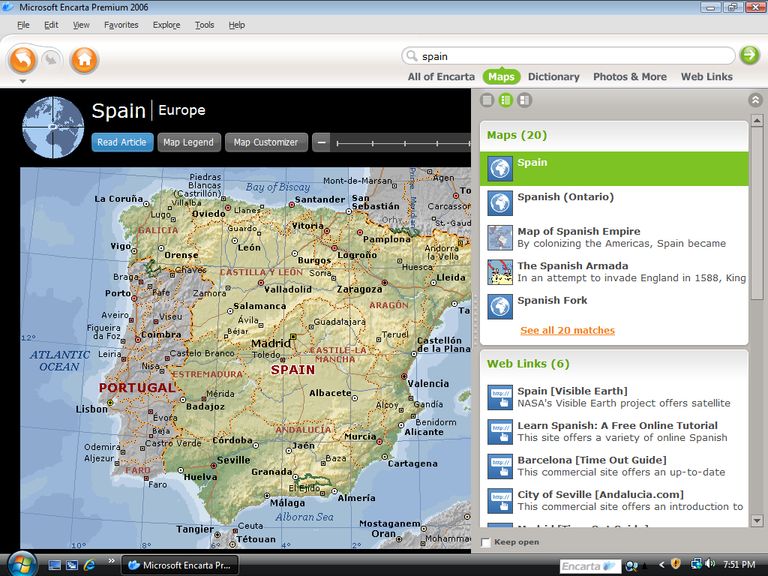
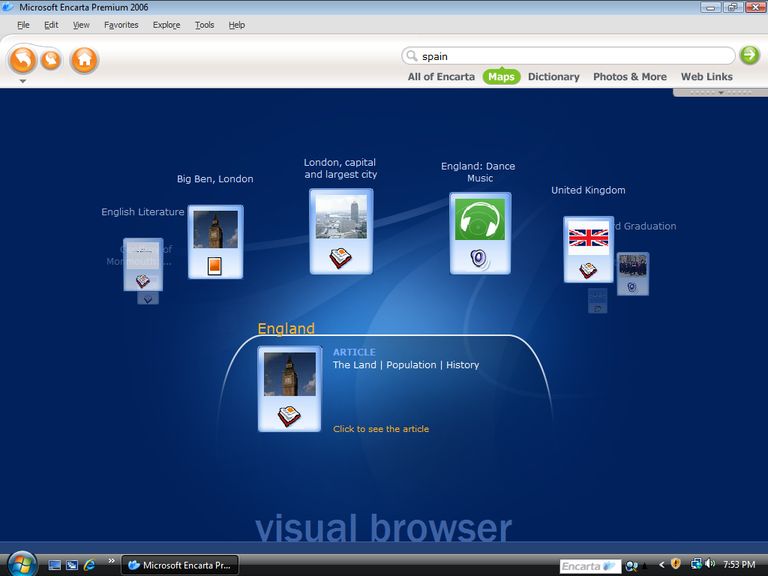
The search bar can be selected to search in specific subjects like the dictionary or maps. This is useful as the Encarta search can be fragmented,. Simply searching for Spain can yield results in relation to map/location and articles that relate to Spain itself.
The Discovery Channel video clips in Microsoft Encarta 2006 (particularly the Premium edition) consist of around 30 high-quality educational segments sourced from Discovery Channel, integrated directly into relevant encyclopedia articles to enhance multimedia learning. IT’s a nice change from just reading text in relation to reading the articles.
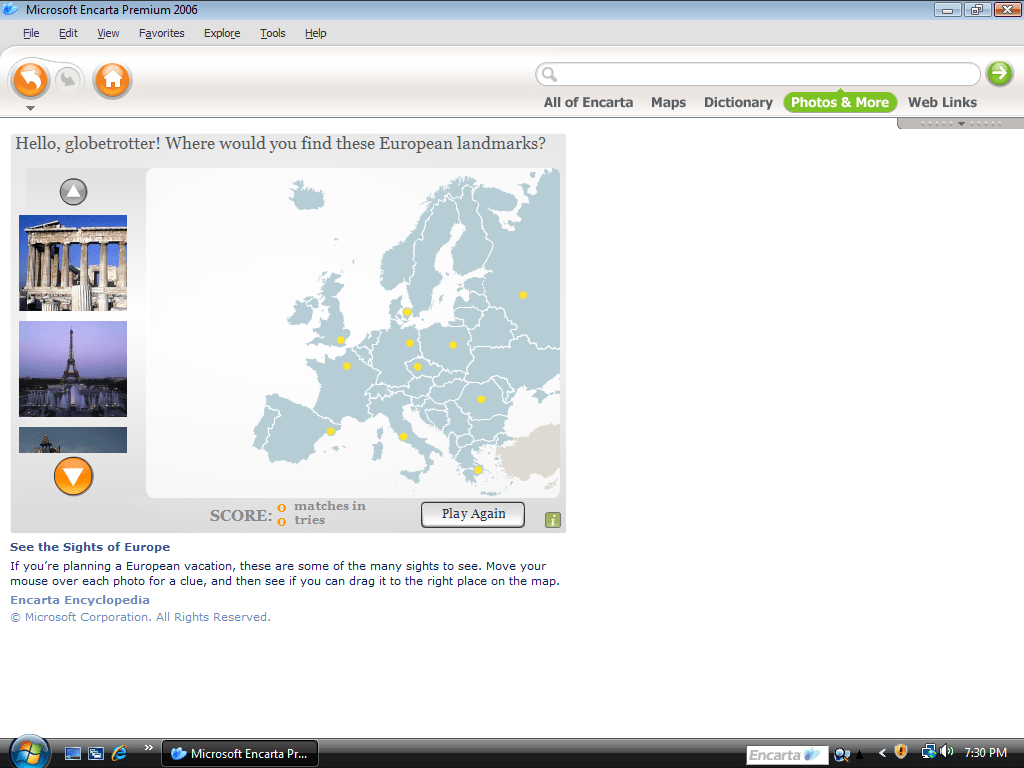
Encarta included a few educational games designed to make learning interactive and fun, primarily aimed at reinforcing encyclopedia content. These were not full-fledged video games but rather simple, knowledge-based activities integrated into the software. They are mostly powered by Flash and run within the Encarta program. Many of these consist of quizzes and puzzle’s.
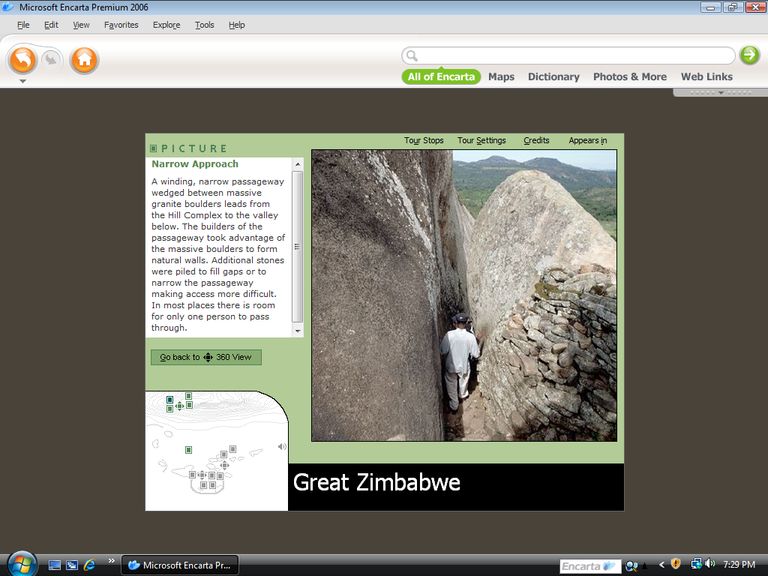
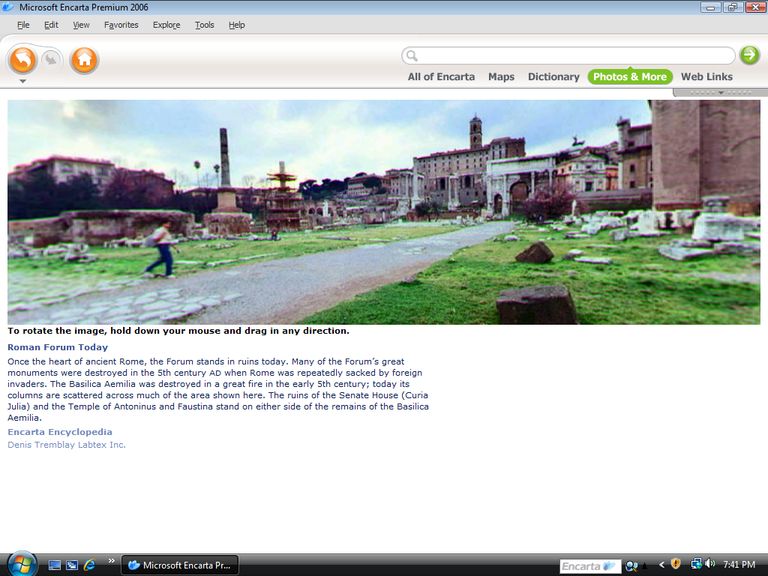
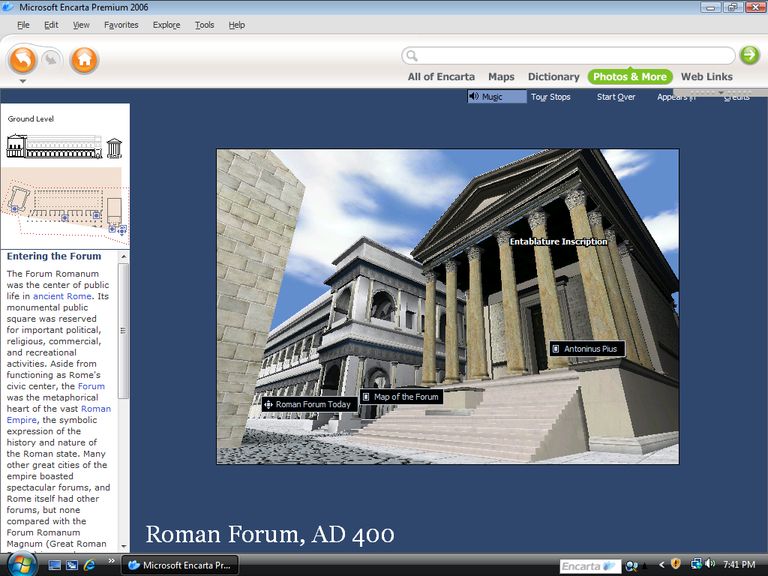
Microsoft Encarta 2006 featured 3D virtual tours as part of its multimedia enhancements, allowing users to explore reconstructed models of historical sites in an interactive, three-dimensional environment. This feature, introduced in Encarta 2002 and carried forward with minimal changes through later editions (including 2006), focused on ancient and historical landmarks to provide immersive educational experiences. You can navigate these tours using mouse controls to rotate views, zoom in on details, and access linked articles or hotspots for more information, albeit with the quality of early PlayStation graphics.
The visual browser feature that will show you relate topics with the use of icons. It’s intended to be a navigation tool to quickly locate related subjects, though it seems a bit gimmicky in its execution, and it scrolls too fast to be usable. It presented search results or article connections as a visual map of floating icons or clusters, allowing you to click through to refine queries by topic, relevancy, or media type (e.g., articles, images, videos).
It seems like something they would use to show off Encarta’s graphic engine, but has little practical use.
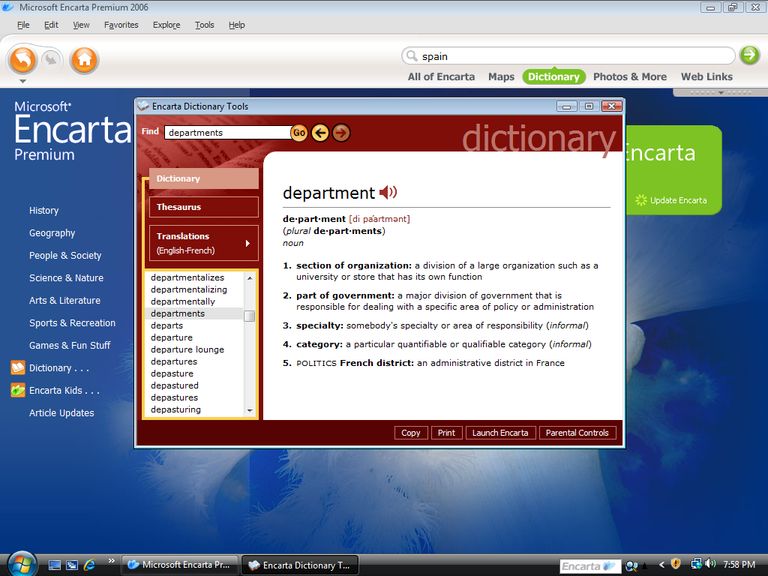
The dictionary of Encarta, which will show the definitions of words, along with a sound clip that you can play to hear the pronunciation of. A Thesaurus is also offered. Word definitions can be printed, and parental controls can be used to filter out slurs or swear words which are included.
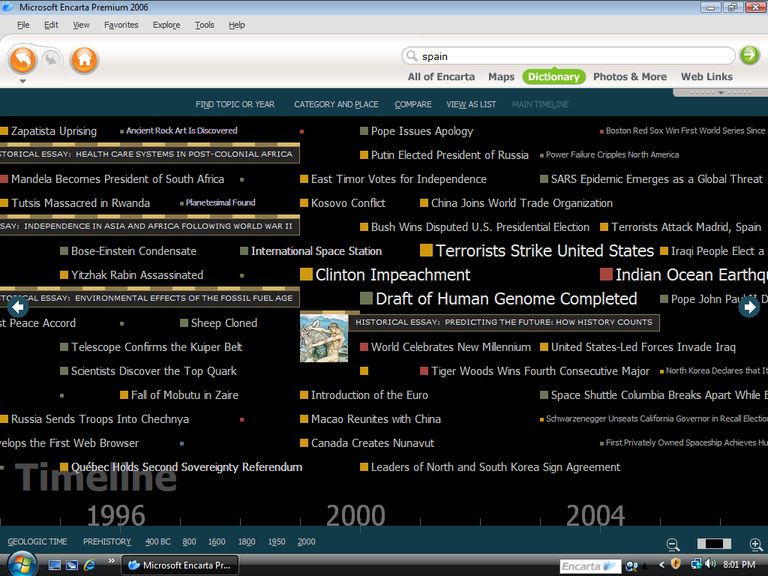
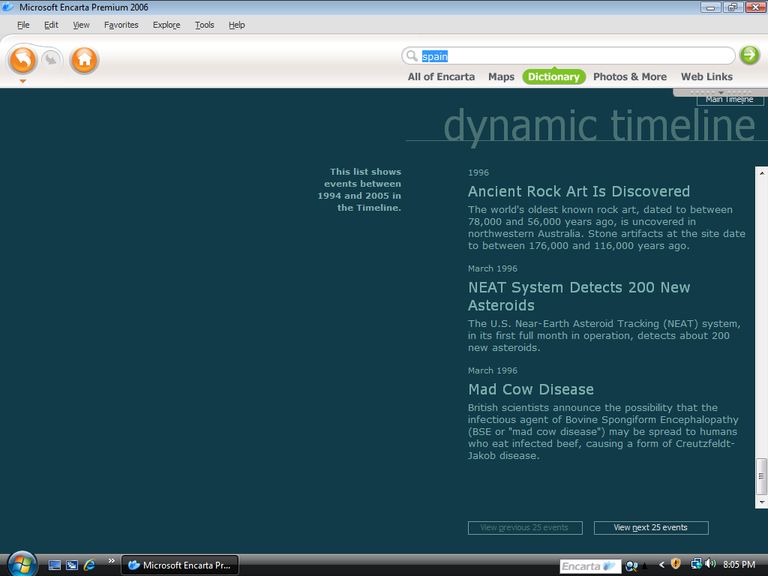
Another nice feature is the timeline which will show significant events in chronological order.
Encarta was followed up by its 2007 successor not long after its release as part of the annual cycle, however it would be discontinued altogether by 2009 in favor of Wikpedia and other online encyclopedia’s. Microsoft would later host Encarta online before that itself got discontinued.
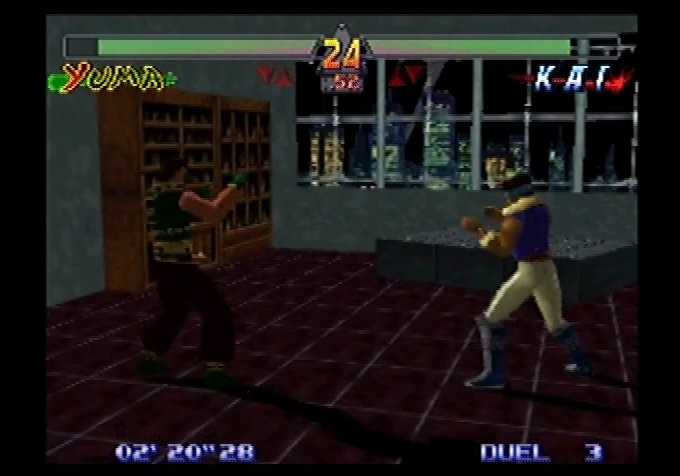
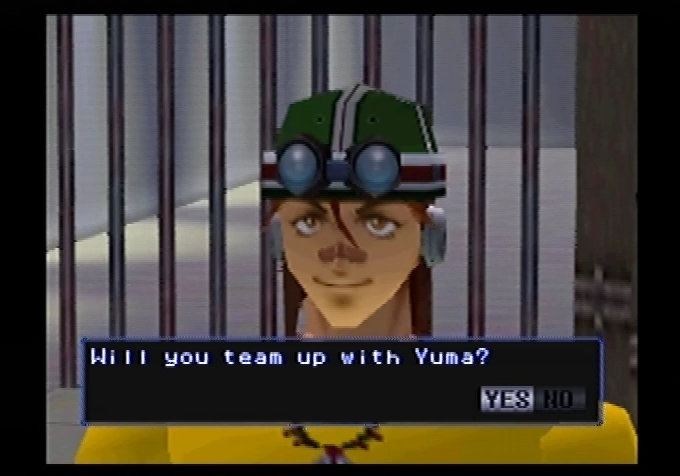
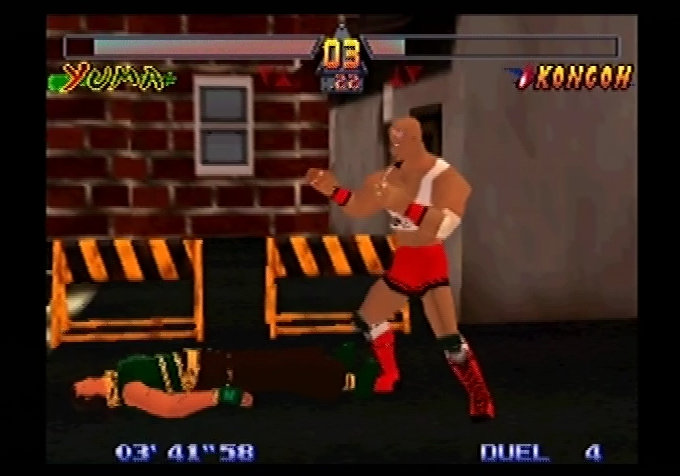
A 3D fighting game by Konami (the Osaka division) released exclusively for the Nintendo 64, back when games console shad their own exclusive fighting game franchises. PlayStation had Tekken, Sega Saturn had Fighting Vipers and Virtua Fighter and the Nintendo 64 had Killer Instinct, and G.A.S.P. Released in 1998 when Tekken 2 and Virtua Fighter 2 had already established themselves within the home console market.
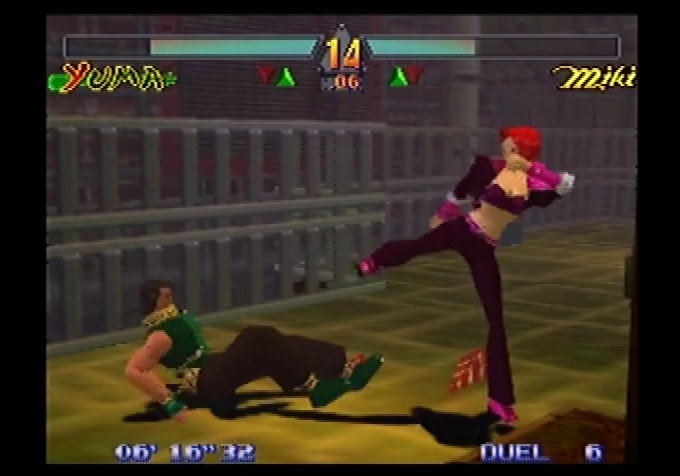
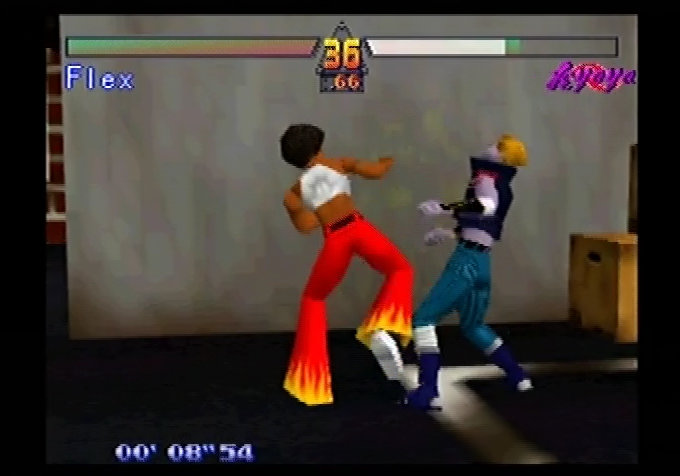
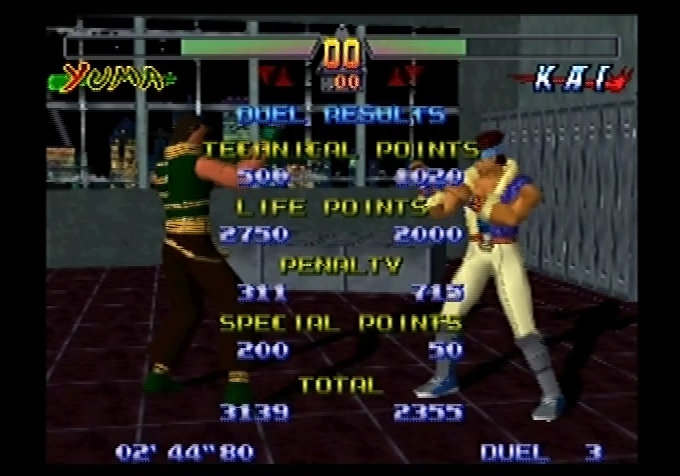
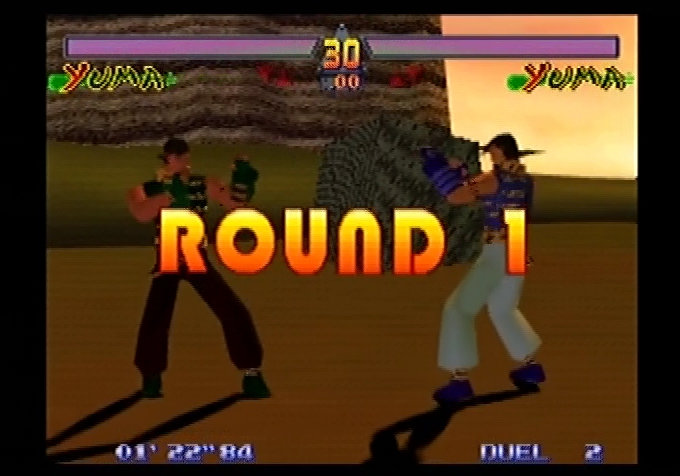
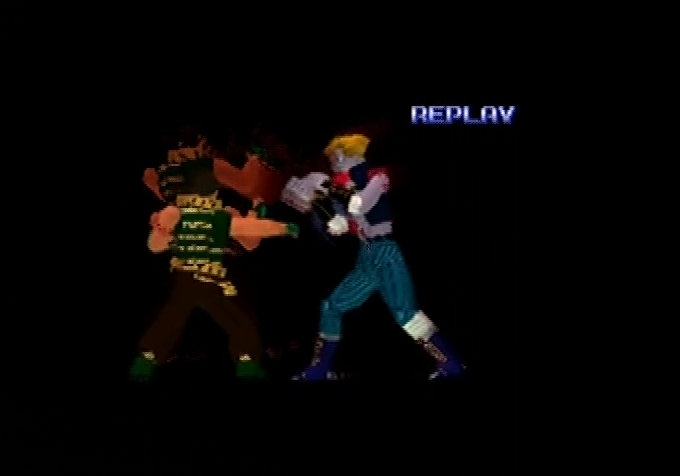
Gameplay revolves around arena-based 3D fights inspired by titles like Virtua Fighter, with scoring based on move quality and combos rather than just depleting health. Although this only appears to matter when the round time has expired, instead of awarding the match point to the player that’s the most health remaining, the game calculated the score based on remaining health (which weights heavily) along with technique.
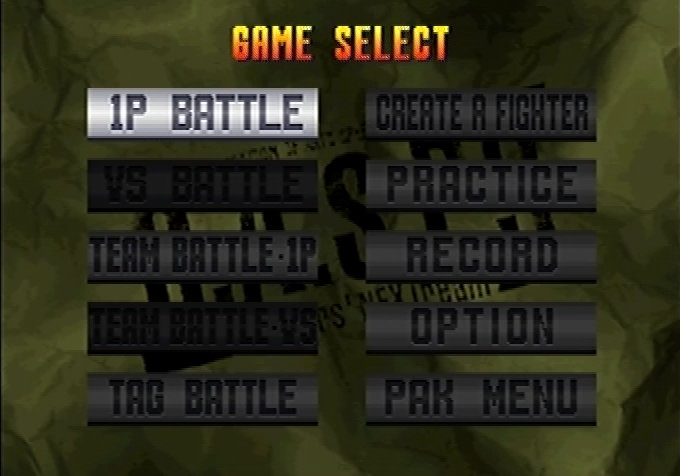
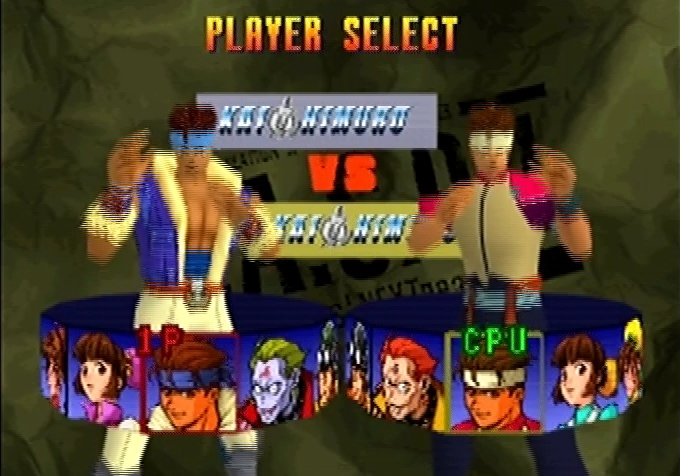
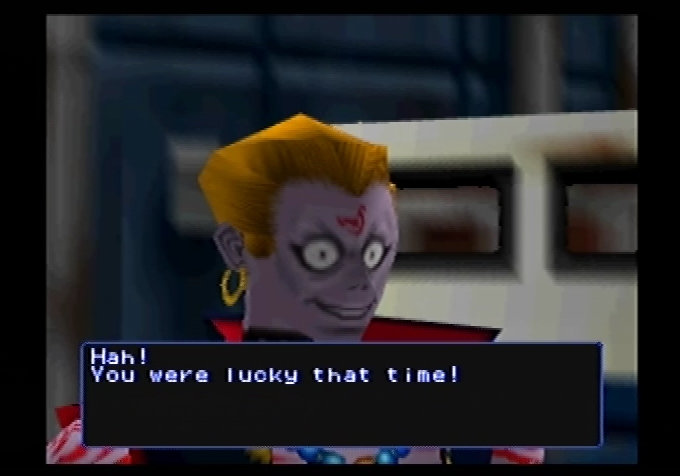
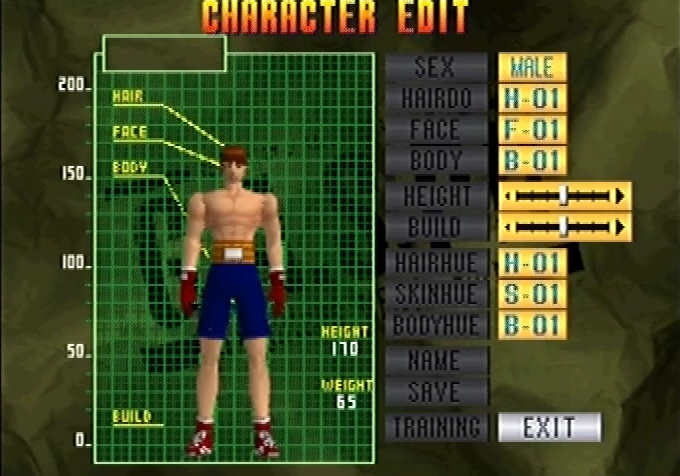
You select from 8-9 playable fighters (plus unlockable like a cat-masked wrestler Gouriki and boss Reiji Ogami, who transforms into forms like Hikari and Yami), each with unique moves, punches, kicks, throws, and evades. Modes include single-player tournament/duel, versus (1v1 or tag-team), training, and a notable create-a-fighter system where you customize appearance (hairstyles, body types, faces) and steal moves from defeated opponents. This is one of the few fighting games that does let you create and customize your own fighter, something that is more commonly seen win the wresting game genre.
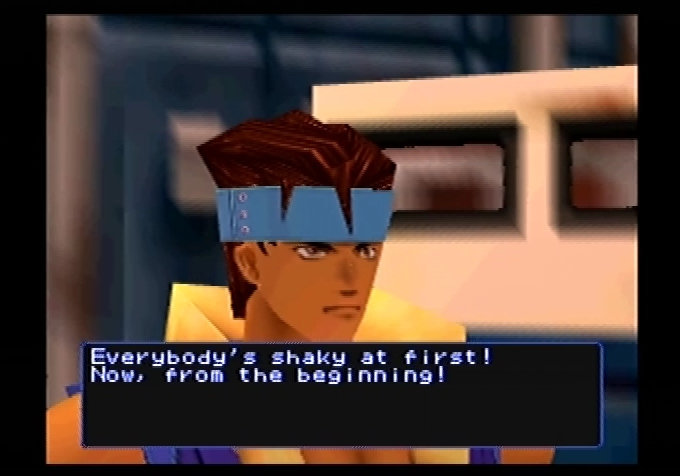
Unfortunately the game failed to capture the audience that Tekken and Virtua Fighter had, and the game itself wasn’t very well received both in Japan and Internationally. One of the main criticism’s was the overall pacing and speed of the game, giving a fell that the characters were fighting underwater. I’m not sure if this was a design consideration from Konami, as they possibly wanted to implement a more strategic fighting system that gives the player opportunity to counter and plan their next fighting move, or it this was more so of the technical limitations of the Nintendo 64. Many of the stages have destroyable objects that break as your chapter slams into them, but the physics processing could have an impact of the games overall speed as a result. Running on an actual N64, expect to get a frame rate of 20-30FPS.
The moves of the characters is also rather limited, with many moves just being a various of the same punch/kick. This might be due to the ability to create custom fights, which affects how the character’s moveset would flow, and how the animations execute across different character models and meshes without clipping or looking unnatural. This is often difficult to pull off and is why we often don’t see customisation in fighting games.
Still, the game reward you give a nice Techno-inspired soundtrack that has dark elements to it. If you have already admired Tekken for it’s soundtrack, you won’t be disappointed considering sound isn’t one of the N64’s strong points.
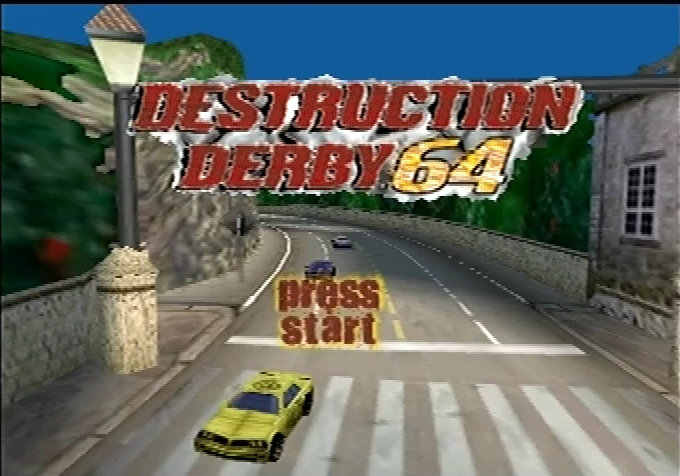
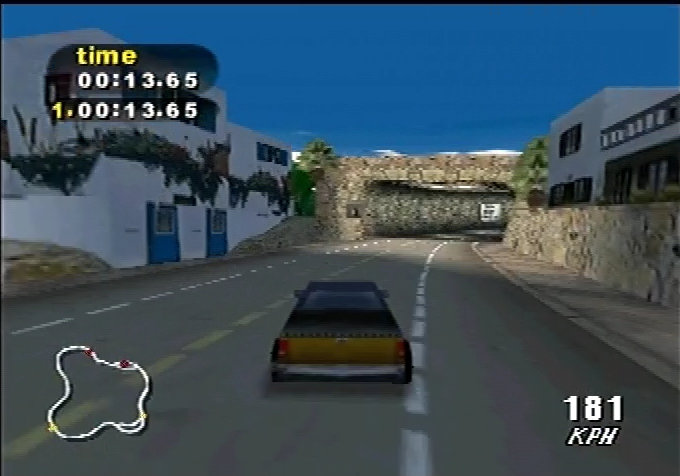
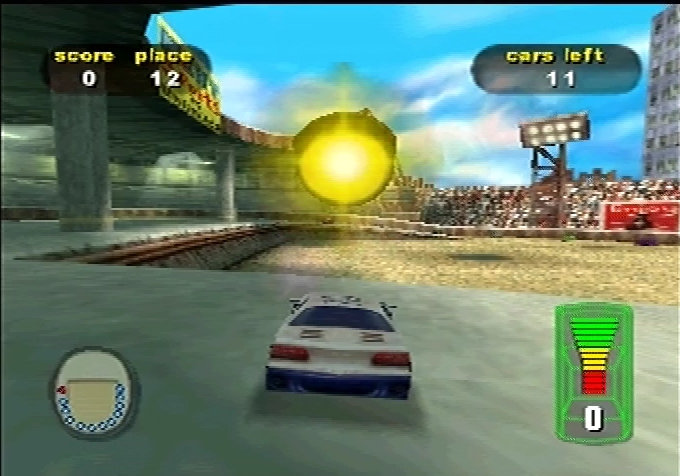
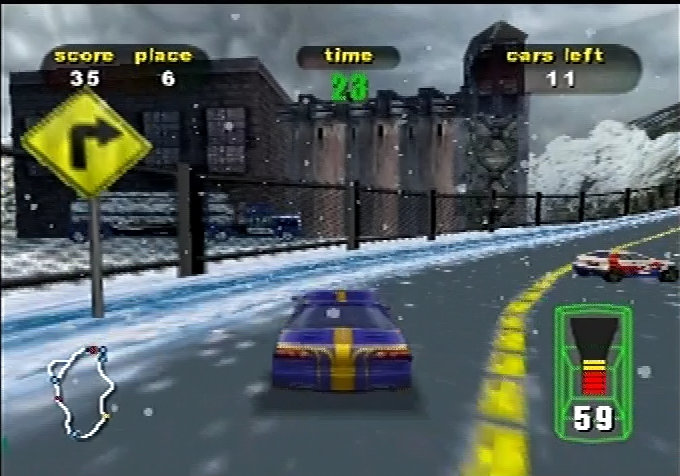
The Nintendo 64 instalment of the Destruction Derby series of games that were popular on the PlayStation, PC and Sega Saturn. The N64 version isn’t a straight port, but rather a spin off title which you would see often with racing games, with the N64 getting specialized ports of Ridge Racer and Wipeout.
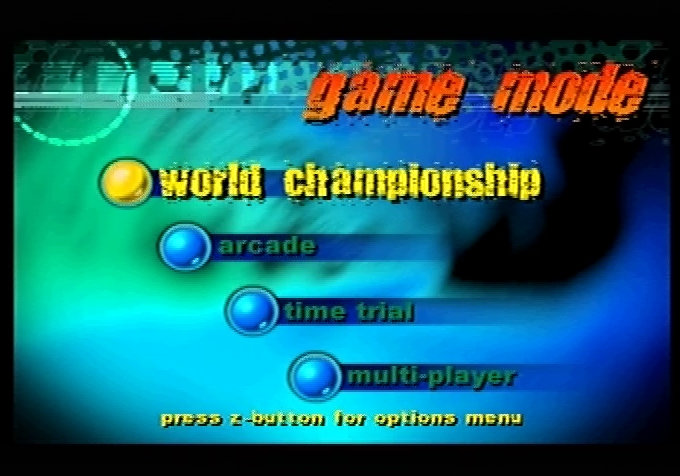
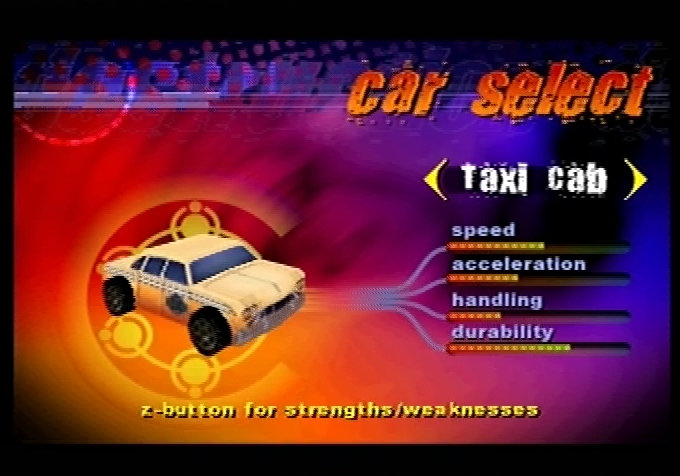
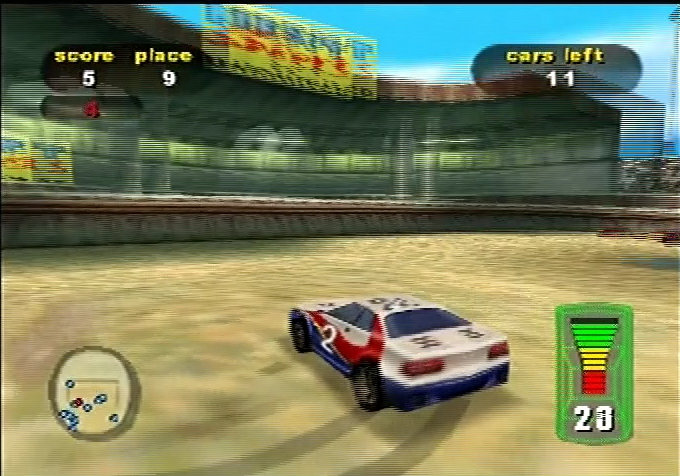
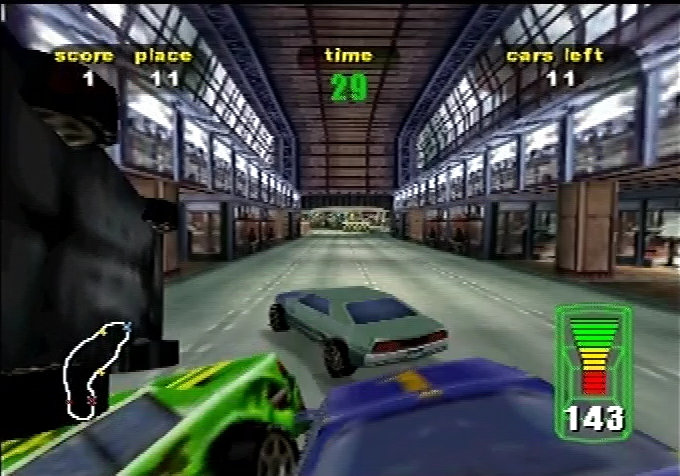
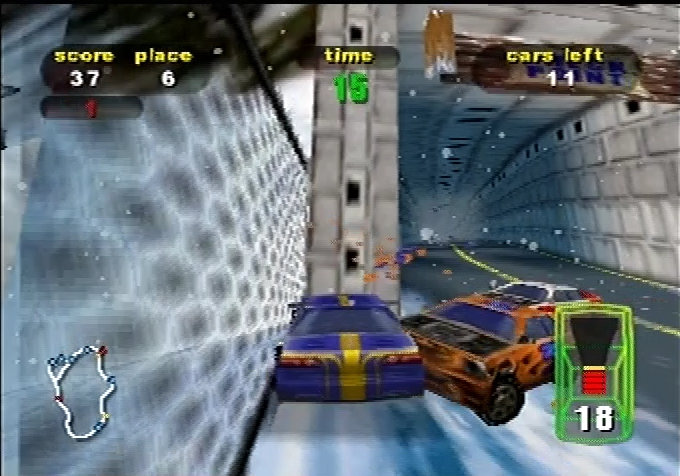
Destruction Derby 64 is played as a vehicular combat racer where you pilot one of 24 cars (stock cars, hot rods, ambulances, taxis, etc.—12 start unlocked, others via progression/Time Trials) across 8 tracks and 4 circular bowls (arenas). The core loop is to race to checkpoints/finish while ramming opponents to rack up destruction points, wreck them (explode/disable), and survive as damage affects your handling/speed, so balance aggression with caution.
Single-player in Destruction Derby 64 (World Championship mode, plus Arcade and Time Trial) revolves around scoring the highest points via destruction + racing progression, not just pure placement. Races end when all opponents are wrecked, your damage meter fills (you explode), or you miss a timed checkpoint. Up to 12 AI cars split into 2-3 groups for head-on chaos from the start (opposing groups reverse direction), no lapping system.
The multiplayer takes advantage of the four controller ports the N64 provided. You have access to 4 player split screen with has the game modes Deathmatch, Destruction Race, Tomb Tag and Capture The Flag, Unlike the console versions you don’t need to have two consoles linked up via the serial cable, all of this can run on one N64 console.
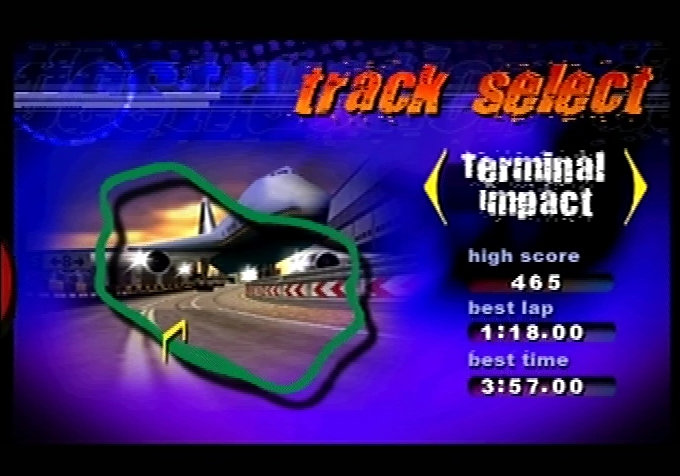
There is a nice variety of track in the game, Seascape Sprint has a costal/beachside appearance to its and make me thinks it takes some inspiration from the costal track from Rage Racer. Metro Challenge is a more urban environment set in a more built up area, whilst Terminal Impact is set on a Airport terminal with plenty of obstacles that you will need to avoid. Destruction Junction is a figure-8 designed track that can be tricky to navigate as it’s easy to make a wrong turn.
Destruction Derby 64 follows the same soundtrack theme as the PlayStation original with a techno/electronica inspired soundtrack that keeps pace with the games racing theme. However I feel a more industrial/grunge inspired theme would suit the destruction part of the game better.
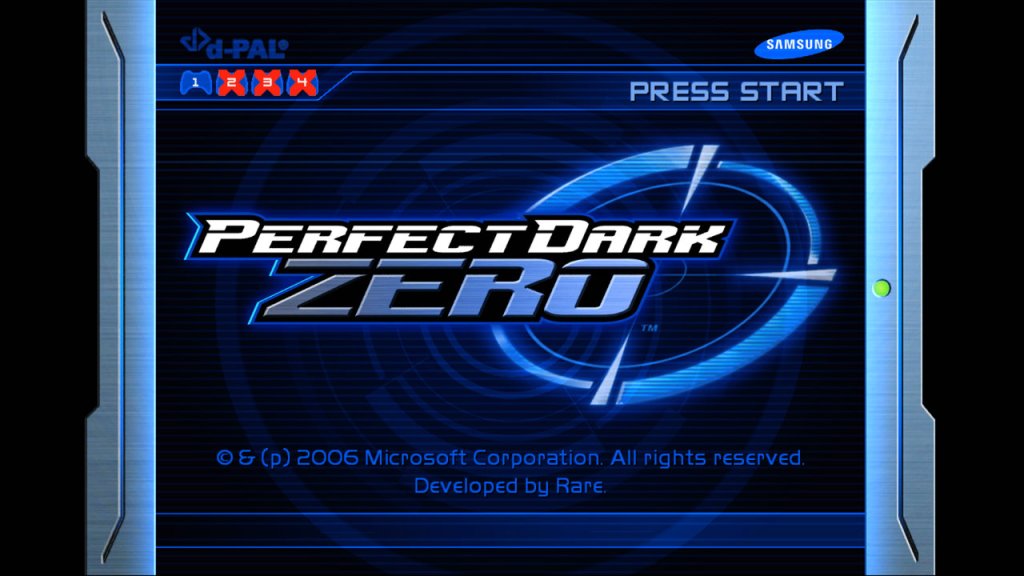
The sequel to the original Perfect Dark game, released as a launch title for the Xbox 360 in 2005.
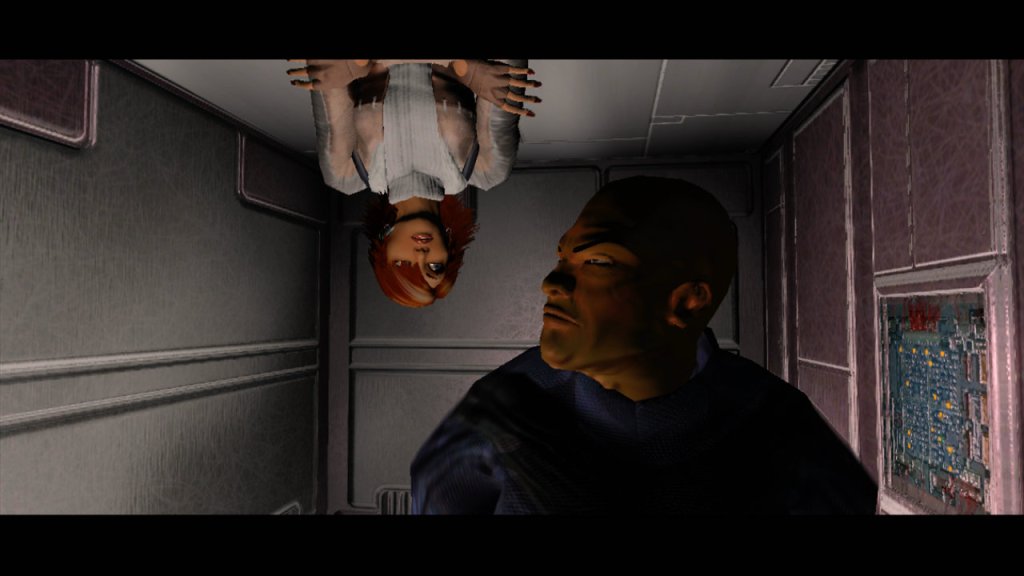
First off, Perfect Dark Zero is trying to tell the origin story of Joanna Dark, our badass spy chick, in this futuristic 2020 where corporations are running the show (similar to your typical futuristic SciFI story, like Unreal and Deus Ex). You’re out here doing bounty hunter gigs with your father, Jack, before things turn bad with dataDyne and some alien artifact. The story is a lot more hard to follow compared to the N64 original, even with the HD cut scenes. The original had this tight, mysterious vibe with Area 51 and Skedar aliens—felt like X-Files meets GoldenEye. This one’s got a convoluted plot. The N64 game’s story wasn’t perfect, but it had charm and focus. Zero feels like it’s trying too hard to be epic and just trips over itself, which is usually a sign a game was rushed to reach a console launch deadline.
PDZ’s 2020 setting depicts a world where corporations like dataDyne dominate global affairs, overshadowing governments. This theme critiques unchecked corporate greed and the ethical dangers of profit-driven science, as dataDyne’s pursuit of the Graal prioritizes power over humanity’s safety. It reflects fears of real-world corporate overreach, a staple of cyberpunk stories. Sound Familiar? Corporations in 2020, like Amazon, Google, and Microsoft, arguably hold significant economic and cultural influence but didn’t supplant governments – well not as we know of yet.
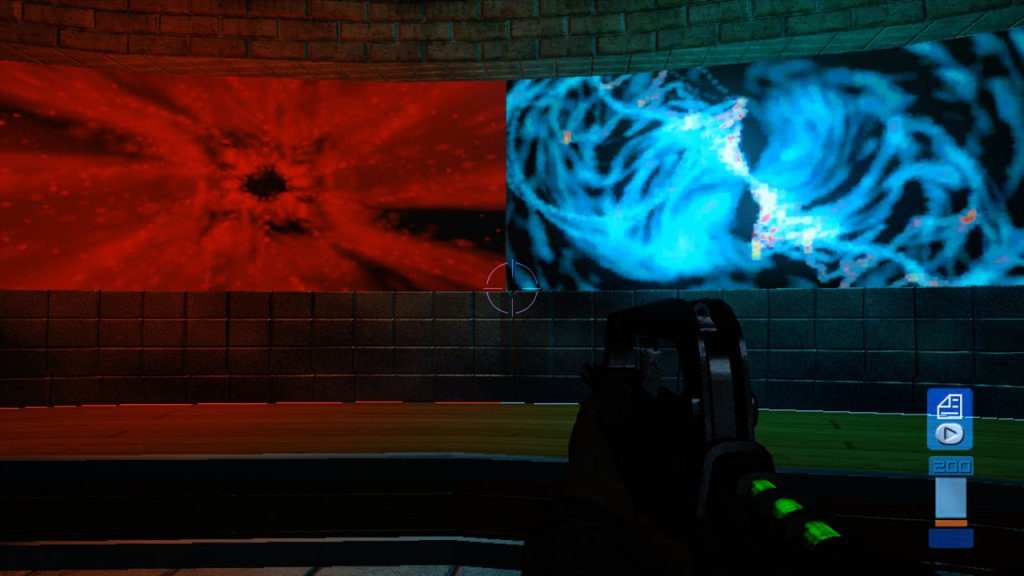
Windows Media Player Visualizations in the Nightclub level
Another key element is Betrayal, that drives much of the plot. Chandra’s double-cross, Mai Hem’s ruthlessness, and dataDyne’s manipulation of allies like Killian. Joanna’s journey tests her trust in others, contrasted by her growing loyalty to the Carrington Institute, which represents a moral counterpoint to dataDyne’s amorality. This theme explores personal and ideological conflicts in a world of shifting allegiances.
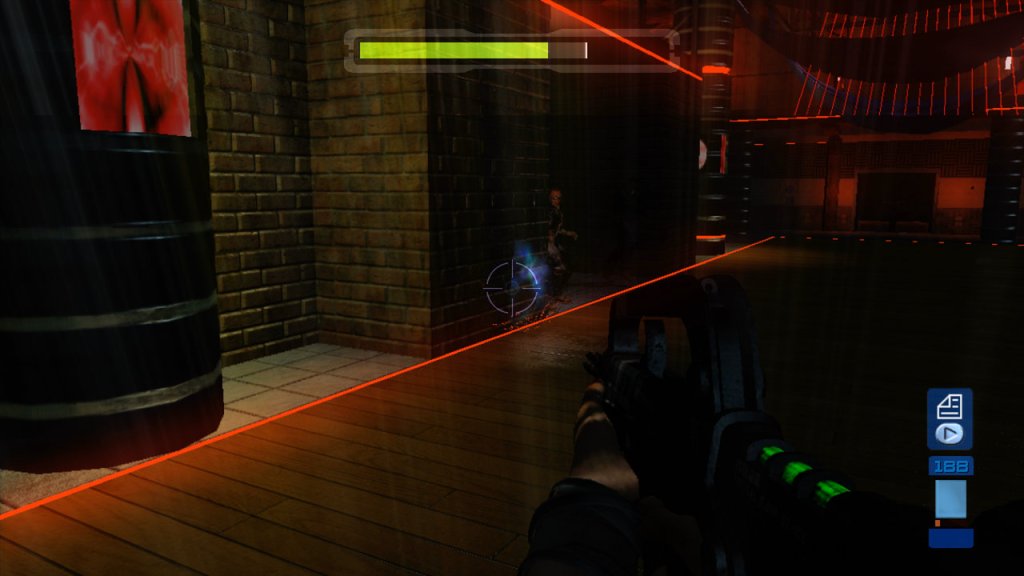
Texture’s give off a plastic look
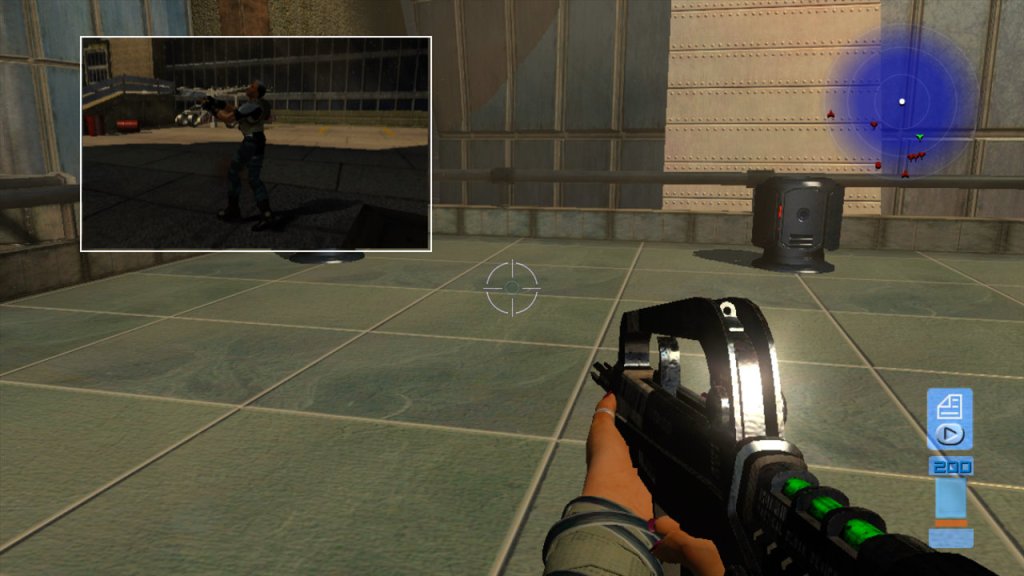
Gameplay-wise, it’s got that FPS core, but it’s leaning into tactical stuff—cover system, dodge rolls, stealth objectives. You can hack terminals with a Datathief gadget or sneak past guards, which is cool but it isn’t as smooth as the original. The N64 Perfect Dark had those tight controls, even on that wonky controller, and missions felt varied with objectives that changed per difficulty. Zero’s campaign is alright—14 missions, playable solo or co-op. The co-op’s is dynamic, like one guy hacks while the other covers which an interesting way to implement multiplayer into a single player campaign.
The multiplayer is where Perfect Dark built its throne. The N64 version had us glued to four-way split-screen with bots, proxy mines, and Laptop Guns—pure chaos in the best way. Zero steps it up with 32-player Xbox Live matches, which was mind-blowing in ’05. You got DeathMatch, Capture the Flag, and this DarkOps mode where you’re buying weapons with credits like it’s Counter-Strike. The bots are still varied, with personalities like “Judge” who hunts the top player. Problem is, the maps feel less inspired than the N64’s tight arenas like Facility or Complex.
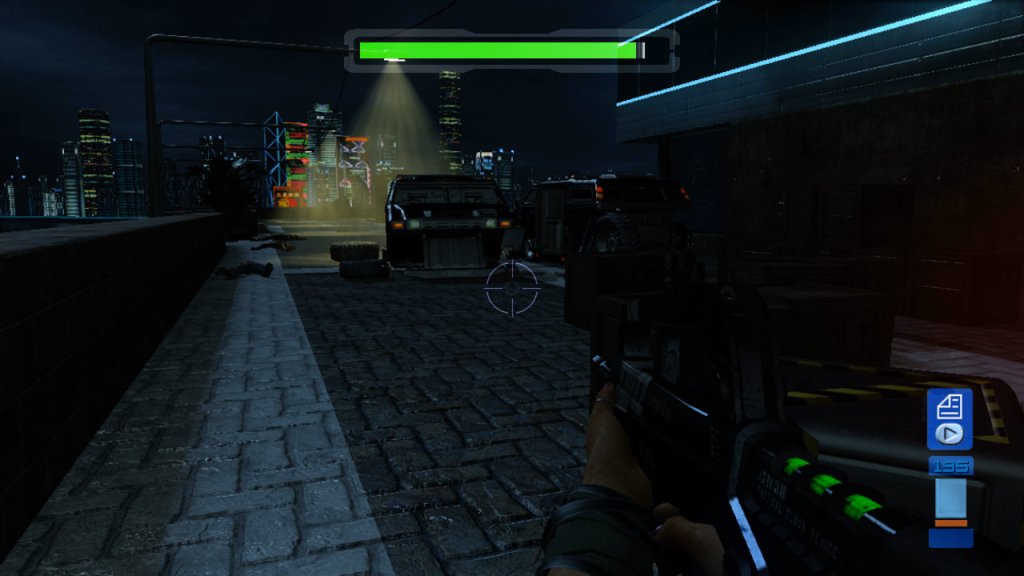
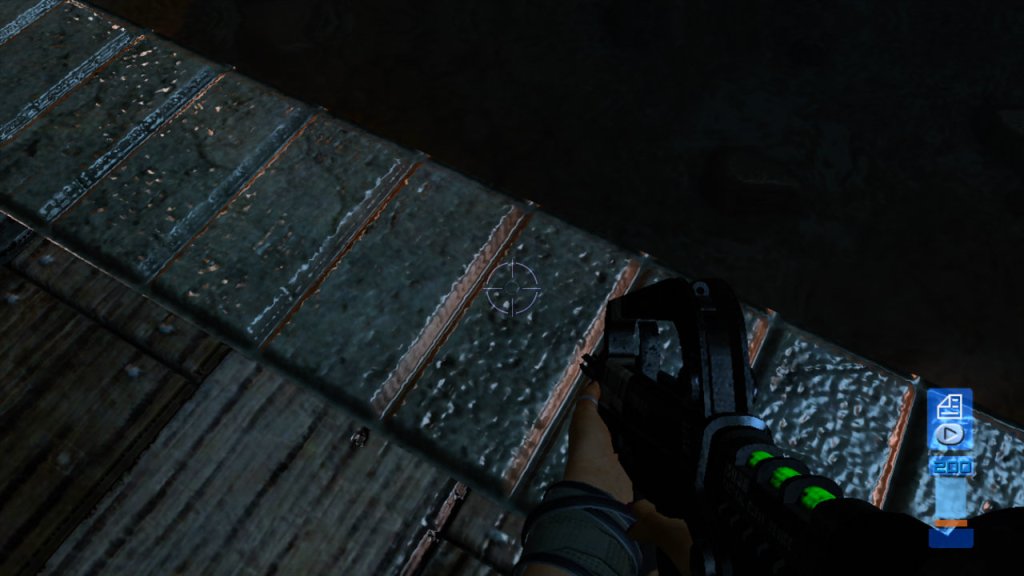
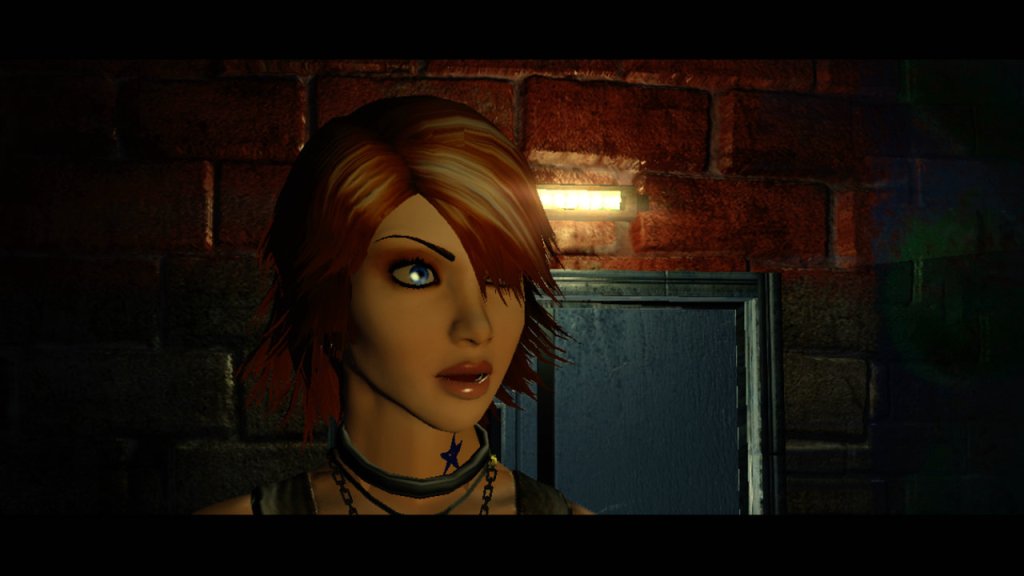
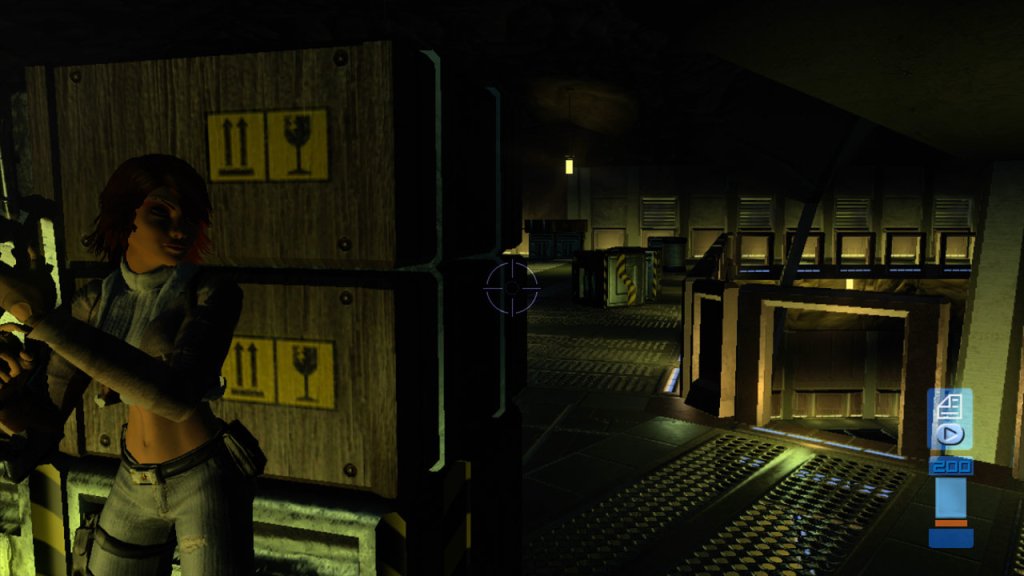
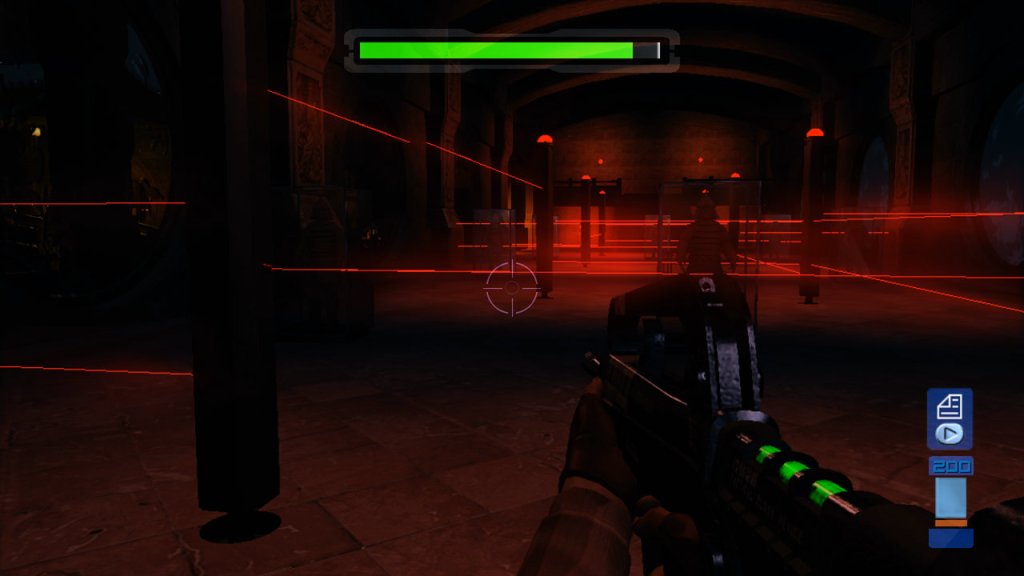
This game was a showcase for what the 360 could do. We’re talking 720p, widescreen, HDR lighting that makes neon-lit Hong Kong levels pop like a music video. The parallax mapping gives textures this 3D depth, and ambient occlusion makes shadows look real as hell—stuff we weren’t seeing on PS2 or Xbox. Joanna’s character model, with her red hair and tactical gear, looks slick, even if her anime-inspired design feels less iconic than the N64’s gritty vibe. Environments like dataDyne’s skyscraper or the Peruvian ruins are massive and detailed, a huge leap from the N64’s blocky polygons. But sometimes the framerate chugs, especially in big multiplayer matches, and animations feel stiff, like Rare was rushing to hit that launch deadline. Compared to Halo or later 360 games, it’s not quite top-tier, but for 2005, it was showing off what next-gen could be.
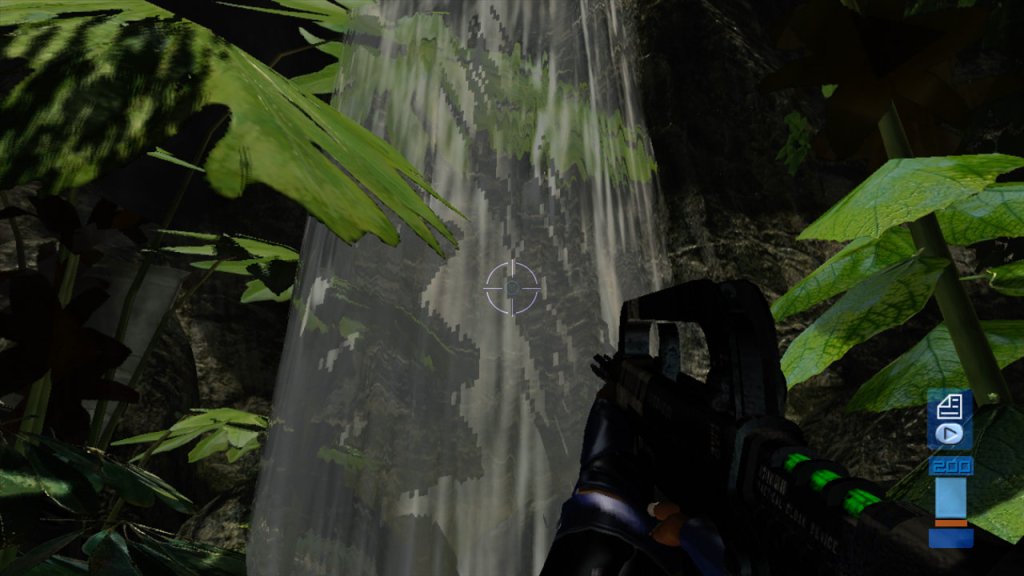
Waterfall in the Jungle level
Compared to the N64 Perfect Dark, which wove its conspiracy with tighter pacing and a more cohesive blend of sci-fi and spy thriller, Zero’s story feels fragmented due to its rushed development. The themes are ambitious but often superficially explored, with weak dialogue and voice acting diluting their impact. Still, the corporate dystopia and tech-driven paranoia align with cyberpunk classics, while the personal revenge angle adds relatability. Overall, Perfect Dark Zero is a solid launch title, but it’s living in the shadow of a giant.
A
Nearly 20 years alter and Microsoft has yet to follow up with a sequel, and it’s unlikely they will at this point. A reboot was greenlit in 2020 but has since been cancelled with very little to show for, and that’s the last we will probably see of Perfect Dark.
The third expansion released for The Sims 2, that added the ability to create and run business from their own home, or from a community lot. This expansion also included the concept of badges, business perks. OFB gives sims more options on how to make money, instead of having to have a career.
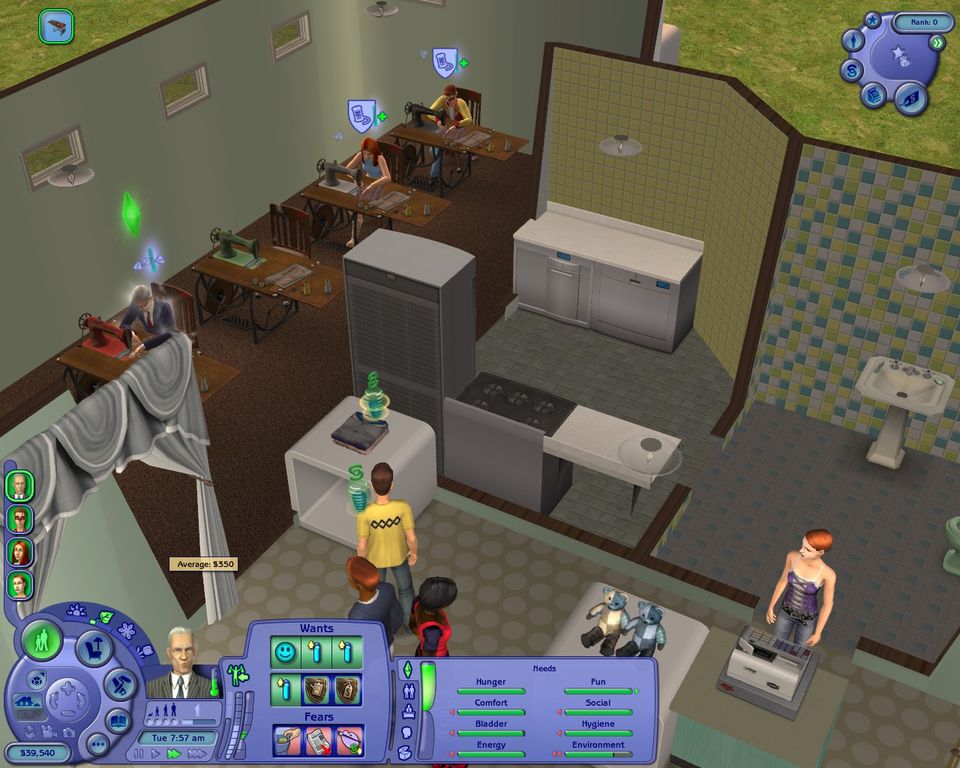
A sims sweatshop
Business can vary from selling goods purchased from buy mode to their own produce like cakes/robots/flowers/etc that the sim has produced. Items from other expansion packs can be sold or monetized into a service. By default, the shipped Shopping district (Bluewater Village) comes with a few premade business like a florist, a cake shop and a Toy shop, A few ideas are:
Fish: With the Seasons expansion, You can have your sim catch fish from a nearby lake and then sell it other sims, since the types of fish is dependent on their talent badge and access to a lake, this could be a useful way for sims to buy and cook fish if they have no access to a lake on their own lot. Also remember that sims cannot increase their skills and badges on a community lot, so it’s impossible to catch more expensive fish without cheats unless they have a lake on their own lot
Cakes/Food: Sims with a high cooking skill can produce food that can be sold for other sims. Things like pizza and Chinese food still cannot be produced which I think was a missed opportunity with this expansion, you could have had sims create their own fast food place.
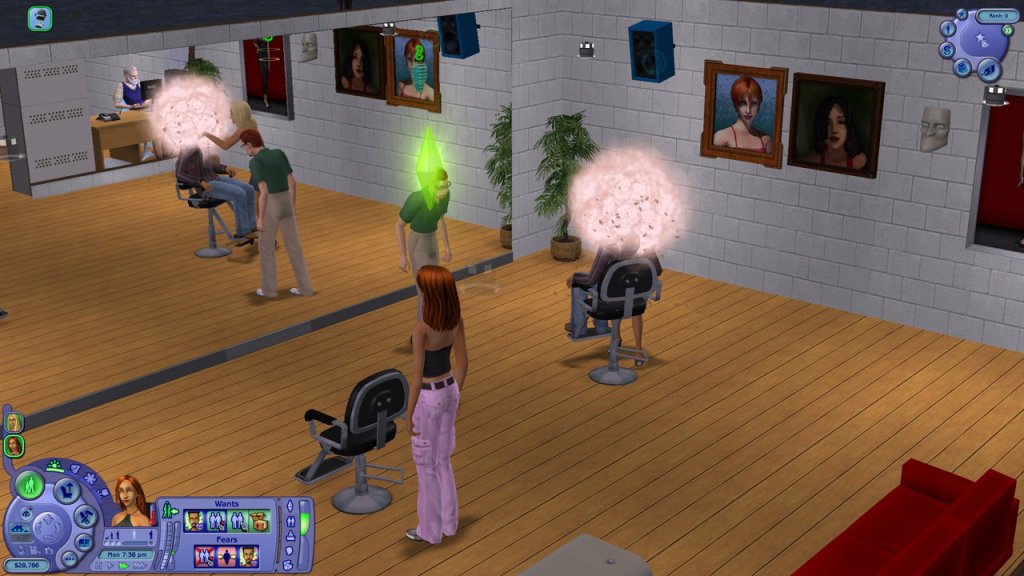
Beauty Salon: Freetime introduced a hair salon chair which allows sims to give makeovers to other sims, also serves as a nice opportunity to change the appearance of NPC’s and townies
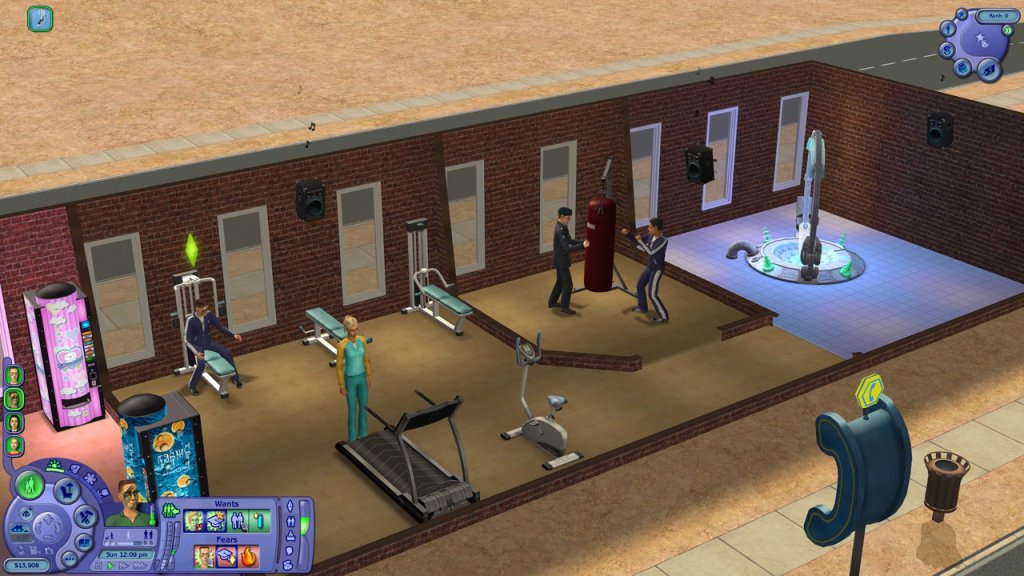
Boxing Gym: The punching bag normally cannot be purchased as its an career reward for the military, however a sim that has unlocked this can use it to set up their own gym. It’s a bit tricky to set up as sims wont autonomously use it, instead you have to have your sim offer lessons to them.
Art Studio: Sims can produce their own paintings and sell them to other sims. Having them to do portraits for other sims can be tricky as they will reject this if the relationship is low. Also the painting’s the sims produce are done at random.
Farm: Sims that can grow crops can also sell their produce, useful for sims that do not have enough land to grow their own. This best way to do this is to grow their own produce at home, then sell it off at a community lot they own.
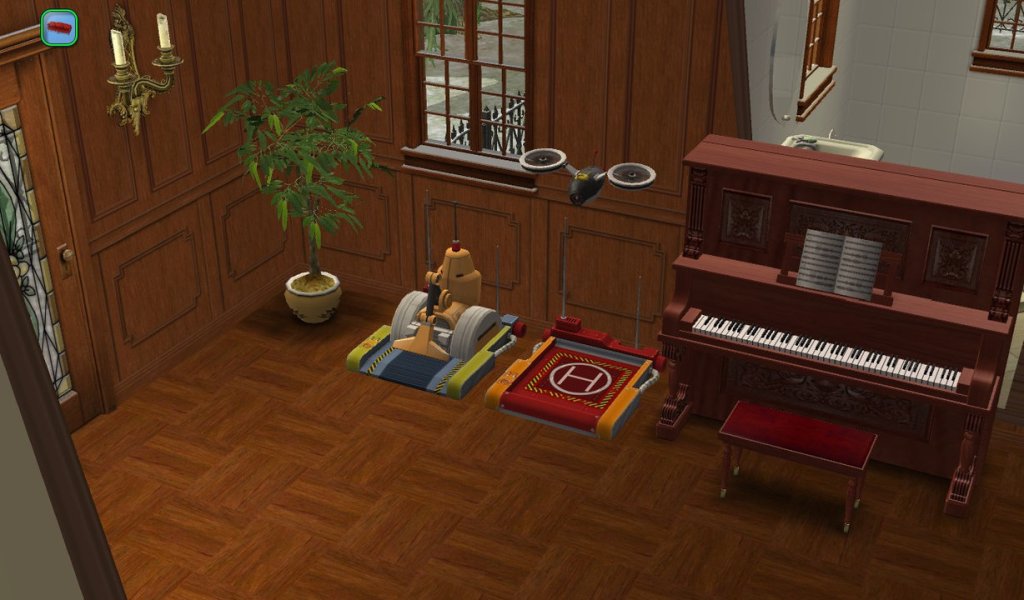
Robot/Electronics: With the Robot station, sims can product electronic items like drones and full on Servo’s than can be brought and activated. Dones can be for security or food (The munchies bot brings either Pizza or Chinese Food). These tend to malfunction often and are more trouble than they are worth.
Textiles: With the Freetime expansion, sims can craft and sell their own fabrics. With a high enough talent badge, you can create your own clothing.
Pottery Shop: Also included with the Freetime expansion, Sims can sell a range of pottery.
Car Showroom: You can purchase the craftable car, have your sim fix and complete it and sell it. This one is best suited for a home lot, as I ran into a few issues trying to attempt this on a community lot. First is vehicles cannot be purchased in Buy mode whilst on a community lot, and storing them in the inventory caused issues when placing them on the driveway.
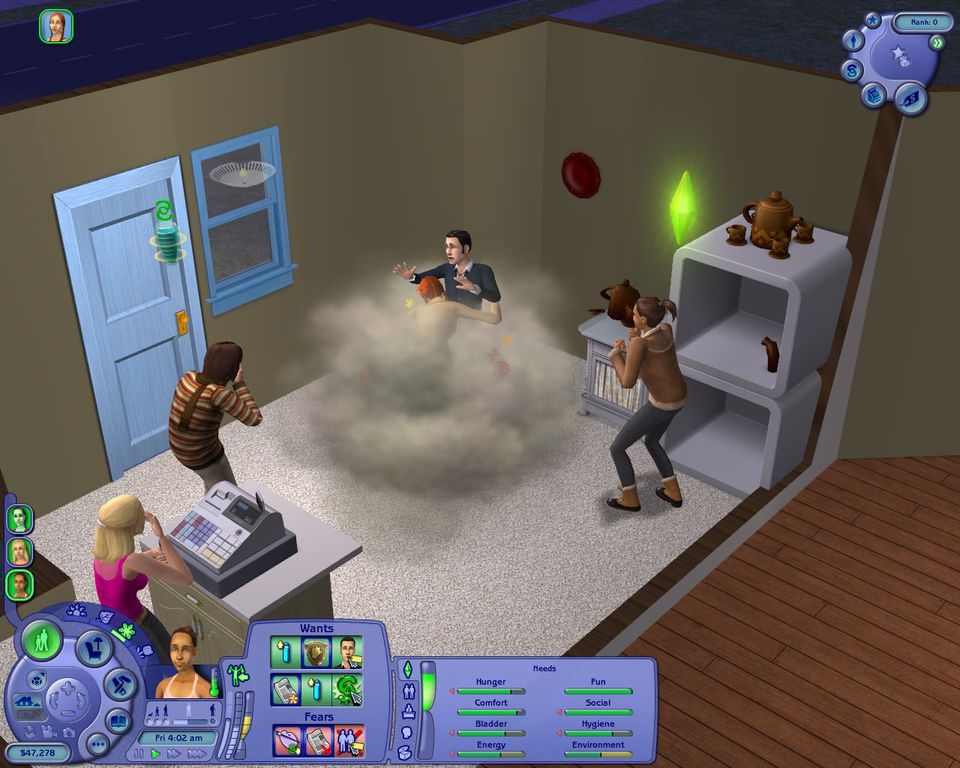
Fighting in a pottery shop, You break it you pay it
There is a bit of micromanagement needed when running a business, as you are expected to manually assign your employees roles to ensure the business remains functional. Over time, they will need to be assigned on break, otherwise they will quit.
Craftables are a new concept introduced in the game, and are made by purchasing the correct workbench. This is where the skill badges comes in, as the type of items the sim can make Is dependent on how good their badge is for that talent.
Robots are one of the new objects that can be crafted. You start of by making simple toy’s, then onto sentry drones (which are quite useful, like the Munchie bot that will deliver food every so often) to eventually a Servo. Some of the robots have a tendency to break down often, like the hoover bot. When this happens it will just spew trash all over the lot, and it will happen quite frequently regardless of the sims talent or mechanical skill. Personally I would avoid these and just stick with the gardener or maid, or install a mod to reduce the chance of breakage.
The Servos, when powered up become their own sims. They can be controlled, get a job and do most tasks a sim would normally do. They have and have a different set of motives comparted to a human sim, relying on sunlight for power. Servos will always have a desire to clean up, and will often do chores automatically. This is in contrast to the Servo that was introduced in Livin Large, where they had to be manually activated by the sim,
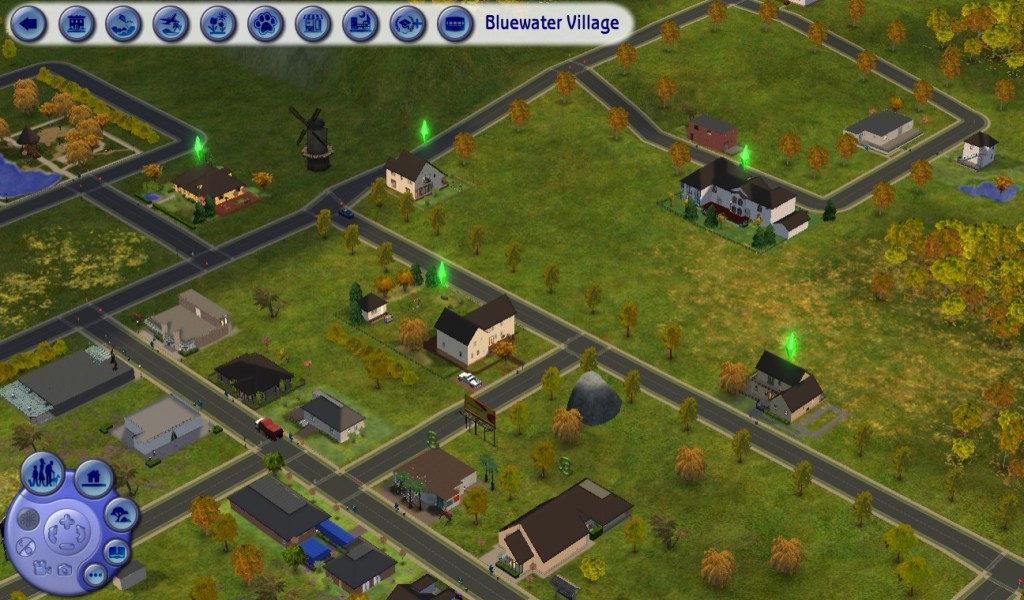
Shopping districts are introduced in the game, these are subhood’s that had can be added to an existing neighborhood. They can also be used if you run out of space on your current neighborhood. There is no hard limit on the amount of sub hoods that can be added, and sims can travel between different subhoods.
Bluewater village ships with the game and adds a few families to the game, these serve as examples of the different buisness that can be used with Open For buisness.
Tinker: Stephen, Wanda and their daughter Melody, they are currently in the toy making business and are operating it from home.
Delarosa: Florence operates a flower shop from her lot
Jacquet: Denise, with her son Gilbert who are owners of a local bakery.
Landgrabb: Malcom Landgrabb lives here, who is no stranger to The Sims having previously appeard in the console games (Bustin Out). Dudley and Mimi do not appear and there is no mention of them in the family tree.
Ramirez: Checo, Lisa and their daughter Tessa, live on a fairly typical household lot. There is a lemonade stand outside which Tessa can use to sell lemonade. Both parents are unemployed, so Tessa must be shitfing some Lemonade to pay the bills
Gieke: Family bin sim, can be moved onto any lot he can afford.
Larson: Twins Jason and Jodie, who currently do not have a business (or a lot) of their own.
Conclusion
Open For Business adds a lot of new features to the game, but the implementation is not without flaws. NPC/Townie sims will constantly try to interact with your employees which can cause then to be unassigned from their tasks, leaning into the micromanagement element of the game. NPC sims also tend to hang around on lots even after they have finished shopping, often getting into fights with other sims which can affect the business ranking (which is unfair). Often you will have to manually dismiss these sims off the lot to prevent your rating from tanking, or so the game will actually spawn sims that will buy items. A quirk of The Sims 2 is that the game will only spawn so many sims on a lot according to your systems capabilities and after a while, will stop spawning sims because the existing sims are wandering around the lot or are playing outside.
The employee system could have been implemented better as its not always easy to tell when they need to go on a break, and they often quit for no reason even whilst on break. Thankfully there are mods that can fix this.
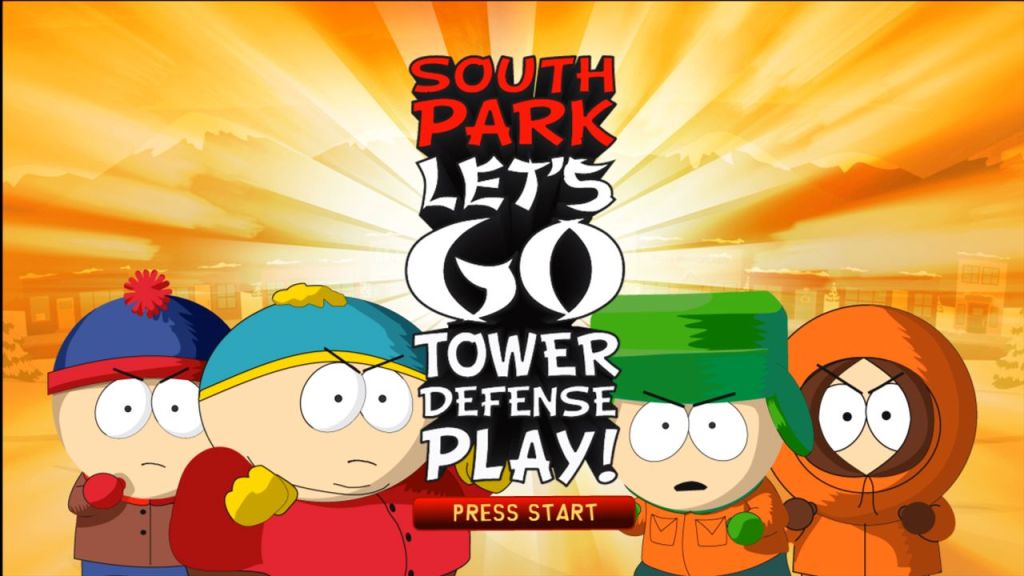
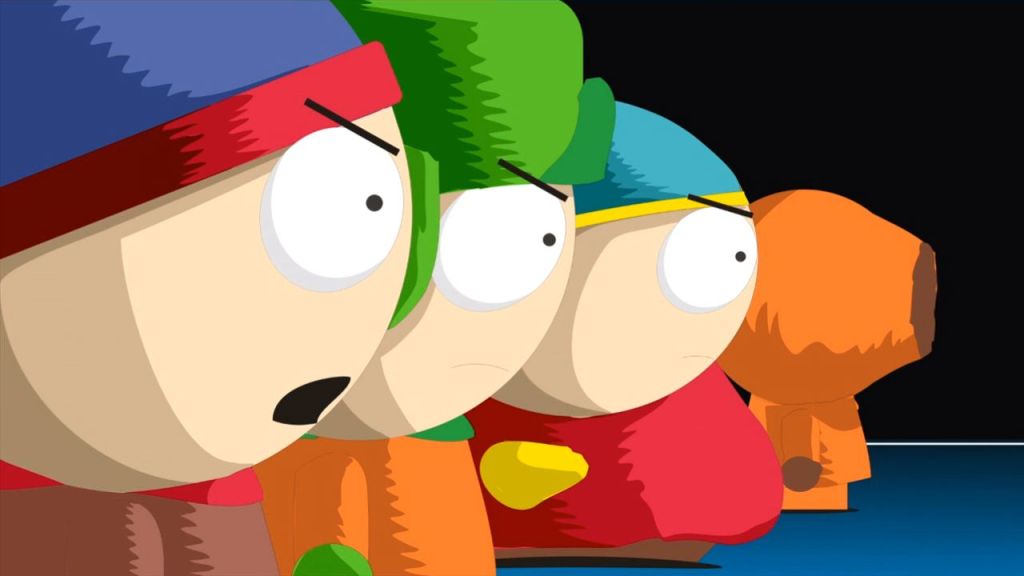
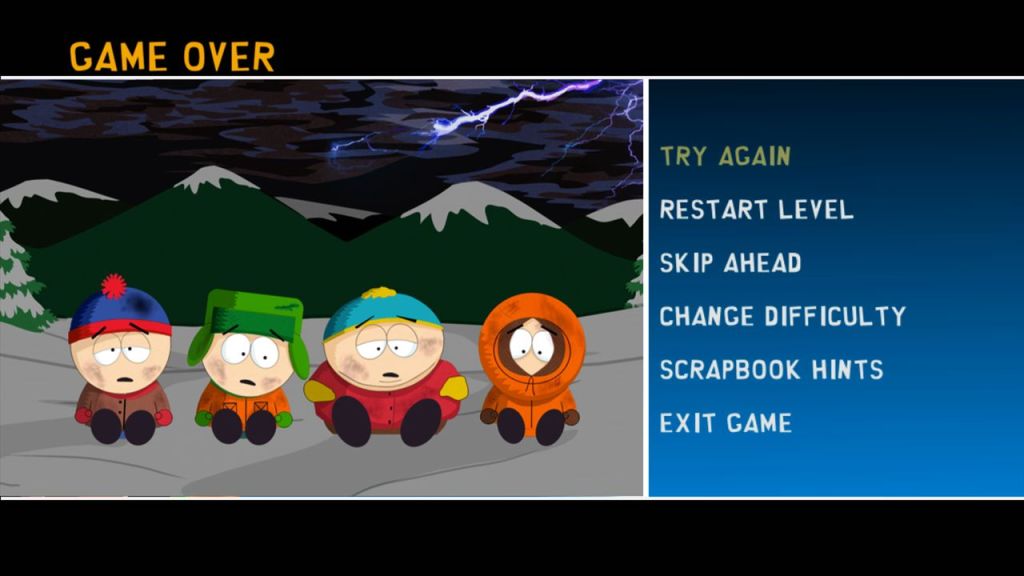
A tower defense game with a South park flavor, released in 2009 exclusively on the Xbox 360.
With these sort of games you would expect them to be a simple cash grab by reskinning an existing tower survival engine and apply the South Park theme over it. Trey Parker and Matt Stone were hands-on, making sure this thing feels like you’re playing an episode straight out of Comedy Central. The story’s a glorious middle finger to Japanese game tropes—South Park’s glitched into a video game world, and the boys are stuck fighting waves of enemies to save the town. The big bad? A Japanese announcer dude who’s like the lovechild of a Street Fighter narrator and Mr. Garrison on a bender. It’s absurd, it’s meta, and it’s peak South Park roasting gaming clichés.
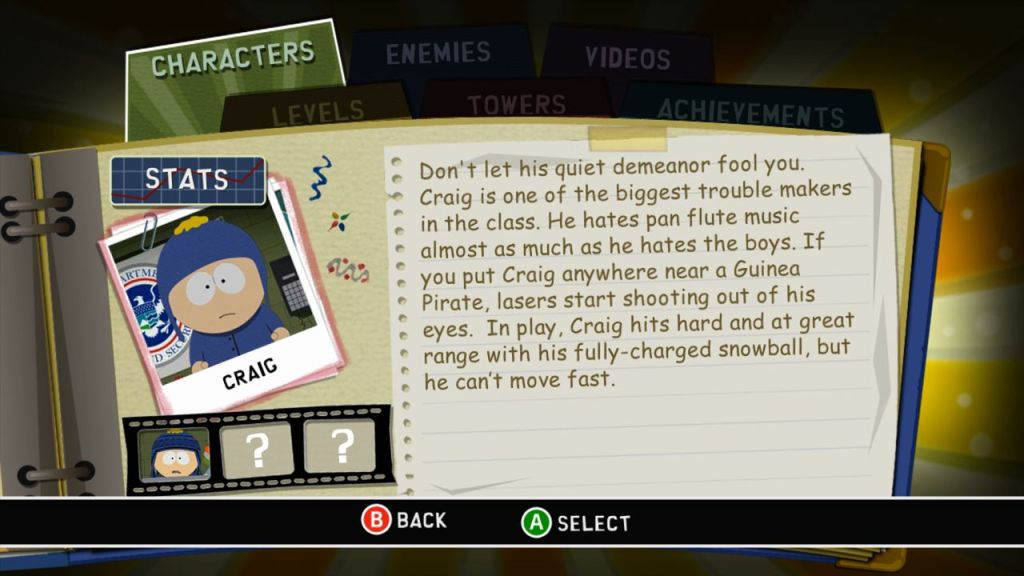
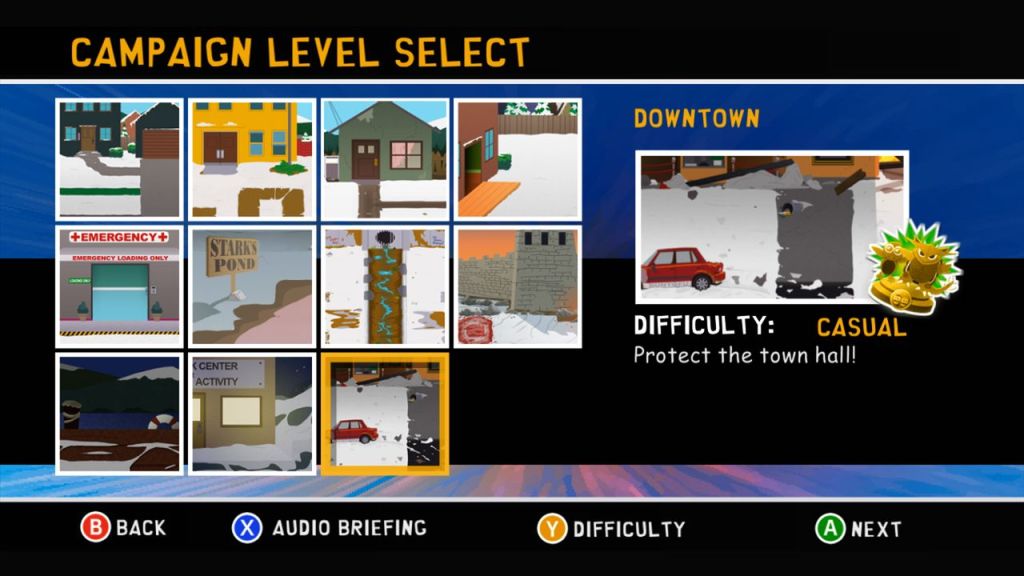
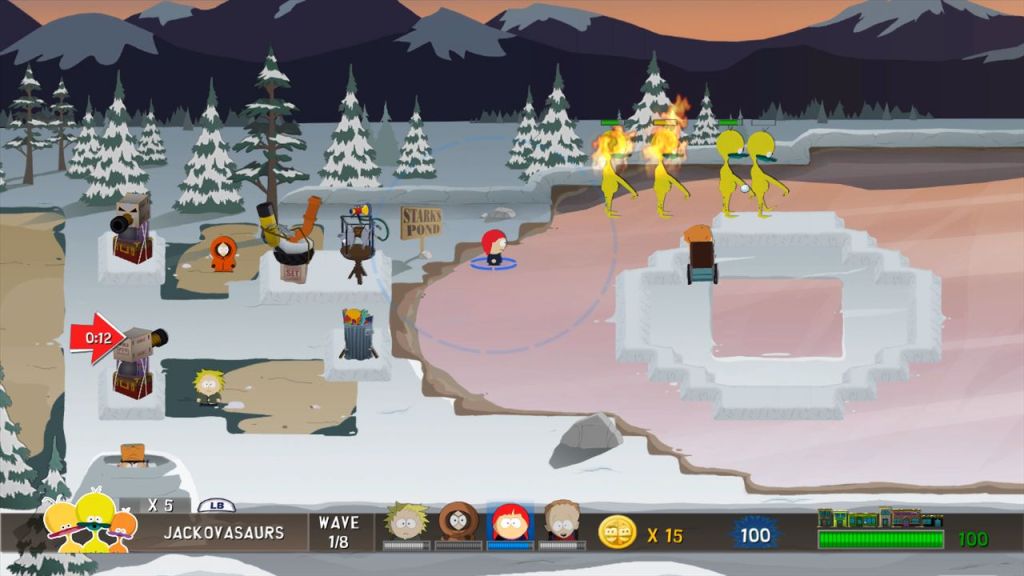
There are a lot of reference to event sand charicters from ther TV show. You’re fighting classic enemies pulled straight from the series: hippies from “Die Hippie, Die,” crab people from that one episode where they’re plotting under the town, Jakovasaurs from those annoying dino-things nobody liked, and even the Christmas Critters from the “Woodland Critter Christmas” blood orgy episode. Every level’s a love letter to fans—locations like the school or downtown South Park are ripped from the show’s paper-cutout aesthetic, complete with that janky, sloppy charm Trey and Matt insisted on. You’ll hear iconic lines, like Cartman screaming “Respect my authoritah!” when you trigger his slam move, or Kenny’s muffled grunts when he bites it (spoiler: he dies a lot). There’s even unlockable show clips as rewards, which is like finding Randy’s secret stash of Tegridy Weed—pure fan service.
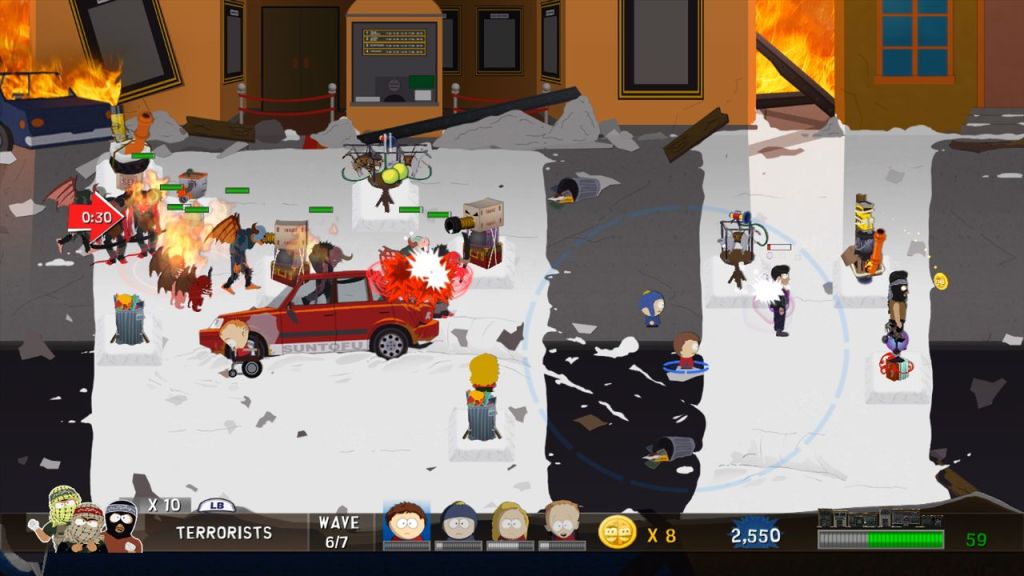
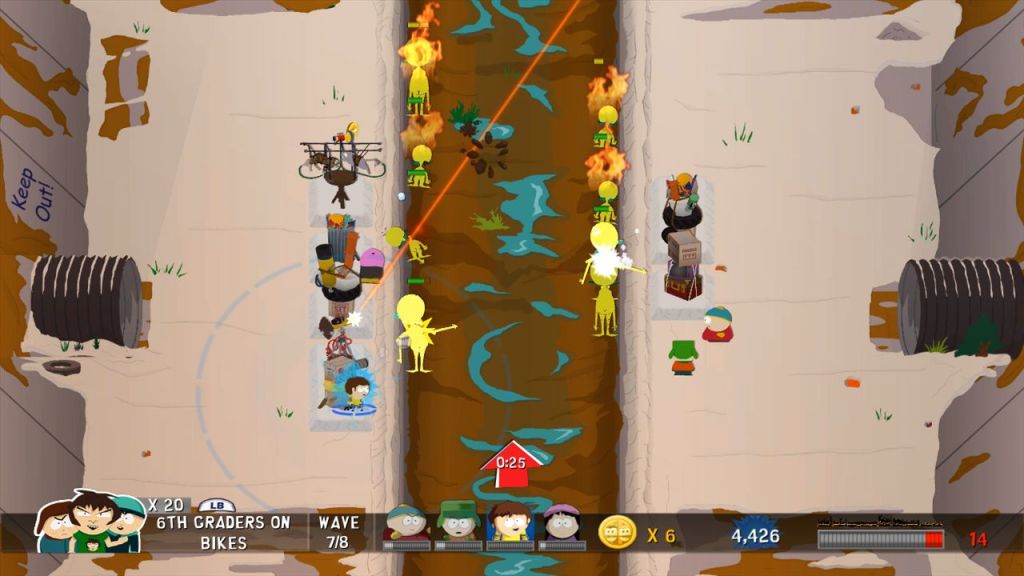
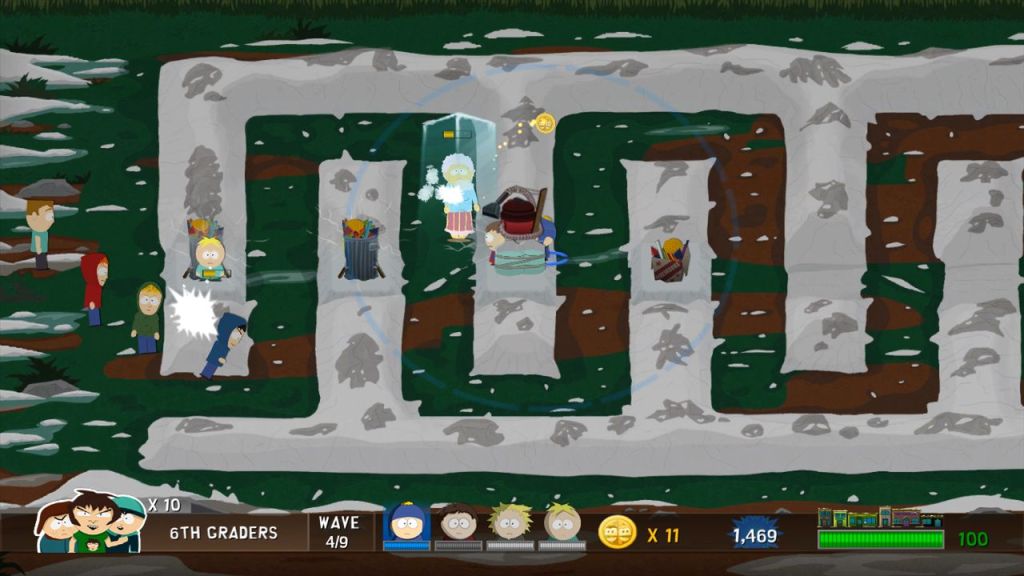
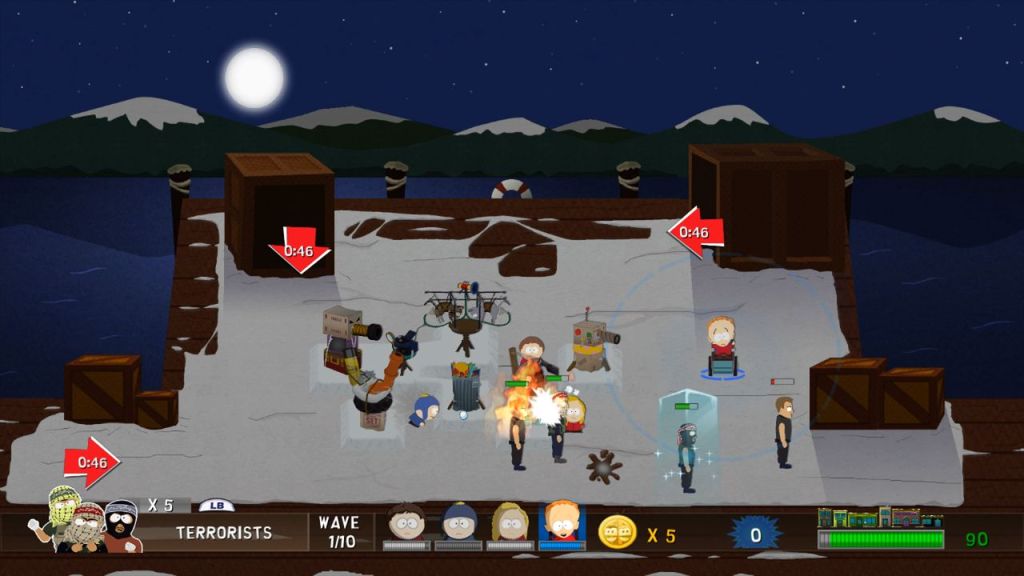
You build towers like snow forts, fiery Christmas trees (called Fiery-Works, because of course), or fridges to slow enemies down. Each has upgrades, but you gotta hustle to collect coins from dead enemies to afford ‘em. The twist is the action element: you’re not a passive god; you’re in the trenches, switching between kids to sling snowballs or use special moves. Cartman’s Fatass slam is like dropping a nuke, Kyle’s got a Jew-jitsu kick, and Timmy’s wheelchair charge is comedy gold. It’s tower defence with ADHD, and I’m here for it.
Levels get nuts fast. Early stages ease you in, but by the end, you’re fending off waves of enemies coming from multiple paths, with bosses like the Japanese announcer who shrug off your towers like Randy ignoring Sharon’s complaints. Single-player’s a grind—you’re constantly swapping characters, building, and throwing snowballs. But co-op? Up to four players can each control a kid, and it’s a blast coordinating who’s building and who’s sniping enemies. It’s the kind of chaos where you’re yelling at your buddy to “stop sucking, Kyle!” while laughing your ass off. If you have four controller’s to hand, it’s pure splitscreen fun.
South Park Let’s Go Tower Defense Play was only ever released for the Xbox 360, no PS3 or Wii ports were ever developed. It wasn’t even released or made compatible with the Xbox One, and since was only ever released digitally on Xbox Live it could now be considered abandoned media.
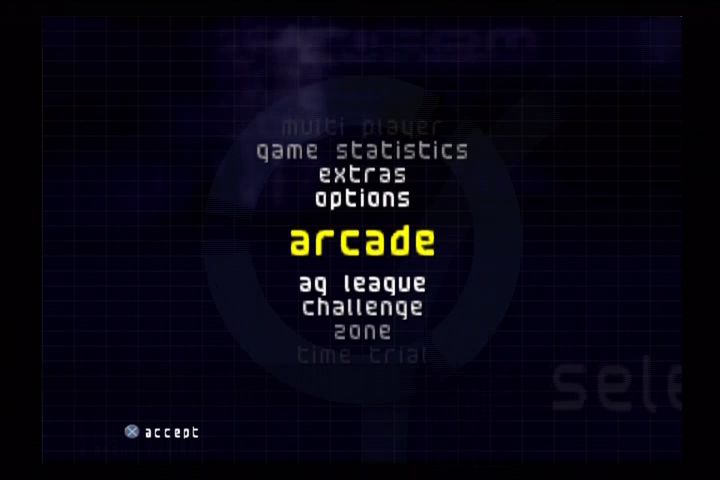
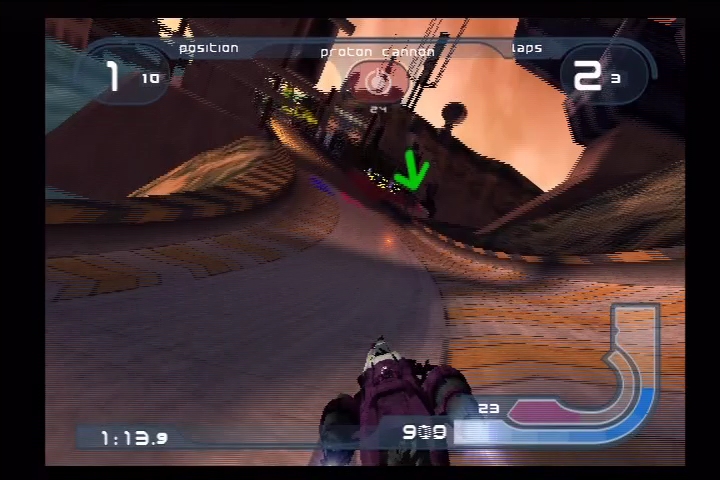
The PS2 instalment for Sony’s Wipeout series of futuristic racers, which gave us the first 60fps Wipeout experience. It was released late for a first party PS2 title, coming out in 2002. It is set in the year 2160 during the F9000 Anti-Gravity Racing League and sees the return of ship pilots that can be selected by the player.
Wipeout Fusion builds on the series’ evolving combat system, which started simple in the original game and grew more complex. The F9000 league’s focus on aggression leads to more weapons (26 vs. 10-15 in priors), greater emphasis on elimination, and modifications like backward-firing options. Your ship has limited energy that can be depleted, which must be replenished by passing through a energy recharge station located adjacent to the finish line. Because of how vicious the enemy players can be, you will often find yourself having to pass through this to keep your ship in the game.
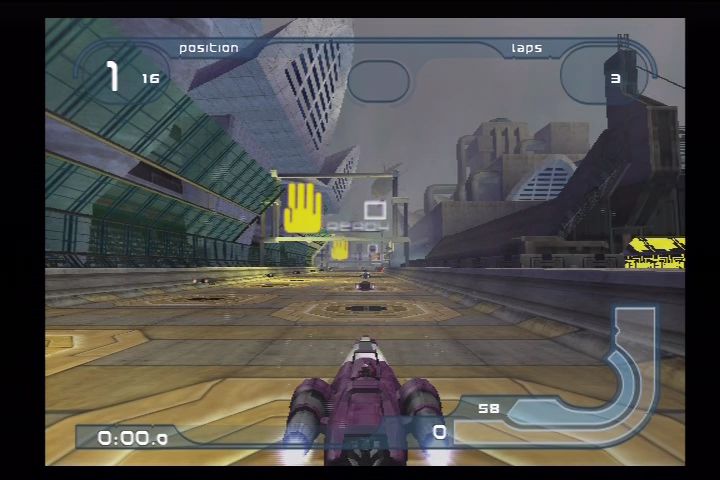
Track design is a bit of a mixed bag, here you are treated to much more detailed environments with a lot more elements on the track. But this can be very distracting and often confusion, occasionally I have took a wrong turn or have even got lost as there are twits and turns and pathways that appear to be deadened. It does not help the the frame rate tends to tank when there are a lot of ships onscreen, in addition to the article effects when you are either in a sandy or snowy area. Some of the tracks are quite visually busy it can very distracting to play. Some of the track sections are just too dark, like when you enter a tunnel. With the tracks themselves, Wipeout Fusion took the approach of reusing the design over different tracks, kind of like the Ridge Racer games where certain tracks are variations of others. Temtesh bay is a rocky desert mining region set in Australia and features sections that are quite open. Alca Venus as a rainforest feel to it with dense vegetation temples and waterfalls. Cubiss Flat is set in the Alpine glaciers and features snowy mountains and blizzards.
The music’s amazing as to be expected for a Wipeout game, you have a mix of electro, trance and drum & bass that was popular from the era with some standout artists like Utah Saints and Future Sound Of London. Music appears to play sequently, or you can switch it to random play.
Already we have more opponents on the race than was possible on the PS1 versions, with 16 opponents.
What’s disappointing is for a first party exclusive game, Wipeout Fusion does not take much advantage of the PS2 functionality like the i.Link port. The PS1 Wipeout games often made use of the link cable to allow two player gameplay with two consoles which was a nice feature as it allowed for two players to play without having to use split screen. The Namco NeGcon controller is still supported for analogue control, but is redundant since the PS2 comes with the DualShock as standard.
The game’s loading times are also pretty terrible, expect to wait upto one minute for a typical race to load.
Wipeout Fusion faced completion from other futuristic racing games of the era, Quantum Redshift which was exclusive to the original Xbox was released in the same year and features ships racing on planetary tracks, with character-driven pilots (similar to F-Zero) who have rivalries and unique abilities, contrasting Fusion’s pilot team-based approach. Both games share core mechanics like weapon pickups, upgrades, and high-speed chaos but Quantium Redshift has more refined combat system with the concept of homing weapons, non-homing weapons and a deployable shield. They types of weapons are dictated by the ship you choose, while Wipeout Fusion is based on what has randomly been selected when you fly over a weapon pad.
Still, Wipeout Fusion was considered a weak entry in the series, and it wasn’t until 2005 with the release of Wipeout Pure which saw a reboot of the series mechanics.
The PlayStation 2 (PS2) needs no introduction, being one of the best selling consoles and the most well regarded thanks to its game library. While the console is over 25 years old, modern mods and accessories allow for improved reliability, video quality, storage, and even online functionality. Whilst it’s nice to revisit the PS2 era of gaming, having to deal with wired controllers, game discs, composite image quality and memory cards with limited storage can be a burden.
Thankfully there are modern enhancements that make it more accessible and bring much needed QOL improvements. Softmodding your PS2 can bring enhancements such as loading and running games directly off the hard drive, which is ideal if you have a large library of games and would prefer not to switch discs when you want to play a different game. Even in 2025 there are new accessories still being produced for the PS2 that bring modern features like wireless controllers.
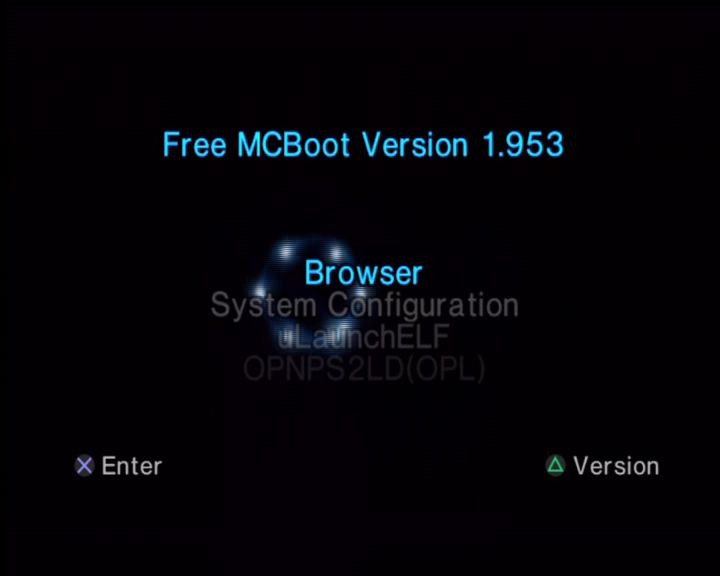
FreeMcBoot: You will see reference to this throughout the PS2 community, this is best thought of as aftermarket software that allows you to run non-signed or authorised software which we can use to make the most of the PlayStation 2. FreeMCBoot is a softmod, which is software that runs from the memory card when the PS2 starts up. As it runs from the memory card, you can restore the PS2 to an unmodded state by removing the memory card upon startup. This is useful if you encounter any issues with FreeMcBoot.
FreeMcBoot is considered mandatory to take the most of your PS2, and you can purchase pre-modded memory cards that already have FreeMcBoot installed along with a few utilities.
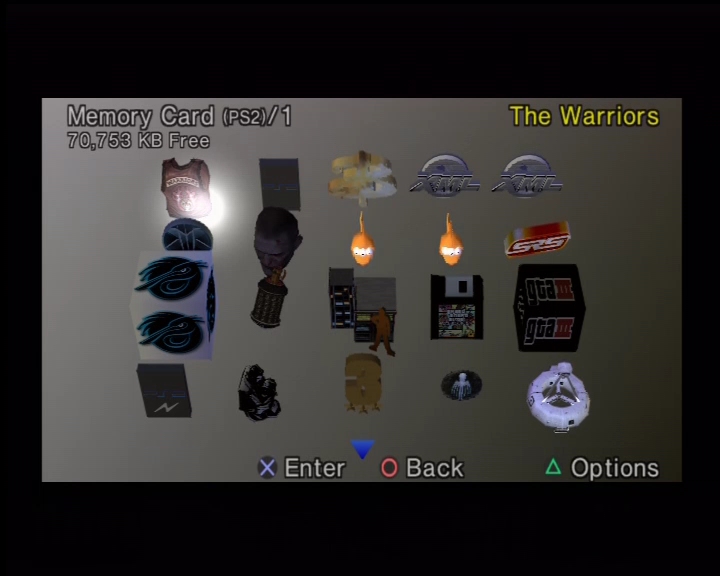
A PS2 running FreeMCBoot, with a list of applications
Hard Drive
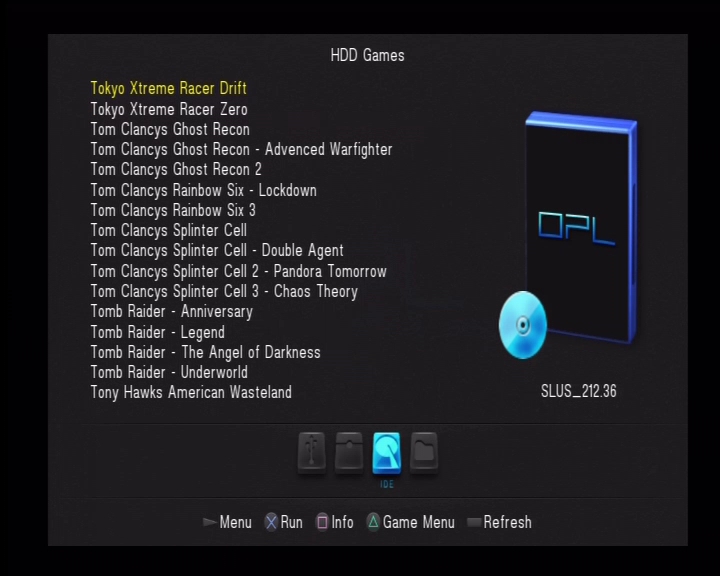
Installing a hard drive (HDD) is one of the most common upgrades for PS2, especially for the original (fat) models, as it bypasses the aging disc drive (which often fails due to laser wear). This setup lets you load games digitally from the HDD, reducing load times, eliminating disc scratches, and allowing storage for hundreds of titles. Sony’s original intention for the hard drive was to speed up the game’s load times by caching data to the hard drive, and to allow for internet downloads since it was interlinked with the Network Adaptor. With the use of home-brew software like openPS2Loader, we can use this to load and run game from the internal HDD itself, removing the need to use the DVD drive.
Original models of the PS2, also known as the ‘fat’ models have a dedicated expansion bay where the drive can be fitted into. But to actually use the drive requires the Network Adapter which included an IDE connector to allow the PS2 to interface with the drive. There are two types of network adapters:
The Official PS2 network adapter: released by Sony, which features an Ethernet interface for network connectivity, and an IDE interface connector which is what’s used to connect to the hard drive. Some network adapters also came with a 56K modem, although this is of little use or benefit. The original drives used by Sony were IDE, which whilst it was the standard of the time, is no longer commonly used as many hard drives use the SATA interface instead. THis means the connect we use to connect the hard drive has changed. Because of this, it might be more desirable to use the second type of network adapter.
The Gamestar network adapter: This can be commonly found online on sites such as Amazon, Aliexpress and eBay. It’s a third party unlicensed accessory designed to allow a SATA hard drive to be used with the PS2, meaning we can use modern larger hard drives. These adapters however do not have any network functionality, they are just intended for HDD use.
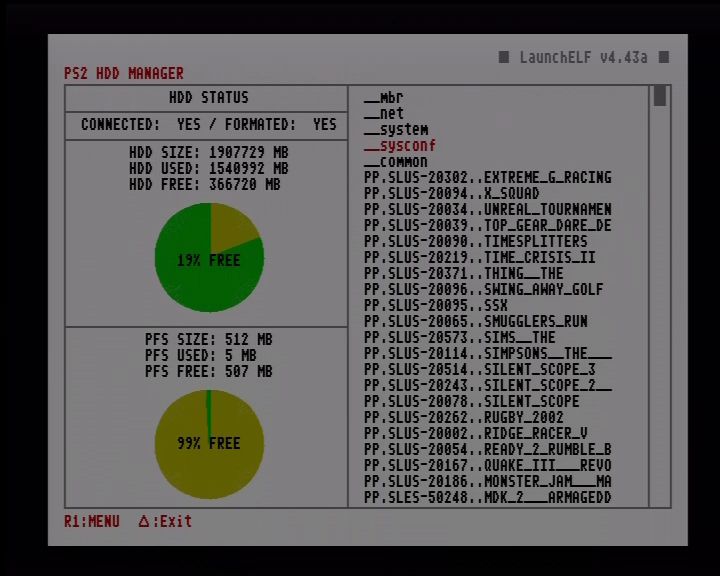
Formatting and managing a HDD using uLaunchELF
Whilst the official Sony network adapters used IDE which was the standard at the time, they can be modded to use SATA by replacing the interface board. This is a simple and commonly done upgrade that gives you SATA support along with network functionality. Slim PS2 consoles have a disadvantage when it comes to HDD support as Sony removed the expansion bay to reduce the size of the console. This means its no longer possible to connect a hard drive. Adding to the issue is that later models that have updated firmware (SCPH9000x) remove the ability to load FreeMcBoot from the memory card. Are these consoles a lost cause? Well not so much if you understand the limitations and the options available for your specific model:
IDE / Internal HDD: Early PS2 slim consoles technically have the IDE interface which is still present on its motherboard, however you will have to manually soldier the connections on the motherboard which is beyond practical use for most gamers. Still it does hint that possibly Sony were looking to integrate an internal HDD solution for the slim models, possibly a 2.5 inch bay for notebook hard drives?
Ethernet: However the better solution is to use the network interface, which comes included as standard in all slim form factor consoles. OpenPS2Loader have support for SMB Ethernet loading, allowing you to connect the SP2 console to a network drive or device to load your game from, This can be a simple PC with a network share enabled for the PS2 to load from, or a network drive such as the Western Digital MyCloud. I recommended connecting the device directly to the ethernet socket of the PS2, and avoid using additional switched or routers if possible, I found the PS2 struggles to use more complicated network topologies
Example use case could be:
A Windows PC that has a PS2 network share, Windows has built in support for Samba network sharing which is what OpenPS2Loader can also use. If your PC’s ethernet port is already occupied, you can either add an additional Ethernet PCIe card, or connect a USB Ethernet Adaptor to your PC. As the PS2’s network adaptor is limited to 100Mbps, you don’t need anything high end, ‘fast’ or gigabit ethernet is enough. Later versions of Windows disable SMB v1 support, because of vulnerabilities within the protocol but can be re-enabled within the Windows Features section of the Control Panel.
Some travel routers have SMB file sharing support, like this one. By configuring the network sharing settings, you can then connect an external hard drive through its USB port. Since the travel router supports USB 2.0, bandwidth will not be an issue. Some older routers like the BT HomeHub 1 also supported network sharing through the Ethernet port which can also be used.
Many NAS (Network Attached Storage) can be configured for this purpose also, since they are intense to be connected to a router, you will need to set its own IP address when connecting directly to the PS2. Some network drives will also automatically sleep after a while of no activity which you may have to change or disable.
I should also mention that network SMB support isn’t just available to the slim consoles, fat models can also take advantage of SMD if they are using the Sony network adapter.
USB: Another solution is to use the USB interface by connecting an external USB external hard drive. I do not recommend this as while this might be the most accessible option, the USB interface used for the PS2 is limited to the 1.1 protocol which maxes out as 12Mbps. This is too slow for use for PS2 games and you will encounter slower loading times, and FMV’s might skip or cut out as the USB interface lacks the required bandwidth to stream the FMV video.
1394 i.LINK: This interface was present in the launch PS2 models, and upto the SCPH3900x models. It was removed the last fat revision of consoles (SCPH5000x) series and was never used in the slim models at all. OpenPS2Loader does support this interface in the latest builds and can be an alternative to using the HDD bay but as external Firewire drives are rare, this interface is rarely used. I would only recommend this interface if you had a very first launch model of the PS2 (SCPH1x00x) which was exclusive to Japan only. These models did not had the standard HDD expansion bay that was present in the later models, instead it uses a PCMCIA card along with an external HDD drive that was custom designed for the interface. Since these might be difficult to find, it will often be easier to source a Firewire drive or enclosure instead. OWC do sell a 1394b enclosure that is compatible, but you will need an 1394b to 4pin 1394 adapter cable, and a 5V power cable or supply since the enclosure is intended to be bus powered, which the PS2’s 1394 interface wasn’t designed to provide. Lastly you will often see the 1394 interface referred to as either Firewire or i.Link, these are the brand names that Apple and Sony respectively gave to the 1394 interface and are mostly compatible with each other however Apple typically refers to the 6pin interface that provided power, whilst Sony (i.Link) typically implement the 4pin interface that does not provide power (Some Sony VAIO computers provide both types of ports)
MX4ISO: This is a home-brew accessory that allows you to access an microSD card over the memory card interface, which carries much more bandwidth than the USB interface which makes it desirable for those that have a slim PS2. Whilst capacity is limited and MicroSD are more expensive per Gigabyte, it’s a good alternative comported to running games from Usb or via Ethernet. The latest builds of OpenPS2Loader support this as a block device, however you won’t be able to save games to the memory card. Instead you will have to use the Virtual memory Card (VMC) features as a workaround. I’m unsure if two MX4ISO devices can be used.
SDD?
Whilst it’s tempting to throw in a solid state drive, they have little to no performance advantage to a regular hard drive, and are a poor value proposition from a storage/value ratio. Remember the games in question are designed to run from a DVD drive that reads a 4x speed, the slowest HDD on the market will still be faster. A 5400rpm spinning hard disk is more than enough. A 3.5 inch HDD is advised, wince they will use both the 12V and 5V power rails of the PS2, many 2.5in HDD will only use the 5V rail which might be more stressful on the PS2’s aging power supply.
TLDR: For fat PS2 models go for a SATA network adapter for SATA HDD, unless you really need network support. For the slims go for the Ethernet NAS option or MX4ISO and forget the USB interface.
For storage capacity, 1-2TB is plenty for many PS2 games.
Memory Card
The official Sony memory cards were released in only 8MB of storage, good for around 15-20 game saves. With a larger PS2 library you might wish to consider a larger memory card for additional storage space. I’m not sure if Sony ever released memory cards in larger capabilities, I’ve seen mentions of a 16MB memory card but have yet to locate any and most PS2 software refers to the memory card as an 8MB device. Third parties have produced larger memory cards that range from 16MB to 128MB which appears to be the maximum supported.
A 128MB PS2 memory card
Many games will support the larger memory cards without any issues, but a fair few will have noticeable slower access and save times, sometimes even up to a minute before the game have finished saving. Ridge Racer V and The Simpsons Road Rage will detect and save to the cards correctly, but the access times are very slow. Headhunter is near unplayable as it access the memory card as the game plays it’s introduction sequence, resulting it becoming jittery.
Games that have issues with larger memory cards can be mitigated by using the VMC (Virtual Memory Card) feature in OpenPS2Loader, this will create a virtual memory card that is saved to the hard disk and assignes it to one of the memory card slots. This can help with problematic games that have issues writing and reading to large memory cards
One thing to mention is when using a soft modded PS2, you will need to use an official Sony Memory Card, as the FreeMcBoot exploit relies on the MagicGate signing for it to run, which isn’t supported on many third party memory cards. Softmod exploit’s work on both Memory Card slot 1 and 2. I typically have the softmod installed on Slot 2, and use Slot 1 exclusively for game saves.
Video Output
The PS2 supported a variety of video output modes which can enhance the image quality and depending on the game, will provide support for progress and higher resolution modes. Not only is the image more cleaner, it also makes I easier to read the game’s text on screen.
By default the PS2 shipped with the composite video output cable, which gives you three output jacks (yellow/red/white which gives you basic video and stereo sound). Even in Europe where the Start interface was common, Sony insisted on shipping with the composite AV cable.
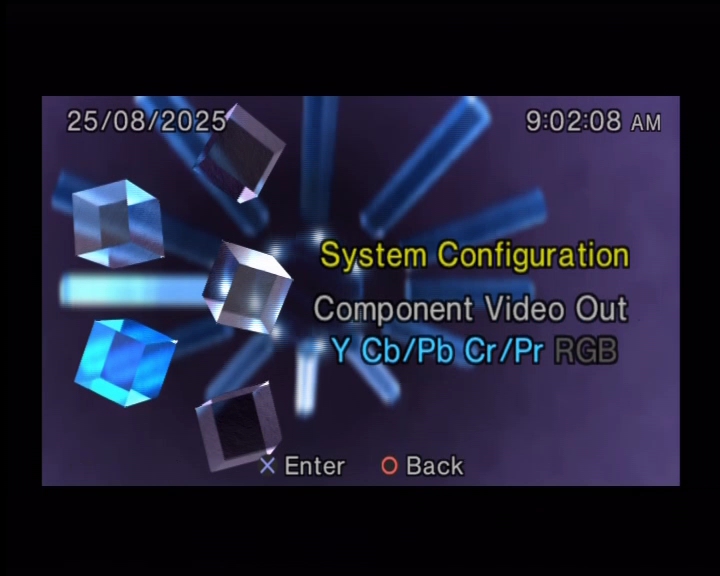
The PS2 supports both RGB and Component video out
Component cables are readily available and not only provide better image quality than the standard composite AV cable but will allow you to enable progressive scan (also known as 480p) which is much desired for fast motion games. It also makes it easier to connect to HDTVs since many will feature component inputs as standard.
Scart cables are also supported which will provide RGB output and is compatible with nearly all of the PAL PS2 library, but you wont get any progressive scan using the Smart cable. It’s all no longer used on modern TVs, even in Europe. I only recommended this if you are connecting to a CRT TV that isn’t HD capable. The common US alternative to SCART is S-Video which will provide better quality than composite AV, but is still inferior to component.
Although the PS2 predated HDMI support, HDMI adapters do exist from third parties. These will take the component signals from the PS2 and will convert it to HDMI. As this is an active conversion, they will require additional power usually in the form of an USB adaptor. Whilst the quality of these adapters isn’t perfect, they are very accessible and content for those who simply wish to quickly connect their PS2 to a modern HDTV, or to a 4KTV that lacks both composite or component inputs which is becoming more common as these legacy ports are being phased out.
Useful Links
OpenPS2Loader – Software that allows you to run games from a hard drive, it is installed to the memory card
FreeMcBoot – You can also purchase a pre-made memory card from online resellers like eBay or Amazon marketplace
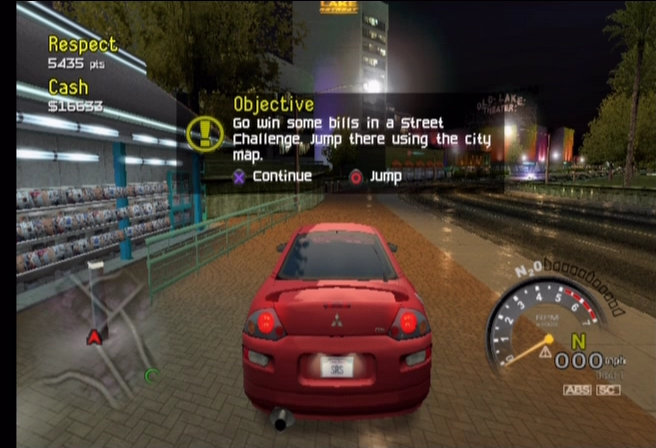
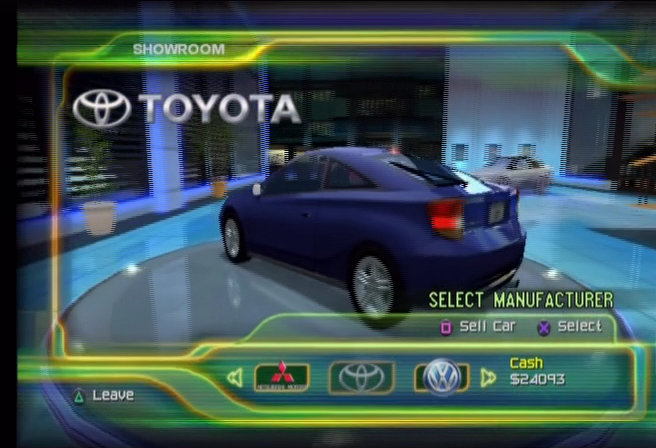
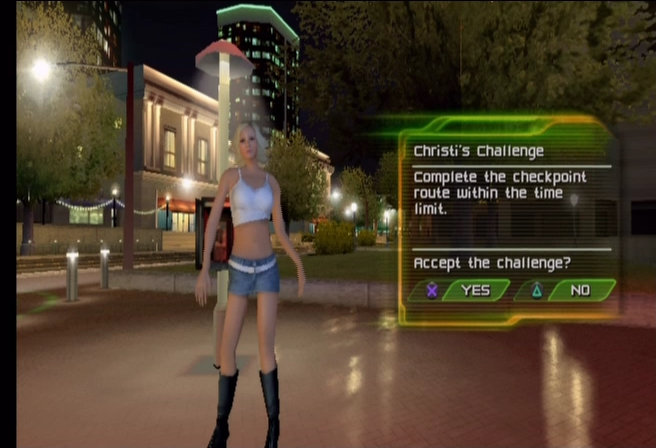
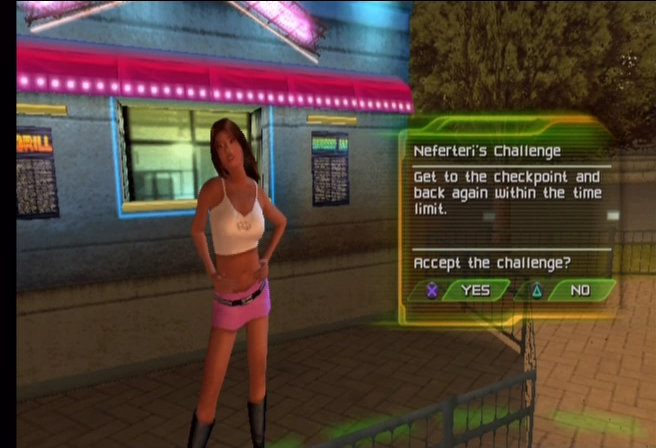
Street Racing Syndicate is like the mixture of The Fast and the Furious and a Hot Import Nights car show. Released in 2004 by Eutechnyx and Namco (who developed Ridge Racer), it’s you against the underground racing scene in cities like LA, Miami, and Philly. Your goal? Stack cash, earn respect, trick out your ride, and—get this—charm virtual models with your sick drifts. It has that weird 2000s vibe where winning races unlocks videos of real-life models. It’s cheesy as hell but you have to love it.
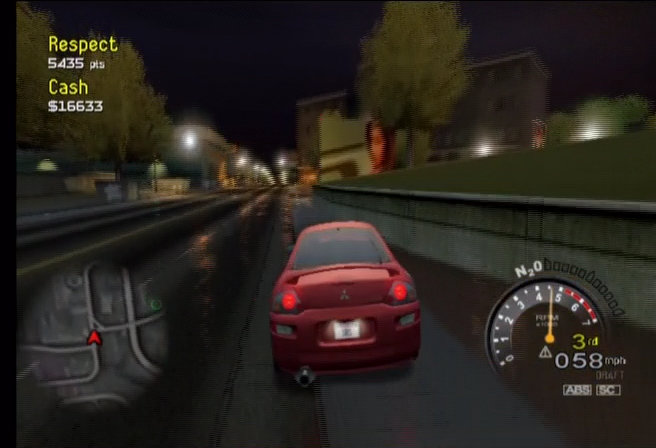
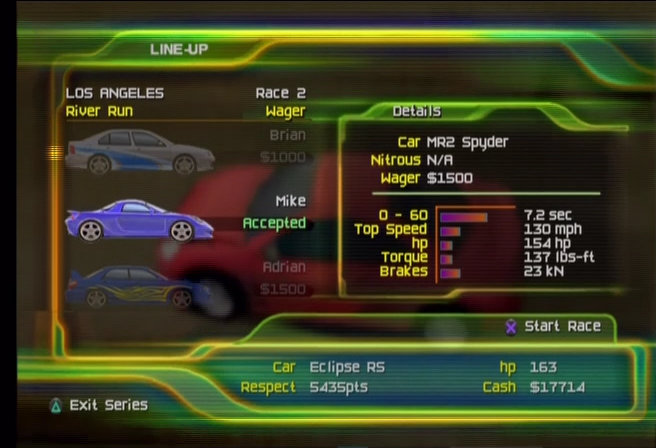
Gameplay’s where this game revs its engine. You’re dropped into an open-world hub—way ahead of its time for 2004—cruisin’ between races, respect challenges, and pink slip bets where you can win or lose your car. The Street Mode is the meat of it: race through city streets, day or night, dodging traffic and pulling stunts like drifts or two-wheel driving to rack up respect points. The damage system is legit—smash your ride too hard, and it handles like a shopping cart, plus repairs hit your wallet like a bad night at the casino. It’s not just “go fast, turn left”; you gotta think about not wrecking your bankroll. Arcade Mode’s got quick races, checkpoint runs, and speed trials if you just wanna jump in, and the console versions had online multiplayer back in the day—though good luck finding a server now, unless you’re time-traveling to 2004.
The car roster? Solid. Over 50 licensed rides from Nissan, Toyota, Mitsubishi, Subaru, and more. You’re tuning up Skyline GT-Rs, Supras, and RX-7s with real-world parts from brands like AEM and Sparco. Customisations deep for the time—think engine swaps, body kits, and neon lights that scream “I watched Tokyo Drift too many times.” It’s not quite Need for Speed: Underground’s level of polish, but it’s got enough to make you feel like a street mod god. The controls are arcadey but tight, with a weighty feel that makes drifts satisfying, though it ain’t as forgiving as Underground or as sim-heavy as Juiced.
Visually, SRS holds up… kinda. The cities look alive with neon glow and traffic, but the graphics are a bit rough compared to Underground’s slick sheen. Cars look dope, especially when you’re rocking custom paint and rims, but the environments can feel blocky, like someone forgot to polish the backstreets. The soundtrack’s got that early 2000s energy—think Chingy, Xzibit, and some generic hip-hop beats. Sound effects are decent—engine roars and tire screeches do the job, though they don’t quite pop like Forza or even Midnight Club.
SRS is unapologetically 2000s. It’s got that Fast and Furious swagger, complete with the cringey girlfriend mechanic that’s so dated it’s almost charming. But that’s the appeal—it’s raw, it’s gritty, it doesn’t pretend to be high art. Compared to Need for Speed: Underground, it’s less polished but has a unique edge with the damage system and open-world cruising. Juiced feels more serious with its crew management, but SRS is just about living the street life without overthinking it.
Downsides? It’s not perfect. The AI can get in your way at time, and will either rubberbanding like crazy or drive like they’re on their learner’s permit. And while the open world was cool for 2004, it feels small compared to modern racers like Forza Horizon.
Versions
Gamecube: The NGC release is pretty basic, there no online or custom sound support that you would find on the other console releases but it does run at a stable framerate.
PlayStation 2: This version make basic use of the PS2’s capabilities, and lacks support for it’s progressive scan mode which would have been much welcomed for a racing game. There was online support if you had the required Network Adapter, or a PS2 slim that featured built in Ethernet. The online servers have since been shut down and there does not appear to be a community project to bring it back online.
Xbox: This port included support for custom soundtracks, so any music that you had saved to the Xbox hard drive could be played back in game.
Microsoft Windows: Street Racing Syndicate was also released for the PC, back in the Windows XP era, and appears to work fine all the way to Windows 10. You can even purchase It digitally online. Online play hs workable if you use OpenSpy
 Drew1440: Blog