The second expansion pack for The Sims that allows them to party (or Partay)
Objects
Some of the objects that come with House party, there are other items like chairs and tables that are not listed here since they have a similar function to the base game objects. Granny Raymond’s Holiday Cookies: A plate of cookies you can buy direct from buy mode. If you leave them on a table next to the fireplace, along with a Christmas tree from Livin It Up, Santa will appear. Birthday Cake: Another buyable food item, kids can choose to blow out the candles, although this does not age them up (You need a charm in Makin Magic for that) SimFarm Turkey Dinner: A piece of turkey sims can buy and carve up Punchucopia Extraordinaria Punchbowl: sims or their cater can refill to keep guests satisfied at parties The Elegant Chef Buffet Table: Used to serve a starter, main meal and desert from one table, excellent for parties or for large gatherings. Fancy Feet Cake Treat: Spawns a male or female dancer (Stripper), or if it’s a kids party, a giant bear. Give a boost to the fun motive. KampRite Instant Campfire: Sims can sit round the camp fire and sing songs, tell stories or roast marshmallows Spazmatronic Plasmatronic Go-Go Cage: A Dancing cage, boosts fun. Best place with the dance floor and the DJ booth Turntablitz DJ Booth: Used for the dance floor but can also function as a radio, has access to all radio stations in the game. Jukebox: Two versions of this seem to exist, the first is just labelled as the Jukebox and has access to only the fault radio stations in the game. An updated version comes with Hot Date that can select all music tracks House party has to offer. Bounce My Booty Dance Floor: The dance floor where sims can get their groove on. It’s a 2×2 tile than can be combined together in various patterns. When sims are dancing, the floor will light up in various different patterns and colours. Porta-Parody Costume Trunk: A costume trunk that can be used to give your party a fancy dress theme. When one sim changes their costume, all sims will change to that costume theme.
Screenshots
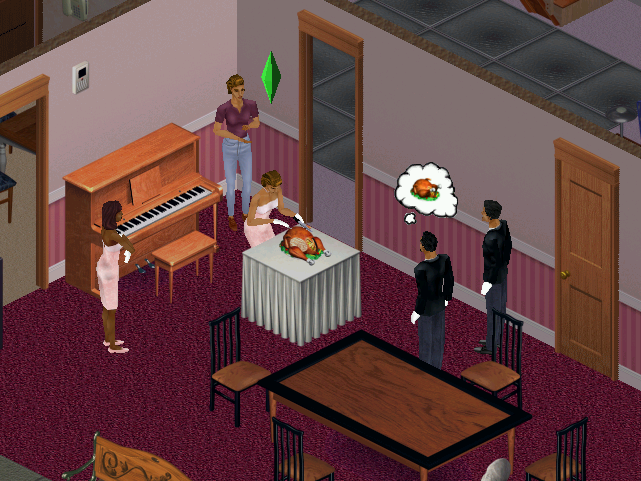
Sims carving some turkey, which is buyable from buymode. When carving, sims will stand round and clap until its served.
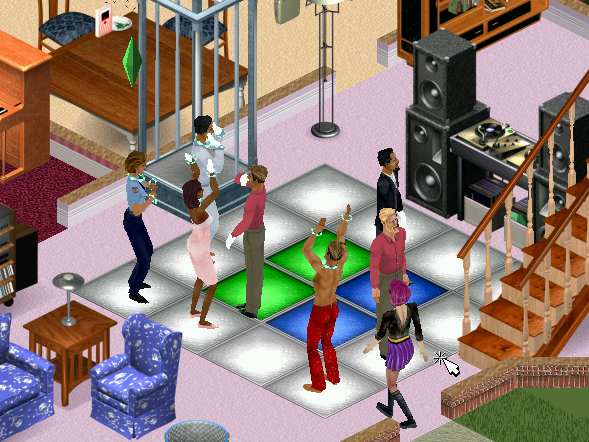
The dance floor, in the front of someone’s living room. Puts Dance Central to shame
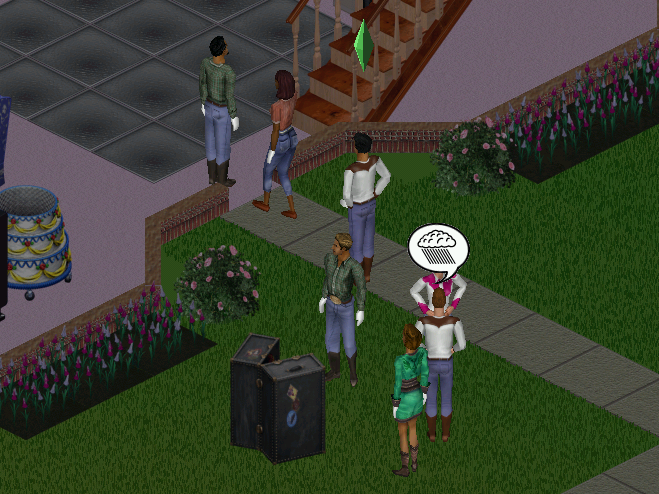
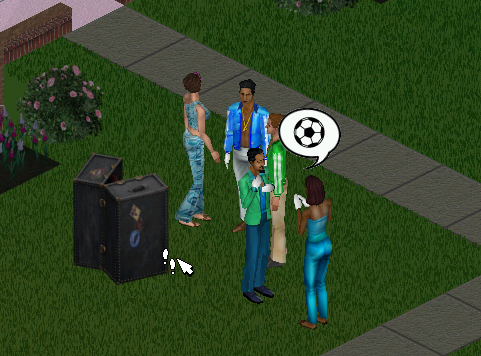
The costume trunk is ideal for theme parties. Available themes are Western, Disco, Toga
Here sims are rocking the disco theme
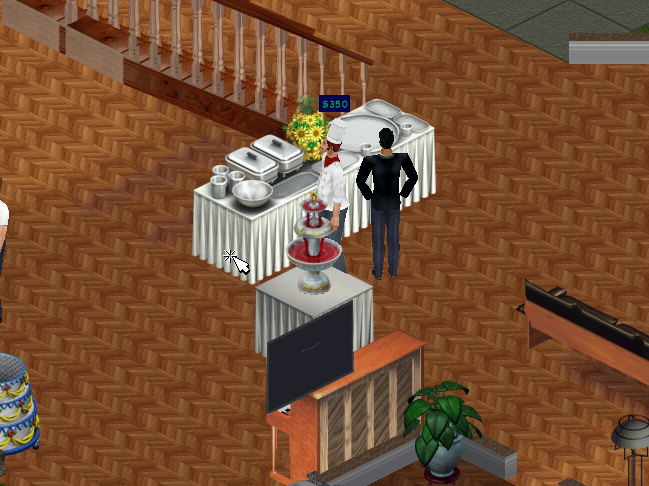
The buffet tables and the hireable caterer, sims can restock the table themselves at a cost of §20. A punchbowl can also be restocked.
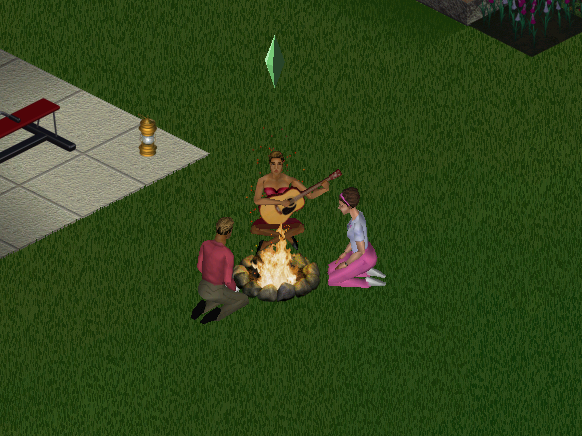
The campfire, sims can tell a ghost story, roast marshmallows or sing a folk song.
Neighborhoods
The expansion pack adds support for multiple neighborhoods if you’ve not installed Livin It Up, Neighbourhoods 6-8 are added since the game assumes Livin it Up has been installed and takes the place of 2-5. It’s easy to add custom hoods. More hoods can be added by going into the games directory in the Program Files folder and adding a new UsedataX folder, where X will be the new number (since the game creates 8 hoods, you would start at 9) and can support up to 99 unique hoods.
NPCs
The Mime: Appears when you are throwing a shit party, and sometimes tries to steal your items. Leaves automatically once your party score has increased Party Crashers: Appear when you are throwing a good party, these two (Pete and Pauline Dropinsky) will arrive and will try to wreck anything in the party, including breaking objects as they use them. Best to get rid of them as soon as possible. The Caterer: Can be hired through the phone, the main purpose is to restock the buffet table and the punch bowl. He will also socialize with the guests if he has nothing to do. You must have a buffet table or a punch bowel or he will leave. Drew Carey: Some American celebrity who appears when you have thrown a great party, arrives in a limo of which sims will rush to it upon arrival. For those who don’t know who Drew Carey, he was a popular late-night show host, like Jimmy Kimmel back when late-night talk shows weren’t biased towards a specific political party.
Some new NPCs have additional roles: Police Officer: If you throw a party after 8pm, Officer meddling will appear regarding a complaint by one of your neighbors regarding the noise. You are supposed to disband and end the party by asking the guests to leave. Should you fail to do so she will reappear after 2 hours (10pm) and will find you.
Install
The game’s installer will pick up from the previous install, and will automatically install the game patch.
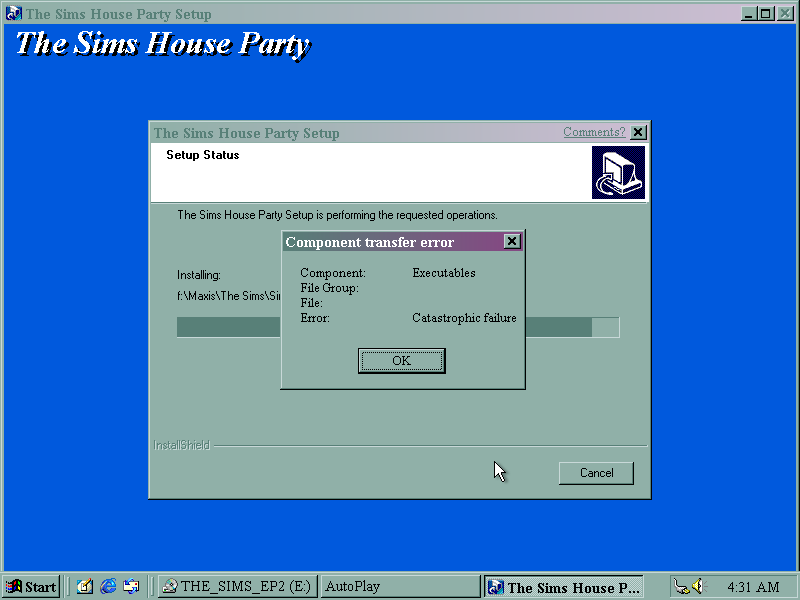
Disc read error upon install, caused by a scratched CD.
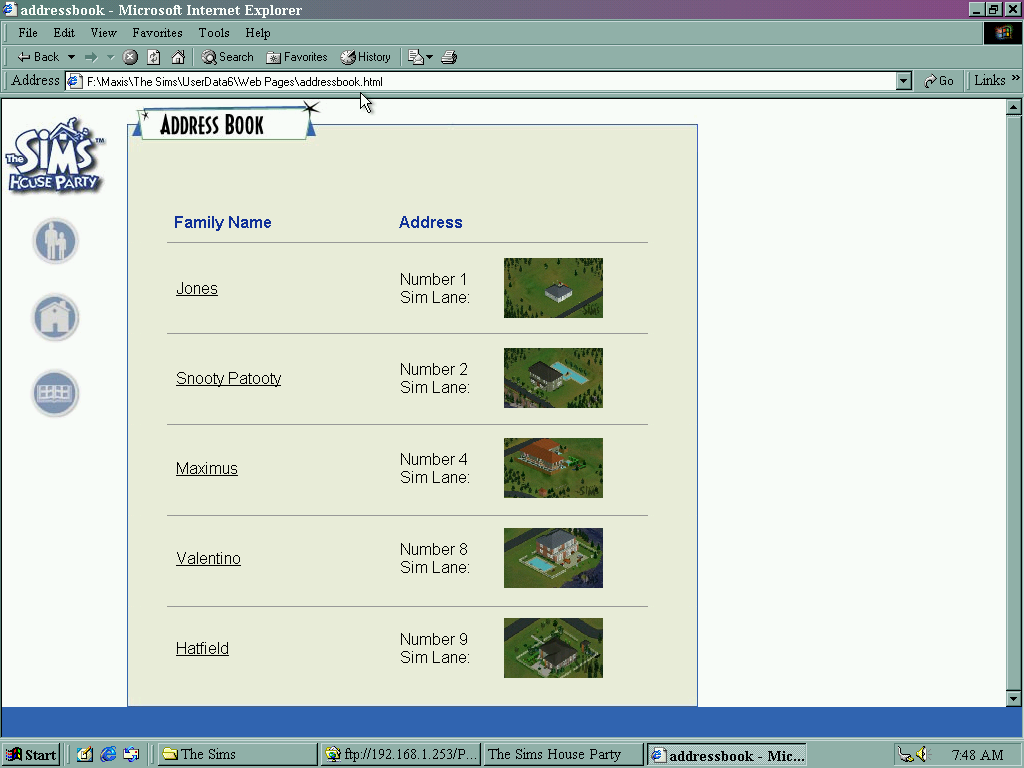
HTML view of The Sims House Party, listing sims that are currently moved into the neighborhood. Sims could be viewed here before they were uploaded onto the Sims exchange, which was a place where families and houses could be downloaded.
Mac OS Version
The expansion pack was made avaliable for the Mac OS platform, which a Carbon patch being released later for OS X compatability.
Also known as Sims Livin Large, not sure why they changed the title but Livin large sounds like a fat acceptance movement slogan…
The first of many expansion packs for The Sims, and a must-have since the base game was quite barren for content. Let’s see what’s been added:
Multiple neighborhoods can coexist, and the expansion ships with 5 extra goods for up to 50 different lots/families. More can be added by navigating to the games system directory, and creating a new Userdata folder (up to 99 supported). Each hood has its own set of lots and families, and with later expansions, they also have unique NPCs that show up on their lots. Sims from one neighborhood will not appear in another, and the appearance cannot be customized, unless you mod and load an altered bitmap has the hood’s background screen, but I think the game only allows one background bitmap to be set for all hoods. You would still be stuck with the name neighborhood background.
Objects
Genie Lamp: When rubbed, will summon a genie who gives the choice of two wishes. They do have a chance of going wrong.
Here you can choose between two random choices
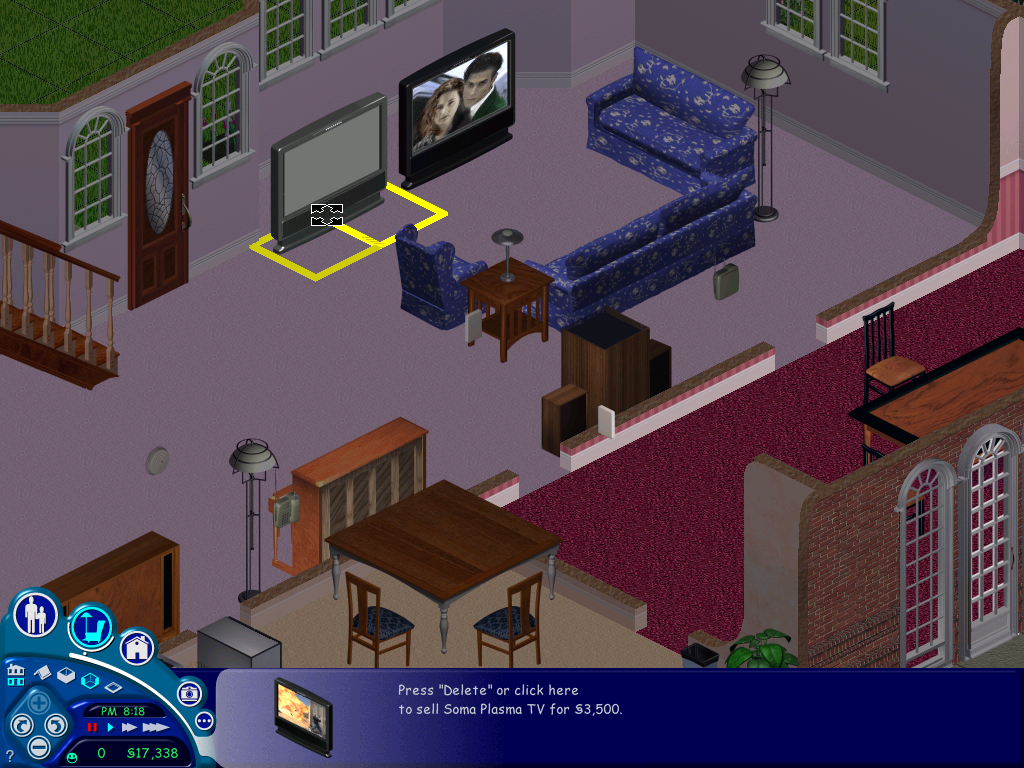
A nice result, our wish was granted and we got a free high-end TV
Unfortunately, it was the exact same model that we already had.
Wishes can go wrong, I’m not sure on the change (Possibly 50/50) but when a wish backfires it can result in something drastic, like an object being set on fire or overdue bills being spawned. Always save before making a wish
Vibromatic heart bed: A bed that increases comfort and is where the magic happens. Costs 20 to use the vibration function each time which sucks considering its an expensive bed.
Telescope: Can be used to increase the logic skill and satisfies the fun meter. There is a chance your sim can be abducted by aliens. When this happens they will be returned with a new randomized personality.
When an abduction occurs, all sims will walk to the telescope, cry for a minute and then go back to what they were doing.
Moosehead: This shows the current mood of the lot, its ankers are based on the average mood of all sims and is useful for later expansion packs like House party to judge if a party is going well.
The Concatenation Station: A chemistry station where sims can make potions. This is created at random. • Blue: The most likely potion to be made, fills 3 needs bars which are chosen at random • Orange: Sims become invisible for the next 12 hours • Light Green: The one to avoid, this causes nearly all needs to plummet to low levels • Dark Green: Makes an evil clone of your sim who will perform bad interactions with other Sims, causing their relationship to suffer • Red: Makes a random sim fall in love with them • Purple: Turns your sim into a monster • White: Will cure any sickness, only creatable by a sick sim • Yellow: Inverts the Sims personality for all points Creating any potions runs the risk of a visit from the police complaining about the smell, and you may be fined. The chemistry table also has a risk of exploding and must be repaired before it can be reused, this will not cause a fire.
Breaking Bad styleAn invisible sim
Servo: A robot that acts as the Maid, Gardiner and repairman all in one NPC, one of the most expensive objects in the game. However he has to be manually turned on by your sim, he doesn’t come out automatically when a mess has been made but he can be instructed to serve meals.
Voodoo doll: This can be used by sims to annoy or frustrate another sim which results in their comfort level dropping. Useful to get rid of unwanted guests (Not NPCs)
The little bugger itself (not the sim), be careful when you own this
The gerbil painting, helps cure the disease.
Whilst your sims cannot communicate with the dead, or look into the future, Instead your sims will be given a mini-quest, of which they will be rewarded with a change of personality.
NPCs
Grim Reaper: Appears when a sim has died, can be pled with who will either ignore, resurrect the sim, or resurrect them as a zombie.
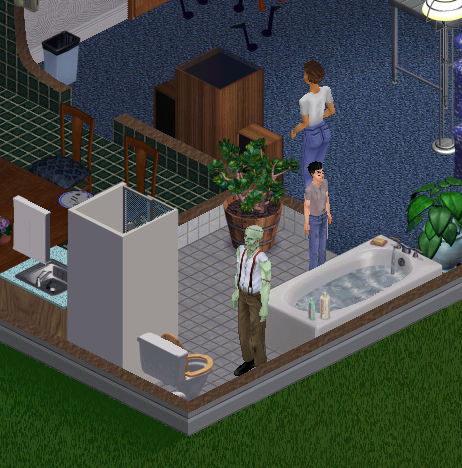
Monster: Resembles Frankenstein, Should your sim drink a specific potion, they will temporally turn into a monster and will break all items on the lot and will need to be repaired, But they seem to like painting, If there is an easel on the lot they will paint until they turn back.
Tragic Clown: Appears when your sims has the tragic clown painting and your sim is in a bad mood. If installing on a fresh install, his painting will appear on prebuilt lots.
The tragic clown in action. The only advantage he brings is you can socialize with him to boost your social motive, otherwise he will become a hindrance since he will wake your sim up if they’re sleeping.
Other additions
New floors and walls have been added that allow you to theme your Sims houses as if they were from a certain period, there’s a medieval look, or a retro 50/60s look to an interpreted future theme, complete with teleports that act as stairs or spaceship-like doors.
Sickness: Guinea pig, this was one of the more controversial features that were added to this expansion pack, since it’s possible for your sim to get sick and die which was not known to many players at the time leaving them to wonder why their sims kept randomly dying since the game only informer when your sim has died, but not the cause of death. This disease is caused by having your sim play with the guinea pig whilst it’s either hungry or if its cage is dirty. Once your sim has been bitten their energy motive will begin to decay faster, and sims will start coughing and sneezing. To cure, the ill sim must have plenty of rest and motives should be kept as high as possible. The disease is contagious and can be passed to other sims via contact.
Roaches: Another annoying feature, they appear if your lot is dirty. If there are dirty dishes or a lot of trash on the lot.
The Sims Deluxe Edition
This SKU was introduced in 2002 and replaces The Sims, And the Livin It up Expansion pack since it combines content from the two games. This became the new base game as the previous titles were discontinued, and further deluxe bundles were introduced in specific markets that combined certain expansion packs, like Triple Deluxe which bundles House party and On Holiday.
The neighborhood screen has been slightly altered with the top bar being added for use with future expansion packs (Hot Date and On Holiday)
Deluxe Edition also comes bundled with the Sims Creator which is used for creating Sims faces for use in the game. You can also import a photo and paste it onto a Sims head for use in the game. Also, most downloadable objects that were released on the EA website were included, but not the downloadable families like the Hatfield’s or the Jones. Deluxe edition still ships with the premade sims, including the Mashuga’s from the Living It Up expansion.
Version information and the build date
Mac OS Version
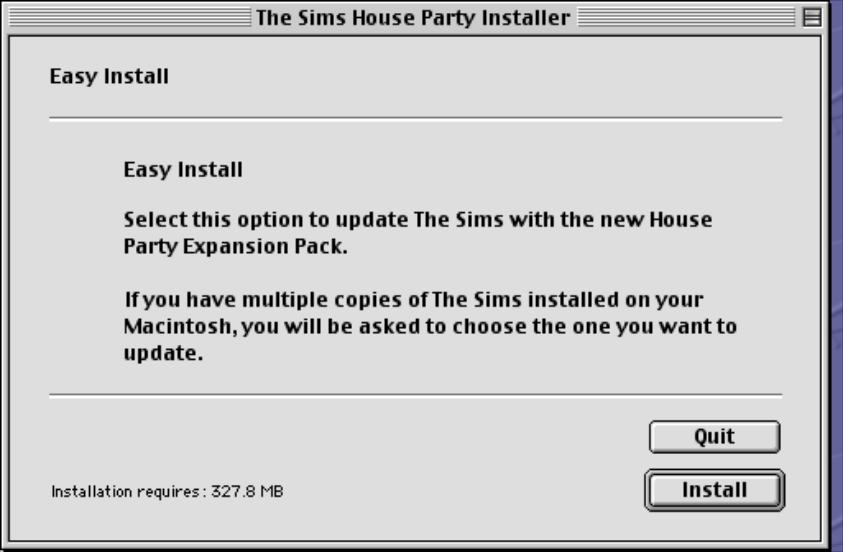
The expansion was later released on the Mac OS platform and installed in a similar fashion to the PC version. If the user has multiple copies of The Sims installed, they are prompted to select the folder they wish to install.
Like the original game, Livin Large only supported classic Mac OS, with a Carbon update being released later for compatibility with Mac OS X
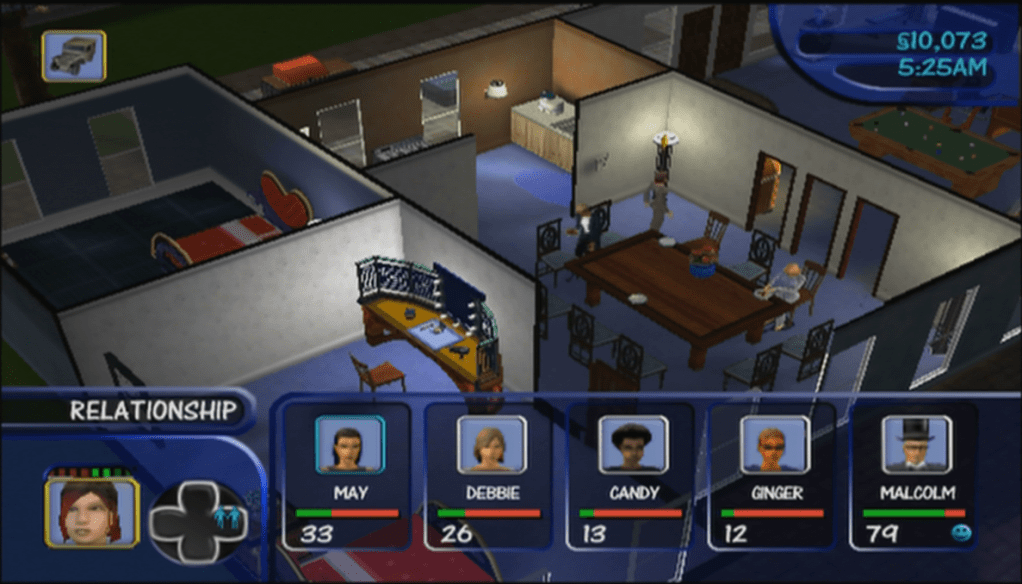
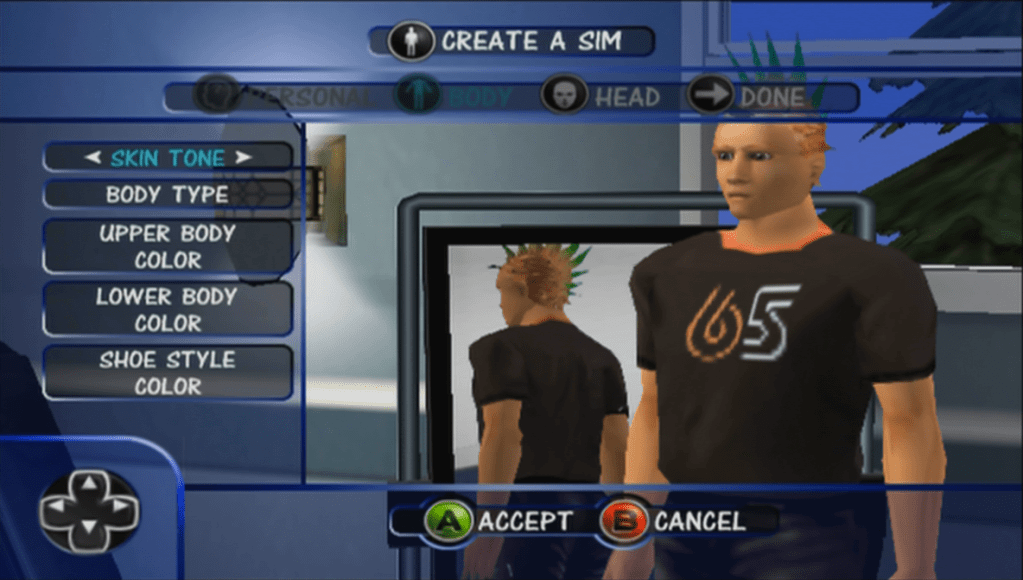
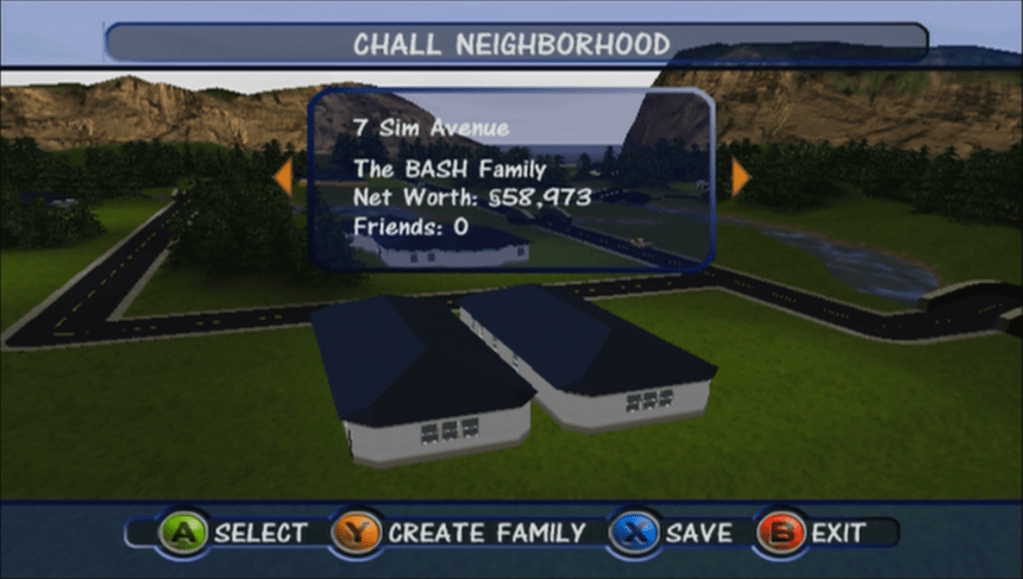
With the Xbox version of The Sims I discovered a way to load story mode sims in the normal sandbox mode of the game,which would allow all Story mode lots and sims (Landgrabb, Roomies, Peacock, Party Guys/Girls) to be fully playable. Normally you are not able to control and play these sims directly except for Dudley/Mimi and whichever Roomies/Party sims you have picked to move in with. There is a way to trick the game into loading these lots and treating it a a normal sandbox mode save by renaming some ngh files around.
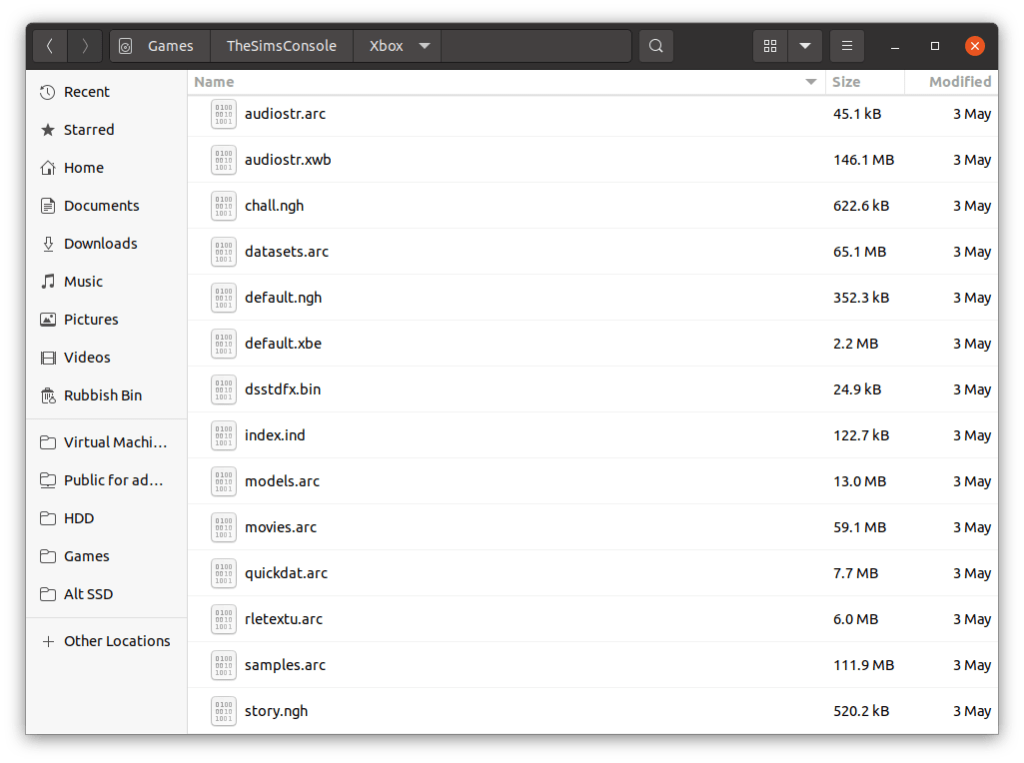
Ngh files are like an archive or the character files and house files used by the game. If you are familiar with the PC version of the original game they are equivalent to the Userdata folder, but in the form of a single file. ngh files on the disc serve as the default savegame when the player starts a new game, and are then converted/signed and saved to the memory card of the console, or the hard drive in the case of the xbox. Since the game stores template ngh files on the disc, we swap the files around , ie the default and story files over we can load story lots in the sandbox mode of the game. Sadly ngh files cannot be extracted, unlike the ARC files so we cannot manipulate the files individually as we would with the PC version.
To do this on the GameCube, it s a bit more complicated, since the Gamecube deals with ISO files for its backups, as opposed to the xbox which lets you rip and store the files as is on its hard drive, no ISO images needed. and since most modded dashboard have a file manager built in you are able to manipulate the game files on the xbox itself. Gamecube images on the other hand have some sort of protection mechanism which makes editing no so straight forward without some additional software. That being GCRebuilder.
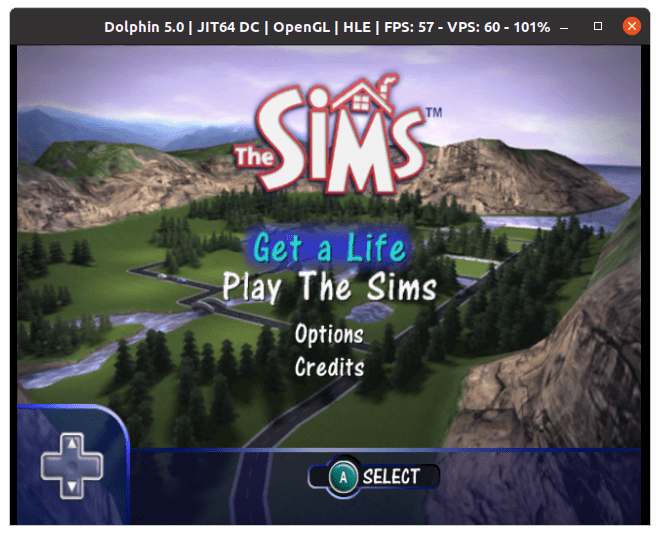
You will need a Gamecube capable of loading backup game, or a soft-modded Nintendo Wii with a Gamecube controller and memory card support. At least with the Gamecube have the option of using the Dolphin emulator which makes it easier to test the game. I’m using both Dolphin and a Nintendo Wii with DIOS-MIOS installed to run Gamecube backups.
Editing the Gamecube ISO images
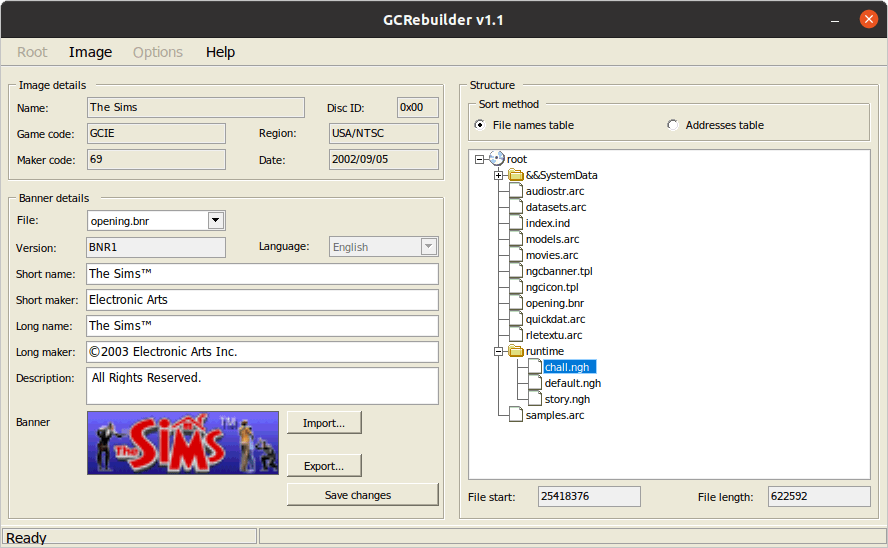
GCRebuilder is a Windows based utility but will work with wine or lutris. For this we are going to trick the game by renaming a few files that the game uses to load the default neighbourhoods. Since the files us the same format, we can rename then if we want to load lots in another mode.
Select Image, Then Open
Select the iso file, in this case it would be Sims backup iso
Once loaded, Right click root (near &&SystemData folder), then select Export
Once it has fully extracted, close the image by selecting Image, then Close
Choose the folder to export it too, this will export the contents of the disc to the folder for editing
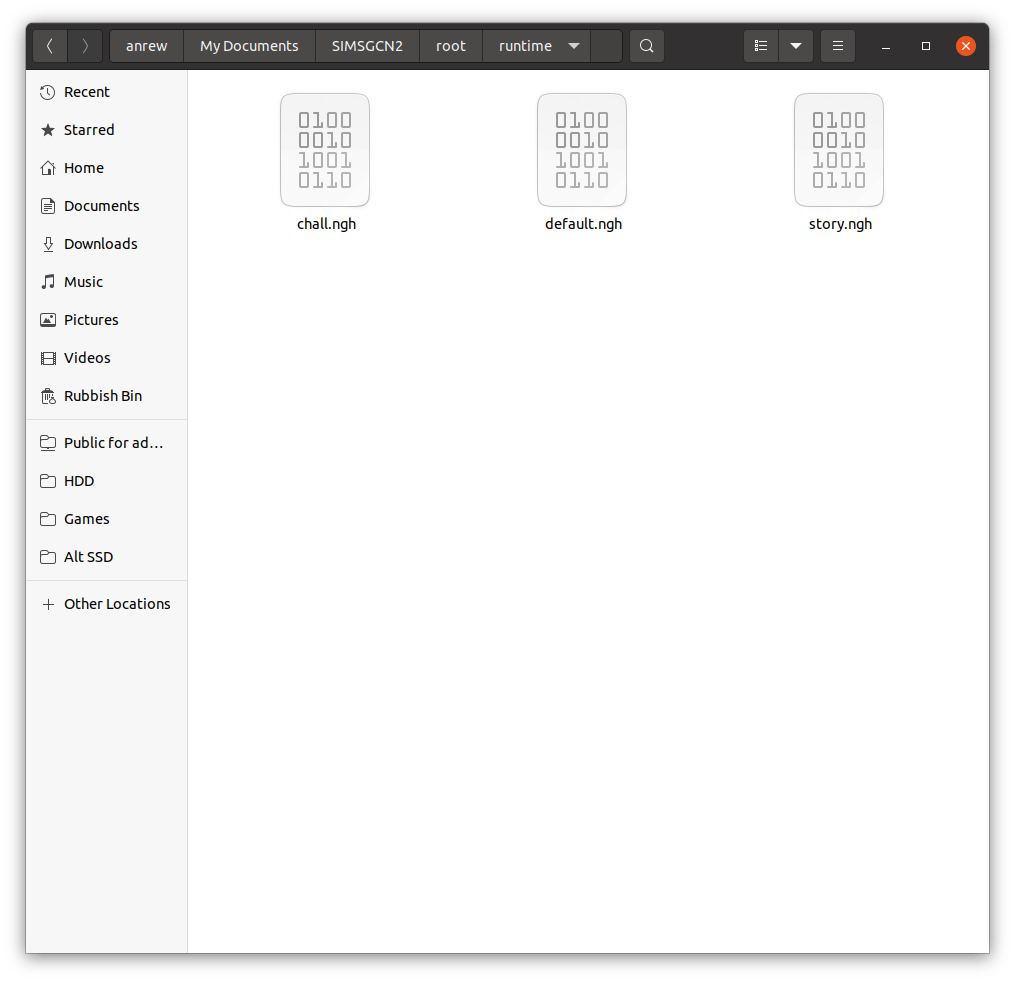
Navigate to the folder with the extracted contents, there should be a root, and within that a Runtime folder where the files are located.
Swap the chall, default and story files around by renaming them
Rebuild the image
chall.ngh – used for the 2 player challenge mode
default.ngh – default neighbourhood for the play the sims mode
story.ngh – default neighbourhood used for the get a life game mode. Most of the sims and lots are hidden are available in a level based format. There are some sims here that were never meant to be controlled with.
You will want to backup the default.ngh file, and rename the story.ngh or chall.ngh to default.ngh to trick the game into starting a new file with the swapped ngh file. Once you save the game, you can restore the original iso/disc since the lots/sims will be saved onto the memory card.
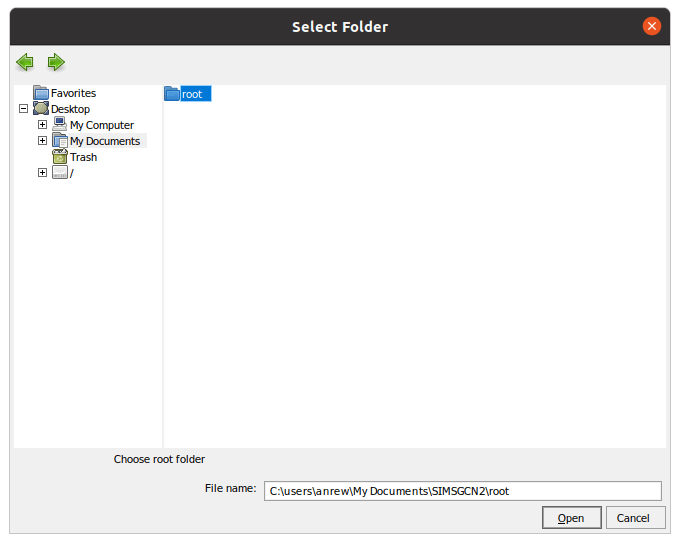
Select Root, then Open, and then navigate to the folder that has the extracted sims files and select the root folder.
To rebuild the new iso file, choose Root, the Save
The save files have both the story and the challenge mode sims and lots into pre-made neighbourhoods that can be loaded in ‘Play the Sims’ mode
Unfortunately you can only have one save file per memory card unlike the Xbox or PS2 versions, this means that unless you have two Gamecube memory cards that you can swap, you can only have one neighbourhood installed along with one story mode save. This is probably due to the Gamecube memory cards having only 512KB, versus the 8MB PS2 and the 4GB user formatted storage in the Xbox.
With a real Gamecube, you can use an Action Replay, or a equivalent device to copy the save file. With the Wii, depending on if the Wii is soft-modded and what home-brew the Wii is running to run Gamecube backups, DIOS-MIOS and Nintendont allow you to create virtual memory cards or you can use home-brew utilities to copy save files from a FAT32 memory stick to a real Gamecube memory card, providing your Wii console model has Gamecube memory card slots.
Last month I looked at the console release of The Sims in depth, mainly studying the game files and the format they are saved in.
One type of file that took my interest was the ngh files, specifically the story, chall and default.ngh files. I know these had some bearing on how the game stored the default neighbourhoods.
The level 3 houseParty Girls household in the level 5 house
The story and chall/challenge files were essentially customized neighbourhood’s, even to an extent we were able to extract and load them on a standard PC copy of the game, albeit with some workarounds but the lots and to some extent, sims were mostly playable, minus some missing objects that were exclusive to the console version.
I wonder what would happen if we swapped these files around, like if we tricked the game into loading the story neighbourhood in play the sims mode, in theory it should allow us to play the story mode sims and their respective lots in a sandbox style mode, along with full customization. What happened if we added the challenge/multiplayer lots into the mix?
The Roomies
To do this we need access to a modified console, since we will be modifying the games data files, and its easier if the game is stored on the Xbox hard drive rather than having to compile / burn a disc image.
File List
Story.ngh
Default files for ‘Get a Life’ mode
Chall.ngh
Default files for the Bonus multiplayer modes
Default.ngh
Default neighborhood for the ‘Play the Sims’ mode
Getting Started
For this I used the Xbox version of the game, purely due to the fact it is running a soft modded dashboard with FTP access, which makes it easier to manipulate the files without having to rebuild iso images. Before we start. Ensure you have backed up your games files, specifically the ngh files that we will be swapping around.
To to this we simply rename the ngh files to the one we want to trick the game to load, so to create a sandbox neighborhood with story lots and sims we simply rename story.ngh to default.ngh. We might have to change the original default.ngh to default2.ngh to prevent file conflicts.
Loading Story lots in Play the Sims mode
Possible – Works well and all story mode sims appear without any issues. The level 4 house does exist and appears in the map screen but cannot be selected since this lot is not accessible directly from the game – the lot appears on 4 Sim Avenue which was disabled by the game quite late in development, I’m not sure if they’re is a way to access the lot with cheats or debug actions. It does appear for a short second before moving away to the next lot.
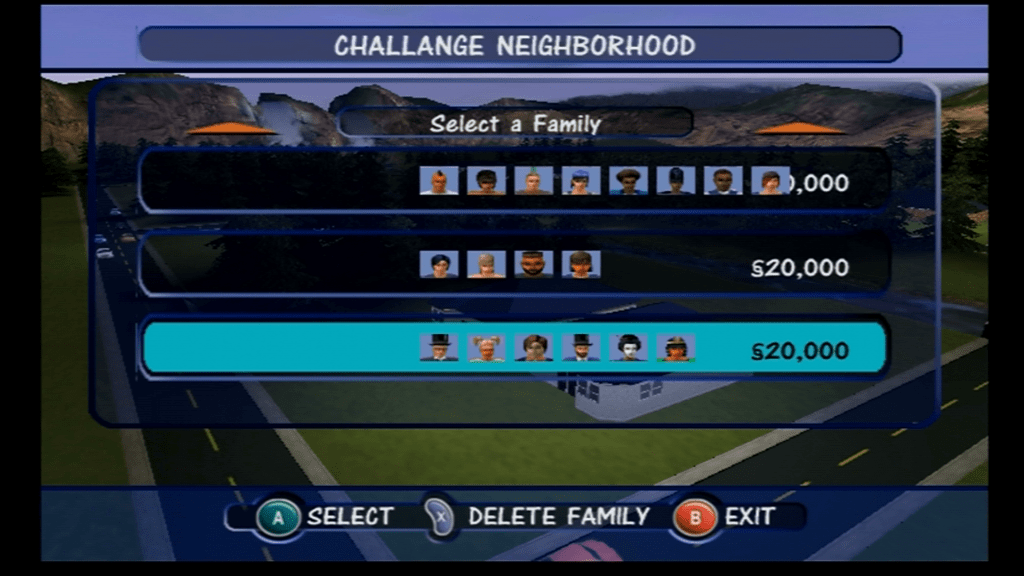
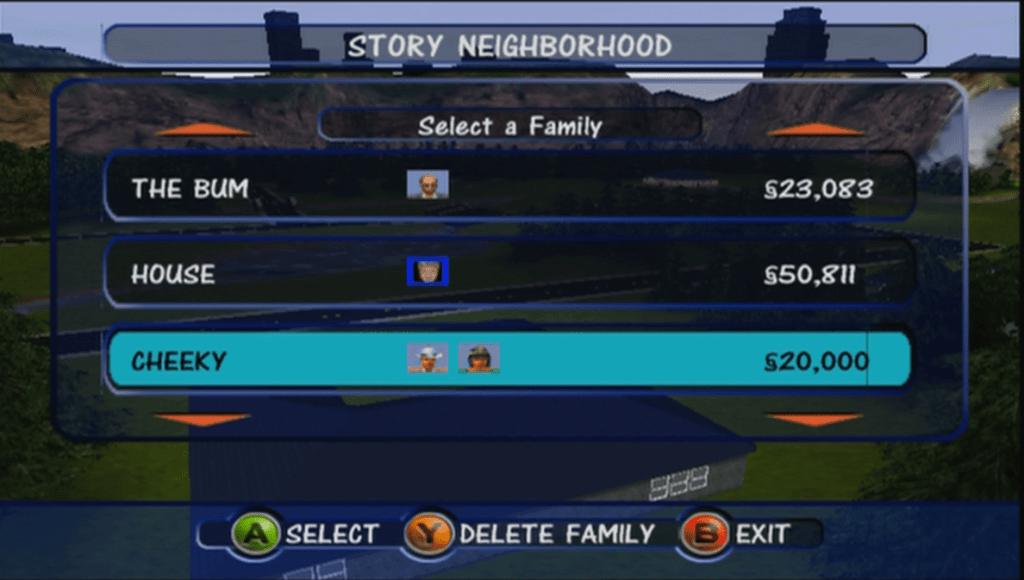
Unoccupied families, some debug sims appear here
Some sims are duplicated (Dudley/Mimi Langrabb) and some test sims exist such as Jane House. In the xbox version there is a sim called DJ Tooter who never appears in the actual game, and seems to be slightly corrupted as is thumbnail uses an image from the Pc version.
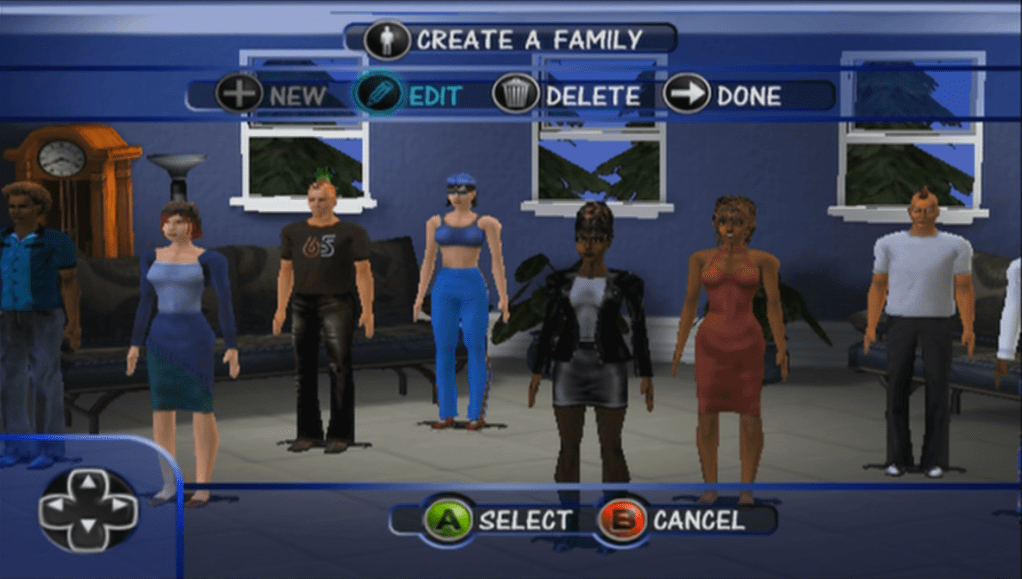
This surprised me, the games CAS is normally limited to 4 sims per family, but here we have up to 8 sims without any issuesEditing pre-made sims causes them to lose their custom thumbnails
All of the above sims and lots can be moved in and played without any restrictions. No issues with saving or loading lots.
Loading Story lots in Challenge mode
Varies a lot, some lots work but you cannot complete any objectives. Some lots don’t load correctly
Loading Challenge lots in Play the sims mode
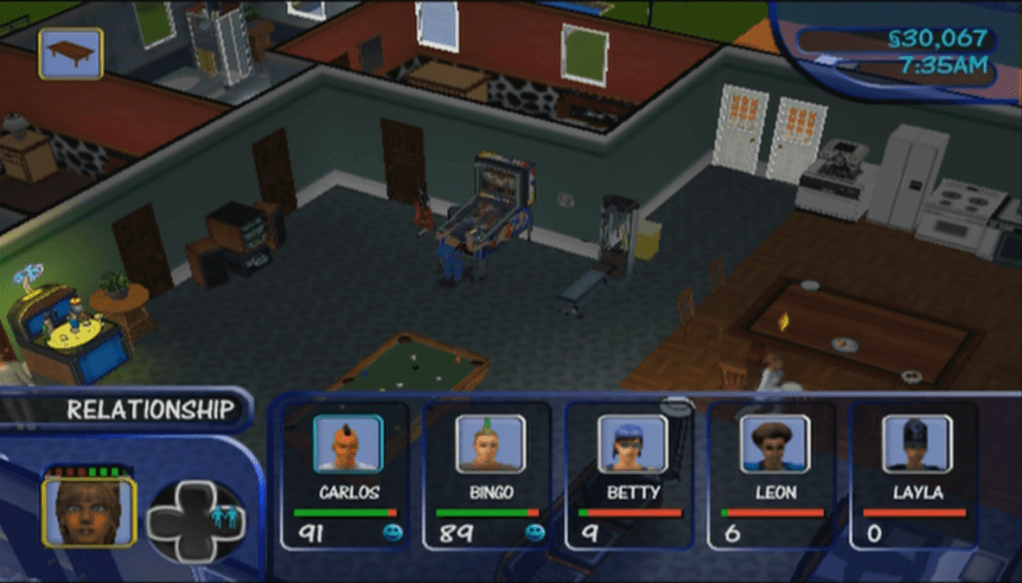
Possible – outcome is the same as when we imported the files into the PC version, only this time we have access to all objects and sims looks the way they are intended instead of the default face/skins. Interesting is some families have more than 4 sims, in fact one family has 8 sims, yet the game runs fine although switching between them is far from ideal since you have to spawn the button multiple times to cycle though the sims. Normally the game limit’s you to a max of 4 controllable sims per lot. Some sims here are copies of the story mode sims, with some differences with the personality points. There are a lot of unoccupied sims, which serve as the NPC’s for these mode’s.
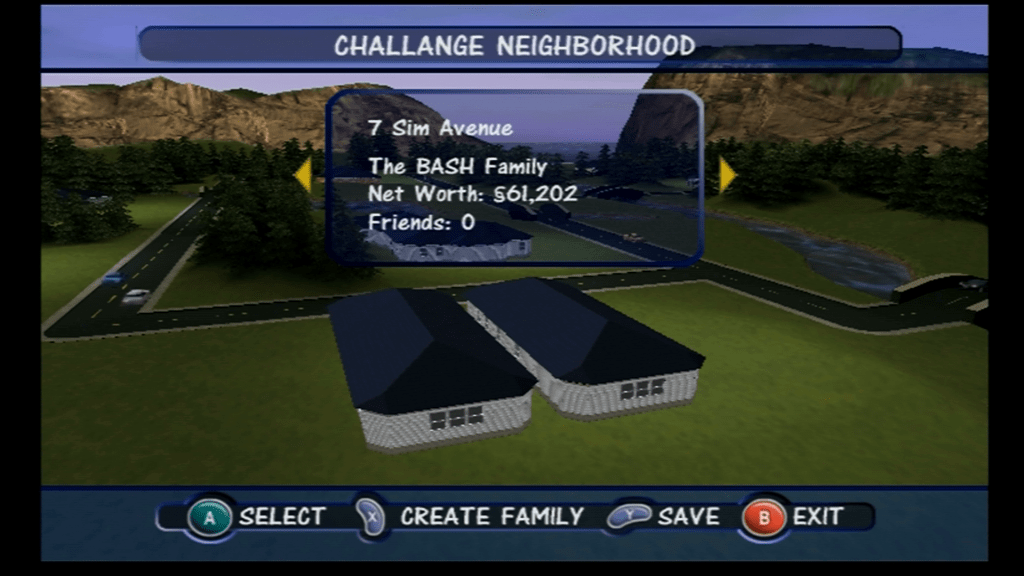
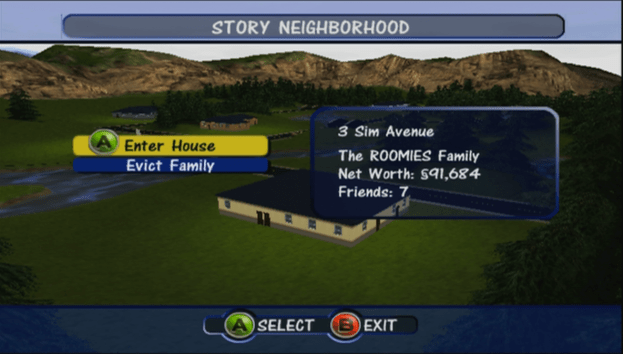
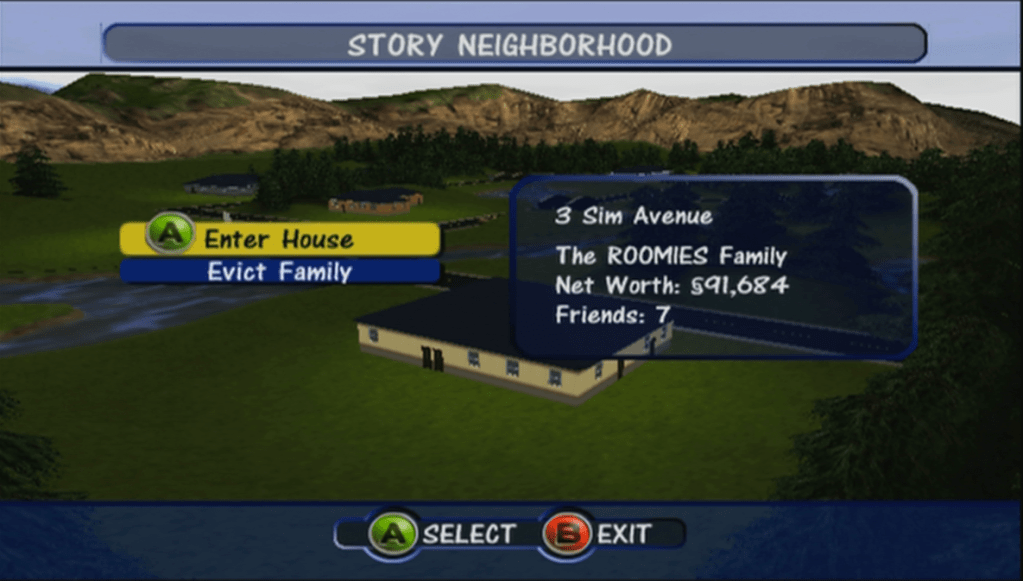
You can see the a house on 4 Sim Avenue, which is not normally accessible from the game
Not all lots are playable, one lot appears (The Frat House) in the neighbourhood view but we cannot access it despite there being a family that is occupied in the lot. They don’t have a telephone so you are unable to call or invite them round but they do attend party’s and will walk by the lot occasionally. Other lots don’t appear on the screen, because there are only space for 6 lots and this mode has 8. We are missing one of the Handyman/maid lots which exists in the game but we cannot make it appear since they are mapped to houses 08 and 09 which do not show up in game, the console neighbourhood only holds up to 6 lots.
Loading Challenge lots in Get A Life mode
This one works somewhat, the game tried to load the Dream House at the start of the game, but loads the Maid’s house instead, and we are unable to complete any of the objectives needed to progress through the level the game also ends after a minute and quits back to the main menu screen.
On the Gamecube version though the dolphin emulator, if we use the level skip debug command, we can load the first level, however sadly we hit another road block where we get endless dialogue boxes from MOM. The script gets stuck in an endless loop since the sim in question does not spawn on the lot. Unfortunately we are unable to continue past this point, even with the debug commands.
Loading Sandbox/Play the Sims lots in Challenge mode
Only some lots load, many load a blank lot with no sims. Sadly we are not able to complete any of the challenge mode, and some lots load to a blank lot with the game stuck at 3x Speed, since there are no sims on that lot and the build and buy modes are disabled in this mode.
Loading Sandbox Play the Sims lots in Get A Life mode
Not much luck with this one, game crashes when trying to load the dream mansion lot. Possibly because this hood does not have enough sims to populate, or the lot does not exist.
Downloads
Xbox Premade Save Files
Works best on a modded xbox with an FTP supported dashboard,
There are two files, one for the Story mode sims and the other for the Challenge mode sims. Both neighborhoods have all playable families and lots with a couple being inaccessible due to limitations with the ‘Play the Sims’ mode of the game
If your Xbox is not modified you need to use software that can write to FATX volumes, along with a supported USB drive and a XBOX to USB cable or Action Replay. You will then need to use the Xbox dashboard to transfer from the memory unit back onto the hard drive.
The NGH files look to be embedded into one of the many arc files, which is a customized format used by the game. We can extract the game files using the same QuickBMS script, however I have yet to come across a NGH file. It’s possible Bustin Out uses its own structure that makes it incompatible with the format that the PC and console versions use.
If you look at the Bustin Out lots, they seem to look similar to the first console release in terms of build mode tools, but some lots have custom backdrops, like Tinsel Bluffs having a city/mountain backdrop and Casa Calente having a seaside backdrop. The original console version however had a standard stone wall surrounded by green grass, in style with the neighborhood theme.
The sims themselves however may be compatible, they both have the same personality system, and the create a sim items are mostly the same in terms of customization.
To be frank with the Sims Bustin out, as much as I liked the game, the free-play mode was disappointing compared to the previous since console installment. With only 3 Freeplay lots there isn’t much room for a proper sandbox style game which limits what you can do. Also EA had designed 5 careers that were exclusive to Free Play mode
I can’t understand why the other Bustin out premade sims were not fully playable, whilst you could control them you they were unable to progress through their careers, or where you able to marry or move them out or switch them to a different career. I understand that those sims are tied to some goals but surly if you have completed all goals you should be able to unlock the ability for proper control of these sims, since they are no longer needed to fulfil your sims goals. Some sims were not controllable at all (Dudley/Mimi Landgrabb, Bella and Charity if your sim was a male) It seems like EA wanted to focus on the story mode of the game rather than the sandbox as to not distract from the PC version of the game, which had it’s seventh expansion pack around the time of Bustin Out’s release, as-well as the upcoming Sims 2.
When the sims was released for consoles in 2002, it was not a straight 1:1 port of the PC game. Whilst the PC version played using a 2D isometric perspective with the sims themselves being rendered in 3D. This was mostly since 3D capable graphics card were not that common in most desktop PC’s, and because The Sims being considered an experimental game, Maxis wanted to keep the minimum specifications as low as possible.
When The Sims was ported to consoles, the developers had the opportunity to render the game fully in 3D, a first in the series. There were however some gameplay secrifices that had to be made, mainly due to the reduced memory of the consoles. First is that you are limited to a single story building – no upstairs, probably to make the game more simple and because it may have been awkward to switch between the two stories using the game controller without resorting to a key combination, as all the buttons had been mapped for other uses. Another annoying limitation was the object limiter, which limited the amount of objects you could have on a lot, due to the amount of memory on the consoles.
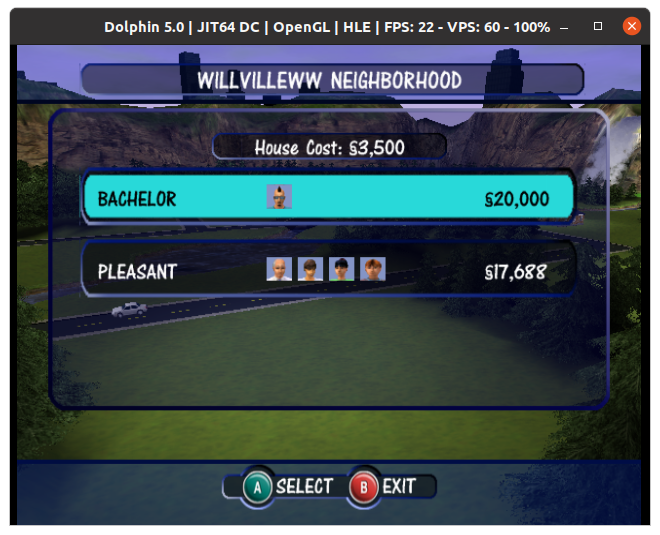
The Gamecube release, captured from Dolphin Emulator
Despite the differences with the graphics, the gameplay was mostly intact with many of the objects from the PC base game being included, along with some console exclusive objects. Many of the pre-made Sims appear here with the same members, The Goths with Mortimer, Bella and Cassandra, The Roomies with Chris and Melissa, the Newbie, Pleasant and Bachelor families still being present. The only major difference is the Sims and their world being fully rendered in 3D. The lots are mostly the same with the absence of the second story, although the mansion from the first game is missing.
A new addition to the game was the ‘Get a Life’ mode, which was a single player level based mode where you create your own Sim who has to progress through a rags to riches style of gameplay. Your Sim would basically start from their parents house and would have to get a job and upgrade their skills, after two promotions they would progress onto the next stage in a new lot, along with certain other challenges. The en goal being to reach the top of their career ladder and to get married. Players would also have to upgrade the lot by purchasing new furniture, meeting new friends and hosting many parties. The Sims Bustin Out would later expand on this formula greatly, and would be the basis for the Urbz and would influence The Sims Life Stories spin offs.
Another console exclusive feature was the two player mode, where two players could control two different Sim’s on the same lot by using a second controller,this would split the screen and allow each Sim to be controlled by both players. There are also mini games (Challenge mode) that are centred around this feature were two players would compete to get the most friends, or to get the cleanest house.
Because of the Similarities of the PC and console versions, I wondered if they were both compatible with each others data, as in you could extract a lot from the PC version and load it on the console version. There are a few challenges to this, since the PC version used 2D graphics compared to the 3d models that the console uses, and the Sims themselves are rendered differently. It’s worth looking at the console disk images to see if there are any similarities to the PC version.
PC Version (The Sims – Base Game only)
Console Version
Two story buildings
Single Story building
Can only choose from a selection
Can customize hair, face, eyes, mouth, makeup
Can only choose from a selection
Can customize top, bottom, shoes and colour of each item
10 lots selectable
6 lots selectable + 1 hidden/disabled
8 selectable sims per household
4 selectable sims per household
Cannot edit lots without a family moved in until Unleashed EP
Can enter build/buy without a family moved in
One Player
Up to two players with two controllers
Near unlimited objects
Object limiter (may vary on console)
Online Exchange support – Now Offline
No Online support for DLNS/Xbox Live
The ARC
I started with the Xbox version, since the XBOX was built on the PC architecture with it’s Intel processor,and since it’s possible to ftp directly into a modified Xbox rather than having to extract and recreate an iso image. First obstacle I ran into were these ARC files, which were also present in the Gamecube and PS2 versions. They were quite large files and contained a bulk of the games size. These files store a bulk of the games content.
In order to extract data from this you will need a custom utility with a plugin that understands these formats. From a bit of research ARC was a older compression format what fell out of use once zip took over. Nintendo also used ARC format as a container format for their games similar to the CAB format used on Windows however this seems to be a different format only used by Nintendo. There are also several different ARC formats that are incompatible with each other, which makes it hard to extract files form this format, and makes it harder to inject files into an existing ARC file. i’m not sure if these formats are different format that share the same extension, or there is some encryption/passcode involved.
What’s interesting is each console has a different file size for their respective ARC file, with the Gamecube being the largest. Maybe they are duplicating the files on the Gamecube version in order to reduce loading times? or the Xbox version might be compressed more? This would make sense for the sound and cutscene since they would be using the wmv and wma format for audio on the Xbox, the PS2 may have used MPEG2 since the Emotion Engine had an onboard MPEG2 decoder for it’s DVD player. The Gamecube does not have an onboard decoder so it needs to decode video and audio in software, which would affect the codec’s being used, and in turn affect the file size.
Runtime Folder
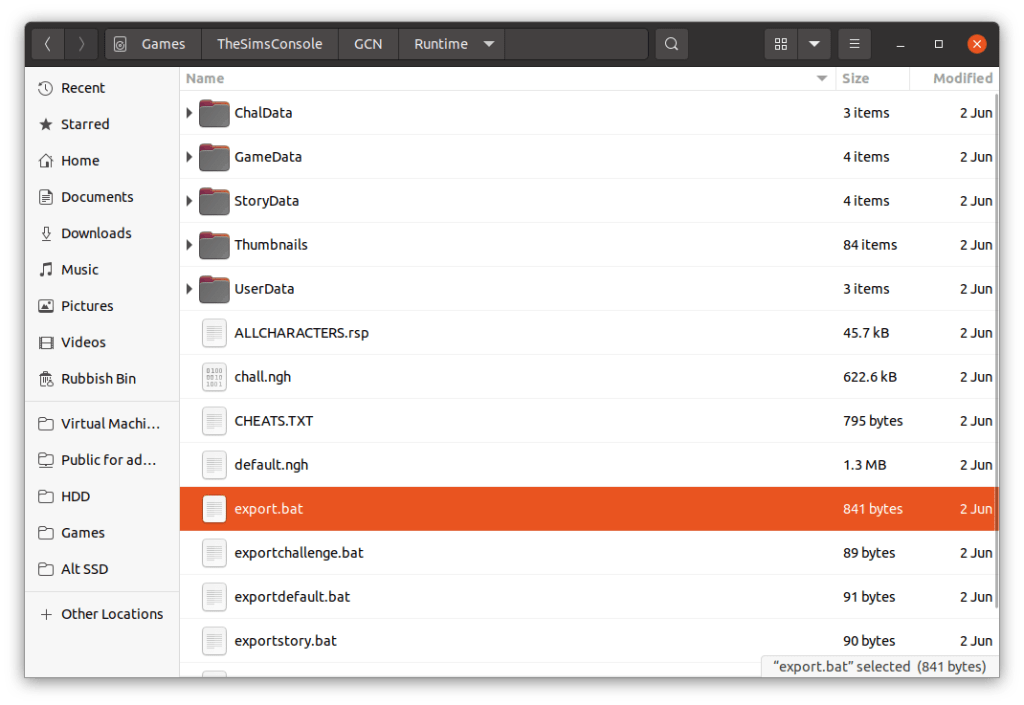
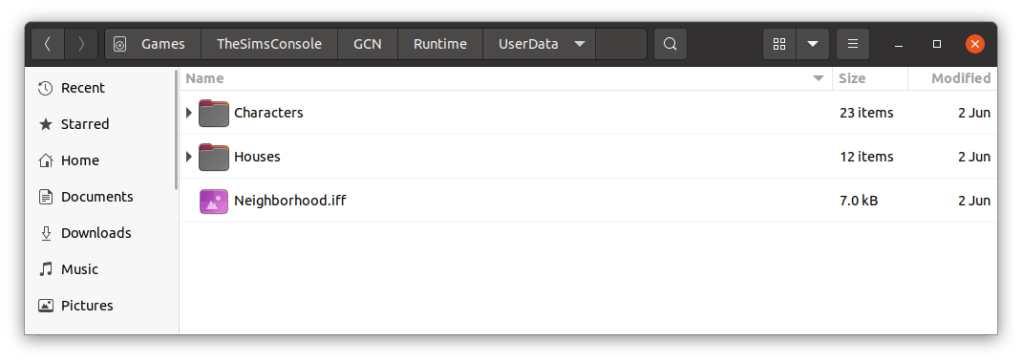
Looking on the Gamecube disc there is a Runtime folder that holds data for the default neighbourhoods, along with the sims, lots, and occupied objects (but not the objects themselves, or the skins, wall or floors). At first I assumed this was where the game pulls the default neighbourhood data from when creating an new memory card file, and would act as a template, however closely inspecting a batch files, it seems this folder is used to create the .ngh file which is kind of like a zip or cab archive of the above folders. The runtime folder is not present on the Xbox or Playstation 2 versions, but the ngh files are.
Folders
ChalData – for the 2 player lots
StoryData – a neighbourhood for the get a life mode
UserData – a neighbourhood for the play the sims mode / sandbox
These are template folders, I assume they get created to the memory card upon creating a new game, and the memory cards hold an ‘zipped’ or arced copy of the files.
There are 4 batch (.bat) files that were used to create the ngh files, here’s what exportstory.bat looks like;
SimsNghExport.exe – program used to create the ngh files, sadly not on disc
allcharaters.rsp – this file lists all the NPC and playable sims that shipped with the game, what gender/age and their skin-tone and clothing but NOT personality or job. I’m guessing that specific data is stored in the respective userXXXX.iff file, with the console specific stuff being referred to in this ngh file. The key field looks to the the sim name since I cant find any userid?
iWalllsFloors.ini – not sure, just a bunch of numbers, might be remapping the PC walls to the console version?
StoryData – folder, contains character files and house .iff files, basically the equivalent to the Userdata folder on the PC version
story.ngh – the output file
need to look the this ngh format, is it an archive? Is it compressed? Can we add and remove data with it?
This got me thinking if we could take this data and load it into the pc version of the game? After all, the extensions are the same (.iff) although the file sizes are smaller. In order to investigate further we need to call a old friend called Windows…
For this we are using the original unpatched sims base game, with no expansions.
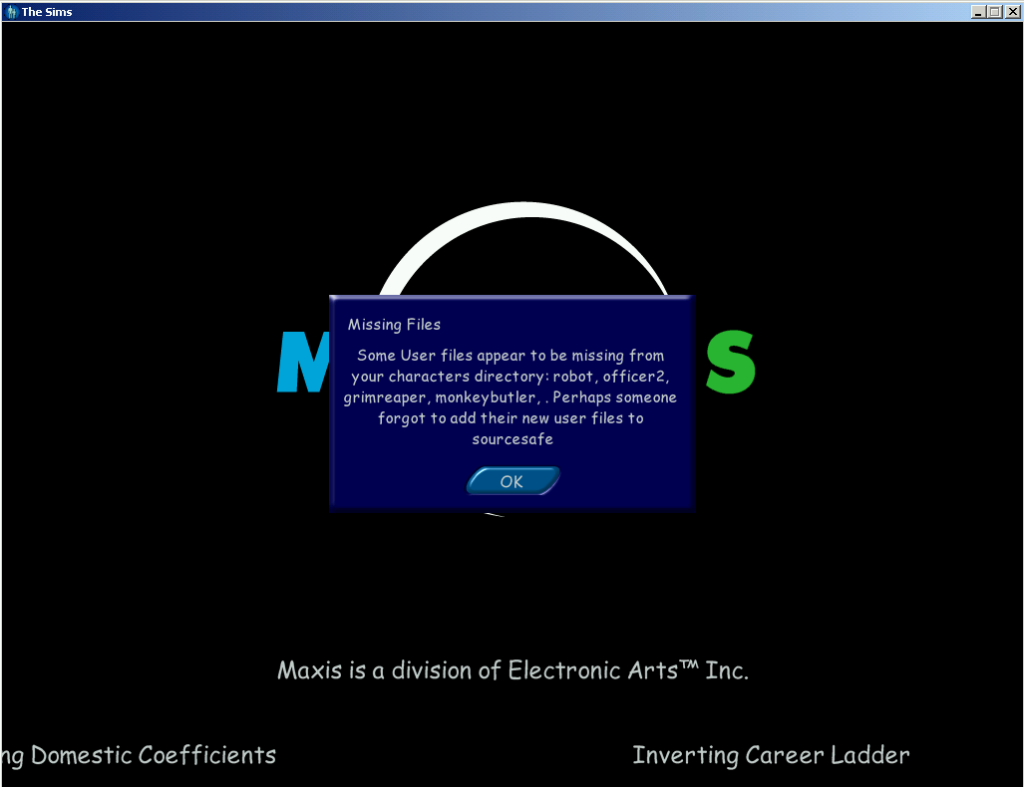
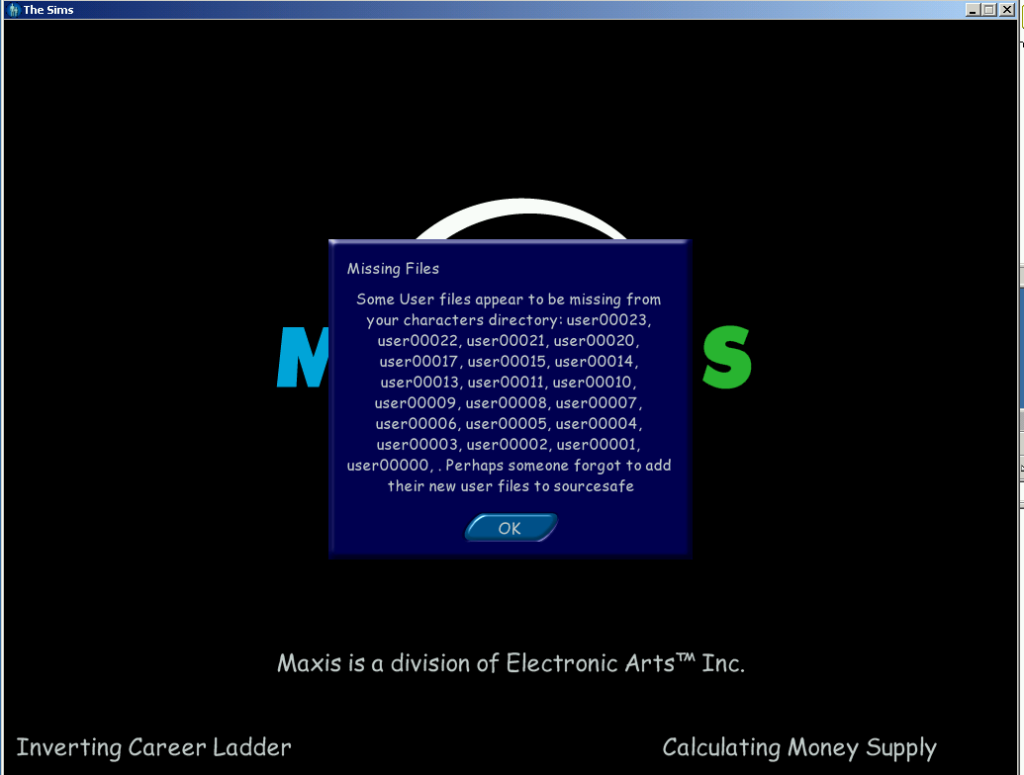
First I started off by copying the entire userdata folder from the gamecube iso into the game files and started the game up. What greeted me was this error message;
It’s not much of an error since you can click OK and the game to continue to load. Interesting is the names referenced in the message box, Grimreaper, which didn’t appear in the base game, only in the Livin it up expansion pack (GrimReaper does exist in the console version). Monkeybutler which is exclusive to the console release (its part of an object like the Servo robot in Livin It Up, cleans the house and repairs), not sure about robot or officer2?
Also what is sourcesafe?
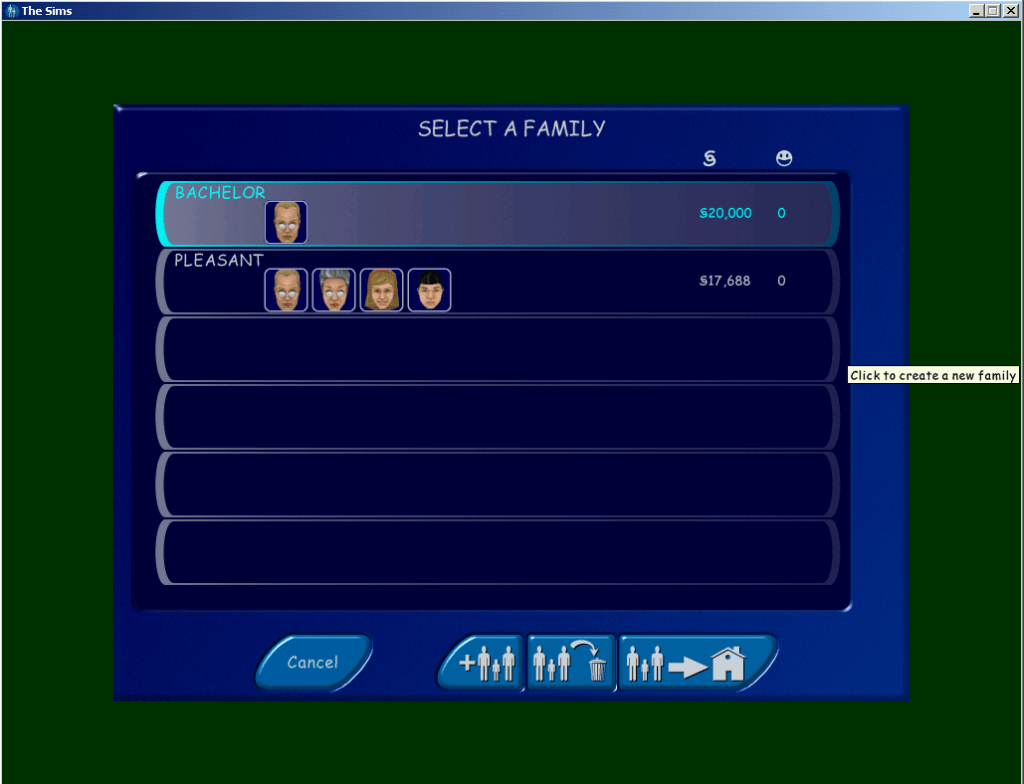
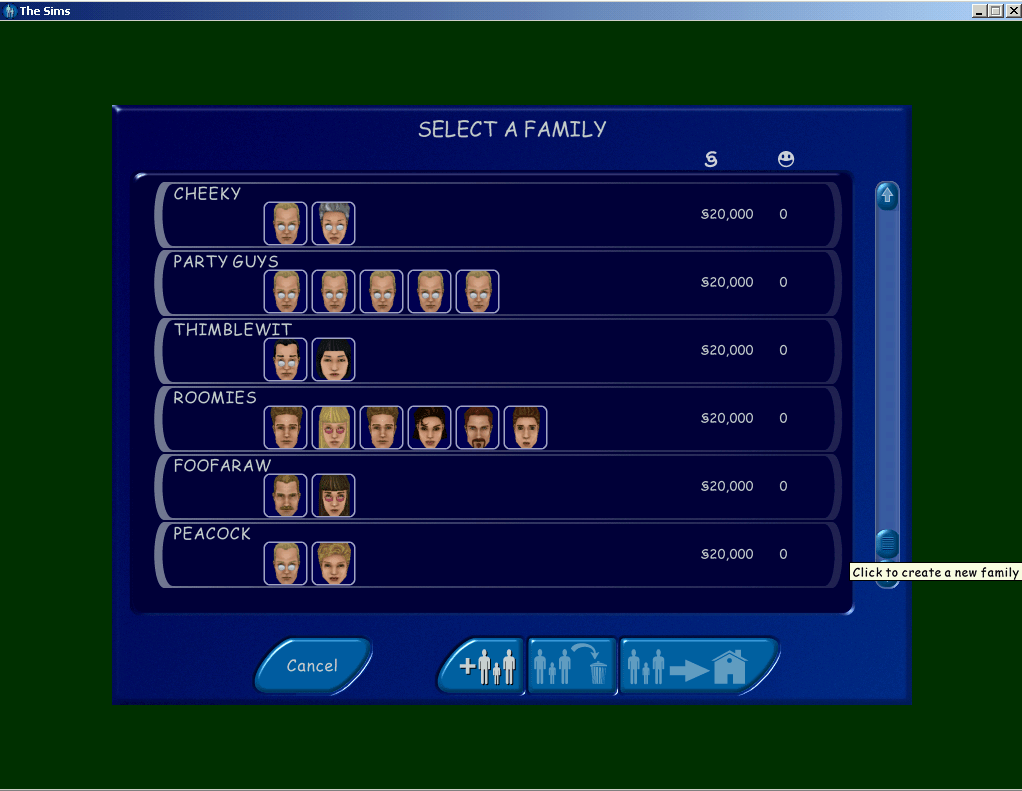
After loading the game I found not of the lots were accessible or even recognisable, clicking on them did nothing and no lot information data would appear. When I clicked on the family bin icon however I could see the two unoccupied families from the console version, the heads and faces looked to be missing and the game has loaded the default templates. Understandable since the console sims are in an incompatible 3d format, I’m surprised the game didn’t crash outright.
The Pleasant’s have not aged that all wellMeanwhile here is what they’re supposed to look like
I tried copying it again, this time leaving the neighbourhood.iff filers intact, this time a different error message appears;
I assume the neighbourhood.iff acts as some soft of database of which sims belong on a specific lot and also deals with NPC assignments.
Loading the Story mode families
What about the story mode folder? For this I did the same with the storyData folder, copied it to the game files and renamed it userdata and see how the game reacted.
The console sims, all can be moved in and loaded with their personalities intact, shame about their heads/bodies
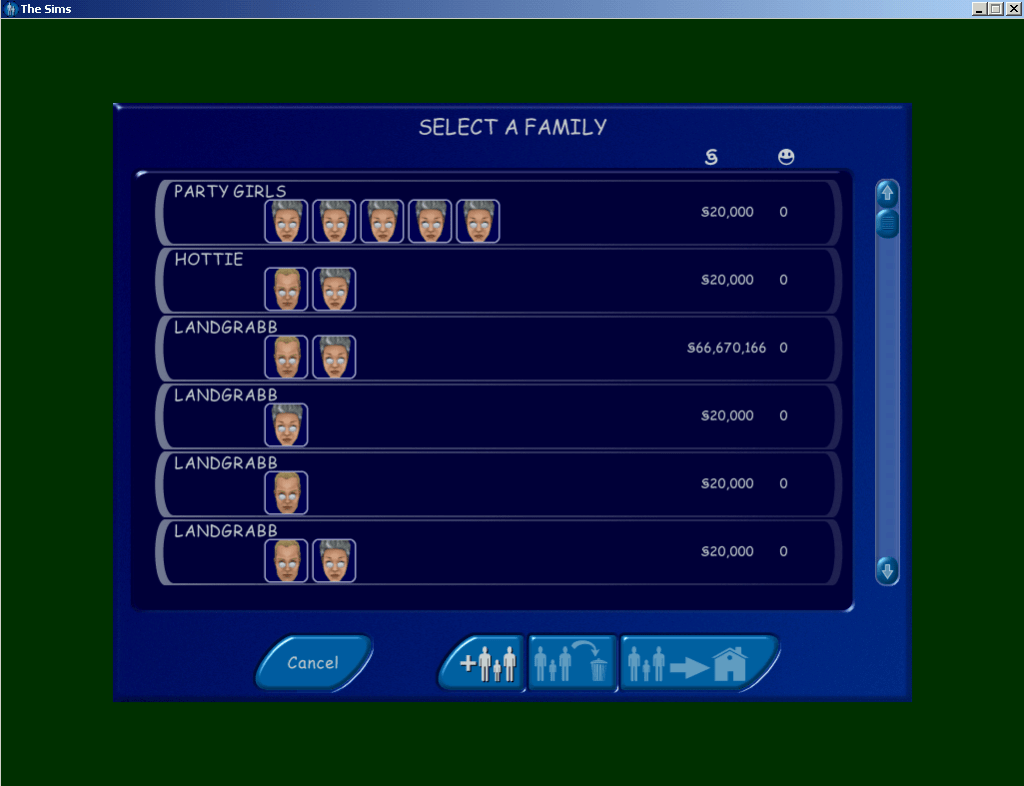
Checking the family bin you can see all the sims used in get a life mode, all from the different households. Some are even listed twice like Dudley and Mimi landgrabb .
The same issue with the lots persist, and after copying back the original files from the PC neighbourhood, I tried moving one of the sims in and clicking on their control panels. The skills and personality points seem to be intact with what the console version would show, although the sim names are always in BLOCK CAPITALS, maybe this was deliberate since it was easier to read on a standard definition TV screens at the time?
Interesting is that there are multiple copies of some sims, the Landgrabs and Mom have duplicate versions. This may be because once you move to another level, the previous sims are deleted except for the langrabb’s and Mom, who’s relationship gets transferred to the other copy. Other sims like the Roomies are deleted once you move from stage 4 to 5.
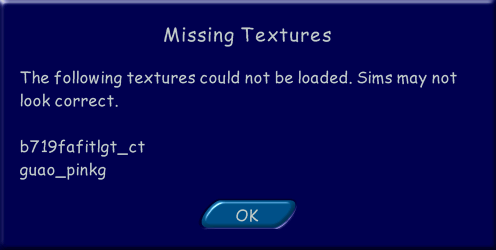
There are also two other families, the Tooter family with the sim ‘DJ’, and a ‘JANE HOUSE’. As these don’t appear in the game, they are either cut from the game or test sims. It’s worth noting than upon loading the families in a lot you will receive the below errors message, however this wont effect the game and will continue to load normally.
Loading the lots
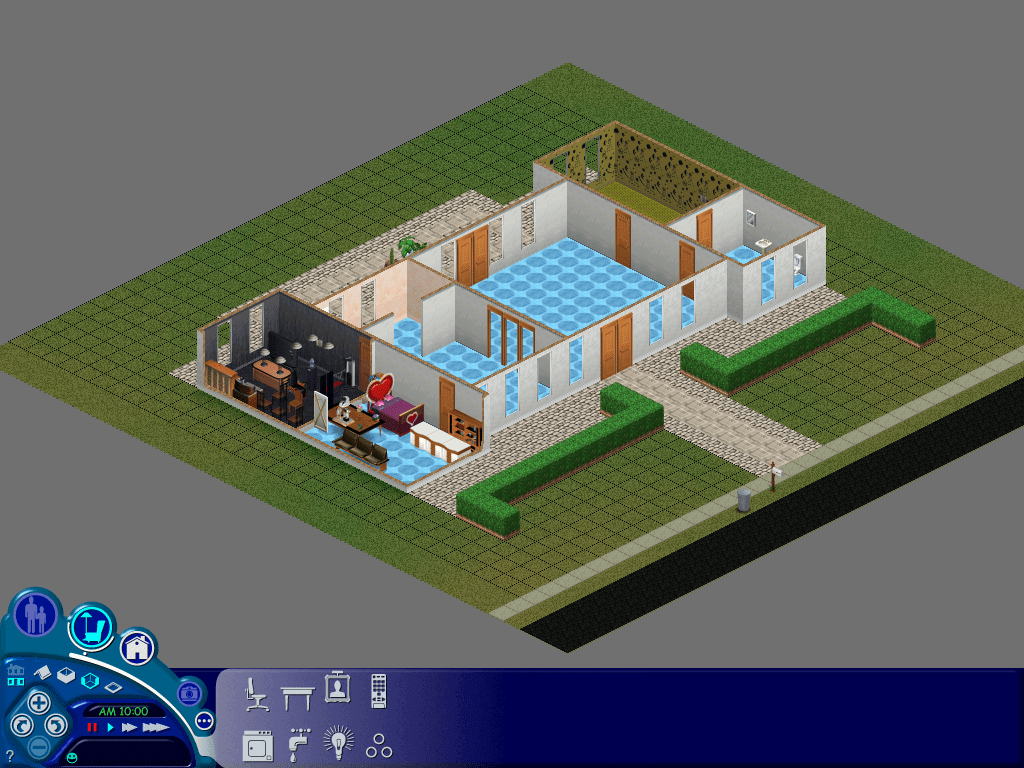
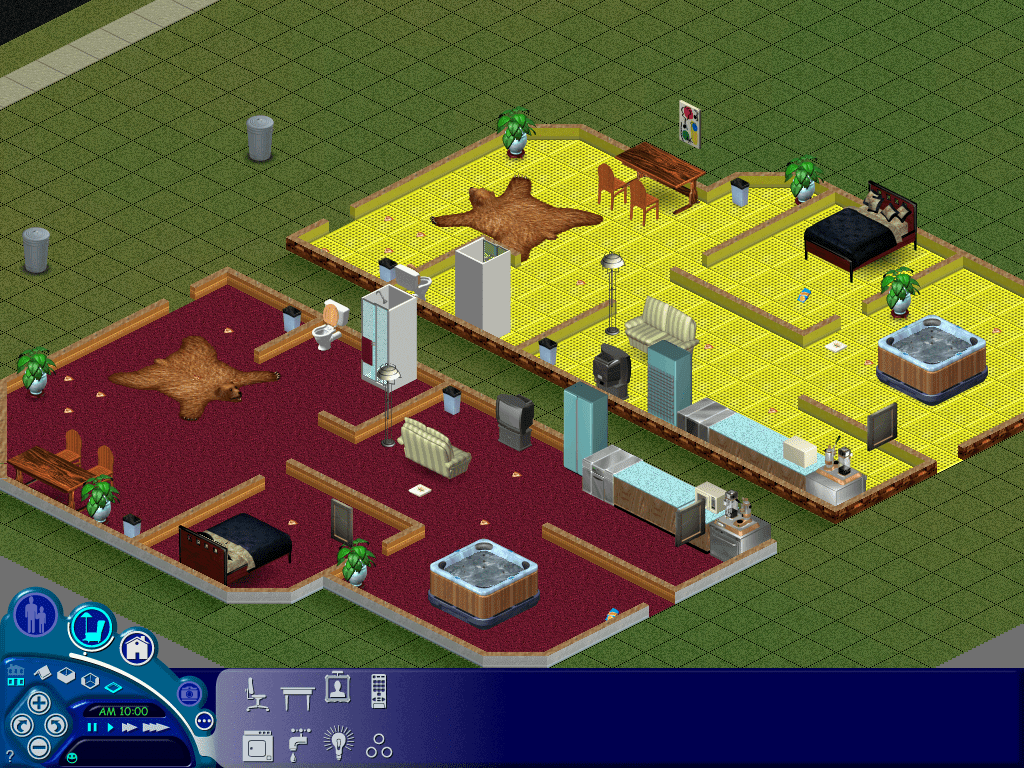
Console version of 3 Sim Lane, missing it’s second floor. Known as 3 Sim Avenue in the console release.
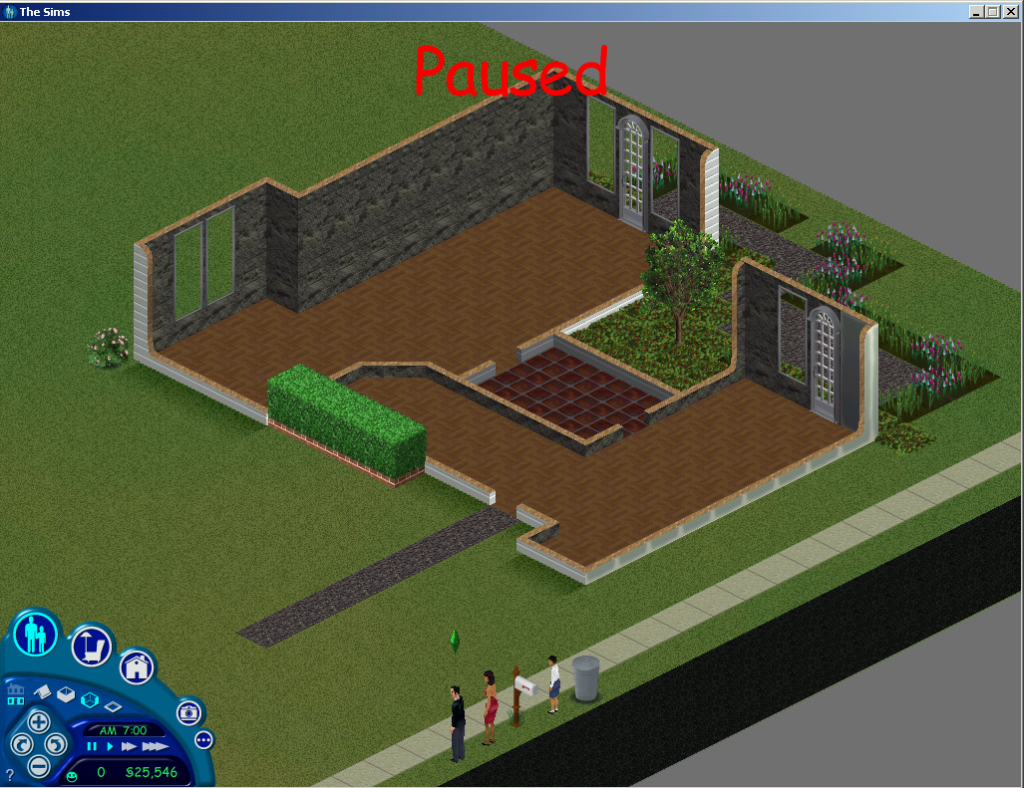
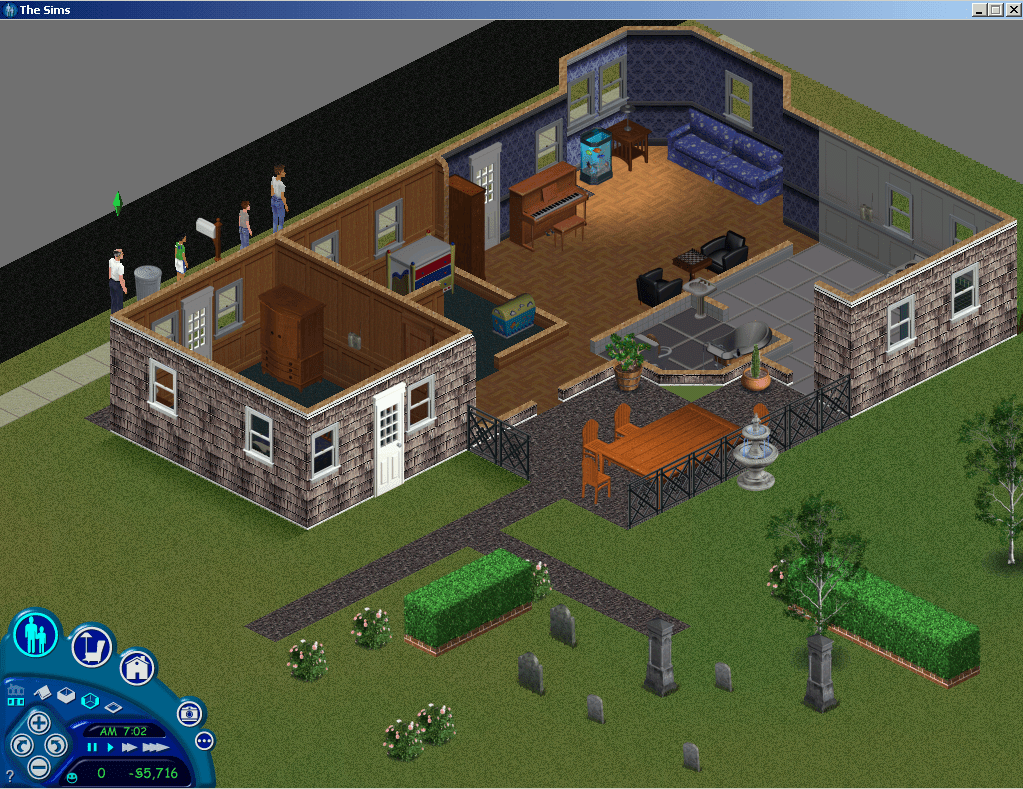
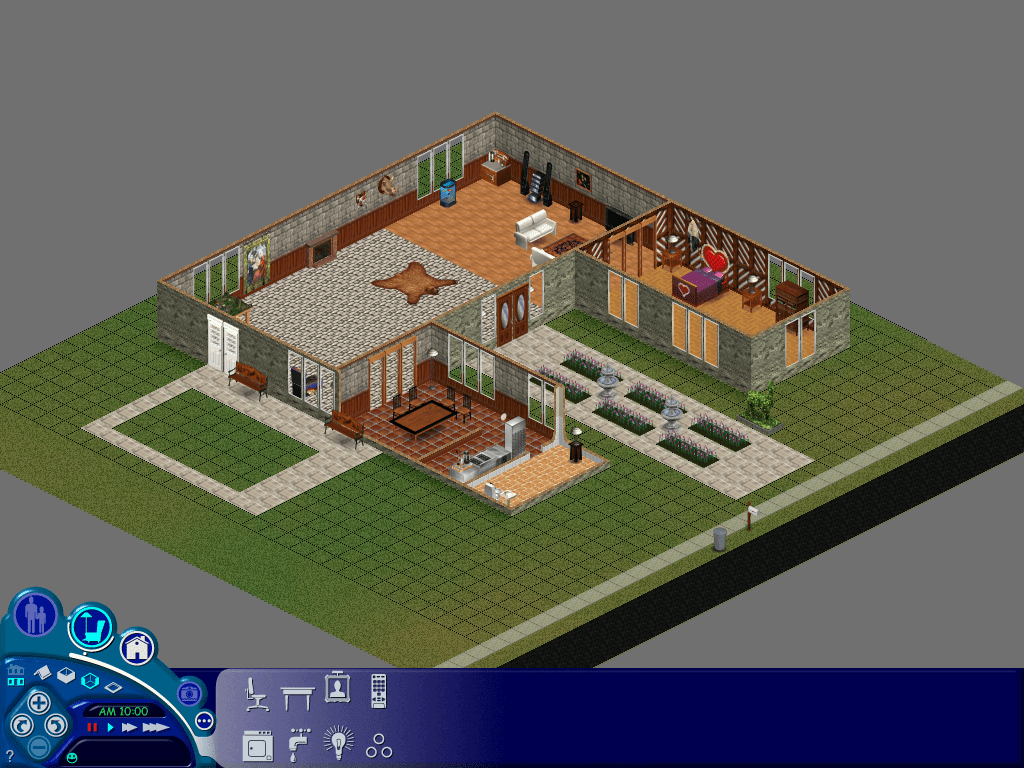
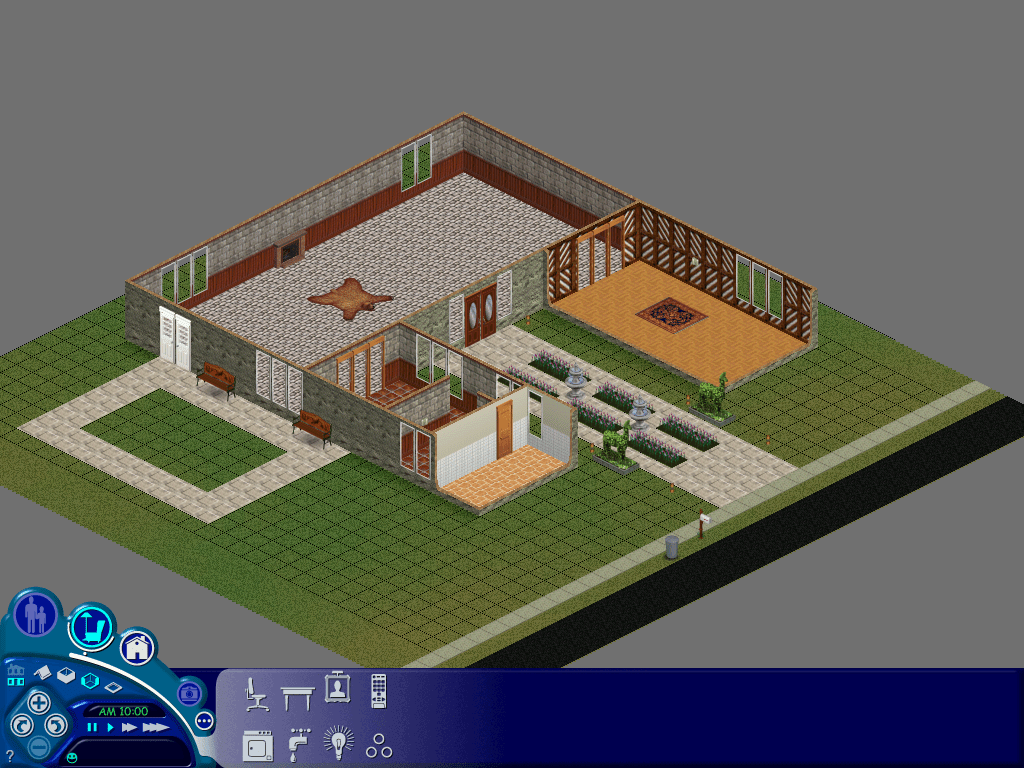
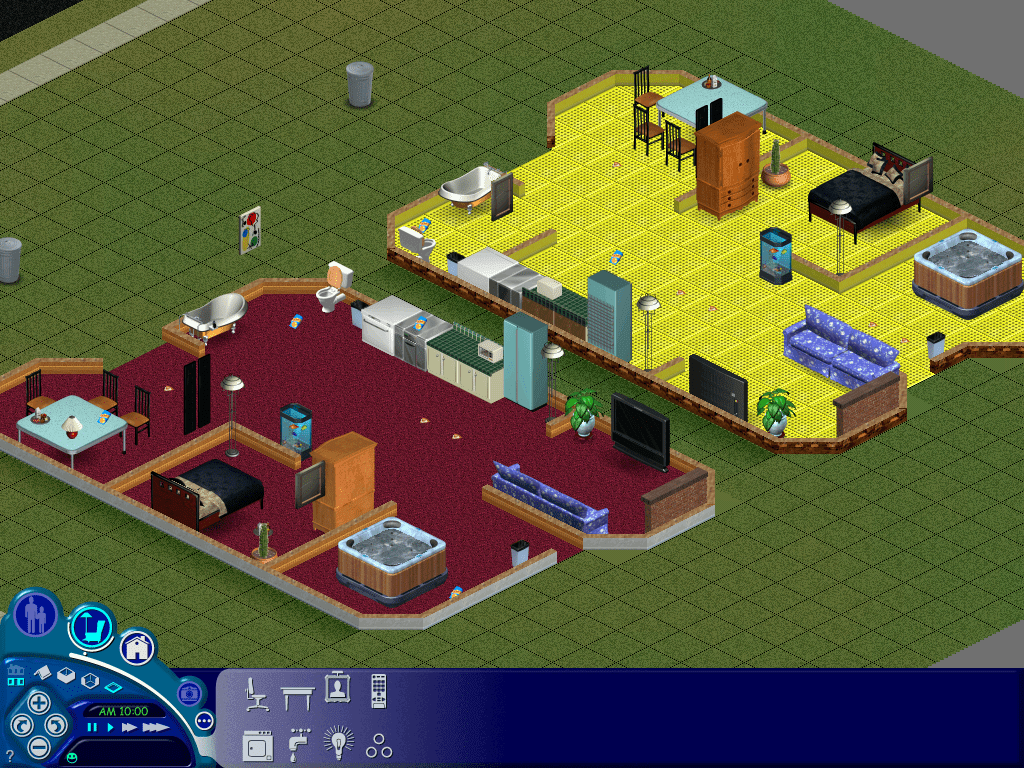
To get the console lots to load you need to trick the game into loading them, since starting the game up the game would just ignore them and the lot would be undetectable from the nhood screen, however if you load up with the original pc lots, alt-tab out of the game and replace the lot and then alt tab back into the game and load the specific lot, the game will load the lot. You will receive a missing objects error message which is to be expected, any objects the game can match will be present in the lot. Walls and floors are slightly different, the game will load the respective one but it if it tries to load a wall that is not there it will default to as substitute, the same happens with floors, and sim heads and bodies. Swimming pools will be missing since the console version used fixed design swimming pools, the PC version instead allows you to build your own swimming pool.
Console version of the Goth house, even the grave stones are intact
Unfortunately this is when I started to encounter issues with the base game, as loading certain lots would just cause the game to crash regardless, lot 4 in particular was very problematic. Switching to the The Sims complete collection fixed this and was able to load all of the lots. It was also more compatible since the console games contains content that was also included with later expansion packs, It was defiantly better at matching the correct walls and floors. Unfortunately sims complete collection refused to accept the neighbourhood iff file or the characters/sims themselves, which meant I could not load the console sims directly. Perhaps the neighbourhood files have changed significantly since unleashed in a way that breaks compatibility with the older code. The Sims Deluxe Editions might be a good compromise to test out but for now lets continue with Complete collection.
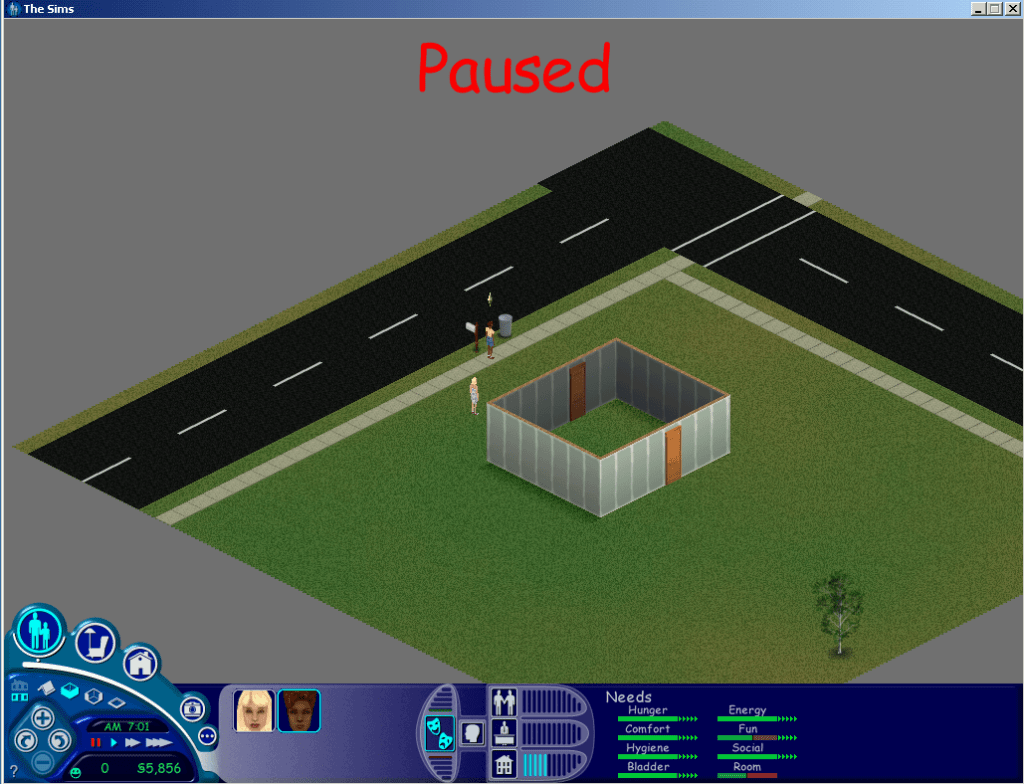
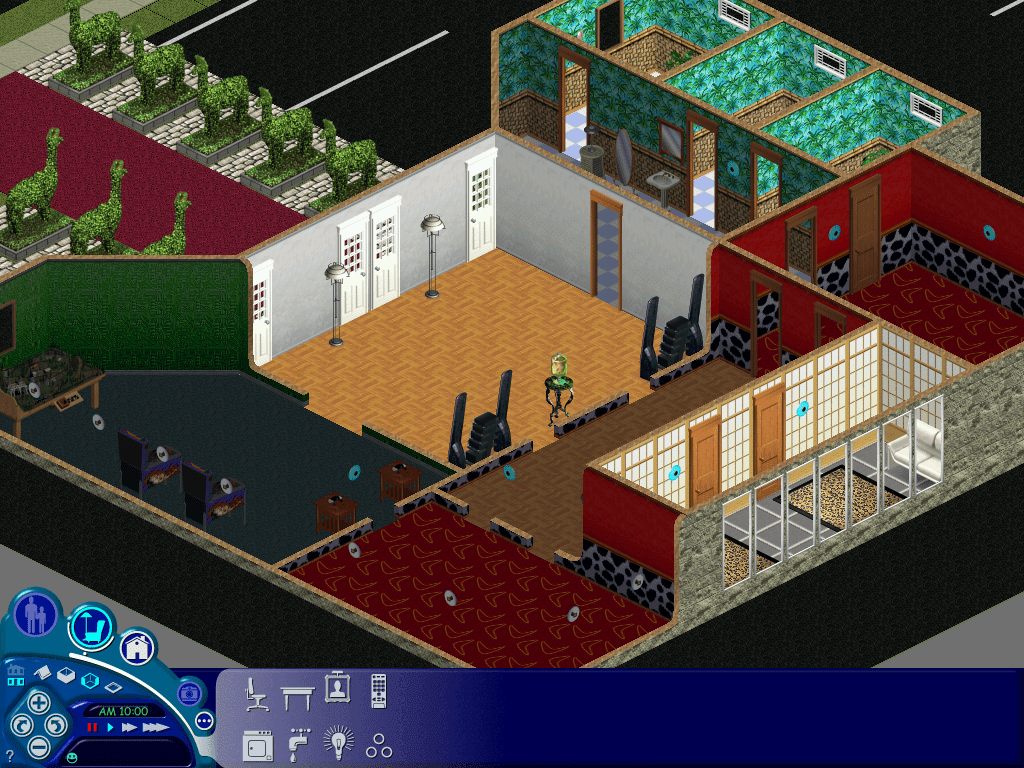
This lot appears a couple of times, however i have never seen this in game
Userdata Lots – Play the Sims Mode
After loading a lot you must save before exiting to the hood or the game, as the game will crash. Em guessing there is incomplete data that the game tries to fill in when saving, or the game tries to load the 3D thumbnail used on the console version which wont render on the PC version.
Filename
Household
Comments
House00
It’s built but no doors or windows or any objects?
House01
Empty
House02
Empty
House03
Roomies
Ok
House04
Empty
House05
Goth
Ok
House06
Empty
House07
Newbie
House08
Empty
House09
Empty
House10
Mostly empty lot with a small house and two doors
No luck getting the occupied sims themselves to migrate over, must use a different format for sims that move into occupied houses. only family’s that are in the family bin.
Story Data Lots
Filename
Comments
House00
Exactly the same as House00 in Userdata
House01
Level 1
House02
Level 2
House03
Level 3
House04
Level 4
House05
Level 5
House06
Level 6
House07
Blank level
House08
The mansion at the start of the game, dream sequence
House09
Vacant Lot
House10
Mostly empty lot with a small house and two doors
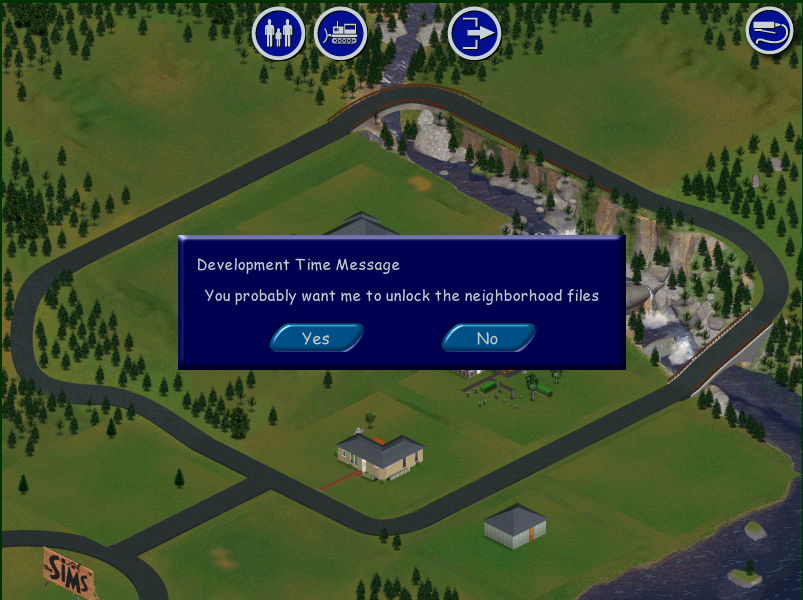
After placing House10, a development time message keep appearing, selecting yes or no yielded no noticeable effect.
Char Data Lots (Challenge mode)
Filename
Comments
House00
Exactly the same as House00 in Userdata
House01
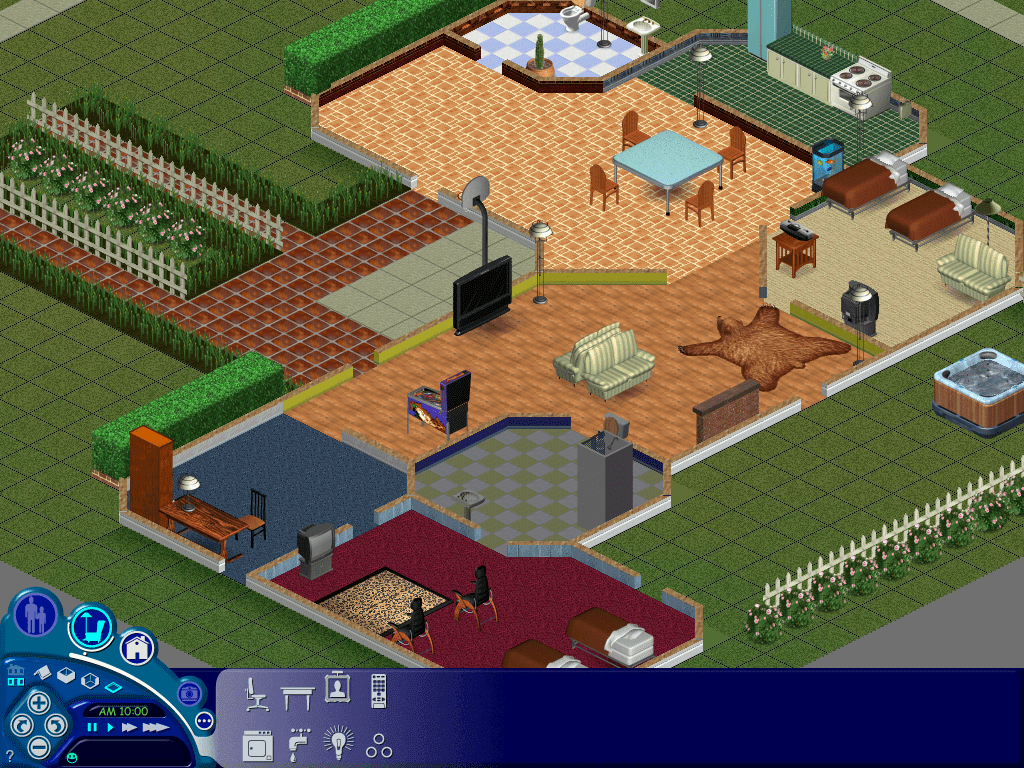
Maid’s House
House02
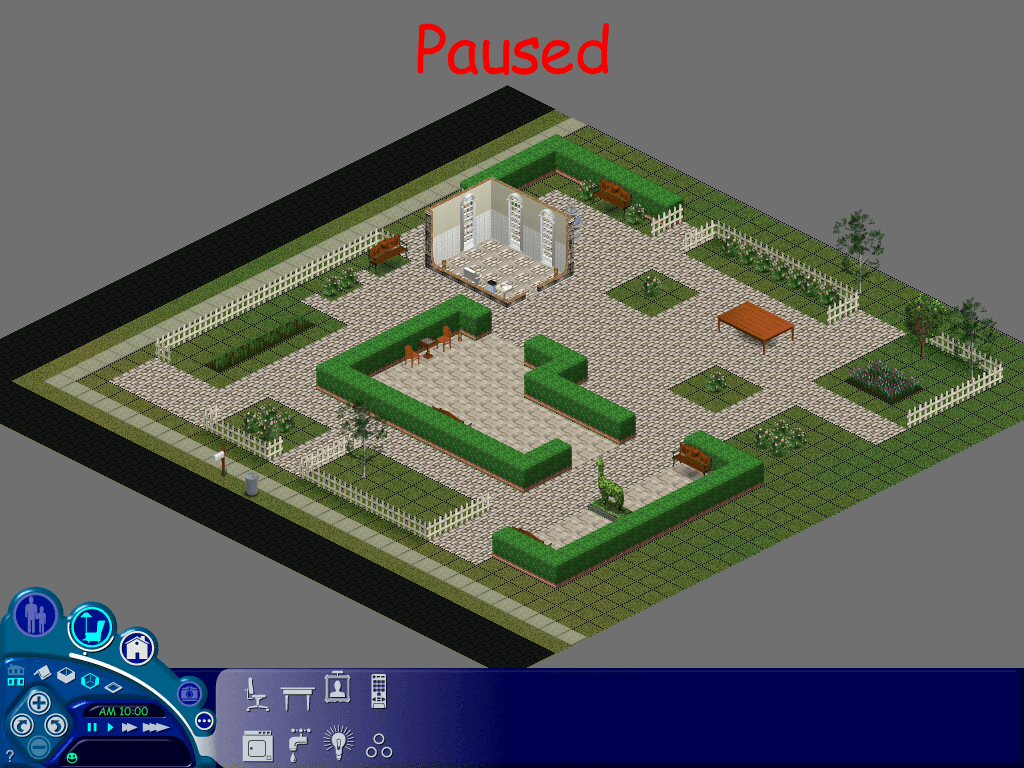
The park
House03
The Museum
House04
The Frat House
House05
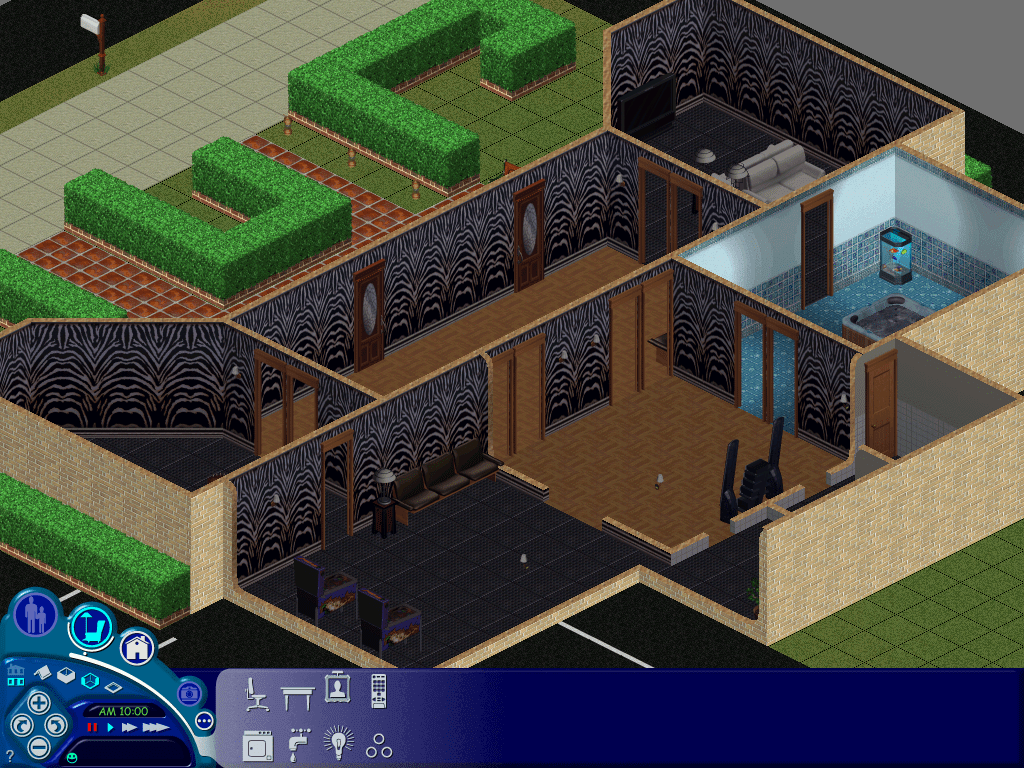
Club ABHI
House06
Club
House07
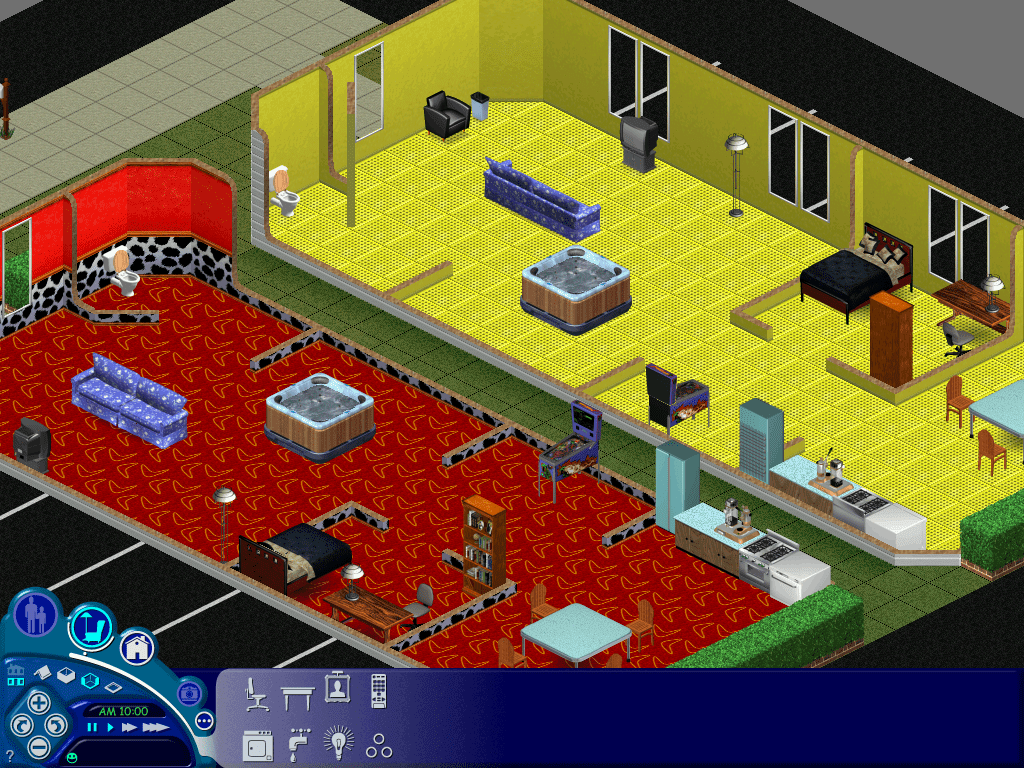
Party Motel
House08
Handymans House
House09
Mostly empty lot with a small house and two doors
House10
Empty Lot
Files
Links to both extracted Lots and Character files in separate archives
The lot files were imported using The Sims Complete Collection, but should work with any game as long as you extract the HouseXX.iff file into your own UserData folder
The character files were created using The Sims (Base game) and may not work past Unleashed, these contain the sims from the ‘Get a Life/Story’ mode and Challenge , Play the Sims / Sandbox mode.






 Drew1440: Blog