Category Archives: Uncategorized

A look at SIM Toolkits

Technically known as SIM-AT (Application Toolkit), this is a menu that is built into many SIM cards and can be accessed through the handset directly.

Many of the mainstream networks used the SIM Toolkit to promote their services and to increase their accessibility. Many provide links to news bulletins, sports, weather and finance. Some would also allow you to dial important services like the RAC breakdown

On the other hand, most of the smaller or virtual mobile network operators neglected support for the SIM AT toolkit. Virgin Mobile was one example of an MVNO that implemented a SIM toolkit in their service, but others such as 3 (Hutchinson 3G) and ASDA or Tesco mobile don’t implement this, mainly as they are promoted as a budget-orientated mobile operator

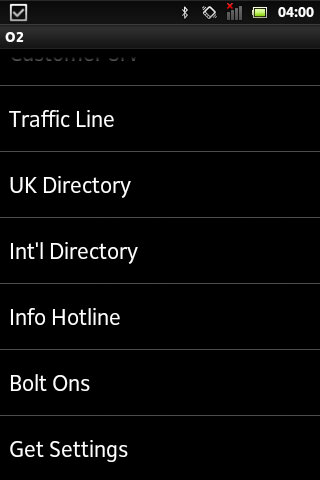
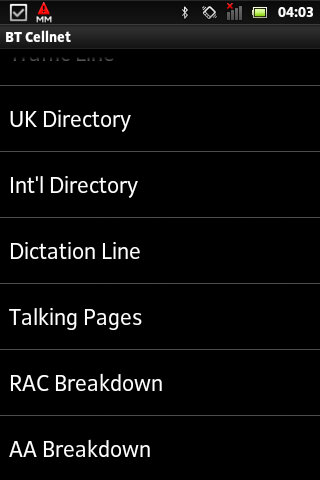
BT Cellnet / O2

The predecessor to O2, this Sim card dates to around 2000/01, shortly before the rebrand to O2. The menu appears as ‘My Services’ with BT Cellnet being the first item that shows up
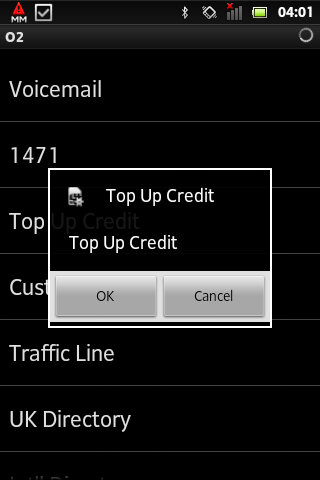
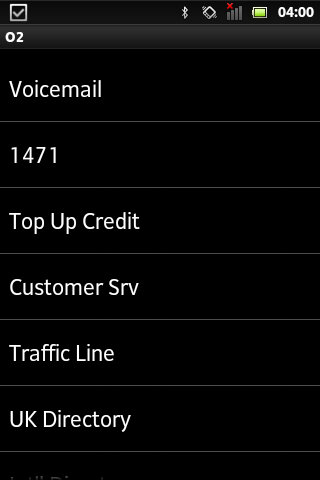
  • Callback901 – This was a shortcut to O2’s voicemail service and simply dials the voicemail message center, which works the same as dialing 901
  • 1471 – tells you who the last number that was dialed
  • Customer Care – Main O2 customer service line
  • UK Directory
  • Int Directory
  • Dictation Line
  • Talking Pages – I think this was the speaking version of the phonebook but im not 100& sure
  • RAC Breakdown – Dials the RAC, useful if your car as broken down
  • AA Breakdown – Same as above, but dials the AA instead (AA is a breakdown company, not alcoholic anonymous)
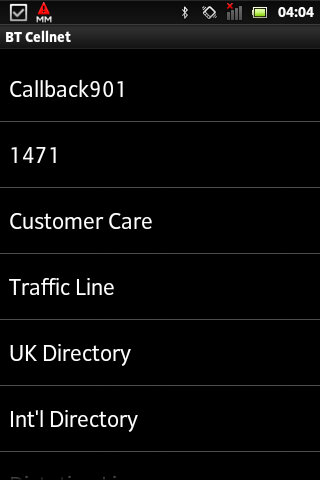

From an older BT Cellnet SIM card

T-Mobile
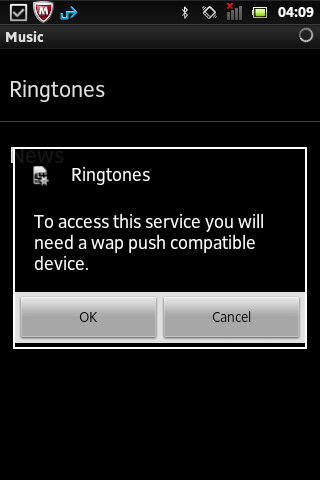
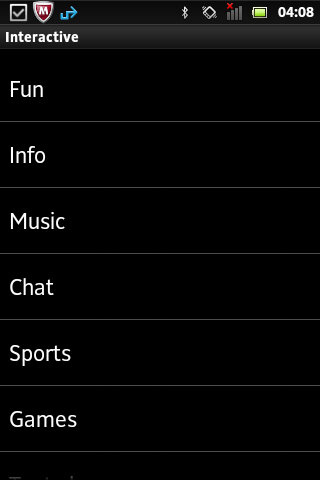
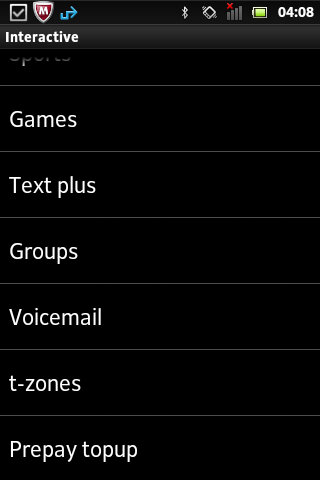
Not sure how old this Sim card is or what year it dates from. Compared to the menu on BT Cellnet it’s a lot more featured, with many options leading into a submenu. When selecting an option, the phone will send an SMS-like message which relates to the request.
On most handsets, the menu appears as ‘Interactive’

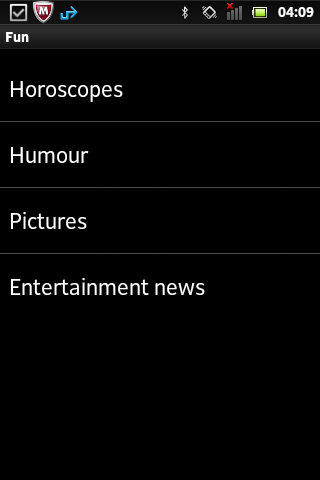
  • Fun
    • Horoscopes – Gives two options, Romance and Outlook and lets you enable a daily message that tells your horoscope, probably for an additional charge
    • Humor – Gives options for Jokes, Chat-Up lines or Voicecards. Jokes gives you options for Silly or Adult jokes which then gives a warning message that you must be 18 or over to access
    • Pictures – relates to MMS and lets you enable picture alerts, options including Babes on & off, Gossip on & off and Footie. Yes, it’s actually spelled like this in the menu.
    • Entertainment News – Options here is daily on/off which controls daily SMS messages being sent in relation to entertainment news, an option to get the latest news once and separate options for soap and film updates. Useful if you want the latest from Eastenders or Emmerdale.
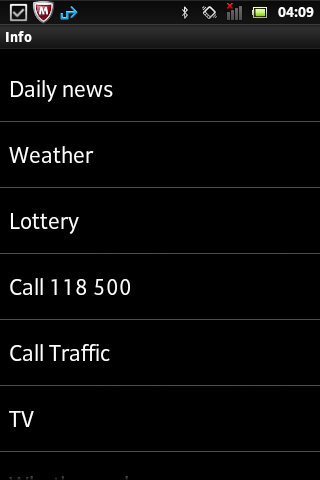
  • Info
  • Daily news
  • Weather
  • Lottery
  • Call Traffic
  • TV – gives two options to see What’s on now and Soap Update
  • What’s nearby – several options, bar, Hotels + B&Bs, Eat, Taxi and Cash Machine
  • What’s On – Cinema, Club, Music and Comedy
  • Streetmap – Send a map to selected compatible Wap push devices
  • Finance – Options for Shares, Exchange rates or financial news
  • Call Leisure Line – Calls the Leisure line
  • Music
  • Ringtones – send a WAP link to download more ringtones
  • News – Various options for Charts alerts, Pop news, and New Releases, these would be text alterts being subscribed to
  • Chat
    • Join
    • Chatrooms – Lists chatrooms or to manually enter a chatroom
    • Match and chat
  • Sports

Vodaphone

On this SIM card that dates from 2020, this still has a few menus that are accessible.

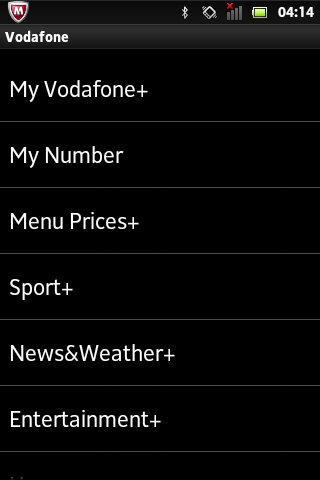
  • My Vodaphone: Gives options such as TopUp, Balance, Customer Care, Directory Enqs, Voicemail, My Subscription and Voda Stores. Some options will be hidden depending on the type of tariff (Pay as you go vs Pay Monthly)
  • Balance: Gives you your current account balance, does not show on pay monthly
  • My Number: Shows your current phone number
  • Menu prices: View Prices and T&Cs
  • Sport: Various options consisting of Sky Sports, Sports News, Football, Rugby, Eng Cricket, F1, Horse Racing, Golf News and Tennis News.
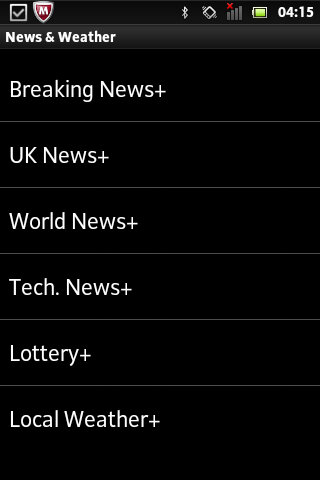
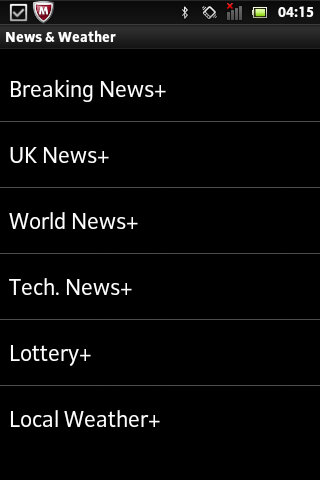
  • News&Weather: opt into breaking news alerts, or just UK or World news with additional options for tech, lottery and local weather. Cost is 12p per alert.
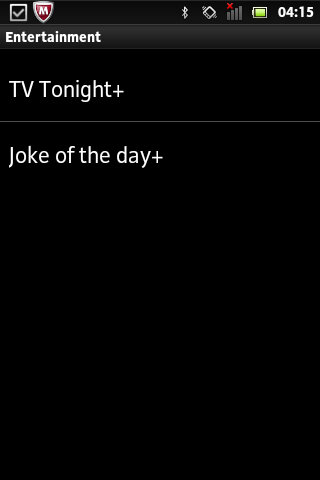
  • Entertainment: Two options here, TV Tonight which shows TV listings, and Joke of the Day.
  • Horoscopes: Set up SMS or MMS notifications for your horoscope priced at 1Pnd per week, or 12p for a daily message.

Virgin Mobile

Virgin was one of the first virtual mobile operators and ran on top of an existing mobile network. Virgin offered its SIM-AT menu as ‘Virgin Xtras’

  • Top-Up
  • Help
  • Shop
  • Offers
  • Travel – Options are Traffic, Book Virgin and RAC Red
  • Music – options are Jukebox, Buy and Radio
  • Going Out
  • Staying In
  • Voicemail – Options are Call? and Divert

Most of these are WAP links to the selected service, they don’t seem to bring up a submenu of sorts.

Conclusion

From looking at most of the options listed above, many relate to obtaining information for a specific subject. Like if you wanted to subscribe to breaking news alerts, or sports news alters for a specific game. Many of these carry an additional charge and operate as an additional revenue stream. These would have made sense back in 2000 era of mobiles as WAP was still an emerging technology so getting breaking news in the form of an SMS message would have been a desired feature.
Now, most phones come with news apps that support breaking news nominations, delivered through the phone’s data connection. The remainder of the functionality can be replicated using the operator’s app, if they choose to provide one for the smartphone’s platform. For feature phones that run the KaiOS platform, this may not be possible. Still, Android handsets support SIM-AT which appears as a dedicated app if the sim card supports it.

A problem with SIM-AT is some manufacturers implement it differently in terms of accessing it, on many Nokia’s you can access it directly from the main menu, but on Sony Ericsson models it’s buried within either the Entertainment or Services menus. For network operators, this means they cannot give direct instructions without having the customer refer to the phone’s operator manual.

Orange (Now merged into EE, now part of BT) also offered a similar service, ill document and upload when I get access to an older Orange SIM card.
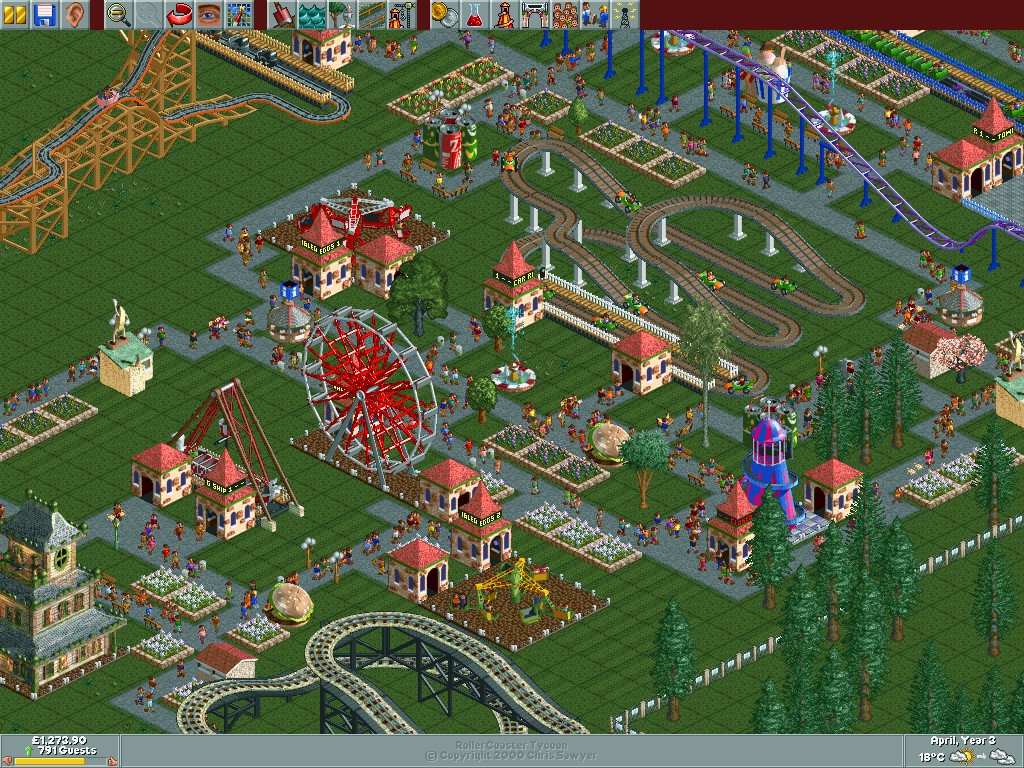
Rollercoaster Tycoon

A simulation game for theme parks with a focus on rollercoaster design. It has similar core mechanics to Theme Park, but focuses on the roller-coaster design element.

RCT places a heavy emphasis on the design and management of roller coasters and other rides. The coaster design system is intricate, allowing for complex creations with a high degree of customization. While it includes all aspects of park management like finances, staff, and guest happiness, the game really shines in its ride construction and the physics involved in coaster design.

The game is often compared to Theme Park, a Bullfrog game released in 1994. It differs as it was more about the overall management of the park with less emphasis on individual ride design. It included aspects like negotiating for rides, setting up shops, and even stock market elements in some versions. Theme Park also had a broader approach to management, including staff wages, stock levels for shops, and even the saltiness of fries to affect drink sales. It was more about the economic simulation with a whimsical approach to park design.

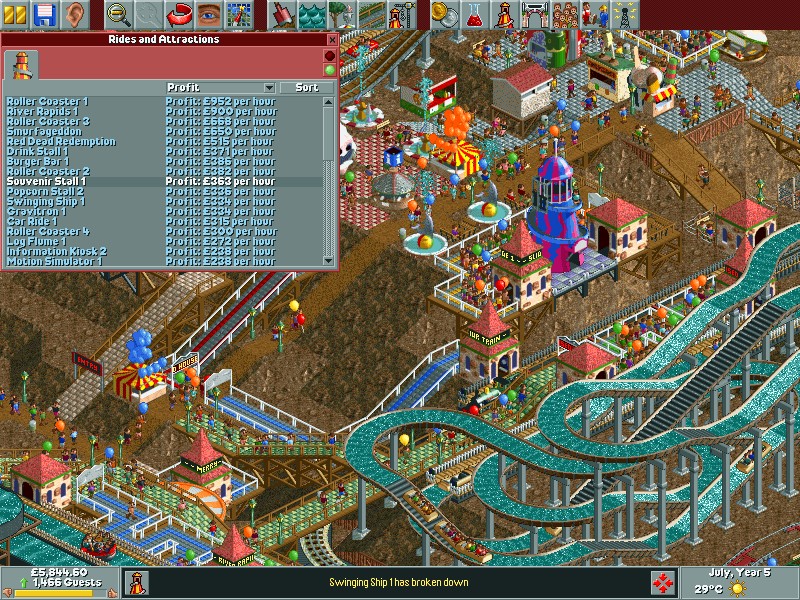
Park management is a core element of the game, Managing the park’s finances is crucial. This includes setting prices for park entry, individual rides, and concessions. Players must balance income with expenses like ride maintenance, staff wages, and loan repayments. Hiring and managing staff such as mechanics (to repair rides), handymen (to clean paths and mow lawns), security guards (to prevent vandalism), and entertainers (to boost guest happiness in certain areas). Understanding and catering to the needs of park guests (“peeps”) is vital. This includes placing amenities like toilets, food stalls, information kiosks, and ensuring guests don’t get lost or overly tired.
Regular maintenance checks and repairs are necessary to keep rides safe and operational. Neglecting this can lead to breakdowns or even accidents, which negatively impact the park’s reputation and guest happiness.

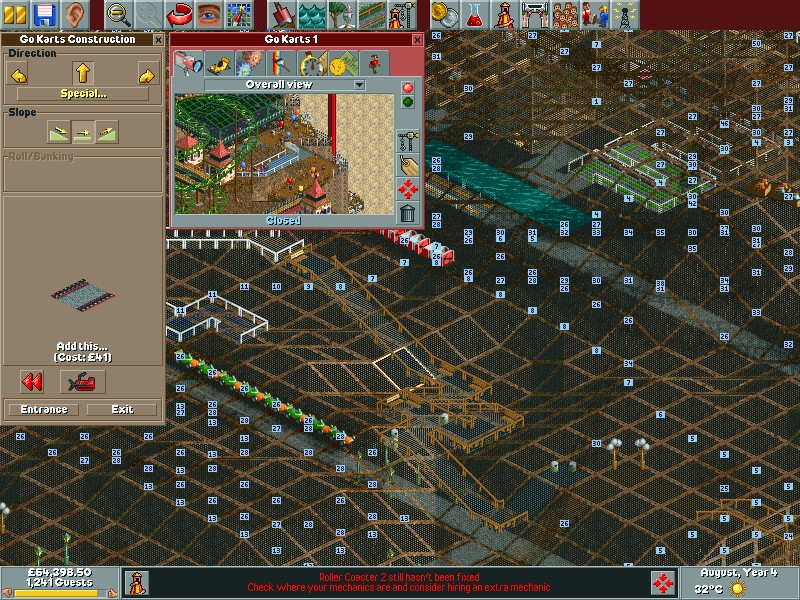
As a game released in 1999, you are treated to an 2D isometric view of your park. The game does allow you to rotate the screen with four different angles to get a better view of the park, but despite this it’s easy to get confused with the perspective, especially when building tall paths to connect to the larger rides since it’s easy to misjudge how high a path or ride is. To help with this you can turn off different layers of graphics to make it easier to see, and you can show the height value to know if your path is on the same level – useful if you are building on a hill since the perspective can be hard to judge.

What is this I dont even

The soundtrack is like being at a carnival where the main attraction is a slightly out-of-tune merry-go-round. It’s catchy, it’s quirky, and it fits the theme perfectly. Sound effects? You’ve got the clatter of coasters, the screams of joy (or terror) of the guests, and the jingle of coins as you rake in revenue. The rides can also have background music, some might sound familiar if you’ve played other games from 1999 (Driver).

The game comes with a few built in scenarios where the objective is to have a certain amount of visitors in your park by a target year, which is usually the third or fourth year of operation. Certain parks have their own quirks by way of their environment or building regulations.
Forest Frontiers is the first one you will encounter and lets you get used to the basic mechanics of the game
Dynamite Dunes shows off the different terrain settings, with this one being set in the sand. It also has its own custom built roller coaster.
Evergreen Gardens sees you revamping a typical park into a theme park, with special care being given to designing and placing the roller coasters. Guests will typical get lost a lot due to the long-winded paths so its recommenced to delete some whilst being in the early stages of the park
Bumbly Beech introduces you to buying building rights for outside land. This allows you to build pathways but you cannot place stores or rides on them.
Paradise Pier is set mostly on water with the exception of the pier paths
Ivory Towers’s is set on a existing park but it run down and mismanaged with a lot of litter and vandalism which you must fix, in addition to expanding the park and adding additional rides. It does have a fully functional monorail however.
Rainbow Vally is the most difficult since you cannot destroy or remove any trees or alter the terrain. There is also a limit to how tall your rides can be.
• Additional expansions will come with even more scenarios.

Like Theme Hospital/Park you will need to invest in research to unlock new rides, features and attractions. Initially, you start with a limited selection of rides. As you progress through the game, either by completing objectives in scenarios or by reaching certain milestones in open-ended play, you unlock additional rides, attractions, and even staff types. You can choose the amount of funding to contribute to research, with determines how fast items are unlocked. You can also adjust the type of items you want to research, if you prefer to focus on unlocking new roller coasters or gentle rides instead.

The Rides:
• Wooden Roller Coaster: A classic ride with wooden tracks, offering a nostalgic feel with its clackety-clack sound and traditional design.
• Steel Roller Coaster: Typically faster and smoother than wooden coasters, offering more modern thrills with loops, corkscrews, and inversions.
• Log Flume: Guests ride in logs that climb to a height before plunging down a steep slope, often getting splashed at the bottom.
• River Rapids: A circular ride where guests get soaked as they navigate through rapids, with the added fun of getting wet.

Many of the rides can be freely designed and built, but you can also choose from prebuilt templates of different sizes. You can also customize the price, colour and music used by the rides.Park guests can be picky as some might not prefer to ride some of the more intense coaster rides.

Aside from rides there are other attractions such as gentle rides and stores which sell food, beverages, items and ballons. The Information Kiosk, unlocked later in the park’s life, allows customers to purchase umbrellas and maps for better navigation. Food stalls are offered in the form of separate Fries/Chips, Pizza, Burgers and popcorn. You will need to place these strategically away from rollercoasters to reduce the chance of vomiting. Gentile Rides consist of the Haunted House, Bumper Cars, Ferris Wheel, Merry-Go-Round. These are easy going rides for customers that prefer less thrilling rides, or need a break from the roller coasters. Thill Rides are a bit more intense with the motion simulator, 3D Cinema, Swinging Ship and the Go Karts.

There are also transport rides that help get your guests from A to B, these consist of either the Monorail, Railroad or Chair Lift. These can also be considered as rides themselves.

RollerCoaster Tycoon was a massive commercial success, praised for its depth, creativity, and the freedom it gave players in park design. Originally for PC, RCT1 has been made available on modern systems through digital distribution platforms like Steam and GOG, often bundled with its expansions. A port was released for the original Xbox and is the only console port of the game.

Roller-coaster Tycoon on GOG

Alienware Alpha

Alienware’s Steam Machine

The Alienware Alpha was one of the few systems designed to be part of Valve’s Steam machines, which were computers designed for the living room to better compete with the console hardware of the time, which would have been the Xbox One, PlayStation 4 and the Wii U.

The Alpha is quite a small unit, only slightly larger than a Mac Mini and lacks an optical drive, but it packs an Nvidia GeForce 860M, capable of 1.3TF of performance which would have placed it in the same league of the Xbox One. 4GB of RAM comes with the machine, with some configurations supporting 8GB. The size and performance is underwhelming for a gaming system which makes me think Alienware intended for this to be the lower – end machine, with a larger and more powerful mode challenging the PS4 for it’s performance. With an 860M it’s mostly going to be a 720p machine.

This Alpha however lacks the bundled SteamOS, shipping with Windows 8 instead. Probably a good call from Dell/Alienware since the amount of native SteamOS games were very minor, and Steam’s Proton wasn’t a thing yet. Hardware-wise there are two USB 3.0 ports on the Rear, and two USB2.0 on the front, along with a single 2.0 port underneath which is intended for use with a wireless controller dongle. With only one HDMI output, running multiple screens isn’t possible unless you opt for a DisplayLink dock, like the Dell D3100 dock.

Restoring the Operating System

Since this unit was a second hand unit, it looks like the original owner had stripped the original install, along with the recovery partition and had install the latest version of Windows 10. Dell do offer recovery images for the Windows 10/11 systems on their website which can be download using this tool, just pop in your machines service tag along with a 16GB USB memory stick and off you go.

The recovery image Dell offer appears to be based off build 1809, and will require several updates. It also seems to lack the Nvidia drivers which kind of defeats the point of using Dell’s recovery image. The AlphaUI also isn’t included and had to be download separately off the machines drivers & downloads page. If I had to guess, Dell just provide a generic Windows 10 image for older machines, which simply gives OEM and support branding.

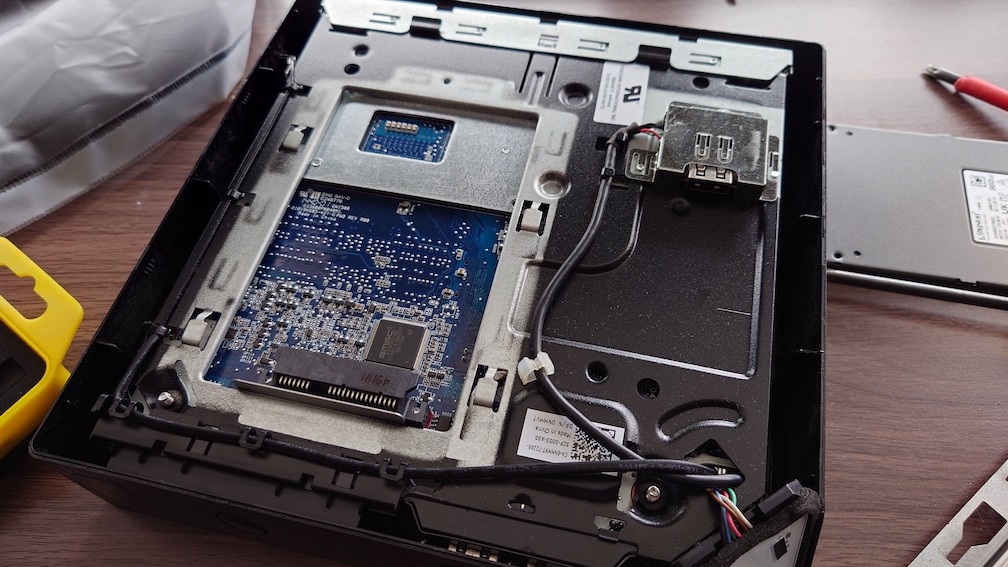
Also these machines come with a HDD as standard, which I promptly replaced with an SSD. Installation was easily, simply turn the computer upside-down and remove the bottom cover and you will see the HDD bay immediately.

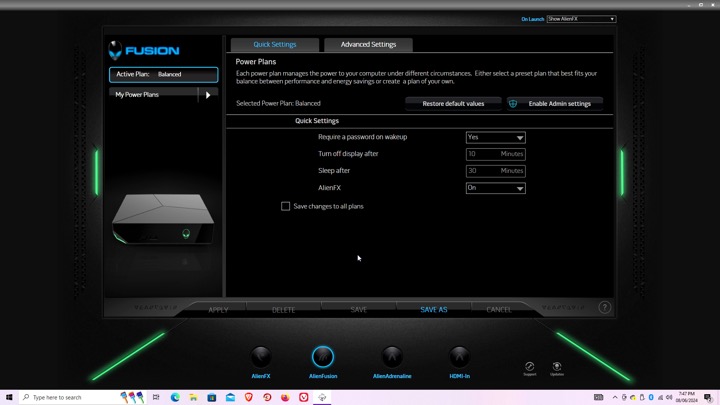
Alienware Command Center

Here is where you can configure the various different settings, like the LED lightning.

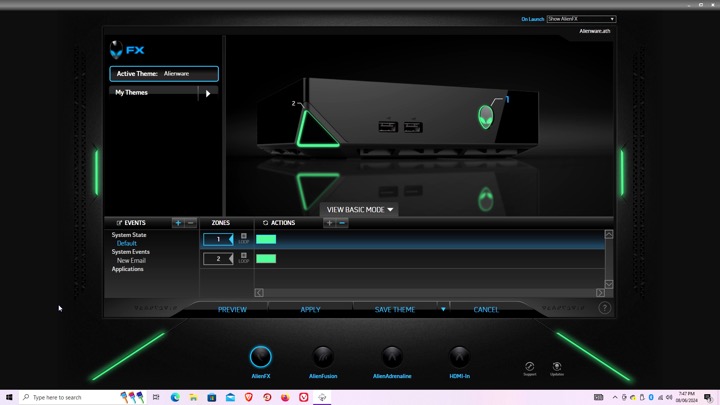
AlienFX: You can set different profiles which will change the colour scheme of the unit’s LED lights, this can be applied to different games or programs, although with Steam games you will need to navigate to the steamapps directory to locate the game’s exe file, otherwise you will get an error message. The Steam games on your desktop are just shortcuts.

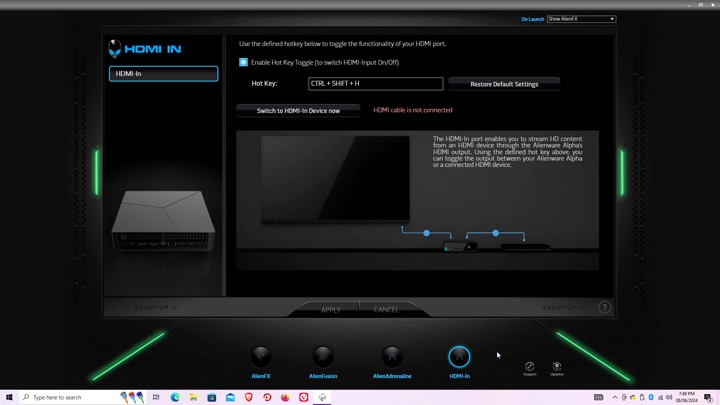
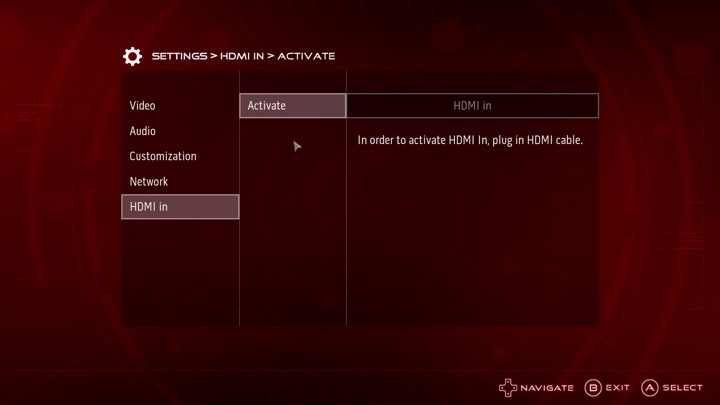
Settings for the HDMI input, there isn’t much to do there since you cannot capture the input. It simply functions as a passthrough, more suited to displays that only feature a limited amount of HDMI ports.

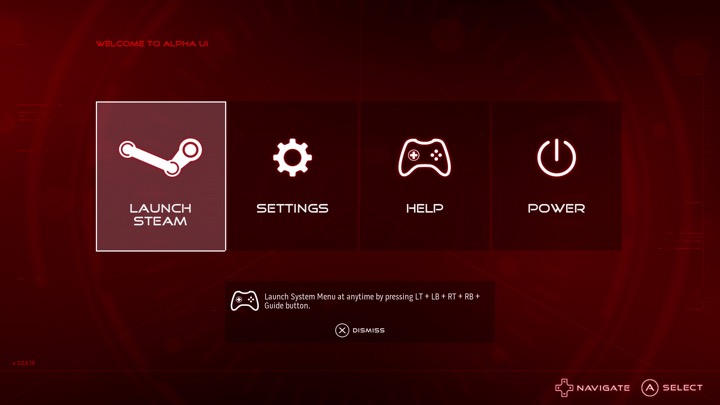
AlphaUI

This was the intended interface for the Alpha, Alienware had originally planned to launch the Alpha as a dedicated Steam machine, sadly Valve time was a thing and the SteamOS was delayed several times. Alienware decided to cobble up a quick 10-foot UI that acts as a launcher. It’s based on XBMC and if you are familiar with it you will recognise some of the sounds when you select an option.

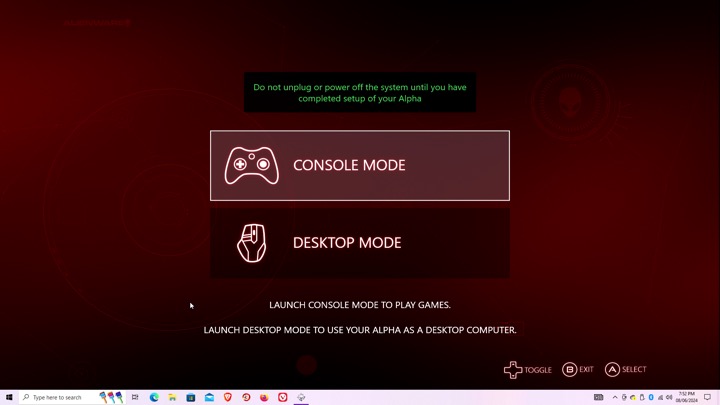
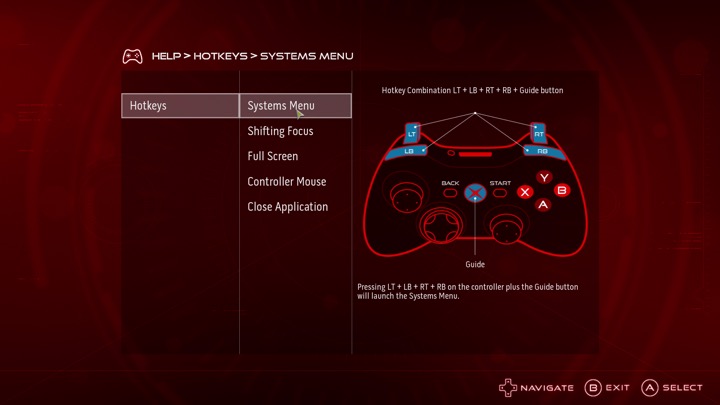
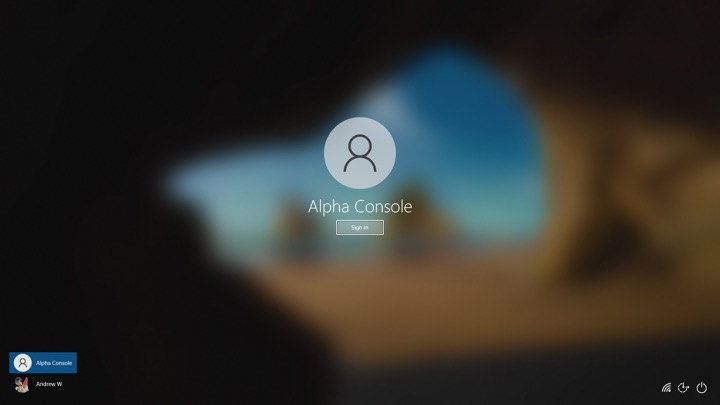
Setting up the AlphaUI, once we click on console mode we are immediately rebooted and a new user account is created. This interface is designed to be used from a controller, Alienware previously bunded an Xbox 360 controller with the system.

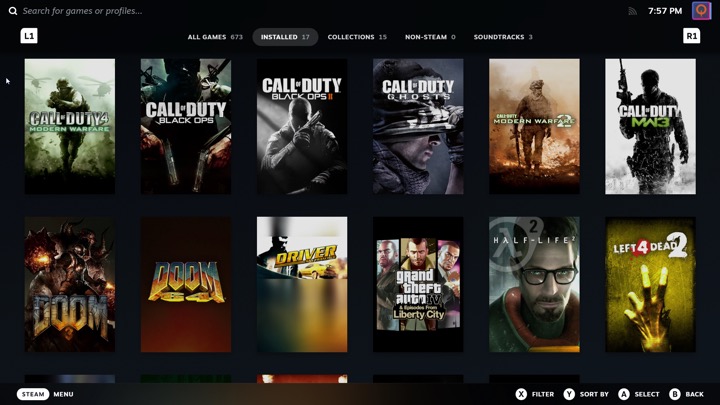
Selecting Steam will launch the Steam Big Picture interface. The Steam UI has changed since the AlphaUI was released and is orientated towards the SteamDeck, which is a little trickly to use on a non-touch screen hardware.

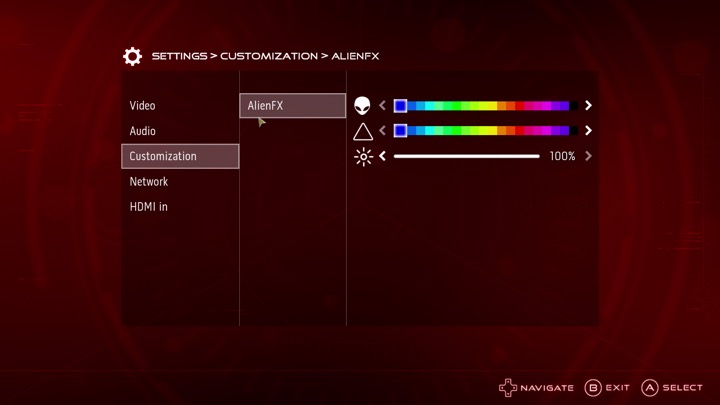
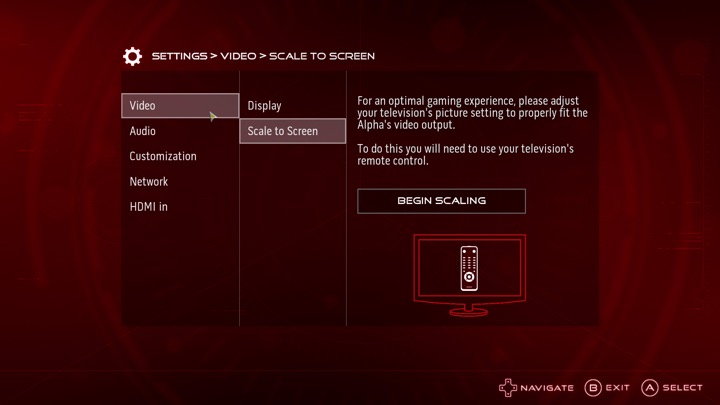
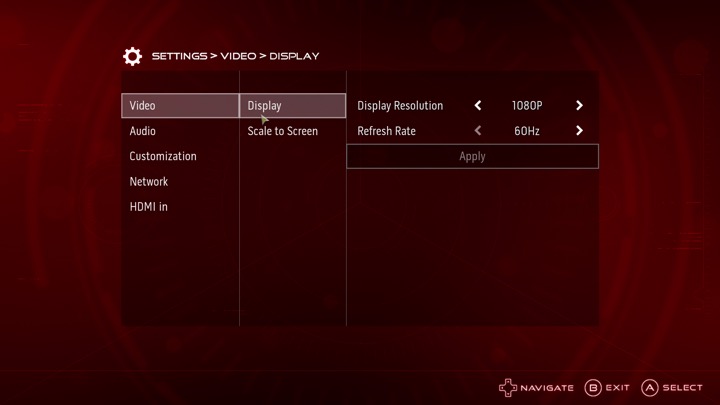
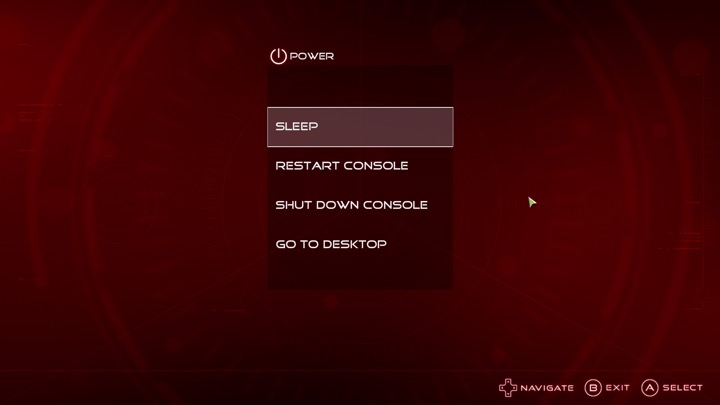
The settings menu, here you can adjust the video resolution and volume, along with customizing the AlienFX features. You can also switch into the HDMI input.

I can’t seem to find an option to add a custom program or launcher, it seems to assume you want to use Steam which makes it impossible to load something like Retroarch, unless you manually add it through Steam. It’s a bit of a letdown but not a big issue.

Lastly going to desktop will sign you out of the Alienware user account and will return you to your default Windows account.

Sadly the Alpha didn’t sell well, but was regarding as being the more popular of the Steam Machines. There was one hardware refresh that upgrades the graphics processor, and add an external PCI Express socket for an eGPU. Also the new Steam interface does not play well with just a controller, and Windows 10 can interfere with it’s silly feedback requests. Still there’s nothing stopping you from installing SteamOS and using it like a true Steam Machine.

Europress Primary Education

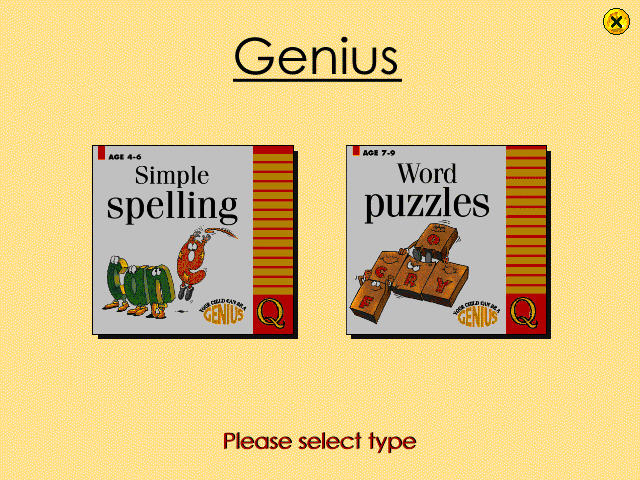
A bundled CD-ROM multimedia title designed for primary school users, that was often bundled with a Time Windows PC (A common OEM at the time). This stuff pretty much helped me graduate from school.

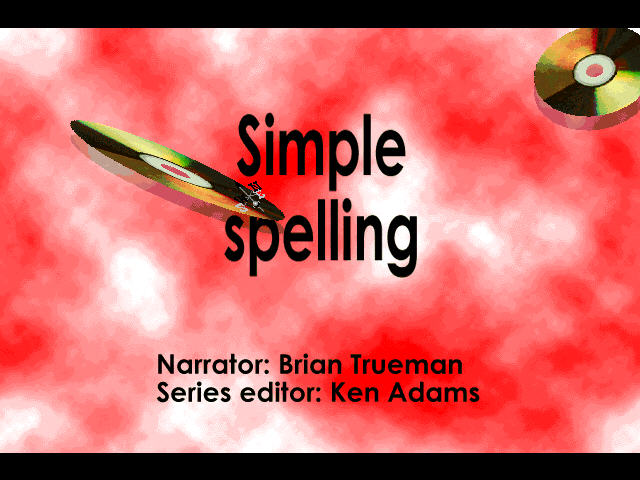
Simple Spelling

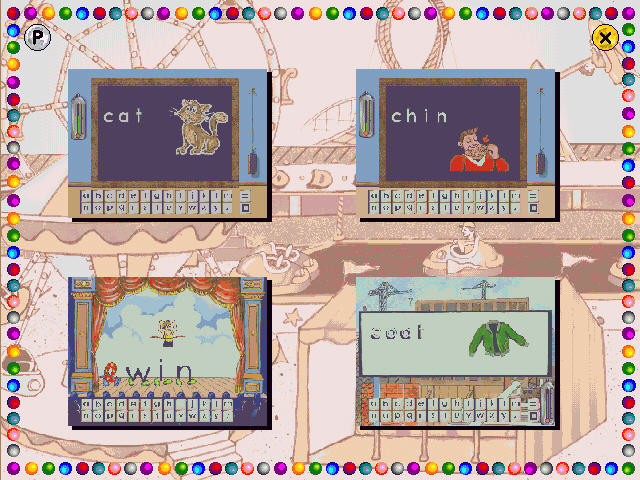
This section teaches spelling in the form of phonetic concepts. There are three programs in the package that provide speech, graphics, animations and sound effects and is controlled by using the mouse.

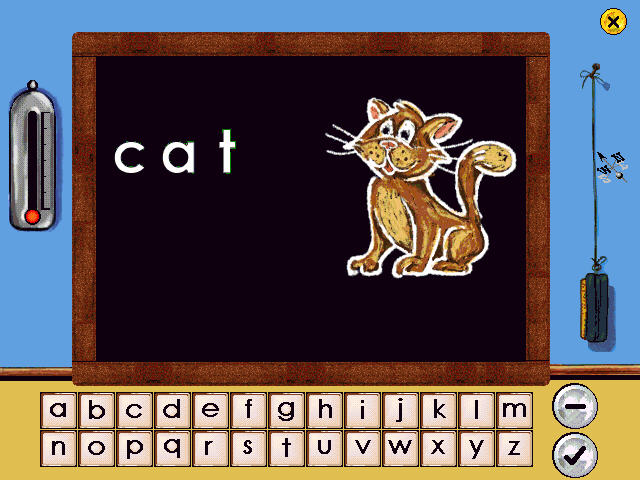
The first program concentrates on the fundamental three-letter words that are the traditional phonic nursery slopes – cat, mat, hat, etc. You also get audio that sounds out the word, though it comes through rather choppy.

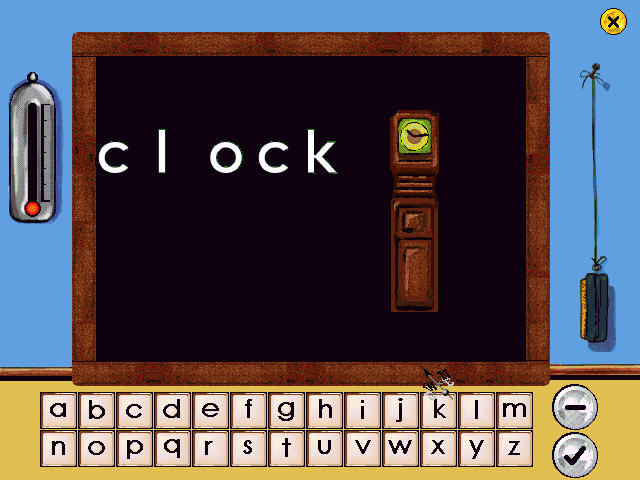
On the next activity, you deal with letter blends such as cl (clown/clown), bl, and fl. Again words are shown and sounded out and we are given the task to spell out the words.

Again the sounds occasionally come out choppy, despite running on a 16x CD-ROM drive.

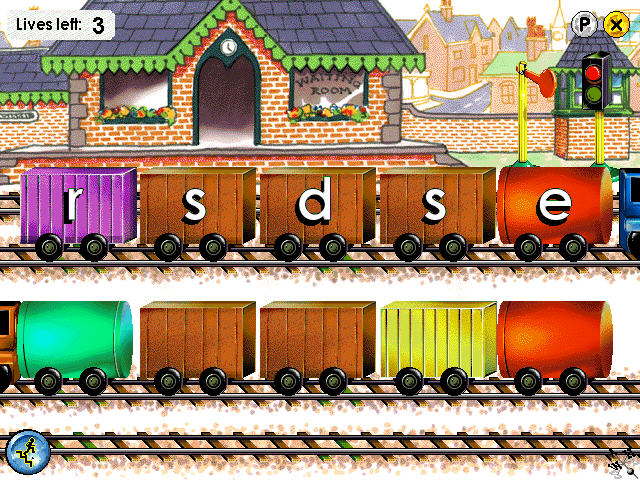
The final activity teaches the concept of magic e, how putting the letter e at the end of a word changes the sound of a preceding vowel.

So it’s basically your average English lesson with the magic of 90s PC multimedia.

Word Puzzles

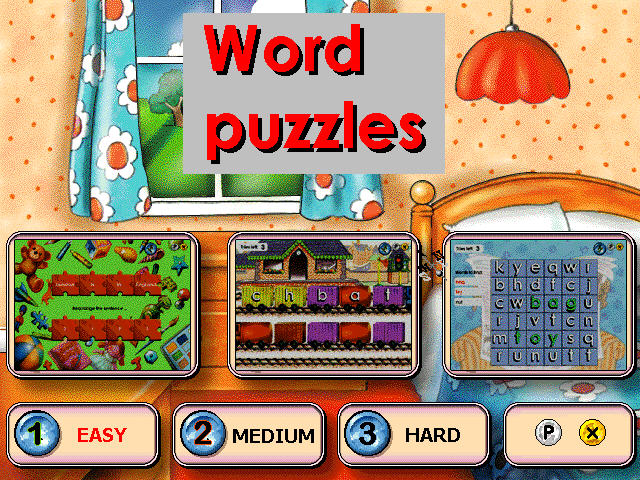
There are three puzzles, anagrams, word search and fun with sentences.

Anagrams: This help understand the structure of a word, particularly noting the position of vowels and the way words blend together, such as “fr” and “cl”, there are three levels that range in difficulty, the user rearranges the letters in the correct order. The player uses the mouse to click on a letter and drag it onto a blank space to build up the correct word. Three attempts are allowed before moving on to the next word.

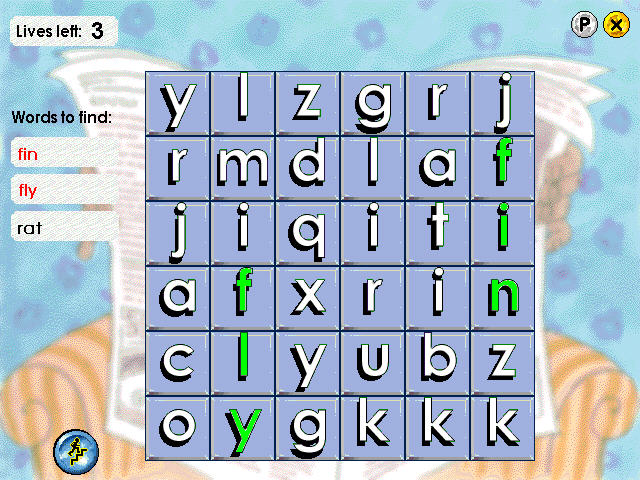
Word Search: A list of the words is shown on the left of the screen and each is highlighted when the word has been found. Clicking on the correct first letter of a word turns the whole word green. Clicking on the wrong letter loses a life, of which there are only three. If the player clicks on a letter and nothing happens, it means the letter is within a hidden word.

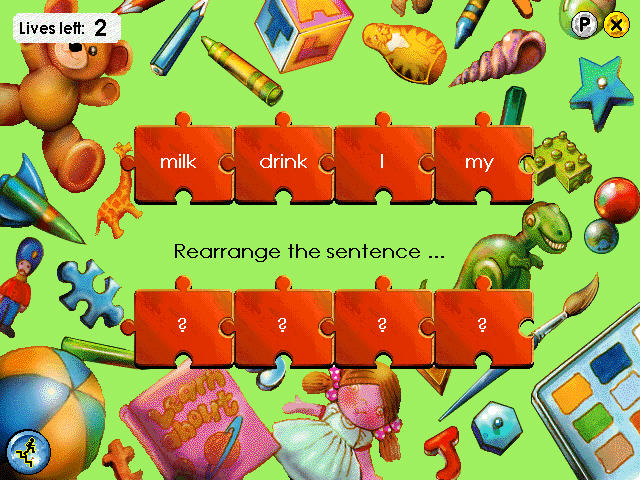
Fun with Sentences: This consists of two different puzzles, each of which is designed to help think of the structure of sentences. In the first game, the player is invited to pick the correct word from a choice in order to complete a simple sentence.  The second game requires the player to rearrange the words in a jumbled sentence. The mouse is used to click on a word and drag it to its correct place in the sentence. 

SATs Tests

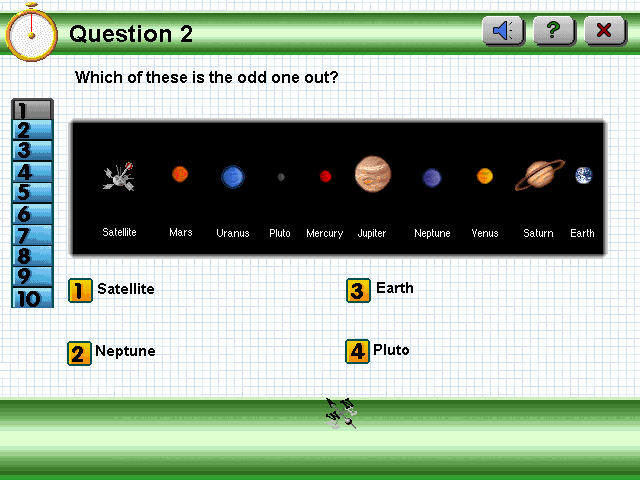
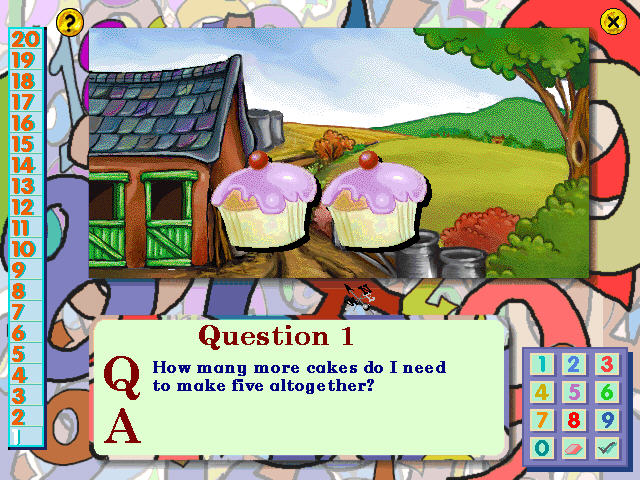
Helps prepare for SAT’s tests, which are standardized exams that are carried out in the UK. The questions included here are part of the national curriculum. There are 20 questions to be answered that are covert at either a Key Stage 1 or 2 levels (the difference being the age, 1 intended for ages 7 and 2 intended for 11)

Each question is selected at random and can be answered by selecting a number or typing the answer. Sometimes you will need to select a graphic or icon on the screen.

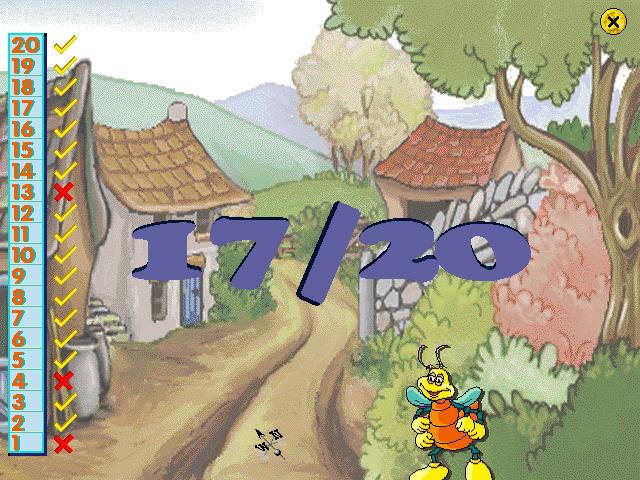
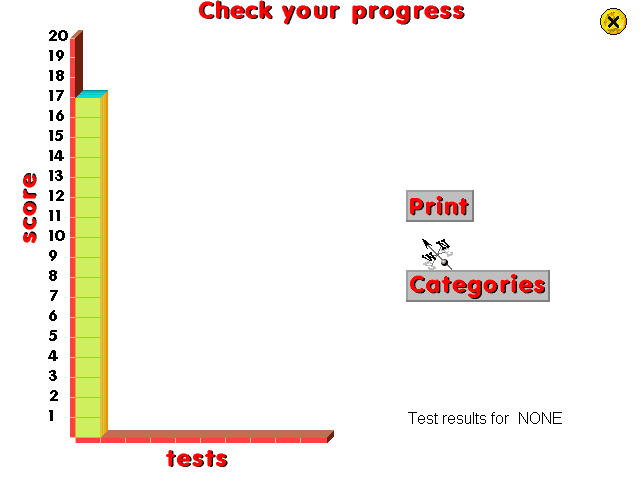
At the end of the test, you are graded and can see the questions that you got incorrect. The program keeps track of your scores in a graph view so you can track your progress over time.

Download

Archive.org

Netgem TV Games

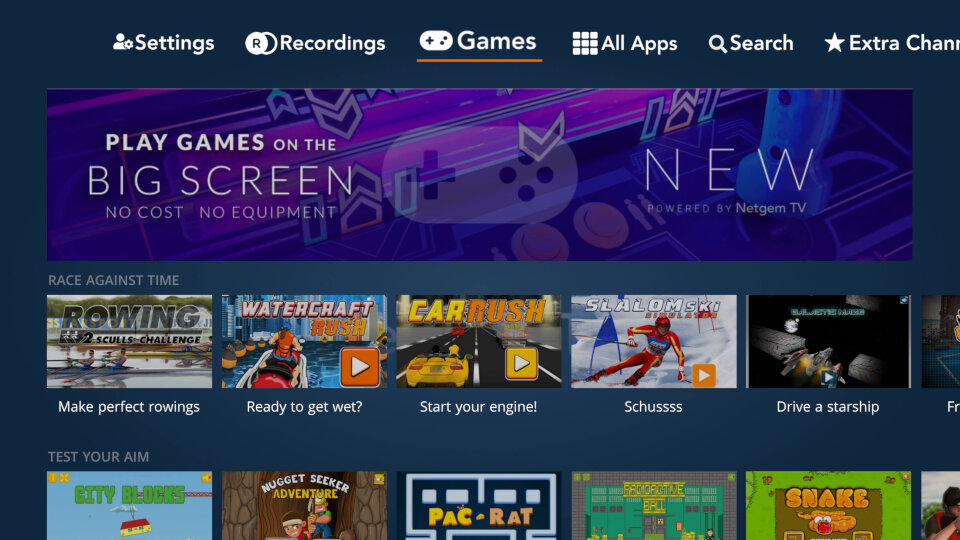
Not to be outdone by Youview, Netgem has decided to add a few games to their Freeview TV service. These games can be accessed directly from the TV Guide and are played using the remote control.

A new Games tab can be seen from the main menu, taking you directly to a selection of games on offer, all of which are free (for now, unless they decide to implement pay to play like Sky did)
Like the Youview games they are similar in scope to the Newgrounds Adobe Flash games of the time, but rendered in HD and played using the remote control.

Netgem TV Games

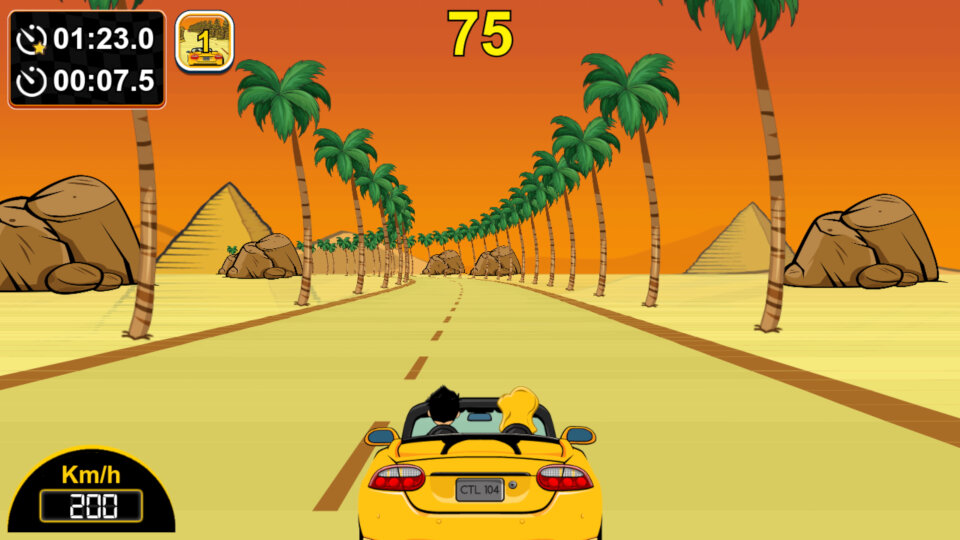
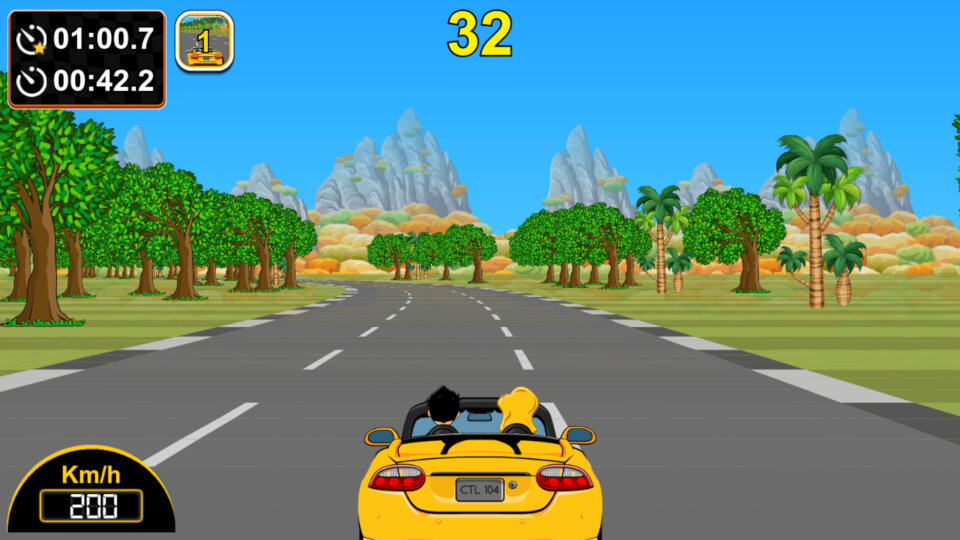
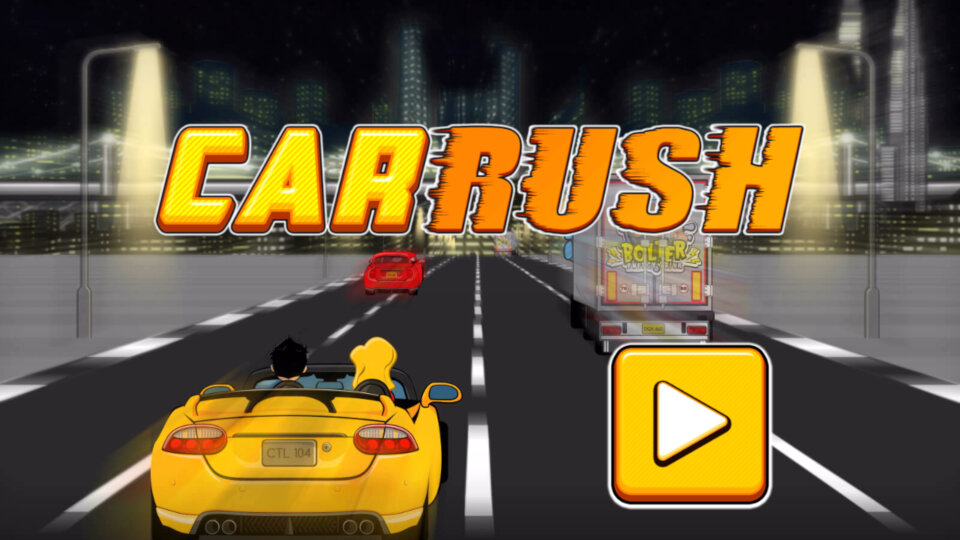
Car Rush

Very similar to Outrun where you have to steer a car around the track with the objective to get to the finish line within the time limit, avoiding the obstacles and navigating the bending track.

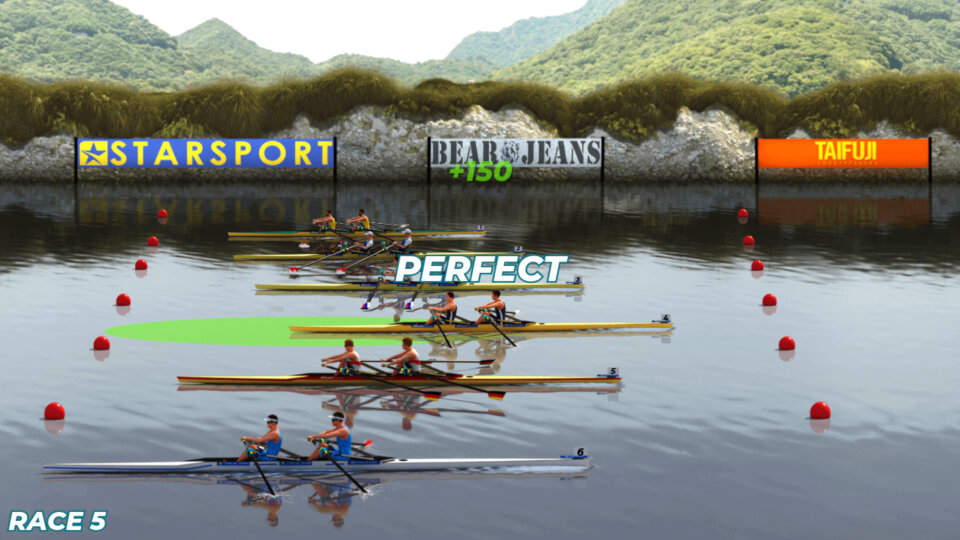
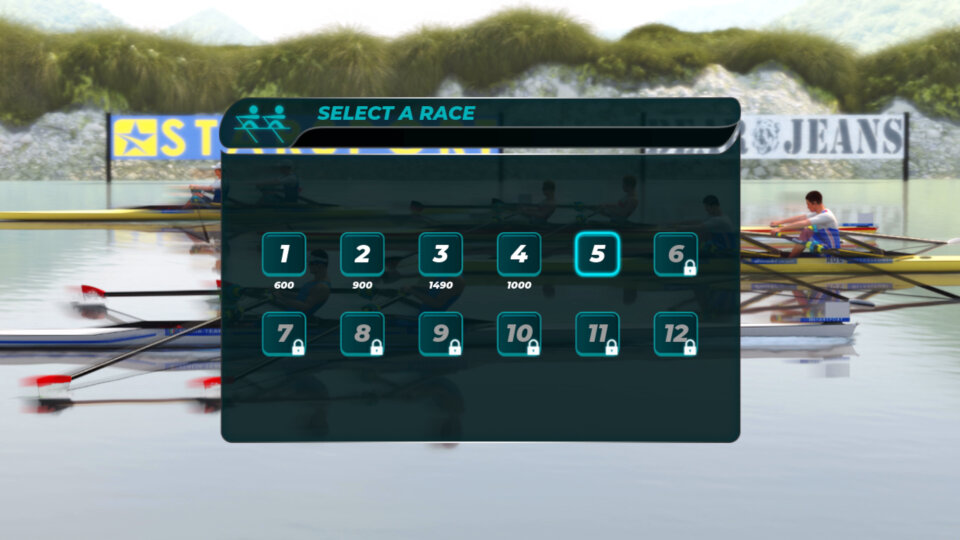
Rowing 2 Sculls Challenge

A rowing game where you have to press the OK button when your boat passes over a green circle to boost. No steering or button mashing is required, you just press a single button. Despite this timing is crucial, especially on the later levels, it also does not help the framerate takes a hit the more opponents there are on screen, and the remote isn’t exactly tactile so you have to compensate by pressing earlier.

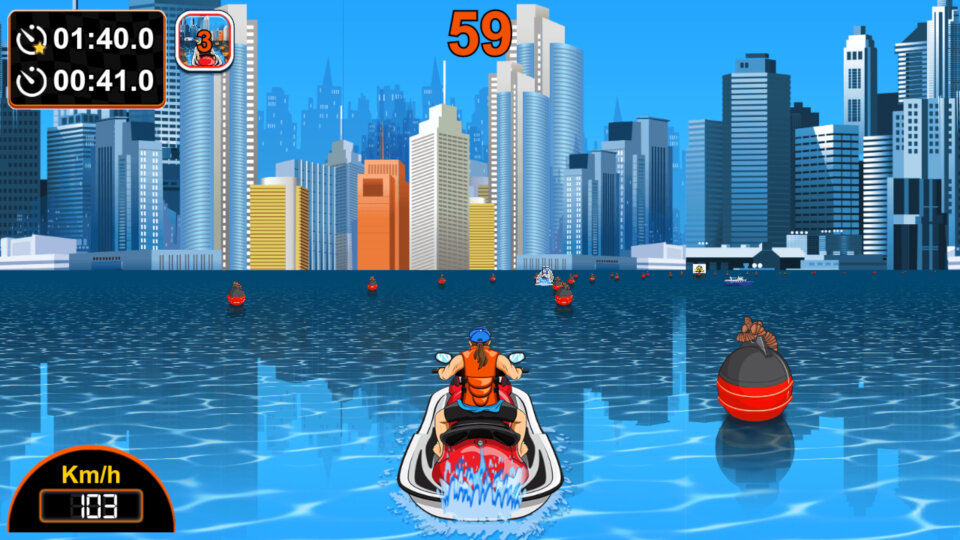
Watercraft RUSH

Well its just Car Rush but with water. I guess this is similar in concept to Nintendo’s Wave Rush, or Namco’s Aqua Jet.

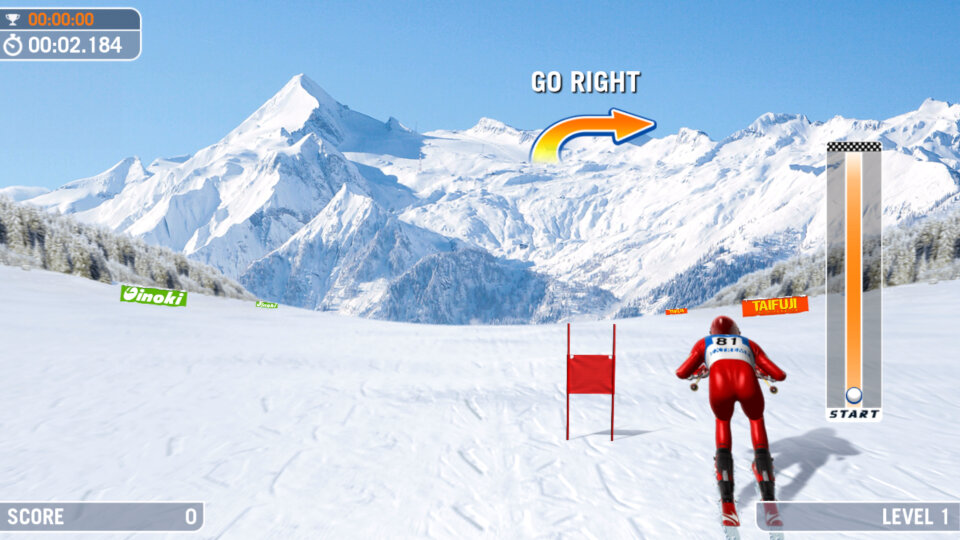
Slalom Ski Simulator

This ones a bitch to play, mainly due to the uneven frame rate which makes it difficult to anticipate the distance of the upcoming flag. Again its similar to , Cool Boarders, 1080 Snowboarding or Ski Free, where you have to steer and pass through the flags in order to progress to the next level.
Very difficult as mentioned above due to the framerate and unresponsive controls, could be remedied by having three lives instead of a game over every time you miss a flag.

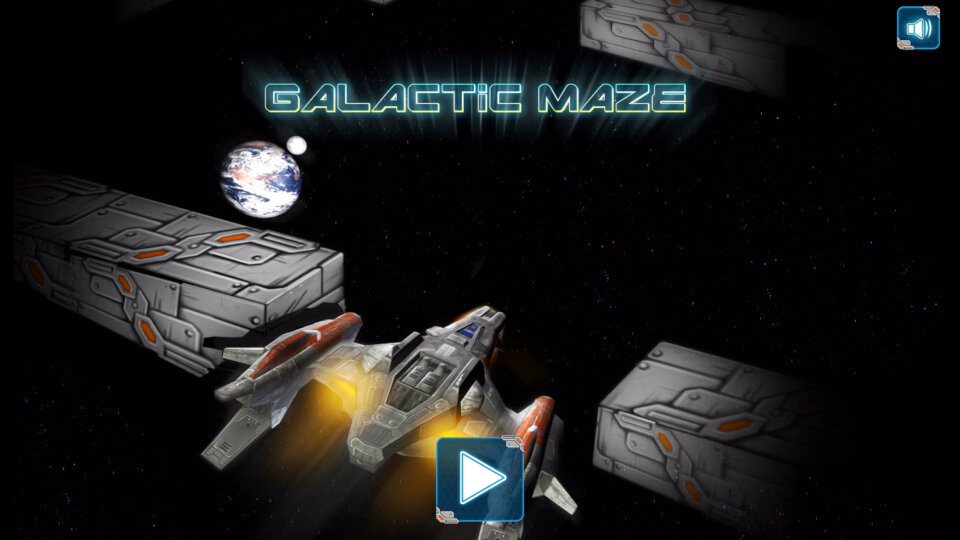
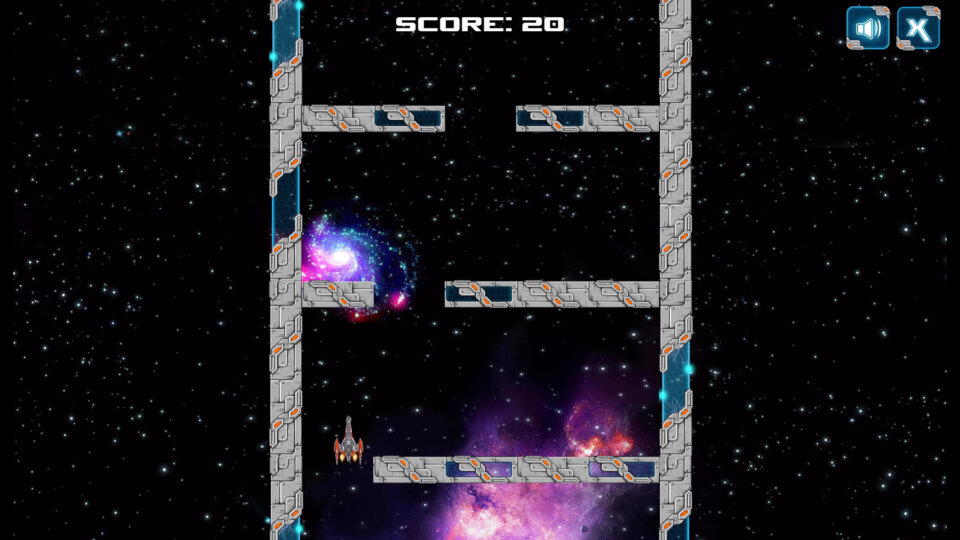
Galatic Maze

Set in space, you have to guide your ship using the arrow keys to navigate through the gaps. If you ship hits a wall, it is destroyed and the game is over, you only get one life.

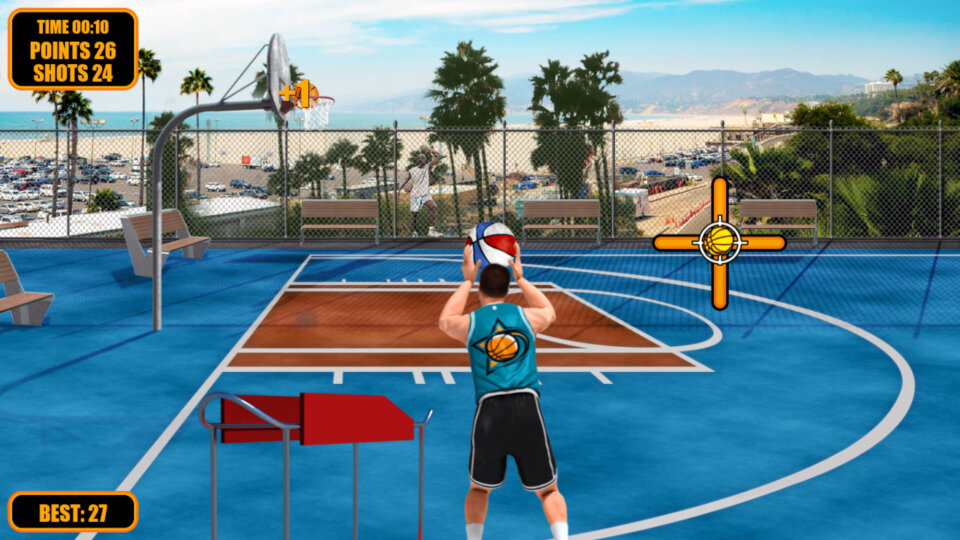
Street Basketball

A basketball games where you have to press the Ok button when the basketball indicator reaches in the middle, this game is reliant on your reaction time. Although you can select your character, I don’t think it has any affect on the game play itself.

Christmas Rush

Here you have to guide Santa around the obstacle in order to collect the dropped gifts. A star can be collected with will allow Santa to move faster

City Block

Build a city block, trying to keep it as straight as possible by pressing the OK button. You have to drop the block in the centre of the screen to get the best score.

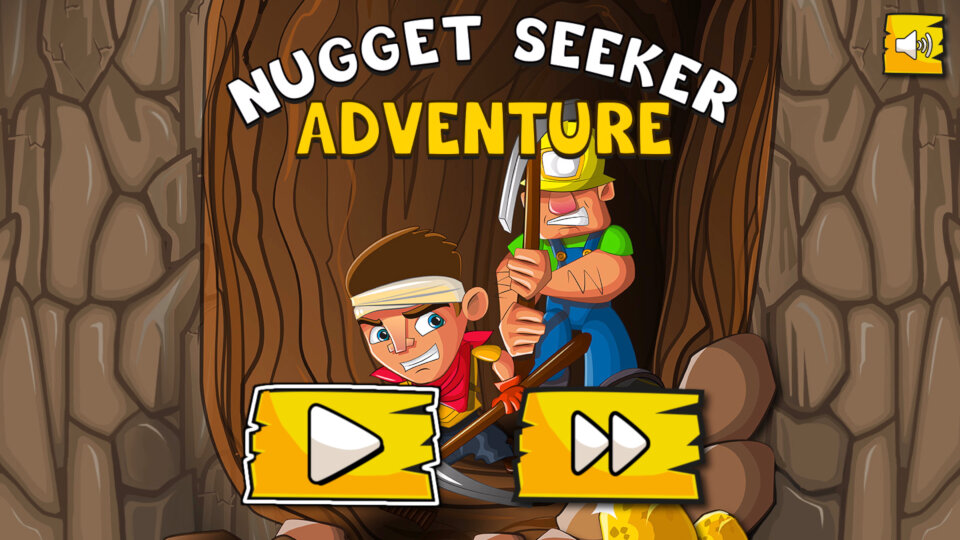
Nugget Seeker Adventure

Like DigDug, you have to mine your way through the level, collecting the gold nuggets whilst avoiding the enemy diggers who will attack.

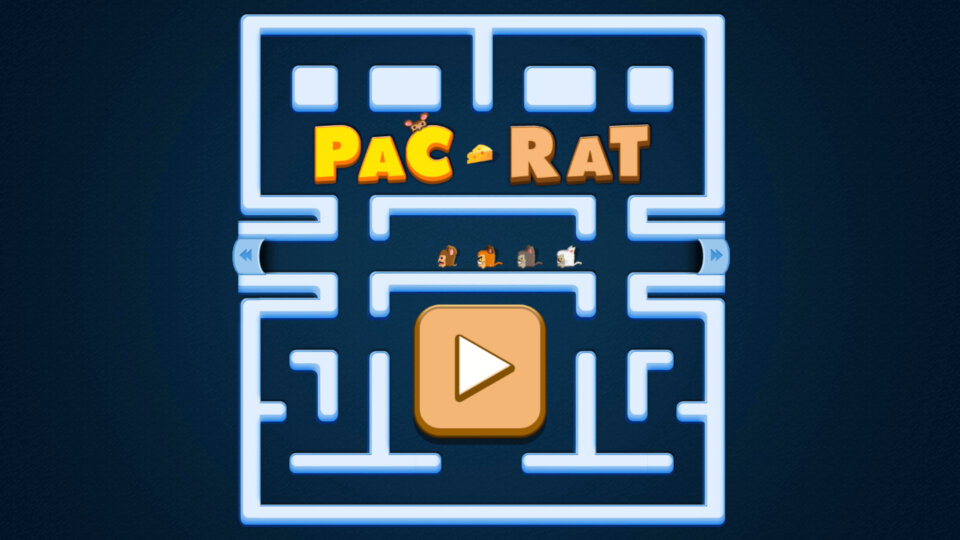
Pac-Rat

Pacman with rats

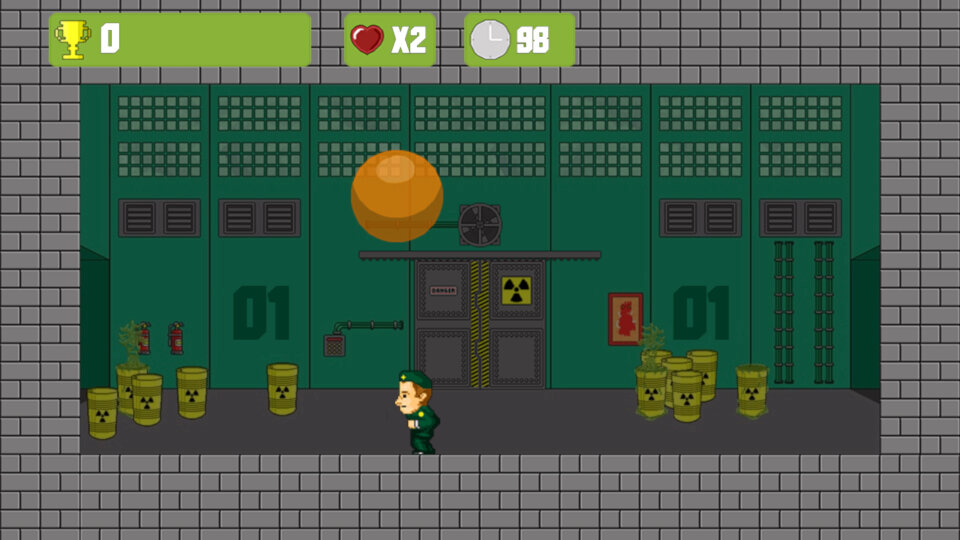
Radioactive Ball

Objective here is to split the ball by pressing the Ok button, but you have to avoid the balls landing on you, which is easier said than done. I think the end goal is to make the balls as small as possible, but I’ve never managed to get past the first level.

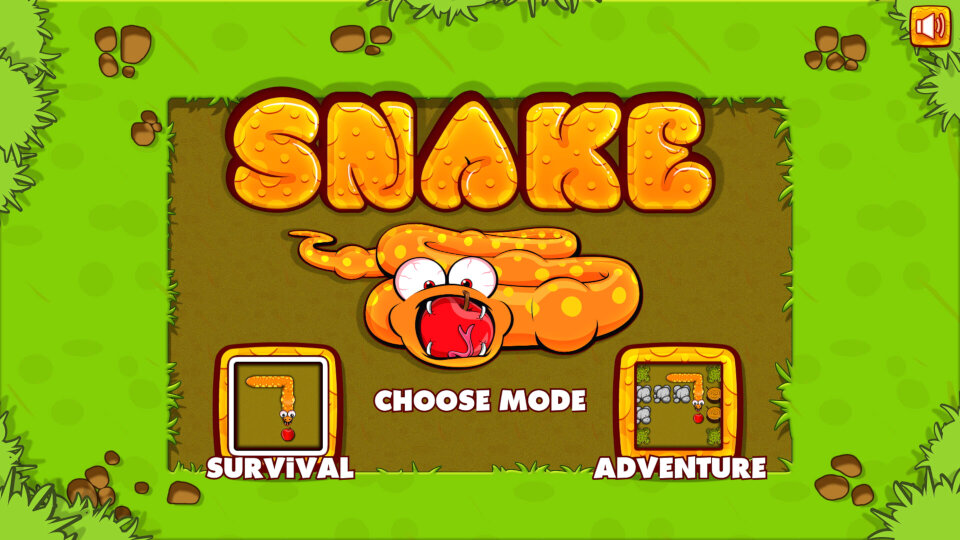
Snake

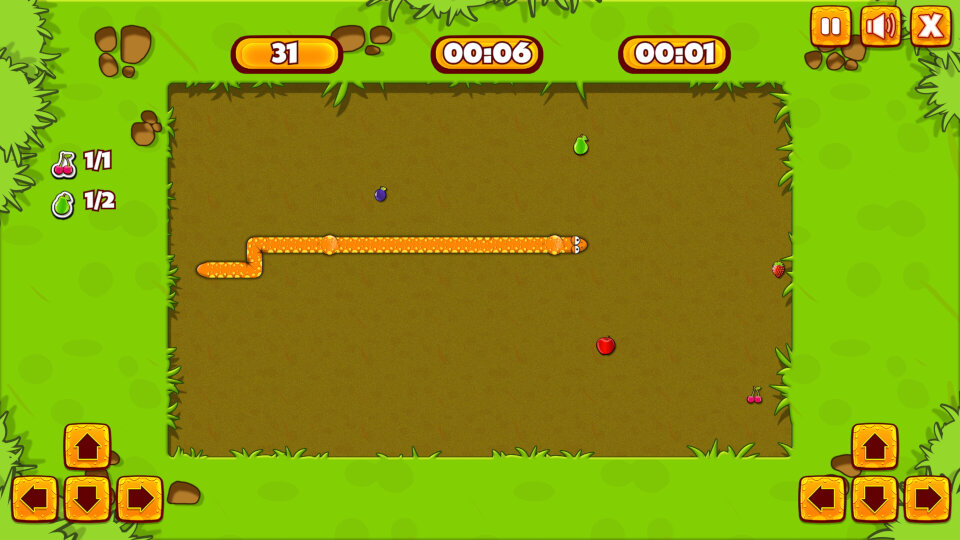
Your typical snake game, eat/collect the dots to increase your score and the size of your snake.

Skeet Challenge

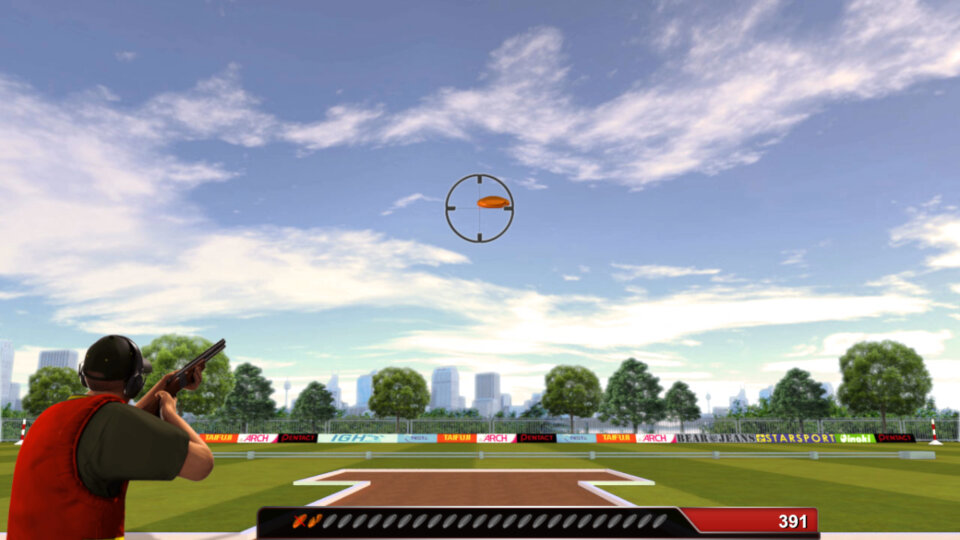
A game where you need to aim and shoot the onscreen skeets, very difficult to aim and score.

Duck Shooter

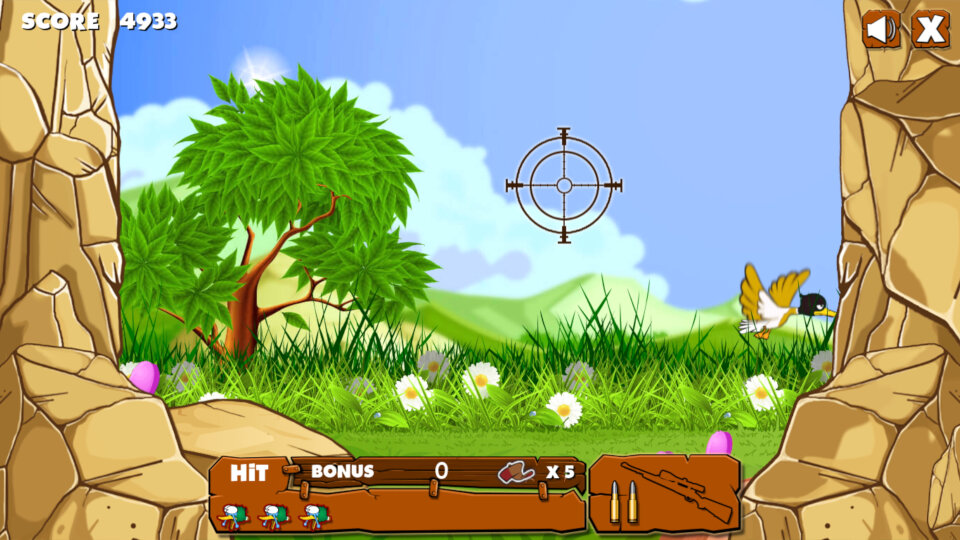
A duck hunt clone, also this one has the controls intended for a PC keyboard, as it references using the spacebar to shoot. Different birds move at faster speeds which makes it harder to aim and shoot. You also get a bonus for how quick it takes to shoot a duck.

Flags Maniac

A flag memory/knowledge games where you have to match the country to their respective flag.

Solitaire

It’s a solitaire game alright

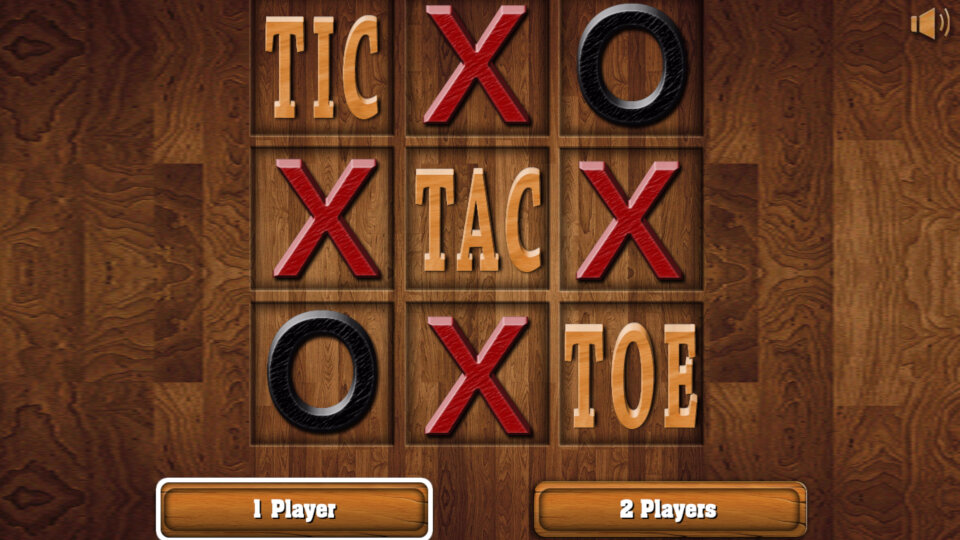
Ric Tac Toe

You can adjust the grid size from three options 3×3, 5×5 or 7×7. Two players can play, but you have to use the same remote and take turns.

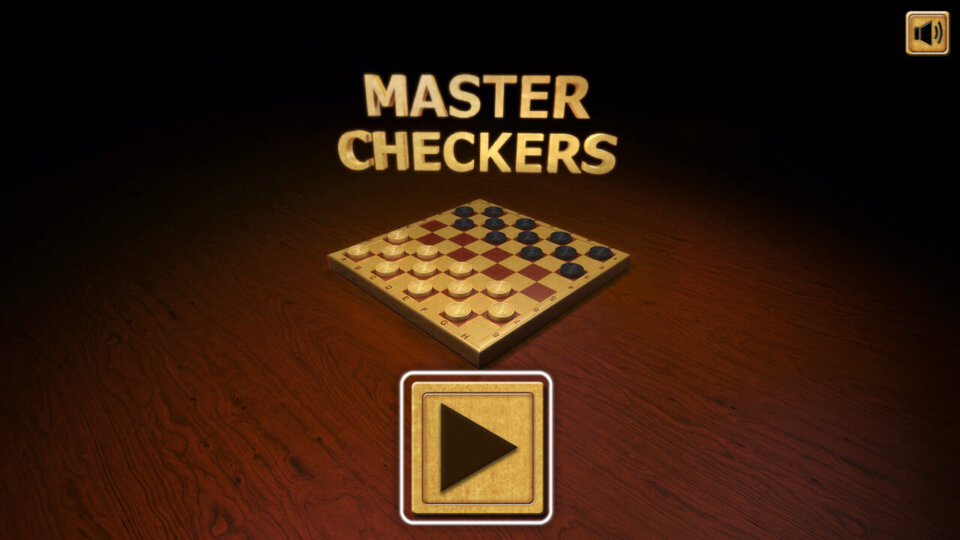
Master Checkers

A checkers game

2048 cuteness edition

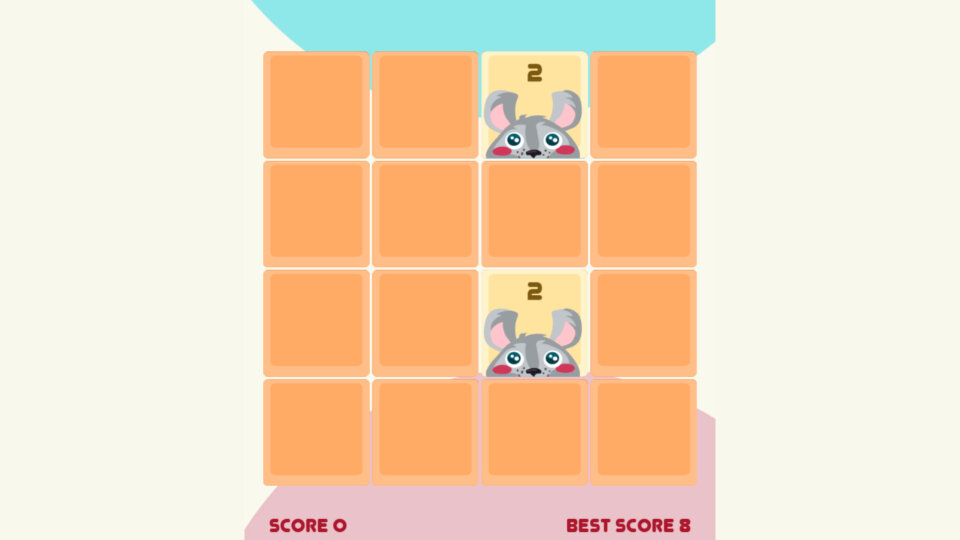
Similar to that 2048 game on PlayWorks but with a bunch of animals and that damn ukulele music in the background that sounds like your watching a makeup tutorial.

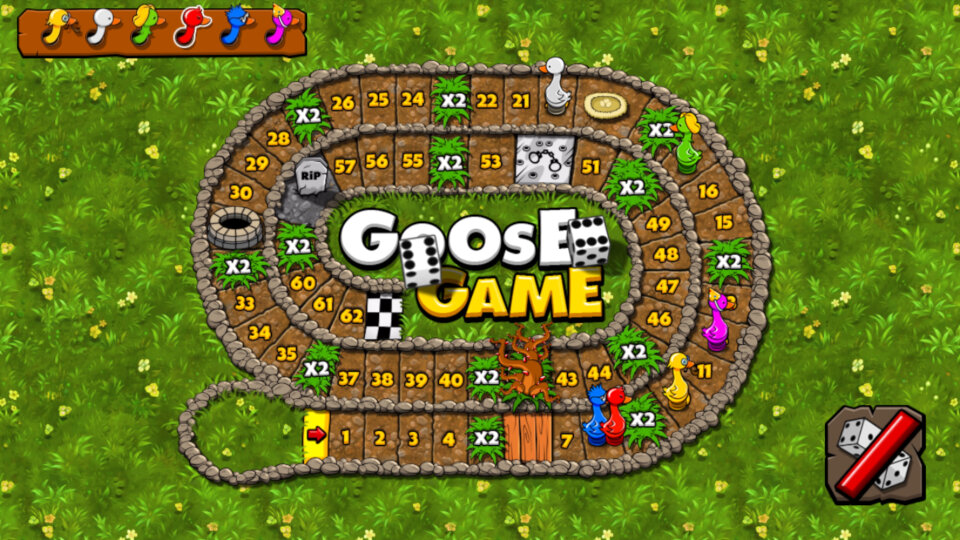
Goose Game

Objective is to throw the dice with the aim of getting to the finish line first. Upto two players can play, and upto 6 players can be on screen at one, with the remaining being controlled by the CPU. This is one of the best games available on the service purley for the simple gameplay.

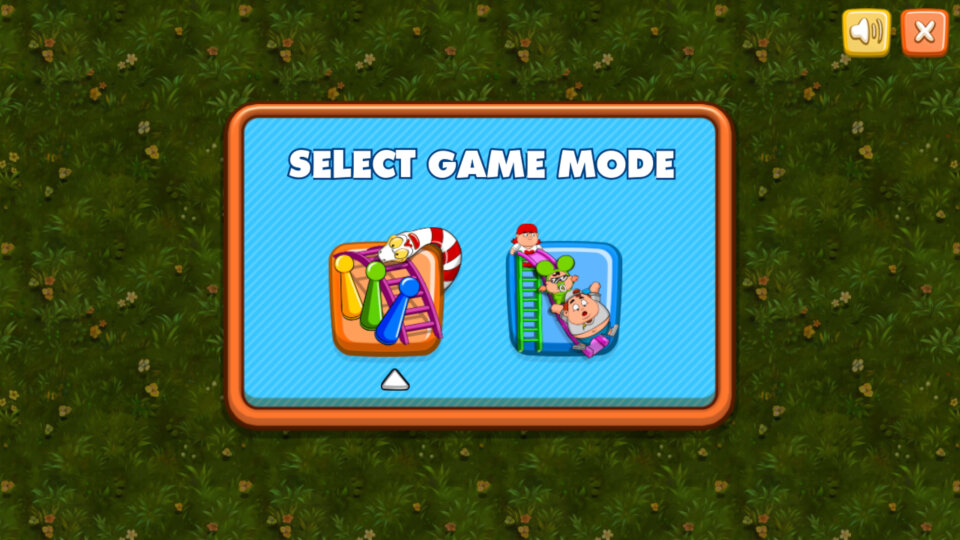
Snakes & Ladders

Classic snakes and ladders game, can be played upto 2 players, with 6 players in total being controlled by the CPU.

Conclusion

So its a good start and a nice addition for Netgem’s TV service, but the main let-down is the lack of horse power from the hardware. I’m not sure what SoC Netgem use but it seems to struggle with the more demanding games. The main issue is the remote, this just not designed for gaming with its stiff keys and hollow build quality, a wireless controller might be a better addition.

Windows XP Tablet PC Edition

Beating the iPad by 8 years (What’s a Newton?)

One of the many editions of Windows XP, Intended to be used on portable tablet PC systems, this can be seen as an early implementation of Windows for Tablet systems, something which is more common today than it was in 2002 when this version was released. Major differences stem from the pen and touch support and the inclusion of the tablet input panel.
This kind of makes this version of Windows suited to touchscreen-based PCs, at least they can use the added touch functionality. System requirements are mostly the same as XP Professional, with it being heard for use with the mobile variants of X86 processors like the Transmeta Crusoe or the VIA/Cyrix M3, there is no ARM version.

Despite being branded for Tablet PCs, there is nothing stopping you from using it on a regular desktop PC, although some of the added features will be of little use unless you have some sort of touch functionality, like a Wacom graphics tablet. Pretty much all Windows software that can run on regular XP editions will function here.

Install

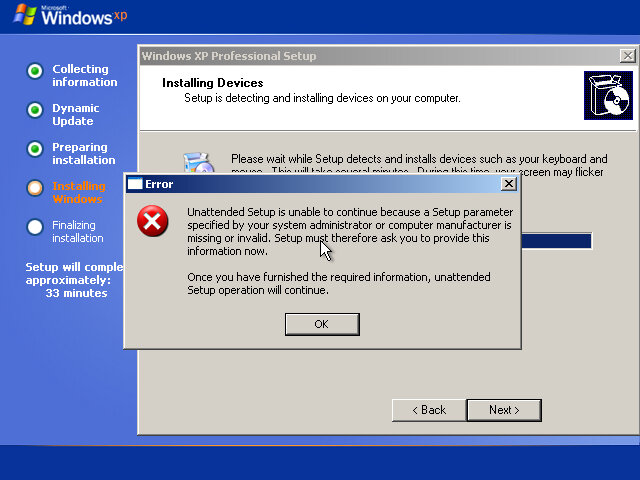
Not an issue with the build, some weird VMware trickery it tries to do.

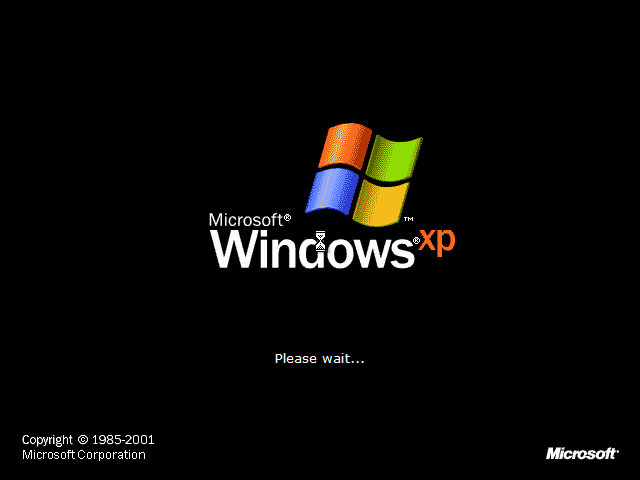
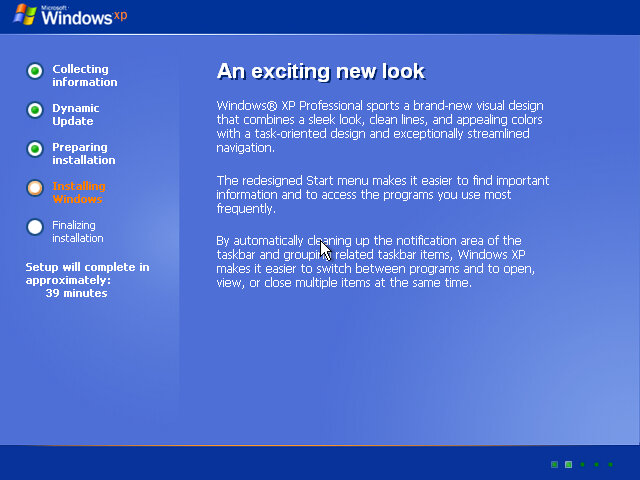
Installation is very similar to a traditional Windows XP install and even reveals itself to be Windows XP Professional in the installer. It’s only after the install we see the first signs of Tablet PC Edition.

Post-Install

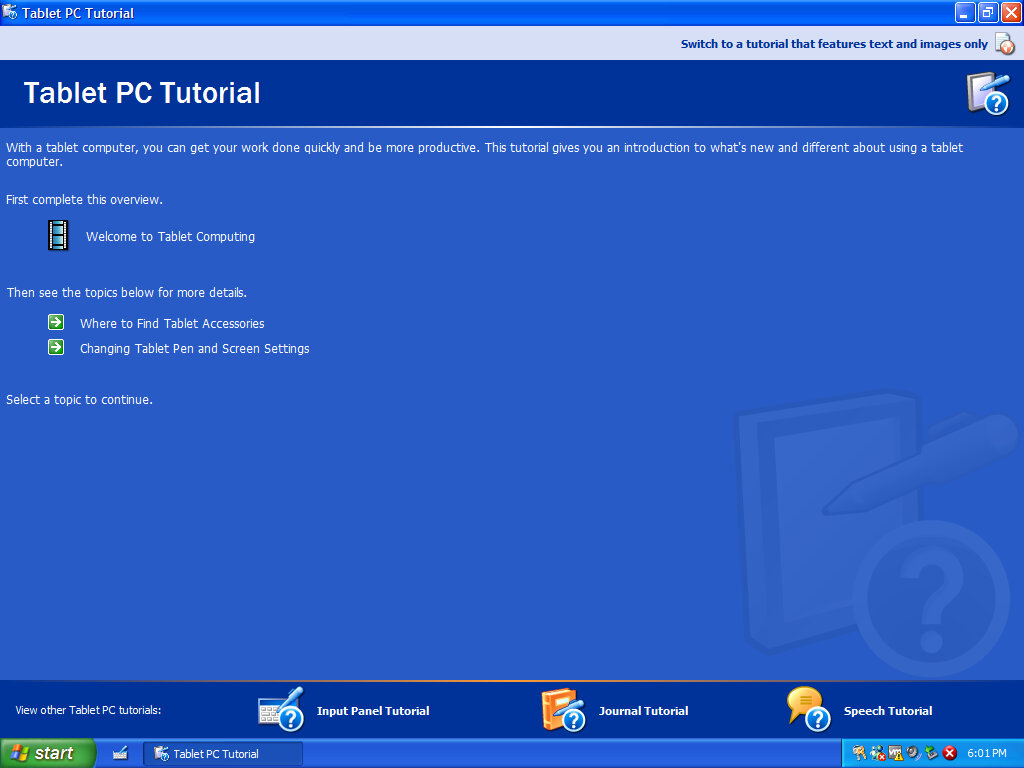
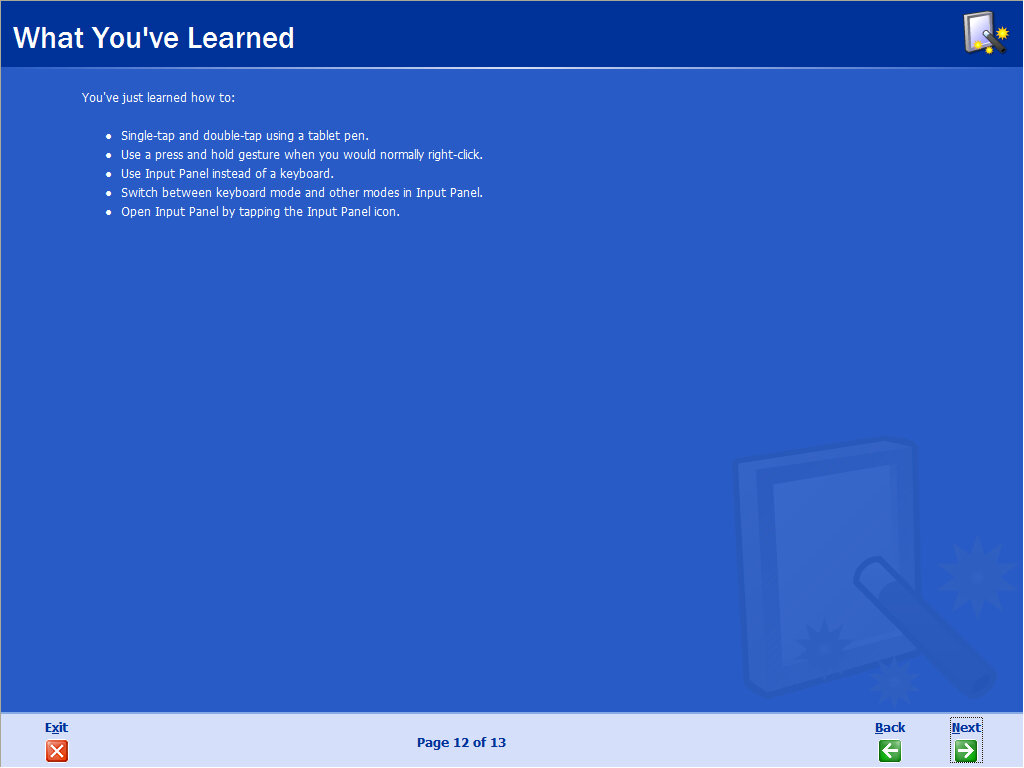
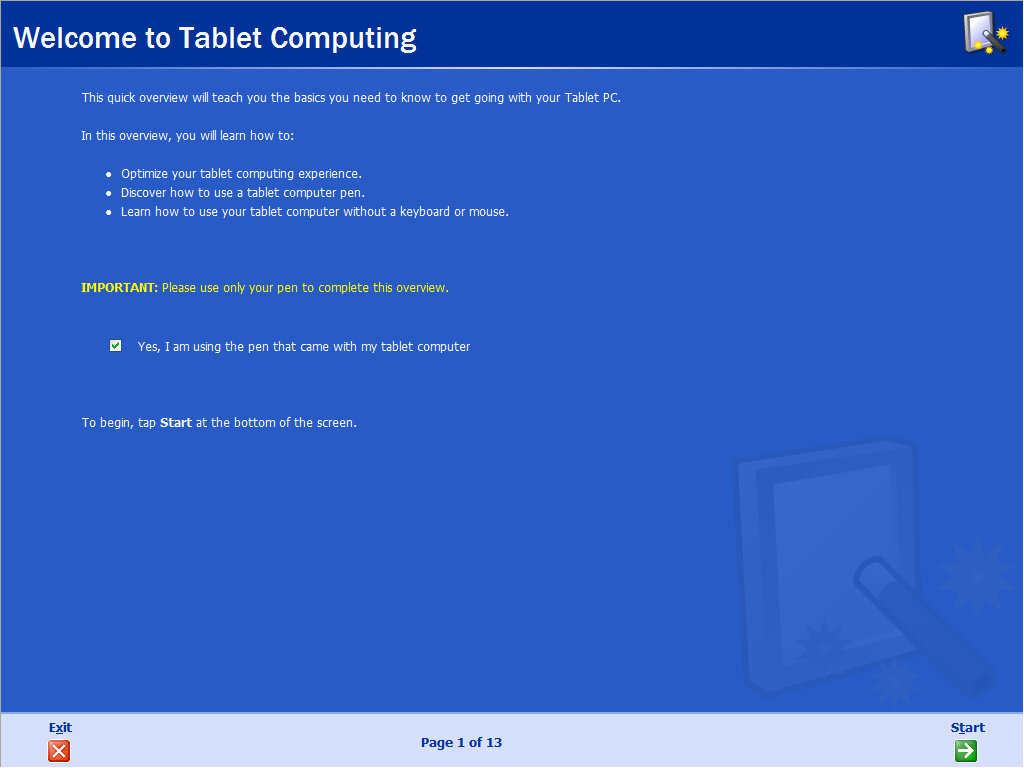
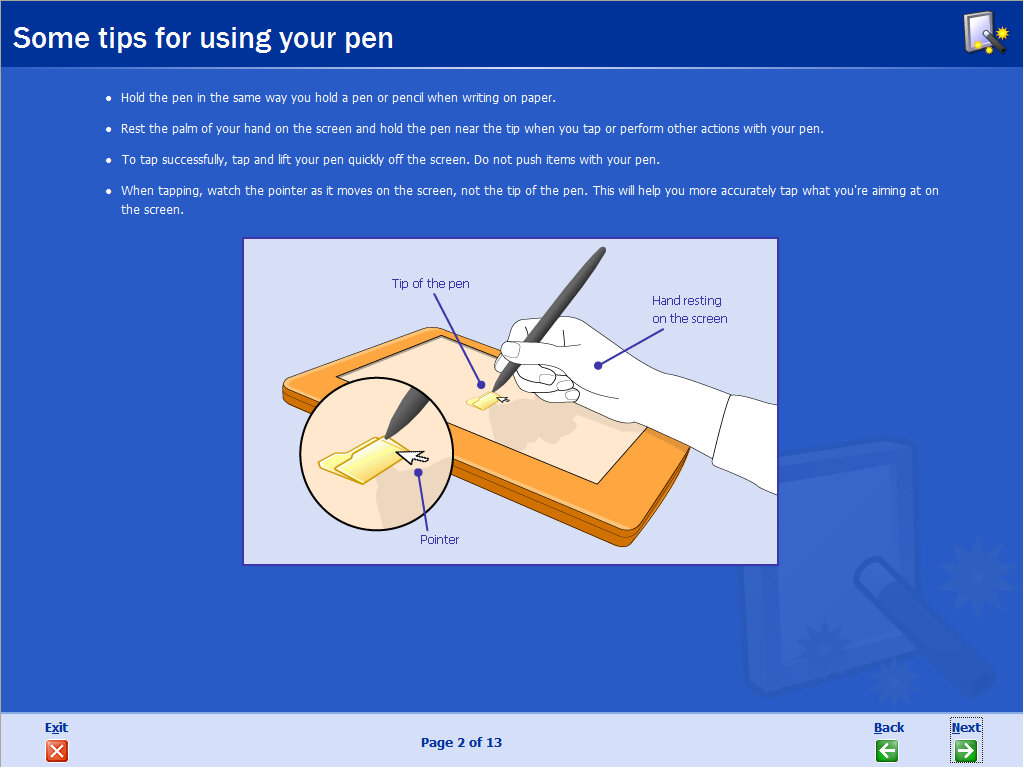
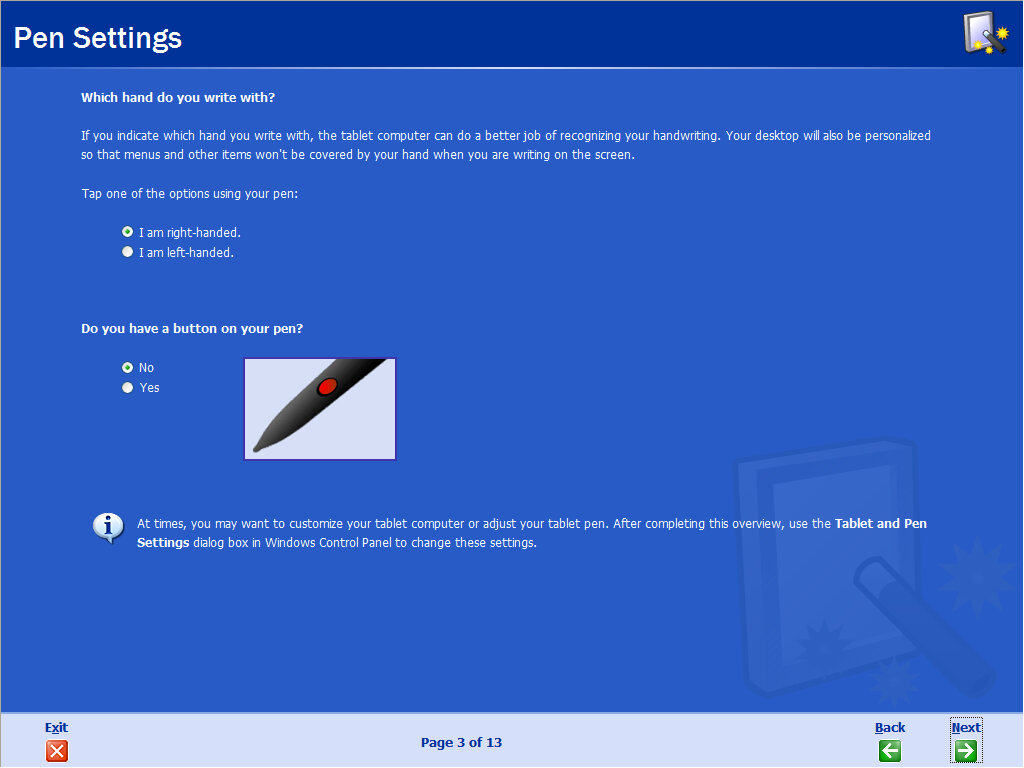
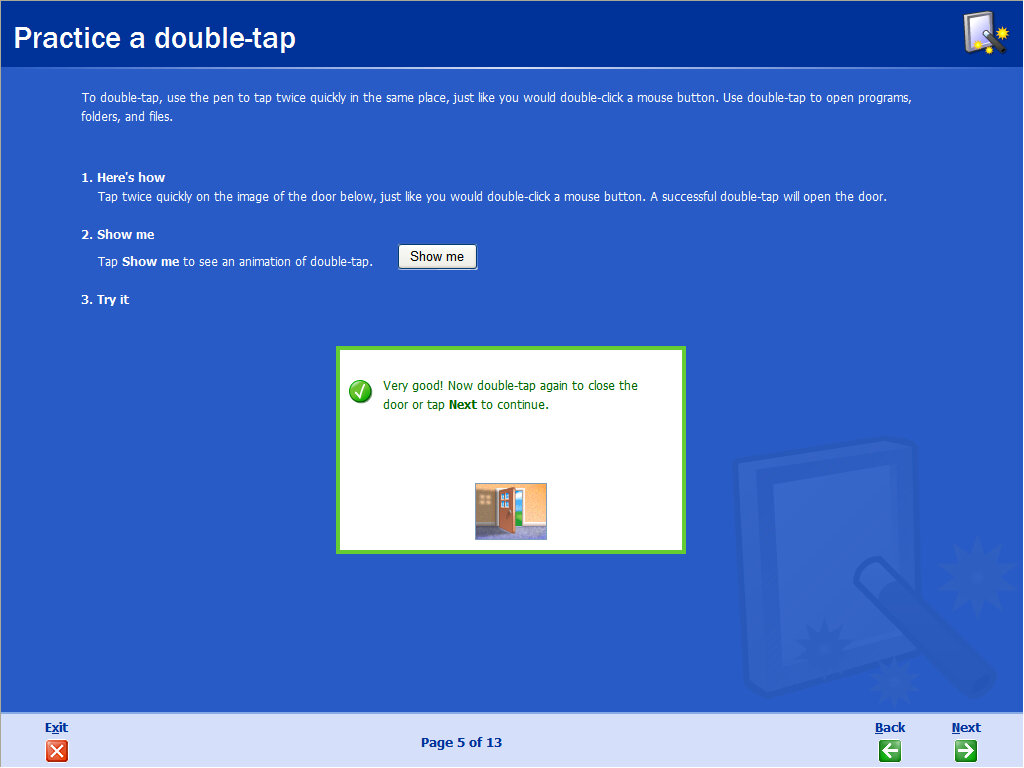
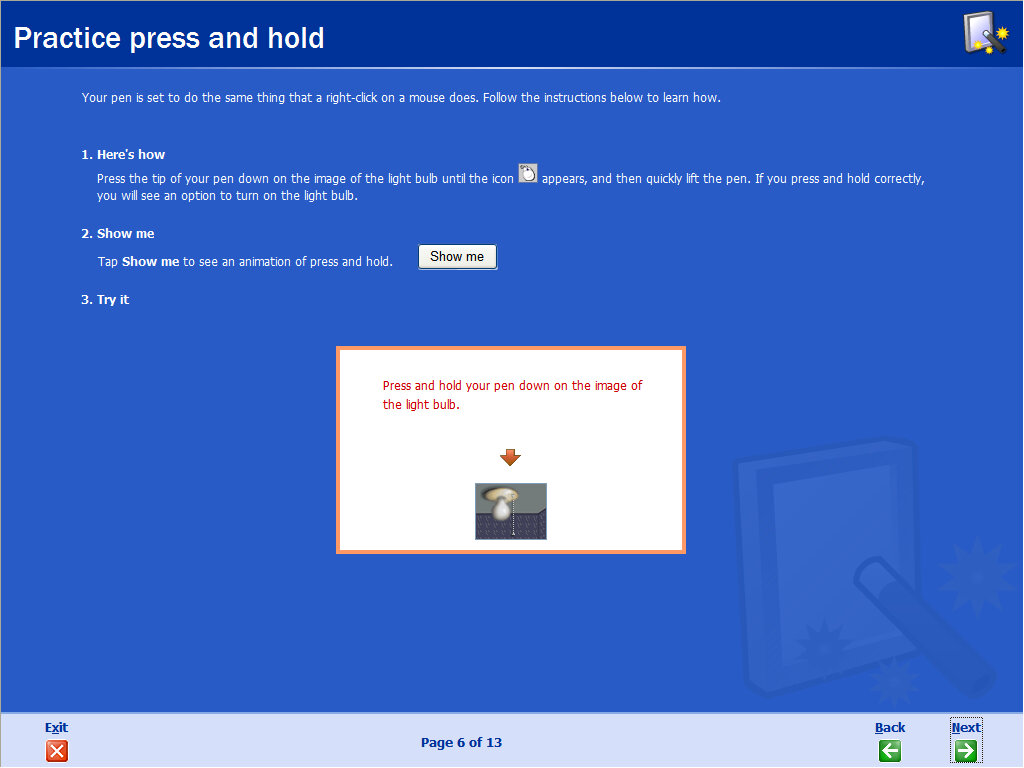
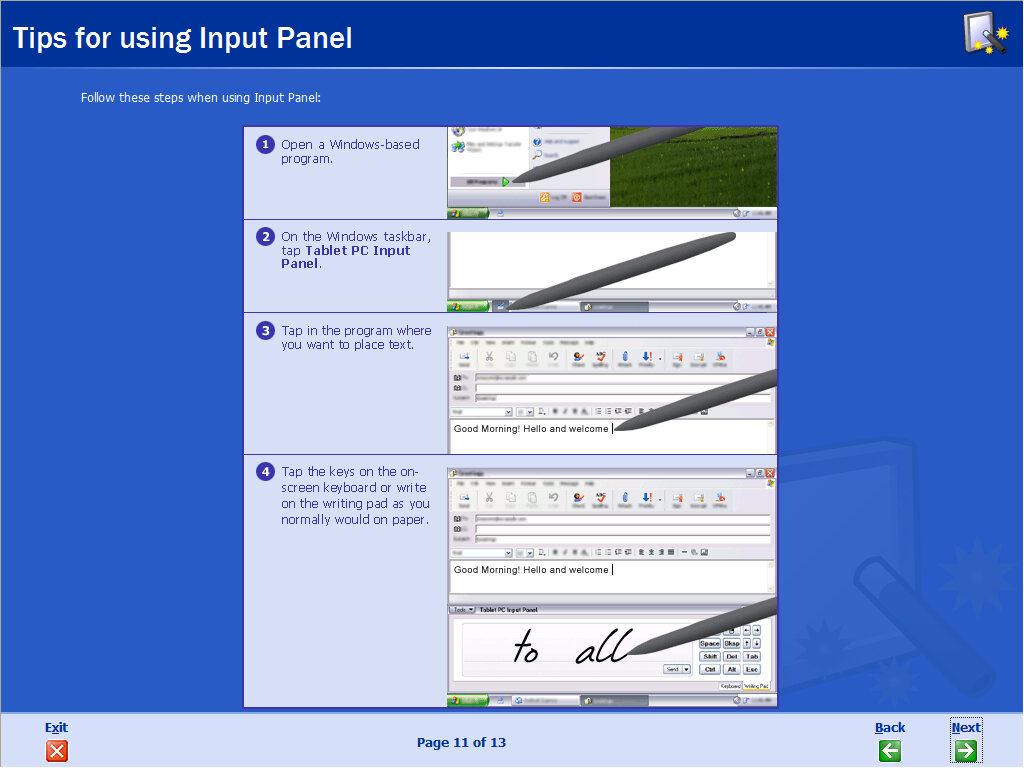
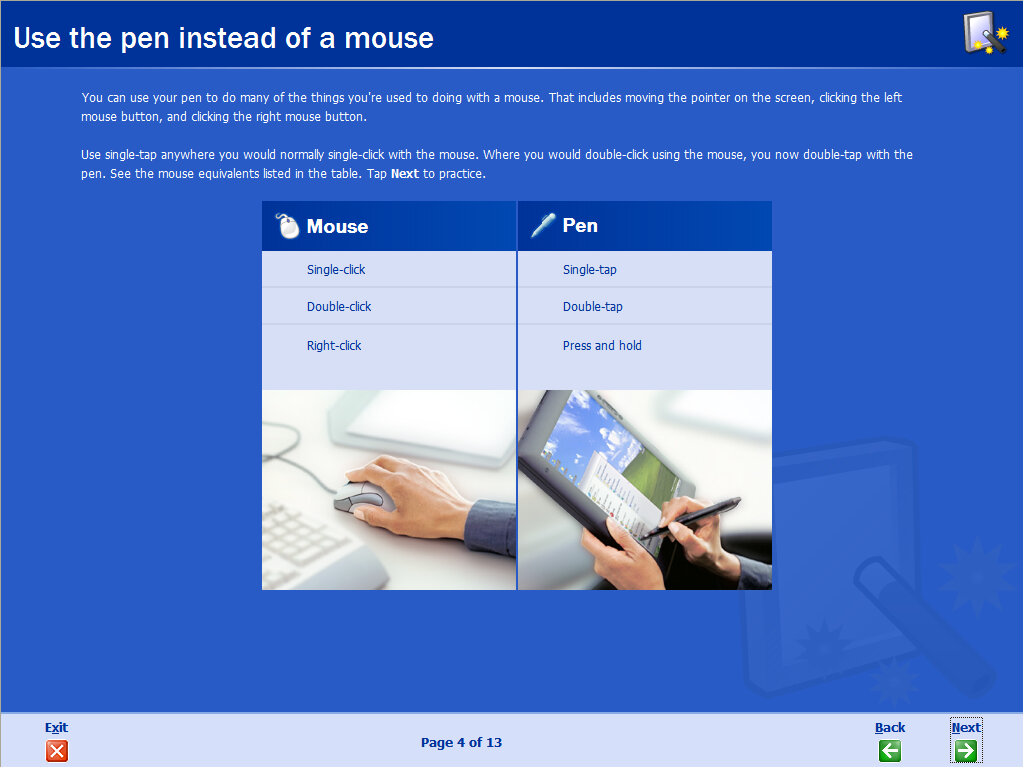
Shortly after the first boot completes, we are treated to a tutorial that explains how to navigate Windows using the Pen and Touch controls. This may differ compared to OEM branded versions as they may include special tutorials included by the manufacturer themselves, especially if any additional features or capabilities have been added.

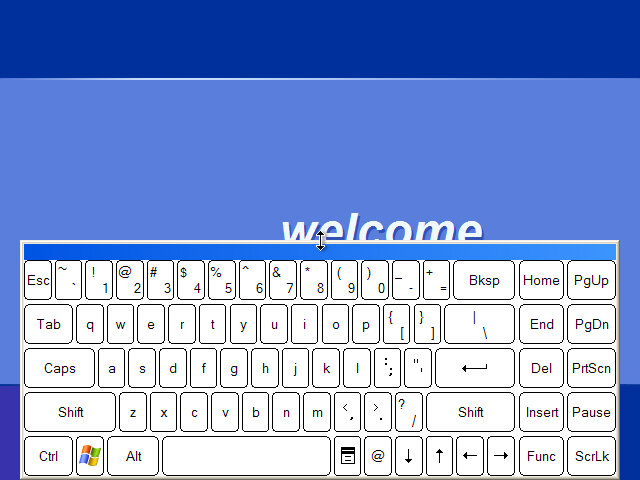
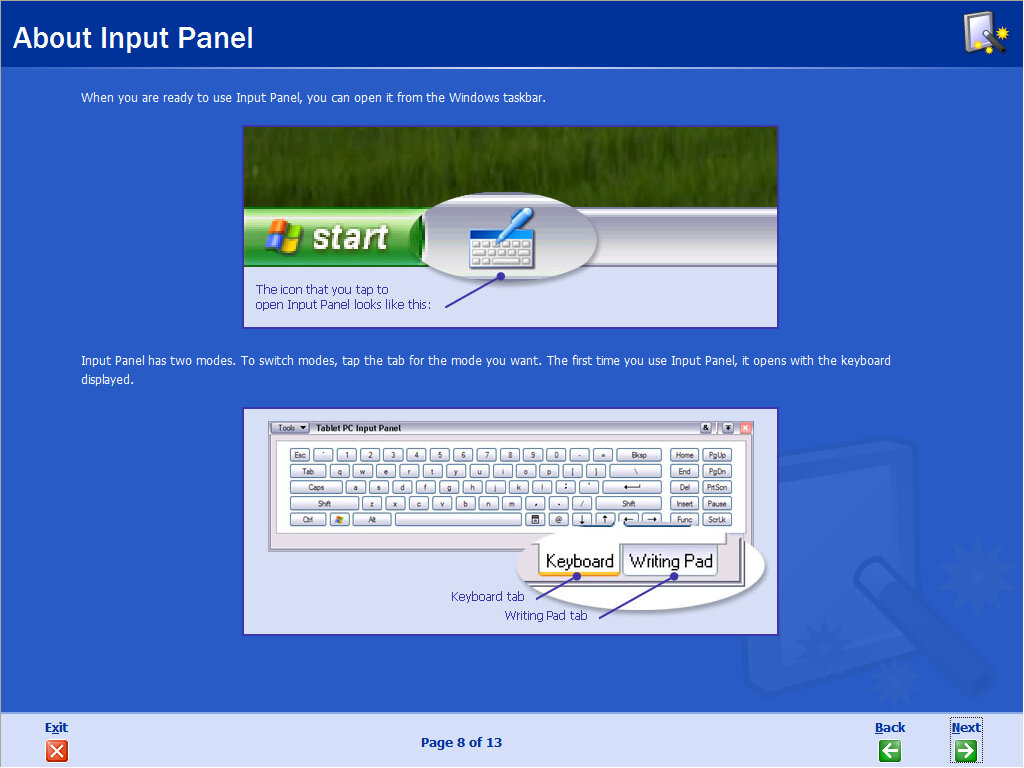
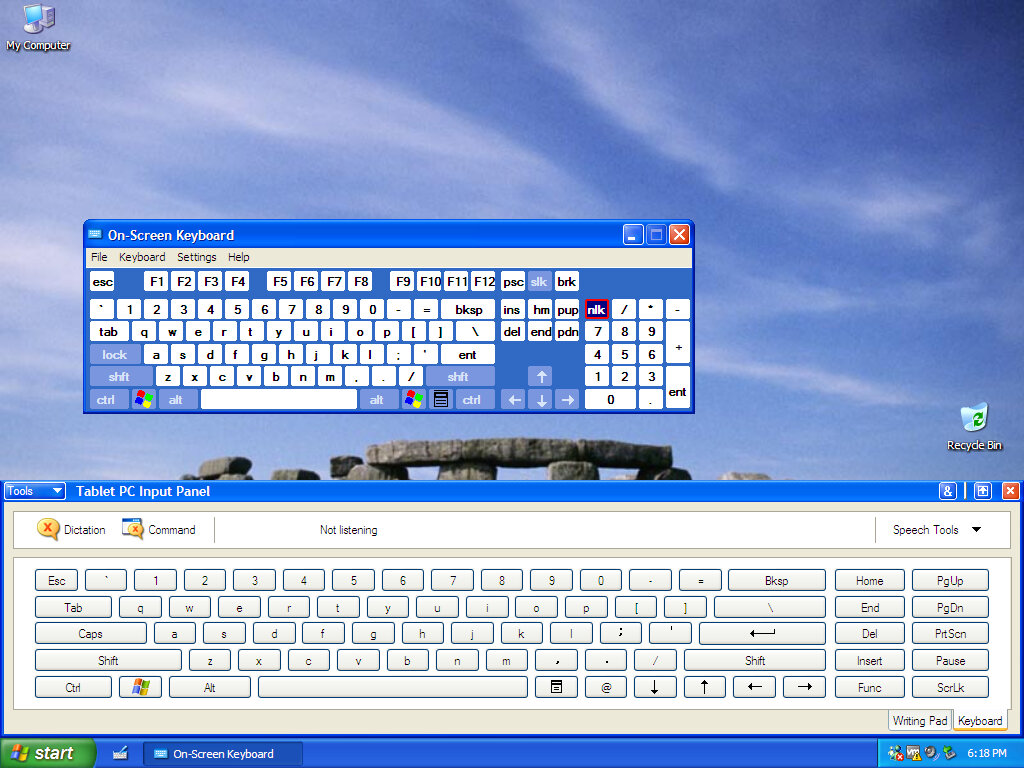
Once we get to the desktop it looks like a typical Windows XP install, the only major difference is the keyboard input panel to the right of the start button, this will bring up the Tablet PC Input panel which is used to type.

Tablet Components

Microsoft bundled a few extra applications to help and complement the use of a tablet PC. Some OEMs would also include their own software.

Get Going with Tablet PC

A tutorial that runs after you first log in and will go through the basics of using your tablet device, it will also ask questions in regards to what features your device contains and the type of stylus used. You can run this later at any time since it’s accessible from the start menu.

Sticky Notes

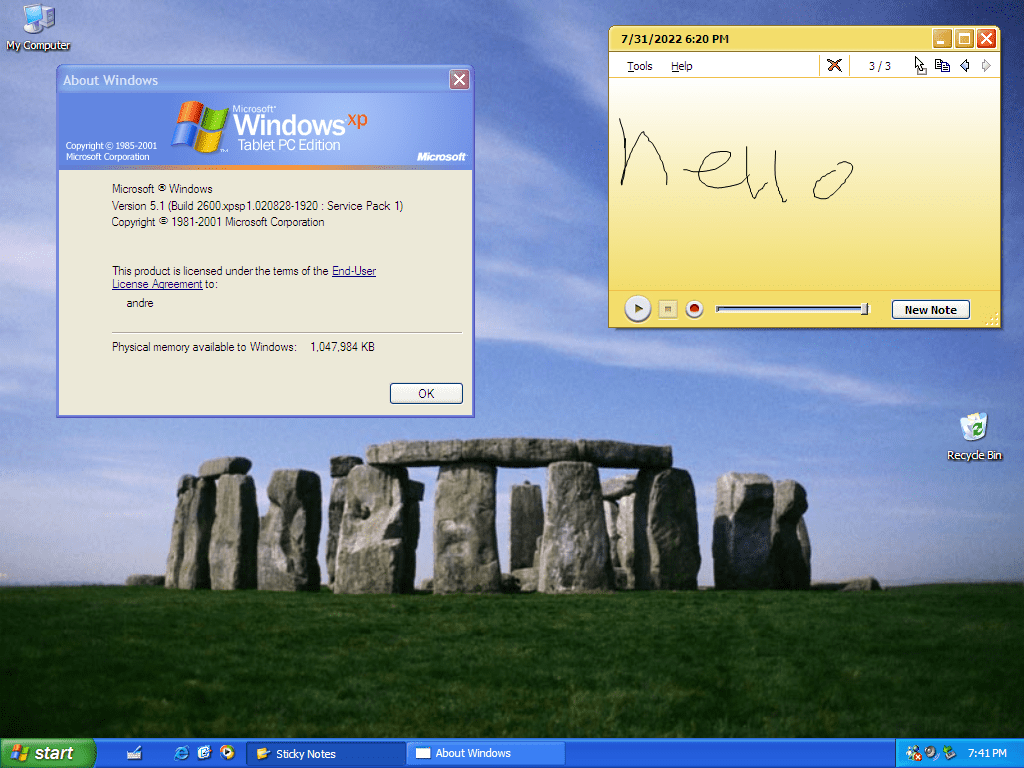
Before its well-known debut in Windows Vista as a desktop gadget, Sticky Notes first appeared here albeit in a different incarnation. Here we can only capture drawing done by the stylus or mouse. Audio can also be captured by using the record option. From using it, there does not seem to be a way to enter text based notes, nor can the background colour be changed. Flags of different colours can also be added, but this seems to be only cosmetic, it does not activate anything in the journal.
Notes can be exported in the EMF image format, which can then be opened in the Windows Picture and Fax viewer. Compared to other image formats, this one seems to handle text a lot better, especially when zoomed in up close. Originally this format was used for Clip-Art in older versions of Microsoft Office.

Windows Journal

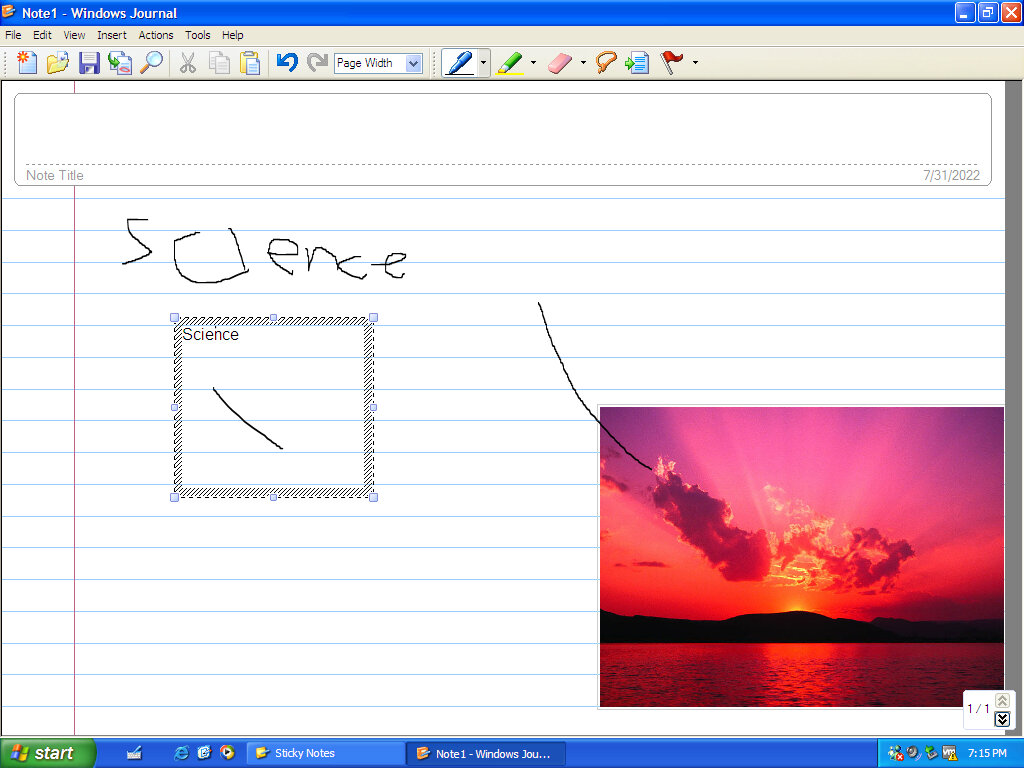
Acts as a literal notepad or scratch book where you can jot down notes written using the stylus. You also have the option to write in a regular pen or use a highlighter, and an eraser can be used to delete writing. Images can also be added and removed.
Text cannot be entered unless you manually add a textbox and position it on the page.
Windows Journal viewer was later made as a separate download from Microsoft, which allowed for Journal files created to be viewed on regular editions of Windows XP

Inkball

A game that was later included in Windows Vista, the objective is to guide the ball into the hole using your style to draw black lines which cause the ball to bounce and reflect in the opposite direction, later levels feature multiple coloured balls with the objecting to ensure the correct coloured balls enter their respective coloured holes.
Vert difficult to play with the mouse since the cursor will disappear, making it difficult to determine where your pen is located.

Keyboard Input

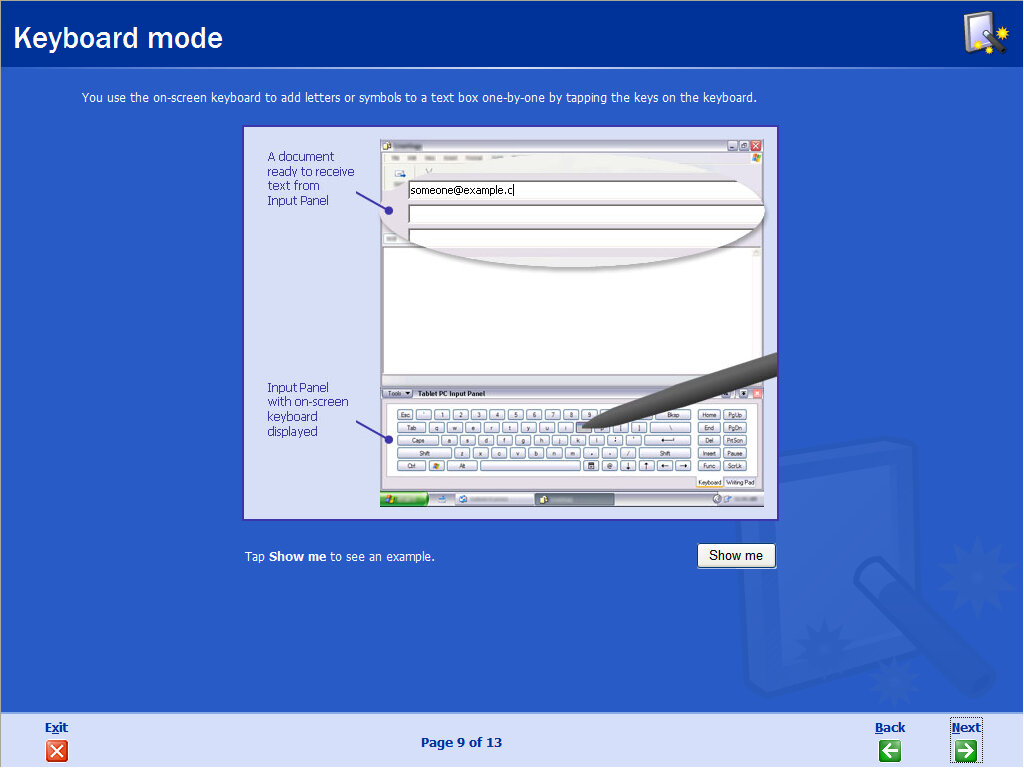
As tablet PC devices lack a physical keyboard, an onscreen keyboard is included to make text entry and input easier. This is not the same as the On-Screen keyboard that came with Windows 2000 and is still included here, the Input panel being larger and more suited to a touch screen.

Conclusion

Although this wasn’t the first version of Windows to be designed for a mobile or portable device, as the Windows CE line of operating systems were intended to be used on PDAs and smartphones of the time, and there was also Windows Pen Computing, a touch input based OS that was similar to Windows 3.11. But it pushed the NT line of operating systems into a more mobile direction and with the arrival of the ultra-portable Sony VAIO UX Micro PC models which started the handheld PC market, and the upcoming netbooks and tablets which would become popular years after the release of XP Tablet PC Edition

Regarding the touch input and control, Microsoft would later incorporate pen and touch-based interfaces into all editions of the operating system, foreseeing as they could be standardized on future systems. Windows 7 introduced a new pen and handwriting recognition, whilst Windows 8 would make touchscreens the center point for its user interface, this would come at the expense of general usability, and traditional users would feel ostracized by the new interface.

Version Information

ComponentVersion
Internet Explorer6.0.2800.1106.xpsp1.020828-1920
Outlook ExpressExact same as Internet Explorer
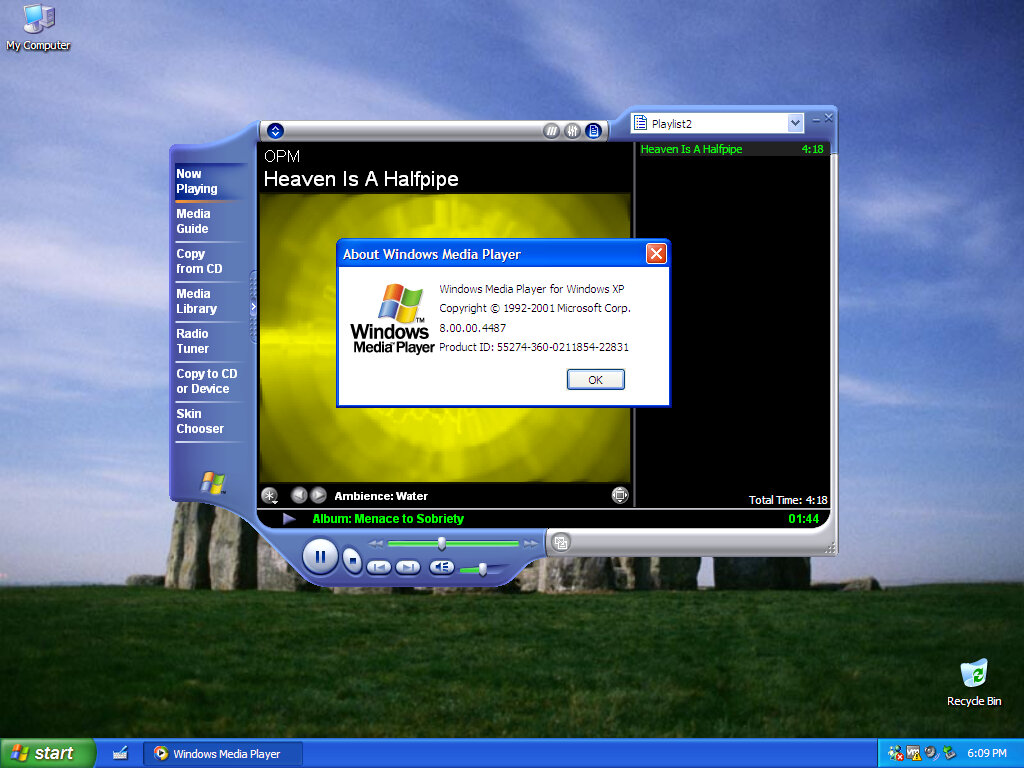
Windows Media Player8.00.00.4487
Windows Messenger4.7.0041
Windows Movie Maker1.1.2427.1
DirectX8.1 (4.08.01.0810)
Inkball1.0.2201.0

Mac OS X Jaguar (10.2)

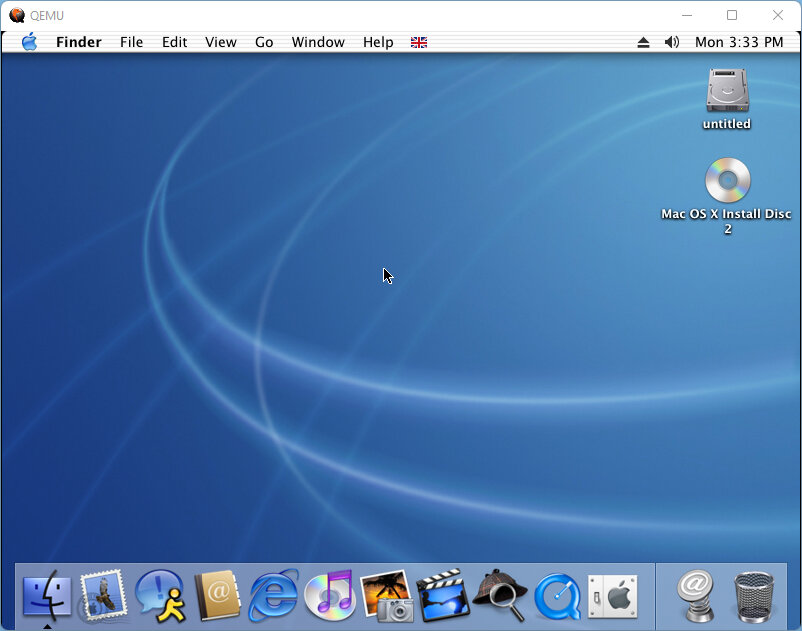
The third release of Mac OS X, let’s hope the bugs from the last version were fixed in this build. Some screenshots come from QEMU (4:3) and off a real PowerMac G4 (16:10)

The desktop, not much has changed from Puma, aside from a few new icons in the dock.

QEMU has a few issues running this build of OS X relating to the finder, where the main Finder window will not open correctly. As a workaround, you can click on the Go menu and then select the window you wish to open.

The emulated IDE controller also has a few issues with a blank/duplicate hard disk.

Install

Install procedure remains the same as the previous versions, with the ability to modify what components are installed. Print drivers were removed since we are never going to use them in QEMU, and we also dont need any additional languages.

Setup

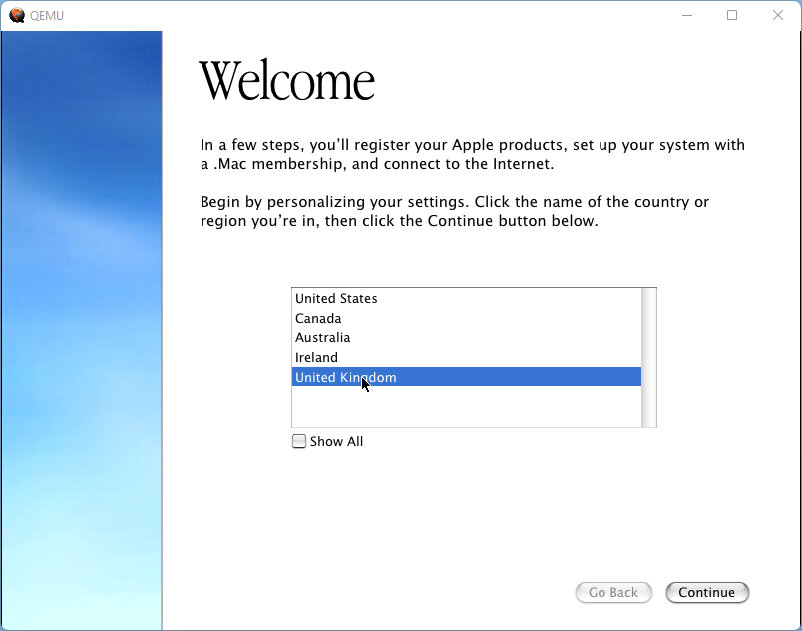
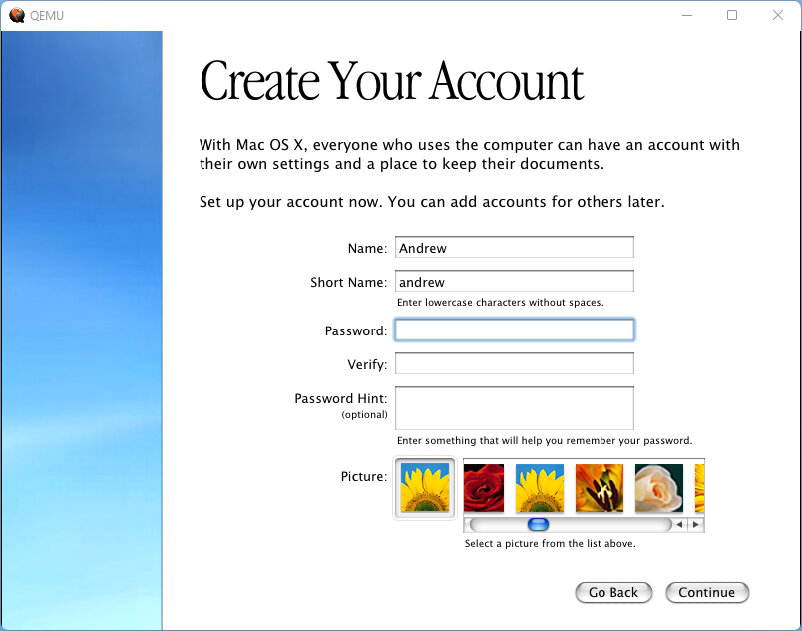
After the install we are presented with the registration wizard.

Desktop

Appears mostly the same as Puma, although you lose the pinestripes out of the dock. Finder window appears to be the same as Puma, with some elements of Windows explorer included which gives it a browser-based feel with the back and forward buttons.

Rendezous is a feature that you will come across in OS X, this allows for local network devices to discover one another, typically used for media devices like DVR (Digital Video Recorder), and Printers. This was later renamed Bonjour, although the technology remains the same. In Safari you can view any local webpages offered by supported devices, such as the configuration webpage of certain routers, and in iChat you can use it to discover other users that have Rendevous enabled. Many OS X applications make use of this technology.

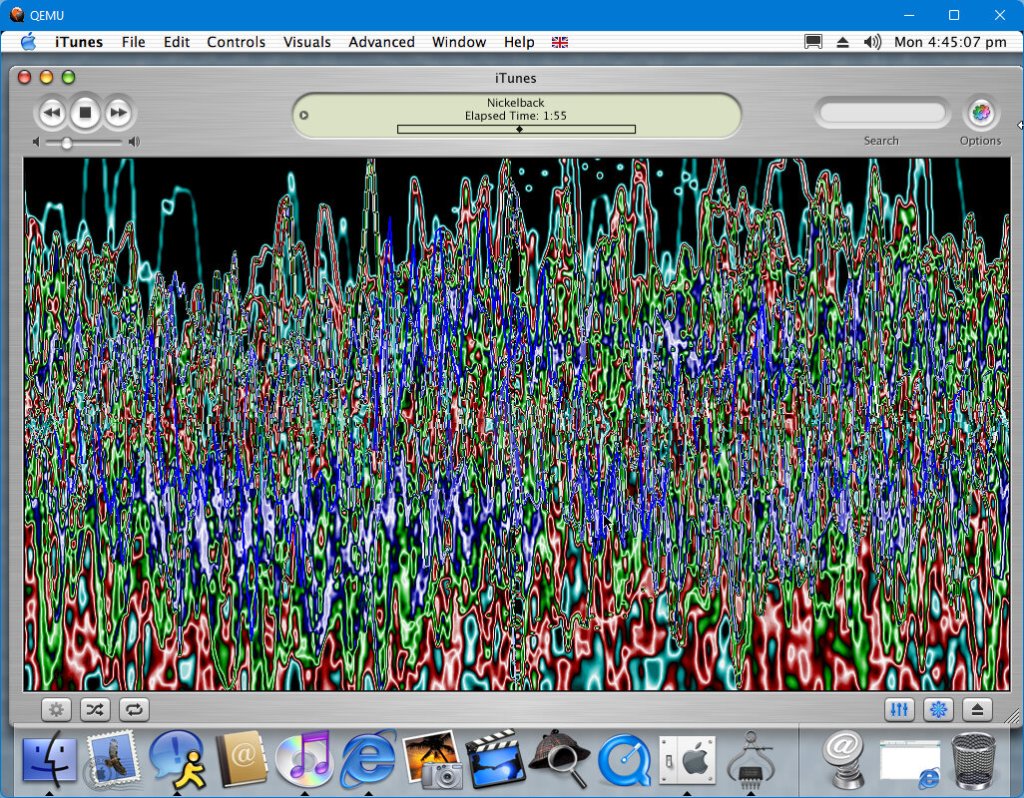
Sound: Works somewhat if you use the screamer audio builds from emaculation. It’s not very good quality audio with stuttering and crackling when playing mp3 audio via iTunes (This might have more to do with the emulated CPU running at 200MHz. Eventually the sound just gave up one time and I had to reboot the OS to get it back.

Applications

iTunes – Version 3 comes bundled with this release and serves as the default music player. This release predates the iPod and the iTunes store, and thus cannot sync without an update.

iChat – Apple’s alternative to MSN Messenger, which supports AIM (AOL Instant Messenger) accounts. works to some extent, whilst the online service will no longer allow sign-in from this client, we can enable Rendezvous chat to communicate with other compatible users, at least on the local network. iChat was originally intended to be used with AOL Instant Messenger.

DVD Player: Plays back DVD movies if your Mac is equipped with a DVD drive or a Combo (DVD Player with CD-R capability) or a Super drive. Also blocks screenshots when using the built-in grab tool.

iMovie: A basic video editor that lets you create home movies, complete with special effects using clips stitched from various video files, typically from a digital video camera. You can also add your own voice effects, allowing you to add commentary to your video. This is one of those apps that runs in full screen, hiding the dock.

iPhoto: Import pictures from your digital camera and organize them into various different albums, Different effects can be applied, and features a printing utility if you have a photo printer.

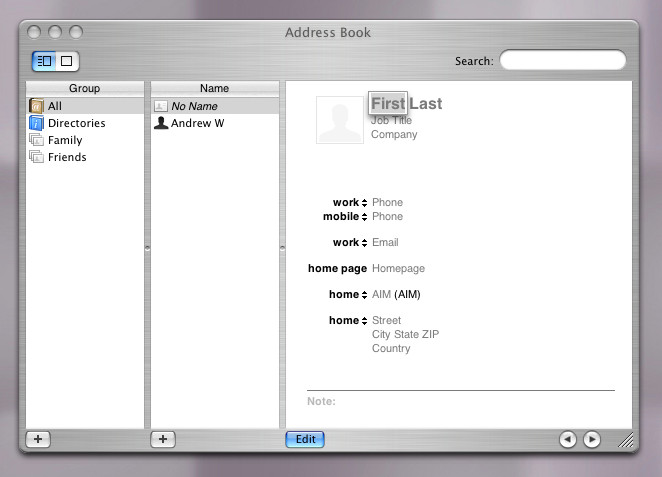
Address Book: Appears to have a brush aluminum appearance which would later influence the Finer window interface for Panther and Tiger

Sherlock: opens but refuses to load any channels, possibly its no longer online.

Photo Import: is a tool that transfers photos from a supported digital camera connected via USB, and can transfer files to your Documents directory. You can choose to import them all or manually select which images to transfer and if they need to be rotated. YOu can also set to delete the photos from the camera itself to free up space. A good utility but surely this could have been integrated into iPhoto.

Bundled in later updates:

Safari – Although mainly introduced in Panther, one of the OS X updates introduced Safari as an alternative browser. This was to replace Internet Explorer and would include its own rendering engine.

AirPort: Additional drivers are included in later releases of Jaguar, third-party cards are supported providing they are using a specific Broadcom-based chipset (The wireless card in my G4 is actually a BT Voyager branded PCI card). But you are still limited to WEP support, no WPA or WPA2.

Third-Party

RealPlayer: Popular video streaming application, before Youtube was king video clips and music videos were streaming using RealMedia .rm files. RealPlayer later evolved into a full-fledged MediaPlayer similar to iTunes or later versions of Windows Media Player

Opera: An alternative browser using the Presto rendering engine. This was from the era when Opera was a browser you had to pay for, but a free version existed that would show adverts.

Camino: A fork of Firefox designed to be built for use on Mac OS X, making full use and integration into the Finder.

Appleworks: Apple’s own productivity suite of applications that consists of a word processor, spreadsheet and desktop publishing. Technically this is first-party, but is not included with the OS install. Appleworks was never really popular, and many mac users would opt for Microsoft’s Office which had full compatibility with the mainstream file formats. In contrast, the CWK format was used to save text documents.

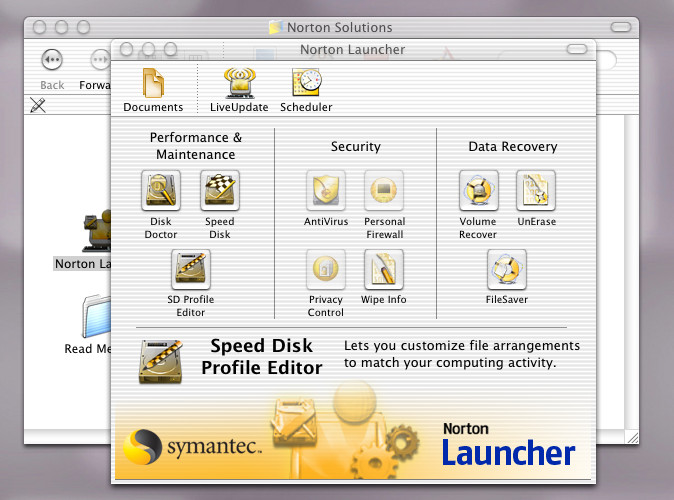
Norton Utilities: A must for early versions of Mac OS X, includes a set of tools to keep OS X running smoothly.

Plumbers Don’t Wear Ties

3DO’s killer Rom-com

Before we had Heavy Rain or Until Dawn, Plumbers Don’t Wear Ties was a pioneer in the interactive storytelling genre. I guess you could say it was ahead of it’s time.

Story

The game treats you to a opening FMV, followed by the publishers logo, showing off the swirl effects. The game then gives you the option to view the opening sequences or to just skip to the first decision, which saves having to go through the introduction clips.

John’s mother, Certified MILF

One thing you will notice about the voice acting is how finished or unpolished it is, with background noise and microphone artifacts able to be heard. This is very noticeable on the voices that play when selecting an option.

The goal of the game is to get John and Jane together.

Left: Emma, the woman John’s mother wants him to marry, Right: Jane’s father with the butler from Tomb Raider

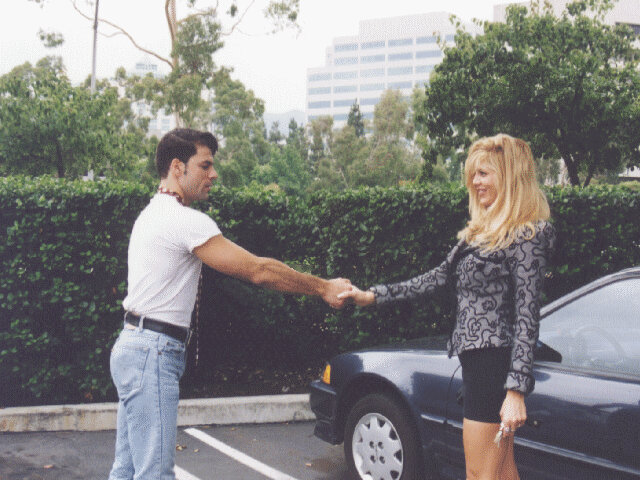
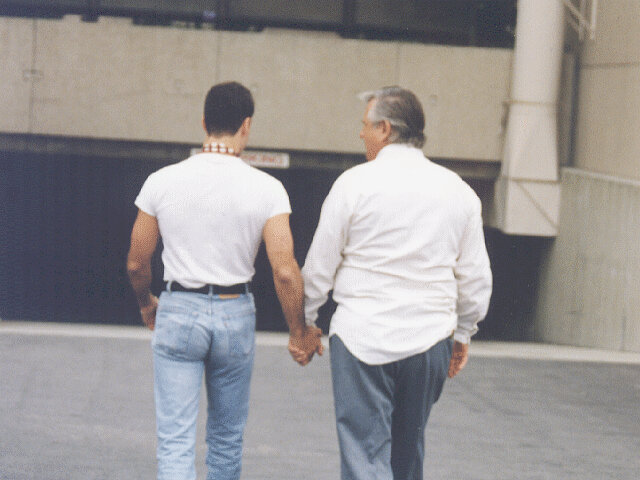
Parking Lot: The first major decision come up and it is at this point we are introduced to the game narrator. You are given a choice of three options, either John makes the first move, Jane makes the first move or neither of them make the first move.

Picking the third option results in a really long cut-scene slideshow between several other characters, which also makes little sense. I’m not sure if these characters are canon, since they wouldn’t appear in the other two options, or will they ever appear in the game again.

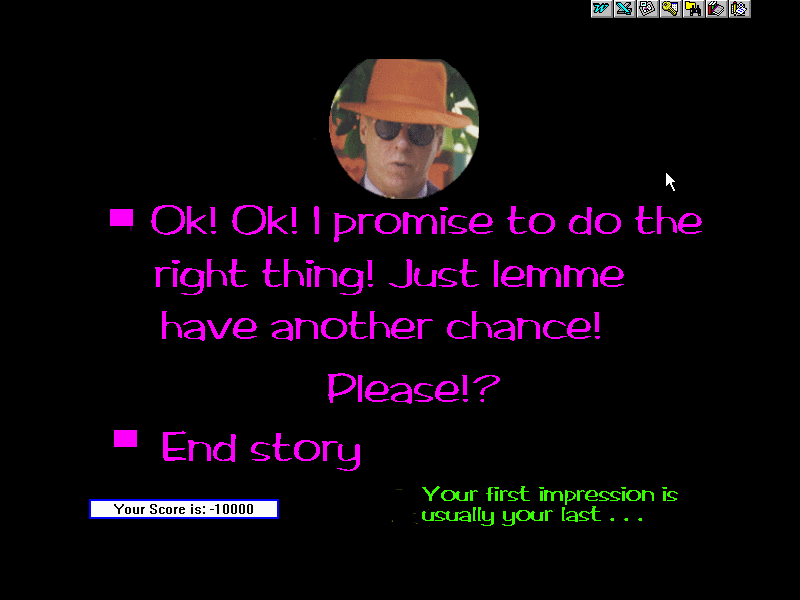
The game then ends and you are promoted to choose another option, as this seems to be the one incorrect option.

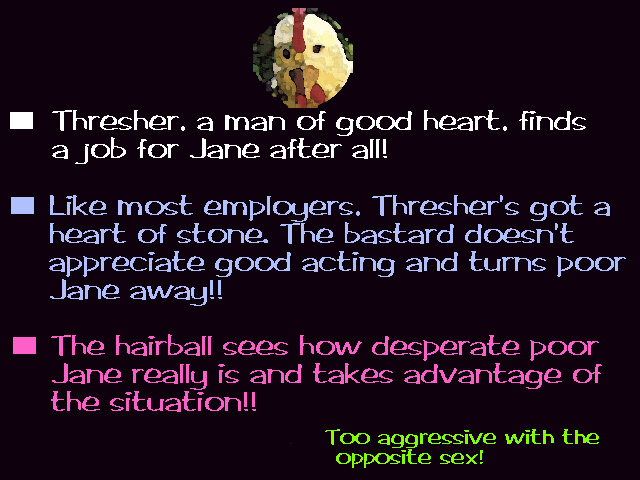
The Job Interview: Jane is in the middle of a job interview and you are given a choice on how to proceed, either she gets the job, she gets turned down for the position, or Thresher can take advantage of the situation

The third option is when the game become a Harvey Weinstein simulation, and offers Jane the position if she agrees to take her clothes off. This leads to another decision where she can either agree to do it, or she declines

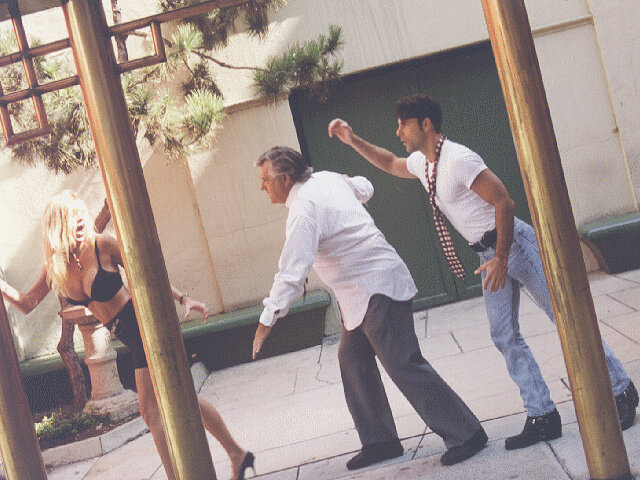
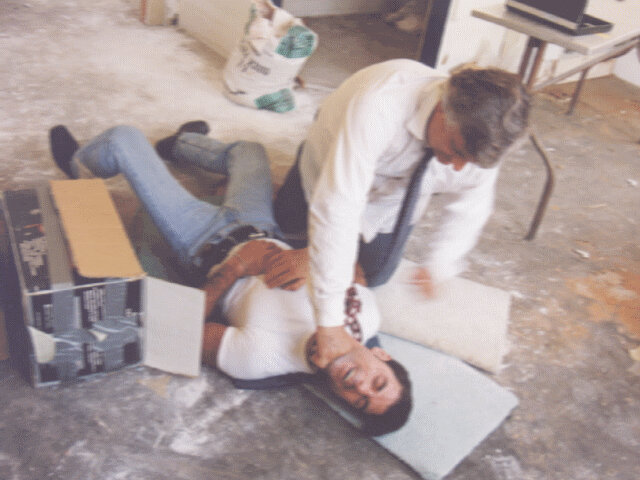
Picking the first option results in her stripping off, before she smacks Thrasher and runs. Here a chase scene starts with Thrasher armed with a weapon (There’s no gameplay, just still images. This would have been a great opportunity for a mini-game) Jane runs outside back in the parking lot.

If you chose the second option, she will strip off and the game will end

The Chase: Once outside, another decision you will have to make. John can either case after Jane, or he can distract Thresher from her. Choosing the first option results in a long case scene.

The second option results in Thresher flirting with John, and the two end in a relationship leaving Jane standing on her own, possibly becomes a nun to tie in with the other ending?

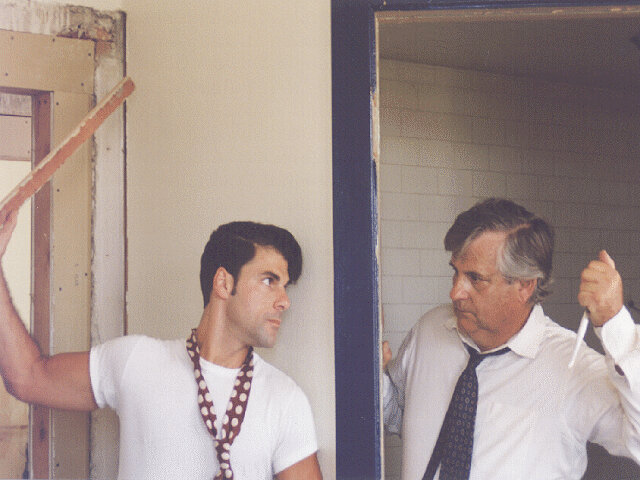
The chase takes place all around Hollywood, and concludes in an vacant office building where Thresher give Jane an offer. Here another decision is to be made.

The first option has Jane choose Thresher, leaving John on his own.

The second option results in John and Jane getting together, meanwhile Thresher hooks up with Yoko Ono

The Ending: The final decision lets you choose the ending, you only have two possible choices. The normal Hollywood style ending or something completely different where Jane becomes a nun.

Windows Version

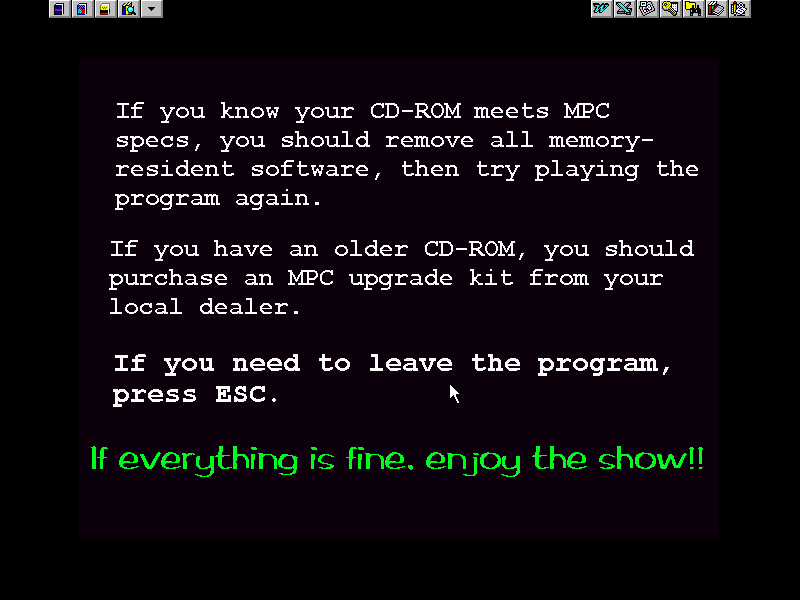
The game experience was ported to the Microsoft Windows platform, and was designed for Windows 3.x series of operating systems, This made use of the MPC (Multimedia PC Standard) and requires a 4x CD-ROM drive, a compatible soundcard and a capable video card. Compared to the 3DO version, some effects are missing like the zoom in/out whilst John is on the phone to his mother. This is possibly due to the PC’s of the era not being able to pull off the effect.
The game will run OK in PCem or 86Box, using a 486 (Or 386 running at 40Mhz). The game is simply displaying bitmapped images with a WAV file playing in background, no JPEG compression, possibly to reduce CPU and decompression times.

Specifications:

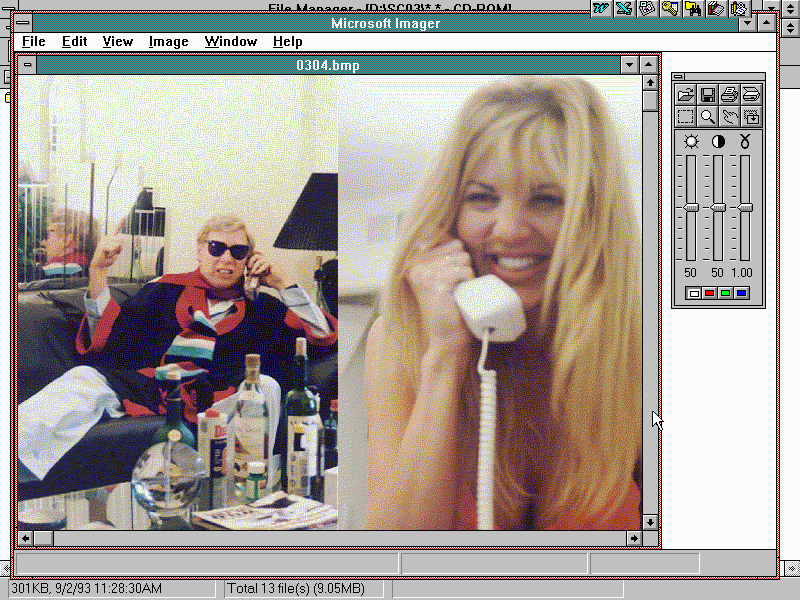
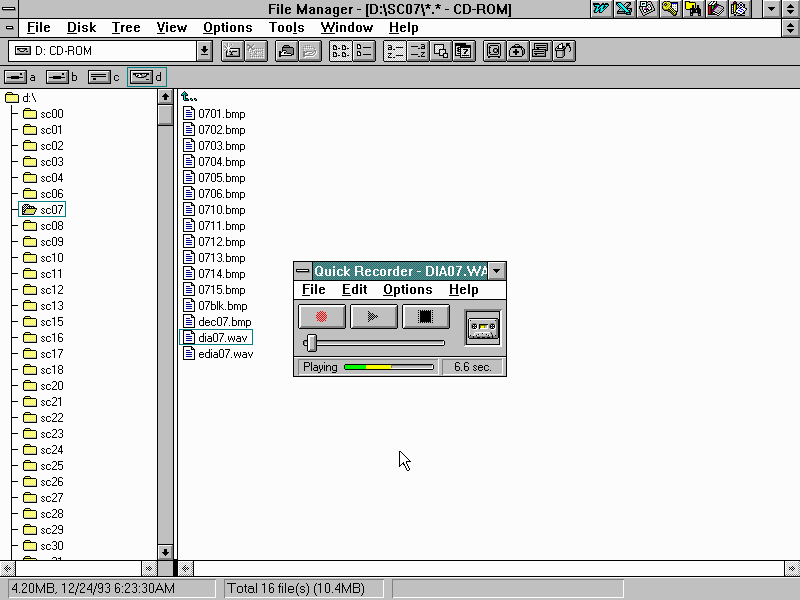
The game runs the same as it would on the 3DO, but it lacks the opening FMV video of Jane at the start of the game. Aside from that it’s mostly accurate. You can actually browse the games images from the File Explorer/Manager and open them outside of the game.

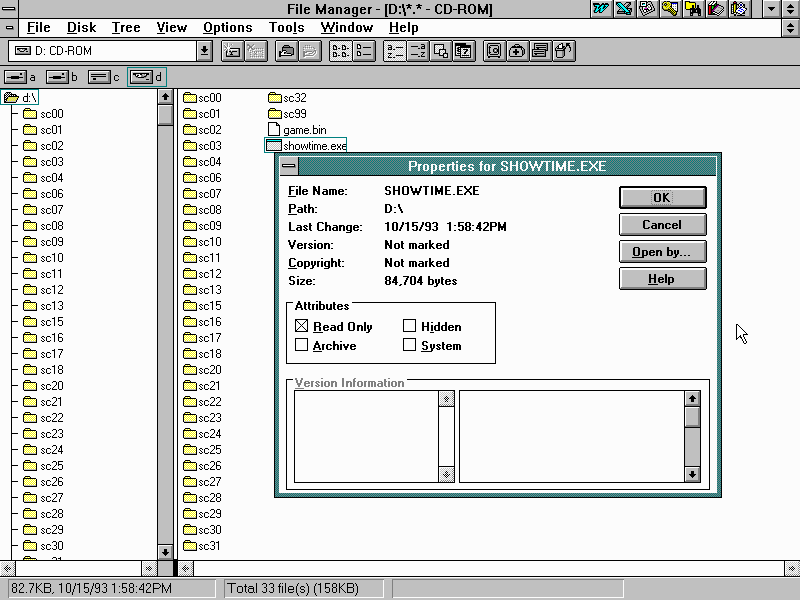
There is no installer, the program just runs straight from the CD-ROM drive.

Also remember to disable your screensaver, as it will appear whilst in the game.

Full Motion Video?

Most of the game is presented using still images, with the occasional zoom/scaling effect being added. One possibility was the game was still in the prototype stage, which would explain why the still images look like key frames (but does not explain the wacky filters that are used), and the game was just released without encoding the video.
Another possibility being the game running out of space on the disc, the BIN/CUE image is over 500Mb with the still images, and would have been larger had they used actual FMV. Also remember that even though the 3DO was capable of full PAL/NTSC resolution video, it was limited to MJPEG-like video (The exact Codec would vary depending on the game being used), with MPEG1 support only offered as part of an external addon (This predated MPEG2 which was used for DVD and DVB digital TV)

A third possible theory was due to the multiple decisions possible in the game, it was have been preferable to use still images than having to re shoot multiple scenes for each decision in order to save on production costs. Instead they could alter the images and record different voice lines which was much cheaper. This make no sense for the opening and introduction sequences, since that will always be the same.

I’m also curious if this game was ever ported to other platforms besides the 3DO and Windows. The Sega CD would have been a good candidate.

One of the possible endings

Windows NT 3.51 (Build 854)

An updated release of Microsoft’s fledging new kernel, released in 1995.

Install: Attempt 1

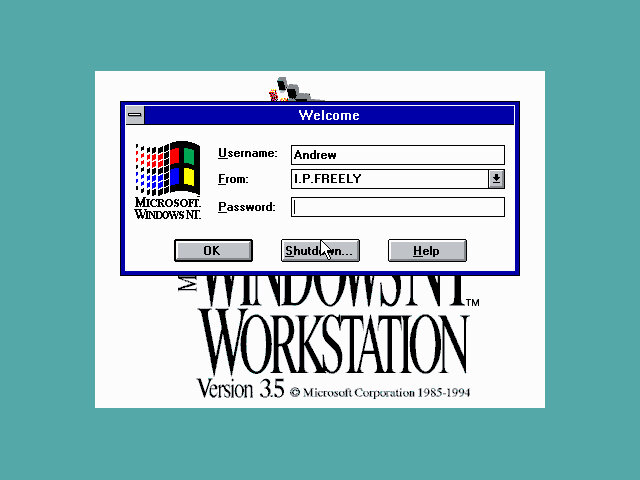
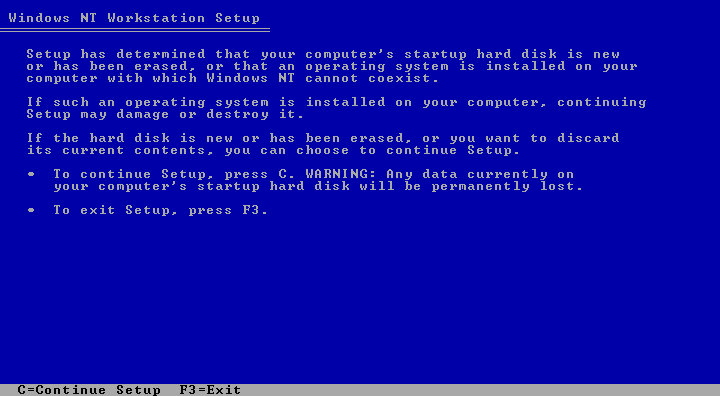
First I tried installing it the normal way, inserting a floppy disk and booting from it and have the CD-ROM mounted. First hurdle was towards the end, where the installer complained about not detecting a valid partition, despite the hard disk being detected by the BIOS, and was recognized by FDISK on the Windows 95 boot disk
So I formatted the disk using FDISK on the 95 boot disk, making sure it was FAT16 (Using the FDISK /FPRMT switch) but to no success. It’s weird since it detects the CD-ROM ATAMP drive, but no hard disk

Install: Attempt 2

After a quick search I was advised to use a LOCK command to allow full access to the drive, even though the work LOCK signified you restricting the drive?

To do this I had to use the Windows 95 boot disk to get to a DOS prompt with CD-ROM drivers enabled. Then ran the command below

lock c:
d:\i386\winnt /b

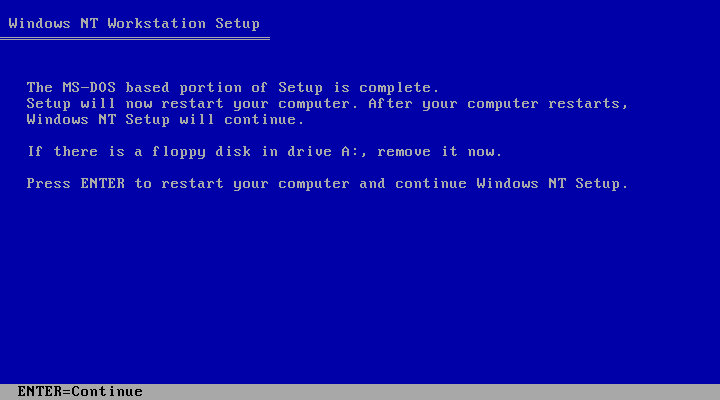
This started copying the file (slowly) to the hard disk which then instructed me to reboot the system. Unfortunately this did nothing as the BIOS could not find anywhere to boot from. It seems this method neglects to install a bootloader

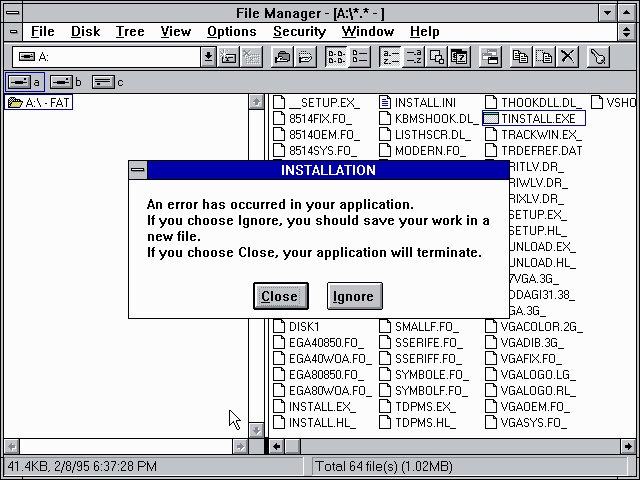
A program crashing in NT 3.51

Install: Attempt 3

After swearing relentlessly , I coped an existing VHD that had MS-DOS 6.0 installed and decided to use that as a base to install NT on, which thankfully had working CD-ROM drivers. Then from the DOS prompt I ran the CD-ROM installer . This copied files in the same manor as attempt two, and upon reboot had added another entry to the bootloader. I guess it only adds to the bootloader rather than create its own?

Either way after selecting the NT option, setup resumed install and gave options for the install.

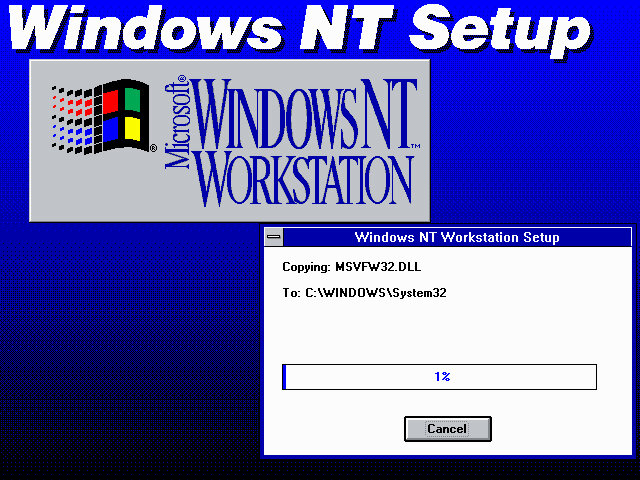
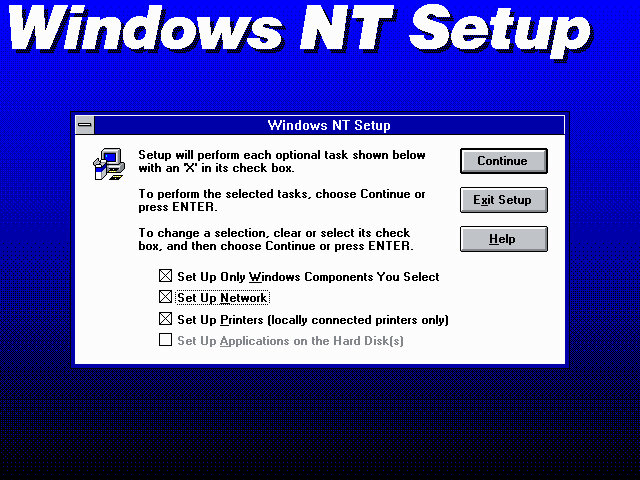
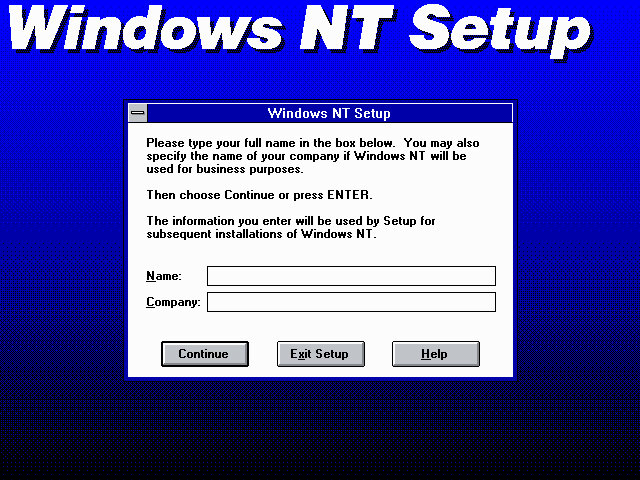
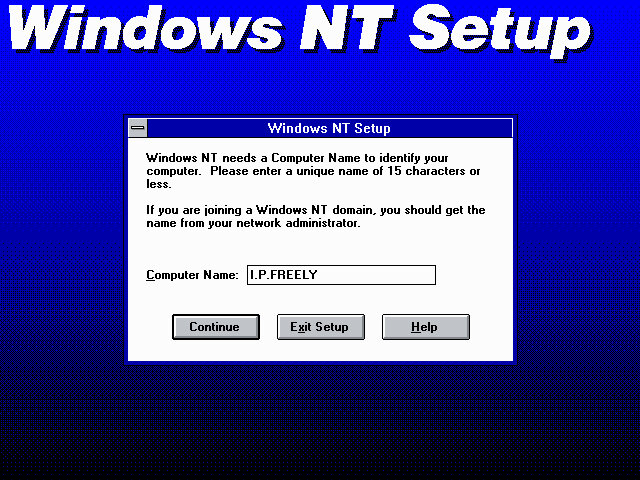
Another reboot later and we are in the graphical installer, which is where t could customize our NT installation and where we can configure its networking settings.

What I learnt:

  • The lock command only works for MS-DOS 7 and 8 which were integrated with Windows 95 and 98 respectively,
  • NT 3.51 requires a DOS or Win 3.11 install, or assumes the PC already has this installed? Or maybe this is a quirk of the installer disk I was using
  • Maybe this copy is an upgrade copy, or early NT versions were designed to dual boot with DOS. That makes sense since this OS will still in a primitive stage and was probably not designed for regular use at the time.
  • Use the WINNT /B switch to stop the CD-ROM setup from creating blank floppy disks. It insists on creating three blank floppy’s and will not progress until these have been made.

Shortly after getting everything up and running, the OS decided to commit seppuku and would refuse to boot, ultimately crashing the emulator completely. Even VGA mode was unable to fix it. Possibly this build has issue running in this configuration.

PCem config

Motherboard: Elonex PC-425X

Processor: Intel i486DX4

Video: Cirrus Logic GD-5429

Audio: Windows Sound System

eMachines eMonster 800

Another eMachines system, let’s have a look at what comes bundled…

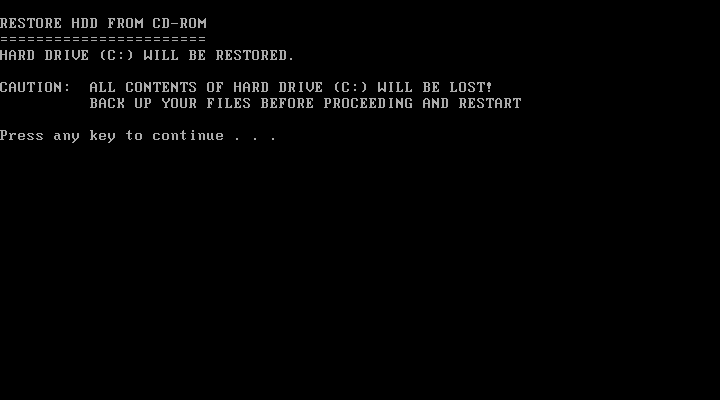
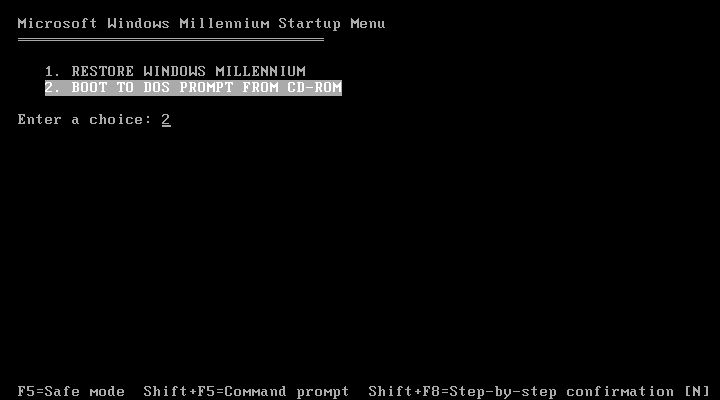
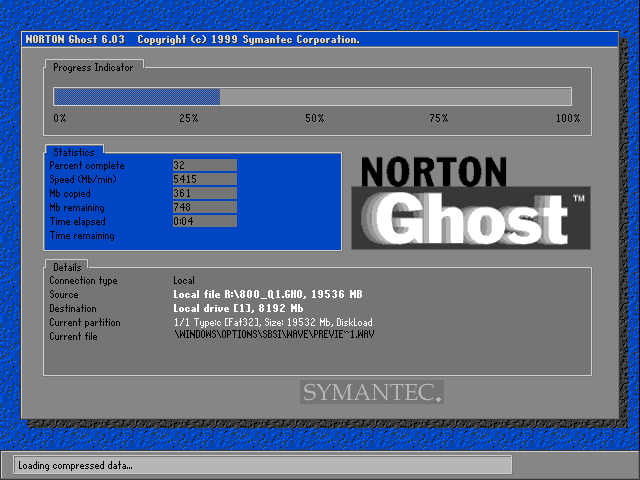
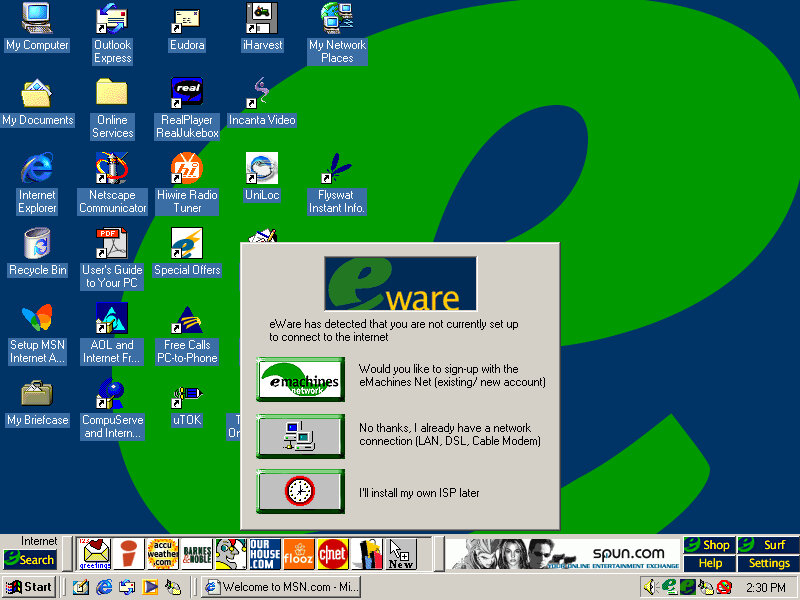
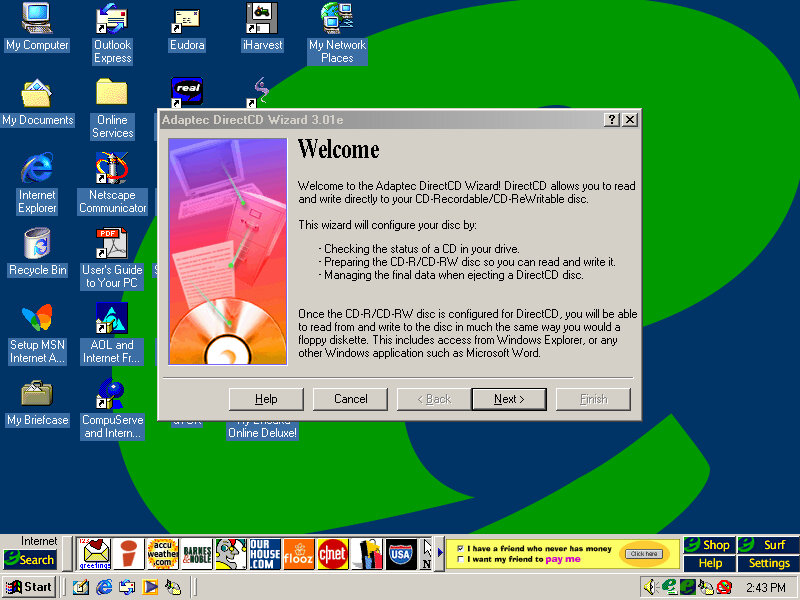
Install is as simple as always, simply boot and the recovery software will automatically partition the disk and action the recovery. Norton Ghost is the utility used to image the recovery media.

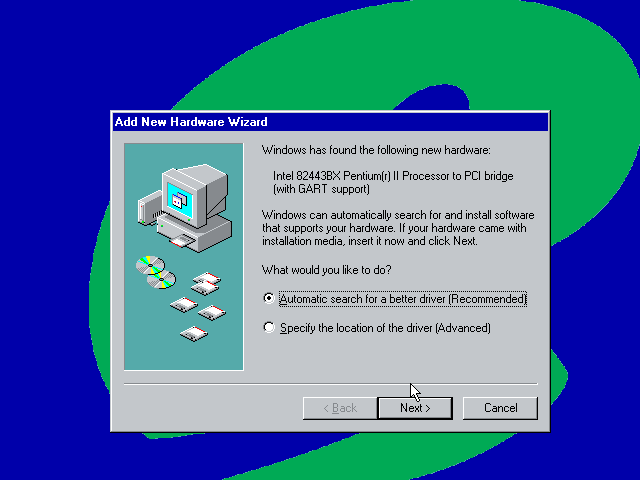
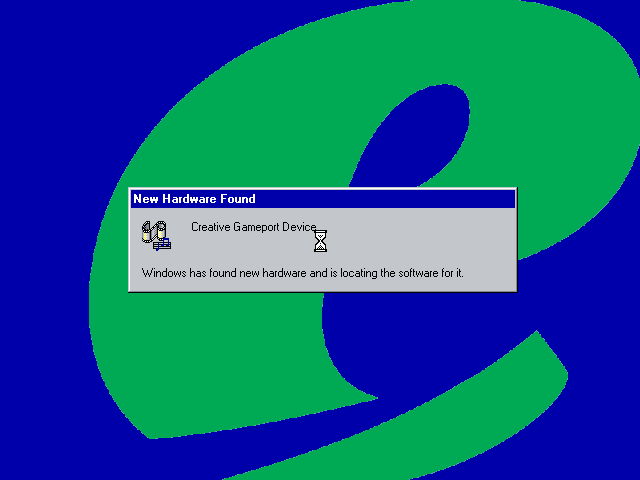
After installing the VM rebooted into the Windows ME and began detecting the new hardware. There are a lot of PCI bridges that will be picked up as part of the VM (If you are installing on Vmware Workstation) you can simply hold the enter key whilst Windows detects and notify new hardware was detected.


Eventually, it will start detecting the Network, Sound, and Video adaptors however whilst the sound and network work out of the box, video is a tad more complicated. Simply use the stock VGA driver for now.

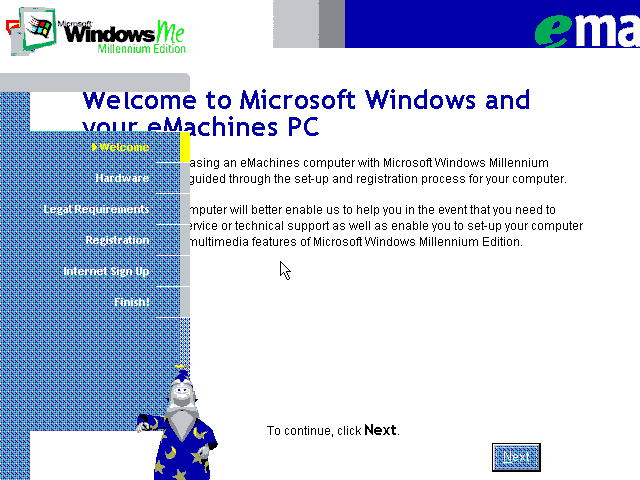
The next part is a bit messy, we are tasked with completing the OOBE (Out Of Box Experience) by filling out a few registration details as proof of purchase. We are stuck at a low screen resolution(640×480) with no ability to change and this causes some of the text to overlap. With a bit of luck we can fill in the required fields (Use 90210 for the ZIP code) and then proceed. At some point the system will try to dial out to eMachines to complete registration, you can simply click on skip to move on.

Also that wizard from the XP OOBE (And Office) appears with a robotic voice.

Eventually, we are presented with the desktop, but we are not done yet. We need to install the VMWare VGA drivers but the OS is so old we cannot use the latest VMWARE tools, instead we can download an old version of the VMWare tools and install that. These files are iso files and can be mounded into the VM using one of the virtual drives (I recommend adding two IDE CD-ROM drives for convenience, although more can be added using SCSI which Windows ME supports)

VMWare tools old version

This one worked best, but even that generated an error, thankfully we can manually install the VMware VGA and mouse drivers through device manager. A quick reboot and we have some acceleration enabled.

Though we still have issues with the USB controller and some other PCI devices.

Alternatively, we can use 86Box to provide more accurate emulation, however im not sure which system is the best match for the eMachines monster.

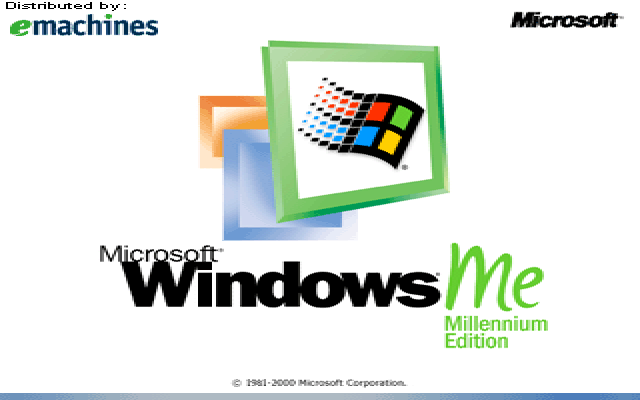
Some branding on the boot screen

Desktop

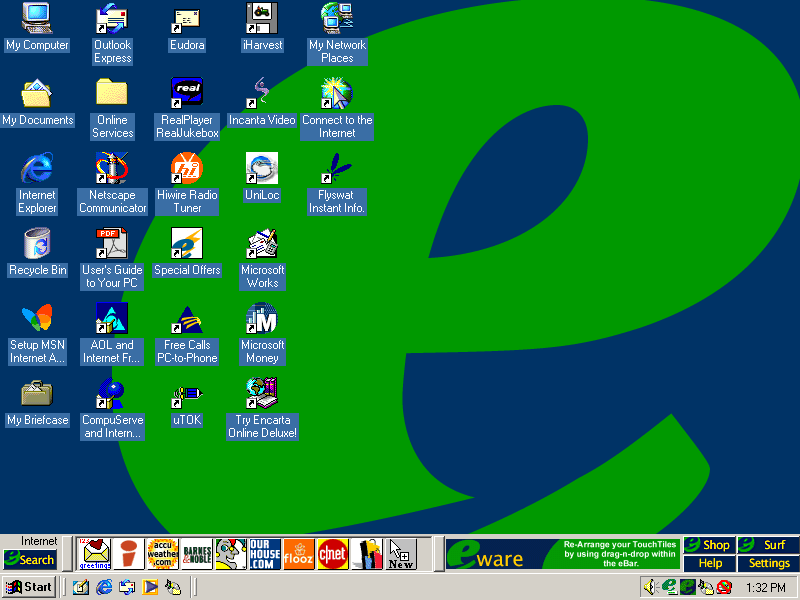
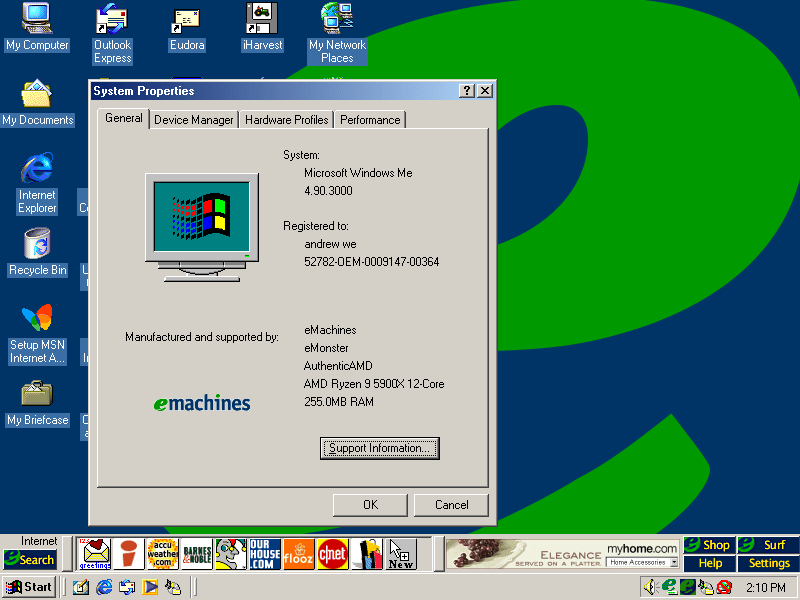
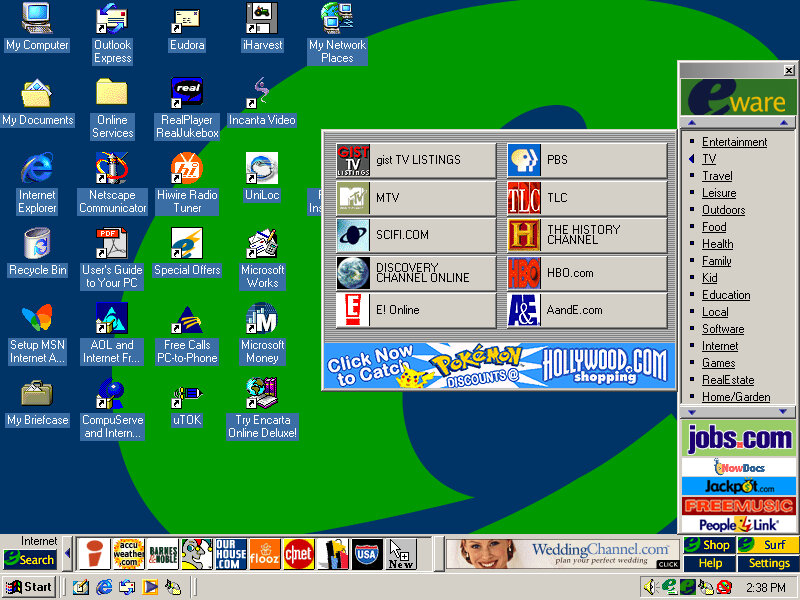
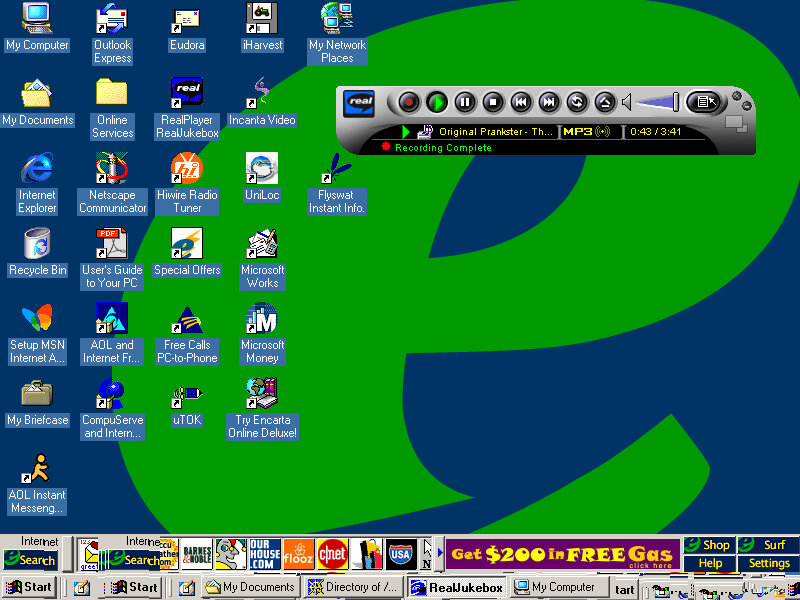
It’s a bit cluttered and there’s quite a bit already preinstalled. You will notice another bar on top of the Windows taskbar. There are a few icons and an advertisement banner on the right. Yup that space was intended for adverts direct to your desktop
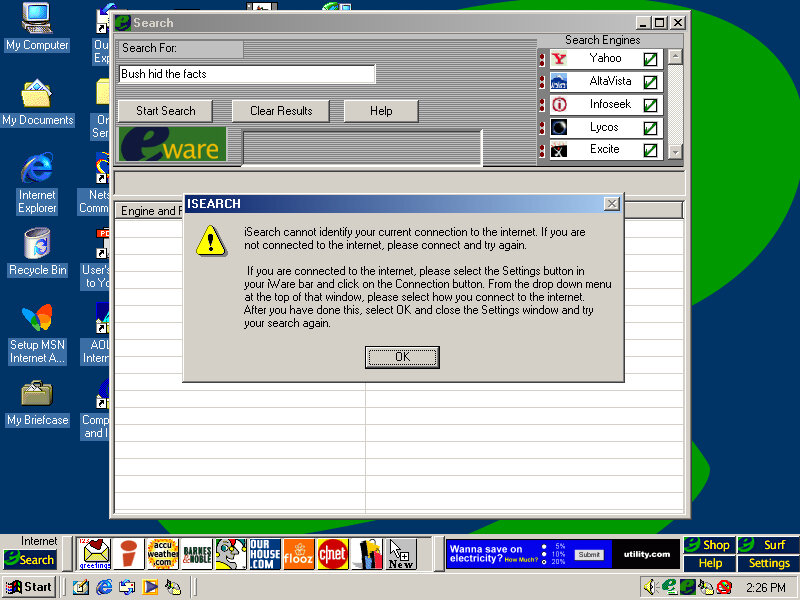
Clicking on the search button opens up a search box, where you can search on multiple search engines, It’s sort of like Apple Sherlock.

Nothing seems to work, and the error box reports the program as iSearch. My guess is the server is offline.
Search engines supported are yahoo, AltaVista, InfoSeek, Excite and Lycos. No Google, thank fuck for that.
The other buttons on the toolbar are shortcuts to various web pages online, many of which are defunct or return dead links:
Accuweather
Barnes&Nobile
Shoppinglist.com
Flooz
cnet
ourhouse.com
Fool.com
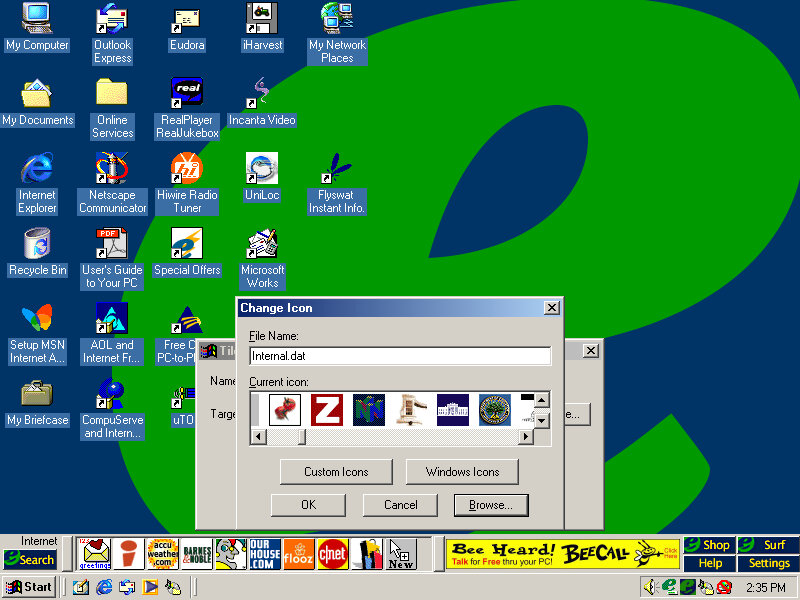
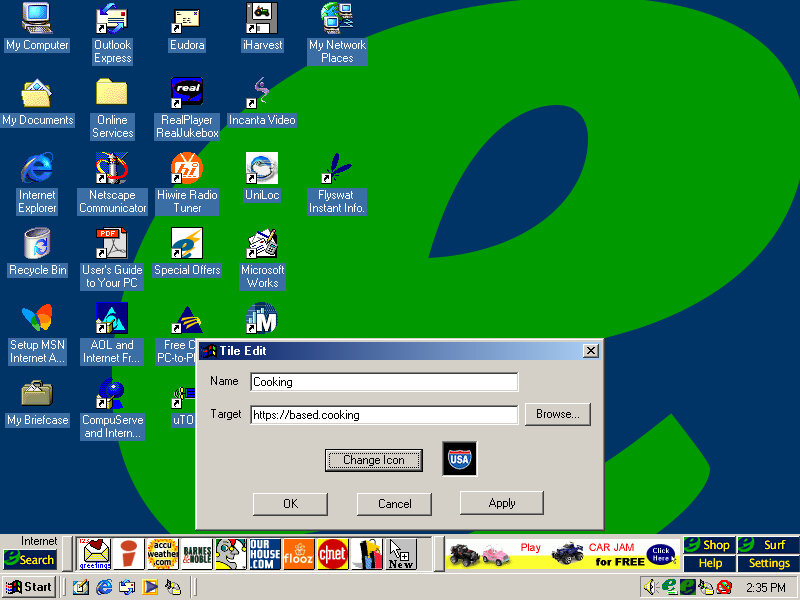
You can add your own website shortcut and assign your own icon, for which there’s a large collection to choose from.

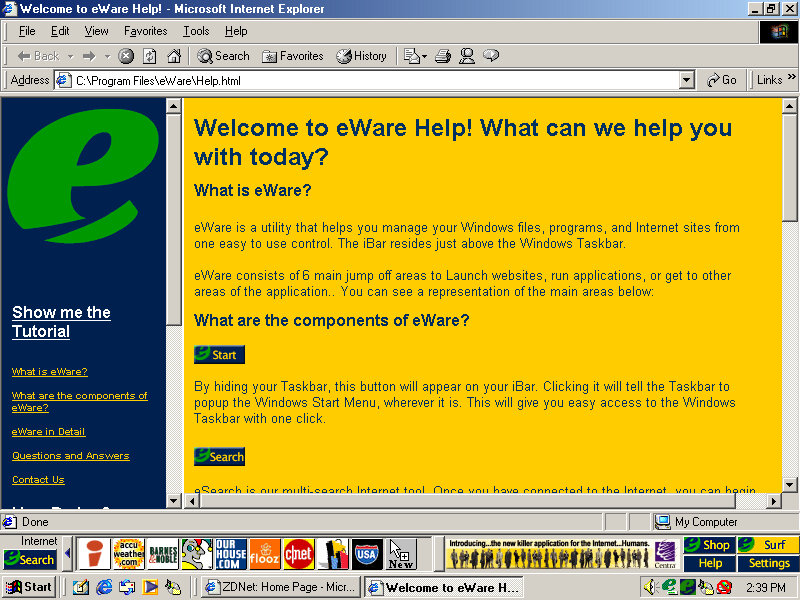
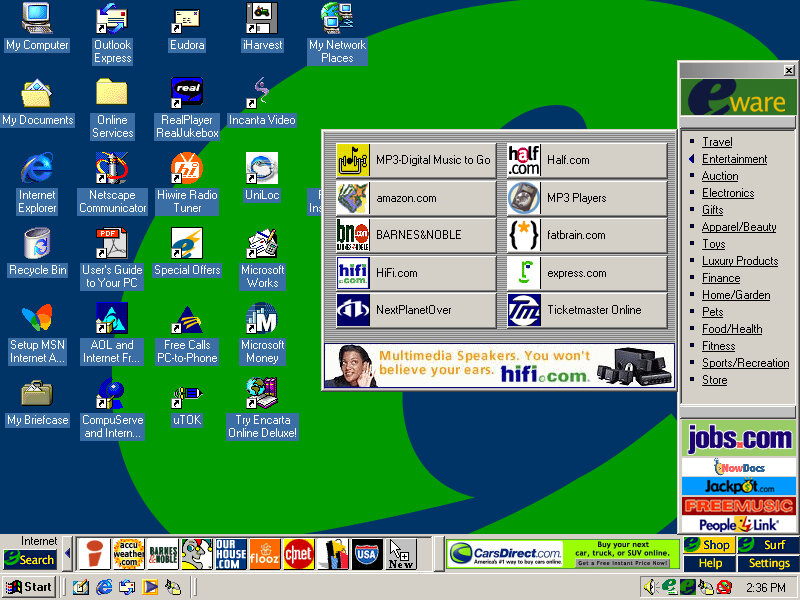
Clicking on Shop on the right of the bar opens up the eWare menu, with a bunch of categories to choose from like travel, Entertainment, Fitness, etc. these contain links to further websites, acting as a directory of online shopping sites.
The Surf button is nearly the same as Shop but contains no e-commerce sites and has various categories for entertainment, knowledge and utilities.

It’s actually not a bad idea since these PCs would be intended for first-time internet users who may not be knowledgeable on what websites to access. It’s a shame about the banner adverts.

Software

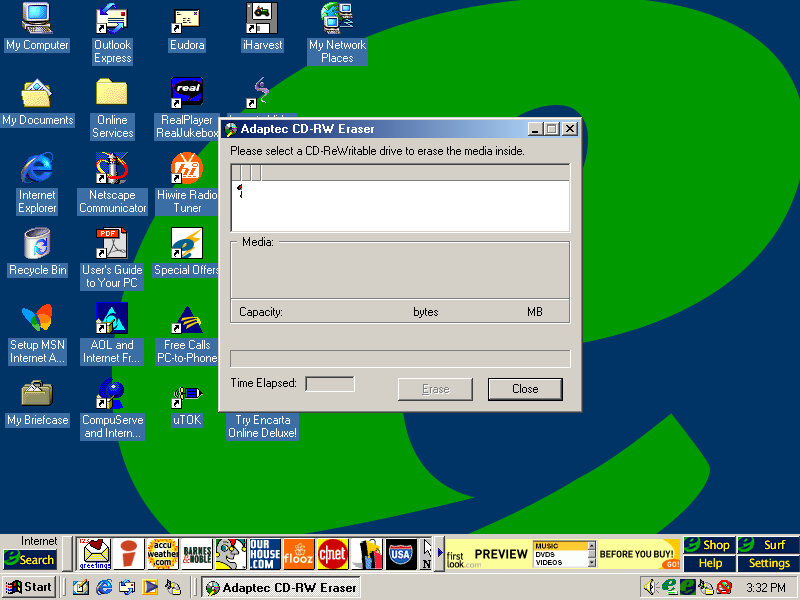
Easy CD Creator

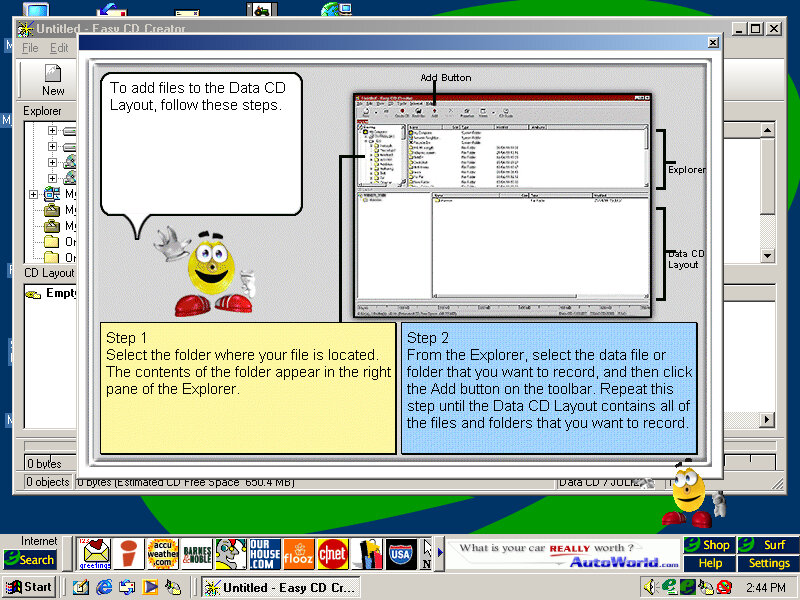
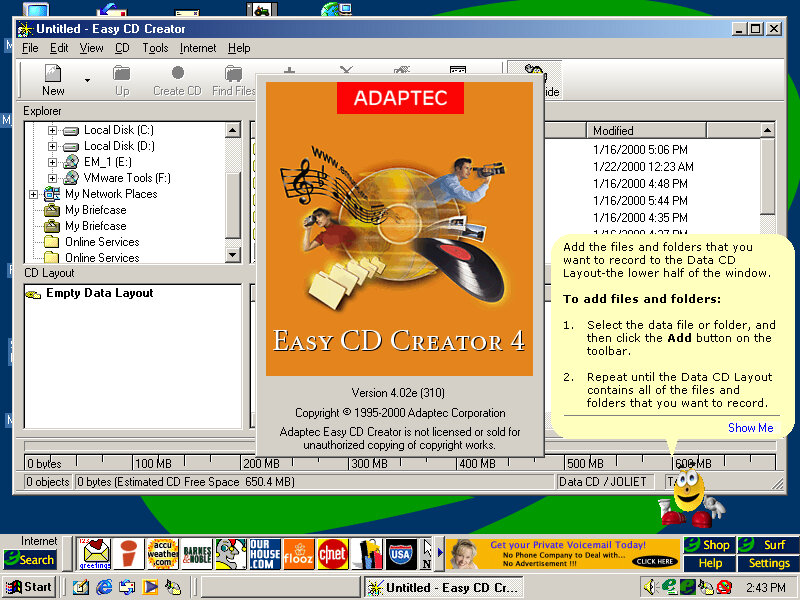
This system came configured with a CD Burner, and I don’t think Windows had native support for CD burning, at least not integrated into Windows Explorer so additional software was required to fulfill this task. Here you can burn audio and data CDs so you can copy your Napster MP3s and convert/burn them for your CD Player or some PSX isos.
The Easy CD Creator comes will a full-blown interface, and even has Office assistance-like features that will help you use the program. Images created here to use the CIF CD Image File format, another format that nothing else uses, Alternatively ISO can be used instead.

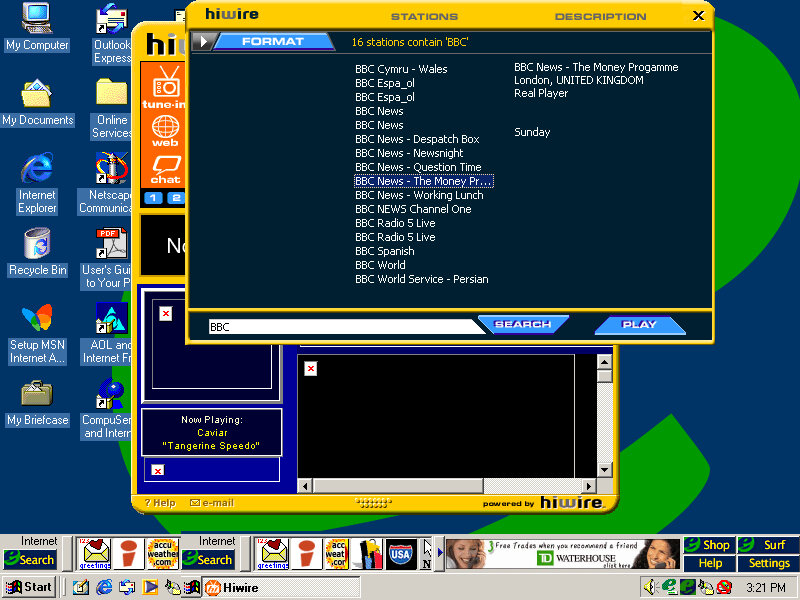
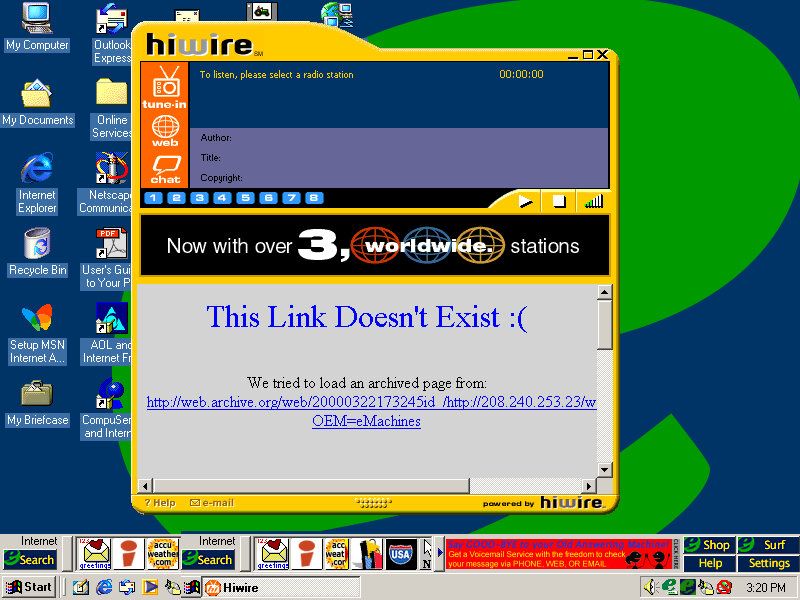
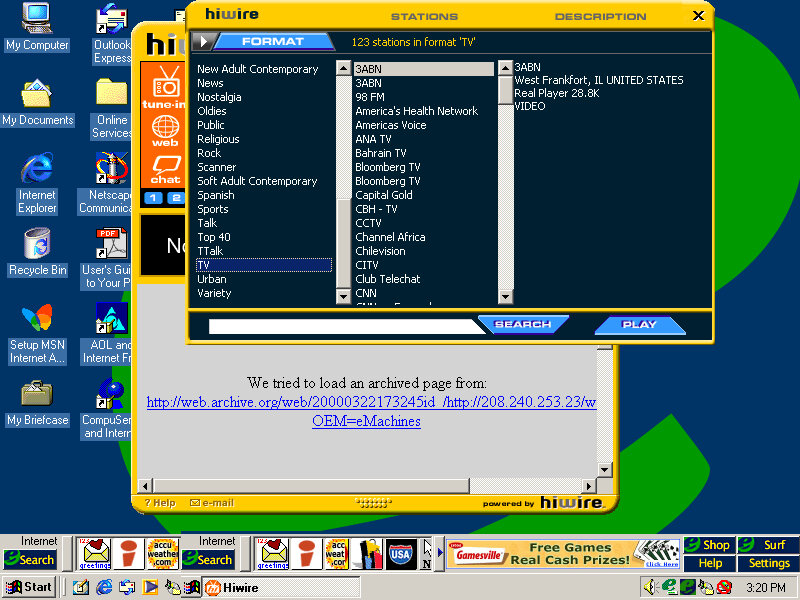
HiWire

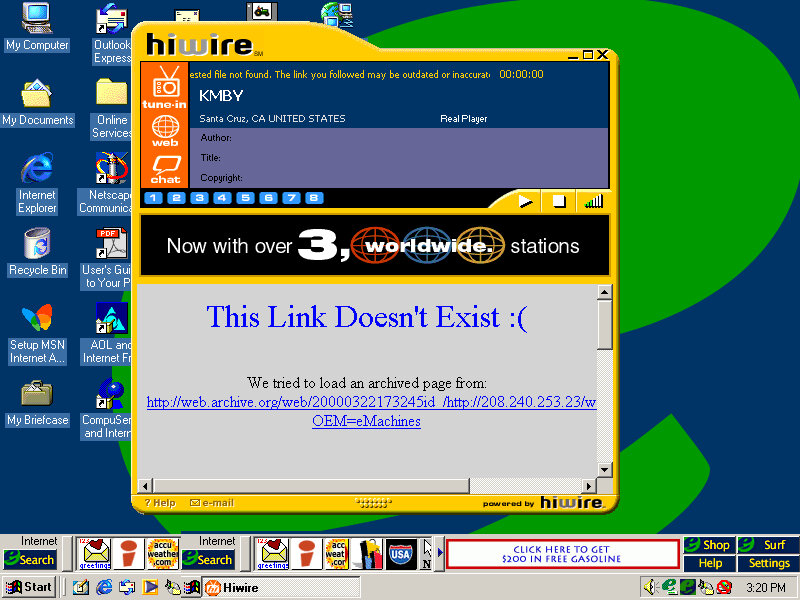
A radio streaming program that lets you stream internet radio over your dial-up or LAN connection, Has a unique interface that stands out from the rest of the Windows applications. You can browse a directory of preset radio stations, of which you can double click to listen to. The chat button open a link to the palace, which was an external virtual chat application.
None of the radio stations will work, and will just result in a connection error.

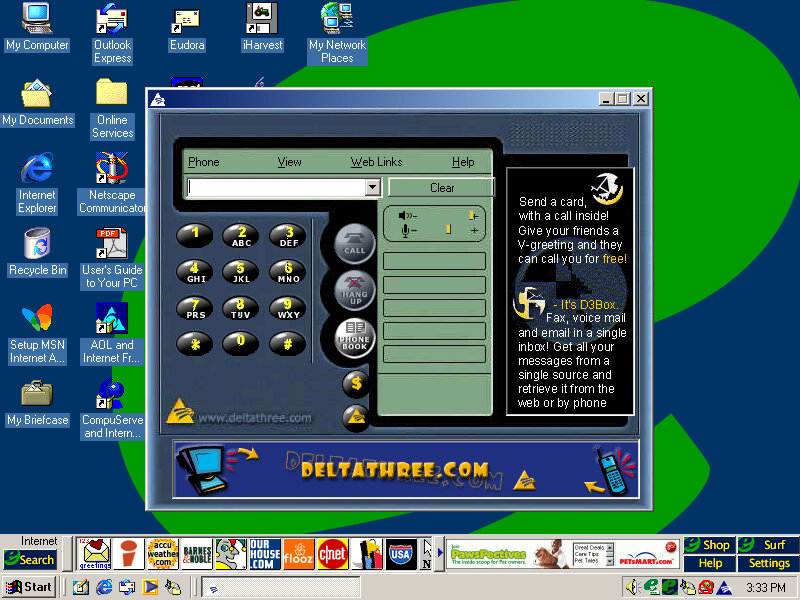
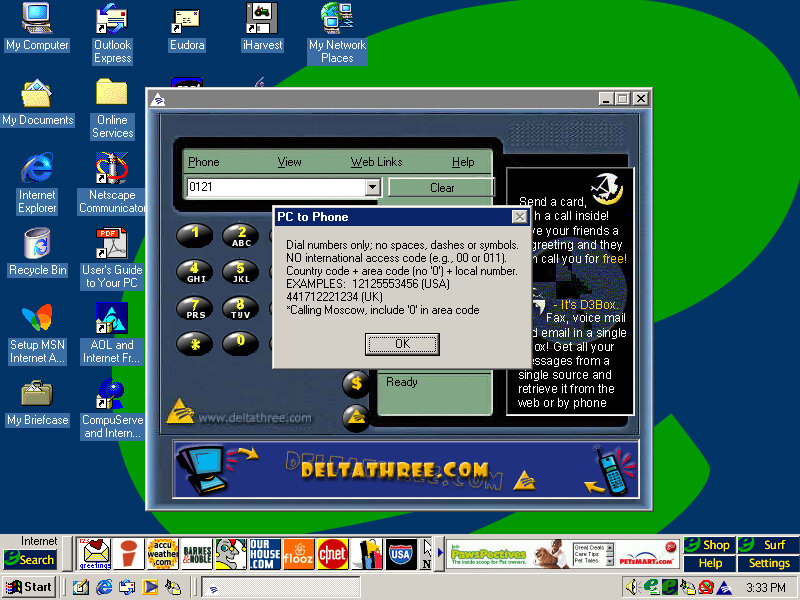
Deltathree

A phone dialing application is used to make phone calls with your PC, although it requires a login to the server. Possibly some sort of VoIP application.

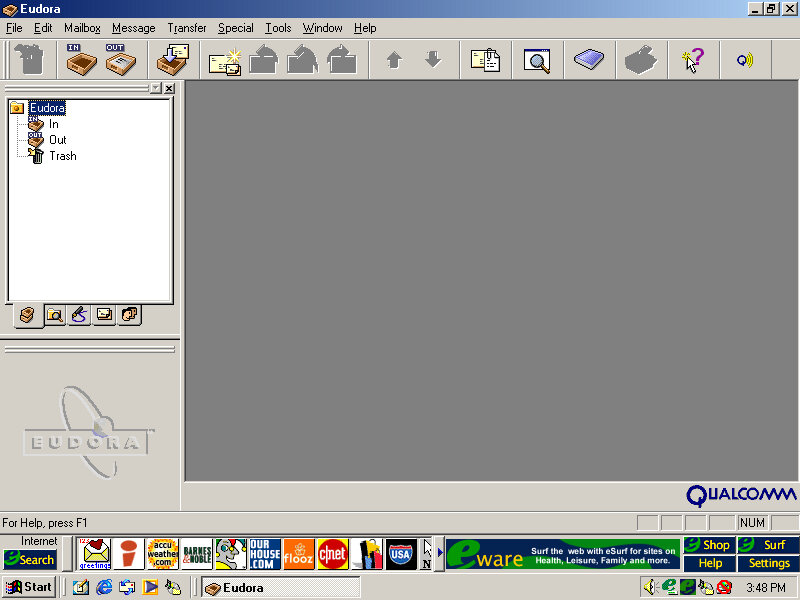
Eudora

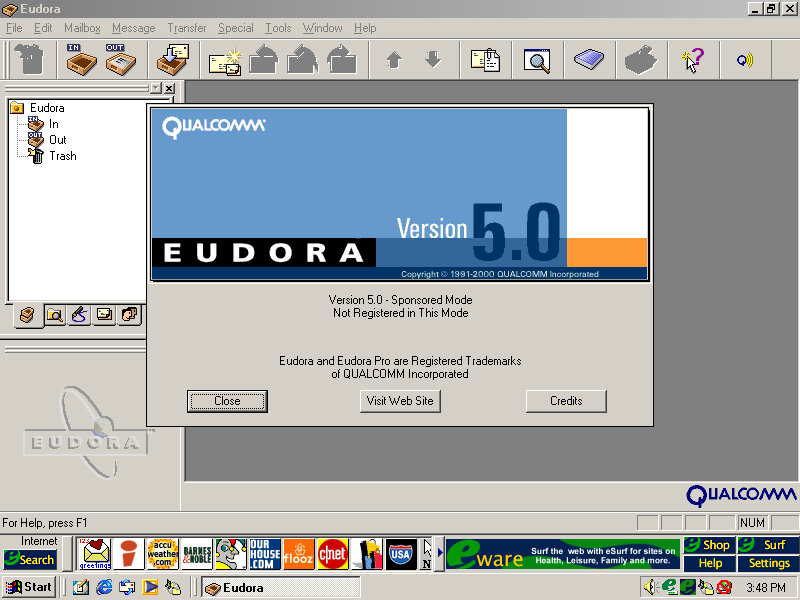
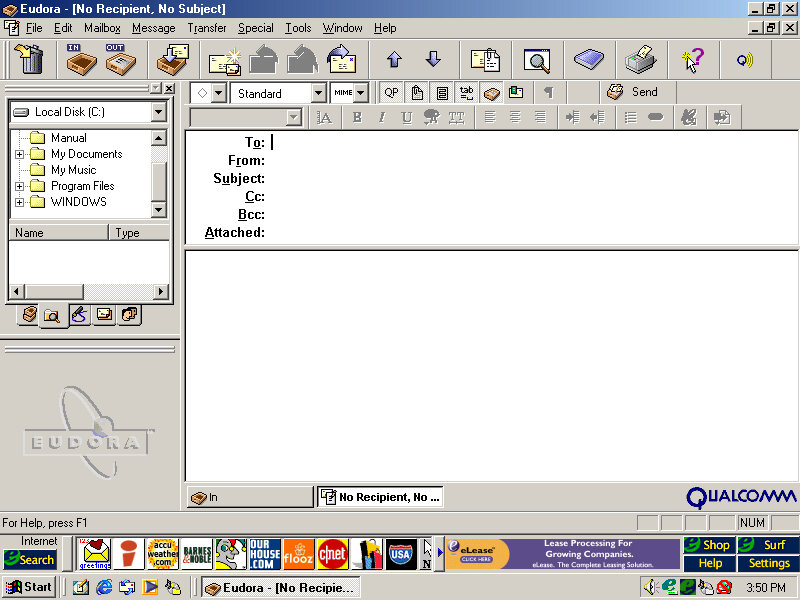
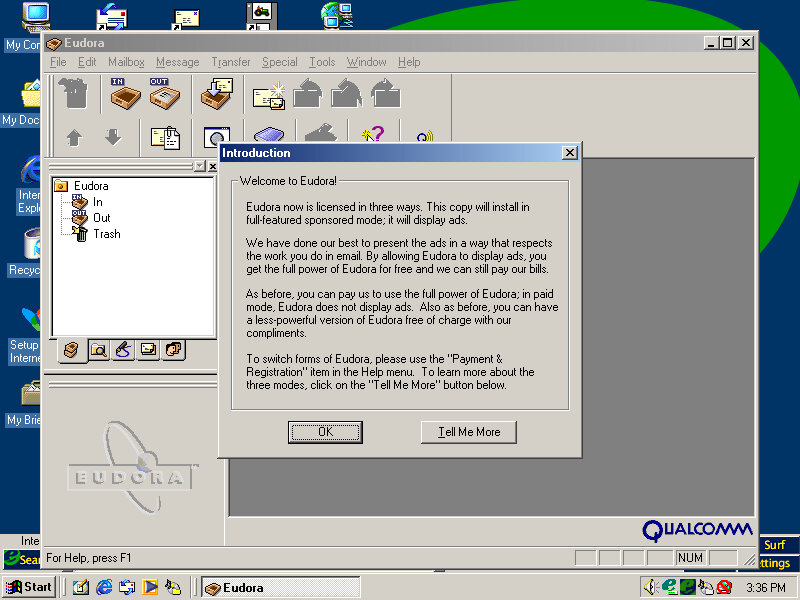
This was a popular email client application used as an alternative to Microsoft Outlook. However it requires registration and payment, otherwise, adverts will be shown, similar to Opera.

Incanta Video

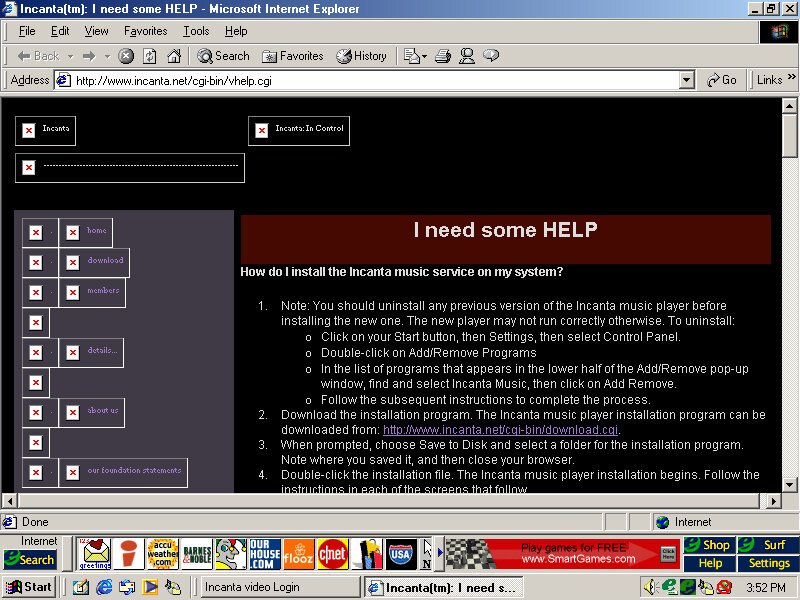
Not sure what this is as it only shows a login box. A look on their archive website, it appears to be some sort of video music service, like VEVO?

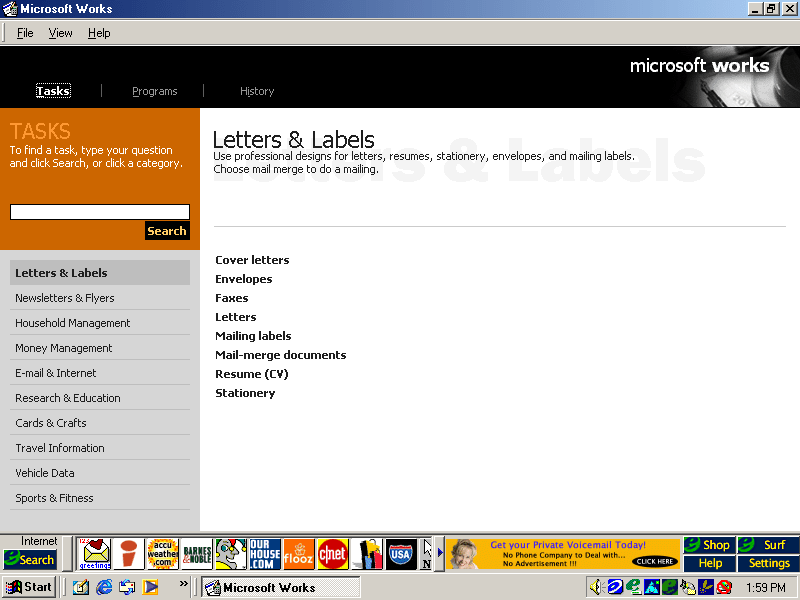
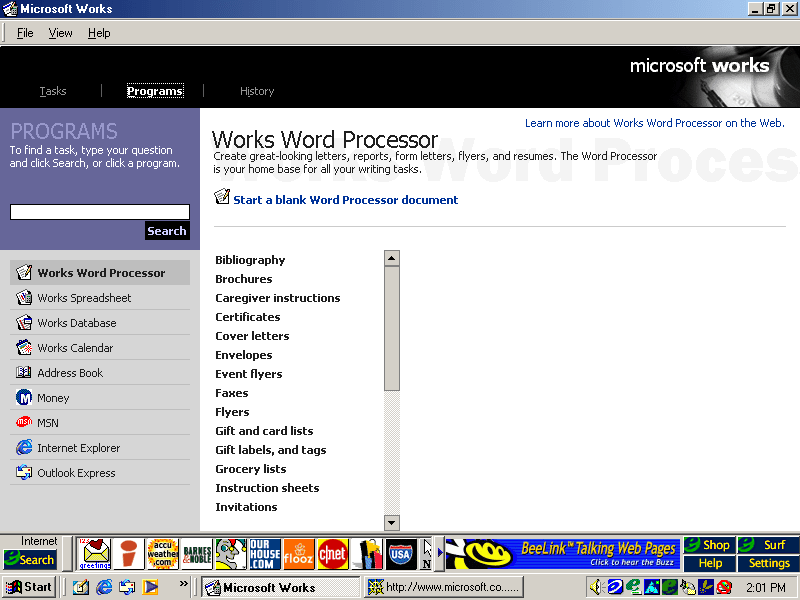
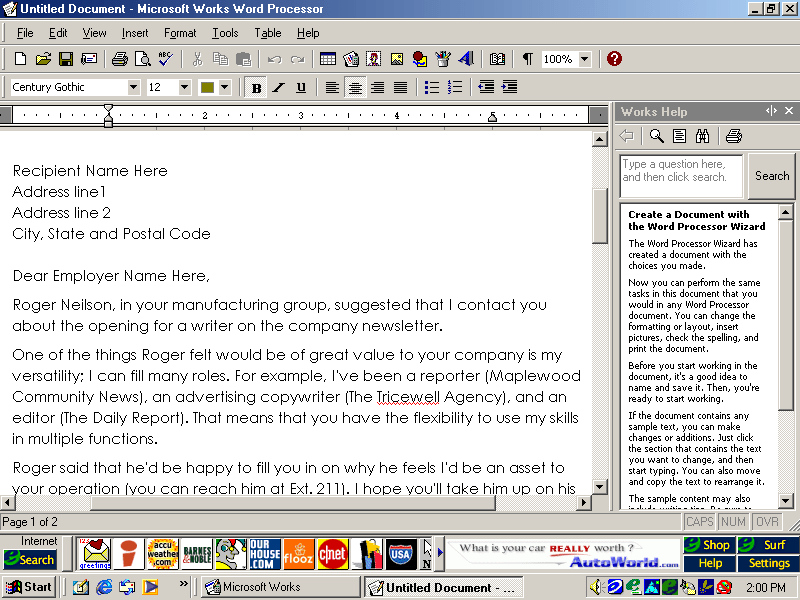
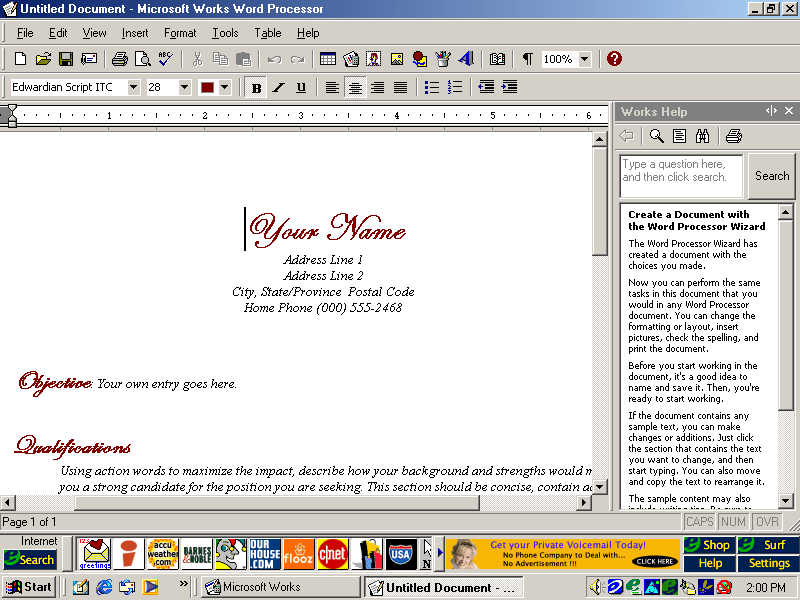
Microsoft Works

An OEM favorite, basic office suite with a bundled word processor, spreadsheet software and a calendar application.

Microsoft Money

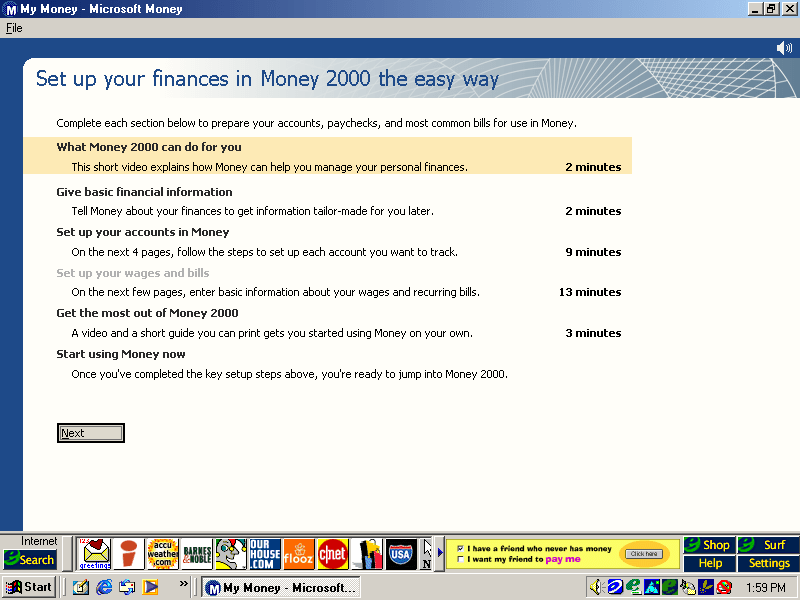
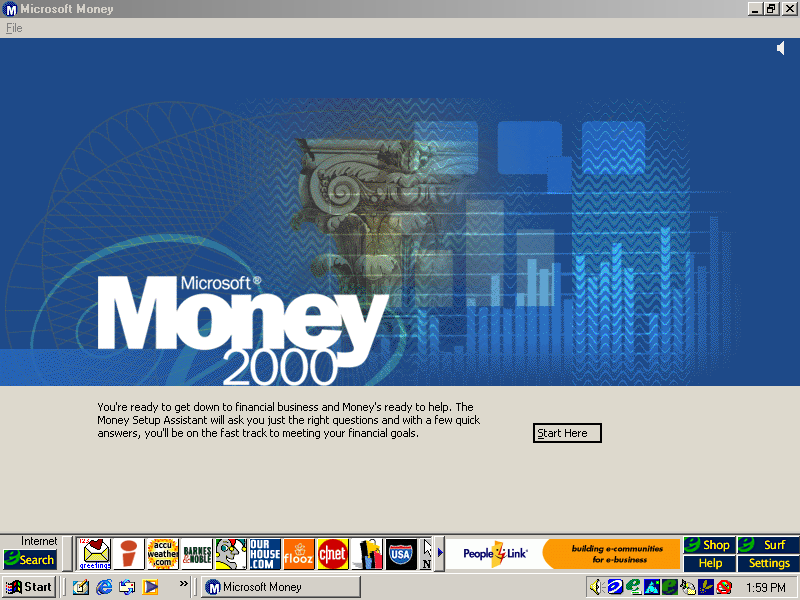
Money 2000 comes included here and plays a short tutoral upon the first startup.

RealPlayer

Version 6.0.8.122 is bundled here, RealPlayer was used to stream audio and video over the internet.

RealJukebox

Serves as a media music player for playing local MP3 files that you obtained from Napster

Netscape Browser

Not installed by default but can be done by clicking on the install icon on the desktop, this will install Netscape Navigator and will set it as the default browser

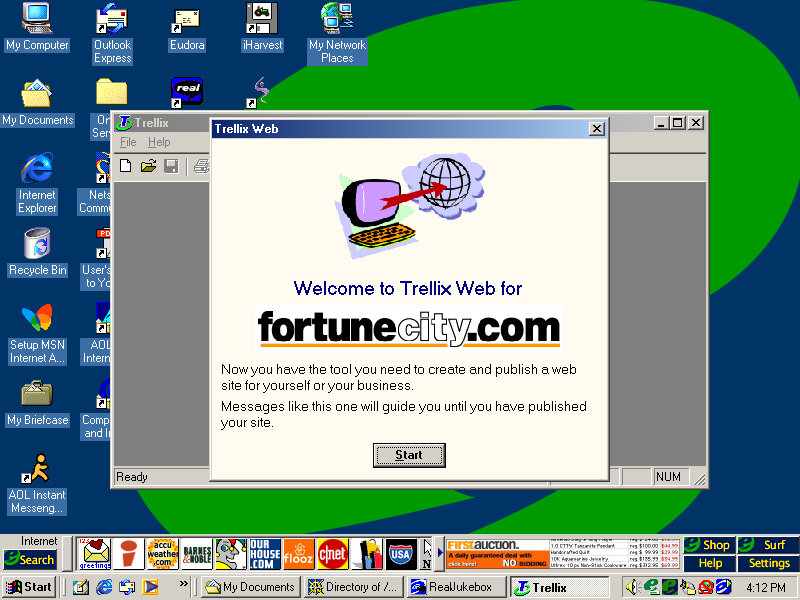
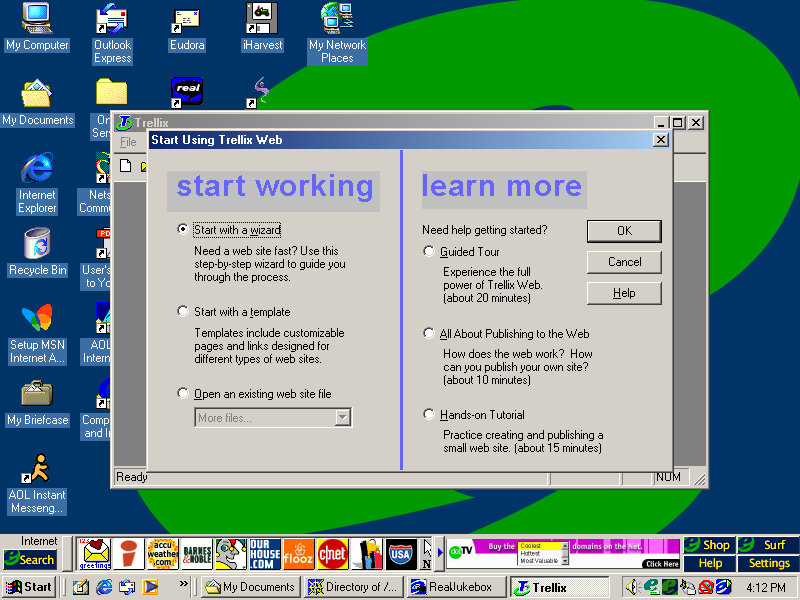
Trellix Web

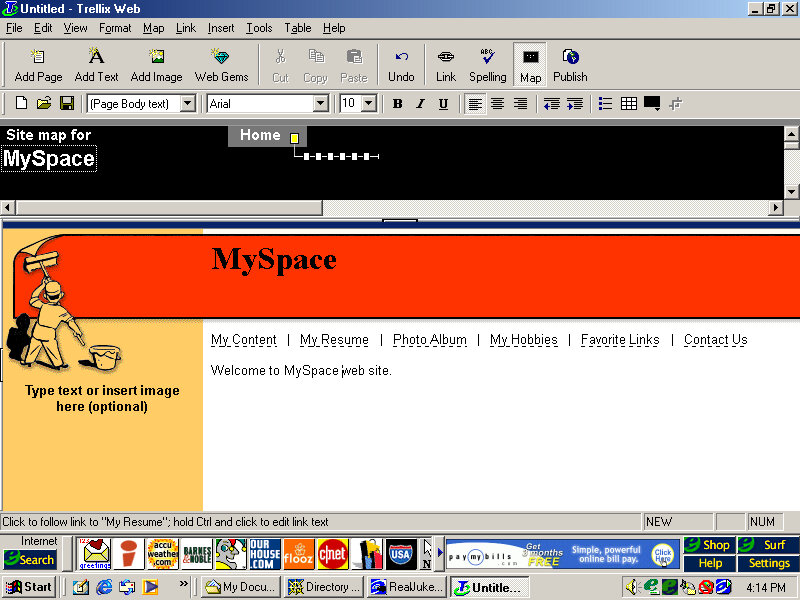
Website building application and the first I’ve seen on an OEM system. You can generate a website built from a template and publish it online, although the bundle host has long since gone defunct.

Further Info

Archive link – CD Image

Press Release