Tag Archives: Compaq

Compaq Presario 5222

Compaq Presario 5222

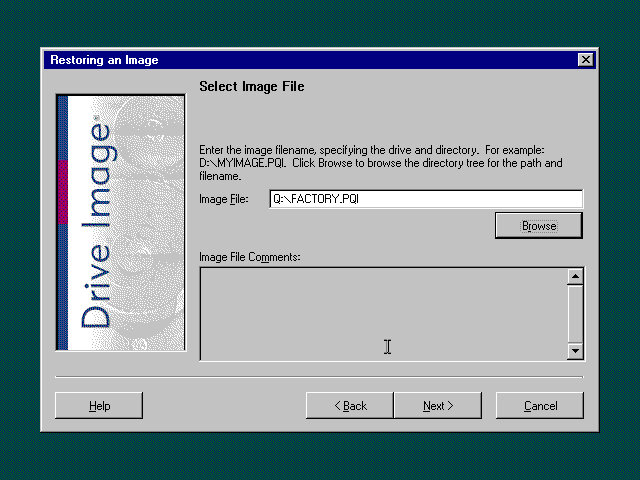
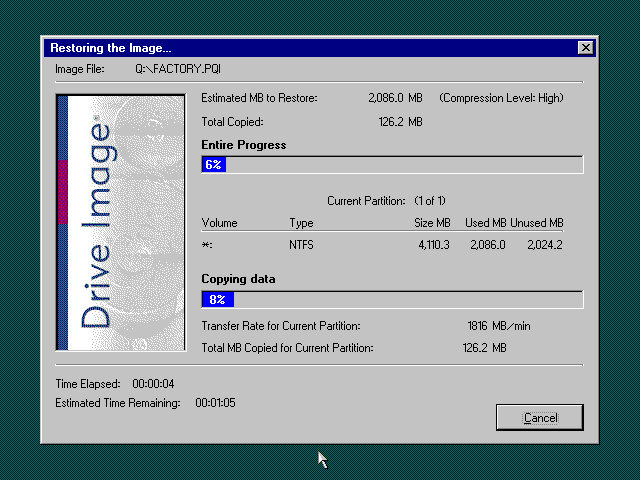
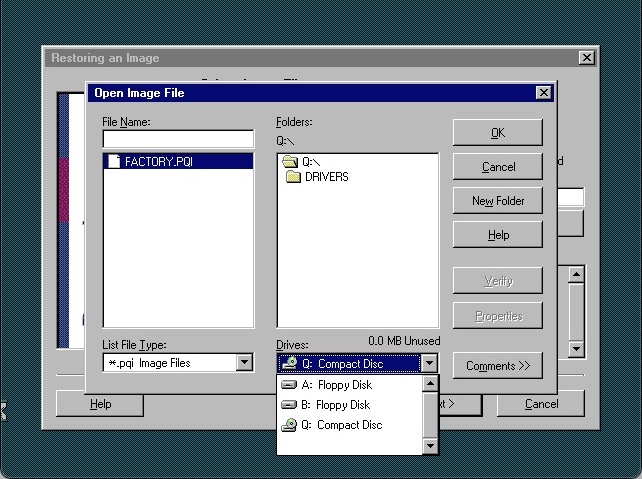
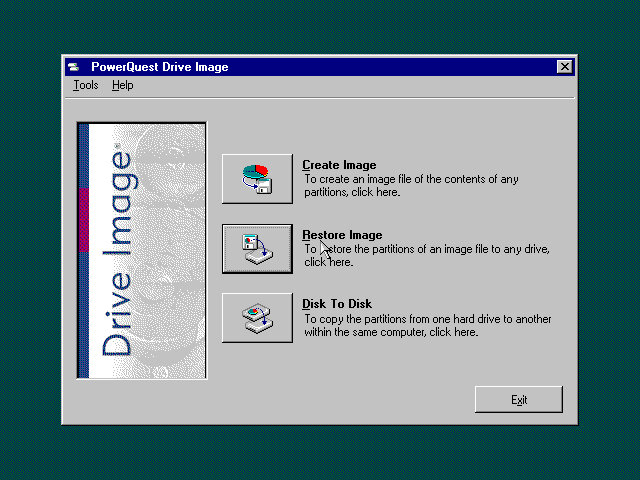
To restore the image, you need to manually select the recovery image from the explorer window, select the FACTORY.PQI from the Q drive (That’s the CD drive mapped to Q)

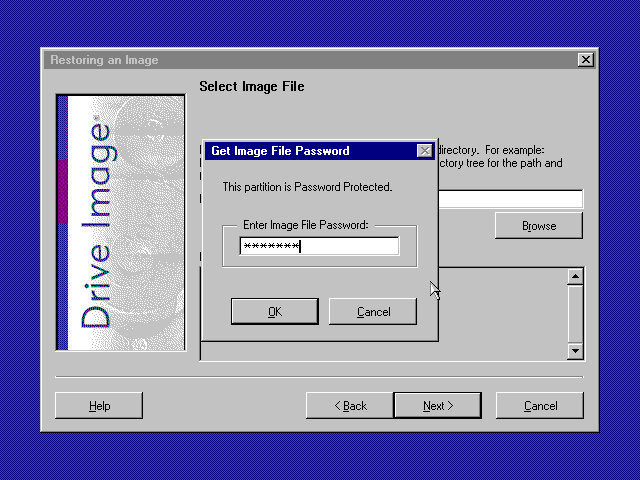
Password is ZZZHIND

The program can be quite unresponsive, the only thing you can do is wait until it loads.
Norton Ghost

After recovery has completed, the system will reboot into the Setup screen here you will need to enter the OEM serial key and registration details as with your typical Windows 98 setup.

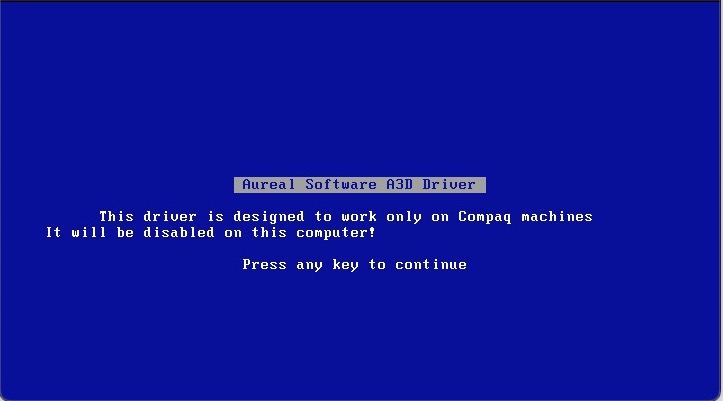
Windows starts to detect the new hardware and we get a BSOD from the Aureal driver. This ends up crashing the entire PC. Rebooting will take us back into the driver wizard but we still get blue screens due to the sound driver
Aureal

Trying to remove the old driver by booting into safe mode and uninstalling it from there, this mostly worked but then encountered a hard crash with the below:
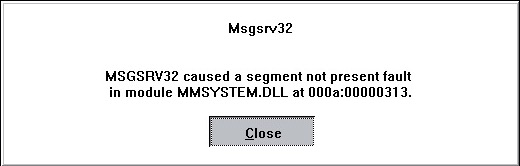
Not sure if this is considered a fix but I ended top removed the entry from the system.ini file and that seemed to stop the crashing. Not sure what this does but hey, as long as it works
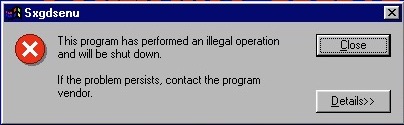
Don’t know what this thing that keeps crashing, a quick search revels some Yamaha sound driver

On the subject of sound, the VmWare sound drivers will fail to install since they expect 98SE, and this is the first edition of 98. There were further problems with installing the standard Creative driers since these VM’s use a fucked up PCI/IRQ steering which the drivers cannot handle. The solution was to edit the VMX file to remove the PCI bridges, and to manually add the legacy sound card.

Following this archived guide is what worked for me:

https://web.archive.org/web/20200808203541/https://www.howson.pro/windows-98-vmware-fusion-sound-fix/

What’s annoying is most of the online literature assumes Windows 98 is 98Se which isn’t the case for this version, so a lot of the solutions will not work. I suppose you could always upgrade it to Windows 98SE, but that’s too easy isn’t it?

Don’t forget to uninstall the Yamaha and Aureal drivers, they will cause issues with the Creative sound card. You can easily do this form the Add/Remote programs applet from the control panel

Eventually we get the system into usable state

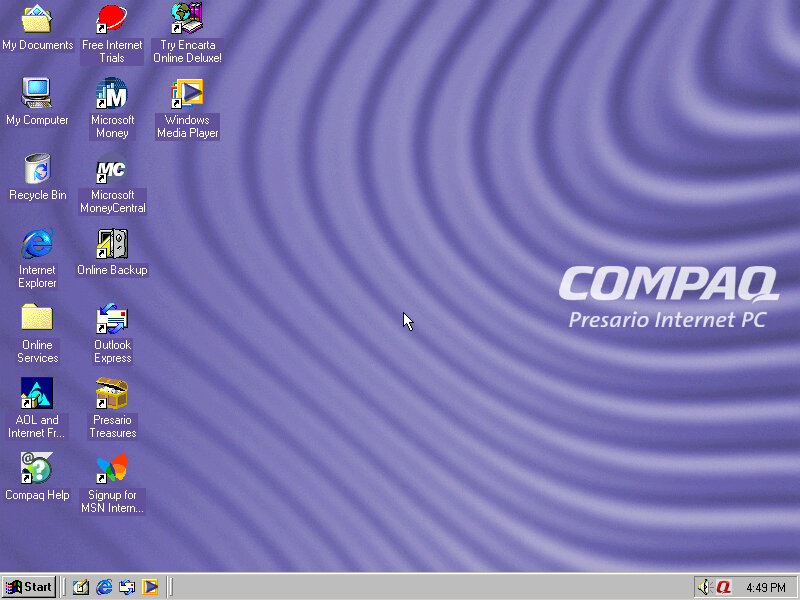
The main desktop, its defiantly an Internet PC which means a low end Celeron/Cyrix system with a 56K modem and internet orientated software.
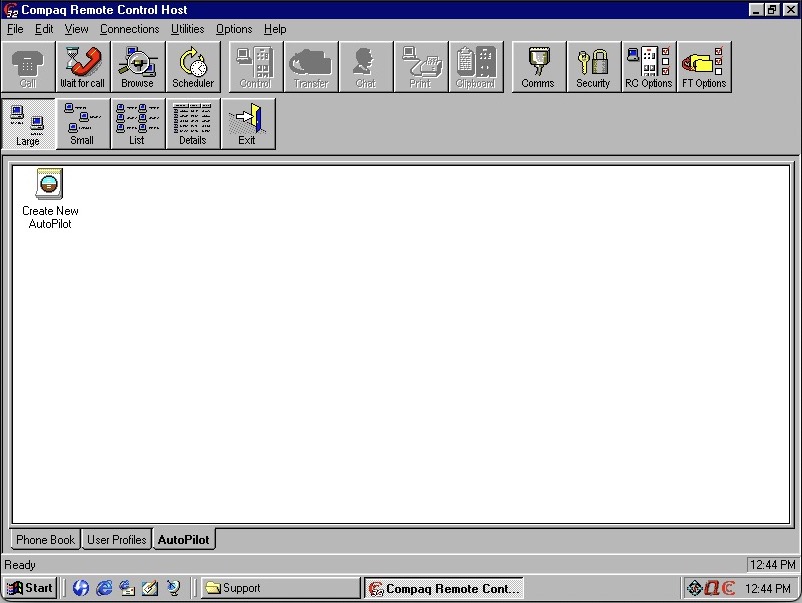
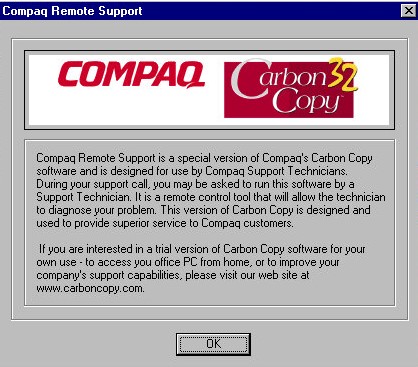
Compaq Remote Control

Compaq Carbon Copy – A remote support software. In the event you experience technical problems, you can contact Compaq who would then be able to connect to your PC and provide remote support. Looking in the software you can also use this over a LAN with other computers that have this software installed. You can also use this to transfer files and voice chat to the other user, kind of amazing pulling that off on a dial up connection.

Netscape Communicator 4.06

Netscape Communication also makes an appearance, this appears to be a customised Compaq version that has additional bookmarks added by Compaq. The Quicken 99 is included along with Microsoft Encarta Encyclopedia 99, this seems to be very common with OEM systems. Encarta was like our Wikipedia of the 90s, only it wasn’t publicly editable since all the data was held on the CD-ROM.

This version of Netscape also comes with support for the Cosmo VMRL plugin which allows the browser to display 3D models and graphics within the browser.
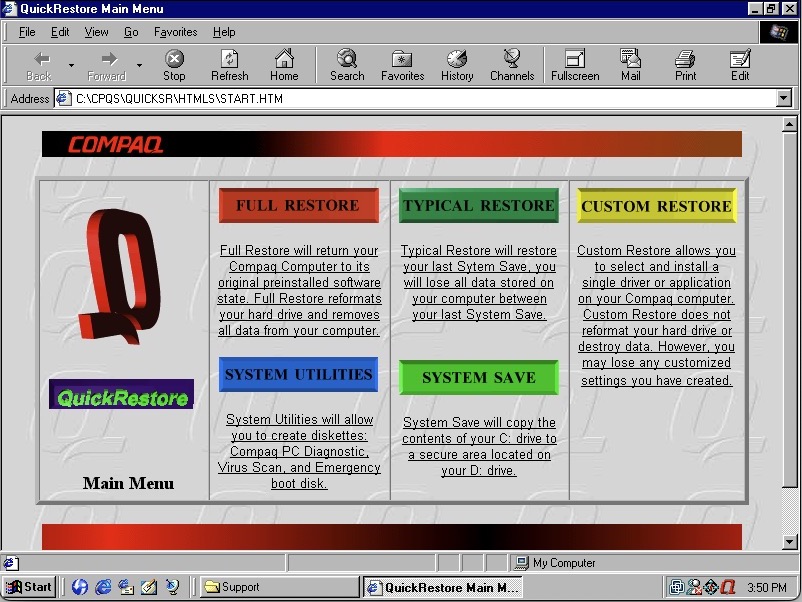
Compaq QuickRestore which is a utility to restore your system back to factory defaults, and to create boot disks. This interface is very 90s, even with the spinning Q logo.
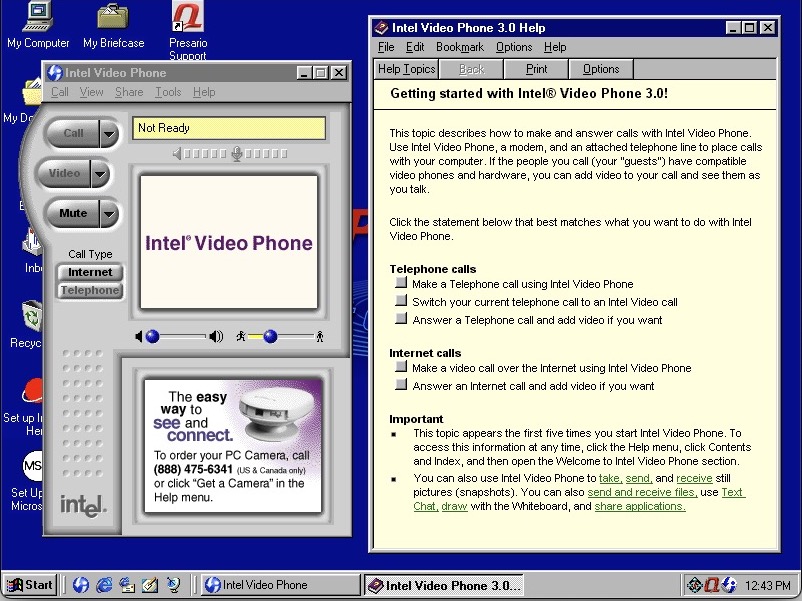
Intel Video Phone

Intel Video Phone, to make visual phone calls. This software typically came with Intel branded webcams. Now I’m not sure if both users had to be running the same software or if it was comparable with other video phone software like VDOPhone, I believe there was a standard (H.263) butI’m not sure how well adopted or supported this was. The help file does reference calling recipients with other software so it might have been compatible in that regard.

You can also make traditional phone calls, though not when your PC was connected to the internet.

I don’t believe this would have worked with 3G phone when they arrived, as they would have used the 3GP standard.

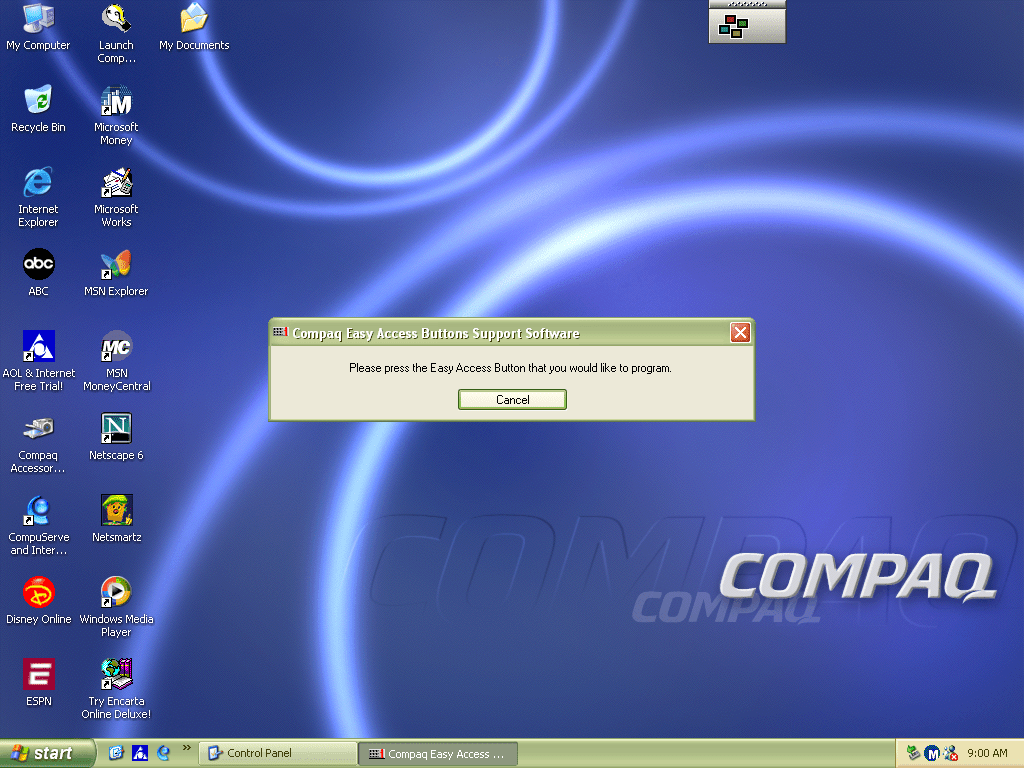
Compaq’s easy access utility lets you adjust the soft keys that are featured on the Compaq keyboard. You can configure this to point to a specific website or program. By default this would have launched your homepage or opened your default email client.

Compaq easy access

There is also a tray icon with a menu that can be brought up by right clicking on it. This appears to emulate the soft keys on the keyboard.

The is an onscreen display that appears when you adjust the volume. This can be adjusted or disabled altogether and is similar to the OSD of a regular TV of the time.

And that’s it, there is additional software like the Yamaha and Aureal sound programs, but these won’t function without the actual hardware being present.
Compaq Presario 5000 series

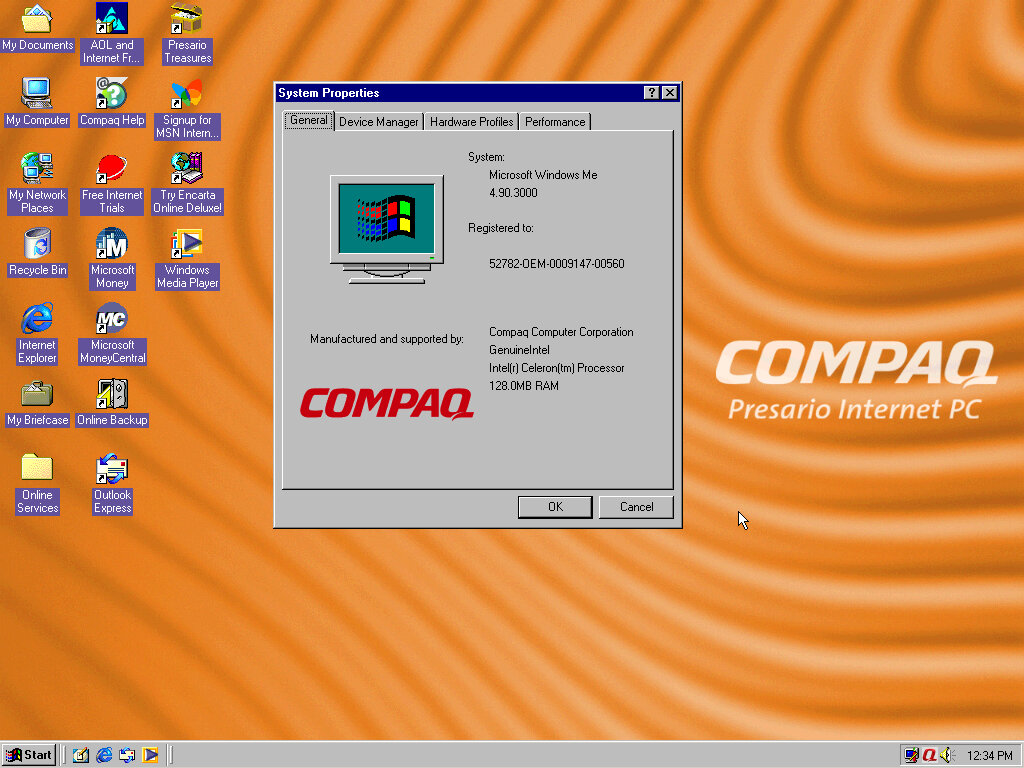
A basic internet orientated desktop PC install that features Windows ME. Very similar to the HP Pavilion and the eMachines system that were looked at previously. Compaq was a major OEM of Wintel machines, with the Presario line being orientated for the home consumer market. Systems like these typically come quipped with a Celeron, Intel or S3 onboard graphics an ‘Internet’ keyboard that features dedicated web browser and email keys and Windows ME or 98. The will commonly have bundled software or ISP offers to entice you to join.

Compaq Presaio internet PC

You can kind of see Compaq trying to stylise their computers, as a response to the funky looking iMac and the eMachines eOne, rather than having them appear as a typical beige box.

Recovery Process

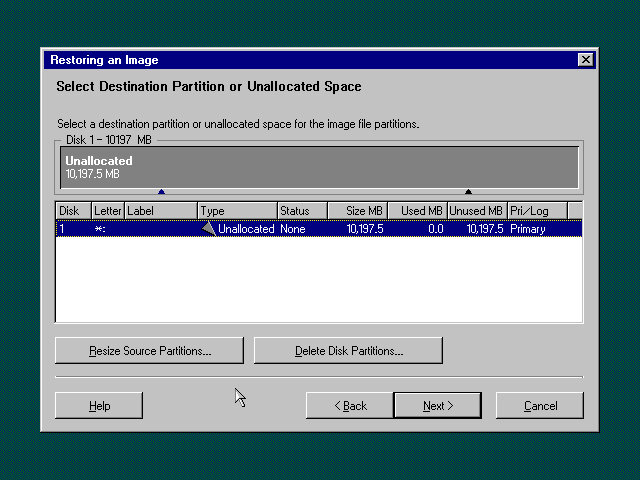
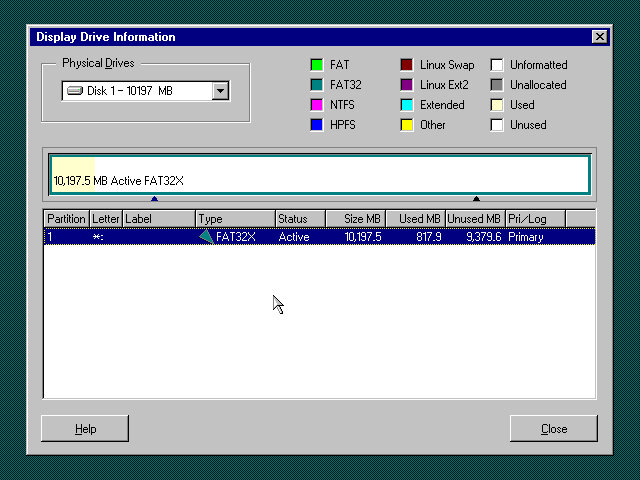
This appears to not be the actual recovery program, as the original would have been restricted to function on that actual machine. However using this bootable utility we can restore the hard disk image back to the system. This fruitions even if the hard disk isn’t initialised or formatted, as the utility can do this for us.
This recovery image is password protected,

Boot Up

16 colours my old friend

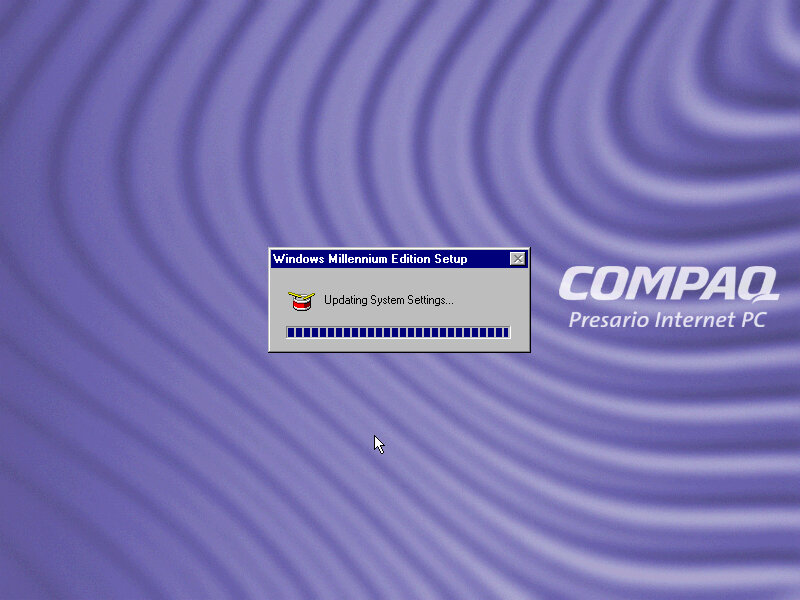
Starting Windows ME for the first time. After the splash screen it lingered on this screen for a while with the mouse cursor flickering between the pointer and the hourglass, indicating it was working in background.
What’s actually happening is Windows ME is detecting and installing the new hardware and unlike Windows 98, it does not spam you with a dialog box indicating as to what’s going on.
At least for system devices, since it did pop up for the video card, along with the PS/2 keyboard and mouse.
Normally this wouldn’t be an issue, since the hardware detection stage is done during the OS install, but since the recovery program transferred an existing install to the disk which was designed to be used on different hardware, it has to go through the detection process again.
After around 10 minutes we are presented with out desktop.

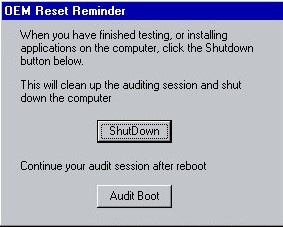
A utility pops up soon after logging in. This appears to be an. The Compaq engineer would install any additional software or hardware drivers if the customer had requested it, and would then click on the ShutDown button in this utility. Then when the end customer would boot up their system, they would be greeted with the registration wizard, along with the tutorial. This would mean the end user would already have their additional software installed and ready to use,
In my case, this was an excellent opportunity to get the video and sound drivers up and running, as Windows ME did not have a driver for the video card I had chosen (S3 Trio3D)

Windows ME had a infamous reputation for stability which was undeserved im my opinion, as I’ve found 98SE to be more unreliable. Part of the issue was ME dropped some DOS support which upset the luddite’s that wanted to use their own ancient hardware when the rest of the world was trying to move on, and OEMs slapping together botched installs with tons of adware as they race to the bottom of their profit margins.
The truth is, Windows ME is a perfectly fine OS, so long as you get the drivers right which can be said for any OS really. The 9x series of operating systems were not known for the reliability and were more of a botch that just about managed to work. Frankly I can understand why Microsoft wanted to jump straight into NT with Windows XP.

The introduction and setup wizard, complete with a speaking wizard, Merlin who sounds like a chronic smoker. Once you have accepted the licence agreement you are presented with your new desktop.

Personalisation

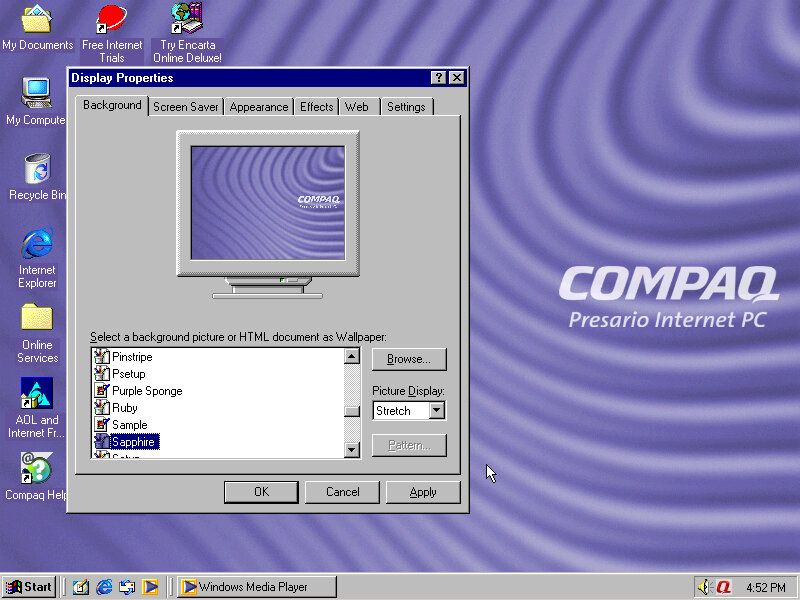
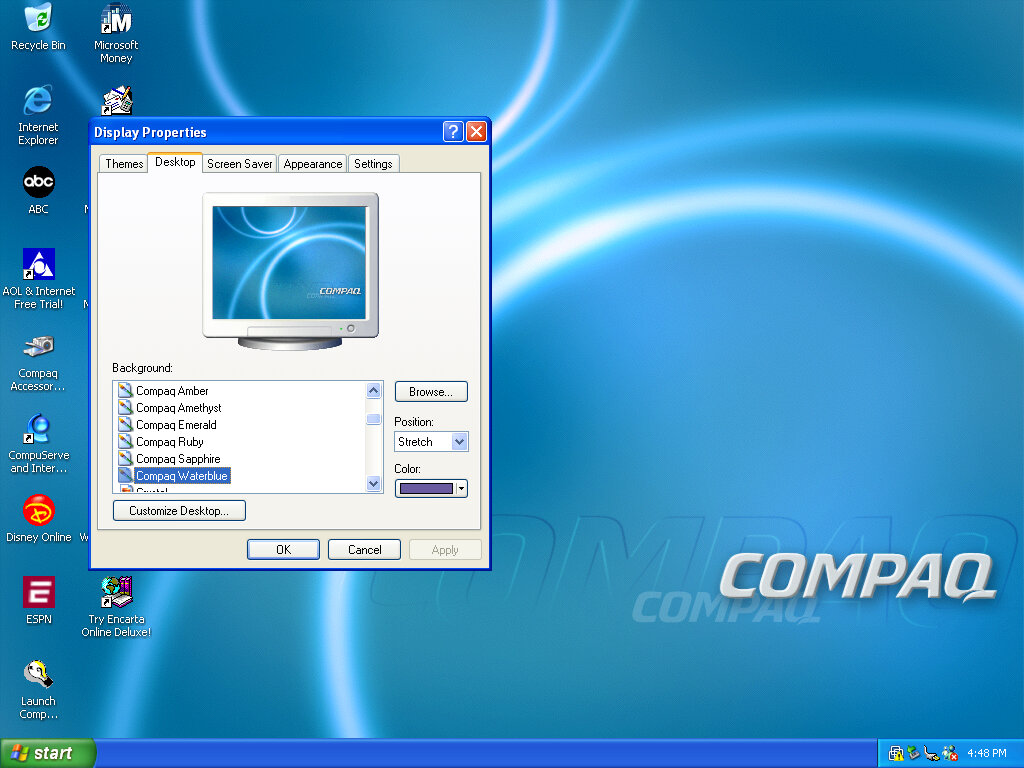
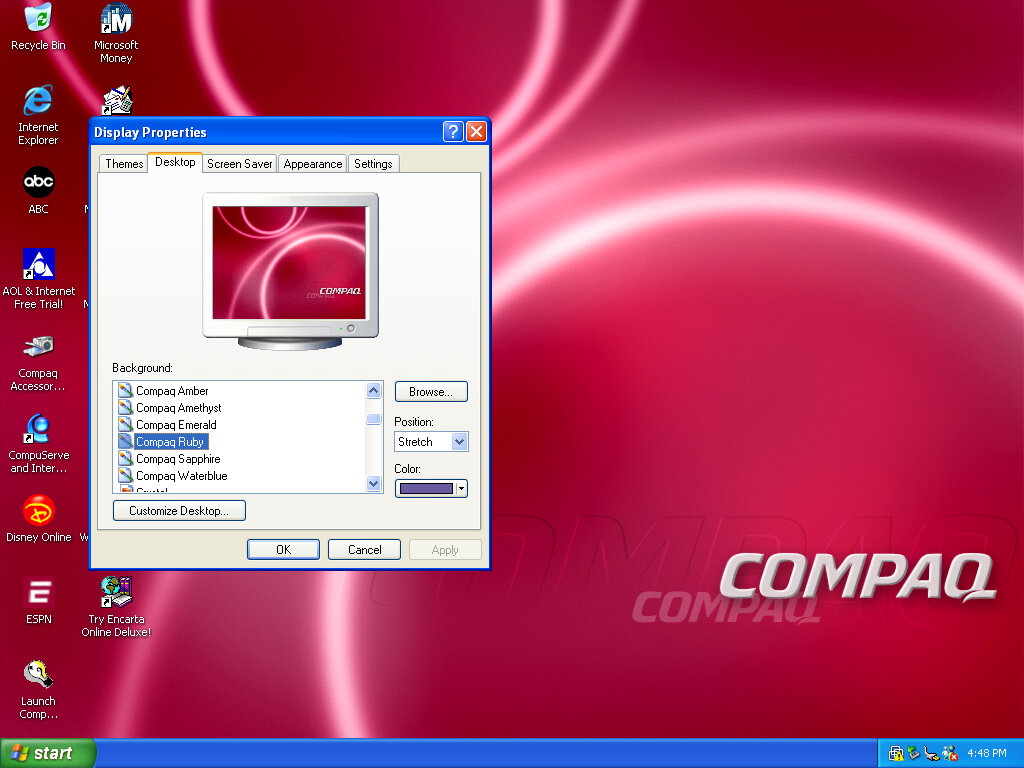
Compaq included a few wallpapers that are selectable and are pretty much the same pattern but with a different colours (Ruby, Sapphire, Amethyst, Amber, Emerald, Jade and Grey. This kind of reminds me of the iMac G3 colours.

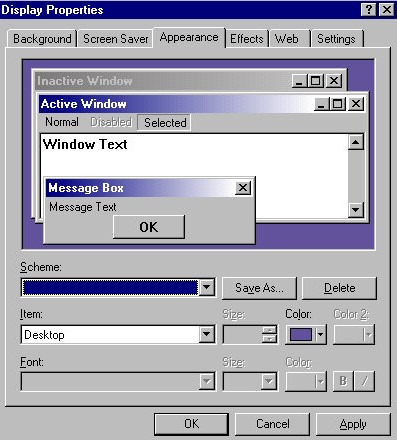
There is also a custom colour scheme set by Compaq but it has no pre-set name. So if you choose another colour scheme then its lost.

Theres even a custom Internet Explorer throbber that appears

A screensaver that is included called BackWeb. This appears too be some sort of bulletin board what pulls information online and displays it in a news ticker format (like in SimCity 3000) With no server connectivity it just appears to refresh itself repeatedly.
This isn’t a bad idea of a screensaver, being very similar to the Active Desktop Channel screensaver or the Wii News Channel.

The utility that manages content going into the Backweb screensaver

Included Software

Compaq Remote Support: A utility where a customer representative can remotely control you PC, useful for support purposes if the end user requires support or is experiencing technical issues. Typically this would be sold as part of a support package and is aimed for novice issues who are not experience in diagnosing issues or perhaps installing software. Still im not sure how well this would have functioned over a dial up connection.
Windows would later included a utility into the operating system itself with Windows XP.

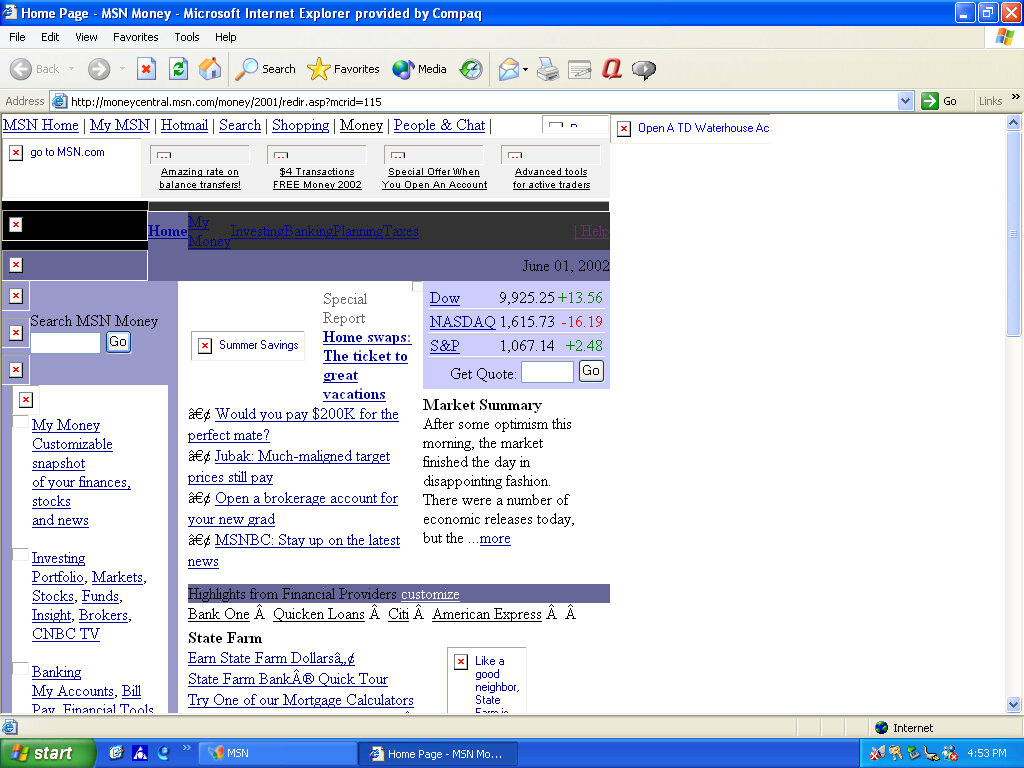
Netscape Communicator – A popular alternative web browser, for those that do not wish to use Internet Explorer, Netscape also included an email client. Version 4.7 is included here ad features the Compaq throbber.
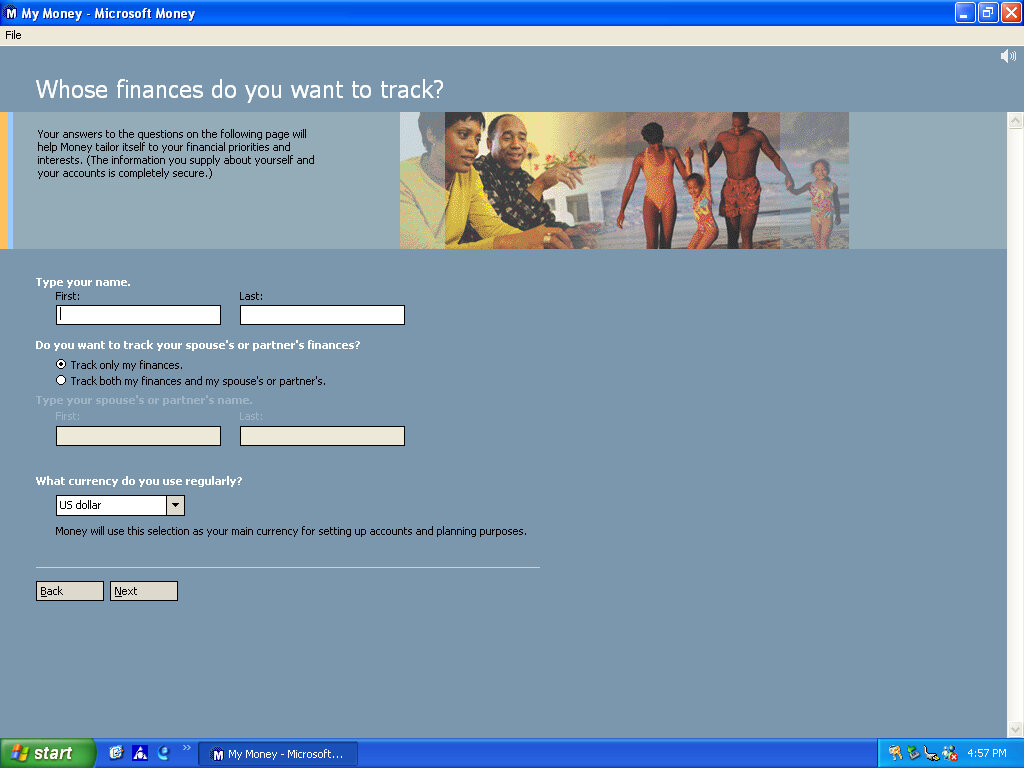
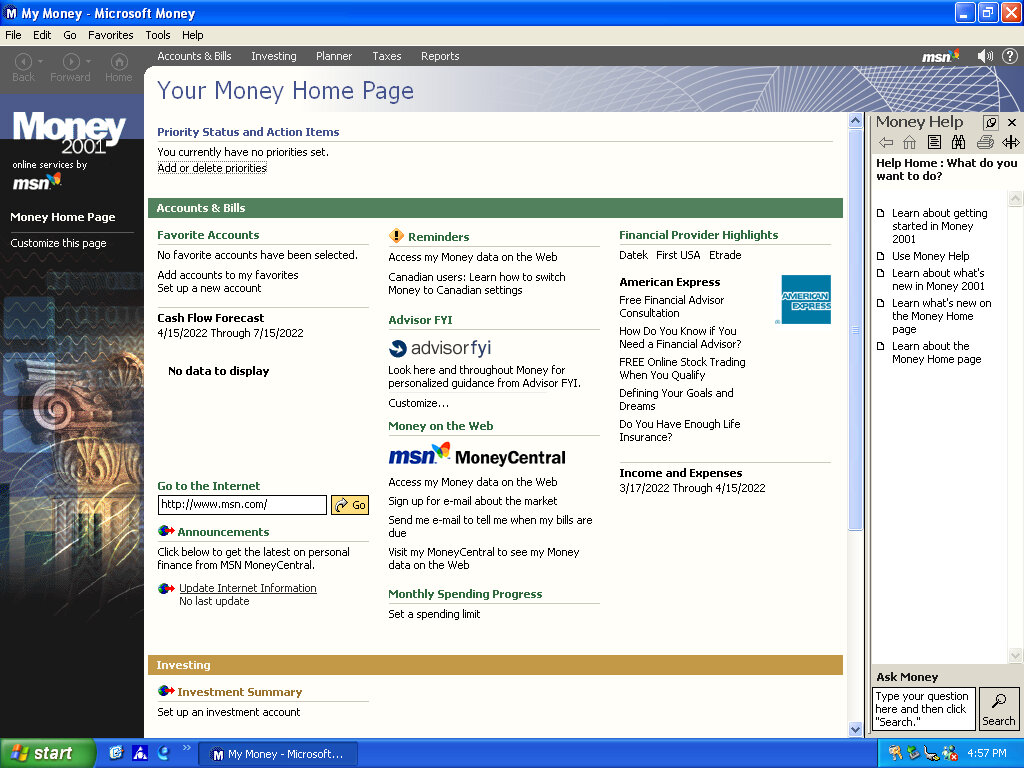
Microsoft Money – Finance and accounting software, version 2000 is used here

Compaq Help – A customised version of the Windows Help & Support with additional links to Compaq programs and utilities

Compaq.Net – Opens the Compaq branded internet connection wizard

There are also some premade web shortcuts located on the desktop like Compaq Treasures and another for online backup.

A weird omission is Microsoft Works, or any office applications which allows for basic word processing or spreadsheet use. Possibly this would be bundled with a specific SKU of the system that would have been installed by the engineer before shipment.
Control Panel Items

Compaq Connection Helper: Lets you change the default internet browser and the internet connection to use.

Digital Helper: Lets you customise the digital dashboard, which is the LED light that are present on the keyboard. In addition to the standard Caps/Num/Scroll lock indicators there’s a message/alerts and a power/sleep indicator.
There is also a internet time sync feature that allows the system to be synchronised the time & date with a server, as Windows ME lacked this feature. Microsoft would introduce this with Windows XP.
The email notification light can also be configured here, which requires you to manually setup the email server connection settings and would light up if there’s an unread email in your inbox. It does not appear to detect email from applications like Outlook or Eudora.

Easy Access Buttons: The keyboard that was shipped with these machines featured a dedicated easy access buttons that could be assigned a function for customized look.

Intel Graphics Technology: As this computer would have featured integrated Intel graphics, this utility would let you adjust advenced graphics settings.

Compaq Presario 700 (VMWare)

An early Windows XP era laptop released around 2002, not to be confused with the Presario C700 which was HP branded. Windows XP Home Edition was the operating system bundled with the restore CD

Restore Process

This one used a slightly different way of restoring the default image, and I believe this is due to the copy being modified so that it will restore on any machine, instead of being tied to a specific model.
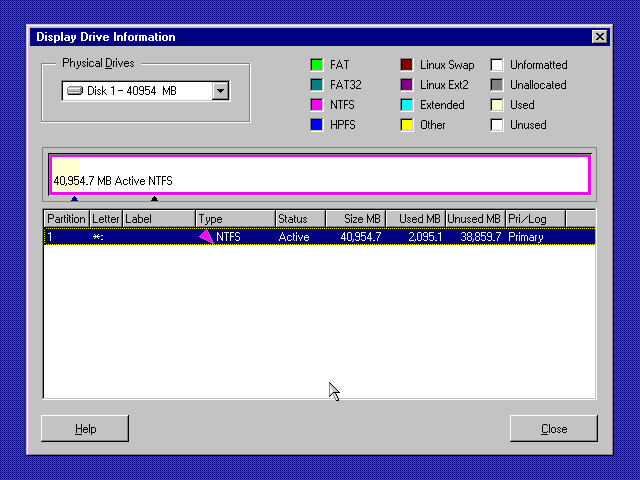
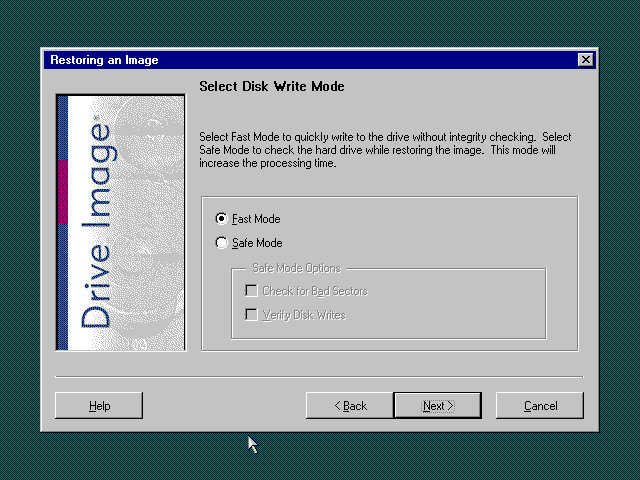
Here you must manually select the recovery image (located on the CD drive) and then proceed with the installation. If the hard disk is blank (Which it will be if we have just created the drive) the software can automatically initialize and format the disk and will create the correct partitions.
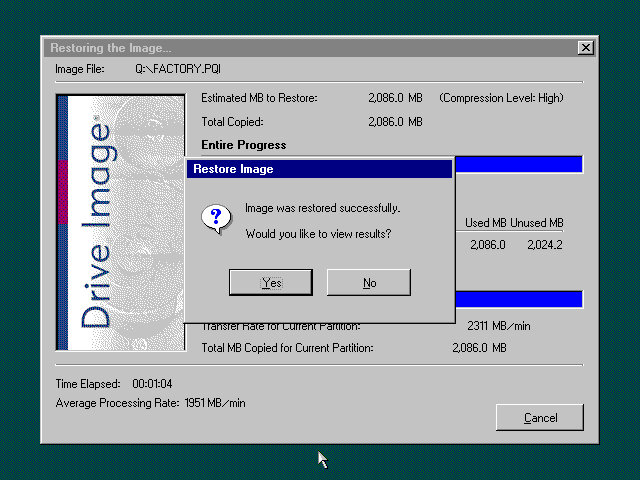
Once this has been set up, the recovery process will begin and the system will notify once it has been completed.

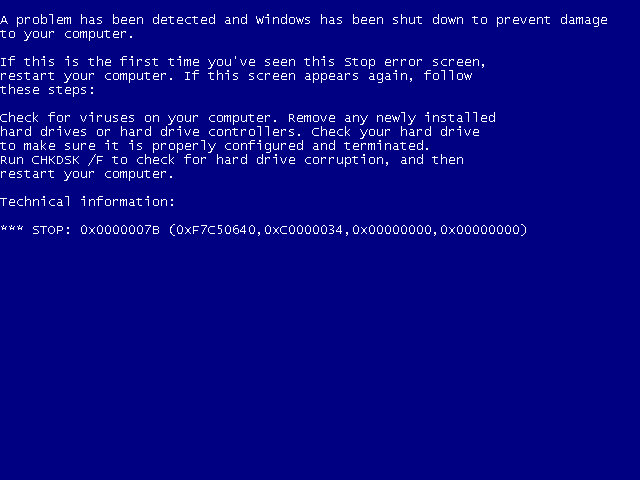
Hello blueness my old friend

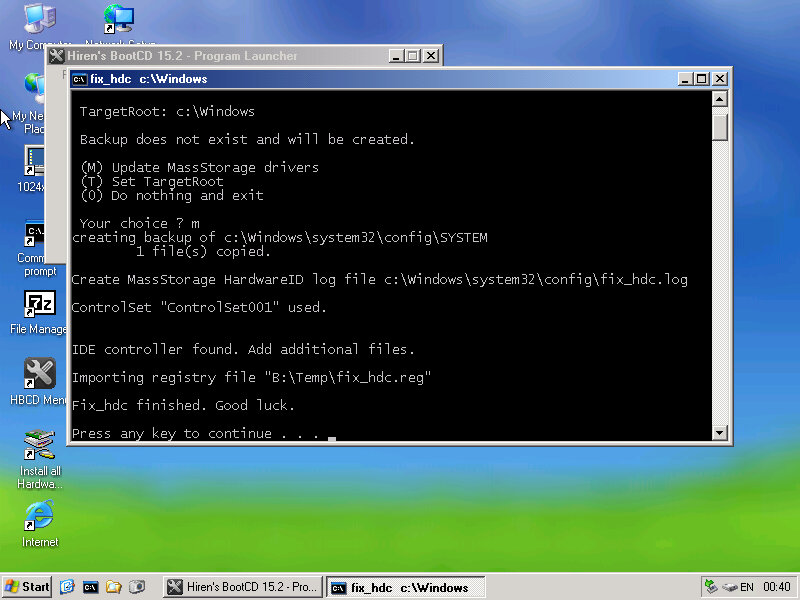
After the first reboot, we will most likely run into a BSOD, since we had installed it in a virtual machine instead of actual hardware, it’s expecting a motherboard that’s completely different. At this points It’s Hirens time
Hirens Boot CD

Same as the eMachines system, we just need to reset the hard disk controller to clear the error. After a reboot we are onto the OOBE.
OOBE

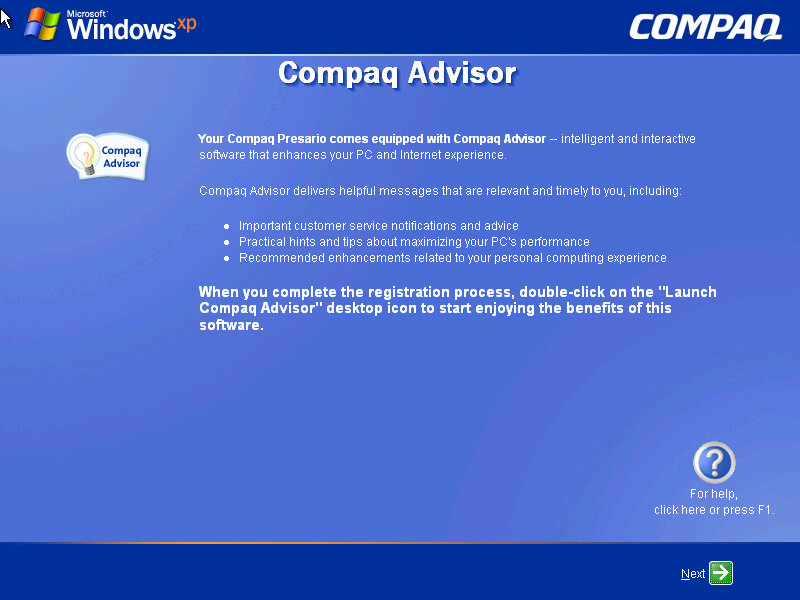
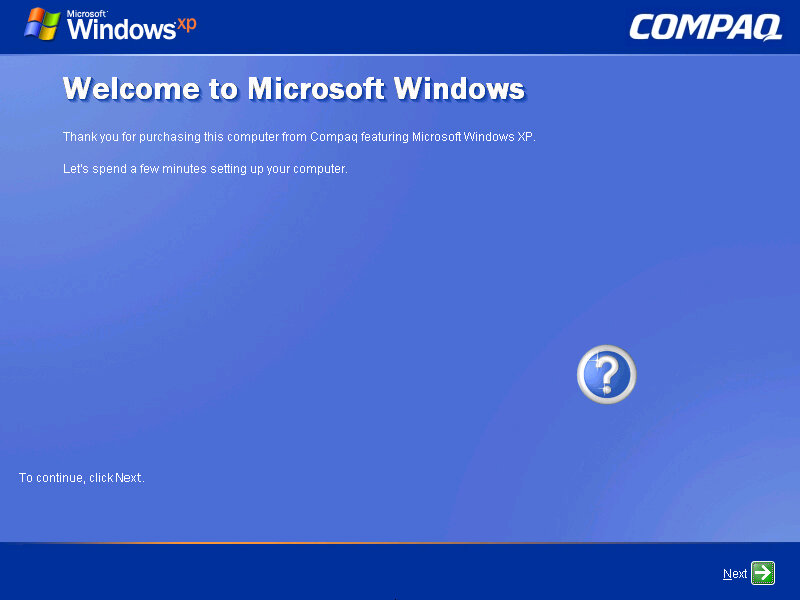
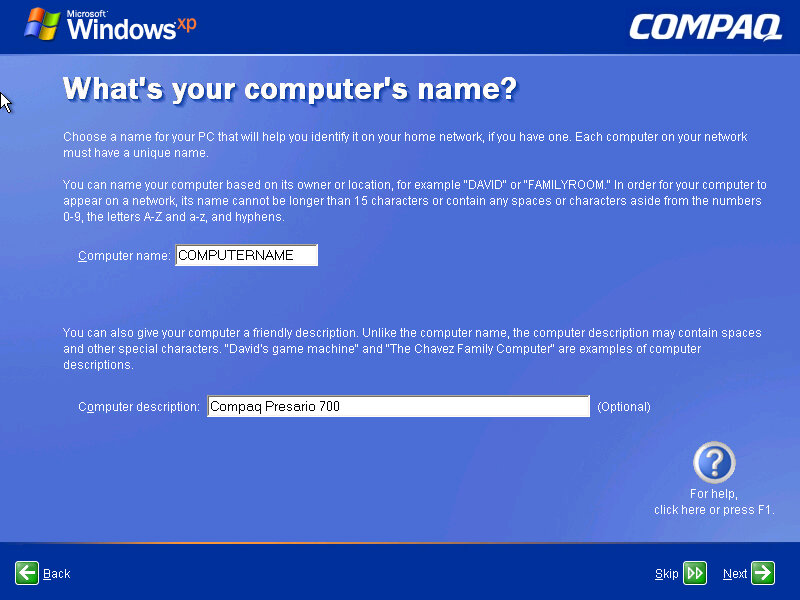
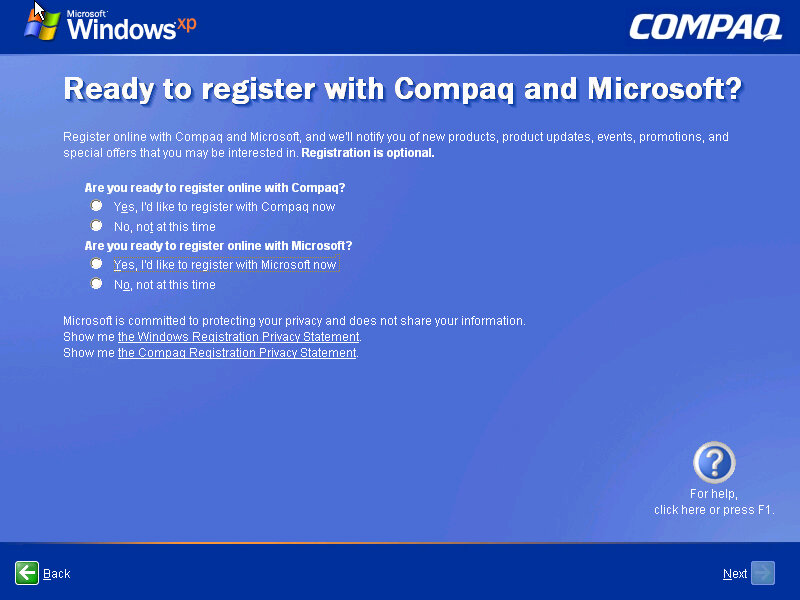
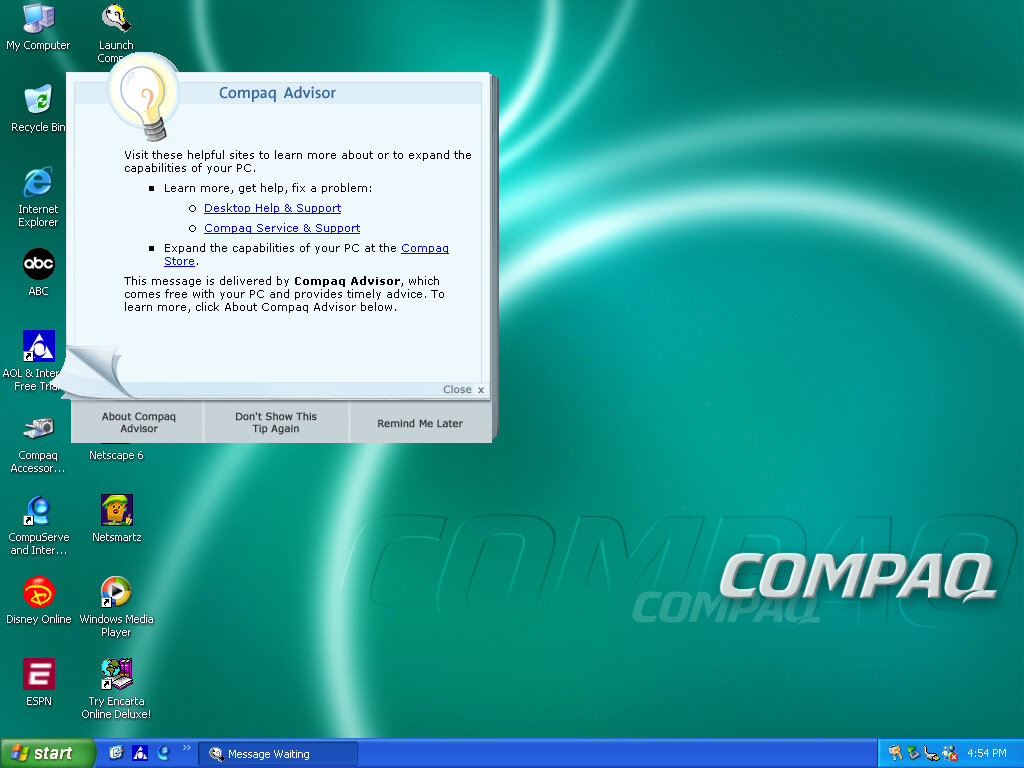
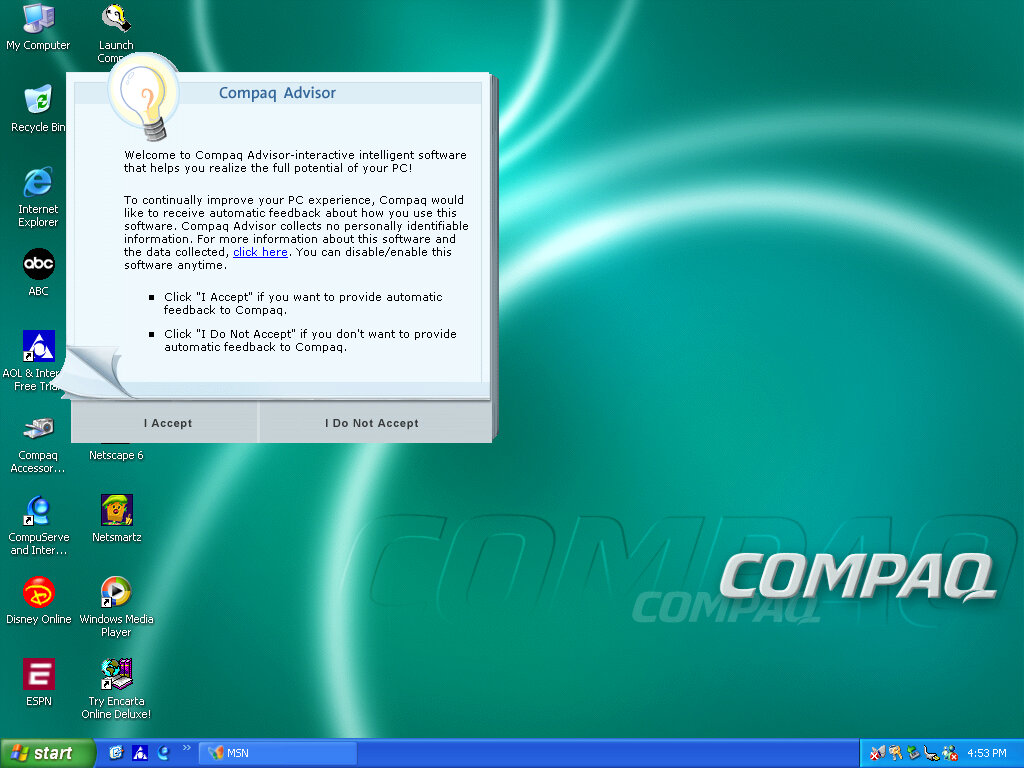
Once we cleared the BSOD boss fight we move on to the OOBE (Out-Of-Box-Experience) where we set up the system for the first time. You will notice the Compaq branding and will be informed of the Compaq Advisor, which is some sort of assistant. At this point you can also register your system, although I doubt there is much point,, Microsoft probably discontinued the registrations servers and Compaq has since been absorbed into HP.

Desktop

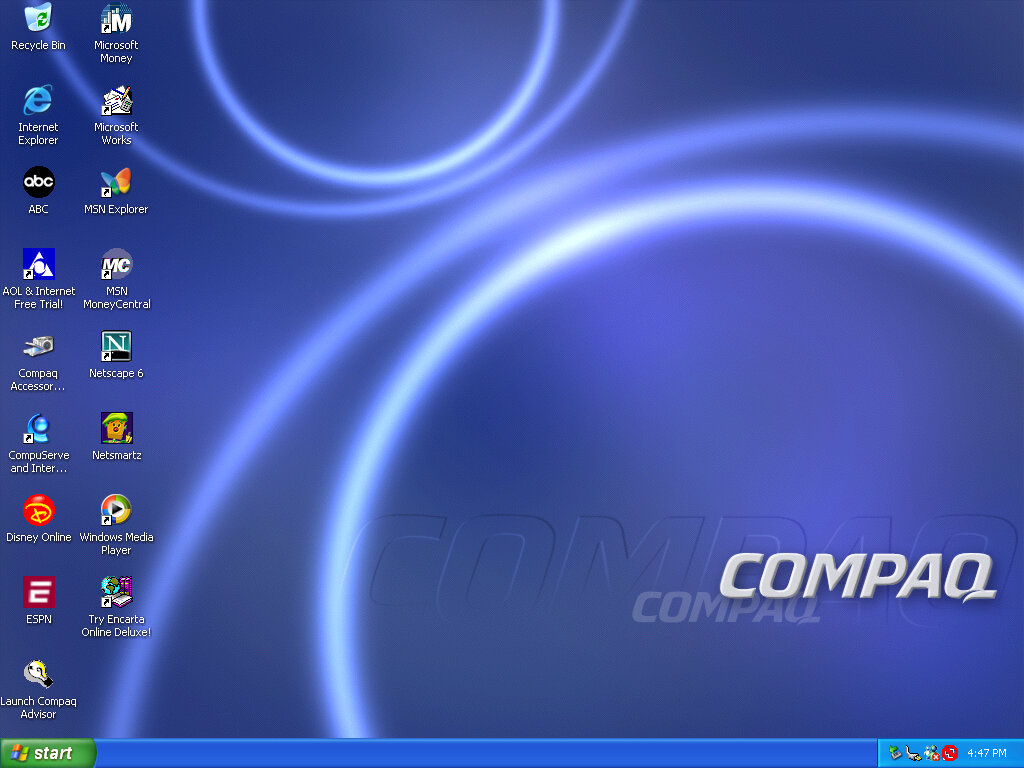
After that, we are presented with our new desktop, along with a funky wallpaper. There are several of these OEM wallpapers that are available in different colours. I’m not sure if these are reflective of the laptop itself or Compaq just whacked a few different colours for the user’s preference. It kinda reminds me of the original iMac with its various colours and shades.
Of course, you also have the regular Windows XP wallpapers if you prefer.

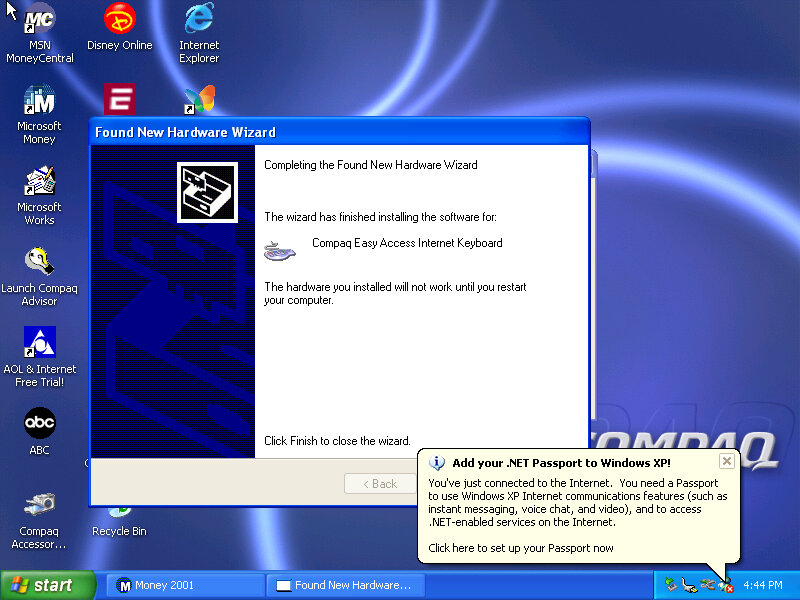
Interestingly it will try to install a driver for a Compaq Easy Access Internet Keyboard. This has little to no effect on the VMWare keyboard. On the desktop, there are a few internet shortcuts to various affiliate links like ABC, Disney,

VMWare

As this is pre-Service Pack 1 we are limited to how we can install the VMWare add-ons, the later tools require service pack 3 and will fail to install on an old Windows XP install. We can however download and mount an old version of VMWare Tools
Be careful with this, as these tools were intended for the version of VMWare they were released with. I got a BSOD when trying to display one of the 3D screensavers, and had to upgrade to a later version to fix the issue.

Software

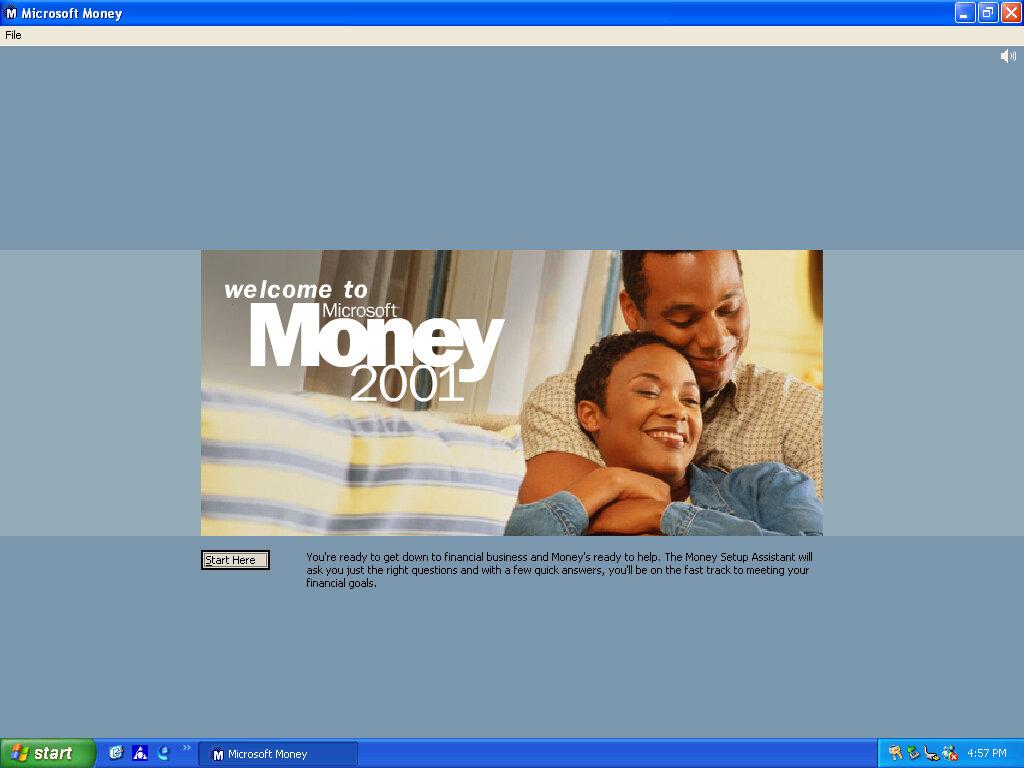
There isn’t much included, there is Netscape 6 and RealPlayer 8 bundled, and Microsoft Works and Money 2001

Compaq Advisor

Seems to be some sort of help/assistant program, sort of similar to the Windows Help & Support but more tailored to the Compaq-related stuff. The actual Windows Help & Support has a few customizations made to it, mainly with some Compaq stuff added.

Microsoft Money 2001

There isn’t much included, there Netscape 6 and RealPlayer 8 bundled, and Microsoft Works and Money 2001

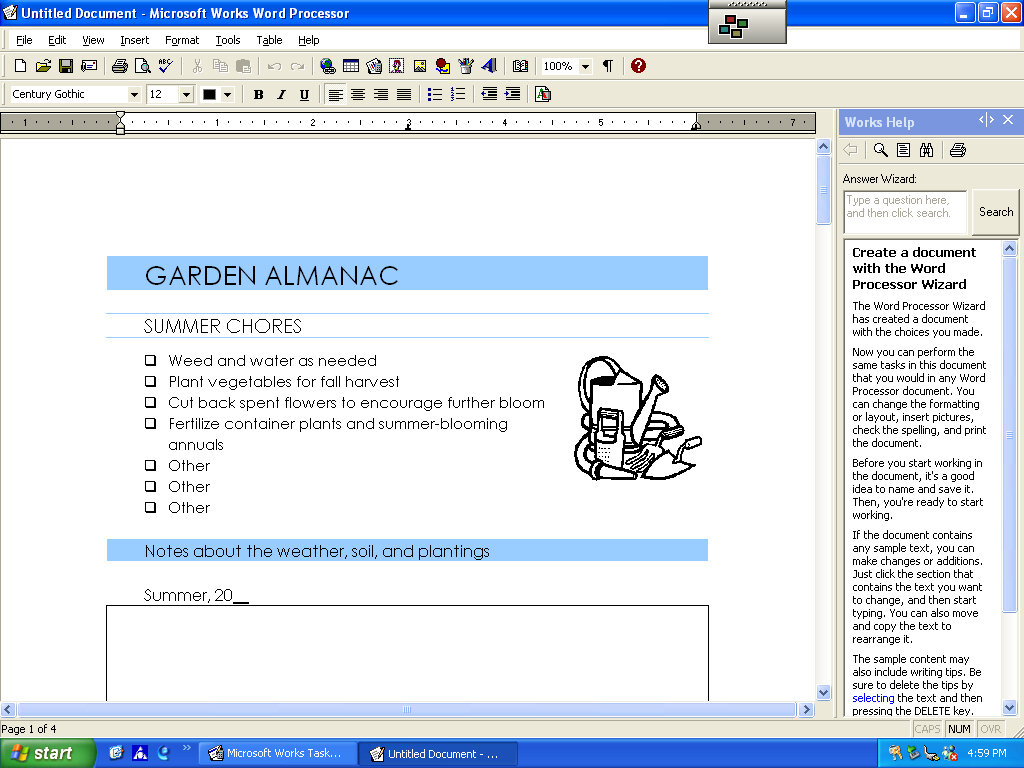
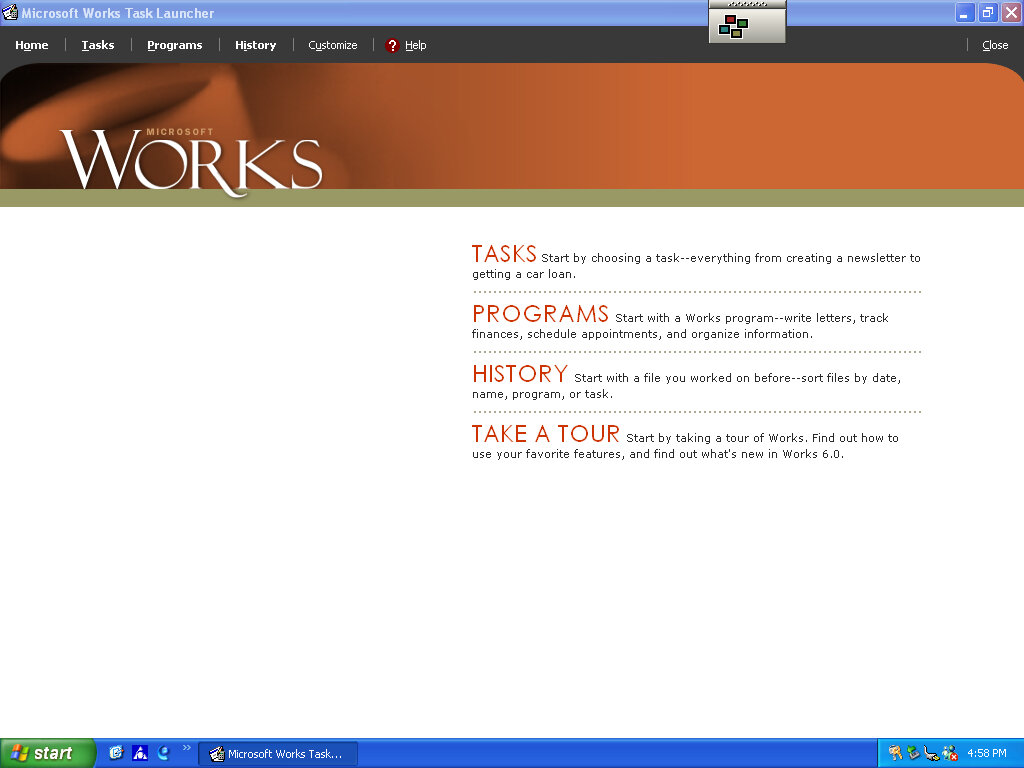
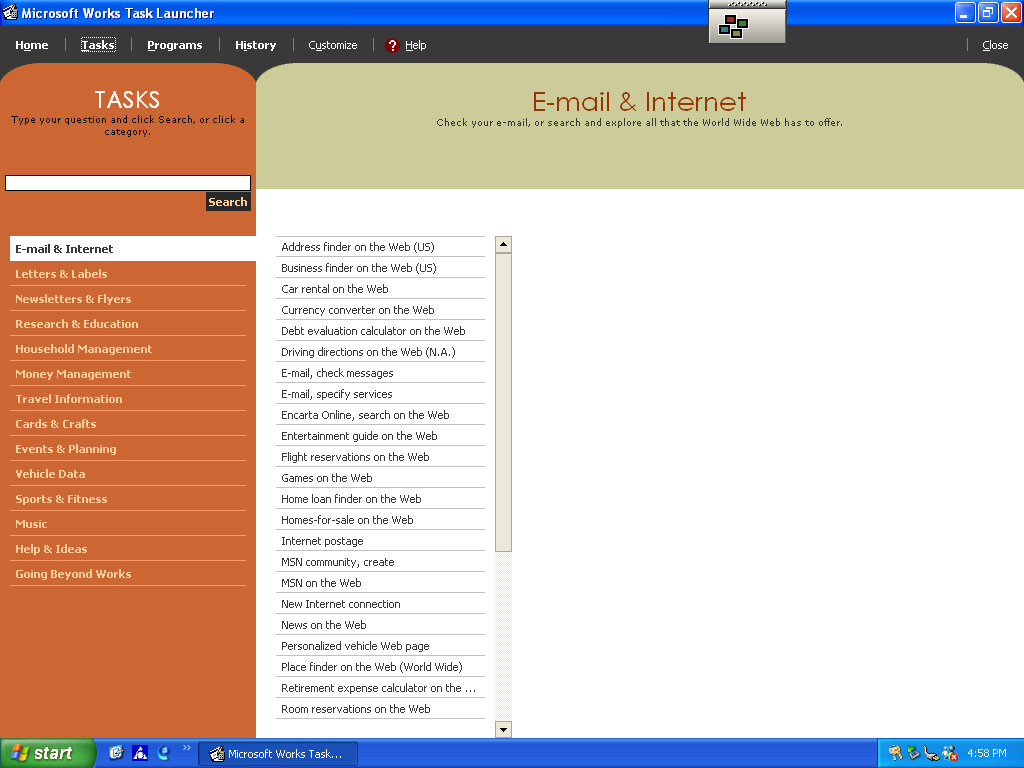
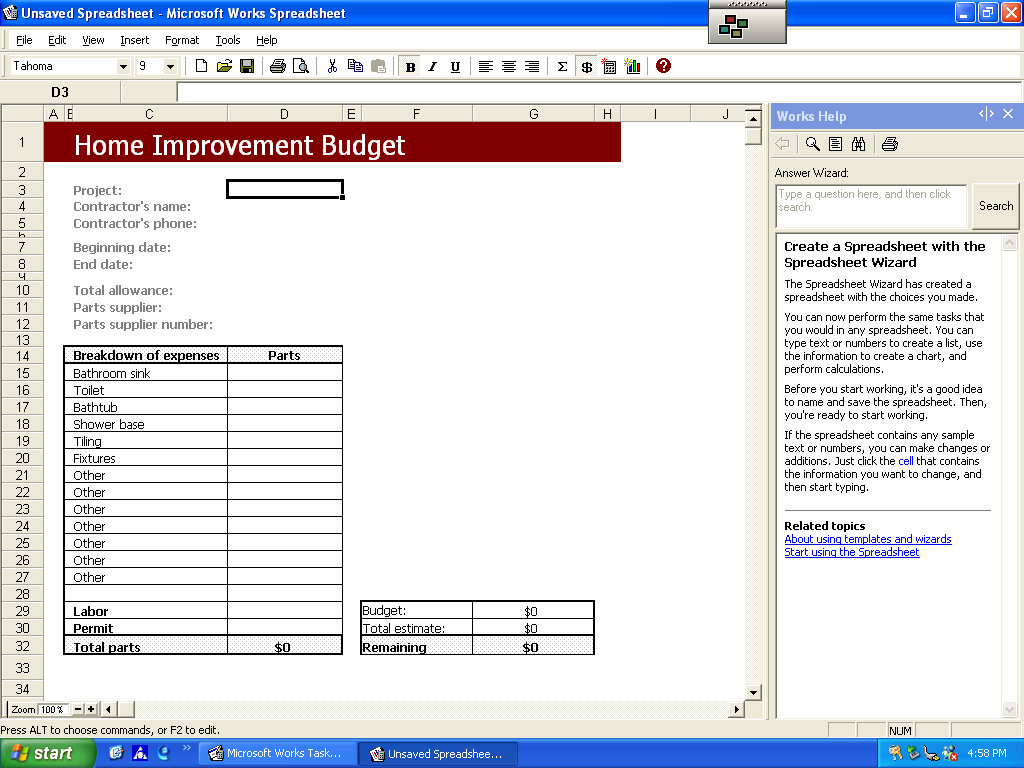
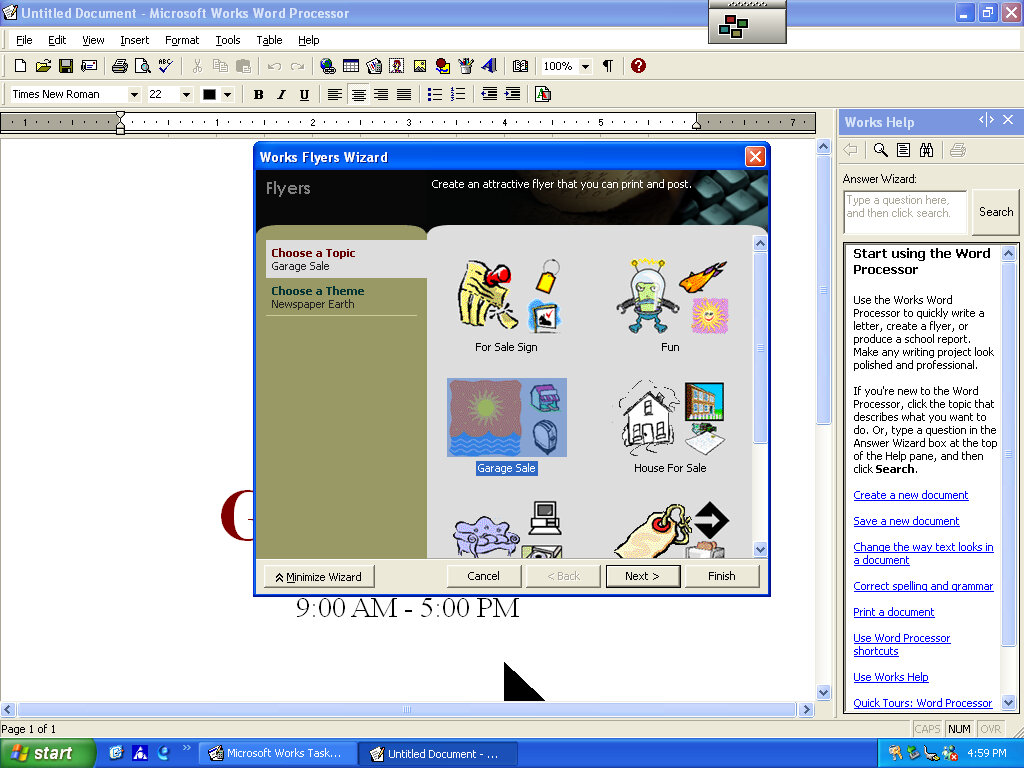
Microsoft Works

Version 6 of Microsoft Works comes bundled here, which serves as a basic productivity suite. It contains a word processor and spreadsheet software, along with a variety of templates to choose from.

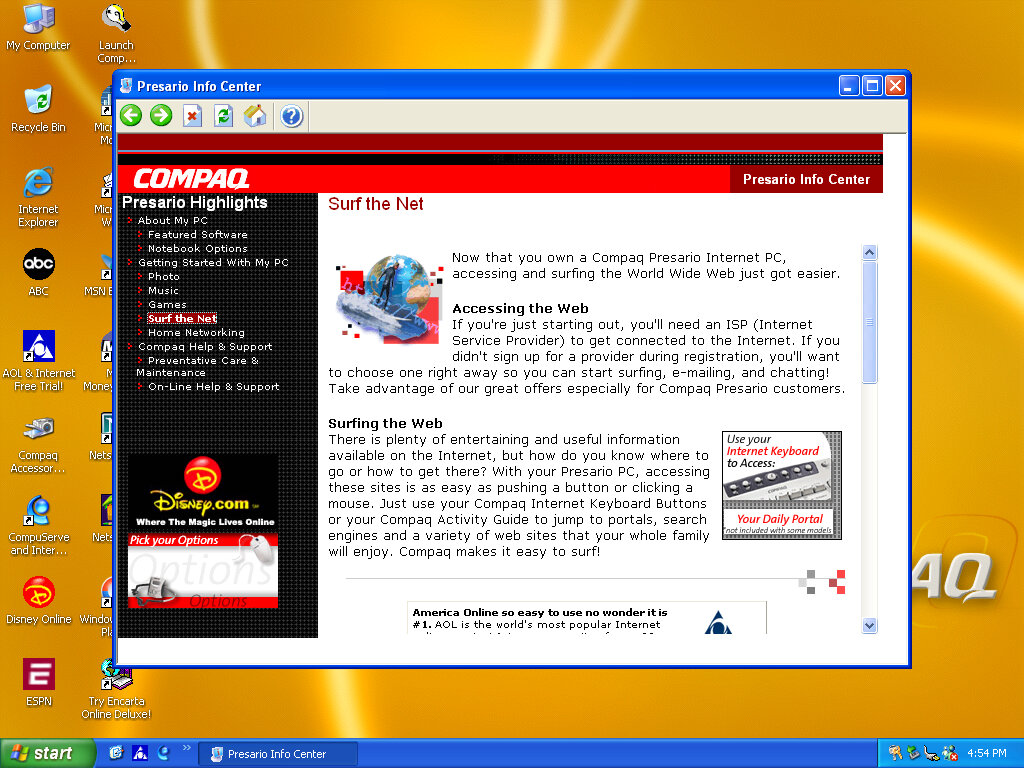
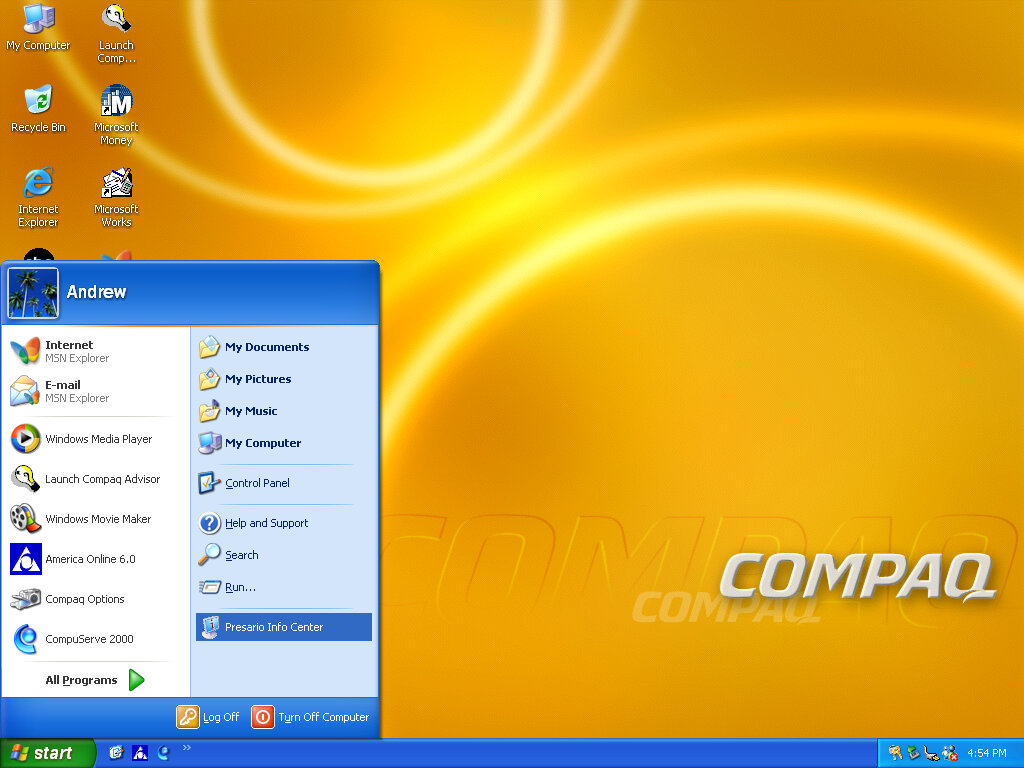
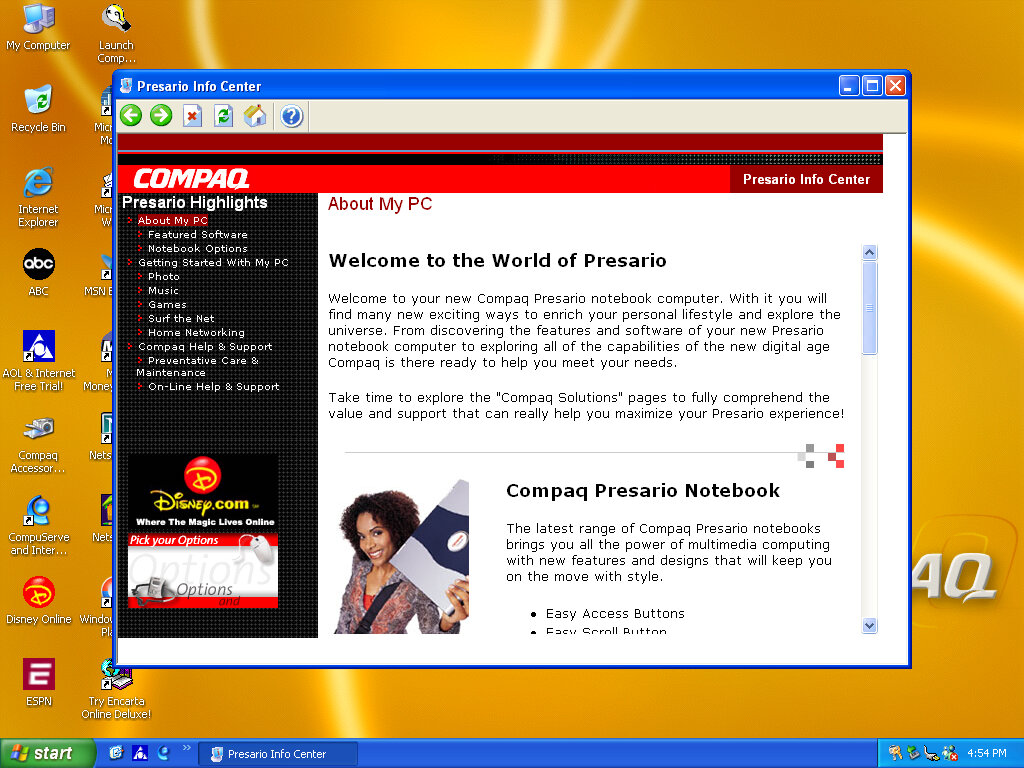
OEMLink (Presario Info Center)

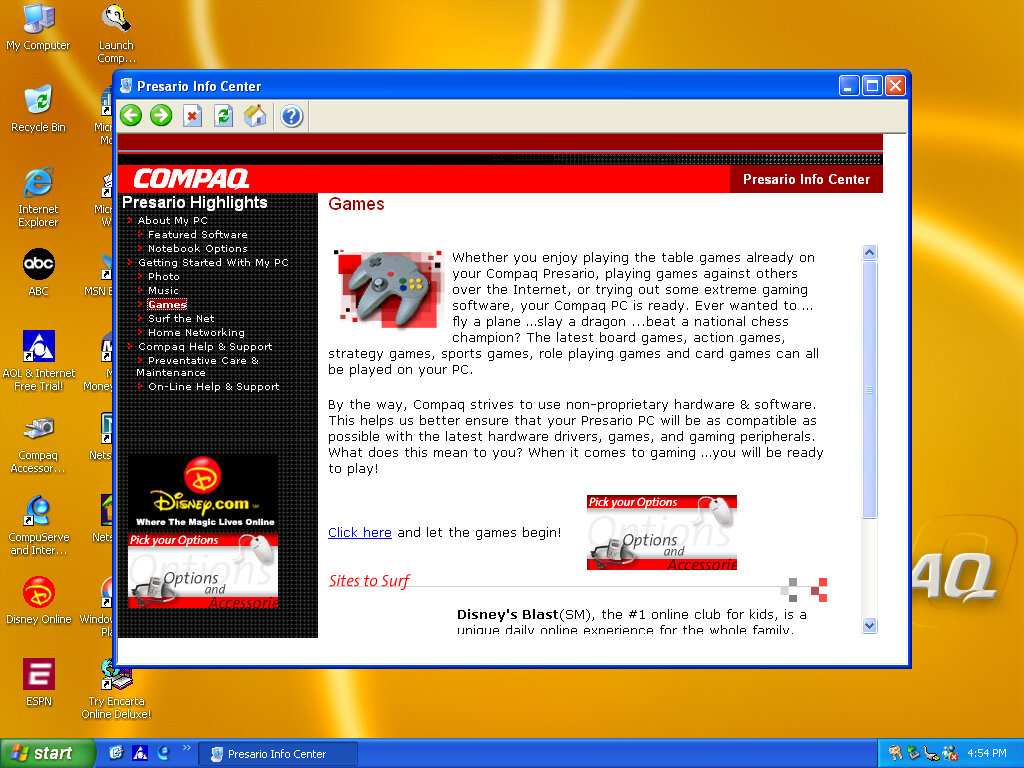
Another system I’ve found to make use of the OEM link feature of Windows XP. This acts like a help center that shows the different capabilities of the PC, along with recommended software, some of which might be preinstalled with the system. Some of these are not present here so there might be another disc that includes this.

SynthCore

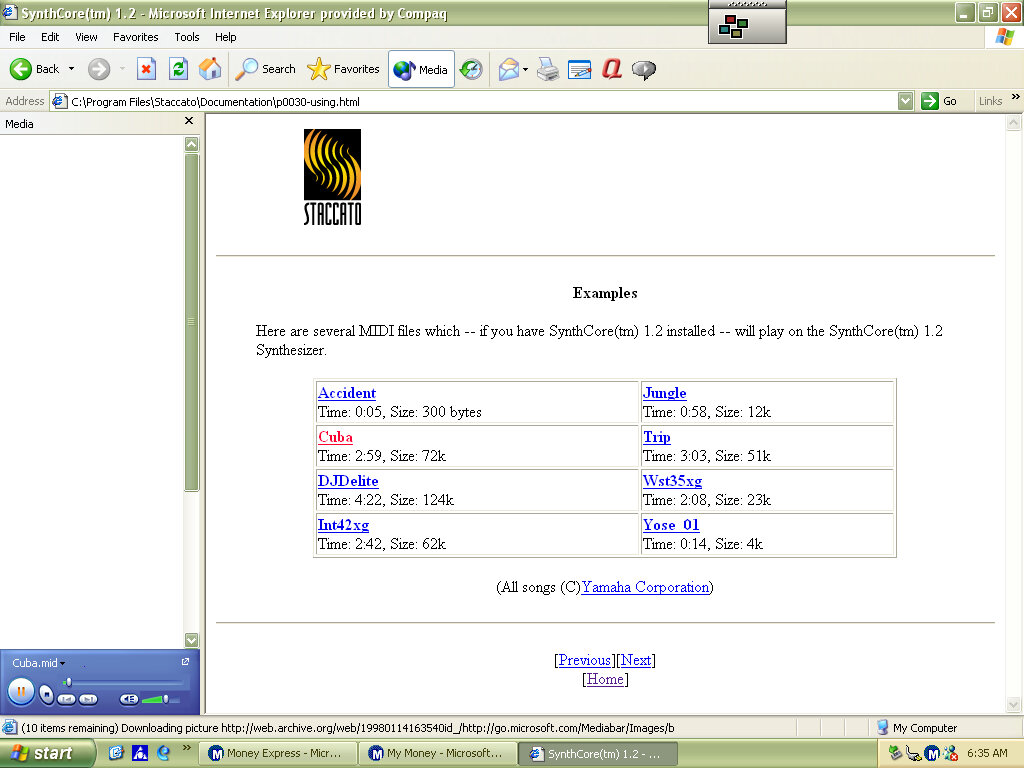
Also, this appeared in the start menu, it’s some sort of MIDI file samples that came bundled with the soundcard. These play normally on the emulated SoundBlaster but do not sound the same as they would on an actual system.

Control Panel

  • Easy Access Buttons: This lets you reassign the easy access buttons on the keyboard to open different functions
  • Compaq Advisor: Change settings in relation to the Compaq Advisor, appears to have been developed by Neoplanet Inc
  • Automatic Compaq Updates: Enables updates
  • SoundMAX: Opens the soundcard utility, does nothing in this VM since were using a different soundcard

Other

Archive Link

Compaq Presario 4500 (86Box)

86box has been able to emulate a large amount of motherboards, and has recently added a few OEM desktop systems to its roster. These are mostly faithful to the original hardware to the extent that you can access their bios. Quite a few OEM recovery discs have popped up on Archive.org which will only run on those actual systems they were intended for, since they often include an OEM copy of Windows.


Whilst this emulates the motherboard and the BIOS firmware that was shipped, certain pieces of hardware are left unemulated like the graphics adapter or the soundcard. Fortunately you are able to substitute alternative components, but you might run into issues upon first boot up since Windows may not have drivers preinstalled. The machine here I’m trying to emulate is a Compaq Presario 4500, of which the specifications can be found here: http://h10032.www1.hp.com/ctg/Manual/bpb12296.pdf

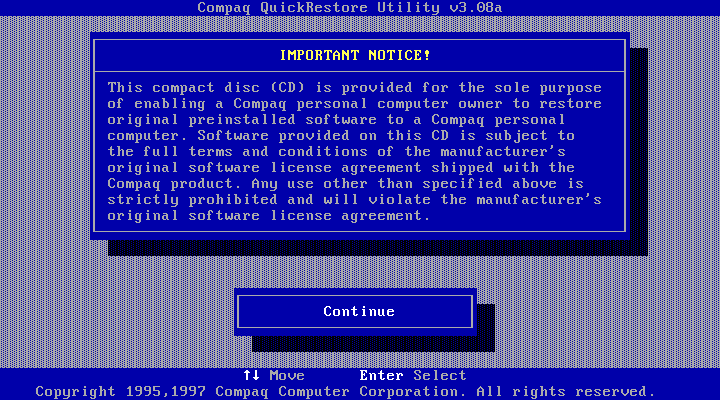
Compaq QuickRestore Utility

This ran straight off the CD-ROM which was bootable from the BIOS and performed a few tests before initialising the hard drive, which had been newly created and had no partitions. After copying was done, the system rebooted and Windows 95 started up.
This utility did require me to enter the serial number of the system, which I was able to find online.

Setting Up Windows 95

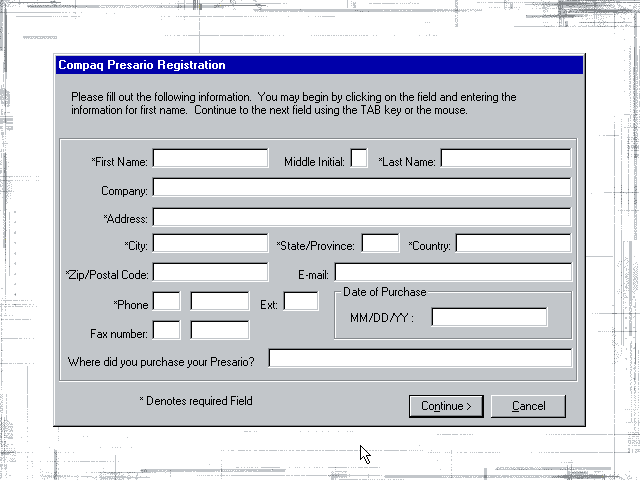
After the first reboot Windows seemed to have problems finding the graphics driver and reverted to using the failsafe VGA driver instead, which limited us to 16 colours. At this point we were prompted to register our system and to fill out the registration form. I somehow doubt Compaq (Or HP as its now known) have the registration servers active.
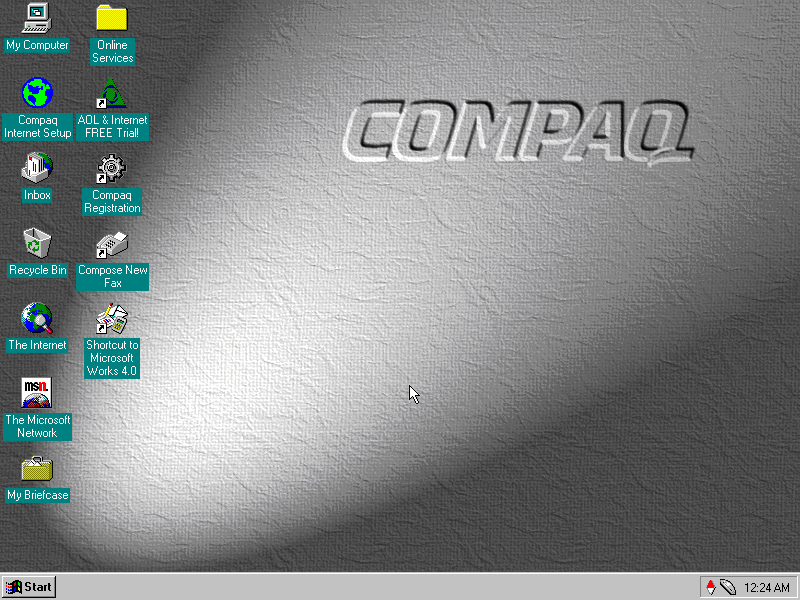
After manually installing the graphics drivers for the S3 ViRGE that I had selected for the system, Windows went to the desktop and we are presented with the default Compaq desktop theme.

Bundled Applications & Utilities

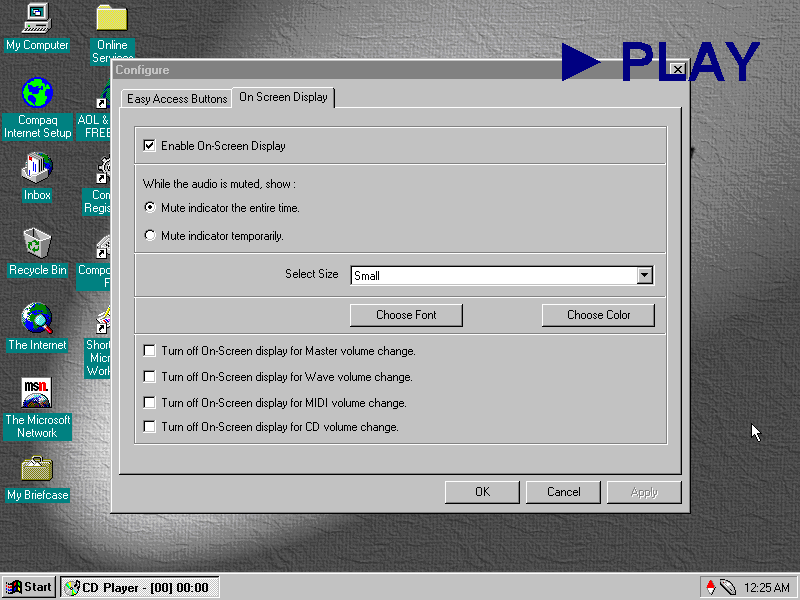
Compaq Quick Access: Runs in the background and provides functionality for shortcuts to be used on the keyboard that would have shipped with the system. Here you can reconfigure the different ‘Easy Access Button’ to perform different function. By default they are used for the calculator and to open in the internet browser.
This utility also manages the on screen display, which appears when the volume keys are pressed or if one of the media control keys (Play, Fast Forward, Rewind) are used. I’m not sure if 86box is capable of passing these commands through since it only emulates a regular PC keyboard.

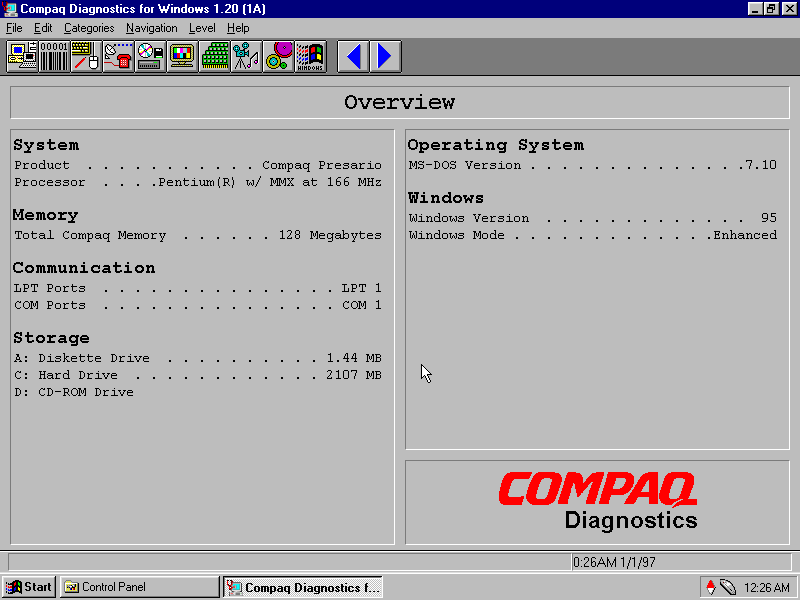
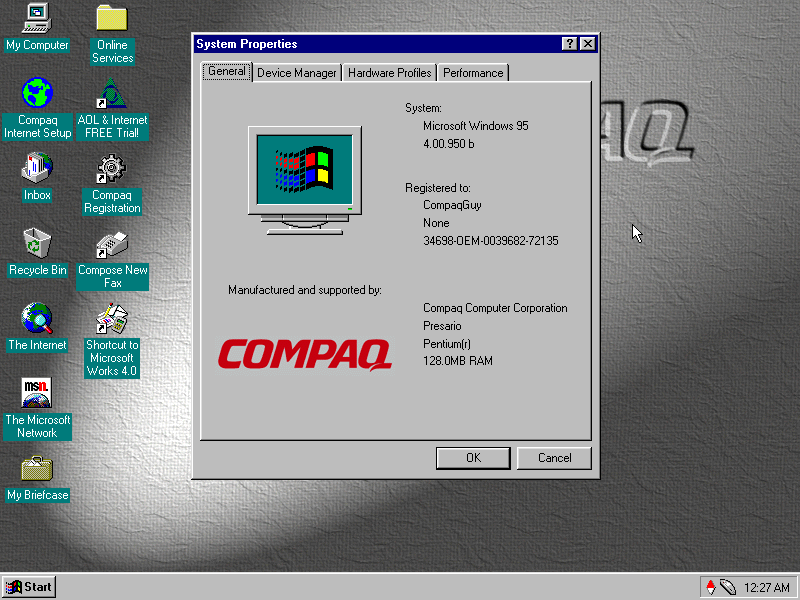
Compaq Diagnostics: Displays information about your computer system and the Windows OS. You can view the specifications here

SPRYNET Connection Manager: Manages internet connections for the dial up analogue modem, replaces the standard Windows utility.

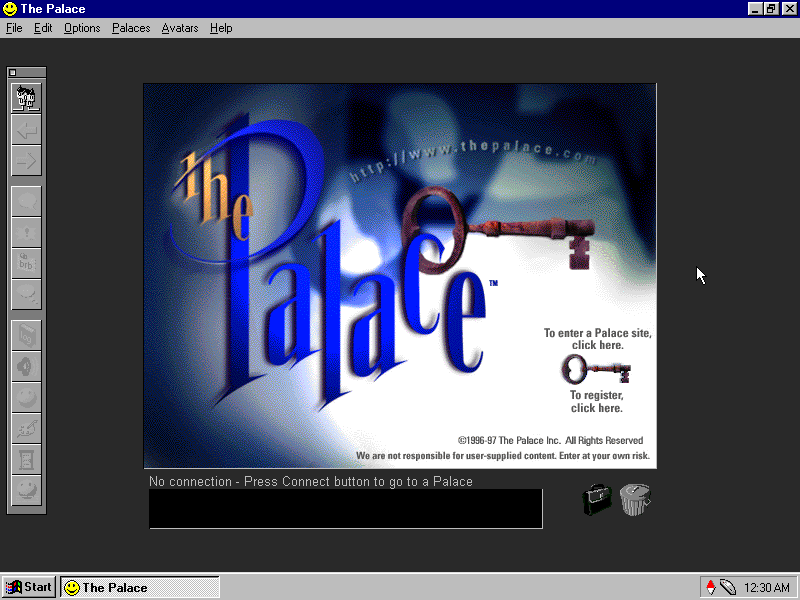
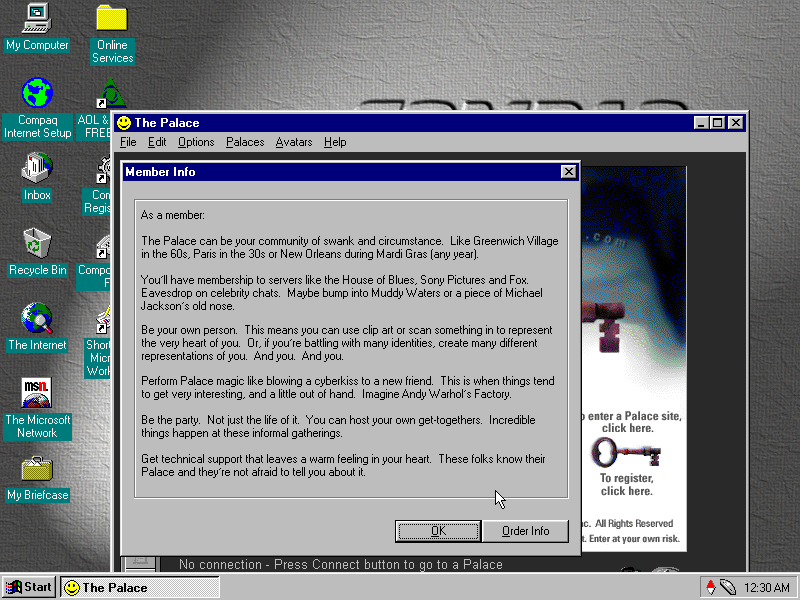
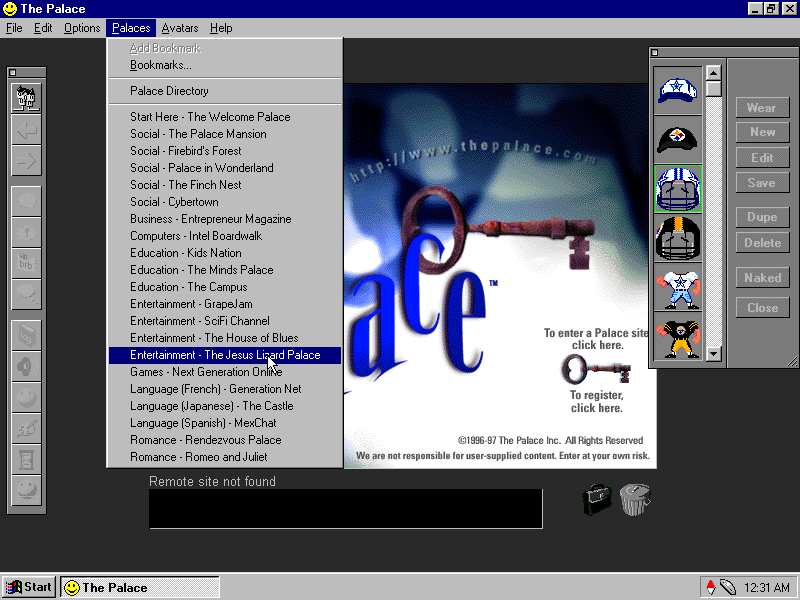
The Palce: A third party application that was bundled with the system, it seems to be some sort of online chat room server, similar to IRC but uses animated avatars and colour backgrounds to give the illusion of environment. Users could join different room dedicated to certain subjects. This Compaq system would have come with a free trial allowance to entice the customer to subscribe, beck before social media mould datamine the hell out of you.
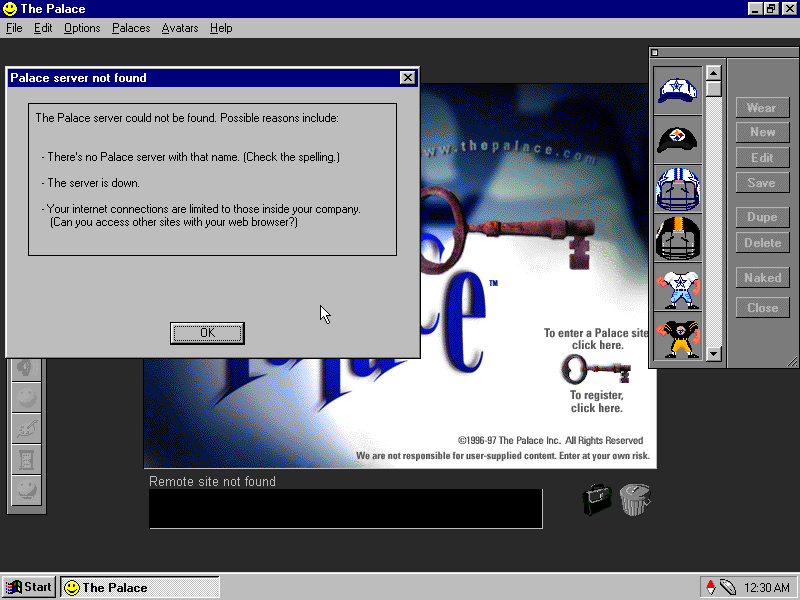
Sadly the servers are long gone.

SimCity 2000: Not sure what this is doing here, its just the network client and not the full game, maybe it was bundled with the Palace as a game that could be played using it? The full game is not bundled here.

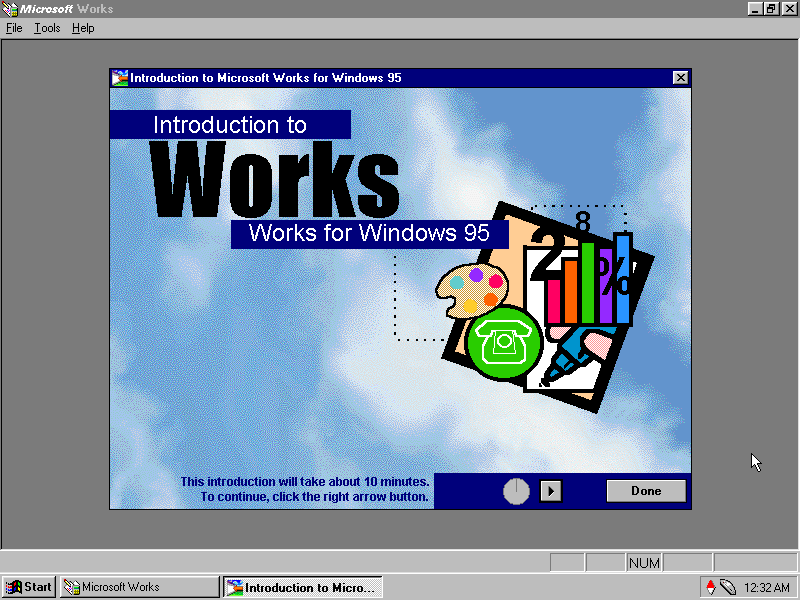
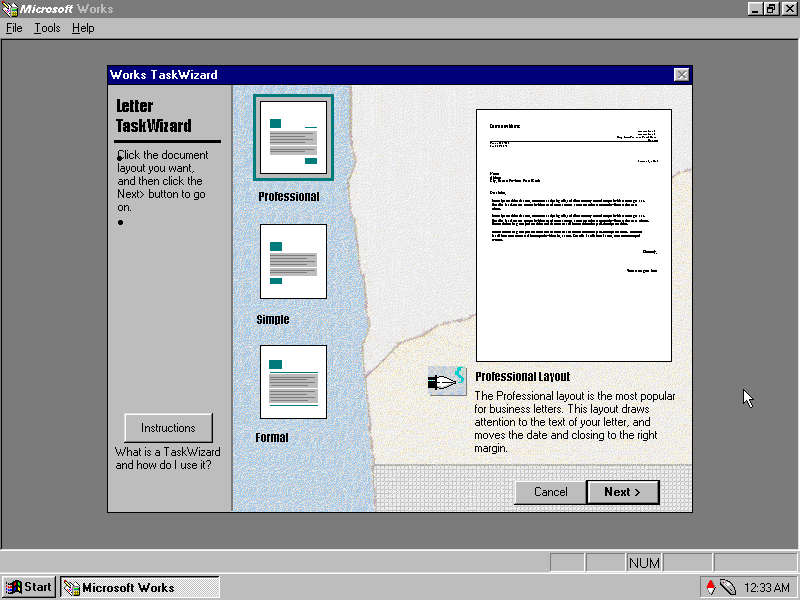
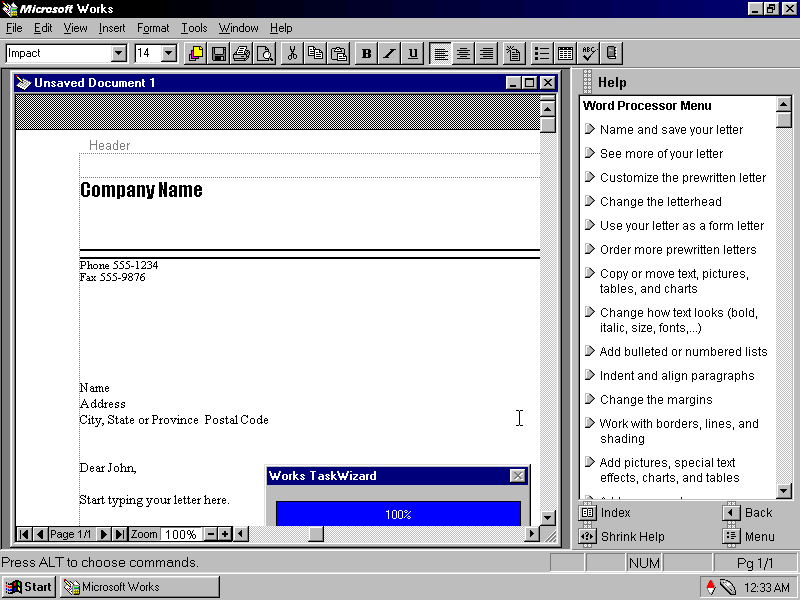
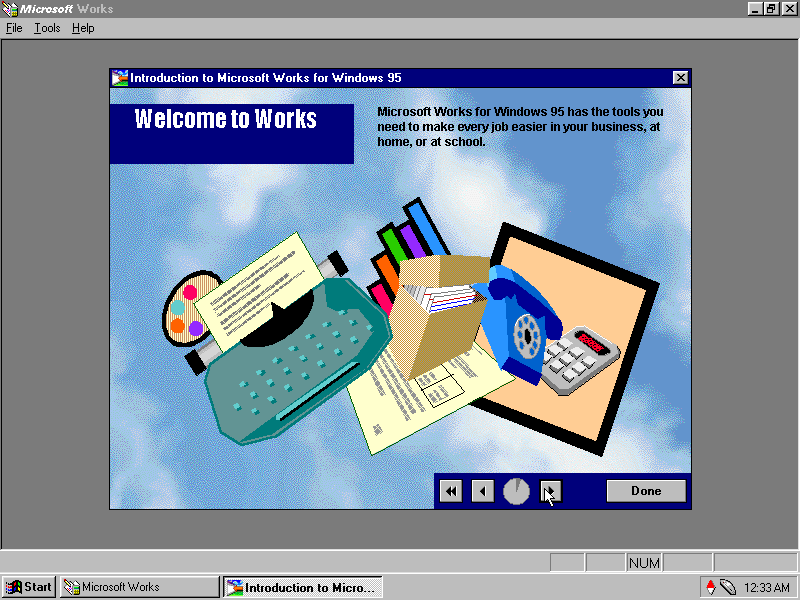
Microsoft Works: The OG Oxymoron, this was a basic version of Microsoft Office bundled with OEM systems to give them basic Office functionality. It is considered productivity software suite which combines a word processor, spreadsheet and a basic database system. As it was a lot cheaper than Microsoft Office, it was commonly bundled with OEM systems to increase their value, although it was also available separately.

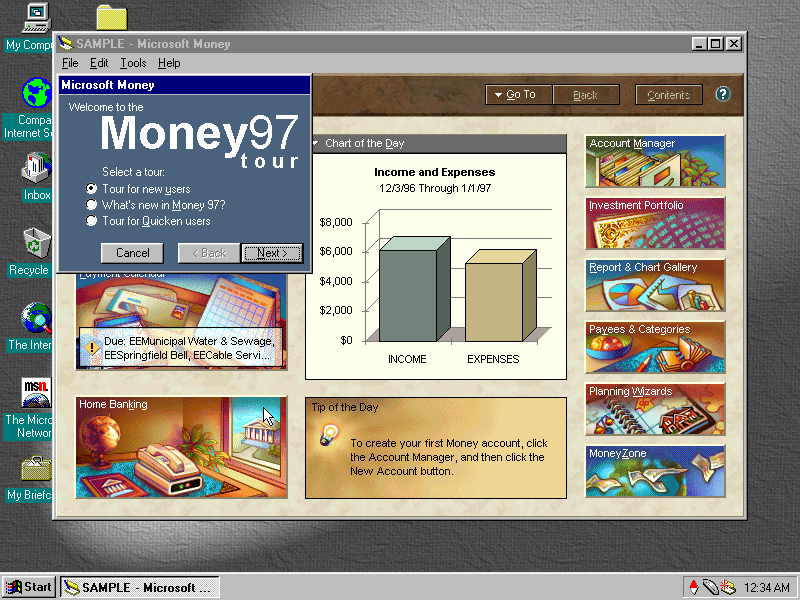
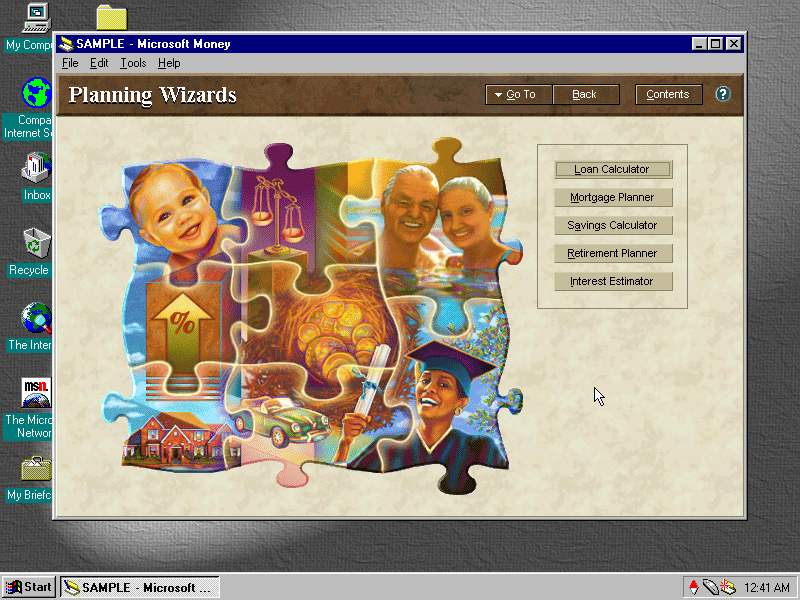
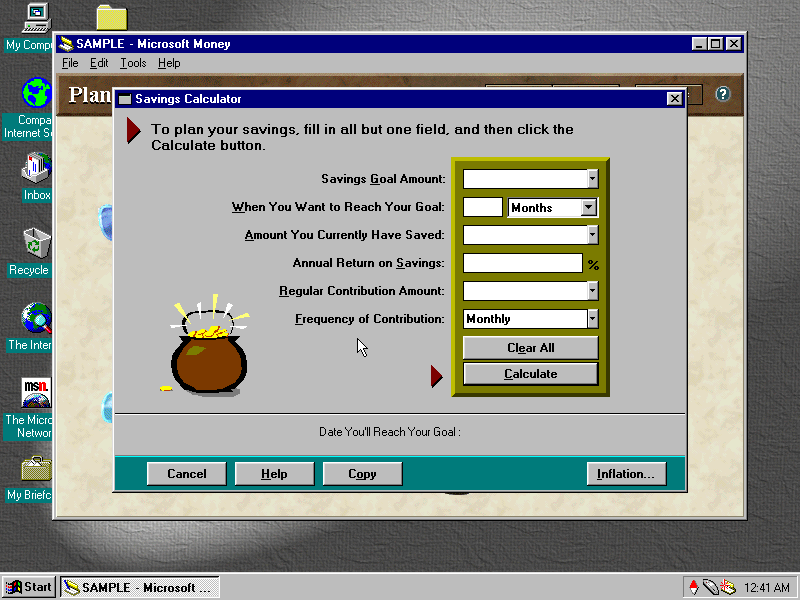
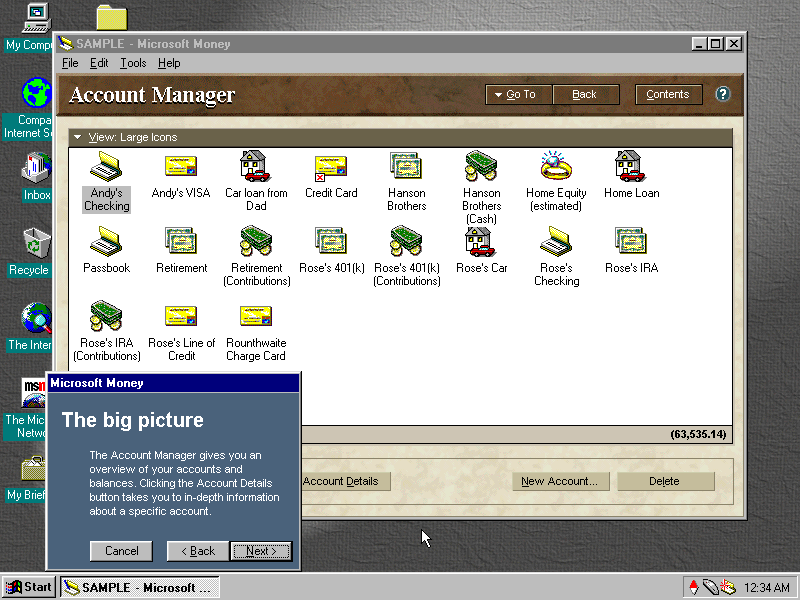
Money 97: Software to help manage your bills and bank accounts, before internet banking was widespread. I like the interface design and art used here, you defiantly wouldn’t expect to come across design like this in accounting software

AOL: Also bundled with the system and serves as the recommended ISP

Compaq Quickrestore For Compaq Presario 4500 Series

86box Github

The Palace (Archive)