
An on-the-rails arcade shooting game, here you only have to worry about aiming and shooting and all the movement is done automatically. There is still a challenge though and fast reflexes are essential to get a good score in Virtua Cop. If you’ve played Time Crisis you will be familiar with the concept, but Sega have implemented different mechanics.
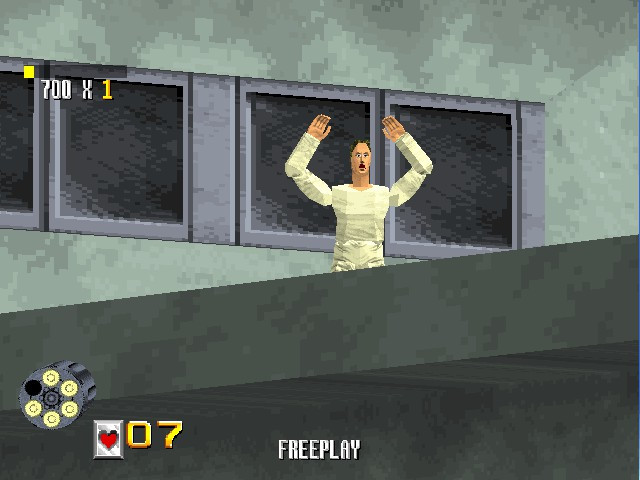
By default you start off with the revolver, which is a standard pistol. Over the course of the game other weapons can be picked up like the shotgun or an automatic, which holds more ammunition and can fire more rounds without being reloaded, but can only be used through one ammo clip.
You will lose the additional weapon if you get shot by an enemy or if you hit a civilian, when this happens you will revert back to the standard revolver.
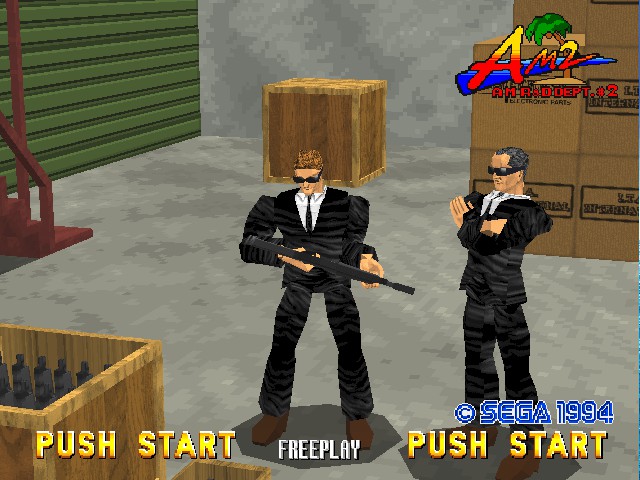
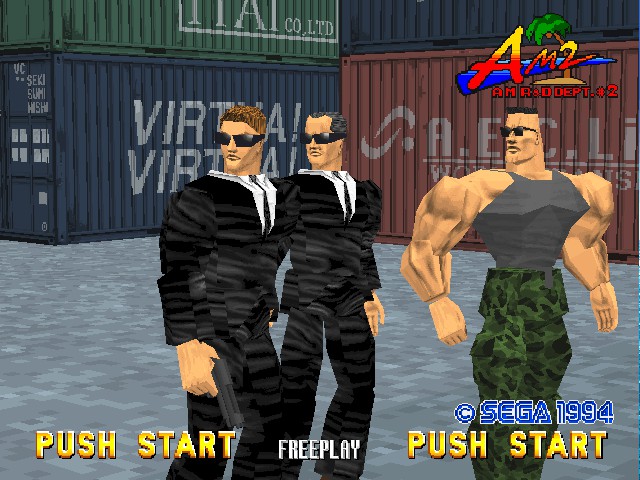
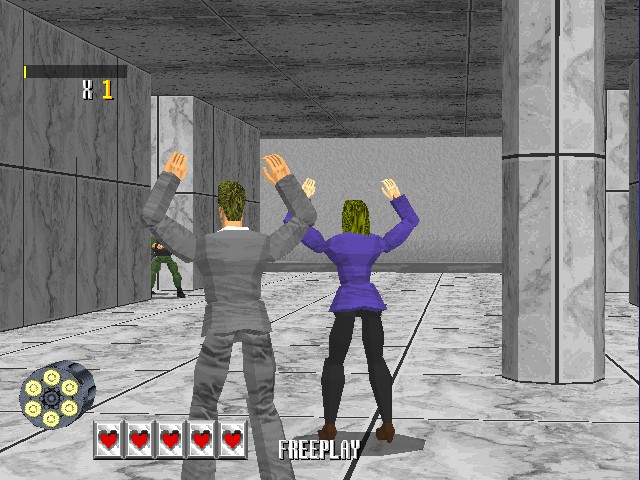
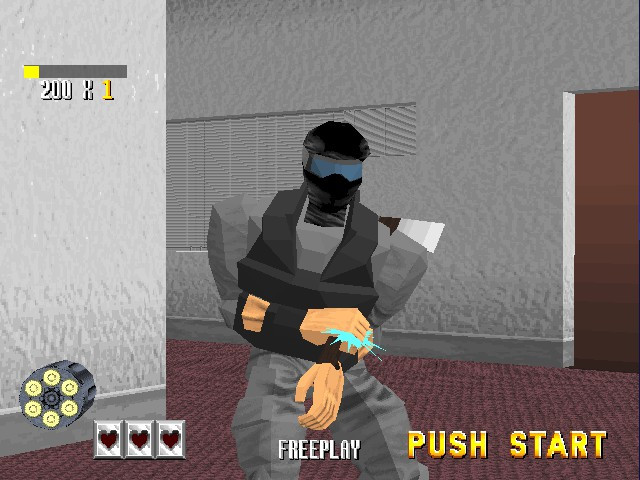
The whole objective of the game is to shoot the bad guys, whilst avoiding the civilians. Shooting a civilian will cause you to lose a life whilst shooting and disarming an enemy gives you a justice shot bonus. You can use the environment to help you, by shooting the red barrels you can create explosions that can take out several enemies.
Occasionally enemies will pop up on the screen and will throw an axe, you will need to shot them before their axe makes contact otherwise you will lose a life. These can take you by surprise, but remain consistent through multiple playthroughs, so over time you can memorise the enemy sequences.
Some enemies will also throw a grenade, you must shoot the grenade before it lands.
Levels:
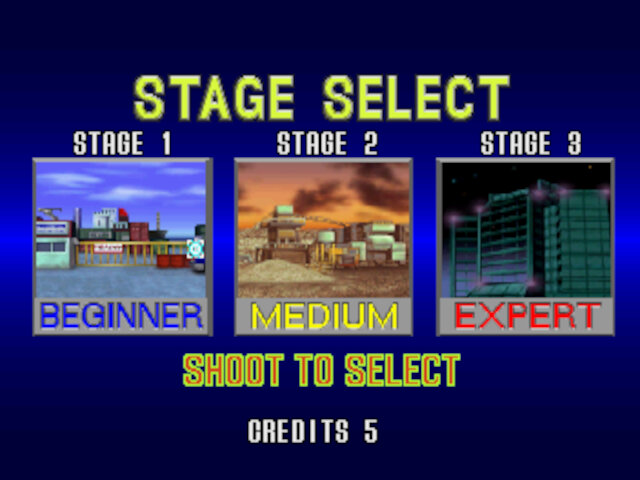
There are three stages in total, at the end of each stage is a boss fight where you will need to shoot both the boss enemy and their projectiles.
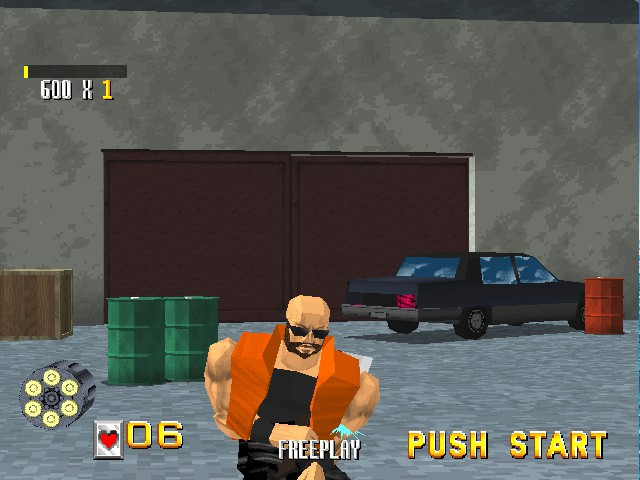
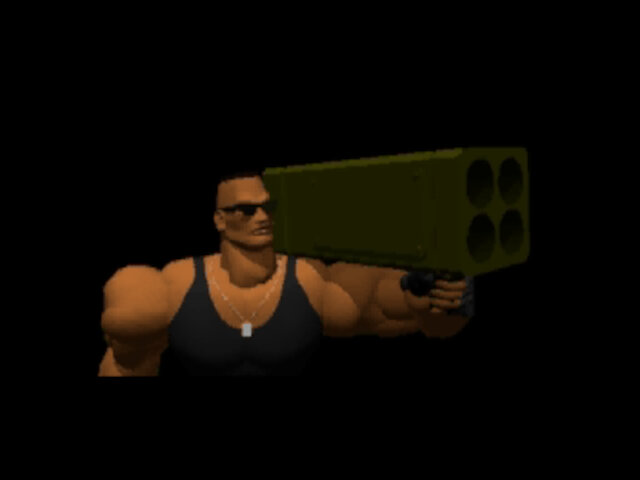
Stage 1: Arms Black Market, Starts off on a shipping yard, where this is suspected criminal activity going on with the illegal import of weapons. The end boss is Kong, who uses a rocket launcher.

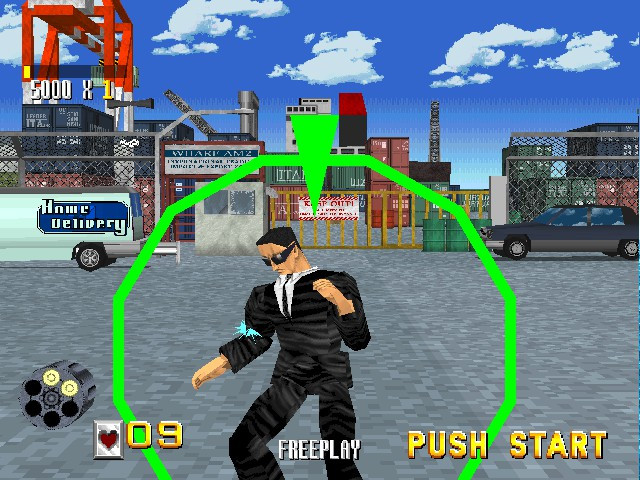
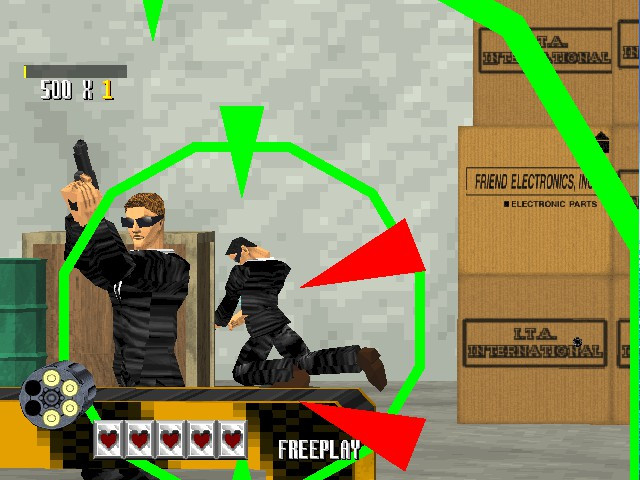

Stage 2: Underground Weapon Storage, Takes place on a construction site. Here the enemies start to become more frequent, with many popping up on screen, and environmental hazards involving vehicles now talking place. End boss here is called King (No, not the one from Tekken), and uses a flame flower that shoots balls of fire.
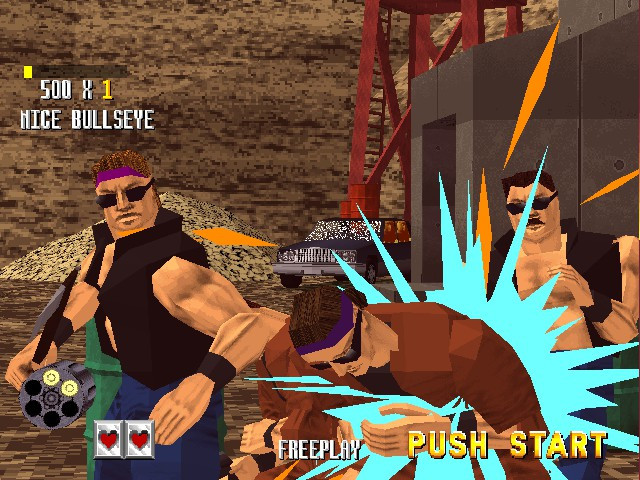
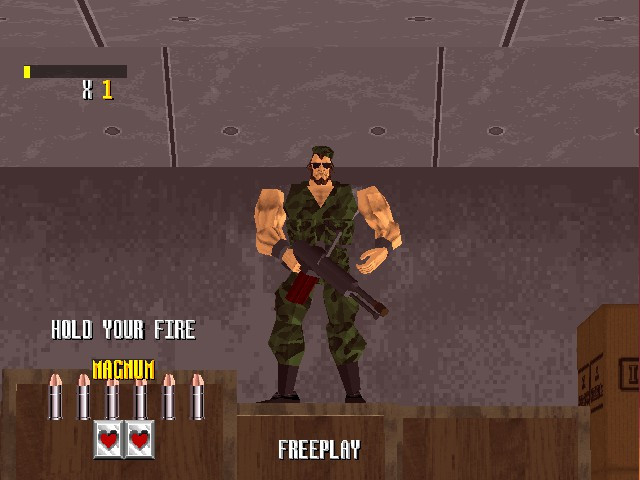
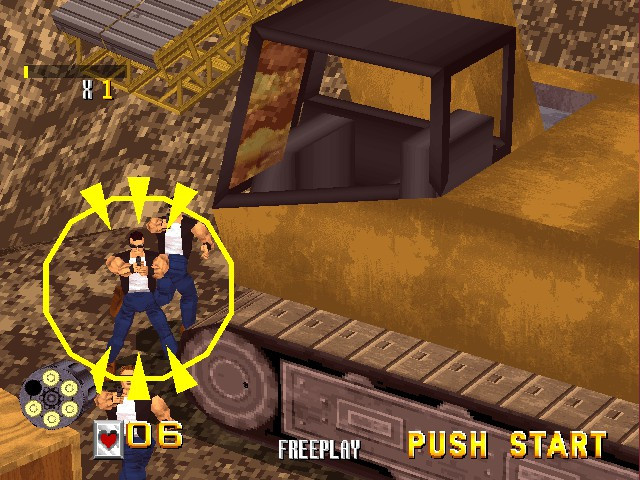
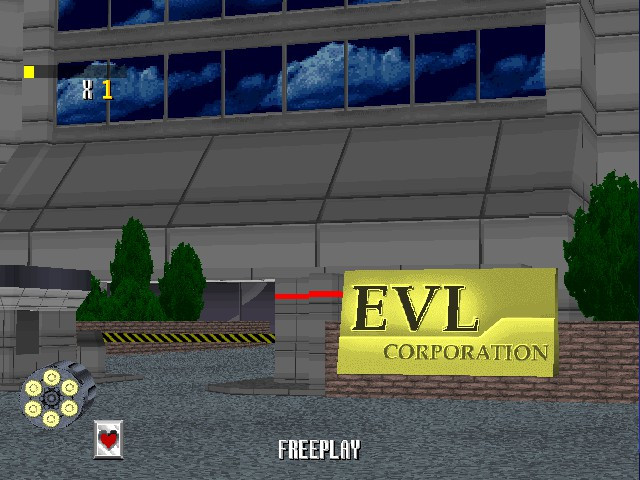
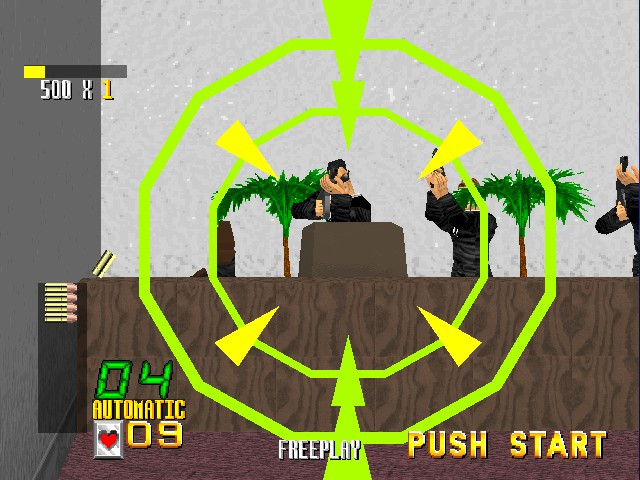
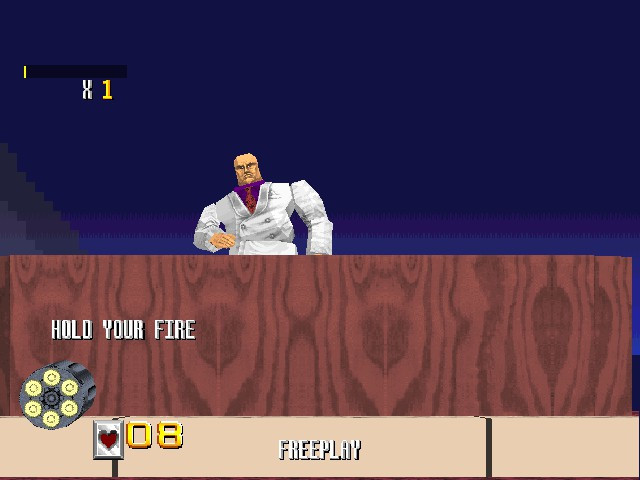
Stage 3: Gang Headquarters, We’re here in the EVL corporation headquarters. You fight shoot your way through the Skyscraper, through the various offices (equipped with Apple Macintosh Quadra 900s, guess we know what computers Sega was using back then). Here the enemies are a lot more quicker to react compared to the previous stages. At the end there are two gang bosses, Boss and Fang. Boss desk transforms into a mecha-suit that fires missiles, whilst Fang is an attack helicopter.


Versions
Arcade
Virtua Cop debuted on the original Model 2 arcade board and was a light gun based game. The player uses the gun to aim at targets to fire and shoot enemies. Reloading is done through aiming the gun away from the screen and shooting.
In total there are 3 stages, and can be played in any order. By default you have 5 lives, which can be amended in the games test mode. After all your lives have been lost, you need to insert credit in order to continue, but the game does allow you to pick up where you left off instead of starting from the first level again.

Sega Saturn
Sega ported the game to the Saturn in 1995 and was one of the fist games to be developed using the Saturn Graphics Library, which was intended to make it easier to develop games for the Saturn. Like other Model 2 to Saturn ports, the graphics quality has been reduced in order to adapt to the Saturn’s graphics hardware.
The Saturn does make use of pre rendered FMV for some of the opening sequences, however the arcade opening sequences is rendered in engine, although modified to account for the Saturn’s design.
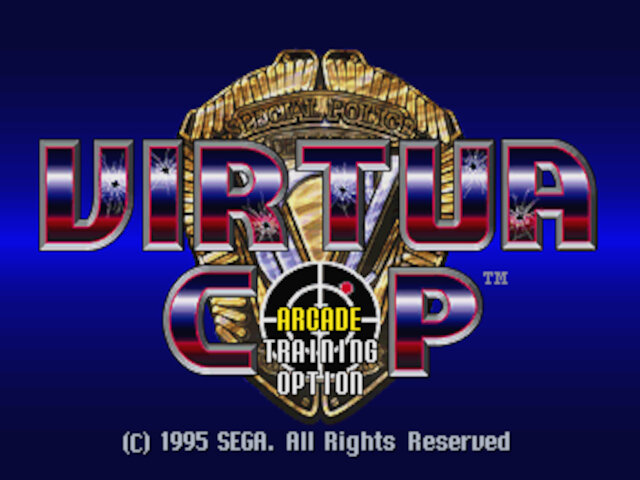
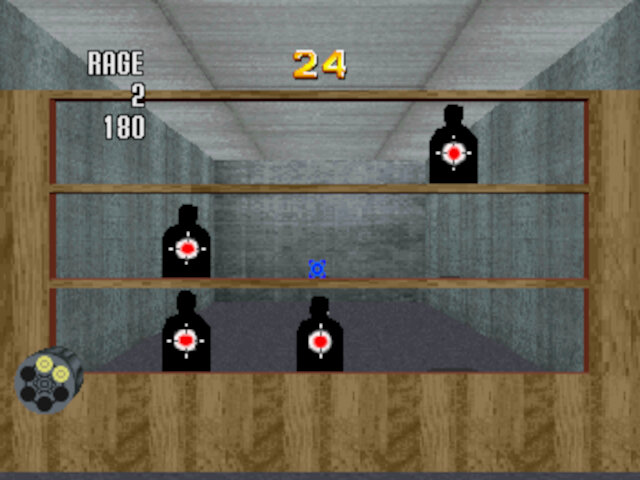
The Saturn compensates for this with the addition of a couple of features like the training mode which helps you get used to the shooting mechanics by shooting a set amount of targets under a time limit. There is also a two player mode that can be access through the training menu.



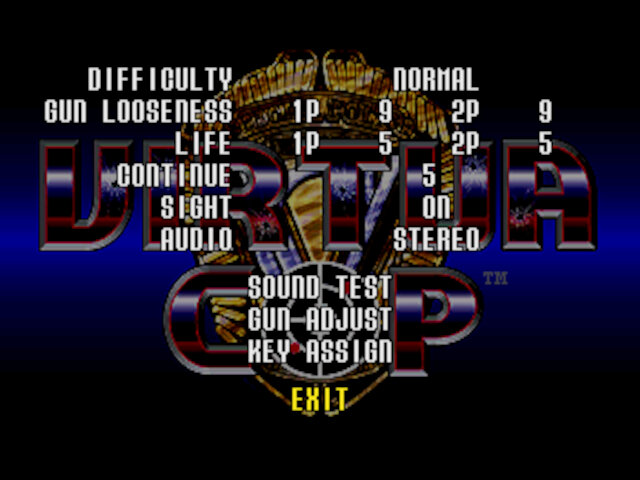


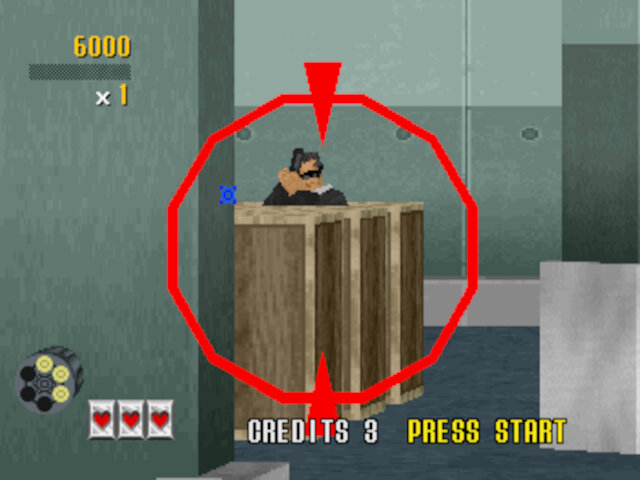
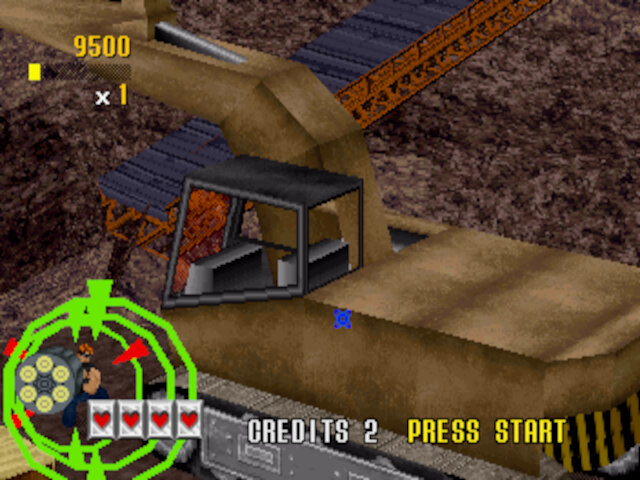
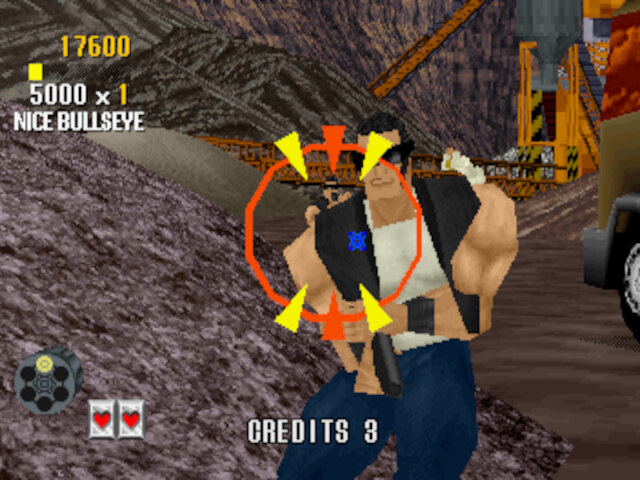
The Saturn version also makes use of the Virtua Gun which is a light gun that functions only on CRT TV’s or the Saturn mouse.
Windows
Sega also ported the game to Windows in 1996 and makes use of DirectX X
Like the Saturn version it also features a couple of features. However it still lacks the visuals of the arcade, even though some high end systems of the time were capable of Model 2 like graphics. It’s likely Sega assumed most players would be using software rending as opposed to a dedicated 3D card, and designed the game as such rather than targeting high end hardware.


Settings screen in glorious Comic Sans, and when 640×480 was considered high res
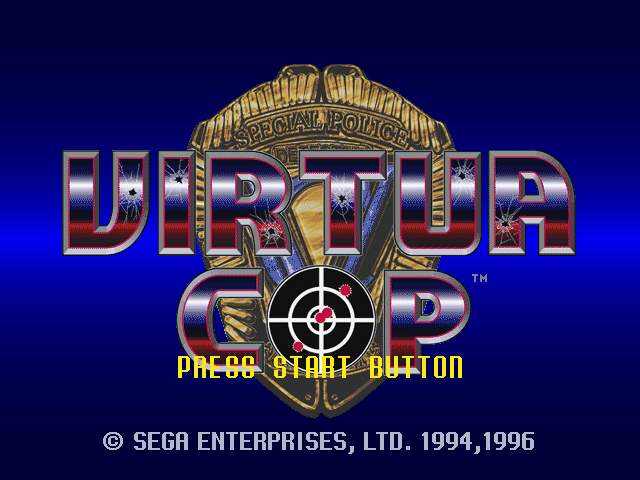
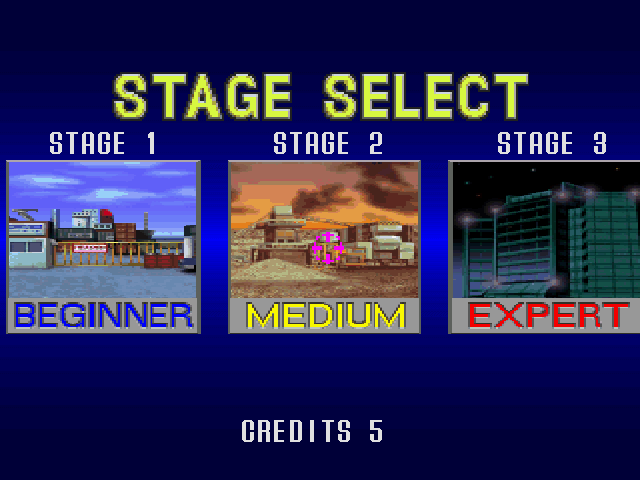
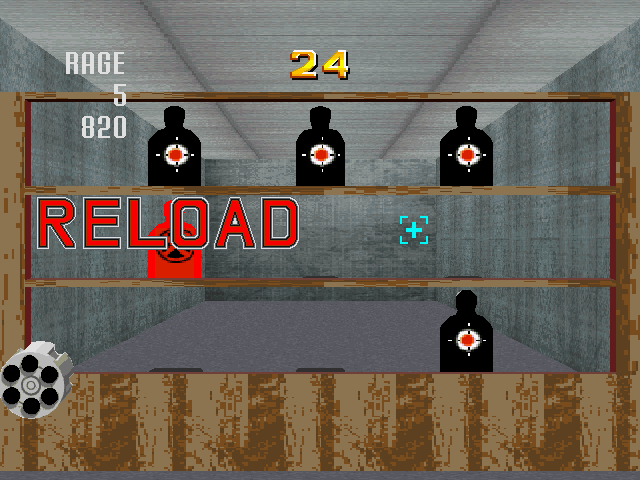

The PC port does suffer from a few issue’s in regards to how it is controlled. Navigating the menus is a pain, as you have to use the keyboard arrow keys and the enter key to select, the mouse cannot be used at all. Seems like the game was designed to be used mostly with the gamepad. The mouse can be used to aim and shoot, with reloading being done by double clicking the right mouse button quickly.
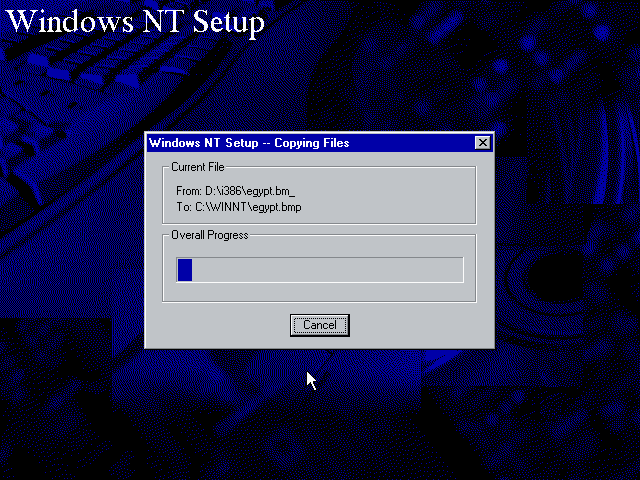
In terms of support the game was meant to be used for Windows 95, but will also work with Windows 98. No support for NT (Not tested yet). The game makes use of DirectX 2 for its 3D API. There is also support for the Nvidia NV1 accelerator, which Sega’s early 3D PC titles had support for, this also makes use of a special executable that runs on that graphics card only. No modern API wrapper for that card exists, and many emulators (PCem/86Box/QEMU) have no support for this unique card.
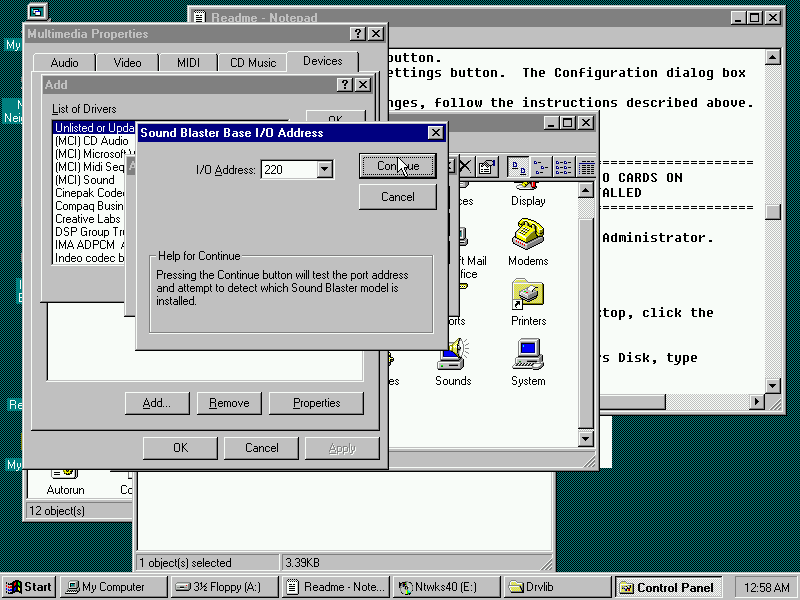
As with all CD-ROM based games from this era, this makes use of CD Audio for the games background music. In order for this to play back you must have the game in a BIN/CUE format since this preserves the audio subchannel data. PCem and 86Box do support this form of audio when mounting those images directly into the emulator, providing the correct image format is used. On an actual system an IDE hard drive with the CD Audio header must be connected to the CD Audio port on the soundcard, otherwise the music will not play, modern SATA drives and onboard soundcards will likely lack this interface.







 Drew1440: Blog