Another budget eMachines system is designed to be an internet machine. This one is running the famous Windows ME(me)
This copy of the recovery program is modified to work on any system or virtual machine, here I have decided to try out Vmware Fusion on macOS since it is one of the few VM’s to support addons/acceleration for Windows ME (Parallels only has graphics support, no sound or mouse acceleration)
Also for some reason VMware Fusion has no screenshot feature? Instead you have to use the macOS Screenshot utility instead.
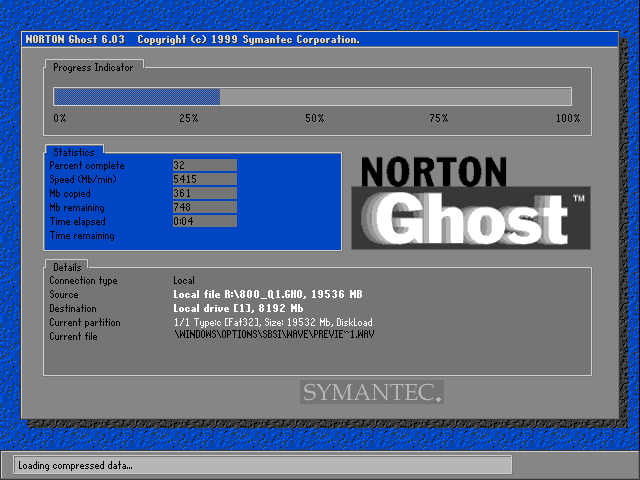
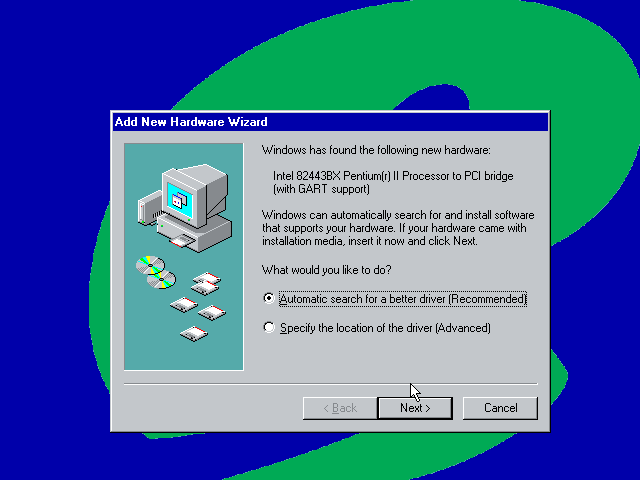
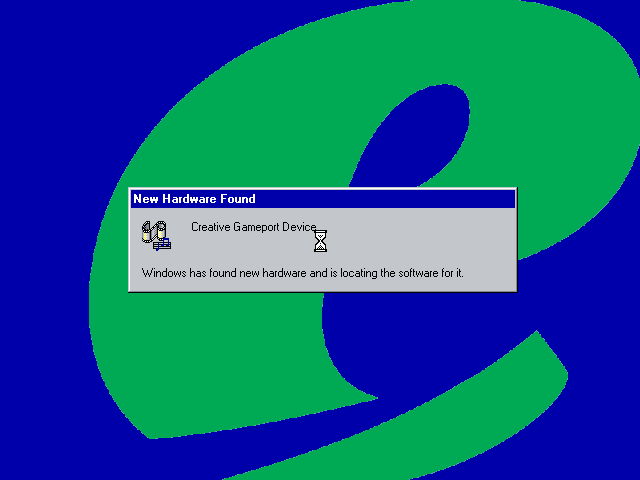
As with other machine utilities looked at in the past, recovery is pretty straightforward forward where Ghost is used to restore the recovery image. And as with using these images with VMWare there is an awful amount of New Hardware dialog boxes to get through, most of which are for the PCI to PCI Bridge.
eMachines branding on the boot screen
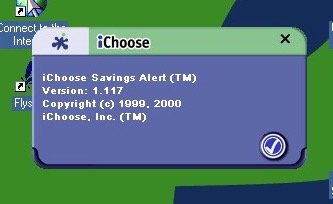
iChoose – Not sure what this is but from the about screen it looks to be a shopping assistant where it notifies you of any savings or if a product is available cheaper elsewhere, whilst datamining you in the background. Cortana on Microsoft Edge did this a few years back, before Microsoft yeeted it due to GDPR
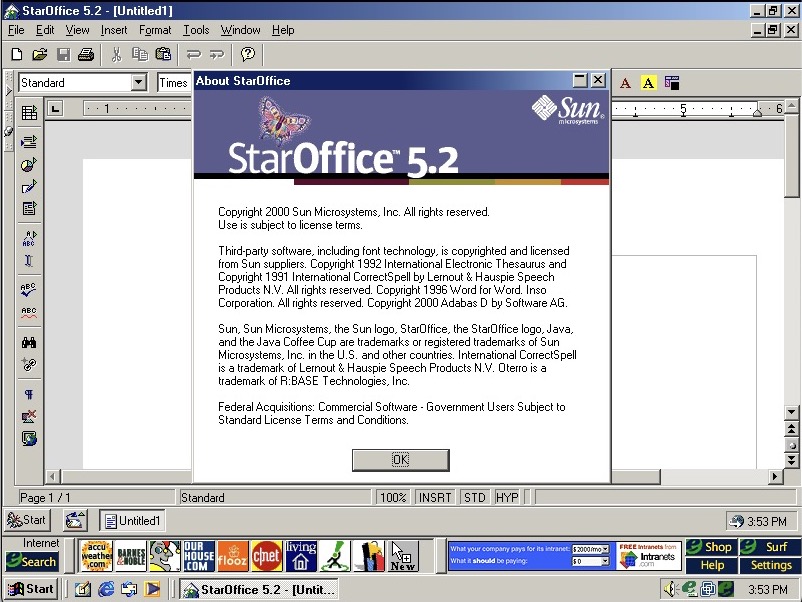
StarOffice is the Office suite included, featuring a word processor, presentation/PowerPoint and spreadsheet software. This was developed by Sun Microsystems and would eventually become OpenOffice, which would influence to LibreOffice, and then Apache OpenOffice.
It will try to use its own file format (.sdw for Writer), but is capable of opening HTML, Microsoft Word (doc) files and even WordPerfect (W4W) documents
Since there is not much difference here that we’ve not seen in other eMachine installs, lets try and upgrade to Windows XP.
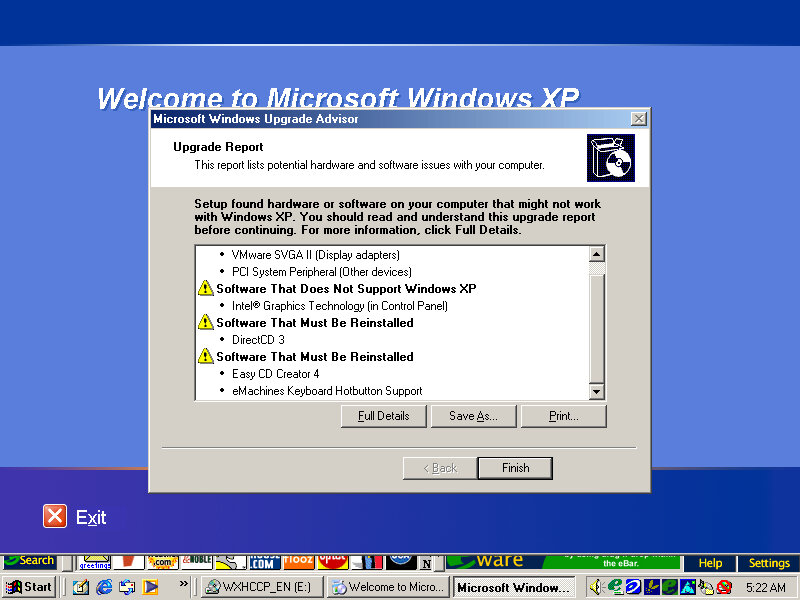
Running the compatibility report advisor, the Keyboard hotkey driver and the iChoose alert applications appear to have issues and will need to be updated.
Starting the upgrade, things went a bit pear-shaped when he VM window appeared to have closed, in reality it resized itself to 1×1 pixels which was odd. I thought the VM had crashed until I heard the ME shutdown sound after about 2 minutes and then it rebooted into setup.
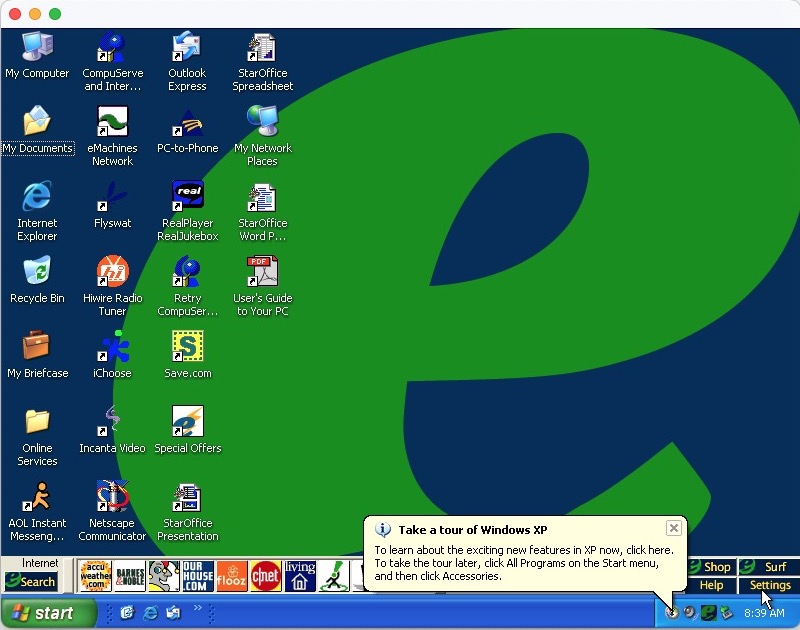
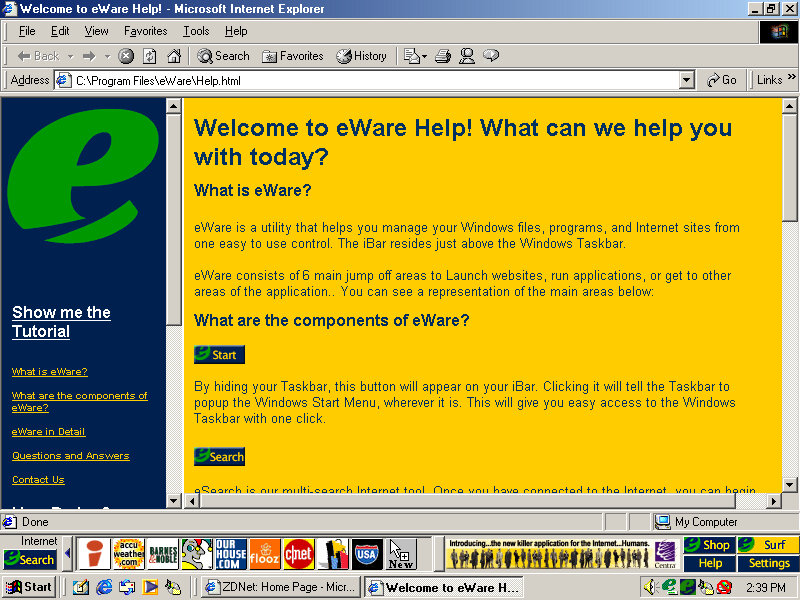
Soon after we are rewarded with the Windows desktop, along with the lovely eWare toolbar.
At this point I discovered save.com, which looks to be a voucher/coupon application that requires both a printer and an internet connection. Guess I must have missed this earlier.
Apart from the issues mentioned in the compatibility advisor, no further issues were found.
There’s quite a few OEM customizations included here, so I’m curious what gets transferred over and if anything breaks. The original system came with Windows ME which was built on the 9x/Hybrid DOS kernel.
Since we are going from a 9x to NT-based install, changes are going to be drastic with new device drivers requiring to be installed. Before installing, Windows does a compatibility check for existing applications and drivers and will alert if any are found to have issues or require updates. This only alerts if Windows finds a known issue with the program based on Microsoft’s testing, some lesser-known applications might not have been tested.
The install appears to have started, but after a few seconds the screen went blank and the VM was unresponsive. Rebooted and was greeted with an option to start Windows or cancel XP Setup. Booting into Windows ME instead boots directly into the XP Setup, which appears a little darker than usual
Not sure why it’s prompting to create a password, never seen that before
The default desktop post-upgrade, along with the eWare banner above the taskbar
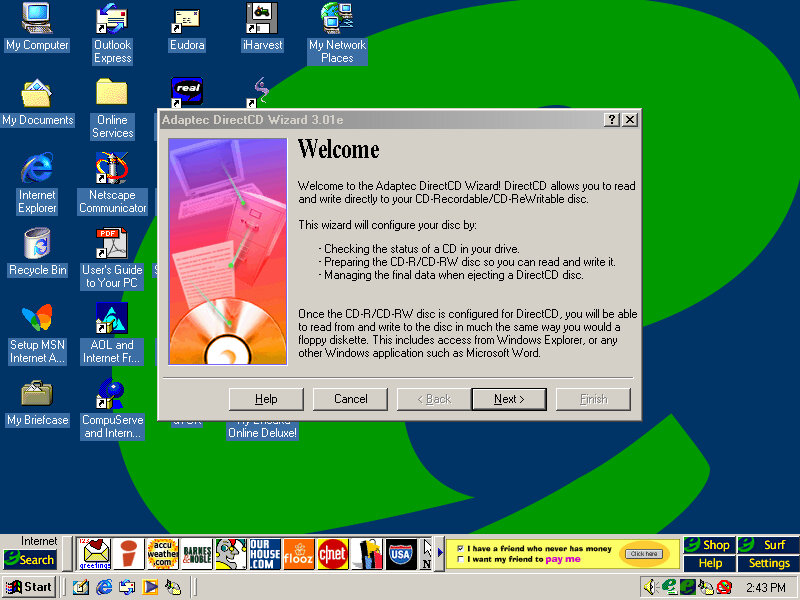
Adaptec CreateCD requires an upgrade before it can function. Interestingly is this is generated by Windows XP. RealJukebox works but failed to load the previous files since the documents directly have changed from Windows ME. What’s strange is the music files have been renamed?
Windows Vista
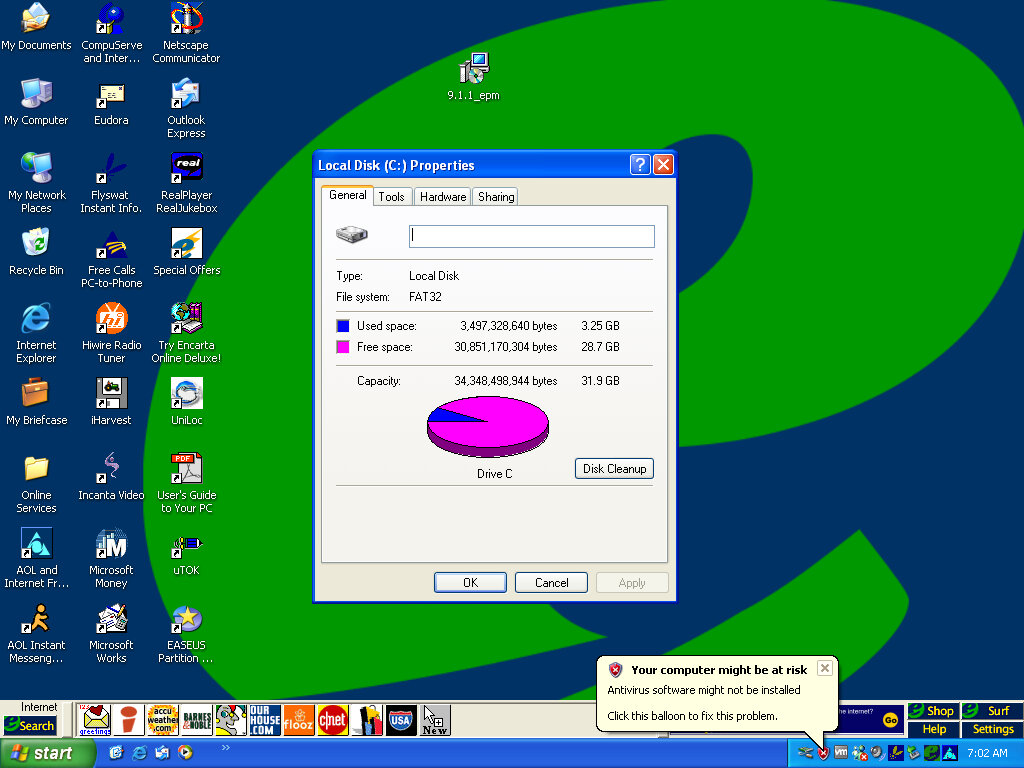
And we hit the wall, since the drive is formatted as FAT32 from the ME install, we cannot install Vista without reformatting the hard disk. We also have to convert FAT32 to NTFS
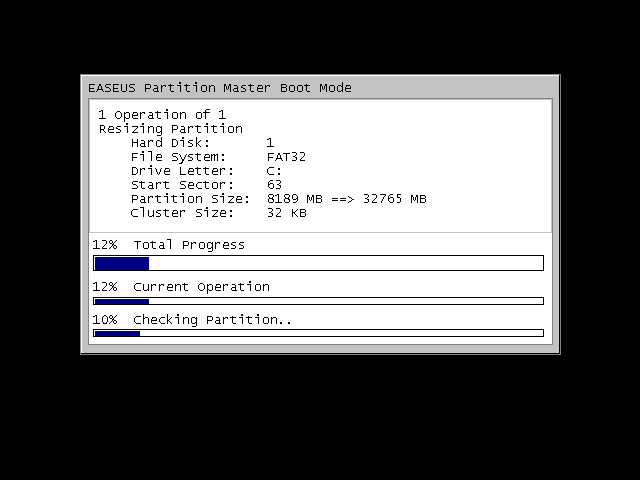
There were a few obstacles, first we had to expand the VMWare disk, as it was set to 8GB by default. Once expanded we had to extend the partition which wasn’t possible in XP’s disk management utility, so I had to use an old version of EASEUS Partition manager to extend the partition.
We can also use EASEUS to convert the disk to NTFS, so we can finally install Vista, and hopefully Windows 7. Before conversion, a quick disk check is done.
Some issues were found but some of these are part of the VM and might not apply to the actual machine, either way it lets us continue
The Flyswat toolbar appears to be broken, and we are missing some buttons on the eWare taskbar
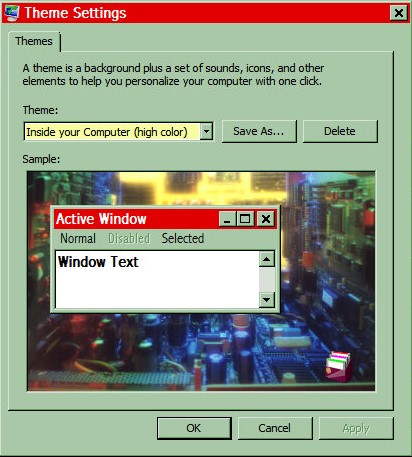
Some of the Windows 98 themes still remain and surprisingly they work. Color schemes, sounds and screensavers.
Adaptec CreateCD has now stopped working completely and will not launch, instead displaying the above dialog box. Later versions of Windows usually keep a database of incompatible programs, including ones that require patches to work.
Windows 7
Install was a lot easier since most of the prep work was done for Vista
Application compatibility is the same as Windows Vista, Meanwhile the icons on the eWare toolbar have started to function gain. It’s rare that you will be able to install this on the actual machines without extensive upgrades, and I’d imagine the eWare links would also long be dead at this point. Also the eWare toolbar sticks out like a sore thumb when combined with the Windows 7 taskbar.
The eMachines eTower 466ix was a budget desktop computer released in 1999 by eMachines. The system was made available with an Intel Celeron clocked at 466MHz, 64MB of RAM, 4.3GB of storage (which varies based on the model) and integrate Intel graphics. Windows 98 Second Edition is the operating system used here.
Recovery Install Process
Recovery is started by booting from the CD. As with other eMachines recovery software we need to have a pre partition disk (does not need to be formatted but must be initalized using the FDISK utility) before we can begin the install.
Had to switch motherboards after the recovery was complete as I got hammered with IOS errors upon bootup, changing to the ABIT LX6 worked much better. Plus it had the advantage of having a similar if not the same chipset as the original motherboard, albeit with no onboard ATI video. The eTower also had a Crystal sound chip onboard along with the software but we can sort of substitute it with the Crystal 4236B ISA soundcard that is supported in 86box. Windows 98 does not seem to come with a driver, so a third party driver must be installed.
Desktop First Boot
Windows 98 boot screen, with the Microsoft logo on the top right.
Looks very similar to the eMachines eMonster that was also a Windows 98SE based install, but we see a lot less software bundled and installed.
The eMachines website, or whats left of it
OEM Customisation
We get a few emachines desktop backgrounds for us to use: E – Windows 98 dark blue background with the emachines logo centred Emachine – the emachine logo in 800×600 Ewall – same as Emachine but zoomed out slightly, also 800×600 Ewalls – low resolution of Ewall, at 640×480
The Musica sound scheme is set as the default with no customer schemes included or set.
Included software
eWare
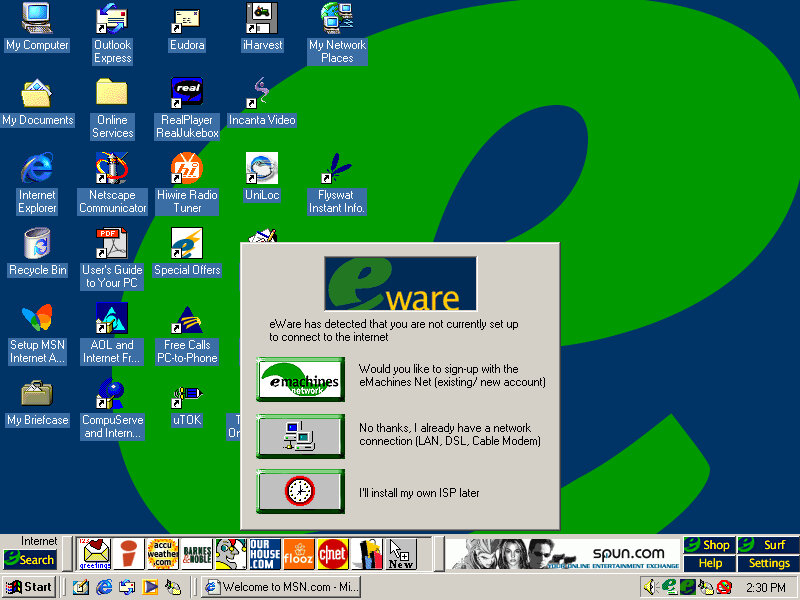
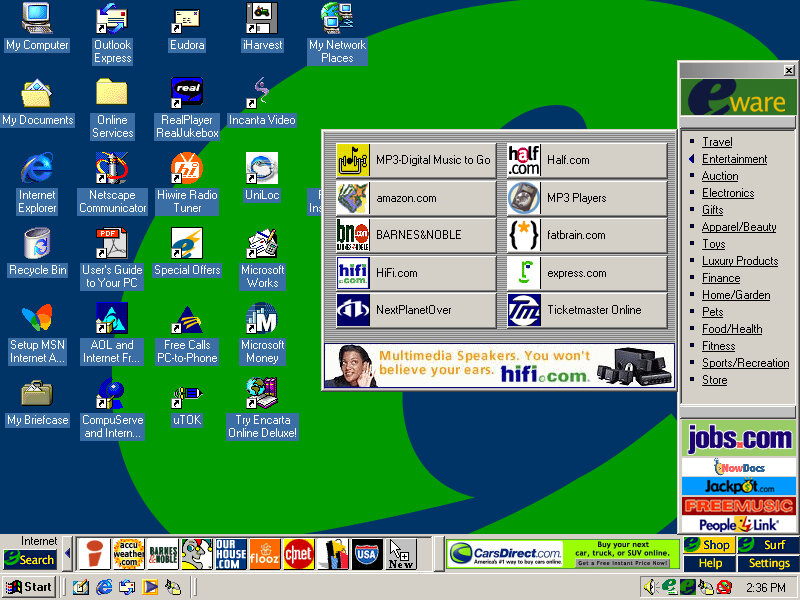
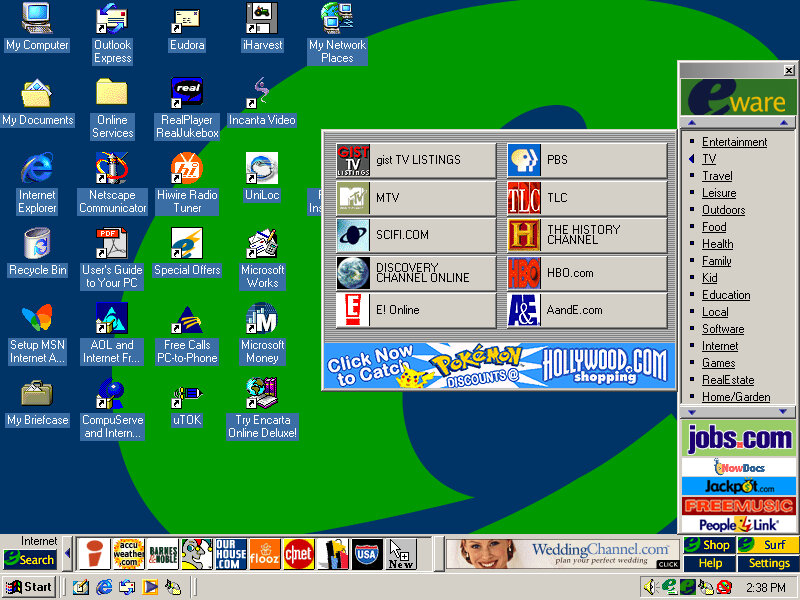
The eWare bar come bundled and appears at the bottom, but on top of the Windows taskbar. This will show shortcuts to popular internet website in addition to a few adverts right on your desktop. There are dedicated buttons for shopping and search engine sites.
Most of these are custom affiliate links which haven’t been archived by the OldNet, so we just get an error page.
There is also an option to take a survey. There is also some sort of search function that similar to Sherlock that’s included on MacOS 9 that can pull search results from Yahoo, Lycos and AltaVista.
Voyeta AudioStation
An audio/MIDI playback application which functions only on Crystal soundcards, at least for the one bundled here. This means it wont function on say a Creative Soundblaster but if we use the Crystal 4236B ISA soundcard in 86Box and install the appropriate drivers (they’re not bundled in Windows 98) we are able to use the application. Again it gives the appearance of a mid 90s home HiFi.
ATI Video Player
A simple video player that makes use of the video acceleration that some of ATI’s RAGE chipsets had supported. 86Box does not exactly emulate a RAGE based chipset but we do have the ATI Mach graphics cards to use instead. It does work somewhat, I can playback AVI files with the exampling being one pulled from Microsoft Garden Home software. The video can be scaled in size and mentions support for MPEG video.
Other Software
Microsoft Works: A basic office Suite, Works 2000 Version 5.0 is installed here. Netscape Communicator: A shortcut exists on the desktop but it not completely installed opening it will launch the 4.6 installer. This will also install RealPlayer G2. AOL 5.0: Also has to be installed from the desktop Adobe Reader 3.01: It’s a bit old as its copyright is dated from 1997 and Reader 4.0 was released in April 1999 Microsoft Money: Finance management software
Another eMachines system, let’s have a look at what comes bundled…
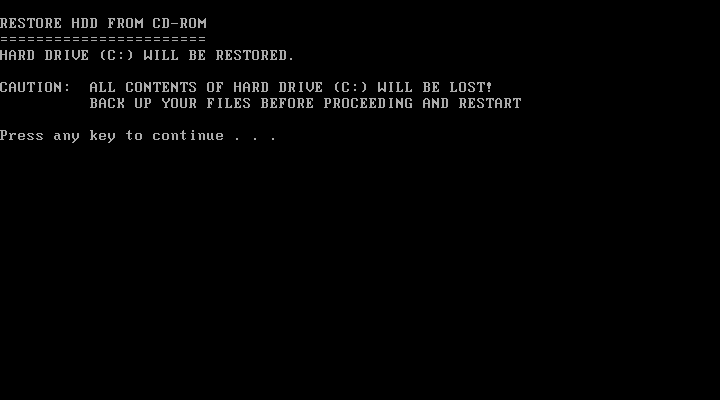
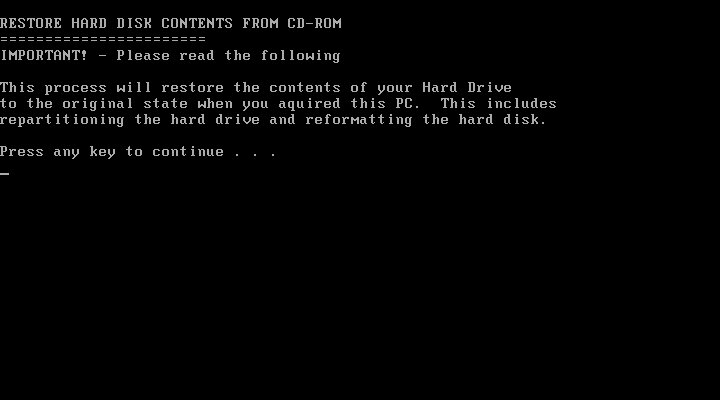
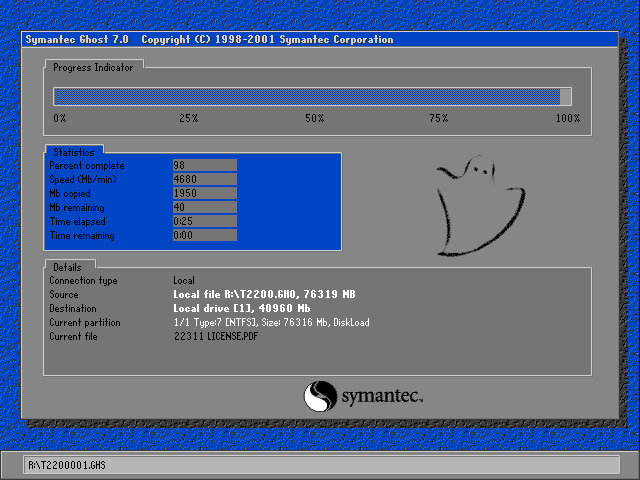
Install is as simple as always, simply boot and the recovery software will automatically partition the disk and action the recovery. Norton Ghost is the utility used to image the recovery media.
After installing the VM rebooted into the Windows ME and began detecting the new hardware. There are a lot of PCI bridges that will be picked up as part of the VM (If you are installing on Vmware Workstation) you can simply hold the enter key whilst Windows detects and notify new hardware was detected.
Eventually, it will start detecting the Network, Sound, and Video adaptors however whilst the sound and network work out of the box, video is a tad more complicated. Simply use the stock VGA driver for now.
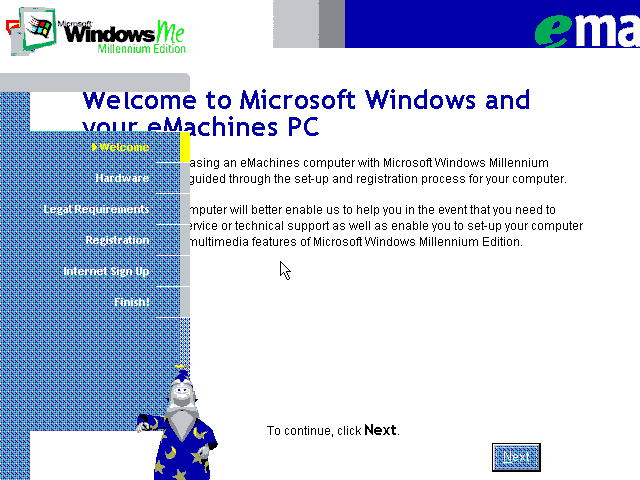
The next part is a bit messy, we are tasked with completing the OOBE (Out Of Box Experience) by filling out a few registration details as proof of purchase. We are stuck at a low screen resolution(640×480) with no ability to change and this causes some of the text to overlap. With a bit of luck we can fill in the required fields (Use 90210 for the ZIP code) and then proceed. At some point the system will try to dial out to eMachines to complete registration, you can simply click on skip to move on.
Also that wizard from the XP OOBE (And Office) appears with a robotic voice.
Eventually, we are presented with the desktop, but we are not done yet. We need to install the VMWare VGA drivers but the OS is so old we cannot use the latest VMWARE tools, instead we can download an old version of the VMWare tools and install that. These files are iso files and can be mounded into the VM using one of the virtual drives (I recommend adding two IDE CD-ROM drives for convenience, although more can be added using SCSI which Windows ME supports)
This one worked best, but even that generated an error, thankfully we can manually install the VMware VGA and mouse drivers through device manager. A quick reboot and we have some acceleration enabled.
Though we still have issues with the USB controller and some other PCI devices.
Alternatively, we can use 86Box to provide more accurate emulation, however im not sure which system is the best match for the eMachines monster.
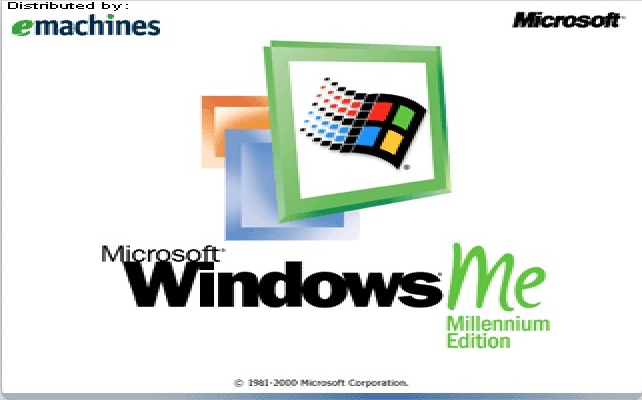
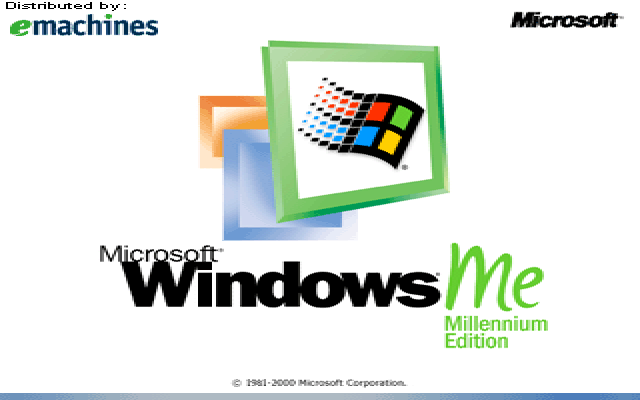
Some branding on the boot screen
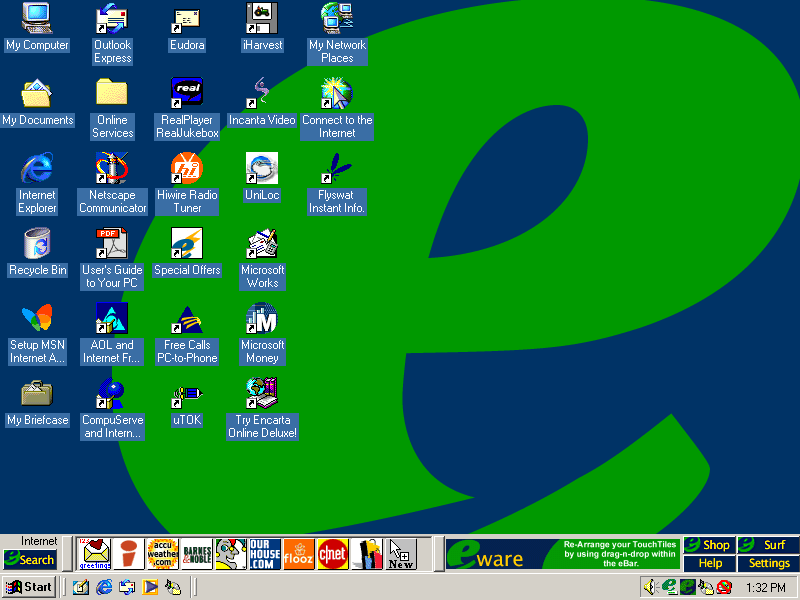
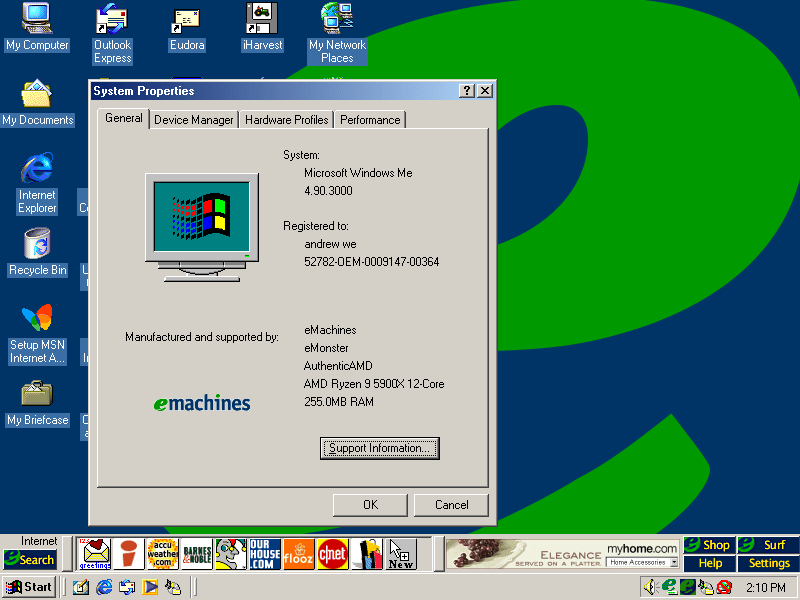
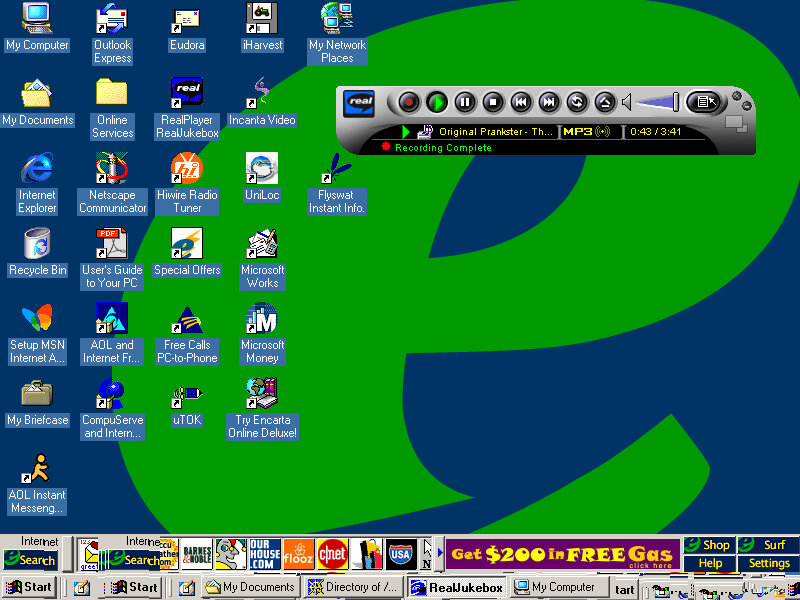
Desktop
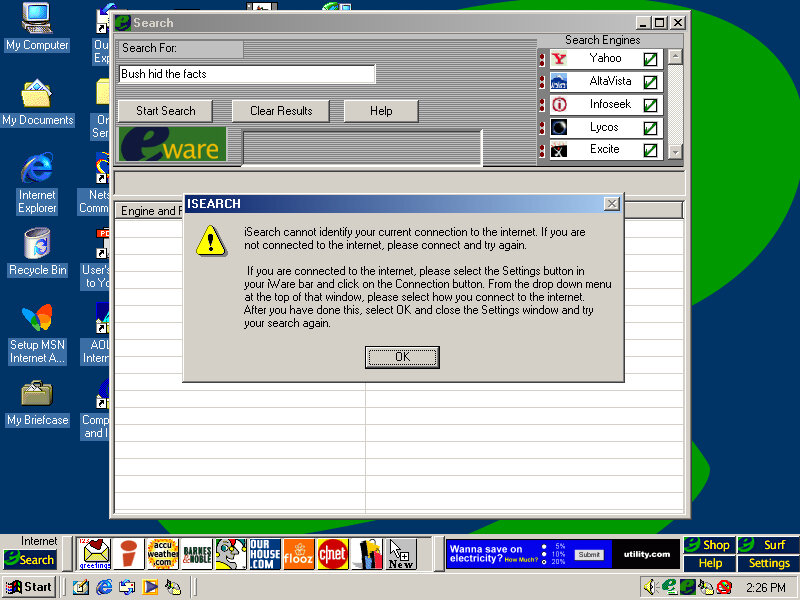
It’s a bit cluttered and there’s quite a bit already preinstalled. You will notice another bar on top of the Windows taskbar. There are a few icons and an advertisement banner on the right. Yup that space was intended for adverts direct to your desktop Clicking on the search button opens up a search box, where you can search on multiple search engines, It’s sort of like Apple Sherlock.
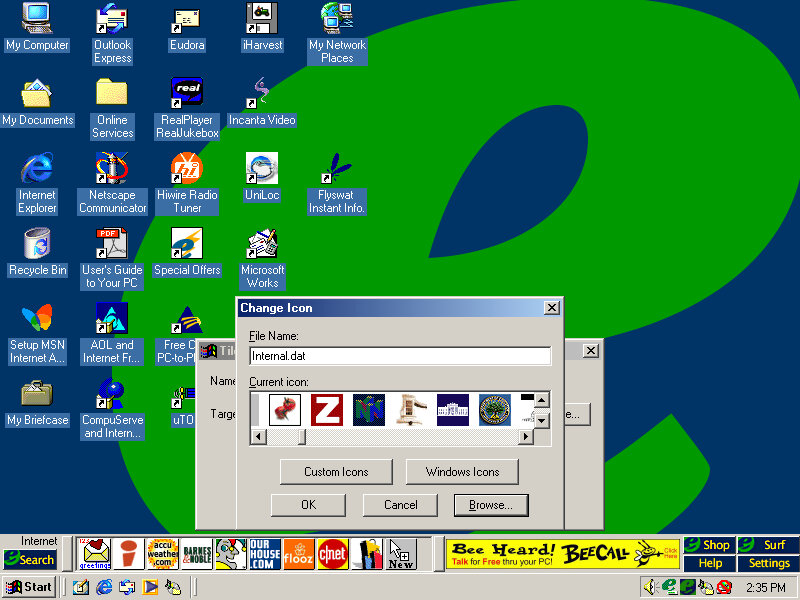
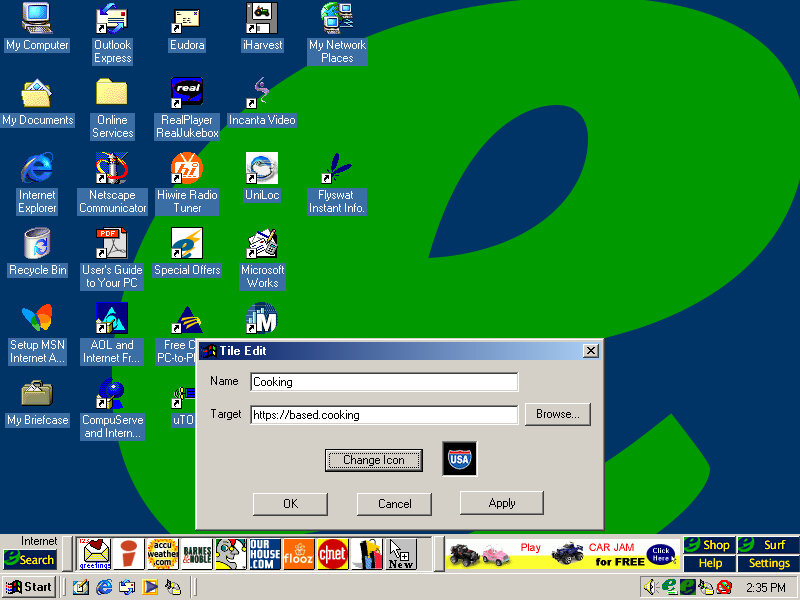
Nothing seems to work, and the error box reports the program as iSearch. My guess is the server is offline. Search engines supported are yahoo, AltaVista, InfoSeek, Excite and Lycos. No Google, thank fuck for that. The other buttons on the toolbar are shortcuts to various web pages online, many of which are defunct or return dead links: Accuweather Barnes&Nobile Shoppinglist.com Flooz cnet ourhouse.com Fool.com You can add your own website shortcut and assign your own icon, for which there’s a large collection to choose from.
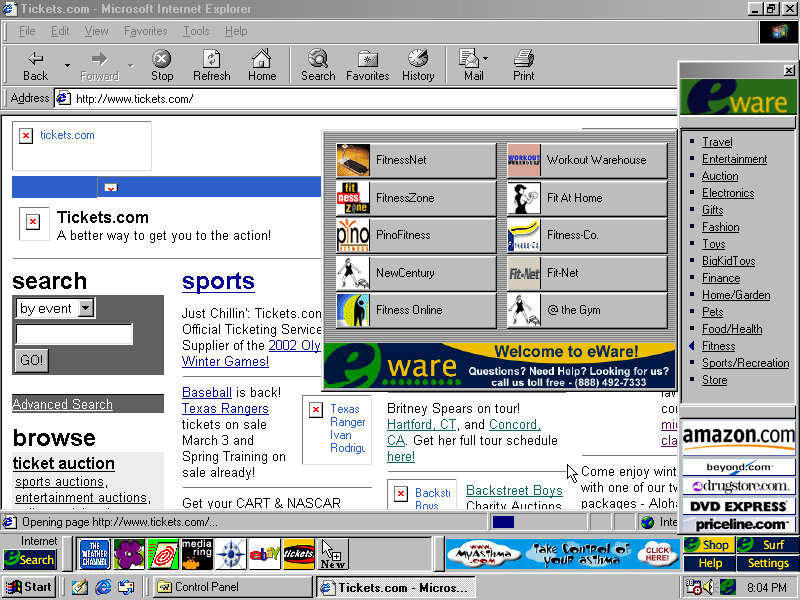
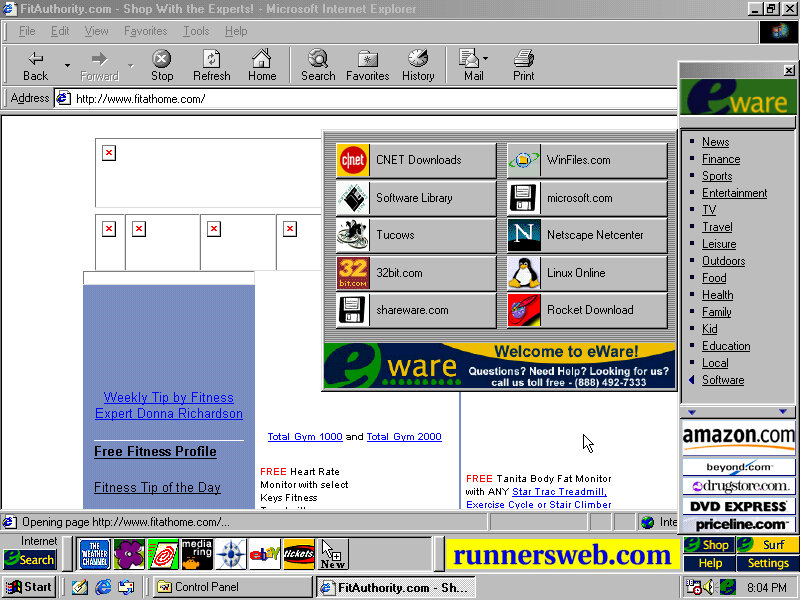
Clicking on Shop on the right of the bar opens up the eWare menu, with a bunch of categories to choose from like travel, Entertainment, Fitness, etc. these contain links to further websites, acting as a directory of online shopping sites. The Surf button is nearly the same as Shop but contains no e-commerce sites and has various categories for entertainment, knowledge and utilities.
It’s actually not a bad idea since these PCs would be intended for first-time internet users who may not be knowledgeable on what websites to access. It’s a shame about the banner adverts.
Software
Easy CD Creator
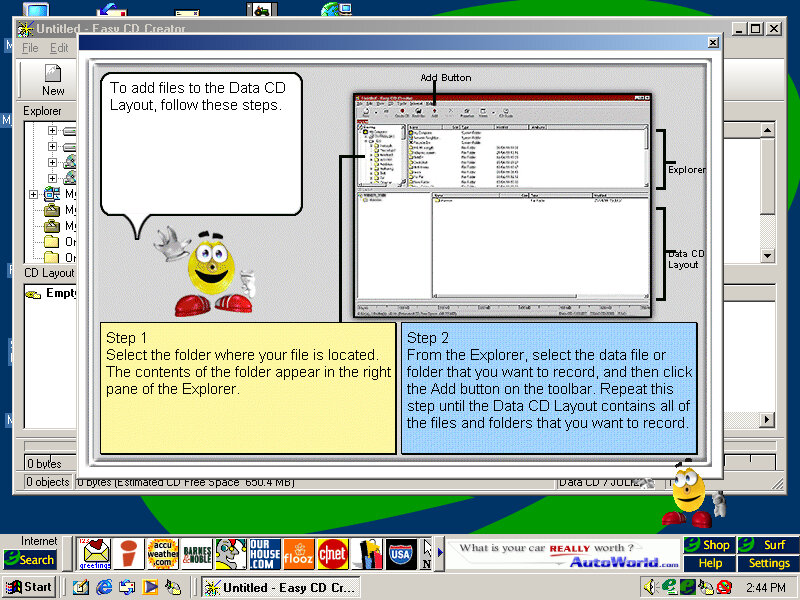
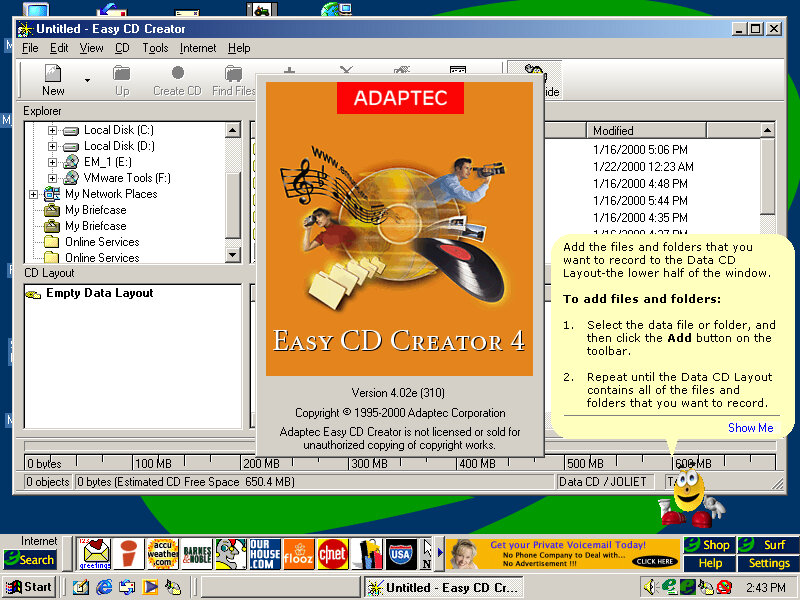
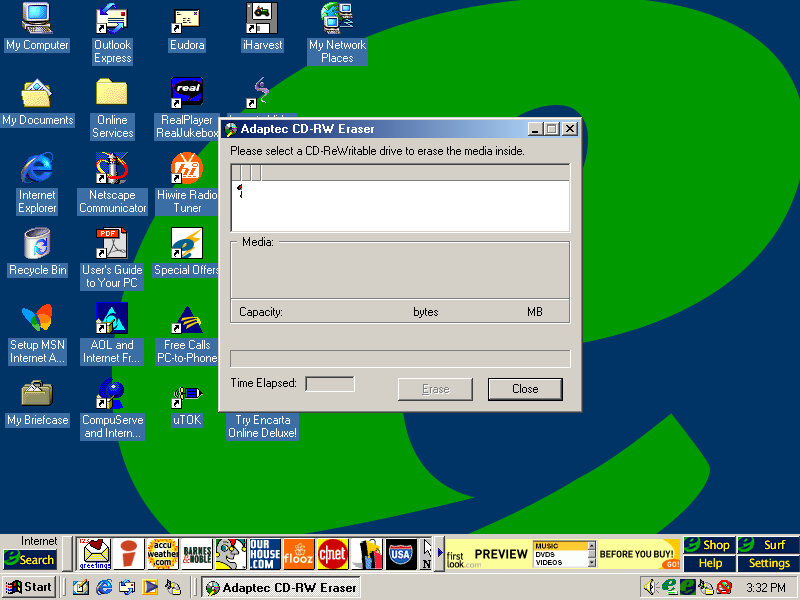
This system came configured with a CD Burner, and I don’t think Windows had native support for CD burning, at least not integrated into Windows Explorer so additional software was required to fulfill this task. Here you can burn audio and data CDs so you can copy your Napster MP3s and convert/burn them for your CD Player or some PSX isos. The Easy CD Creator comes will a full-blown interface, and even has Office assistance-like features that will help you use the program. Images created here to use the CIF CD Image File format, another format that nothing else uses, Alternatively ISO can be used instead.
HiWire
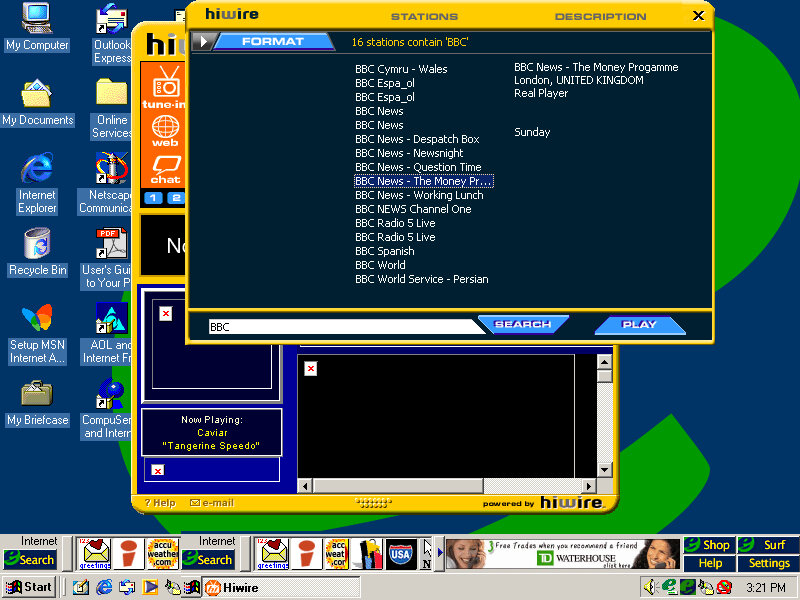
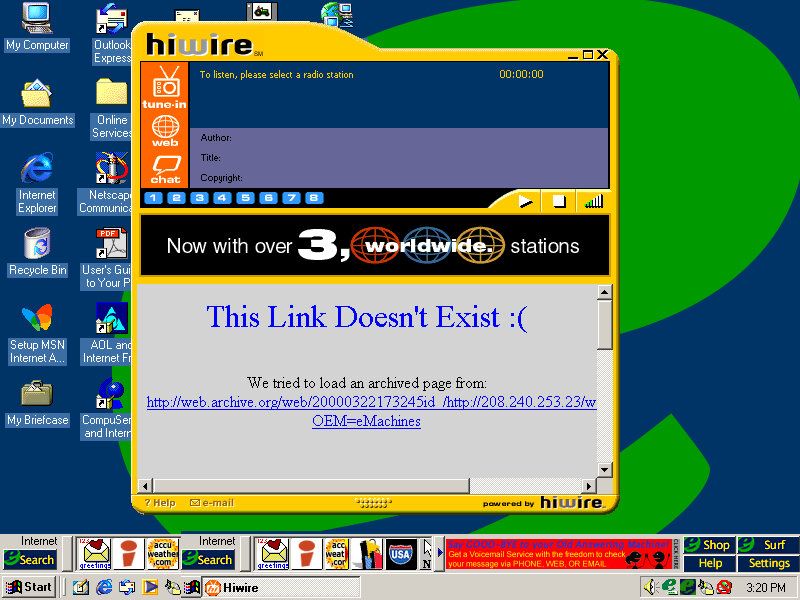
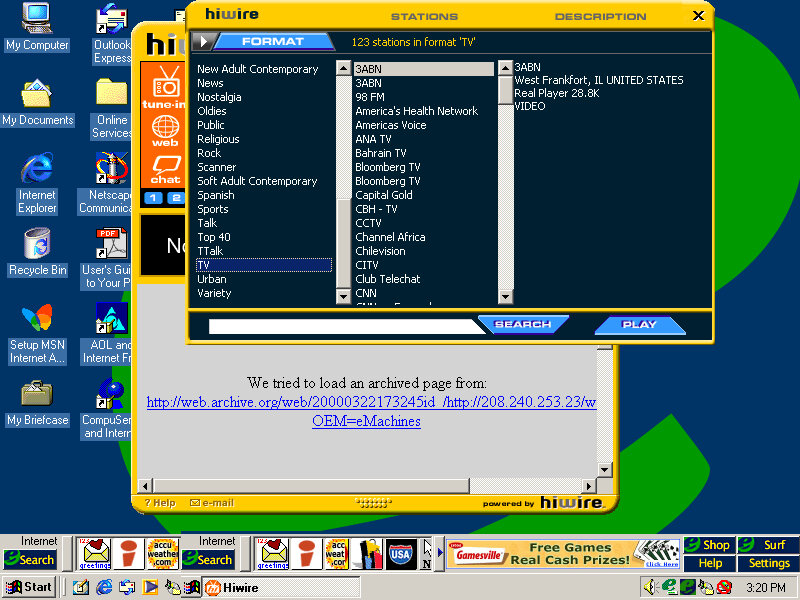
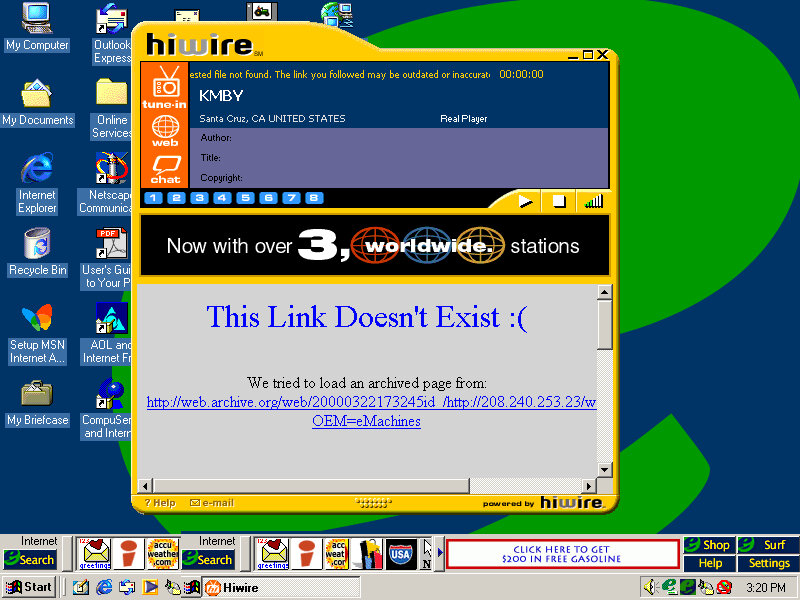
A radio streaming program that lets you stream internet radio over your dial-up or LAN connection, Has a unique interface that stands out from the rest of the Windows applications. You can browse a directory of preset radio stations, of which you can double click to listen to. The chat button open a link to the palace, which was an external virtual chat application. None of the radio stations will work, and will just result in a connection error.
Deltathree
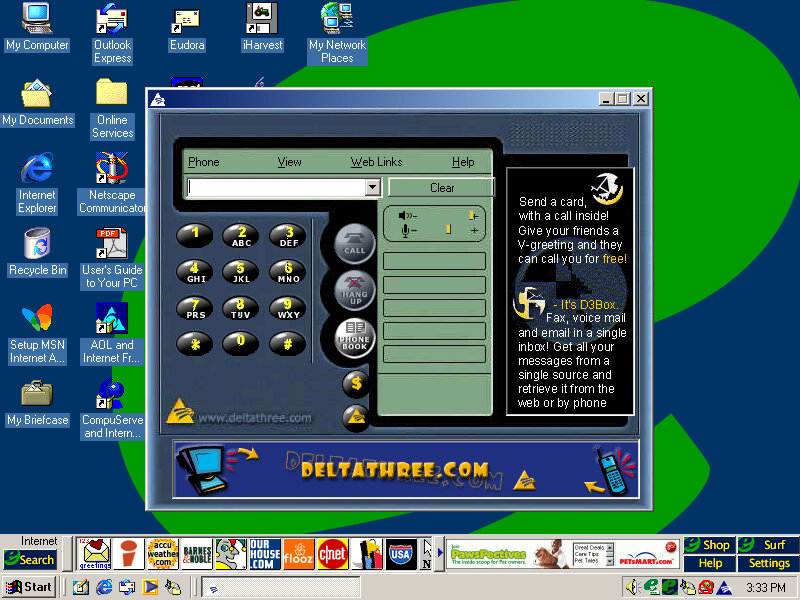
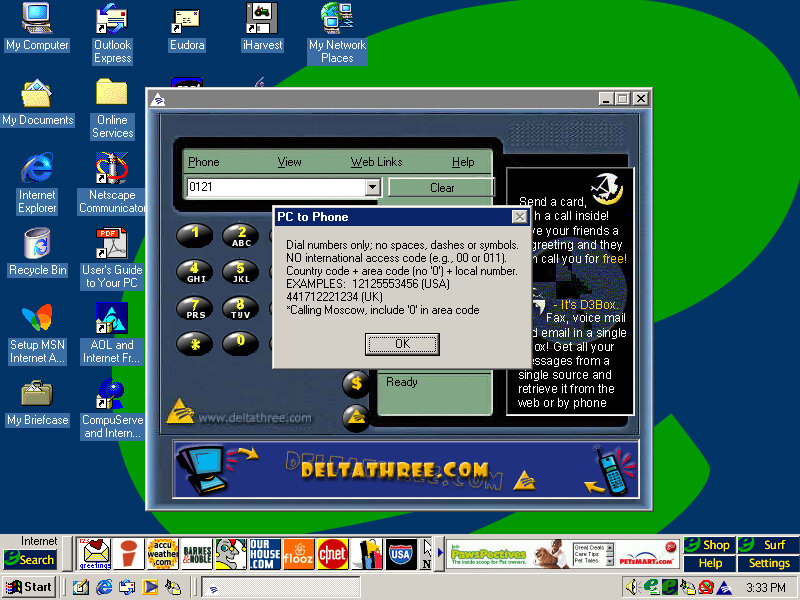
A phone dialing application is used to make phone calls with your PC, although it requires a login to the server. Possibly some sort of VoIP application.
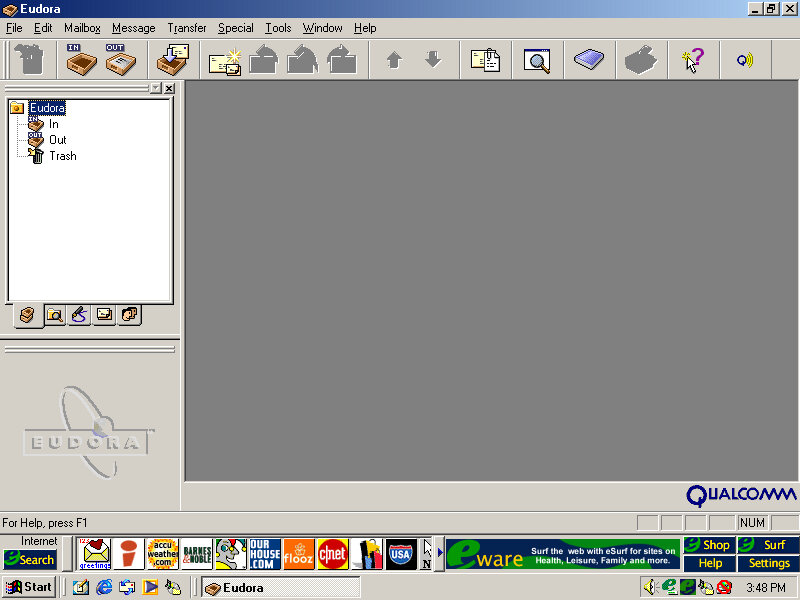
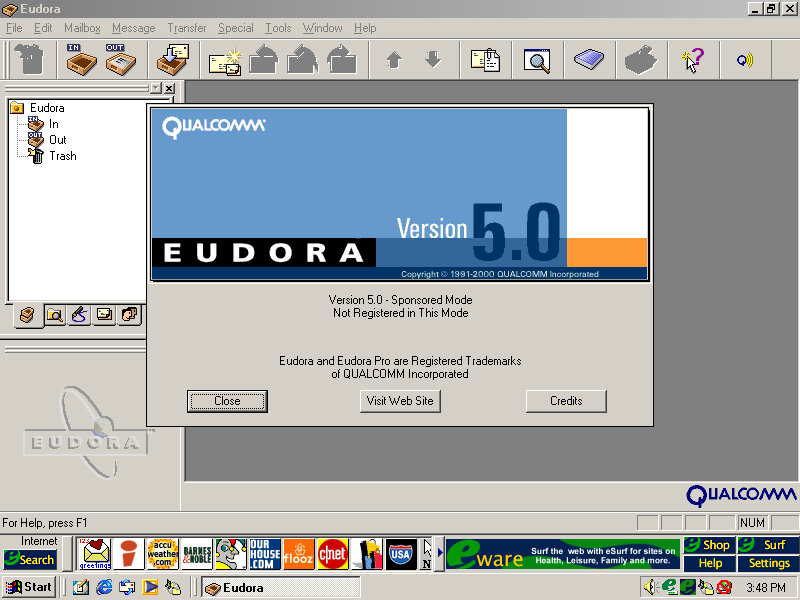
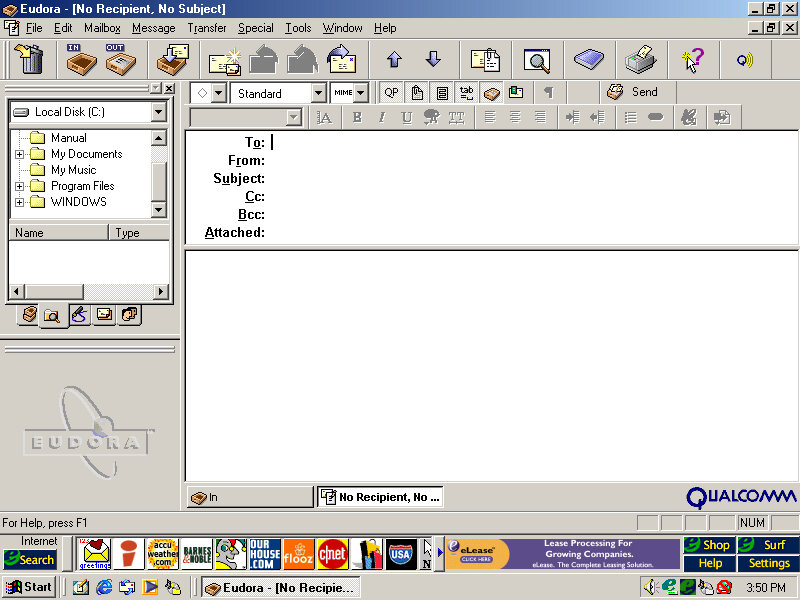
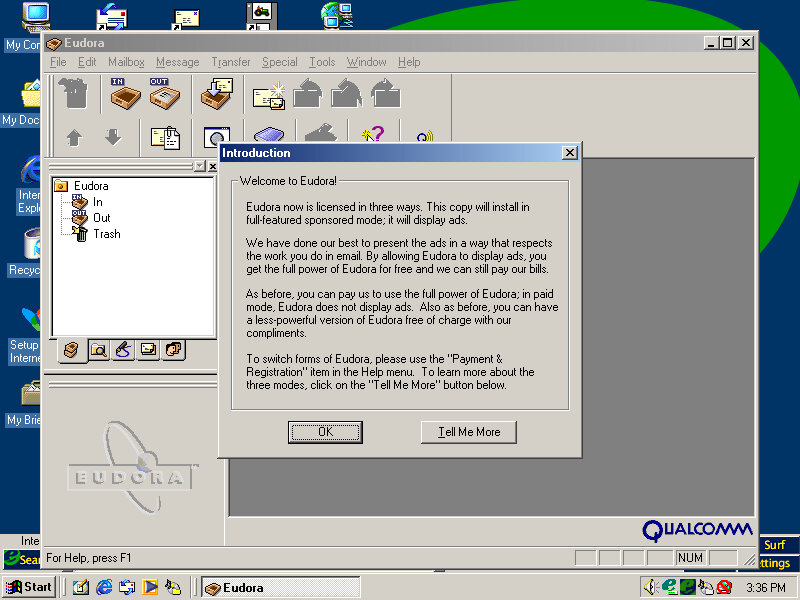
Eudora
This was a popular email client application used as an alternative to Microsoft Outlook. However it requires registration and payment, otherwise, adverts will be shown, similar to Opera.
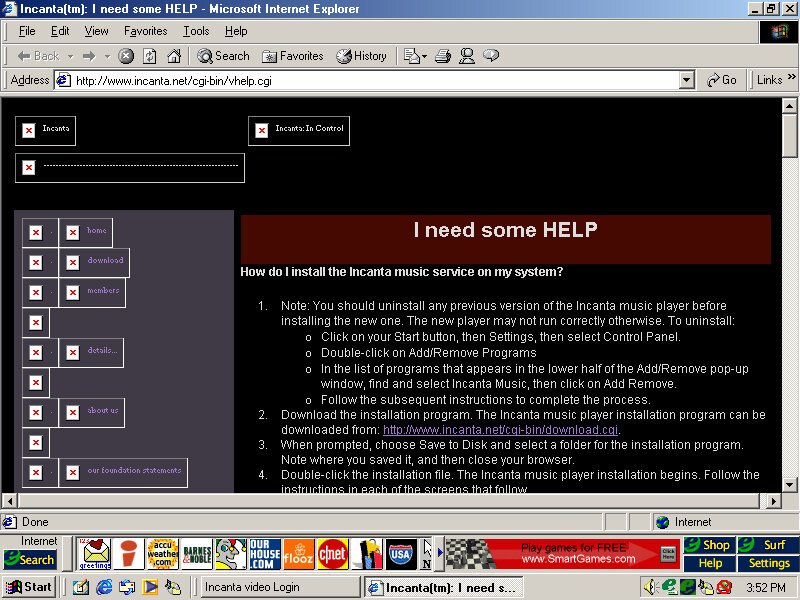
Incanta Video
Not sure what this is as it only shows a login box. A look on their archive website, it appears to be some sort of video music service, like VEVO?
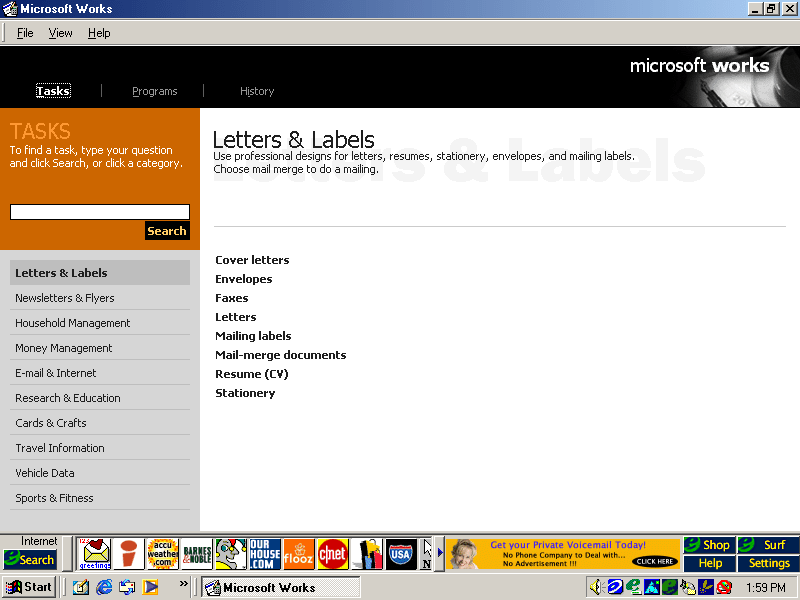
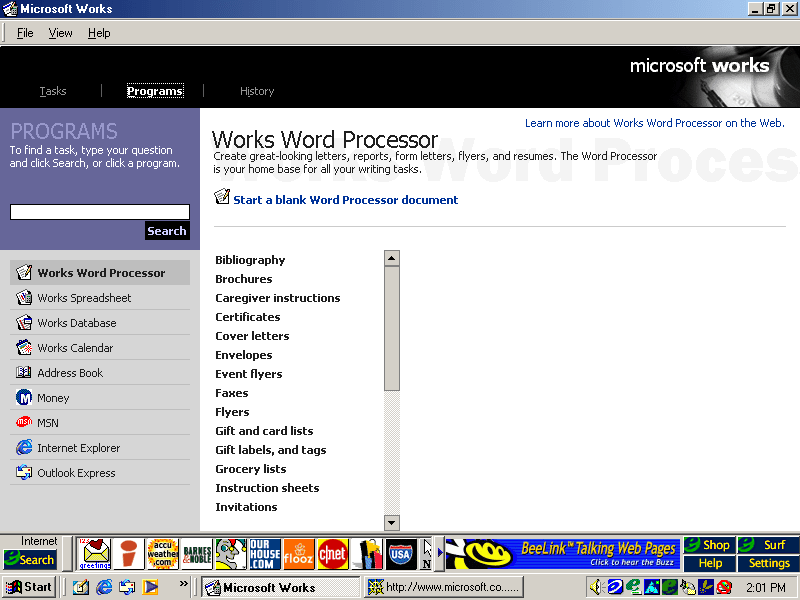
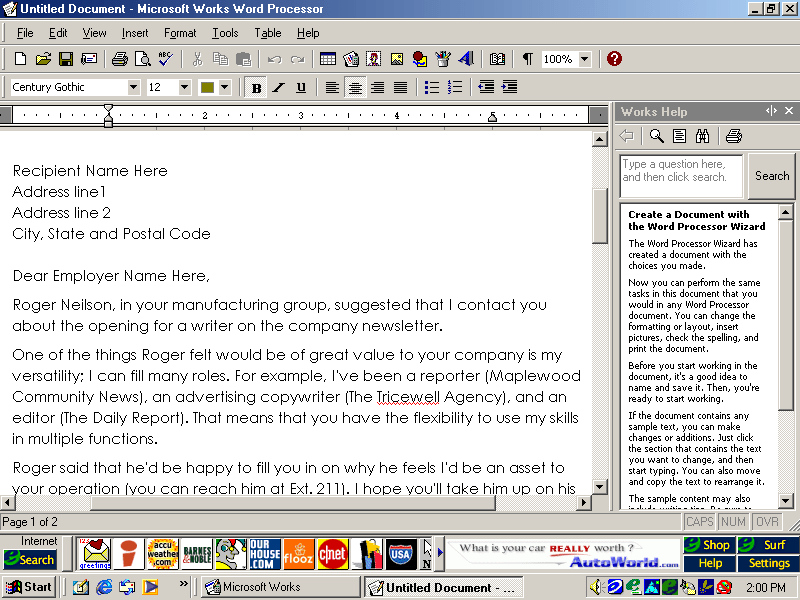
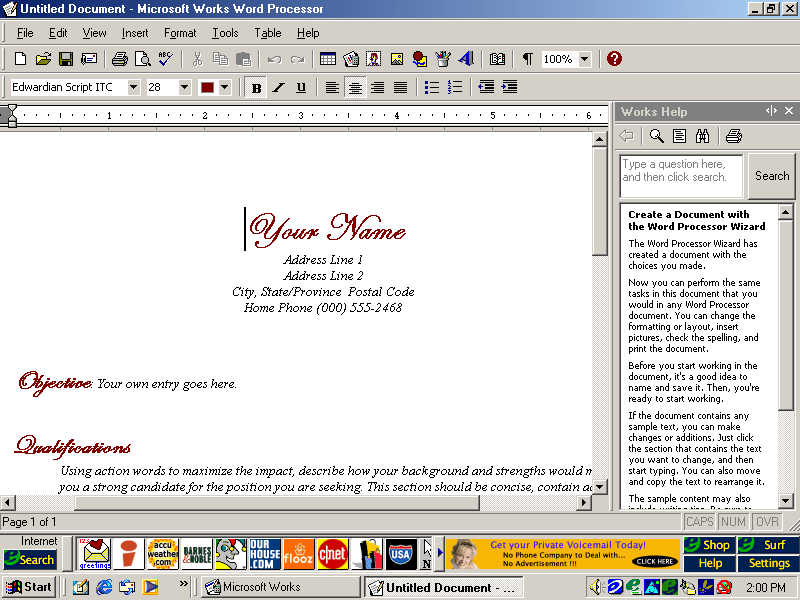
Microsoft Works
An OEM favorite, basic office suite with a bundled word processor, spreadsheet software and a calendar application.
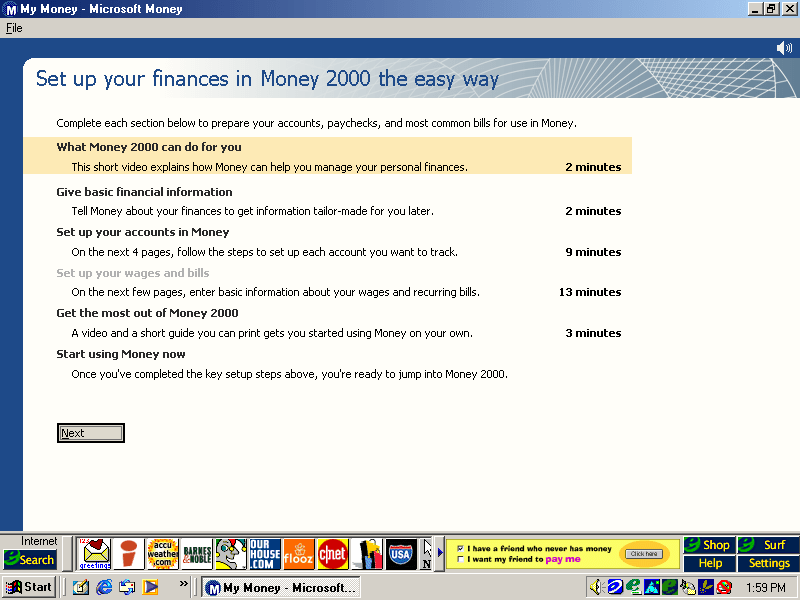
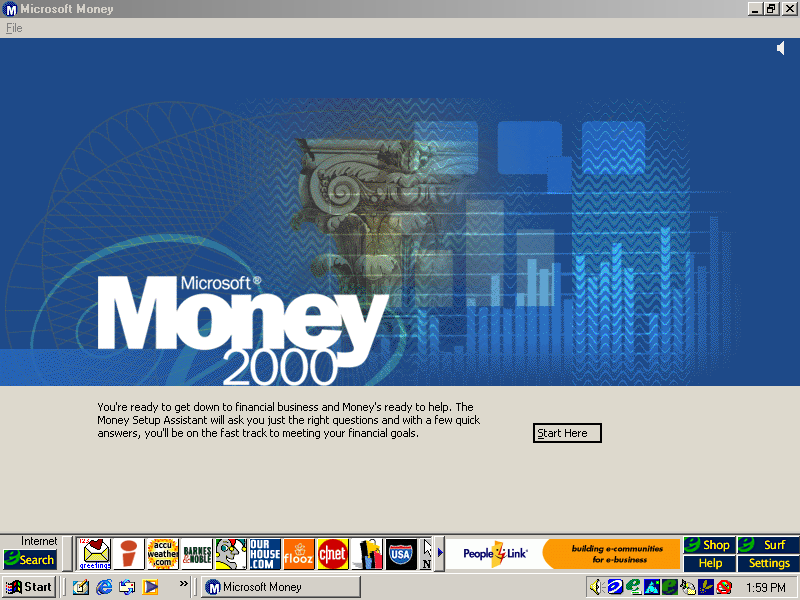
Microsoft Money
Money 2000 comes included here and plays a short tutoral upon the first startup.
RealPlayer
Version 6.0.8.122 is bundled here, RealPlayer was used to stream audio and video over the internet.
RealJukebox
Serves as a media music player for playing local MP3 files that you obtained from Napster
Netscape Browser
Not installed by default but can be done by clicking on the install icon on the desktop, this will install Netscape Navigator and will set it as the default browser
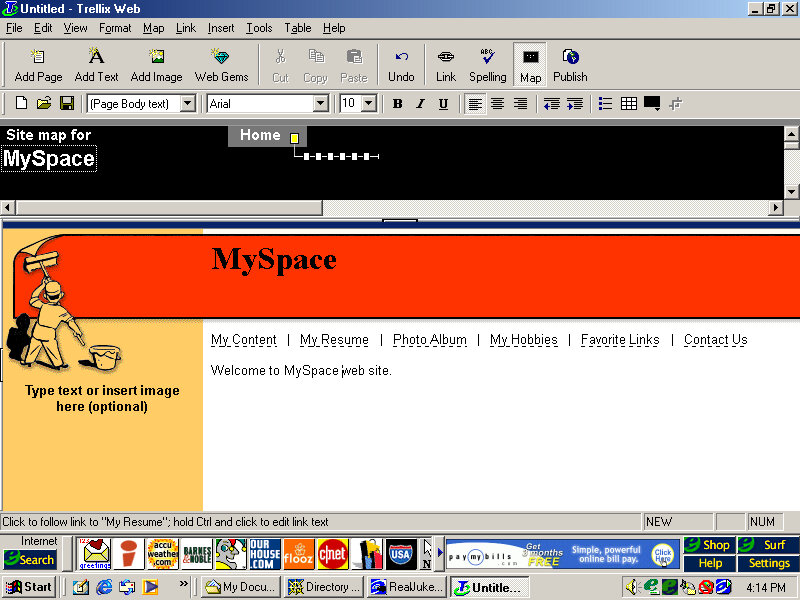
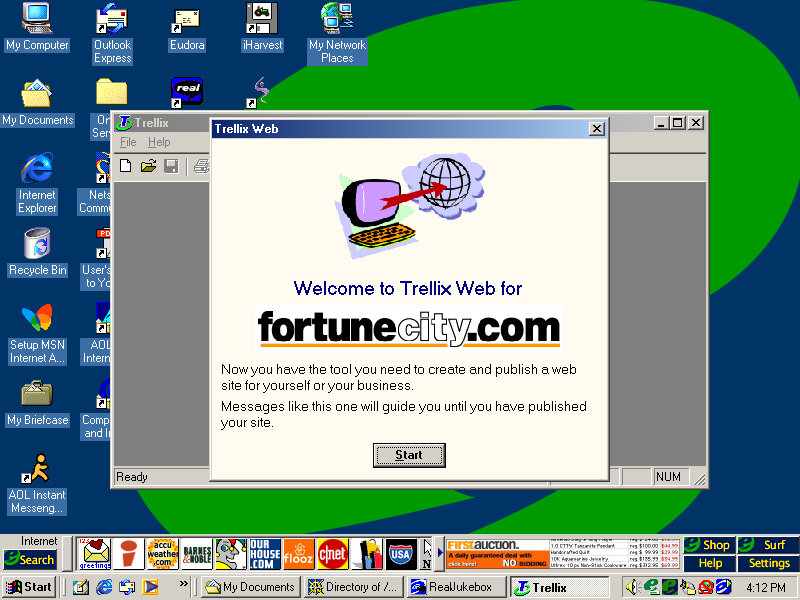
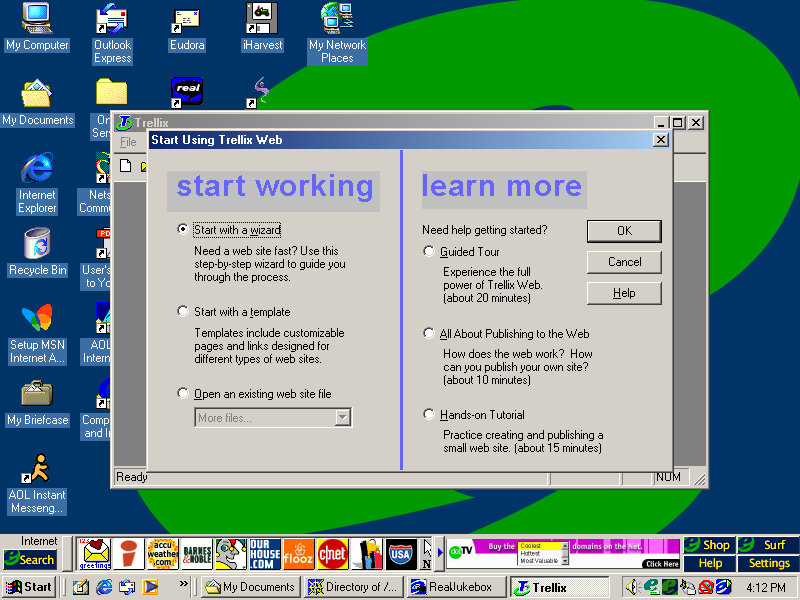
Trellix Web
Website building application and the first I’ve seen on an OEM system. You can generate a website built from a template and publish it online, although the bundle host has long since gone defunct.
We all know eMachines, and have probably used an eMachines system at one point in our lives, known for being very affordable (Cheap) computer systems for first time buyers or for people who just need a basic system. Typically found at PCWorld or Currys, These computers are typically paired with either an Intel Celeron or an AMD Durion or Athlon.
Install
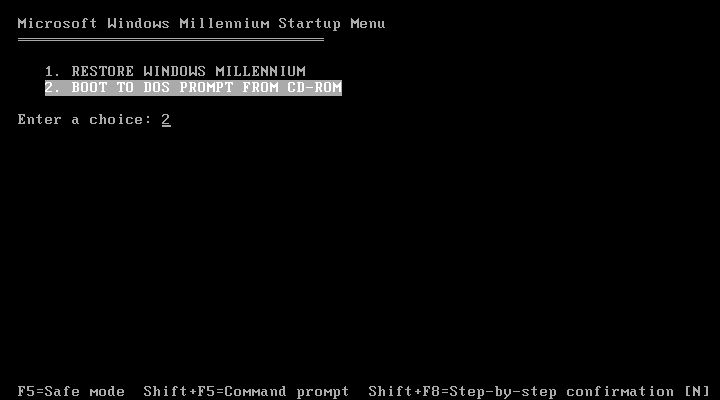
eMachines made use of Norton Ghost to operate the recovery media, this initially presented us with a Windows 9x style boot menu which gave us the option to boot into the recovery environment.
Ran into a few issues getting this one up and running. Whilst the initial restore process went through without a hitch, I was greeted with a BSOD upon bootup
Following the guidance on the archive link, I booted into Hirens and ran a script that reset the hard disk driver, which was causing the BSOD.
When the command windows open’s, choose option T first to set the target root, this is the Windows install directory (C:\WINDOWS). Just check that Hirens actually mounted it to C as it may have assigned the hard drive to another letter.
Programs > Registry > Fix Hard Disk Controller
Programs are located in the Hirens Program launcher, Not the start menu
Alternatively, navigate to the CD-ROM root and go to HBCD\Programs\FixHDC.bat to launch the program
After a reboot, we were able to boot into Windows and progress through the OOBE section, which has some eMachines customizations.
OEMLink
The start menu here has an OEM link which I’ve rarely seen on Windows XP systems. This is an option that can be selected in the Windows XP start menu that takes you to online OEM information.
Realtek AvRack
Some sort of bundled media player that makes of the sound cards processing functions, none of these are functional under a virtual machine since it emulates a different soundcard. I was able to play a regular MP3 file but none of the effects would work. These would have included echo and voice pitch changing effects
AIM AOL Instant Messenger
Another popular instant messaging application, this was supposedly popular in the US, but didn’t take off in the UK where MSN was more popular.
ICQ
ICQ was a popular instant messaging program before the likes of AIM and MSN Messanger took over. Each user would have a unique ICQ number. I personally never used it myself since it was already obsolete when I first heard of it (2004) and barely anyone I knew had an ICQ account.
McAfee
Bundled antivirus software, this also comes with a firewall bundled. Sadly this version can no longer be updated and we are stuck with virus definitions from 2002.
Although once you enable the firewall, be prepared for endless connection alerts whenever you open a program or even do anything that uses its own socket.
Winamp
A popular media player bundled with this system. A little redundant with Windows Media Player, unless Winamp is capable of playing a file that WMP cannot.
Microsoft Works
Microsoft’s entry-level productivity suite that provided a word processor, spreadsheet software, and a basic database. To make the program more user-friendly to use, a a task launcher is used to open various elements of the application since this is designed to appeal to users who are not familiar with office productivity software. Here a user can select from a list of tasks they wish to complete, and Works will open the correct template for them.
Some of these are very specific like coaching a sports team or planning a family reunion. Some of these are quite useful, there’s a template to create a fitness log using a spreadsheet that helps keep track of your workouts, or if you want to keep track of road trips.
Microsoft Money
Money 2003 – used to organize your finances and bank accounts, back in the early days of internet banking. Nowadays most banks offer something similar online.
Cyberlink PowerDVD
PowerDVD is software intended to allow DVD video to be played, it was commonly bundled with PCs that came bundled with a DVD drive. Although I’m sure Windows Media Player is capable of doing the same thing so this software would be redundant?
BigFix
Appears to be a utility that monitors your PC’s performance, and is preinstalled from the CD. There are also links to eMachines technical support. In normal operation, it will notify you if a software update or patch is available and will prompt you to install it (It does not install automatically). Although if Windows Update is enabled then this kind of redundant, possibly that would have checked for driver updates also?
BigFix was later acquired by IBM and was renamed IBM Bigfix.
RealPlayer
Realplayer was a popular way to stream video over the internet since it was cross-platform, supporting both Windows and Macintosh.
Compuserve
Another internet service provider provided its own software to access its services.



















 Drew1440: Blog