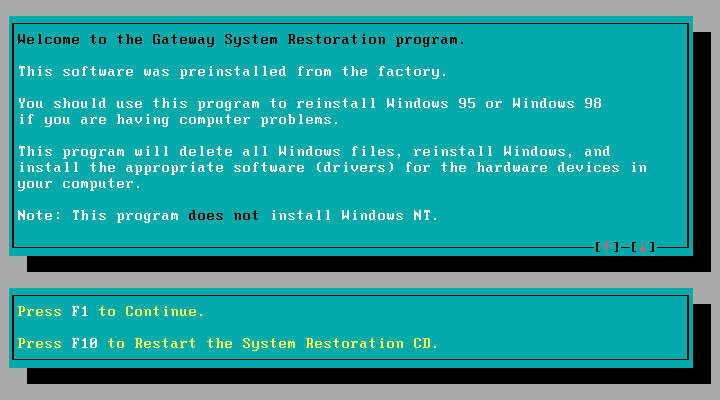
A look at a typical restore CD provided by Gateway systems of the era. Unlike recovery discs provided by other OEM’s, Gateway requires you to have the Windows 98, or 95 install disc. This was also bundled with the system.
The latest release of 86Box (Version 4.1.1) has added a load of Gateway systems for us to look at, here I am using the Lucas motherboard which is a modified MSI MS-5185
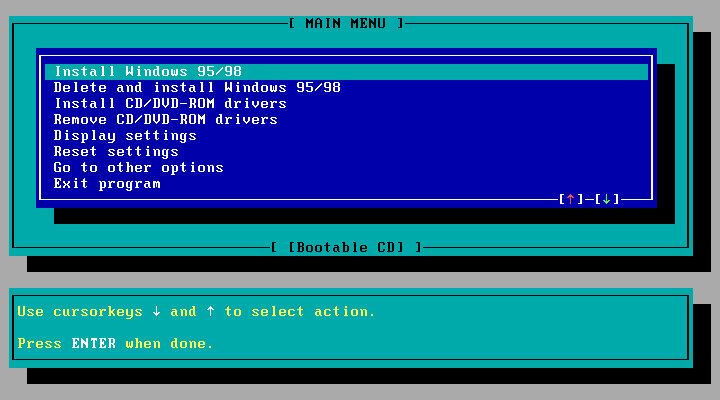
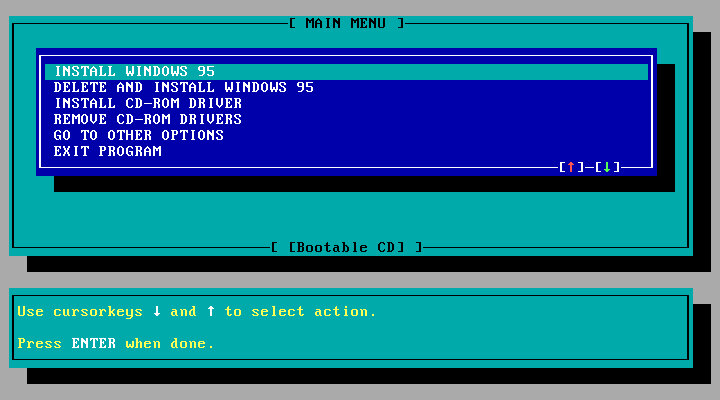
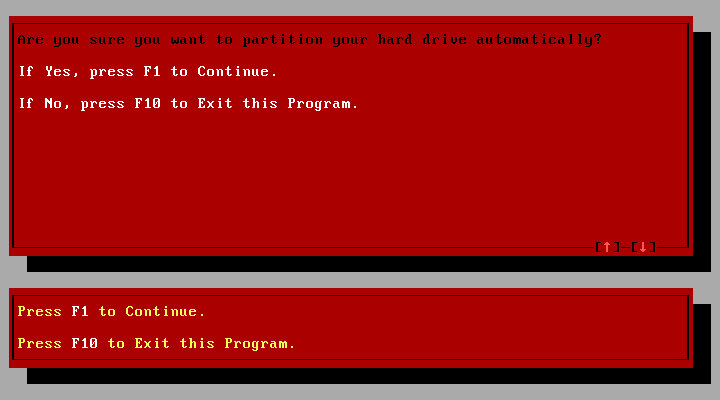
The recovery disc is bootable and can initialize a blank hard drive using the built in FDISK tool. When booted, you are given the option to use either a Windows 98 or 95 install CD. No mention of Windows NT, which might have been out of the scope of Gateway since they commonly shipped PC’s for the home consumer market.
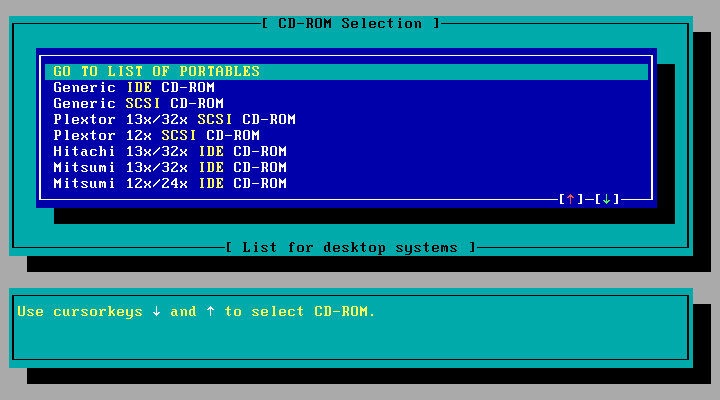
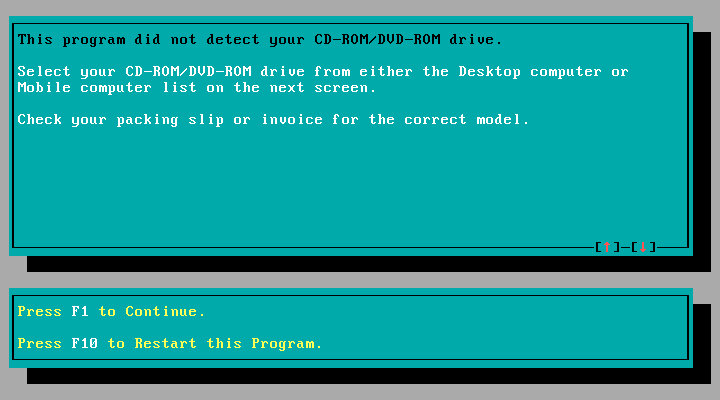
Selecting an CD-ROM driver, you have a list of IDE drives to choose from which would have been the drives that Gateway had actually shipped from the factory, or you can select a generic IDE driver.
Selecting the install option, which will reboot and will prompt you to reboot your PC and will then prompt you to insert the Windows install disk. This actually boots from the HDD and will go through an automated Windows install. You don’t need to navigate or answer any questions for the installer.
Once completed, the system will reboot and will boot into Windows. Here you will go through the regular OOBE where you will need to provide your name, and the Windows OEM serial key.
Were not done yet, since additional software provided by Gateway will need to be installed. This is done automatically and the Windows will reboot several times here.
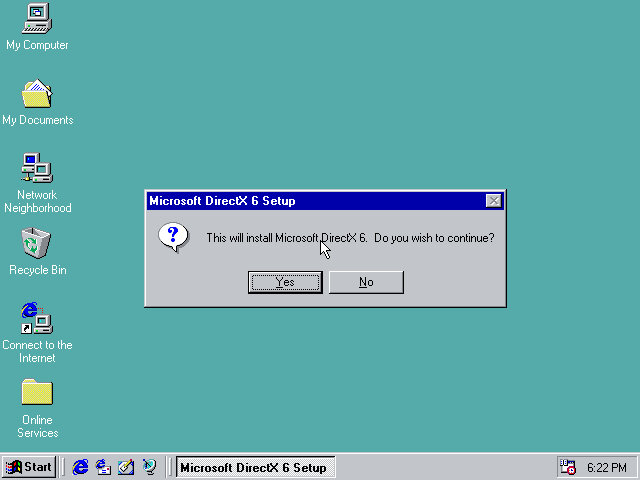
DirectX6 is automatically installed, of which 5.1 came with Windows 98.
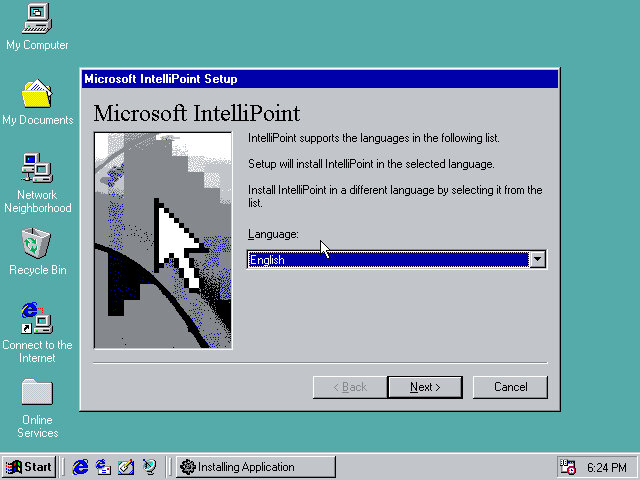
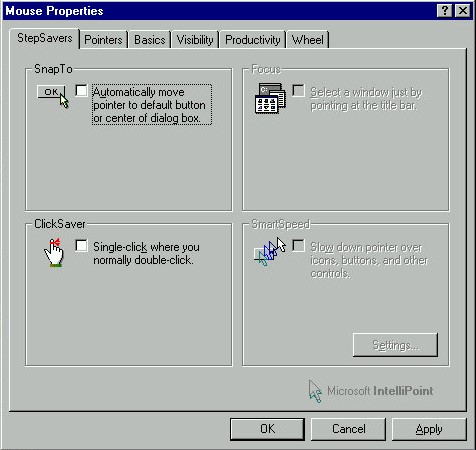
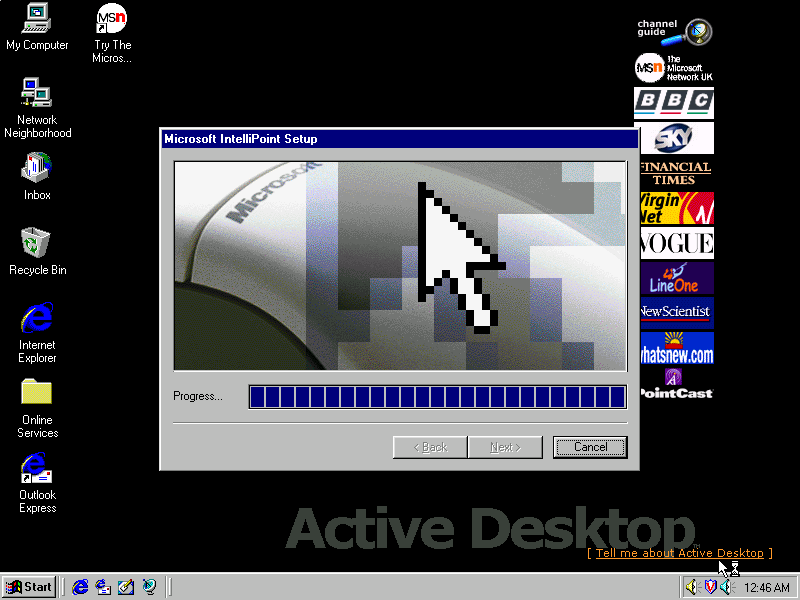
Microsoft IntelliPoint is also installed, as Gateway typically bundled Microsoft Mice with their systems.
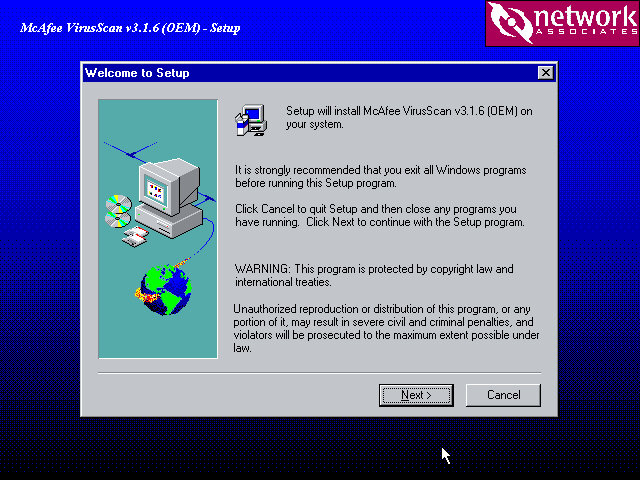
McAffee VirusScan also comes included.
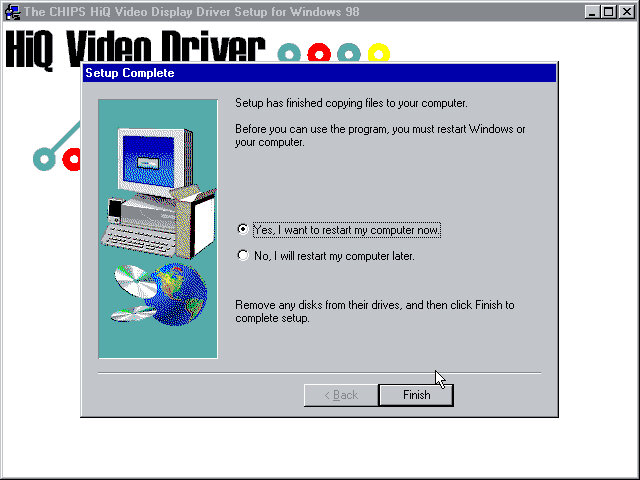
The Chips Technology driver also starts to install here, since I’m using the B69000 video card. This also indicates drivers are also installed if supported hardware can be found.
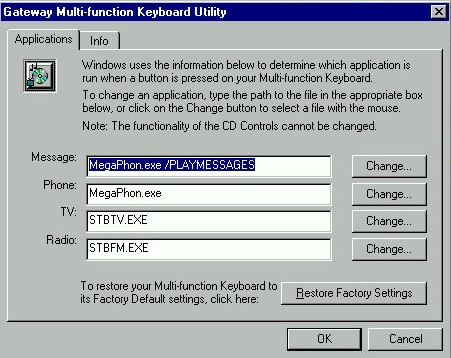
The keyboard utility in the Windows Control Panel
IntelliPoint comes with additional features for the mouse. You don’t actually need as Microsoft Mouse to use most of these features, and some like the scroll wheel will work on all models of mice.
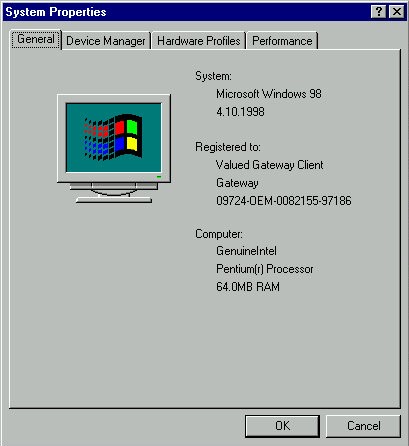
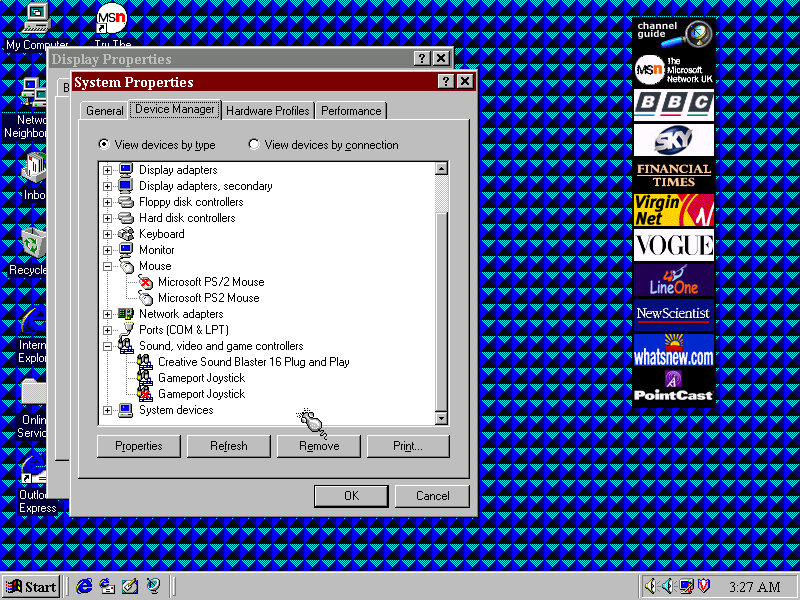
And a look at the system properties, strangely there is no OEM logo or information. Just the Registered To fields are prepopulated.
Another OEM system, but this seems to be a motherboard that was used in multiple Gateway systems from around 1997.
Motherboard appears to be based on an Intel design, might be a clone of an Intel board but with a Gateway customized BIOS. This was possibly used in various different models used throughout the late Pentium era. I actually had a Gateway system that was in a similar time frame, but we had it second hand and the original owner had wiped it in favor of a fresh Windows 98 install.
Supports up to 128MB RAM Supports CD-ROM booting No sign of USB, 86Box cannot interface with USB currently
Install/Recovery CD
You will get the option to format as FAT32 or FAt16, whichever one you choose will depend on what build of Windows 95 you have, this restore Cd does not feature a Windows 95 install, instead it contains a set of drivers and utilities that are installed in conjunction to Windows 95, but you must use your own Windows install disk instead. FAT32 is supported on OSR2.1 onwards, whilst earlier builds use FAt16, if in doubt choose FAT16. I believe you can ‘Upgrade’ to FAT32 once you update the OS.
One potential issue here was the IDE CD-ROM driver, the restore CD gives you the option to choose, possibly because some systems might have used a propriety CD-ROM interface, or might be using the IDE interface on the soundcard instead. This could potentially cause issues if you choose the wrong option. For this I chose the Generic IDE-ROM driver, which can be found all the way at the bottom.
Once you begin the restore process you are requested to insert the Windows 95 install Cd and reboot, of which the system will begin to copy the Windows 95 files.
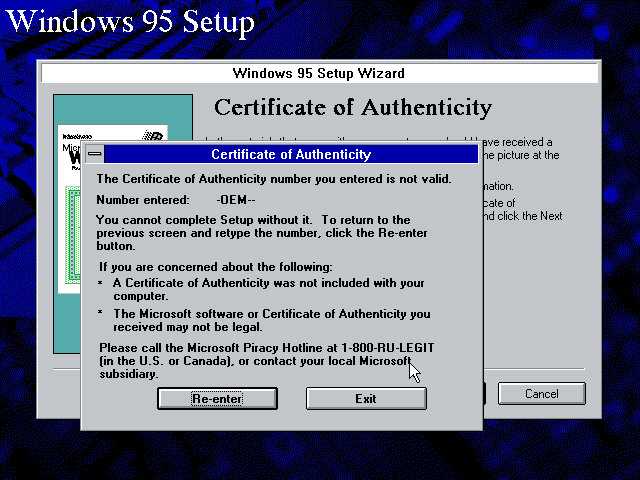
From here setup runs like a typical Windows 95 retail install, however on mine I encountered an error with the OEM serial number, and had to manually enter another one. I’m not sure of eyes are specific to the OEM version they were bundled with, or if each manufacture uses a slightly different algorithm, or maybe something failed to validate in the background.
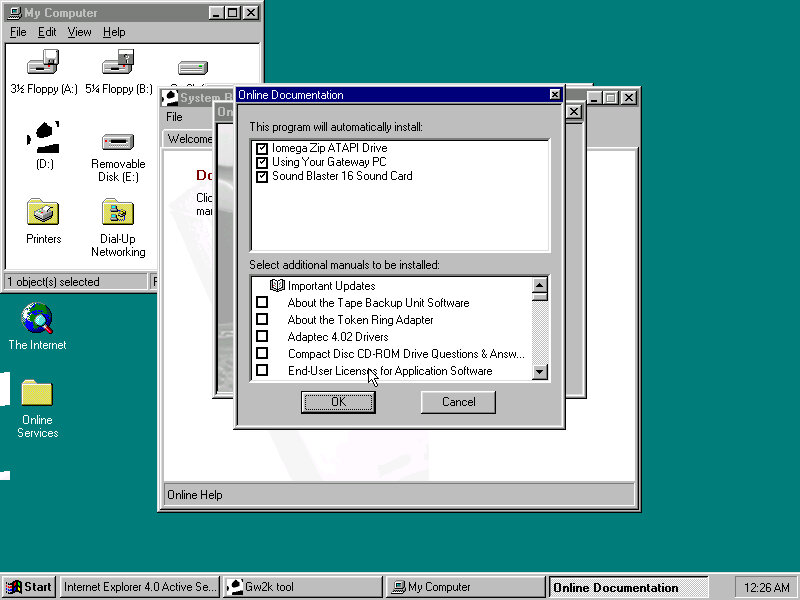
Reboot, then Gateway software proceeds to install
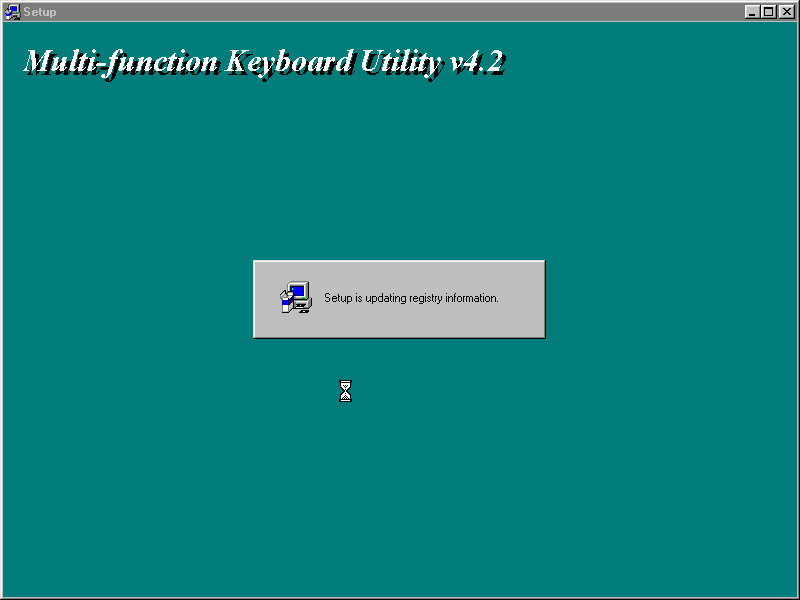
Installs keyboard multimedia utility, then install utility freezes. I had to force a reboot at this point
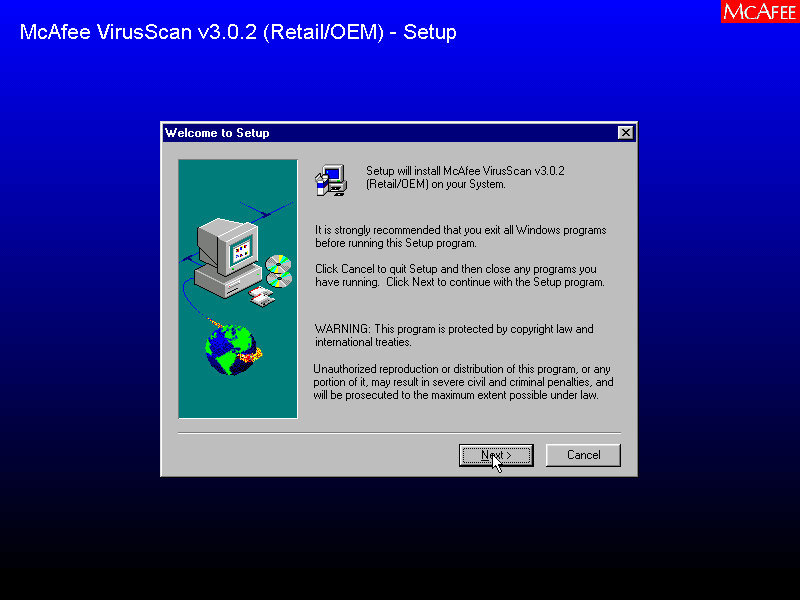
A quick reboot and it then installs McAfee Anti-Virus
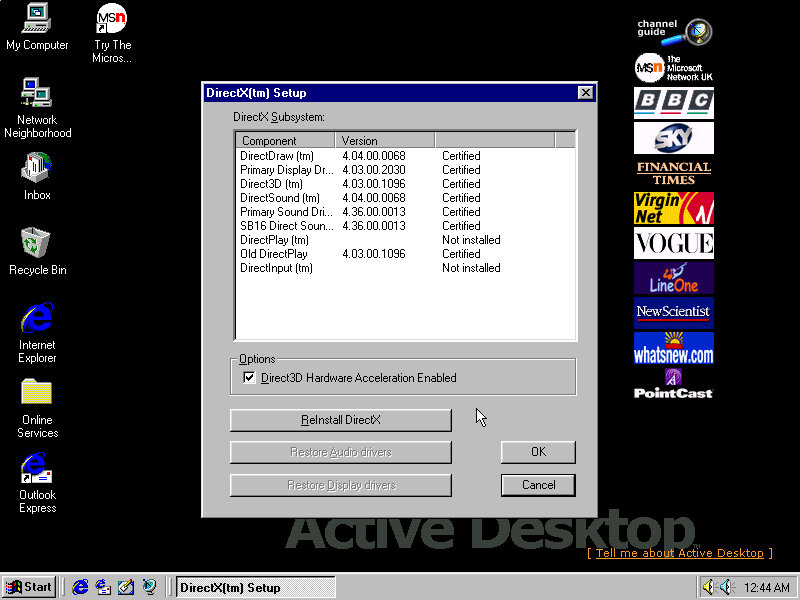
Installs DirectX 5, reboots again. Kind of redundant since OSR2 already included DirectX 5
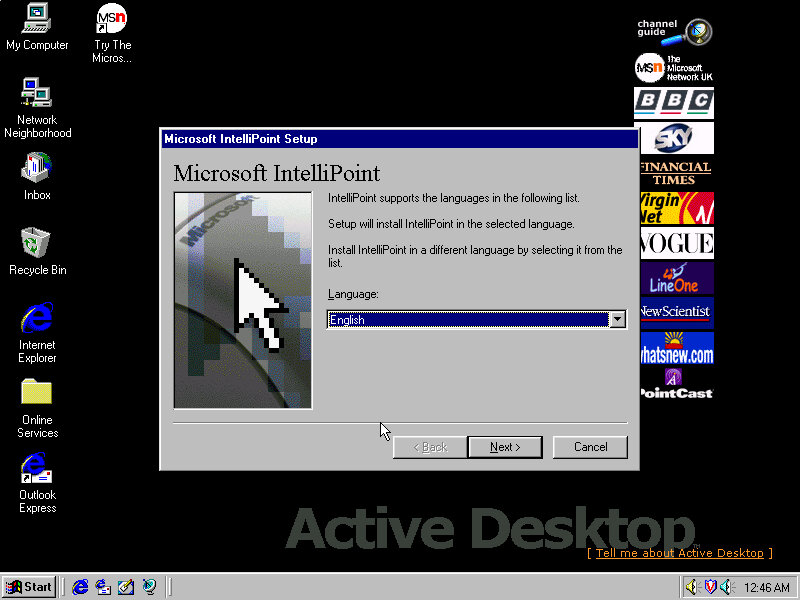
Installs Microsoft Intellipoint, Gateway possibly bundled the Microsoft mouse with their systems
Lastly the sound card software install, Windows had already detected the SoundBlaster on install, but here it inclused the Creative sound software.
Post Install
Megaphone
Appears to be a modem and address book software to manage internet connections and user contact information.
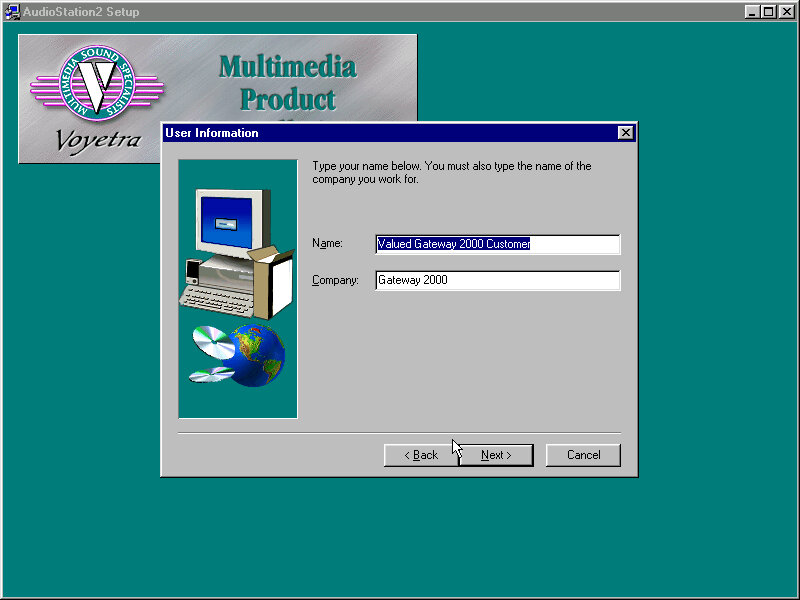
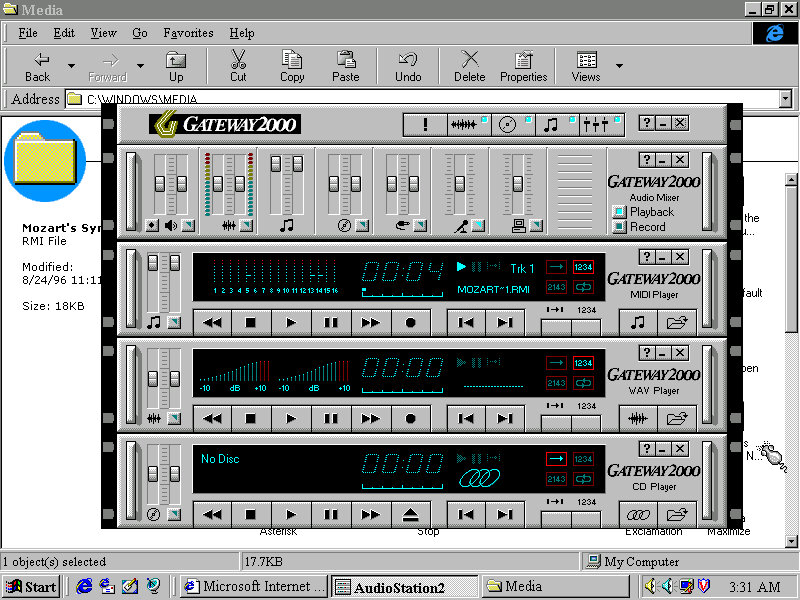
AudioStation2
A MIDI and CD player with a Hi-Fi like interface, something similar was also installed on the Sony VAIO PCV-90
Adding a second drive
The motherboard has two IDE channels for a total of four IDE drive, with the SoundBlaster 16 PnP card we can also add an extra two for a total of six IDE devices.
Adding the second IDE drive, I encountered a problem since after adding it as IDE slave (0:1), Windows 95 would freeze upon bootup. The way to fix it was to use the Windows 95 bootdisk, use the FDISK /FPRMT command to initialize the salve drive, format as FAT32 (Or FAT16 if you are using an earlier version of Windows 95), then reboot and format within the boot disk. After then would Windows 95 boot up and mount the drive.
Preinstalled Software
This was a bit dry, I presume Gateway didn’t bundle much with their systems or this is typically stored on another disk. From browsing the CD-ROM it’s a generic recovery disk with a range of drivers that covered the hardware that gateway would have shipped in their desktops. Any additional bundled software would have been shipped on a separate disk.
Even the OEM branding was scarce, I expected there to be a cow-skin themed wallpaper like the cardboard boxes used
Adding additional devices
PCI: Video Card (S3 Trio64) PCI: 3D Accelerator (3DFX Voodoo) PCI: For future use PCI: For future use ISA: Ethernet (AMD PCnet-ISA) ISA: For future use ISA: Soundcard (SoundBlaster 16 PnP)
PCI slots are based on the amount found on the Vogons wiki, there are four PCI slots in total but there may be many more as this board could optionally come with onboard video (This could be AGP?) Or sound. Some versions of the board came with an onboard S3 Trio64, the Phoenix in 86box was the closest match and as a bonus was automatically detected and installed during instillation.
Windows 95 OSR2.5 (2.1 might be a better fit, or the original Windows 95, make sure to choose the FAT16 option when formatting for pre-OSR2.1 Windows 95)





 Drew1440: Blog