Tag Archives: IBM

IBM Aptiva 2159S

The default desktop post install, some of the desktop icons are animated, a first that i‘ve seen

If you move your mouse cursor over some of the desktop icons, a bubble will show up that gives information on what that icon does.

This appears to be part of the Aptiva Desktop customization software, which was developed by Moon Valley Software for IBM. There is an icon in the tray area that you can click to open various options, and you can turn off the animations if you find the desktop too ‘busy’

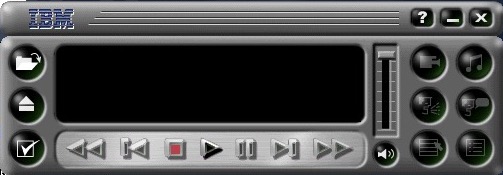
Voyeta AudioStation with some IBM branding, this was used to manage the volume mixer controls and to play CD’s MIDI open WAV files within one place, if you didn’t wish to use the built in Windows utilities. Although were not using the same sound card, the software will still work with the emulated soundcard.

The Aptiva installer that lets you quickly install software that came with your Aptiva computer but was shipped on a separate disk. Kind of a good feature since many OEM’s installs have been criticized in the past for shipping with bloatware, though it was understandable in the 90s since the internet wasn’t very common which made downloading and installing software difficult.

Some of the existing software that comes included

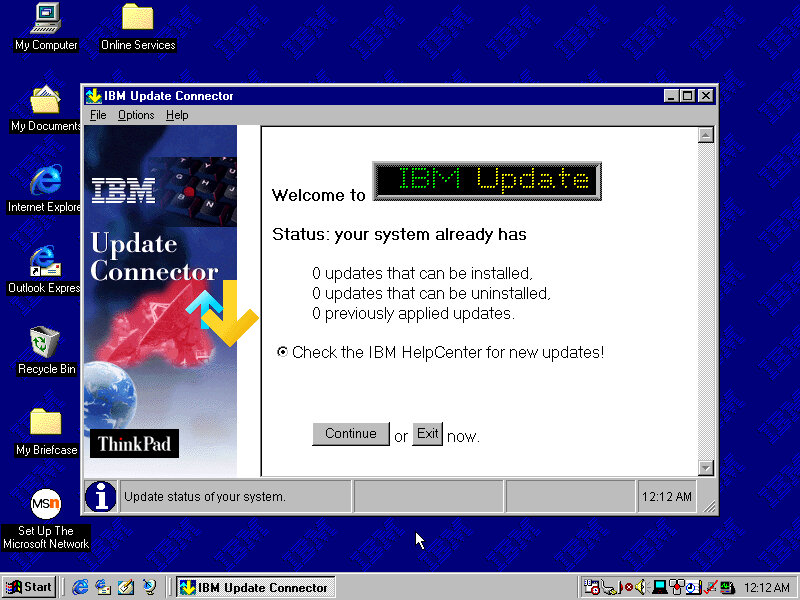
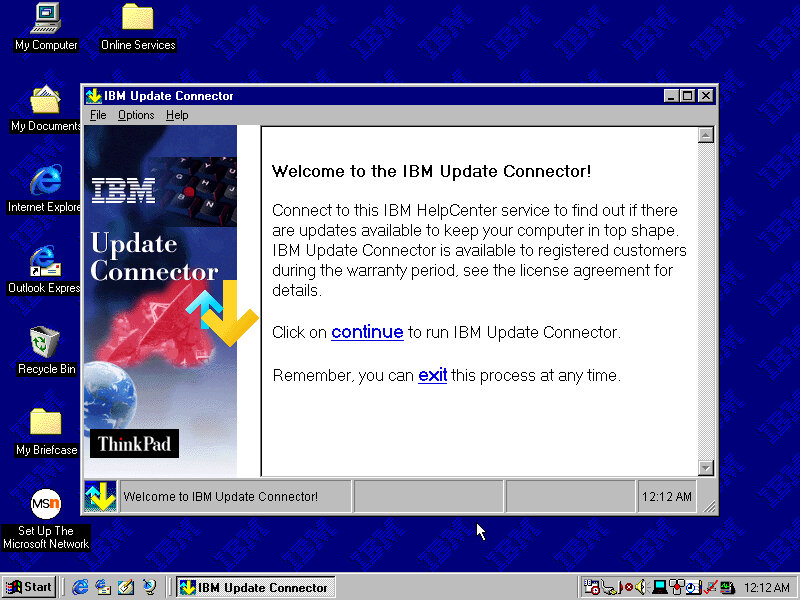
There’s also an update connector to keep IBM software up to date

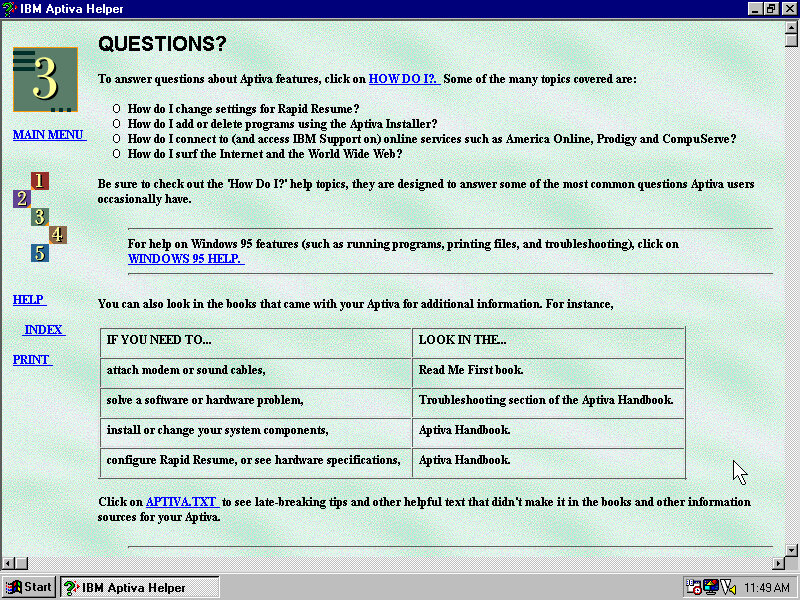
Aptiva Helper that serves as a guide to using the computers features

IBM AntiVirus comes included, and is covered in the Helper application

It also explains how disk fragmentation works and how/when to run the defragmenter utility.

Some misc screenshots

SmartSound Mastro – Lets you create sound effect which sound like something off a 90’s shopping infomercial. Ideally this might have been used in backgrounds for presentations.

Editing the music in more details, here you can choose the different segments and effects

The Kid’s room (7th Level), their version of Microsoft BOB and Packard Bell’s CyberTrio. This is fully animated with voice acting, though they have a tendency to ramble on.

Intended for use by children, it lets them access their Windows programs without using the Windows 95 interface which helps prevent them changing any settings. By default the Windows game come pinned by default (Solitaire, Minesweeper and Hearts) which don’t strike me as games that kids would enjoy. Possibly any additional software that IBM provide who automatically be added. Also it takes around 15 second to launch a program

The calendar, you can save reminders that can be viewed by anyone

Create Writer comes bundled with the install, which was originally part of the Microsoft Kids Plus Pack

A memory game where you have to remember the sequence the light flash up in.

A game of tic tac toe

Another game that should look familiar, yo have to match two of the same to clear the board, which will reveal the background picture.

Setting an alarm, where you can also leave a message. I’m curious if this goes off whilst the computer is running but the program isnt. Maybe there is a background task.
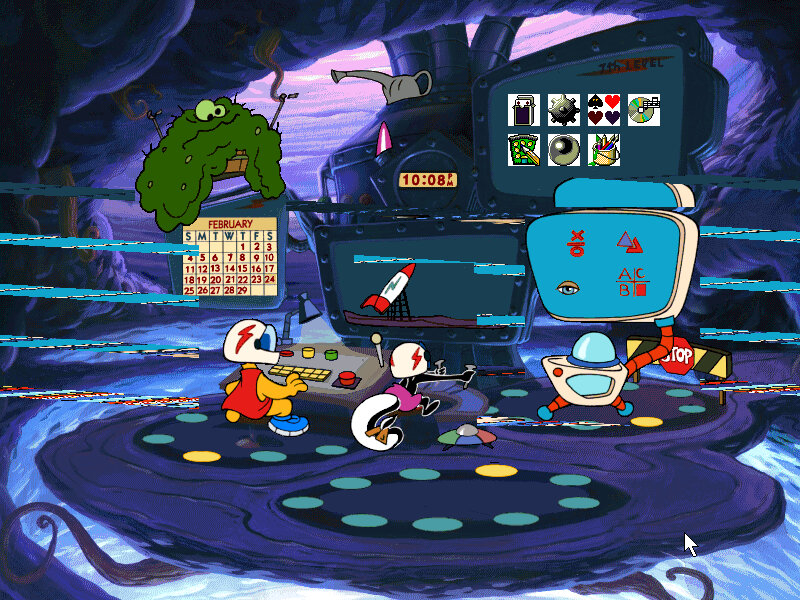
To exit out, simply click on the red STOP sign and you will be returned back to the desktop.

A look at the Logitech MouseWare software that comes included as a Control Panel applet

Windows 98 Upgrade

So that’s pretty much it, you can tell this was designed to be a family PC but the type of software that comes included with the install, as IBM’s Aptiva line was destined for home use and many OEM’s were bundling education software to make their home PC’s more appealing for all members of the family.

The OS post Windows 98 upgrade, a lot of the IBM stuff still remains like the Aptiva desktop.

External Links

Image Source (Archive.org)
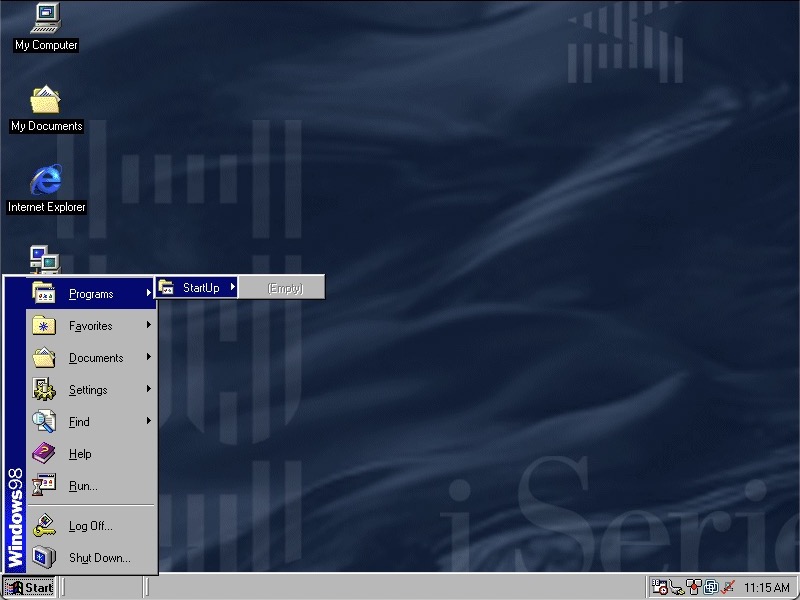
IBM ThinkPad i1400

A compact netbook laptop released around 2000. Lets look at a recovery image for that laptop.

Something’s gone wrong, where are the start menu items?

The Program Files folder does not look good…

Well for some reason the install script that ran after you reboot wasn’t converting the directories back to the respective lengths, so they were stuck at 8 characters. I believe this is called 32-bit file access?

The only way to fix it was to reformat the hard drive as FAT16 and then retry the restore process again. Eventually this worked but we are limited to 2GB, though we could later convert to FAT32 and expand the partition back to 8GB. I can’t image they would have used FAT16 on the actual laptop since it came with a 4.3GB hard drive, according to a few archived product information pages. Might be a quirk with the recovery utility.

Also for your own sake, If you’re using VMWare make sure you are using hardware version 6, as using later versions means you are stuck having to install a bunch of PCI to PCI bridges. I swear there are 30 of these to go through and Windows 9X always wants to search for a driver for it. The later hardware versions offer no advantage for operating systems this old.

Post Install

After a few driver issues, the sound drivers were not installed automatically but a separate driver install is available here for VMWare guests – https://archive.org/details/win95-98-driver

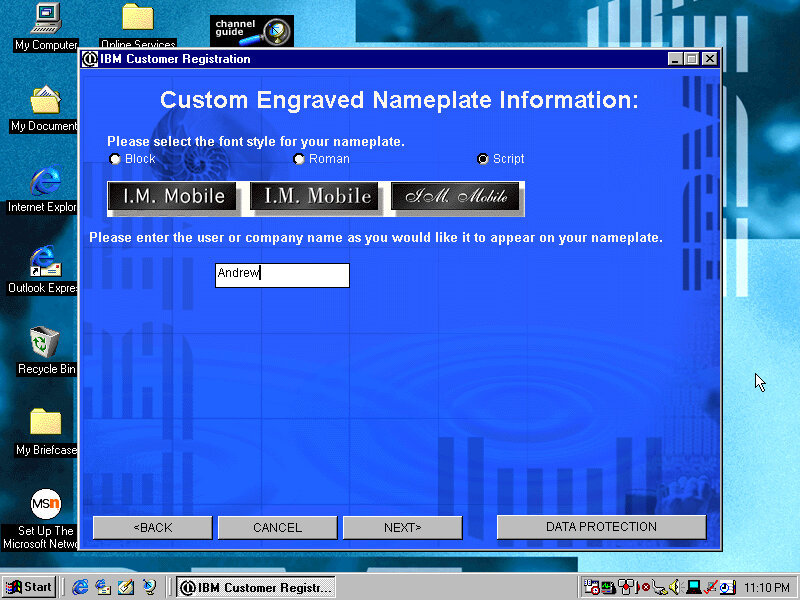
There’s an OOBE registration process where you can fill in your personal details to personalize your install. This is only available in VGA since this runs before we can install the VMWare SVGA drivers.

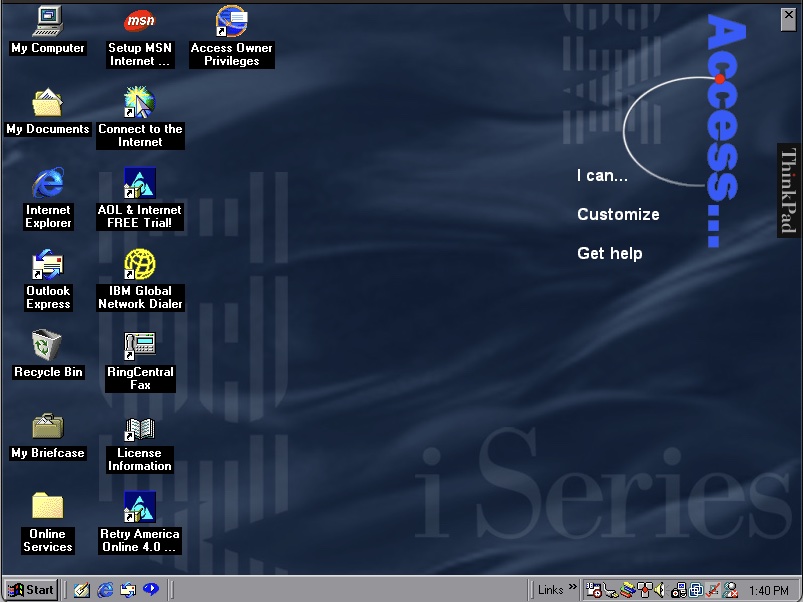
Once we are at the desktop you can see the Access Thinkpad which resides on the desktop and gives access to common programs and functions depending on what you want to do. Clicking on I Can will show you different tasks like Writing a Letter or Send e-mail which will open Outlook. This makes the system easier to use as a newbie might not be aware of Outlook but might want to send an email that they have heard of. Power users might also find this useful as a shortcut to quickly send an email. Some links will open help dialog boxes that provide further information.

If this is annoying or you prefer a traditional desktop you can close this via the X in the right corner

Also regarding the wallpaper, it’s a very corporate blue style background that would expect to find in your typical office. 

As with other IBM installs, you also have custom colour schemes, wallpapers and sound schemes.

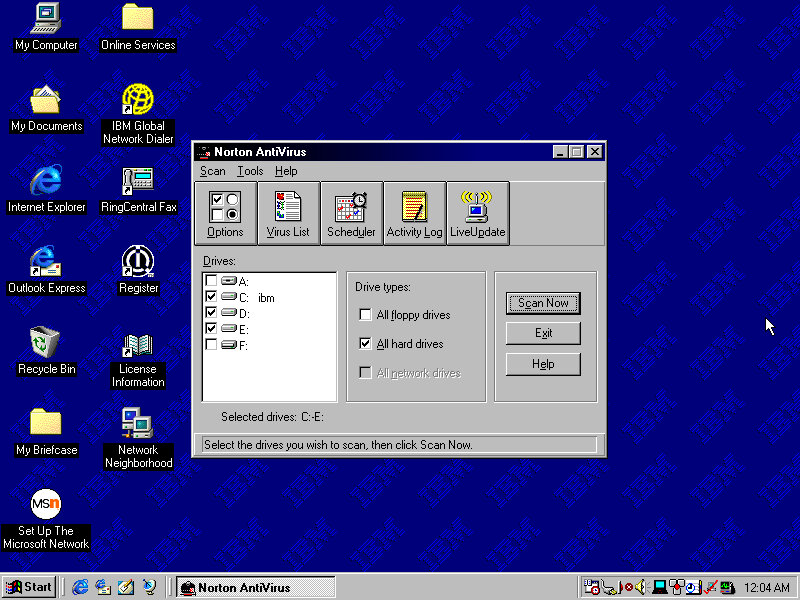
For security we have Norton Anti-Virus 5.0, which the virus definitions are dated March 1999. I wonder how this fares against the common malware/worms of the era. Like other Anti-Virus programs it will run in the background and scan files automatically that could be suspicious. There is also a LiveUpdate utility to download new virus definitions.

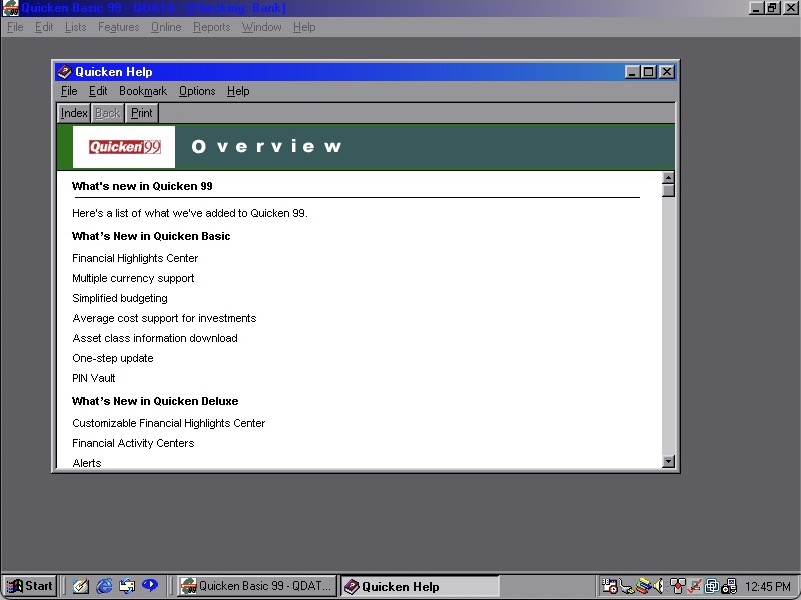
Quicken 99 also comes included for our financial needs

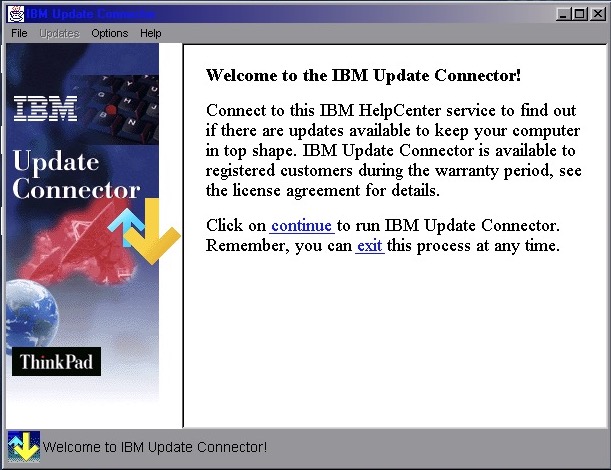
IBM Update Connector makes another appearance, this would check for driver and software updates for the included IBM software. Not sure if it supports Windows updates since you could use Windows Update for that.

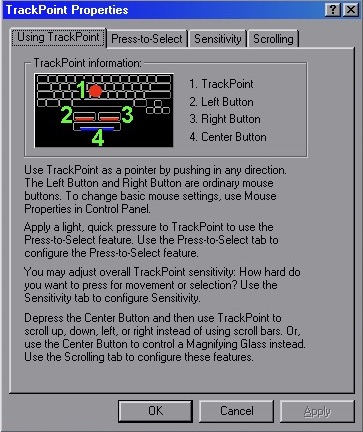
TrackPoint properties lets you view and adjust the features of the Trackball which was commonly unique to IBM’s ThinkPad as an alternative to the trackpad. Here you can adjust the sensitivity, enable the press-to-select feature and adjust the scrolling method.

Mediamatics DVDExpress , enabled you to play back DVD’s which would have been a very high-end feature for 1999. This would have required some sort of MPEG2 decoder or accelerator since processors of the time couldn’t decode this software, so it wouldn’t work within VMWare.  It looks to be a custom branded version with IBM logo’s added on.

Features of the software include parental control that works off the age rating of the disc, and the ability to change the region of the DVD drive. There is also a 256 colour mode, cant imagine what that would look like.

IBM Global Network Dealer lets you set and configure different phone numbers or internet providers to dial out to, back when dial up was the main method of using the internet.

One observation I found is the Windows Explorer windows are designed to be as minimal as possible since this laptop had an 800×600 screen.

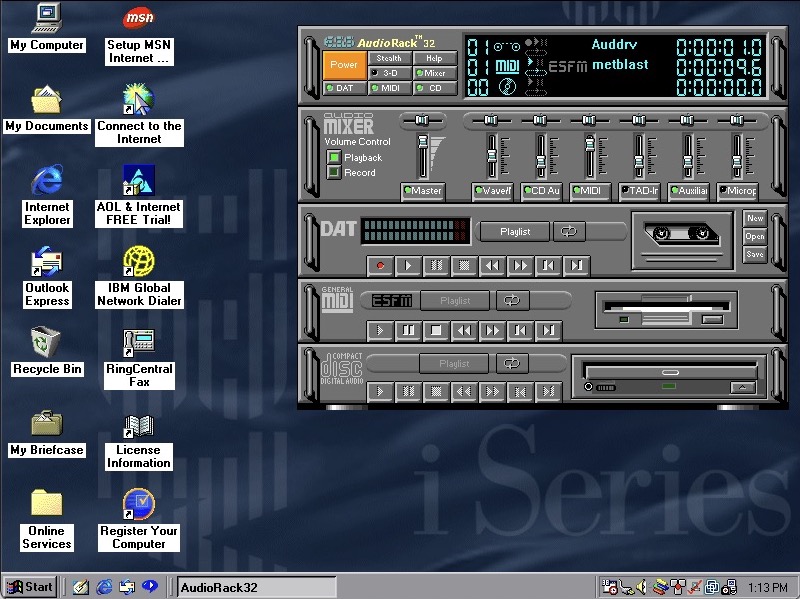
ESS AudioRack 32 – lets you play MIDI, CD music and DAT tapes? Clicking on open brings up an open dialog box for wav files. Despite using the VMWare SoundBlaster, this appears to work well for playing MIDI and WAV music files.

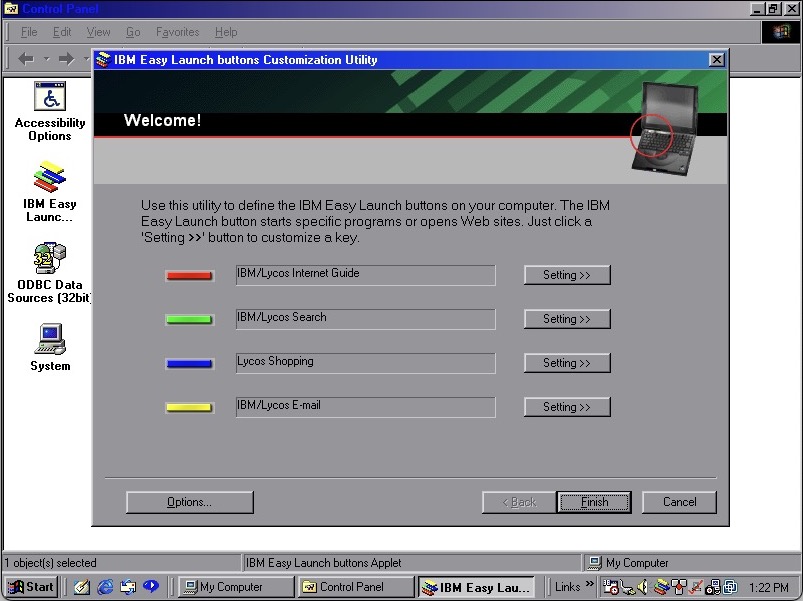
IBM Easy Launch Buttons, these act as shortcuts to open preferred programs or links. They use the same colours as Teletext/fastext keys found on televisions in Europe with the red/green/blue/yellow that correspond to a function. When a button is pressed, an onscreen text of the command appears on screen in bright green, simulating the OSD on some older Sony CRT TV’s of the time.

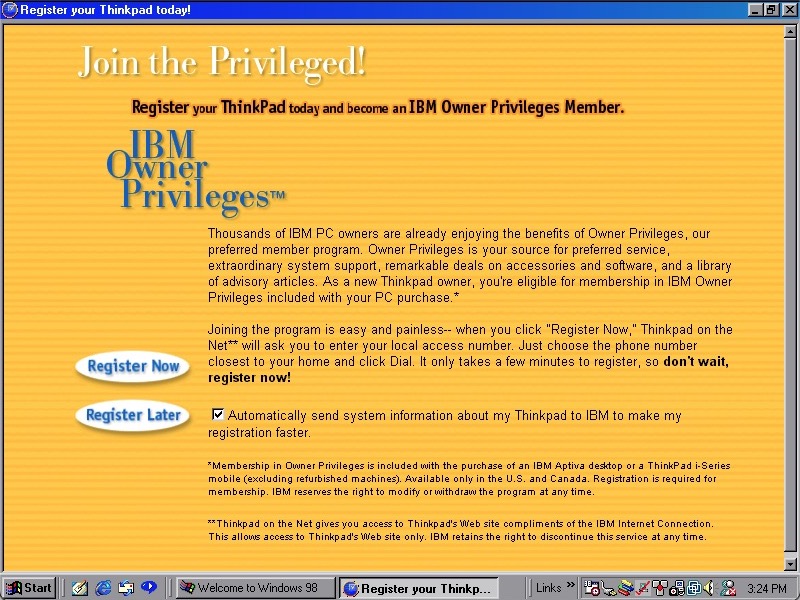
How to register your ThinkPad model, this would have given discounts in purchasing software from IBM, probably Lotus SmartSuite office.

Checking for updates using a restored version of the Microsoft Update, Using windowsupdaterestored.com

Other software included is RealPlayer G2/v6, RingCentral Fax and Config Safe. Many of these have been covered in a similar install.

Sell Also

Recovery Image Download – On Archive.org, unlocked to work on any system

Information on ThinkWiki

IBM Thinkpad T20 Install

A low-end laptop released in 2000, let’s take a look at the recovery media and what a typical IBM Thinkpad install would look like.

First attempt was using the MSI MS-5119, whilst the recovery environment would start, it would get stuck at the actual recovery stage and would just freeze. Changing to the Intel motherboard fixed this and allowed a full recovery, though this BIOS takes a while to boot.

Other motherboards might work better, I mainly picked these two since they contained very similar chipsets to the actual IBM system.

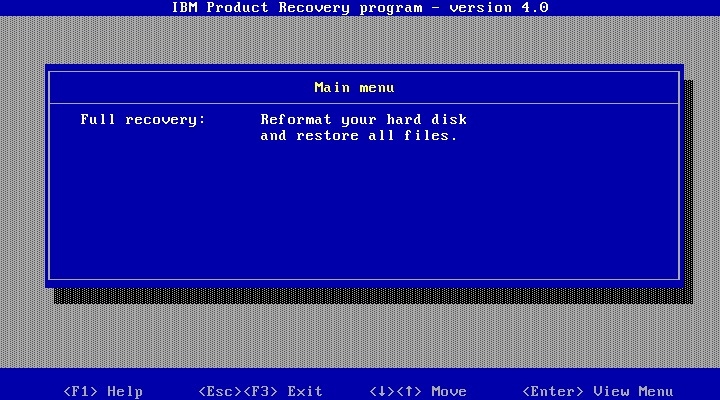
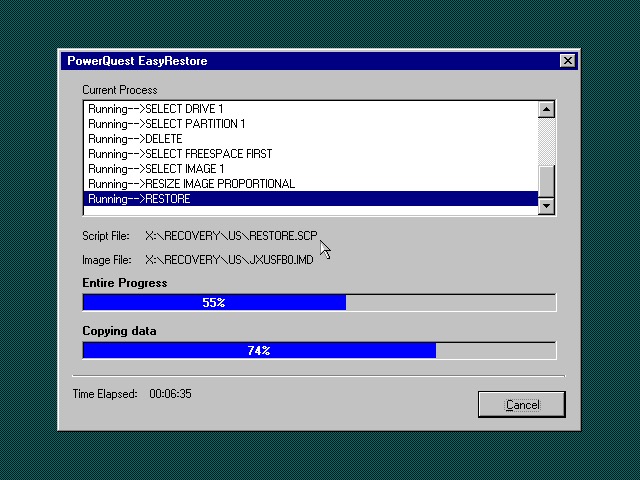
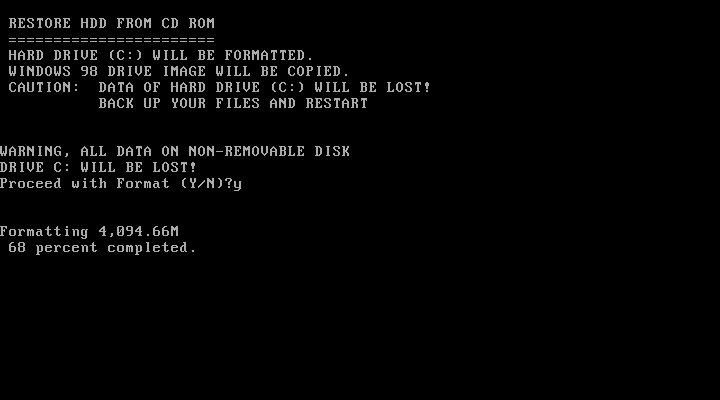
Once the HDD is prepared, the recovery program begins the restore

I’m a little confused as to why this is running Windows 95? From researching online the Thinkpad T20 came out in late 1999, when Windows 98SE and NT 4 were the main operating systems and were in the mature stages of their life cycle.

Once recovery has been completed we can reboot into our new install

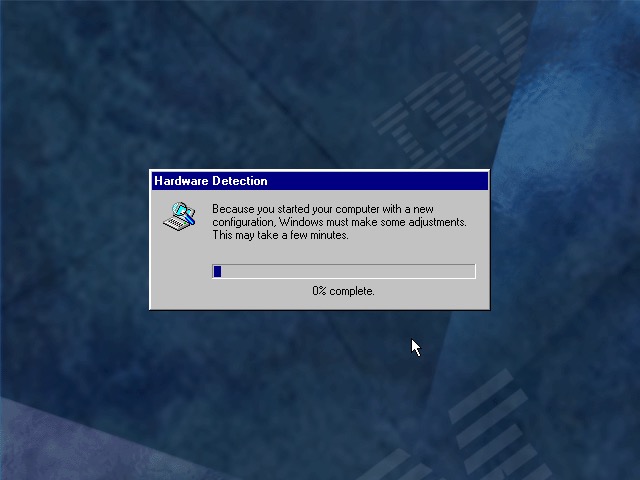
Going through the New Hardware Wizards

Something went wrong when installing the Crystal sound drivers. Ended up Swapping the Crystal for a SoundBlaster 16 PnP, which worked much better.

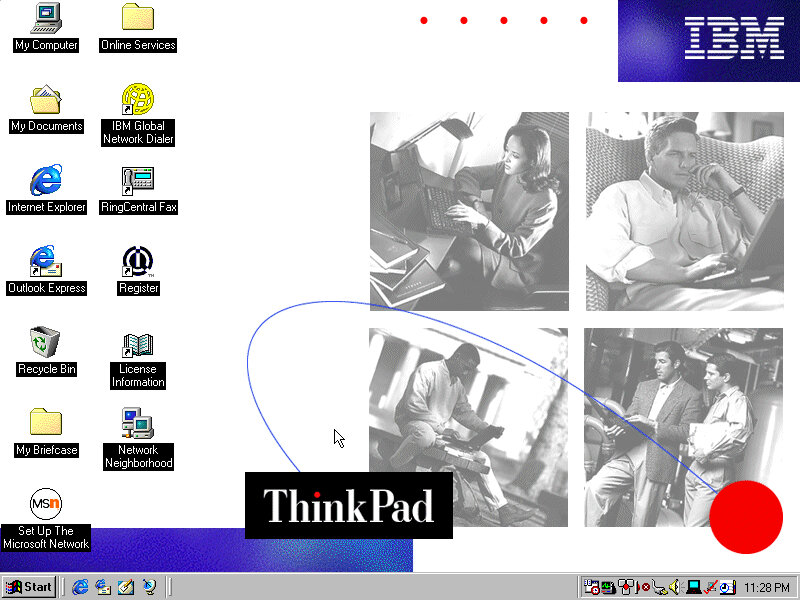
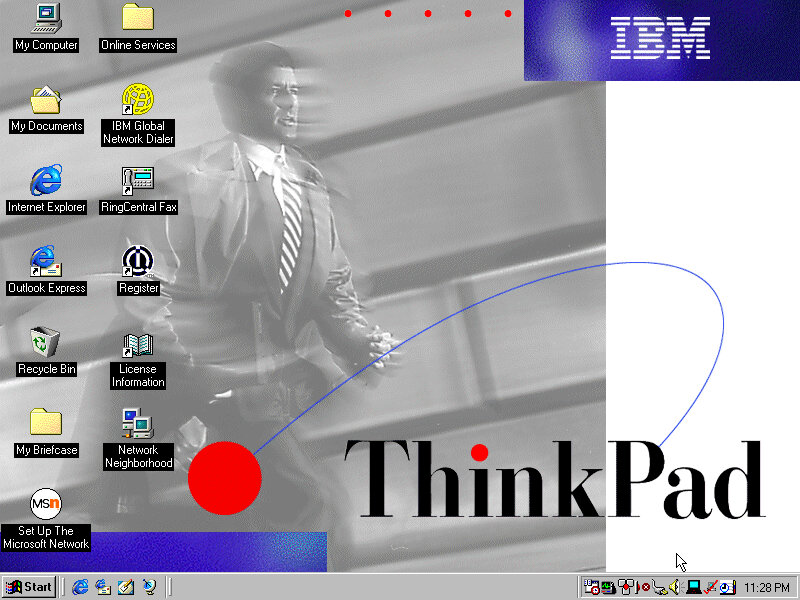
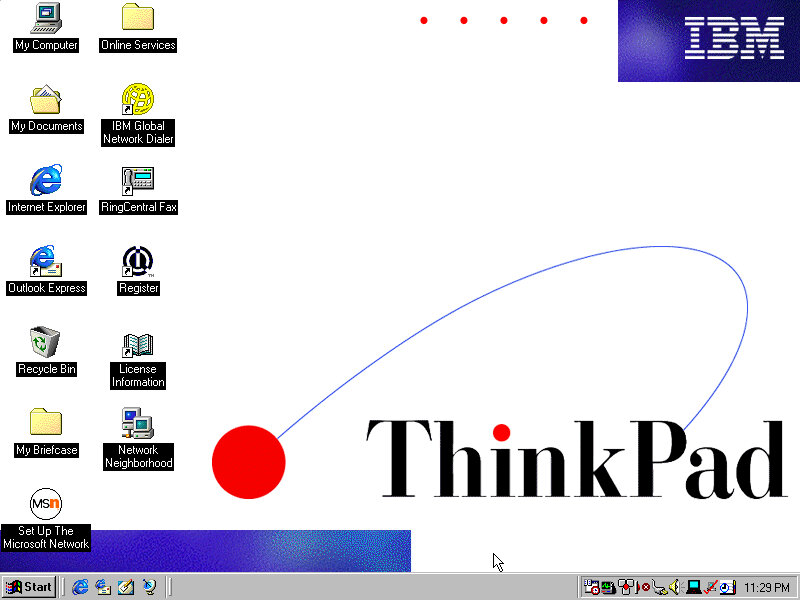
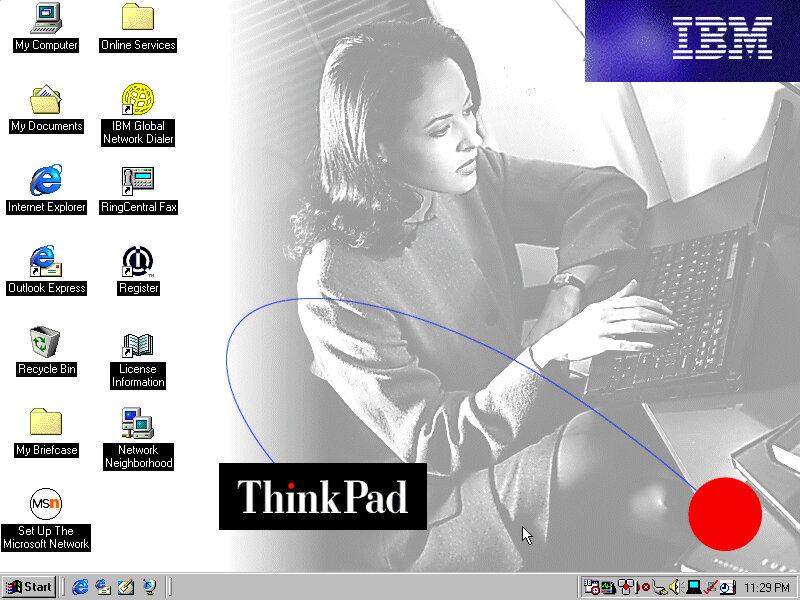
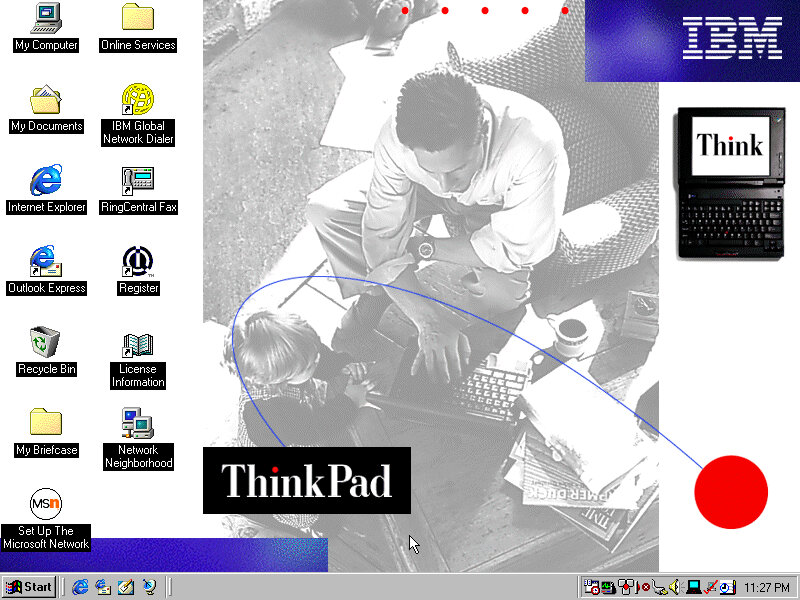
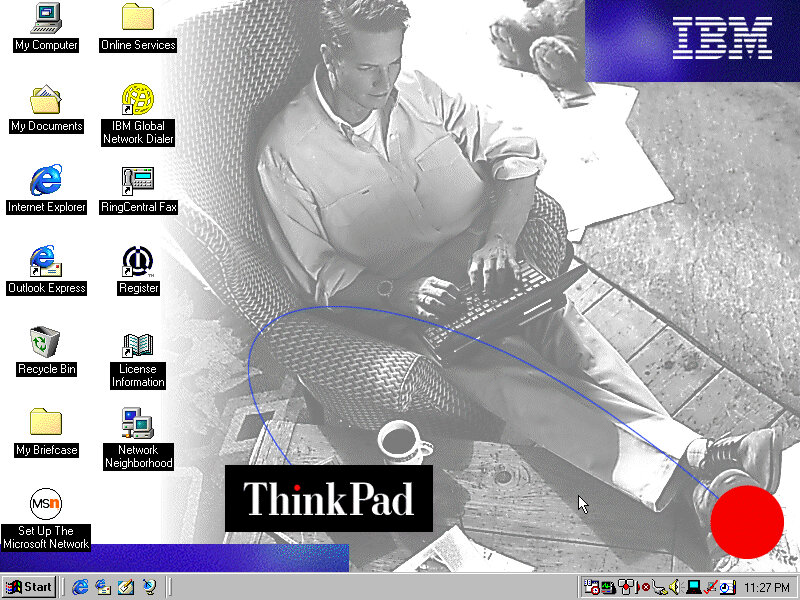
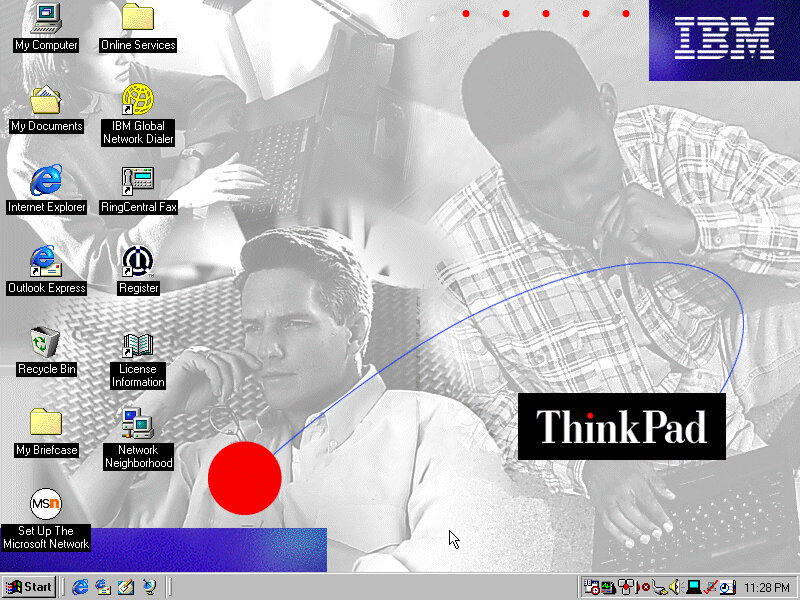
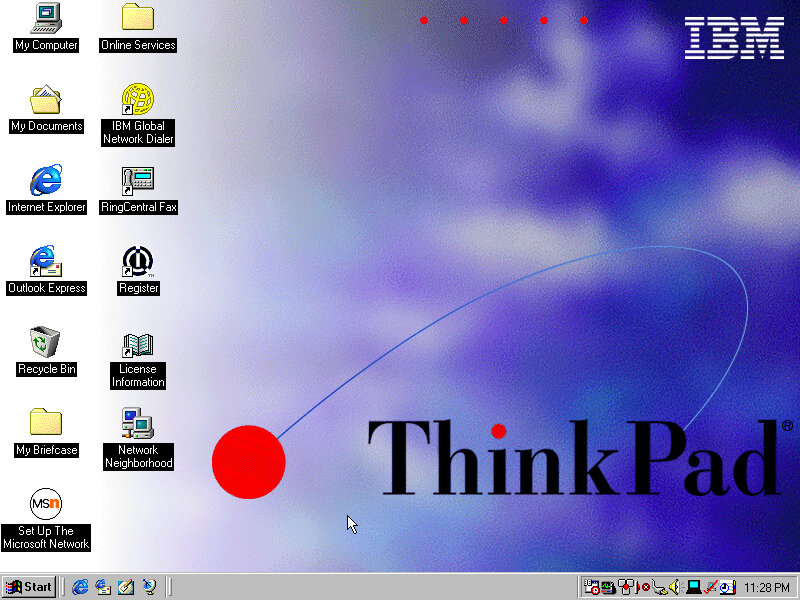
The main desktop with the default IBM wallpaper, I’ll always like IBM’s design of the era with its business-oriented blue. Some wallpapers also make an appearance from the Thinkpad 390E

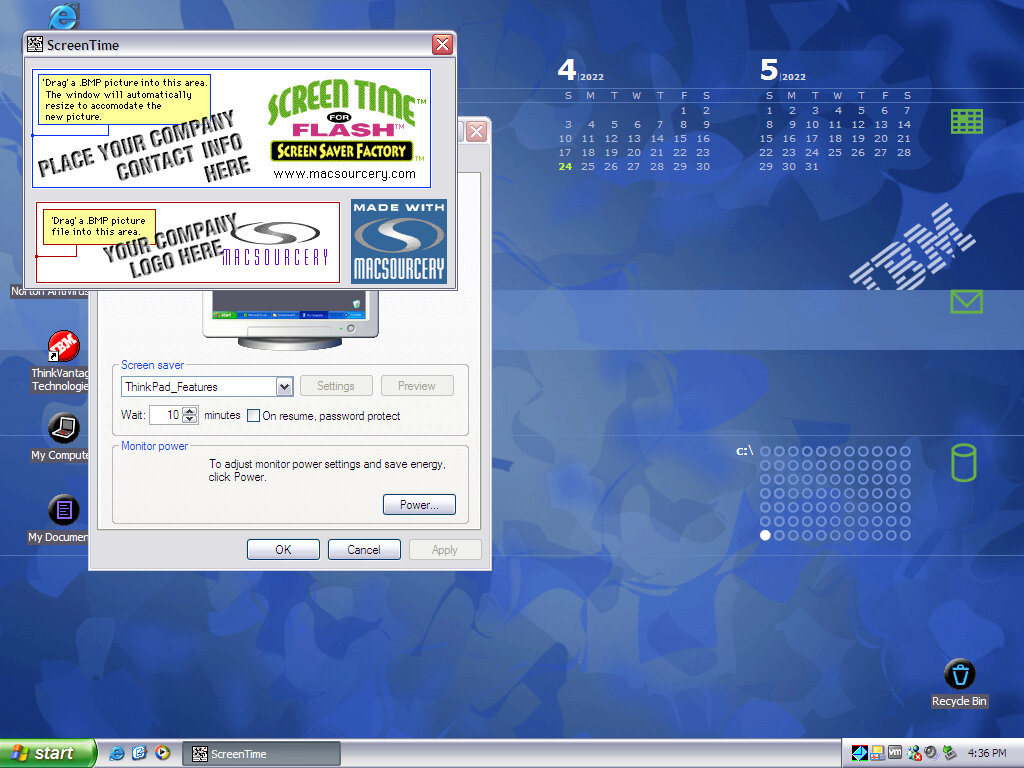
Two screensavers come included, Think 1 and Think 2. None of them have any settings to configure and really serve as advertisements.

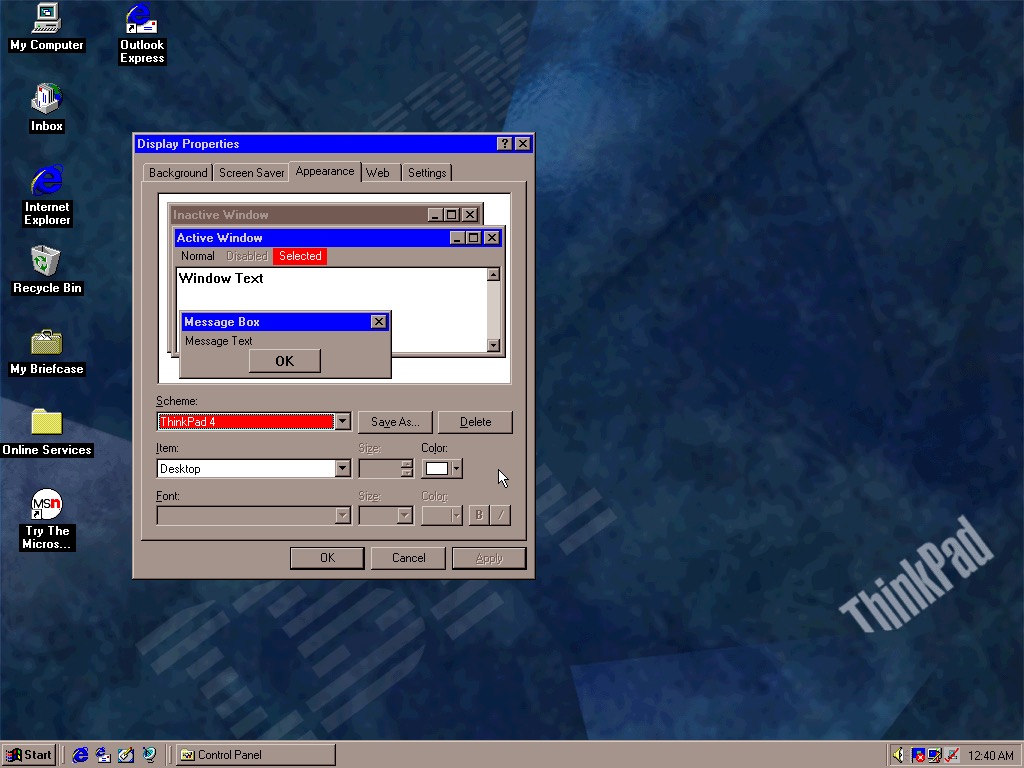
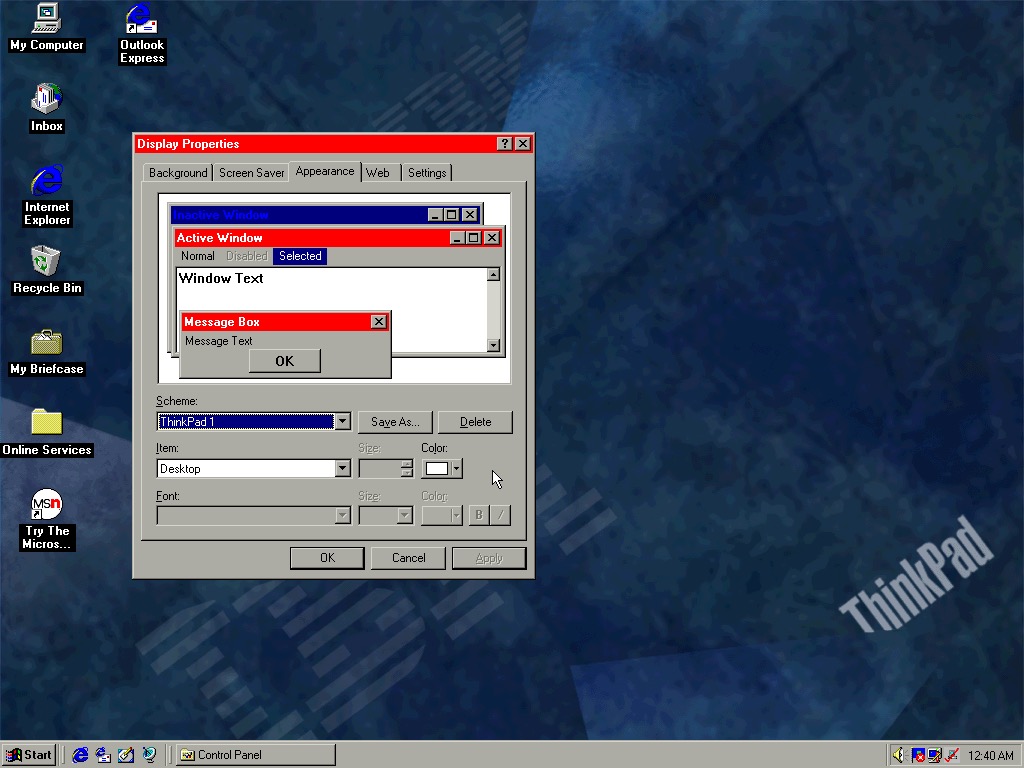
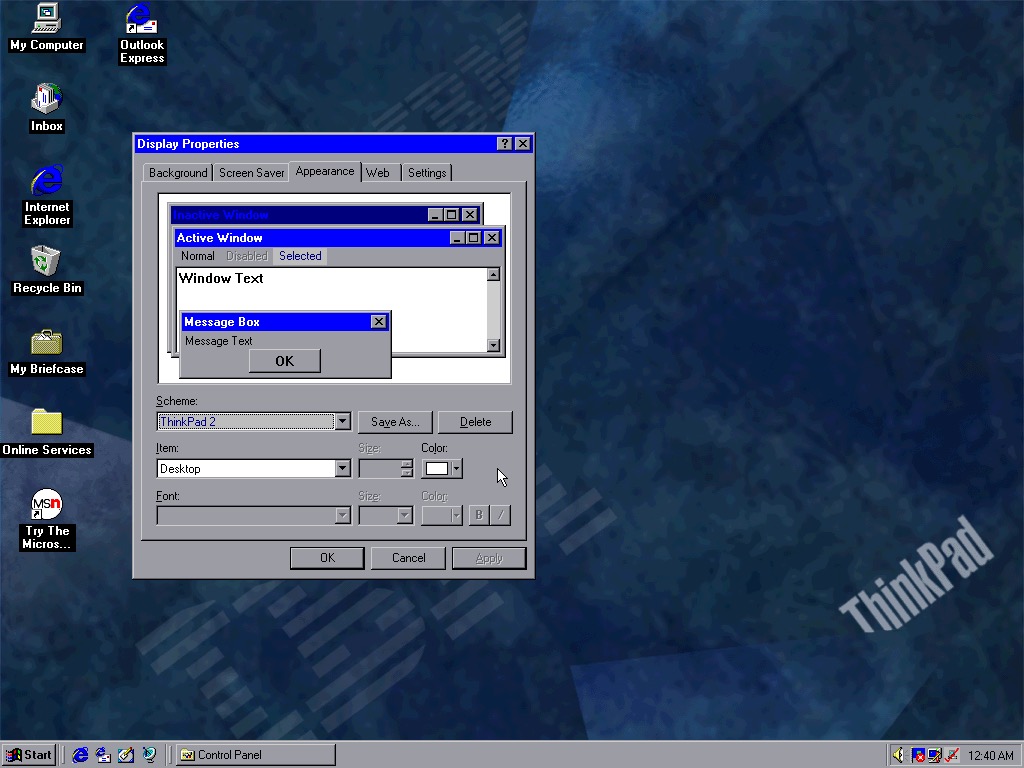
Four colour schemes come included, though they are not set as the default. These give either red or blue highlights and give a bit of Thinkpad style to the Windows desktop.

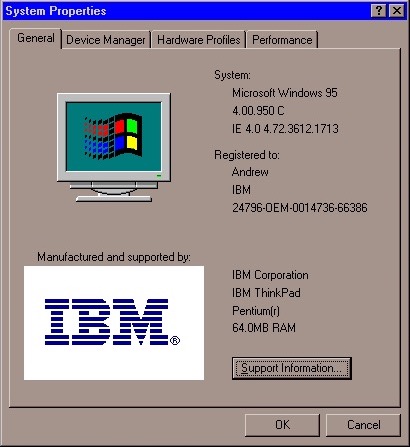
System properties showing the OEM logo and support information.

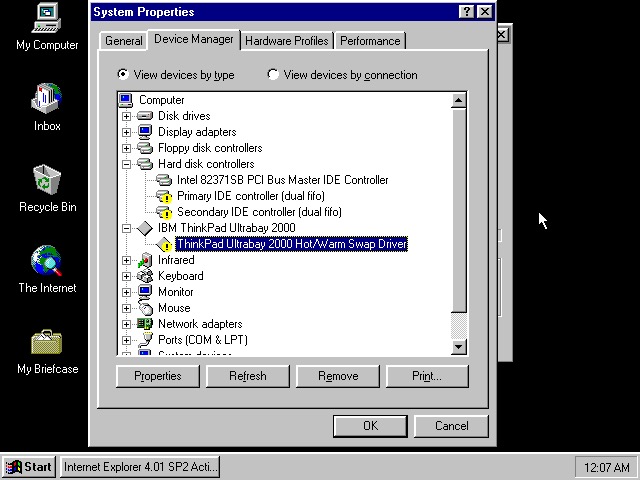
Device manager showing the UltraBay dock adaptor. The was a custom dock that allowed the user to quickly connect a monitor, desktop and keyboard by placing the laptop in the dock. Nowadays you can just use USB 3 dock, or Thunderbolt if your computer supports it.

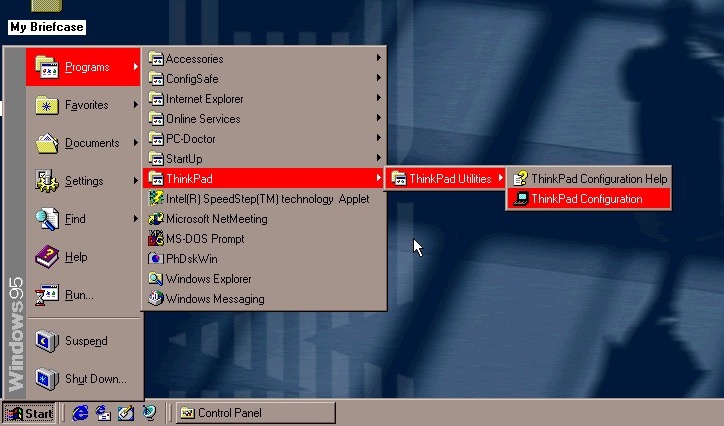
The Start menu, with the suspend feature enabled.

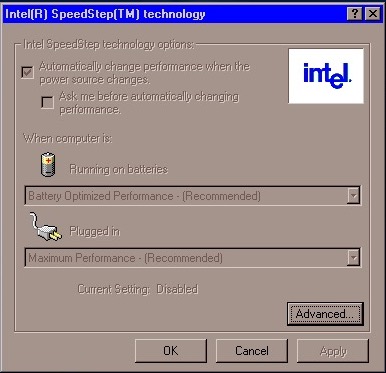
Intel Speedstep Windows 95

A look at Intel SpeedStep, which I’m surprised existed this far back. I always assumed that came out with the first-generation i7/i5 chips. Here it functions the same where it will slow the processor down to conserve battery power, a desirable feature for ultra-portable notebooks.

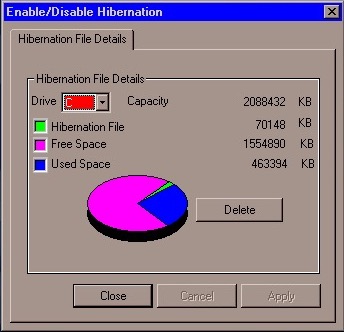
PhDiskWin

PhDiskWin, looks to be a liberation file monitor. You can delete the file to free up disk space, which Windows will recreate when you next enter hibernation.

PC-Doctor, runs through a few tests to check for any issues or faults with your system

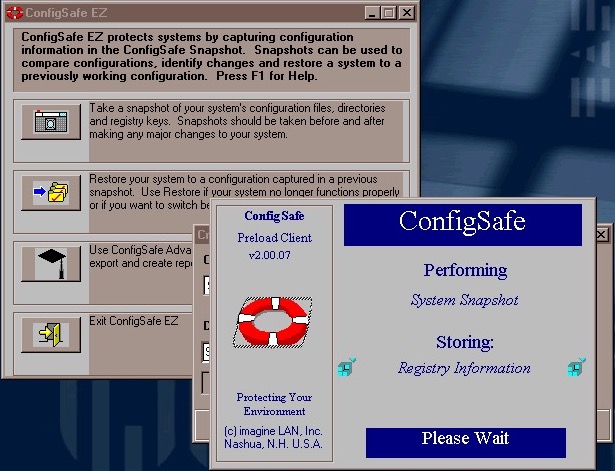
ConfigSafe Ez – sort of like a predecessor to System restore introduced in Windows ME, though commonly known from Windows XP. This takes a snapshot of critical files that can be restored should there be any issues.

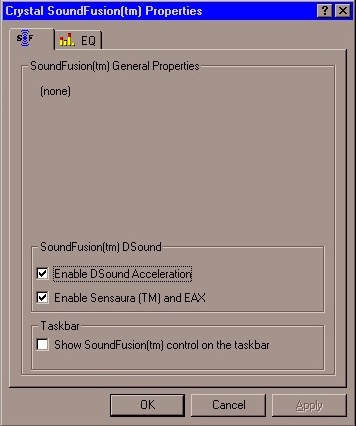
SoundFusion control panel applet which would have configured the onboard sound card. This looks to be produced from Crystal, which could be why the earlier sound card failed to install. I doubt 86Box can emulate the exact model that this notebook had shipped with.

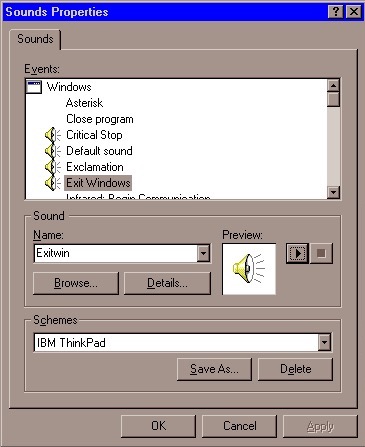
A custom sound scheme also comes included which changed the Windows Start and Exit sounds to IBM’s own, which are very Rock/Aerosmith.

Links

Archive.org – Modified archive copy, this should allow it to install on any PC or VM

IBM Aptiva 1996

A 1995 OEM install that was deployed on their Aptiva line of systems which are IBM’s consumer line of home computers. Not sure of the specific model, but it could be a generic restore image used for the Aptiva systems of the era.

86Box has a limited amount of supported Pentium IBM machines, with the closets models being PS/ValuePoint P60 – an early Pentium PC. Since a system of this era would have shipped with Windows 95, this appear s to be the closest match

Once rebooting we are presented with a lot of hardware installation dialogue messages as this was intended to be used on a different machine. Windows 95 does support a lot of this hardware out of the box but we need to run the New Hardware Wizard for it to be detected and installed. For this I recommend only having the base hardware setup in 86box, don’t add any network, sound or SCSI controllers just yet.

86Box Configuration


Machine: IBM PS/ValuePoint P60
Processor: Pentium 60MHz
Memory: 32MB – 128MB Max
Graphics: Tseng Labs ET4000/w32 – 2MB
Sound: SoundBlaster AWE32 PnP (Has an additional IDE channel)
Network: Realtek RTL8019AS

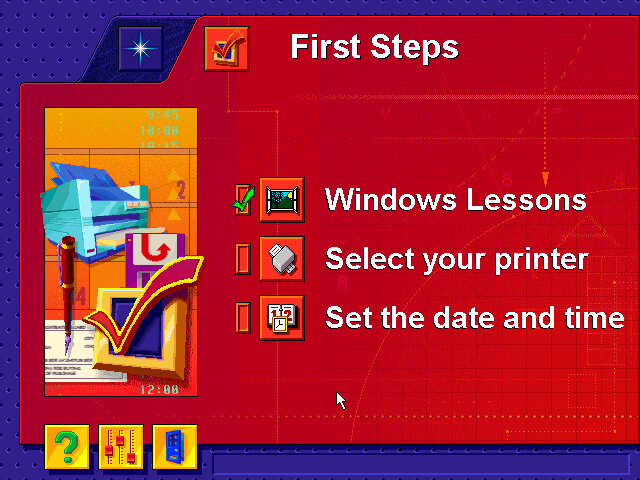
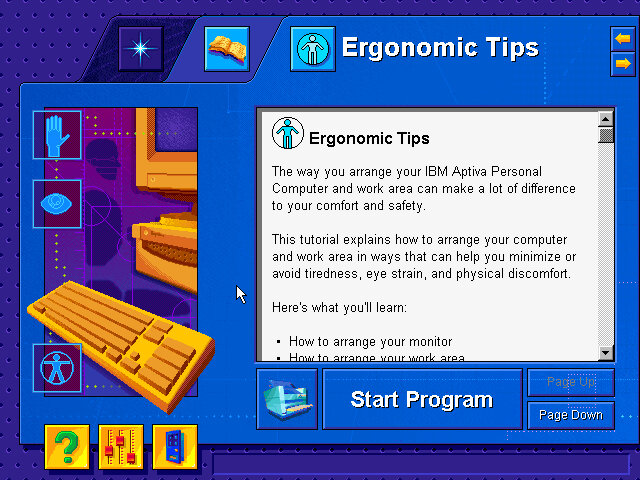
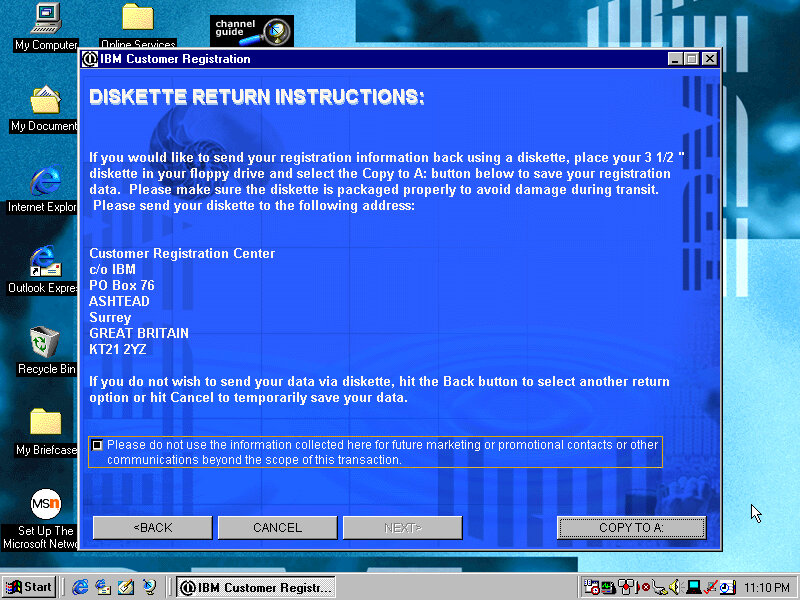
After install we are treated to a tutorial application that goes through the basics of using a mouse. Next we are given the opportunity to register our PC, either via mail or modem.

Windows 95 B, released a few months later and adds few improvements compared to the original release.

Applications

A few bits of bundled software

Netscape 3: The internet browser that comes with the system, this must have been before Microsoft mandated that OEM bundle Internet Explorer into their systems. Speaking of which, Internet Explorer 3 also comes with the OS. I always liked this version of IE due to the background italics on the explorer bar.

IBM Lotus SmartSuite
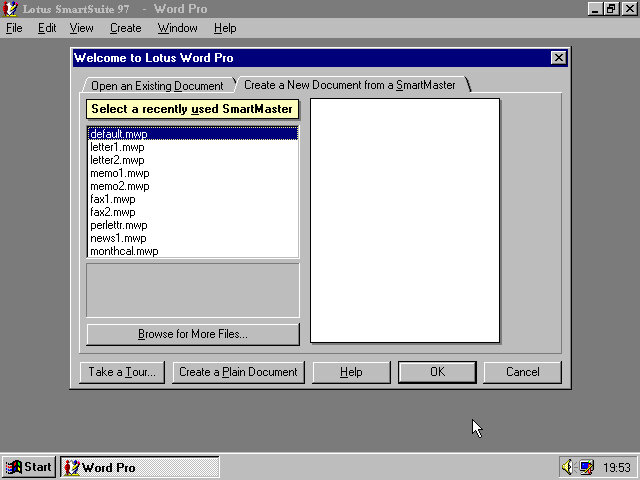
Instead of Microsoft Office IBM opted to include their Lotus SmartSuite software which was a competitor suite of applications that bundled a word processor, spreadsheet and organiser software into one package

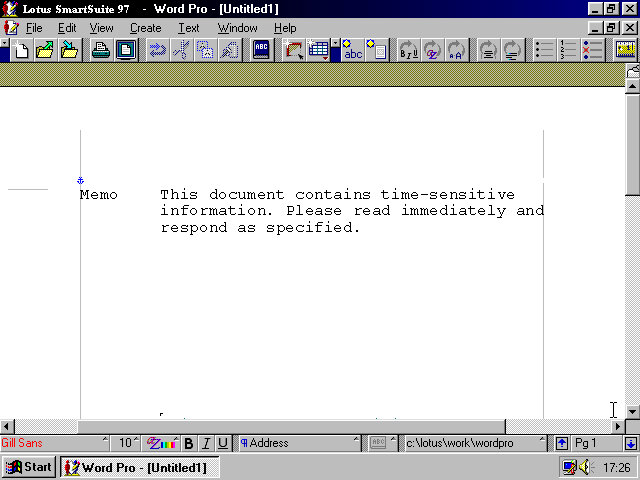
One of the premade templates, memo.

And Lotus 1-2-3 that was once the industry standard spreadsheet software. Possibly still being used

And lastly the organiser, this incorporates an early form of skemorphism with it representing a real diary book.

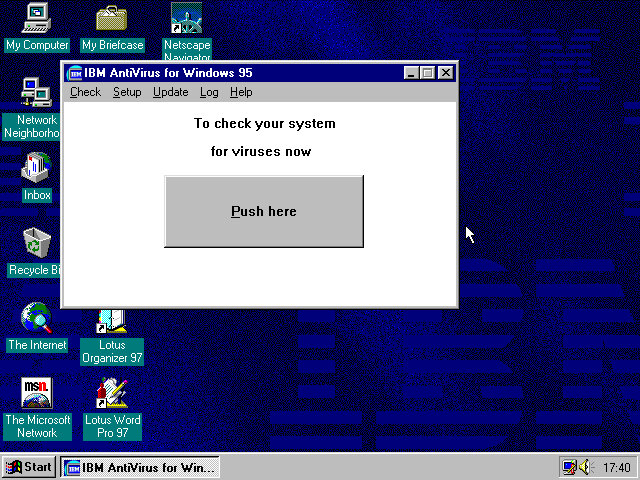
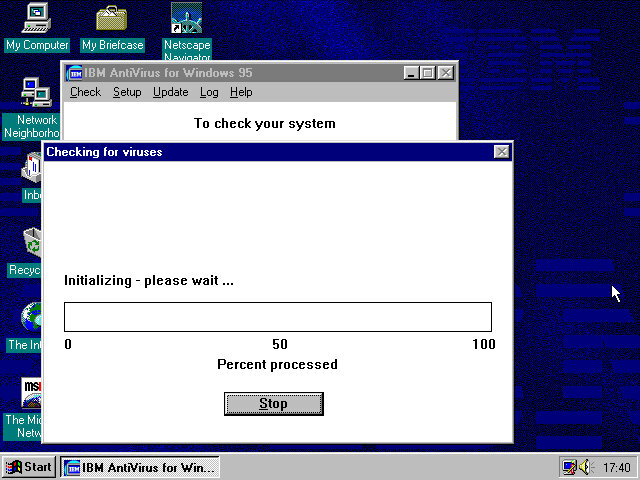
And the actual devil itself which looks like a Windows 3.x program. The big Push here button kinda makes it look like a pop up window scam.
Updates are delivered through floppy disk although you could probably download them from the IBM website. The program simply asks you for the file path of where the updates are located.

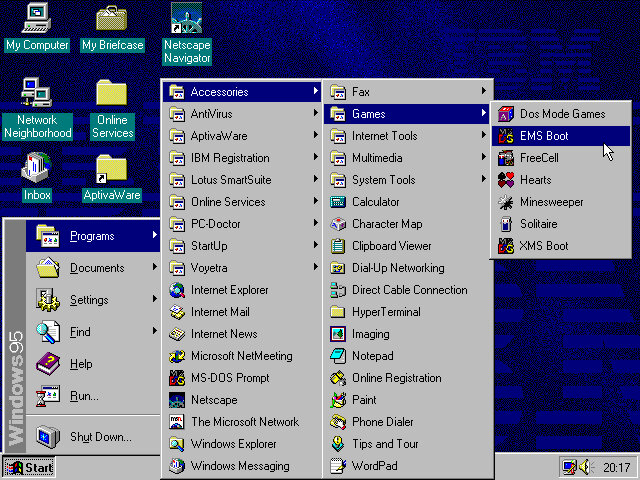
In the Accessories, Games folder there are a few options that relate to MS-DOS such as EMS boot and XMS. These would relates to certain types of memory that DOS had used and was needed to use certain games. Selecting these options will reboot the computer into that specific DOS mode. Honestly I’m not sure which games require a specific mode, but I remember my old TIME PC having a similar set of options in its bootup menu.

AptivaWare

In the Accessories, Games folder there are a few options that relate to MS-DOS such as EMS boot and XMS. These would relate to certain types of memory that DOS had used and was needed to use certain games. Selecting these options will reboot the computer into that specific DOS mode. Honestly I’m not sure which games require a specific mode, but I remember my old TIME PC having a similar set of options in its bootup menu.

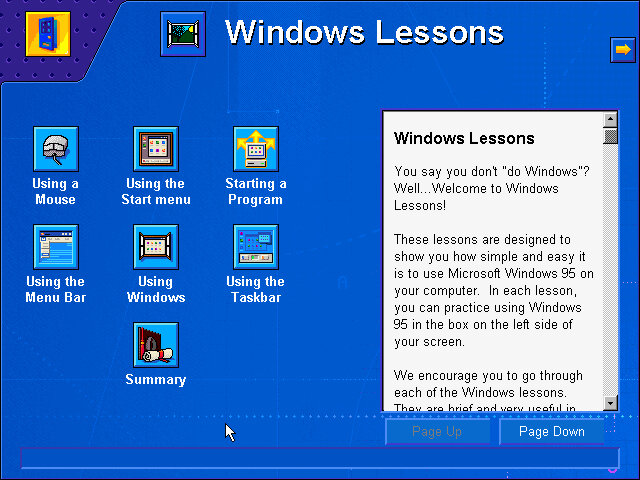
Tutorials for Windows are also featured here, which follows basic Windows concepts such as the taskbar, expanding and minimizing windows to the taskbar and using the Start menu.

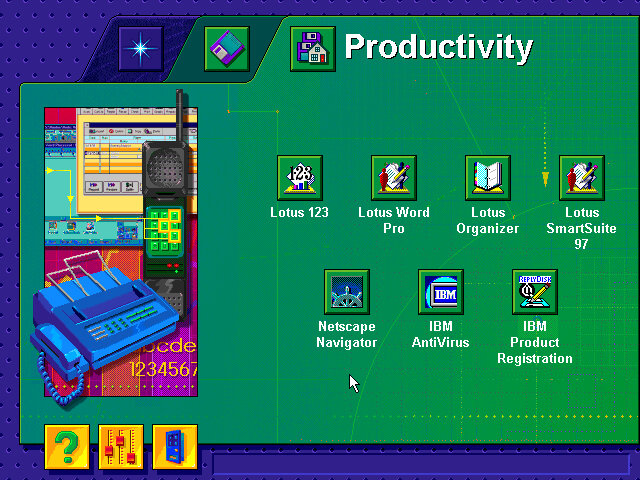
There are also links to the bundled software applications, meaning this acts as a software launcher.

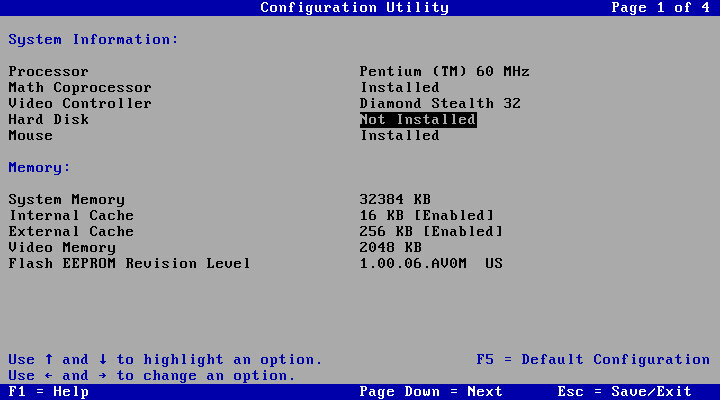
Lastly a look at the systems BIOS of an IBM ValuePoint, with a clean looking setup utility. The hard drive is limited to around 520MB and it cannot address any further. Larger hard disks might be possible with a SCSI controller, plus it would let you add up to around 7 different drives.

The BIOS is straightforward to navigate, with the arrow keys being used to select and change settings. The Pg Up and Pg Dn keys can be used to cycle through the different screens.

Archive of recovery image

PCem or 86Box are your only means of running this, as virtual machine will run into the general protection error upon bootup.

IBM Thinkpad X41

One of the last generation of Thinkpad laptops branded as IBM before Lenovo was introduced. Let’s take a look at what software was included with a typical IBM Thinkpad install.

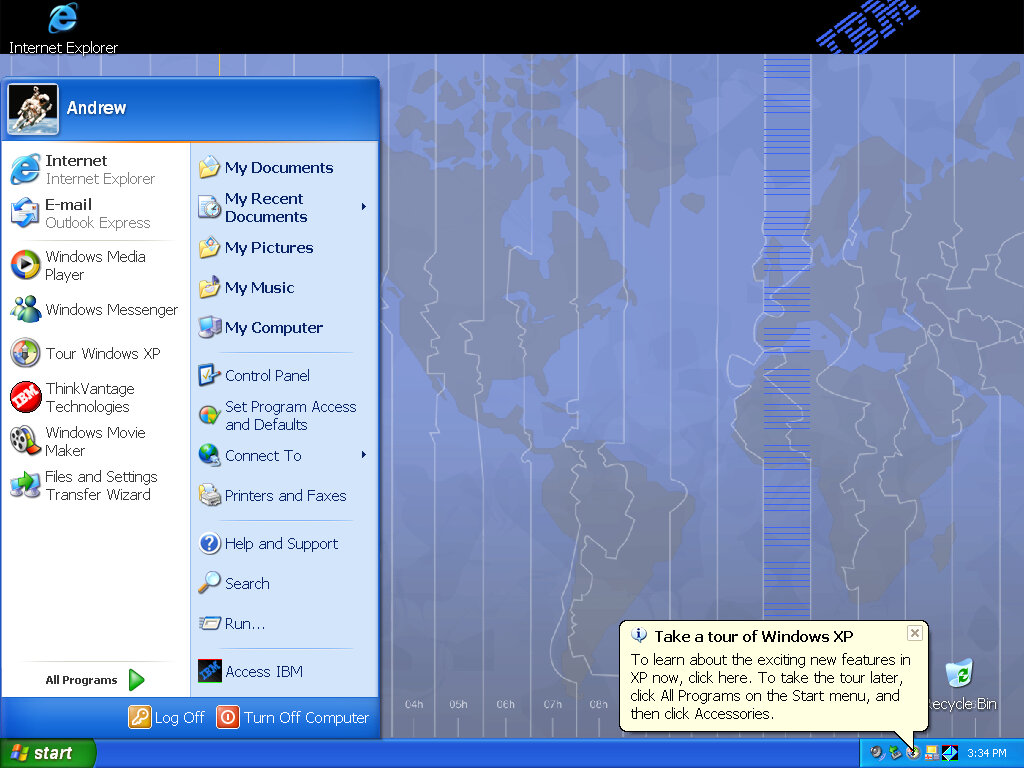
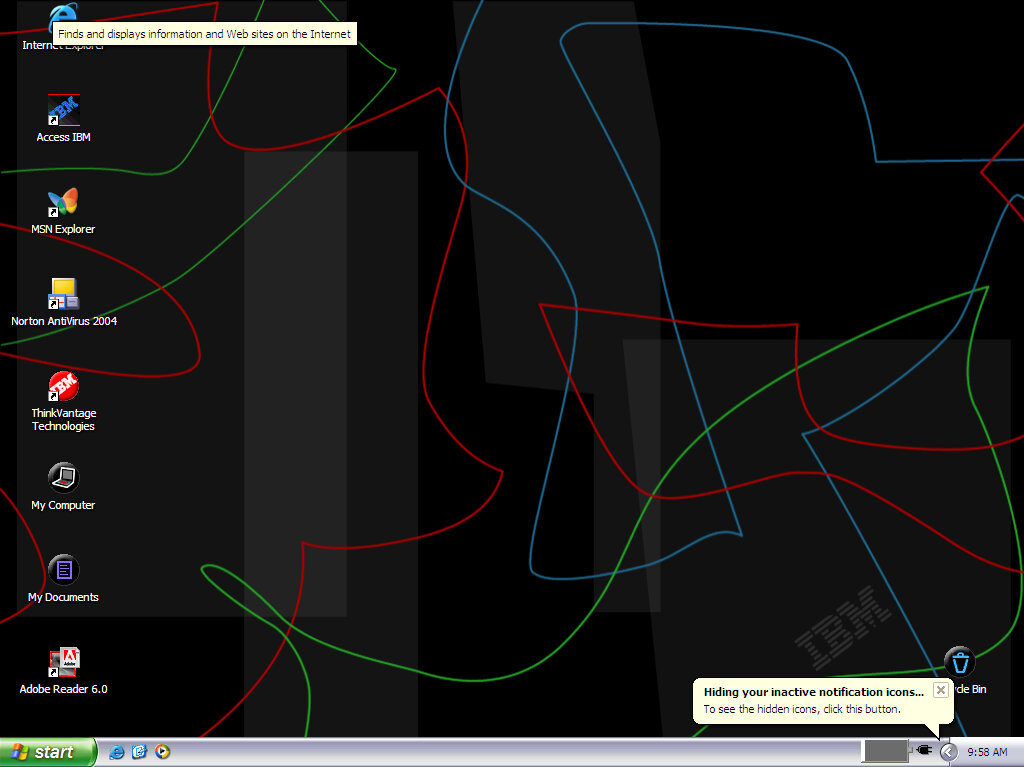
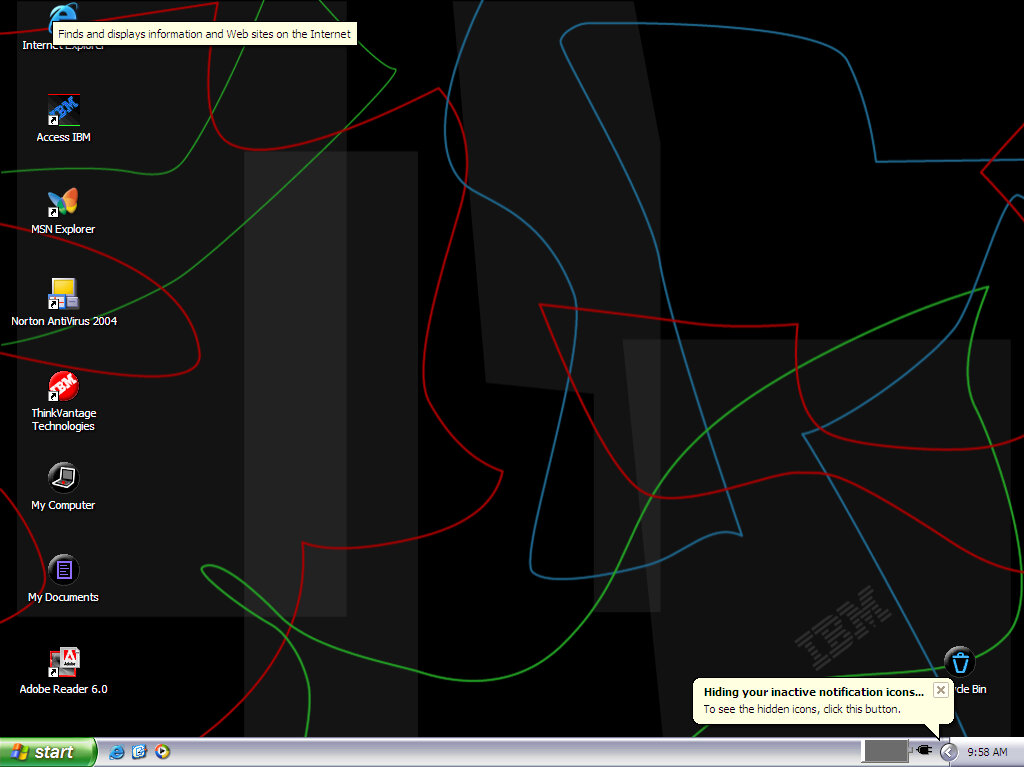
Desktop after a fresh install, complete with an IBM custom wallpaper and a link to the Access IBM for the OEM Link.

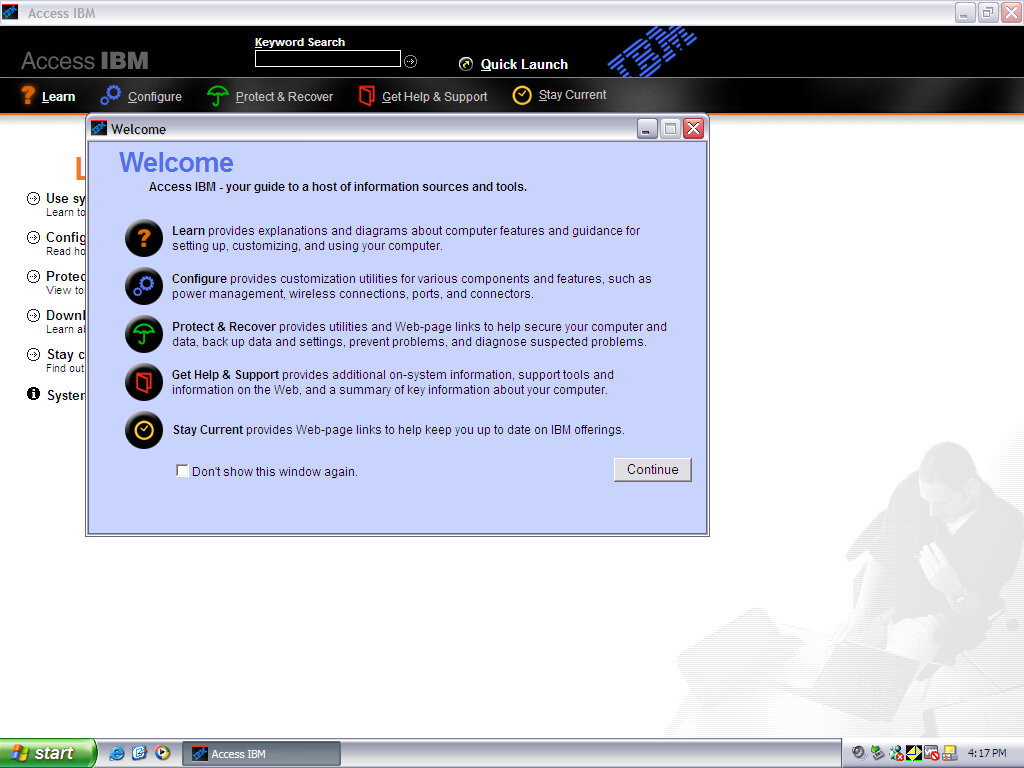
Access IBM

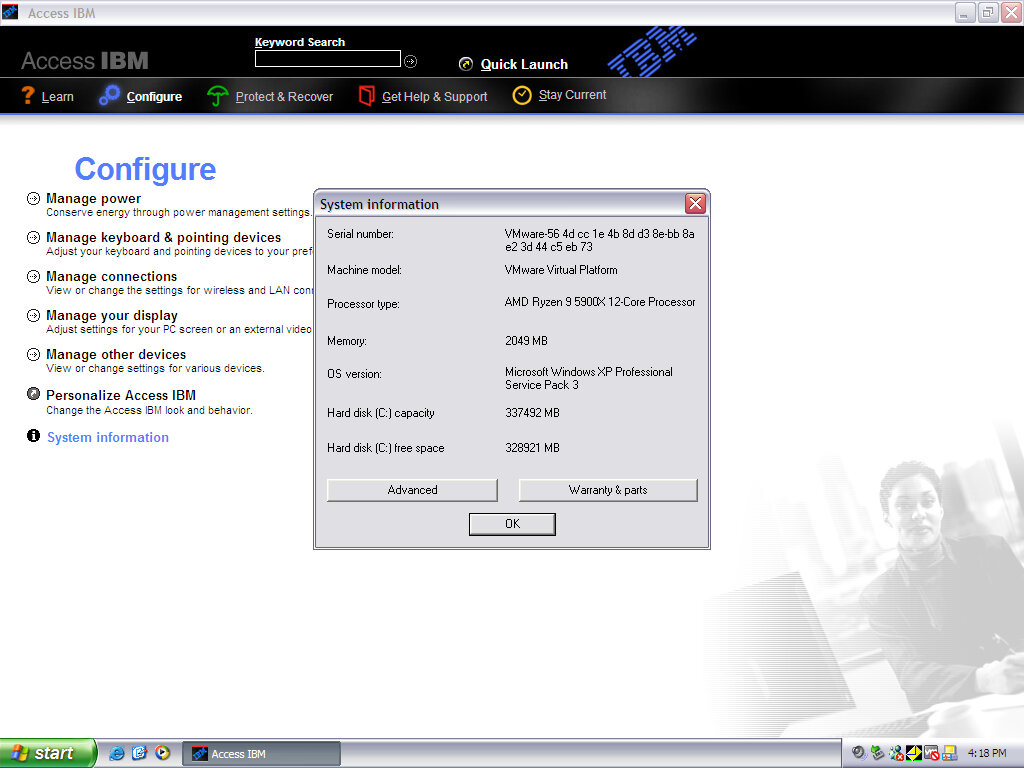
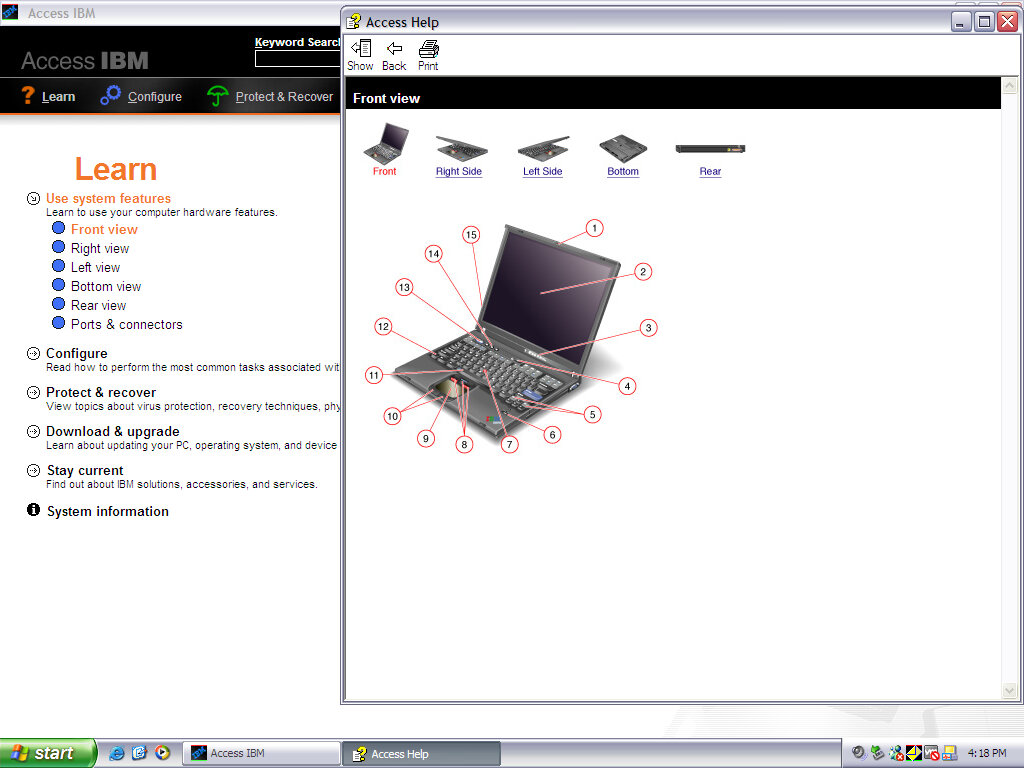
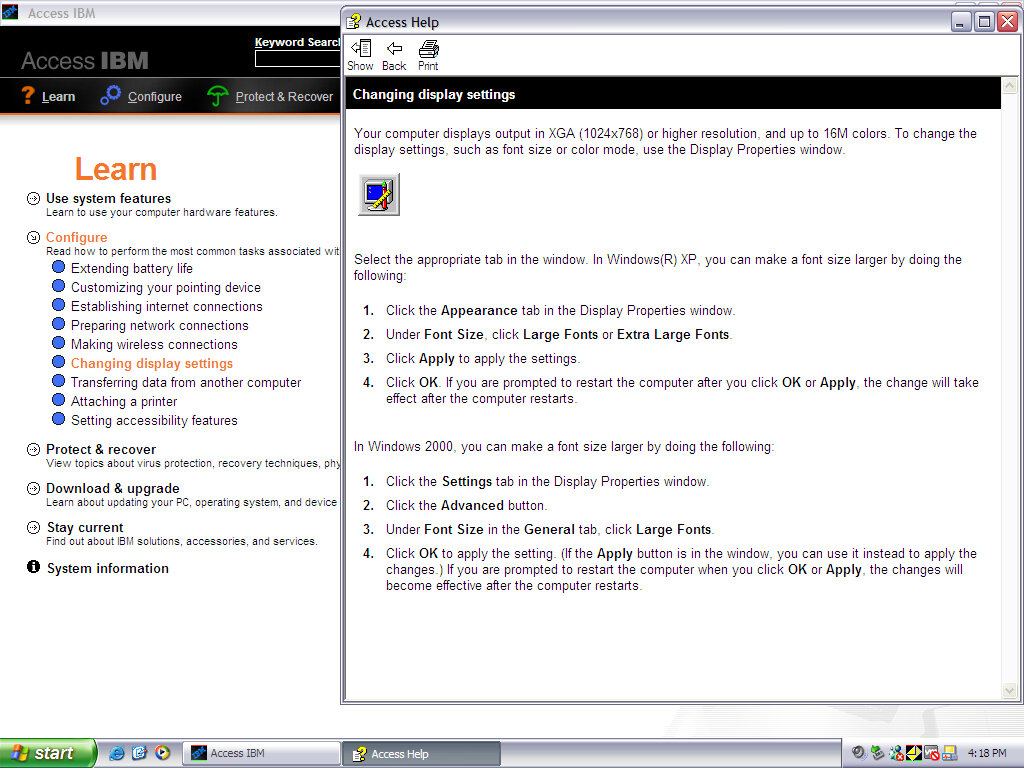
A program that goes through the features of the ThinkPad and allows easy access to common functions that Windows does not typically cover. It also has links to various support topics and articles, acting as an electronic alternative to the bundled documentation.

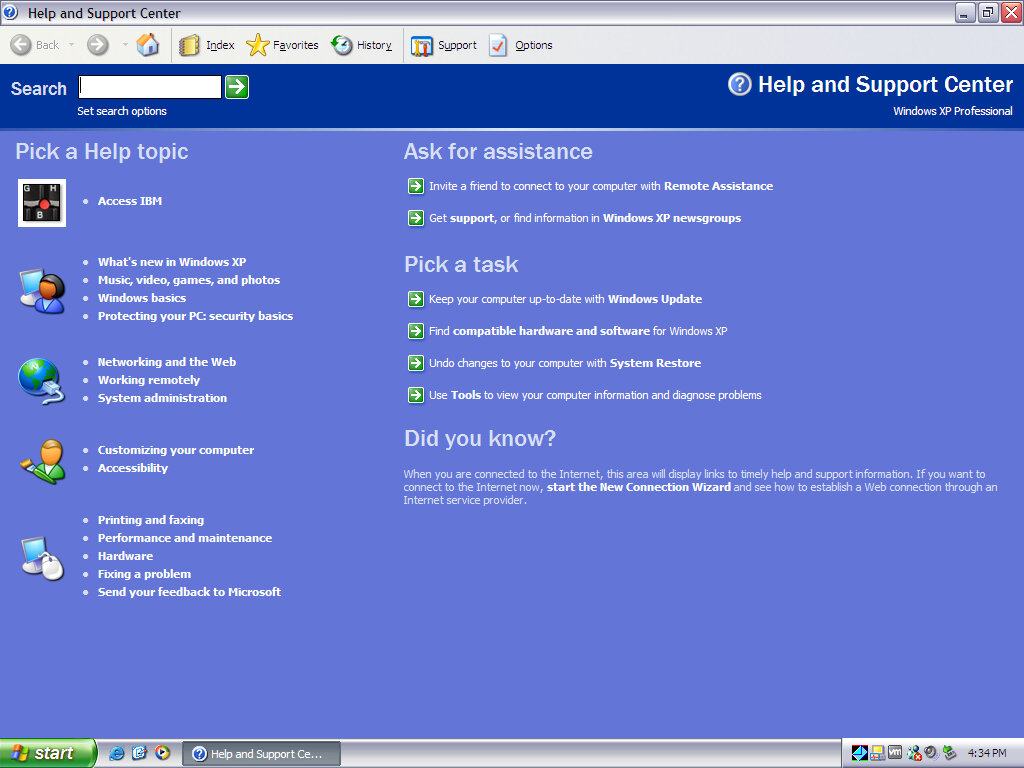
A shortcut to Access IBM appears in the Windows Help & Support center.

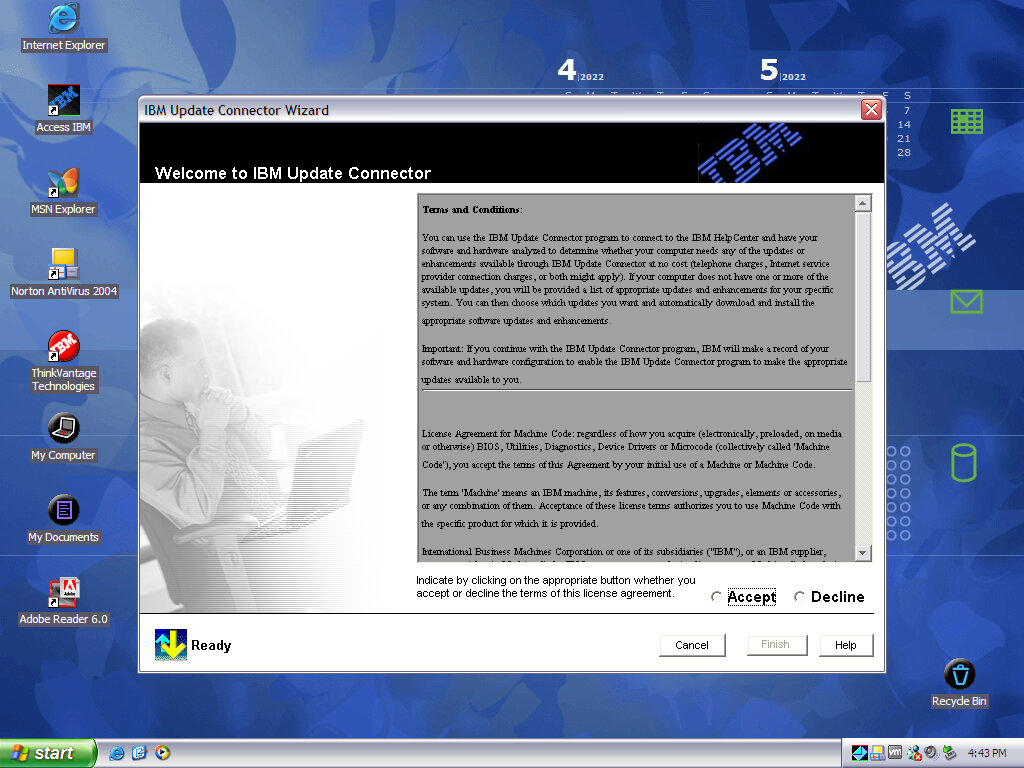
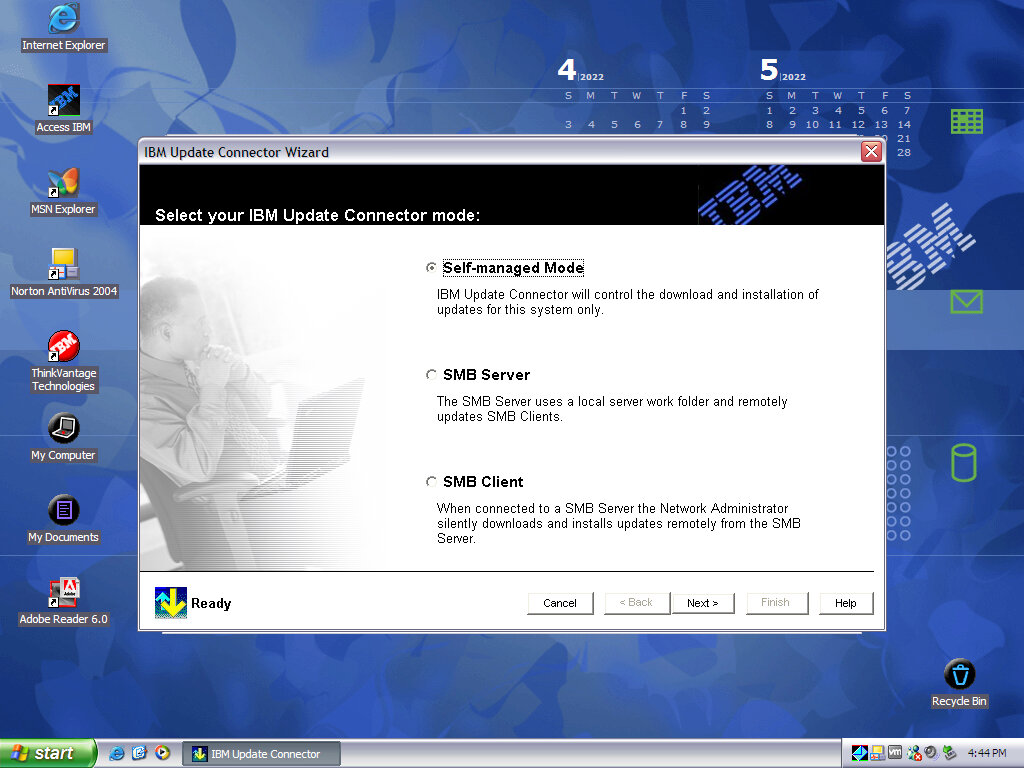
IBM Update Connector

Checks for driver updates and any new versions of bundles software. In a domain environment you can also set up your own IBM update server where approved and tested updates can be distributed, instead of downloading from IBM directly.

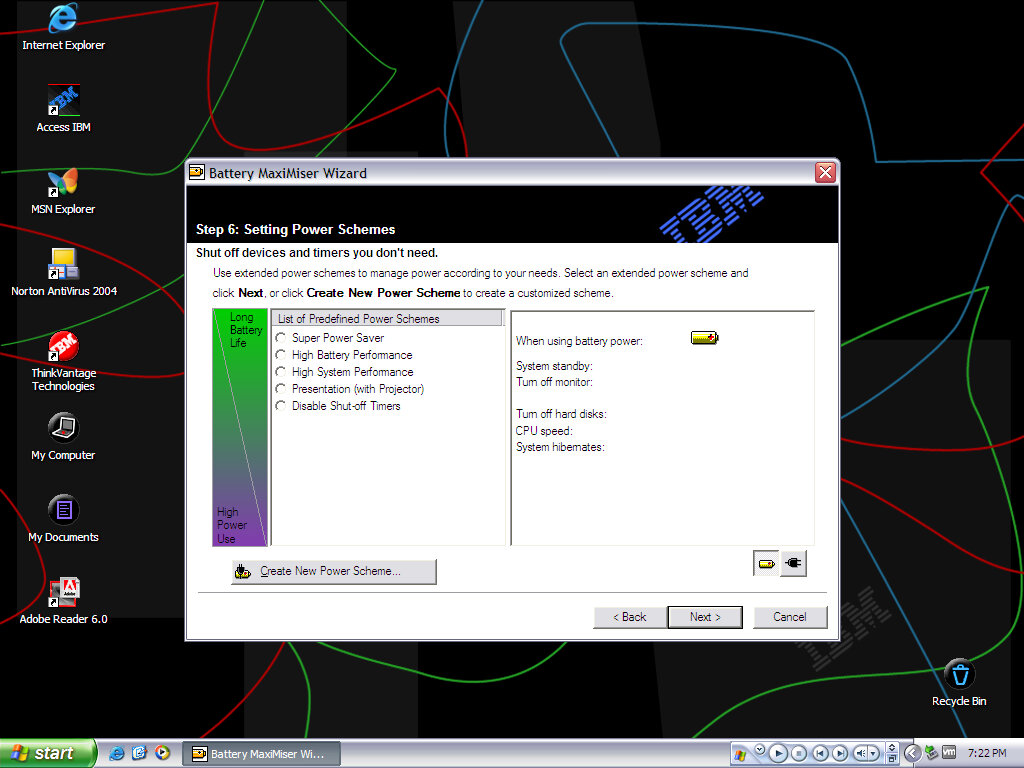
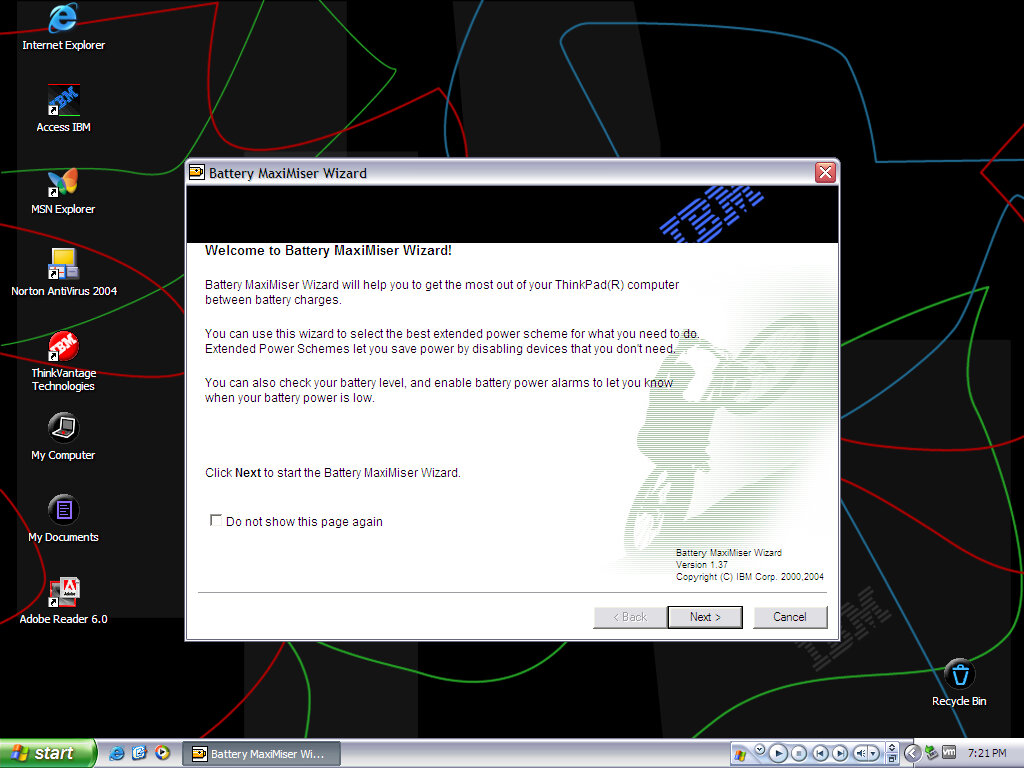
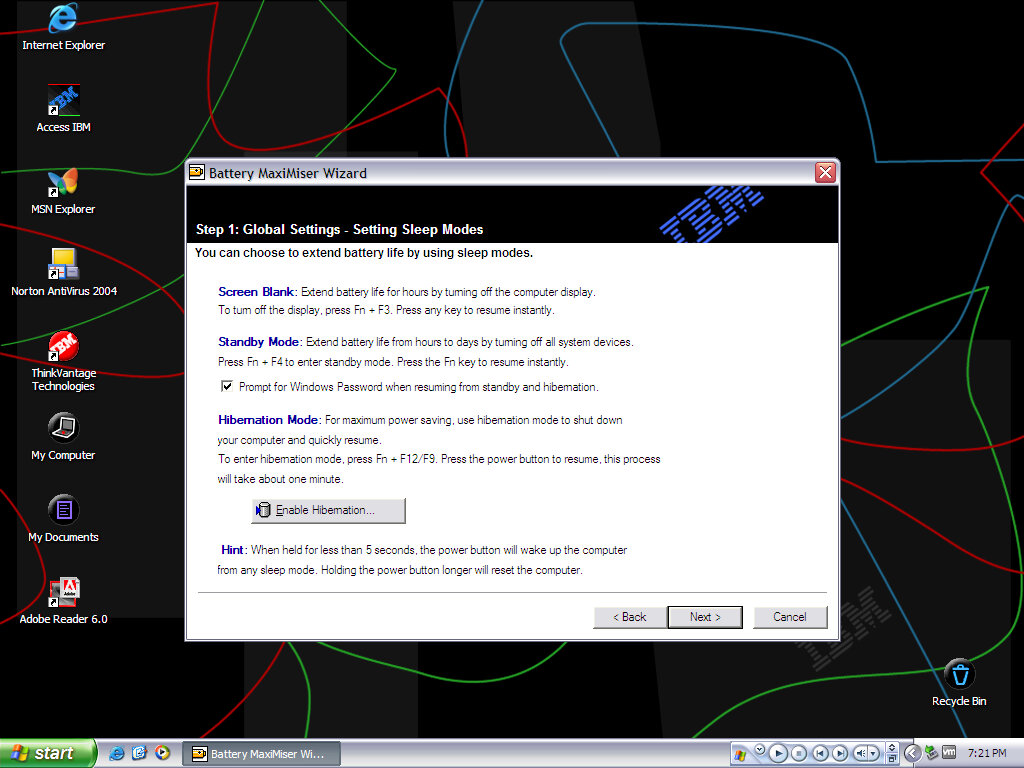
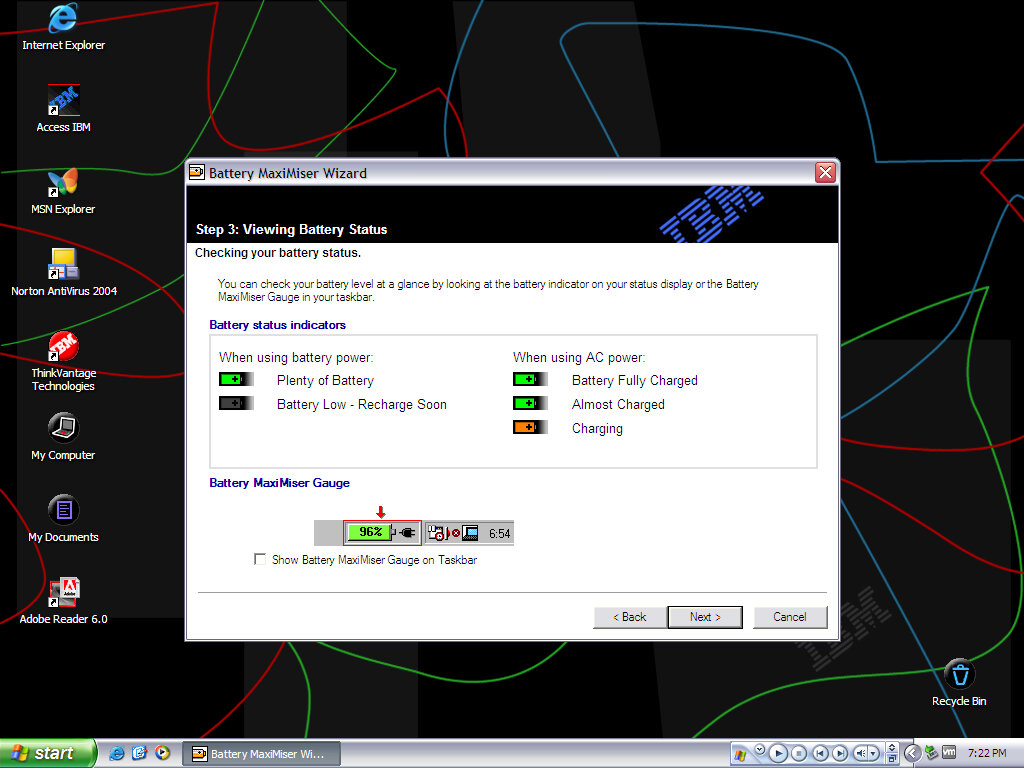
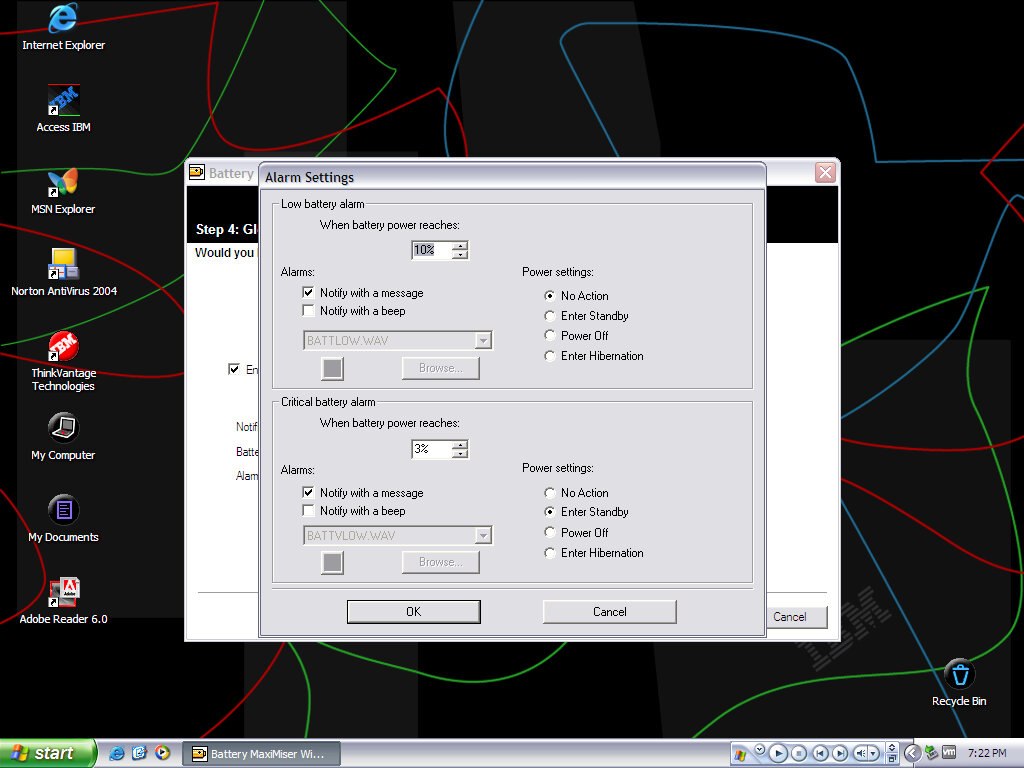
Battery MaxiMizer Wizard

Helps monitor the battery health and how to get the best battery life.

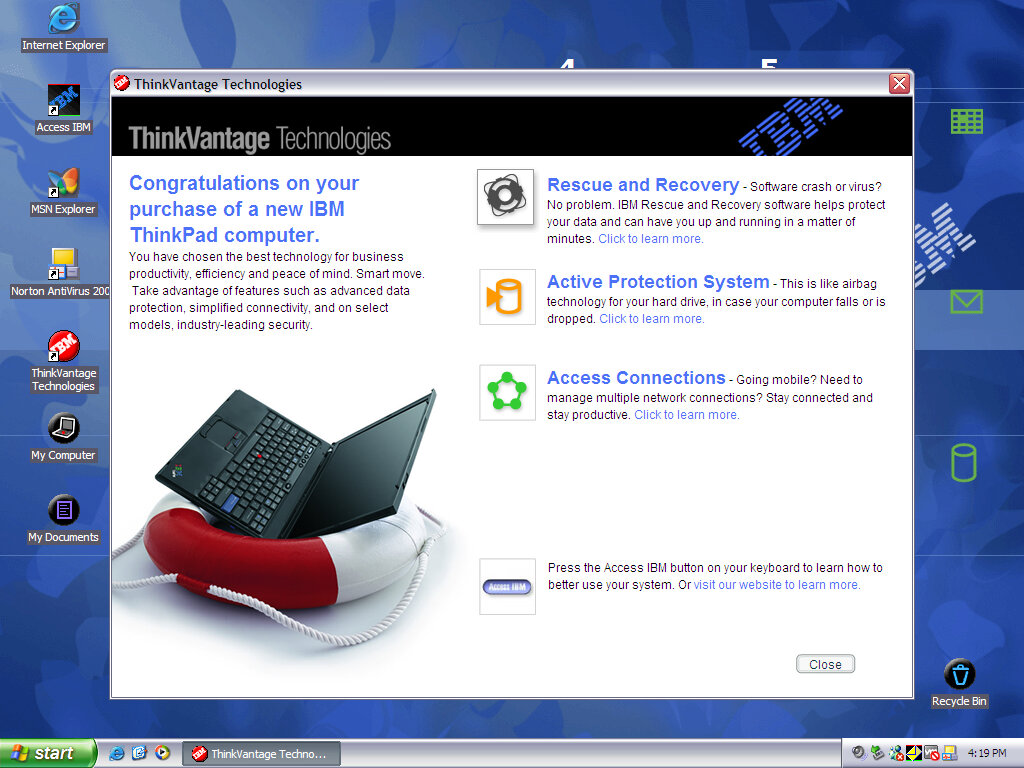
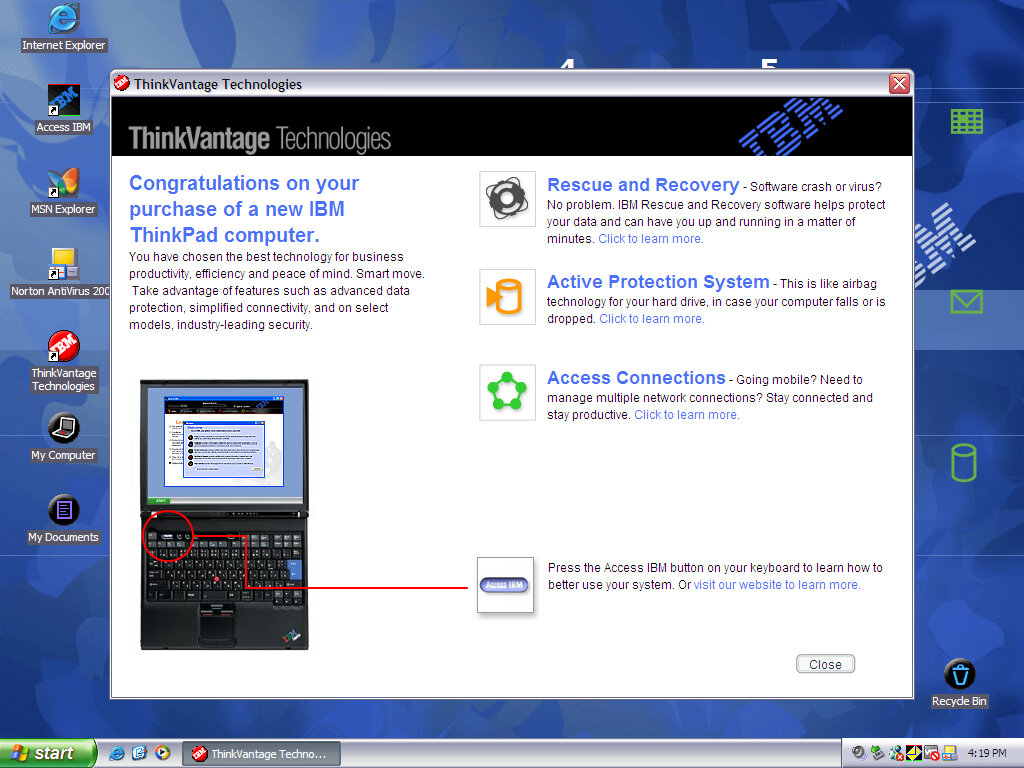
ThinkVantage Technologies

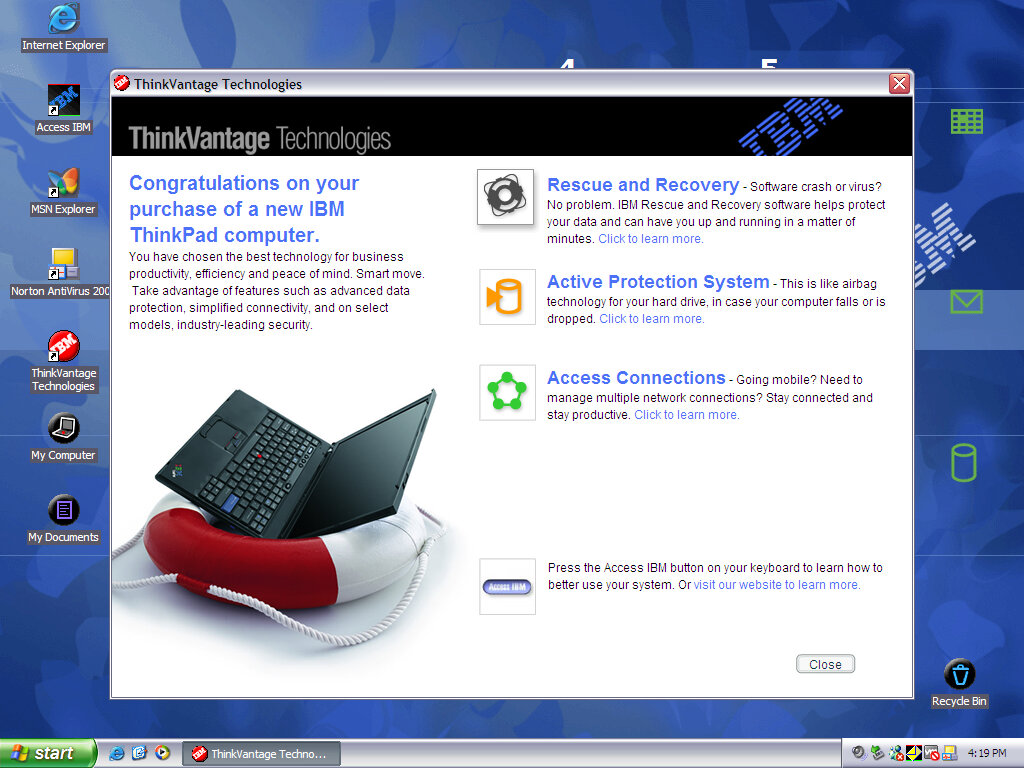
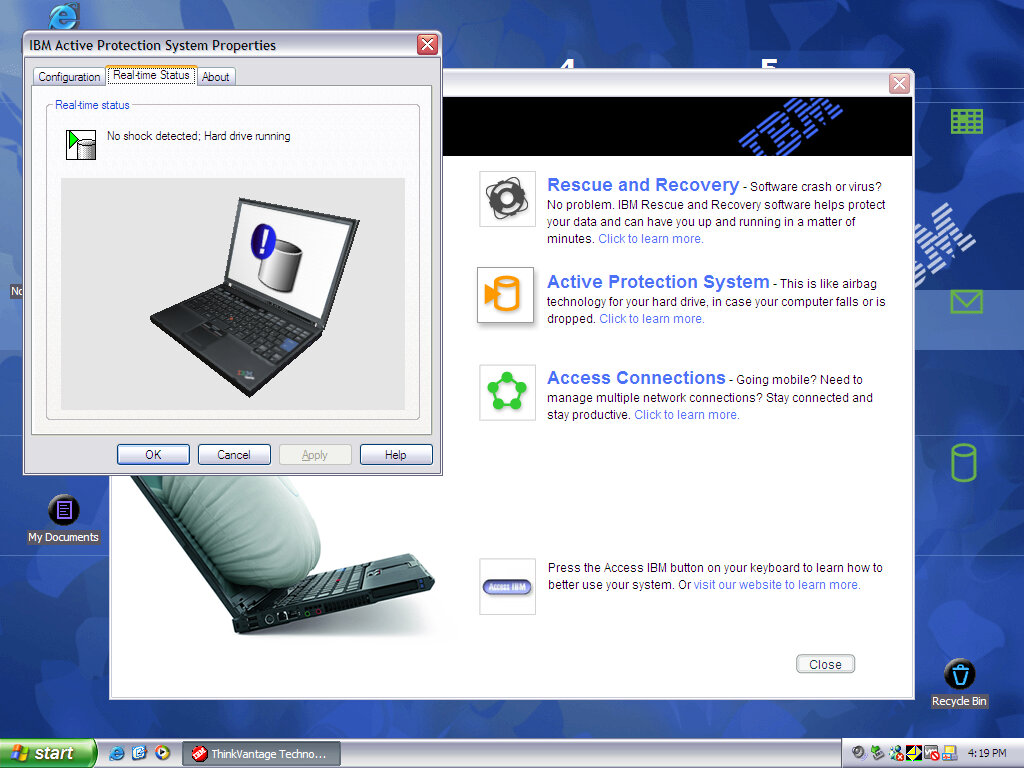
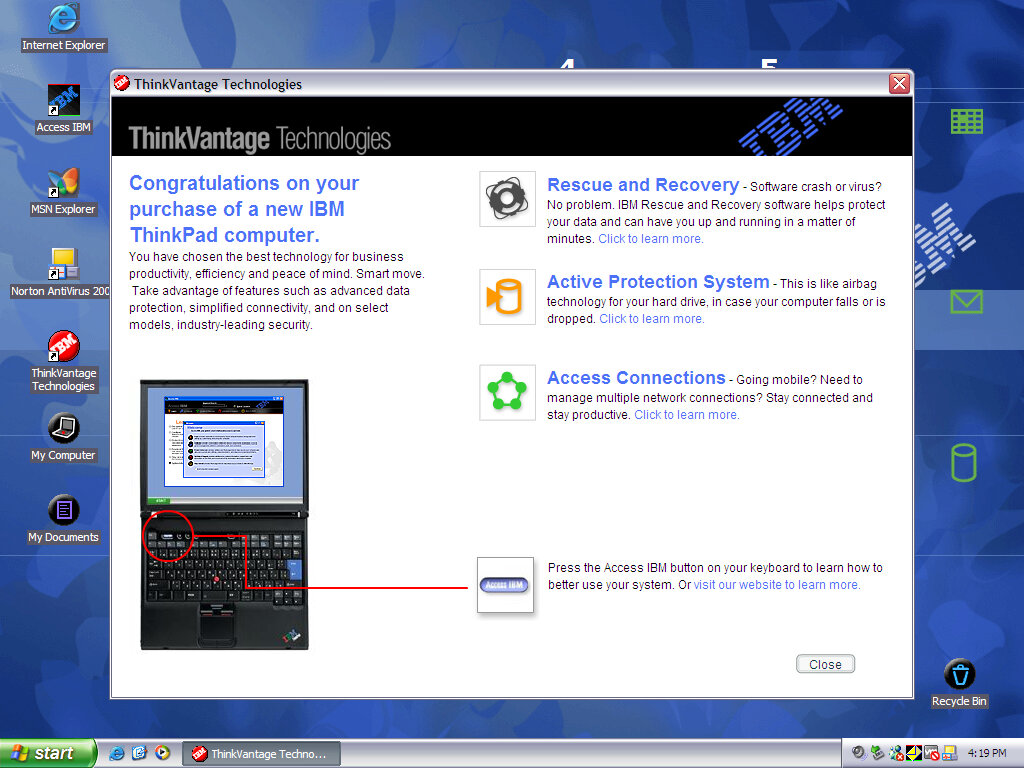
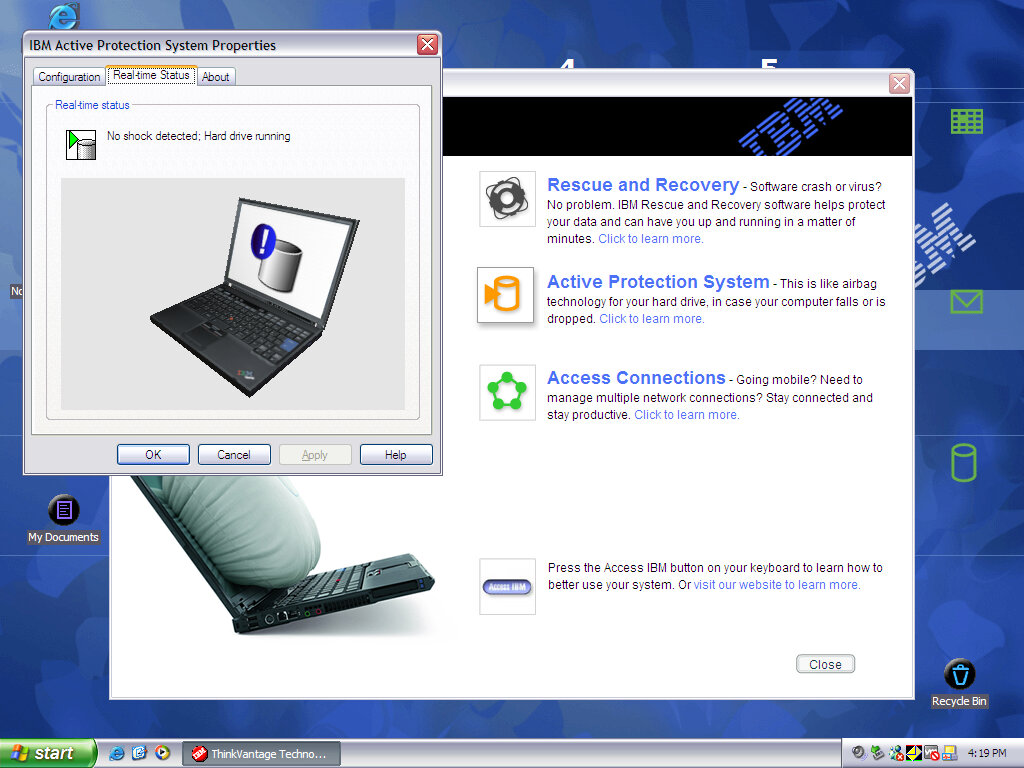
Shows off the different features of your ThinkPad like the rescue and recovery software to recover any missing or corrupted files. The active protection system with shuts off the hard drive when a fall is detected, possibly a sensor is embedded into the laptop to allow it to detect this.

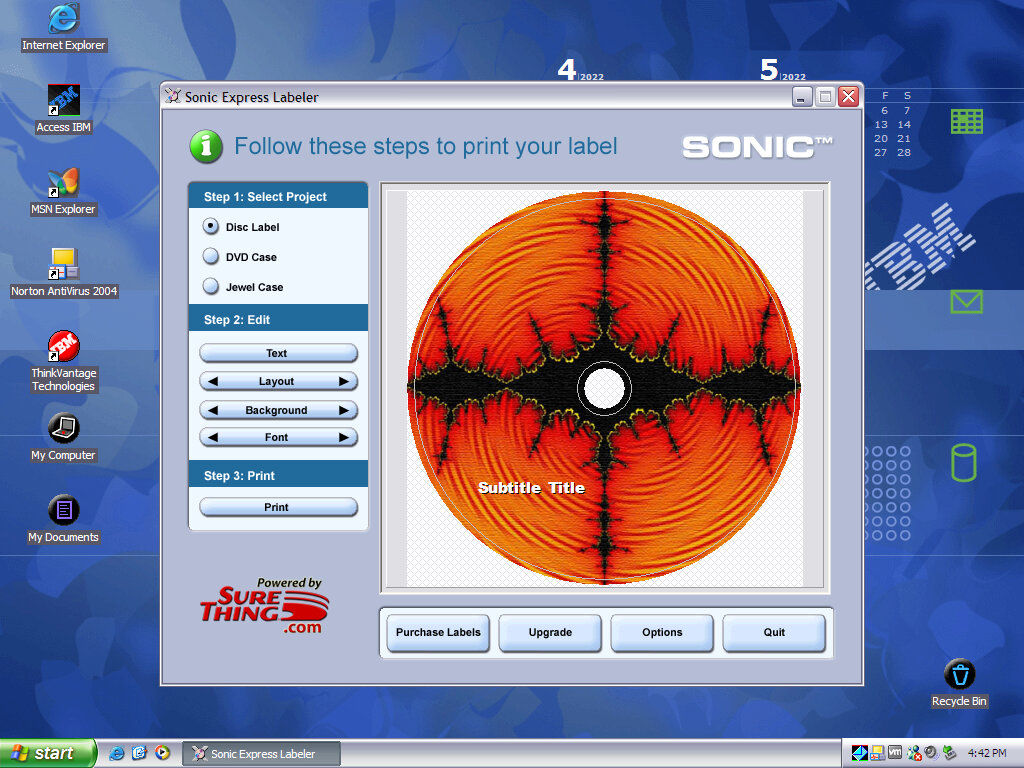
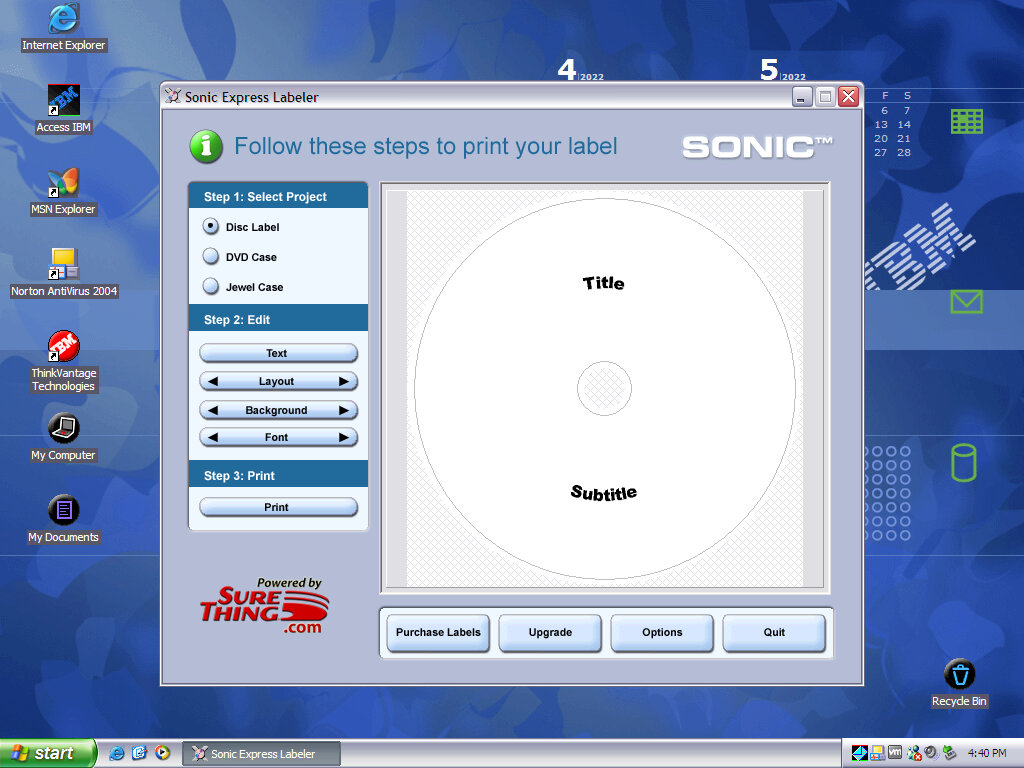
SONIC Expresslabeler

Adobe Reader

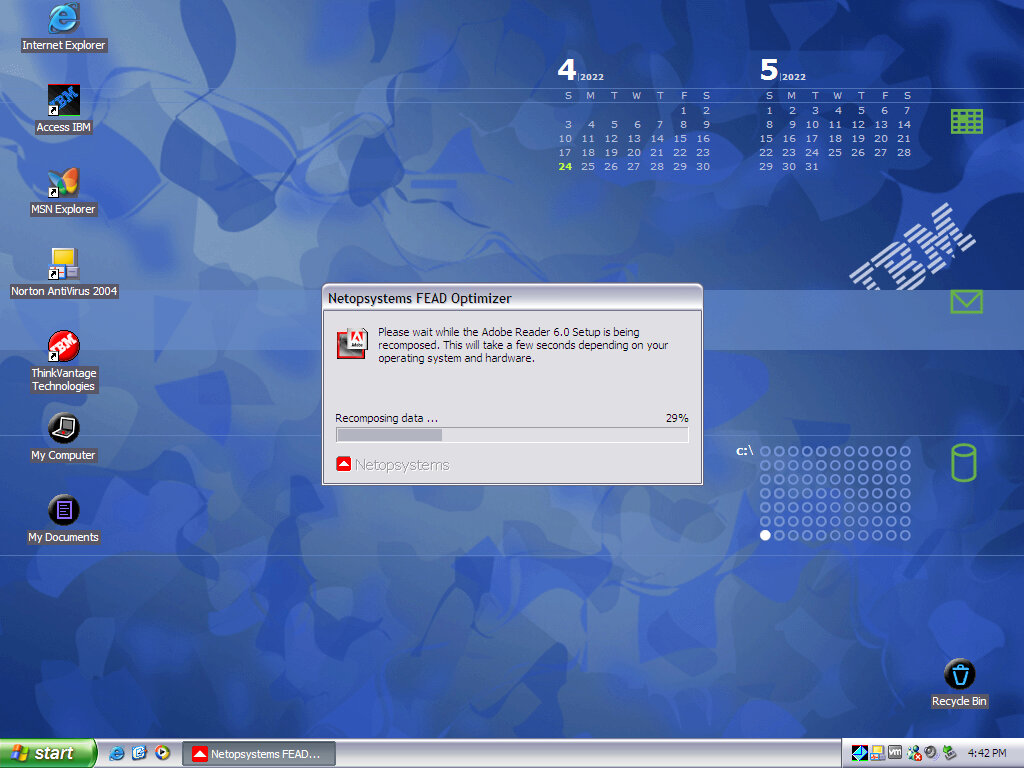
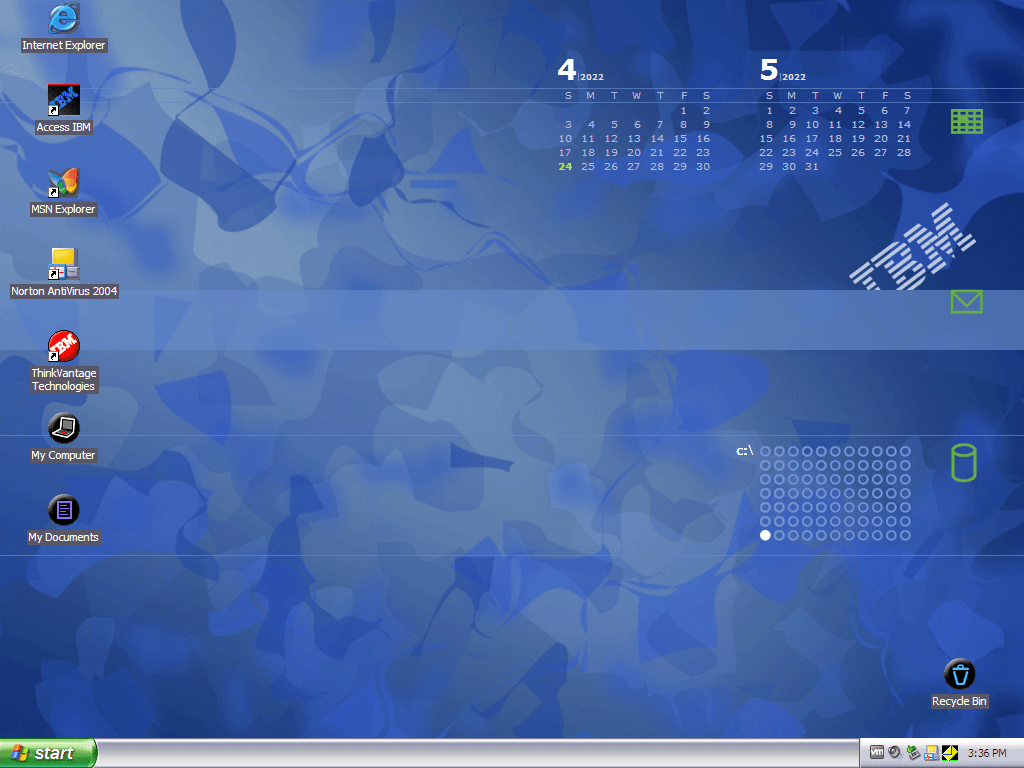
Appears to be present but not completely installed by default. Opening it for the first time reveals some sort of unarchiver. Also a look at an interactive wallpaper also provided by IBM, which displays a graphical view of the hard drive and its space used, and the calendar which shows the correct date (But not any schedules or reminders). There’s also a section for email, but I have yet to get this to show anything, possibly only works with Outlook Express.

InterVideo WinDVD

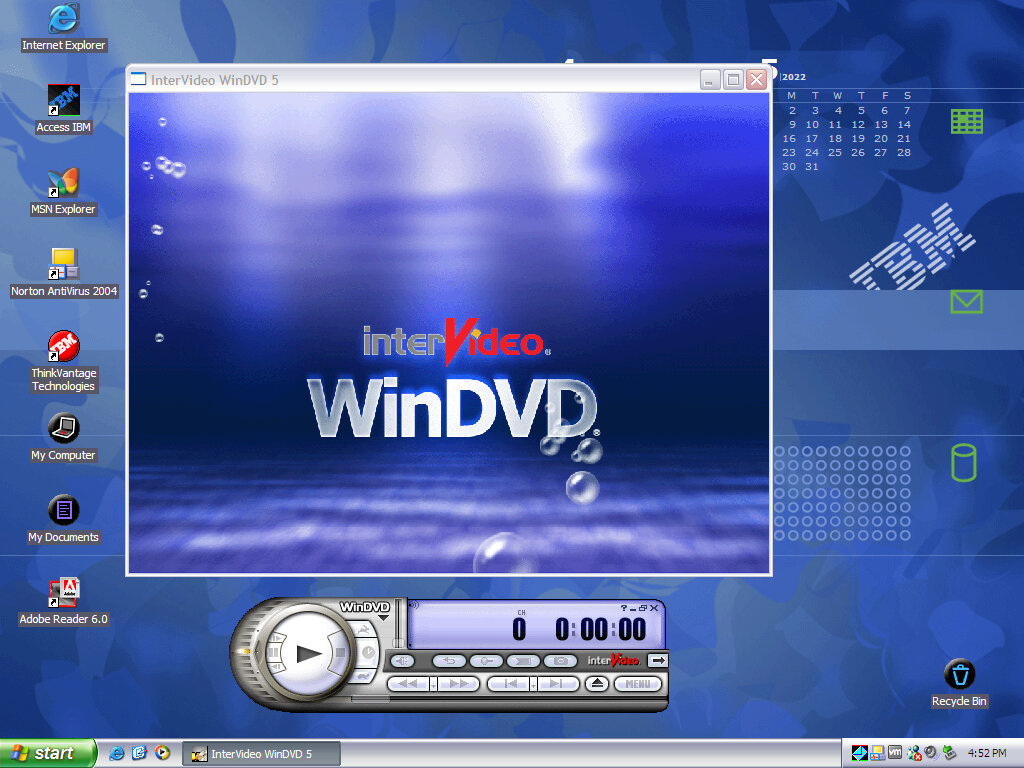
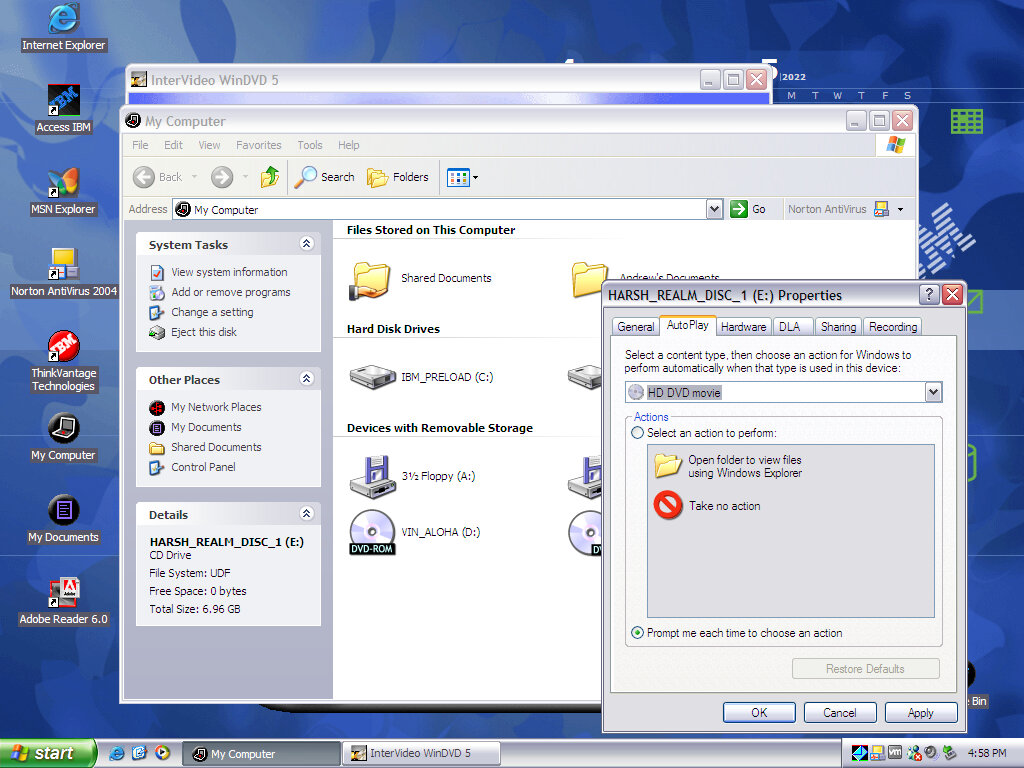
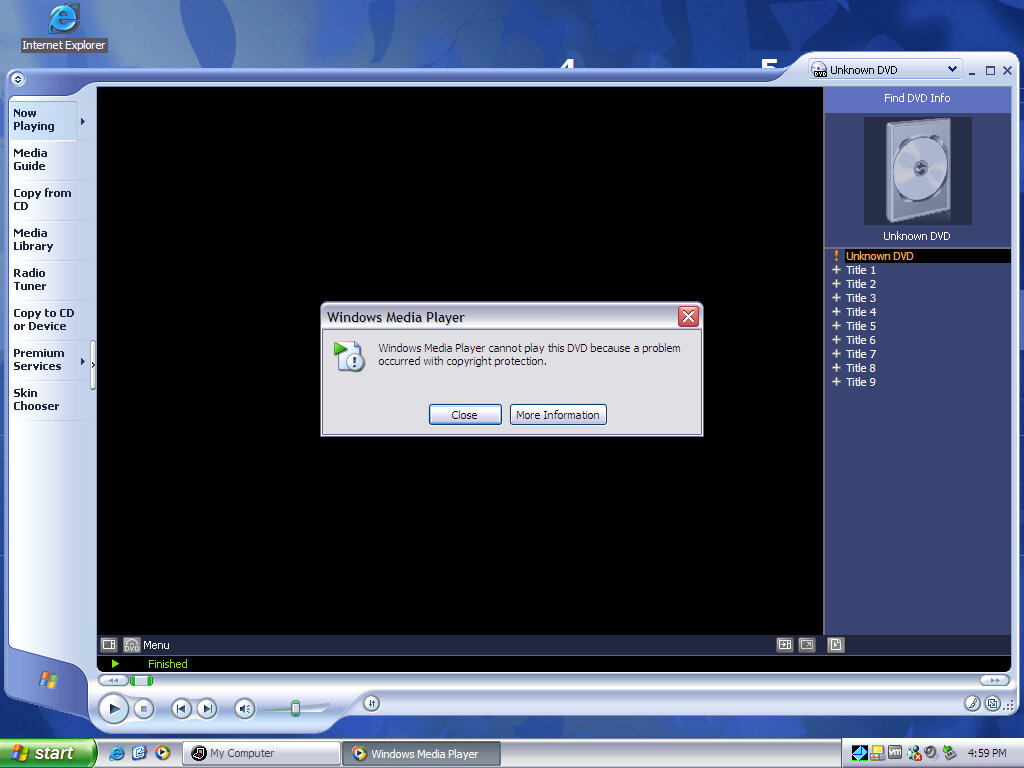
DVD playback software for the included DVD drive, this does not function in the virtual machine as it complains about the lack of copy protection. Even Windows Media Player had issues playing a DVD.

InterVideo WinDVD Creator

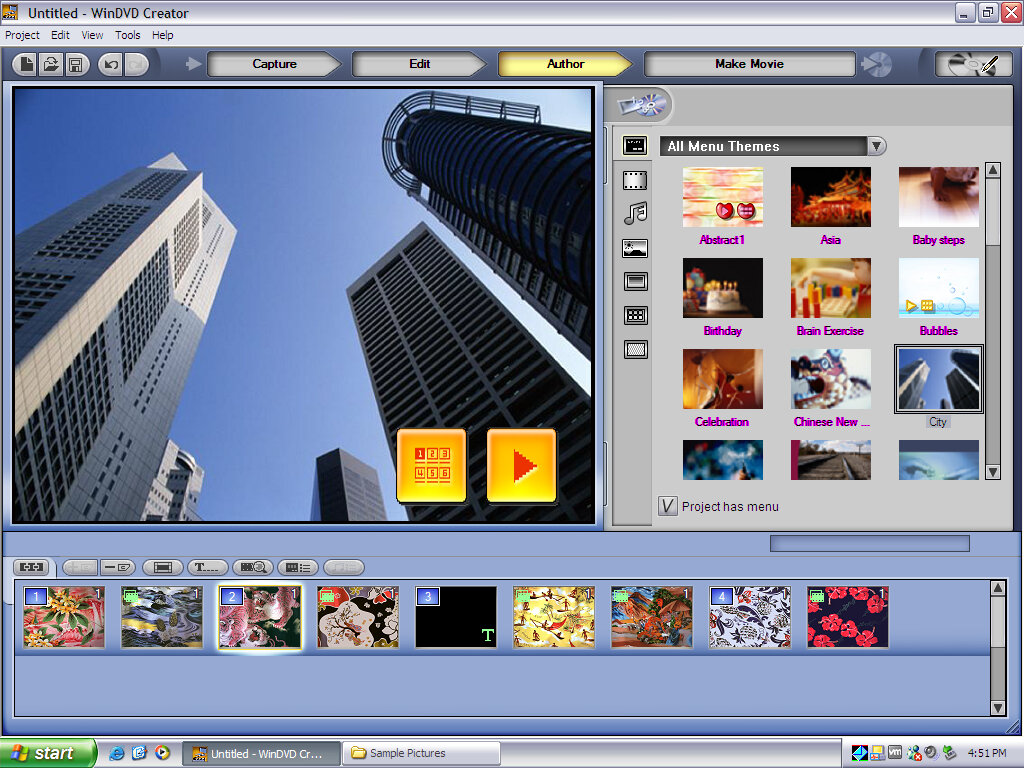
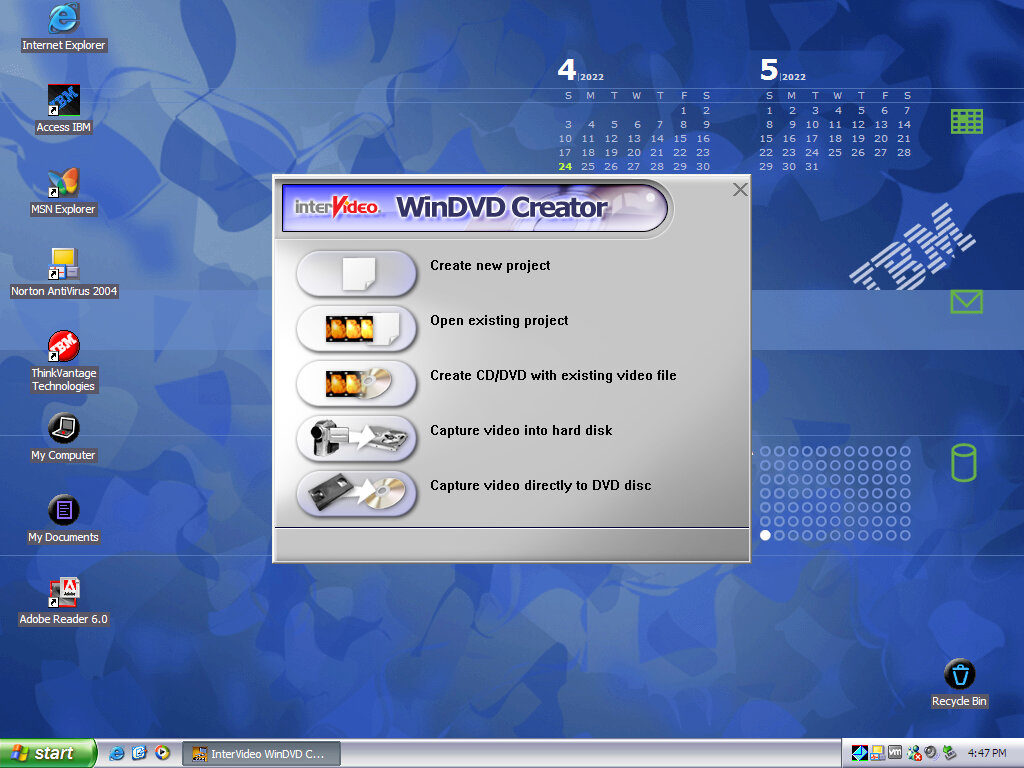
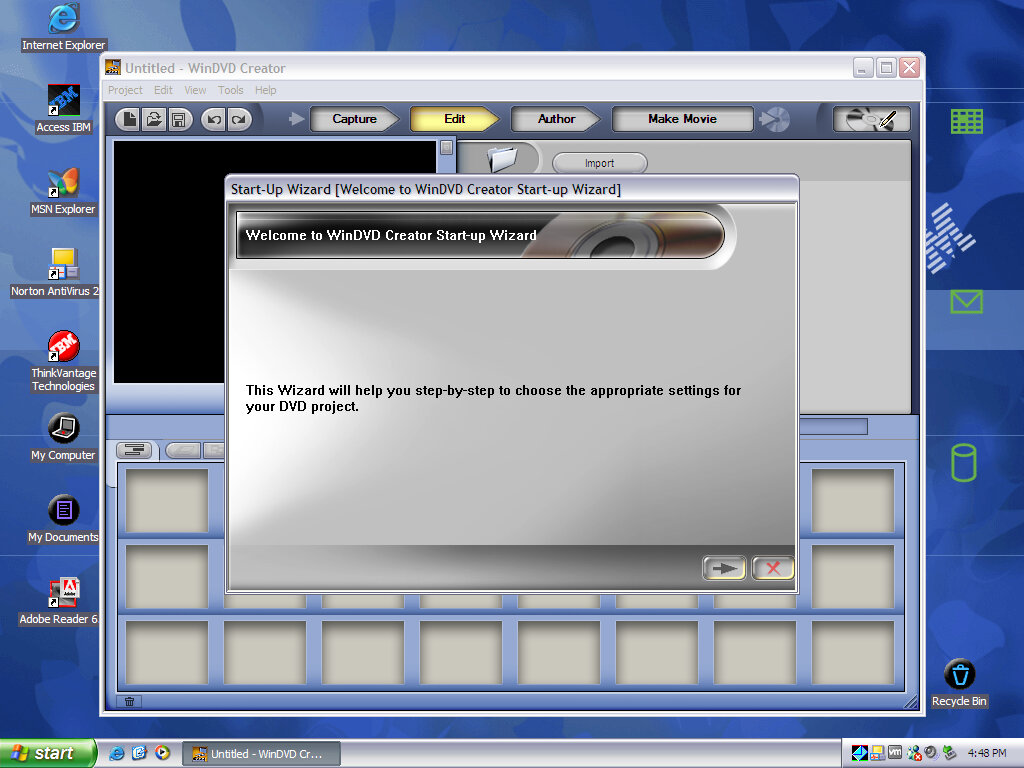
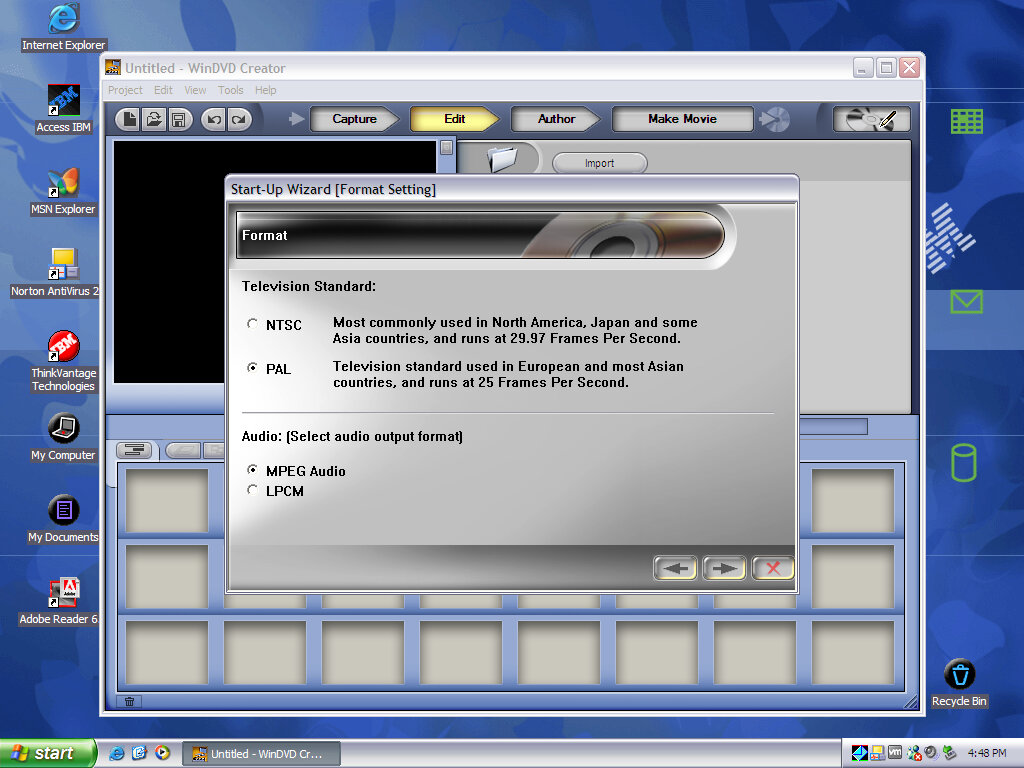
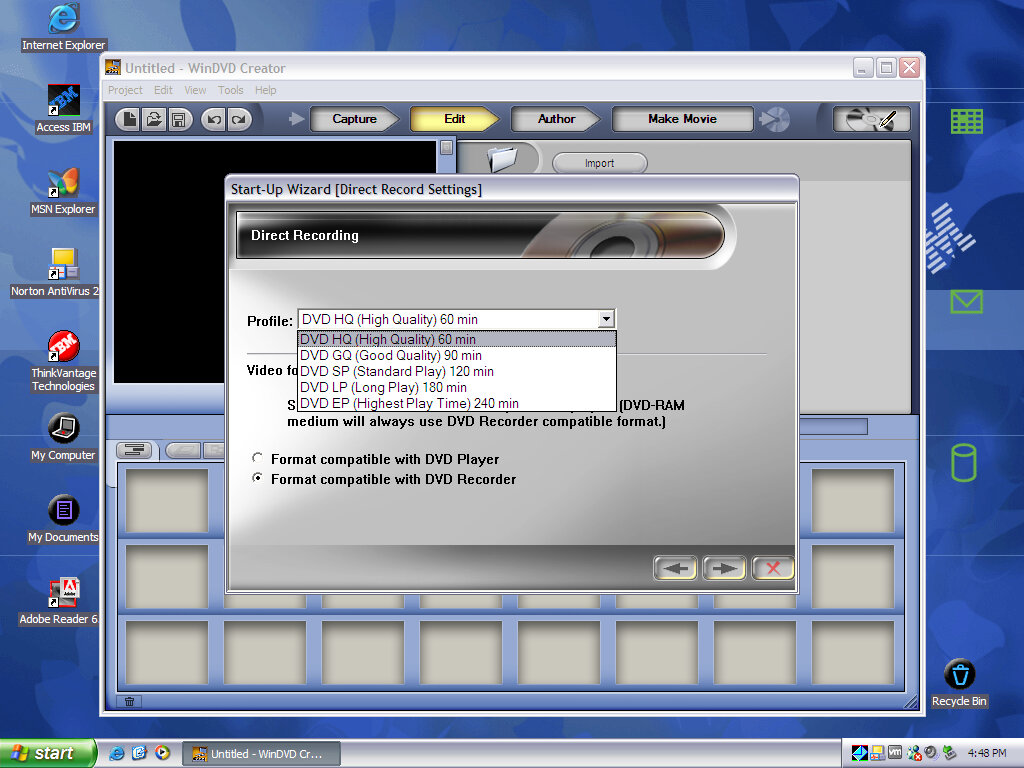
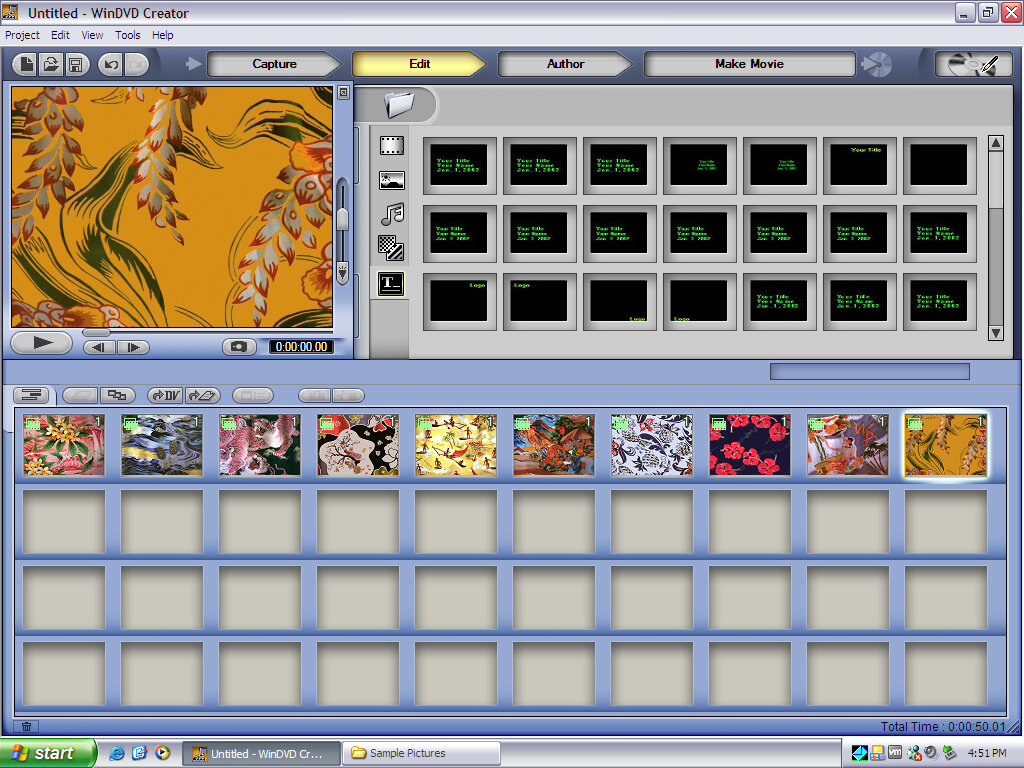
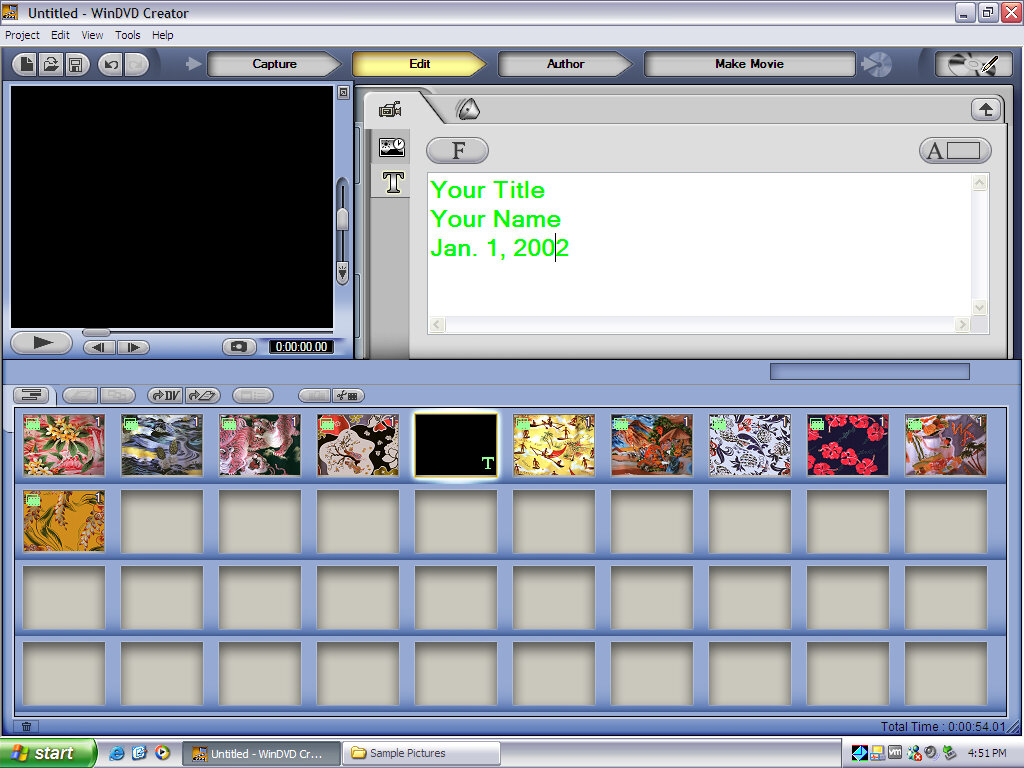
You can create and burn your own DVD video discs, intended for use for home movies (Through I wonder if DVD-rip torrents could be imported and burnt in this way). here we can create and manipulate the DVD home menu using its own design and navigation. Alternatively, a static slideshow can be created using photos captured from a digital camera.

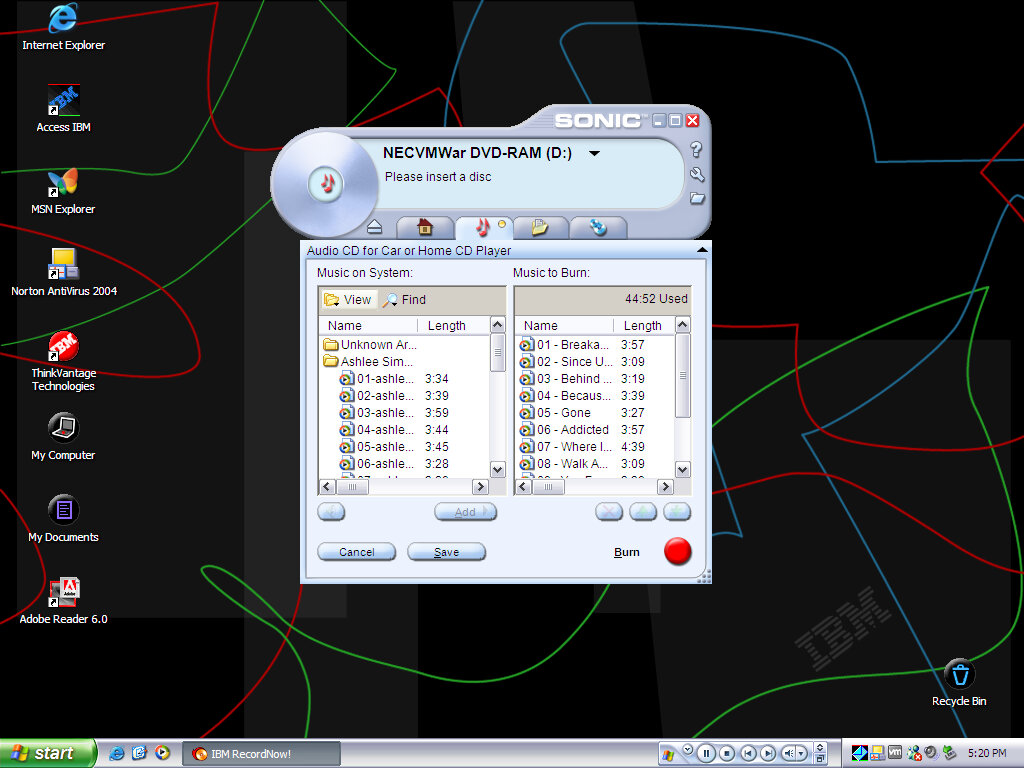
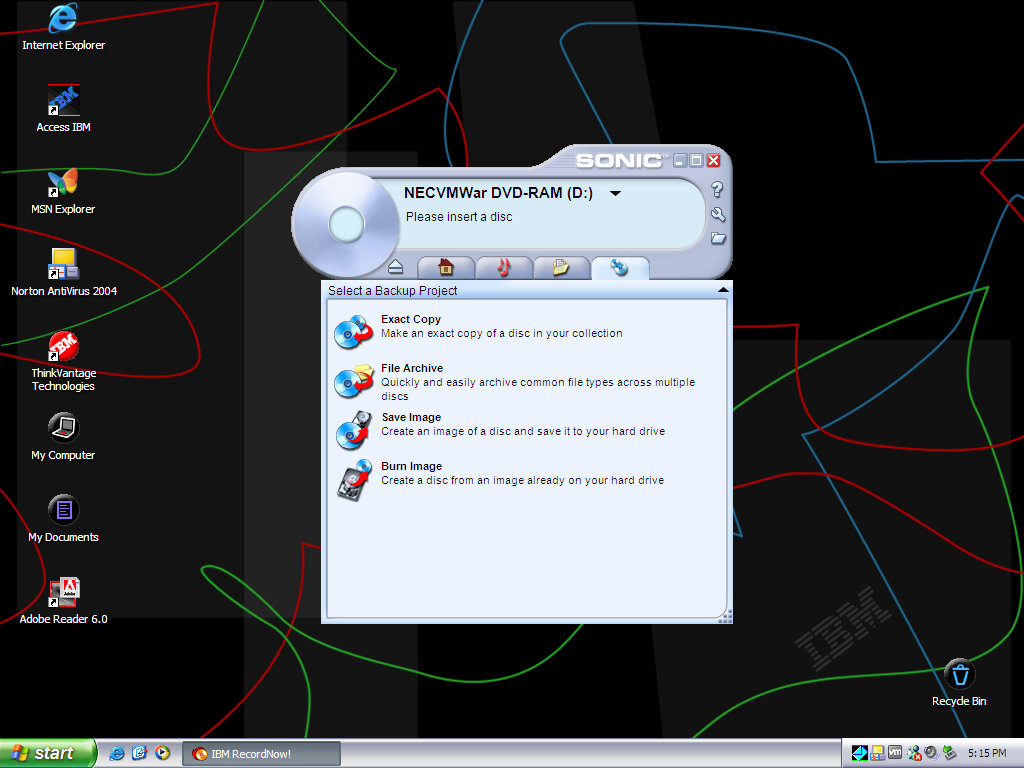
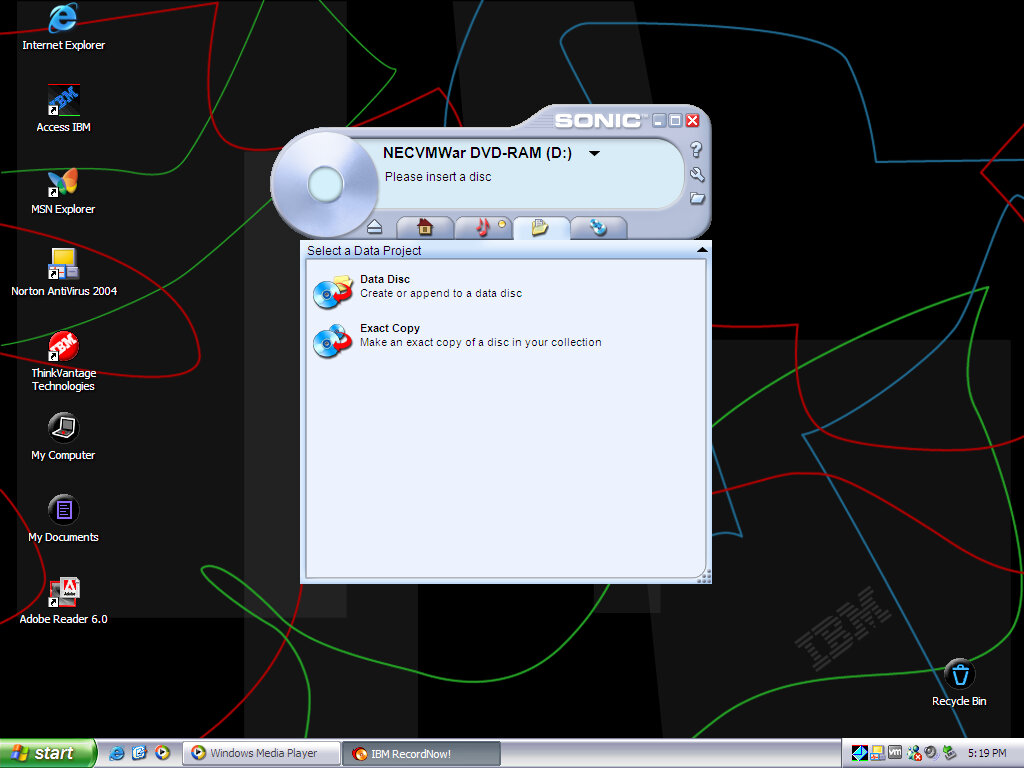
IBM (Sonic) RecordNow!
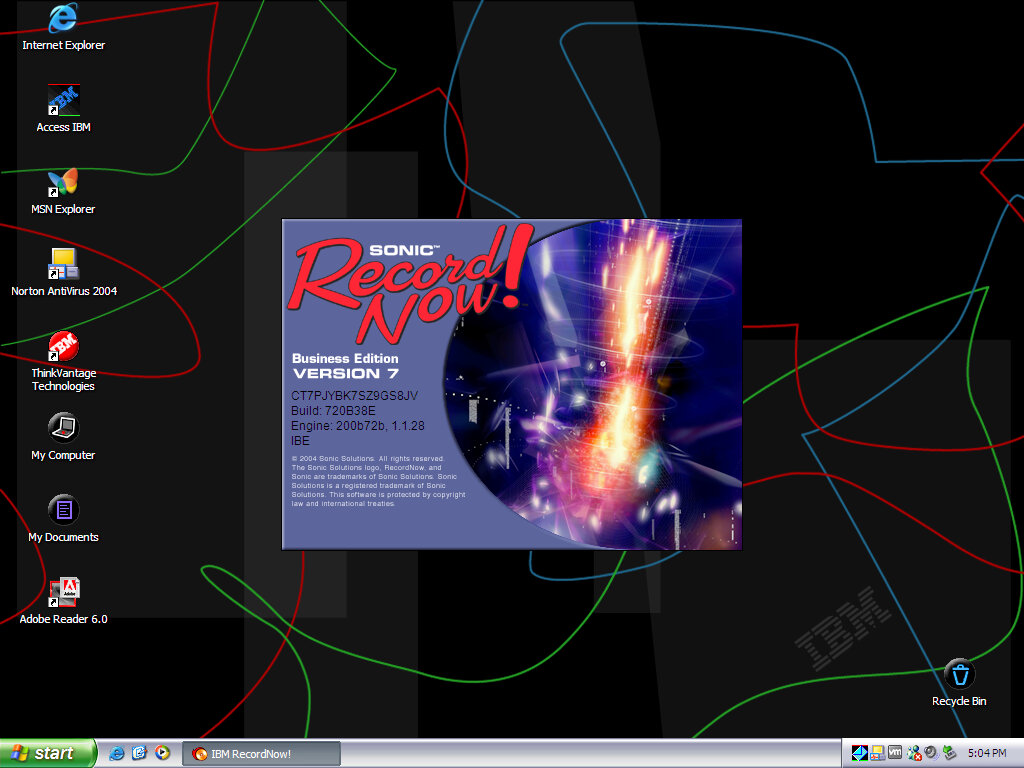
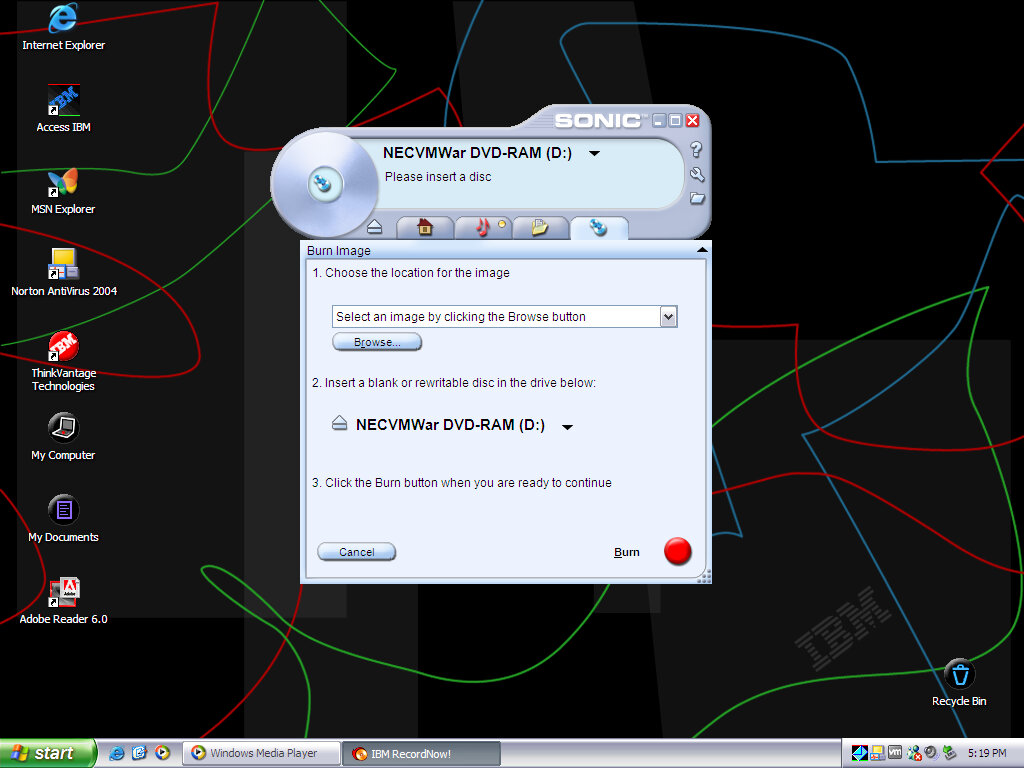
A popular CD recording utility I’ve seen bundled on various laptops from this era (Toshiba A60). You can burn a regular ISO image or an audio or MP3 CD. Sonic would later be acquired by Roxio and would be integrated into their products.

Norton Antivirus / Internet Security

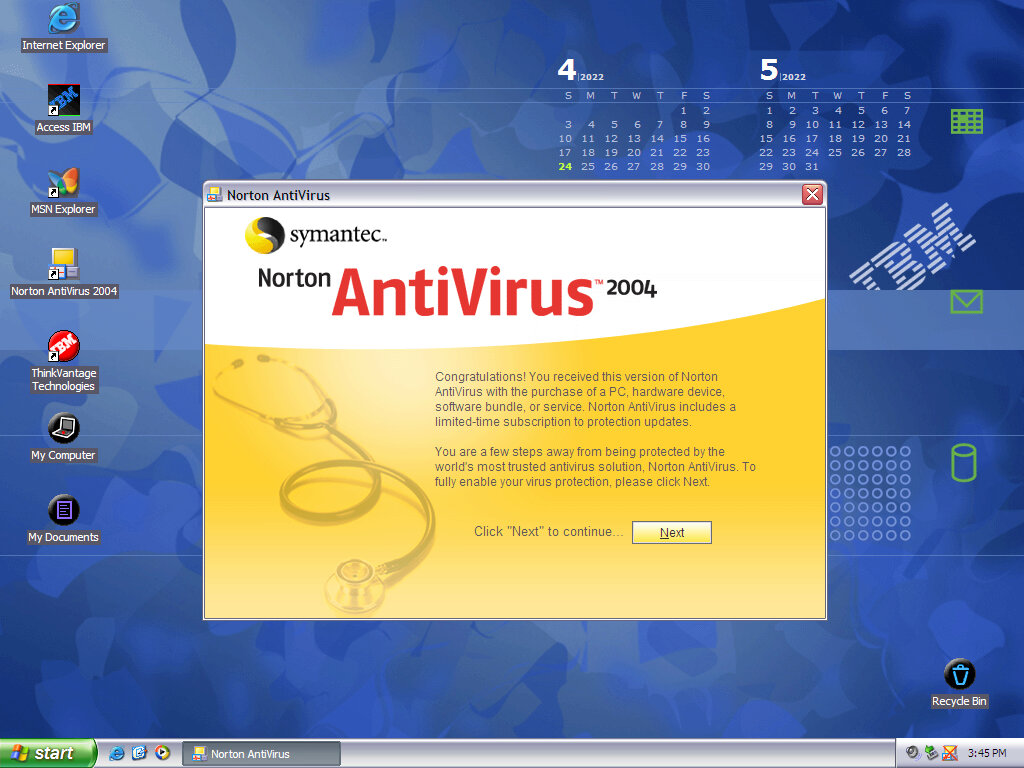
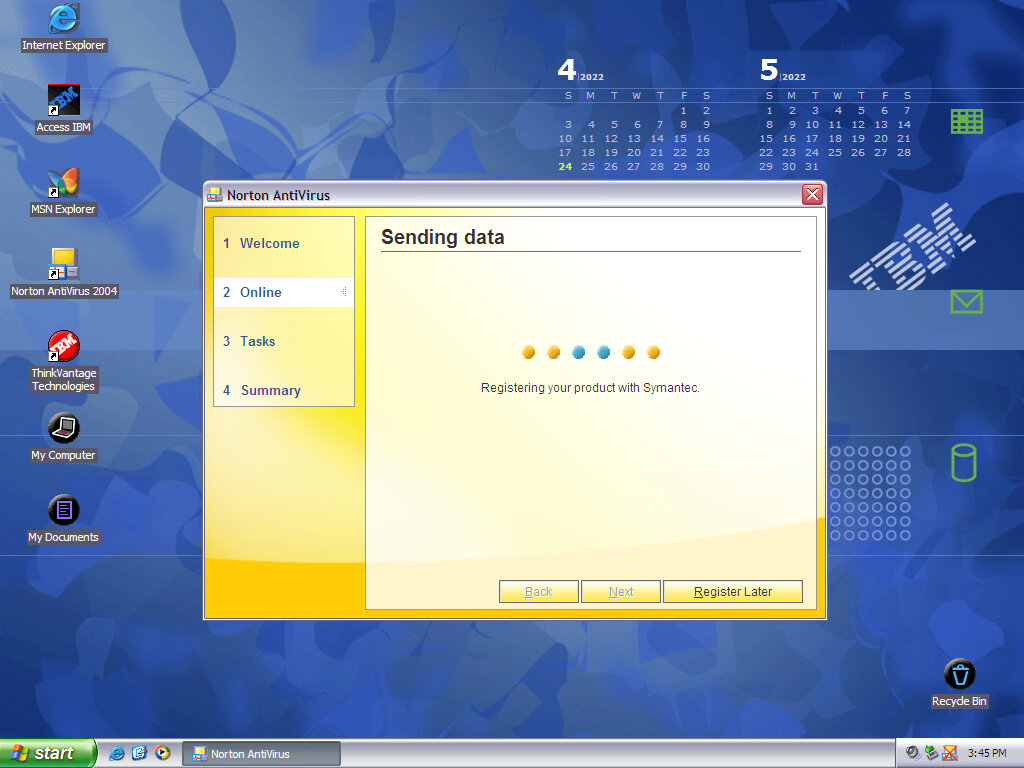
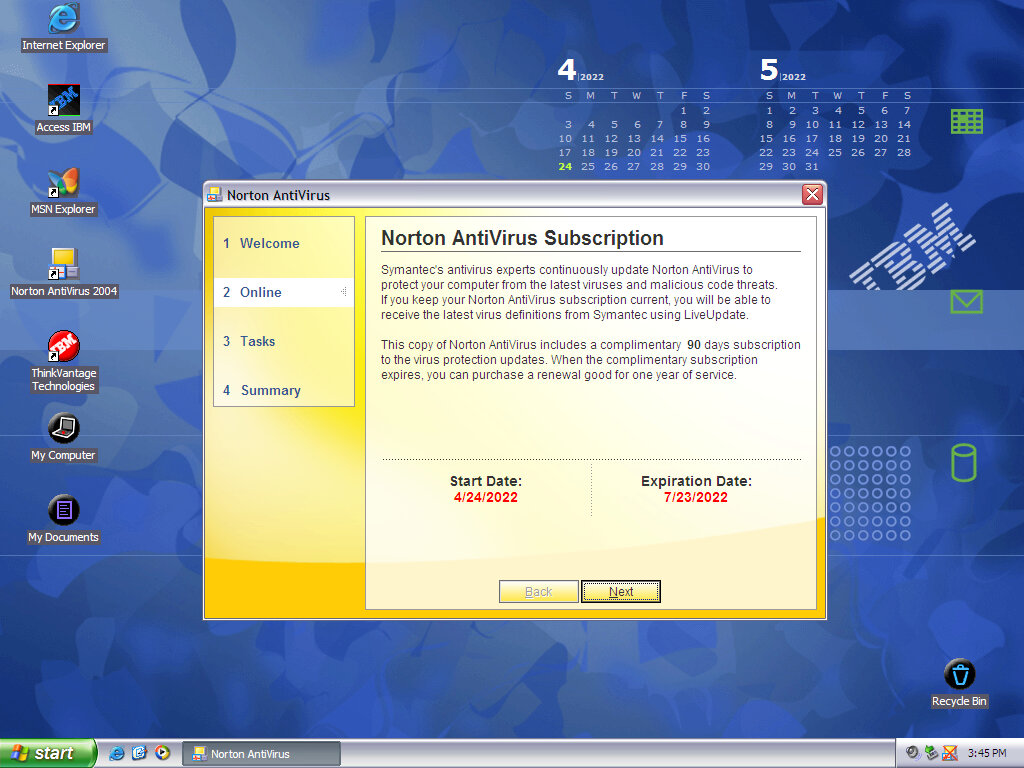
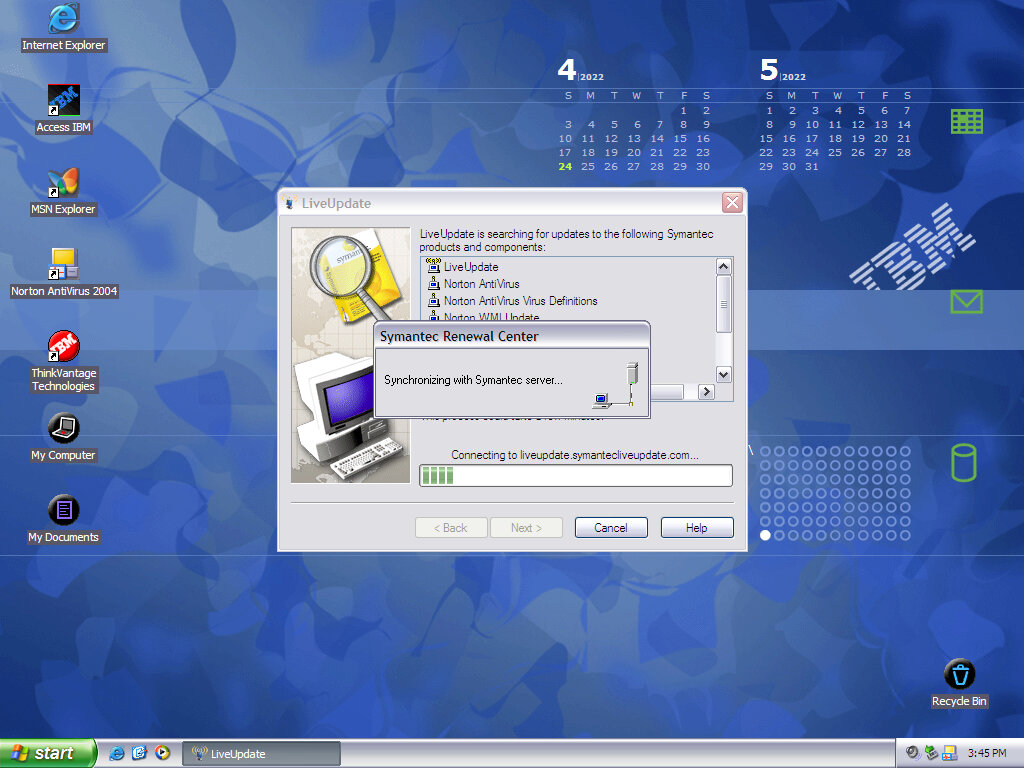
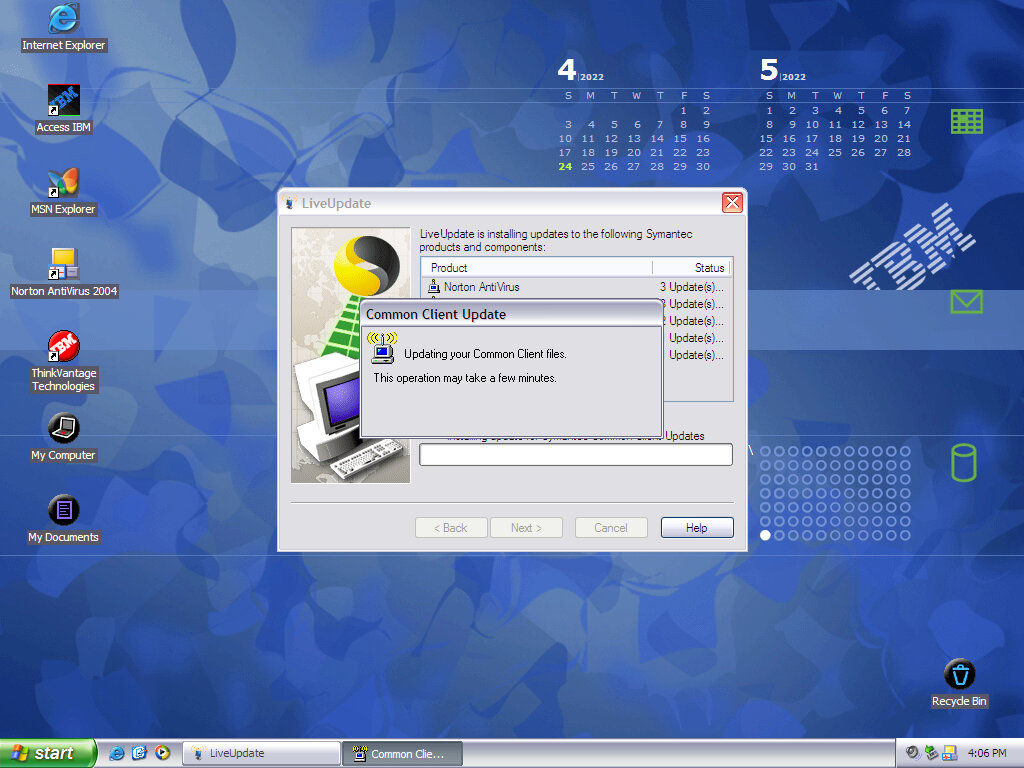
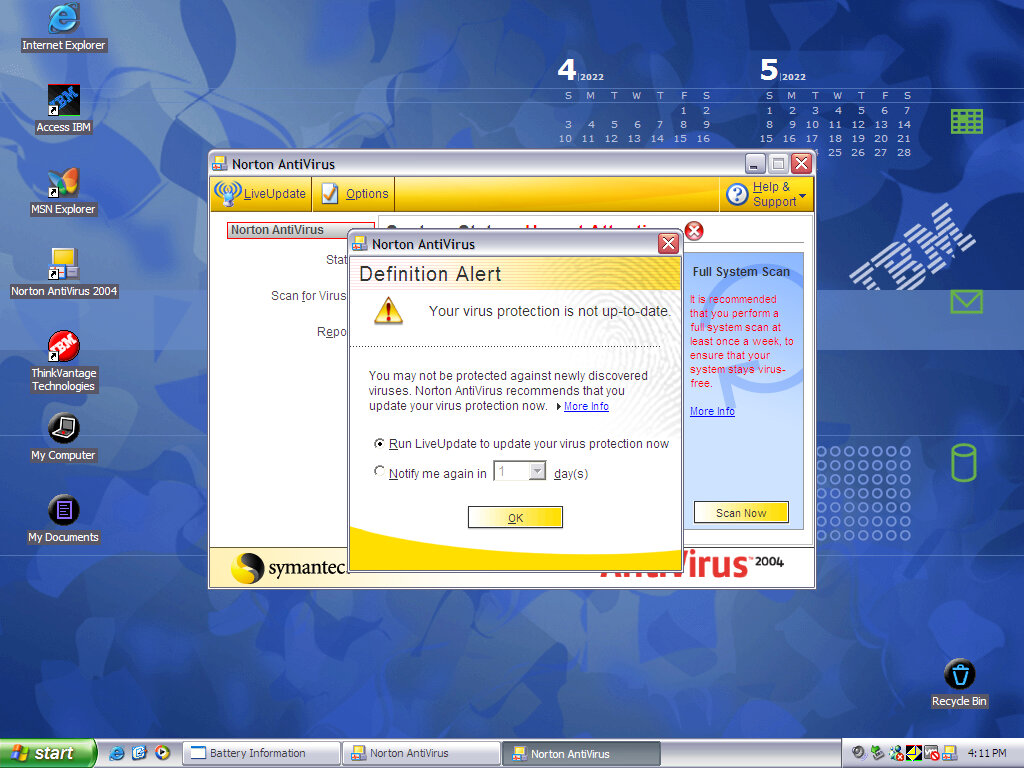
Typical virus protection of the year, Norton AntiVirus was bundled with various IBM products. Norton has the ability to scan and detect any virus embedded in email applications, providing you use an email client that Norton supports (Like Microsoft Outlook)

I’m surprised it even allowed a version this old to be activated, I doubt it would perform well against modern malware.

Desktop Themes

Two desktop themes come included, which feature their own sounds, desktop icons and wallpaper. Both will use the Luna silver theme

Wallpaper

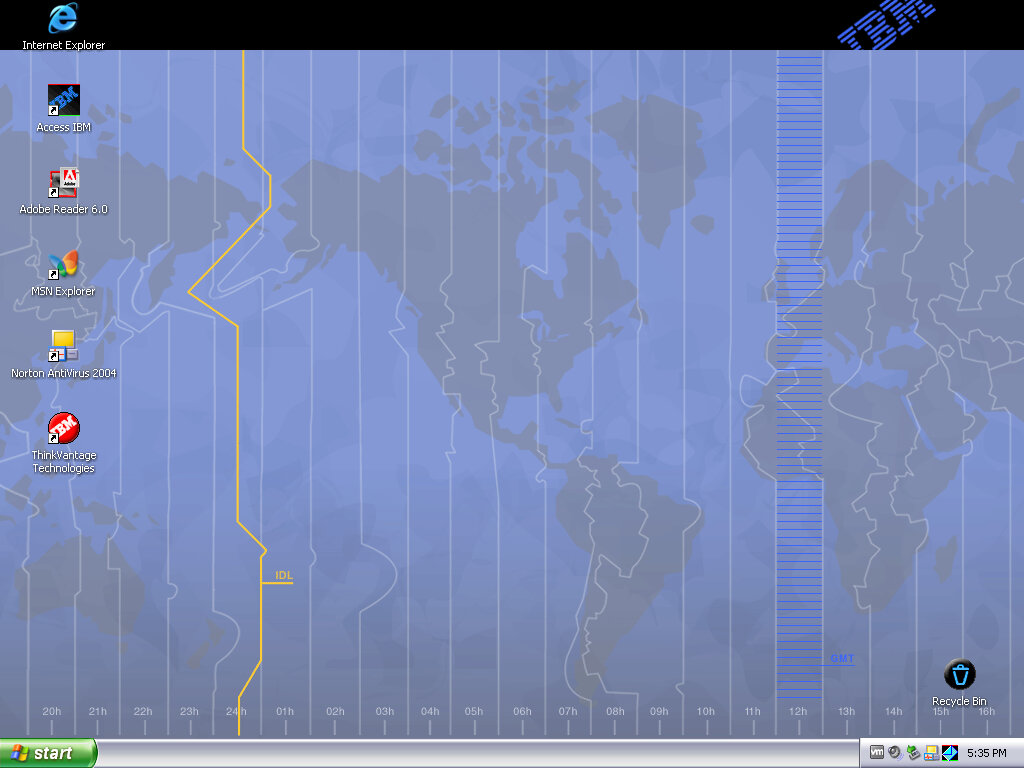
Three wallpapers are included, with the second one being a dynamic active desktop wallpaper mentioned earlier.

Screensavers

A few screensavers that show off and advertise the features of the laptop.

Control Panel

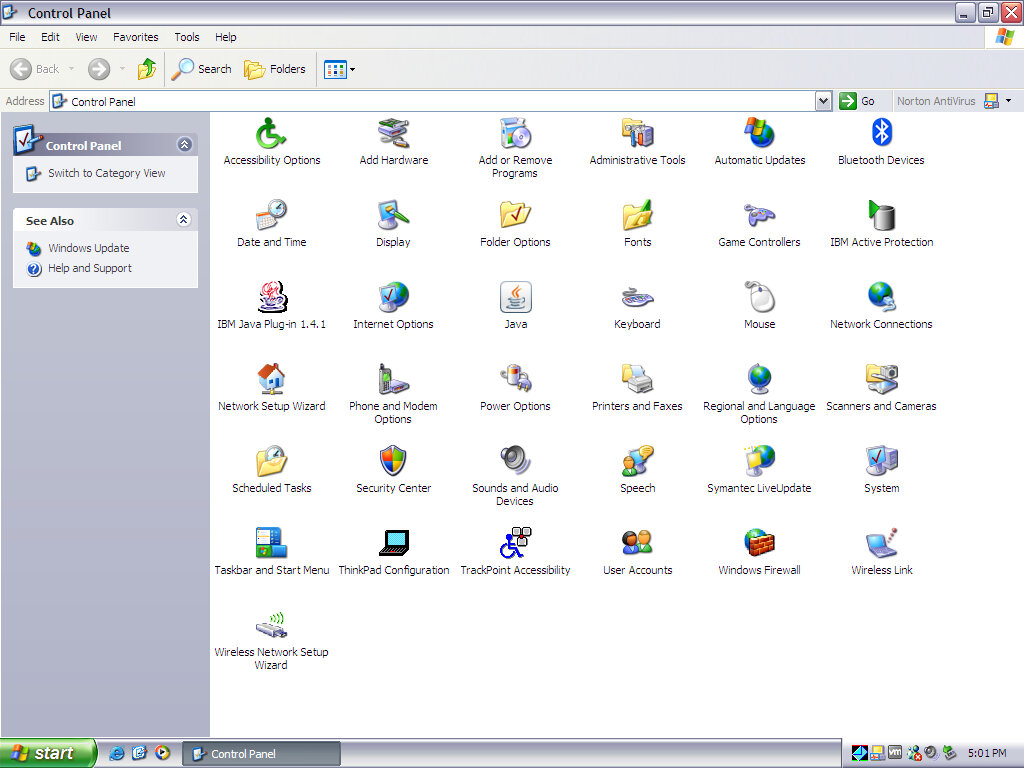
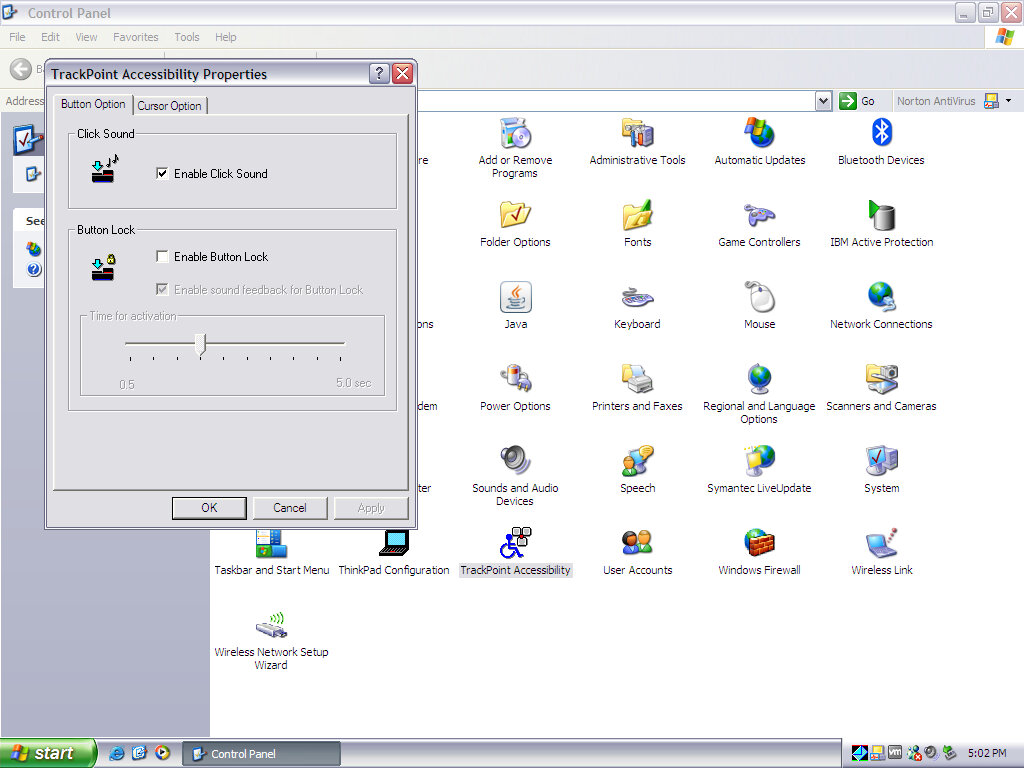
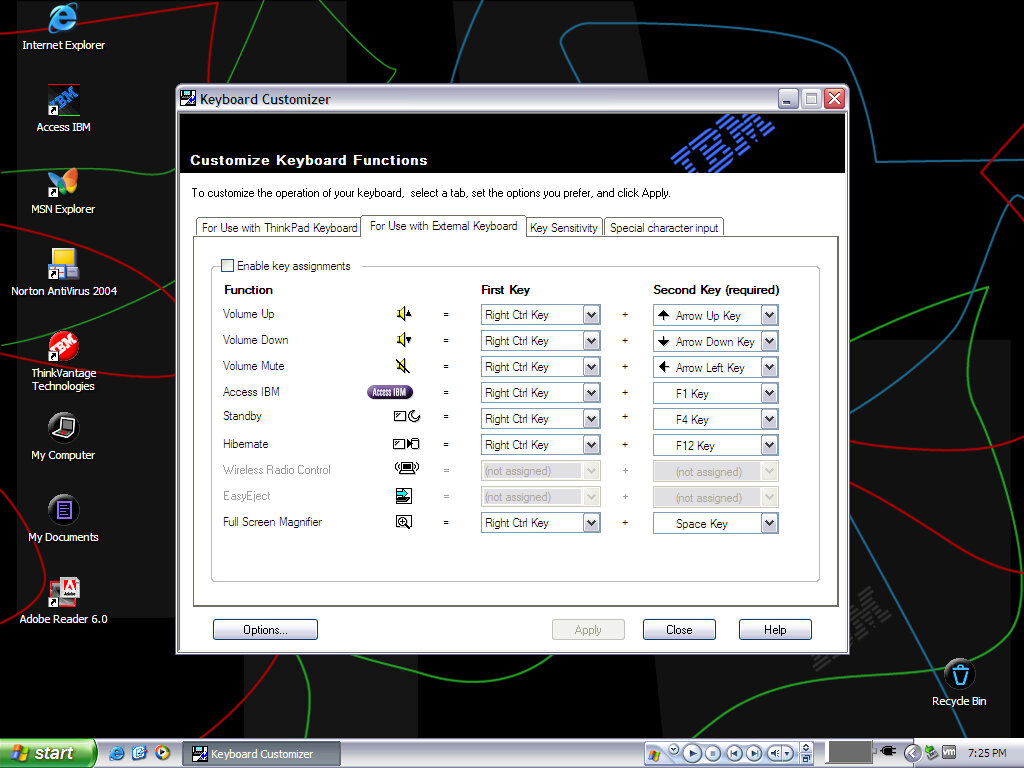
Various control panel applets that have been preinstalled by IBM

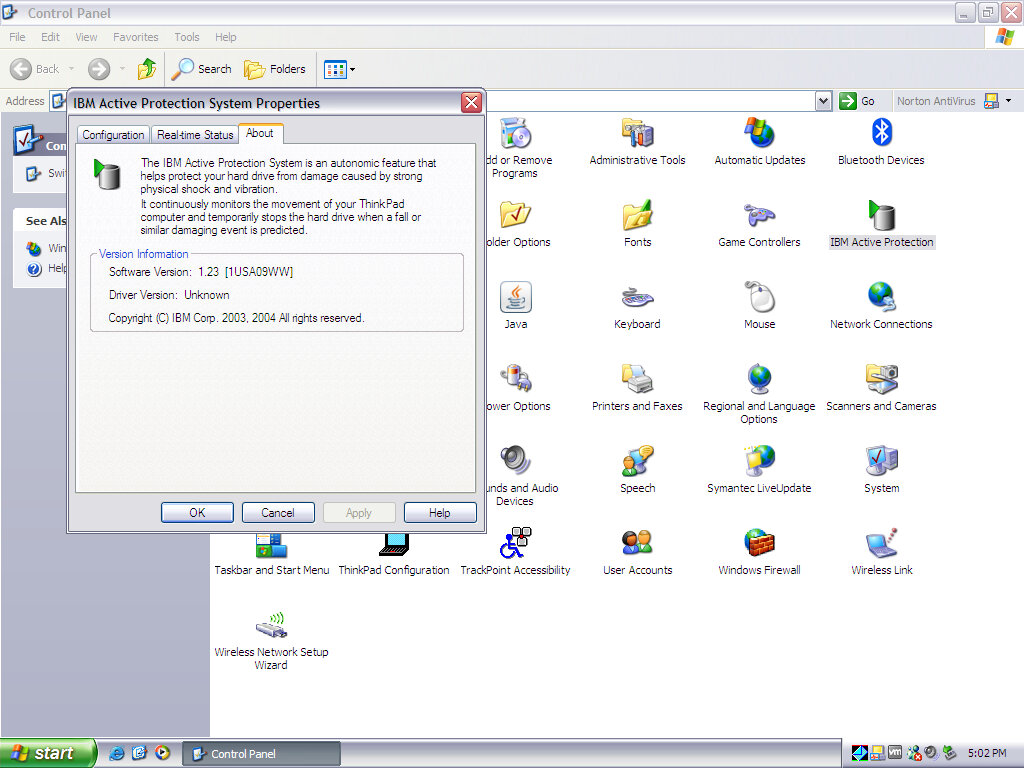
IBM Active Protection: controls the freefall hard drive protection

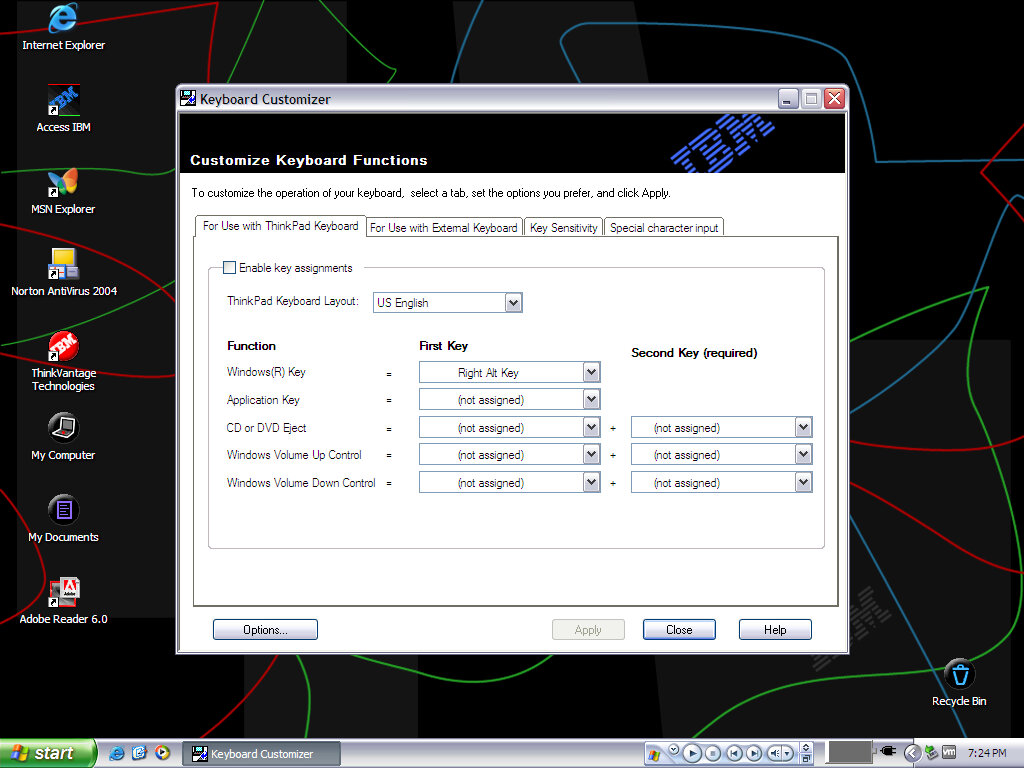
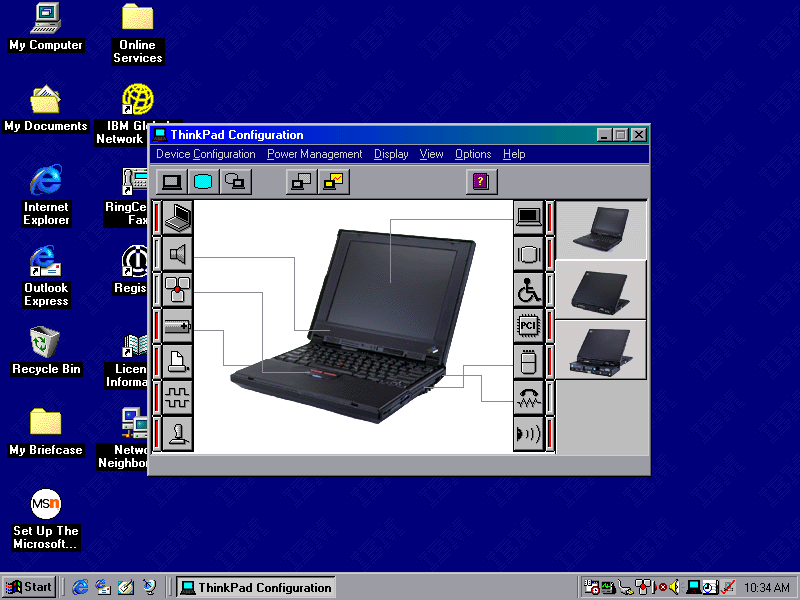
ThinkPad Configuration: Supposed to change various options for your Thinkpad

Misc

IBM ThinkPad 390E

Thinkpads were pretty nice laptops, especially during the late 90s when they pioneered various emerging technologies that were yet to be common. Let’s take a look at a typical OS install that would have shipped with a Thinkpad.

The installer requires the hard disk to be at last initialised, that means having a partition table ready and a partition created. The recovery disk included the FDISK program to create this if its not been done so, and supports the creation of FAT32 partitions.

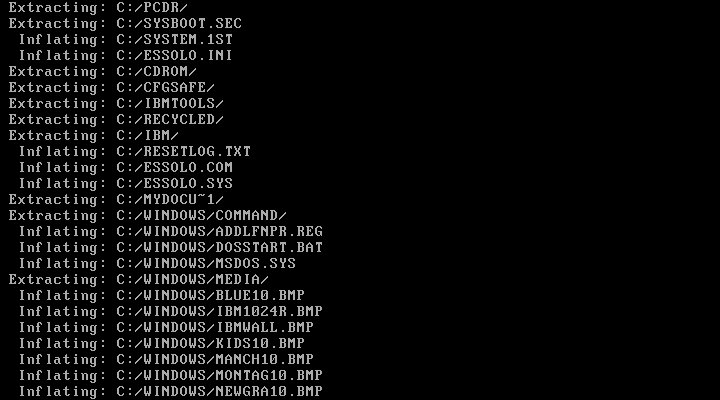
Once ready, you can start the recovery process, which will inflate the required files. In total this will consume around 600MB of disk space

Initially, this was attempted in VMWare and whilst the first part of the install worked very well, we ran into a few issues. Since our host CPU is over 2.1GHz, we ran into a protection error and were unable to continue without modifying the OS. A patch exists and can be installed.
This isn’t a problem in Windows 98SE or Windows ME, but this image contains the first edition of Windows 98 which does have this bug.
However at some point the install bricked itself, getting a few errors about missing VXD files, which could be related to the patch above.

Since VM software has issues running these older operating systems, it’s better to use 86Box instead.

86Box

86Box has a few IBM machines emulated, but none from the Pentium II era. Although in theory, we can use any capable motherboard to run the OS, I wanted to use an IBM based machine to better fit the profile however 86Box only has a handful of IBM systems:
IBM Valuepoint 60: Has a shit BIOS that only detects a hard drive up to 504MB, the restore image along consume 600MB and we cannot boot from an external SCSI drive
IBM PS/ValuePoint 433DX/Si: BIOS is also wack and complains about a config error no matter what combination of hardware I throw at it. Seems to work with larger hard drives but does not boot from a CD-ROM so I had to use Plop boot loader. Whilst I was able to complete the restore and was able to boot into Windows and complete the hardware detection somewhat, after another reboot the system would no longer boot up, giving a non-system disk error
IBM PC 330: I couldn’t even get this shit to POST

Overall 86Box didn’t have much going for it in the IBM department for later generation PCs so I ended up using the VirtualPC 2007 based system, which worked easily and was able to boot from CD.

Post Install

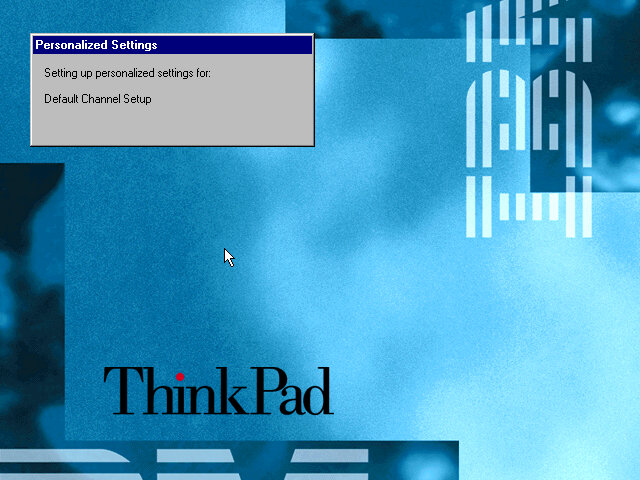
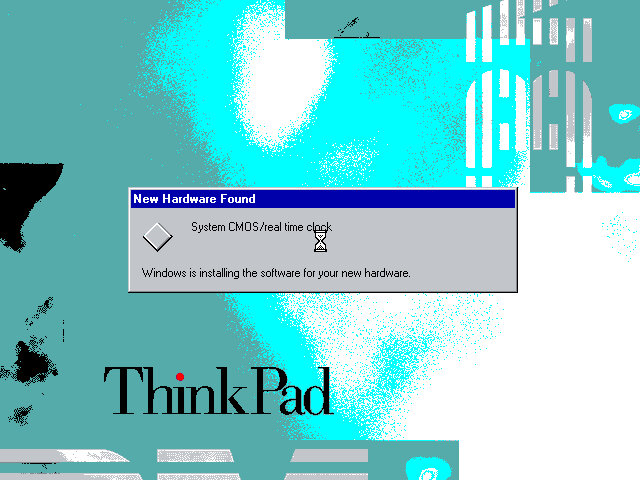
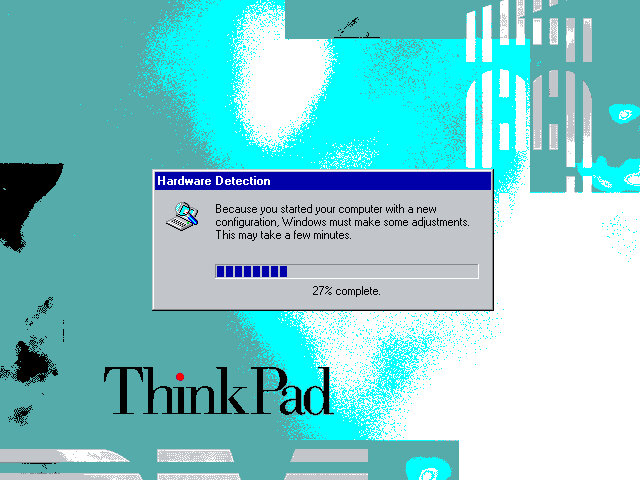
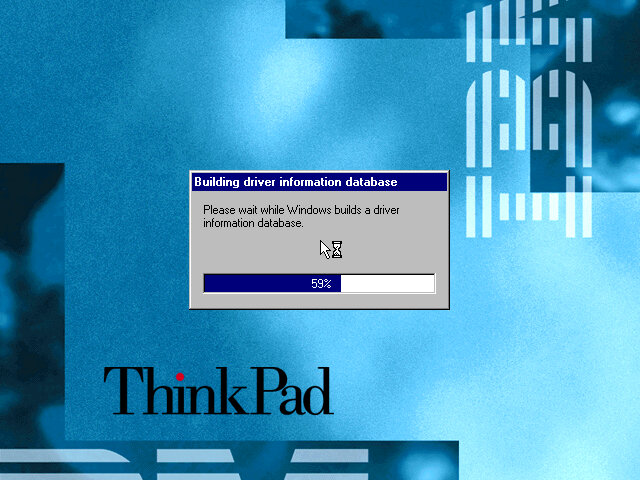
When running on completely different hardware you will encounter this hardware detection section, as Windows tries to detect and install various drivers for the motherboard and components used. On the actual ThinkPad system, you will just be taken to the desktop.

This typically takes around 10 minutes to complete, be warned that if you try this on VMWare you will have endless prompts regarding PCI-PCI bridges since VMWare likes to have a lot of these.

Software

The Welcome to Windows screen has been customized by IBM to some extent, as the ThinkPad itself can be seen in the background. I’ve never seen this done by an OEM for Windows 98.

ThinkPad on the Net

A utility to help you sign on for an internet service provider. If you already have one the program will attempt to test the internet connection, but this will fail since the servers are no longer active, the program simply thinks you don’t have an internet connection.
It’s also possible this only works for dial-up connections which were popular at the time, and requires a modem.

Product Registration

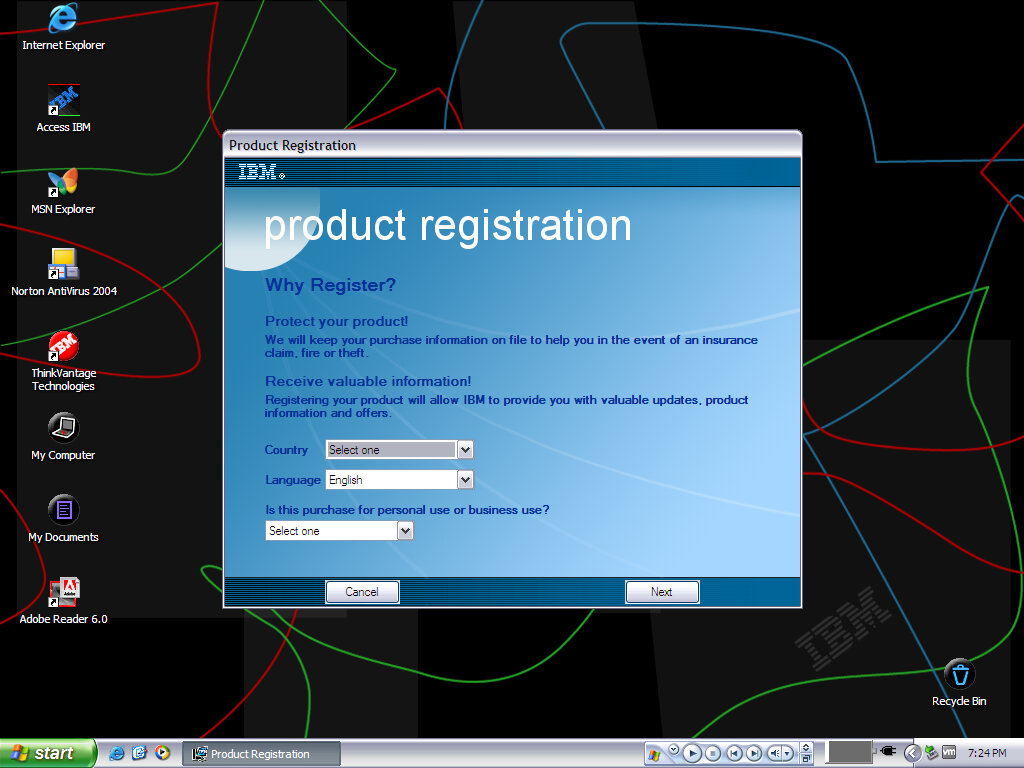
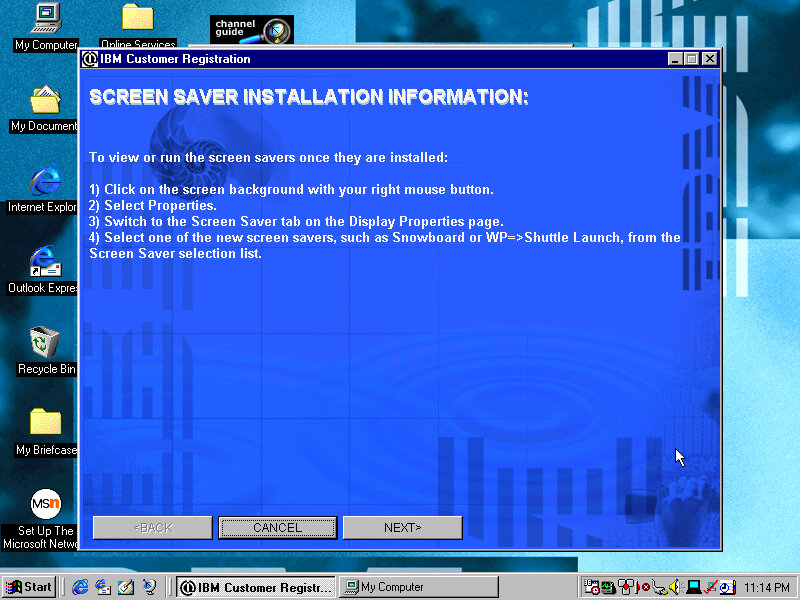
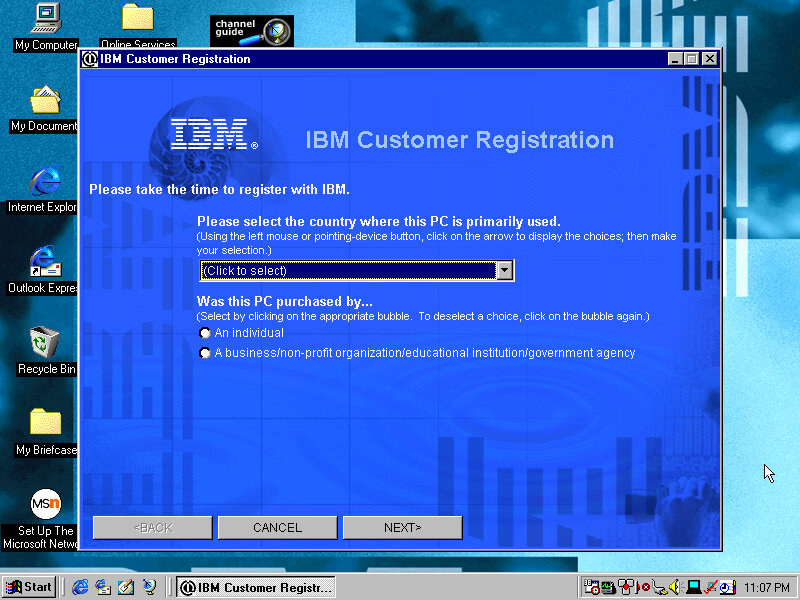
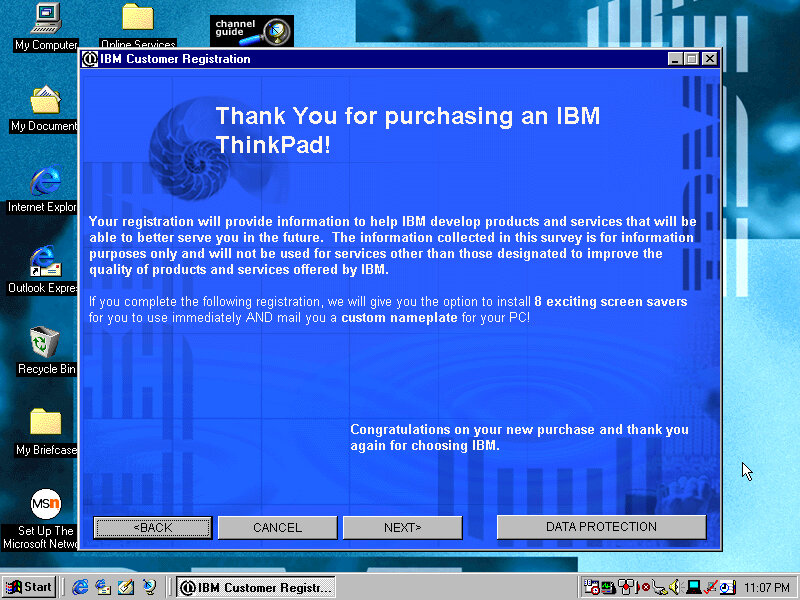
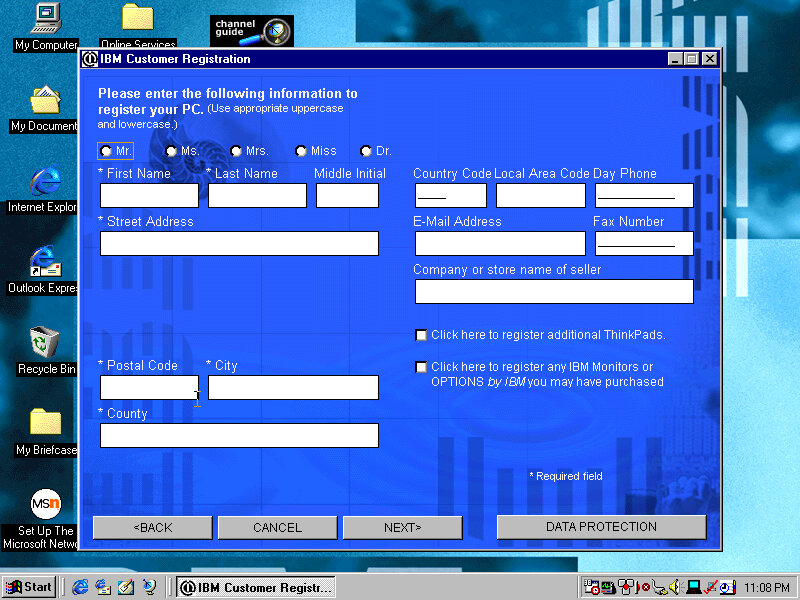
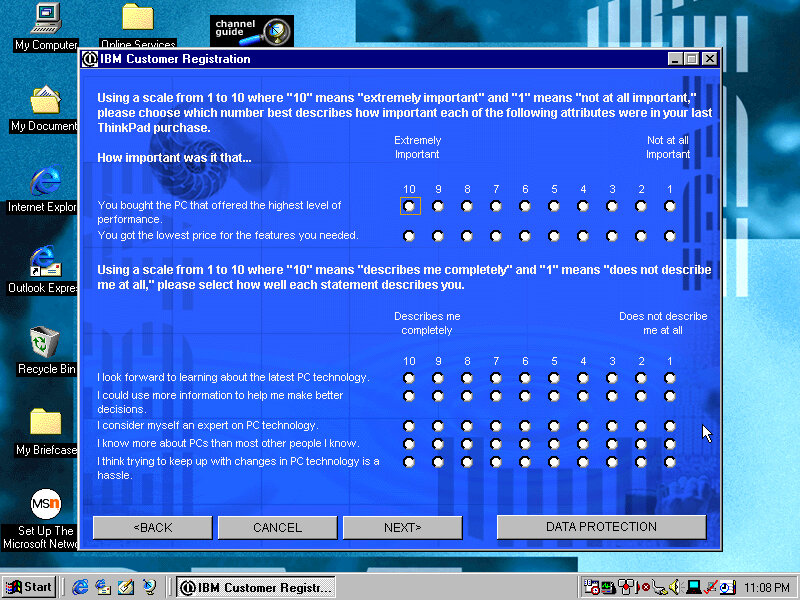
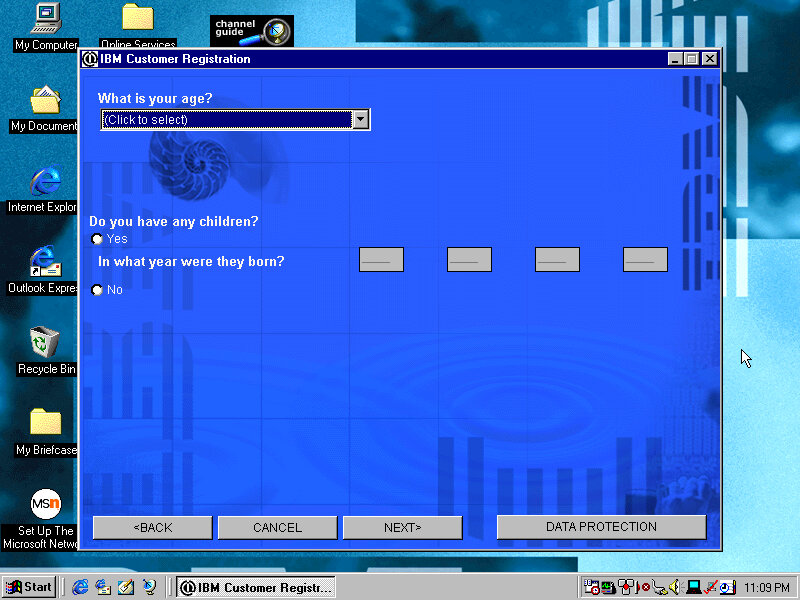
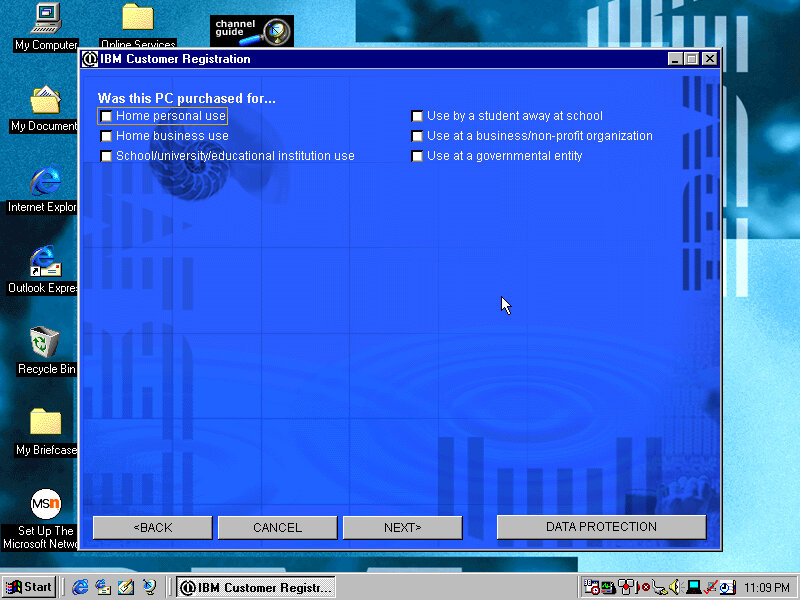
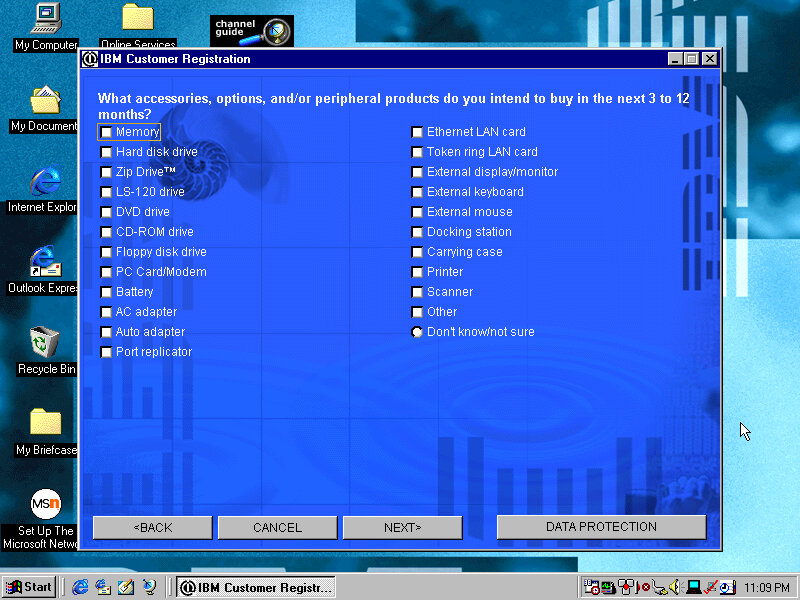
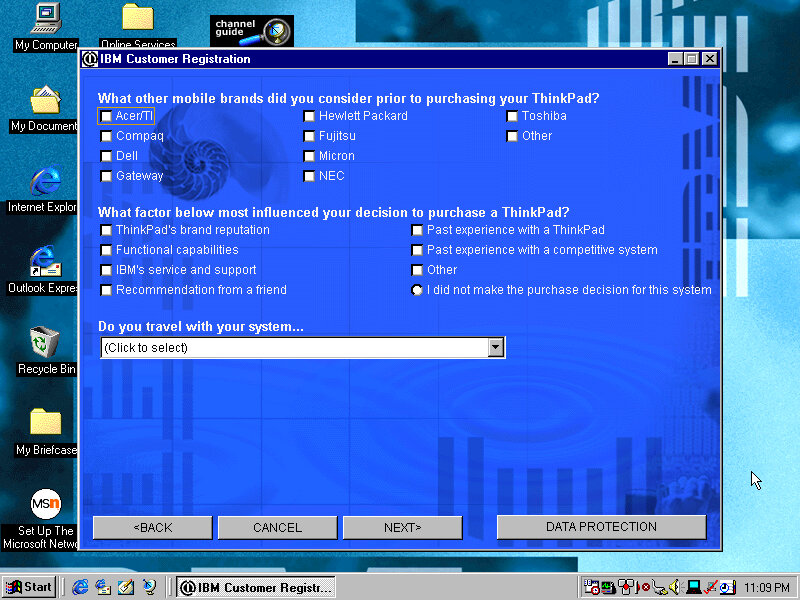
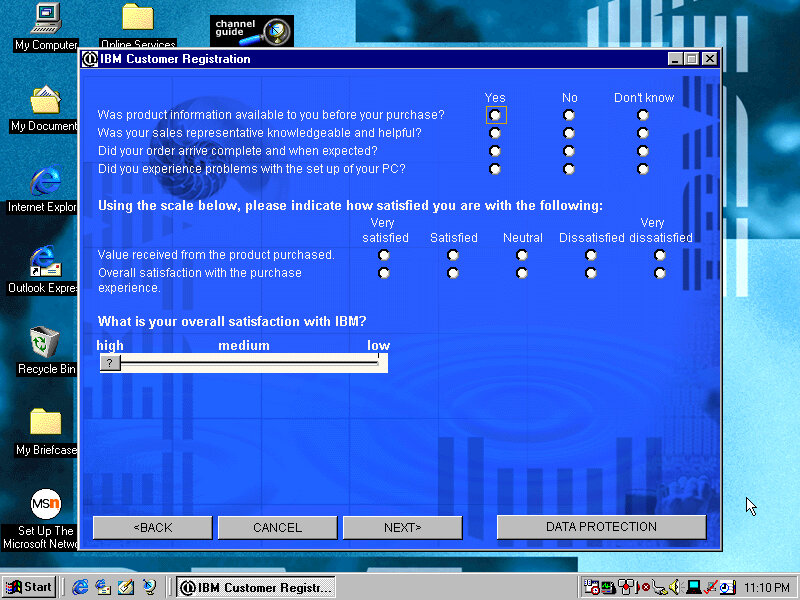
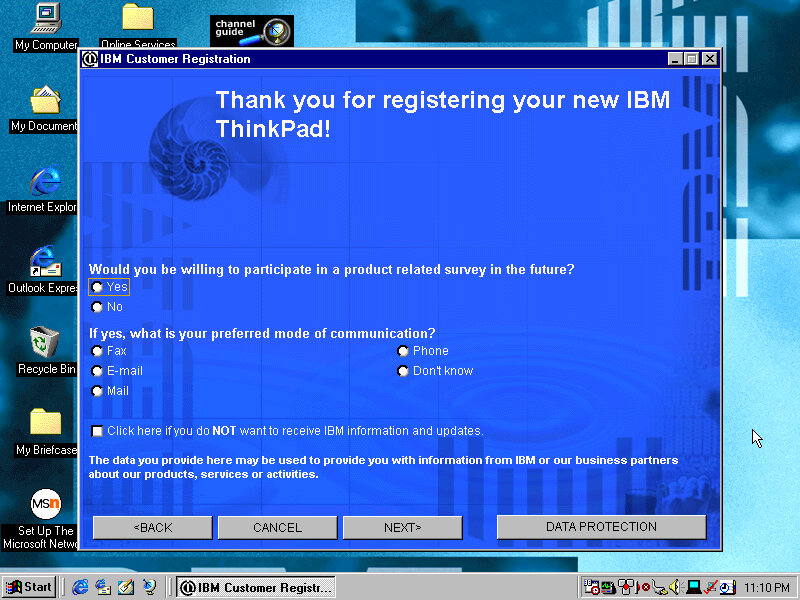
Presents the opportunity to register your product by answering several questions about you and your life story, along with what you intend to do and what accessories you intend to purchase. This was the good old days when telemetry wasn’t embedded into the OS, so this was the only way to provide feedback to the OEM. Registering your products will reward you with bonus screensavers.

Screensavers

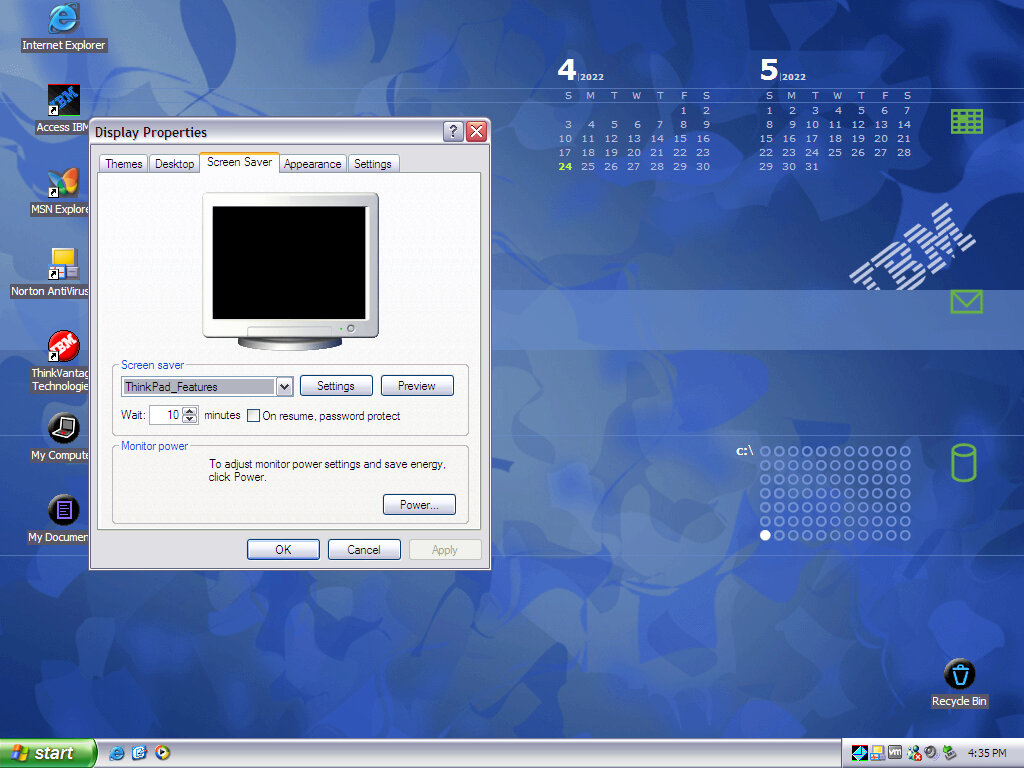
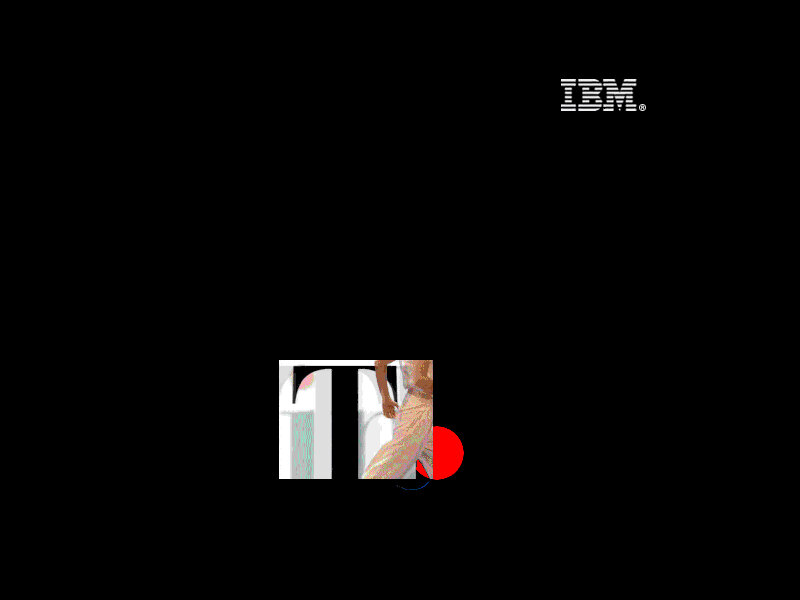
Think 1: The Thinkpad logo flashes around the screen whilst a red dot (TrackPoint) spins around
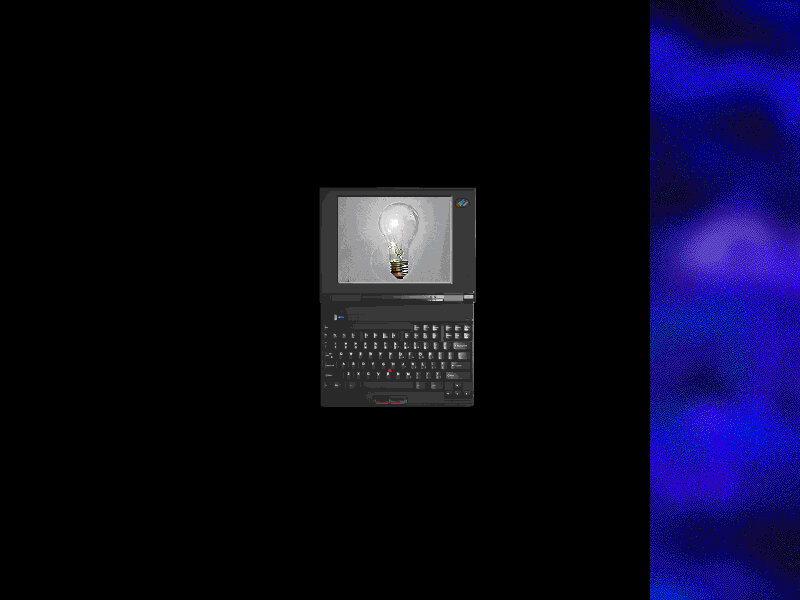
Think 2: Similar to think1 but has an animated image of the laptop itself
Saw: Simulates a saw cutting pieces from your desktop, along with a loud saw sound that scared the shit out of me. There is an option to disable the sound thankfully
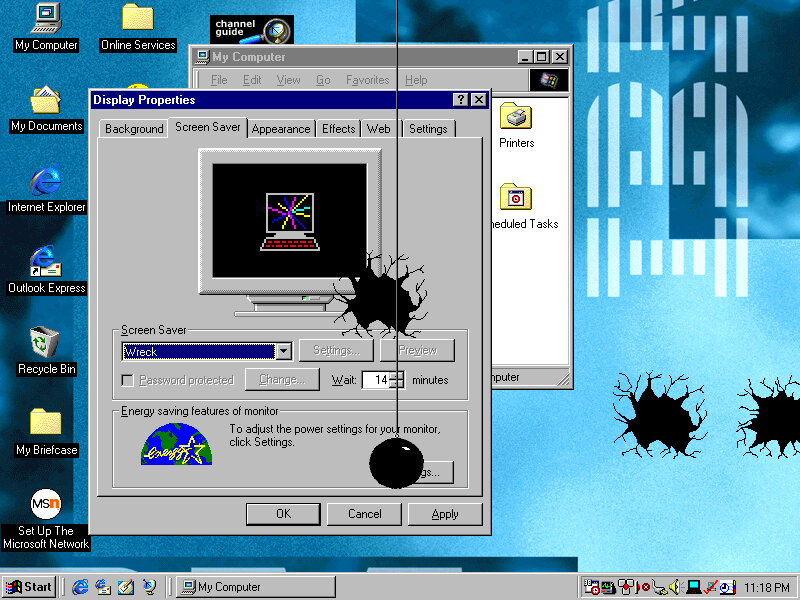
Wreck: A wrecking ball appears and smashes against your desktop background, along with smashing sounds.
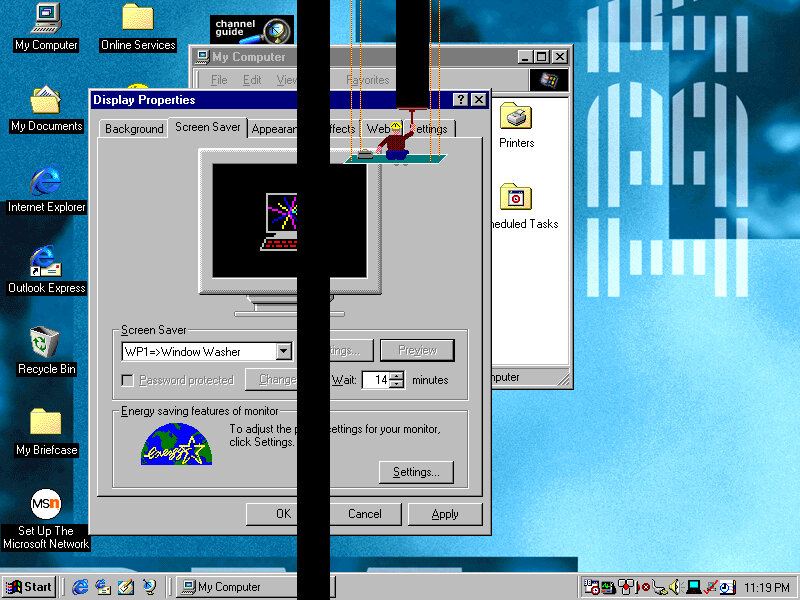
Window Washer: A Window Washed slides down the screen, taking vertical black stripes from your desktop background
Gumballs: A bunch of coloured circles appears on the screen
Snore: A floating bed with a guy sleeping in it
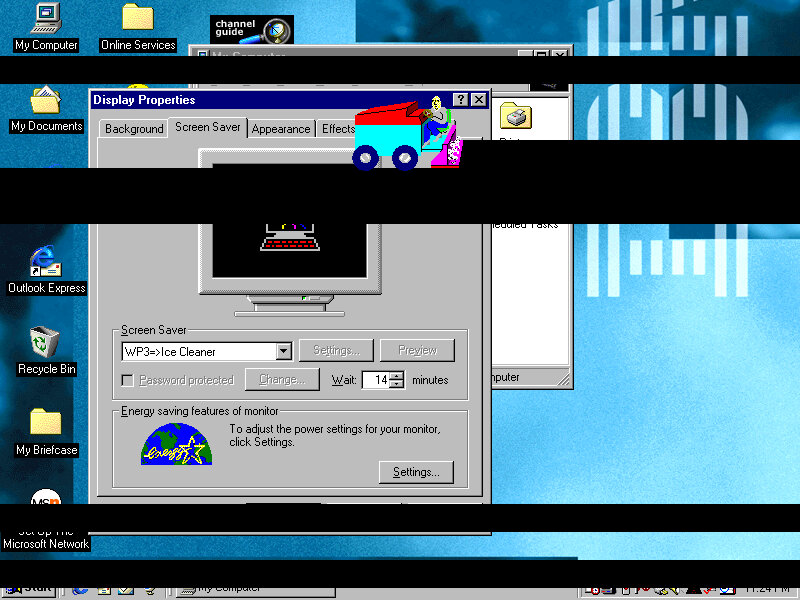
Ice Cleaner: An Ice cleaner of sorts appears
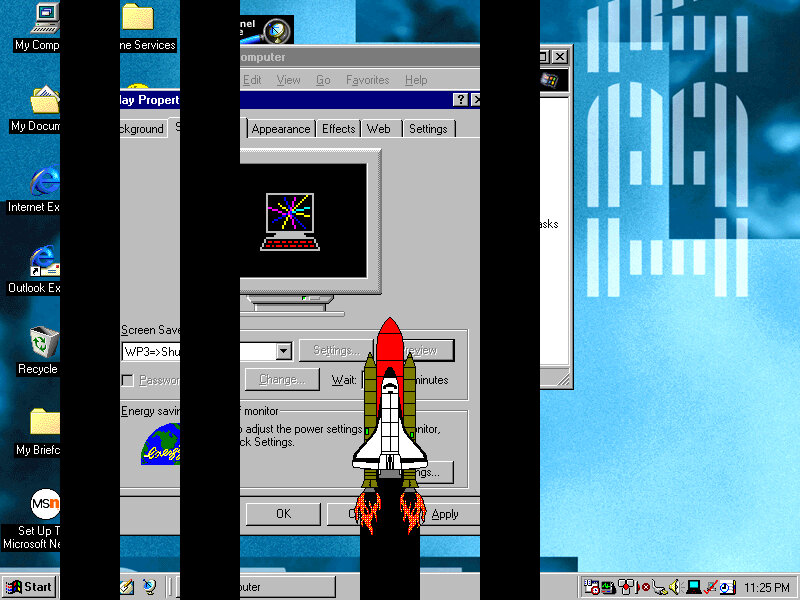
Shuttle Launch: A Shuttle appears and moves on the screen

Wallpapers

There are plenty of wallpapers included, supporting both 800×600 and 1024×768 resolutions.

PC Doctor

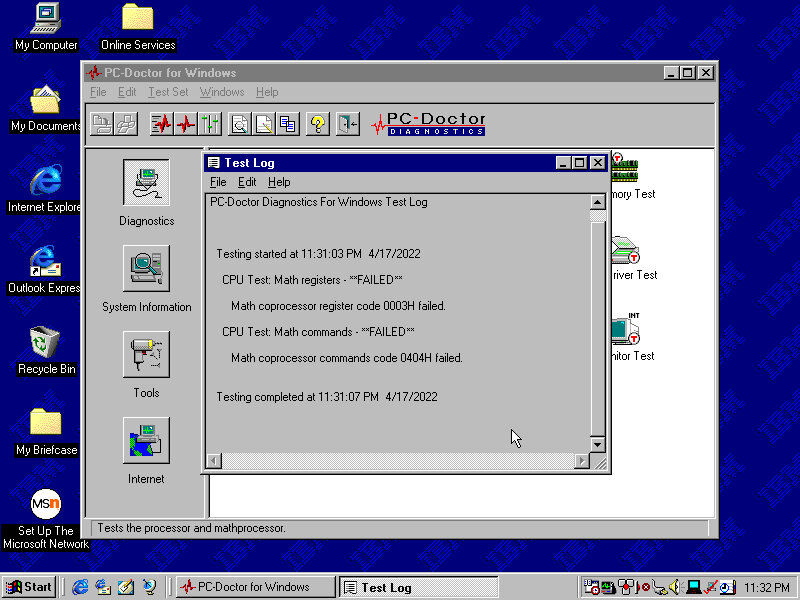
A diagnostic program of sorts, which performs a variety of tests. This included the CPU, video card and various devices connected to the system. Very interesting considering we are running in an emulated system.

Shockingly it has failed, although we are emulating a Pentium II, seems the Math coprocessors has issues returning incorrect results.

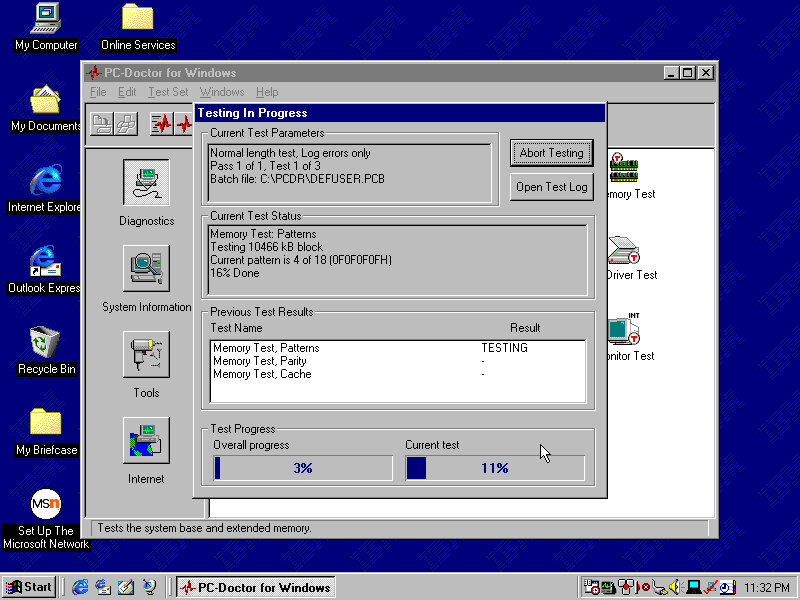
Let’s give the memory a test…

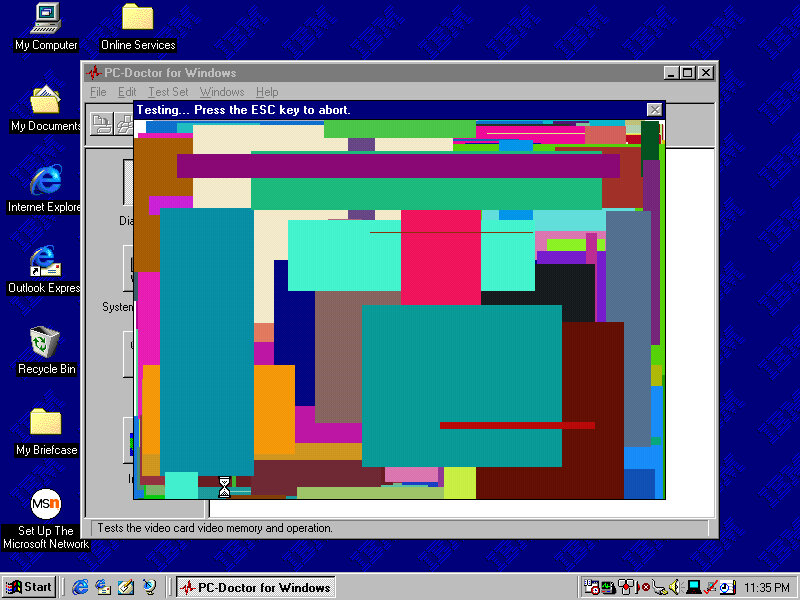
Looks like it passed, Now for the video

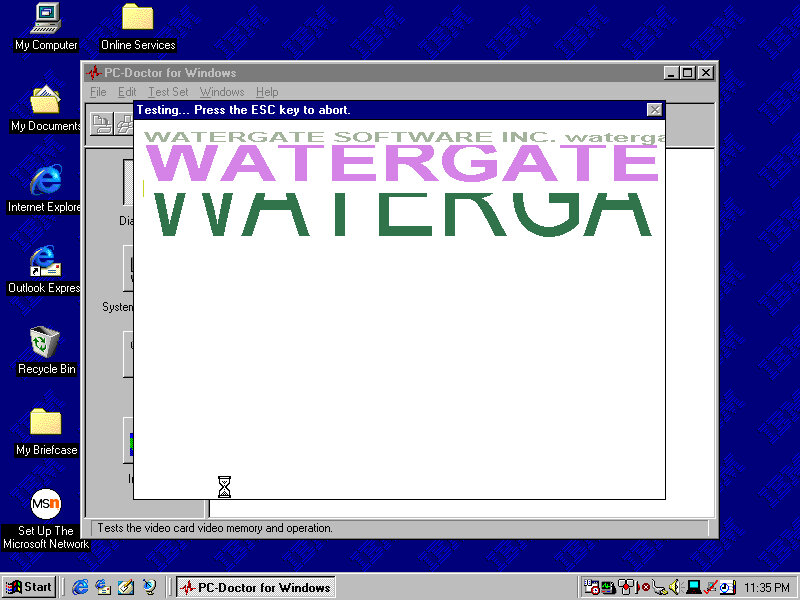
Is it me or can you see watergate…

The Graphics card is an S3 ViRGE (325), This isn’t the graphics card that shipped with the system

The sound test plays a few MIDI and Wave samples

The system Information area gives us details information on the various elements of the system. However here its possible to hard freeze the system

Norton AntiVirus

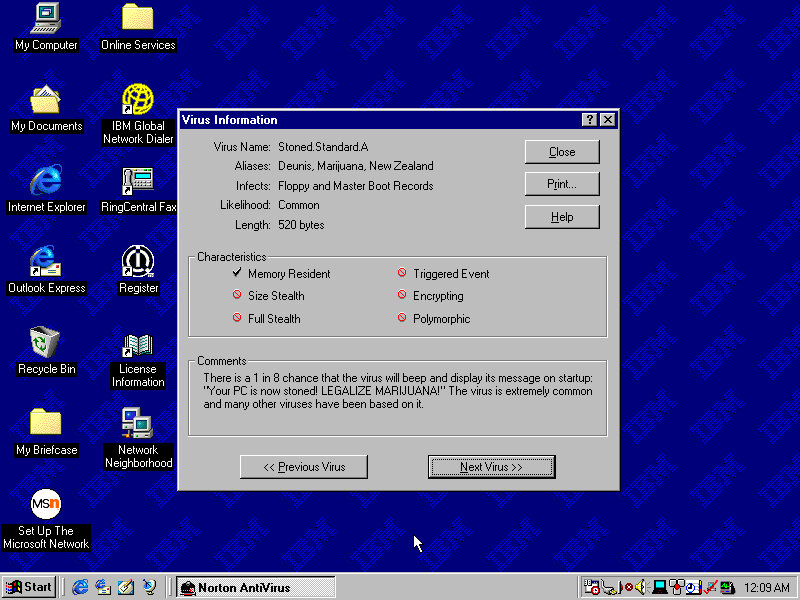
Included antivirus software that can detect and remove viruses. This version lets you browse through the various virus definitions to see what they do and what parts or side effects they can cause.
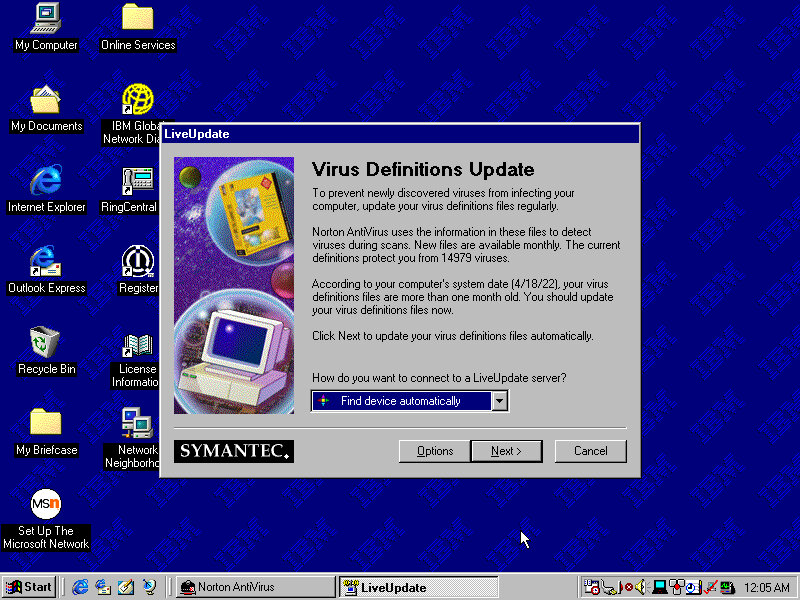
A Liveupdate feature was available but is no longer functional will return a server error.

IBM Update Connector

Checks for various updates for applications and utilities that came in bundles with your IBM system.

ThinkPad Configuration

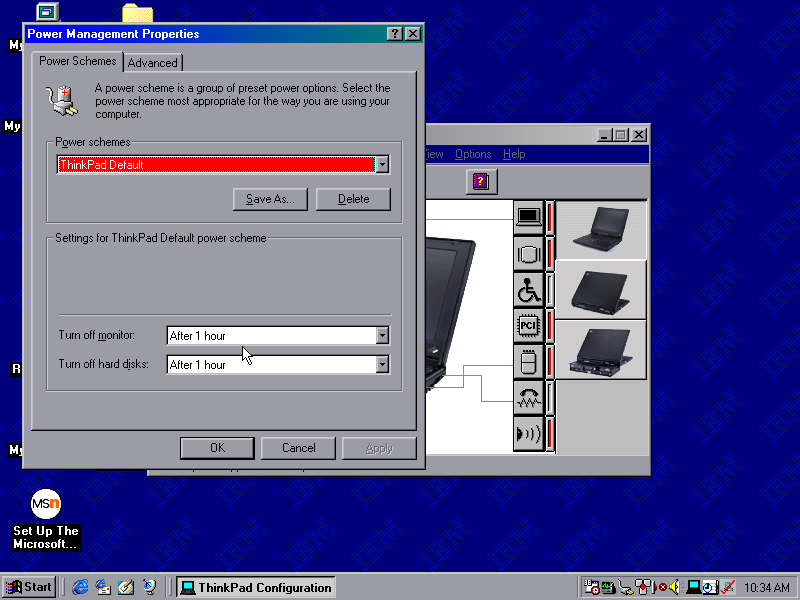
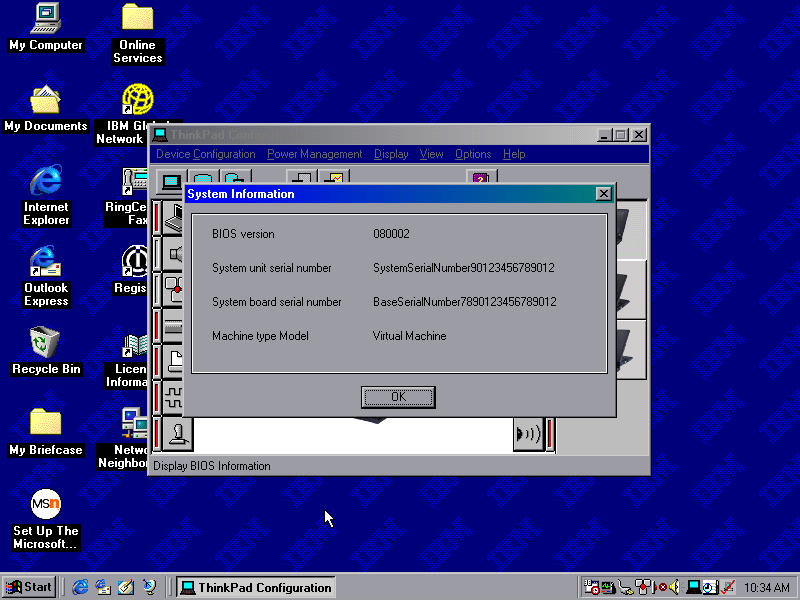
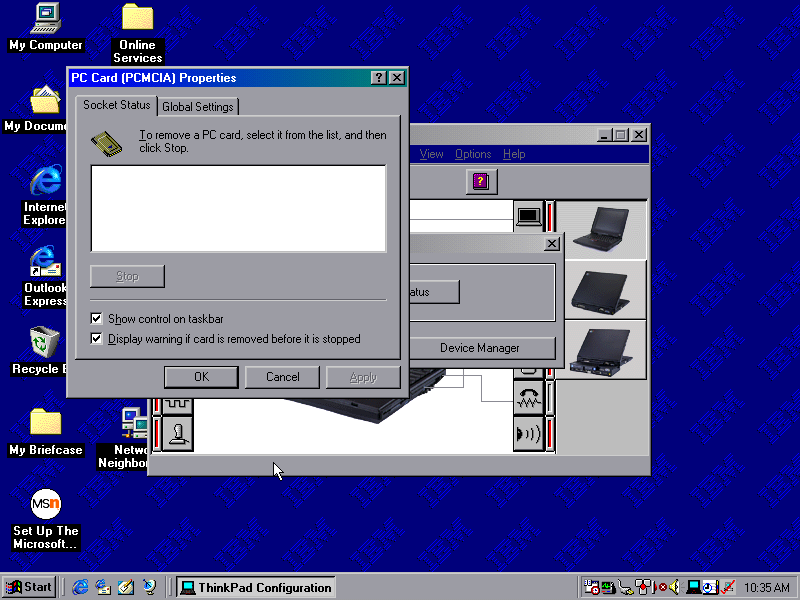
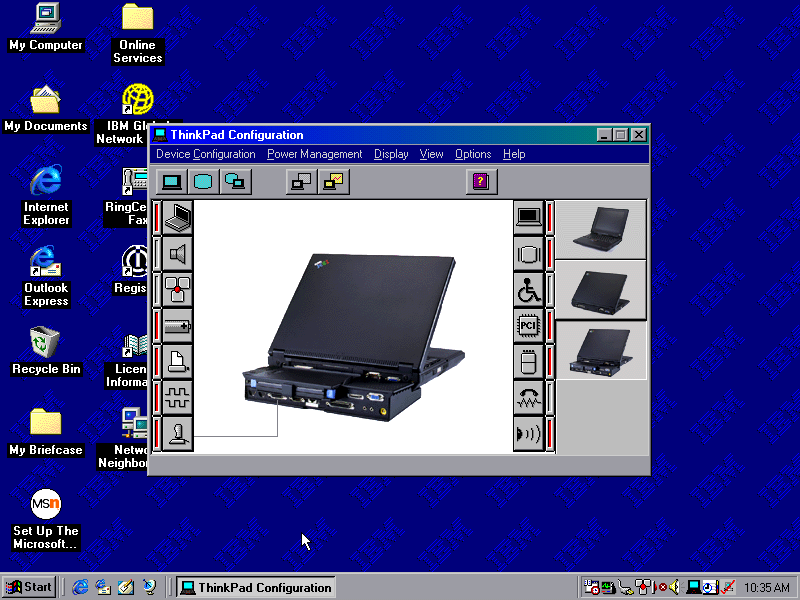
A utility that lets you change settings and enable/disable different components of the system. You can configure settings for the sound, game port and TrackPoint itself. These are settings that are typically exclusive to the ThinkPad itself and may not be covered by the Windows settings.

ConfigSafe EZ

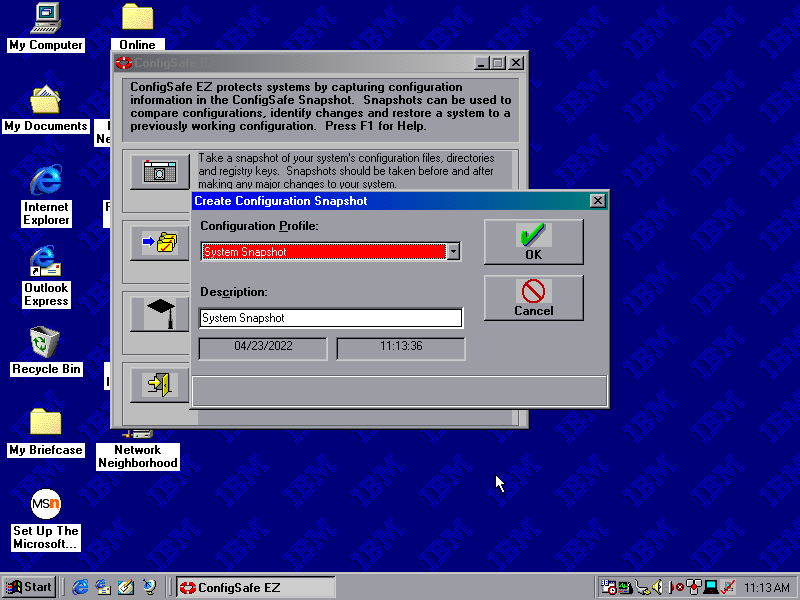
Acts like an early form of system restore, which will back up critical system files which can be restored should the need arise.

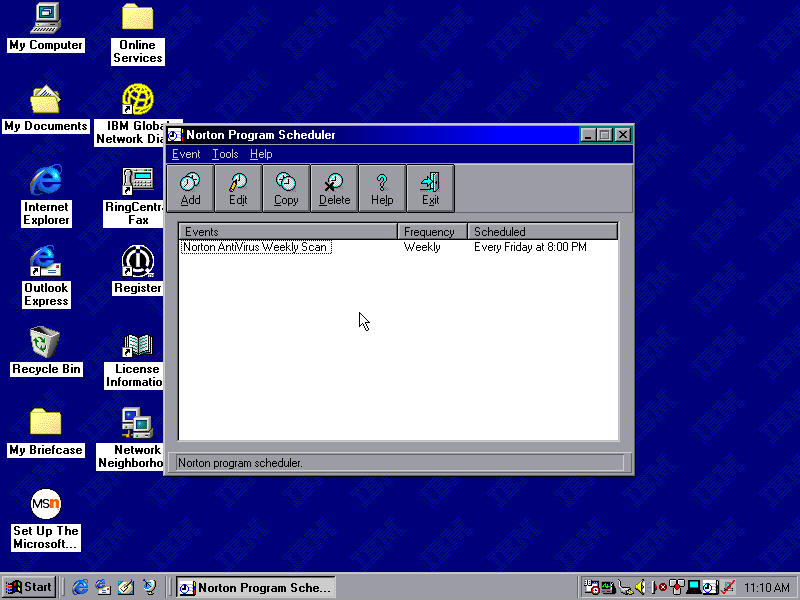
Snapshots can be taken on a schedule, either daily, weekly, monthly or every time Windows boots up. Files are saved to a CSX image file and total to 1.46MB, which seems to go over the floppy drive limit

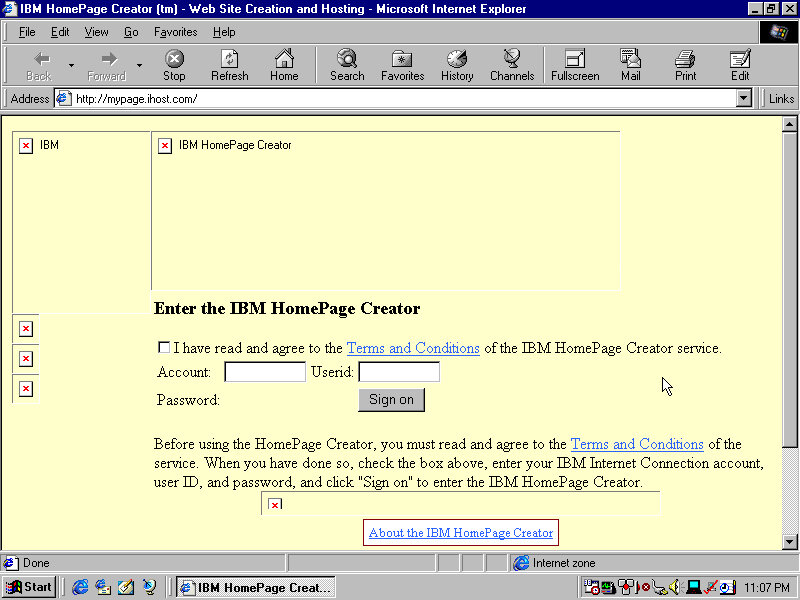
IBM HomePage Creator

This takes you to an online page, presumably where you can create an account and sign up for a web hosting service

Shutting Down

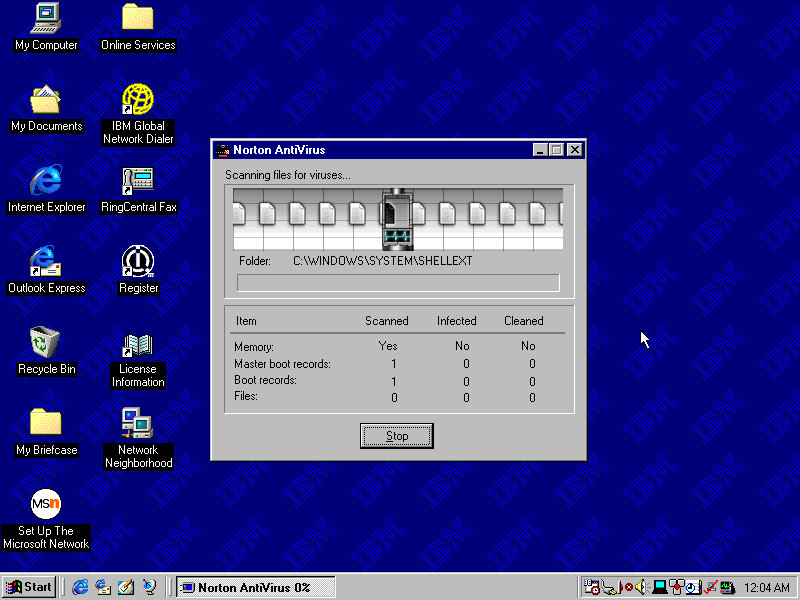
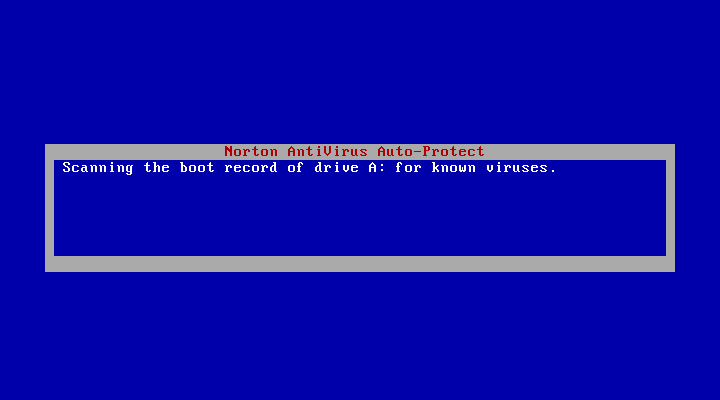
Shutting down the system brings up a Norton AntiVirus screen that kinda looks like a BSOD. This just does a quick virus scan before shutdown and lasts for a few seconds, possibly does a boot sector scan to ensure nothing has tampered with the bootloader.