A similar laptop to the ThinkPad T20, but this appears to be a customized image for a specific University. Lets take a look…
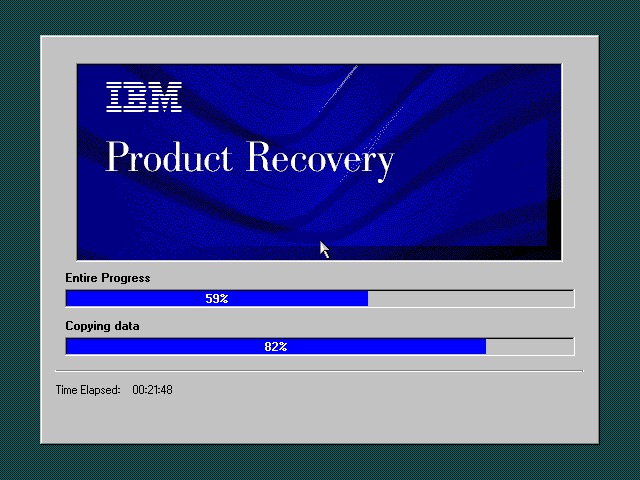
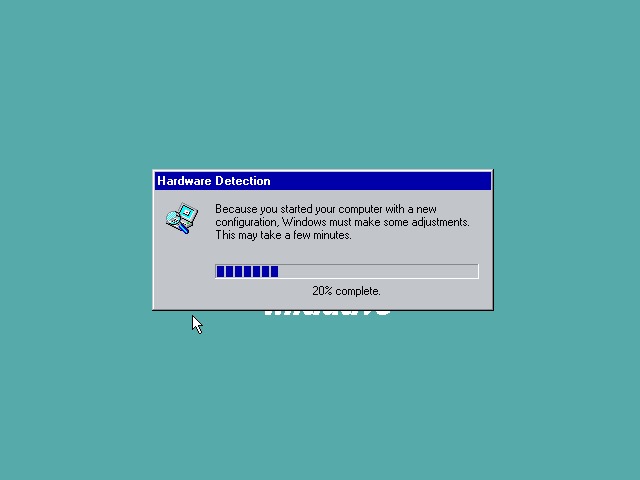
The recovery utility is very similar to what we have seen previously. This will restore the operating system installed to the hard drive, and will initialize it if the drive is blank. Once completed the system will restart.
Currently using 86Box (4.0.1) with the Gigabyte GA-686BX motherboard, which has a similar chipset to the actual notebook itself, Intel 440BX chipset.
After a few New Hardware Dialog boxes, we arrive at the desktop. Here we have Windows 98, compared to Windows 95 that the T20 we look at came with.
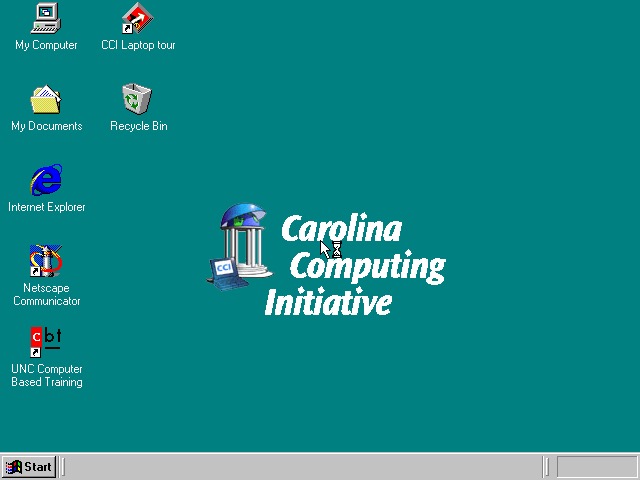
Very similar to the T20 we have the IBM custom wallpapers, sound schemes and colour schemes that can be selected. There is also a custom wallpaper from the Carolina Computing Initiative which is the default wallpaper and it appears this is a disto that’s intended to be imaged on ThinkPad laptops for a North Carolina University.
I guess IBM had a facility where institutions could create their own recovery images, complete with their own branding and any additional utilities to allow these images to be distributed to all notebooks that are used within that institution.

Office 2000 looks to be preinstalled for us, this includes Word, Excel, PowerPoint, Outlook and Access, along with a sidebar to quickly launch Office. Not the best idea for a laptop with a small resolution screen (640×480) since it takes up valuable screen estate. Thankfully you can disable this.
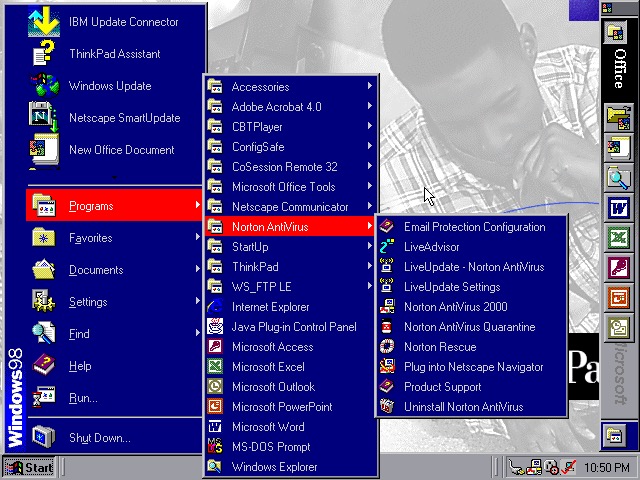
The Start menu showing preinstalled applications, and one of the custom IBM colour schemes


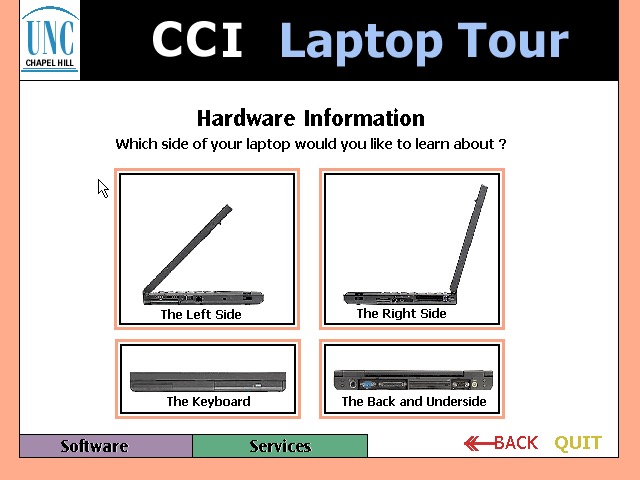
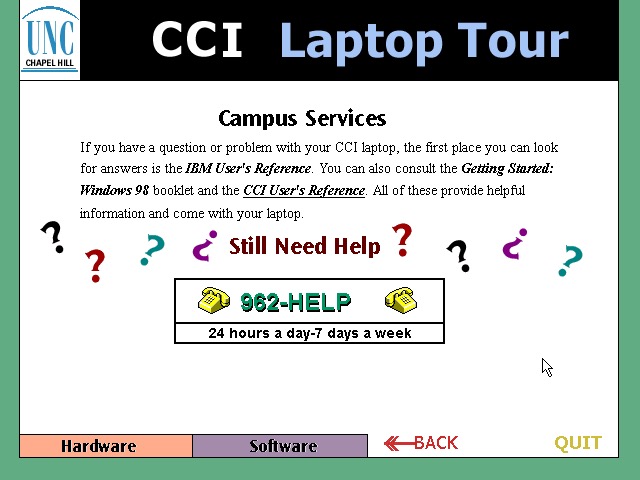
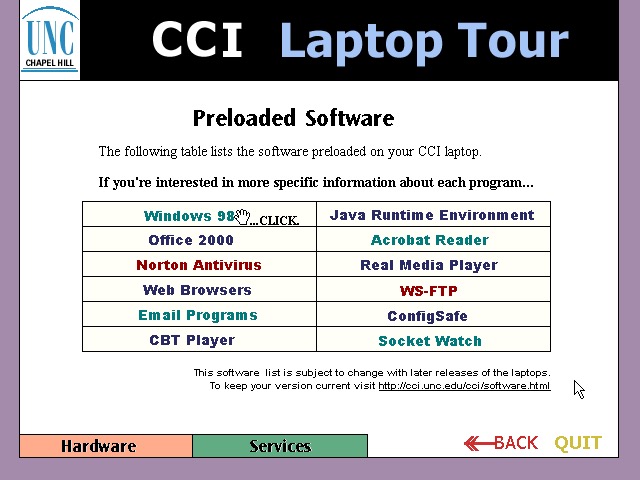
CCl Laptop Tour: A tutorial application that is built using Macromedia Flash (Now Adobe, now dead). This provides information regarding the laptop itself, and is to help get students accustomed to using their new notebook. Information on installed software is also included. One thing to note is this program is very noisy, with swoosh sound effects for every animated text on the screen. It reminds be of creating PowerPoint presentations using PowerPoint 2003 and littering the slideshow with different animations and sound effects to make it more cool.
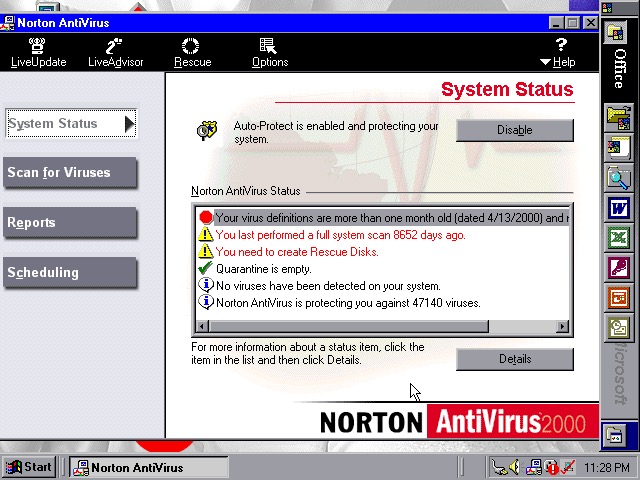
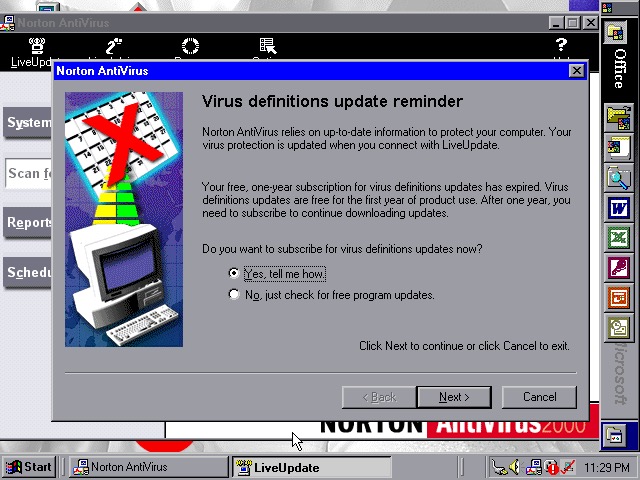
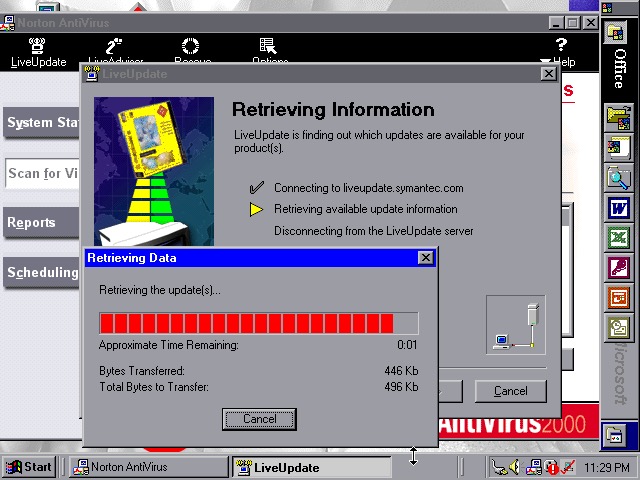
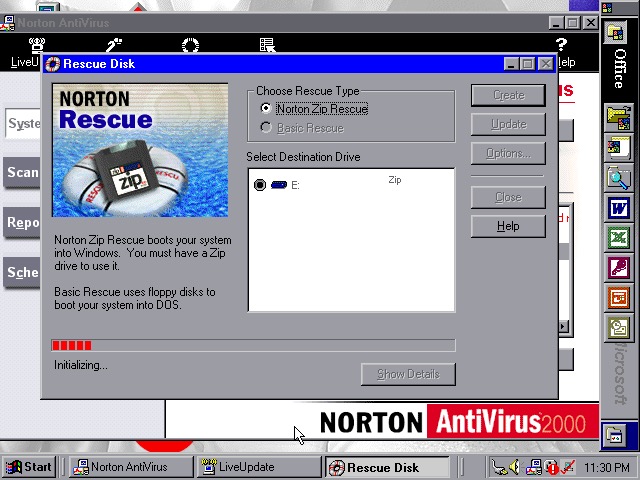
Norton AntiVirus 2000 comes with the install, here you can run virus scans (or set a reoccurring schedule), and make system backups to floppy or Zip disk drives if you have one plugged in. Like other Thinkpad’s of the era, this model supports the SmartBay that lets the user swap and install drives whilst the system is active, and Zip drives are supported using this bay.
Norton also included a Liveupdate feature for both program and virus definition updates, but this just crashed the program, and the entire system
ConfigSafeEZ makes a copy of critical system files, kind redundant when you have Norton Rescue installed
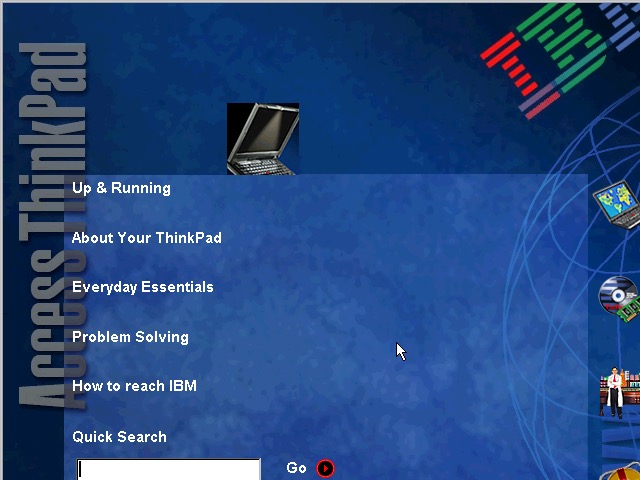
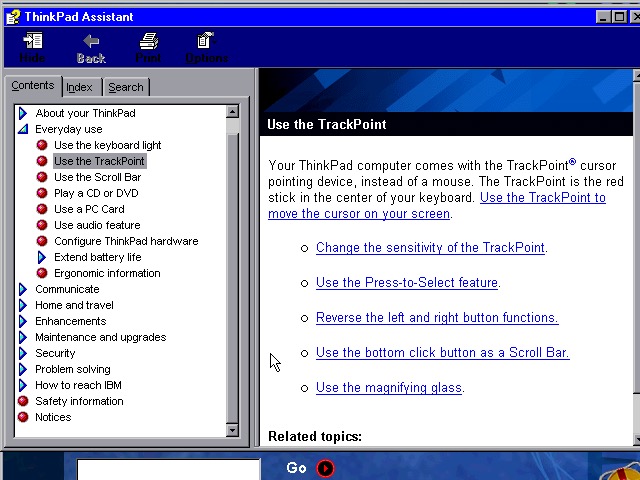
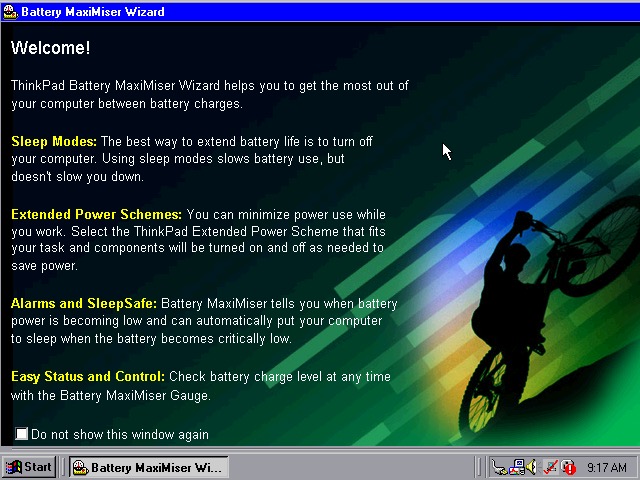
A couple of ThinkPad utilities come included:
Battery MaxiMiser – a simple program that informs the user on how to get the most from their battery. The Presentation Director Wizard shows you details on how to connect and enable an external LCD projector or display. You can change the external resolution which will scale the internal display (since it only supports 640×480)
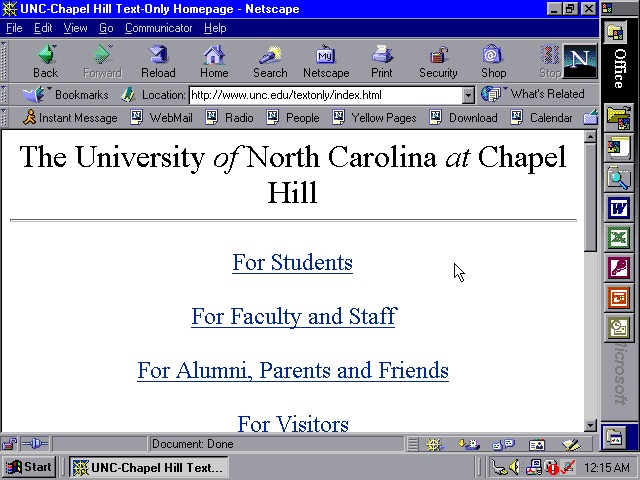
We also have Netscape Navigator 4.7 preinstalled as an alternative to Internet Explorer, showing the default homepage of the era using theoldnet as a proxy server.
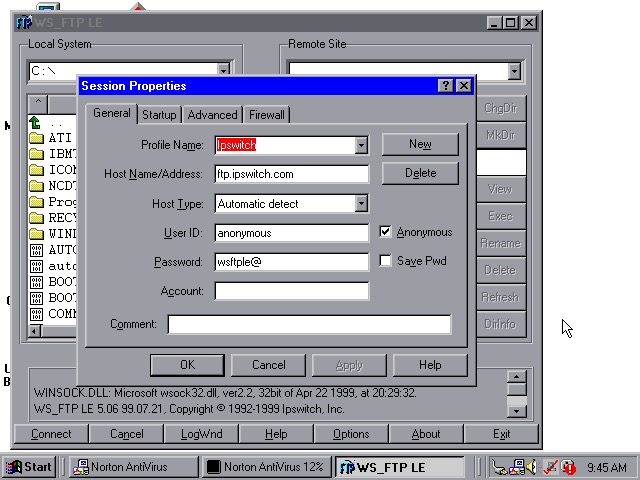


WS_FTP appears to be an FTP (File Transfer protocol) program to connect to remote FTP servers, This has already been configured to connect to an Ipswich server, though there are plenty of other servers included by default.
Tried connecting to a few servers (Microsoft, NASA) but no luck
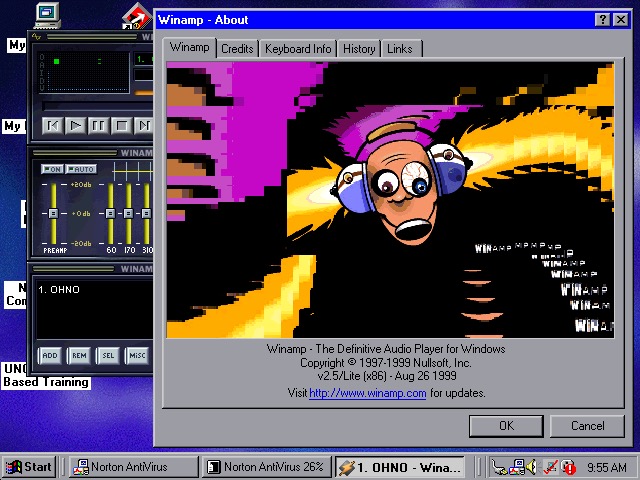
WinAmp 2.5 is also preinstalled to playback MP3’s from Napster

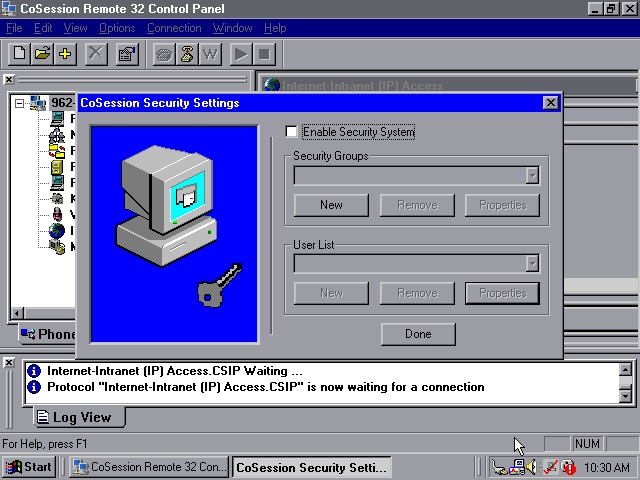
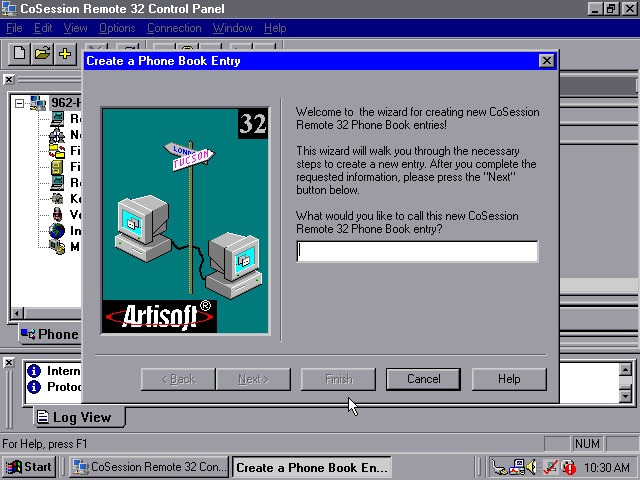
CoSession Remote 32 (v8.1) – A remote control program that lets you control a desktop computer (That also has the supporting software installed) over a network, similar to Remote Desktop or VNC. It will also function over the internet and can be used to transfer files.
Main use for the program would be for Helpdesk support purposes, or if new software needs to be installed remotely. I’ll have to look at this in more detail when I find another copy.
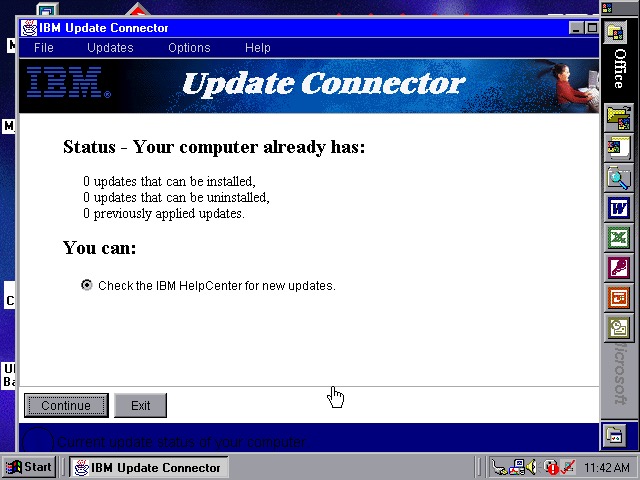
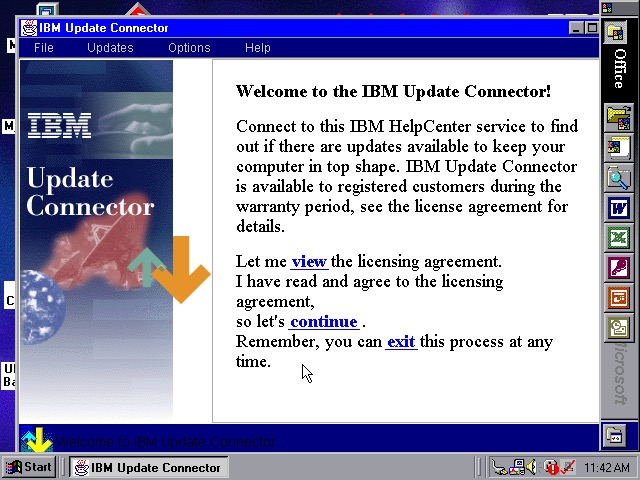
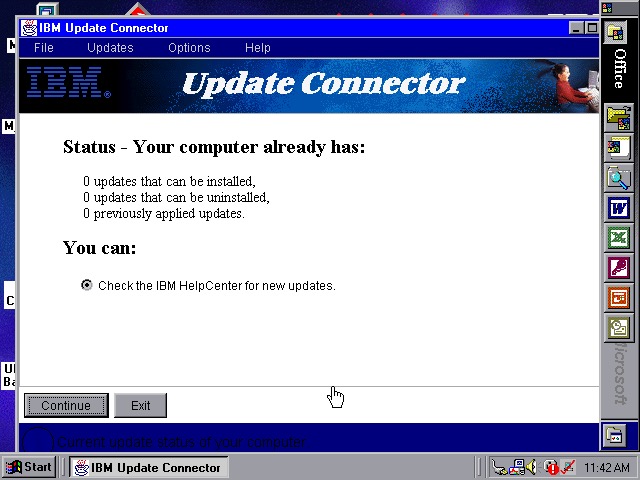
Lastly a look at the IBM Update utility
 Drew1440: Blog