Tag Archives: LG

LG G3

A high end Android phone released in 2014, and put LG on the map against the Galaxy S5, The Sony Xperia Z2 and the HTC One M7. It’s sucsessor, the G4 is very similar but with the faster Snapdragon 808 processor.

Powered by a quad-core Qualcomm Snapdragon 801 processor and 2GB or 3GB of RAM (depending on the variant), the LG G3 delivered smooth and responsive performance. Apps launched quickly, and multitasking was a breeze. The device handled everyday tasks with ease, including web browsing, gaming, and media consumption, even today with modern apps. With a 5.5 inch screen, it almost competed in the phablet market with the Galaxy Note 4

The phone also came with LG’s flavour of Android, original 4.4, it was updated to Android 6.
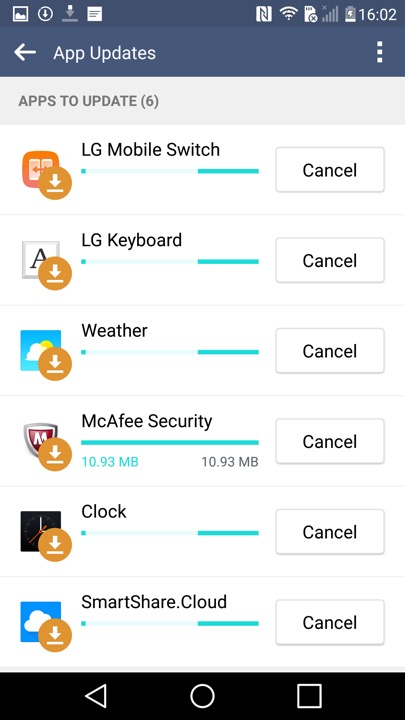
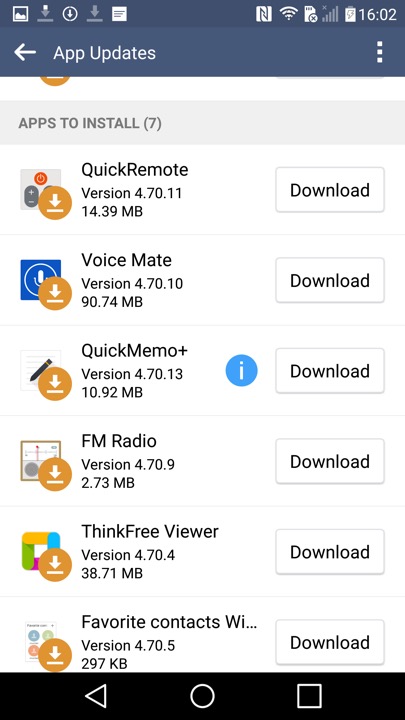
Shortly after the first boot, the phone picks up a few updates
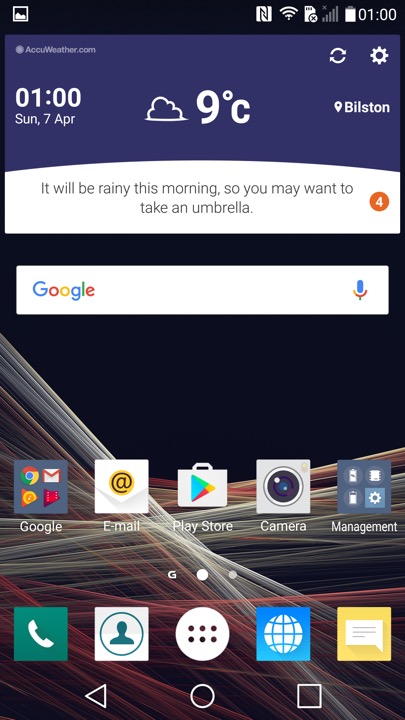
The home screen, showing the LG launcher with the default widget and icon layout.
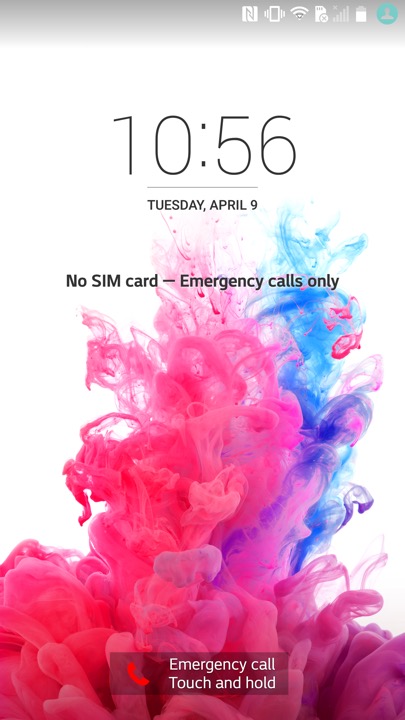
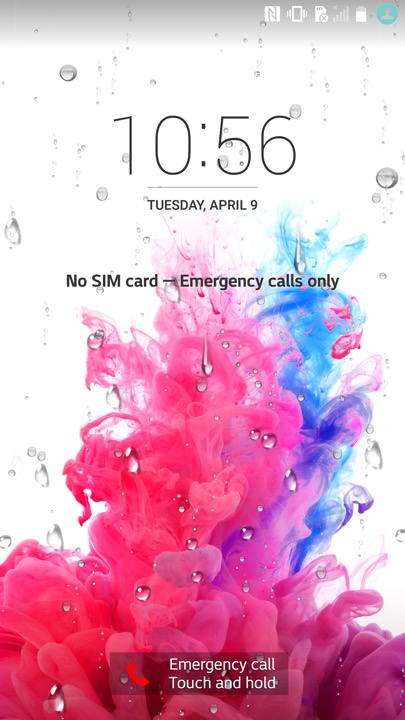
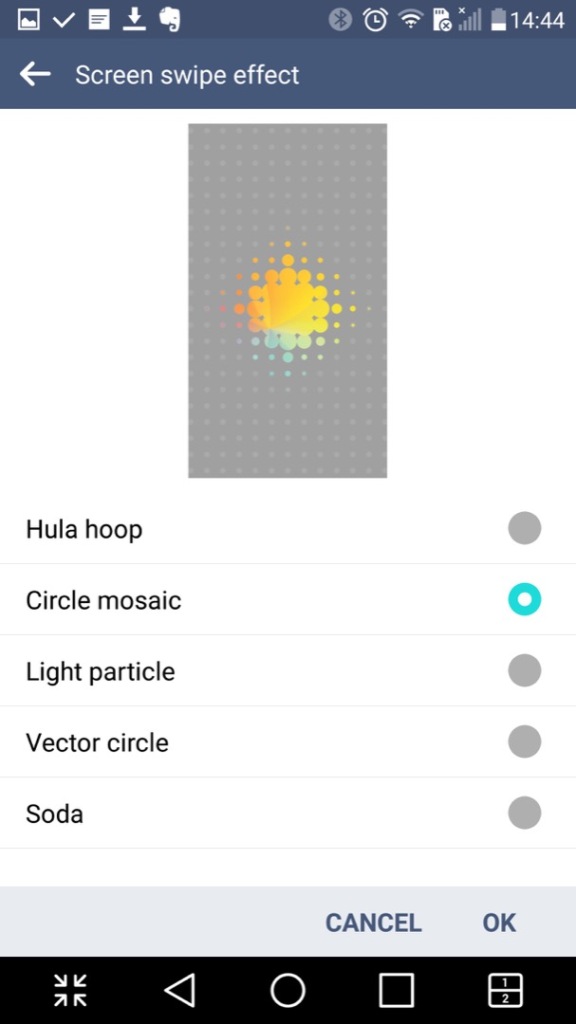
The lock screen, which will display weather affects if you have your location enabled. here you can see raindrops that signify rain. I wonder what effect a hurricane or a blizzard would have?
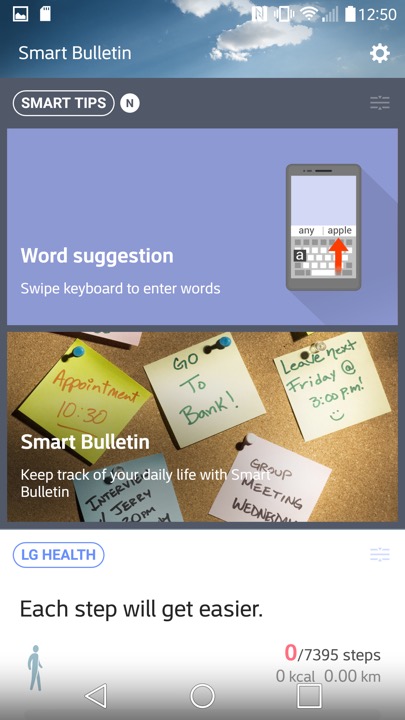
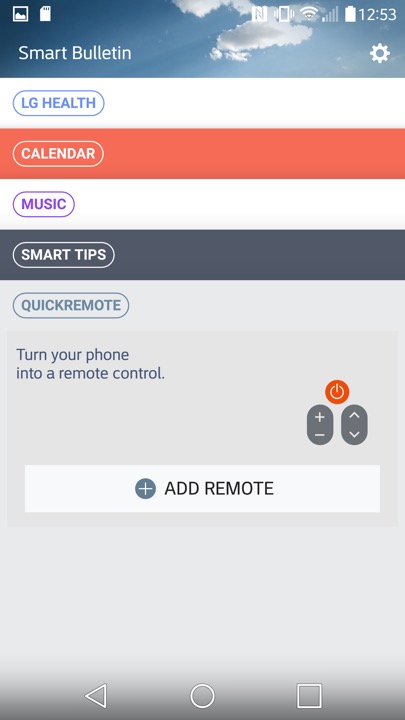
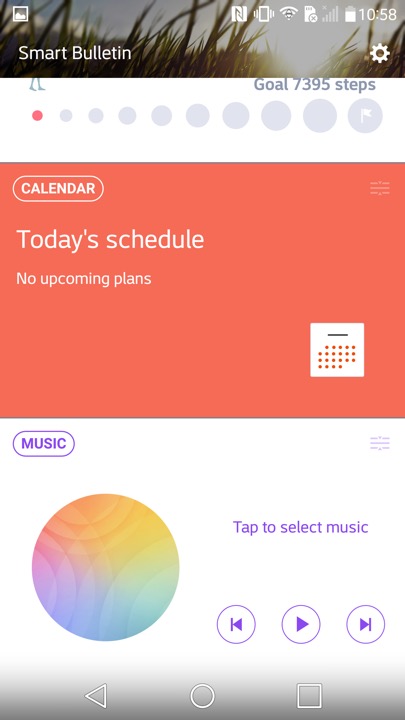
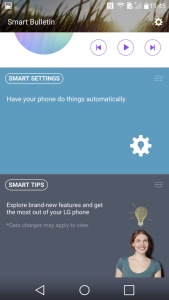
Swiping to the left will reveal the Smart Bulletin section of the launcher.  Smart Bulletin served as a central hub for aggregating and displaying relevant information from different sources and apps on the device. This included things like upcoming calendar events, weather forecasts, recent photos, and LG Health data. You can customize Smart Bulletin by adding or removing different cards based on their preferences and needs.

There is integration with the LG Health app, which will show you your current step count and the amount of calories burnt. You can also launches the music player, and control your TV if you have the QuickRemote configured. Ina. Way it’s similar to the live tiles feature on Windows Phone and It think this was what LG was attempting to replicate.
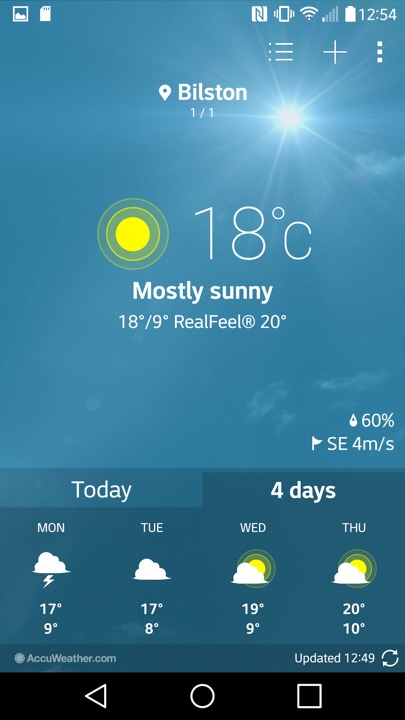
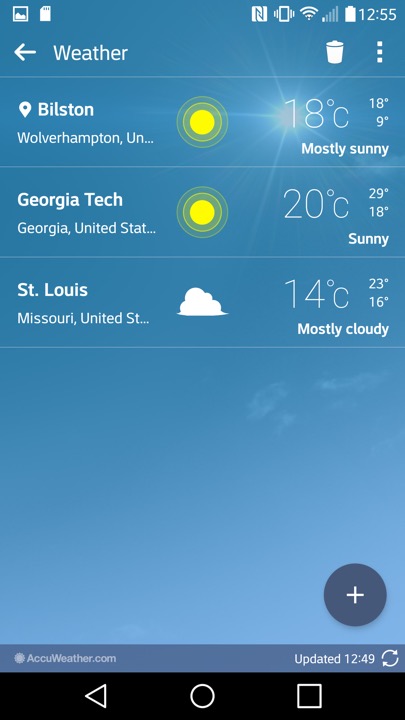
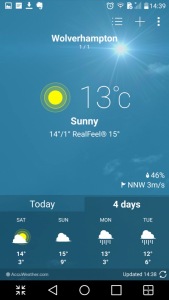
The weather app, which pulls data from Accuweather. You can let it detect your location, or manually add a city.
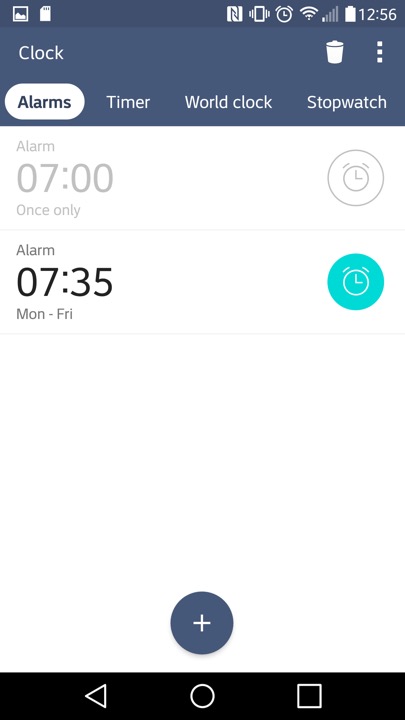
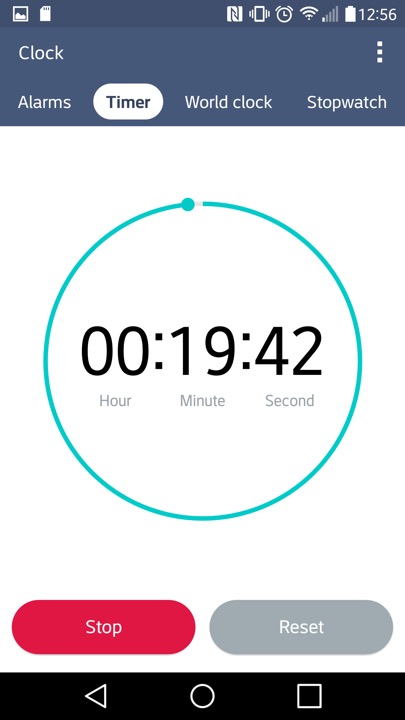
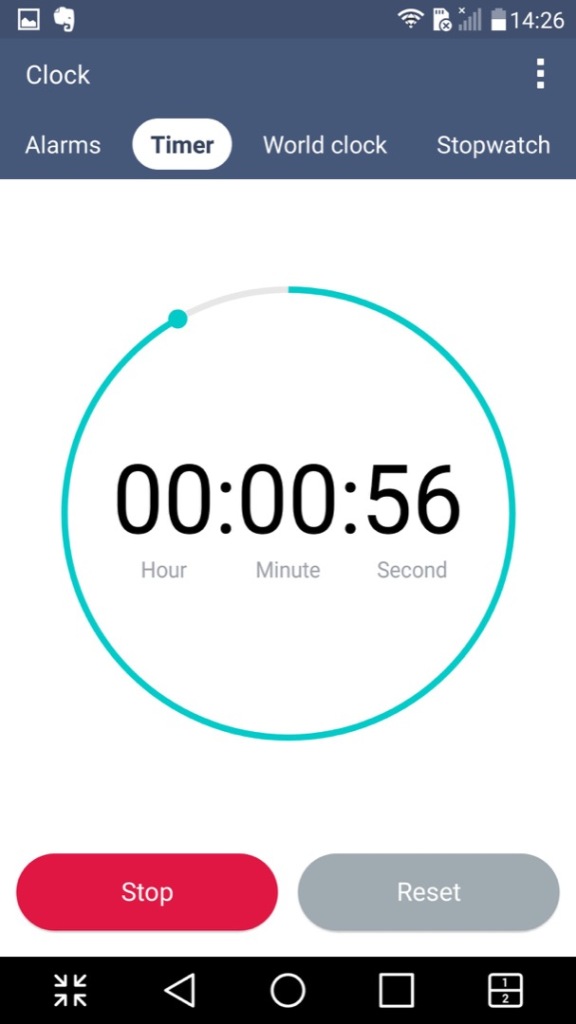
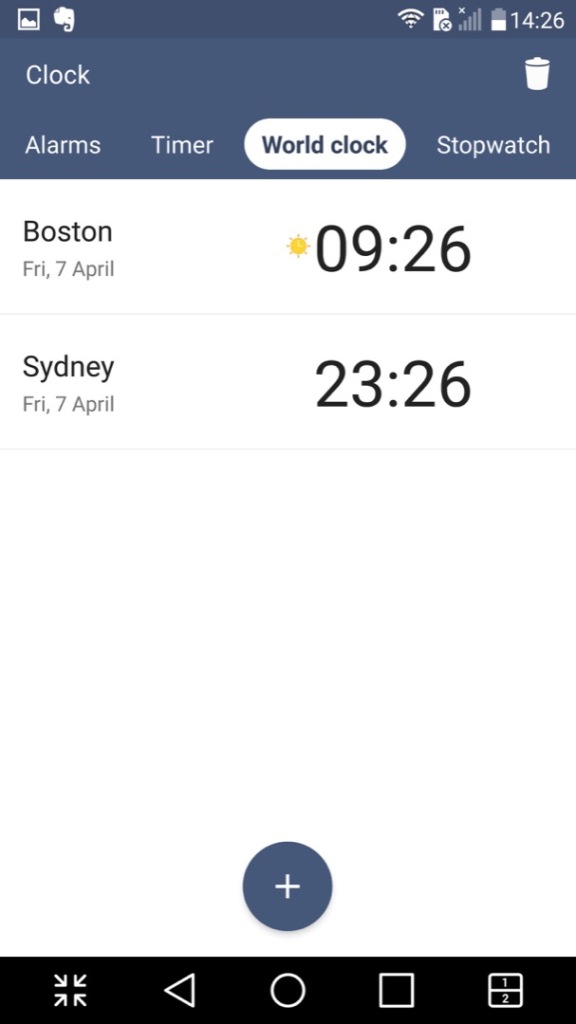
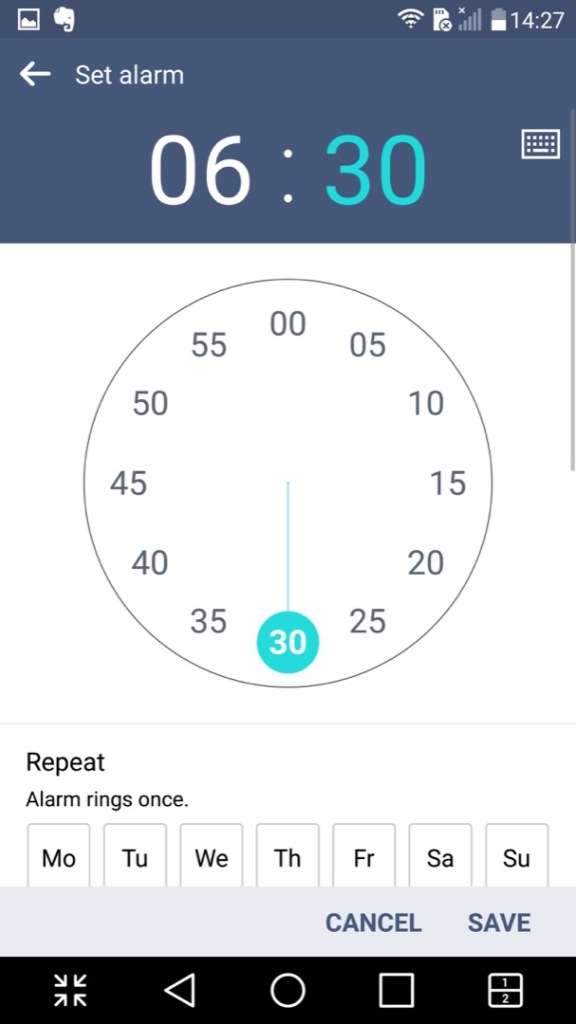
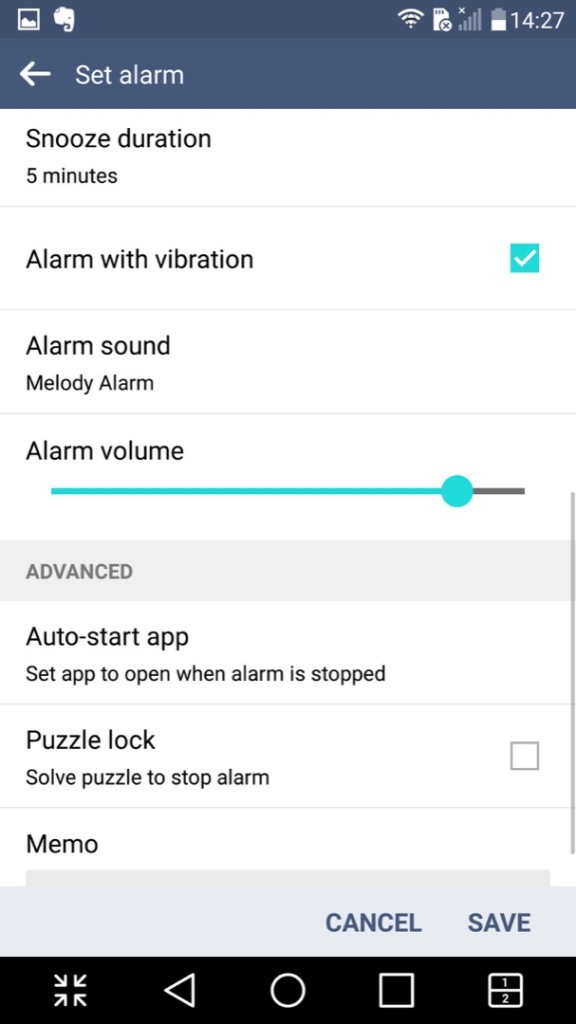
The Clock app, of which you can set alarms and stuff. The navigation bar near the top can be swiped to move to the next item, similar to the Windows Phone interface.
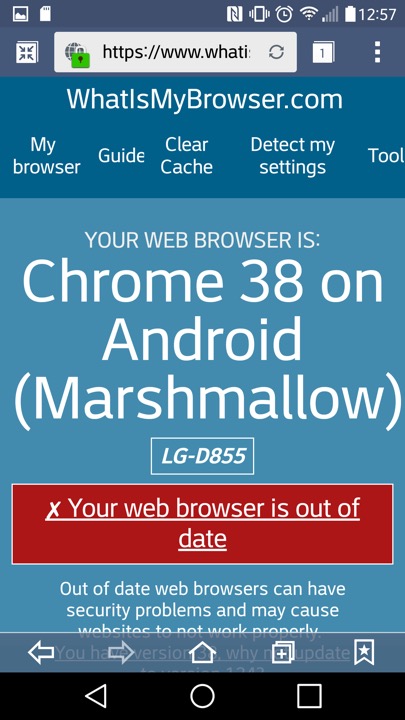
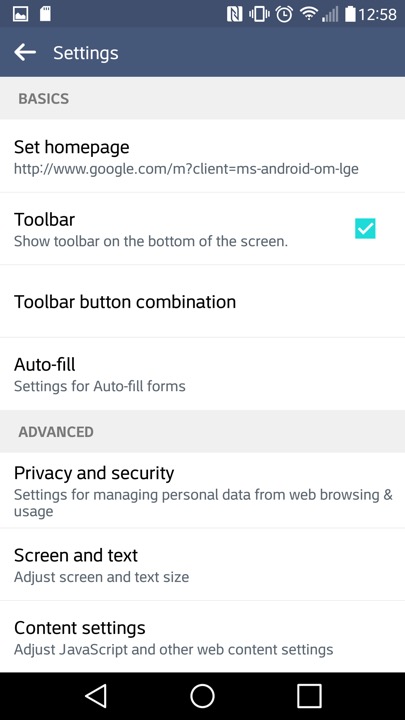
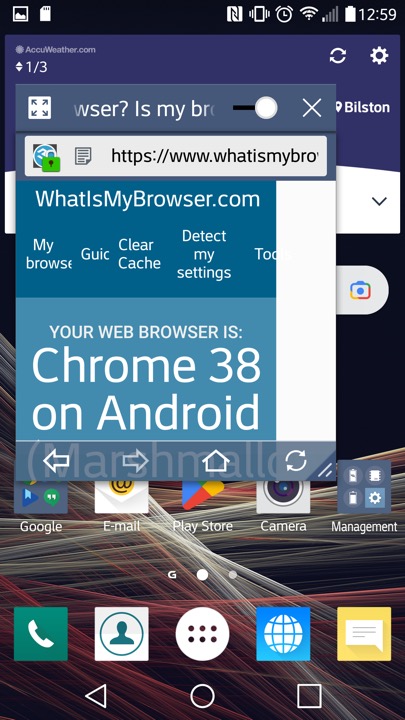
LG’s internet browser which is based on Chrome 38 that was released in 2014. That’s quite out of date and LG papers to have not released further updated that apply to the handset. At least a more modern browser can be installed through the Play Store, like Brave 1.31.90 (Chrome 95) which the latest supported for Android 6.

This might be using the Android embedded browser, which might explain
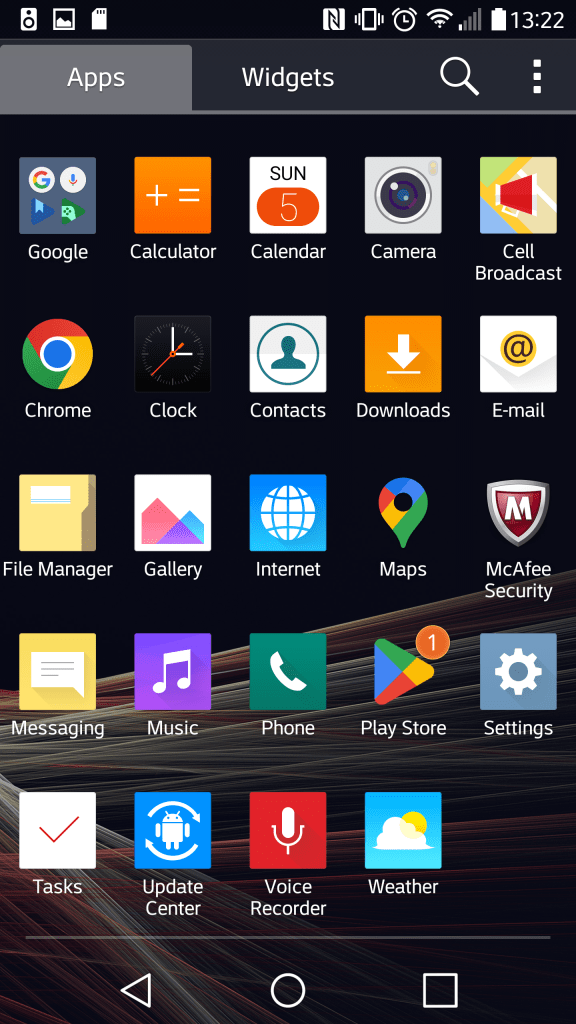
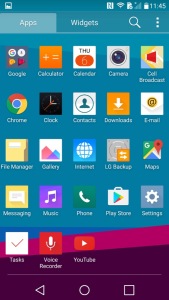
The App drawer which will display App’s and Widgets, along with the Home Screen Settings that lets you change the icon size. You can also organise the apps by name, download date or in a custom order.
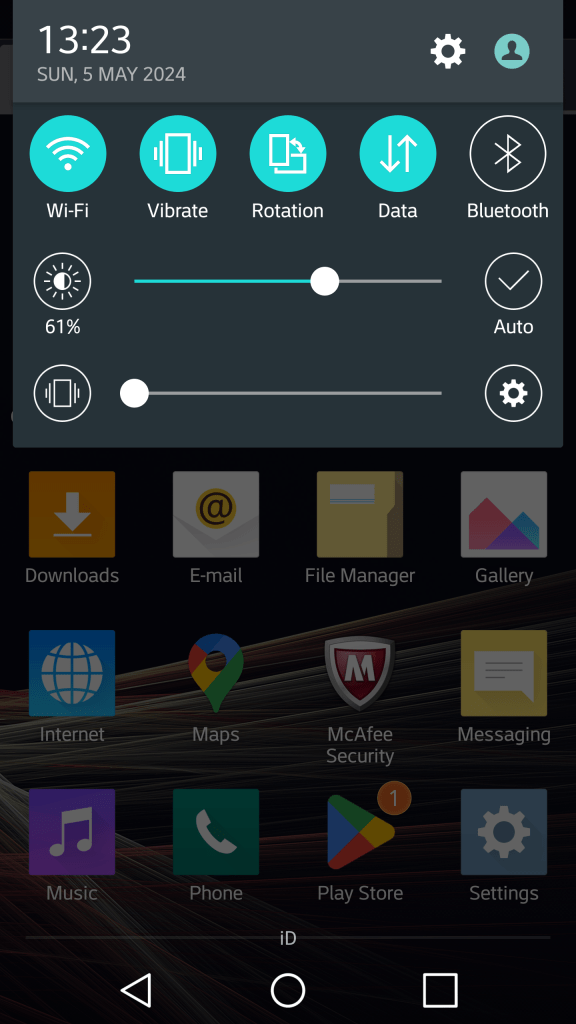
The pull down notification section. You can swipe the icons to reveal more quick settings and add additional icons and reorder the existing set. Some additional options are for the extra features LG have included, but aren’t enabled by default as to not intimidate users.
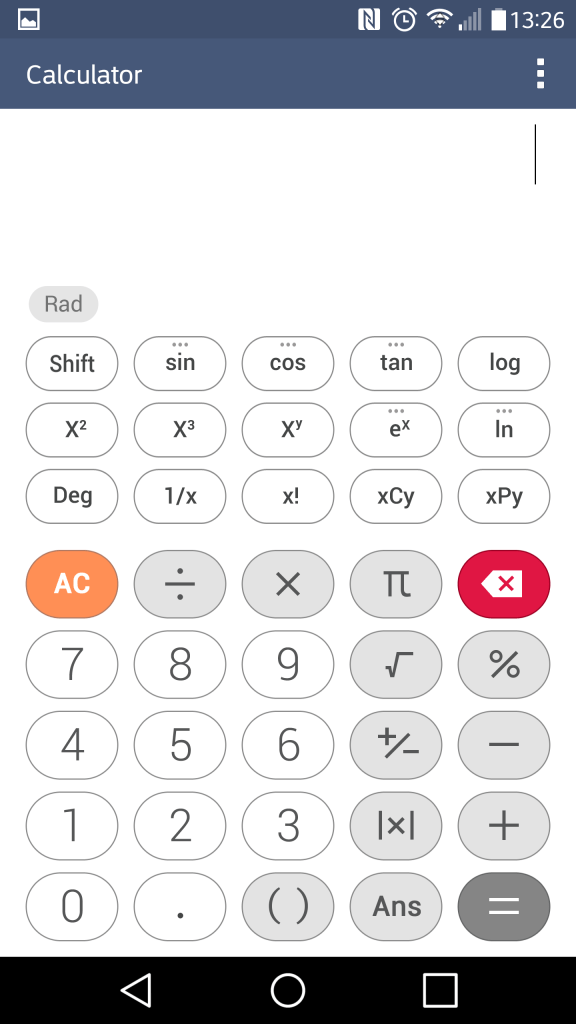
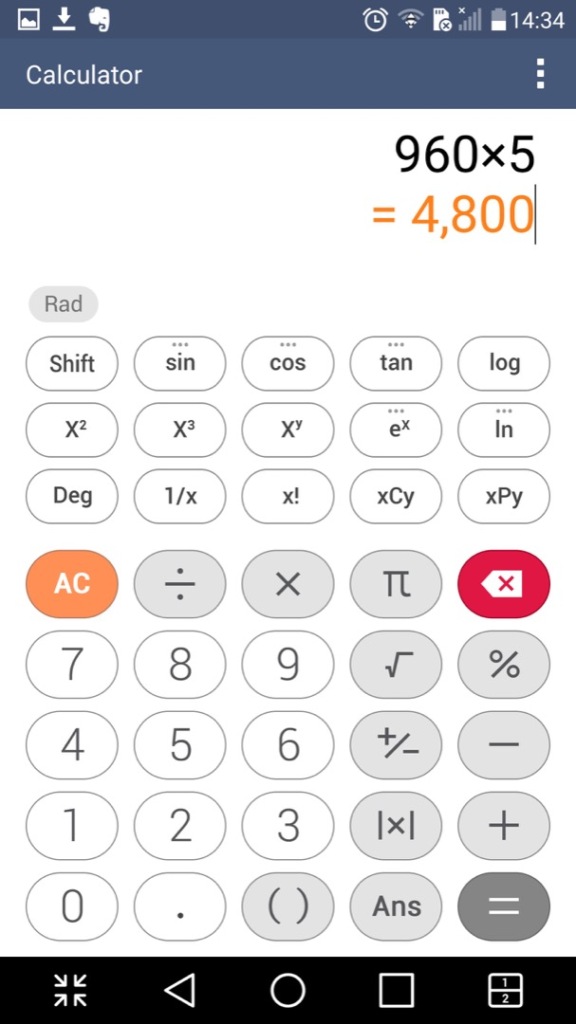
The calculator which can function in a simple or scientific mode.

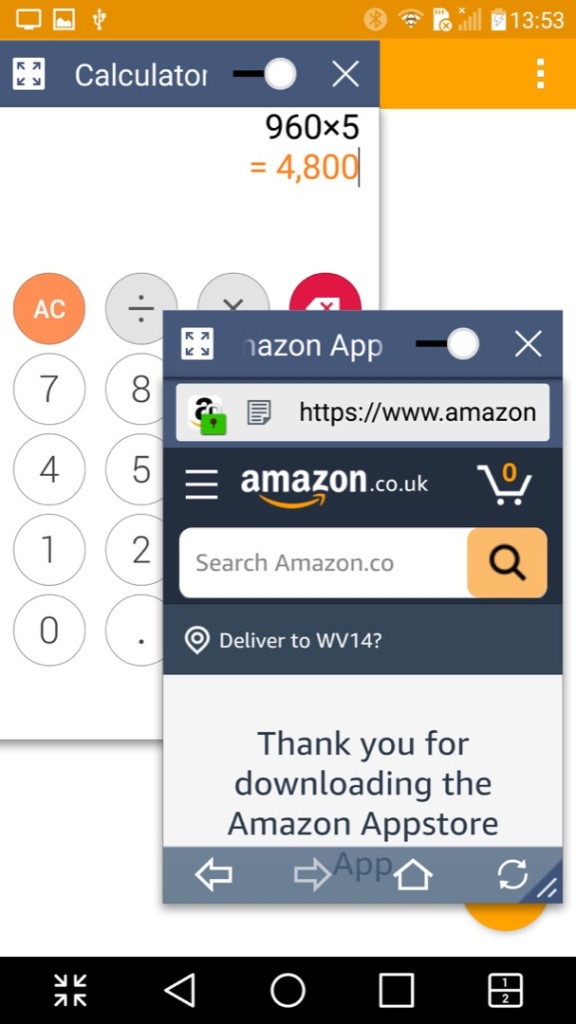
I should mention the Slide feature that appears on multiple LG apps, this lets you multitask the apps as they appear, mimicking a desktop user interface. You can drag to move the window and a slider lets you make the app transparent. This makes good use of the G3’s Hughe screen and give you a Samsung Note-like experience.
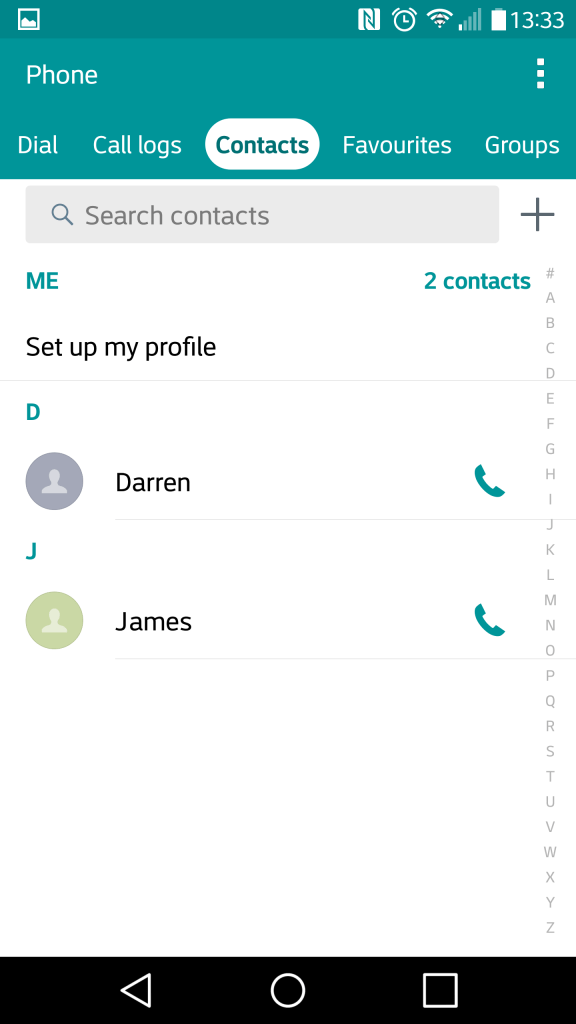
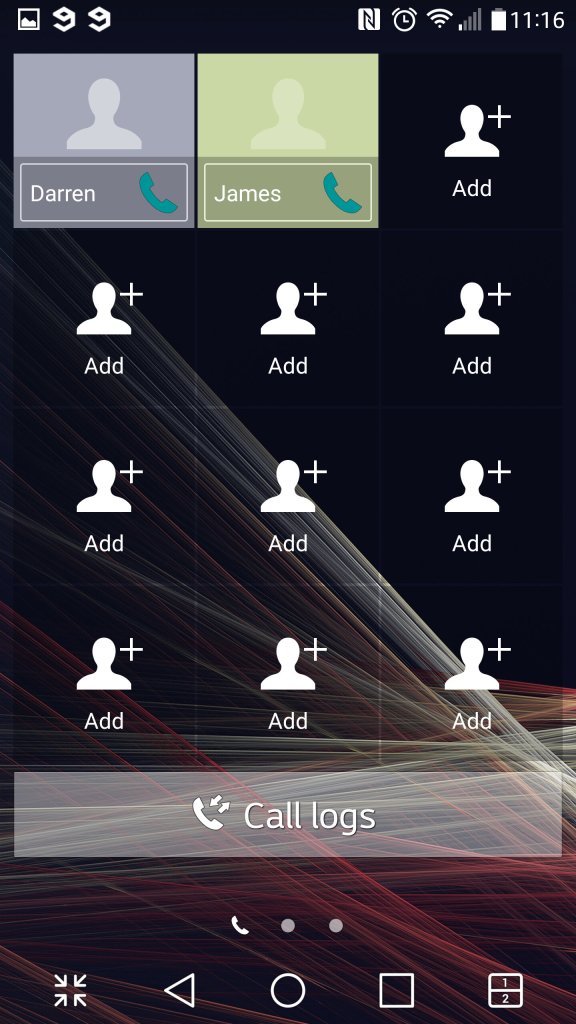
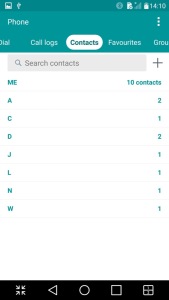
The contacts app which also serves as the phones dialer. Contacts can be pulled from the phones memory, the Sim card or sync’d from your Google account. Each contact can have a custom ringtone, a photo assigned to it and a custom notification colour. Favourite contacts can be set, for frequently used contacts.

The file manager, which is used to display various files that are present on the internal, external SD storage and any supported cloud storage services. Supported services are Google Drive, Box, Dropbox and OneDrive. Of all the services, only Google Drive appears to still be functional as of 2024.
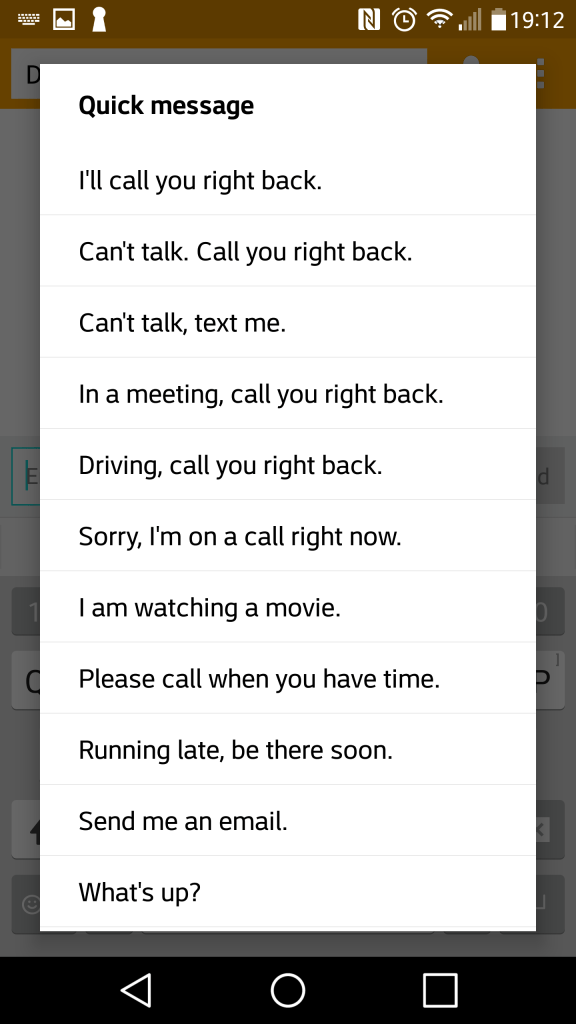
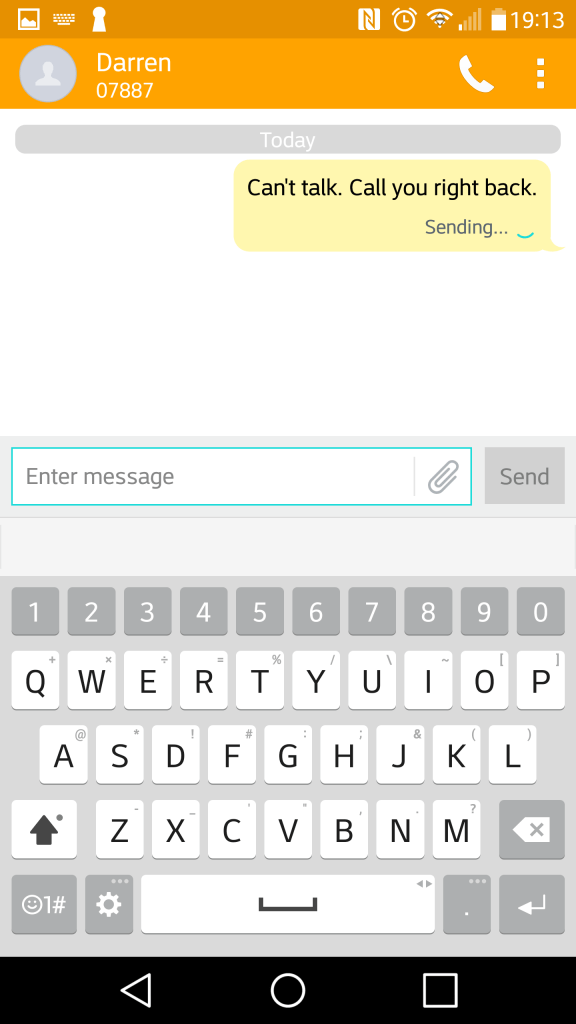
The SMS app, with a spam feature that lets you block SMS messages based on keywords. Flagged messages are immediacy stored in a dedicated spam folder. There are a few template messages that can be selected and sent for quick messaging. The attachment icon lets you add media, which will convert to an MMS message.
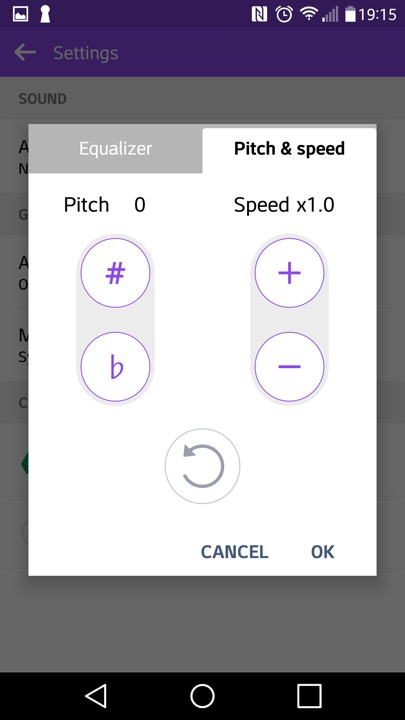
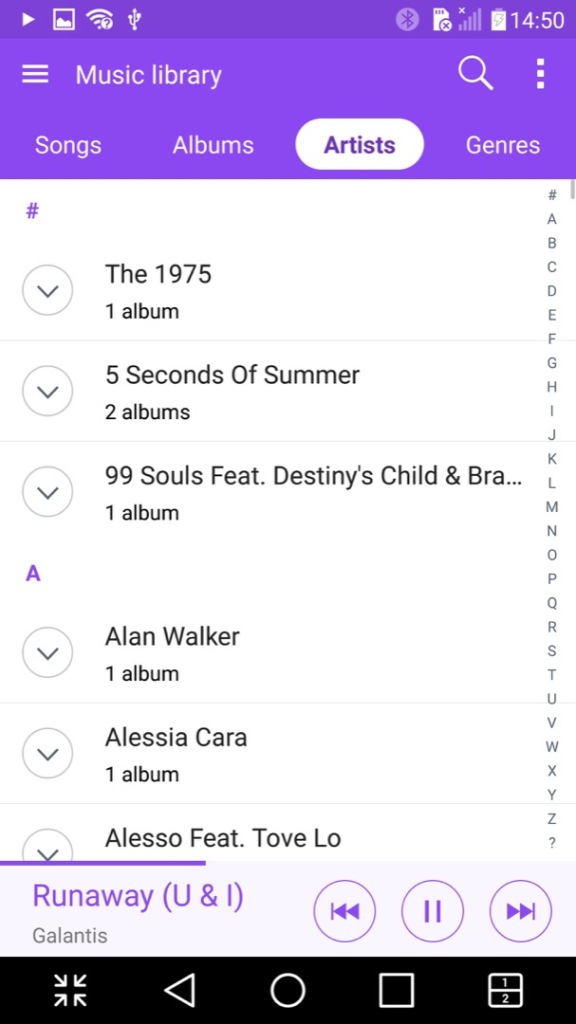
The music player, which can play back files stored locally or from the (Google) cloud. Additional effect’s can be applied such as adjusting the pitch and speed.
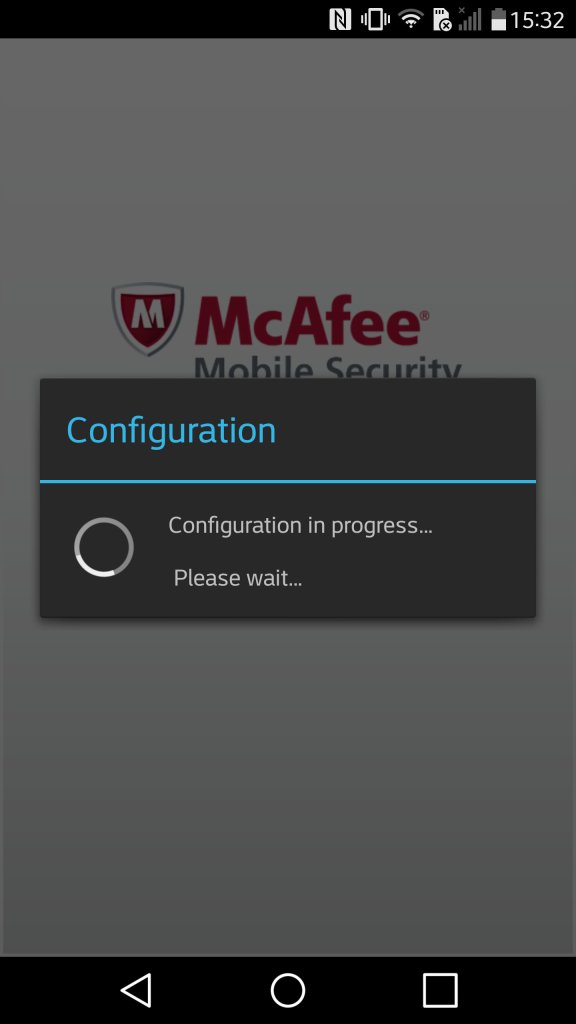
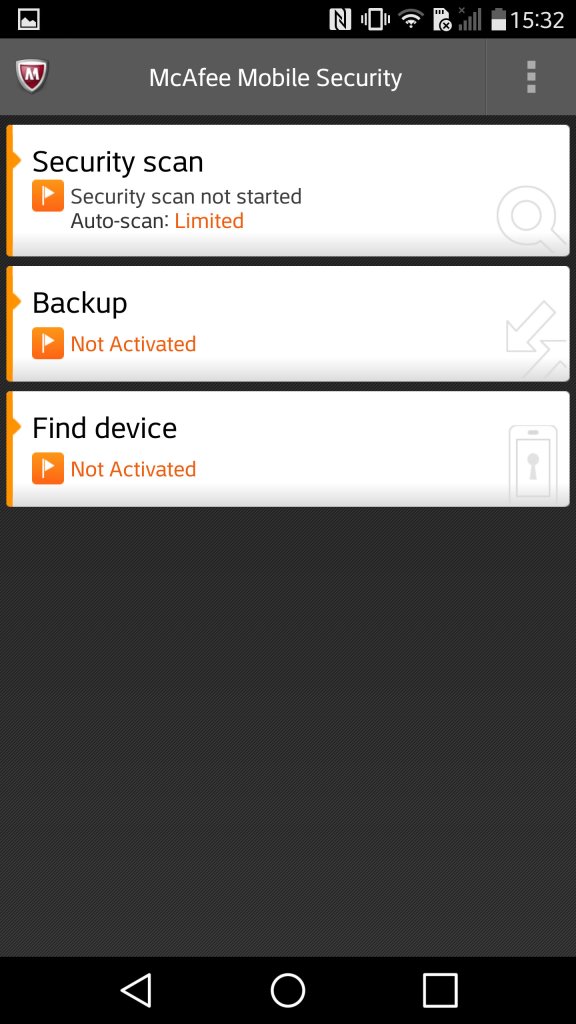
McAfee comes included with adds an anti-virus scanner. It also comes with a backup utility with requires you to subscribe to McAfee;s cloud service
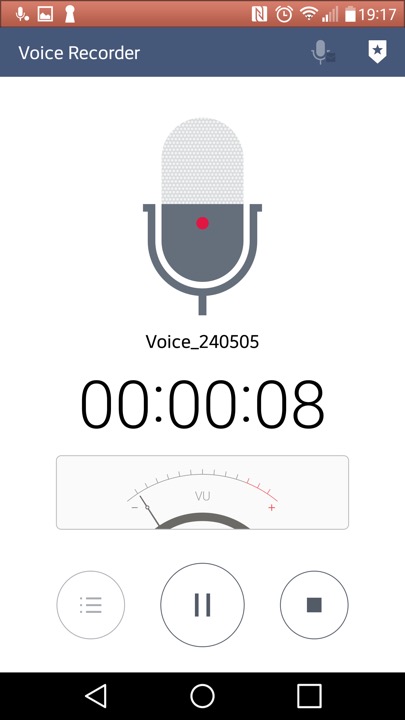
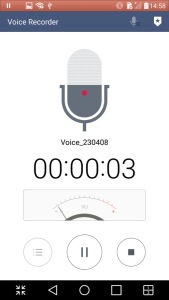
The voice recorder app
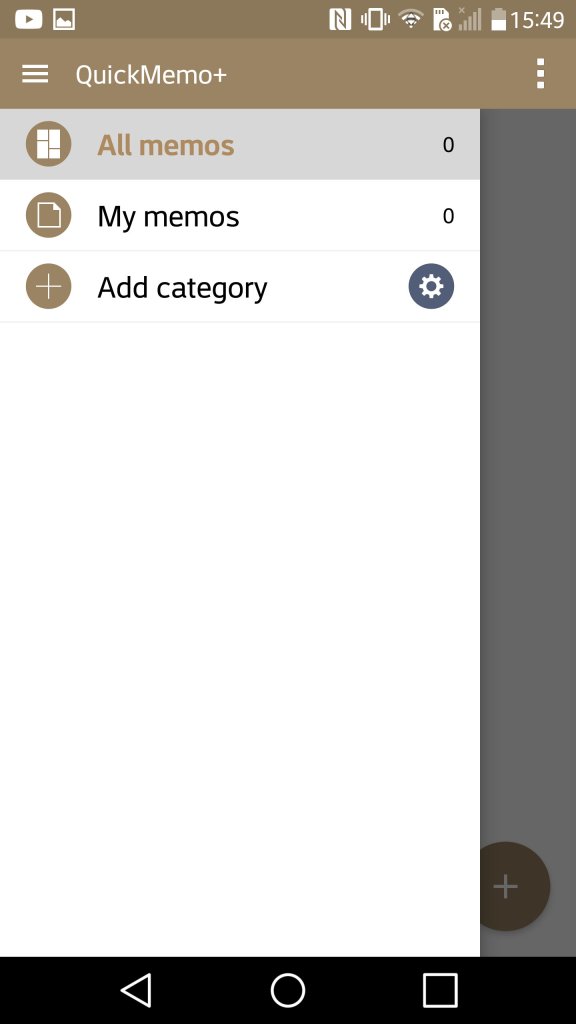
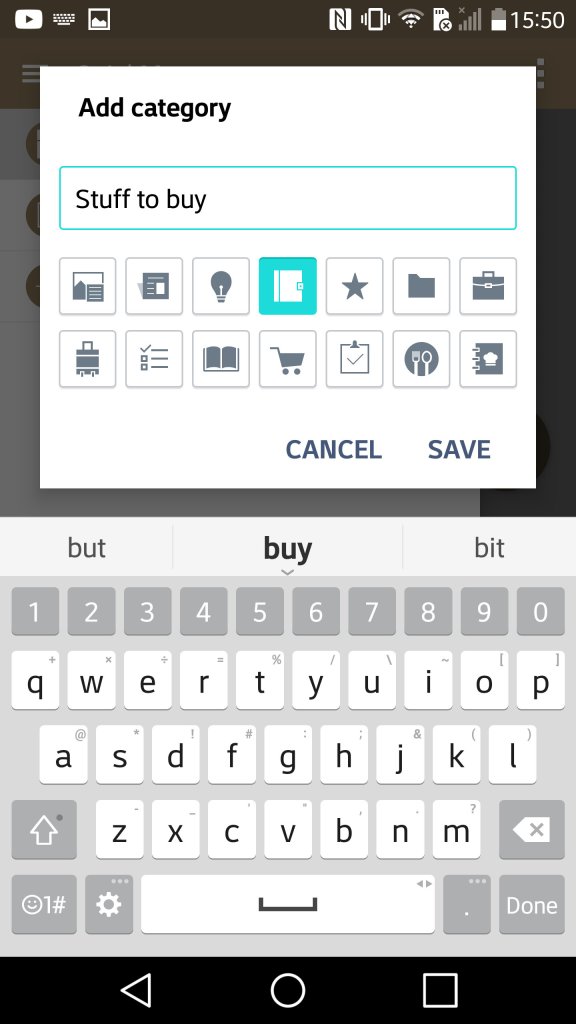
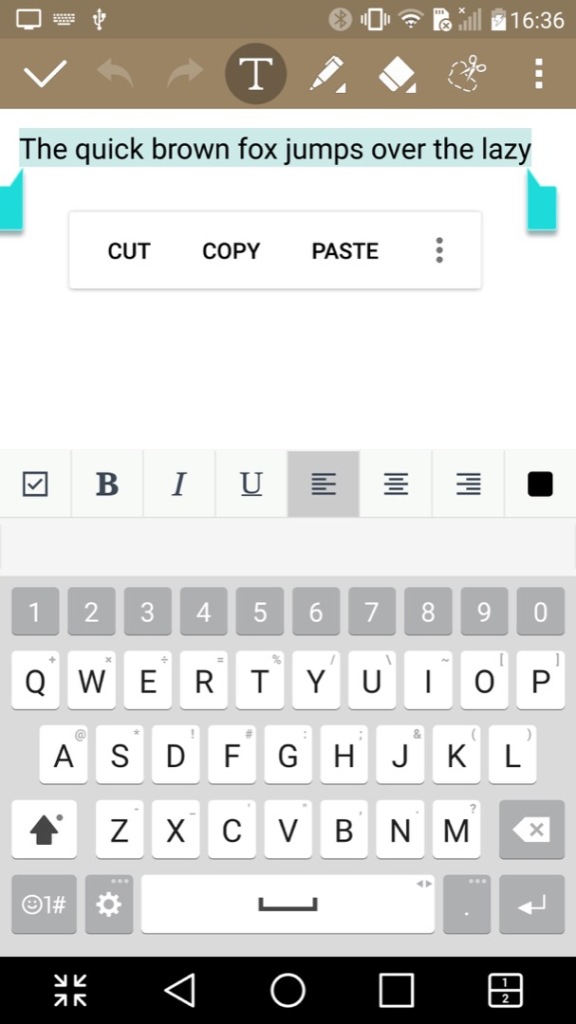
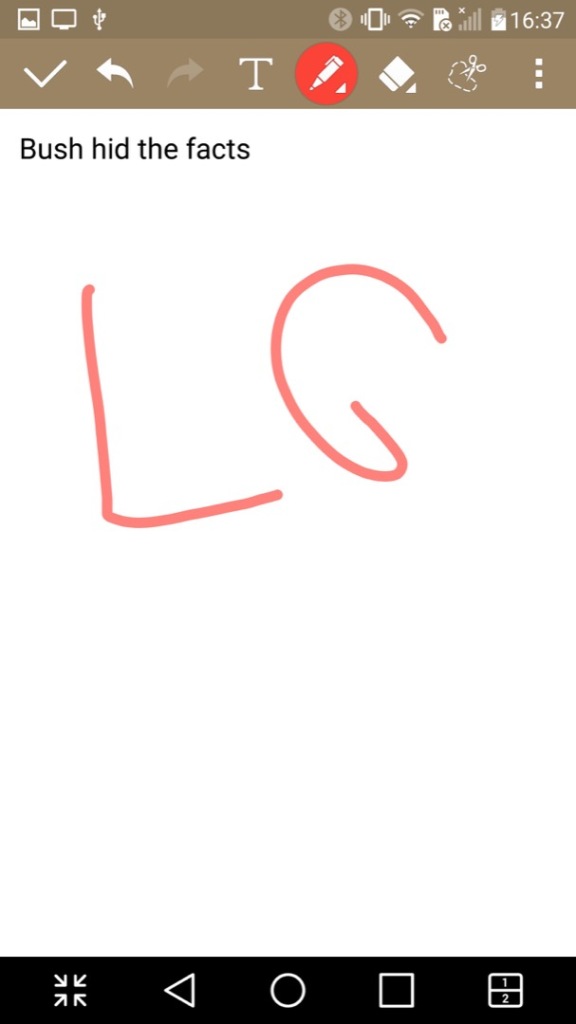
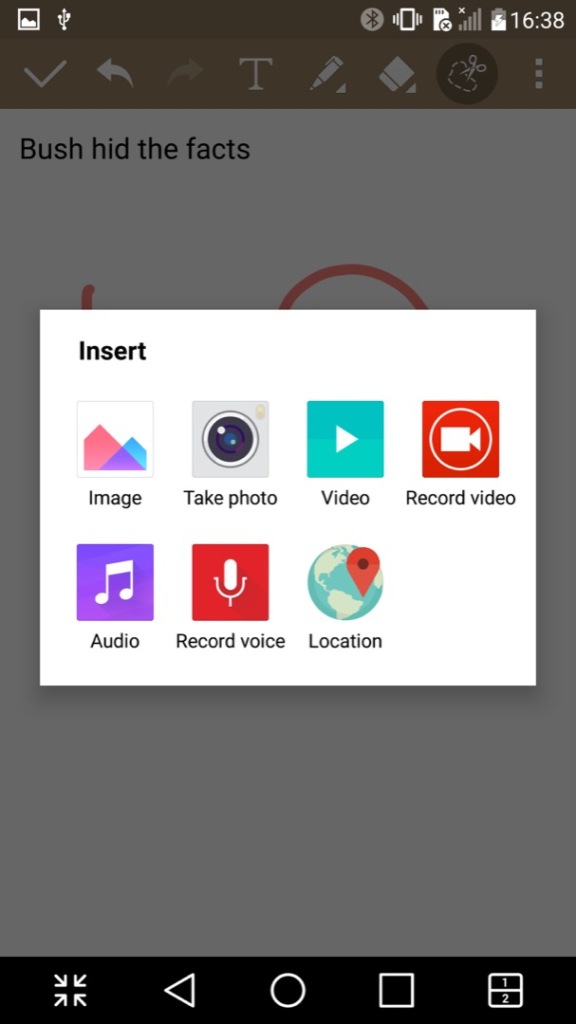
QuickMemo which lets you create a journal consisting of either text, freeform drawing or pictures imported from apps. You can also add supplementary information like the weather and location which can be done by tapping on its respective icon at the bottom. It’s kinda useful if you want to capture and record an outing or event.
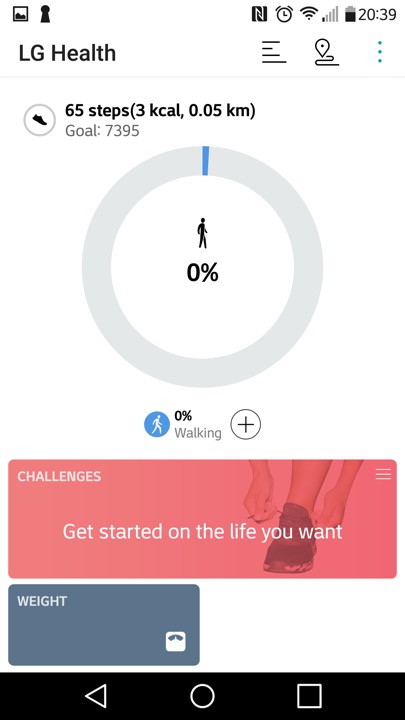
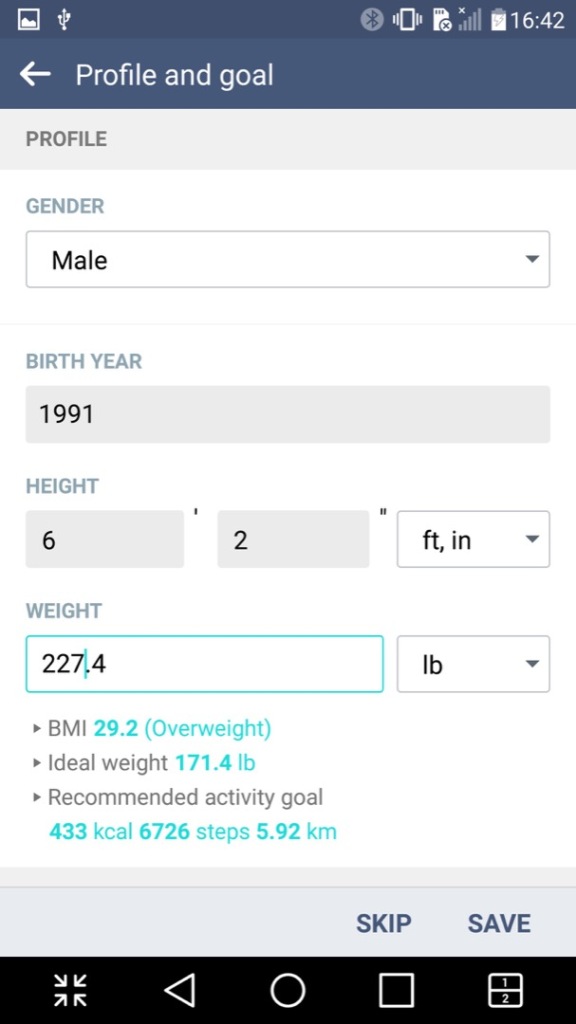
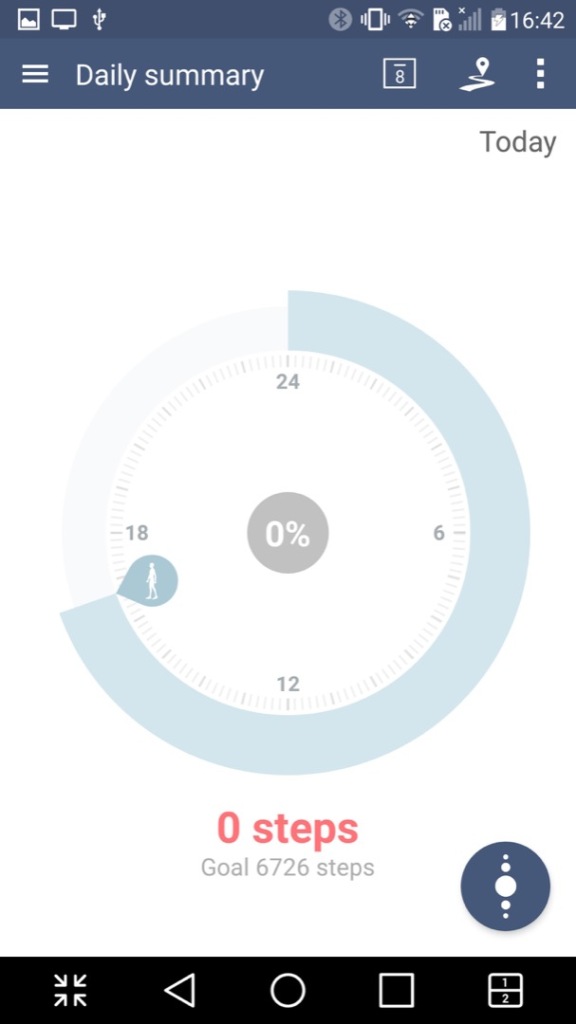
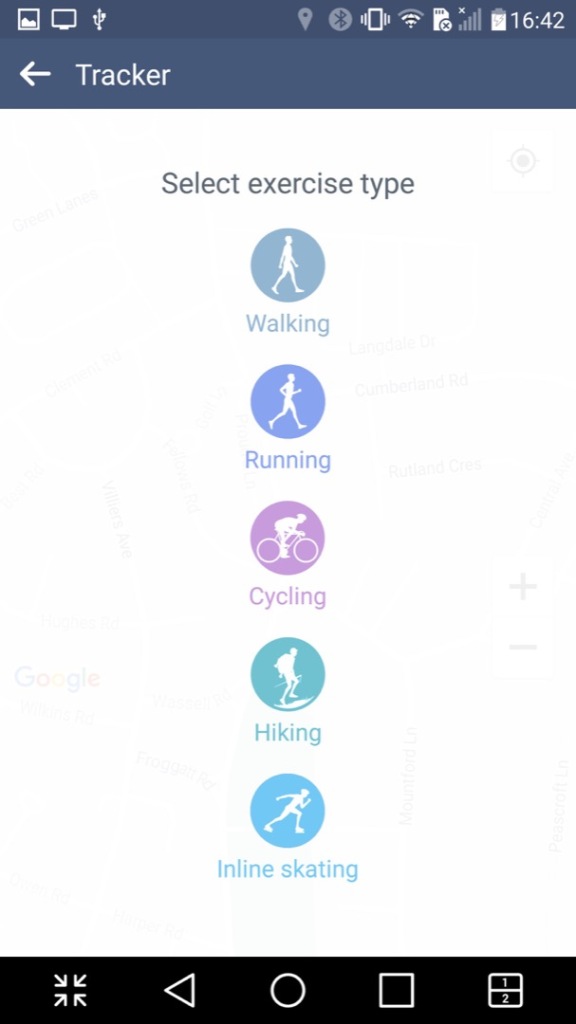
LG Health app lets you monitor the amount of steps walked in a day, along with settings fitness goals and targets.
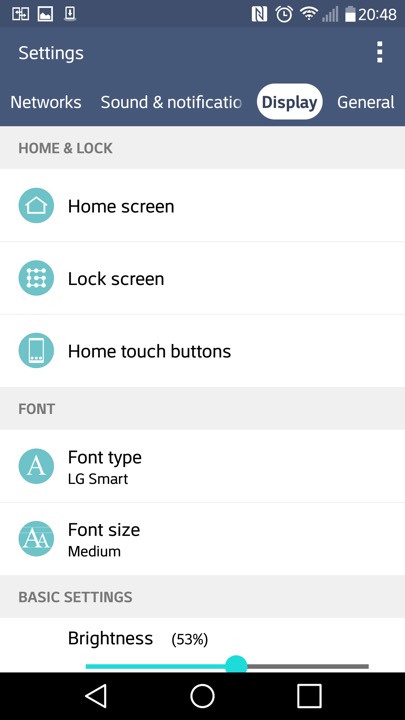
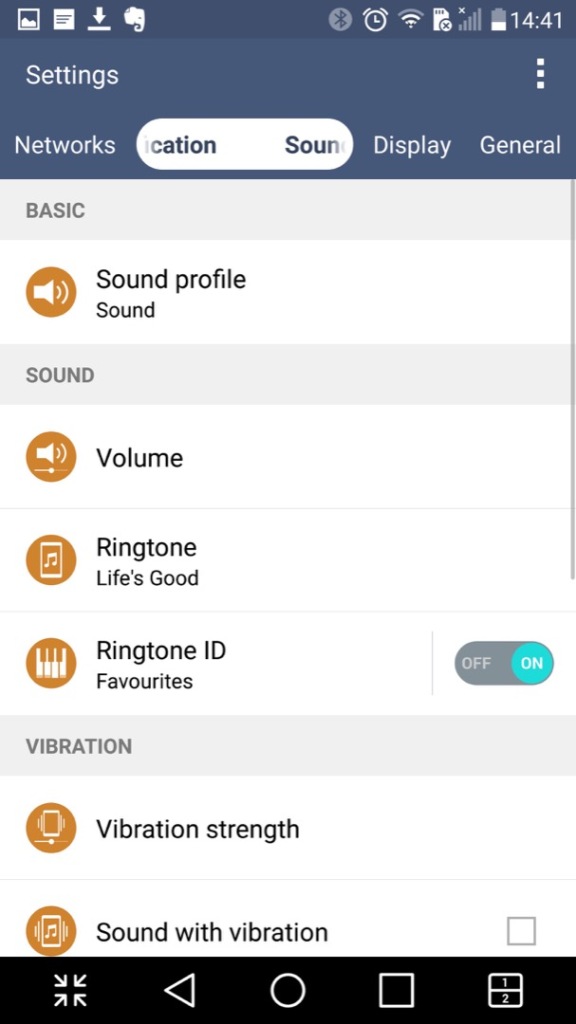
A look at the settings page
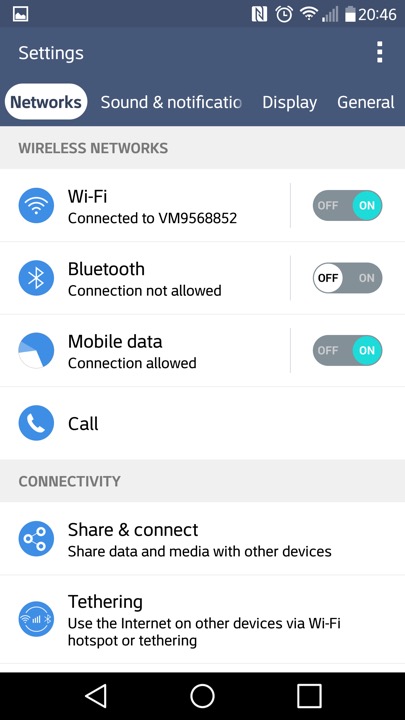
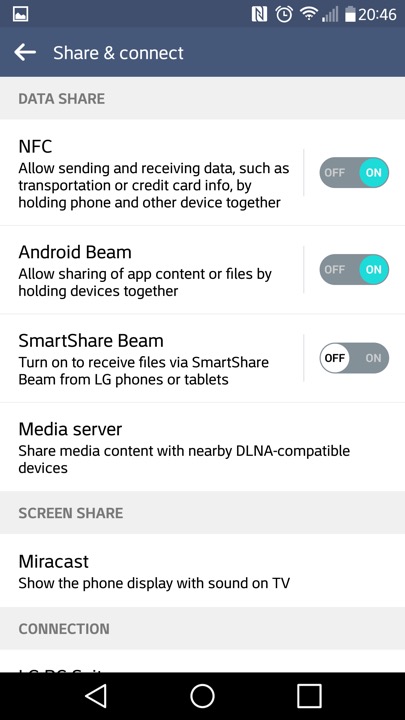
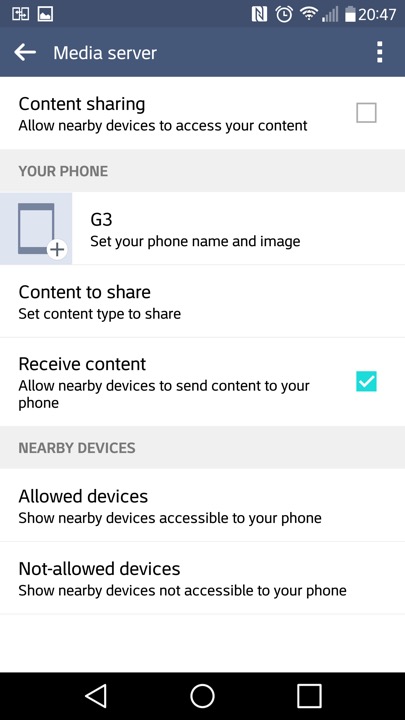
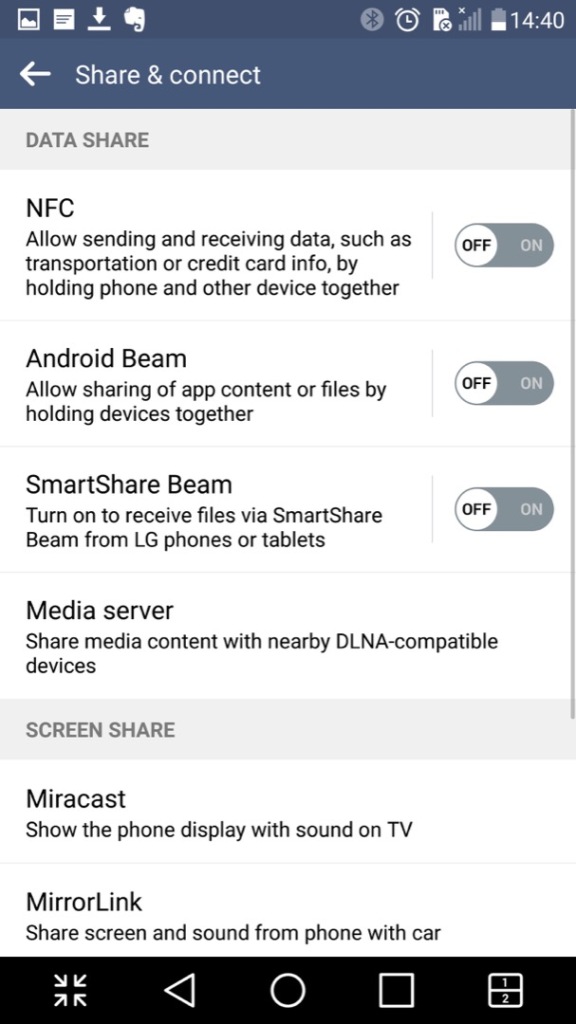
Media sharing is where the phone will act as a DLNA media server, so you can stream content to a supported TV or console.
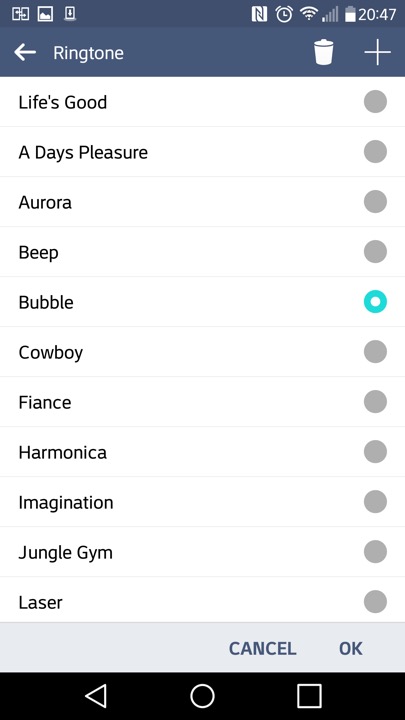
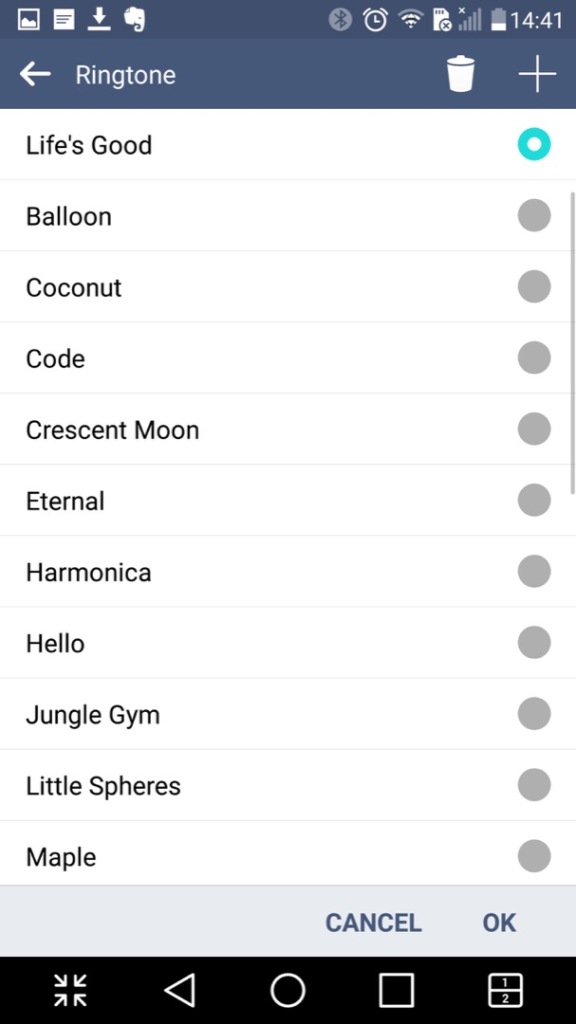
The stock ringtones that come with the phone
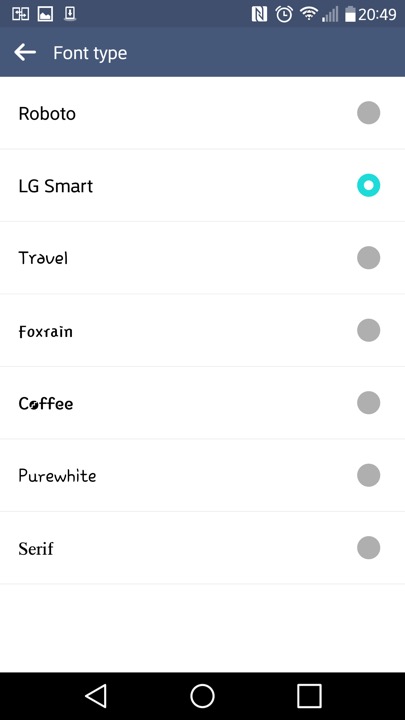
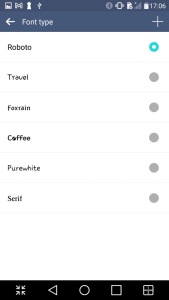
Different fonts can be set also
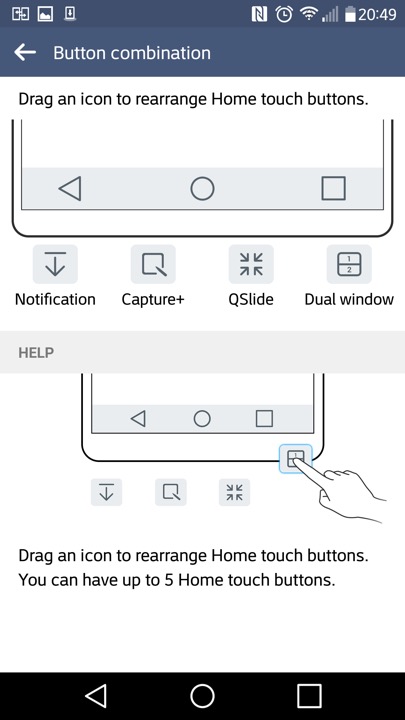
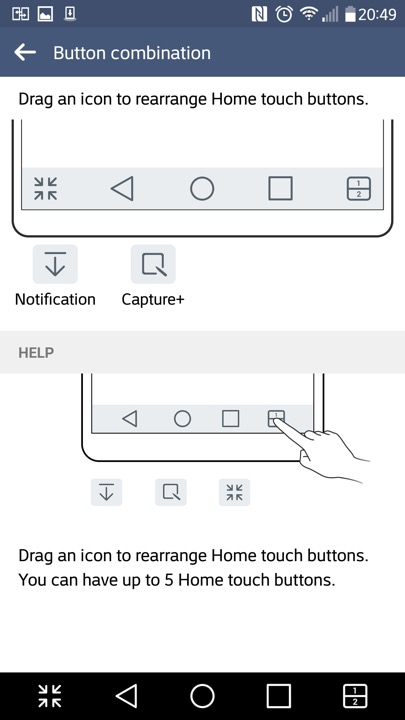
The navigation bar that appears at the bottom of the screen can have additional icons at the bottom,. The Android Back, Home, Task buttons can’t be removed but can be rearranged.
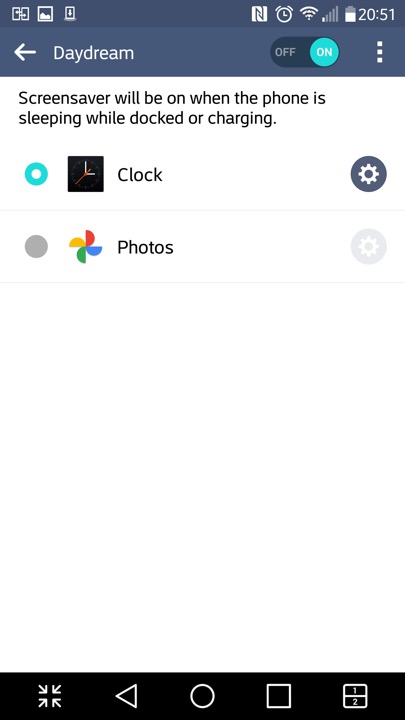
Daydreams are essentially screensavers and will appear if the phone is docked or is charging.
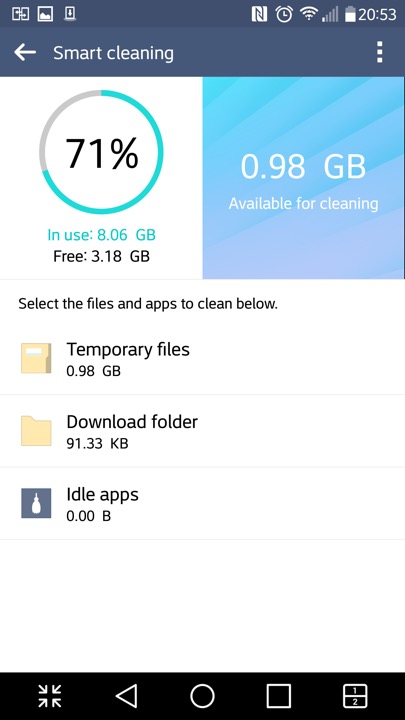
The SmartCleaning app helps to delete files that consume space
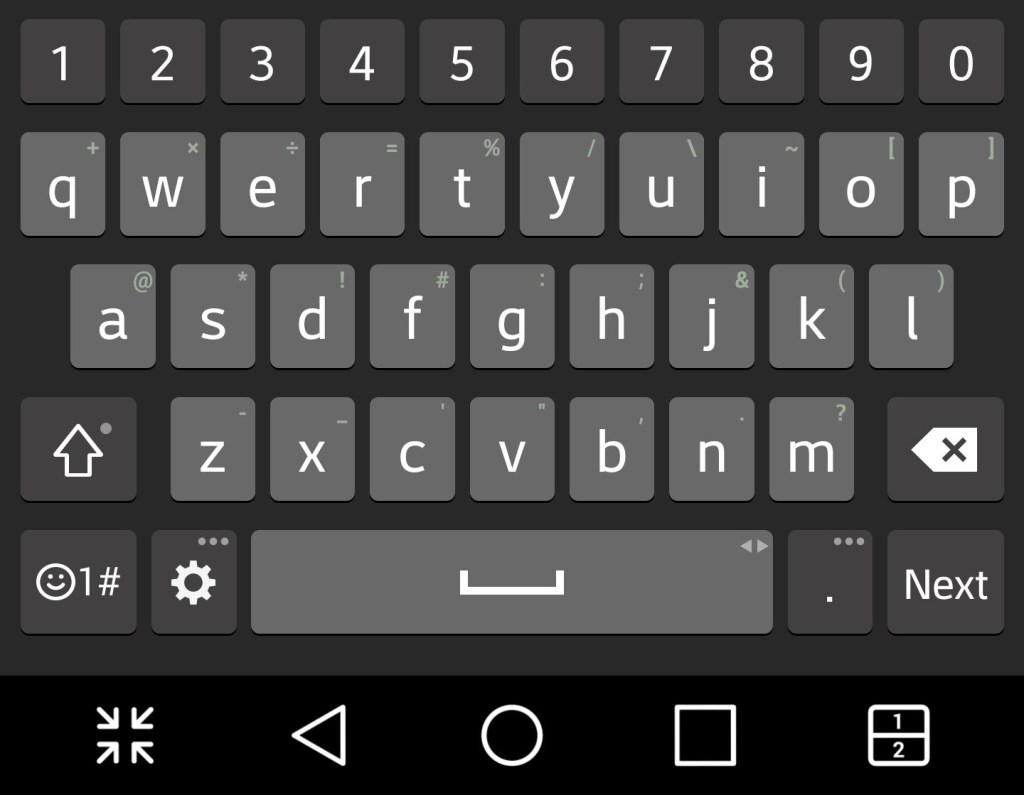
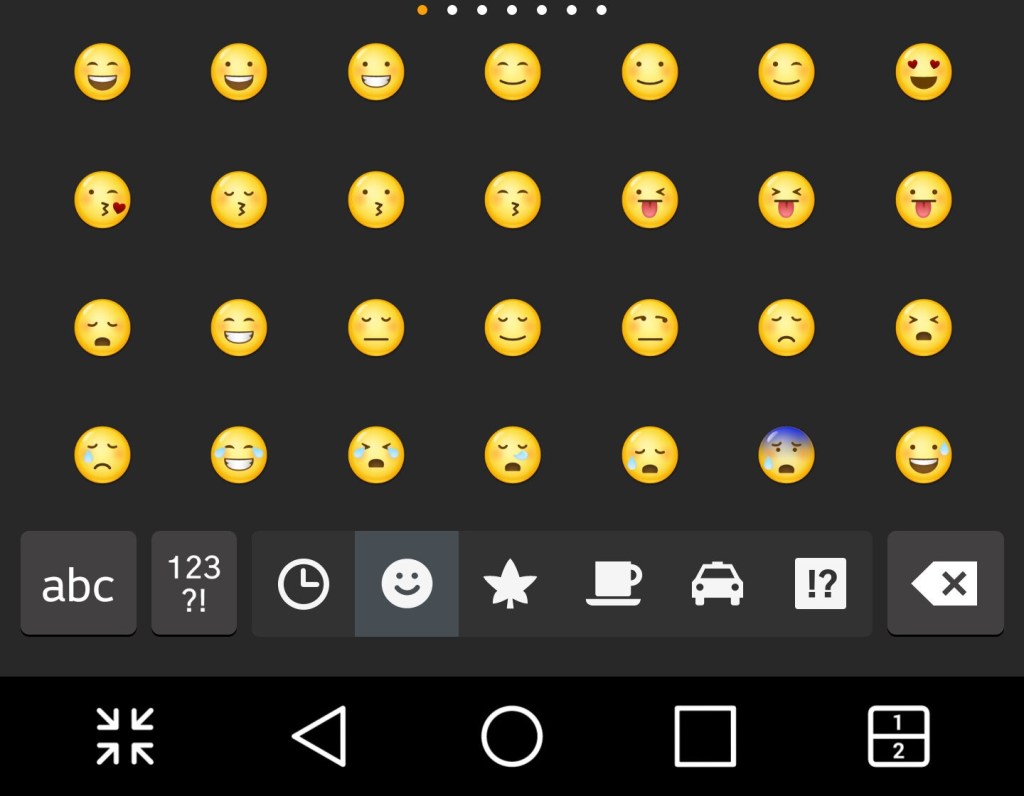
And a look at the stock keyboard, along with LG’s emoji set
LG EasyHome
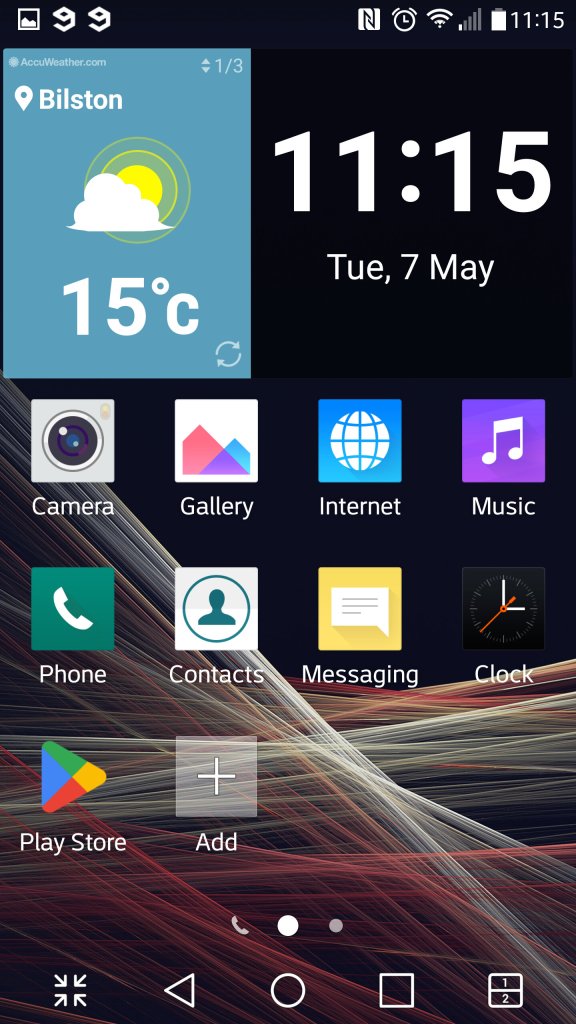
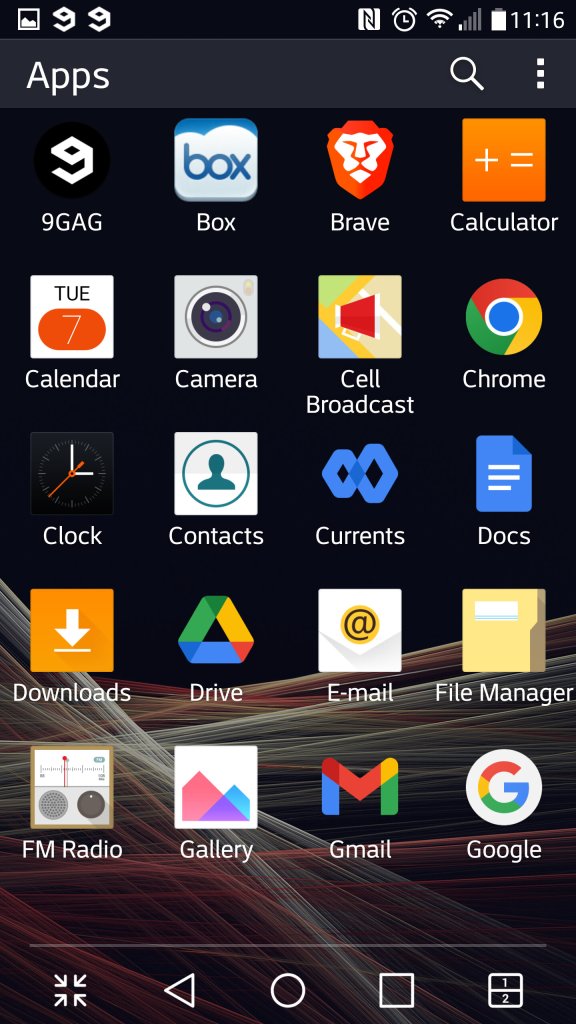
This was a feature that make the device’s user interface much more simplified, at least for the launcher. This is meant to appeal to basic users, or users that have come from iOS or a feature phone that are new to Android smartphones. .

LG PC Sync

LG’s version of iTunes, that lets you back up the data on your phone, transfeer content to and from your PC in a user friendly manor. You can aos performs oftware updateds and enable SmartShare – where the Suite software acts as a DLNA server for over devices on your network.

Music, photo and Videos can also be transferred, though its a bit limited compared to iTunes or Windows Media Player. For one you cannot sync and convert music to a lwoer bit rate and there’s no support for smart playlist’s.

Still you can use Windows Media Player to transfer music, as long as the phone is conencted in MTP mode.
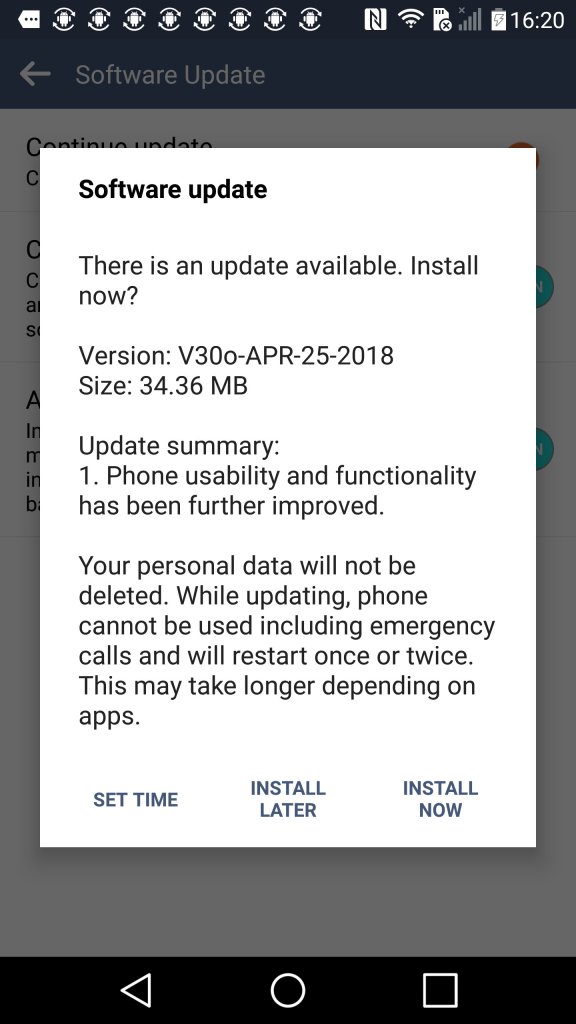
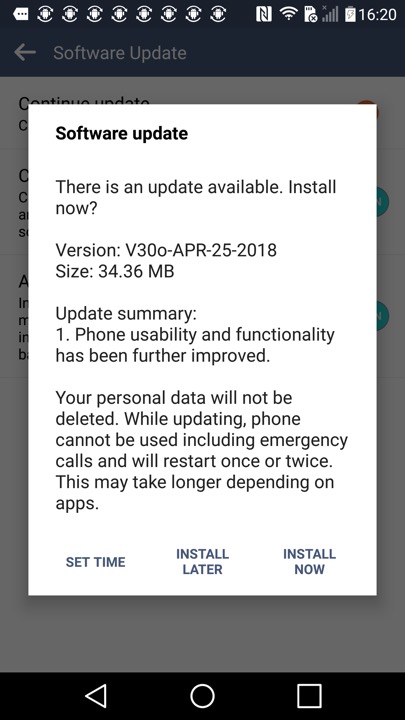
Another software update, looks like LG kepp supporting the handset until 2018.

LG Optimus 7

The phone that introduced me to the world of Windows Phone

Released in 2010, the Optimus 7 is one of the first generation of Windows Phone 7 smartphones. As part of the first generation, its quite similar ins specifications to other Windows Phones of the time, with a single core Snapdragon processor running at 1Ghz, Adreno 200 graphics core and 512MB of RAM. For storage , it has 16GB onbord memory, but no expandable memory, a 3.8 inch screen and a 5 megapixel camera with a dedicated camera button.

This model was purchased back in 2011, originally unlocked from Expansys. Originally Running Windows Phone 7, it was alter upgraded with the NoDo update, followed by Mango and eventually the 7.8 update.

Windows Phone 7 had no screenshot support so images are captured by pointing a camera to the screen.

Bundled Apps

LG had bundled a few applications with the handset, which were available on the LG Apps Store section on the Marketplace. There were a few other apps that could be downloaded but have since been nixed by Microsoft. A few I can remember was a web and walk app, and a couple of Winnie apps that did nothing spectacular.
Since the phon was factory reset at some point (gave it to a relative after they managed another iPhone) meaning all the original apps have since been lost.

Network Setup

Used to setup the network operator, to install settings for the APN and MMS configuration. Usually this is dedicated automatically by the network operator but you can manually amend them using this utility.

ScanSearch

This would search for local buisness and point of interest by suing the Gps and the phones camera to scan for barcodes or items. Its sort of like an augmented reality application that displays businesses according to the camera. I guess it was useful if you were in an unknown location and needed to find a local shop. Either Bing or Google could be used to locate the information.

As you can guess, the network functionality is dead now.

PlayTo

A DLNA casting app that lets you share photos, music and video stored on the phone, which can then be displayed on any device that supports DLNA like a network connected TV, console (PS3) or Windows Media Player (11+). In this example it picked up my AV receiver (Yamaha RX-481D)
The app does warn that DRM protected content will not be shared, so no music purchased from the Zune store.

As screen mirroring or casting was not a common features in smartphones, setting up your phone as a DLNA server was an alternative workaround for displaying content on the big screen.

Panorama

A basic app that lets you take a panoramic photo, the app will guide you through the process of capturing a panoramic picture, which it will then stitch together.

MFG

A test application that used to access the phones registry, and to access developer related options. This can be accessed by entering ##634# into the phone dialler app, and then entering the password 277634#*# followed by pressing enter. You can also perform a few hardware tests for the touchscreen, camera, light and proximity sensors.

LG G4

So good, they named a boyband after it

LG’s flagship for 2015 where it competed with the HTC One M9, Samsung Galaxy S5 and the Lumia 920.

The LG G4 has a curved design with a slightly arched back that makes it comfortable to hold. The phone has a leather back option, which gives it a premium feel similar to the Nokia 8800 or the Vertu series of phones. The phone is also relatively lightweight and easy to use with one hand. The G4 has a 5.5-inch Quad HD IPS LCD screen with a resolution of 1440 x 2560 pixels. The display is bright and vibrant with accurate colors and good viewing angles.

Compared to other handsets the LG takes you out of the comfort zone as the volume rocker is featured at the back of the handset rather than at the left side, it’s kind of similar to the Viewty that also had the volume rocker at the back. It does take a bit of getting used to as you will often try to reach for them at the side instead of the back. The lock/power key is also featured at the back.

The G4 is powered by a Qualcomm Snapdragon 808 processor and 3GB of RAM. The phone handles most tasks with ease, including multitasking and demanding apps. However, it may struggle with some of the more intensive games and apps. Even today the phone as a good chance of running most apps, though it does tend to heat up when running multimedia or gaming apps, YouTube an particular. We also have 32GB of storage with a microSD slot that can provide more storage if required.

LG User Interface

As with other Android handsets, it uses LG’s own customized user interface. Originally this was Android 5.1, but mine has been upgraded to Android 6 along with some updated apps that shipped with the handset. LG’s Android skin is one of the better ones as it retains the Google Material design whilst adding features for power users, which I will delve into later. Its clear LG intended this handset for the intermediate user who is familiar with smartphones.

Your typical homescreen layout that consists of multiple pages of icons and widgets. LG have preset some for you, and more can be added at any time.

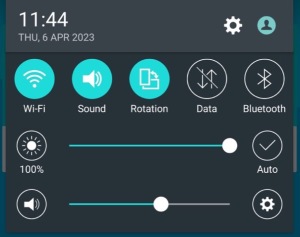
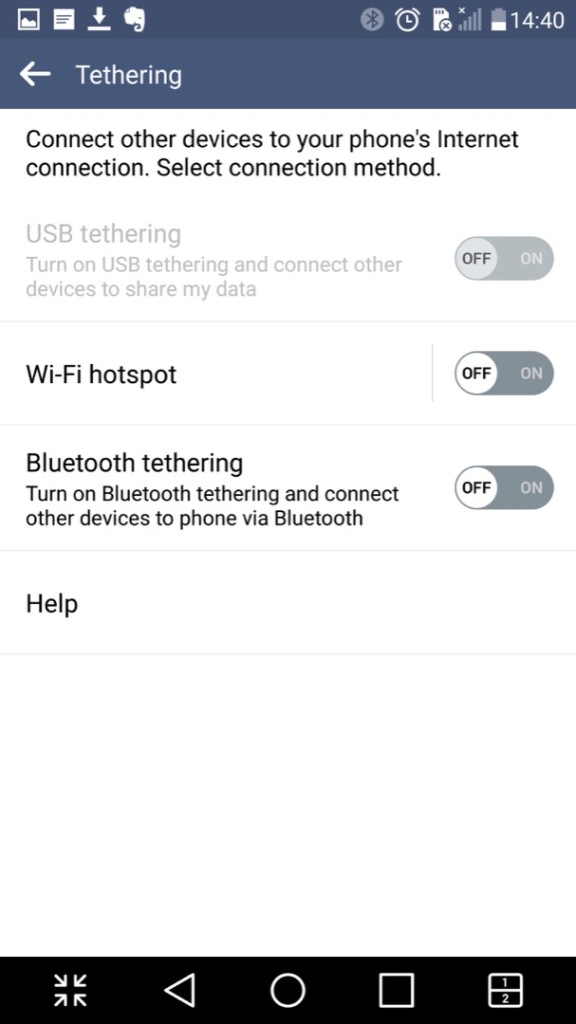
Pulls down from the top and is used for quick access to common phone features like WiFi and Bluetooth, also lets you adjust the phones volume and brightness if not set to auto.

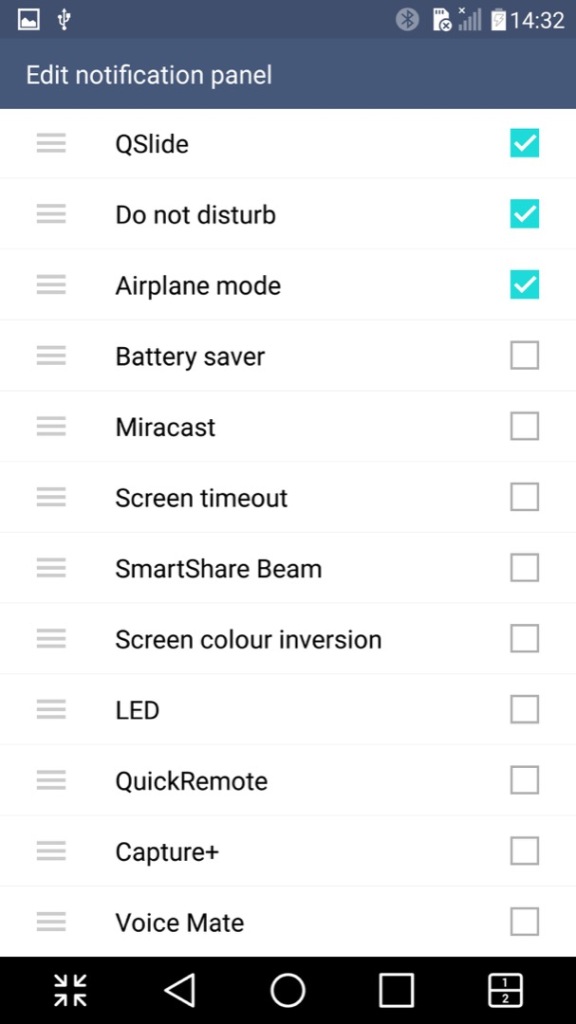
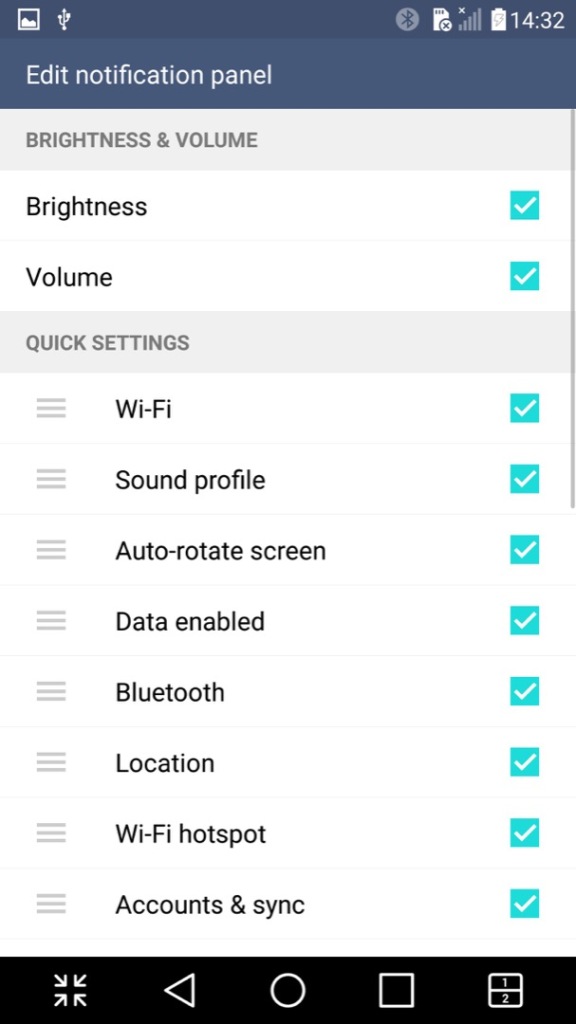
The quick access panel can be modified with additional options added

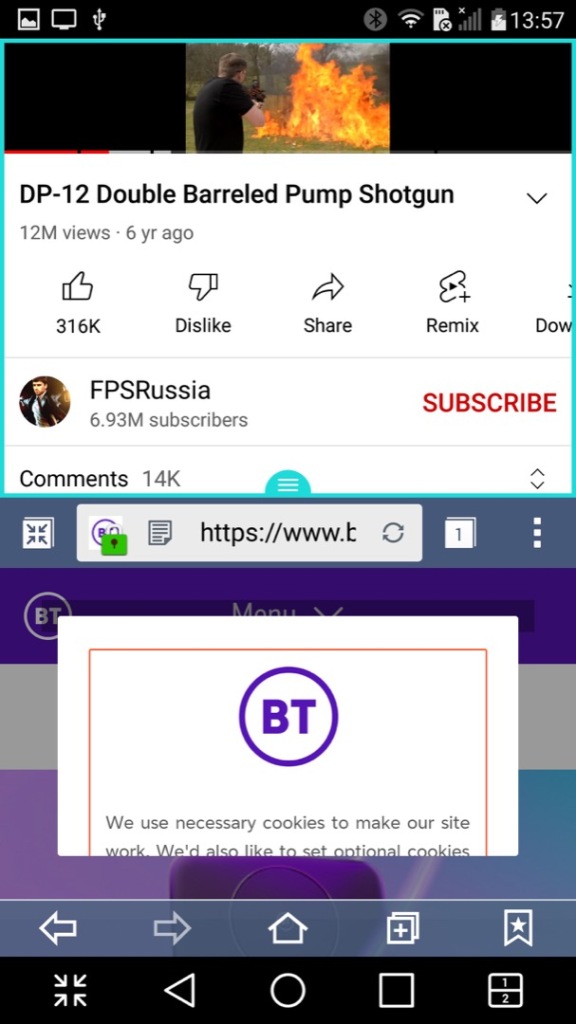
A look at LG’s Qslide feature that works with their preinstalled apps. You can have up to three different apps running on the same screen, two in a window with a regular app in the background. The windowed apps need to be Qslide aware which is mostly LG’s own applications, but the background app can be any native Android app. As you can see, it gets a little cramped. A practical use for this would be running a Youtube video in the background whilst answering an SMS message.

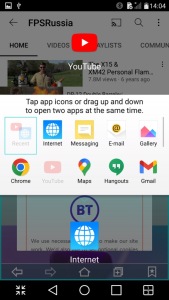
A similar feature is the split screen mode (sometimes called Dual Window), this is actually more beneficial though you suffer from a cramped screen, here you can split apps into two areas of the screen, allowing both to run simultaneously. This is actually a good feature and one I use heavily on my Sony Xperia 1 IV, its especially useful for phones with a larger screen.

Not all apps play nicely with this, and some that do work function a bit awkwardly. Most modern apps however do work well, but back when the phone was released the lack of split-screen support for apps would have been an issue, limiting its functionality.

I should also mention the onscreen buttons can be customized, instead of having the regular three buttons for Back, Home & Recent Apps, you can add the Qshare and splitscreen buttons directly.

Panning to the left of the home screen reveals the Smart Bulletin screen, which shows highlighted information from the LG apps. Its very similar to the live tiles that were a mainstay in Windows Phone. This seems limited to the LG apps, so its less versatile and you cannot add your own widgets, unless you pan to another home screen.

Installed Apps

Most of LG’s apps use QSlide which allows apps to run in a window, facilitating a crude way of multitasking as seen on desktop operating systems.

LG have also developed or adapted their deign language as such, which is showcase through their applications. At the top are categories that you can scroll, which is very similar to the Windows Phone 7 / Zune interface. This is in contrast to Apple who put their category/Tabs at the bottom of the phone screen, with Samsung following suit.

Camera: The LG G4 has a 16-megapixel camera with optical image stabilization (OIS) and laser autofocus. The camera takes excellent photos with good detail and accurate colors. The OIS helps to reduce blur in low-light conditions, and the laser autofocus ensures fast and accurate focusing. The camera app also includes manual controls for advanced users.

A unique feature I’ve not seen is the ability to capture photos by saying a phrase, typically Cheese or Whisky. It’s a little goofy and does not always work, but adds to the charm and fun of the phone, also useful when capturing a group photo.

Cell Broadcast: A dedicated app to receive broadcast alerts from the cellular network. Not sure why this has its own dedicated app since its typically integrated with SMS apps

Clock: Your standard clock app with the LG design, provided functionality to set an alarm, timer, world clock and a stopwatch

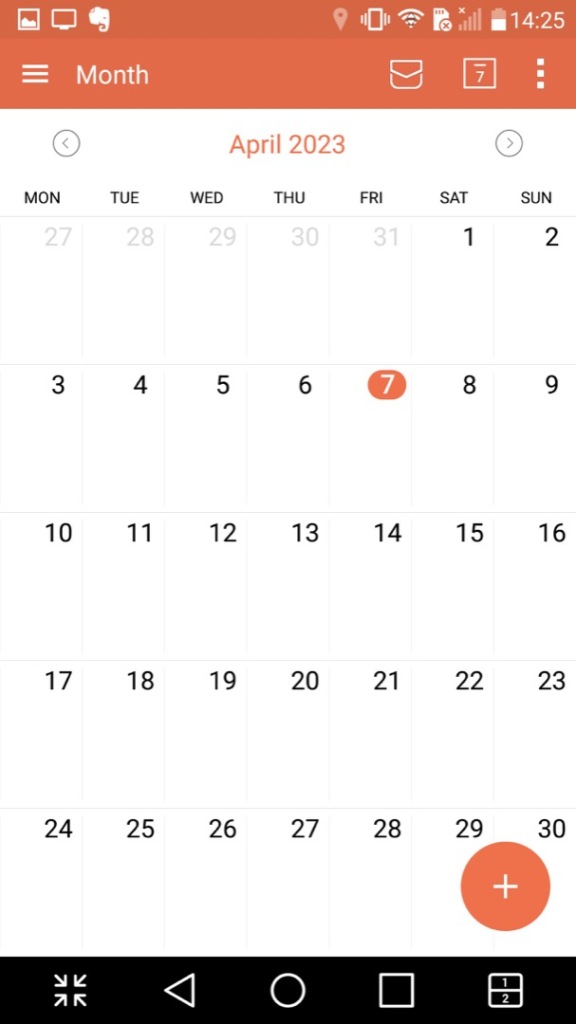
Calendar: Displays the calendar and can sync with other accounts that are set up. You can also set agendas, reminders and any holidays. A nice touch is the icon will change to reflect the current date.

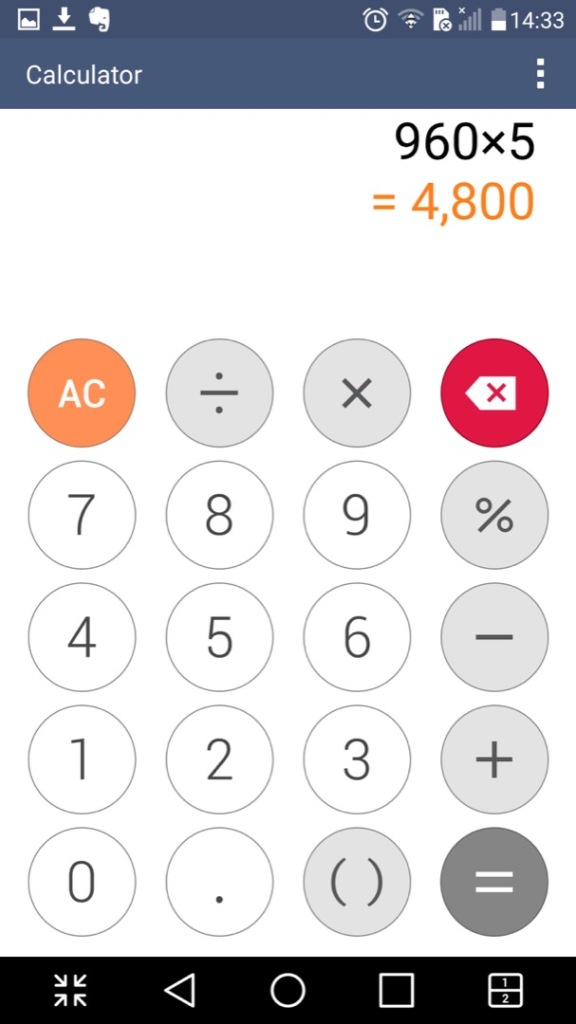
Calculator: Just your regular calculator, which functions a regular and a scientific calculator.

Contacts & Phone: Lists contacts from accounts synchronized on the phone, commonly Google. This is integrated into the phone app and you can dial directly from that application.

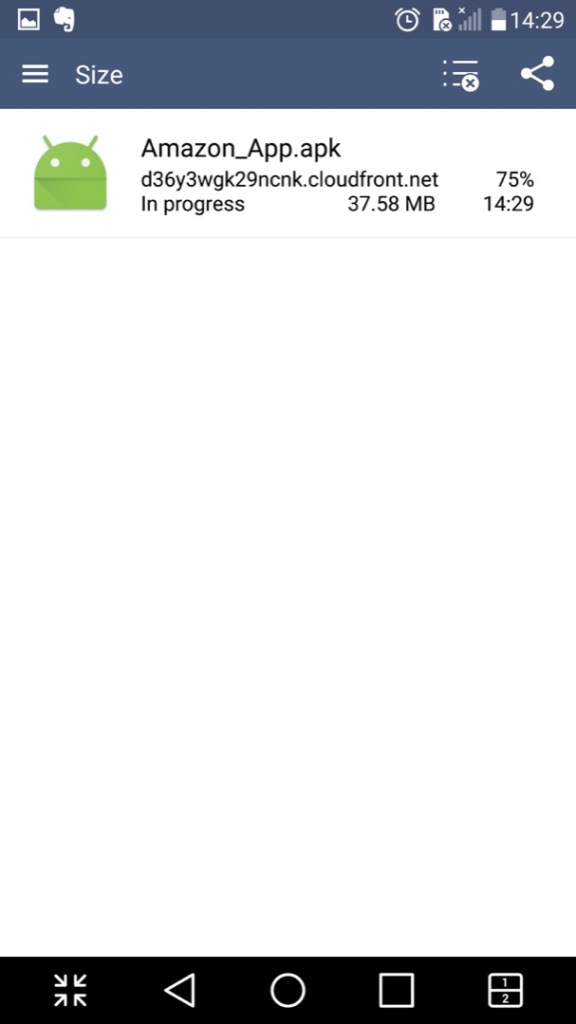
Downloads: Shows any file that has been downloaded through the phone web browser, and from some third-party browsers.

File Manager: Browse files saved on the phone, or a memory card if one is inserted. This also integrates with cloud storage services like Dropbox, OneDrive or Box.

Gallery: Like the file manager but orientated towards multimedia like photos and videos. Images taken with the phone’s camera will show here.

Internet: A chrome based internet browser, appears to be based on Chrome 38

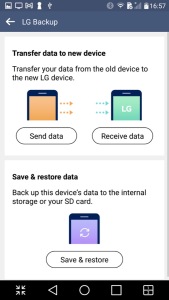
LG Backup:

Intended to transfer data from another device and can backup existing data to the inserted SD card

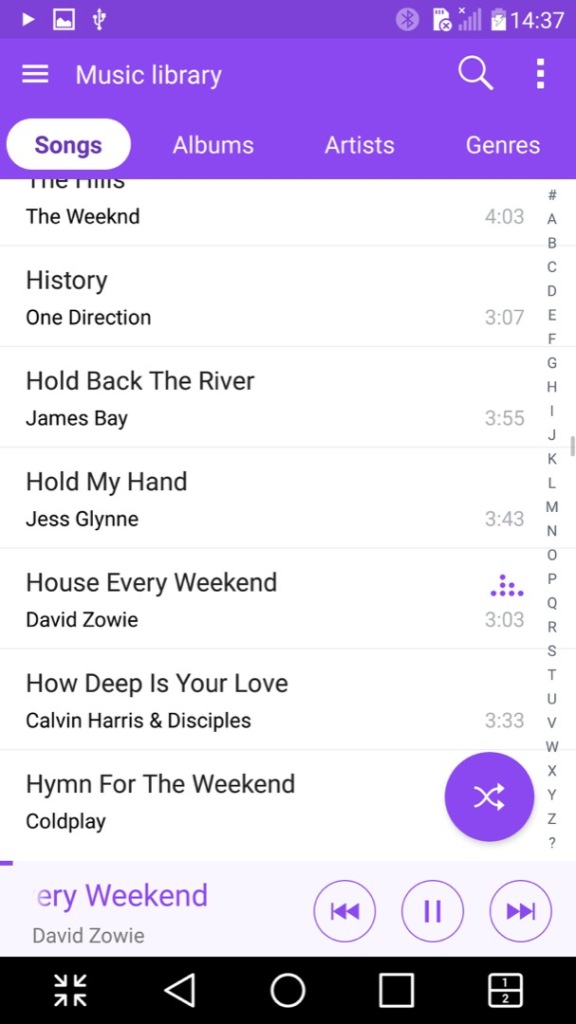
Music: Plays music files stored on the phone or the microSD card. A nice feature is it can lookup the song title on Youtube to locate the music video, its not 100% accurate since it basically searches the song and artist title. Lyrics can also be displayed if they are included or embedded with the file itself.

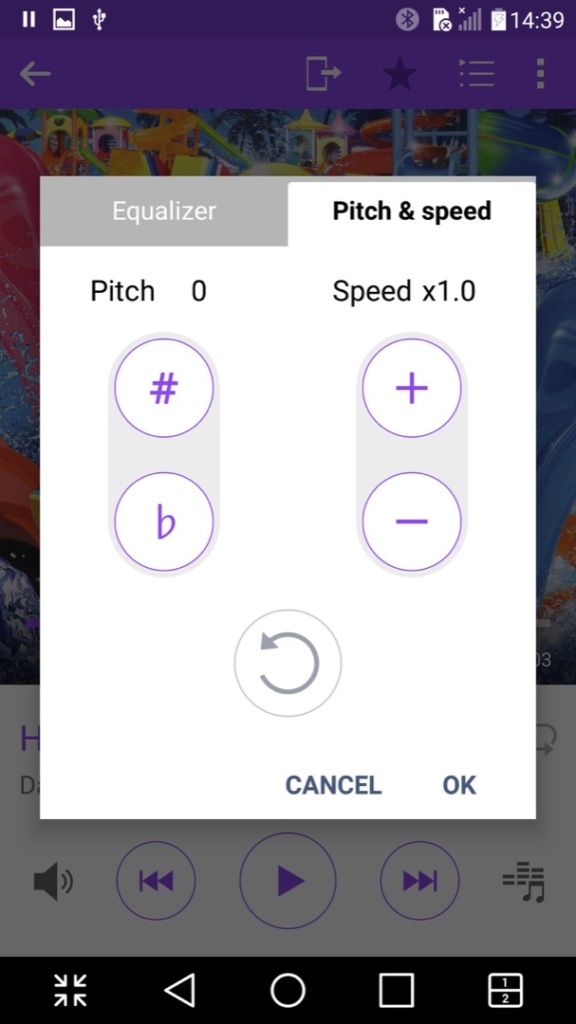
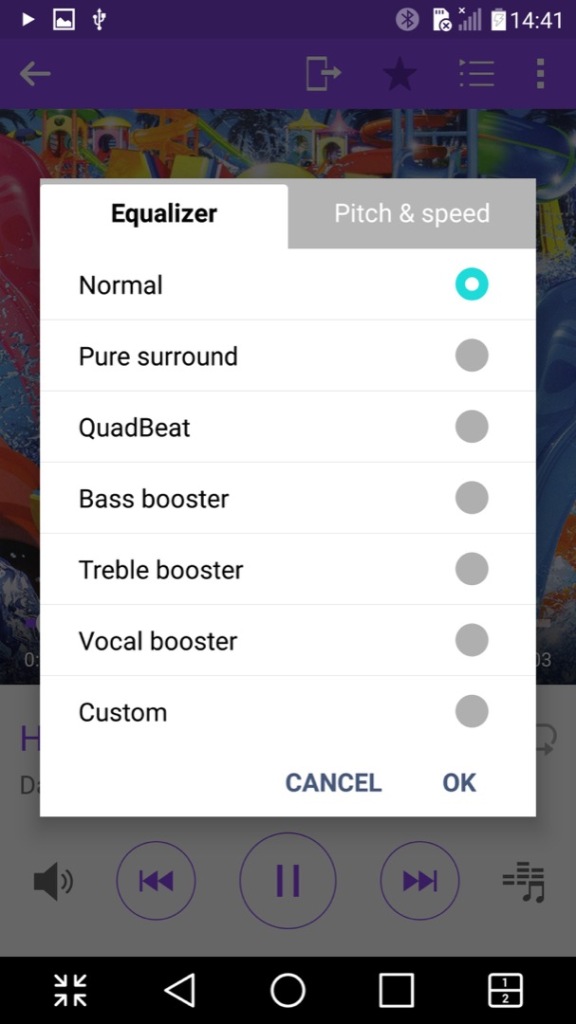
Another nice feature is the ability to adjust the vocal pitch and the track speed of the song, allowing you to create nightcore remixes directly just by playing the file. There is also an equalizer that has a few pre-sets included.

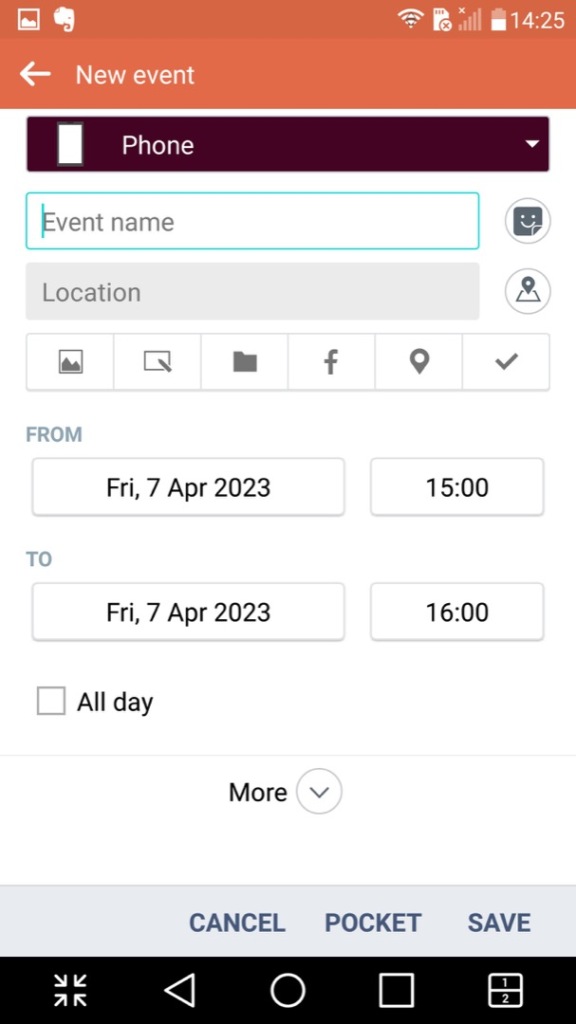
Tasks: Lets you create and set single or recurring tasks which serve as reminders. This can also sync with either your Google or LG account.

Voice Recorder: A simple voice recorder that recording using the internal microphone, recordings can be paused and resumed at any time, keeping it as a single file. Audio is encoded in the MP4 format and is saved in the 3GP container, likely for backward compatibility with older handsets when sharing the file.

Weather: Shows weather information from your local area, or a location/city that you have manually selected. Weather information is pulled from Accuweather

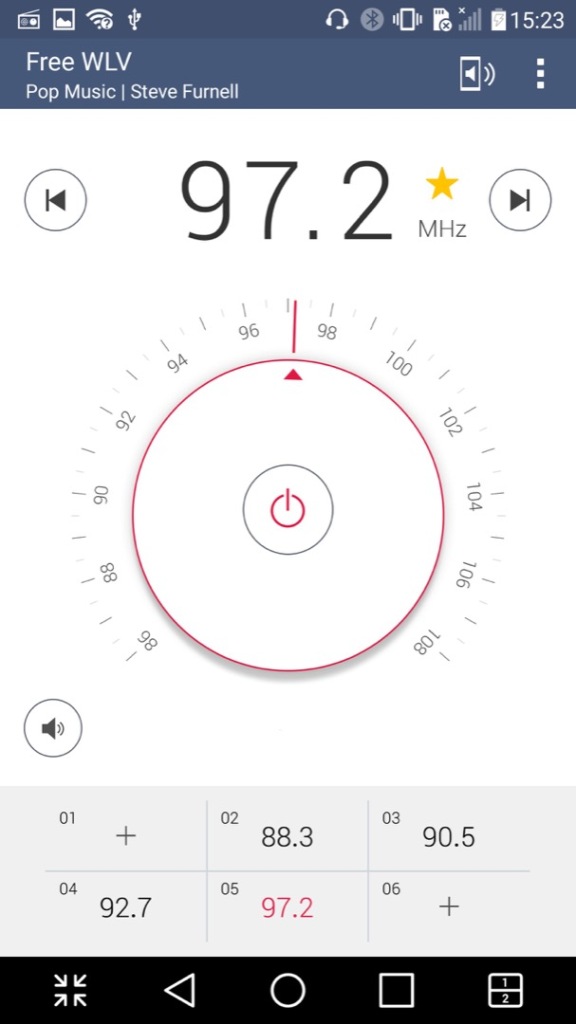
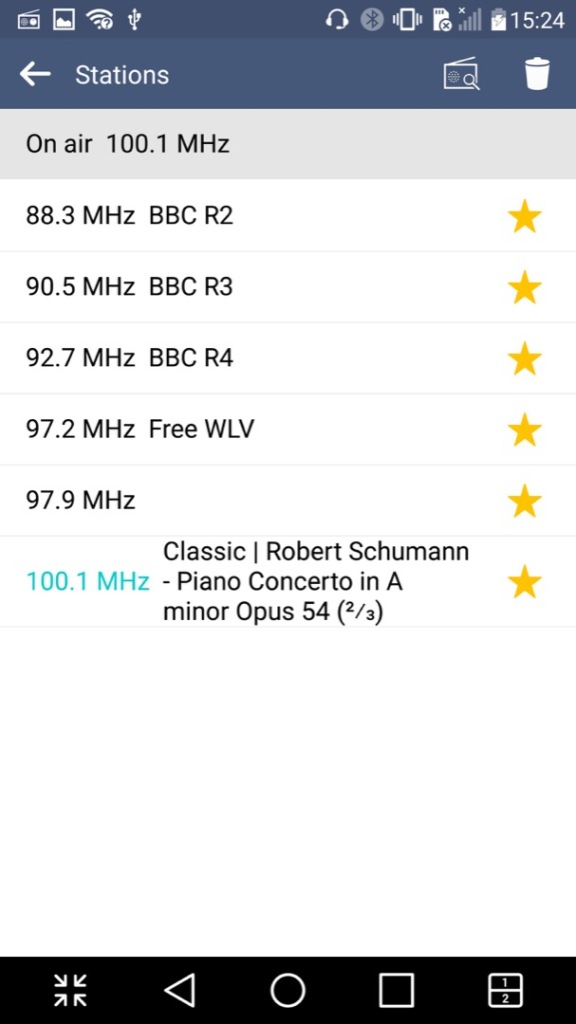
FM Radio: Plays the FM radio if a set of wired headphones are connected. Visually the app emulated a radio dial which is used to manually scan through the different frequency, but you can also set the phone to automatically scan and store radio stations that can be listened to. Weak or poor signals are ignored. Up to 12 pre-sets can be saved of your favorite radio stations. The app can all decode RDS data and display additional information if this is supported by the station.

It’s worth noting FM radio is currently on the way out in the UK and is being replaced by DAB+ radio, though internet radio is becoming popular.

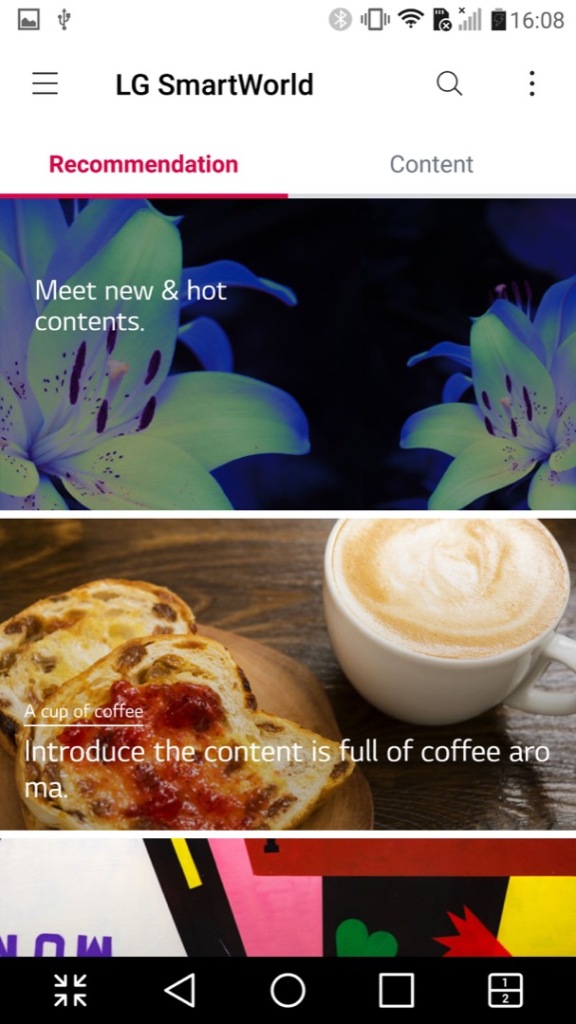
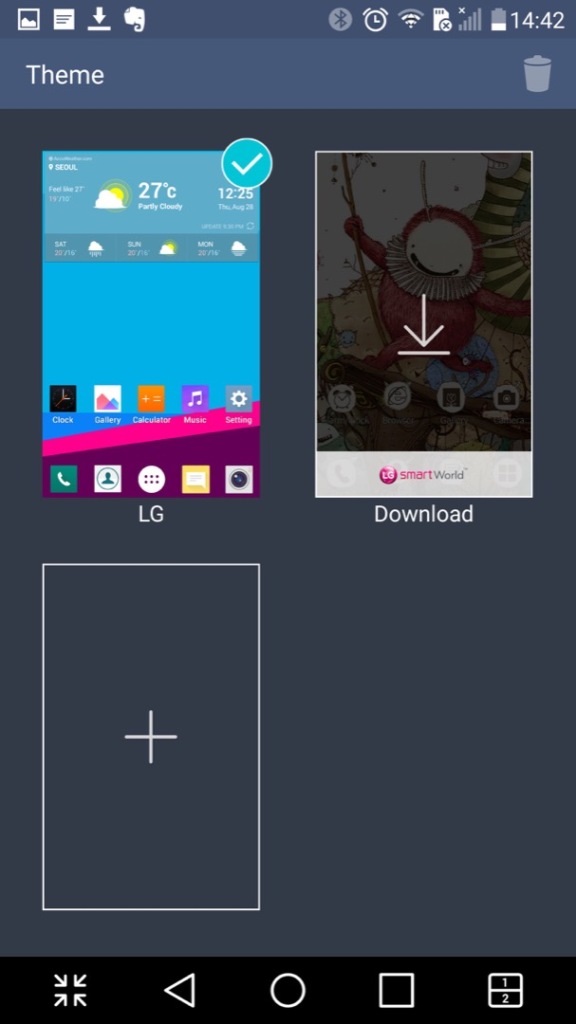
LG SmartWorld – This is a kind-of application store by LG where exclusive apps can be downloaded. Themes, wallpapers and ringtones could also be downloaded from here. This no longer appears to work which results in network connection errors, I am able to get to the main screen share it shows a couple of themes to download, but any attempt to sign in results in an error message. As LG are no longer in the smartphone market, they might be withdrawing support.

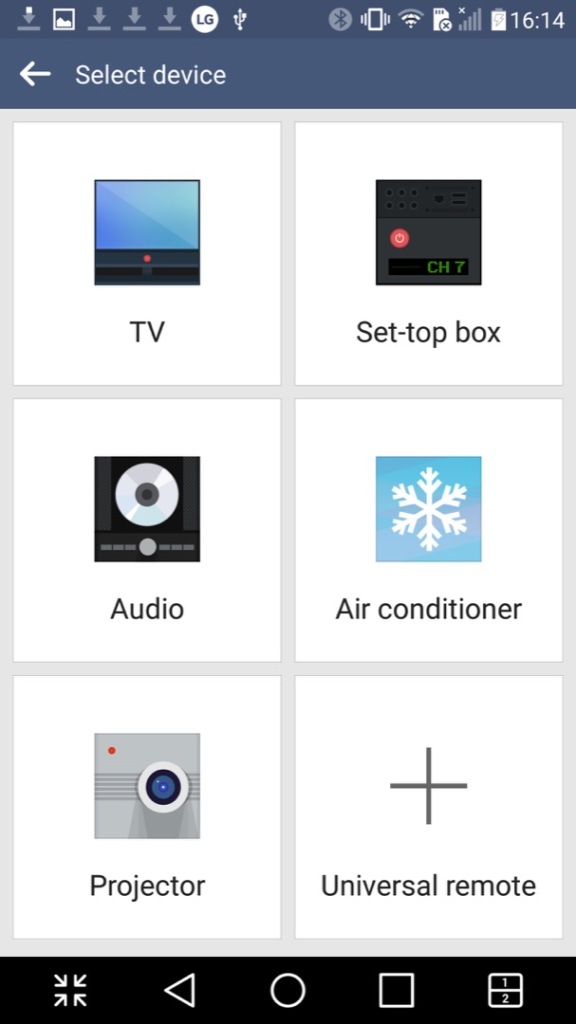
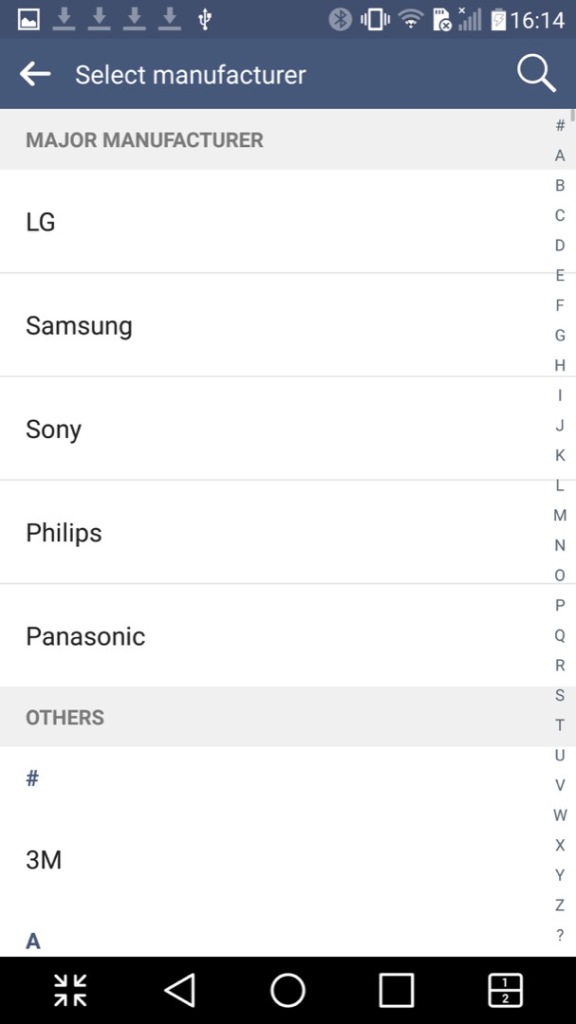
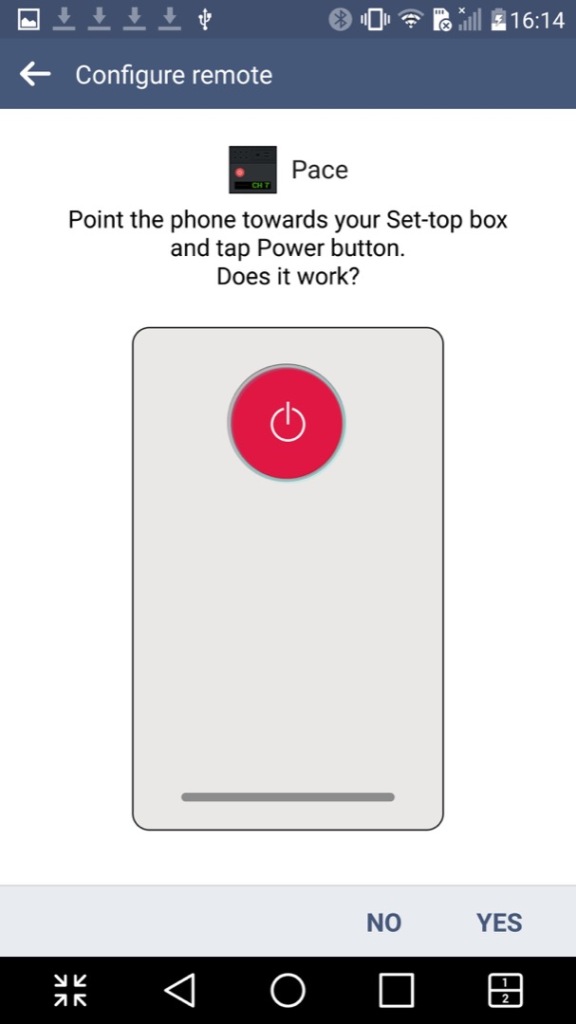
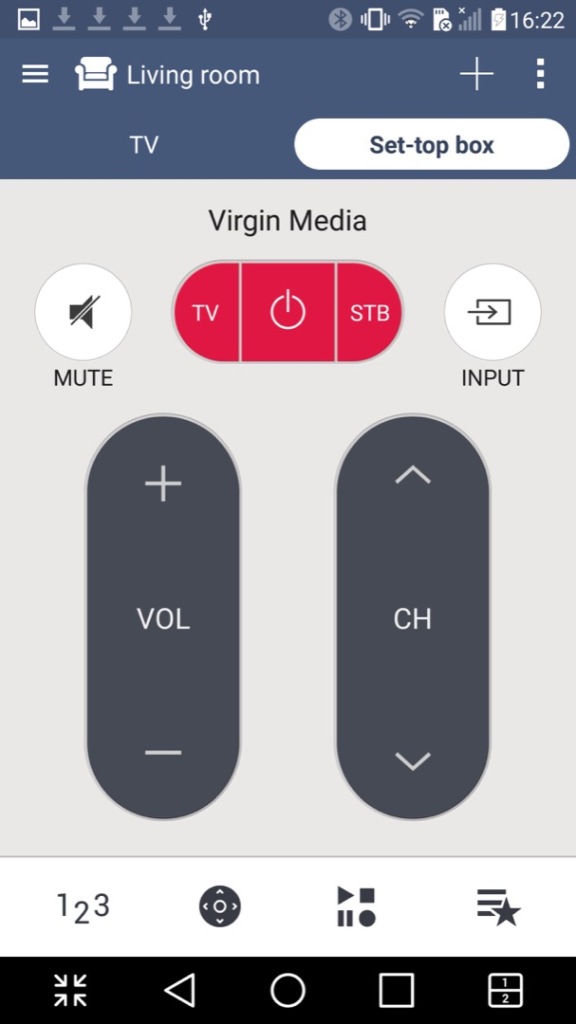
QuickRemote: Turns your phone into a universal remote that can control a TV, set-top box, an audio system or the air conditioner. You can designate the remote for different rooms of your household and can choose from a list of various different manufacturers, and will list the most common ones first. You can also search by typing in the manufacturer or service provider of your equipment.

QuickMemo+: A text editor of sorts that you can either type text, or freehand draw. You can also insert pictures, audio or video clips. Its kind of like Microsoft OneNote in that sense. Files can be exported in either the QuickMemo+ (iqm) or as a PDF file.

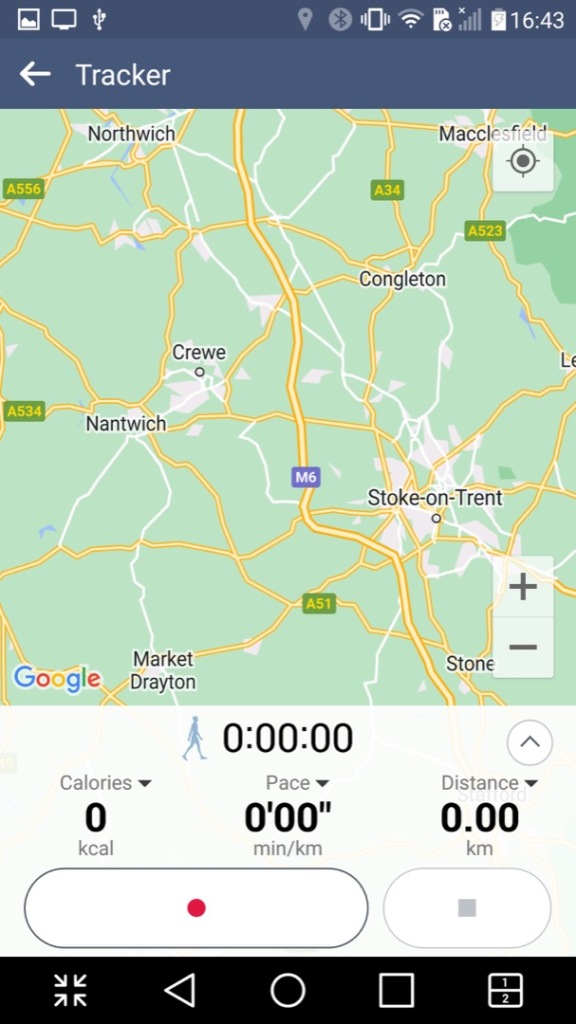
LG Health: A fitness app like Fitbit where you provide details regarding your body height and weight, along with your age. It will then calculate your BMI and your ideal weight. It can also be used to track exercises and the number of steps done within a day, assuming you keep your phone on you at all times. It has the ability to sync with Google Fit, but not much else.

RemoteCall Service: I think this is some sort of technical support app that allows LG customer service representatives to remotely access and control an LG device for the purpose of troubleshooting and resolving technical issues. The feature works by establishing a secure connection between the LG device and the customer service representative’s computer, which enables the representative to diagnose and solve problems on the device remotely. Kind of like Teamviewer or Remote Assist for Windows.

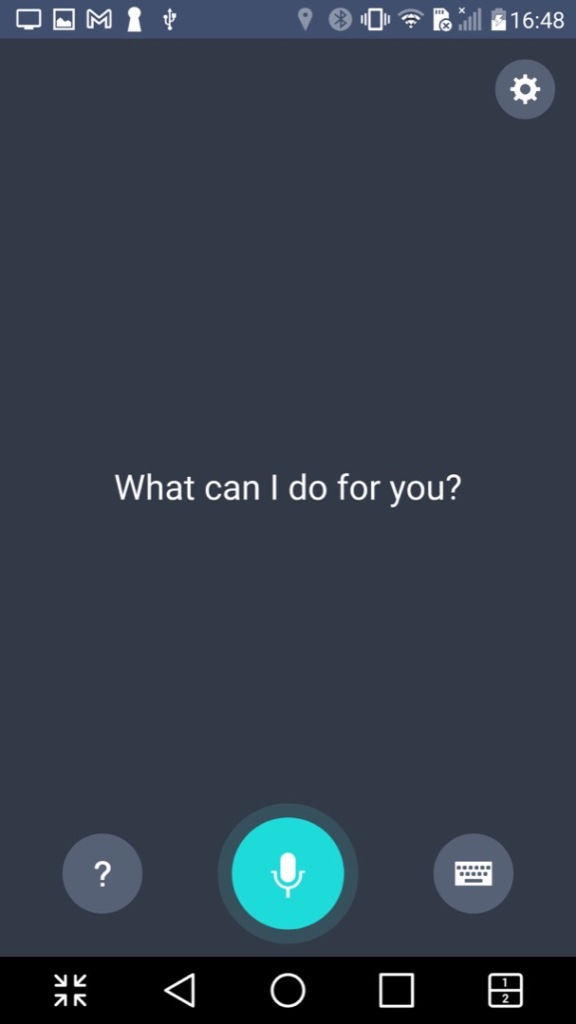
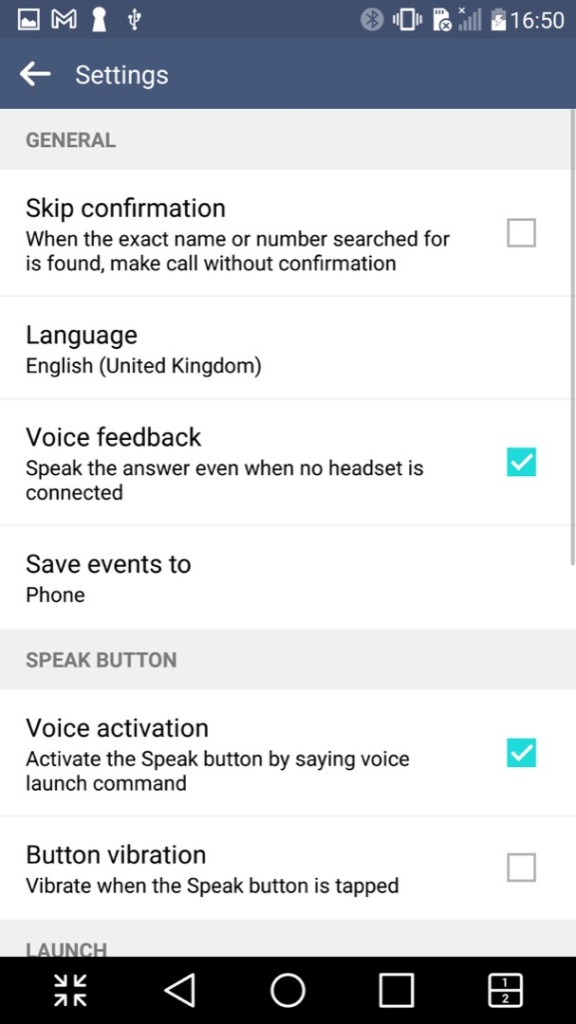
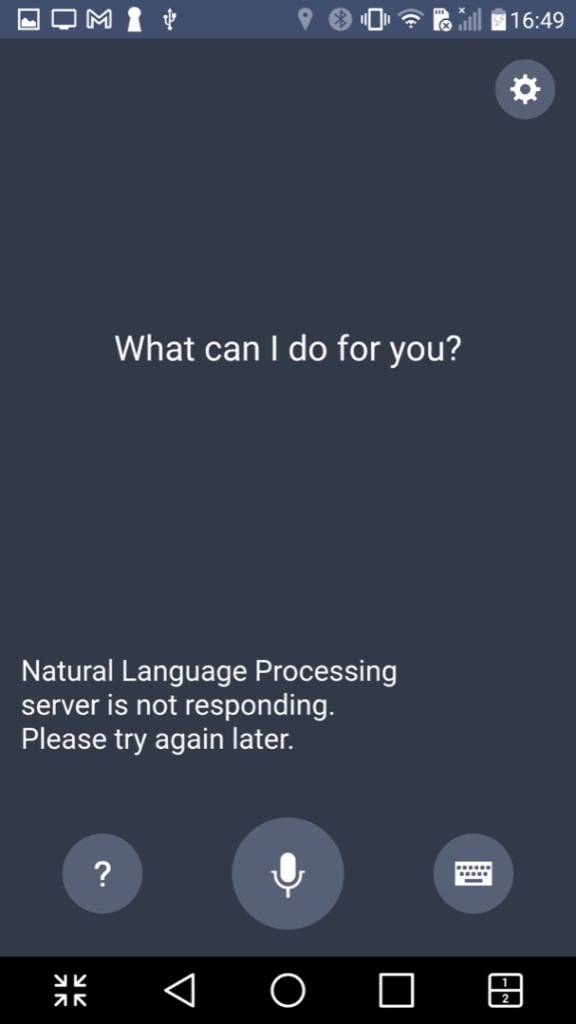
VoiceMate: LG’s own version of a voice assistant, think of it as an alternative to Cortana, Alexa or Bixby. Sadly this no longer functions and only responds with an error message about a natural language processing server.

Lastly there is Evernote, a popular note and referencing app

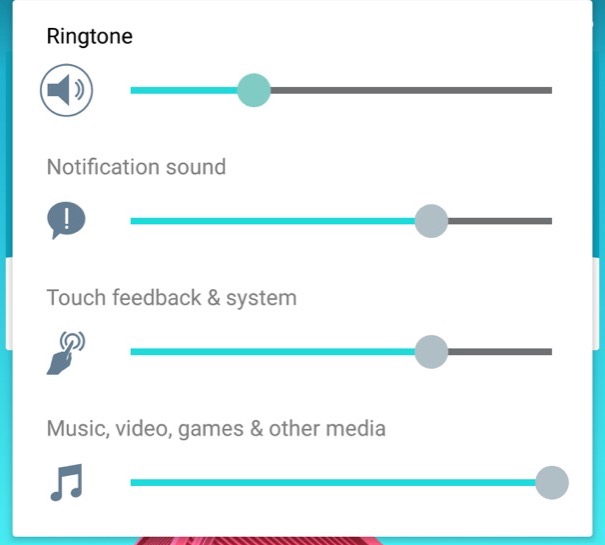
The volume control, with separate sliders for calls, notifications and multimedia.

Settings Menu

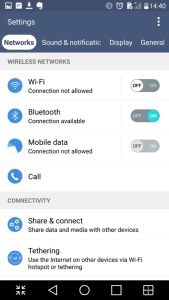
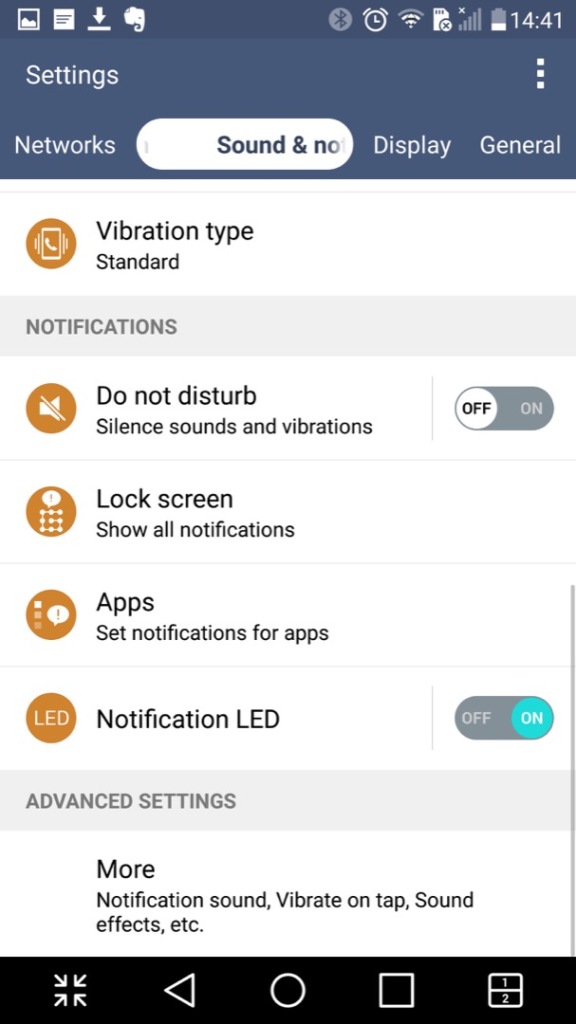
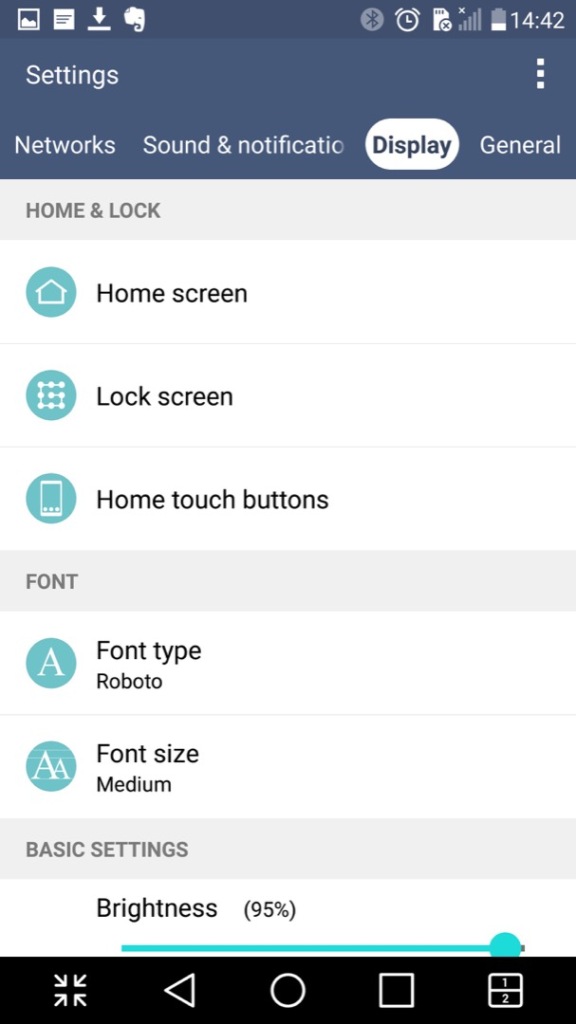
The settings menu which is split into different sections of Networks, Sound & Notifications Display and General

LG have bundled in their own ringtones, and have not included the stock Android ringtones.

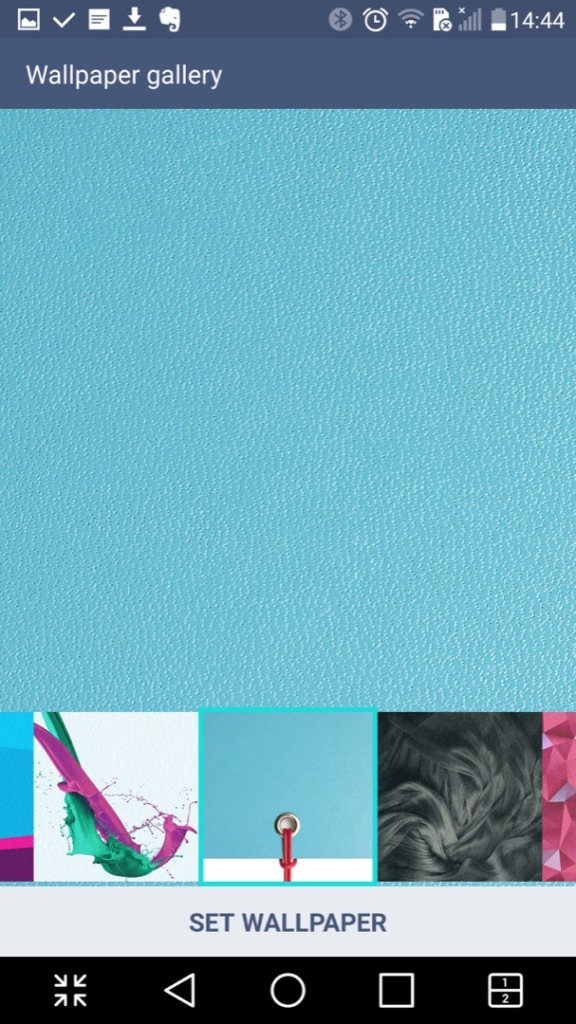
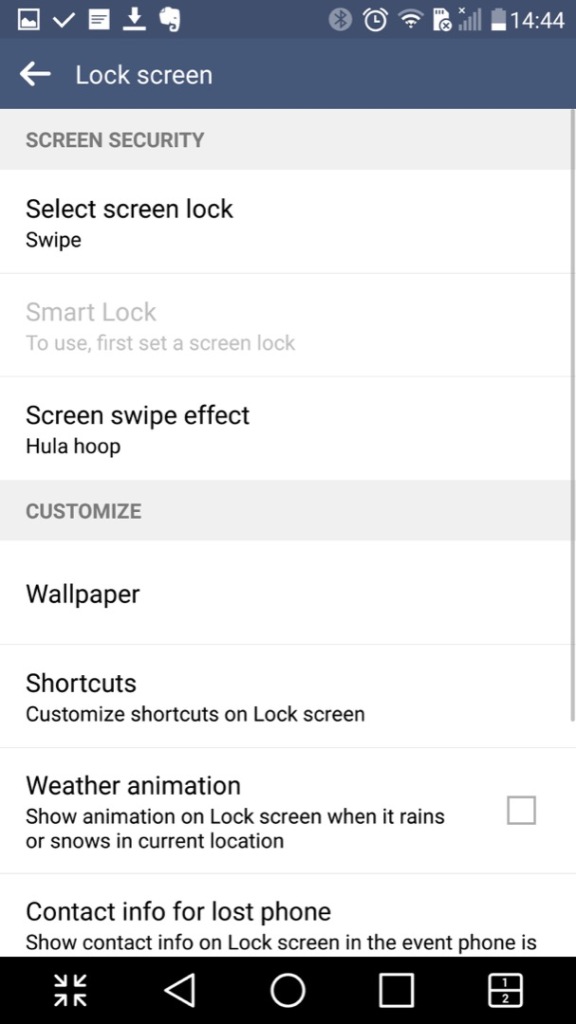
Customising the wallpaer background and the lock screen

LG also allow you to set different fonts that are used throughout the phone’s menus, however many apps will neglect to use them in favor of their own font.

Conclusion

So LG pretty much went all out with the software on this one which makes it standout from other Android phones that use the stock launcher and software. LG also didn’t skimp on the hardware either with its stunning screen and design which showcases a premium luxury feel.

Even today the phone is semi usable, with essential Android apps still being supported, although that amount is starting to reduce and the OS ages.