The OOBE can be tricky to navigate without the proper graphics drivers, but if you use the Tab keys to navigate, and then press c to accept (It’s underlined) the terms and conditions, it should let you progress through. The main issue here is the lack of graphics drivers, and the HP OOBE assumes you are running at 800×600.
Can this wait until I’ve installed the graphics drivers? The dude at the bottom left is HP’s tour guide and assistant that has a habbit of popping up whilst you’re trying to install stuff.
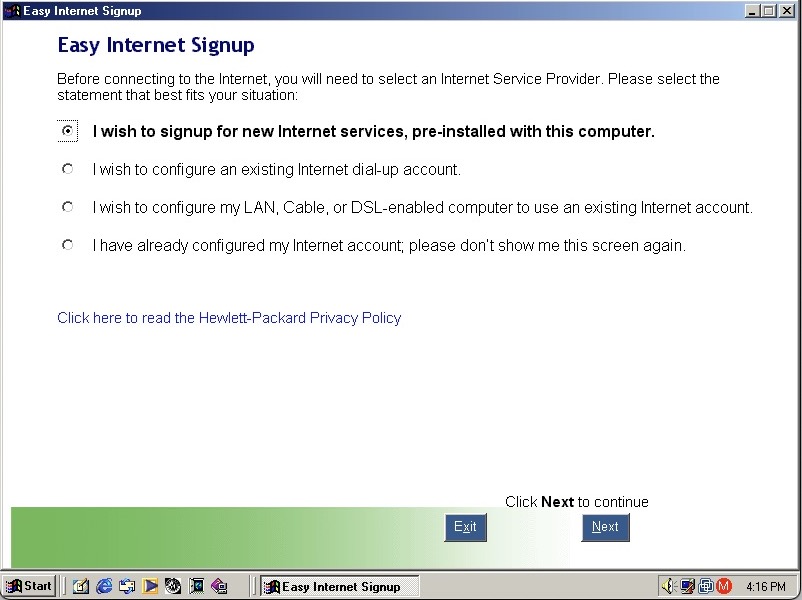
HP Internet setup utility that helps you connect to the internet, which would most likely be a dial up connection unless you were lucky enough to have a ADSL or Cable DOCSIS connection.
HP’s own assistant. Its like they saw Clippit and went ‘Hold my beer’
As you can imagine it’s designed focusers who are new to computing and need assistance in navigating Windows. He sort of acts as a tutorial guide and clicking him can be used to ask about either the desktop, software or internet applications. Unlike the Microsoft Assistant, these questions are fixed, you cannot type in a question.
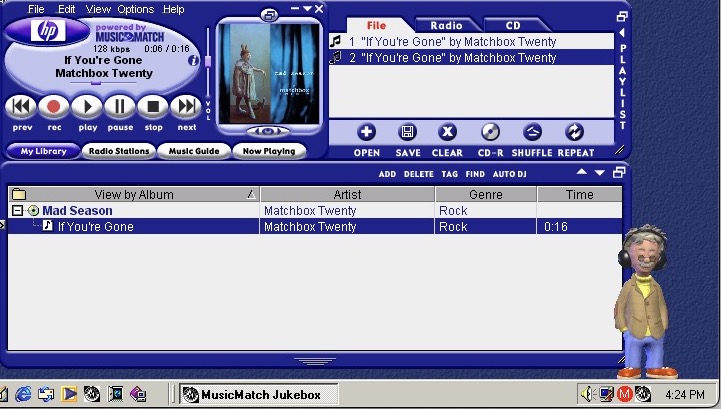
MusicMatch Jukebox with custom HP branding, MusicMatch was an MP3 and WAV music player that also supported internet radio streams. Main alternatives were RealPlayer with RealAudio Jukebox, iTunes/Quicktime and of course Windows Media Player which is still included.
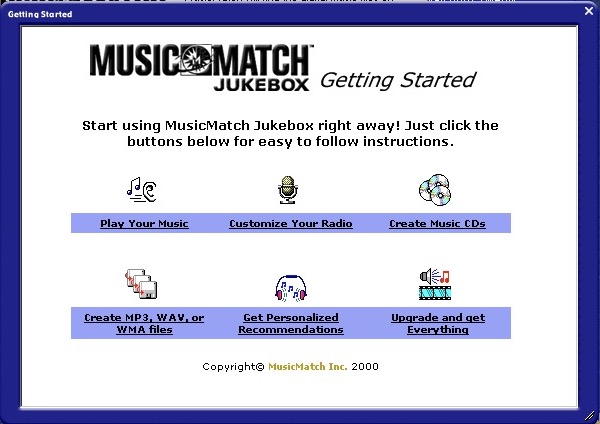
MusicMatch start screen
A song comes included, If’ You’re Gone by Mad Season, its only a short 16 second clip compared to the Beck Sample that Windows Media Player provided. A nice touch is the HP assistant will put on his headphones whilst the music plays.
The Radio guide is long obsolete, I wonder what streaming format was supported?
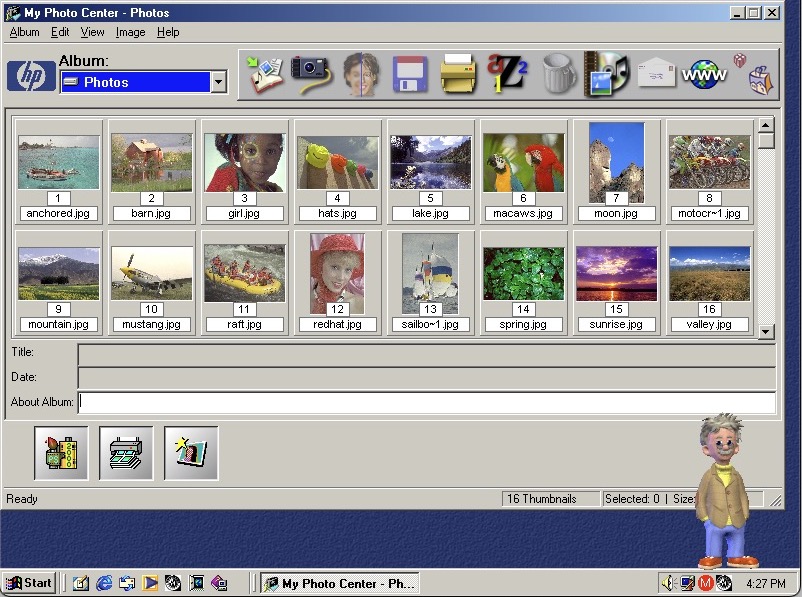
HP PhotoBase – A photo editing application. Here you can import photos off a supported digital camera, which were becoming popular at the time. You can edit photos (like removing red eye), and print them to a photo printer or email them as an attachment.
ArcSoft PhotoStudio 2000 – This is the default image editing applications and opens when you try to edit a photo in PhotoBase.
System properties with the OEM logo
Start Menu showing the included programs
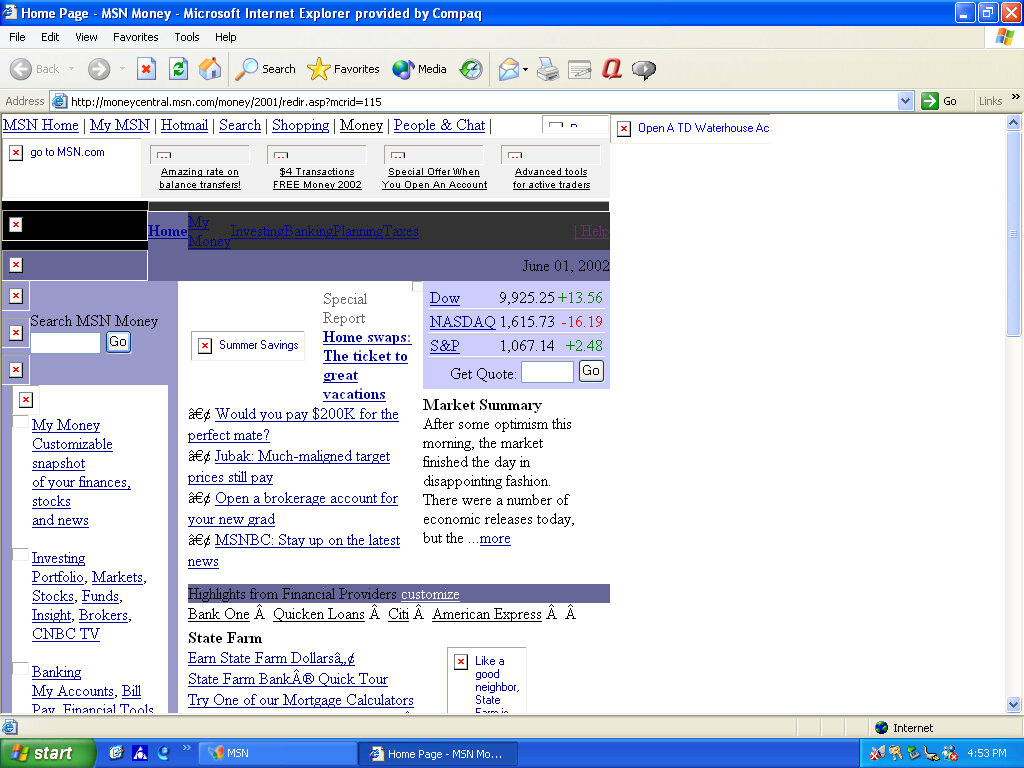
Microsoft Money, a standard on budget home PC’s of the era
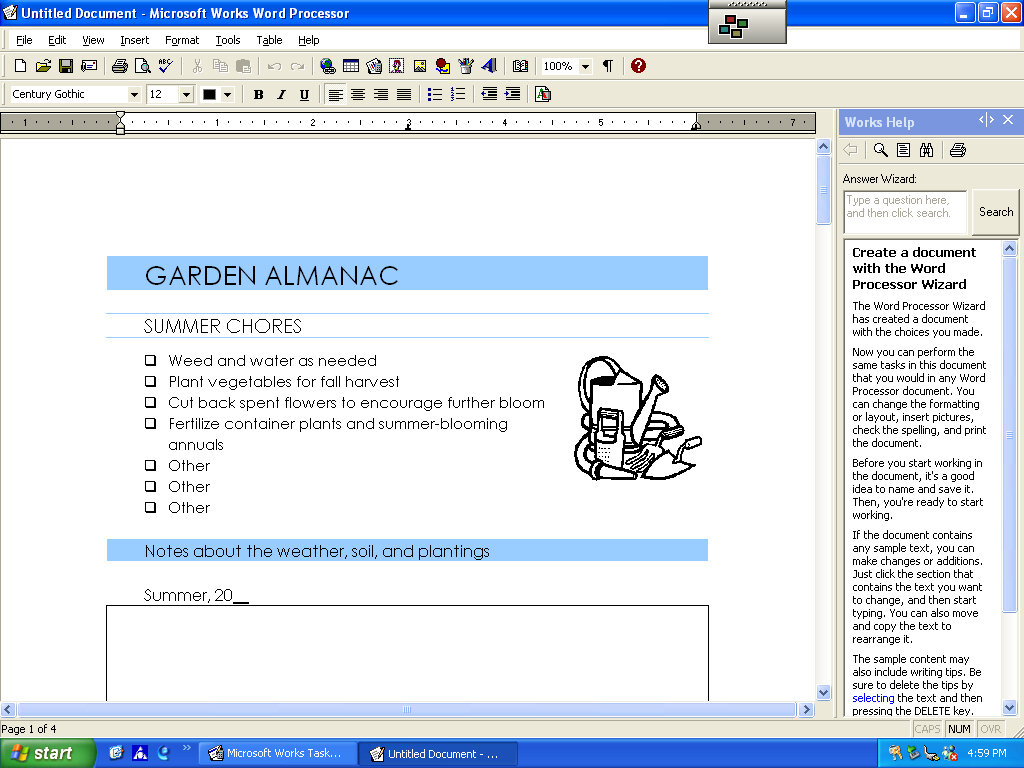
Microsoft Works also comes bundled as a basic productivity suite, version 6
HP Help & Support Center that shows information of the system. Sadly it crashed when tying to access the other tabs
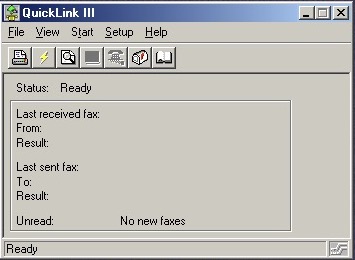
QuickLink III looks like modem software, we don’t have one so there’s limited use. This would have been used to send and receive fax’s. This was a common method of sending documents over the telephone line, before email attachments became more common.
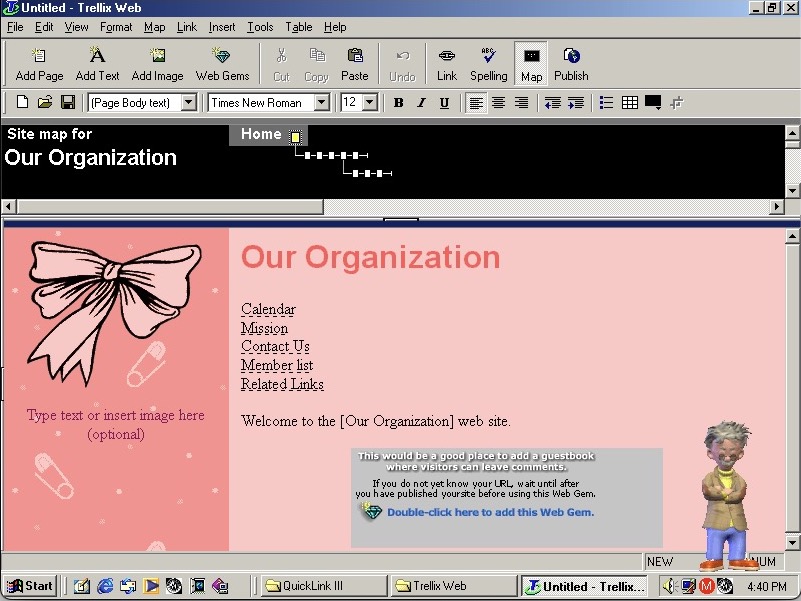
Trellix Web is software to create your own websites, the same as included on a few eMachines installs
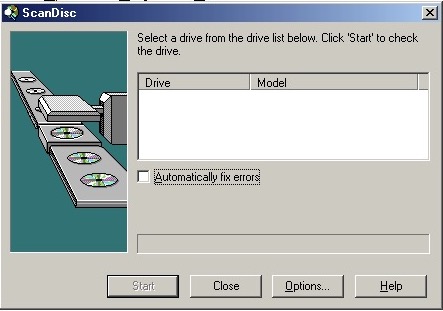
Adaptec DirectCD is included, I guess this system would have come with a CD recorder so you can burn the songs acquired from Napster. Nothing shows up when using the VMWare drives. I connected a Usb external DVD drive writer and passed it through VmWare but this wasn’t detected. Turns out we have an issue with the USB PCI device. Calling it ScanDisc is going to cause confusion with the disk checking utility on Windows, not sure why they named it that.
The eMachines eTower 466ix was a budget desktop computer released in 1999 by eMachines. The system was made available with an Intel Celeron clocked at 466MHz, 64MB of RAM, 4.3GB of storage (which varies based on the model) and integrate Intel graphics. Windows 98 Second Edition is the operating system used here.
Recovery Install Process
Recovery is started by booting from the CD. As with other eMachines recovery software we need to have a pre partition disk (does not need to be formatted but must be initalized using the FDISK utility) before we can begin the install.
Had to switch motherboards after the recovery was complete as I got hammered with IOS errors upon bootup, changing to the ABIT LX6 worked much better. Plus it had the advantage of having a similar if not the same chipset as the original motherboard, albeit with no onboard ATI video. The eTower also had a Crystal sound chip onboard along with the software but we can sort of substitute it with the Crystal 4236B ISA soundcard that is supported in 86box. Windows 98 does not seem to come with a driver, so a third party driver must be installed.
Desktop First Boot
Windows 98 boot screen, with the Microsoft logo on the top right.
Looks very similar to the eMachines eMonster that was also a Windows 98SE based install, but we see a lot less software bundled and installed.
The eMachines website, or whats left of it
OEM Customisation
We get a few emachines desktop backgrounds for us to use: E – Windows 98 dark blue background with the emachines logo centred Emachine – the emachine logo in 800×600 Ewall – same as Emachine but zoomed out slightly, also 800×600 Ewalls – low resolution of Ewall, at 640×480
The Musica sound scheme is set as the default with no customer schemes included or set.
Included software
eWare
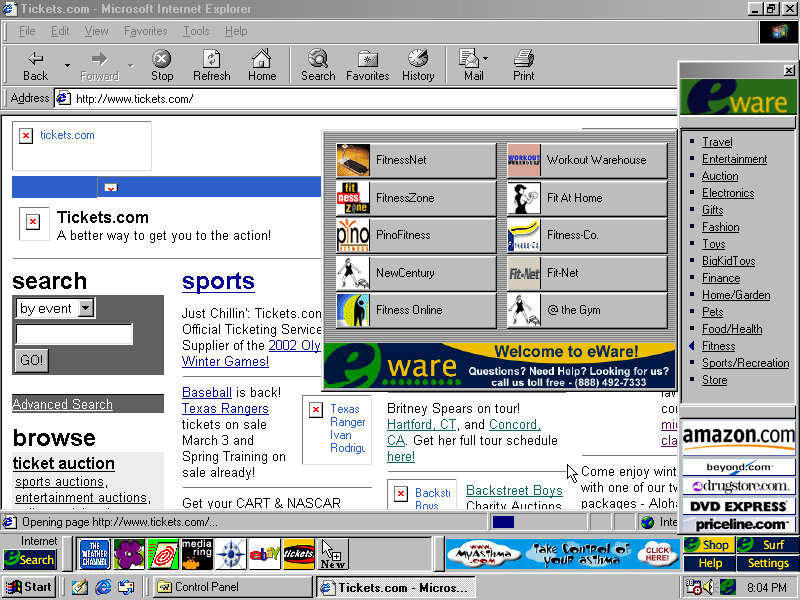
The eWare bar come bundled and appears at the bottom, but on top of the Windows taskbar. This will show shortcuts to popular internet website in addition to a few adverts right on your desktop. There are dedicated buttons for shopping and search engine sites.
Most of these are custom affiliate links which haven’t been archived by the OldNet, so we just get an error page.
There is also an option to take a survey. There is also some sort of search function that similar to Sherlock that’s included on MacOS 9 that can pull search results from Yahoo, Lycos and AltaVista.
Voyeta AudioStation
An audio/MIDI playback application which functions only on Crystal soundcards, at least for the one bundled here. This means it wont function on say a Creative Soundblaster but if we use the Crystal 4236B ISA soundcard in 86Box and install the appropriate drivers (they’re not bundled in Windows 98) we are able to use the application. Again it gives the appearance of a mid 90s home HiFi.
ATI Video Player
A simple video player that makes use of the video acceleration that some of ATI’s RAGE chipsets had supported. 86Box does not exactly emulate a RAGE based chipset but we do have the ATI Mach graphics cards to use instead. It does work somewhat, I can playback AVI files with the exampling being one pulled from Microsoft Garden Home software. The video can be scaled in size and mentions support for MPEG video.
Other Software
Microsoft Works: A basic office Suite, Works 2000 Version 5.0 is installed here. Netscape Communicator: A shortcut exists on the desktop but it not completely installed opening it will launch the 4.6 installer. This will also install RealPlayer G2. AOL 5.0: Also has to be installed from the desktop Adobe Reader 3.01: It’s a bit old as its copyright is dated from 1997 and Reader 4.0 was released in April 1999 Microsoft Money: Finance management software
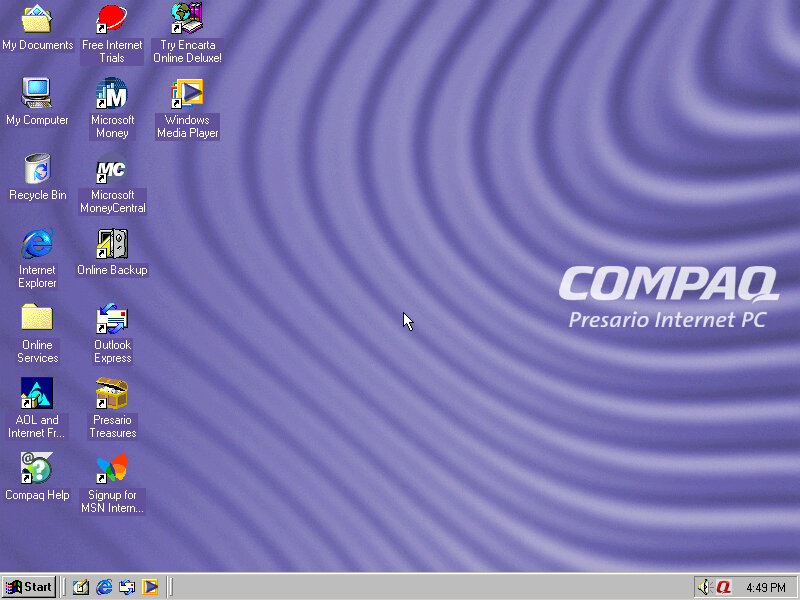
A basic internet orientated desktop PC install that features Windows ME. Very similar to the HP Pavilion and the eMachines system that were looked at previously. Compaq was a major OEM of Wintel machines, with the Presario line being orientated for the home consumer market. Systems like these typically come quipped with a Celeron, Intel or S3 onboard graphics an ‘Internet’ keyboard that features dedicated web browser and email keys and Windows ME or 98. The will commonly have bundled software or ISP offers to entice you to join.
You can kind of see Compaq trying to stylise their computers, as a response to the funky looking iMac and the eMachines eOne, rather than having them appear as a typical beige box.
Recovery Process
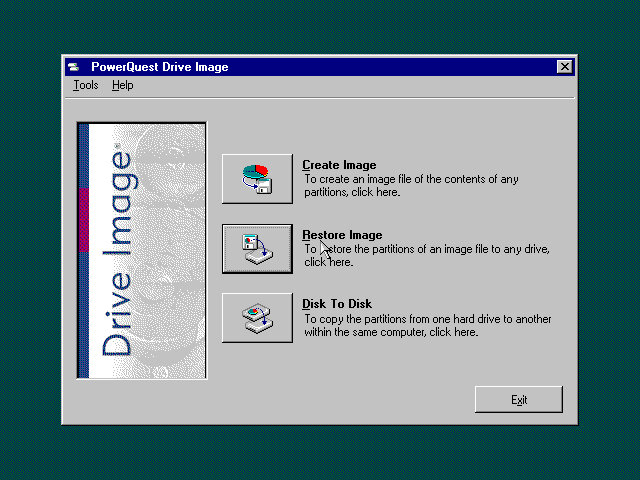
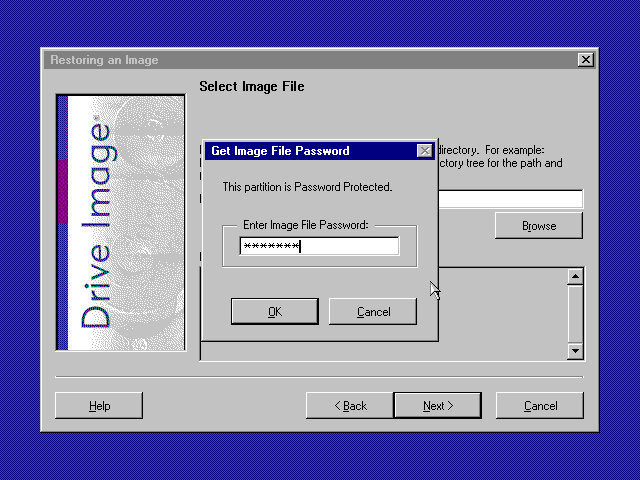
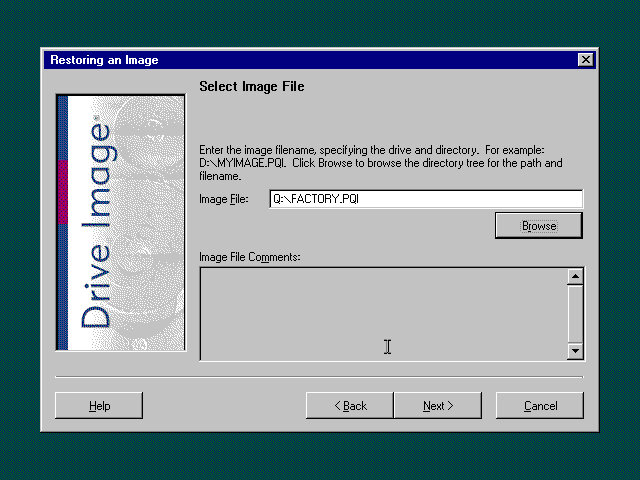
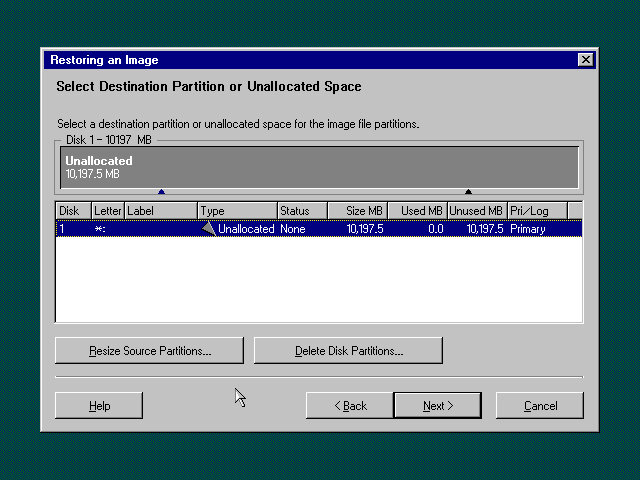
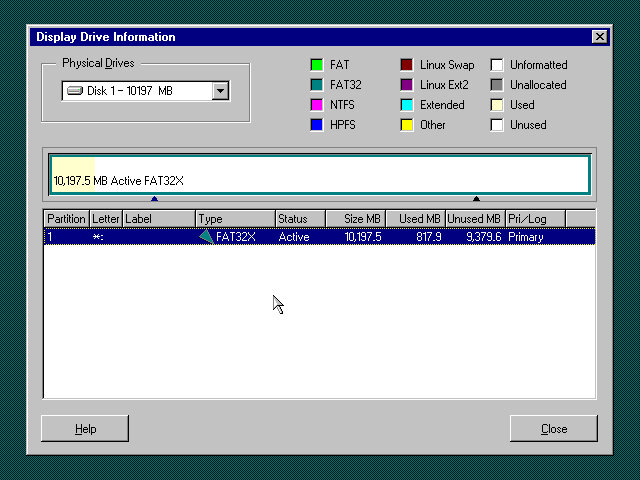
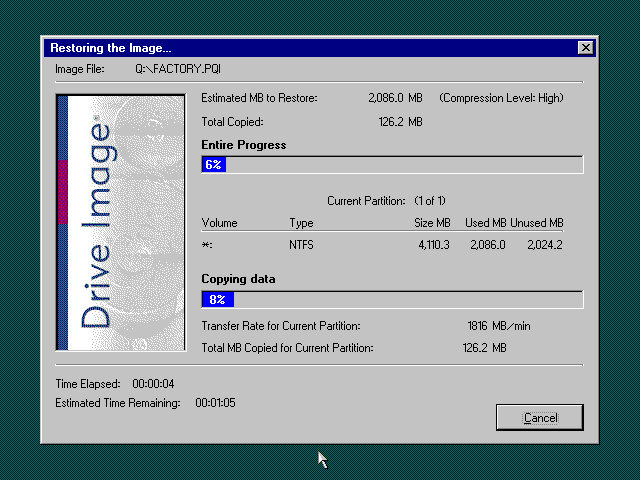
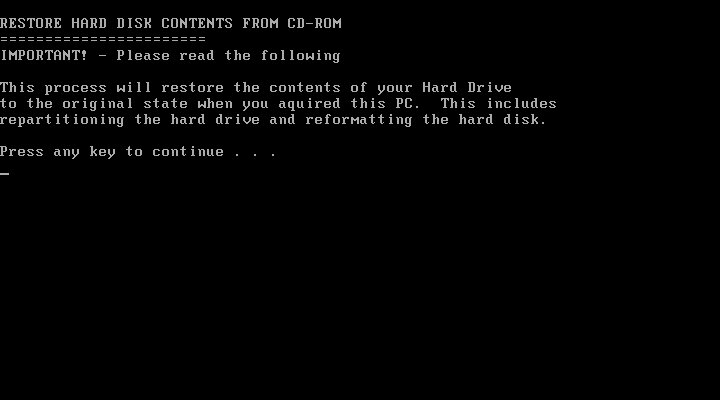
This appears to not be the actual recovery program, as the original would have been restricted to function on that actual machine. However using this bootable utility we can restore the hard disk image back to the system. This fruitions even if the hard disk isn’t initialised or formatted, as the utility can do this for us. This recovery image is password protected,
Boot Up
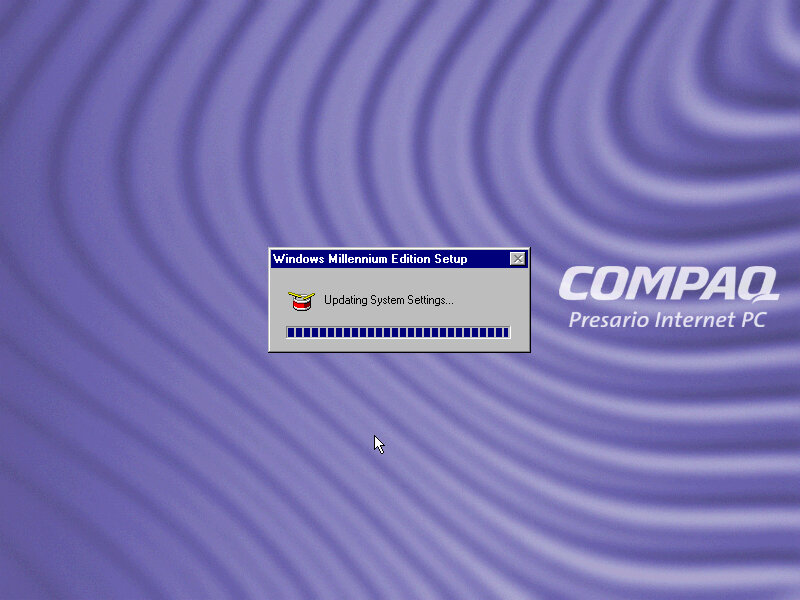
Starting Windows ME for the first time. After the splash screen it lingered on this screen for a while with the mouse cursor flickering between the pointer and the hourglass, indicating it was working in background. What’s actually happening is Windows ME is detecting and installing the new hardware and unlike Windows 98, it does not spam you with a dialog box indicating as to what’s going on. At least for system devices, since it did pop up for the video card, along with the PS/2 keyboard and mouse. Normally this wouldn’t be an issue, since the hardware detection stage is done during the OS install, but since the recovery program transferred an existing install to the disk which was designed to be used on different hardware, it has to go through the detection process again. After around 10 minutes we are presented with out desktop.
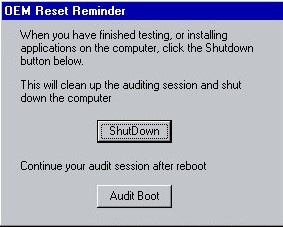
A utility pops up soon after logging in. This appears to be an. The Compaq engineer would install any additional software or hardware drivers if the customer had requested it, and would then click on the ShutDown button in this utility. Then when the end customer would boot up their system, they would be greeted with the registration wizard, along with the tutorial. This would mean the end user would already have their additional software installed and ready to use, In my case, this was an excellent opportunity to get the video and sound drivers up and running, as Windows ME did not have a driver for the video card I had chosen (S3 Trio3D)
Windows ME had a infamous reputation for stability which was undeserved im my opinion, as I’ve found 98SE to be more unreliable. Part of the issue was ME dropped some DOS support which upset the luddite’s that wanted to use their own ancient hardware when the rest of the world was trying to move on, and OEMs slapping together botched installs with tons of adware as they race to the bottom of their profit margins. The truth is, Windows ME is a perfectly fine OS, so long as you get the drivers right which can be said for any OS really. The 9x series of operating systems were not known for the reliability and were more of a botch that just about managed to work. Frankly I can understand why Microsoft wanted to jump straight into NT with Windows XP.
The introduction and setup wizard, complete with a speaking wizard, Merlin who sounds like a chronic smoker. Once you have accepted the licence agreement you are presented with your new desktop.
Personalisation
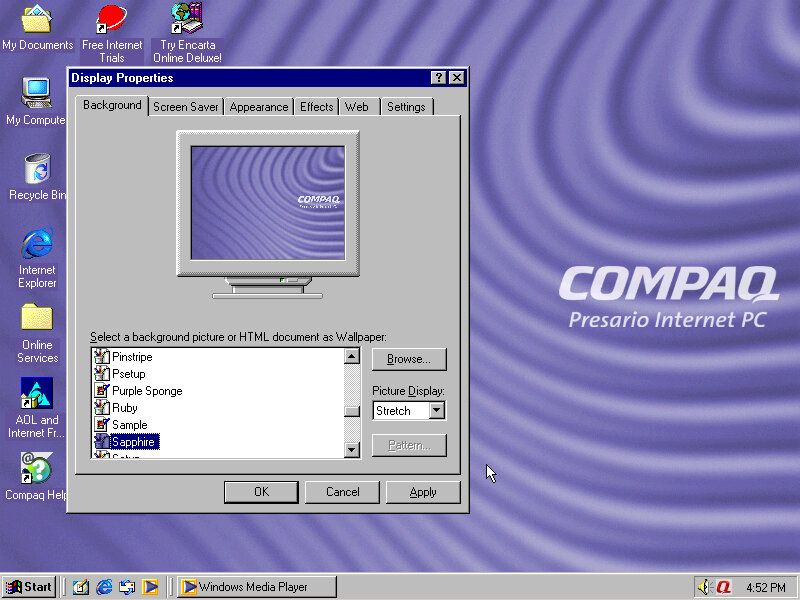
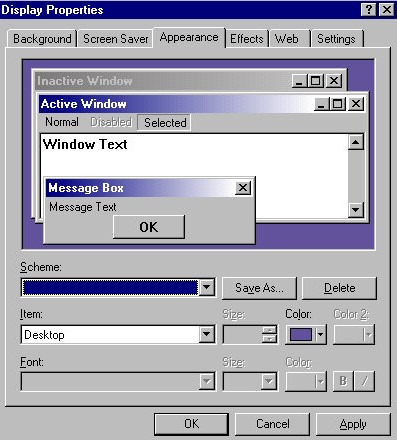
Compaq included a few wallpapers that are selectable and are pretty much the same pattern but with a different colours (Ruby, Sapphire, Amethyst, Amber, Emerald, Jade and Grey. This kind of reminds me of the iMac G3 colours.
There is also a custom colour scheme set by Compaq but it has no pre-set name. So if you choose another colour scheme then its lost.
Theres even a custom Internet Explorer throbber that appears
A screensaver that is included called BackWeb. This appears too be some sort of bulletin board what pulls information online and displays it in a news ticker format (like in SimCity 3000) With no server connectivity it just appears to refresh itself repeatedly. This isn’t a bad idea of a screensaver, being very similar to the Active Desktop Channel screensaver or the Wii News Channel.
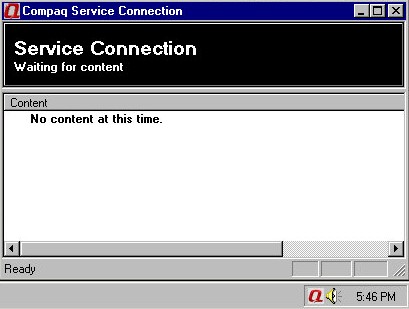
The utility that manages content going into the Backweb screensaver
Included Software
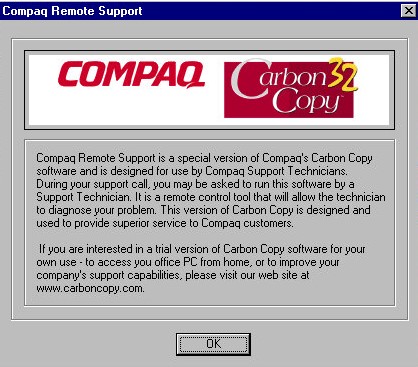
Compaq Remote Support: A utility where a customer representative can remotely control you PC, useful for support purposes if the end user requires support or is experiencing technical issues. Typically this would be sold as part of a support package and is aimed for novice issues who are not experience in diagnosing issues or perhaps installing software. Still im not sure how well this would have functioned over a dial up connection. Windows would later included a utility into the operating system itself with Windows XP.
Netscape Communicator – A popular alternative web browser, for those that do not wish to use Internet Explorer, Netscape also included an email client. Version 4.7 is included here ad features the Compaq throbber.
Microsoft Money – Finance and accounting software, version 2000 is used here
Compaq Help – A customised version of the Windows Help & Support with additional links to Compaq programs and utilities
Compaq.Net – Opens the Compaq branded internet connection wizard
There are also some premade web shortcuts located on the desktop like Compaq Treasures and another for online backup.
A weird omission is Microsoft Works, or any office applications which allows for basic word processing or spreadsheet use. Possibly this would be bundled with a specific SKU of the system that would have been installed by the engineer before shipment.
Control Panel Items
Compaq Connection Helper: Lets you change the default internet browser and the internet connection to use.
Digital Helper: Lets you customise the digital dashboard, which is the LED light that are present on the keyboard. In addition to the standard Caps/Num/Scroll lock indicators there’s a message/alerts and a power/sleep indicator. There is also a internet time sync feature that allows the system to be synchronised the time & date with a server, as Windows ME lacked this feature. Microsoft would introduce this with Windows XP. The email notification light can also be configured here, which requires you to manually setup the email server connection settings and would light up if there’s an unread email in your inbox. It does not appear to detect email from applications like Outlook or Eudora.
Easy Access Buttons: The keyboard that was shipped with these machines featured a dedicated easy access buttons that could be assigned a function for customized look.
Intel Graphics Technology: As this computer would have featured integrated Intel graphics, this utility would let you adjust advenced graphics settings.
An early 2000s desktop PC running Windows 98SE, designed as a basic desktop PC for simple web browsing as evidenced with its included software which is geared to the casual home user.
The Pavilion is HP’s brand of conventional desktop PCs tailored to the home market, similar to IBM’s Aptiva and the Dell Dimension line.
According to an archive CNET page, it has a Celeron 500MHz processor with 64MB of memory and a 10.2GB hard drive. For 86Box I used a smaller 4GB hard drive and a slower processor to ease on the emulation. Variations of this model exist with different optical drives, hard drives and processor combinations with some coming with AMD K6 processors and CD-R drives.
Starting the recovery process, which just inflates the OS files from a previous install. There is no instillation wizard, HP just took an install and made a restore image out of it. This does mean a lot of New Hardware dialog boxes will appear due to this, and I had originally intended to use it on a HP Brio motherboard in 86Box, but had great difficulty with resource conflicts and BSoD’s. The Virtual PC profile/motherboard worked much better instead.
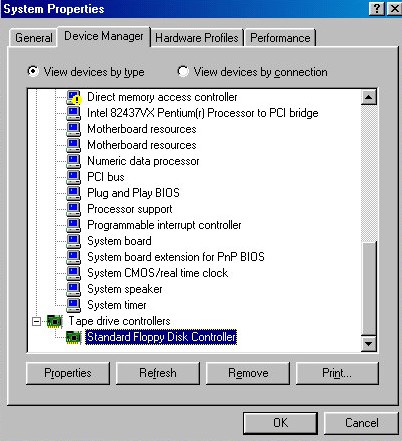
With the old VM it even thought the floppy drive controller was a tape drive.
Post Restore
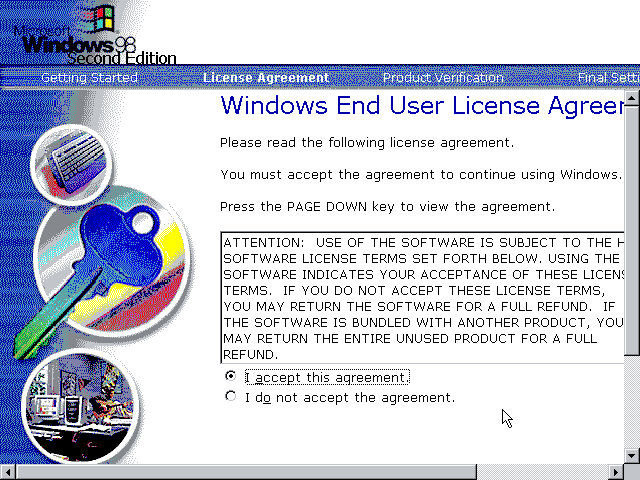
We are booted into a wizard that asks us to confirm the licence agreement, set the keyboard layout, confirm our region and our OEM product key. After a reboot, another wizard starts:
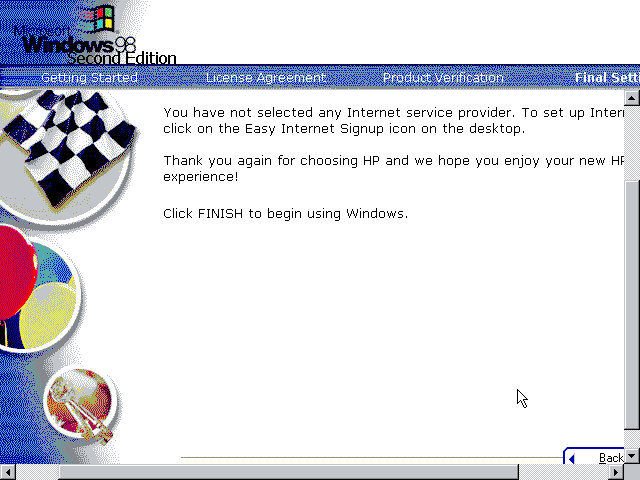
Before we get to the desktop, we are invited to complete the registration wizard where we enter our name, address and our product key which would have been provided in a separate booklet.
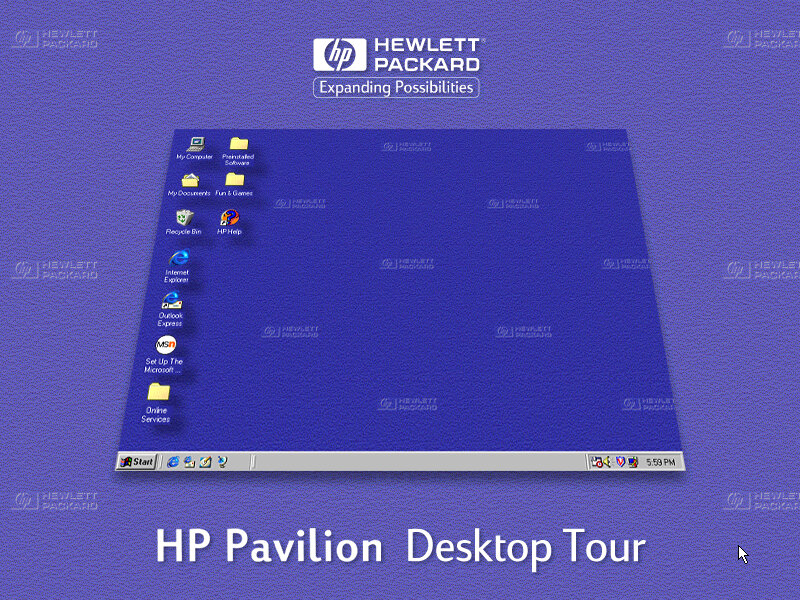
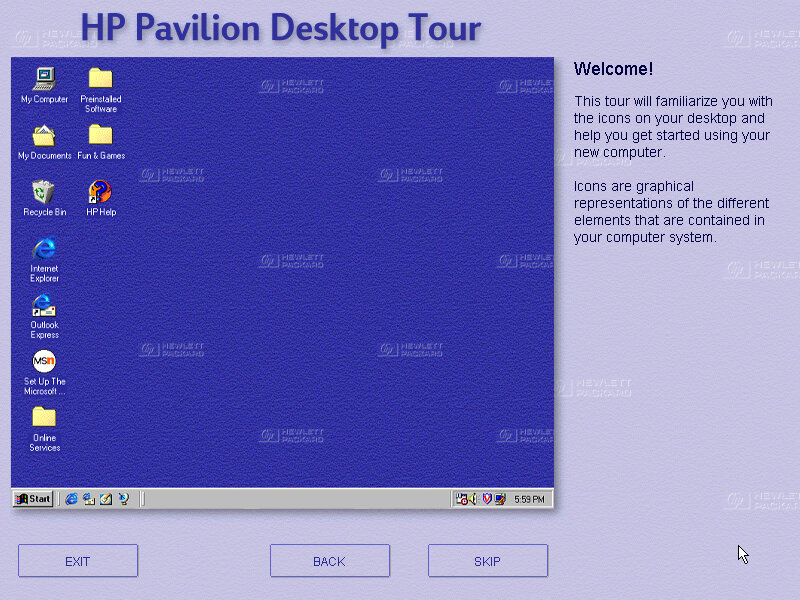
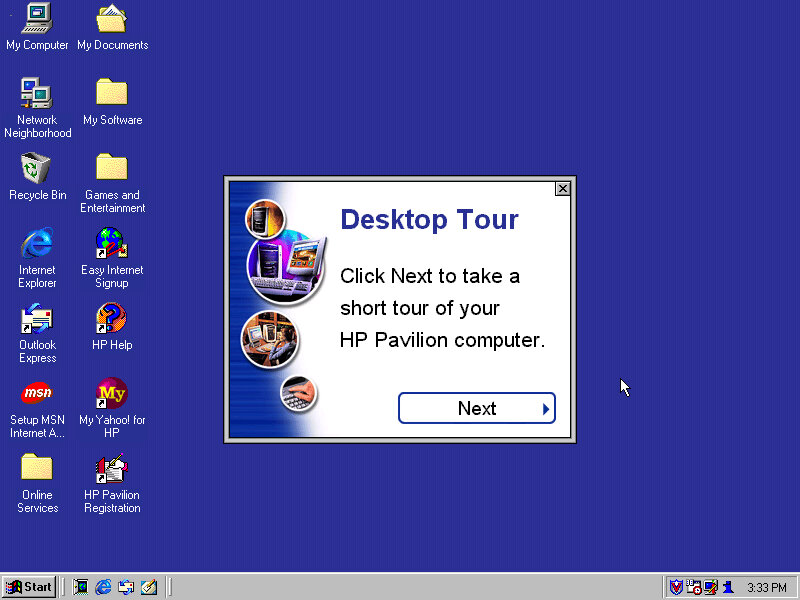
And then after that we are given a tour of the operating system, as some users may have been upgrading from a Windows 95 system, or might even be their first PC. This goes around the basic elements of Windows 98 and gives an animated demonstration of navigating Windows Explorer. This also complement’s the built in Windows tutorials for Microsoft.
Desktop
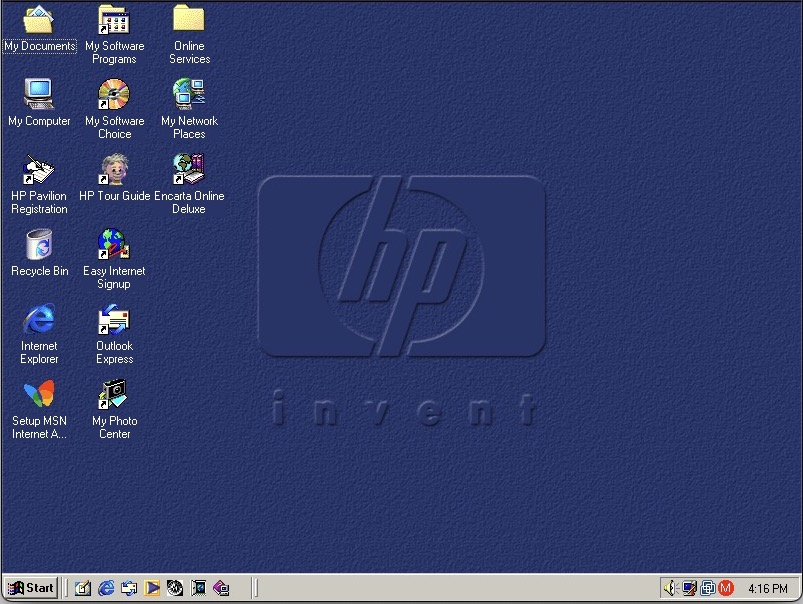
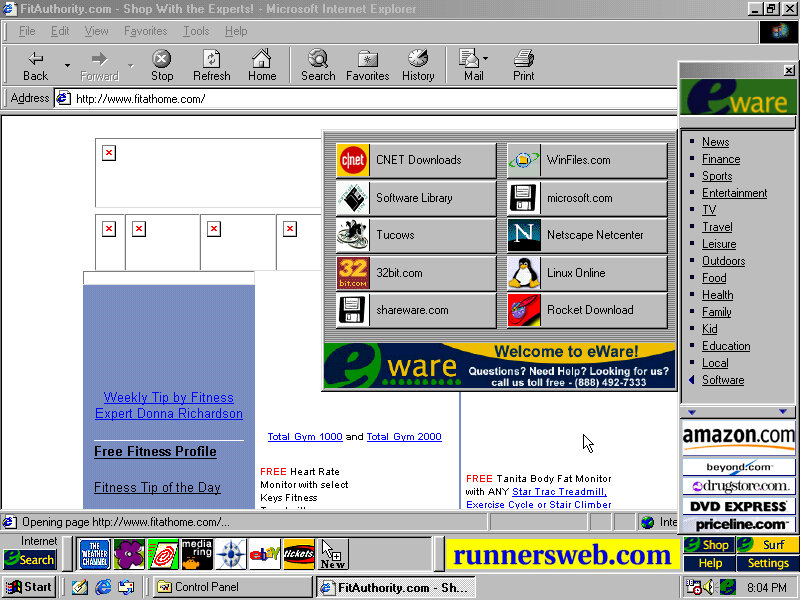
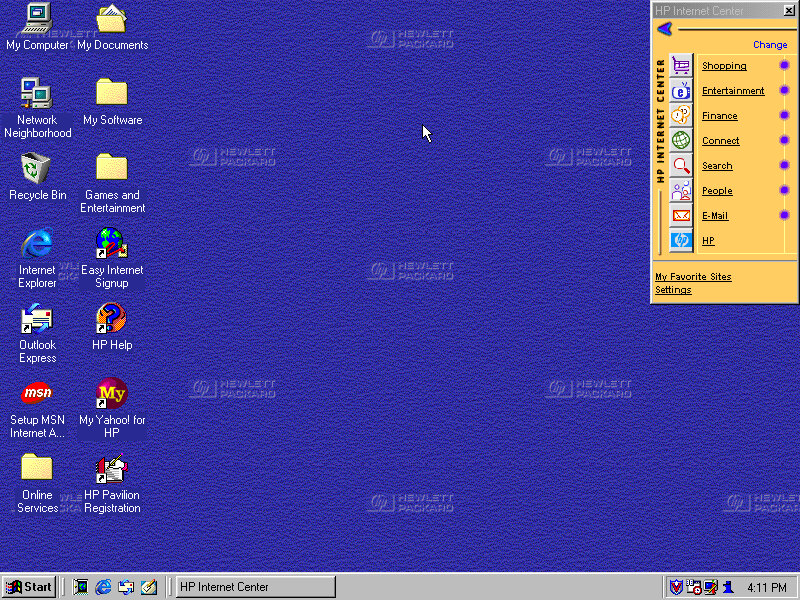
The Windows desktop with some of HP’s customisations. You will notice the HP Internet Manager, which provides easy access to various internet sites and are sorted by categories affirming that this computer was designed for the consumer that wants to browse the internet.
Clicking on any of the links (Such as Shopping) will open Internet Explorer with a customised link to that page. It sort of works in a similar manor to the internet channels included with Windows 98 and is HP’s replacement for the channel bar. Also, when you click on a link, large green text appears to the bottom left of the screen showing which button you clicked. I think this is supposed to replicate the OSD of many TV’s of the 90s where volume would be displayed in that style of display.
Sadly most of these links are long since dead, and the wayback machine does not hold any archived copies, possibly because they were not designed to be indexed. All of them lead to a paviliondownload.com domain.
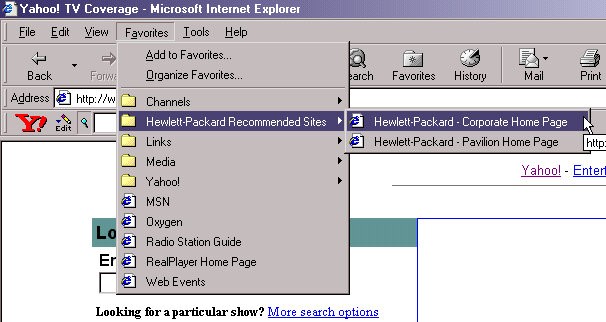
Whilst we have Internet Explorer open, we can see the Yahoo! Toolbar that was preinstalled. Yahoo was popular at the time and was the common homepage for many users, similar services were AOL, Lycos and AOL. As for Internet Explorer, version 5.00.2614.3500 is installed.
HP have also bundled a few favourites (Bookmarks) of their own with links to their corporate and dedicated Pavilion homepage.
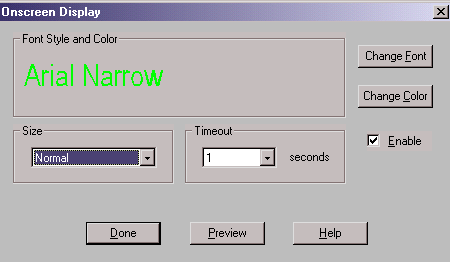
Also another look at the green OSD, it appears when you adjust the volume too. You can actually customise this in the HP keyboard utility. Changes that can be made include the duration of the message, colour and font size.
Themes and Customisation
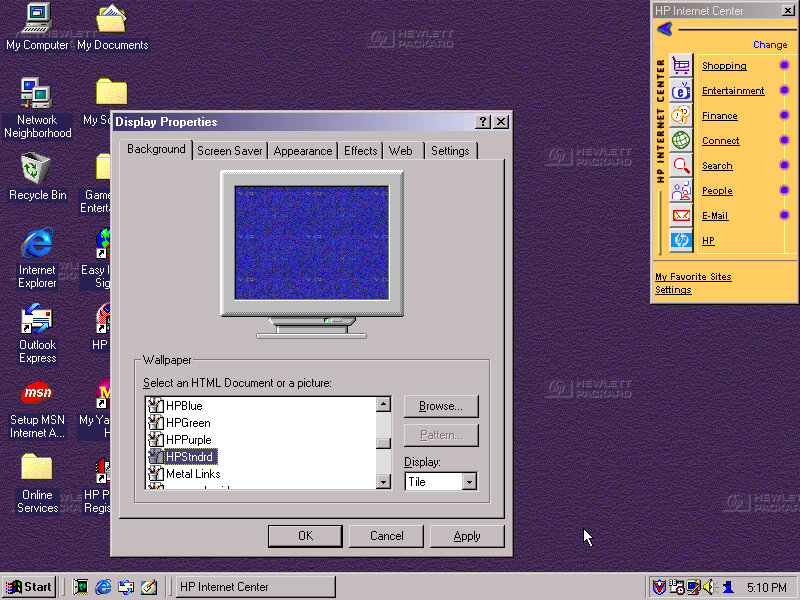
We can see HP have included a customised desktop wallpaper, in fact there are four of them provided in different colours (Purple, Green & Blue) and HPStndrd which is a lighter version of blue.
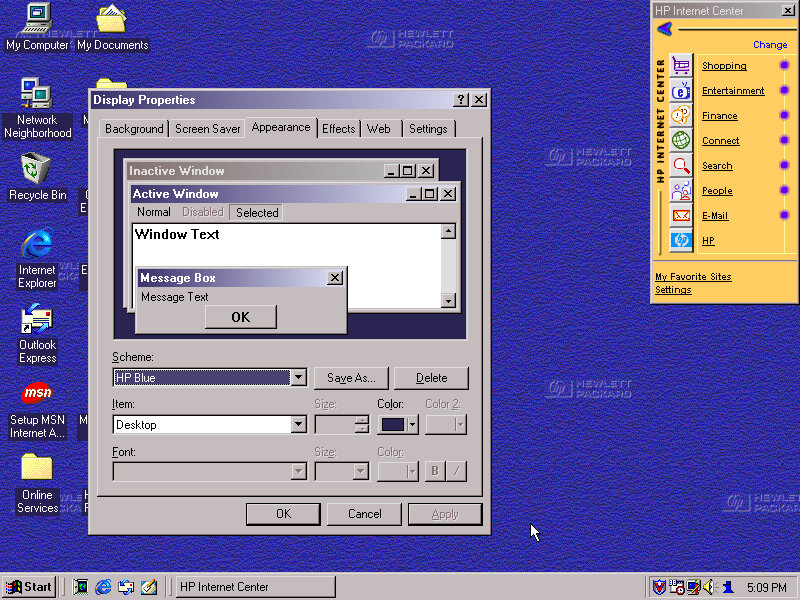
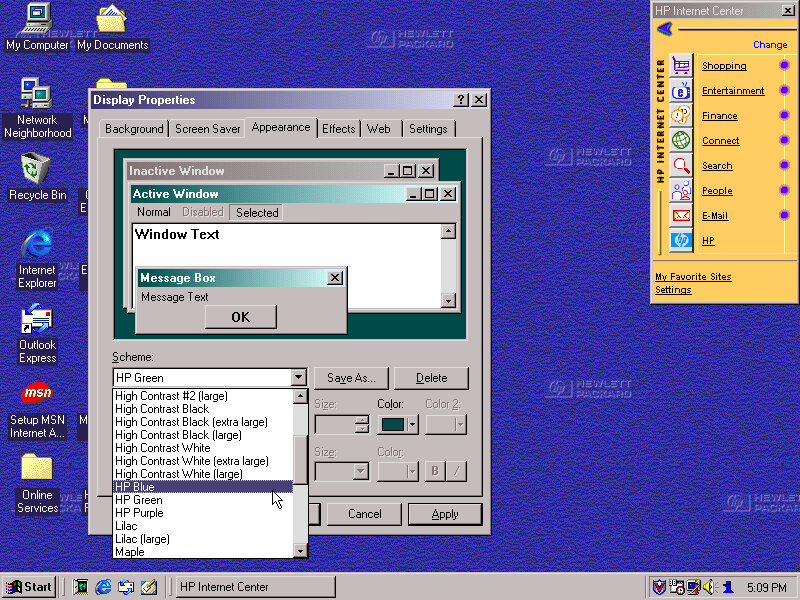
HP also added three custom colour schemes that can be selected in the appearance tab, again the choices being Blue/Green and Purple
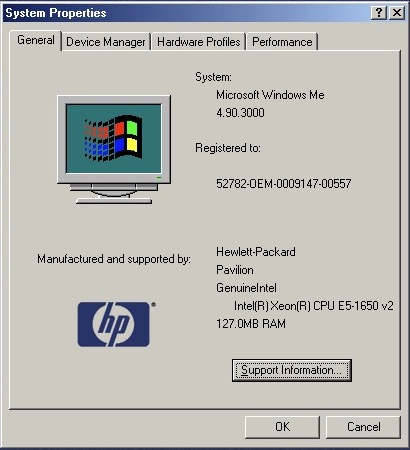
Also a shot of the system properties box, with the OEM logo and support information.
Bundled Applications & Utilities
Microsoft Encarta 2000 – Preinstalled but requires the Encarta 2000 disc in order to do anything.
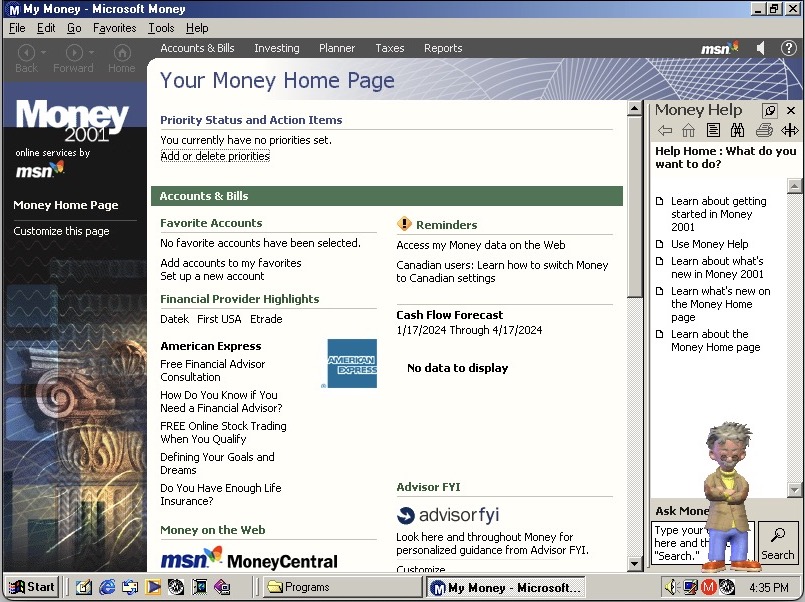
Microsoft Money – Finance management software, the 2000 edition is used here.
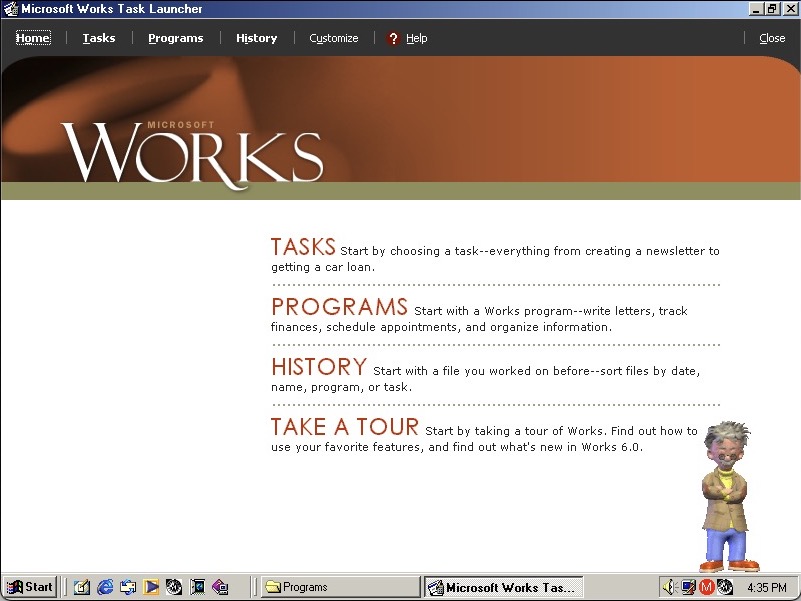
Microsoft Works – basic productivity suite that includes a word processor, organiser and a spreadsheet application.
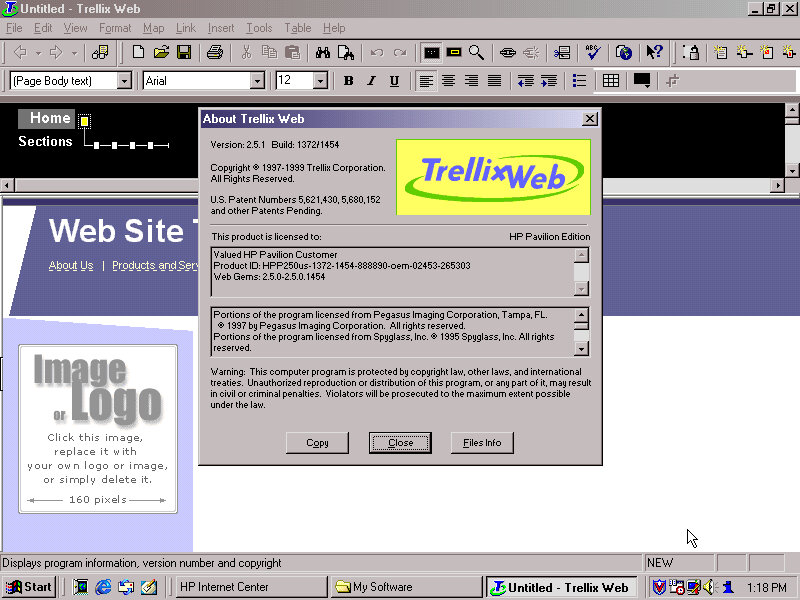
Trellix – Some sort of website builder that included a few templates that allowed for users to create and build their own website. I wonder if they will work with WordPress?
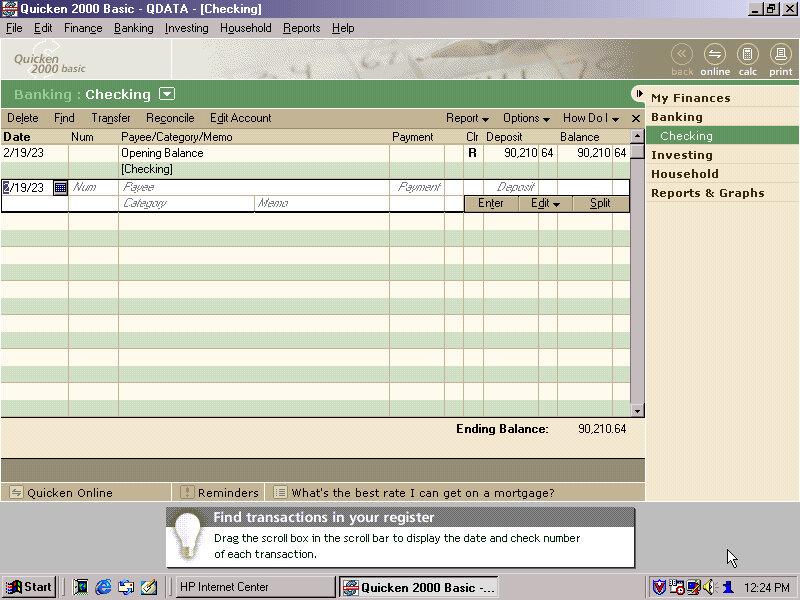
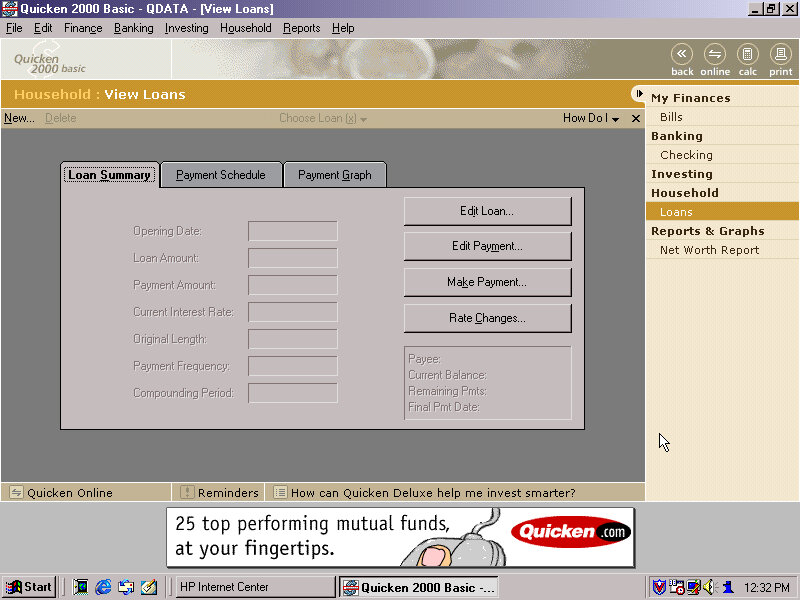
Quicken – Basic 2000 comes preinstalled and is a personal finance management utility, similar to Microsoft Money which was also included. I guess here you’re supposed to populate this with you bank statements and recent purchase’s, so you can get a rough idea of your balance history.
There’s a few online services included within the Online Services folder – AOL, AT&T WorldNET, Disney’s Club Blast, EarthLink, GTE Easy Sign Up, MindSpring, Prodigy internet and Compuserve.
Also, a Games and Entertainment category in the Start menu. Here you can find links to RealPlayer G2 and MusicMatch JukeBox which was a popular MP3 music player, along with a link to Emusic.com. There are also shortcuts to Windows games like Solitaire.
There is a My Yahoo program in the Start Menu, clicking on that takes you to an internet connection wizard that is HP branded. Since we are connecting via LAN, we can breeze past this. Dialup internet was a very common way of accessing the internet and would have been the de facto way of getting online, but was also around the era where cable and DSL broadband internet was starting to become mainstream.
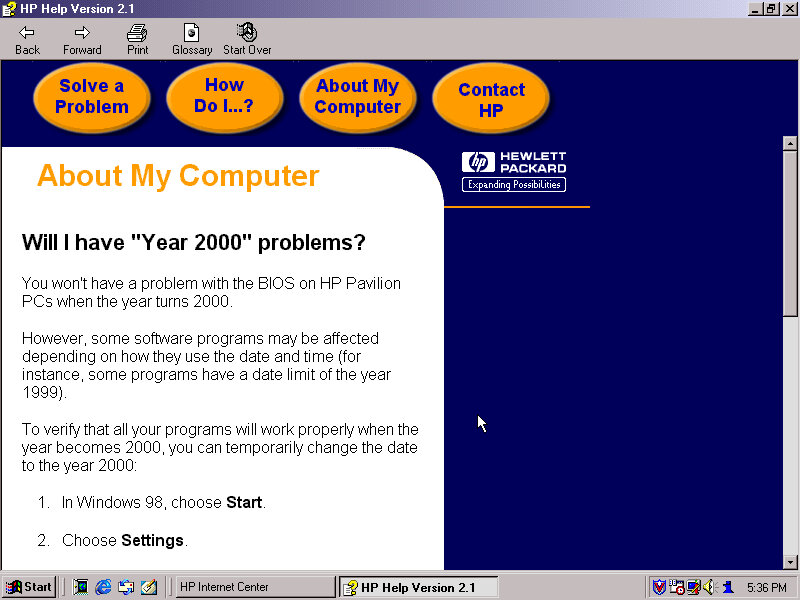
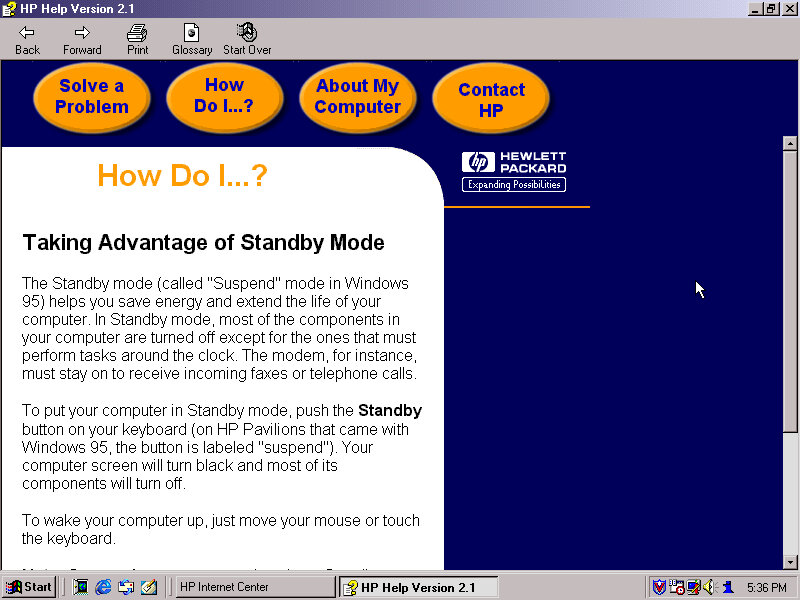
HP Help: Help and support centre for novice users. This can give information about your HP system and comes with a link to the user manual. This does require a separate CD that has this contained, it is not saved on the hard disk.
FAX (QuickLink III) Fax application, if you cannot use the built in Windows fax utility.
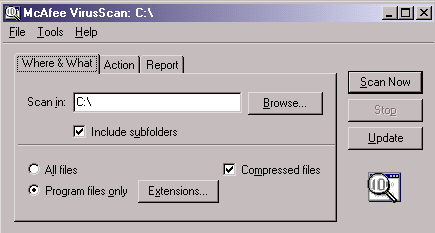
Lastly we also have McAfee security suite which can be found in the system tools folder. This includes the anti-virus and the V-Shield that acts as a firewall. A necessity as Windows did not come with any virus protection at all, that was left up to the end user or the system builder and may would bundle either McAfee or Norton Security.
The typical Windows 98 experience
Additional Links
Recovery Image – Archive.org – This version is cracked which allows for it to be installed on any PC or virtual environment and is an alternative to a regular install. There are two versions with the November 1999 being linked, an August 1999 version exists but has not been tested, perhaps that’s regular Windows 98FE?
An early Windows XP era laptop released around 2002, not to be confused with the Presario C700 which was HP branded. Windows XP Home Edition was the operating system bundled with the restore CD
Restore Process
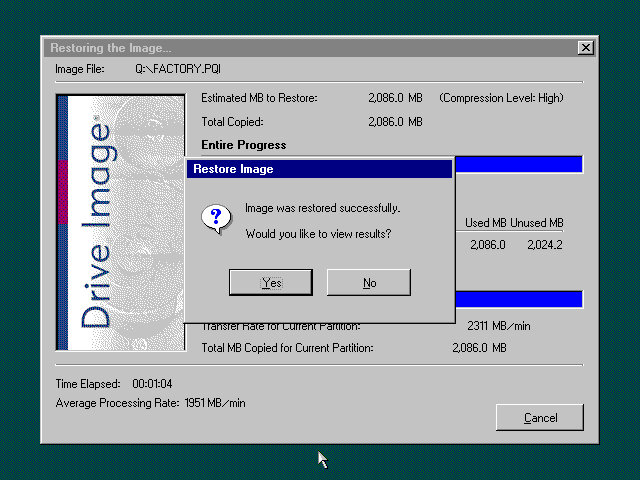
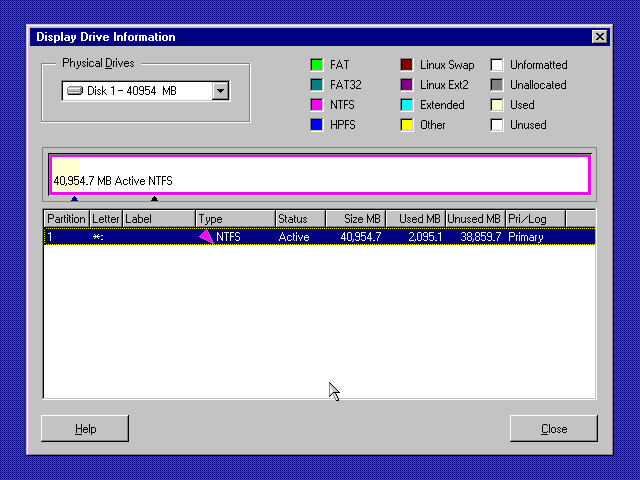
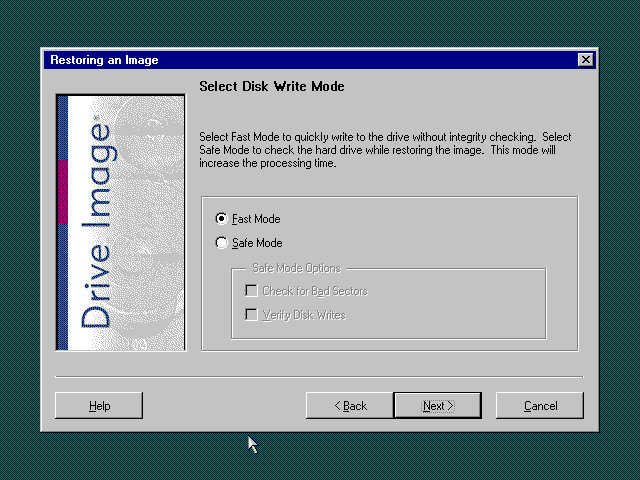
This one used a slightly different way of restoring the default image, and I believe this is due to the copy being modified so that it will restore on any machine, instead of being tied to a specific model. Here you must manually select the recovery image (located on the CD drive) and then proceed with the installation. If the hard disk is blank (Which it will be if we have just created the drive) the software can automatically initialize and format the disk and will create the correct partitions. Once this has been set up, the recovery process will begin and the system will notify once it has been completed.
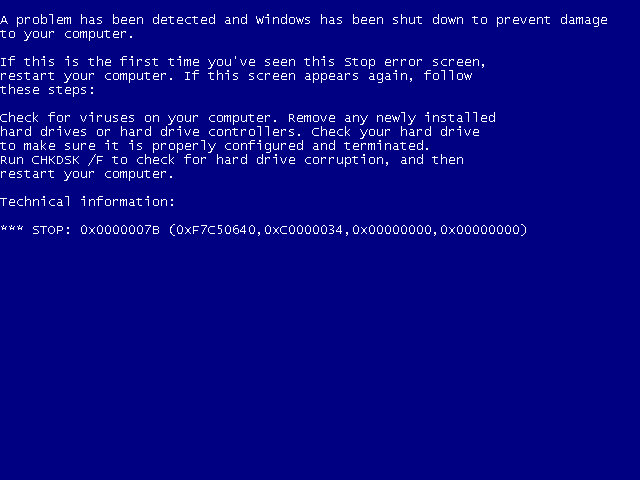
Hello blueness my old friend
After the first reboot, we will most likely run into a BSOD, since we had installed it in a virtual machine instead of actual hardware, it’s expecting a motherboard that’s completely different. At this points It’s Hirens time
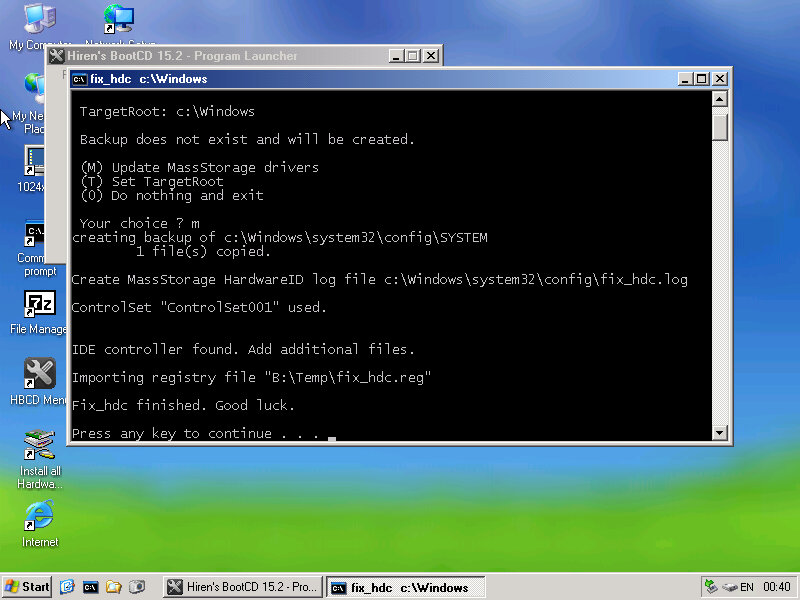
Same as the eMachines system, we just need to reset the hard disk controller to clear the error. After a reboot we are onto the OOBE.
OOBE
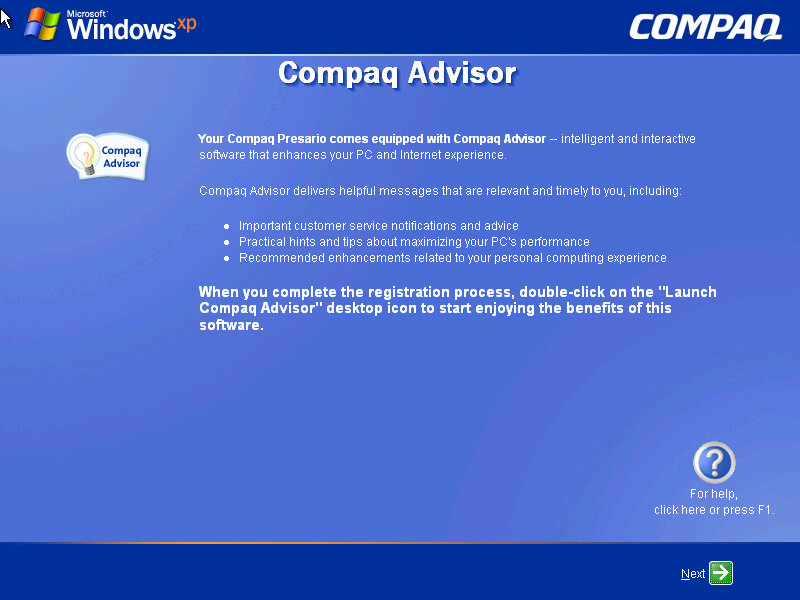
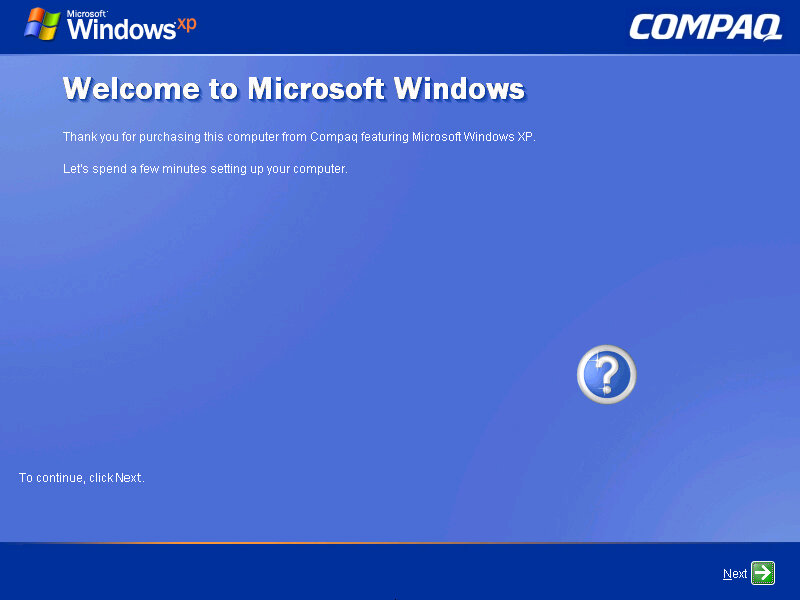
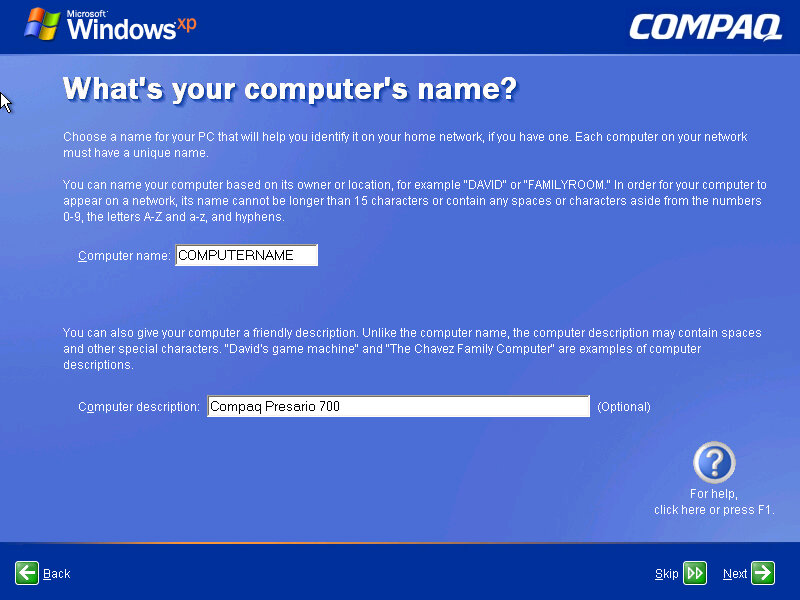
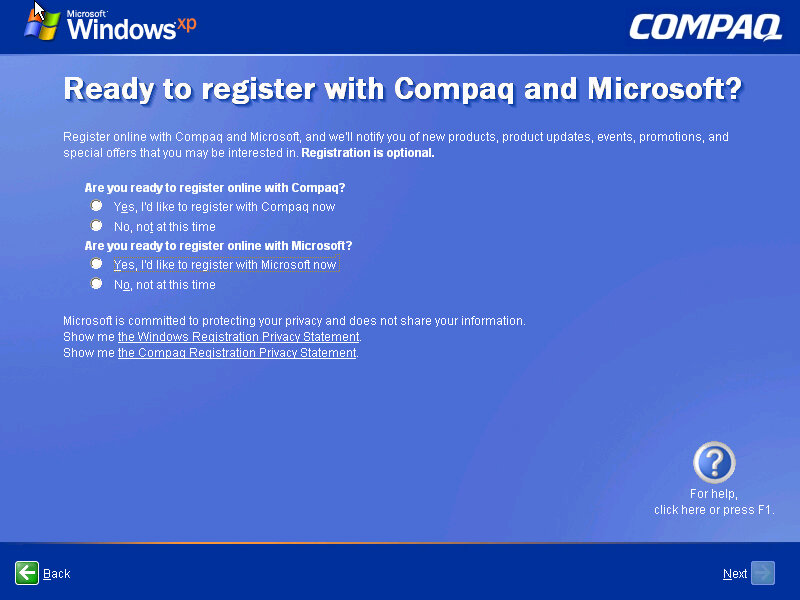
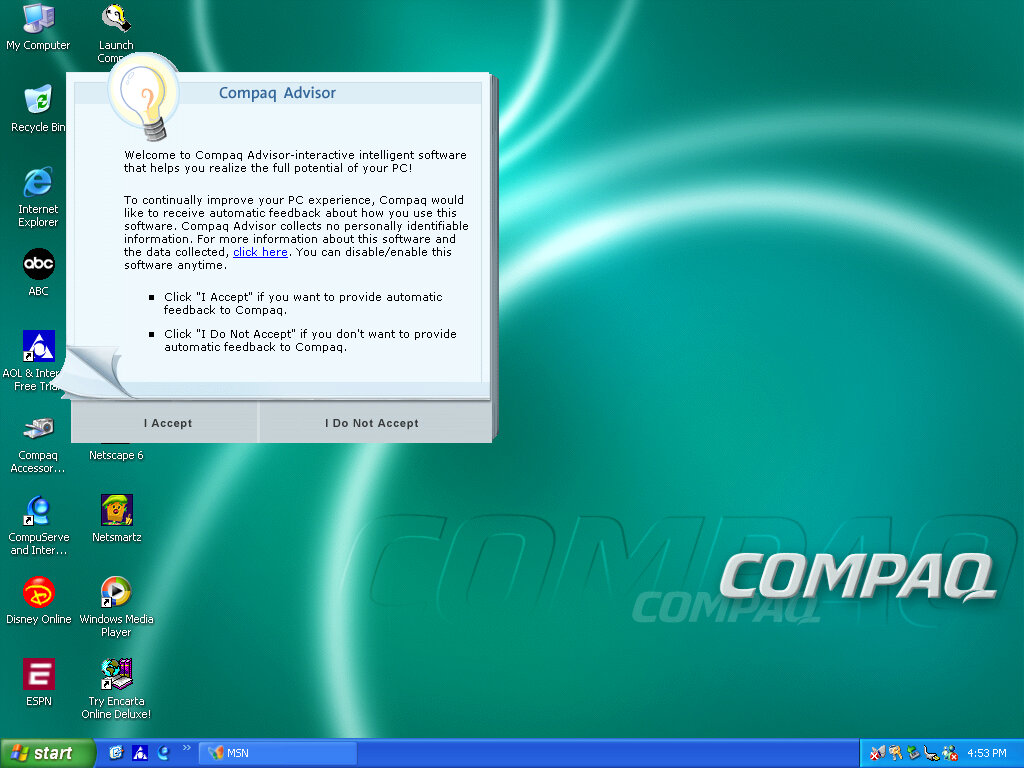
Once we cleared the BSOD boss fight we move on to the OOBE (Out-Of-Box-Experience) where we set up the system for the first time. You will notice the Compaq branding and will be informed of the Compaq Advisor, which is some sort of assistant. At this point you can also register your system, although I doubt there is much point,, Microsoft probably discontinued the registrations servers and Compaq has since been absorbed into HP.
Desktop
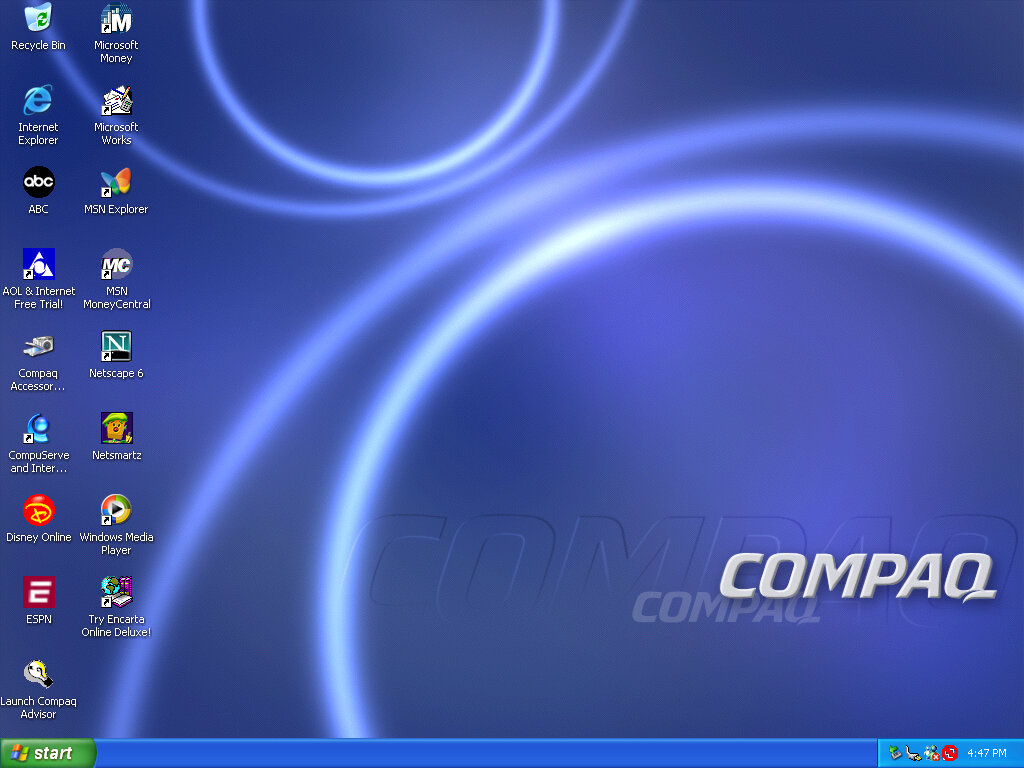
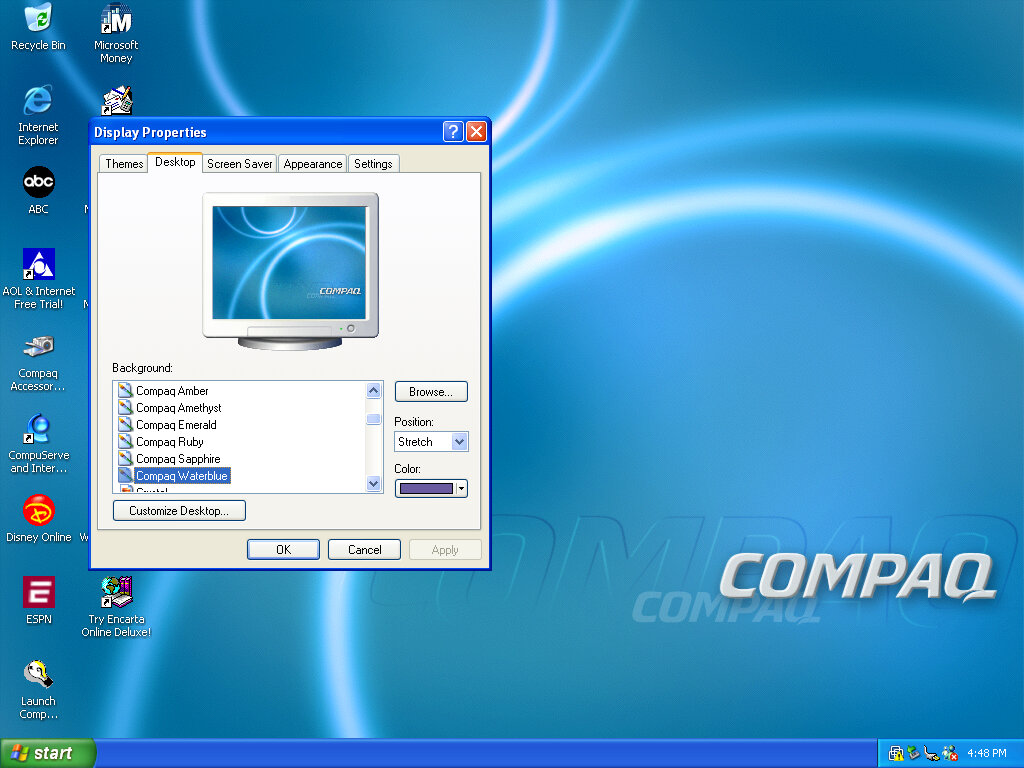
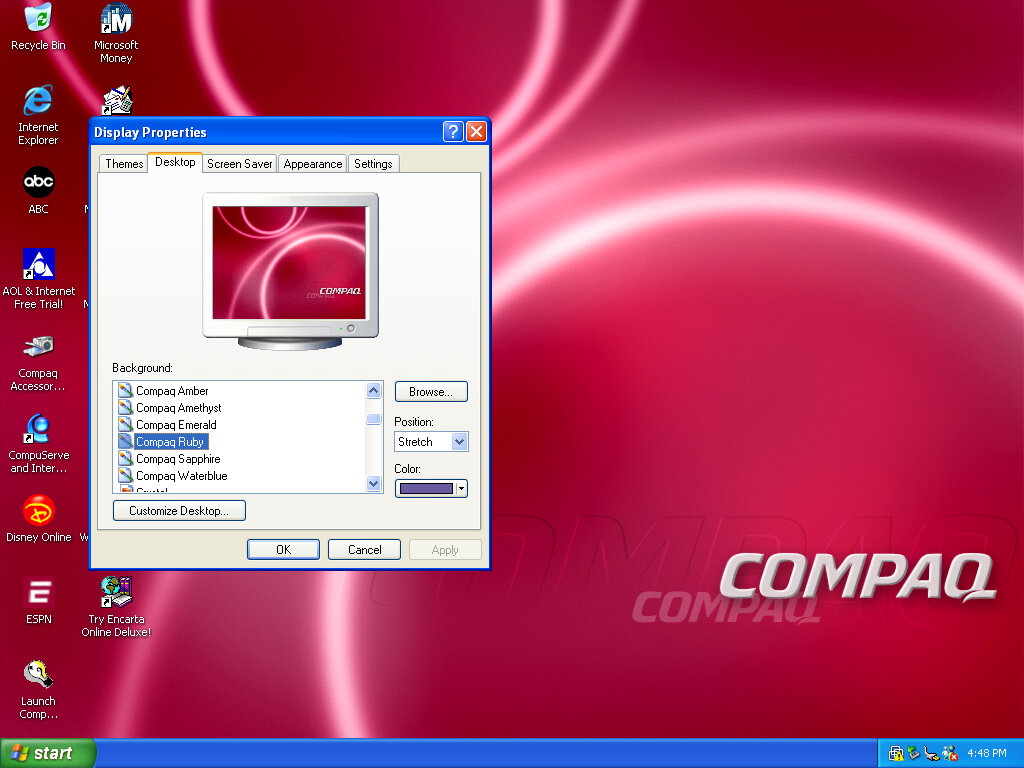
After that, we are presented with our new desktop, along with a funky wallpaper. There are several of these OEM wallpapers that are available in different colours. I’m not sure if these are reflective of the laptop itself or Compaq just whacked a few different colours for the user’s preference. It kinda reminds me of the original iMac with its various colours and shades. Of course, you also have the regular Windows XP wallpapers if you prefer.
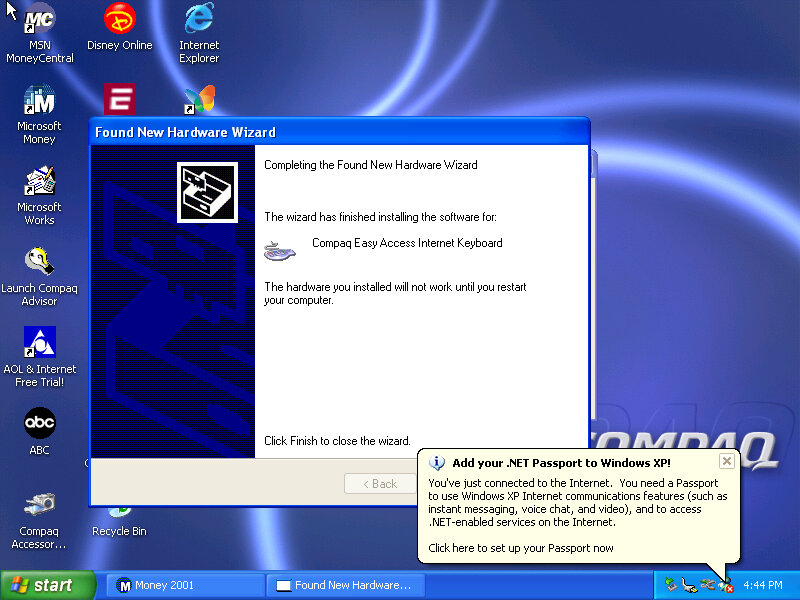
Interestingly it will try to install a driver for a Compaq Easy Access Internet Keyboard. This has little to no effect on the VMWare keyboard. On the desktop, there are a few internet shortcuts to various affiliate links like ABC, Disney,
VMWare
As this is pre-Service Pack 1 we are limited to how we can install the VMWare add-ons, the later tools require service pack 3 and will fail to install on an old Windows XP install. We can however download and mount an old version of VMWare Tools Be careful with this, as these tools were intended for the version of VMWare they were released with. I got a BSOD when trying to display one of the 3D screensavers, and had to upgrade to a later version to fix the issue.
Software
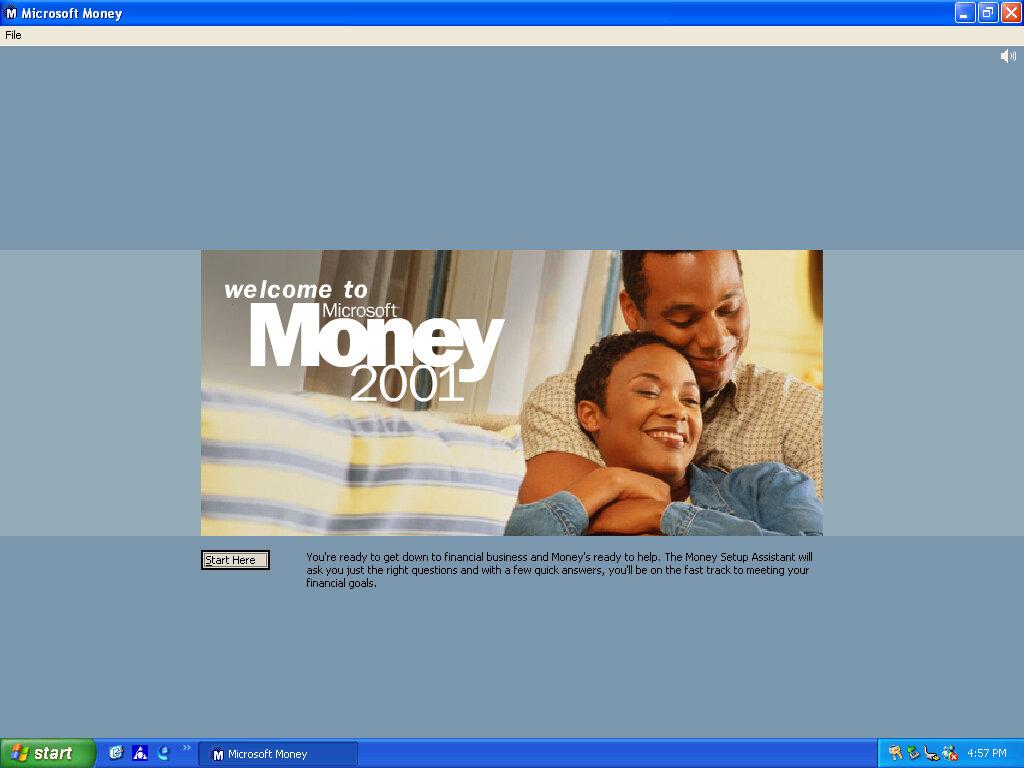
There isn’t much included, there is Netscape 6 and RealPlayer 8 bundled, and Microsoft Works and Money 2001
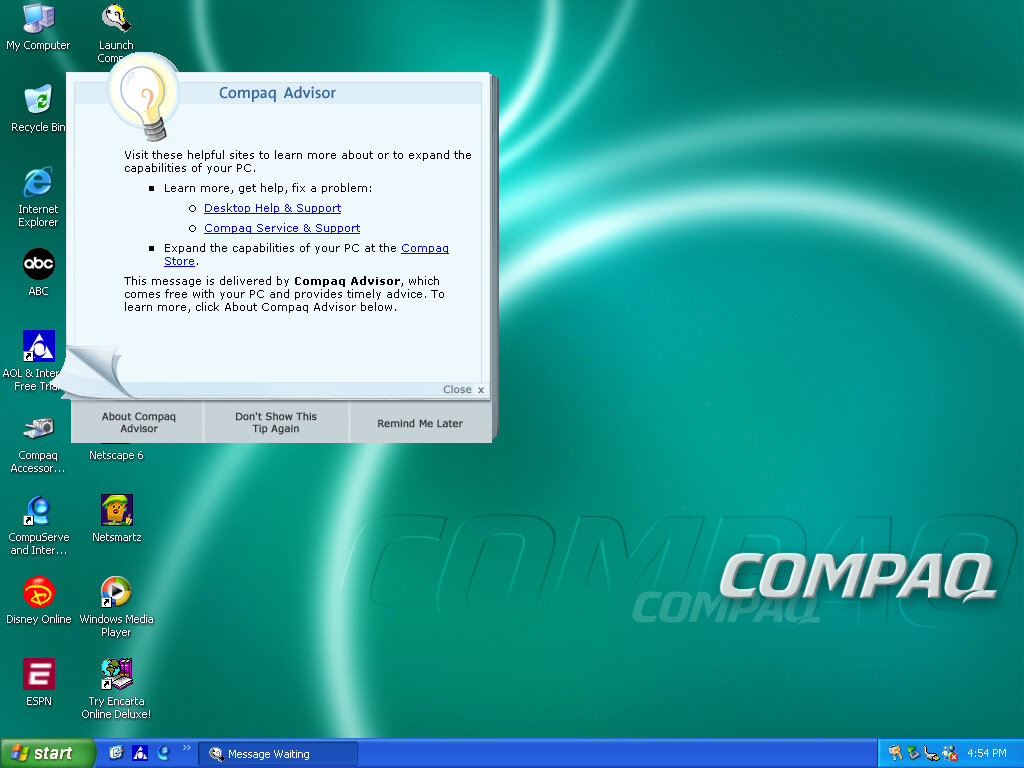
Compaq Advisor
Seems to be some sort of help/assistant program, sort of similar to the Windows Help & Support but more tailored to the Compaq-related stuff. The actual Windows Help & Support has a few customizations made to it, mainly with some Compaq stuff added.
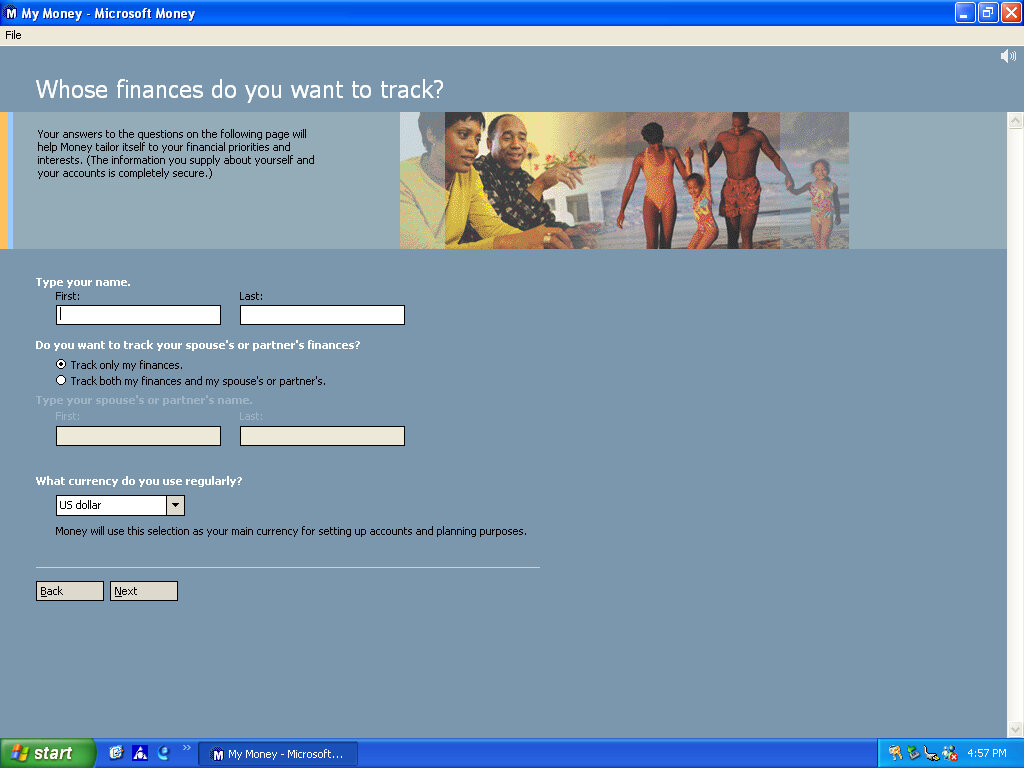
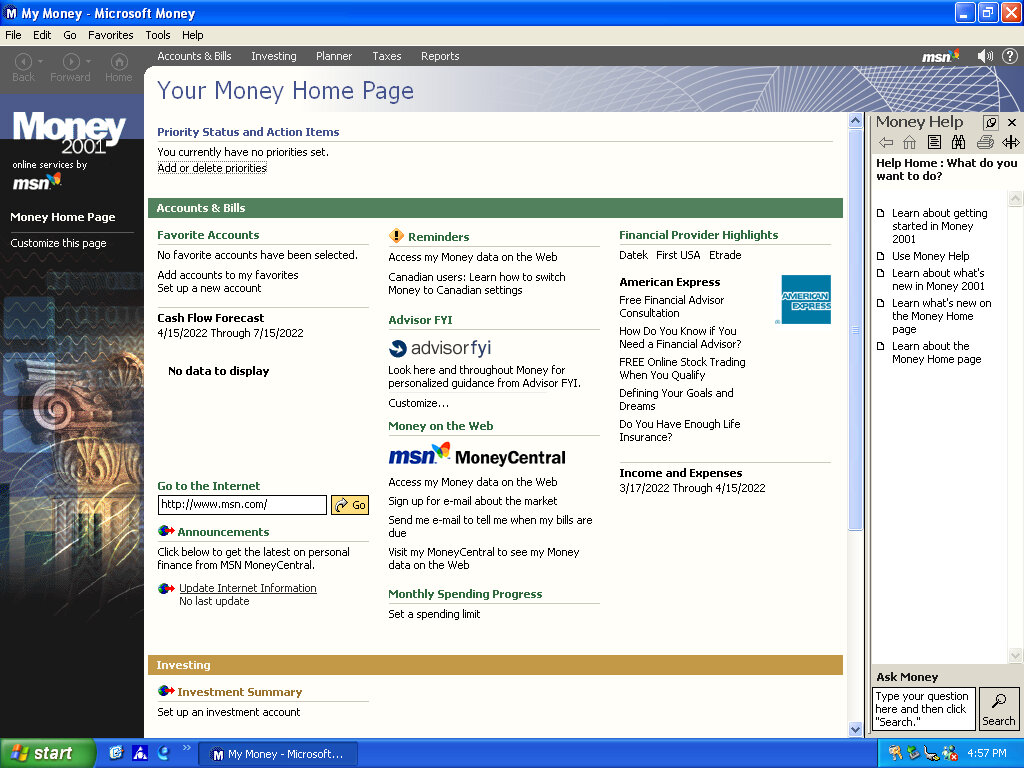
Microsoft Money 2001
There isn’t much included, there Netscape 6 and RealPlayer 8 bundled, and Microsoft Works and Money 2001
Microsoft Works
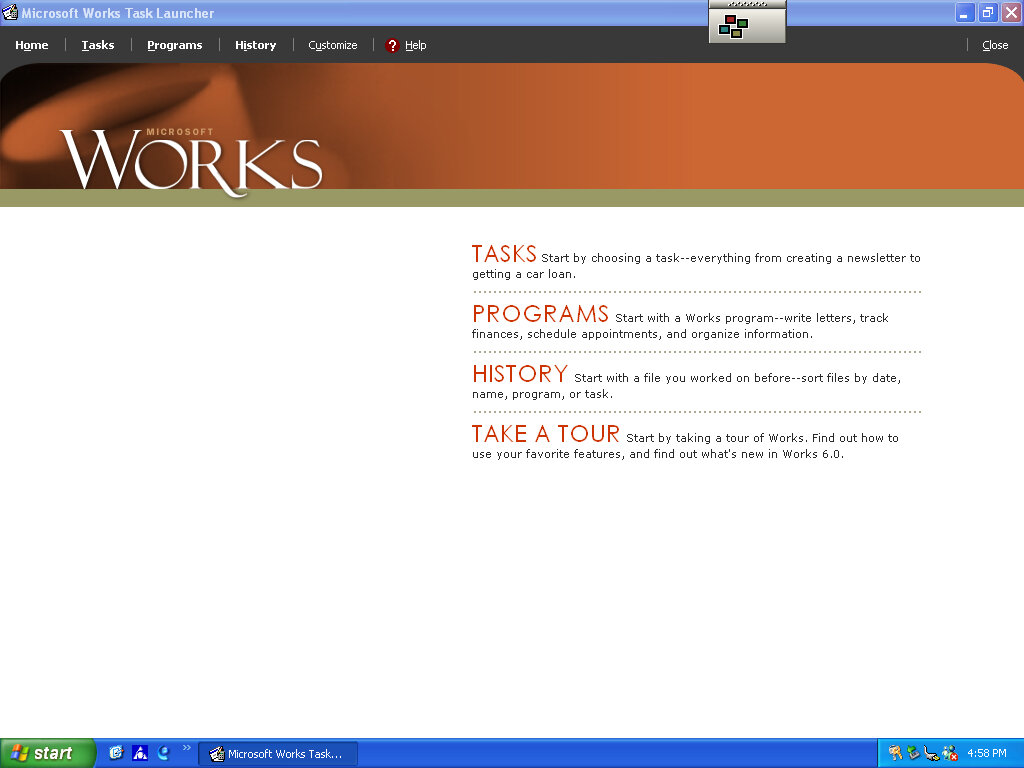
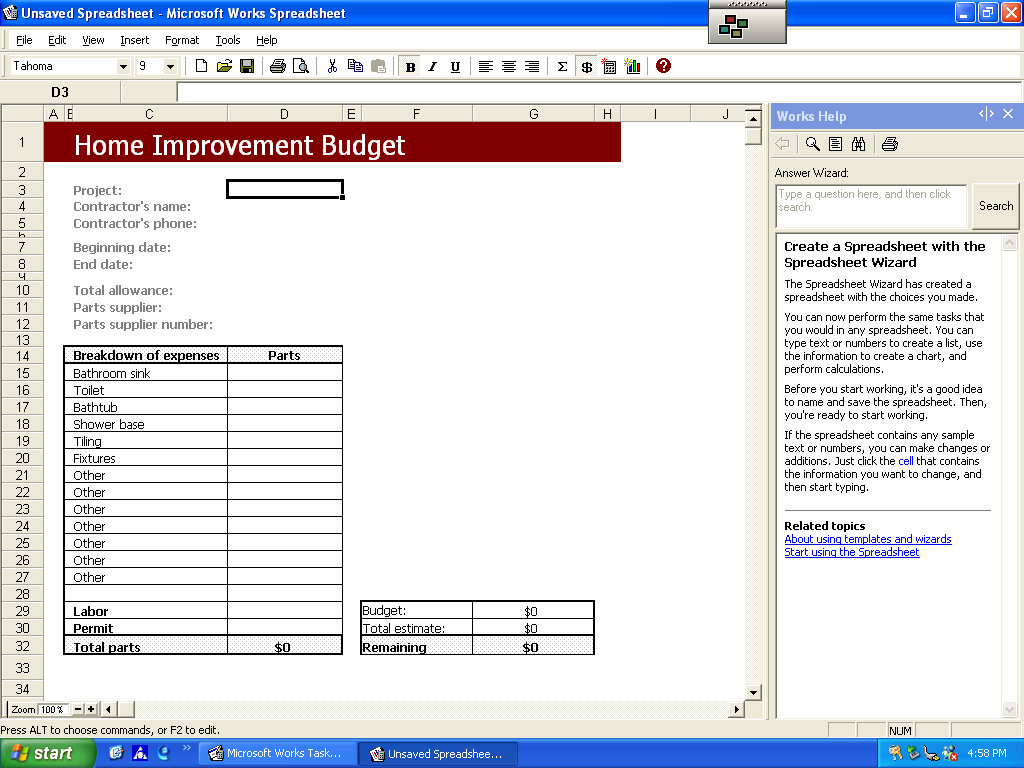
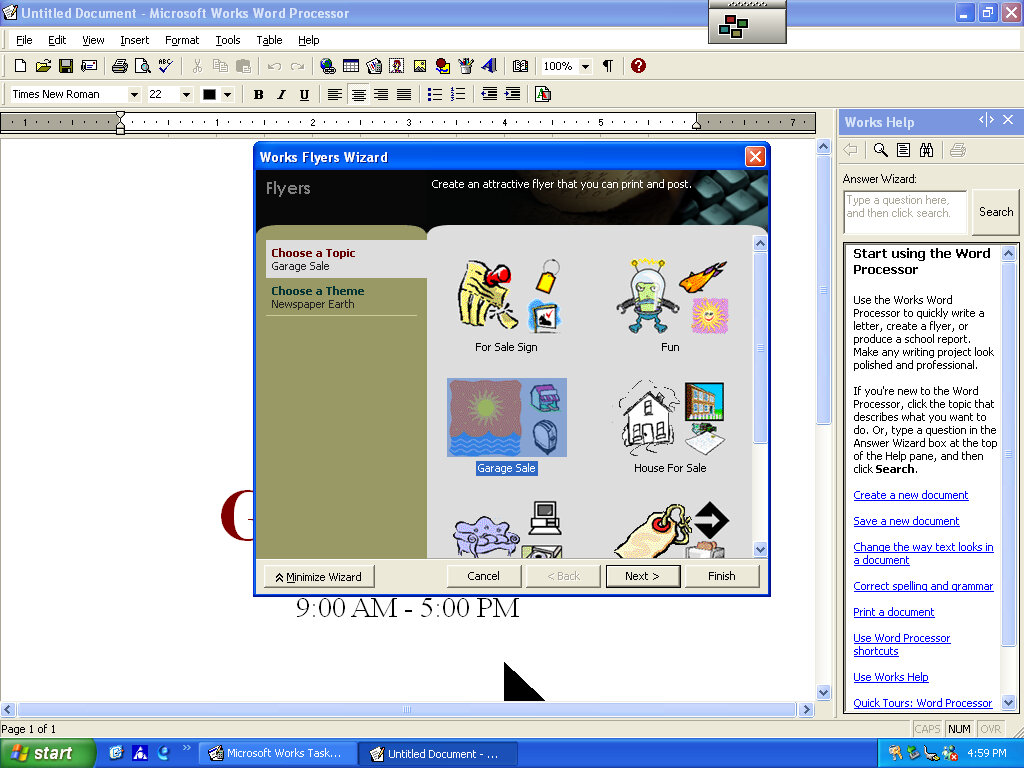
Version 6 of Microsoft Works comes bundled here, which serves as a basic productivity suite. It contains a word processor and spreadsheet software, along with a variety of templates to choose from.
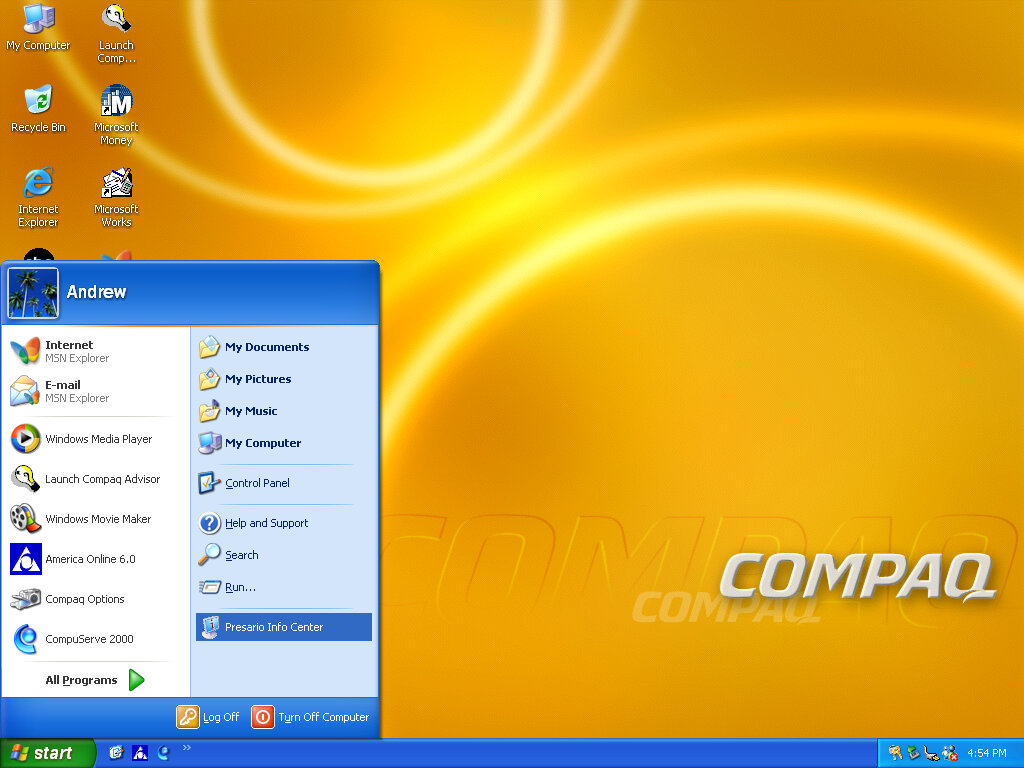
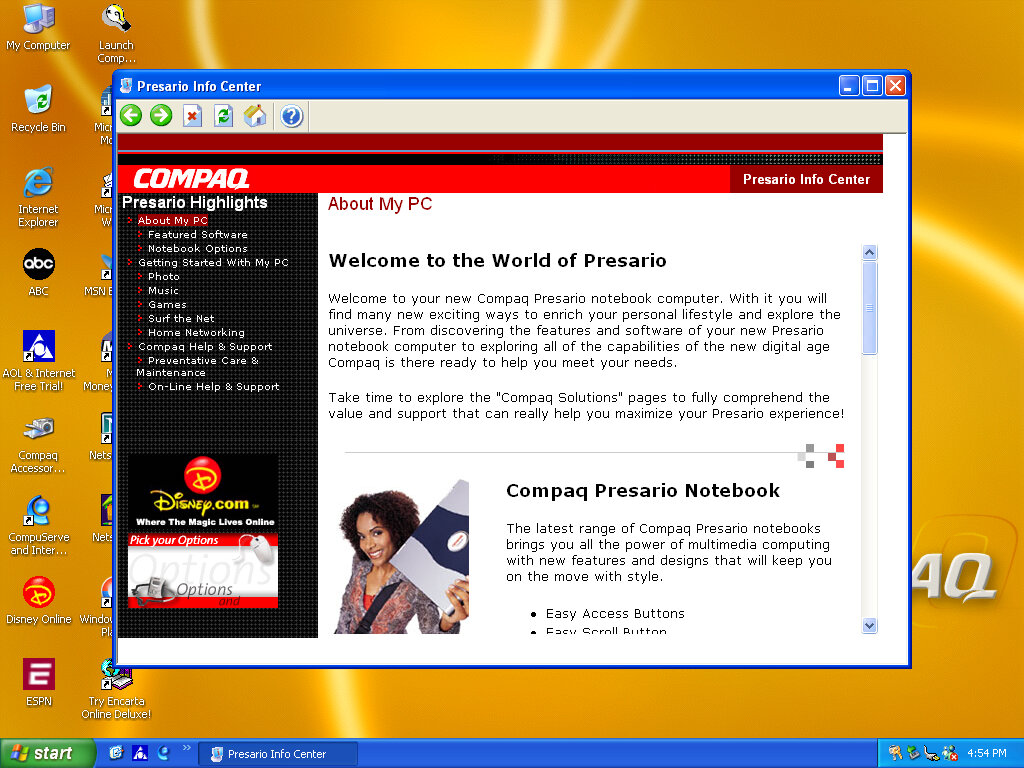
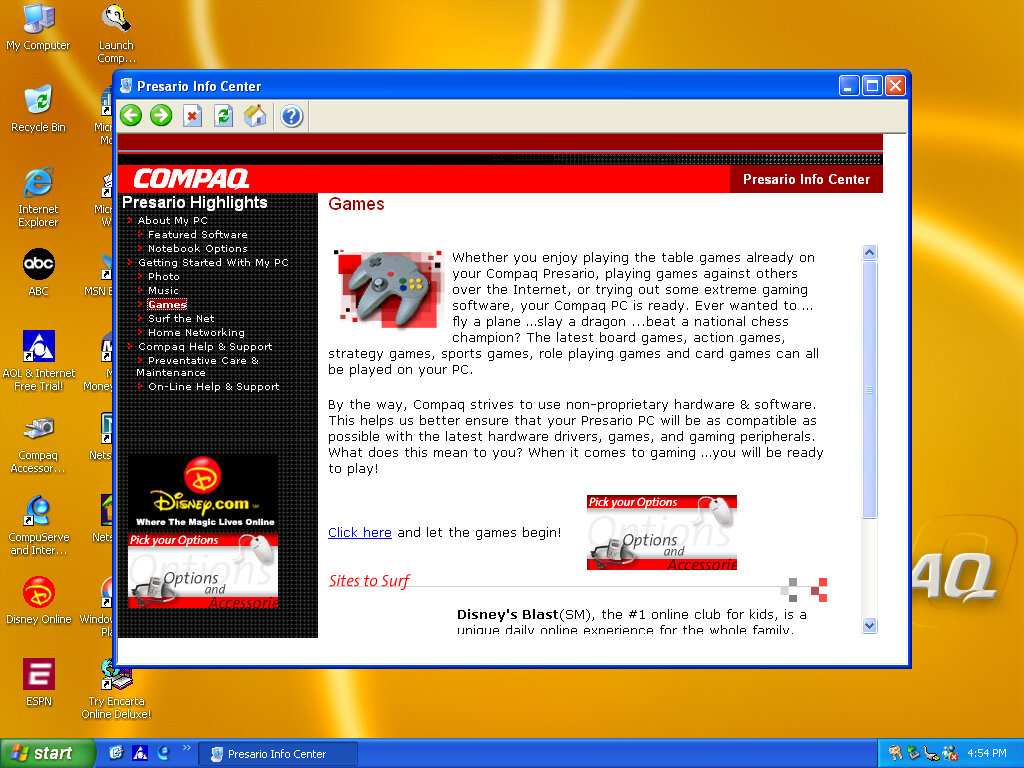
OEMLink (Presario Info Center)
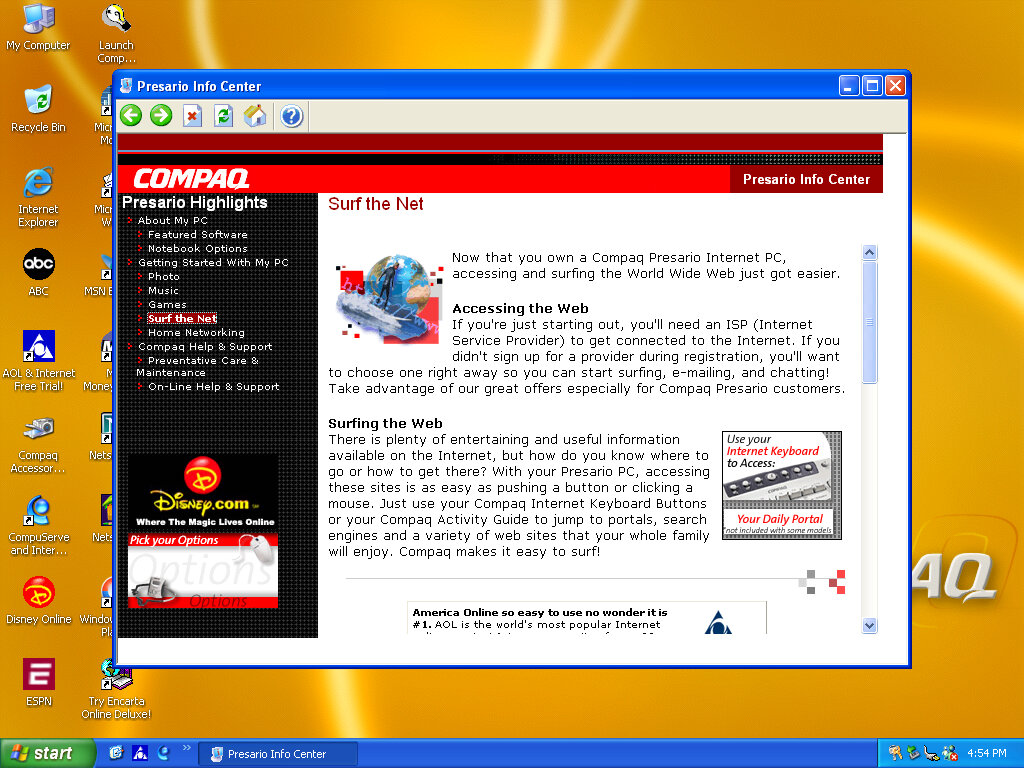
Another system I’ve found to make use of the OEM link feature of Windows XP. This acts like a help center that shows the different capabilities of the PC, along with recommended software, some of which might be preinstalled with the system. Some of these are not present here so there might be another disc that includes this.
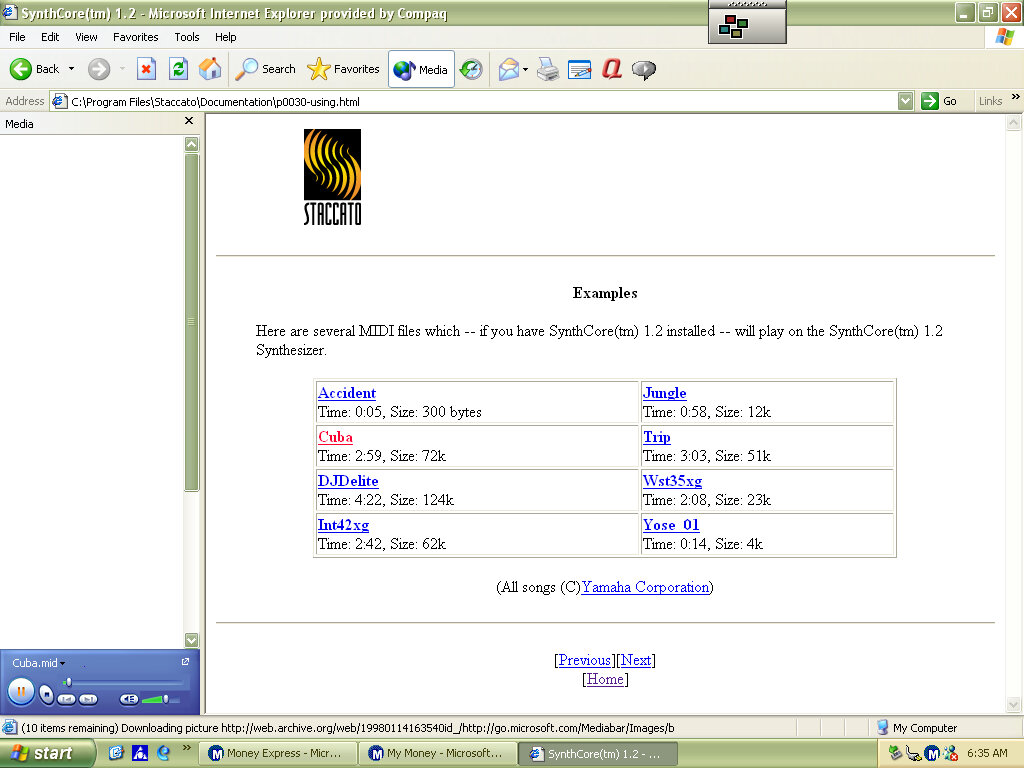
SynthCore
Also, this appeared in the start menu, it’s some sort of MIDI file samples that came bundled with the soundcard. These play normally on the emulated SoundBlaster but do not sound the same as they would on an actual system.
Control Panel
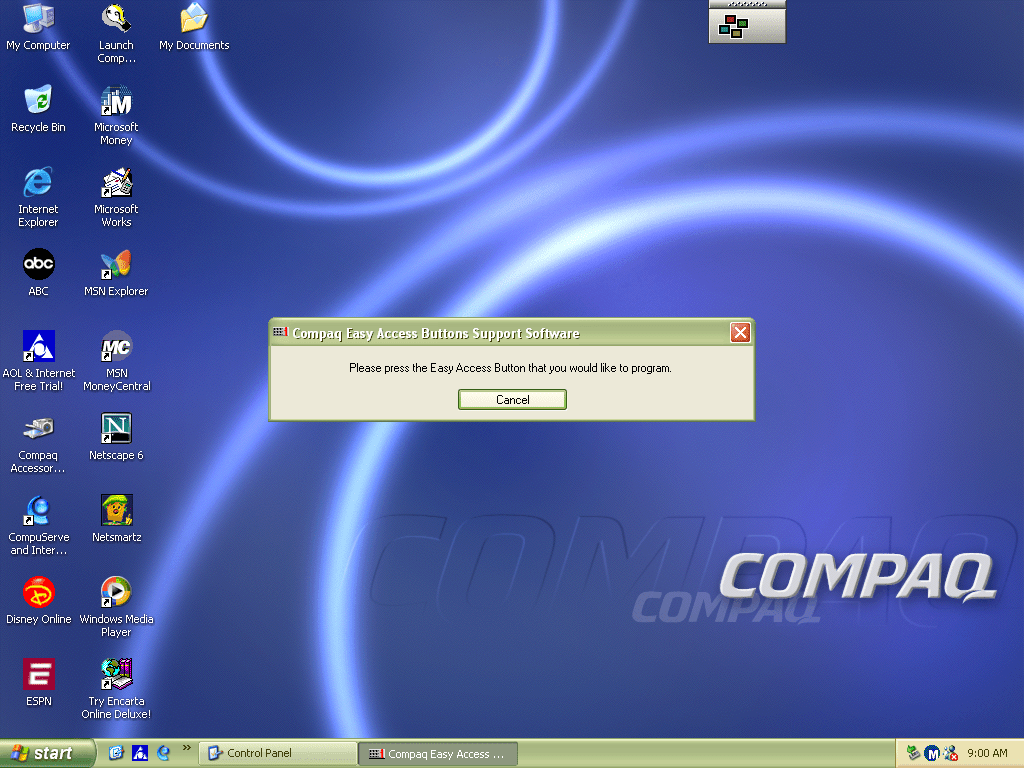
Easy Access Buttons: This lets you reassign the easy access buttons on the keyboard to open different functions
Compaq Advisor: Change settings in relation to the Compaq Advisor, appears to have been developed by Neoplanet Inc
Automatic Compaq Updates: Enables updates
SoundMAX: Opens the soundcard utility, does nothing in this VM since were using a different soundcard
We all know eMachines, and have probably used an eMachines system at one point in our lives, known for being very affordable (Cheap) computer systems for first time buyers or for people who just need a basic system. Typically found at PCWorld or Currys, These computers are typically paired with either an Intel Celeron or an AMD Durion or Athlon.
Install
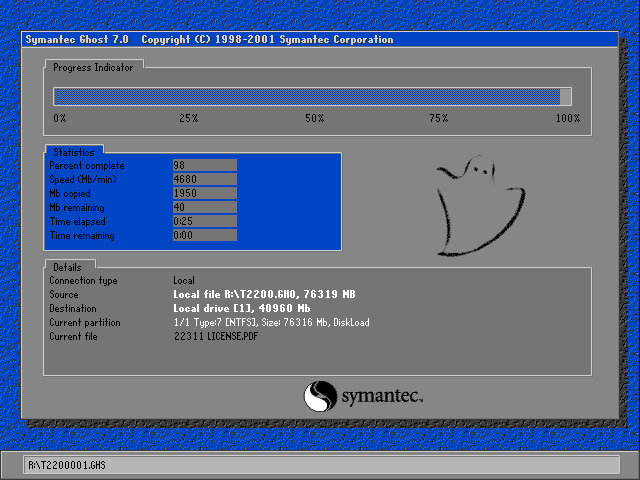
eMachines made use of Norton Ghost to operate the recovery media, this initially presented us with a Windows 9x style boot menu which gave us the option to boot into the recovery environment.
Ran into a few issues getting this one up and running. Whilst the initial restore process went through without a hitch, I was greeted with a BSOD upon bootup
Following the guidance on the archive link, I booted into Hirens and ran a script that reset the hard disk driver, which was causing the BSOD.
When the command windows open’s, choose option T first to set the target root, this is the Windows install directory (C:\WINDOWS). Just check that Hirens actually mounted it to C as it may have assigned the hard drive to another letter.
Programs > Registry > Fix Hard Disk Controller
Programs are located in the Hirens Program launcher, Not the start menu
Alternatively, navigate to the CD-ROM root and go to HBCD\Programs\FixHDC.bat to launch the program
After a reboot, we were able to boot into Windows and progress through the OOBE section, which has some eMachines customizations.
OEMLink
The start menu here has an OEM link which I’ve rarely seen on Windows XP systems. This is an option that can be selected in the Windows XP start menu that takes you to online OEM information.
Realtek AvRack
Some sort of bundled media player that makes of the sound cards processing functions, none of these are functional under a virtual machine since it emulates a different soundcard. I was able to play a regular MP3 file but none of the effects would work. These would have included echo and voice pitch changing effects
AIM AOL Instant Messenger
Another popular instant messaging application, this was supposedly popular in the US, but didn’t take off in the UK where MSN was more popular.
ICQ
ICQ was a popular instant messaging program before the likes of AIM and MSN Messanger took over. Each user would have a unique ICQ number. I personally never used it myself since it was already obsolete when I first heard of it (2004) and barely anyone I knew had an ICQ account.
McAfee
Bundled antivirus software, this also comes with a firewall bundled. Sadly this version can no longer be updated and we are stuck with virus definitions from 2002.
Although once you enable the firewall, be prepared for endless connection alerts whenever you open a program or even do anything that uses its own socket.
Winamp
A popular media player bundled with this system. A little redundant with Windows Media Player, unless Winamp is capable of playing a file that WMP cannot.
Microsoft Works
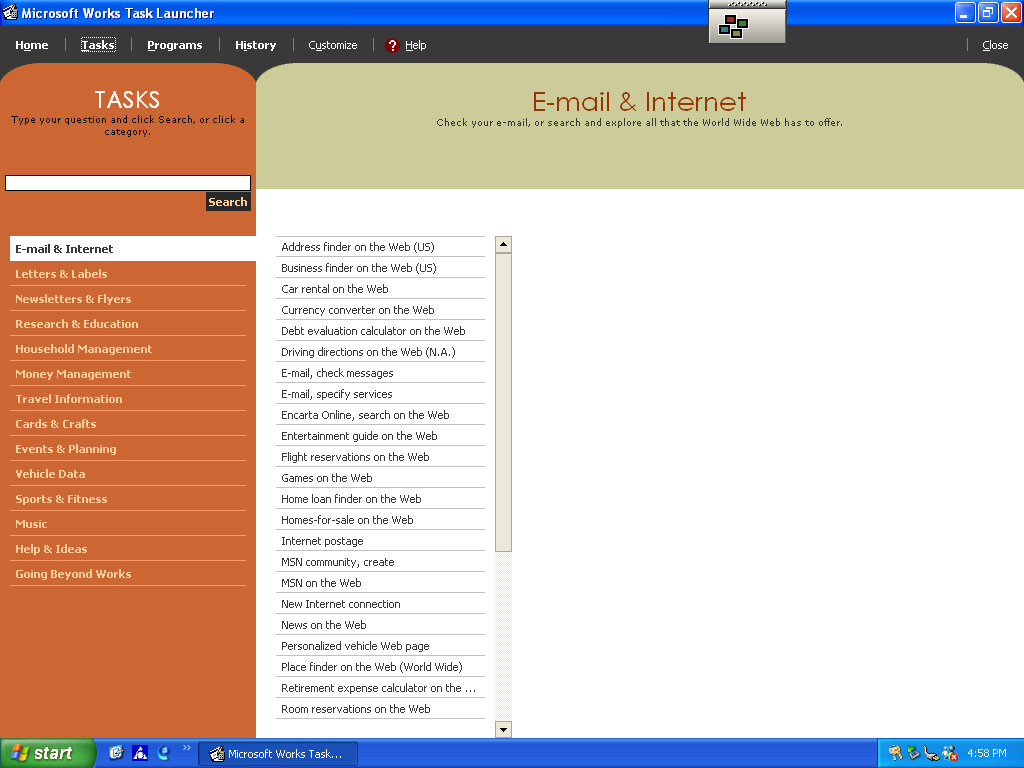
Microsoft’s entry-level productivity suite that provided a word processor, spreadsheet software, and a basic database. To make the program more user-friendly to use, a a task launcher is used to open various elements of the application since this is designed to appeal to users who are not familiar with office productivity software. Here a user can select from a list of tasks they wish to complete, and Works will open the correct template for them.
Some of these are very specific like coaching a sports team or planning a family reunion. Some of these are quite useful, there’s a template to create a fitness log using a spreadsheet that helps keep track of your workouts, or if you want to keep track of road trips.
Microsoft Money
Money 2003 – used to organize your finances and bank accounts, back in the early days of internet banking. Nowadays most banks offer something similar online.
Cyberlink PowerDVD
PowerDVD is software intended to allow DVD video to be played, it was commonly bundled with PCs that came bundled with a DVD drive. Although I’m sure Windows Media Player is capable of doing the same thing so this software would be redundant?
BigFix
Appears to be a utility that monitors your PC’s performance, and is preinstalled from the CD. There are also links to eMachines technical support. In normal operation, it will notify you if a software update or patch is available and will prompt you to install it (It does not install automatically). Although if Windows Update is enabled then this kind of redundant, possibly that would have checked for driver updates also?
BigFix was later acquired by IBM and was renamed IBM Bigfix.
RealPlayer
Realplayer was a popular way to stream video over the internet since it was cross-platform, supporting both Windows and Macintosh.
Compuserve
Another internet service provider provided its own software to access its services.





































 Drew1440: Blog