A look at the Fujitsu LifeBook S6120 Windows install, running in a Parallels Virtual machine. Fujitsu are a well known brand in Japan for Personal Computers and are no stranger in the West either, having enterprise contracts with various corporations and governments for IT solutions. Fujitsu also produced FM Townes Marty range of computers that were popular with the Japanese market and used x86 processors.
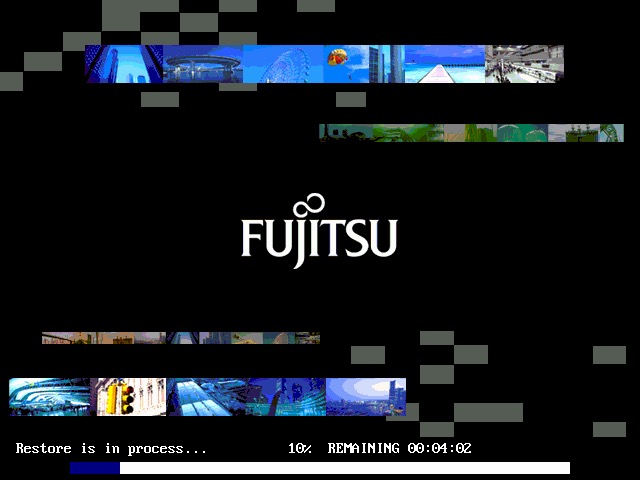
Starting the recovery process. At first i thought the graphics were corrupted, probably not a good idea to use this effect for recovery software
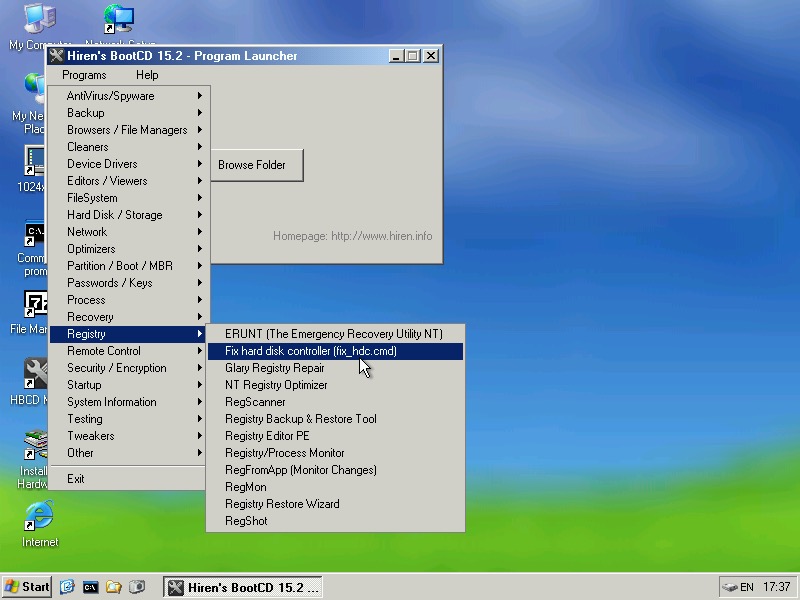
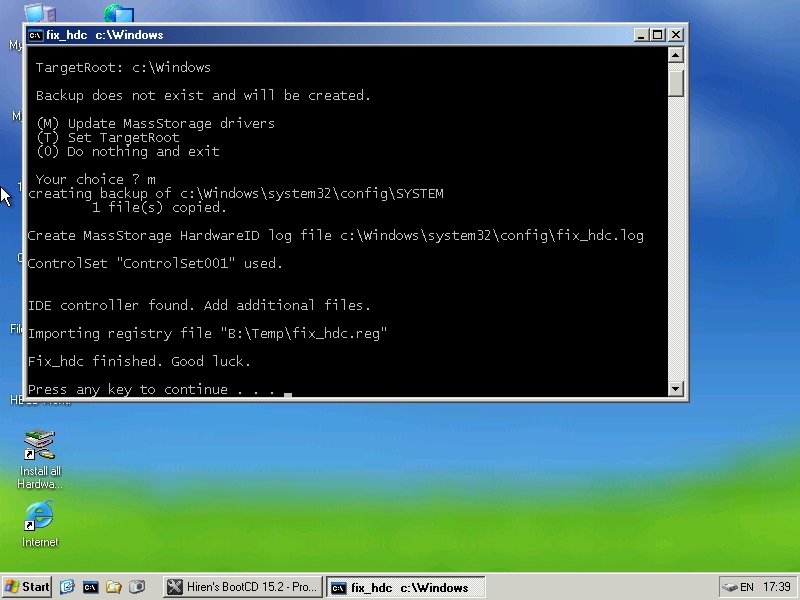
We need to reset the HDDcontroller settings in the Windows registry, to do this we need Hiren’s boot cd. Start Mini windows XP and then click on Hiren’s Menu and select Fix HDD controller form the Registry menu. If you’re stuck at this point, refer to the two screens above which will point you in the right direction
Once the console comes up, select option 2 and then enter the install directory of the Windows folder, which will be C:\Windows.
If unsure, Alt Tab out and check in my Computer to see which drive letter its mounted as
When everything is correct, you can reboot into the install
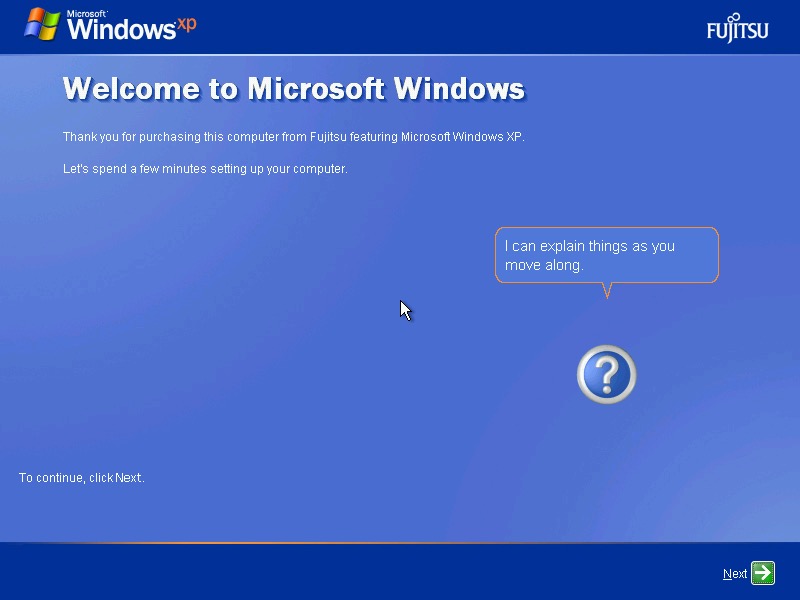
The OOBE with the Fujitsu Logo
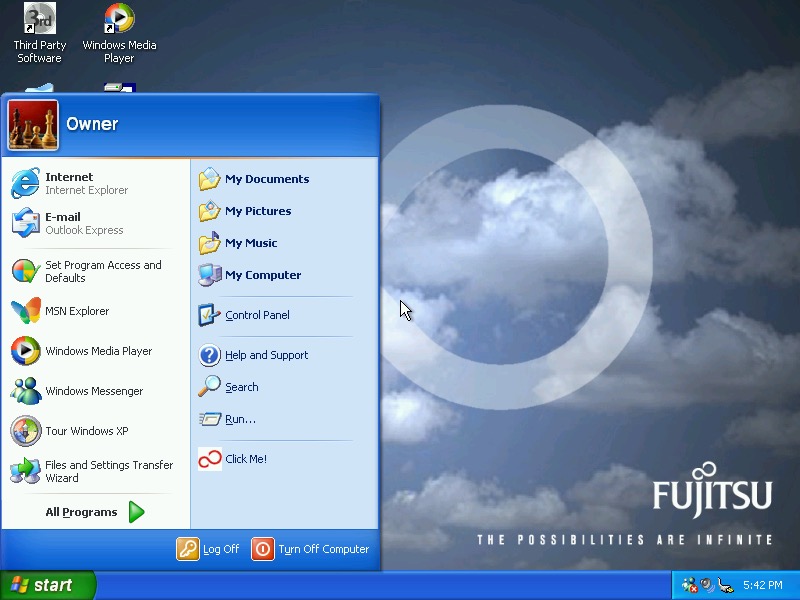
And the desktop, with a custom Fujitsu wallpaper. A few others come included that have the Fujitsu infinite logo, which reminds me of that hidden Sonic CD screen (fun is infinite)
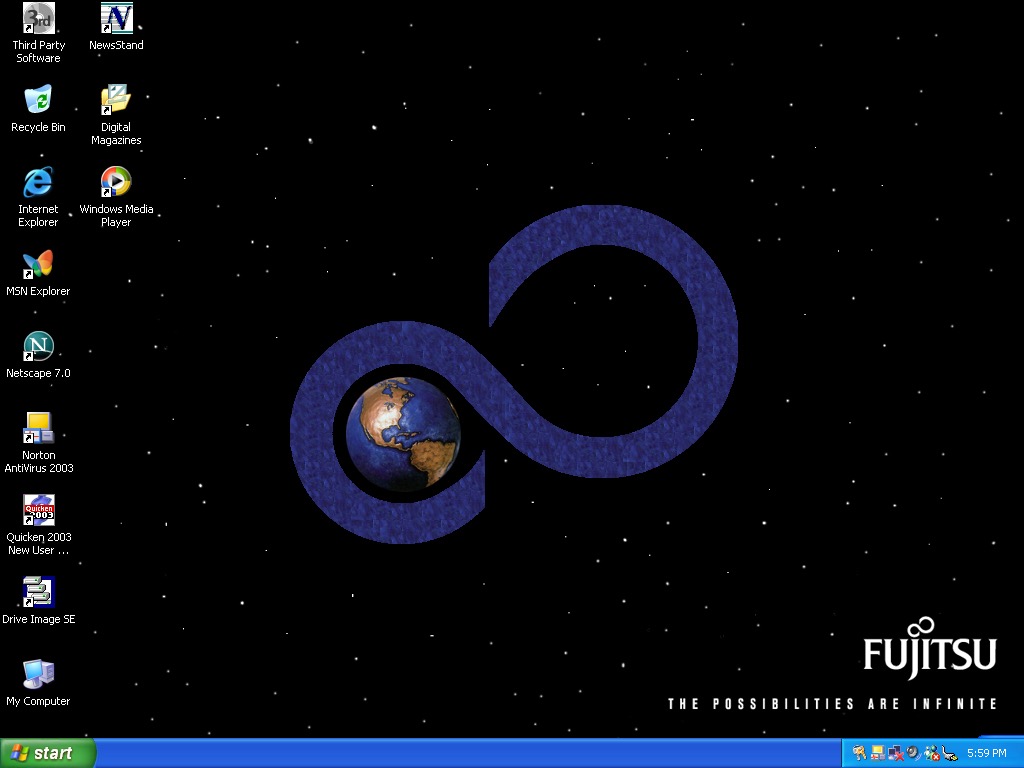
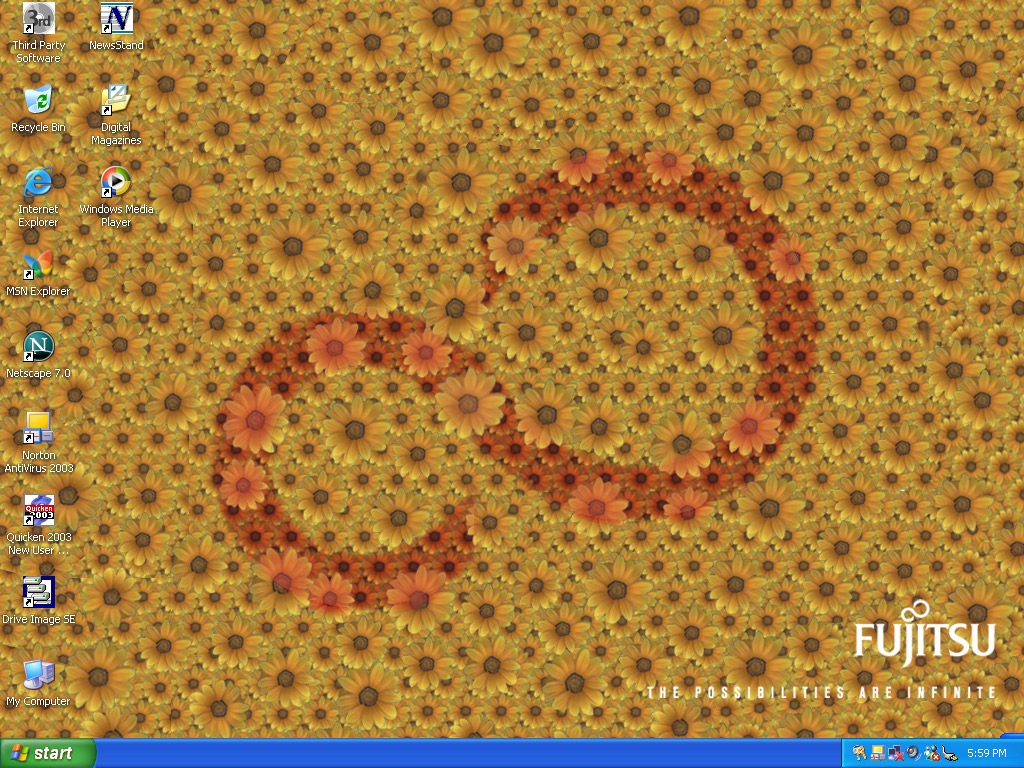
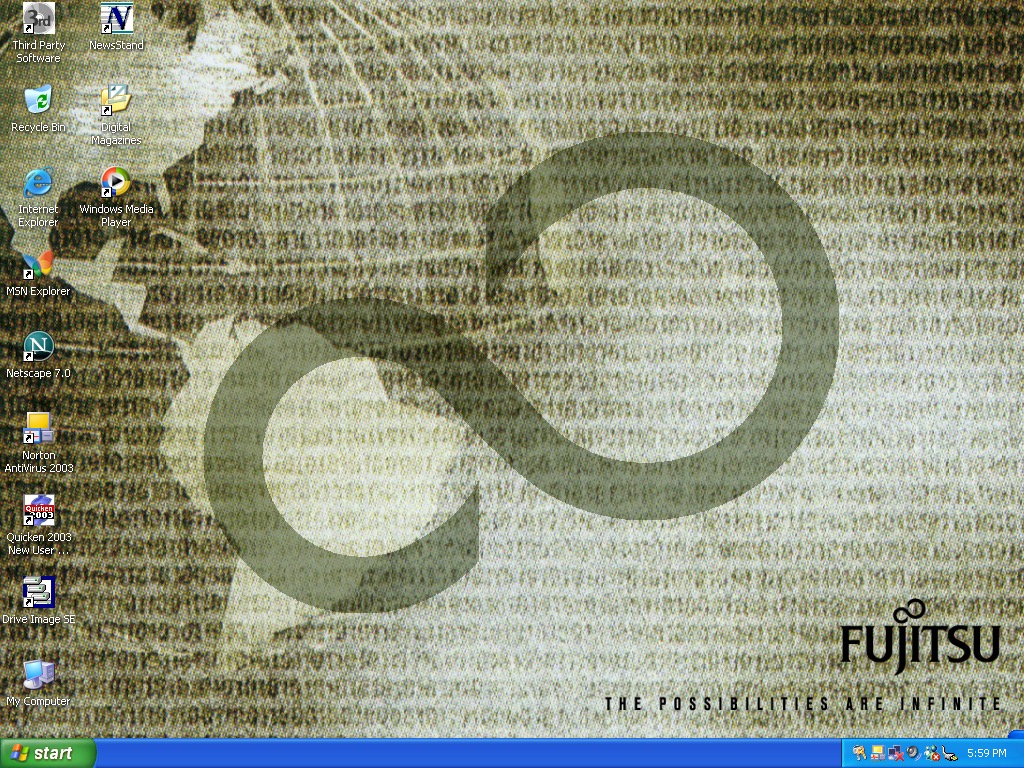
Now lets take a look at some of the software
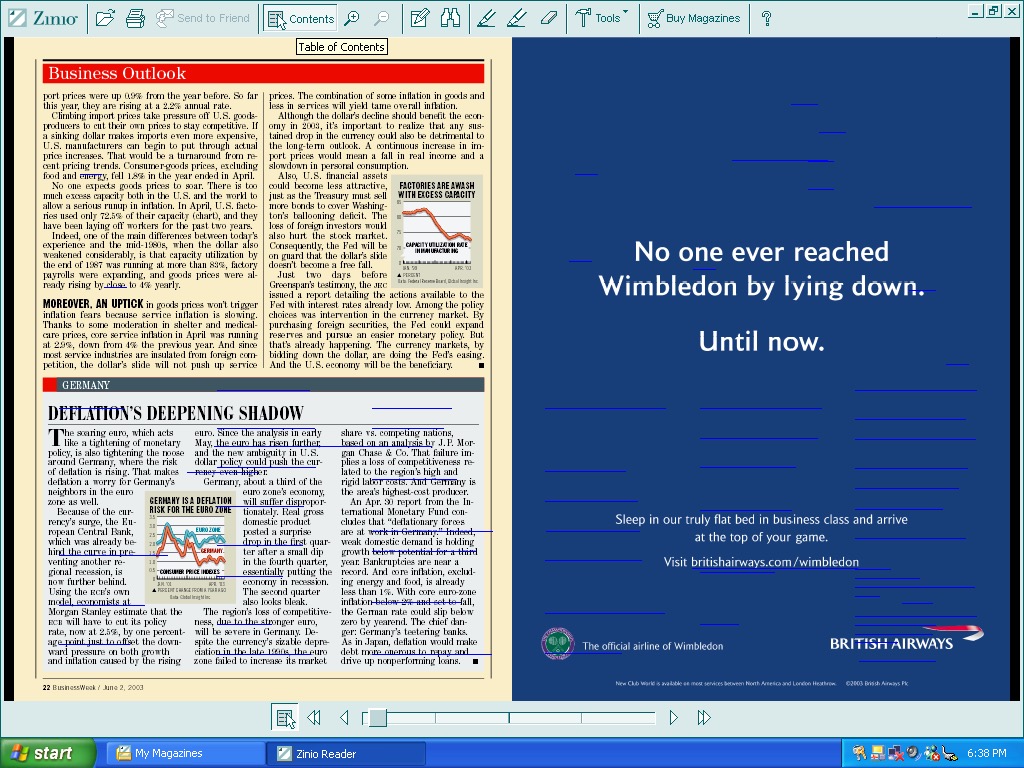


Zinio Reader, appears to be a magazine reader of sorts. Kind of like Adobe Reader but has a few documents on there already which look to be magazines.
Unfortunately whilst I can open them, trying to turn the page causes the VM to freak out and suspend with a graphics error. I’m guessing the program is trying to do something that the virtual GPU does not like. This happens quite friendly and you can see a bunch of blue lines appear when it happens.
Included magazines appear to be from BuisnessWeek, Harvard Business Review, Sporting News and PC Magazine. This service is actually still going, and you can still purchase magazines from there, although this version of the client is long obsolete.
There’s also NewsStand reader, which serves the same purpose
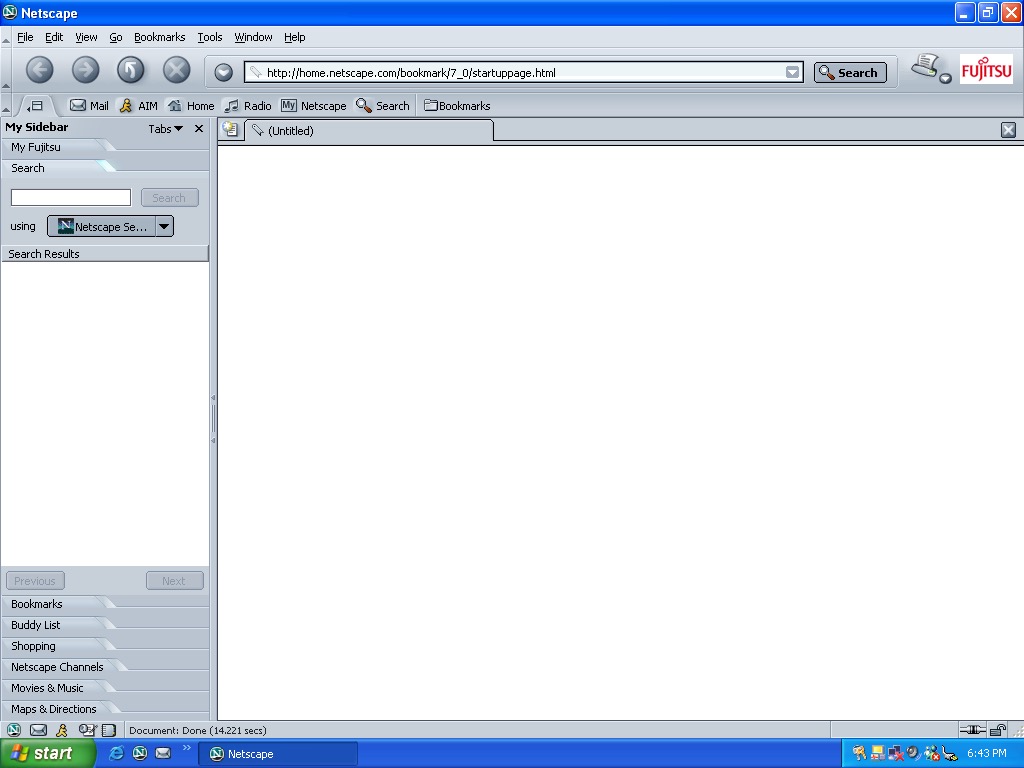
Netscape version 7 comes included, with some Fujitsu branding
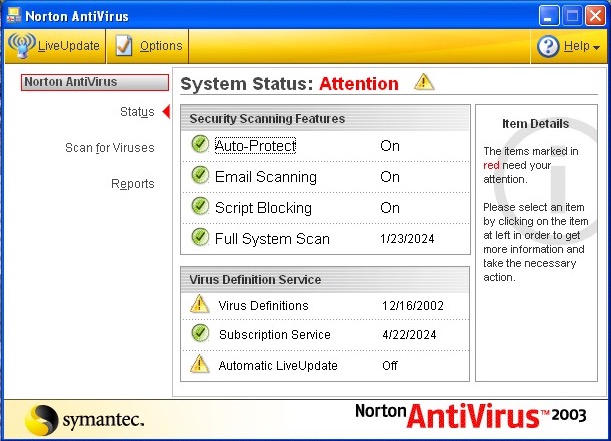
Norton AntiVirus 2003 is the security software included here. This only includes the antivirus, not the internet security suite. I couldn’t get this to update unlike the Norton Internet Security that was seen in the VAIO RG620
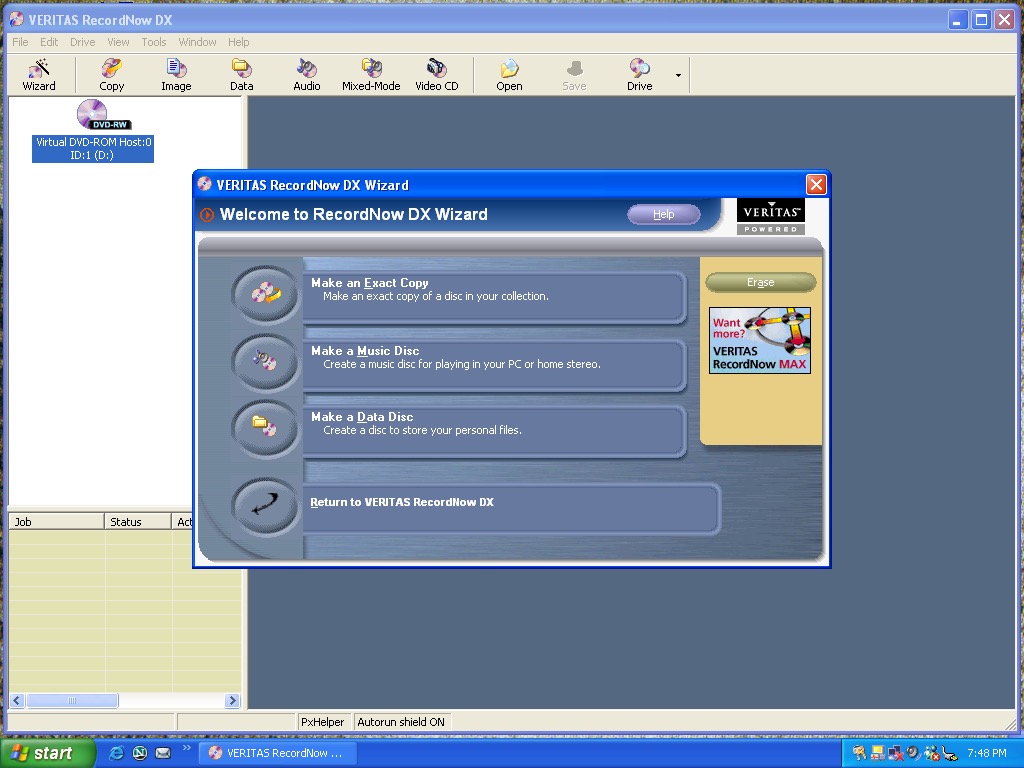
Veritas RecordNow – I’m sure this was originally made by Sonic (Sonic RecordNow!) or they might have acquired off them. Either way this is the software used to burn CD and DVD’s containing either data or music.
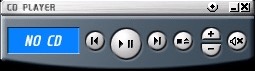
A CD player application comes invoiced that can play audio compact discs. You might think why does this exist when you have Windows Media Player installed but this is a dedicated CD pLayer application and have a very compact interface, ideal if you just want to listen to CD’s without the bloat of Windows Media Player. This only plays from the primary CD player, so connecting a USB CD drive didn’t work at first until I 69’d the drive letters in disk management so that the USB drive was the D:\ drive.
It’s a nice program to listen to music to whilst you work, and you can possibly control the playback via the media keys on the laptop itself.
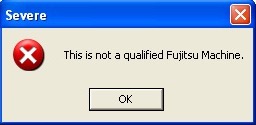
There is also a security panel application, but this does not load. Instead we are treated to this error message. Chances are its BIOS locked to Fujitsu laptops.
Microsoft Works comes included here which serves as a basic productivity suite. Im surprised this here as this class of laptops would have been used in an office environment where Microsoft Office would have been used instead.
Other software that comes with, but not already installed is Microsoft Reader and Windows Journal Viewer. This can be installed by clicking on the Third Party Software icon on the desktop which opens the folder where the installers are located
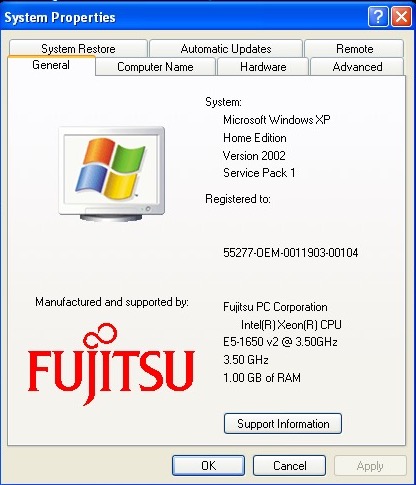
A look at the OEM branding in the system properties
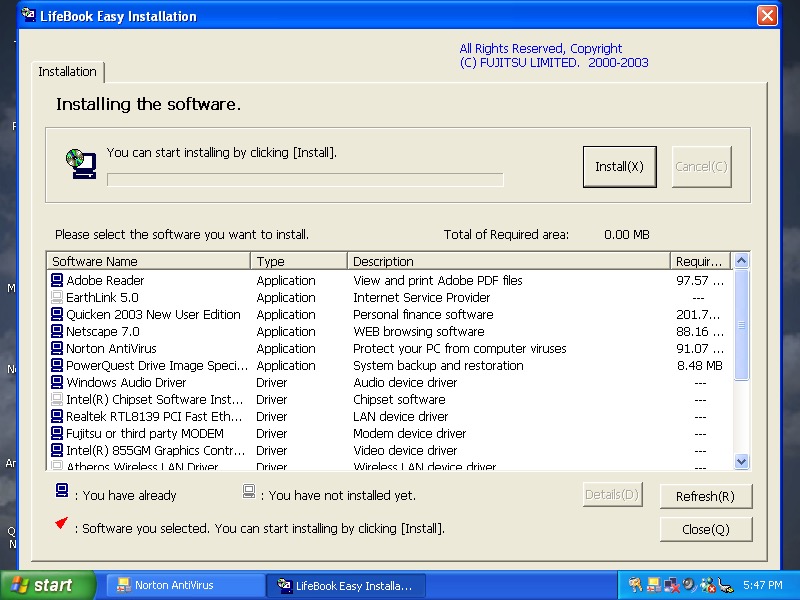
Inserting the second CD-ROM starts the easy instillation which is used to install additional software. So far everything appears to be installed already from the recovery image, though this might be used to install supplementary software the retailer might have included as part of a bundle.
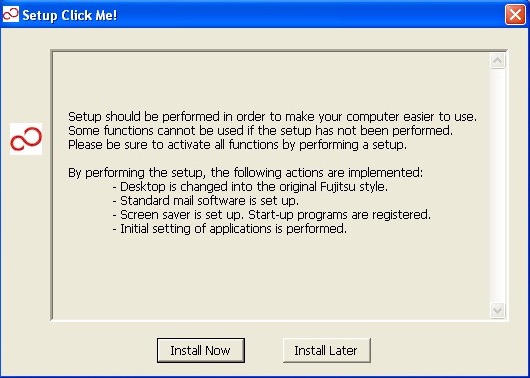
If you’re wondering what the Click Me! link in the start menu does, it displays this message and then disappears, along with the shortcut itself. Probably self terminates if it detects it’s not on a legit Fujitsu machine
 Drew1440: Blog