Tag Archives: Microsoft Windows

Compton’s Interactive Encyclopedia 99 Deluxe

Compton’s Interactive Encyclopedia 99 was a popular educational software program released in the late 1990s. It aimed to provide users with a comprehensive and interactive encyclopedia experience on their personal computers. This version was taken from a Time PC bundle.

Distributed on two CD-ROMs, you will be required to swap out the CD for certain articles or media clips. If your PC had two CD drives and has both discs inserted, the software will automatically switch between the two drives. You will still receive a prompt to swap the disc but if you click Ok, then the software will automatically swap to the next drive.

Atlas

Clicking on the Atlas button on the Control Bar displays an interactive atlas that lets you find places in the world by location and name. Use the atlas to find locations on a world map; maps of continents, regions, countries and dependencies, states, and provinces; and historical and thematic maps.

When you first click on the Atlas button, a world map appears. If you click on an atlas icon in an article, in Related Items, in the Find Viewer, or in other lists, the atlas opens to the specified location.

Timeline

The Timeline button on the Control Bar lets you explore information about important events, people, and eras or trends throughout world history, from 10,000 B.C. to the present. Use the timeline to discover when a particular event occurred, the order in which a series of events happened, and which events were happening at the same time.

The timeline has a horizontal scroll bar along the top of the window that shows the complete span of time, a portion of which can be viewed on the timeline below. The small box in the scroll bar represents the position in time that is currently shown in the timeline.

The pictures, icons, text, and era bars on the timeline mark specific events you can explore. Use the vertical scroll bar to move up and down to see all the timeline elements for the currently displayed time period for the United States and/or World History. Move the cursor over a timeline element to see the date an event happened and a brief description of it. Clicking on other elements will present music or sound, movies, tables, maps, or articles. Some era bars may also link to lists of events from that era that in turn link to articles, sound, and other types of media. Click on any underlined text in an article to open a related article.

Research Tools

The Topic Chooser can be used to see the contents of the encyclopedia as a set of topics and branching subtopics. Browse through the topic lists to find areas of interest. Start with a broad subject and narrow your view to a specific aspect by exploring related subtopics.

Each topic on the first list has a folder beside it, indicating that each topic has related subtopics and articles. Subtopics are indicated by folders, which can also be opened to show more subtopics or articles.

You can use the Bookmark List to see a list of the bookmarks you’ve created. (Bookmarks can be created to mark an article, a Dictionary/Thesaurus entry, a Timeline item, a picture, a movie, a sound, a table, an Atlas map, an update, or a Web link.

Dictionary / Thesaurus

The Dictionary/Thesaurus can be used to look up words using Webster’s New World Dictionary, Third College Edition, and the New Revised Edition of Webster’s New World Thesaurus. You can also double-click on a word in an article or a caption to access these features. When you open the Dictionary/Thesaurus from the Research Tools button on the Control Bar, type a word in the viewer’s text box and press Enter to see the word’s definition. When you open the Dictionary/Thesaurus by double-clicking on a word in text, the word appears in the viewer’s text box and its definition is displayed.

Presentation Maker

Presentation Maker allows you to create multimedia shows and presentations by combining and arranging information you find in Compton’s Interactive Encyclopedia—articles, tables, pictures, Atlas maps, Timeline items, movies (including animations and slide shows), sounds, atlases, and star maps. You can also create title screens and other screens of text, which you can decorate with borders and colored backgrounds. For a finishing touch, you can even record your voice to narrate the show.

Creating a show is easy, Gather or create the components of your show and place them into a script. Your show can contain any combination of these four kinds of elements:

  • Items from the encyclopedia, such as articles, tables, pictures, maps, movies, and sounds. You can “collect” items from the encyclopedia by creating bookmarks, or you can select them directly from the Presentation Maker screen.
  • Title screens, which are screens of text that you create.
  • Extra sounds, which you can record or add from other sources.
  • Extra pictures, such as art you’ve created in a paint program, photos you’ve scanned, or pictures you’ve gathered from other sources.

Online

The options available from the Online button on the Control Bar give you access to Internet resources. Offline, you can browse a list of Web site descriptions and then link to a site by clicking on its title.
In addition to searching for a topic, you can click on the topic categories. Websites are grouped thematically. When you click on a topic with a Web link icon, a pop-up viewer displays a listing of one or more related Web sites that includes a title, an Internet address, a target age group, and a description. You can use the listings to look up information available on the Internet, and then click on the Web site title to go to that Web site, though most of the links are no longer active unless you use the WayBack machine.

You can view descriptions of Web sites by clicking on the Web Links information type in the Find Viewer, Web Links in the drop-down menu in Related Items, or the Web Links icon in articles, on the Timeline, and elsewhere in the encyclopedia.

Special Features

Here you can explore exciting multimedia collages and timelines related to a specific subject.

  • Biomes of the World: Explore environments from the harsh desert landscapes of Asia and North Africa to the forests of the temperate zones.
  • Space Exploration: Race to space with the Soviets and the Americans from the first orbiting satellite to space stations and the space shuttle program. The pioneers of the last frontier include many firsts—the first person in space, the first in orbit, the first to walk in space, and the first to land on the moon.
  • Ancient & Classical Civilizations: Go back in time and relive the ancient world of the Chinese dynasties, Greek and Roman empires, and other civilizations.
  • World Cultures: Journey through five continents and meet the people who live there through their art, music, and dance.
  • U.S. History 1775–1877: Travel back in time to the Revolutionary War, the Oregon Trail, the California Gold Rush, and the building of the transcontinental railroad.
  • U.S. History 1877–Present: Discover the events that shaped American life 100 years ago and 10 years ago.

The Planetarium shows the night sky in your area at the current time (if you are using the program at night) or at dusk (if you are using the program during daylight hours). The date and time appear at the top of the map.

Overall, Compton’s Interactive Encyclopedia 99 was a comprehensive and engaging educational resource for its time. It provided a wealth of information on various topics, along with interactive features that enhanced the learning experience. Its age means a lot of articles are now outdated, but its nice to go back and look at previous articles in hindsight.

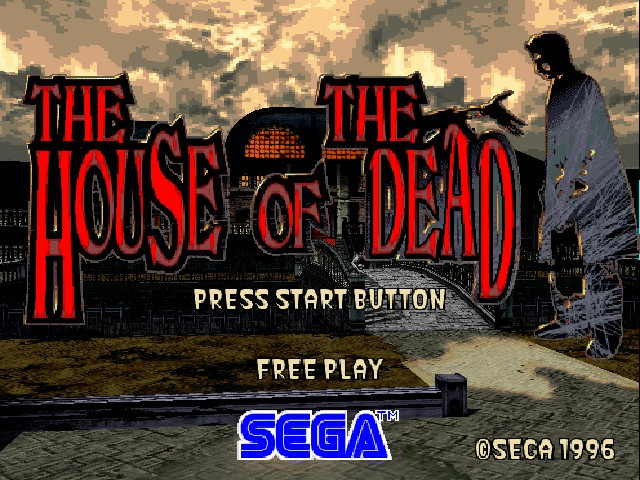
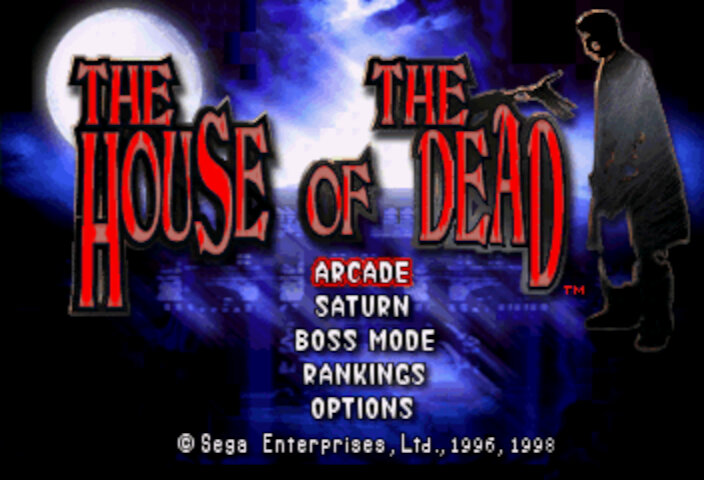
House Of The Dead

A mid-90s arcade rail shooter that takes the Virtua Cop formula and puts a horror spin on it, giving birth to a new franchise.

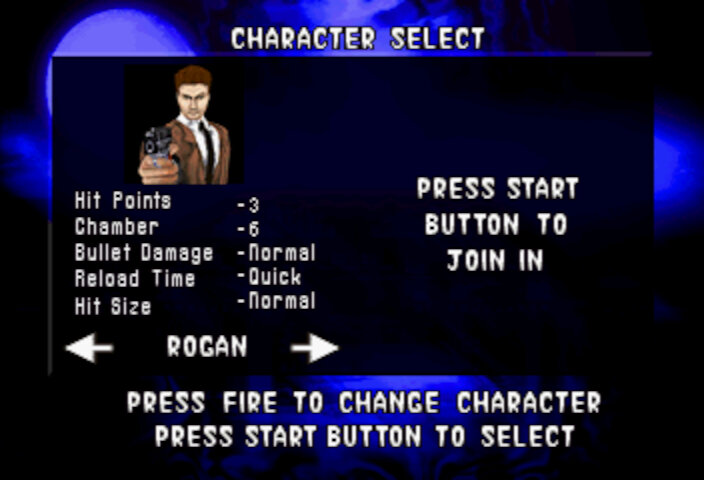
In House of the Dead, the main characters are two AMS agents named Thomas Rogan and G (Yes, just G). They are sent to investigate a mysterious outbreak at the DBR Corporation’s genetic research facility, which has been overrun by hordes of undead creatures. Throughout the game, the player controls either Thomas or G as they fight their way through the facility and uncover the truth behind the outbreak. Along the way, they encounter various other characters, including DBR’s CEO, Caleb Goldman, and his assistant, Dr. Roy Curien, who is responsible for the creation of the undead creatures.

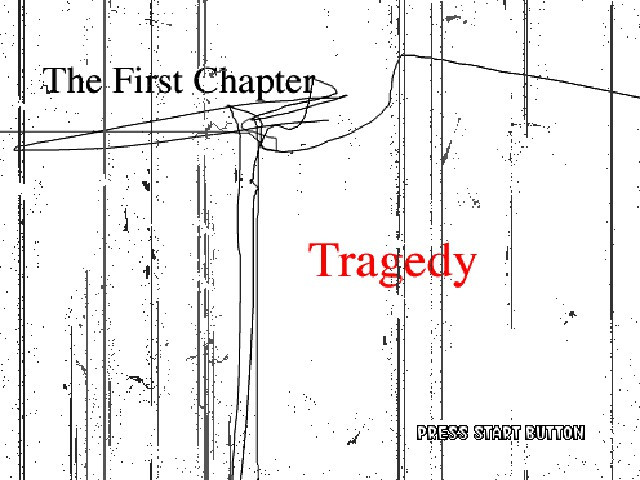
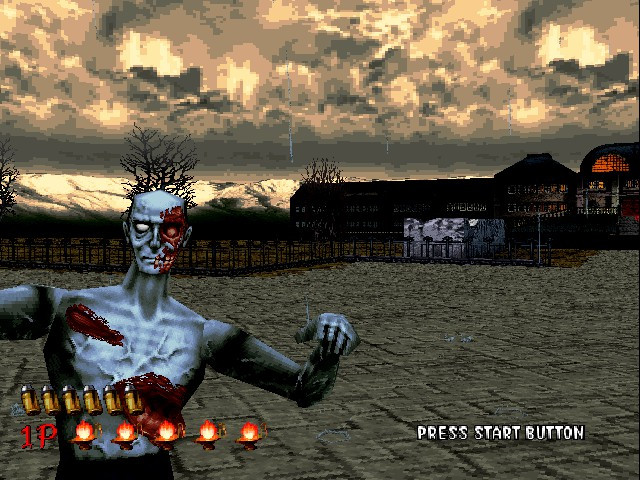
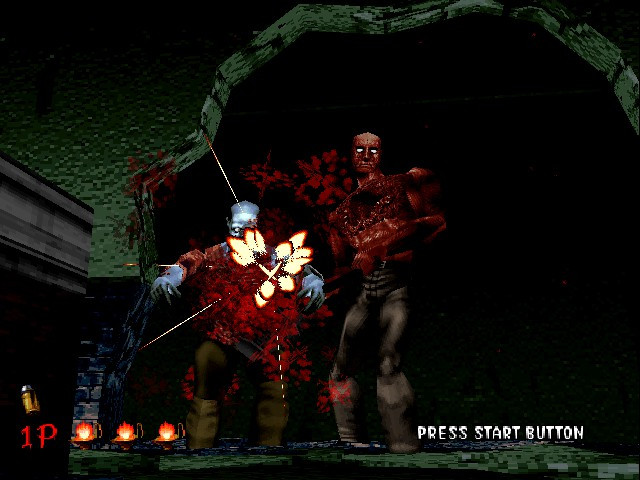
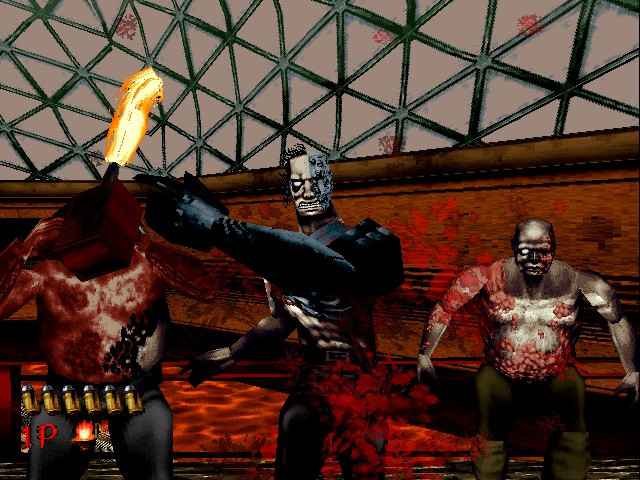
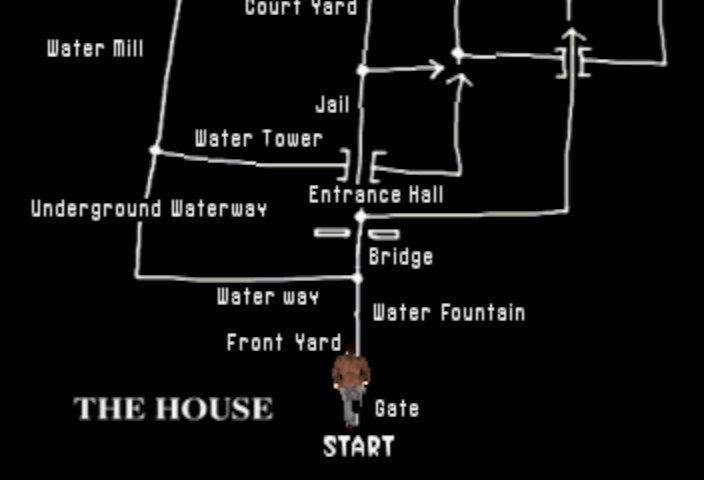
The gameplay of House of the Dead is simple, you’re armed with a light gun and tasked with shooting your way through levels filled with zombies, mutants, and other monstrous creatures. The gameplay is fast-paced and requires quick reflexes, as enemies can come at you from all angles in the form of jump scares. The game also features branching paths, which add some variety to the levels and encourage replayability as many of these will affect the ending sequence.

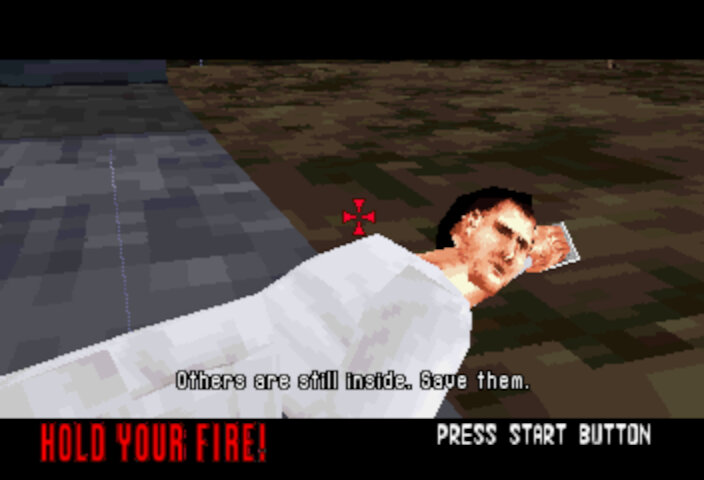
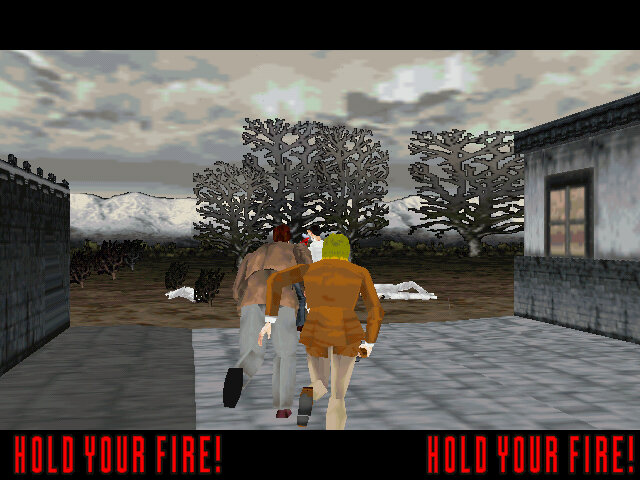
Some items can be shot at, typically pots, and will reveal additional lives. There are also opportunities to save scientists, who will sometimes reward you with an extra life or will direct you to another path.

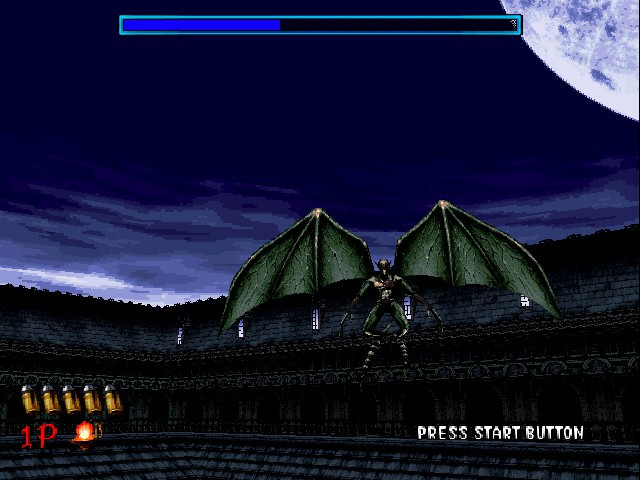
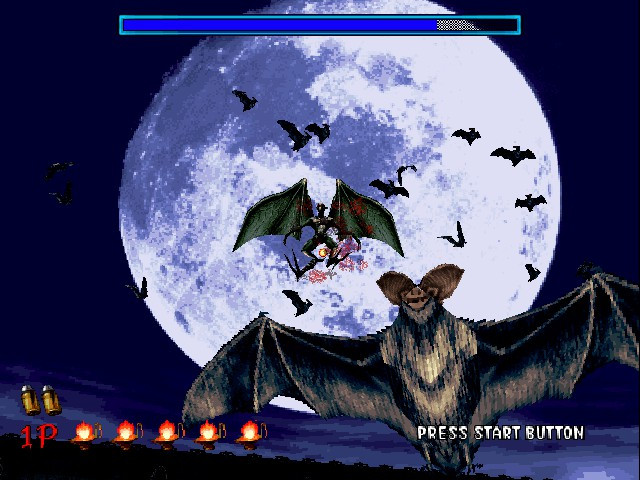
There are a few boss battles, each with a different way of defeating them. These occur at the end of each chapter. The Chariot is a large, armored zombie and appears at the end of Chapter 1 with the goal to target its weak spot in the armor to damage it. The final boss being the Magician serves as a challenging and memorable boss battle. He is able to create multiple illusions of himself, making it difficult for the player to determine which one is real. Additionally, he has powerful psychic attacks that can drain the player’s health and make it more difficult to aim. Defeating the Magician requires careful observation, quick reflexes and a lot of coins.

Versions

The game was somewhat popular and prompted Sega to port it to their Saturn console, it also get a Windows PC port similar to Daytona USA and Manx TT Superbike.

Arcade

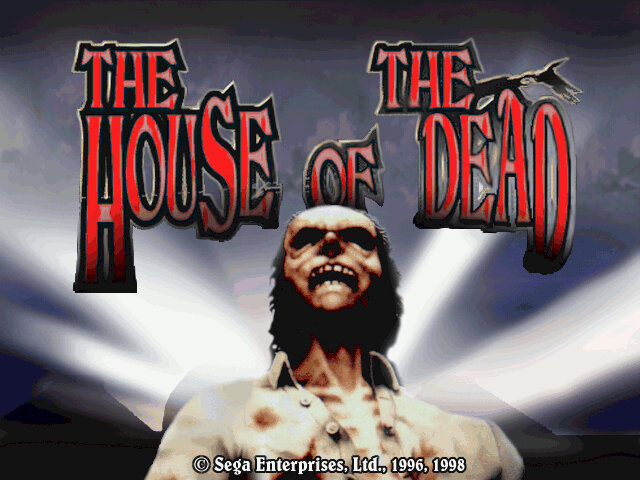
The arcade version of House of the Dead is considered a classic and is highly regarded by many gamers and fans of the shooter genre. The game was initially released in arcades in 1996 and like other Sega arcade titles of the era, it ran on the Model 2 arcade board.

This version of House of the Dead was popular due to its use of light guns, which allowed players to aim and shoot at enemies on the screen. Reloading is done by shooting outside of the screen, In contrast to Namco’s Time Crisis where you have to release the pedal to enter cover to reload.

Sega Saturn

The Sega Saturn version of House of the Dead was a faithful recreation of the arcade version’s gameplay mechanics, graphics, and sound effects. However, the game’s performance on the Saturn can be a bit sluggish, with some frame rate drops and occasional slowdowns during intense action sequences.
The Saturn version also supports use of a light gun controller that was intended to give more precise aiming. Unfortunately this does not work well on modern LCD displays leaving the traditional controller as the only form of input.

You do have the ability to play as different characters, either ‘G’, Sophie or one of the Scientists which will affect the cutscenes as they are rendered in engine. Compared to the arcade version, the graphics takes a downgrade but you do get the benefit of high quality sound.

Still there’s no option to revert to the arranged arcade soundtrack, odd because both the Saturn and the Model 2 have the same sound processor (SCSP)

Microsoft Windows

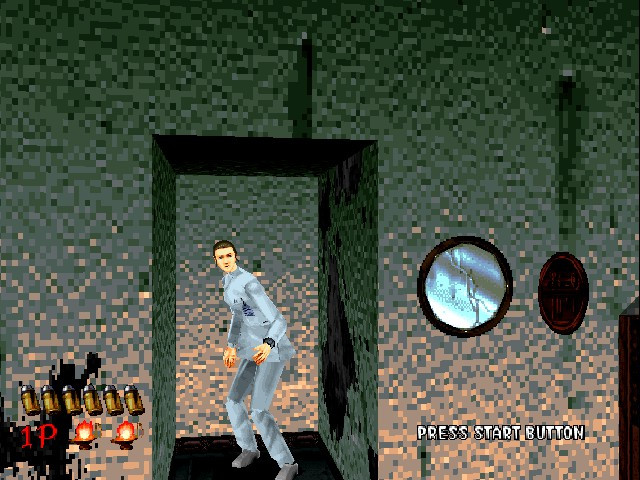
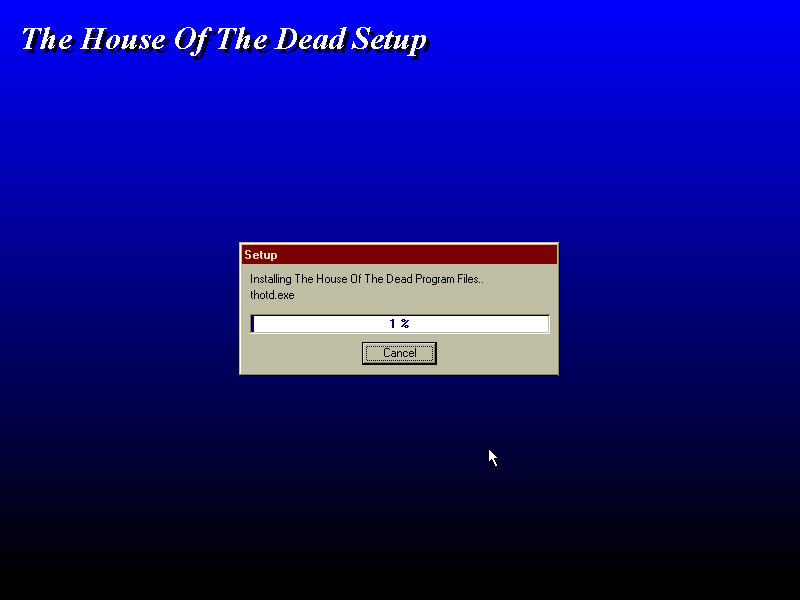
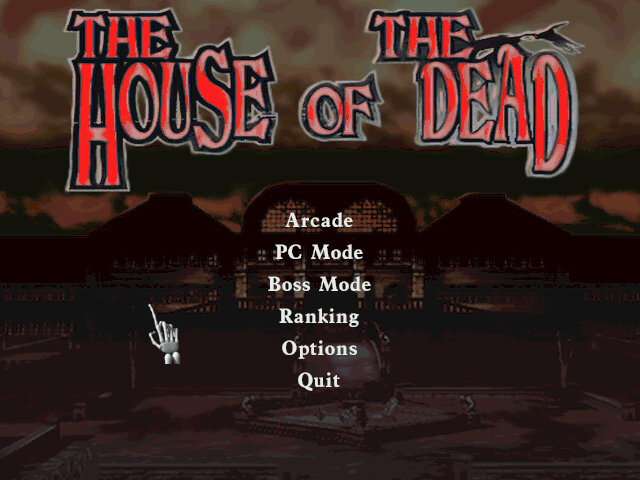
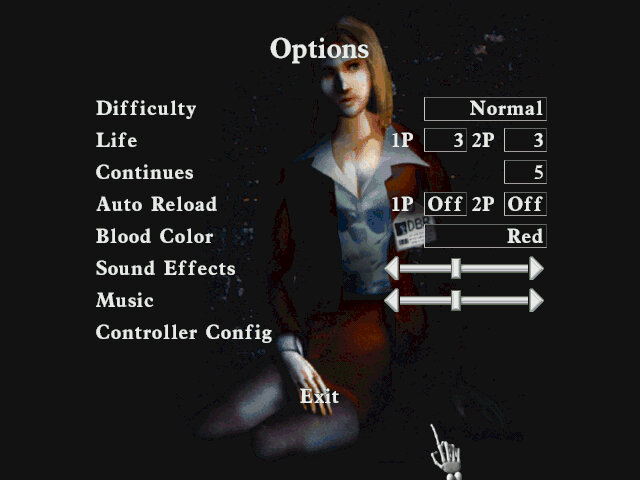
The game was initially released for PC in 1998, It offers several enhancements over the arcade version, including improved graphics and higher resolution support. Additionally, players have the option to use a keyboard and mouse or a controller for more precise aiming. Some parts of the Mansion have been retextured, likely to give it a more colder atmosphere and due to differences in how Model 2 and DirectX games handle textures.

For video cards that don’t support Direct3d, the game can run in DirectDraw mode instead. The 3DFX Voodoo card is capable of Direct3D acceleration and is supported in 86Box.

Conclusion

House of the Dead is a classic arcade game that still holds up today. Its addictive gameplay, impressive graphics, and horror-themed setting make it a must-play for any fan of arcade shooters.