The OOBE can be tricky to navigate without the proper graphics drivers, but if you use the Tab keys to navigate, and then press c to accept (It’s underlined) the terms and conditions, it should let you progress through. The main issue here is the lack of graphics drivers, and the HP OOBE assumes you are running at 800×600.
Can this wait until I’ve installed the graphics drivers? The dude at the bottom left is HP’s tour guide and assistant that has a habbit of popping up whilst you’re trying to install stuff.
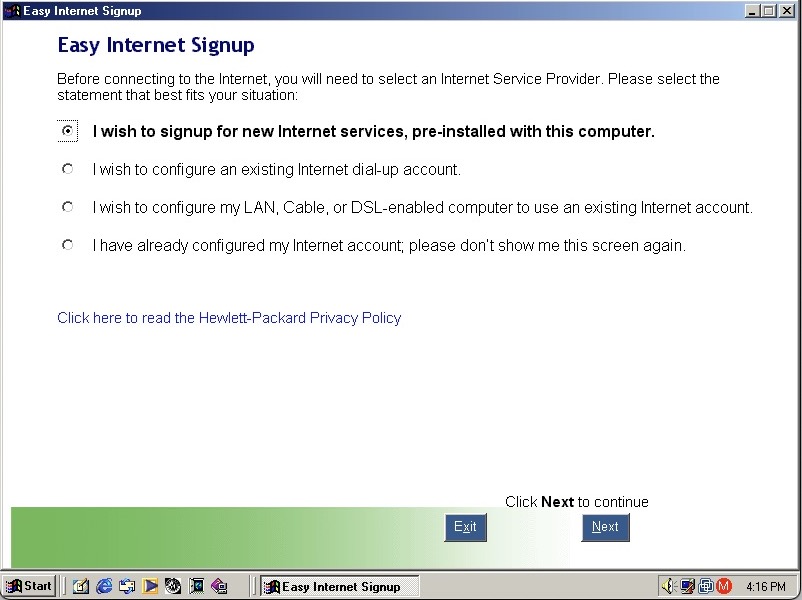
HP Internet setup utility that helps you connect to the internet, which would most likely be a dial up connection unless you were lucky enough to have a ADSL or Cable DOCSIS connection.
HP’s own assistant. Its like they saw Clippit and went ‘Hold my beer’
As you can imagine it’s designed focusers who are new to computing and need assistance in navigating Windows. He sort of acts as a tutorial guide and clicking him can be used to ask about either the desktop, software or internet applications. Unlike the Microsoft Assistant, these questions are fixed, you cannot type in a question.
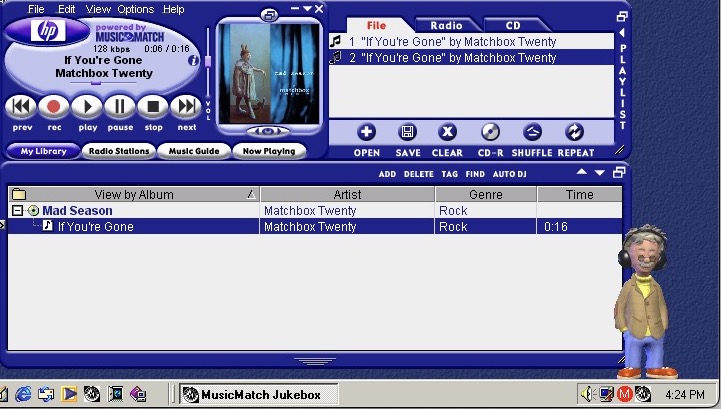
MusicMatch Jukebox with custom HP branding, MusicMatch was an MP3 and WAV music player that also supported internet radio streams. Main alternatives were RealPlayer with RealAudio Jukebox, iTunes/Quicktime and of course Windows Media Player which is still included.
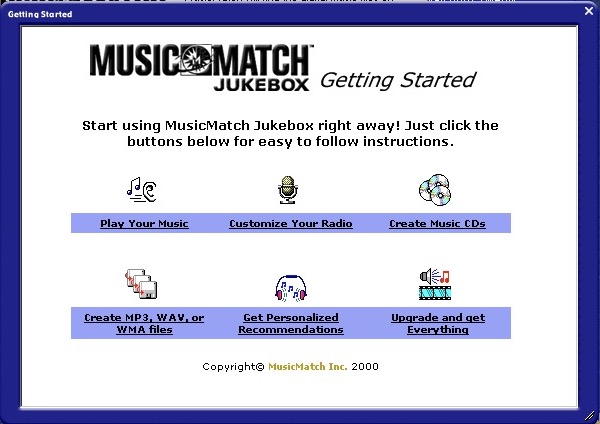
MusicMatch start screen
A song comes included, If’ You’re Gone by Mad Season, its only a short 16 second clip compared to the Beck Sample that Windows Media Player provided. A nice touch is the HP assistant will put on his headphones whilst the music plays.
The Radio guide is long obsolete, I wonder what streaming format was supported?
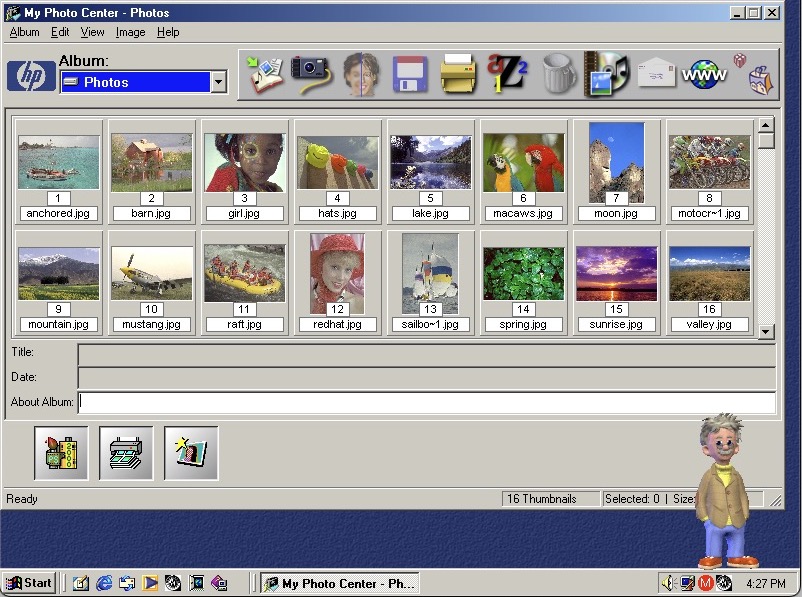
HP PhotoBase – A photo editing application. Here you can import photos off a supported digital camera, which were becoming popular at the time. You can edit photos (like removing red eye), and print them to a photo printer or email them as an attachment.
ArcSoft PhotoStudio 2000 – This is the default image editing applications and opens when you try to edit a photo in PhotoBase.
System properties with the OEM logo
Start Menu showing the included programs
Microsoft Money, a standard on budget home PC’s of the era
Microsoft Works also comes bundled as a basic productivity suite, version 6
HP Help & Support Center that shows information of the system. Sadly it crashed when tying to access the other tabs
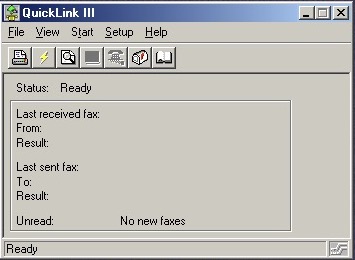
QuickLink III looks like modem software, we don’t have one so there’s limited use. This would have been used to send and receive fax’s. This was a common method of sending documents over the telephone line, before email attachments became more common.
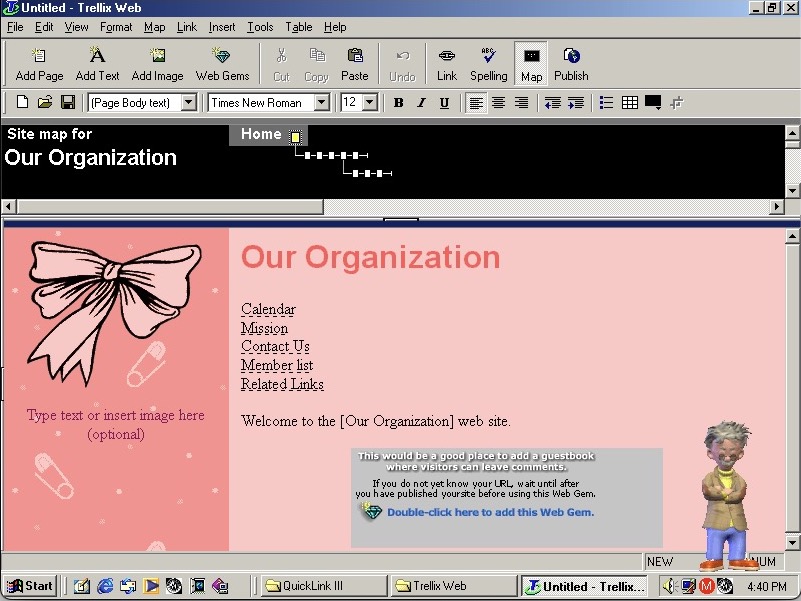
Trellix Web is software to create your own websites, the same as included on a few eMachines installs
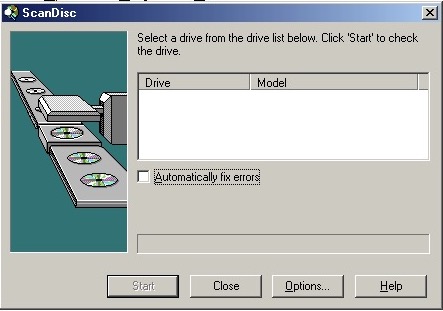
Adaptec DirectCD is included, I guess this system would have come with a CD recorder so you can burn the songs acquired from Napster. Nothing shows up when using the VMWare drives. I connected a Usb external DVD drive writer and passed it through VmWare but this wasn’t detected. Turns out we have an issue with the USB PCI device. Calling it ScanDisc is going to cause confusion with the disk checking utility on Windows, not sure why they named it that.
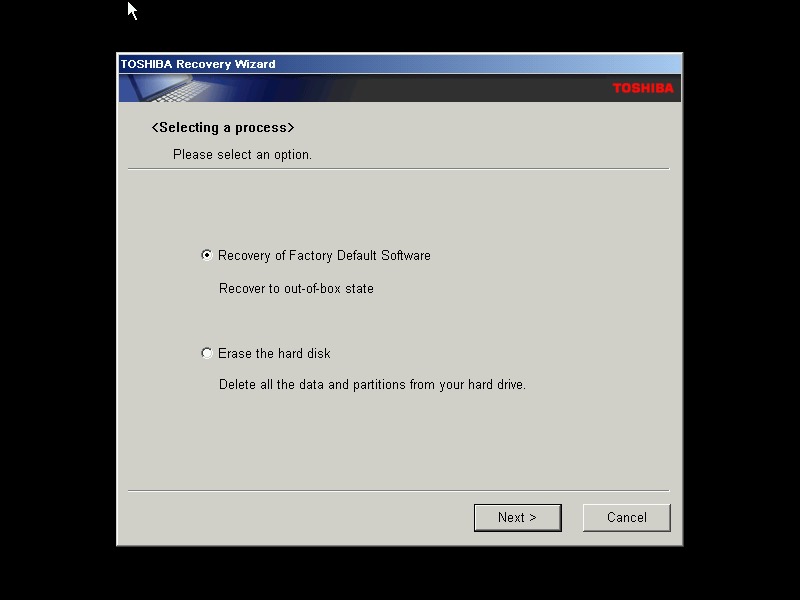
A typical Toshiba laptop from 2005, let’s take a look at what a factory install looks like.
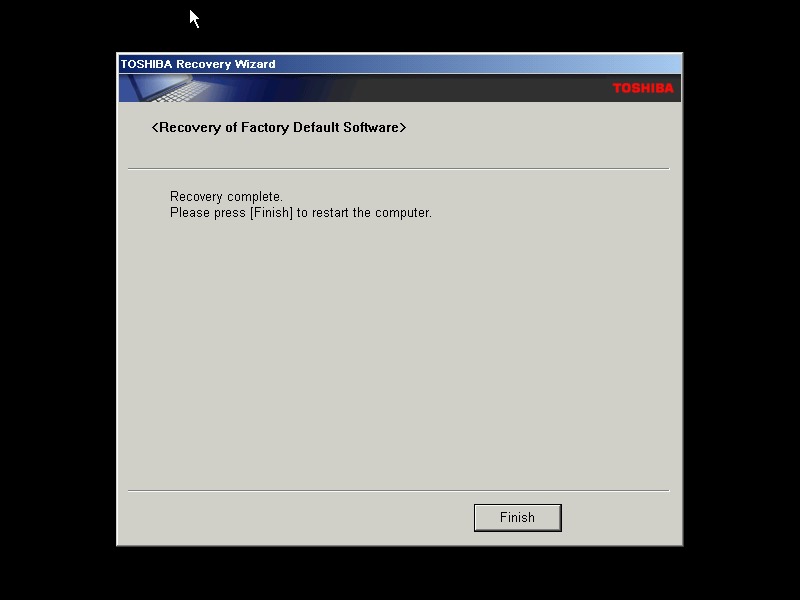
This restore CD is unlocked which allows you to install it onto any PC or virtual machine, Parallels 18 is being used here.
I actually have one of these laptops, though it is a much later revision that shipped with Windows Vista basic, and featured integrated Intel graphics and an Intel Pentium (Core) Dual core processor. Confusingly A100 refers to the chassis design, as there is a wide range of specifications in this series which is confusing. Whilst you can expect differences in memory and hard drive storage, Toshiba even provided different graphics cards and optical drives in this range.
The Out Of Box Experience which features the Toshiba logo, this is mostly the same here you accept the license agreement
Post-install with the default theme and wallpaper, with Windows XP Home Edition being installed with SP2
Appearance
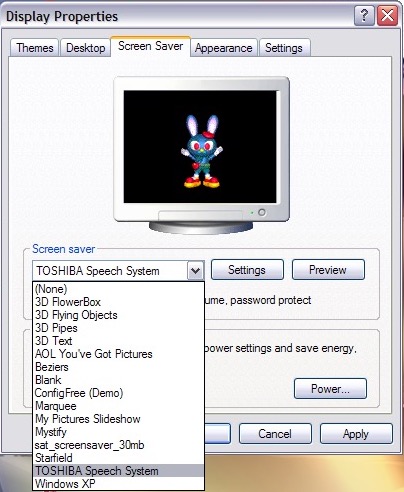
A few screensavers come included, including a speech one that talks to you and will ask you how you are today. The other screensaver is simply an advertising reel that shows the features of the laptop with a compressed guitar playing in the background.
Software
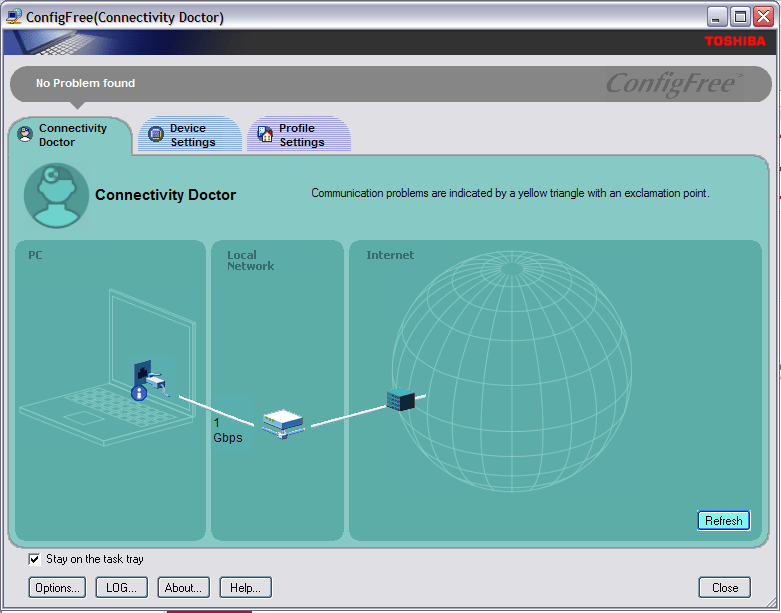
ConfigFree – A network utility that was bundled with various Toshiba laptops of the era, I remember this most from an old Satellite Pro A60 that I had from around 2004ish that functioned very similar to the version here, along with memories of trying to run The Sims 2 on its integrated Radeon 7000 graphics card.
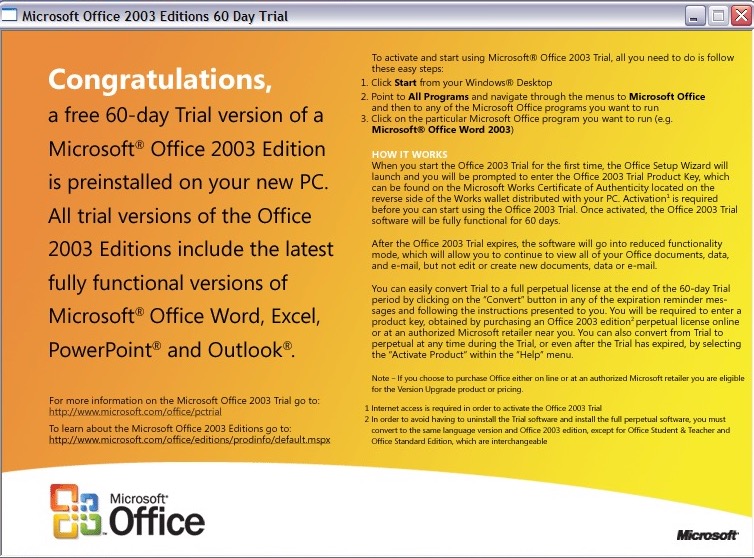
Microsoft Office 2003 – This version makes the debut of OneNote, which has become a staple of Office since, and is even found as a standalone product on modern versions of Windows. It’s a not taking application that can sync across multiple devices.
Your standard Office applications are also included with Work, Excel, PowerPoint and Outlook.
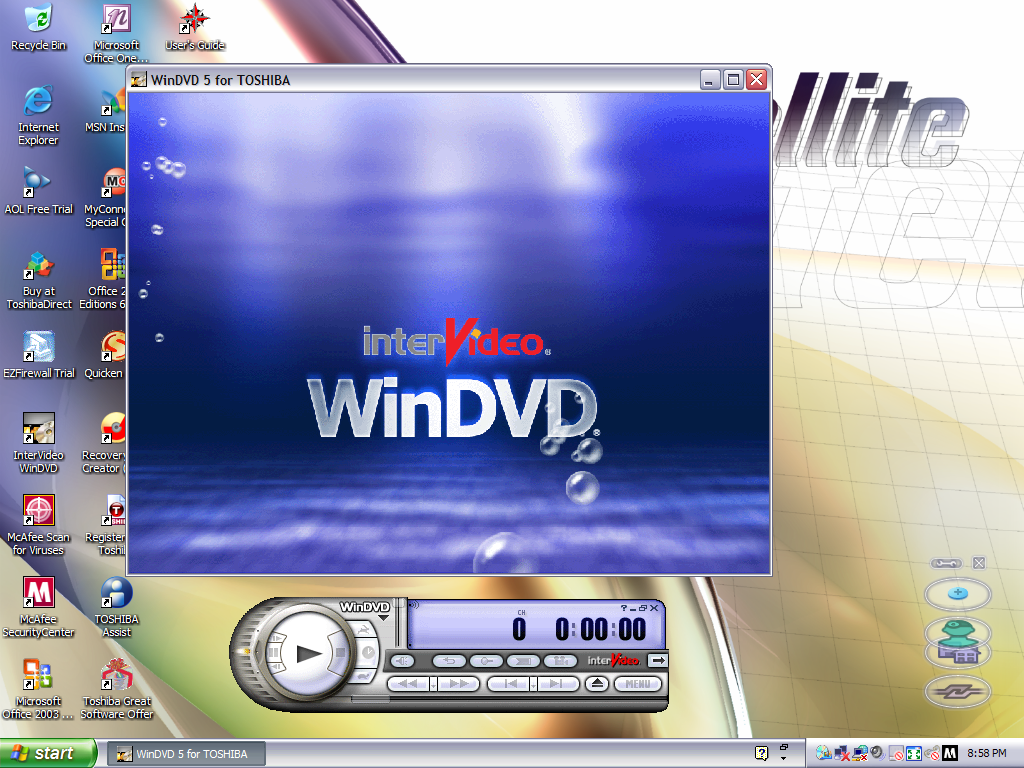
Intervideo WinDVD (V5) – Standard DVD player to play back DVD and VCD movies using the built-in DVD drive. This wasn’t possible not the VM since the graphics drivers do not support MPEG2 deciding which software required
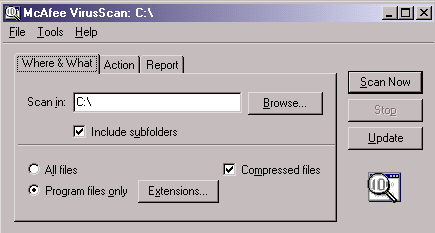
McAfee Security and AntiVirus – Our favorite AntiVirus suite comes bundled here, this also includes a firewall as part of its Internet Security suite. It’s pretty out of date, and has issues downloading new virus definitions since it’s over 16 years old.
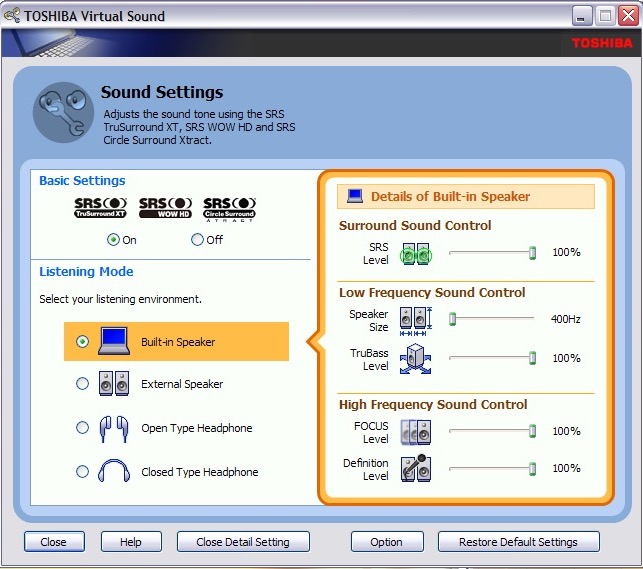
Toshiba Assist – Acts as a launcher for many Toshiba utilities. The Optimie section contains a few interesting ones, with the Toshiba Hardware Settings allowing you to change BIOS-specific settings from within Windows. You can configure the power on password, USB legacy support and the boot priority.
Other settings let you change the hotkey assignments, optical drives acoustic noise. There is also a diagnostic tool that lets you test various components of your laptop.
Microsoft Works – A little redundant since we have full-fat Office installed here. I would assume some restore images don’t include Office so Works was included as a backup option. I should mention that Office by default is not activated and prompts for a product key, so it might be the case that Toshiba offered Microsoft Office as an optional extra. Maybe some SKU’s come with a key.
Quicken 2005 – Finance management program
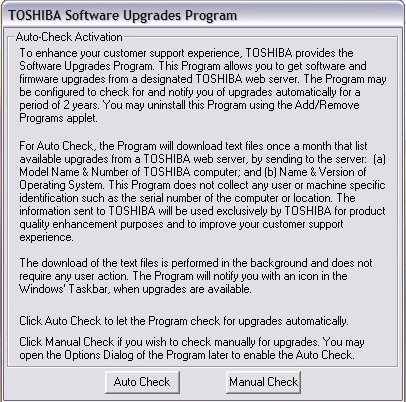
Toshiba Software Upgrade – Checks and installs software updates. The interface hasn’t changed much from the 1998 version
Yahoo! Music Engine – Music player that can play you legally acquired MP3 files, this also features a music store that Yahoo operates to purchase and download music. There is also Y! Unlimited which I assumed was some sort of music subscription service but I couldn’t find any further information since the help files just point to a dead web address.
I don’t think it’s like Spotify or Deezer, but rather a service you could download say 10 tracks inclusive per month
Sonic RecordNow! – Disc burning application. Typically this can burn audio CDs if Windows Media Player isn’t your thing. This appears to be a basic version as there are a few options that are only available when you upgrade, this includes burning ISO images
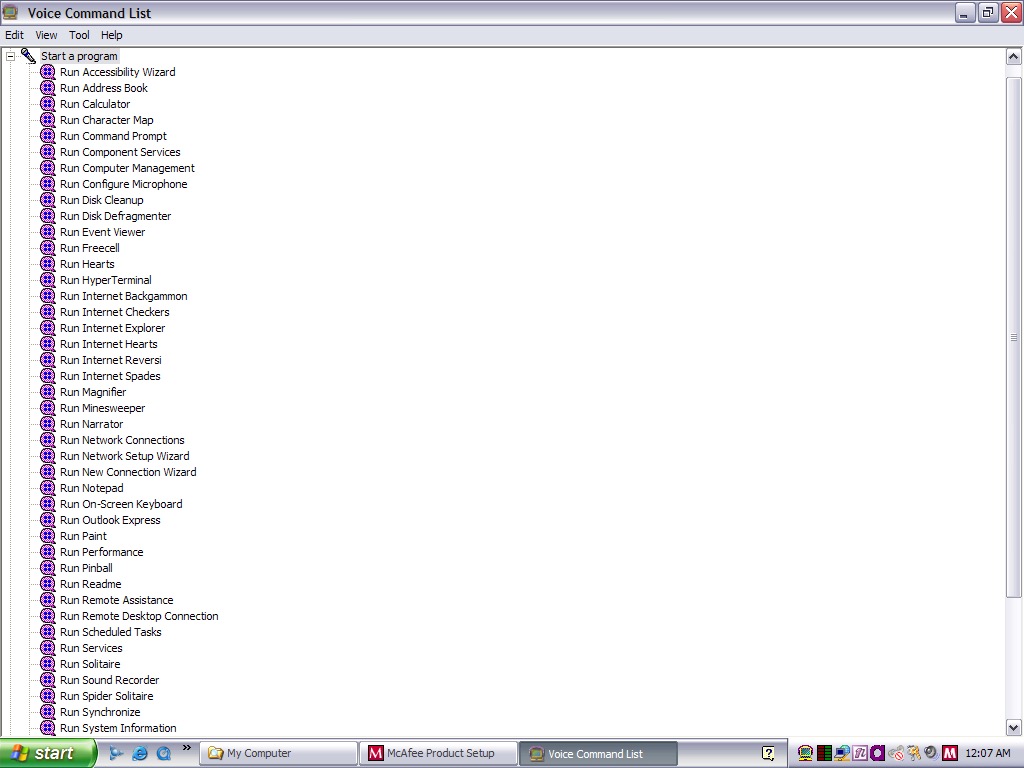
Toshiba Speech System – A voice recognition program that runs in the background and listens to the microphone so you can soak commands into the computer. You can start specific programs by speaking ‘Run Calculator’
Despite running in a virtual machine, I was able to pass through the microphone and it was able to pick up my voice. As you can expect this is very finicky with it failing to recognize certain commands or misinterpret noise as commands. It was even though the noise from my mechanical keyboard was the undo command. Probably best to disable this feature to avoid losing any work, since it will also misinterpret commands for deleting or cutting.
You can configure it to listen through a button instead which will cut down the amount of misinterpreted words. For tethering else it’s best to move the microphone away from the keyboard, presumably on the actual laptop this would be somewhere toward the top of the screen.
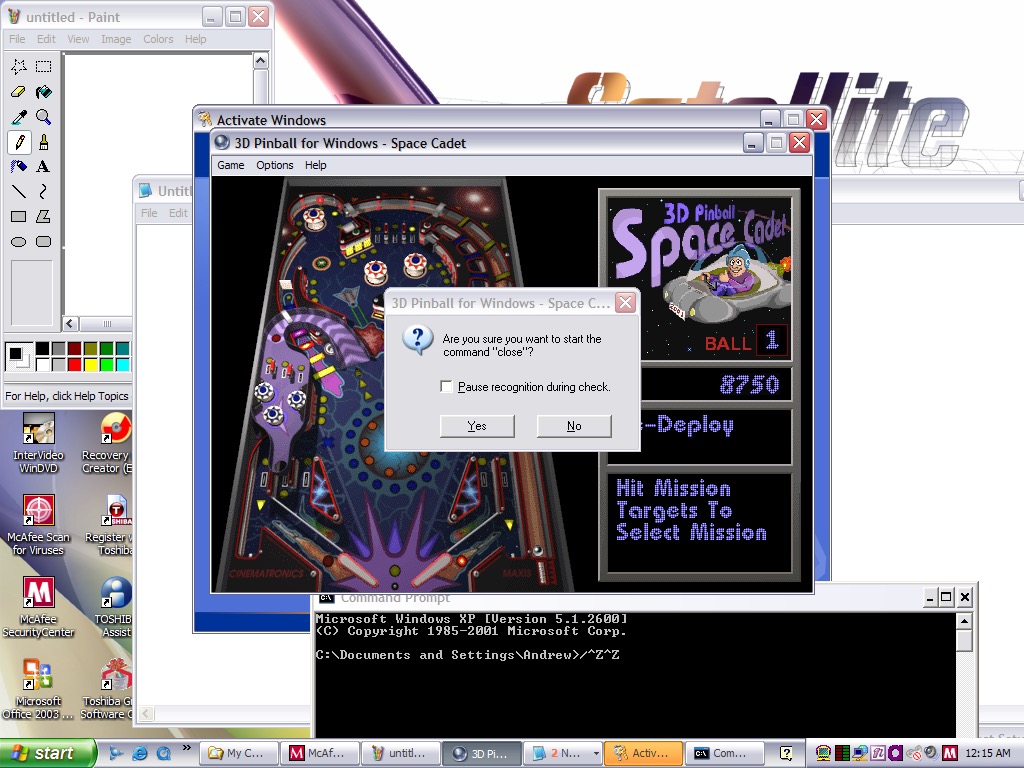
And yes, noise from applications and games can also interfere. Playing 3D Pinball will cause it to launch a command prompt window after you hit a bumper and finishing a game will cause it to run the MSN Backgammon game.
Imagine trying to play a Halo LAN party with this thing enabled.
eTrust EZ Firewall – Optional firewall that can be installed, this is a ,limited trial copy. This looks very similar to ZoneAlarm firewall.
Other bundled software included AOL, RealPlayer 8, QuickTime 6, Adobe Reader & Windows Media Player 10
Misc Observations
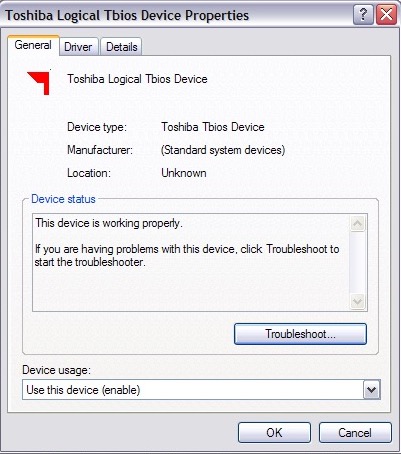
Not sure what a Tbios device but could be used to interact with the BIOS more closely
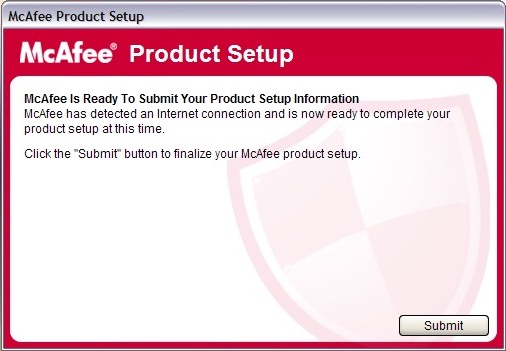
Once again McAfee is nagging us for further information, this happens a lot with McAfee
Adware on a fresh install?
Custom Windows Media Player skin
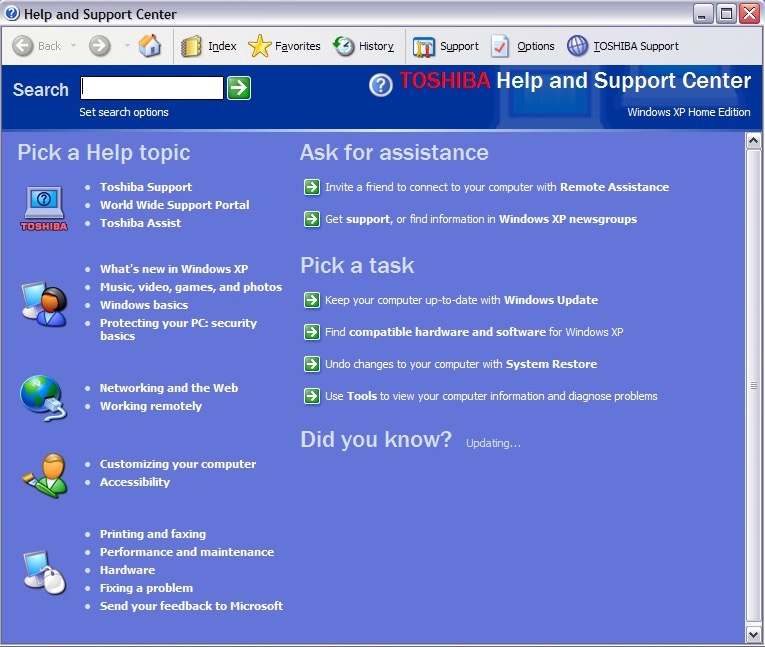
Help and Support with Toshiba branding
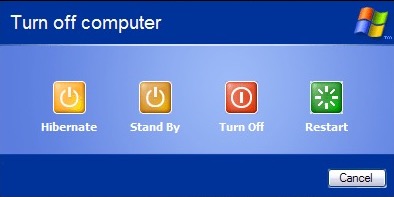
Shutting down the laptop, it has an altered shutdown screen that features four options which I have seen on a few Dell installs of the era
NEC is no stranger to x86 computers having a respected line of computers in Japan under the PC98 branding. The PC98 is a family of personal computers that was popular in Japan in the 1990s. NEC was one of the major manufacturers of PC98 computers, which were known for their compatibility with Japanese software and games. The PC98 ran on a proprietary operating system called PC-98, which was developed by NEC and other Japanese companies. Outside of Japan NEC had a minor presence with the Powermate line for the business and enterprise market, and the Ready line for home and small office market.
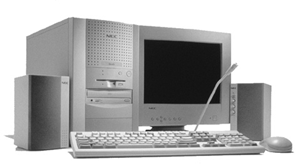
This is one of their many models that NEC had around the time which were being sold as complete home PC’s that featured bundled software and internet compatibility (being sold with an internet browser package, or ISP software)
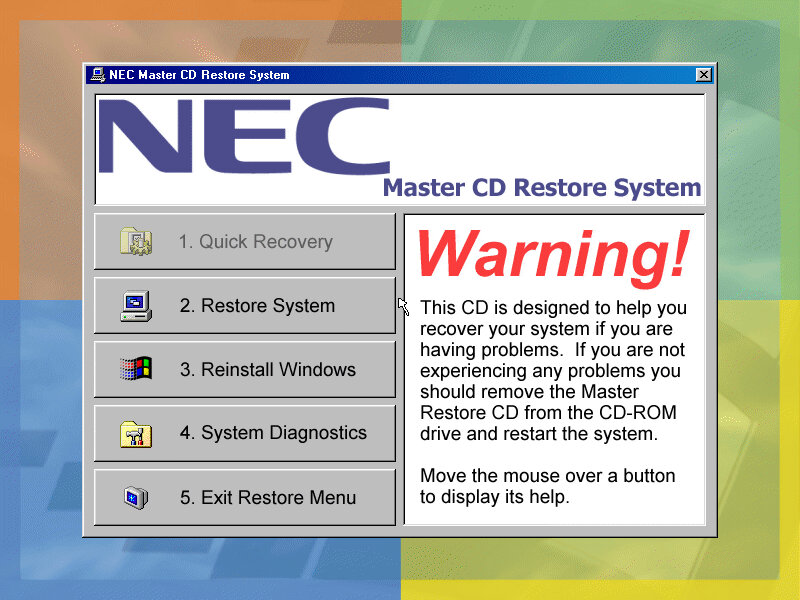
Getting to boot the recovery image was a bit of a complicated dance. The CD itself does not seem to be bootable, despite there being files on there that suggest so. Plop bootloader did not appear to be able to boot the disk either.
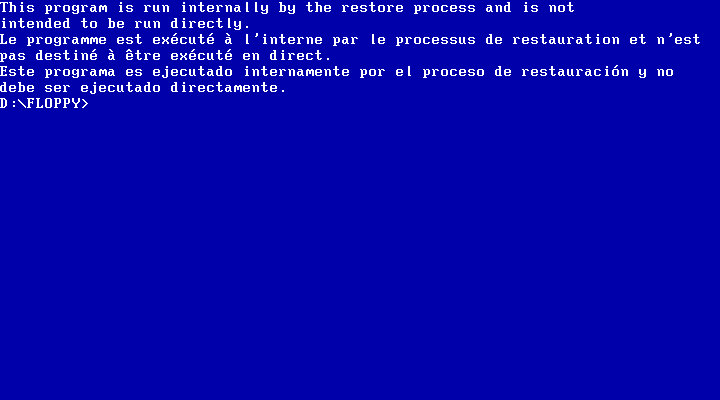
First thing I tried was to use a Windows 95 boot floppy to cd into the floppy directory and run the bat file which I assumed would begin the recovery process.
Instead it gave me the finger and the recovery must be started indirecrtly
What I had to do is open the iso and extract the floppy directory to a folder, and then use WinImage to create a bootable floppy disk using those files that were extracted from that folder. Now this could be forgiven as NEC were possibly using a BIOS that did not support CD-ROM booting, or the hardware was using non standard CD-ROM drive like a SCSI drive (Unlikely but possible, since the Ready series were their budget line of PCs)
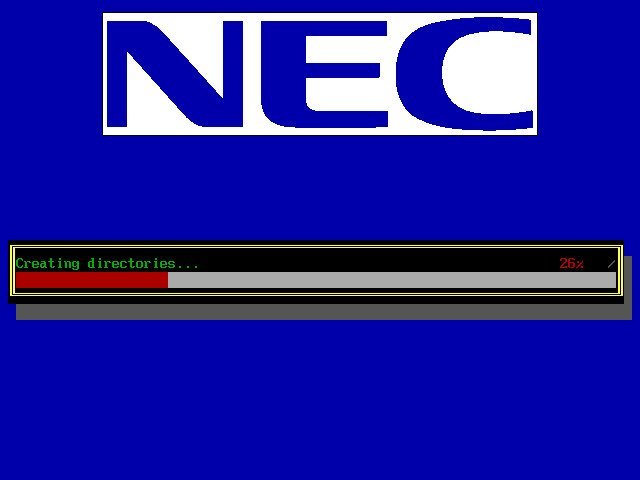
Once we booted the floppy, it picked up the CD and began the recovery process. It appears to transfer a few files to the hard drive.
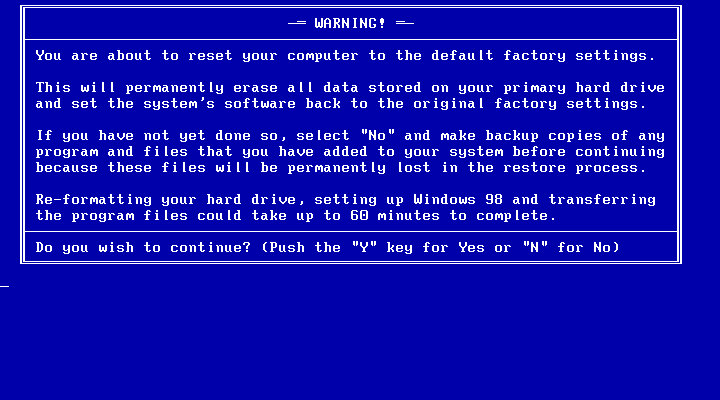
Another recovery process begins, but this time we are givern a few options on how we want to proeed with the recovery. I chose the second option which began to format the hard drive (so what was the point in copying those files in the first place?
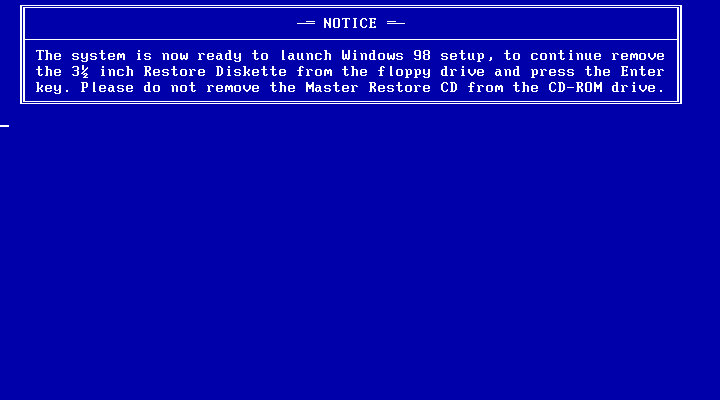
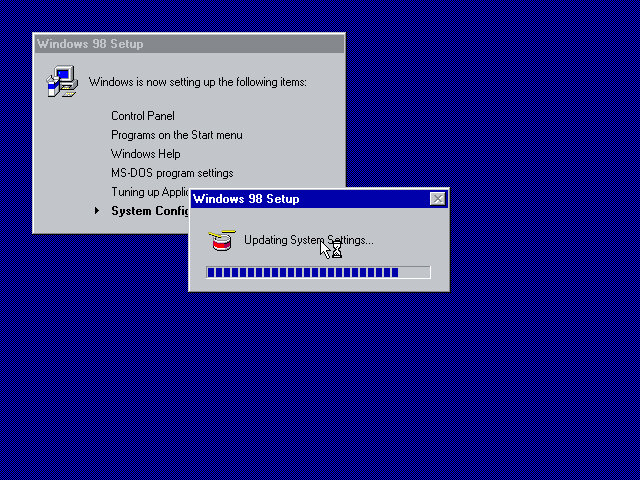
After the copying is complete we are invited to reboot into Windows setup, where the install will continue. This is where the drivers are initialized and detected. Strangely we are not prompted to enter a product key or any owner or regional information, odd but not a complaint as this makes the install more streamlined.
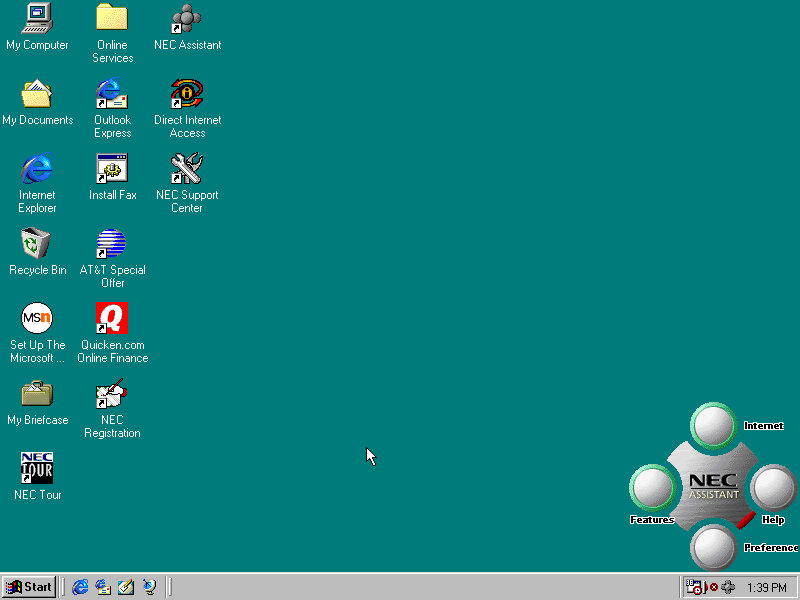
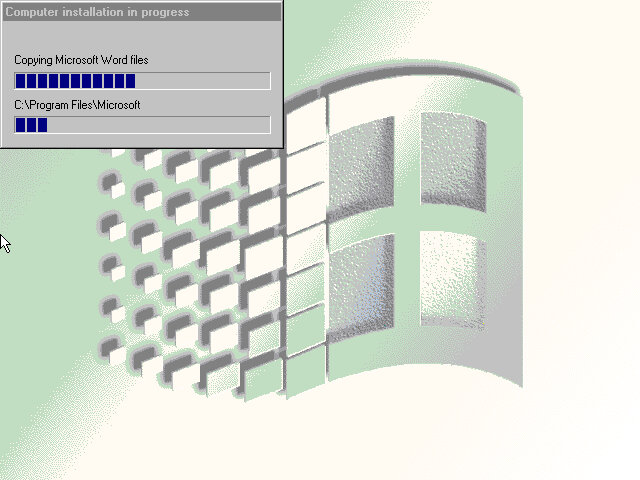
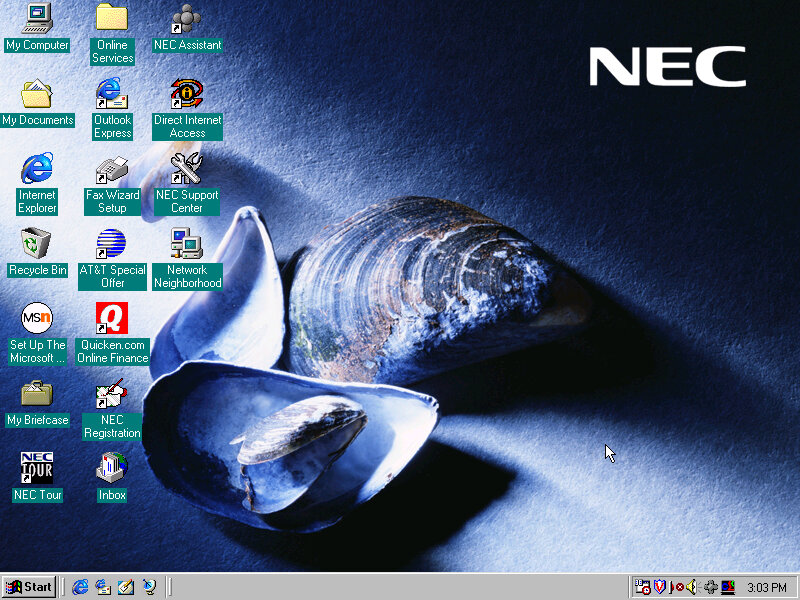
After this has completed we are rewarded with our new windows desktop, though we are not finished with the recovery just yet as we have another install utility to go through.
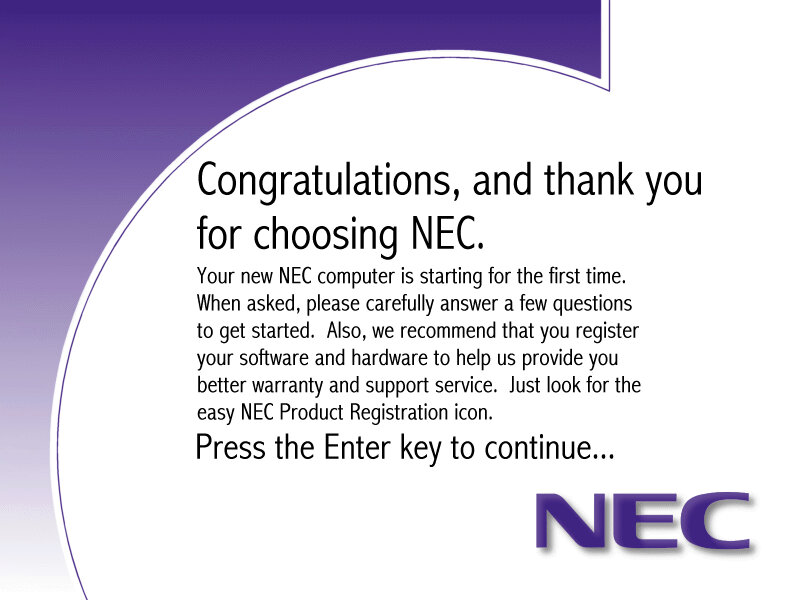
A nice thank you from NEC, followed by another reboot
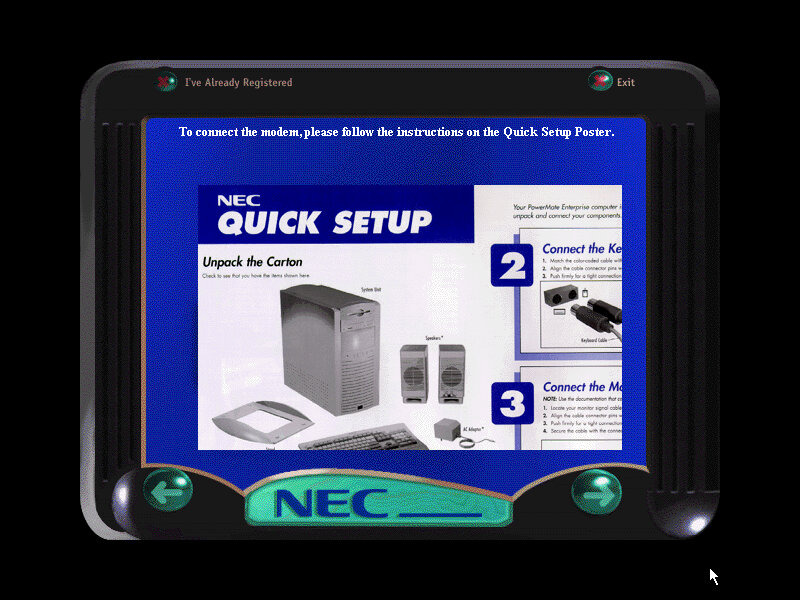
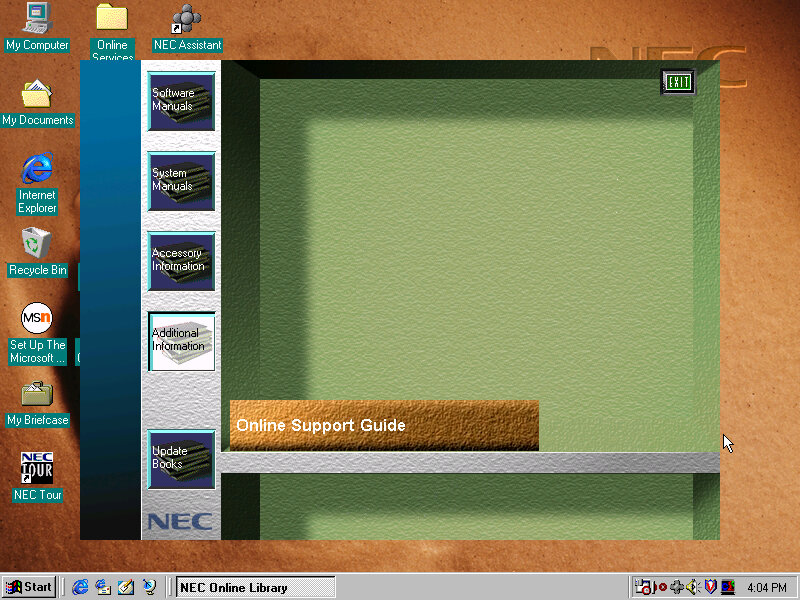
The NEC Welcome program that invites us to reegister our system
Software
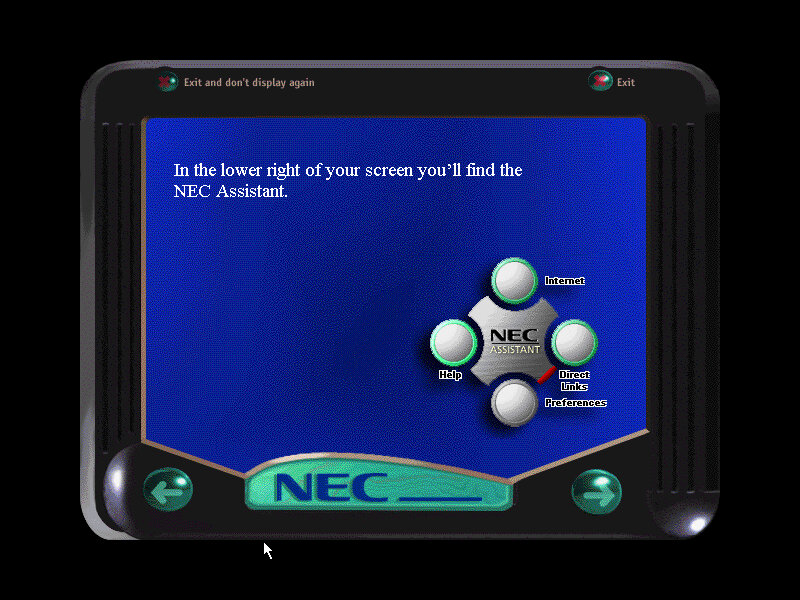
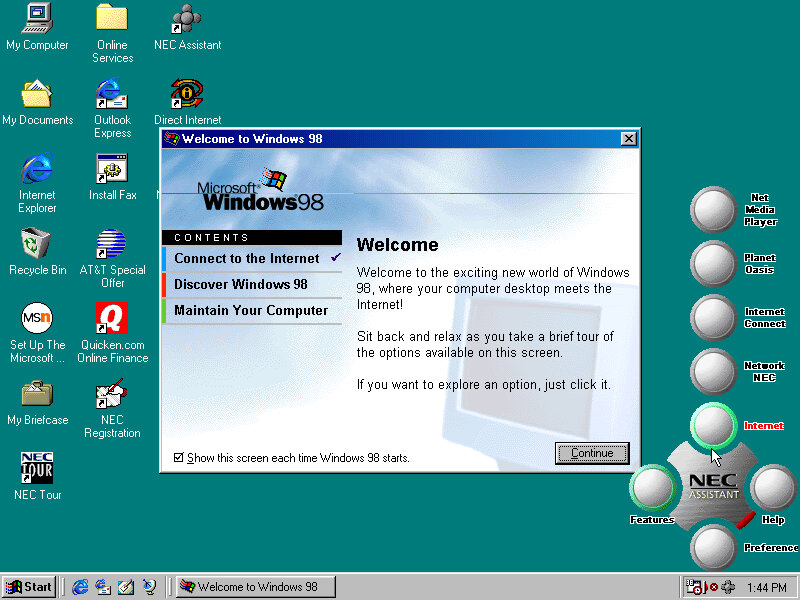
Welcome to Windows, this appears to only have three options, also a sneak look at the NEC assistant
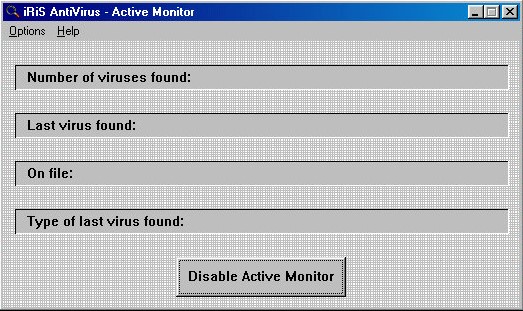
iRiS AntiVirus: A relatively unknown series of antivirus software, seems rather basic even for its time.
Microsoft Entertainment Pack: A suite of games such as Chip’s Challange, Tetis, SkiFree and Tut’s Tomb
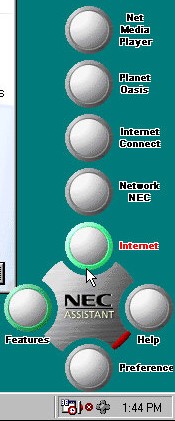
NEC Merlin Assistant
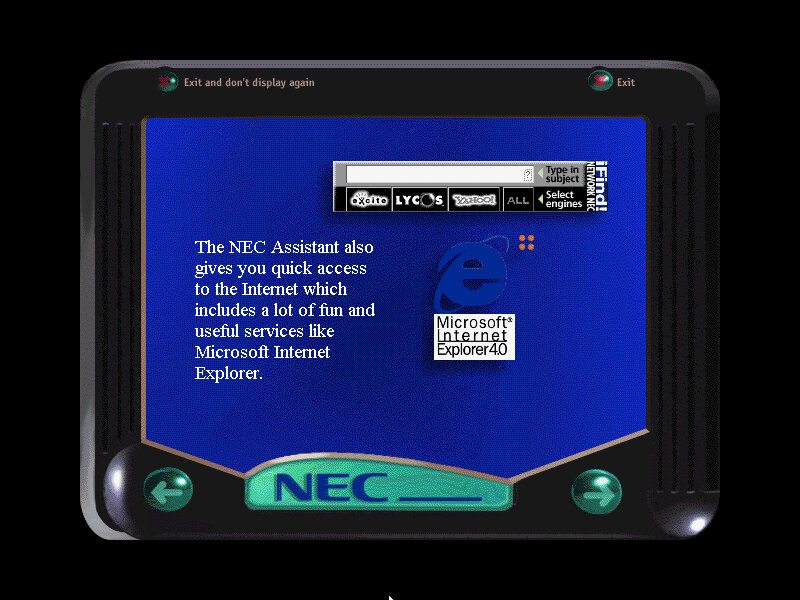
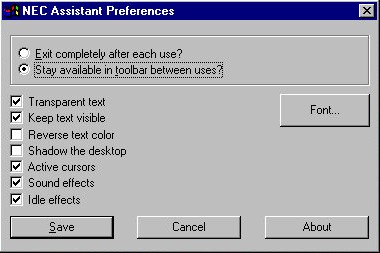
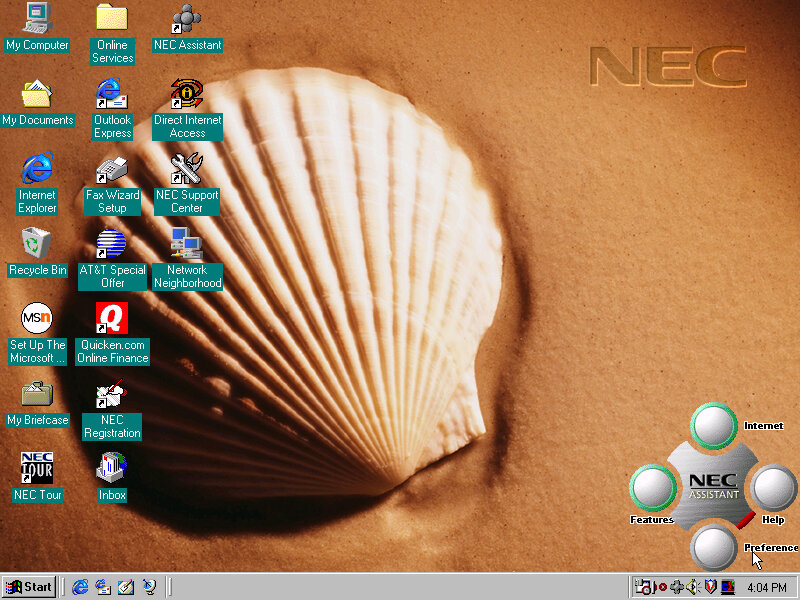
This is situated on the bottom right of the screen and also appears in the system tray. Mousing over it will bring it up. The main buttons are the Features and Internet buttons, which will bring up links to the Net Media player, Planet Oasis, and Network NEC. These require you to sign up with an internet provided using the NEC provided wizard.
This can also be used to set a custom wallpaper to a NEC branded one, these do not appear in the desktop wallpaper section of the display properties. Instead you have to click their button to cycle through them.
Sample backgrounds:
Other Software
These have been seen so many times in OEM installs
Microsoft Works 4.5: Basic productivity software
Microsoft Word 97: Popular word processing software, only Microsoft World is included here, not Excel, PowerPoint or Outlook.
MGI PhotoSuite 8.05: photo editing software developed by MGI Software Corporation. It was originally released in 1997 and was one of the most popular photo editing software of its time. It is designed to provide users with an easy and intuitive way to edit, enhance and manipulate digital images. The software includes a wide range of features such as image editing tools, special effects, filters, borders, frames, and more. It also has a user-friendly interface and provides step-by-step tutorials and wizards to guide users through the editing process
Quicken Basic 98: Quicken Basic 98 was a popular personal finance management software at the time of its release, and was designed to help users manage their personal finances and budget effectively. It helped to establish Intuit as a leader in the financial software market.
The eMachines eTower 466ix was a budget desktop computer released in 1999 by eMachines. The system was made available with an Intel Celeron clocked at 466MHz, 64MB of RAM, 4.3GB of storage (which varies based on the model) and integrate Intel graphics. Windows 98 Second Edition is the operating system used here.
Recovery Install Process
Recovery is started by booting from the CD. As with other eMachines recovery software we need to have a pre partition disk (does not need to be formatted but must be initalized using the FDISK utility) before we can begin the install.
Had to switch motherboards after the recovery was complete as I got hammered with IOS errors upon bootup, changing to the ABIT LX6 worked much better. Plus it had the advantage of having a similar if not the same chipset as the original motherboard, albeit with no onboard ATI video. The eTower also had a Crystal sound chip onboard along with the software but we can sort of substitute it with the Crystal 4236B ISA soundcard that is supported in 86box. Windows 98 does not seem to come with a driver, so a third party driver must be installed.
Desktop First Boot
Windows 98 boot screen, with the Microsoft logo on the top right.
Looks very similar to the eMachines eMonster that was also a Windows 98SE based install, but we see a lot less software bundled and installed.
The eMachines website, or whats left of it
OEM Customisation
We get a few emachines desktop backgrounds for us to use: E – Windows 98 dark blue background with the emachines logo centred Emachine – the emachine logo in 800×600 Ewall – same as Emachine but zoomed out slightly, also 800×600 Ewalls – low resolution of Ewall, at 640×480
The Musica sound scheme is set as the default with no customer schemes included or set.
Included software
eWare
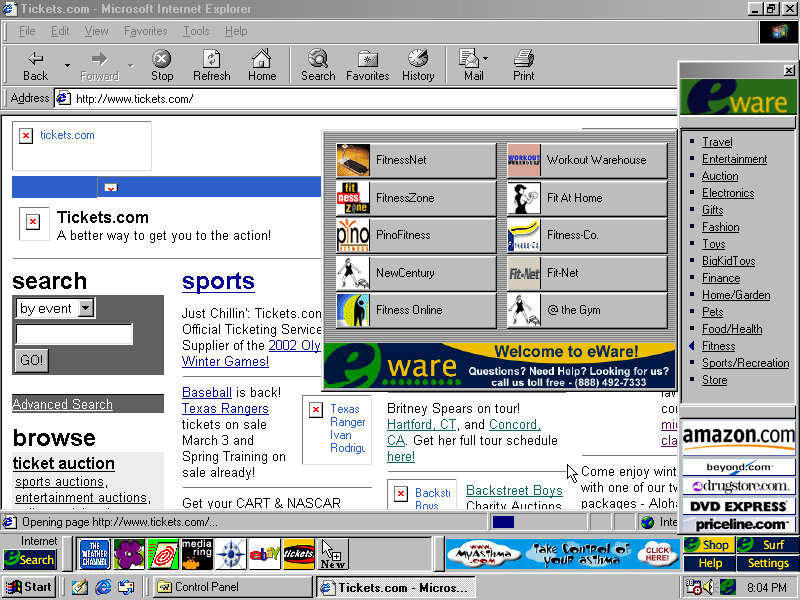
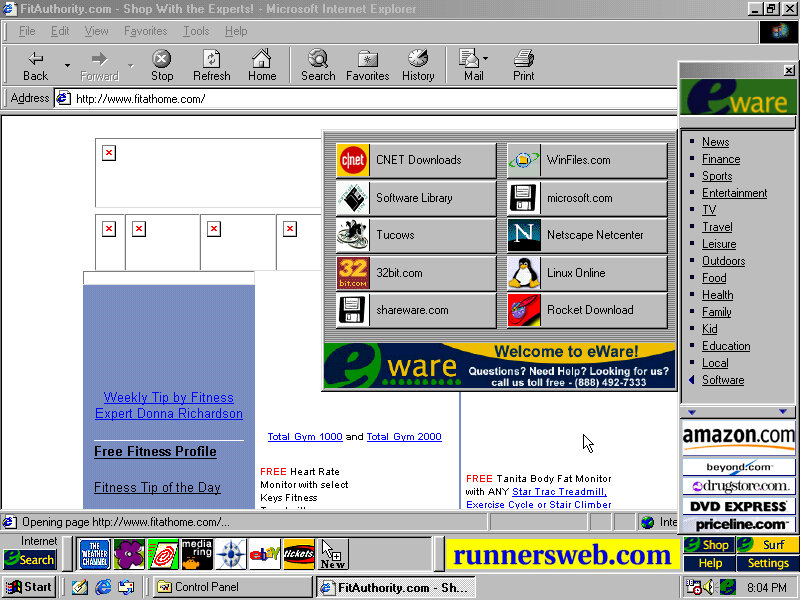
The eWare bar come bundled and appears at the bottom, but on top of the Windows taskbar. This will show shortcuts to popular internet website in addition to a few adverts right on your desktop. There are dedicated buttons for shopping and search engine sites.
Most of these are custom affiliate links which haven’t been archived by the OldNet, so we just get an error page.
There is also an option to take a survey. There is also some sort of search function that similar to Sherlock that’s included on MacOS 9 that can pull search results from Yahoo, Lycos and AltaVista.
Voyeta AudioStation
An audio/MIDI playback application which functions only on Crystal soundcards, at least for the one bundled here. This means it wont function on say a Creative Soundblaster but if we use the Crystal 4236B ISA soundcard in 86Box and install the appropriate drivers (they’re not bundled in Windows 98) we are able to use the application. Again it gives the appearance of a mid 90s home HiFi.
ATI Video Player
A simple video player that makes use of the video acceleration that some of ATI’s RAGE chipsets had supported. 86Box does not exactly emulate a RAGE based chipset but we do have the ATI Mach graphics cards to use instead. It does work somewhat, I can playback AVI files with the exampling being one pulled from Microsoft Garden Home software. The video can be scaled in size and mentions support for MPEG video.
Other Software
Microsoft Works: A basic office Suite, Works 2000 Version 5.0 is installed here. Netscape Communicator: A shortcut exists on the desktop but it not completely installed opening it will launch the 4.6 installer. This will also install RealPlayer G2. AOL 5.0: Also has to be installed from the desktop Adobe Reader 3.01: It’s a bit old as its copyright is dated from 1997 and Reader 4.0 was released in April 1999 Microsoft Money: Finance management software
An early 2000s desktop PC running Windows 98SE, designed as a basic desktop PC for simple web browsing as evidenced with its included software which is geared to the casual home user.
The Pavilion is HP’s brand of conventional desktop PCs tailored to the home market, similar to IBM’s Aptiva and the Dell Dimension line.
According to an archive CNET page, it has a Celeron 500MHz processor with 64MB of memory and a 10.2GB hard drive. For 86Box I used a smaller 4GB hard drive and a slower processor to ease on the emulation. Variations of this model exist with different optical drives, hard drives and processor combinations with some coming with AMD K6 processors and CD-R drives.
Starting the recovery process, which just inflates the OS files from a previous install. There is no instillation wizard, HP just took an install and made a restore image out of it. This does mean a lot of New Hardware dialog boxes will appear due to this, and I had originally intended to use it on a HP Brio motherboard in 86Box, but had great difficulty with resource conflicts and BSoD’s. The Virtual PC profile/motherboard worked much better instead.
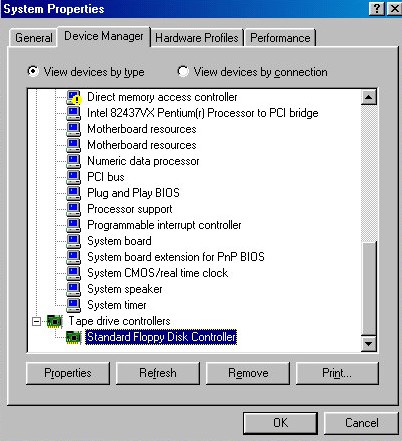
With the old VM it even thought the floppy drive controller was a tape drive.
Post Restore
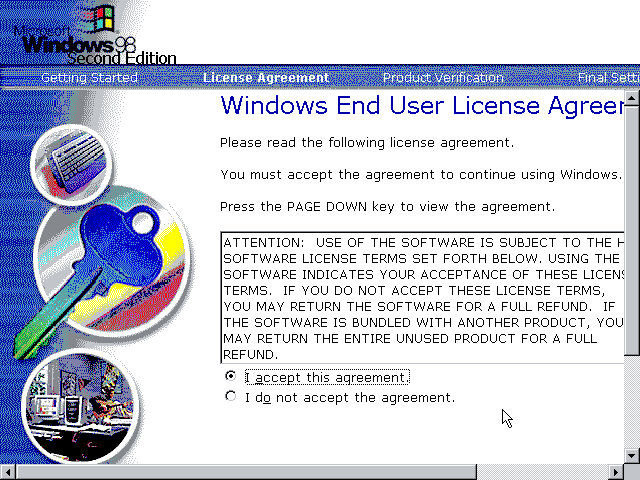
We are booted into a wizard that asks us to confirm the licence agreement, set the keyboard layout, confirm our region and our OEM product key. After a reboot, another wizard starts:
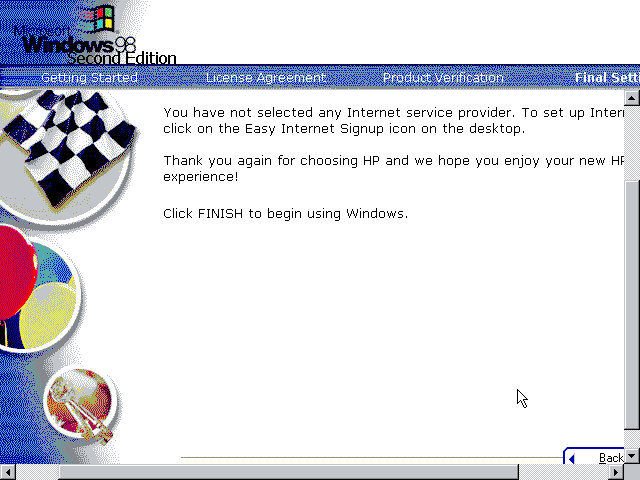
Before we get to the desktop, we are invited to complete the registration wizard where we enter our name, address and our product key which would have been provided in a separate booklet.
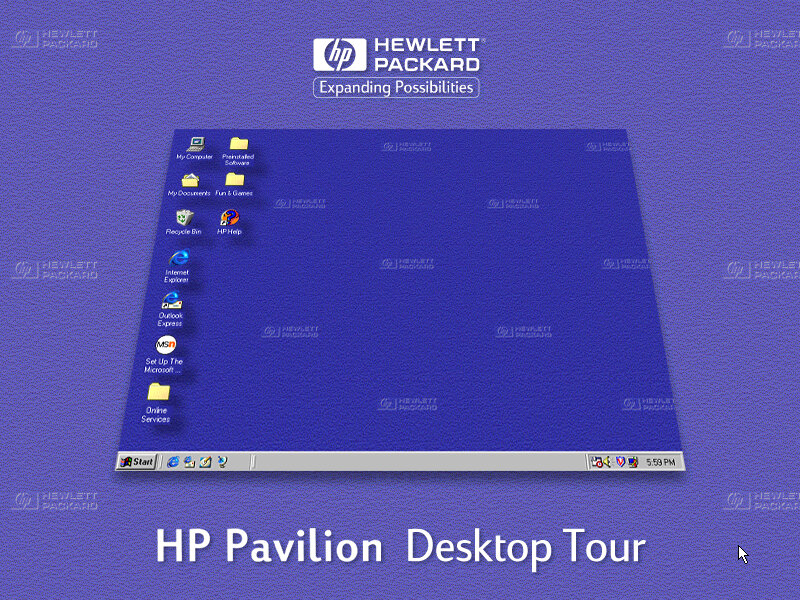
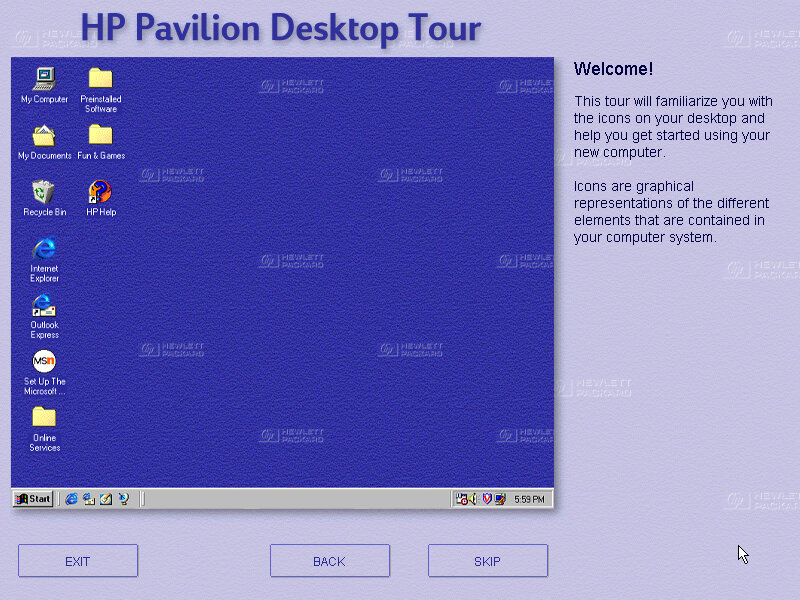
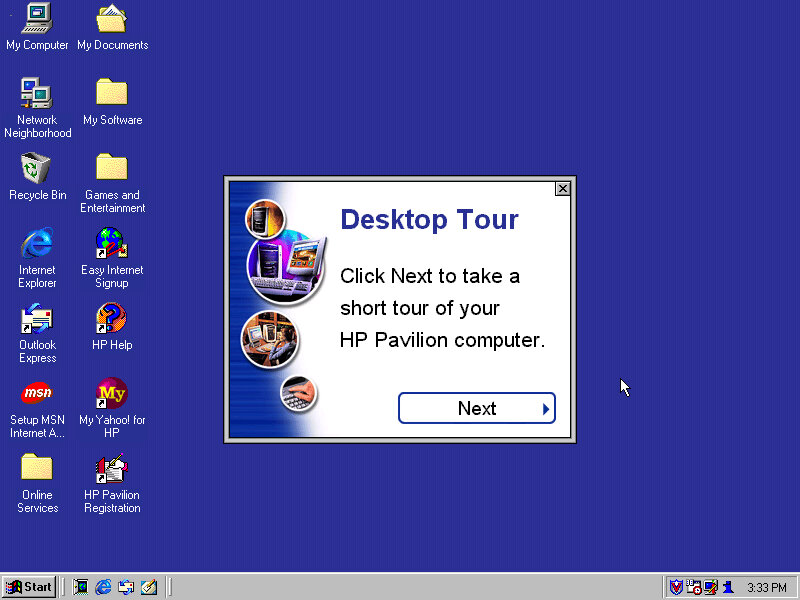
And then after that we are given a tour of the operating system, as some users may have been upgrading from a Windows 95 system, or might even be their first PC. This goes around the basic elements of Windows 98 and gives an animated demonstration of navigating Windows Explorer. This also complement’s the built in Windows tutorials for Microsoft.
Desktop
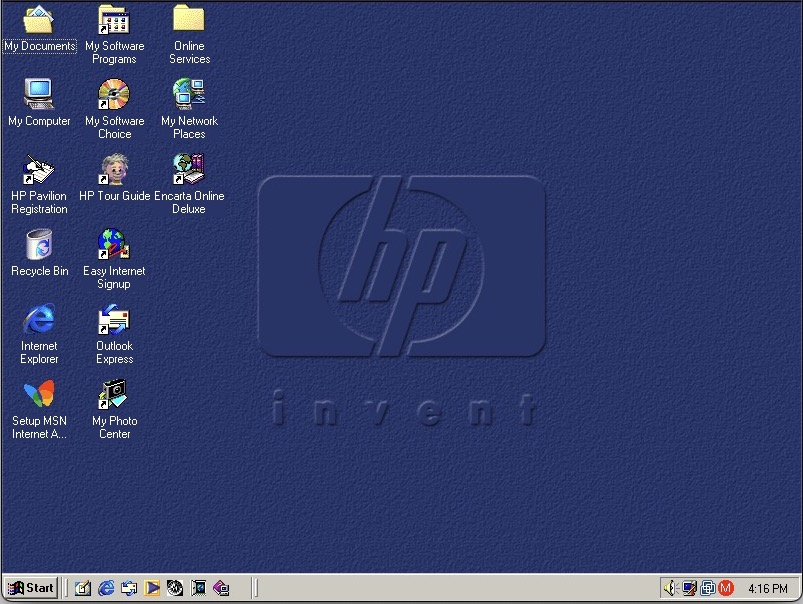
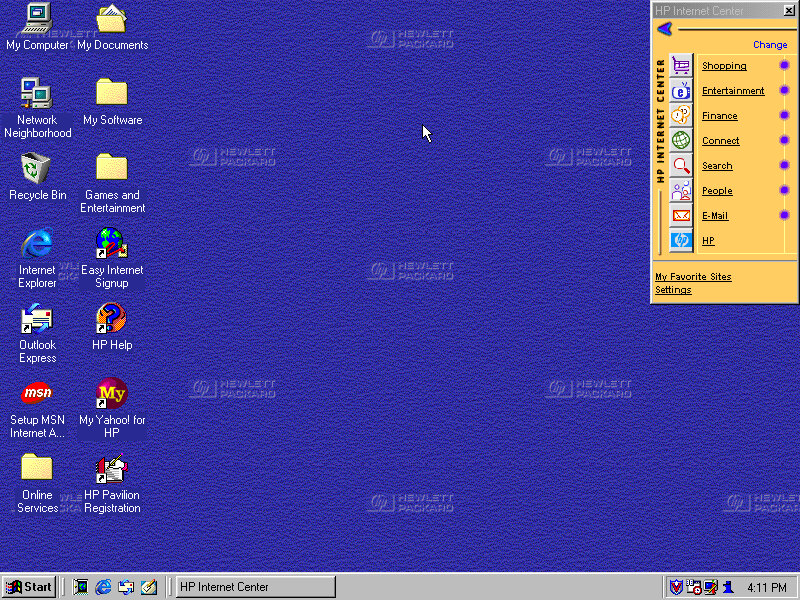
The Windows desktop with some of HP’s customisations. You will notice the HP Internet Manager, which provides easy access to various internet sites and are sorted by categories affirming that this computer was designed for the consumer that wants to browse the internet.
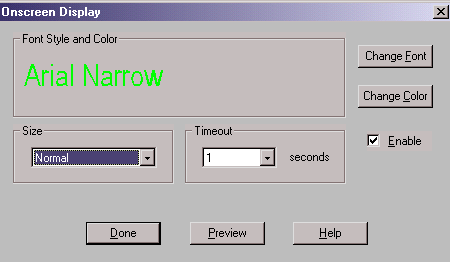
Clicking on any of the links (Such as Shopping) will open Internet Explorer with a customised link to that page. It sort of works in a similar manor to the internet channels included with Windows 98 and is HP’s replacement for the channel bar. Also, when you click on a link, large green text appears to the bottom left of the screen showing which button you clicked. I think this is supposed to replicate the OSD of many TV’s of the 90s where volume would be displayed in that style of display.
Sadly most of these links are long since dead, and the wayback machine does not hold any archived copies, possibly because they were not designed to be indexed. All of them lead to a paviliondownload.com domain.
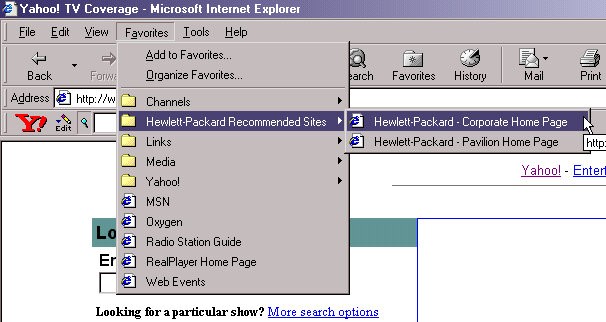
Whilst we have Internet Explorer open, we can see the Yahoo! Toolbar that was preinstalled. Yahoo was popular at the time and was the common homepage for many users, similar services were AOL, Lycos and AOL. As for Internet Explorer, version 5.00.2614.3500 is installed.
HP have also bundled a few favourites (Bookmarks) of their own with links to their corporate and dedicated Pavilion homepage.
Also another look at the green OSD, it appears when you adjust the volume too. You can actually customise this in the HP keyboard utility. Changes that can be made include the duration of the message, colour and font size.
Themes and Customisation
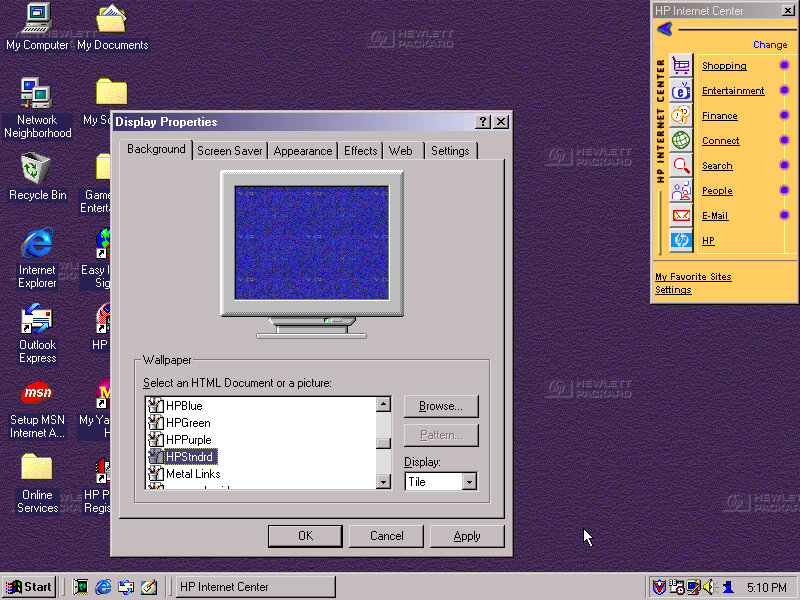
We can see HP have included a customised desktop wallpaper, in fact there are four of them provided in different colours (Purple, Green & Blue) and HPStndrd which is a lighter version of blue.
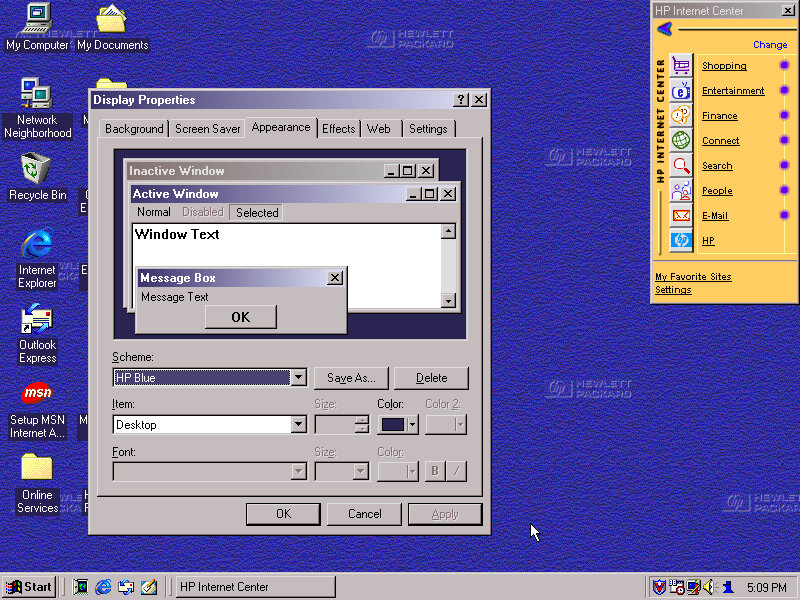
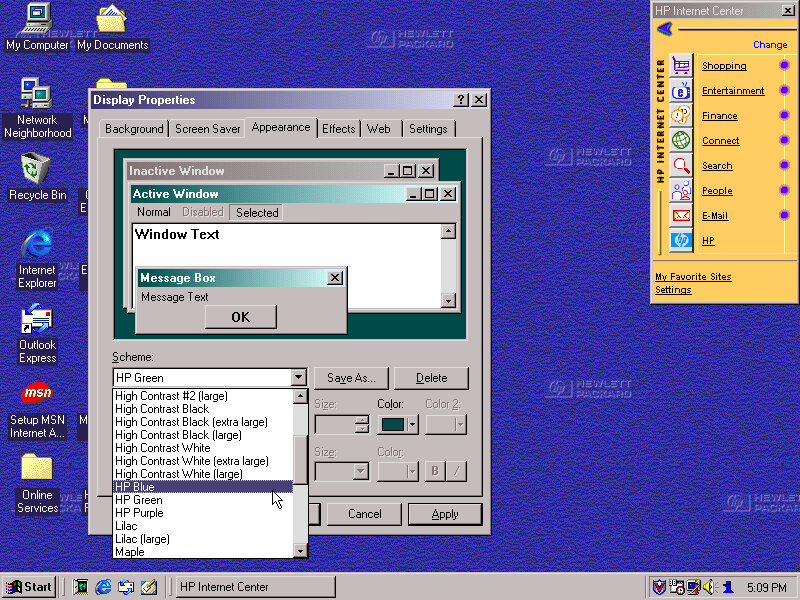
HP also added three custom colour schemes that can be selected in the appearance tab, again the choices being Blue/Green and Purple
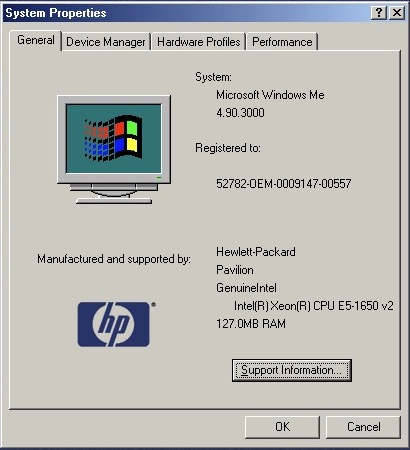
Also a shot of the system properties box, with the OEM logo and support information.
Bundled Applications & Utilities
Microsoft Encarta 2000 – Preinstalled but requires the Encarta 2000 disc in order to do anything.
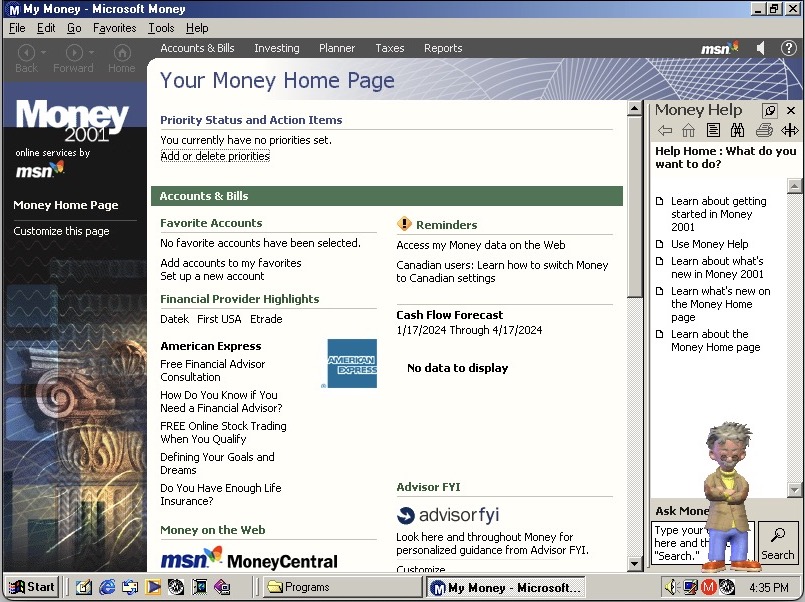
Microsoft Money – Finance management software, the 2000 edition is used here.
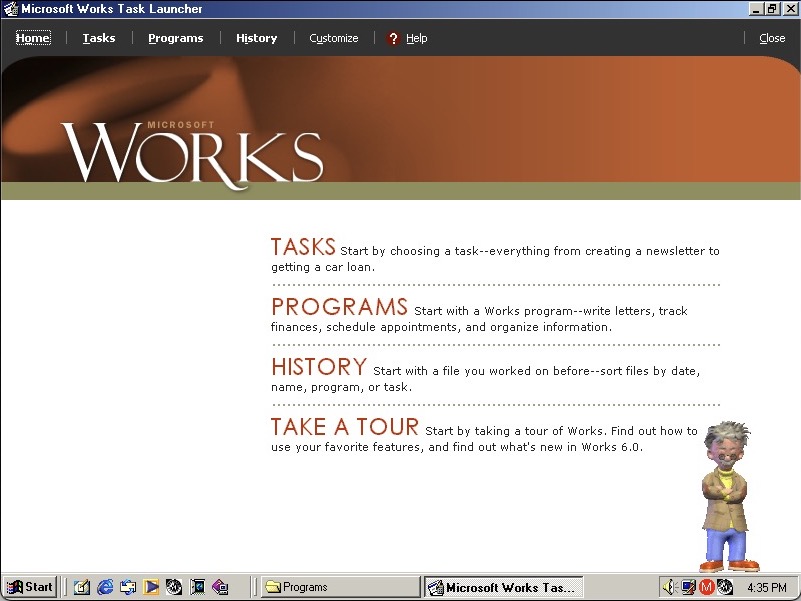
Microsoft Works – basic productivity suite that includes a word processor, organiser and a spreadsheet application.
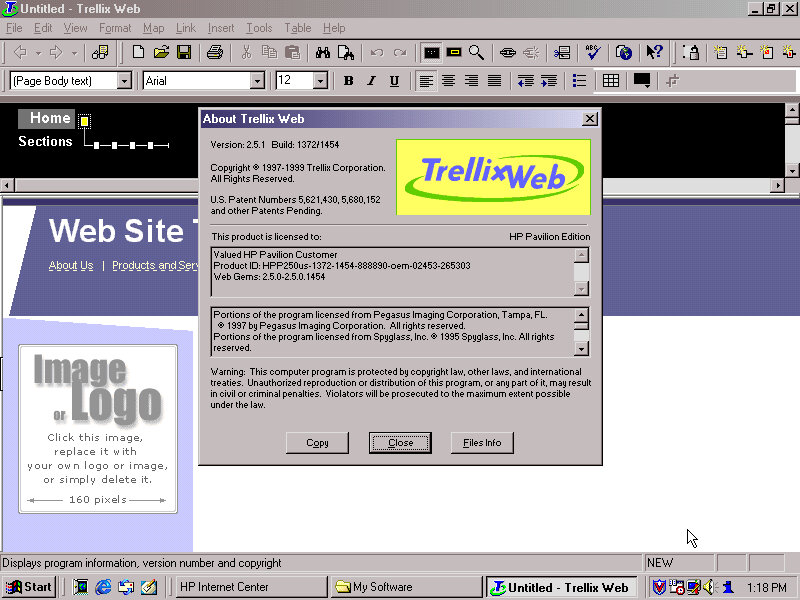
Trellix – Some sort of website builder that included a few templates that allowed for users to create and build their own website. I wonder if they will work with WordPress?
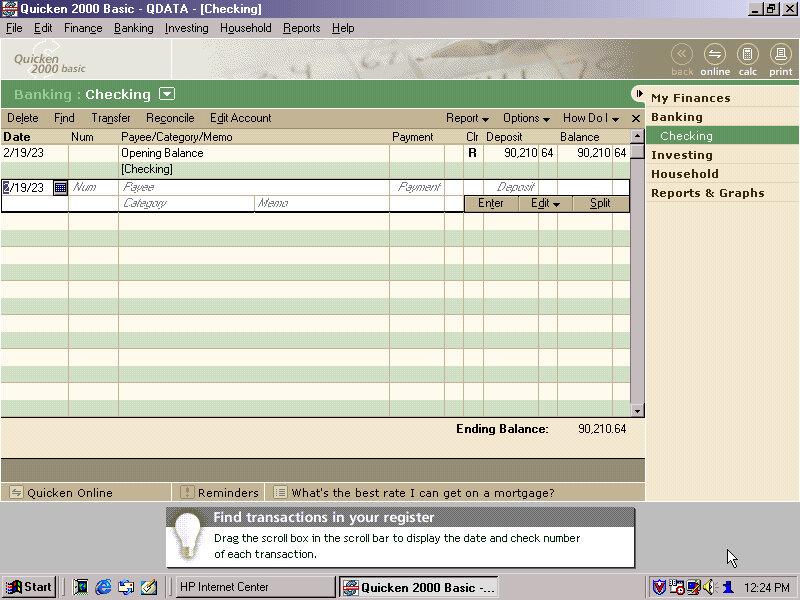
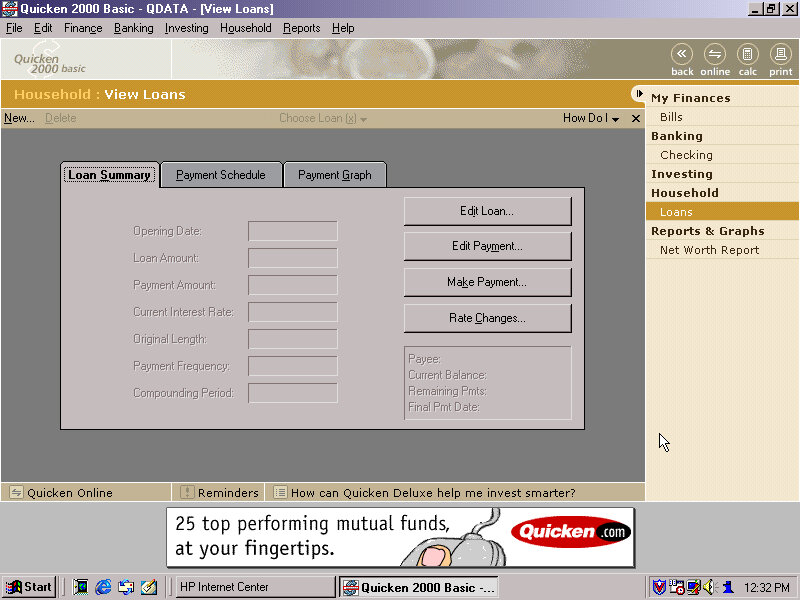
Quicken – Basic 2000 comes preinstalled and is a personal finance management utility, similar to Microsoft Money which was also included. I guess here you’re supposed to populate this with you bank statements and recent purchase’s, so you can get a rough idea of your balance history.
There’s a few online services included within the Online Services folder – AOL, AT&T WorldNET, Disney’s Club Blast, EarthLink, GTE Easy Sign Up, MindSpring, Prodigy internet and Compuserve.
Also, a Games and Entertainment category in the Start menu. Here you can find links to RealPlayer G2 and MusicMatch JukeBox which was a popular MP3 music player, along with a link to Emusic.com. There are also shortcuts to Windows games like Solitaire.
There is a My Yahoo program in the Start Menu, clicking on that takes you to an internet connection wizard that is HP branded. Since we are connecting via LAN, we can breeze past this. Dialup internet was a very common way of accessing the internet and would have been the de facto way of getting online, but was also around the era where cable and DSL broadband internet was starting to become mainstream.
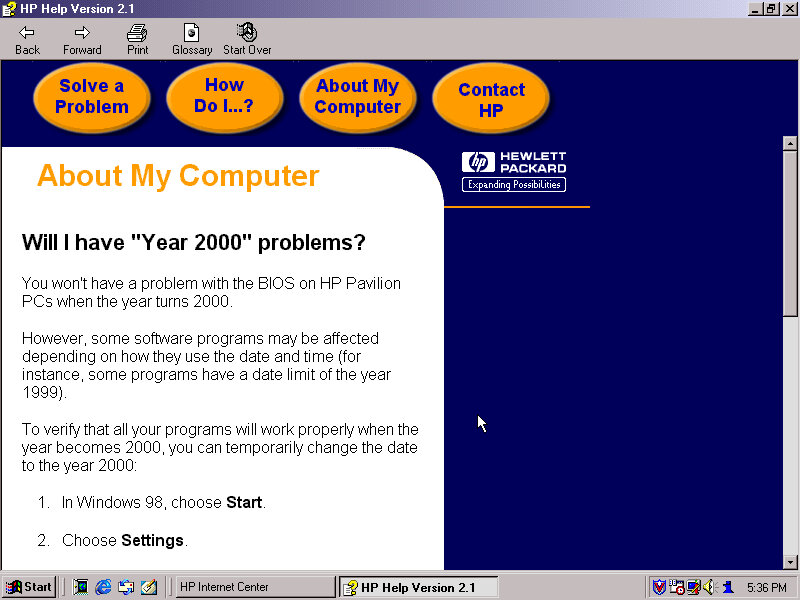
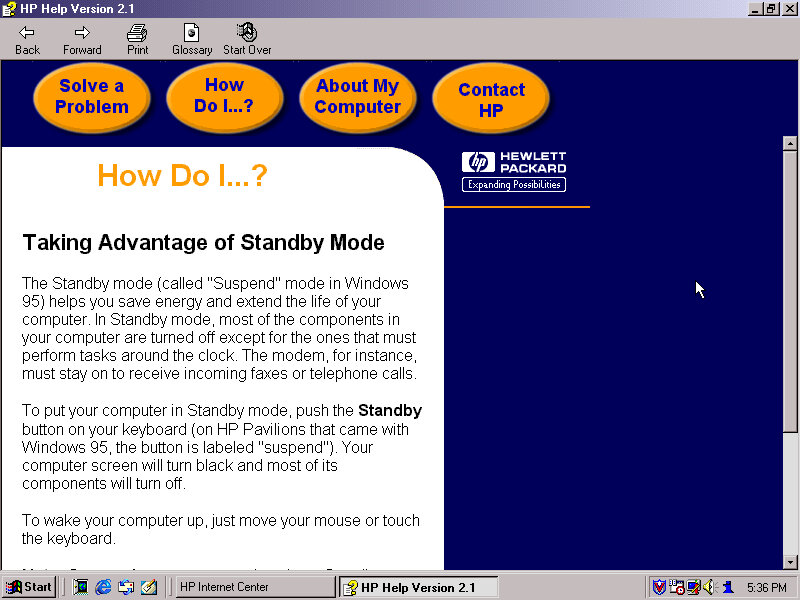
HP Help: Help and support centre for novice users. This can give information about your HP system and comes with a link to the user manual. This does require a separate CD that has this contained, it is not saved on the hard disk.
FAX (QuickLink III) Fax application, if you cannot use the built in Windows fax utility.
Lastly we also have McAfee security suite which can be found in the system tools folder. This includes the anti-virus and the V-Shield that acts as a firewall. A necessity as Windows did not come with any virus protection at all, that was left up to the end user or the system builder and may would bundle either McAfee or Norton Security.
The typical Windows 98 experience
Additional Links
Recovery Image – Archive.org – This version is cracked which allows for it to be installed on any PC or virtual environment and is an alternative to a regular install. There are two versions with the November 1999 being linked, an August 1999 version exists but has not been tested, perhaps that’s regular Windows 98FE?
An early Windows XP era laptop released around 2002, not to be confused with the Presario C700 which was HP branded. Windows XP Home Edition was the operating system bundled with the restore CD
Restore Process
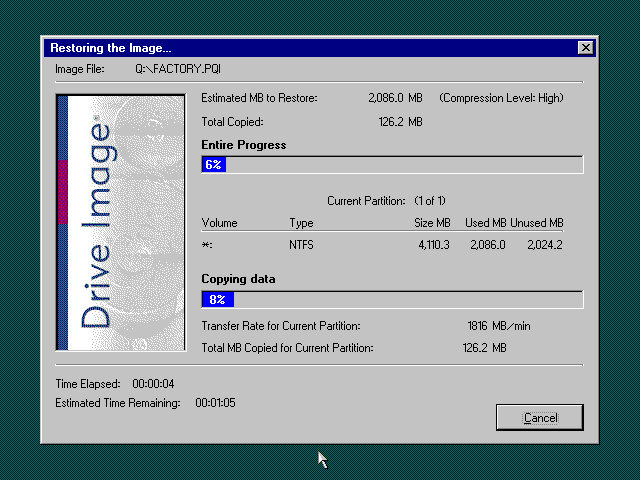
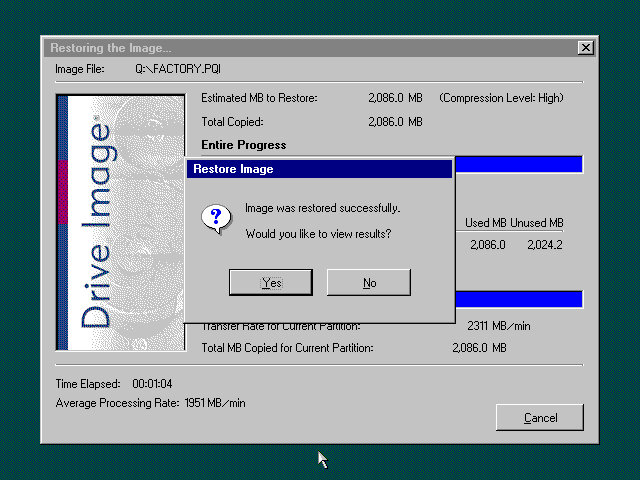
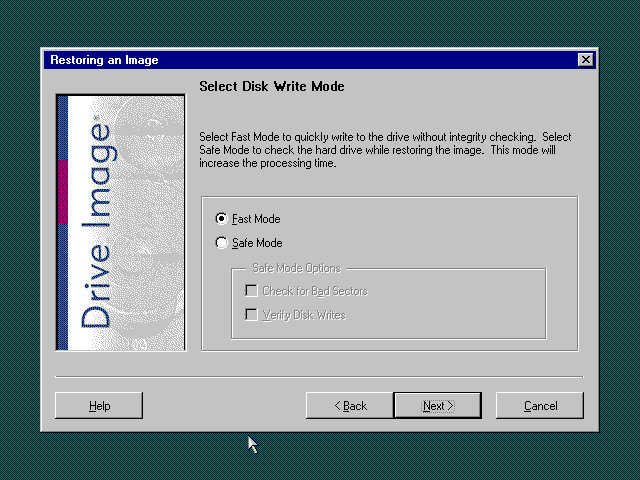
This one used a slightly different way of restoring the default image, and I believe this is due to the copy being modified so that it will restore on any machine, instead of being tied to a specific model. Here you must manually select the recovery image (located on the CD drive) and then proceed with the installation. If the hard disk is blank (Which it will be if we have just created the drive) the software can automatically initialize and format the disk and will create the correct partitions. Once this has been set up, the recovery process will begin and the system will notify once it has been completed.
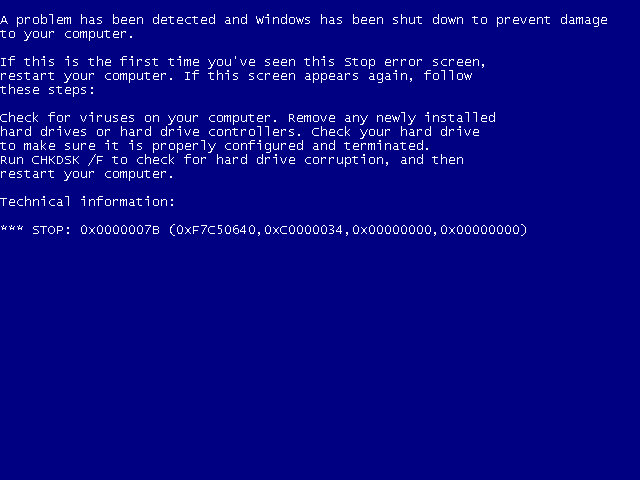
Hello blueness my old friend
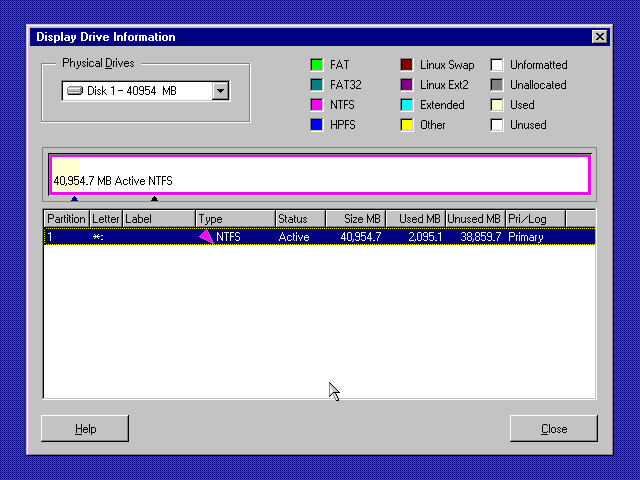
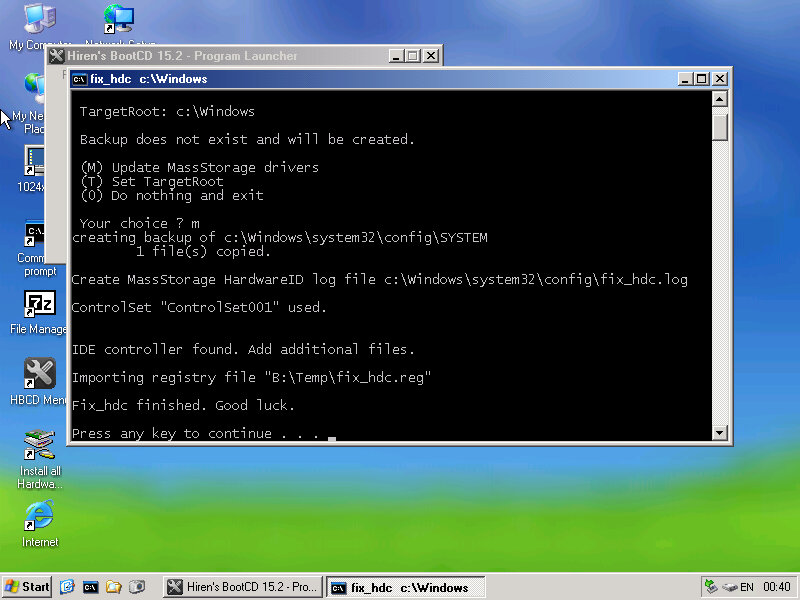
After the first reboot, we will most likely run into a BSOD, since we had installed it in a virtual machine instead of actual hardware, it’s expecting a motherboard that’s completely different. At this points It’s Hirens time
Same as the eMachines system, we just need to reset the hard disk controller to clear the error. After a reboot we are onto the OOBE.
OOBE
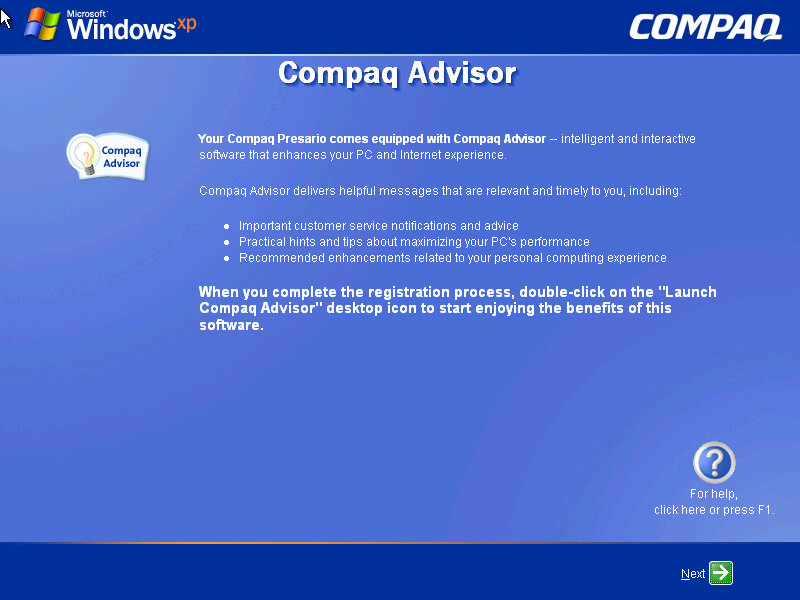
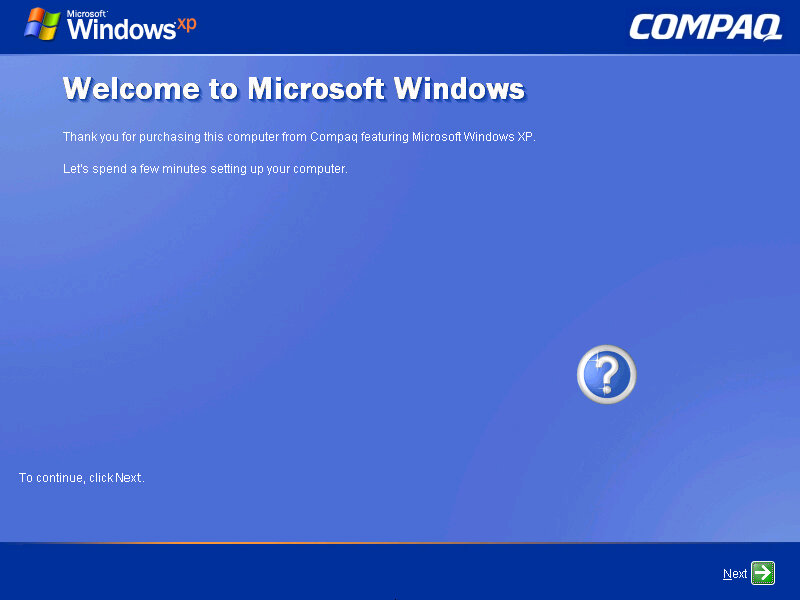
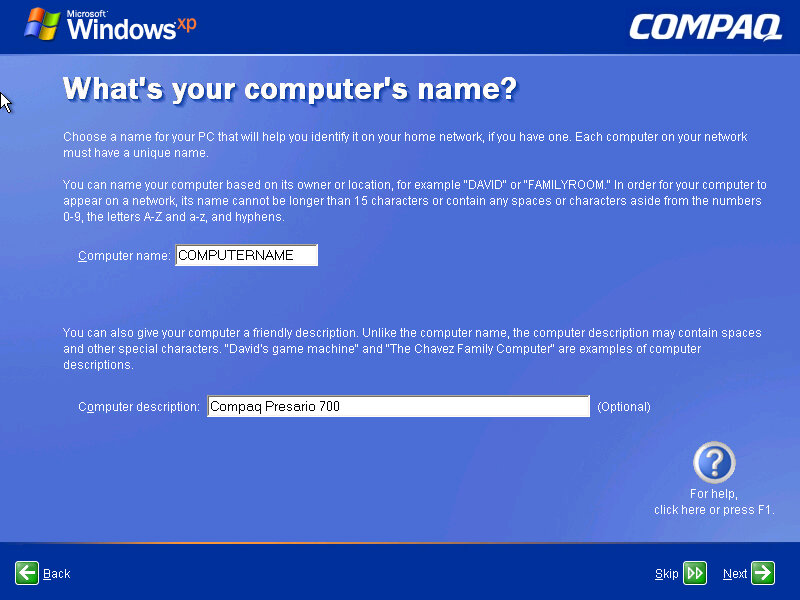
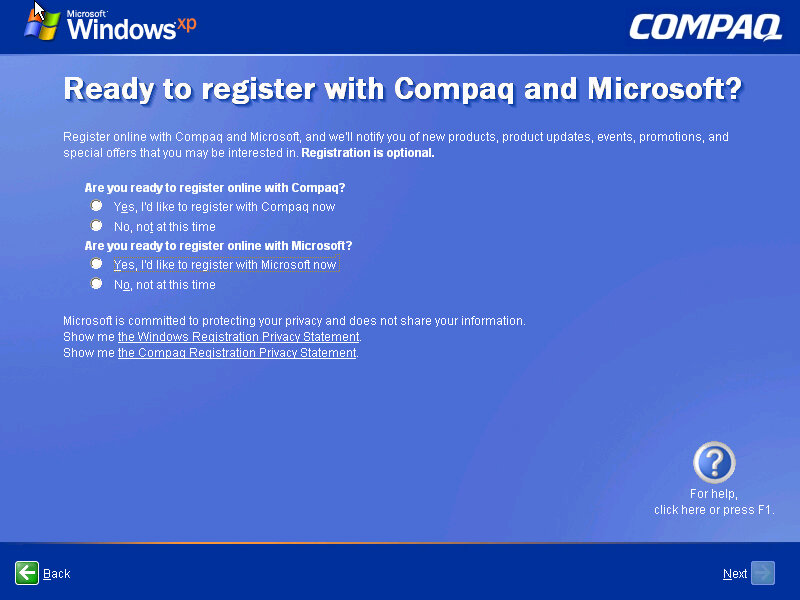
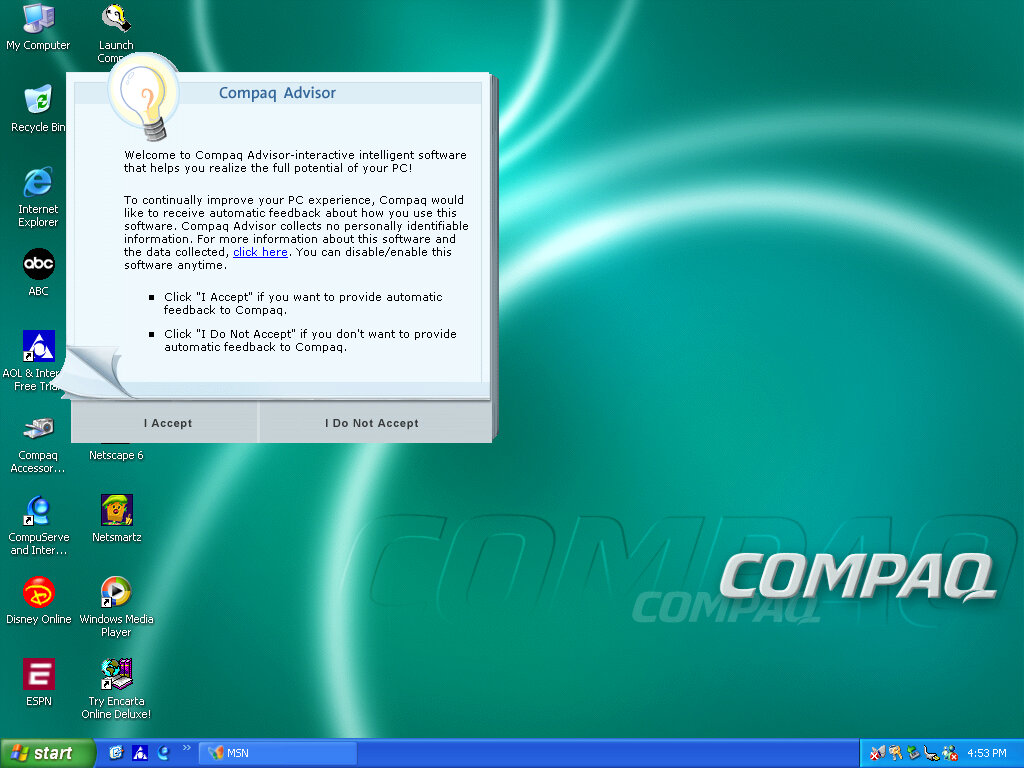
Once we cleared the BSOD boss fight we move on to the OOBE (Out-Of-Box-Experience) where we set up the system for the first time. You will notice the Compaq branding and will be informed of the Compaq Advisor, which is some sort of assistant. At this point you can also register your system, although I doubt there is much point,, Microsoft probably discontinued the registrations servers and Compaq has since been absorbed into HP.
Desktop
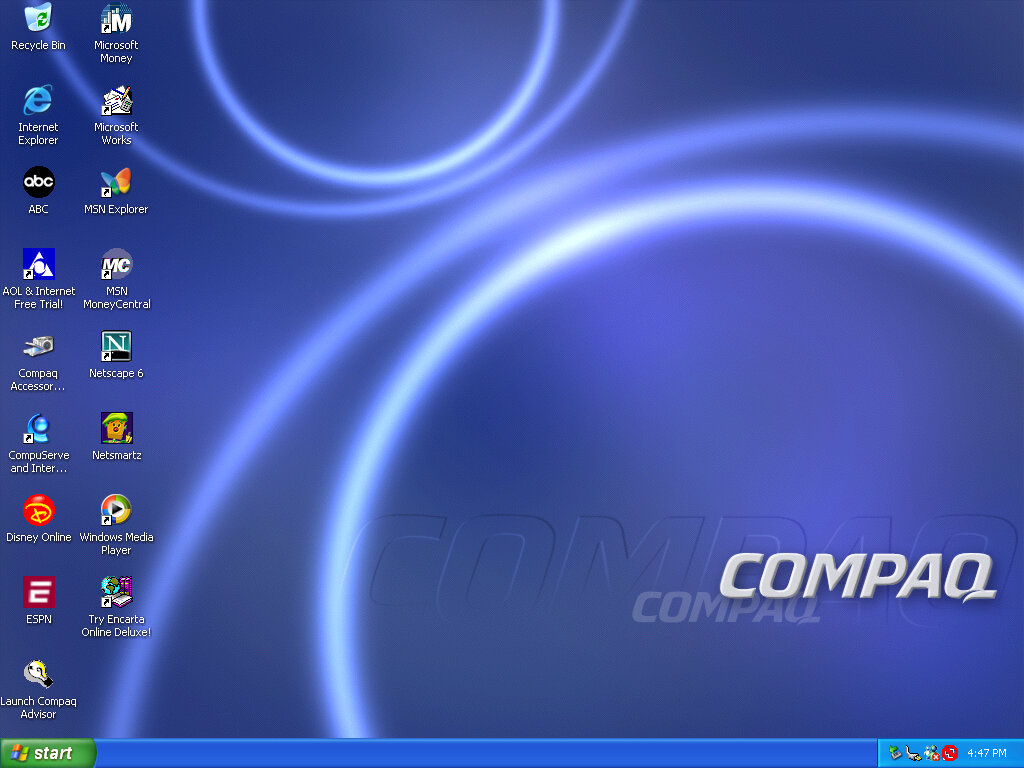
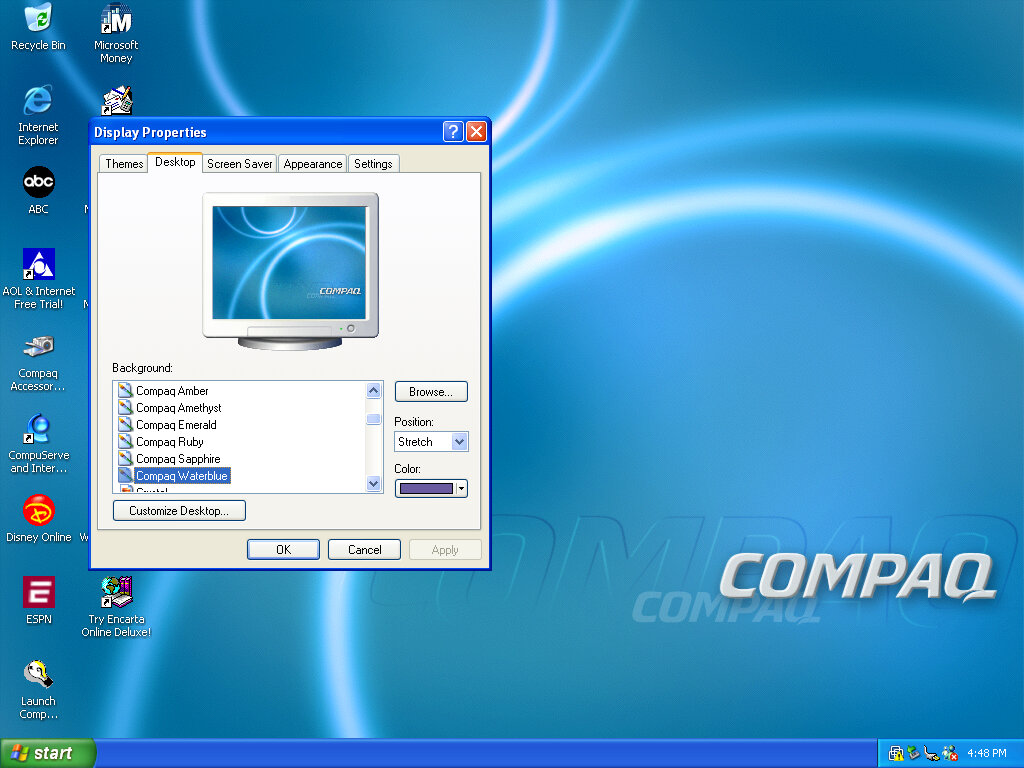
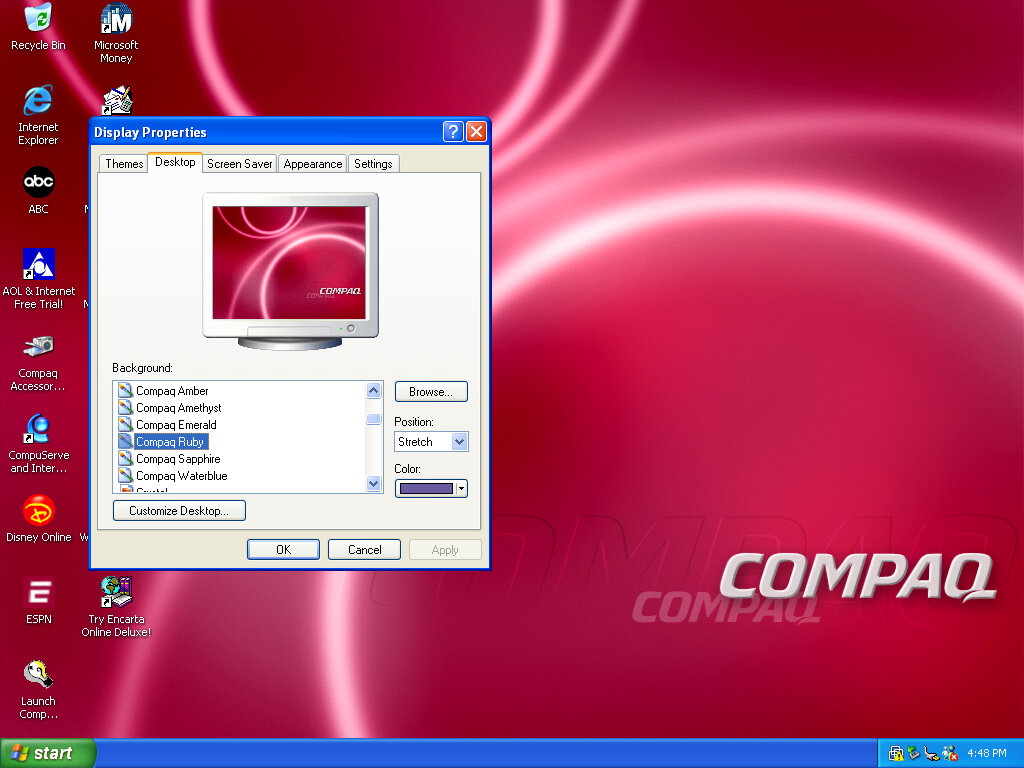
After that, we are presented with our new desktop, along with a funky wallpaper. There are several of these OEM wallpapers that are available in different colours. I’m not sure if these are reflective of the laptop itself or Compaq just whacked a few different colours for the user’s preference. It kinda reminds me of the original iMac with its various colours and shades. Of course, you also have the regular Windows XP wallpapers if you prefer.
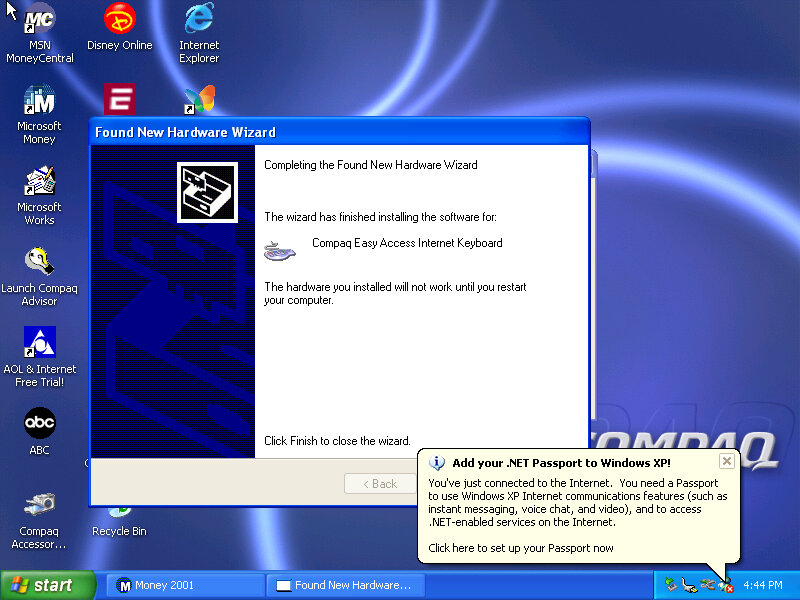
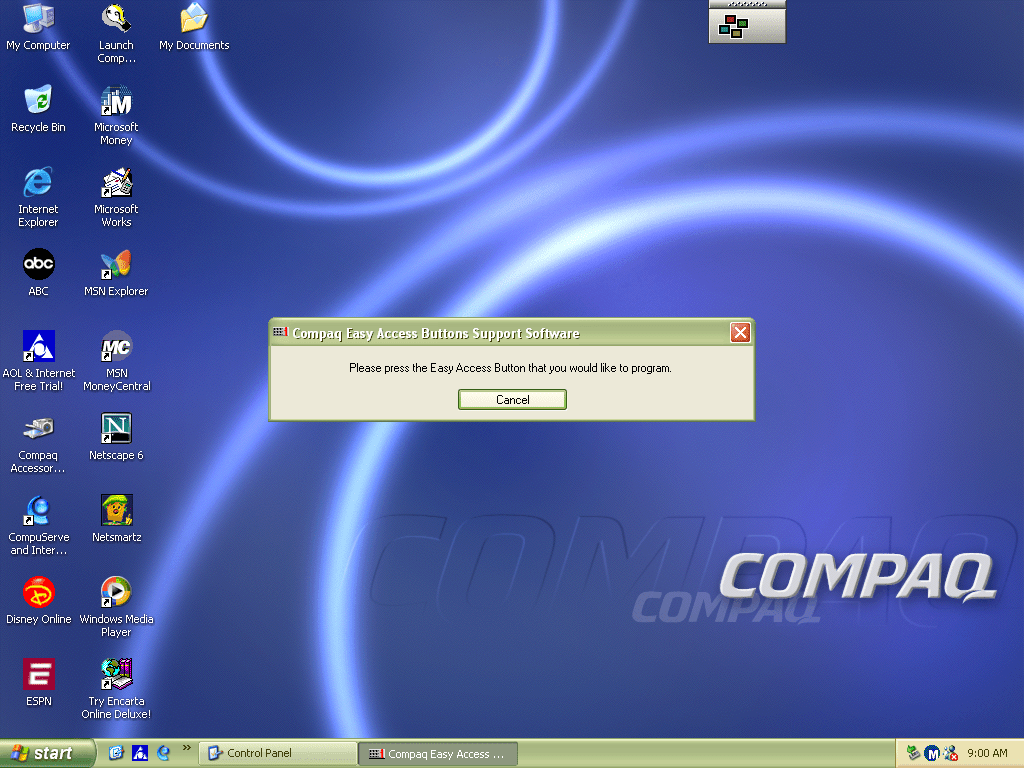
Interestingly it will try to install a driver for a Compaq Easy Access Internet Keyboard. This has little to no effect on the VMWare keyboard. On the desktop, there are a few internet shortcuts to various affiliate links like ABC, Disney,
VMWare
As this is pre-Service Pack 1 we are limited to how we can install the VMWare add-ons, the later tools require service pack 3 and will fail to install on an old Windows XP install. We can however download and mount an old version of VMWare Tools Be careful with this, as these tools were intended for the version of VMWare they were released with. I got a BSOD when trying to display one of the 3D screensavers, and had to upgrade to a later version to fix the issue.
Software
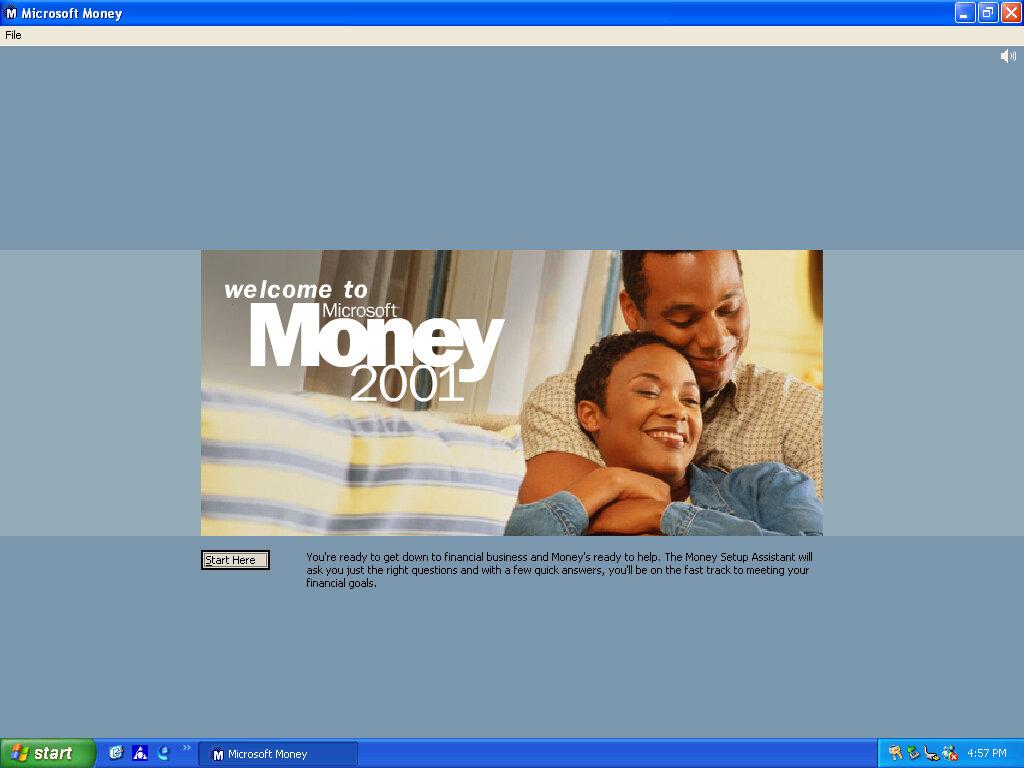
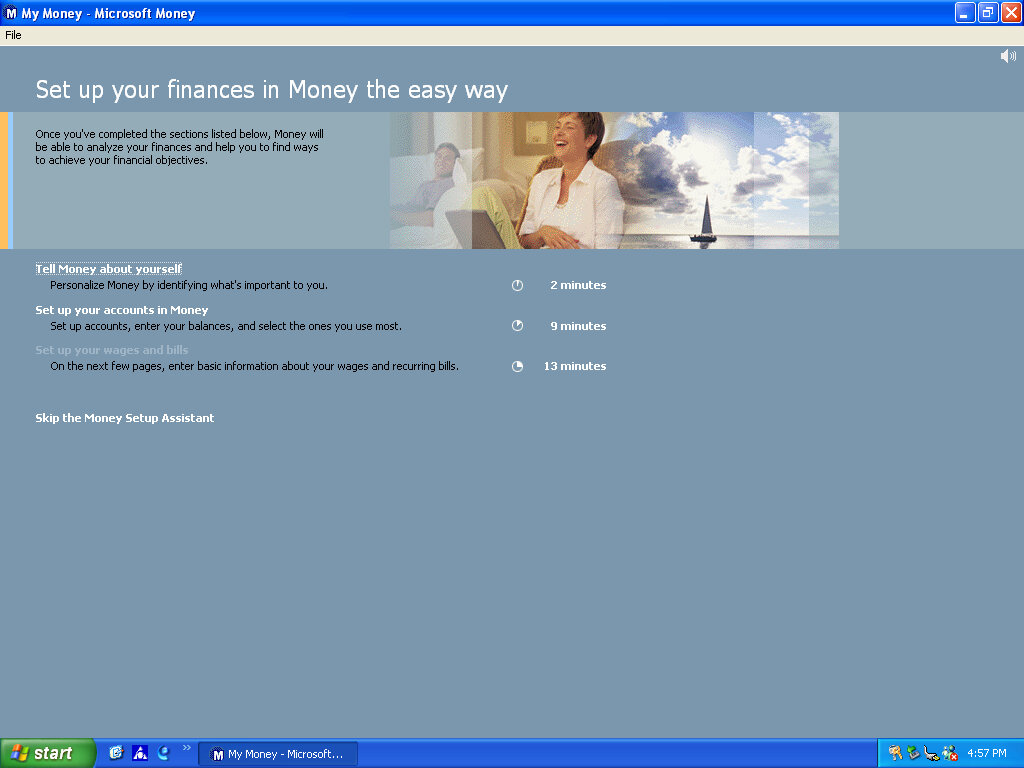
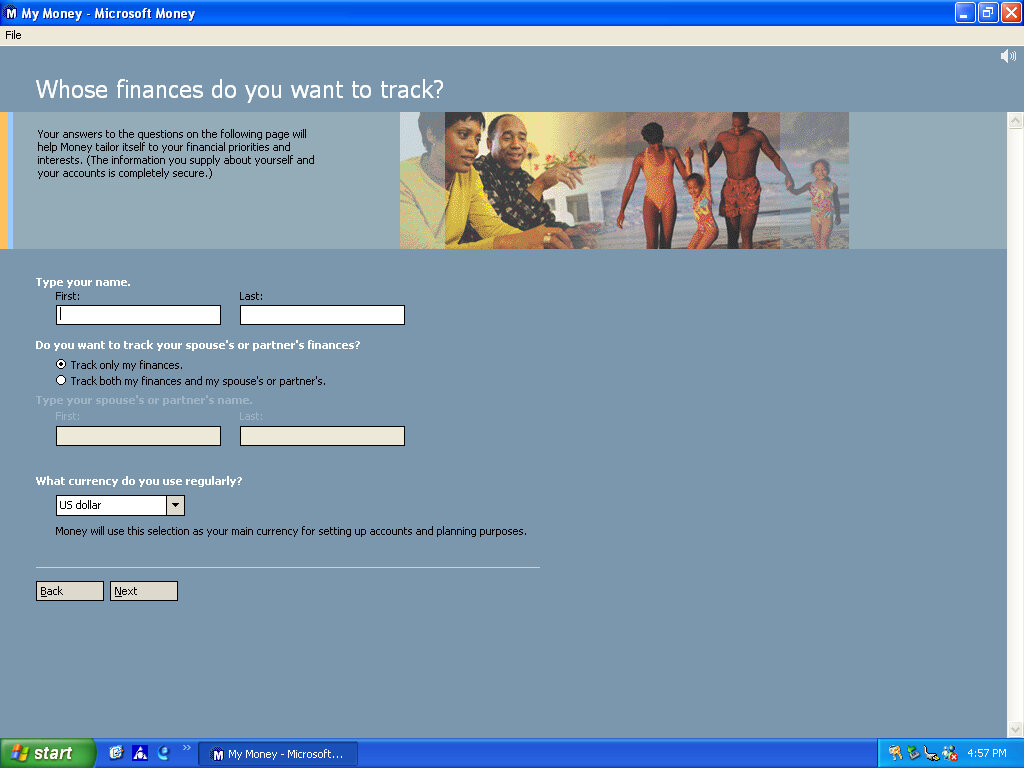
There isn’t much included, there is Netscape 6 and RealPlayer 8 bundled, and Microsoft Works and Money 2001
Compaq Advisor
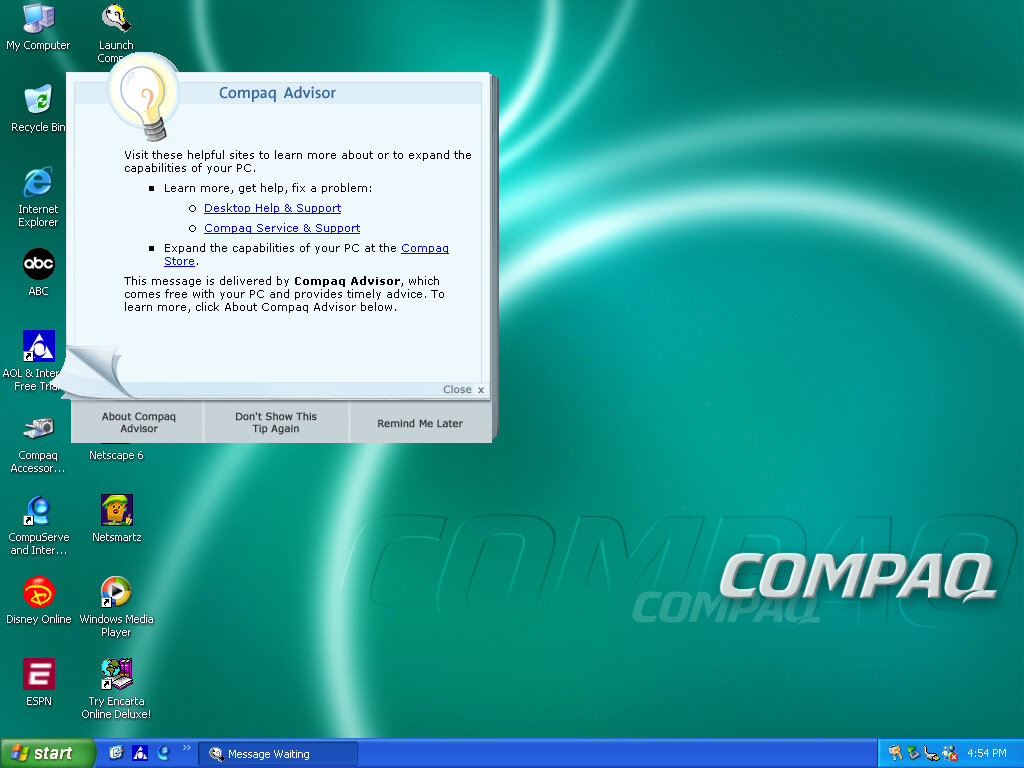
Seems to be some sort of help/assistant program, sort of similar to the Windows Help & Support but more tailored to the Compaq-related stuff. The actual Windows Help & Support has a few customizations made to it, mainly with some Compaq stuff added.
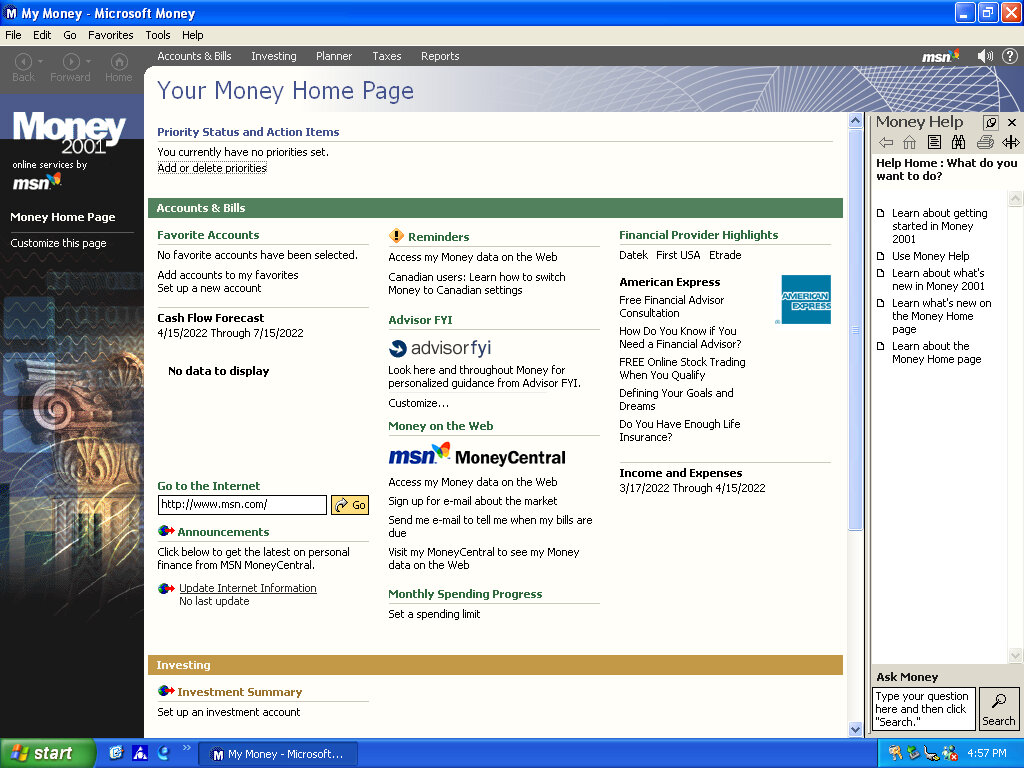
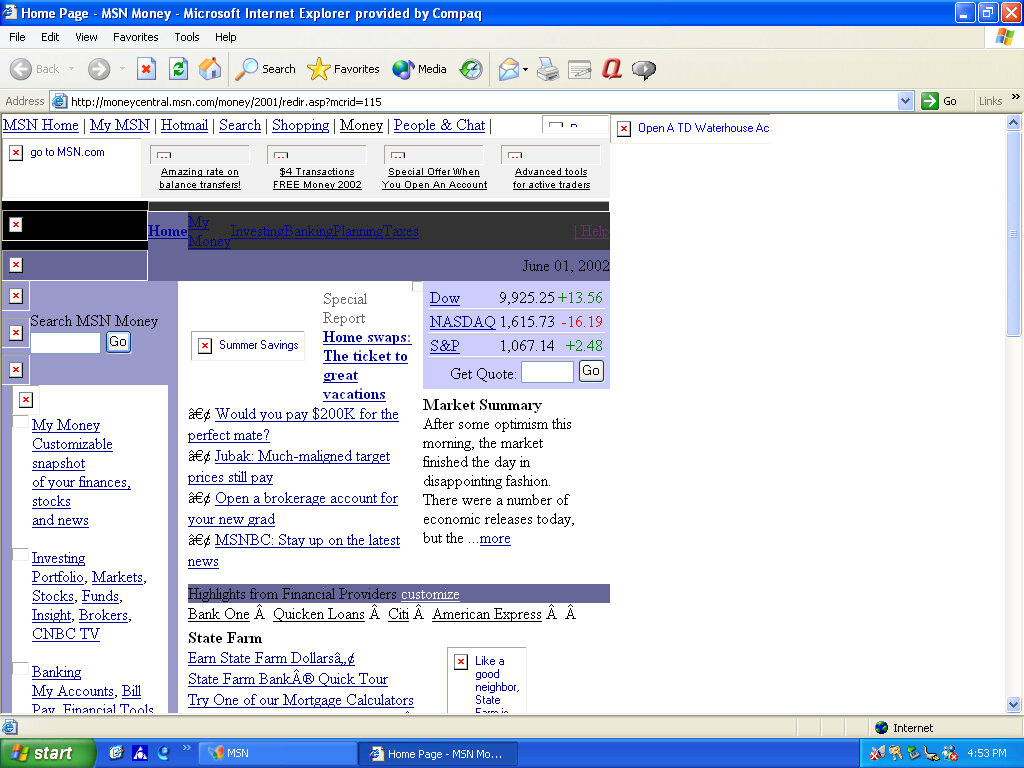
Microsoft Money 2001
There isn’t much included, there Netscape 6 and RealPlayer 8 bundled, and Microsoft Works and Money 2001
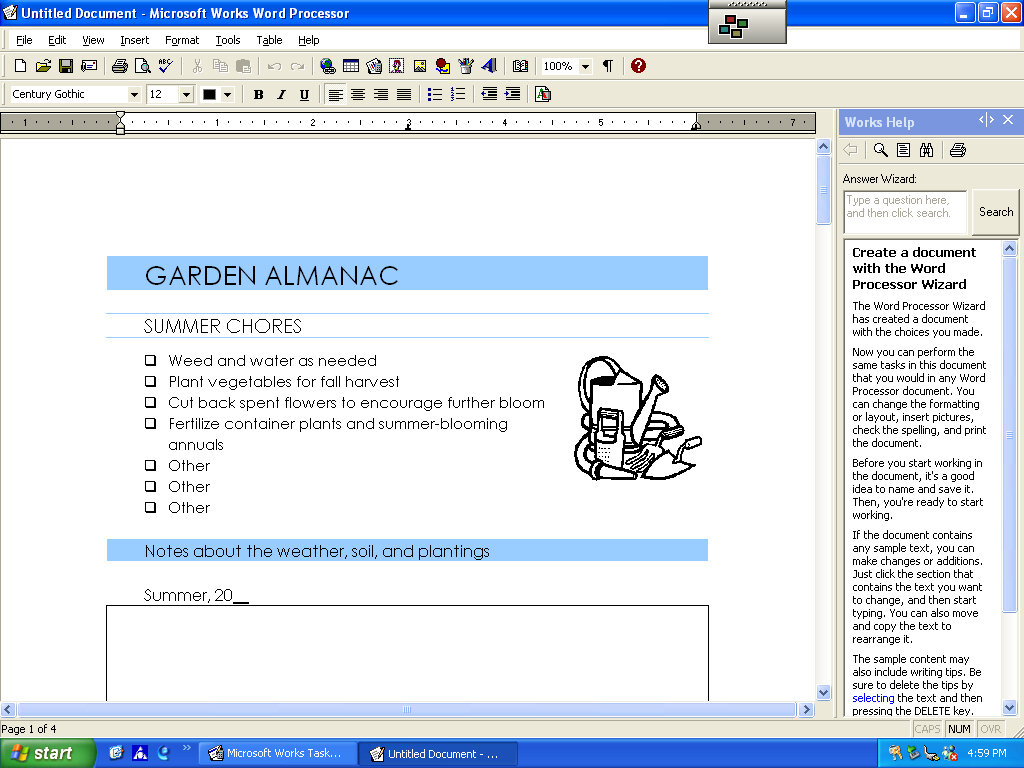
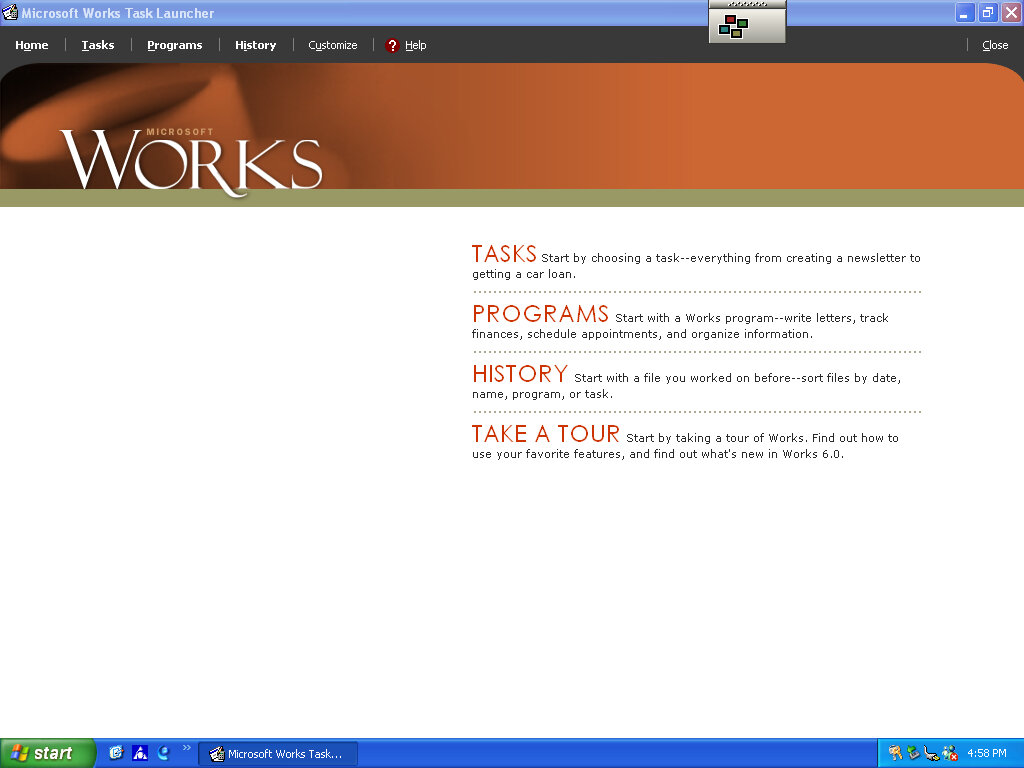
Microsoft Works
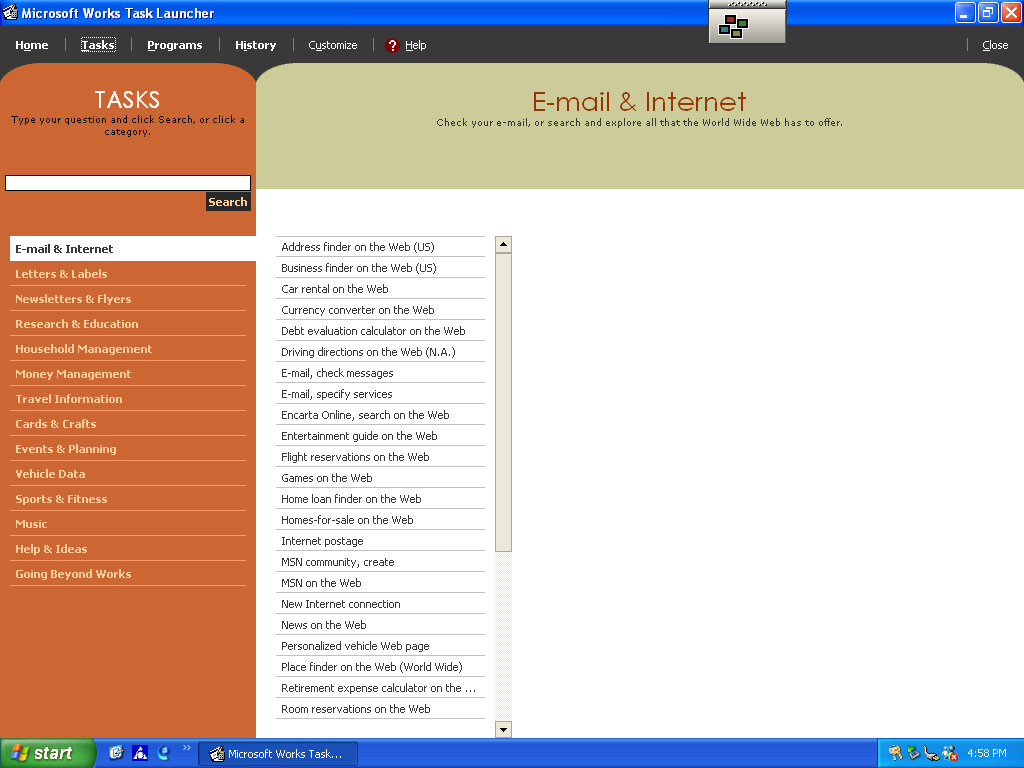
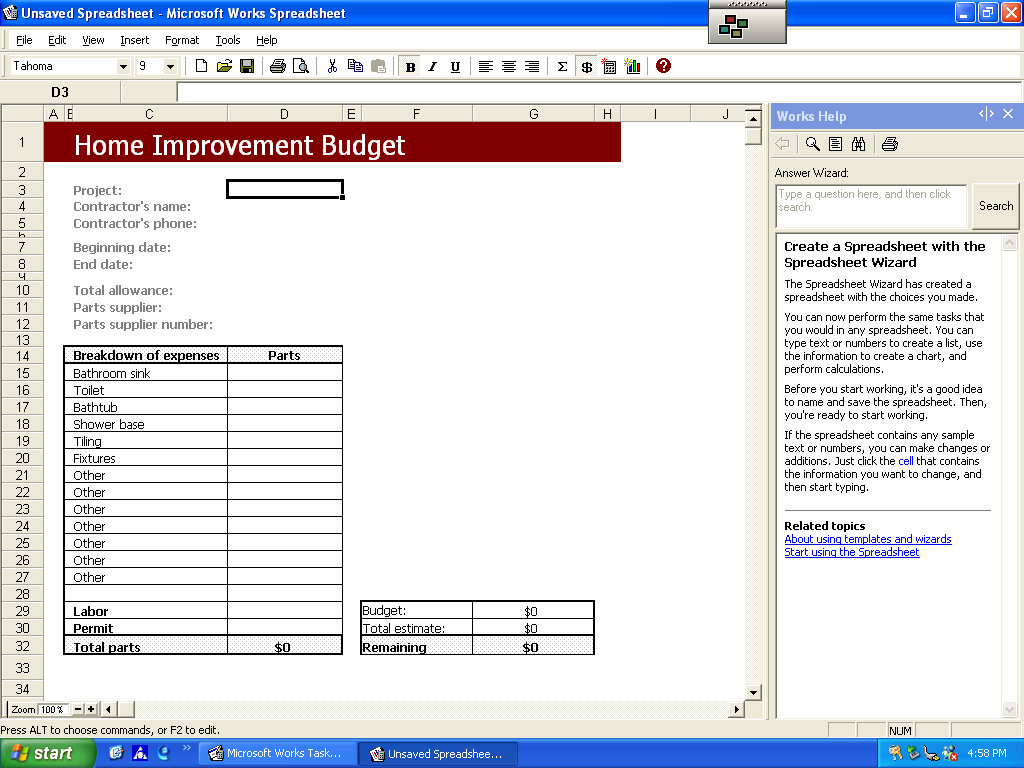
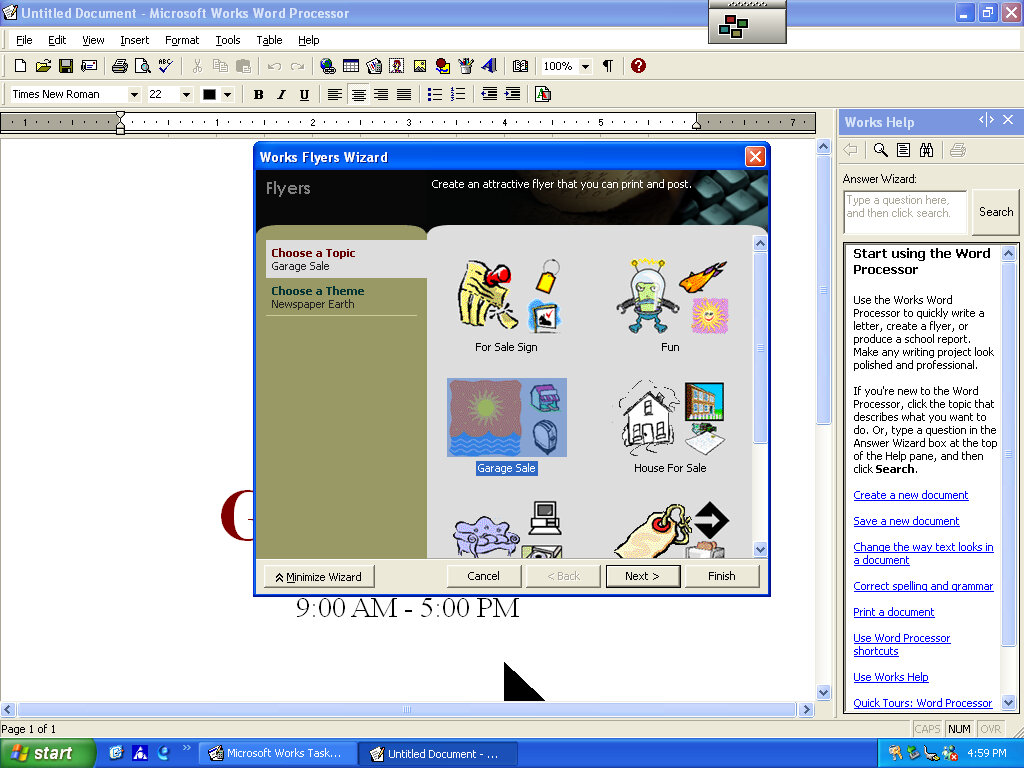
Version 6 of Microsoft Works comes bundled here, which serves as a basic productivity suite. It contains a word processor and spreadsheet software, along with a variety of templates to choose from.
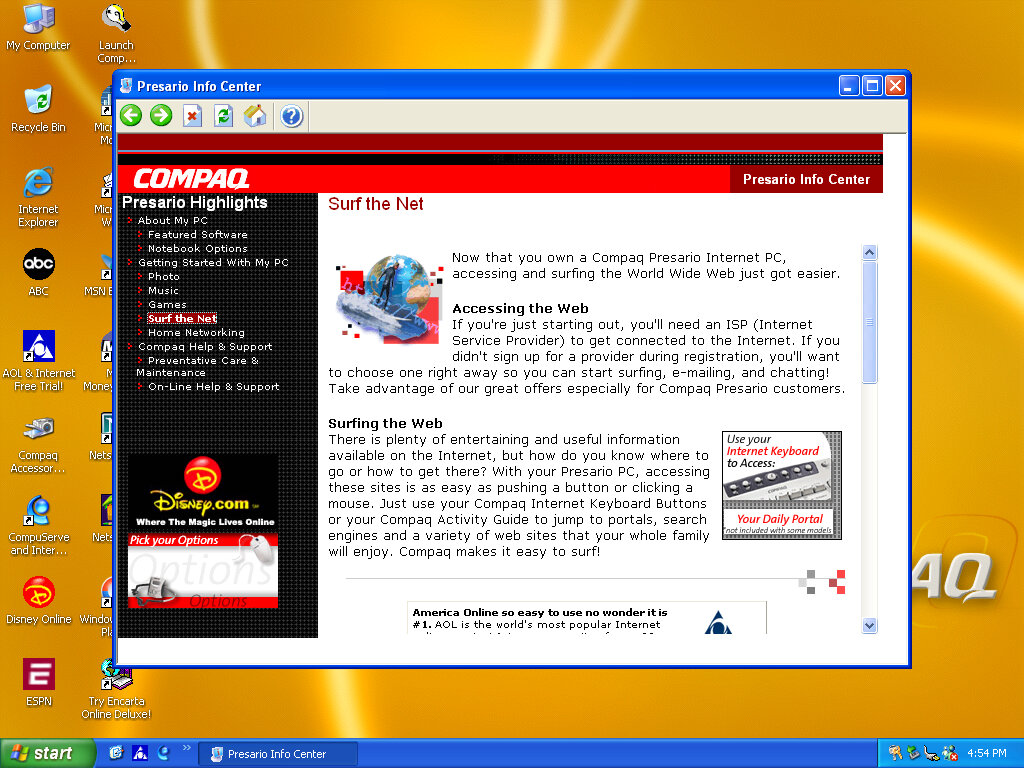
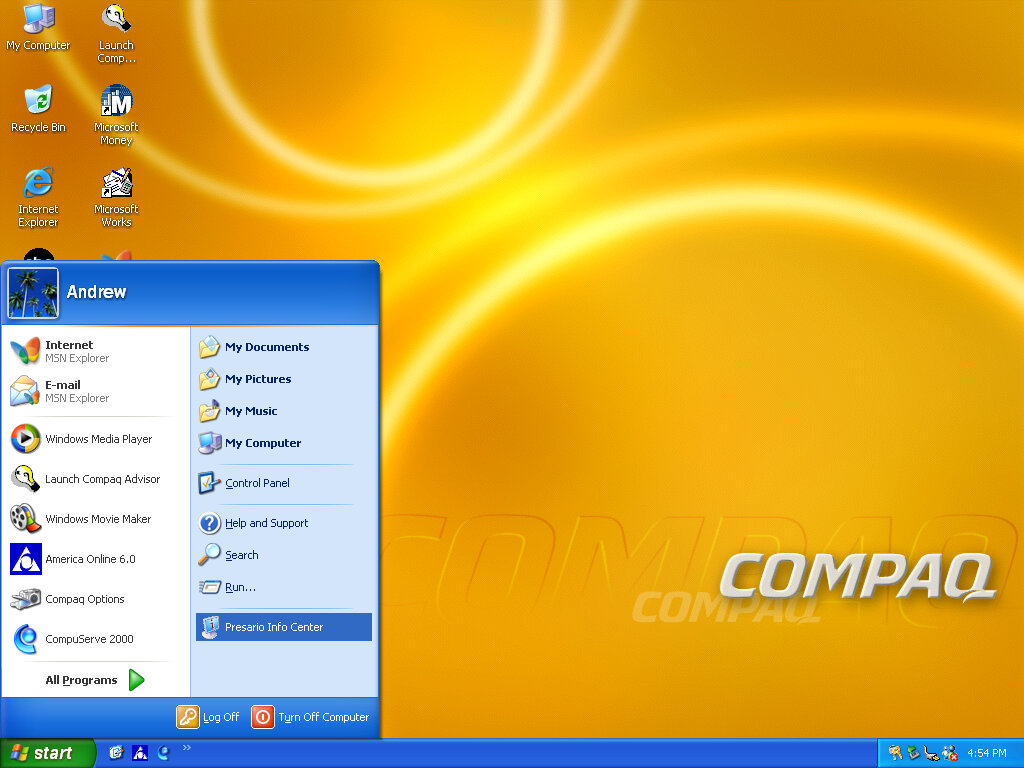
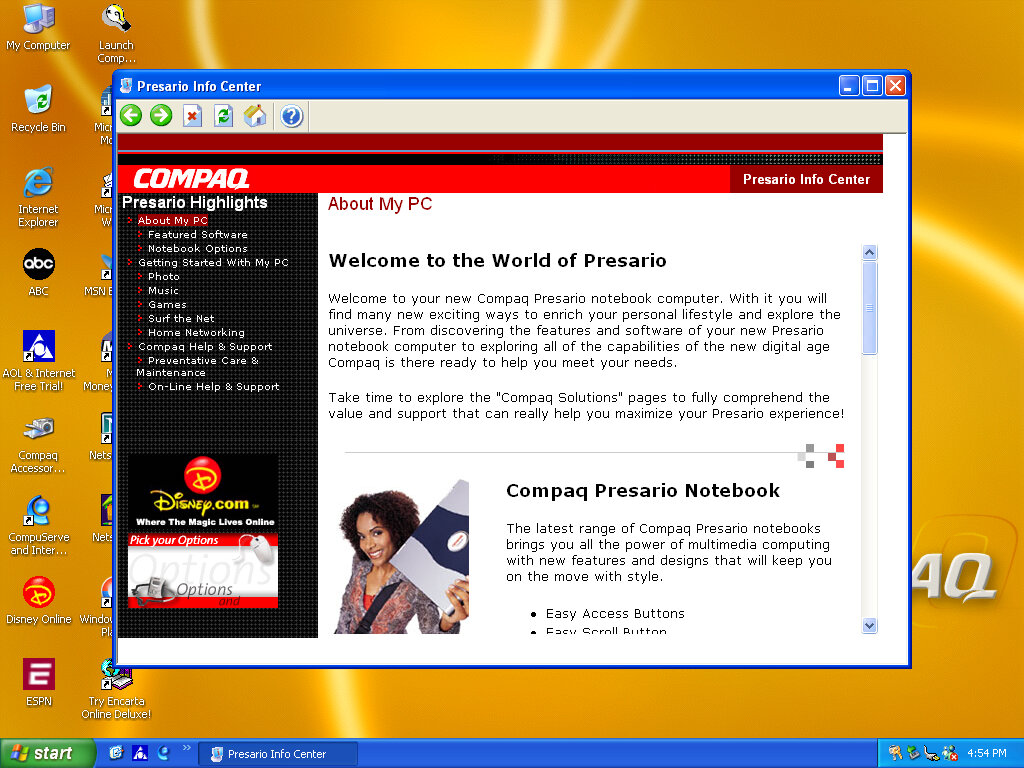
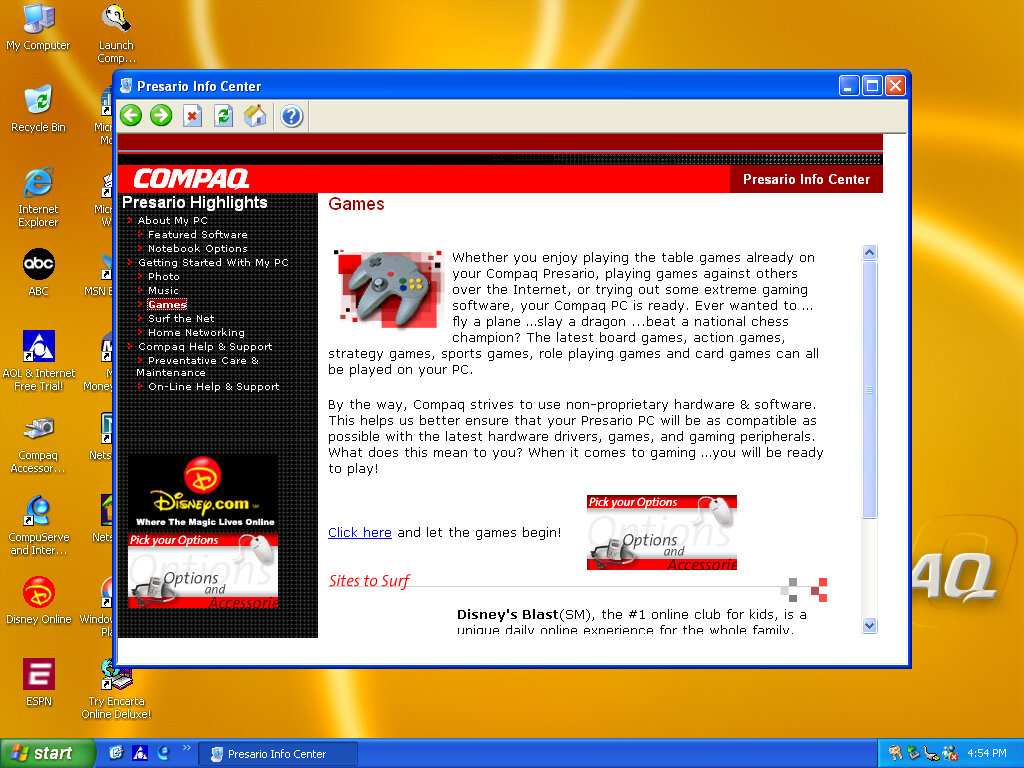
OEMLink (Presario Info Center)
Another system I’ve found to make use of the OEM link feature of Windows XP. This acts like a help center that shows the different capabilities of the PC, along with recommended software, some of which might be preinstalled with the system. Some of these are not present here so there might be another disc that includes this.
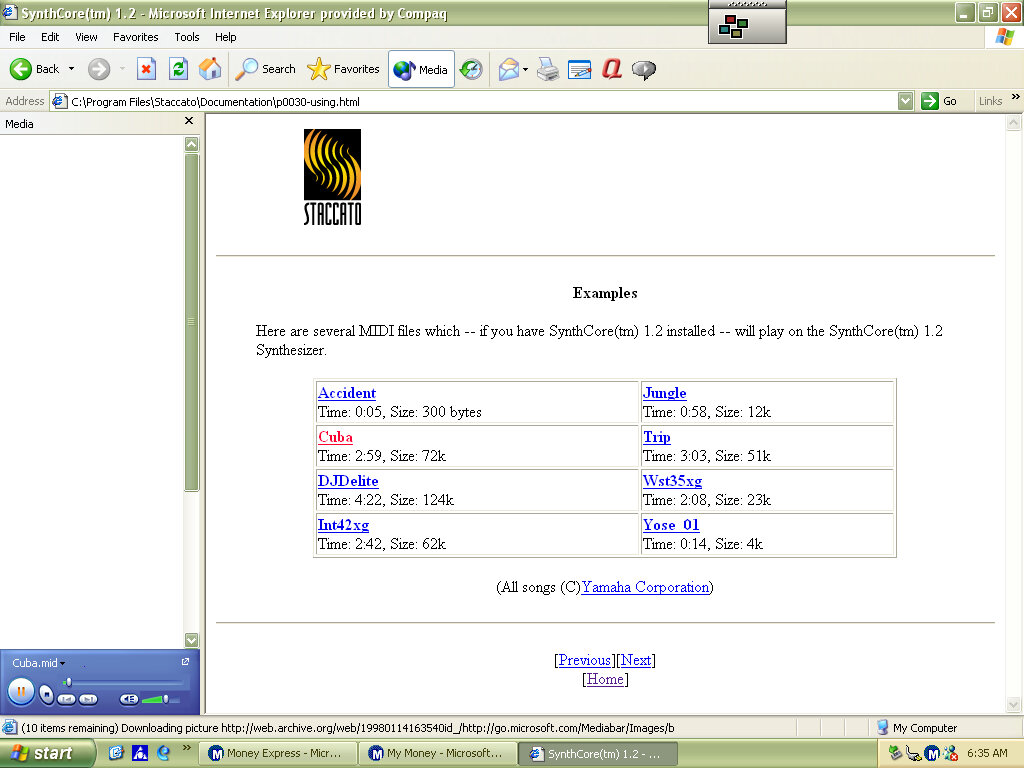
SynthCore
Also, this appeared in the start menu, it’s some sort of MIDI file samples that came bundled with the soundcard. These play normally on the emulated SoundBlaster but do not sound the same as they would on an actual system.
Control Panel
Easy Access Buttons: This lets you reassign the easy access buttons on the keyboard to open different functions
Compaq Advisor: Change settings in relation to the Compaq Advisor, appears to have been developed by Neoplanet Inc
Automatic Compaq Updates: Enables updates
SoundMAX: Opens the soundcard utility, does nothing in this VM since were using a different soundcard






































 Drew1440: Blog