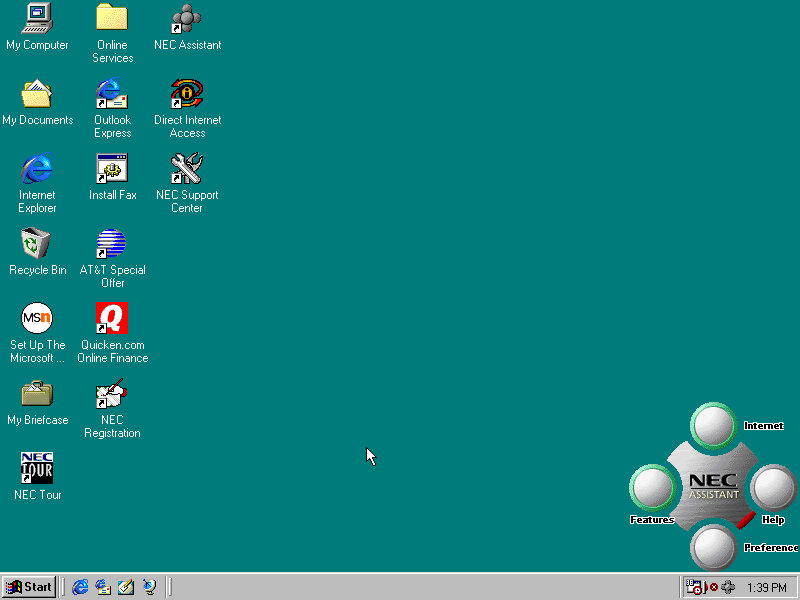
NEC is no stranger to x86 computers having a respected line of computers in Japan under the PC98 branding. The PC98 is a family of personal computers that was popular in Japan in the 1990s. NEC was one of the major manufacturers of PC98 computers, which were known for their compatibility with Japanese software and games. The PC98 ran on a proprietary operating system called PC-98, which was developed by NEC and other Japanese companies.
Outside of Japan NEC had a minor presence with the Powermate line for the business and enterprise market, and the Ready line for home and small office market.
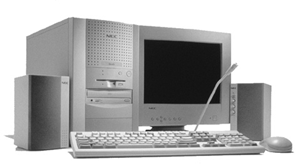
This is one of their many models that NEC had around the time which were being sold as complete home PC’s that featured bundled software and internet compatibility (being sold with an internet browser package, or ISP software)
Getting to boot the recovery image was a bit of a complicated dance. The CD itself does not seem to be bootable, despite there being files on there that suggest so. Plop bootloader did not appear to be able to boot the disk either.
First thing I tried was to use a Windows 95 boot floppy to cd into the floppy directory and run the bat file which I assumed would begin the recovery process.
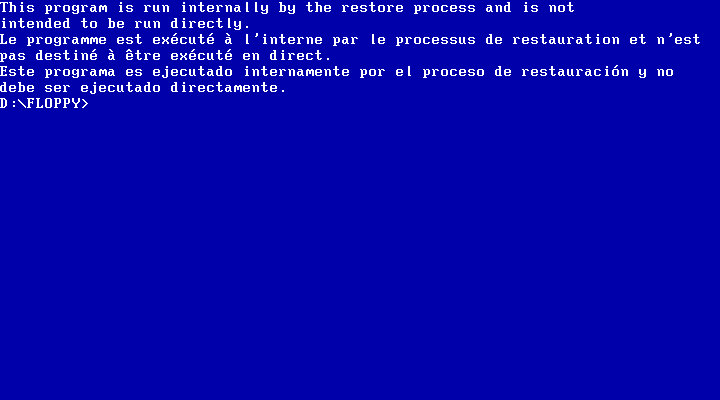
Instead it gave me the finger and the recovery must be started indirecrtly
What I had to do is open the iso and extract the floppy directory to a folder, and then use WinImage to create a bootable floppy disk using those files that were extracted from that folder. Now this could be forgiven as NEC were possibly using a BIOS that did not support CD-ROM booting, or the hardware was using non standard CD-ROM drive like a SCSI drive (Unlikely but possible, since the Ready series were their budget line of PCs)
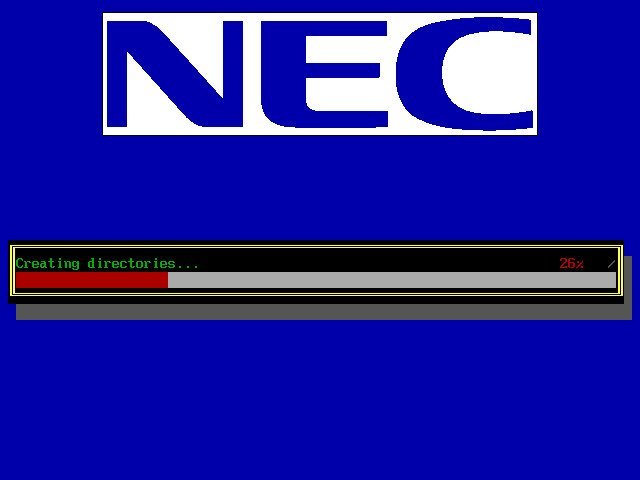
Once we booted the floppy, it picked up the CD and began the recovery process. It appears to transfer a few files to the hard drive.
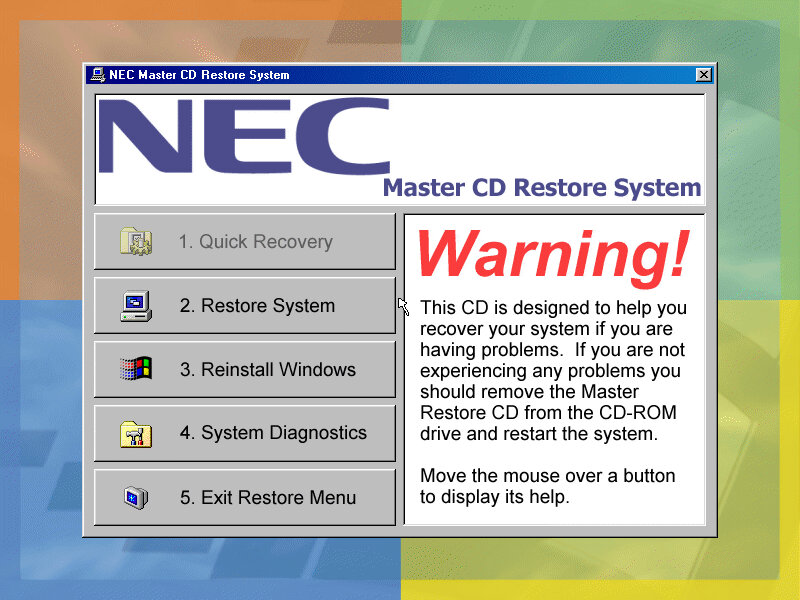
Another recovery process begins, but this time we are givern a few options on how we want to proeed with the recovery. I chose the second option which began to format the hard drive (so what was the point in copying those files in the first place?
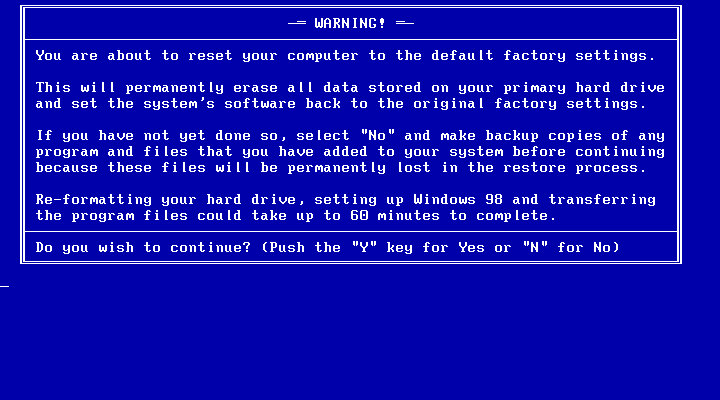
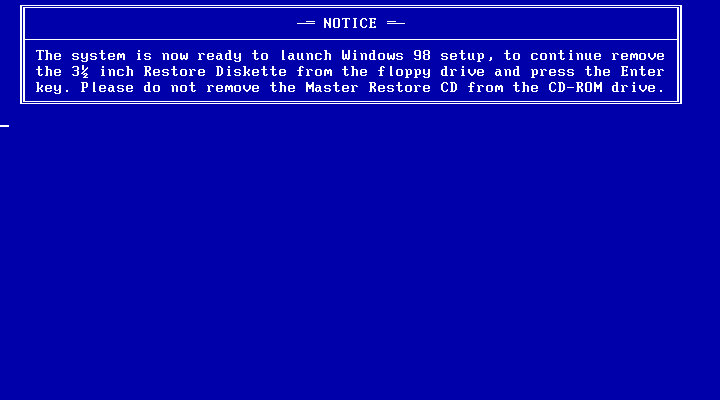
After the copying is complete we are invited to reboot into Windows setup, where the install will continue. This is where the drivers are initialized and detected.
Strangely we are not prompted to enter a product key or any owner or regional information, odd but not a complaint as this makes the install more streamlined.
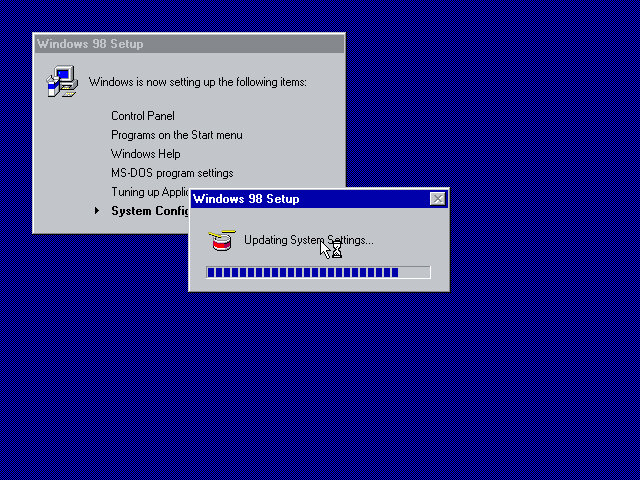
After this has completed we are rewarded with our new windows desktop, though we are not finished with the recovery just yet as we have another install utility to go through.
A nice thank you from NEC, followed by another reboot
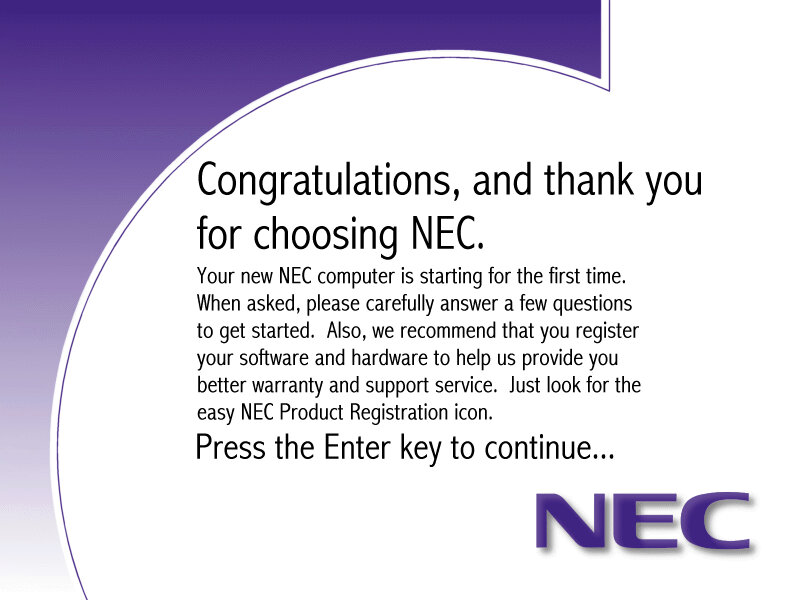
The NEC Welcome program that invites us to reegister our system
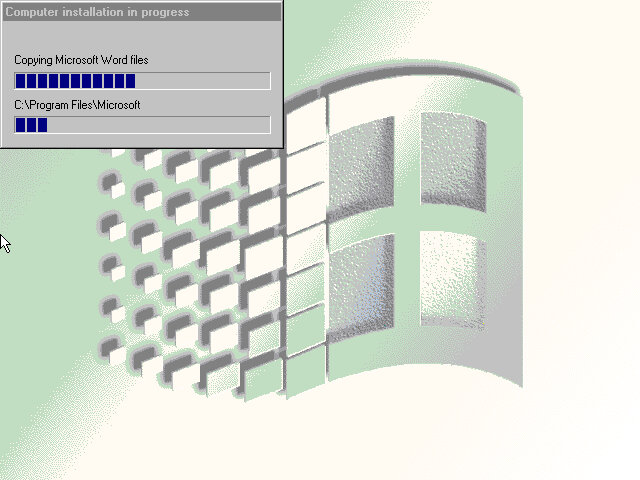
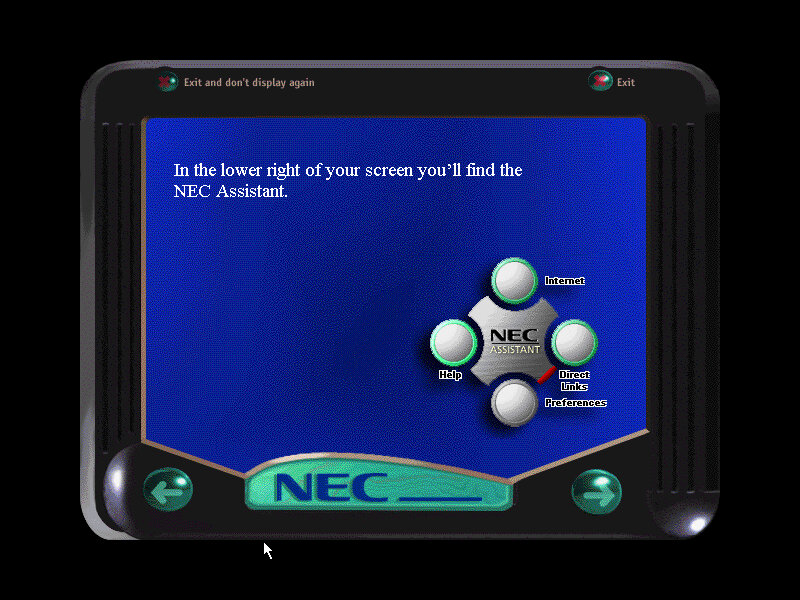
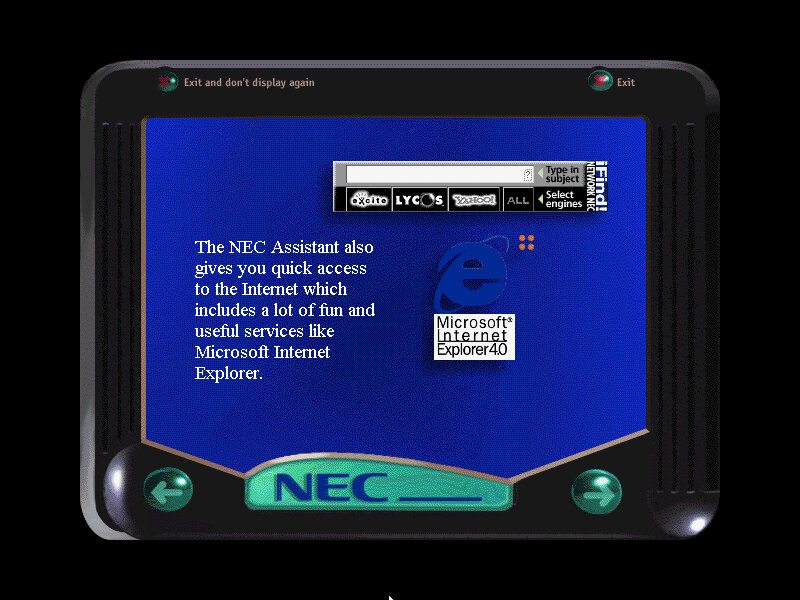

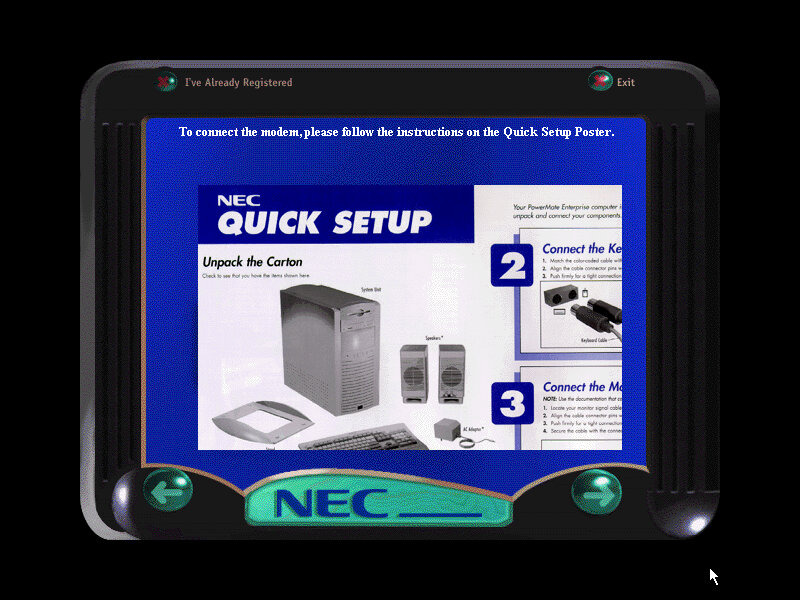
Software
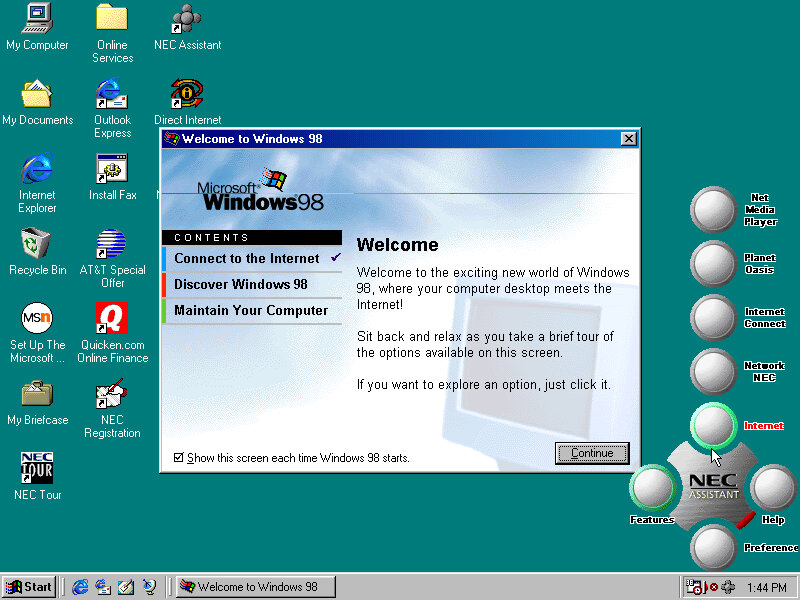
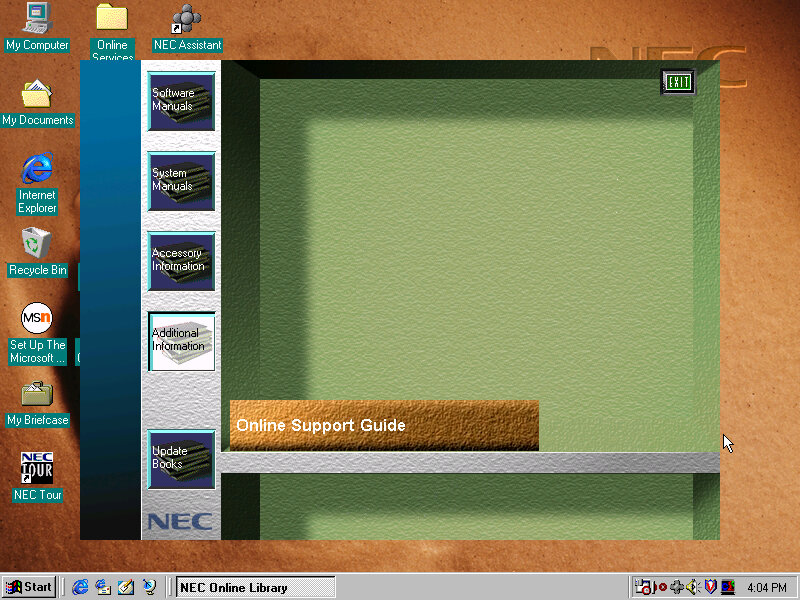
Welcome to Windows, this appears to only have three options, also a sneak look at the NEC assistant
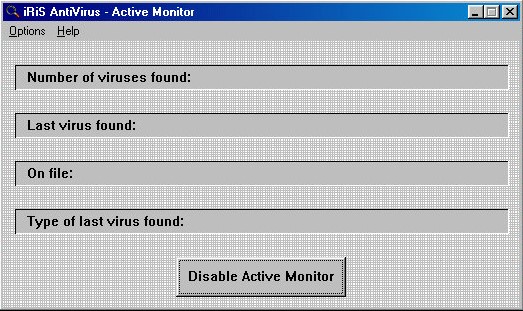
iRiS AntiVirus: A relatively unknown series of antivirus software, seems rather basic even for its time.
Microsoft Entertainment Pack: A suite of games such as Chip’s Challange, Tetis, SkiFree and Tut’s Tomb
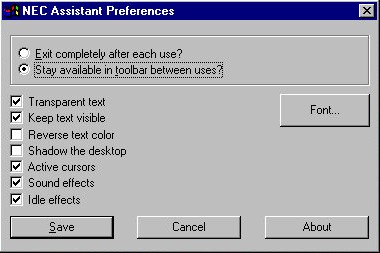
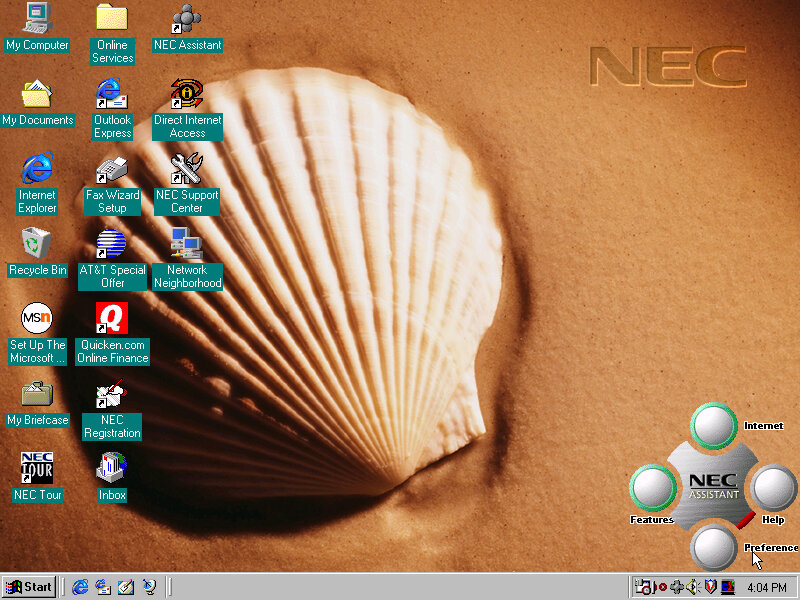
NEC Merlin Assistant
This is situated on the bottom right of the screen and also appears in the system tray. Mousing over it will bring it up. The main buttons are the Features and Internet buttons, which will bring up links to the Net Media player, Planet Oasis, and Network NEC. These require you to sign up with an internet provided using the NEC provided wizard.
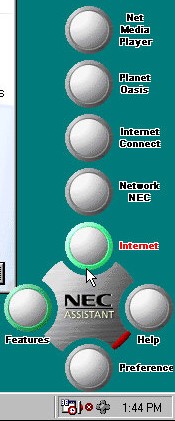
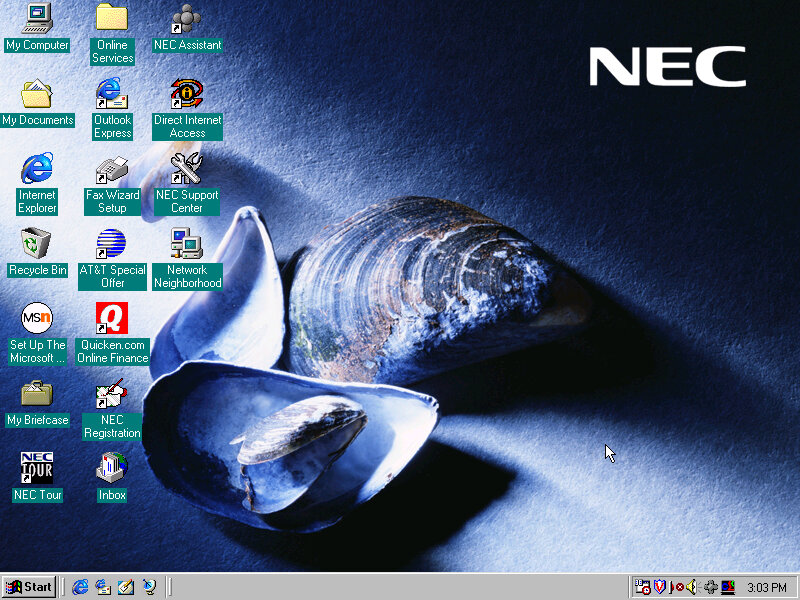
This can also be used to set a custom wallpaper to a NEC branded one, these do not appear in the desktop wallpaper section of the display properties. Instead you have to click their button to cycle through them.
Sample backgrounds:

Other Software
These have been seen so many times in OEM installs
Microsoft Works 4.5: Basic productivity software
Microsoft Word 97: Popular word processing software, only Microsoft World is included here, not Excel, PowerPoint or Outlook.
MGI PhotoSuite 8.05: photo editing software developed by MGI Software Corporation. It was originally released in 1997 and was one of the most popular photo editing software of its time. It is designed to provide users with an easy and intuitive way to edit, enhance and manipulate digital images. The software includes a wide range of features such as image editing tools, special effects, filters, borders, frames, and more. It also has a user-friendly interface and provides step-by-step tutorials and wizards to guide users through the editing process
Quicken Basic 98: Quicken Basic 98 was a popular personal finance management software at the time of its release, and was designed to help users manage their personal finances and budget effectively. It helped to establish Intuit as a leader in the financial software market.
 Drew1440: Blog