The OG social web browser
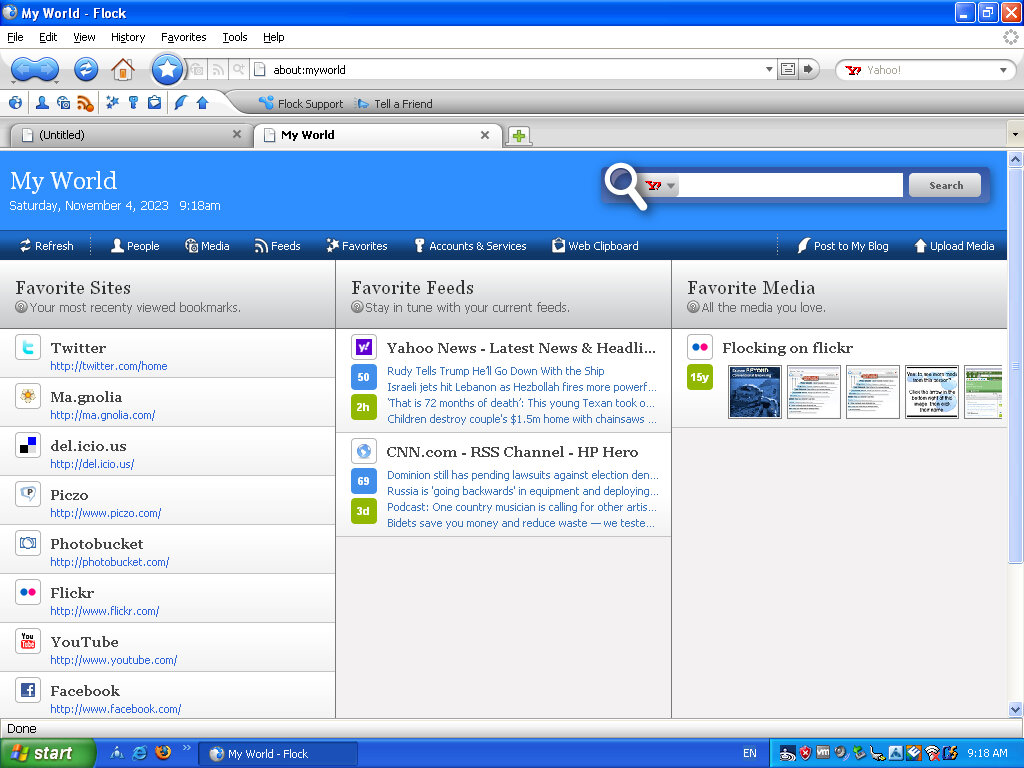
Flock was a web browser that was designed to integrate social media platforms and tools into its interface, allowing users to easily access and interact with their social networks while browsing the web. It was first released in 2005 and was based on the same codebase as Mozilla Firefox and mostly retained the same interface layout and was even compatible with its extensions.
Some other features of Flock included native sharing of content, the ability to preview online videos, a built-in RSS reader, a built-in blog editor and reader, and synchronization with web-based email1. The browser was popular because it had social media integration. With this, you could easily keep track of social networks or your webmail at any time. Another standout feature was the ability to post directly to own blog or social media page directly from the webpage, years before Facebook/X had the ability to do this.

Flock integrated with social media networks by allowing users to log into their social media accounts through the browser. Once logged in, Flock could track updates from friends on sites such as MySpace, Facebook, YouTube, Twitter, Flickr, Blogger, Gmail, Yahoo! Mail, etc. This allowed users to easily keep track of their social networks and webmail at any time.
The MyWorld page is where most of the magic happens, giving shortcuts to popular social media and web 2.0 sites. RSS feeds are also displayed here which can be customized.
The user interface is a departure from Firefox, with a glossy blue and white interface. Different themes can be installed, with many from Firefox being compatibility, though the Flock content and customization will standout.
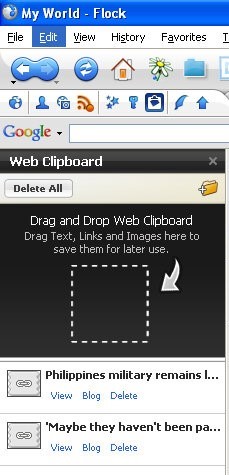
Web Clipboard, sort of like a scrapbook that you cn save pages to for blogging later. You can simply drag the page tab to the sidebar and it will save it for you. Pages can also be sorted into folders for better organisation. Modern browsers also have this functionality, at least in Vivaldi.
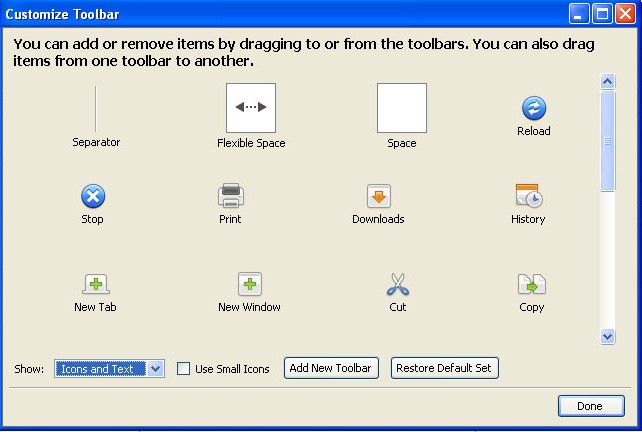
Like Firefox, you can add or remove buttons from the toolbar, and even create your own toolbar. Most icons have been rebranded to Flock’s visual style.
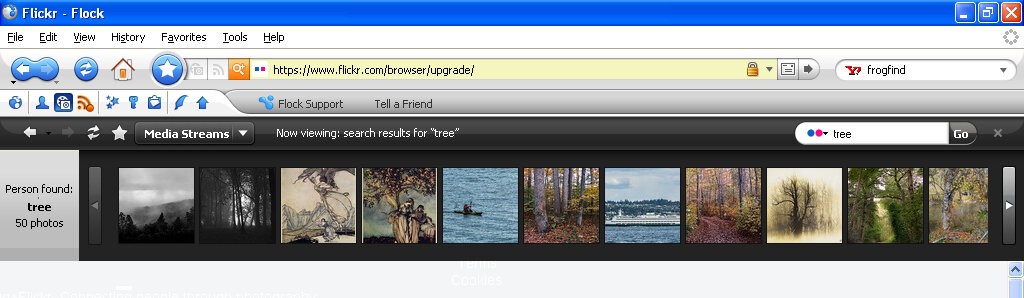
Lets you view content within website that specializes in photo content like Flickr, Photobucket, YouTube and Truveo. These appear within the browser, allowing you to continue on the current website you are on, and can be hidden or closed at anytime.
Flickr appears to work, as I can search for a term that comes back with the relevant results. Clicking on an image takes you to that page. Right clicking on an image lets you copy a link to the picture, for when you want to embed it into a comment or a blog post.
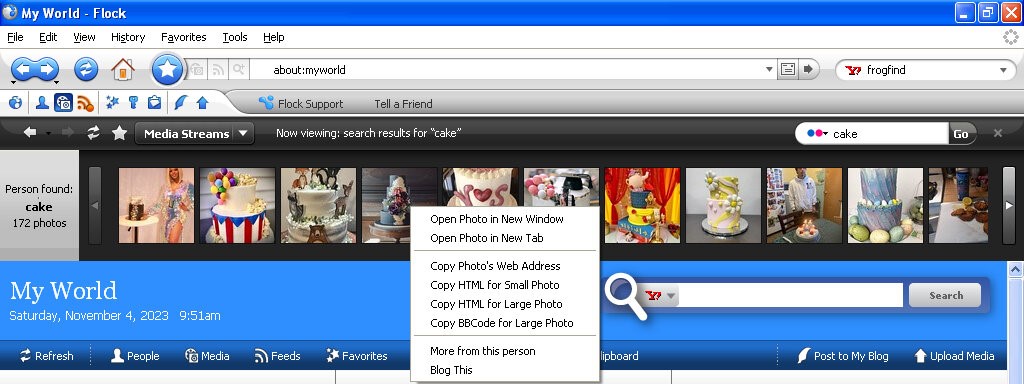
The other services no longer work, I guess Flickr has kept their API unchanged or well maintained.
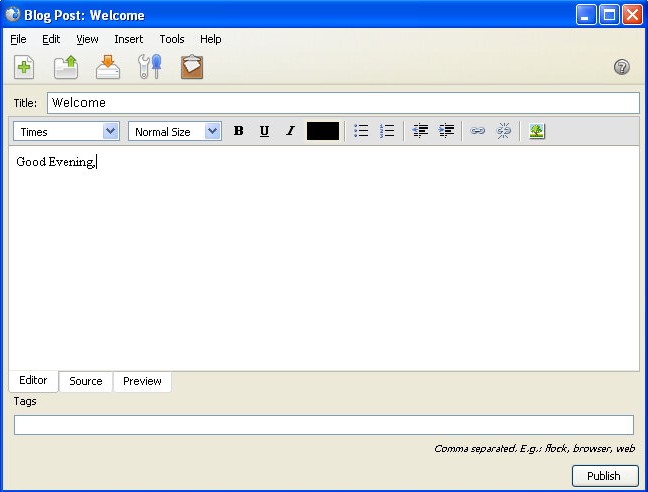
The blog interface, here you can directly write and publish to a supported platform. Protocols such as Atom, MetaWeblog and MovableType.
A lot of social media websites are resistive to social media integration when it comes to displaying content on a third party platform. Many would prefer for you to stay within their platform and app, rather than a third party platform. Windows Phone kinda had the same philosophy with multiple social media networks being present within the phones user interface, removing the need to access the apps individually. A lot of social media comes from engagement and algorithms. Which cannot be done as easily through a browser like Flock. Again they would much rather you access their platform directly and stay there. As such modern replacements are difficult to do, preventing another Flock like browser. Reddit recently implemented some changed to their third party access API’s which make it difficult and uneconomical for third party apps.
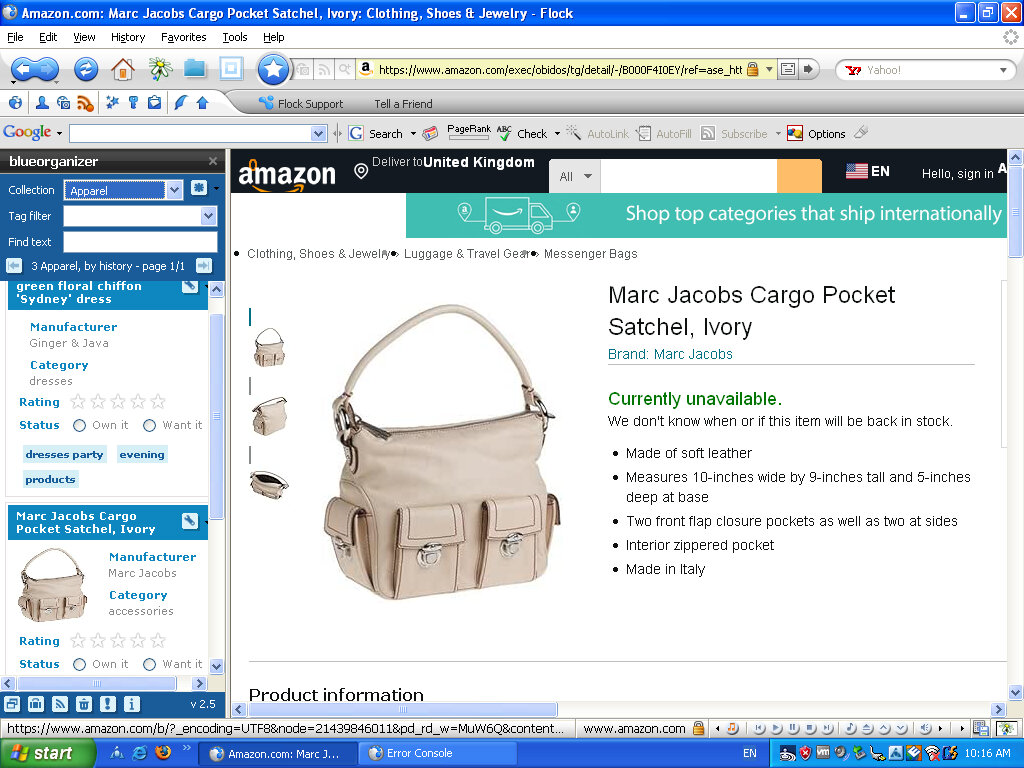
The Flock browser had a strong relationship with the concept and practices associated with Web 2.0. Web 2.0 refers to a shift in the way the internet was utilized and experienced, characterized by user-generated content, social media, and interactive web applications. Flock was specifically designed to embrace and cater to the Web 2.0 environment by integrating social media and user interaction into the browsing experience. basically the end user has a way to contribute to the website, in the form of comments or uploading their own content.
Flock was one of the first browsers to deeply integrate social media directly into the browsing experience. It allowed users to access, manage, and interact with multiple social networks from within the browser, aligning with the Web 2.0 trend of social interaction and user-generated content. Web 2.0 emphasized collaboration and user interaction. Flock incorporated tools and features that enabled users to share, comment on, and interact with content and friends’ updates across various social media platforms without leaving the browser.
Flock encouraged active participation and engagement with online content. Its features facilitated easy sharing, bookmarking, and interactions with social media, aligning with the Web 2.0 trend of active user participation and content sharing.
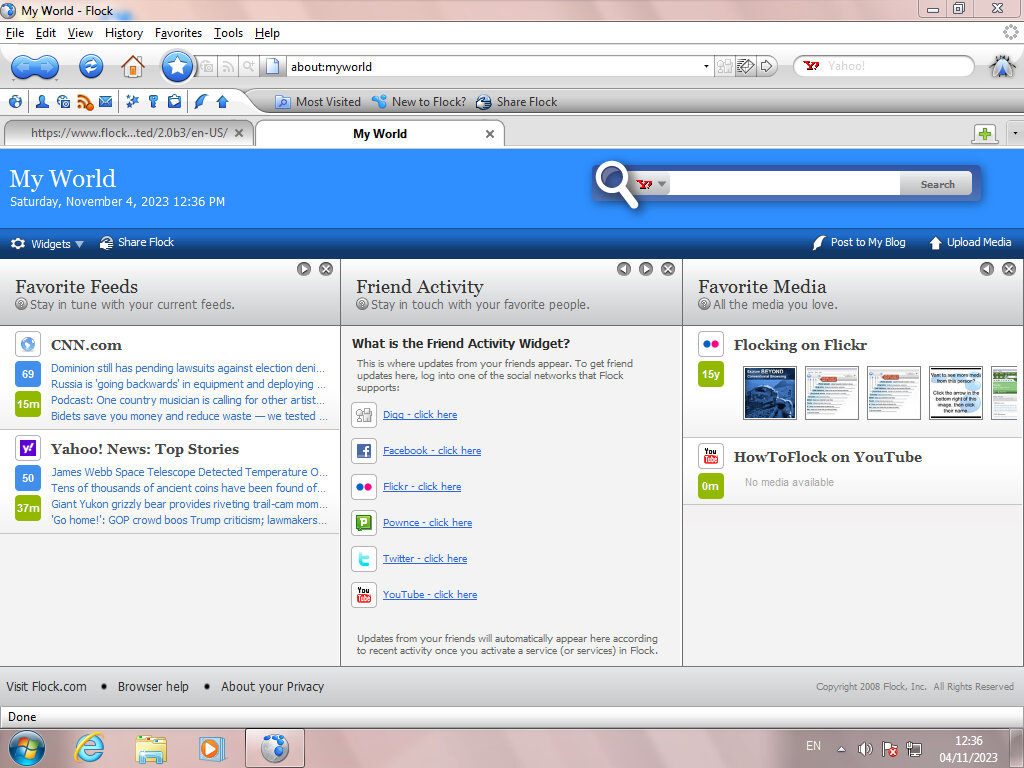
Version 2 added support for additional social networks and services and updated the Gecko rendering engine. This is based off Firefox version 3.
 Drew1440: Blog