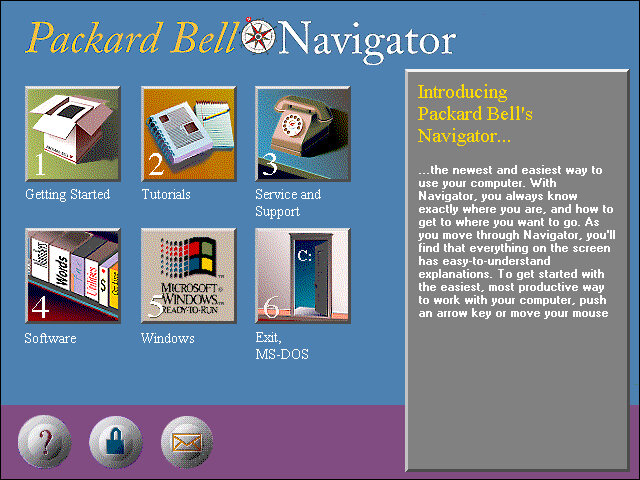
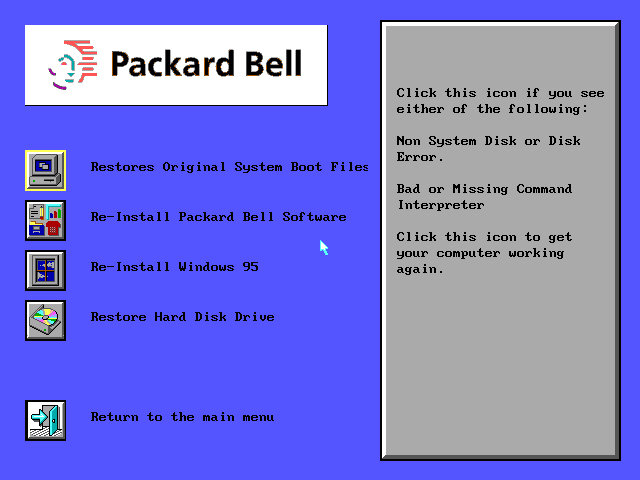
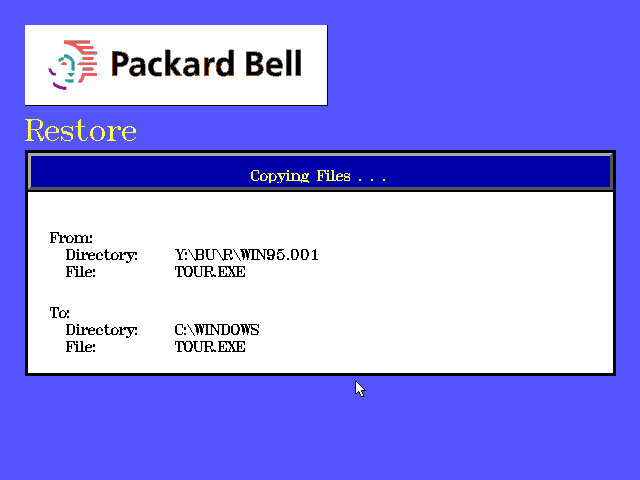
First hurdle we get to the hard disk recovery key, this is a six digit number that identifies the SKU model of the computer, and dictates which software will be restored along with the needed drivers. 555251 was the one I had used, but you can find a list of them on the CD-ROM drive itself. Simply navigate to the BU\A\ directory where you will find a list of SCR files with the number titled in the file name. These can also be opened in notepad or any text editor and will list the files that will be restored.
For 86Box I used the Packard Bell PB410A as the motherboard which comes with an onboard video card (Headland) and uses an Intel 486 class processor.

Running the recovery application, you may have to specific a NEC drive in order for the recovery to work. As this motherboard only has one IDE channel, the CD-ROM drive was placed as a slave drive. Its likely Packard Bell had used one of the propriety CD-ROM interface that were commonly used from around this era. Panasonic, Sony, Philips and Mitsumi all used their own CD-ROM interface as opposed to IDE.

First hurdle we get to the hard disk recovery key, this is a six digit number that identifies the SKU model of the computer, and dictates which software will be restored along with the needed drivers. 555251 was the one I had used, but you can find a list of them on the CD-ROM drive itself. Simply navigate to the BU\A\ directory where you will find a list of SCR files with the number titled in the file name. These can also be opened in notepad or any text editor and will list the files that will be restored.
One caution is to ensure the video card being used matches what you are emulating, a Cirrus Logic driver wont go very far on a VM running a Headland video card. The soundcard driver will also throw up an error as no emulator currently support the soundcard that Packard bell had used, but we can easily uninstall it and add our own, though some soundcard utilities will no longer function.

Looks like its expecting to use a Panasonic CD-ROM drive, likely a Matshuita CD interface drive.
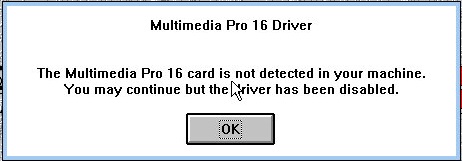
Sound card error, not much we can do about that
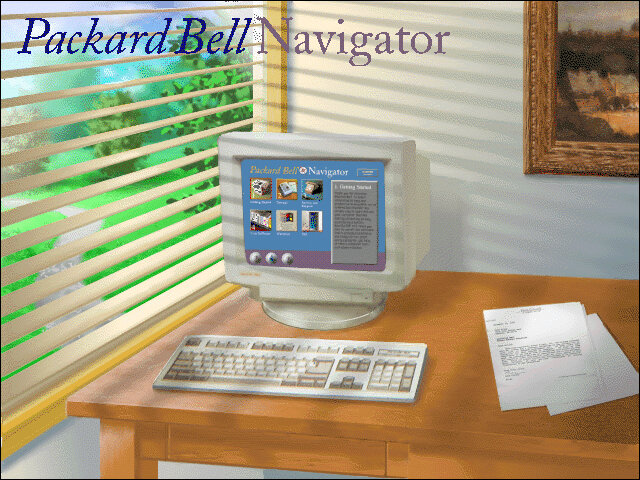
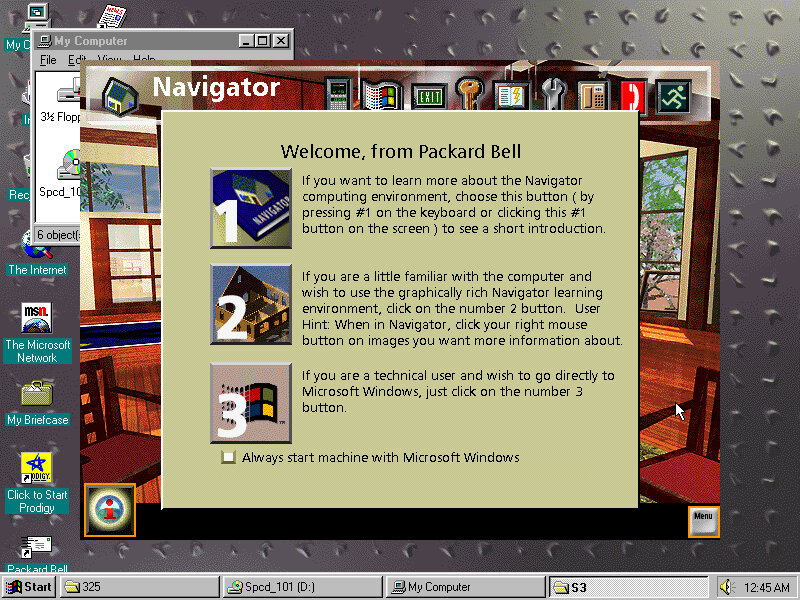
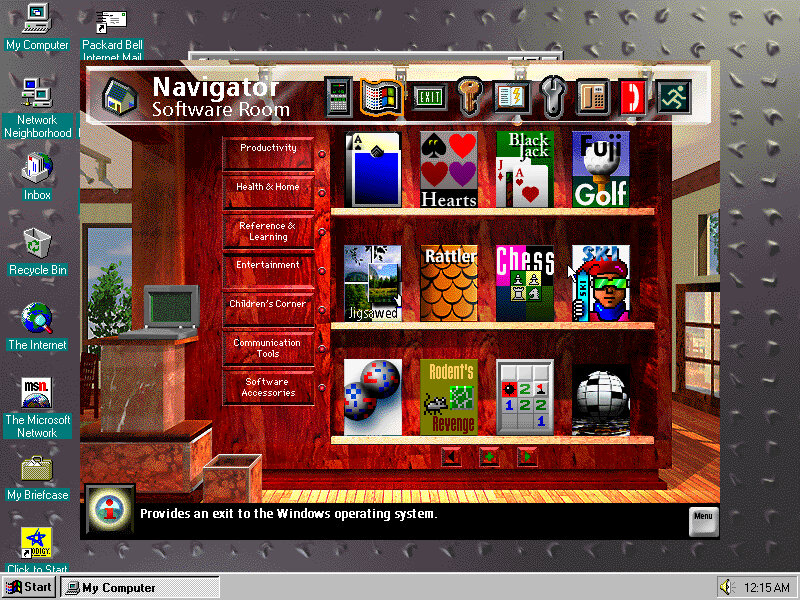
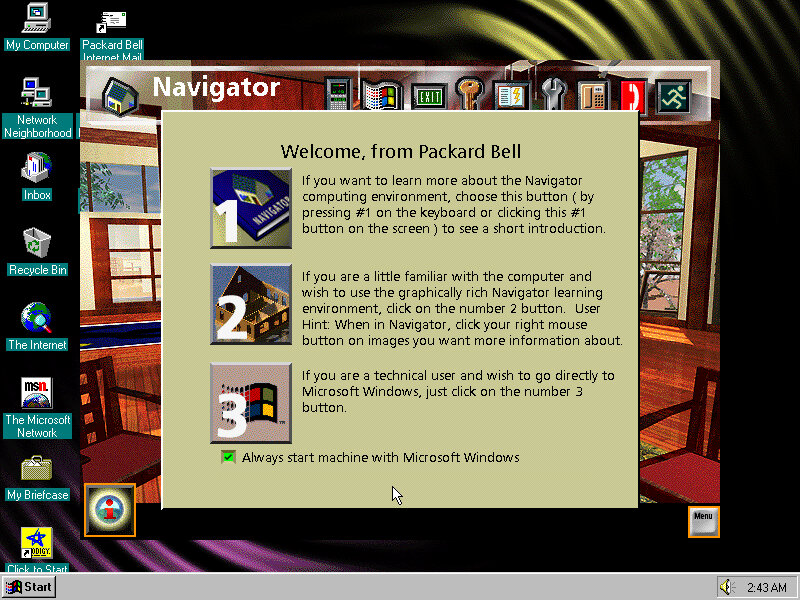
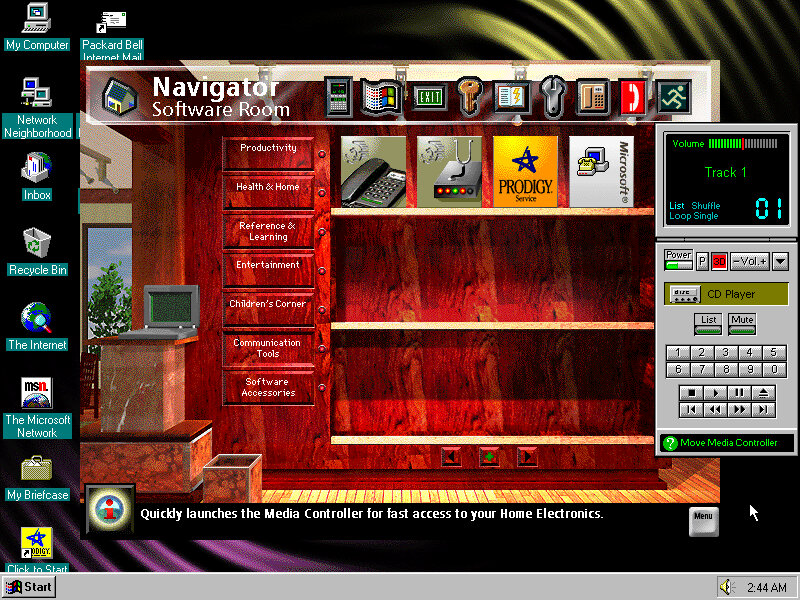
The Packard Bell Navigator which was an alternative user interface to make it more appealing to use a computer for the novice user. It serves as an alternative launcher to install applications, though the Windows 3.1 interface is still included and can be accessed via a dedicated option on the main menu. Launching an application will run it in the standard Windows 3.1 interface.

There were many attempts to make computers more user friendly by incorporating a dumbed down user interface, one that comes to mind was RM Window Box which was a user interface targeted towards primary school users, and allows teachers to manage the programs installed on the computer whilst restricting access to the Windows system for the students.
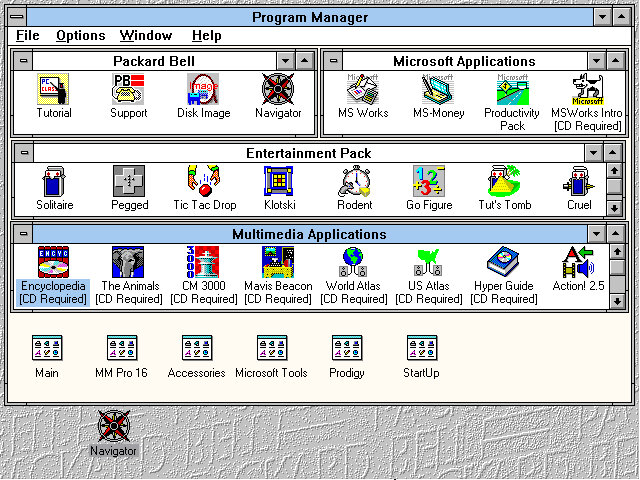
The Program Manager with a customised preset design, showcasing the preinstalled applications.

The Headland utility for changing the screen resolution and the colour palette.
Included software
From Packard Bell
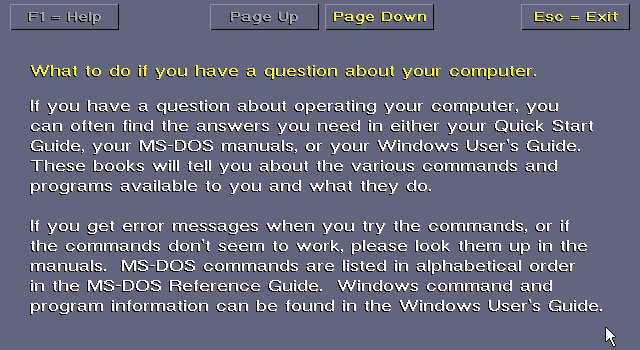
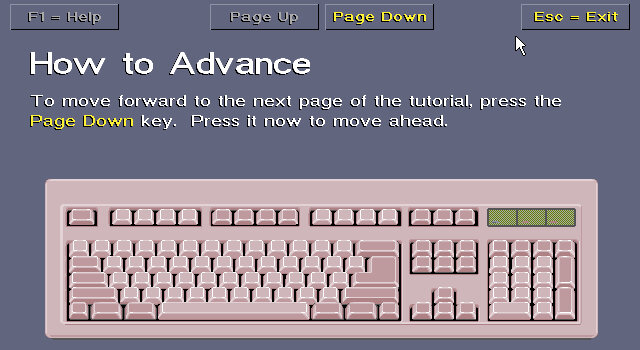

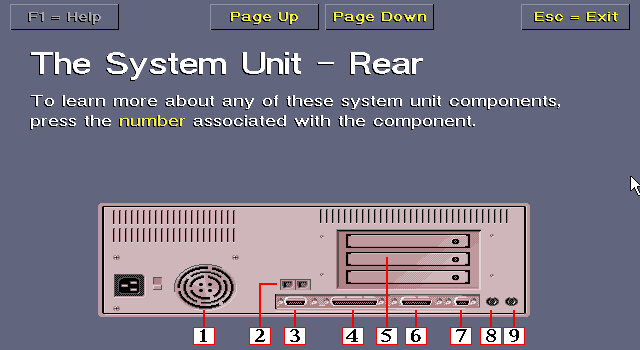


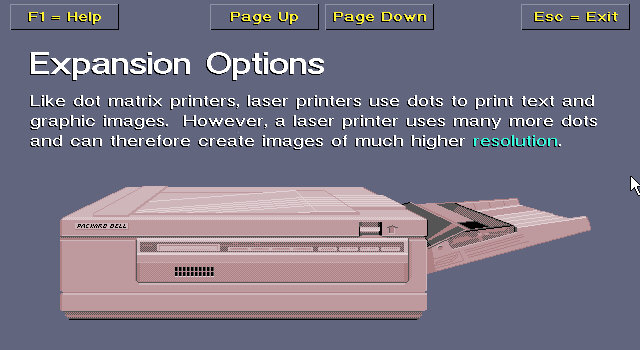

Tutorial: Gives an in-depth insight into how your computer operates, its expansion options, and how to use the software.
Support: A simple application that shows how to contact Packard Bell for support, how to connect to their BBS and warranty information.
Disk Image: Creates a recovery disc image
Navigator: Starts the Packard Bell Navigator environment
The Microsoft Entertainment pack
A selection of additional games which included Rodent, Go Figure, Tut’s Tomb and Tic Tac Drop.
There is also a Jurassic Park that comes with the install and is located under the Entertainment pack program group.
Microsoft Applications
MS Works: Versions 2.0 Multimedia Edition, software suite that included several applications, including a word processor, spreadsheet, database, calendar, and communications tools. It was intended to be a comprehensive solution for basic office tasks, suitable for home and small business use. The word processor included in Microsoft Works 2.0 had a range of basic formatting options, such as font selection, text alignment, and line spacing. The spreadsheet application supported basic formulas and functions and could create charts and graphs. The database application allowed users to create and manage simple databases, while the calendar application provided basic scheduling features.
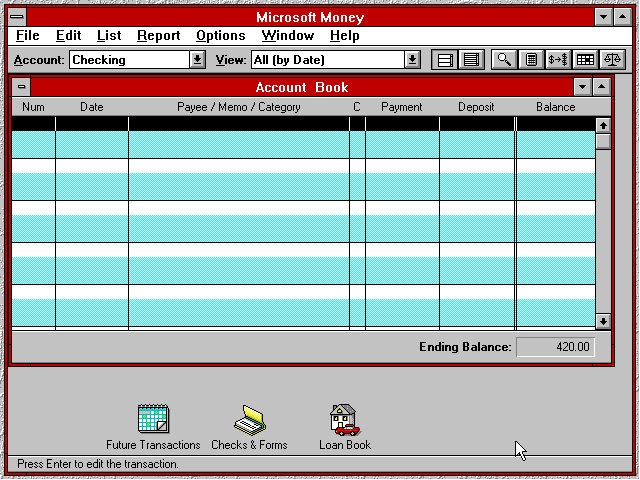
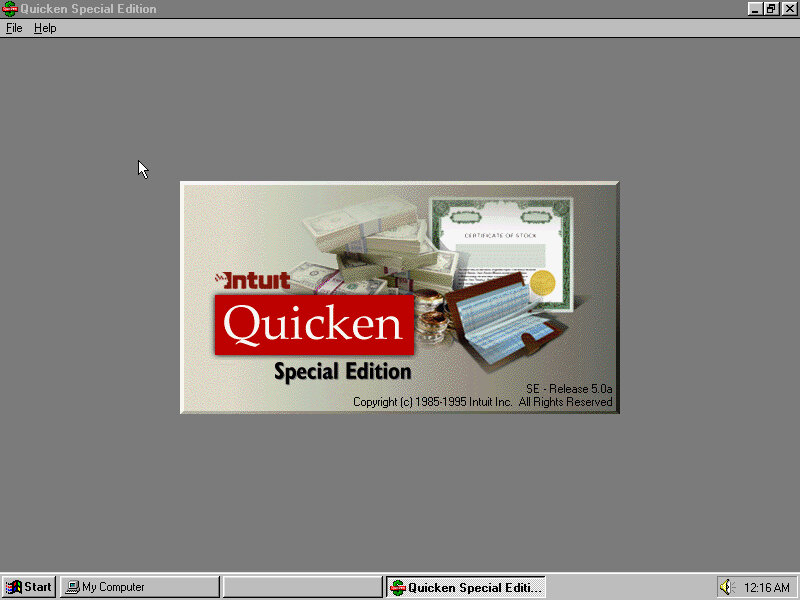
MS Money: Version 2.0a, a personal finance software program developed by Microsoft Corporation and released in 1992 as a successor to the original Microsoft Money. It was designed to help users manage their personal finances by tracking income and expenses, creating budgets, and analysing financial data. The software included several features to help users manage their finances, including checkbook balancing, bill payment tracking, and investment tracking. It also included a range of tools for creating reports and charts to help users visualize their financial data.
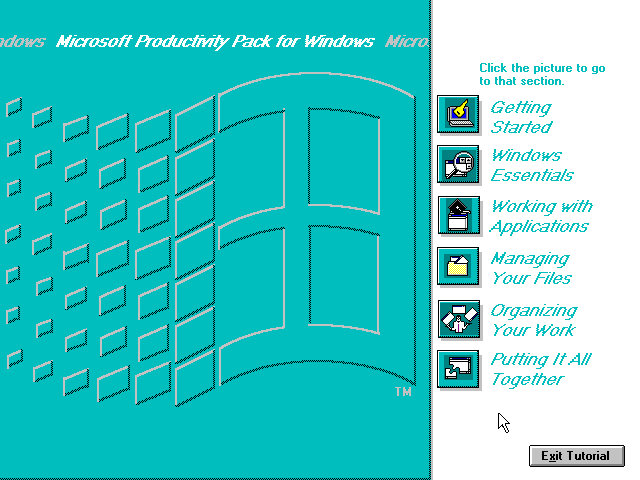
Productivity Pack: A tutorial to using the mouse and keyboard and elements of using Windows 3.1
Multimedia Applications
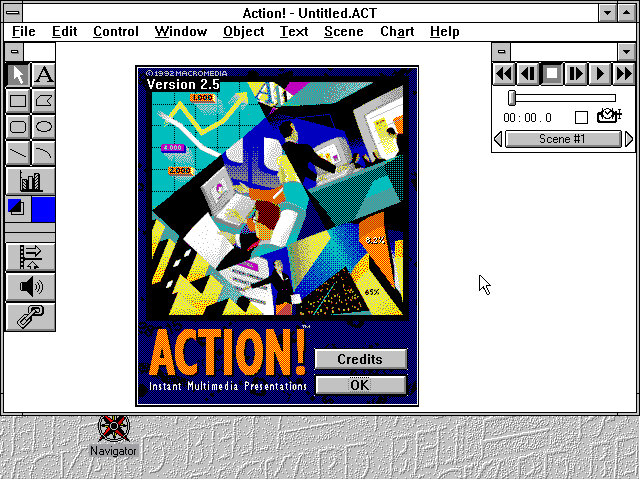

Macromedia Action! 2.5: This was an early competitor to Microsoft PowerPoint and allowed for presentations that incorporated multimedia elements
PBTV: Allows for video capture form an external analog capture card or device.
Authorware Star: Authorware Star was a software program developed by Macromedia, which was a multimedia authoring tool used for creating interactive learning content. The software was widely used for creating educational and training materials, especially in the early days of e-learning. One of the key features of Authorware Star was its ability to create branching scenarios, where learners could choose different paths through the content depending on their responses to questions or interactions. This made it possible to create personalized learning experiences that were tailored to the needs and preferences of individual learners.
Other software that is included but requires a separate CD-ROM to run: Mavis Beacon,US Atlas, Music Box, Encyclopedia.
Upgrades
Lets see that the upgrade experience was like, as this motherboard came with a 486 processor we should be able to upgrade to Windows 98 and later 98.
Windows 2000 & ME will require a processor upgrade, perhaps to the Pentium Overdirve which would have fitted into the existing CPU socket, though the experance will be rough as were still using the same video card. Memory will also have to be upgraded.
Windows 95

Install appeared to go smoothly with most of the settings being carried over. This was done using the floppy disk version of Windows 95 as the VM lacked CD-ROM support.

A message indicating for us to power off our computer appears on startup, likely a remaint from
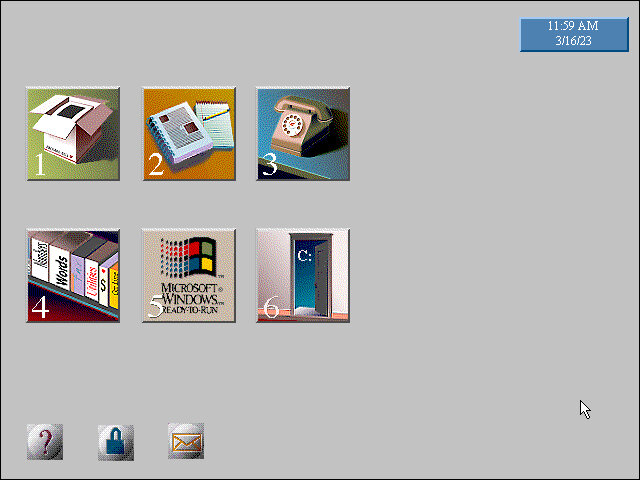
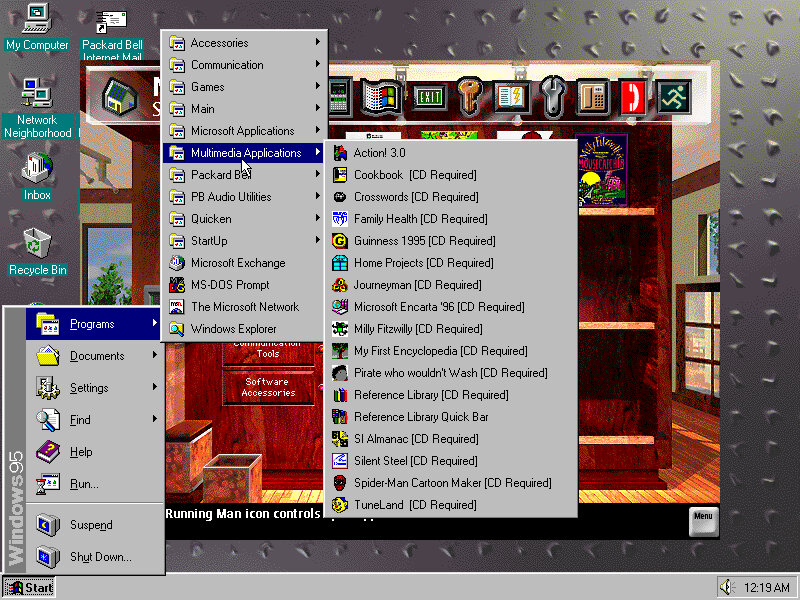
Some compatibility issues with the Packard Bell Navigator with the background elements missing, Most of the other applications appear to be fine
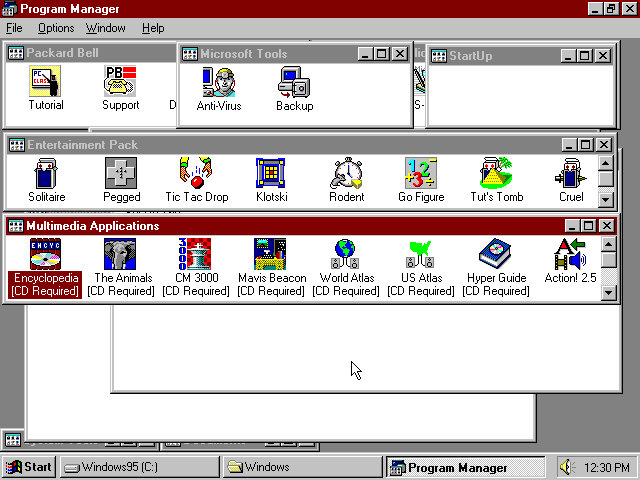
And the Program Manager which can still be accessed from Windows 95
Windows 98
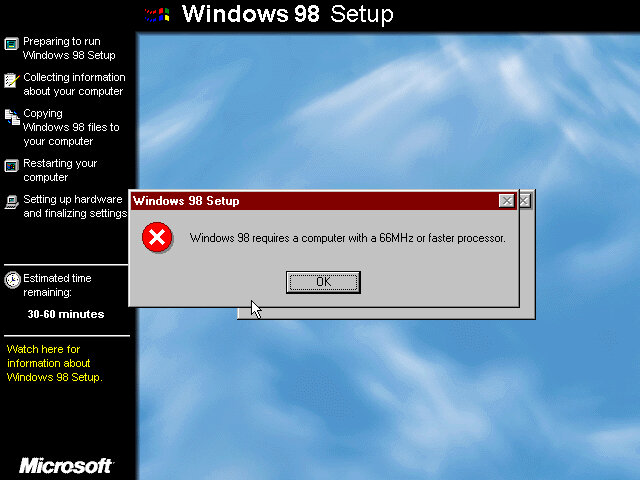

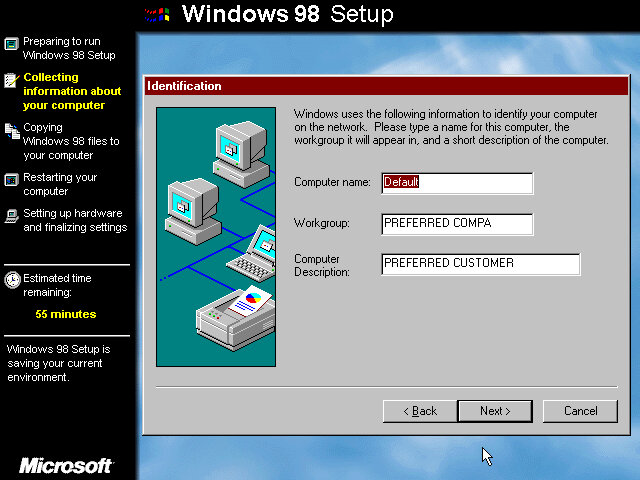
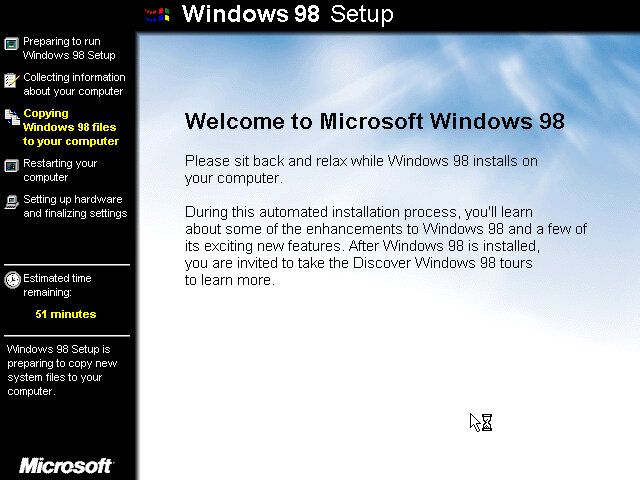

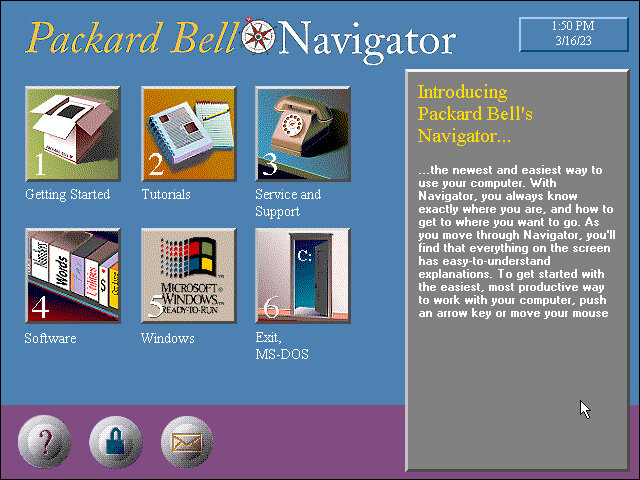
Now that its running 95, lets try to install 98. For this we have to bump up the memory to around 16MB at a minimum, instead I maxed it out to 36MB which is the most the motherboard supports. Initially it appears we need a faster CPU to install Windows 98, With 86Box we have an option to use an AMD486 running at 75Mhz which should allow for 98 to install. How well it runs is another issue.
Also the 98 upgrade installer looks a lot better? It makes a change from the electric blue background of the OEM/Retail installer.
Packard Bell navigator appears to work better in this version.
Windows 2000 & ME
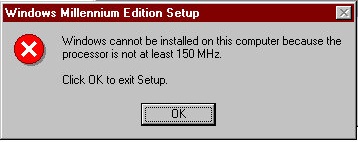
Was not able to install as our CPU isn’t fast enough as I was running a AMD 486 at 75MHz and Windows ME needs at least 150MHz. I tried a Cyrix 5×86 at 133Mhz on the off chance it might work, but no luck.
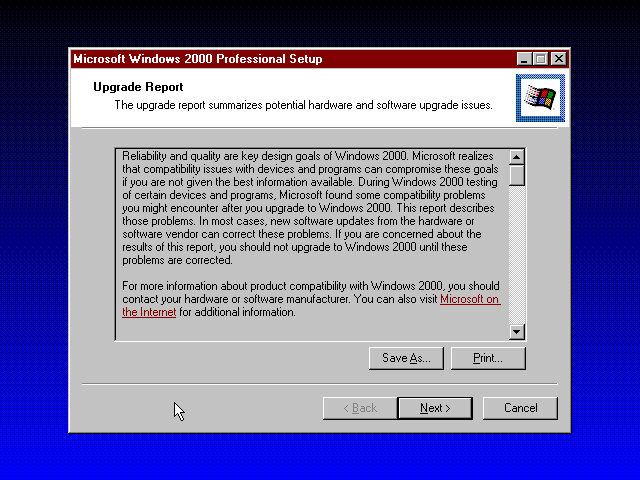
Windows 2000 was more promising and gave us a report of the potential incompatibilities, including the Headland video card. Unfortunate I was unable to progress due to the lack of hard disk space as this motherboard can only address around 518MB due to being reliant on the old C/H/S system. It seems Windows 98 is the max we can take this install to.
Maybe using a SCSI hard disk could get around that issue.






 Drew1440: Blog