A low-end laptop released in 2000, let’s take a look at the recovery media and what a typical IBM Thinkpad install would look like.
First attempt was using the MSI MS-5119, whilst the recovery environment would start, it would get stuck at the actual recovery stage and would just freeze. Changing to the Intel motherboard fixed this and allowed a full recovery, though this BIOS takes a while to boot.
Other motherboards might work better, I mainly picked these two since they contained very similar chipsets to the actual IBM system.
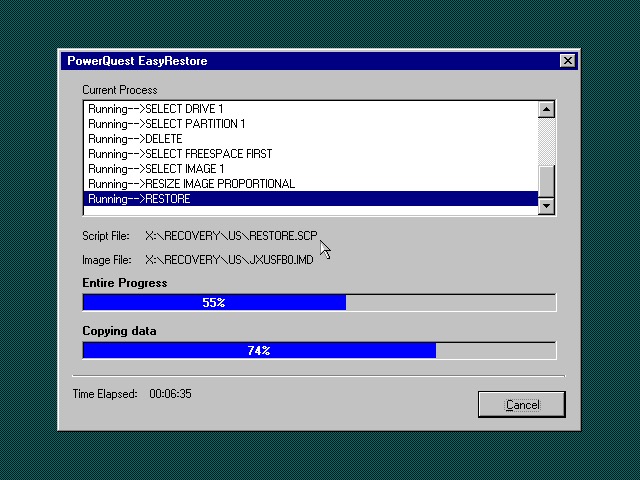
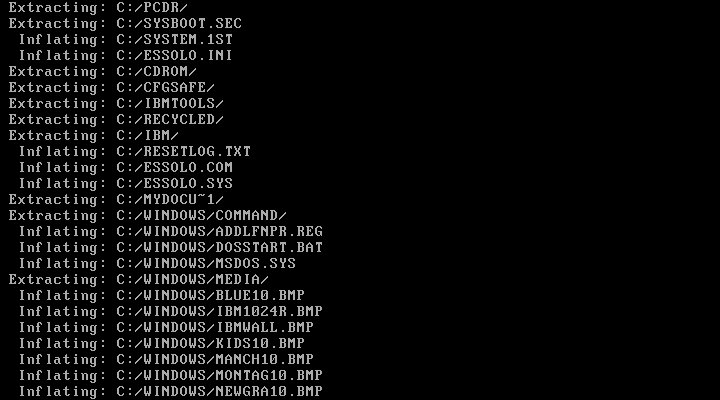
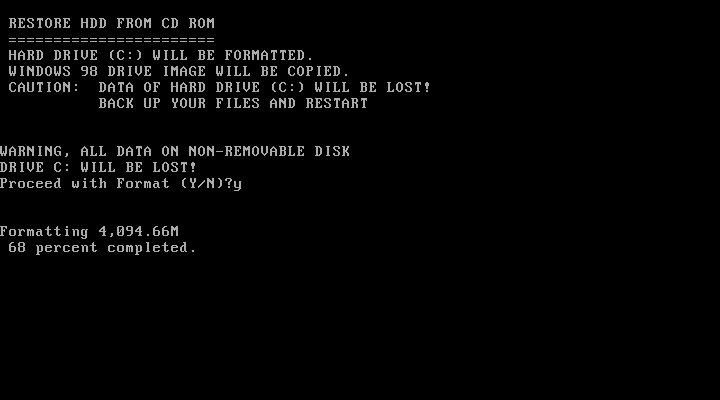
Once the HDD is prepared, the recovery program begins the restore
I’m a little confused as to why this is running Windows 95? From researching online the Thinkpad T20 came out in late 1999, when Windows 98SE and NT 4 were the main operating systems and were in the mature stages of their life cycle.
Once recovery has been completed we can reboot into our new install
Going through the New Hardware Wizards
Something went wrong when installing the Crystal sound drivers. Ended up Swapping the Crystal for a SoundBlaster 16 PnP, which worked much better.
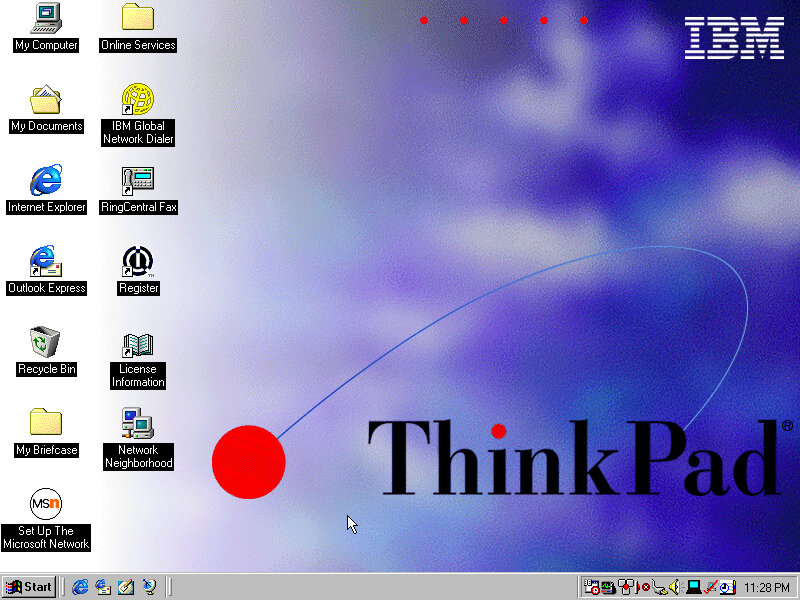
The main desktop with the default IBM wallpaper, I’ll always like IBM’s design of the era with its business-oriented blue. Some wallpapers also make an appearance from the Thinkpad 390E
Two screensavers come included, Think 1 and Think 2. None of them have any settings to configure and really serve as advertisements.
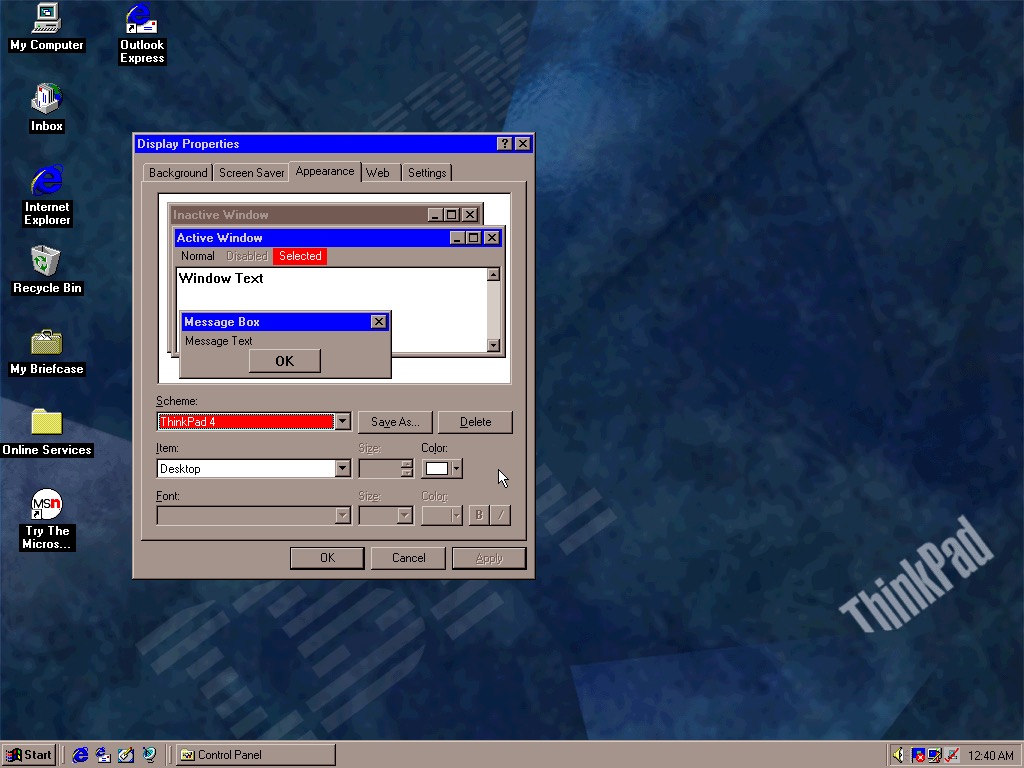
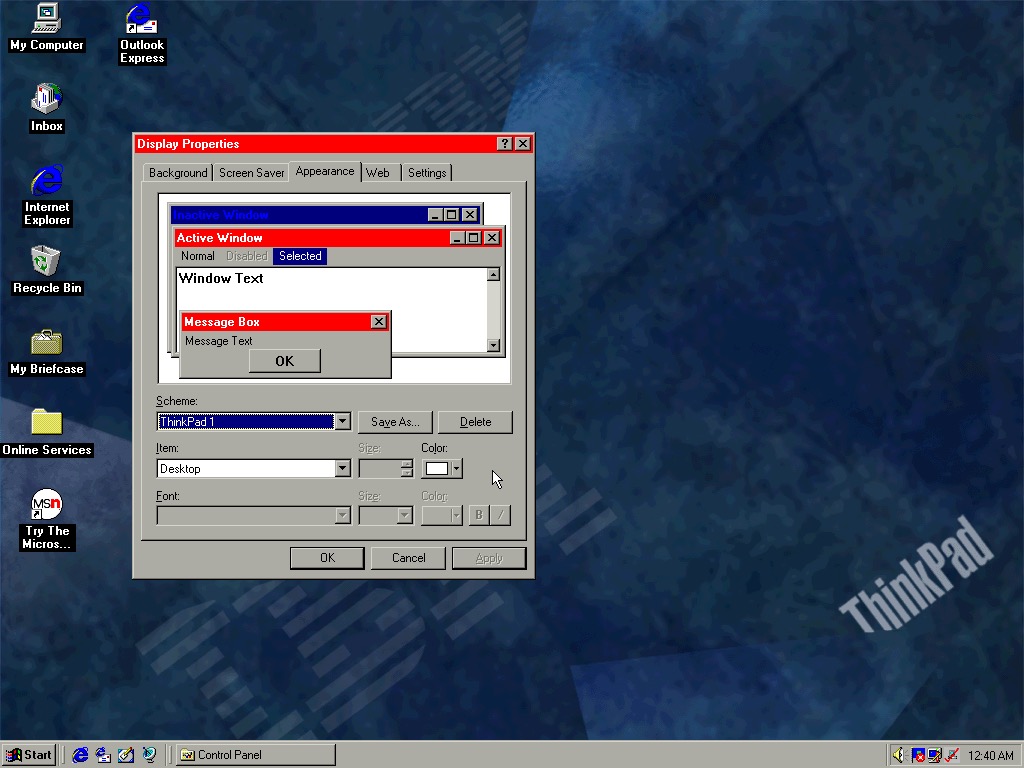
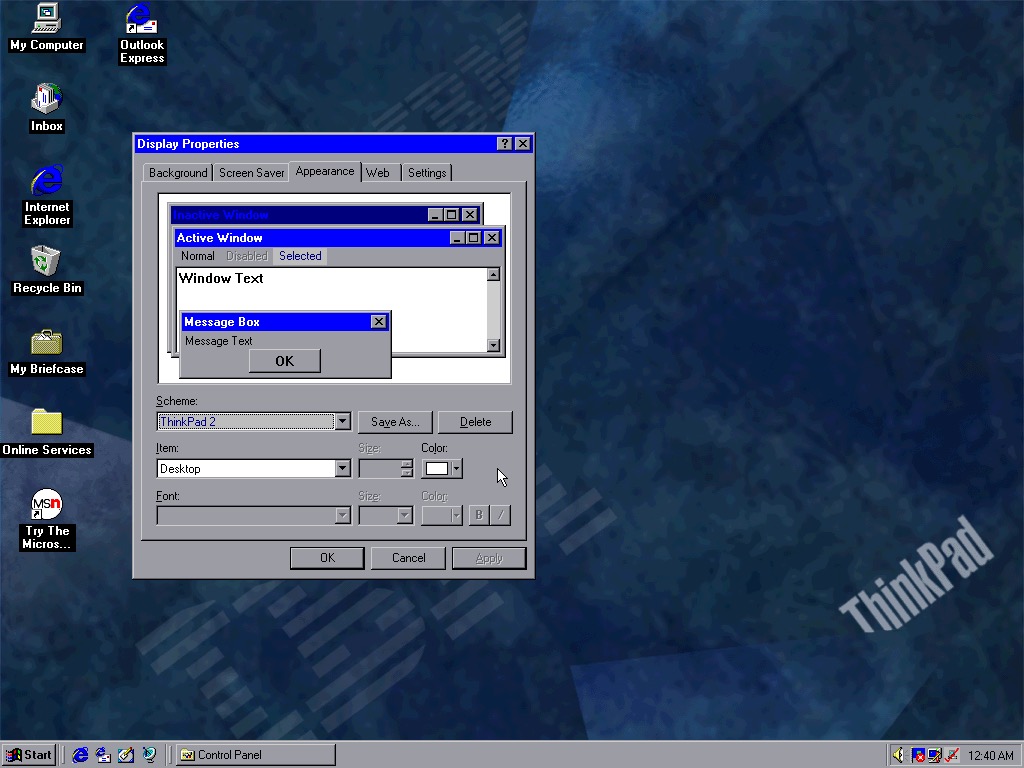
Four colour schemes come included, though they are not set as the default. These give either red or blue highlights and give a bit of Thinkpad style to the Windows desktop.
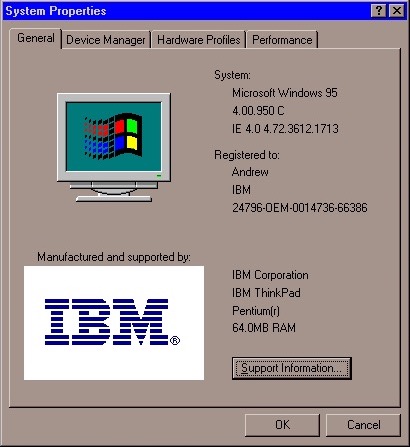
System properties showing the OEM logo and support information.
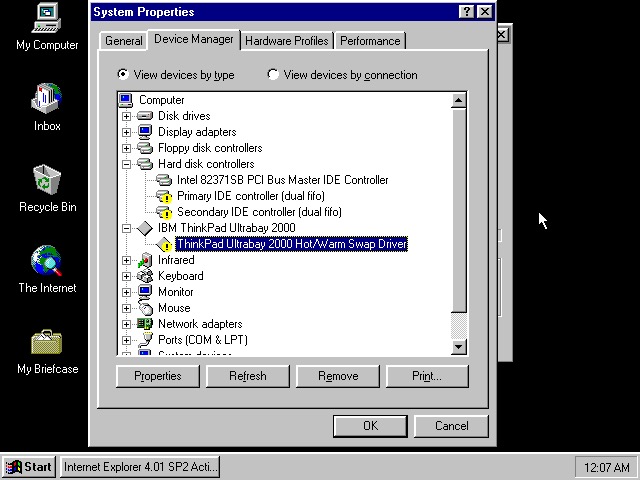
Device manager showing the UltraBay dock adaptor. The was a custom dock that allowed the user to quickly connect a monitor, desktop and keyboard by placing the laptop in the dock. Nowadays you can just use USB 3 dock, or Thunderbolt if your computer supports it.
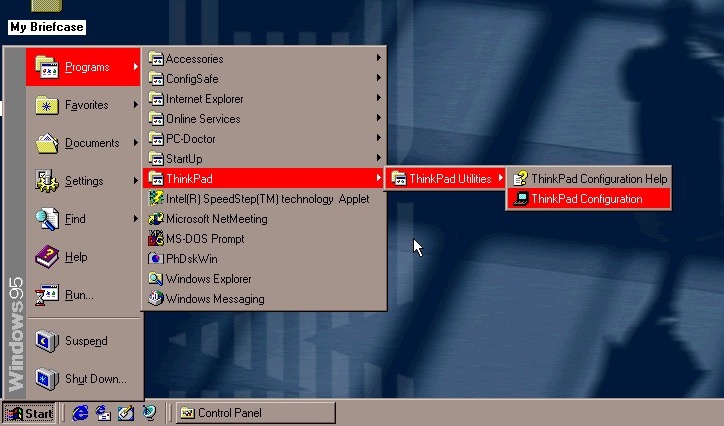
The Start menu, with the suspend feature enabled.
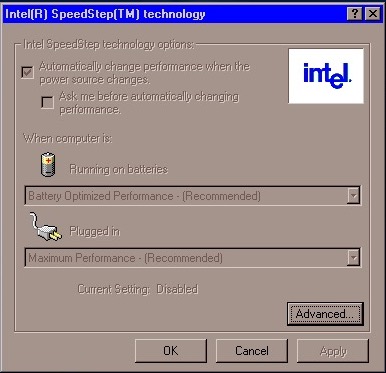
A look at Intel SpeedStep, which I’m surprised existed this far back. I always assumed that came out with the first-generation i7/i5 chips. Here it functions the same where it will slow the processor down to conserve battery power, a desirable feature for ultra-portable notebooks.
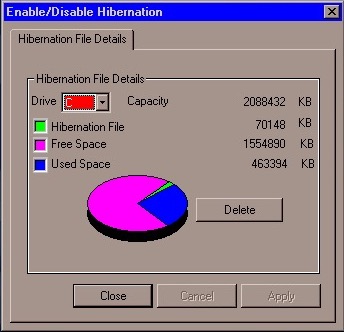
PhDiskWin, looks to be a liberation file monitor. You can delete the file to free up disk space, which Windows will recreate when you next enter hibernation.
PC-Doctor, runs through a few tests to check for any issues or faults with your system
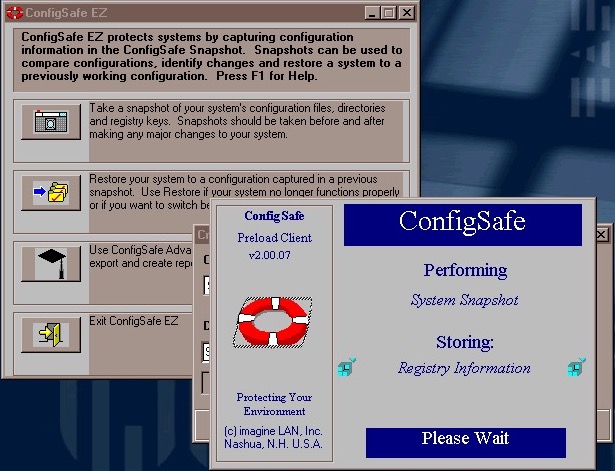
ConfigSafe Ez – sort of like a predecessor to System restore introduced in Windows ME, though commonly known from Windows XP. This takes a snapshot of critical files that can be restored should there be any issues.
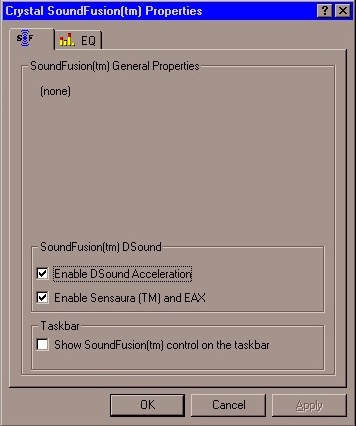
SoundFusion control panel applet which would have configured the onboard sound card. This looks to be produced from Crystal, which could be why the earlier sound card failed to install. I doubt 86Box can emulate the exact model that this notebook had shipped with.
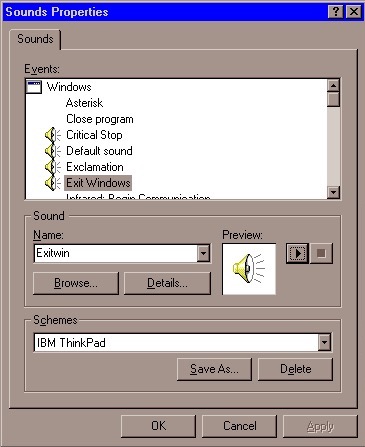
A custom sound scheme also comes included which changed the Windows Start and Exit sounds to IBM’s own, which are very Rock/Aerosmith.
Links
Archive.org – Modified archive copy, this should allow it to install on any PC or VM
Thinkpads were pretty nice laptops, especially during the late 90s when they pioneered various emerging technologies that were yet to be common. Let’s take a look at a typical OS install that would have shipped with a Thinkpad.
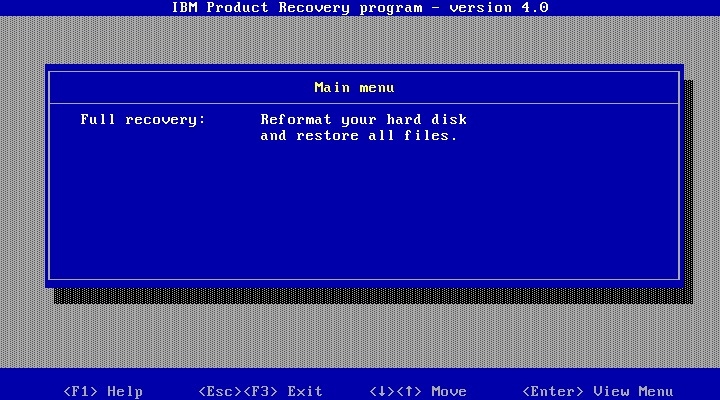
The installer requires the hard disk to be at last initialised, that means having a partition table ready and a partition created. The recovery disk included the FDISK program to create this if its not been done so, and supports the creation of FAT32 partitions.
Once ready, you can start the recovery process, which will inflate the required files. In total this will consume around 600MB of disk space
Initially, this was attempted in VMWare and whilst the first part of the install worked very well, we ran into a few issues. Since our host CPU is over 2.1GHz, we ran into a protection error and were unable to continue without modifying the OS. A patch exists and can be installed. This isn’t a problem in Windows 98SE or Windows ME, but this image contains the first edition of Windows 98 which does have this bug. However at some point the install bricked itself, getting a few errors about missing VXD files, which could be related to the patch above.
Since VM software has issues running these older operating systems, it’s better to use 86Box instead.
86Box
86Box has a few IBM machines emulated, but none from the Pentium II era. Although in theory, we can use any capable motherboard to run the OS, I wanted to use an IBM based machine to better fit the profile however 86Box only has a handful of IBM systems: IBM Valuepoint 60: Has a shit BIOS that only detects a hard drive up to 504MB, the restore image along consume 600MB and we cannot boot from an external SCSI drive IBM PS/ValuePoint 433DX/Si: BIOS is also wack and complains about a config error no matter what combination of hardware I throw at it. Seems to work with larger hard drives but does not boot from a CD-ROM so I had to use Plop boot loader. Whilst I was able to complete the restore and was able to boot into Windows and complete the hardware detection somewhat, after another reboot the system would no longer boot up, giving a non-system disk error IBM PC 330: I couldn’t even get this shit to POST
Overall 86Box didn’t have much going for it in the IBM department for later generation PCs so I ended up using the VirtualPC 2007 based system, which worked easily and was able to boot from CD.
Post Install
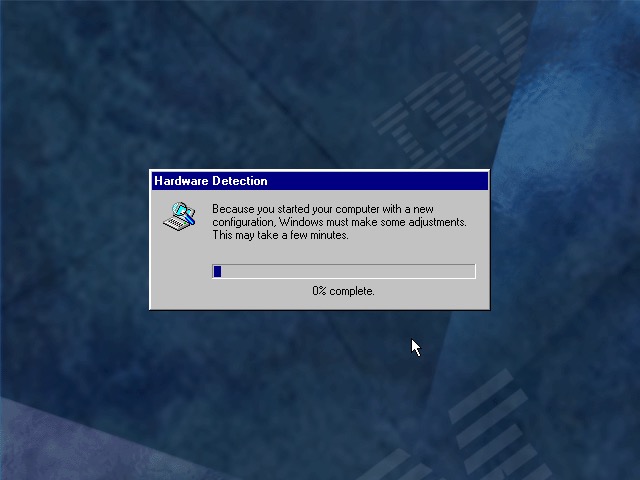
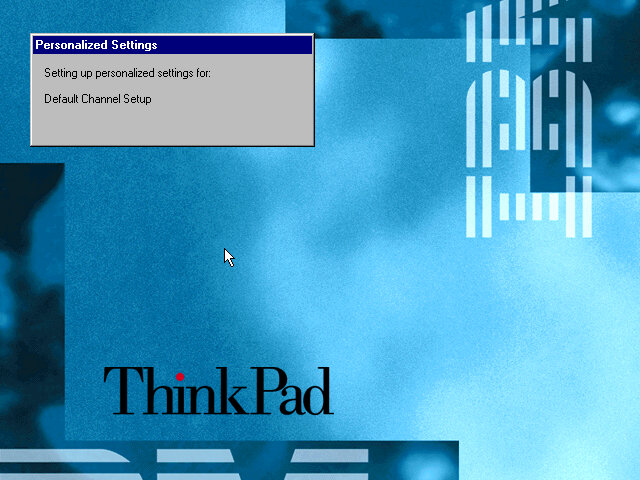
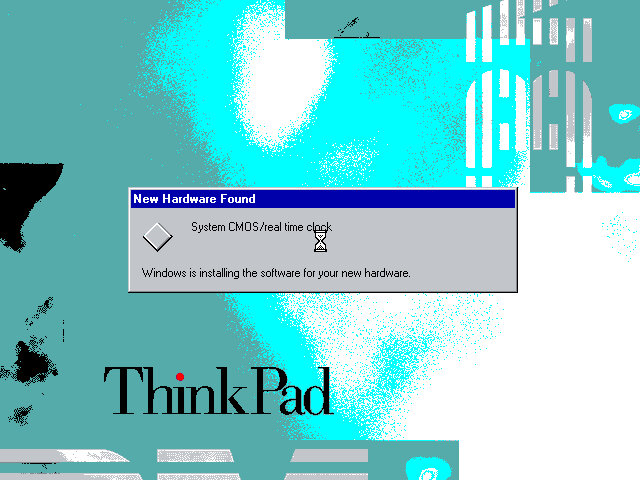
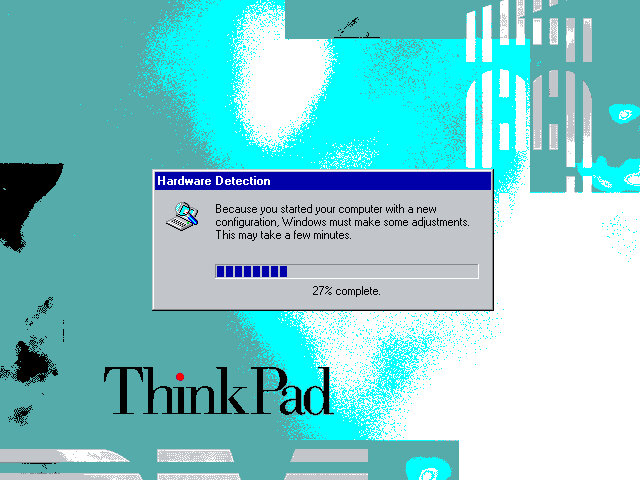
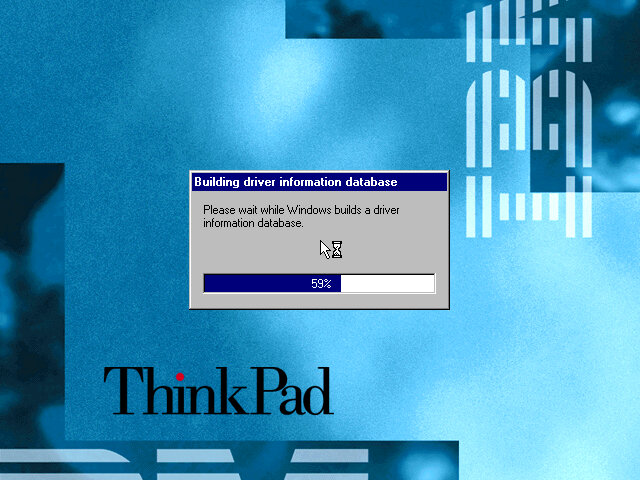
When running on completely different hardware you will encounter this hardware detection section, as Windows tries to detect and install various drivers for the motherboard and components used. On the actual ThinkPad system, you will just be taken to the desktop.
This typically takes around 10 minutes to complete, be warned that if you try this on VMWare you will have endless prompts regarding PCI-PCI bridges since VMWare likes to have a lot of these.
Software
The Welcome to Windows screen has been customized by IBM to some extent, as the ThinkPad itself can be seen in the background. I’ve never seen this done by an OEM for Windows 98.
ThinkPad on the Net
A utility to help you sign on for an internet service provider. If you already have one the program will attempt to test the internet connection, but this will fail since the servers are no longer active, the program simply thinks you don’t have an internet connection. It’s also possible this only works for dial-up connections which were popular at the time, and requires a modem.
Product Registration
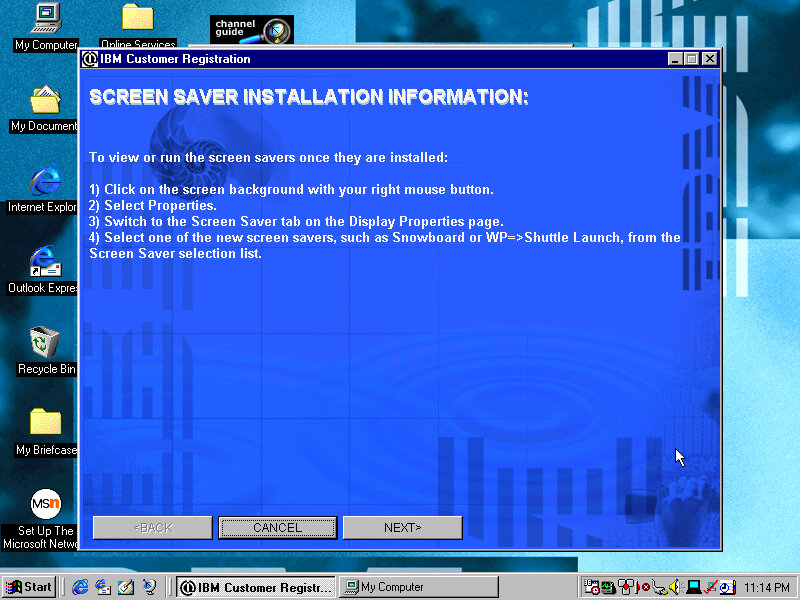
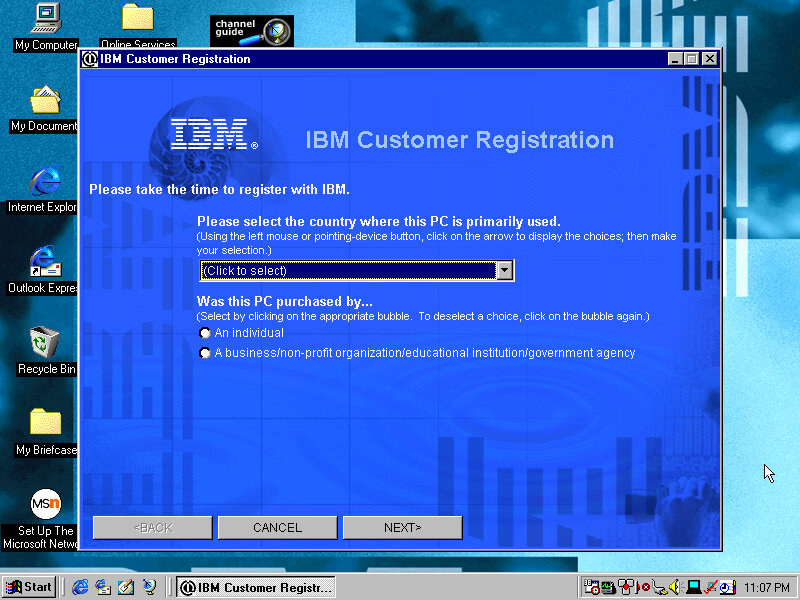
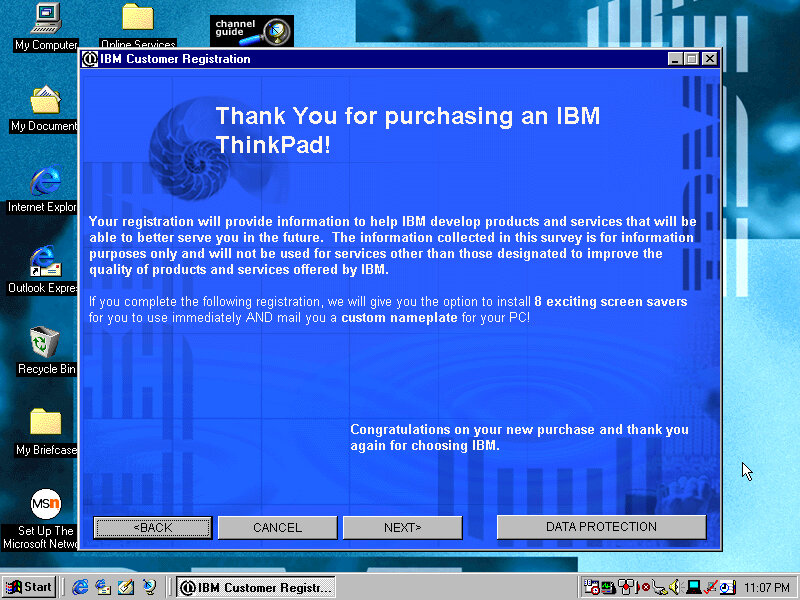
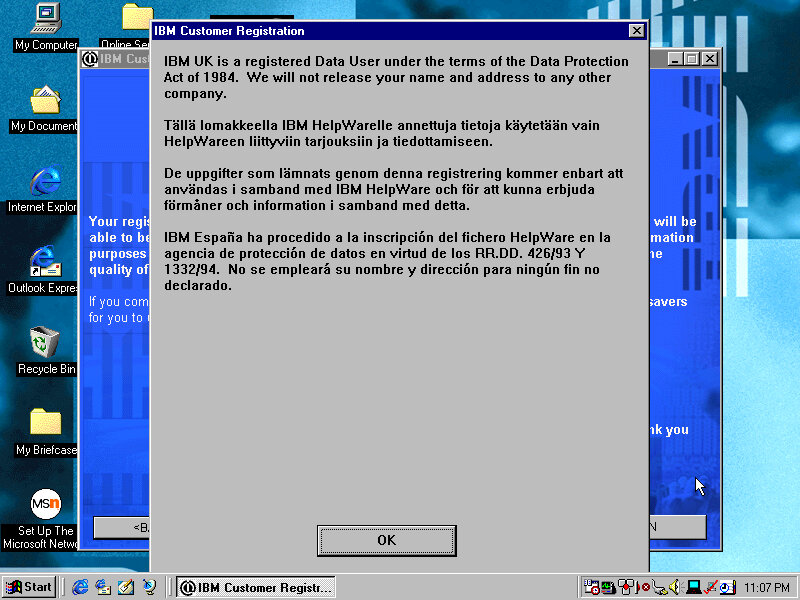
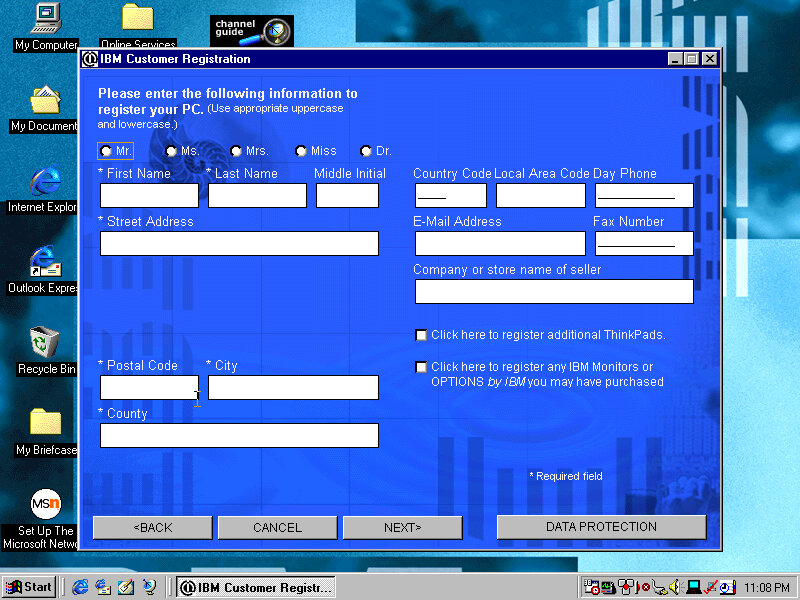
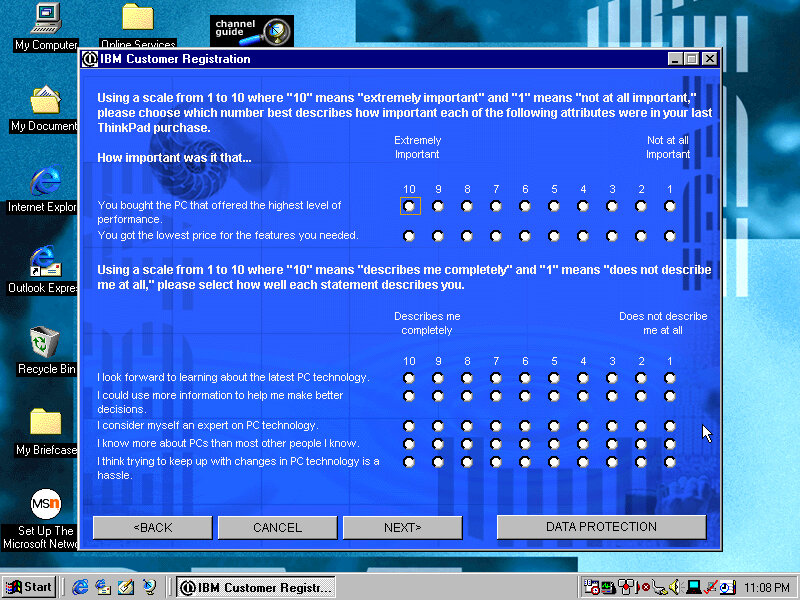
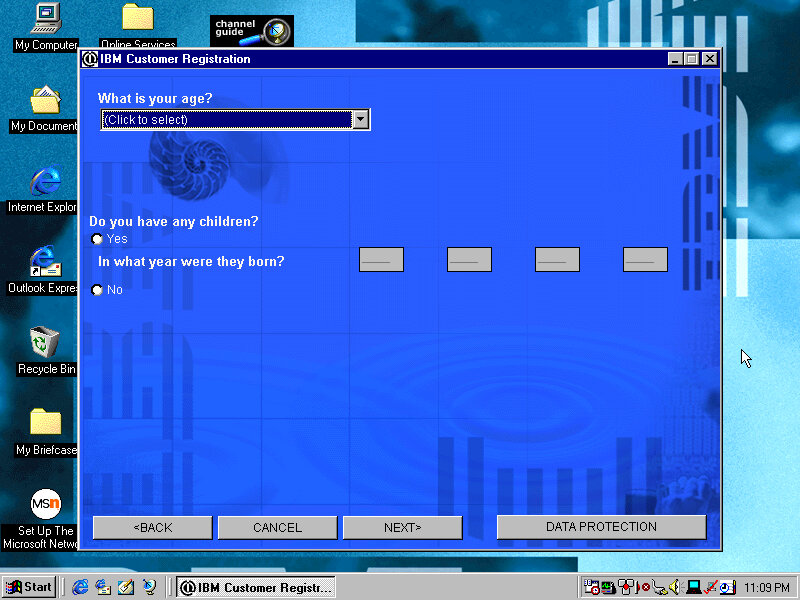
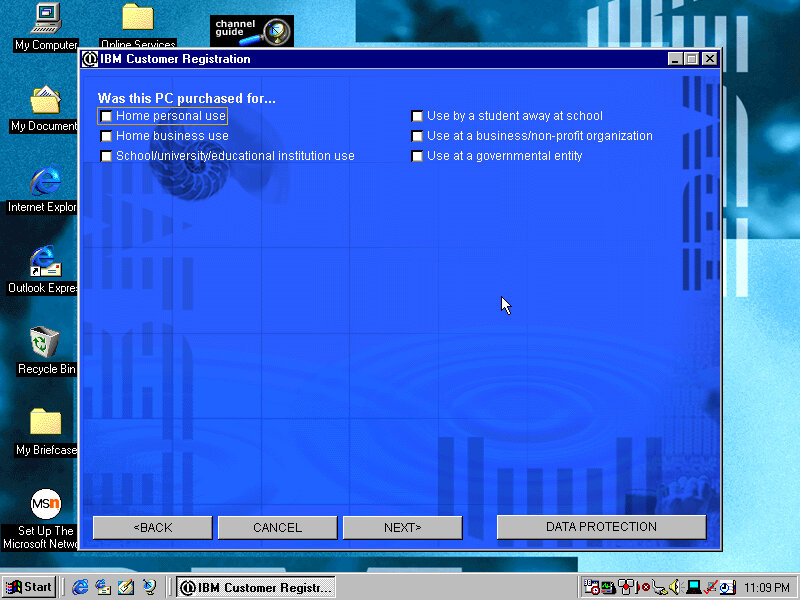
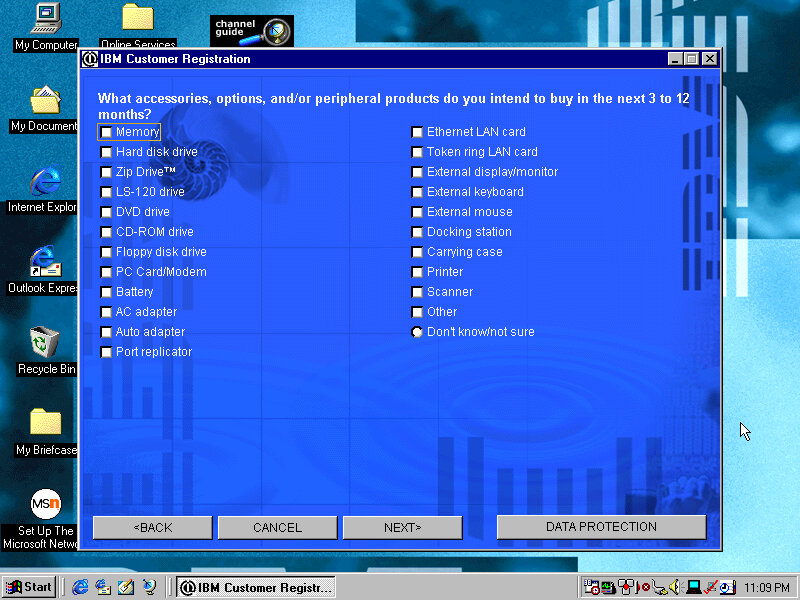
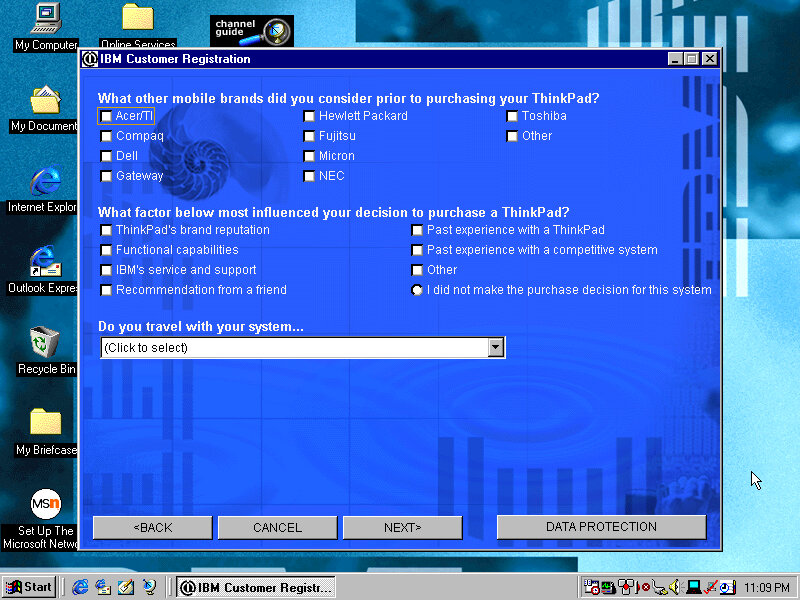
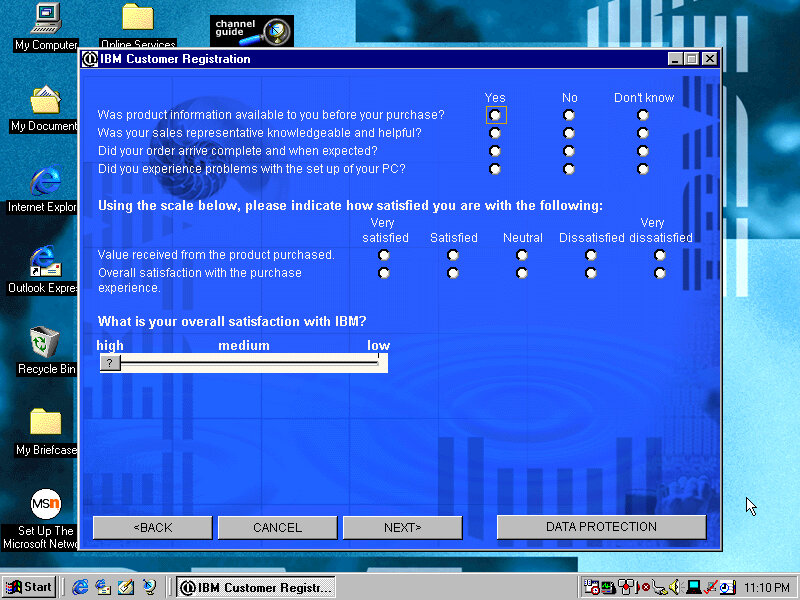
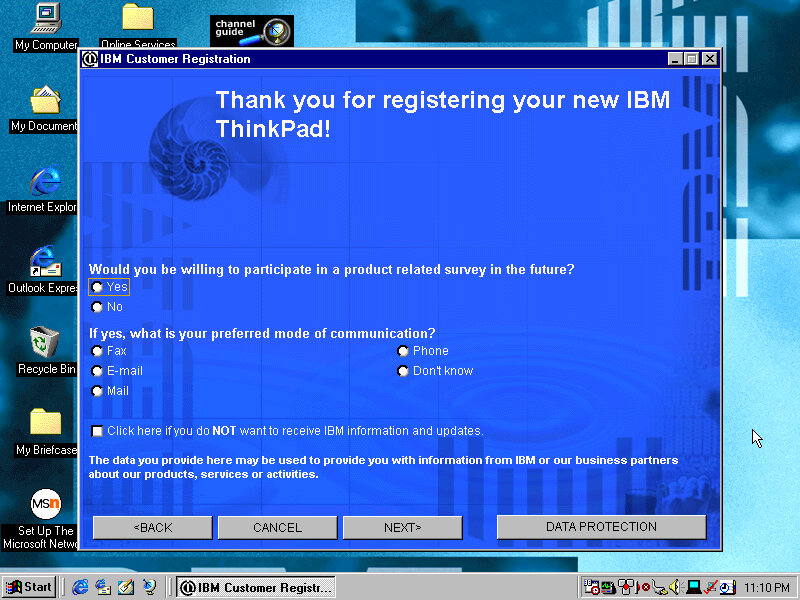
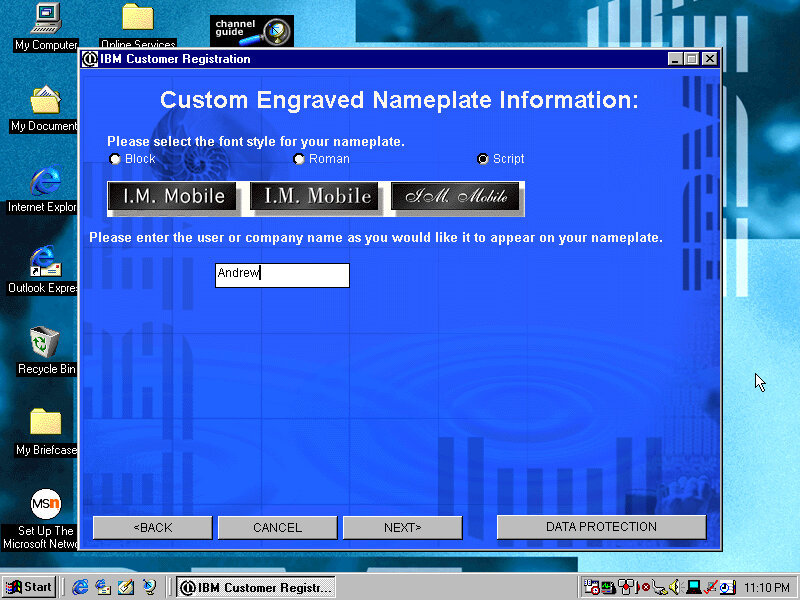
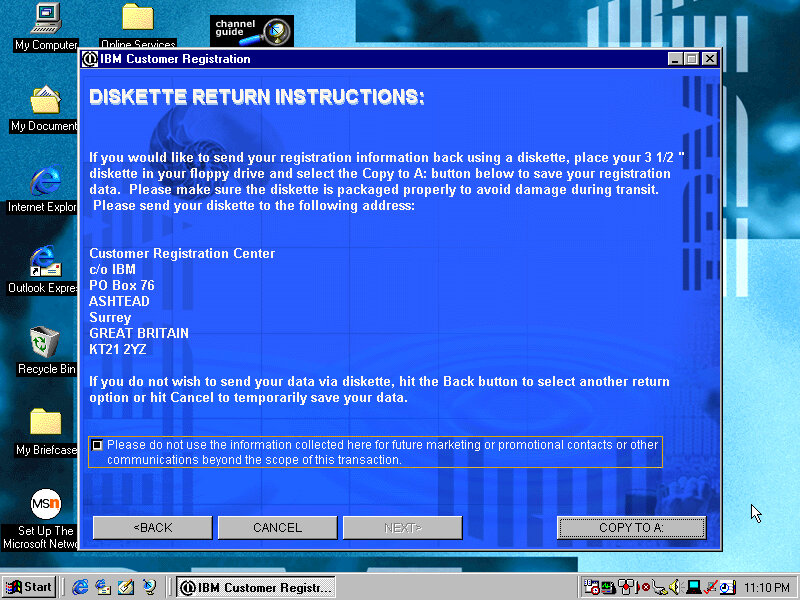
Presents the opportunity to register your product by answering several questions about you and your life story, along with what you intend to do and what accessories you intend to purchase. This was the good old days when telemetry wasn’t embedded into the OS, so this was the only way to provide feedback to the OEM. Registering your products will reward you with bonus screensavers.
Screensavers
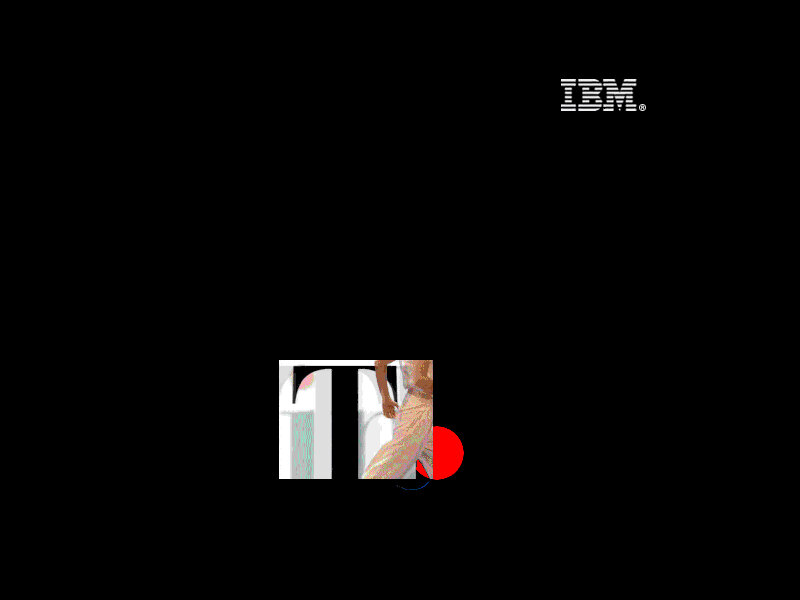
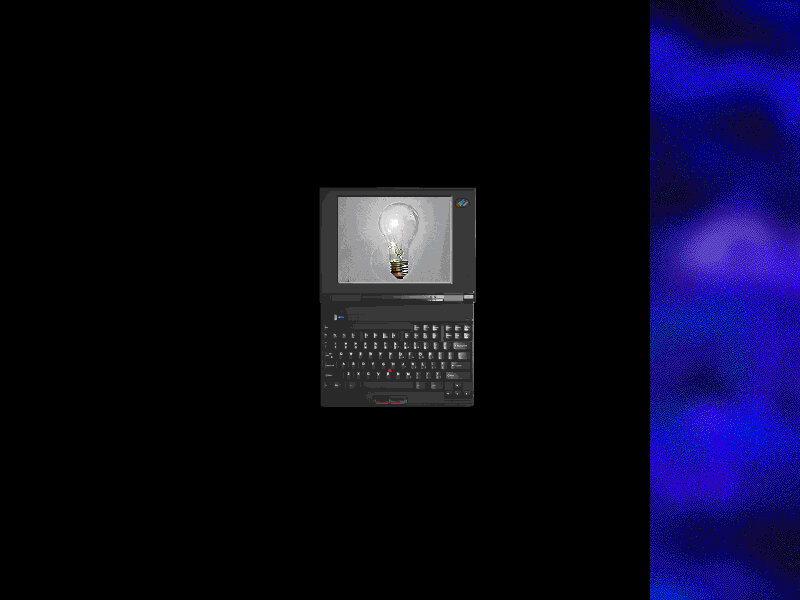
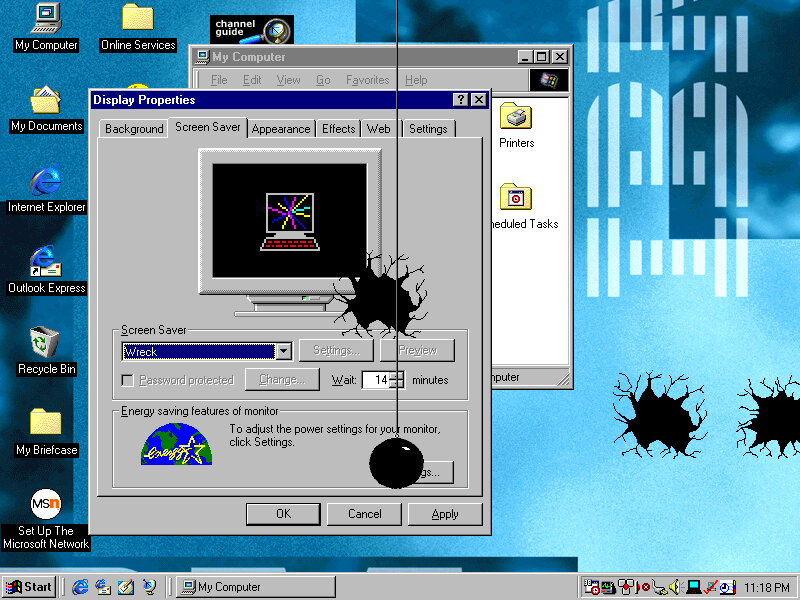
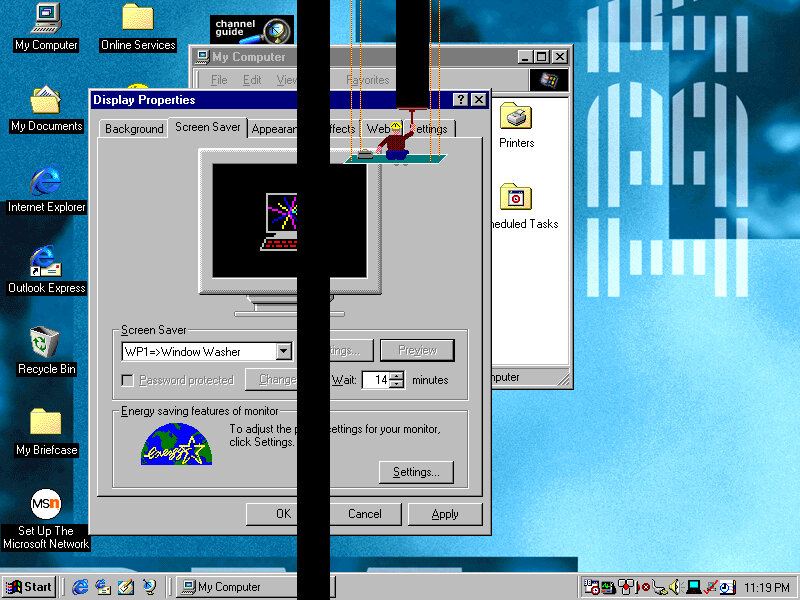
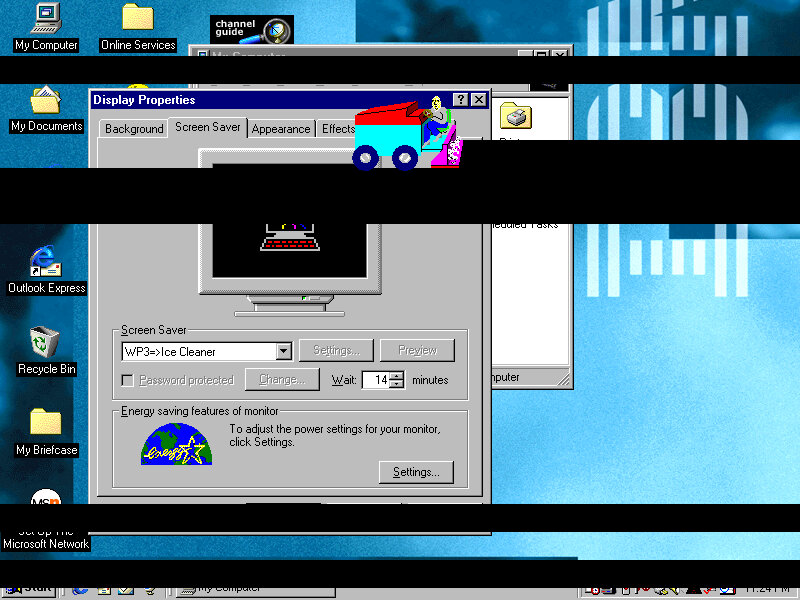
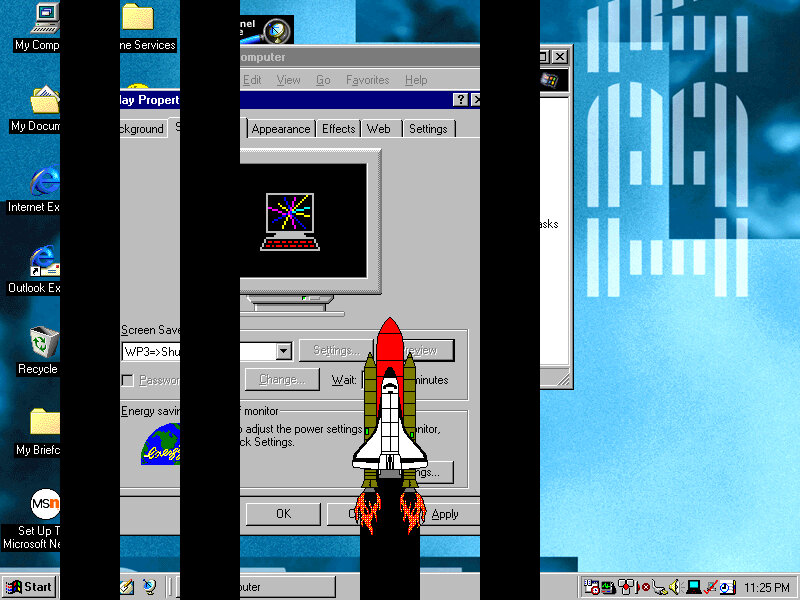
Think 1: The Thinkpad logo flashes around the screen whilst a red dot (TrackPoint) spins around Think 2: Similar to think1 but has an animated image of the laptop itself Saw: Simulates a saw cutting pieces from your desktop, along with a loud saw sound that scared the shit out of me. There is an option to disable the sound thankfully Wreck: A wrecking ball appears and smashes against your desktop background, along with smashing sounds. Window Washer: A Window Washed slides down the screen, taking vertical black stripes from your desktop background Gumballs: A bunch of coloured circles appears on the screen Snore: A floating bed with a guy sleeping in it Ice Cleaner: An Ice cleaner of sorts appears Shuttle Launch: A Shuttle appears and moves on the screen
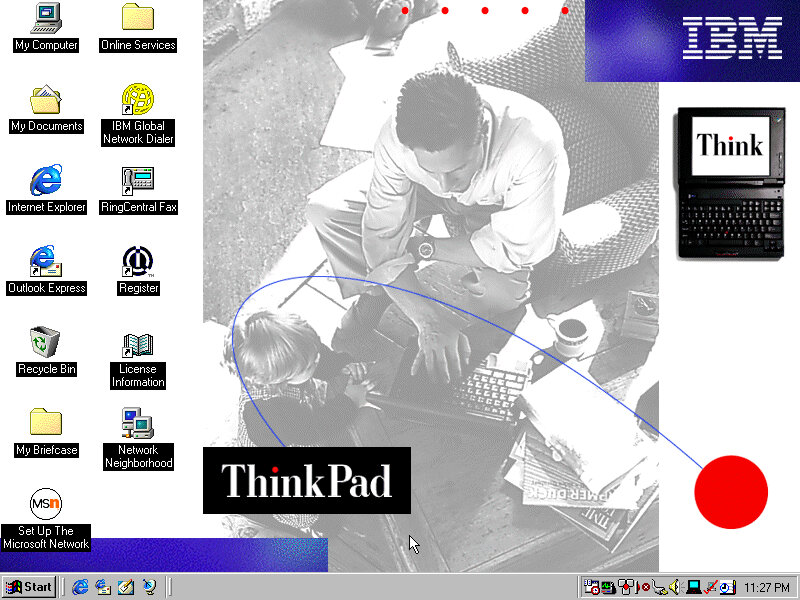
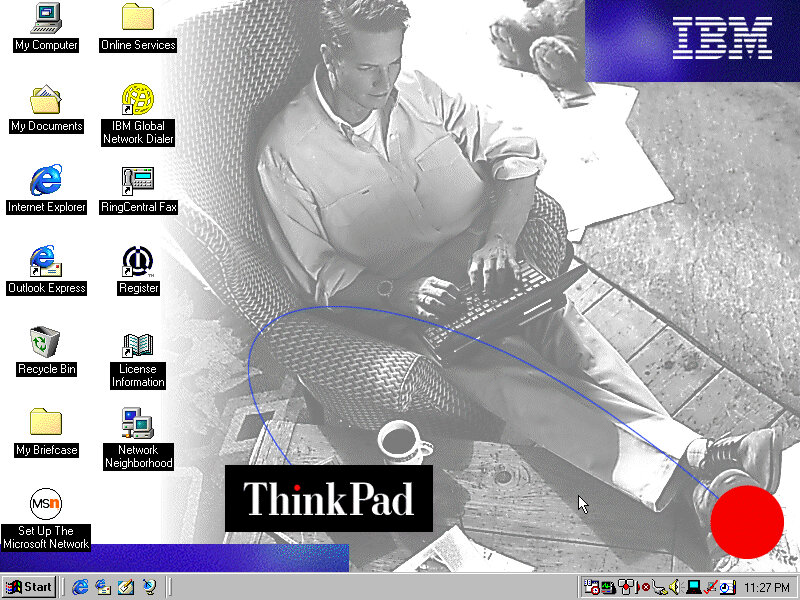
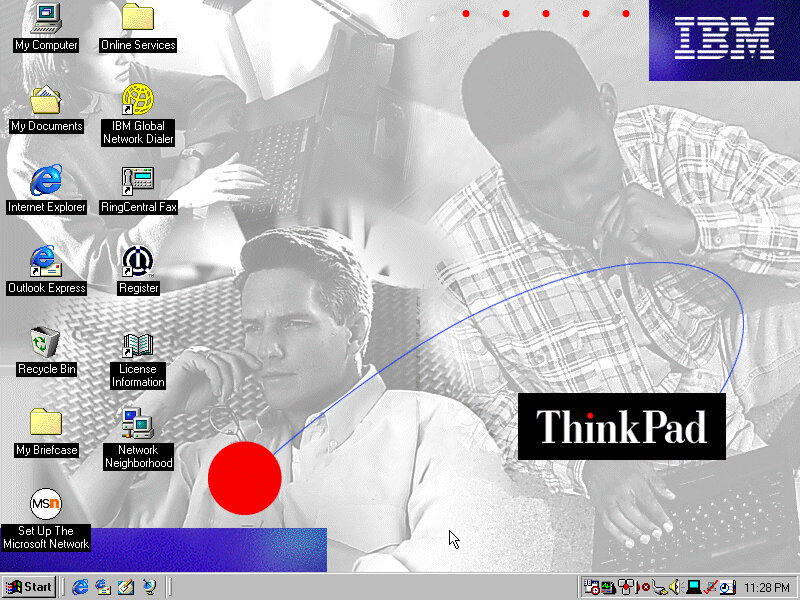
Wallpapers
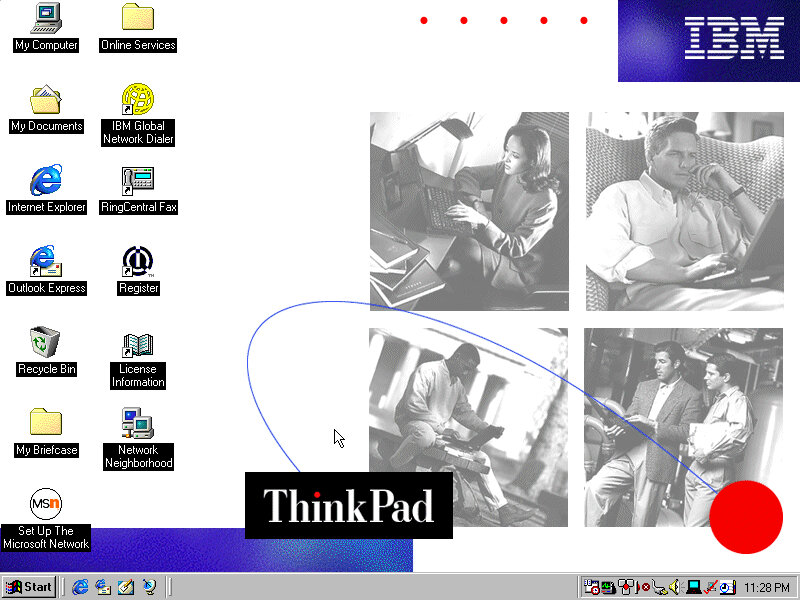
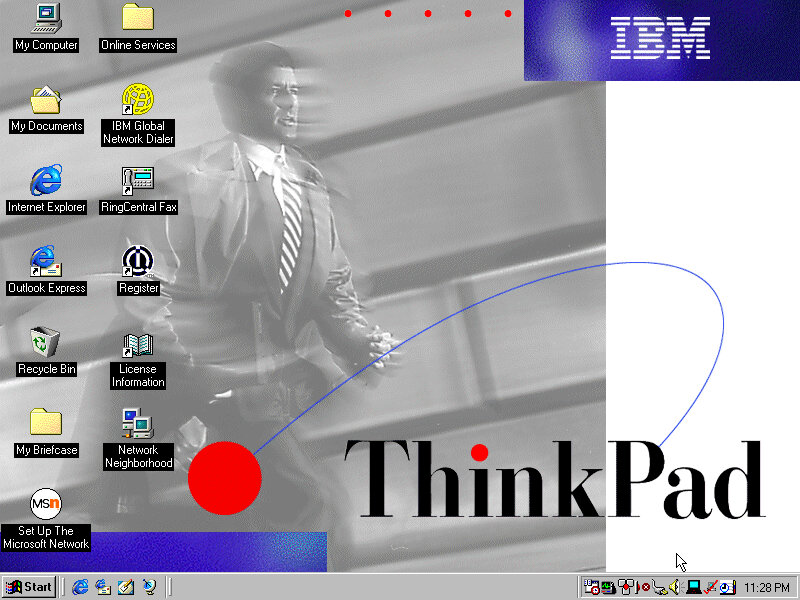
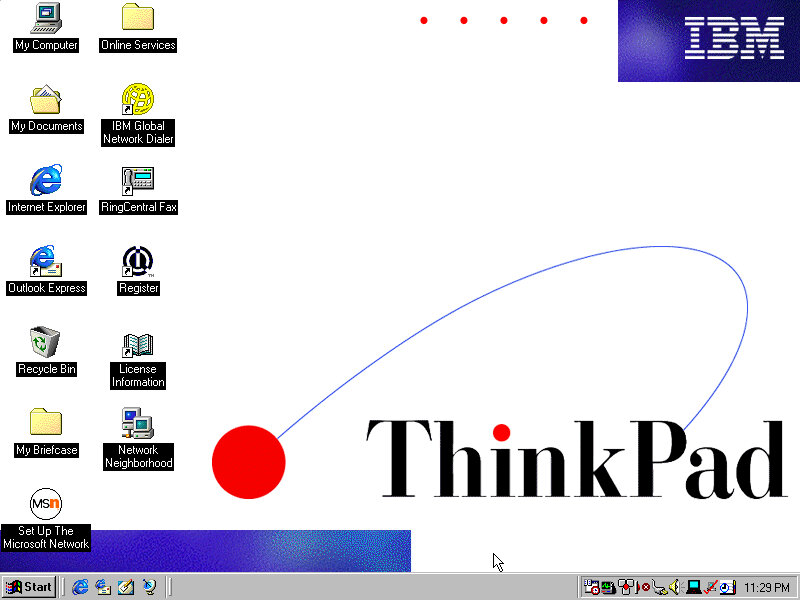
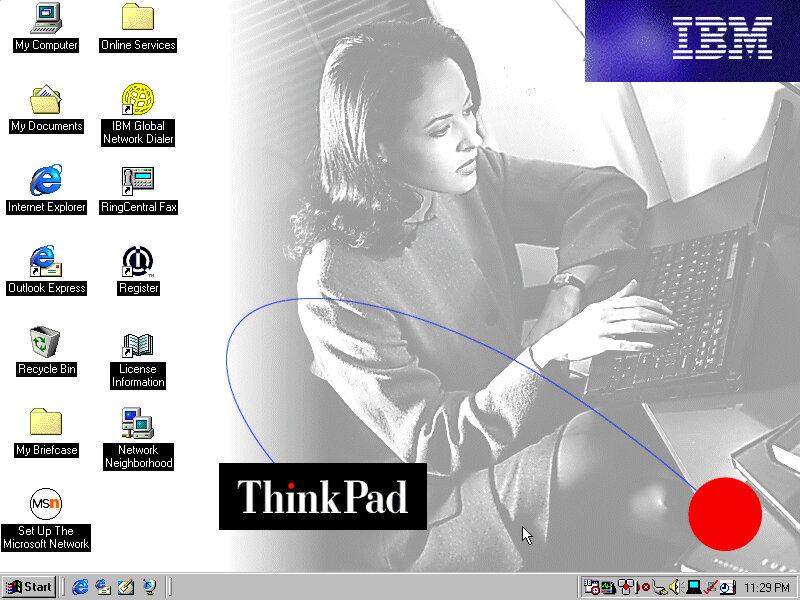
There are plenty of wallpapers included, supporting both 800×600 and 1024×768 resolutions.
PC Doctor
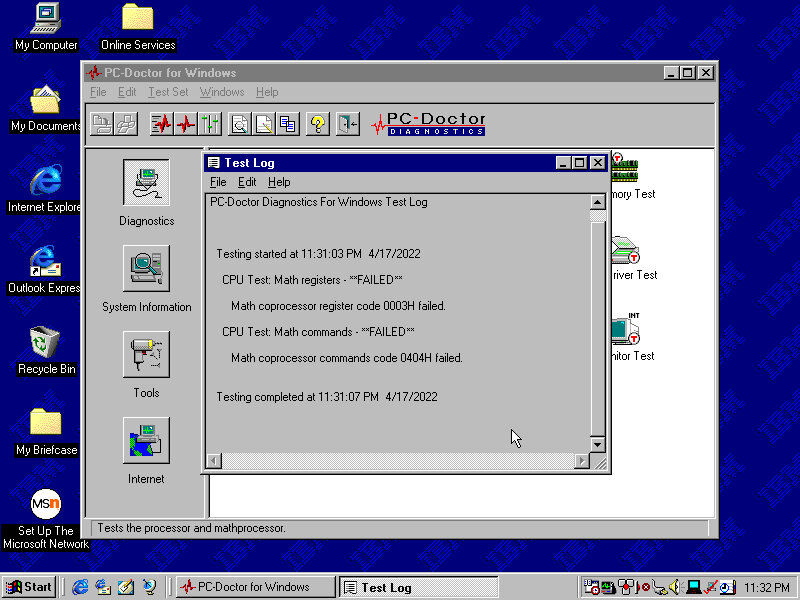
A diagnostic program of sorts, which performs a variety of tests. This included the CPU, video card and various devices connected to the system. Very interesting considering we are running in an emulated system.
Shockingly it has failed, although we are emulating a Pentium II, seems the Math coprocessors has issues returning incorrect results.
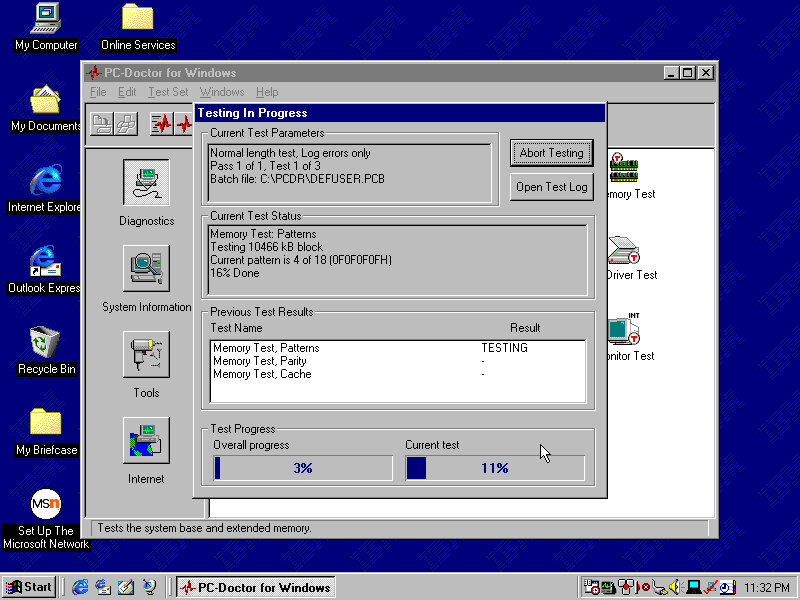
Let’s give the memory a test…
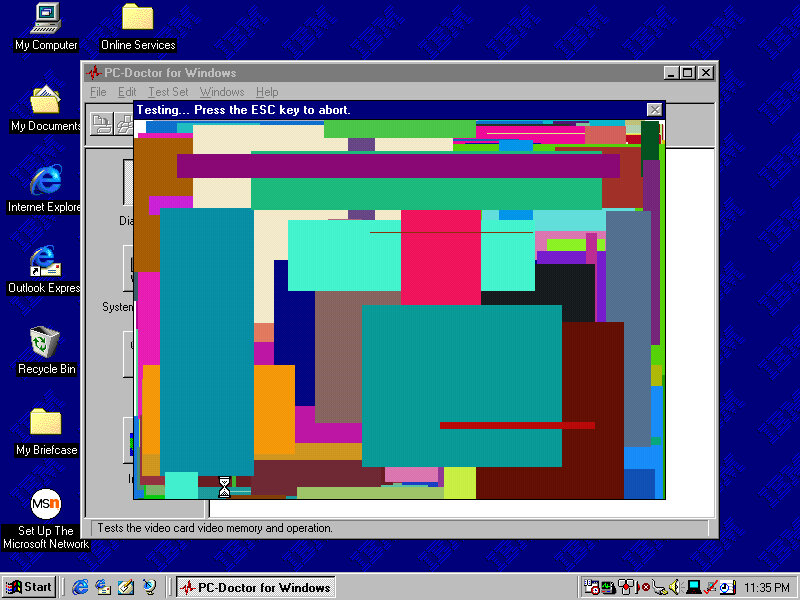
Looks like it passed, Now for the video
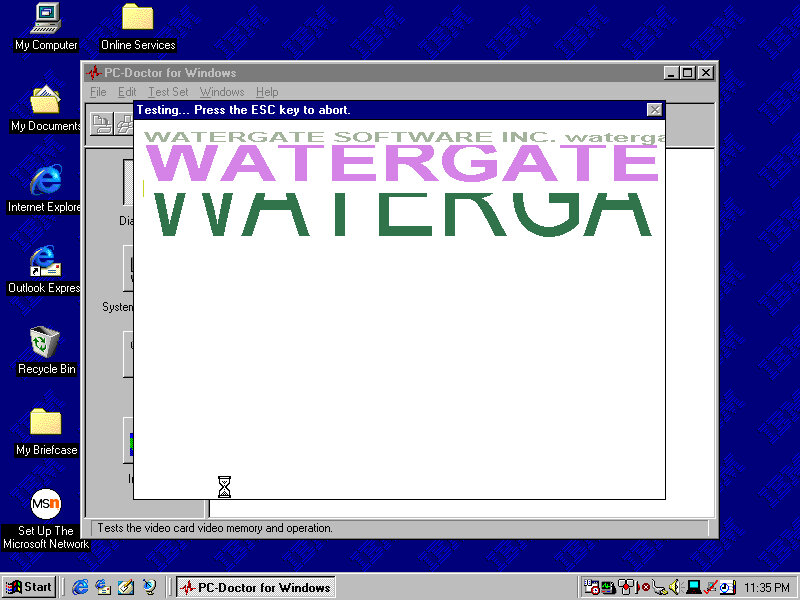
Is it me or can you see watergate…
The Graphics card is an S3 ViRGE (325), This isn’t the graphics card that shipped with the system
The sound test plays a few MIDI and Wave samples
The system Information area gives us details information on the various elements of the system. However here its possible to hard freeze the system
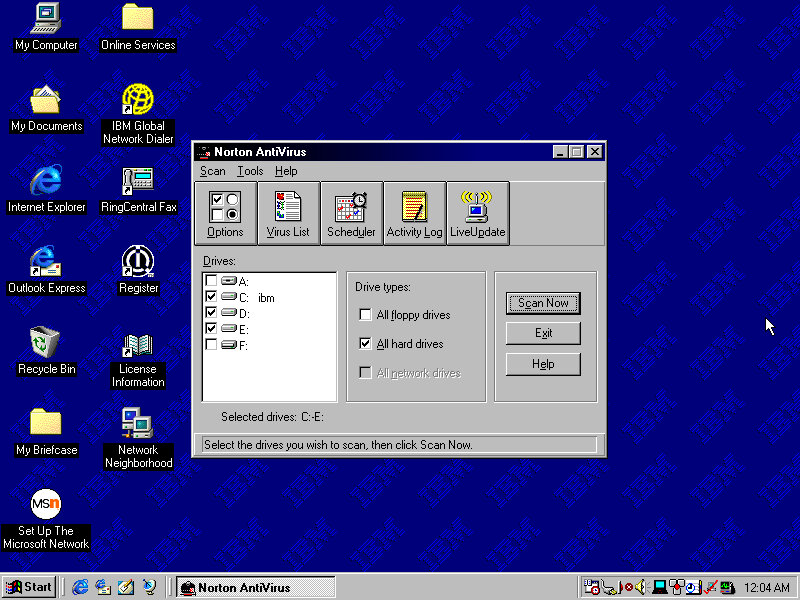
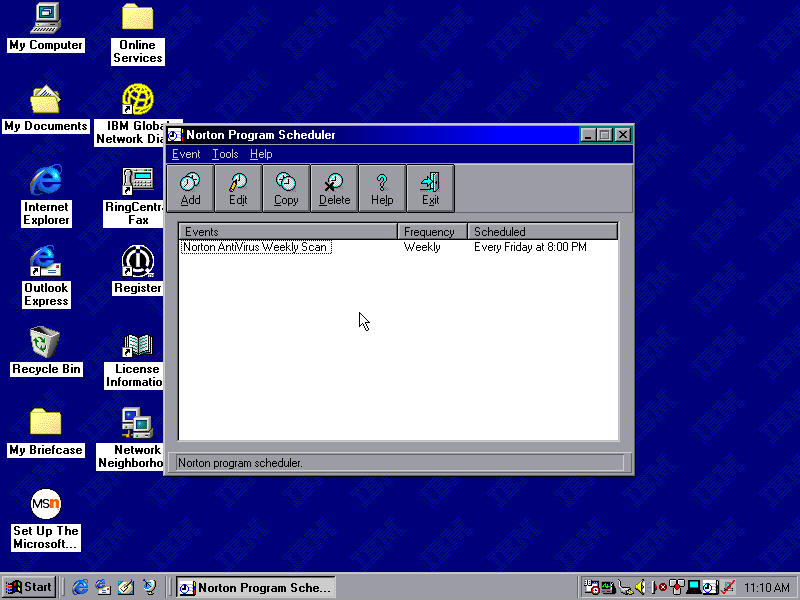
Norton AntiVirus
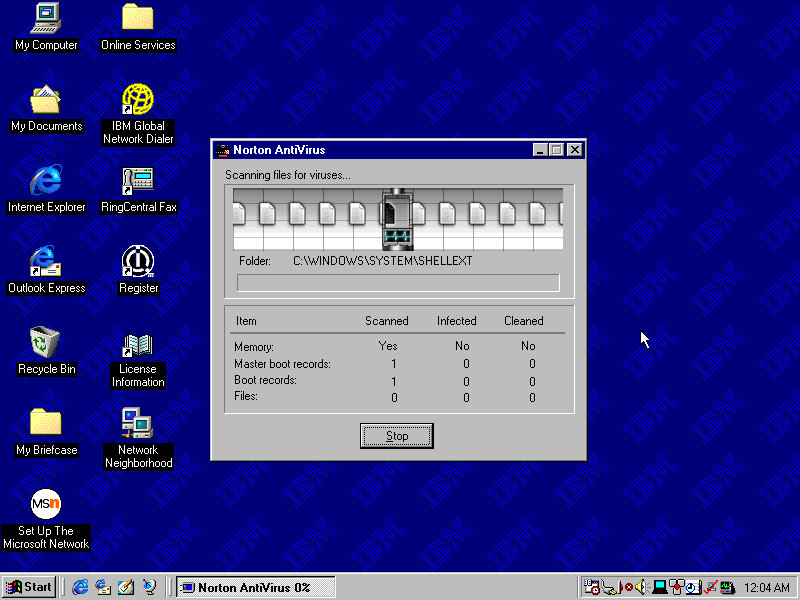
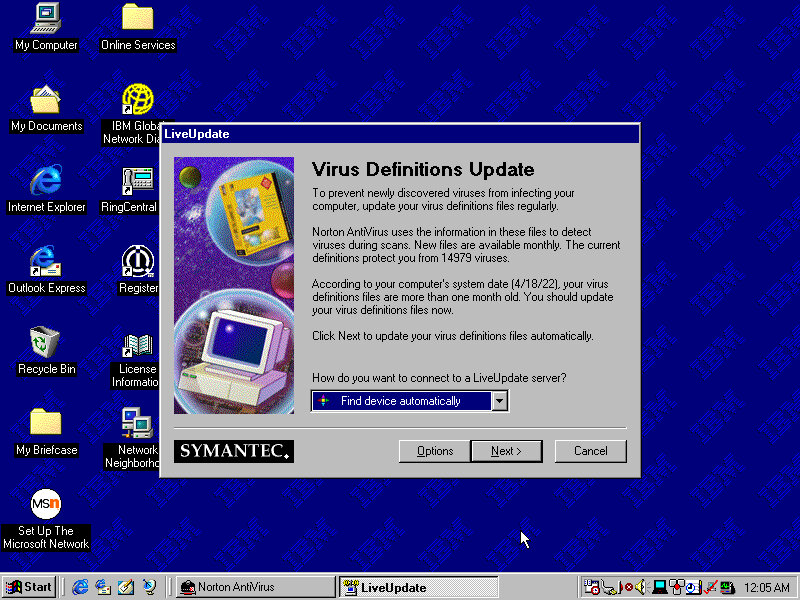
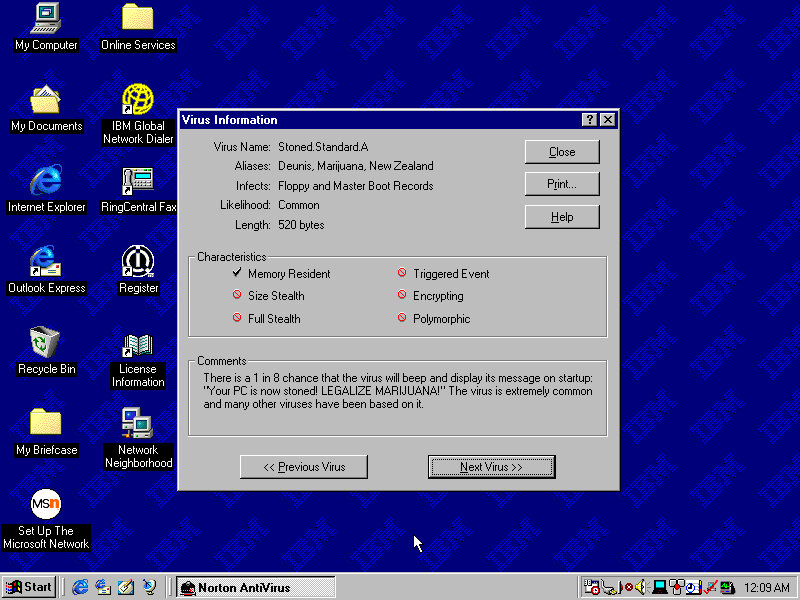
Included antivirus software that can detect and remove viruses. This version lets you browse through the various virus definitions to see what they do and what parts or side effects they can cause. A Liveupdate feature was available but is no longer functional will return a server error.
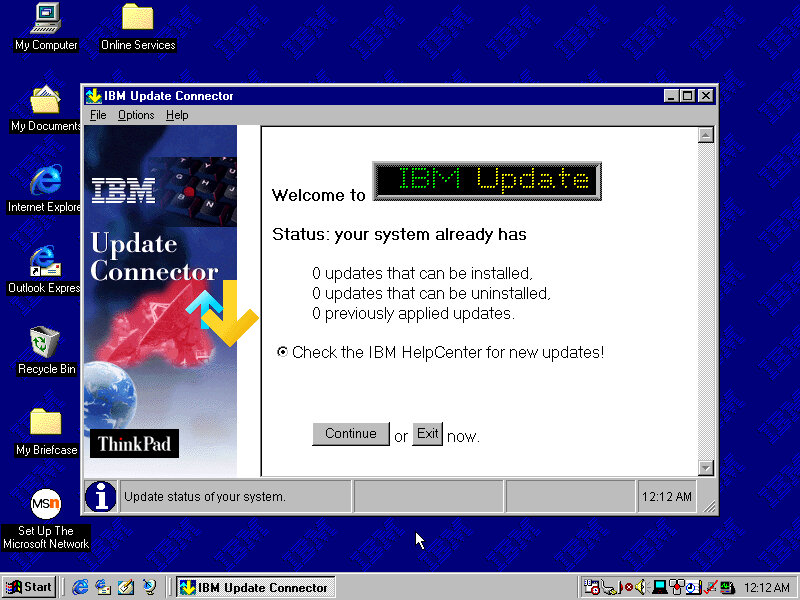
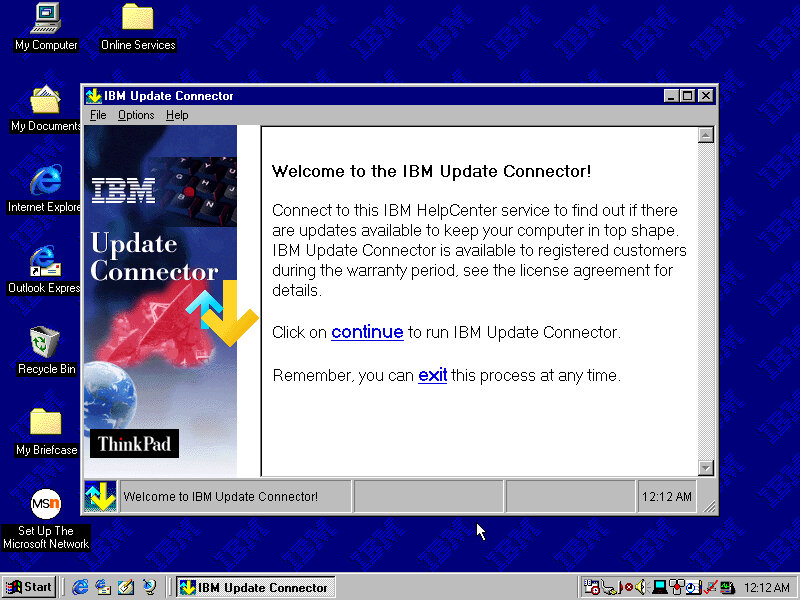
IBM Update Connector
Checks for various updates for applications and utilities that came in bundles with your IBM system.
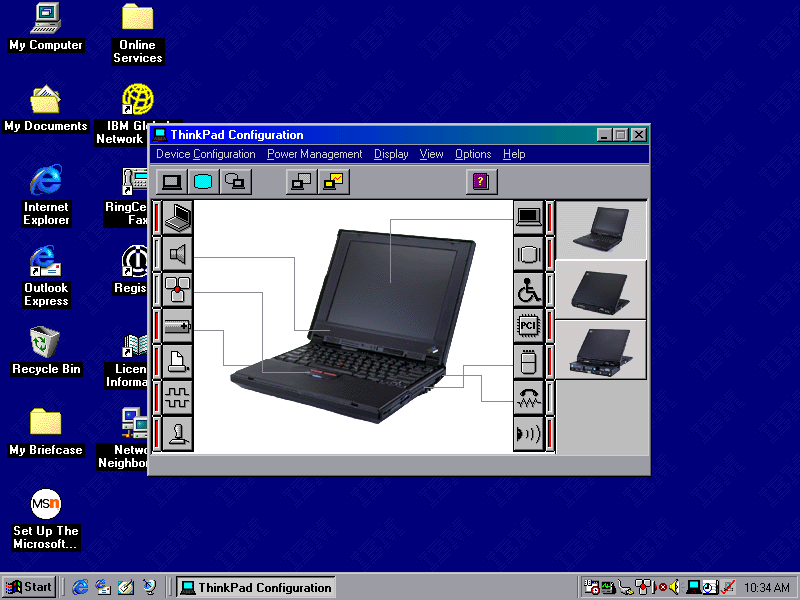
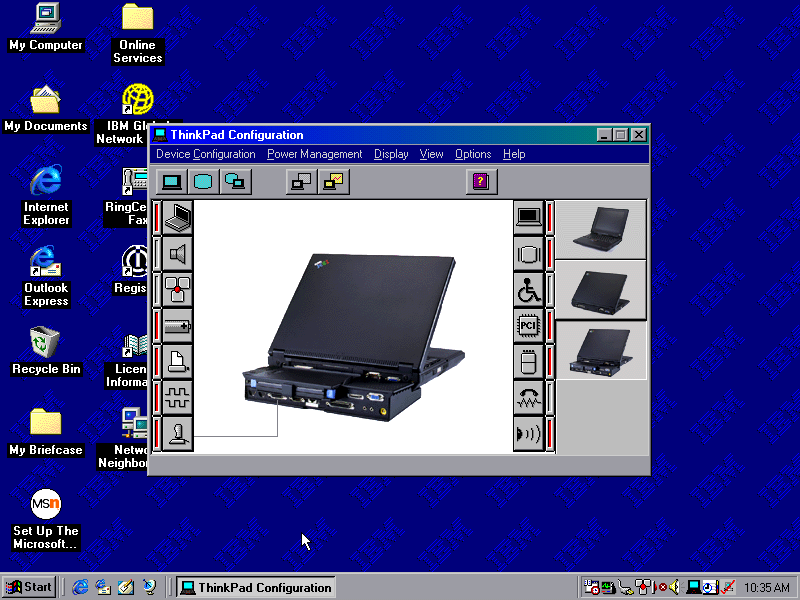
ThinkPad Configuration
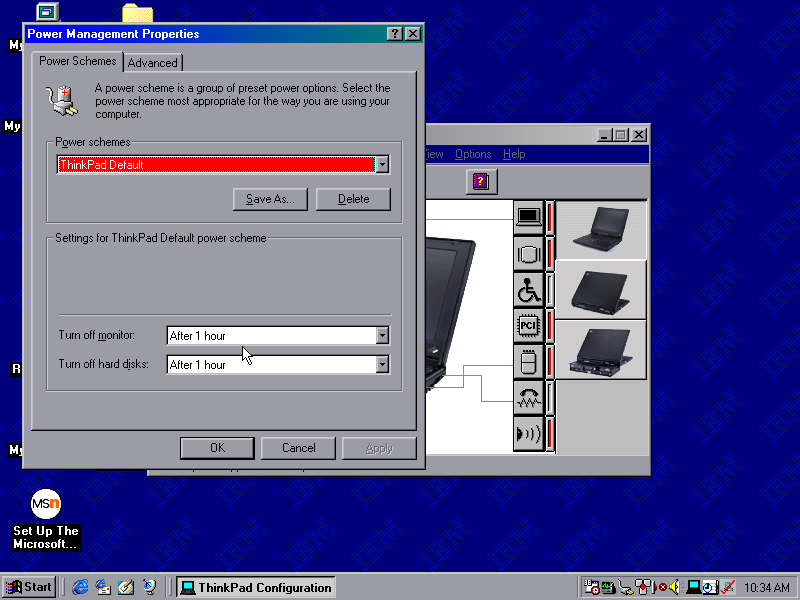
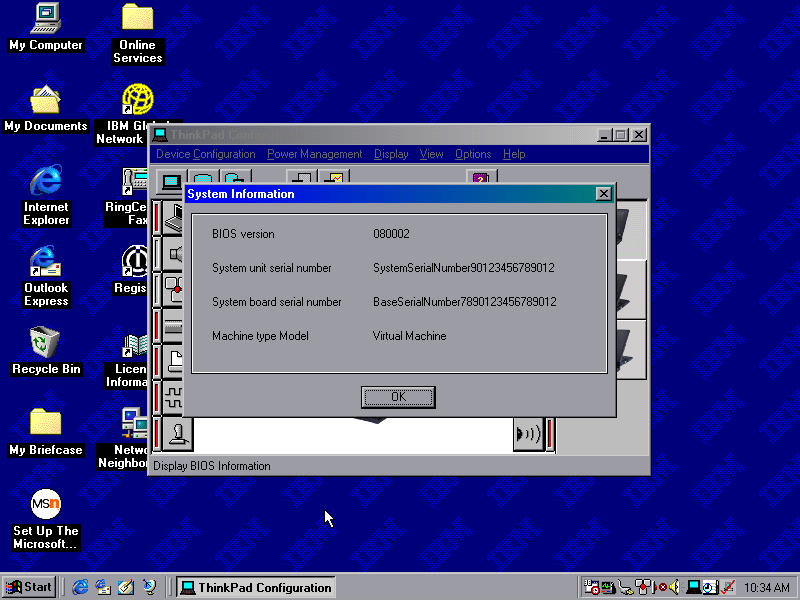
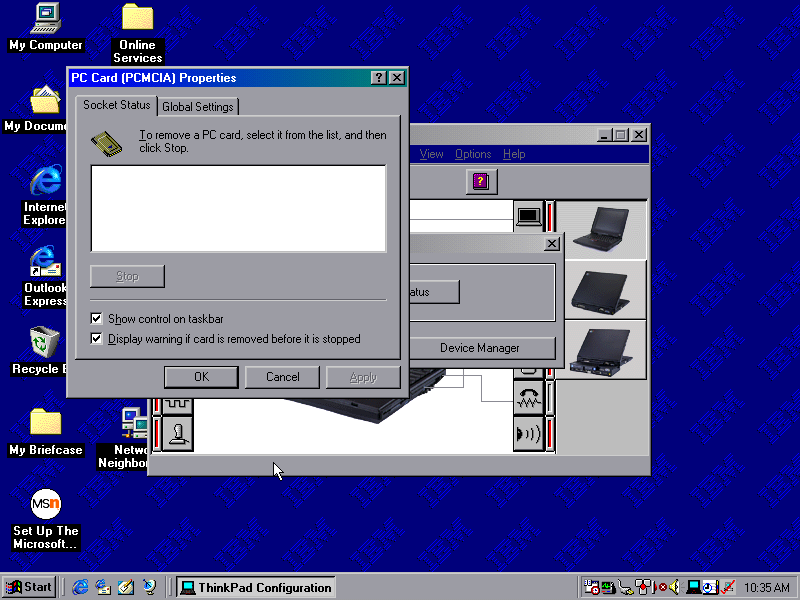
A utility that lets you change settings and enable/disable different components of the system. You can configure settings for the sound, game port and TrackPoint itself. These are settings that are typically exclusive to the ThinkPad itself and may not be covered by the Windows settings.
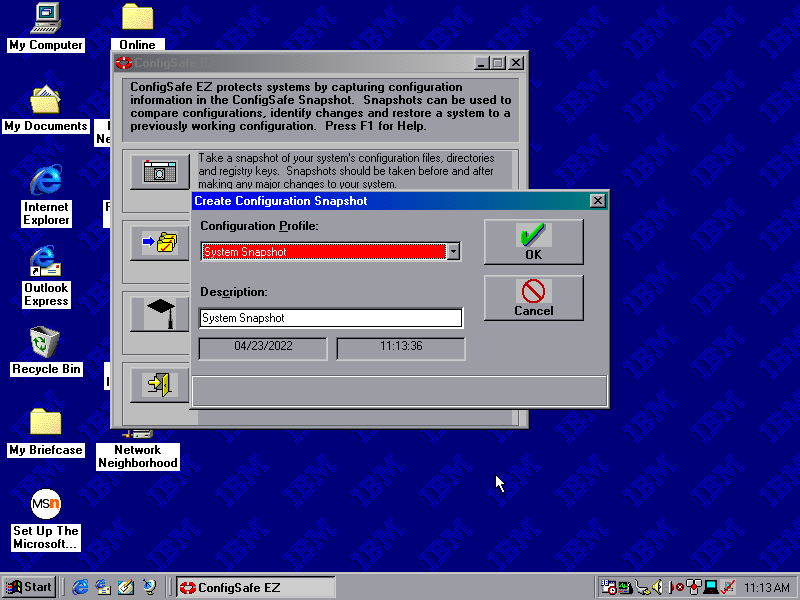
ConfigSafe EZ
Acts like an early form of system restore, which will back up critical system files which can be restored should the need arise.
Snapshots can be taken on a schedule, either daily, weekly, monthly or every time Windows boots up. Files are saved to a CSX image file and total to 1.46MB, which seems to go over the floppy drive limit
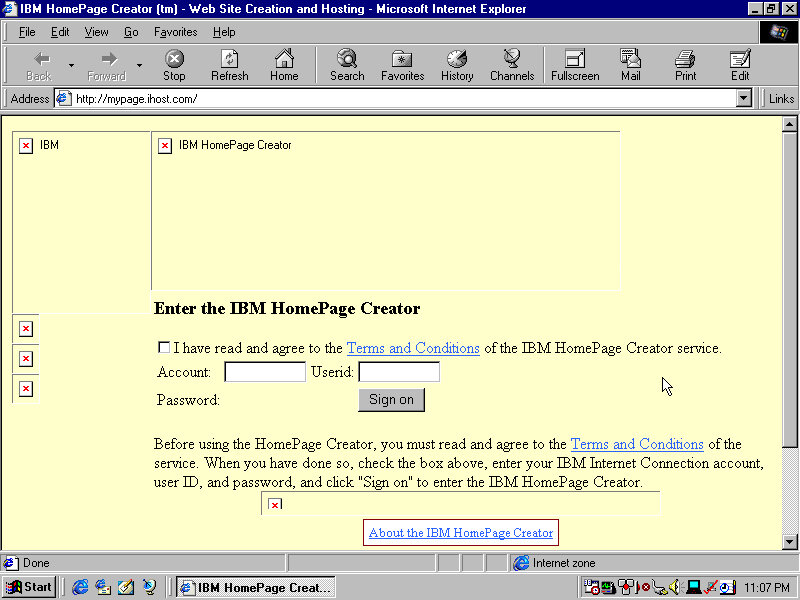
IBM HomePage Creator
This takes you to an online page, presumably where you can create an account and sign up for a web hosting service
Shutting Down
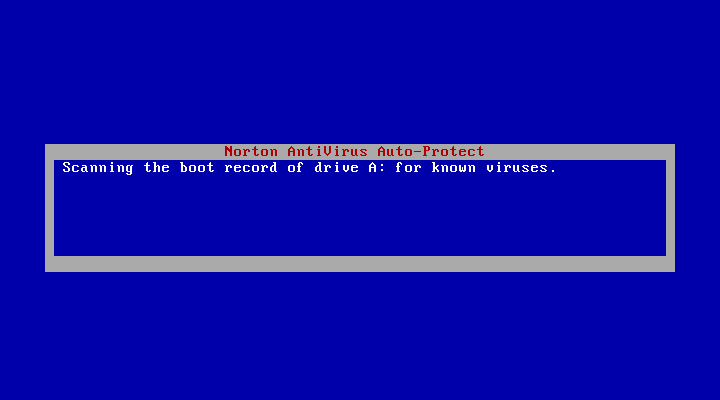
Shutting down the system brings up a Norton AntiVirus screen that kinda looks like a BSOD. This just does a quick virus scan before shutdown and lasts for a few seconds, possibly does a boot sector scan to ensure nothing has tampered with the bootloader.













 Drew1440: Blog