Tag Archives: Presario

Compaq Presario 5222

Compaq Presario 5222

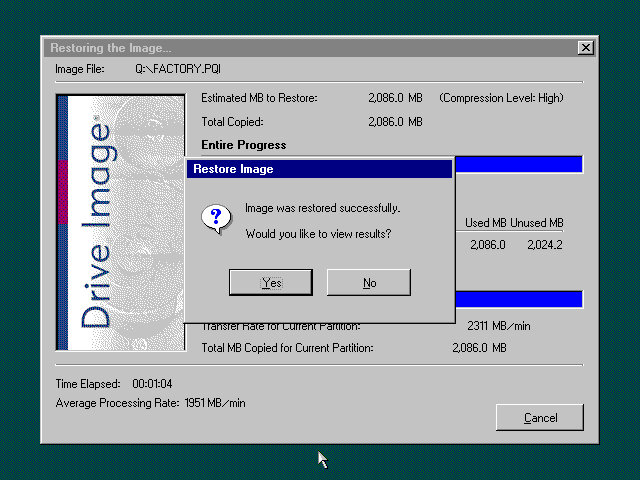
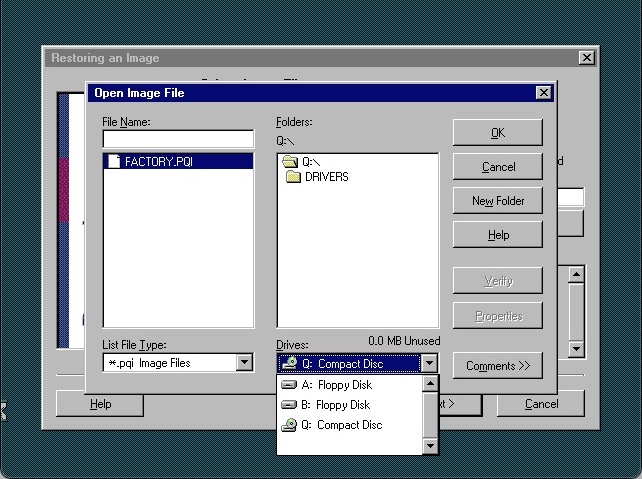
To restore the image, you need to manually select the recovery image from the explorer window, select the FACTORY.PQI from the Q drive (That’s the CD drive mapped to Q)

Password is ZZZHIND

The program can be quite unresponsive, the only thing you can do is wait until it loads.
Norton Ghost

After recovery has completed, the system will reboot into the Setup screen here you will need to enter the OEM serial key and registration details as with your typical Windows 98 setup.

Windows starts to detect the new hardware and we get a BSOD from the Aureal driver. This ends up crashing the entire PC. Rebooting will take us back into the driver wizard but we still get blue screens due to the sound driver
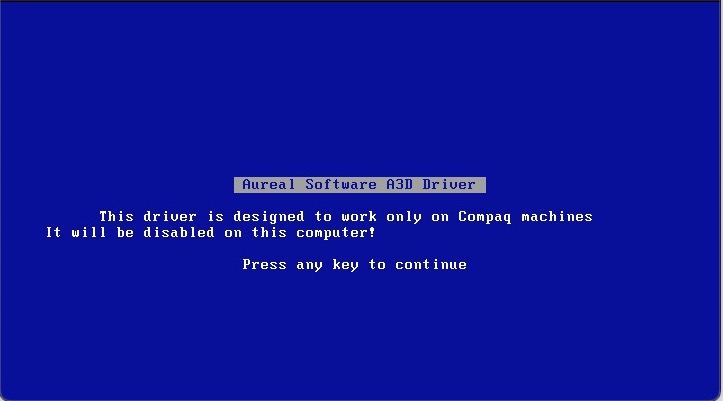
Aureal

Trying to remove the old driver by booting into safe mode and uninstalling it from there, this mostly worked but then encountered a hard crash with the below:
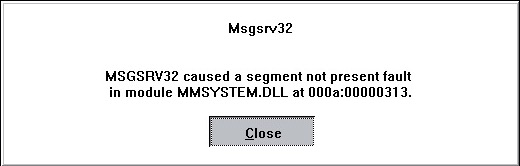
Not sure if this is considered a fix but I ended top removed the entry from the system.ini file and that seemed to stop the crashing. Not sure what this does but hey, as long as it works
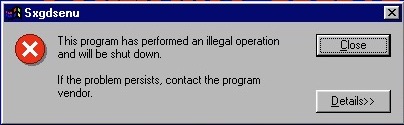
Don’t know what this thing that keeps crashing, a quick search revels some Yamaha sound driver

On the subject of sound, the VmWare sound drivers will fail to install since they expect 98SE, and this is the first edition of 98. There were further problems with installing the standard Creative driers since these VM’s use a fucked up PCI/IRQ steering which the drivers cannot handle. The solution was to edit the VMX file to remove the PCI bridges, and to manually add the legacy sound card.

Following this archived guide is what worked for me:

https://web.archive.org/web/20200808203541/https://www.howson.pro/windows-98-vmware-fusion-sound-fix/

What’s annoying is most of the online literature assumes Windows 98 is 98Se which isn’t the case for this version, so a lot of the solutions will not work. I suppose you could always upgrade it to Windows 98SE, but that’s too easy isn’t it?

Don’t forget to uninstall the Yamaha and Aureal drivers, they will cause issues with the Creative sound card. You can easily do this form the Add/Remote programs applet from the control panel

Eventually we get the system into usable state

The main desktop, its defiantly an Internet PC which means a low end Celeron/Cyrix system with a 56K modem and internet orientated software.
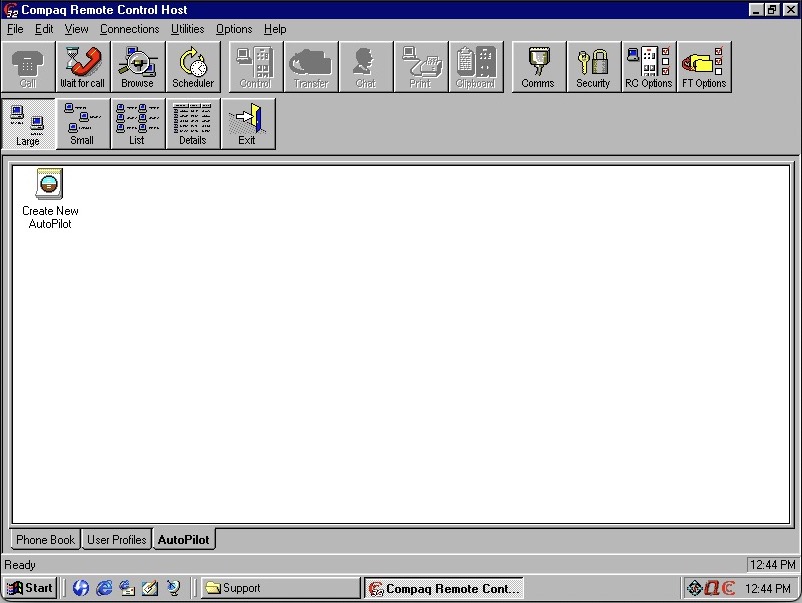
Compaq Remote Control

Compaq Carbon Copy – A remote support software. In the event you experience technical problems, you can contact Compaq who would then be able to connect to your PC and provide remote support. Looking in the software you can also use this over a LAN with other computers that have this software installed. You can also use this to transfer files and voice chat to the other user, kind of amazing pulling that off on a dial up connection.

Netscape Communicator 4.06

Netscape Communication also makes an appearance, this appears to be a customised Compaq version that has additional bookmarks added by Compaq. The Quicken 99 is included along with Microsoft Encarta Encyclopedia 99, this seems to be very common with OEM systems. Encarta was like our Wikipedia of the 90s, only it wasn’t publicly editable since all the data was held on the CD-ROM.

This version of Netscape also comes with support for the Cosmo VMRL plugin which allows the browser to display 3D models and graphics within the browser.
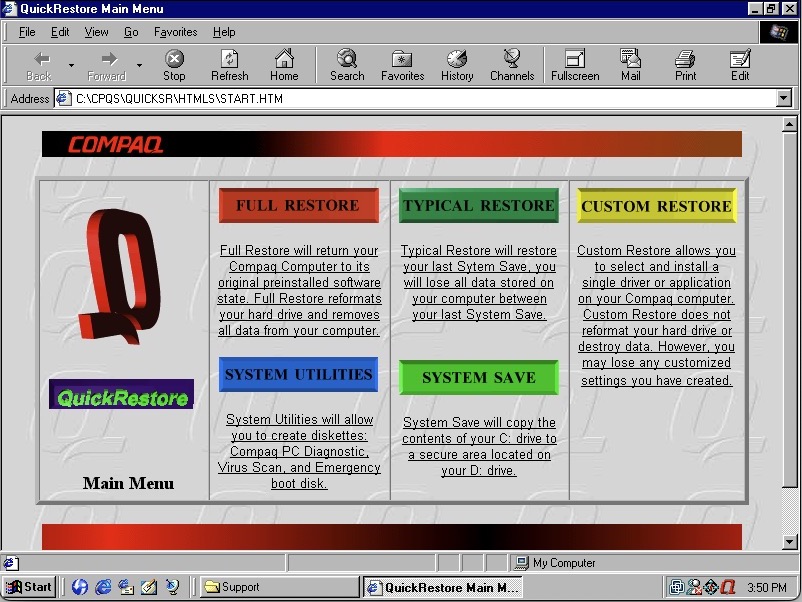
Compaq QuickRestore which is a utility to restore your system back to factory defaults, and to create boot disks. This interface is very 90s, even with the spinning Q logo.
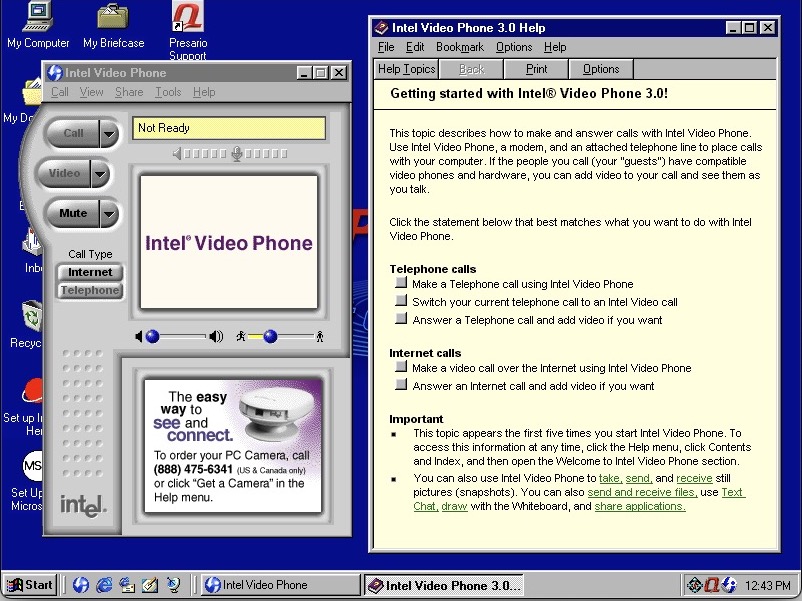
Intel Video Phone

Intel Video Phone, to make visual phone calls. This software typically came with Intel branded webcams. Now I’m not sure if both users had to be running the same software or if it was comparable with other video phone software like VDOPhone, I believe there was a standard (H.263) butI’m not sure how well adopted or supported this was. The help file does reference calling recipients with other software so it might have been compatible in that regard.

You can also make traditional phone calls, though not when your PC was connected to the internet.

I don’t believe this would have worked with 3G phone when they arrived, as they would have used the 3GP standard.

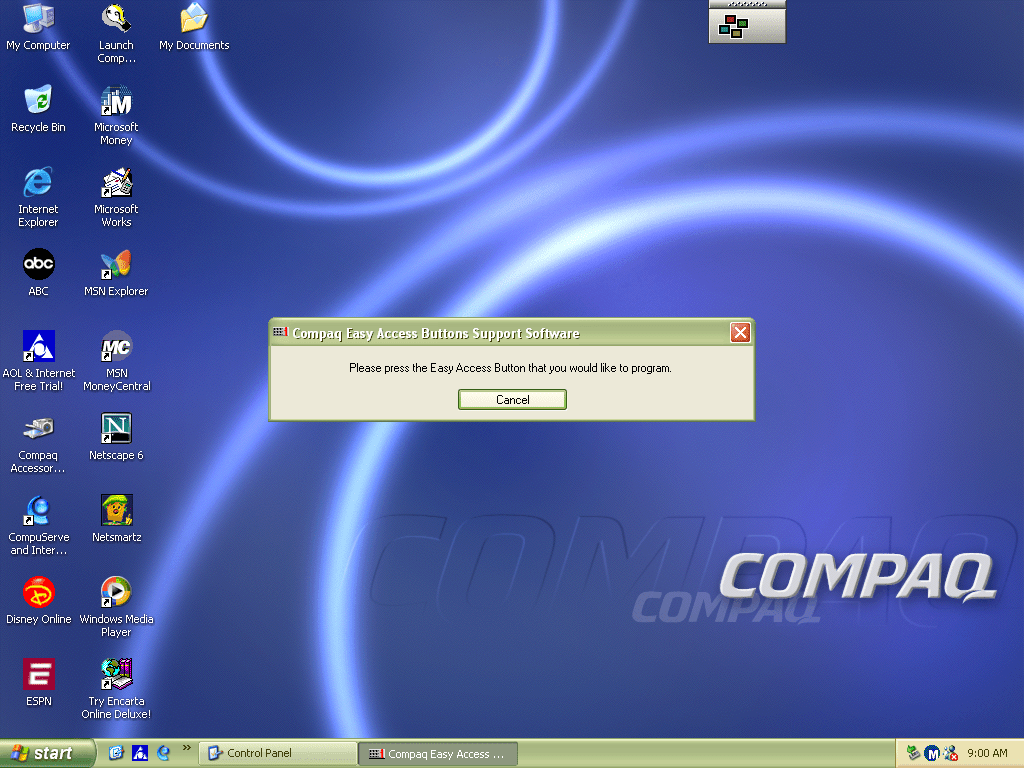
Compaq’s easy access utility lets you adjust the soft keys that are featured on the Compaq keyboard. You can configure this to point to a specific website or program. By default this would have launched your homepage or opened your default email client.

Compaq easy access

There is also a tray icon with a menu that can be brought up by right clicking on it. This appears to emulate the soft keys on the keyboard.

The is an onscreen display that appears when you adjust the volume. This can be adjusted or disabled altogether and is similar to the OSD of a regular TV of the time.

And that’s it, there is additional software like the Yamaha and Aureal sound programs, but these won’t function without the actual hardware being present.
Compaq Presario 700 (VMWare)

An early Windows XP era laptop released around 2002, not to be confused with the Presario C700 which was HP branded. Windows XP Home Edition was the operating system bundled with the restore CD

Restore Process

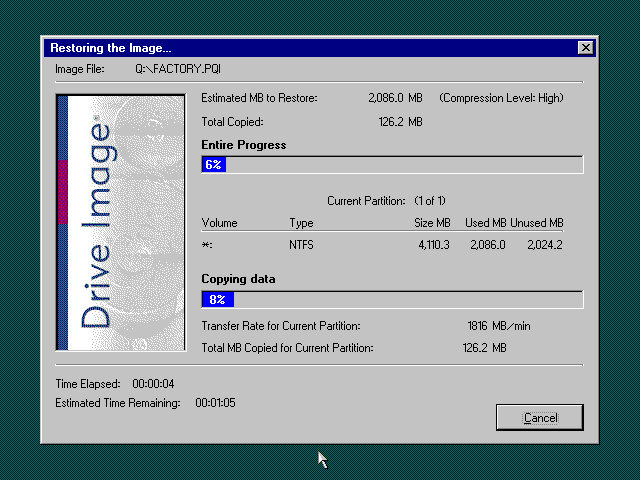
This one used a slightly different way of restoring the default image, and I believe this is due to the copy being modified so that it will restore on any machine, instead of being tied to a specific model.
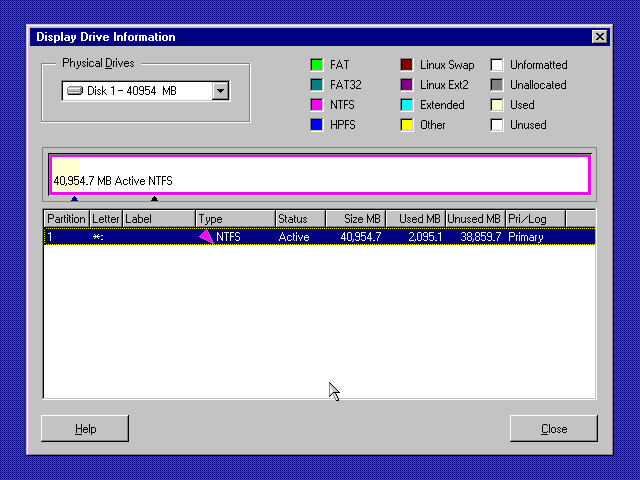
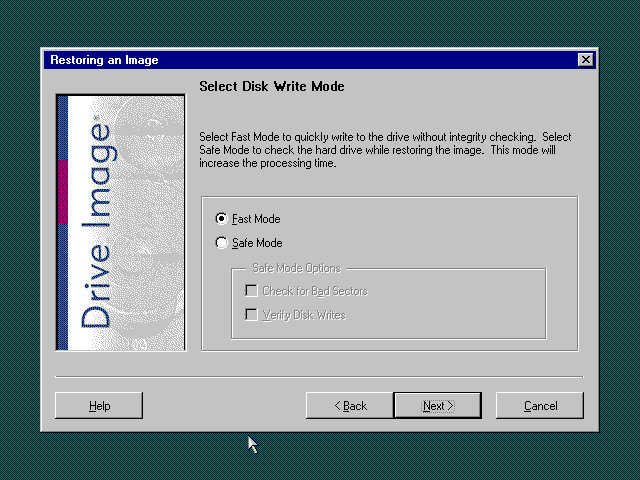
Here you must manually select the recovery image (located on the CD drive) and then proceed with the installation. If the hard disk is blank (Which it will be if we have just created the drive) the software can automatically initialize and format the disk and will create the correct partitions.
Once this has been set up, the recovery process will begin and the system will notify once it has been completed.

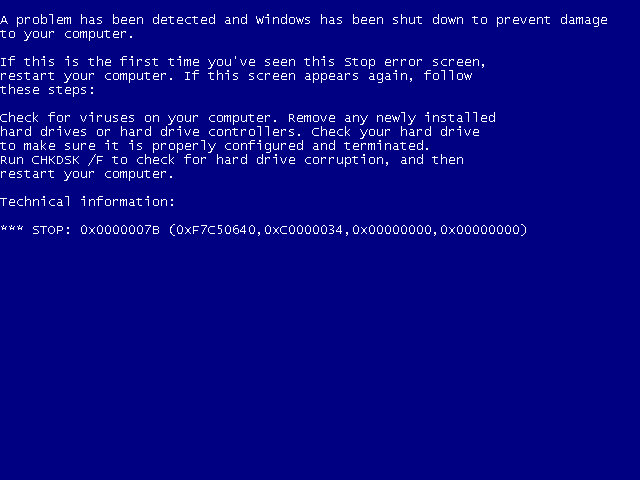
Hello blueness my old friend

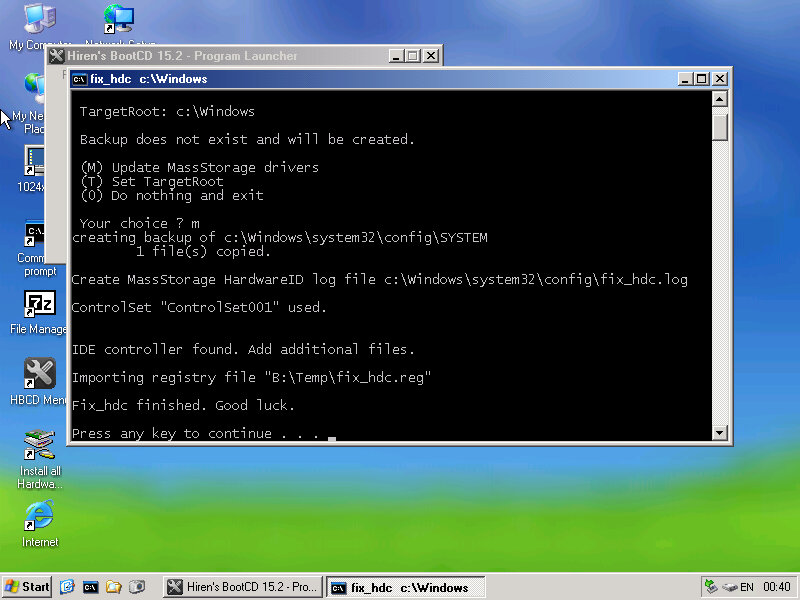
After the first reboot, we will most likely run into a BSOD, since we had installed it in a virtual machine instead of actual hardware, it’s expecting a motherboard that’s completely different. At this points It’s Hirens time

Hirens Boot CD

Same as the eMachines system, we just need to reset the hard disk controller to clear the error. After a reboot we are onto the OOBE.

OOBE

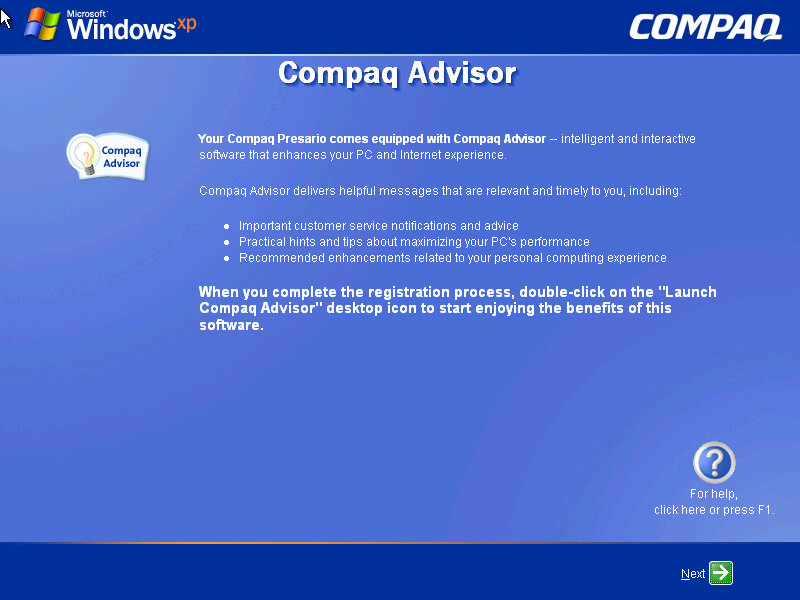
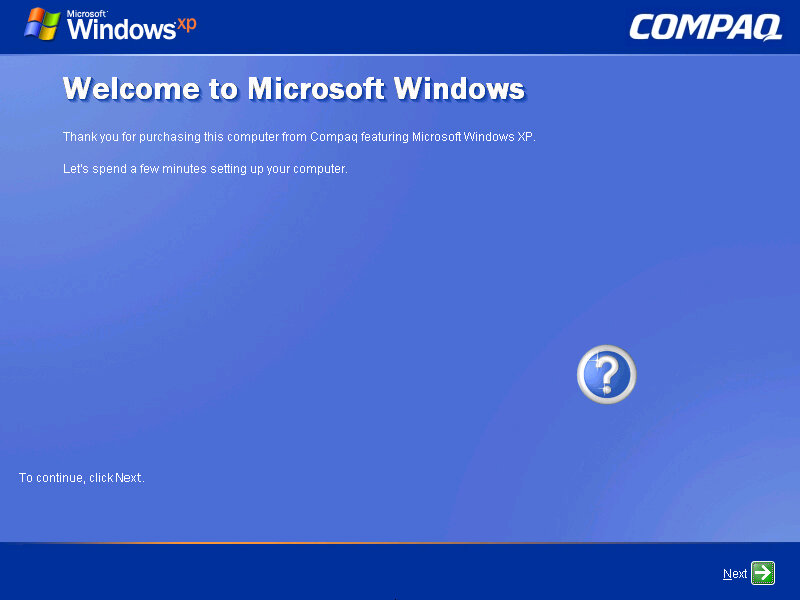
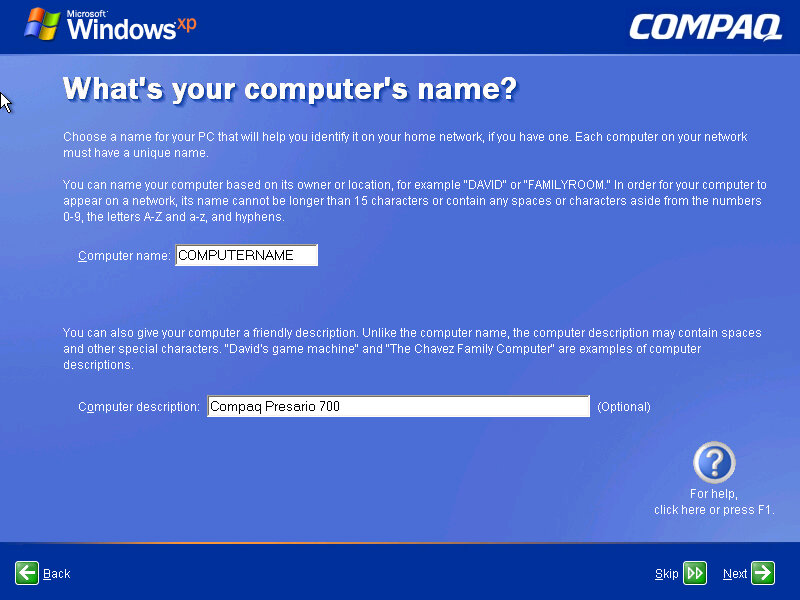
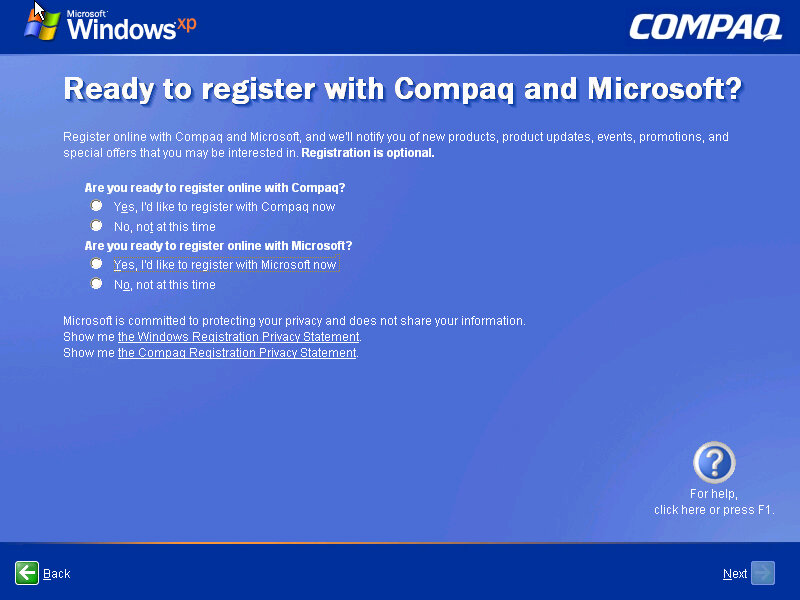
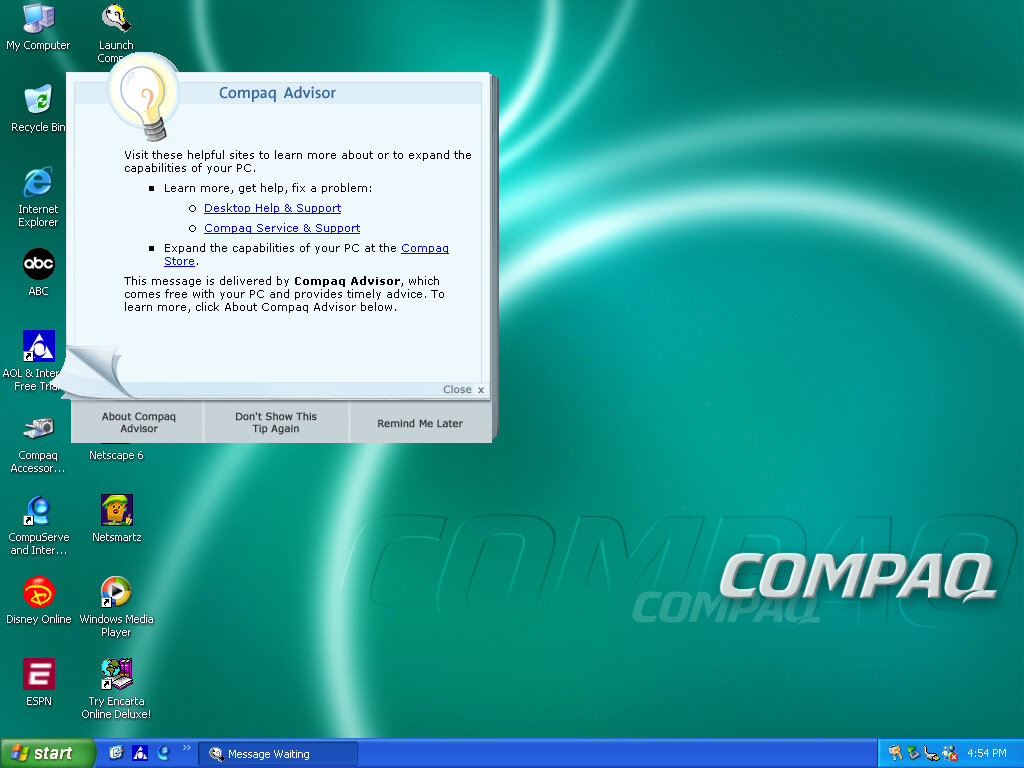
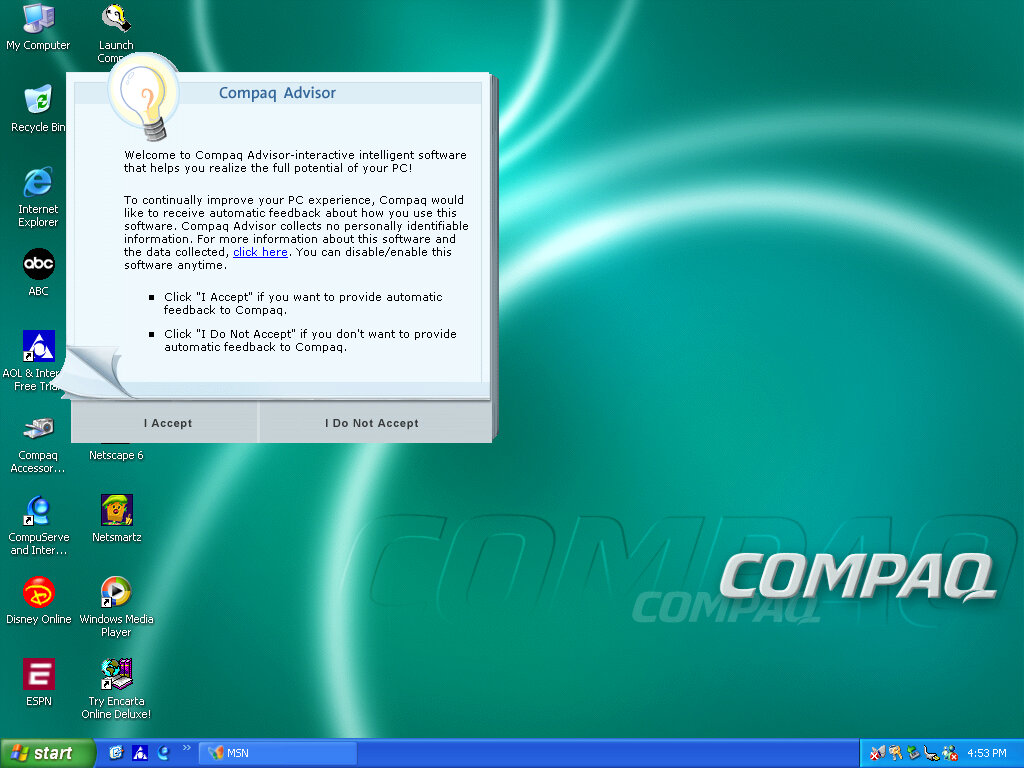
Once we cleared the BSOD boss fight we move on to the OOBE (Out-Of-Box-Experience) where we set up the system for the first time. You will notice the Compaq branding and will be informed of the Compaq Advisor, which is some sort of assistant. At this point you can also register your system, although I doubt there is much point,, Microsoft probably discontinued the registrations servers and Compaq has since been absorbed into HP.

Desktop

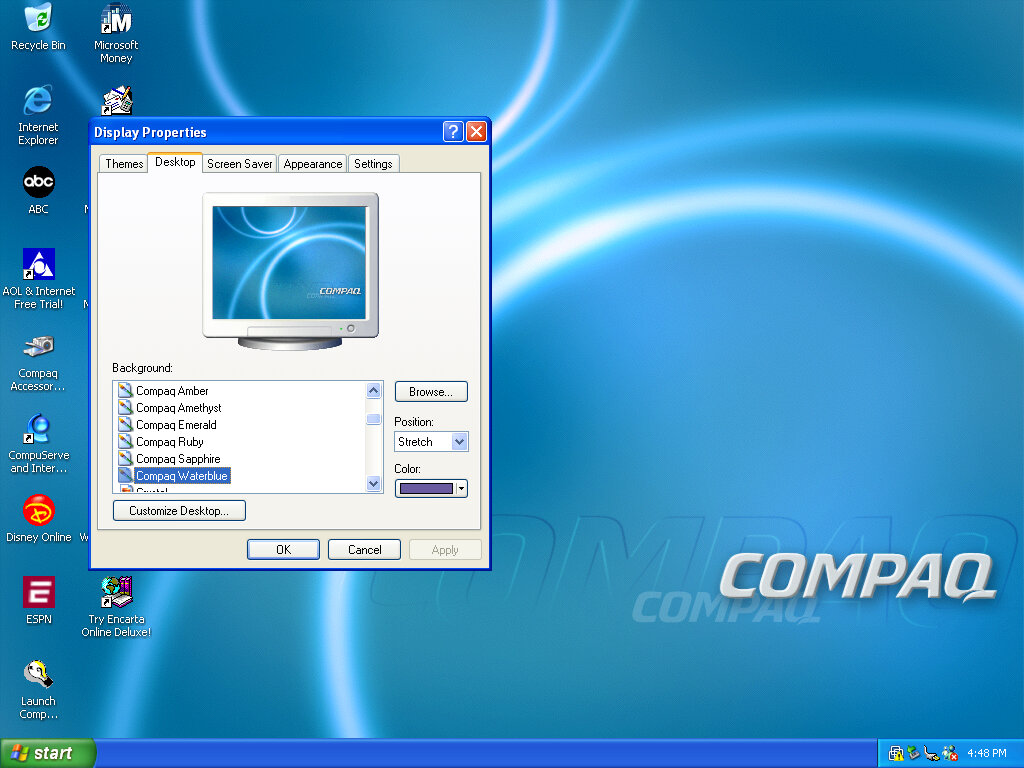
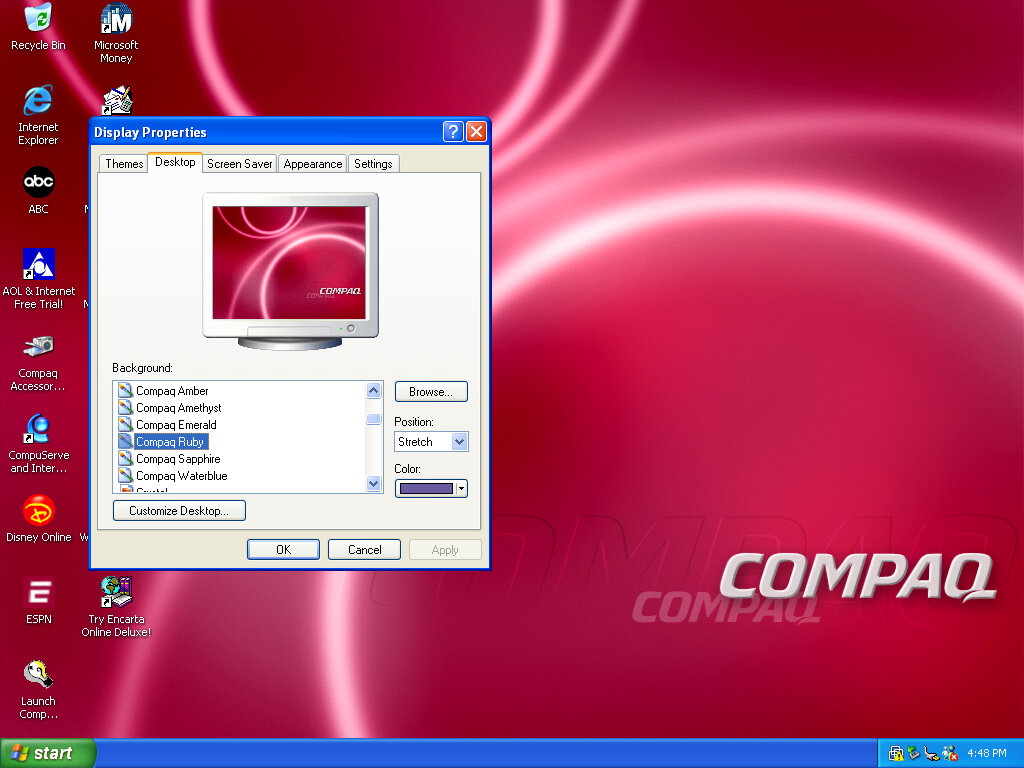
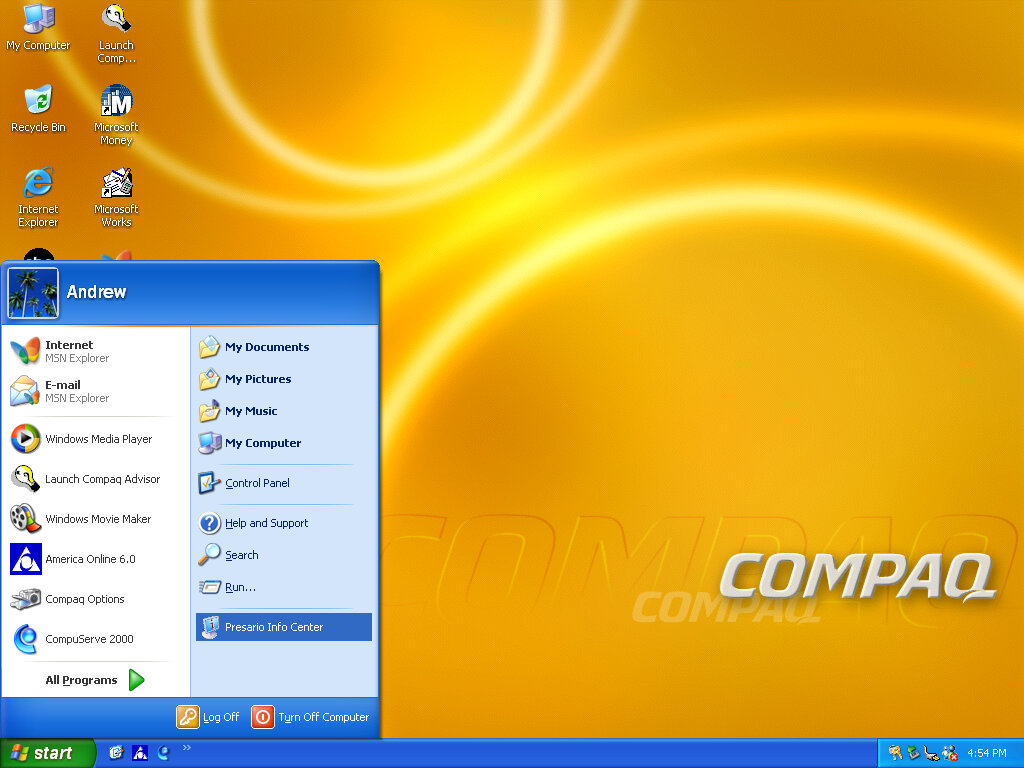
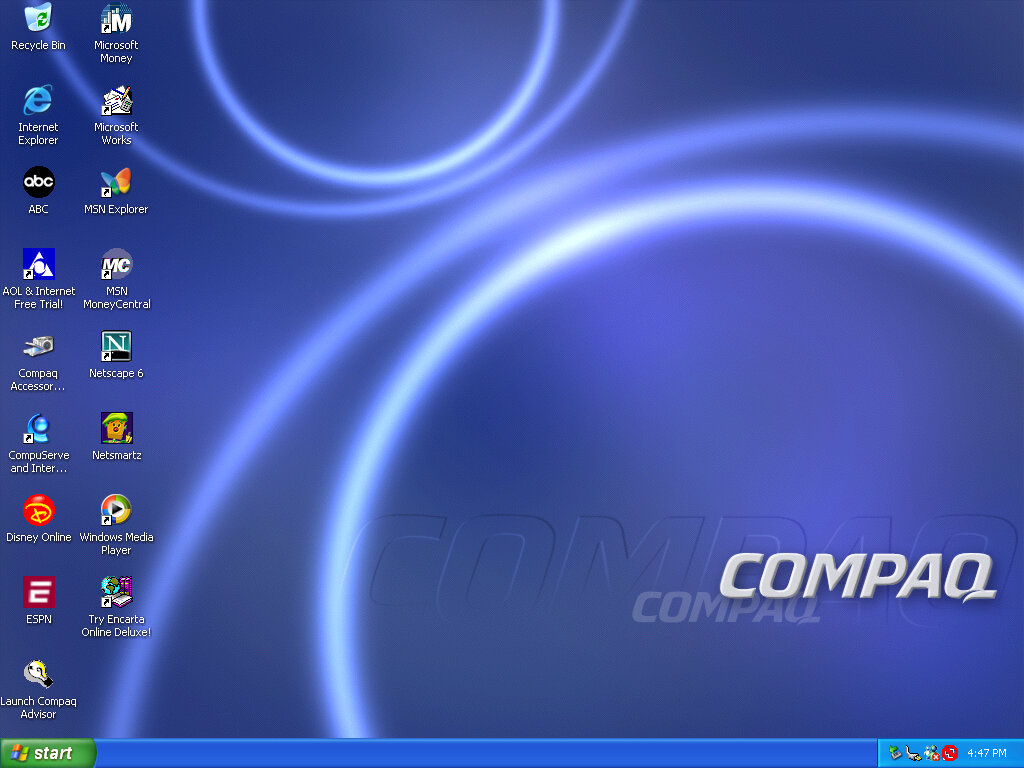
After that, we are presented with our new desktop, along with a funky wallpaper. There are several of these OEM wallpapers that are available in different colours. I’m not sure if these are reflective of the laptop itself or Compaq just whacked a few different colours for the user’s preference. It kinda reminds me of the original iMac with its various colours and shades.
Of course, you also have the regular Windows XP wallpapers if you prefer.

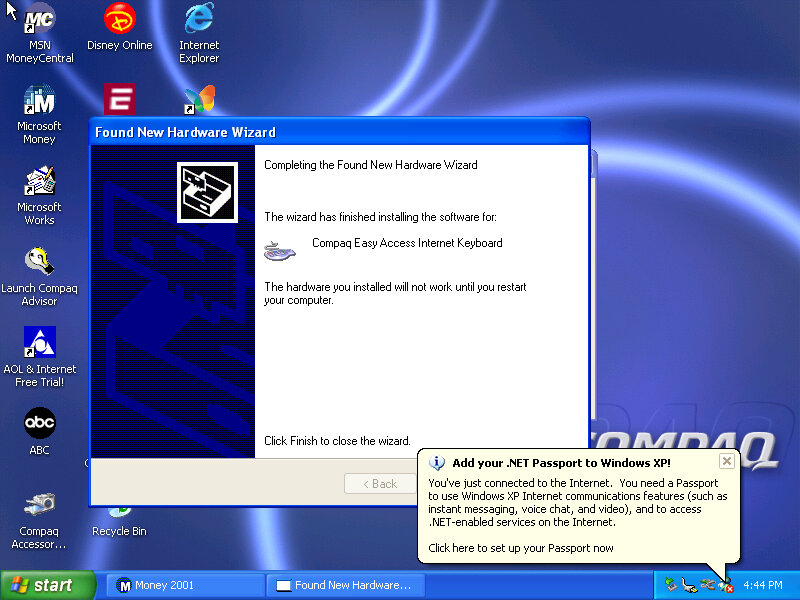
Interestingly it will try to install a driver for a Compaq Easy Access Internet Keyboard. This has little to no effect on the VMWare keyboard. On the desktop, there are a few internet shortcuts to various affiliate links like ABC, Disney,

VMWare

As this is pre-Service Pack 1 we are limited to how we can install the VMWare add-ons, the later tools require service pack 3 and will fail to install on an old Windows XP install. We can however download and mount an old version of VMWare Tools
Be careful with this, as these tools were intended for the version of VMWare they were released with. I got a BSOD when trying to display one of the 3D screensavers, and had to upgrade to a later version to fix the issue.

Software

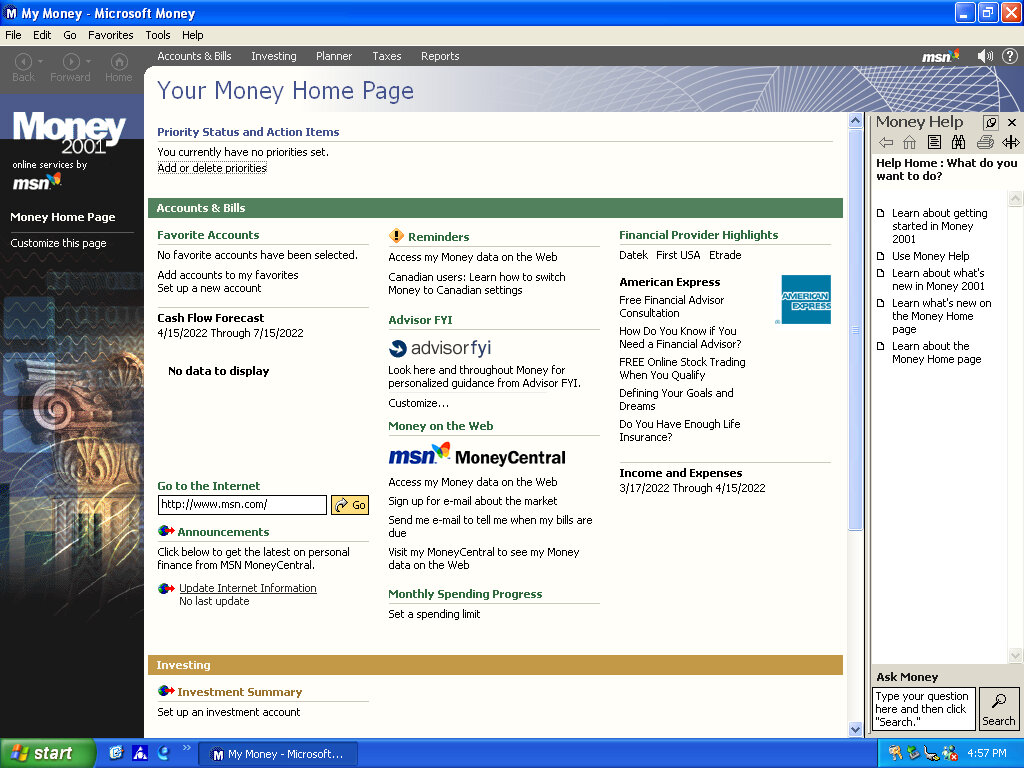
There isn’t much included, there is Netscape 6 and RealPlayer 8 bundled, and Microsoft Works and Money 2001

Compaq Advisor

Seems to be some sort of help/assistant program, sort of similar to the Windows Help & Support but more tailored to the Compaq-related stuff. The actual Windows Help & Support has a few customizations made to it, mainly with some Compaq stuff added.

Microsoft Money 2001

There isn’t much included, there Netscape 6 and RealPlayer 8 bundled, and Microsoft Works and Money 2001

Microsoft Works

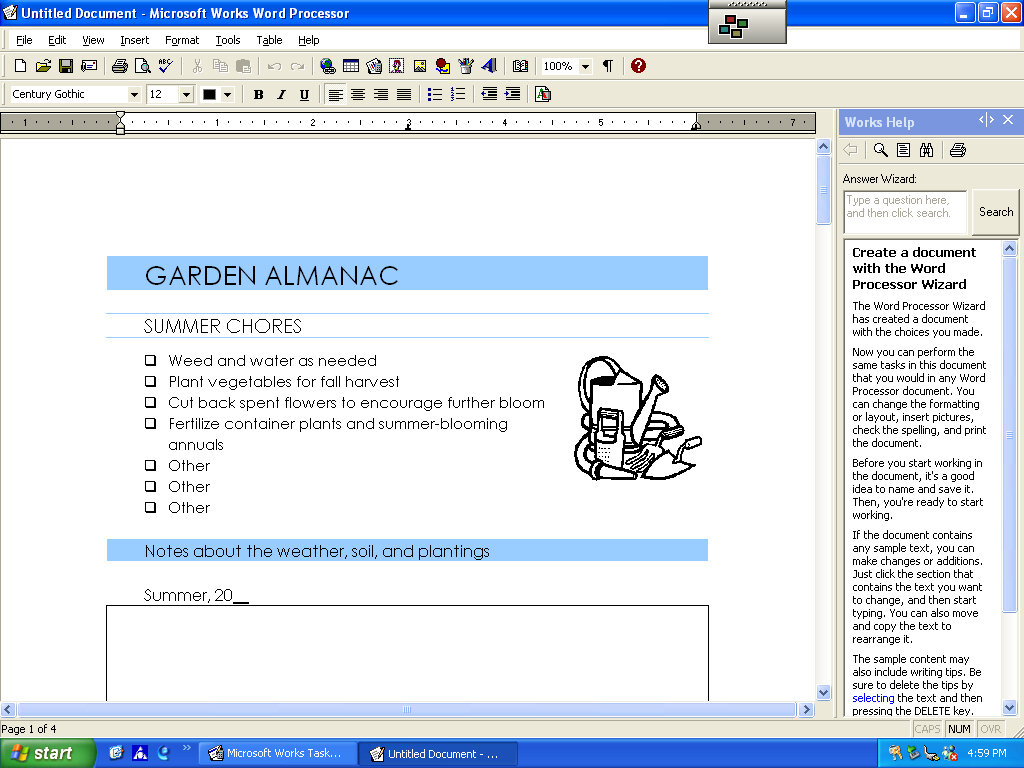
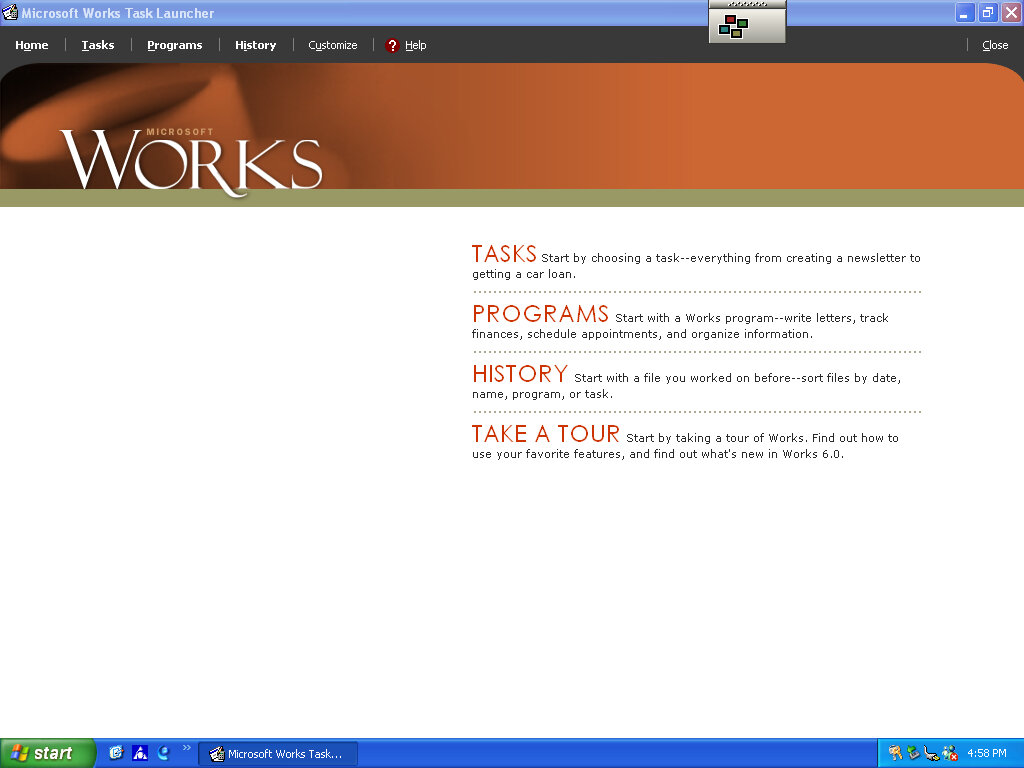
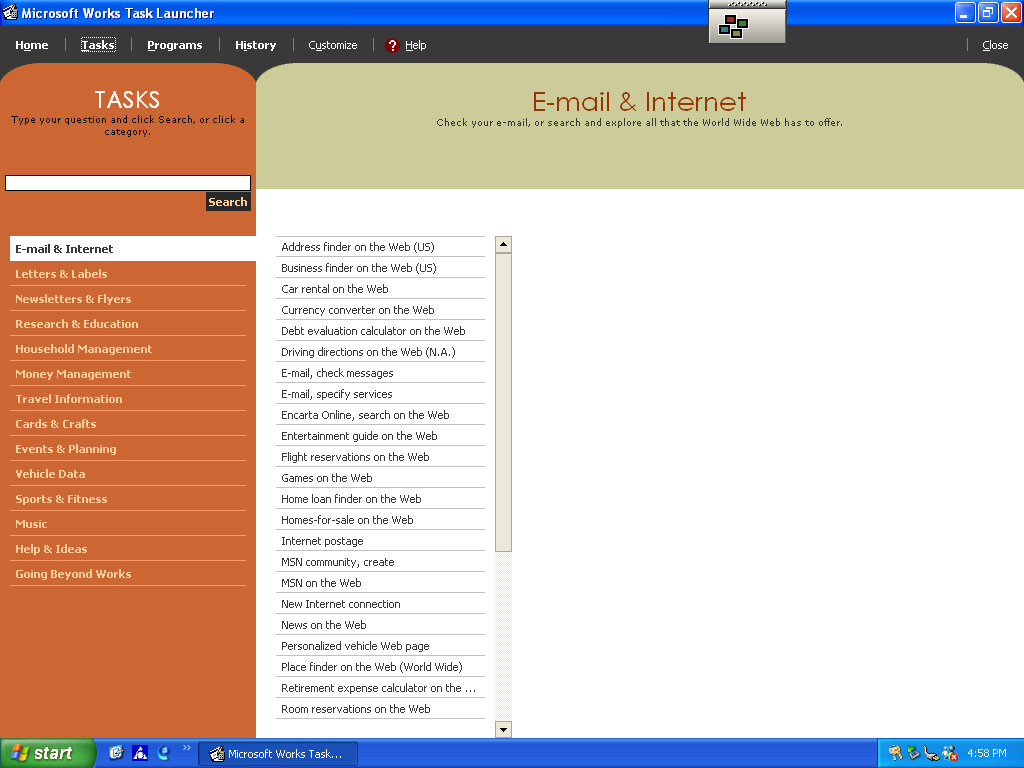
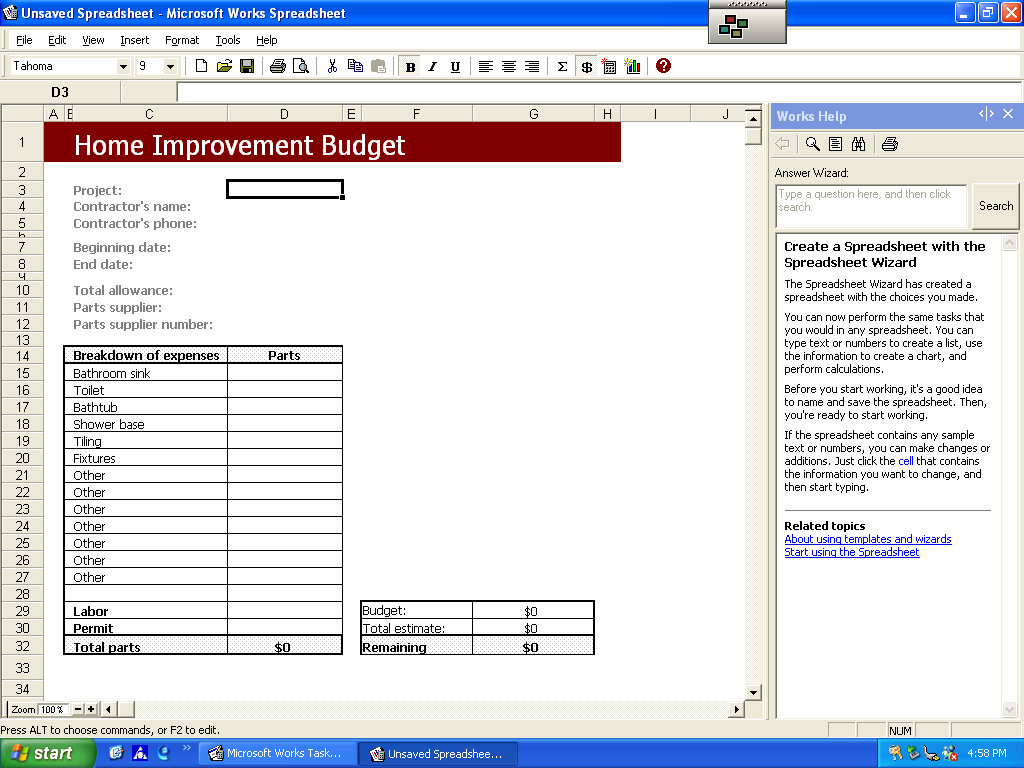
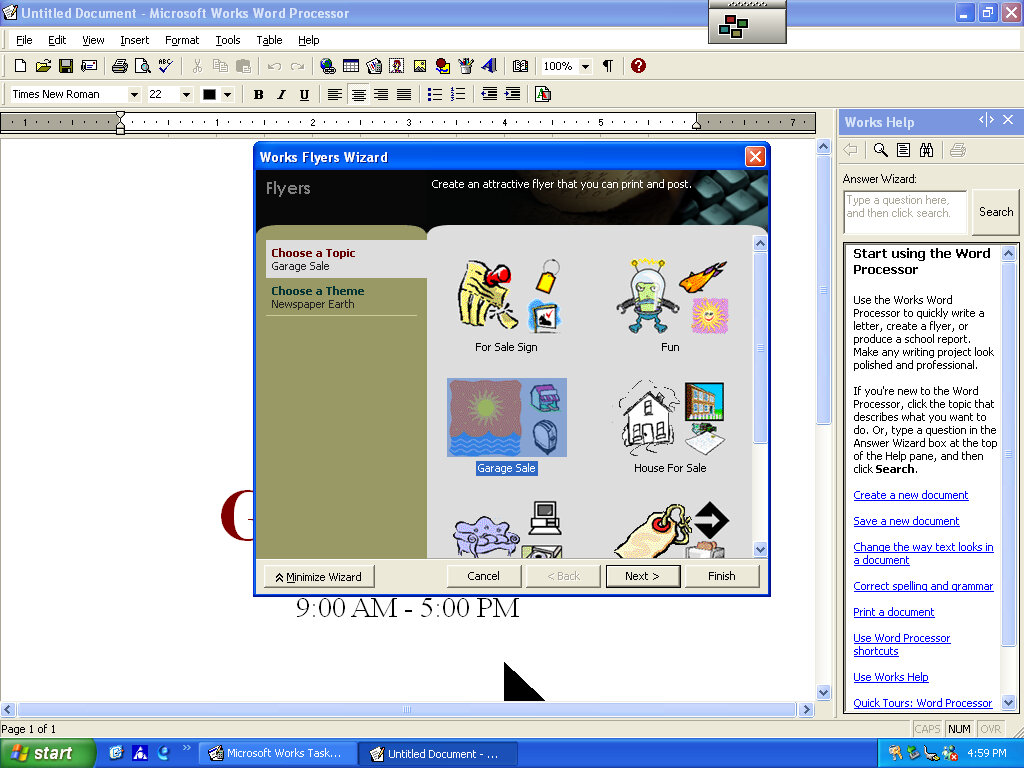
Version 6 of Microsoft Works comes bundled here, which serves as a basic productivity suite. It contains a word processor and spreadsheet software, along with a variety of templates to choose from.

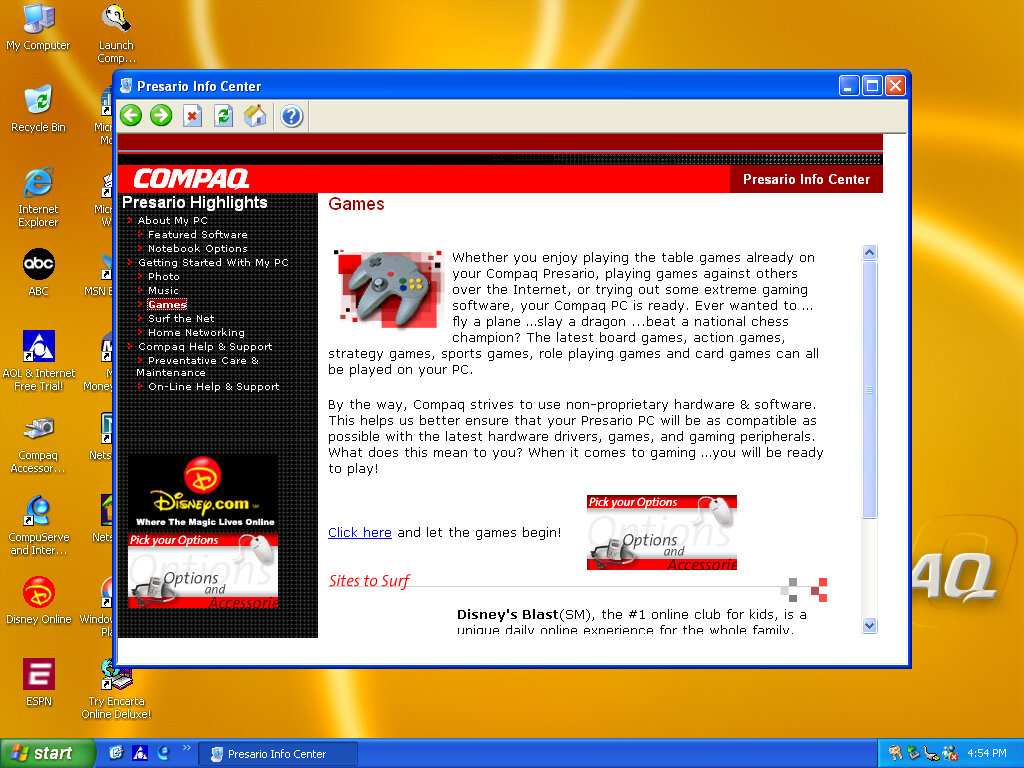
OEMLink (Presario Info Center)

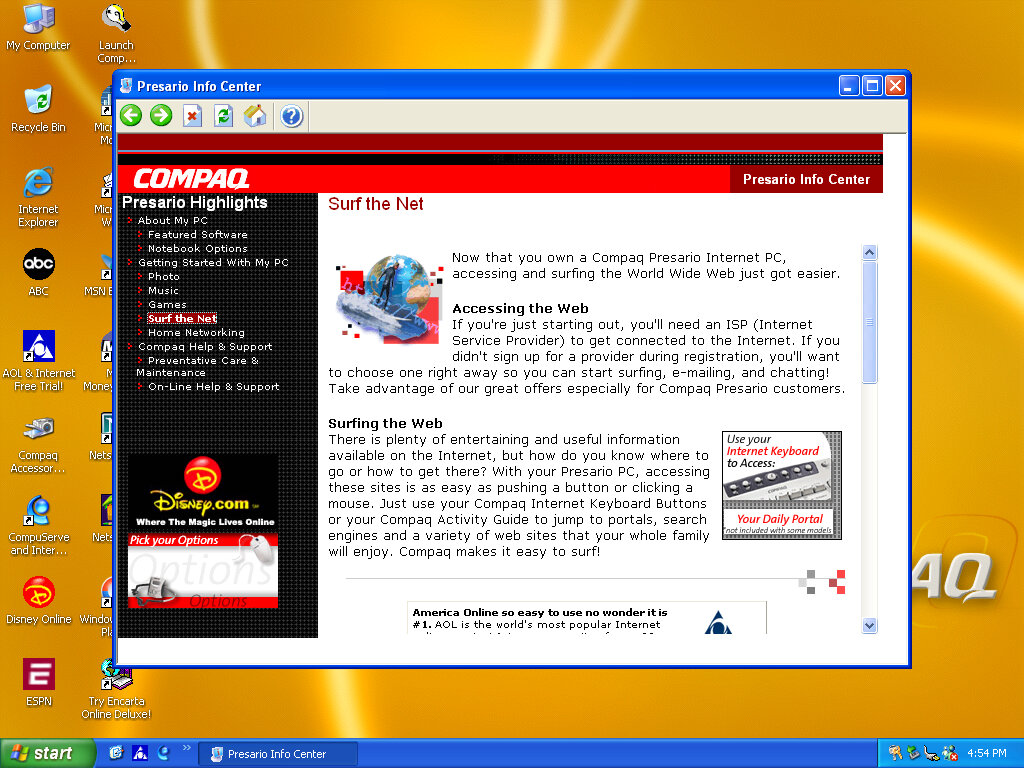
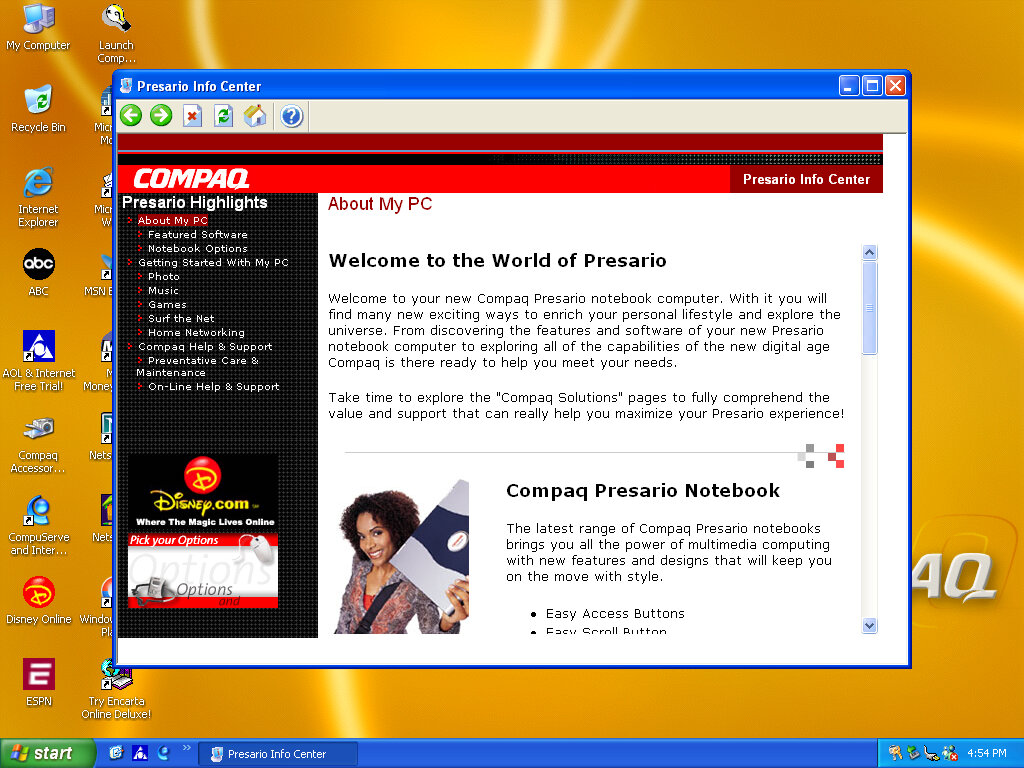
Another system I’ve found to make use of the OEM link feature of Windows XP. This acts like a help center that shows the different capabilities of the PC, along with recommended software, some of which might be preinstalled with the system. Some of these are not present here so there might be another disc that includes this.

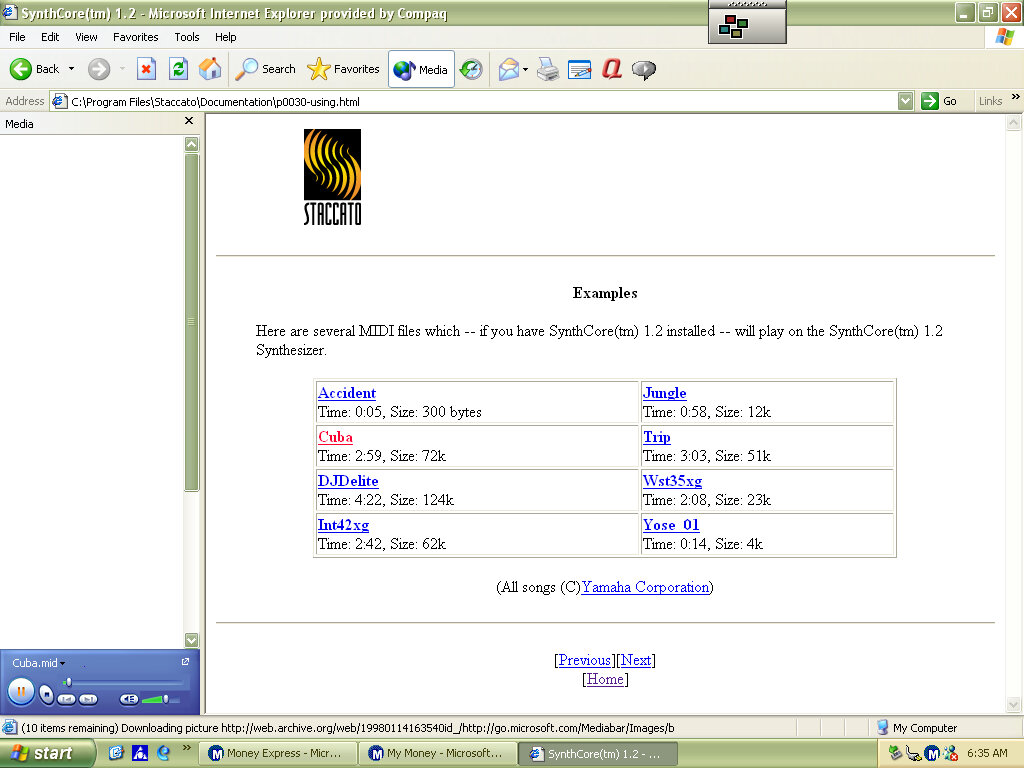
SynthCore

Also, this appeared in the start menu, it’s some sort of MIDI file samples that came bundled with the soundcard. These play normally on the emulated SoundBlaster but do not sound the same as they would on an actual system.

Control Panel

  • Easy Access Buttons: This lets you reassign the easy access buttons on the keyboard to open different functions
  • Compaq Advisor: Change settings in relation to the Compaq Advisor, appears to have been developed by Neoplanet Inc
  • Automatic Compaq Updates: Enables updates
  • SoundMAX: Opens the soundcard utility, does nothing in this VM since were using a different soundcard

Other

Archive Link