Another day another VAIO. This one is A Windows ME desktop PC orientated with video and multimedia features. Whilst eMachines, HP and Compaq were after the low end market with internet ready PCs, Sony hung out in the multimedia sector with their machines being built out of box for photo and video editing with its bundled software and iLink support for DV cameras.
The VAIO desktop with a cool blue background
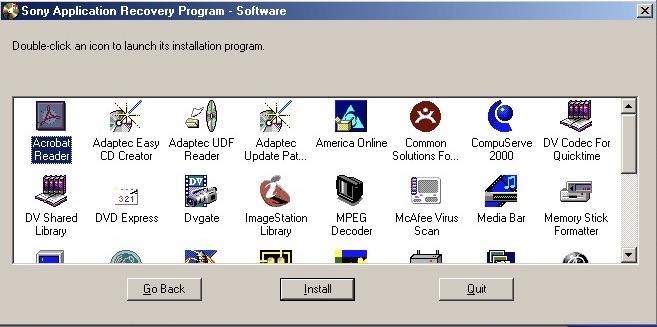
Some remaining software that needs to be installed
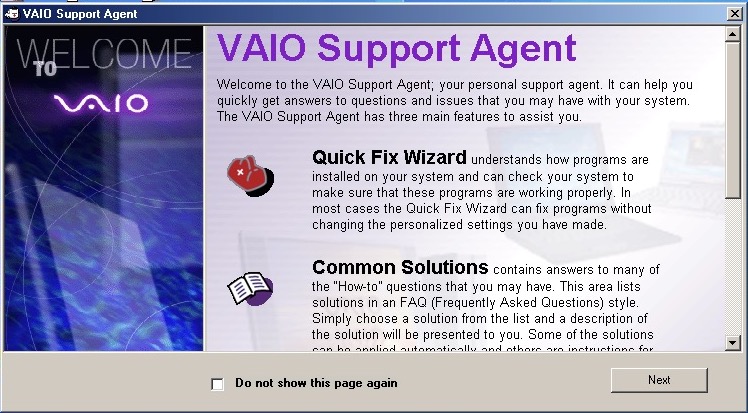
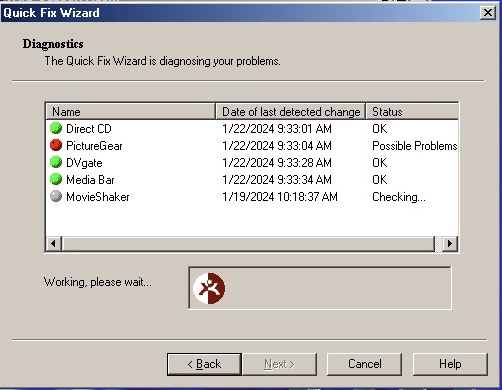
The VAIO support agent which features a quick fix wizard to diagnose problems with your installed applications. Not exactly sure what this does but it might undo any changes made to applications.
Issues with PictureGear already?
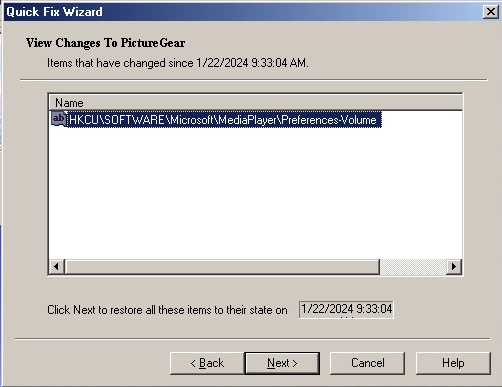
Looks like a registry setting has changed. My guess is to not mess with it unless there’s an actual issue with the software.
The VAIO tour which is also set as the default screensaver. This is an advertisement of the computer itself and its features and would have been used in a shop setting.
Sony Screenblast take you to a website, sadly It wasn’t archived well. According to a few older articles it was a video editing and music creation software you could purchase for editing.
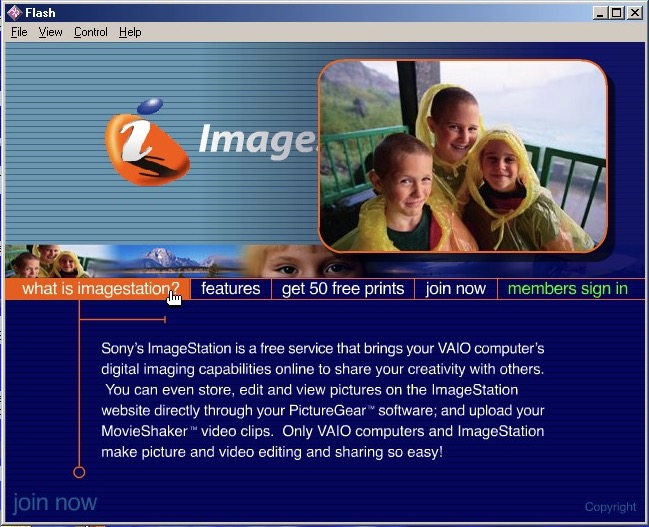
ImageStation – Sony’s solution for printing images online, like HP’s Snapfish. Photo printers were still expensive at the time.
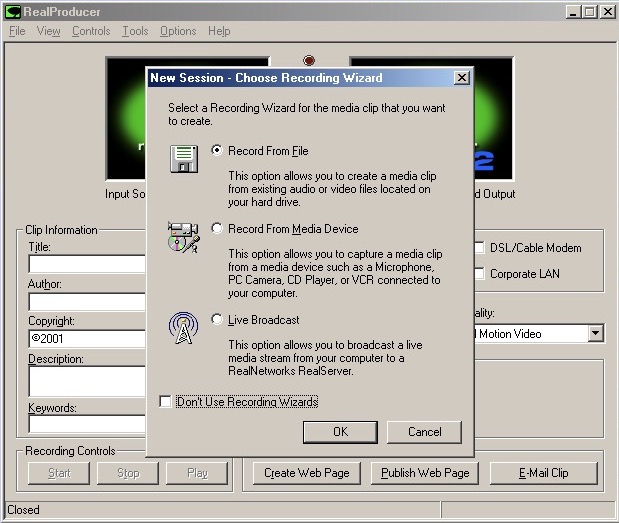
RealProducer – capture digital video or still images from a capture device
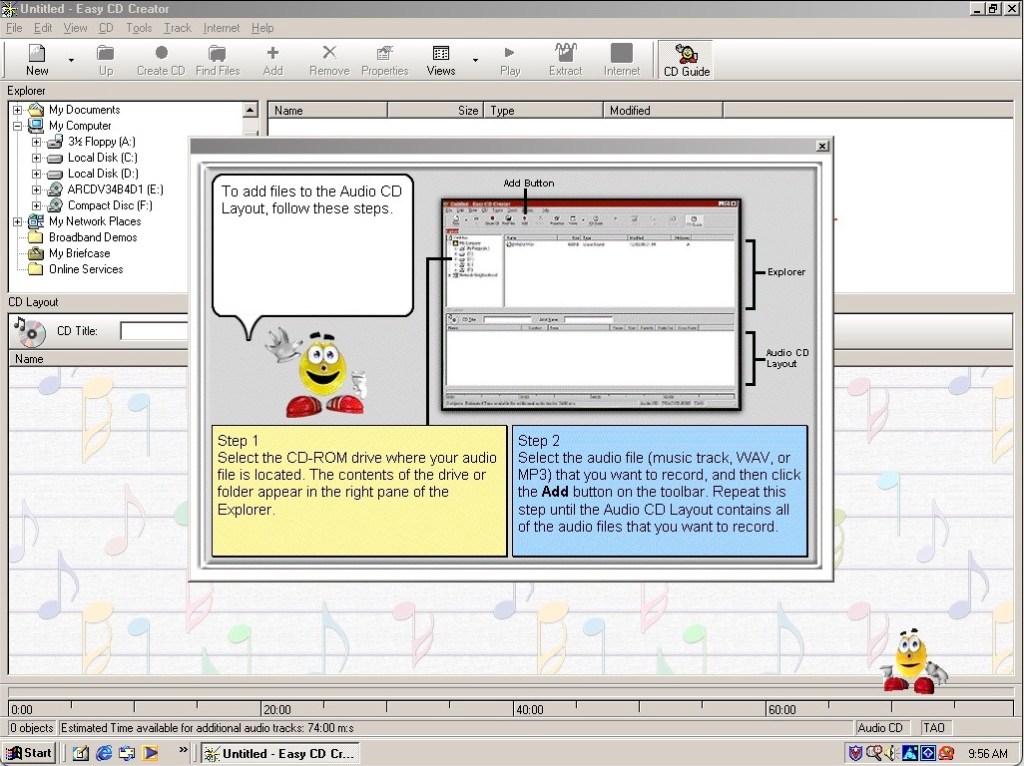
Adaptec EasyCD creator 4 – As Windows ME did not provide support for CD burning from within explore, you needed dedicated software to do that instead. This kind of system would have come with a CD-RW drive, along with a DVD-ROM drive installed as the secondary drive. You also have an assistant in the style of the Microsoft Office assistants, to guide you through the burning process.
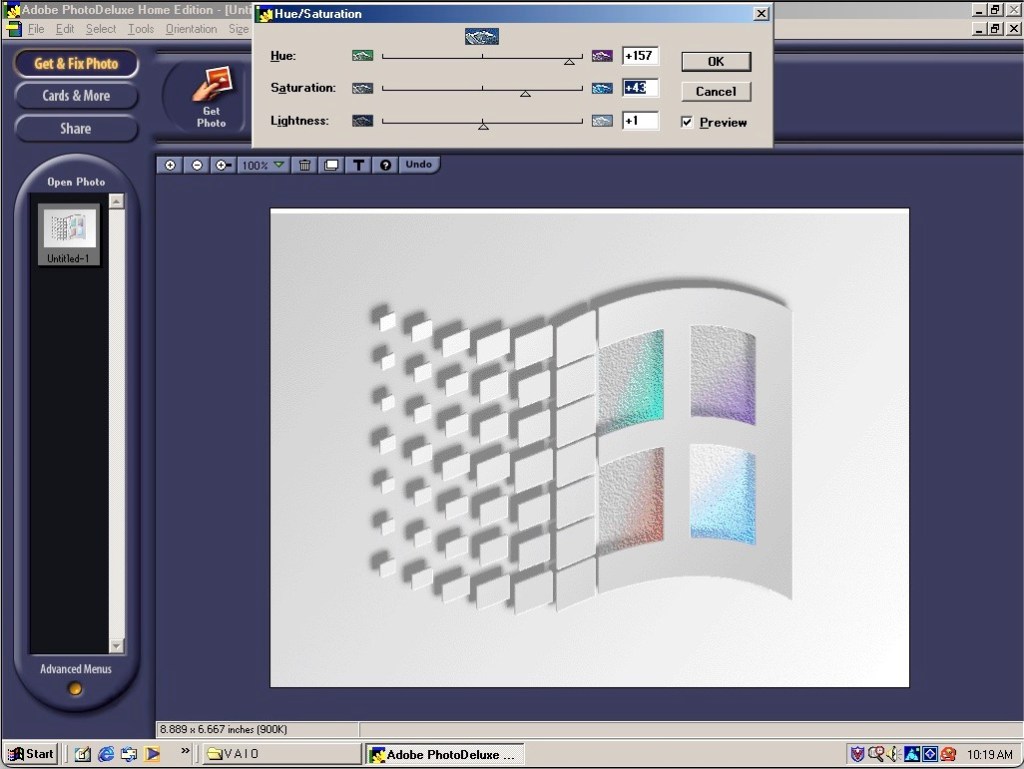
Adobe PhotoDeluxe – An entry level photo editing software for manipulating photographs and can be used to make greeting cards. It has an easy-to-use interface, making it accessible to users who were not necessarily experienced in graphic design or image editing. Basic image editing tools provided were as cropping, resizing, rotating, adjusting brightness and contrast, and applying various filters and effects.
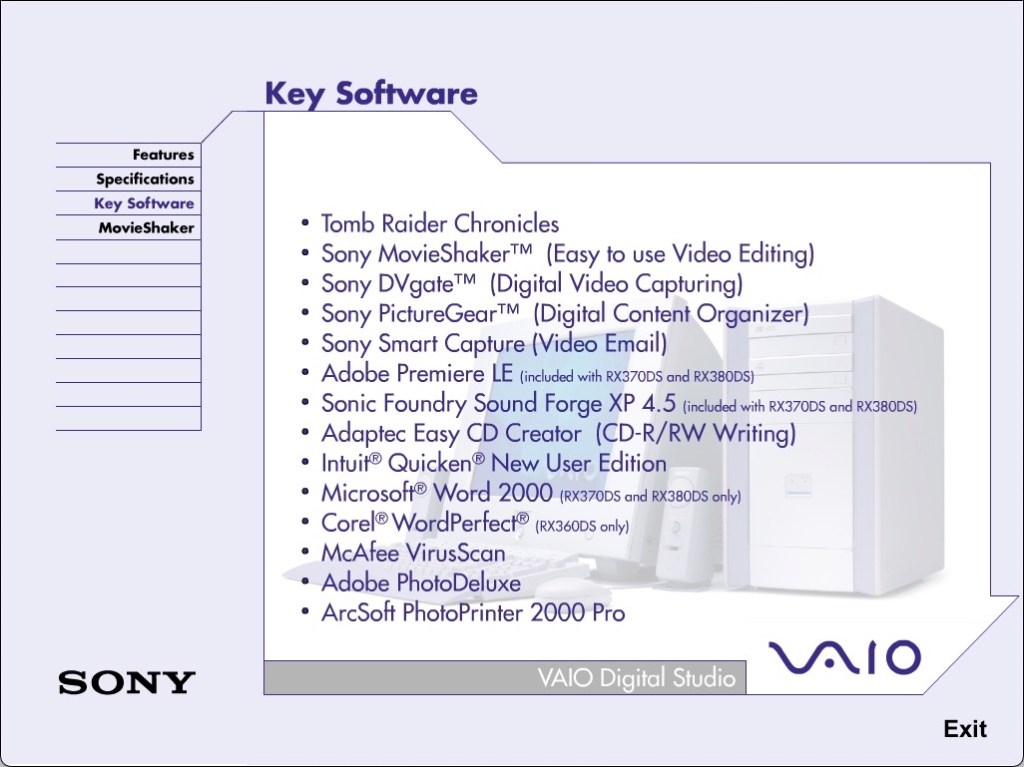
DVgate Motion, MediaBar, MovieShaker, PictureGear and VisualFlow are other bits of software included that only runs on a Sony VAIO system, due to the BIOS check.
The system does come with Tomb Raider Chronicles preinstalled. Not the best Tomb Raider but does serve as a good demo of what the graphics hardware can do.
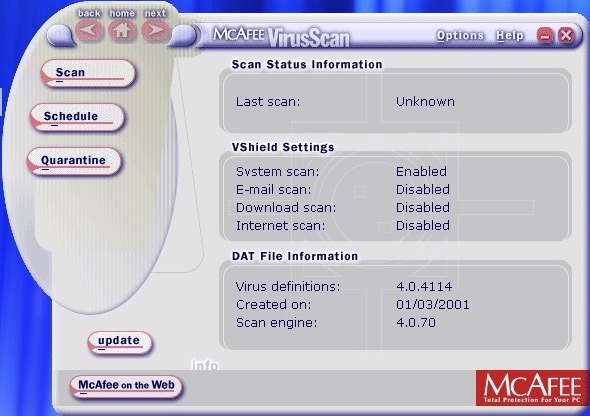
McAfee security comes as standard
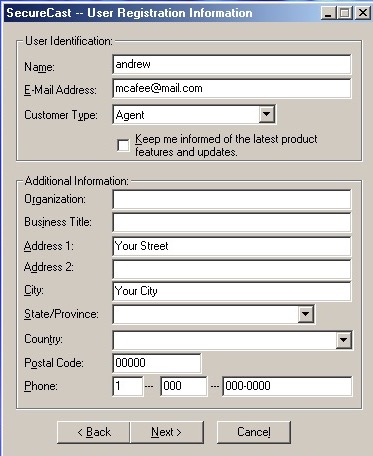
Trying to download new updated virus definitions, McAfee wants address and location details just to update.
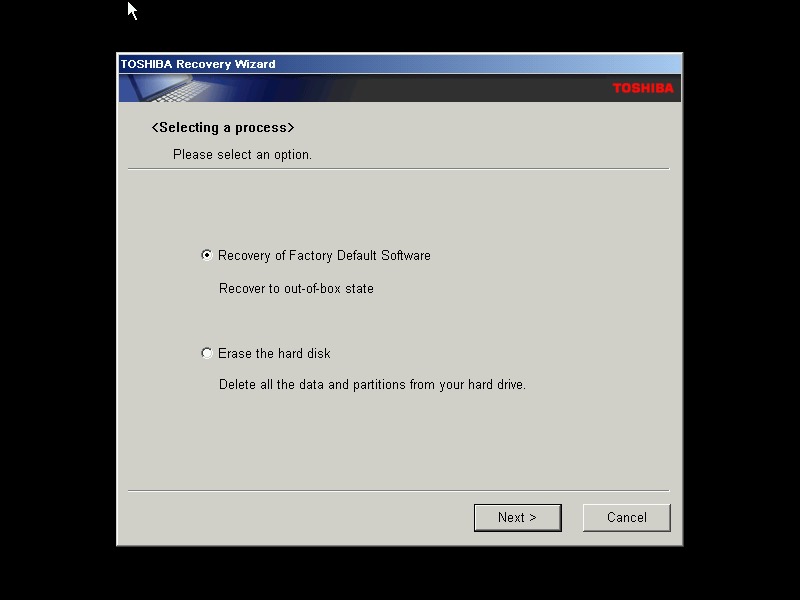
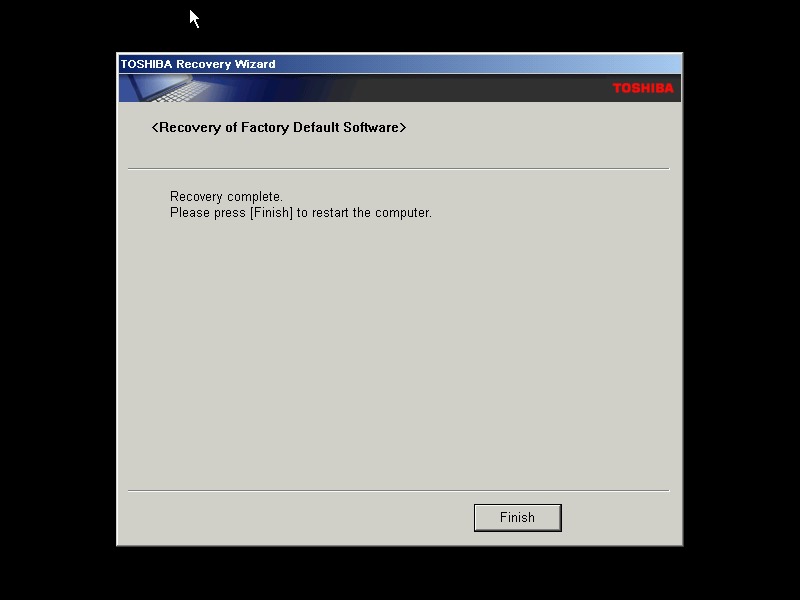
A typical Toshiba laptop from 2005, let’s take a look at what a factory install looks like.
This restore CD is unlocked which allows you to install it onto any PC or virtual machine, Parallels 18 is being used here.
I actually have one of these laptops, though it is a much later revision that shipped with Windows Vista basic, and featured integrated Intel graphics and an Intel Pentium (Core) Dual core processor. Confusingly A100 refers to the chassis design, as there is a wide range of specifications in this series which is confusing. Whilst you can expect differences in memory and hard drive storage, Toshiba even provided different graphics cards and optical drives in this range.
The Out Of Box Experience which features the Toshiba logo, this is mostly the same here you accept the license agreement
Post-install with the default theme and wallpaper, with Windows XP Home Edition being installed with SP2
Appearance
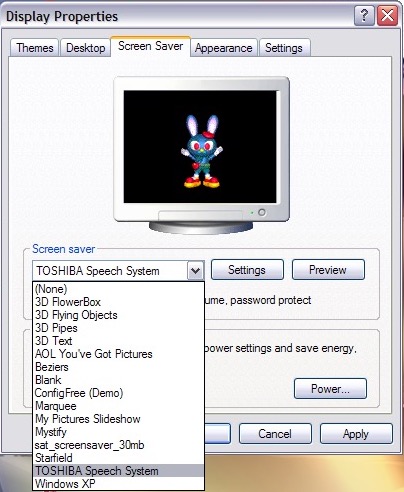
A few screensavers come included, including a speech one that talks to you and will ask you how you are today. The other screensaver is simply an advertising reel that shows the features of the laptop with a compressed guitar playing in the background.
Software
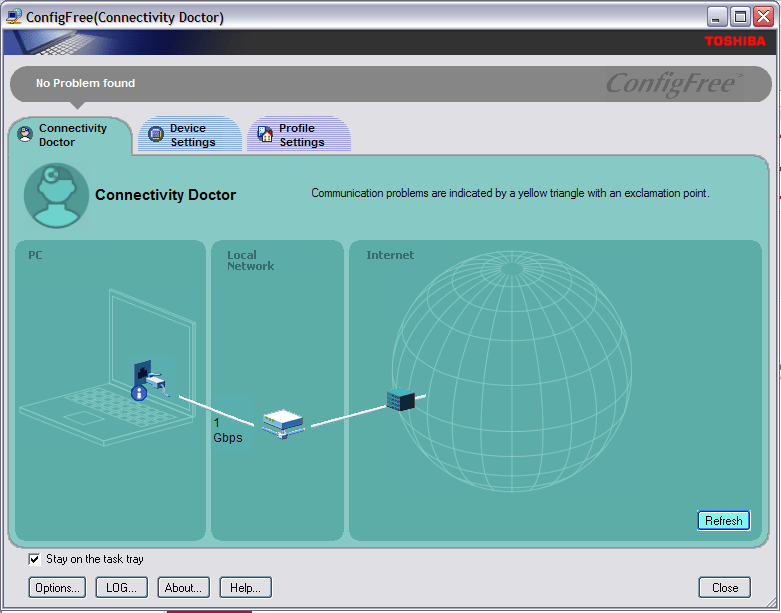
ConfigFree – A network utility that was bundled with various Toshiba laptops of the era, I remember this most from an old Satellite Pro A60 that I had from around 2004ish that functioned very similar to the version here, along with memories of trying to run The Sims 2 on its integrated Radeon 7000 graphics card.
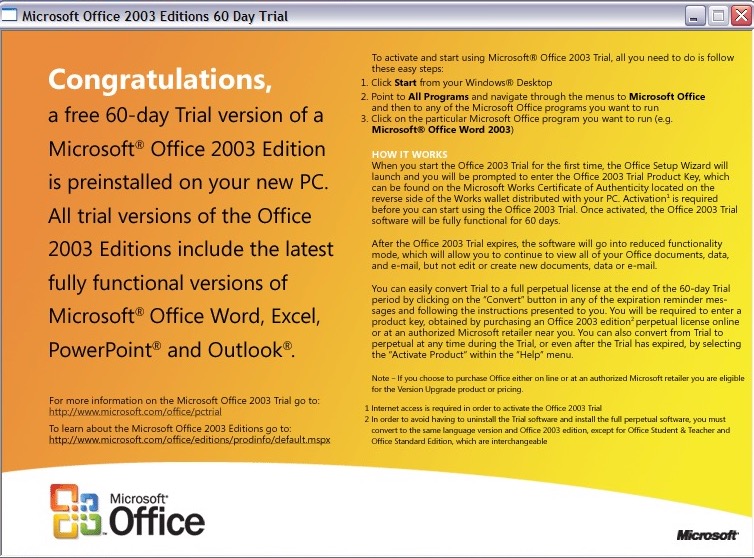
Microsoft Office 2003 – This version makes the debut of OneNote, which has become a staple of Office since, and is even found as a standalone product on modern versions of Windows. It’s a not taking application that can sync across multiple devices.
Your standard Office applications are also included with Work, Excel, PowerPoint and Outlook.
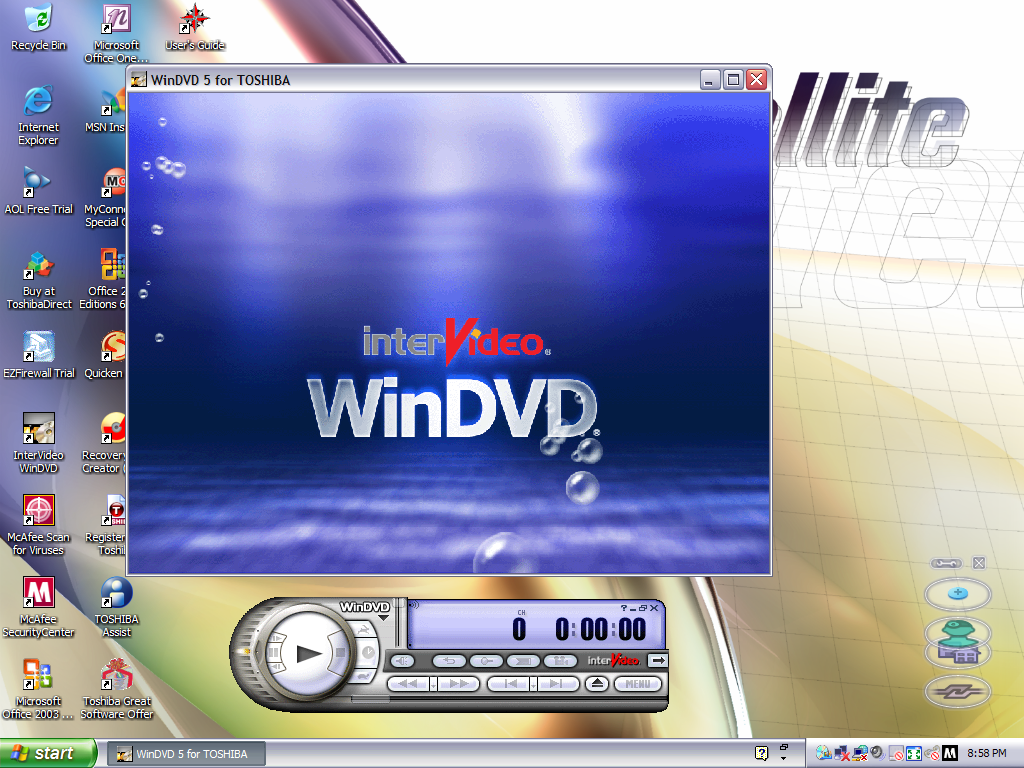
Intervideo WinDVD (V5) – Standard DVD player to play back DVD and VCD movies using the built-in DVD drive. This wasn’t possible not the VM since the graphics drivers do not support MPEG2 deciding which software required
McAfee Security and AntiVirus – Our favorite AntiVirus suite comes bundled here, this also includes a firewall as part of its Internet Security suite. It’s pretty out of date, and has issues downloading new virus definitions since it’s over 16 years old.
Toshiba Assist – Acts as a launcher for many Toshiba utilities. The Optimie section contains a few interesting ones, with the Toshiba Hardware Settings allowing you to change BIOS-specific settings from within Windows. You can configure the power on password, USB legacy support and the boot priority.
Other settings let you change the hotkey assignments, optical drives acoustic noise. There is also a diagnostic tool that lets you test various components of your laptop.
Microsoft Works – A little redundant since we have full-fat Office installed here. I would assume some restore images don’t include Office so Works was included as a backup option. I should mention that Office by default is not activated and prompts for a product key, so it might be the case that Toshiba offered Microsoft Office as an optional extra. Maybe some SKU’s come with a key.
Quicken 2005 – Finance management program
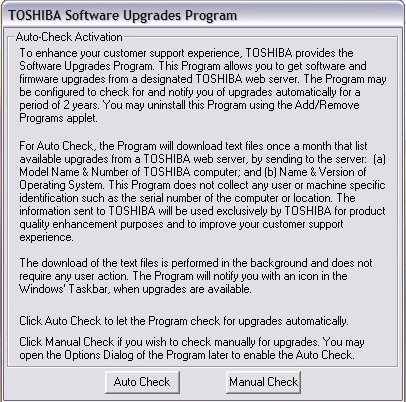
Toshiba Software Upgrade – Checks and installs software updates. The interface hasn’t changed much from the 1998 version
Yahoo! Music Engine – Music player that can play you legally acquired MP3 files, this also features a music store that Yahoo operates to purchase and download music. There is also Y! Unlimited which I assumed was some sort of music subscription service but I couldn’t find any further information since the help files just point to a dead web address.
I don’t think it’s like Spotify or Deezer, but rather a service you could download say 10 tracks inclusive per month
Sonic RecordNow! – Disc burning application. Typically this can burn audio CDs if Windows Media Player isn’t your thing. This appears to be a basic version as there are a few options that are only available when you upgrade, this includes burning ISO images
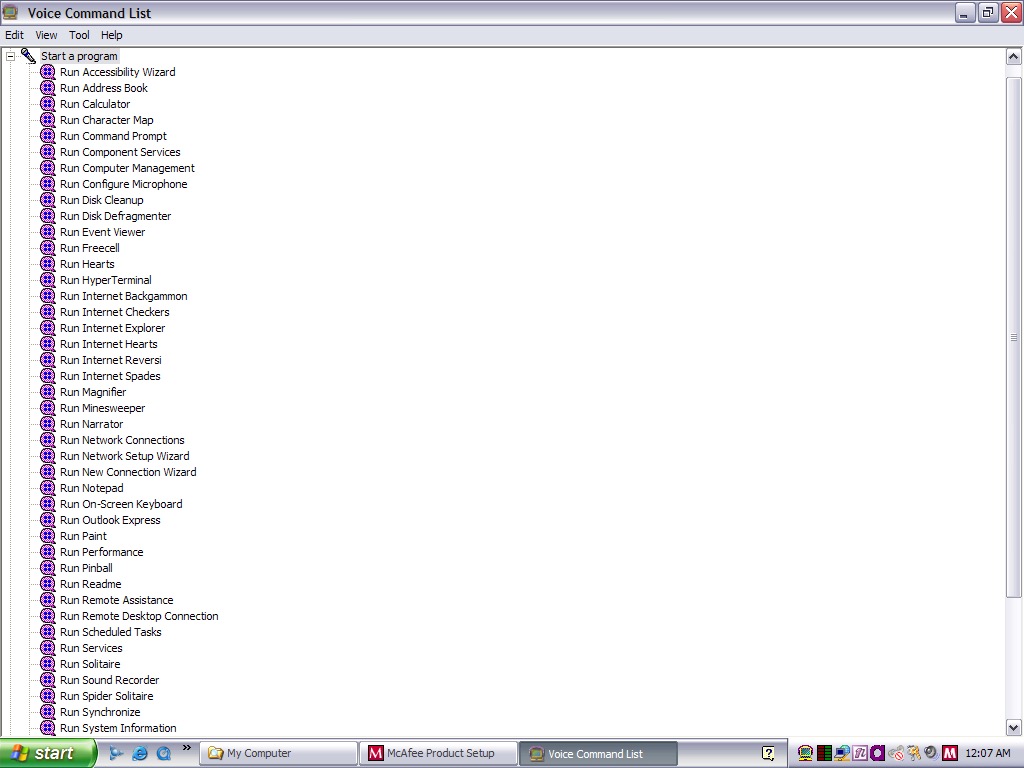
Toshiba Speech System – A voice recognition program that runs in the background and listens to the microphone so you can soak commands into the computer. You can start specific programs by speaking ‘Run Calculator’
Despite running in a virtual machine, I was able to pass through the microphone and it was able to pick up my voice. As you can expect this is very finicky with it failing to recognize certain commands or misinterpret noise as commands. It was even though the noise from my mechanical keyboard was the undo command. Probably best to disable this feature to avoid losing any work, since it will also misinterpret commands for deleting or cutting.
You can configure it to listen through a button instead which will cut down the amount of misinterpreted words. For tethering else it’s best to move the microphone away from the keyboard, presumably on the actual laptop this would be somewhere toward the top of the screen.
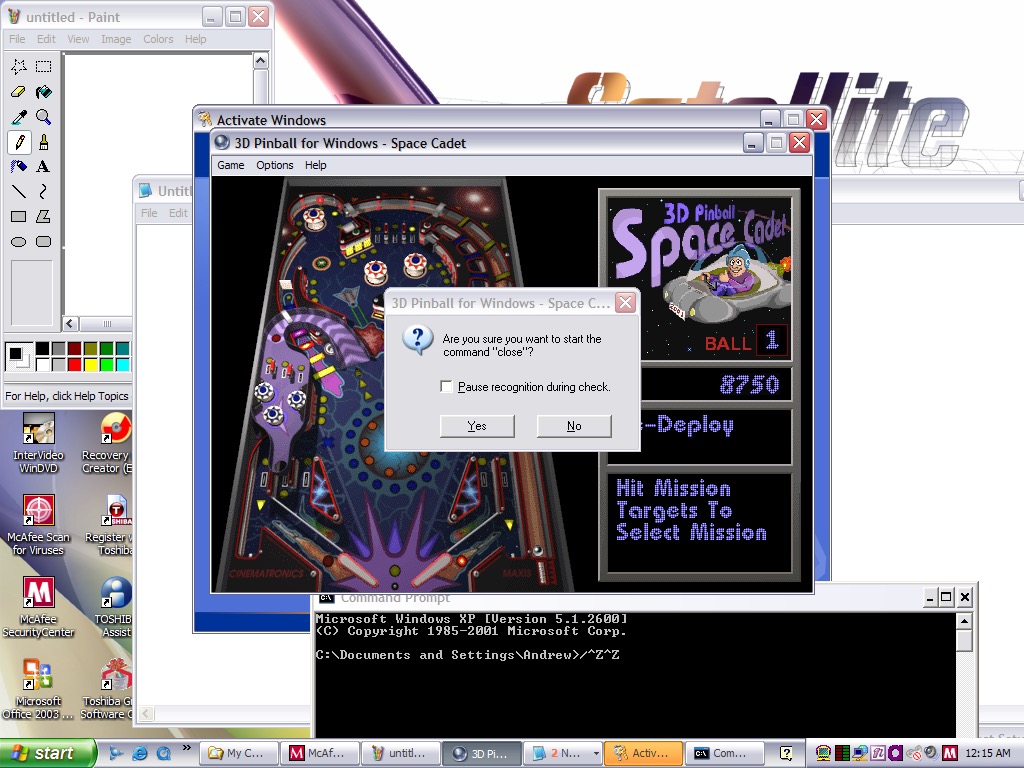
And yes, noise from applications and games can also interfere. Playing 3D Pinball will cause it to launch a command prompt window after you hit a bumper and finishing a game will cause it to run the MSN Backgammon game.
Imagine trying to play a Halo LAN party with this thing enabled.
eTrust EZ Firewall – Optional firewall that can be installed, this is a ,limited trial copy. This looks very similar to ZoneAlarm firewall.
Other bundled software included AOL, RealPlayer 8, QuickTime 6, Adobe Reader & Windows Media Player 10
Misc Observations
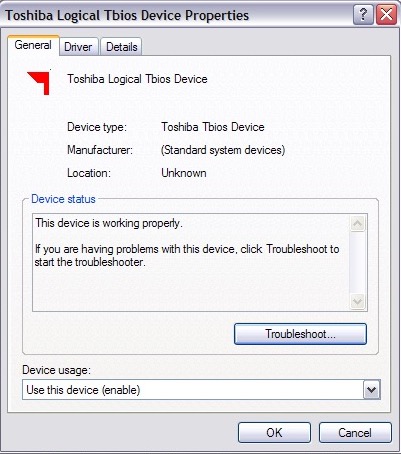
Not sure what a Tbios device but could be used to interact with the BIOS more closely
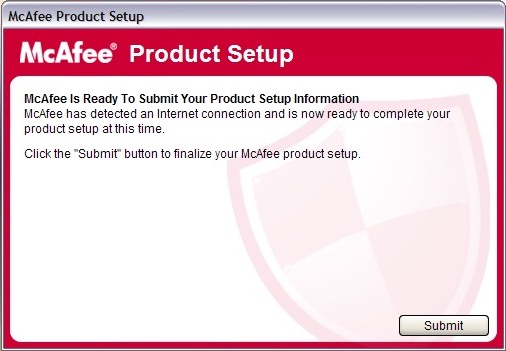
Once again McAfee is nagging us for further information, this happens a lot with McAfee
Adware on a fresh install?
Custom Windows Media Player skin
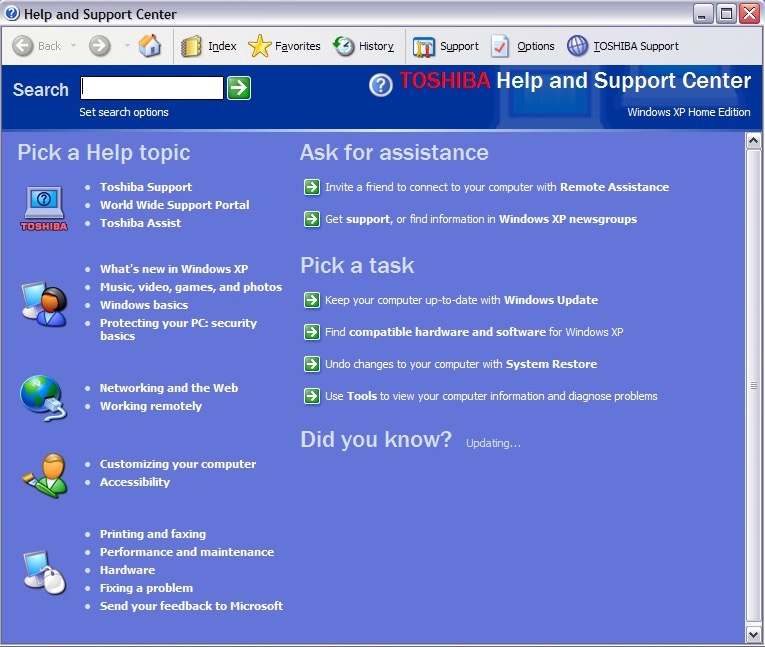
Help and Support with Toshiba branding
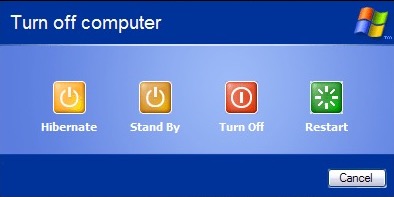
Shutting down the laptop, it has an altered shutdown screen that features four options which I have seen on a few Dell installs of the era
Another eMachines system, let’s have a look at what comes bundled…
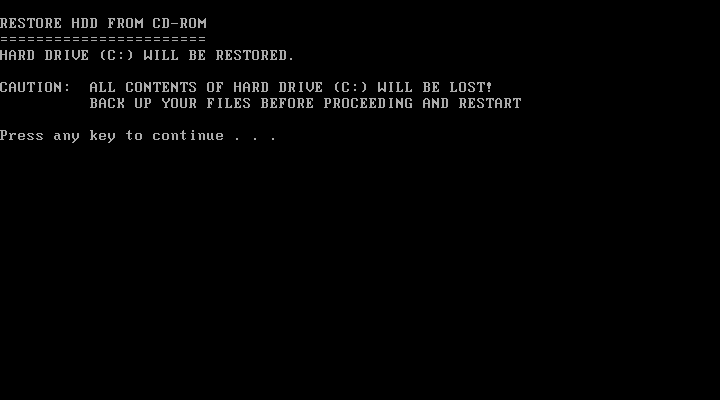
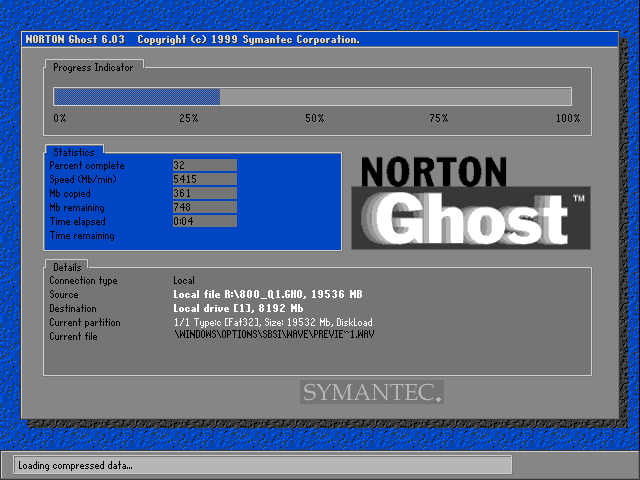
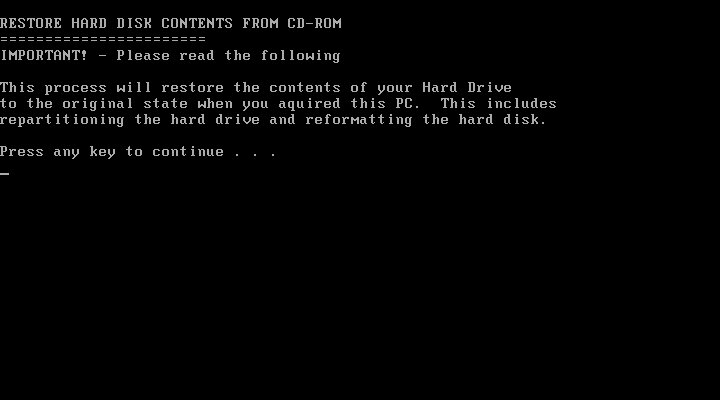
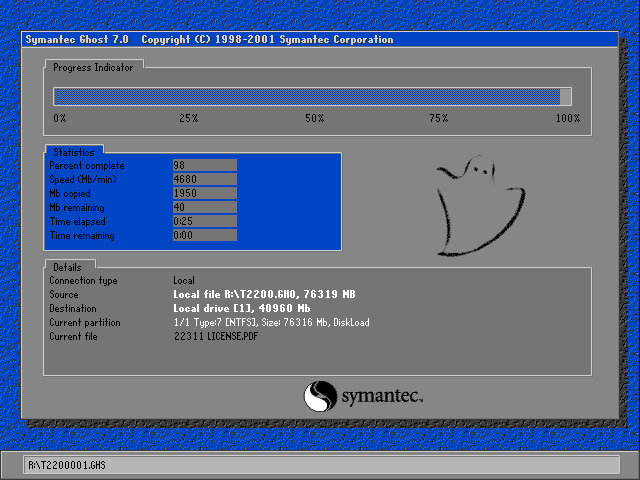
Install is as simple as always, simply boot and the recovery software will automatically partition the disk and action the recovery. Norton Ghost is the utility used to image the recovery media.
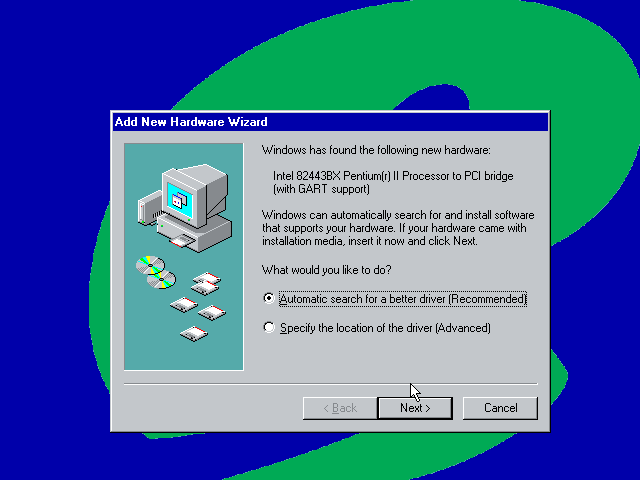
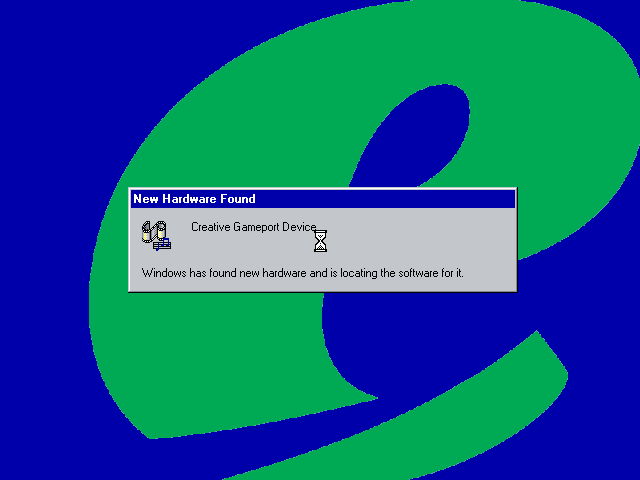
After installing the VM rebooted into the Windows ME and began detecting the new hardware. There are a lot of PCI bridges that will be picked up as part of the VM (If you are installing on Vmware Workstation) you can simply hold the enter key whilst Windows detects and notify new hardware was detected.
Eventually, it will start detecting the Network, Sound, and Video adaptors however whilst the sound and network work out of the box, video is a tad more complicated. Simply use the stock VGA driver for now.
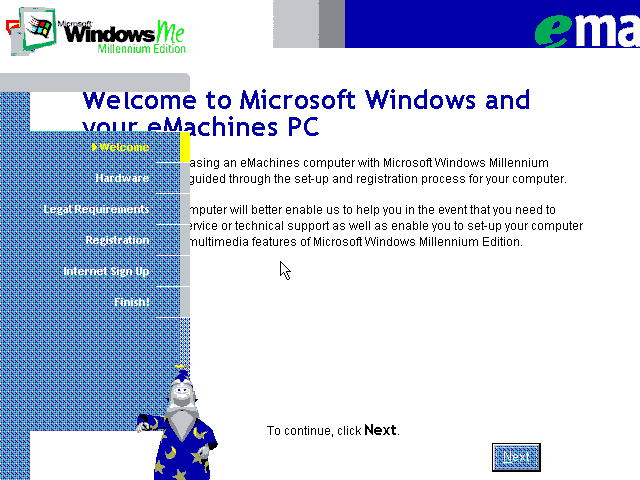
The next part is a bit messy, we are tasked with completing the OOBE (Out Of Box Experience) by filling out a few registration details as proof of purchase. We are stuck at a low screen resolution(640×480) with no ability to change and this causes some of the text to overlap. With a bit of luck we can fill in the required fields (Use 90210 for the ZIP code) and then proceed. At some point the system will try to dial out to eMachines to complete registration, you can simply click on skip to move on.
Also that wizard from the XP OOBE (And Office) appears with a robotic voice.
Eventually, we are presented with the desktop, but we are not done yet. We need to install the VMWare VGA drivers but the OS is so old we cannot use the latest VMWARE tools, instead we can download an old version of the VMWare tools and install that. These files are iso files and can be mounded into the VM using one of the virtual drives (I recommend adding two IDE CD-ROM drives for convenience, although more can be added using SCSI which Windows ME supports)
This one worked best, but even that generated an error, thankfully we can manually install the VMware VGA and mouse drivers through device manager. A quick reboot and we have some acceleration enabled.
Though we still have issues with the USB controller and some other PCI devices.
Alternatively, we can use 86Box to provide more accurate emulation, however im not sure which system is the best match for the eMachines monster.
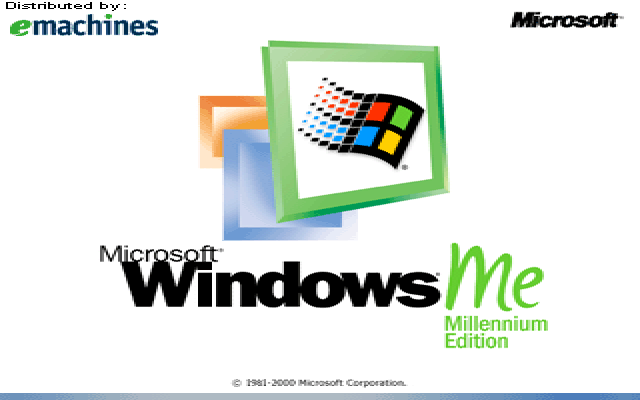
Some branding on the boot screen
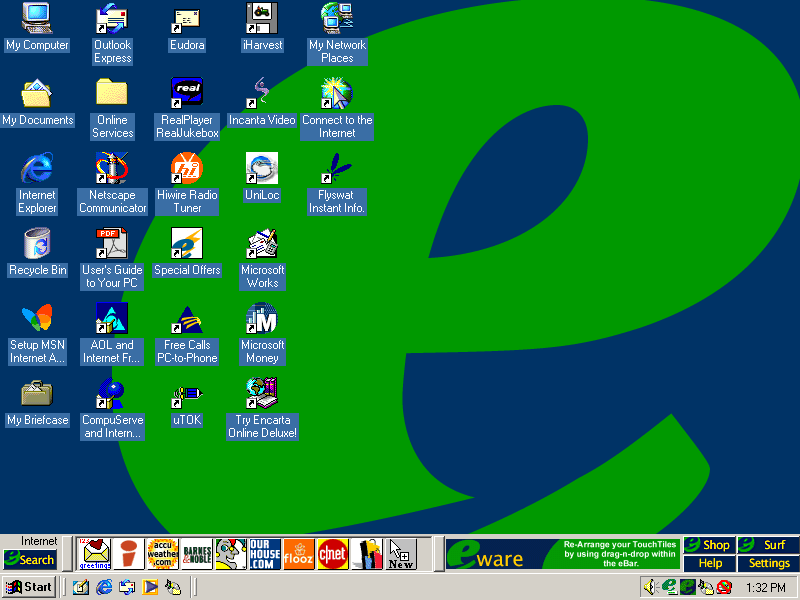
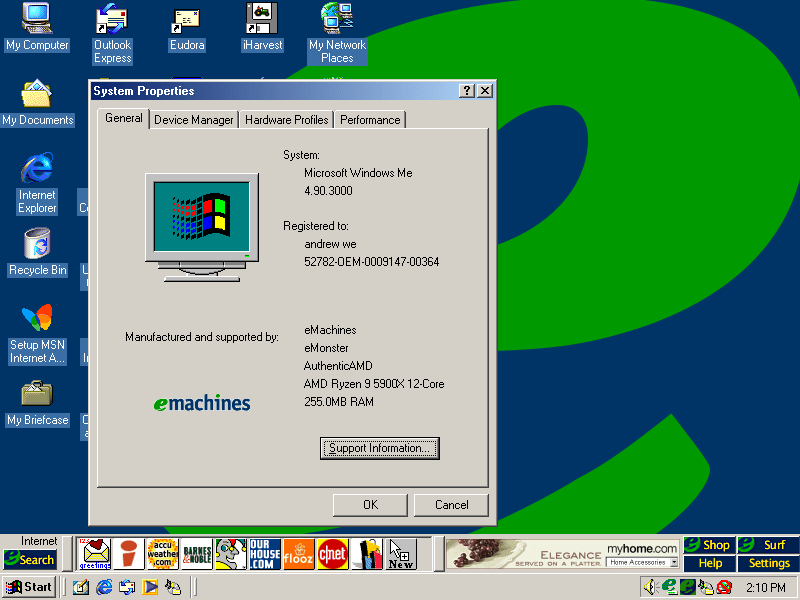
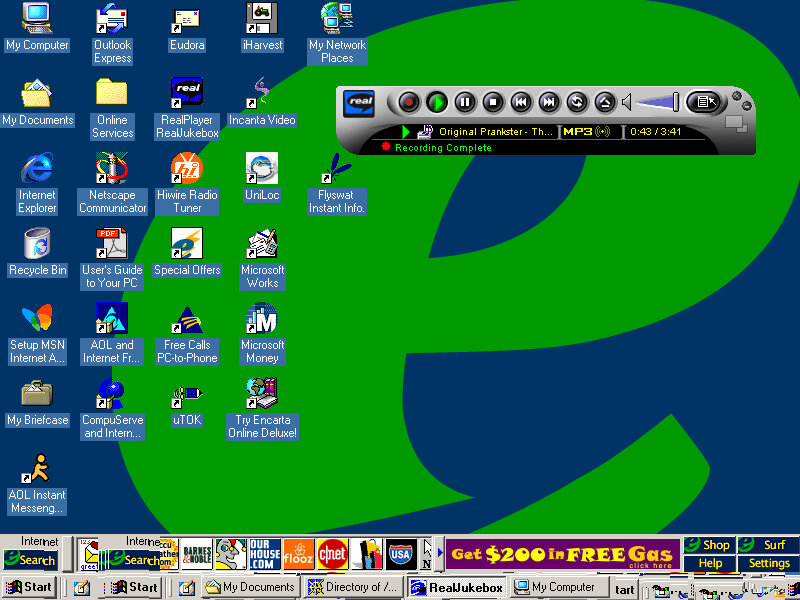
Desktop
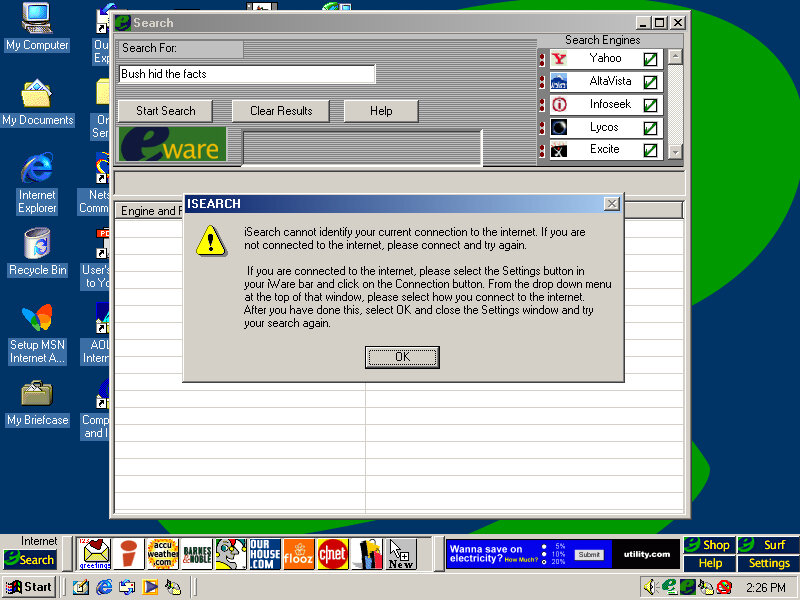
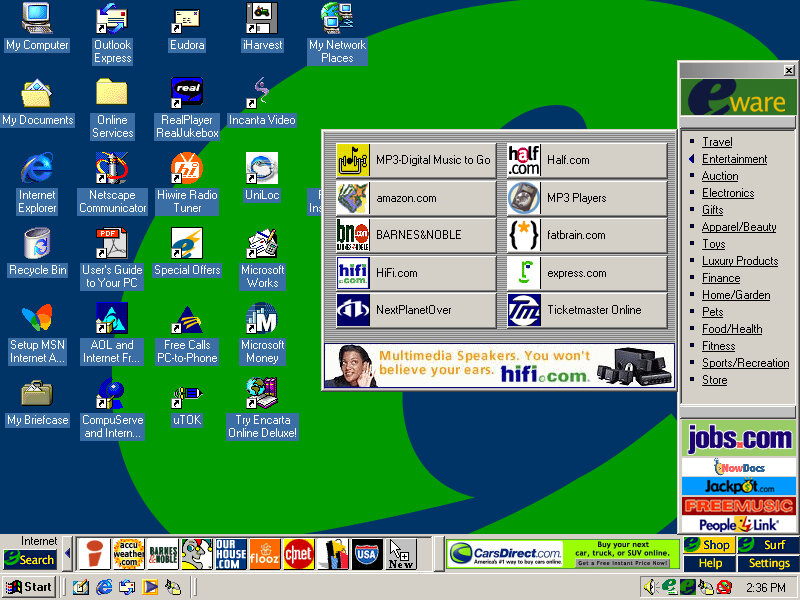
It’s a bit cluttered and there’s quite a bit already preinstalled. You will notice another bar on top of the Windows taskbar. There are a few icons and an advertisement banner on the right. Yup that space was intended for adverts direct to your desktop Clicking on the search button opens up a search box, where you can search on multiple search engines, It’s sort of like Apple Sherlock.
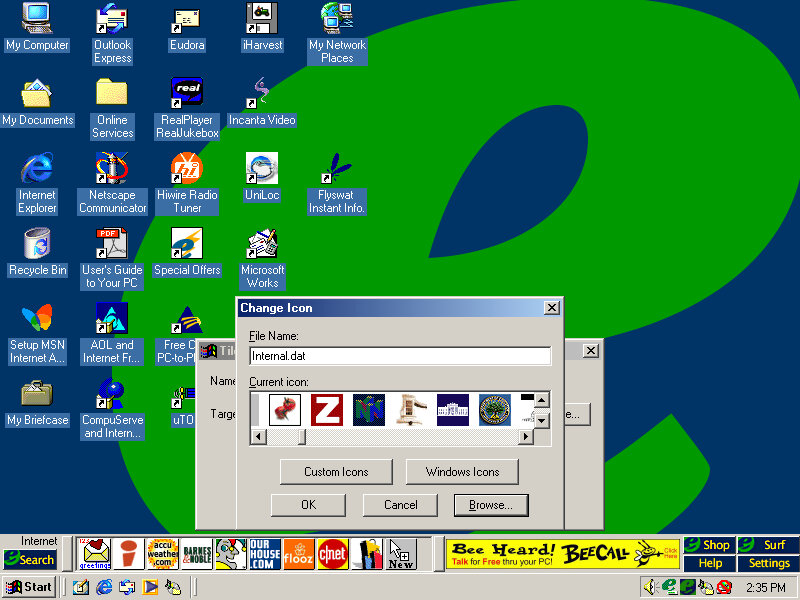
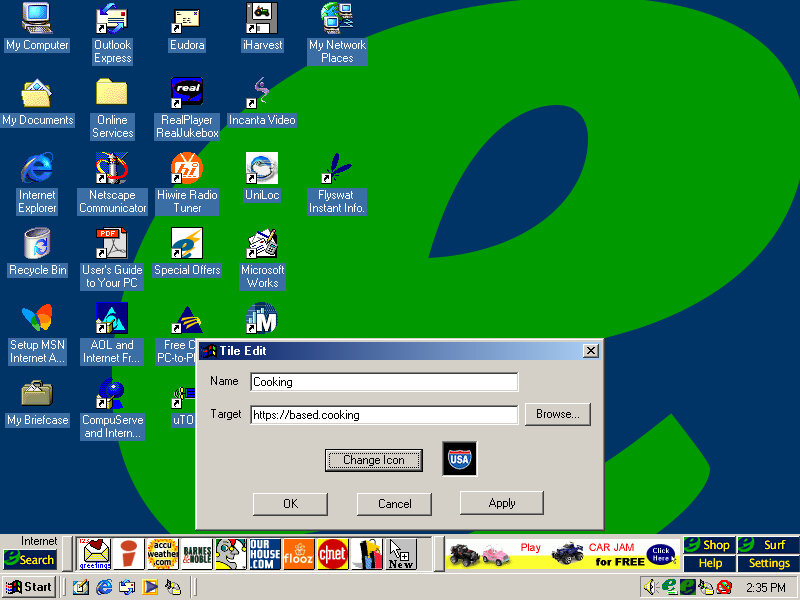
Nothing seems to work, and the error box reports the program as iSearch. My guess is the server is offline. Search engines supported are yahoo, AltaVista, InfoSeek, Excite and Lycos. No Google, thank fuck for that. The other buttons on the toolbar are shortcuts to various web pages online, many of which are defunct or return dead links: Accuweather Barnes&Nobile Shoppinglist.com Flooz cnet ourhouse.com Fool.com You can add your own website shortcut and assign your own icon, for which there’s a large collection to choose from.
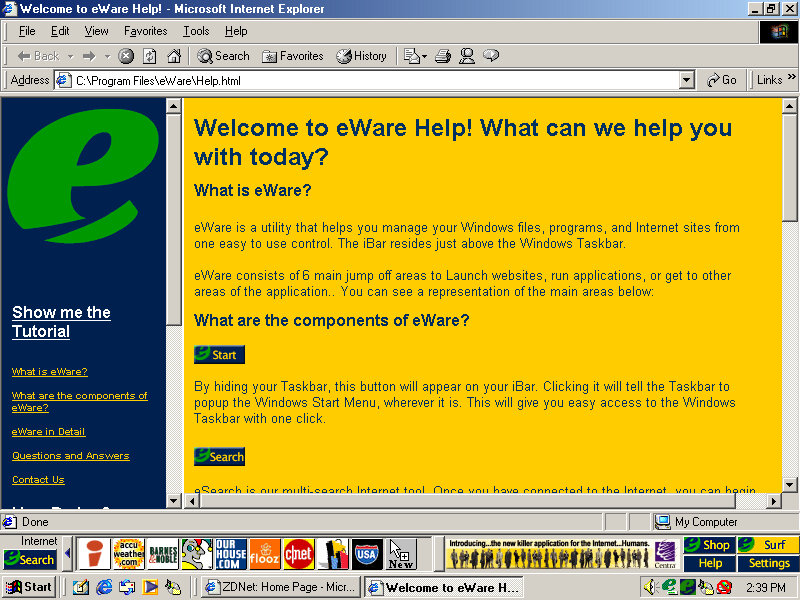
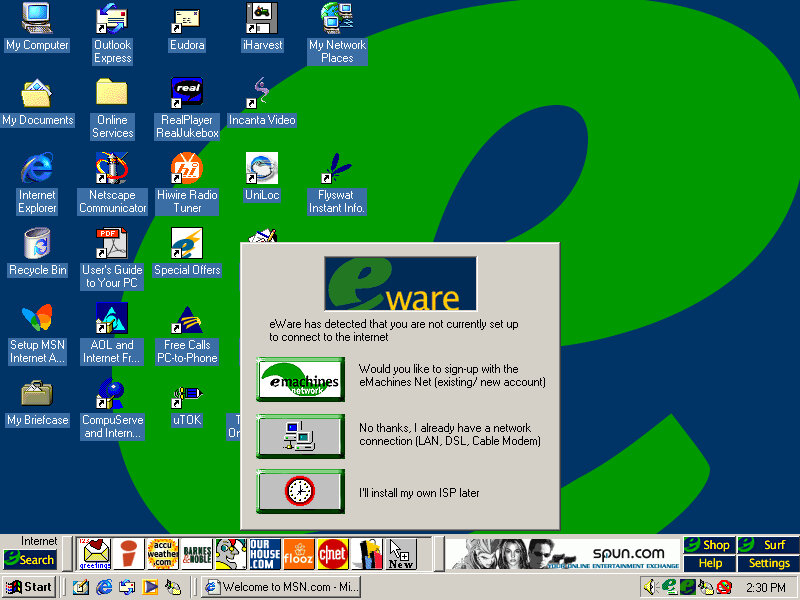
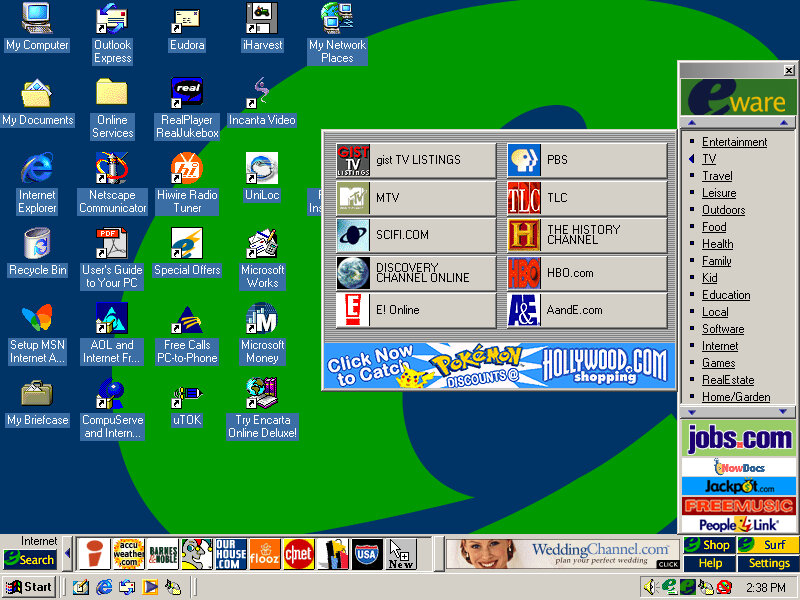
Clicking on Shop on the right of the bar opens up the eWare menu, with a bunch of categories to choose from like travel, Entertainment, Fitness, etc. these contain links to further websites, acting as a directory of online shopping sites. The Surf button is nearly the same as Shop but contains no e-commerce sites and has various categories for entertainment, knowledge and utilities.
It’s actually not a bad idea since these PCs would be intended for first-time internet users who may not be knowledgeable on what websites to access. It’s a shame about the banner adverts.
Software
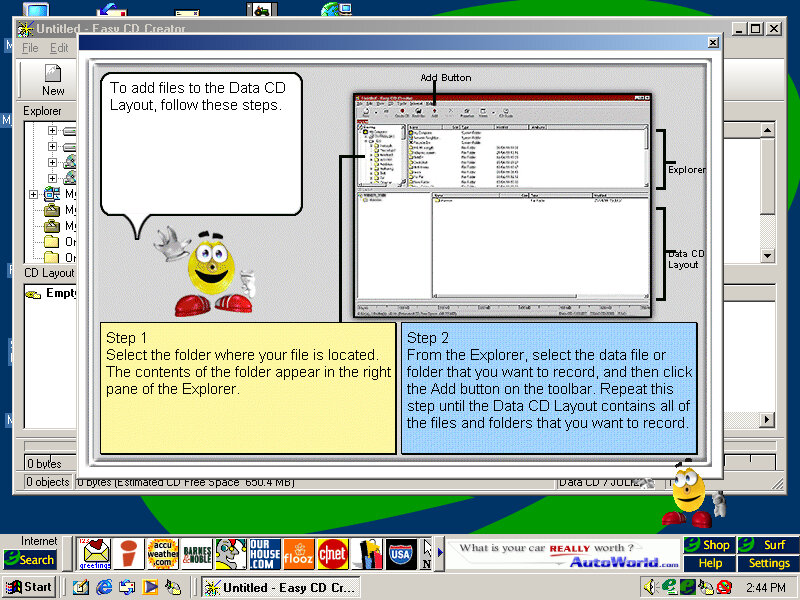
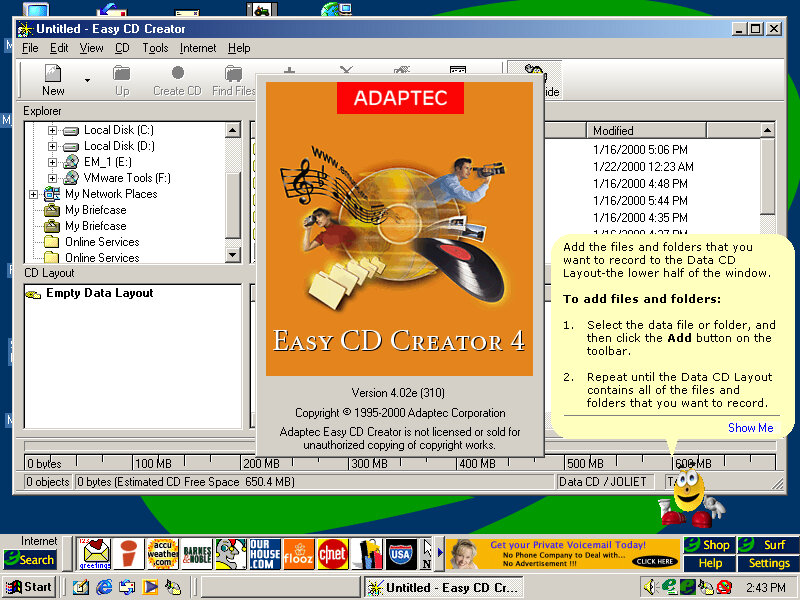
Easy CD Creator
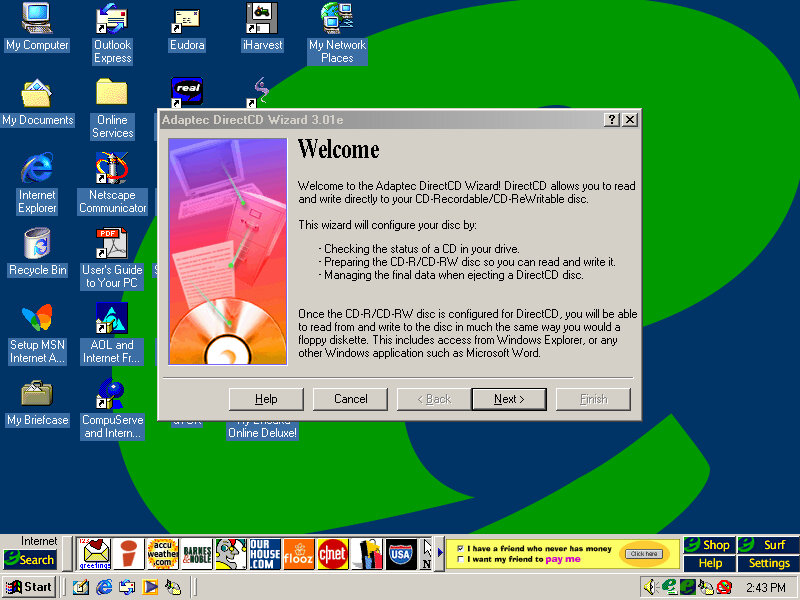
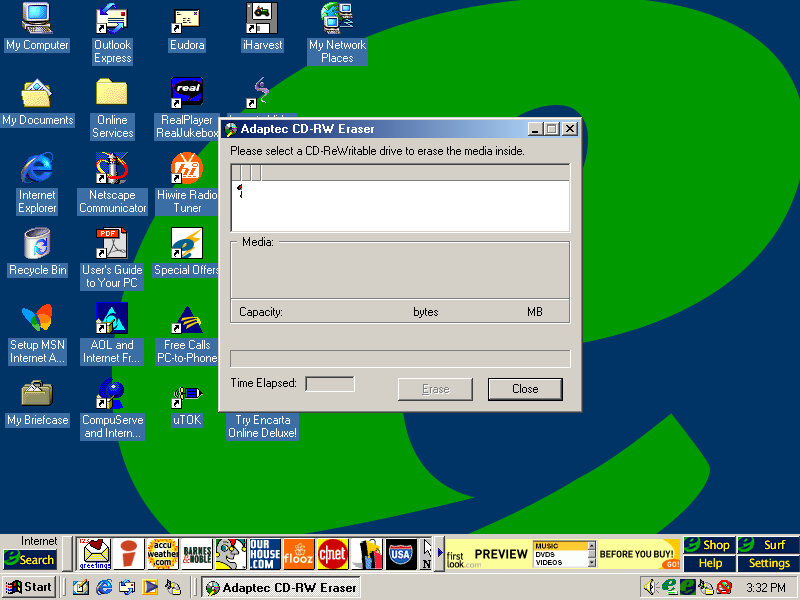
This system came configured with a CD Burner, and I don’t think Windows had native support for CD burning, at least not integrated into Windows Explorer so additional software was required to fulfill this task. Here you can burn audio and data CDs so you can copy your Napster MP3s and convert/burn them for your CD Player or some PSX isos. The Easy CD Creator comes will a full-blown interface, and even has Office assistance-like features that will help you use the program. Images created here to use the CIF CD Image File format, another format that nothing else uses, Alternatively ISO can be used instead.
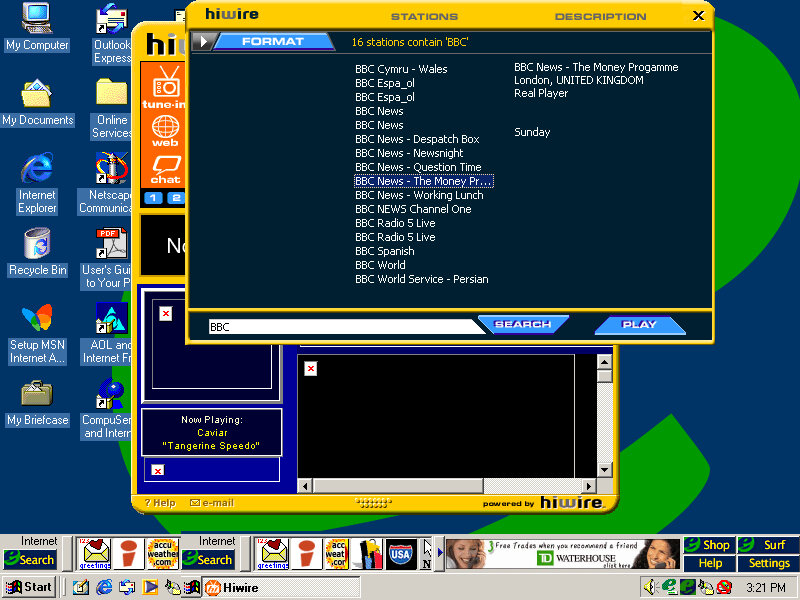
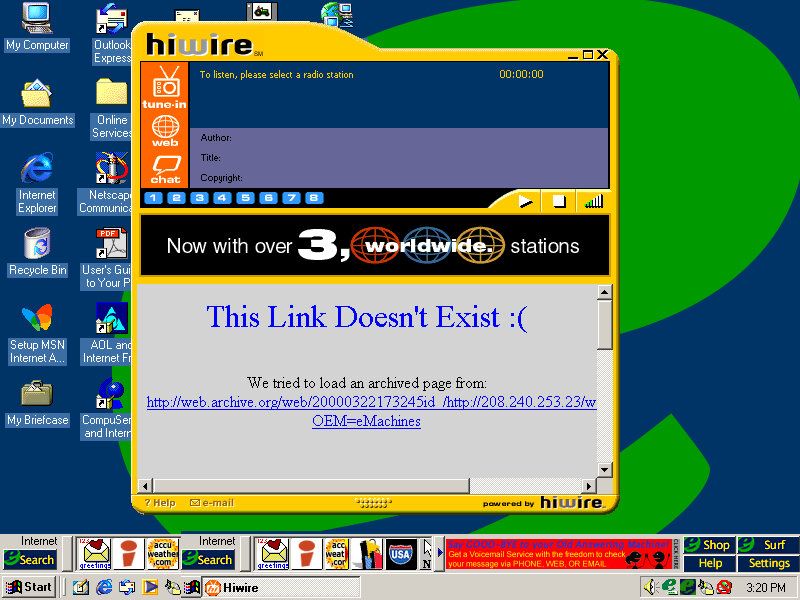
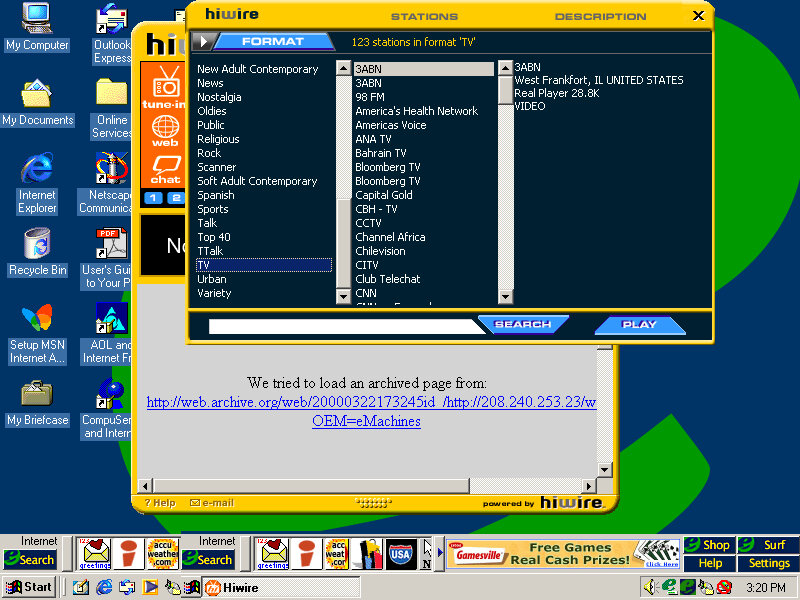
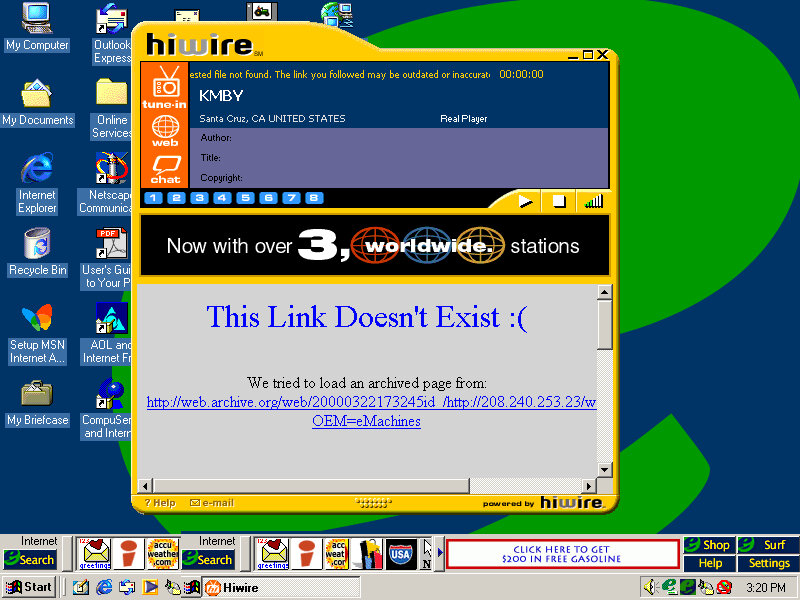
HiWire
A radio streaming program that lets you stream internet radio over your dial-up or LAN connection, Has a unique interface that stands out from the rest of the Windows applications. You can browse a directory of preset radio stations, of which you can double click to listen to. The chat button open a link to the palace, which was an external virtual chat application. None of the radio stations will work, and will just result in a connection error.
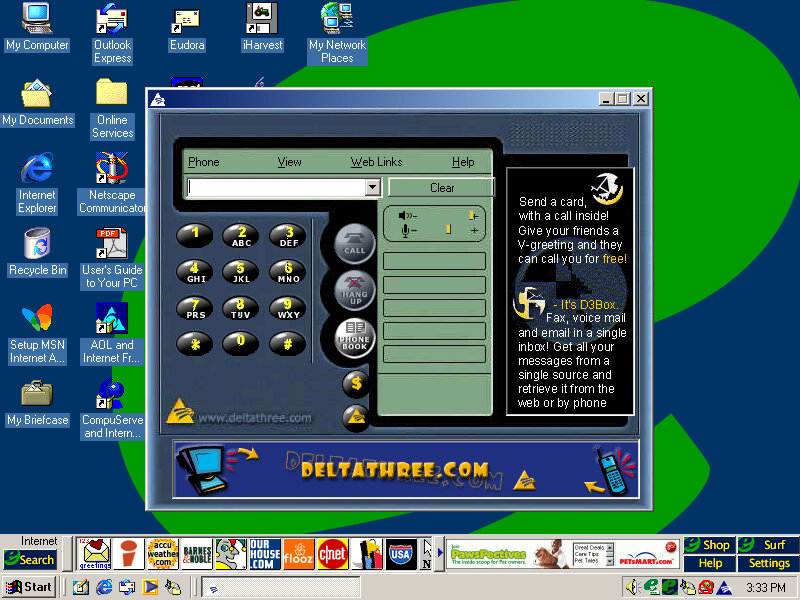
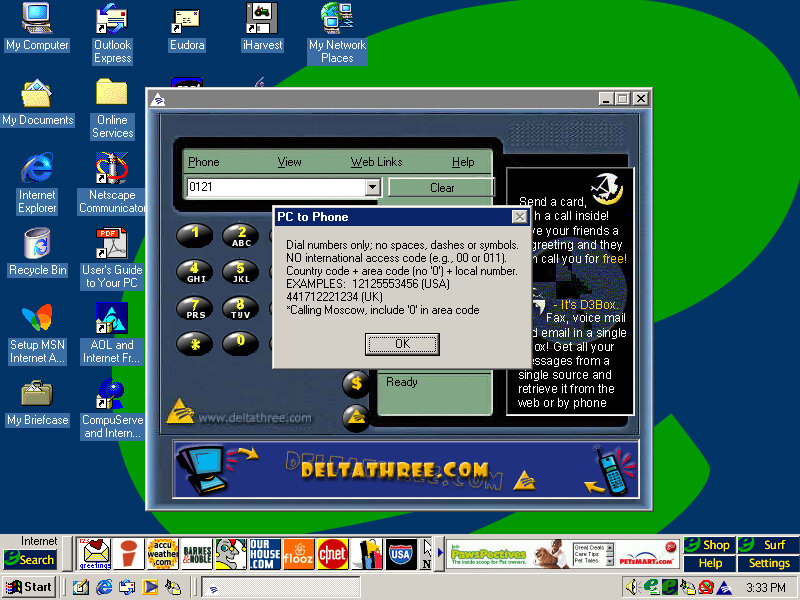
Deltathree
A phone dialing application is used to make phone calls with your PC, although it requires a login to the server. Possibly some sort of VoIP application.
Eudora
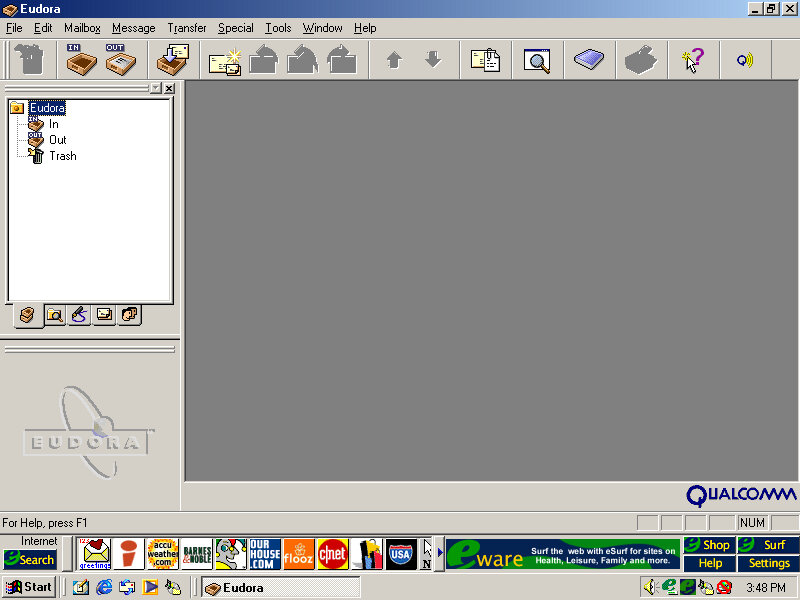
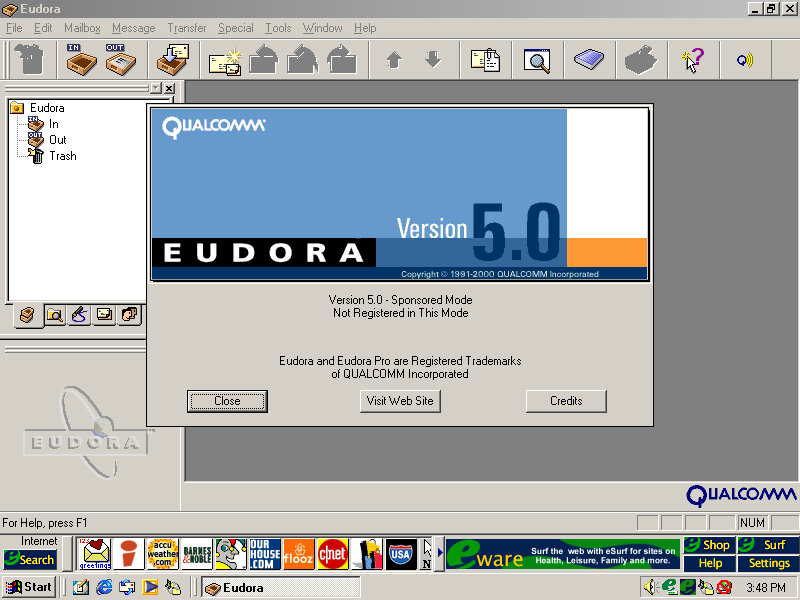
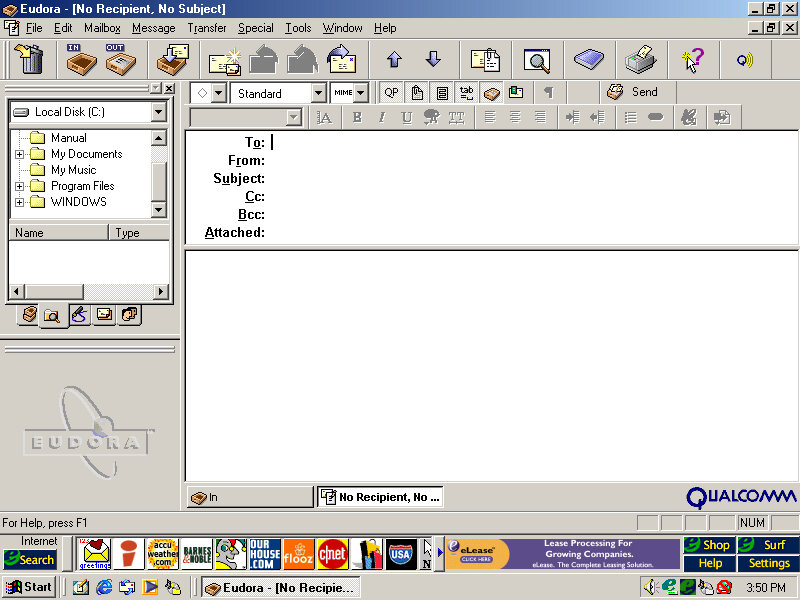
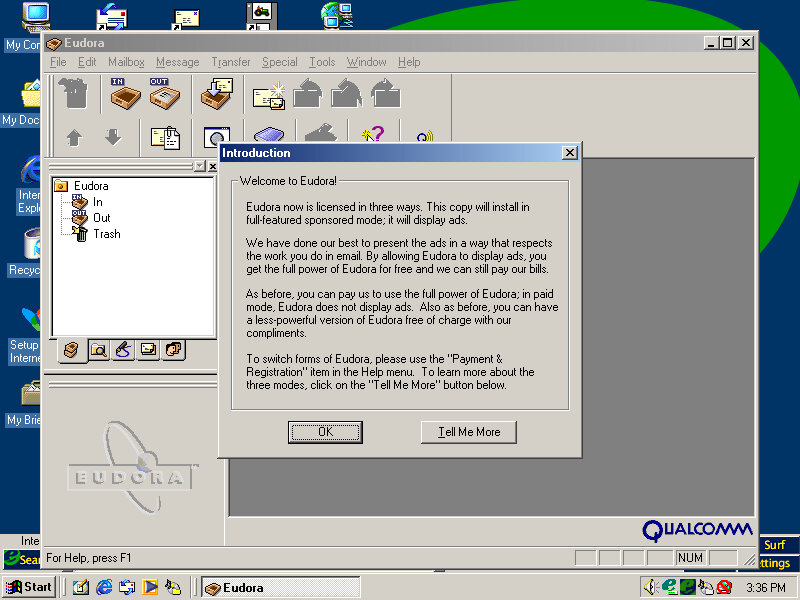
This was a popular email client application used as an alternative to Microsoft Outlook. However it requires registration and payment, otherwise, adverts will be shown, similar to Opera.
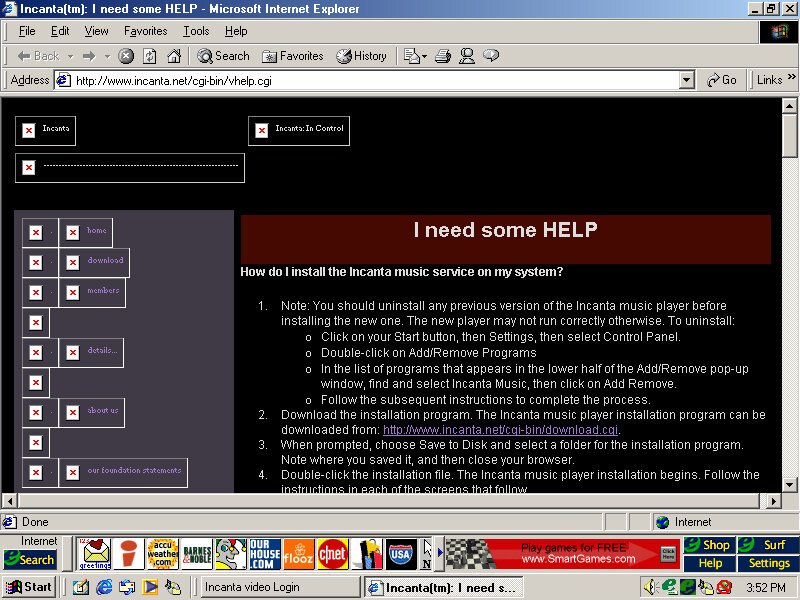
Incanta Video
Not sure what this is as it only shows a login box. A look on their archive website, it appears to be some sort of video music service, like VEVO?
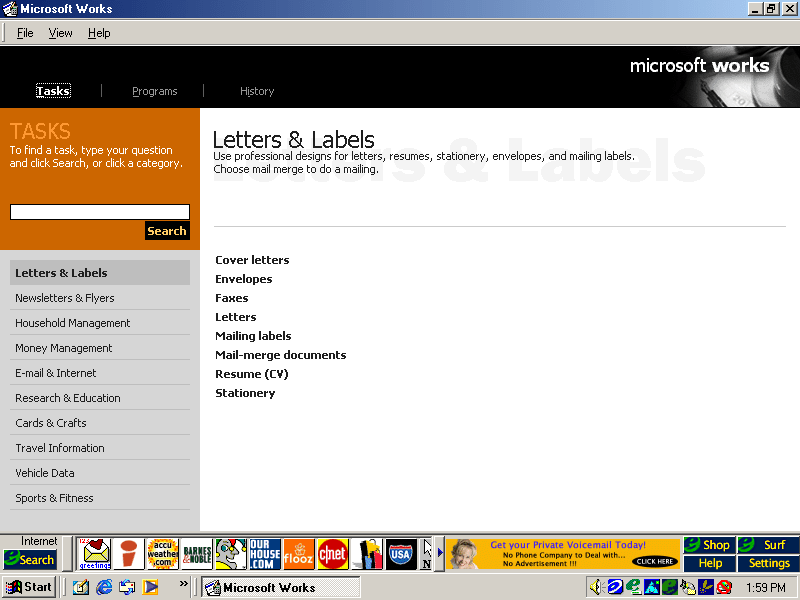
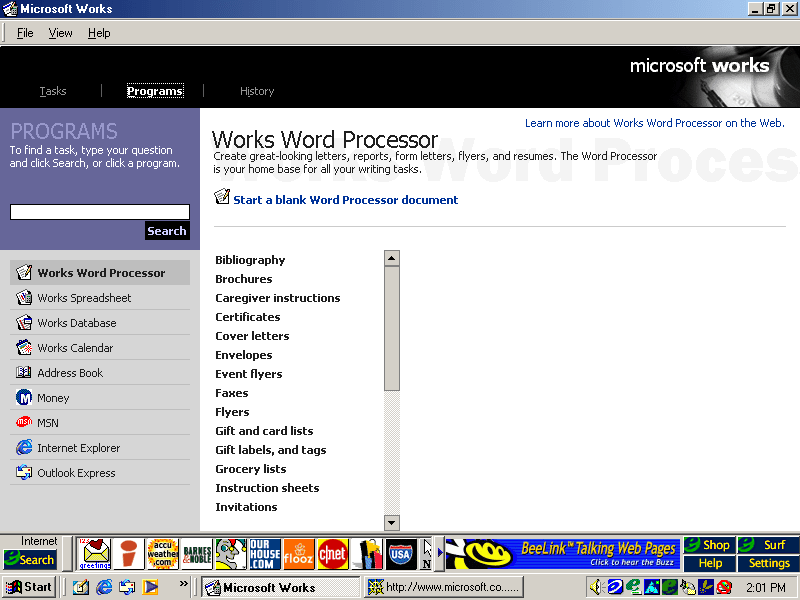
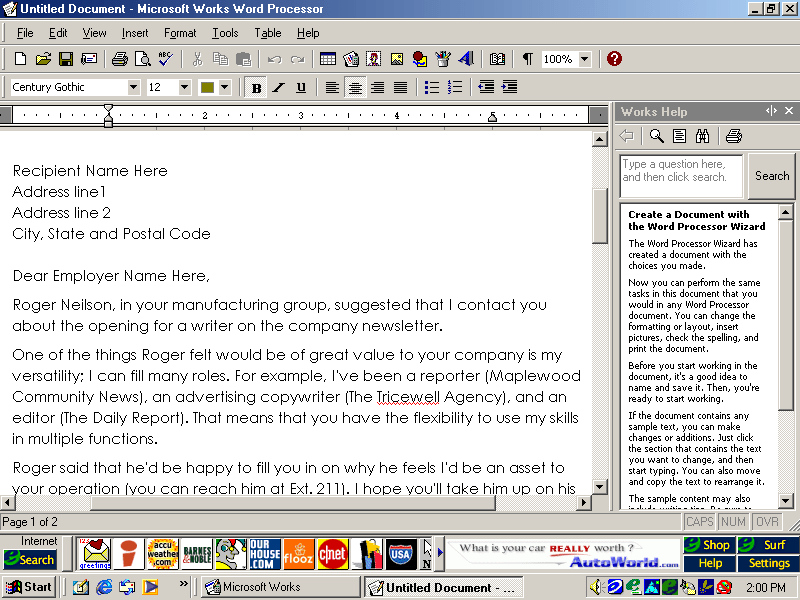
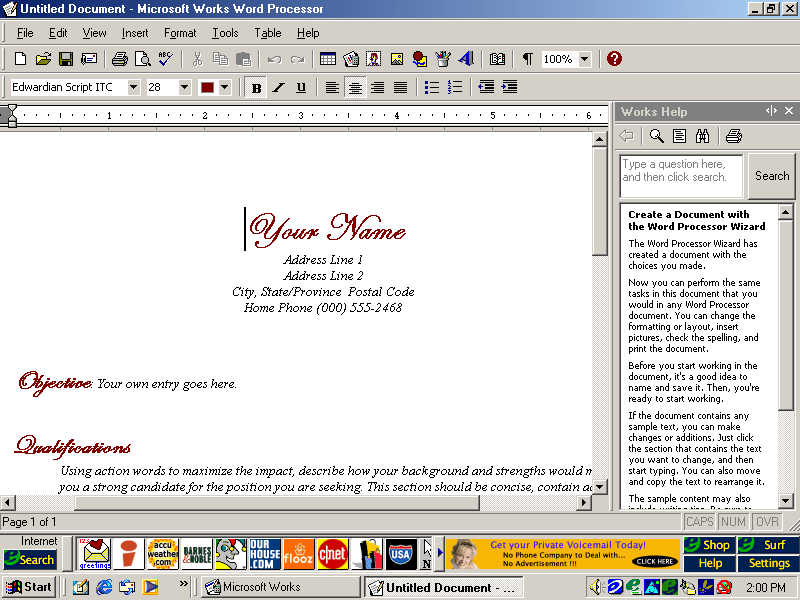
Microsoft Works
An OEM favorite, basic office suite with a bundled word processor, spreadsheet software and a calendar application.
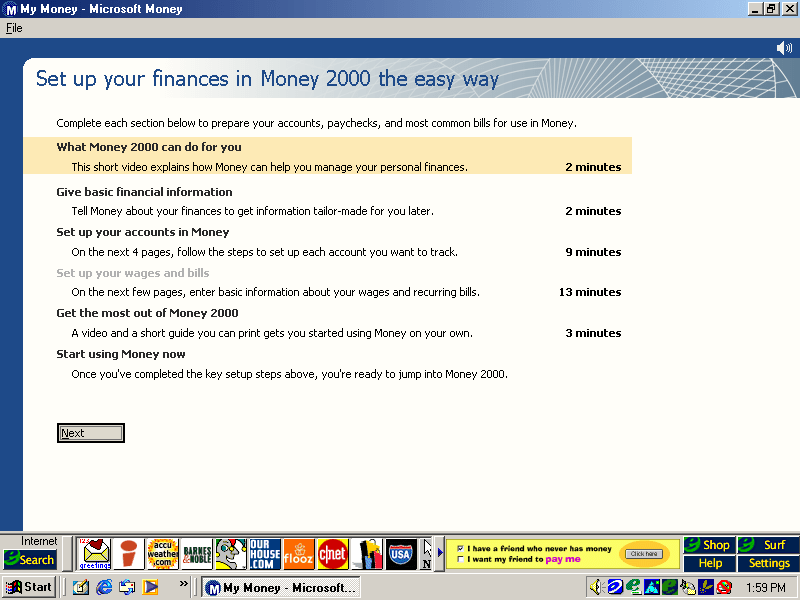
Microsoft Money
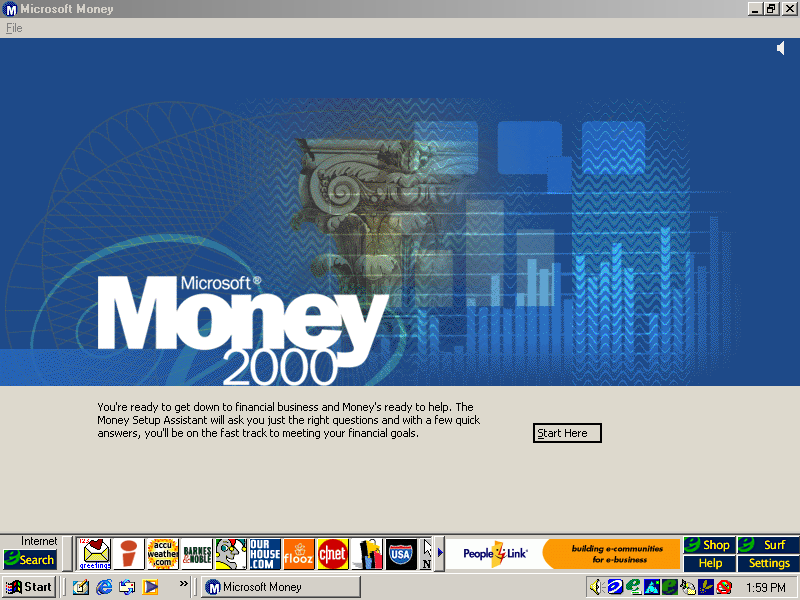
Money 2000 comes included here and plays a short tutoral upon the first startup.
RealPlayer
Version 6.0.8.122 is bundled here, RealPlayer was used to stream audio and video over the internet.
RealJukebox
Serves as a media music player for playing local MP3 files that you obtained from Napster
Netscape Browser
Not installed by default but can be done by clicking on the install icon on the desktop, this will install Netscape Navigator and will set it as the default browser
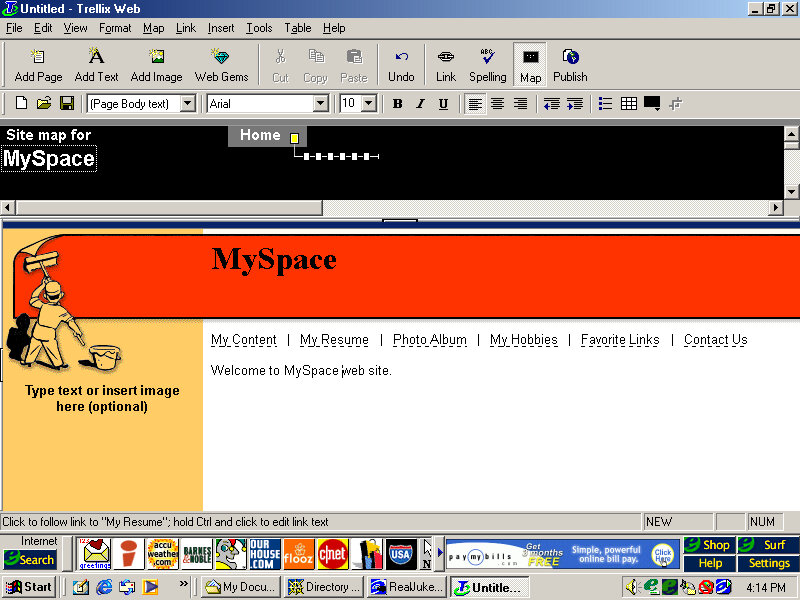
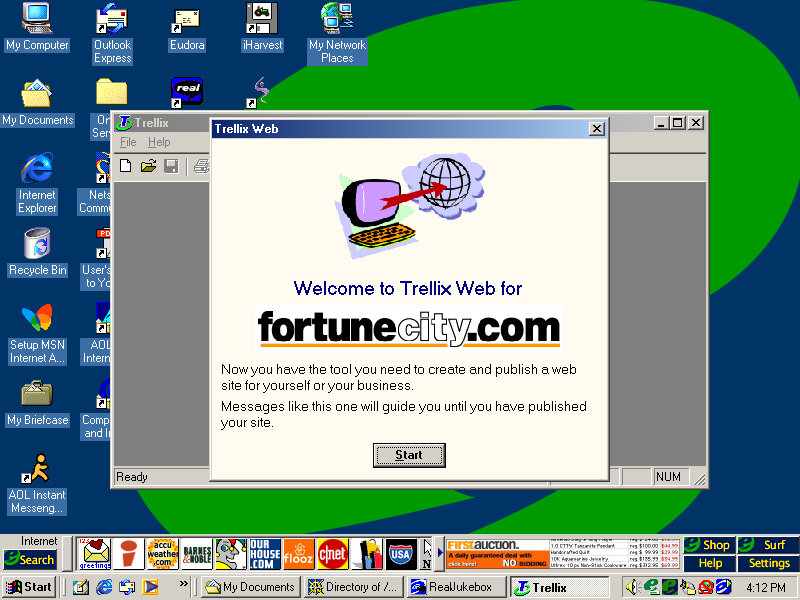
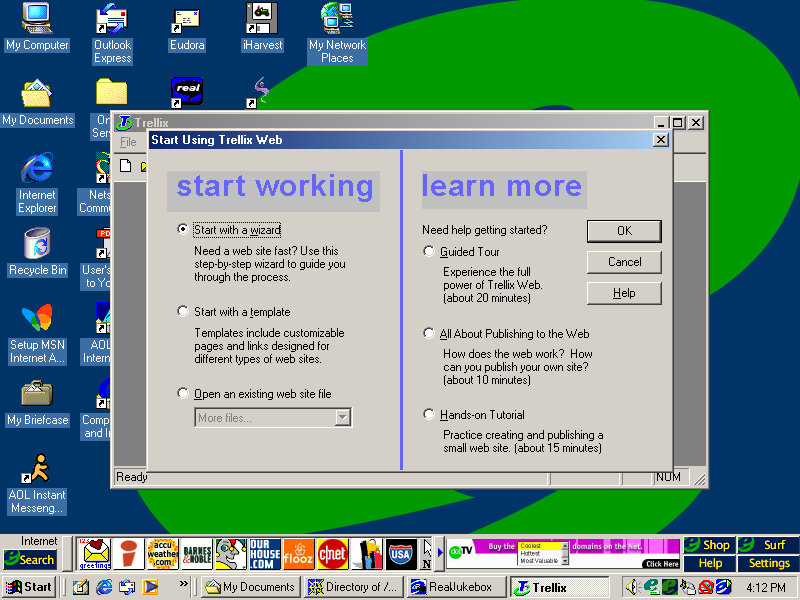
Trellix Web
Website building application and the first I’ve seen on an OEM system. You can generate a website built from a template and publish it online, although the bundle host has long since gone defunct.
We all know eMachines, and have probably used an eMachines system at one point in our lives, known for being very affordable (Cheap) computer systems for first time buyers or for people who just need a basic system. Typically found at PCWorld or Currys, These computers are typically paired with either an Intel Celeron or an AMD Durion or Athlon.
Install
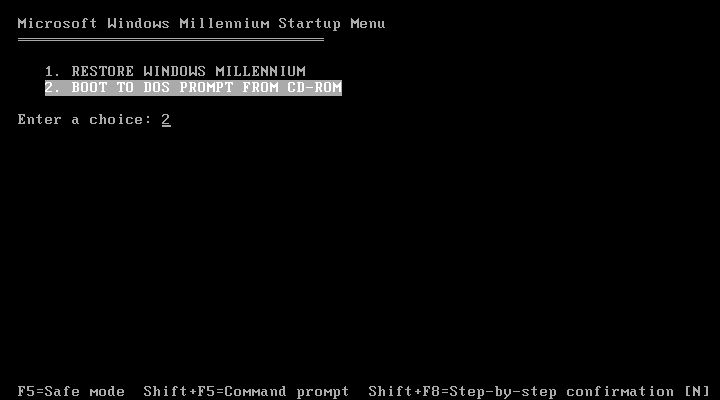
eMachines made use of Norton Ghost to operate the recovery media, this initially presented us with a Windows 9x style boot menu which gave us the option to boot into the recovery environment.
Ran into a few issues getting this one up and running. Whilst the initial restore process went through without a hitch, I was greeted with a BSOD upon bootup
Following the guidance on the archive link, I booted into Hirens and ran a script that reset the hard disk driver, which was causing the BSOD.
When the command windows open’s, choose option T first to set the target root, this is the Windows install directory (C:\WINDOWS). Just check that Hirens actually mounted it to C as it may have assigned the hard drive to another letter.
Programs > Registry > Fix Hard Disk Controller
Programs are located in the Hirens Program launcher, Not the start menu
Alternatively, navigate to the CD-ROM root and go to HBCD\Programs\FixHDC.bat to launch the program
After a reboot, we were able to boot into Windows and progress through the OOBE section, which has some eMachines customizations.
OEMLink
The start menu here has an OEM link which I’ve rarely seen on Windows XP systems. This is an option that can be selected in the Windows XP start menu that takes you to online OEM information.
Realtek AvRack
Some sort of bundled media player that makes of the sound cards processing functions, none of these are functional under a virtual machine since it emulates a different soundcard. I was able to play a regular MP3 file but none of the effects would work. These would have included echo and voice pitch changing effects
AIM AOL Instant Messenger
Another popular instant messaging application, this was supposedly popular in the US, but didn’t take off in the UK where MSN was more popular.
ICQ
ICQ was a popular instant messaging program before the likes of AIM and MSN Messanger took over. Each user would have a unique ICQ number. I personally never used it myself since it was already obsolete when I first heard of it (2004) and barely anyone I knew had an ICQ account.
McAfee
Bundled antivirus software, this also comes with a firewall bundled. Sadly this version can no longer be updated and we are stuck with virus definitions from 2002.
Although once you enable the firewall, be prepared for endless connection alerts whenever you open a program or even do anything that uses its own socket.
Winamp
A popular media player bundled with this system. A little redundant with Windows Media Player, unless Winamp is capable of playing a file that WMP cannot.
Microsoft Works
Microsoft’s entry-level productivity suite that provided a word processor, spreadsheet software, and a basic database. To make the program more user-friendly to use, a a task launcher is used to open various elements of the application since this is designed to appeal to users who are not familiar with office productivity software. Here a user can select from a list of tasks they wish to complete, and Works will open the correct template for them.
Some of these are very specific like coaching a sports team or planning a family reunion. Some of these are quite useful, there’s a template to create a fitness log using a spreadsheet that helps keep track of your workouts, or if you want to keep track of road trips.
Microsoft Money
Money 2003 – used to organize your finances and bank accounts, back in the early days of internet banking. Nowadays most banks offer something similar online.
Cyberlink PowerDVD
PowerDVD is software intended to allow DVD video to be played, it was commonly bundled with PCs that came bundled with a DVD drive. Although I’m sure Windows Media Player is capable of doing the same thing so this software would be redundant?
BigFix
Appears to be a utility that monitors your PC’s performance, and is preinstalled from the CD. There are also links to eMachines technical support. In normal operation, it will notify you if a software update or patch is available and will prompt you to install it (It does not install automatically). Although if Windows Update is enabled then this kind of redundant, possibly that would have checked for driver updates also?
BigFix was later acquired by IBM and was renamed IBM Bigfix.
RealPlayer
Realplayer was a popular way to stream video over the internet since it was cross-platform, supporting both Windows and Macintosh.
Compuserve
Another internet service provider provided its own software to access its services.




















 Drew1440: Blog