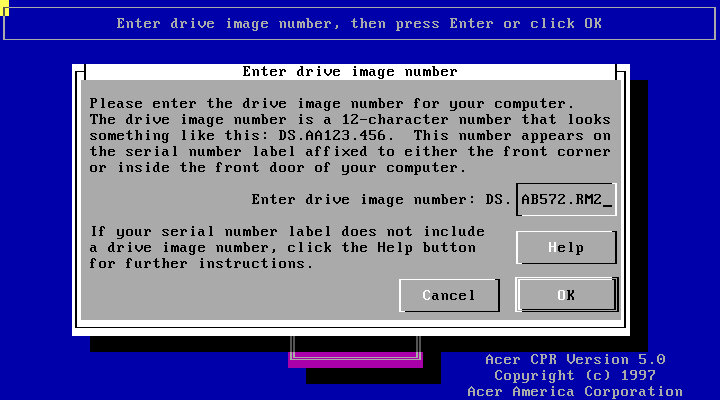
A non-model specific restore/OEM Install, this looks like it was intended to be used across various models of Acer’s Aspire line, as it prompts for a reference number during recovery. Aspire is Acer’s brand for desktop and laptop computers for domestic users, similar to Dell’s Dimension or IBM’s Aptiva line of systems.
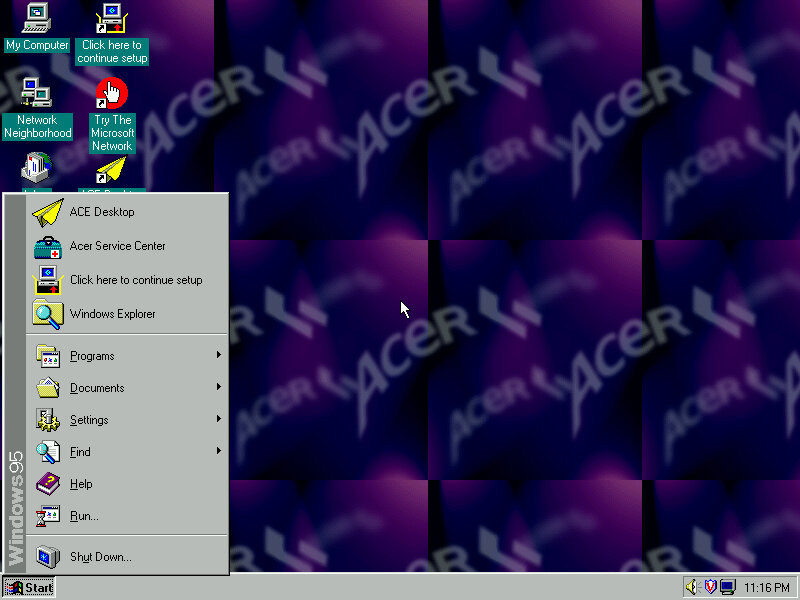
The default desktop, post recovery
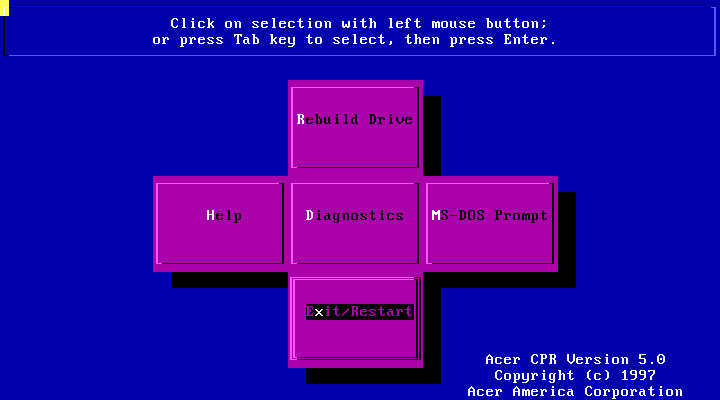
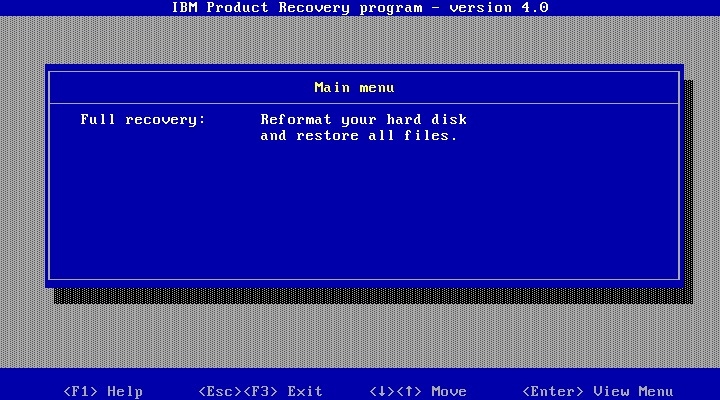
Running the recovery program, interesting menu layout you see here which gives you options to restore the drive, perform a few diagnostics or to go straght to the MS-DOS Prompt.
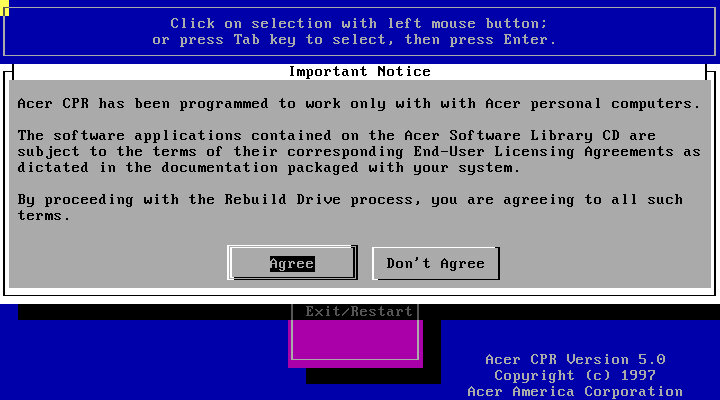
Following through with a full recovery, which will initalise the hard drive
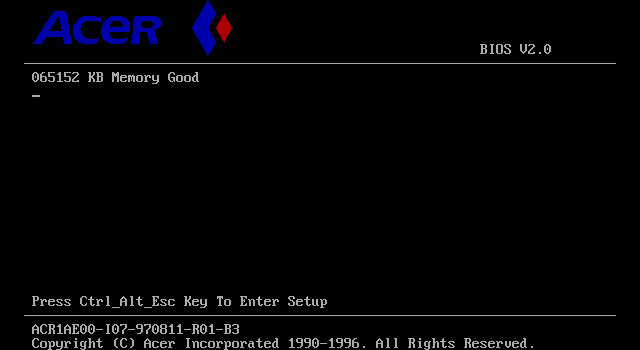
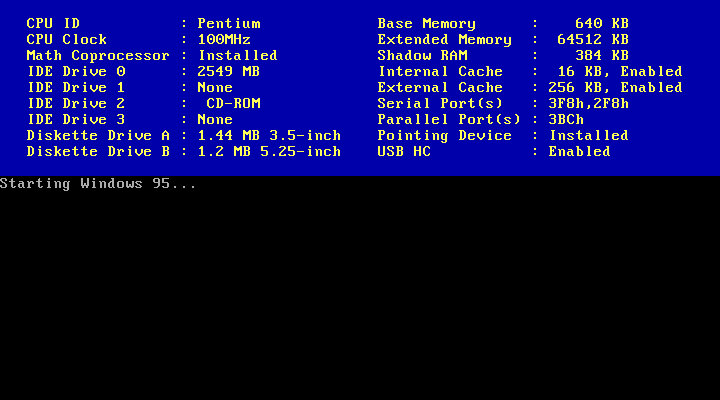
The Acer BIOS, here we are using the V35 motherboard that is emulated in 86Box.
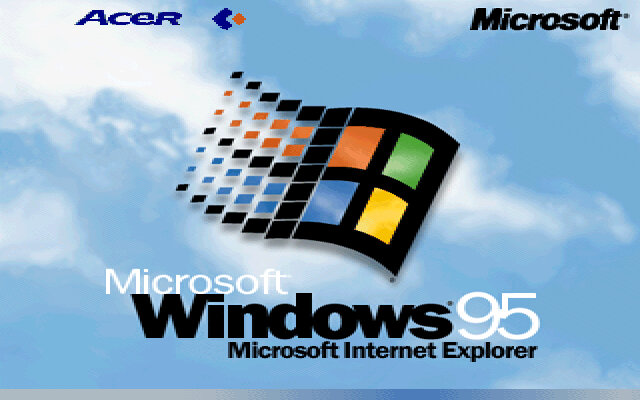
The boot screen, with Acer branding. Here we have Windows 95B, with the USB supplement already installed.
It’s a shame than the bootscreen gets overwritten when installing the 95 Plus! pack. If you wish to preserve it, copy the LOGO.SYS file on the root of your C: drive before installing the Plus! Pack.
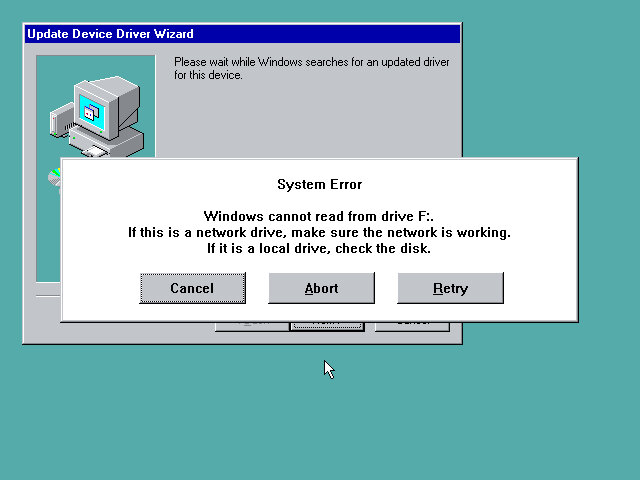
Uh-Oh, not sure what happened here but a quick reboot fixed it. My guess is that setup reinstalled or updated the IDE drivers, and lost access to the CD drive as a result. Acer possibly used various different IDE controllers or chipsets across their motherboard, and this was their way of ensuring the correct drivers were installed for that specific chipset.
Thankfully after a reboot we were able to proceed with the setup and registration wizard
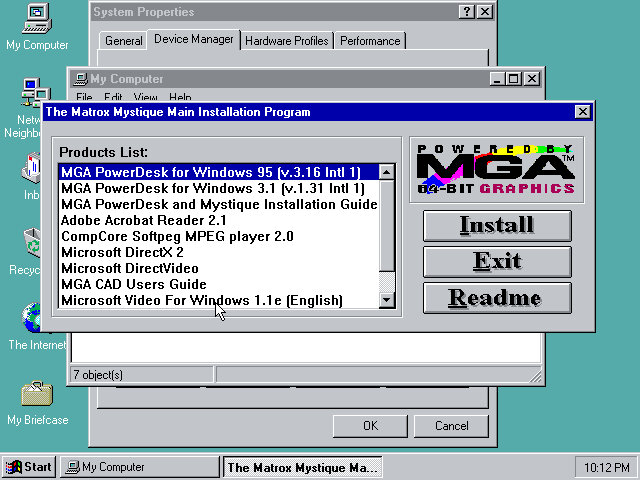
Installing graphics drivers for the Matrox graphics card, which 86Box now supports.
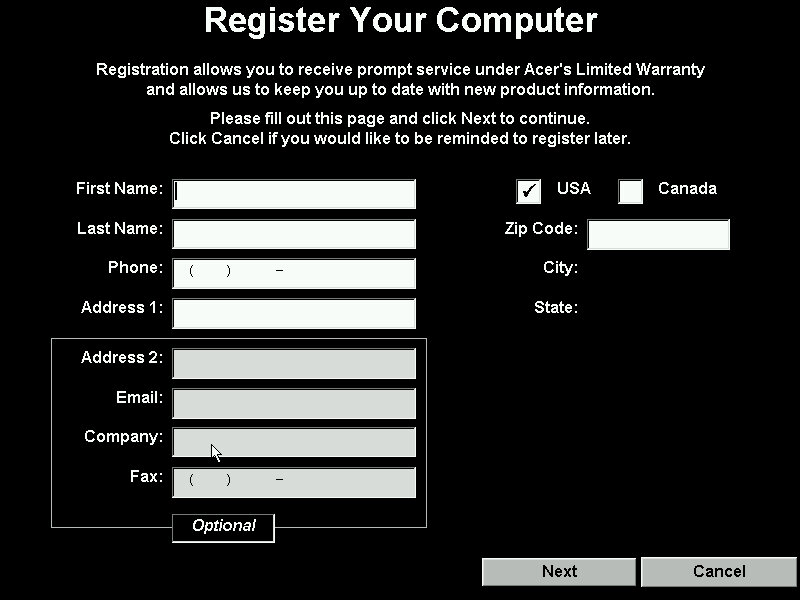
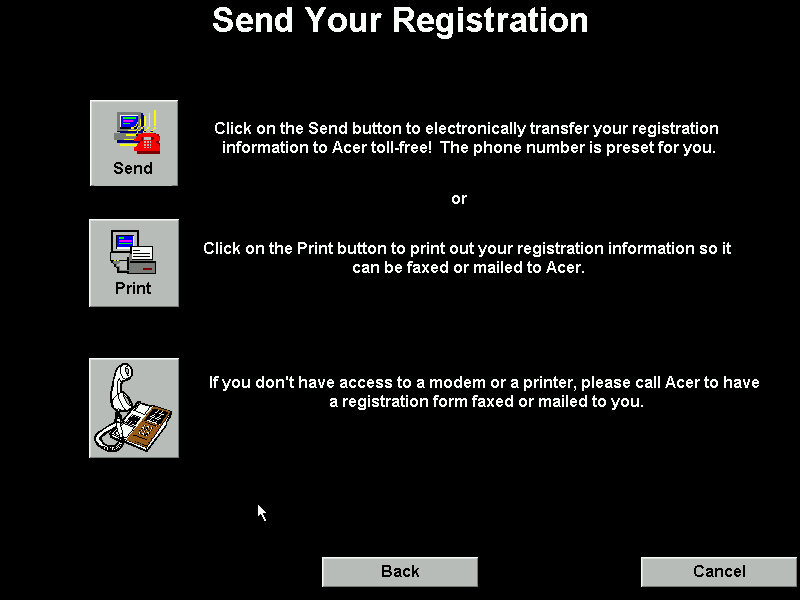
Running the registration utility
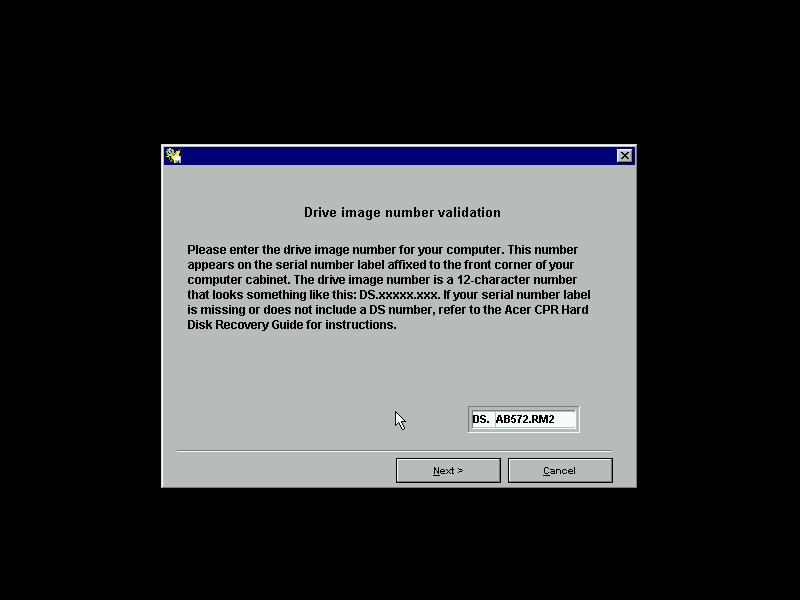
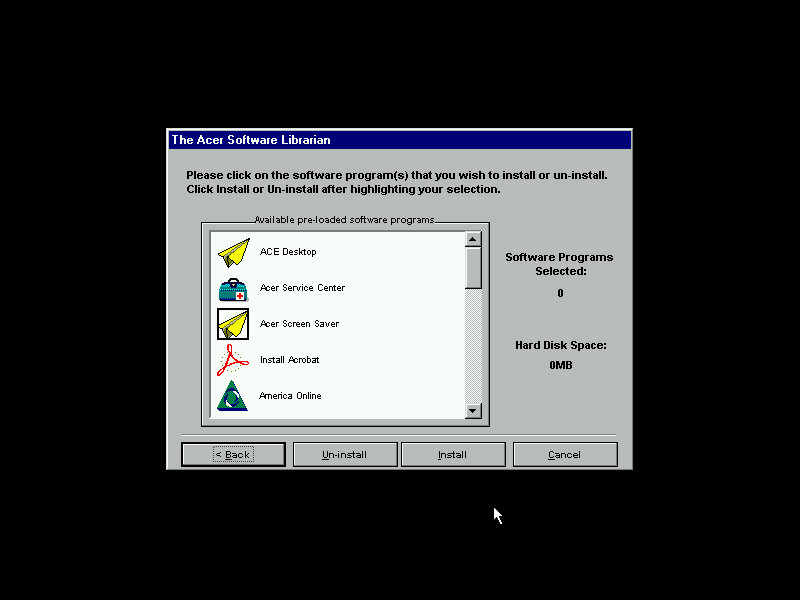
The Acer Software Librarian which is used to install the software that shipped with your machine. You need to enter an identifier provided so the software knows which software and drivers to install for the correct model
Some of the software requires additional CD’s to install from
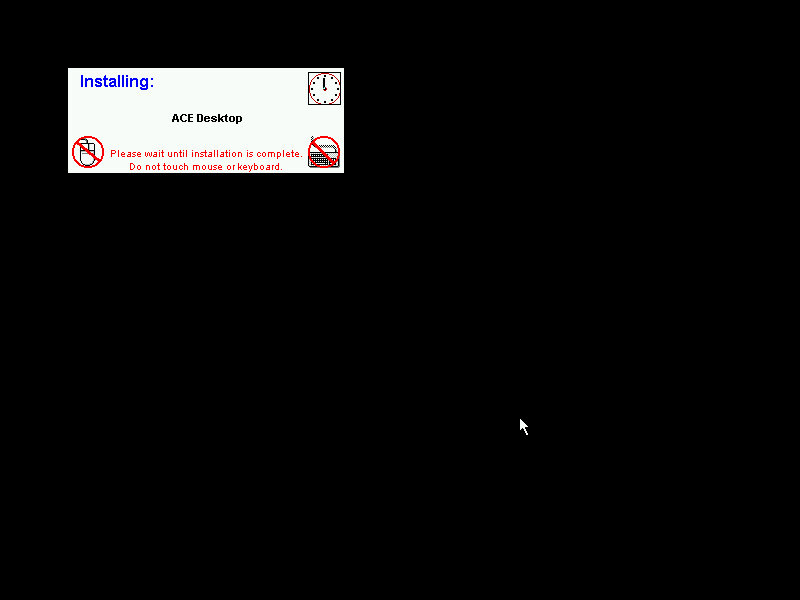
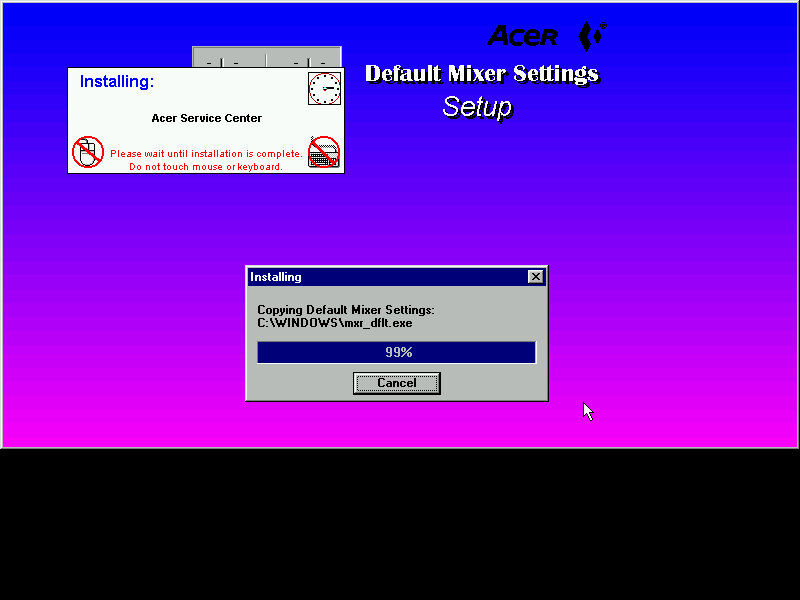
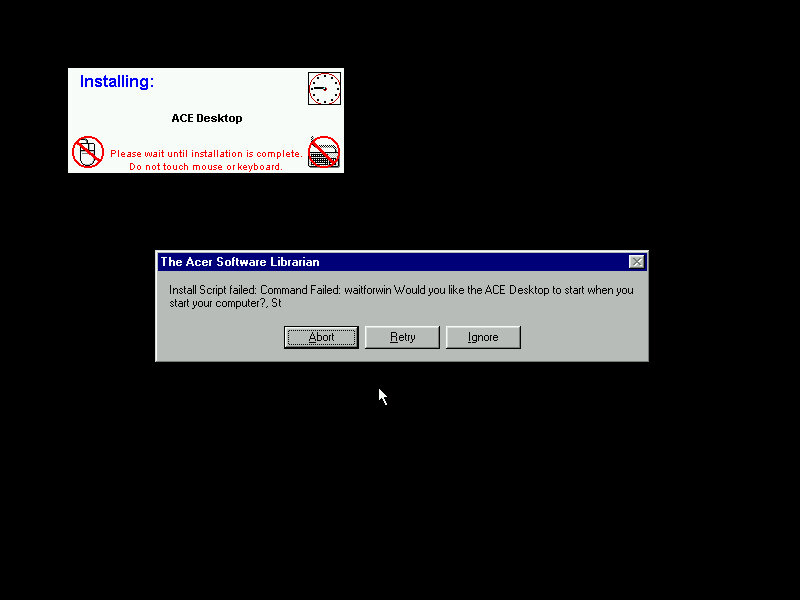
The installers are automated, but can go AWOL if the installer throws up a message that wasn’t expected. This will result in the message informing that the install script failed and will give you the famous Abort, Retry or Fail Ignore. Choosing the retry option to restart the installer. I believe the install script tries to mimic the user’s keypresses, during this it’s best not to touch the keyboard or mouse whilst the script is running.
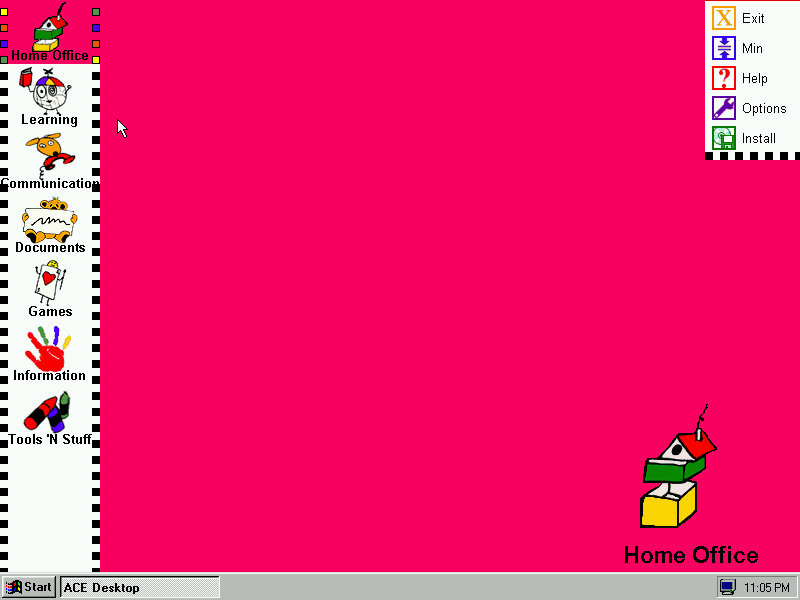
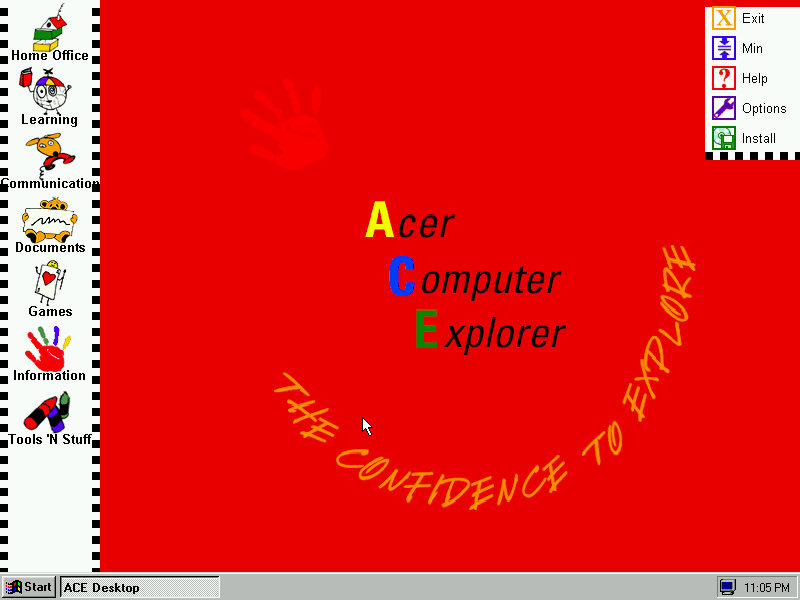
ACE Acer Computer Explorer provide a child friendly interface, like Packard Bell Navigator. There isn’t any software installed that takes advantage of this so we can’t fully demonstrate it.
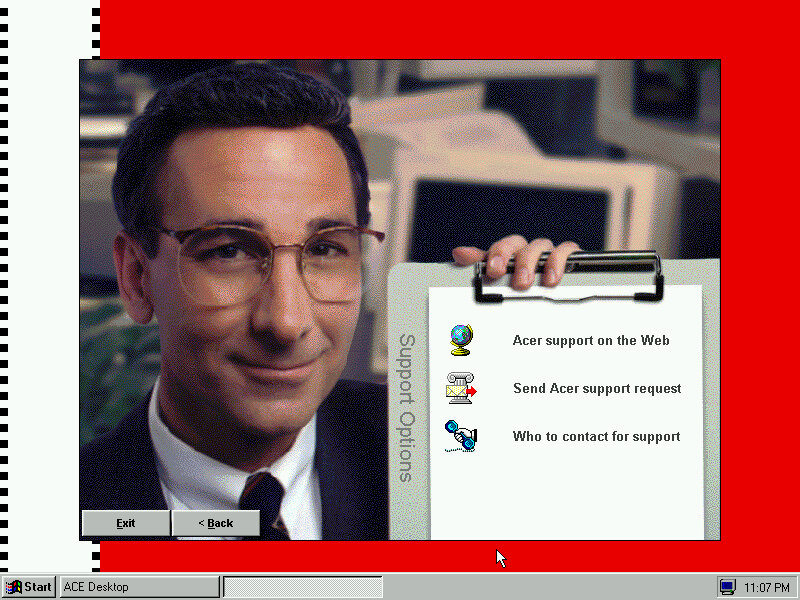
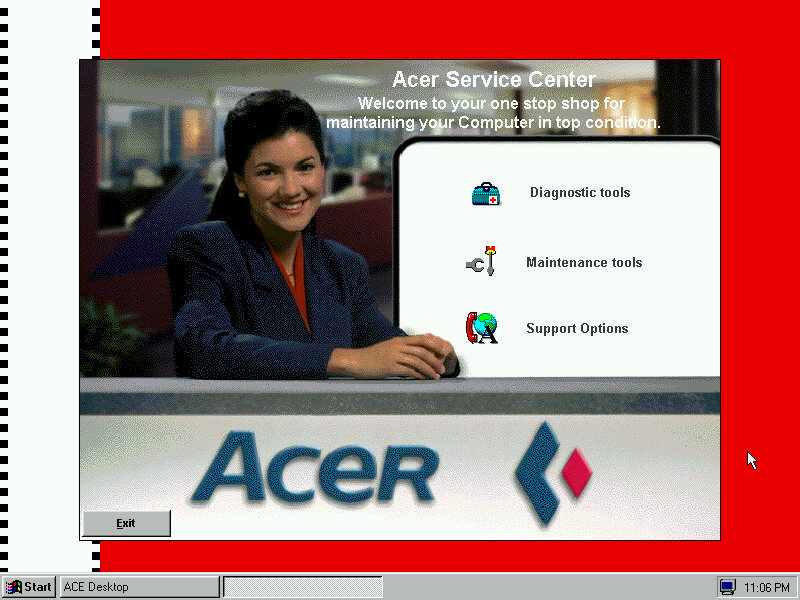
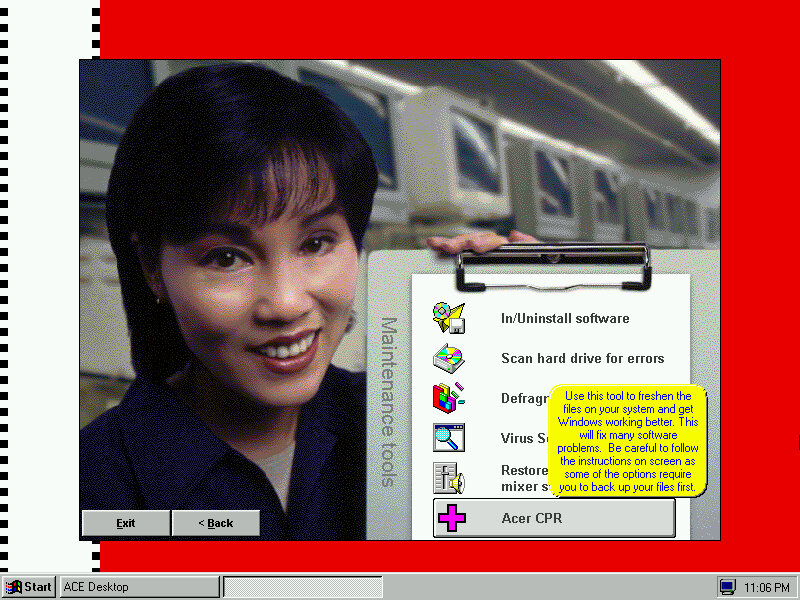
Acer Service Center which providers support information and details about your computer. I kinda dig the aesthetic with the dithered stock photograph of a typical 90s office, almost like an episode of Friends.
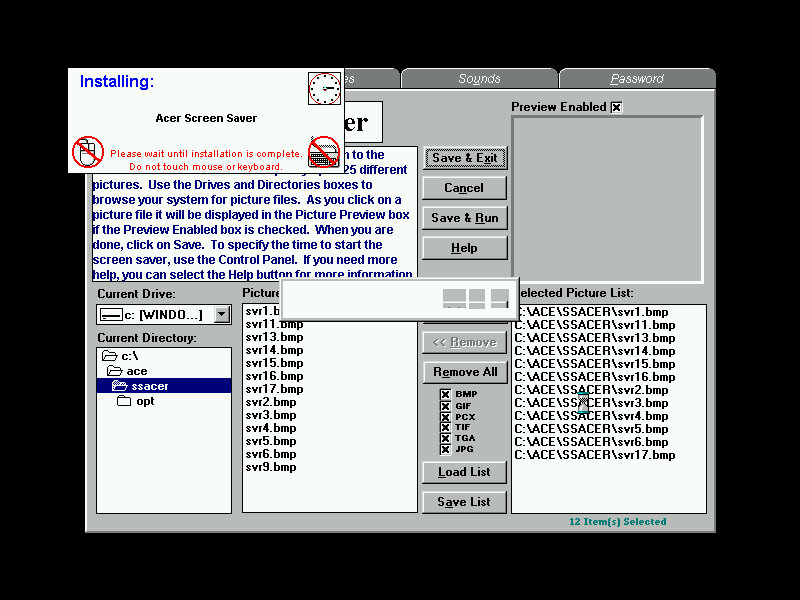
The default screensaver which shows a collage of aspiring photographs (Acer Aspire, geddit?)
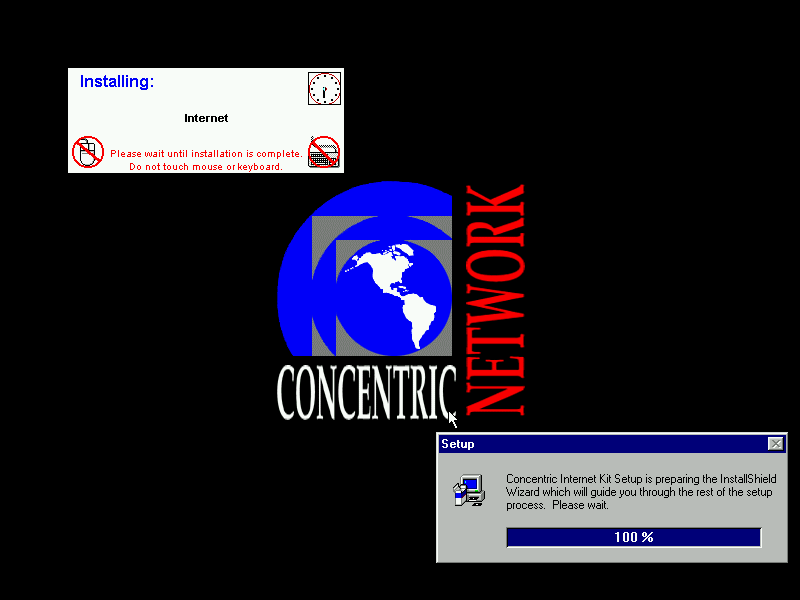
Concentric Network Communications, appears to be an internet provided for SME businesses, it’s since been absorbed into Verizon, according to the XO Communications wiki page.
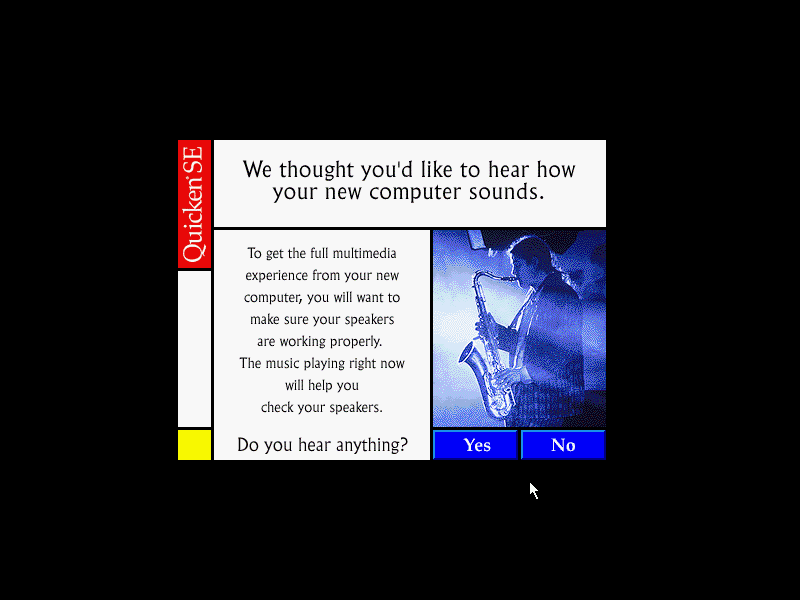
The Quicken, this popped up once I install the sound drivers
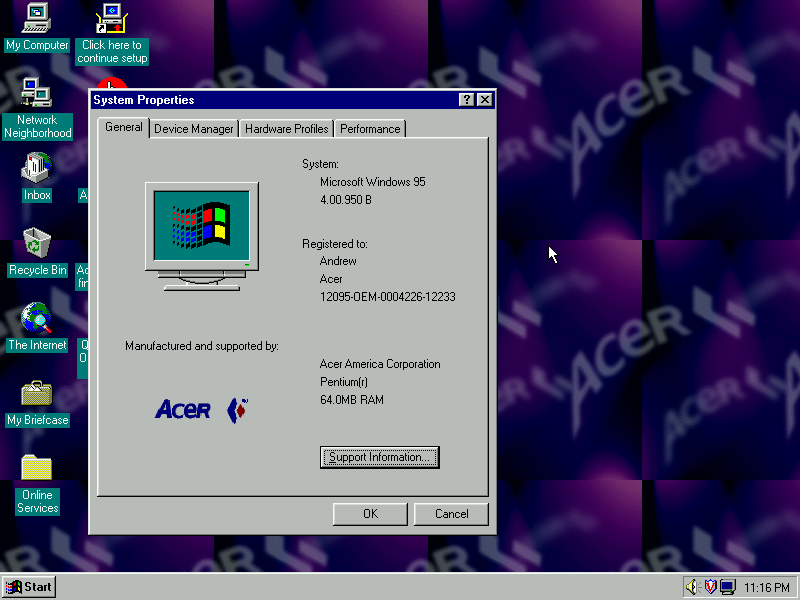
Another look at the desktop with the System Properties
The included wallpapers, which are small Acer logo’s which are intended to be tiled
Download link if you’re interested in trying this yourself. I’ve not tested it on any other motherboard in 86Box apart from the Acer V35, so I’m not sure if it performs a hardware check or if it just relies on the code you enter being correct to perform the restore.
A low-end laptop released in 2000, let’s take a look at the recovery media and what a typical IBM Thinkpad install would look like.
First attempt was using the MSI MS-5119, whilst the recovery environment would start, it would get stuck at the actual recovery stage and would just freeze. Changing to the Intel motherboard fixed this and allowed a full recovery, though this BIOS takes a while to boot.
Other motherboards might work better, I mainly picked these two since they contained very similar chipsets to the actual IBM system.
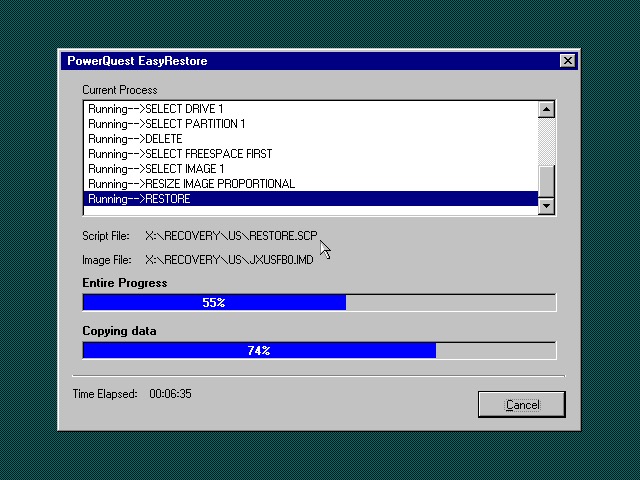
Once the HDD is prepared, the recovery program begins the restore
I’m a little confused as to why this is running Windows 95? From researching online the Thinkpad T20 came out in late 1999, when Windows 98SE and NT 4 were the main operating systems and were in the mature stages of their life cycle.
Once recovery has been completed we can reboot into our new install
Going through the New Hardware Wizards
Something went wrong when installing the Crystal sound drivers. Ended up Swapping the Crystal for a SoundBlaster 16 PnP, which worked much better.
The main desktop with the default IBM wallpaper, I’ll always like IBM’s design of the era with its business-oriented blue. Some wallpapers also make an appearance from the Thinkpad 390E
Two screensavers come included, Think 1 and Think 2. None of them have any settings to configure and really serve as advertisements.
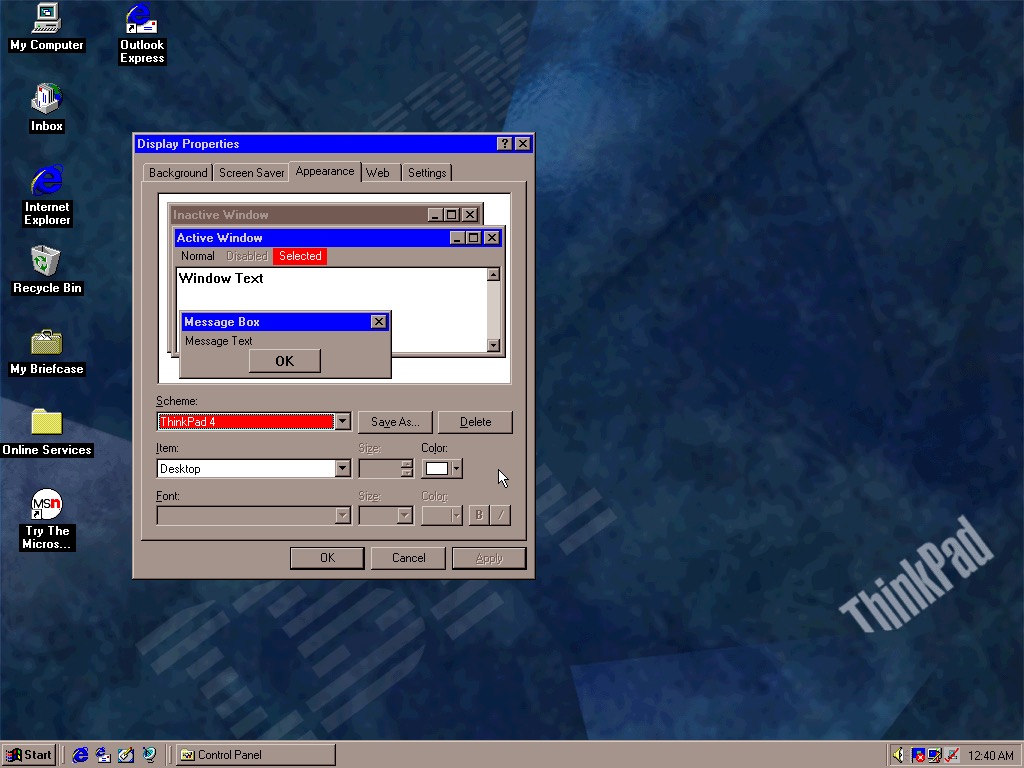
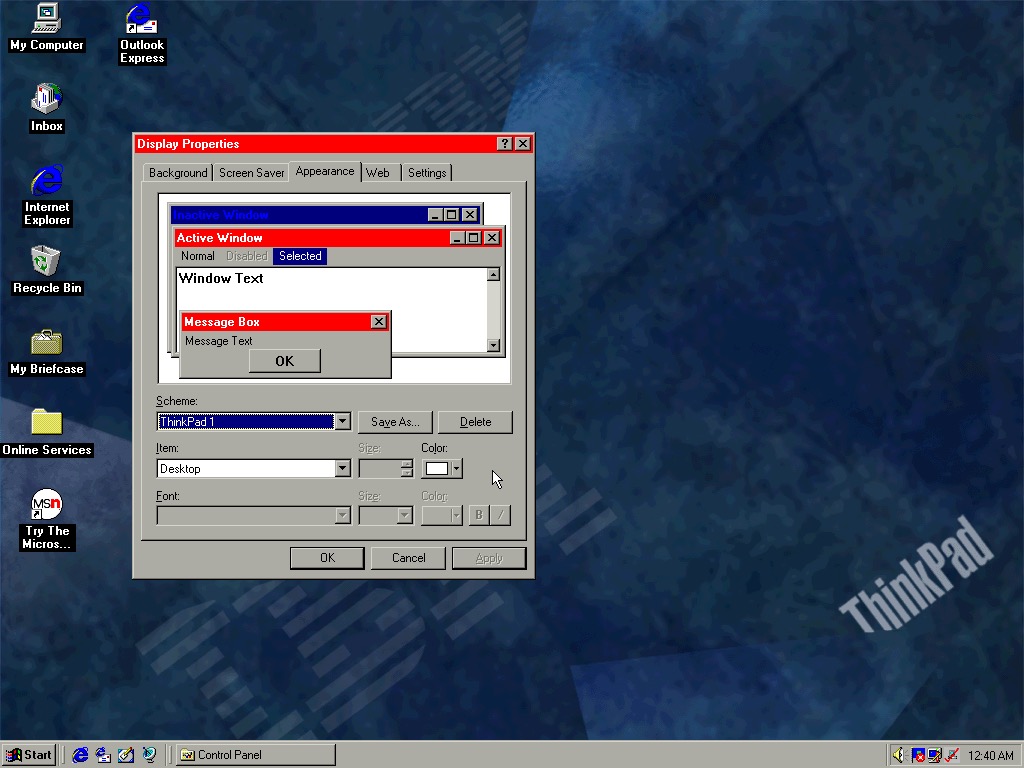
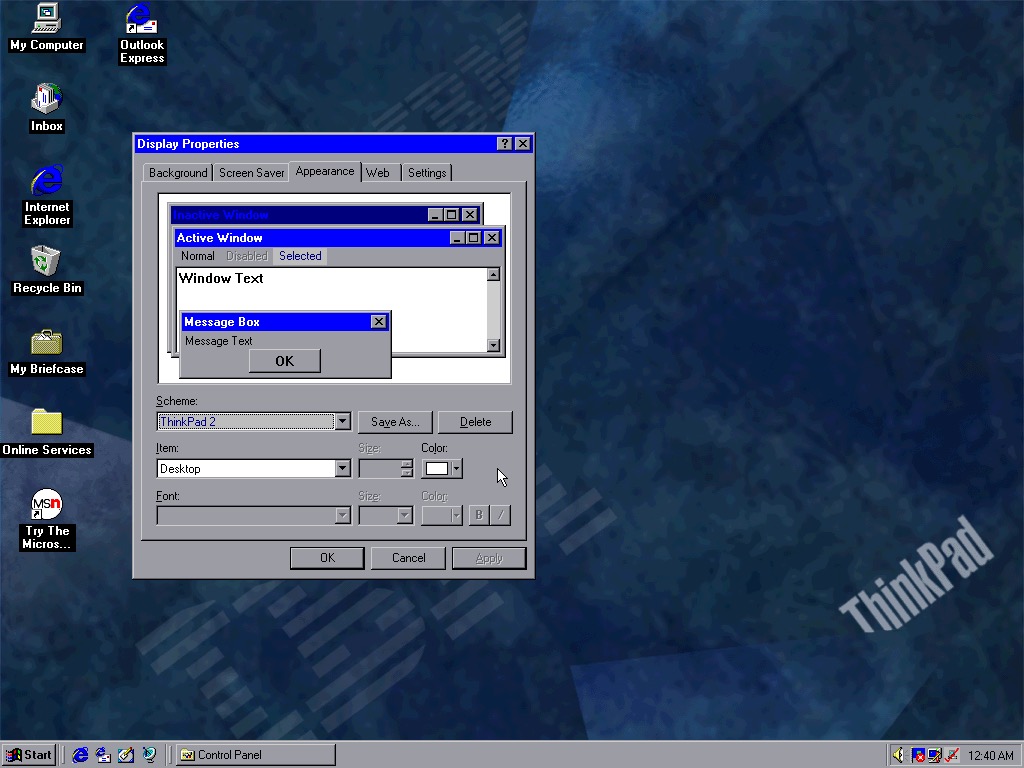
Four colour schemes come included, though they are not set as the default. These give either red or blue highlights and give a bit of Thinkpad style to the Windows desktop.
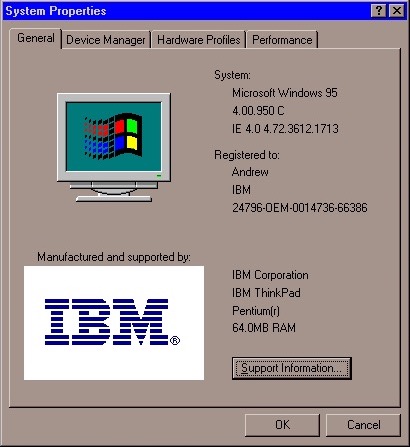
System properties showing the OEM logo and support information.
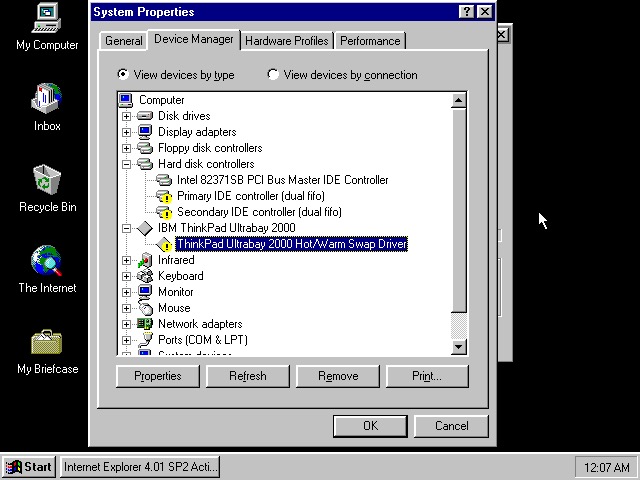
Device manager showing the UltraBay dock adaptor. The was a custom dock that allowed the user to quickly connect a monitor, desktop and keyboard by placing the laptop in the dock. Nowadays you can just use USB 3 dock, or Thunderbolt if your computer supports it.
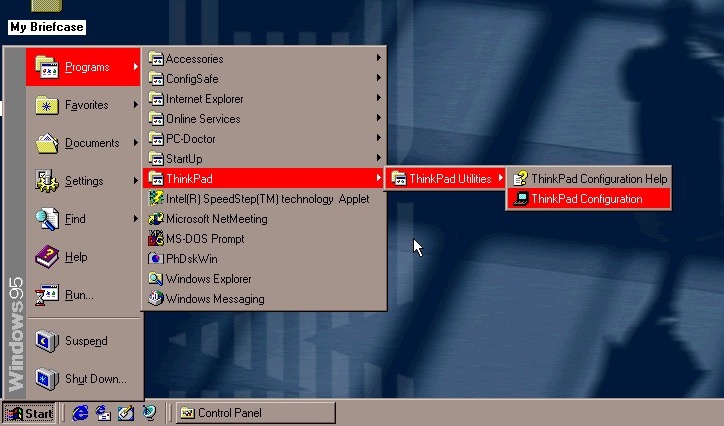
The Start menu, with the suspend feature enabled.
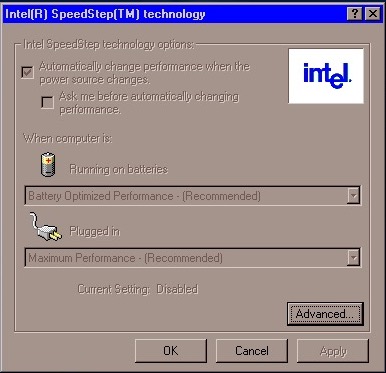
A look at Intel SpeedStep, which I’m surprised existed this far back. I always assumed that came out with the first-generation i7/i5 chips. Here it functions the same where it will slow the processor down to conserve battery power, a desirable feature for ultra-portable notebooks.
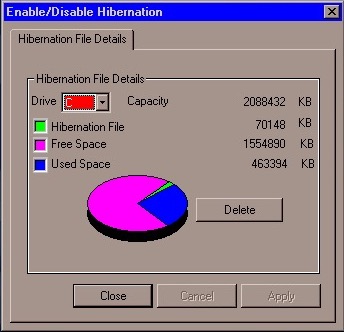
PhDiskWin, looks to be a liberation file monitor. You can delete the file to free up disk space, which Windows will recreate when you next enter hibernation.
PC-Doctor, runs through a few tests to check for any issues or faults with your system
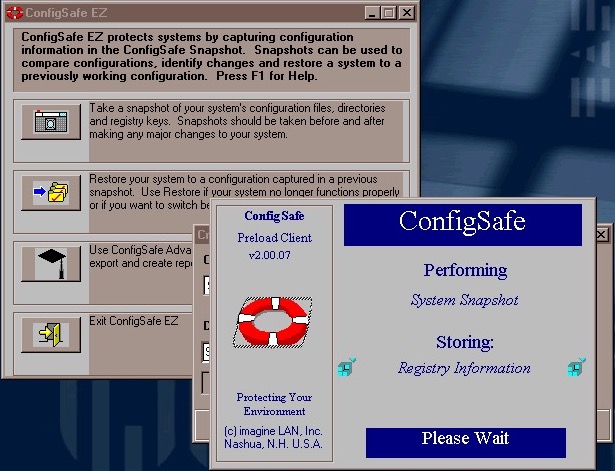
ConfigSafe Ez – sort of like a predecessor to System restore introduced in Windows ME, though commonly known from Windows XP. This takes a snapshot of critical files that can be restored should there be any issues.
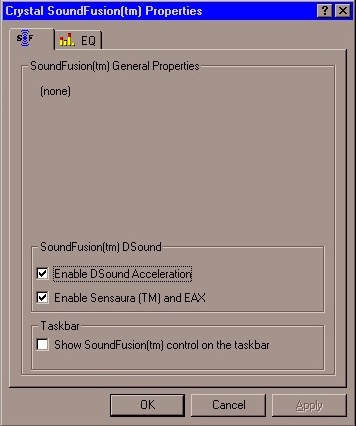
SoundFusion control panel applet which would have configured the onboard sound card. This looks to be produced from Crystal, which could be why the earlier sound card failed to install. I doubt 86Box can emulate the exact model that this notebook had shipped with.
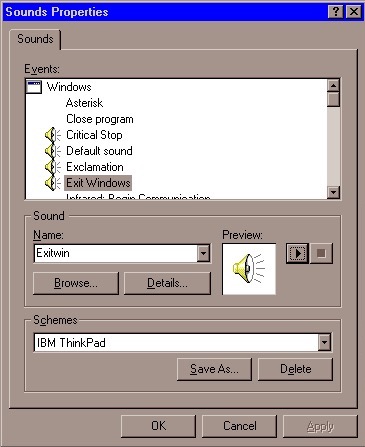
A custom sound scheme also comes included which changed the Windows Start and Exit sounds to IBM’s own, which are very Rock/Aerosmith.
Links
Archive.org – Modified archive copy, this should allow it to install on any PC or VM
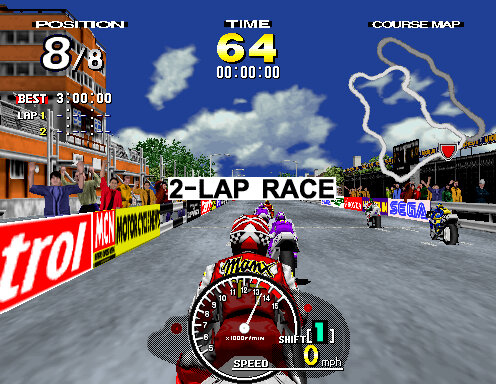
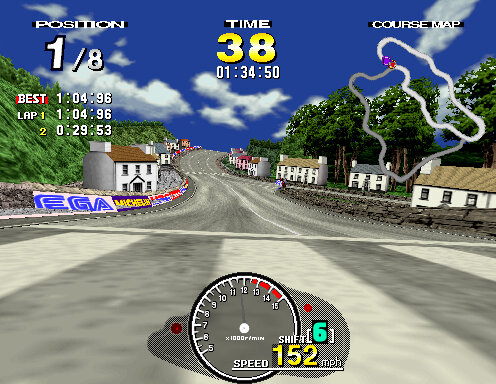
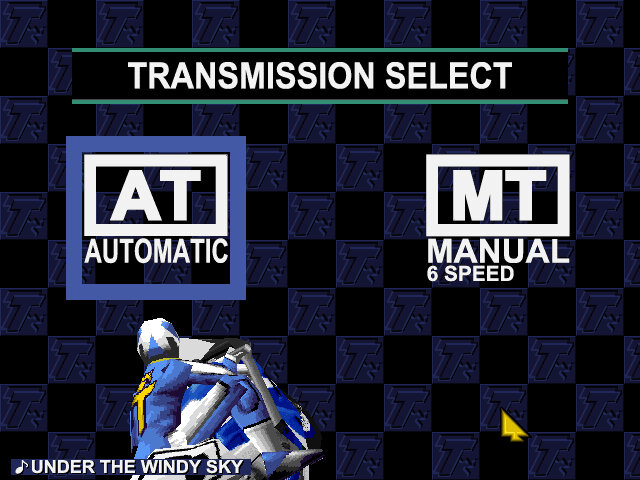
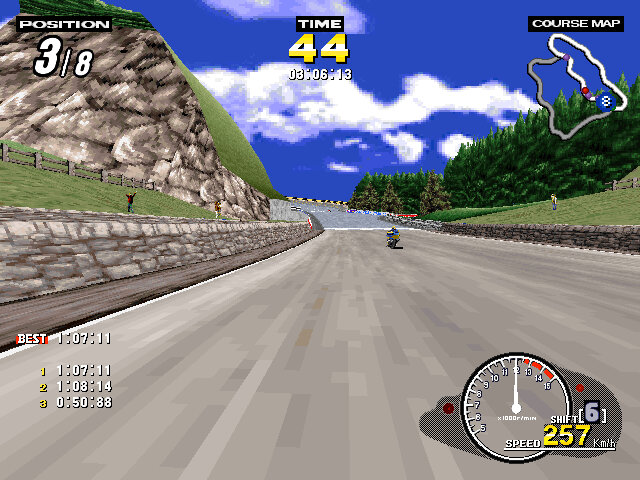
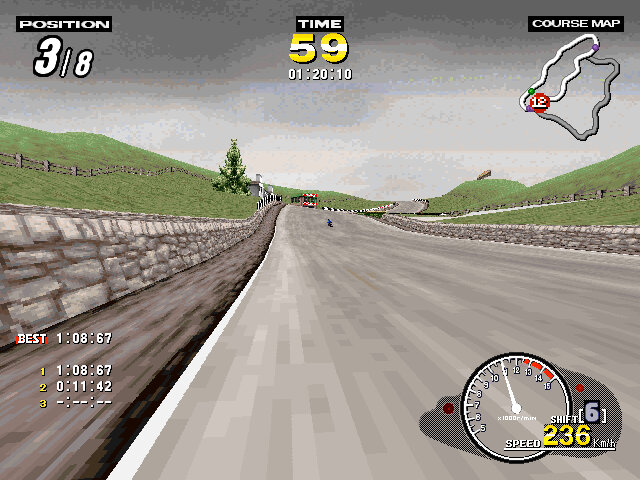
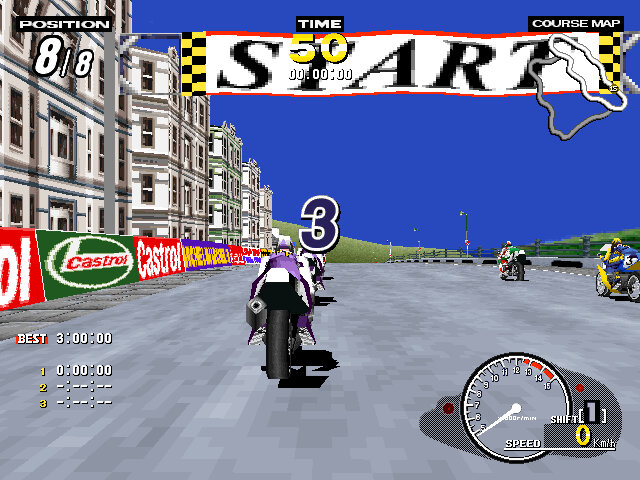
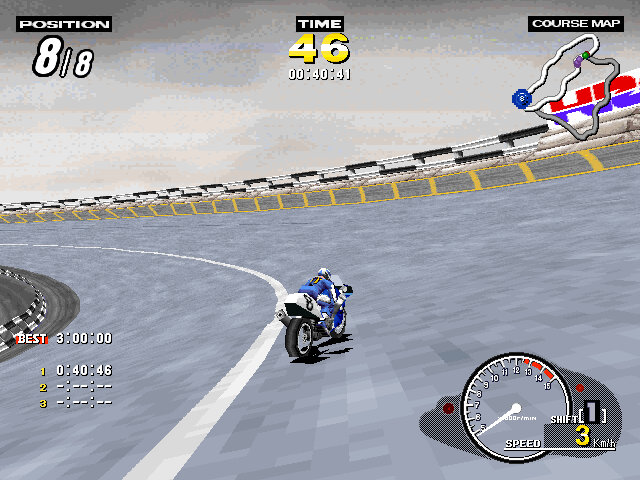
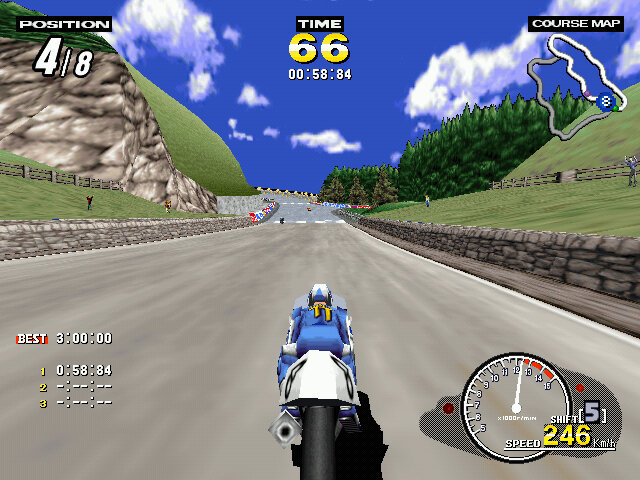
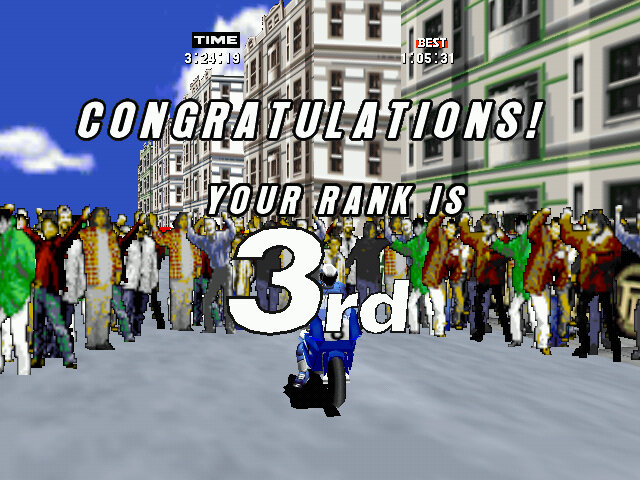
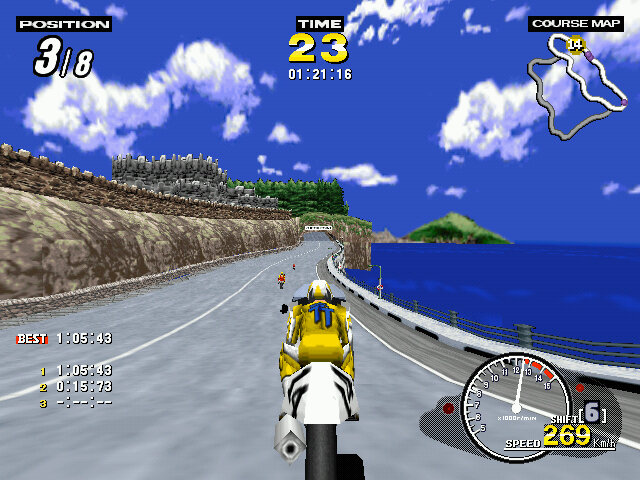
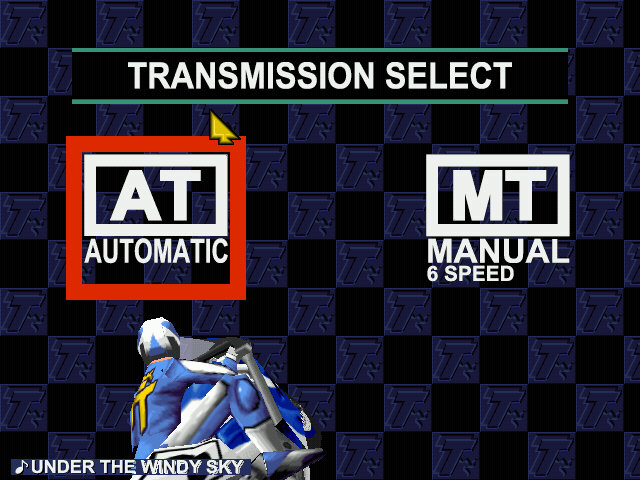
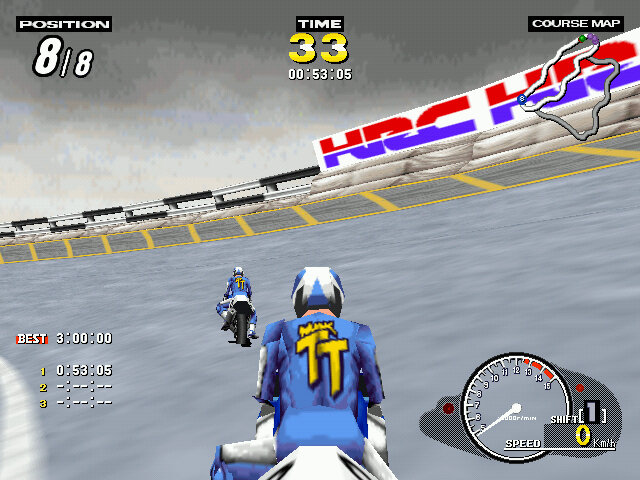
An arcade style racing game released in 1995, aimed to replicate the Isle of Man TT – a motorcycle racing event. Very similar in spirit to Daytona USA which was based on the real Daytona speedway, and Indy 500.
Two courses are offered, Laxely Coast and T.T Course, the latter being the actual track used in the Isle of Mann races. Both tracks share sections with each other and will split and re-join into their own different paths. The home versions feature two additional tracks that are part of the PC/Saturn mode, these are reverse-mirror versions of the two arcade tracks and can only be selected in that mode. These tracks are also set in the early evening in the Saturn version, and early morning / dusk in the PC version.
Time Trial: Similar to time trial featured in other racing games, choose a track and a bike and try to get the lowest time. On the arcade version you have to hold the brake button when selecting a track to active time trial.
Console / PC Exclusives modes
Practice Mode: Similar to arcade mode, choose a track and your bike which will have a unique stats for speed, acceleration and handling.
Challenge Mode: a tournament mode where you have to race on all four tracks, coming in a 3rd or higher in each one. The superbike challenge is unlocked after completing this mode.
Versions
Like other Sega games of the era, this title was relased to the arcades first, then to their Saturn console and eventually to Microsoft Windows.
Arcade
The original arcade release runs on the model 2 hardware, specifically the 2A version. This version was considered to be graphically superior of the three versions but is the most basic in terms of content, featuring only two courses and just the arcade and time trial mode. The Model 2 emulator is the most popular way to play this version of the game, with the MAME driver making steady progress but still unplayable in some regards.
Really for a home port, the game could have done with further tracks being added to increase the replay value of the game.
Sega Saturn
Sega ported the game to their home console of the era, the Sega Saturn in 1997. This version introduced new features including an FMV opening sequence and additional race modes. There are also options to change the bike model, which have unique stats across the different models. The game’s graphics were considered to be impressive for the Sega Saturn’s capabilities, with colorful and detailed environments that recreated the feel of the arcade version.
Windows
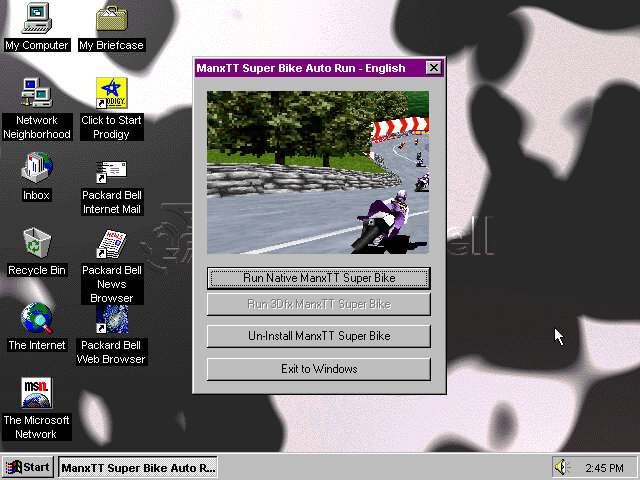
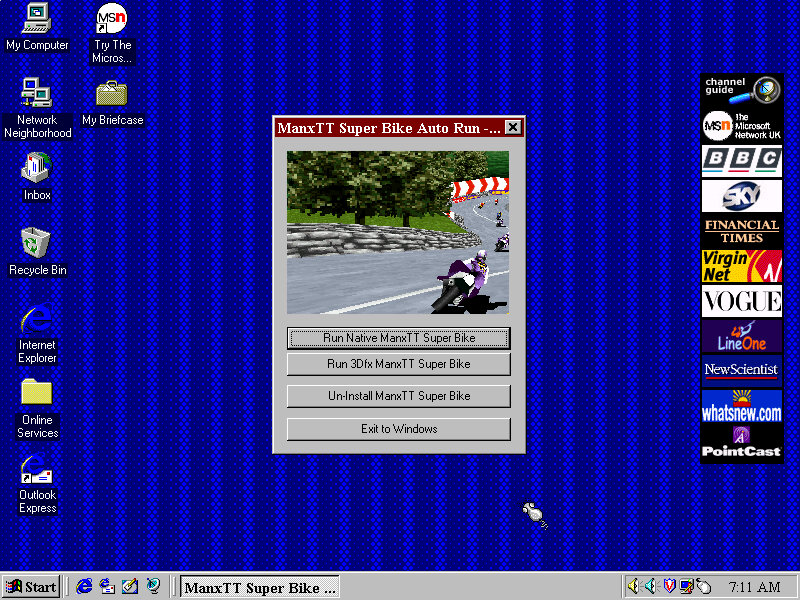
This version supported both DirectX 5 and 3DFX Glide, the latter gives a visual difference that makes it similar to the arcade version sans the frame rate. It seems the game will only render up to 30fps. Still the game can run at 640×480 which is higher than the Saturn or even the Arcade version.
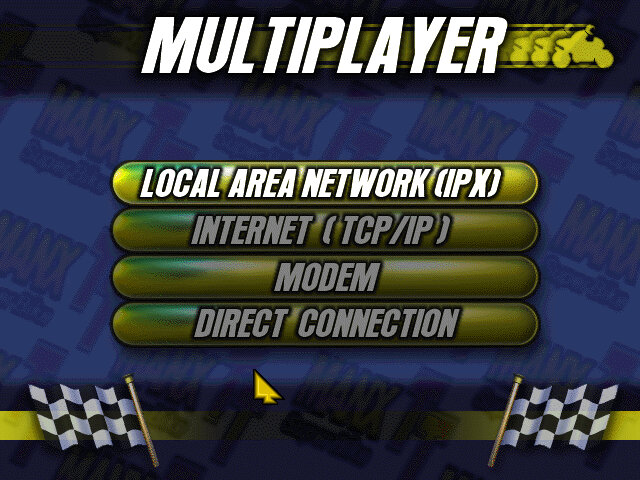
Multi player is supported in this version and can be done over a variety of channels. IPX, TCP/IP, Modem and Serial connections are supported. This can be done via virtual box of you use the PCap option between two 86box VMs, linking it to the VMware virtual network adaptor (8 is typically the local adaptor) then create an IPX session. It may also be possible to map to the serial port in the near future.
I believe up to 8 players can playing a single session, to this would require three machines or more. Unallocated players will be replaced with an AI enemy, similar to single player mode.
DirectX Version
The regular version that uses DirectX 5 for 3D acceleration which works fine in 86Box using the S3 ViRGE video card. This graphics card lacks support for texture filtering.
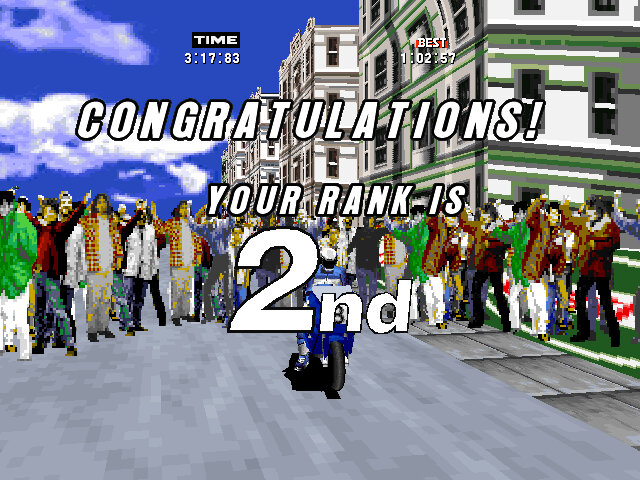
Only issue is after the race, the crowd can disappear and reappear intermittently.
3DFX Glide Version
The bundled 3DFX drivers will only function on the original Voodoo, or the Quantium3D version of the Voodoo card. Later 3DFX cards require updated libraries in order to be detected, otherwise you will receive the ‘Failed to find any glide hardware’ error, or ‘Failed to initialize viewport system’ error.
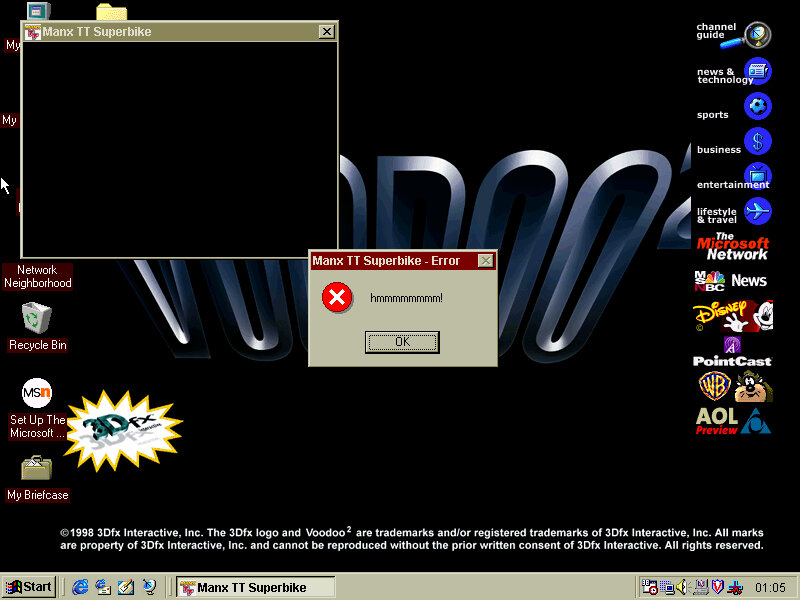
Works well in 86box until I tried it in a Pentium II PC with a Voodoo 2 (S3 Trio video card), where there were a couple of warping polygons and the game would throw up a ‘hmmmmmm’ error message. Whilst it looks like the game crashed, clicking Ok on the message box would restore and return you back to the game. None of this seemed to occur in other VMs I have that used the original Voodoo and AMD K6 combo.
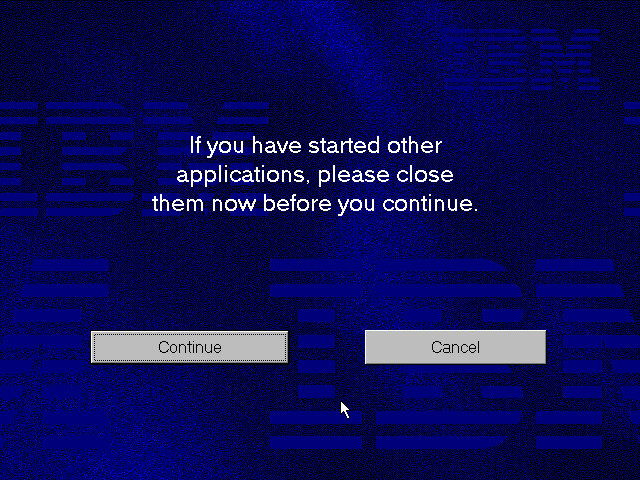
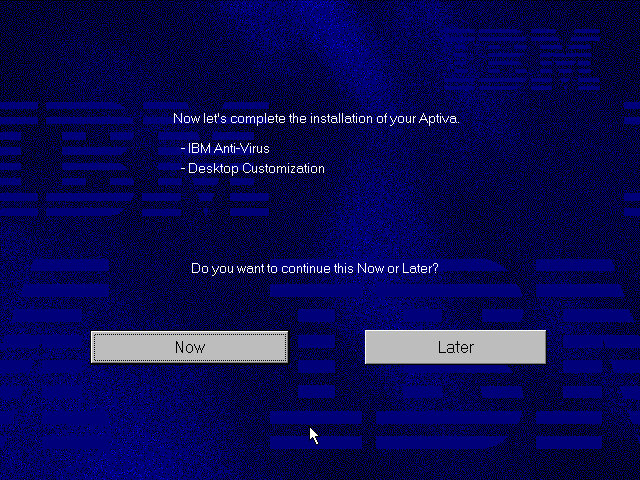
A 1995 OEM install that was deployed on their Aptiva line of systems which are IBM’s consumer line of home computers. Not sure of the specific model, but it could be a generic restore image used for the Aptiva systems of the era.
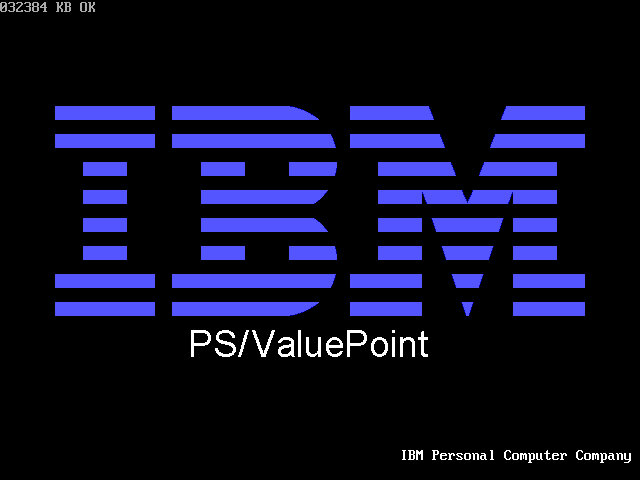
86Box has a limited amount of supported Pentium IBM machines, with the closets models being PS/ValuePoint P60 – an early Pentium PC. Since a system of this era would have shipped with Windows 95, this appear s to be the closest match
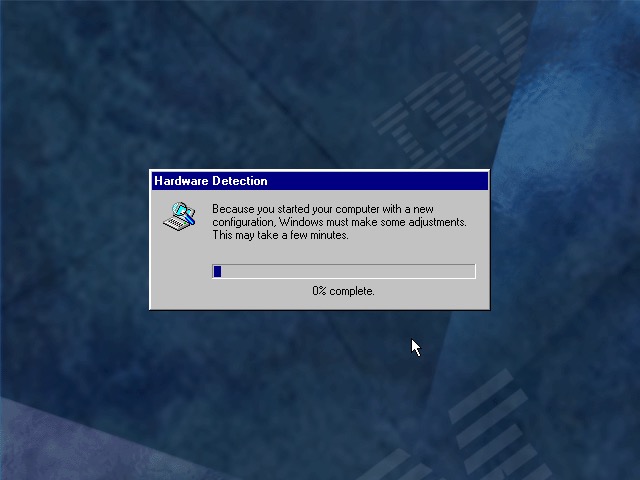
Once rebooting we are presented with a lot of hardware installation dialogue messages as this was intended to be used on a different machine. Windows 95 does support a lot of this hardware out of the box but we need to run the New Hardware Wizard for it to be detected and installed. For this I recommend only having the base hardware setup in 86box, don’t add any network, sound or SCSI controllers just yet.
86Box Configuration
Machine: IBM PS/ValuePoint P60 Processor: Pentium 60MHz Memory: 32MB – 128MB Max Graphics: Tseng Labs ET4000/w32 – 2MB Sound: SoundBlaster AWE32 PnP (Has an additional IDE channel) Network: Realtek RTL8019AS
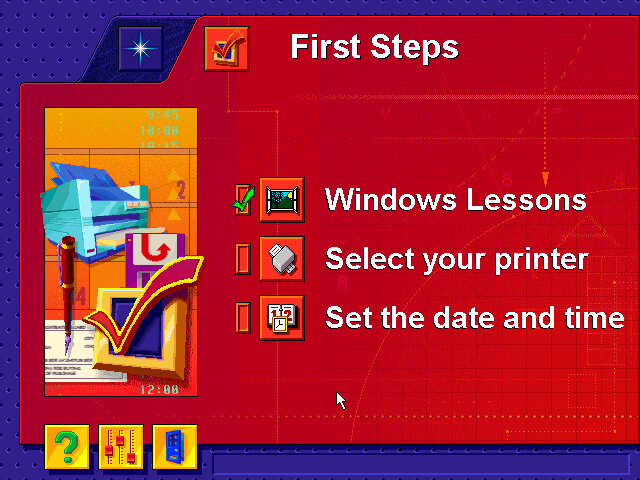
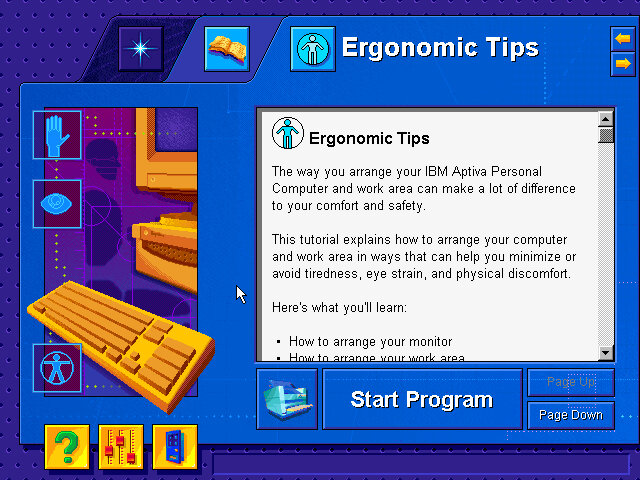
After install we are treated to a tutorial application that goes through the basics of using a mouse. Next we are given the opportunity to register our PC, either via mail or modem.
Windows 95 B, released a few months later and adds few improvements compared to the original release.
Applications
A few bits of bundled software
Netscape 3: The internet browser that comes with the system, this must have been before Microsoft mandated that OEM bundle Internet Explorer into their systems. Speaking of which, Internet Explorer 3 also comes with the OS. I always liked this version of IE due to the background italics on the explorer bar.
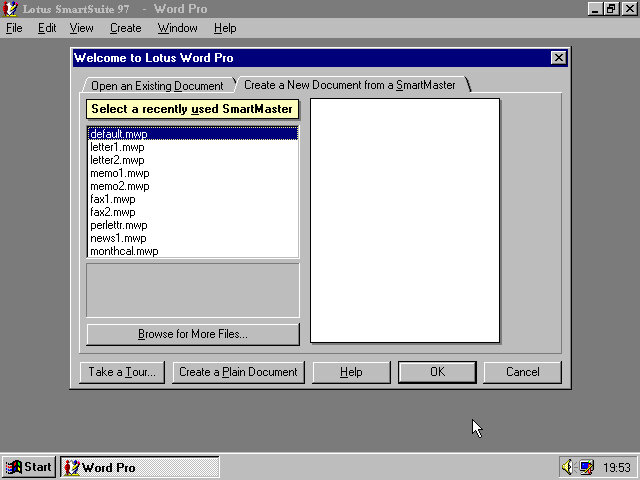
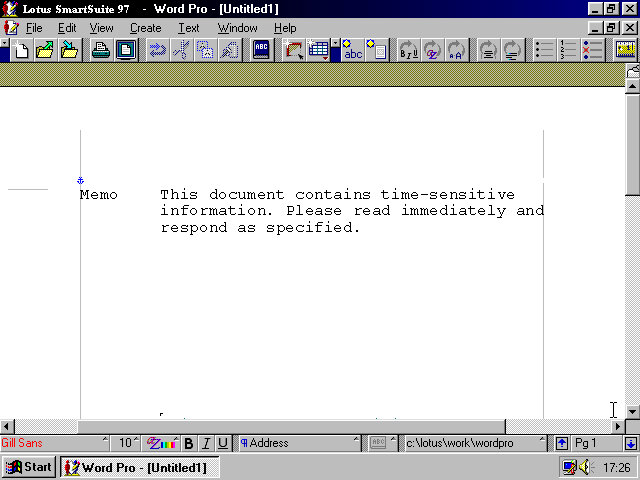
IBM Lotus SmartSuite Instead of Microsoft Office IBM opted to include their Lotus SmartSuite software which was a competitor suite of applications that bundled a word processor, spreadsheet and organiser software into one package
One of the premade templates, memo.
And Lotus 1-2-3 that was once the industry standard spreadsheet software. Possibly still being used
And lastly the organiser, this incorporates an early form of skemorphism with it representing a real diary book.
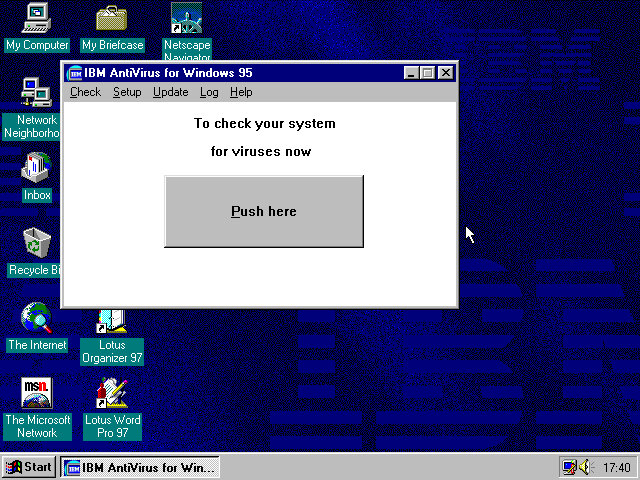
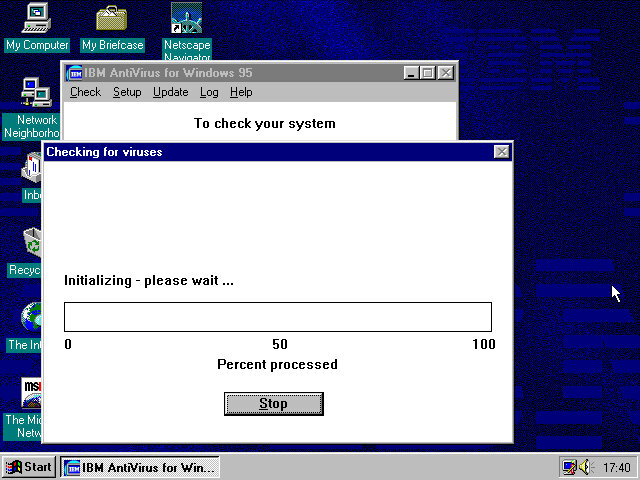
And the actual devil itself which looks like a Windows 3.x program. The big Push here button kinda makes it look like a pop up window scam. Updates are delivered through floppy disk although you could probably download them from the IBM website. The program simply asks you for the file path of where the updates are located.
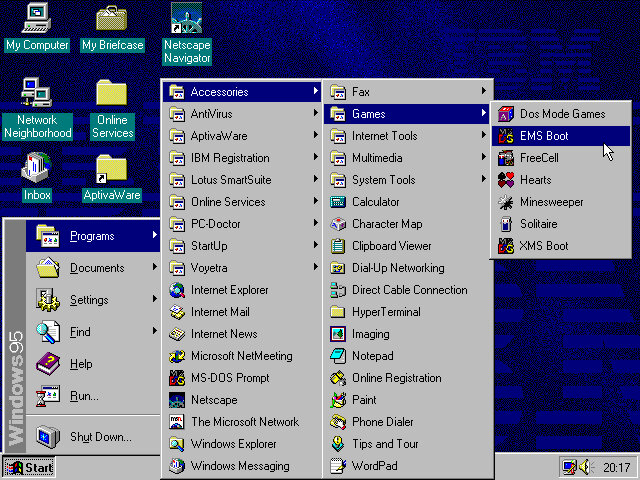
In the Accessories, Games folder there are a few options that relate to MS-DOS such as EMS boot and XMS. These would relates to certain types of memory that DOS had used and was needed to use certain games. Selecting these options will reboot the computer into that specific DOS mode. Honestly I’m not sure which games require a specific mode, but I remember my old TIME PC having a similar set of options in its bootup menu.
AptivaWare
In the Accessories, Games folder there are a few options that relate to MS-DOS such as EMS boot and XMS. These would relate to certain types of memory that DOS had used and was needed to use certain games. Selecting these options will reboot the computer into that specific DOS mode. Honestly I’m not sure which games require a specific mode, but I remember my old TIME PC having a similar set of options in its bootup menu.
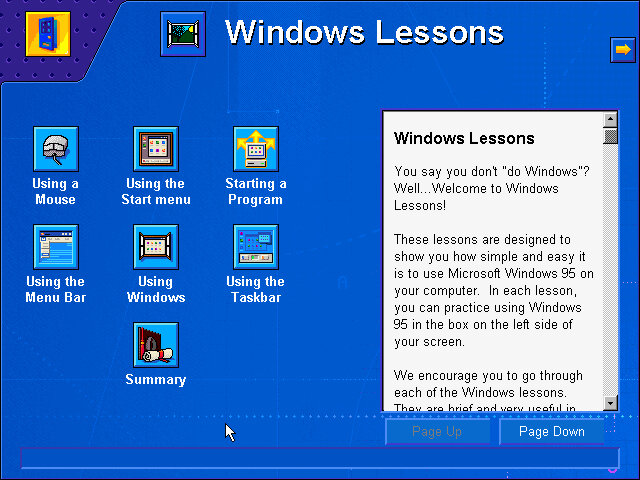
Tutorials for Windows are also featured here, which follows basic Windows concepts such as the taskbar, expanding and minimizing windows to the taskbar and using the Start menu.
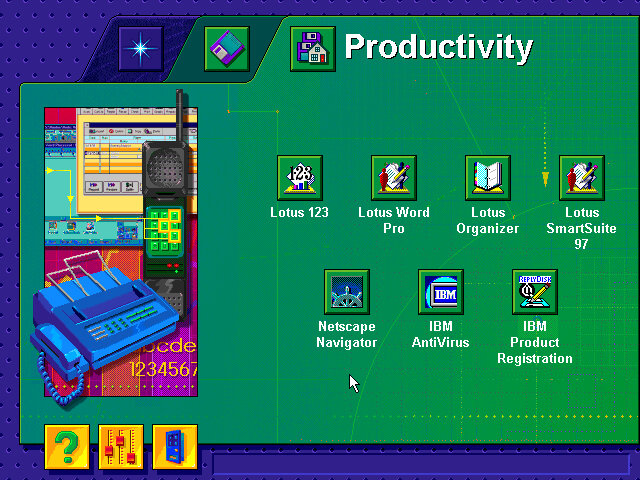
There are also links to the bundled software applications, meaning this acts as a software launcher.
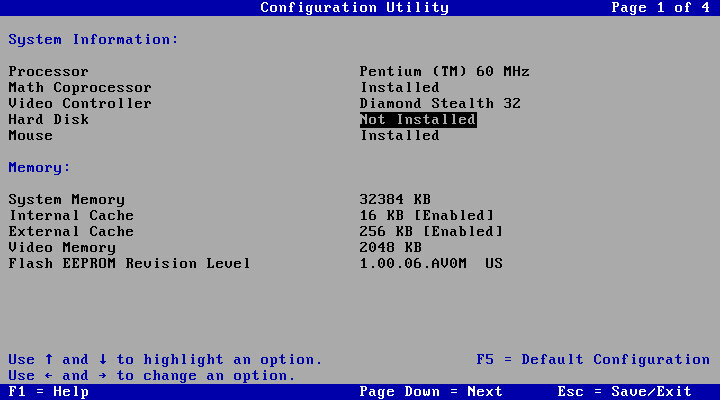
Lastly a look at the systems BIOS of an IBM ValuePoint, with a clean looking setup utility. The hard drive is limited to around 520MB and it cannot address any further. Larger hard disks might be possible with a SCSI controller, plus it would let you add up to around 7 different drives.
The BIOS is straightforward to navigate, with the arrow keys being used to select and change settings. The Pg Up and Pg Dn keys can be used to cycle through the different screens.
Install was started in a similar fashion to the earlier build from DOS. Setup looks similar to the earlier build, only we are prompted to agree to a few NDA’s, there are four in total that we have to accept.
Once there aps that we are prompted if we wish to install plus pack components, which consist of additional utilities. These would later come was the Windows 95 Plus! Expansion which added utilities like DriveSpace and high colour icons, kind of like a n expansion pack for Windows.
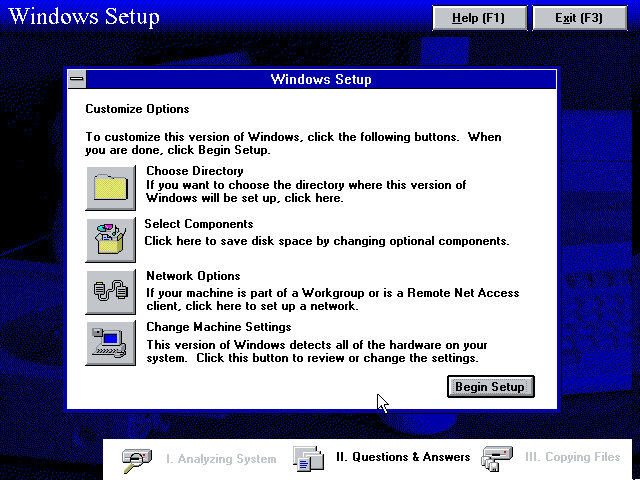
We are given an opportunity to add additional components, or amend the system configuration if we have any specific hardware that setup needs to know about. The Network Options is redundant as a message box is displayed informing us we can only configure network options later in the setup process.
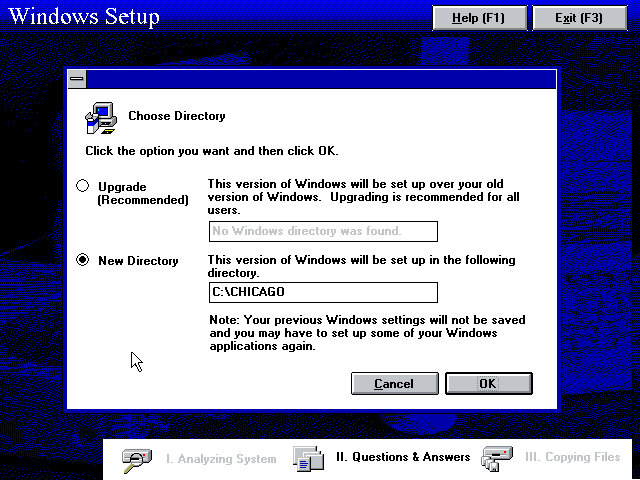
The Chicago directory is used by default instead of the Windows directory, possibly to enable dual booting or too leave the previous install intact. This would be renamed to just the Windows directory once development had been finalised.
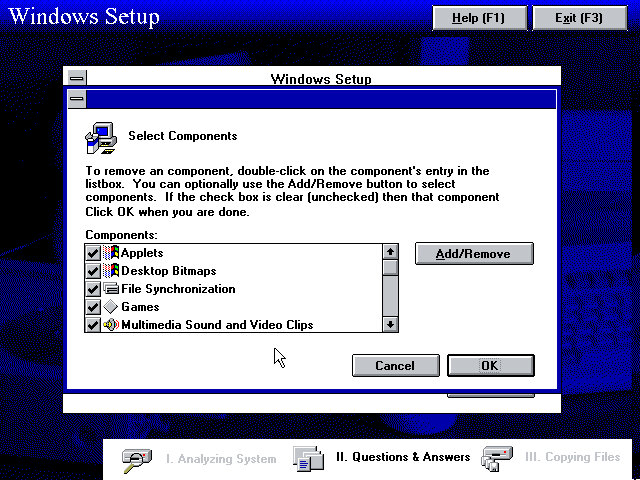
Additional component that can be added.
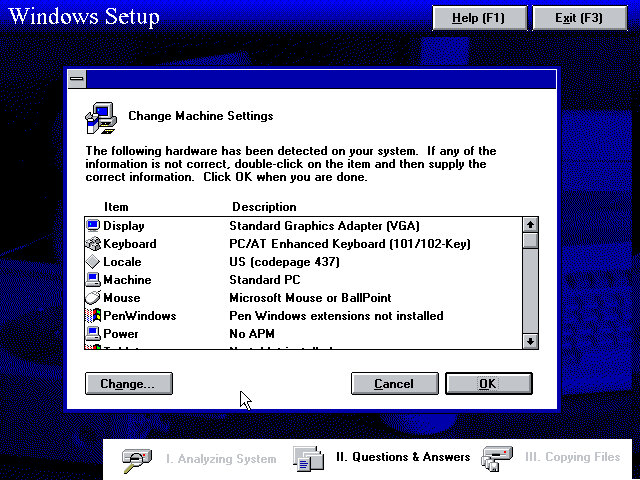
Machine configuration, we can see the setup utility detected the InPort mouse that 86box supports. VGA card wasn’t detected however, but our Tseng ET4000 can be selected s and used with the driver that comes with the install.
A weird message that came up, clicking cancel is recommended here since I started setup from the Windows 95 bootdisk. I think setup requires you to start it from a currently running MS-DOS session from the hard drive instead of a floppy boot disk which is why this happened.
Network configuration where you can setup the network card, the Novell NE2000 was used, though I had to amend the IRX to 10 instead of the default settings, 3.
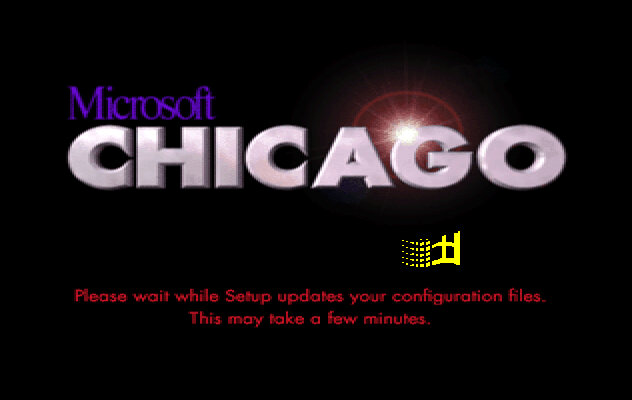
Boot up screen with the windows logo dotting about.
The logon screen, from here you can enter a name and a password if you wish and Windows will create it for you. Pressing the cancel button will log you in regardless.
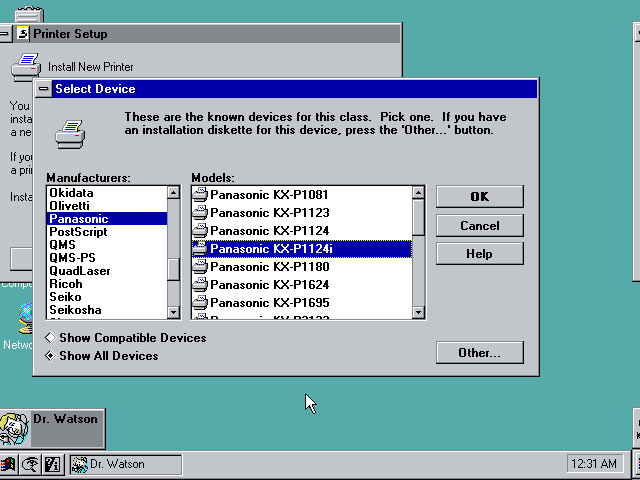
After the initial login we are prompted to setup a printer.
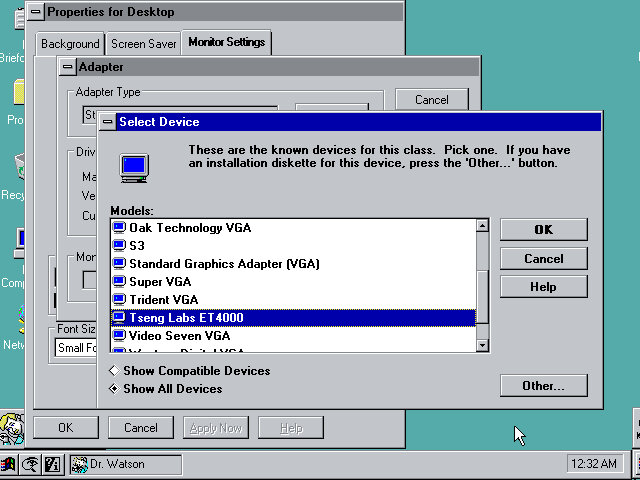
Setting up the VGA driver, at this point I realized the IDE CD-ROM drives were missing, leaving only the floppy, hard drive. I did try to used the MSCDEX driver to get them to appear but this did not seem to work. The only workaround to get CD drives to appear was to use the SCSI CD ROM drive, which required be to repeat the install process. The Adaptec seems to be recognised and installed during setup.
Post Install
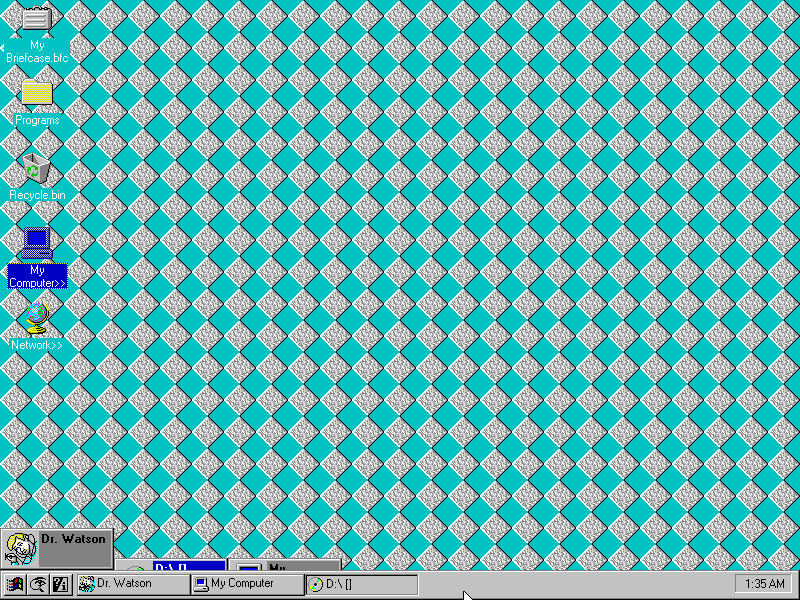
The Desktop, this build still has the separate start menu buttons, with the others being find and help.
The find button kind of mirrors Windows 10 in a way, that you can search directly from the taskbar. Chicago M5 just simply opens a menu to launch the find feature but does make it more accessible, later Windows versions would move this to the Start Menu itself.
Copying a file using the explorer interface. In this build this was still referred to as the File Cabinet
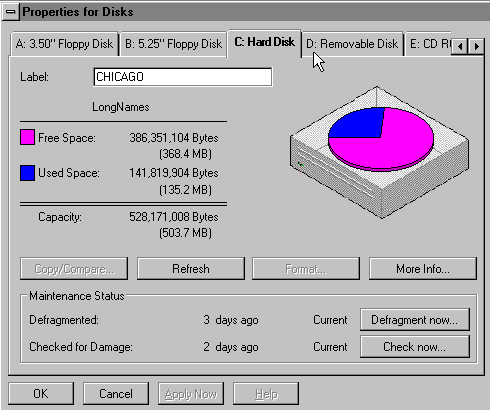
Disk drive properties window, this gives access to the capacity and used space of the drives present in the system.
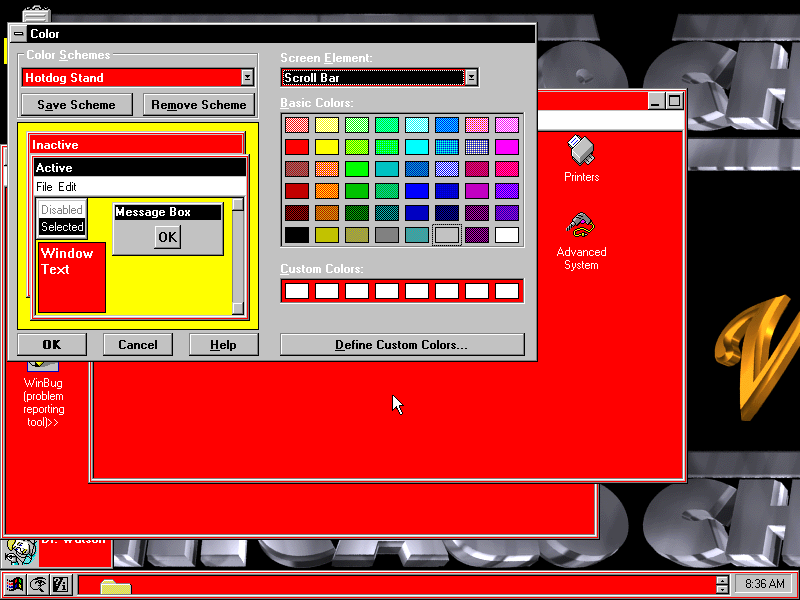
Colour scheme settings, many of the Windows 3.x schemes are still present and can be applied, though some of the windows and buttons remain grey.
Advanced System, an early version of the Windows Device Manager which shows the current devices present in your system. The Properties button opens a separate window that lists the Manufacturer, Model, Device ID and Plug/Play capabilities. There is also a Resources tab for IRQ, DMA Channels and Address spaces. Many of the information strings are non functional and do not yet yield any information.
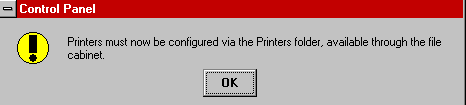
Microsoft changed the way printers are now configured, moving them to a separate folder in the Main program group.
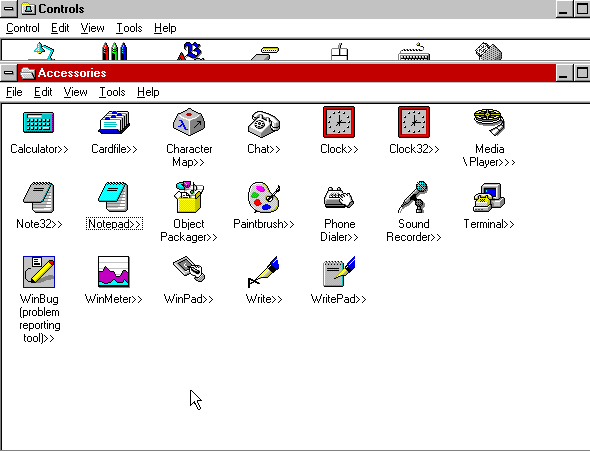
Some applications in the Accessories group have change, and are now in 32bit flavour. The existing versions are still included.
The size of the taskbar can be changed by clicking and dragging the edge of the bar,. at a certain height the clock will shift to the left of the taskbar, likely to make room for further tasks and applications, something that later Windows versions do not do.
Software
32bit software will be hit or miss, as the API has not been fully implemented, if at all. Windows 3.11 era software should work but anything multimedia-rich appears to have issues.
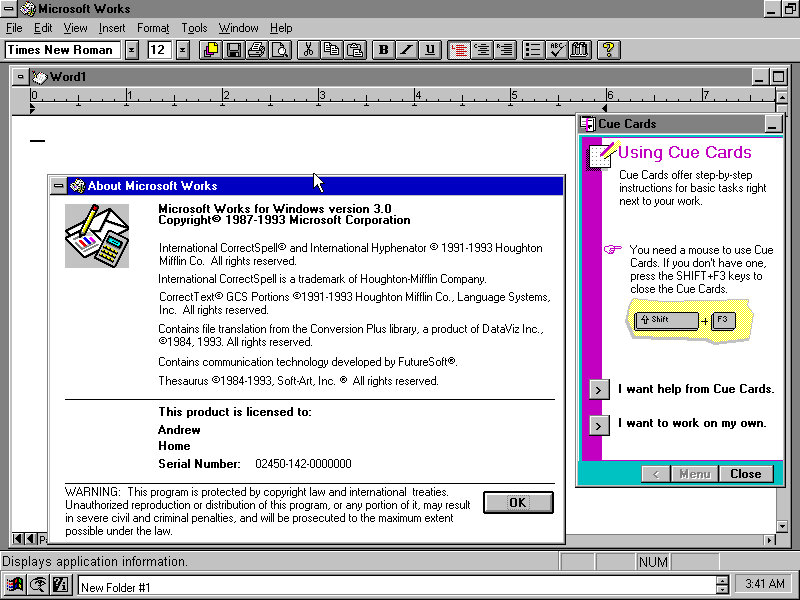
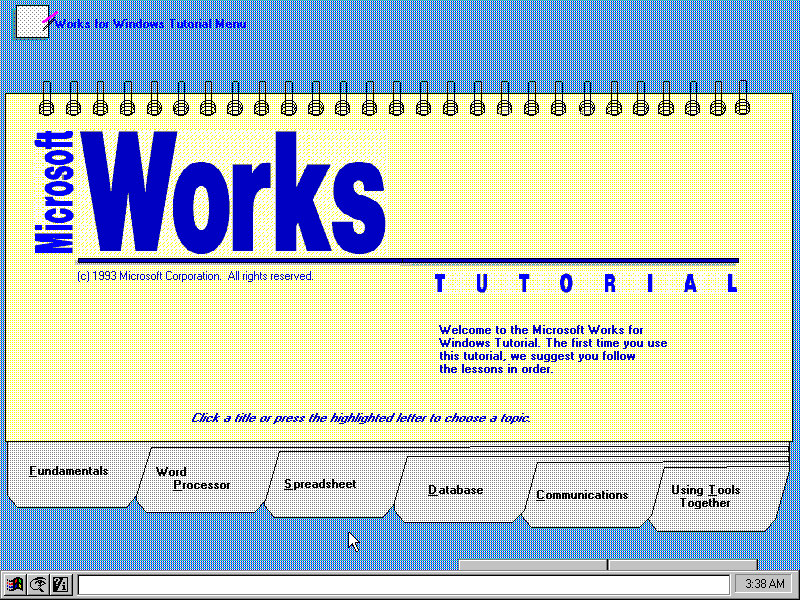
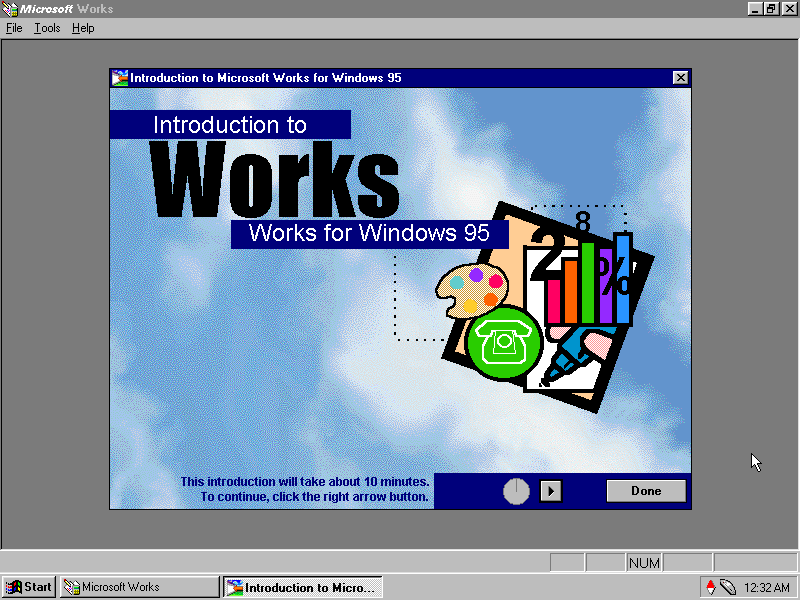
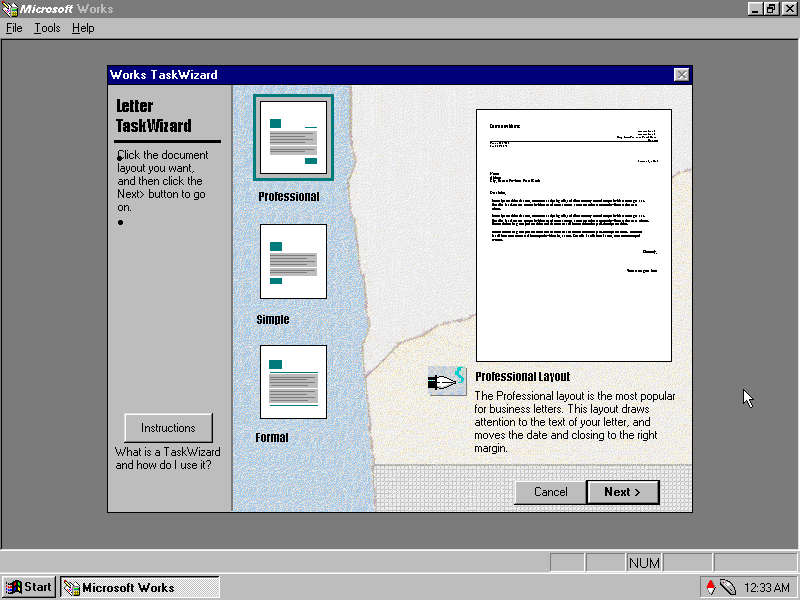
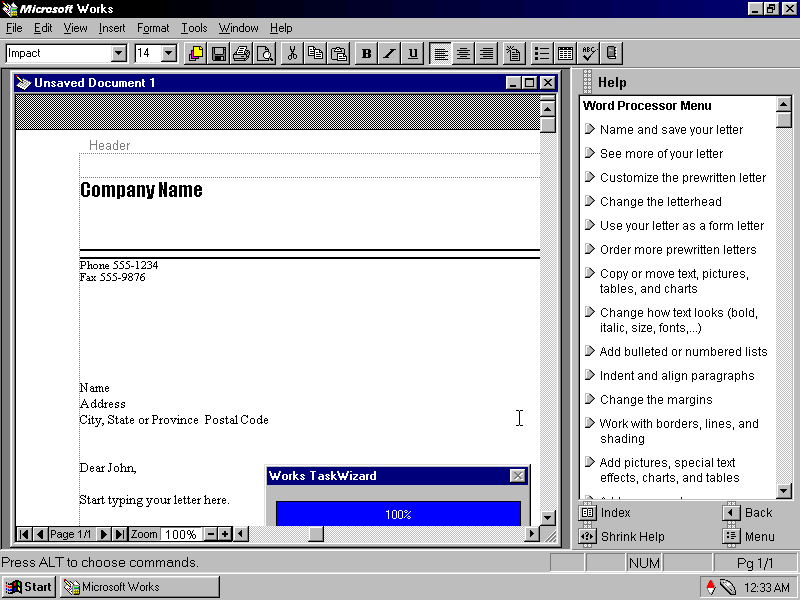
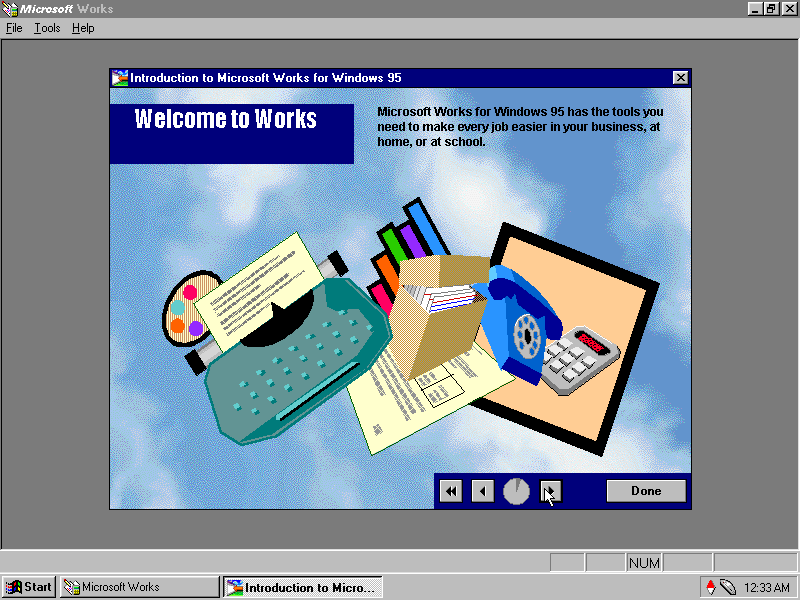
Microsoft Works: Installs and works fine, this was a lightweight office suite intended for home users.
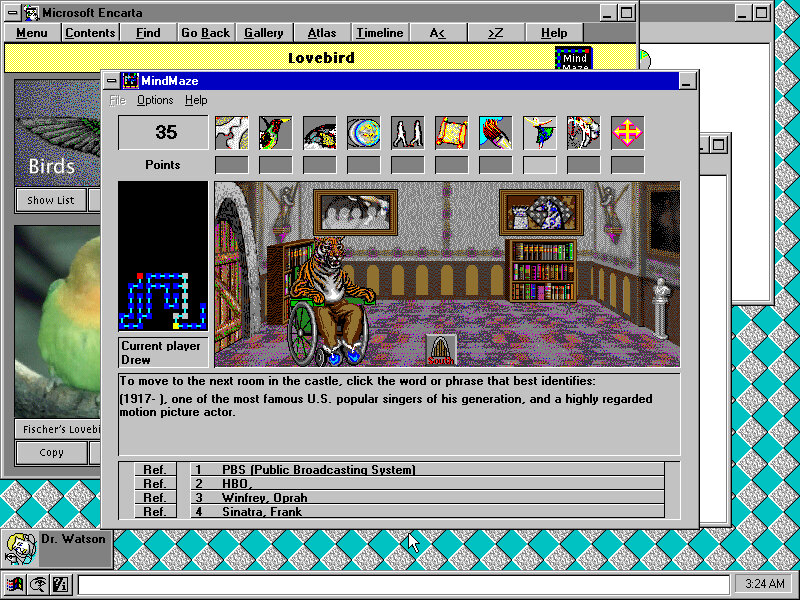
Microsoft Encarta 1993: Installs fine but complains about the soundcard not being detected towards the end of the install. Runs fine.
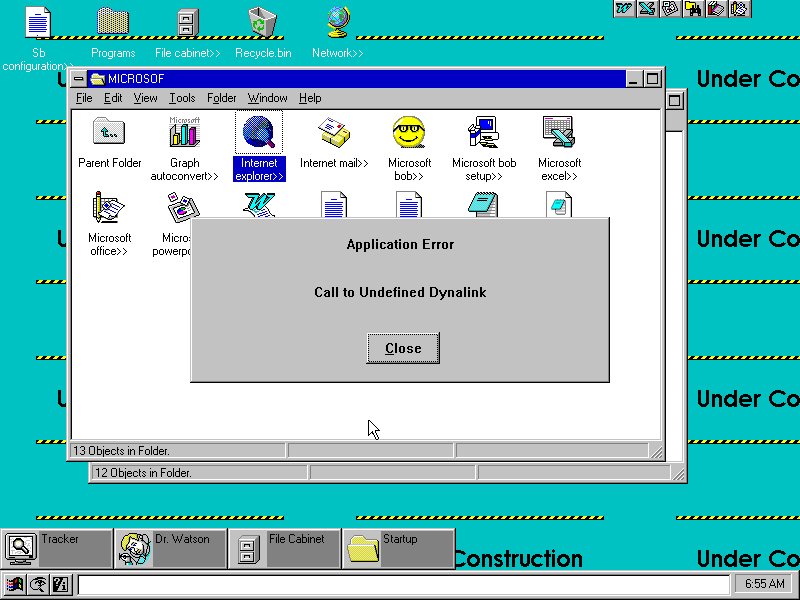
Internet Explorer 3: This was the Windows 3.1 version of Internet Explorer 3, Installs but fails to run, revealing the error message ‘Call to Undefined Dynalink’ Rebooting after install revels a weird error message to press Ctrl+Alt+Del to reboot your mac?
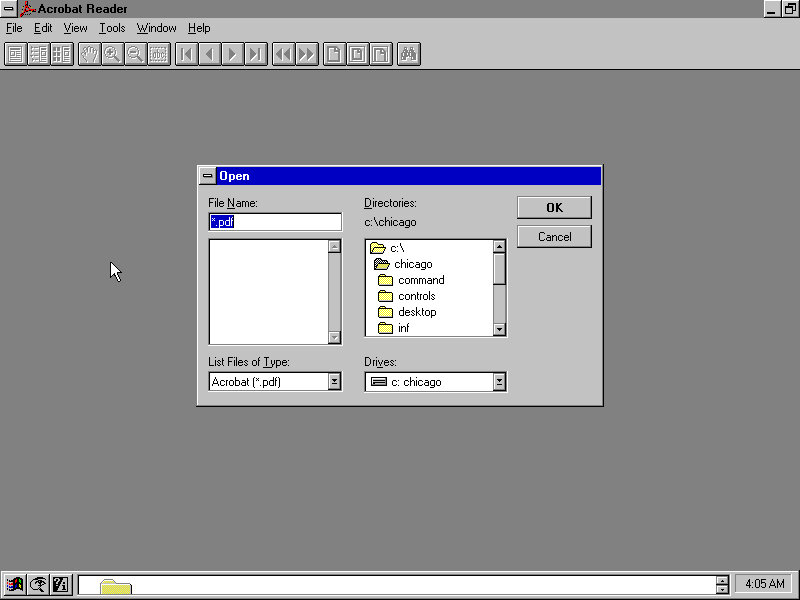
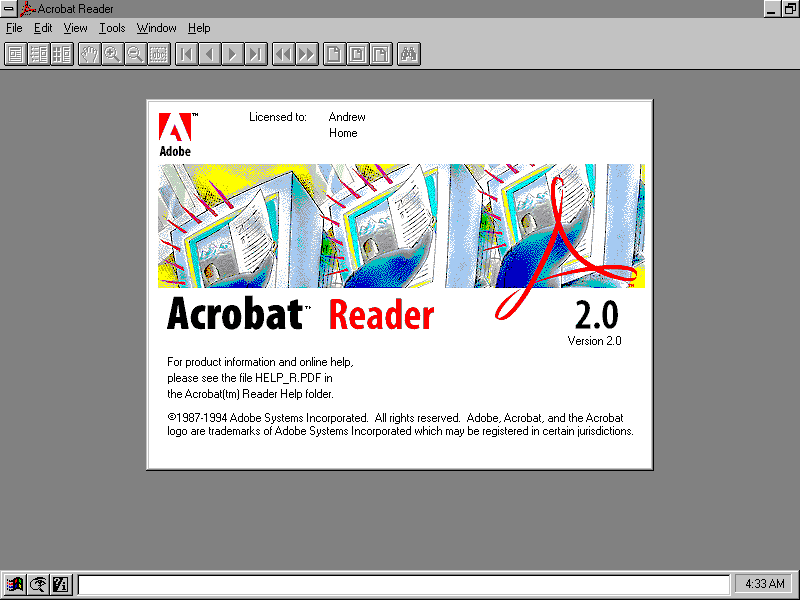
Acrobat Reader 2.0: Installs and runs fine
Netscape 1: The setup installers complains about a dialog box that it cannot display? Also fails to launch after install.
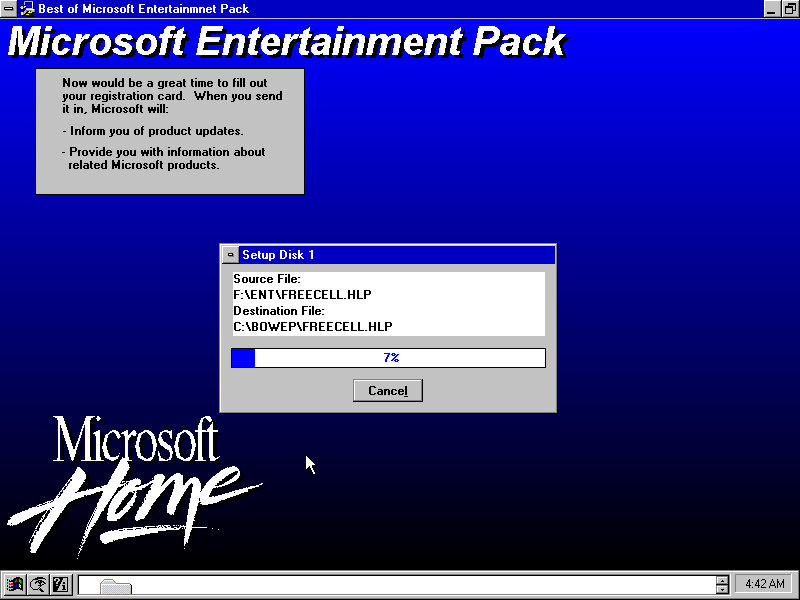
Microsoft Entertainment Pack (Best of): Works just fine
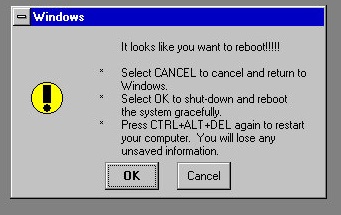
Pressing Ctrl + Alt & Delete will show this message, this is replaced by the End Task dialog box in later builds.
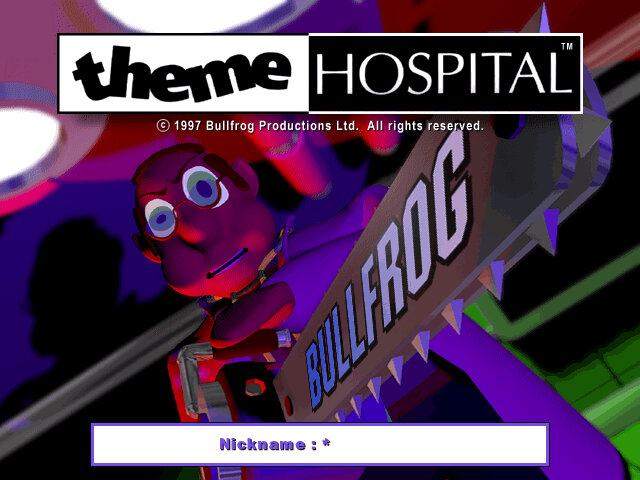
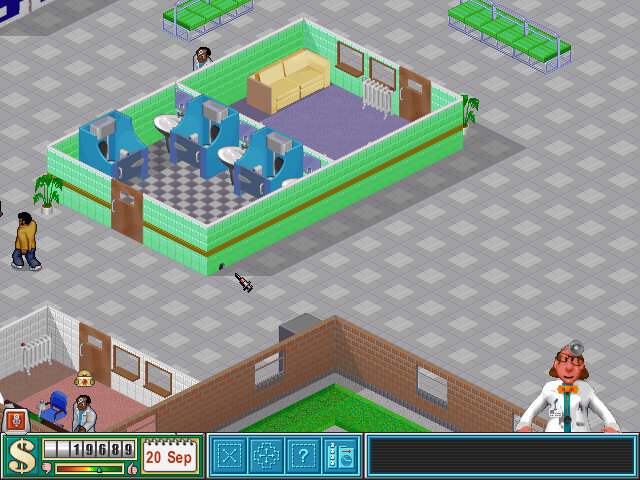
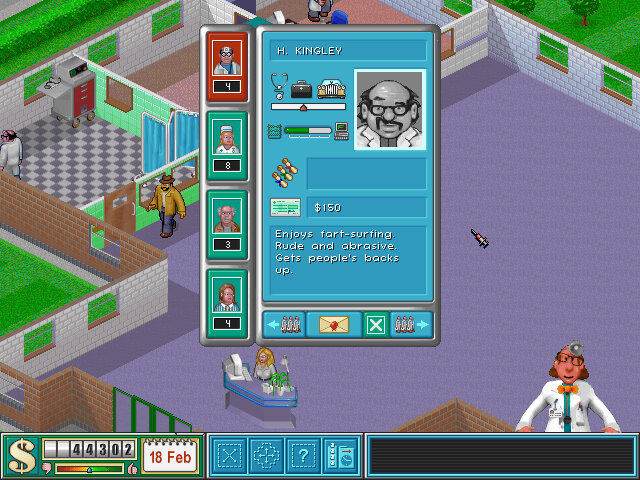
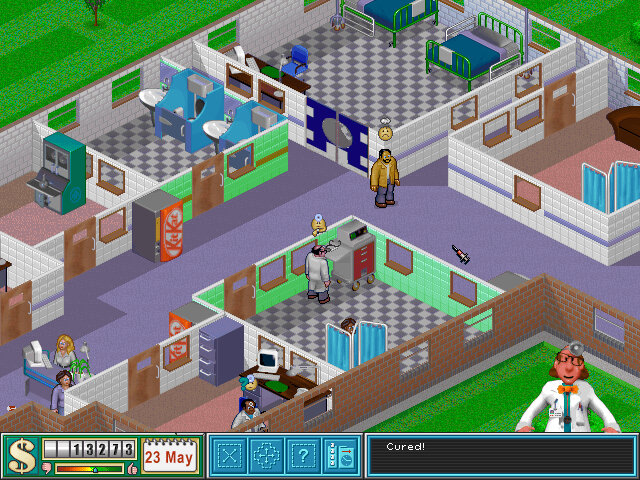
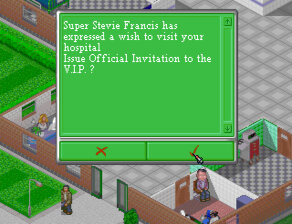
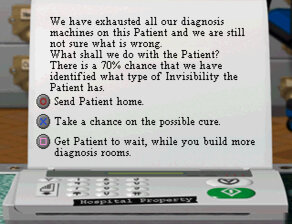
A hospital simulation game from The makers of Theme Park. Whilst its not an accurate simulator like Sim Healthcare, its still a lot of fun and has a lot of Bullfrog-type humor.
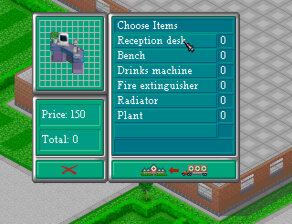
You start off with a blank empty hospital building, First thing to pop down is the reception desk, which is where patents will flock to when they first enter your hospital, of which they are then referred to the GP’s Office. Here you will want to build further diagnosis and treatment rooms as the patents demand for them.
GP’s Office: Used to find out what’s wrong with the patent. Usually a doctor in the GP’s office will be able to diagnose the patents depending on their skill set, but some will require the patient to refer to another diagnosis room to find out what type of illness the patient has. This room gets very busy as patients will return to this room until they are diagnosed, but not when they are cured. A good tactic is to build one near the diagnosis rooms like the X-ray or Scanner to help deduce the load. If you have a consultant doctor, you will want to place them in the GP’s Office as they are better at diagnosing illness than a regular or junior doctor.
Ward: Used for both diagnosis and treatment, this is managed by a Nurse. Wards can be sized quite large, and more than one bed can be placed. Patents will also rest here before entering the Operating Theatre. Beds can only be placed at a specific angle, so don’t make the room too big otherwise its wasted space.
Pharmacy: Used to administer a wide range of drugs used to cure patients. Operated by a nurse, you will need to build multiple Pharmacy’s later on in the game since this will cure a majority of illness.
Psychiatric: Like the ward this is also used for diagnosis and treatment. Requires a doctor with the Psychiatrist qualification. Bookcases and a skeleton can be added, not sure if this has any affect on the diagnosis?
Further diagnosis rooms consist of the Cardiogram, Scanner, X-Ray and Ultrascan, these are unlocked after research and require regular maintenance by an handyman. These machines get better through further research and can withstand multiple usage cycles and earthquakes. Since these rooms are only used to cure a single illness, you probably only need one per hospital, but in the case of emergency’s where up to 14 patients can arrive at the same time with the same illness, you may need to build another to satisfy demand.
Clinics are also treatment rooms that use machines to cure patients, again these are also unlocked as you progress through the game, the the inflation clinic being unlocked from the start. Slack Tongue Clinic and Fracture Clinic are two examples that are used to treat specific illness.
The Facilities are rooms that help your hospital to function and are required to progress to the next level: Toilets are used to stop patents from making a mess in your hospital, of which multiple toilets will need to be placed in larger hospitals. Usually one toilet per building is needed. A staff room allows staff to relax and replenish their energy with further objects being able to be researched like an arcade video game that reduced the time needed for staff to stay in the staff room. The Research Dept, unlocked from level 3 onwards allows your hospital to unlock new illnesses, rooms and machines, along with improving the effectiveness of your drugs which helps prevent accidental death by your staff. There is also an autopsy function that requires a sacrifice of a patient that will boost research for that illness, but carry’s a risk of a reputation drop if this is discovered.
Lastly there is a training room that allows doctors to learn new qualifications by a consultant level doctor. A problem here is doctors in training can also become consultants, which prevent them from learning new skills. This can be annoying when you are in the middle of training a new surgeon, only for him to become a consultant which stops skill progression.
Micromanagement
As you run your hospital, there are several elements that you need to manage
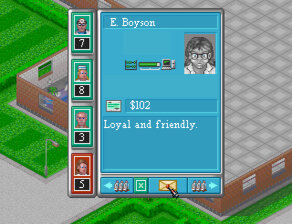
Staff Happiness: How happy are your staff, placing them in larger rooms with plants and heating will make them happier, otherwise they may demand a salary increase
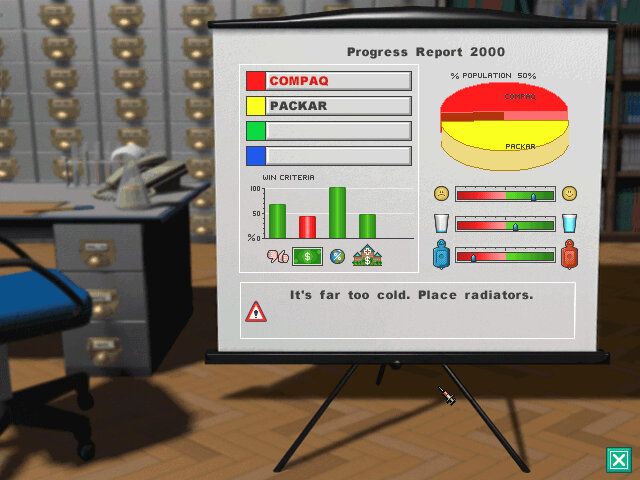
Heating: Radiators need to be installed and set to an acceptable level, cold hospitals can affect the reputation and happiness of staff
Upkeep: Patients will litter the hospital as they remain in your hospital, ensure you have Handymen to clean up after them. Plants also require watering by handymen. Lastly, rats can infest the hospital and can be shot by quickly placing your mouse cursor over a moving rat.
Emergency’s: These start to appear from level 3 onwards, you must cure the specified amount of patients within the time limited to earn the bonus.
Research: as you build the first Research Department, you can monitor and focus on different aspects of research, if you prefer to have a focus on drug effectiveness or for diagnosis machines
Epidemics: These start to occur past level 6 and require you to treat all patients with the specified illness before the health minister arrives at your hospital.
Earthquakes: These can actually happen which results in the screen shaking rapidly, patients may fall to the ground but I don’t believe they die. The main issue is the damage to the machines, make sure they have been repaired by the handyman and they have adequate strength or the machines will be destroyed, rendering the room to be useless. I recommend replacing machines that have less than 5 units of strength.
Network Play
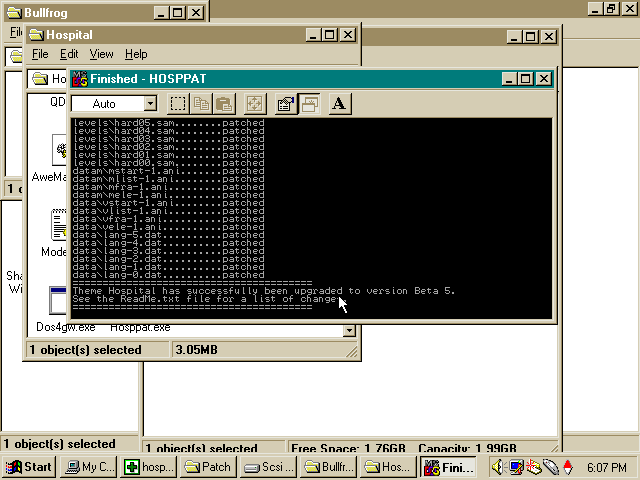
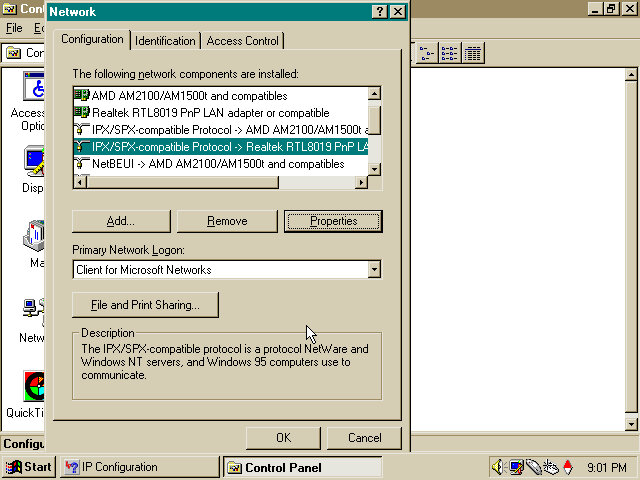
This requires a patch to be installed which adds network play support to the game which can then be accessed by choosing the middle part of the skull in the menu. The game is reliant on IPX or serial protocols to communicate with another player. For Windows 95/98 you need to ensure the IPX protocol stack is installed and enabled, which isn’t done by default. You can install it by clicking on the ‘Add’ button and selecting the Protocol, then IPX Comparable Protocol from the Microsoft group. You will have to reboot your system and might need the Windows 9x install CD to finish install.
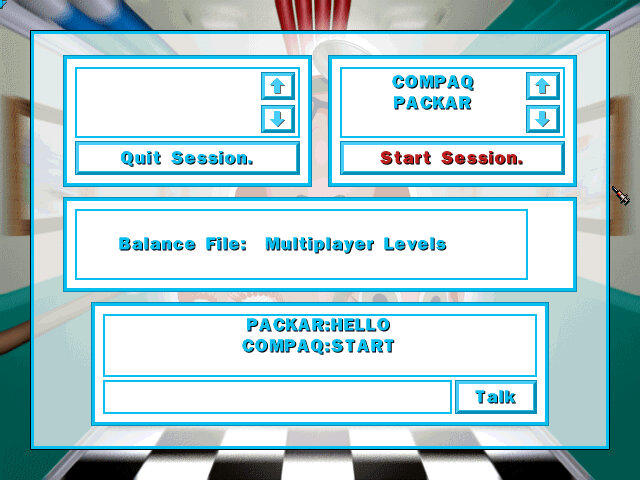
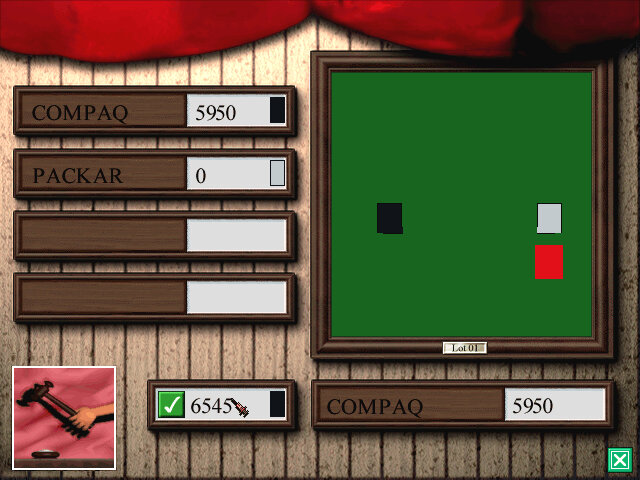
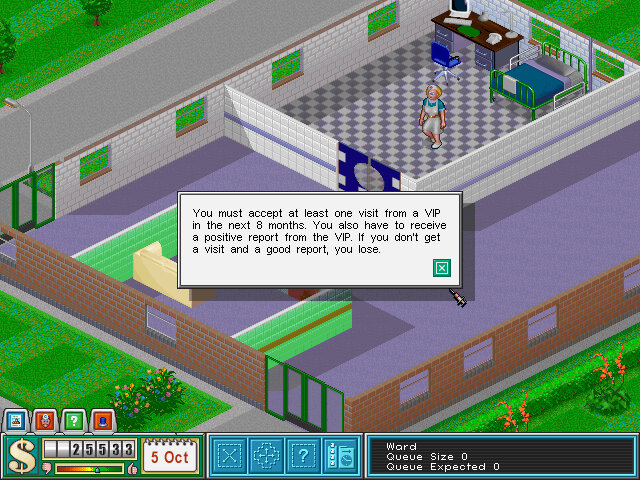
I was able to get this working over 86Box using a PCap configured network using two 86BOX VMs, setting the VMWare network adaptors seemed to work the best. Both players have access to the same map and must complete with each other for land, when purchasing land a bidding war is started between all players on the map. Objectives are given every six months which determines who wins the game, the game continues until one player loses.
Original PC MS-DOS/Win32
A hybrid DOS/Windows 32bit game which can run under either environment. Whilst designed for Windows 95 it will happily work under Windows 98 and ME.
A patch was released for the game which fixes a few bugs, adds a difficultly level adjusted and support for IPX network play.
The game is also capable of running under DOS, which might be useful for low end PCs since its not reliant on Windows 95 running in the background.
No Macintosh version was release for this game, which is odd for a simulation game released in this era.
CorsixTH
This is a remake of the original game using a custom engine designed for more modern Windows operating systems, and has been ported to Linux based operating systems. Highly recommend as this allows the game to un in higher resolutions (tested up to 2560×1440) and fixes a lot of bugs that plagued the original game.
Sony PlayStation
The game was ported to the Sony PlayStation shortly after the PC release. Running in a lower resolution and missing the background music which removes a lot of charm to the game. Its also a bitch to play since the game has poorly adapted the user interface from the PC version. You have to use the controller to navigate the cursor onscreen to select the dialog boxes, instead of just mapping them to the PlayStation face buttons which makes it time consuming to perform simple actions.
Rooms are also fixed in size, which does make it easier to play via the controller.
This was also related as a PSone classic for the PlayStation 3 and PlayStation Portable.
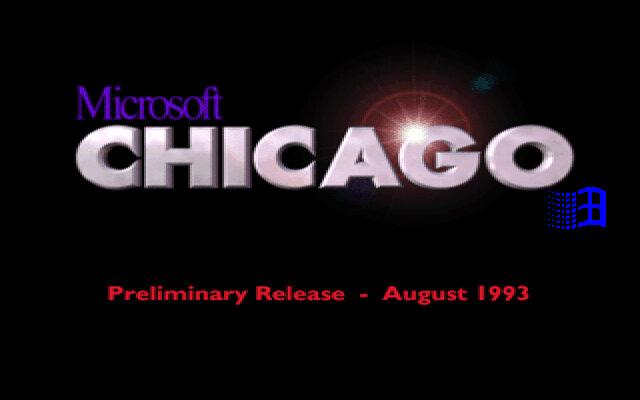
An existing Windows 3.1 installation is required to launch setup, and this release can be considered an upgrade of sorts. However very little gets transferred over, likening it to a fresh install
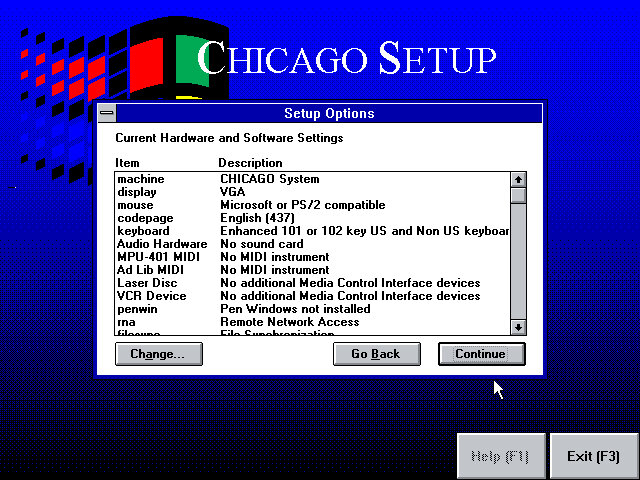
Results of the hardware detection, our SoundBlaster 16 is not detected, and neither is our network card.
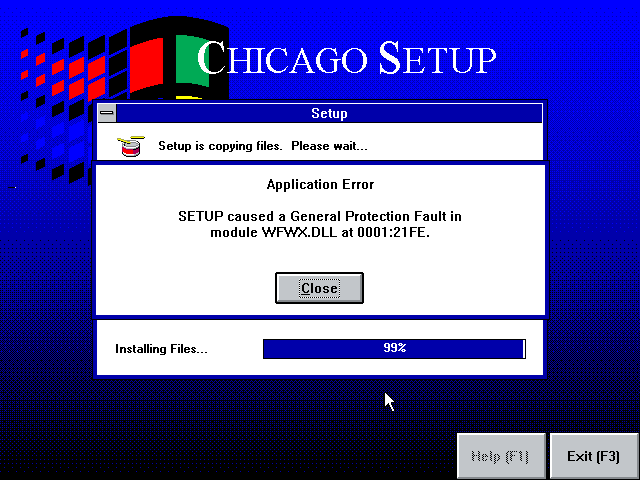
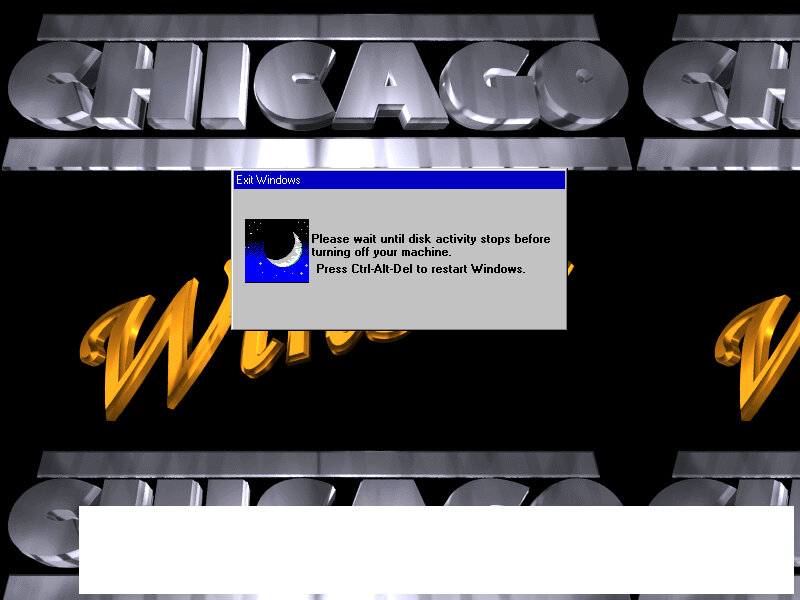
A crash towards the end of the setup, this left the VM unbootable and we had to reboot into MS-DOS to launch the Chicago installer again. Providing you told setup to install in a different folder (Chicago instead of WINDOWS) then you can easily boot back in Windows 3.x
Installing again fixed it, no hardware change was done. Could just be a random bug in the install?
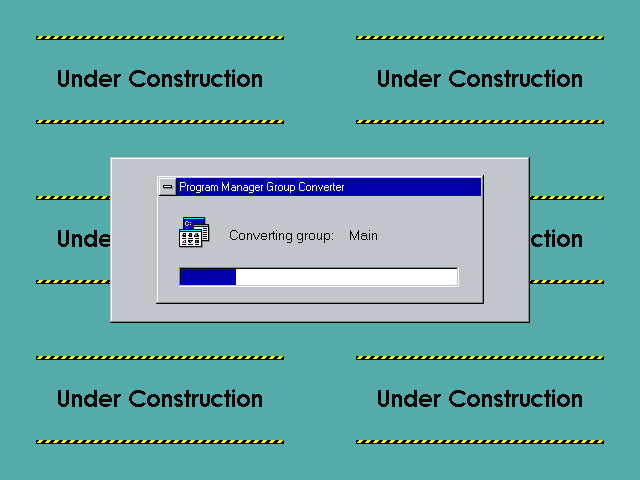
Upon first boot, Windows ‘explorer’ will convert your program manager groups to the ones that Chicago will use.
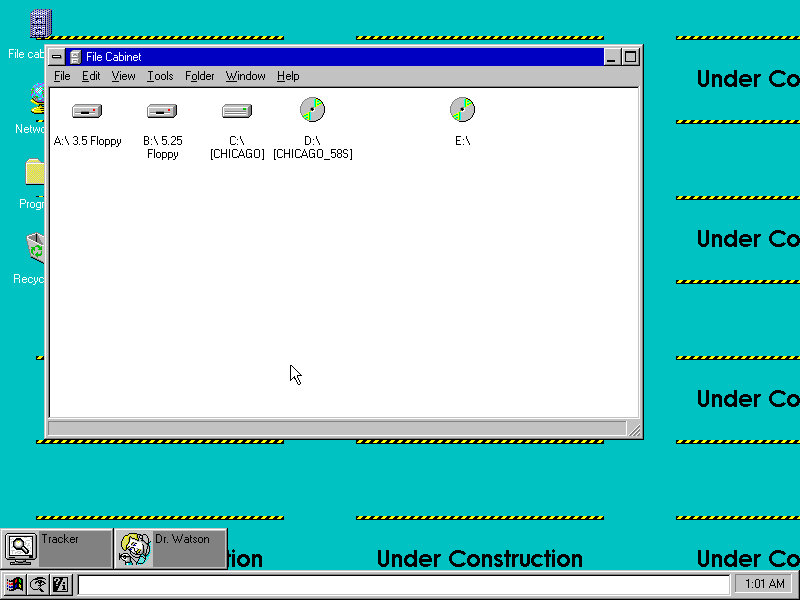
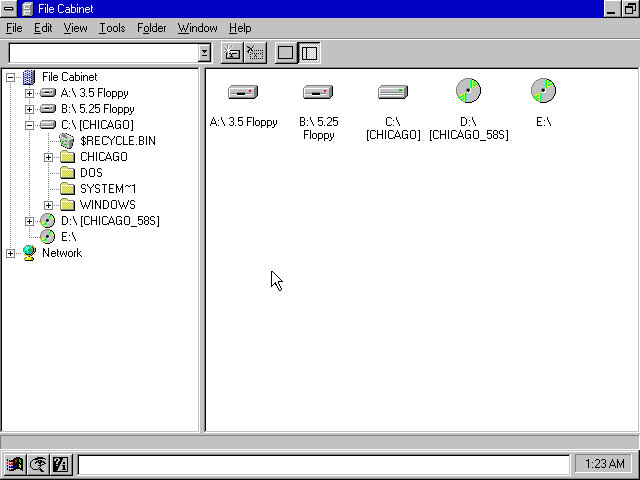
You will see that what we know as Windows Explorer will be known as File Cabinet.
The File Cabinet looks a lot like My Computer from the final builds of Windows 95.
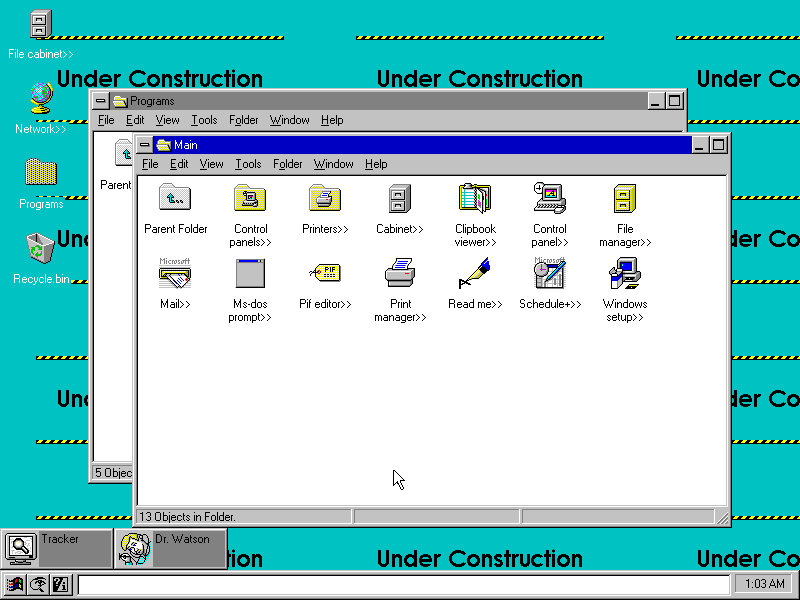
The Main program group, it seems there are still elements of the old Program Manager present.
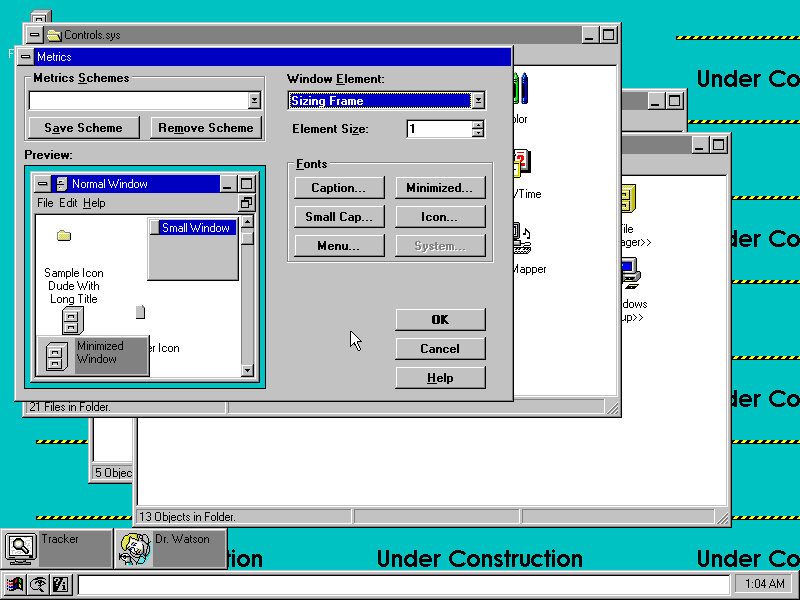
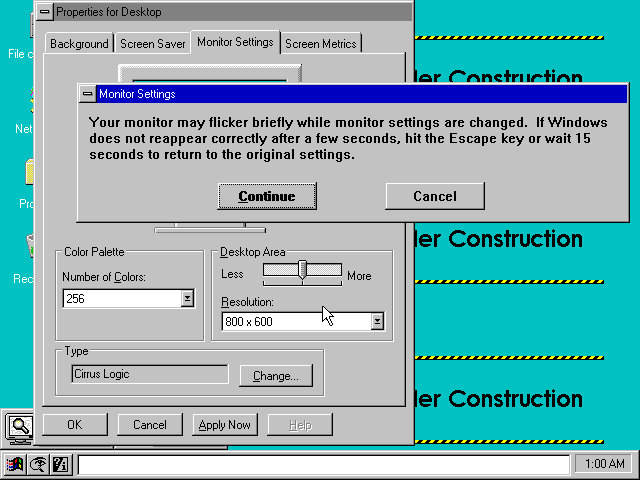
Windows Metrics, also known as just Metrics lets you adjust various user interface components, and lets you save and apply certain themes. There are currently no themes included by default.
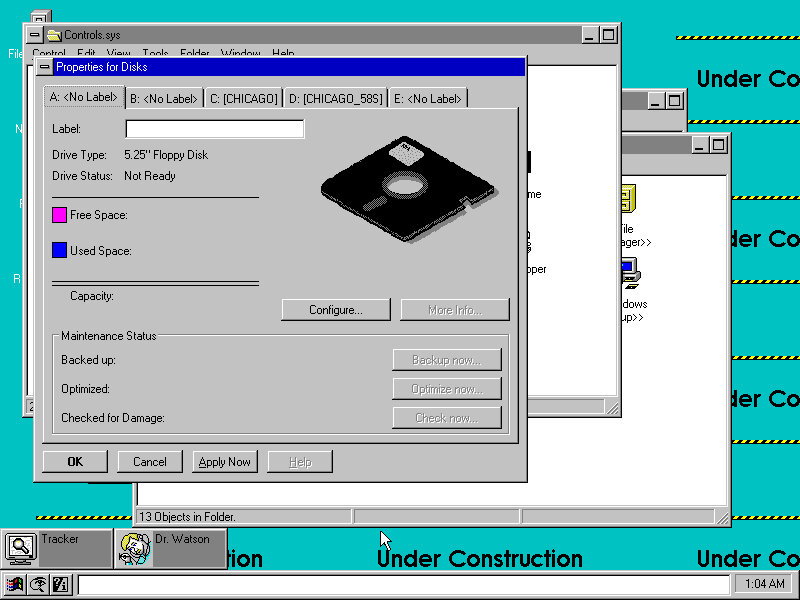
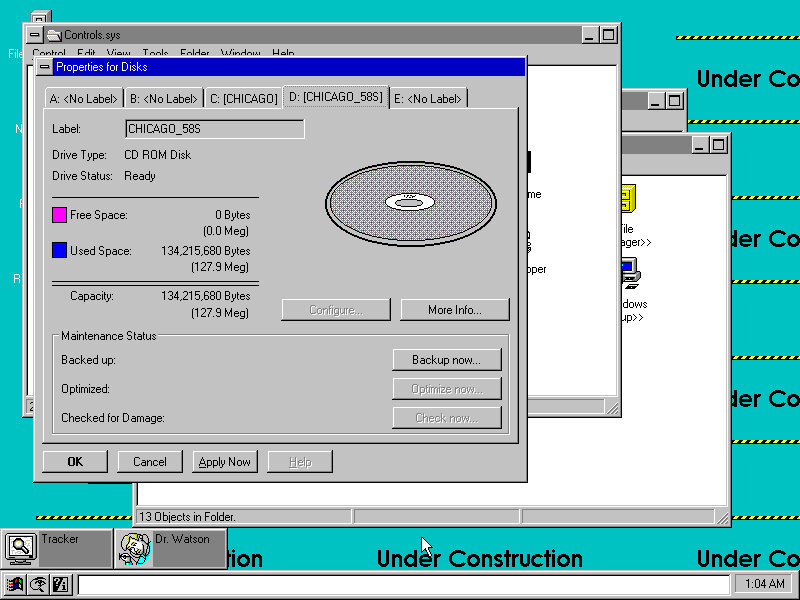
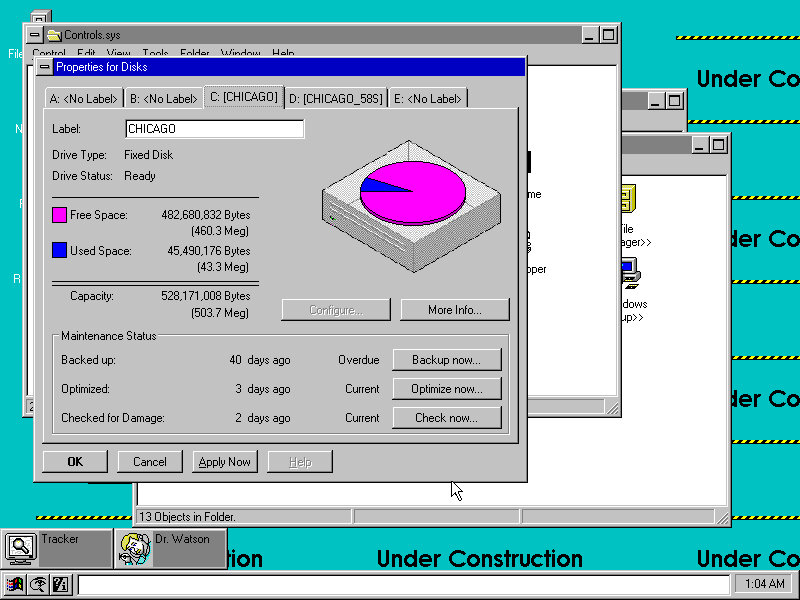
Disk drive information for both floppy drives and hard disk drives, looks a lot better and more detailed than the final release.
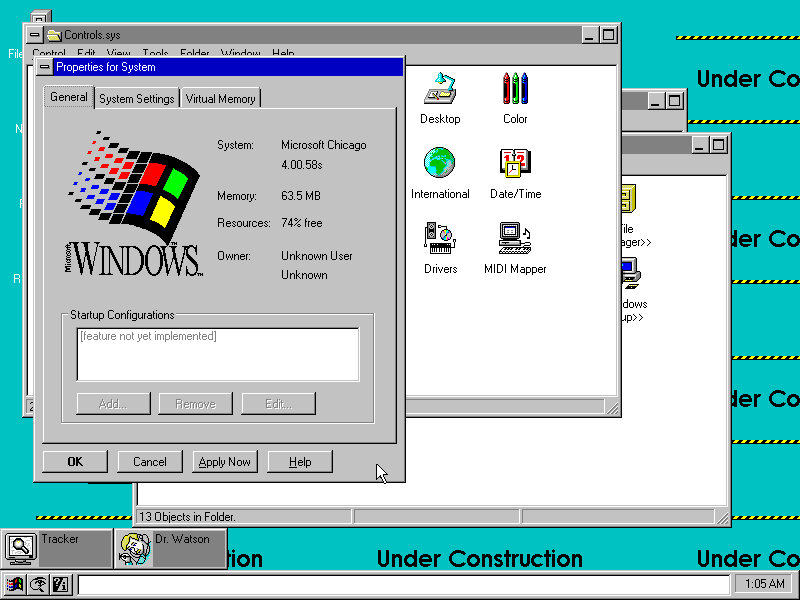
System Information, shows build version and the amount of memory installed. Resourceses refers to the Windows GDI.
What looks to be device manager, a lot of things here are incomplete and show up as blank dialog boxes.
A heavily dithered graphic.
Right-clicking and bringing up the properties pane.
The full file browser, known as the file cabinet. An issue I found was this build does not show more than five drives, which is possible if you attach multiple SCSI drives. Since the floppy drives are useless in this build you might as well get rid of them.
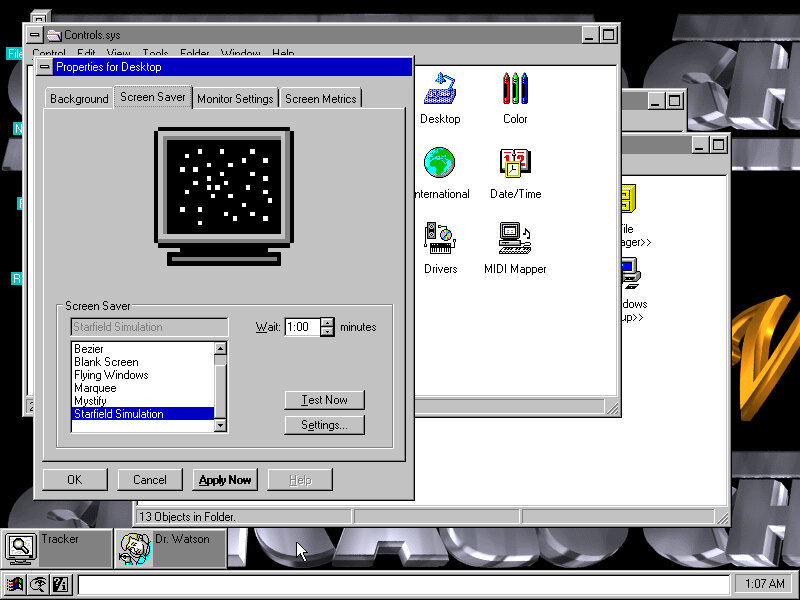
Viewing and modifying the screensaver. All of these came from Windows 3.1
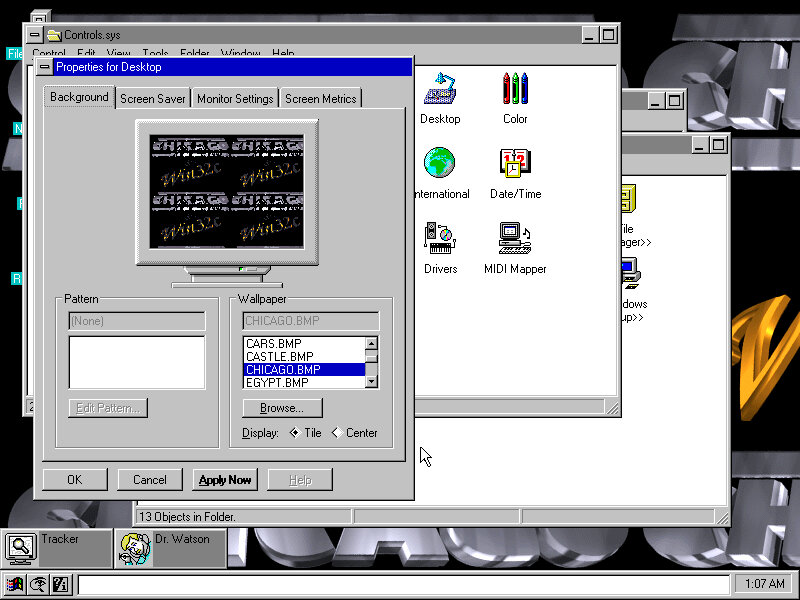
Modifying the desktop background
A list of games, and a look at Minesweeper game that comes included
The task pane, also you can customise the size of the taskbar. This seems like a docking area where icons can pinned for quick access, instead of displaying the active windows like Windows does today. Instead the tasks window serves this purpose.
Software Compatability
Seems to be a very mixed bag in terms of what works and what fails to run. The full Win32 API has not been implemented so 32bit applications will not work and existing Windows applications seem to have a mixed compatability with some programs refusing to run or crashing.
Microsoft BOB
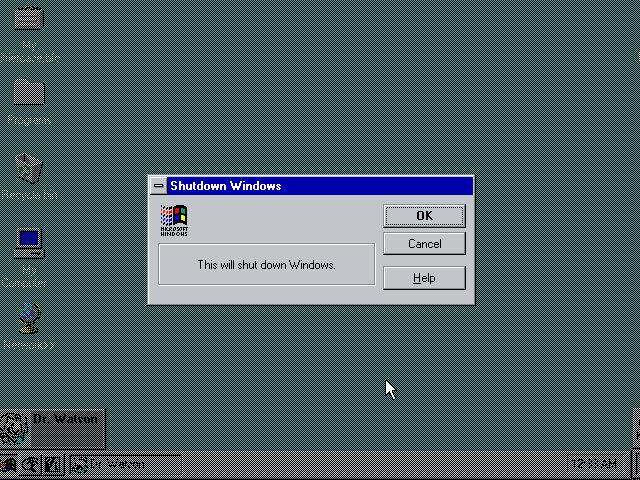
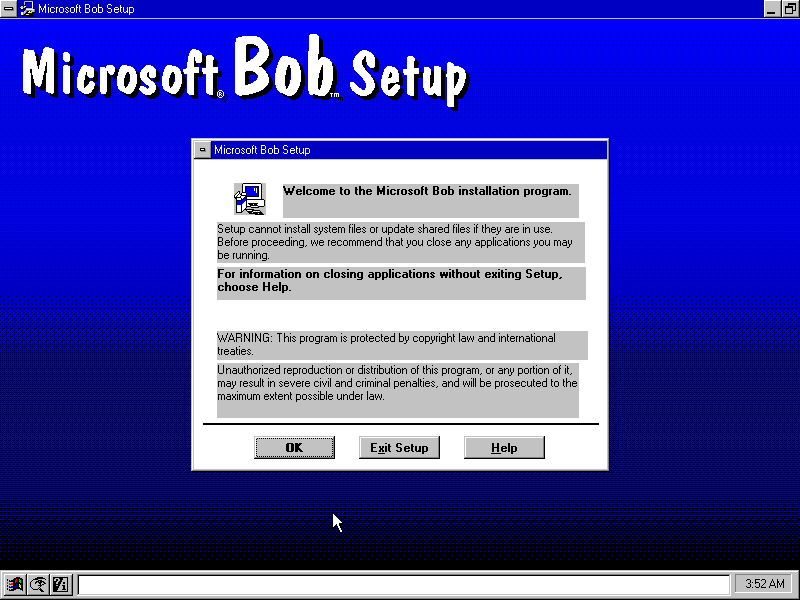
Installs but does not run. Instead a Dr Watson error comes up
Microsoft Office
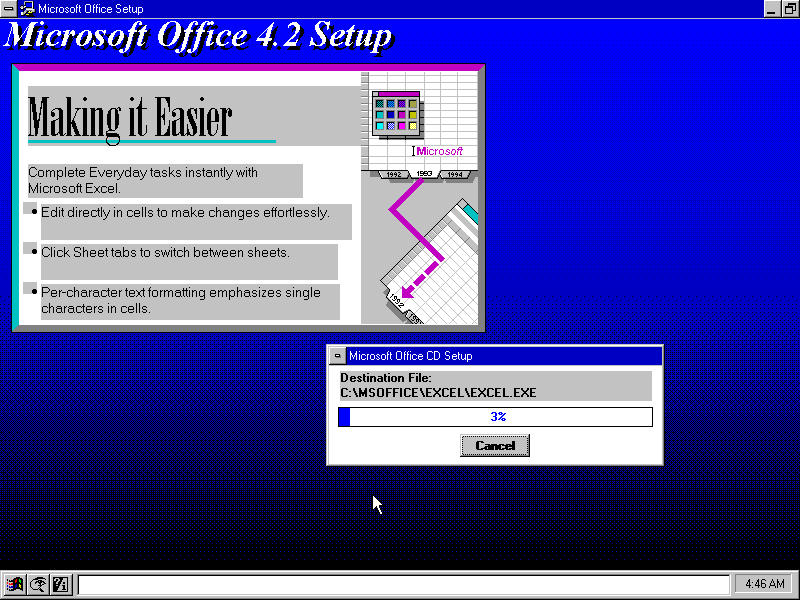
Microsoft Office 4.3 installs and runs without issues
Netscape
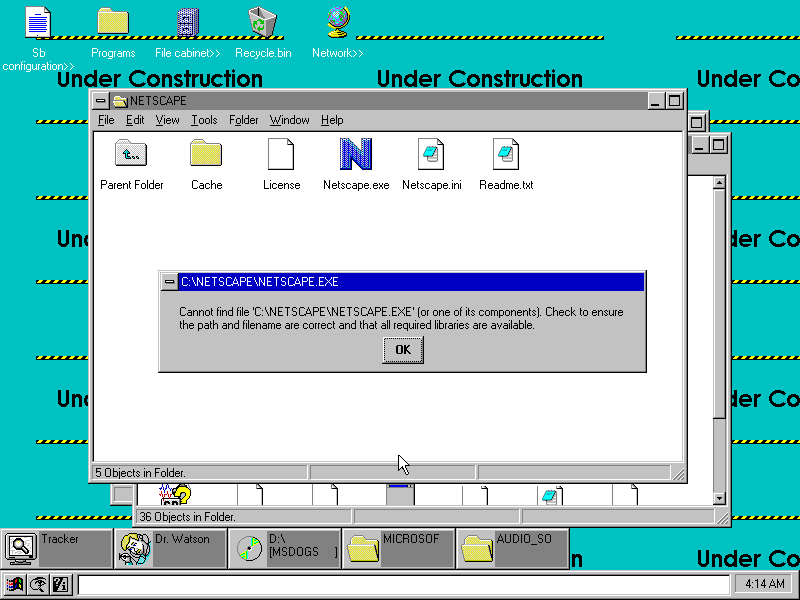
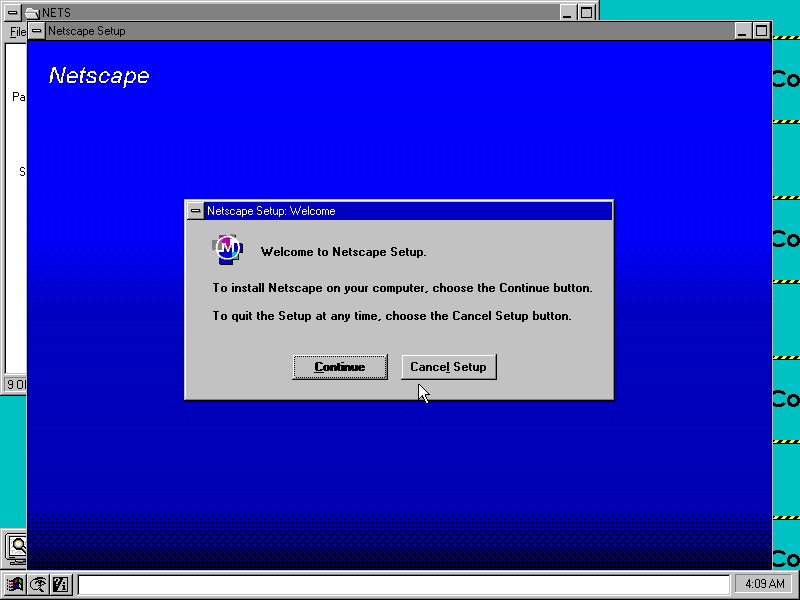
This is odd, it installed but then claims not to find the exe file when we try to open?
Opera
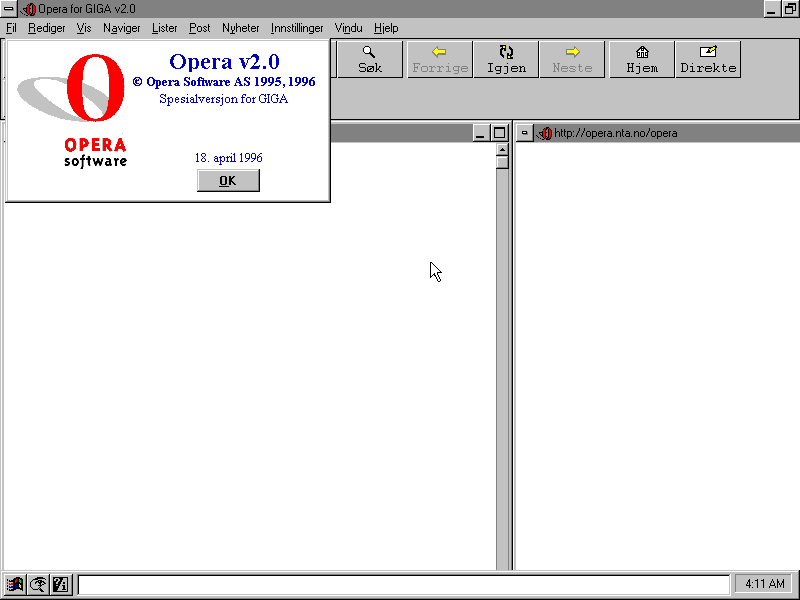
Opera browser, installs fine (in another language for some reason, despite English being selected)
Internet Explorer
Internet Explorer 3 had a 16bit release for Windows 3.1 which should work on Chicago build 58 but it’s unable to run
Simpsons Cartoon Studio
The application tried to run in full screen, but the task bar on the bottom remains visible. Alos the Office toolbar (From the Office 4.3 install) remains visible. Another thing to note was the game failed to start using the shortcut provided by the installer, and only worked instead by navigating to the CD-ROM drive and launching the CD-ROM executable from there.
Adobe Reader
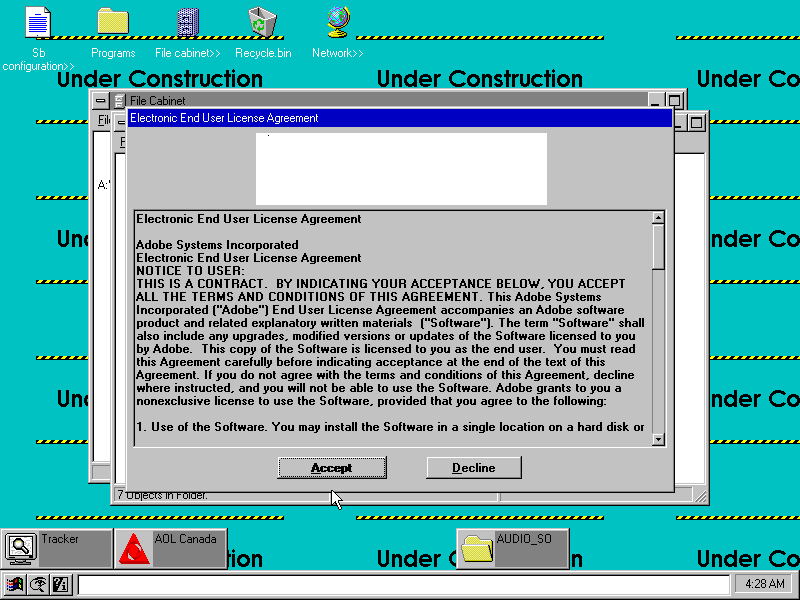
Installs and works fine, but it looks like a few graphics are missing from the installer and are replaced instead by a white box. This could be a driver or emulation issue with the Cirrus Logic video card used.
86box has been able to emulate a large amount of motherboards, and has recently added a few OEM desktop systems to its roster. These are mostly faithful to the original hardware to the extent that you can access their bios. Quite a few OEM recovery discs have popped up on Archive.org which will only run on those actual systems they were intended for, since they often include an OEM copy of Windows.
Whilst this emulates the motherboard and the BIOS firmware that was shipped, certain pieces of hardware are left unemulated like the graphics adapter or the soundcard. Fortunately you are able to substitute alternative components, but you might run into issues upon first boot up since Windows may not have drivers preinstalled. The machine here I’m trying to emulate is a Compaq Presario 4500, of which the specifications can be found here: http://h10032.www1.hp.com/ctg/Manual/bpb12296.pdf
Compaq QuickRestore Utility
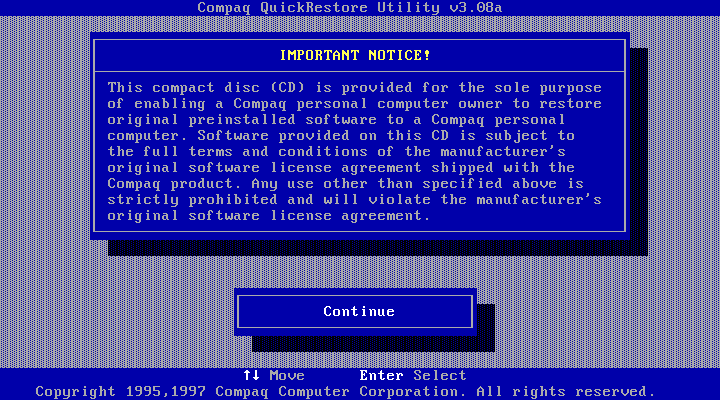
This ran straight off the CD-ROM which was bootable from the BIOS and performed a few tests before initialising the hard drive, which had been newly created and had no partitions. After copying was done, the system rebooted and Windows 95 started up. This utility did require me to enter the serial number of the system, which I was able to find online.
Setting Up Windows 95
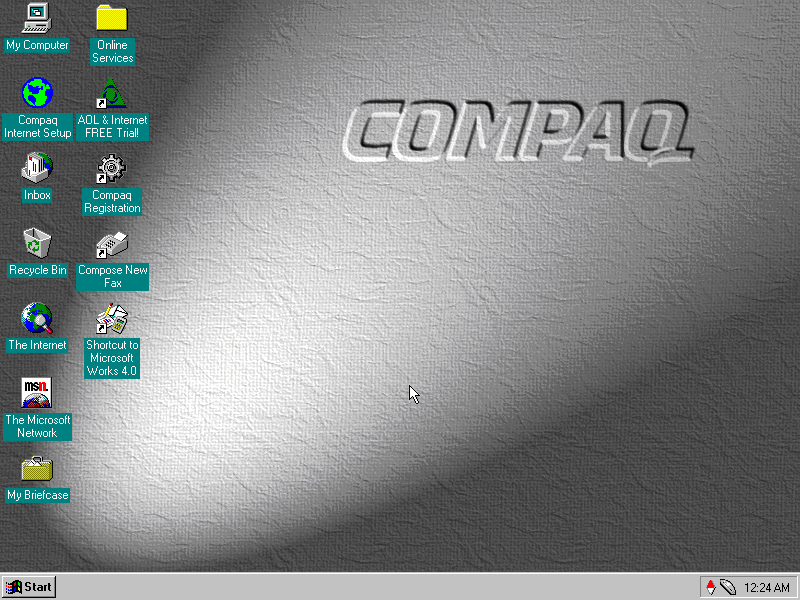
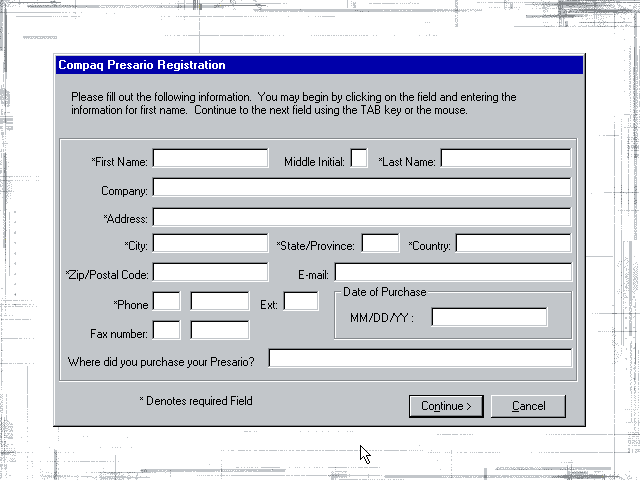
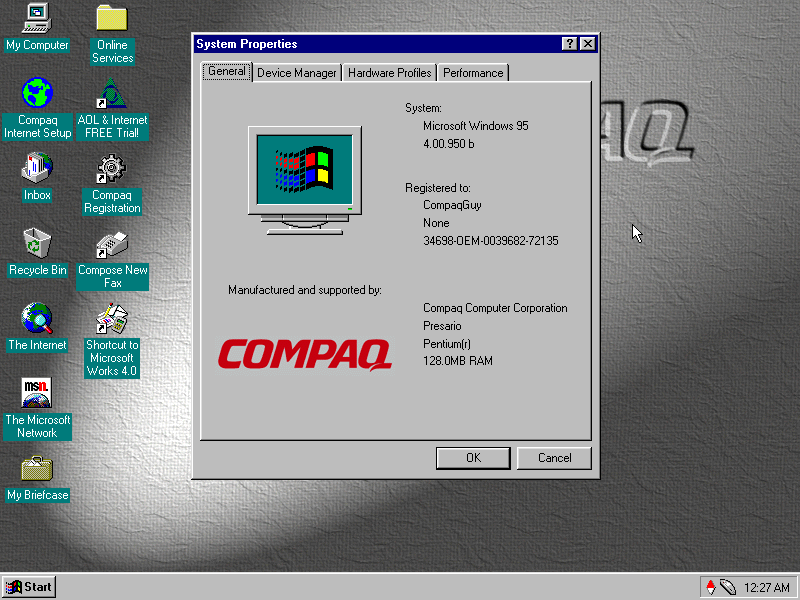
After the first reboot Windows seemed to have problems finding the graphics driver and reverted to using the failsafe VGA driver instead, which limited us to 16 colours. At this point we were prompted to register our system and to fill out the registration form. I somehow doubt Compaq (Or HP as its now known) have the registration servers active. After manually installing the graphics drivers for the S3 ViRGE that I had selected for the system, Windows went to the desktop and we are presented with the default Compaq desktop theme.
Bundled Applications & Utilities
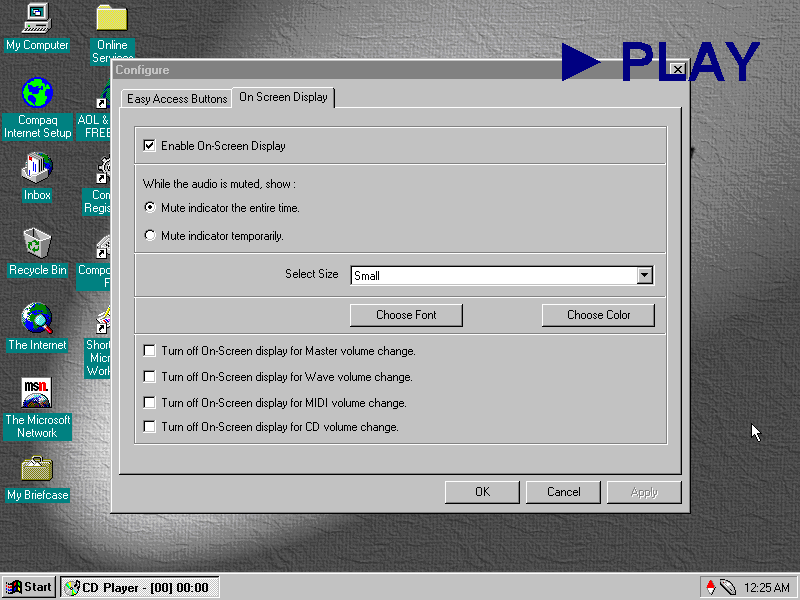
Compaq Quick Access: Runs in the background and provides functionality for shortcuts to be used on the keyboard that would have shipped with the system. Here you can reconfigure the different ‘Easy Access Button’ to perform different function. By default they are used for the calculator and to open in the internet browser. This utility also manages the on screen display, which appears when the volume keys are pressed or if one of the media control keys (Play, Fast Forward, Rewind) are used. I’m not sure if 86box is capable of passing these commands through since it only emulates a regular PC keyboard.
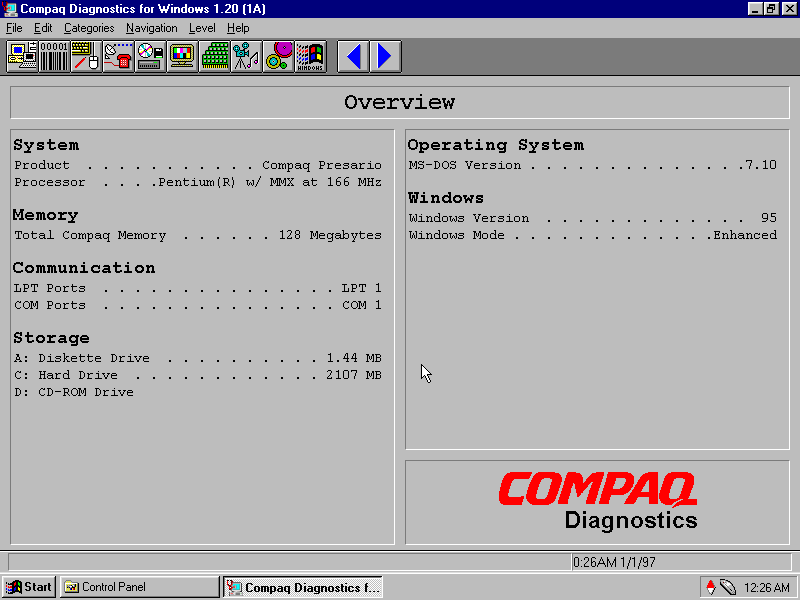
Compaq Diagnostics: Displays information about your computer system and the Windows OS. You can view the specifications here
SPRYNET Connection Manager: Manages internet connections for the dial up analogue modem, replaces the standard Windows utility.
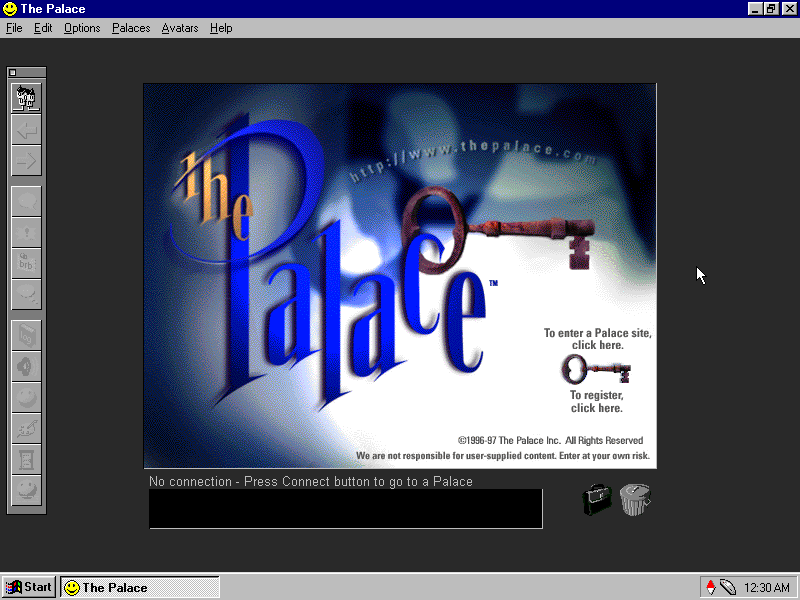
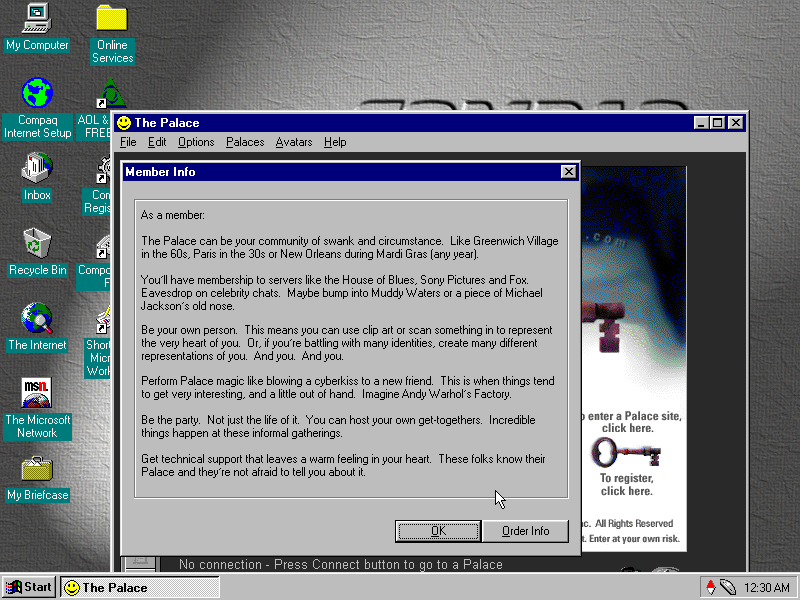
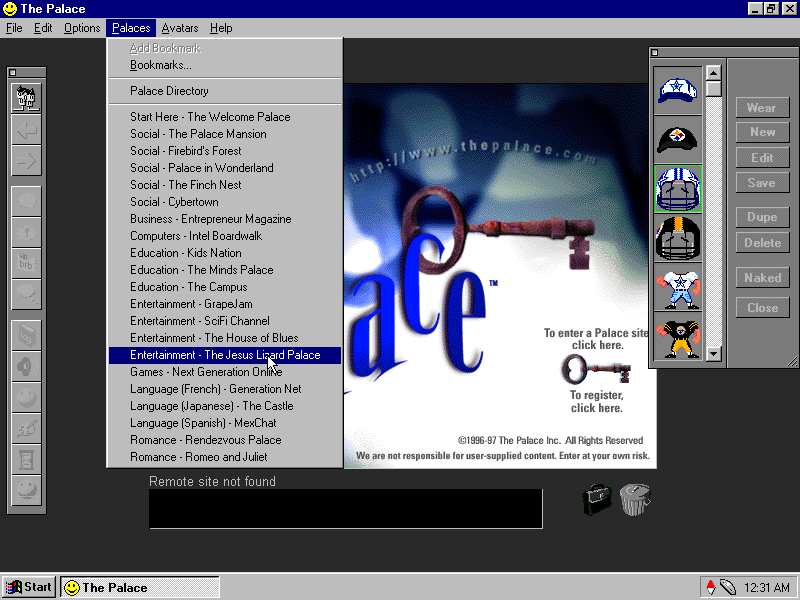
The Palce: A third party application that was bundled with the system, it seems to be some sort of online chat room server, similar to IRC but uses animated avatars and colour backgrounds to give the illusion of environment. Users could join different room dedicated to certain subjects. This Compaq system would have come with a free trial allowance to entice the customer to subscribe, beck before social media mould datamine the hell out of you. Sadly the servers are long gone.
SimCity 2000: Not sure what this is doing here, its just the network client and not the full game, maybe it was bundled with the Palace as a game that could be played using it? The full game is not bundled here.
Microsoft Works: The OG Oxymoron, this was a basic version of Microsoft Office bundled with OEM systems to give them basic Office functionality. It is considered productivity software suite which combines a word processor, spreadsheet and a basic database system. As it was a lot cheaper than Microsoft Office, it was commonly bundled with OEM systems to increase their value, although it was also available separately.
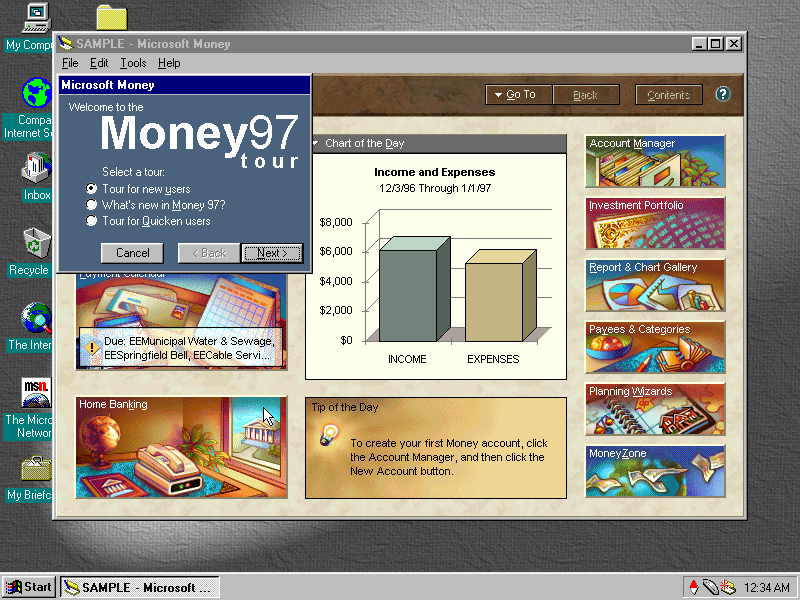
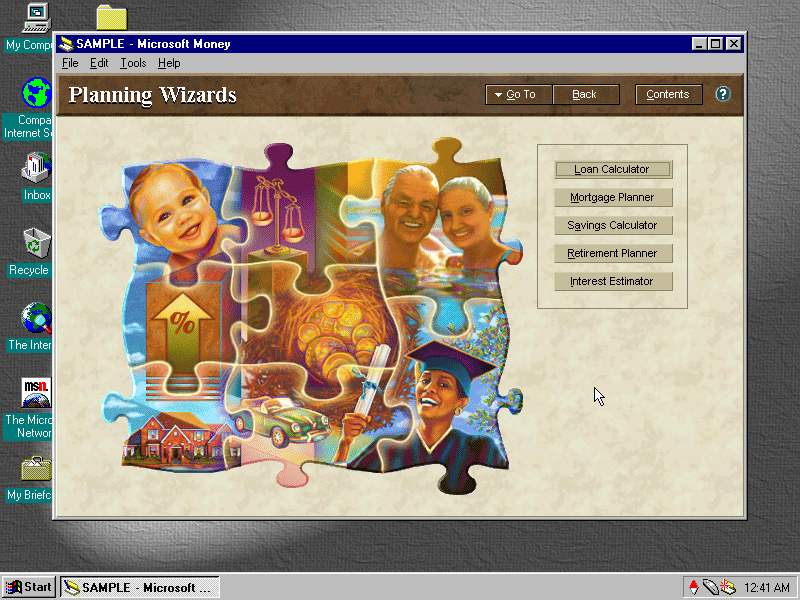
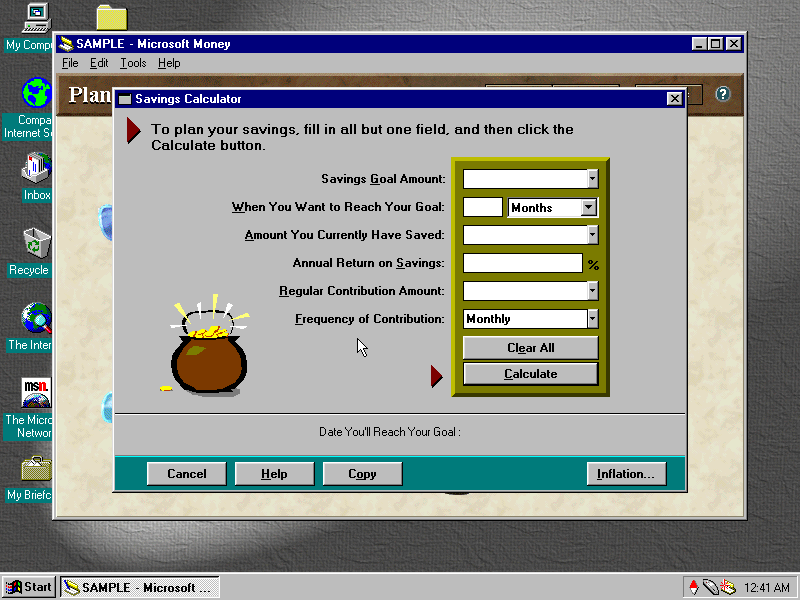
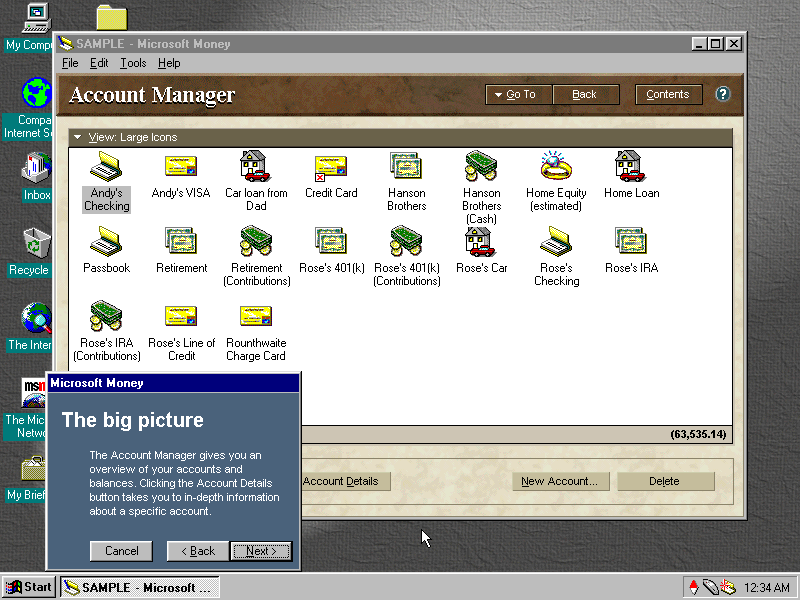
Money 97: Software to help manage your bills and bank accounts, before internet banking was widespread. I like the interface design and art used here, you defiantly wouldn’t expect to come across design like this in accounting software
AOL: Also bundled with the system and serves as the recommended ISP
Released for both Mac and PC in 1997, Virtual Springfield puts you directly into Springfield where you can freely explore the Simpsons town, Springfield. Whilst promoted as being a 3D game, it’s actually 2D with a 3D-based perspective, using an engine built by Vortex Media Arts. This isn’t the first Simpsons game released, with previous titles being released on the NES and the Sega MegaDrive, and it wouldn’t be the last either.
Launcher where you can start the game
This game was an interesting look at Springfield since in the show, whilst there was never any continuity of the town itself, buildings would come and go and the layout of the town never remained consistent, not helping was the change of animation studio from the first few seasons. Still, a lot of references to the early seasons of the show are present.
Marge cooking the cat
The main object of the game is to collect all 74 of collector cards, which are hidden across 17 different locations. Some locations are locked and can be unlocked by collecting specific items. The game’s HUD is designed around the player wearing a VR headset and using it to navigate Springfield.
The game runs slowly on PCem when running it directly from the CD-ROM (being played from an external Blu-ray drive) so it’s usually based to create an iso image of the game, then mounting it into PCem. (Update: It seems that I had set the CD-ROM speed in PCem to 4x, which wasn’t fast enough for the game, since increasing it to 16x the stuttering issues have reduced, but you still get the odd delay, defiantly dump to BIN/CUE when running in PCem)
The game is navigated using a point-and-click approach, moving your mouse cursor to a specific area lets you either select or interact with an object or if it turns to an arrow, lets you move in that direction. If the game is left idle, random animations are played out.
Milhouse had a growth spurt
Some buildings (Like the Simpsons house) can be entered some have multiple rooms that can be navigated through. Some rooms/buildings are blocked and require an item to be in the inventory before it can be accessed, these can be obtained by picking up the item by clicking on it.
Who shot Mr. Burns – Part 3Aye CarambaRIP Krusty
It’s not really a game in the traditional sense, there’s no fail state or any challenge, except for collecting cards. It’s more of an application like the previous Simpsons Cartoon Studio. Nowadays you could probably build the same game within a modern browser, like Bing maps but for the Simpsons universe, and maybe leverage a VR headset for full immersion.
Sappy and Pelma
Being a long-time fan of the show (For seasons 1-9) and an obvious target for this product, my only gripe is that there weren’t more things to interact with per location. Sure the game will have a limited scope, imposed by the technology of the time.
There are the occasional mini-games featured in the Noiseland Arcade, but certainly more activities like this could have been sprinkled into the game.
Thought this was a banjo at first
Quite a few locations are missing like the Springfield dog track where they adopted Santa’s little helper, Krusty Burger (appears in-game but cannot be entered), Department of Motor Vehicles, Police Station (again cannot be entered)
Macintosh
Virtual Springfield uses a hybrid disc that allows the PC copy of the game to run on a Macintosh system. To get the game up and running, you simply insert the CD into the Mac and click on the Virtual Springfield icon on the desktop, the game will launch, providing you set the colour depth to 256 colours. No installation is required.
The game will run on a G4 PowerPC-based Mac, running on OS 9.2.2, but you must change the display colour depth to 256 colours, otherwise, the game will crash the system upon startup. Virtual Springfield will not change the display automatically. It also works by changing the resolution to 640×480 since the game will not scale for a higher resolution, resulting in the game being displayed in the center of the screen with black borders around, if run at a higher resolution. What annoys me is the game does not give an error message informing you of this, just crashes the Mac instead.
The classic environment on Mac OS X does not seem capable of playing the game, this was tested on both OS X Jaguar and Panther classic modes.
Compiled and made available in March 1995, this was to be the Final beta build of Windows 95, with the release candidates coming soon after.
Installation
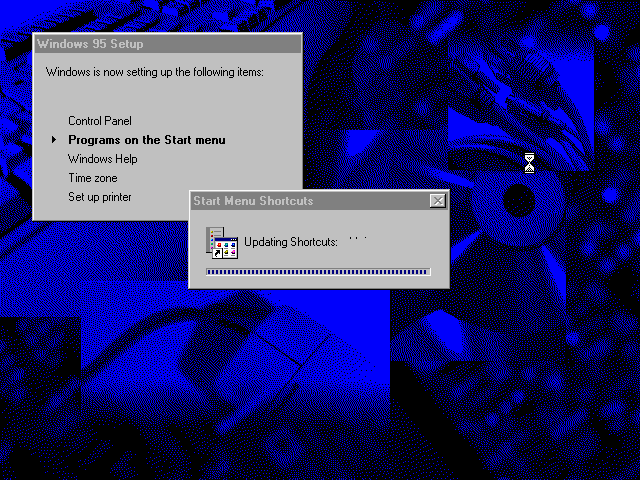
Windows 95’s setup procedure which looks the same as the final release. Towards the end of the install procedure, there is an option to use the program manager as opposed to the 95 interface, in practice this retains the default Windows 95 interface, just opens the program manager window.
Stage 2
The second stage of the install boots into the kernel, and prompts the user to enter information. Also, in Windows 95 you were able to select a time zone by clicking on a location in the map, a feature that was removed in the later versions.
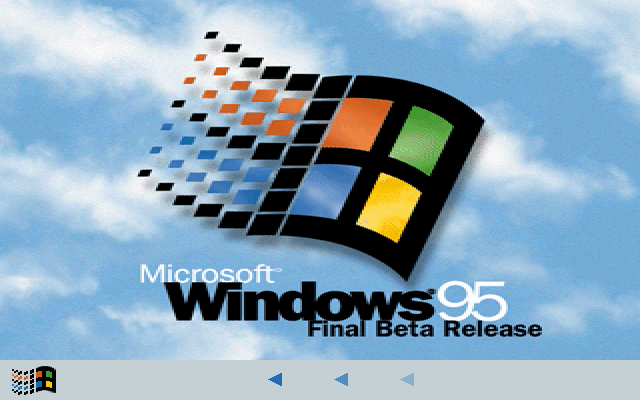
Boot screen, which was altered in the final release. The bottom segment is animated to indicate the system is actively loading. The final release replaces it with colour cycling bar
Desktop
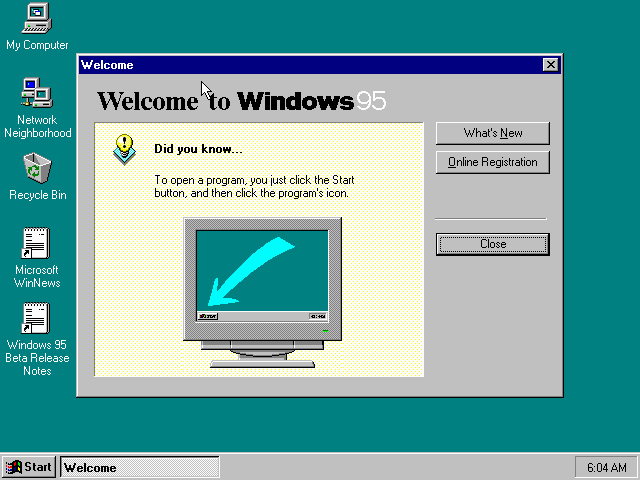
When Windows 95 first boots, a welcome screen is displayed which shows useful tips
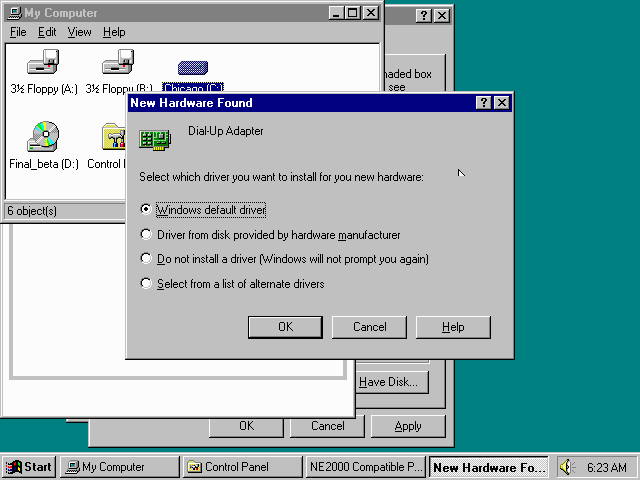
When a new plug and play device is detected, Windows will prompt for driver instillation. The Windows 95 CD has a moderate library of drivers on the disc, but this is mostly applicable to hardware from 1991-95
Adding additional features in Windows, some features don’t have their own icons and use the default Windows icon
Build Information
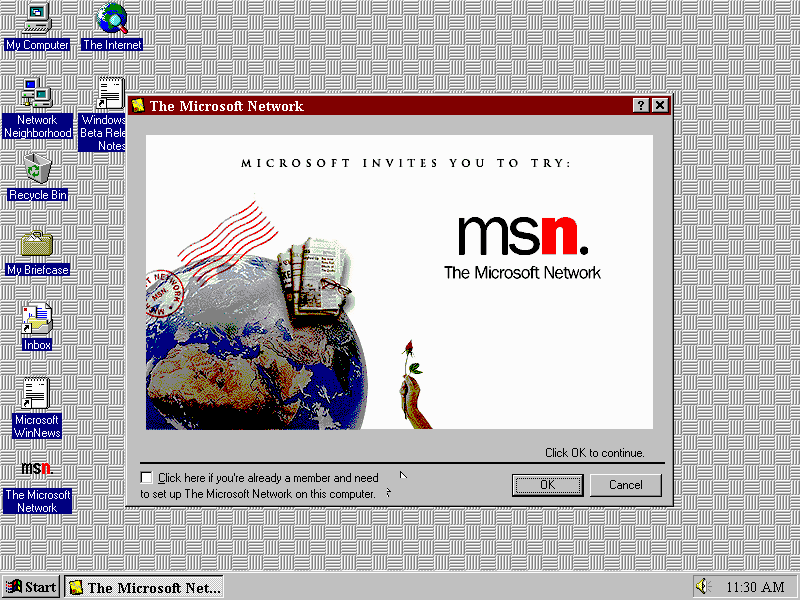
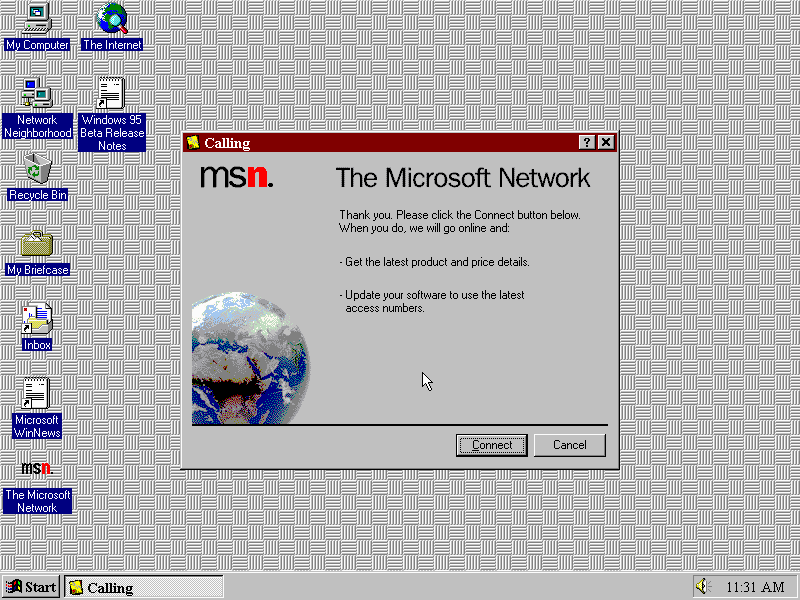
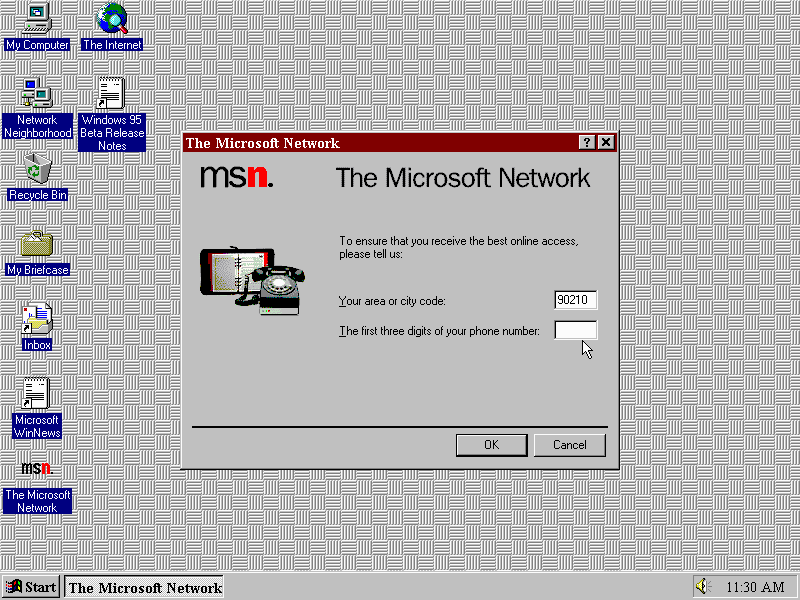
Microsoft Network
Microsoft bundled their own internet service platform, similar to AOL, Apple @World or Compuserve designed to get users online
The presence of this and the lack of a web browser being bundled with this release of the operating system signals that Microsoft intended for MSN to the primary way for users to access the internet, rather than using the http protocol that we all use today. Also TCP/IP not installed by default but can be added using the Windows components, you will be prompted to supply the Windows 95 CD to install it.
Accessories
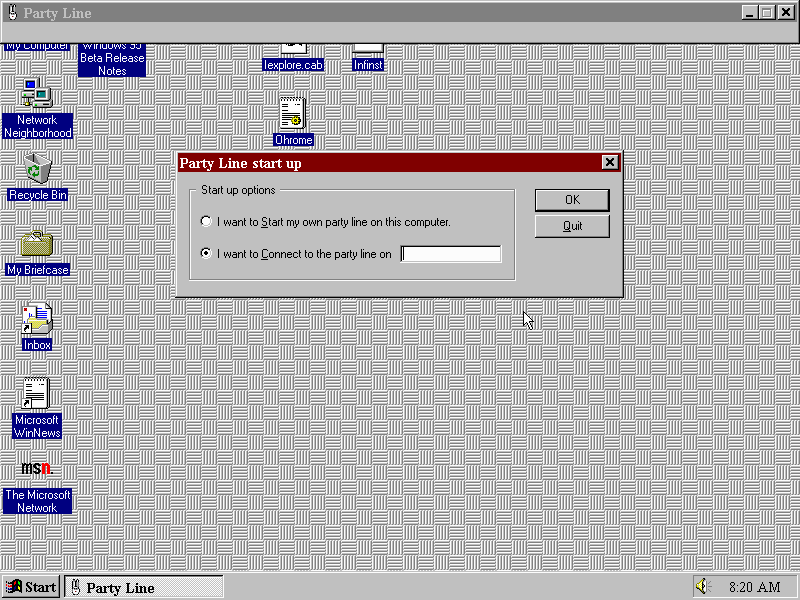
Party Line
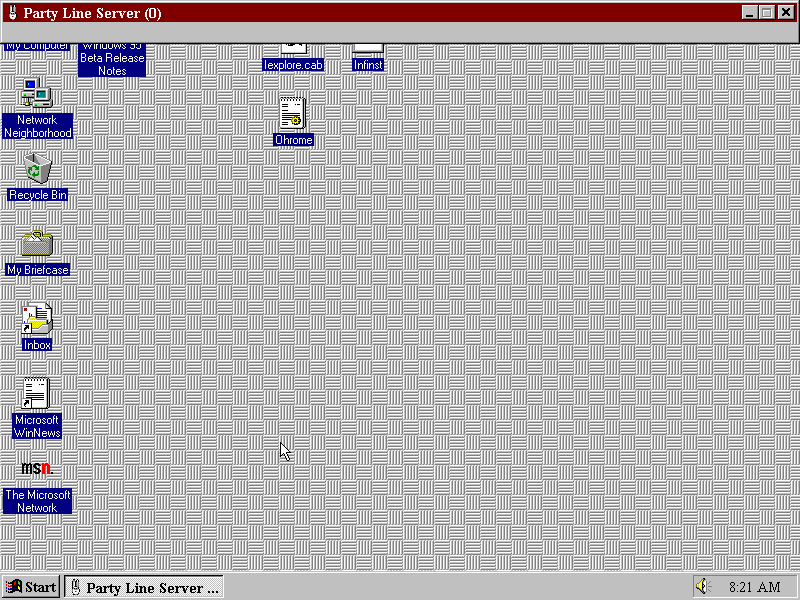
Not sure what this was intended for, some sort of multiplayer game like Microsoft Hearts? It seems to just open a blank window and sits there unresponsive.
Volume Control
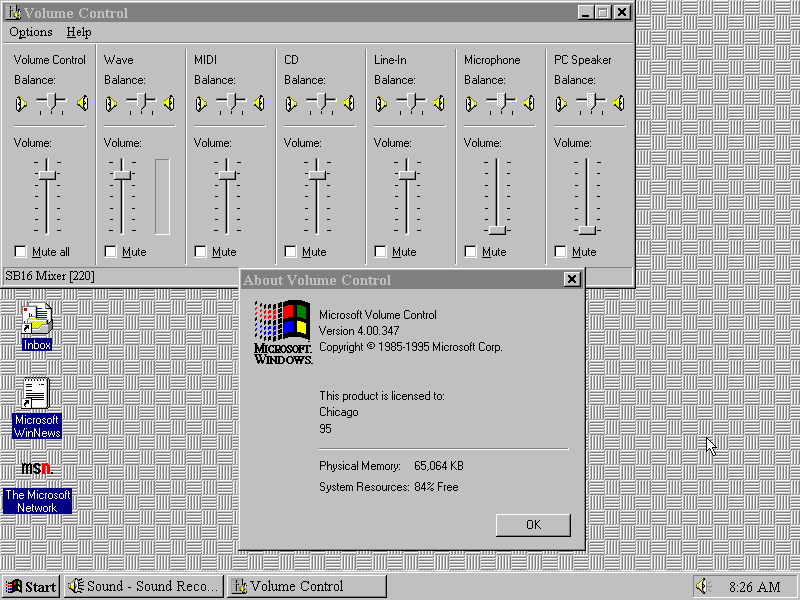
The volume control, of which it’s appearance will vary depending on the soundcard and the driver installed
Microsoft Fax
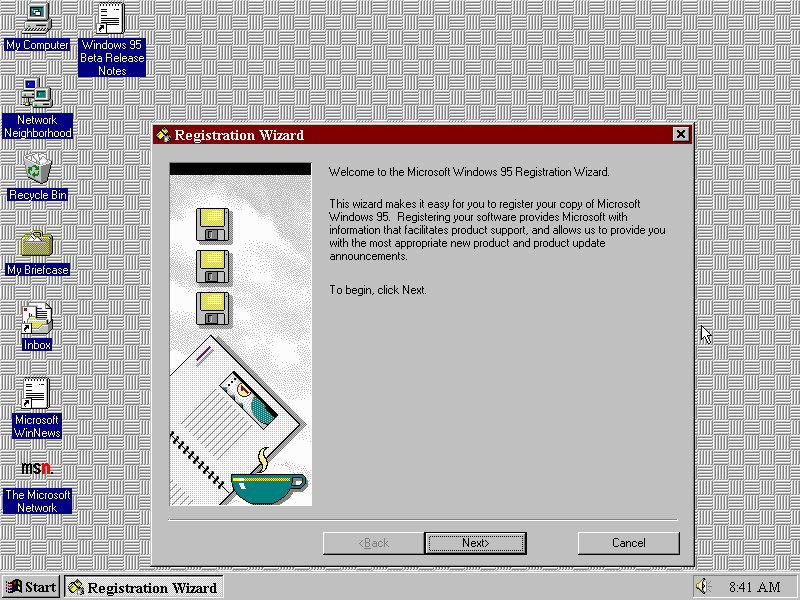
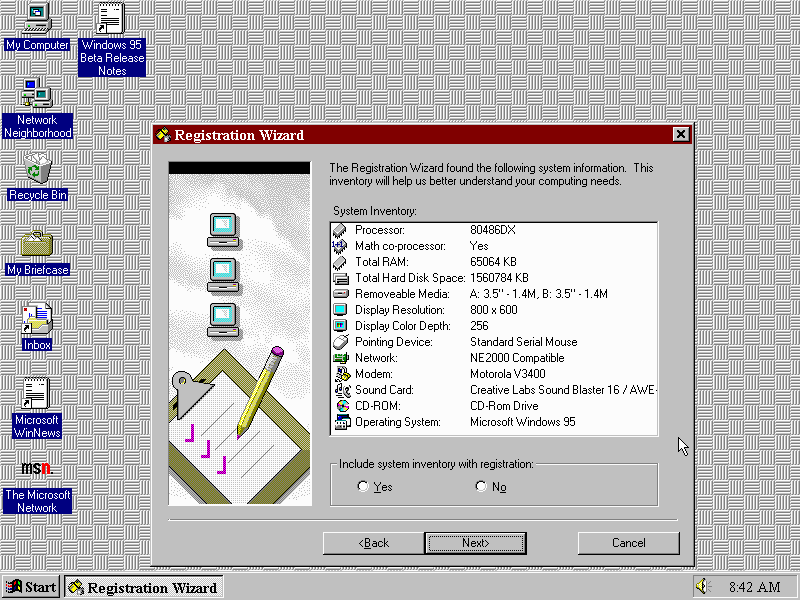
Registration Wizard
You have the option to register your copy of Windows 95, which would send a description of your PC hardware to Microsoft, possibly for them to gauge which is the popular configuration of hardware (surely they can get that from the OEM sales?)
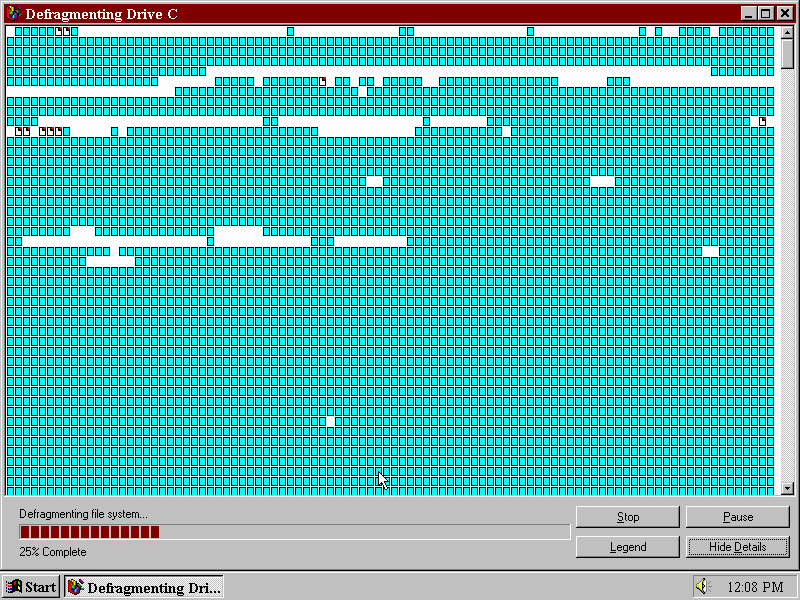
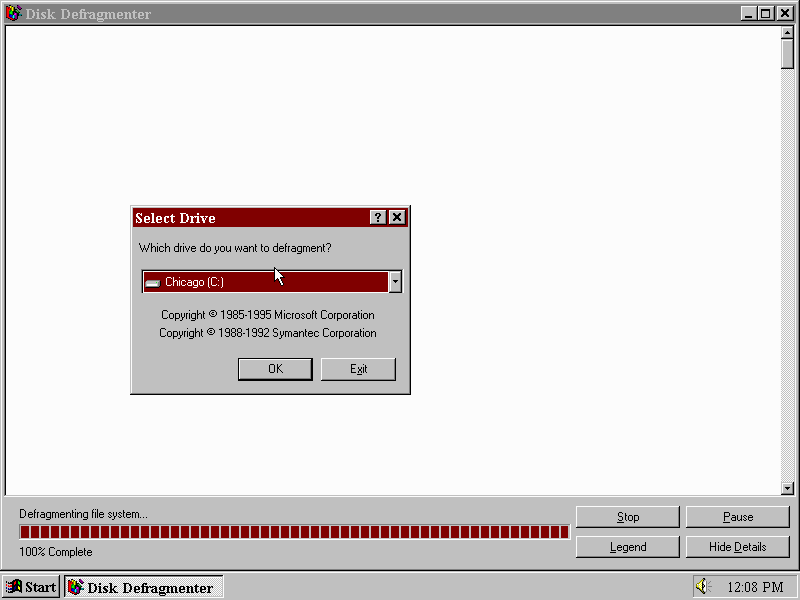
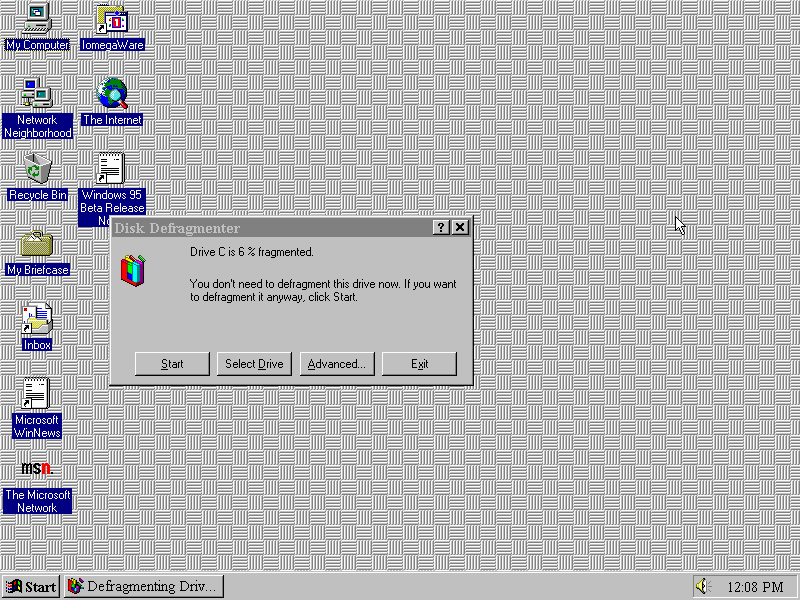
Disk Defragmenter
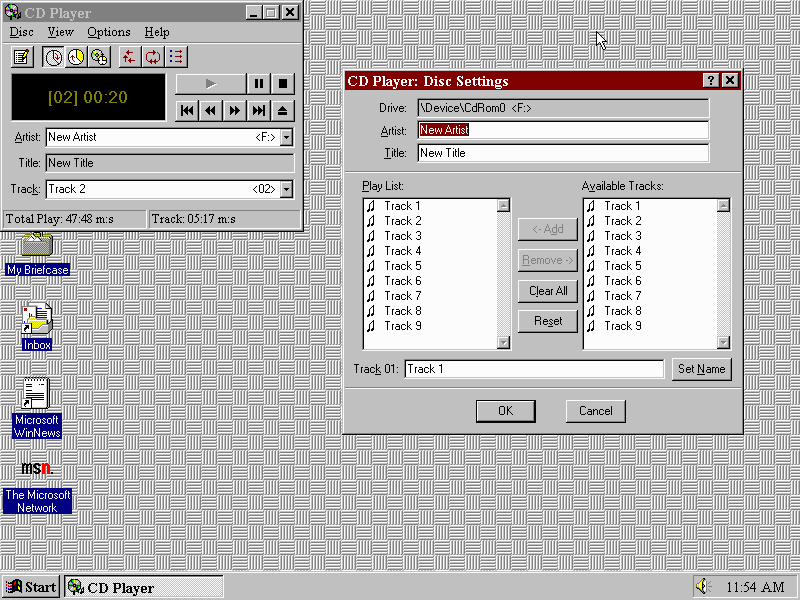
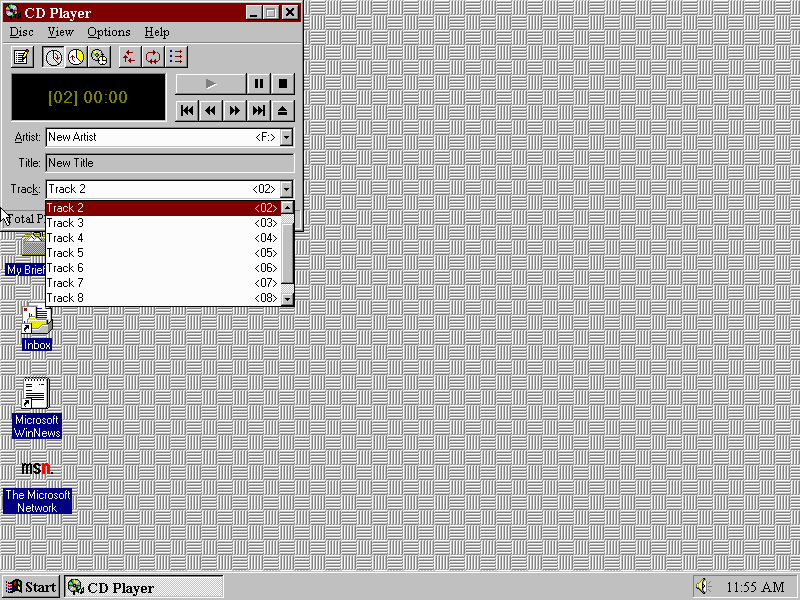
CD Player
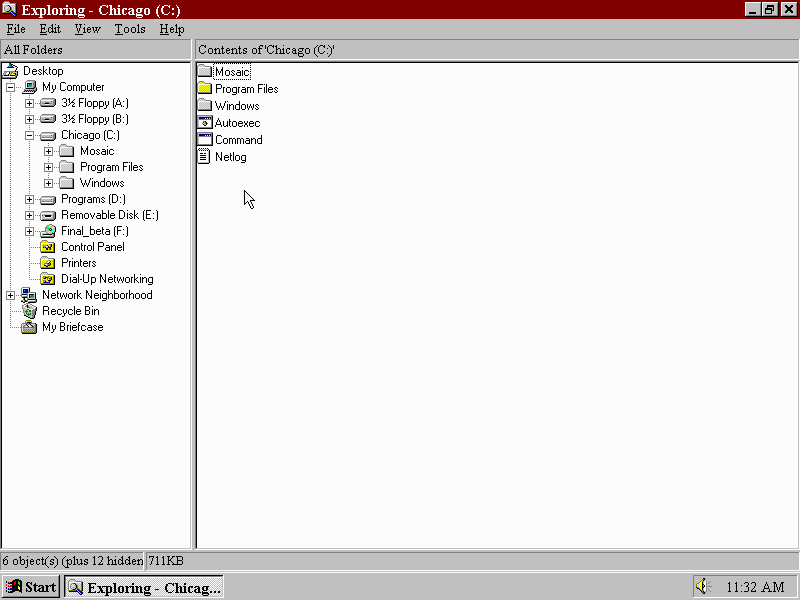
Windows Explorer
The main Windows Explorer interface which gives a tree view on the left sidebar. This replaces the Windows 3.1 File Manager
Internet Explorer
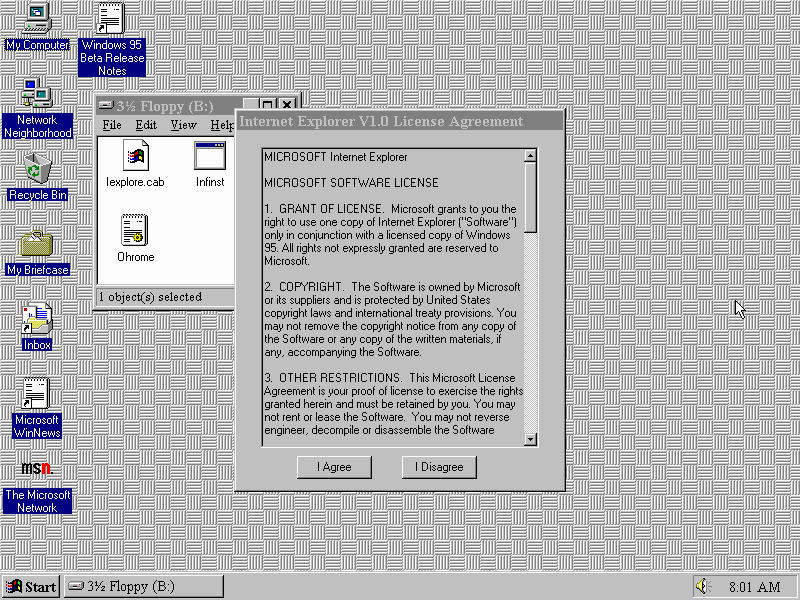
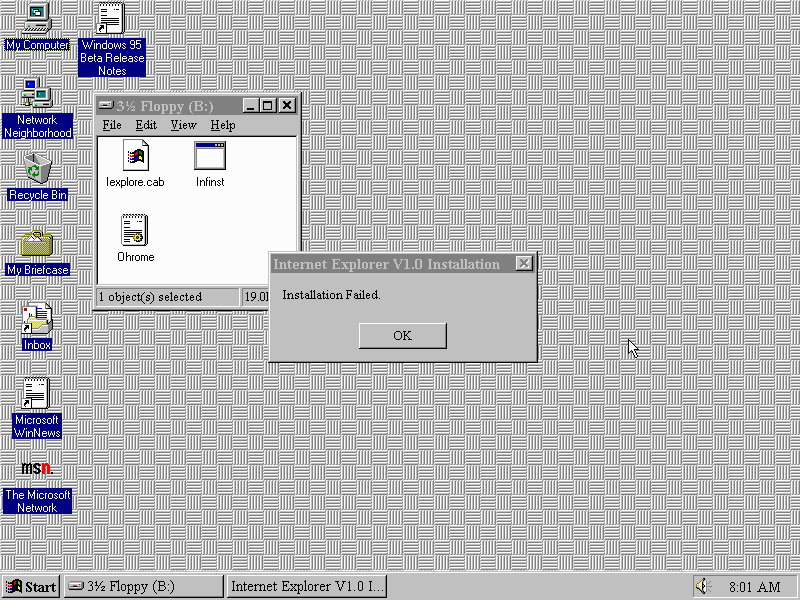
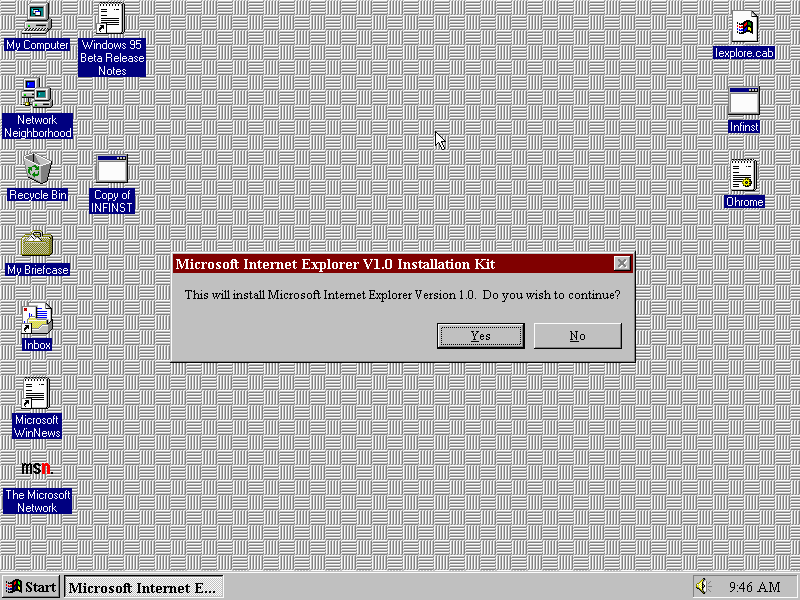
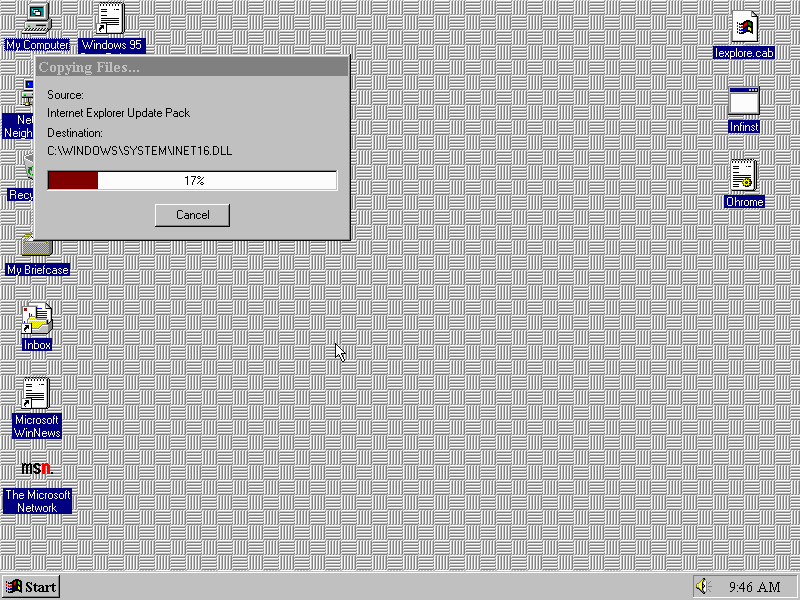
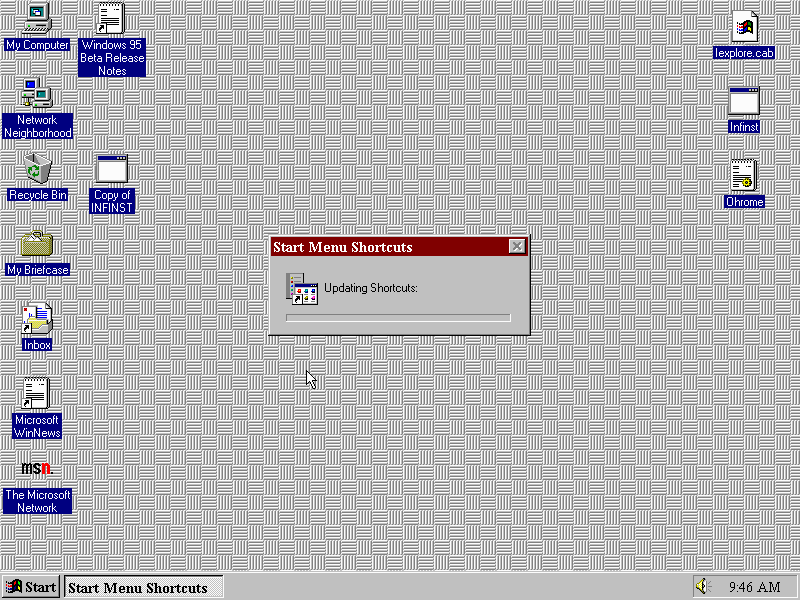
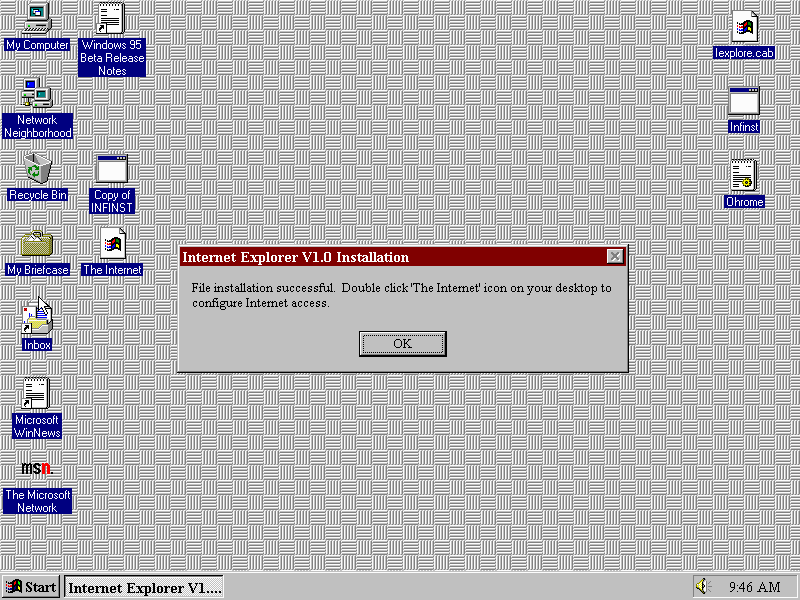
Internet Explorer wasn’t included in this build, but was in development from around that time. To install I had to use the installer from oldversion.com, the WinWorldPC version failed to install.
This one failed
But this one worked instead, not entirely sure of the difference between the two installers but it could be due to this OS being a pre-release build.
Once installed a few changes need to be made before you can ‘browse’ the world wide web. Windows 95 did not include TCP/IP by default but could be enabled by installing it thorough the Network applet via the Control Panel.
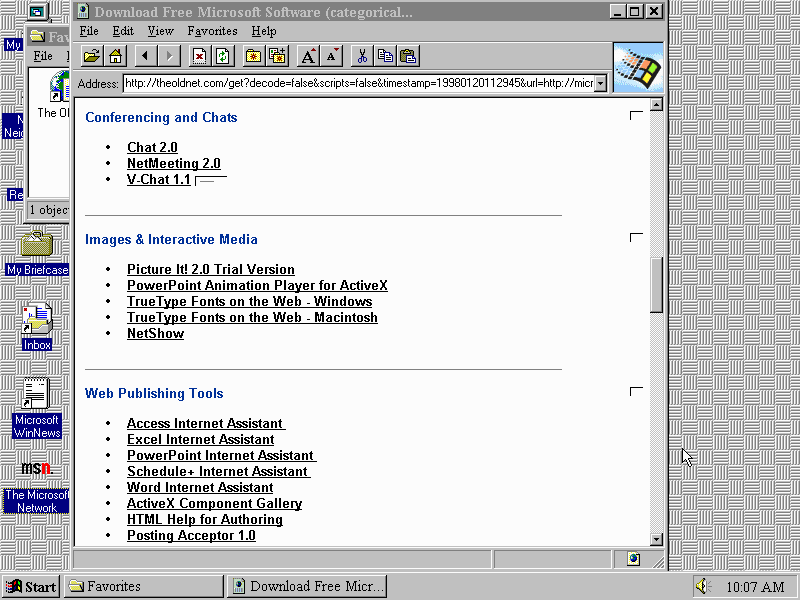
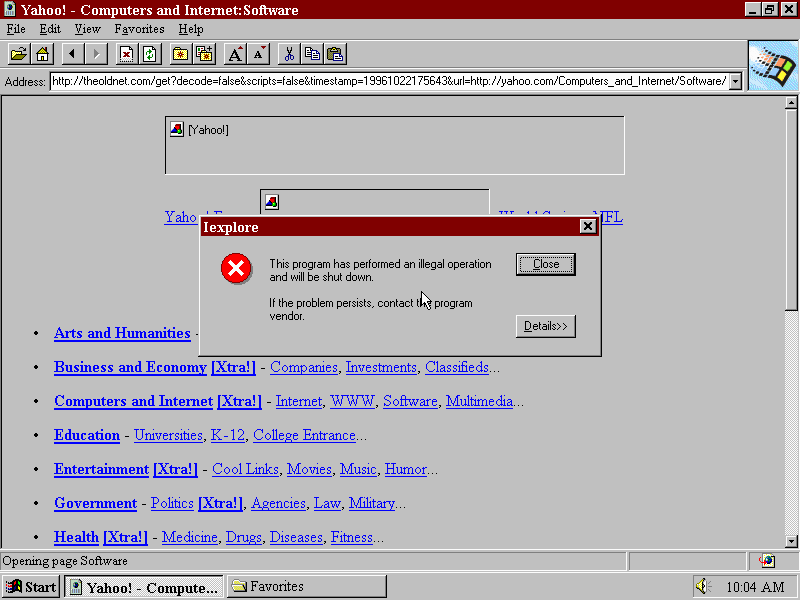
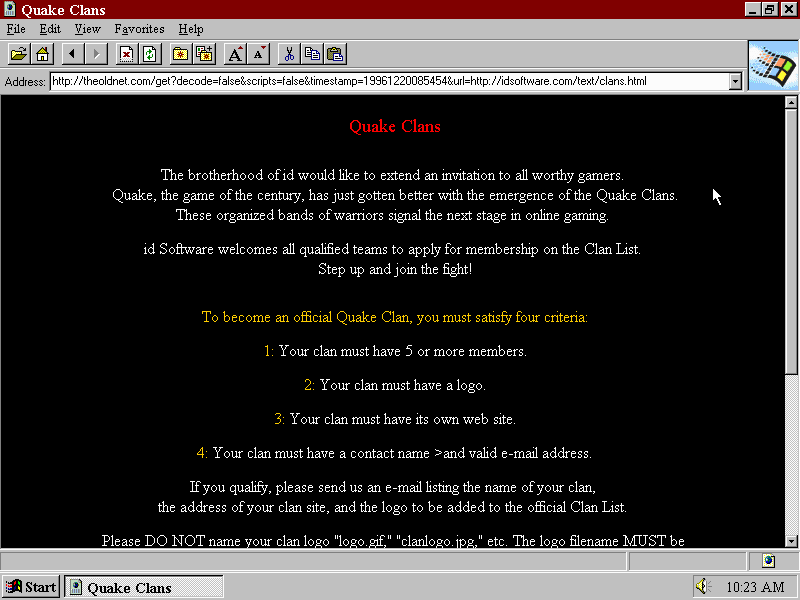
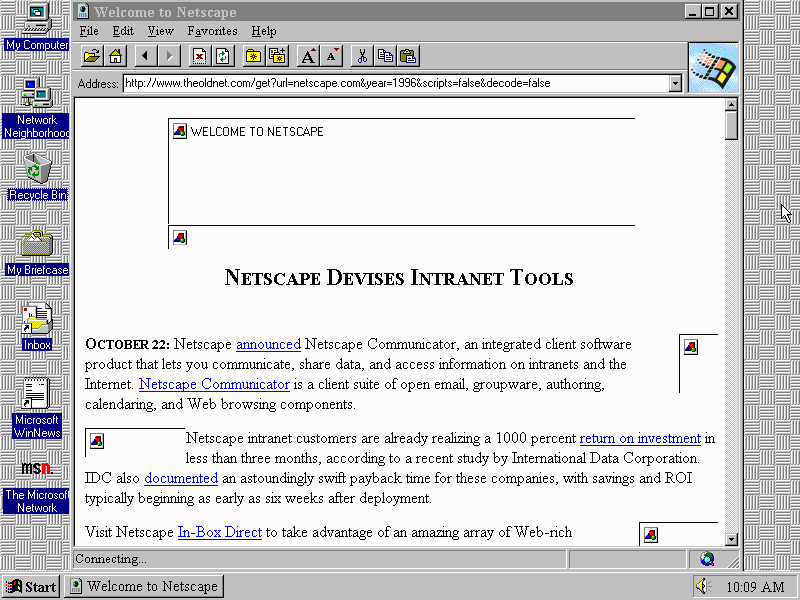
The first version of Internet Explorer was based on NCSA Mosaic and incorporates various technologies that originated from Mosaic. Attempting to use these browsers on the modern web results in a bunch of garbled html, assuming the browser will even connect to a server. Most times you will gets an unsupported protocol since these browsers do not speak https. Here’s where theoldnet comes in
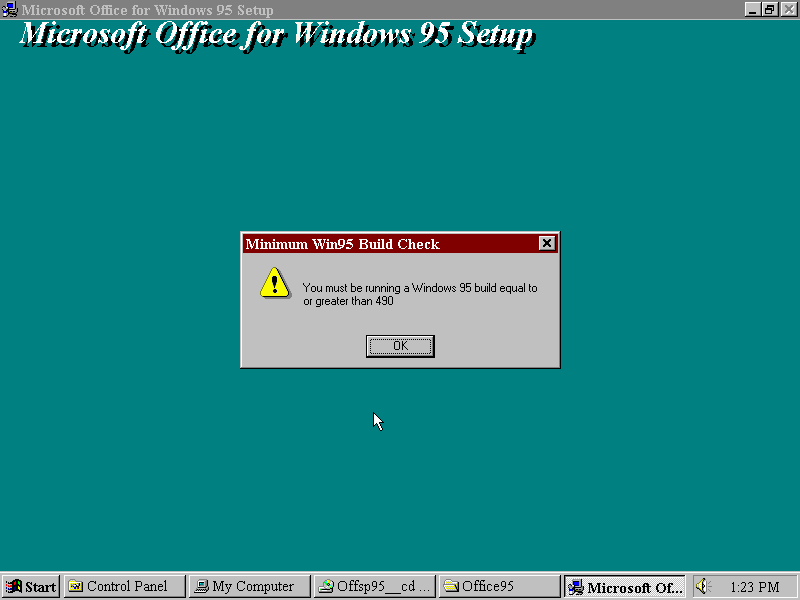
Trying to install Office 95 on Windows 95, which failed since it checks the OS build number






































































 Drew1440: Blog