Tag Archives: Windows NT

Windows NT4 Resource Kit

A sort of expansion pack for the Windows NT 4 operating system, which adds a set of tools and resources. You can consider this to be a mixture of the resource packs that were released for the 9x line of operating system, but with Plus! content included
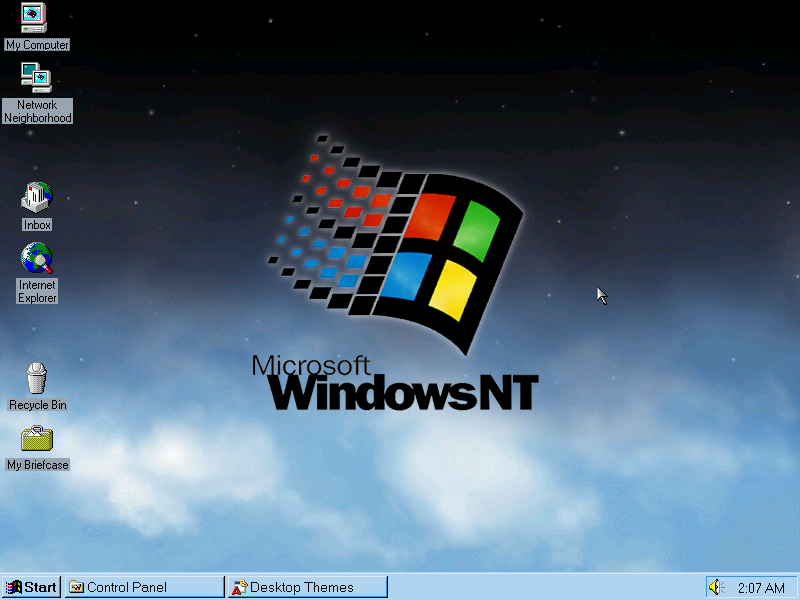
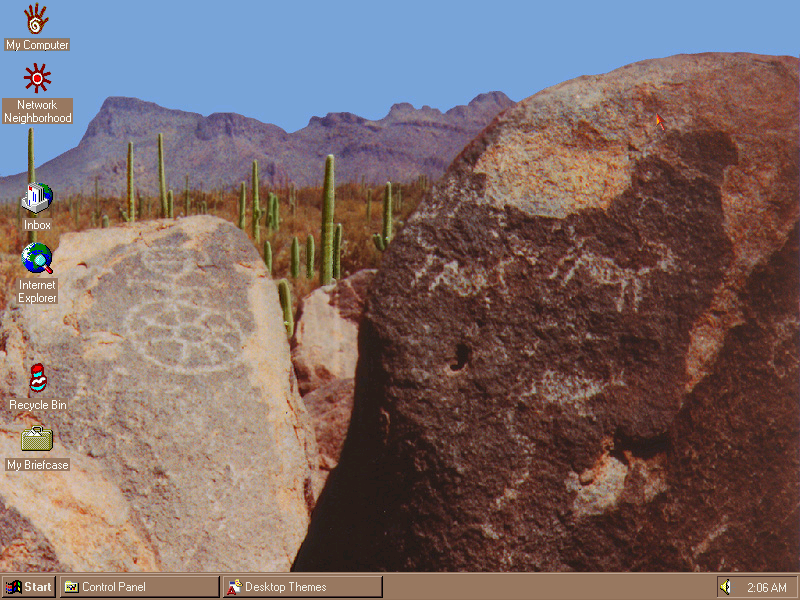
A new desktop theme and wallpaper that ships with the resource kit, this makes use of additional colours that the regular NT desktop themes lack the use of.

Themes
Screenshot

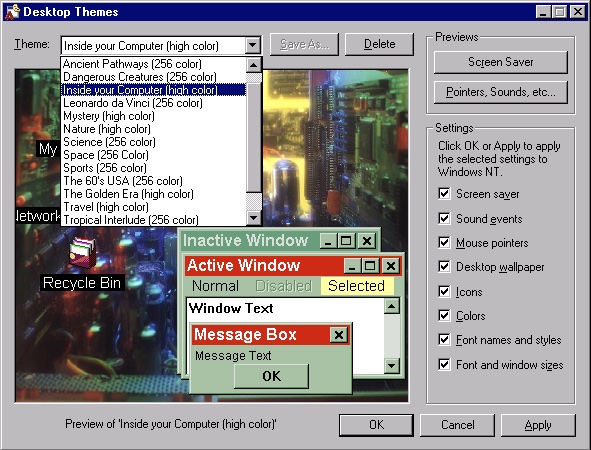
Like the Plus! pack for Windows 95, the resource kit adds desktop theme support and comes bundled with themes, some of which came with the 95 Plus! and some would go on to appear in Windows 98.

Themes exclusive to Windows NT
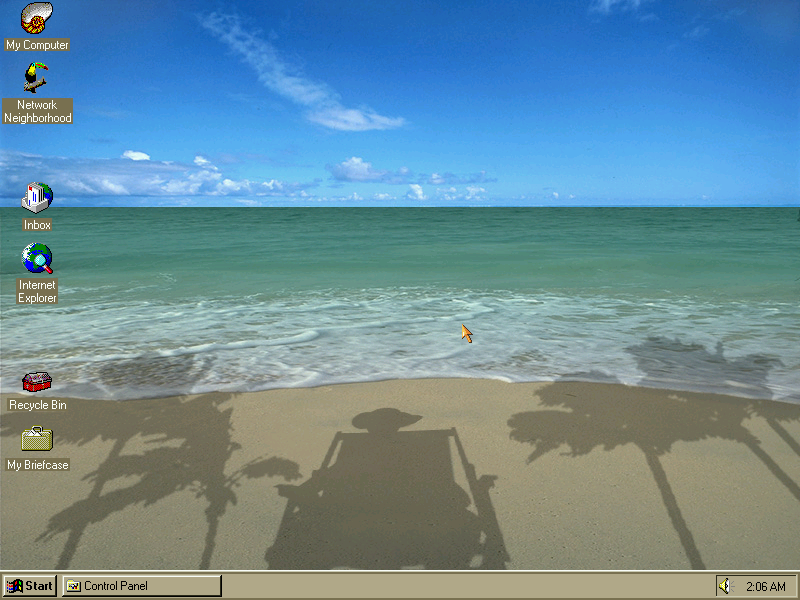
From L-R, Tropical Interlude, Ancient pathways, and the Windows NT theme pictured at the very top, These were exclusive to the NT resource kit.

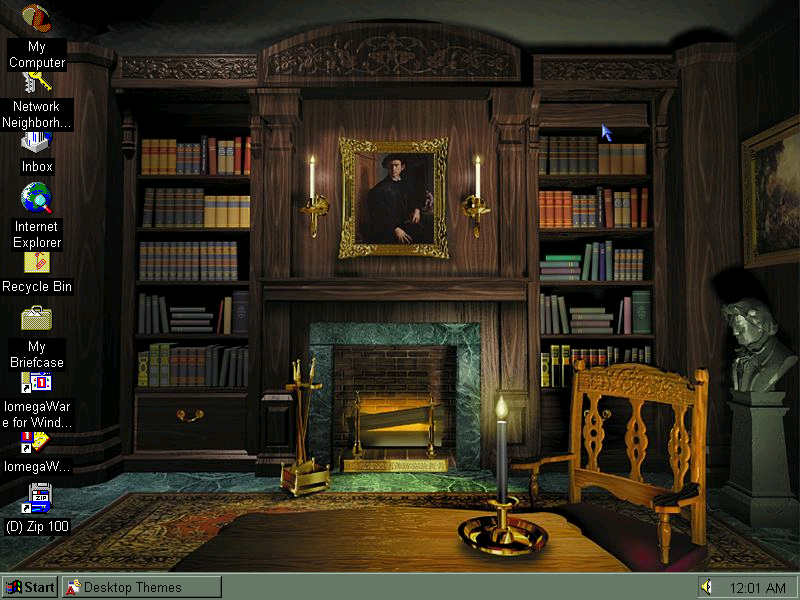
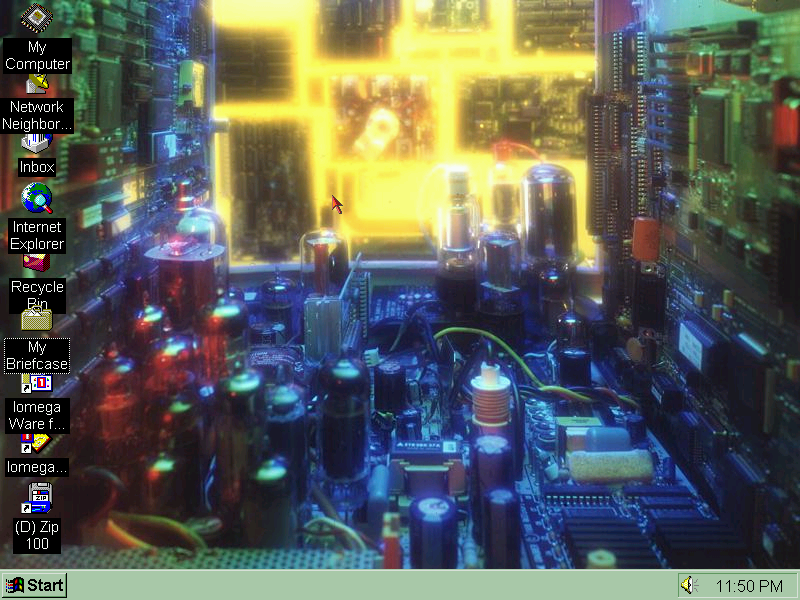
Themes from Windows 95 Plus!

Returning themes include The Golden Era, Mystery, Space and Inside Your Computer which were included in Plus! 95 and in Windows 98. Some of these themes differ in the chosen font compared to the 9x counterparts

Configuration
Screenshot

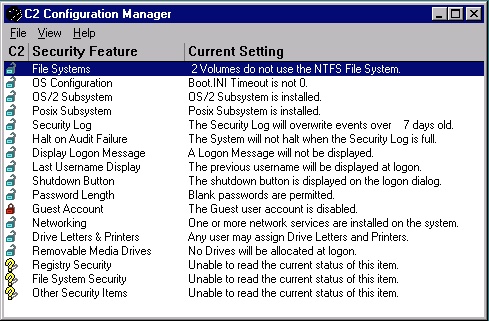
C2 Configuration: This was a tool to ensure your PC workstation was C2 compliant, which was a set of standards by the NSA to ensure integrity and security. Here you can configure certain policies such as logon messages/privacy where the previous username is cleared upon logon. These features are now standard in every corporate domain environment.

Auto Logon: Automatically log on a specific user when the PC is turned on. Useful if this is the only user that will be using the PC or if the PC is intended for specific use like in a factory or automation. This only appears to work once in my case.

Command Scheduler: Like the task scheduler in Windows 98, you can schedule maintenance tasks for disk defragmenter or virus scanners.

Desktop Tools
Screenshot

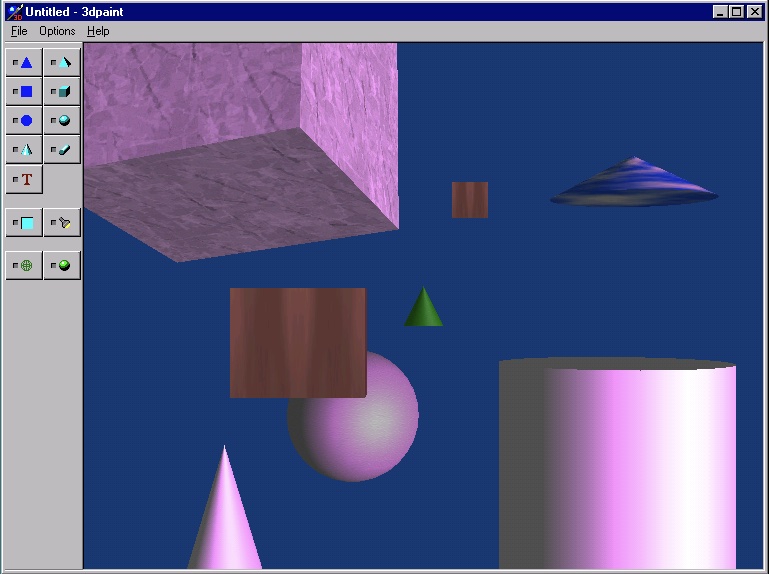
3D Paint: Not to be confused with the 3D Paint from later versions of Windows 10, this lets you place 3D objects onto the viewport. You can adjust the size, rotation and dimensions of the object, and add any additional shading or texture mapping. It’s not Bryce, but it does let you create some interesting images if you’re willing to spends some time with it. Bitmaps can be applied to the 3D objects themselves, and you can apply different colour hues to the shading and change the direction of light.

Files are saved in the 3DP format.

Advanced Cursor Editor: Open and edit cursor animations, including the ones that come with the operating system. You can edit additional frame, or add new frames in between.
Screenshot

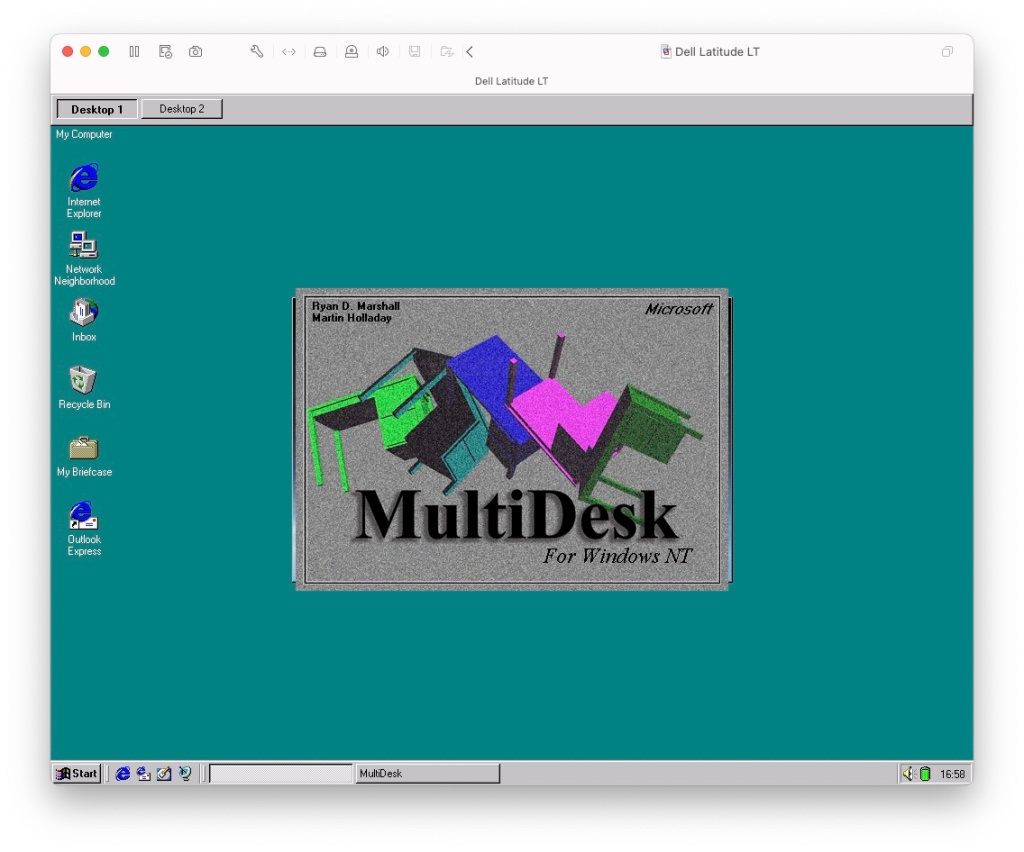
Microsoft Desktops: Lets you have multiple desktops with active windows, like many Linux distros supported.

Image Editor: Bitmap image editor, not much use for JPEG or GIF images. Even with bitmaps you are limited to images no larger than 256×256. Even if you try to open a smaller bitmap, it has to be a valid 3.0 format bitmap file. Because it these limitations, there not much use outside editing icons or clipart. The program dates from 1992 which could explain the limitations.

Text Viewer: Looks like Windows Explorer in tree view, but when you click on a file it appears as if you have opened it in notepad. Useful for HTML developers or programmers, or even gamers if they need to quickly edit an ini file since you can edit and save text file directly.

There are other various utilities such as Disk Probe, Fault Tolerance Editor, Network Watch, Process Viewer and Quick Slice. A lot of these are niche for use to look at as they serve a specific purpose.

Windows NT Hydra (Beta 2: Build 1314)

Windows NT 4 was the next major release of the NT line of operating systems, and was to bring the new Windows 95 inface to the NT platform. Underneath the hood however it is very similar to NT 3.51

Install

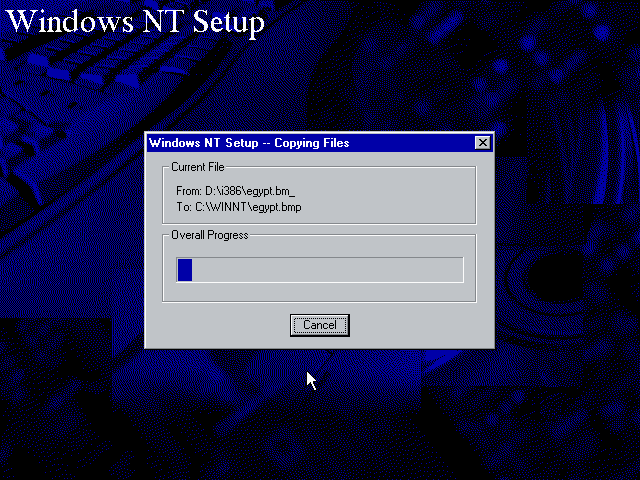
The only License agreement I agree to. The first stage of the install is done through a basic blue installer, where the disk volume and storage drivers are selected for install. Once that’s complete the second stage install pick up in a full Windows Nt environment. here the install can be customized.

Drivers

SoundBlaster Install

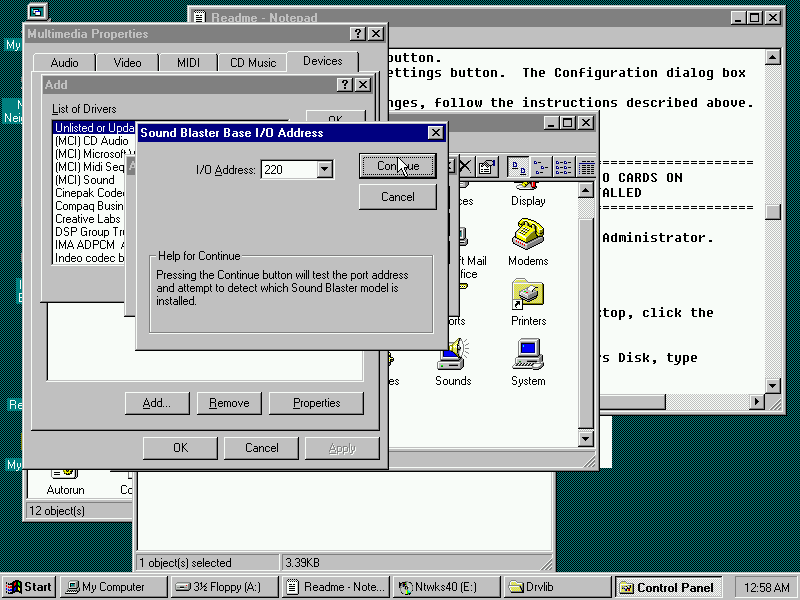
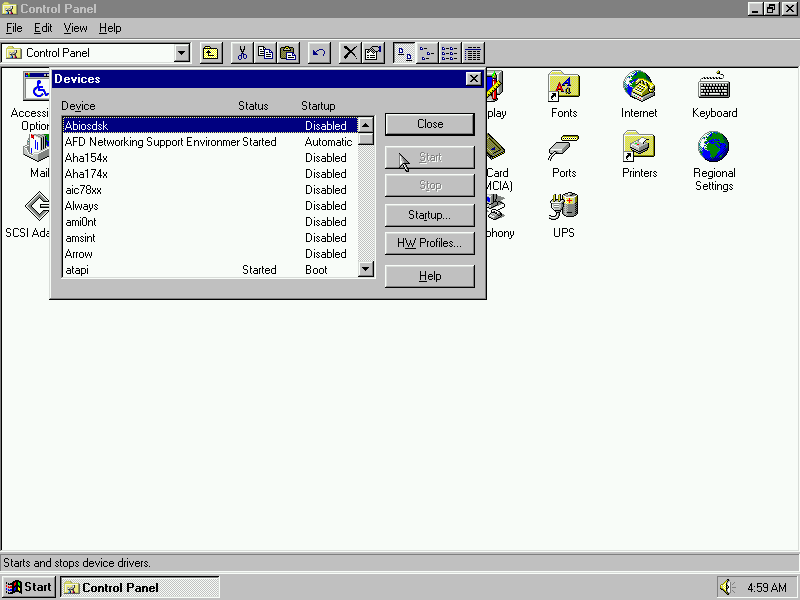
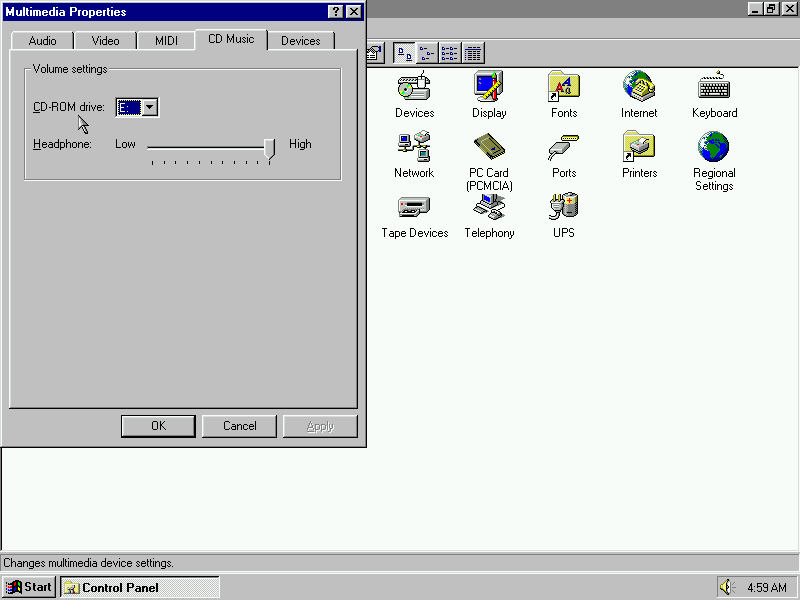
Unlike Windows 95, NT4 did not feature a device manager or the Add New Hardware Wizard, making hardware instillation more difficult since Plug and Play was not supported in the NT family until the release of Windows 2000. Adding the sound card can be done through the Multimedia applet and adding a new multimedia device, just make sure you have NT driver files available (95/98 drivers will not work)

3DFX Voodoo Install

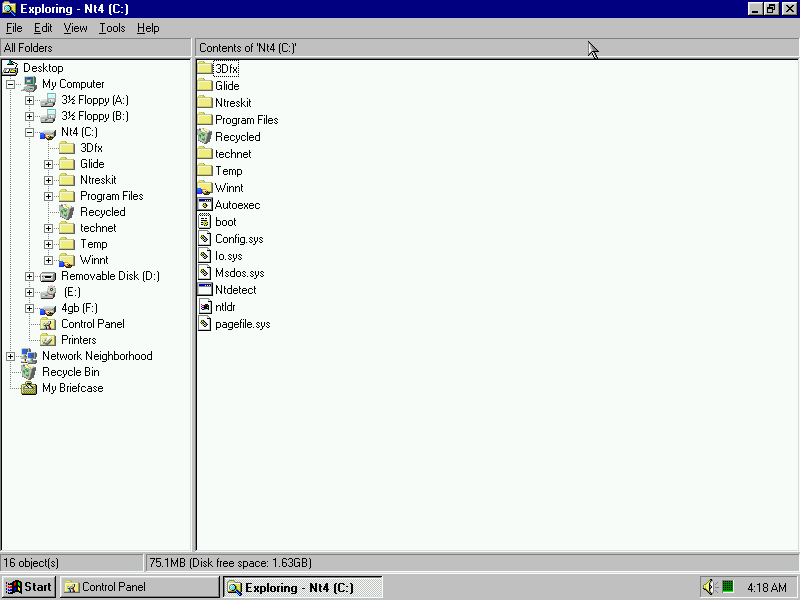
Installing 3Dfx Glide drivers, as NT4 shipped with DirectX 2 only with limited upgrade capabilities so having Glide support should allow a wider range of games to be played. Instillation was done using the setup wizard which came with the WinZip self extractor.

Iomega Zip

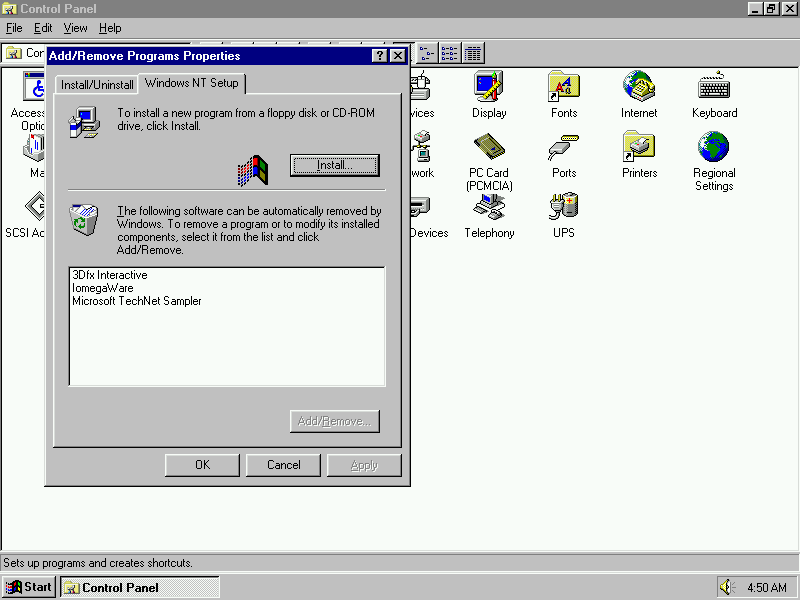
NT4 did not support Zip drives natively, so additional software is required in order to use Zip disc images. However the only version I could find required the instillation of Service Pack 3 in order for it to run. Accessing the Zip disk is done using that software instead of using Windows NT Explorer.

https://archive.org/details/neczipjazz

Desktop

After the is complete the system will reboot and the default desktop will be displayed

One of the preloaded desktop backgrounds, on this build ‘Click here to begin’ appears on the taskbar after a fresh install or when a new user has been created.

The Windows 95 Explorer interface is present in this build on NT

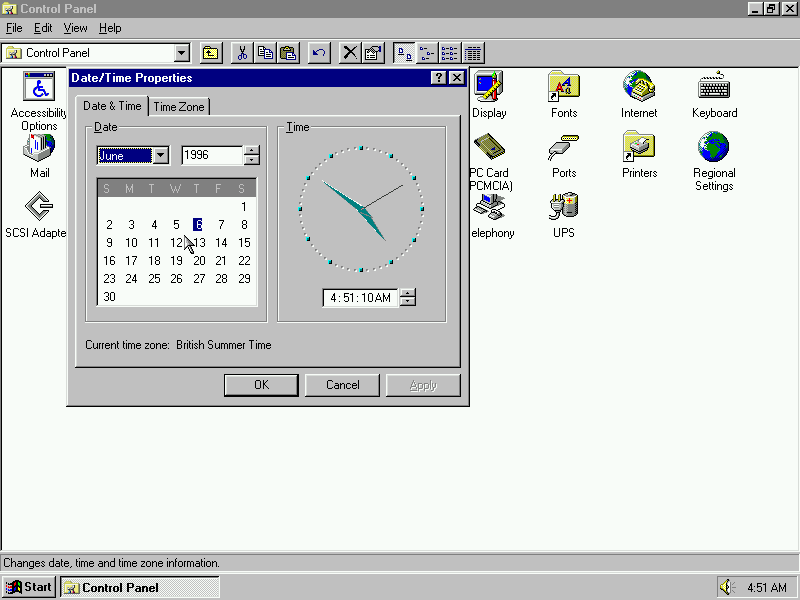
Control Panel

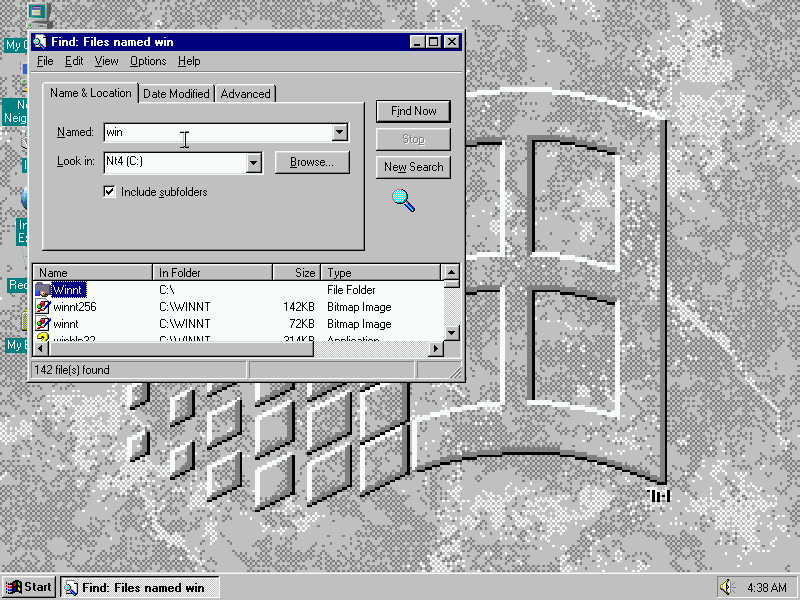
Find

Used to search and find files and folders, this is not an indexed search to the application has to manually search through the individual files

Accessories

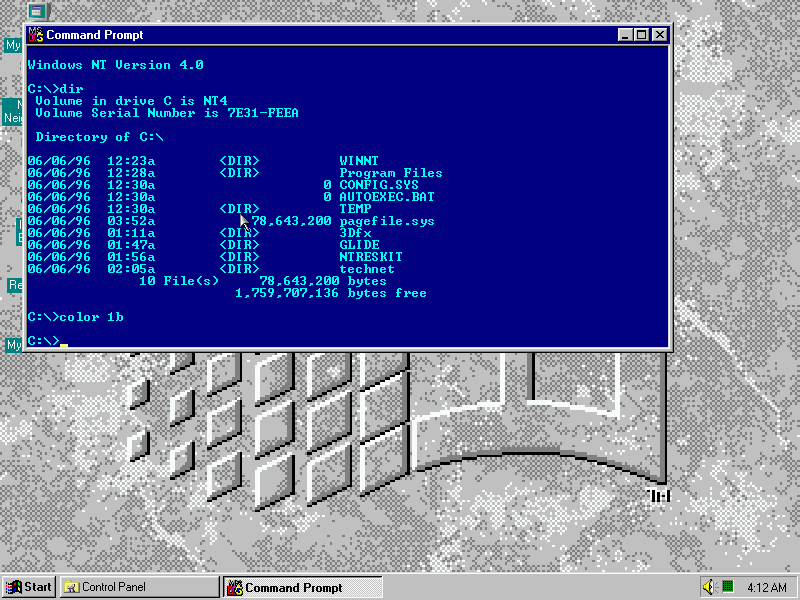
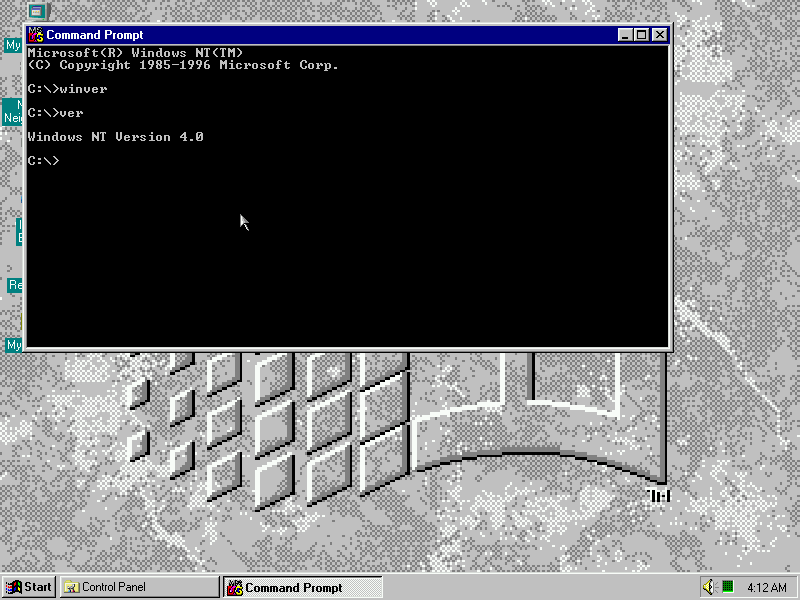
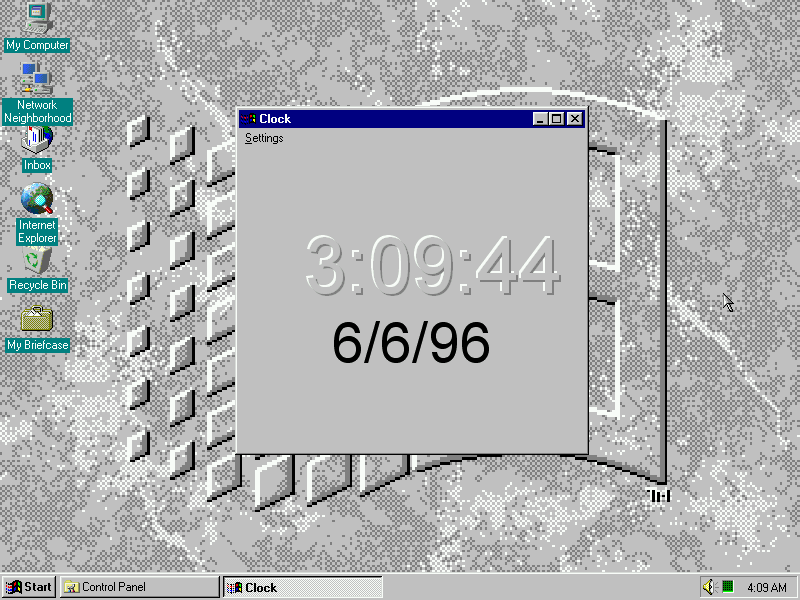
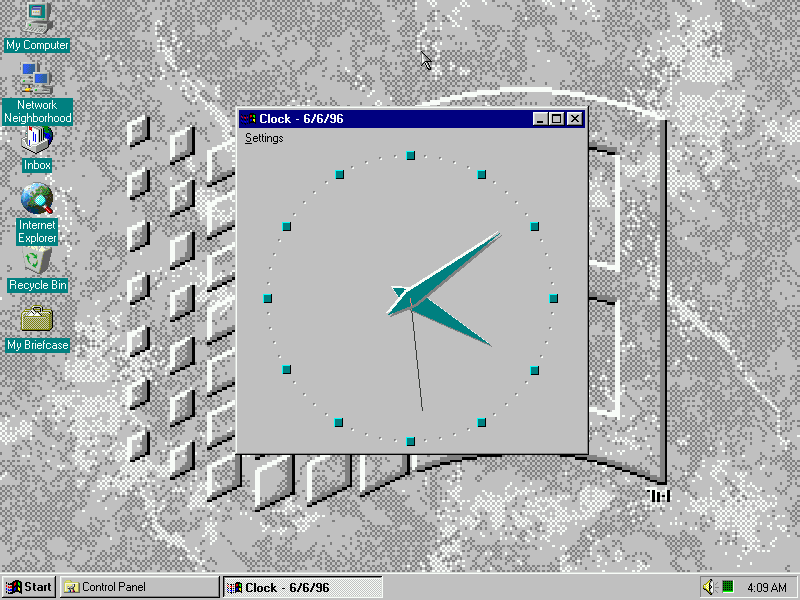
Command prompt (Also known as Console) allows commands to be entered that is not converted in the GUI interface and also allows MS-DOS 16bit applications to run. Not sure why the clock application was included here since the clock appears in the taskbar.

Paint

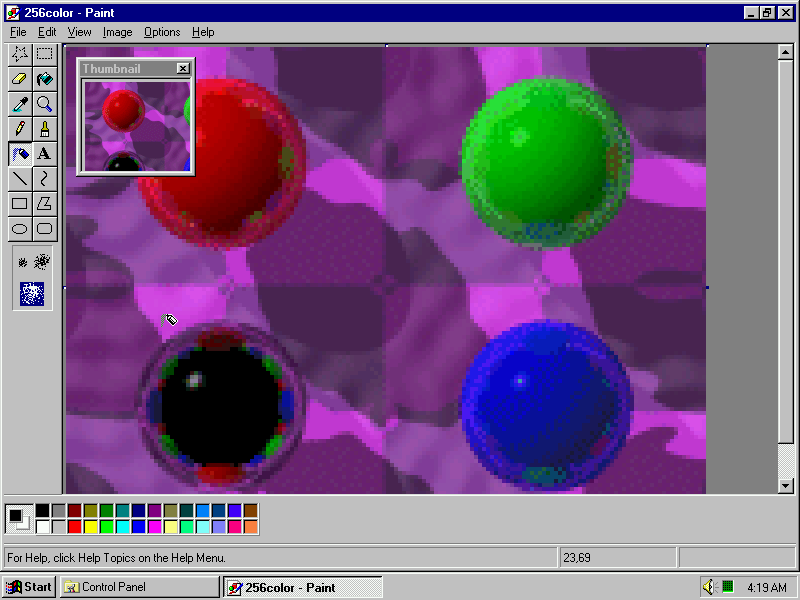
Windows 95 paint with a default background image

Object Packager

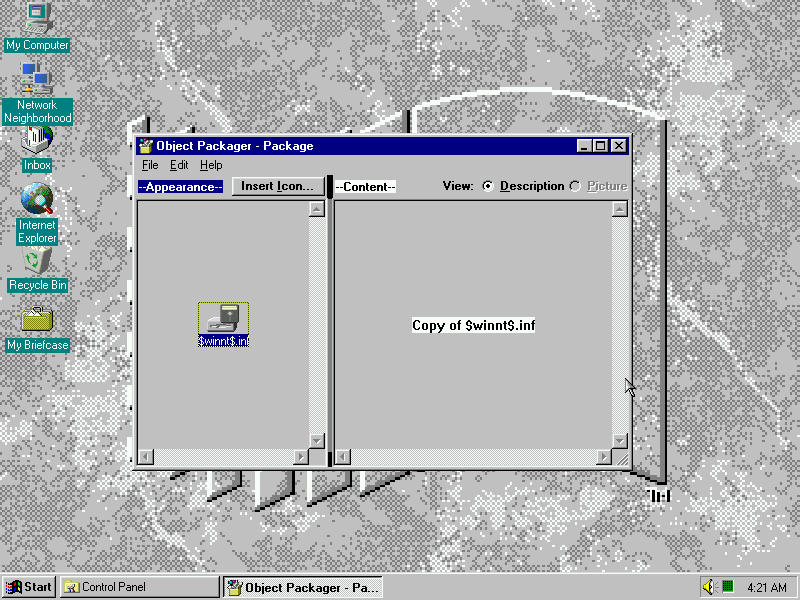
Not sure on what this is?

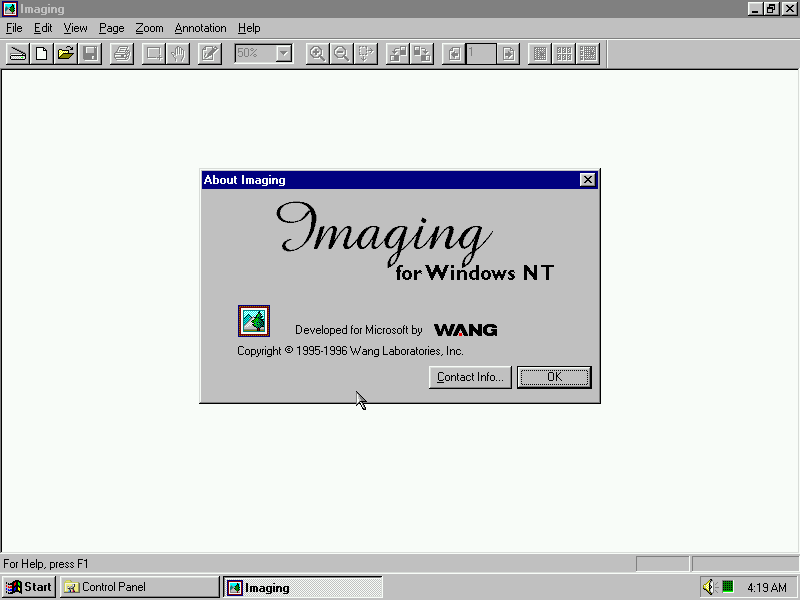
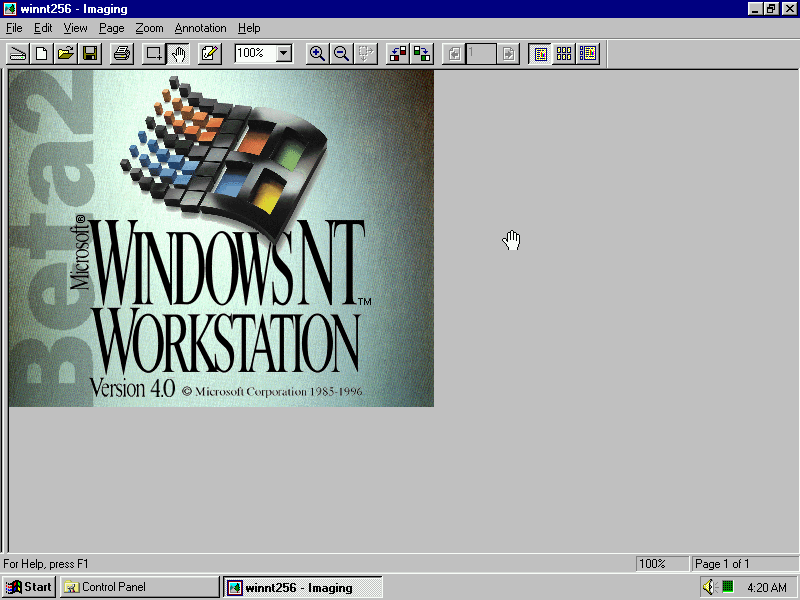
Imaging for Windows

Bitmapped image editor, designed to open an image from a scanner or a digital camera.

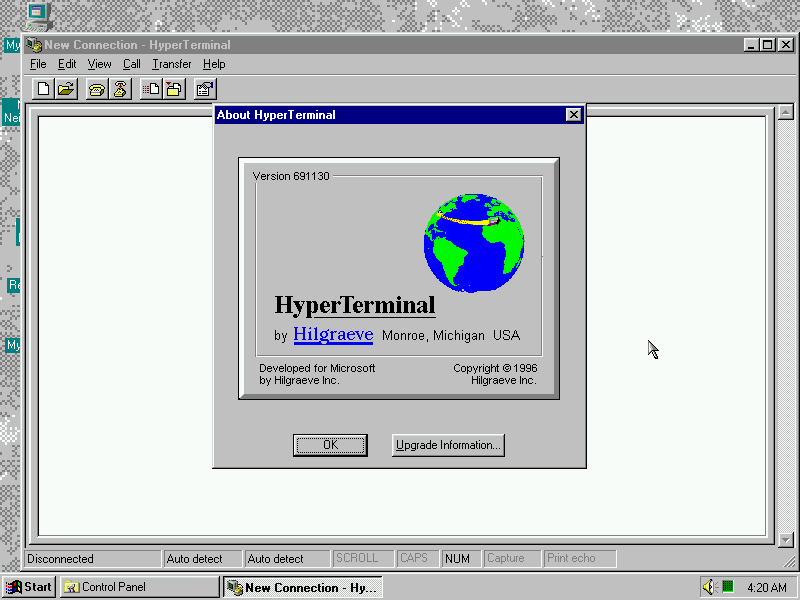
Hyper Terminal

HyperTerminal comes bundled with this build and allows for access to protocols like Telnet

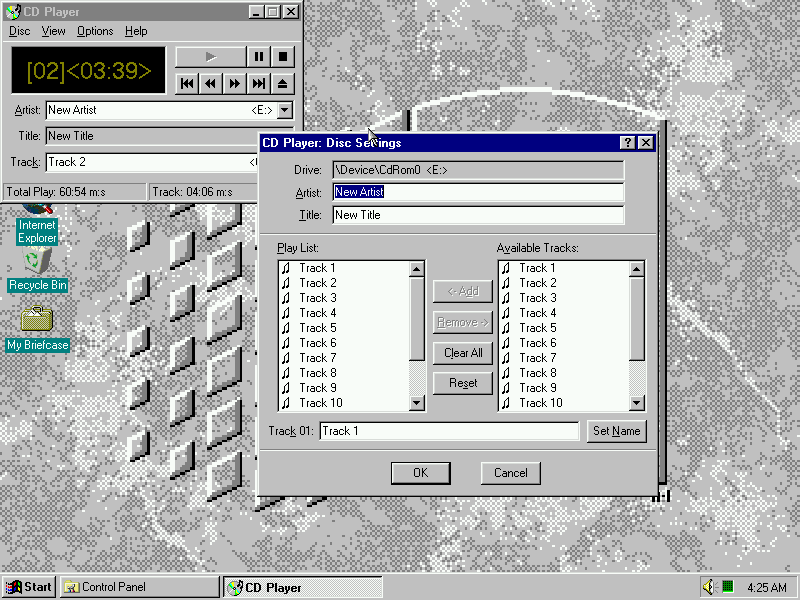
CD Player

A regular CD Player, tracks can be played and renamed

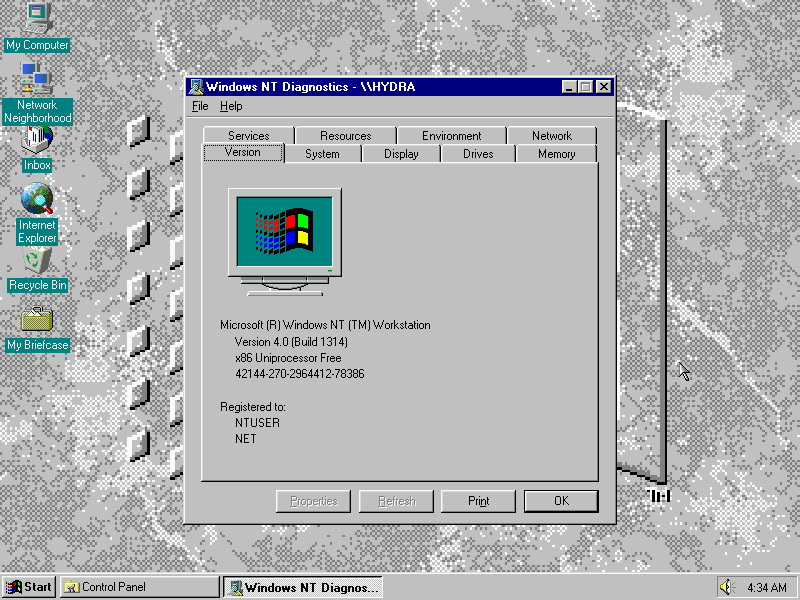
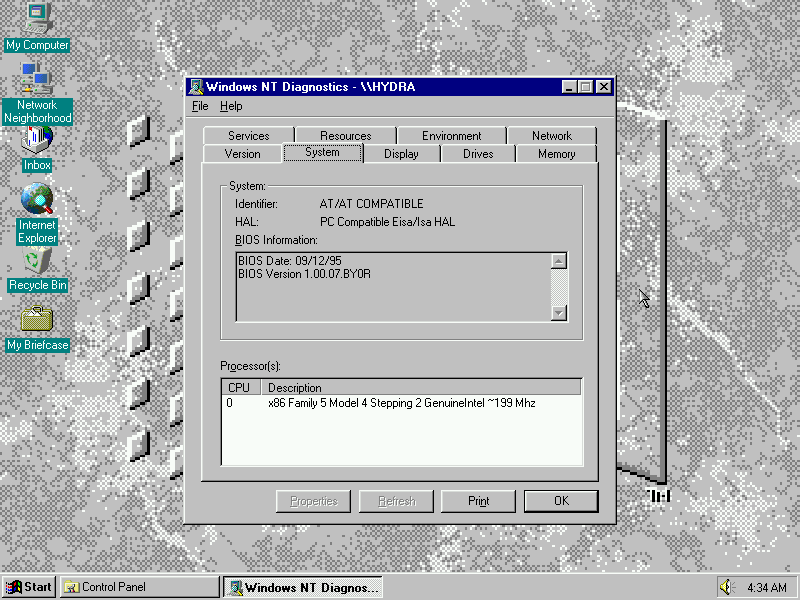
Diagnostics

Views detailed system information and the hardware/drivers currently installed

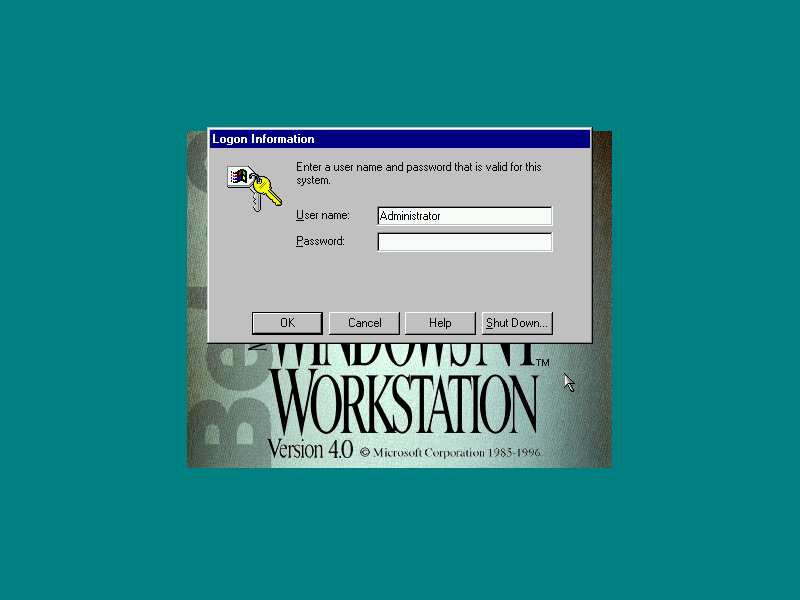
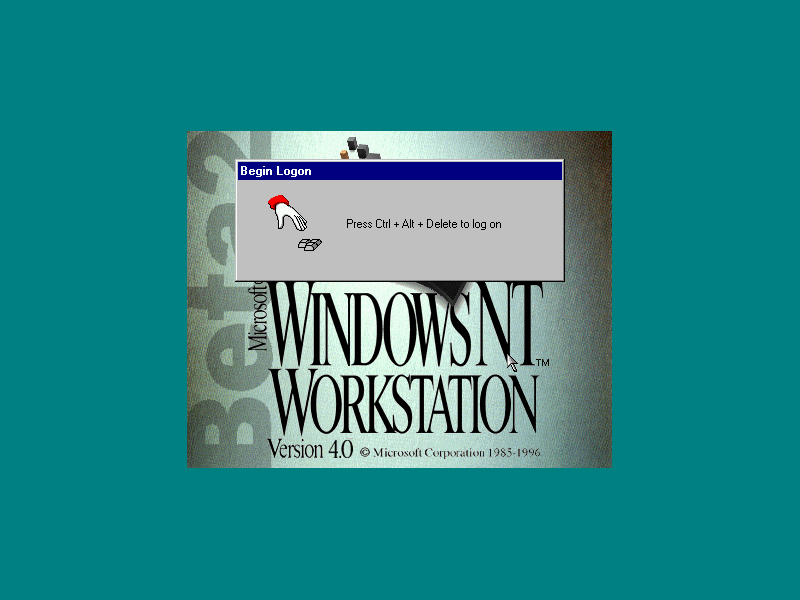
Logon

Windows NT requires you to press Ctrl + Alt & Del in order to logon to ensure the logon screen is genuine, which will bring up the login screen. On some systems this may be replaced by the Novell Client logon screen for Netware networks.

Shutdown

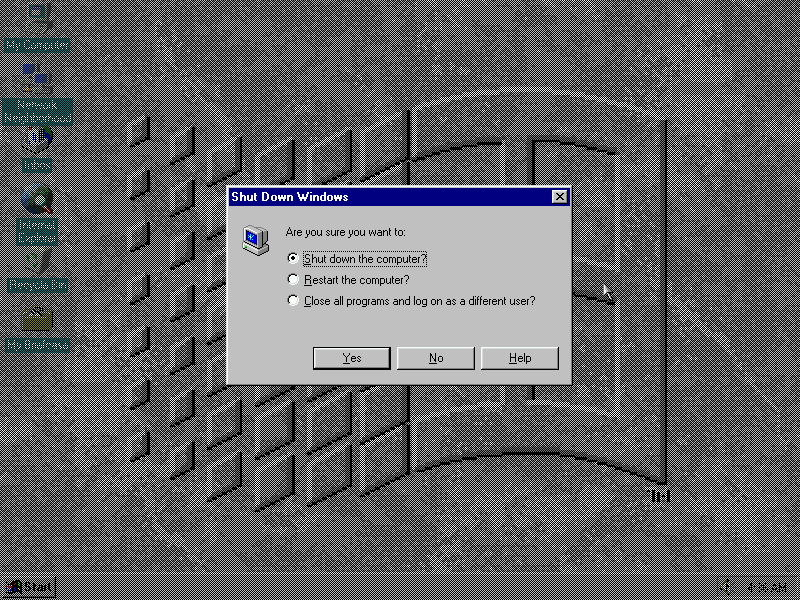
Shutting down Windows NT, from here you can log off, restart or shut down. If ACPI drivers are installed the system will power off, otherwise a power off prompt will appear instead

PCem Specifications

  • Motherboard: Packard Bell PB570
  • Processor: Pentium Overdrive MMX
  • Graphics: Built In Video – Cirrus Logic
  • Sound: SoundBlaster AWE32
  • Mouse: PS/2 Intellimouse
  • Network: Novell NE2000
  • 3D Accelerator: 3DFX Voodoo Graphics