Tag Archives: Windows NT 4

Dell Latitude LT – Windows NT 4

The Latitude line was Dell’s professional series of laptops intended for business use. They typically come with features such as docking station support, enhanced security or encryption options. They also typically came with support for Windows NT operating system, however, some models could also come with a Windows 9x operating system if this is preferred.

Trying to install using a VM for 86Box, was a bit of a mess. There were a few virtual machines we could use, but many would result in a non-functional system. In most cases the keyboard was unresponsive which prevented us from being able to login.

Instead lets use VMWare
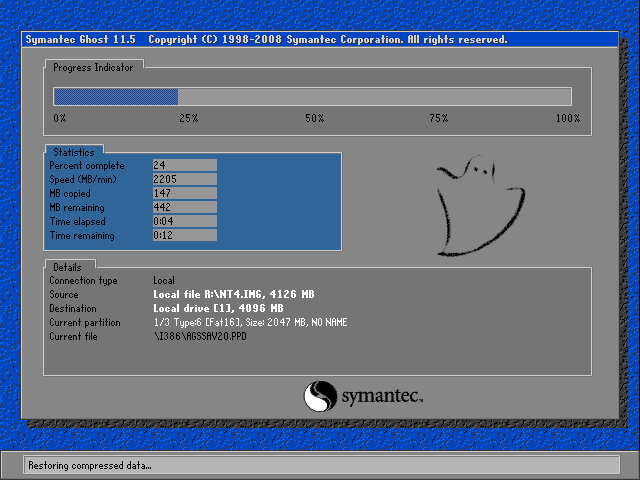
The recovery tool uses Symantec Ghost to restore the image. The software is capable of initializing a blank hard drive and will reboot the system when done.
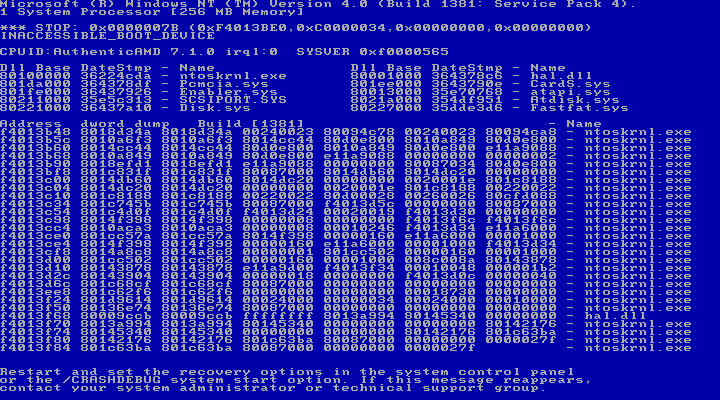
After booting up we get an instant BSOD with an Inaccessible Boot device error (0x0000007B). Turns out it was because VMWare allocate hard drives under a SCSI controller, instead of an IDE controller which NT 4 prefers. Changing the hard disk to IDE fixes the issue.
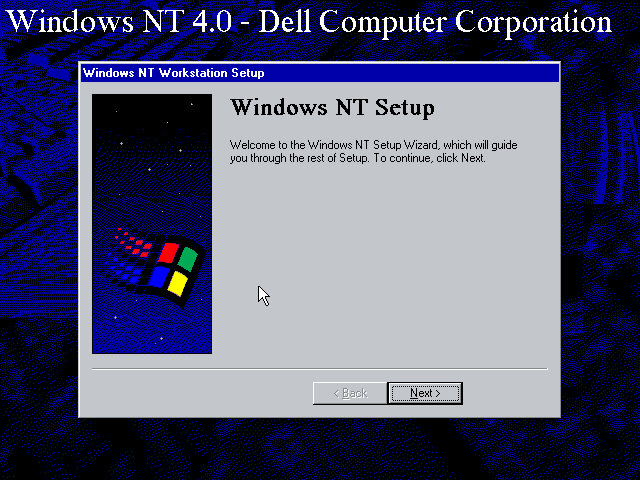
After we fixed that, the setup utility starts where you enter details of the user and computer name, and the serial number is entered here.

A Y2K utility appears to load and then crash soon after we log in. I guess this checks the BIOS version to prevent any issues with Y2k compliance, which was a much-talked-about issue when this laptop would have been released.

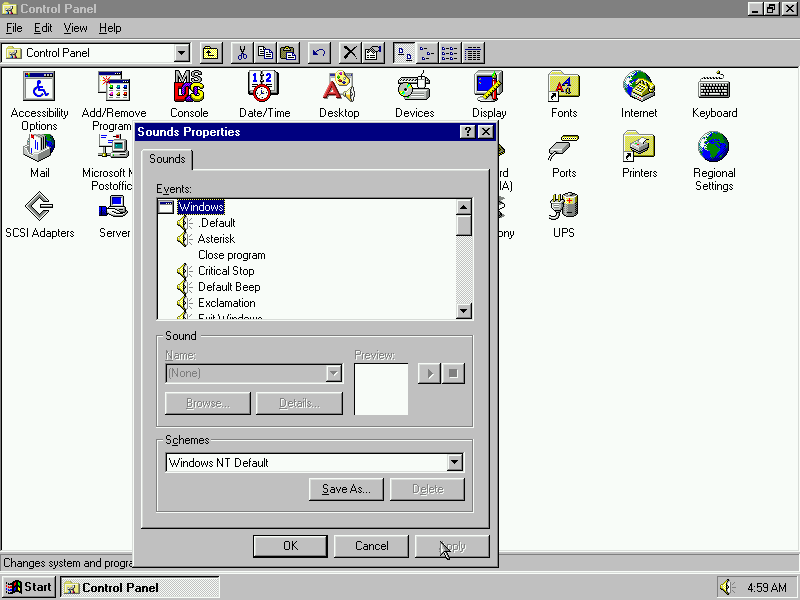
NT will not pick up the soundcard upon bootup, but we can install a compatible Creative Driver. Once installed and rebooted, we get sound.
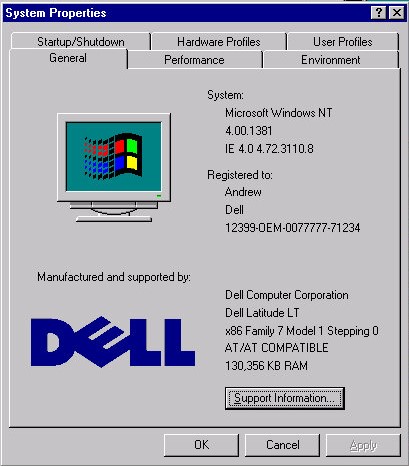
System properties that shows the OEM customization.
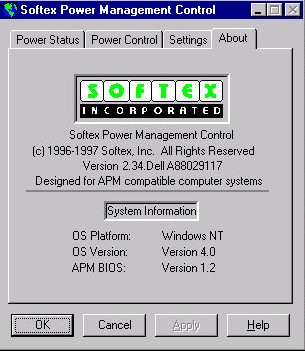
A look at the battery utility which controls the power management settings. It appears to be developed by Softex Incorporated and would have provided ACPI support that was desirable for laptops, but was not yet fully supported in the Windows NT line, not until Windows 2000.

Dell have included a couple of utilities, the first one will convert the hard disk to NTFS (its FAT32 by default) and the second will create a recovery disk using a blank floppy disk.

And that’s it. There isn’t much software included and it’s likely Dell supplied any bundled software separately, and they would have kept the base install as minimal for businesses to customize.

Like other NT 4 installs, this does not power off the computer, rather it will just restart the VM even if you select the shutdown option. On the actual machine itself, I’d image Dell would have implemented ACPI support allowing for auto shutdown.

Windows NT Hydra (Beta 2: Build 1314)

Windows NT 4 was the next major release of the NT line of operating systems, and was to bring the new Windows 95 inface to the NT platform. Underneath the hood however it is very similar to NT 3.51

Install

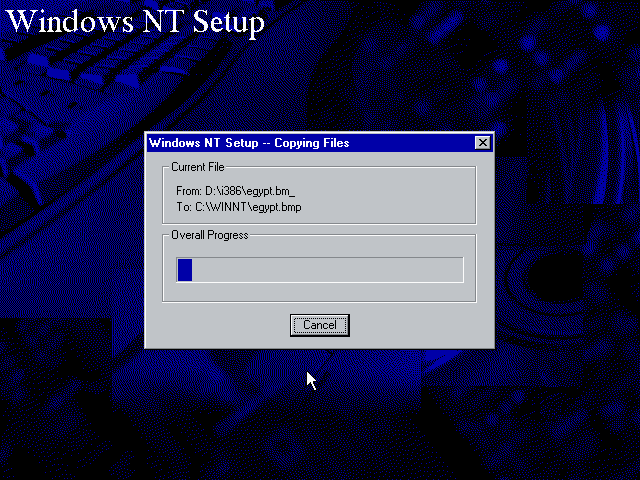
The only License agreement I agree to. The first stage of the install is done through a basic blue installer, where the disk volume and storage drivers are selected for install. Once that’s complete the second stage install pick up in a full Windows Nt environment. here the install can be customized.

Drivers

SoundBlaster Install

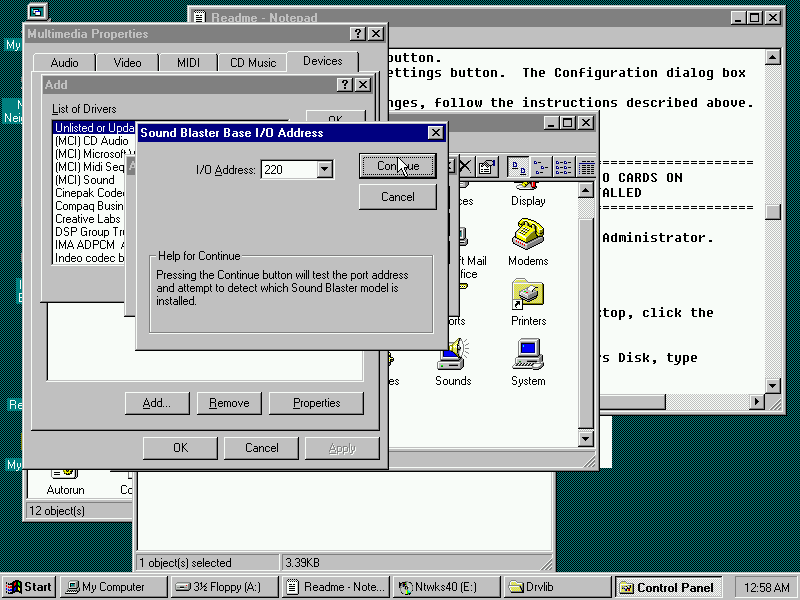
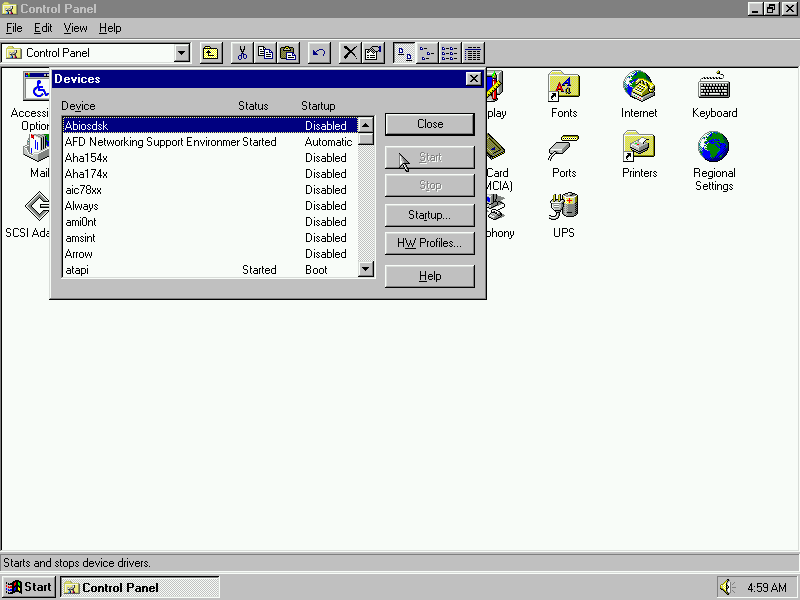
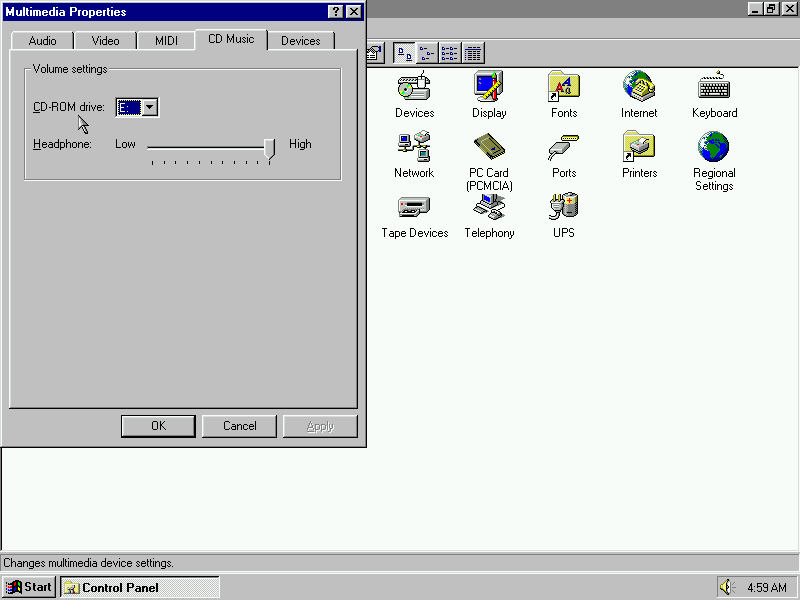
Unlike Windows 95, NT4 did not feature a device manager or the Add New Hardware Wizard, making hardware instillation more difficult since Plug and Play was not supported in the NT family until the release of Windows 2000. Adding the sound card can be done through the Multimedia applet and adding a new multimedia device, just make sure you have NT driver files available (95/98 drivers will not work)

3DFX Voodoo Install

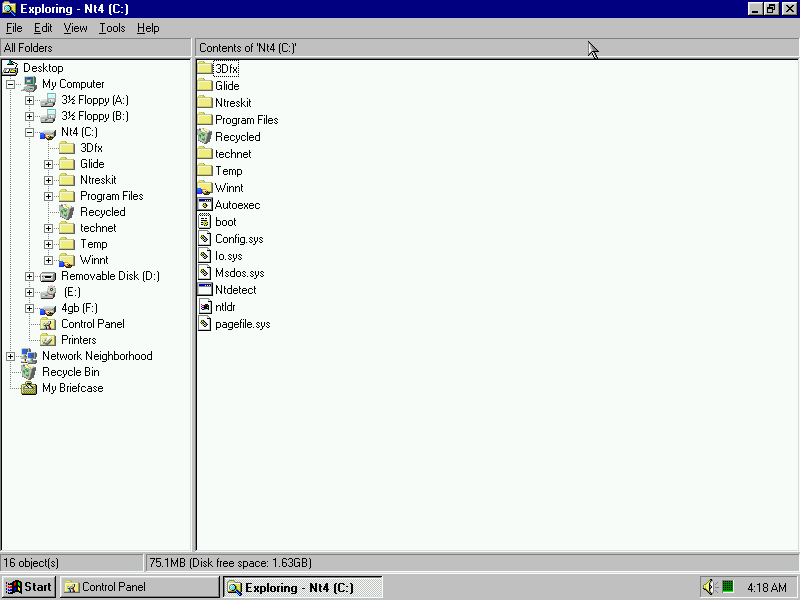
Installing 3Dfx Glide drivers, as NT4 shipped with DirectX 2 only with limited upgrade capabilities so having Glide support should allow a wider range of games to be played. Instillation was done using the setup wizard which came with the WinZip self extractor.

Iomega Zip

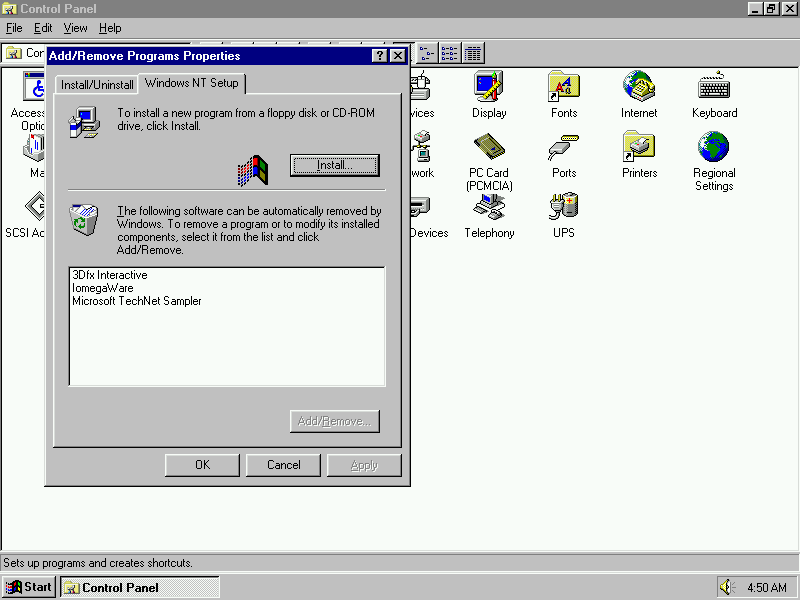
NT4 did not support Zip drives natively, so additional software is required in order to use Zip disc images. However the only version I could find required the instillation of Service Pack 3 in order for it to run. Accessing the Zip disk is done using that software instead of using Windows NT Explorer.

https://archive.org/details/neczipjazz

Desktop

After the is complete the system will reboot and the default desktop will be displayed

One of the preloaded desktop backgrounds, on this build ‘Click here to begin’ appears on the taskbar after a fresh install or when a new user has been created.

The Windows 95 Explorer interface is present in this build on NT

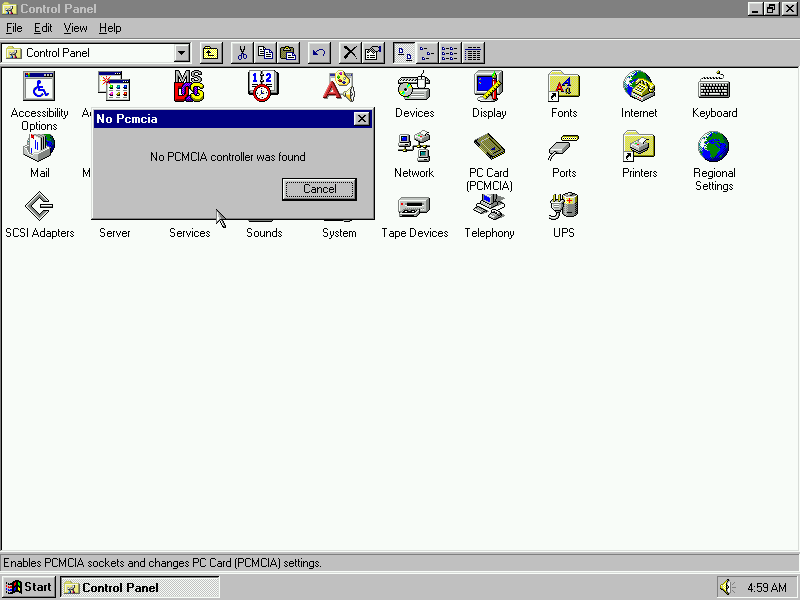
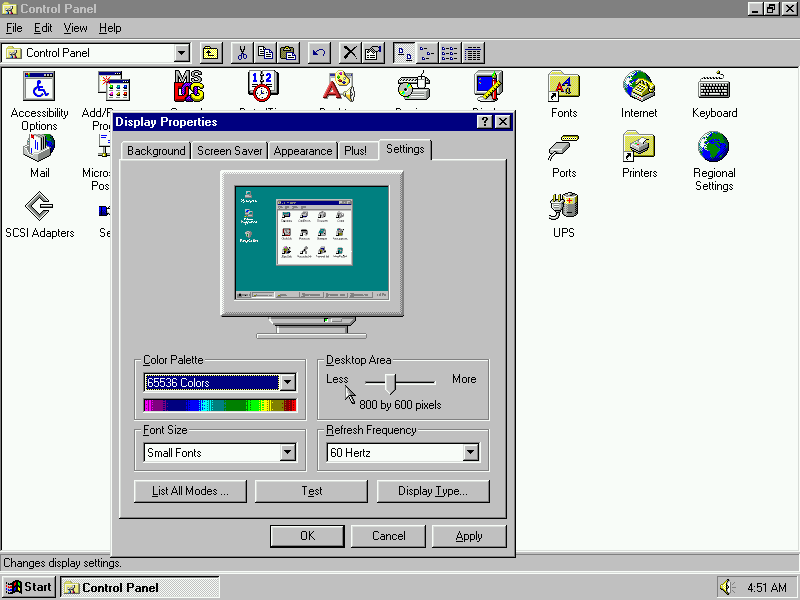
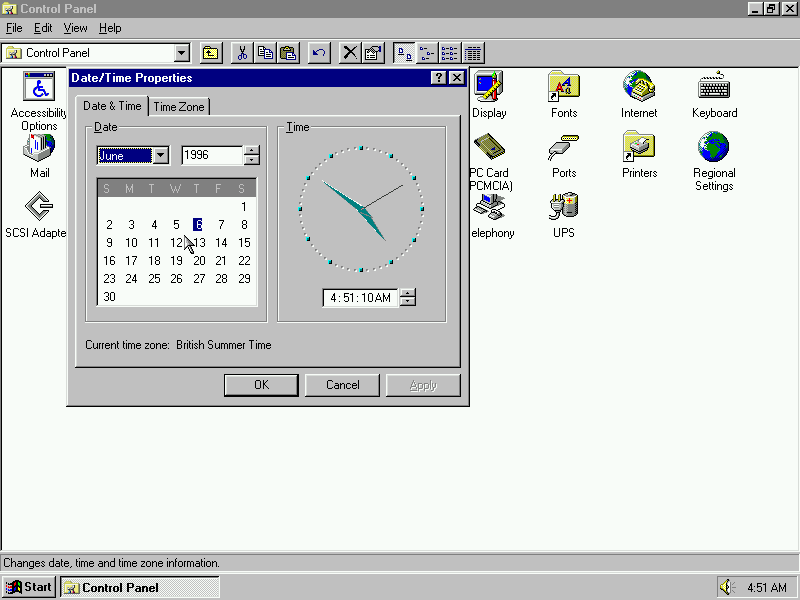
Control Panel

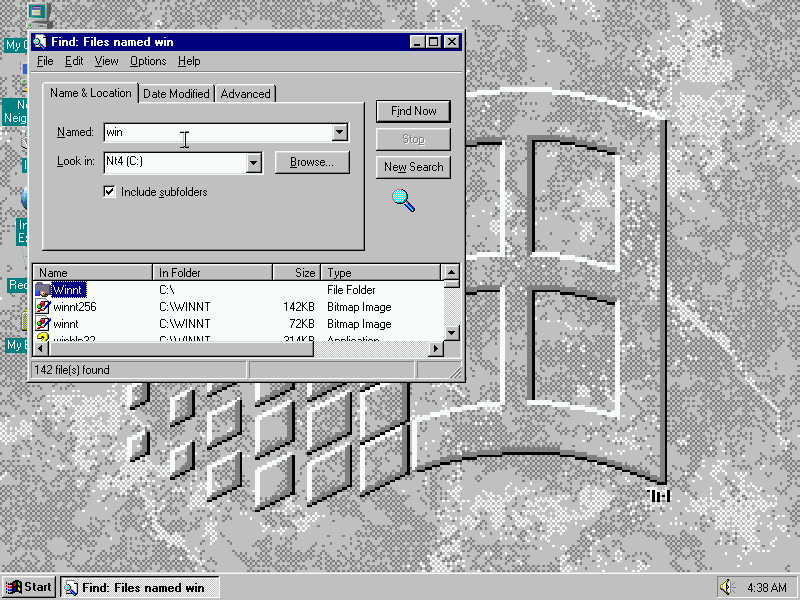
Find

Used to search and find files and folders, this is not an indexed search to the application has to manually search through the individual files

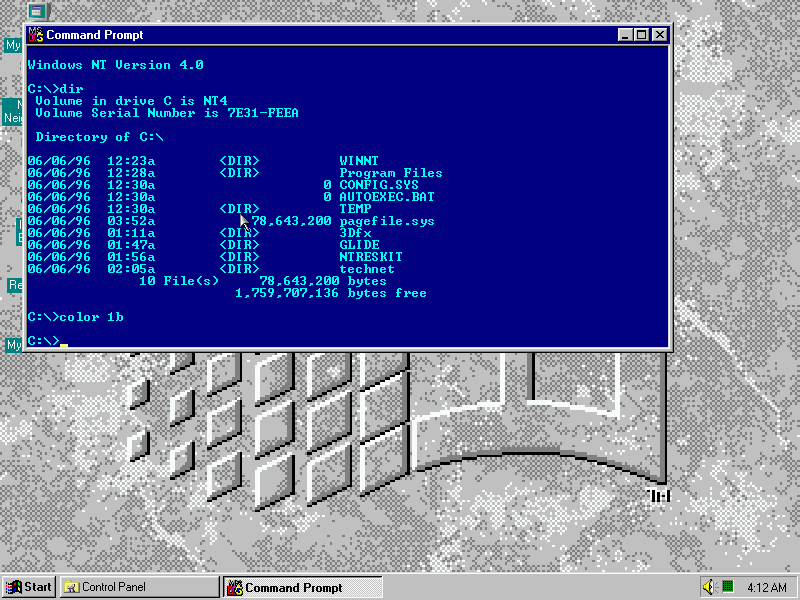
Accessories

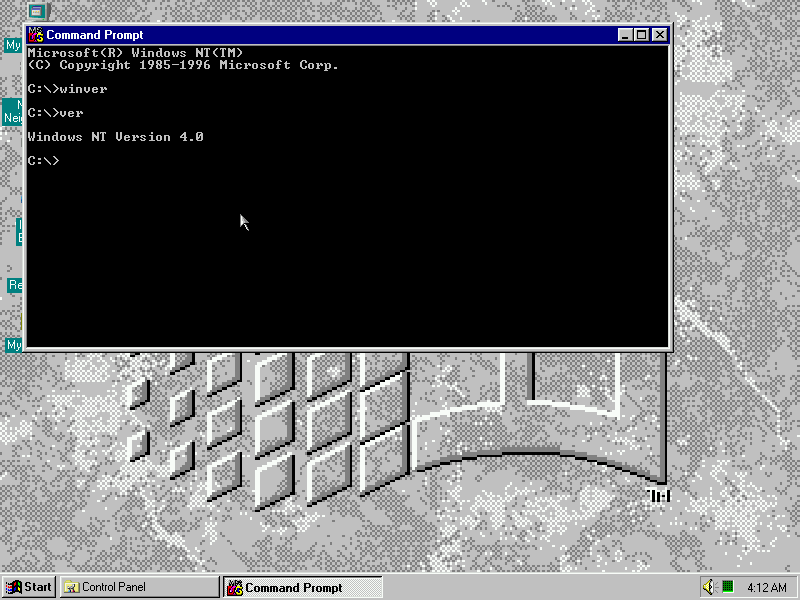
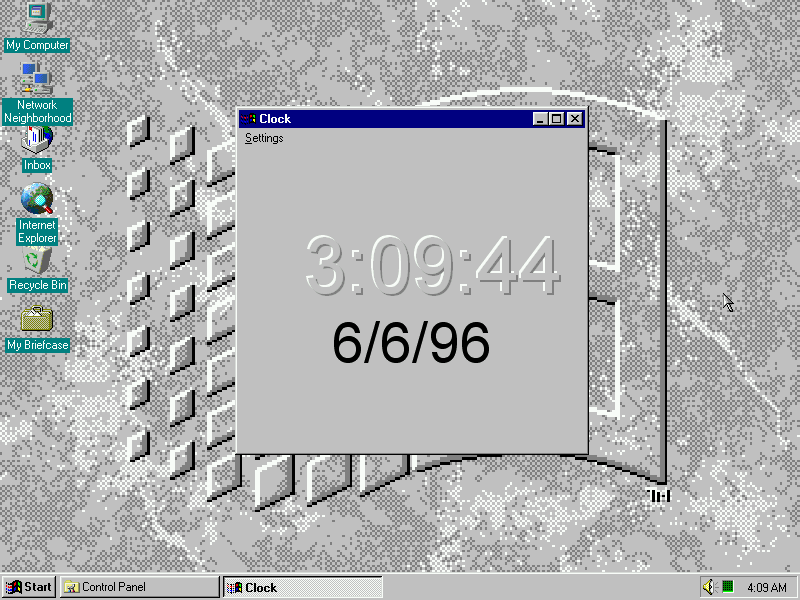
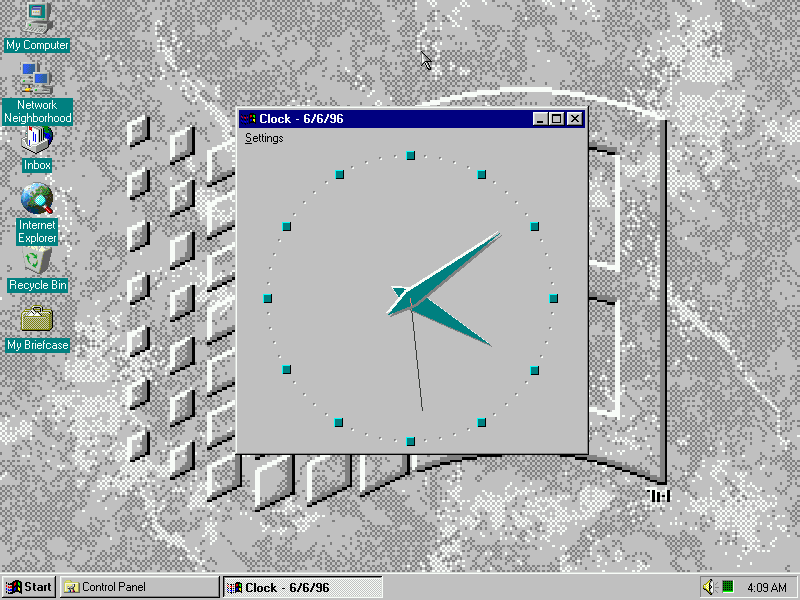
Command prompt (Also known as Console) allows commands to be entered that is not converted in the GUI interface and also allows MS-DOS 16bit applications to run. Not sure why the clock application was included here since the clock appears in the taskbar.

Paint

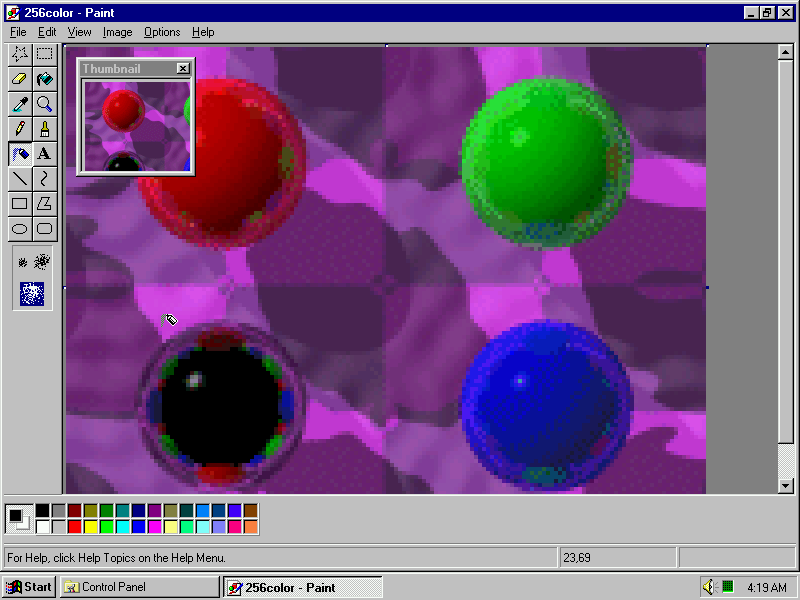
Windows 95 paint with a default background image

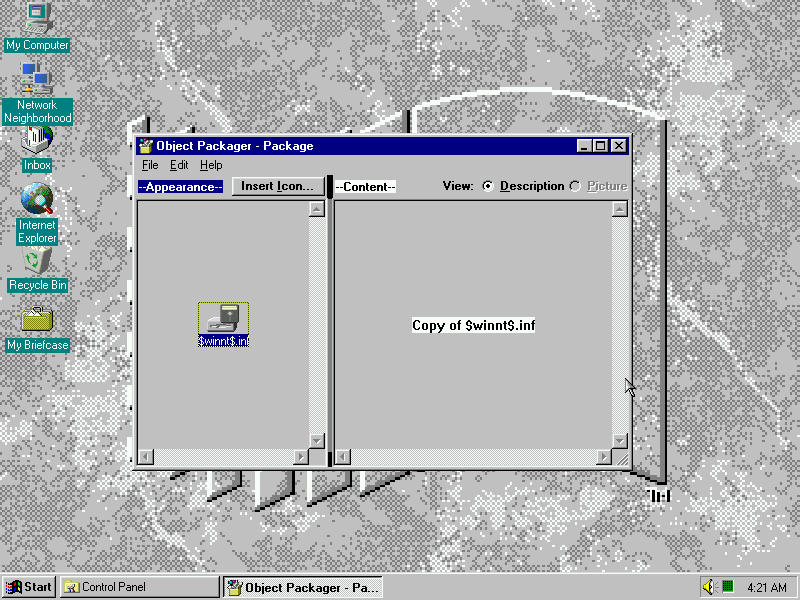
Object Packager

Not sure on what this is?

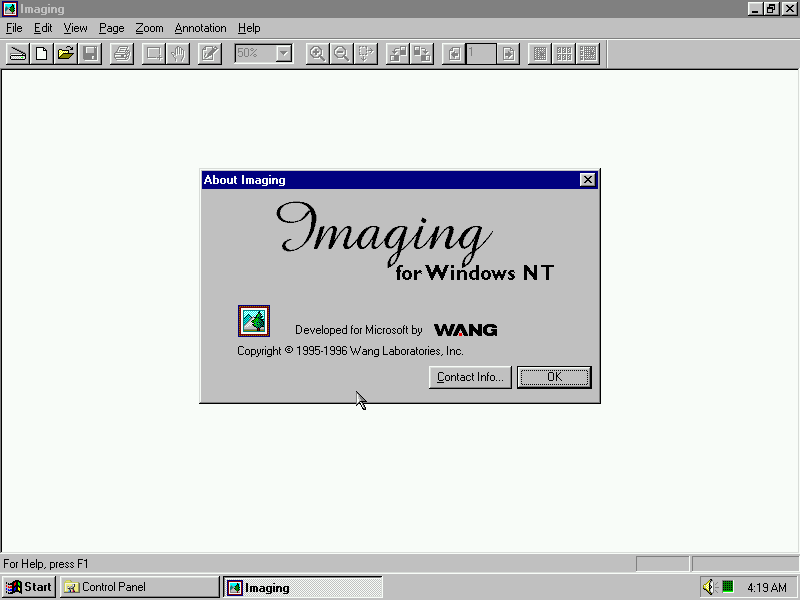
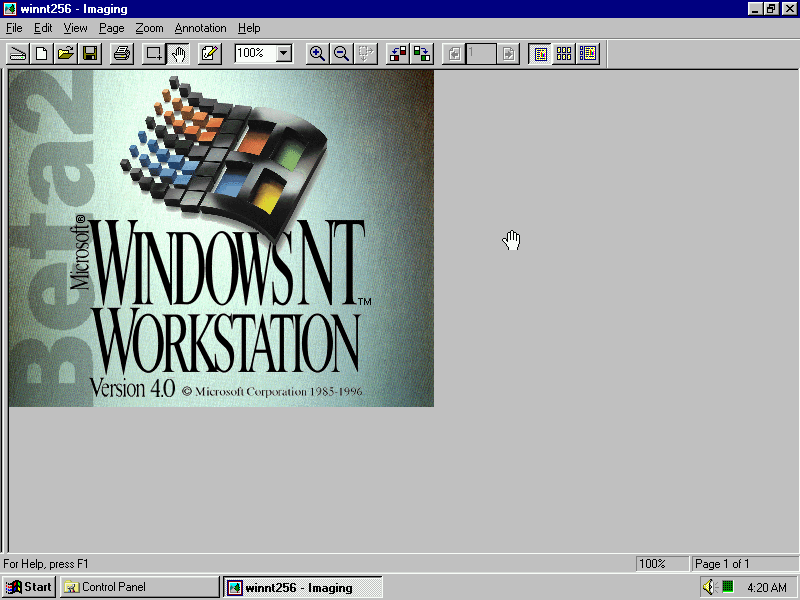
Imaging for Windows

Bitmapped image editor, designed to open an image from a scanner or a digital camera.

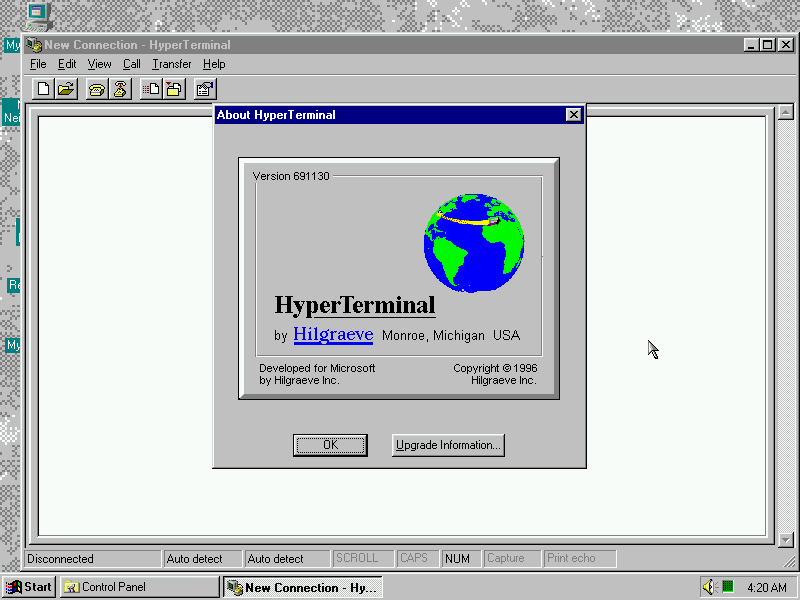
Hyper Terminal

HyperTerminal comes bundled with this build and allows for access to protocols like Telnet

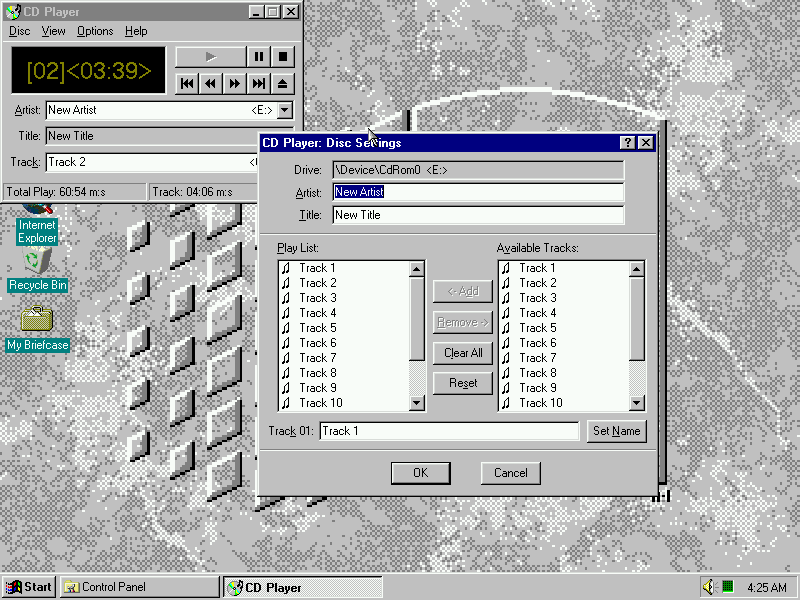
CD Player

A regular CD Player, tracks can be played and renamed

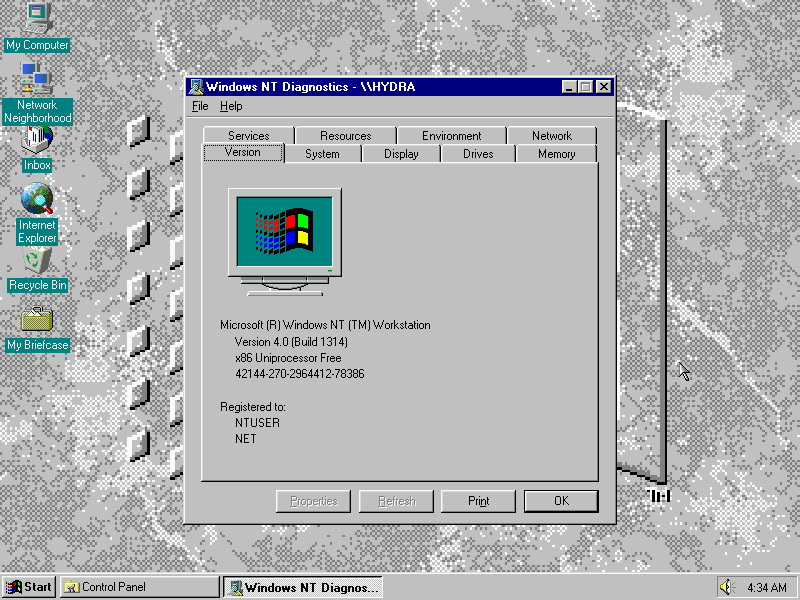
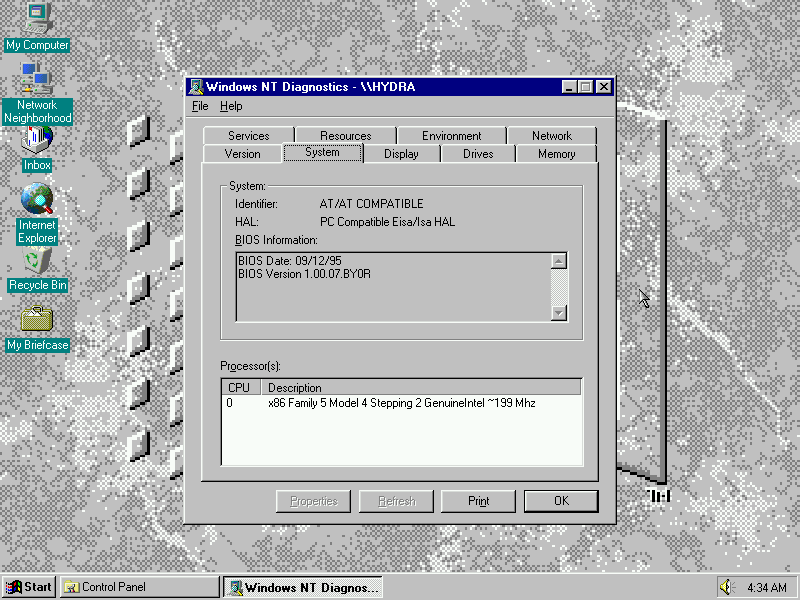
Diagnostics

Views detailed system information and the hardware/drivers currently installed

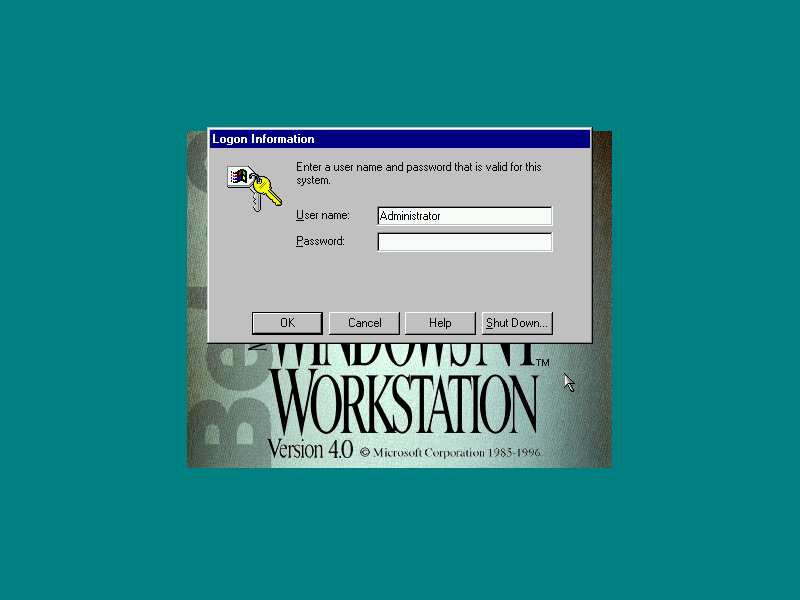
Logon

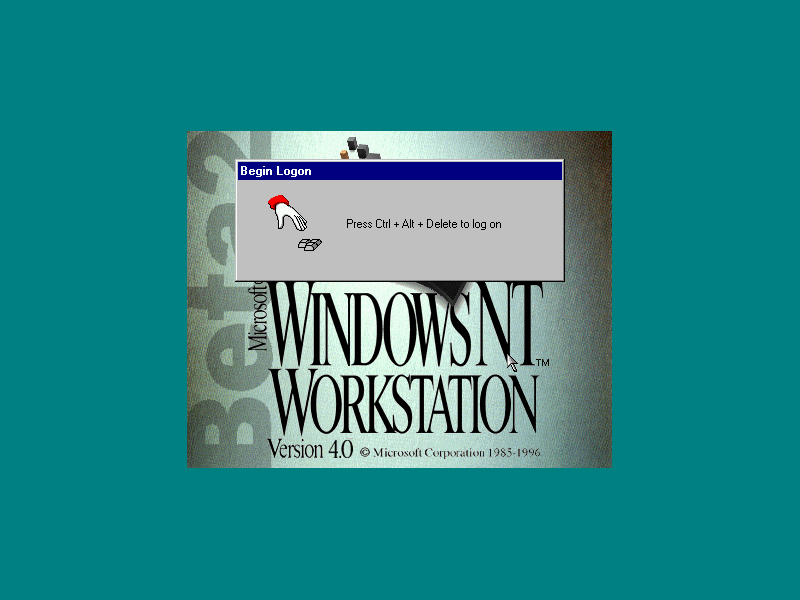
Windows NT requires you to press Ctrl + Alt & Del in order to logon to ensure the logon screen is genuine, which will bring up the login screen. On some systems this may be replaced by the Novell Client logon screen for Netware networks.

Shutdown

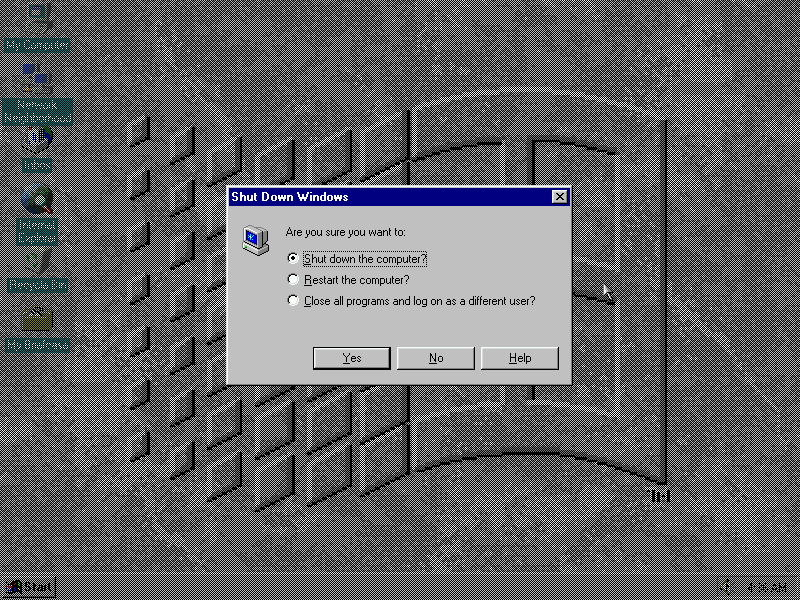
Shutting down Windows NT, from here you can log off, restart or shut down. If ACPI drivers are installed the system will power off, otherwise a power off prompt will appear instead

PCem Specifications

  • Motherboard: Packard Bell PB570
  • Processor: Pentium Overdrive MMX
  • Graphics: Built In Video – Cirrus Logic
  • Sound: SoundBlaster AWE32
  • Mouse: PS/2 Intellimouse
  • Network: Novell NE2000
  • 3D Accelerator: 3DFX Voodoo Graphics