98Se was an updated released of Windows 98 operating system, similar to how Windows 95 received updated builds that introduced support for new technologies. (98SE extends it support for Plug and Play, especially with USB devices and shipped with a lot more USB drivers, allowing for these devices to be detected.
Other changes was an updated version of Internet Explorer, DirectX, NetMeeting and Windows Media Player.
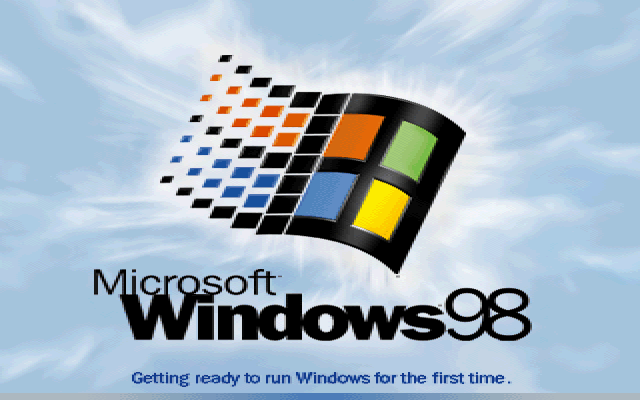
For this build (and many others) First issue was actually getting the installer to start, as the DOS bootdisk was unable to see the win98 directory. Attempting to change directory would result in a directory not found error message
The solution was to modify the iso image and amend the win98 folder to WIN98 instead. Easiest way to do this was to use 7ip to extract the contents of the iso image, and then use Imgburn to recreate the iso file.
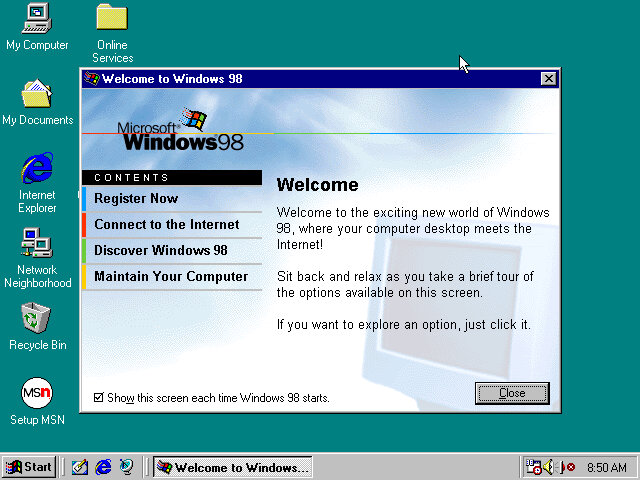
Software
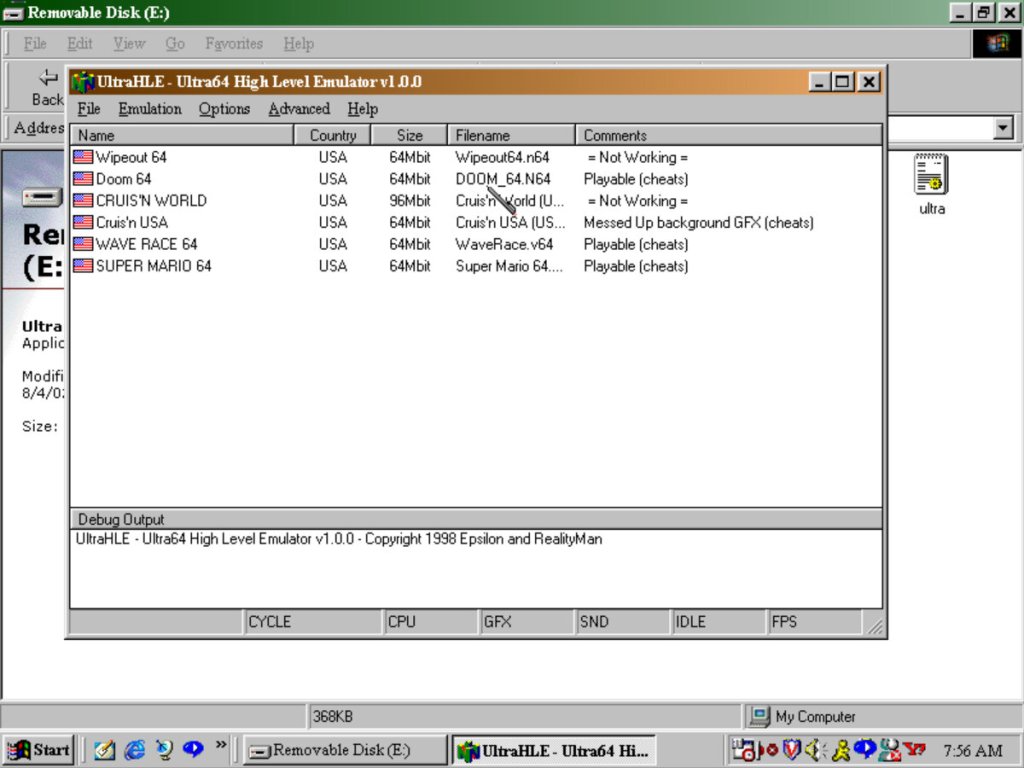
UltraHLE: An early Nintendo 64 emulator that was capable of high level emulation. This allowed for acceptable framerates of Nintendo 64 games. Whilst it starts up, it will crash the entire emulator when you try to start a game.
QuickTime: Apple’s video and internet streaming application, for streaming video over a network. Also used on multimedia software and is installed automatically with that software
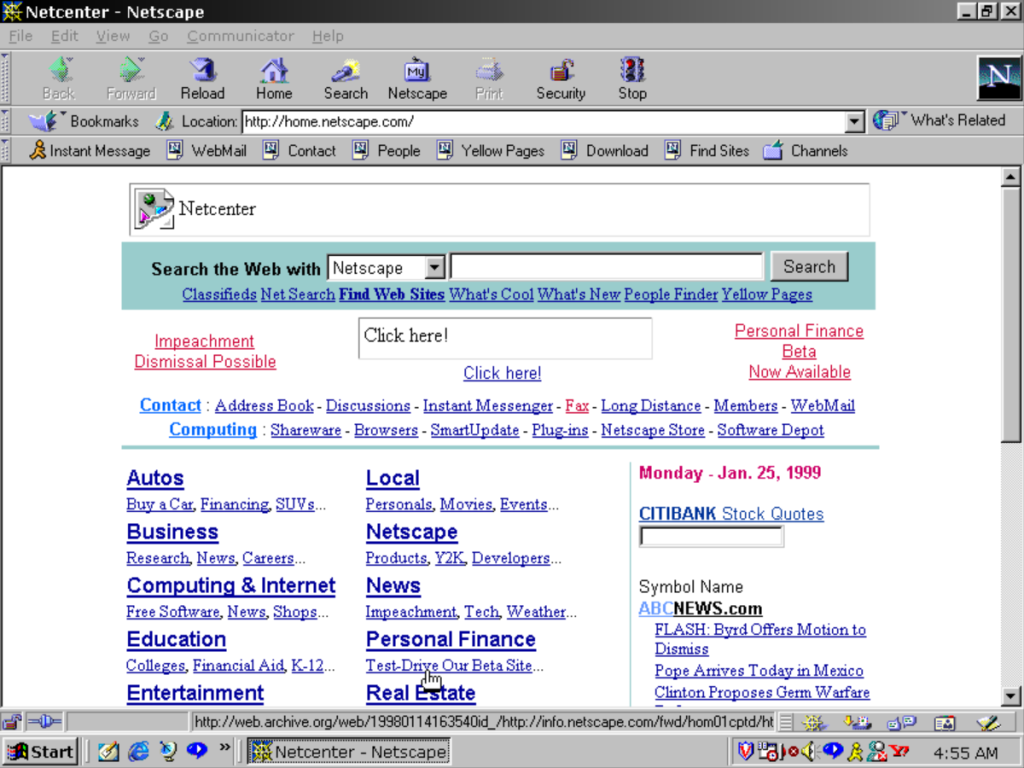
Netscape Communicator: A popular web browser that ultimately lost the first browser war to Internet Explorer

RealPlayer 7: Works but the title bar is glitched out, might be more to do with the PCem emulator or its graphics card (3DFX Voodoo Banshee)
AOL Instant Messenger: Popular in the US, but did not take off in the UK as MSN messenger was more popular here, sadly both died in favor of Whatsapp and Facebook messenger
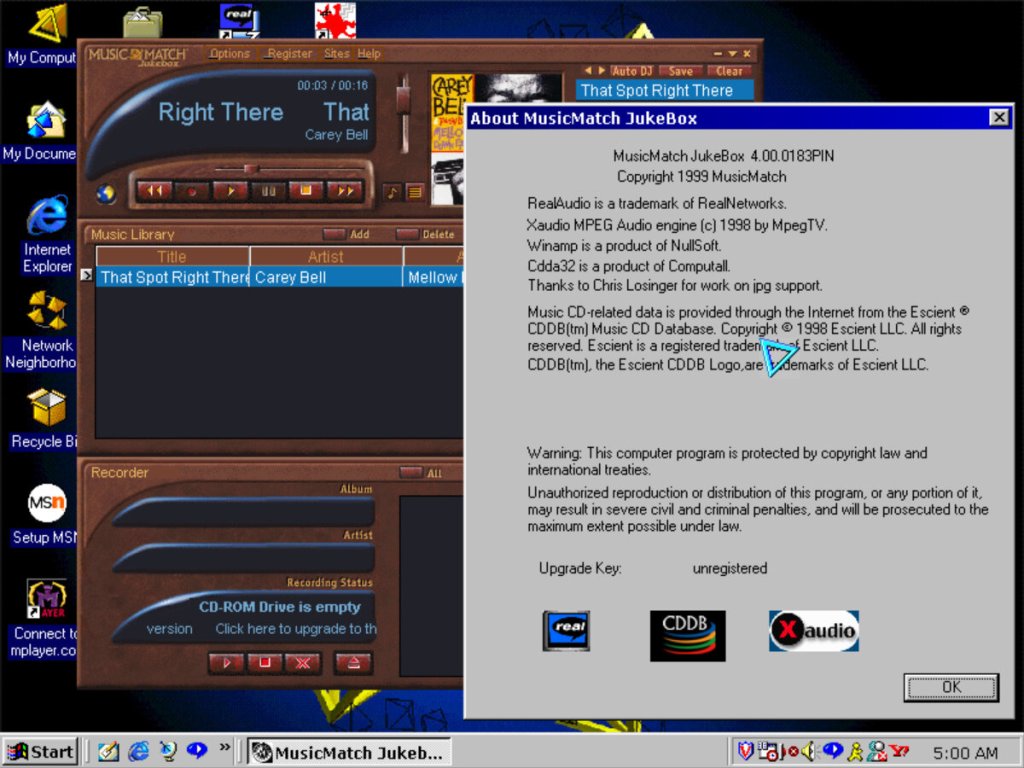
Winamp: Null soft’s legendary music player capable of playing MP3 files
McAfee: An anti-virus security software, typically found preinstalled on Dell computers and uninstalled after 30 days

Adobe Acrobat Reader: For viewing PDF documents, commonly distributed with other CD-ROM software. I really like the splash screen art from this era of Adobe software.
Nero Burning ROM: A Very popular CD-ROM burning application, sadly PCem does not emulate a CD-R drive.
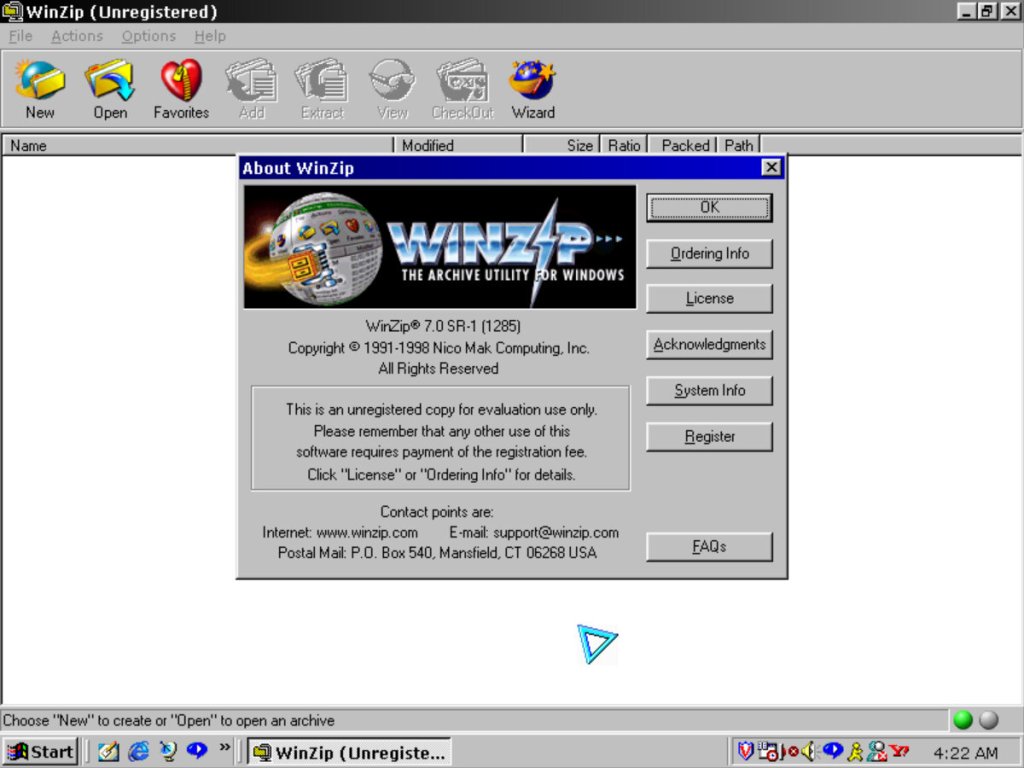
WinZip 7.0: Popular compression software, its like WinRAR with its user interface but also offers a wizard like interface

Simcity 3000: Works well on this build on Windows, this was the original release that has a different opening movie compared to the later release (Unlimited), the background music has also been revised
 Drew1440: Blog
I just wanted to know on how to play some realAudio on my Realplayer. I actually have Windows 98 on my virtual machine installed. And I wanted to know how on how to play the Realaudio on the Realplayer itself. Like I wanted to play some of the Take5.com realAudio on the Realplayer itself. Is that possible, do you know? Because in your picture you took, it was trying to connect to the Take5.com .ram file on your Realplayer. So just let me know if you got the Take5.com .ram file to play in your Realplayer.
Because I just wanted to know about that. But when I click on the Take5.com picture on my Realplayer, I can’t get it to play, and it said unable to establish a connection to the server. So I get thus error in my Realplayer, and that makes me upset. So is there a way to play this Take5.com .ram file somehow in the realPlayer? Because it looked like it loaded and played on your Realplayer. So what version of Realplayer do I need to make this .ram file play back? And should I use PcEm to do this also? But what emulator did you use for this?
I tried my Pcem, but I couldn’t get the Take5.com ..ram file to play. So I just wanted to know on how you got this to load on your RealPlayer. Because I can’t seem to play it on my Realplayer. Okay so can you let me know on what version of realplayer I should install, in order to play this .ram file back? Because it looked like it loaded and played on your Realplayer. Okay so I was just wondering about that. So please write back soon, to me and let me know on how to fix this Realaudio .ram file so that it can play back, without an showing an error message. Okay, so thank you very much.
LikeLike
I just wanted to know on how to play some realAudio on my Realplayer. I actually have Windows 98 on my virtual machine installed. And I wanted to know how on how to play the Realaudio on the Realplayer itself. Like I wanted to play some of the Take5.com realAudio on the Realplayer itself. Is that possible, do you know? Because in your picture you took, it was trying to connect to the Take5.com .ram file on your Realplayer. So just let me know if you got the Take5.com .ram file to play in your Realplayer. Because I just wanted to know about that. But when I click on the Take5.com picture on my Realplayer, I can’t get it to play, and it said unable to establish a connection to the server. So I get thus error in my Realplayer, and that makes me upset. So is there a way to play this Take5.com .ram file somehow in the realPlayer? Because it looked like it loaded and played on your Realplayer. So what version of Realplayer do I need to make this .ram file play back? And should I use PcEm to do this also? But what emulator did you use for this? I tried my Pcem, but I couldn’t get the Take5.com ..ram file to play. So I just wanted to know on how you got this to load on your RealPlayer. Because I can’t seem to play it on my Realplayer. Okay so can you let me know on what version of realplayer I should install, in order to play this .ram file back? Because it looked like it loaded and played on your Realplayer. Okay so I was just wondering about that. So please write back soon, to me and let me know on how to fix this Realaudio .ram file so that it can play back, without an showing an error message. Okay, so thank you very much.
LikeLike