Monthly Archives: March 2023

The Sims Unleashed

The fifth expansion pack to be released, Unleashed brings a significant change to The Sims, with the addition of pets, larger neighborhoods that can hold more sims and new game elements such as farming and commercial lots.

Whilst Unleashed brought new improvements, it noticeable made the game more unstable and brought some frustrating changes to the gameplay. One noticeable change is sims have issues moving and turning and will sometimes rotate multiple times when interacting with an object.
Some pets will occasionally come onto your lot and piss everywhere, leaving a bunch of puddles randomly outside your sims house, and will trash the outdoor room motive when your sim goes out for work. Also, any malicious animal that spawns will sound the burglar sound, which can startle or surprise some players, but given how frequently these will spawn the effect will eventually wear off and will become more annoying to the player as they play the game.

Neighborhood

One of the first noticeable changes is the neighborhood screen which sees an increase of playable lots from 10 to around 48. With it is a new lot zone type, commercial. The main difference is a commercial lot is intended to be visited by multiple sims where they can shop or explore. Commercial lots cannot be visited directly from the neighborhood screen, but they can be edited which gives access to buy and build mode. To access a commercial lot, your sim will need to phone up for the Old Town bus which will arrive, and all sims on the lot will be transported to the commercial lot that you choose. These lots cannot be edited whilst sims are visiting, the Build and Buy modes are disabled.
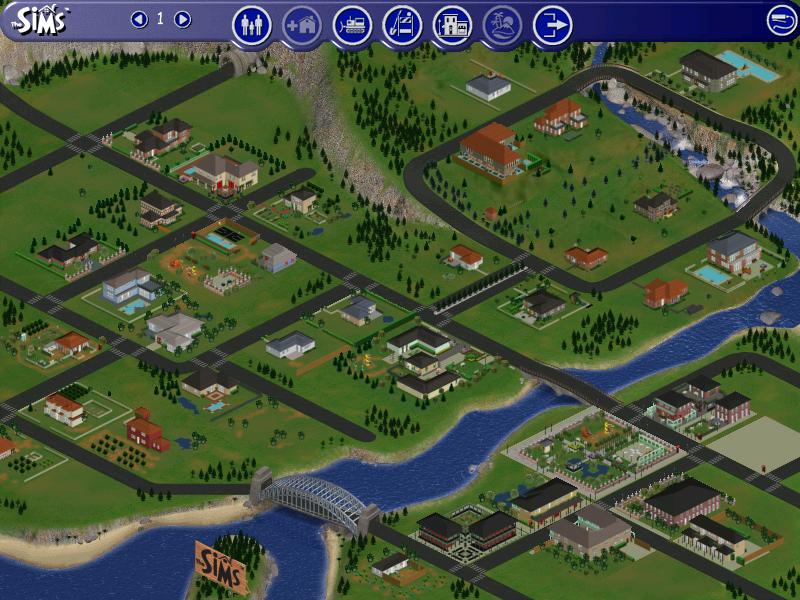
Typically commercial lots will consist of shops, such as a pet store where pets can be adopted, along with any pet accessories. Traditional lots are renamed as residential lots and is where sims reside as they did in the previous expansion packs. Additional neighborhoods still exist as they did in previous expansion packs.

Pets

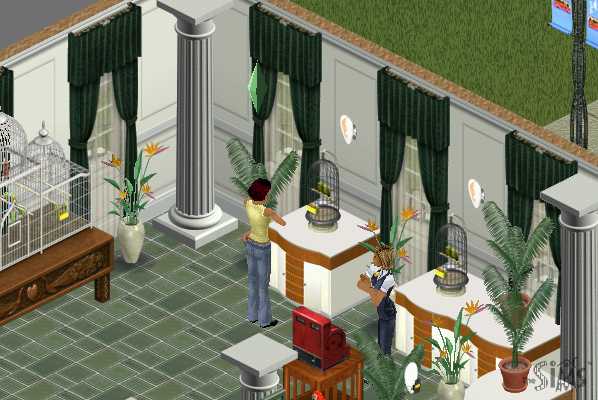
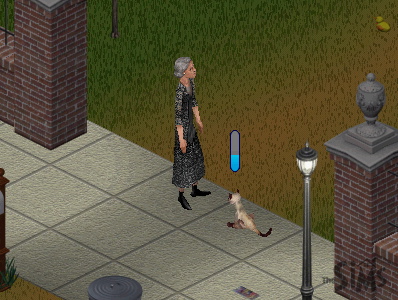
Two types of pets are featured in the game, mainly cats or dogs which can be adopted by sims themselves. Other pets exist such as budgies which are treated by the game engine as objects, similar to the fish tank that was included in the base game where sims have to feed them every so often.
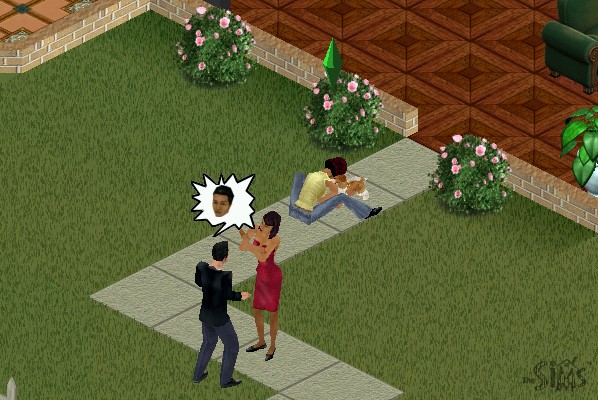
Skills can be taught to your pets to make them more obedient, this is harder than expected since pets will most of the time go off and do their own thing. The best thing to do is to use the Sit n’ stay command to build the obedience skill, which will make the other skills easier to build up. This interaction only works when your sim is near your pet.
Objects
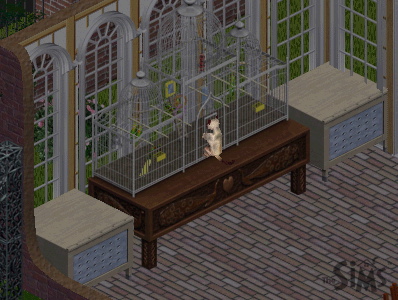
The Aviary – A bird cage to keep birds that have been purchased at the petstore, You need to frequently feed the bird in a similar manor to the fish tank to keep the pet alive.
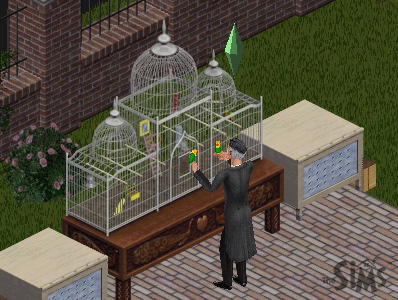
Sims can play with their pet birds which boosts their fun and social. Two types of birds can be stored here, Love Birds and Budgies. Cats will also try to play with the cage.
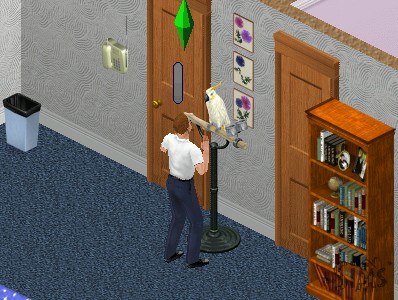
Speaky Scarlet – A pet parrot that can be purchased from buy mode. Sims can talk to it to boost their charisma skill

Ceti the Happy Whale – A playground item that child sims can play on, boosts fun and can be played in groups
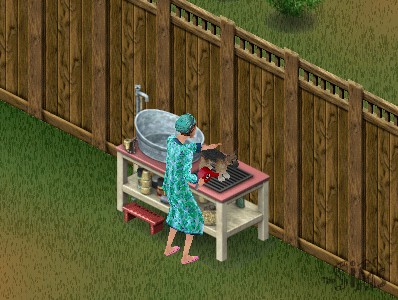
Squeak-EE-Clean Pet Tub – Used to wash your pets, can be used with both dogs and cats, requires regular feeding

Forgotten Jungle Terrarium – Used to house a pet iguana

Other expansion packs featured pet objects like the gerbil featured in Livin It Up (Livin Large), or the fish tank from the base game. These remain unchanged although pets may interact with them.

Commercial Lots Only
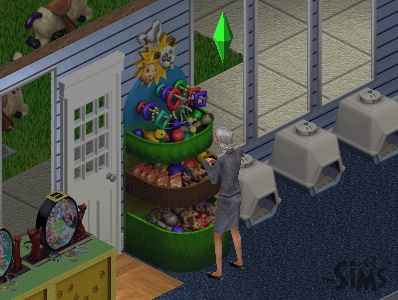
SpueakNip Pet Toys

Only for commercial lots, sims can purchase toys for their pets. Requires a nearby cash register

Notable NPCs

Giuseppi Renni and Mr McCutch

A musical duo that appears on Old Town lots and will entertain your sims, can be tipped 5 Simoleans
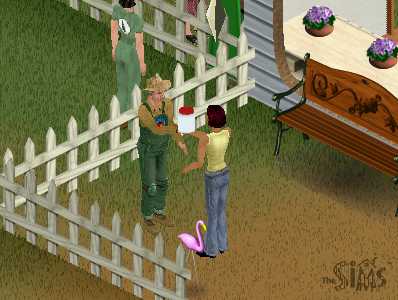
Gardener Bob

Appears on Old Town lots that sell seeds and vegetables, sims can buy plant tonic for their crops and get advice on how to grow their own crops
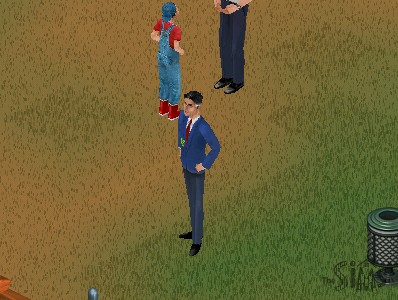
Pet Judge

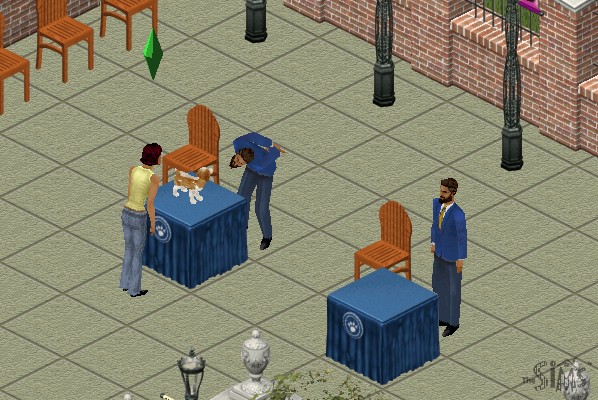
Appears on lots that have pet judging podiums, he can tell you further details on pet judging.
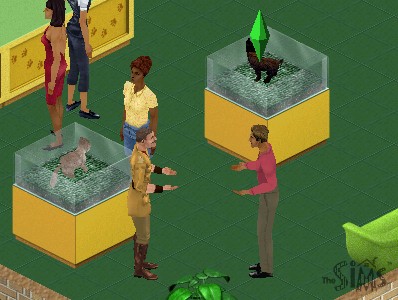
Pet Trainer

This sim will appear on the pet store or anywhere you can adopt a pet. Can be used to train your pet for an increasing fee, dependent on your pets skill level.
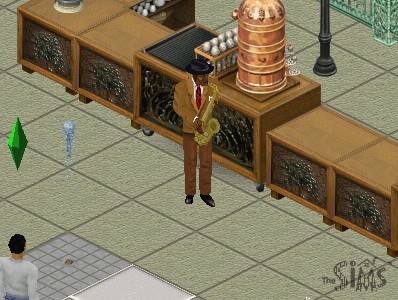
W.C. Friendly

A jazz player that appears on cafe lots (any lot that has a barista/coffee or pastry stand)

Farming

Sims can grow crops by purchasing seeds from an Old Town merchant and planting them, which can be used for food, or produce can be sold in Old Town for money. Growing crops requires a certain amount of effort as sims will need to water, weed and protect the farm from animals or gophers. A buyable scarecrow or a pet cat can help with this, depending on the hunting skill of the pet. Once the crops have been harvested, they can be stored in a pantry or sold at the farmers market.

Garden plots can be found in the gardening section of build mode.

Sims can also purchase produce on certain Old Town shopping lots, if the sim has no room to farm. To store crops for cooking, you will need to purchase a pantry to store the produce in.

Residents

Unleashed also introduces a few new pre-made families to play.

  • Burb: Brad and his wife Tiffany, with their son Johnny and their dog, Tucker. This family would later appear in The Sims 2.
  • Charming: Consists of Claire Charming, with her pet dog Luna
  • Hick: Mama Hick and her son Elden live in what appears to be a trailer, with their three dogs.
  • Goth Sr: Parents of Mortimer Goth.
  • Kat: A single female with four cats, Yup a spinster.

Other Additions

The phonebook has been expanded to a dialog box now appears when calling neighbors. Previously sims were called from the pie menu which would also include any known townies or vacation sims if those expansion packs were installed. Services remain the same as their own section in the pie menu.

Five new careers are included – Fashion, Education, Animal care, Culinary and Circus.

MacOS Version

The game was also ported to the MacOS platform, and makes full use of the Carbon library which gives it OS X and OS 9 compatibility. As this was released in the PowerPC era, you cannot play it on modern OS X versions (10.7 Lion upwards, as these versions of OS X lack PowerPC support) On modern Mac’s it’s easier to use Boot Camp and use the Windows version of the game, but for M1 Macs you may prefer to use an emulator like QEMU or Sheepsaver to emulate an OS 9 PowerPC environment, which the game will run.

Conclusion

Unleashed was a dramatic upgrade to the sims engine, adding new specific to the game, expanding the neighborhood and the type of lots that can be used. I would say this was one of the more important expansions of The Sims as whilst previous expansions added features to the existing game, and expansions like Hot Date added their own expanded areas (Downtown), Unleashed dramatically replaced many game mechanics and in some ways feels like a sequel rather than an expansion. This was also one of the first expansions to ship on two CD’s, highlighting the amount of changes and value being added to the game.

Tragically this expansion never made it to the console versions, which deviated int heir own direction with the release of The Sims Bustin Out and URBZ Sims in the City.
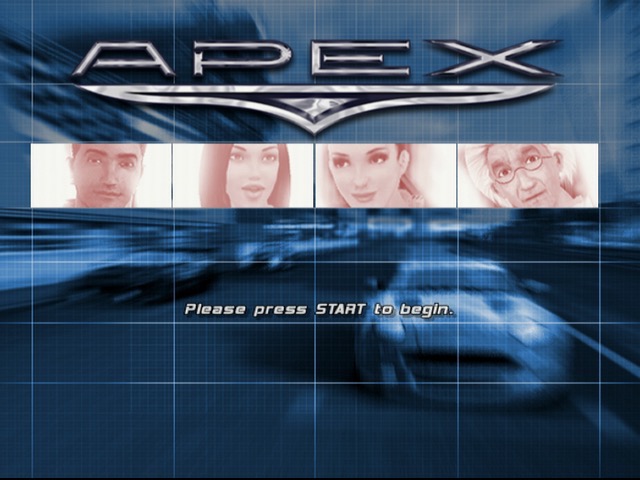
Apex (Racing Evoluzione)

A fine Xbox exclusive racing game

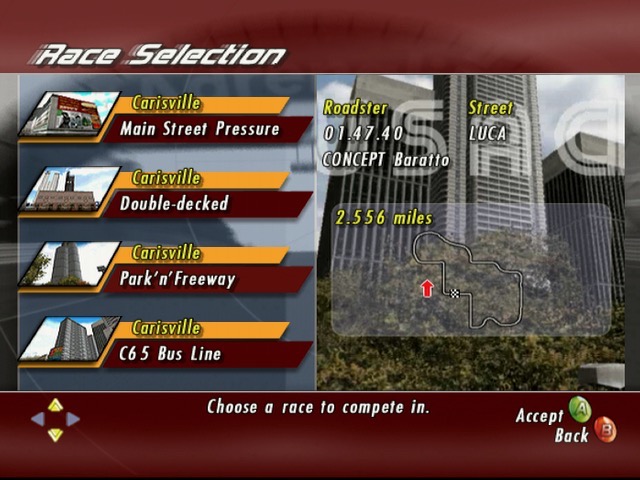
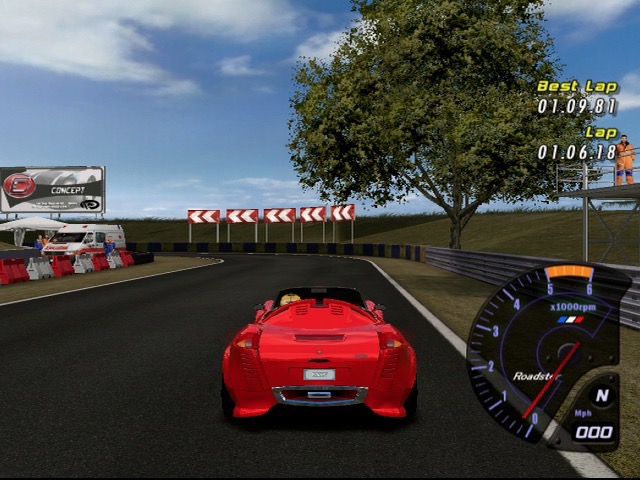
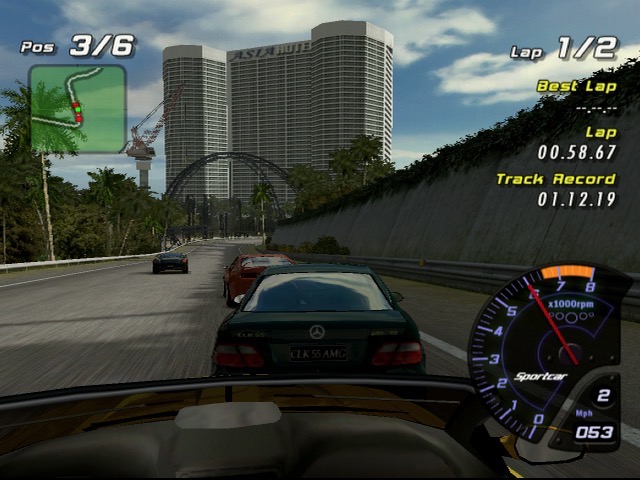
Released in 2003, this was one of the few Xbox exclusive racing games that verges between the arcade racing as seen in Ridge Racer / Metropolis Street Racer and the simulation aspects of Gran Turismo.

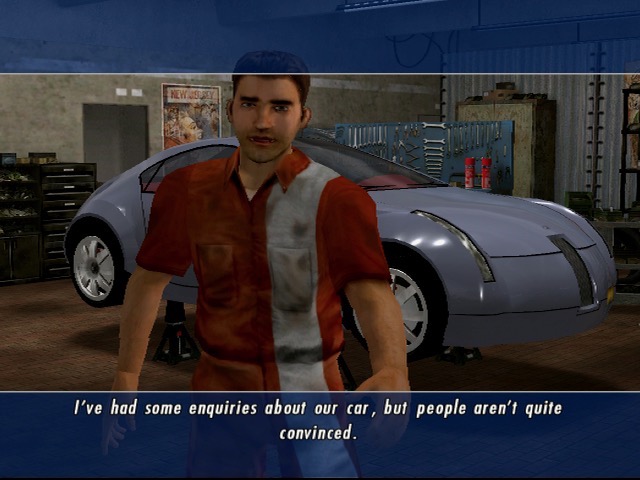
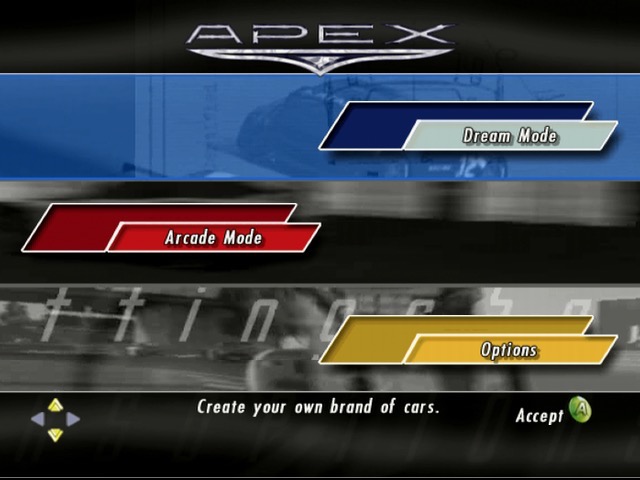
The main game mode is the Dream Mode, and features a rags to riches type story where you start off in an old car garage workshop. You are required to race and tune up your vehicle in order to stay competitive. As you win and progress through the game, you are able to finance development of further vehicles that will help with later races. You are provided the choice of which car to develop, which varies based on handling, speed and acceleration.

Essentially you are developing a new series of cars that are financed through the winnings of your races, the better you do, the more funds you can put towards better cars.

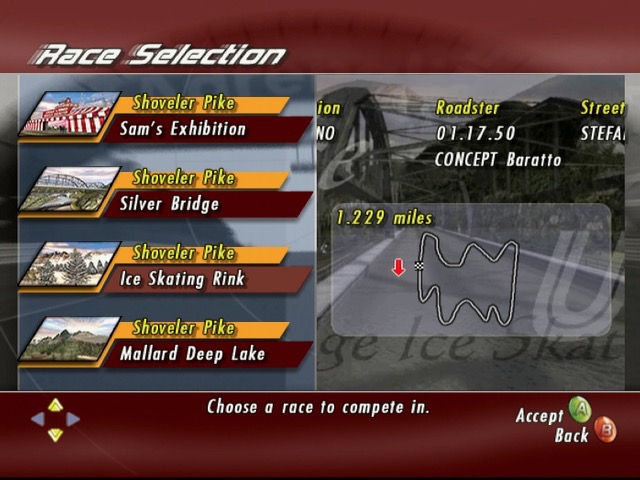
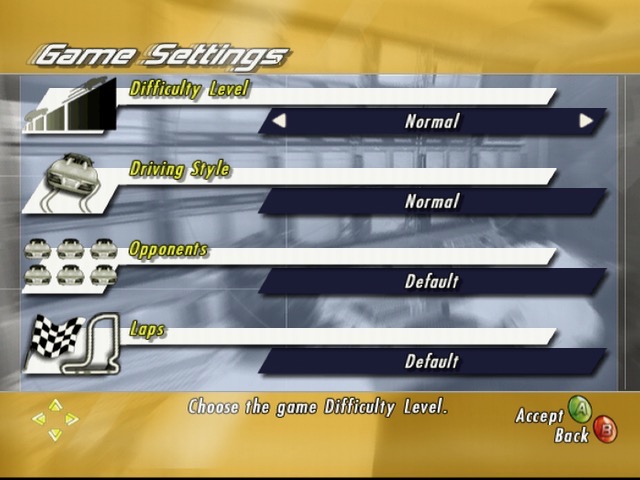
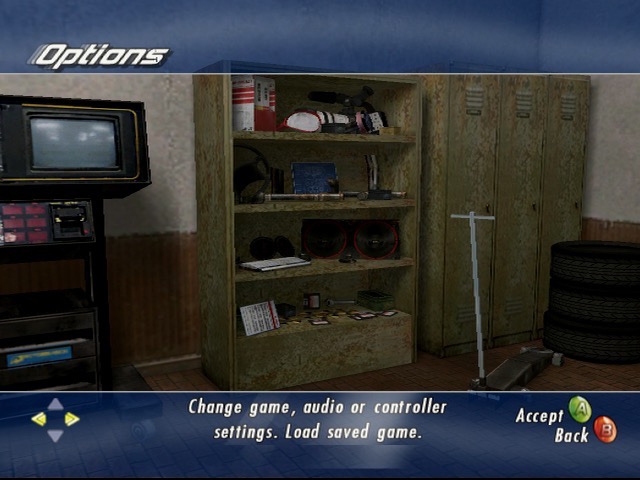
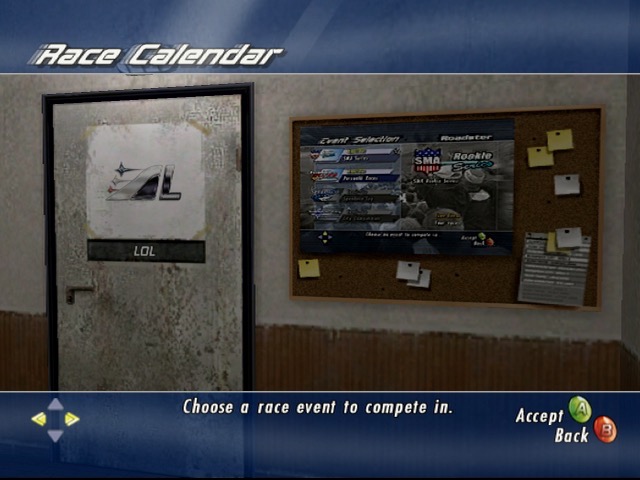
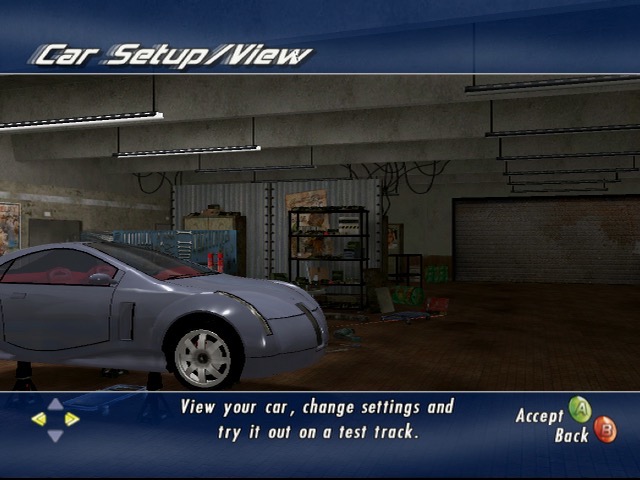
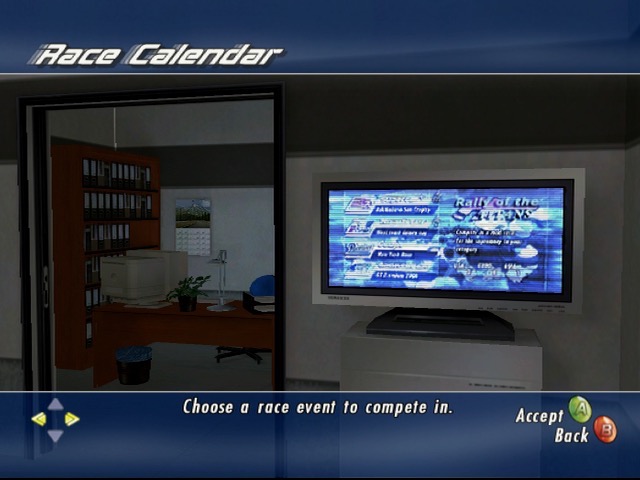
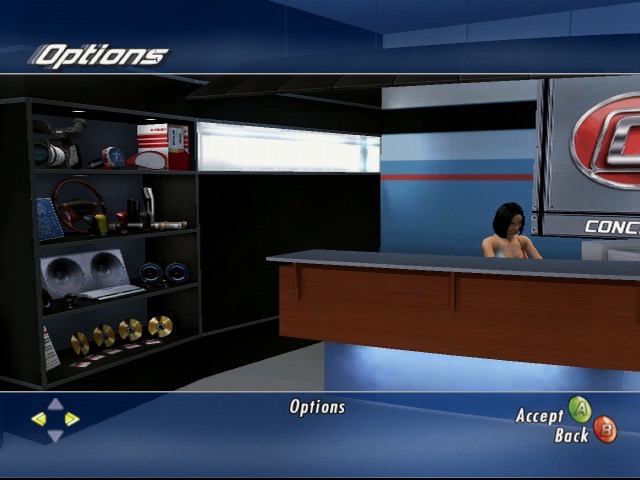
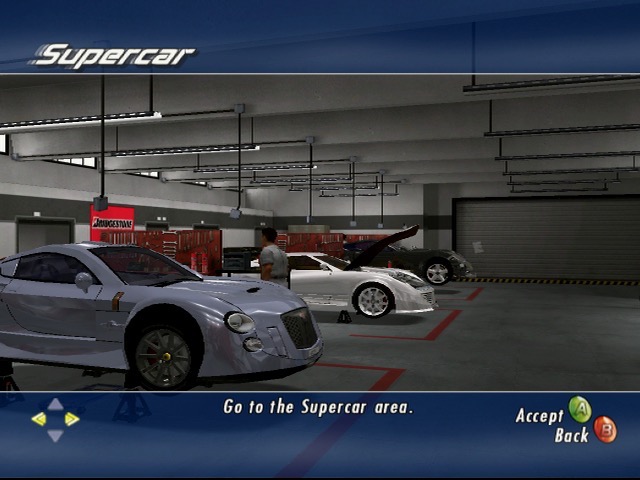
You will also see your workshop change and improve over time, with the building expanding as further departments are introduced. The workshop serves as the user interface for the game, using the left. right buttons to move between the different sections of the workshop that are used to access parts of the game. Visiting the garage lets you change settings for the car, and choosing the shelf lets you change game settings (video, audio, controller) and to load/save the game. Its a very creative way of navigation and blends into the game play. Races are started by the LCD display on the wall, giving the impression these races are televised.
1st place isn’t always required but is needed to get more funding for development of better vehicles. You can always repeat races to improve your standing. Some races are set in a Gran Prix series where you must finish a set of races in order. You also have an opportunity to complete a one on one race with a rival opponent, wining these races will give a boost to your research funds.

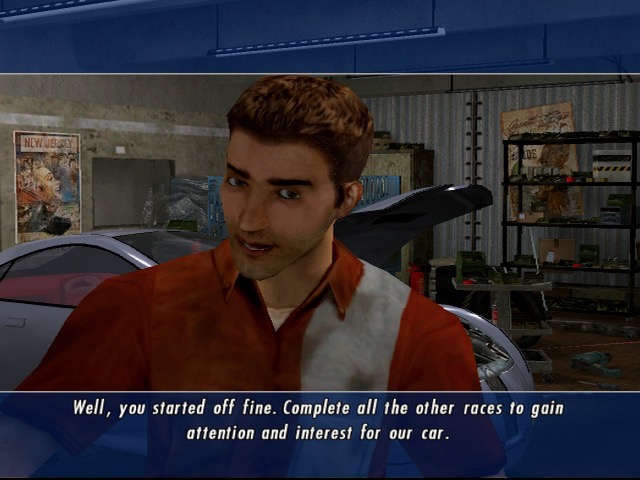
There are few characters that appears in cut scenes and serve as your staff. These serve a specific purpose in progressing through the game and will appear as you progress through the game.

  • Rick, The Mechanic – Pictured above, One of the first characters you meet, he’s responsible for making and applying changes to the car.
  • Carla, The Receptionist – Handles PR stuff
  • Rebecca – Responsible for managing production of cars which your company sells to also fund research.
  • Benjamin, The Scientist – Appears to the end, mainly responsible for researching high end supercars

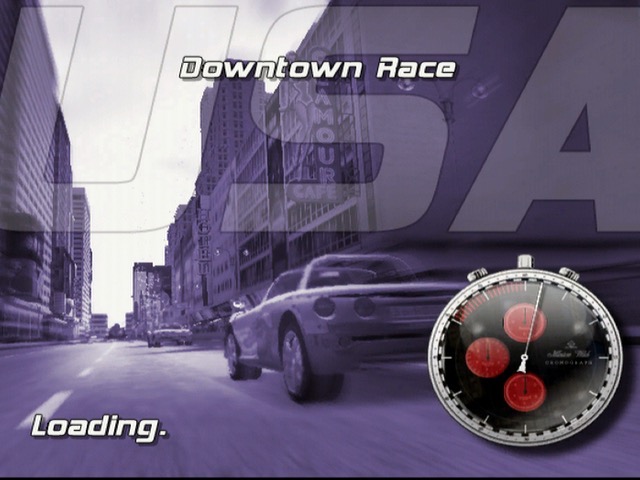
The races themselves are straightforward, you start at the bottom and have to race your way to first place. There are typically 6 opponents that you compete with who’s vehicles will also adapt to changes from your vehicle, Keeping the game competitive. Theres a diverse amount of tracks in the game, with some being set in the daytime, evening and nighttime, along with their own background music. As with other Xbox tiles you have the option of using your own playlist if you have imported this onto the Xbox.

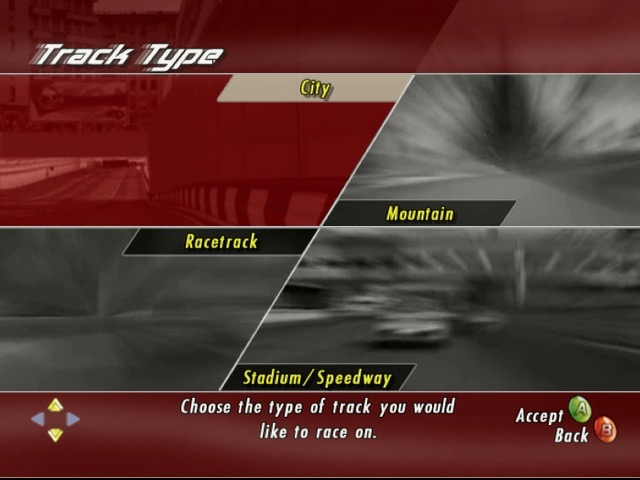
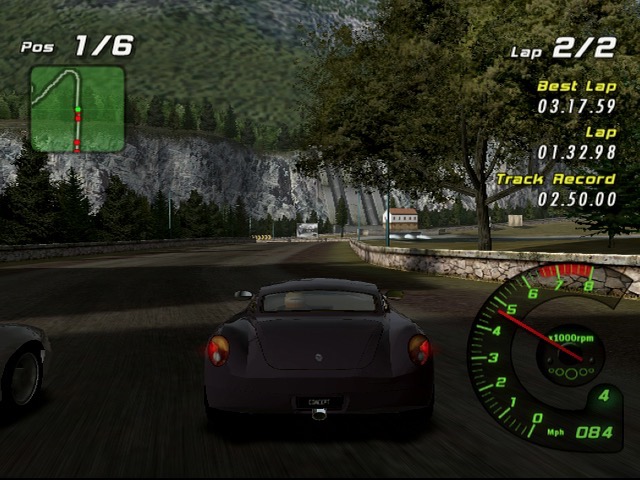
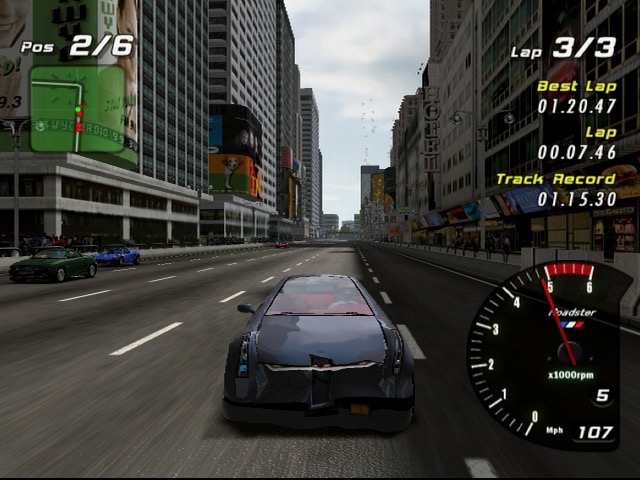
There are four main settings for the races, City, Mountain, Stadium and Racetrack.

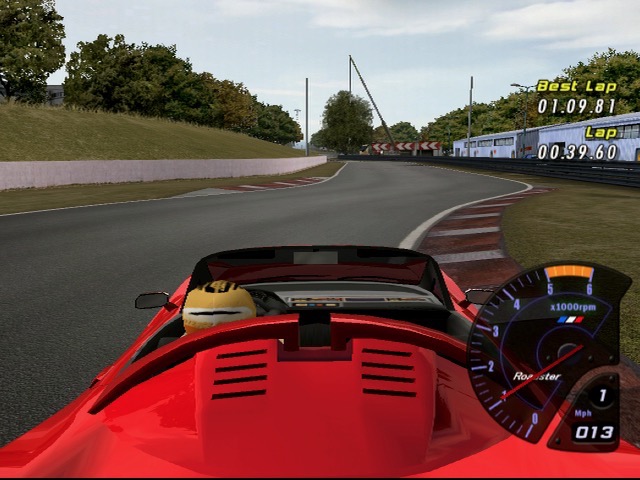
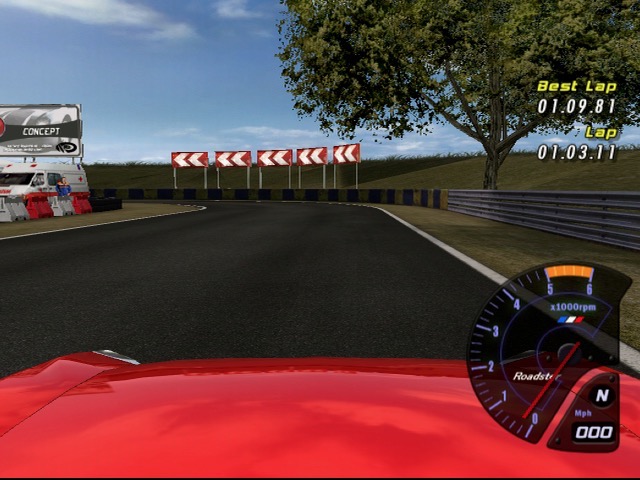
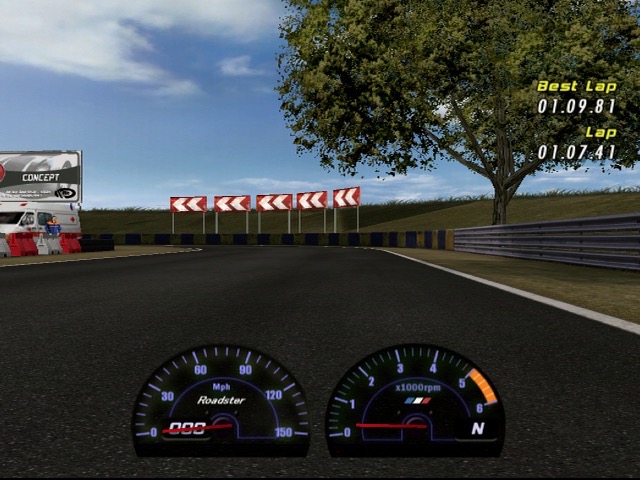
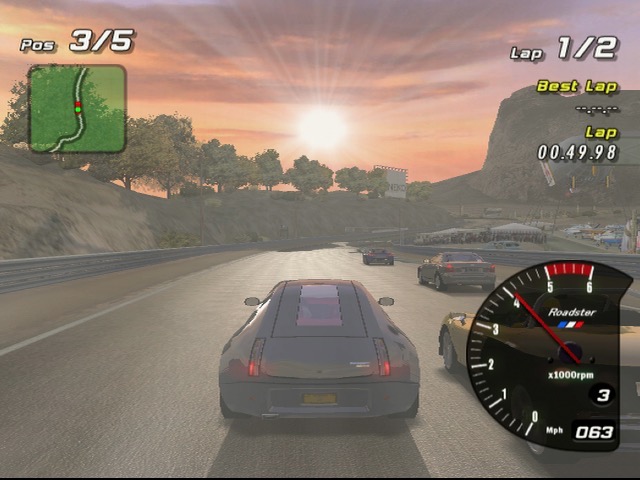
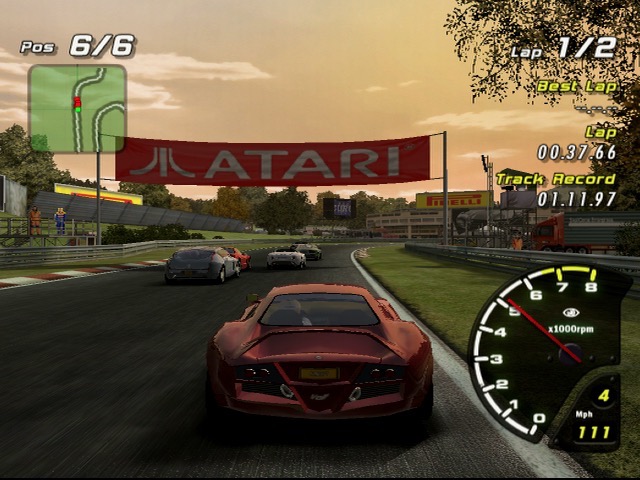
The racing display is typical of the era, with a mini-map keeping track of your car and opponents, along with a lap counter and time display that shows the current racing time, your best lap and the track record which is shared between the different profiles on the Xbox.

Theres a couple of different camera views to select from, from third person to bonnet view.

No online play, not even system link which is strange for an Xbox exclusive from 2003. There is a head to head display that allows two players to race each other by connecting two controllers.

Sadly this game is not playable on the Xbox One or Series X/S, it is compatible on the Xbox 360 albeit with missing audio on some cutscenes. I suspect due to licensing issues we will never see this emulated officially on another Microsoft console.

Similar games

  • R: Racing Revolution – very similar in driving mechanics.
  • Midnight Club 2 -This is more set in an open world
  • Burnout – A lot more grounded in reality compared to the alter Burnout titles.
  • Ridge Racer V – The tracks and scenery have some similarities

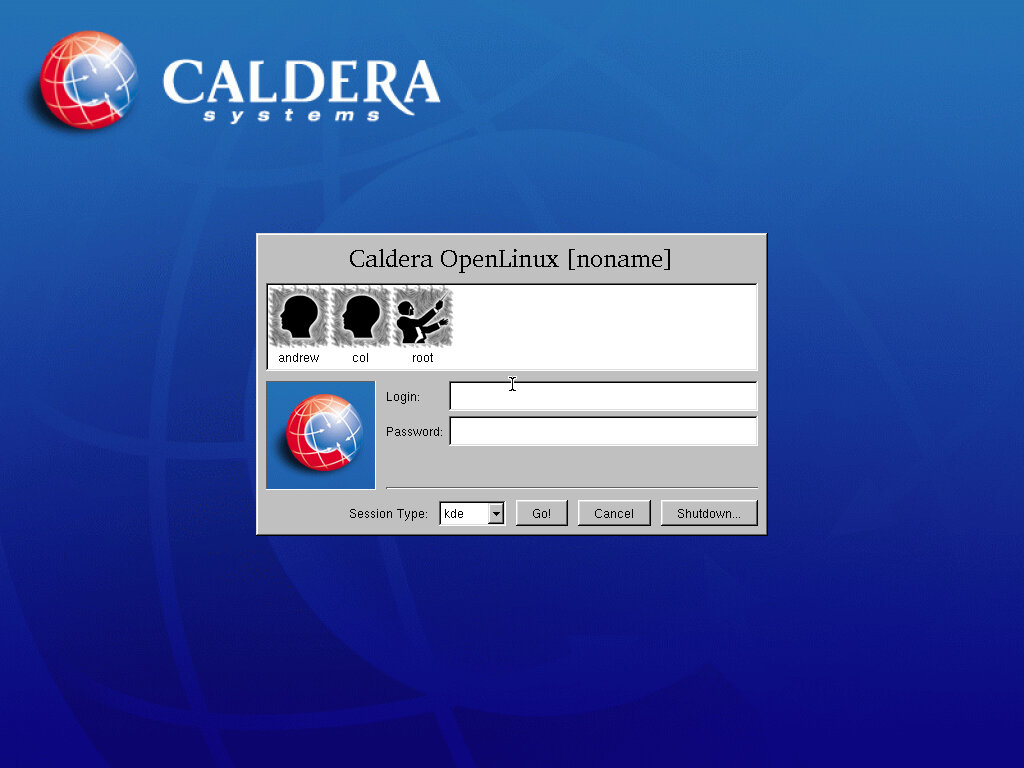
Caldera OpenLinux 2.6

Another 2000-era GNU-Linux distro aimed at business users.

86Box Configuration

Motherboard: ADLink NuPRO-592

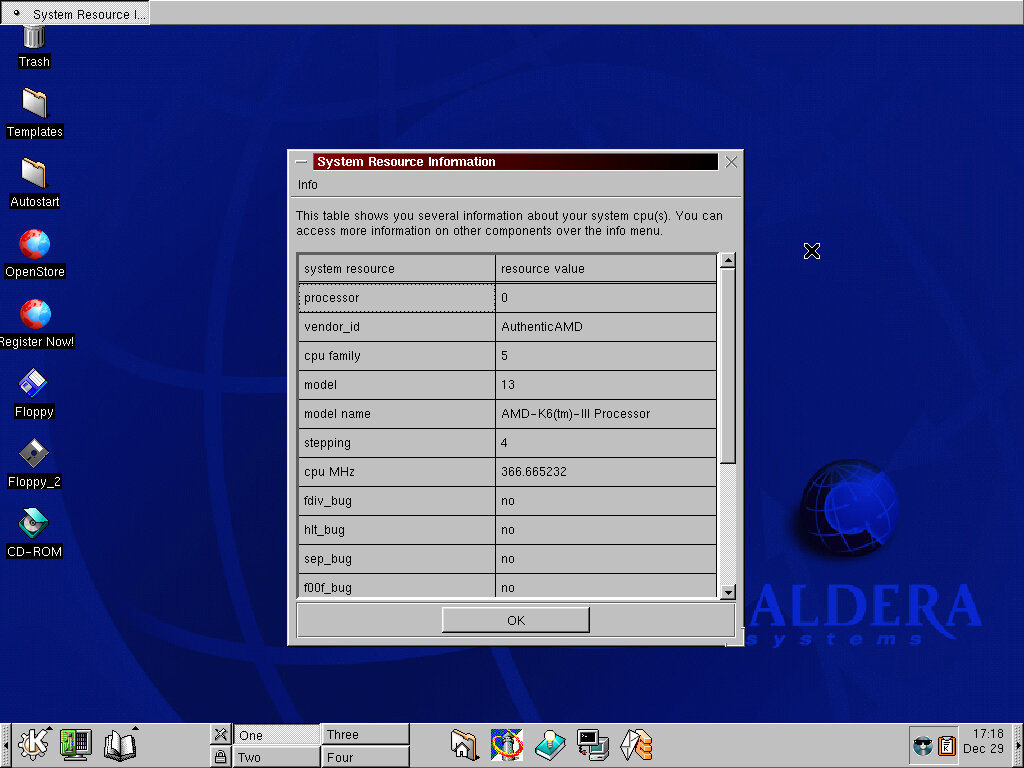
Processor: AMD K-2+ 366MHz

Memory: 256MB

Video: S3 Vision968 (Phoenix)

Sound: Ensoniq AudioPCI ES1371

Network: AMD PCnet-FAST III

Install

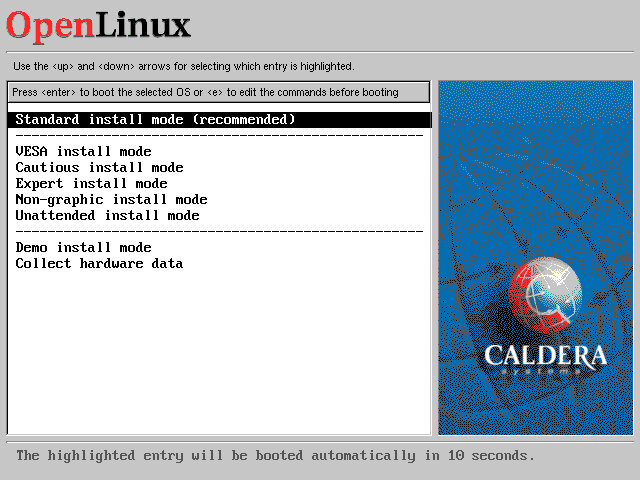
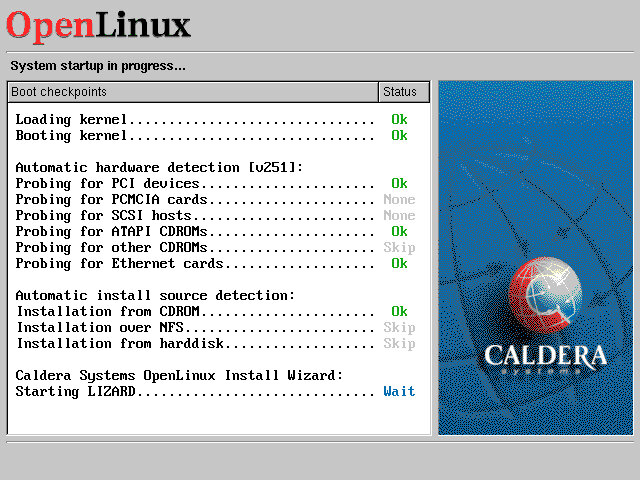
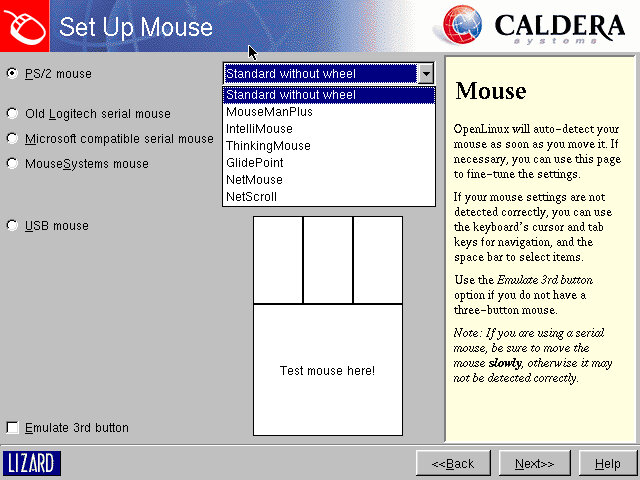
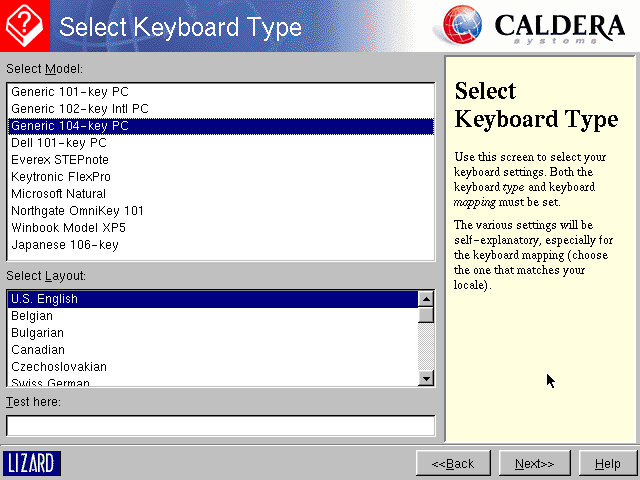
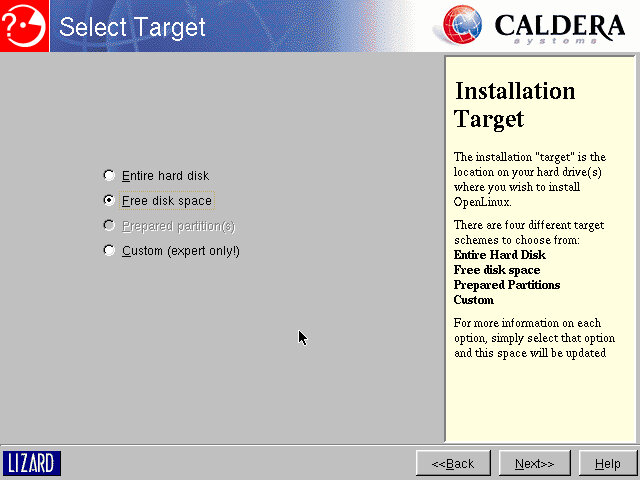
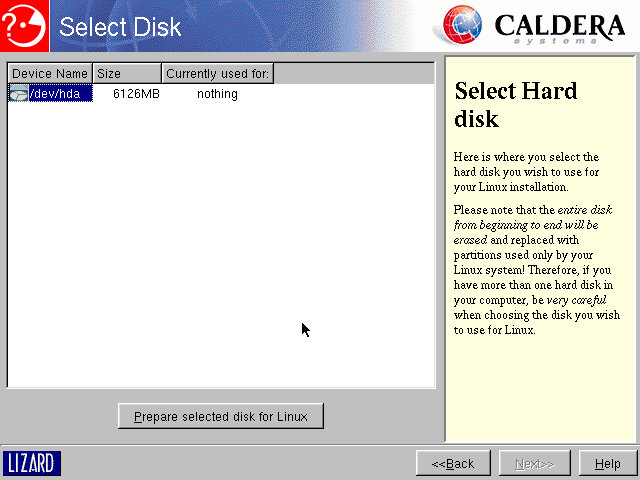
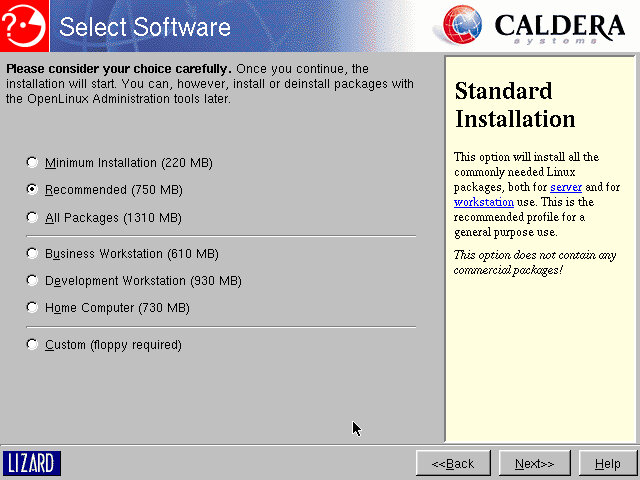
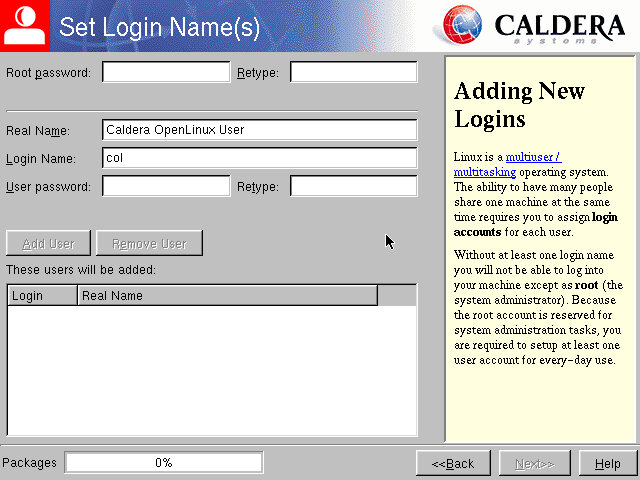
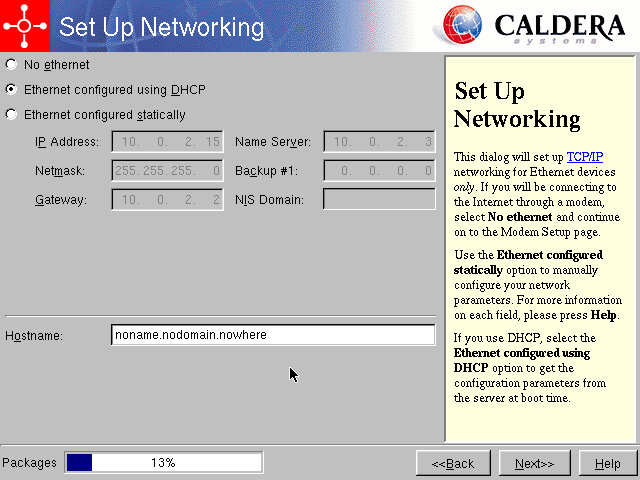
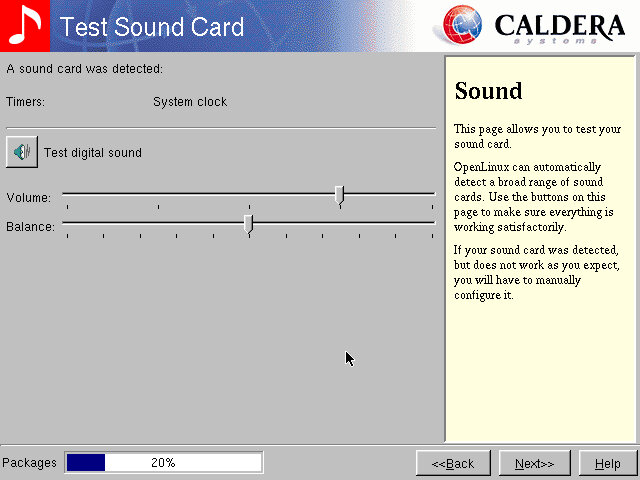
The install process looks just like a modern install, like the second part of the Windows 2000 install.

Preparing HDD, this will take a while depending on the storage size

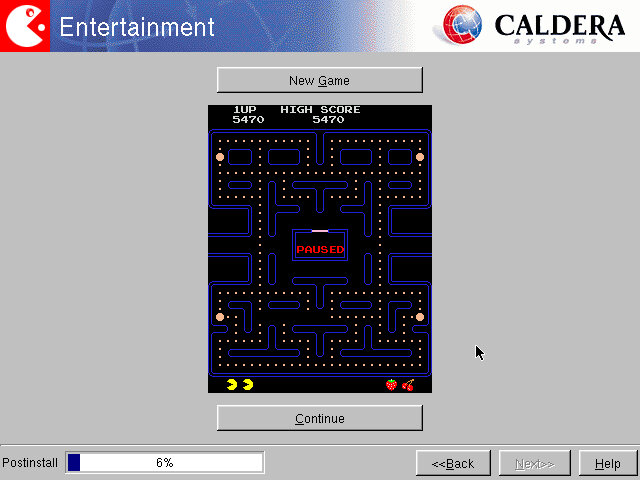
A nice feature is whilst the installer is gathering information from you, it continues to install common components in the background, speeding up the install. At the end as game of Pac-Man is provided whilst the rest of the system installs.

After install

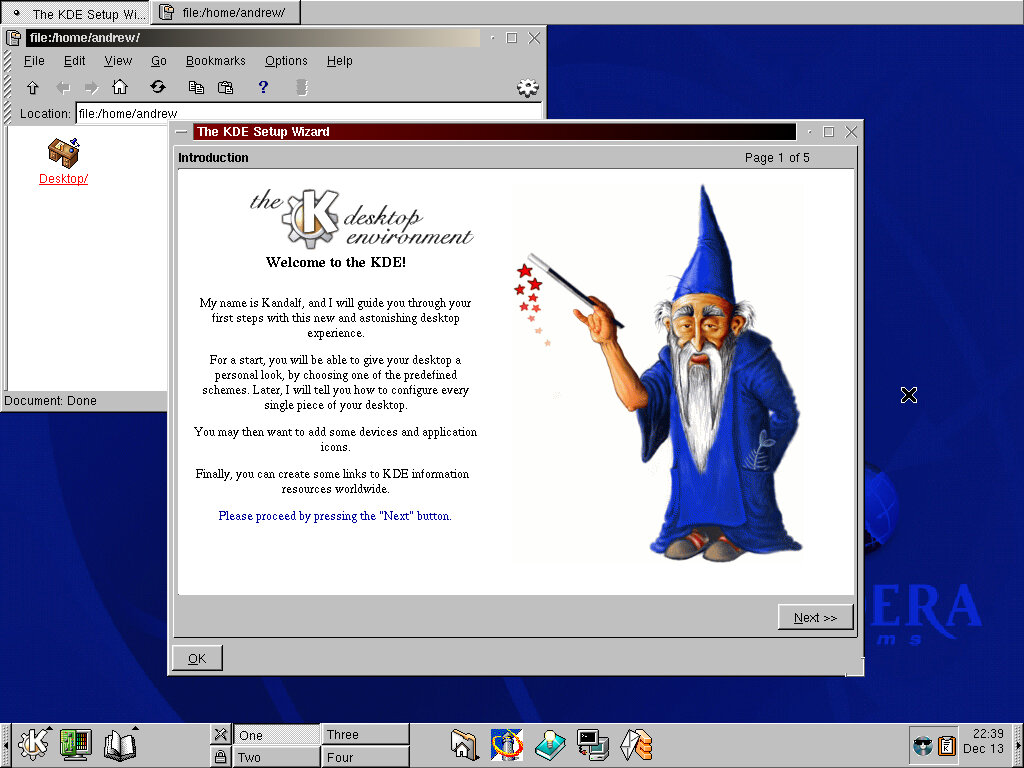
We are introduced to the desktop, and to the KDE user environment. Very similar to other distros of the time like Storm Linux, Mandrake 7 and Corel Linux. This presents a familiar Windows like interface to the user. Upon first boot we are greeted with a literal wizard, who will introduce you to the operating system elements.
On the desktop we have shortcut to Caldera’s website, along with removable drive shortcuts.
No other desktop environments are included, like GNOME.

Included Software

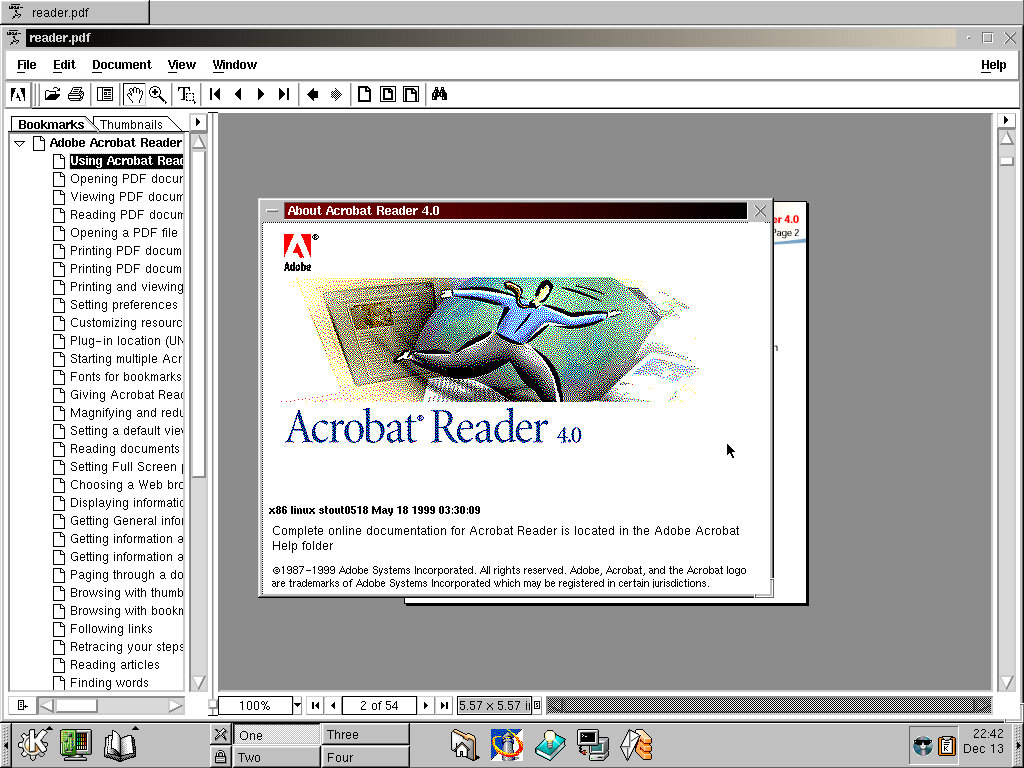
Adobe Acrobat is bundled to enable PDF files to be viewed out of the box. This appears to be the native Linux version instead of the Windows version running in WINE.

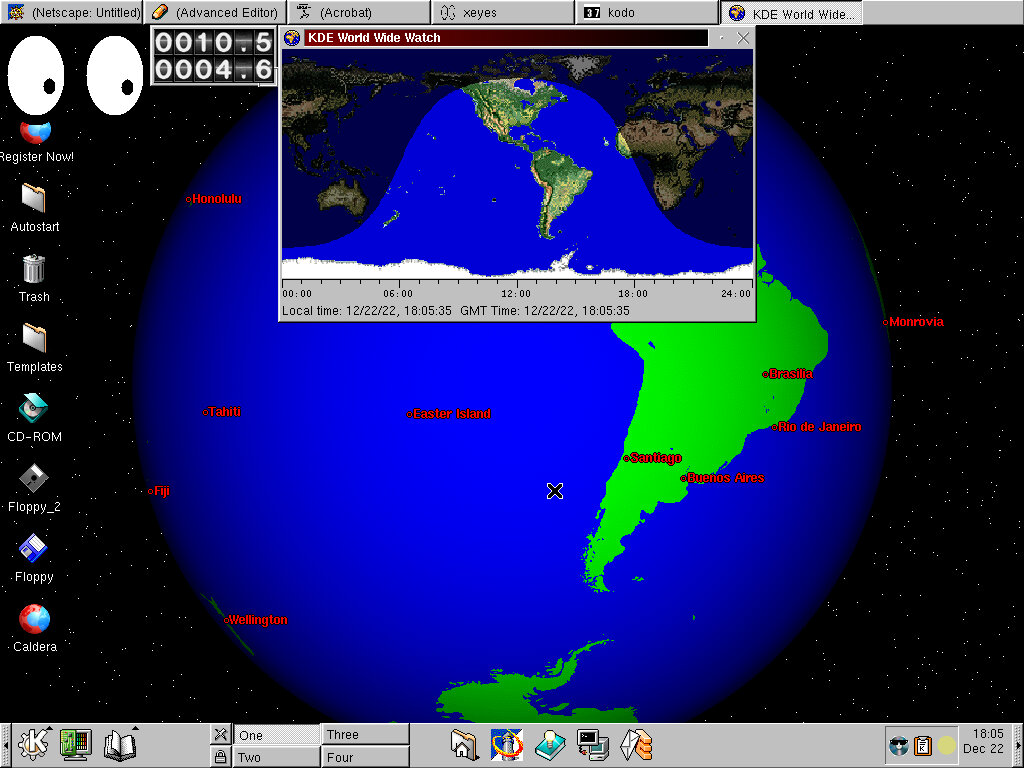
Running various applications: xEyes, KDE Earth, Mousepedometa

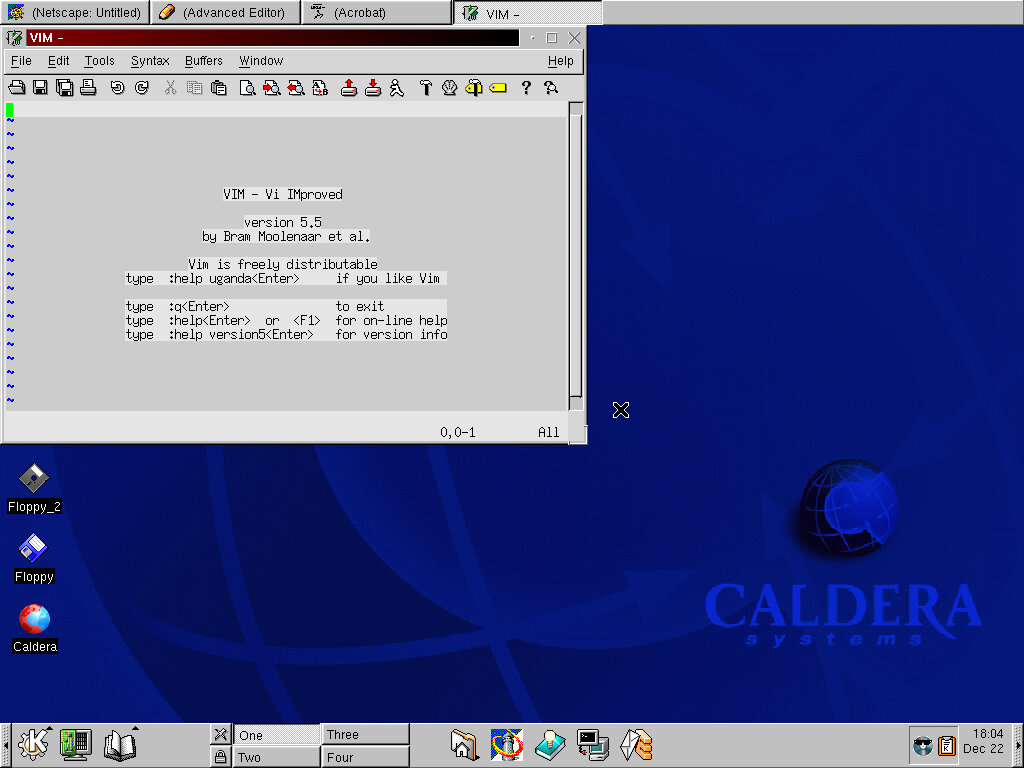
VIM version 5.5 comes included

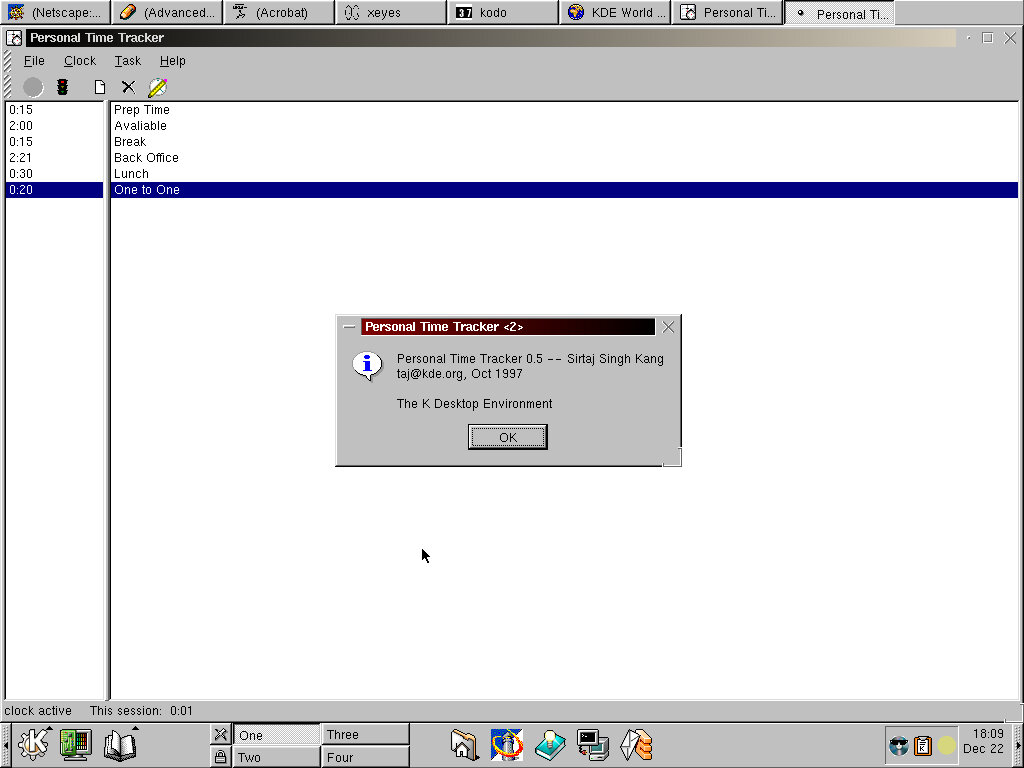
Personal Time Tracker application for keeping track of your schedule? Seems you have to manually enter the times yourself, even after enabling the clock.

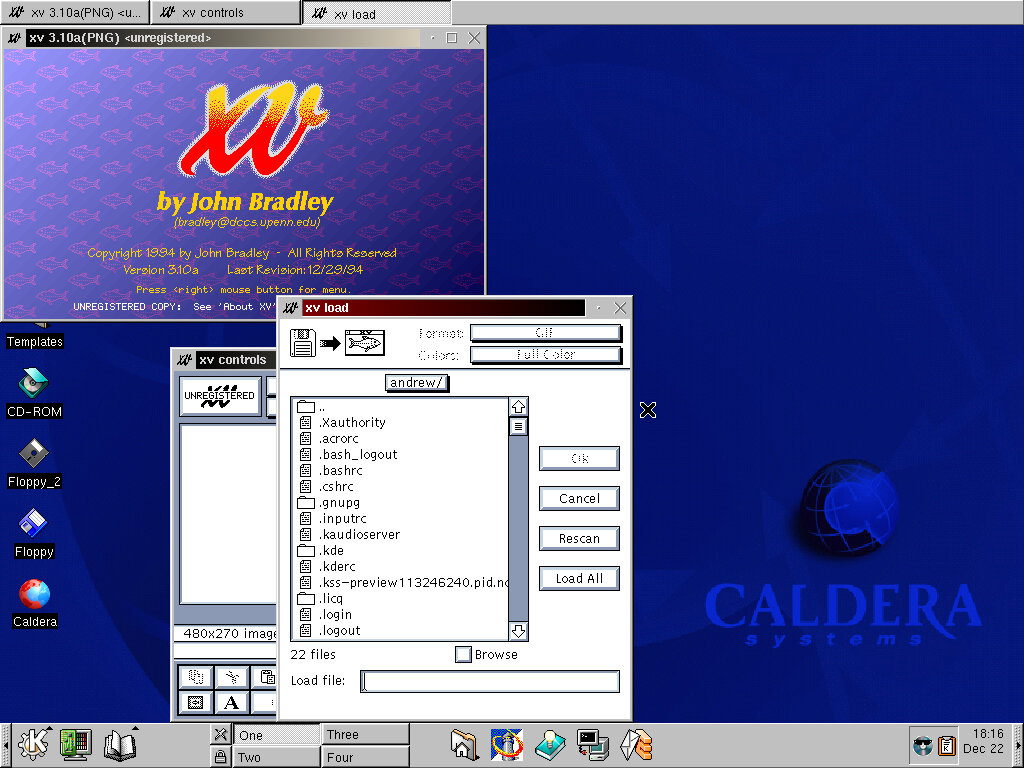
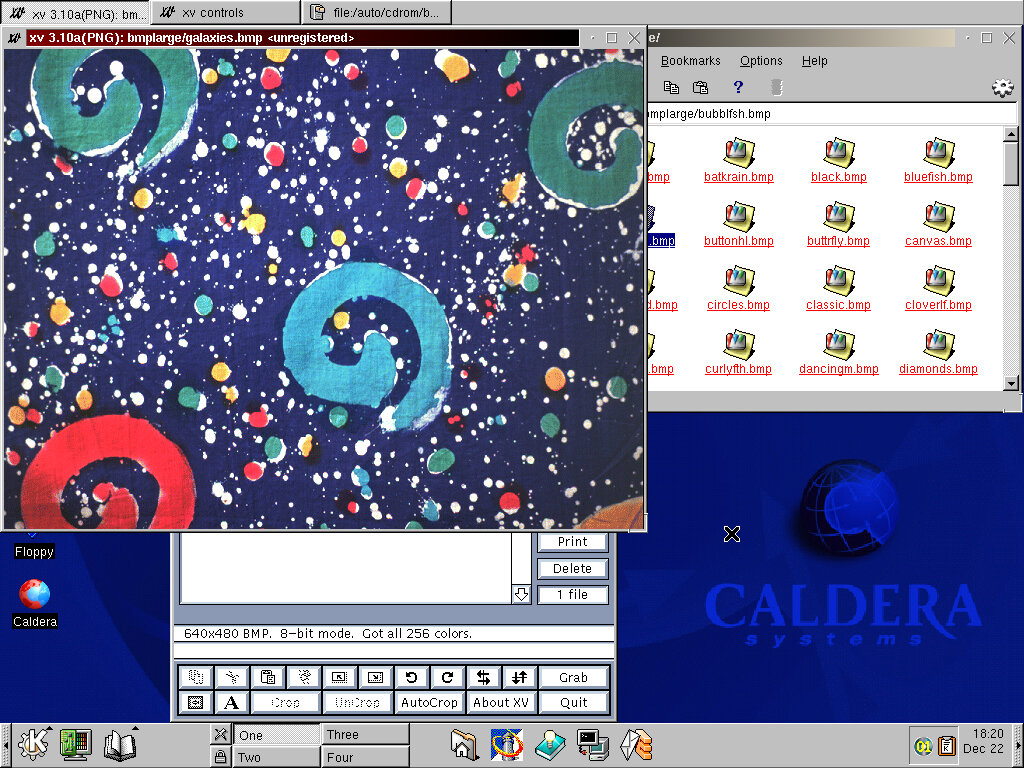
XV – Some sort of image editing application. Here you can manipulate images like crop them, rotate them or add text/effects.

WINE is also bundled with the operating system which should allow Windows applications to run, somewhat. A few that I tired simply causes the X Window system to fail, resulting in a slight reboot that takes you back to the logins scree.
Either WINE in this build is broken, or 86Box is causing issues with running Windows apps.

Xfig 3.2 – Vector drawing application, lets you create vector images like shapes which can then be exported to an image.

Kpackage – here you can view and modify packages that are installed on your system, and see the disk size they occupy.

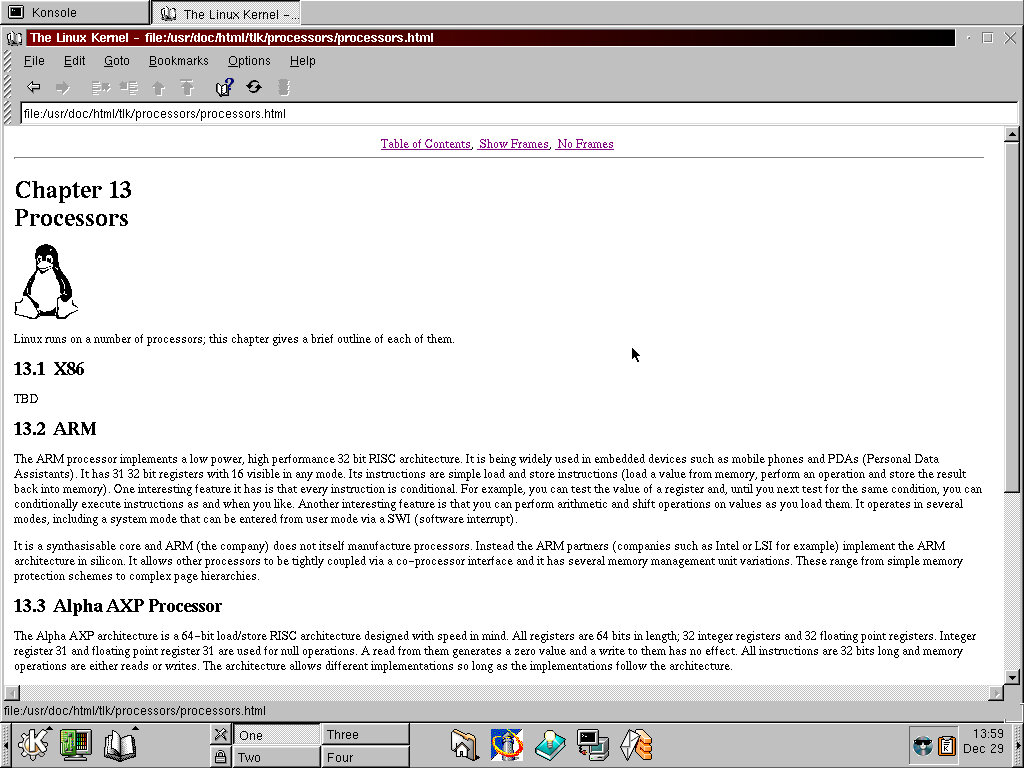
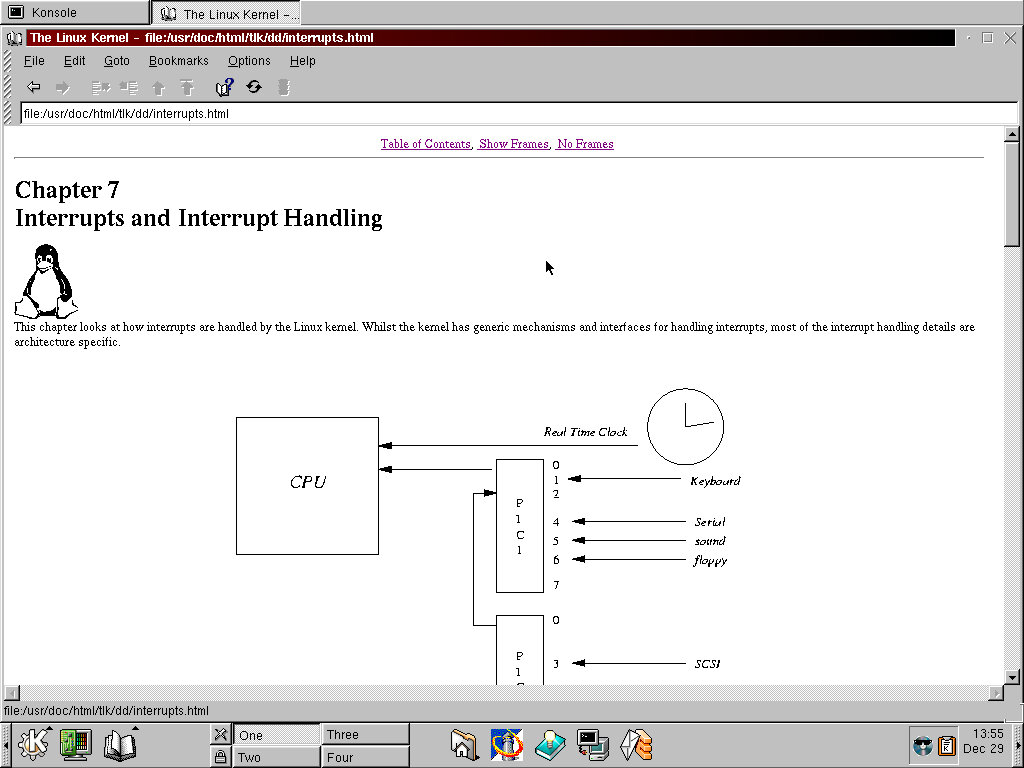
The OS also comes with extensive documentation that explains the various core elements of Linux, and PC arictecture in general.

Third Party Software

Simcity 3000 – had to install this under the root account as the installed refused to install due to a permission issue. Eventually I was able to get this to install and run.

Quake 3 – Installed but refused to run, possibly due to a misconfigured 3DFX Voodoo card

Sid Mier Civ – Works perfectly, had to install it onto another hard drive since I was running out of space.

COAS

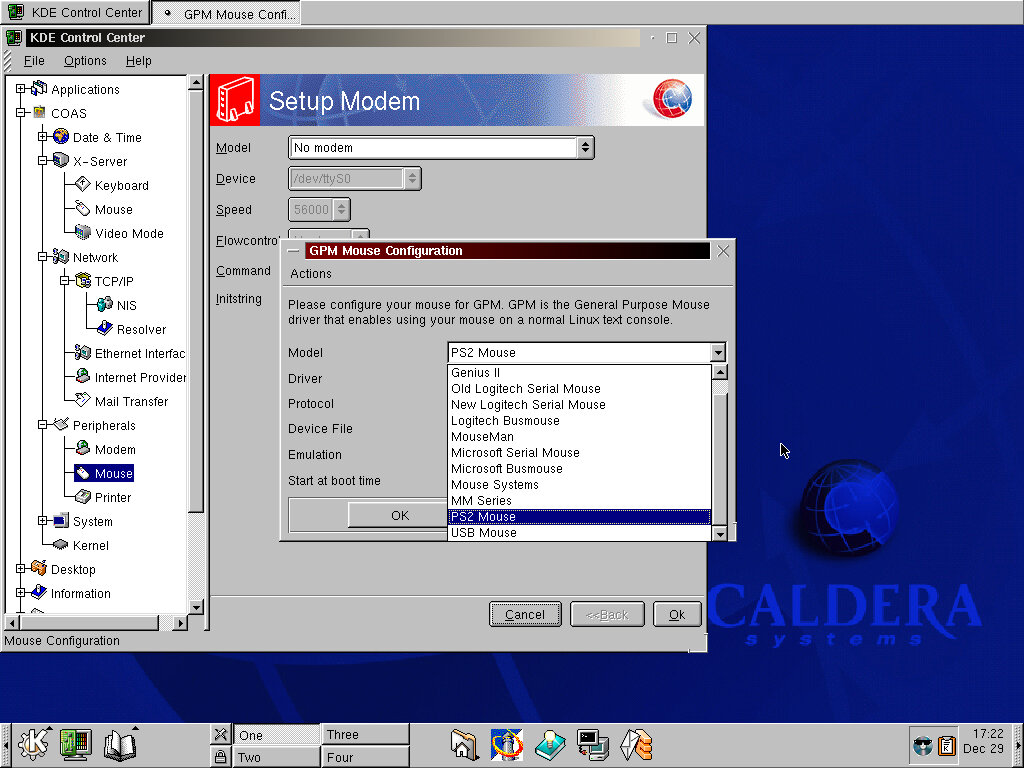
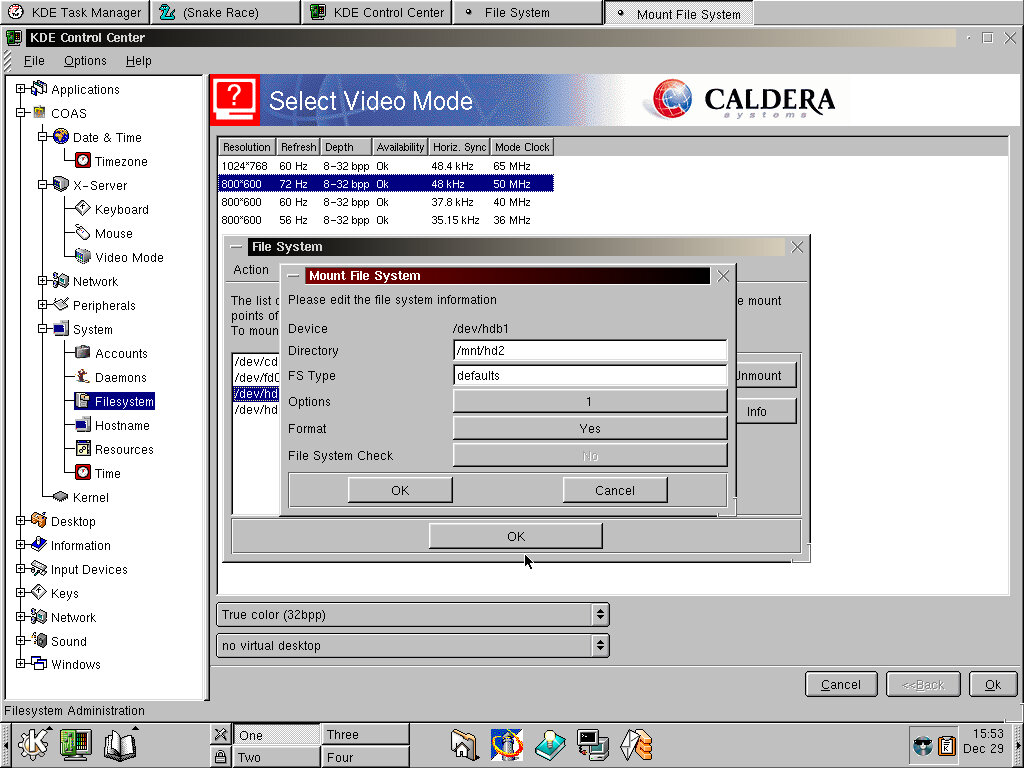
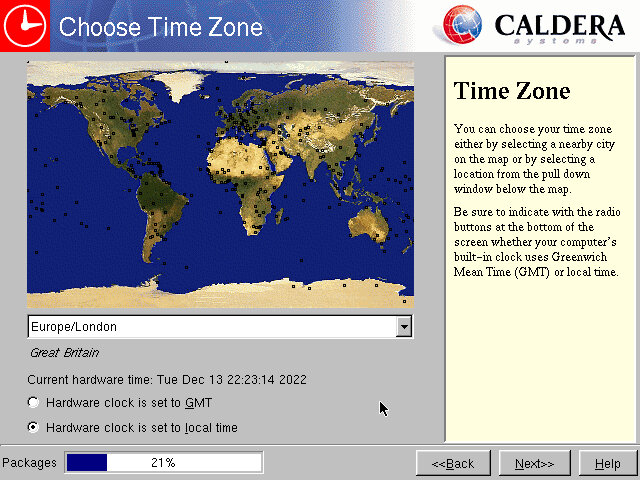
Caldera Open Administration System an add-on for the KDS Control Center that lets to manage and change distro specific options. Options appear to relate to the systems timezone , hardware options for the keyboard/mouse/monitor. Most of these options require root access, and you will be promoted for the root password for each option you choose.

System/Filesystems lets you view the different drives and volumes in use, and to mount additional volumes like another hard disk. This does not seem to work correctly as when I tried to add a new second hard disk it would just error out and displays a message to prompt to run fsck. I get they tried to make some tasks more simple to the user, but clearly this didn’t go according to plan.
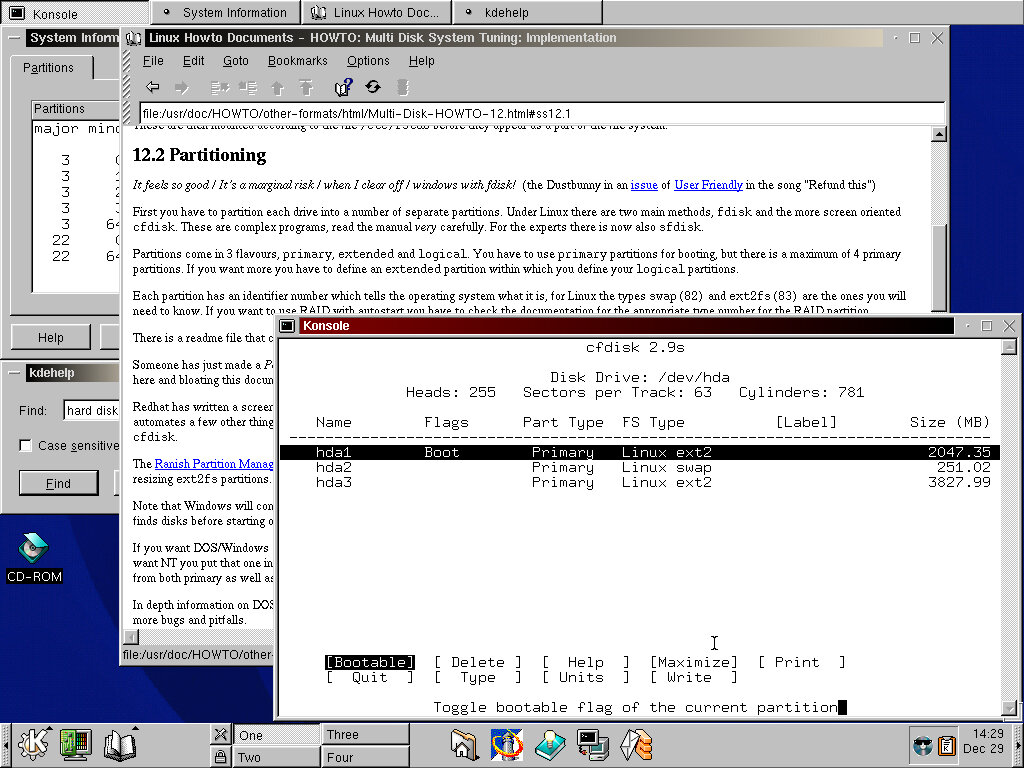
Best way to do it was to create and partition using the cfdisk bash command that lets you create the partition, then add it manually to the etx/fstab file. By default the Caldera installer splits the drive into three, the swap partition, the root partition and the home partition.

The kernel option lets you view the modules that have been loaded, which is typically the device drivers used by the system. If you have added new hardware then you might need to add the relevant module used by the system. Unused modules can also be removed from here.

Shutting Down

Like other KDS distros of the time, you need to log out of the current user first before you can shut down the system. If ACPI is supported by the motherboard, the system will turn off.

Ghosthunter

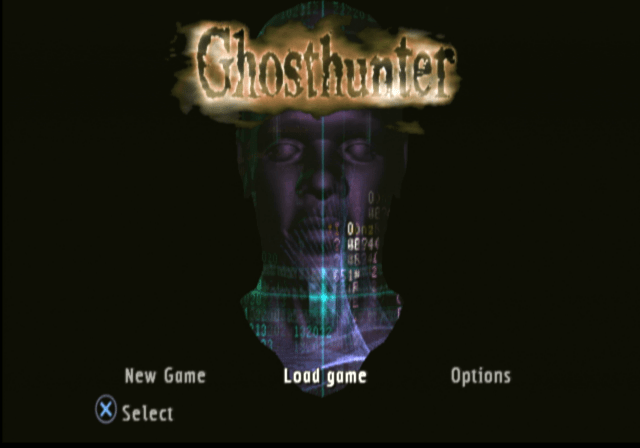
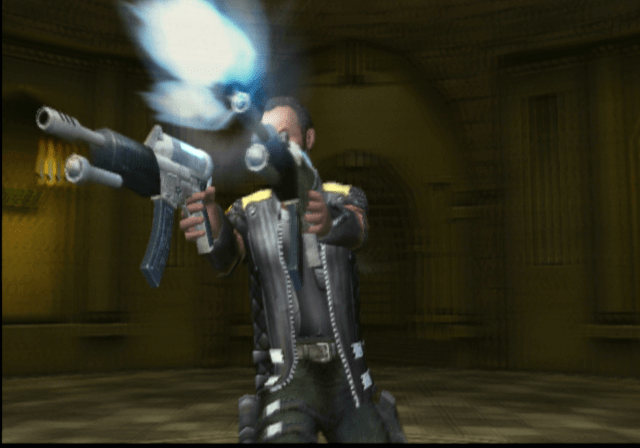
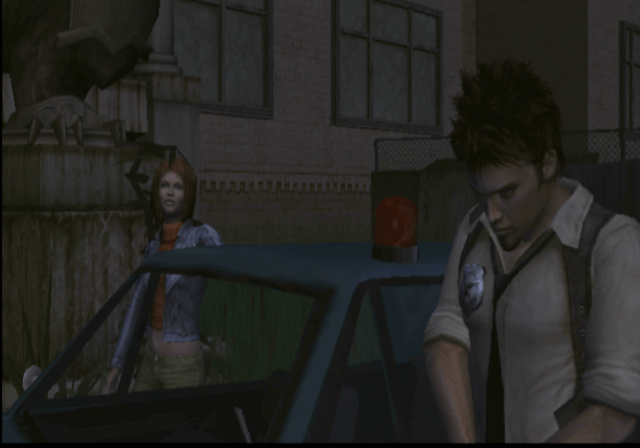
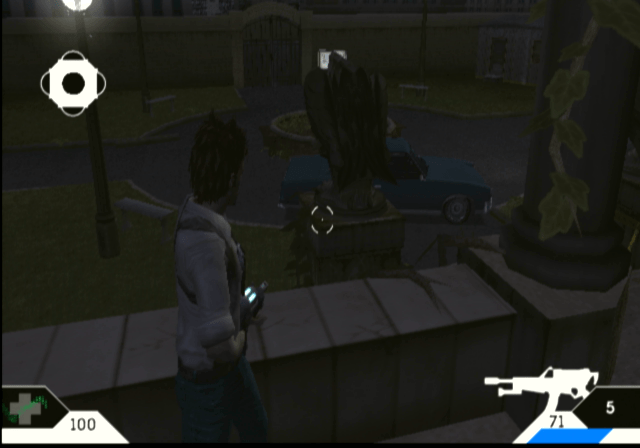
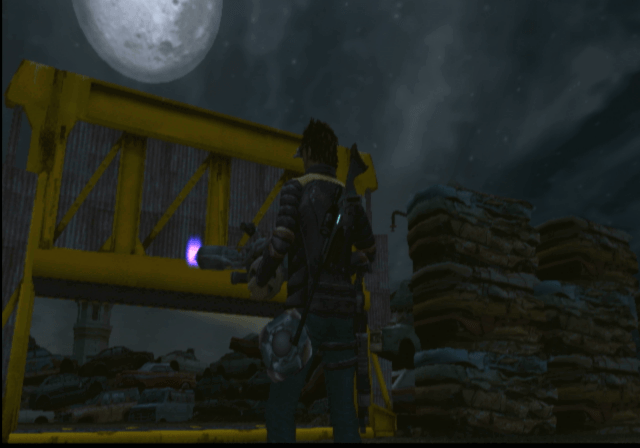
A PS2 exclusive developed by Cambridge Studios, Ghosthunter puts you in the role of Lazarus Jones, a rookie detective officer along with his partner Steele, who is tasked with investigating an abandoned school. Unknowingly they unleashed a boatload of ghosts and his partner Steele gets abducted and its up to Lazarus to save her.

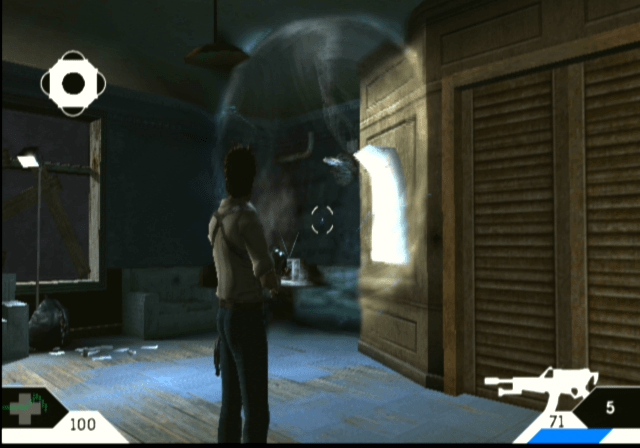
Main objective is to navigate your way around several different works, whilst capturing ghosts at you encounter them. Many ghosts require for you to shoot at them in order to capture them, and later on in the game there are multiple techniques needed to be mastered to capture certain ghosts. As you progress through the game you start to understand the backstory of the game.

Not all ghosts can be captured by the device, some you just need to shoot.

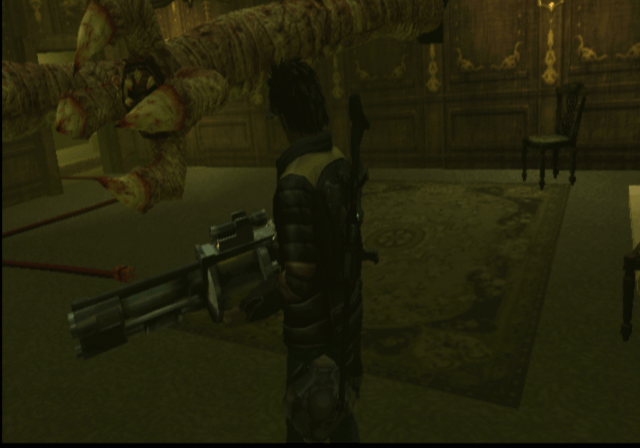
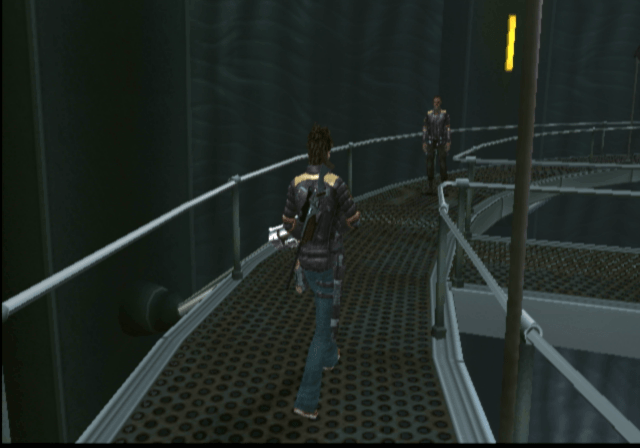
Graphics wise this looks pretty good by PS2 standards, although it has a weird effect where black lines start to appear at the side of the screen when the framerate starts to dip, this has been reported by different users, but it is unsure if this affects certain PS2 models, or if it only appears in the NTSC version (which I am using)

Also, it turns out there is a progressive scan mode in the NTSC version, but is hidden and can only be accessed by pressing a button combination upon startup. Nice of the developers to do that, could of at least given us the option on boot-up.

Aside from the graphics, the game also makes use of volumetric water, and cloth physics which can be seen on the swamp and mansion levels. Clearly this is a game that makes use of the PS2 VU0 (Vector Unit) processor to perform these calculations.

Version Differences

The Europe and American versions differ slightly since they had different publishers and due to the reception of the Europe version which was released first.

Seemly some of the puzzles in the game were made easier in the NTSC version. Considering I even struggled with some of these puzzles I’d say they made the right choice here, but a difficulty level could have fixed that.

Characters

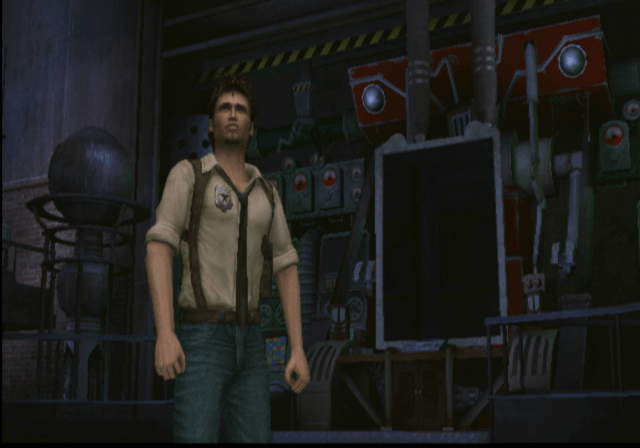
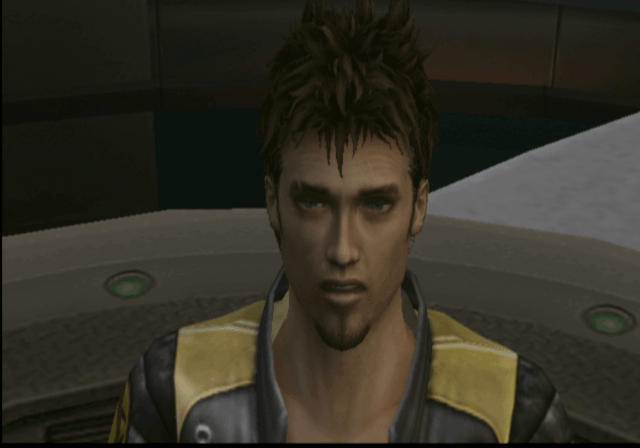
Lazarus Jones – A rookie detective from Detroit and the main protagonist of the game, looks and sound’s like Ellis from Left 4 Dead 2

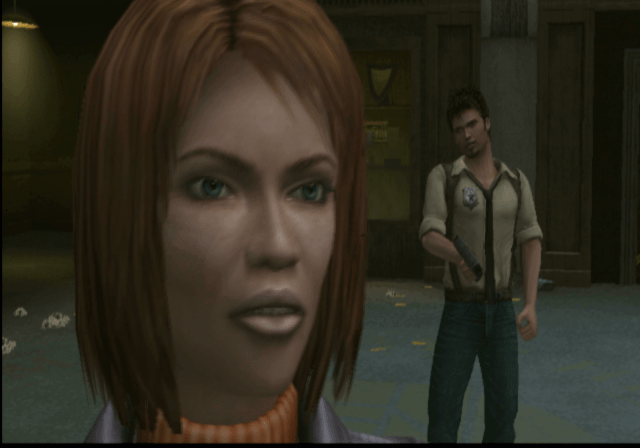
Anna Steele – No relation to the 50 Shades of Grey character, Lazarus’s partner who gets abducted early on in the game, and its up to Lazarus to save her

Professor Richmond – A scientist that was leading the project

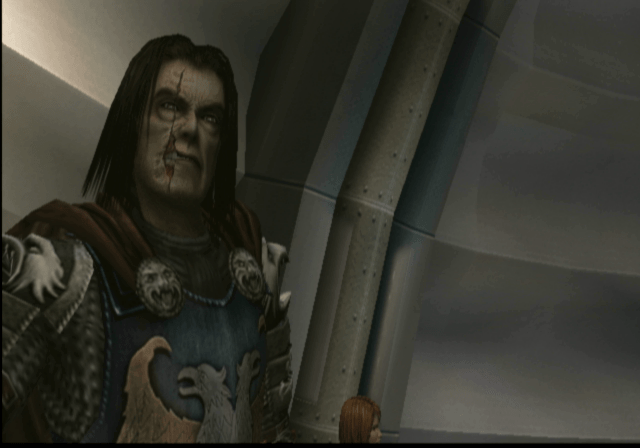
Sir William Hawksmoor – The bad guy and the final boss

Astral – Some sort of blue spirit that bonds with Lazarus, she will help you navigate areas and puzzles that Lazarus cannot physically complete, on the count of her being a spirit. Astral has several abilities, of which only one is available at the start with the rest being unlocked s you progress through the game.

Levels

Once you are in a level you are free to navigate and explore the level, making it very open, But you cannot revert back to a previous level unless you load an earlier save file. The game only supports saving and loading from Memory Card Slot 1.

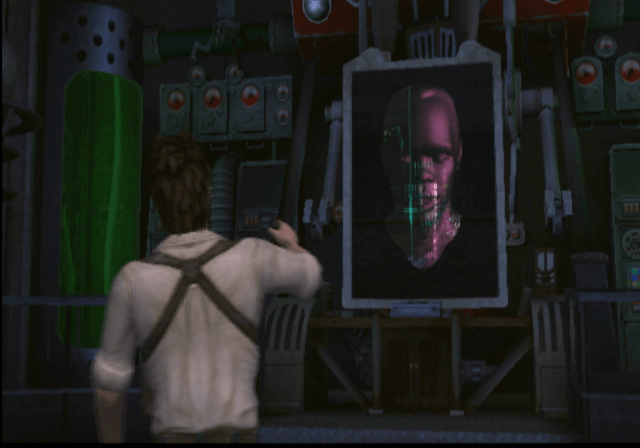
Haunted School – The first level that you explore, where Lazarus accidentally sets off a bunch of ghosts that start to wreak havoc. It s this art where you meet the AI computer that will assist you in the forthcoming levels.

Swamp Realm – This introduces the howler ghost where you will need to hide and enter cover to fool the ghost. This relies on stealth and the ability to enter cover whilst keeping track of it. The howler will typically move an object needed for you to progress, so it’s best to hide and see what it does before capturing it. As for the rest of the level, its a bit dreary with it being set on a swamp for most of the level. Eventually, you will encounter an abandoned Mansion that has an issue with its ghost inhabitants, here you must solve a series of puzzles and riddles to progress through the game.

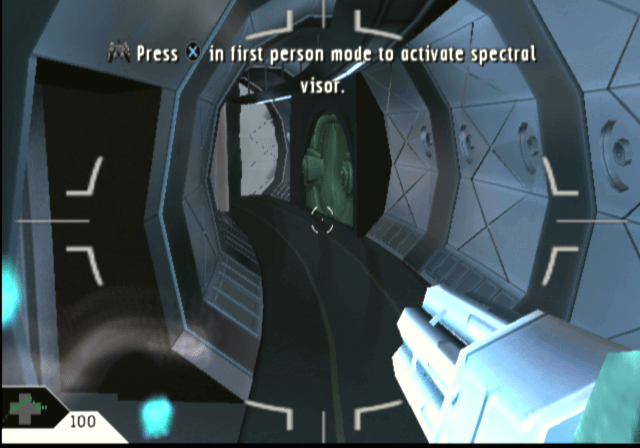
On the swamp, and later levels you have access to the spectral binoculars, which will reveal the health of the ghost enemy when used.

Haunted New School – You are back in the school where there is much more to explore. Here you have to navigate around to the science block and through to the library where you have to collect a series of books. There’s not much in the name of navigation so will need to explore and check closely.

You will be introduced to smoke grenades which are needed to defeat some of the ghosts, you will need to fire these before capturing them.

Ship Realm – Now you are on an army/military base with ghost soldiers. Here you will need to navigate through he base and onto a ship. At some point you will encounter some sort of tentacle monster that requires you to navigate through the rooms stealthy to avoid being killed. You cannot shoot this monster will regular guns, instead you have to locate and find bombs and a detonator to keep it at bay.

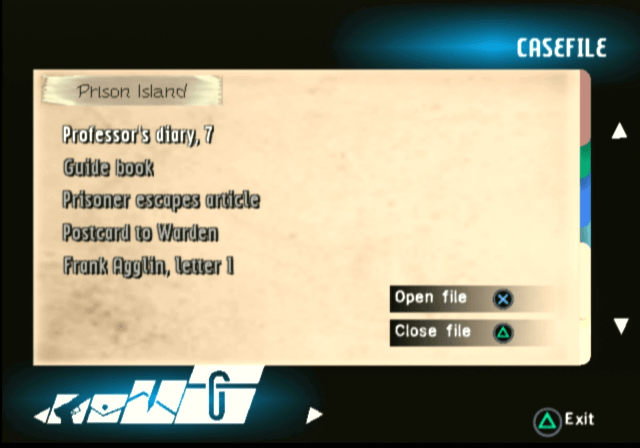
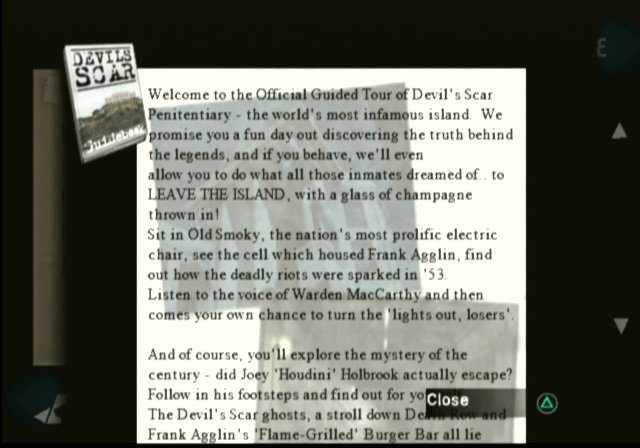
Prison Realm – You’re now on a prison Island, where you have to navigate through the cells and corridors to progress. At some points you will need to use Asteral to take over certain guards in order to move or manipulate objects.

Conclusion

The game makes a good addition to anyone’s PS2 library and despite the mixed reception, there’s an immersive environment to explore. The game was later re-released on the PlayStation 3 store as a PS2 classic, and is an emulated version of the PS2 version.