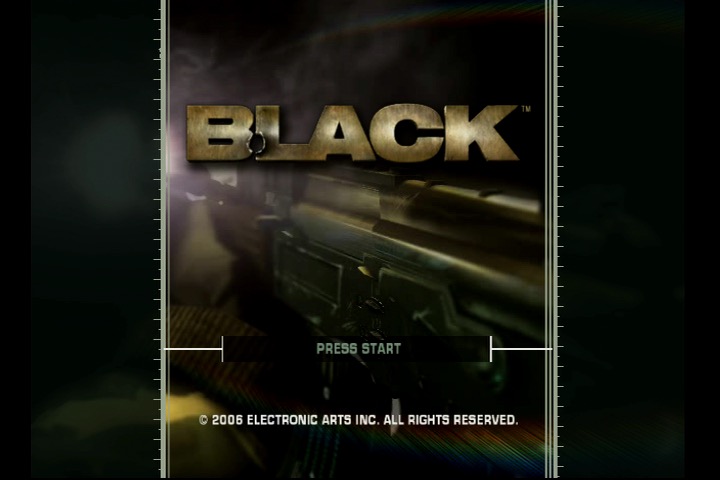
A gritty FPS released towards the end of the sixth generation
Developed by Criterion Games and published by Electronic Arts in 2006. The game was released for the PlayStation 2 and Xbox consoles, and later made compatible with the Xbox One.
The game follows the story of Jack Kellar, an operative in a secretive government agency known as the “Black Ops”. The game is set in various locations across the globe, and the player must use a variety of weapons to fight through enemy forces and complete objectives. Kind of similar to another game that features the Black Ops name that would be released a few years later.
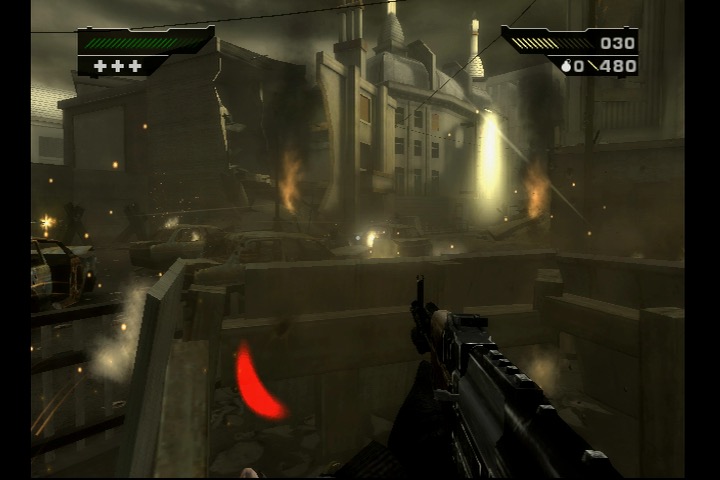
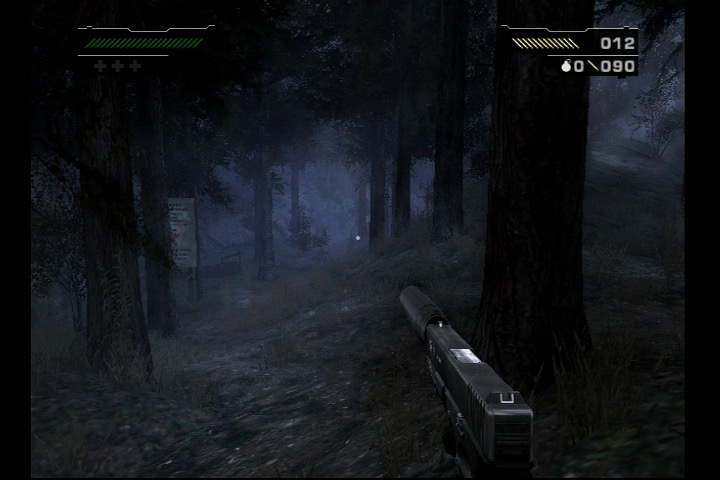
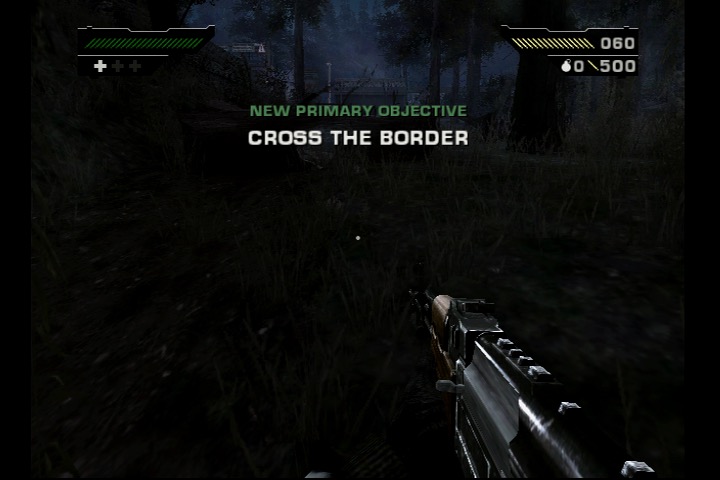
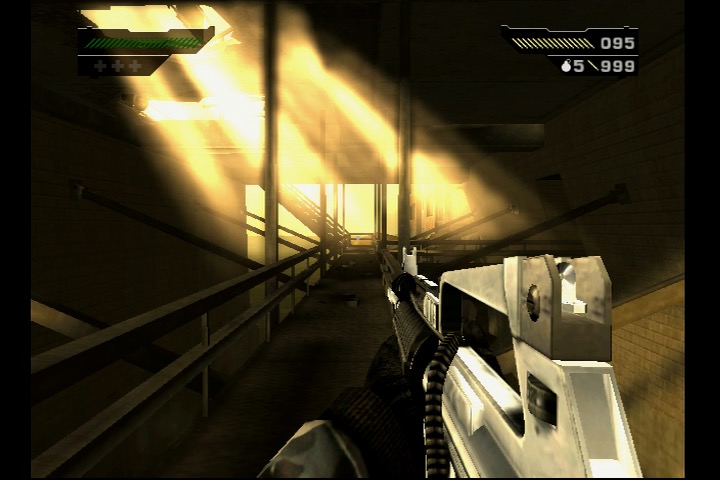
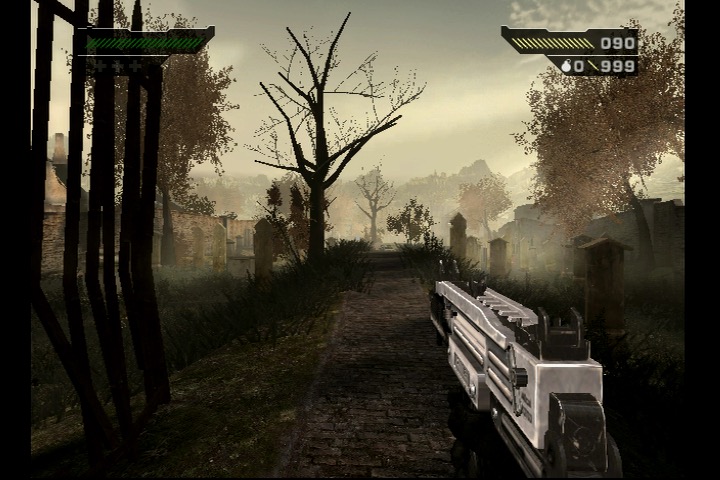
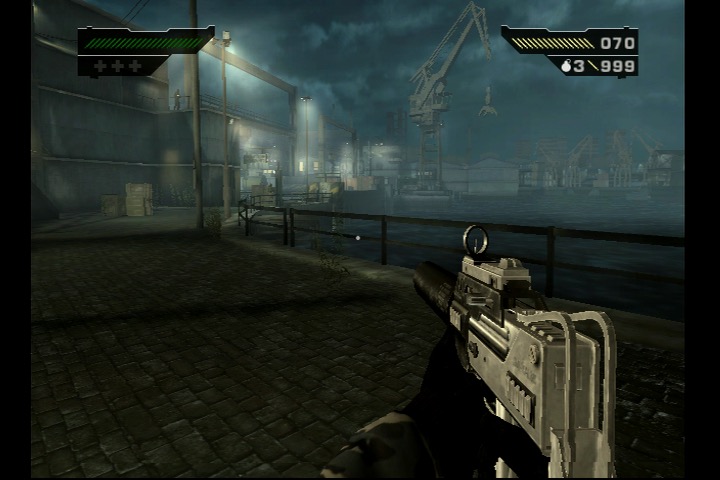
One of the standout features of Black is its impressive graphical fidelity for a game released in 2006. The game features realistic textures, lighting, and particle effects, which help to create an immersive and gritty atmosphere. The game’s sound design is also excellent, with a range of realistic weapon sounds and explosive effects that add to the immersion.
Gameplay-wise, Black is a fairly standard first-person shooter with a few unique elements. The game’s “gun porn” approach means that the player has access to a large variety of real-world firearms, each with its own strengths and weaknesses. The game also features destructible environments and objects, allowing players to blast through walls and obstacles to create new paths or take out enemies.
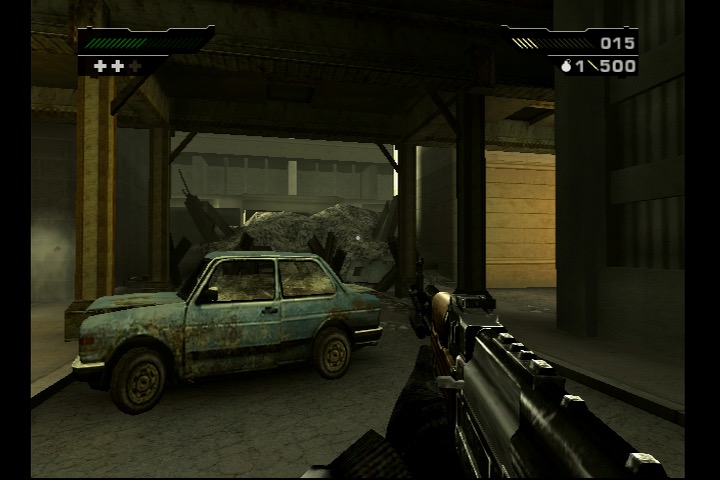
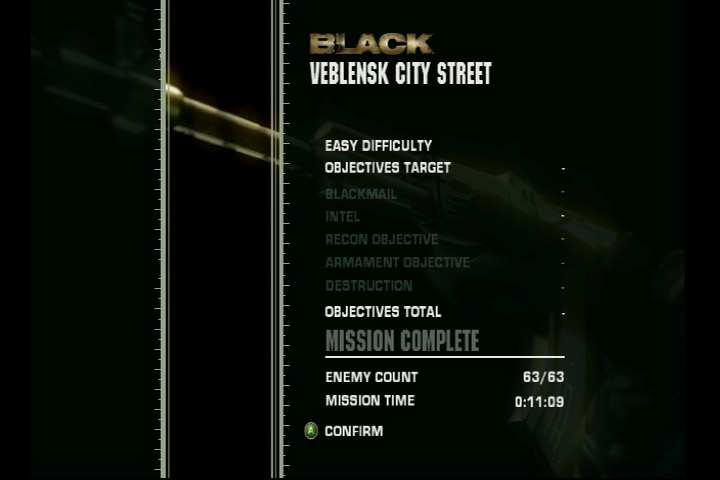
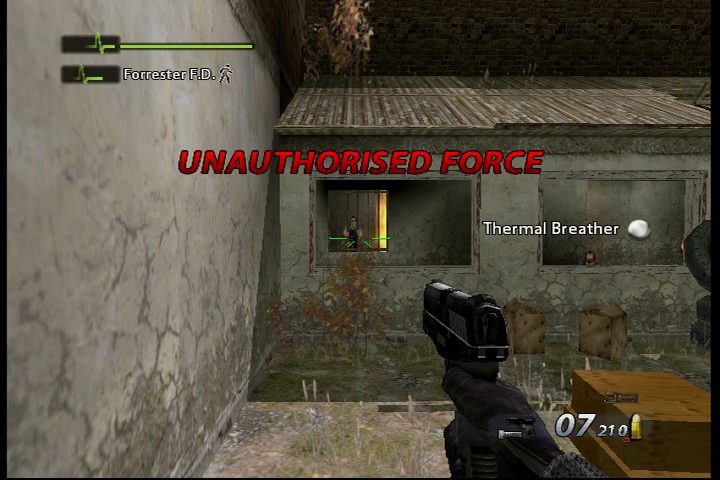
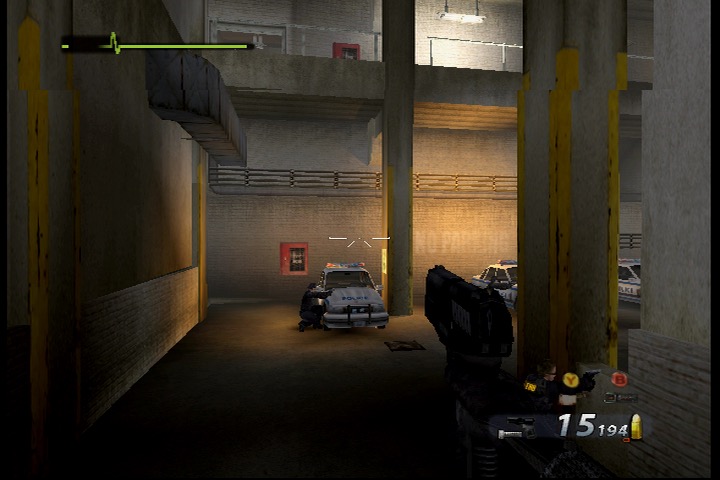
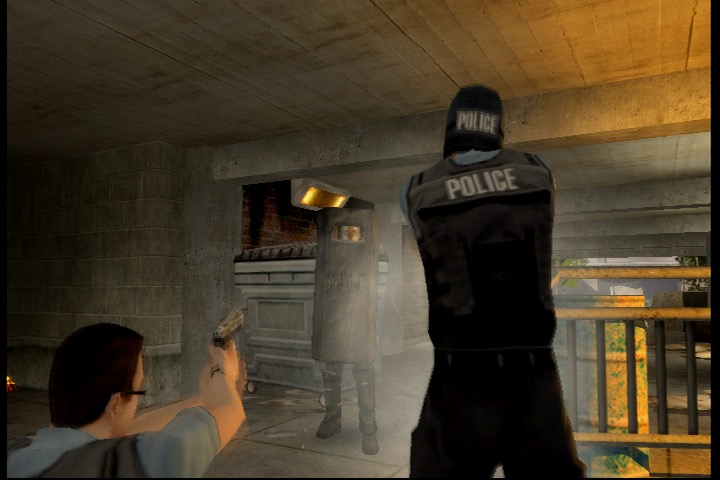
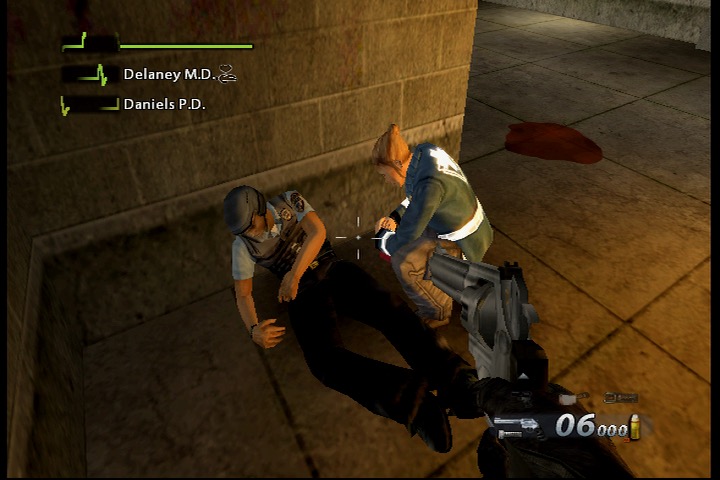
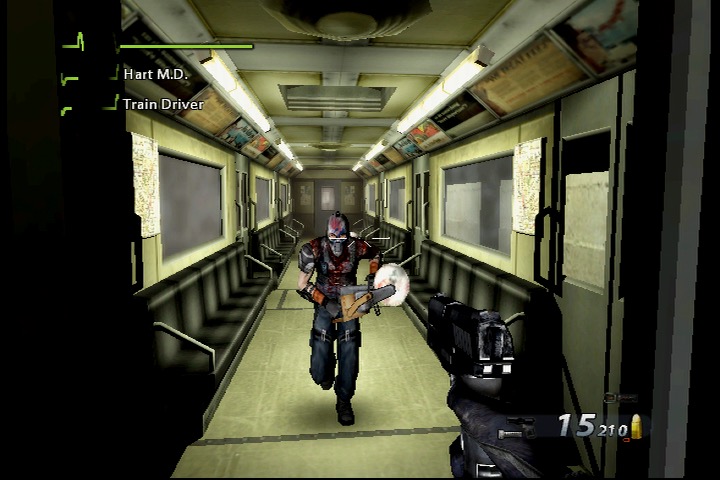
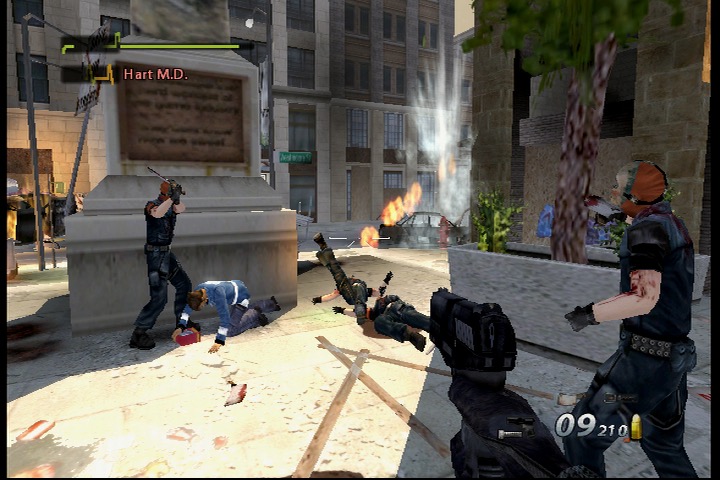
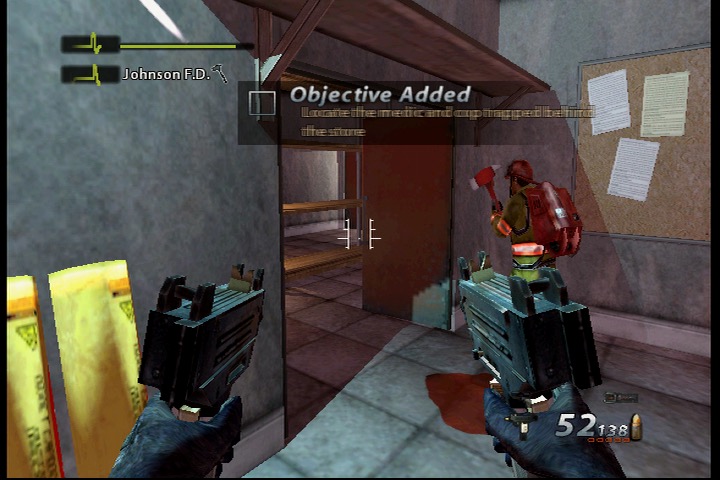
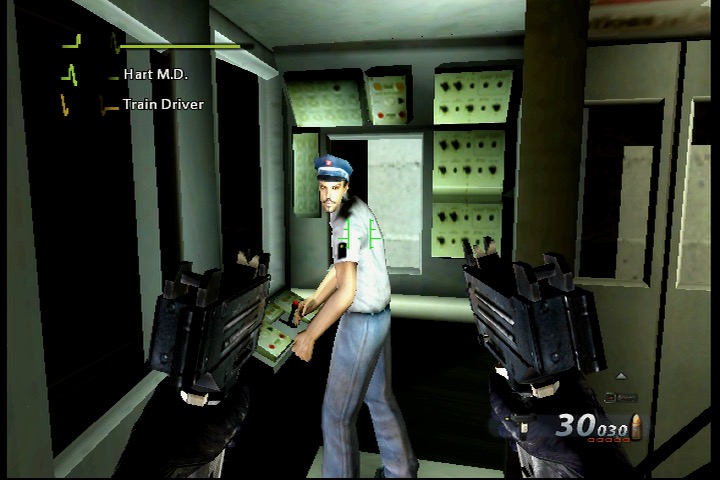
While Black is an enjoyable game, it does suffer from a few shortcomings. The game’s story is fairly thin and generic, and the voice acting can be hit-or-miss at times. Also the game’s difficulty is overly punishing, particularly on higher difficulties. There also isn’t much diversity in the gameplay as you can gather from the screenshots, mostly you just point and shoot at enemies. No puzzles to solve or any underwater or driving segments to break up the gameplay.
The story of Black follows Jack Kellar, a member of a secretive government agency known as the “Black Ops”, as he carries out a series of missions across the globe. As Kellar progresses through the game, he begins to uncover a larger conspiracy involving a mysterious arms dealer named Solomon. Along the way, he encounters a number of other operatives, both friendly and hostile, and uncovers more about the larger conspiracy at play.
Ultimately, Kellar discovers that Solomon is attempting to sell a powerful new weapon to a rogue CIA agent named Moffitt. Kellar and his team must then race to stop Moffitt from acquiring the weapon and using it for his own nefarious purposes. Most of the story is told through the FMV cutscenes, which cannot be skipped unless you are replaying the mission. There isn’t any multiplayer element in Black which is odd for an FPS, but it shows most of the effort went into the storyline and gameplay.
An FPS from the developers of the Batman Arkham games.
Urban Chaos: Riot Response is a first-person shooter video game developed by Rocksteady Studios and published by Eidos Interactive. It was released in 2006 for PlayStation 2 and Xbox and was part of the last batch of FPS games for the sixth generation consoles, as the PS3 and 360 were starting to take over.
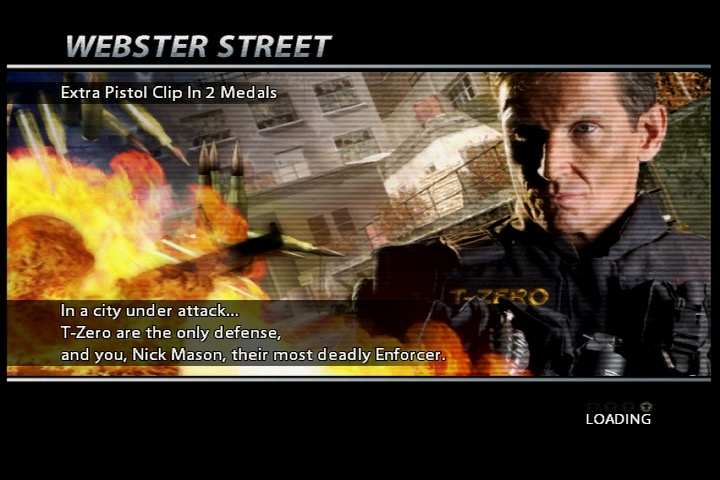
The game takes place in a fictional city called Union City, where a gang called “The Burners” has taken over and is causing chaos and destruction. The player takes on the role of Nick Mason, a member of an elite police unit called T-Zero, tasked with restoring order to the city.
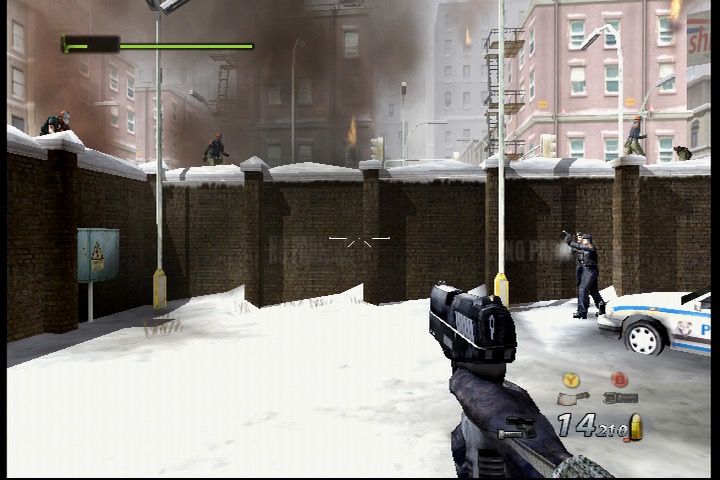
One of the standout features of Urban Chaos: Riot Response is the game’s emphasis on non-lethal force. While the player is armed with a variety of weapons, they are encouraged to use non-lethal force to subdue rioters and gang members. Failing to do this will impact the mission, and will affect your overall objects and medals of which can be used to unlock additional weapons. Many enemies can be subdued by using the tazer to shock them.
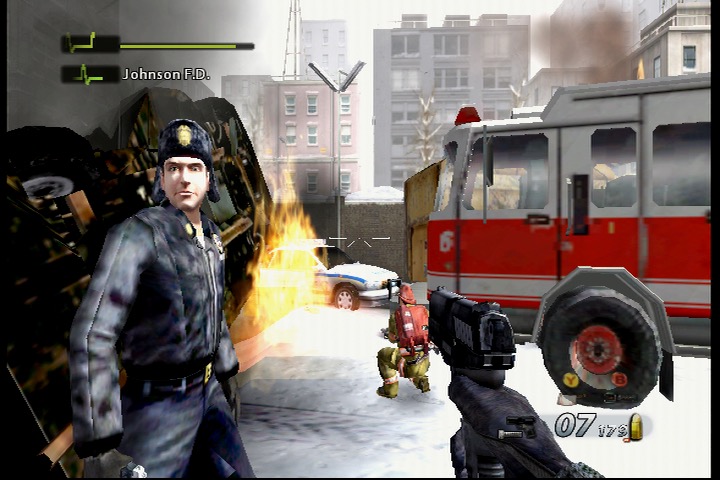
And if you are wondering why the gaming is called The Burner, they like to play with fire, a lot of fire. Expect there to be a lot of burning buildings in the game, and enemies that throw Molotov’s.
The game also features a robust multiplayer mode, allowing players to compete against each other in a variety of game modes. The multiplayer is a lot of fun and adds significant replay value to the game.
The plot of Urban Chaos: Riot Response revolves around the efforts of an elite police unit called T-Zero to restore order to the fictional city of Union City, which has been taken over by a gang known as “The Burners.”
The player takes on the role of Nick Mason, a newly recruited member of T-Zero, who must battle against the Burners and other gangs that have taken over the city. Along the way, Nick will face a variety of challenges, including hostage situations, bomb threats, and other violent confrontations.
As Nick progresses through the game, he begins to unravel a larger conspiracy involving the Burners and their enigmatic leader, a masked figure known only as “Kane.” With the help of his fellow T-Zero officers, Nick must navigate the dangerous streets of Union City and bring an end to the Burners’ reign of terror.
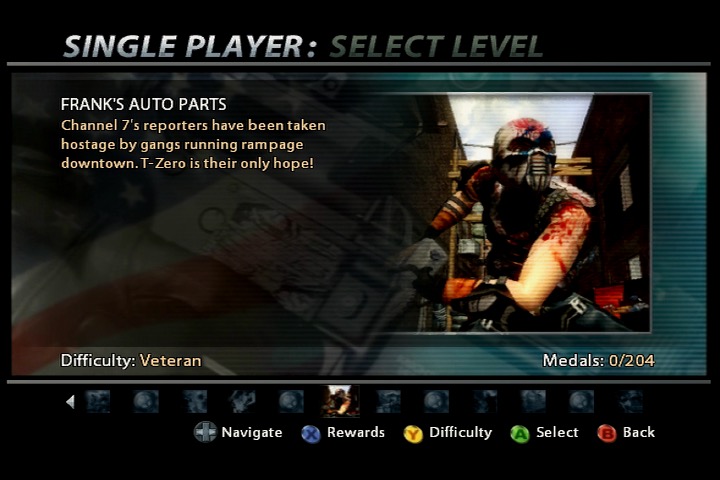
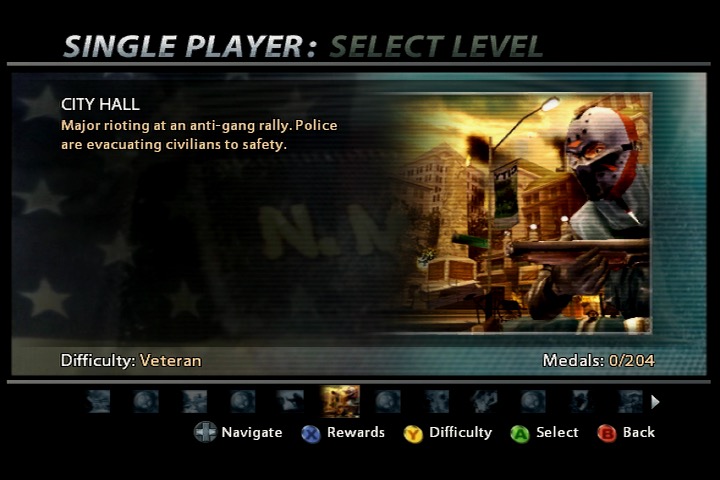
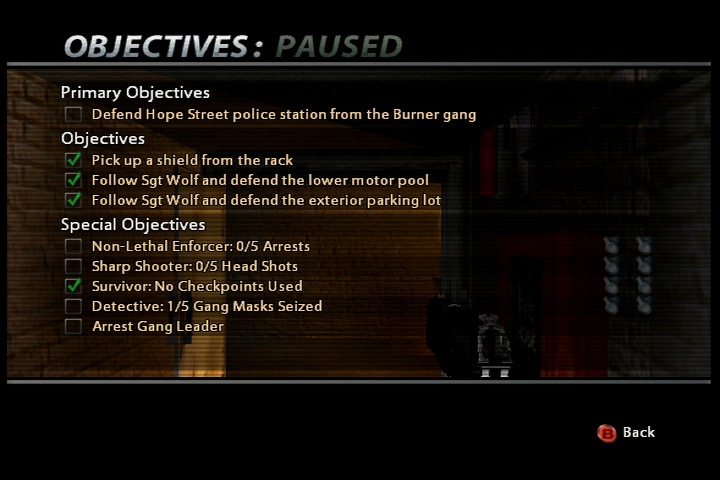
Eleven missions are featured in the game which are set around the city. You start off on Hope Street where the local Police station is under attack. This level serves as a tutorial of sorts which gives you guidance on how to use the various weapons and commands for your NPC’s who can assist in completing the level objectives. Eventually you make your way through the canals, through City Hall, the Dockyards and the City Metroline. Disrupting the gang’s presence as you go along. The game finishes in your own safe house where you must defend it from the criminal gangs. Each mission begins with a cutscene presented in the format of a news report, like something you would see off CNN or Fox News. There are also in game cutscenes and dialog from the NPC’s that explain the mission details.
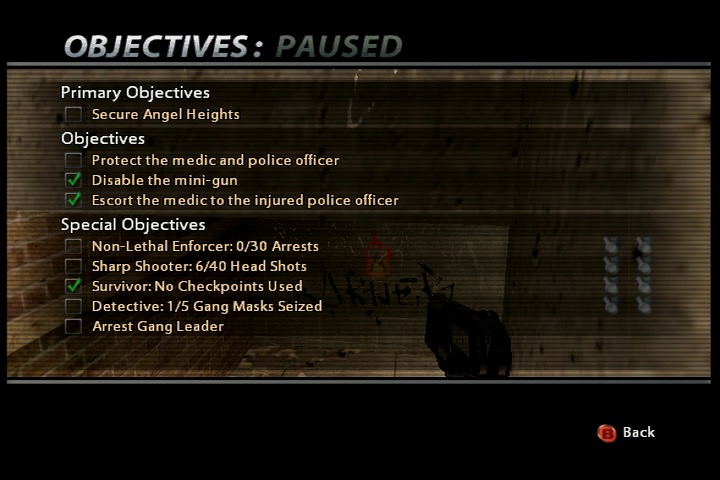
All missions have a primary objective that must be completed, and special objectives that whilst optional, will unlock medals that are useful later in the game. Many of these are for non-lethal arrests, not harming innocent bystanders, headshots and collecting gang masks (for DNA samples I assume).
Many missions will feature one or more companions that you must protect and keep alive, as they are required to unlock certain doors, or to activate specific objects. The mission will fail if these characters die.
Emergency missions refer to specific in-game scenarios or situations that require immediate attention and intervention by the player-controlled character – Nick Mason, and the T-Zero unit. These missions typically involve high-stakes situations that contribute to the overall narrative of the game. The term “emergency missions” suggests that urgent action is needed to address a crisis or threat within the game’s fictional city.
These missions can vary in nature and may include scenarios such as:
Hostage Situations: T-Zero must rescue hostages held by criminals or terrorists.
Bomb Threats: Dealing with explosive devices that pose a threat to public safety.
Armed Confrontations: Engaging in intense gunfights with criminal elements.
Every so often the game will play a slow-mo sequence of an enemy getting shot, very Max Payne
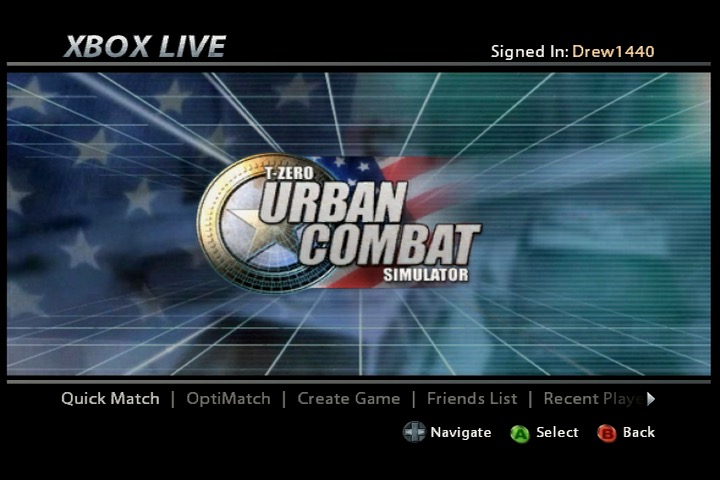
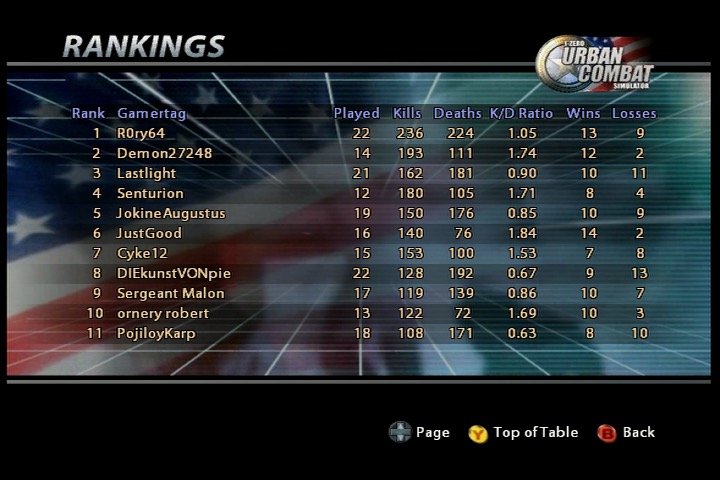
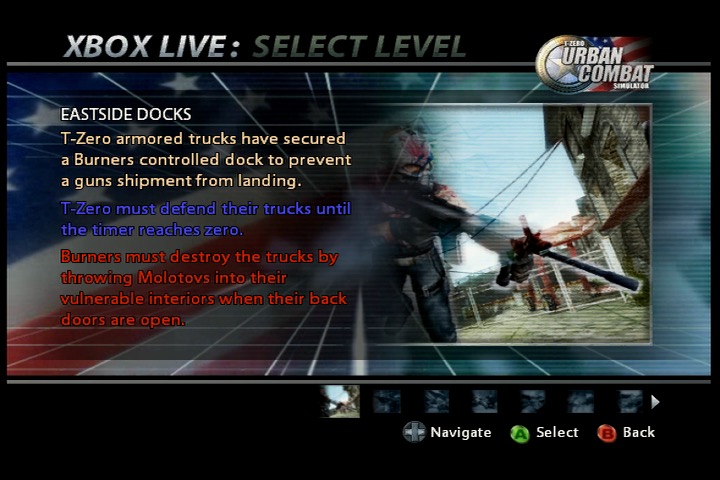
There is also a multiplayer mode that supports both Xbox Live and System Link. Insignia currently supports this game and it plays quite well though finding enough players for a match will be a challenge, its best to check the official Discord to find other players. Here you can play as either the Burners (gang) or T-Zero and you must fight for control of the map.
A quick update and a look at some newly added apps for the Virgin TV 360, including some new games. Correct as of December 2023.
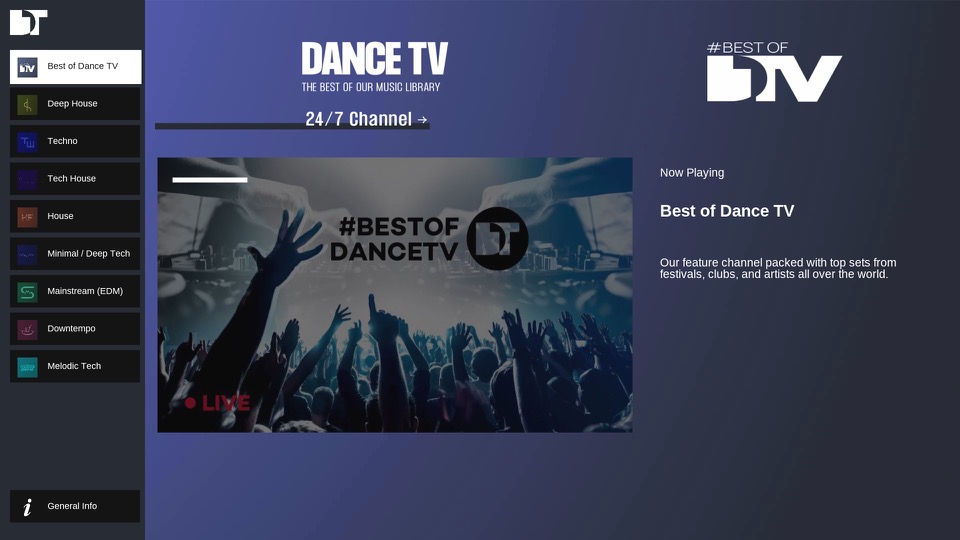
DanceTV
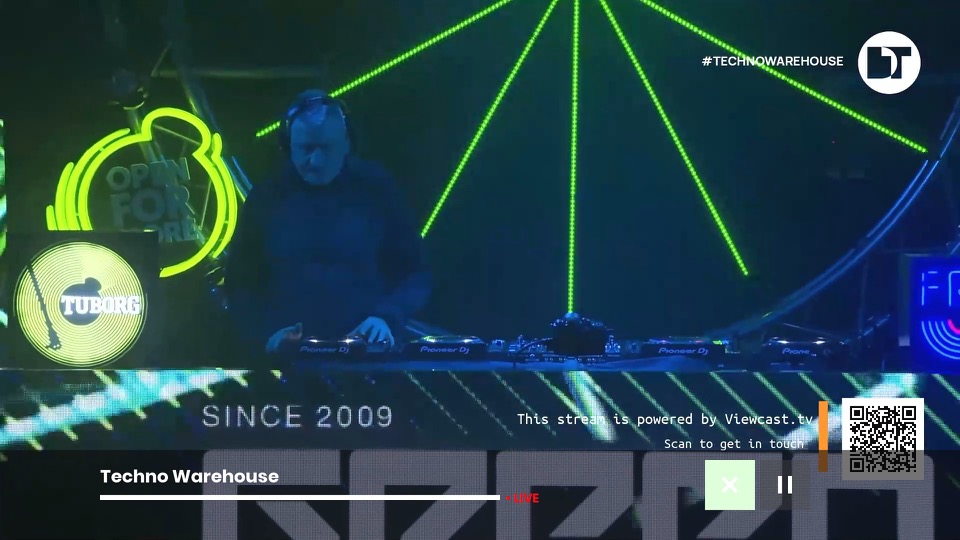
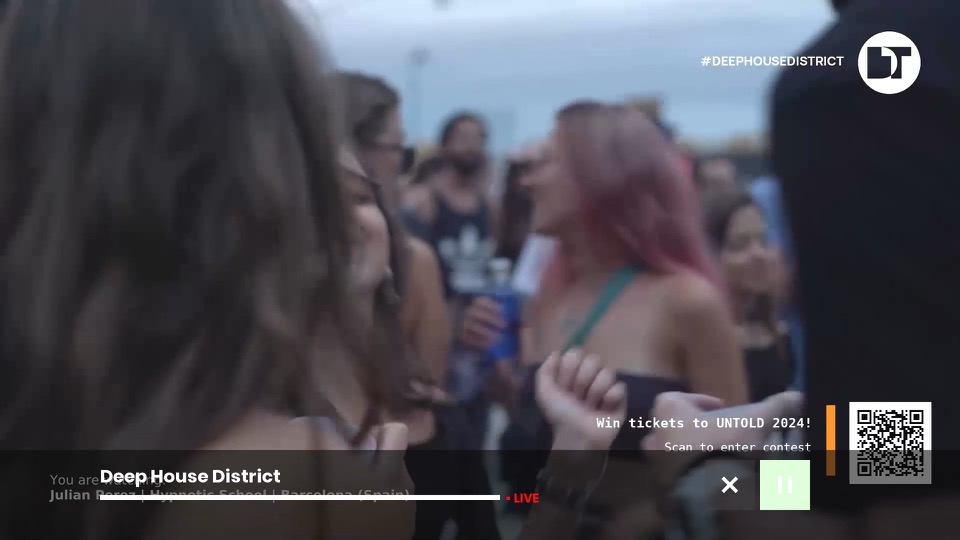
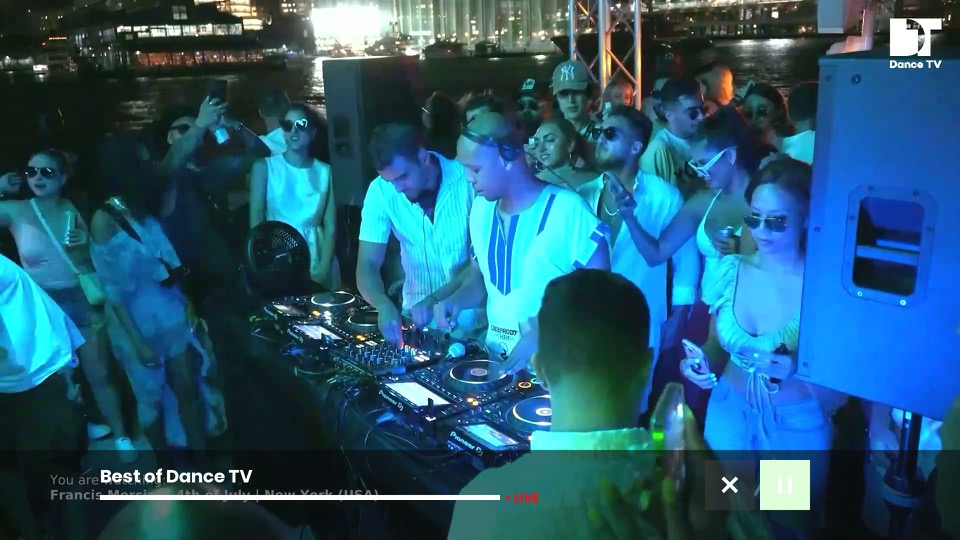
A collection of live music channels that focus of different genres of dance music. Feeds include Deep House, Techno Warehouse, House Floor & EDM Mainstage. There is also a main channel that has a variety of dance music. These channels will play mixes from live events. I’ve yet to see traditional music videos on there, so you’ll have to stick with KISS and Clubland TV for those.
AppleTV+
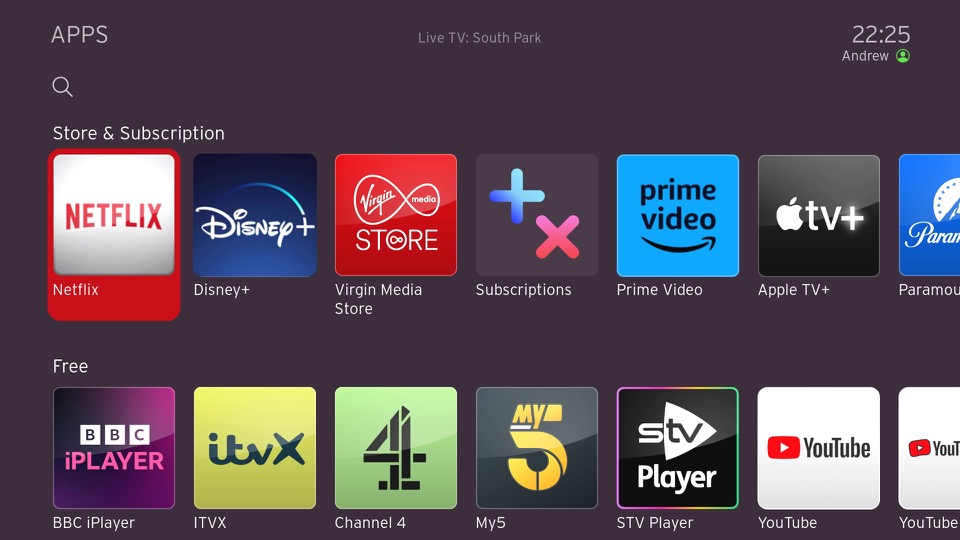
We now have AppleTV+ which is Apple’s streaming TV service that features a few of their original shows. Virgin has really made a push to add further streaming services to their platform as additional subscriptions, and this will be important to the VirginT V Stream which is reliant on these services.
Games
Games have been reintroduced onto the service, and unlike the Tivo games they are currently free, though I suspect they will introduce adverts into them at some point like BT did with theirs.
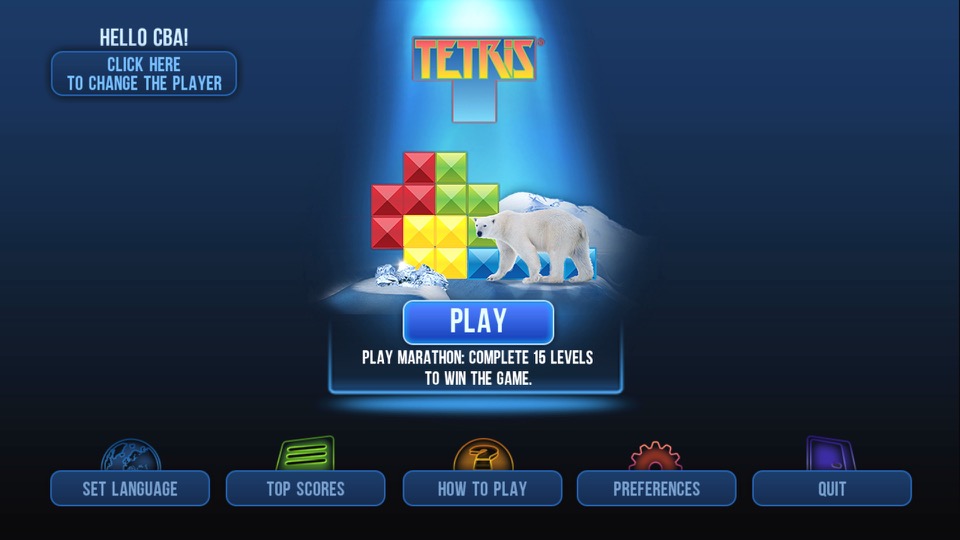
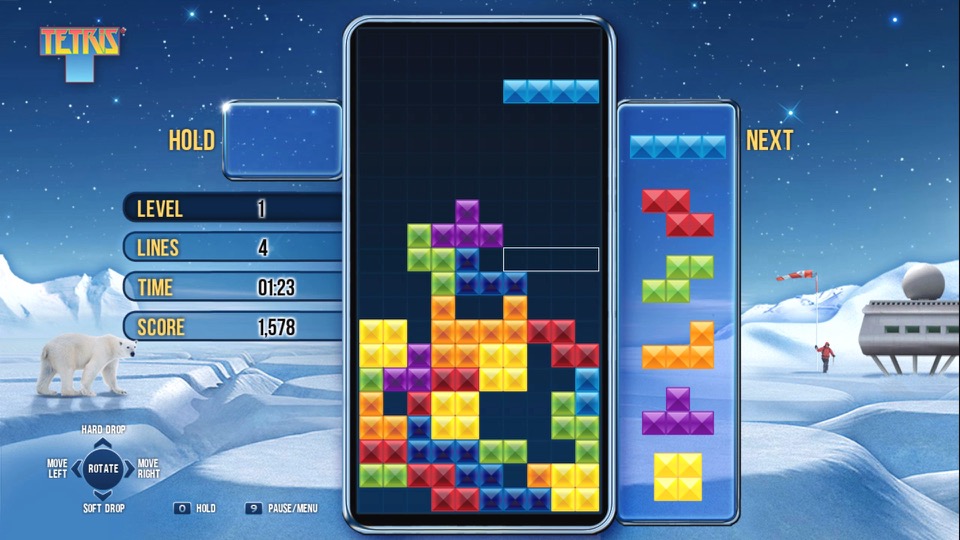
Tetris
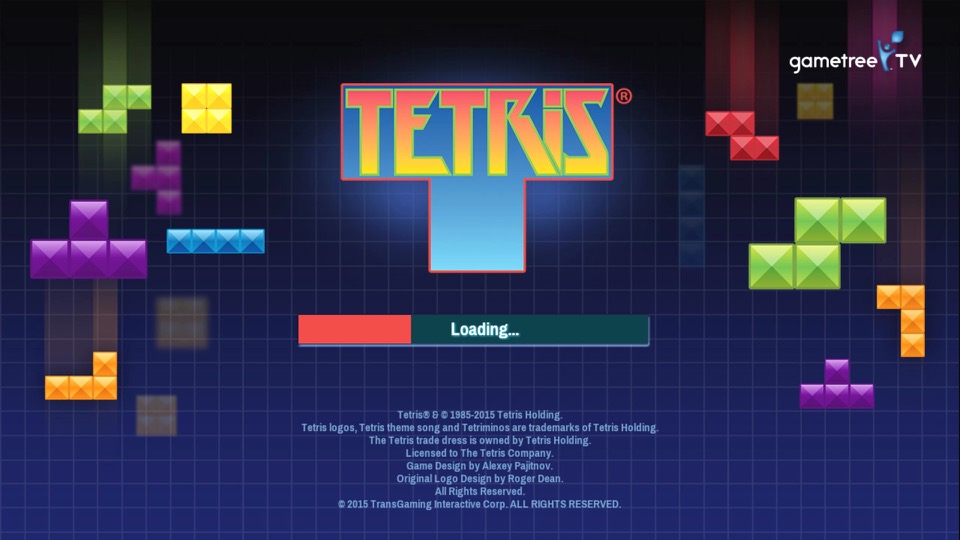
A favorite that you cannot go wrong with. It’s a little tricky with the remote, pressing OK will rotate the piece and pressing up or down will immediately drop the piece. This is very similar to the version featured on BT TV, in fact it’s the exact same game.
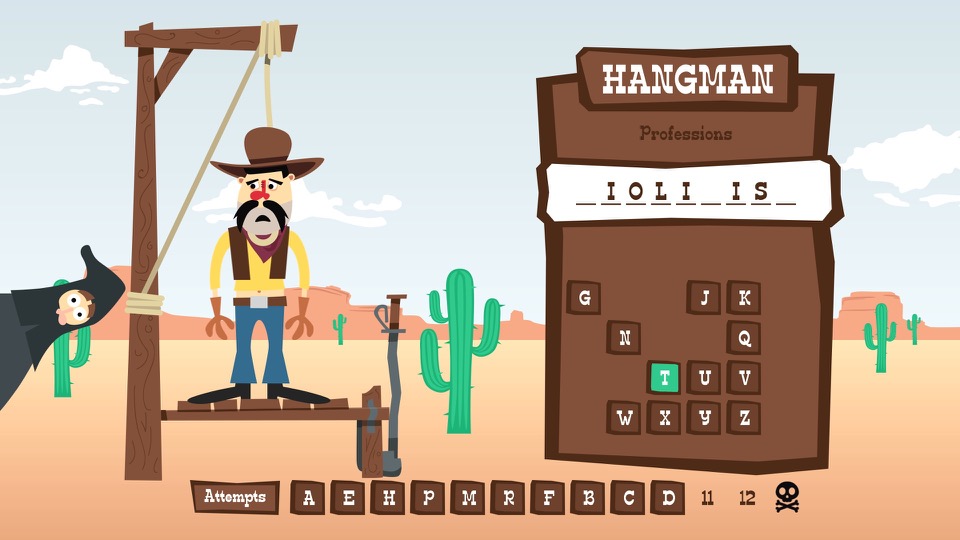
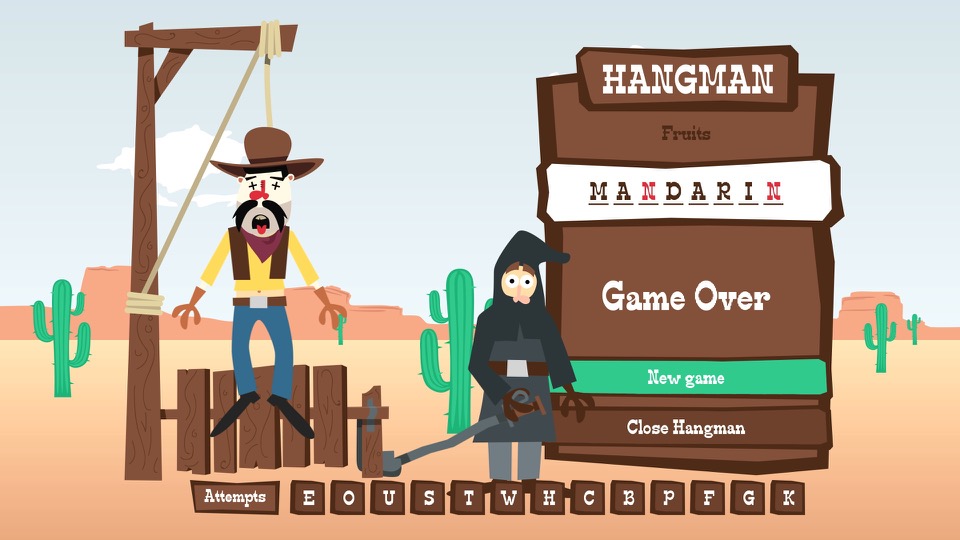
Hangman
A simple game of hangman where you have to guess the correct word. You can choose from a list of different categories (Professions, Animals, Fruits, Vegetables, etc).
brutal
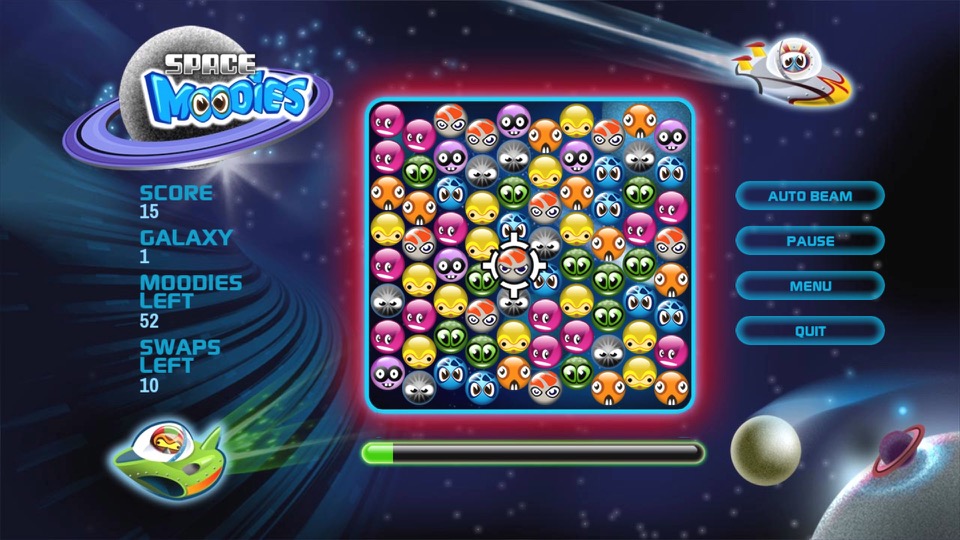
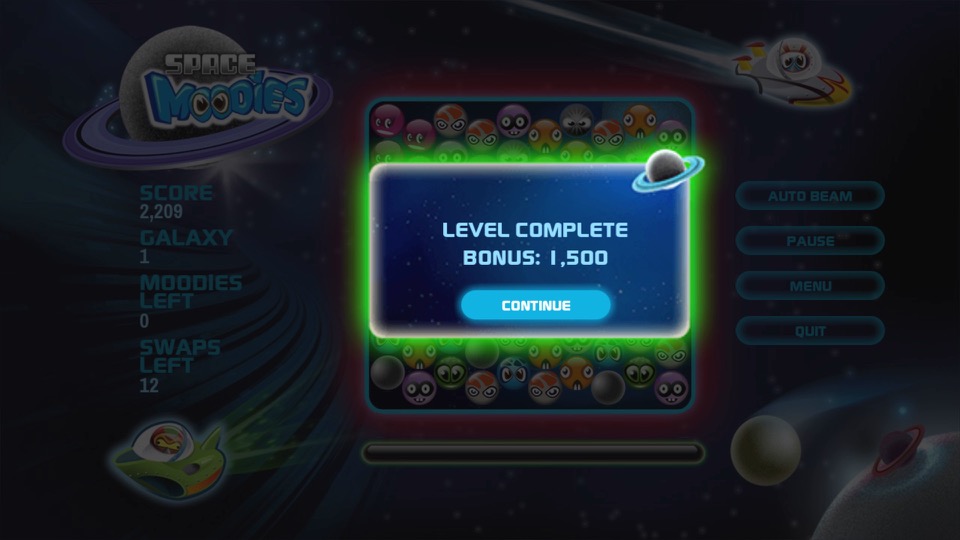
Space Moodies
Another one of those games where you have to match three of the same colour.
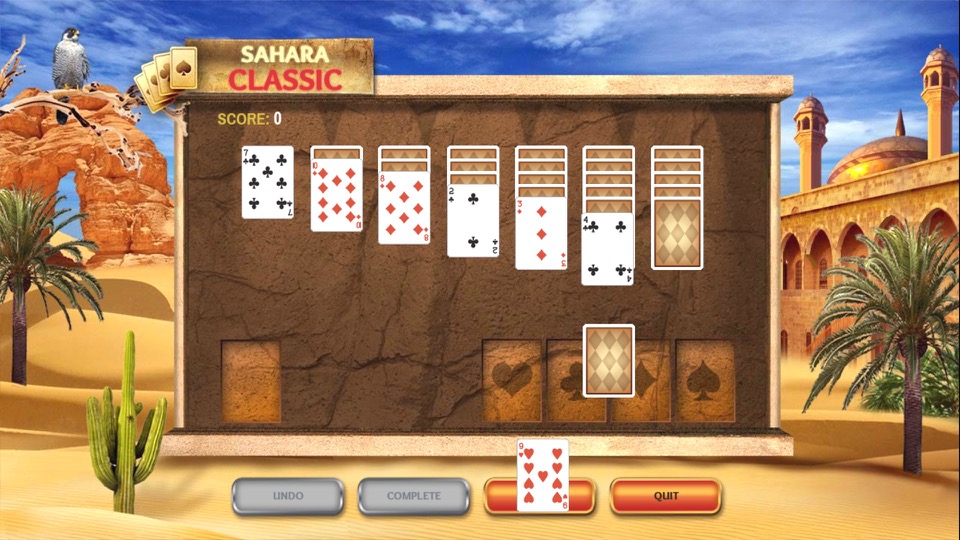
Solitaire
Some card game I have no idea how to play, I’d imagine it’s the same as the Windows version.
Other Stuff
Fast channels are a bit disorganized, you do have a section of channels in the main EPG, but many reside in their own container apps.
One idea would be to organize them into existing EPG genre sections but make them distinct from actual channels. This would increase the visibility of the channels. For example, allocate 600-630 to traditional news channels (BBC/Sky/GB News) with 631-660 allocated for the FAST news channels. The same would apply for the music channels with (250-280 for MTV/NOW Music/Bauer channels) and 280-299 for Pluto’s music channels. This would make the channels more noticeable since they are tied into the EPG and since ITV and UKTV have embraced these services, it would make sense to do so.
Ofcom are looking into regulating these channels, as they are currently unmonitored since they are not classed as broadcast channels which might explain why Virgin have separated them for now. I expect them to act on this urgently since they really don’t want Infowars on our screens anytime soon, or anyone who dares to go against The Message.
There is also a question if FAST channels are sustainable – Possibly.
Whilst many are getting accustomed to Video On Demand (Streaming services) these make a lot of sense for serial drama’s and Sci-Fi shows, since many viewers will want to follow these series more sequentially, as each episode is often connected with each other in order to follow the overall plot. Reality and documentary shows however are different as the episodes are not always connected, and in the case for DIY shows they often feature a different set of people for each episode. Or in the case of Mythbusters or Brainiac, a different subject per episode. I guess cartoons and certain sitcoms could also fall into this.
TLDR: We need a central hub for these FAST channels, the main EPG might not be suitable due to possible Ofcom regulation.
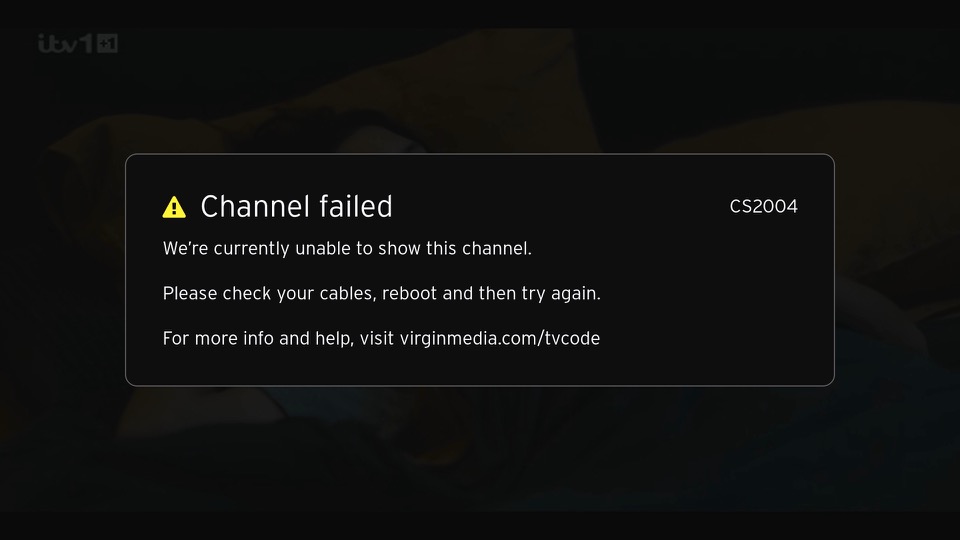
An error screen that appears of the box cannot tune to a channel. This can happen if your signal levels are out of wack or if you just disconnect the RF cable. This will not affect the FAST channels in the guide and the box will continue to operate normally for many of the streaming apps or on-demand stuff. Recording can also be played back from the main TV box.
The S4’s design it’s a Samsung, it’s that familiar plastic build. It’s lightweight, and some might say a bit on the cheap side compared to some competitors like the HTC One. But it’s got that removable back for the battery, and that can be a plus. The display, though, that’s where Samsung shines. A beautiful 5-inch Super AMOLED screen with a 1080p resolution. Colors pop, blacks are deep, it’s a joy for media consumption.
Under the hood, it’s packing either a Snapdragon 600 or an Exynos 5 Octa, depending on your region and network operator. The Snapdragon models feature 4G support, which was still an emerging technology. For providers that didn’t support 4G, the Exynos process was provided instead. There is a performance difference between the two given the different amount of cores. This does seem unfair as some will have a different experience of the S4, depending on what apps they use. Its a tough issue for Samsung as they design their own Exynos processors (Samsung are big in the semiconductor space) and whilst they cam compete in performance, Qualcomm have the upper hand with baseband technology and are able to integrate 4G LTE into the SoC themselves, which would require a separate processor in the Xenon at the cost of size and battery power. Still, why not call it the Galaxy S4G instead of causing confusion?
Gaming performance is Ok, with it being able to run the mobile port of GTA III as decent frame rates. The PowerVR SGX544MP3 is put to good use here (Adreno in the Snapdragon model)
The phone mainly competed with:
Sony Xperia Z – The Xperia had a better camera, offered dust and waterproofing, both both feature the Snapdragon 600 processor
LG G2 – The G2 had a larger screen and came with the Snapdragon 800 processor.
HTC One M7 – HTC features a more premium metal design which make the S4 look cheap with his plastic covers, still no removable battery. The HTC also used the Snapdragon 800 processor but falls short with its screen size of 4.7 inches.
Nokia Lumia 1020 – The Lumia had a smaller screen and ran a different operating system (Windows Phone) but had a much more impressive camera. Samsung would later release the Galaxy Zoom as a response.
Launcher
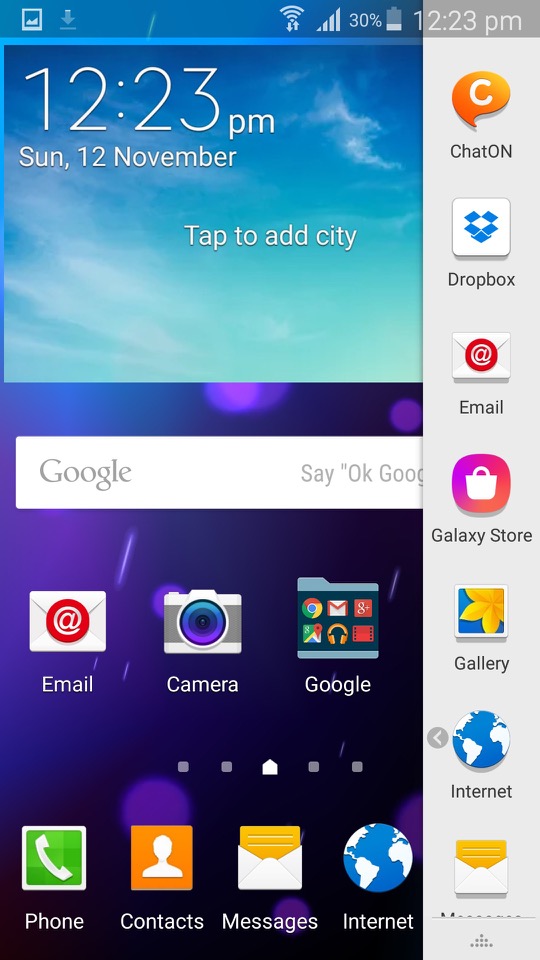
TouchWiz makes an appearance and is the default launcher that come with the phone. Some hate it, some prefer it, personally I’m indifferent abut it.
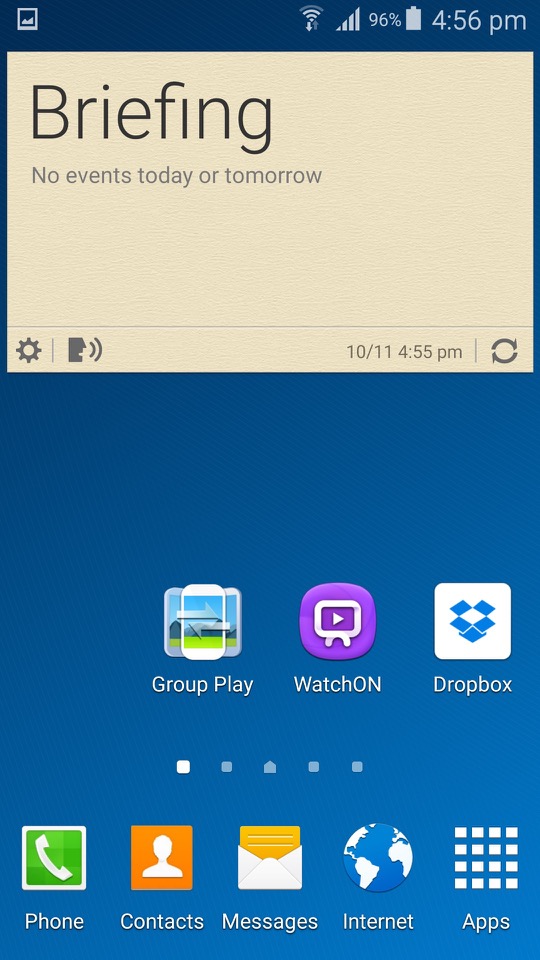
One of the cool things about TouchWiz is the widgets. They’re like little magic squares you can throw on your home screen to get quick info or control certain features. Weather, clock, music player – you name it, there’s a widget for it.
TouchWiz is like the playground where you get to customise your Galaxy S4. It’s Samsung’s own flavour of Android, and it’s all about making your phone truly yours. You can tweak, twist, and customise your home screen until it screams “you.”
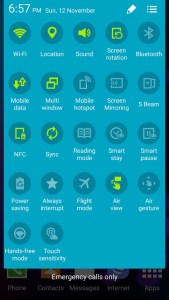
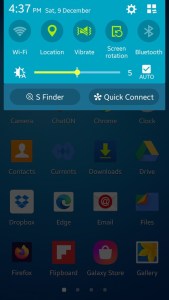
Need to toggle Wi-Fi, Bluetooth, or brightness in a flash? TouchWiz brings you the quick settings menu. Swipe down, and there they are, your shortcut buttons to the most-used settings. Easy peasy.
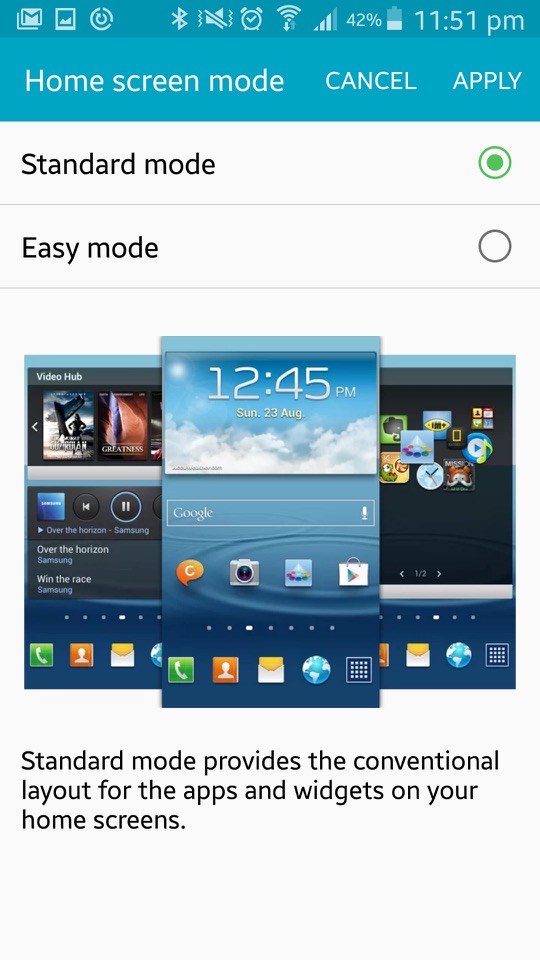
Easy Mode
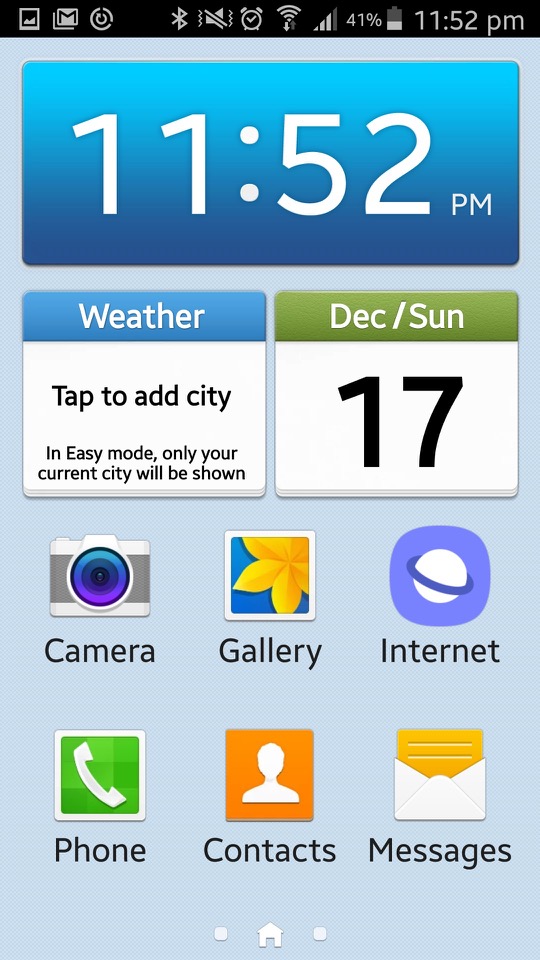
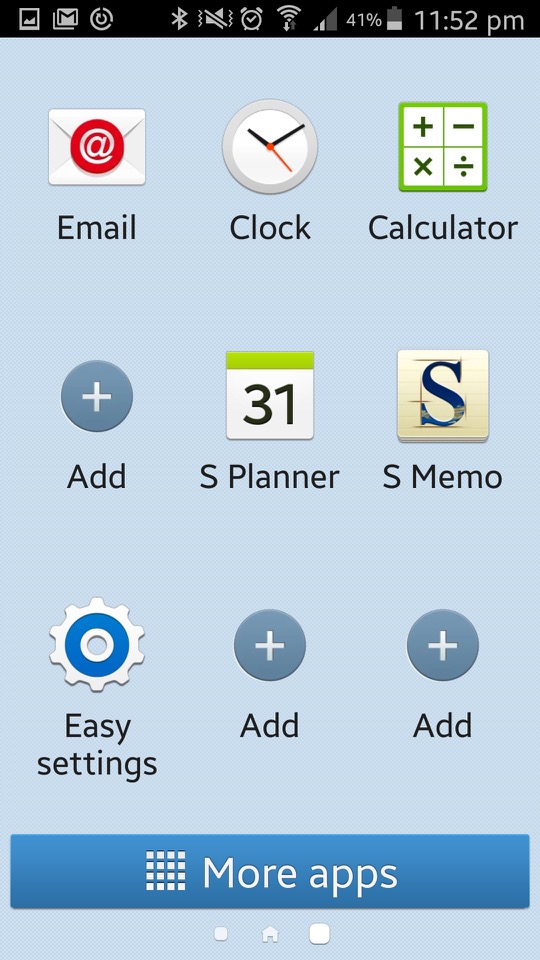
Easy Mode is like turning your Galaxy S4 into a smartphone for beginners. It simplifies everything, giving you a clean, stripped-down interface. Think of it as the “no-frills” version, perfect for those who want a straightforward, easy-to-use experience. In Easy Mode, everything gets a size upgrade. Icons are bigger. Fonts are larger. The goal is to make things super easy to see and tap, especially if you’re not a fan of squinting at your phone.
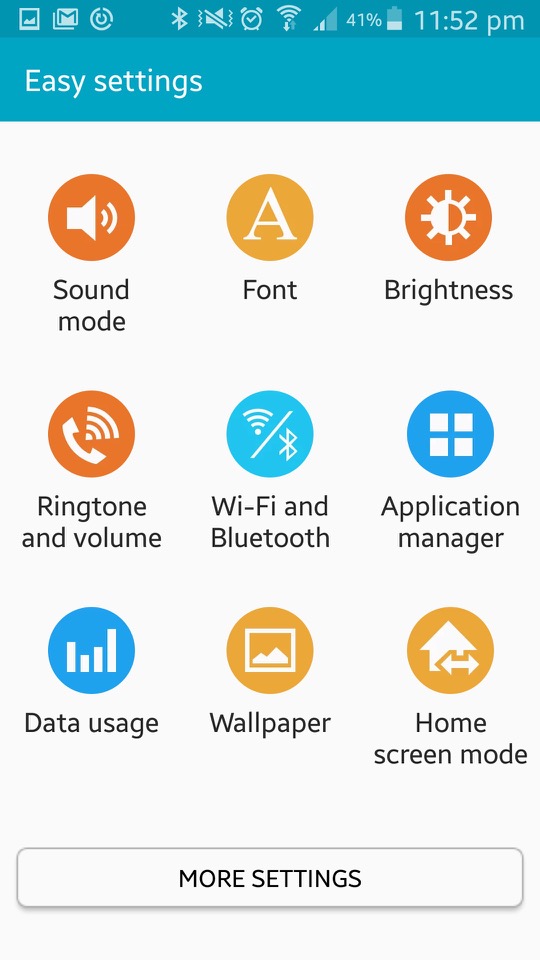
Easy Mode focuses on the basics. You get the must-haves right on your home screen – phone, contacts, messaging, and camera. No unnecessary apps hogging space. It’s like a minimalist’s dream. If you’ve got a tech-challenged grandma or anyone who’s new to the smartphone game, Easy Mode is like a gentle introduction. Less confusion, more simplicity. Grandma will be texting and calling in no time. Settings can be a maze, right? Not in Easy Mode. They’re straightforward, stripped of complexity. Adjusting things becomes a breeze, even if you’re not a tech genius.
Bundled Apps
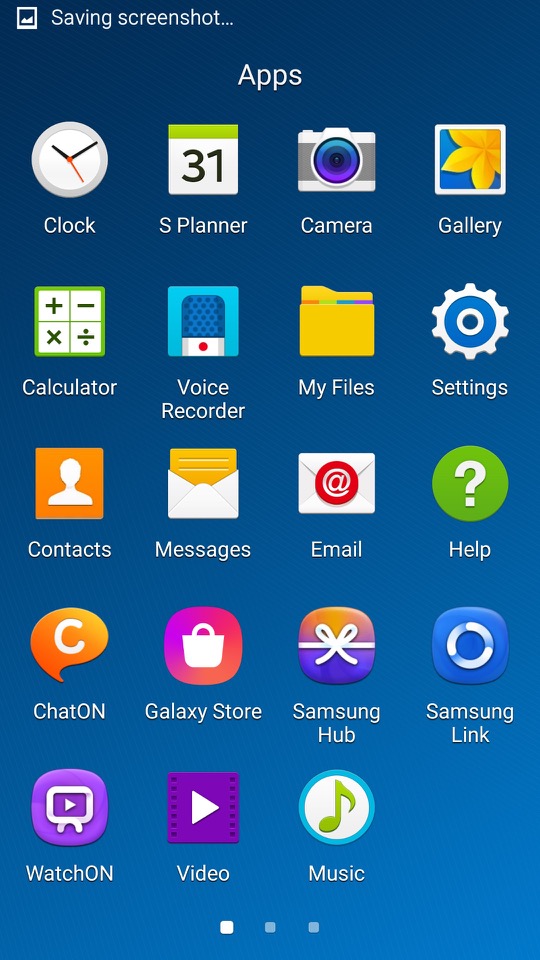
ChatON: Samsung’s version of WhatsApp, a cross platform rich SMS service
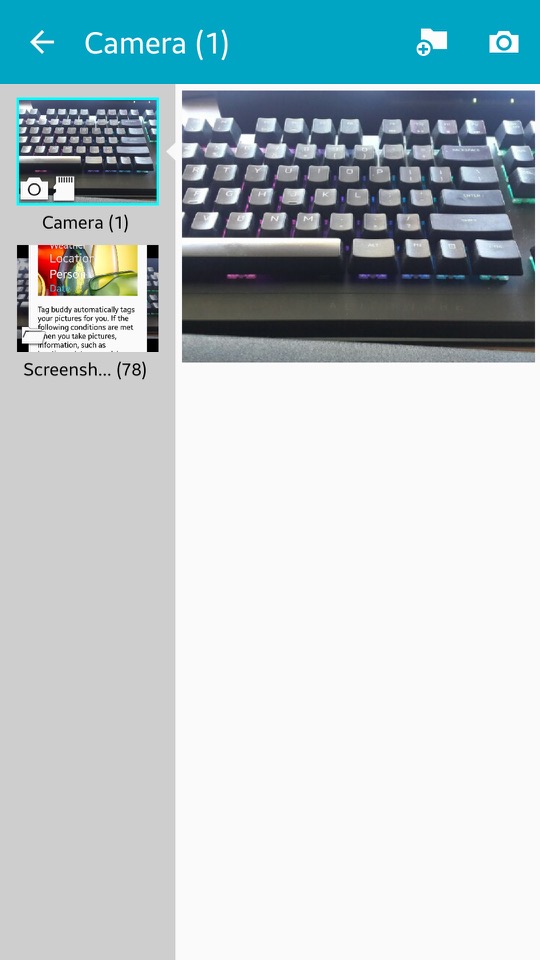
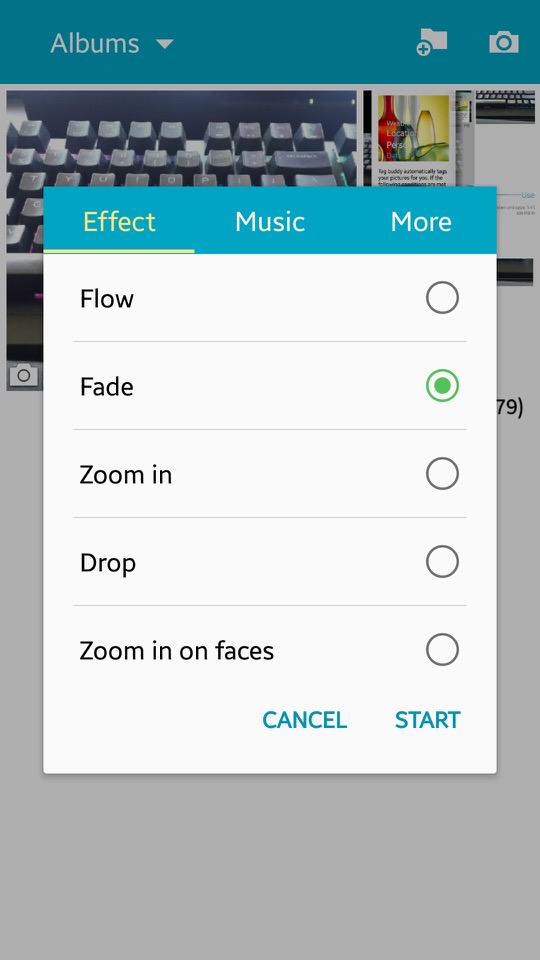
Gallery: Photos captured by the camera can be viewed here. You can sort phots into specific albums, and create collages of different images. A slideshow can also be displayed, of which you can select the transition effects and play a background music track.
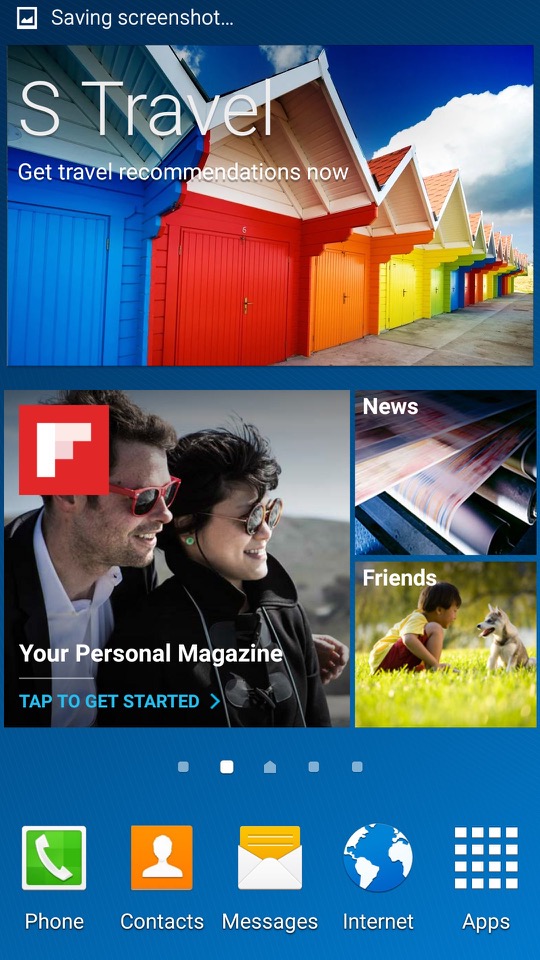
Flipboard: News app that recommends articles based on the users interests
Group Play: Similar to what was included on previous models, you can play the same media on multiple devices.
Internet: Samsung had started to bundled a customised web browser, based on chromium
KNOX: Samsung KNOX is all about locking down your device, especially if you’re using it for work. One of the cool things about KNOX is this dual persona mode. It’s like having a split personality for your phone – one side for your personal stuff, memes, and cat videos, and the other side for serious work or handling sensitive information. Now, for you tech commanders out there, KNOX lets you take control. You can remotely manage your fleet of devices, set policies, and even wipe things clean if a device goes rogue. This is very useful for enterprise use.
Messages: Default SMS and MMS app. Messages here are offered in a threaded view.
My Files: The phones default file manager, can be used to browse files on both the internal storage and the microSD card if one inserted.
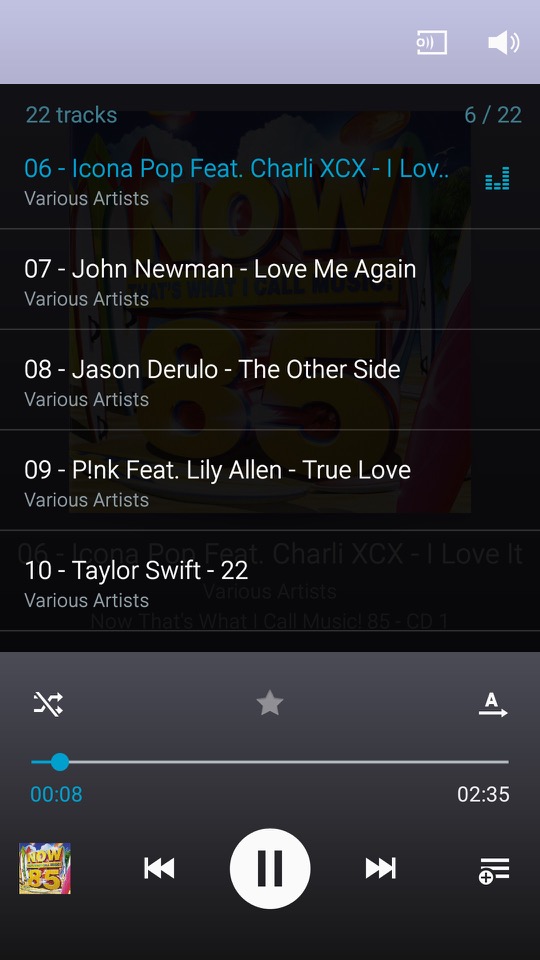
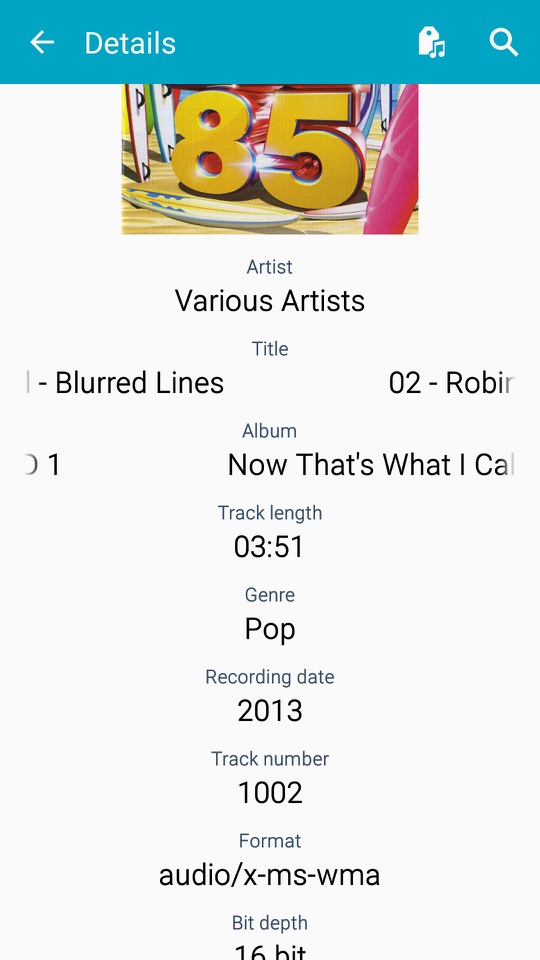
Music: The default music player that comes with the phone, very similar to what we got with the S2
Optical Reader: OCR that converts text on images into actual text.
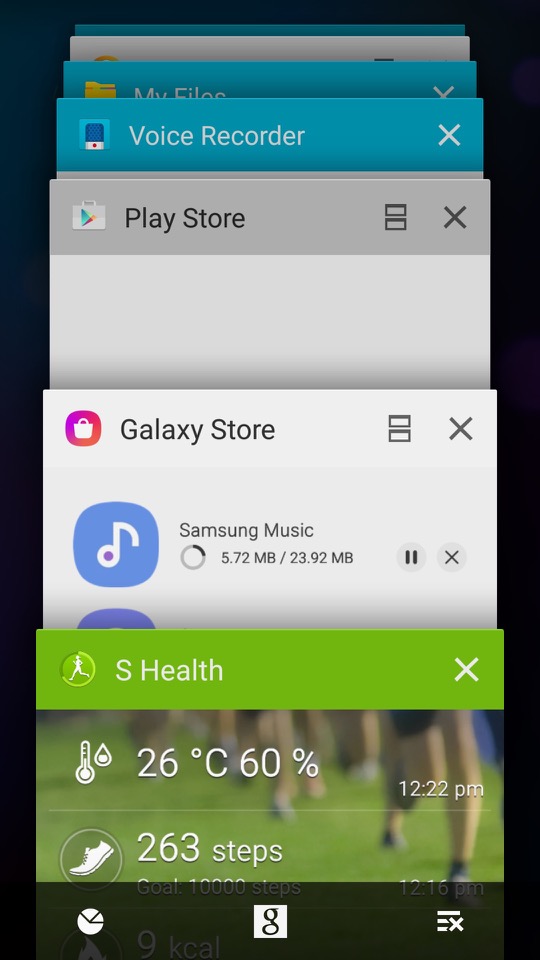
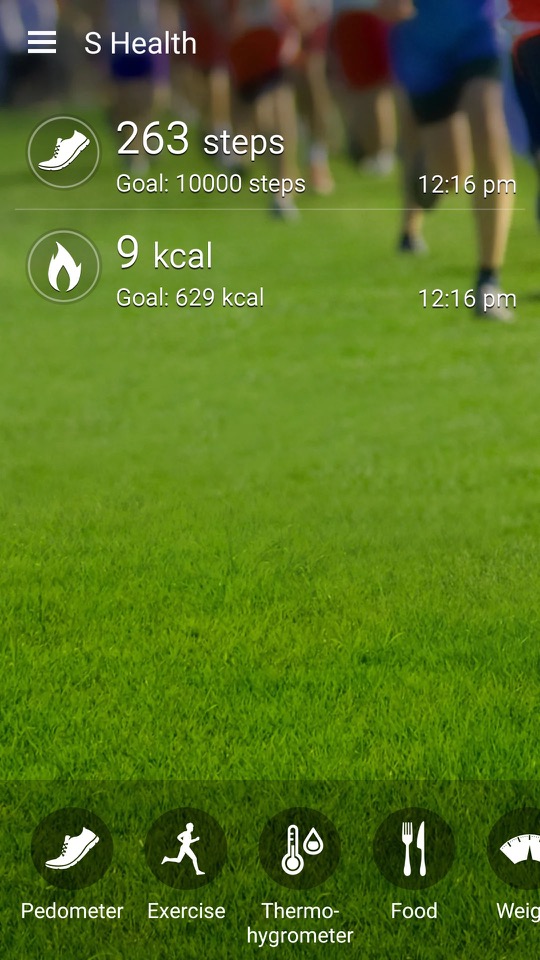
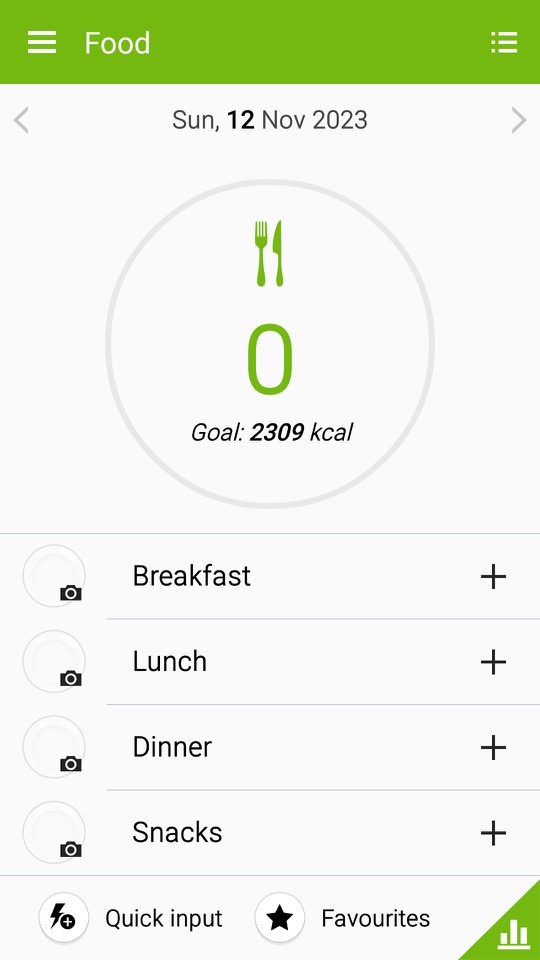
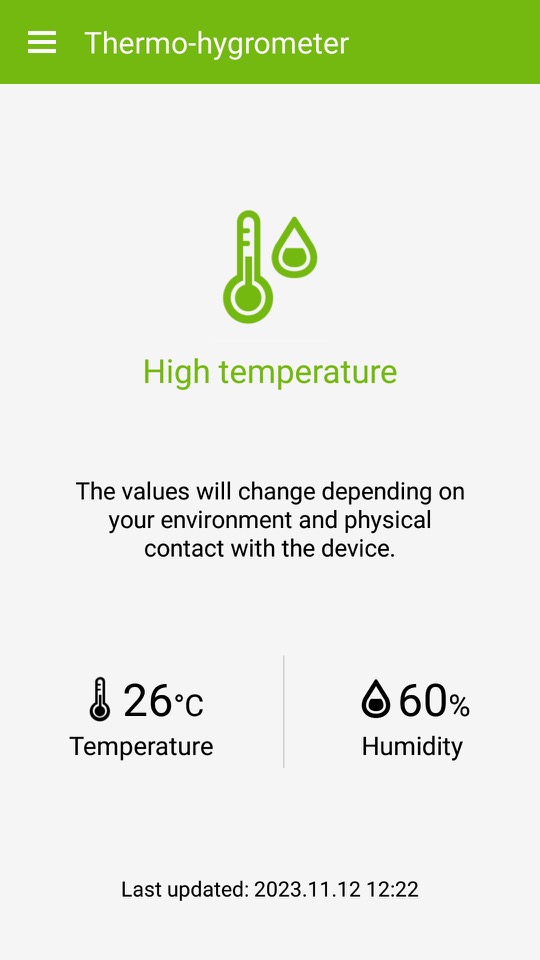
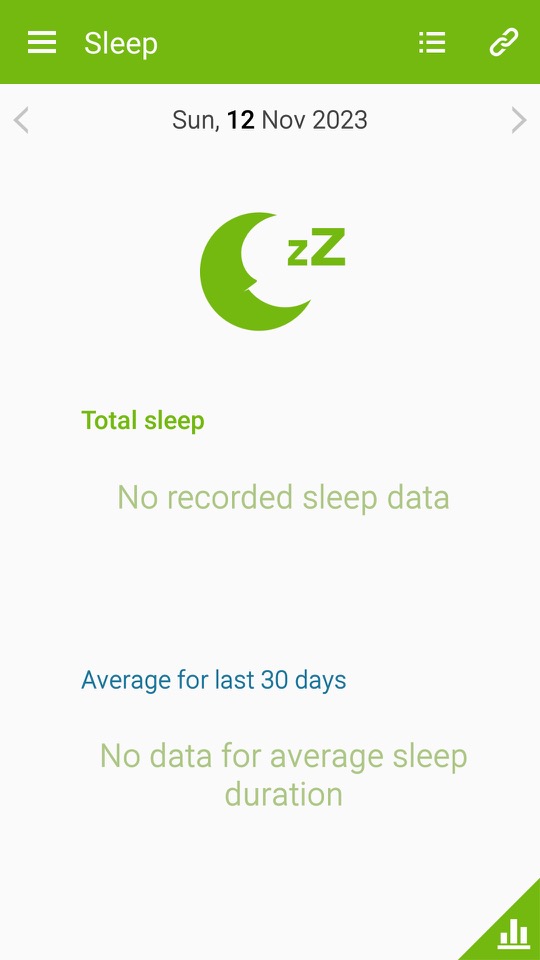
S Health / Samsung Health: A health and fitness application developed by Samsung. It was designed to help users monitor and manage various aspects of their health and wellness. The app offered a range of features to support fitness tracking, nutrition monitoring, and overall well-being. At some point this was rebranded as Samsung Health and featured a new user interface. S Health included a pedometer to track the number of steps a user took throughout the day which aimed to encourage physical activity and help users set daily step goals. Users could also manually log various types of exercises and workouts, such as running, walking, cycling, and more. The app provided information on duration, distance, and estimated calories burned. Very similar to the Fitbit or MyFitnessPal which are aimed to make the user aware of their lifestyle and health.
S Planner: calendar and scheduling application developed by Samsung. It was designed to help users organise their events, appointments, and tasks in a convenient and visually appealing manner.
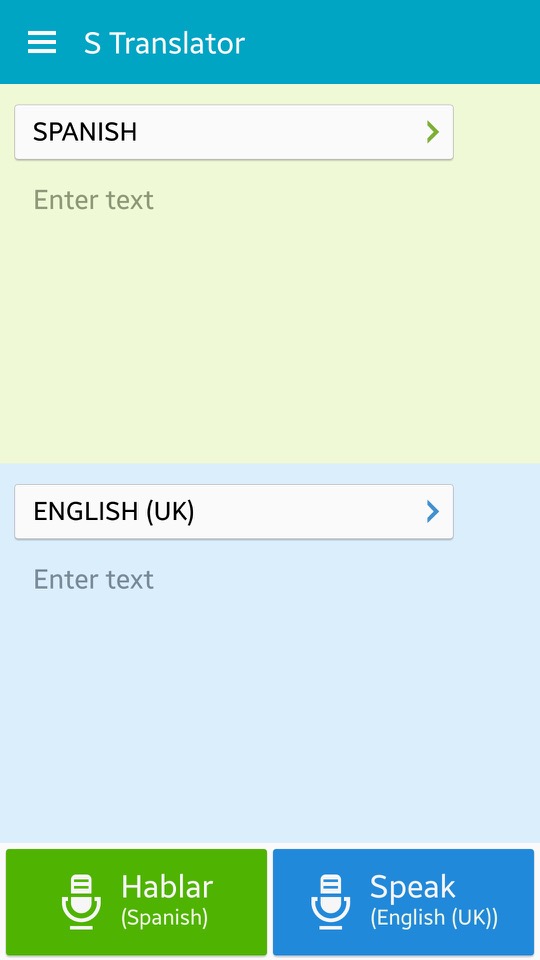
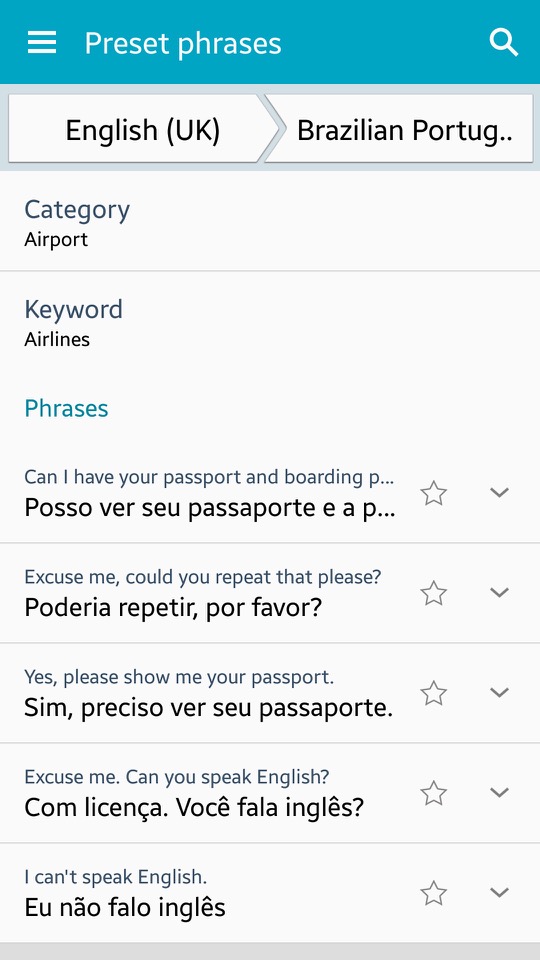
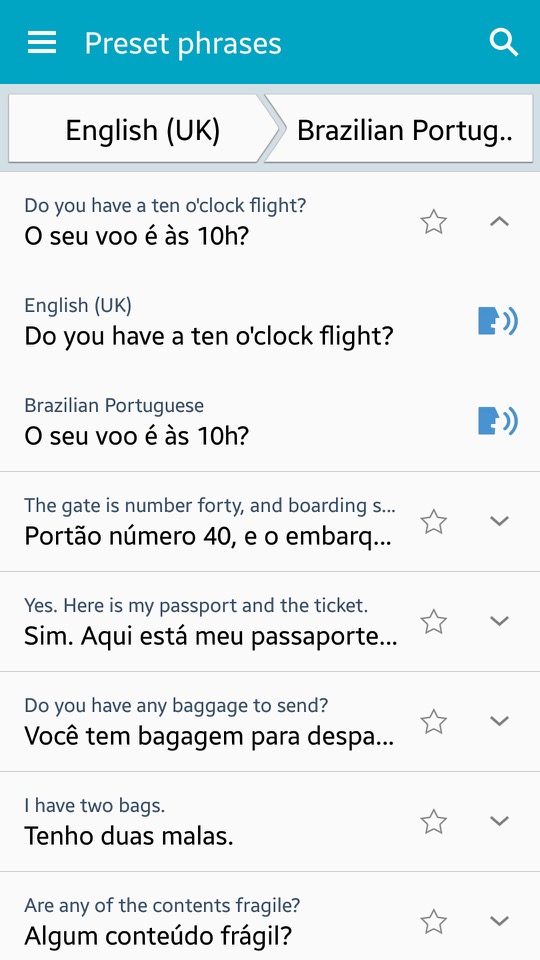
S Translator: Translates text from one language to another – Users can have conversations with others in different languages using the app, which also includes predefined phrases for common use and the ability to save favourite translations for quick access. Additionally, the Galaxy S4 features an Optical Reader that can translate written text on documents and scan QR codes. You can also speak the translated text via the text to speech engine, if you aren’t comfortable with pronouncing certain words. There is also adoption to view preset sentences for easy access.
S Voice: Samsungs alternative to Apple’s Siri and Microsoft Cortana. This has been deprecated and replaced with Bixby.
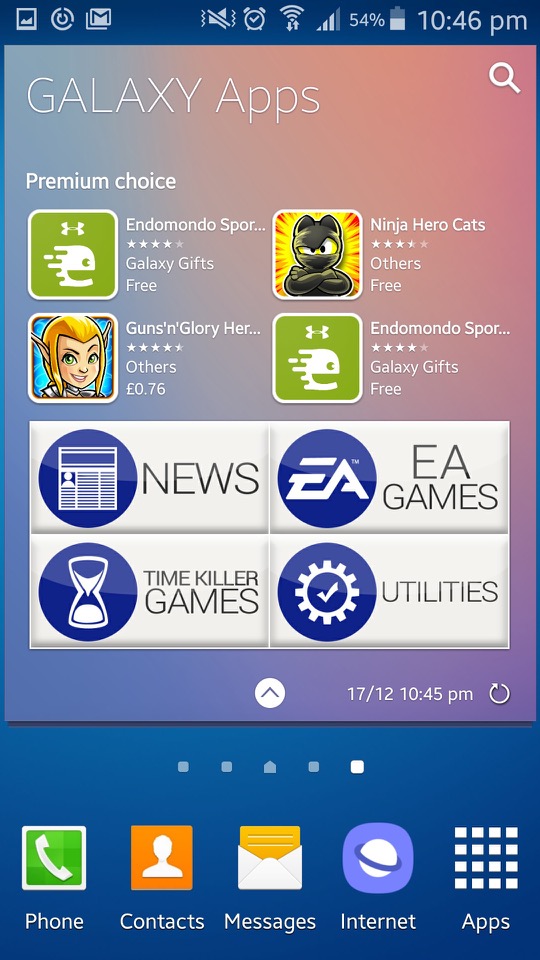
Samsung Hub: Apps are promoted here by Samsung, giving recommendations for popular apps.
Samsung Link: This was a service that allowed you to connect and share content across multiple devices, including smartphones, tablets, PCs, and smart TVs. It enabled seamless sharing and playback of multimedia content like photos, videos, and music across different devices on the same network.
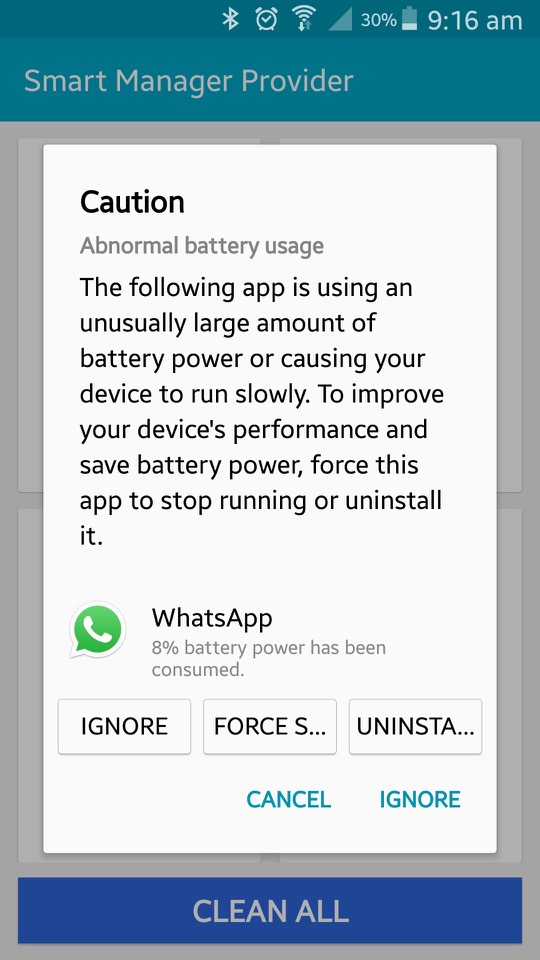
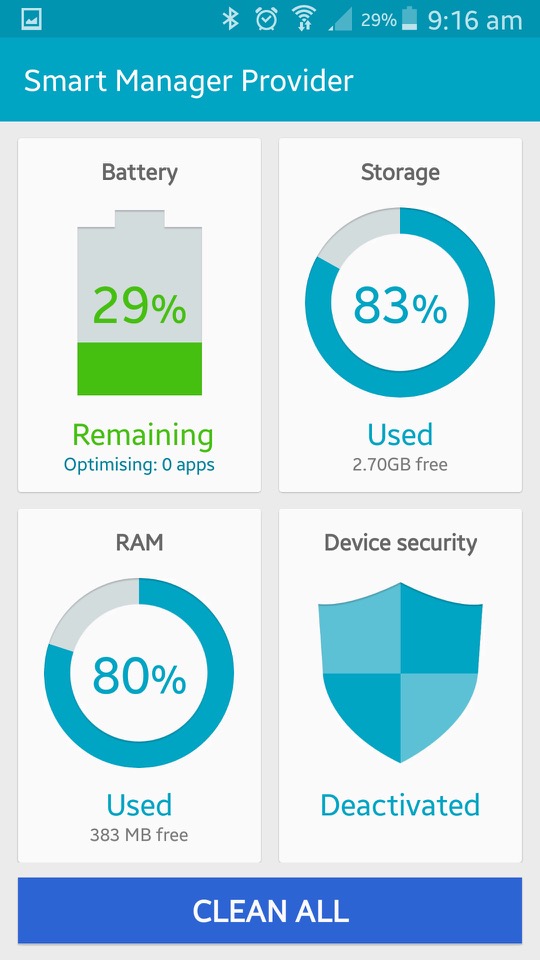
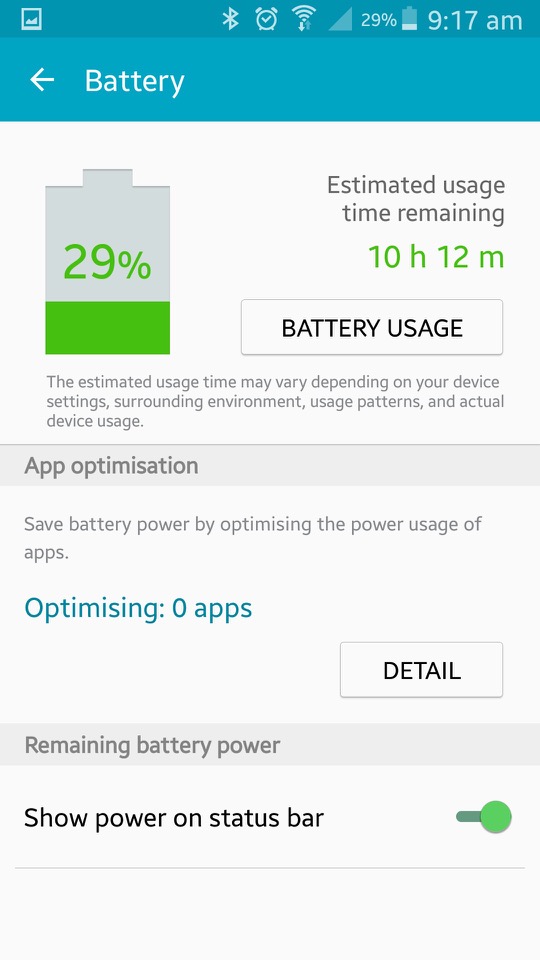
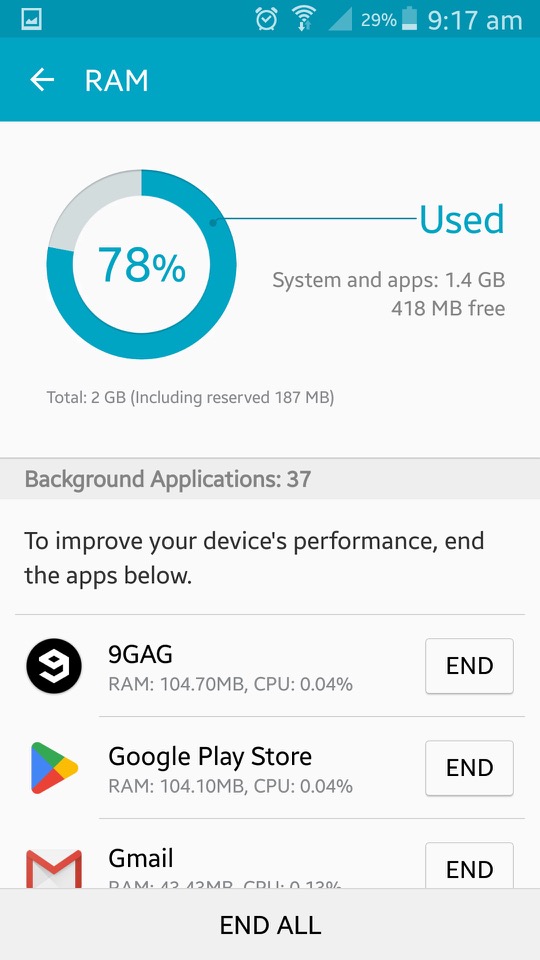
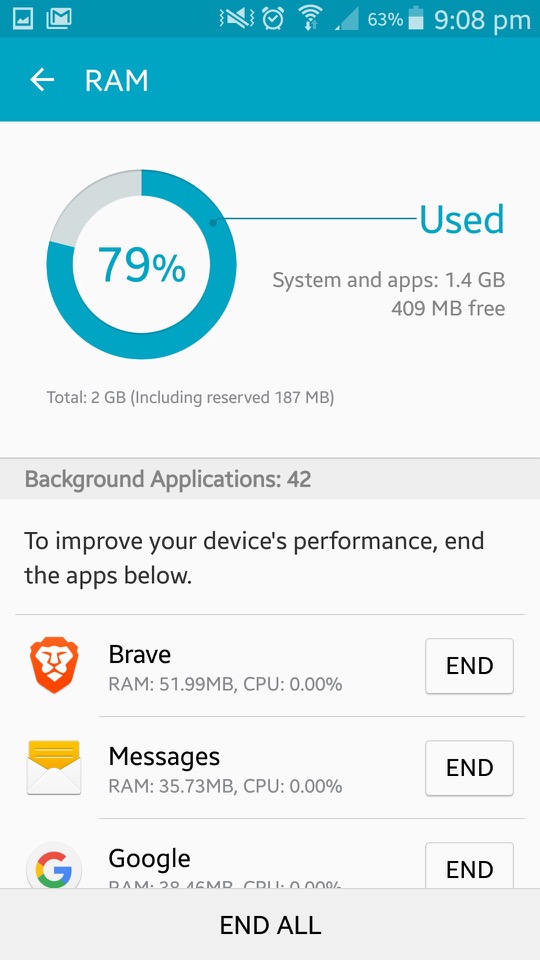
Smart Manager: This shows the current status of the device, and is split into four sections. Battery monitor energy use based on the usage of different apps. It will tell you the estimated battery time remaining. Storage shows information on the phones internal storage and lets you activate disk cleanup which will remove files deemed needed by the phone. The RAM action is similar but lets you view active running apps, and close existing apps that could be using too much RAM. This issn really needed as Android will look after this automatically. Lastly is the security section which acts as an antivirus of sorts. It will also display the status of KNOX.
Story Album: This app was a feature on older Samsung phones that allowed users to create digital albums of their photos and videos. It provided various layout templates and themes, making it easy to organise and personalise content into stories or events. Users could also order physical photo books directly from the app
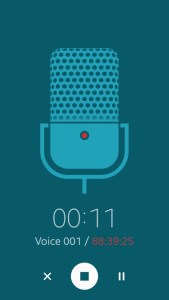
Voice Recorder: Your standard voice recorder. Addition features include noise reduction, recording volume and the recording quality. You can also choose to save recordings directly to the microSD card.
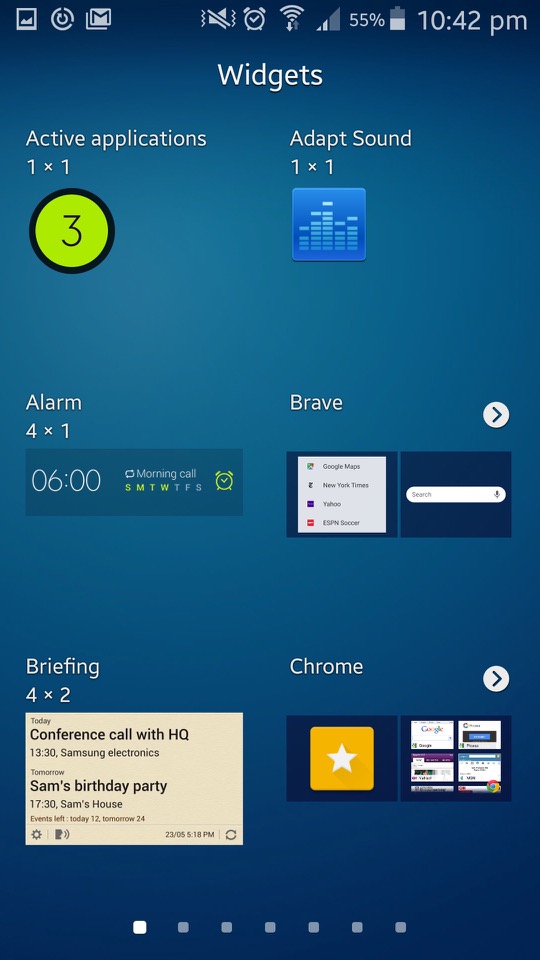
Widgets
A look at some of the widgets that form as part ot TouchWiz, all of these serve as extensiosn to the apps that feature with the phone and will relay information and updated to the home screen. Tapping on the widget will open the app.
Settings
The control panel of the phone. Samsung have provided further categories for different settings.
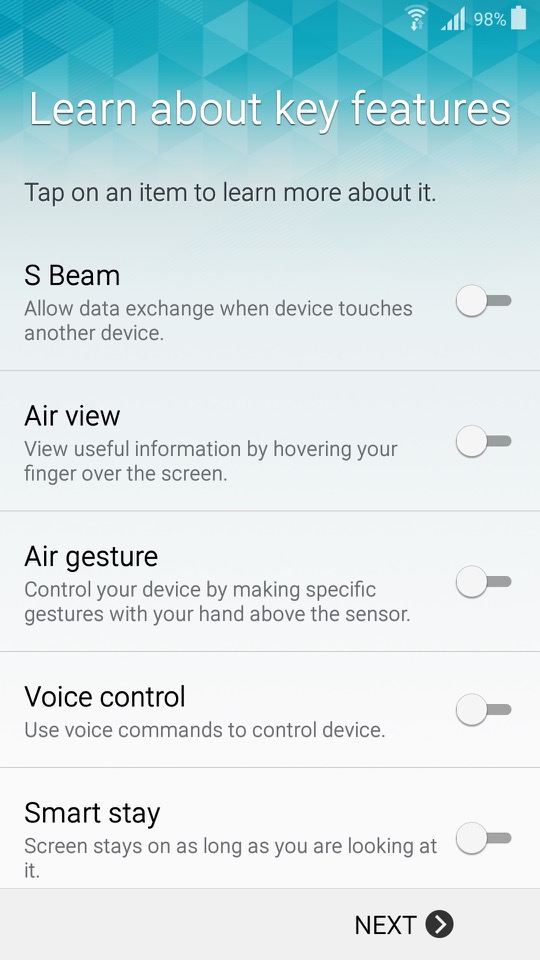
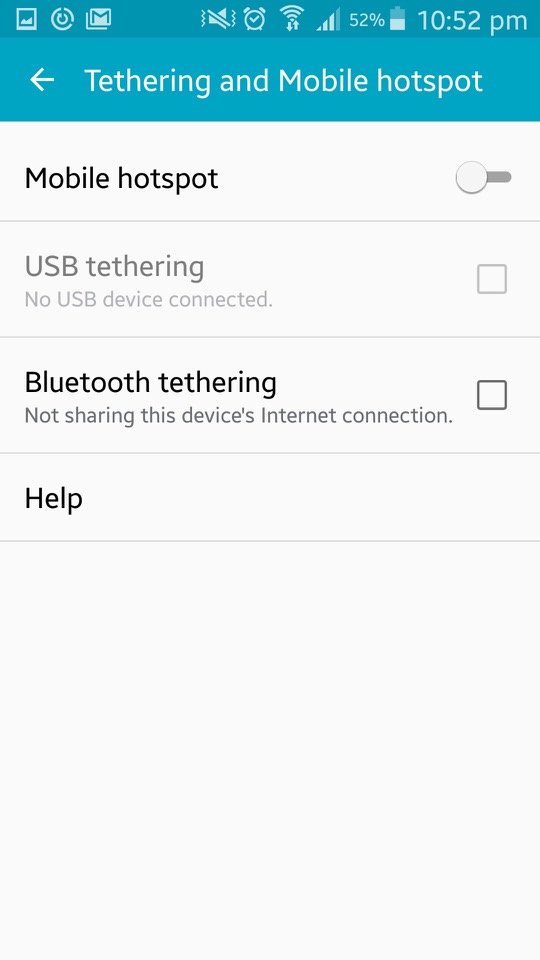
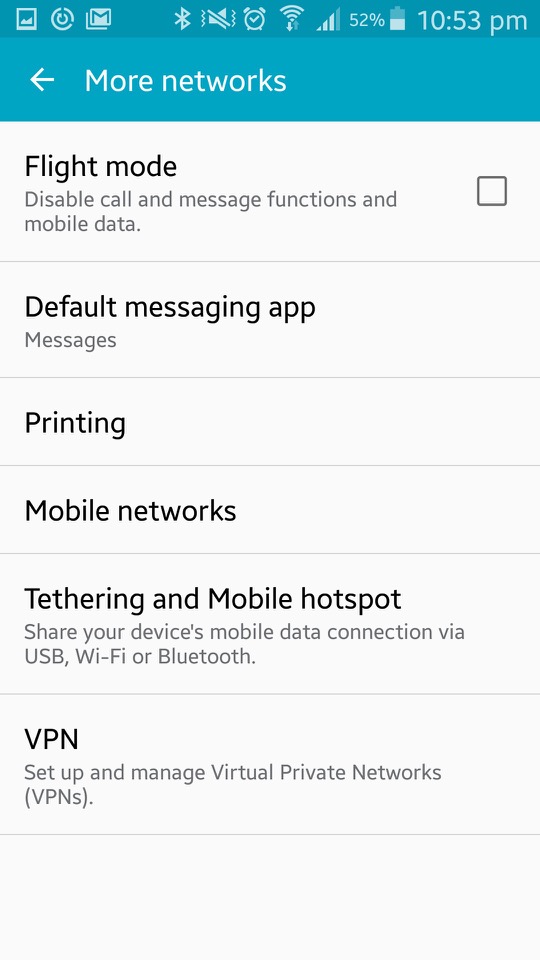
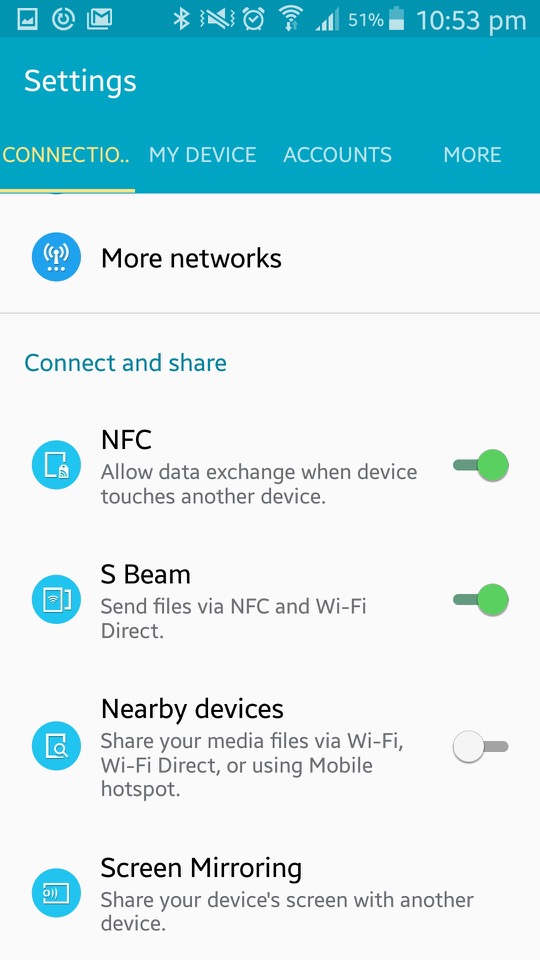
Connections: Wifi, Bluetooth, mobile data and cellular netwoks are listed here. You can also configure wireless printers from here, with the Samsung print service plugin being installed by default (Samsung made printers, one upon a time) The S4 also supports internet weathering over Bluetooth, USB or WiFi. Additional options here are for NFC, S Beam File transfer over Wifi direct, which is initiated by NFC) Screen Mirroring which used the Miracast protocol and allows you to broadcast your display to another TV.
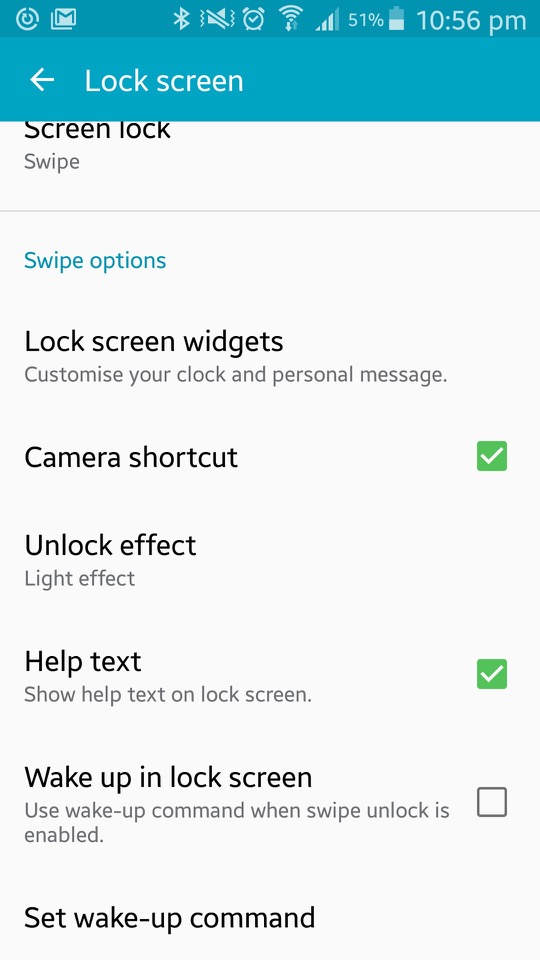
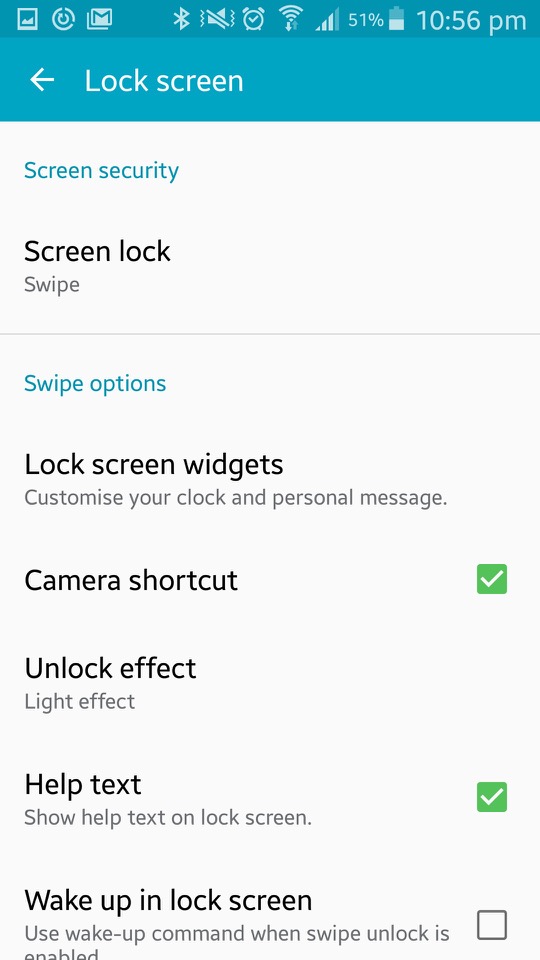
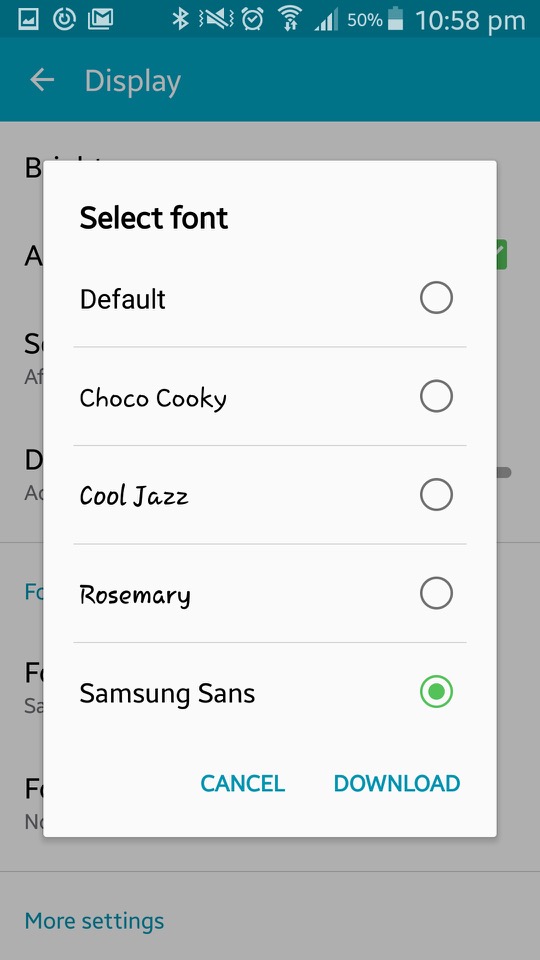
The My Device section offer options tailored to personalisation of the device. Here you can configure settings for the locks creen (lock effects, enable different shortcuts that appear on the lock screen). Display settings consist of selecting a different wallpaper that can be set for both the home and lock screen. The tock wallpapers all have a fruitier aero feel to them and are very vibrant to show off the AMOLED display. You can also change the font style and size which is set to Samsung Sans by default, other fonts include Chock Cooky, Cool Jazz and Rosemary, with the option to download additional fonts to the phone)
The LED indicator can be set to indicate if the phone is charging, or to show notifications. Seems the only options are between a Red or blue LED, instead of the multiple colours that Blackberry handsets offered.
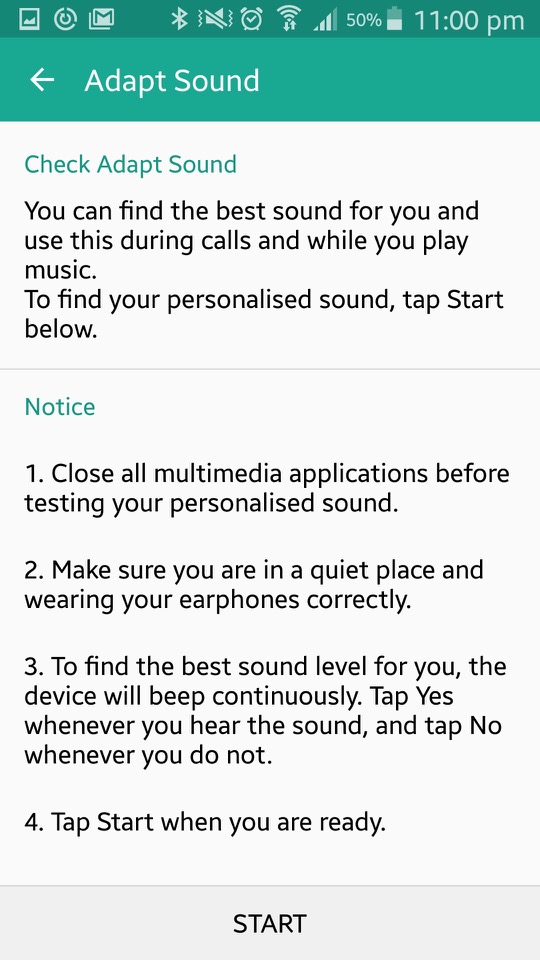
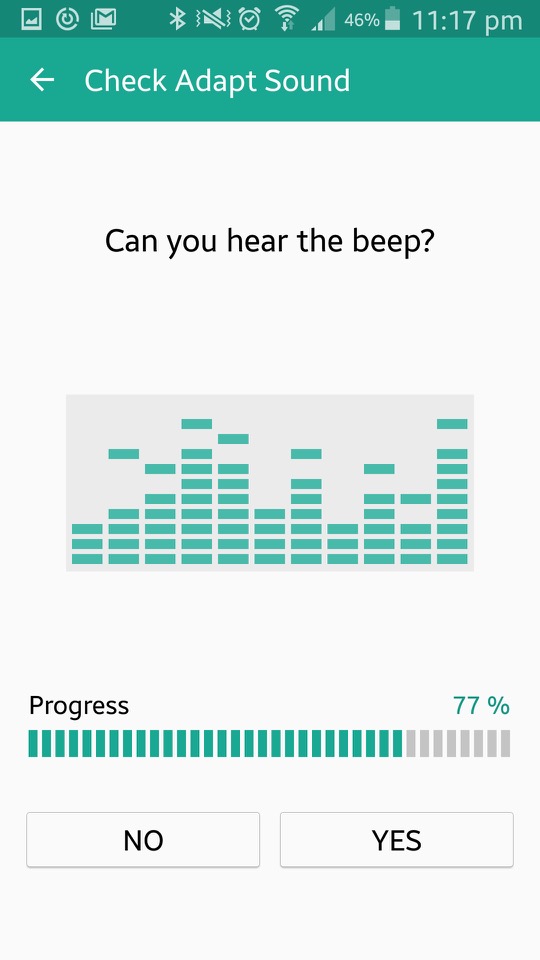
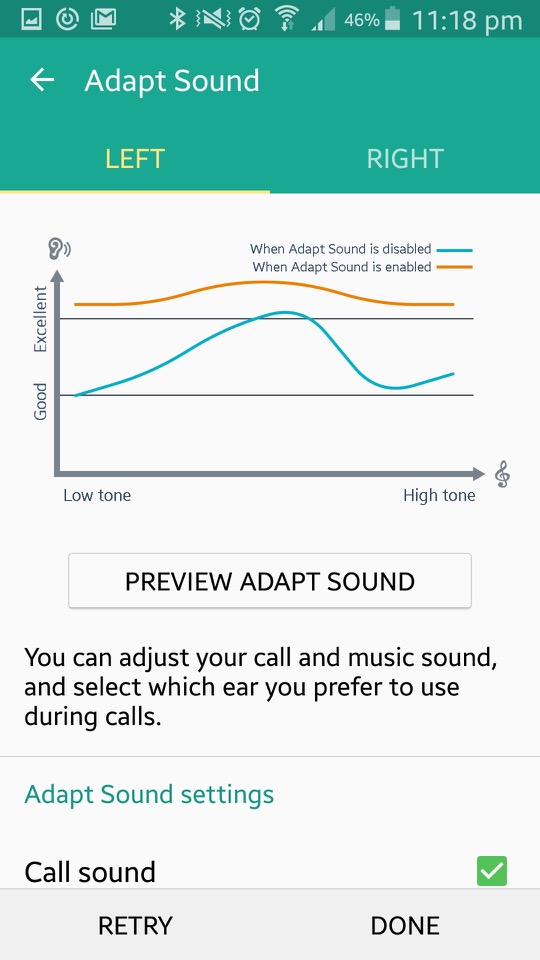
In the sound section there is Adapt Sound, which will take you few a few tests that require the use of earphones. The phone will play various beeping sounds at different frequency range in an attempt to personalise sounds to the frequencies your ear are capable of listening to. The goal of Adapt Sound is to optimise sound settings based on individual preferences and hearing abilities, resulting in a more customised and enjoyable listening experience. I guess this is more for those who are hard of hearing and is considered more of an accessibility feature.
Safety Assistance lets you set up emergency contacts. These are the people you want to know if things go south. Emergency Mode is like your phone’s superhero transformation. When you activate it, your phone dials back on the fancy stuff to save power and focuses on the essentials – making emergency calls and sending out distress messages.
The S Cover is an option accessory for the phone that adds a flip cover to the front of the phone. There is a transparent plastic window that when detected, the phone will show the time and notifications for quick access. Opening the cover will activate the phone.
Lastly there is a More section, that handles the standard Android settings like device information, security, location and application settings.




 Drew1440: Blog