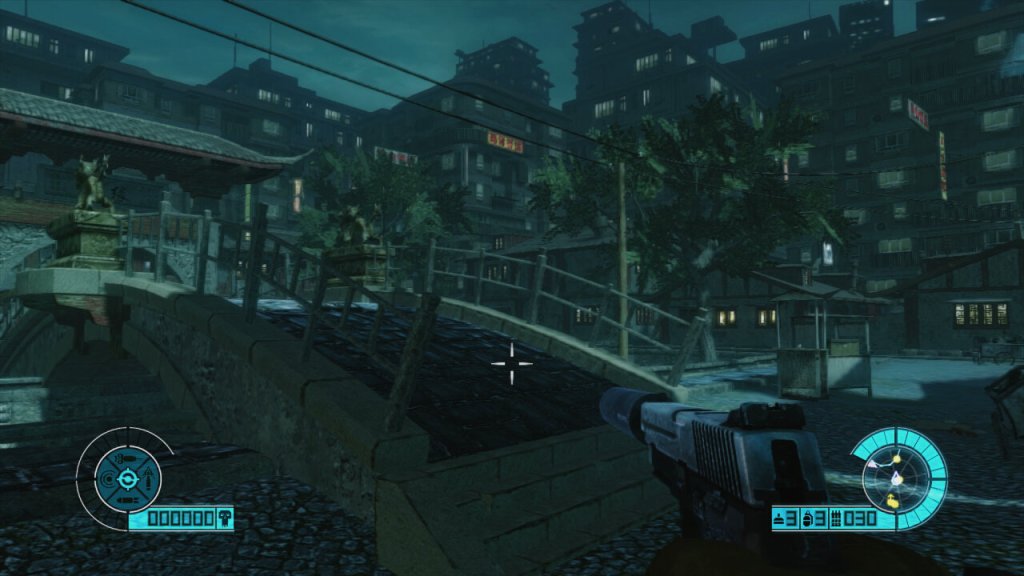
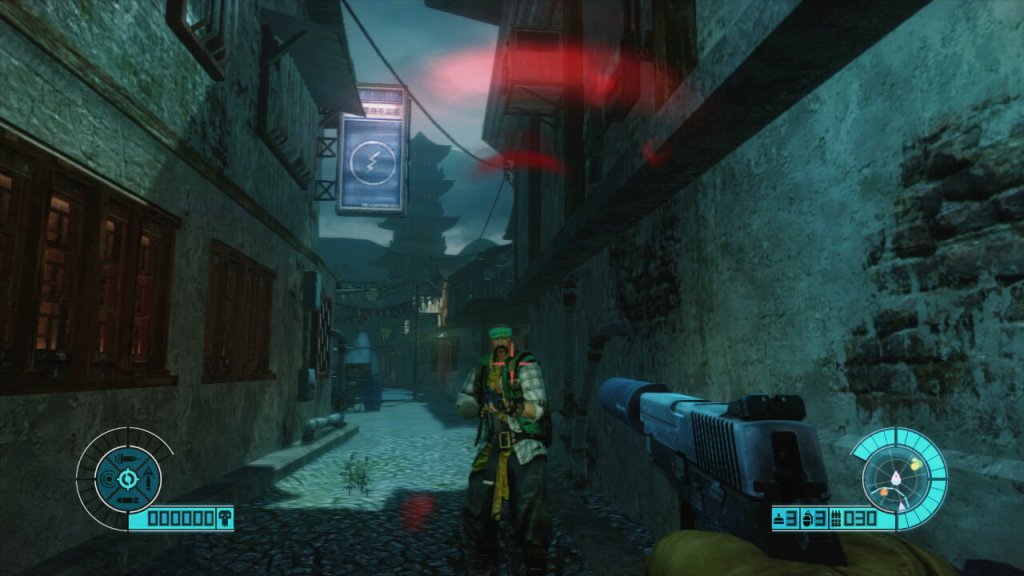
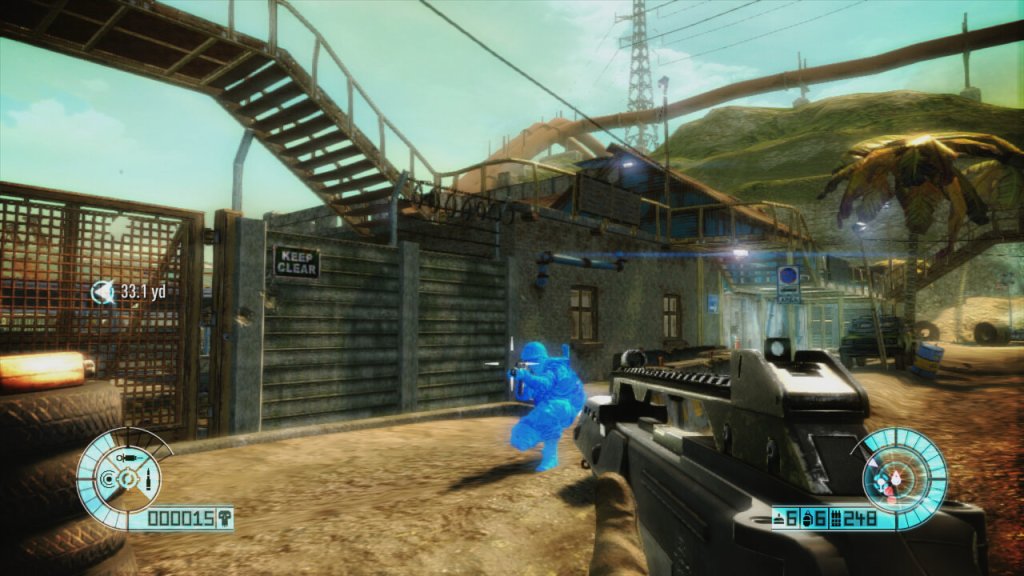
A first person shooter with arcade like shooting mechanics, released in 2011 to a crowded market where it had to contend with Gears Of War 3, Modern Warfare 3, Red Faction: Armageddon and Killzone 3. It’s an easily forgotten game on the count of its poor promotion (I only know of this game since it was recommended to me on Amazon years ago). The gunplay is ok for the most part, but some of the weapons like the silenced pistol are redundant since this game has very poor stealth mechanics, with enemies often reacting to you despite being out of their view. Still when pulled off correctly, it can help you take out enemies one by one rather than getting swarmed,
However a lot of the gameplay consists of holding the current position whilst waves of enemies attack, and this gets very repetitive the further you progress through the game. Sometimes the spawning is sloppy, with enemies simply appearing out of thin air.
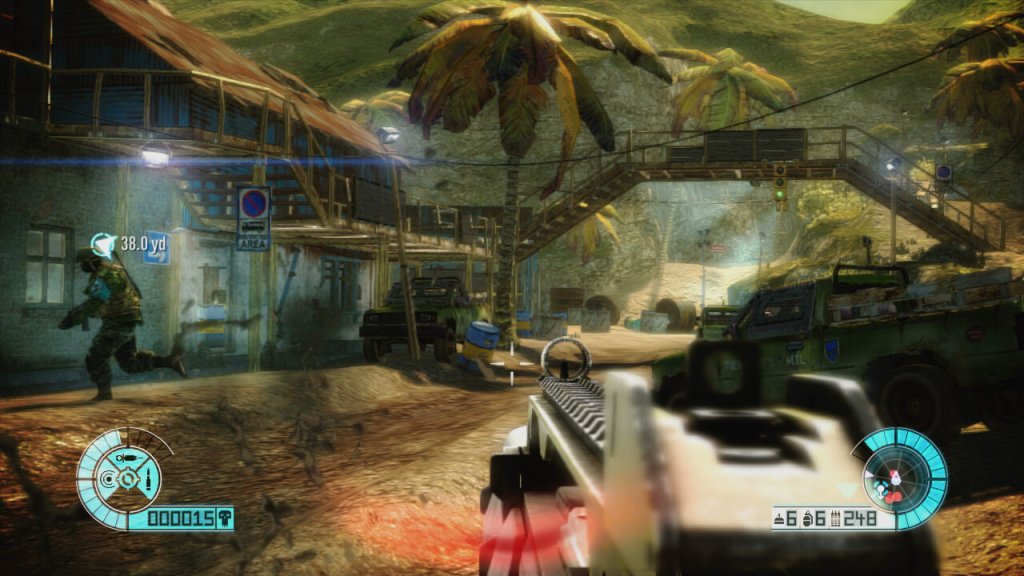
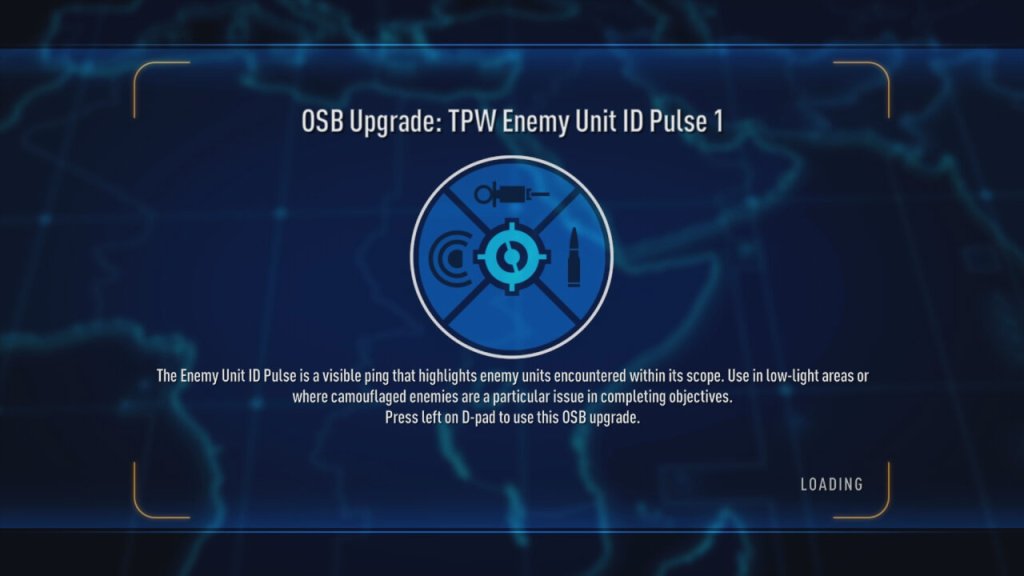
There were a few innovations to help with this, ‘Intel’ is a core mechanic to the game and is collected when you kill and enemy, it’s used to power up your character to use weapons like explosive bullets, or adrenaline to help with the more difficult waves. Also some sections of the environment as destructible, which can help with dealing with large waves of enemies.
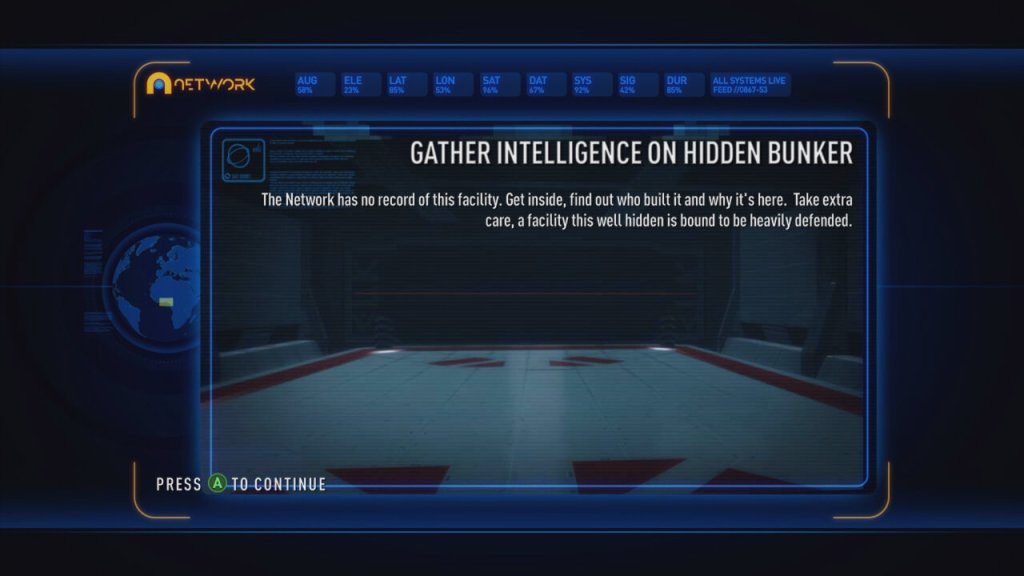
The main story of the game isn’t working delving into, essentially you’re against an entity known as ‘The Network’. This isn’t very well explained and often you are left wondering what is going on, you will often go from battles in beautiful real-world locations to these futuristic Tron-like areas which look very out of place.
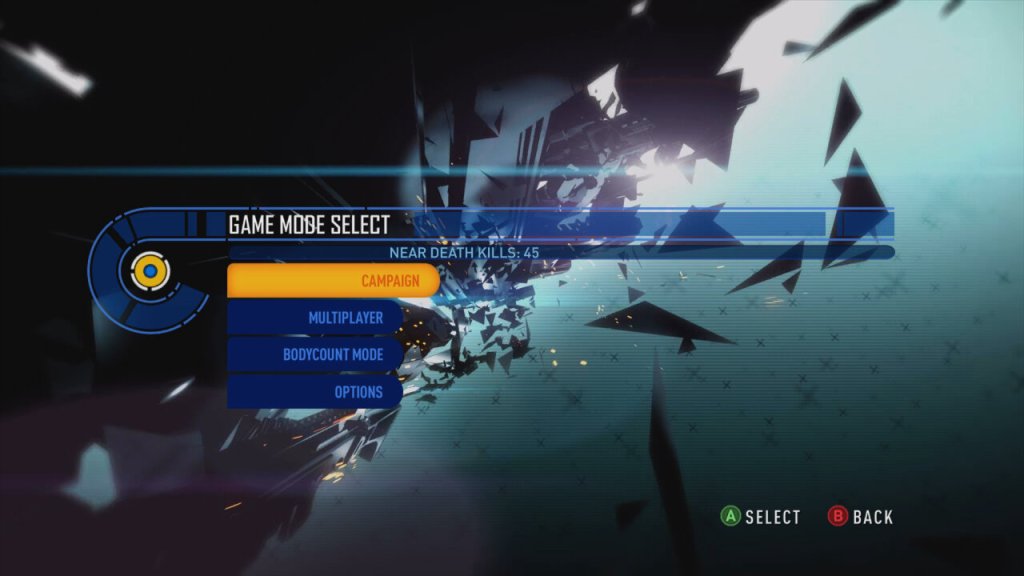
Aside from the campaign, there is also a BodyCount mode that lets you load up a previous chapter to complete it in an arcade style to get the highest points.
Versions
Xbox 360: The preferred platform for reasons outlined below. Sadly this isn’t compatible with the Xbox One or the Series consoles.
PS3: This version is the worse of the two, running at a lower resolution complete with screen tearing.
Samsung cross between Windows Phone and the Galaxy S3
Samsung was always a common OEM for Microsoft’s smartphones, producing the Focus and Omnia models for Windows Mobile and Windows Phone 7. Following on from that, Samsung introduced the ATIV branding for their Windows 8 devices. ATIV is basically Vita spelt backwards and is Latin for Life, which was also used for the Sony PlayStation Vita, also released in 2012. Coincidence? Maybe
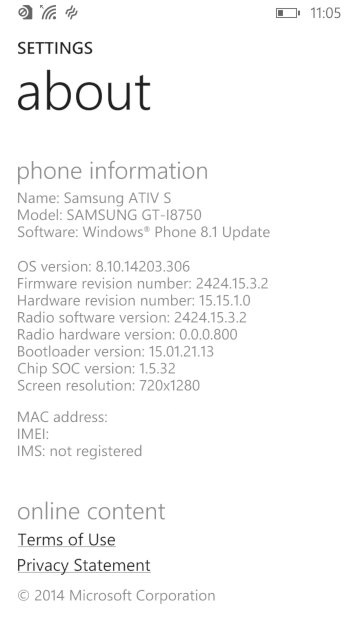
The ATIV branding was supposed to complement the Galaxy branding for Samsung’s Android smart phones, though it also extended to their Windows Laptops and hybrid tablets. The launch device for all this was the ATIV S, which was Samsung flagship Windows Phone for 2012, launching with version 8 of the OS. Windows Phone 8 looks similar to it’s predecessor Windows Phone 7, but under the hood it was practically are written operating system, making use of the Windows NT kernel instead of the Windows CE that WP7 had used. Due to the drastic changes, no WP7 smartphones could be upgraded to WP8, since it required a dual core processor that no WP7 device had supported (and its widely believed the WP7 core couldn’t support this, hence the need to reboot the OS with a new kernel) IDK Why they didn’t do this when they introduced WP7, maybe the hardware at the time didn’t support this? This is kind of why Windows Phone failed, there was no consistent stepping stone between major versions, and with Window’s Phone 8 they effectively reported the OS from scratch again, existing handsets could not upgrade to WP8
The ATIV S itself has very similar specifications to the Galaxy S3, both have a 4.8 inch 720p screen, both feature 1GB of RAM and 16GB of user storage and a dual core processor (the ATIV differs by using a Snapgradon processor whilst the Galaxy used Samsung’s own Exynos cores).
The user interface is pretty much Windows Phone, with its innovative live tiles and social media integration. Samsung did bundle their own exclusive apps and settings which are worth looking into.
Apps
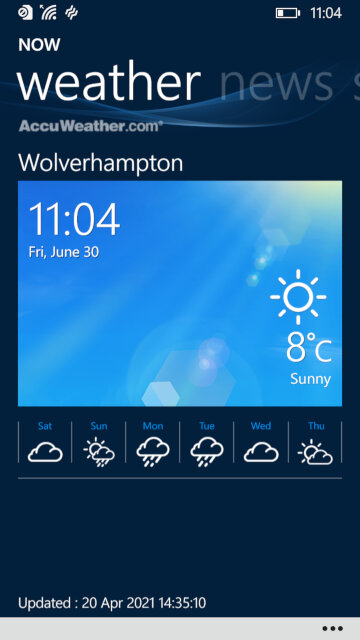
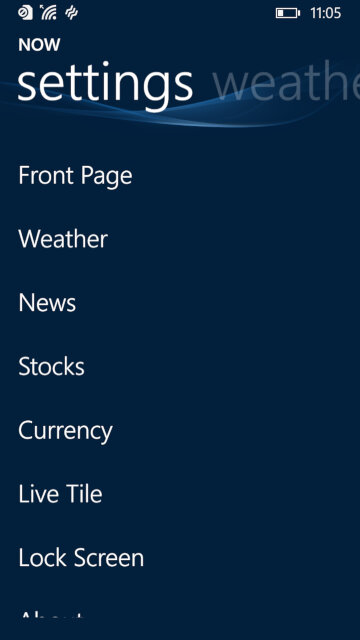
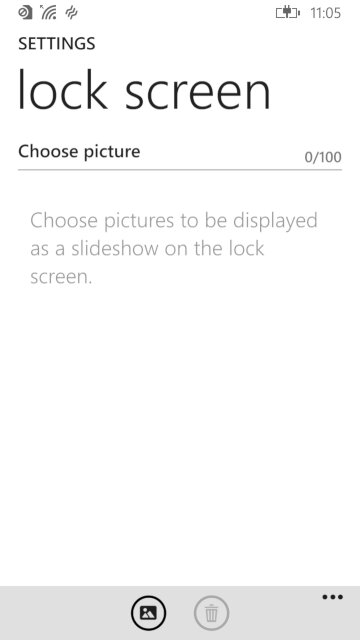
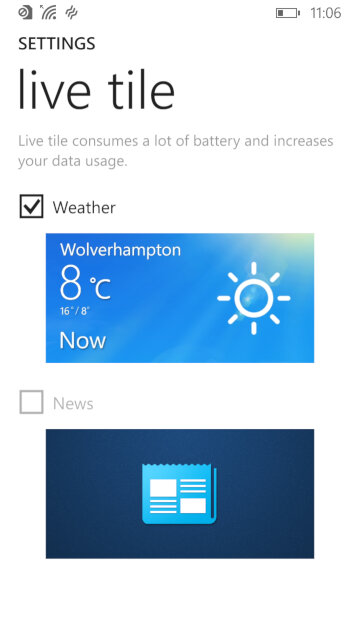
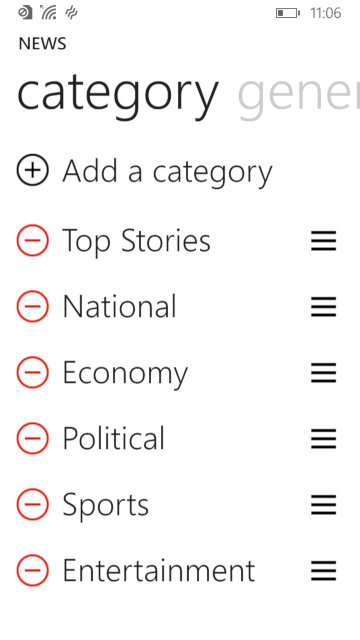
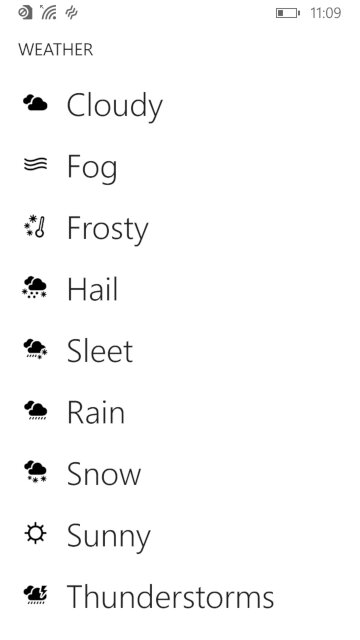
NOW: Similar to what was seen in the Omnia W, this is Samsung’s News, Weather and Stock/Sports information app. News is provided by Yahoo news, who have since discontinued it’s integration but would have shown the latest news headlines for your area. This app supports both the live tile and the lock screen feature, weather information can be displayed on the locks screen itself.
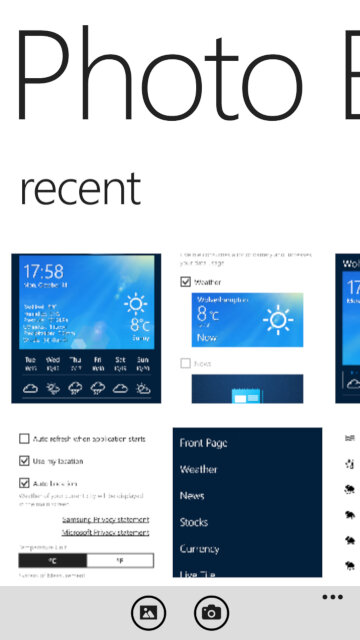
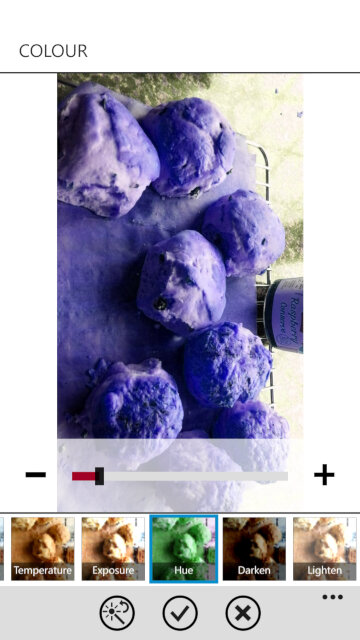
Photo Editor: A simple image editor that can apply a wide range of filters and effect to captured photo’s, and also allows you to place stickers for novelty use. Cropping and zooming are also supported, although you can do this in the Windows stock image viewer.
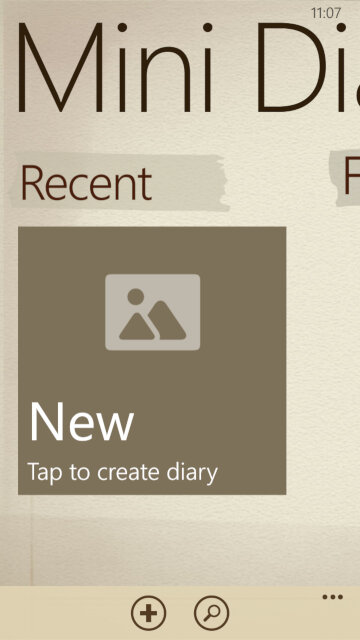
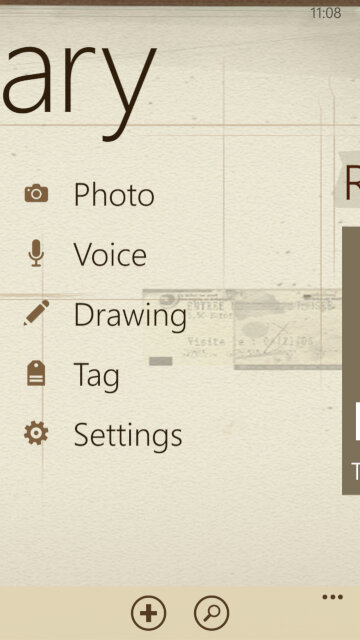
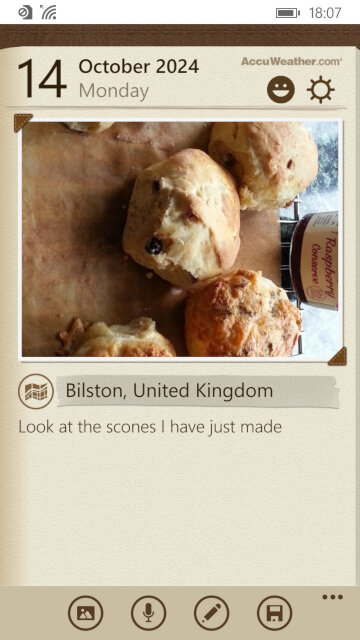
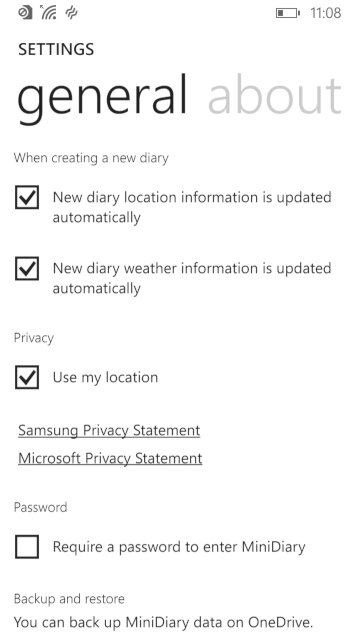
Mini Diary: Lets you create a journal or a note where photos or drawings can be attached to them. You can also record a voice note for upto 10 minutes.
Settings
Samsung has included their owns settings applets that are located towards the bottom of the Settings app, these allow you to change features that are exclusive to the ATIV S
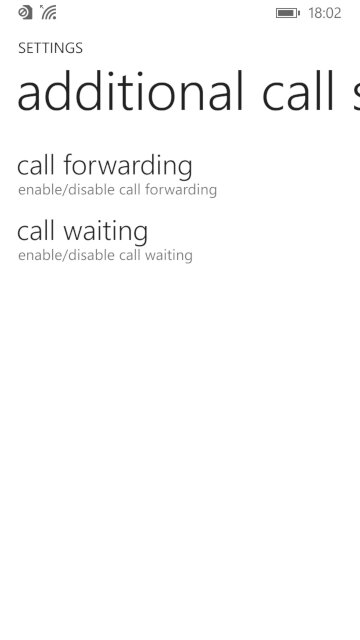
Additional call settings: Check the status and enable call forwarding and call waiting, if they are supported by your network operator
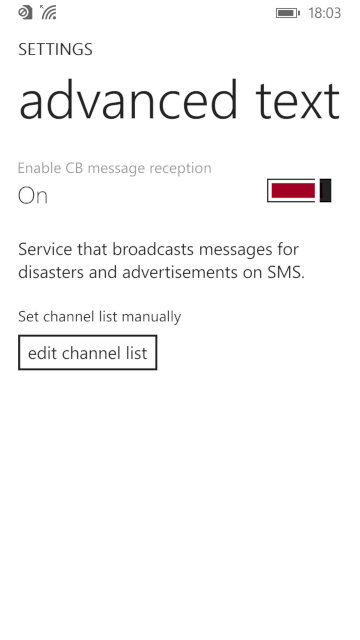
advanced text messages: Allows you to enable CB message reception for broadcast SMS messages, not something we have in the UK
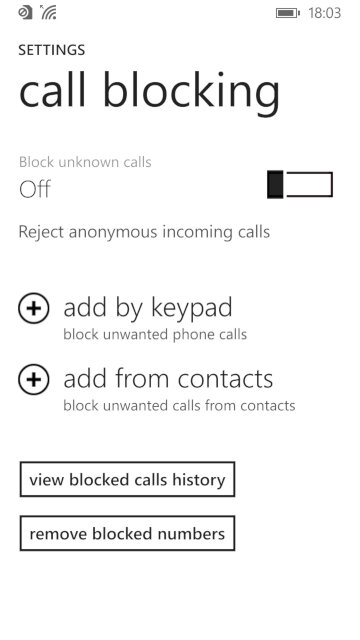
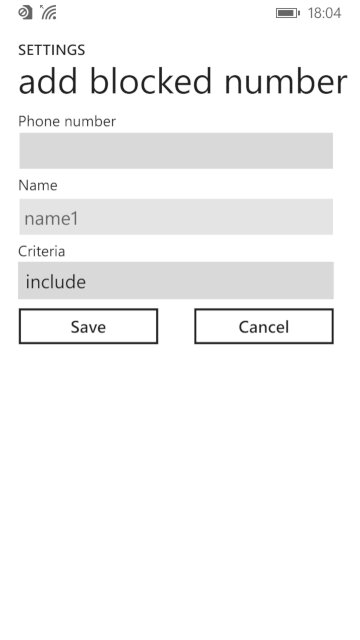
call blocking: lets you enable and add phone numbers to the blocklist which the phone will prevent from contacting you. You can also set to block any callers that withhold their number.
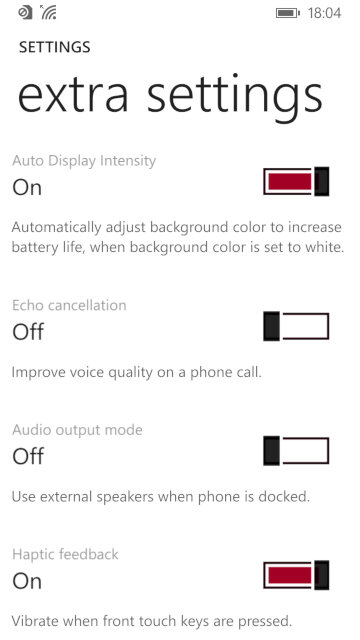
Extra settings: other settings that don’t have their own category, you can change settings for haptic feedback if you want the phone to vibrate when the touch buttons are used.
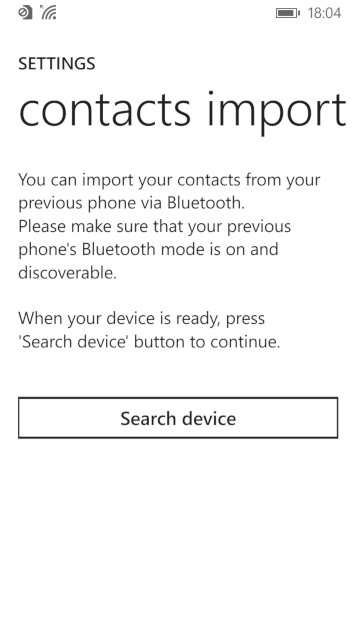
Contacts import: import contacts from another phone via Bluetooth, which Windows Phone didn’t support for some reason.
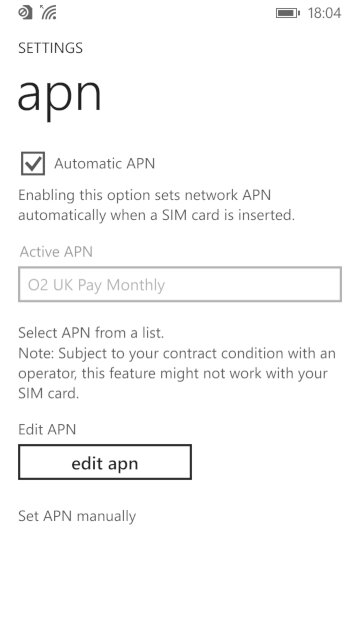
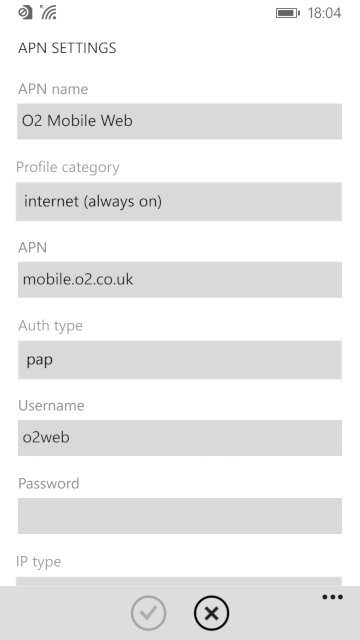
apn: change access point settings, if the phone did not detect your SIM card provider. You need these settings to access the internet and to send or receive MMS messages. Typically you don’t have to do this unless you insert a SIM card that the handset cannot detect the correct settings for, or if they are outdated.
Conclusion
Whilst the ATIV S was the phone to get when Windows Phone 8 was released, it quickly was thrown to the wayside after Nokia started released their flagship handsets, along with their custom exclusive apps for the platform. The ATIV S, along with other Windows Phones didn’t really sell that well, and this caused Samsung to lose interest in the platform. The handset would be followed up by the ATIV S Neo. The ATIV S was well supported in terms of updates, with the 8.1 update being released in 2013 that introduced an updated boot screen, Cortana (RIP), new features for the Start screen and OS features thanks to Microsoft’s update policy.
The fact that the ATIV wasn’t a best seller, and that Microsoft had a strong partnership with Nokia at the time cause them to exit the Windows Phone platform. Samsung would follow-up with the ATIV Odyssey that was a cheaper low-end device and then the ATIV SE, No Windows 10 handsets were released from Samsung.
Oh god, its just like the PCV-90. This is gonna be a pain in the ass
Or maybe not since we actually get working mouse support and the software is able to see the CD drive so we don’t have to modify the boot disk.
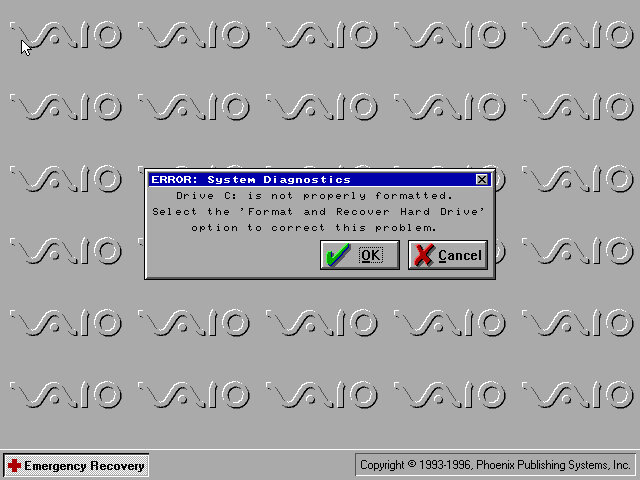
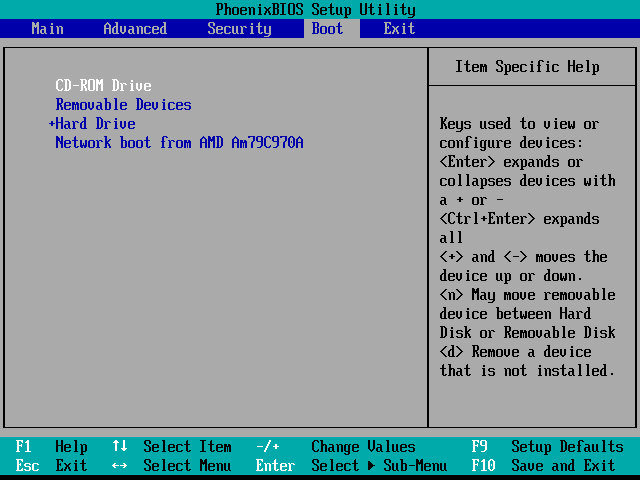
The restore utility cannot initialize a drive since it assumes its already formatted, What you need to do is FDISK it and initialize the drive, in order to start the recovery process. Also once you init the drive, VMWare will try to boot from it. If you keep getting Missing Operating System – Power off the VM and them click on Power On To Firmware option in the dropdown menu next to the Play/Power button. Once you are in the Firmware (BIOS), go to the boot section and pop the CD-ROM drive at the top of the list (Press Shift and + to move it up)
Although the recovery program tells you to run a specific .bat command, this is very specific to the machine’s hard disk and will not apply to our VM, unless our HDD is the exact size.
Before we get to the desktop, we are treated with an IOS error
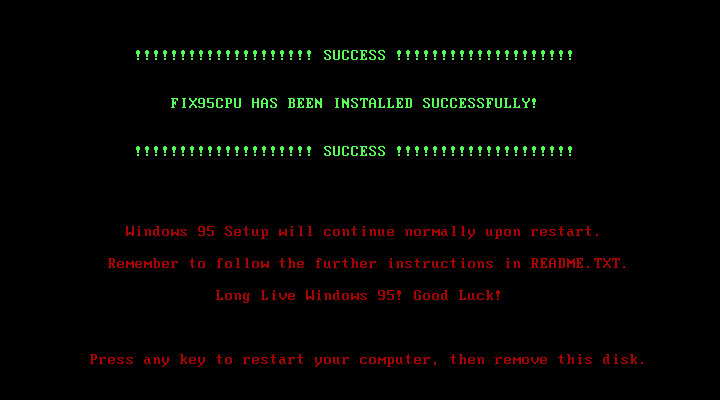
This occurs because the CPU we are running on is too fast for Windows 95 and this causes a fault with a built-in race condition as part of the Windows 95 boot process. Thankfully there’s a community made fix for this and allows us to have a bootable system
Post Install
After we are taken through the last part of the installation where we need to enter identity information. We then have to progress through a series of New Hardware prompts, (Use a hardware profile 6.2 or lower to avoid this, later versions install a lot of PCI-PCI bridges which are way overkill for what we are using)
Installing VMware Tools, Or maybe not, our CD-ROM drive has gone missing…
It came back after a reboot, I’m not sure why it disappeared
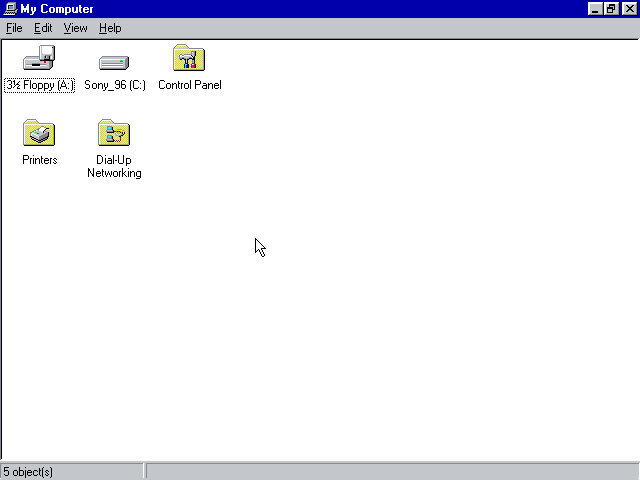
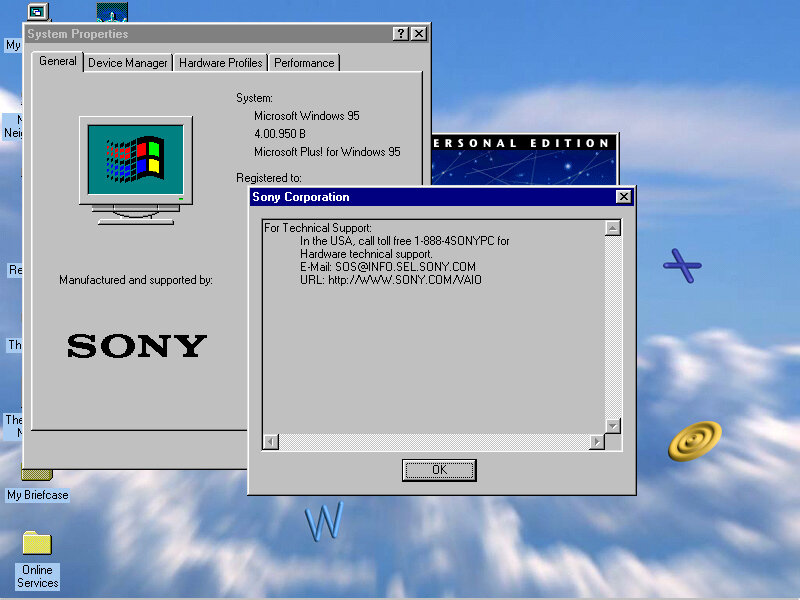
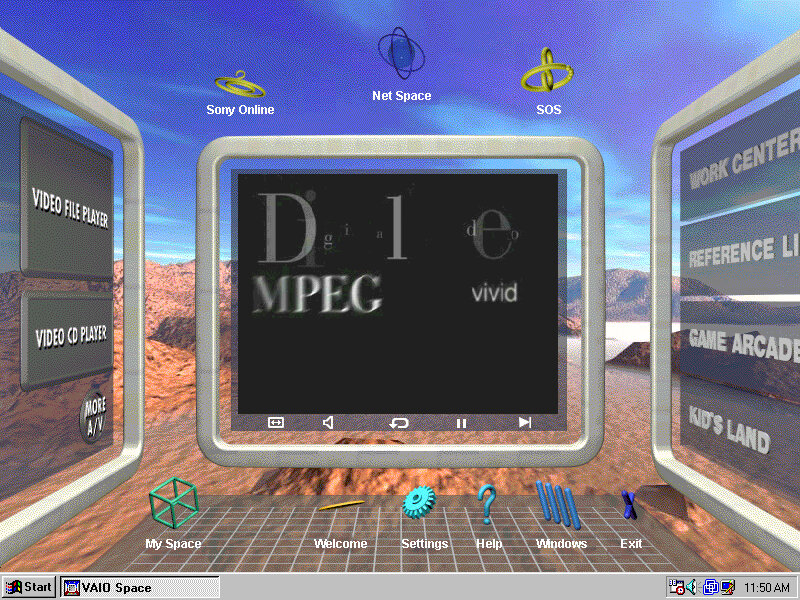
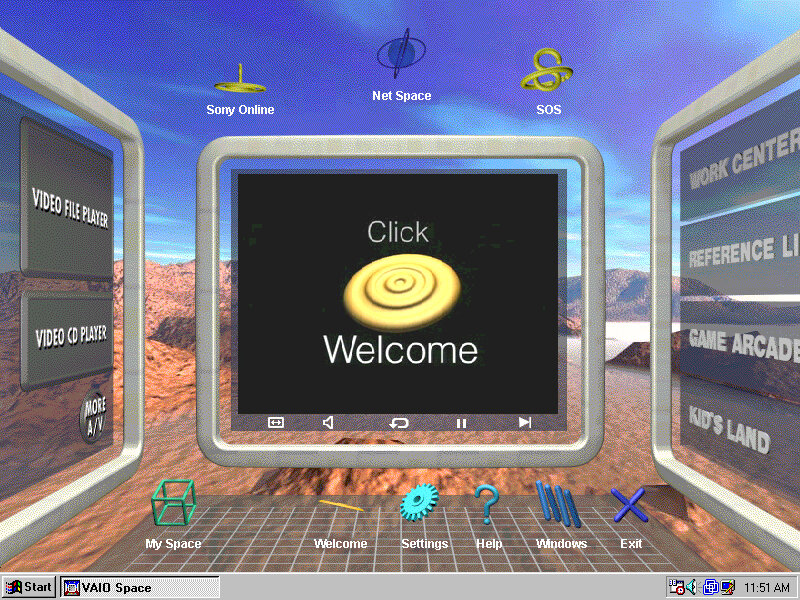
From here it’s very similar to the PCV-90 that was looked at previously, with a lot of the software being bundled with the install.
86Box
VMWare can be a bit problematic with these old Windows 95 installs, so we can use 86Box instead. Here I quickly setup a system using VirtualPC 2007 motherboard, and loaded the restore CD when it gave this error message:
I don’t get it, the BIOS screen reports no errors?
I disabled ACPI in the BIOS since that can cause problems and made sure both floppy drives were correctly enabled in the BIOS, and that seemed to fix it. Lets give this another try…
After going through the recovery steps again this time it worked properly, and the hardware detection was a lot less painful to go through. However there is one other issue, the IDE CD-ROM drive is no longer detected once we boot into Windows 95 and this is likely due to the Hitachi IDE drivers being used which causes issues. It’s possible to fix this by changing the motherboard but considering we had issues with the PCV-90, I believe it’s more of an emulation issue with 86Box. A workaround is to install and use the SoundBlaster 16 PNP which will feature its own IDE controller. If you do this you must put the CD-ROM as IDE 2:0 or 2:1 to assign it to the SoundBlaster, Windows 95 will generally detect and install a driver BUT you must have a copy of the Windows 95 install disc, as it requires a few files in order for it to install the driver. Alternatively, you can attach an Adaptec SCSI interface instead, again you will need to have a Windows 95 install disc for it to detect and install a driver, or you can locate the driver files yourself. The SCSI option is a lot more flexible as you can install up to around 7 drives (CD/ZIP or hard disks)
Overall this system is very similar to the PCV90 and included a lot of its software, so there isn’t much to cover that we have not done so already. To be honest its probably worthwhile installing in VMWare, then upgrading it to Windows 98 to make it usable in VMWare, as it should be more useable that way.
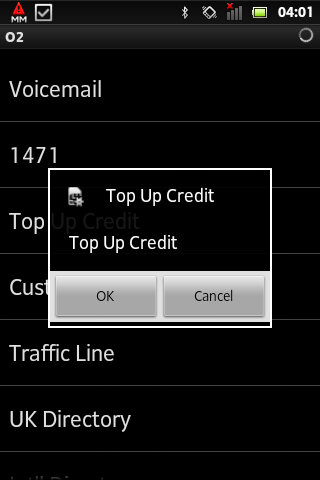
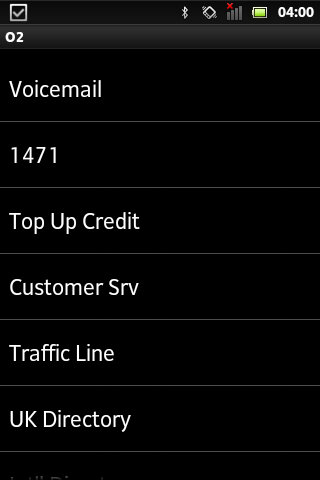
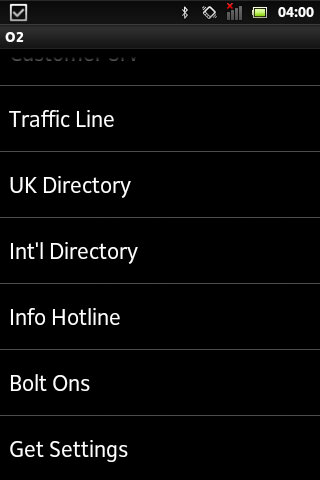
Technically known as SIM-AT (Application Toolkit), this is a menu that is built into many SIM cards and can be accessed through the handset directly.
Many of the mainstream networks used the SIM Toolkit to promote their services and to increase their accessibility. Many provide links to news bulletins, sports, weather and finance. Some would also allow you to dial important services like the RAC breakdown
On the other hand, most of the smaller or virtual mobile network operators neglected support for the SIM AT toolkit. Virgin Mobile was one example of an MVNO that implemented a SIM toolkit in their service, but others such as 3 (Hutchinson 3G) and ASDA or Tesco mobile don’t implement this, mainly as they are promoted as a budget-orientated mobile operator
BT Cellnet / O2
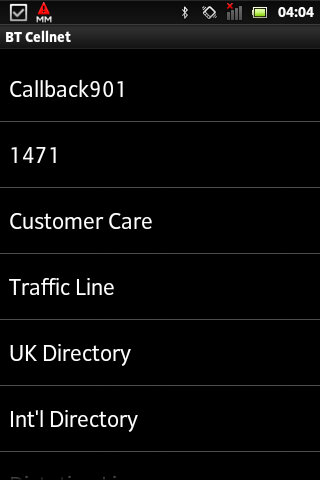
The predecessor to O2, this Sim card dates to around 2000/01, shortly before the rebrand to O2. The menu appears as ‘My Services’ with BT Cellnet being the first item that shows up
Callback901 – This was a shortcut to O2’s voicemail service and simply dials the voicemail message center, which works the same as dialing 901
1471 – tells you who the last number that was dialed
Customer Care – Main O2 customer service line
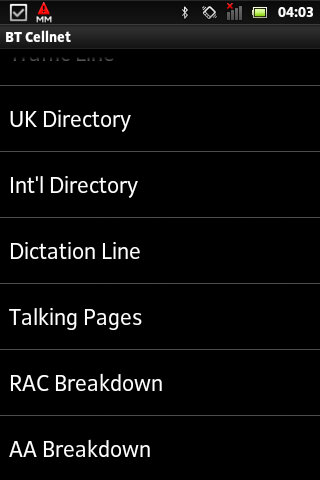
UK Directory
Int Directory
Dictation Line
Talking Pages – I think this was the speaking version of the phonebook but im not 100& sure
RAC Breakdown – Dials the RAC, useful if your car as broken down
AA Breakdown – Same as above, but dials the AA instead (AA is a breakdown company, not alcoholic anonymous)
From an older BT Cellnet SIM card
T-Mobile
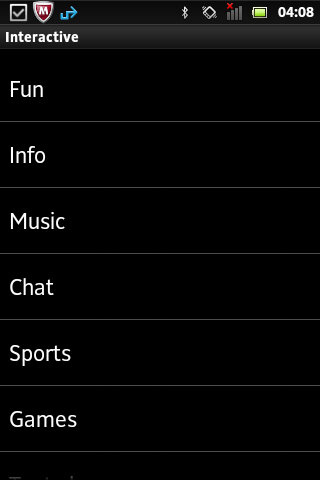
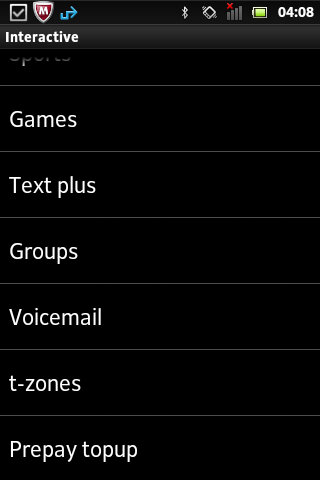
Not sure how old this Sim card is or what year it dates from. Compared to the menu on BT Cellnet it’s a lot more featured, with many options leading into a submenu. When selecting an option, the phone will send an SMS-like message which relates to the request. On most handsets, the menu appears as ‘Interactive’
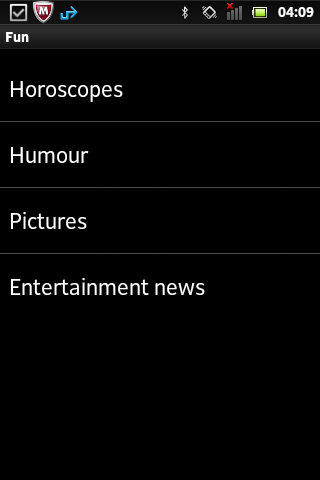
Fun
Horoscopes – Gives two options, Romance and Outlook and lets you enable a daily message that tells your horoscope, probably for an additional charge
Humor – Gives options for Jokes, Chat-Up lines or Voicecards. Jokes gives you options for Silly or Adult jokes which then gives a warning message that you must be 18 or over to access
Pictures – relates to MMS and lets you enable picture alerts, options including Babes on & off, Gossip on & off and Footie. Yes, it’s actually spelled like this in the menu.
EntertainmentNews – Options here is daily on/off which controls daily SMS messages being sent in relation to entertainment news, an option to get the latest news once and separate options for soap and film updates. Useful if you want the latest from Eastenders or Emmerdale.
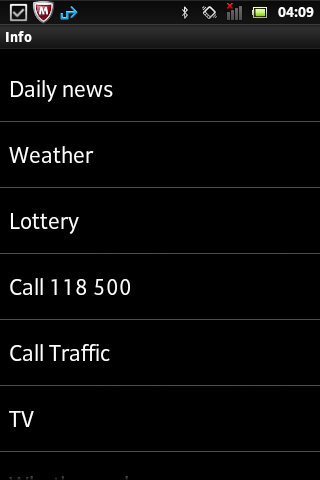
Info
Daily news
Weather
Lottery
Call Traffic
TV – gives two options to see What’s on now and Soap Update
What’s nearby – several options, bar, Hotels + B&Bs, Eat, Taxi and Cash Machine
What’s On – Cinema, Club, Music and Comedy
Streetmap – Send a map to selected compatible Wap push devices
Finance – Options for Shares, Exchange rates or financial news
Call Leisure Line – Calls the Leisure line
Music
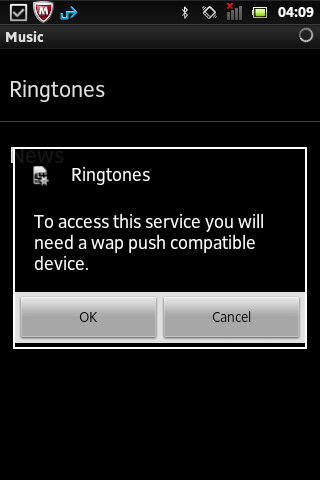
Ringtones – send a WAP link to download more ringtones
News – Various options for Charts alerts, Pop news, and New Releases, these would be text alterts being subscribed to
Chat
Join
Chatrooms – Lists chatrooms or to manually enter a chatroom
Match and chat
Sports
Vodaphone
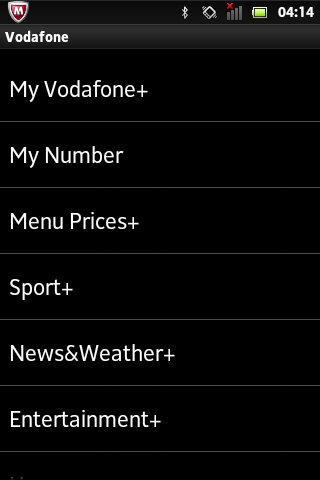
On this SIM card that dates from 2020, this still has a few menus that are accessible.
My Vodaphone: Gives options such as TopUp, Balance, Customer Care, Directory Enqs, Voicemail, My Subscription and Voda Stores. Some options will be hidden depending on the type of tariff (Pay as you go vs Pay Monthly)
Balance: Gives you your current account balance, does not show on pay monthly
My Number: Shows your current phone number
Menu prices: View Prices and T&Cs
Sport: Various options consisting of Sky Sports, Sports News, Football, Rugby, Eng Cricket, F1, Horse Racing, Golf News and Tennis News.
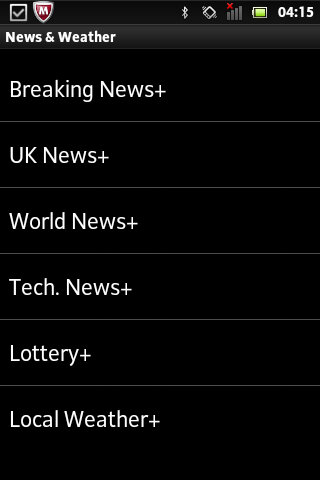
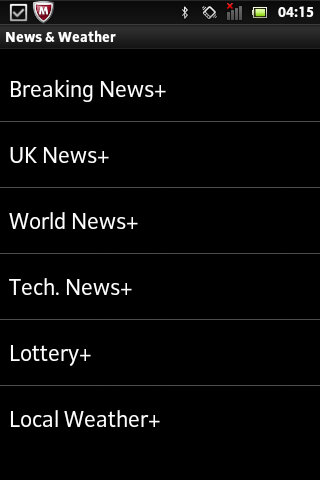
News&Weather: opt into breaking news alerts, or just UK or World news with additional options for tech, lottery and local weather. Cost is 12p per alert.
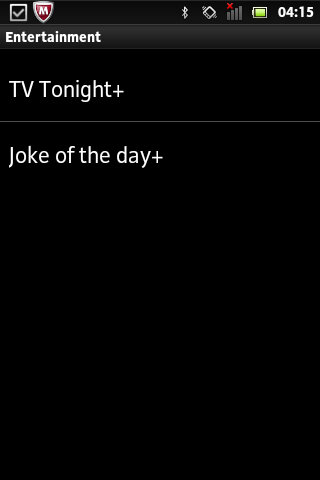
Entertainment: Two options here, TV Tonight which shows TV listings, and Joke of the Day.
Horoscopes: Set up SMS or MMS notifications for your horoscope priced at 1Pnd per week, or 12p for a daily message.
Virgin Mobile
Virgin was one of the first virtual mobile operators and ran on top of an existing mobile network. Virgin offered its SIM-AT menu as ‘Virgin Xtras’
Top-Up
Help
Shop
Offers
Travel – Options are Traffic, Book Virgin and RAC Red
Music – options are Jukebox, Buy and Radio
Going Out
Staying In
Voicemail – Options are Call? and Divert
Most of these are WAP links to the selected service, they don’t seem to bring up a submenu of sorts.
Conclusion
From looking at most of the options listed above, many relate to obtaining information for a specific subject. Like if you wanted to subscribe to breaking news alerts, or sports news alters for a specific game. Many of these carry an additional charge and operate as an additional revenue stream. These would have made sense back in 2000 era of mobiles as WAP was still an emerging technology so getting breaking news in the form of an SMS message would have been a desired feature. Now, most phones come with news apps that support breaking news nominations, delivered through the phone’s data connection. The remainder of the functionality can be replicated using the operator’s app, if they choose to provide one for the smartphone’s platform. For feature phones that run the KaiOS platform, this may not be possible. Still, Android handsets support SIM-AT which appears as a dedicated app if the sim card supports it.
A problem with SIM-AT is some manufacturers implement it differently in terms of accessing it, on many Nokia’s you can access it directly from the main menu, but on Sony Ericsson models it’s buried within either the Entertainment or Services menus. For network operators, this means they cannot give direct instructions without having the customer refer to the phone’s operator manual.
Orange (Now merged into EE, now part of BT) also offered a similar service, ill document and upload when I get access to an older Orange SIM card.














 Drew1440: Blog