Author Archives: drew1440

Radeon 9200 (Mac Mini G4)

I’ve been looking to get into the PowerPC world of Macintosh gaming, specifically the early PowerPC oS X and the OS 9/Classic era. Finding the right era can be a challange as there is often limited compatibility for older titles. MacOS itself only supported PowerPC software up until Snow Leopard when the Rosetta support was discontinued. Emulation of PowerPC hardware is almost none existent and whilst QEMU can run the PowerPC versions of Mac OS and OS X, it lacks graphics acceleration supported needed for many of the games.

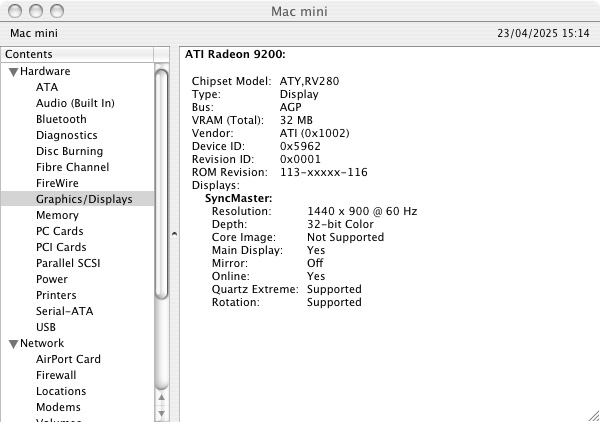
Apple’s Mac Mini G4 is an interesting system to look at, originally Apple’s way to entice users to the Macintosh platform. It has the Radeon 9200 as its graphic’s processor. Whilst not groundbreaking in comparison to its higher powered PowerMac’s, or even the iMac’s of the era. However the Radeon 9200 was considered a step up from the integrated Intel (Or SiS) graphics chips that were featured in many budget PCs. In way way the Mac Mini was more than capable of taking on for 3D games compared to the integrated graphics on low end PCs. 

However as a Macintosh, it’s underpowered for its time and is best thought as an iBook in desktop form. Whilst it shipped with the built in Radeon 9200, the iMac G5 came with either a GeForce FX5200 or the Radeon 9200 which are much better for games, and these were the target hardware for many of the latest Macintosh games.

Still, lets take a look at some of the games and how well they perform. This model is the 1.25Ghz model with 512MB (originally 256MB) of system memory. We will be looking at both OS 9 games running in the Classic environment, and OS X games that were either native, or had a Carbon patch to allow them to function on OS X.

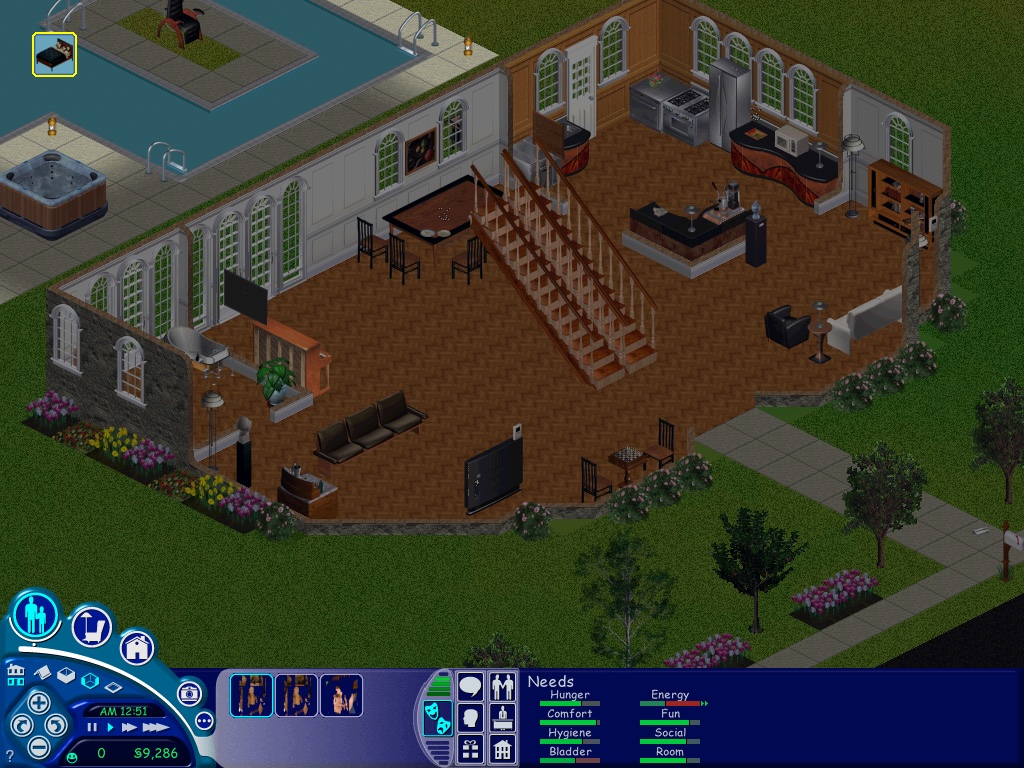
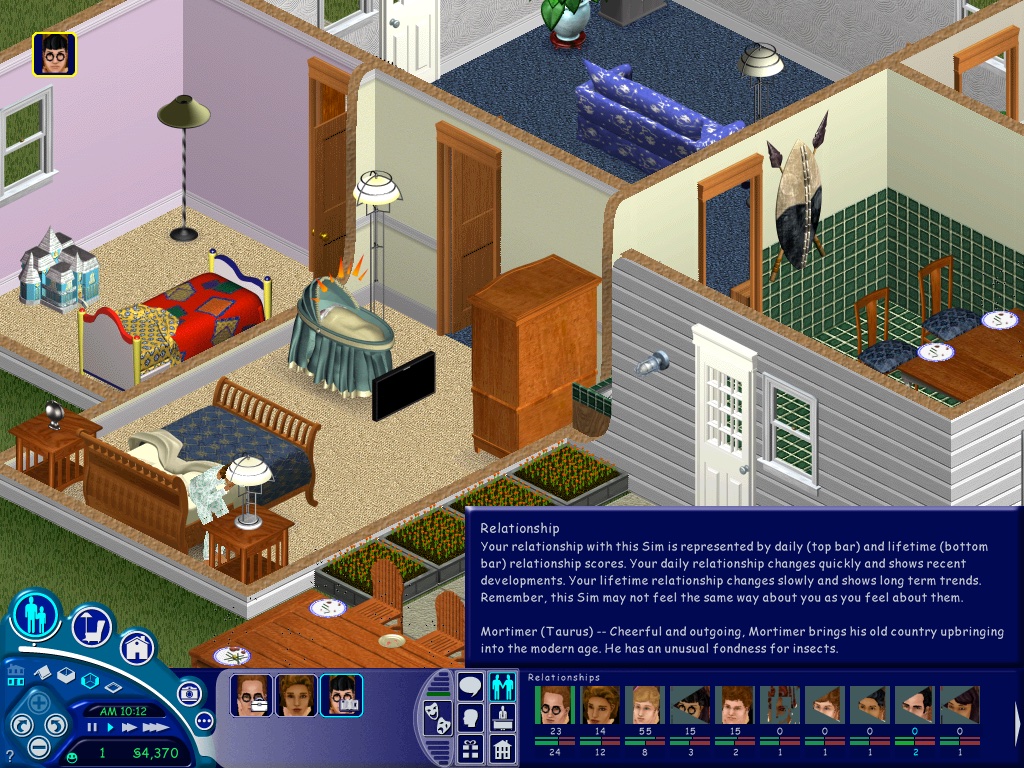
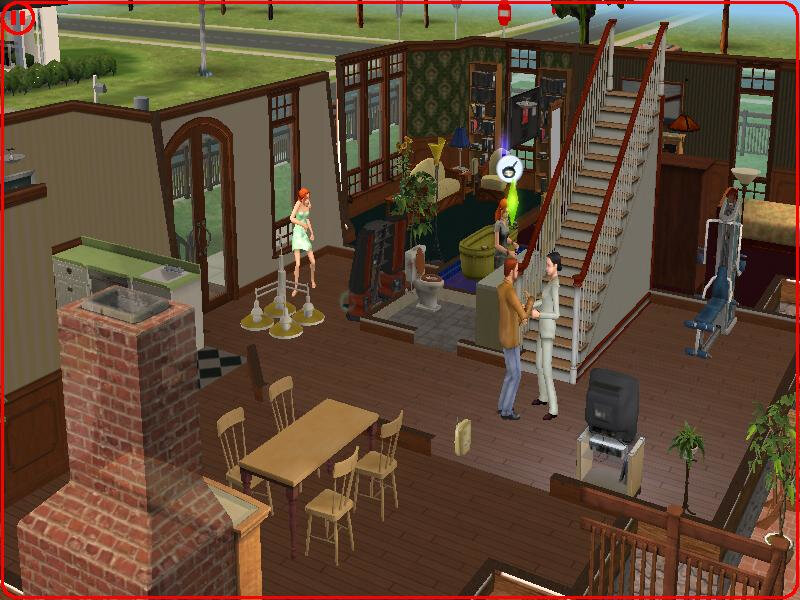
The Sims – Here the Party Pack was tested, this is a Mac/Aspyr exclusive bundle that combined the first three expansions in one compilation. On the Mac mini it runs well performance-wise but the sim thumbnails look corrupted. This also affects the relationship panel. The Sims themselves look fine, just a shame about their icons. Framerate does appear to suffer when we throw a large party with 12+ sims on the screen at 1024×768.

If you prefer to play the original release of the game, you will either need the Classic environment to install the game, and will also need the Carbon patch to enable support under OS X.

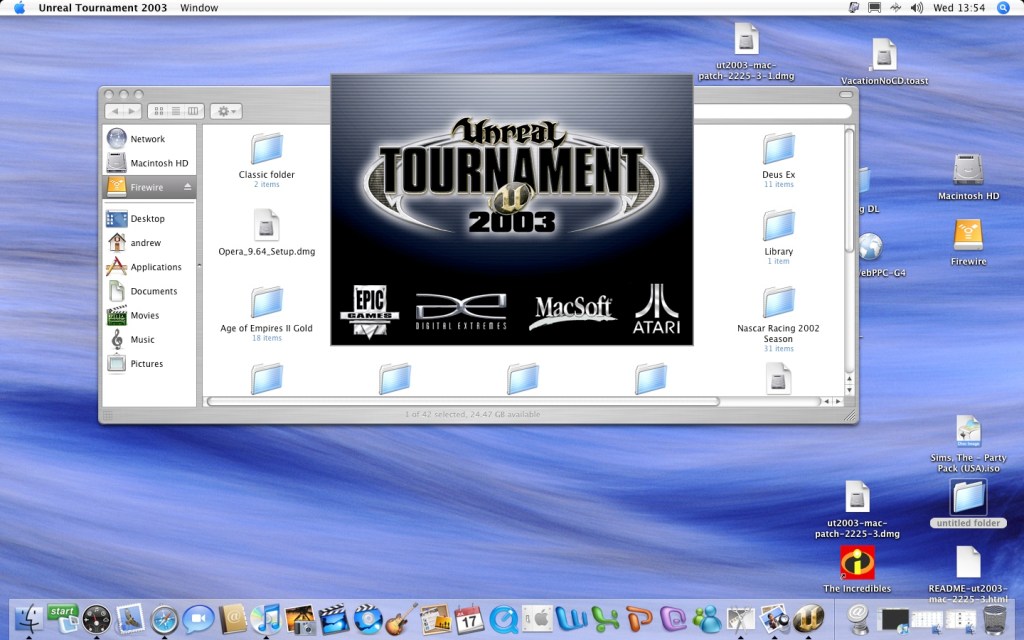
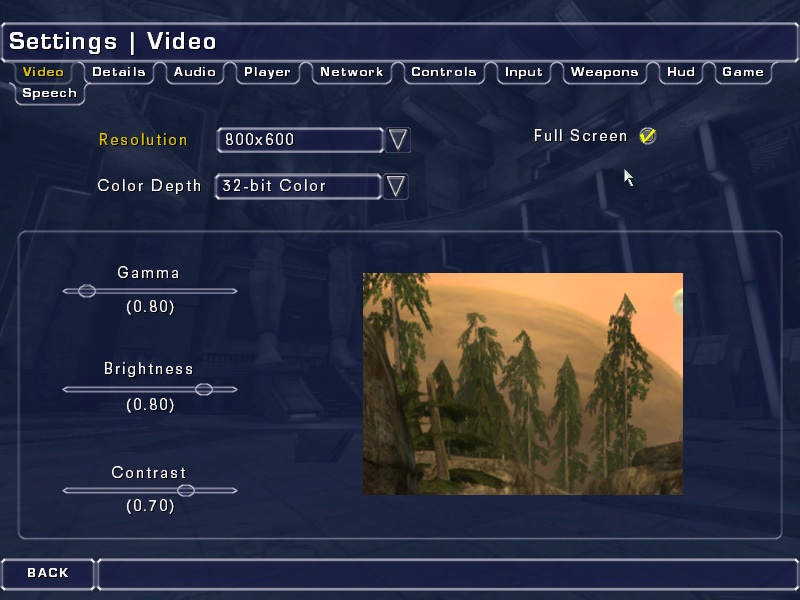
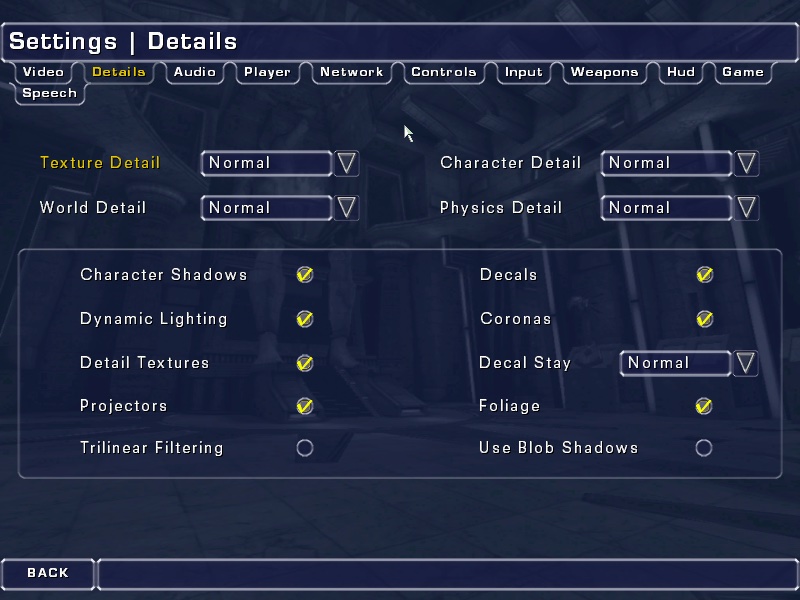
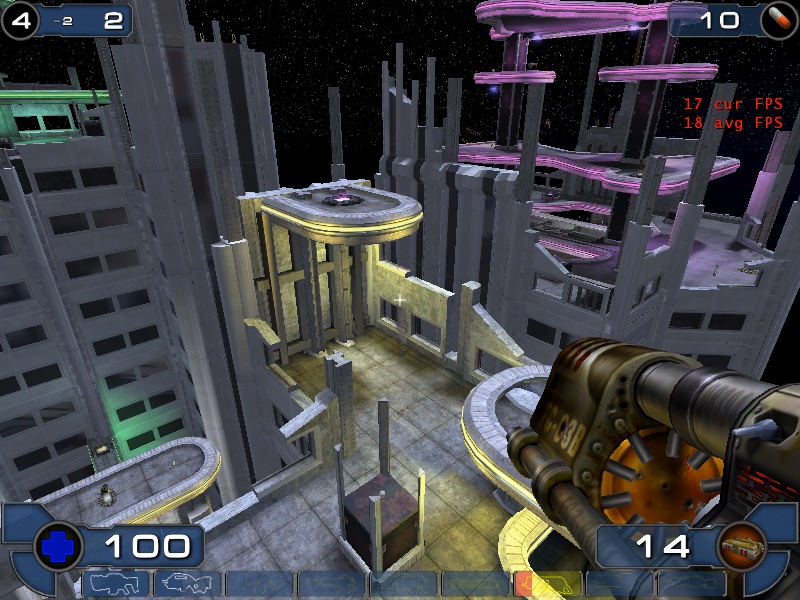
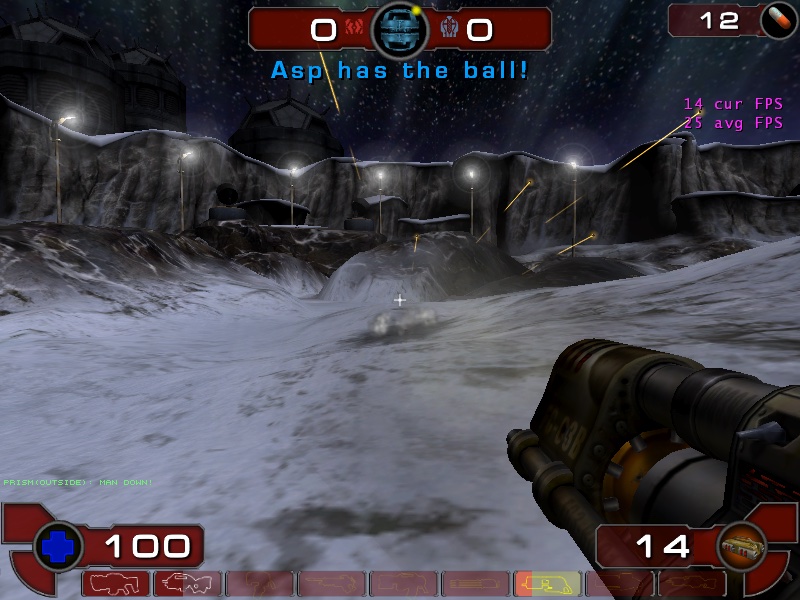
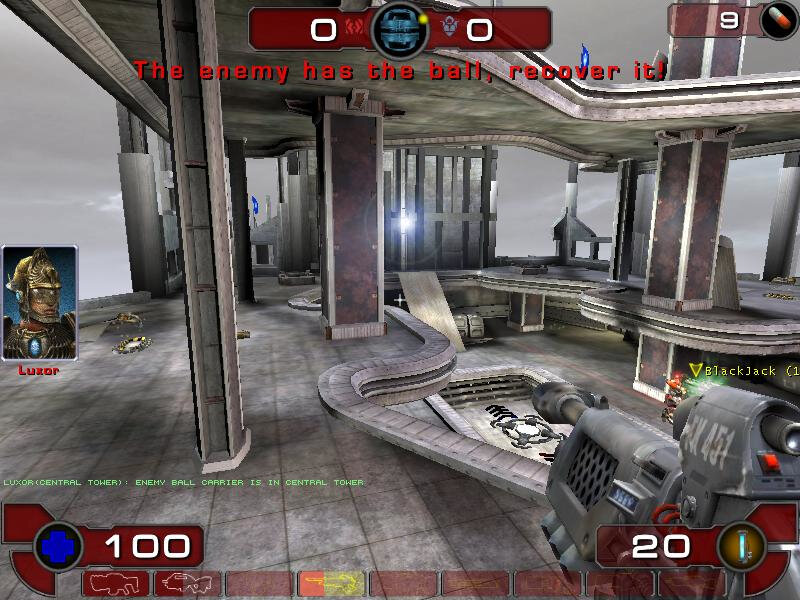
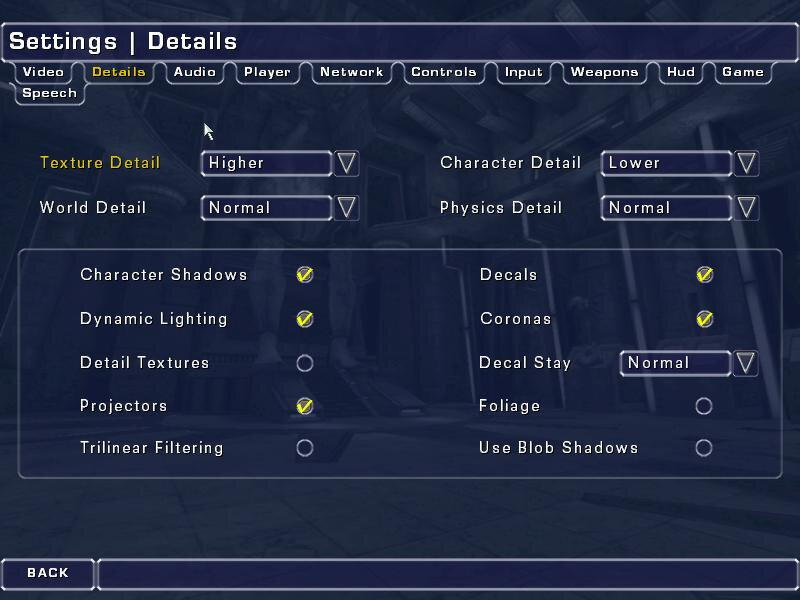
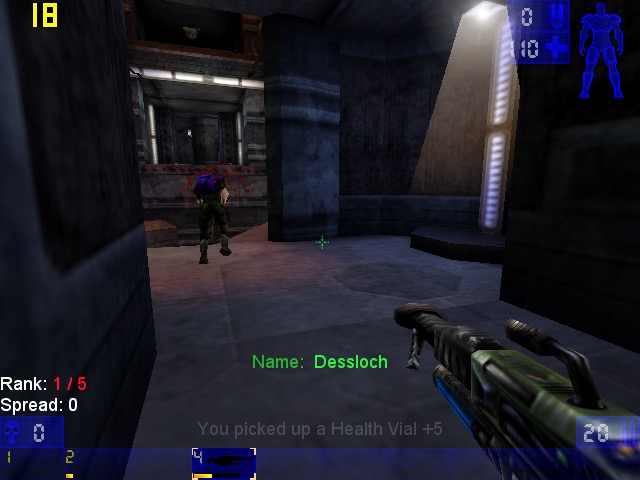
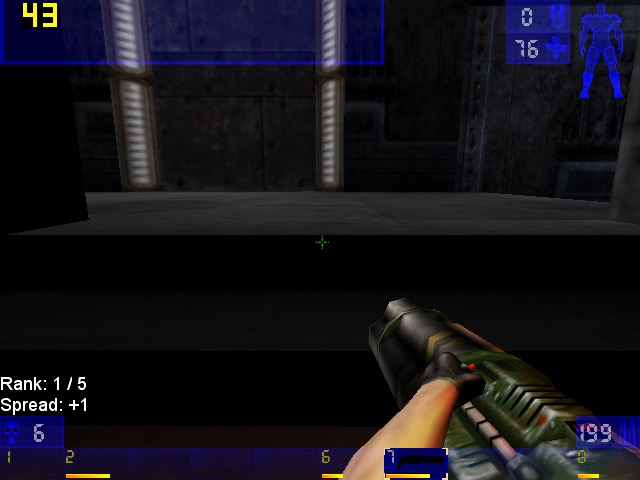
Unreal Tournament 2003 – Running the game at 800×600 with most settings on ‘Normal’, here we get a consistent frame rate of 33fps for most of the maps. If we disable some of the effects (Character Shadows, Dynamic lighting, etc) we can gain some performance. However adjusting the world/texture details has little to no effect from ‘normal’ to ‘low’

One weird feature was the support for Hardware 3D Audio EAX within the sound settings menu, but I can’t remember if OS X ever had support for Creative’s EAX?

We did get a few crashes back to the Finder, this isn’t really a stable port of the game.

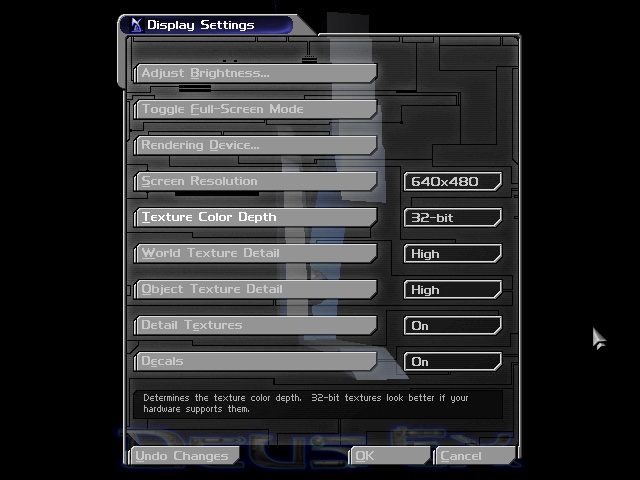
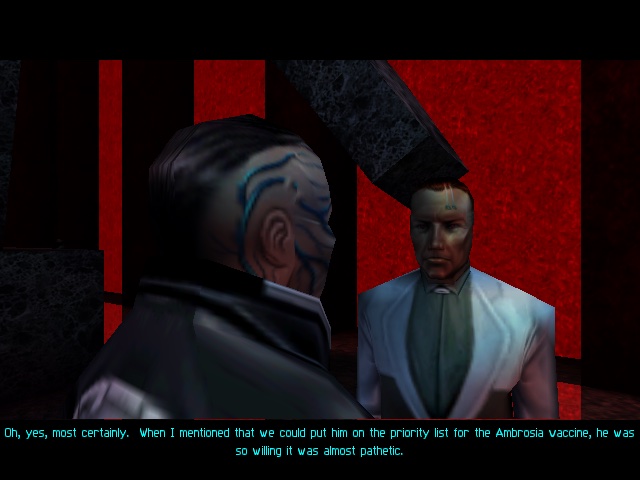
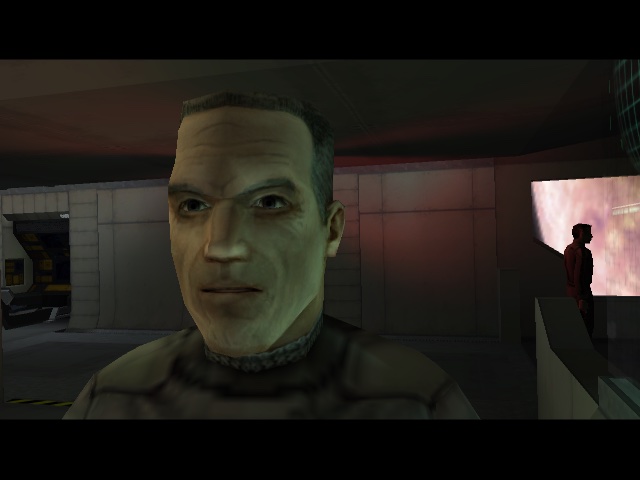
Deus Ex – This game runs through the Classic environment, unfortunately there was no carbon patch release for this game, due to Unreal Engine having issues with the sound for OS X. Despite this, the game runs well in the Classic environment and was able to run off the external Firewire CD drive (since the internal drive on this Mac mini is faulty)

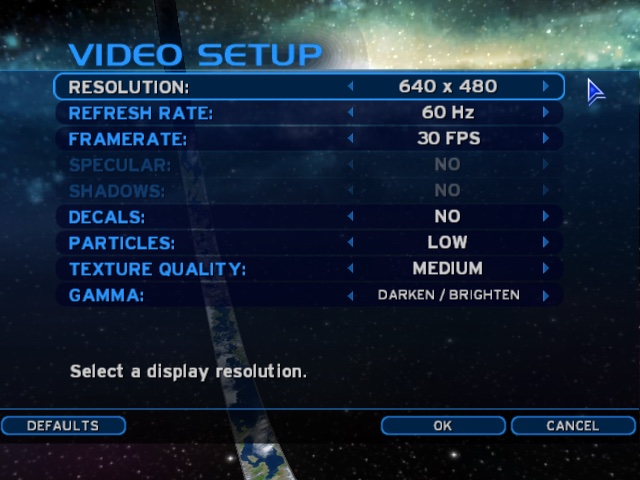
Running at 640×480, the game felt smooth although there is no way to show the fps and I’m not aware of any tools that can run under OS9.

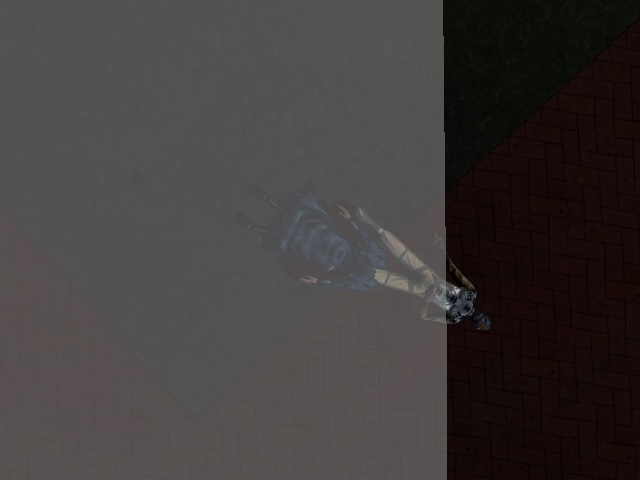
A wierd side effect is the MacOS mouse cursor can appear randomly and will move about onscreen as you are aiming, its not a huge issue but can be distracting. There is also an effect where the overlay does not take up the entire screen, this is noticeable when you are saving the game, have died or are taking damage and parts of the screen flash red.

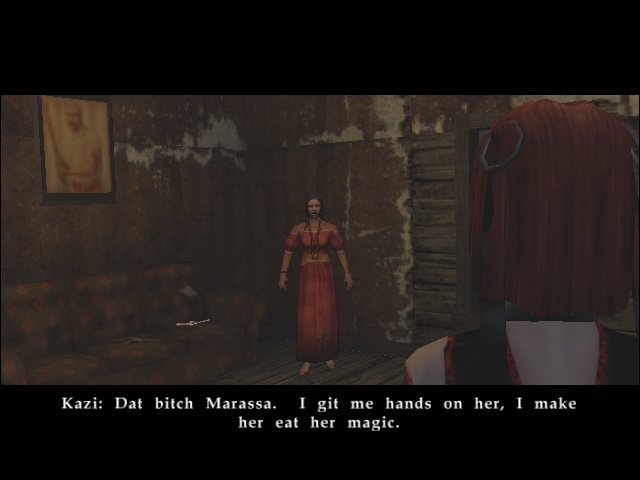
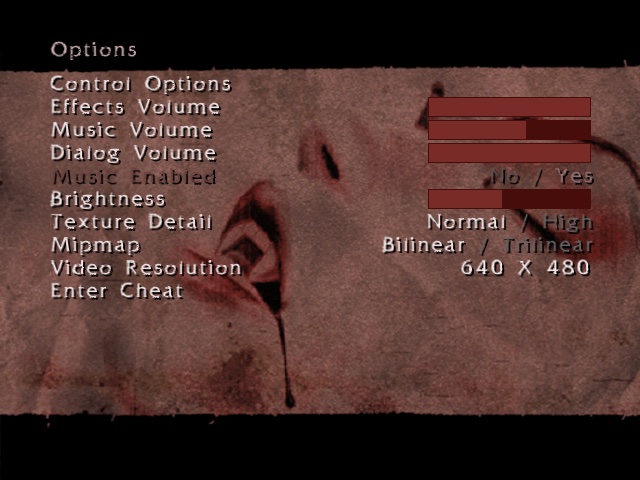
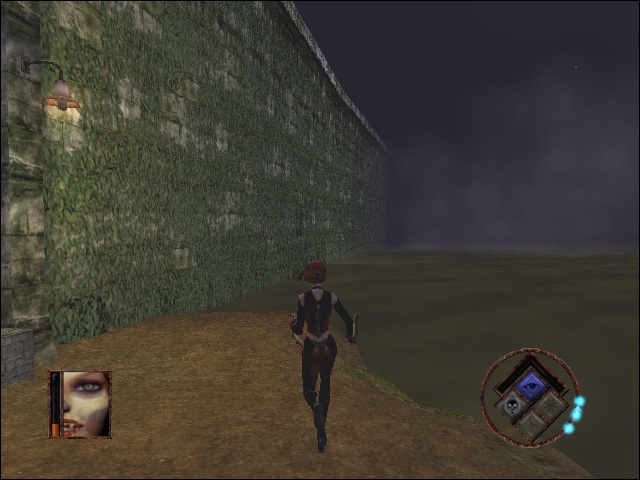
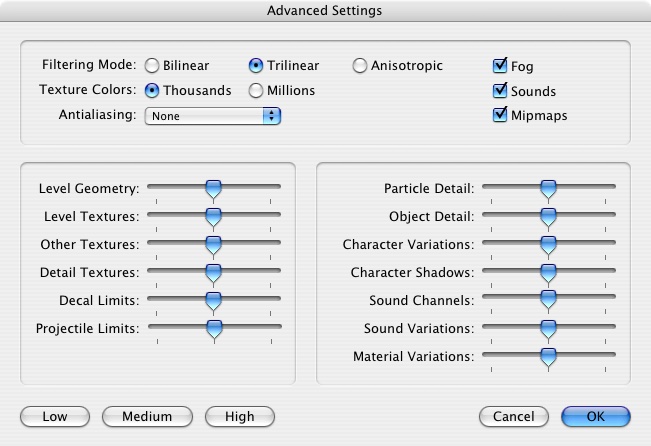
Bloodrayne : The opening FMV paper to be garbled, I’m not sure why unless its incomparable with the version of Quicktime installed. Here we have the resolution set to 640×480, with bilinear filtering enabled and normal texture detail. Performance here appears to be choppy, especially when barrel rolling through the air. On the Ghetto level, transferring through the water reduces the game to a mere slideshow

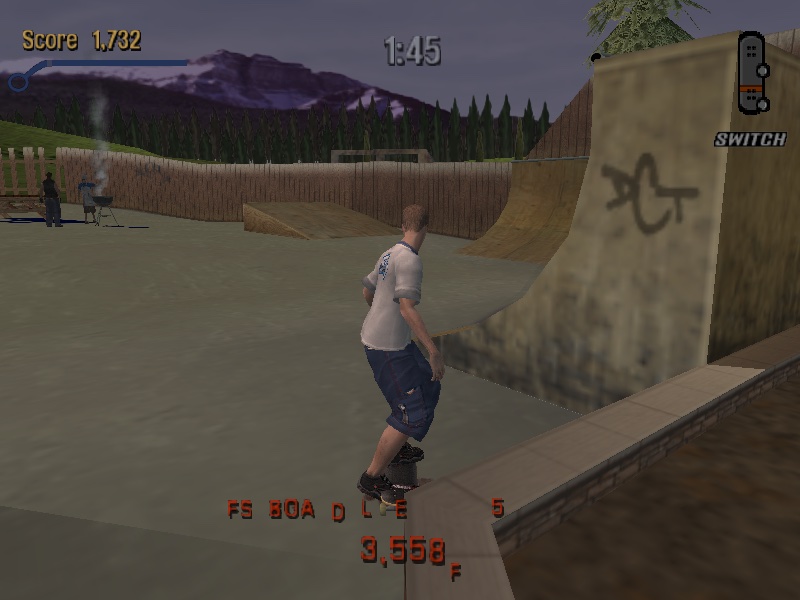
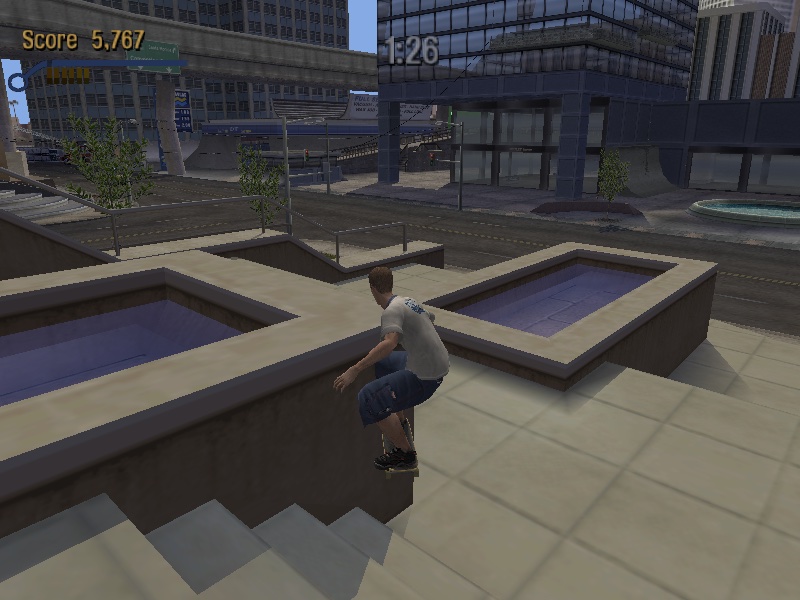
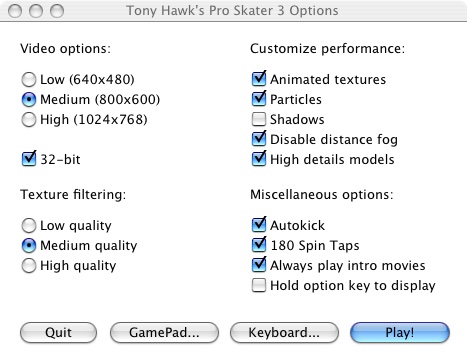
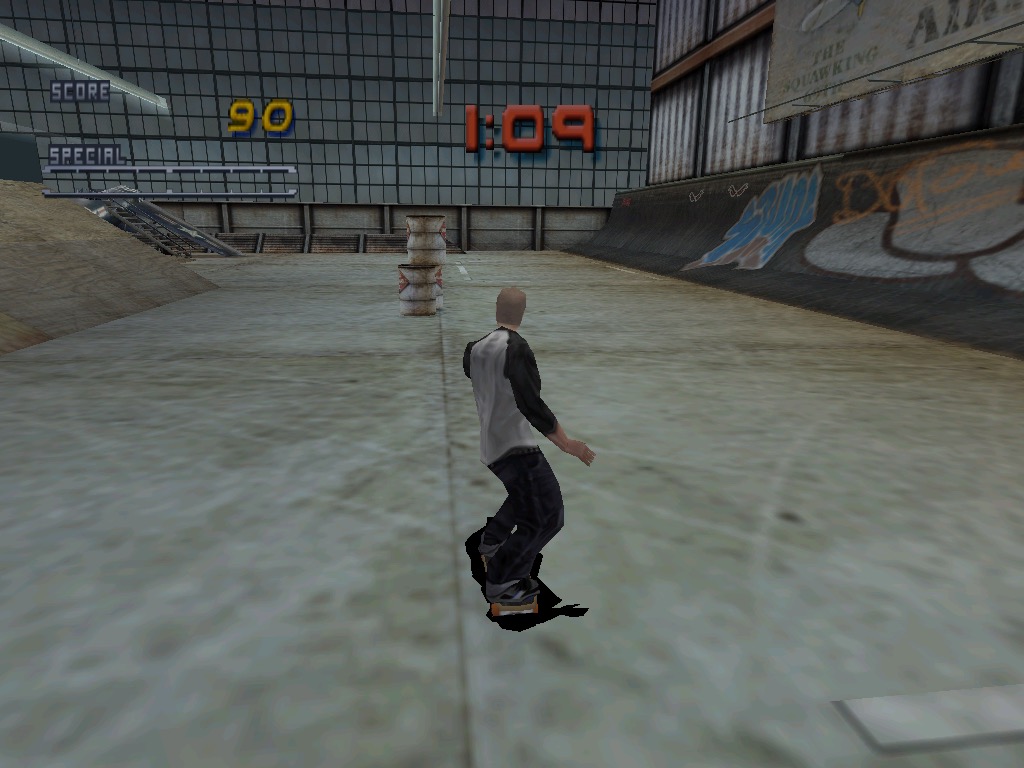
Tony Hawk Pro Skater 3 – Running the game at 800×600 with medium texture filtering with all customer performance settings enabled except for shadows. The game runs pretty smooth although the controls are a bit temperamental.

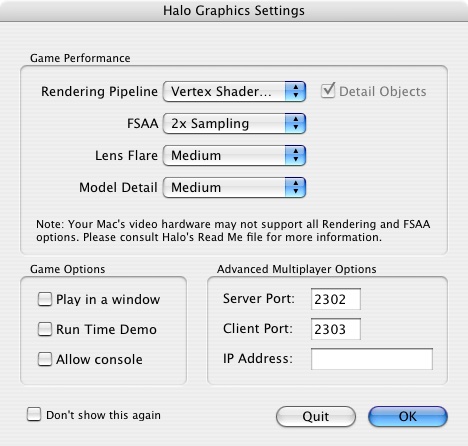
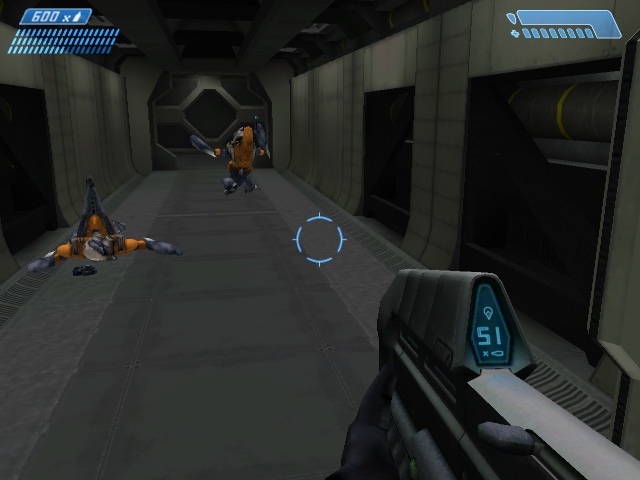
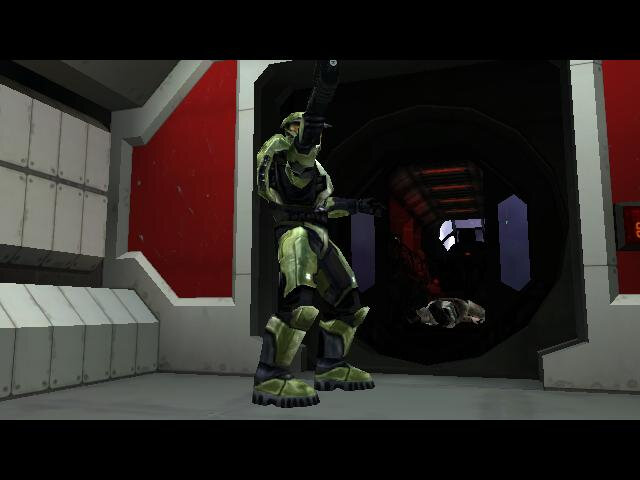
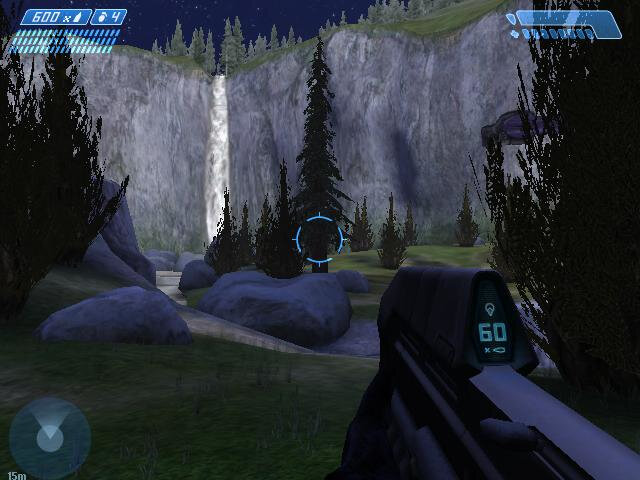
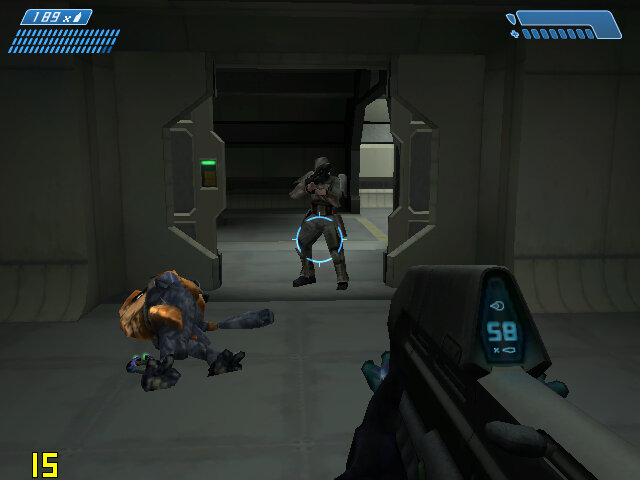
Halo: Combat Evolved – Lets look at how Halo performs. From looking at the graphics settings that appears upon startup, we only have access to vertex shaders only, pixel shaders were not supported on the Radeon 9200. By default the FSAA is set to 2x Sampling, along with medium lens fare and medium model detail. 

Overall experience is acceptable, with some frame drops whenever there are explosions or heave scenery.

There is a time demo option which is supposed to benchmark the game against the system:

Medium Settings

Date / Time: 23/4/25 6:44:58 (0ms)
1200MHz, 512MB
Firewire\Halo\Halo -console Frames=4700
Total Time=207.20s
Average frame rate=22.68fps
Below 5fps= 6% (time) 0% (frames) (13.298s spent in 12 frames)
Below 10fps= 8% (time) 1% (frames)
Below 15fps= 25% (time) 9% (frames)
Below 20fps= 41% (time) 22% (frames)
Below 25fps= 62% (time) 43% (frames)
Below 30fps= 80% (time) 65% (frames)
Below 40fps= 91% (time) 81% (frames)
Below 50fps= 97% (time) 91% (frames)
Below 60fps= 98% (time) 95% (frames)
###Sound Options###
Hardware Acceleration= No
Sound Quality= Low
Environmental Sound= No
Sound Variety= Medium
###Video Options###
Resolution= 640 x 480
Refresh rate= 0 Hz
Framerate throttle= No Vsync
Specular= No
Shadows= No
Decals= No
Particles= Off
Texture Quality= Medium

For further information, please visit the timedemo FAQ at: http://halo.bungie.net/site/halo/features/hpcperformancefaq.html

High Settings

Date / Time: 23/4/25 6:53:10 (0ms)
1200MHz, 512MB
Firewire\Halo\Halo -console Frames=4700
Total Time=346.39s
Average frame rate=13.57fps
Below 5fps= 6% (time) 0% (frames) (21.853s spent in 35 frames)
Below 10fps= 38% (time) 18% (frames)
Below 15fps= 66% (time) 44% (frames)
Below 20fps= 82% (time) 64% (frames)
Below 25fps= 88% (time) 74% (frames)
Below 30fps= 96% (time) 89% (frames)
Below 40fps= 98% (time) 96% (frames)
Below 50fps= 99% (time) 97% (frames)
Below 60fps= 99% (time) 99% (frames)
###Sound Options###
Hardware Acceleration= No
Sound Quality= Low
Environmental Sound= No
Sound Variety= Medium
###Video Options###
Resolution= 640 x 480
Refresh rate= 0 Hz
Framerate throttle= No Vsync
Specular= No
Shadows= No
Decals= No
Particles= Off
Texture Quality= Medium

For further information, please visit the timedemo FAQ at: http://halo.bungie.net/site/halo/features/hpcperformancefaq.html

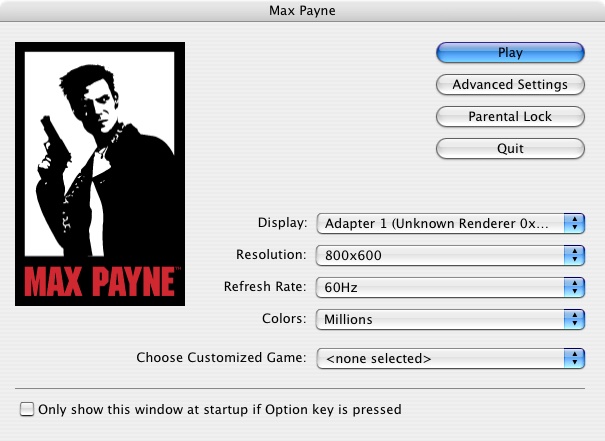
Max Payne: Here we are running the game at 800×600, with the default settings being automatically set to medium. We get a steady 40fps with some slowdown when we navigate to a new area.

Setting the graphics options defaults to high at 800×600 give us an average of 32fps, but with dips to a low 14fps when we are in an intense gunfight. You could sacrifice to 640×480, but it depends if you prefer detail over resolution.

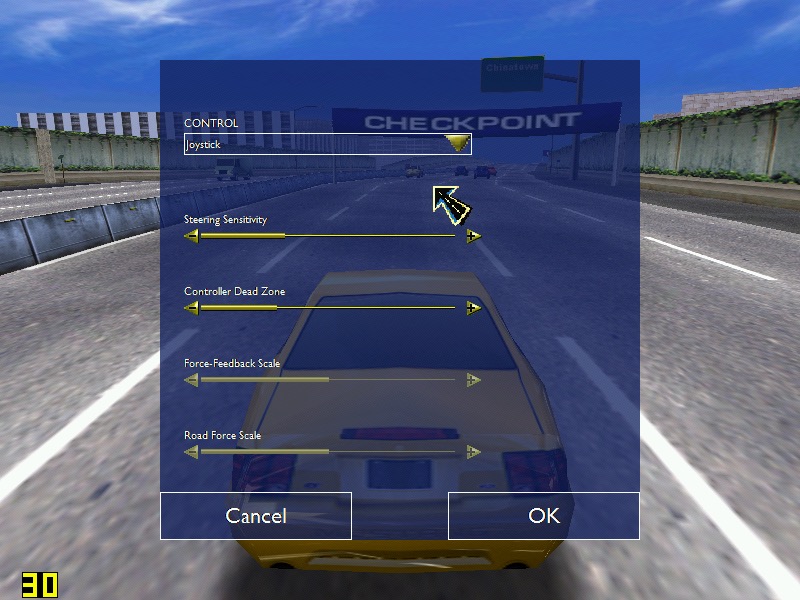
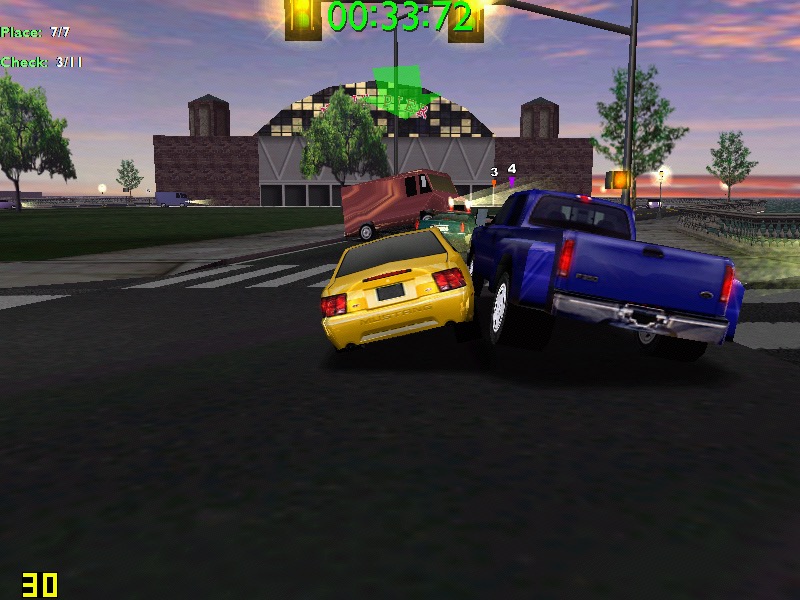
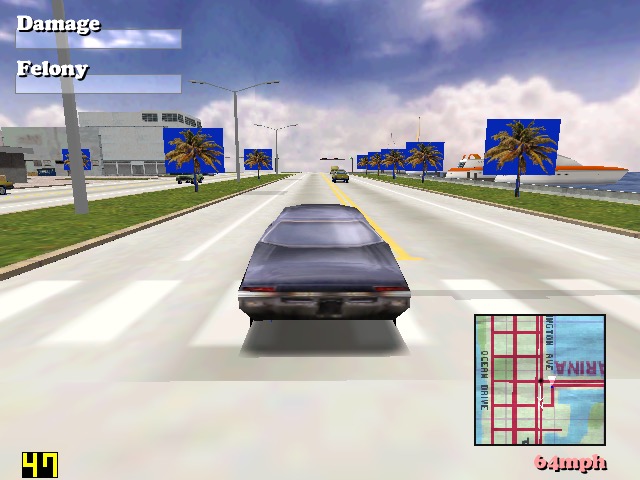
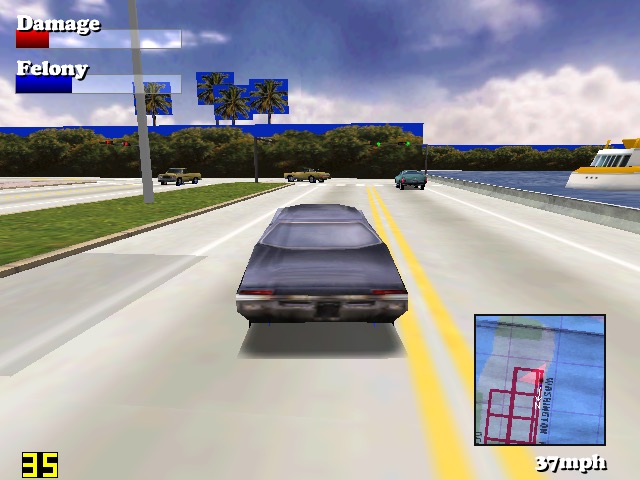
Driver: You are the Wheelman: Unfortunately I was unable tog et this one to run, since it just gives a generic error message that the game isn’t supported under the Classic environment. Even after installing a glide wrapper (MacGlide), the game still refused to run.

Since the game isn’t crashing or showing any signs of running, I assume this is some soft of compatibility backlist that Apple has implemented for problematic software.

PS3 – Applying Song Titles to Imported Music

Specifically ATRAC3 format music

Sony PS3 ATRAC Audio

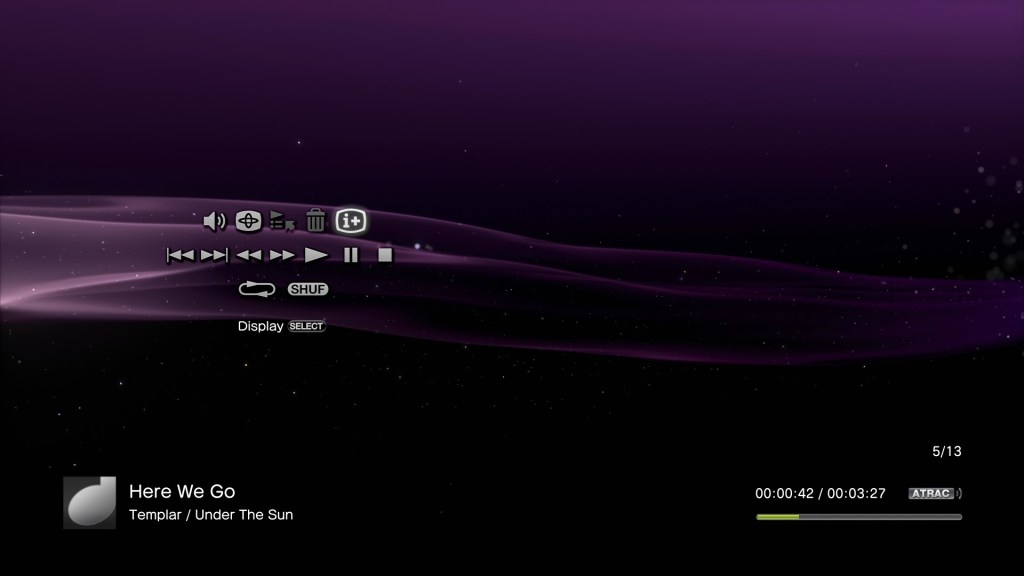
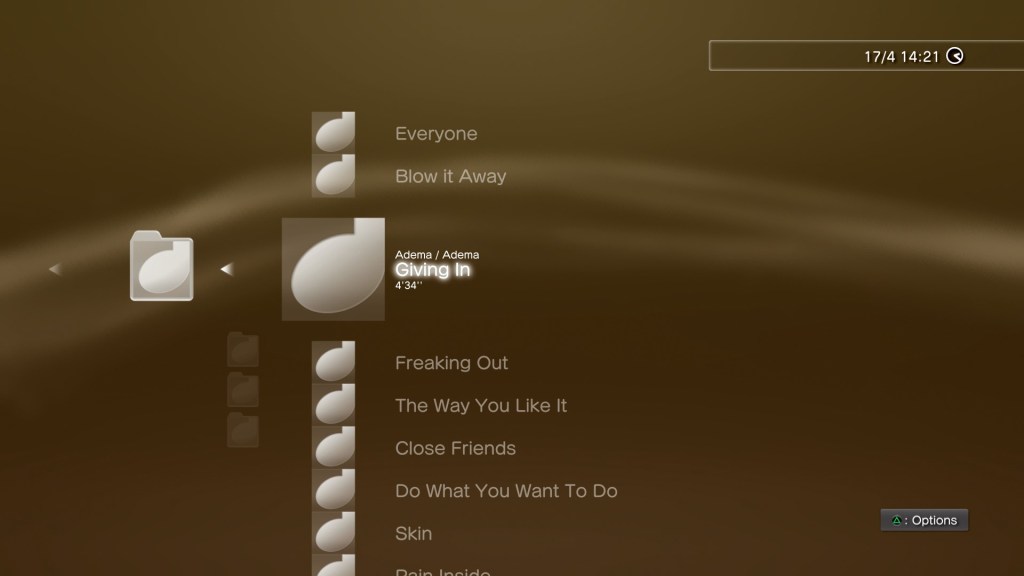
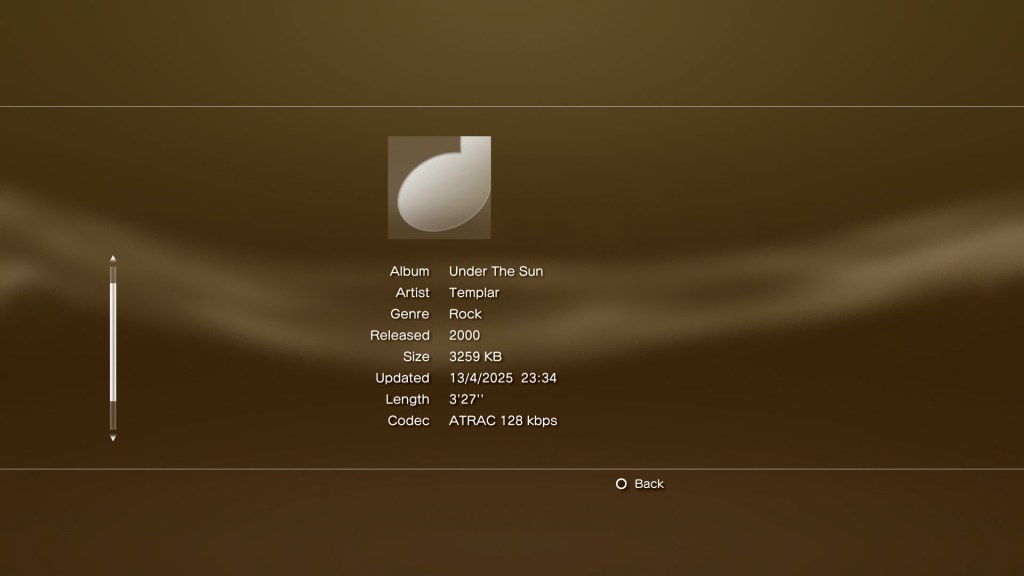
The PS3 is still a pretty chill music player, with its support for MP3, AAC and ATRAC3 audio formats, and it’s XMB interface. A nice feature was its ability to import compact disc audio tracks for storage on its internal HDD or a USB connected drive. As part of the import process, the PS3 would automatically obtain song titles from its Gracenote database which would obtain the artist, album and song information, along with any album art if this was available.

At some point this functionality had stopped working, meaning the PS3 can no longer automatically obtain the required information.

A solution to this was to manually type in the required information before you import the CD, which can be very laborious when using the Dualshock controller since you must rely on the onscreen keyboard. Even if you were to attach a USB (or Bluetooth) keyboard, the process of typing in the song and album information can take a while for large albums.

Whilst software exists that can automatically acquire information for MP3 or AAC audio, few or none currently exist for ATRAC3 encoded files.

Why use ATRAC3? Well its supposedly more efficient compared to MP3, although its debatable how much better it is compared to WMA or AAC. It is a format unique to Sony, so it feels right to use it on their own hardware.

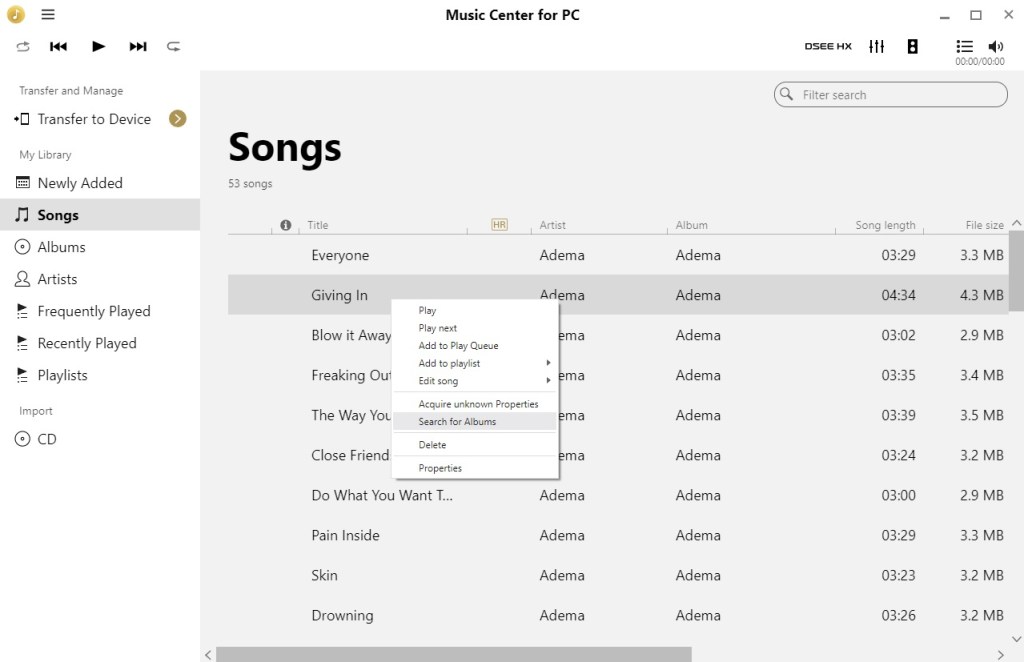
A solution is to use a more up-do-date media player that supports ATRAC and that can retrieve audio information from the Internet. This is where Music Center for PC comes in, originally designed to sync and transfer songs to Sony’s modern Walkman players, and is the successor to Media Go for the PSP, or SonicStage for Sony’s earlier digital Walkman’s.

Sony Music Center for PC

Here we can scan and analyze the tracks using a Windows PC with the Sony Music Center software. This will involve copying the album from the PS3 console onto an external USB drive which can be done from the XMB.

Connect the USB drive to your PC, and when Windows detects and mounts the drive you will need to instruct Music Center to scan/import the files to its database. The PS3 by default will copy music files to the MUSIC directory on the drive, which is where we need to point Music Center to.

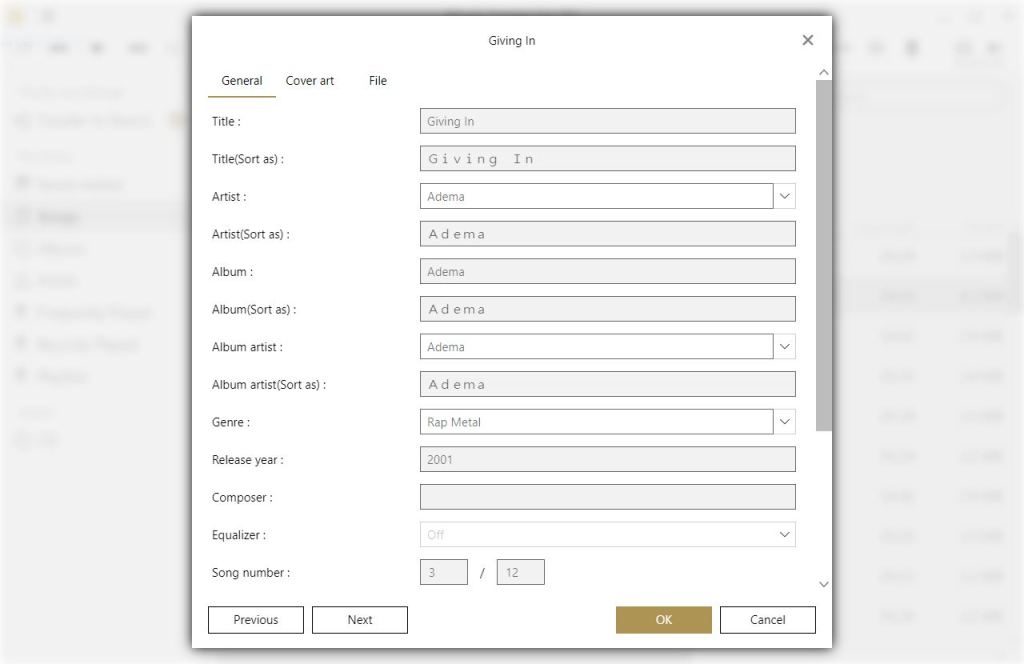
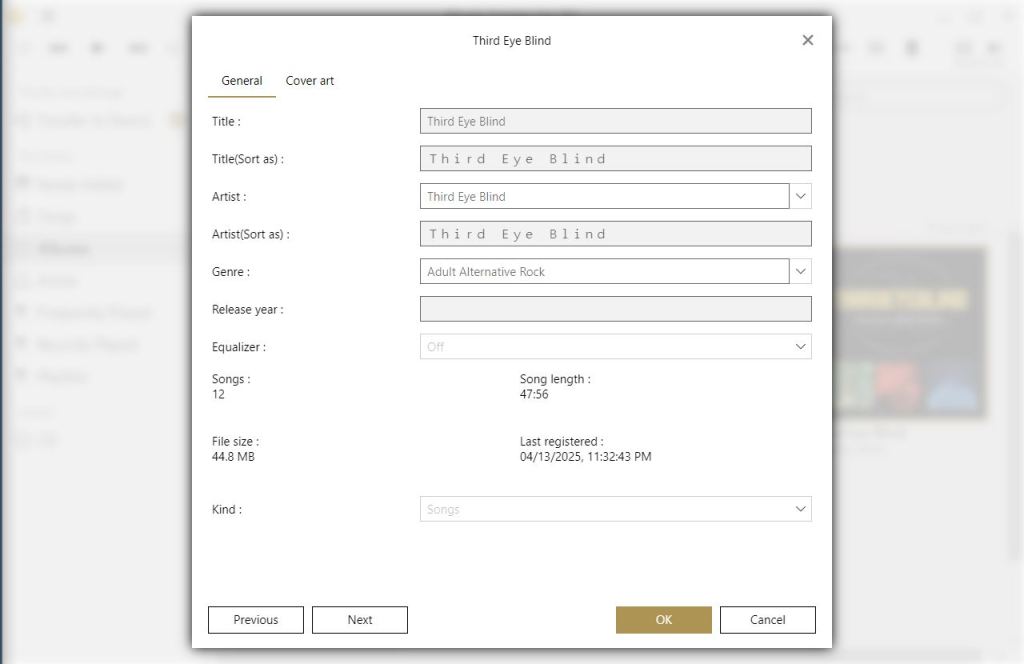
Once Music Center has added the correct tracks, we can acquire the missing information, Right click on the song or album, and then select ‘Acquire unknown properties’. Music center should then start processing and update the song information. This will then update the file itself, so the PS3 should be able to read this information.

As useful as this utility is, it does get things wrong. Here this Third Eye Blind had a few of the track titles mixed up. My guess is any album that had a different track listing for certain regions might fall victim to this.

Album art also does to appear to transfer over, but that’s not much of a loss.

Hopefully this will be useful to those who would like to use their PS3 for music purposes, and wish to take advantage of the ATRAC format. There is probably better software that can achieve this, which might be something to look into.

Intel GMA3600 (PowerVR SGX545)

PowerVR graphics processers aren’t very common in the desktop PC space, you’re most likely to encounter them in mobile devices, having been used on the original iPhone, all the way to the iPhone 6S, various early Android devices like the original Samsung Galaxy, Galaxy S4 and the Google Nexus player. In the console space, the Sega Dreamcast and the PlayStation Vita have both used PowerVR for their graphics processors. On PC though, they did release a few early 3D accelerators during the late 90s, known as the Kyro Midas3/PCX and later Kyro series of 3D processors. They were mostly satisfactory for their time, but nothing remarkable over its competitors like Nvidia or 3DFX. They did make use of their own API (SGL)  before adopting DirectX.

Still Intel had their own line of integrated graphics chipsets, so why license the PowerVR?

Well its mostly due to die size and power consumption, with PowerVR chipsets being focused on the mobile marker, which Intel was desperate to get into. They even produced mobile phones that featured x86 processors running Android. In this case, we have a thin client (A 10Zig 58xx) that comes with an Intel Atom D2550 that has the PowerVR embedded, running at 640Mhz according to its Wikipedia article. Although I suspect it will throttle based on heat.

The SGX545 is based on Imagination’s tile-based deferred rendering (TBDR) architecture, a hallmark of PowerVR GPUs and is often brought up in Dreamcast Vs PS2 Comparisions across various message boards. This approach splits the display into tiles and performs rendering only after determining which surfaces are visible, reducing memory bandwidth usage and improving efficiency, a nice feature to have when the GPU shares memory bandwidth with the system.

I would have liked to show the Intel Graphics Utility but the utility refuses to start, crashing instead. This could be because Windows Thin PC is missing something the utility requires (.NET Framework 3.5). Oh well, not like those Intel Control Panels did much anyway…

Apparently this chip a complete fail with Windows 10, meaning its best to use it with Windows 7. Considering I’m running this on a thin client, I opted to use Windows Thin PC which is geared for such devices plus it has a lot of auxiliary stuff removed, ideal since we only have a 16GB DOM.

The system memory appears to be a single 2GB module ruinning at 1066MHZ, no idea of much that memory bandwidth affects gameplay. Now ther is an option within the BIOS, or Efi to change the amount of reserved RAM. By default it was set to 8MB, with the option to go all the way up to 48MB. I’m not sure what impact this could have on performance, since Windows reports the same amount of VRAM regardless of what option is set, although the reserved memory amount does change in the System Performance Monitor.

Games

Lets see what the typical experience for running game would be, despite this hardware being made anything but playing games. The GPU is supposed to have full DirectX 9 compliance, however given the power limitations I figure its best to test titles from the early 2000s era with a few 90s games to see how the drivers fare with older titles.

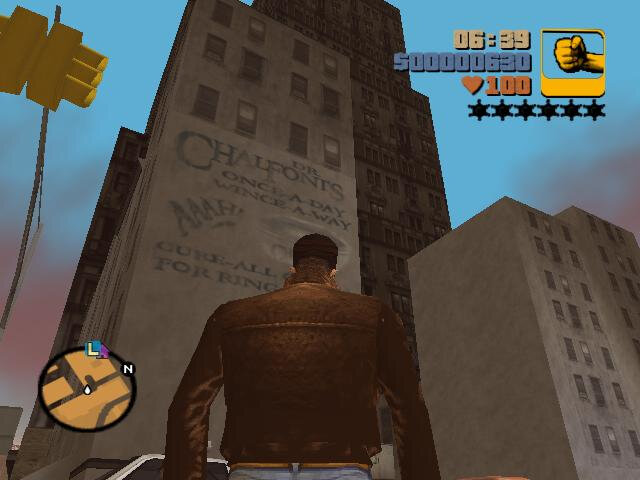
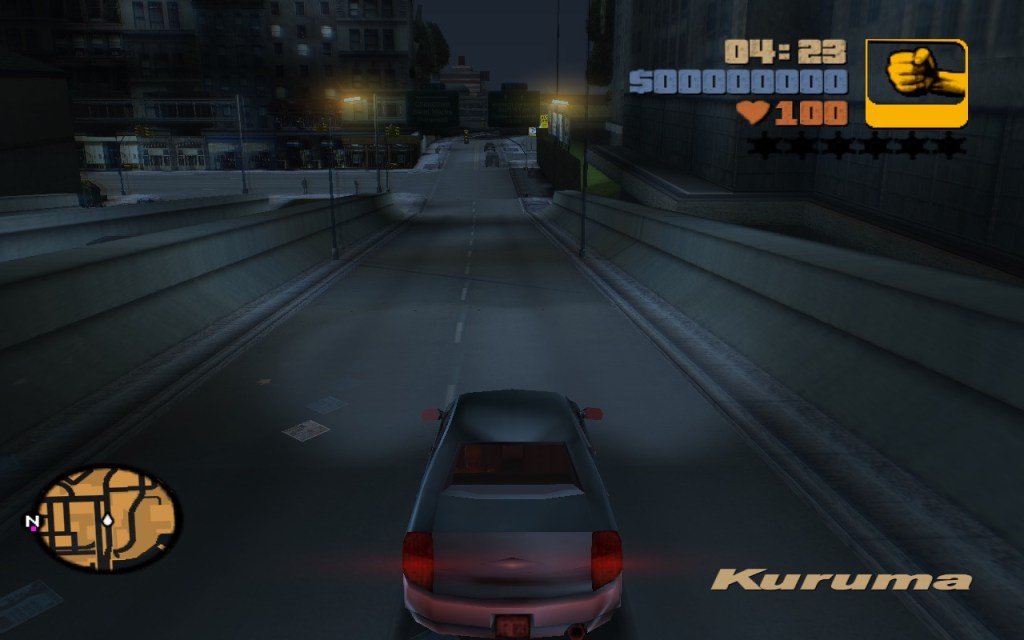
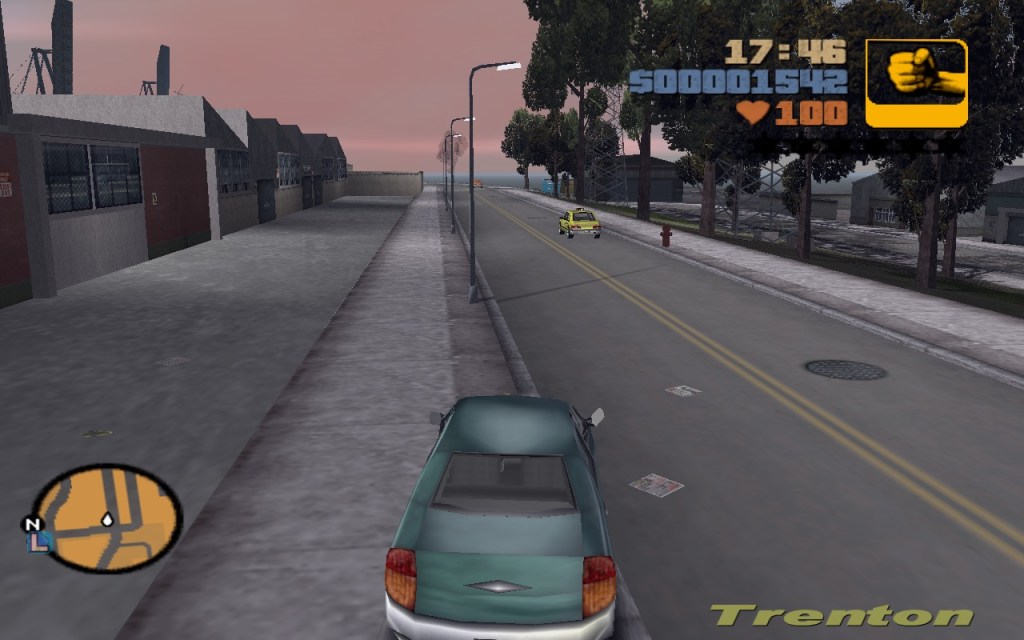
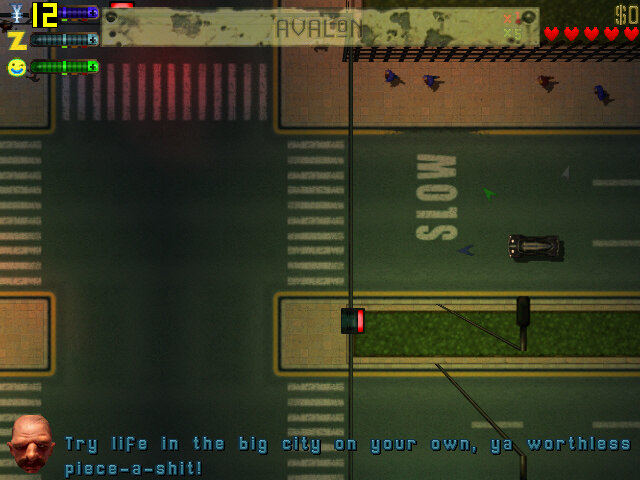
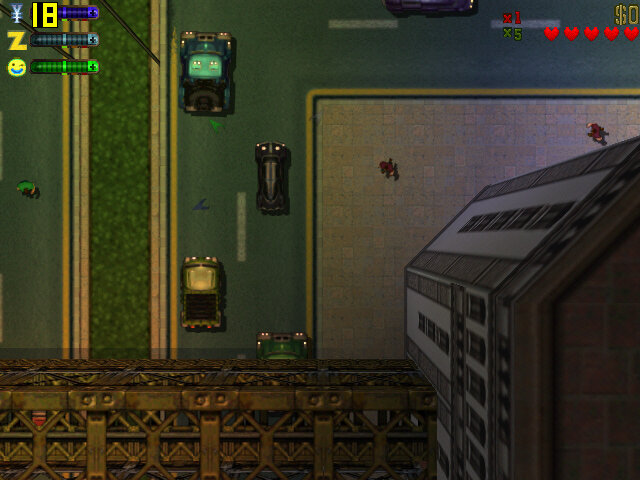
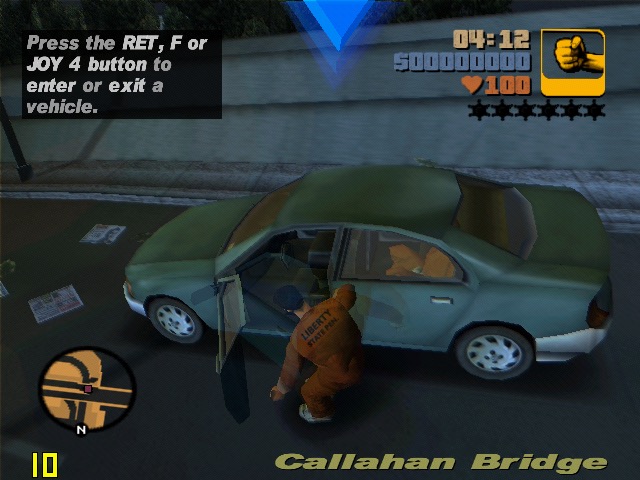
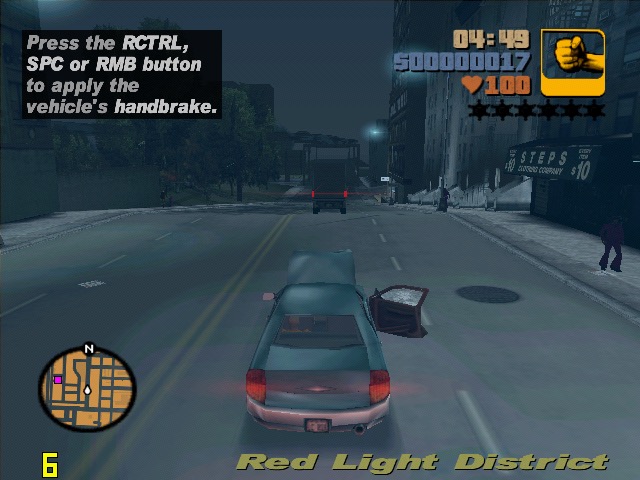
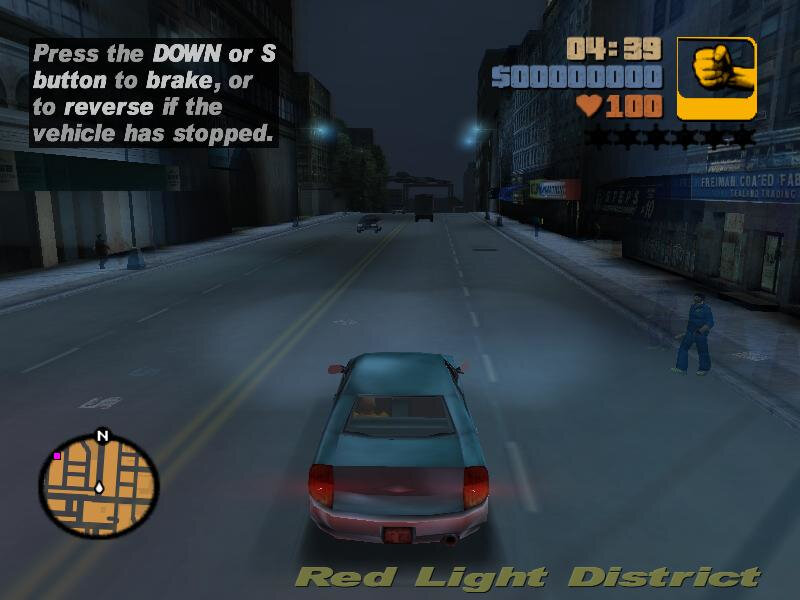
GTA III: Nearly what I consider to be playable, and the driver does not crash unlike the GMA950, but there are some weird seeming issues (white dots in between textures) that is visible on the roads. Also the headlights have this weird trail that shows even when pointer trails are turned off in the game settings. Still, in terms of framerate we hover around 17fps.

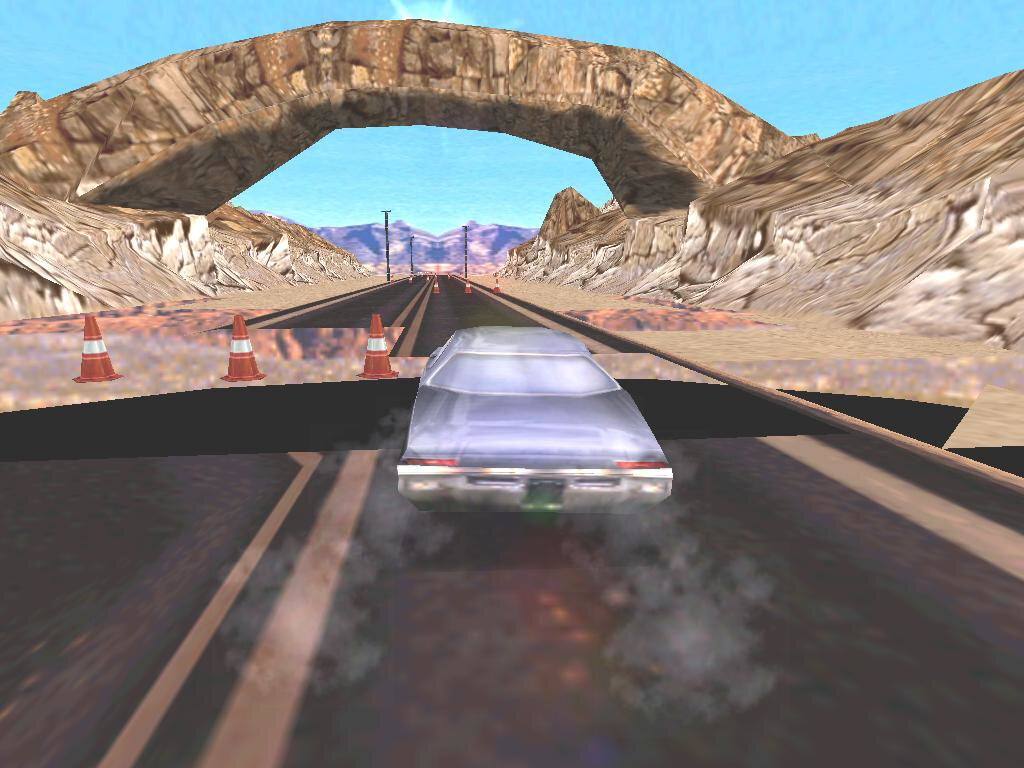
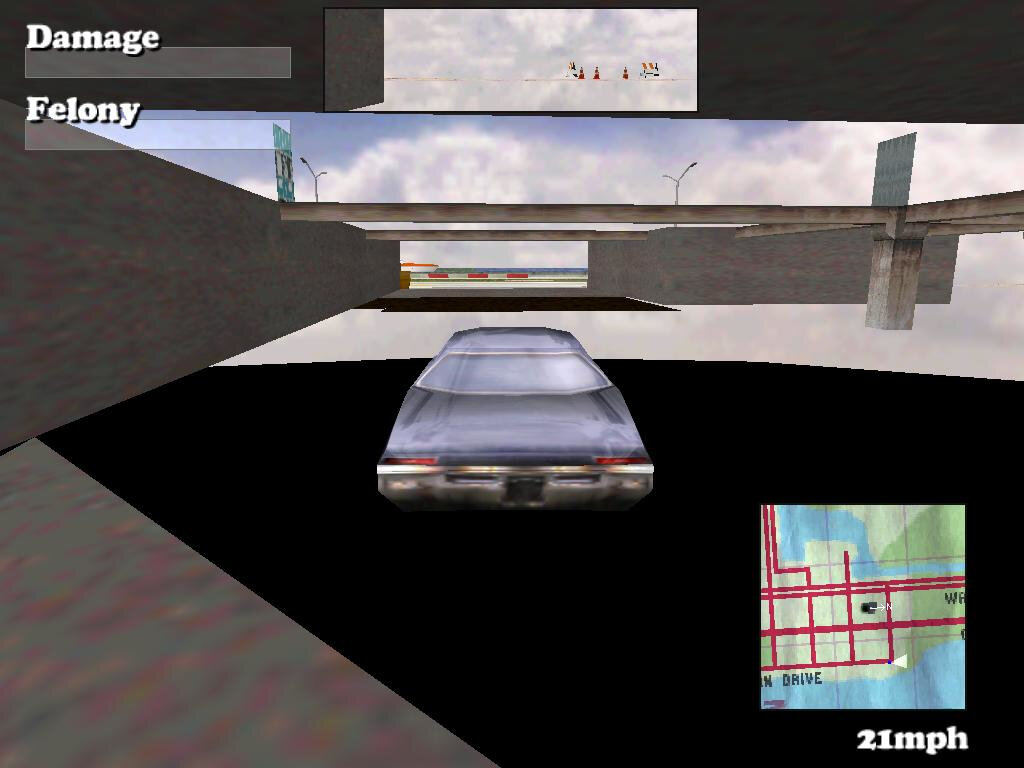
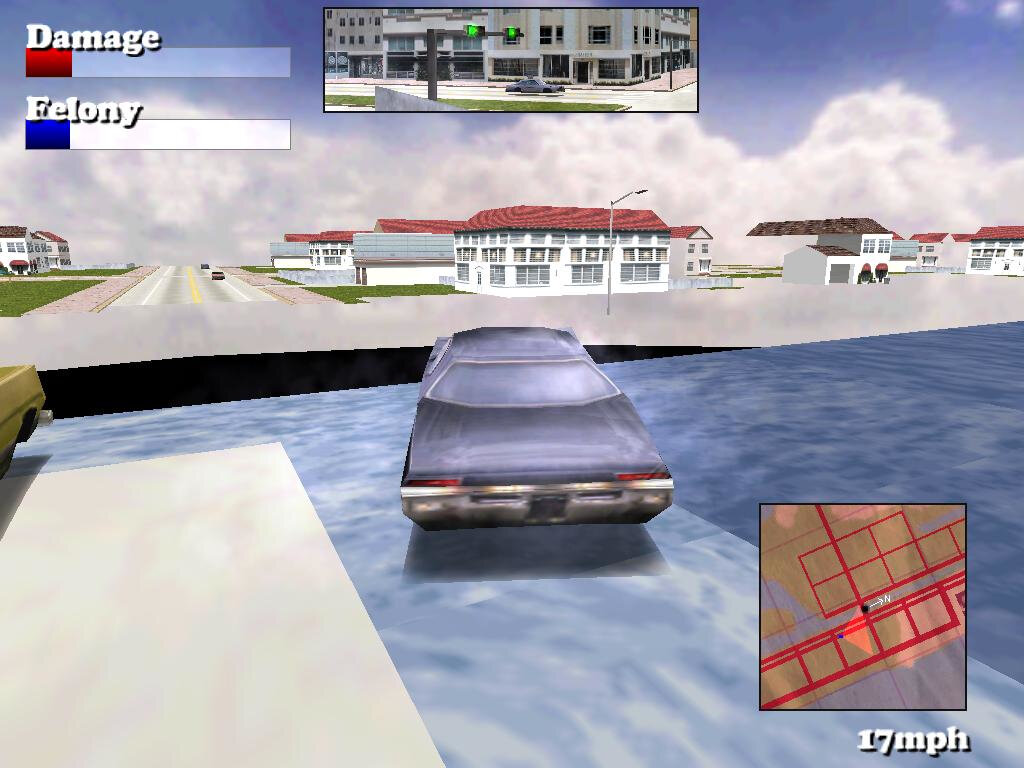
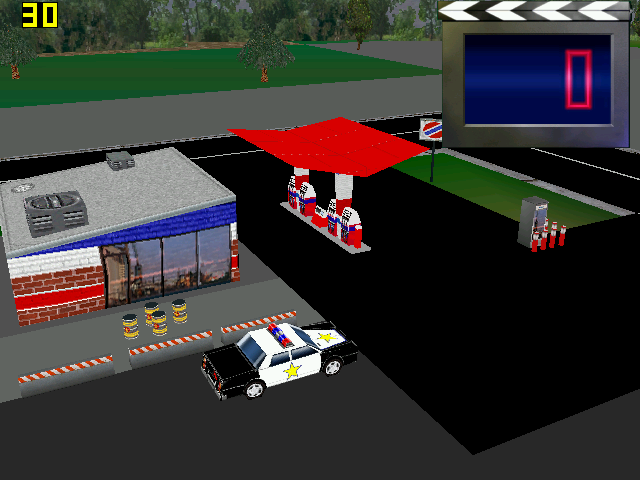
Driver: This one failed spectacularly, here we have missing or clipping textures on the road and on the environment. The car wheels have completely disappeared and parts of the road popping in randomly. Despite changing the graphics details and resolutions settings, I cannot seem to fix these issues

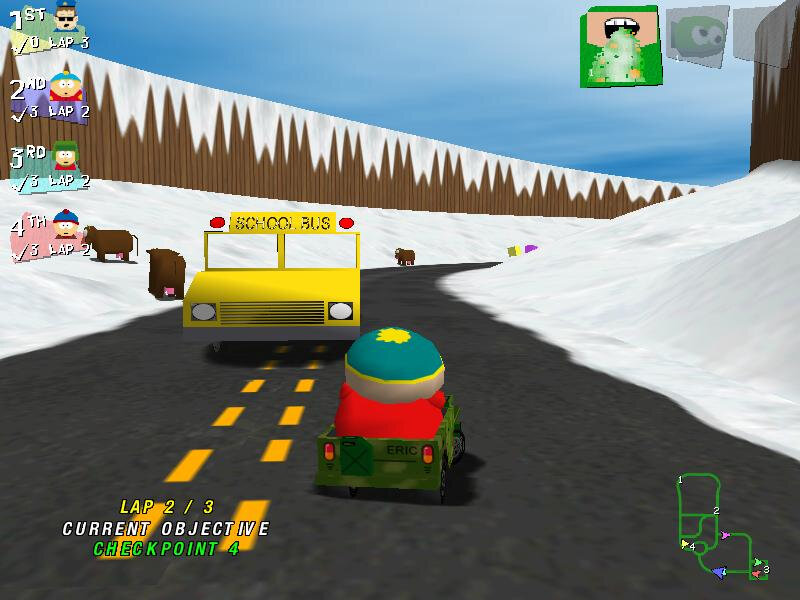
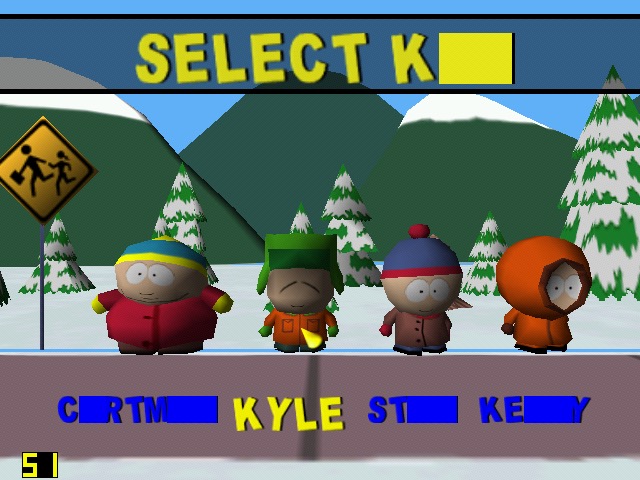
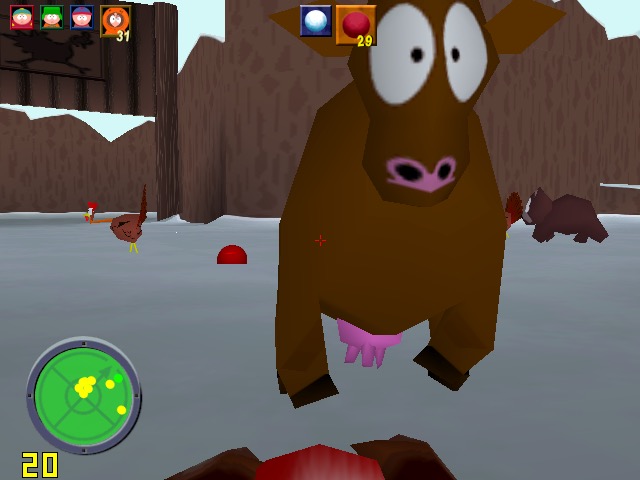
South Park Rally: This runs almost perfectly and has an average of 32fps, but some character models are missing details. This also affects Ms Crabtree’s bus in the first level.

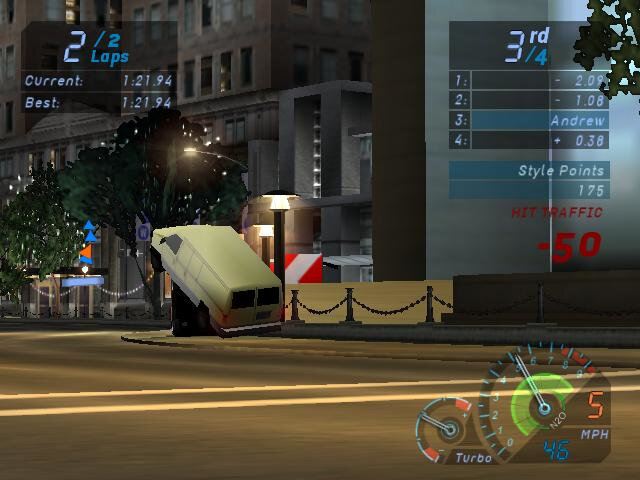
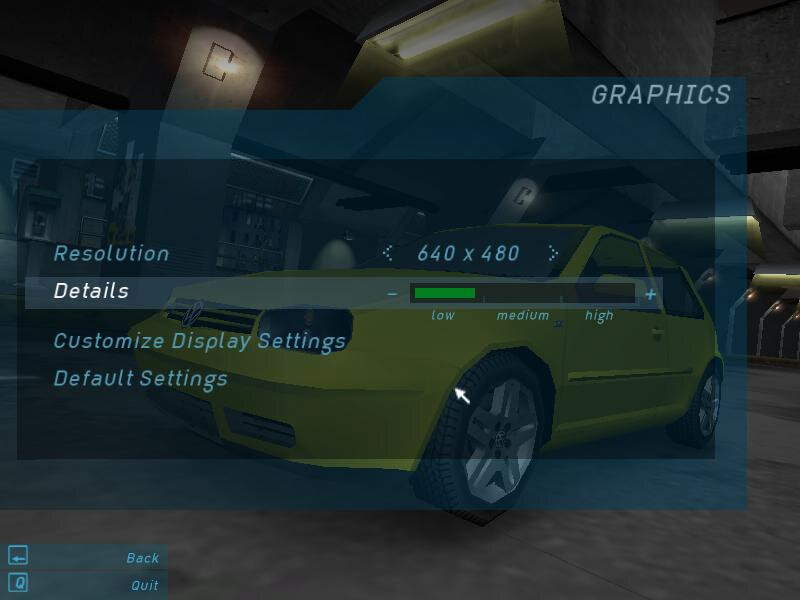
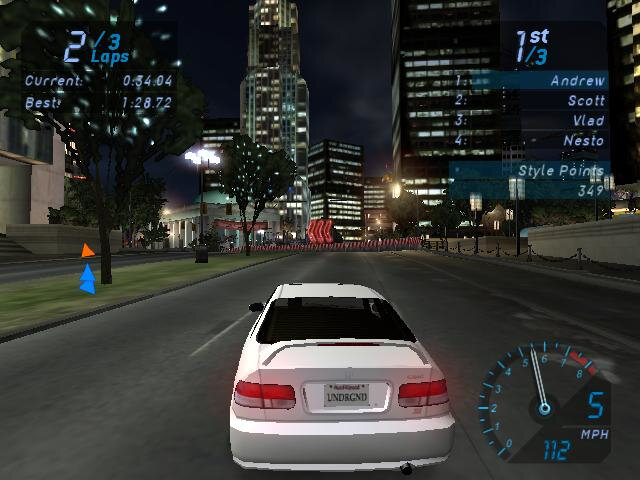
Need For Speed Underground: At 640×480 we mostly hovering around 24fps, with most of the settings turned down low, low.

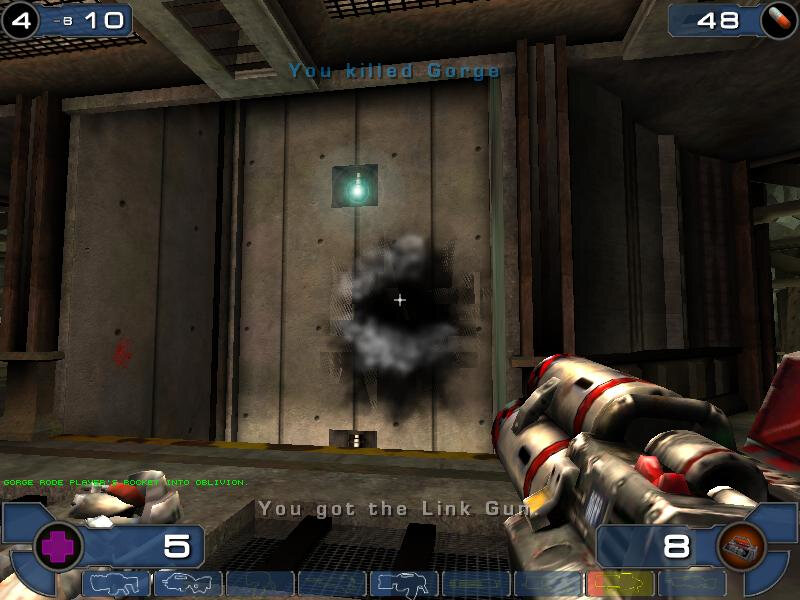
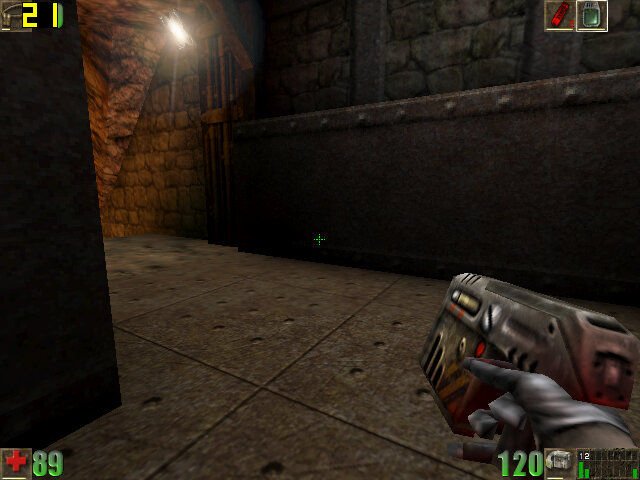
Unreal Tournament 2003: Shadows a glitchy/fickly, especially when you die, or when you se the flax cannon. But we do get good framerates with medium to low resolution t 800×600.

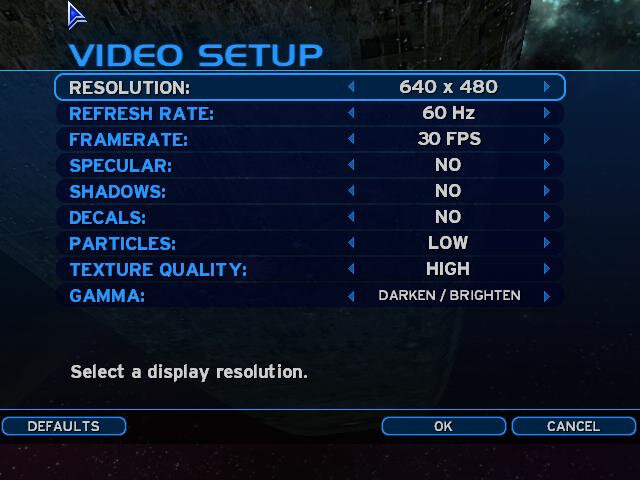
Halo Combat Evolved: This gives a more stable framerate compare ot the SiS Mirage, but we get a few missing graphics effects. But at 640×480 the game is playable when we disable decals, shadows and set the particles to low. Typically we get a steady 30fps when walking around. We get some dips to 17fps when entering a new area, or when there are a few enemies on scree.

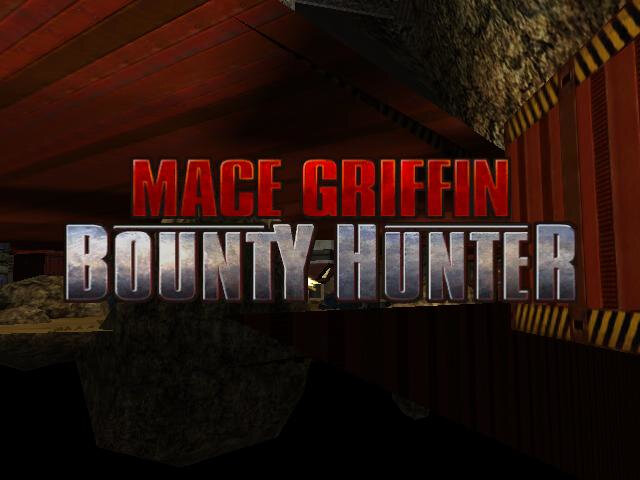
Mace Griffin Bounty Hunter: Apparently this game detects there are hardware shaders during the install, but has issues detecting the video card memory. Trying to run the game gives us a whole mess of polygons, and if we try to enable any graphics effects, the game will just crash. Unfortunately this was unplayable.

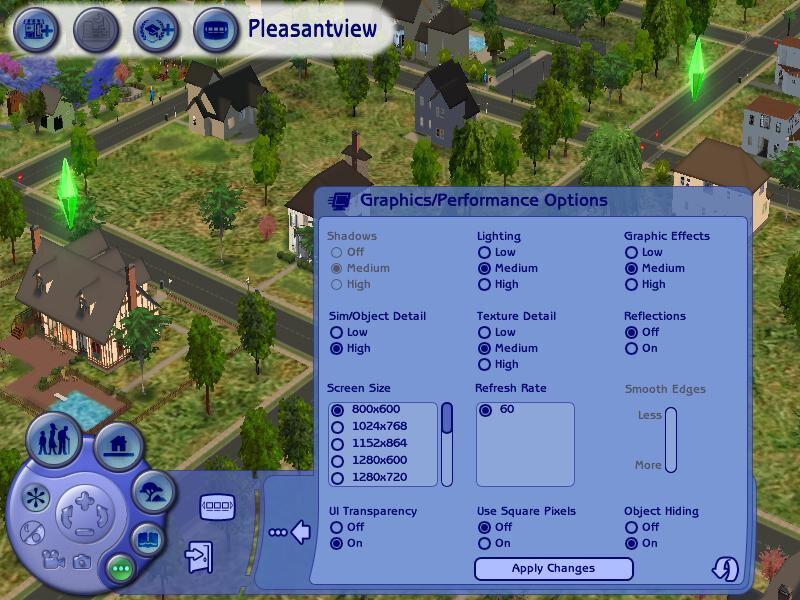
The Sims 2 Open For Business: We get a bit of flickering on the title screen after the intro, which then continues into gameplay, mostly affecting the HUD elements. The default graphics settings gives us low performance, but by lowering these down to their lowest settings (with the exception of texture quality) we can playable performance. 800×600 has us an average of 22fps, whilst 1024×768 gives us an average of 16fps on a graphical busy lot like the Pleasant’s.

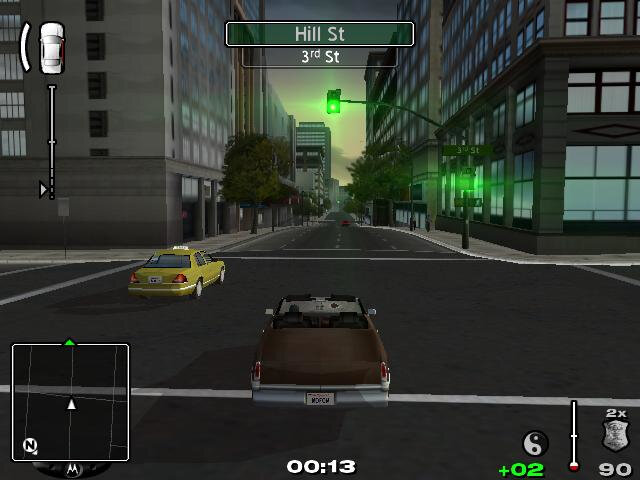
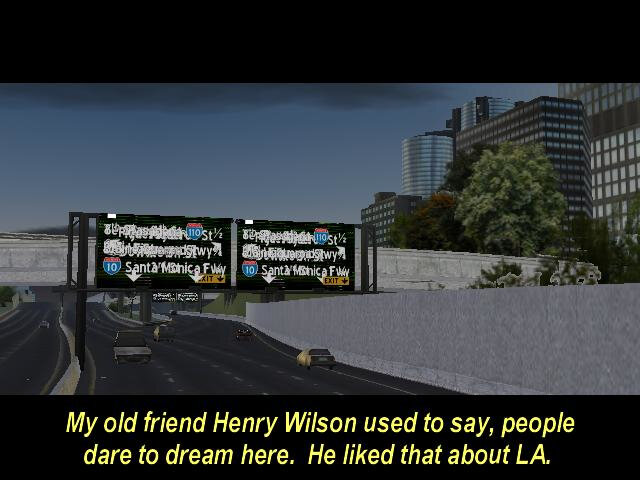
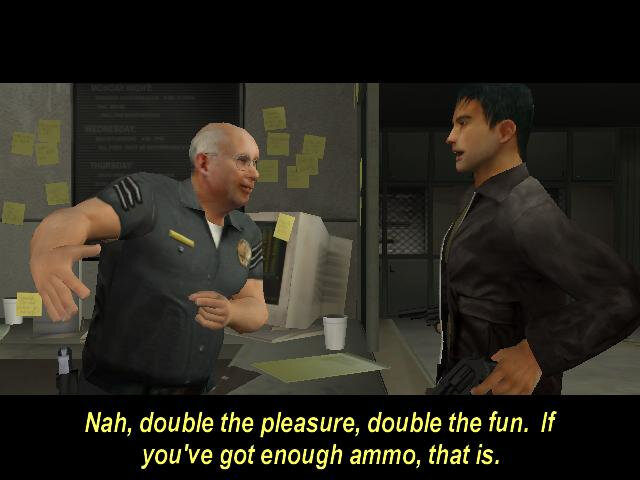
True Crime – Streets Of LA: Running at 640×480 at low graphics settings, we are treated to glitchy graphics. After 1 minute of the introduction sequence, the screen went black while the audio was still playing, I was unable to restore the game and had to open Task manager.

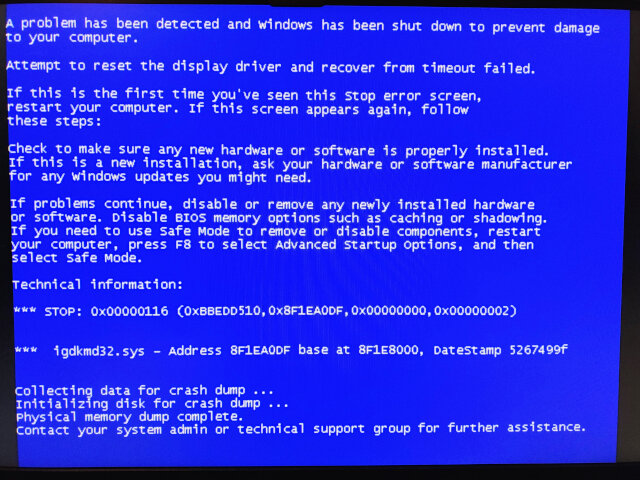
Reopening the game resulted in a BSOD, the first I have received on this system. The error appears to be due to the igdkmd32.sys file.

After a quick reboot, I was able to get back into the game, cutscenes mostly play at around 26fps, but in game whilst running around the city nets us a high of 7fps. I managed to play for another 10 minutes before the game crashed again, taking the graphics driver with it.

Revolt: After installing the latest patch, we got a ’Can’t flip display buffers’ error whilst the game is trying to load the main menu. Installing RVGL gives us a Shader compilation error instead. As it stands, the game refuses to run.

Conclusion

So it’s a bit of a disaster with many of the games experiencing either poor performance or just completely broken graphics. Its clear why Intel decided to abandon this arrangement as I suspect the drivers are core to the issue. Intel would later focus on scaling down their own graphics hardware to be more efficient for mobile devices, to the point where the Intel Compute Stick was possible.

Intel 950 (Toshiba A100)

The Graphics Media Accelerator 950, or GMA950 for short—kinda like the trusty steed for budget PCs and laptops back in the day.

This GMA series is all about keeping it simple. It can handle DirectX 9, Pixel Shader 2.0 and all—but it’s missing hardware Transform and Lighting, so it’s still reliant on partial software rendering. Not much of an issue if you have a decent CPU and are playing games that are geometry heavy. Were not going to be able to run modern games, or even the latest games when this graphics chip was released, but is ideal for older titles—think early 2000s stuff—or just watching DVDs, because it’s got MPEG-2 hardware acceleration to keep the picture smooth.

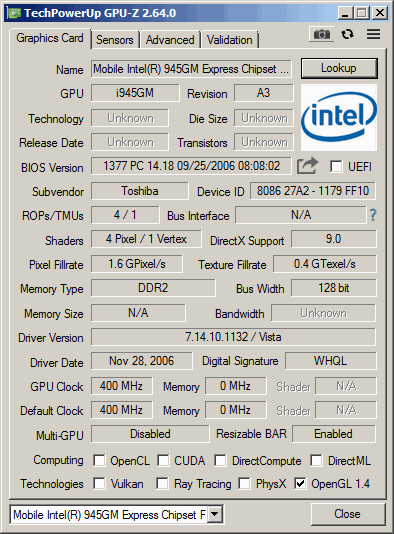
A look at GPU-Z, the clockspped may vary depending on the OEM implementation. Like all onboard graphics, it shares some part of the system memory. The main CPU being used here is the Intel Pentium Dual Core T2300, with the memory being clocked at 666Mhz.

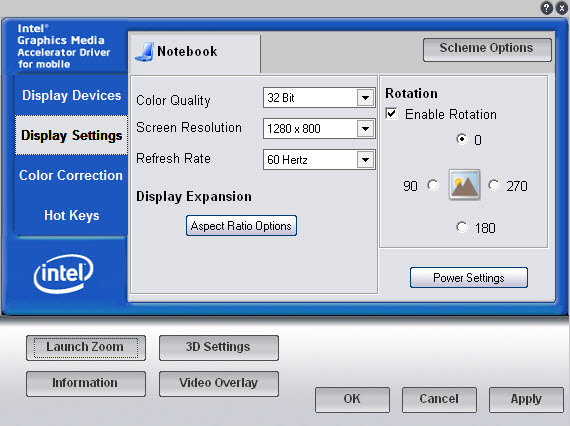
The Intel GMA graphics utilty, which lets you adjust aspect ratio scaling options, useful if you wish to preserve the aspect ratio without stretching the display. You can also adjust the rotation of the screen and change the gamma settings. 3D settings are limited to forcing settings such as VSync, S3TC texture compression, triple buffering and anisotrophic filtering which can be forced in games. Unlike the Nvidia control panel there is no way to specify the settings for each individual game itself, instead you can only enable it globally.

Games

A look at the performance and general experience of a select few games, whilst the GPU would have fared portly with modern game, or even games form when it was released (2005), we can see how well some of the older early 2000 titles would have fared, along with a few retro titles.
We are using Windows Vista Home Basic, 32bit which is what this laptop would have shipped with. Windows XP (and 2000) are alternative versions that could work easily also. There is no support for Windows ME or 98, Intel deprecated driver support for those system in 2004. This does put us in an awkward position for games that have issues running on the NT line of operating systems, but with the correct patches, many will work well.

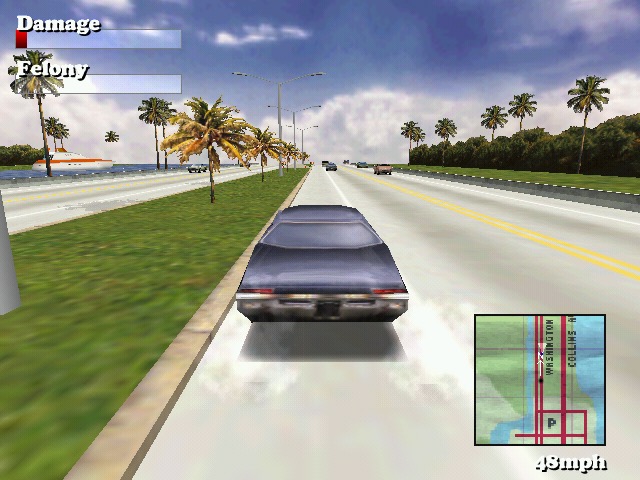
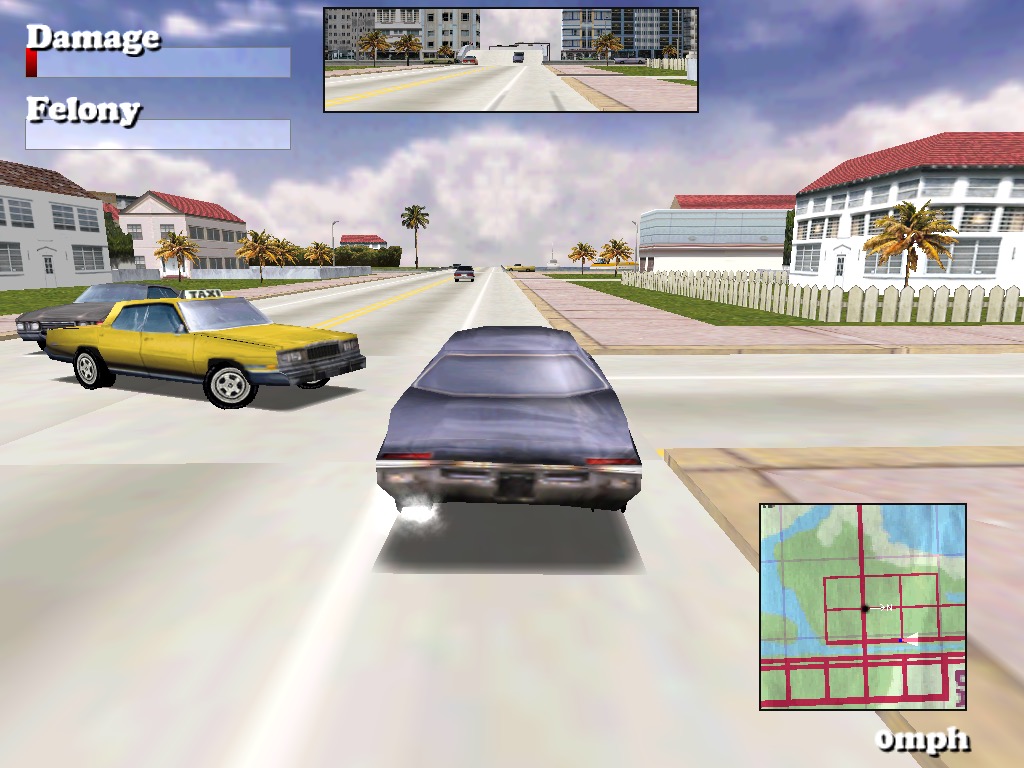
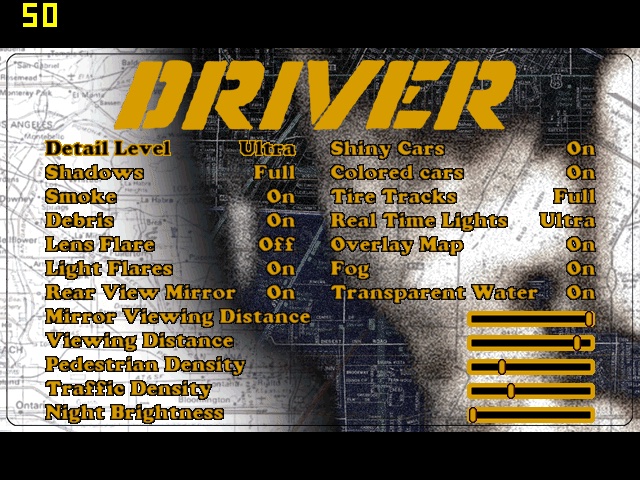
Driver: Works exceptionally well, even with some of the transparent textures that were problematic on the SiS Mirage 3. On the highest graphic setting with 1024×768 resolution, we get a locked 50fps with 32bit colour. You can set a target FPS within the game options, but the highest is always 50.

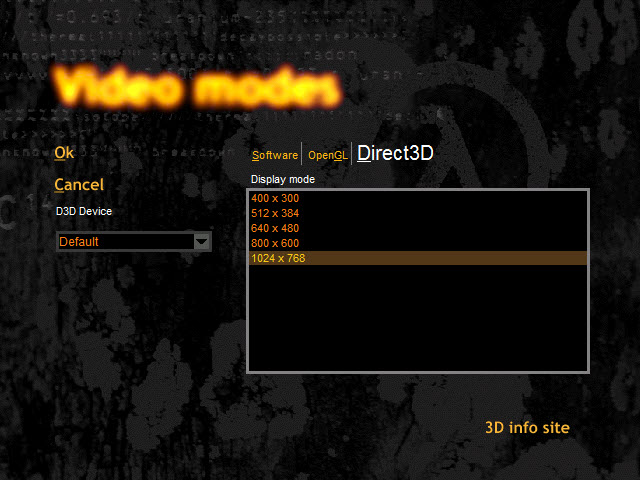
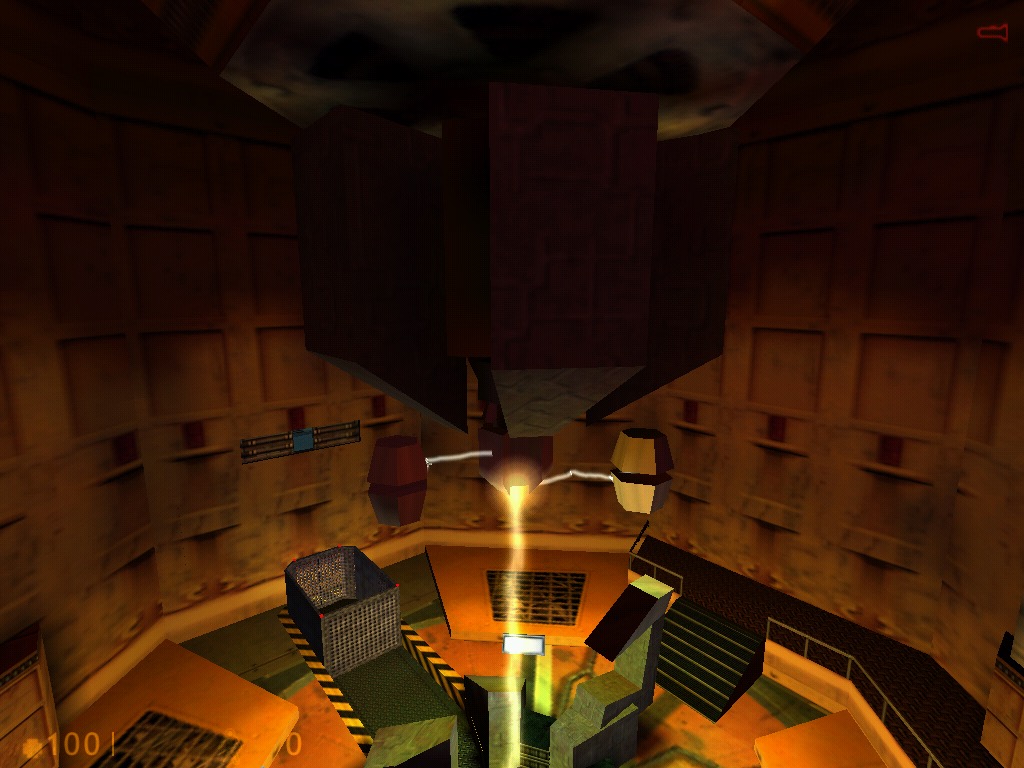
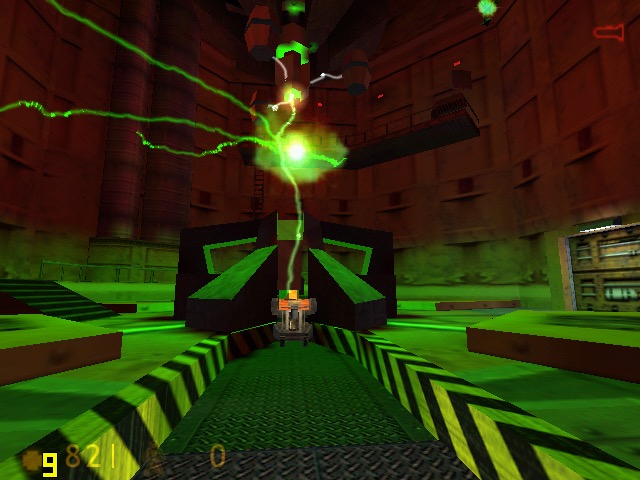
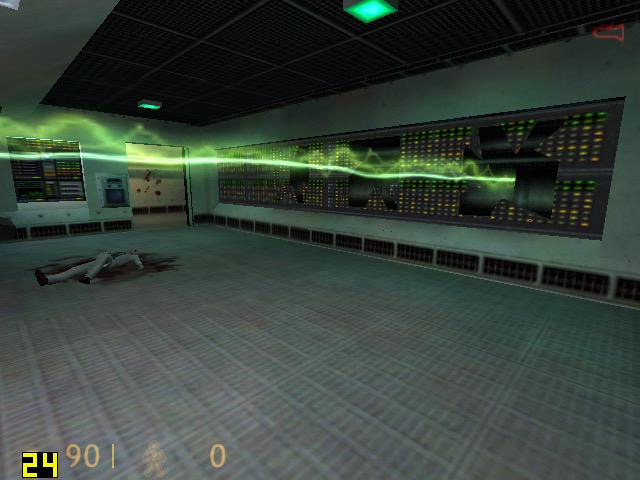
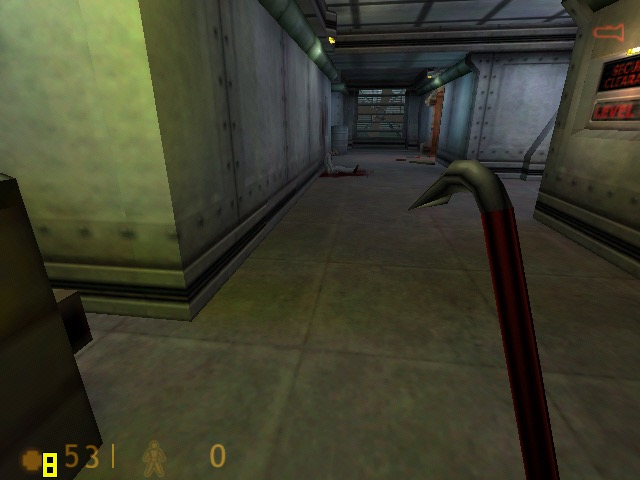
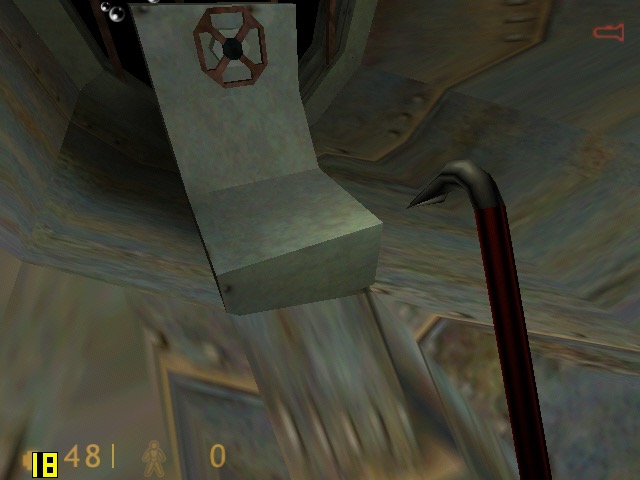
Half Life: The original Half Life relase, Using the DirectX render. Here we are running the game at 1024×768. Thoughtout opening sequence we got a high of 72fps, dipping to around mid 40fps during some of the open sections.

GTA III: Running at 1280×768 (the notebooks default screen resolution) at medium draw distance, we Geta smooth 30fps at the start of the opening sequence, but drops to around 15 during the rain effects onscreen, likely due to the shared memory bandwidth. During gameplay I got a display driver stopped working notification, and the screen would keep going dark/blank for a few seconds before going back to normal. Also parts the desktop keep appearing during gameplay.

I might try this one agin with an updated driver, unfortunately Intel dropped all of their old drivers on their support page, and this one was the latest I got forms he Toshiba support page.
Update: Installing the latest drivers from Windows Update fixed the freeezing and driver notifications.

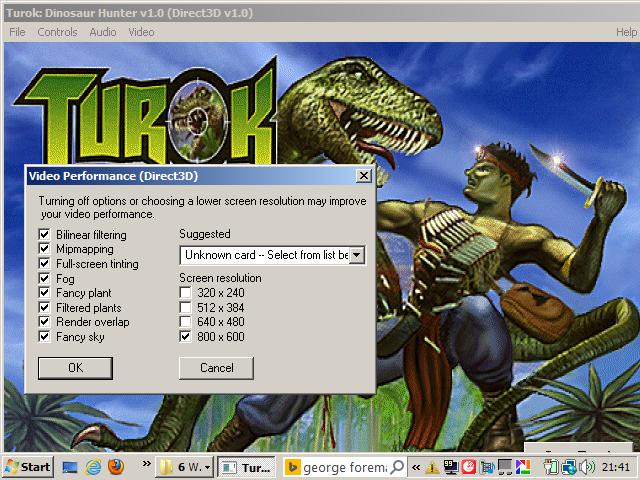
Turok: This initial failed to start, returning an sgl.dll error which is a PowerVR driver. I also received another error “ Driver failed, application terminating “
To get the game to start I had to navigate to its install directory and delete three dll files (glide/PowerVR and 3DRAGE) leaving only the Direct3D dll file. This then allowed the game to start. For whatever reason it assumed my GPU was a PowerVR one…
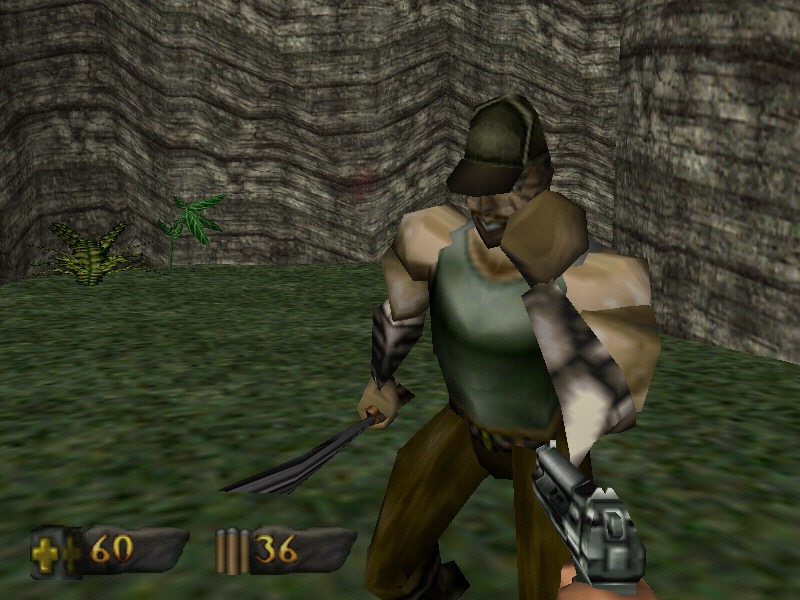
We are able to run the game at decent average of 37 fps at 800×600 resolution with all of the effects (fog, mipmapping, bilinear filtering) turned on. Compromising to 640×480 does give us a boost to around 38fps average, but not much.

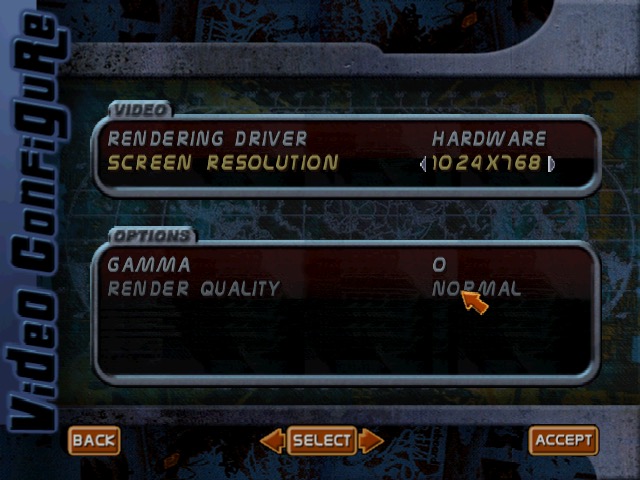
Tony Hawk Pro Skater 2: No major issues with this one, we can crank the resolution upto 1024×768 with ‘Normal’ rendering quality, which we seem to be unable to change. Expect to get a locked 30fps all throughout.

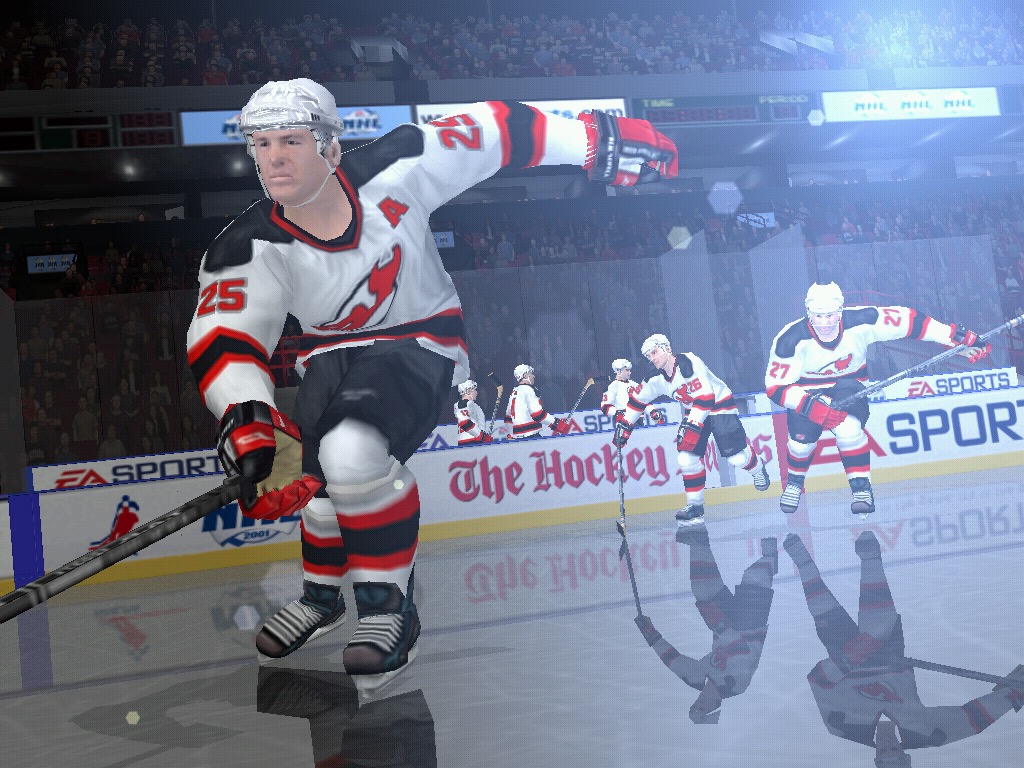
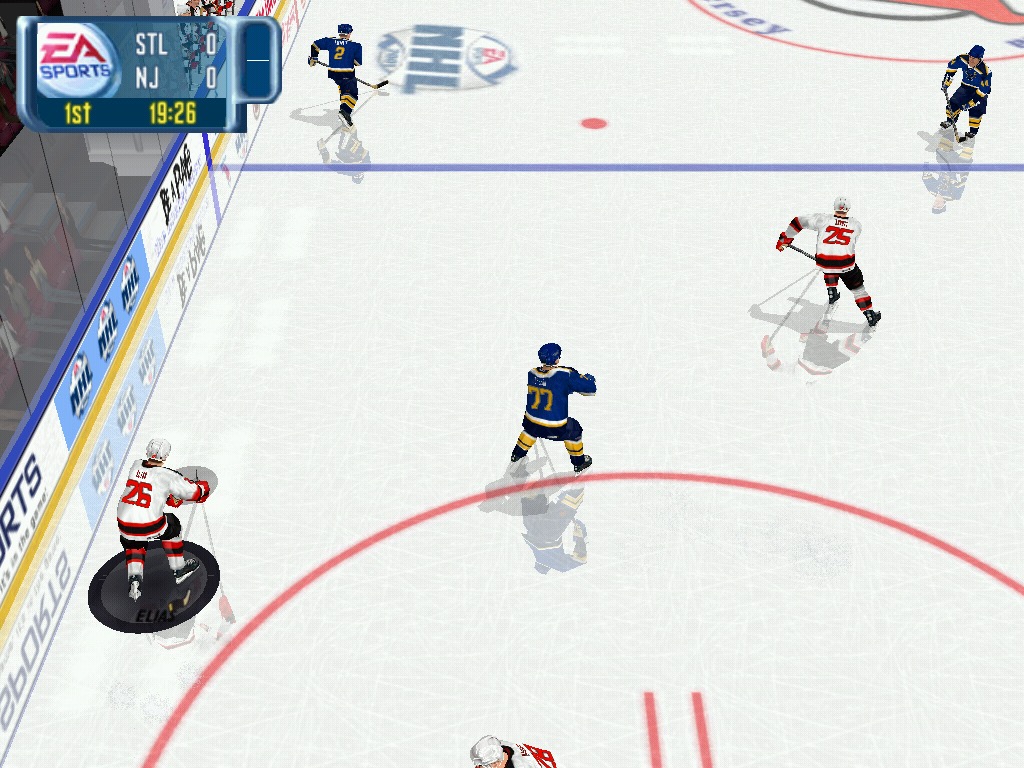
NHL 2001: Runs fine at 1024×768, although we are unable to fine tune the graphics in this game, its more or less equal with the PS2 counterpart.

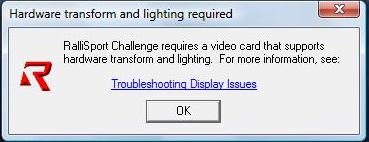
Rallisport Challenge: We get a message informing that we need a video card that supports hardware transform and lighting, and as such we are unable to run this game from 2002. T&l became a mandatory requirement for many AA/AAA games from 2002 onwards, however its disappointing a 2005 graphics chip is unable to run a game from 2002.

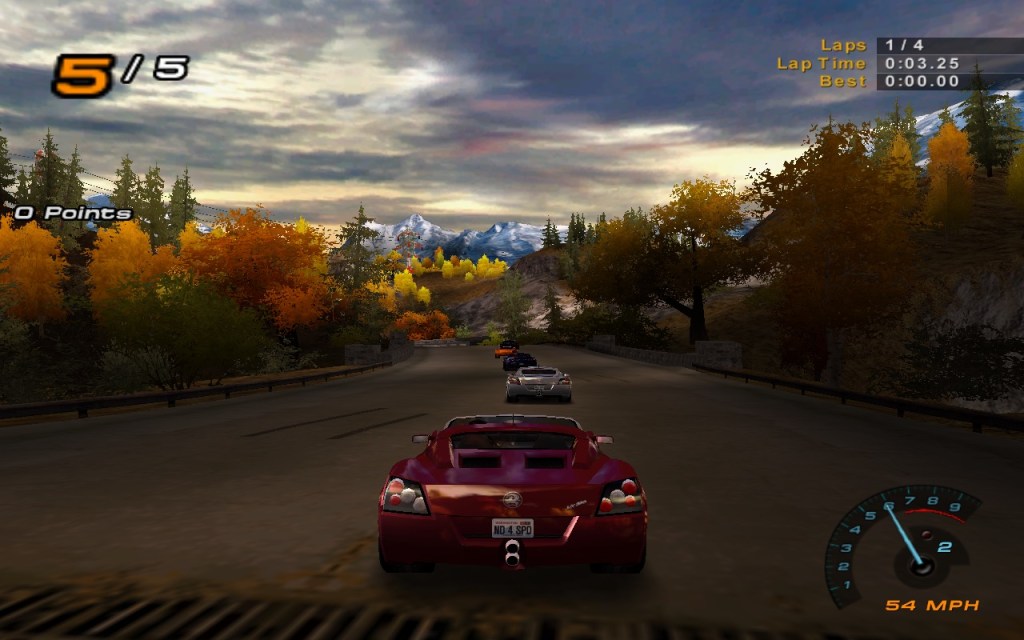
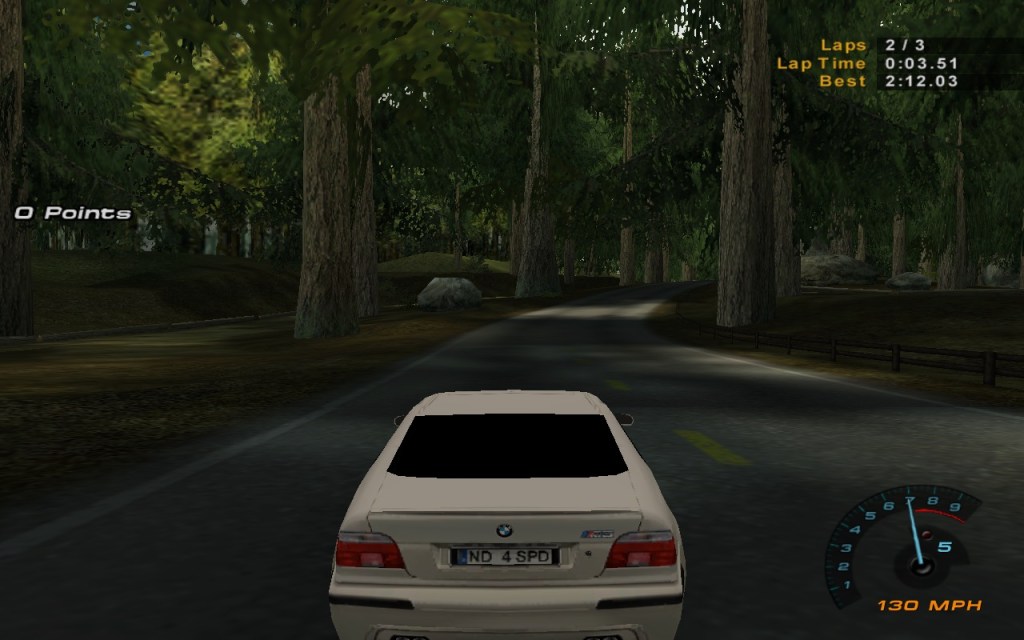
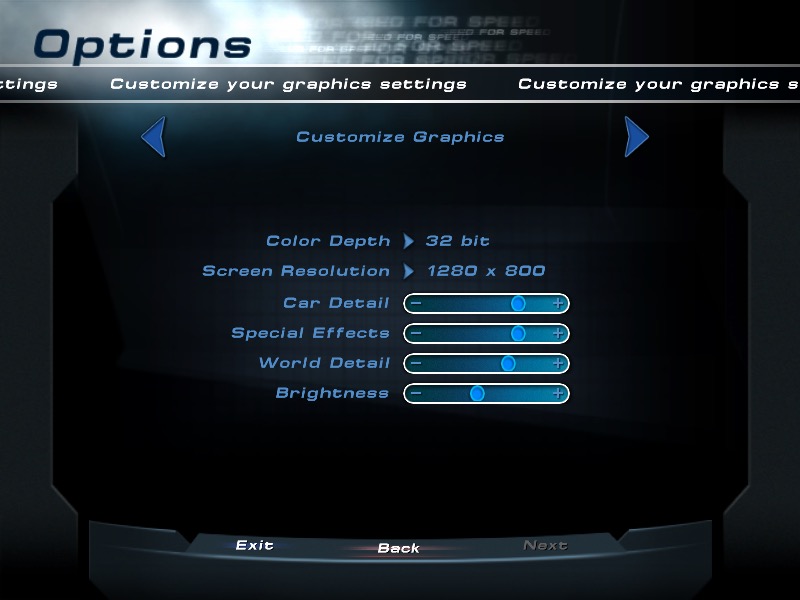
Need For Speed Hot Pursuit 2: A racing game that does work regardless if your graphics card has hardware T&l or not, here we are running at the full resolution of 1280×800 and we get a high of around 44fps. Settings the car, worked details and the special effects settings to the lowest helps get us to around 55fps,

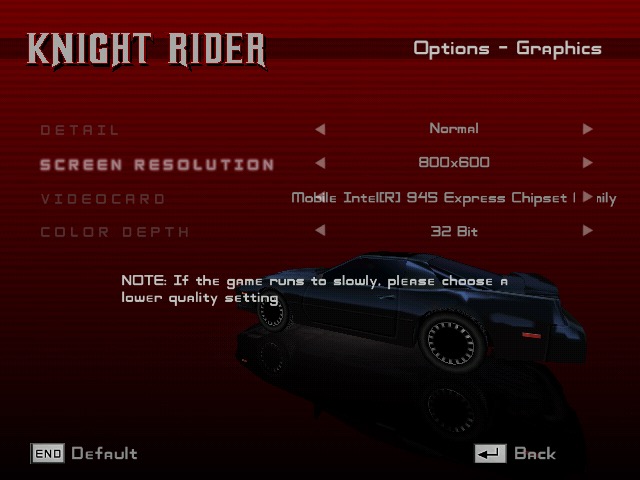
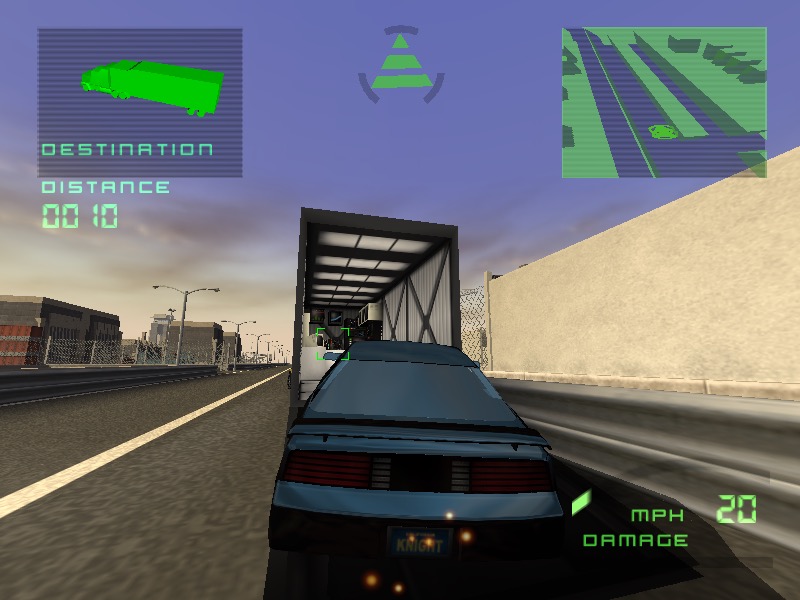
Knight Rider: The Game: Running at either 800×600 or 1024×768 gets us an average of 26fps during the training mission on medium detail. However there is some rendering issues with the textures flickering on certain buildings.

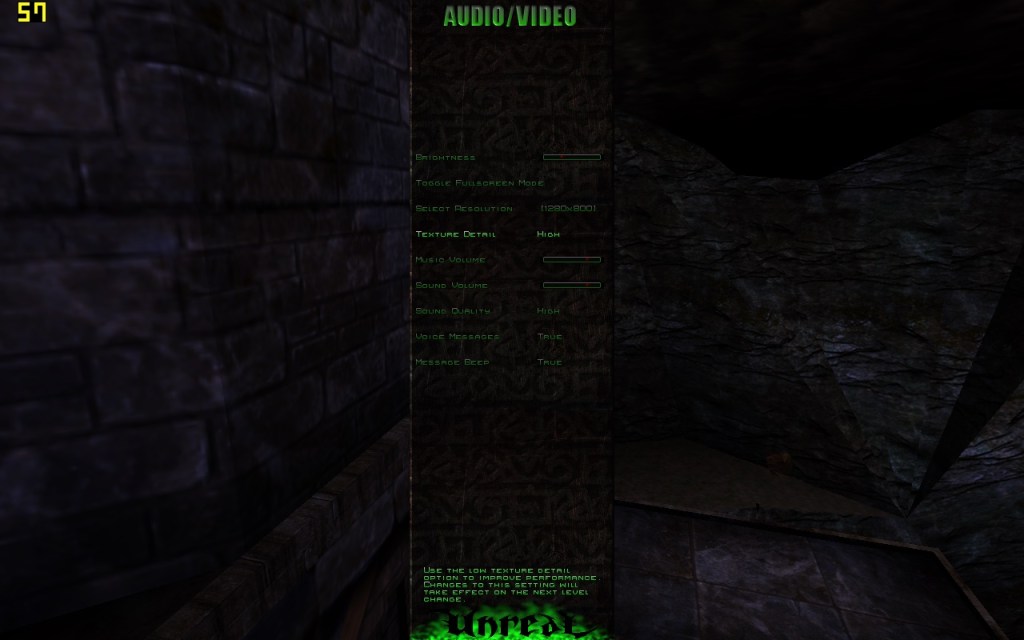
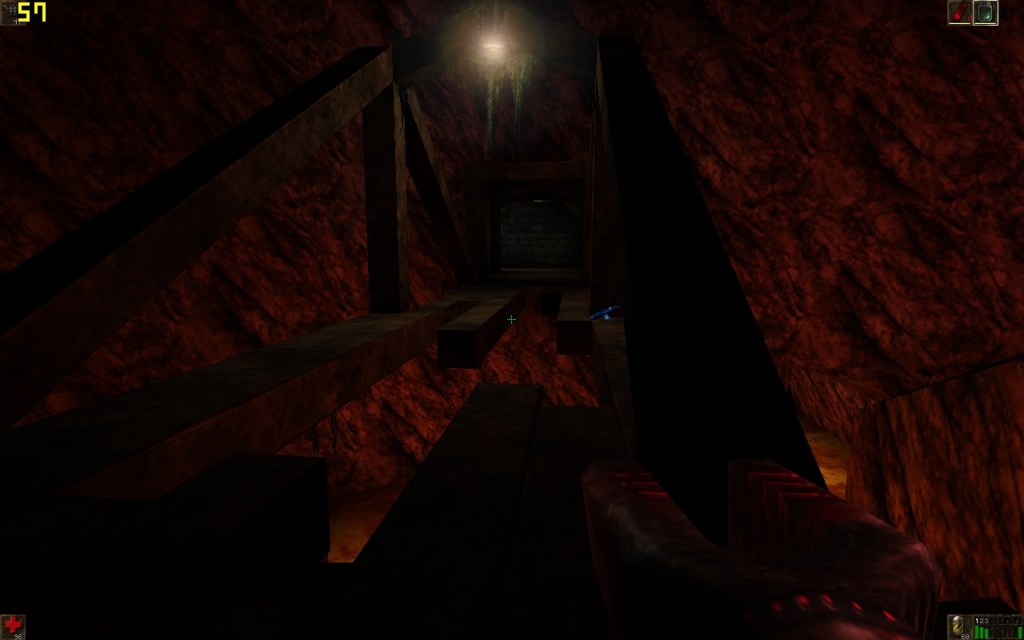
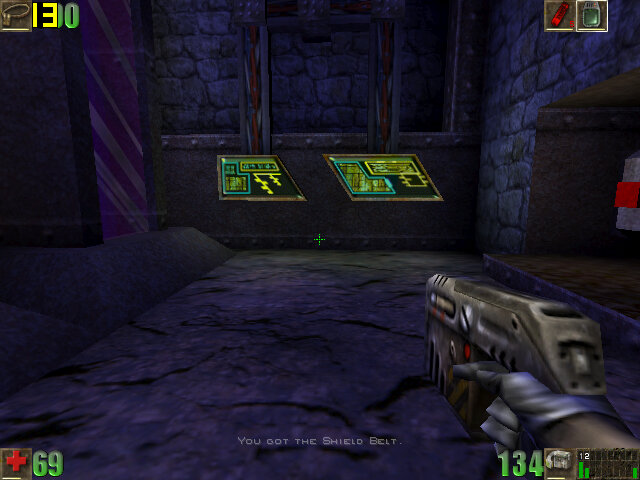
Unreal: Runs mostly smooth, during the opening sequence we can almost hit 60fps, averaging to around 54fps an high details, at 1280×800 resolution.

Unreal Tournament 3

The last major release of Unreal Tournament…

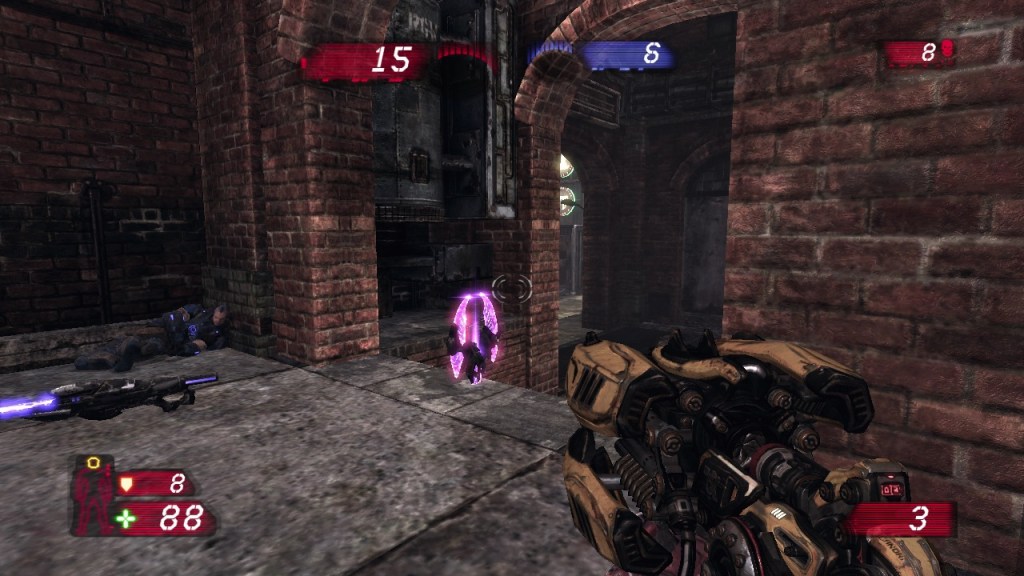
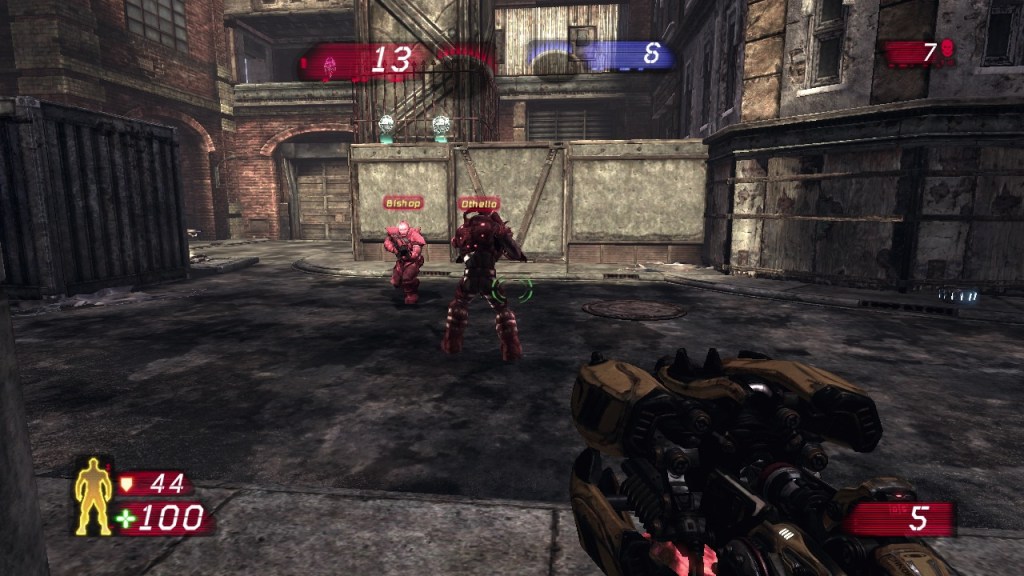
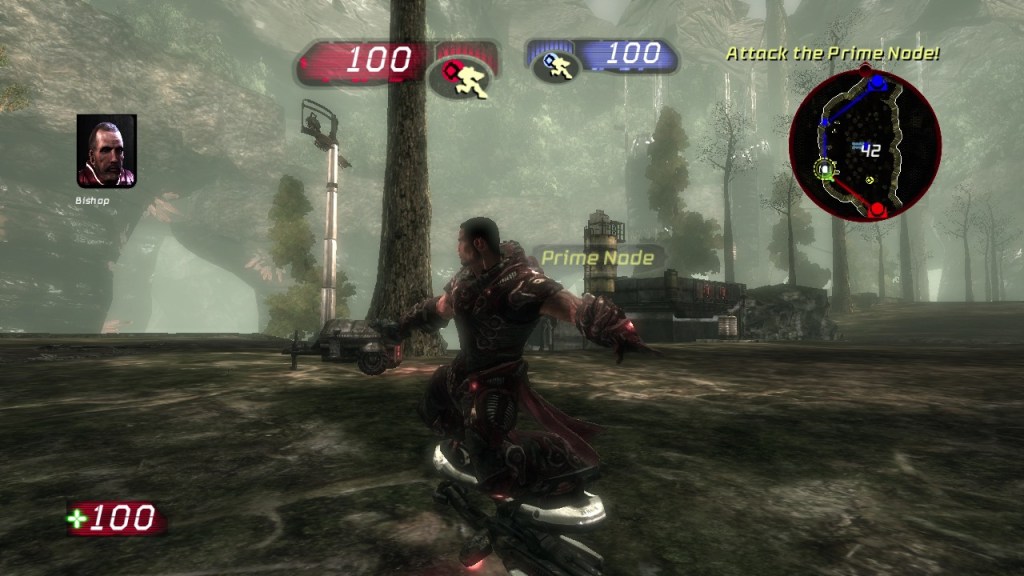
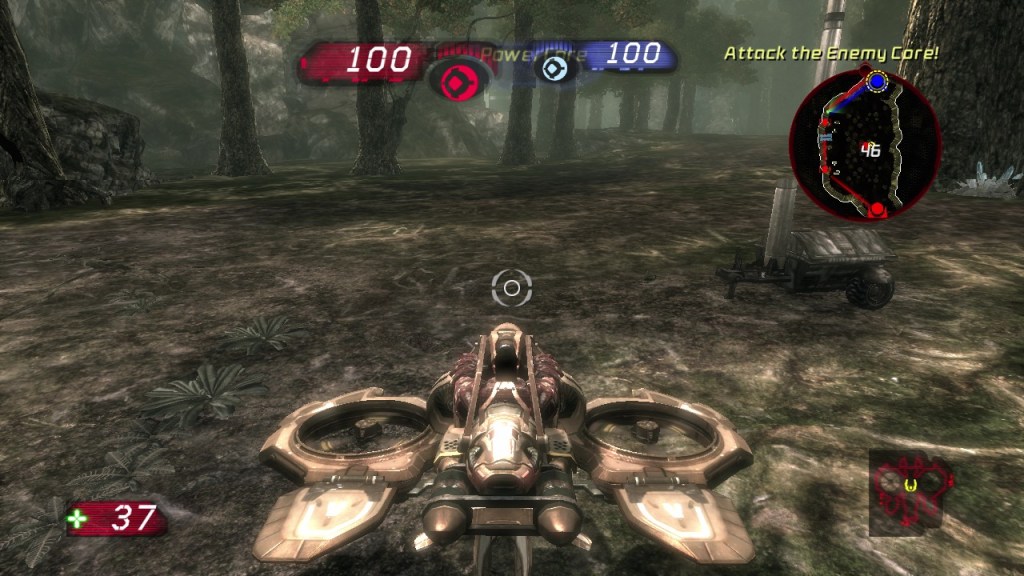
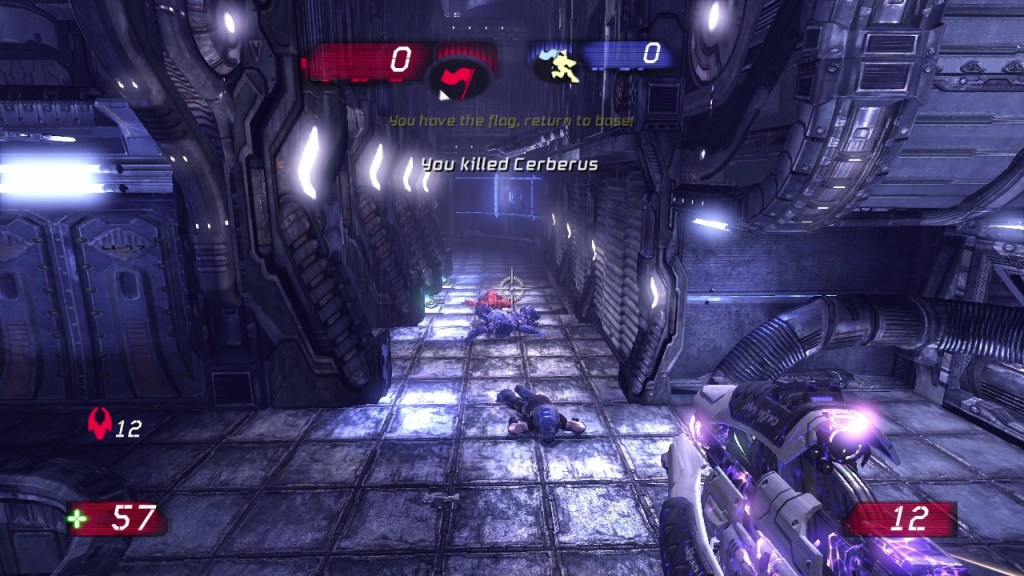
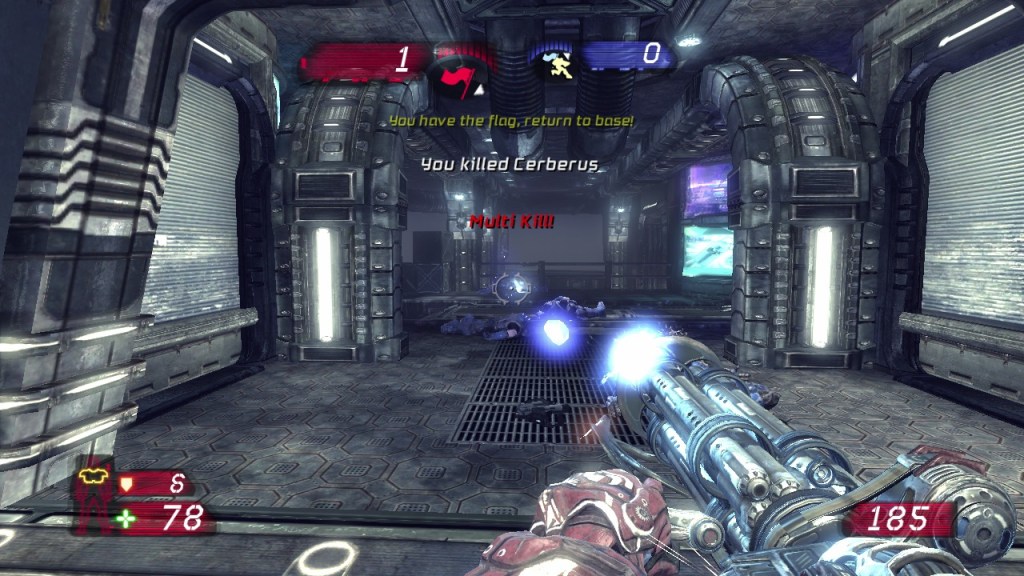
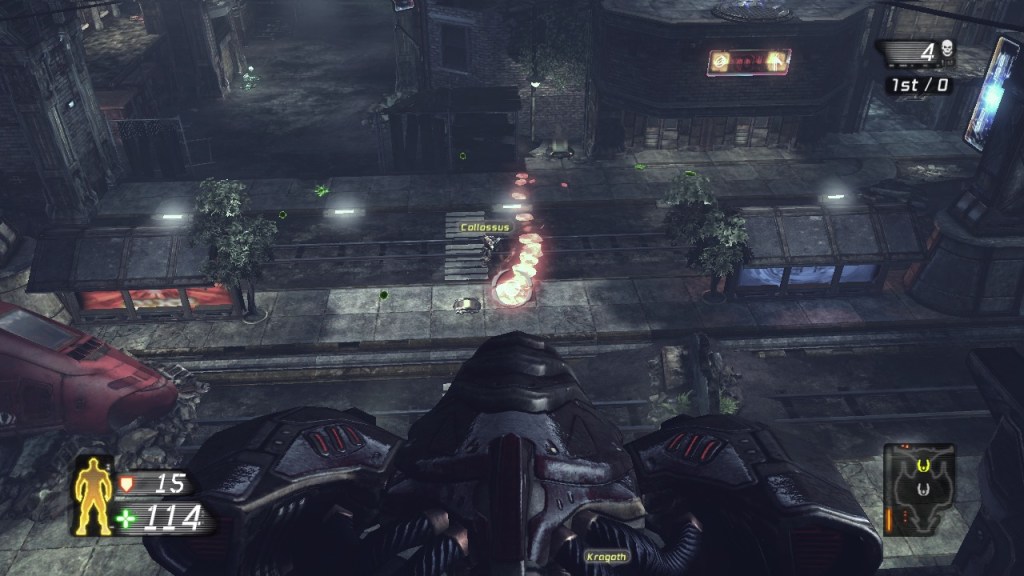
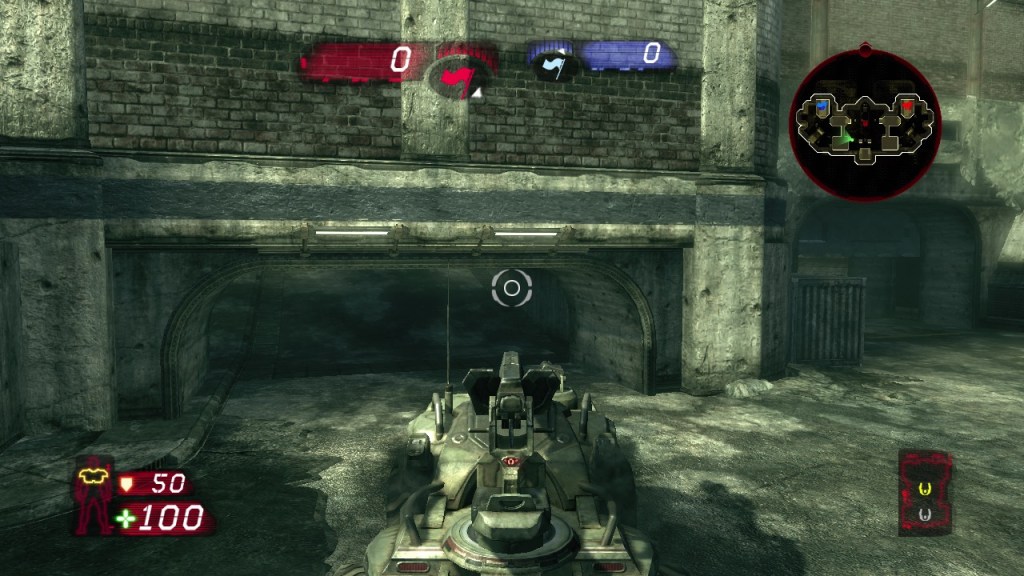
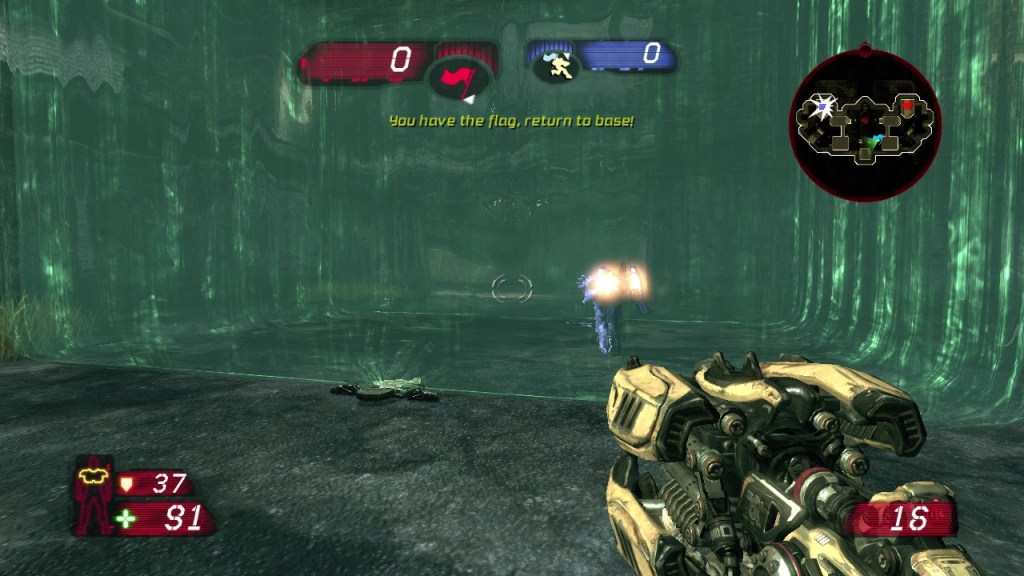
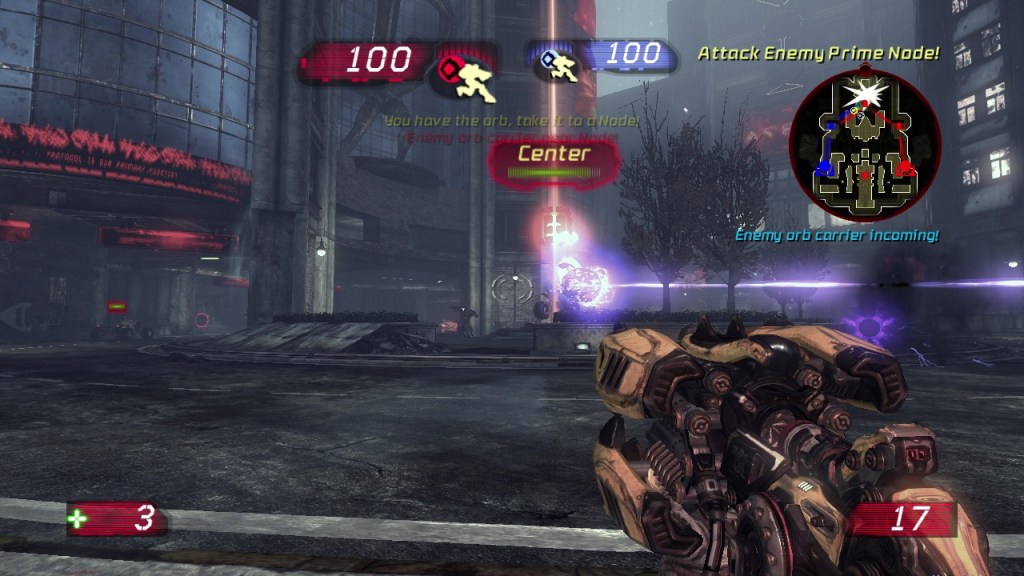
UT3 is primarily focused on online multiplayer action, continuing the fast-paced, competitive tradition of its predecessors. It offers eight game modes, including classics like Deathmatch and Capture the Flag, alongside newer additions such as Duel, Warfare, Betrayal, and Greed. The game emphasizes close-quarters combat and projectile-based weaponry, with increased gravity and the removal of dodge-jumping (though dodging, double jumps, and wall-dodging remain) to create a more grounded and intense experience compared to earlier entries.

The single-player campaign diverges from the traditional tournament ladder format of previous games. Instead, it follows a five-act storyline centred on James “Reaper” Hawkins, a mercenary seeking revenge for his clan’s slaughter by the Necris forces. The campaign integrates cinematic elements and cooperative play options, pitting players against AI-controlled bots in a narrative-driven conflict.

The story kicks off in the Unreal universe, post-Unreal Championship 2, with humanity locked in a messy war against the Necris—a race of pale, nanotech-enhanced freaks who’ve been a thorn in everyone’s side since the original Unreal. You play as James “Reaper” Hawkins, a grizzled soldier in the Ronin squad, a tight-knit crew of mercenaries working for the Izanagi Corporation. The campaign’s set against a backdrop of corporate warfare and alien invasion, with planets getting trashed and colonies caught in the crossfire. It’s dark, it’s chaotic, and it’s got that Unreal edge—think industrial wastelands, glowing tech, and a whole lotta bloodshed. Malcom and Lauren make a return, but Brock seems to be missing.

One thing that stands out is the characters design, taking cues for the Gears of War series with the make characters sporting powerlifter physique, yet they are still quite nimble in game. This does contrast with UT’s gameplay style, as it has always promoted fast and twitch area movements, whilst Gears is a lot more slowed paced where characters go into cover more often and make use of melee (or chainsaw-lancer) attacks. It does feel these character designs were Gears rejects as they were a departure from the previous games.

Comparison to previous titles in the series

UT99 set the gold standard—fast, brutal, and pure. It was all about twitch reflexes, with tight maps like DM-Deck and weapons that felt like extensions of your soul. UT2003 cranked up the pace, added dodge-jumping, and leaned into a floatier vibe, though it stumbled with a weaker weapon lineup and less memorable maps. UT2004 fixed that, doubling down with Onslaught mode, vehicles, and a massive content drop—peak variety, peak chaos. Enter UT3: it dials back the floatiness with higher gravity, cuts dodge-jumping, and refocuses on close-quarters intensity. It’s snappier than UT2003/2004 but doesn’t hit UT99’s raw simplicity. New modes like Warfare (Onslaught’s evolution) and Greed add flavor, but they don’t land as hard as UT2004’s sprawl. UT3 feels like a compromise—tight and polished, but missing some of that unhinged freedom.

UT99’s arsenal—Shock Rifle combos, Flak Cannon gibs—was untouchable, perfectly balanced chaos. UT2003 tweaked it, nerfed some classics (Lightning Gun), and felt off. UT2004 brought back the hits, added the Avril, and kept the sandbox wild. UT3? It sticks close to the classics—Rocket Launcher, Flak, Shock Rifle all feel beefy—but tweaks like slower projectiles and a beefier Impact Hammer shift the rhythm. PhysX on PC adds flair (explosions kick up debris), but it’s cosmetic, not game-changing. It’s solid, but UT99’s purity and UT2004’s variety edge it out slightly.

UT99’s multiplayer was a juggernaut—LAN parties, Facing Worlds sniping, pure bliss. UT2003 stumbled with matchmaking woes but had potential. UT2004 was the king—huge servers, modded chaos, and Assault’s return. UT3? It launched strong with crisp netcode and PhysX flair, but the community split over its grounded shift, and Epic’s focus waned fast following the success of Gears of War. The official master server died in 2023, while UT99 and UT2004 still have diehards running custom games. UT3’s Titan Pack tried to juice it up, but it couldn’t match the staying power of previous titles in the series.

Other 2007 shooters, like Halo 3 (released September 25) and Team Fortress 2 (October 10), fell somewhere in between. Halo 3 blended arena-style combat with slower pacing and a focus on teamwork, while Team Fortress 2 leaned into class-based chaos with a lighter tone.

Versions

Microsoft Windows: The best way to play the game, although it has since been delisted by Epic and is no longer sold on Steam. There was a retail version of the game, but even those copies are limited to offline bot matches unless you modify the games ini files to use a custom master server. Still this version will run well on most modern PC’s and Epic even takes advantage of Nvidia PhysX technology if you have a supported graphics card, and the PhysX pack that adds a few exclusive maps to take advantage of the technology.

Nvidia did remove 32bit PhysX support recently with the latest version of their drivers (for the RTX5000 series), so it might be useful to keep an old Nvidia rig going for the older PhysX game, or simply dual boot with a version of Windows that has the older Nvidia drivers installed. 

With PhysX enabled, the game turned into a playground of dynamic eye candy with debris flying everywhere, glass shattering into a million jagged pieces, and explosions. Performance-wise, though? It was a mixed bag. If you had a high-end Nvidia card—like a GeForce 8800 GTX or better—you were golden, soaking in 60 FPS with all that PhysX goodness cranked up. But if your GPU was Mid—tier, you would see performance impact. PhysX was a resource hog, and without a dedicated card or a beefy GPU, you’d see frame drops during the crazier moments. Epic patched it over time—by version 1.2 or so, it ran smoother—but early adopters definitely felt the growing pains. Back then it was recommended to have a second Nvidia card dedicated for the PhysX processing, something like the GT8600 series was advised.

Was it game-changing? Not really—UT3 was still about skill and speed, not physics gimmicks. But it was a hell of a flex for its time, a taste of what next-gen destruction could be. By 2025, it’s a cool footnote—modern engines like Unreal 5 do this stuff natively—but back then, PhysX in UT3 was like strapping a jet engine to an already wild ride.

PlayStation 3: A very interesting console adaptation, this version is a very well designed port that takes advantage if the S3’s hardware, but is still a bit too early to take advantage of the Cell processor, so expect a few frame-drops during a lot of action.

What is really interesting is how Epic tried to bring as much of the PC as possible to the console version of the game. Keyboard and Mouse controls are supported by plugging them into the USB ports of your PS3, and you can possibly even use Blueooth keyboard and mouse, althroug I’ve not tested the BT keyboard since I don’t have one to hand. This makes the game play very close to the PC versions since you benefit formt he accuray that mouse aiming provides, but you are segregated from controller only players. When setting up a game server, you are givern the option to allow both or just either controller or KB/M players.

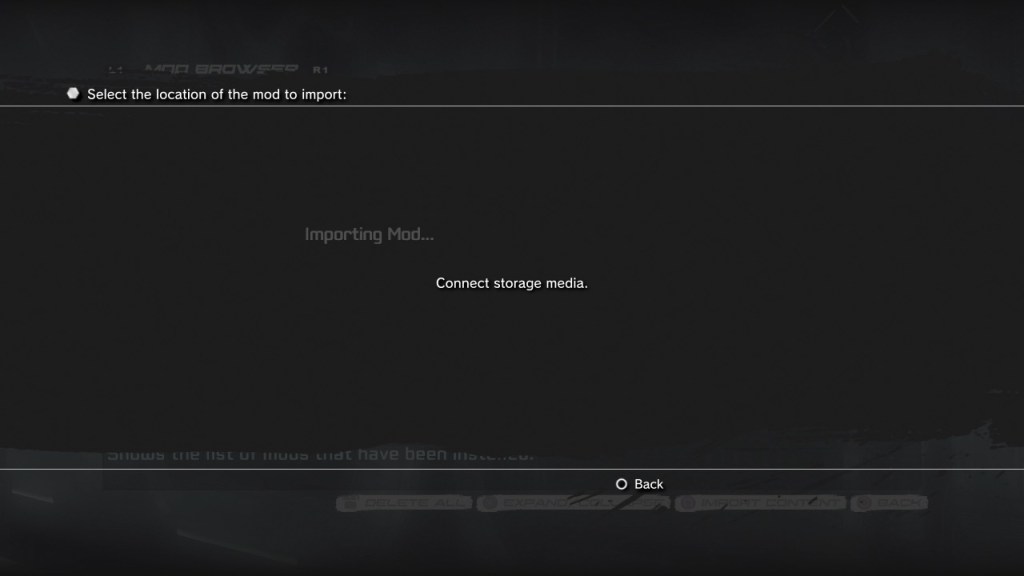
Where Epic went beyond was with its mod support, you can install third party maps and skins for the game the have been compiled specifically for the PS3 version of the game. There are some limits however, Trophies are disabled when anything custom is loaded,  possibly to prevent trophy exploits. Ways of installing mods were through the ingame browser, or importing it through a USB drive that awas FAT32 formatted.

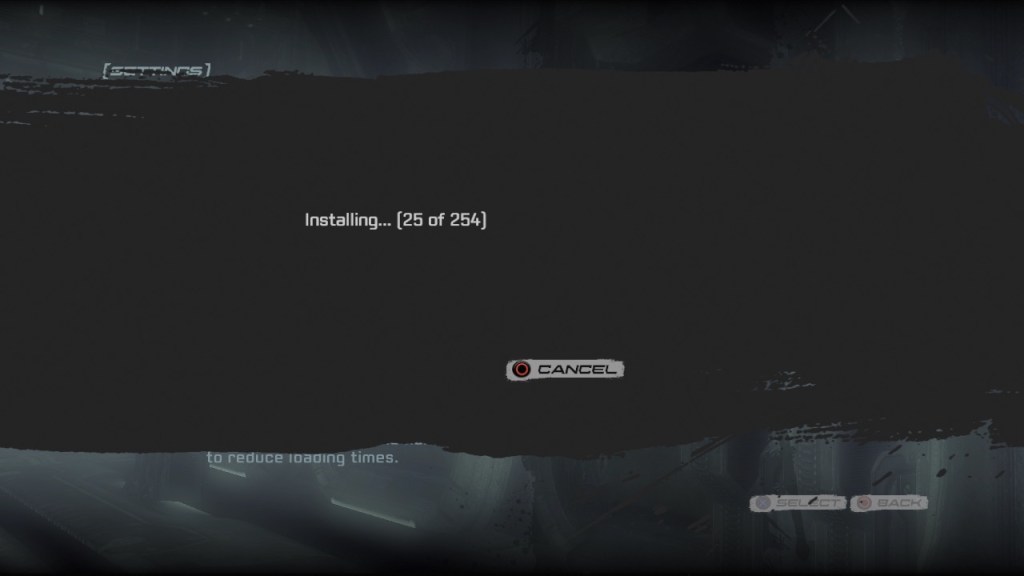
Lastly you can also install this version of the game to the HDD, which is optional but useful to speed up loading times and to reduce wear and tear off the Bluray drive.


Xbox 360: This version feels like an after throught since it lacks the titan pack that both the PS3 and PC versions received, due to Microsoft’s policies regarding free DLC. However this prison is still playable online, and is compatible with the Xbox One and Series Console. In fact you can still purchase this version of the game digitally for use on the Xbox One and Series consoles.

Conclusion

In 2007, UT3 represented the pinnacle of the arena shooter—a genre rooted in the ‘90s with Quake and Unreal Tournament ’99. It was a love letter to veterans who craved speed and skill, but its timing was unfortunate. The industry was shifting toward narrative-driven and progression-based shooters, a trend Call of Duty 4 epitomized. CoD4’s influence reshaped multiplayer gaming, spawning countless imitators, while UT3 struggled to maintain relevance, with its online scene dwindling over time.

That said, UT3 wasn’t without impact. Its engine technology powered countless games, and its modding community kept it alive on PC.

Dead Or Alive 3

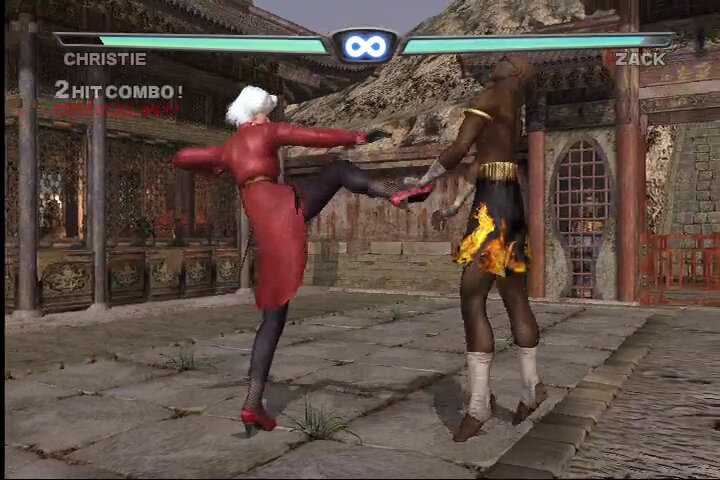
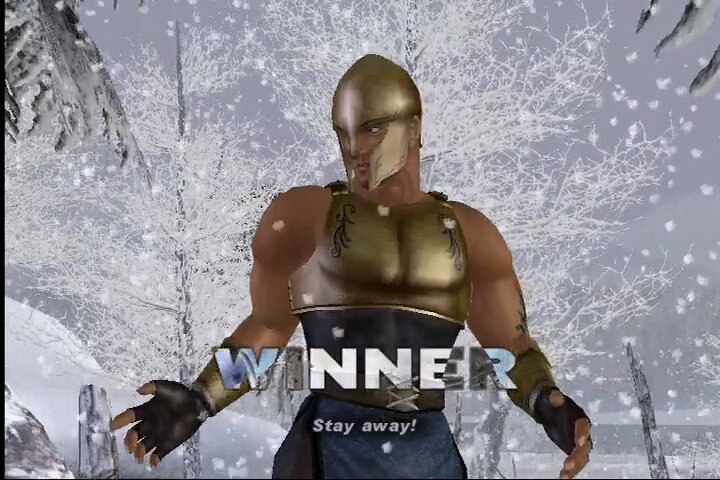
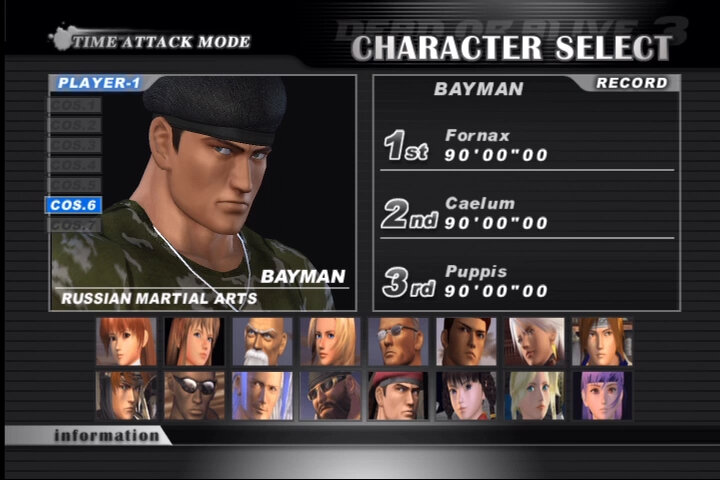
Tecmo has brought Xbox gamers Dead or Alive 3, and if you’re a fighting fan, this is, simply put, a prime reason to own the system. As advanced as the sequel was, DoA3 trumps it in every way. Visually, the game is mind-blowing, the 16 characters are fantastic looking and the arenas even more impressive.
Advancing on the play elements from the second game, DoA3 offers up a fine helping of both one-on-one and tag-team action. It sports the usual array of game modes — story, survival, team battle, single and tag-team matches, and even watch. Dead or Alive 3 proves to be the best fighting game in years not simply because of graphic panache and cool options, but largely thanks to its incredible playability and refined fighting action.

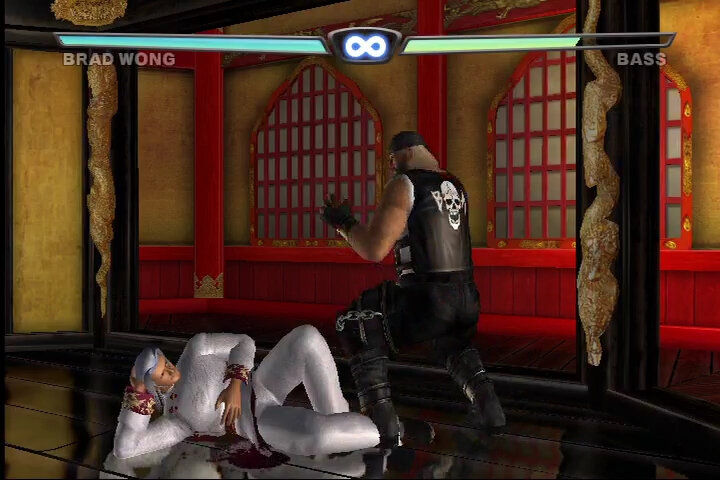
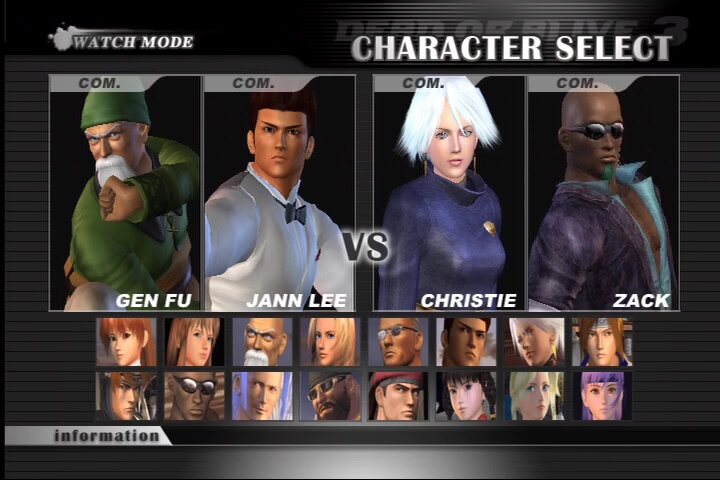
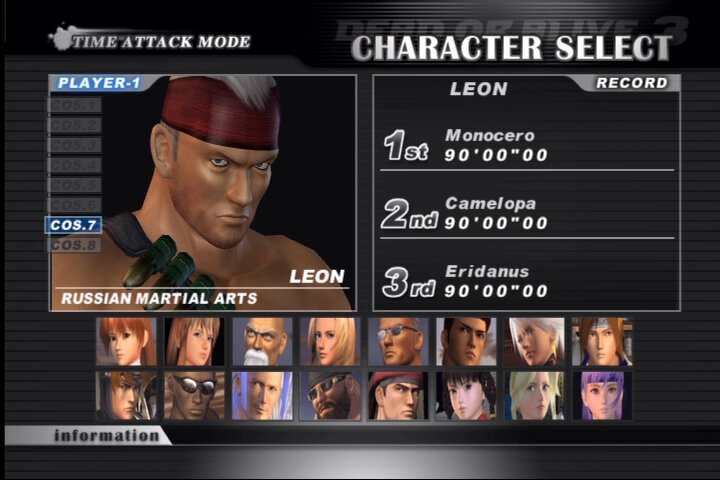
The counterattack and throwing system has advanced to become more versatile and playable. Novice gamers can learn to play easily, while advanced brawlers can do things like counter throws and even foil the other player’s counterattack moves. Most of the 16 characters have distinct martial arts styles. Although some of the characters (such as Leon and Bayman) are a bit too similar, gamers are sure to find a fighter that suits them. The three new characters add a lot of flair for fans of the game, adding two new lithe and stylish female fighters and a humorously laid-back drunken-style Kung Fu expert. Another noticeable improvement is in controls of the two wrestling characters, Bass and Tina, who are far more usable and entertaining this time around, complete with some incredible combination wrestling throws. From the Bruce Lee-like Jann Lee, to a full compliment of ninjas, soldiers, assassins, and, of course, teenage girl Kung Fu experts.

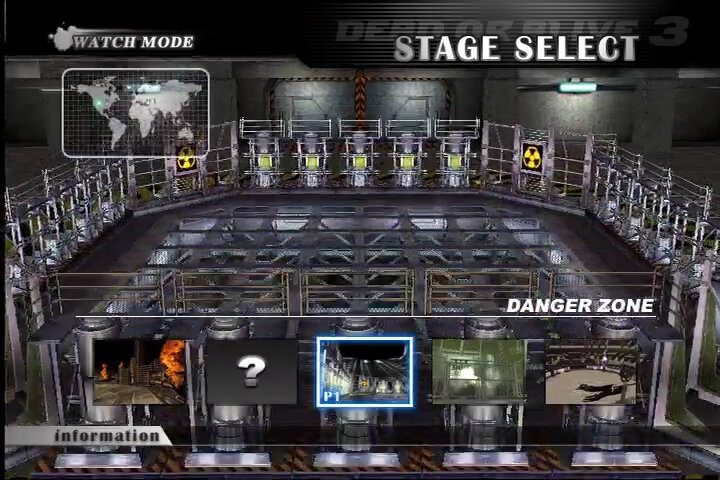
The arenas actually have almost as much personality as the fighters themselves. Some of these exotic locales are multileveled maps where you can kick your opponents off the edge, then watch them plummet down to the next level at a pace so breakneck, it’s almost vertigo inducing. You can fight on cliff tops, in gritty urban streets, in a stunning ice cavern, on a beautiful beach, or in a truly incredible-looking forest, among other locales.
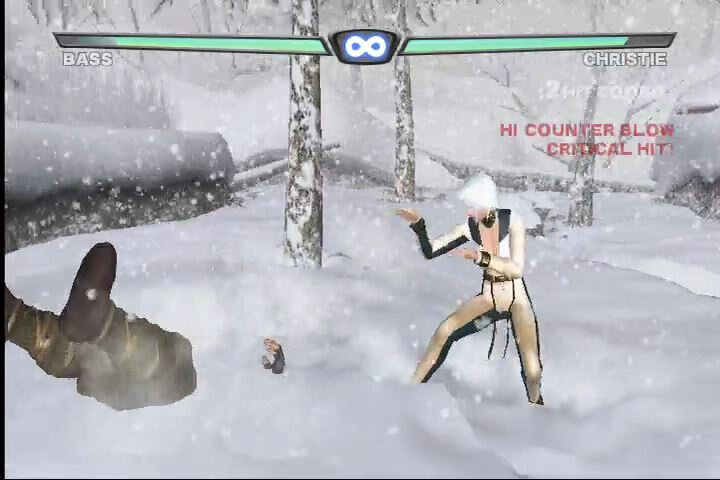
Being exclusive to the original Xbox console, DOA3 is able to pull off effects that are difficult for the PS2 to do, your characters will leave trails in the snow on a wintry landscape, crash through neon billboards, or just break through stone or ice pillars whilst achieving a good level of texture detail. The fighting arenas in Dead or Alive 3 are, by far, more interactive than in any other fighting game out there. To sweeten things up even more, a fighter’s moves actually change depending upon where they are in the arena. For instance, if you throw opponents near a wall or obstacle, they’ll often use the wall in some way — usually by slamming the other character right into it.

The audio work is terrific, especially when using the Dolby Digital 5.1 capabilities of the Xbox. Aside from the opening and end credit tunes by Aerosmith, the soundtrack in general is excellent. Fighting effects sound great, and the Japanese dialog is well done, even if some of the English subtitles suggest that Tecmo could really use a real writer for the story.

The story mode is the weakest link in the game. Dead or Alive 3, like virtually all these fighters, alludes to a deep, complex story and background for its characters. Unfortunately, aside from slight interludes and fantastic-looking, if generally pointless, prerendered end movies, any actual meaningful bits of plot are almost nonexistent for most of the characters. While this is a fairly slight complaint, a little more effort put into the characters’ individual sagas within the game would have been nice. This is something Tekken 4 does better with its narrated cutscenes.

A moderately larger complaint is that the end boss is ludicrously cheap. He can’t be thrown, has magical distance attacks (something none of the other characters have), and hurts you when he falls. But worse than that, the game switches to an almost behind-the-character viewpoint when fighting him. While he has plenty of weak points, this new bad guy is often incredibly frustrating to take on depending upon the character you choose. The end boss should have been done much better and brings the game down.

Just the same, the story mode is fairly inconsequential compared to the sheer magnitude of the rest of the game. In multiplayer, with two to four players battling it out, Dead or Alive 3 is a good addition to the Xbox and one of the few true exclusives for the console. Stunning graphics, great sound, and topnotch gameplay all add up to an incredible debut for the series on the Xbox.

Booster Disc

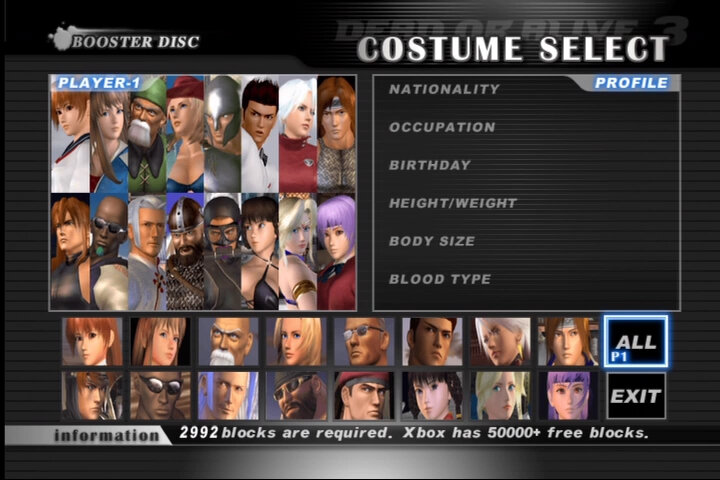
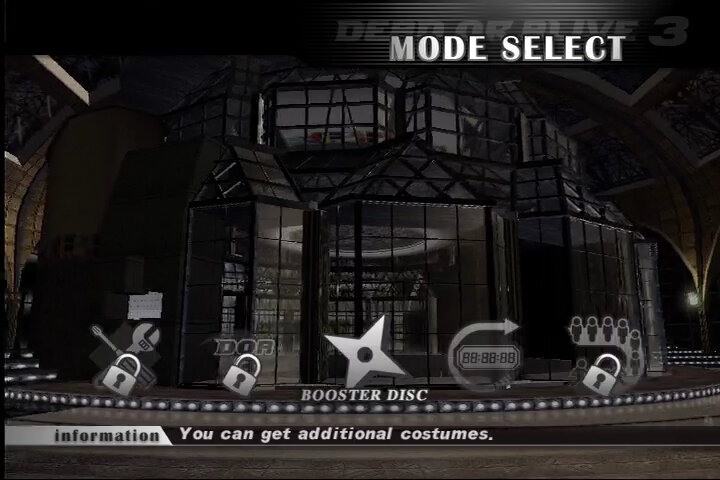
The North American version had a limited amount of costumes compared to the European and Japanese versions. Tecmo did release a Booster pack to add additional costumes to the game. This was provided by some of the OXM (Xbox Magazine) discs, and was also included with Dead Or Alive 2 Ultimate. Alternatively a copy can be obtained here.

Installing the Booster pack is a simple as inserting and running the disc, and then installing the costumes. For this booster disc, it featured as a demo for Dead Or Alive 3. I’m unsure if there is a way to install this on the 360 console since it uses an emulator that runs off a whitelist.
Custom Costumes

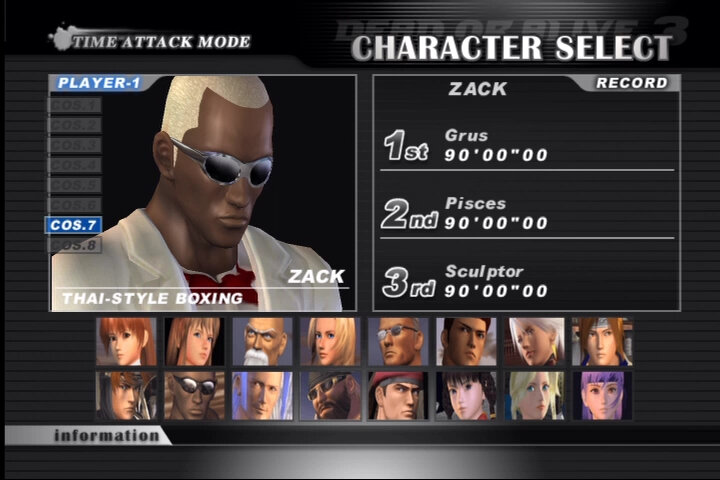
You can also use this to add additional costumes to the game. To install you will need a modded Xbox, or an ability to write files to the Xbox’s E partition where the game data is saved. If you have a soft modded Xbox, you can just FTP the files across. There are limits to the amount of costumes you can have, but a lot of the ones I downloaded had worked fine.
Modern Xbox’s

Tecmo have since release it on the XBox one and Series consoles as a backwards compatible title, running in a much higher resolution on the One X and Series X models.

Another look at the SiS Mirage 3 (OptiPlex 160)

Following on from the previous post, I decided to look at a few more games on the legendary SiS Mirage3 chipset. There were a few older titles that struggled to run, and it became clear that most post2000 games will encounter issues running at full speed due to the limited capabilities of the GPU.

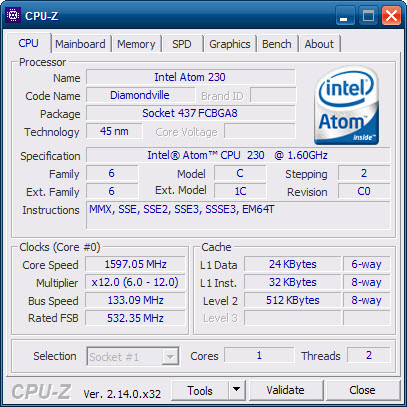
Also a look at the GPU details in GPU-Z, which does not exist. I guess this GPU is relatively obscure enough to not be in their GPU-Z database. For the system itself, it’s the same Dell OptiPlex 160 running Windows POSReady 2009, with an Intel Atom 230 Diamondville processor which is a 1C2T CPU running at 1.6Ghz. Atom’s of this era were In-Order-Execution.

The lack of GPU-Z information means we cannot see what clock speed the Mirage is running at, and given the system is a fanless design, it wouldn’t be a surprise if Dell had underclocked the GPU to keep the system cool.

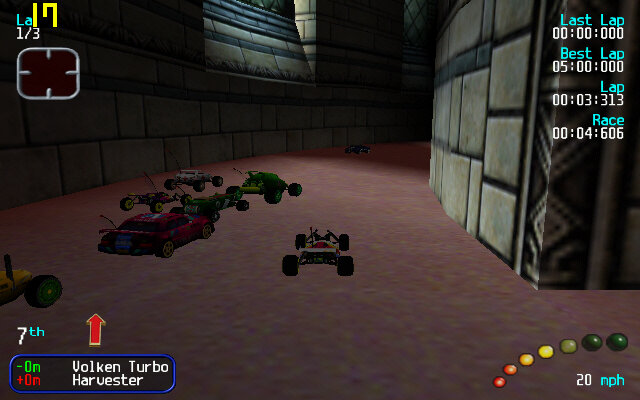
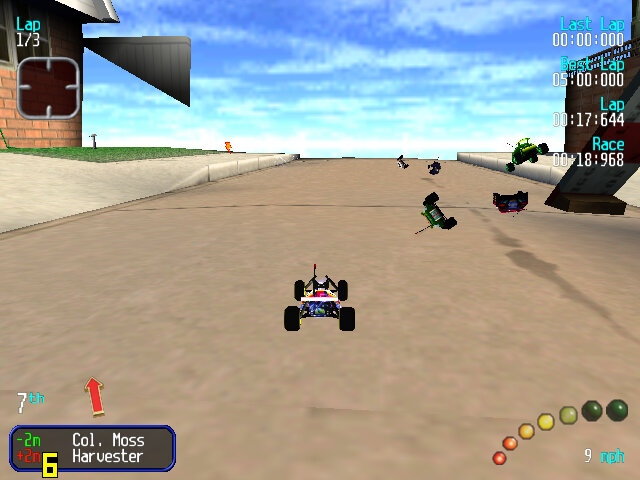
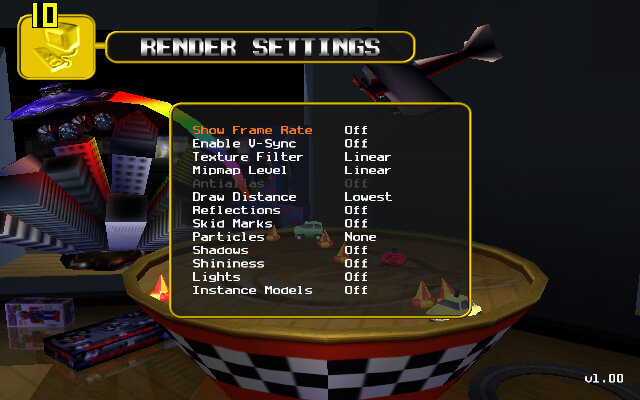
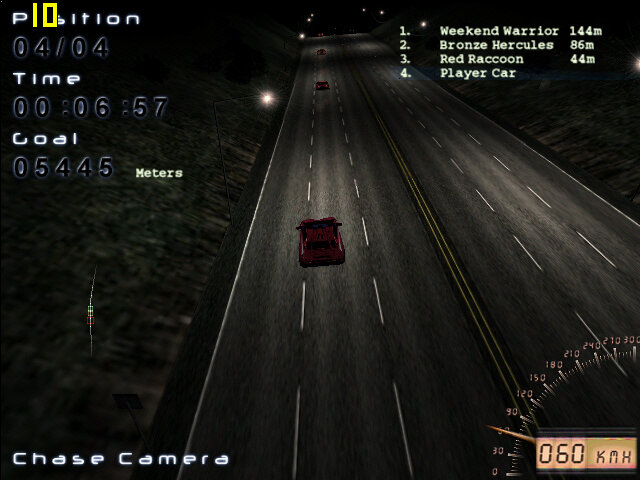
Revolt: A racing game with emote RC cards, along with combat mechanics. Here the only way to get acceptable performance is to runt he game at 640×400, setting the different rendering settings to their lowest values. The main issue when running the game with a low draw distance is it just displays the levels skybox, which is unsuitable for many of the indoor levels since it just shows the blue sky indoors. On these settings we can get around 24fps, going down to 8fps when all the RC cars are on the screen.

Some track models are missing, notably the cars that you can ramp off.

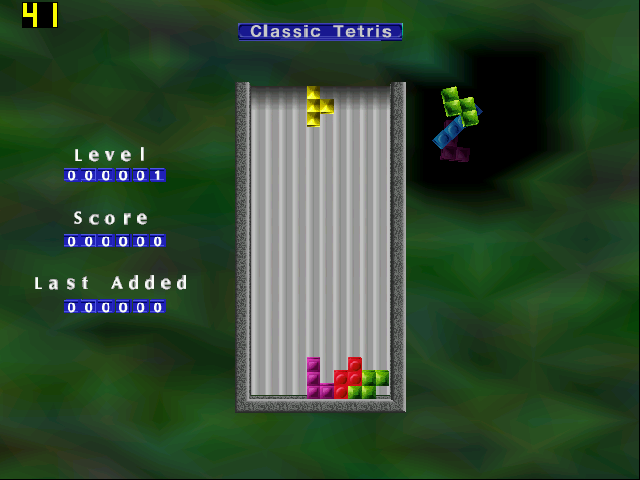
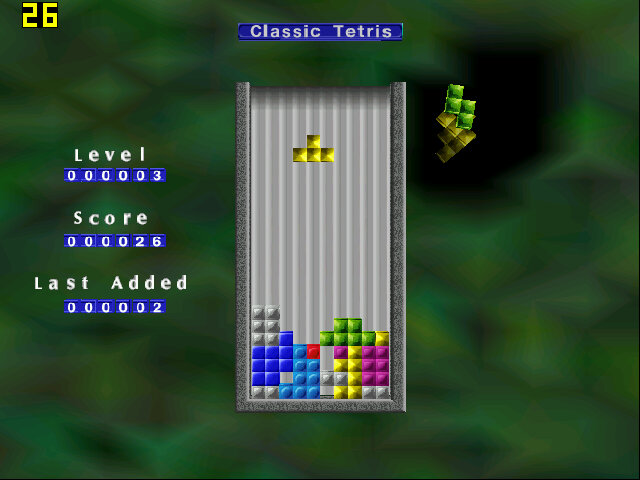
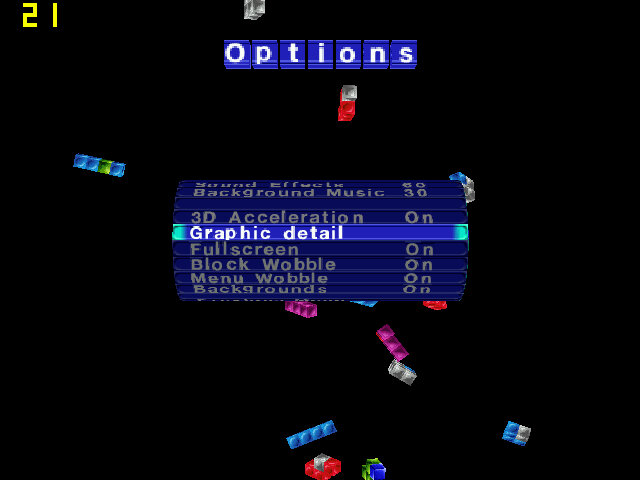
The Next Tetris: A simple 3D game of Tetris and at the start we do get good performance, but this drops the port Tetris pieces there are on screen, lowering down to 11fps at its lowest. Although 3D Acceleration is enabled in the settings, we are unable to change any graphic detail settings in the options menu.

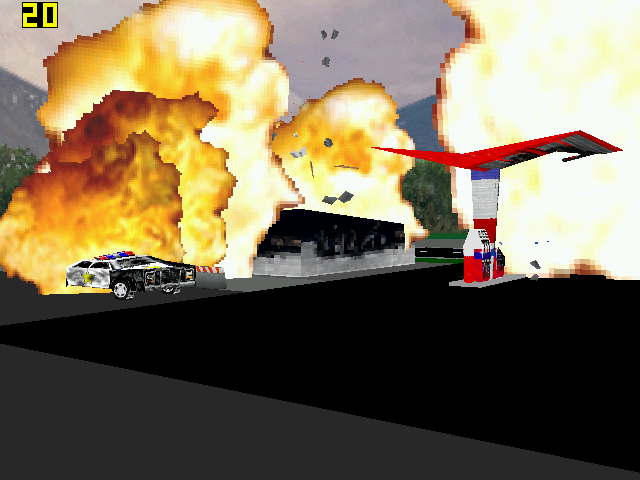
Hot Wheels Crash: Runs quite well, we do get slowdown when explosions and collisions start to occur. This game does not provide any graphics settings for us to change.

The Sims 2: We can just about start the game and can get into the neighborhood screen, but once we enter a lot were in the mid-teens of framerate. Smaller lots will have better performance, but not by much to be considered playable. Still, there are no texture or shadow errors that occur if you try to run the game on modern graphics cards, and the stuttering does give a stop-motion feel to it.

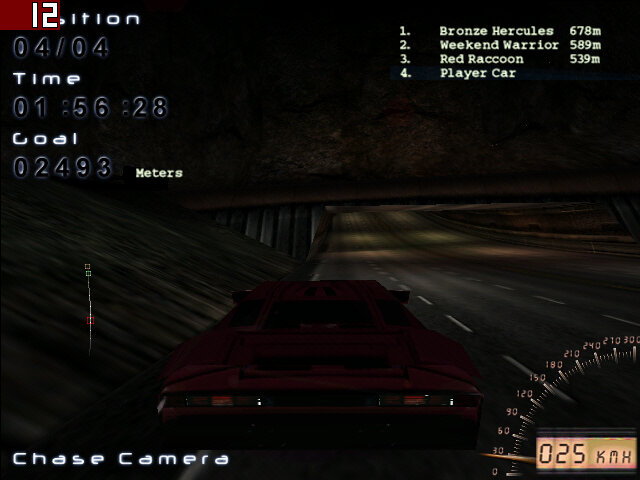
Midnight Racing: On medium settings we get on average 17fps when using the near car view. The discant view lowers it down to 12fps average. Selecting low graphics detail makes a slight improvement, but not enough to be noteworthy.

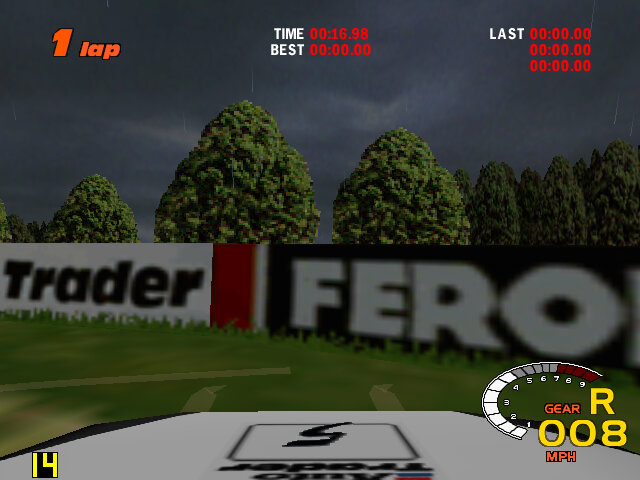
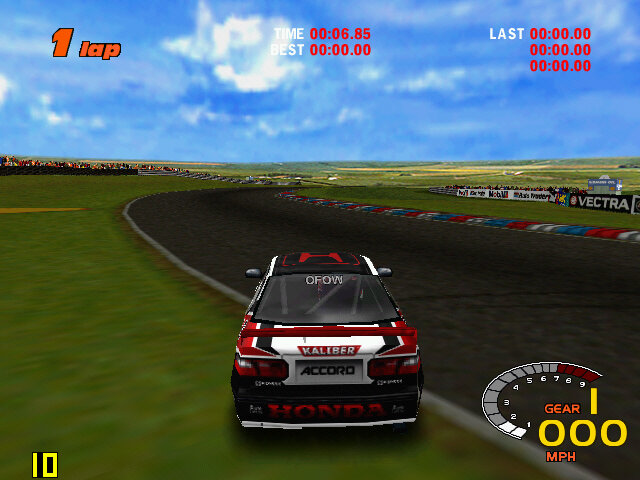
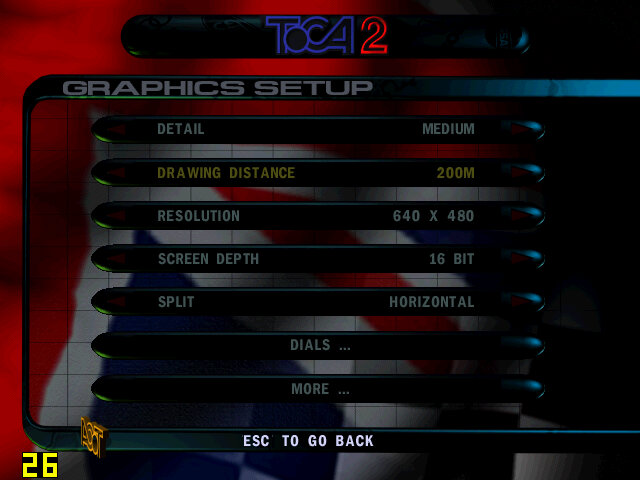
ToCA Championship 2: Setting the graphics settings to low, and the resolution to 640×480 gives us around 14fps on a good track condition when we set the draw desistance to low. The detail setting has little effect.

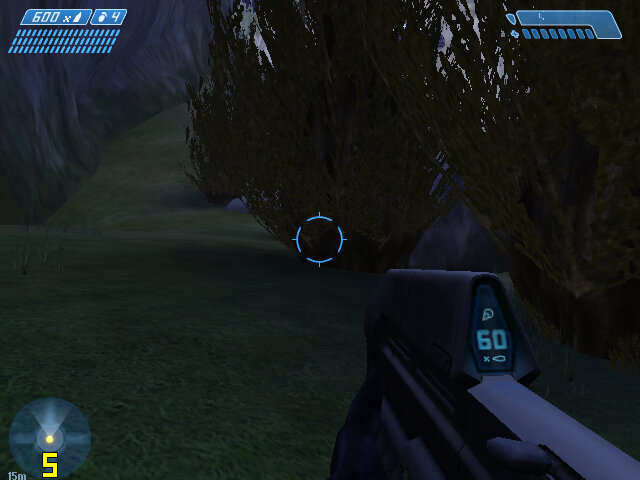
Halo Combat Evolved: It’s a struggle for this to run, it does play but the framerate is so low and the textures look horrible at their lowest detail settings.

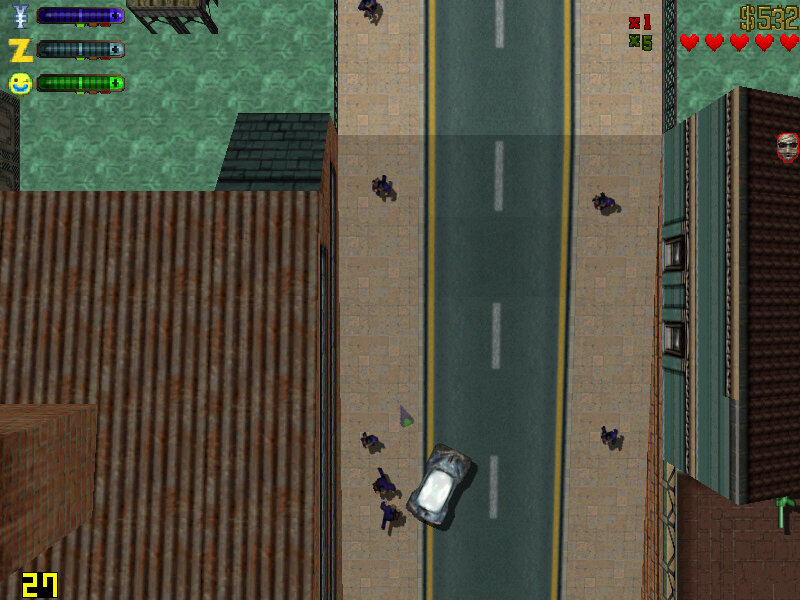
GTA II: Works mostly well, we get some dips when there are a lot of explosions on the screen but otherwise, we get acceptable performance at 800×600. Things slow down when we start driving but settles down once the vehicle is stationery and hovers around 28fps. Switching to 640×480 yields no noticeable difference which makes me think there’s a bottleneck somewhere else.

Unreal: We had a playable experience with Unreal Tournament, So I hoped the original Unreal would be similar. Now it plays ok but expect to see framerate drop whenever multiple enemies are on screen. Overall we get around 20fps in the best scenario, dropping to around 5fps in outdoor combat. Running at 640×480 with texture settings set to high.

Boss Rally: Mostly acceptable performance, with the average around 22fps during most of the race, although it will dip to as low as 3fps when there is a lot of scenery on the track. I would avoid some of the heavy weather options like snow or rain if you can, sand stick to clear sunny weather.

An S3 Mirage3 Experience (Dell Optiplex 160)

SiS are not a huge name in the GPU market, thats largely dominated by Nvidia and AMD. But they were once one of the more popular choices for entry level 3D graphics cards when the 3D accelerator market was in it’s infancy. When I saw one that had been featured in a Dell Thin client PC, I was curious to see its performace. The system itself (A Dell Optiplex 160) isnt intended for high performace computing, it features a first generation Intel Atom processor running at 1.6Ghz. It’s more of a thin client, or a net top PC, a simple PC design for basic tasks with much less power consumption than a typical desktop PC.

From looking at the specifications, its clear this GPU will struggle against its rivals, with the GMA3100 and Radeon HD2000 being the main competition, along with the low end GeForce series (7100 for example). From what I’ve found online, it lacks hardware T&L support which is hard to believe for a GPU released in 2007. Nvidia released their first T&L GPU with the original GeForce in 1999, with AMD (Then ATI) following suit with the Radeon in 2000. Intel would eventually release their own T&L capable card much later.

What is T&L? Well it stands for Transform and Lighting and means the GPU is capable of generating its own geometry such as polygons and is able to apply effect independent of the CPU. When 3D first hit the market back around 1994, many 3D graphics cards were known as 3D accelerators, with their main purpose being able to offload certain rendering tasks off the CPU, freeing the CPU of the burden and leaving more time and cycles to perform other tasks. How much was offloaded depending on the accelerators capabliles, a lot of the first generation only did texture wrapping and shading. Since they were reliant on the CPU to generate the geometry, it meant the CPU could become a bottleneck if it couldn’t render polygons fast enough for the card.

That’s kind of what we are dealing with the Mirage, since its going to be reliant on the Atom CPU to handle some of the geometry rending. It’ is a dual core model’s a single core dual threaded model, though i’m uncertain how well the micro-arictecture is with geometry calculations. Intel Atom’s typically have their own processor design that is independent from the Pentium 4 (Netburst) and Intel’s Core that was used in the Intel Core 2 duo series.

Still, knowing this, we can kind of guess which  generation of games will best work with the machine, already we know it on the same feature level as the Nvidia TNT and the Ati Rage series of graphics processers, but does benefit from additional rendering features SiS might have added. We also will struggle to run games from when this machines was first released 2008.

GHG (Greenham Gaming) did a feature on this system, running what appears to be Windows 7 and concluded it was an epic fail when it game to gaming. A few older titles worked, but even then some had rendering issues. I’m not sure how much was apparent to running Windows 7, but I was curious to see what performance would have been like for Windows XP, which tends to be the go to choice for running retro games, at least for its broad compatibility across hardware.

For this, keeping in line with the machines embedded roots, I decided to use Windows Embedded POSReady 2009, which was a more upto date version of Windows XP SP3 designed for embedded use like sales kiosk’s (hence the name POS – Point of Sale, what else did you think it stood for?). However its still mostly a full fledged version for Windows XP, and even features an up to date installer that can detect SATA drives that this machine uses (still needs to be in IDE mode, AHCI is not supported).

Missing ksuser.dll? (Windows POSReady 2009)

Post install, there were a couple of issues. Most of the drivers provided by Dell did install, except for the sound driver. When installing, it would complain about missing ksuser.dll file and the installer couldn’t continue without this file. Searching inline pointed to the issue with DirectX, but POSReady does come with DirectX 9.0c already installed, and installing the updated runtime from Microsoft’s website didn’t work.

What did work was to install Windows Media Player, which wasn’t installed by default. You can easily install this by popping over to the Control Panel, opening Add/Remove programs, then click Add/Remove Windows Components and select Windows Media at the bottom to install it. Version 11 will then be installed. You could also select this option when installing the OS, but I left it at the typical settings, which appear to not install Windows Media Player. Makes sense I guess, since this is intended for checkouts and cashpoints which might not require sound (unless for disability purposes)

S3 Utilities

They’re pretty basic, you can adjust settings for the gamma and screen rotation, but very little can be changed for the 3D. The system does support dual monitors, but will always identify a VGA monitor as a CRT, regardless if it’s a flat panel.

Here we are using driver version 6.14.0010, which is the latest from Dell’s website. By dedefault, 28MB of memory is allocated to the graphics, which can be adjusted in the systems BIOS, upto 256MB to 32MB at the lowest. It seems to pass the Direct3D rending testes, upto version 9

Games

Here I have mostly tested a few Direct3D 6 & 7 class games:

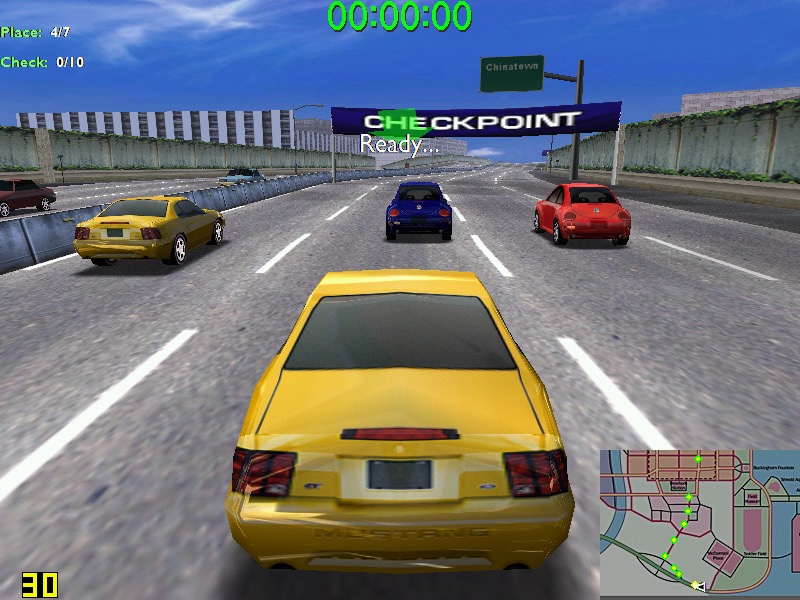
Midtown Madness – Hits 30 fps on high settings – 800×600, but can suffer to 22 when there are a lot of cars on screens. In underground tunnels we can get upto 44fps. No rendering or texture issues from what I can see.

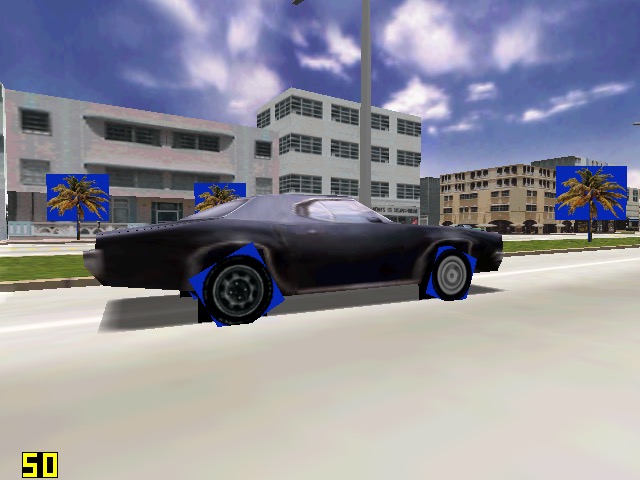
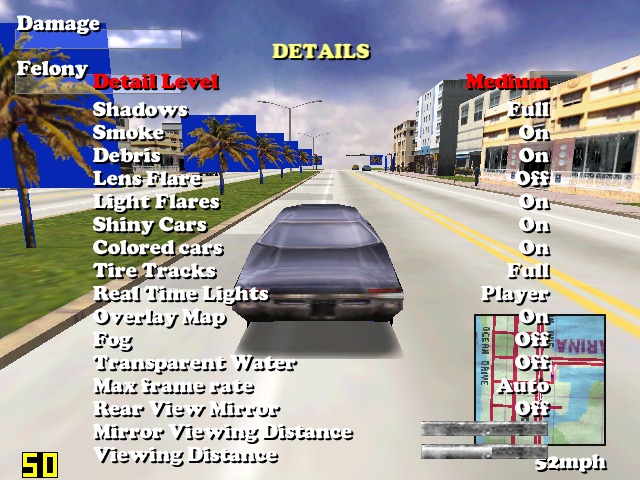
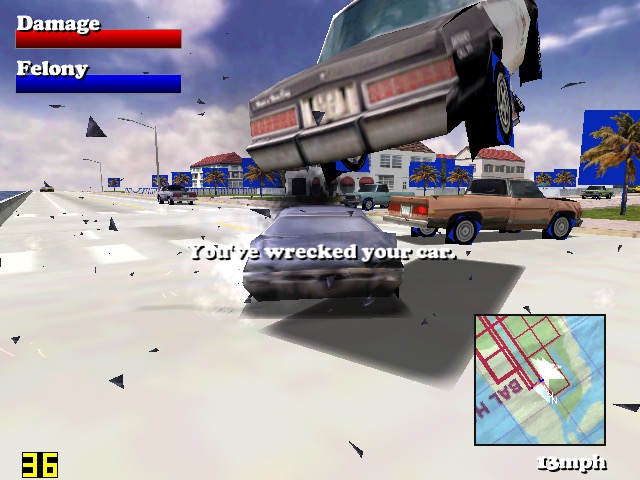
Driver: We started to see struggles in this one. When running at 640×480, we can see blue squares around the trees, and on the edges of the car wheels, suggesting there is an issues with the transparency for certain textures. Playing at 800×600 result in partially missing graphics like the car wheels and some of the building. A shame because we got a semi-decent frame rate on medium settings.

Unreal Tournament: Framerate struggles in some of the more busy areas of the maps, framerate seems to hover round 20-30fps, with 22fps being common in more open areas. The opening sequence did dip to 14FPS during the skyscraper sequence. Using an updated Direct 3D9 render helps out massively, with it nearly reaching 60fps in certain parts of the map. Patches can be found here

Sega Touring Car Championship: Runs very well at 640×480

Monster Truck Madness 2: This crashed the graphics driver when selecting 3D acceleration, by default it opted for software rendering. I had some luck choosing the image quality to ‘normal’. Unfortunately it didn’t play well with Fraps, and would lock the system up when trying to run both, sometimes resulting in a BSOD. On its own however, its mostly stable.

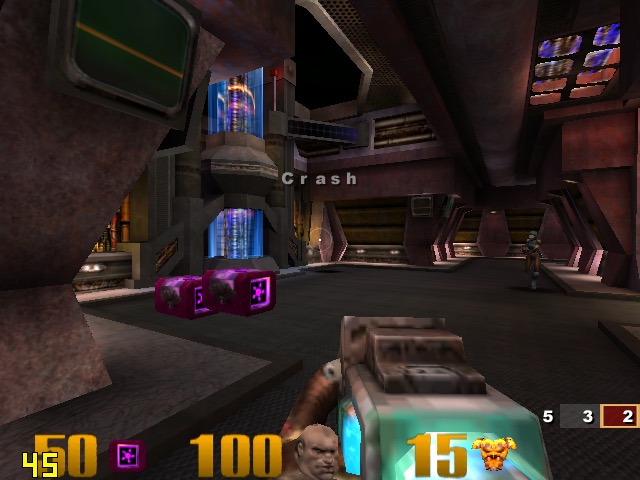
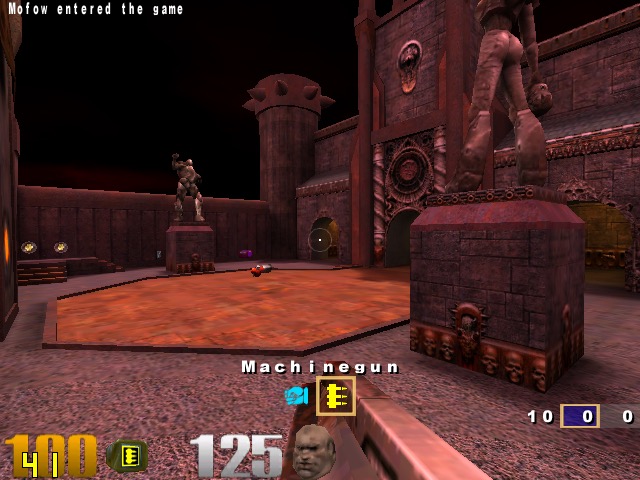
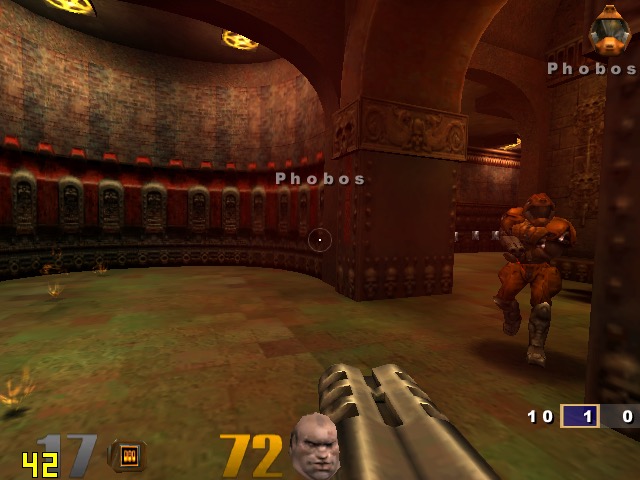
Quake 3: Here we can work off average of 50fps, with the game only slowing down when there is too much action on the screen. One of the few native OpenGL games.

GTA III: On default settings at 640×480 we are treated to a slideshow of 8fps for the opening mission, dropping even lower once we are in control. Turning off the trails and reducing the draw distance did little to help unfortunately. Yup this is unplayable.

The Operative: No One Lives Forever, On standard configuration at 640×480, we have an average framerate of around 12fps during the opening sequence outside, inside the building it does go up to around 25 but we still get a few dips. Once we get into gameplay it’s a different story, only managing 3fps for the training section. Dropping the graphics settings to ‘Best Performance’ only gives up a marginal improvement of 8fps. If you point the camera down to the flow when moving you can get reasonable performance but not what I would regard as playable.

Alcatraz Prison Escape: This was also unplayable, managing only 1fps for the opening sequence. The game only runs at either 800×600 or 1024×768, no option for 480. Another game to avoid

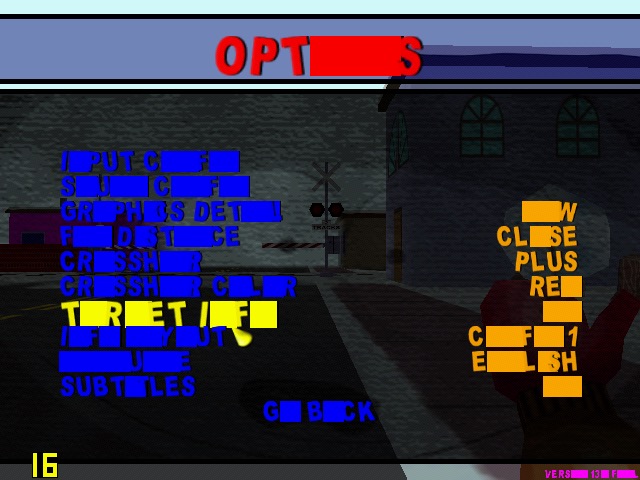
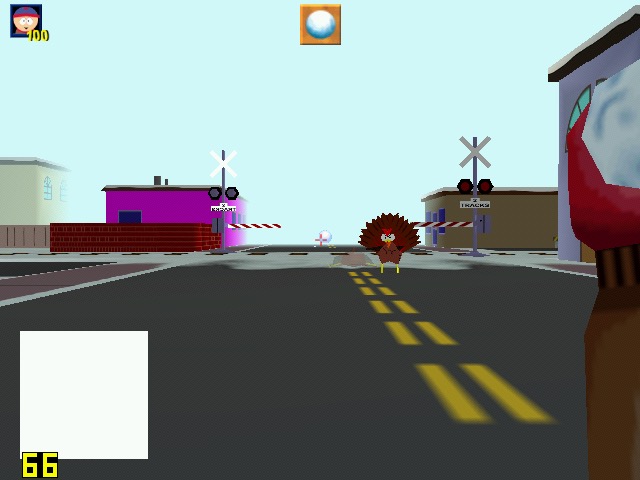
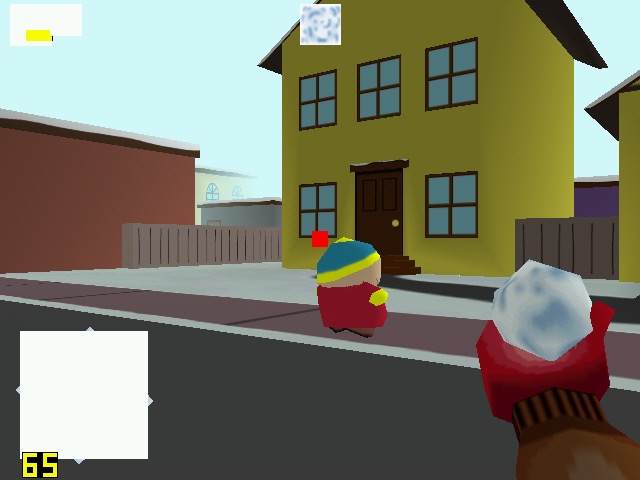
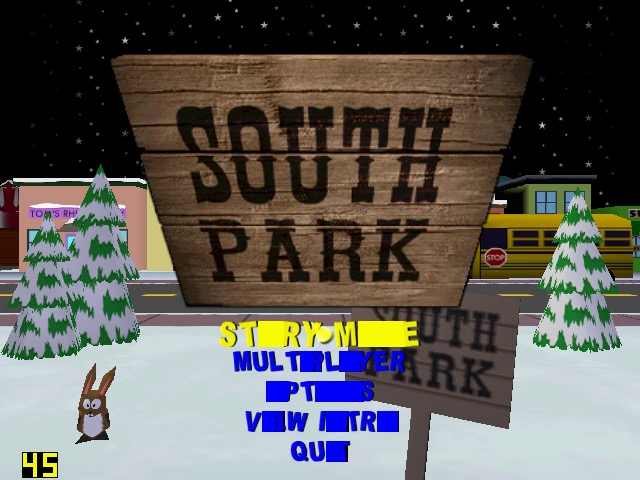
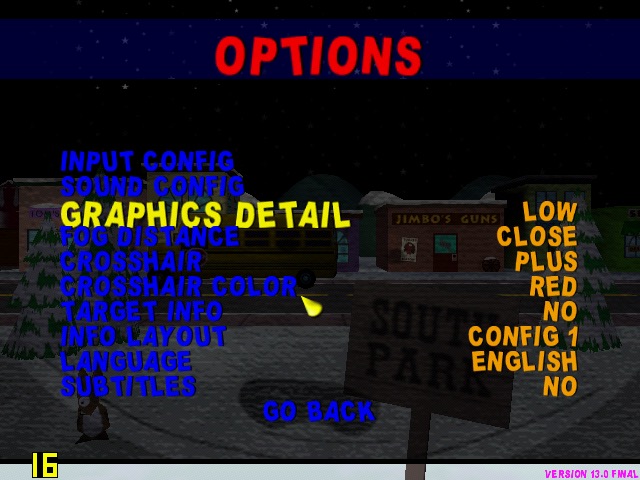
South Park: Had issues getting this to work, I had to install nGlide to get the game to start up. However I was then able to select the correct graphics rendered (it detected the DirectX SiS Mirage renderer) but there are multiple graphics issues when playing the game, with some of the games text not being rendered correctly. The framerate, although it appears to be running at around 25 is very jerky with the game freezing every 2 seconds. Settings the graphics quality to low and long with lowering the draw distances helps out with the framerate, but we still have missing or corrupted textures, especially with the HUD. The freezing I also odd since the game still runs – you can attack enemies and hear them respond but the screen will freeze for a few seconds.

Running the game with the Glide wrapper (nGlide) ended up being a much better experience, since the game was a t a more decent framerate, reaching 26fps and only lowering when there were too much turkey’s onscreen.

Half life: Here I tested the original release of the game, not the Source based re-release. Running at 640×480, its performance is dismal in the opening cutscene, dropping frames to a low 7fps. Walking through the facility corridors gives us a more fluid framerate. Half Live offers the choice of three renderers, a software based one either Direct3D or OpenGl.

OpenGl did give up better performance but was a lot more unstable, with the game crashing particularly at the moment the Lambada experiment goes awry. Switching to Direct3D allowed me to progress past that part but the performance just wasn’t good enough. We are able to lower the resolution but at that point it start’s to low more like a PS1 game. Oh and the water effect;s are non existant, with the textures warping like a PS1 game during the underwater sections, as seen in the last screenshot.

Conclusion

So performance is pretty dismal across the various different games that were tested. I expected it to handles games that were released within the sixth generation of consoles, but it struggles to run even certain late 90s games at 480p. How much of this is down to the Mirage, or the Atom CPU remains to be seen. 

It does appear to be on the level of the Sega Dreamcast in terms of overall performance, and you have to contend that SiS possibly haven’t optimised their driver like Nvidia or ATI (AMD) have previously done. You also have to take into accound that due to the machine being fanless for both the CPU anf GPU, thermal throttling could also be a issue that could explaint the less than ideal performace.

This does appear to the one of the last release of SiS graphics chips, the XGI Volari is closely related but there are difficult to find except for a few Asus server boards.

Binary Domain

A third person shooter games related in 2012 by Sega, set in the future where global warming have causes robots to become the main labour force, followed by a series of conspiracies. However the game is well known for its use of speech input mechanics that can be used to give commands and reactions to the characters. It’s heavily driven by its shoot and cover mechanics that give it close similarities to Gears Of War.

A key mechanic is the “Consequence System,” where player actions and dialogue choices affect squadmates’ trust in Dan, influencing their behaviour and the story’s progression. Players can issue commands to teammates either via controller inputs or voice recognition (using a headset or Kinect on Xbox 360), though the voice feature was often criticised for inconsistency. Personally I gave up with it after 20 minutes of use, since you often have to shout the commands to the game for it to pickup, its easier and more convenient to press the corresponding button on the controller instead. 

Combat involves fighting highly detailed robots that react dynamically to damage—shoot off a leg, and they’ll hobble; remove their head, and they might turn on their allies. Boss fights take advantage of this also, requiring you to find the enemy’s weak spot to attack it.

The main characters in the game are Dan Marshall, also known as ‘The Survivor’ due to his lucky history. Dan is a brash, cocky American with a sarcastic edge and a never-say-die attitude. He’s a natural leader but often hides his deeper emotions behind quips and bravado—like calling himself “The Survivor” after narrowly escaping death repeatedly. He’s loyal to his team but can clash with authority, showing a rebellious streak.

Additional characters you will meet no the way can be selected as team-mates, and your trust can increase as you react to certain dialogue lines or how well or quickly you shoot an enemies. Be careful though, friendly fire or picking the wrong dialog option can reduce their trust in you. In a way it’s similar to mass Effect 2 where your relationship with your squamates has an ultimate effect to the game’s ending.

Charles Gregory: Charlie is the calm, intellectual Brit of the group—think of him as the squad’s brain. He’s composed, methodical, and speaks with a dry wit, often playing the straight man to Dan’s chaos. He’s a stickler for protocol but isn’t above bending rules if the mission demands it. Beneath his cool exterior, he’s driven by a quiet sense of duty and a need to protect his team. He has a very professional demeanour, which means its best to respond with ‘yeah’ for most of his dialogue.

Cain Delaunay: Cain is a suave, charming French robot—yes, a robot on a team hunting robots, which is peak irony. He’s polite, witty, and unflappably cool, with a refined accent and a knack for dry one-liners. He’s programmed for loyalty and efficiency but shows glimmers of personality beyond his code, hinting at deeper self-awareness. He’s the squad’s optimist, balancing their human squabbles with calm logic.

Roy Boating: Big Bo is the loud, brash muscle of the group—think a jock with a heart of gold with a physique that could makes Ronnie Coleman look small. He’s got a frat-boy vibe but a strong sense of camaraderie, often hyping up the team, which makes me think he based based off Cole from Gears of War.

Faye Lee: Faye is cool-headed, reserved, and deadly precise—a Chinese operative with a stoic exterior. She’s professional to a fault, rarely cracking a smile, but shows hints of warmth as she bonds with Dan. She’s driven by duty and a buried personal vendetta, making her a wildcard in the squad’s dynamic.

Rachael Townsend: Rachael is tough, fiery, and no-nonsense—a classic strong female archetype with a British edge. She’s quick to call out stupidity and has a sharp temper, but she’s fiercely loyal once you earn her trust, and becomes more compassionate towards the end of the game.

Getting more involved with the story, it’s set in Tokyo in the year 2080, Binary Domain takes place in a world reshaped by global warming and rising sea levels, where robots have become a dominant labor force. The story follows Dan Marshall, leader of an international squad called the “Rust Crew,” tasked with infiltrating Japan to investigate Amada, a corporation suspected of creating “Hollow Children”—robots indistinguishable from humans, violating global laws. Binary Domain explores themes of artificial intelligence, transhumanism, and the essence of life, unfolding in a futuristic Tokyo divided between derelict slums and pristine upper-city towers. If you’re a fan of Battlestar Galatica, the story should interest you as it questions the liens between AI and humanity.

At the heart of Binary Domain is the New Geneva Convention, a global treaty banning the creation of robots indistinguishable from humans (like the “Hollow Children”). This reflects a political debate about controlling advanced technology—think AI ethics or genetic engineering in our world. The game pits the Amada Corporation, which secretly violates this law, against international forces like the Rust Crew, sent to enforce it. It raises questions about who gets to set technological boundaries, how those rules are policed, and what happens when profit-driven entities (Amada) defy them for power or innovation. The Hollow Children themselves—robots unaware they’re artificial—force players to grapple with the moral cost of such laws: is it right to destroy sentient beings to maintain human supremacy?

The game’s vision of Tokyo starkly illustrates class divides, a classic political theme. After global warming floods the world, Japan builds a new upper city for the elite—gleaming, robotic, and exclusive—while the lower city remains a derelict slum for the marginalised. Robots, built by companies like Amada, replace human labor, leaving the working class obsolete and resentful. This mirrors real-world anxieties about automation and economic disparity, asking how societies manage when technology benefits the few at the expense of the many. Characters like the resistance fighters you meet highlight this tension, fighting against a system that priorities robotic efficiency over human livelihoods.

The Hollow Children introduce a philosophical-political angle: if something acts and feels human, does it deserve rights? The game’s twist—that some characters, and even Dan’s potential offspring, might be hybrids—blurs the line between human and machine, echoing debates about citizenship, personhood, and exclusion. In 2080, humans cling to their dominance by denying robots agency, a policy enforced through violence. This mirrors historical struggles over who gets to be “human” in political systems—slaves, immigrants, or marginalised groups—and critiques rigid definitions of identity upheld by power structures.

Versions

Windows: Available on Steam. For this version ic recommend to test and check the microphone settings in Windows before you play if you’re insisted, since the game will default to the selected input device in Windows. 

PlayStation 3: Runs at a lower frame rate compared to the 360 version, but still fun to play.

Xbox 360: This version has the ability to use the gamepad’s headset or the microphone on the Kinect Sensor to give voice commands. The headset seems to be the more reliable way of doing this, though its still hit or miss if the commands get registered in time.This version can also be played not he Xbox one, and even benefits fromFPS Boost on the Xbox Series X.

Binary Domain was not considered a success, so it has yet to be rereleased onto a modern platform. A such, the Xbox One/Series X remains the better way to play, or the PC version since it benefits from higher resolution textures on modern hardware.

SimCity 4

MacOS 64bit version of the game

The SimCity series was one of the first simulation games to gain widespread popularity, despite a lack of concrete goals or action-packed gameplay. SimCity 4 maintains this kind of sandbox play, letting players build and develop cities as they see fit. Aside from staying within the constraints of a budget and carefully avoiding a rioting populace, players are free to build whatever environment strikes their fancy. The cardinal rule in SC4 is, keep the citizens happy. As the mayor, it’s up to you to set the taxes and zone the land in such a way that your residents happily build the city you want. There’s even a terrain-building mode with all the tools to create your own topology before founding a city.

Screenshot

Veterans of the series will have no trouble assuming the role of mayor and will immediately begin laying down the roads, railways, economic zones, and other infrastructure. One notable feature is the addition of interlinked regions of cities even lets players create and manage economies of scale. By building transportation links in a region, cities can share resources, exchange labor pools, trade goods, and benefit from each other in dozens of other ways that weren’t possible in SimCity 3000. This also lets you be more flexible with designing your city, since you have have an industrial focused city, while another can be commercial or agricultural focused. As long as you have strong transport like between the two, you can have a very efficient network of cities. Resources like electricity and water can also be shared, at a monthly cost.

Screenshot

SC4 comes with seven precreated regions, some of which contain existing cities that can be played if you don’t feel like starting from scratch. Some of the remade serve as tutorials which help the player gradually learn the advanced mechanics of SC4.

Screenshot

Growth in SC4 is obtained by carefully placing commercial, residential, and industrial districts to encourage new development. There’s a comprehensive system for managing transportation, including roads, highways, rail, sea, and air routes. Traffic management can be challenging but rewarding when optimized, giving a sense of accomplishment when your city runs smoothly. As your city grows, important municipal services such as water, public schooling, and hospitals must be placed strategically to keep your city happy and healthy, as each building can only serve a limited area. Transport will be the first issue you may encounter, such traffic jams can make sims unhappy if your roads aren’t high enough to accommodate, solving this cane done by implementing bus stations, tram, train or monorail lines.

Screenshot

Although you can anticipate their needs, you can save a little money by improving services as complaints arise. Just don’t wait too long to add that water treatment plant or fire station, or your mayor rating will drop drastically and can lead to a population decrease, which means less taxes. All new mayors start with what seems like plenty of cash, but aggressive spending can lead to monthly deficits. Really, your city budget and expensive are the mainbattle here, and it’s difficult to keep themin balance witht he overall income. Slow growth is best, though the game can be too slow at times. It’s difficult to have more than a few hundred dollars cash-positive every month, and with that amount of money little expansion is possible even on the easy difficulty.

Screenshot

Among the tools at your disposal are graphs , colour-coded maps, and advisors who may or may not provide useful suggestions, these help provide data like which areas have the most serious crime, or which area is well educated or polluted. Residents of the city will also share their desires and frustrations in a number of ways. SC4 lets you place characters from The Sims into your city for more individualised feedback about life in your town. You can place these around the different residential locations of your city, and keep an observation of how rich or poor the different areas are and the success of your sims. They can also get ill and die, providing a reflection of the state of health in that area (pollution and access to hospitals). You might want to place several sims in different areas of economic value, to gauge the overall performance of that area.

Screenshot

Natural and unnatural disasters, including extraterrestrial incursion, present the most dramatic threat to any city. Although rare, meteor showers, lightning storms, and the like can level entire blocks and start fires throughout the city. Despite the damage they cause, these events are an enjoyable showcase of the improvements to the graphics in SC4, The detail available at the closest zoom level is quite striking. Individual Sims can be seen driving to the train station or enjoying a community garden.

Screenshot

SimCity 4 includes a day to night cycle that’s reflected on-screen, complete with vehicle headlights, streetlights, and midnight basketball games on outdoor courts. If the nighttime view is too dim for your liking, you can elect to forgo the visuals, although your city will still operate according to the cycle. For your listening pleasure, Maxis included a diverse selection of music to accompany your play. Custom MP3 files can be added if you wish to add your own music.

Versions

Windows: The original port of the game, designed for DirectX 7. This version runs fuine on modern Windows 10, but the retail disc releases will require SecuROM which Windows no longer supports. The Steam release of the game removes this requirement in favour of Steam’s own DRM. Also, this game is notorious for crashing, especially on systems that have dual core or multi-core processors (pretty much any CPU from 2006 onwards). Setting the CPU affinity to 1 in Windows Task manager has been known to help, but I still do experience crashes. Always save your cities often, preferable every 5 minutes. 

This version does not natively support widescreen resolutions, or higher resolutions but can be customised to run in a specific resolution.

Screenshot

Mac OS X: Simcity was ported to OS X shortly after the release of the Windows version, and was only for PowerPC initially. The port is similar to the Windows version.

This version later received a Universal Binary patch that allowed the game to run natively on the Intel platform without the use of Rosetta, however this required the Rush Hour expansion to be installed. 

Aspyr would later rerelease the game on the Mac App Store, and would update it to allow it to run on future versions of MacOS, enabling support for the Metal graphics API that enabled native support for higher resolutions, and 64bit support (though the game does not benefit much from this, even with a lot of mods installed). Music from iTunes can be played by using playlists, although this has issues on alter OS released (tested on Monterey) likely since Apple replaced iTunes with the Apple Music app. Still, This new version is the preferred way to play the game if you have access to a Mac.

And yes, like the Windows version the game can crashes frequently.

Conclusion

SimCity 4 isn’t a perfect game. It has a difficult learning curve, so the poor documentation and limited tutorials might frustrate players. And the gameplay suffers from some pacing and balance flaws. The time commitment to build a megalopolis from scratch is extensive, which might encourage players to just cheat instead. Still this version of SimCity is very highly regarded, and is preferred over SimCity Societies and the 2013 release of SimCity. It might be years before we will see another good SimCity game like SC4.