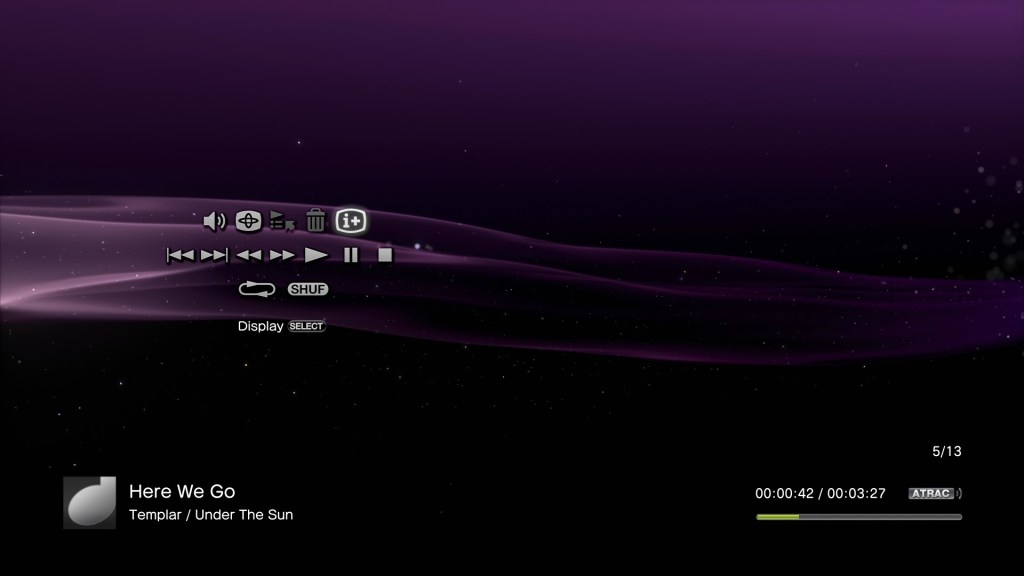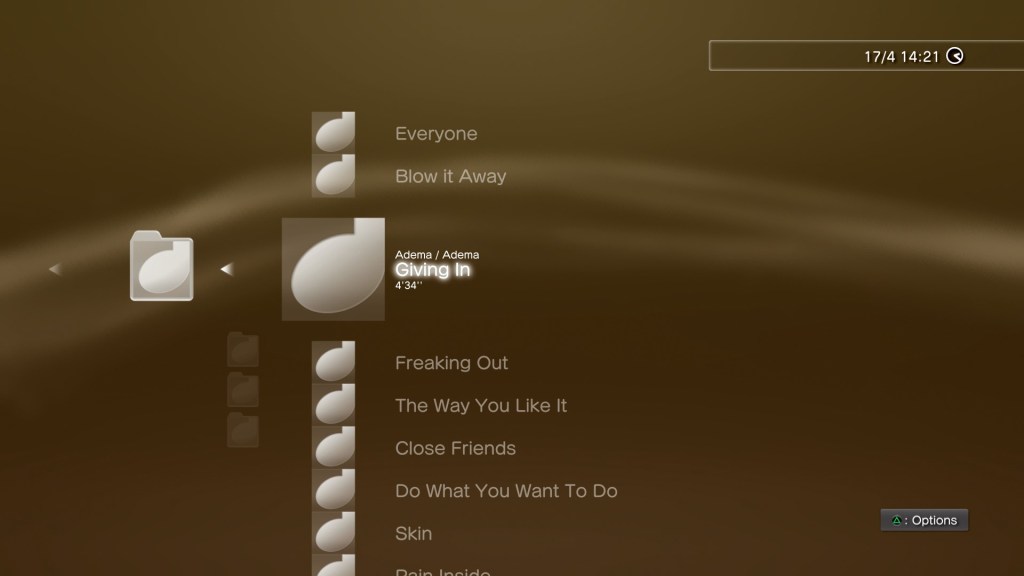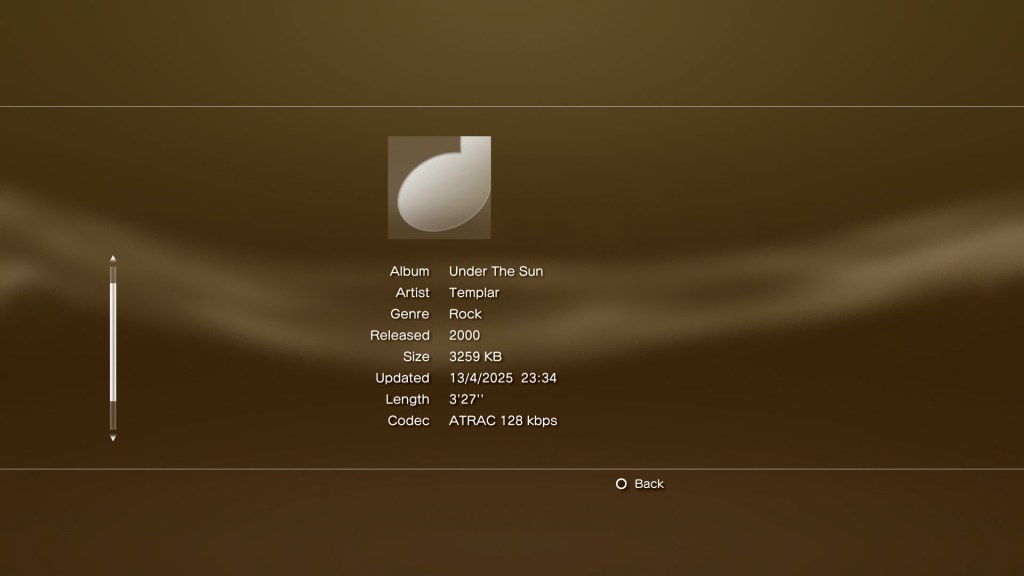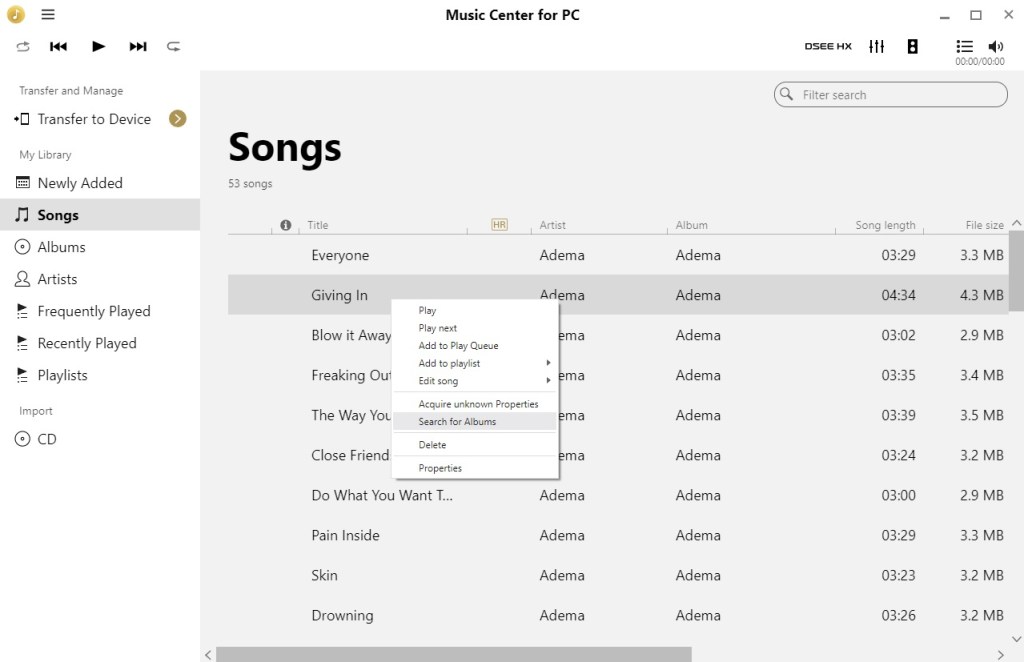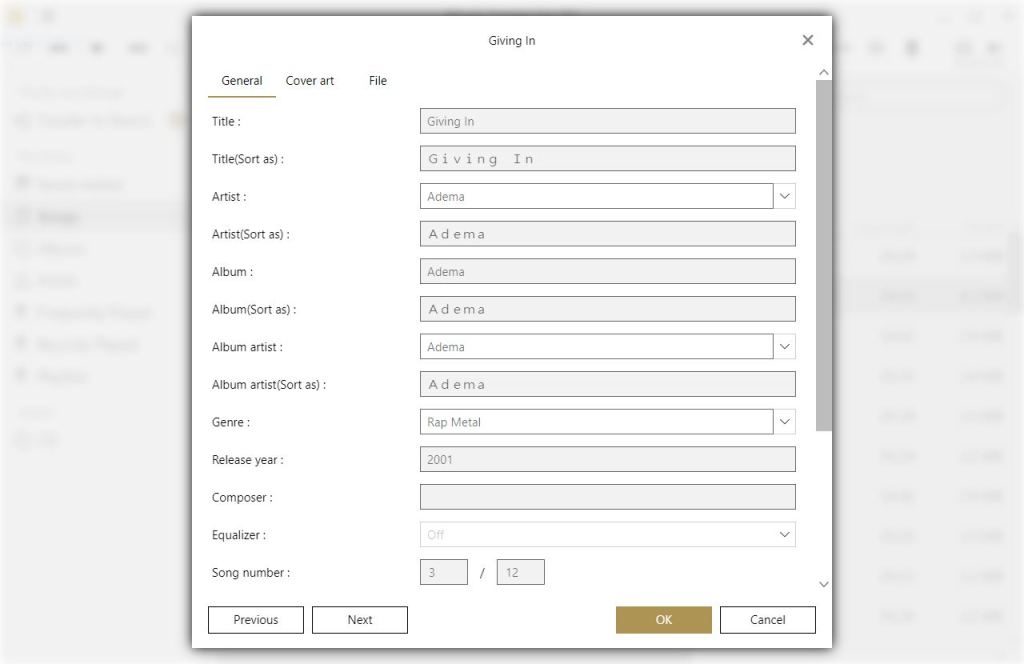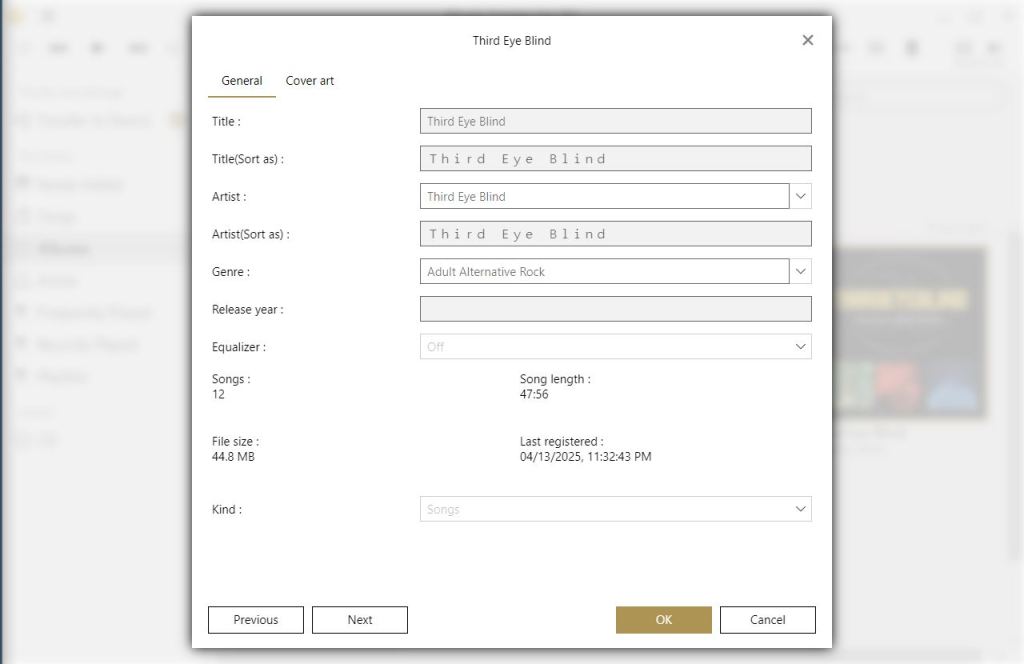
Sony’s first digital music player, and the introduction to ATRAC3 on the Windows platform.
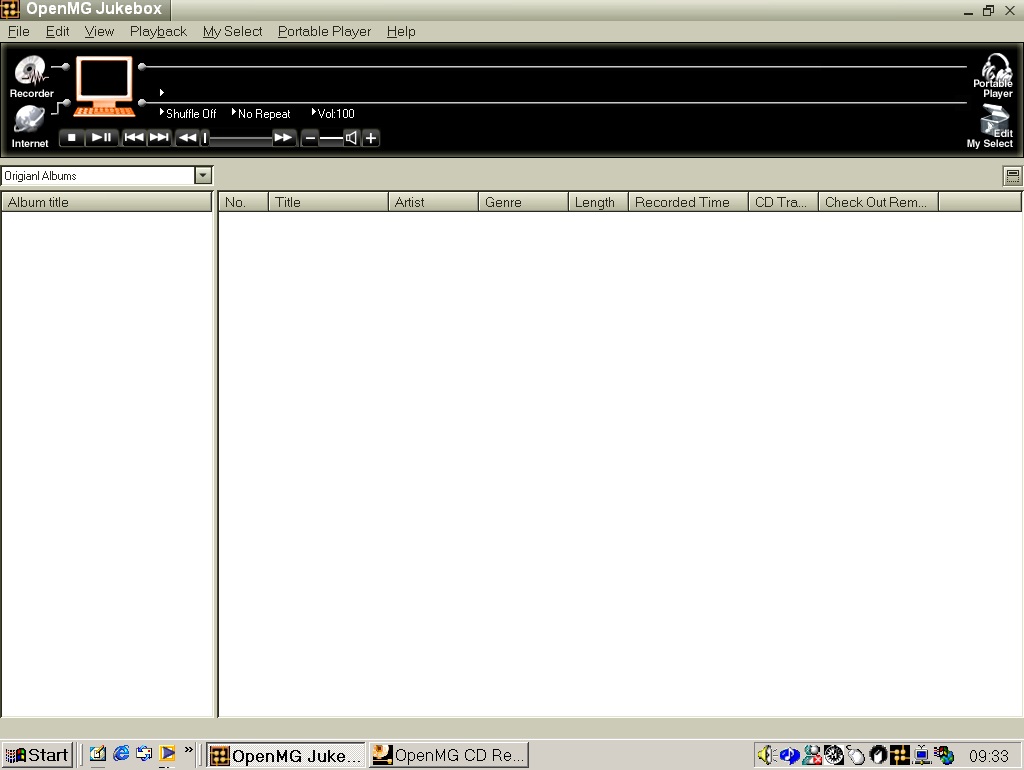
The interface appears rather conservative in comparison to other media players, and later versions of SonicStage. Here we have access to the Recorder, which allows you to rip music from audio CD’s. with the Internet button opening a link to Sony’s now defunct online store.
You also have the standard playback controls along with the system volume control.
The portable Player button doesn’t do much since we don’t have an era appropriate Walkman/VAIO device. This would have been used to transfer and check out music – more on that later.
The Edit My Select button let you create a custom playlist of songs, although the software will refer these as ‘Albums’. The program will differentiate between proper albums as ‘Original Albums’ and your custom playlist as ‘My Selections’. Yes, It does appear there is typing error within the application.
Getting the music
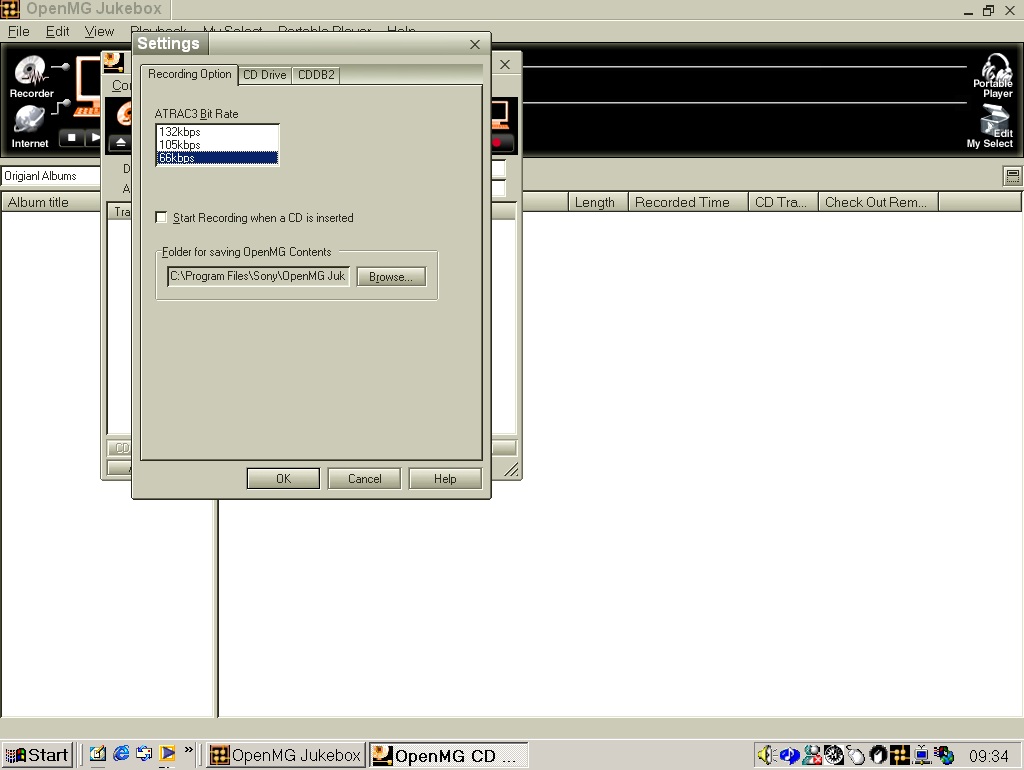
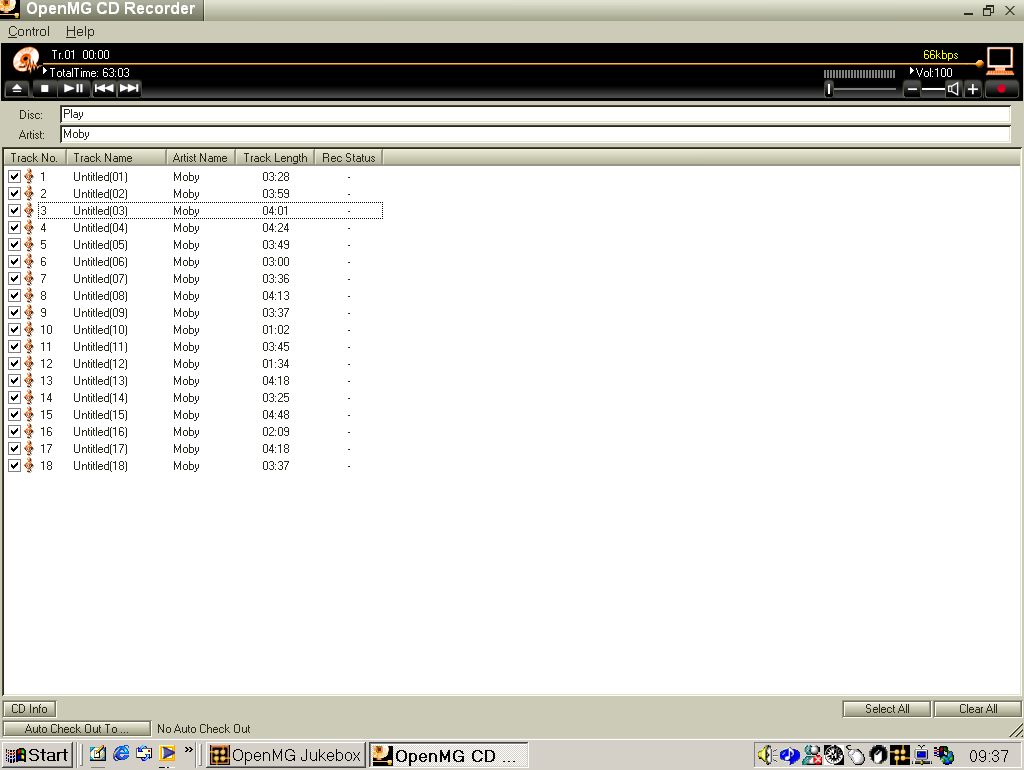
Before we can record from a CD, OpenMG needs to check the CD drive. I assume this is to check for possible noise since many CD drives were still using analogue audio for CD audio playback Here we can import our music in ATRAC3, and only ATRAC3. You do get the option of three bitrates, 66k, 105k and 132k.
CDDB lookup was supported, but is no longer functional.
When ripping a CD I encountered issue when attempting this using the VMWare passthrough from my Internal SATA drive, even with the ‘Legacy’ option enabled within VMWare. The workaround was to use an external USB optical drive and have it passthrough the VMWare USB stack, which present the device directly to the VM. From there I was able to import the audio CD.
What is ATRAC3?
This was Sony’s updated codec intended for use with their later revision of Minidisc Players (MDLP – Minidisc Long Play), which is more efficient and offers slightly better compression than compared to MP3 which was the main codec that ATRAC3 competed with.
There is no ATRAC3 is the second revision of ATRAC (That was used in the original Minidisc), although it’s branded as ATRAC3, likely to compete with MP3
Oddly, music imported is saved to the program Files directory, not the Documents or the My Music folders. Within the ‘Packages’ directory there are various different ‘Trx’ folders that contain single track, followed by a procfile.bin which is possible related to the DRM Sony had used. Tracks are saved in the OMG file format.
In regard to how ATRAC 3 compares to MP3 and WMA encoders of the time, at the same bitrate (64k) ATRAC appears to resample drums a lot better, with the WMA versions sound more compressed. If I had to put them in order, it would be ATRAC3, followed by RealAudio cook, WMA and MP3 last.
Checking In & Out
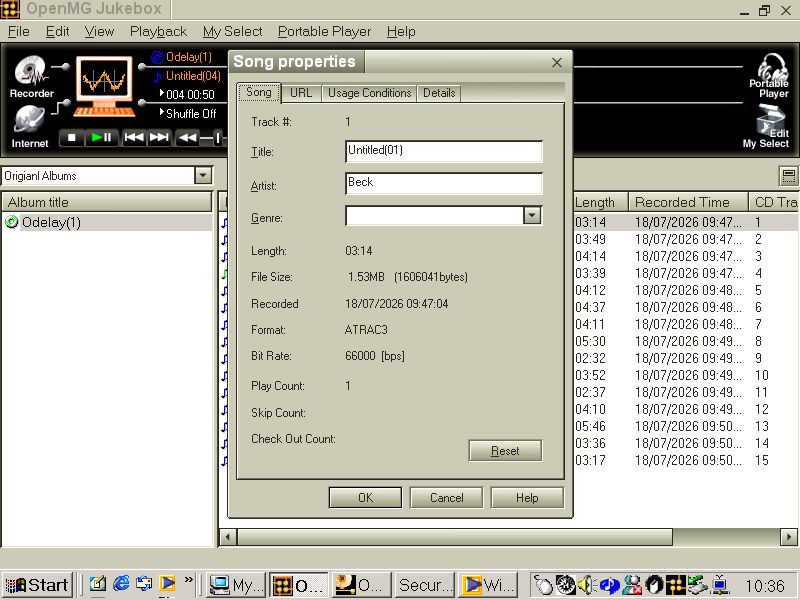
To curb the potential of piracy, Sony employed a checking system where if a song is transferred to one of your supported portable players, It is marked as checked out. You were limited to how many times you could check out a single track, however if a track was checked out you could still continue to listen to he music on the host PC. Songs could be checked back in if you wanted to transfer to another device.
This did tie the track to the Windows install and if you had to reinstall Windows or perform factory reset, it wasn’t possible to restore the song back to your PC as the main encryption key was lost. This was seen as necessary by the music publishers, when digital music piracy was starting to take off.
In comparison to the Fairplay system that iTunes had use, the OpenMG system was seen as more restrictive. Apple did let you have up to five authorized computers, and there was no limit of the amount of iPod’s that you could transfer the songs to, providing the computer that you are transferring from is authorized to do so. One restriction however is that you couldn’t transfer a song from the iPod back to the host PC, even if that PC was authorized.
The digital music landscape of 1999 is defined by uncontrolled copying, unauthorized distribution, and widespread piracy. As a hardware manufacturer with deep relationships across the music industry, Sony must demonstrate that its portable devices cannot become vectors for mass duplication, considering Sony also has a presence in the music publishing industry itself.
The check in/check out system is the most reliable way to enforce these rules. It ensures that ATRAC content is always tied to a specific PC and cannot be freely duplicated across multiple computers or devices.
Digital files can be copied infinitely with no degradation. To prevent uncontrolled proliferation, Sony must ensure that only one active master copy exists at any time. From their previous experience with DAT Cassette, being able to make a near perfect digital copy of a song was seen as a huge problem for piracy. The three device limit will be seen as quite limited, especially if you have a family that has multiple Walkman’s that you intend to share music with.
Sony later allowed you to remove the OpenMG protection from OMG files in later versions of SonicStage and the checking system was abolished.
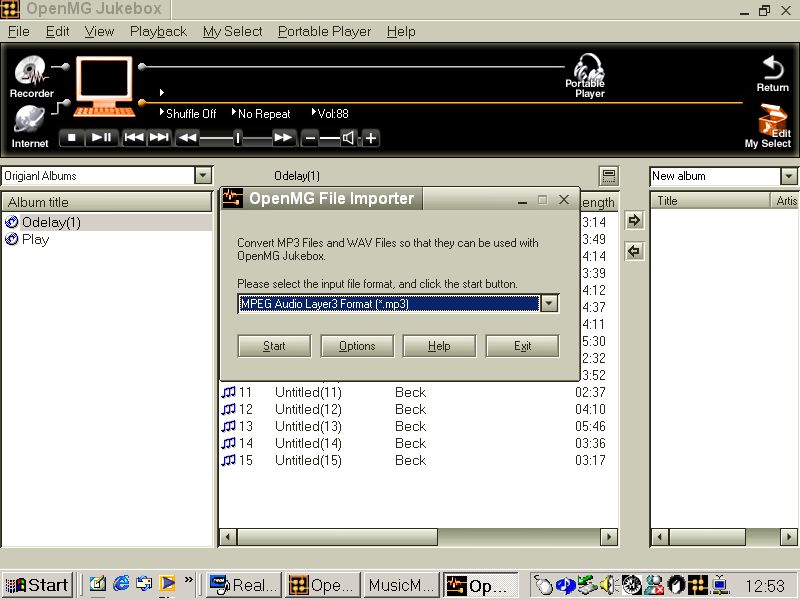
Lastly you can import and convert MP3 and WAV files for use with the program and to transfer to your portable device.
Sony only released their music software on Microsoft Windows, with no Macintosh version of the software. Reverse engineered third party tools would later follow that allowed for transfer for mac and Linux systems, however standard MP3 players would become more popular, Many that didn’t feature such restrictions.
Sony would continue to develop their OpenMG Music management software, which would be rebranded to SonicStage, which would support hard disk and flash memory based Walkman’s.