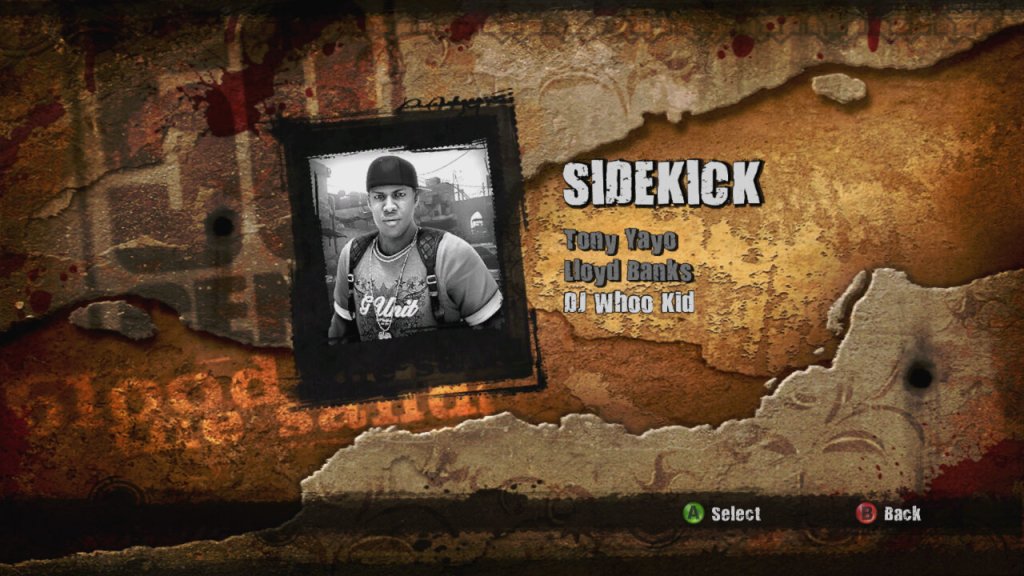
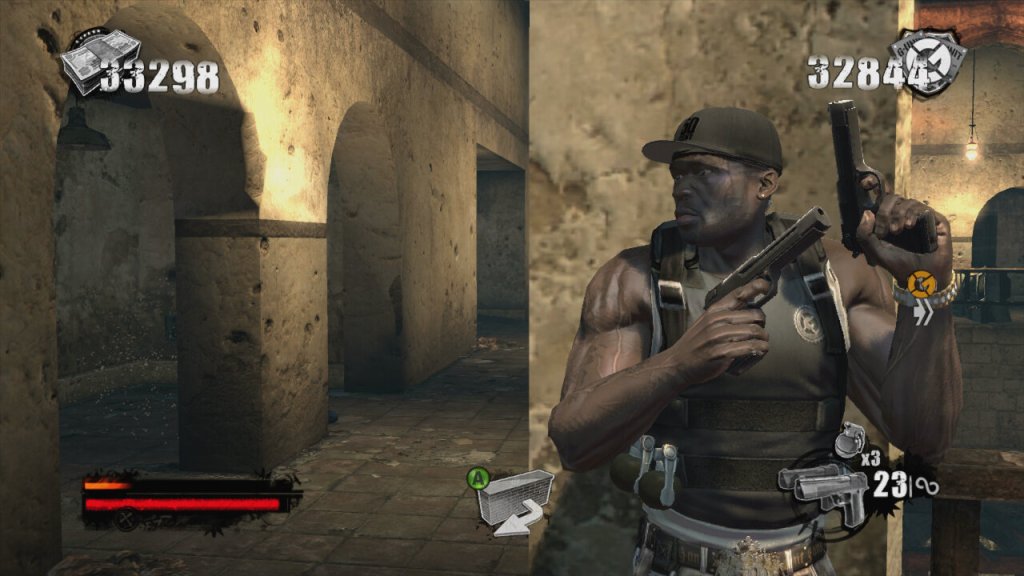
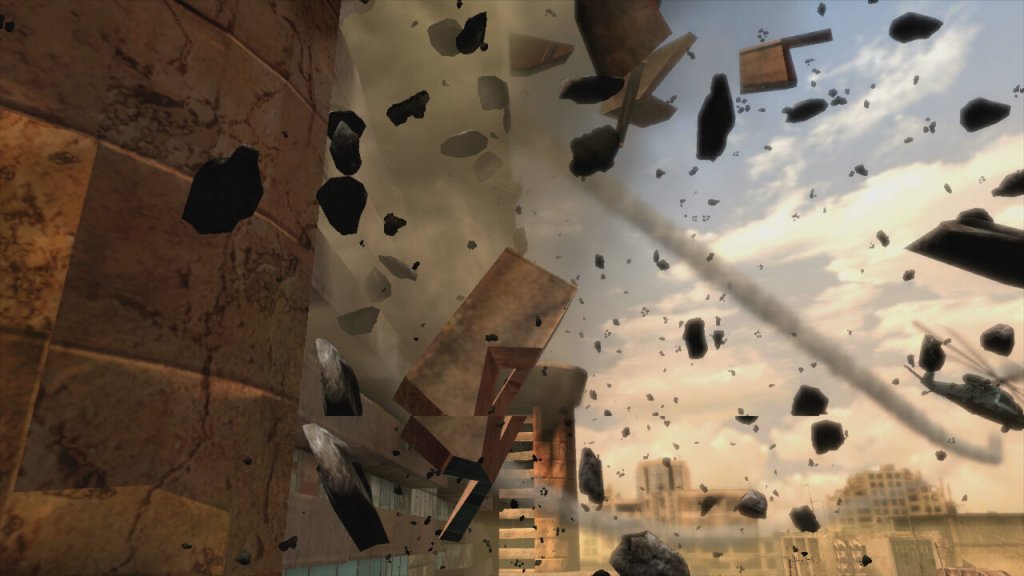
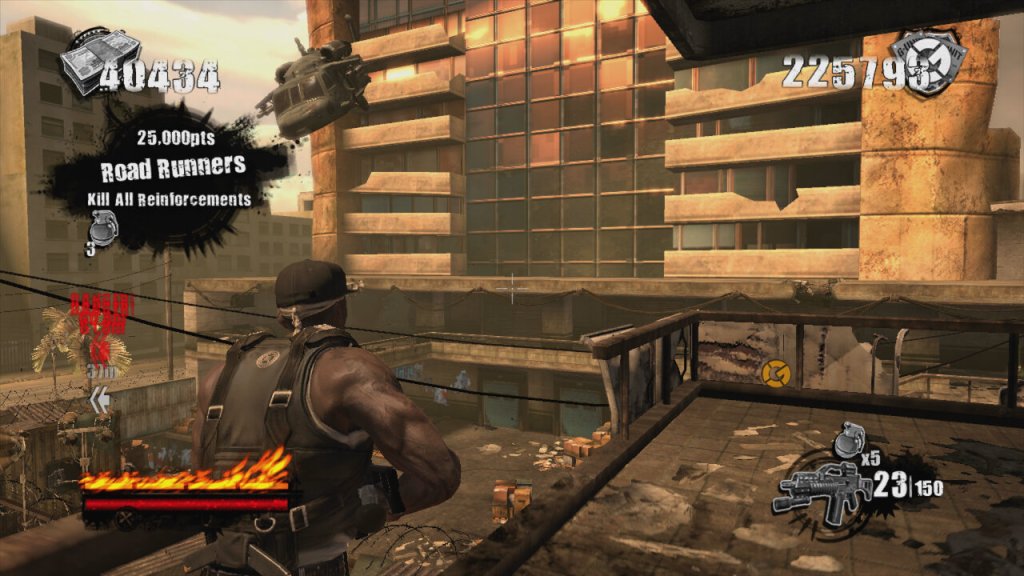
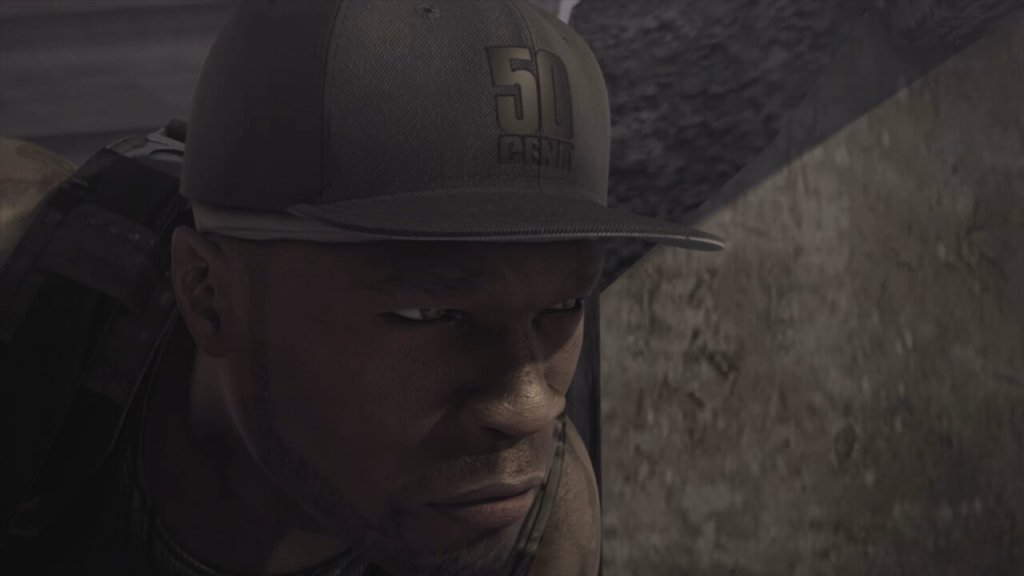
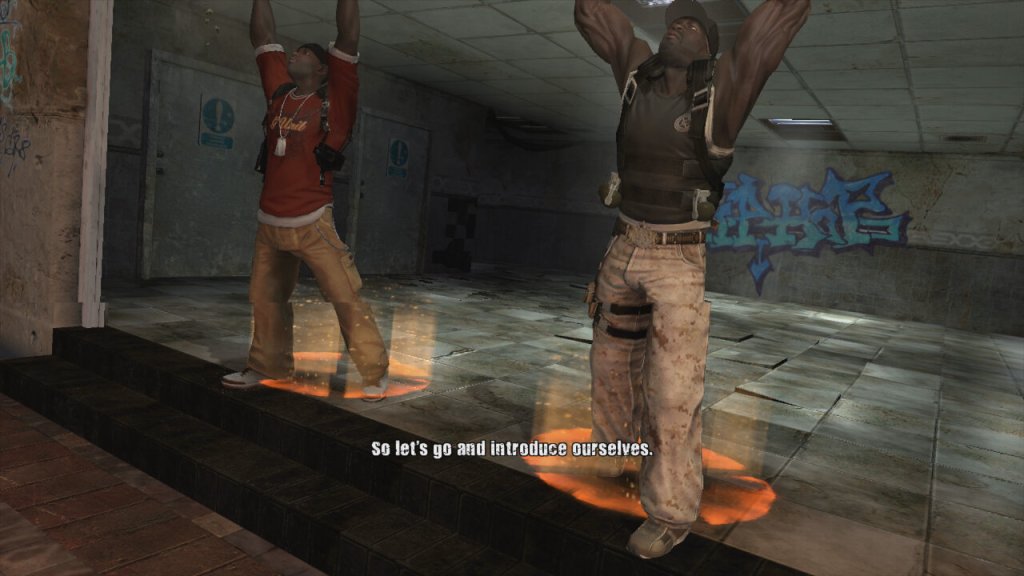
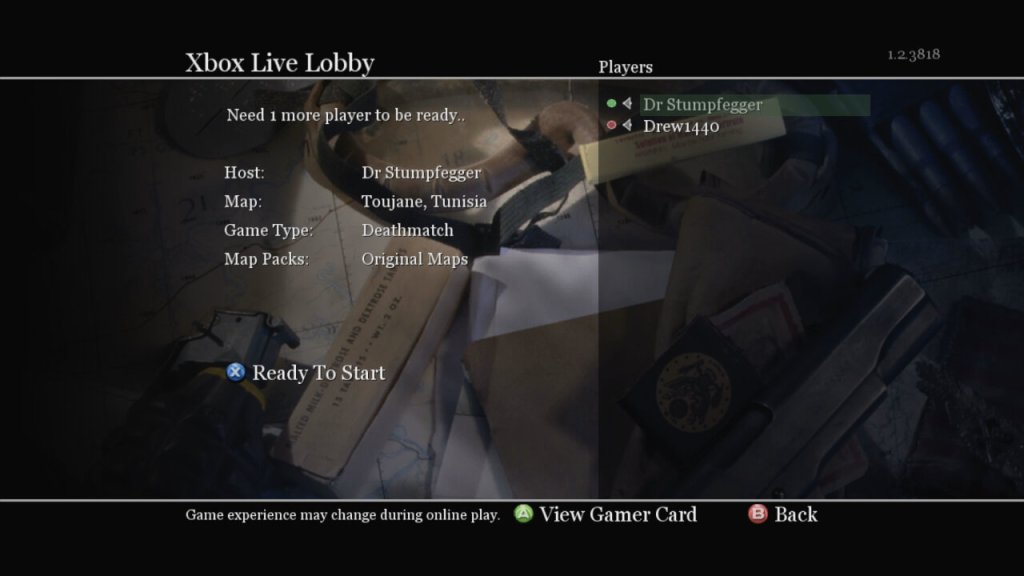
A third person shooter where you lay as 50 Cent, along with one of his bandmates in a single layer campaign. Players control 50 Cent and a sidekick player as they fight through waves of enemies using a variety of weapons. The game features a cover system (Like Gears Of War), dual-wielding weapons, and unique melee attacks where players can execute finishers on enemies to regain health, all whilst 50 Cent’s music is laying in the background. The game supports co-operative play using either split screen or online over Xbox Live. The second player can choose to be either Tony Yayo, Lloyd Banks or DJ Whoo Kid.
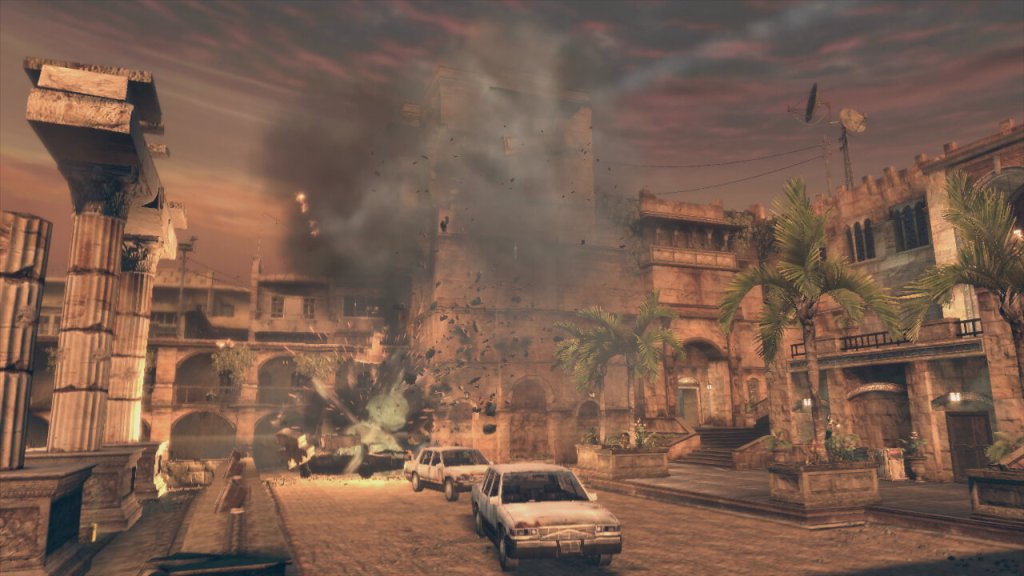
The plot of the game revolves around 50 Cent performing at a concert in a Middle Eastern city. However, their diamond get stolen during a coup. The game follows their quest to retrieve these diamonds from various warlords and factions. It’s not to take seriously and is more fun when played co-operatively with friends.
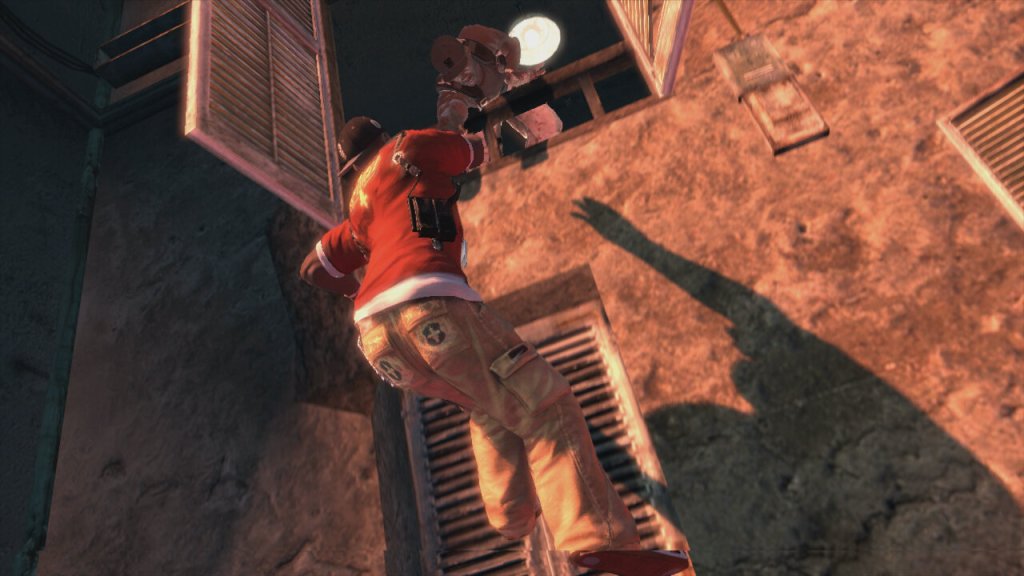
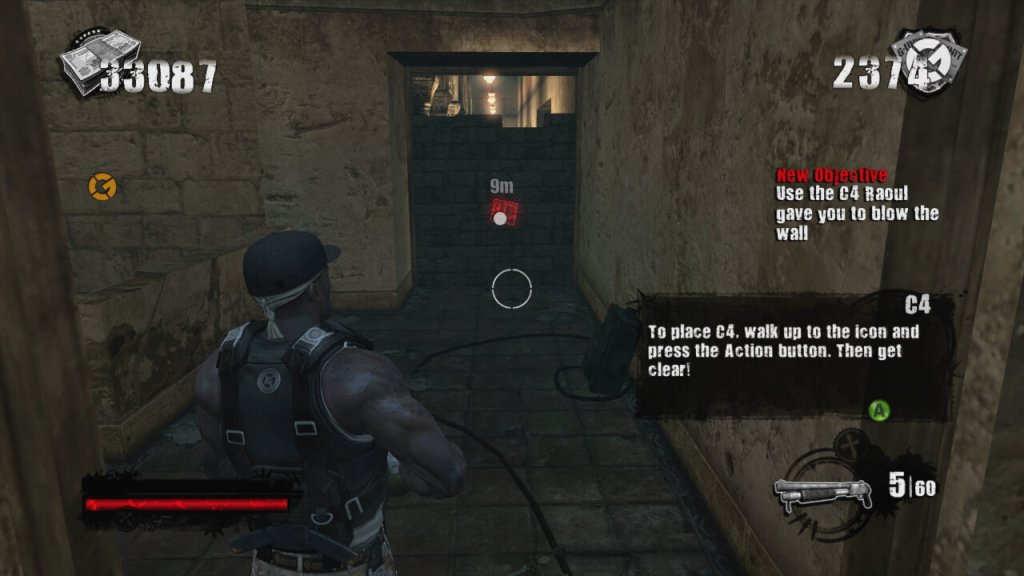
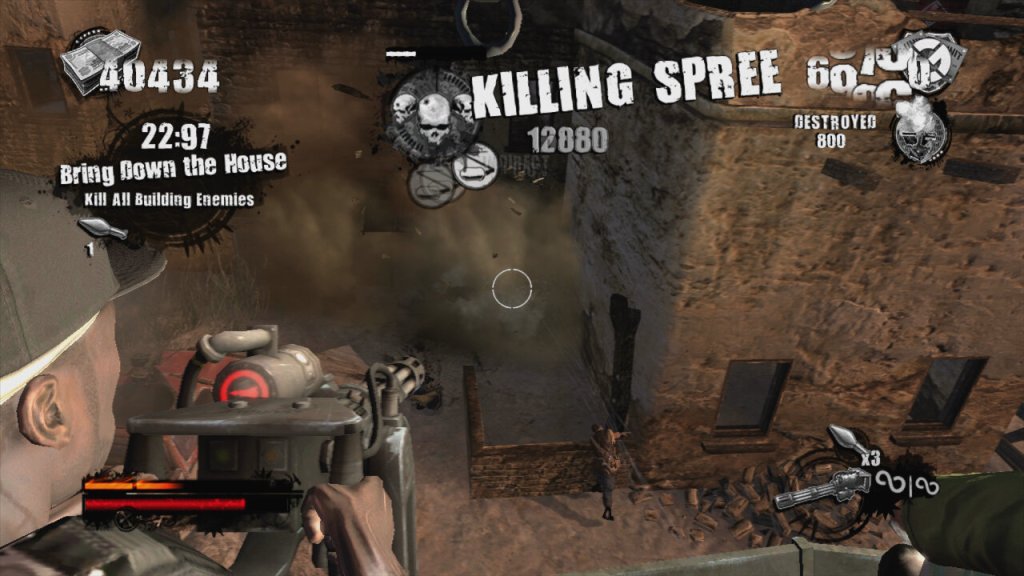
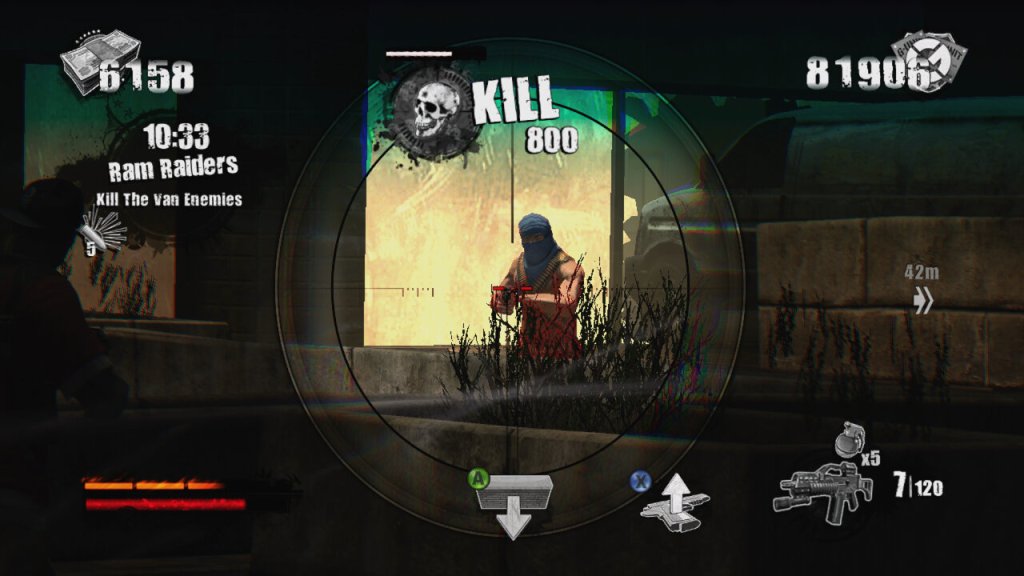
The gameplay itself is very similar to Gears Of War with you controlling 50 Cent in a third person view. The game has an emphasis on high scores, kill combos, and timed challenges set it apart, giving it more of an arcade-style feel compared to other third-person shooters like Army of Two (another console exclusive game to check out) which is used to unlock weapons that can be purchased in later levels of the game via phonebooths. Enemies drop ammo and cash when they are killed and this can also be used to purchase weapons. The game also gives hidden areas that you can loot for more cash, which also contributes to the score at the end of each mission.
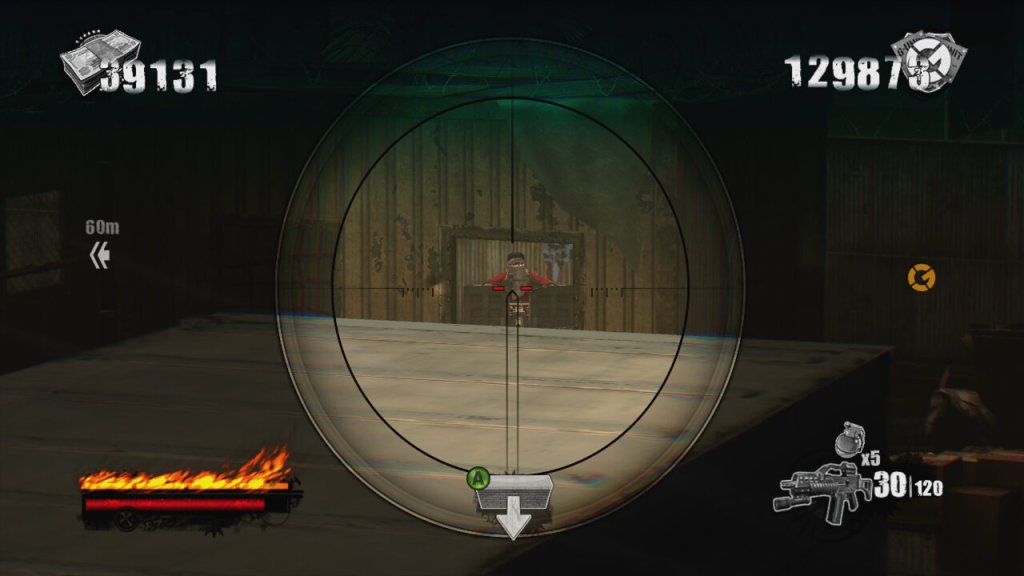
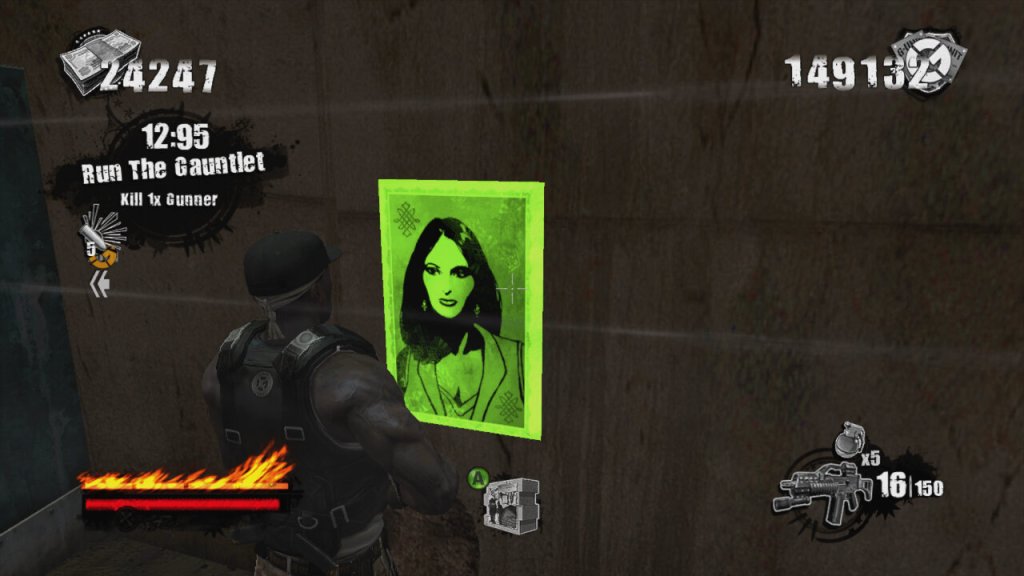
There’s also posters you can take down and targets you can shoot for extra points.
Breaking up the gunplay, you can also engage in hand to hand combat when you are near an enemy. By pressing B or Circle, you can beat the enemy to death when following the button prompts. You can also us the environment to take out groups of enemies.
Blood On The Sand was only released on consoles, the PlayStation 3 and Xbox 360, with the latter being made compatible on the Xbox One. Both versions are very similar in terms of performance and gameplay, the 360 version does keep a more stable framerate.
Blood on the Sand isn’t a game that’s going to win awards for innovation or narrative depth, but it delivers a fun, if not slightly repetitive, shooter experience wrapped in the persona of 50 Cent/G-Unit. It’s not perfect, but it’s a solid entry for anyone looking to mix up their gaming library.
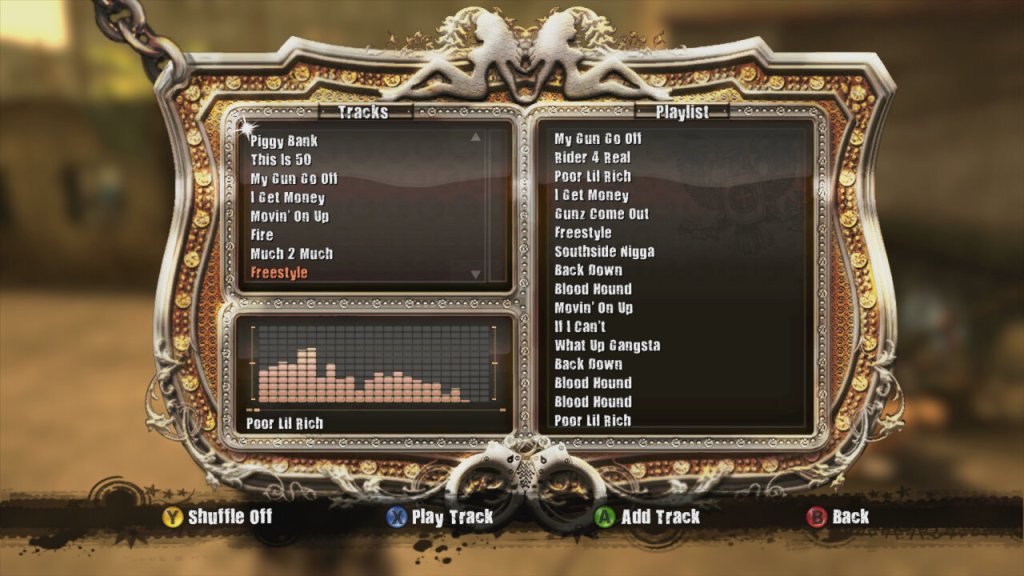
Music featured in the game, If HipHop isn’t your genre of music you can mute the music and use the console to play alternative music.
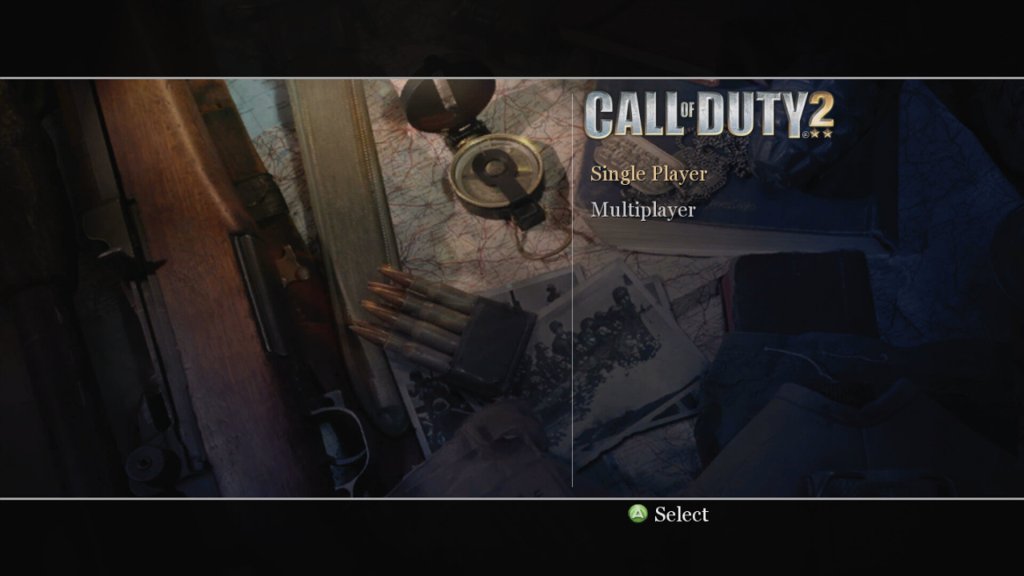
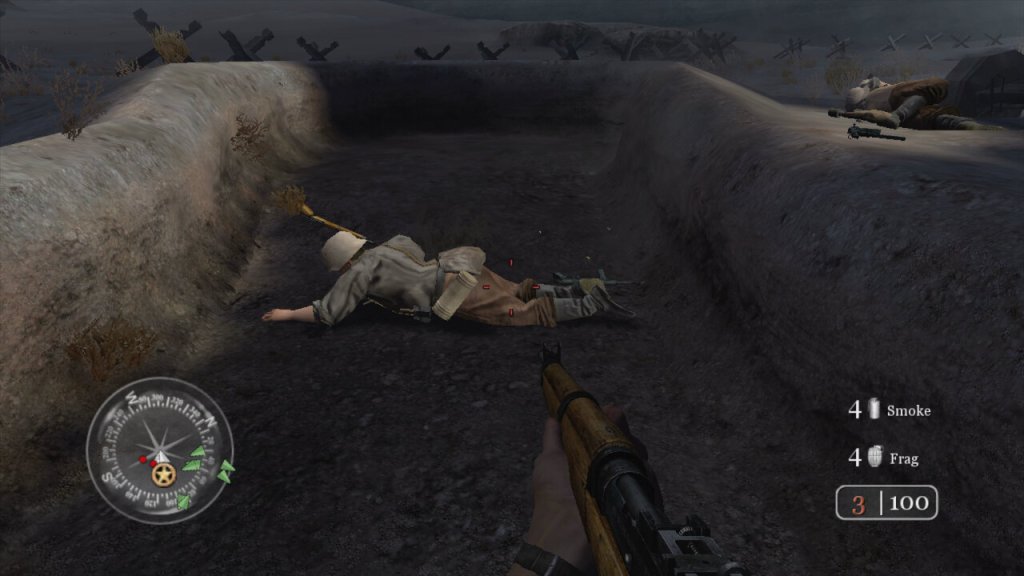
The second major installment, released in 2005 and a launch title for the Xbox 360. The game aims for a realistic portrayal of WWII combat, which includes historical accuracy in soldier uniforms, weapon models, and battle settings. Also not to forget the regenerating health. It’s the sequal to the original Call Of Duty and it’s console spinoffs.
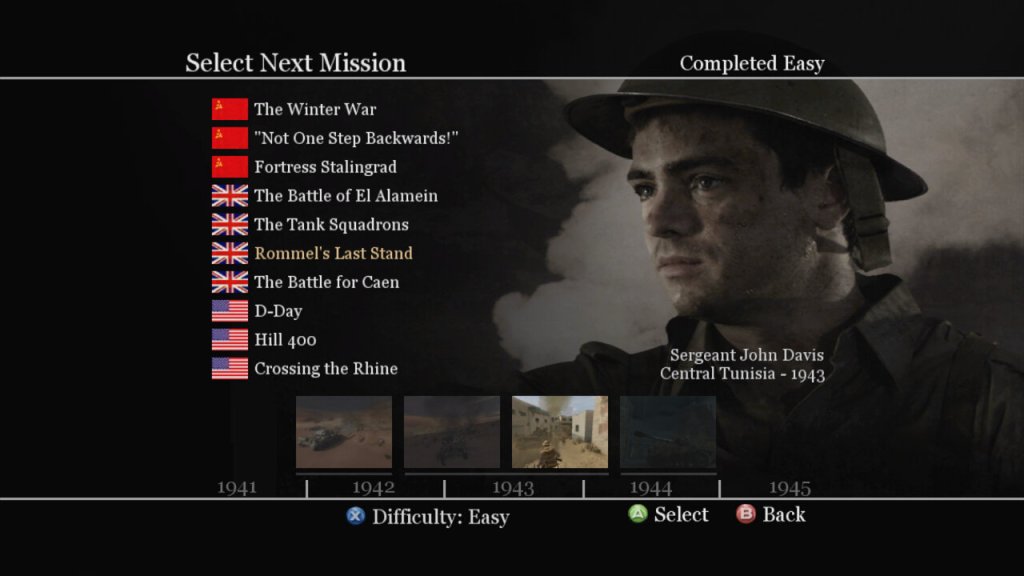
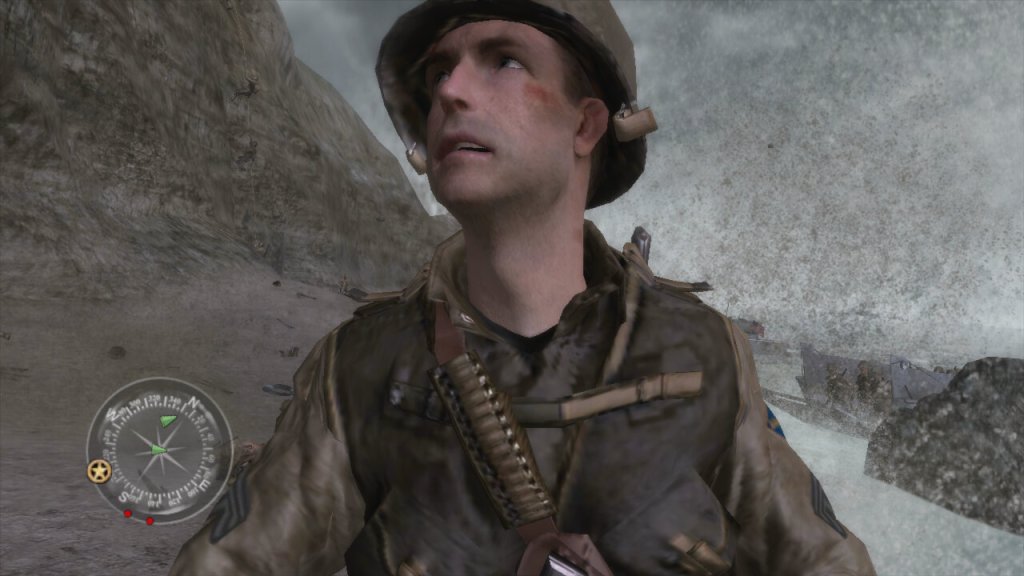
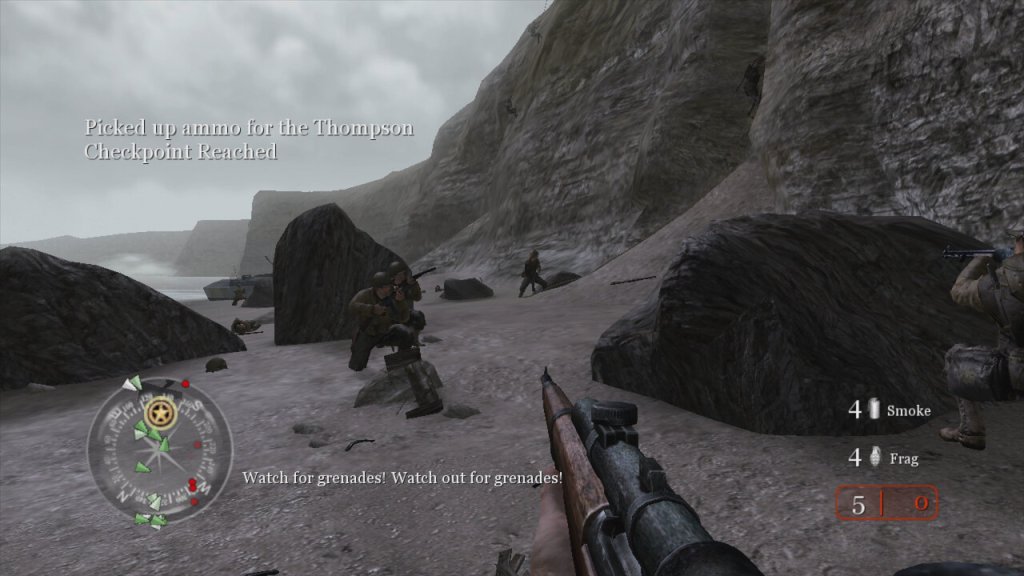
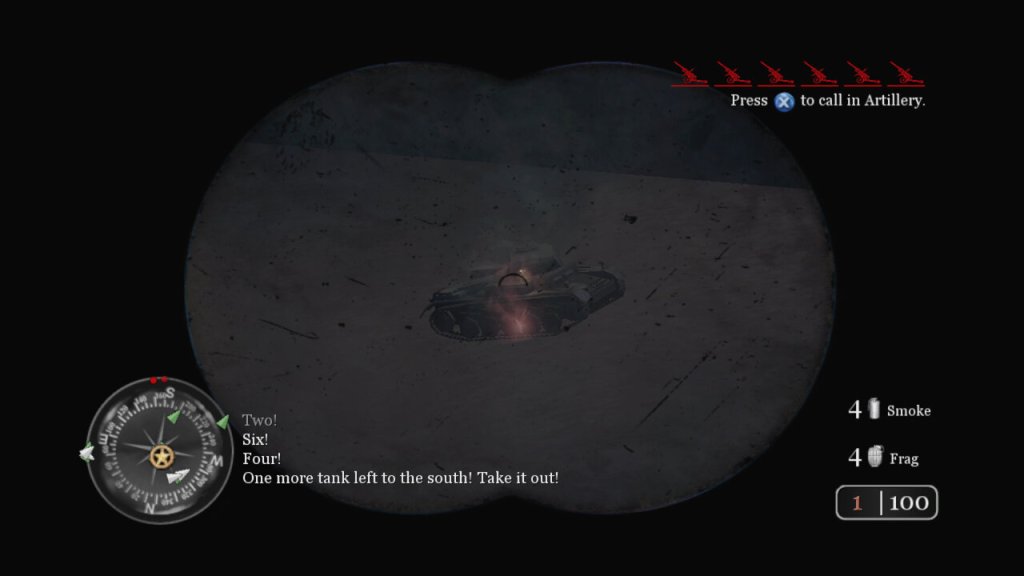
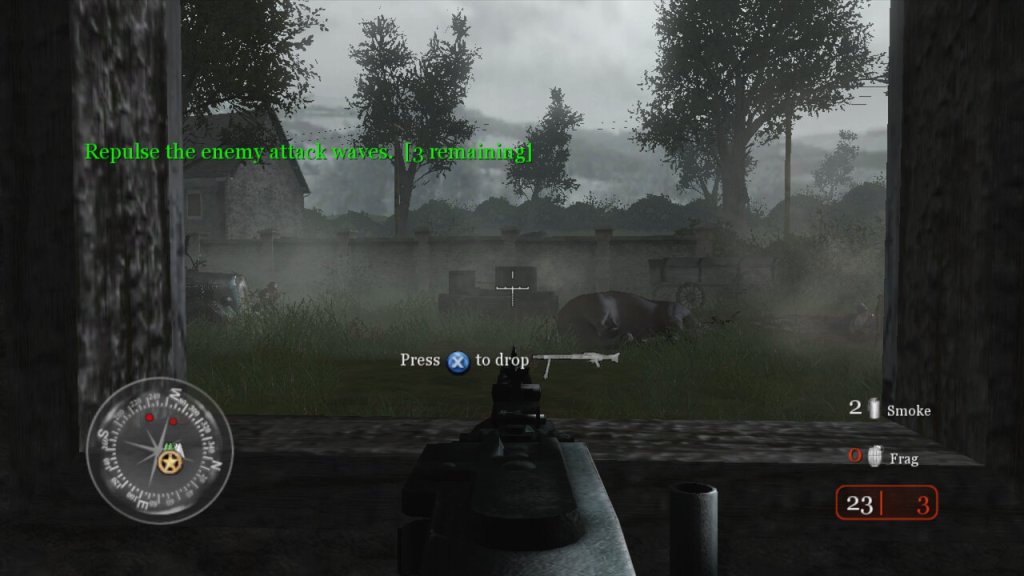
The story campaign is broken into three different arcs, with the narrative is told through the eyes of different soldiers from different nations (US, UK, USSR), giving a broad perspective on the war. Each mission is designed to feel immersive, with detailed environments, weather effects, and dynamic lighting, though the mission scripting can fail from time to time with some of the NPC characters getting stuck, preventing the mission from progressing. The game does autosave frequently to you can easily reload the last save when this occurs. Missions are also pretty diverse, and sometimes you will be tasked to drive a tank through the fields, or use the mortar or snipers to take out distant enemies. Sometimes you will be tasked to hold out and wait for rescue to arrive. It’s a good way to break up the gameplay and to prevent the game from being monotomus.
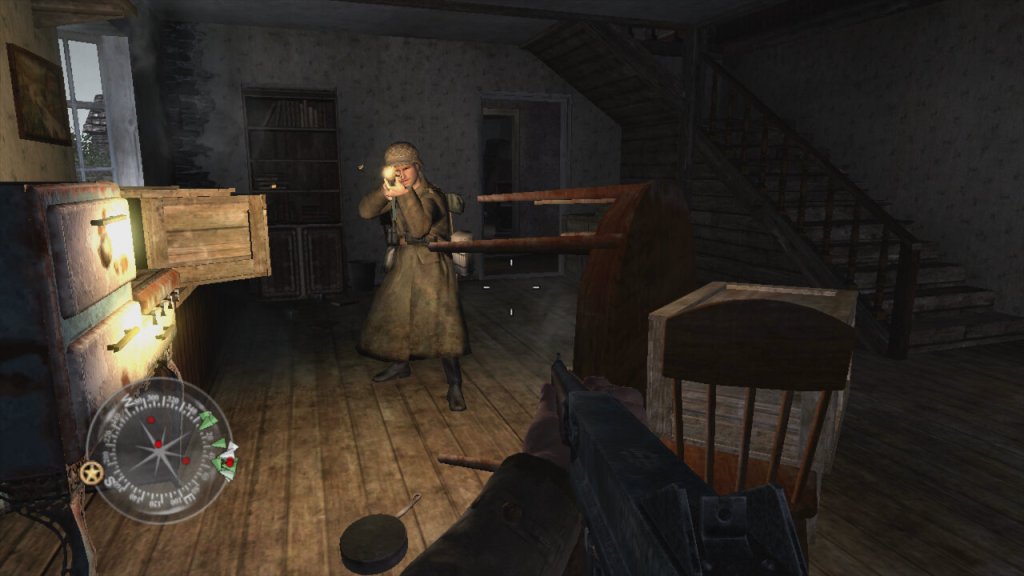
Players view the game from the perspective of their character, using a wide array of WWII-era weapons to engage enemies in combat. Each weapon has realistic firing rates, recoil, reload times, and damage models, influencing player strategy and engagement. Instead of health kits, the game features health regeneration where players recover health over time if they avoid taking damage instead of having to collect and use healing items. While not a traditional cover system, environmental interaction is crucial; players can use walls, doorways, and terrain for cover.
As a World War II game, it deals with historical political themes due to its setting, but it also introduces themes that can be interpreted in broader political contexts. The game presents World War II through the perspectives of soldiers from the USSR, USA, and UK, emphasizing the nationalistic pride each soldier might feel for their homeland. This is particularly evident in mission briefings and the portrayal of heroic acts by soldiers, which could be interpreted as promoting patriotic sentiments.
The game’s focus on combat glorifies military engagement to an extent, showcasing the technology, strategy, and heroism in battle. This can be seen as a form of militarism, where military power is celebrated as a means to resolve international conflicts. By depicting the Allied forces working together, Call of Duty 2 subtly touches upon the theme of international alliances, suggesting the necessity of cooperation against a common enemy, which mirrors real-world political alliances formed during WWII. WWII is often referred to as “the good war” because of the clear moral lines between the Allies and the Axis powers. “Call of Duty 2” reinforces this narrative by rarely questioning the morality of the war itself, which can be interpreted as a political stance on the justification of warfare when facing extreme ideologies.
Platforms
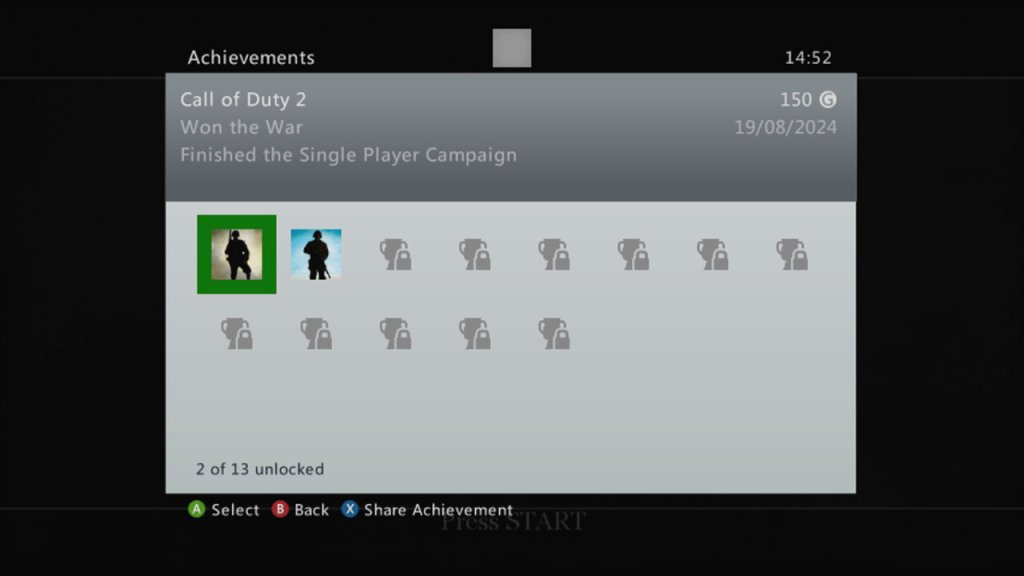
Xbox 360 – This was a launch title for the Xbox 360 and was one of the only console ports of the game, not being released for the PS2 or the original Xbox. It’s odd since sequel, Call Of Duty 3, was released for these ageing sixth generation consoles. The 360 version is also supported for the Xbox One and Series consoles. Being an early 360 titles, there isnt much achievements, but you get 50G for comleting traning, and 150G for finishing the campaign.
Microsoft Windows – Released on the PC at the same time as the 360, you can still purchase this on Steam. You can also play this online, though I’m not sure how safe this is due to modern exploits being possible through the game’s engine. The game does come with PunkBuster, but it’s no longer updated.
Mac OS X – the game was ported to Mac’s running both PowerPC and Intel processors, through it needs a beefy G5 processor for it to run correctly. The Mac Mini with it’s G4 and Radeon 9200 will struggle to run this game. This version of the game no longer runs on modern macs since it remins a 32bit applications, thje latest version to run is macOS Mojavie.
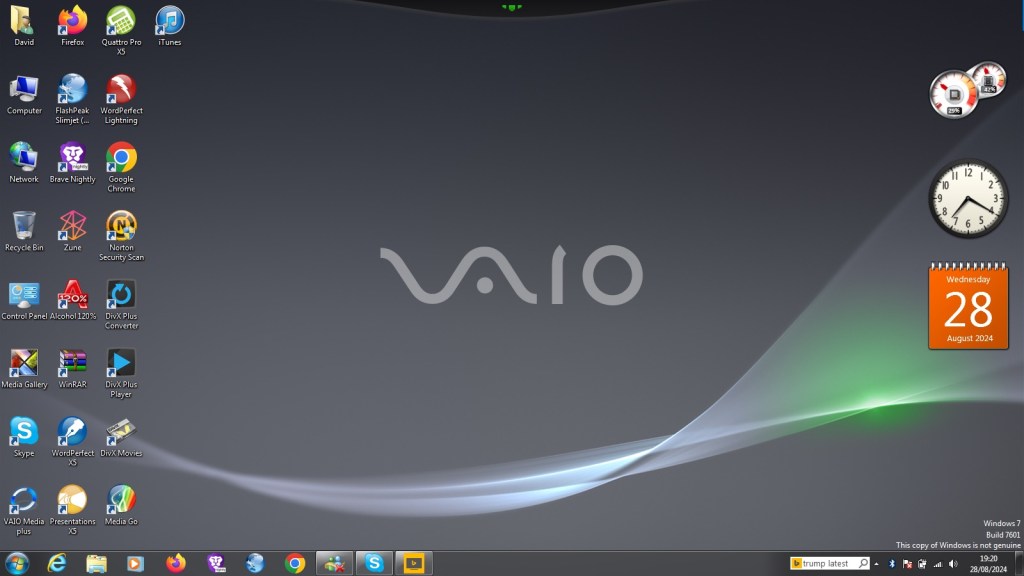
A high-end multimedia laptop released in 2010, featuring a Core i5 processor, 6-8GB of RAM, a built in Blu-Ray player and a Radeon HD 5450 graphics processor.
The laptop comes with Windows 7 Home Premium with some Sony software included. When I got the laptop it had a fresh install with Windows 10, but the recovery partition was broken on this model as it could not complete a restore. And even worse the laptop shipped with a 5400rpm hard drive which was slow after using SSD’s for a few years. Recovering the install was another issue, since the only recovery disc I could find online was intended for a similar model, but the recovery utility still would not co-operate due to the model number mismatch, despite the laptops having similar specifications.
A work around was to extract the recovery image and use a utility to extract the files. They are actually Windows Installer files but in a container format (.mod) which is run during the Sony restore utility. By using this method we can install the Sony itilities and drivers, making this close to an actual install. For installing Windows 7, I used a standard OEM Home Premium found online and activated it using the product key found underneath the notebook itself.
Sony VAIO Recovery Patcher – A bit time consuming to run, I found it easier to extract the mod files and run them as Windows insallers (double click to run). Some of these are redundant since they are designed for specific regions, and some just install registry keys. For more information, see the support page
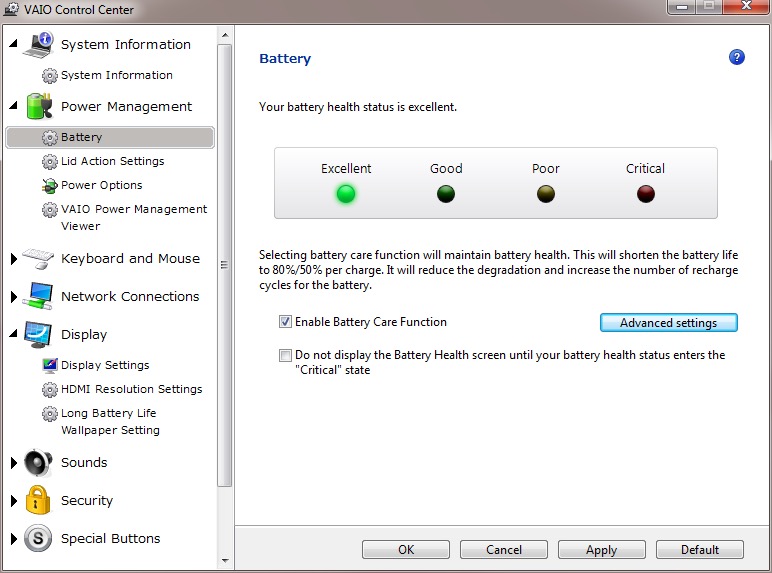
VAIO Control Center
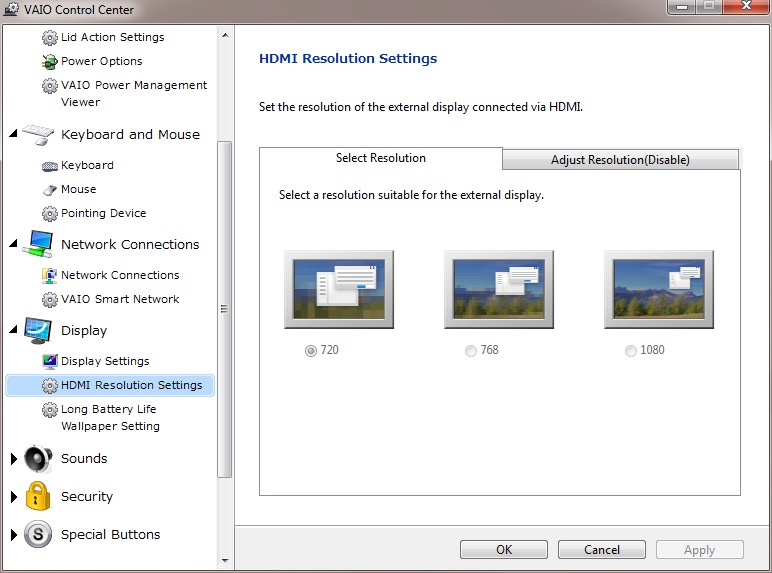
This acts as a control panel that is customised for Sony’s specific functions, here you can change settings relating to power management, Network and display options. It’s a more simplified interface of the Windows control panel.
It will also display the heath of your battery (this one happens to be a GreenCell battery I got off Amazon, which shows as healthy yet struggled to hold a charge when disconnected from the AC adaptor.
There is also a battery care function that limits the charging to 80%, which is supposed to extend the life of the battery.
VAIO Media plus
Sony’s Media Centre that lets you view photo’s video and music that is stored on your notebook in a full screen view. Possibly intended for use when you connected your VAIO to your HD TV.
There is the SenseME feature which analyses and organises your music into different modes/playlists, depending on how energetic or smoothing the song is.
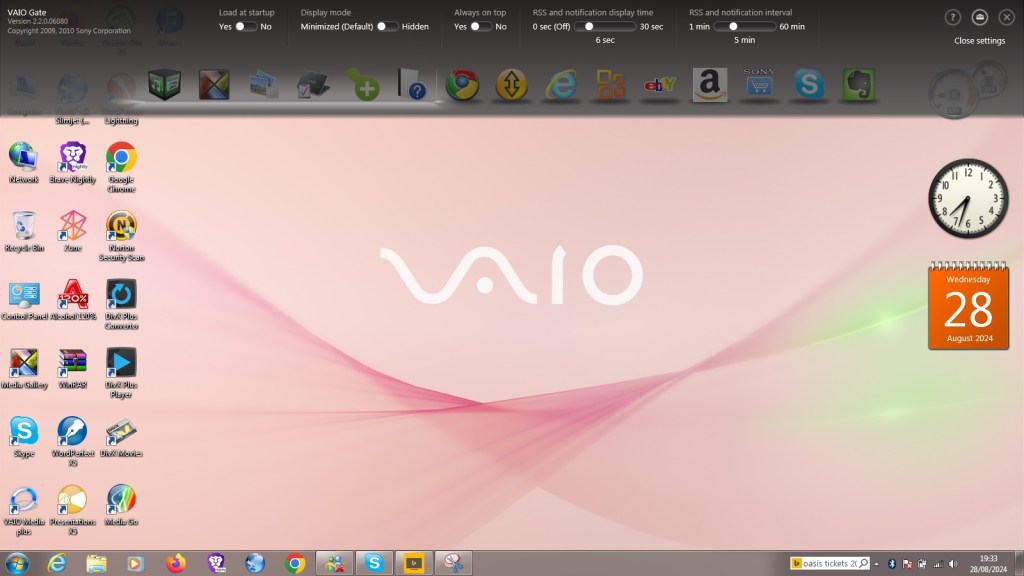
VAIO Gate
This acts as a shortcut launcher that appears at the top of the screen, and has shortcuts to most preinstalled utilities. You can also pin applications here for pick access, similar to the Mac OS X dock or the Windows Quick Launch that was deprecated in Windows 7.
Whilst intended to be useful, its placement can be annoying, by default if you place your mouse cursor anywhere near the top of the screen it will poppet, making it difficult to use iof you’re using a browser such aa Google Chrome, or any browser that places it’s tab bar at the top of the screen, which is all of them.
At the time this was released, this design was uncommon as Firefox and Internet Explorer placing their tab bars near the bottom of the toolbar. Just above the web page itself with the applications title bear residing at the top.
PlayStation Tools
If you owned a PS3 gaming system at the time of this laptop, Sony bundled two useful utilities to use with your PS Triple.
Remote Play
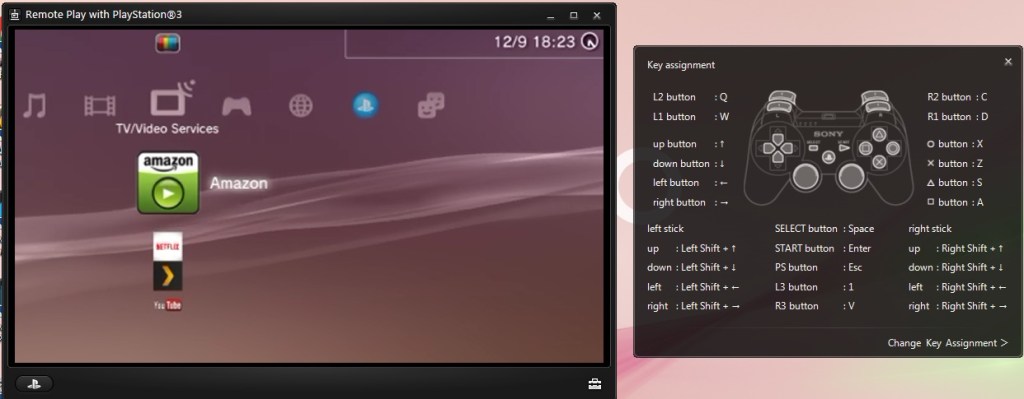
Sony bundled two utilities to allow fours with the PlayStation3, which was their current console when this computer was released. Remote Play will let you control and stream your PS3 console to your laptop.
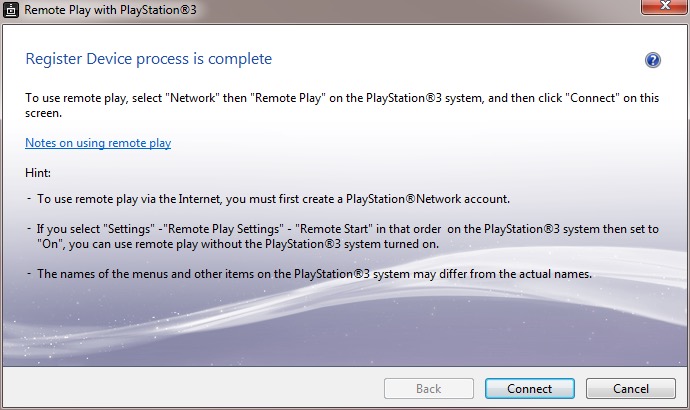
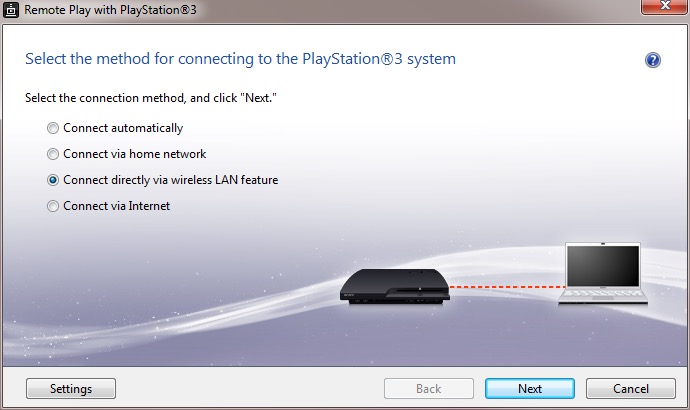
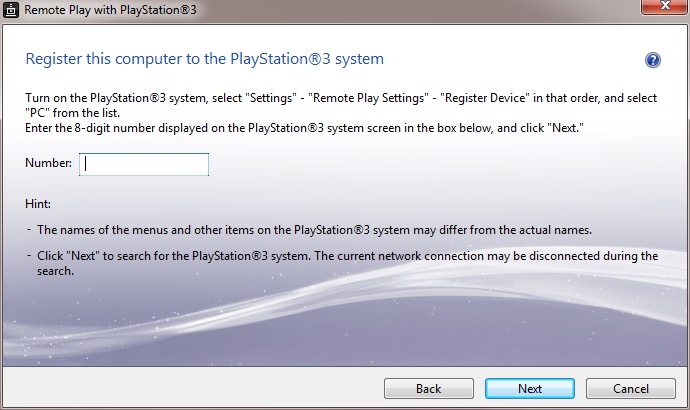
Setting it up requires pairing your PS3 to your computer by entering a code, you can then enabled and allow the PS3 to functional a WiFI hotspot to allow your remote device to turn the PS3 on. This is only for remote play use, you cannot share your internet connection this way.
The performance leaves a lot to be desired, even when both devices are connected via ethernet, the performance is just too poor with the lag reaching to around 3-5 seconds delay to respond to a button press. This gradually gets worse as you use it.
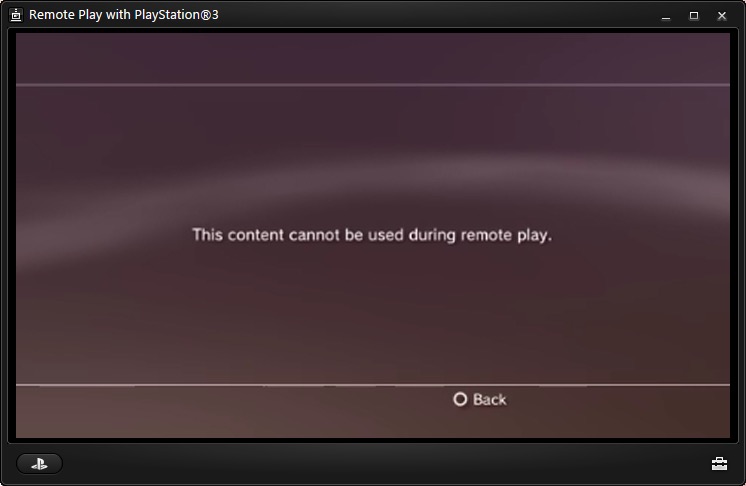
Also to play games, the PS3 game itself must support remote play since it required a certain amount of system RAM to be reserved, along with a spare SPU to encode the video. The amount of titles supported is very small, too much that I don’t have access to a game that is on the list.
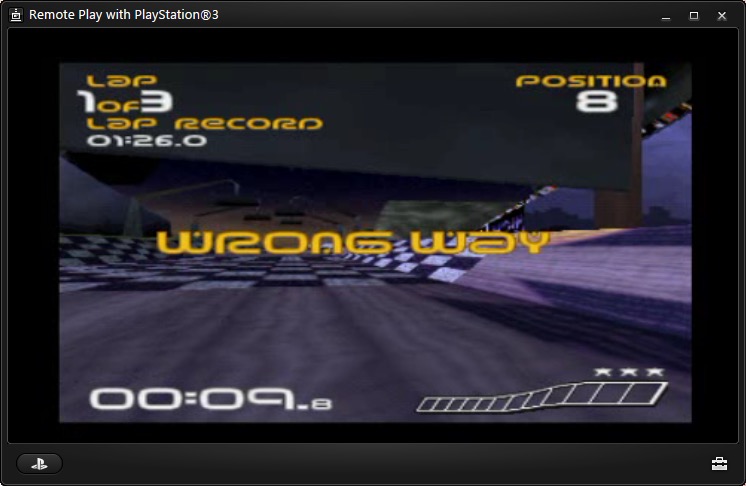
PS1 games are supposed to work and a few of the digital titles do work, but you could just download an PSX emulator and play it that way instead, then you woudnt have to deal with the poor latency.
Overall it’s a waste of effort. I remember this working much better with the PSP instead.
Remote Keyboard
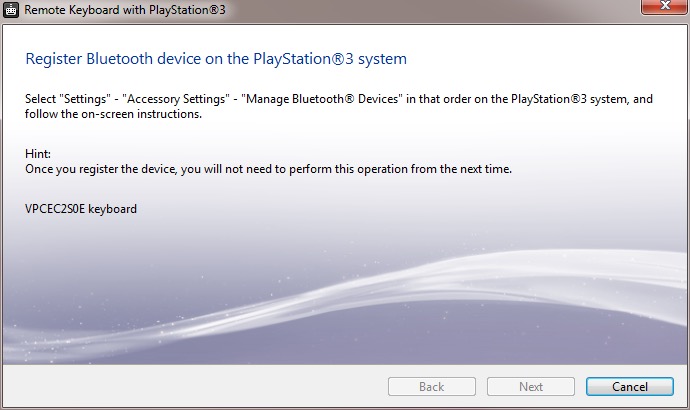
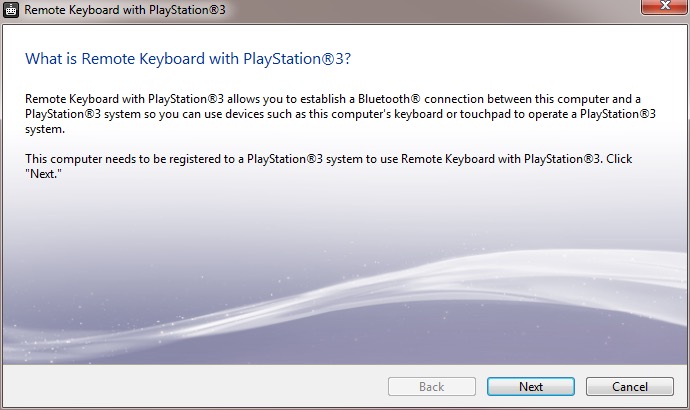
The other utility is the remote keyboard, which lets you pair the PS3 via Bluetooth to allow your VAIO’s keyboard and trackpad to functional it it were connected to the PS3. The setup will guide you on how to pair both devices and once enabled, you can fully control the XMB. This does prevent you from using the laptop whilst connected to the PS3, requiring you to disconnect it from the PS3 XMB, or by pressing Ctrl + Alt+ Backspace on the keyboard.
It useful but niche, how often are you going to be using this in games? Maybe for text entry for games that require it, but many games just don’t need this.
There are a few select titles that did support the keyboard function for gameplay, Unreal Tournament 3 was one such title (the PS2 port of Unreal Tournament also supports this) allowing me to enter a match and play using the PC traditional WASD controls.
There are issues when sending a keystroke and moving the mouse at the same time, making aiming jerky. You can also send only one keystroke at a time, making dodging or jumping difficult. Really you’re best of getting a cheap Bluetooth keyboard and mouse and just pair it directly top the PS3. Maybe at the time these were much more expensive which made it a nice addition, but I just can’t see this being useful.
The only other use for it would be to browse the PS3’s web browser, which again is pointless since the laptop’s browser will be a much better experience.
Upgrade Options
This is one of the few laptops that supports upto two internal SATA drives through the use of an aftermarket adapter which allows you to connect two SATA drives which would have been ideal to add an SSD as a extra SATA drive. These are very difficult to find now, so I had to replace the internal HDD with the SSD instead and leave the second bay empty.
Still the laptop also features an eSATA connector which you can use to attach an external eSATA hard drive or optical drive. eSATA hard drive enclosure’s are difficult to find, but the Dell external optical drives are easily available for eBay.
There is also an ExpressCard connector, which allows for an expansion card to be inserted. A USB 3.0 card can be inserted, or alternatively a Firewire 800 card can be installed instead. The power supply is limited over Expresscard, so for high power devices you will need a power adaptor that supplied an additional 5V or a powered USB 3.0 hub.
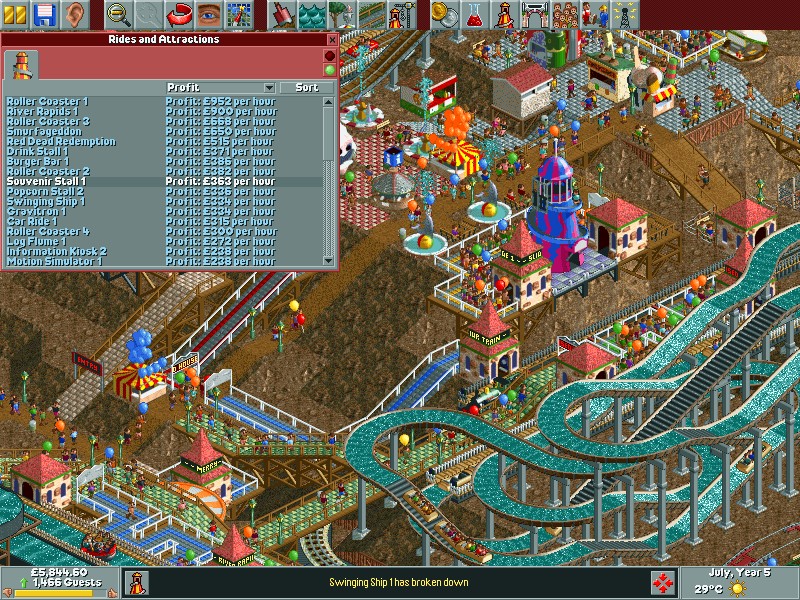
A simulation game for theme parks with a focus on rollercoaster design. It has similar core mechanics to Theme Park, but focuses on the roller-coaster design element.
RCT places a heavy emphasis on the design and management of roller coasters and other rides. The coaster design system is intricate, allowing for complex creations with a high degree of customization. While it includes all aspects of park management like finances, staff, and guest happiness, the game really shines in its ride construction and the physics involved in coaster design.
The game is often compared to Theme Park, a Bullfrog game released in 1994. It differs as it was more about the overall management of the park with less emphasis on individual ride design. It included aspects like negotiating for rides, setting up shops, and even stock market elements in some versions. Theme Park also had a broader approach to management, including staff wages, stock levels for shops, and even the saltiness of fries to affect drink sales. It was more about the economic simulation with a whimsical approach to park design.
Park management is a core element of the game, Managing the park’s finances is crucial. This includes setting prices for park entry, individual rides, and concessions. Players must balance income with expenses like ride maintenance, staff wages, and loan repayments. Hiring and managing staff such as mechanics (to repair rides), handymen (to clean paths and mow lawns), security guards (to prevent vandalism), and entertainers (to boost guest happiness in certain areas). Understanding and catering to the needs of park guests (“peeps”) is vital. This includes placing amenities like toilets, food stalls, information kiosks, and ensuring guests don’t get lost or overly tired. Regular maintenance checks and repairs are necessary to keep rides safe and operational. Neglecting this can lead to breakdowns or even accidents, which negatively impact the park’s reputation and guest happiness.
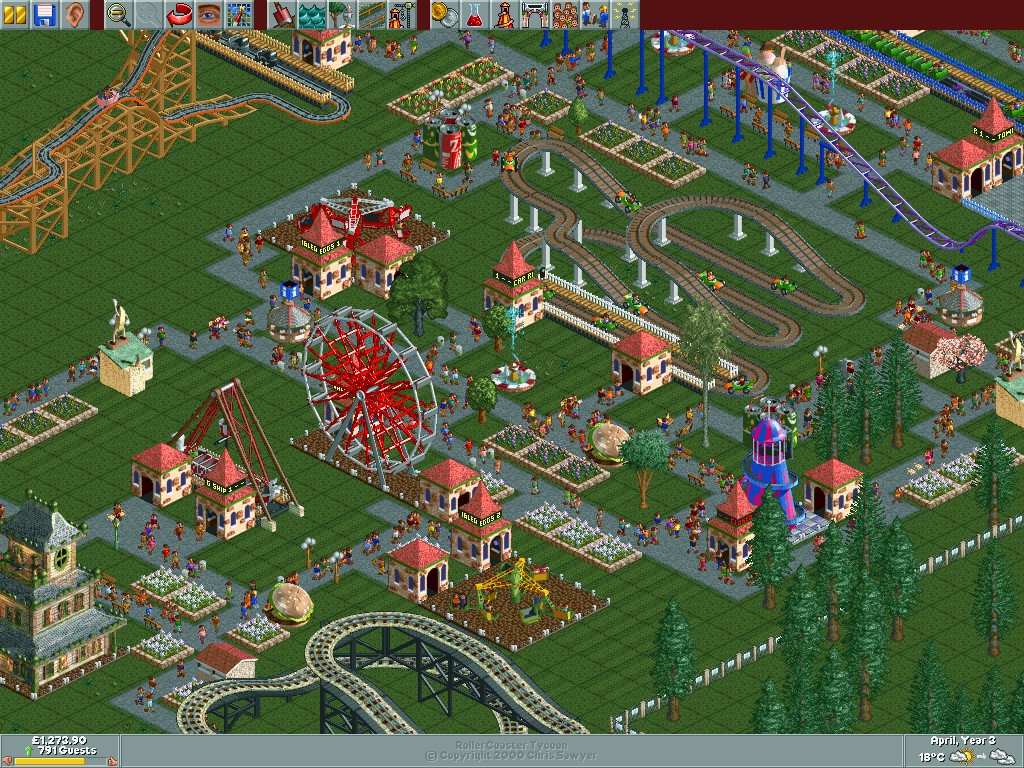
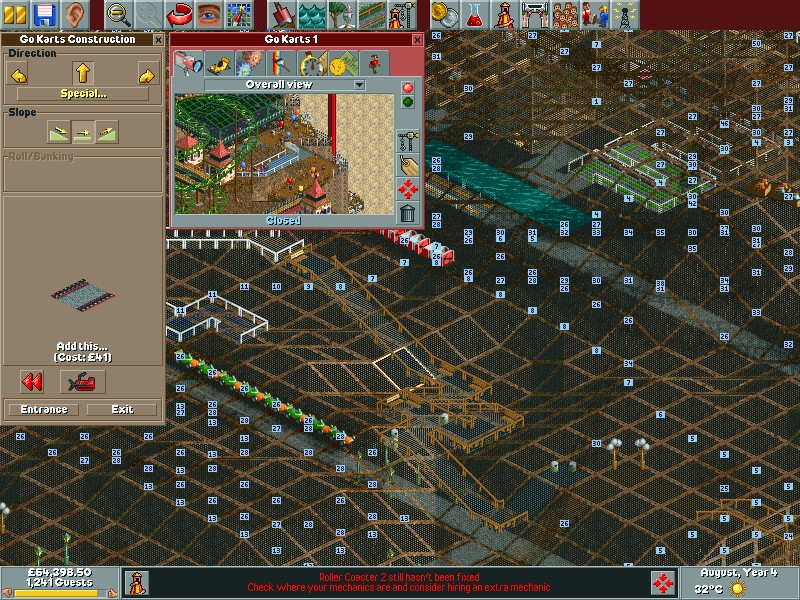
As a game released in 1999, you are treated to an 2D isometric view of your park. The game does allow you to rotate the screen with four different angles to get a better view of the park, but despite this it’s easy to get confused with the perspective, especially when building tall paths to connect to the larger rides since it’s easy to misjudge how high a path or ride is. To help with this you can turn off different layers of graphics to make it easier to see, and you can show the height value to know if your path is on the same level – useful if you are building on a hill since the perspective can be hard to judge.
The soundtrack is like being at a carnival where the main attraction is a slightly out-of-tune merry-go-round. It’s catchy, it’s quirky, and it fits the theme perfectly. Sound effects? You’ve got the clatter of coasters, the screams of joy (or terror) of the guests, and the jingle of coins as you rake in revenue. The rides can also have background music, some might sound familiar if you’ve played other games from 1999 (Driver).
The game comes with a few built in scenarios where the objective is to have a certain amount of visitors in your park by a target year, which is usually the third or fourth year of operation. Certain parks have their own quirks by way of their environment or building regulations. • Forest Frontiers is the first one you will encounter and lets you get used to the basic mechanics of the game • Dynamite Dunes shows off the different terrain settings, with this one being set in the sand. It also has its own custom built roller coaster. • Evergreen Gardens sees you revamping a typical park into a theme park, with special care being given to designing and placing the roller coasters. Guests will typical get lost a lot due to the long-winded paths so its recommenced to delete some whilst being in the early stages of the park • Bumbly Beech introduces you to buying building rights for outside land. This allows you to build pathways but you cannot place stores or rides on them. • Paradise Pier is set mostly on water with the exception of the pier paths • Ivory Towers’s is set on a existing park but it run down and mismanaged with a lot of litter and vandalism which you must fix, in addition to expanding the park and adding additional rides. It does have a fully functional monorail however. • Rainbow Vally is the most difficult since you cannot destroy or remove any trees or alter the terrain. There is also a limit to how tall your rides can be. • Additional expansions will come with even more scenarios.
Like Theme Hospital/Park you will need to invest in research to unlock new rides, features and attractions. Initially, you start with a limited selection of rides. As you progress through the game, either by completing objectives in scenarios or by reaching certain milestones in open-ended play, you unlock additional rides, attractions, and even staff types. You can choose the amount of funding to contribute to research, with determines how fast items are unlocked. You can also adjust the type of items you want to research, if you prefer to focus on unlocking new roller coasters or gentle rides instead.
The Rides: • Wooden Roller Coaster: A classic ride with wooden tracks, offering a nostalgic feel with its clackety-clack sound and traditional design. • Steel Roller Coaster: Typically faster and smoother than wooden coasters, offering more modern thrills with loops, corkscrews, and inversions. • Log Flume: Guests ride in logs that climb to a height before plunging down a steep slope, often getting splashed at the bottom. • River Rapids: A circular ride where guests get soaked as they navigate through rapids, with the added fun of getting wet.
Many of the rides can be freely designed and built, but you can also choose from prebuilt templates of different sizes. You can also customize the price, colour and music used by the rides.Park guests can be picky as some might not prefer to ride some of the more intense coaster rides.
Aside from rides there are other attractions such as gentle rides and stores which sell food, beverages, items and ballons. The Information Kiosk, unlocked later in the park’s life, allows customers to purchase umbrellas and maps for better navigation. Food stalls are offered in the form of separate Fries/Chips, Pizza, Burgers and popcorn. You will need to place these strategically away from rollercoasters to reduce the chance of vomiting. Gentile Rides consist of the Haunted House, Bumper Cars, Ferris Wheel, Merry-Go-Round. These are easy going rides for customers that prefer less thrilling rides, or need a break from the roller coasters. Thill Rides are a bit more intense with the motion simulator, 3D Cinema, Swinging Ship and the Go Karts.
There are also transport rides that help get your guests from A to B, these consist of either the Monorail, Railroad or Chair Lift. These can also be considered as rides themselves.
RollerCoaster Tycoon was a massive commercial success, praised for its depth, creativity, and the freedom it gave players in park design. Originally for PC, RCT1 has been made available on modern systems through digital distribution platforms like Steam and GOG, often bundled with its expansions. A port was released for the original Xbox and is the only console port of the game.
The Alienware Alpha was one of the few systems designed to be part of Valve’s Steam machines, which were computers designed for the living room to better compete with the console hardware of the time, which would have been the Xbox One, PlayStation 4 and the Wii U.
The Alpha is quite a small unit, only slightly larger than a Mac Mini and lacks an optical drive, but it packs an Nvidia GeForce 860M, capable of 1.3TF of performance which would have placed it in the same league of the Xbox One. 4GB of RAM comes with the machine, with some configurations supporting 8GB. The size and performance is underwhelming for a gaming system which makes me think Alienware intended for this to be the lower – end machine, with a larger and more powerful mode challenging the PS4 for it’s performance. With an 860M it’s mostly going to be a 720p machine.
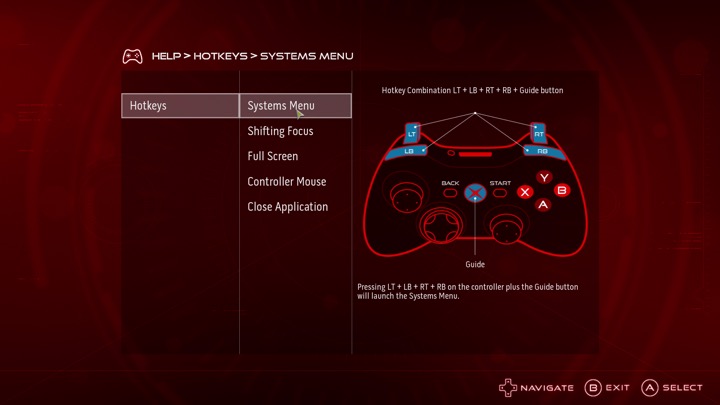
This Alpha however lacks the bundled SteamOS, shipping with Windows 8 instead. Probably a good call from Dell/Alienware since the amount of native SteamOS games were very minor, and Steam’s Proton wasn’t a thing yet. Hardware-wise there are two USB 3.0 ports on the Rear, and two USB2.0 on the front, along with a single 2.0 port underneath which is intended for use with a wireless controller dongle. With only one HDMI output, running multiple screens isn’t possible unless you opt for a DisplayLink dock, like the Dell D3100 dock.
Restoring the Operating System
Since this unit was a second hand unit, it looks like the original owner had stripped the original install, along with the recovery partition and had install the latest version of Windows 10. Dell do offer recovery images for the Windows 10/11 systems on their website which can be download using this tool, just pop in your machines service tag along with a 16GB USB memory stick and off you go.
The recovery image Dell offer appears to be based off build 1809, and will require several updates. It also seems to lack the Nvidia drivers which kind of defeats the point of using Dell’s recovery image. The AlphaUI also isn’t included and had to be download separately off the machines drivers & downloads page. If I had to guess, Dell just provide a generic Windows 10 image for older machines, which simply gives OEM and support branding.
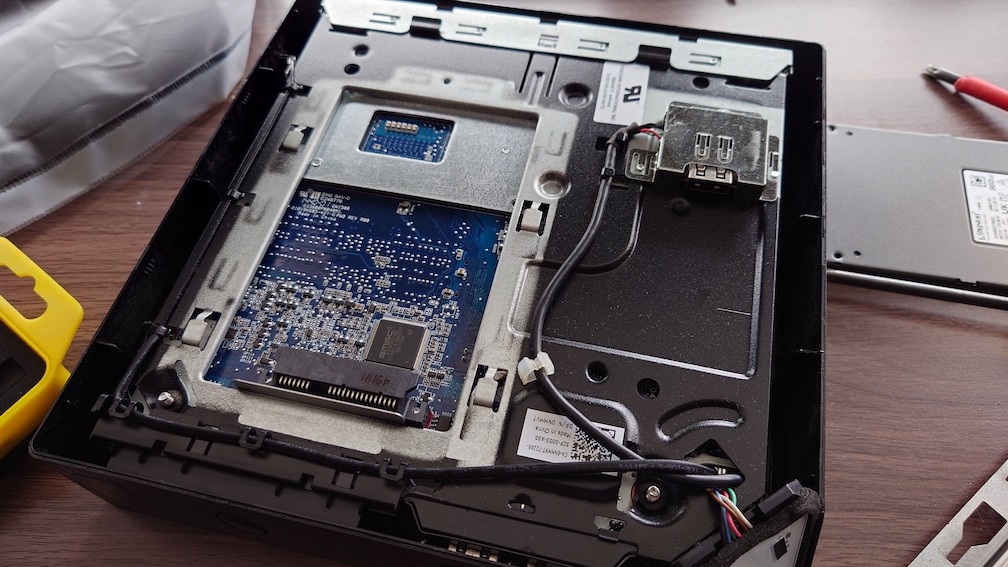
Also these machines come with a HDD as standard, which I promptly replaced with an SSD. Installation was easily, simply turn the computer upside-down and remove the bottom cover and you will see the HDD bay immediately.
Alienware Command Center
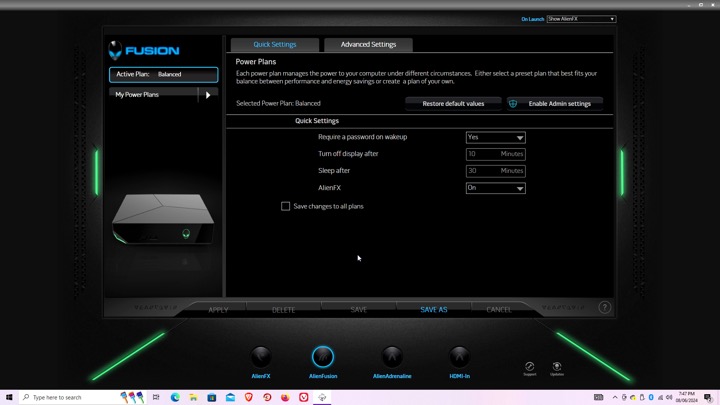
Here is where you can configure the various different settings, like the LED lightning.
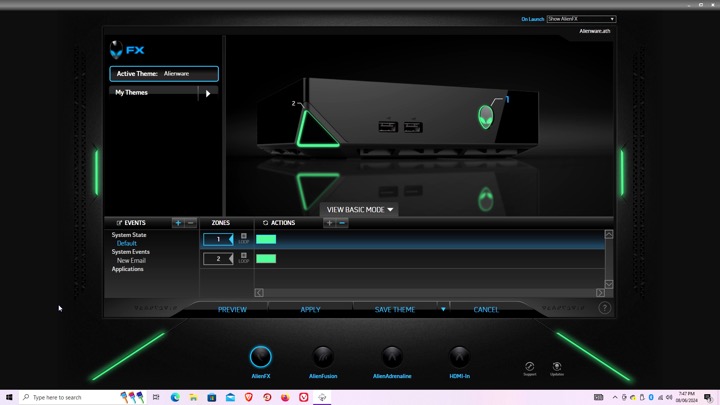
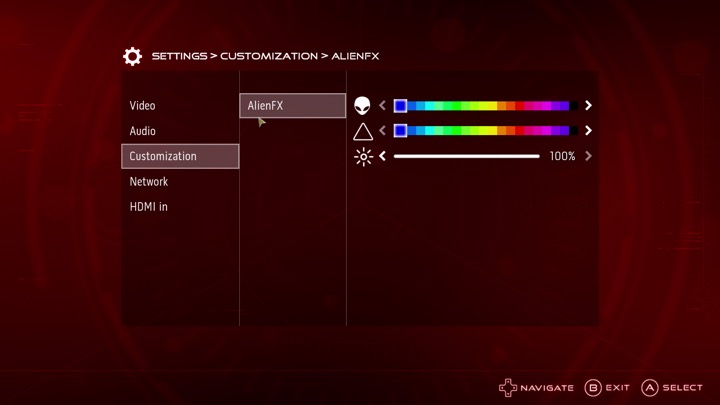
AlienFX: You can set different profiles which will change the colour scheme of the unit’s LED lights, this can be applied to different games or programs, although with Steam games you will need to navigate to the steamapps directory to locate the game’s exe file, otherwise you will get an error message. The Steam games on your desktop are just shortcuts.
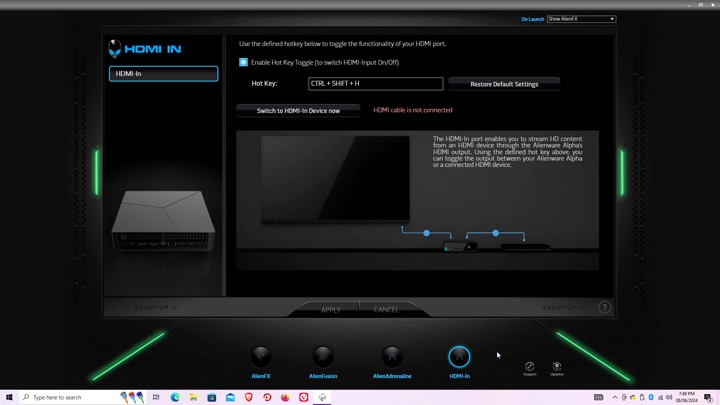
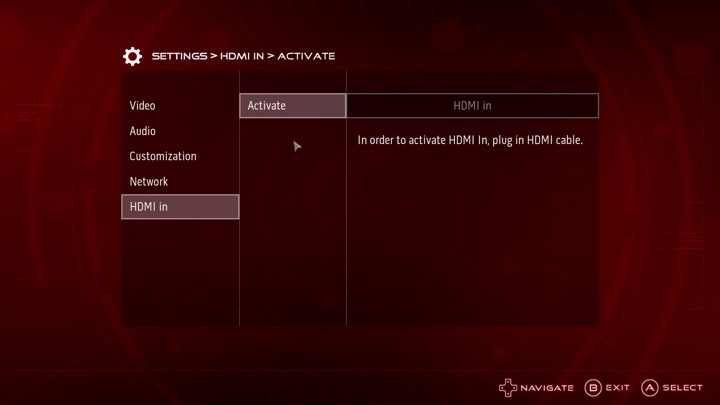
Settings for the HDMI input, there isn’t much to do there since you cannot capture the input. It simply functions as a passthrough, more suited to displays that only feature a limited amount of HDMI ports.
AlphaUI
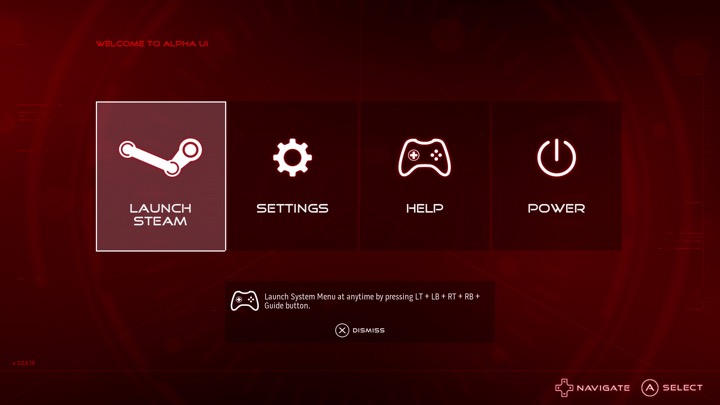
This was the intended interface for the Alpha, Alienware had originally planned to launch the Alpha as a dedicated Steam machine, sadly Valve time was a thing and the SteamOS was delayed several times. Alienware decided to cobble up a quick 10-foot UI that acts as a launcher. It’s based on XBMC and if you are familiar with it you will recognise some of the sounds when you select an option.
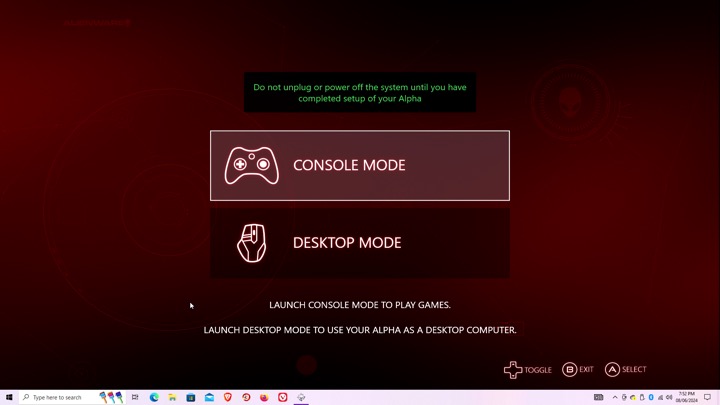
Setting up the AlphaUI, once we click on console mode we are immediately rebooted and a new user account is created. This interface is designed to be used from a controller, Alienware previously bunded an Xbox 360 controller with the system.
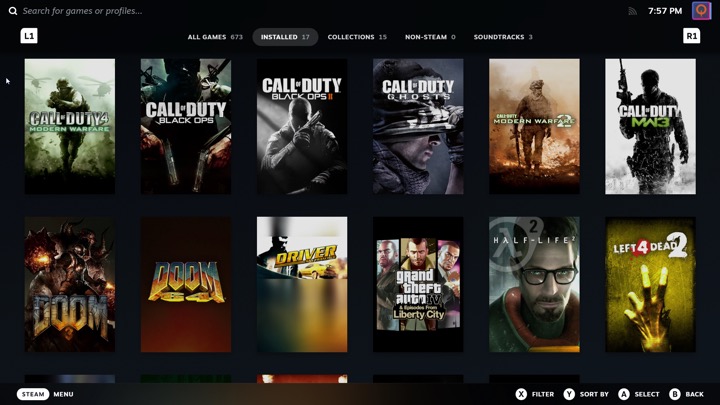
Selecting Steam will launch the Steam Big Picture interface. The Steam UI has changed since the AlphaUI was released and is orientated towards the SteamDeck, which is a little trickly to use on a non-touch screen hardware.
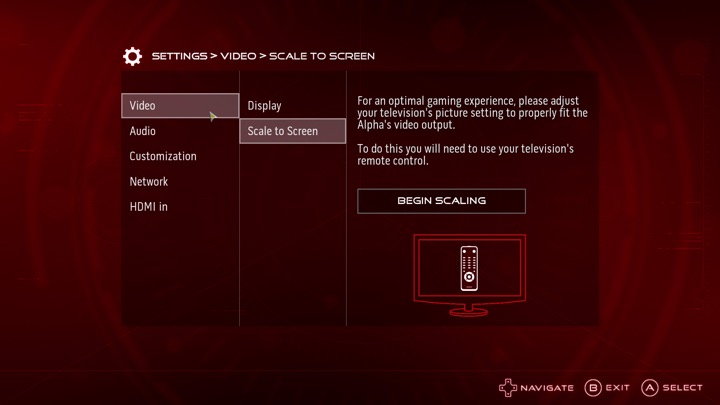
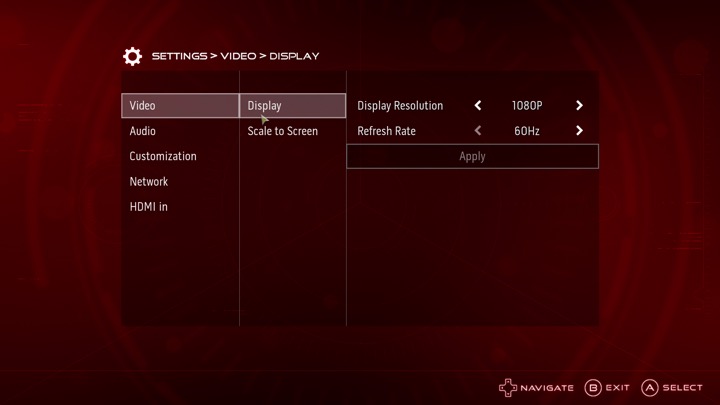
The settings menu, here you can adjust the video resolution and volume, along with customizing the AlienFX features. You can also switch into the HDMI input.
I can’t seem to find an option to add a custom program or launcher, it seems to assume you want to use Steam which makes it impossible to load something like Retroarch, unless you manually add it through Steam. It’s a bit of a letdown but not a big issue.
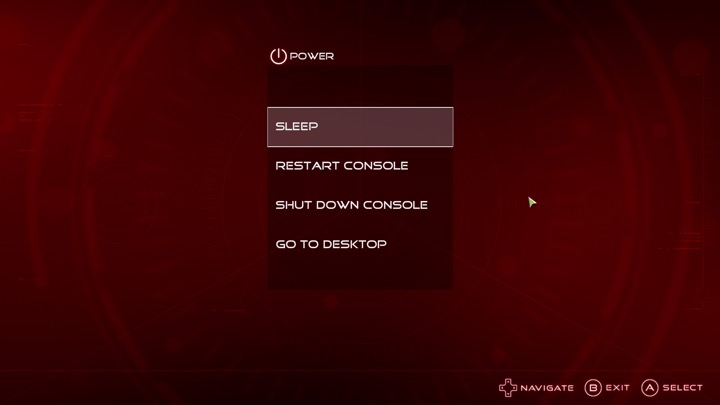
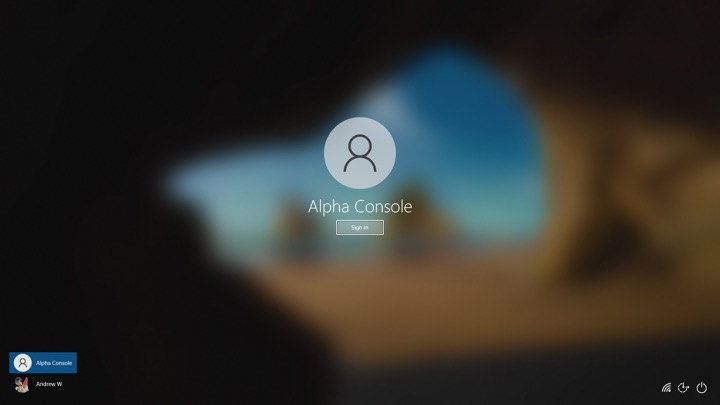
Lastly going to desktop will sign you out of the Alienware user account and will return you to your default Windows account.
Sadly the Alpha didn’t sell well, but was regarding as being the more popular of the Steam Machines. There was one hardware refresh that upgrades the graphics processor, and add an external PCI Express socket for an eGPU. Also the new Steam interface does not play well with just a controller, and Windows 10 can interfere with it’s silly feedback requests. Still there’s nothing stopping you from installing SteamOS and using it like a true Steam Machine.
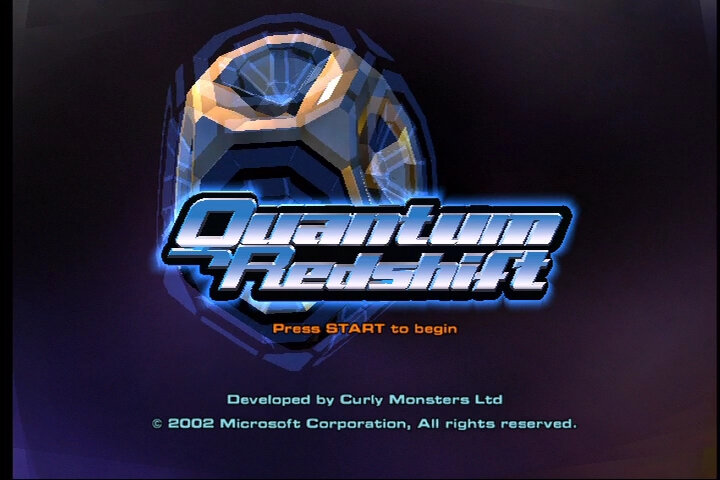
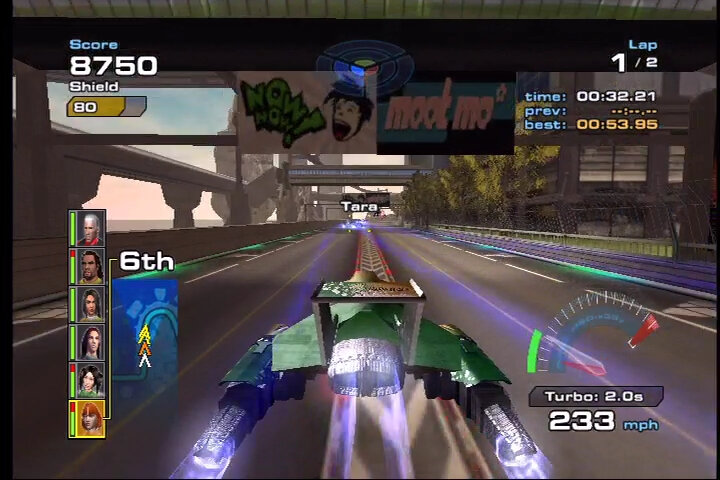
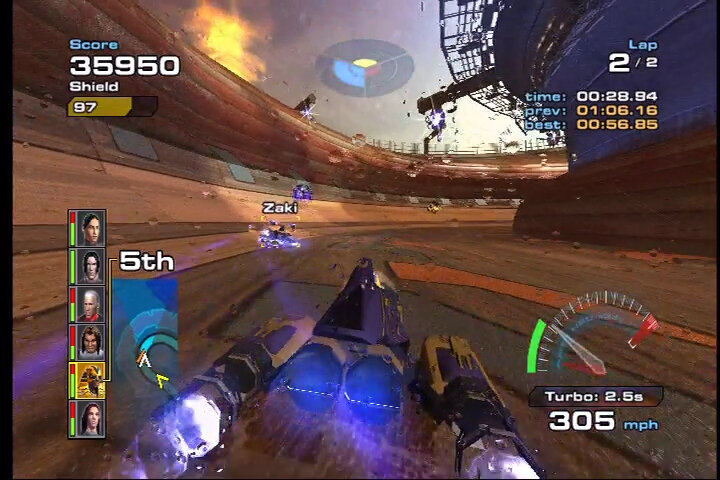
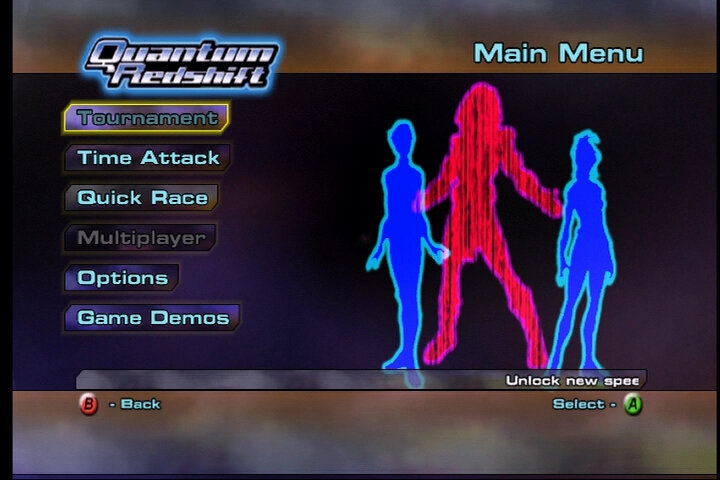
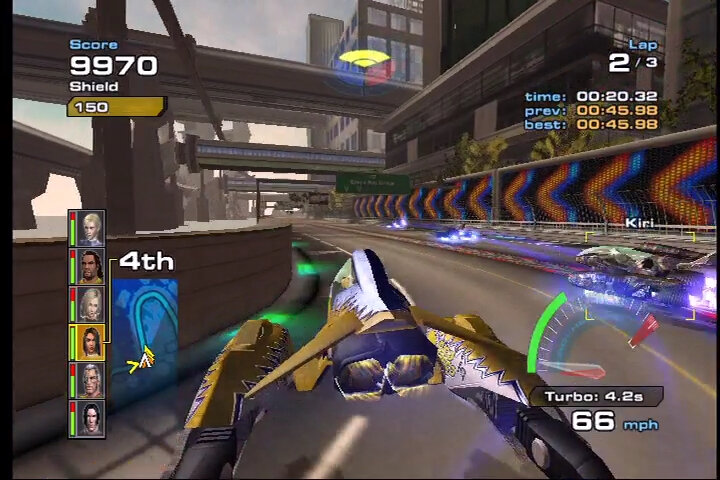
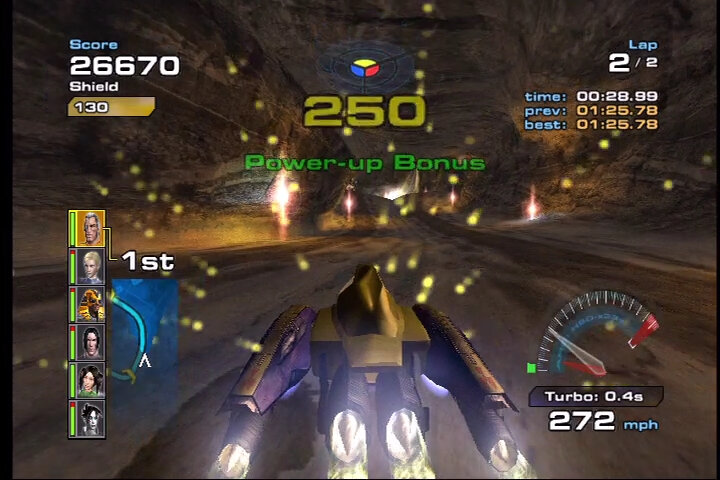
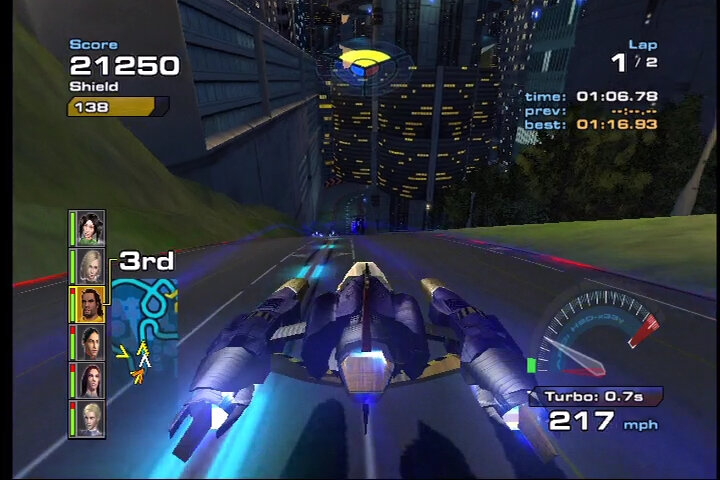
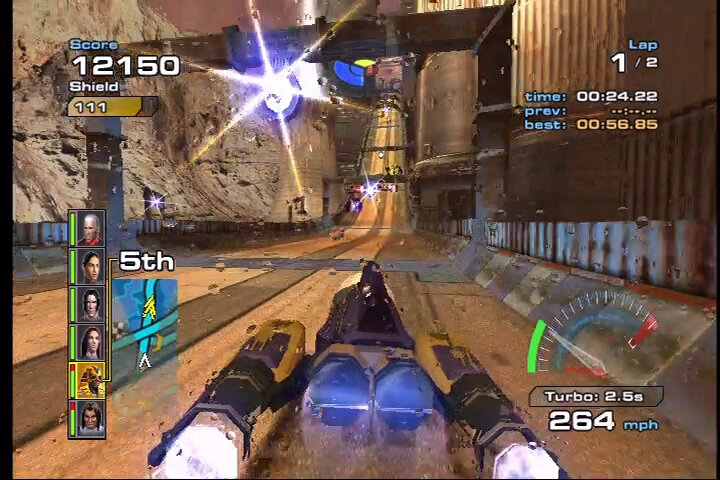
Xbox’s answer to WipEout, No relation to Quantum Break A futuristic racing game release exclusively for the original Xbox in 2003 by Curly Monsters, which would be the first and last game developed by the studio. It’s not a bad game but there are a few flaws, but defiantly worth checking out if you’re a fan of futuristic racing games.
The graphics are one of there best for the original Xbox and really takes advantage of the effects the Nvidia GPU was capable of, with water lens effects appearing when your ship lands in the water, along with detailed textures that you would never find on the PS2. It certainly stood out from WipEout Fusion or Extreme EX G3 that were released at the same time. The game also runs smoothly, with no noticeable lag or slowdown even during intense races, no matter how many ships are on screen.
Sound is where the game shines, with the soundtrack itself being composed by JunkieXL (also known as JXL, who is most known for that 2002 remix of an Elvis hit – A little Less Conversation). The music is segmented in sections that changes as you progress through the race, with some segments looping longer depending on your speed. This is similar to Tekken 4 on the PS2, or the arcade version of Tekken 3 that also progresses the soundtrack as you finish the rounds.
The music itself is your standard electronic/trance music that was also a main staple of WipEout and Extreme G3. But there is no support for custom soundtracks which was one of the exclusive features to the Xbox for that generation. Considering this game was built from the ground up for the Xbox, it’s odd that this feature wasn’t implemented.
As for the gameplay, it’s mostly the same as WipeOut but with a focus on combat and defence rather than speed, though you do travel at very high speeds on the later difficulties. You have to pickup powers which are either defence (yellow), homing weapon (red) or non-homing weapon (blue). Each ship/character has their own unique weapons that require you to master and seat specific points of the race, some will through grenade like weapons for when there are multiple opponents in front of you.
Defence is also very important since your ship has limited life which when depleted, it’s game over. The game will warn you when an opponent is about to attack which will give you time to deploy the shield, providing you have picked up a defence power up. This isn’t always accurate and sometimes the opponents weapon will miss if they are far away or if you have passed a tight bend. It’s a bit of a gamble as you have to decide when to deploy your serene powerup (which gives a limited shield) or save it for later.
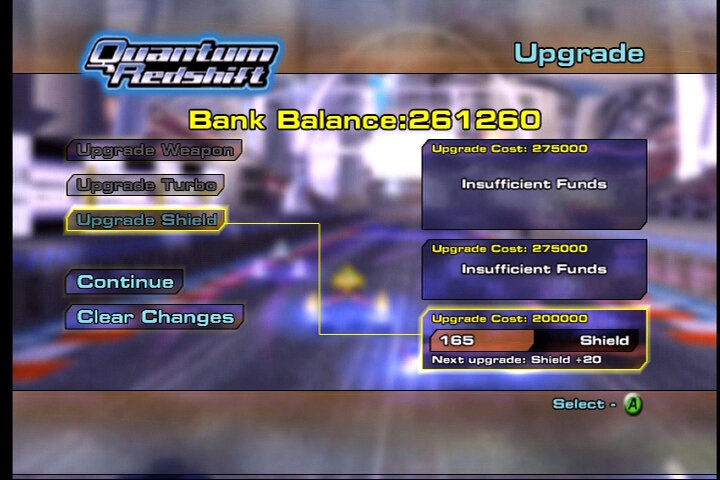
You also get turbo that refills after you complete a lap, initially you are limited to a few second of turbo but as you earn points, you can increase the turbo time you have. I usually recommend to save your turbo until the last lap, since the AI is a bit cheaty with speed boosts once you are in the lead, and you will have to watch out for enemy attacks.
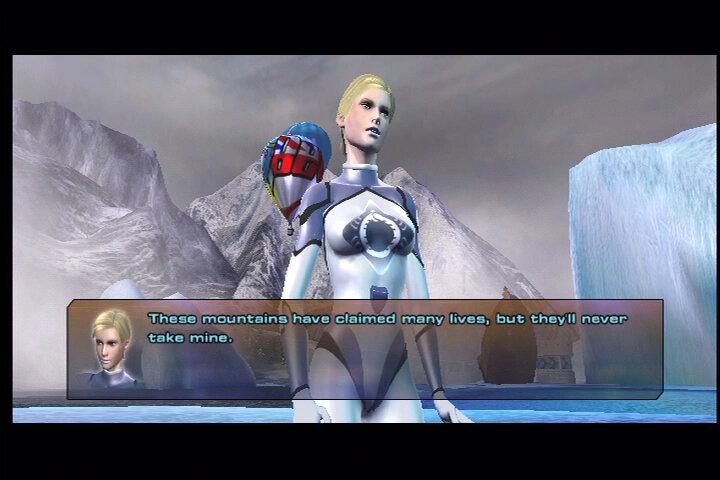
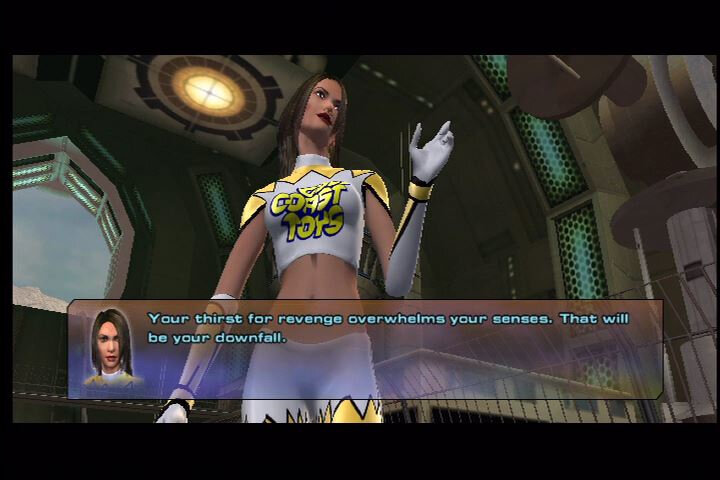
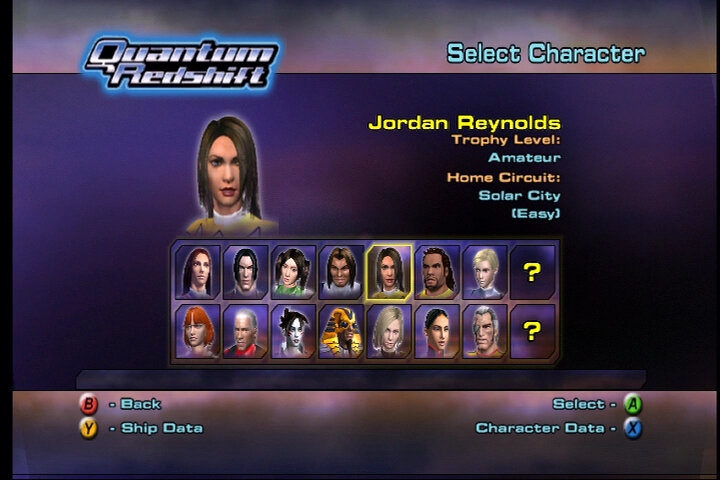
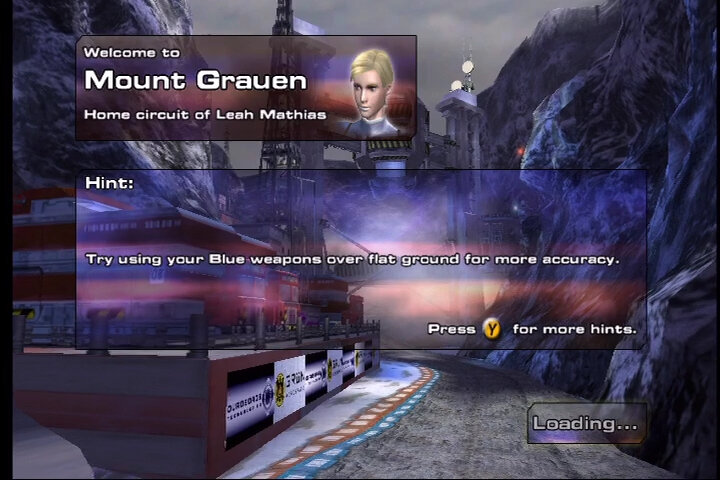
There isn’t much story to the game, mostly you are given cutscenes with your character and their rival before the race, some characters have a backstory that unfolds as you complete the races, and will need to complete the expert difficulty to view and unlock the complete set of cutscenes. Unlike WipEout, there is more focus on the character itself rather then the ships. The characters themselves are pretty diverse, being located around the globe though thankfully most of them speak English. Each character has a main rival that you will have to face in a duel in order to win, they also have a ‘home’ track depending on where the characters originate from. The voice acting is a bit cheesy and feels like you’re watching a budget soap opera, and most of the racers personality come off as arrogant and cringy. If you’re familiar with the cutscenes from fighting games like Dead Or Alive 2 or Tekken 5, its a very similar setup.
The racing tracks are also pretty diverse and varied, with interesting loops and bens that require precisions and mastery of your ship to win. A nice touch as the countdown voice being in the language where the track is set, Fukoushou City being in Japanese and Kalu wastelands being in Russian.
Despite the flaws, it’s a very nice looking game, and it defiantly is a worthy opponent to WipEout, competing favourable with WipEout Fusion. It’s one of the many true Xbox exclusives that are worth playing and preserving and it’s tragic it never got a sequel or a remaster.
Also since it was released early into the Xbox life cycle, it lacks support for online play for Xbox Live, nor any support for downloadable DLC. The game was made comparable for the Xbox 360 but has yet to be made compatible with the Xbox One.
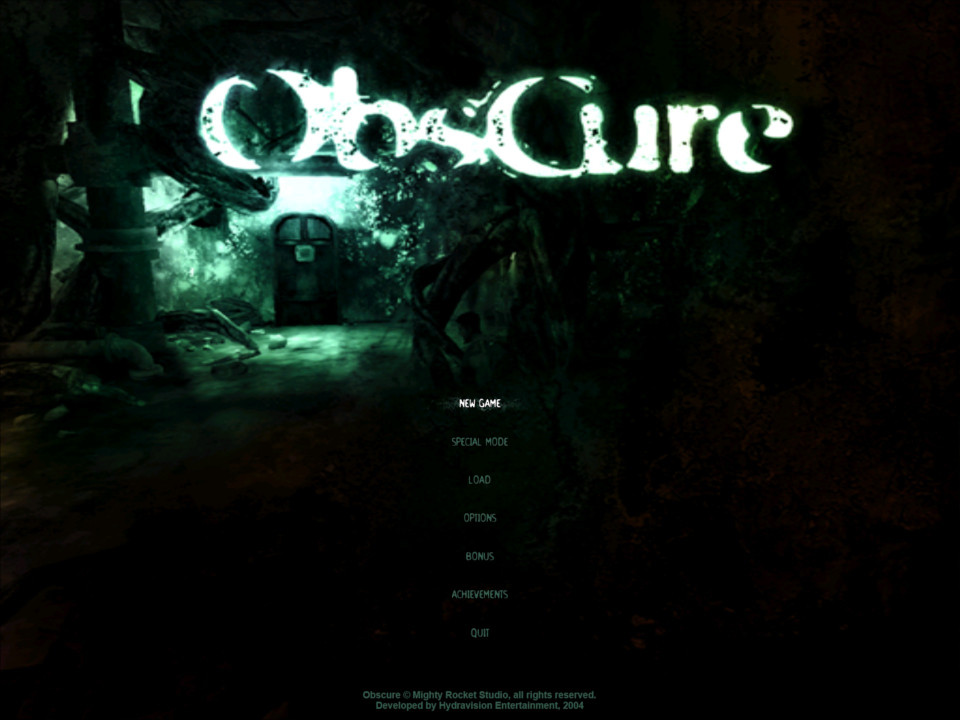
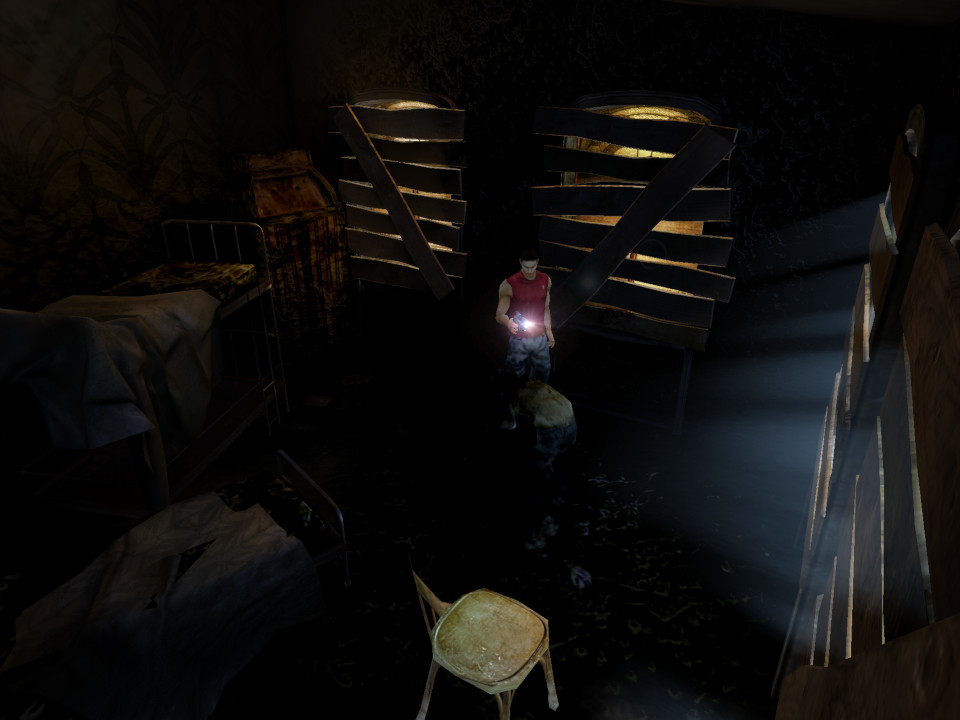
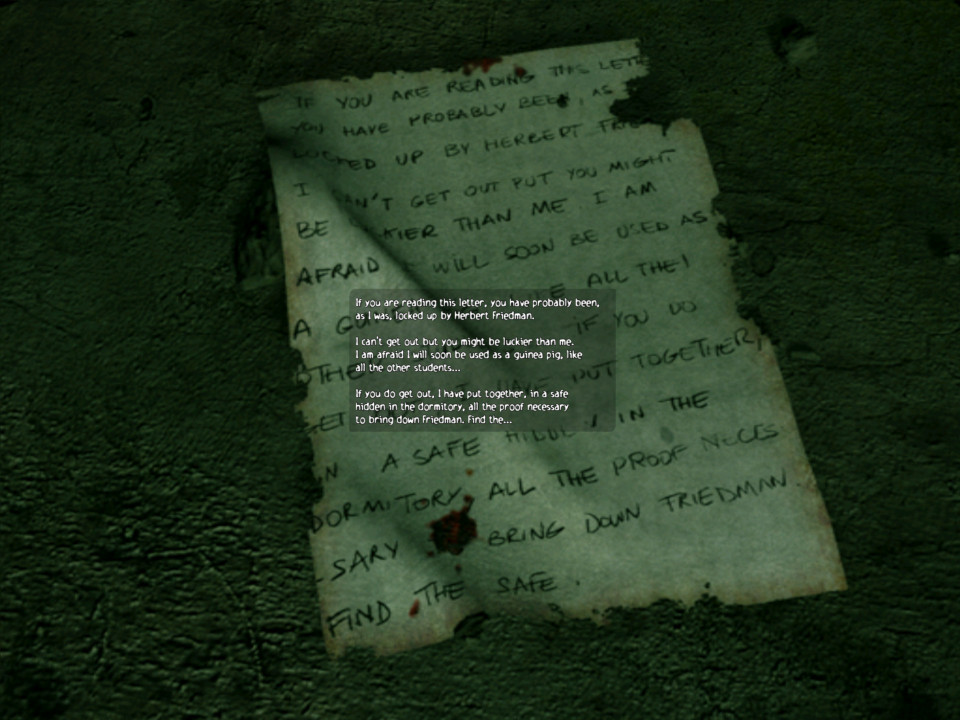
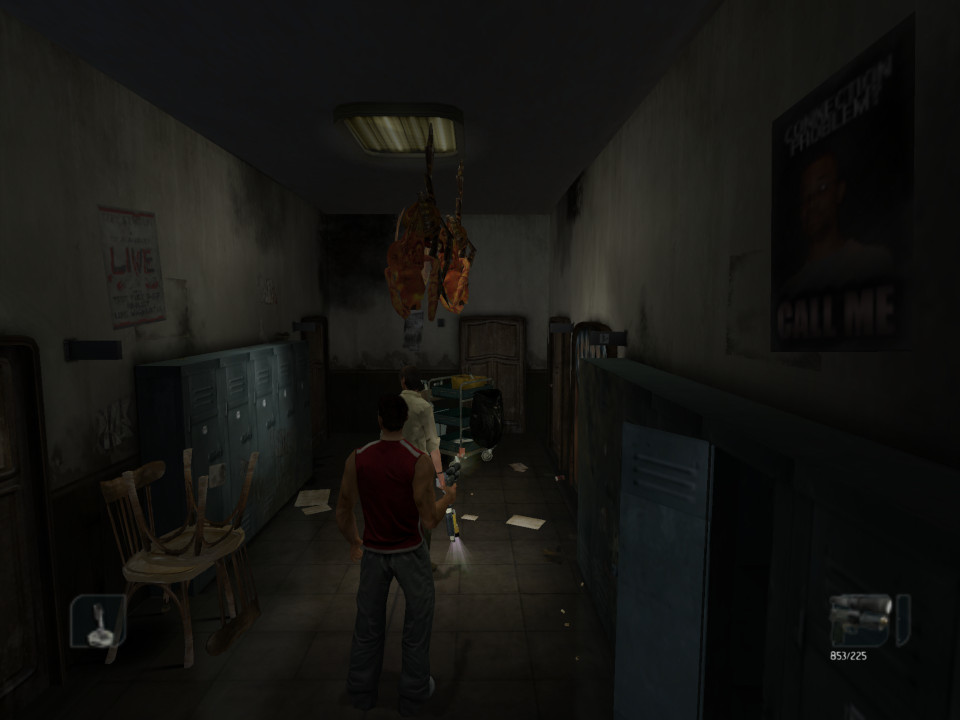
A horror game released in 2004, developed by Hydravision Entertainment. Set in a fictional high school where a bunch of students must uncover dark secrets of their school after one of their friends goes missing. It’s a survival horror game that features some co-operative elements.
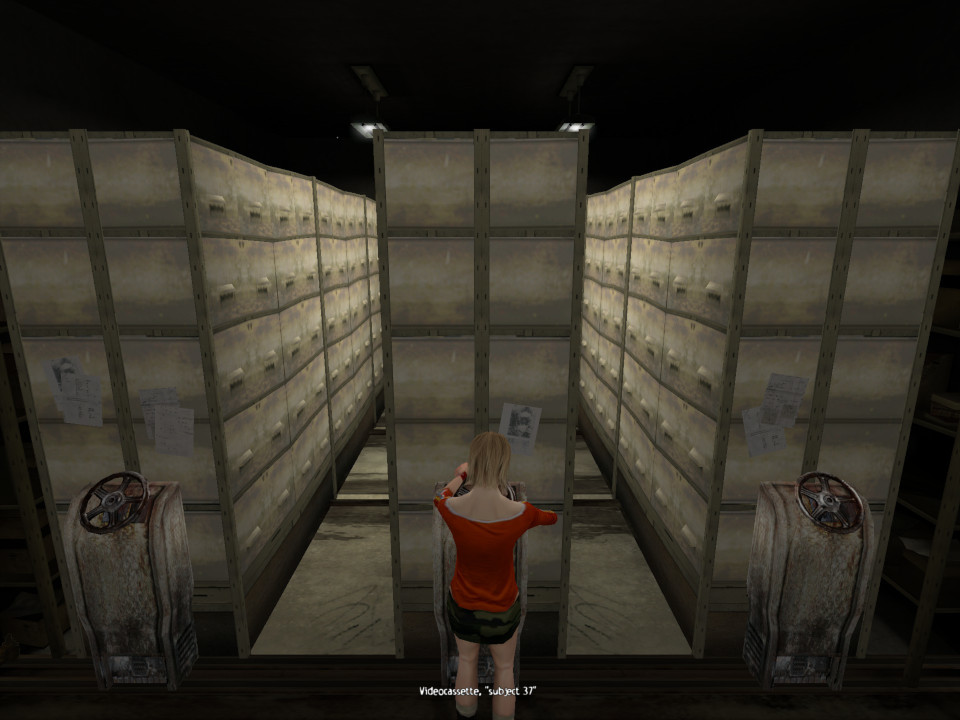
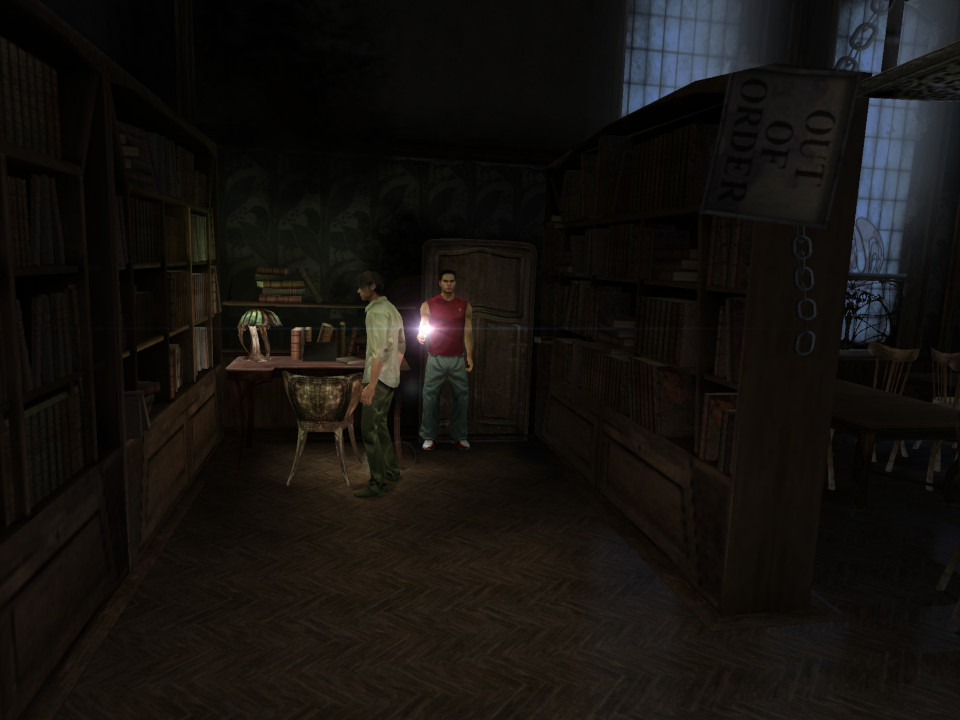
There’s a few puzzle’s that require you to acquire and use certain objects present around the school. Since the game starts after school is over, the earlier levels are set in the evening time and are a lot brighter, with it soon becoming night as the game progresses. As the enemies are sensitive to light, this makes the first few chapters easier since light will weaken them, proving you use a melee weapon to smash open the windows.
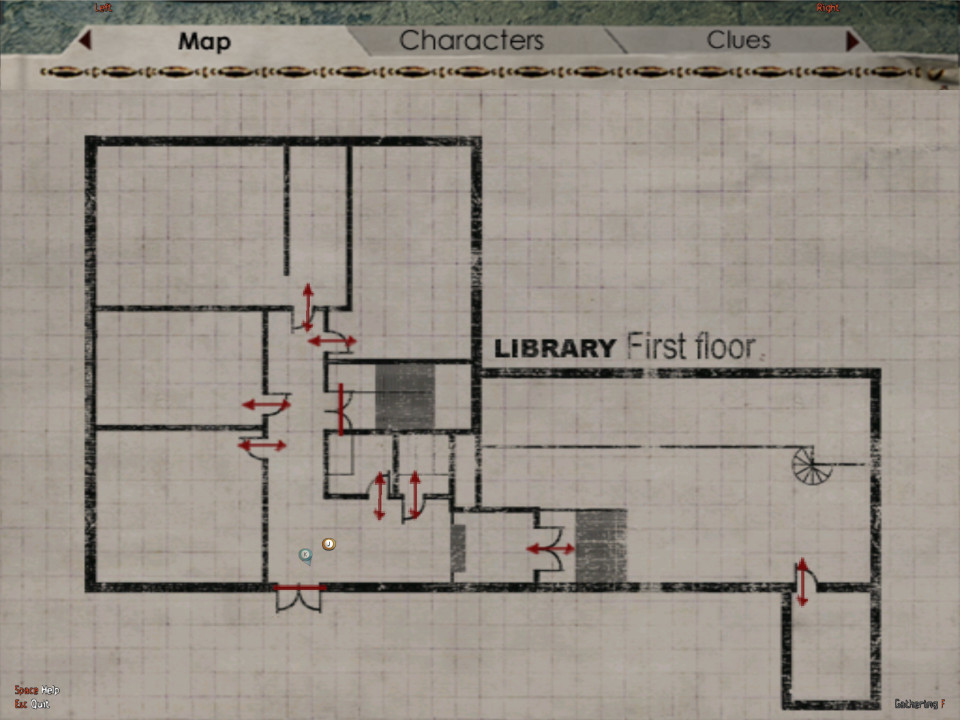
Whilst the game provides a map, there is no navigation or cursor to help assist you, meaning you must manually locate the objectives to progress the game. This can be frustrating as you will often need to backtrack through certain area’s and its easy to get lost or go around in circles. I would advise to seek a walkthrough if this is your first time playing the game.
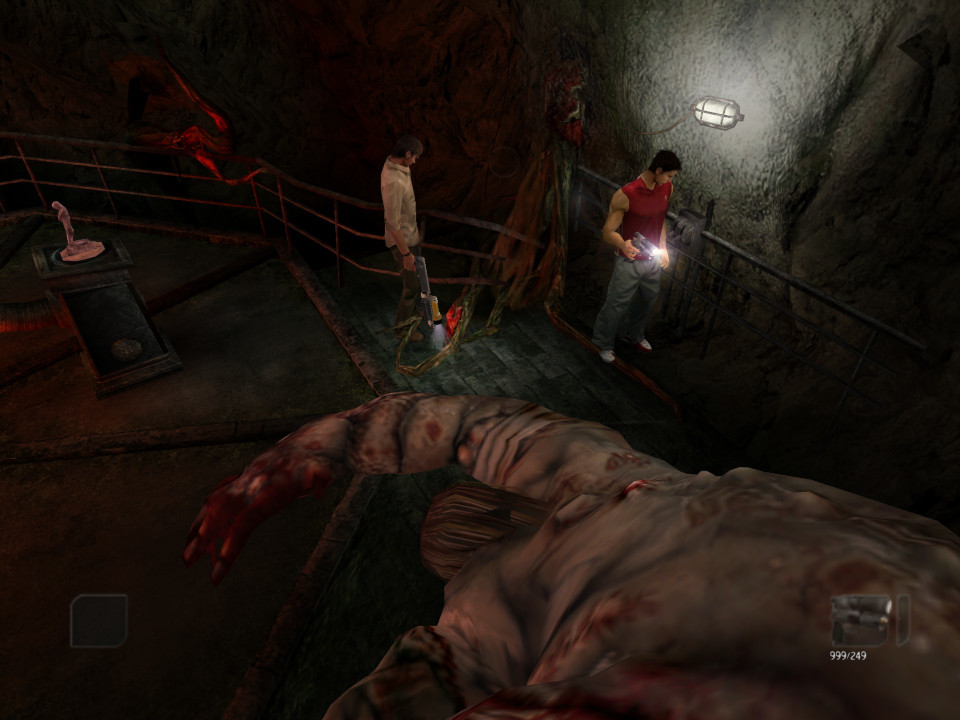
The game uses a limited save system, you can only save the game when you collect a compact disc, of which they are limited depending on the difficulty level chosen. Bullets in the game are also limited, so you must conserve your ammo when possible. The game gives you melee weapons at first which are useful for smaller enemies, and for breaking objects to get energy drinks (that restore a small amount of health), later you are given a pistol and a shotgun, along with more powerful enemies to deal with. You can also pickup torches (flashlights) which can be combined with guns using tape to increase the visibility in darker areas, of which there are a lot. This is one of those games where you need to whack up the brightness of your TV to see.
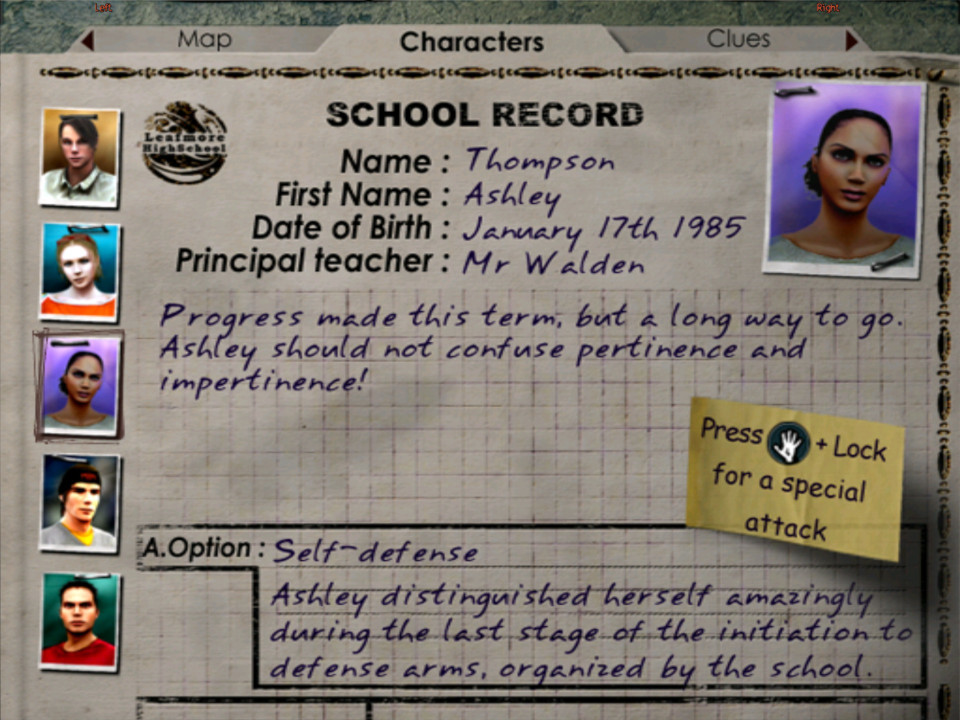
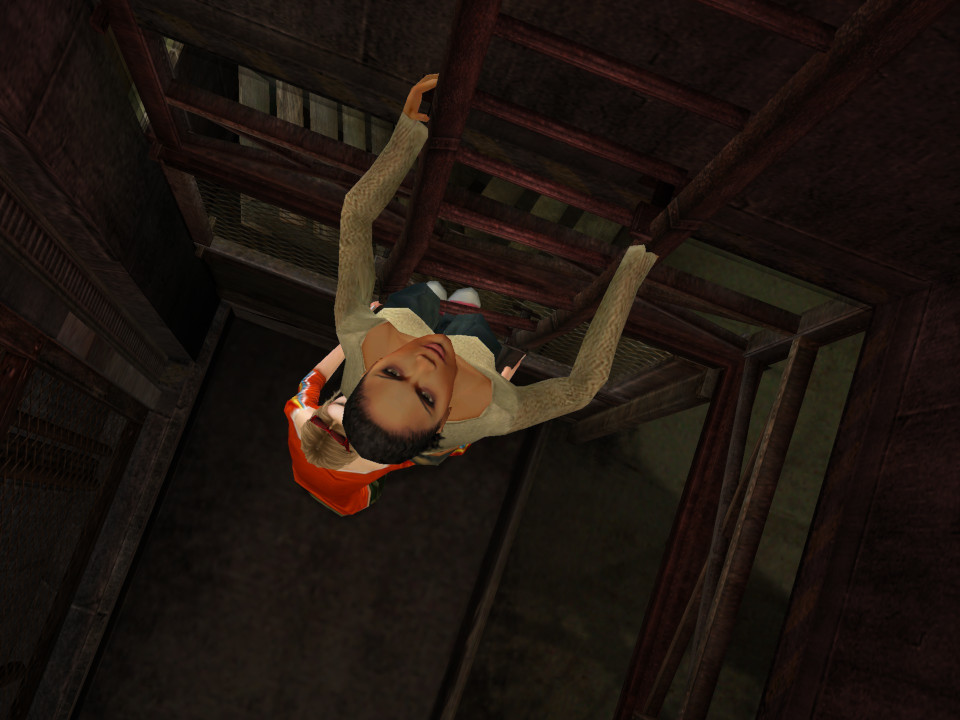
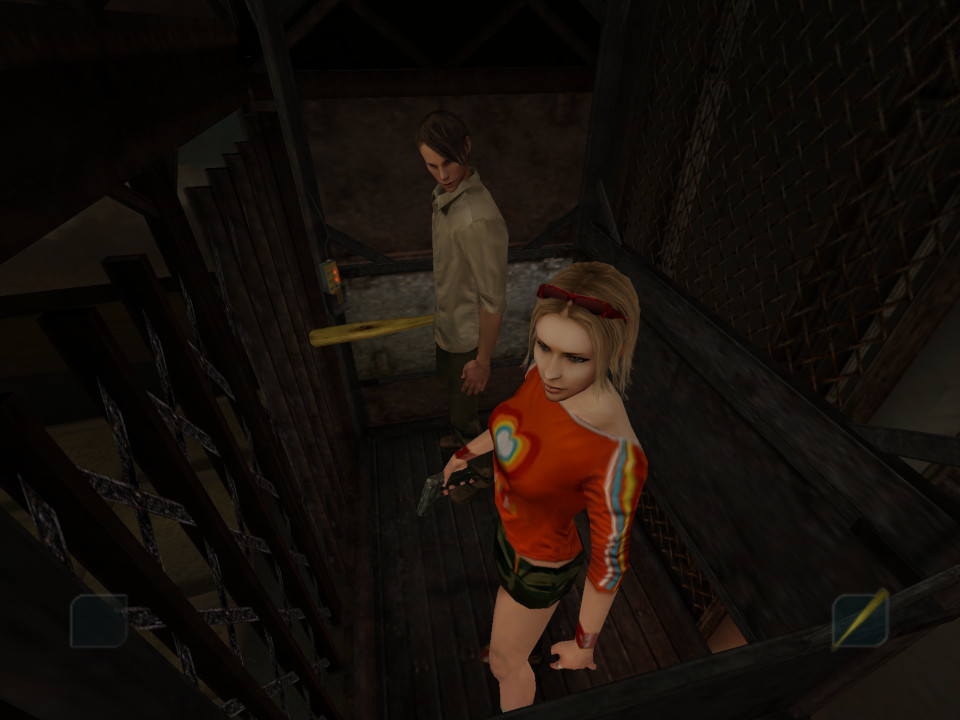
There are multiple characters in the game which you can switch between, each has a few perks exclusive to that character: Kenny: Has the ability to run faster, might be more resistant to enemy attacks Shannon: Kenny’s younger sister, The most useful for first time players since she will give hints on what or where we should be Stanley: Picks locks more quicker, could be useful in enemy combat or speed running Josh: A reporter for the school newspaper, Finds hidden items and clues to them Ashley: Kenny’s girlfriend who a badass, she’s better when it comes to combat as she has a combo attack
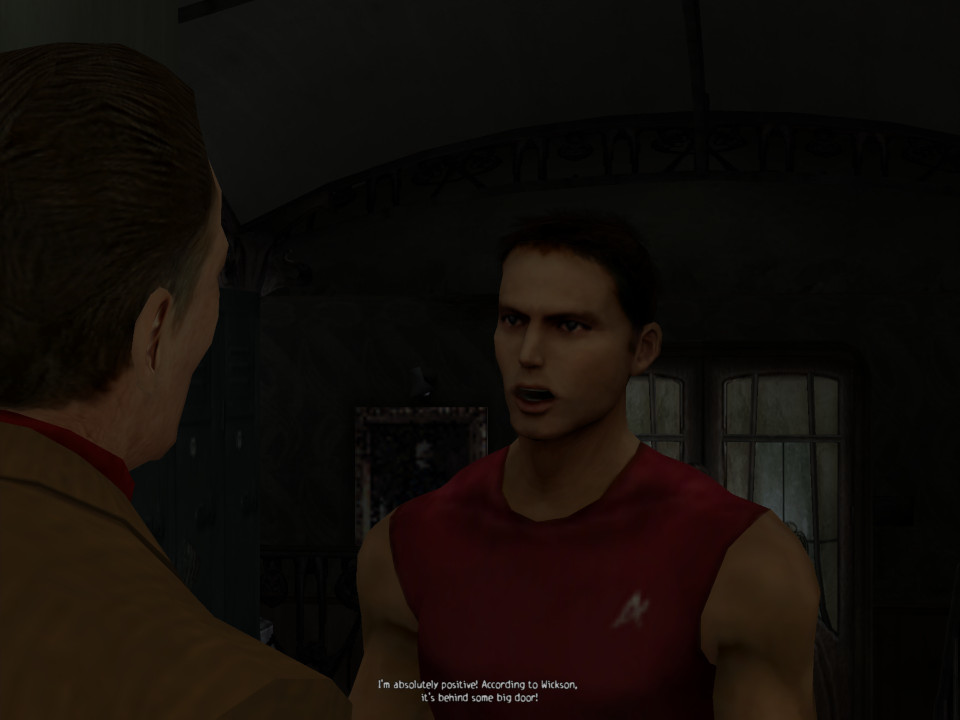
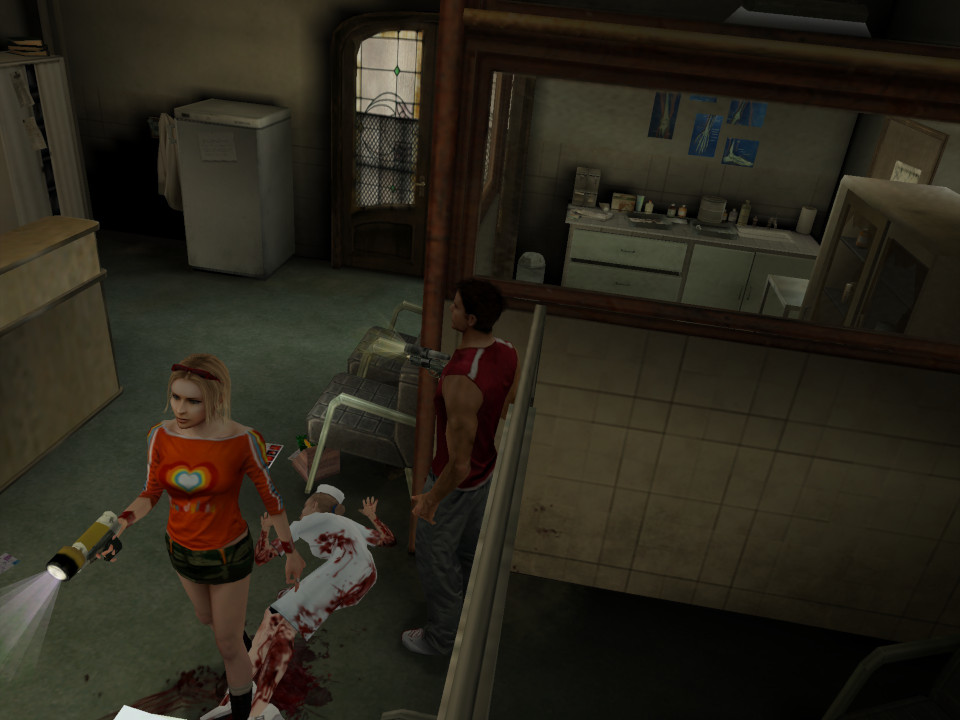
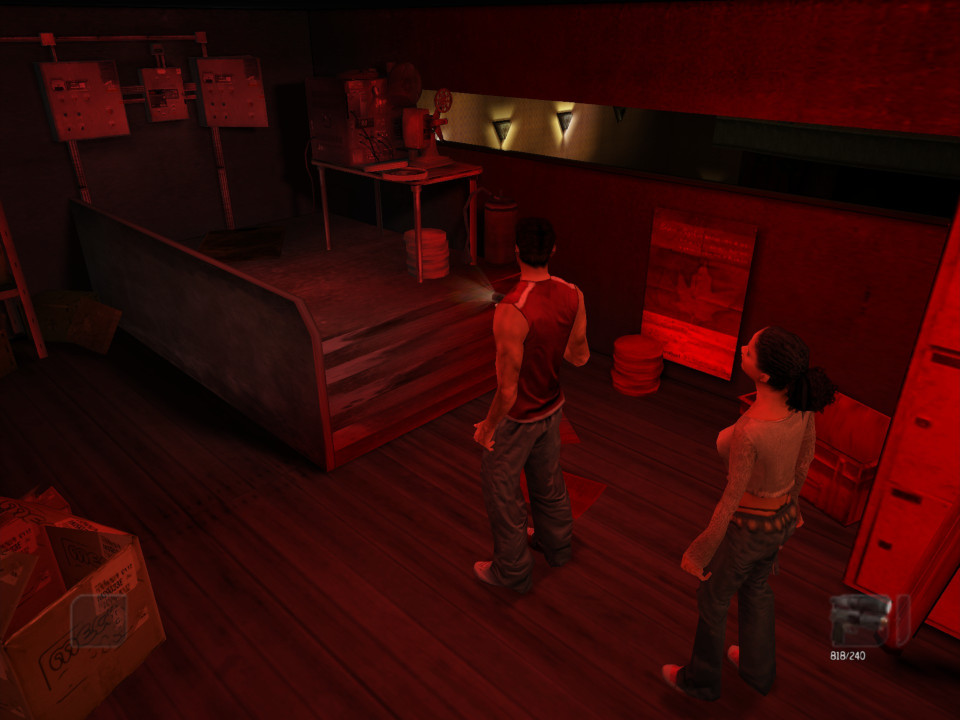
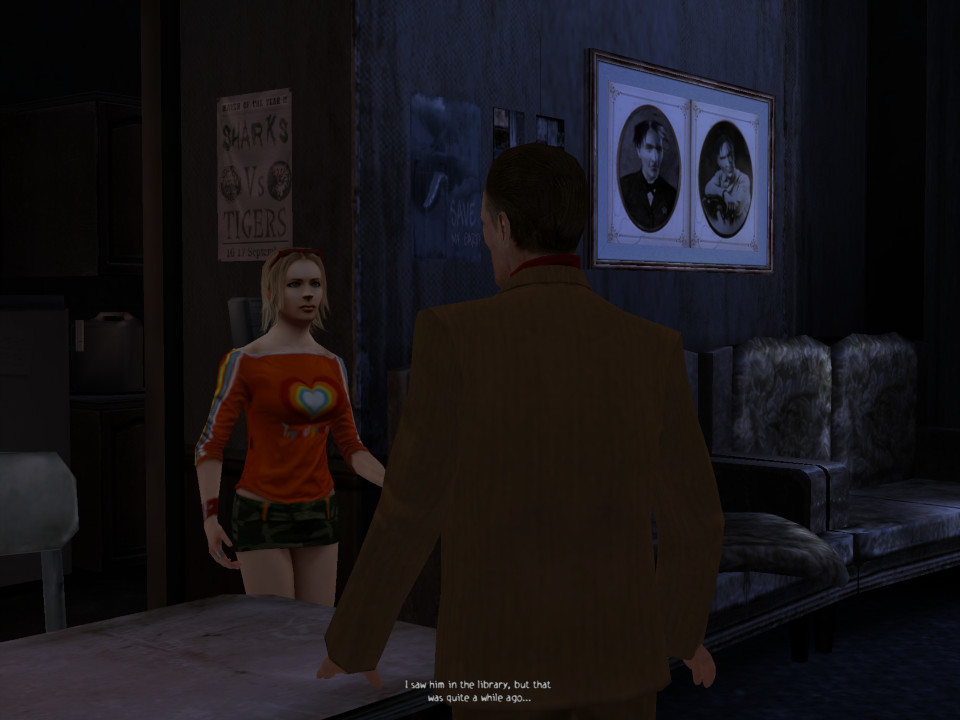
These characters will slowly be rolled out as you progress through the game, but be aware they can die as certain points if you run out of health or during cutscenes if you leave items in a certain way. Up to two characters can be active at a time, one that you controller with the other being controlled as an NPC, you can easily switch between the two but to swap out to the other character you must return to the meeting point. It’s sort of like Scooby-Doo where the gang will split into different groups, thought the other group will just stay at the meeting spot. From time to time you will encounter some of the teachers within the cutscenes, who will detail what is going on with the school. Many cutscenes will take place in engine if it involves the students since they can have different costumes, scenes involving monsters or NPC’s will be prerendered.
The game was released for the Original Xbox, PlayStation 2 and Windows in 2004, there’s no major difference between them with the Xbox having higher resolution textures compared to the PS2. The Windows version was later released on Steam with achievement support. The console version might have easier co-operative support since you can just plug in a second controller, but they do not appear to be compatible with their successor consoles.
The original release of the game comes with a few extra’s such as a Sum41 music video, and New Game+ being unlocked along with some concept art. There is also some behind the scenes footage which shows the game’s development. Sadly it was never made compatible with the modern consoles, so you will need an original PS2 or Xbox (or an emulator) to play.
Samsung’s attempt to appeal to the high-end iDevice market.
Samsung’s Android line of handsets have always had their mass appeal style, prioritising form over function which is reflected in their handsets with removable batters, plastic covers that can easily be replaced and are cheap to manufacture and feature upgradable storage. The Galaxy Alpha gives up most of that, and serves to appeal to the market Samsung had struggled to capture.
Lets look at the Android experience Samsung has shipped with the phone.
The home screen with the default wallpaper, which is a departure from the Bliss-like wallpapers on the Galaxy S4. This blends in with the premium design of the Alpha which Samsung had targeted.
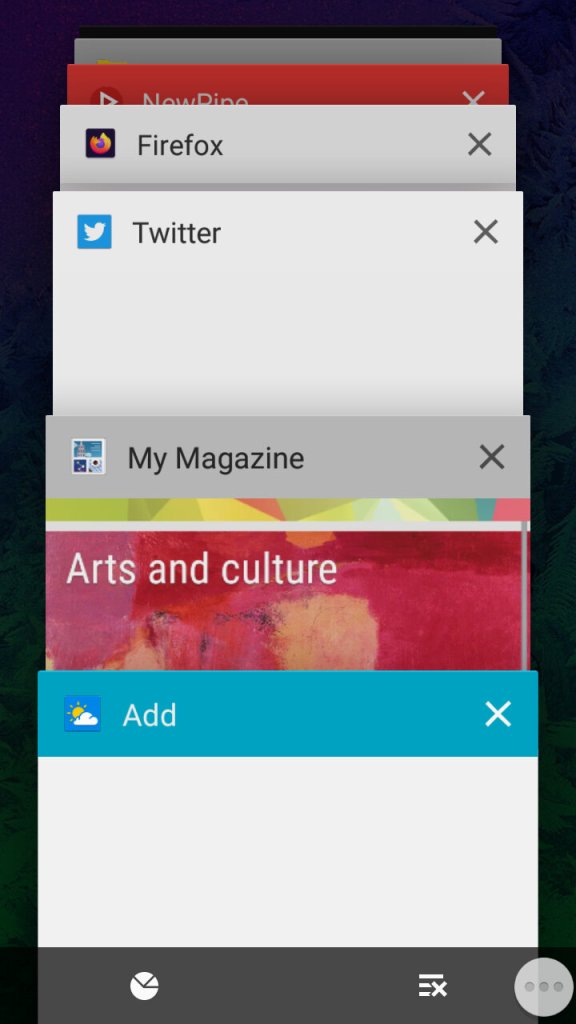
The task switcher that Samsung has added a dedicated button to access this, replacing the menu button on previous handsets. This brings it in line with other Android handsets that follow the stock button scheme, though the back button is still to the right of the home button. Tapping on the icons at the bottom will take you to the memory status where you can see what apps are consuming memory, and even end them. As Android manages your memory automatically and will liberate apps that aren’t in use, you normally don’t need to do this unless you have a malfunctioning app.
The button to the right will close all inactive windows.
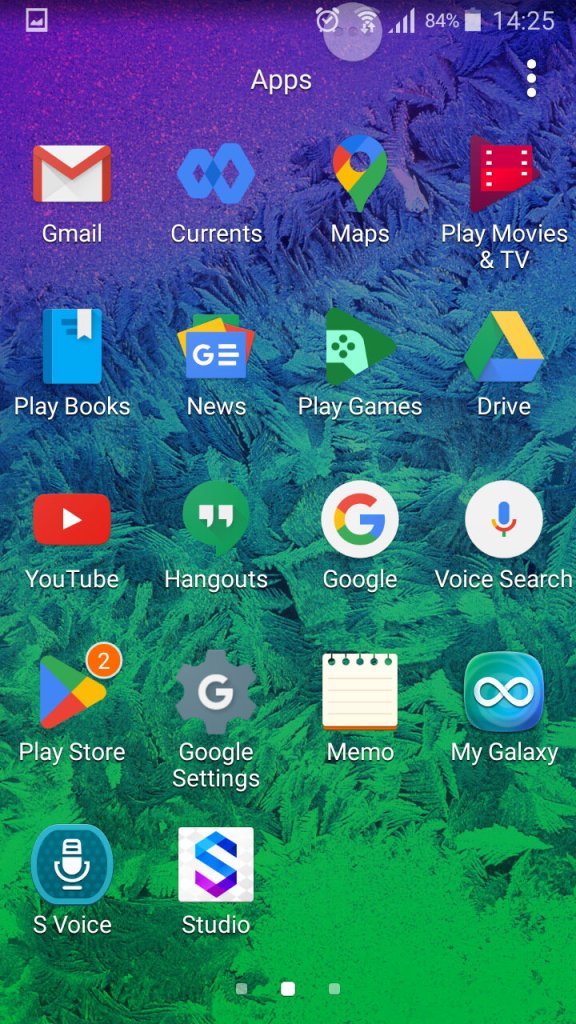
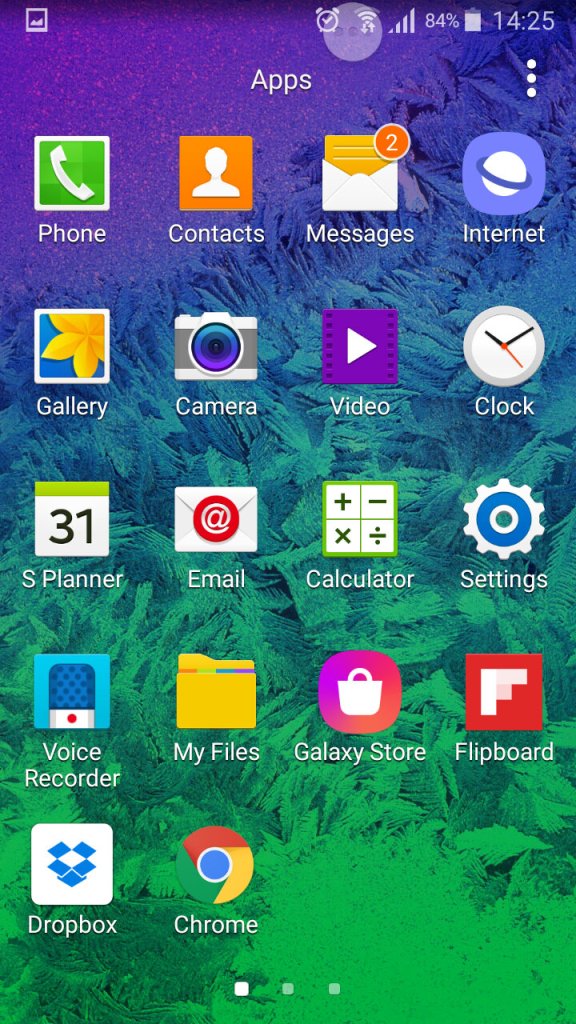
The list of apps, here you can sort apps by alphabetical, or in a custom order.
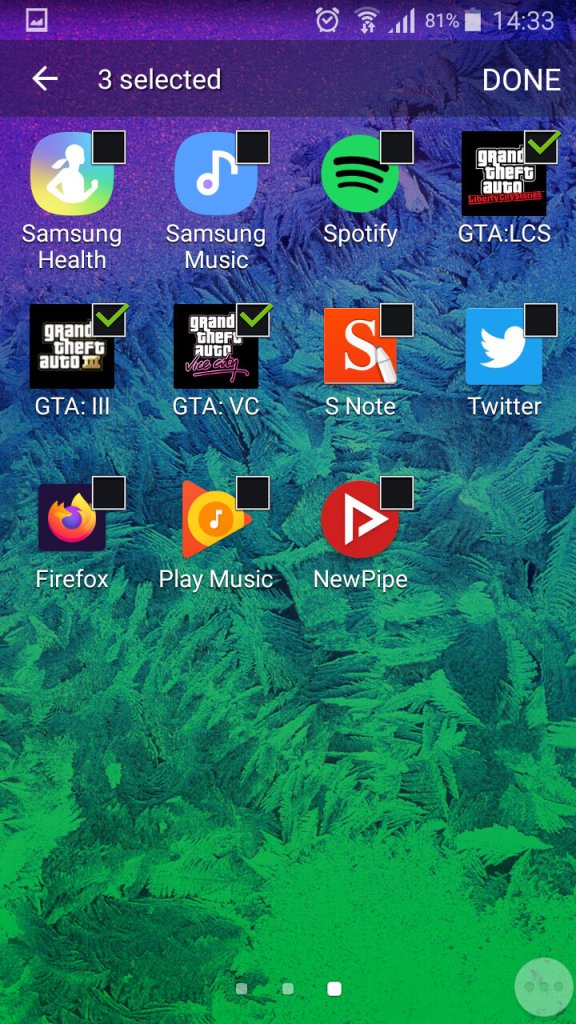
You can also create app folders to keep thing organised by tapping on the tree dots, then select ‘Add’, you cannot just drag an app over the folder icon like you can on the home screen.
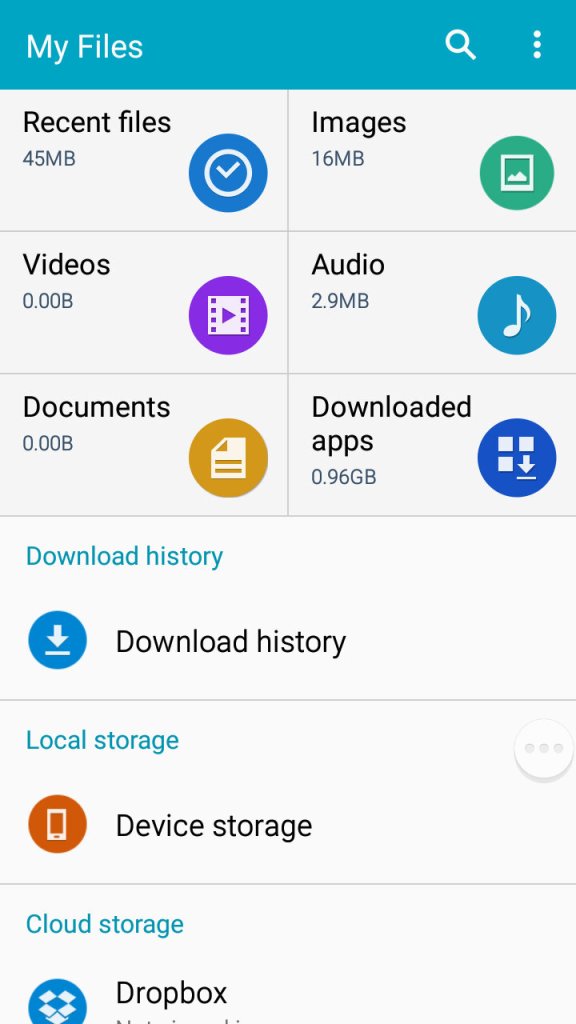
A look at the phones file manager. Unlike other Samsung handsets of the time, the Alpha only comes with 32GB Internal Storage with no option for a microSD card. Samsung would later do this for the Galaxy S6, to a negative reception.
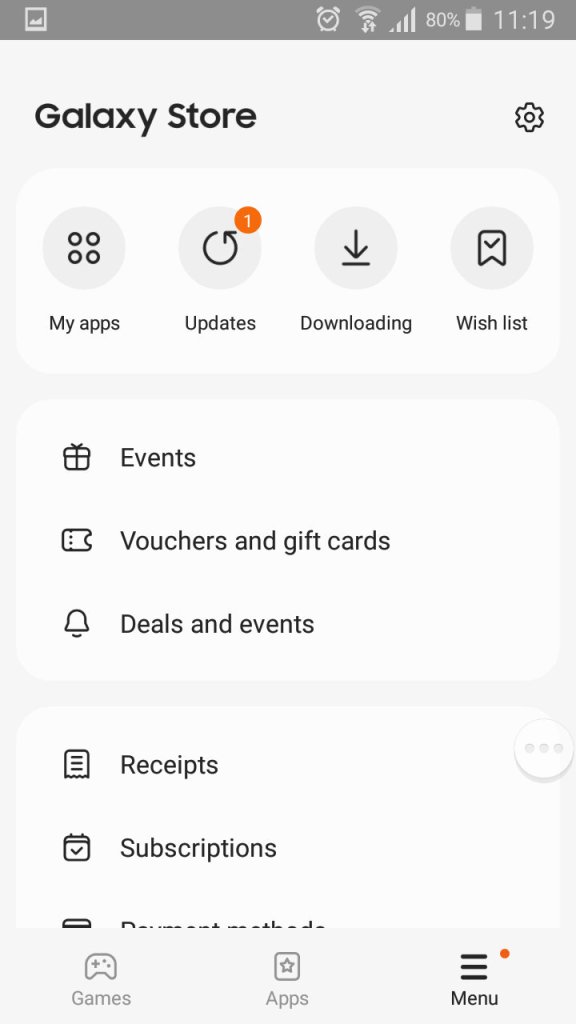
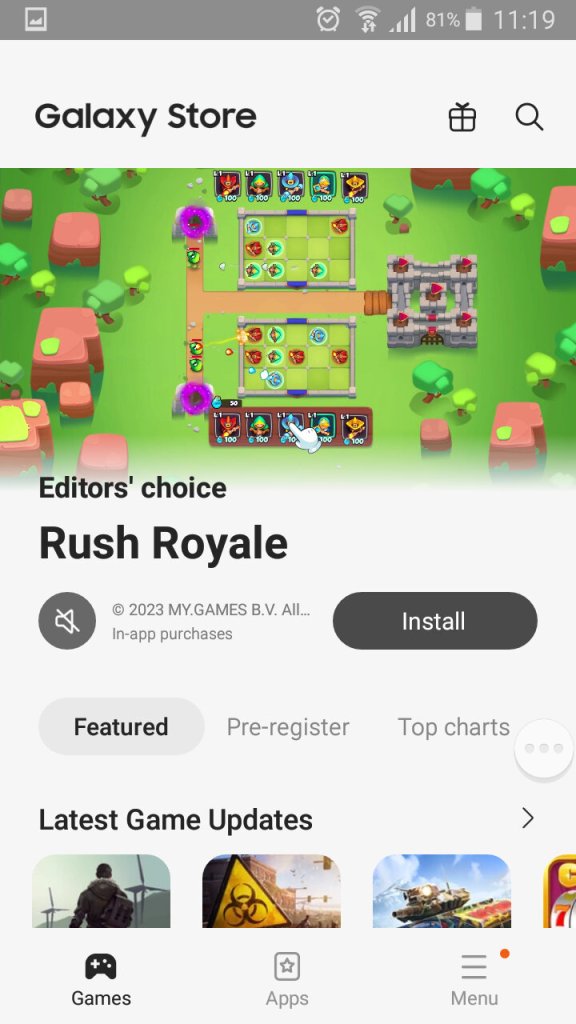
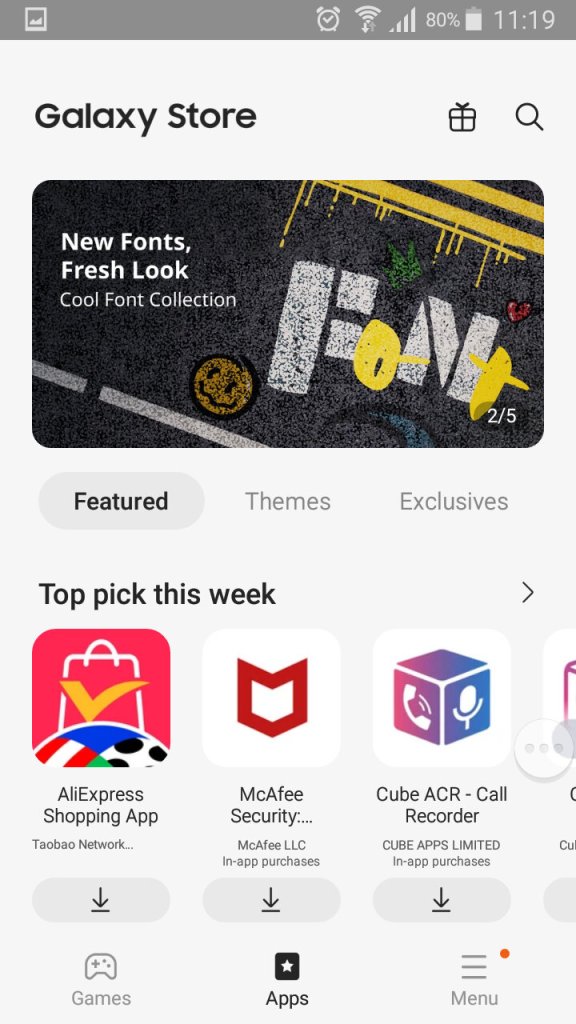
The Galaxy Store, which is Samsung’s own App Store and a alternative to the Google Play Store.
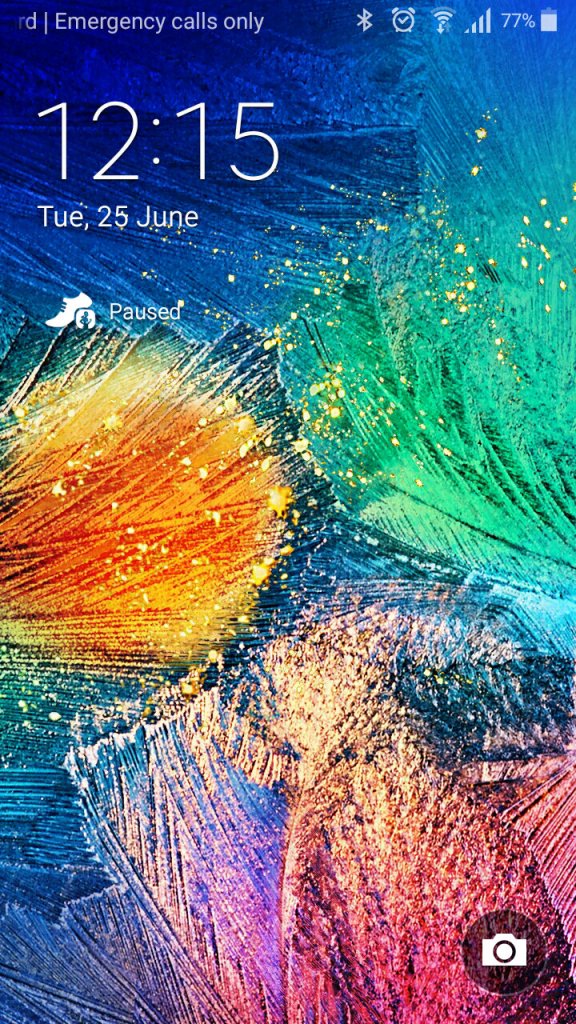
A very colourful lock screen, with Samsung adopting a different wallpaper styles for the Alpha, gone are the fields with blue skies that we say with the Galaxy S4. It’s a welcome change and gives the phone a more edgy appearance.
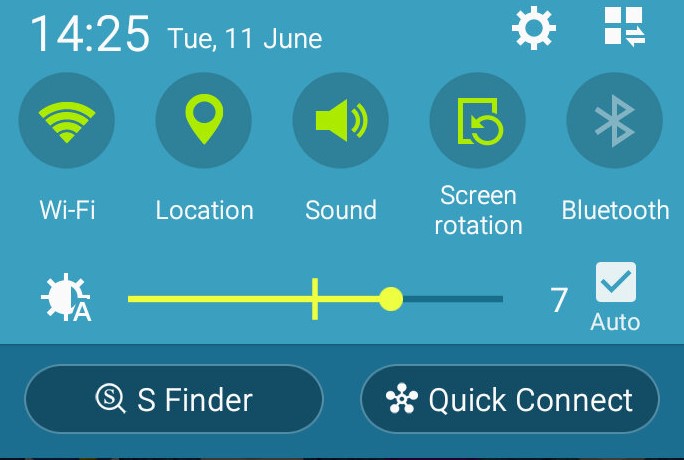
The dropdown still remains the same as the S4,
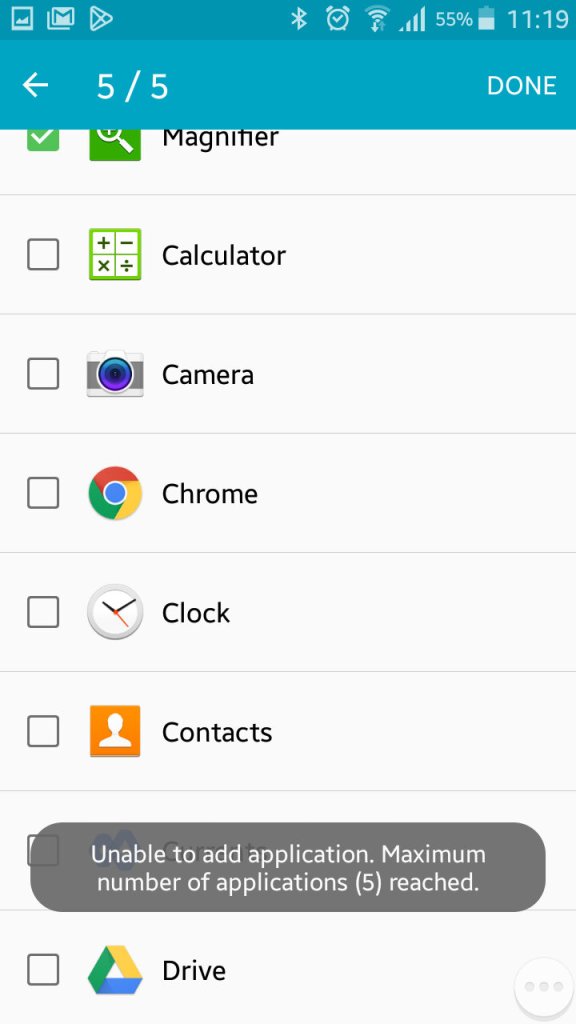
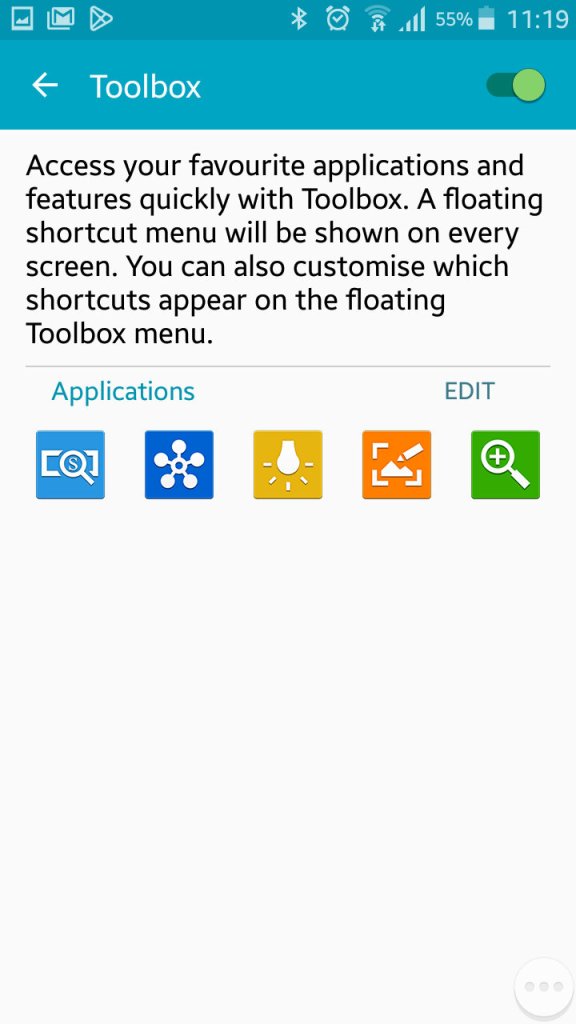
Once thing you might have noticed is a floating three-dot widget that you can press to open shortcuts. This is called the toolbox, you can quickly access the camera, take a screenshot, activate the flashlight and open QuickConnect. This can be turned off if you find this annoying as it does appear over all apps. You can also add additional apps, but you are always limited to 5.
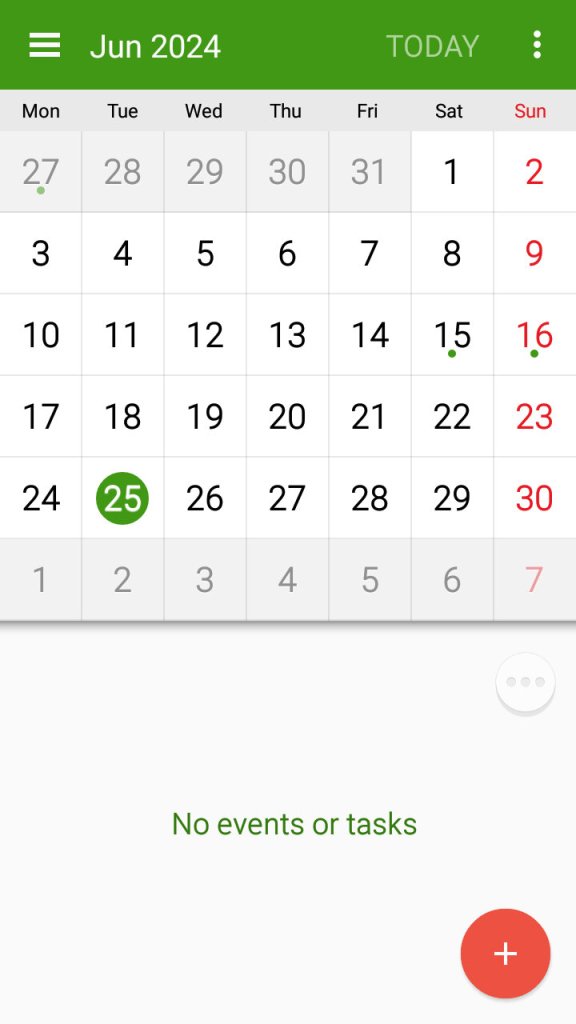
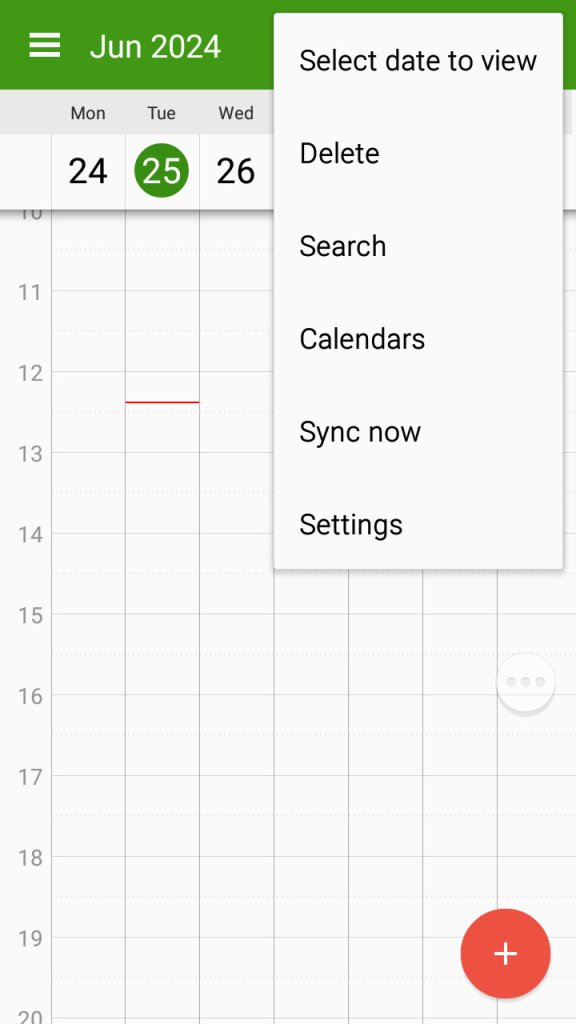
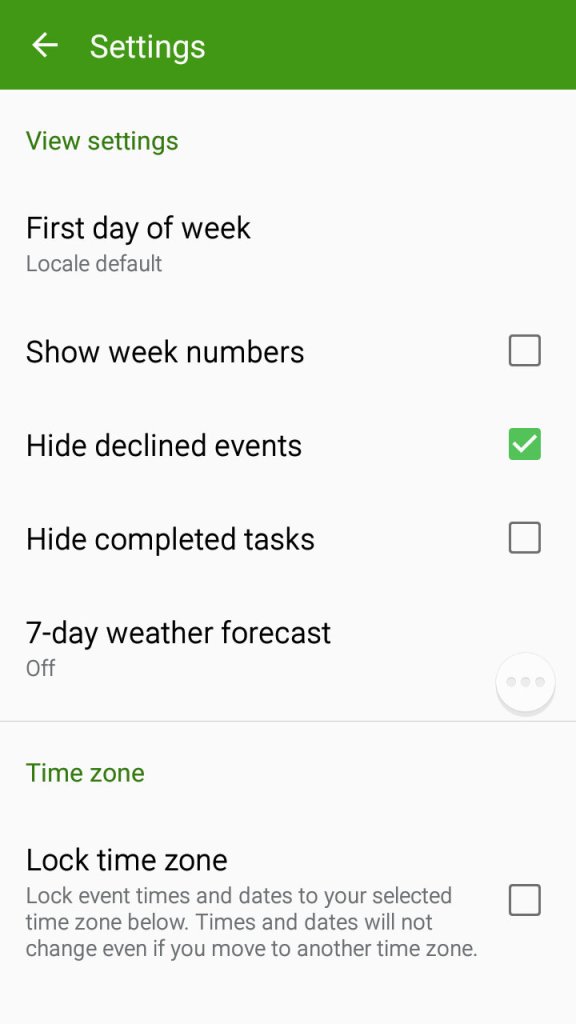
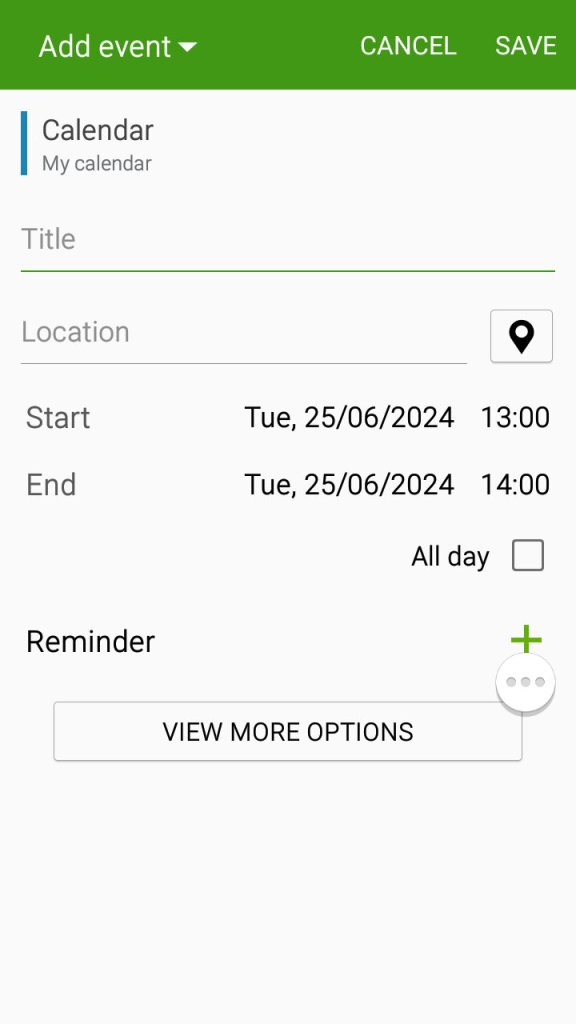
The S planner app which can be used to view the calander, set appointments and reminders and sync with Samsung or Google’s web calendar.
Settings Menu
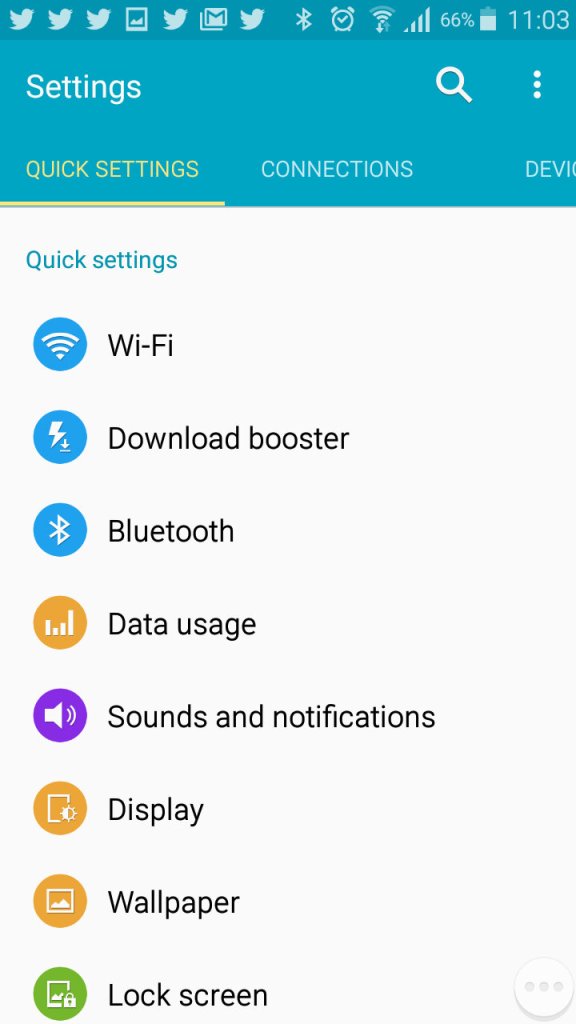
A look at the setting menu which Samsung has reorganised
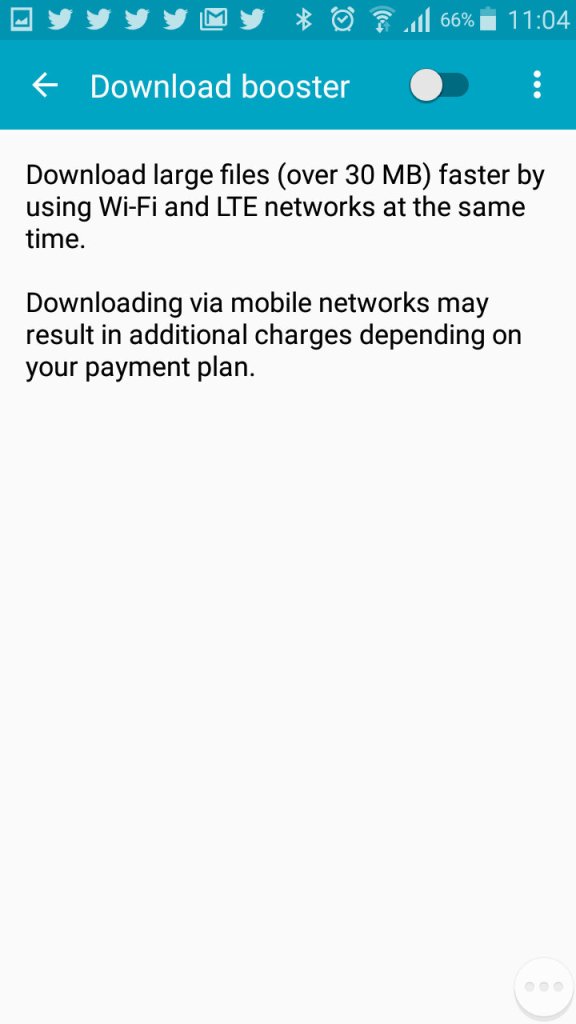
Download booster allows your phone to download using both the mobile network and the WiFi network, subject to the operator supporting this functionality
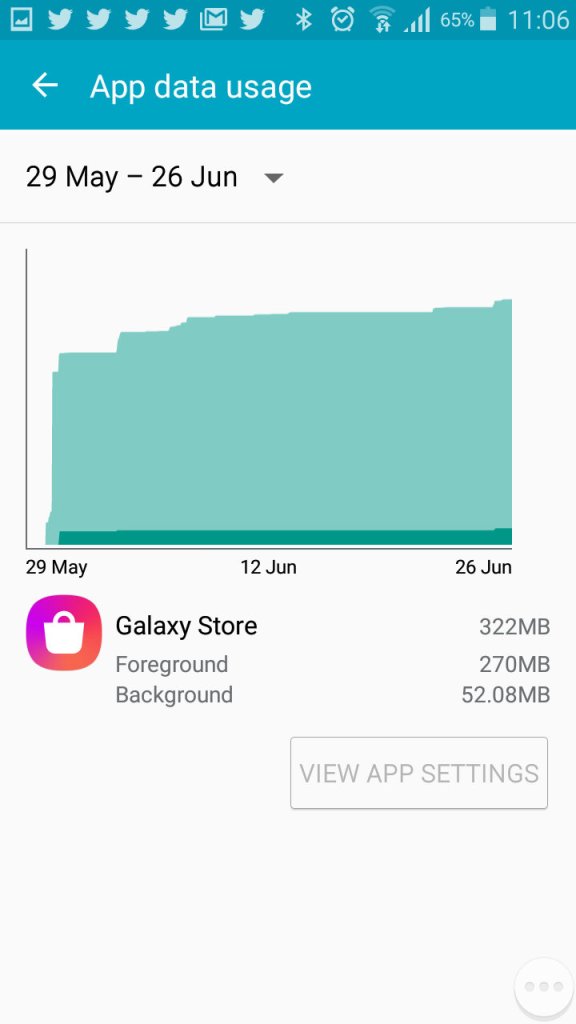
Viewing Android data usage
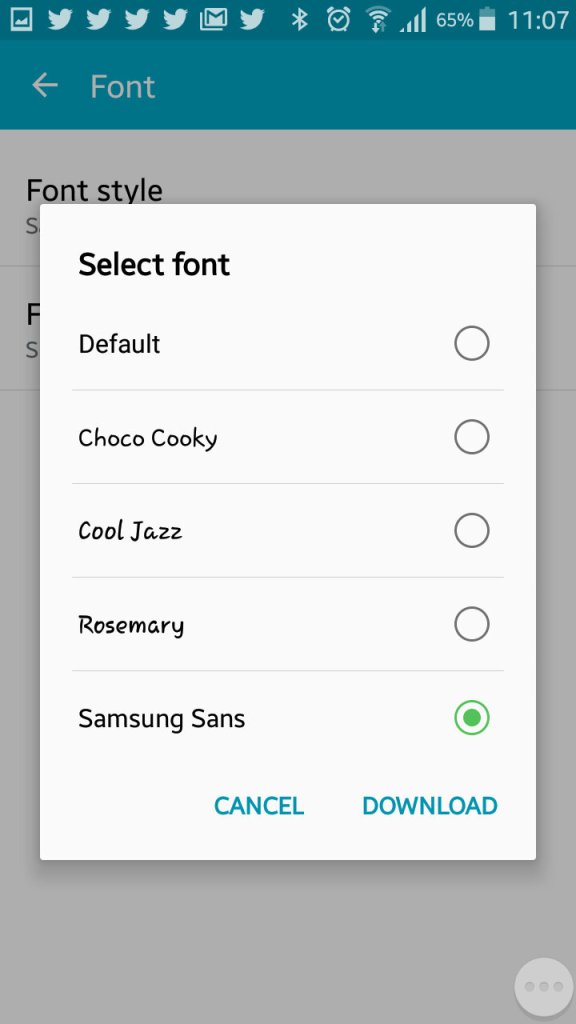
Samsung are one of the few OEM’s that allow you to change the active font of the device. You can also increase the font size to make the text more readable.
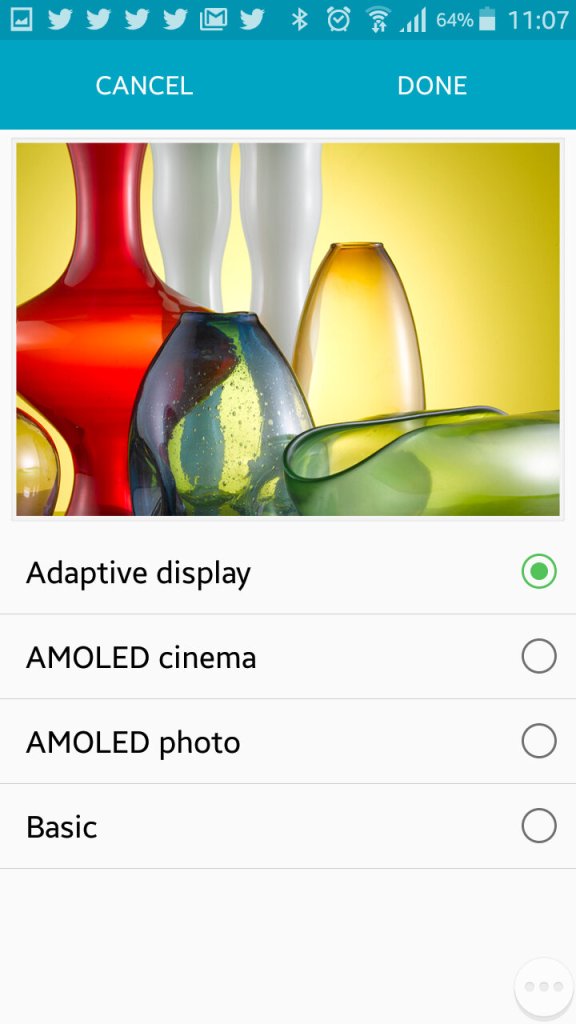
The adaptive display feature which adjusts the displays contract depending on the media or app you are using.
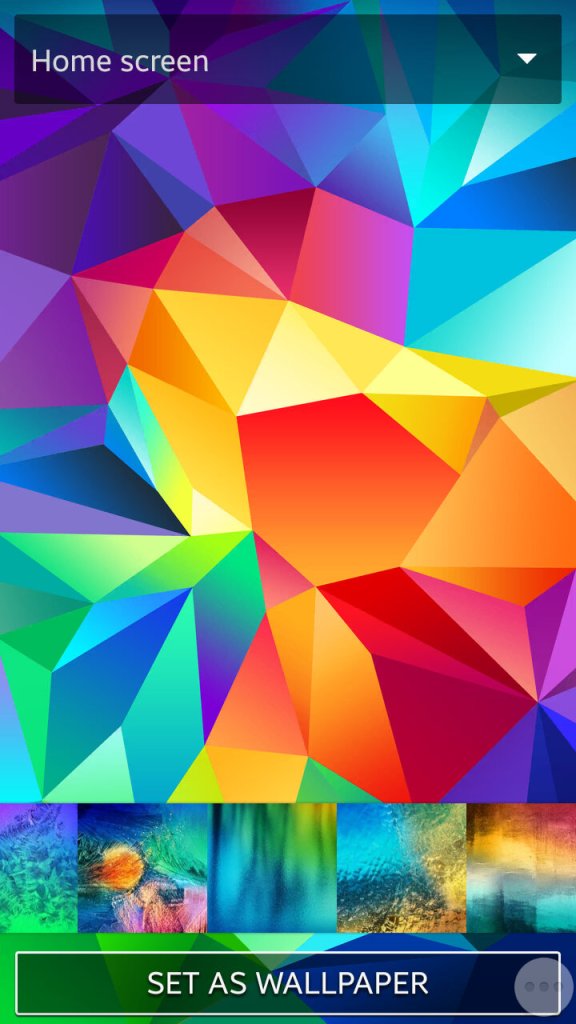
Setting the wallpaper and a look at the default wallpapers that shipped with the phone
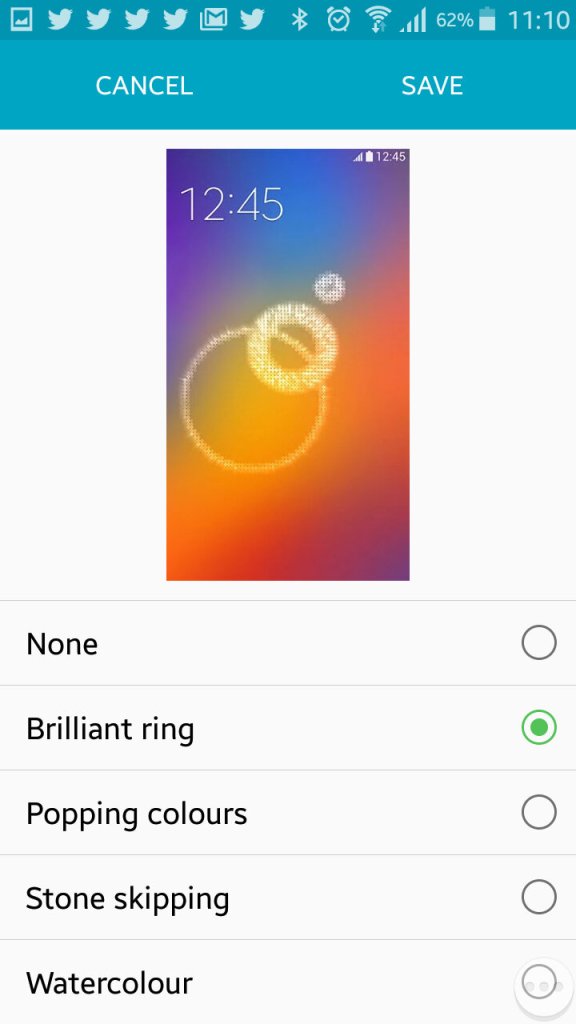
Changing the unlock animation that plays when you swipe your finger on the lock screen.
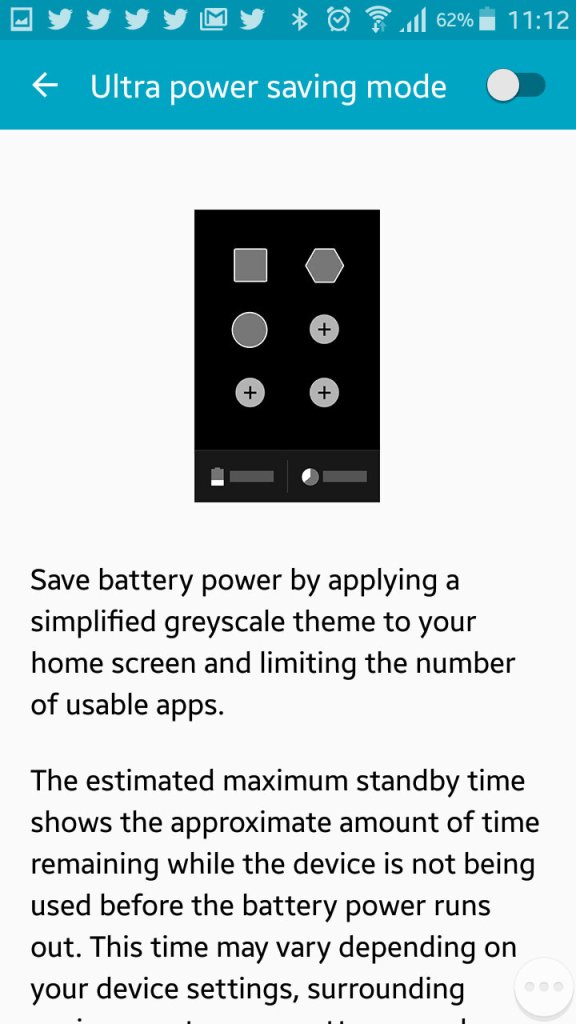
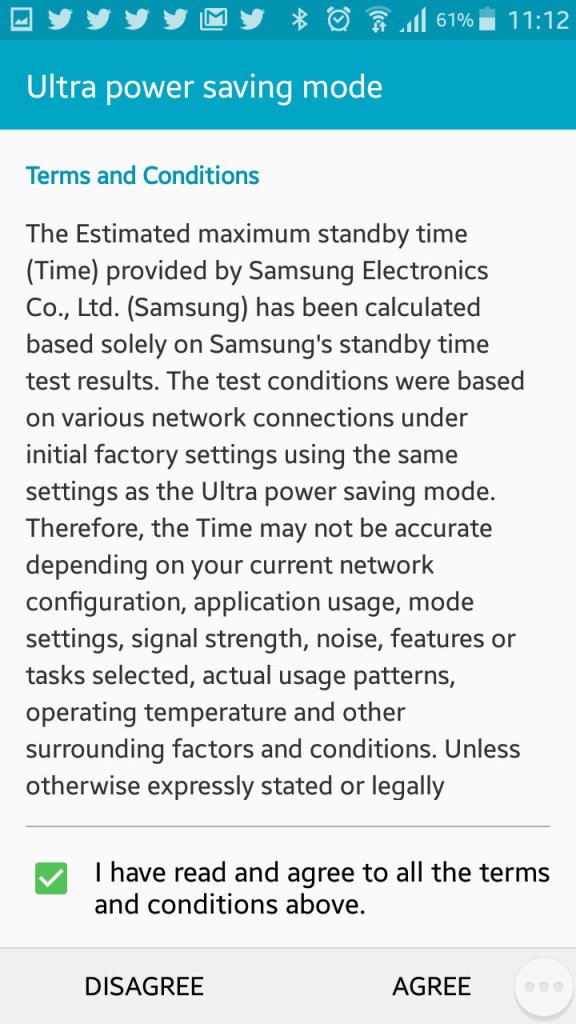
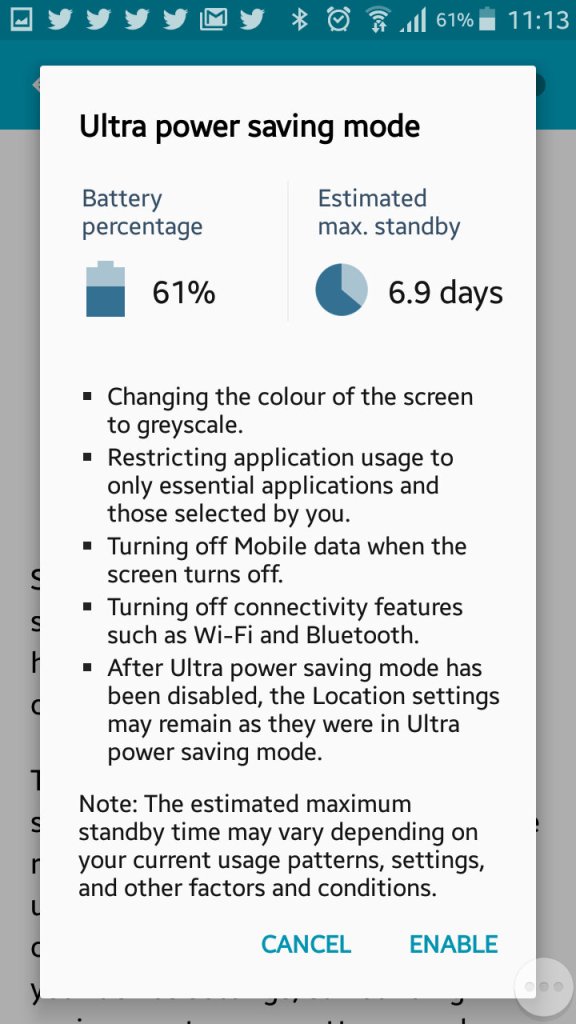
Ultra power saving mode, when enabled will change the display to greyscale mode and will restrict the apps that canoe run on the device. Ideal if you will be away for while and wont have access to a power supply. Apps can still run though you are very limited to the ones that can run, Twitter was the only third party app that could be run in this mode.
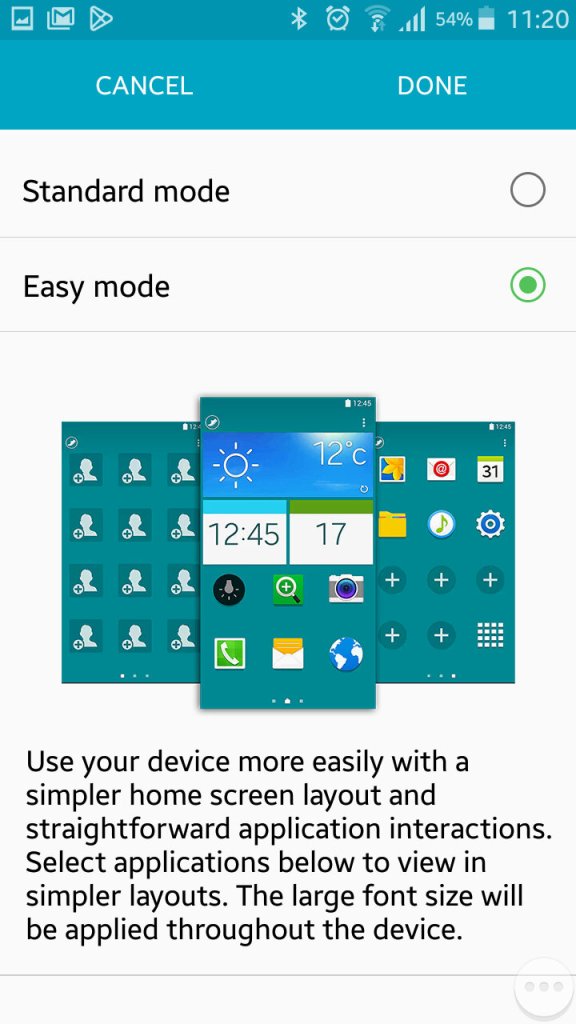
Easy mode makes the phone more simple to use for users who are not experienced with Android handsets
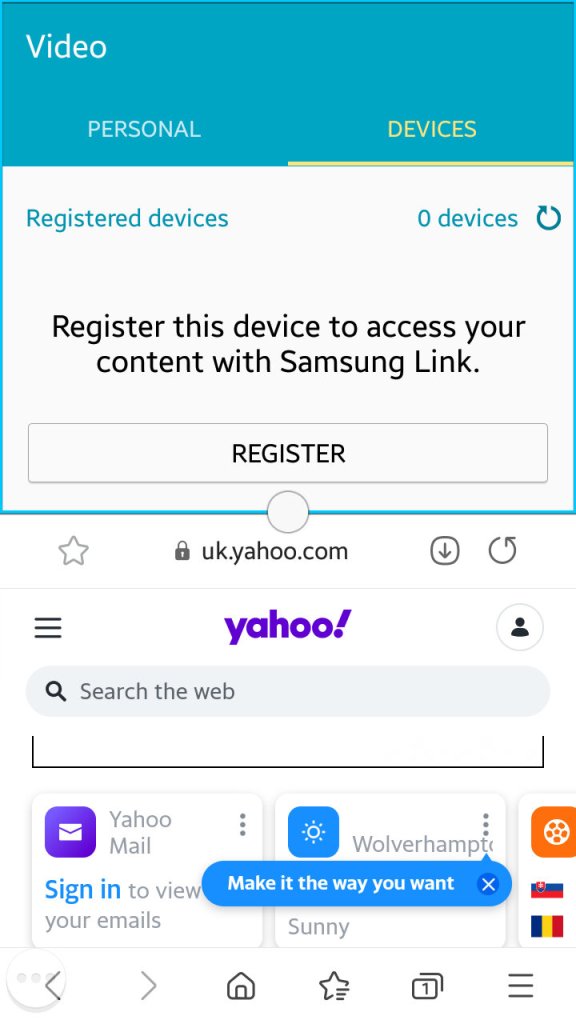
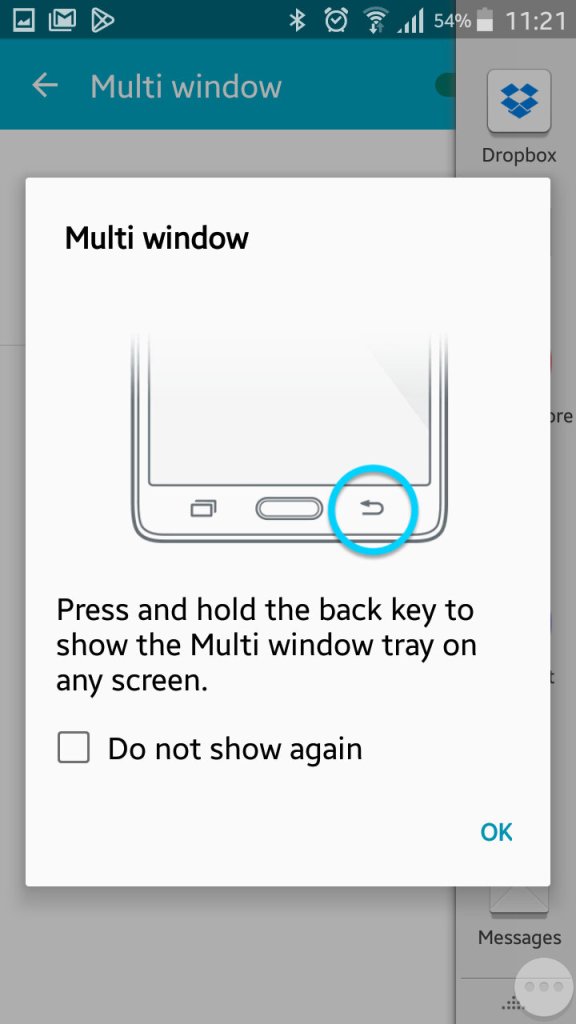
Multiwindow allows you to open multiple apps in a small window to be viewed on the same screen. Here you can split screen apps and have a Youtube video in one part of the screen whilst you browse the internet with another. Whilst handy it’s limited by the 4.7 inch screen, defiantly something that was useful on the Note series of phones.
Enabling it can be down by bringing up the list of apps and tapping on the split screen icon, this can only be done with supporting apps.
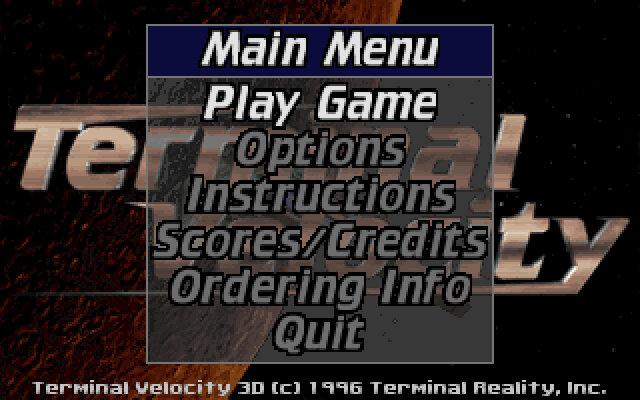
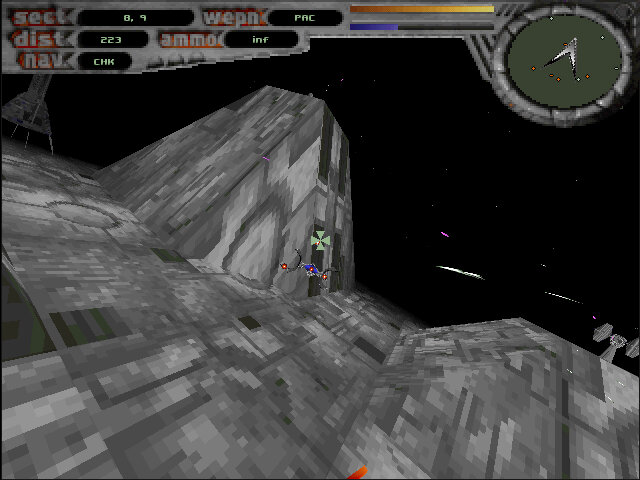
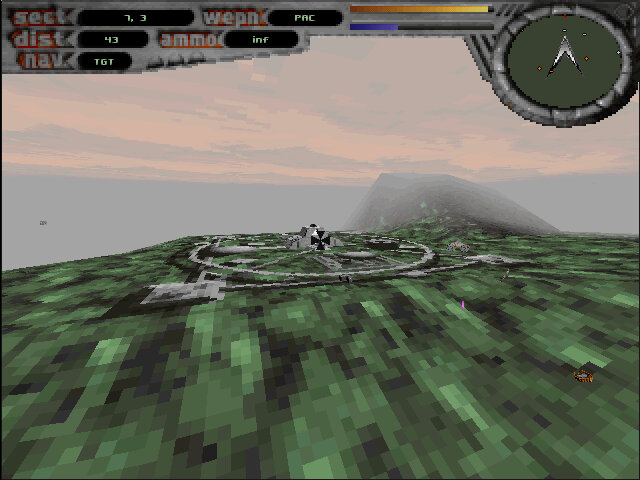
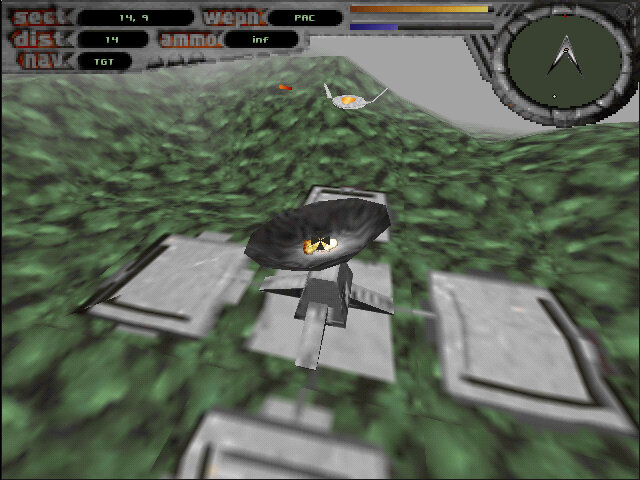
A flight combat game, very similar to Fury3 where you have to fly around and shoot stuff.
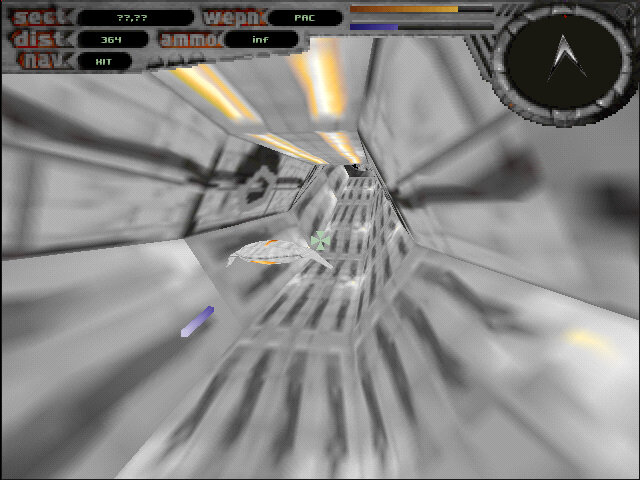
The game comes with various missions with multiple objects that require you to destroy enemy ships and locations in order to progress. Some objectives require you to fly through a deathtrap tunnel where you have to avoid obstacles to prevent damage to your ship.
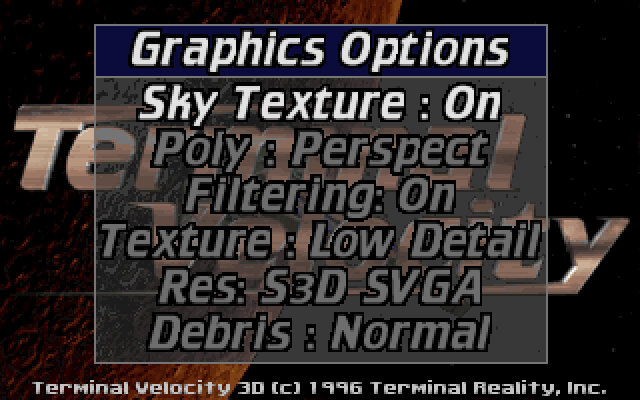
The game was released for MS-DOS, with later 3D patches becoming available for 3D video cards like the S3D S3 ViRGE graphics card. These versions make use of the hardware acceleration features that can improve the features for the graphics of the game including texture filtering. The S3 ViRGE isn’t that much of an accelerator, with a strong Pentium being able to match or provide improved performance on software rendering alone. Still if you are using an AMD or Cyrix 5×86 chip, the S3 provides a good improvement.
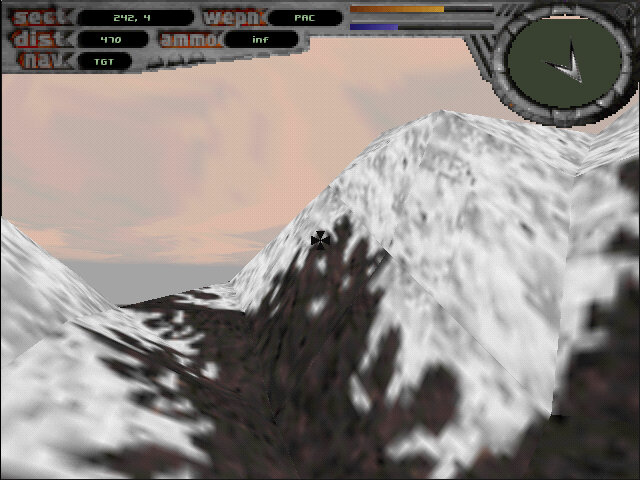
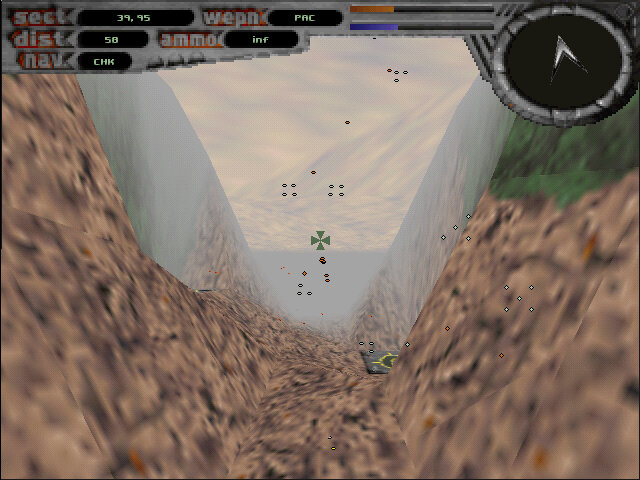
The levels themselves are large and vast, allowing you to simply fly around in a sandbox environment. As such it’s a perfect demo to test a brand-new 3D graphics card.
The shareware version is the most common and was bundled with some OEM graphics cards as a showcase for what their video card was capable of. This only includes three levels/missions with more that can be unlocked by purchasing the full version of the game. Sadly the only unlocked version is the non-accelerated DOS version.
There was also a port for MacOS that runs in software mode, unlike other 3D titles this was never ported to a fifth-generation console.
The HTC 10 is a well-rounded flagship smartphone with a focus on build quality, audio performance, and camera capabilities. It’s a solid choice for users who prioritize these aspects and prefer a near-stock Android experience since HTC dialled down their customisations with the launcher. The phone’s design is more similar to what you would see with a typical Samsung or Sony flagship handset.
There’s no doubting that the HTC10 is fast. The Snapdragon 820 processor is quadcore, running at 2.2GHz, and has a massive 4GB of RAM available. It’s a noticeable step-up from the slower 8-core processor of the One M9, but perhaps not quite as powerful as Samsung’s Exynos processor used in the Galaxy S7. The phone is equipped with 32GB of data storage, and can be upgraded with a microSD card.
The OS is Android 6 with the latest pared-down version of HTC Sense with fewer pre-installed apps, and has received upgraded to Android 7 and 8. HTC’s new Freestyle Layout frees up your creativity, allowing you to pin icons and widgets wherever you like. It’s a welcome change from the usual Android grid, but can get a little anarchic at times.
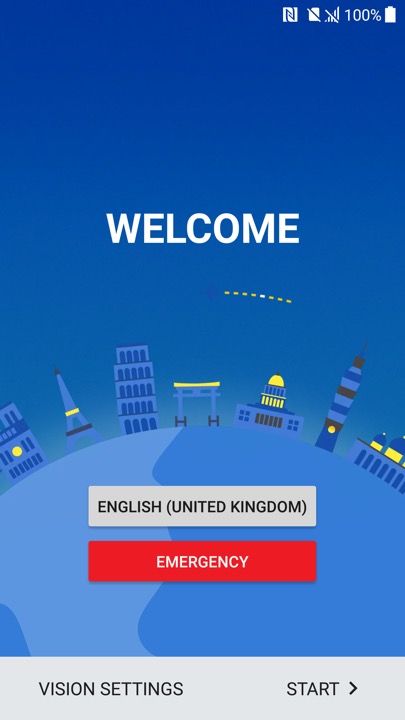
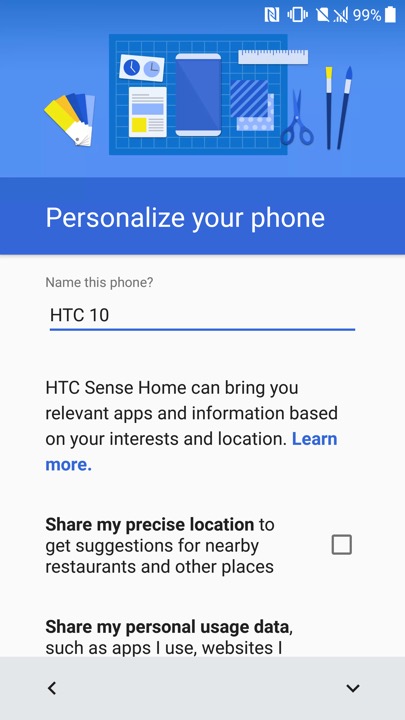
Ther setup wizard that appears when you power on the phone for the first time
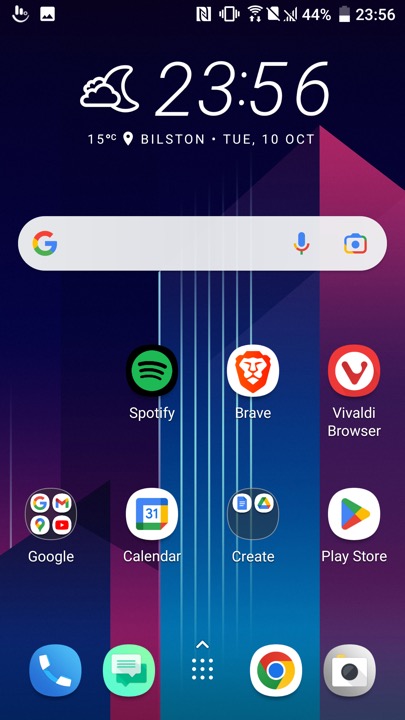
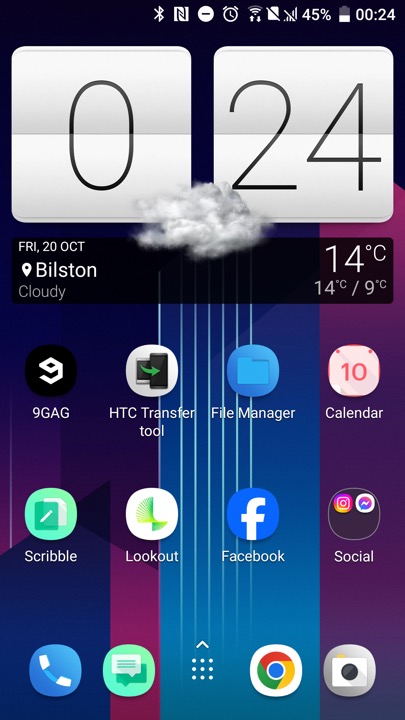
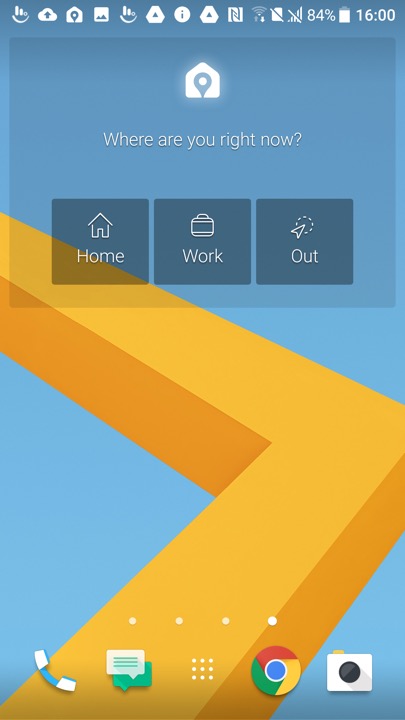
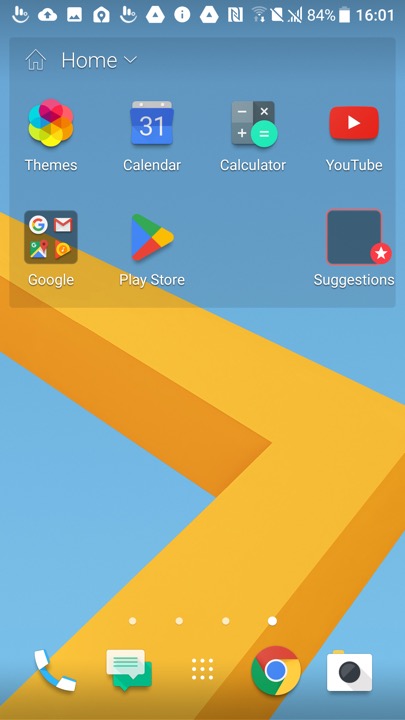
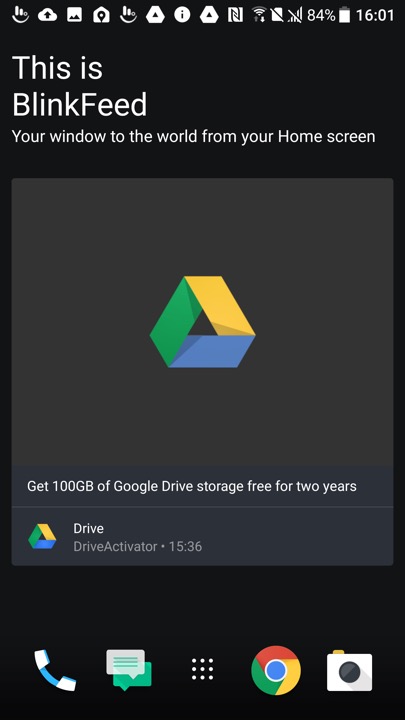
The HTC home screen which used their own custom launcher, swiping to the left will show another screen which will display the time and weather which will be a widget that you can tap on to open the weather app
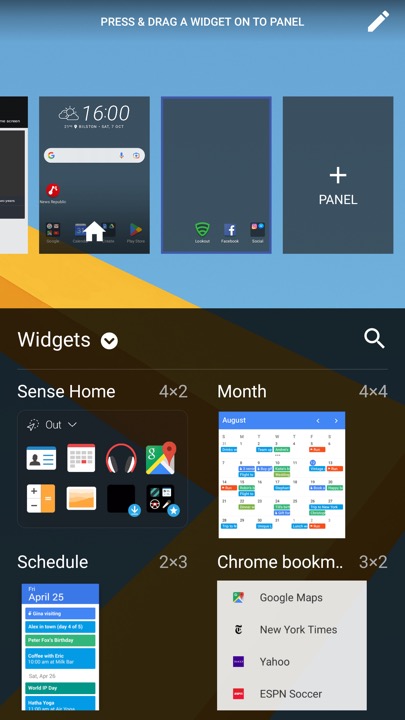
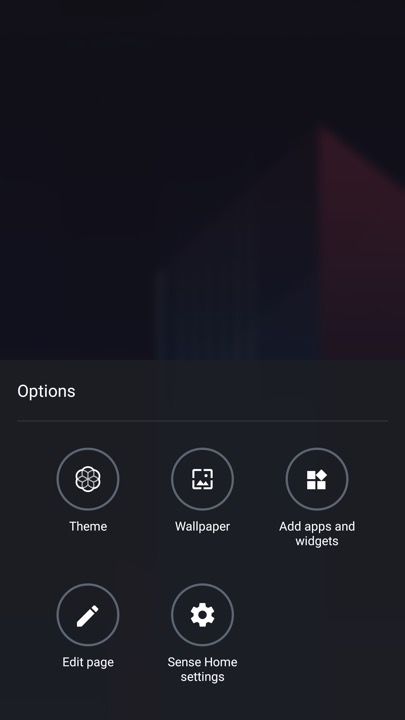
Customising the launcher, here you can select a different theme, change the background wallpaper and add additional widgets or app shortcuts. The edit page button lets you select which screen you want to appear as the home screen, or remove any vacant screens.
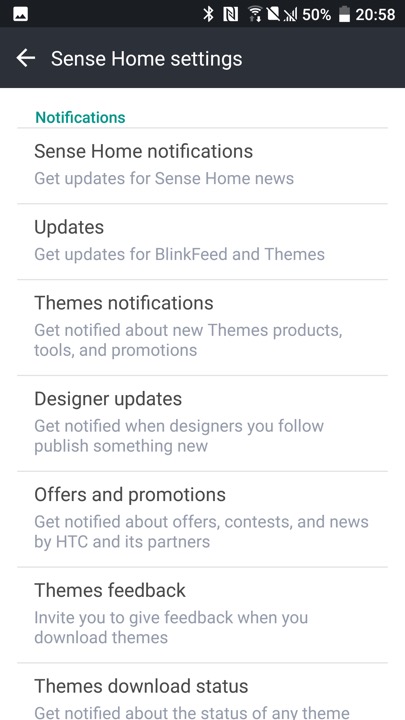
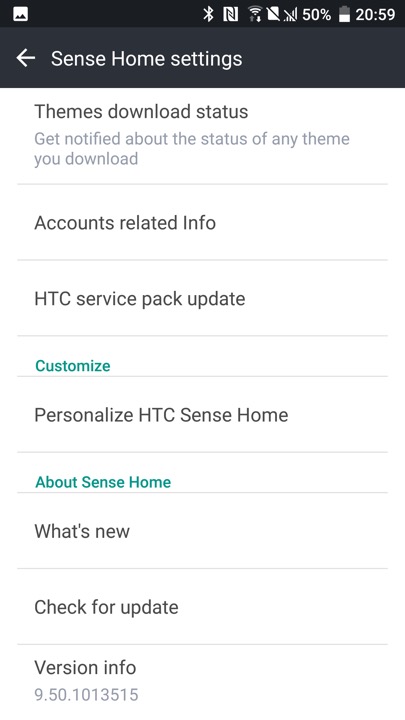
The HTC Sense settings, where you can adjust the notification settings. HTC would have sent notifications regarding new themes that had been released, and any offers and promotions. The settings screen can be triggered by holding your finger on an empty area of the launcher, which will popup the menu on the left.
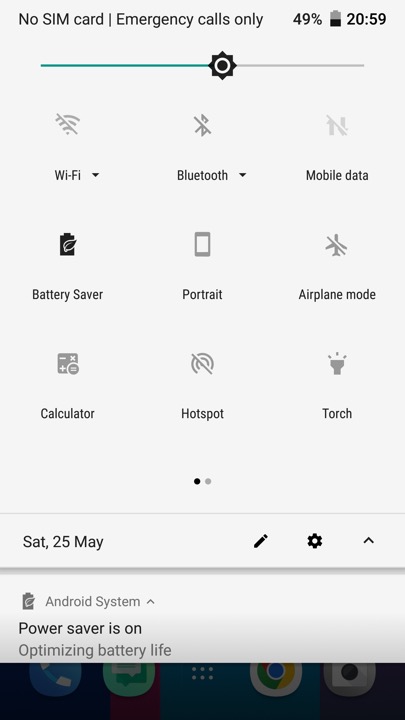
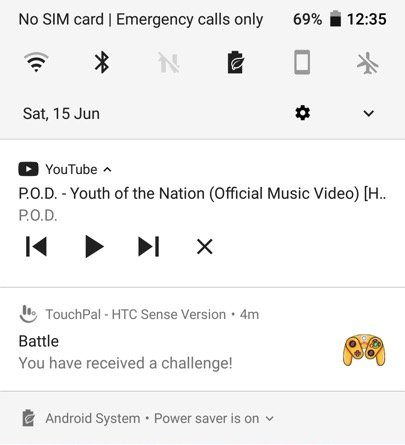
The pull down notification bar which gives quick access to common phone functions.
The messaging app which incorporates Google’s material design. Messages can be backed up and protected with a password. You can also setup a block list to block specific numbers or spam. There are also message templates to quickly enter a message to send.
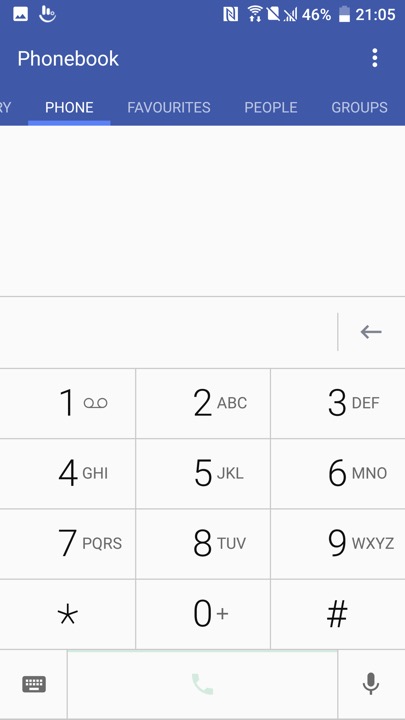
The phone app which is used to make calls, and to view saved contacts. Voice dialling is supported where you can speak the name of your contact, though a language pack must be downloaded first.
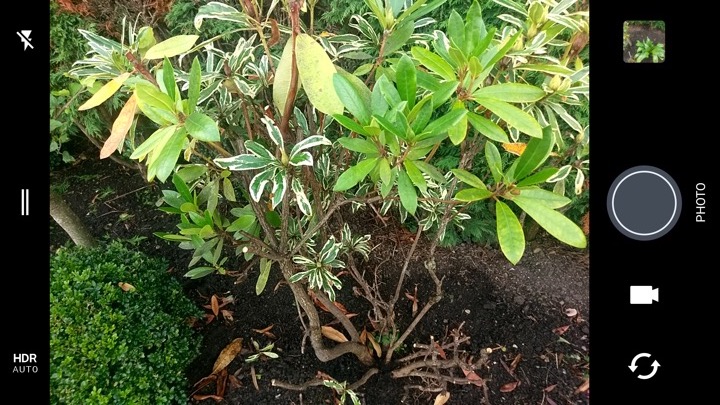
The camera viewfinder, The camera may just have 12 megapixels, but it does everything it can to capture light – using a 1.55μm pixel size, a huge f/1.8 aperture and Optical Image Stabilisation. A two-tone LED flash is also available, to get the very best night-time shots.
Perhaps even better is the front camera, which, although it has just 5 megapixels, is very good at capturing the best shots. It’s an autofocus camera and also features an f/1.8 aperture, auto HDR mode and (uniquely) Optical Image Stabilisation, making it one of the best selfie cameras you’ll find. The rear camera can capture 4K video, while the front camera sticks to 1080p.
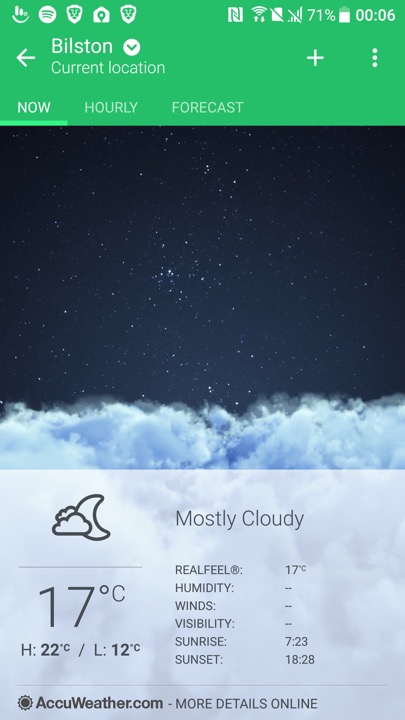
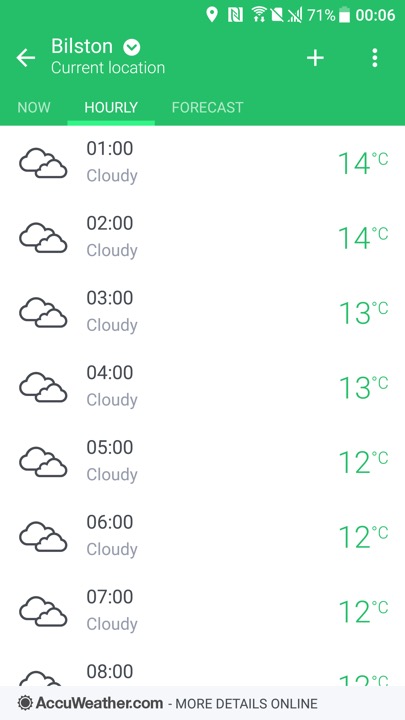
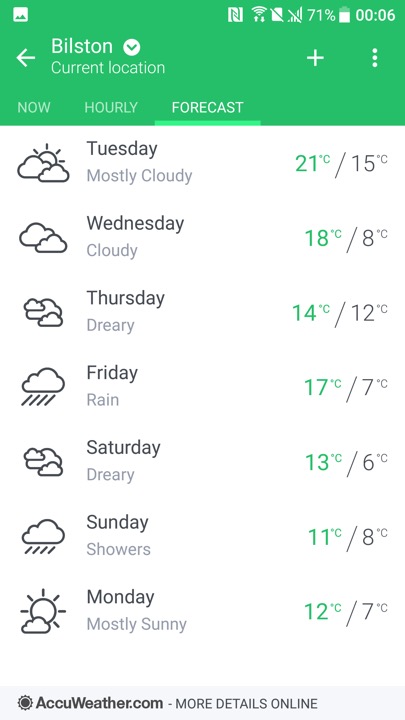
HTC’s weather app which by default shows your local weather based on your location, and will show for the different major cities. Data is obtained from either Google, or Accuweather.
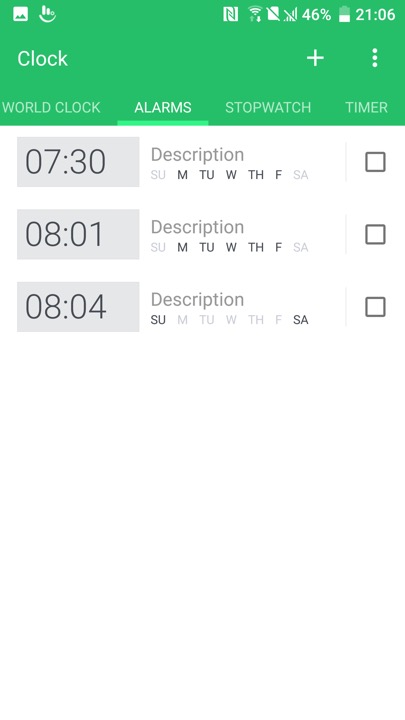
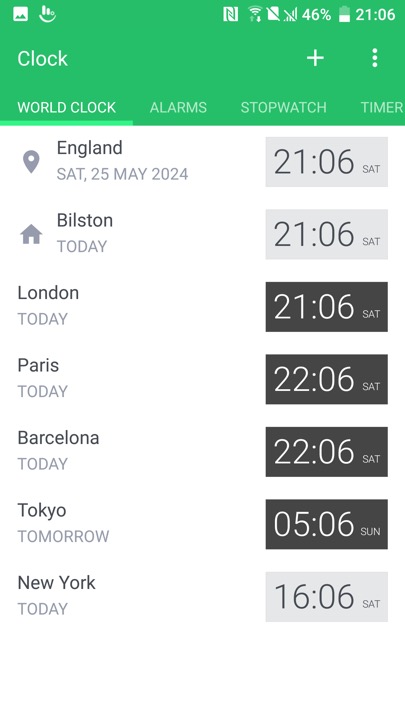
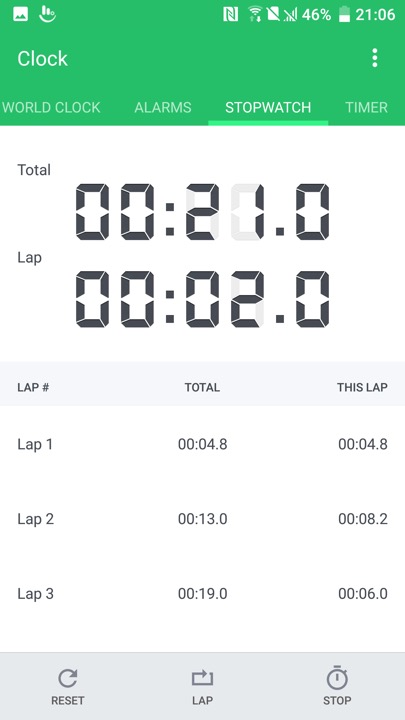
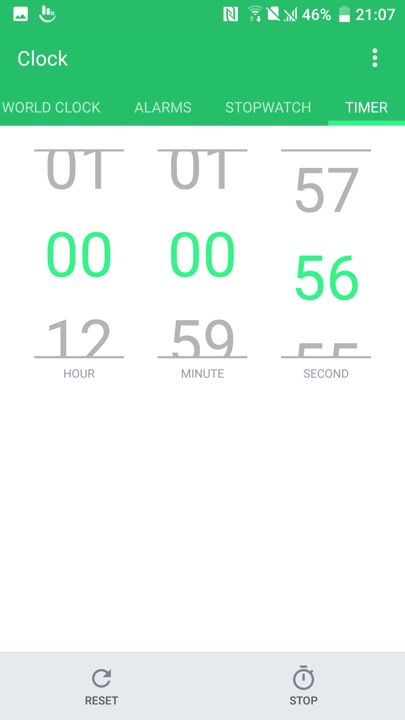
The Clock app, which also functions as a timer and a stopwatch
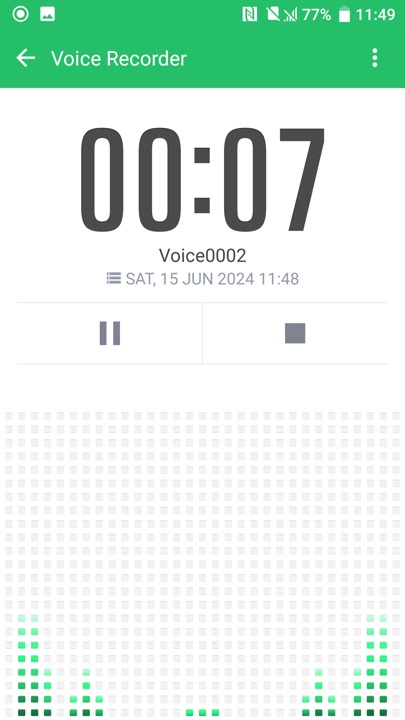
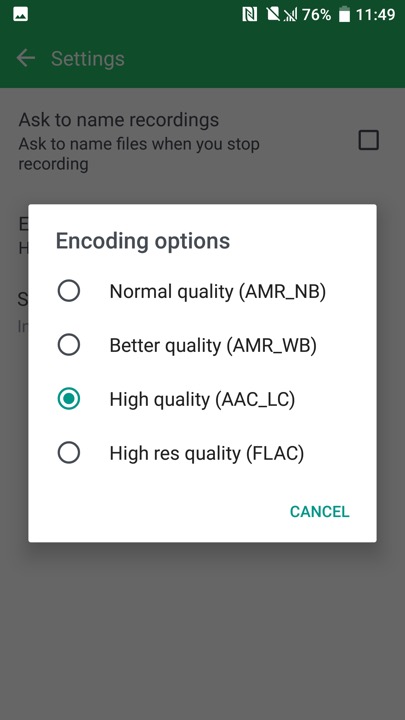
The voice recorder, which supports saving recorded audio in AMR or AAC format, AMR is lower quality but is more supported when sending to older devices
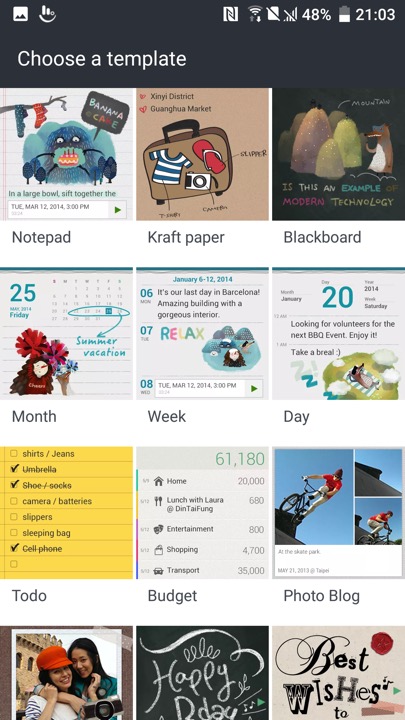
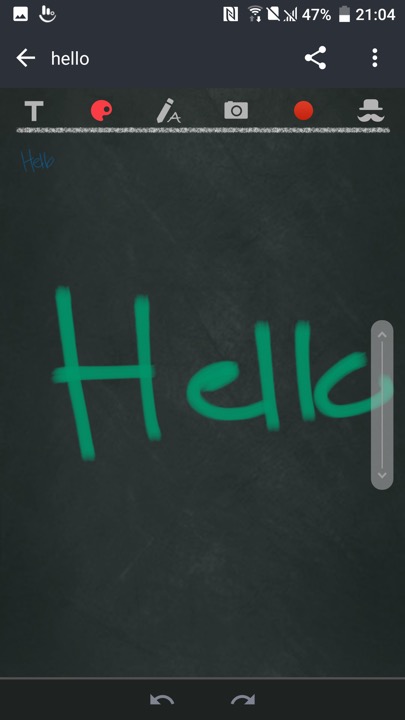
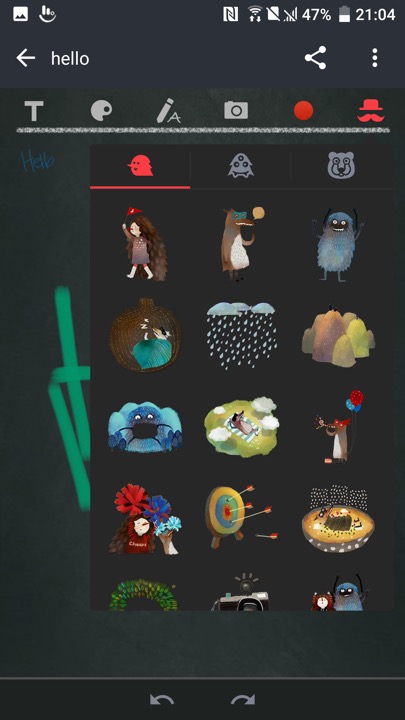
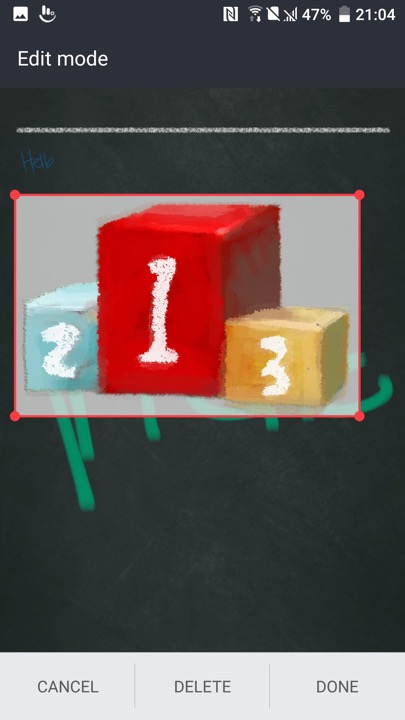
Scribble – A memo drawing app that can be used to create notes. These can contain text, or any drawing created by the touchscreen. Images taken from the camera can also be inserted into the memo, along with stickers.
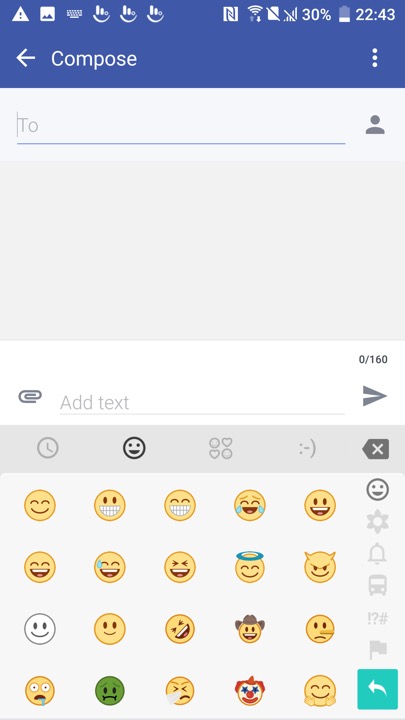
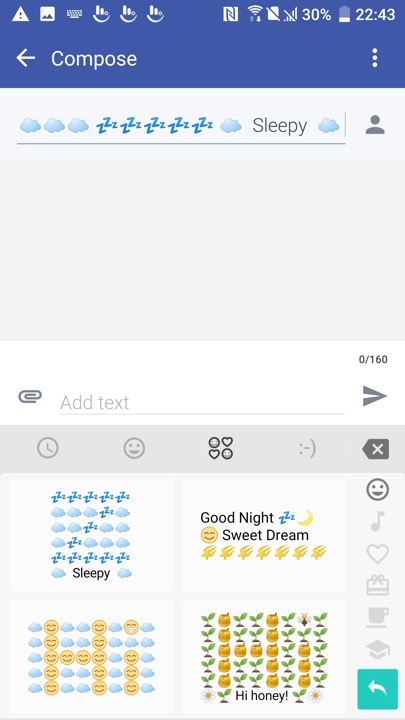
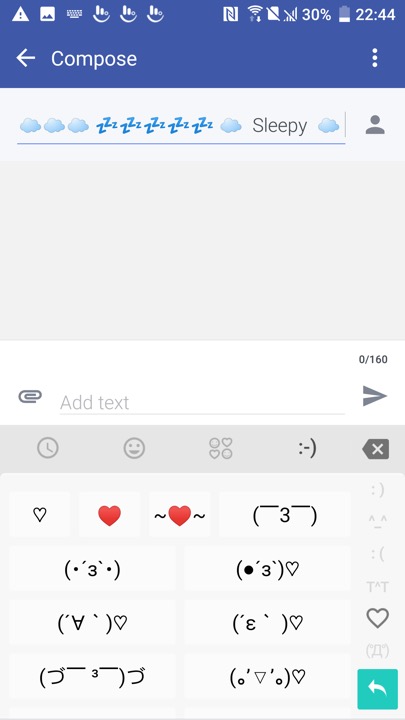
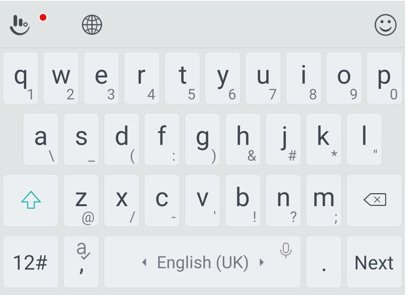
The bundled keyboard which is a customised variant of the Touchpad keyboard. As with other android keyboards you can adjust the size, appearance and features of the keyboard such as emoji or GIF support.
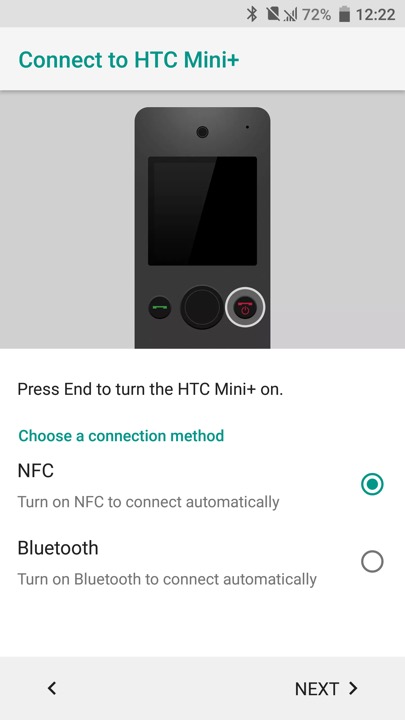
HTC Mini is also supported, which is a compact device that links to your smartphone, kind of like a smartwatch.
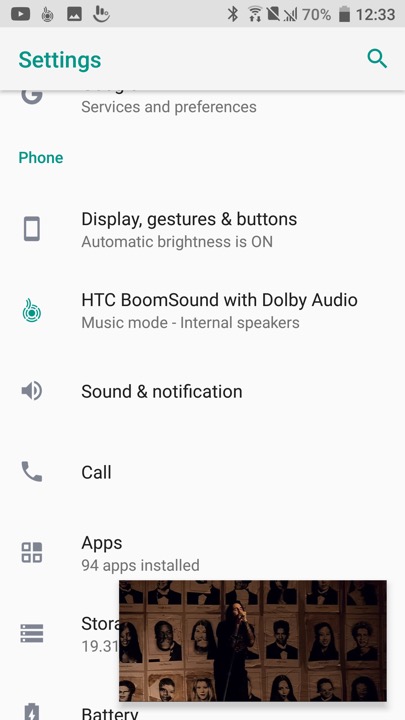
A feature you will see in the settings menu is HTC Boomsound manipulates the phones speak to provide multichannel audio using the phone’s mono speaker. There are two modes, Music and Theater which will relelate to the type to content you are playing. Unlike the preious HTC flagships (M9,M8) the 10 only has a single speaker located at the bottom of the device.
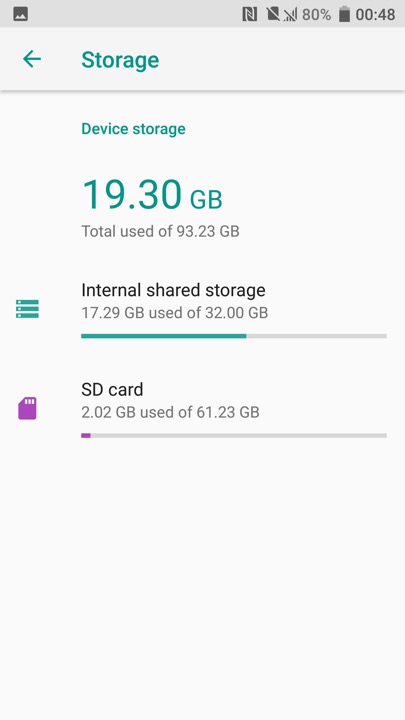
Device storage screen, HTC are one of the few Android OEMs to support adoptable stage where the microSD card is merged with the internal phone storage. This has the benefit that larger apps (Games) can use both types of storage, but means the apps cannot be used should the microSD be removed.
Is that a GameCube controller?
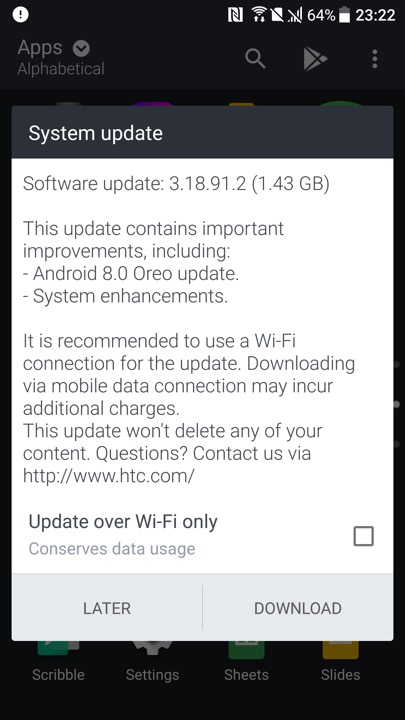
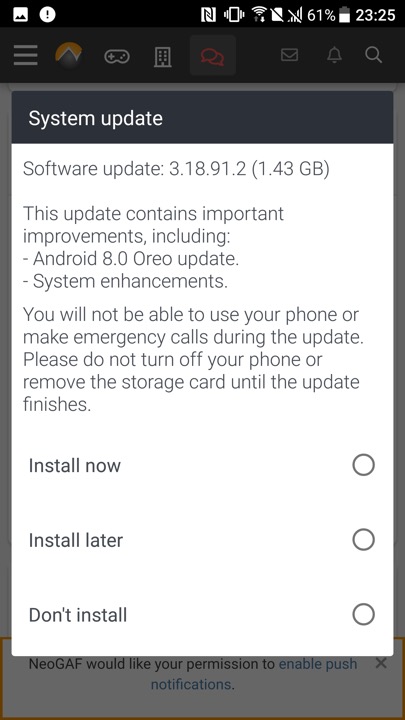
Lastly we have a software update, even though the phone is around 8 years old.





 Drew1440: Blog